All Activity
- Past hour
-
 @Cult Icon I don't wanna hear any spoilers
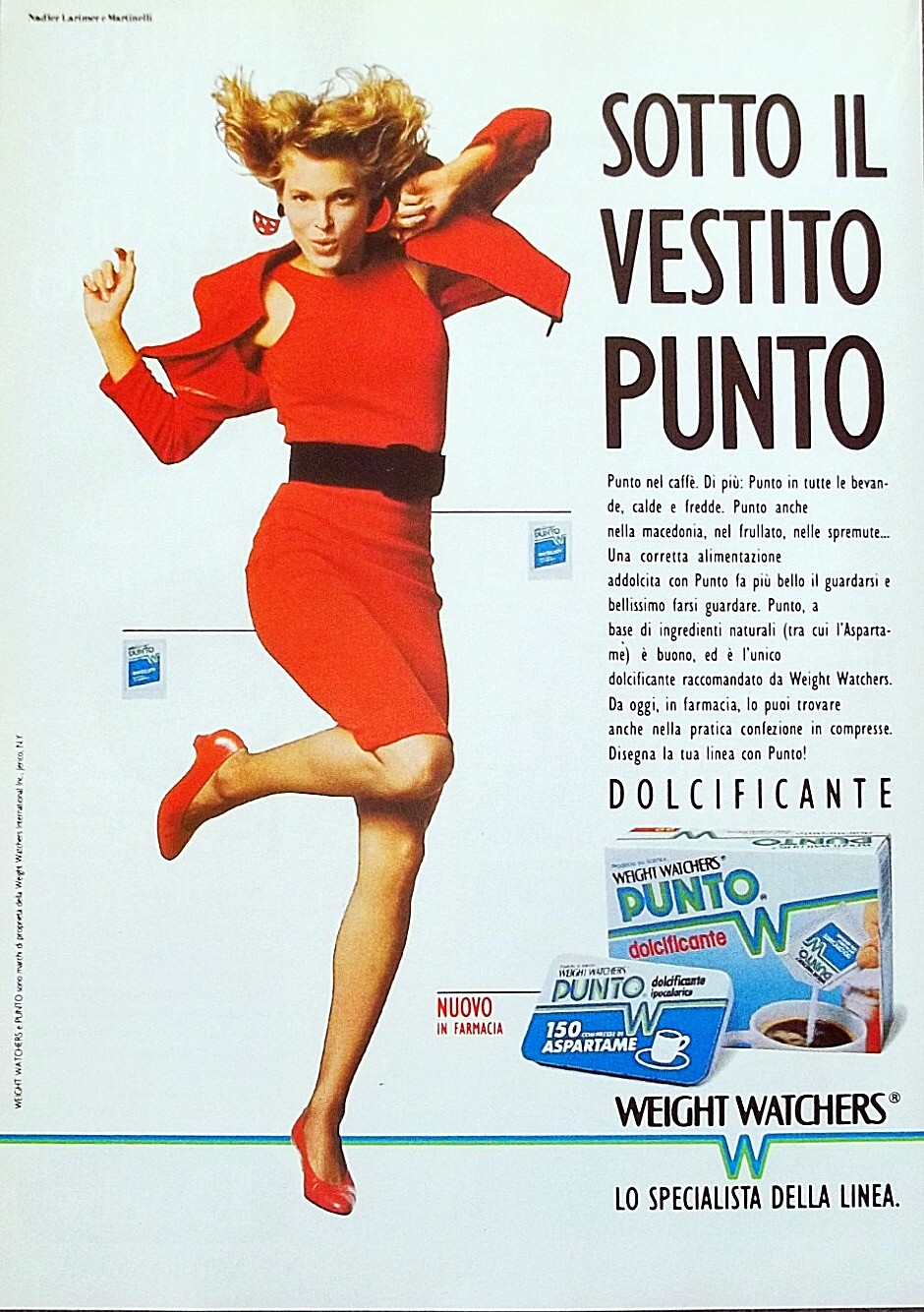
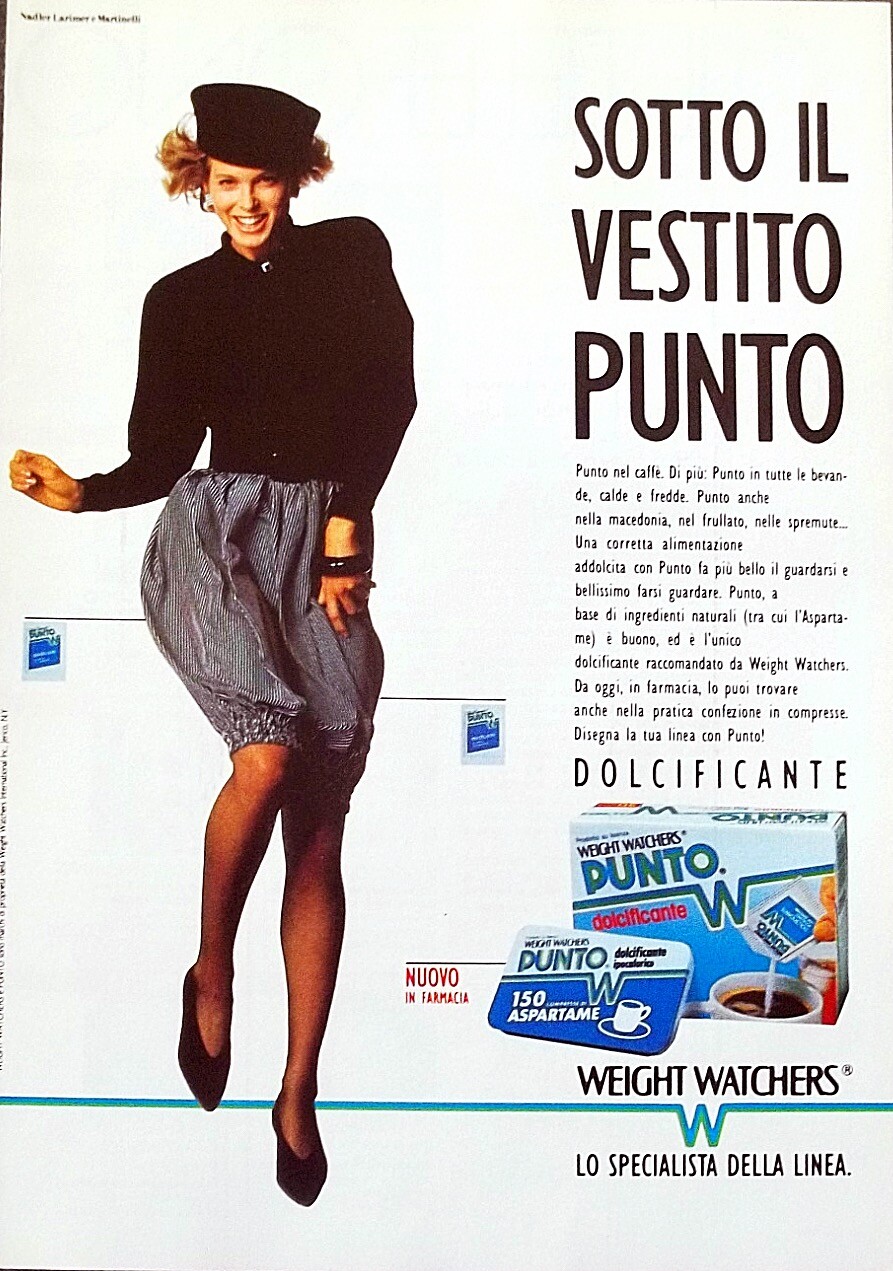
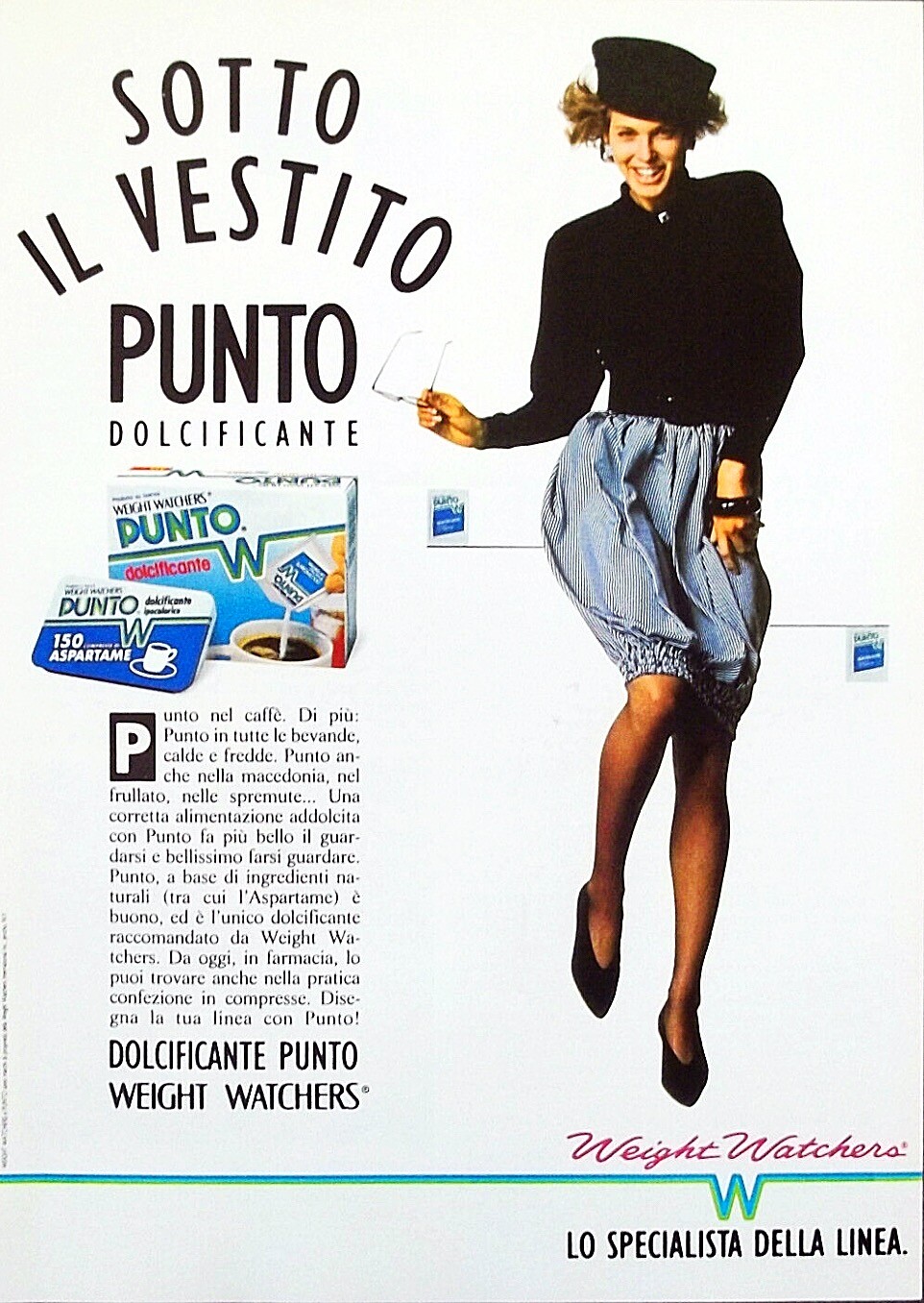
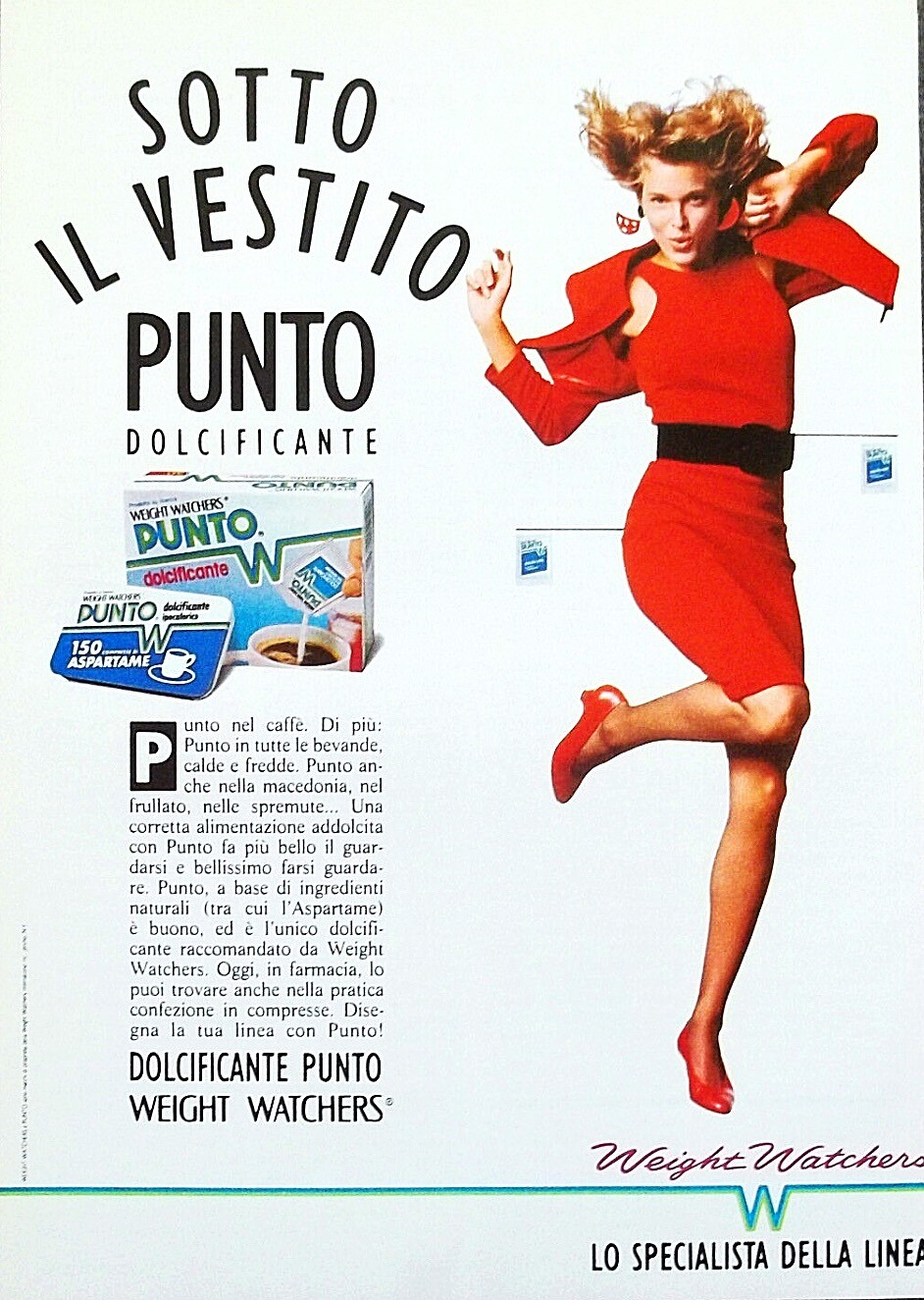
 Weight Watchers (Italia) ad 1988 & 1989 Photographer: Marc Hispard


 Nope nope nope nope nope
 Who is the model in the middle?
 Thank you


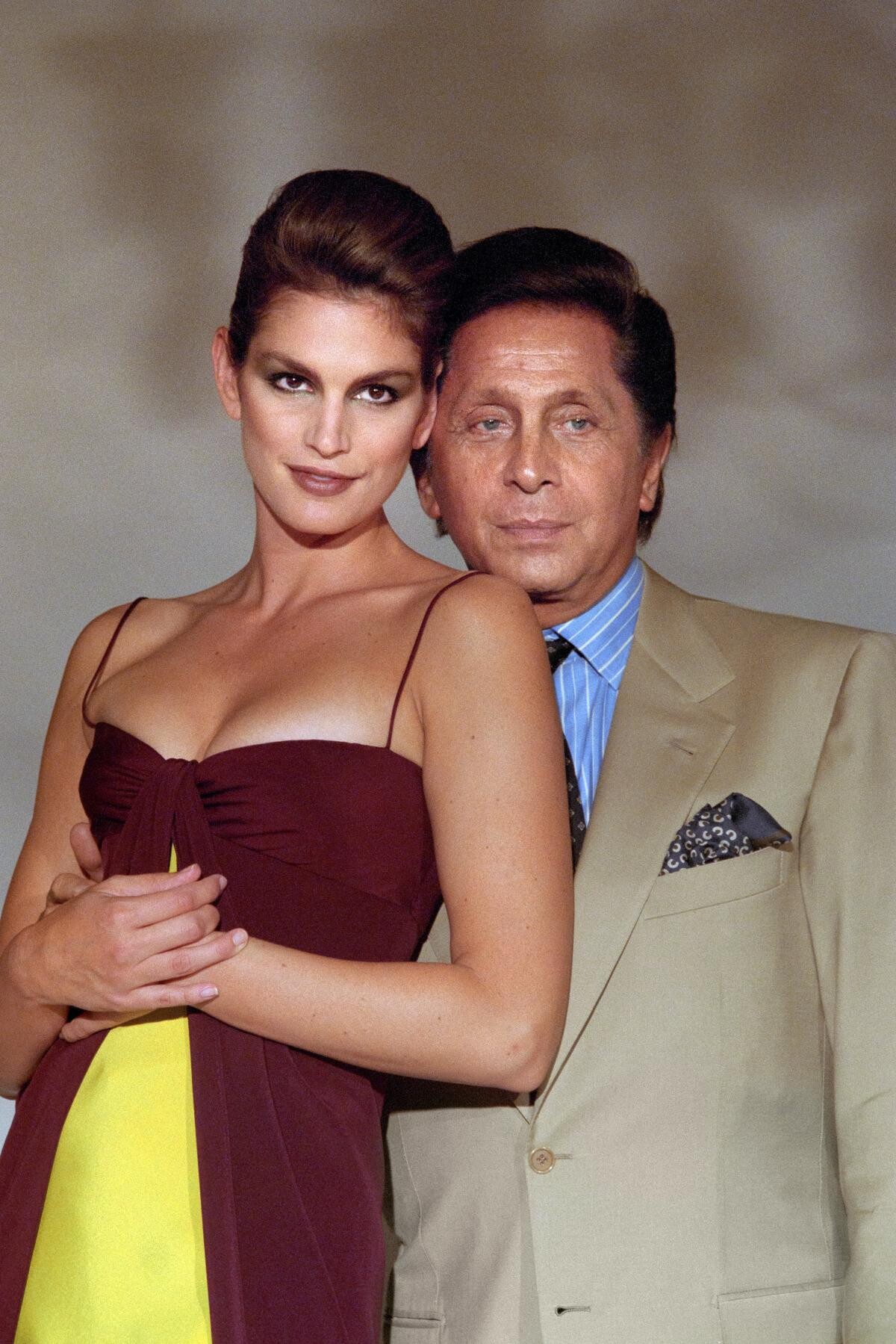
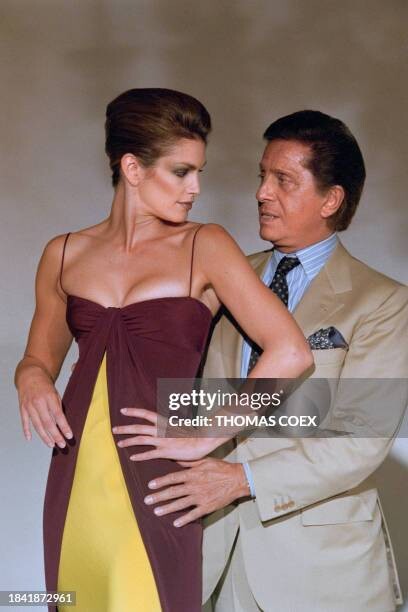
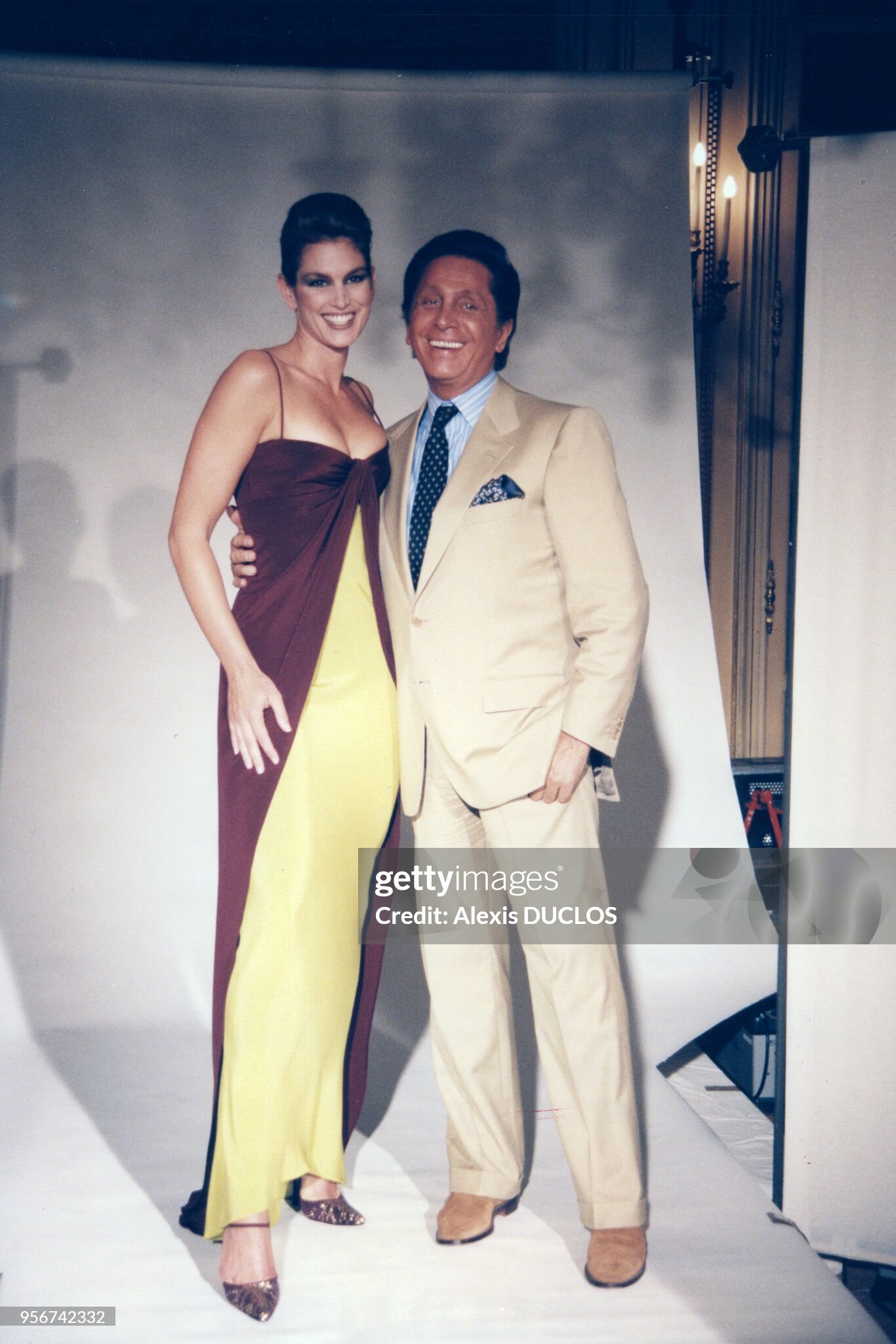
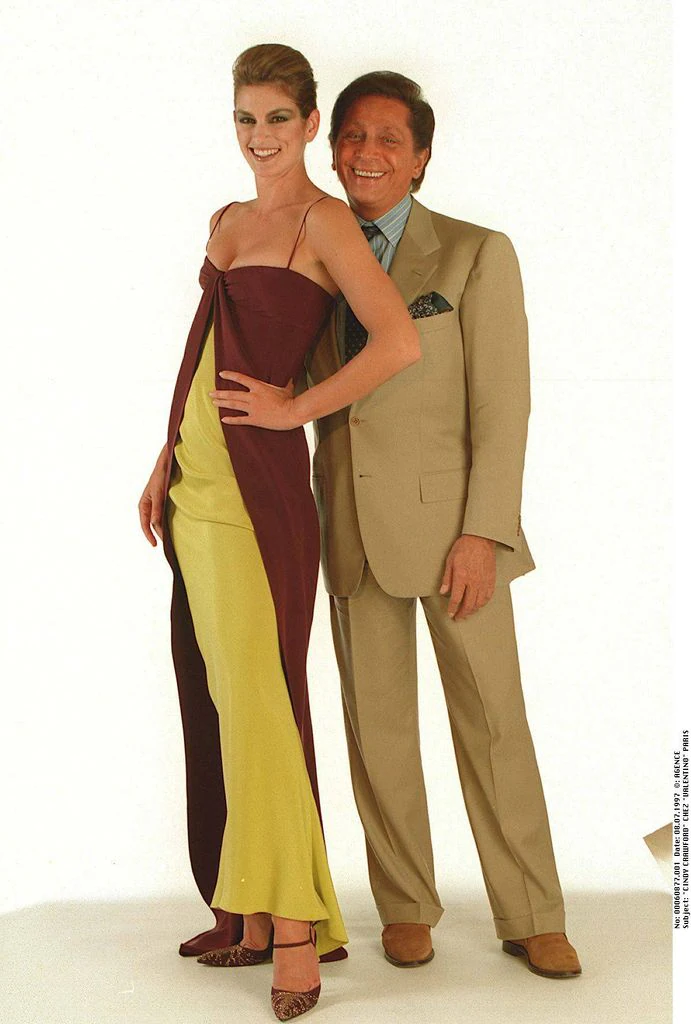
 Cindy Crawford & Valentino


 Indeed!
- Today
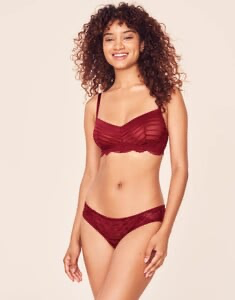
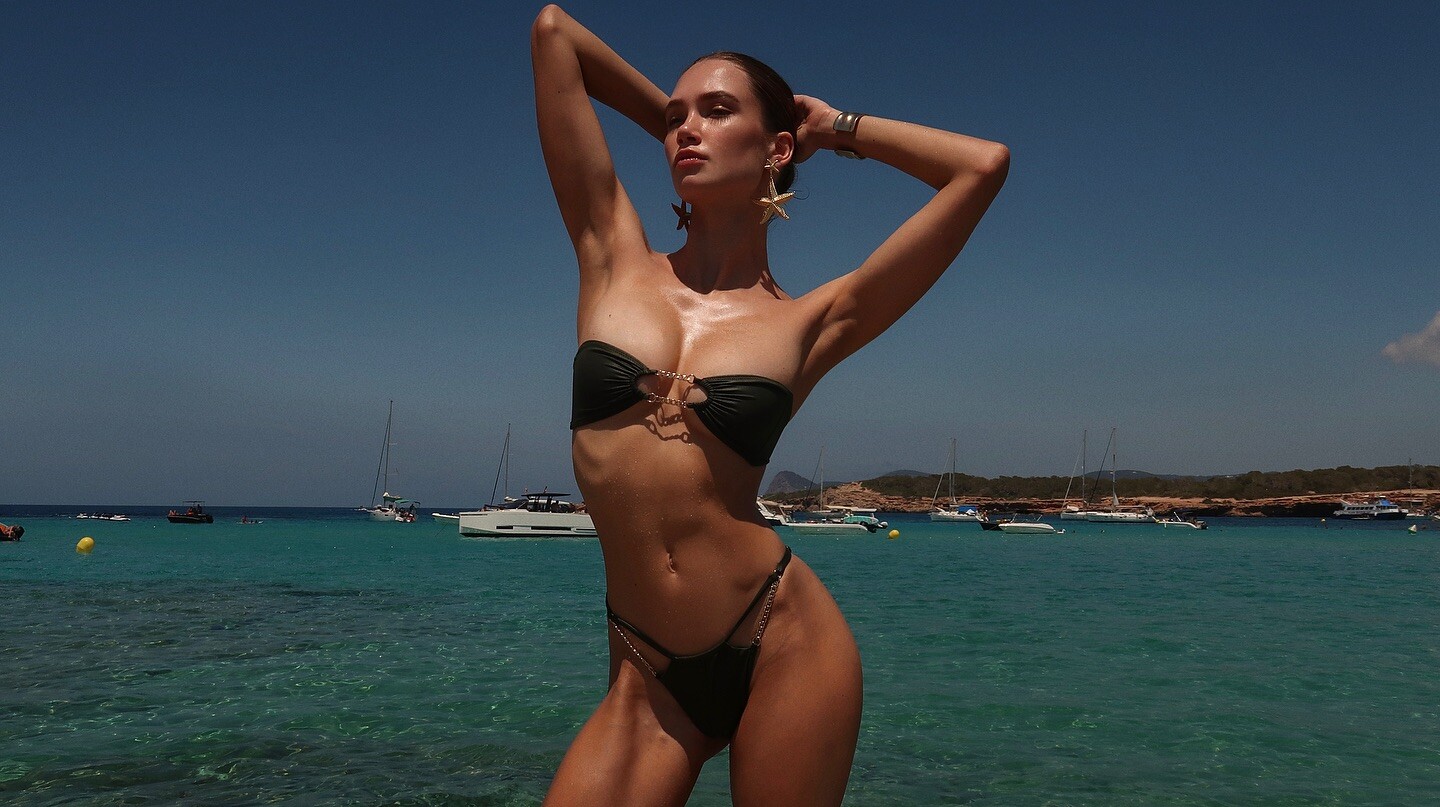
 I am curious to find out who #6 is?
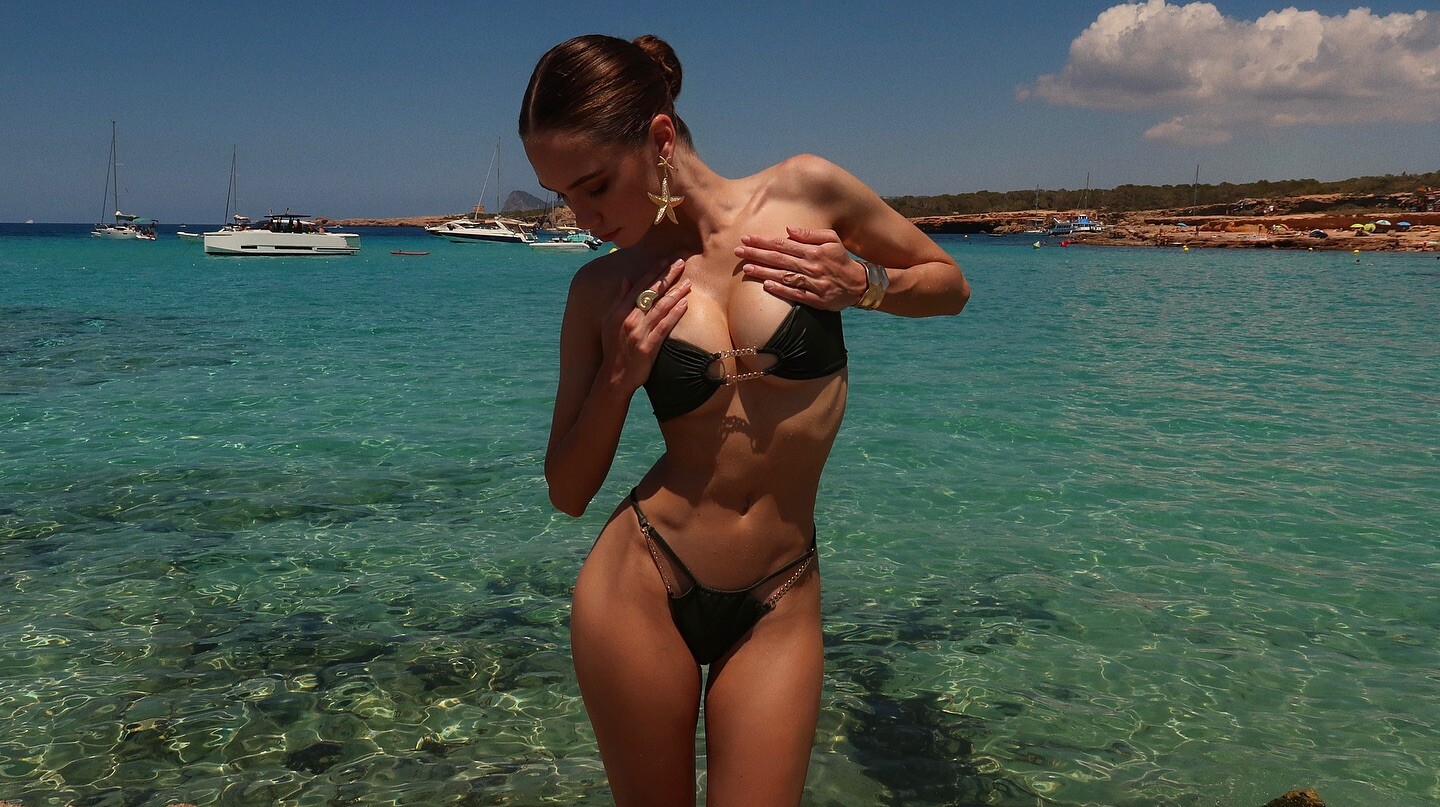
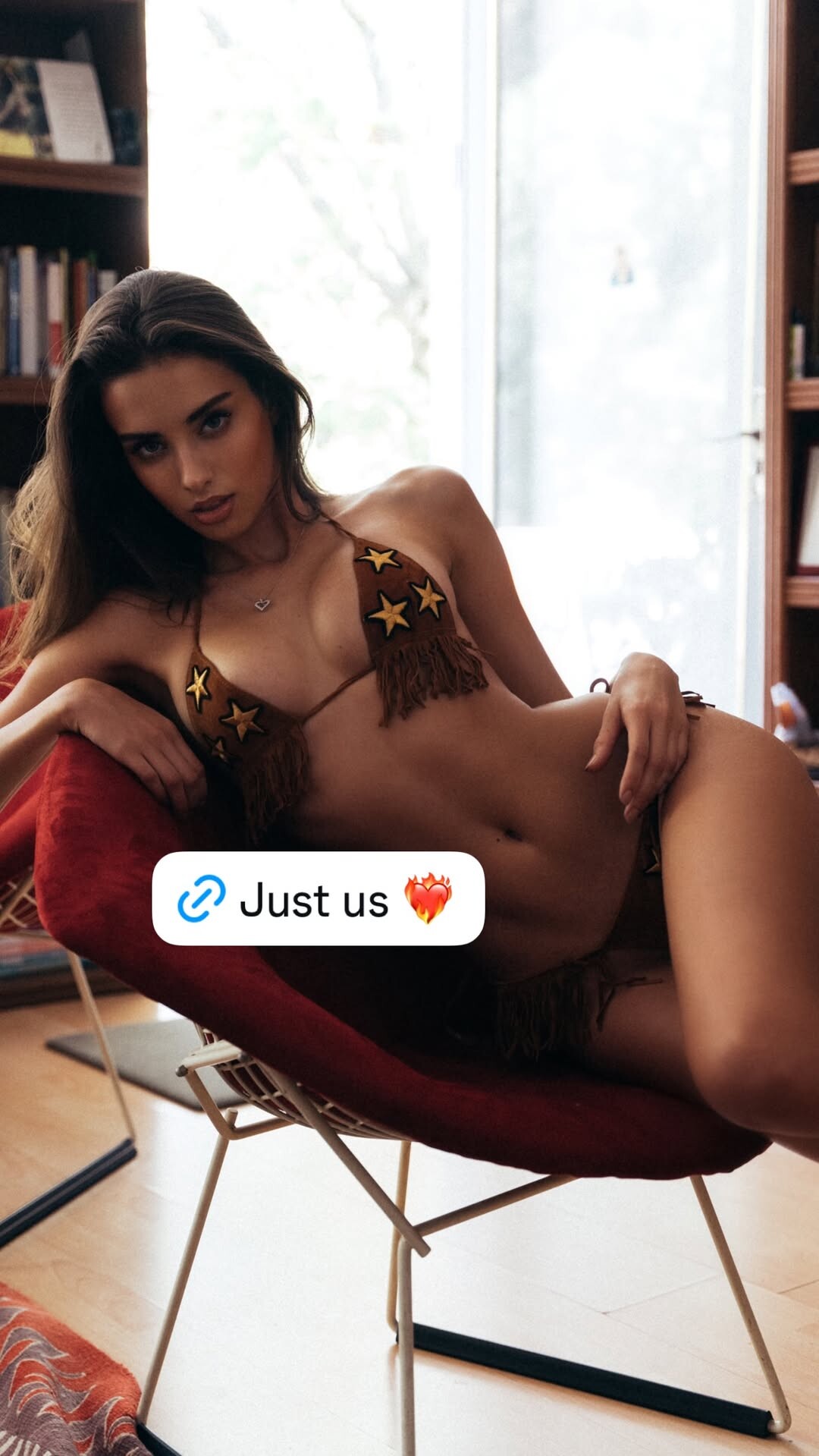
 https://www.instagram.com/mussette/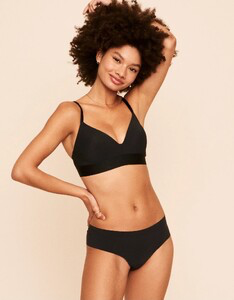
 https://www.instagram.com/derlynperez/?hl=en
 Eric's view is that Epstein based on his 1 meeting with him as a Hedge fund manager was that he not a real currency trader- just pretending to be one. He believes that he was some sort of fake personality created by the gov't intelligence services.
 🥰
🥰


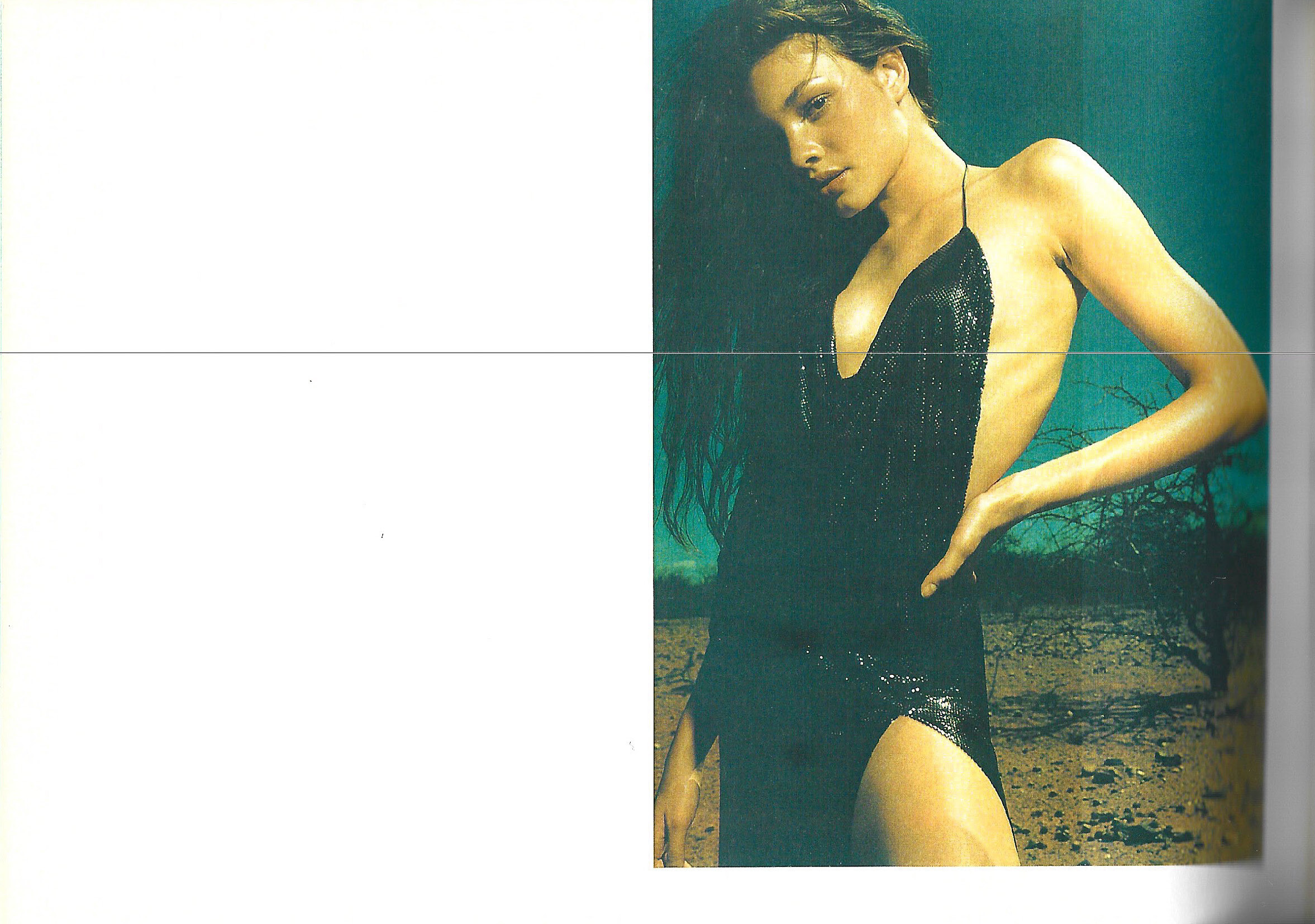
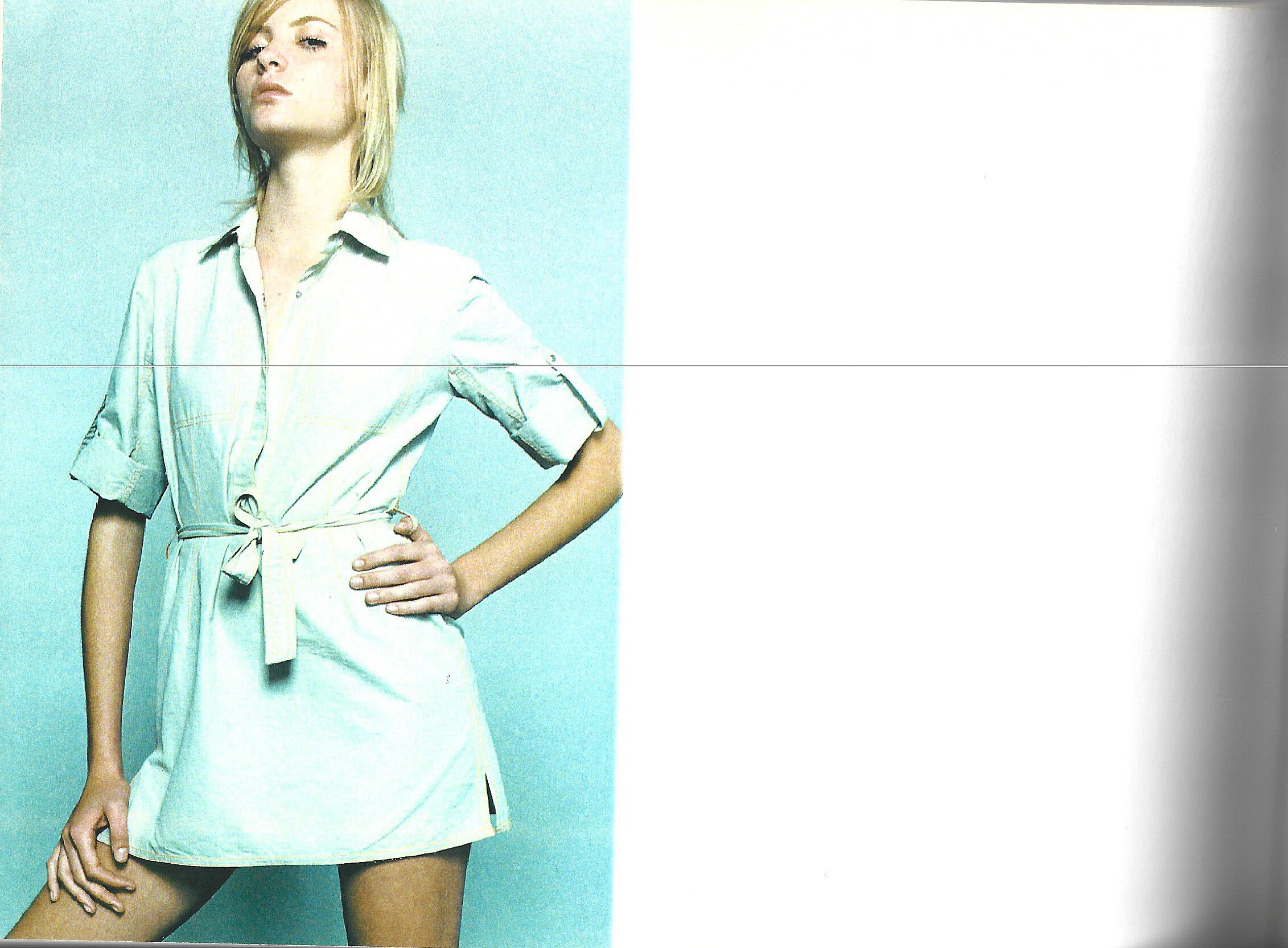
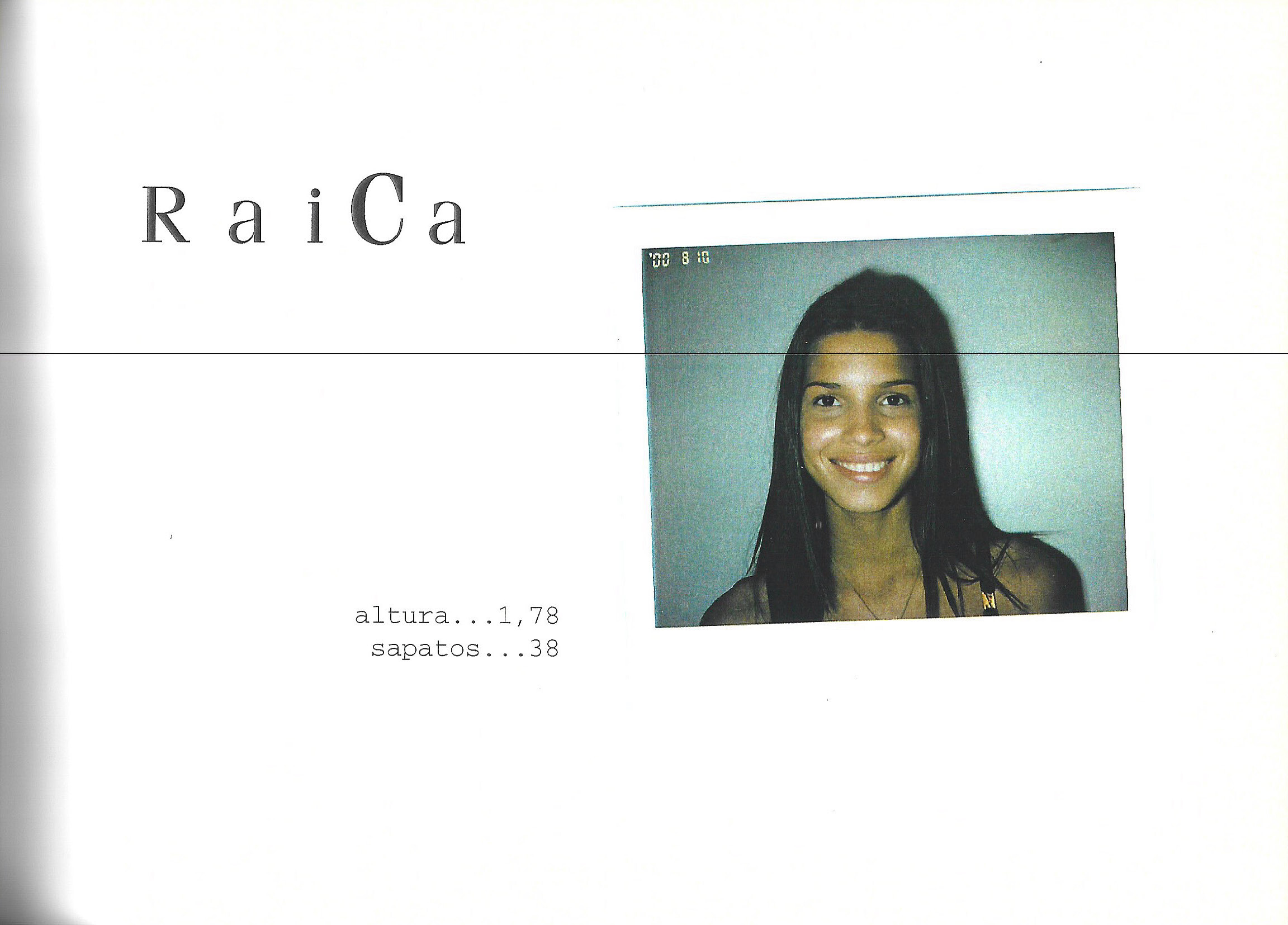
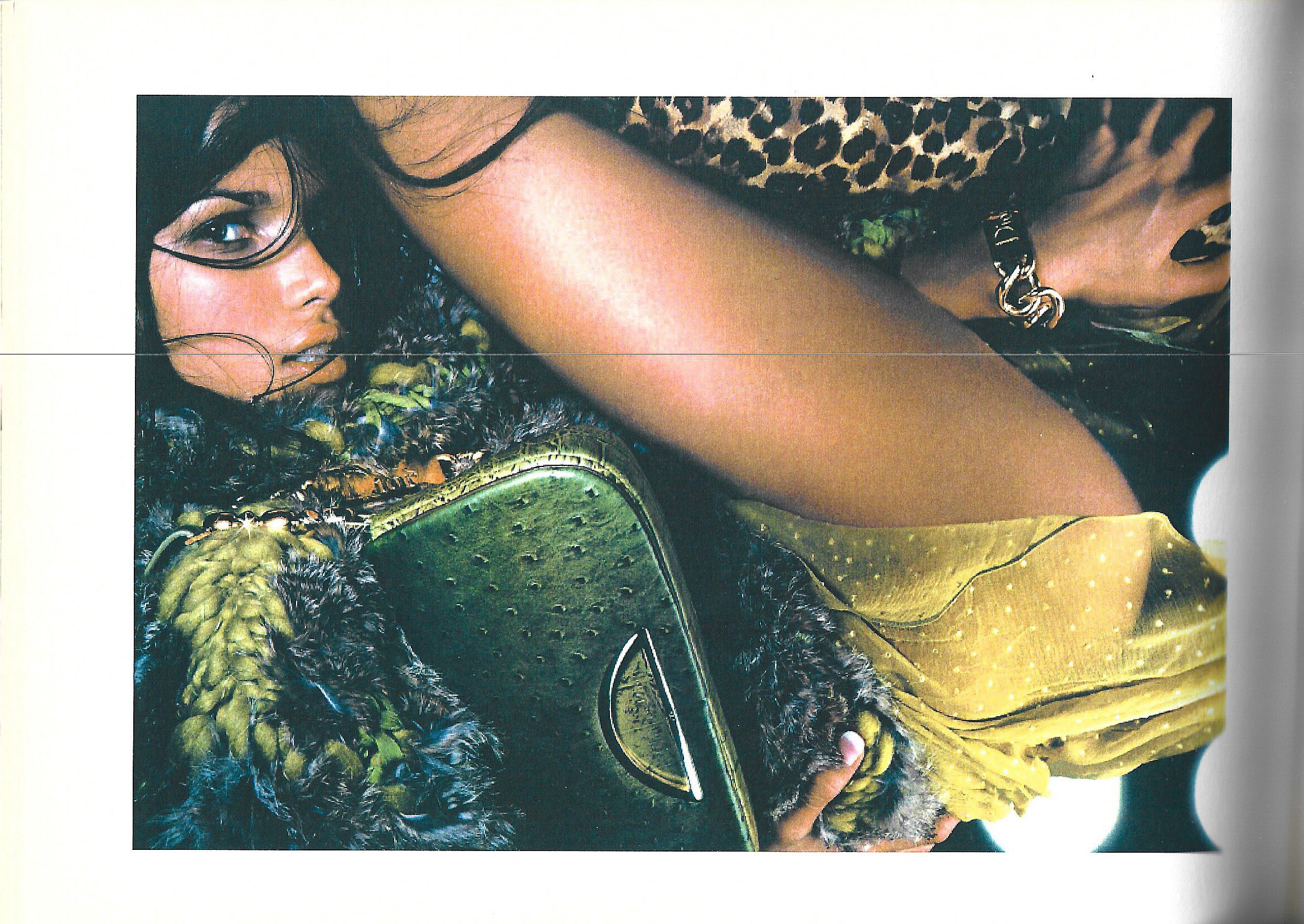
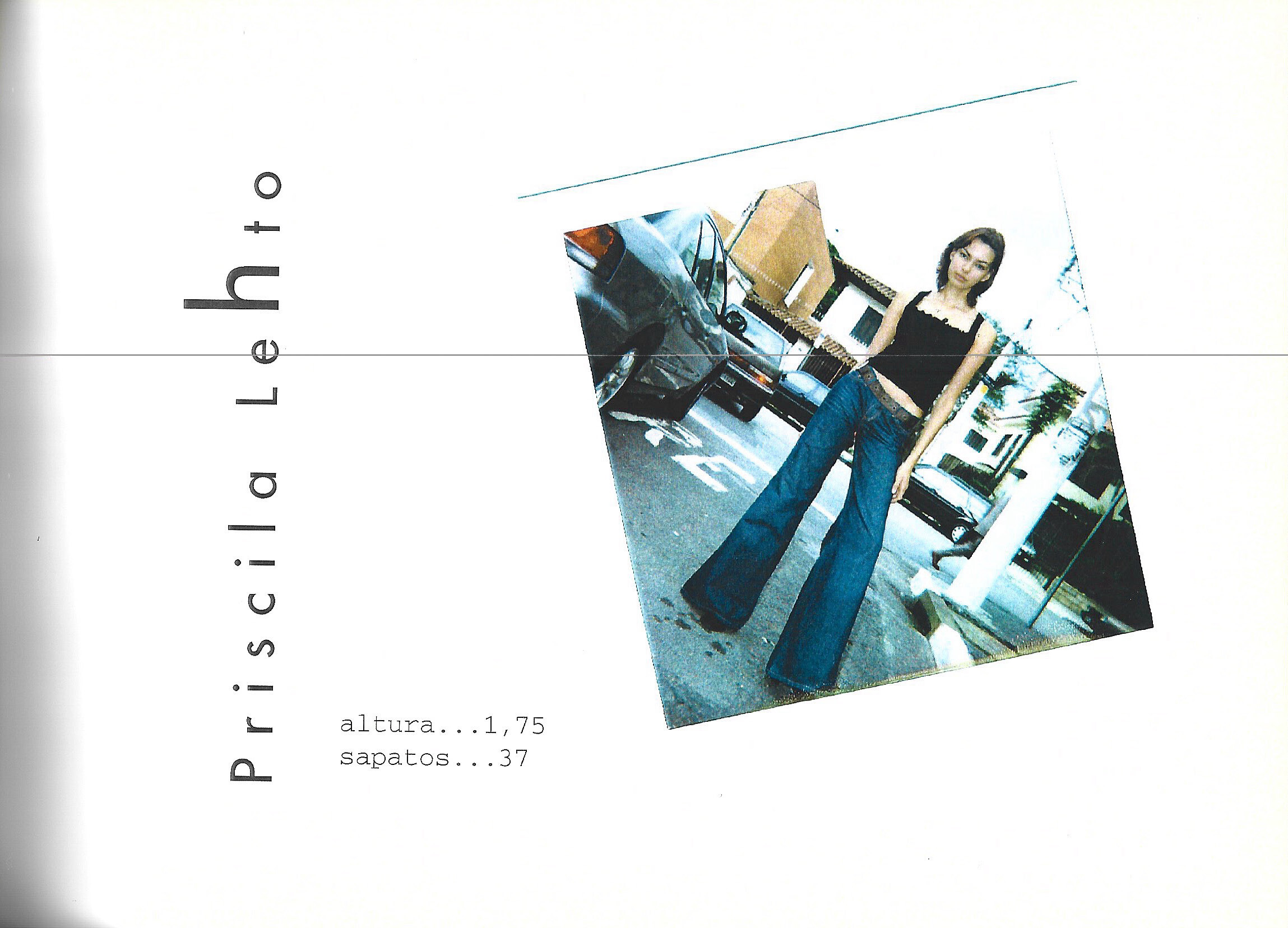
 ELITE BRAZIL agency book fall/winter 2001 my scans
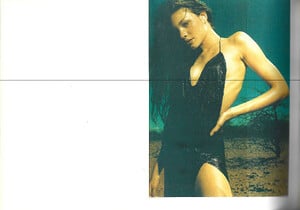 ELITE BRAZIL agency book fall/winter 2001 my scans

 SI released a teaser trailer. Their full trailer will be released on Friday. Think I spotted queen Christen!
 ELITE BRAZIL agency book fall/winter 2001 my scans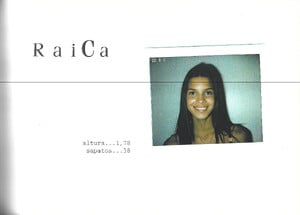
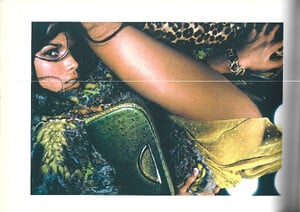 ELITE BRAZIL agency book fall/winter 2001 my scans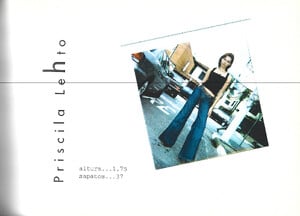

 Gorgeous, thanks






.jpg.83d699c0e4c74ca4a694461f628903e4.jpg)
.jpg.f329d7fbeffa2d534a3d2b166d2120fb.jpg)
.jpg.76e660a84a74bc009eeb4a559c3705b7.jpg)
.jpg.0d7425903893da7365109d488d75b1d5.jpg)
.jpg.0b988f1bcf45f7b501c43913b7629f96.jpg)
.jpg.120e8d69764e7f1ad7f5fb82cd4cc3ad.jpg)
.jpg.9cf8494a991e110ca9da8896ed0c0cef.jpg)
.jpg.2b3a1eb8a0122c6ecd901efae9dc9e48.jpg)
.jpg.3fb83c8f4c616ea1444504f11136de7b.jpg)
.jpg.19c1f3f702c9ade584dc5eabecd08611.jpg)
.jpg.592000c34639dc02b59ed20b1624558d.jpg)
.jpg.6da2dc4b57f0adc01c64c64c16b05b8b.jpg)








Account
Search
Configure browser push notifications
Chrome (Android)
- Tap the lock icon next to the address bar.
- Tap Permissions → Notifications.
- Adjust your preference.
Chrome (Desktop)
- Click the padlock icon in the address bar.
- Select Site settings.
- Find Notifications and adjust your preference.
Safari (iOS 16.4+)
- Ensure the site is installed via Add to Home Screen.
- Open Settings App → Notifications.
- Find your app name and adjust your preference.
Safari (macOS)
- Go to Safari → Preferences.
- Click the Websites tab.
- Select Notifications in the sidebar.
- Find this website and adjust your preference.
Edge (Android)
- Tap the lock icon next to the address bar.
- Tap Permissions.
- Find Notifications and adjust your preference.
Edge (Desktop)
- Click the padlock icon in the address bar.
- Click Permissions for this site.
- Find Notifications and adjust your preference.
Firefox (Android)
- Go to Settings → Site permissions.
- Tap Notifications.
- Find this site in the list and adjust your preference.
Firefox (Desktop)
- Open Firefox Settings.
- Search for Notifications.
- Find this site in the list and adjust your preference.