nightowl
Members
-
Joined
-
Last visited
Everything posted by nightowl
-
-
-
Perfectly Basics
-
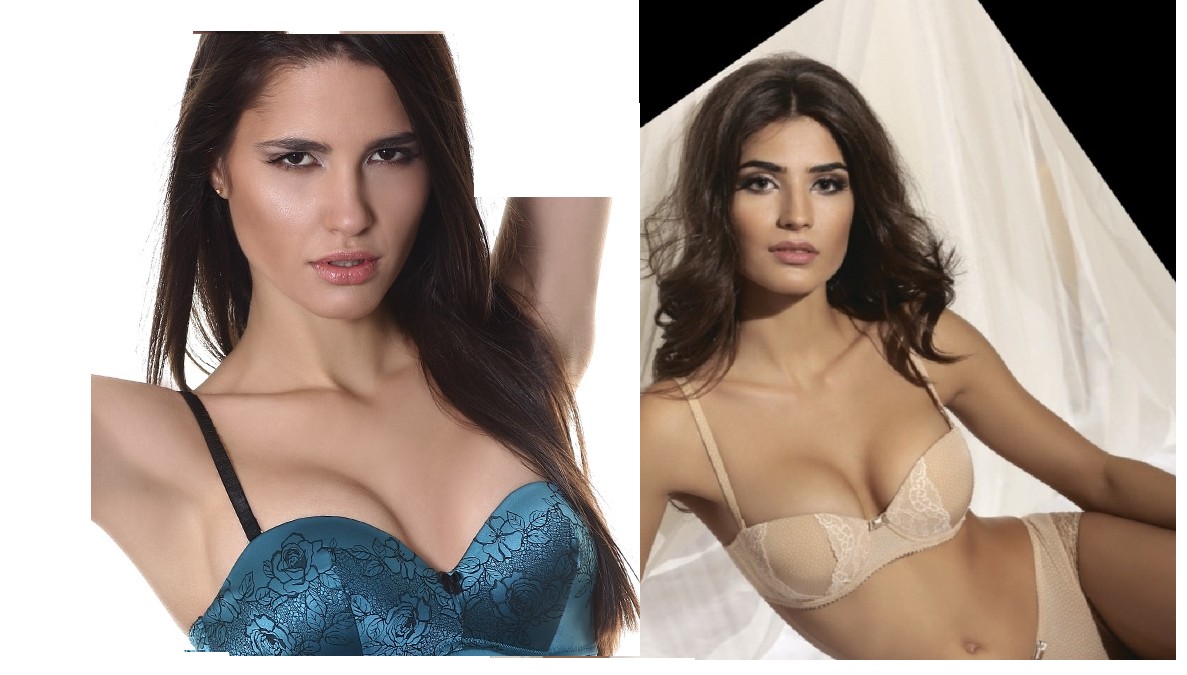
the first pic, from bauer, is Rayla Jacunda.
-
-
2. I was thinking this was Sofia Resing.
-
Lovely--thanks.
-
-
Wow. thanks.







-
Yes on Ida.
-
-
I don't think there is any way those two are the same woman, even if the second was taken a few years after the first.

-
From Lana Grossa knitting
-
-
-
Hmmm....maybe...but the unknown images would have to be at least several years old, I think. I'm not convinced....
-
Nope to Amanda B/Amanda W, who are the same person.
-
-
Nope
-
lovely--thanks.
-
*hideous* hats, but thanks nonetheless!
-
from Pedro del Hierro Madrid



-
Hmmm..I'd say probably not from that pic, and definitely not from this one: http://www.girlslife.com/image.axd?i=24336
-
-