nightowl
Members
-
Joined
-
Last visited
Everything posted by nightowl
-
I think so.

-
awesome indeed. Thanks!
-
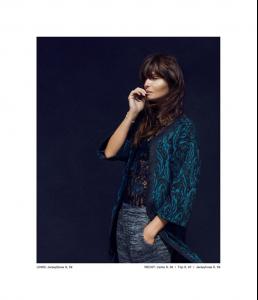
slightly bigger, I think
-
Large thumbnails are great, in fact.
-
-
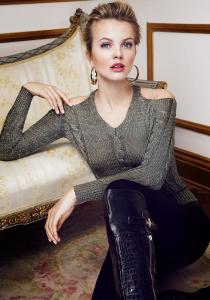
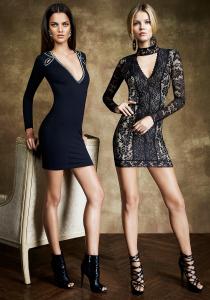
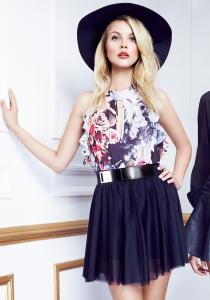
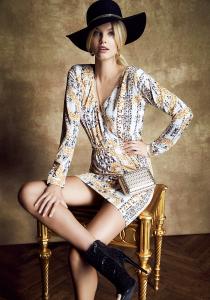
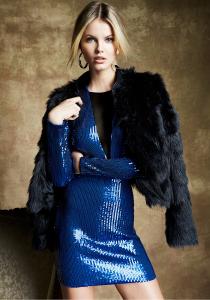
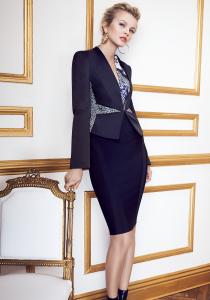
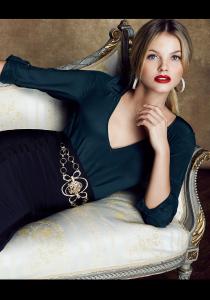
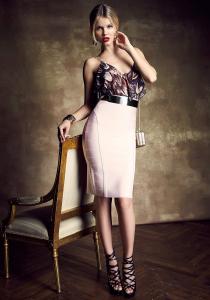
these are all the ones I could find.
-
thanks. Anyone know who the woman is on the right in the first Eximia pic?
-
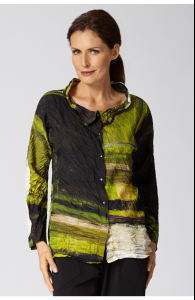
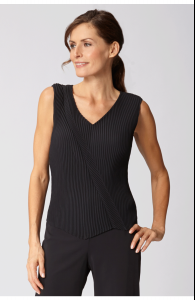
Two more from Babette
-
-
the phrase, "Is she beautiful or what?" is a rhetorical question, meant to emphasize that there is no other answer than "yes".
-
thanks, and done
-
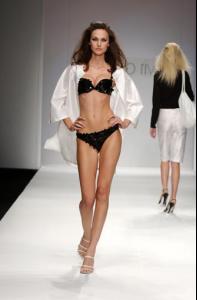
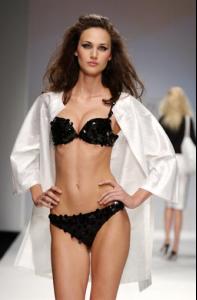
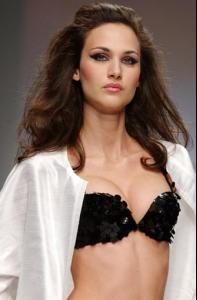
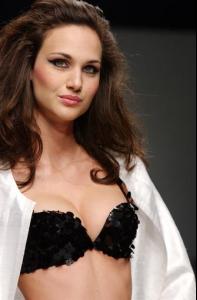
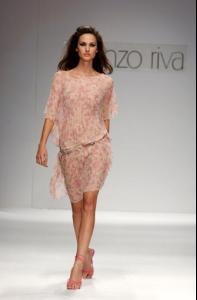
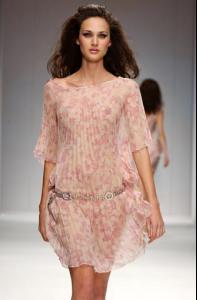
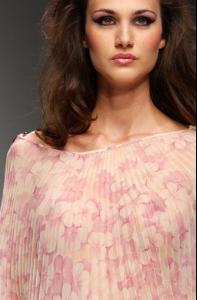
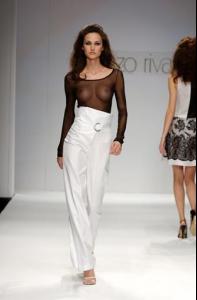
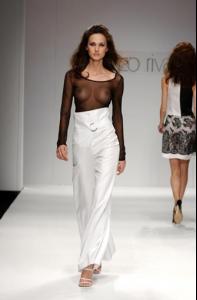
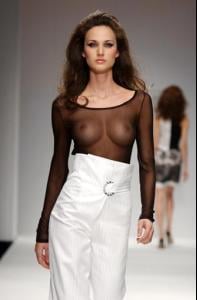
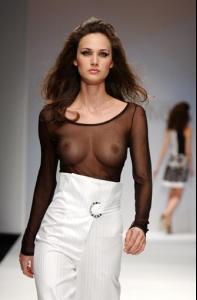
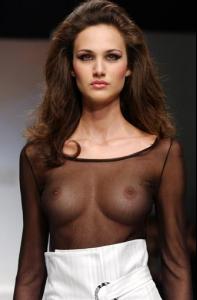
It seems a shame to hide such beauty, but here we go
-
lovely--thanks!
-
It might be Fanny Anselme, but I wouldn't bet money on it
-
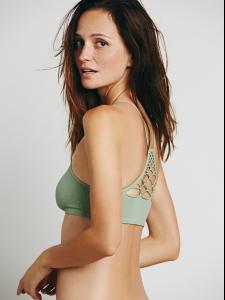
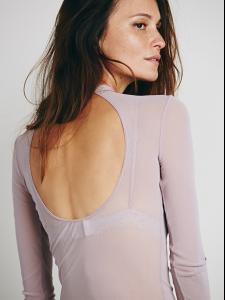
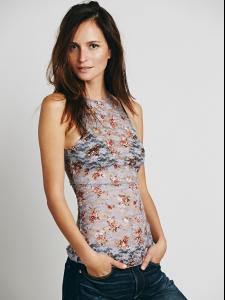
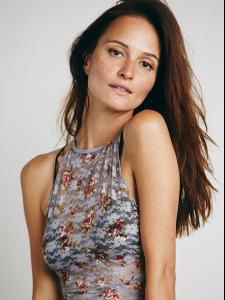
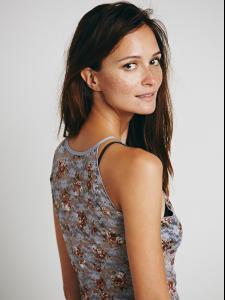
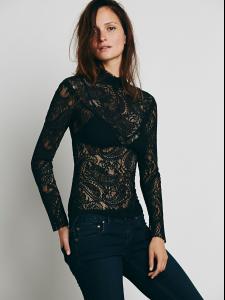
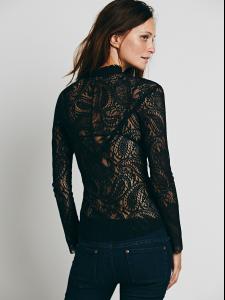
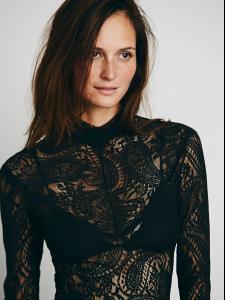
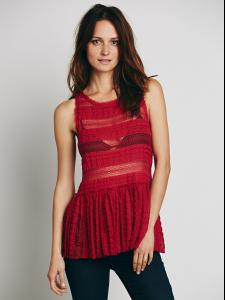
Higher resolution of those:
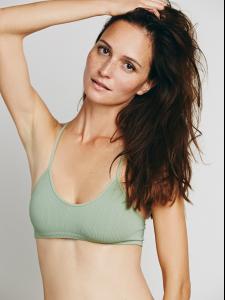
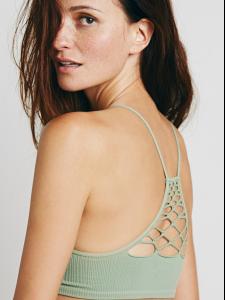
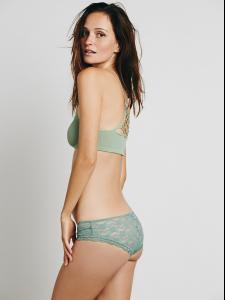
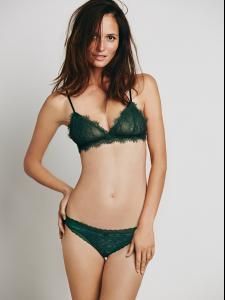
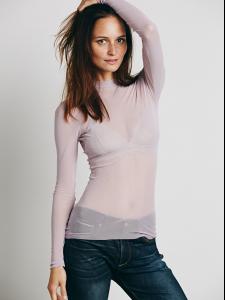
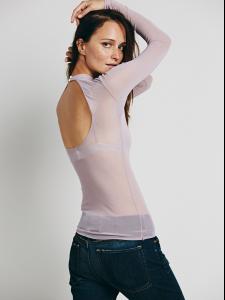
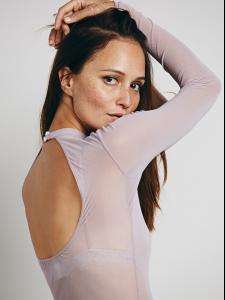
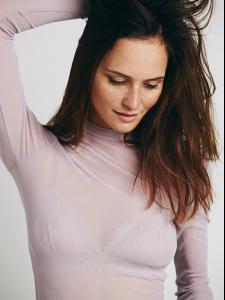
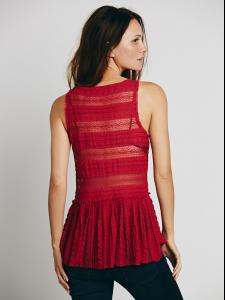
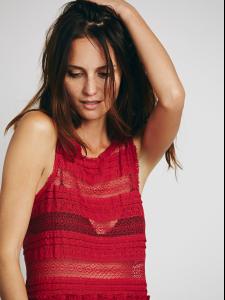
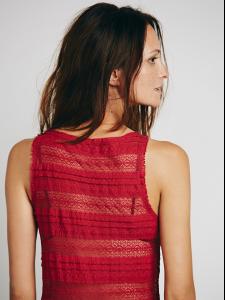
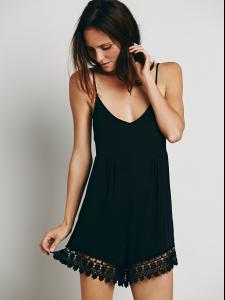
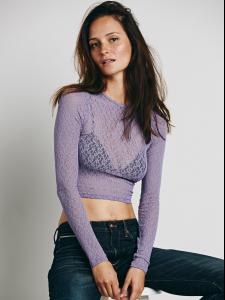
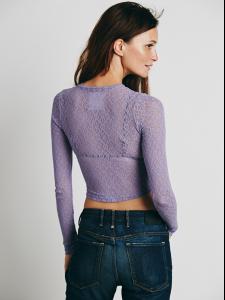
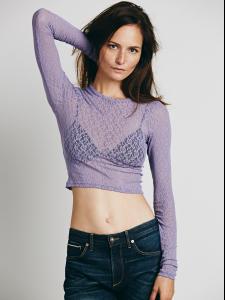
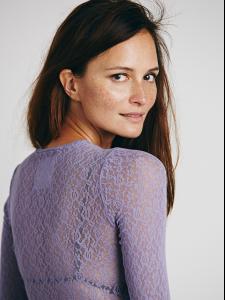
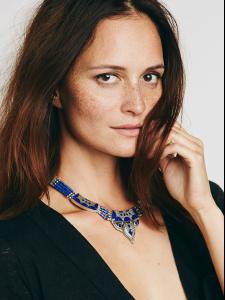
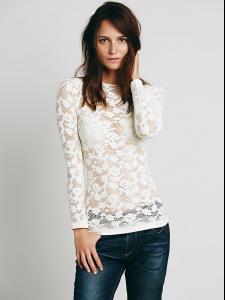
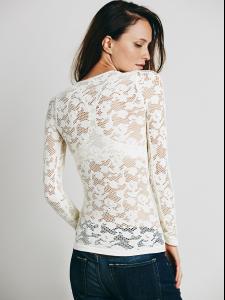
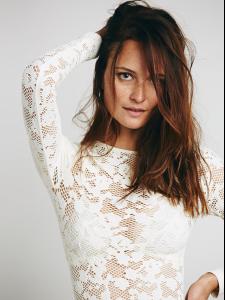
-
-
the last pic is Ines Sastre
-
Definitely
-
3. Might be Edda Petursdottir, but probably not if this is from 1999 6. Not Elsa 9. Amber V was my first thought too 11. Can't help thinking Christy Turlington, but I doubt it
-
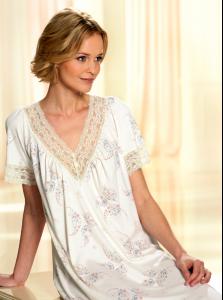
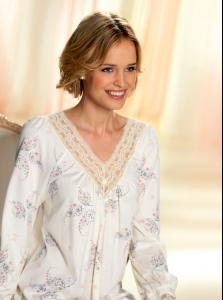
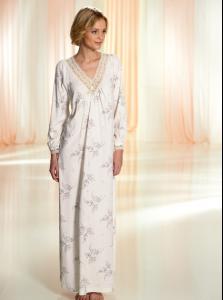
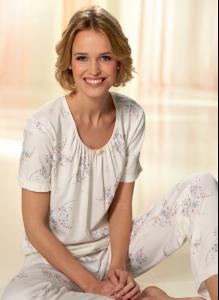
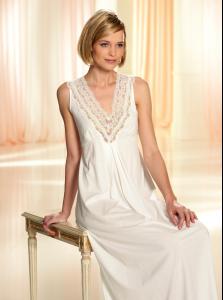
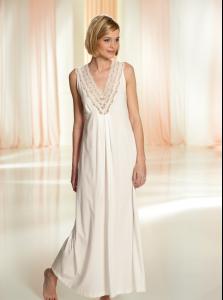
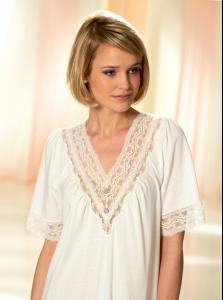
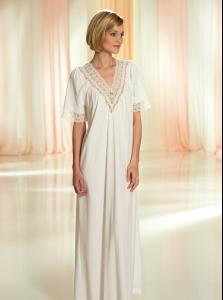
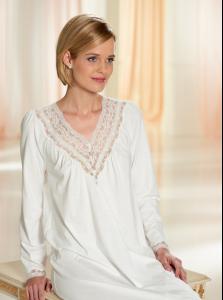
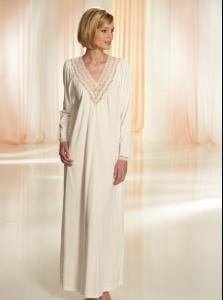
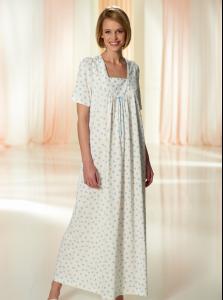
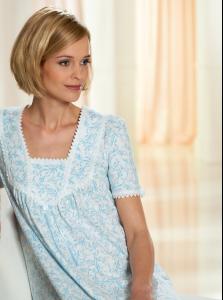
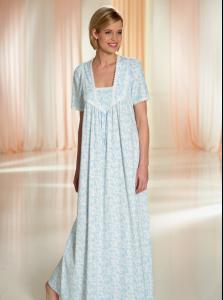
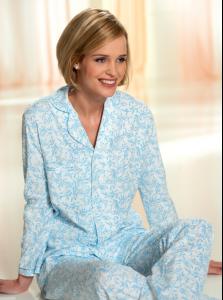
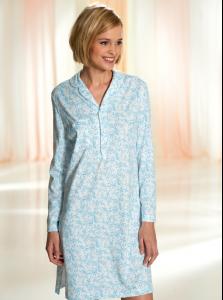
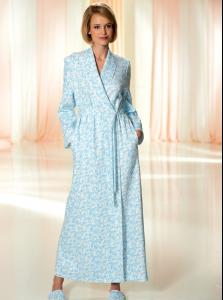
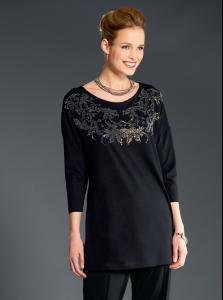
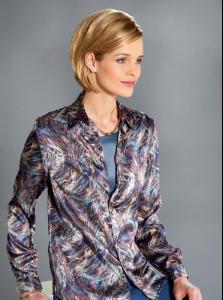
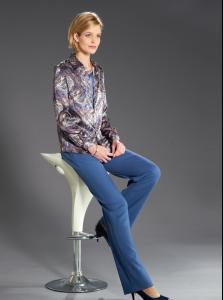
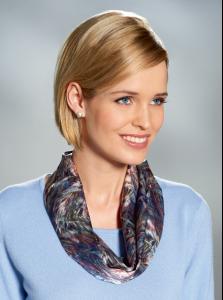
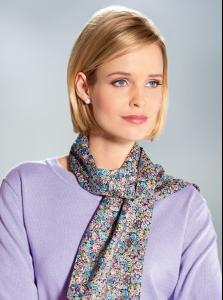
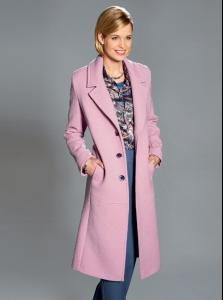
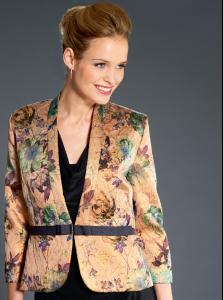
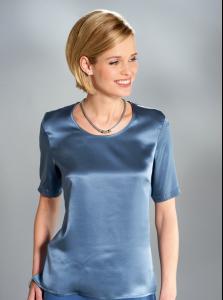
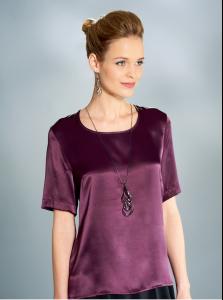
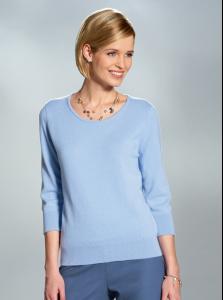
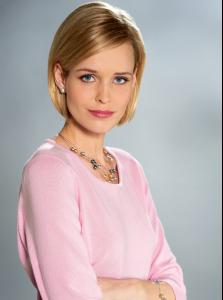
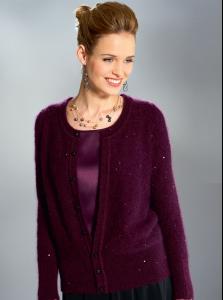
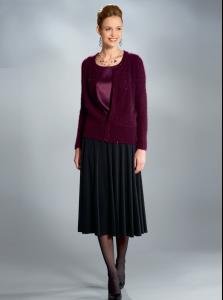
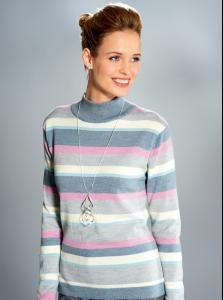
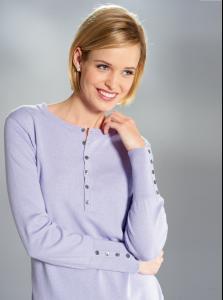
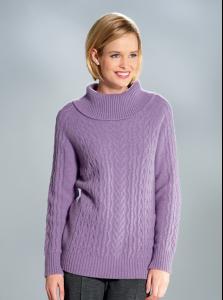
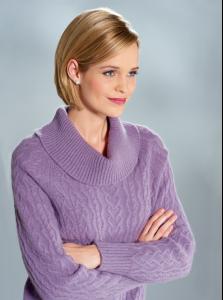
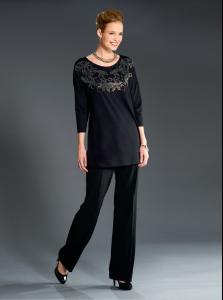
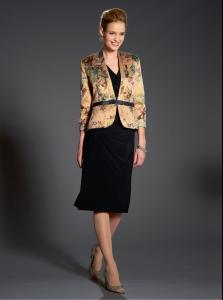
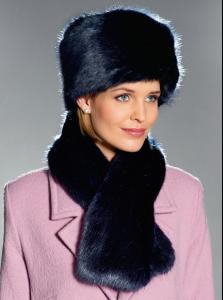
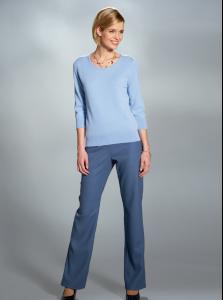
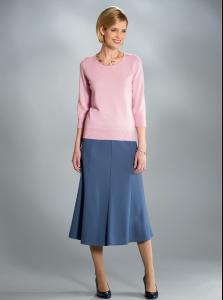
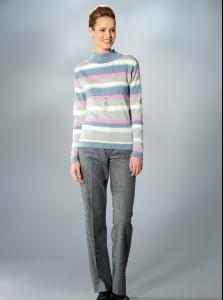
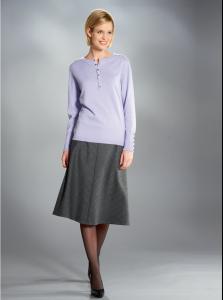
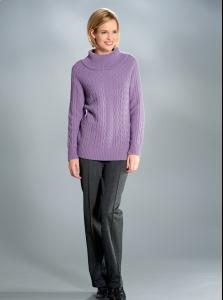
From David Nieper:

-