
nightowl
Members
-
Joined
-
Last visited
Everything posted by nightowl
-
-
Whoa! I'd never seen the full editorial before, including that exquisite picture, third from last. THanks!
very nice--thanks.
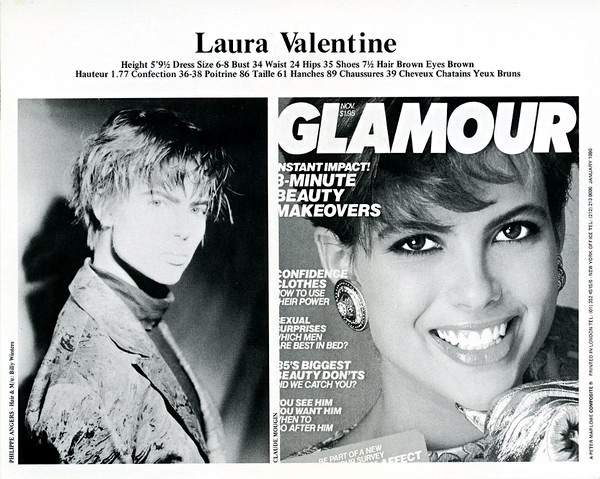
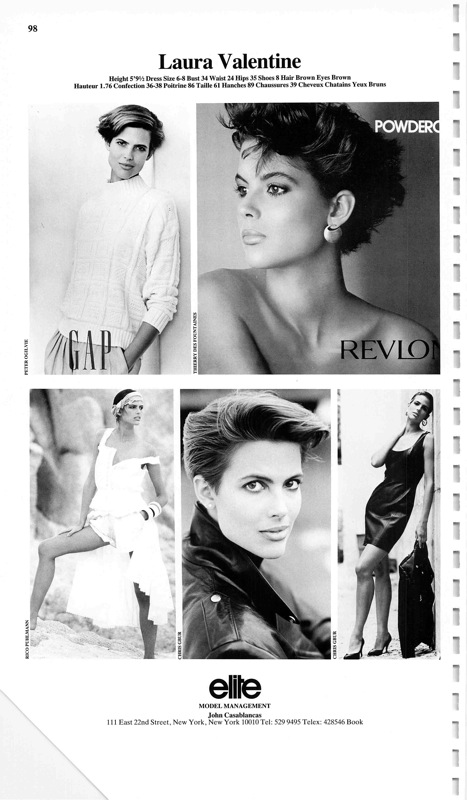
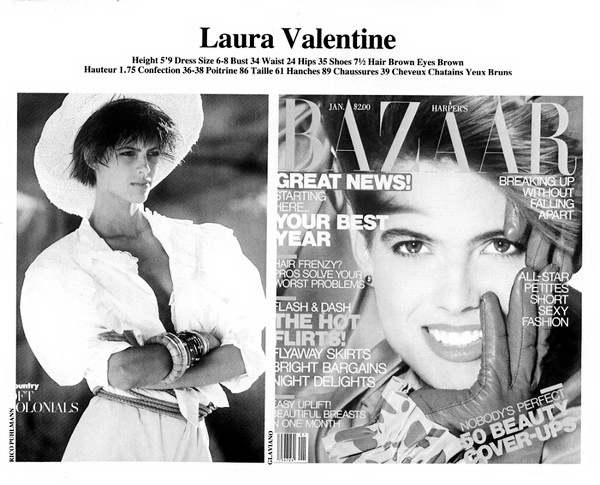
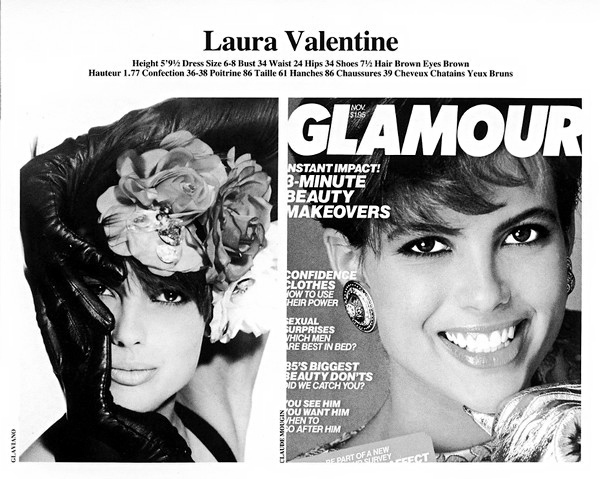
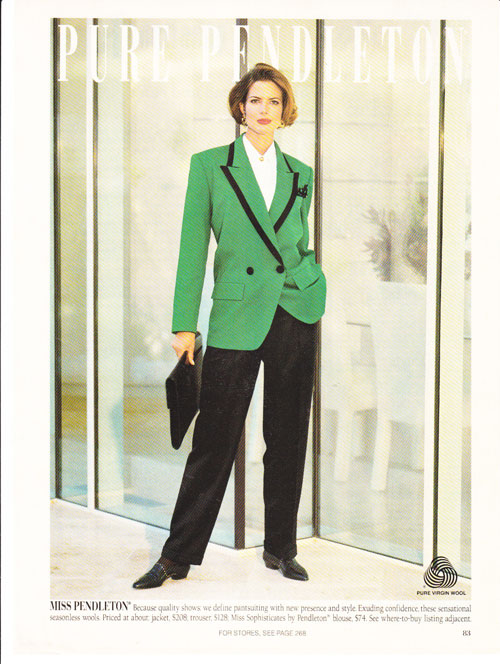
Laura Valentine height: 5'10 bust: 34 waist: 24 hips: 35 dress: 6 shoe: 9 hair: Brown eyes: Brown Currently represented by Seattle Models Guild and IconicFocus
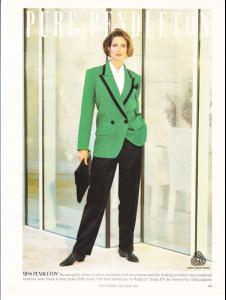








 Not convinced either. Especially since a search of her name plus Wacoal brings up essentially nothing.
thanks--I was just starting to wonder if that was her.
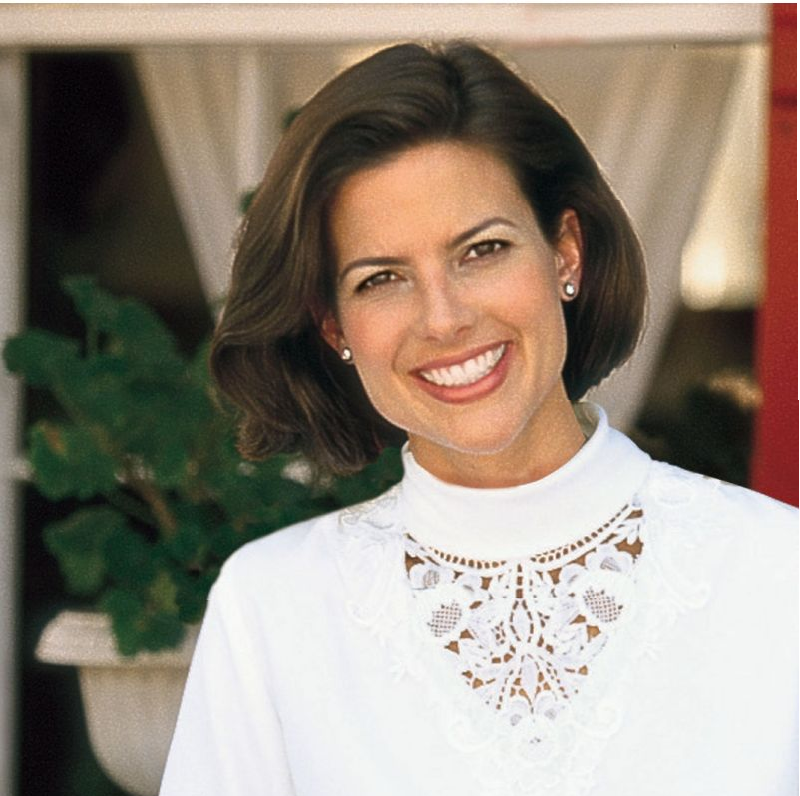
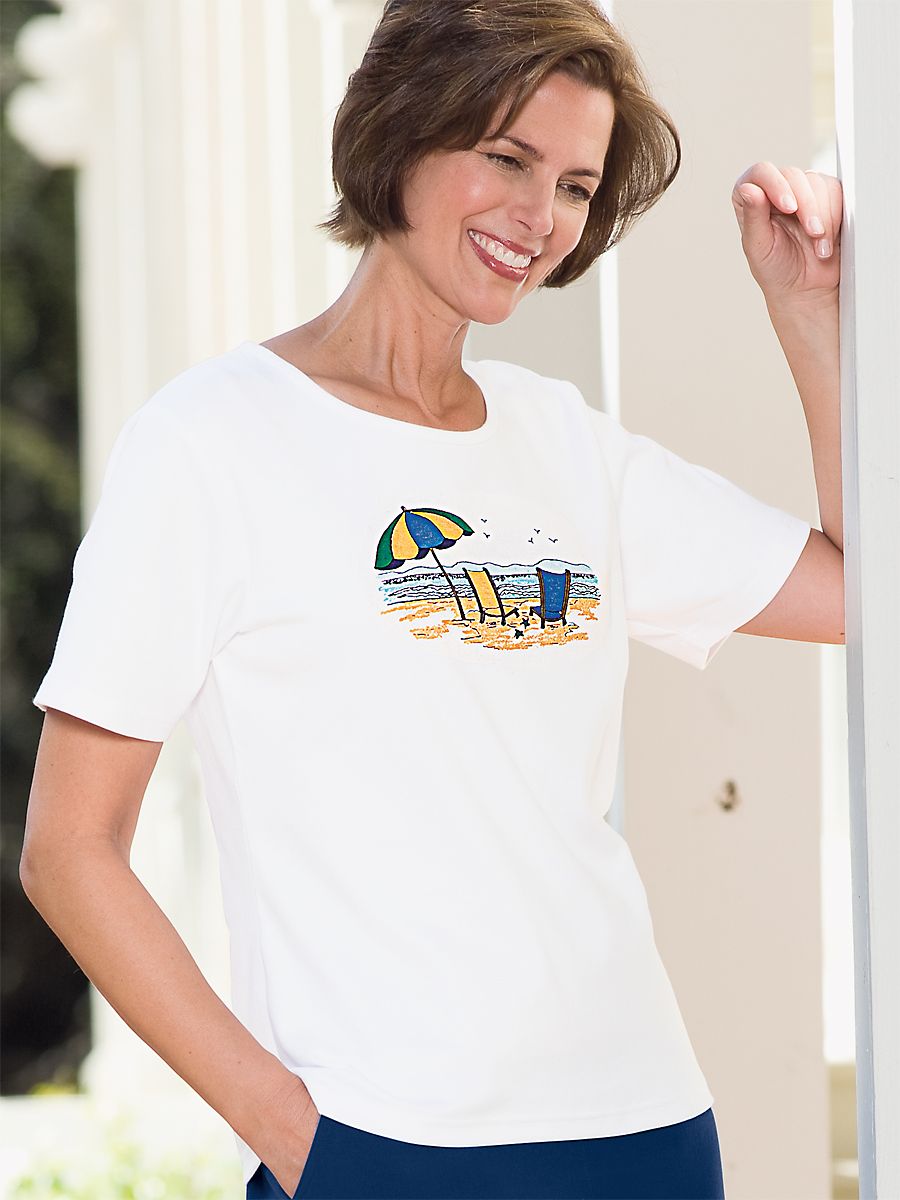
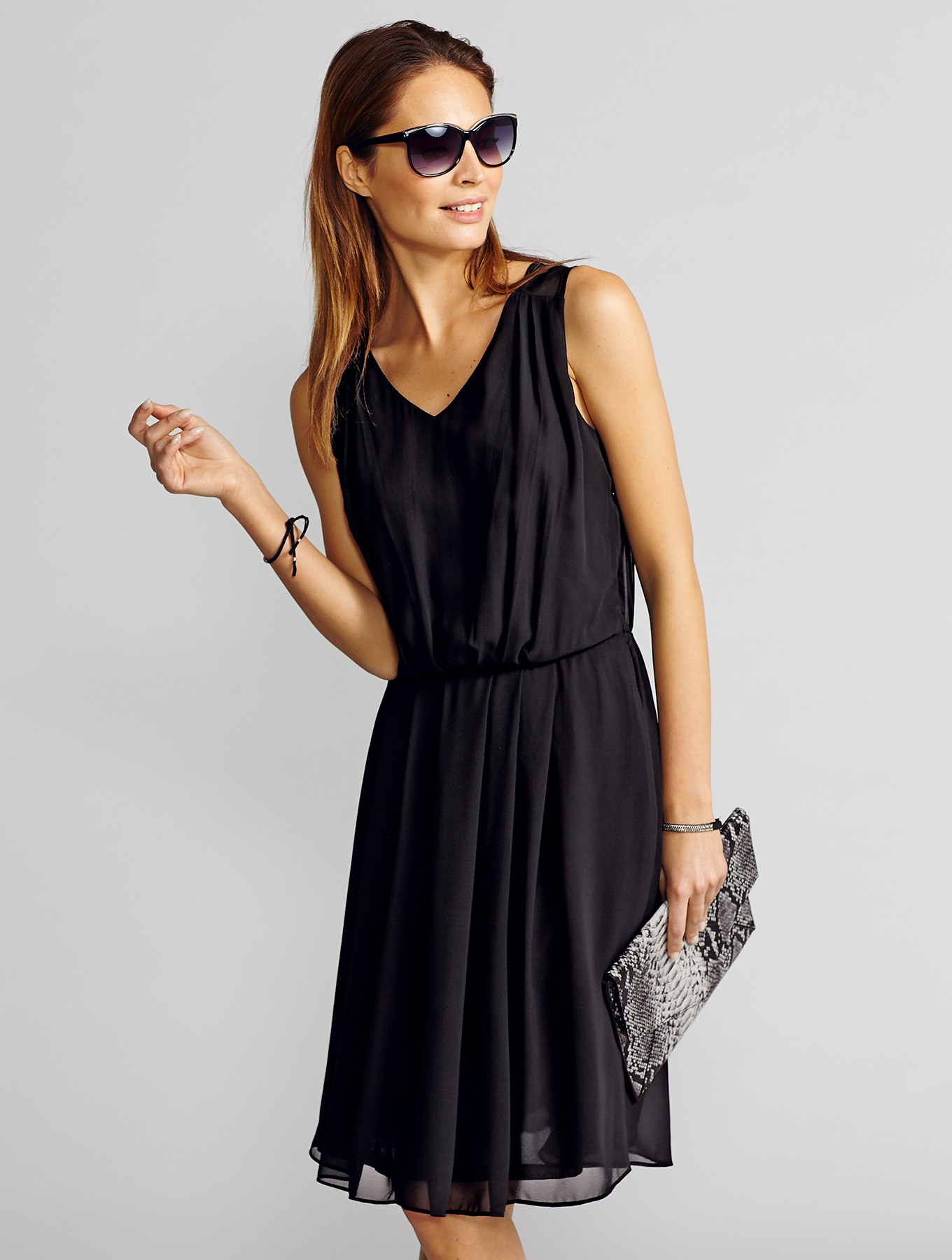
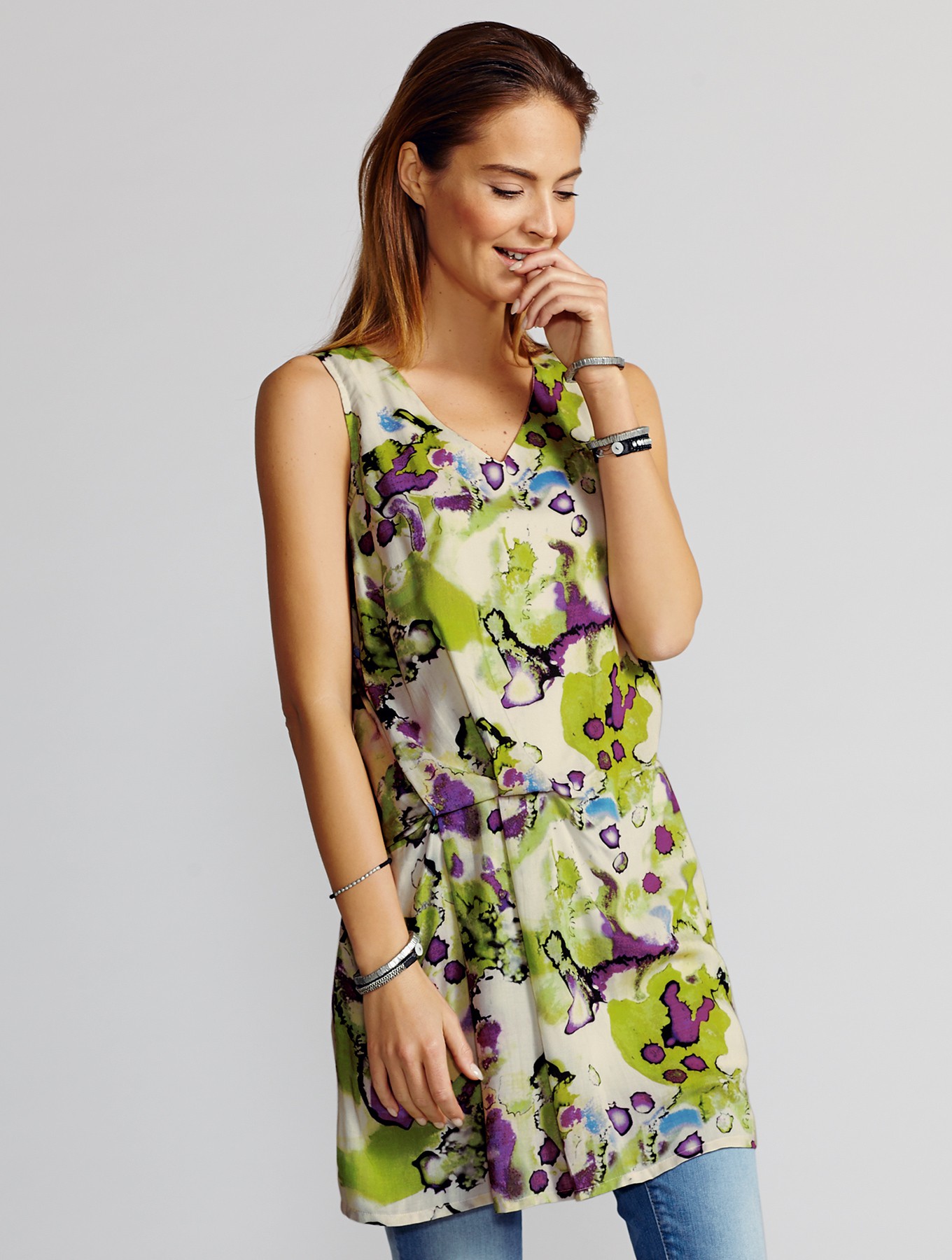
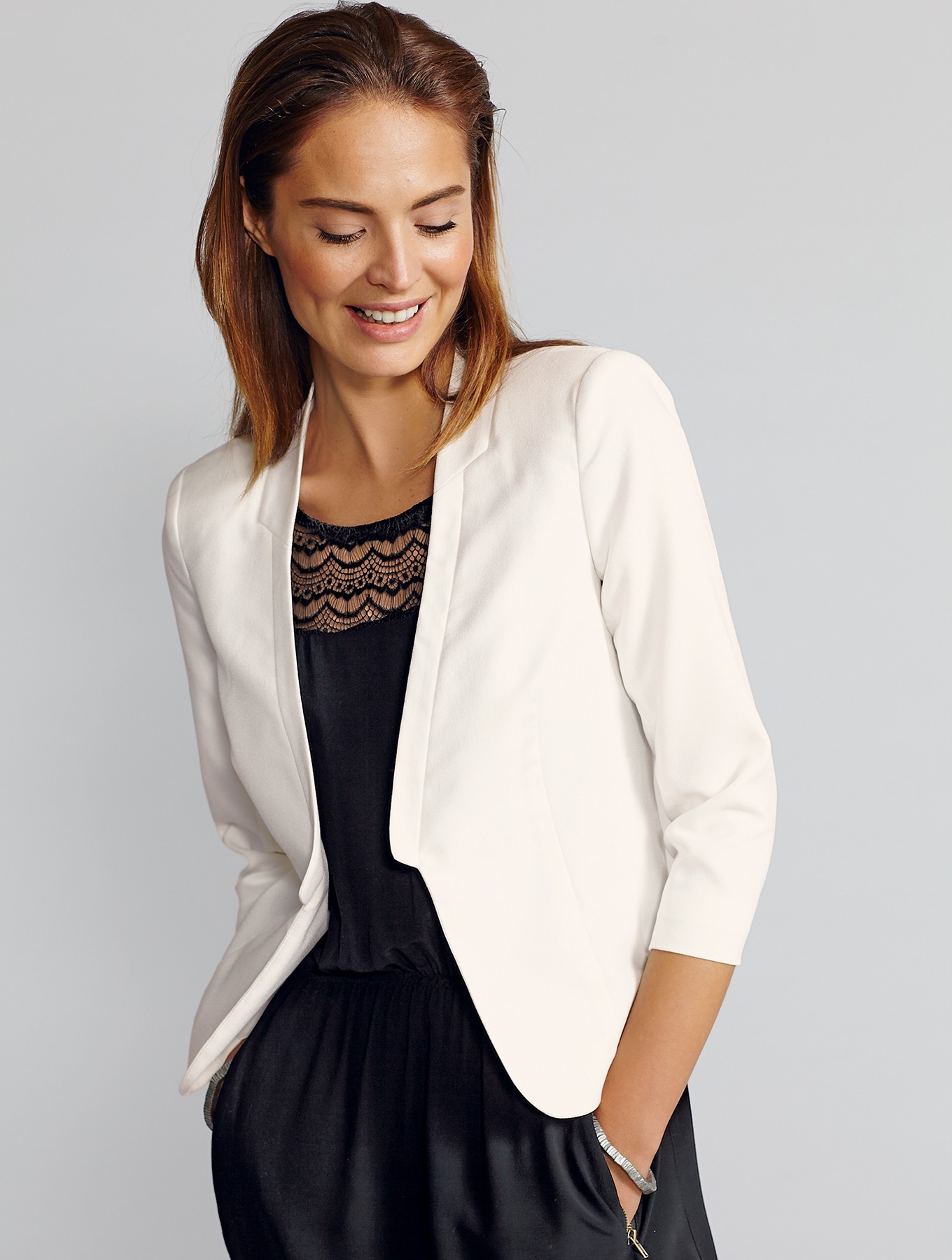
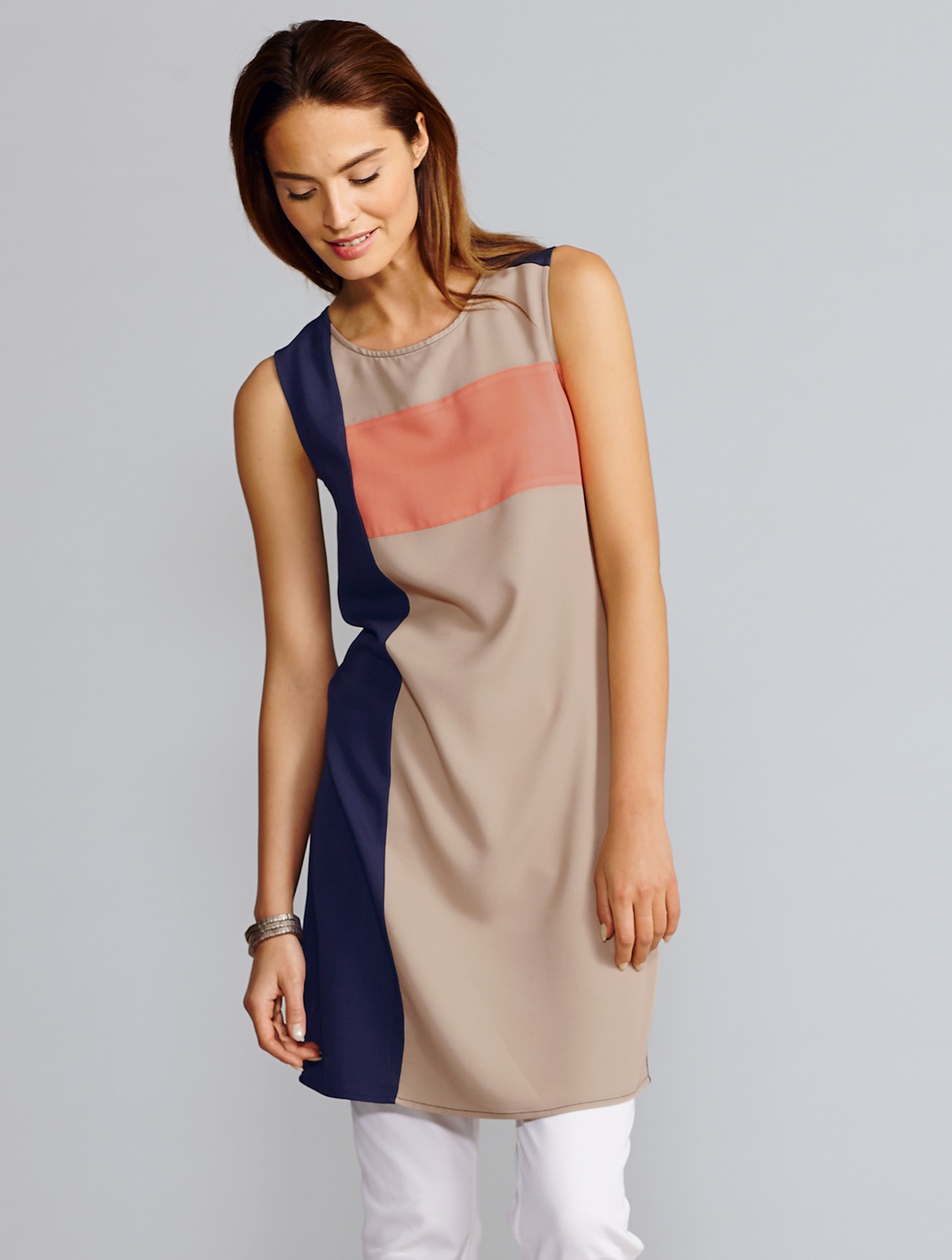
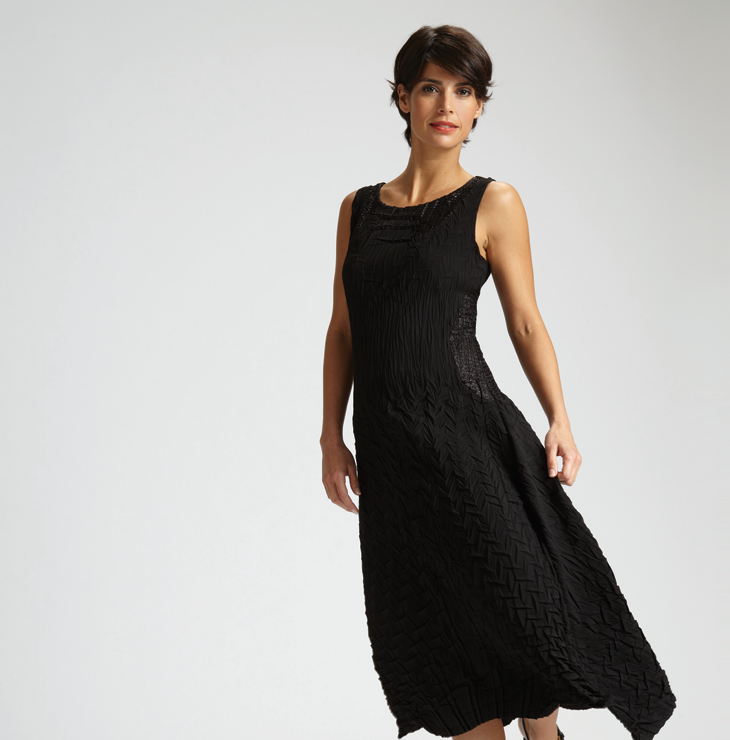
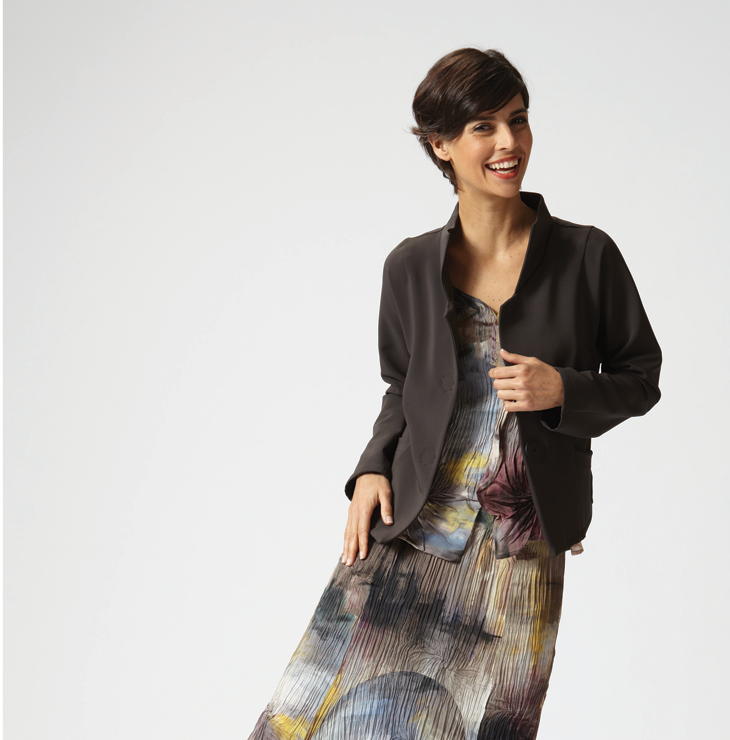
Anyone know this lovely woman?
Not convinced either. Especially since a search of her name plus Wacoal brings up essentially nothing.
thanks--I was just starting to wonder if that was her.
Anyone know this lovely woman?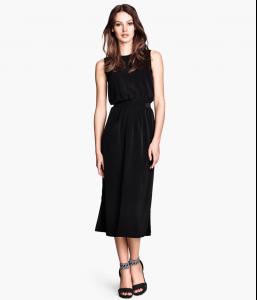
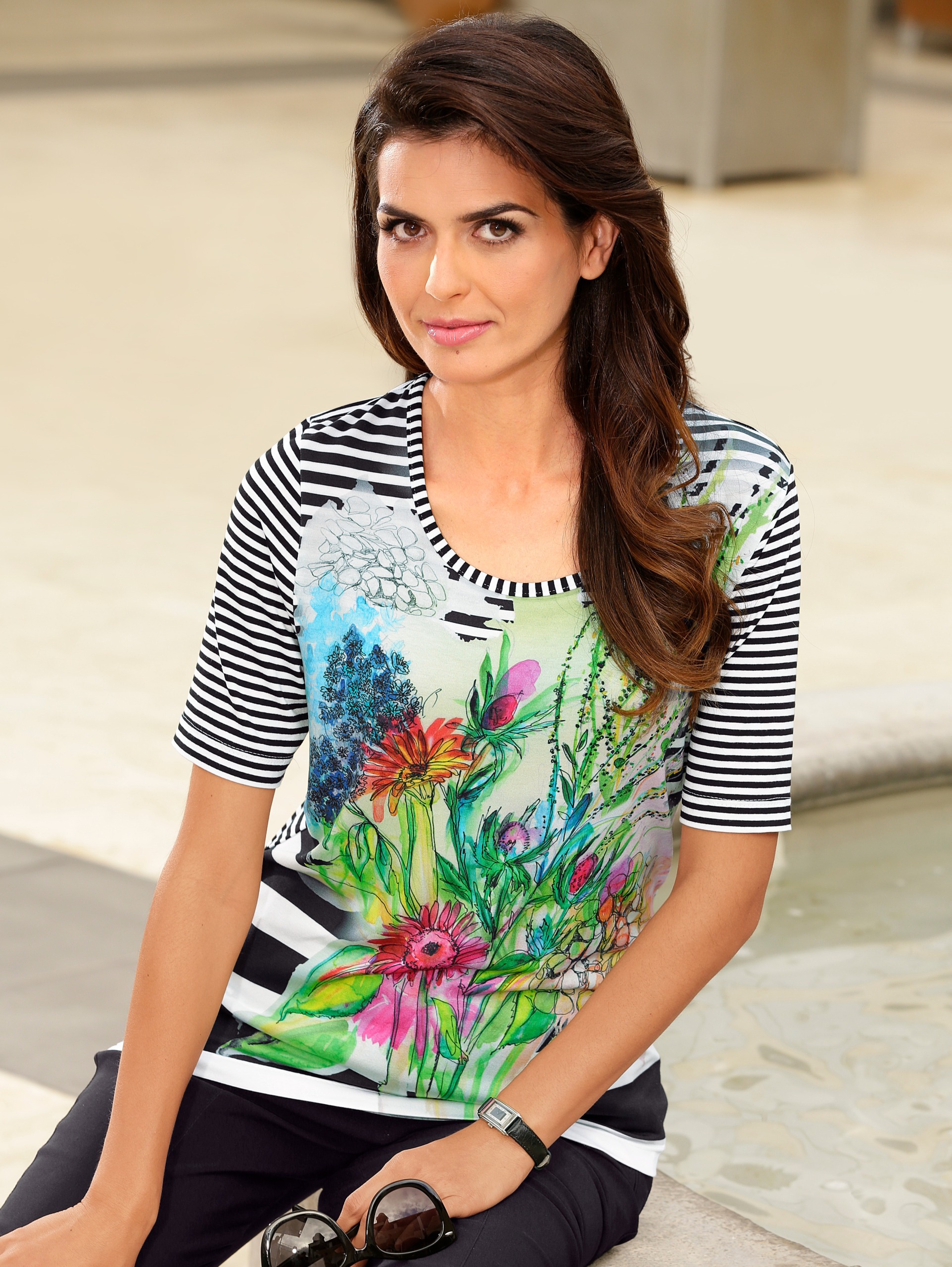
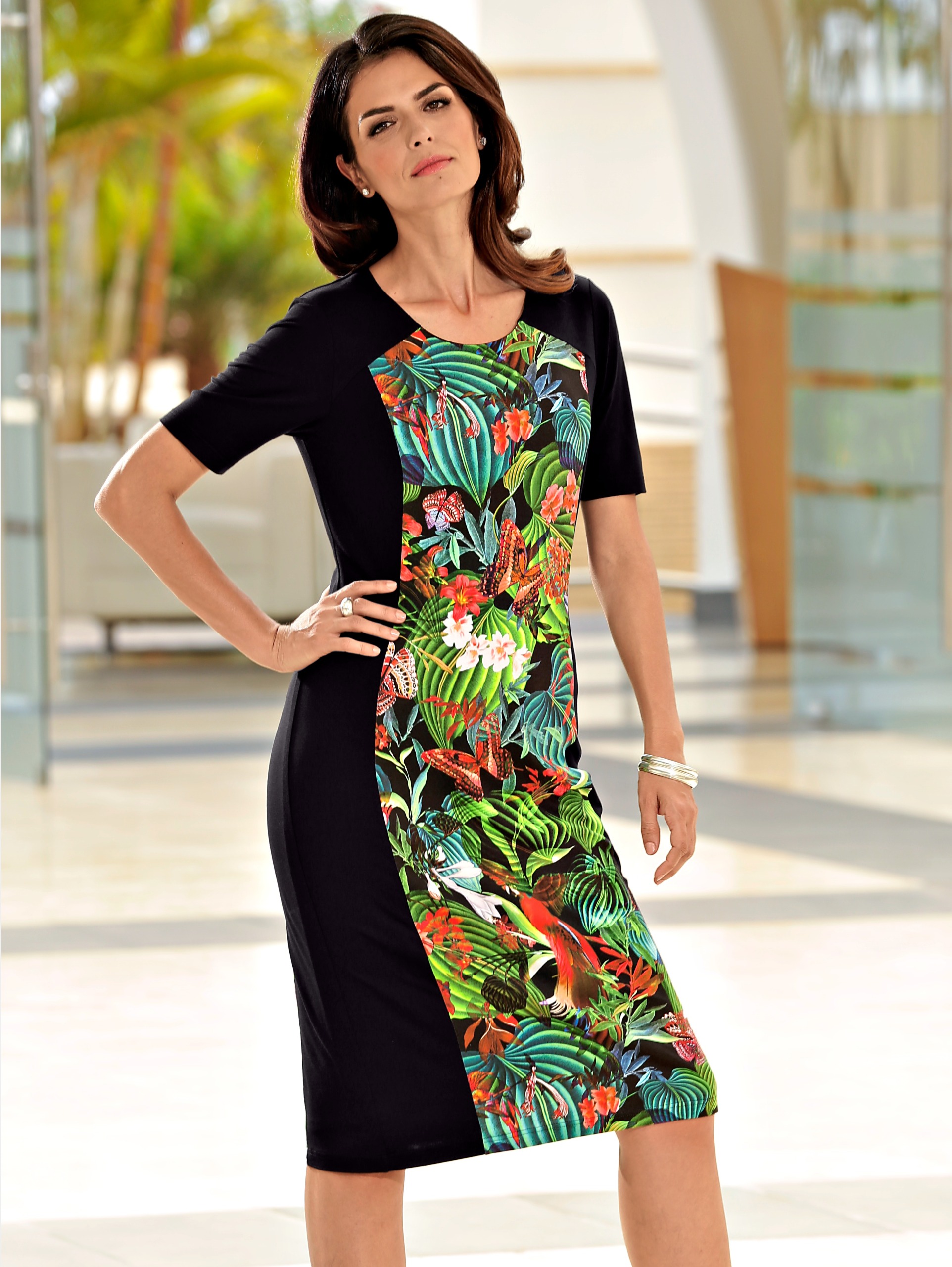
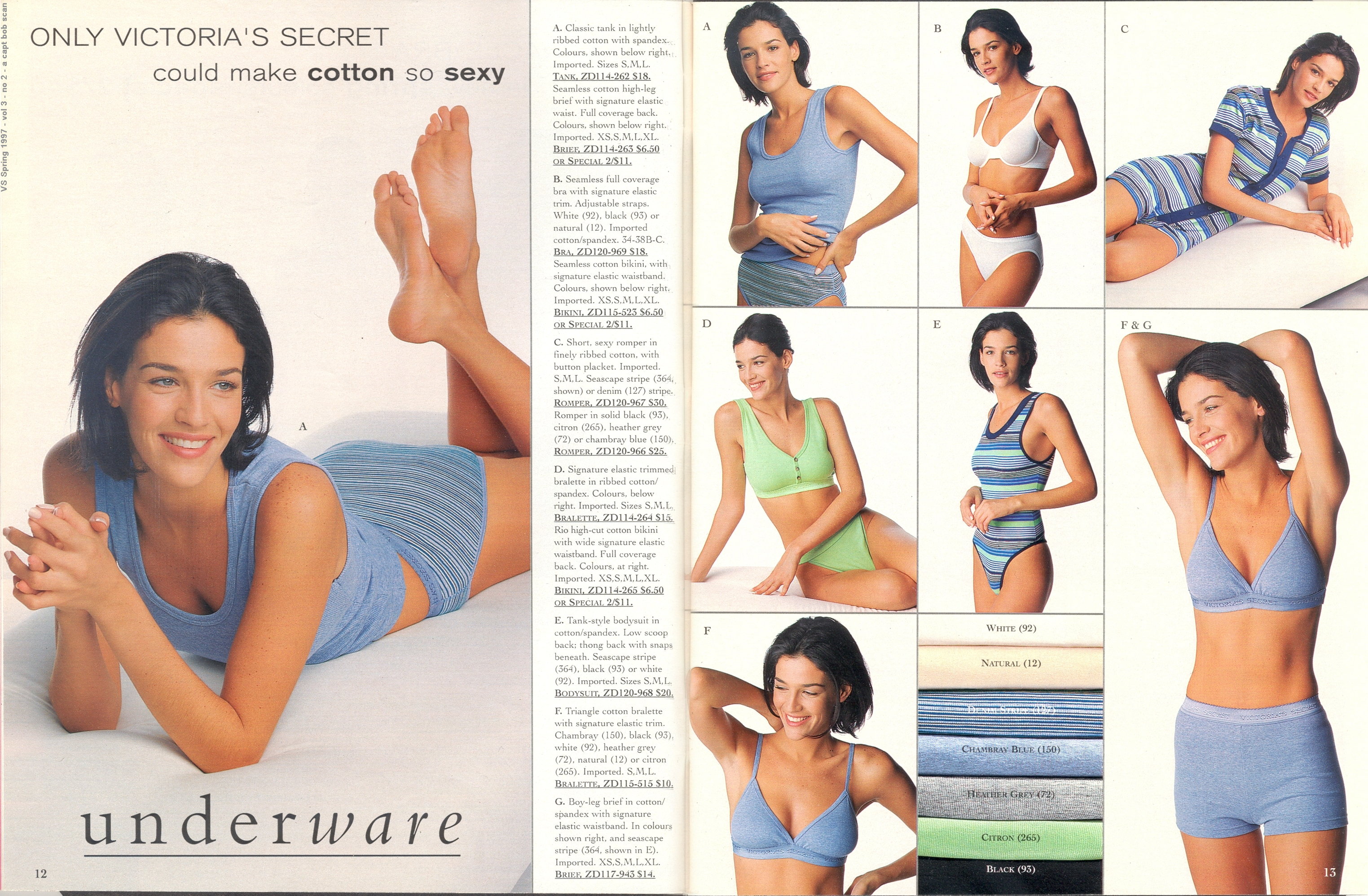
 I think they are all Vanessa, though I understand your confusion. The pix are from the Venus site, and I don't see anyone else there it could be, and VF is definitely there.














































































Account
Navigation
Search
Configure browser push notifications
Chrome (Android)
- Tap the lock icon next to the address bar.
- Tap Permissions → Notifications.
- Adjust your preference.
Chrome (Desktop)
- Click the padlock icon in the address bar.
- Select Site settings.
- Find Notifications and adjust your preference.
Safari (iOS 16.4+)
- Ensure the site is installed via Add to Home Screen.
- Open Settings App → Notifications.
- Find your app name and adjust your preference.
Safari (macOS)
- Go to Safari → Preferences.
- Click the Websites tab.
- Select Notifications in the sidebar.
- Find this website and adjust your preference.
Edge (Android)
- Tap the lock icon next to the address bar.
- Tap Permissions.
- Find Notifications and adjust your preference.
Edge (Desktop)
- Click the padlock icon in the address bar.
- Click Permissions for this site.
- Find Notifications and adjust your preference.
Firefox (Android)
- Go to Settings → Site permissions.
- Tap Notifications.
- Find this site in the list and adjust your preference.
Firefox (Desktop)
- Open Firefox Settings.
- Search for Notifications.
- Find this site in the list and adjust your preference.