
nightowl
Members
-
Joined
-
Last visited
Everything posted by nightowl
-
2. Ana Claudia Michels
wonderful--thanks so much!
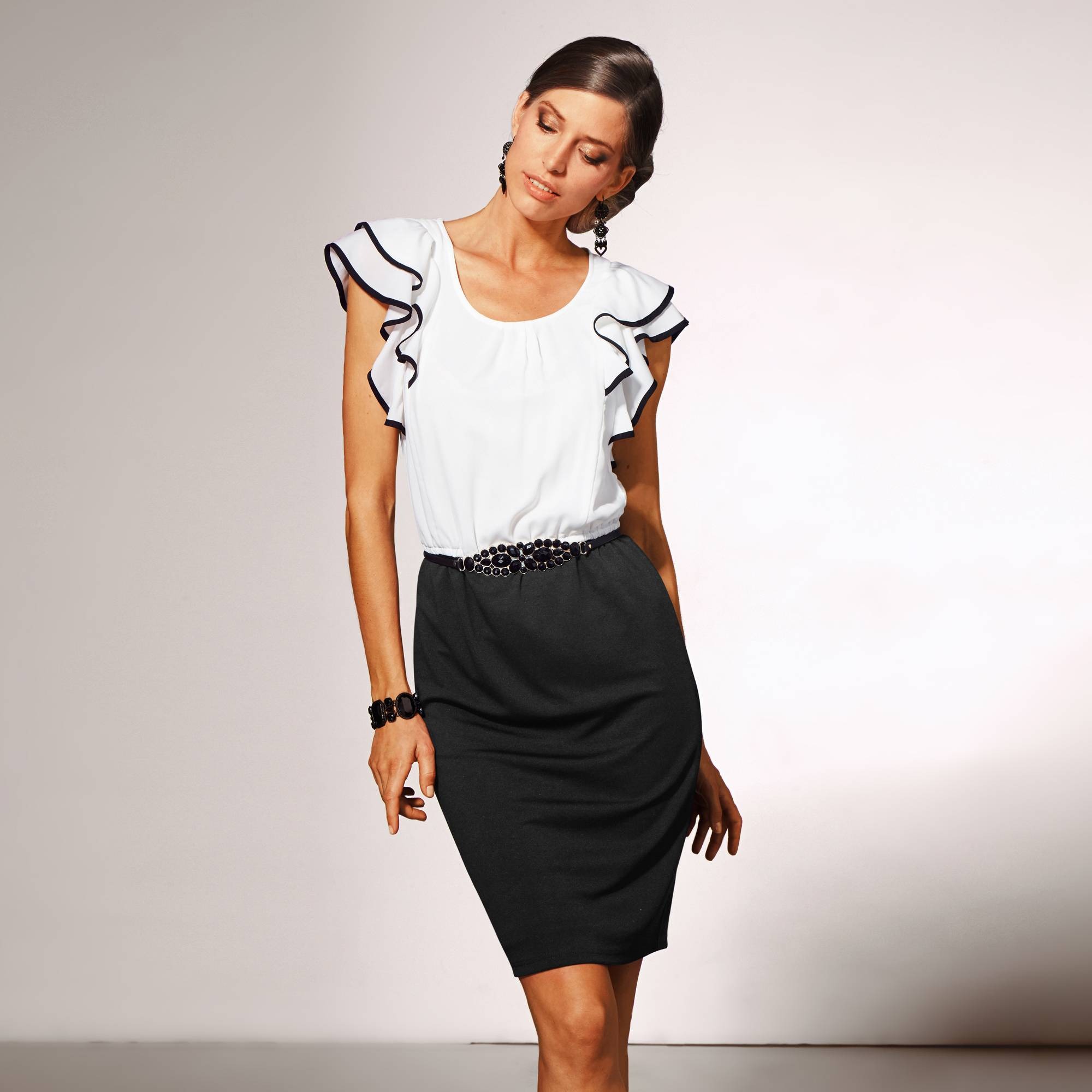
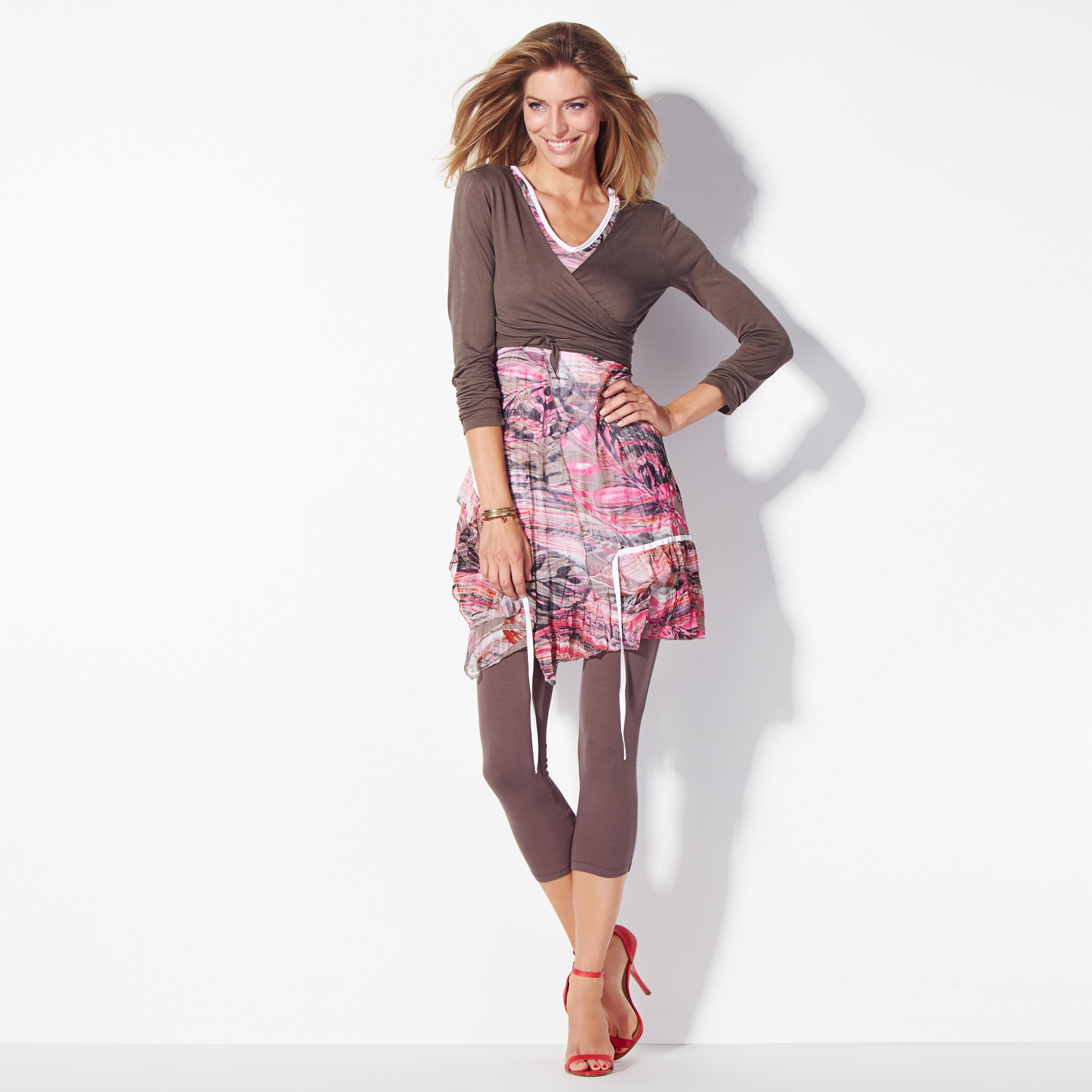
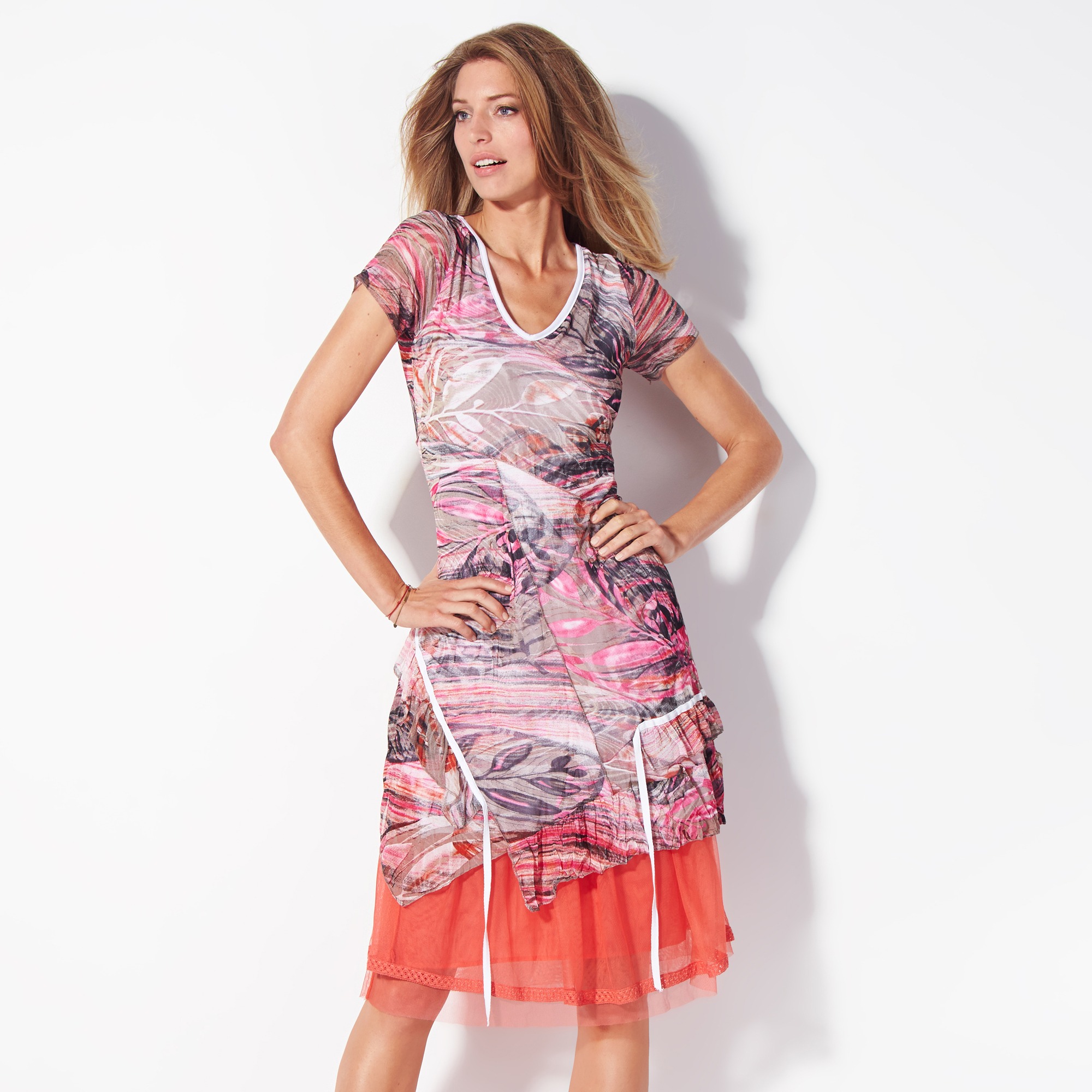
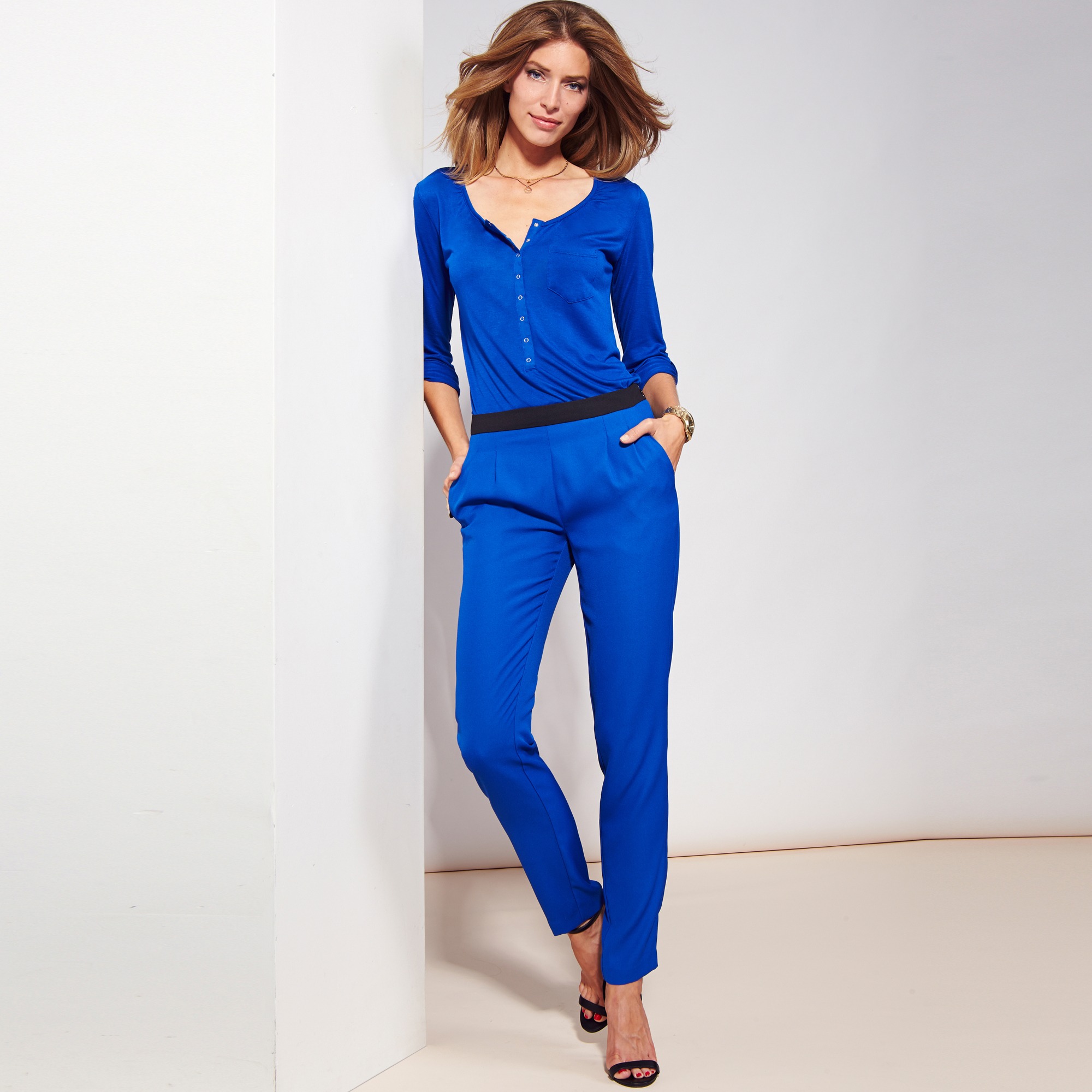
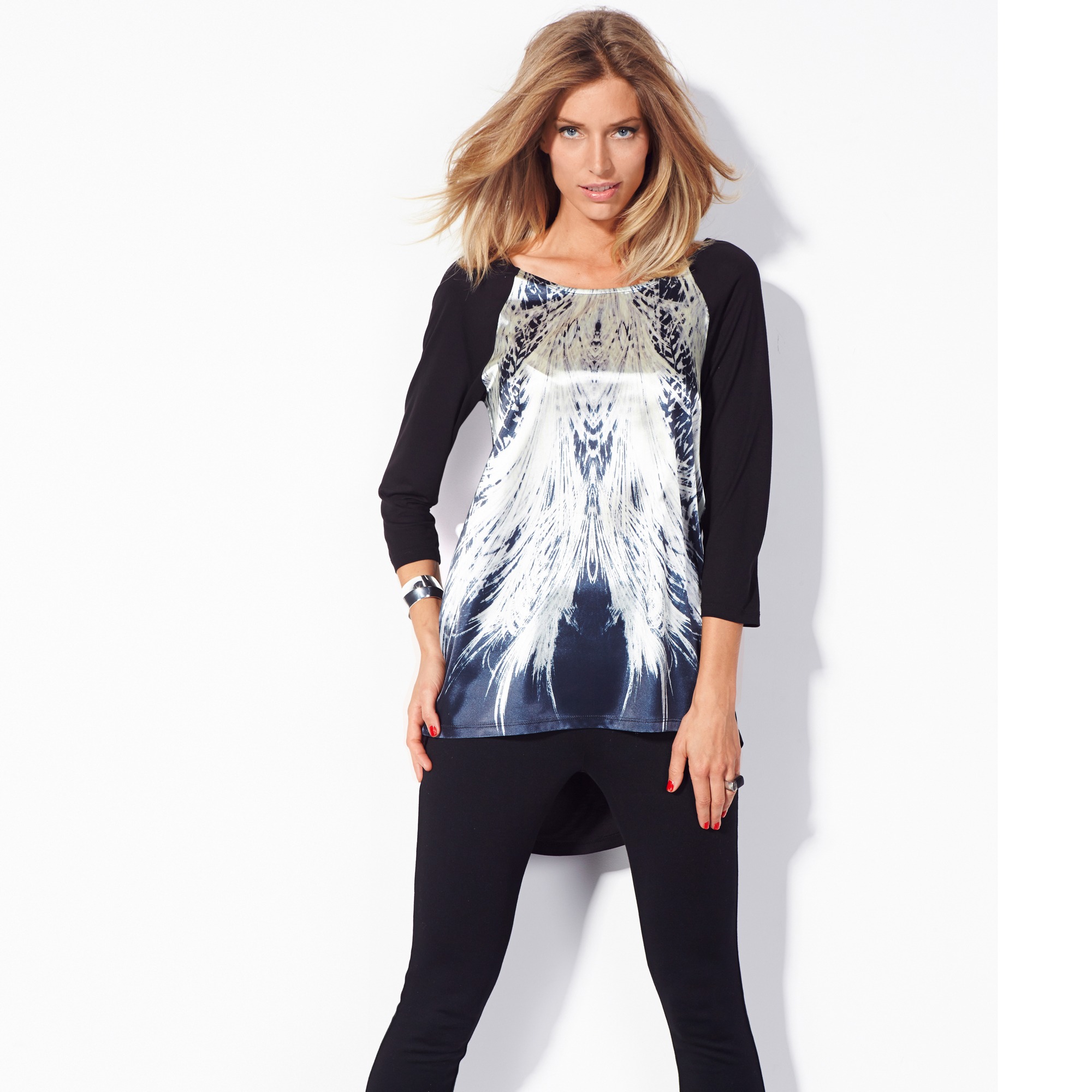
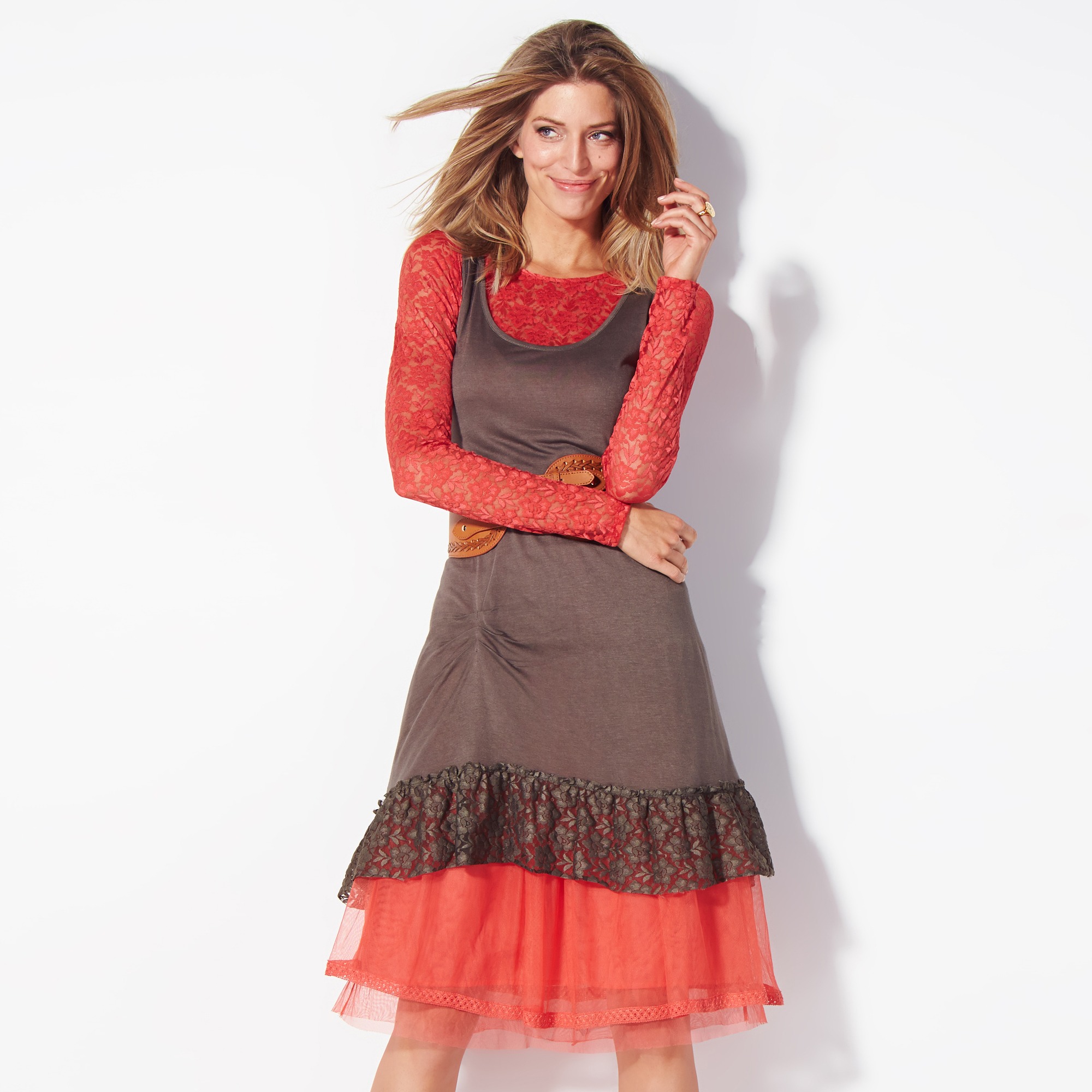
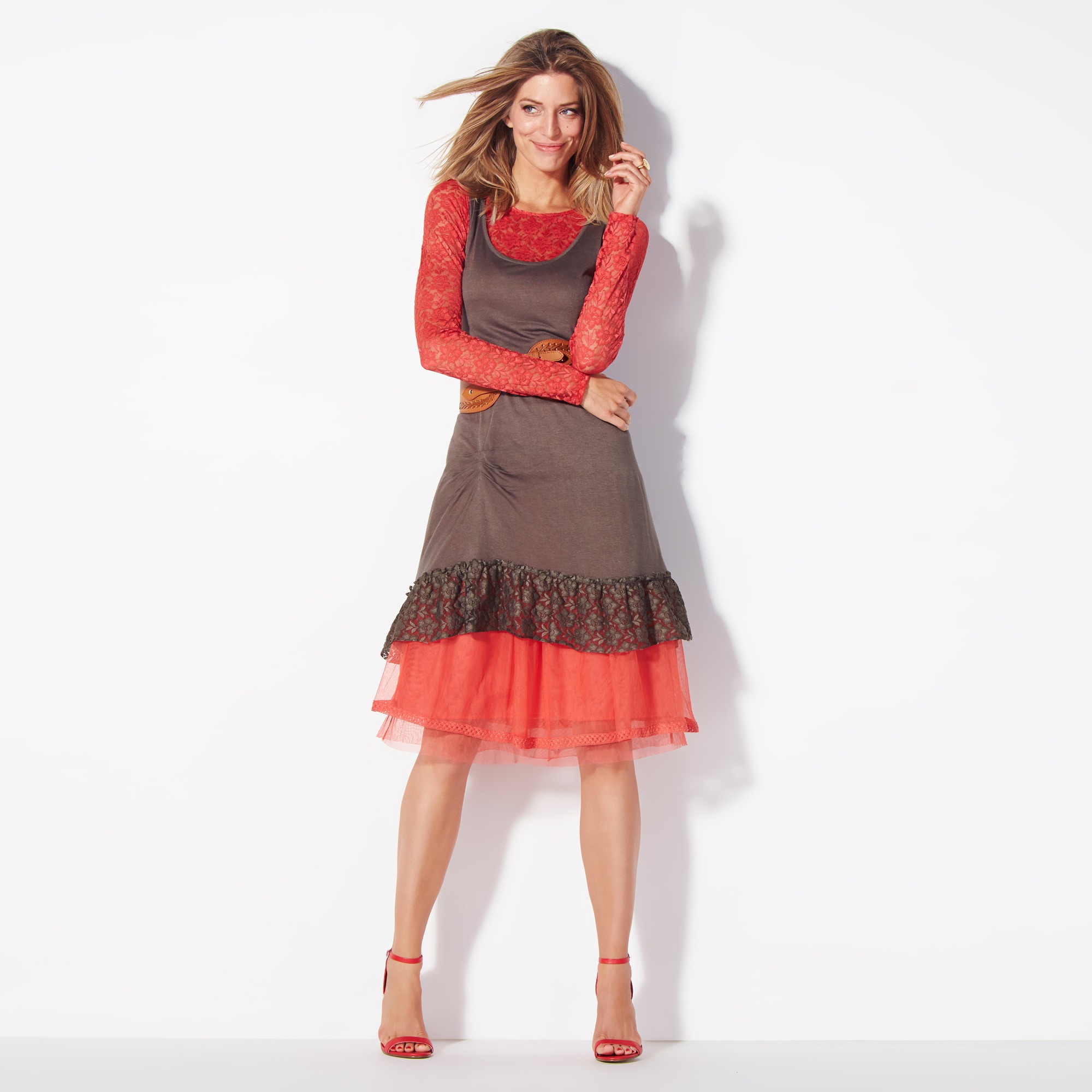
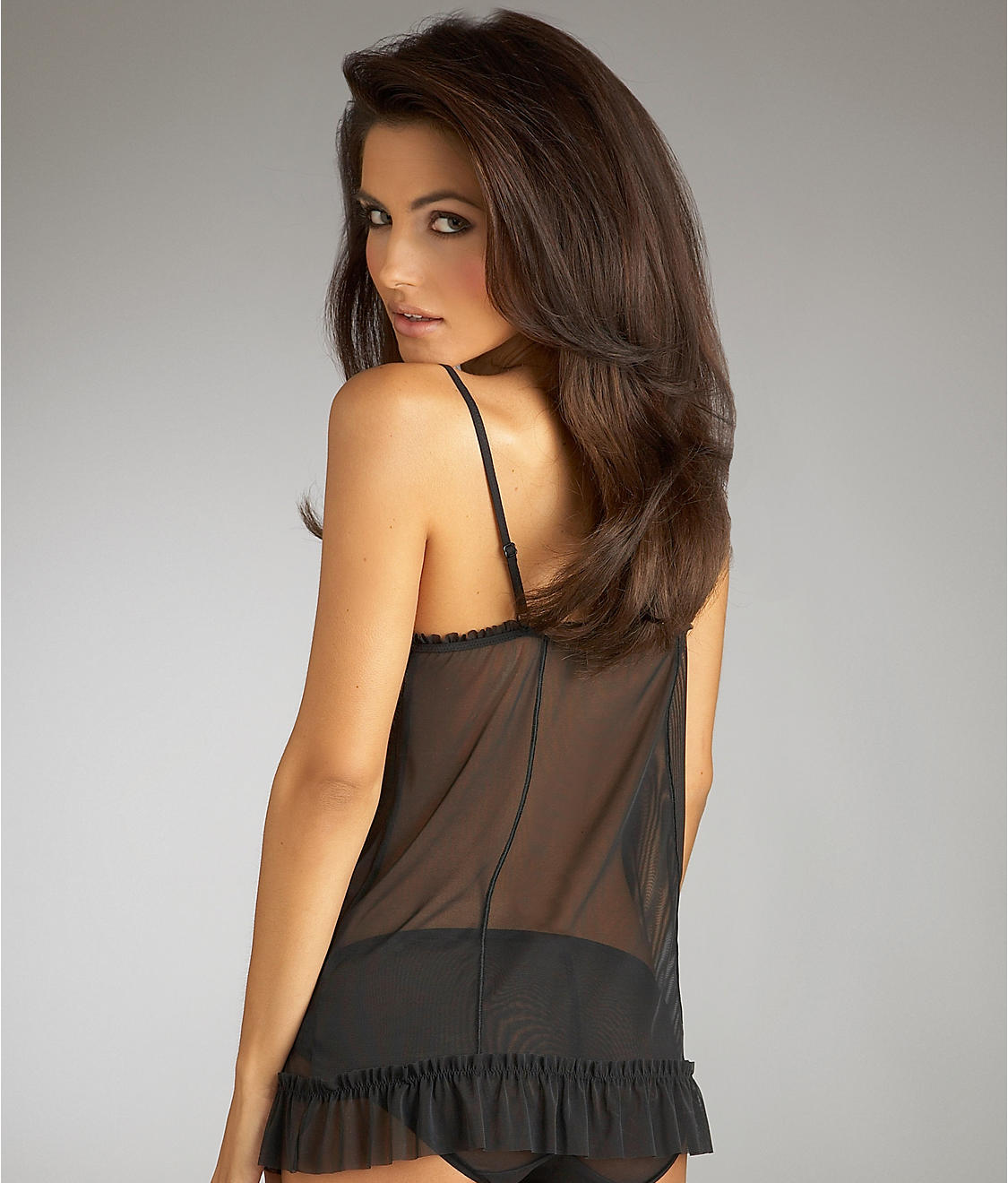
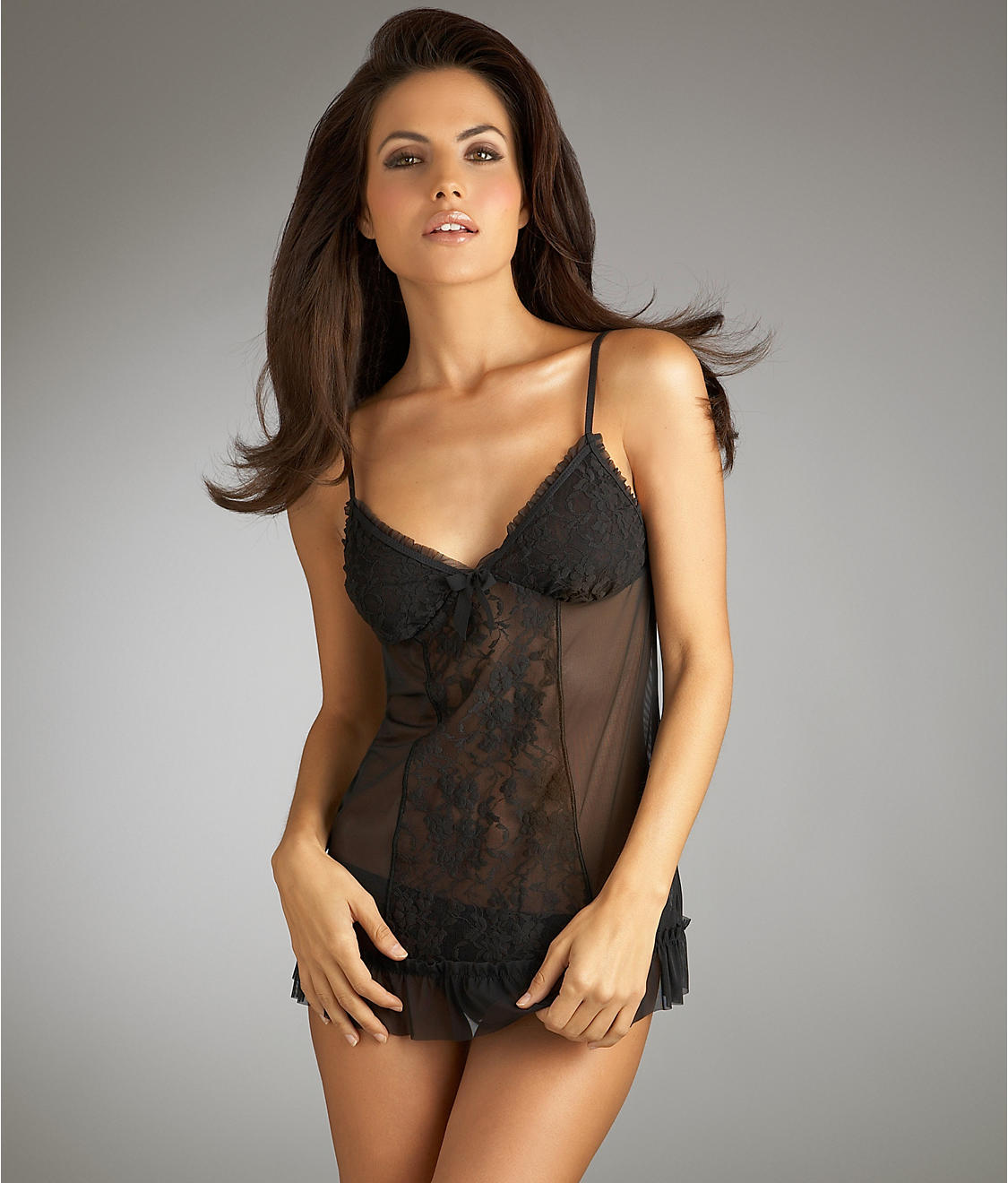
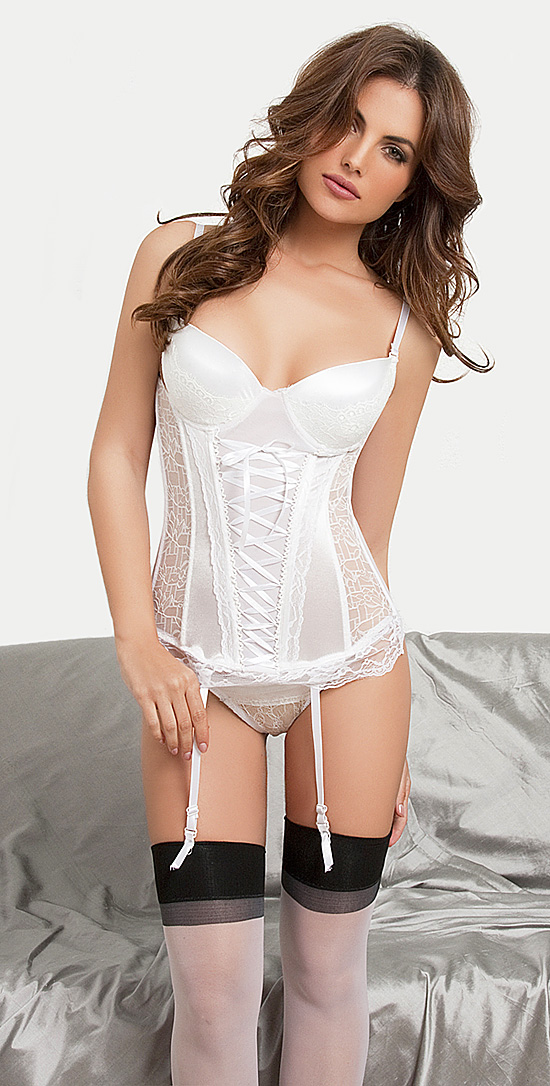
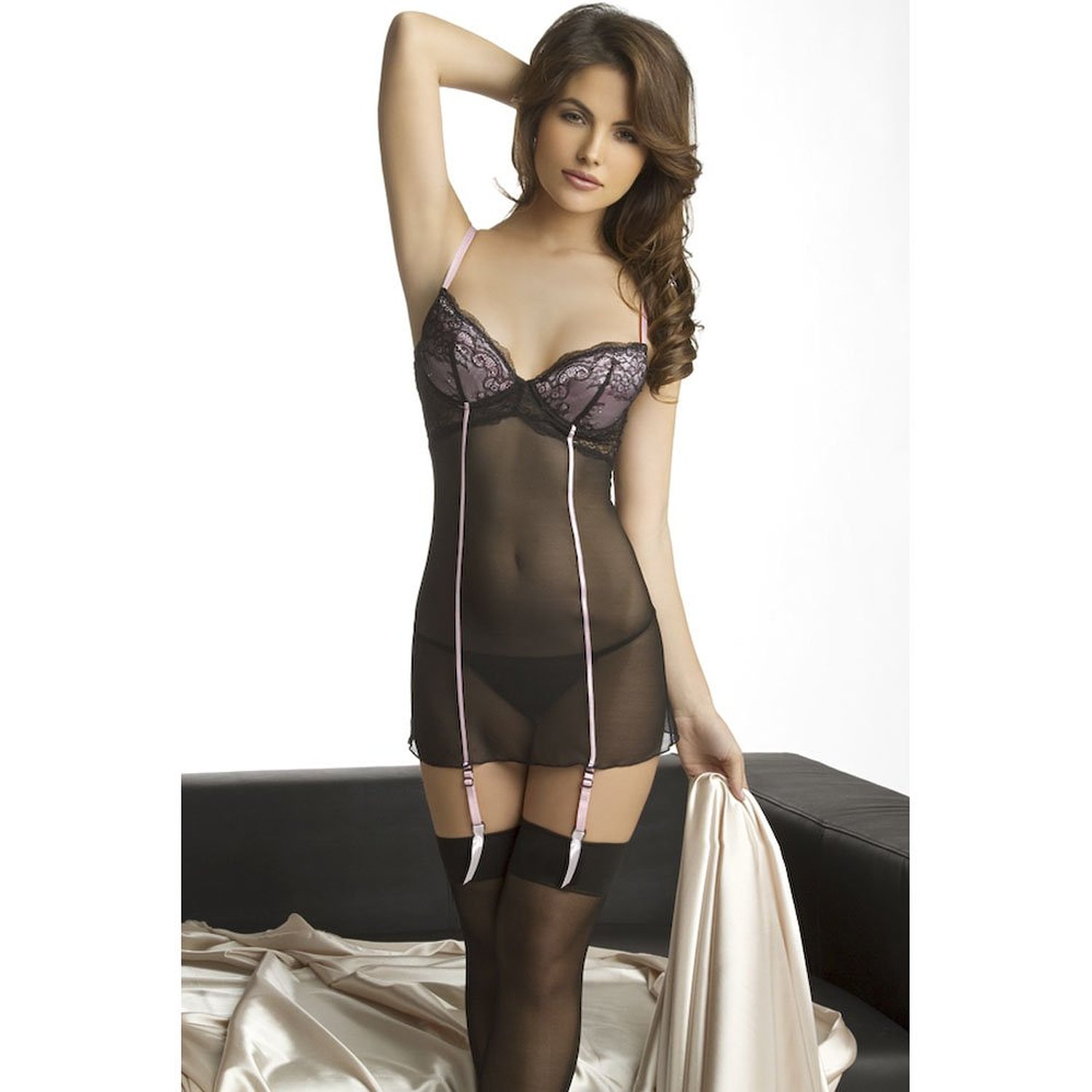
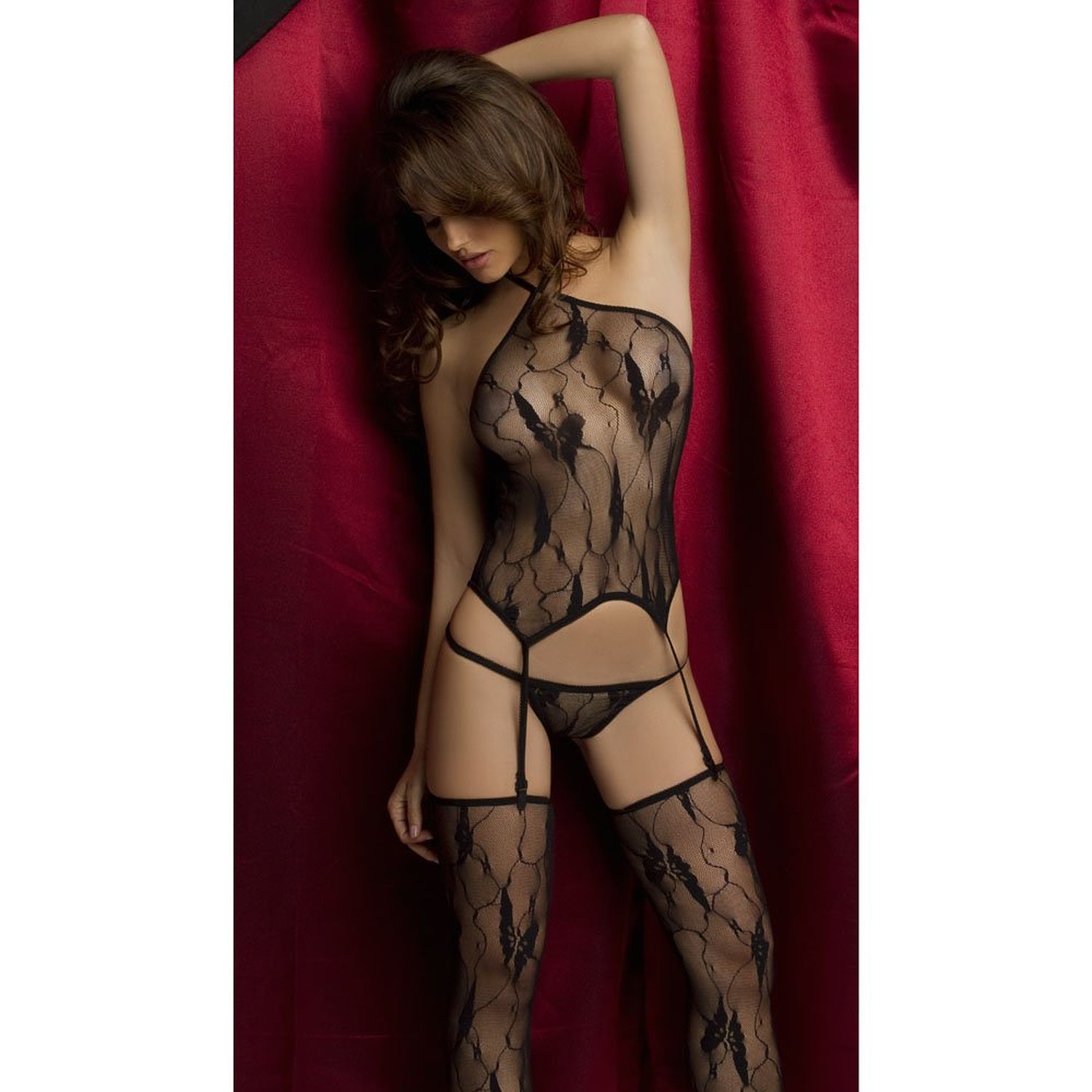
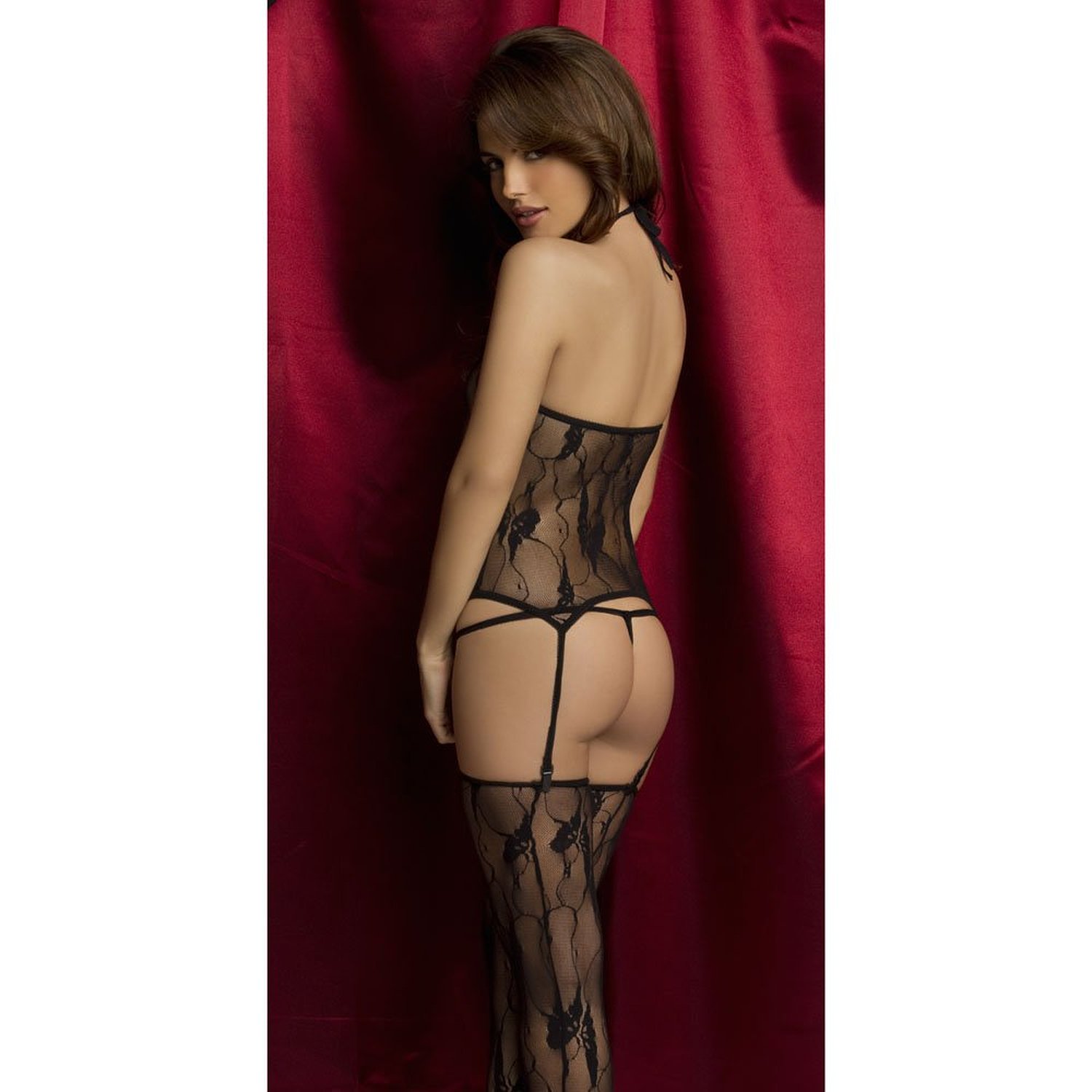
more 3 Suisses











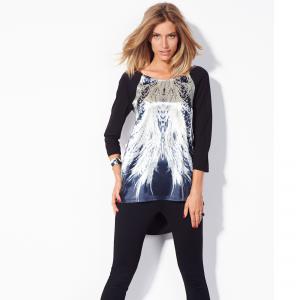


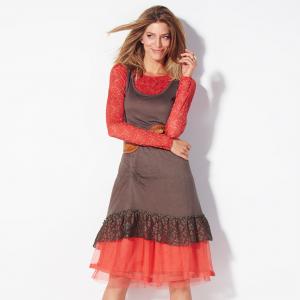
 A bit hard to tell, but I'd say it's Viola Schroeder, aka Viola Mazza
Sophia E http://www.modelbooking.com/models/female/sophia-e
so much beauty--thanks!
I don't know who that is, but it's not Lara Harris.
Ana Carolina Ileck
When are these from? Because it looks like a young Magdalena Wrobel, but that would be from the 90s.
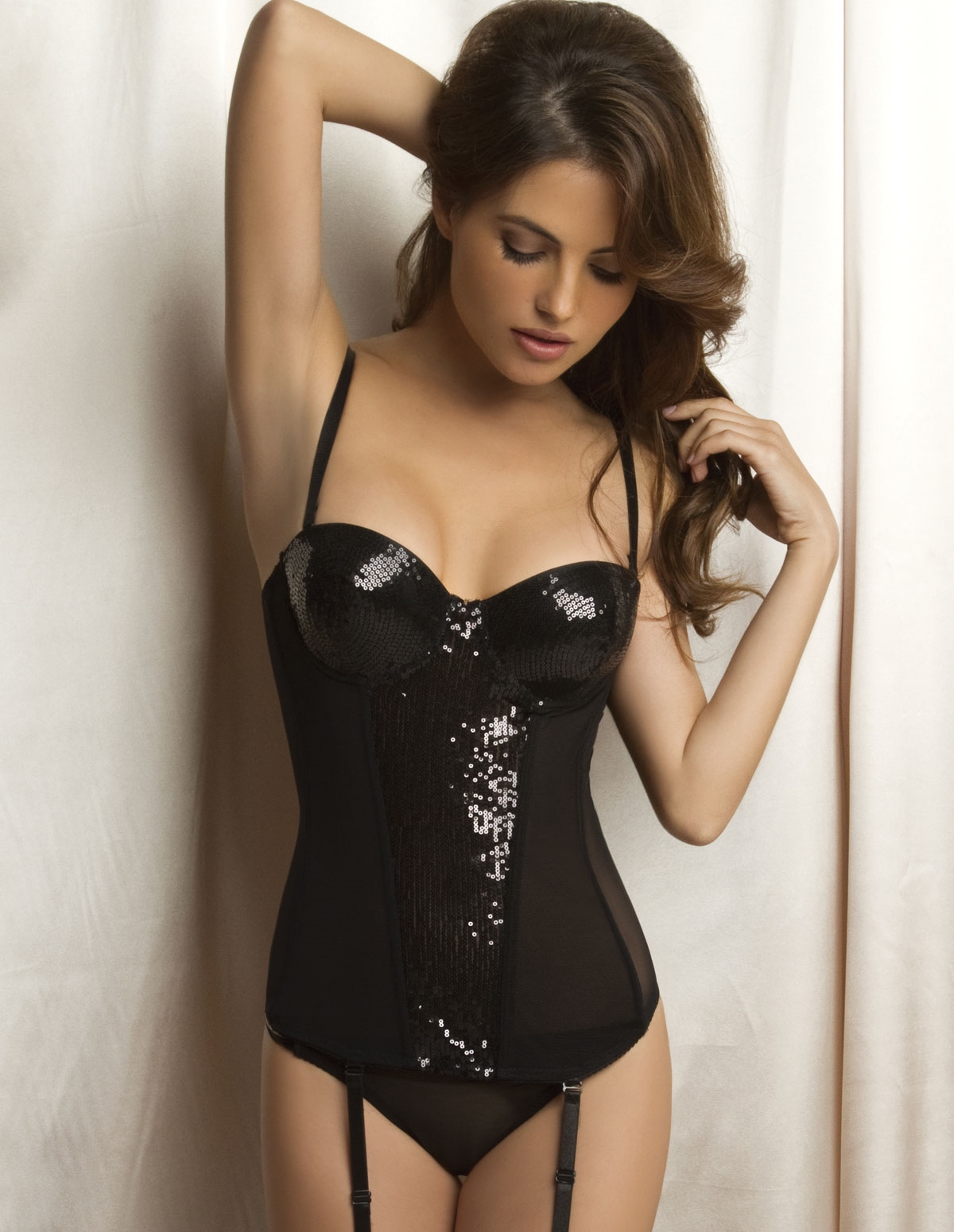
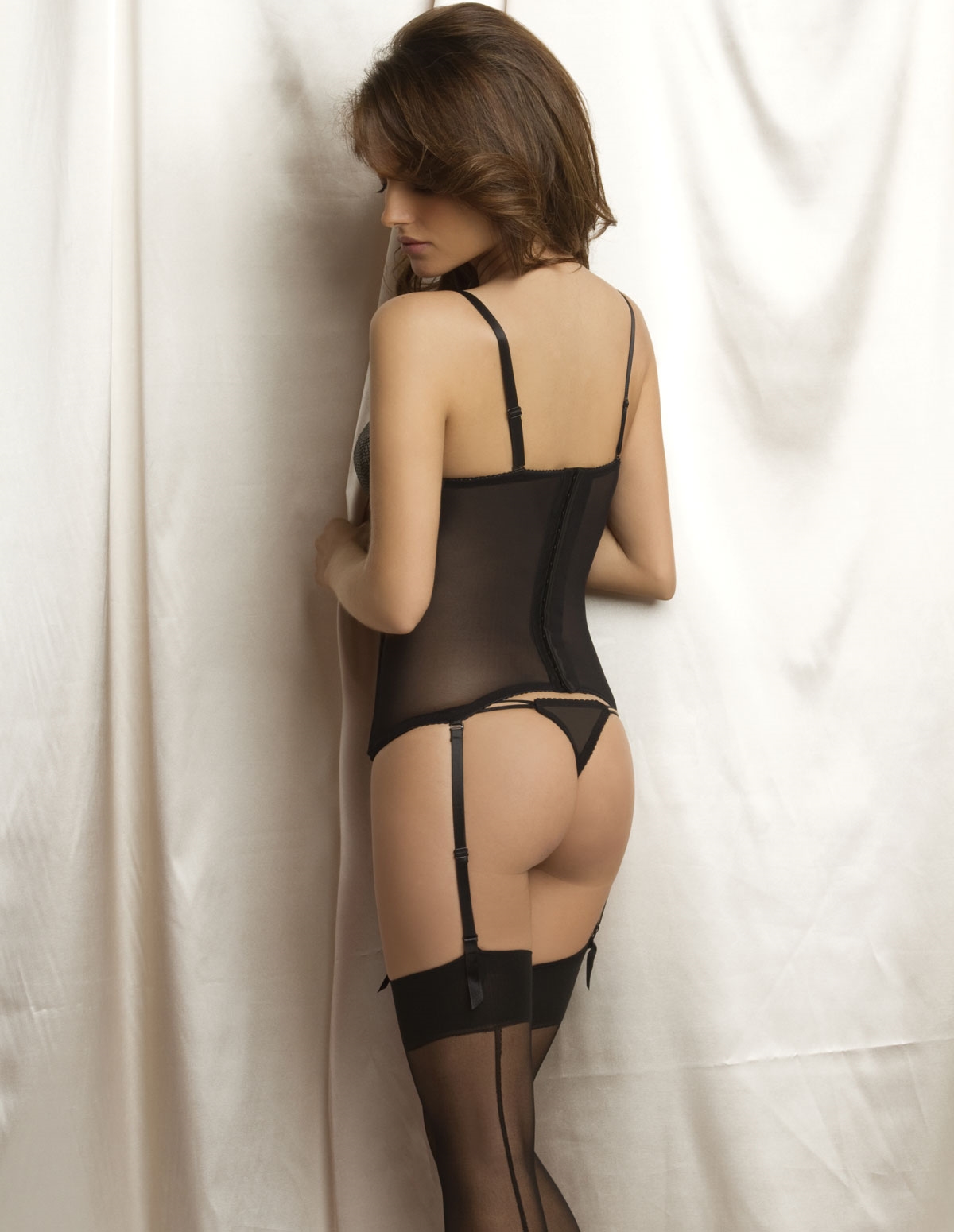
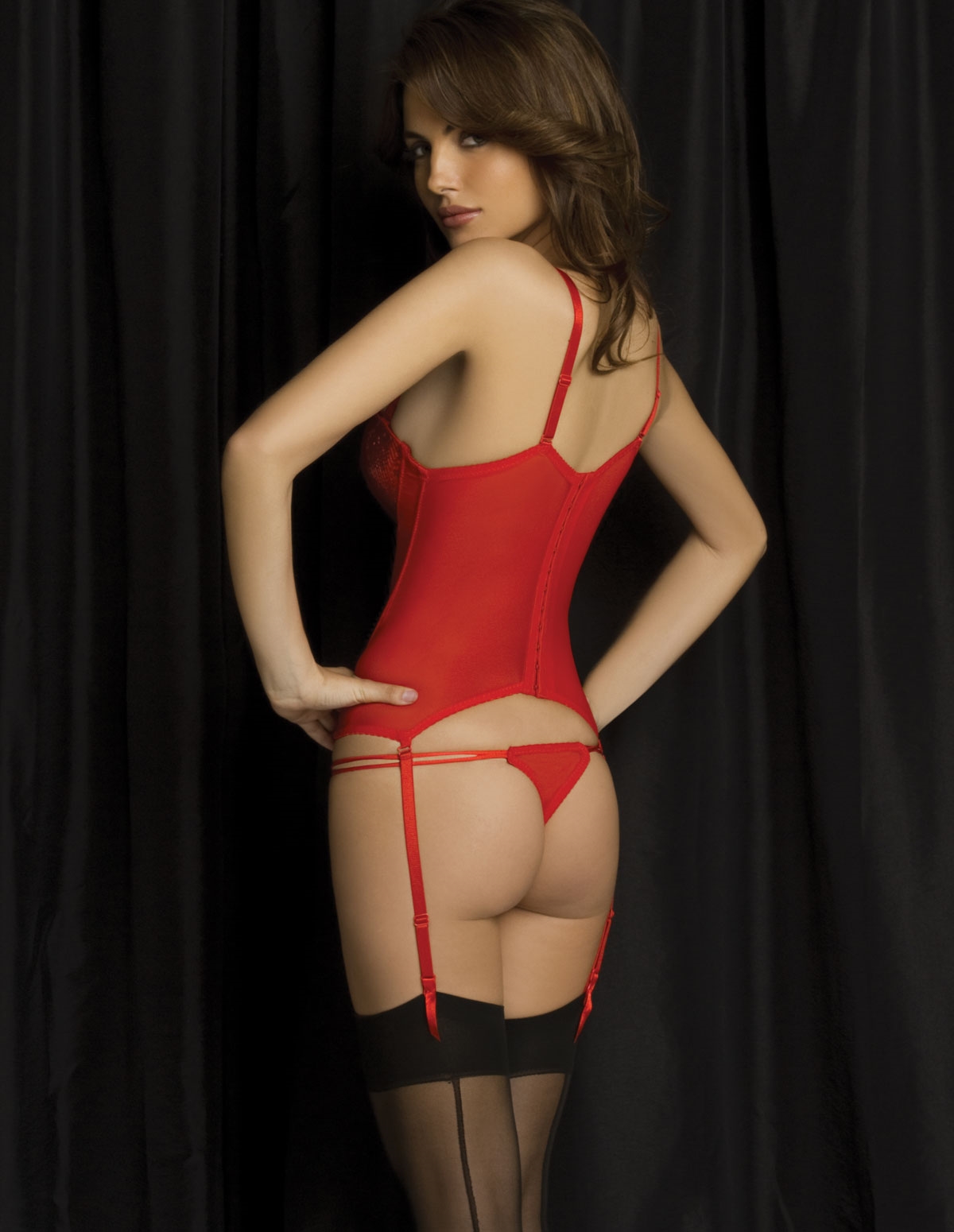
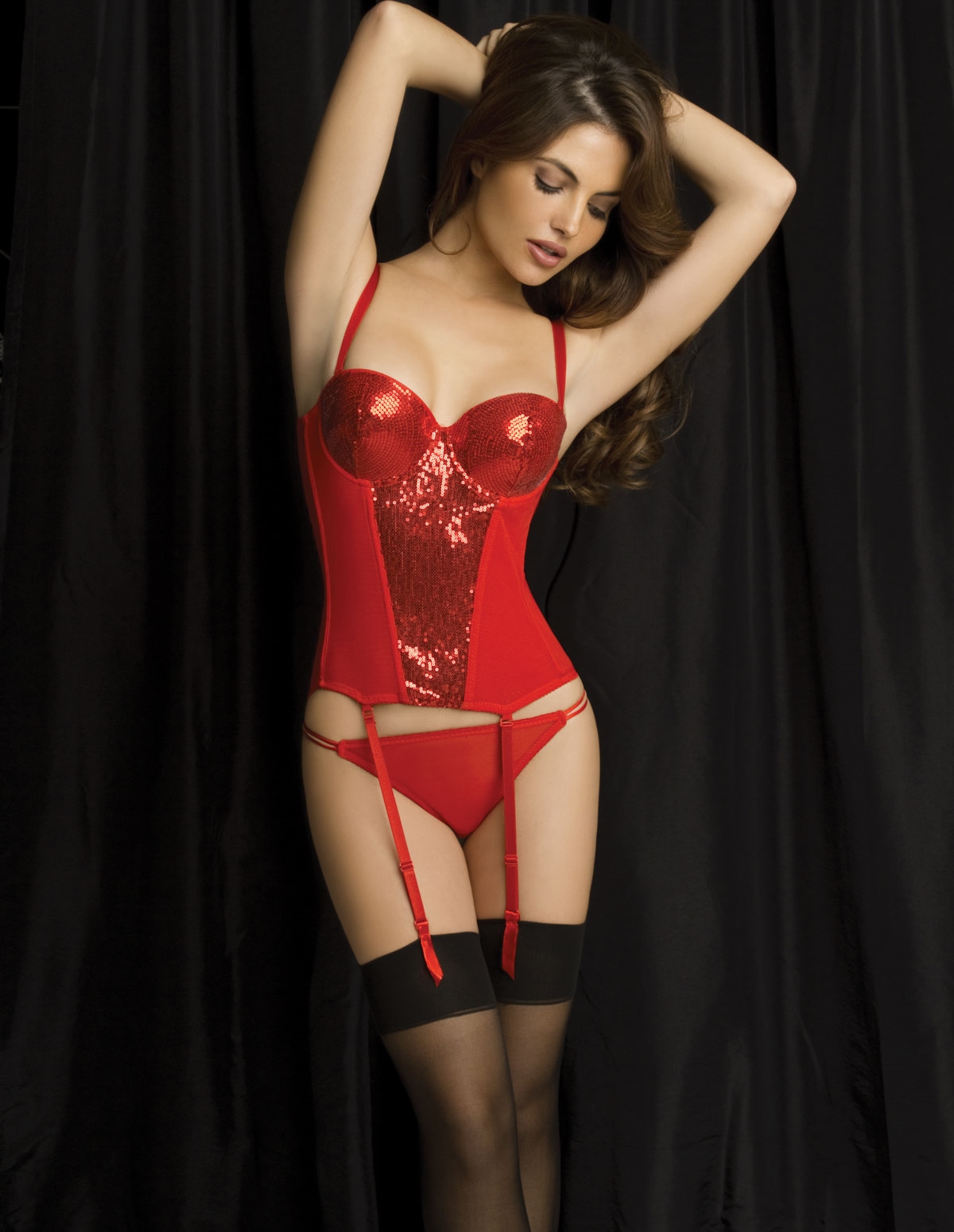
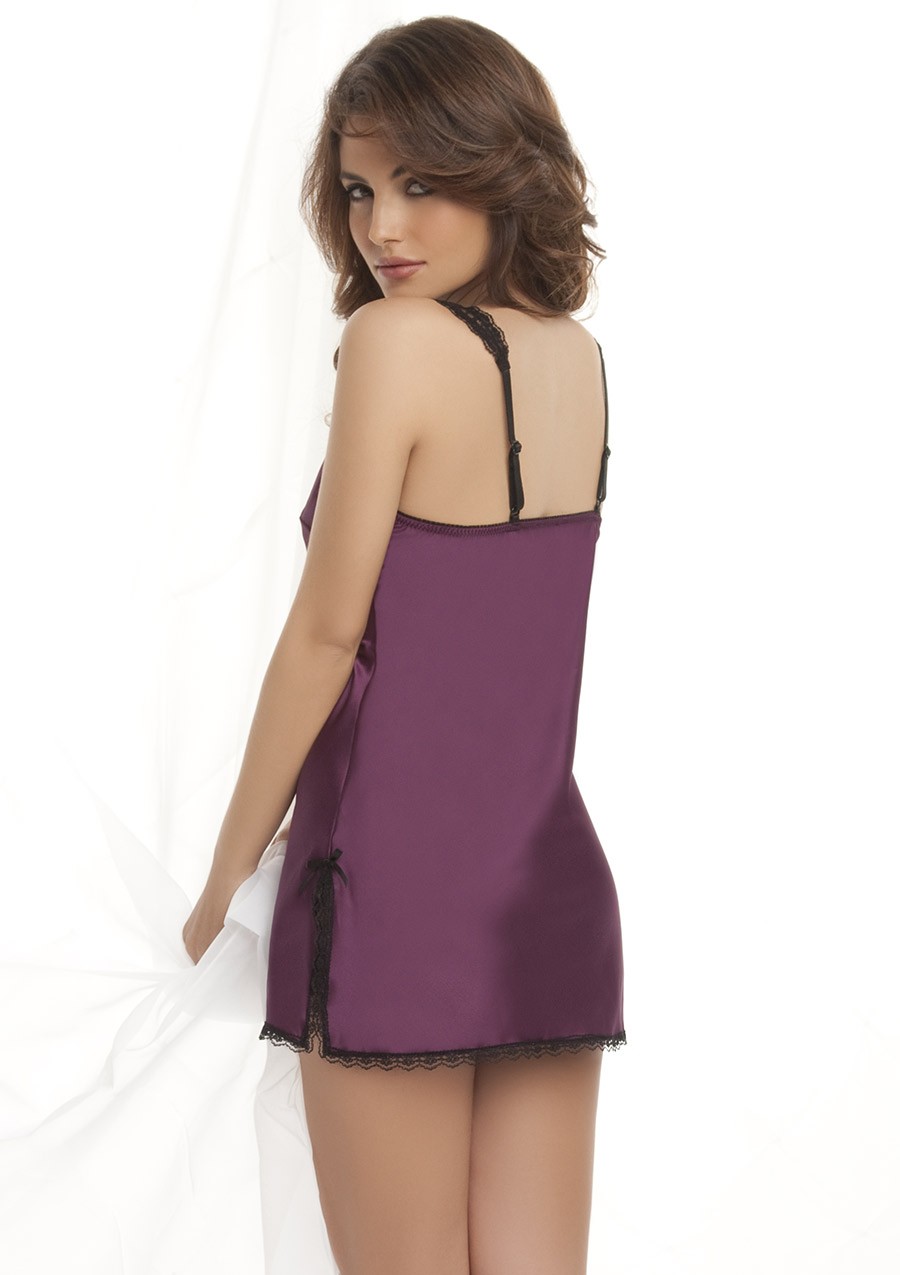
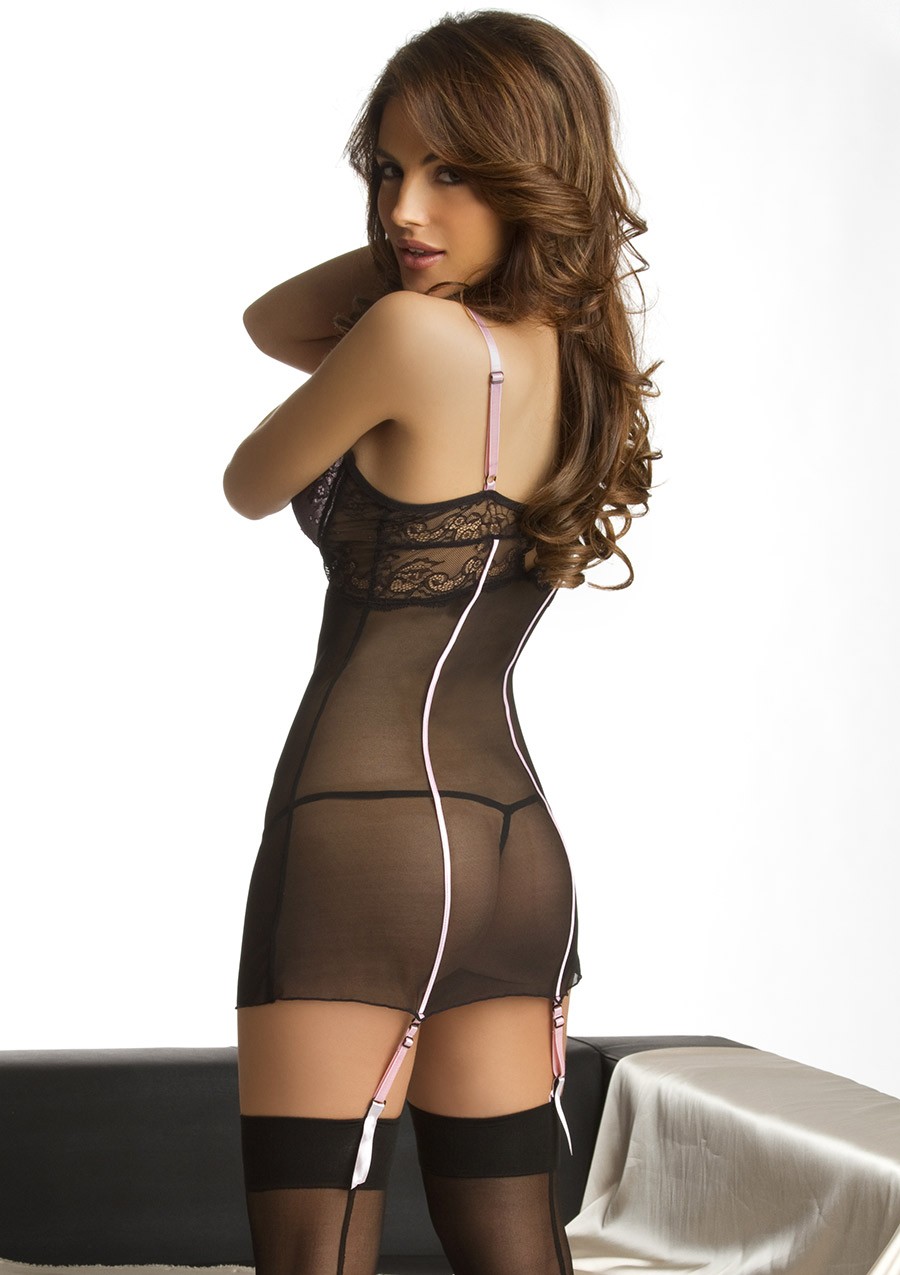
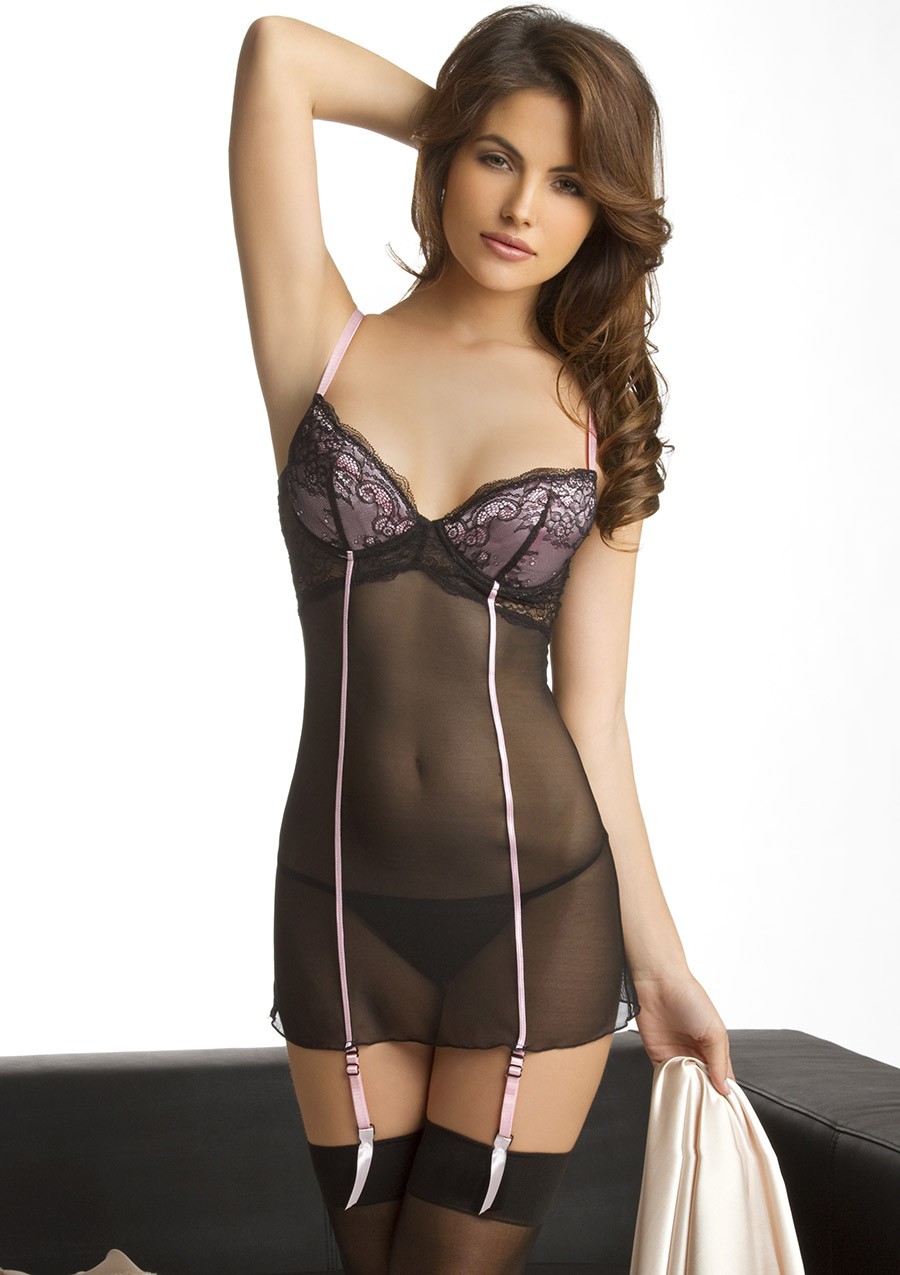
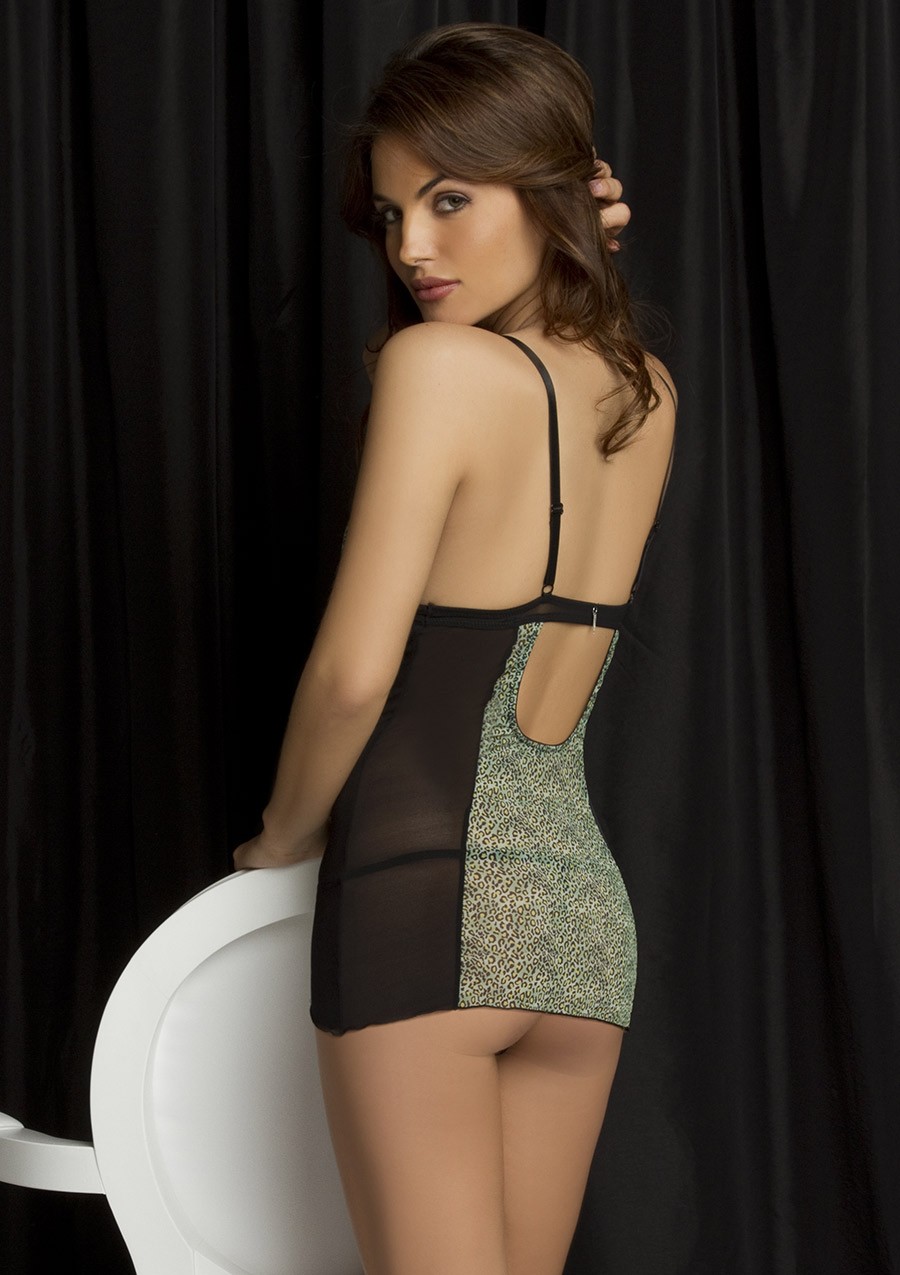
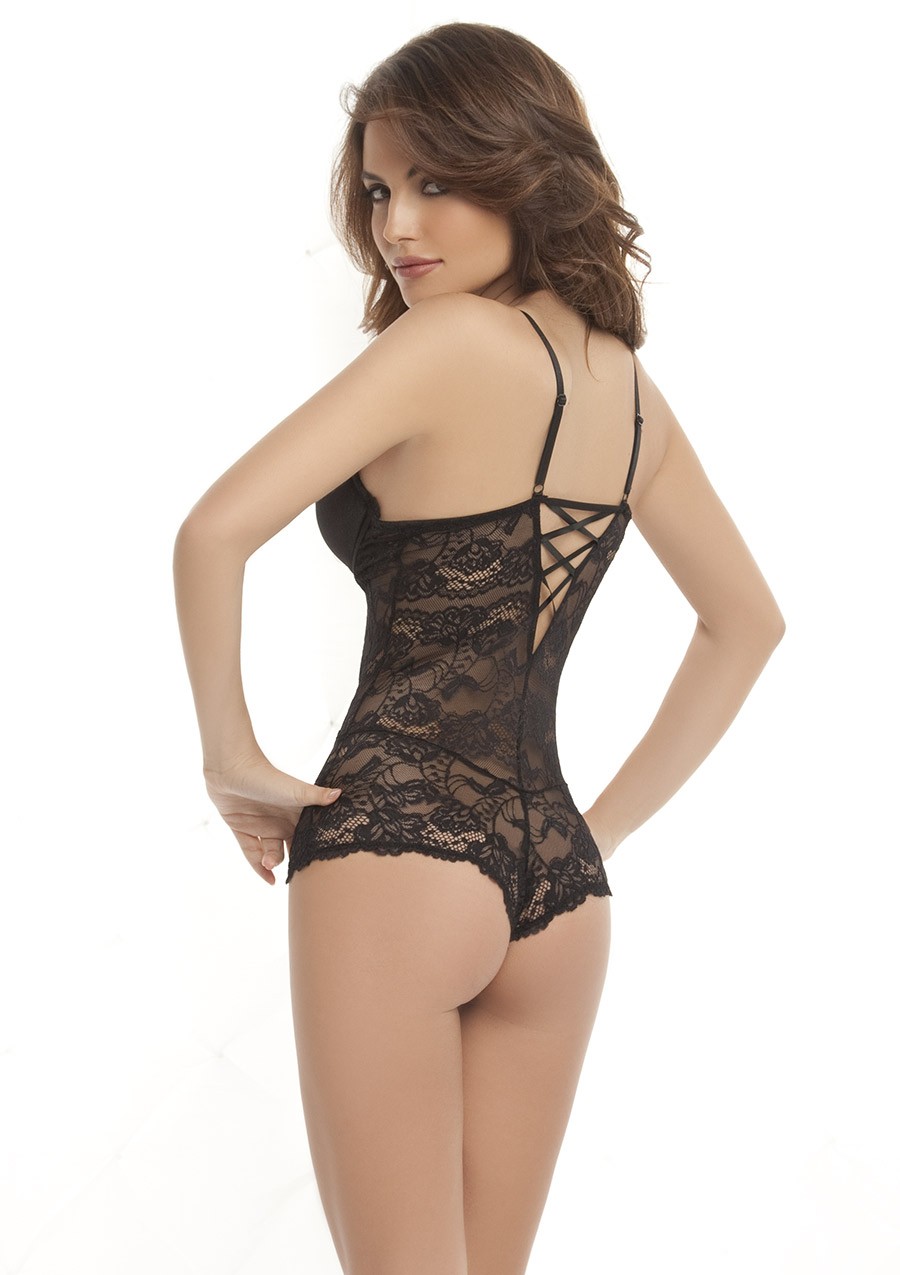
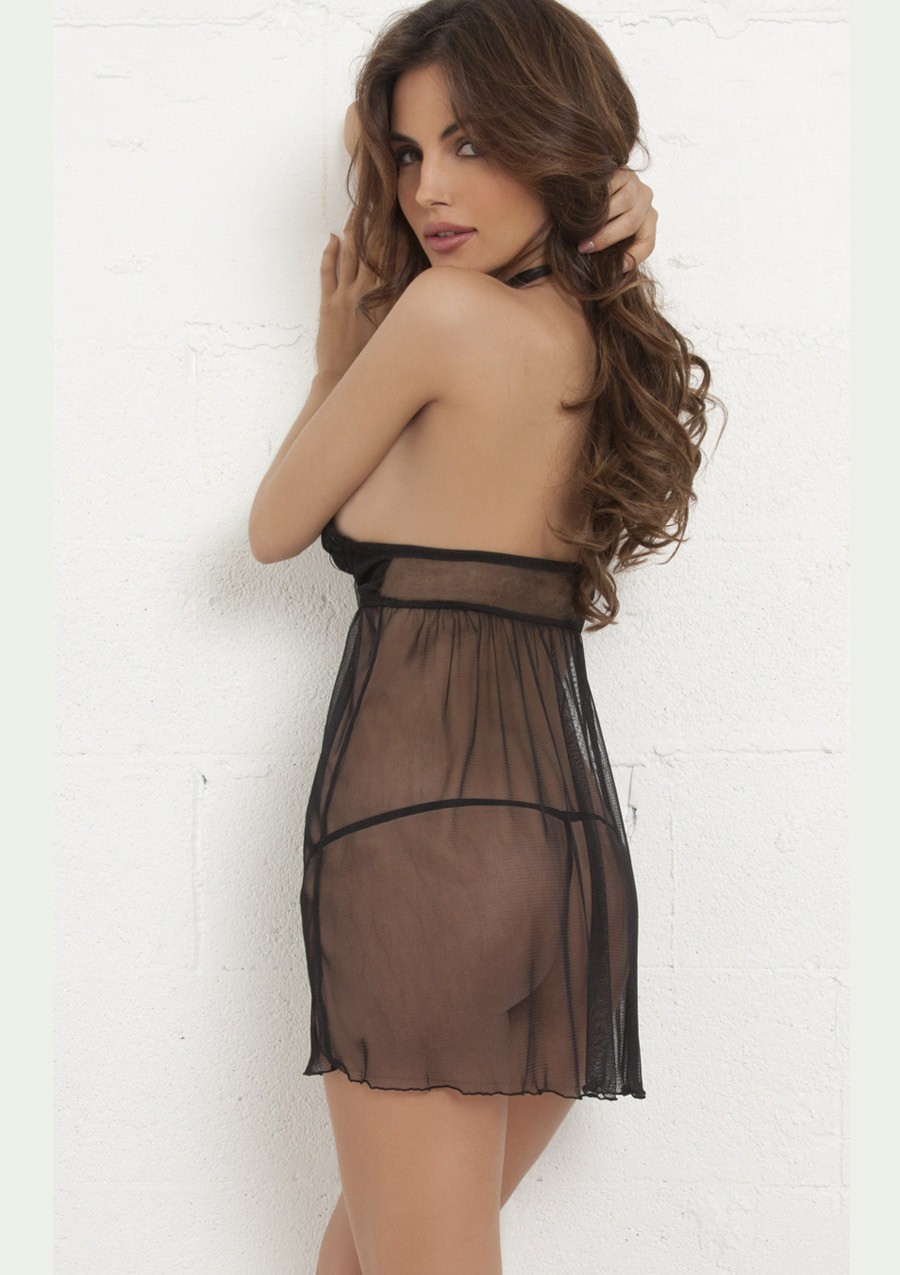
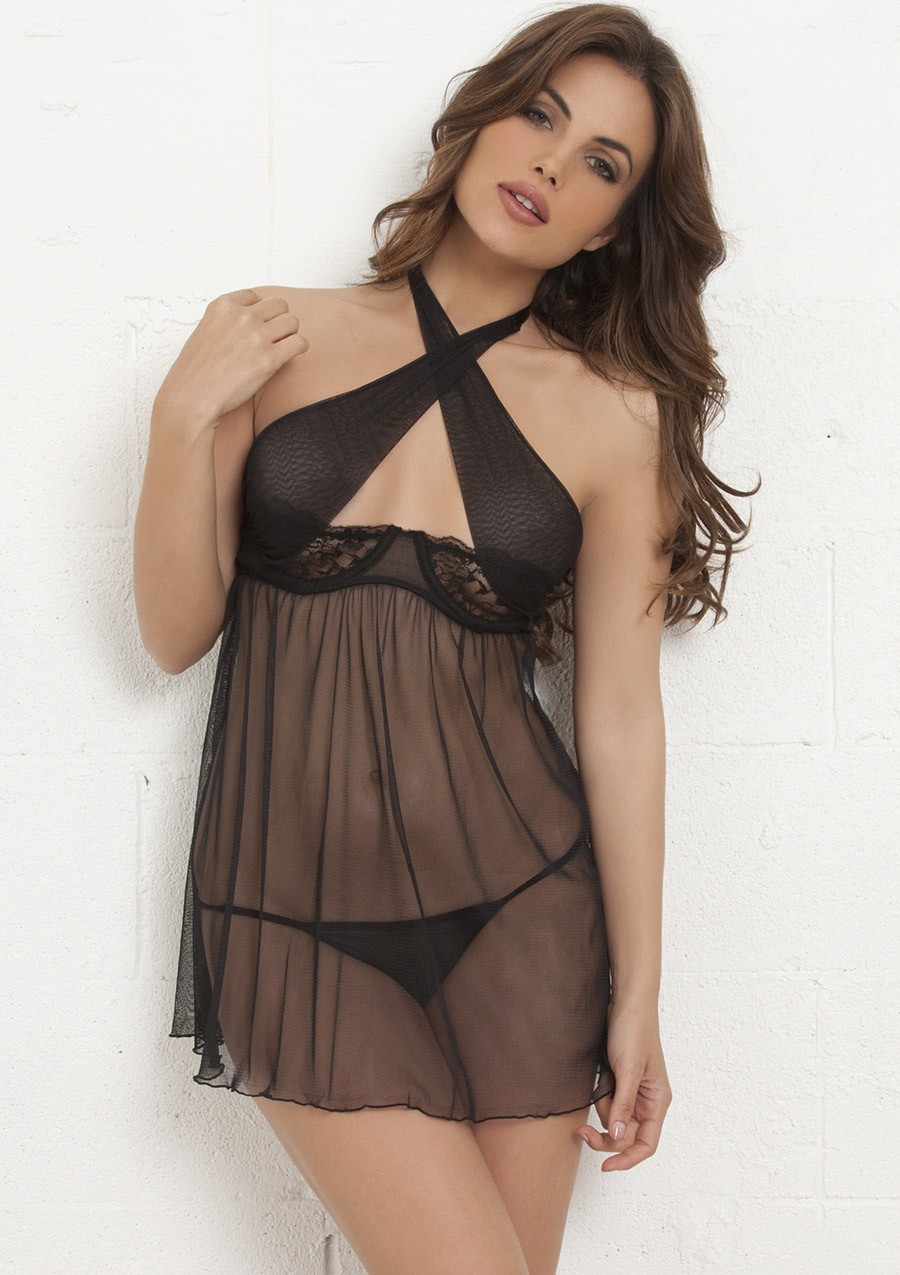
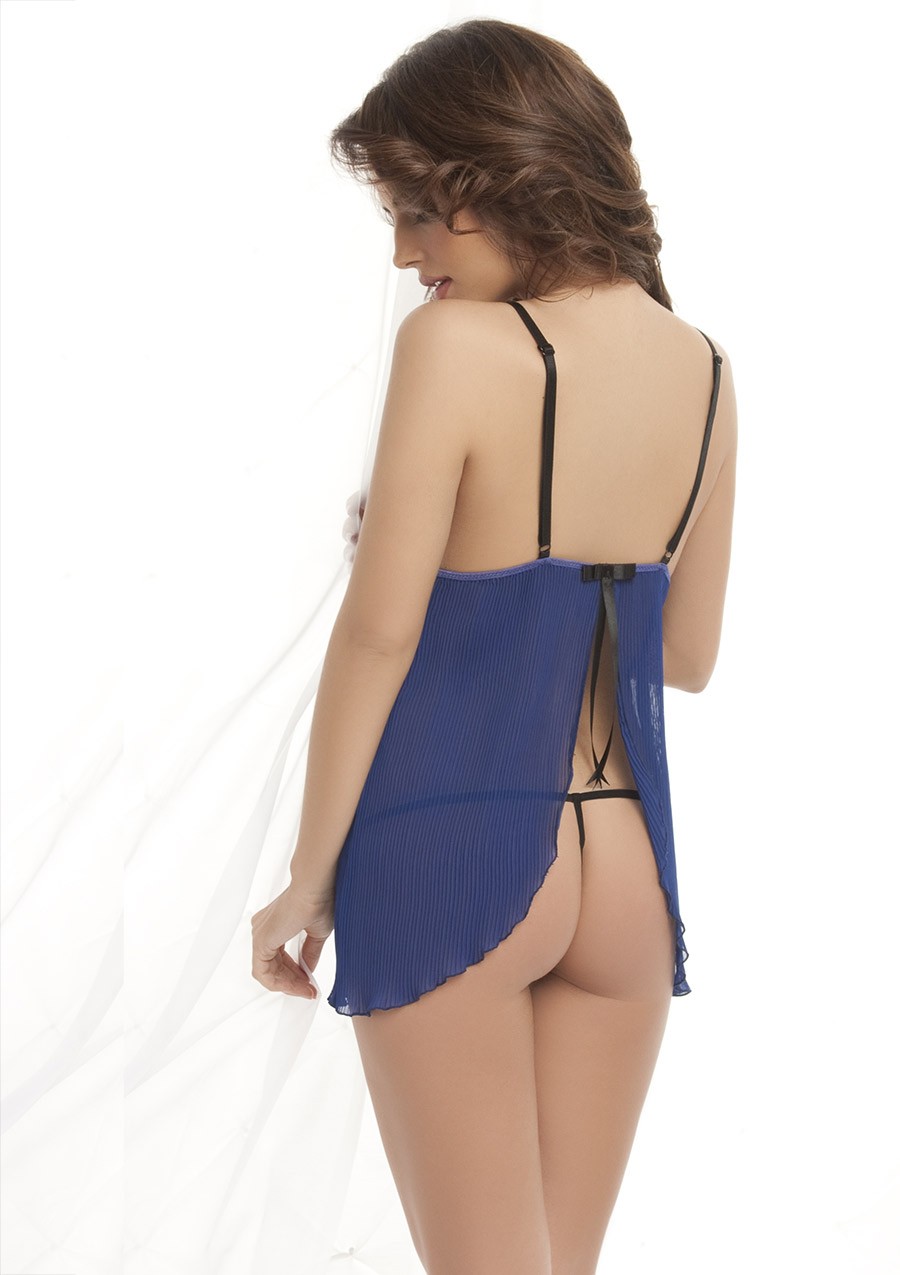
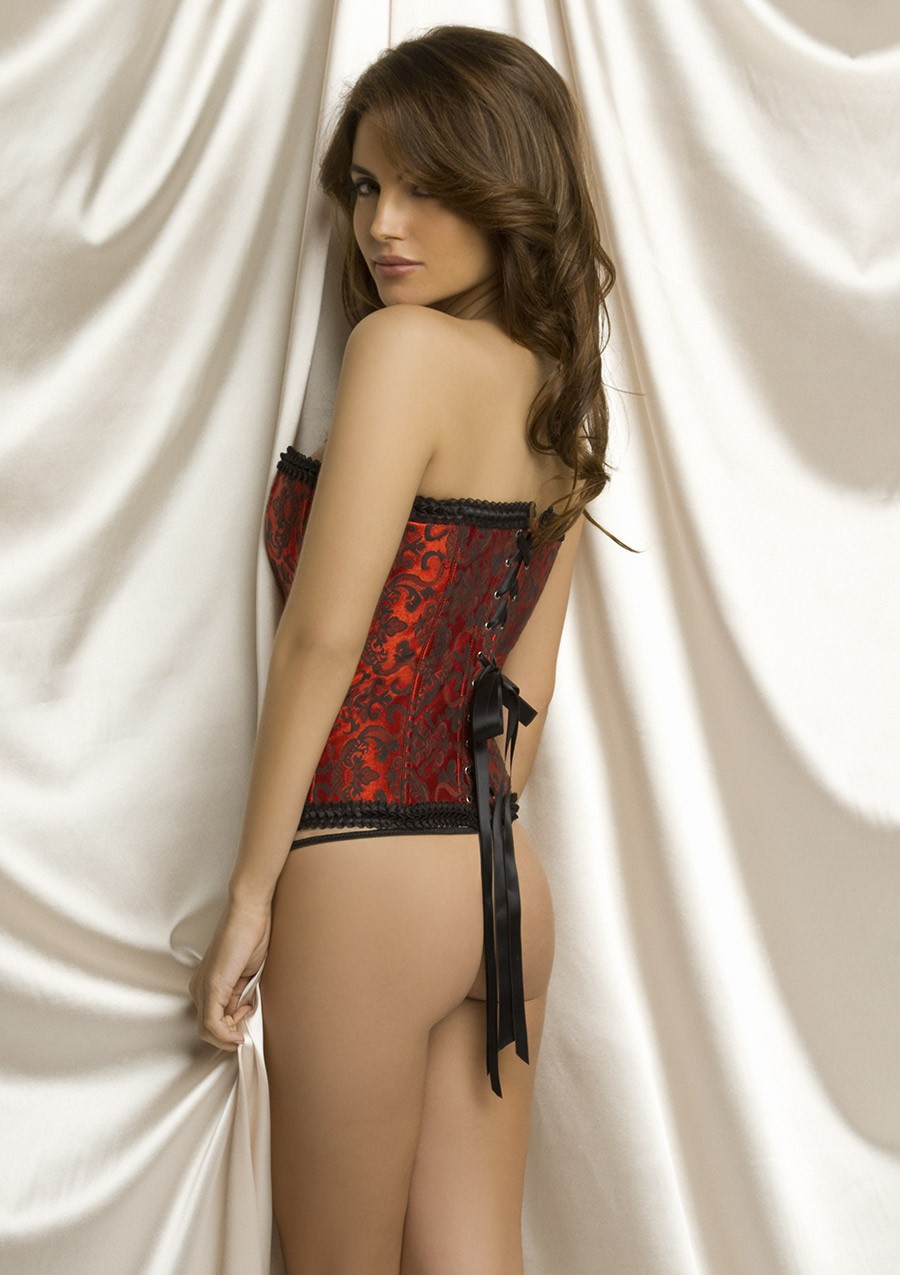
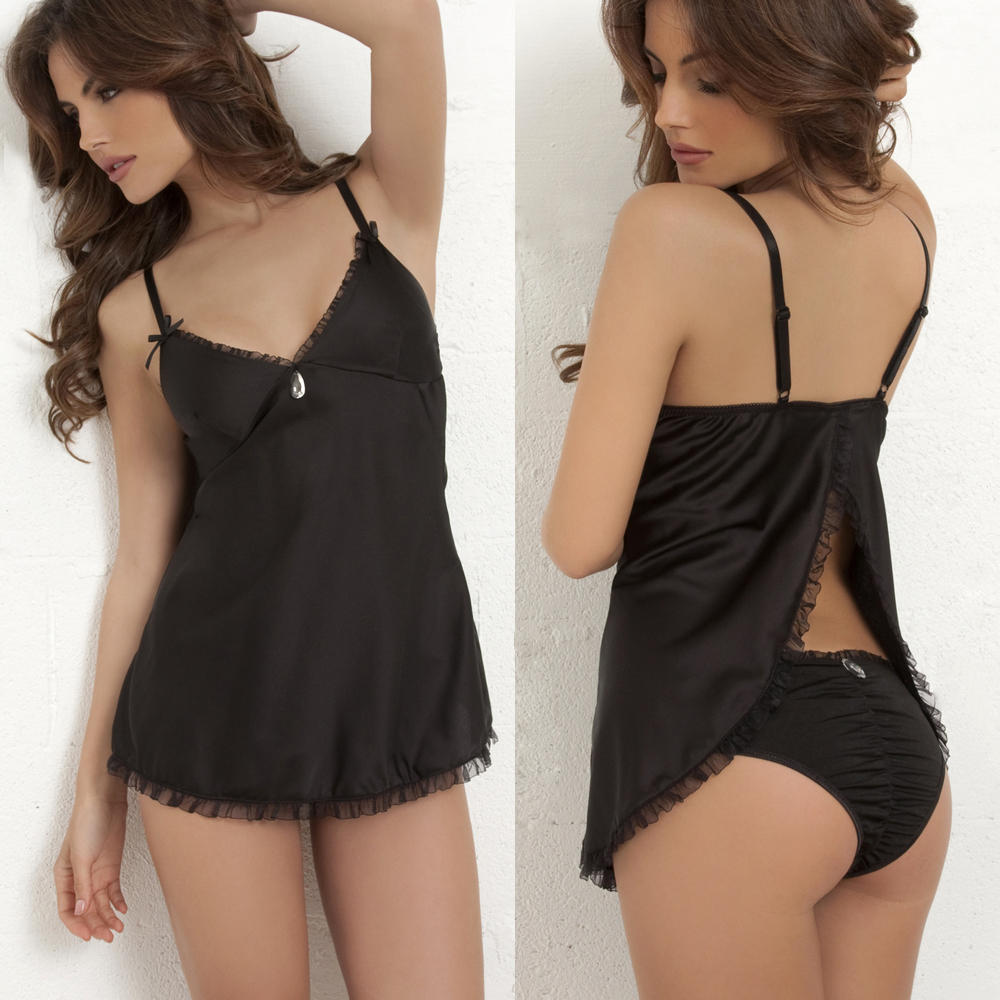
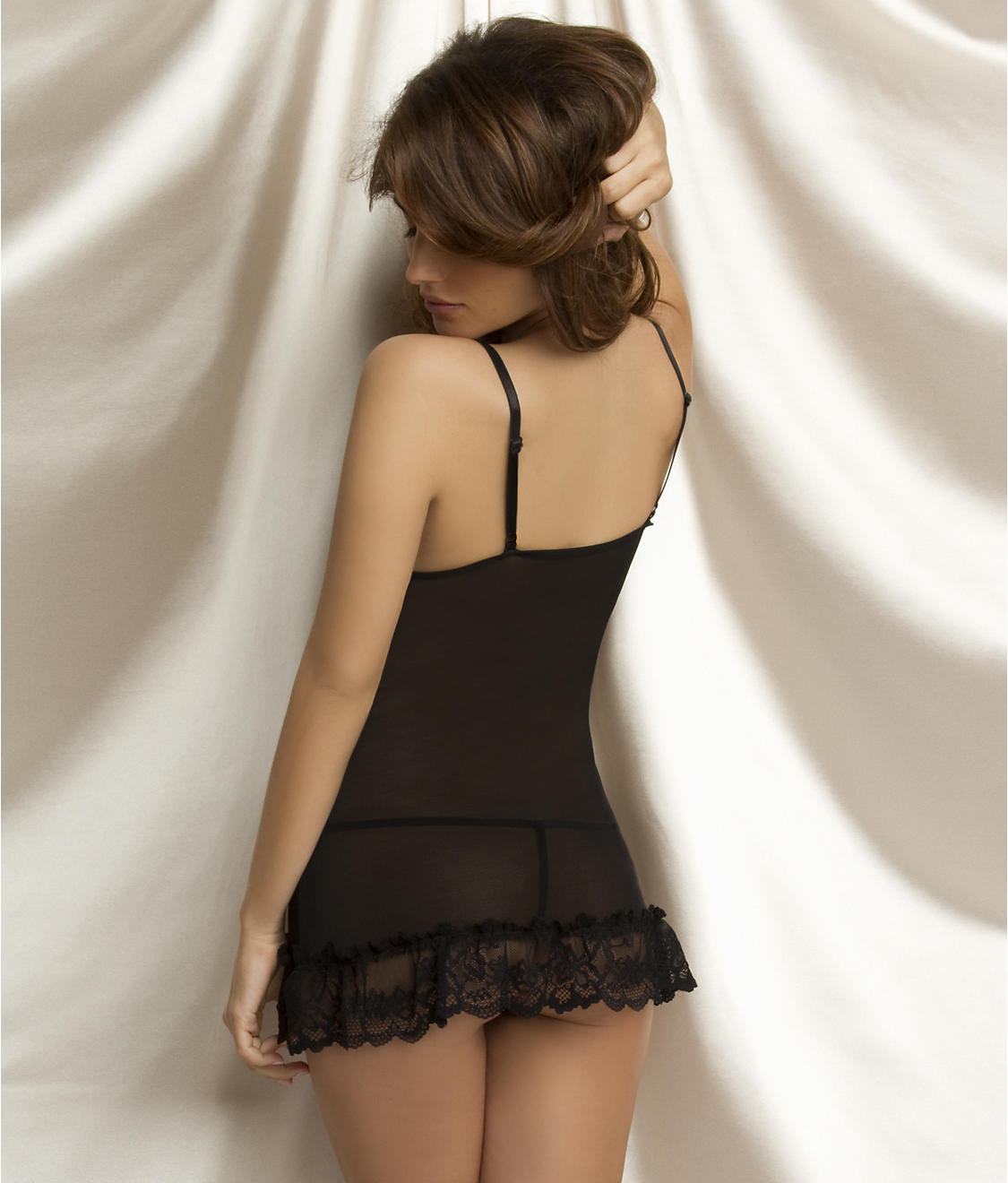
Oh La La Cheri
A bit hard to tell, but I'd say it's Viola Schroeder, aka Viola Mazza
Sophia E http://www.modelbooking.com/models/female/sophia-e
so much beauty--thanks!
I don't know who that is, but it's not Lara Harris.
Ana Carolina Ileck
When are these from? Because it looks like a young Magdalena Wrobel, but that would be from the 90s.
Oh La La Cheri



























 Lovely--thanks!
Wow!! thanks, Sanja.
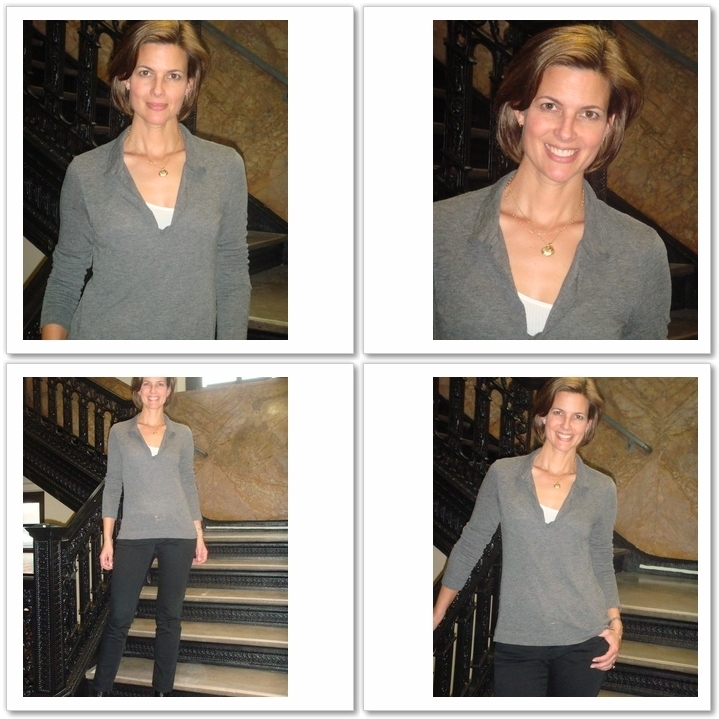
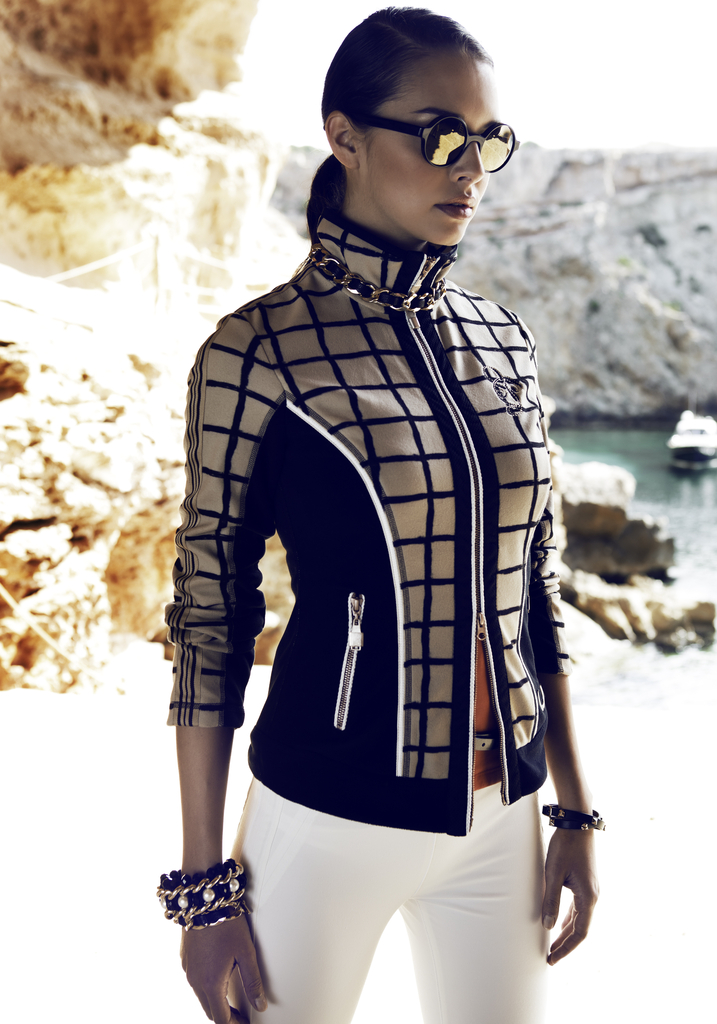
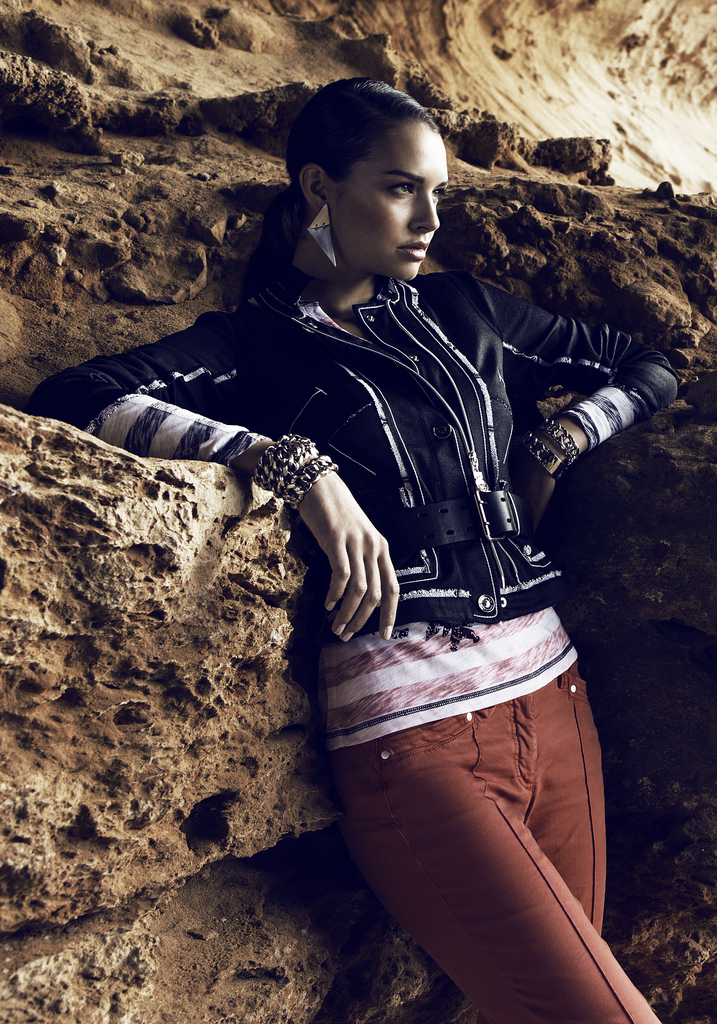
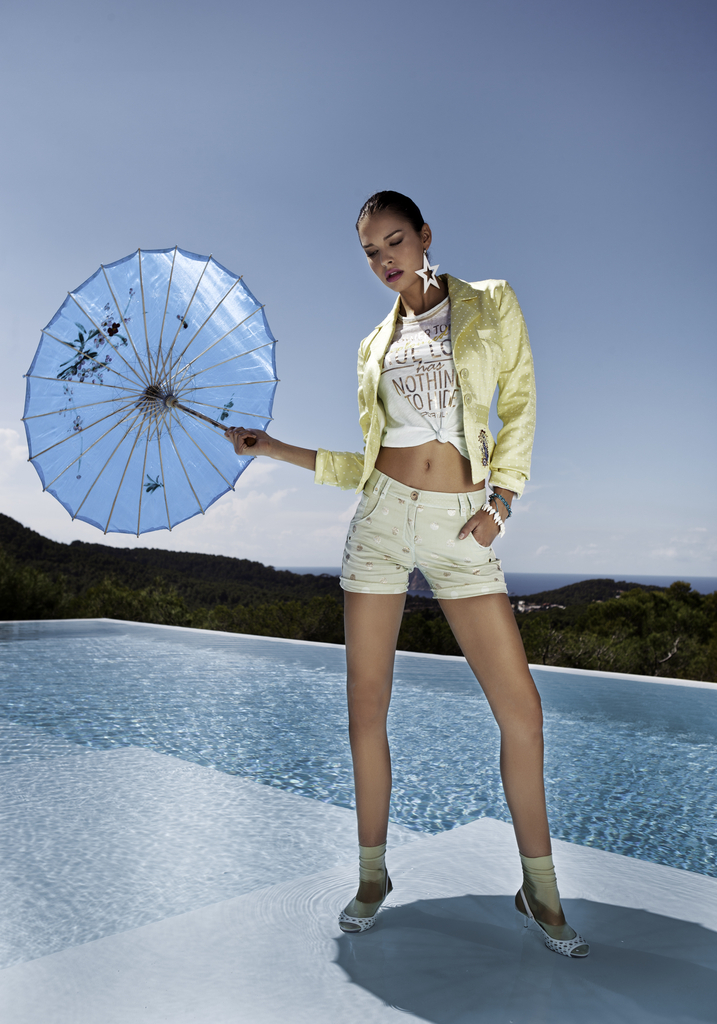
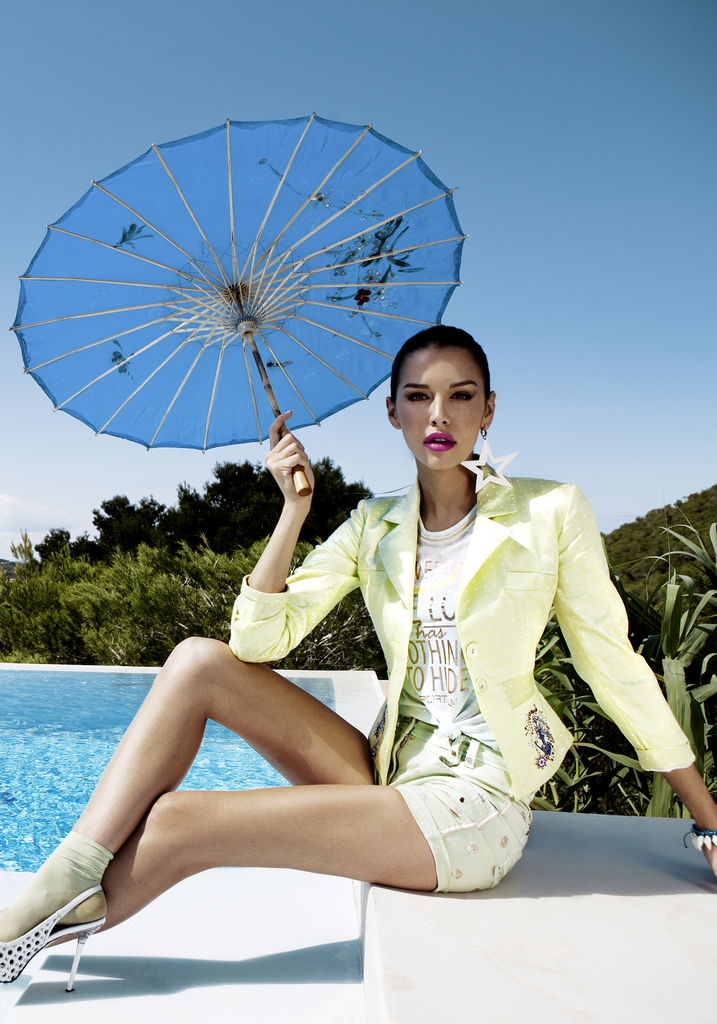
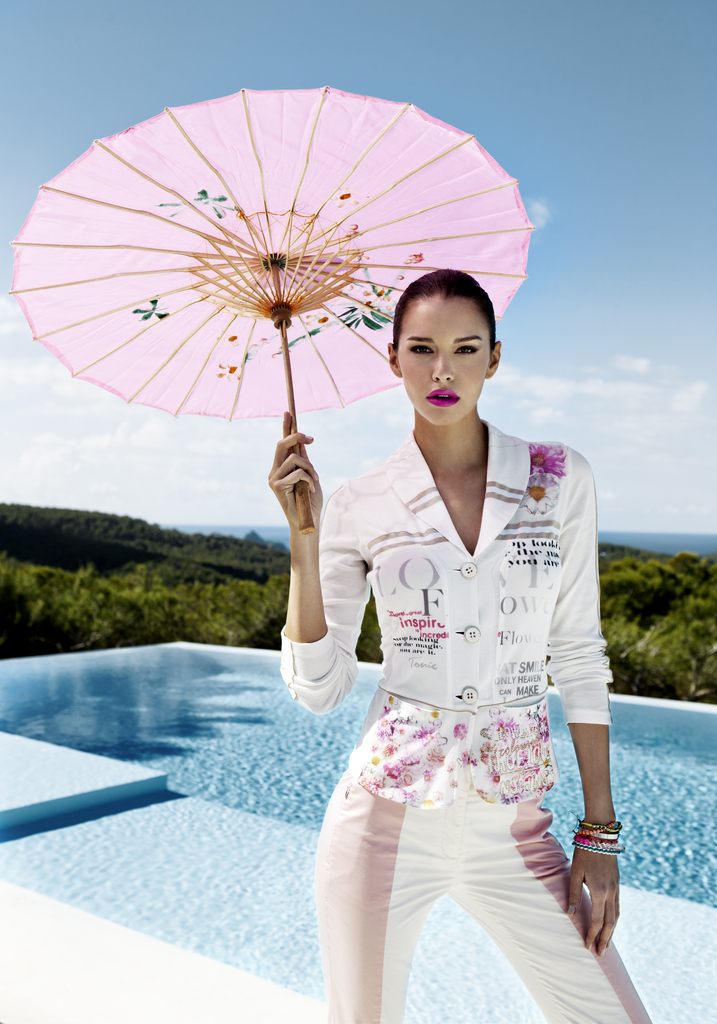
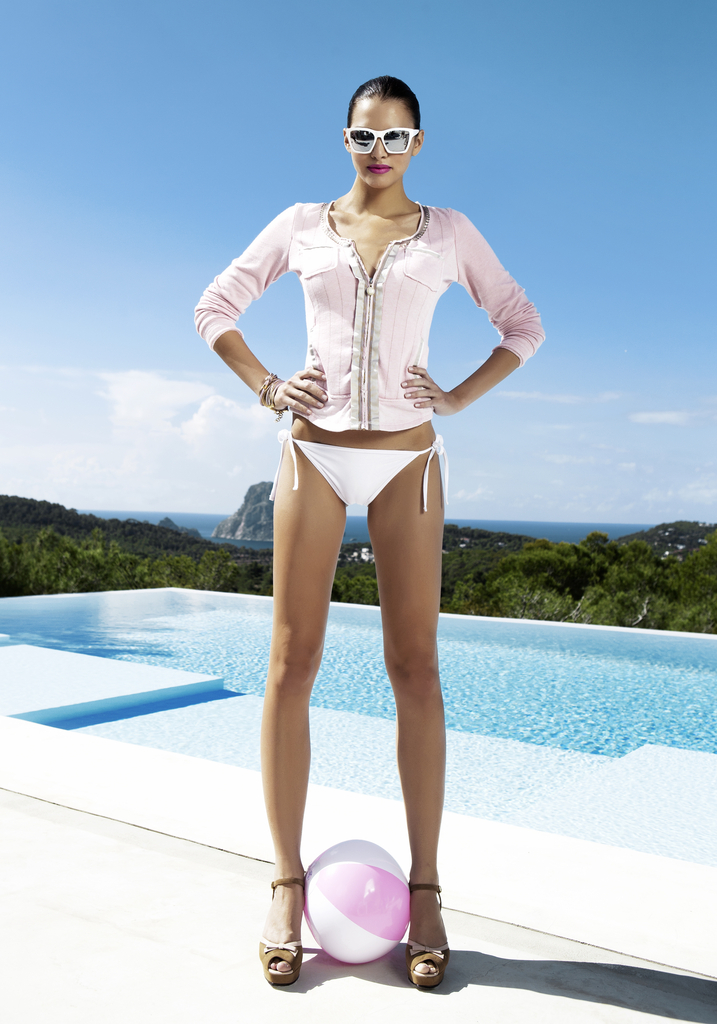
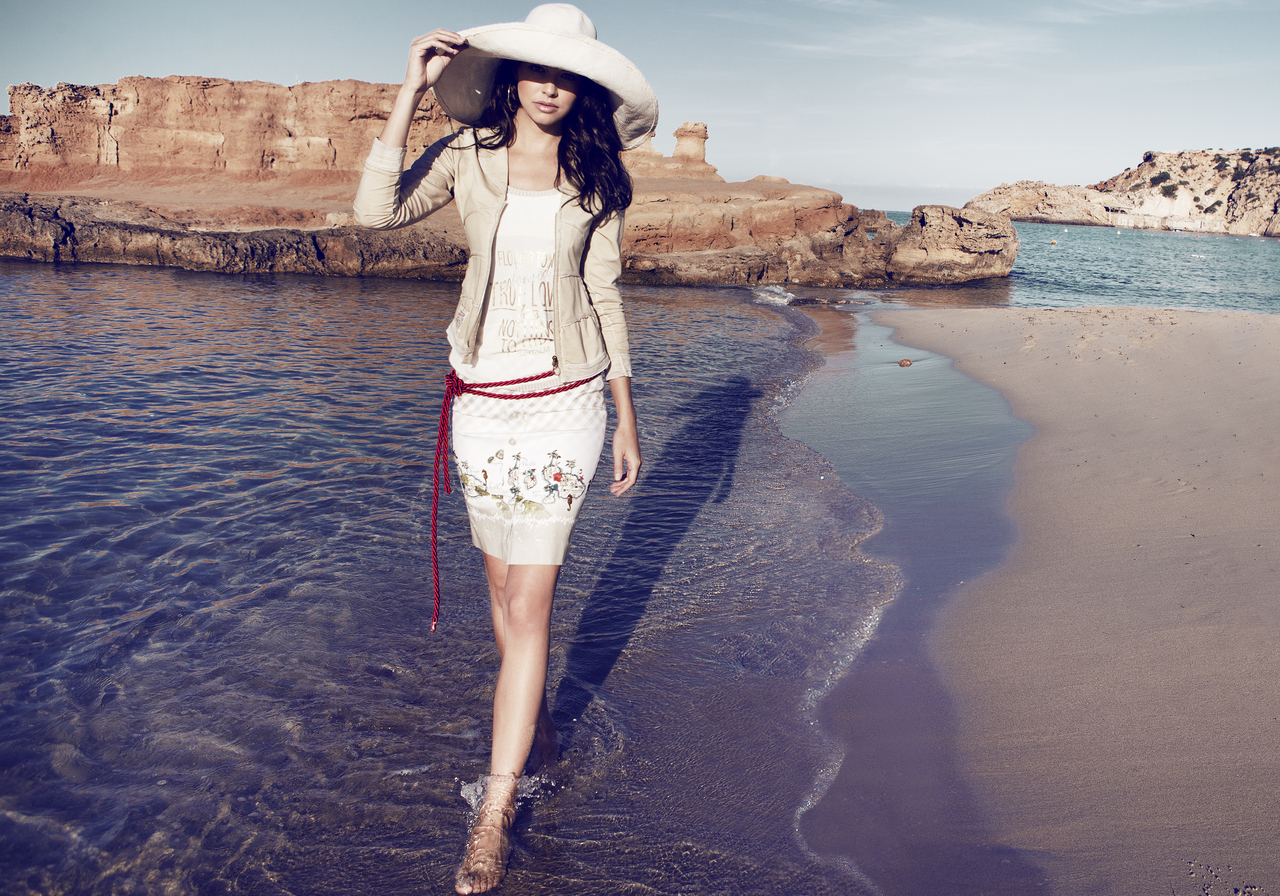
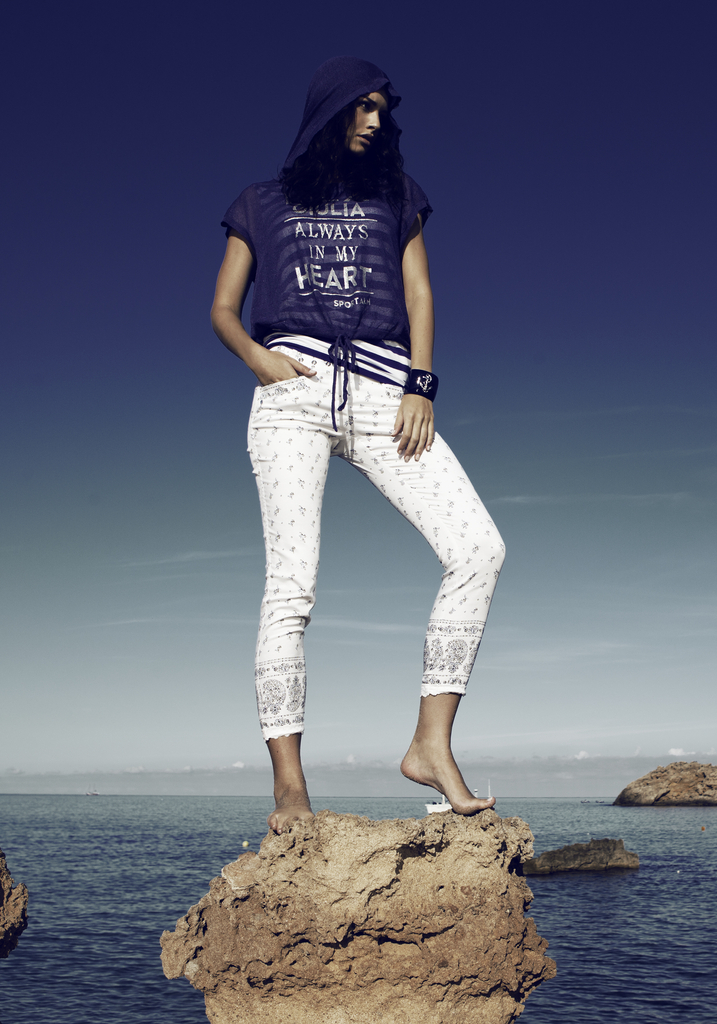
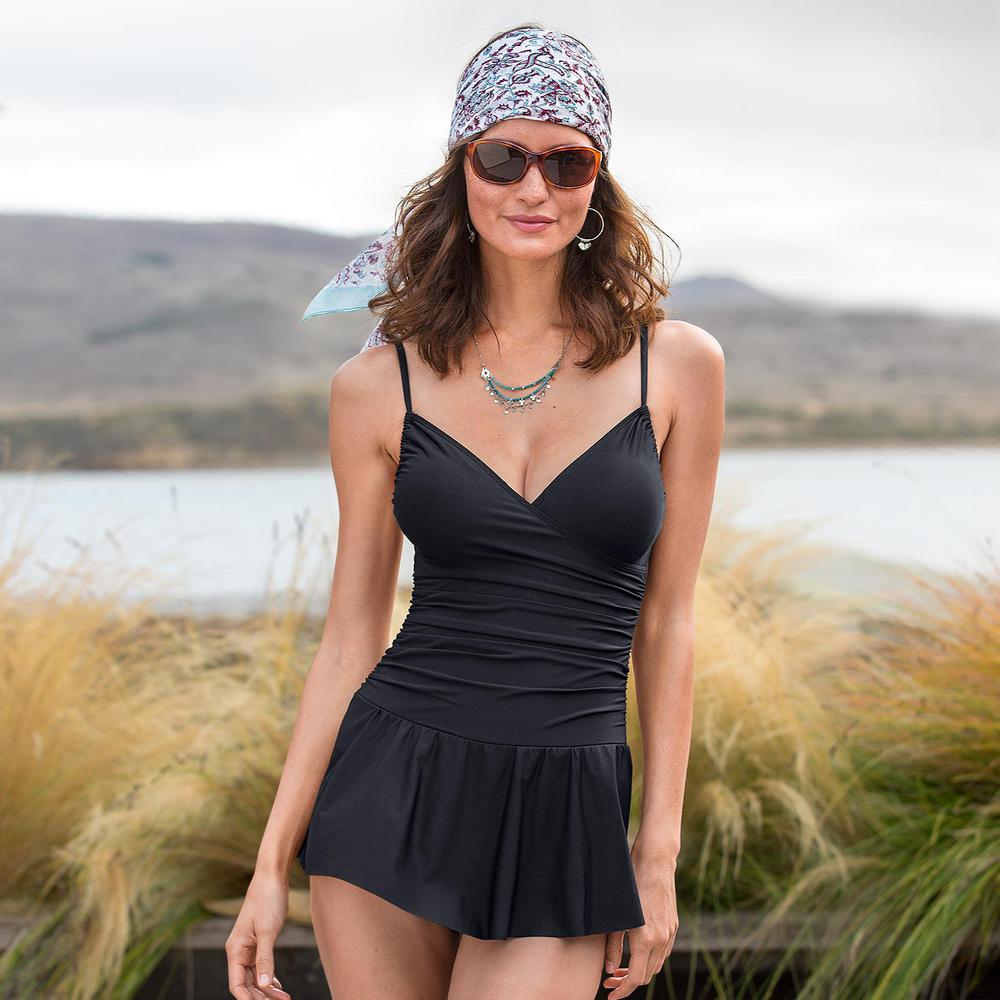
thanks for the pics. But *please* choose a larger thumb size for future posts--these are microscopic!
Lovely--thanks!
Wow!! thanks, Sanja.
thanks for the pics. But *please* choose a larger thumb size for future posts--these are microscopic!










































































Account
Navigation
Search
Configure browser push notifications
Chrome (Android)
- Tap the lock icon next to the address bar.
- Tap Permissions → Notifications.
- Adjust your preference.
Chrome (Desktop)
- Click the padlock icon in the address bar.
- Select Site settings.
- Find Notifications and adjust your preference.
Safari (iOS 16.4+)
- Ensure the site is installed via Add to Home Screen.
- Open Settings App → Notifications.
- Find your app name and adjust your preference.
Safari (macOS)
- Go to Safari → Preferences.
- Click the Websites tab.
- Select Notifications in the sidebar.
- Find this website and adjust your preference.
Edge (Android)
- Tap the lock icon next to the address bar.
- Tap Permissions.
- Find Notifications and adjust your preference.
Edge (Desktop)
- Click the padlock icon in the address bar.
- Click Permissions for this site.
- Find Notifications and adjust your preference.
Firefox (Android)
- Go to Settings → Site permissions.
- Tap Notifications.
- Find this site in the list and adjust your preference.
Firefox (Desktop)
- Open Firefox Settings.
- Search for Notifications.
- Find this site in the list and adjust your preference.