
nightowl
Members
-
Joined
-
Last visited
Everything posted by nightowl
-
Worked for Babette (a boutique clothing line in SF) last year.
-
wonderful--thanks!
-
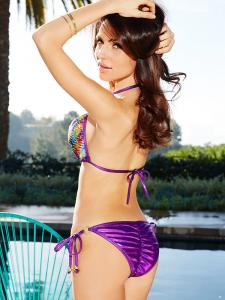
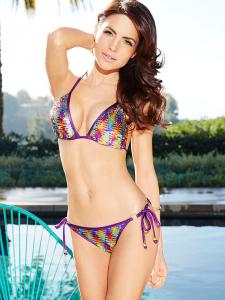
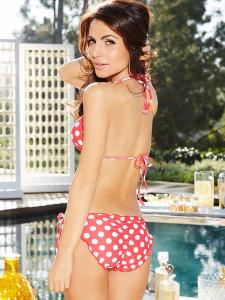
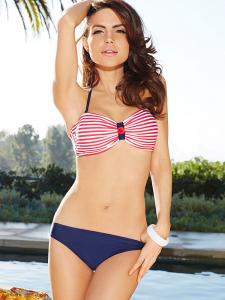
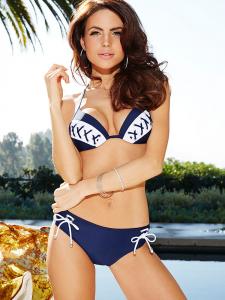
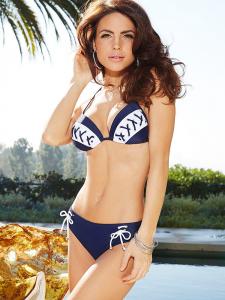
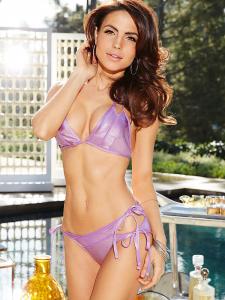
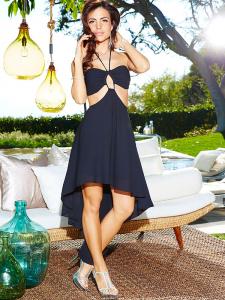
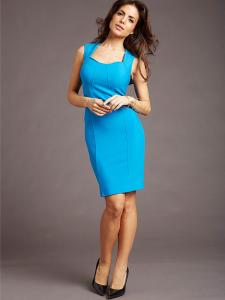
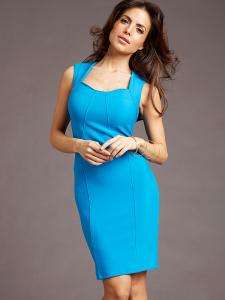
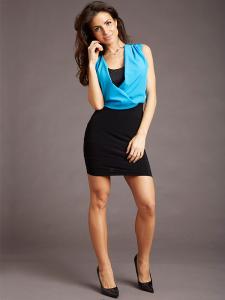
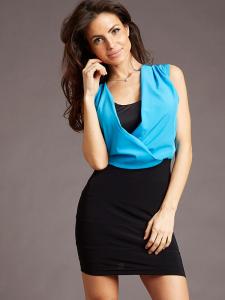
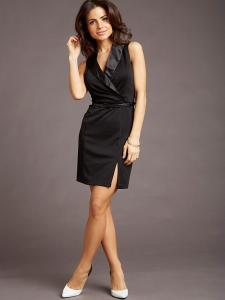
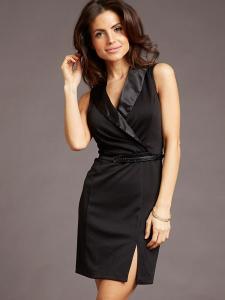
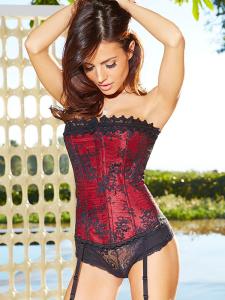
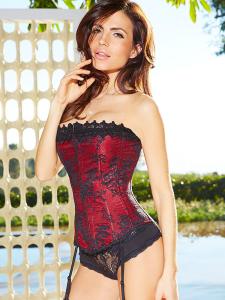
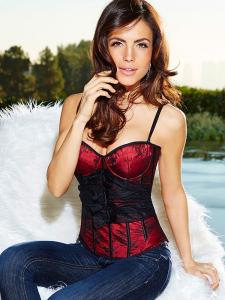
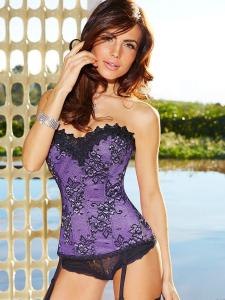
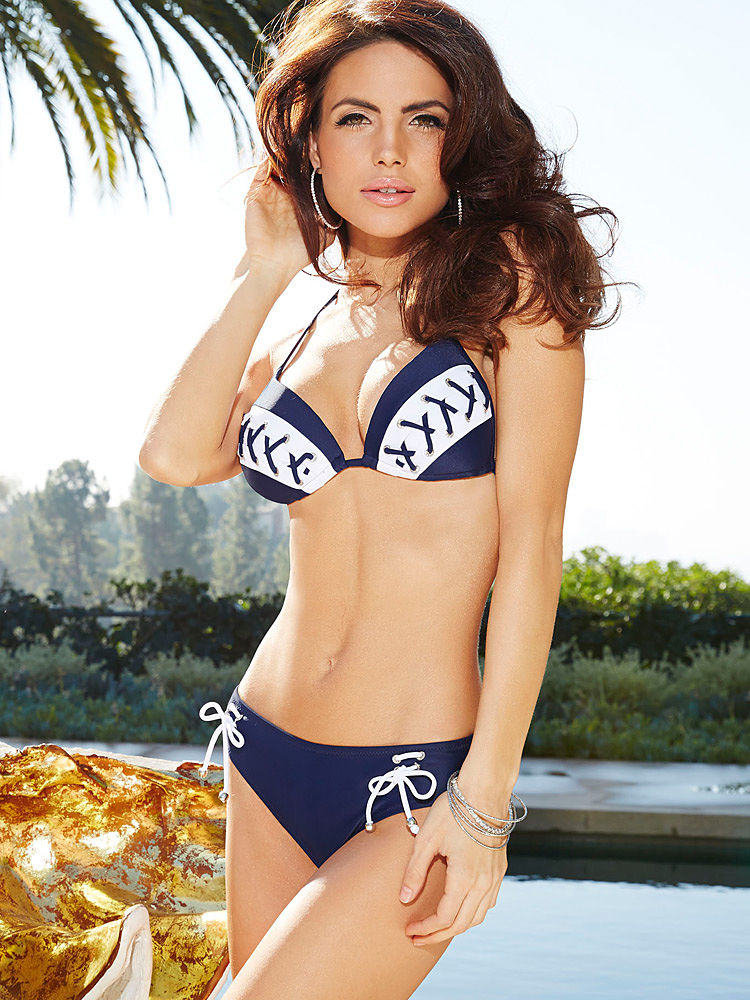
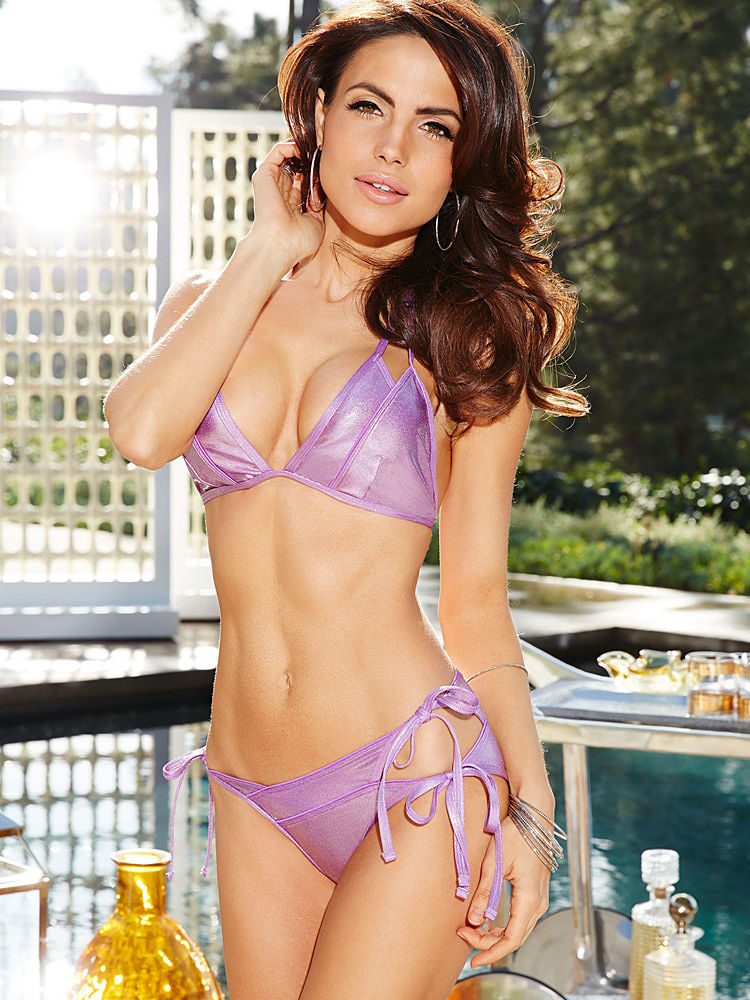
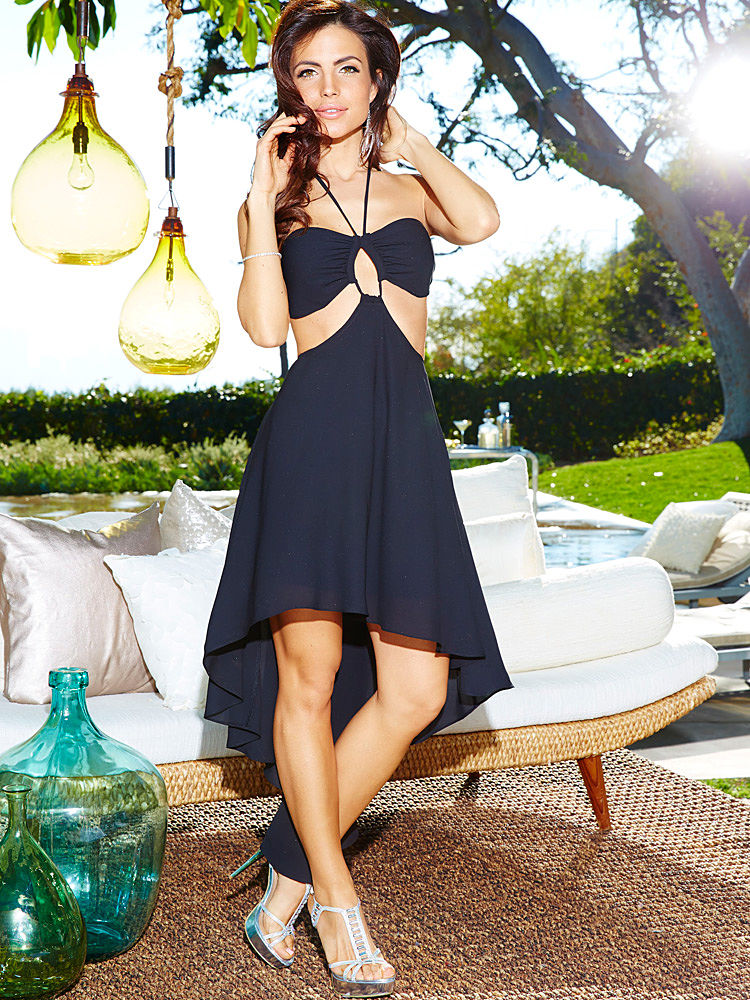
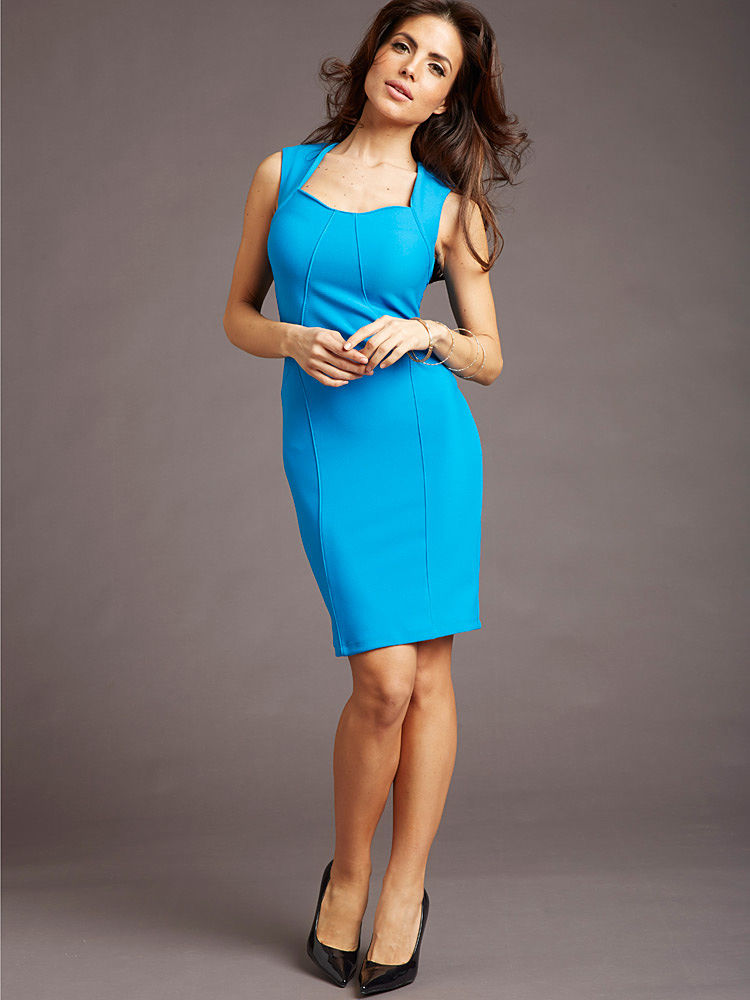
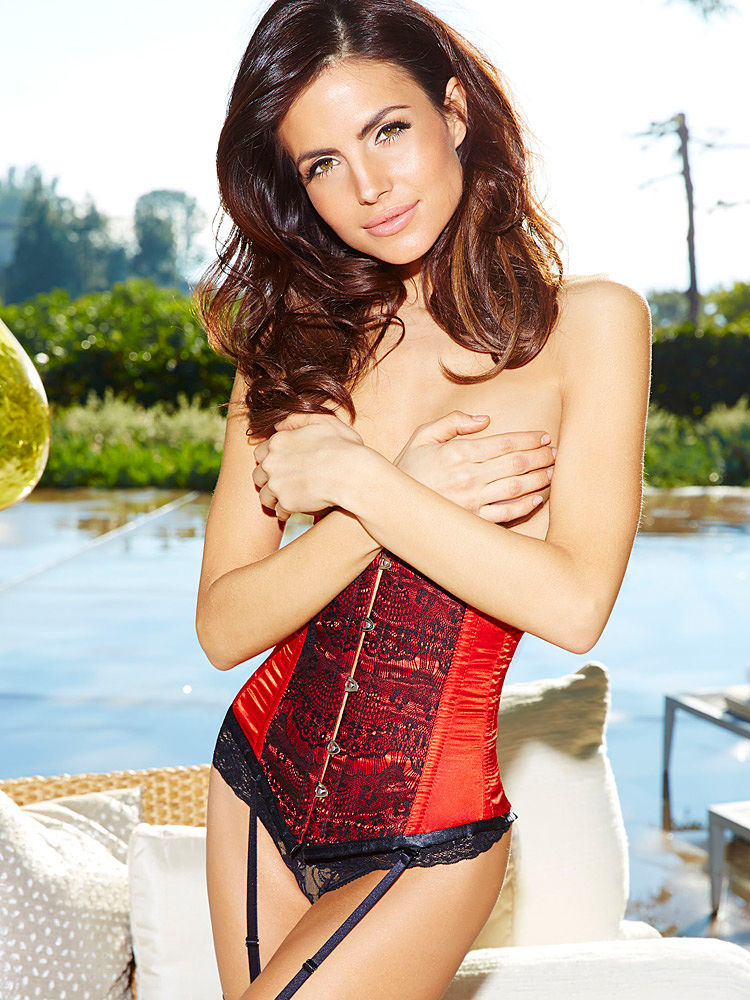
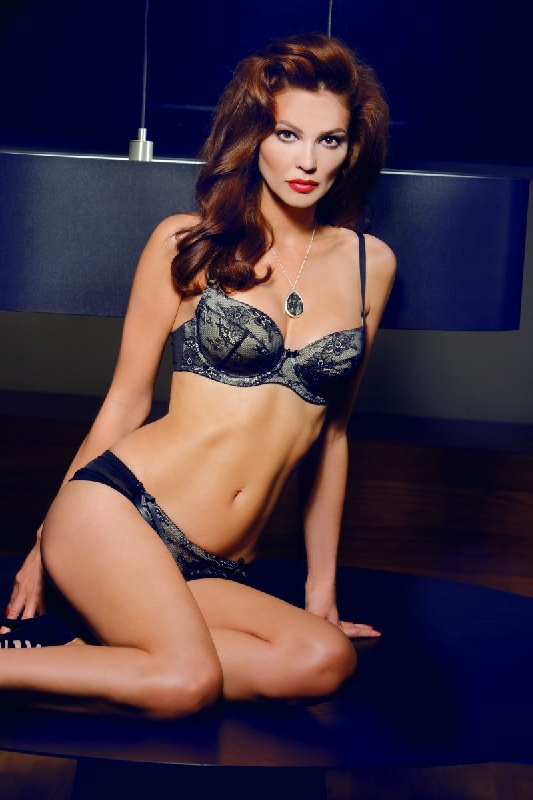
Diana Morales for Fredericks of Hollywood



-
-
stunning for Pronovias--thanks!
First is Luana Mourato, I believe
Is this a quiz? I think it belongs in the general discussion area, not requests for IDs.
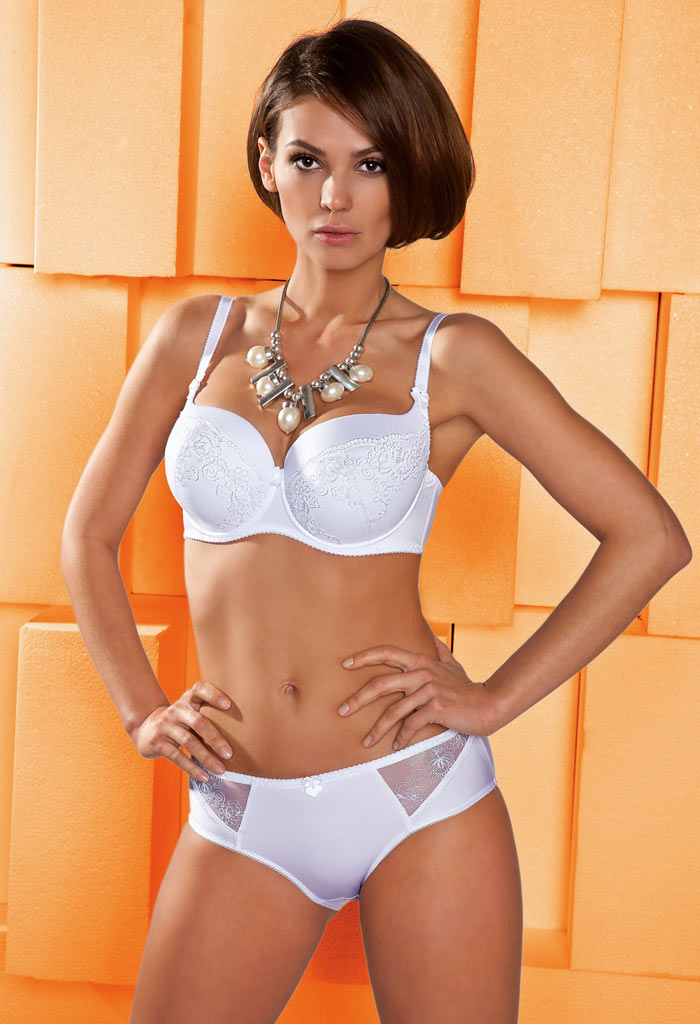
#3800 is Edita V, I think.
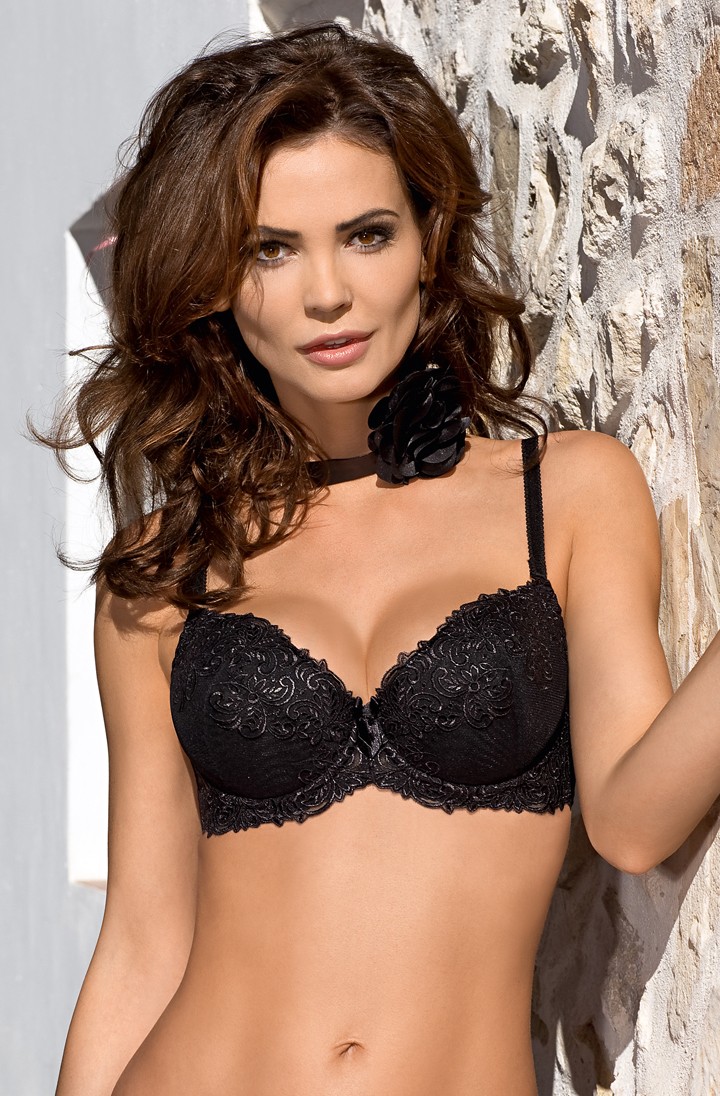
Oysho Lingerie
I think C&A might be Sarah Gruenwald.
I'm getting a Mae West vibe in the shape of her career at this point...
10 being the number of rounds she looks like she's about to go against Oscar de la Hoya...
That's Jolijn Spek, also seen in Soft Surroundings
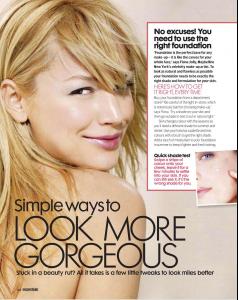
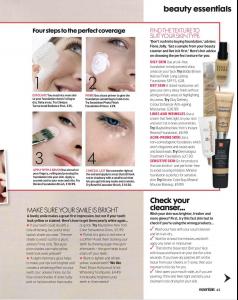
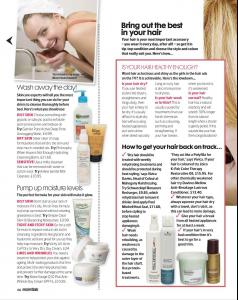
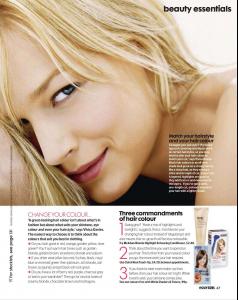 lovely--thanks!
Whoa! Never seen those--thanks!
lovely--thanks!
Whoa! Never seen those--thanks!
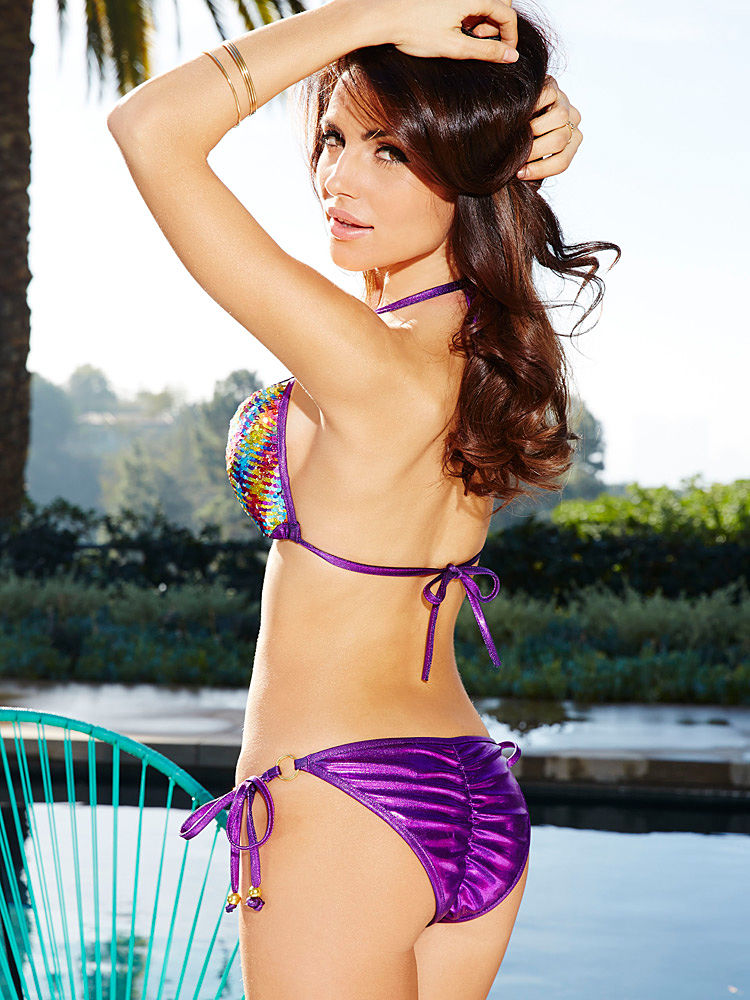
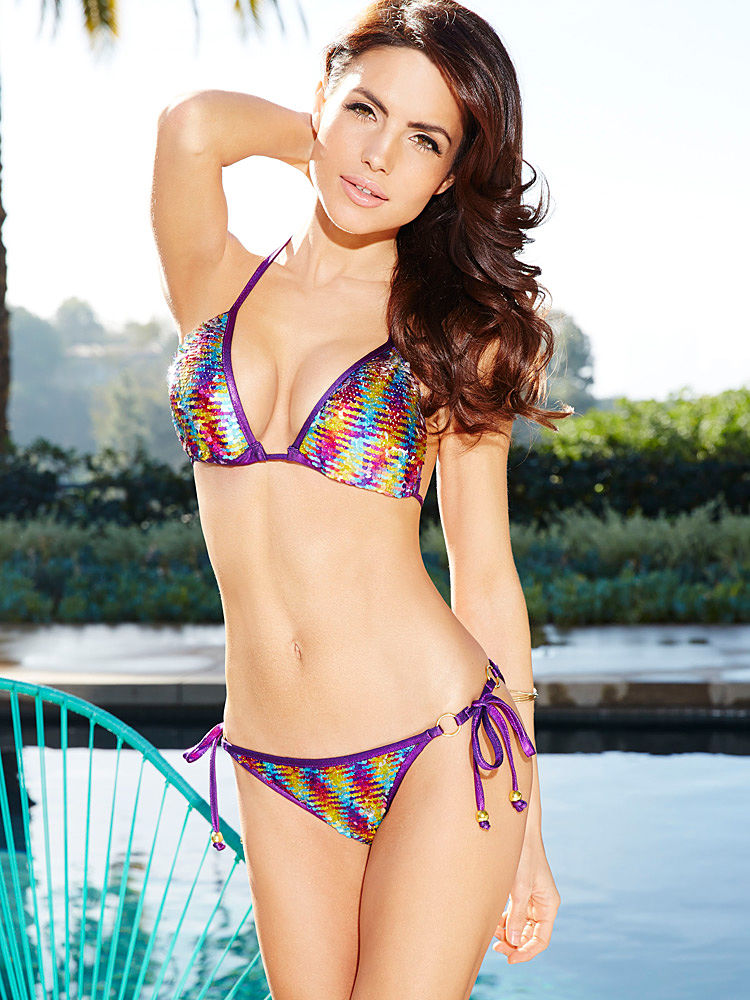

Account
Navigation
Search
Configure browser push notifications
Chrome (Android)
- Tap the lock icon next to the address bar.
- Tap Permissions → Notifications.
- Adjust your preference.
Chrome (Desktop)
- Click the padlock icon in the address bar.
- Select Site settings.
- Find Notifications and adjust your preference.
Safari (iOS 16.4+)
- Ensure the site is installed via Add to Home Screen.
- Open Settings App → Notifications.
- Find your app name and adjust your preference.
Safari (macOS)
- Go to Safari → Preferences.
- Click the Websites tab.
- Select Notifications in the sidebar.
- Find this website and adjust your preference.
Edge (Android)
- Tap the lock icon next to the address bar.
- Tap Permissions.
- Find Notifications and adjust your preference.
Edge (Desktop)
- Click the padlock icon in the address bar.
- Click Permissions for this site.
- Find Notifications and adjust your preference.
Firefox (Android)
- Go to Settings → Site permissions.
- Tap Notifications.
- Find this site in the list and adjust your preference.
Firefox (Desktop)
- Open Firefox Settings.
- Search for Notifications.
- Find this site in the list and adjust your preference.