
nightowl
Members
-
Joined
-
Last visited
Everything posted by nightowl
-
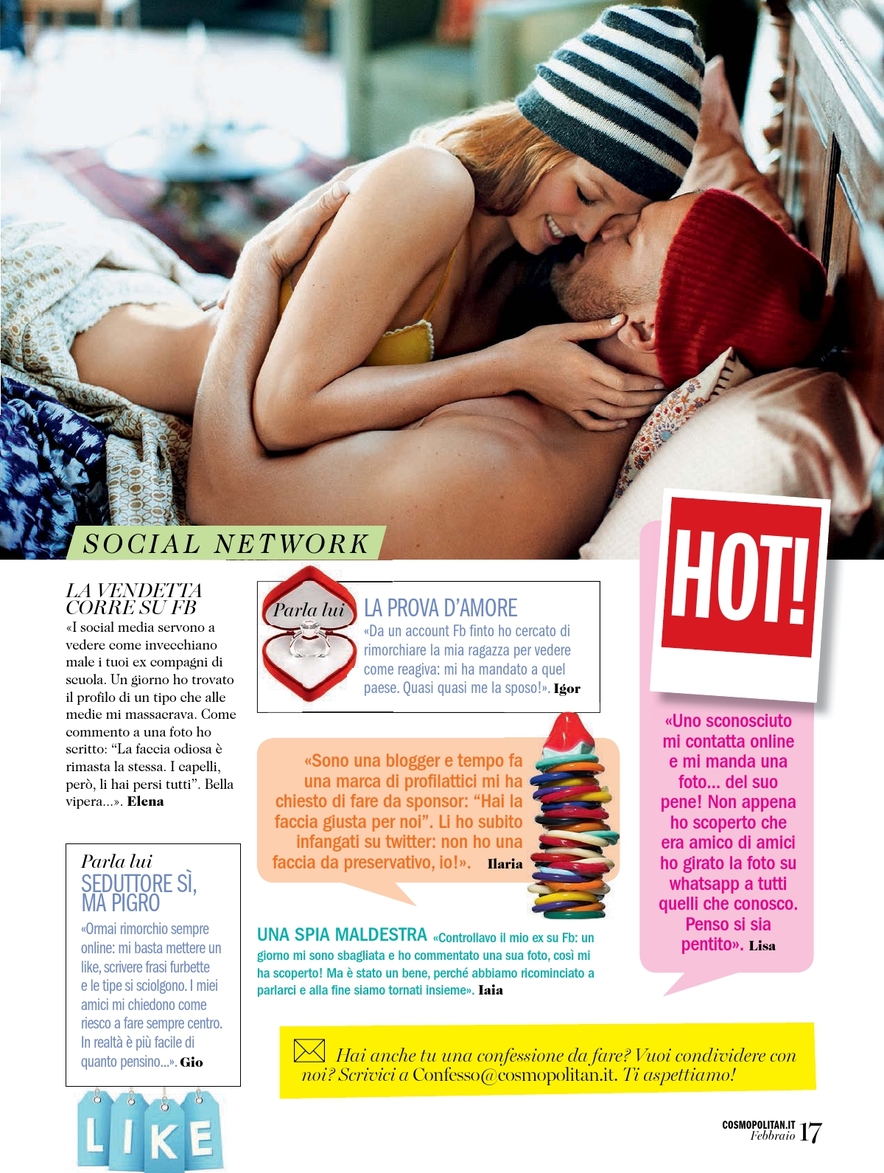
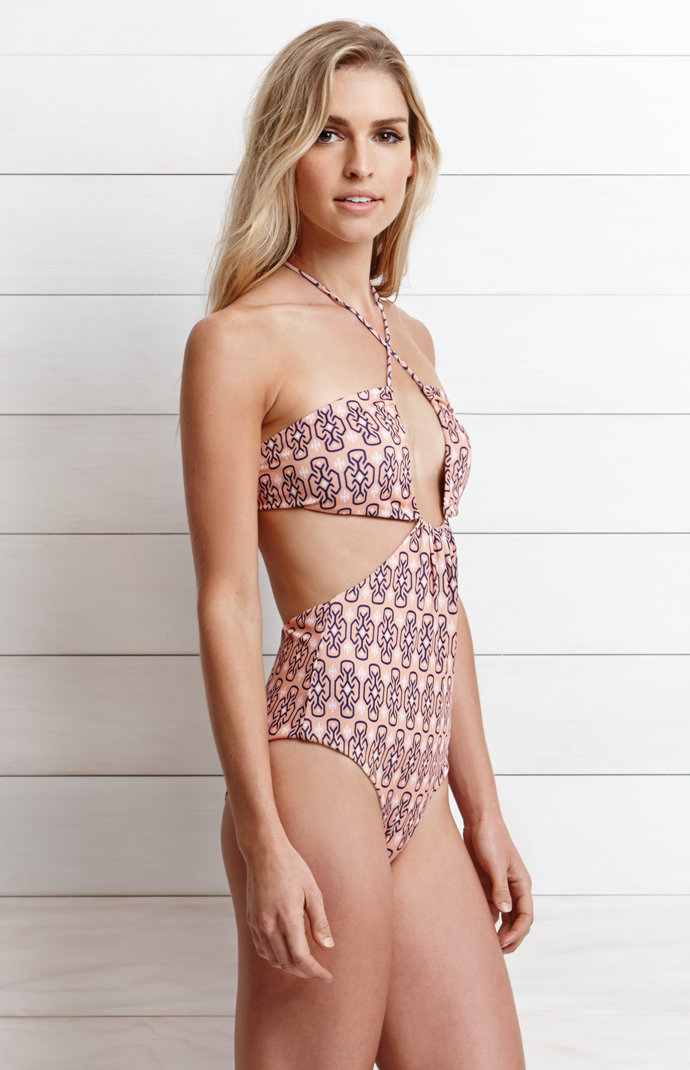
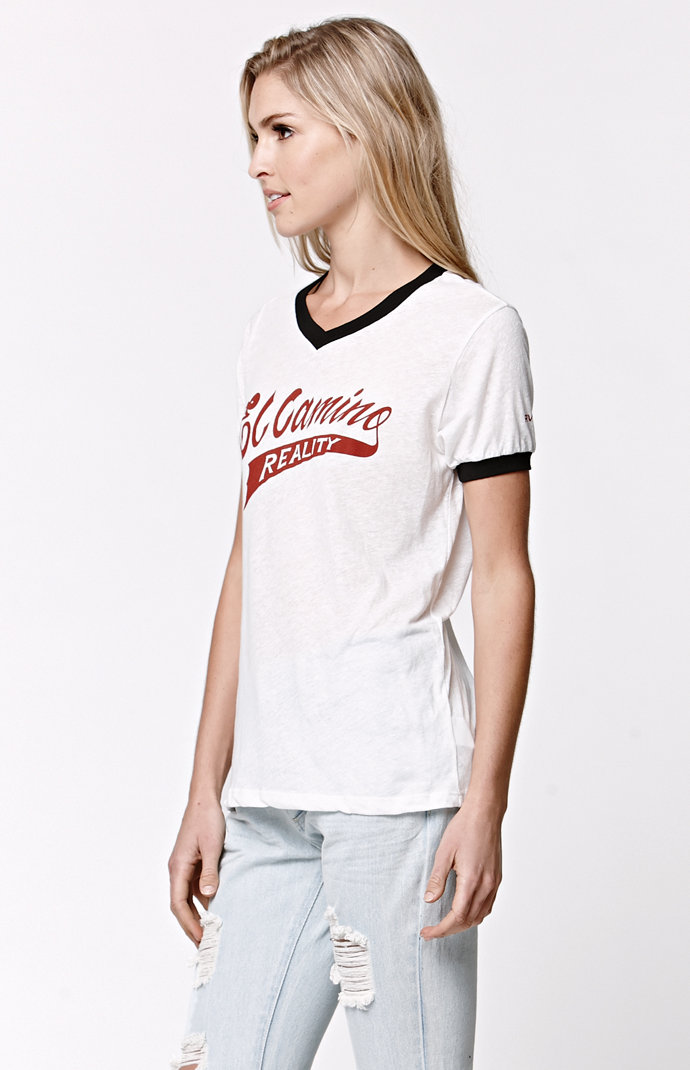
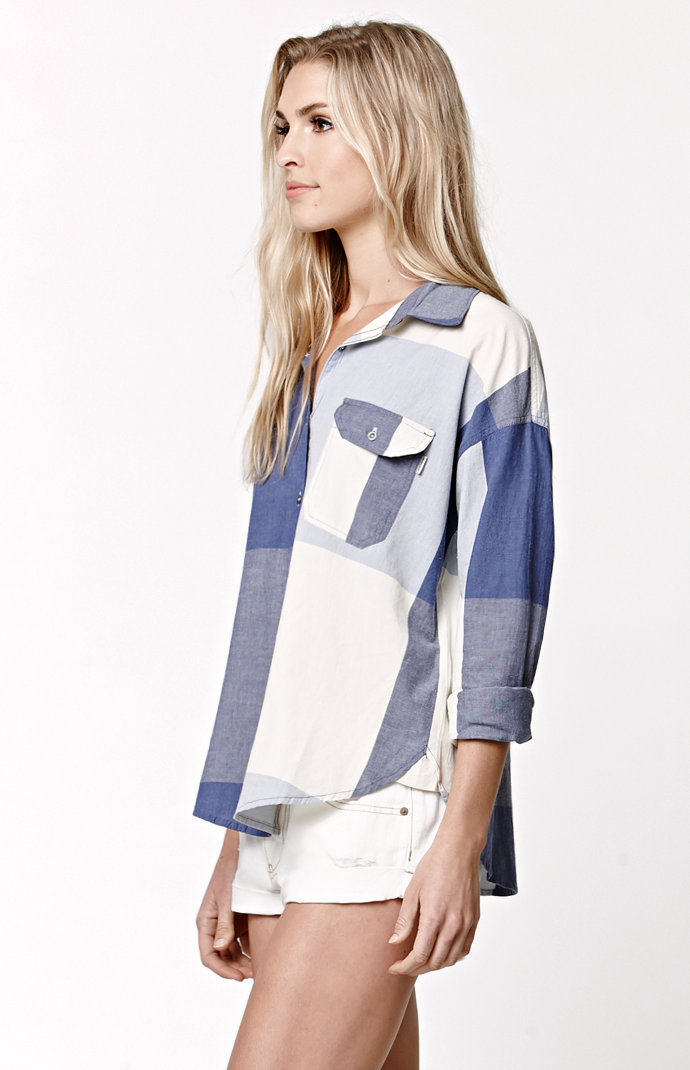
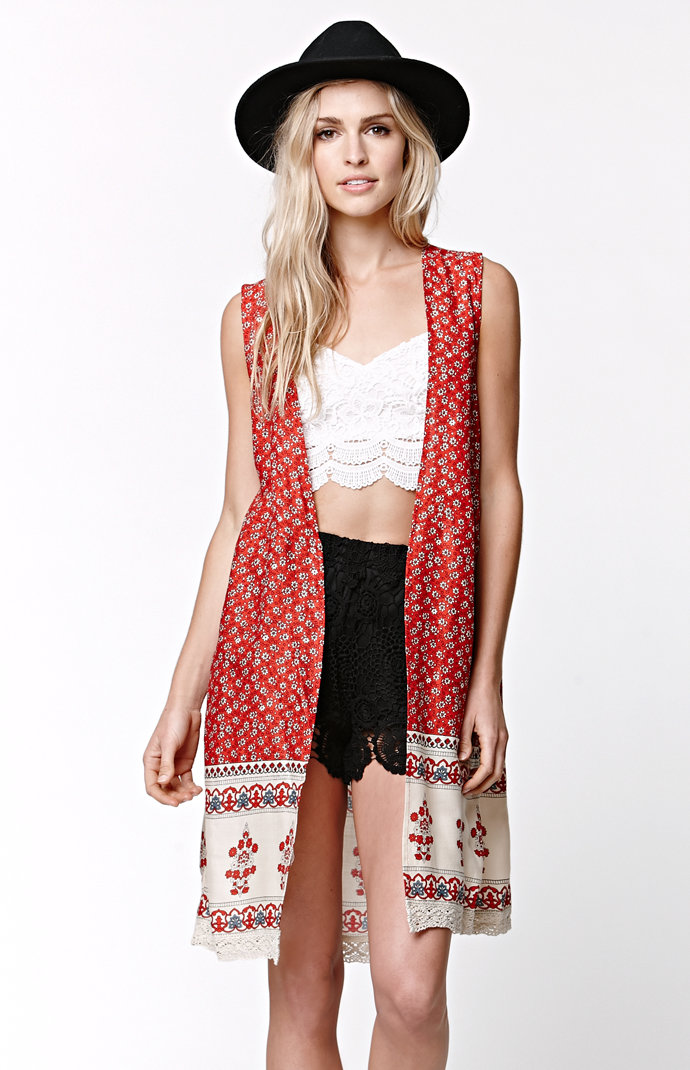
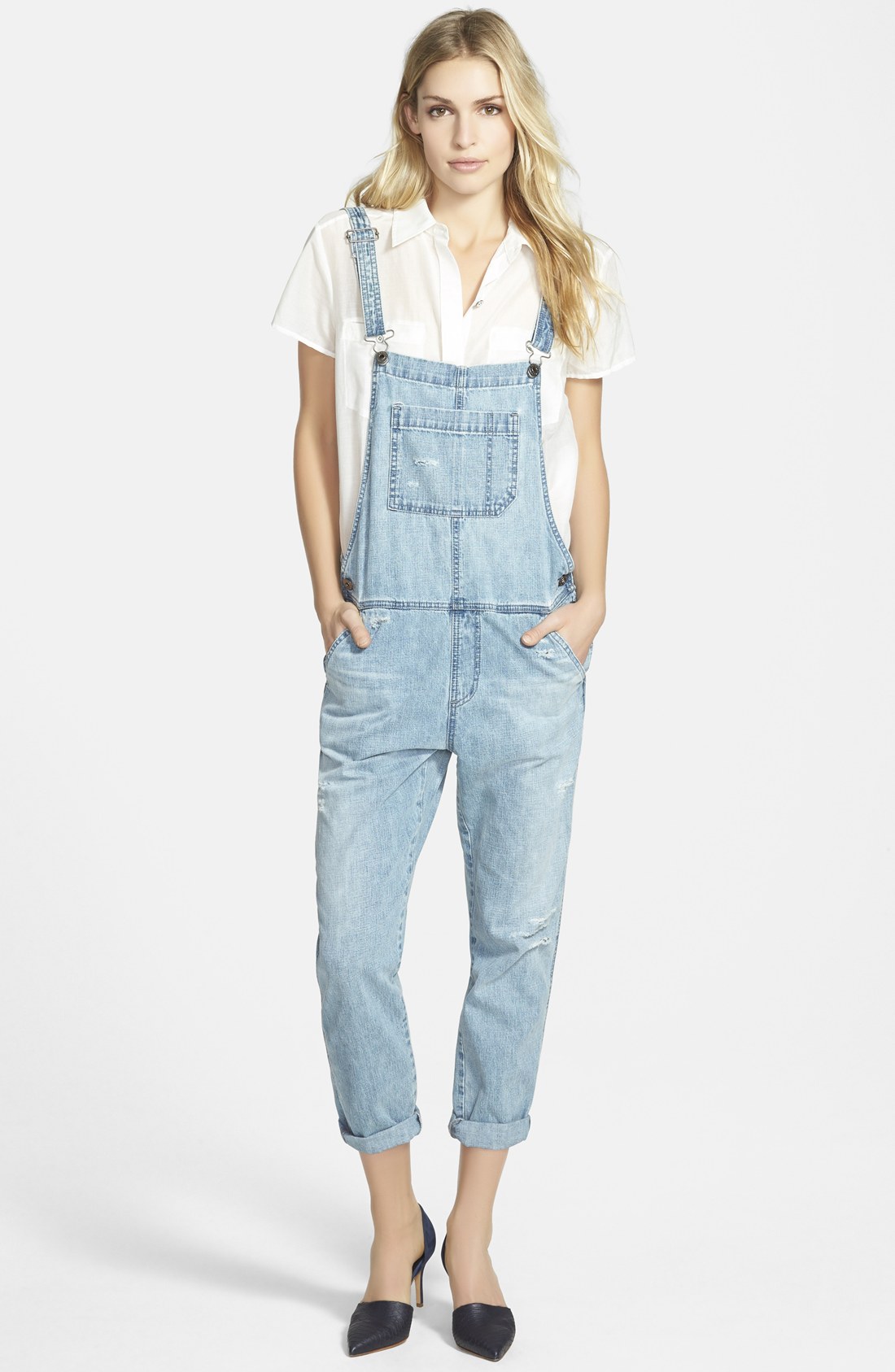
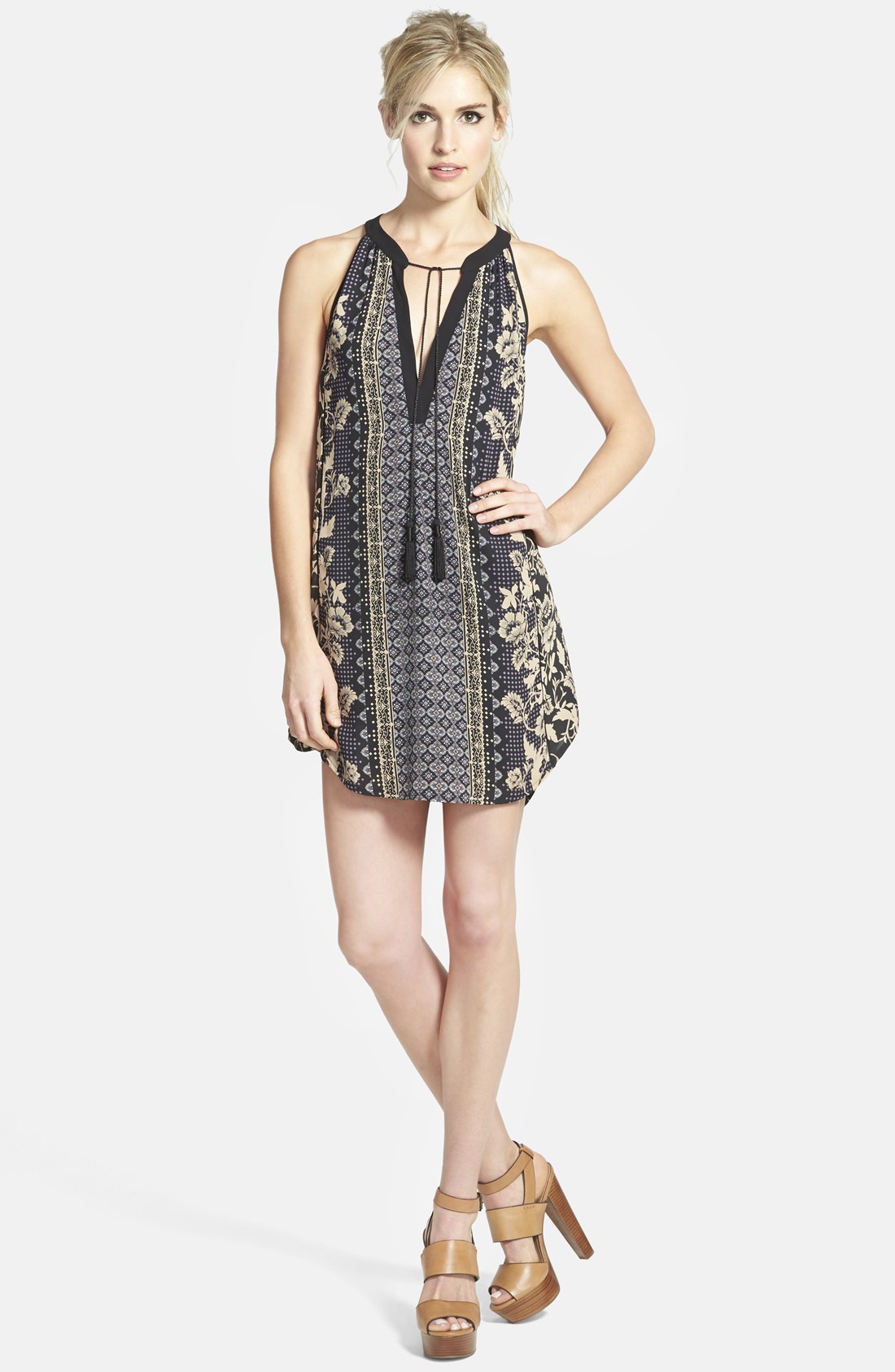
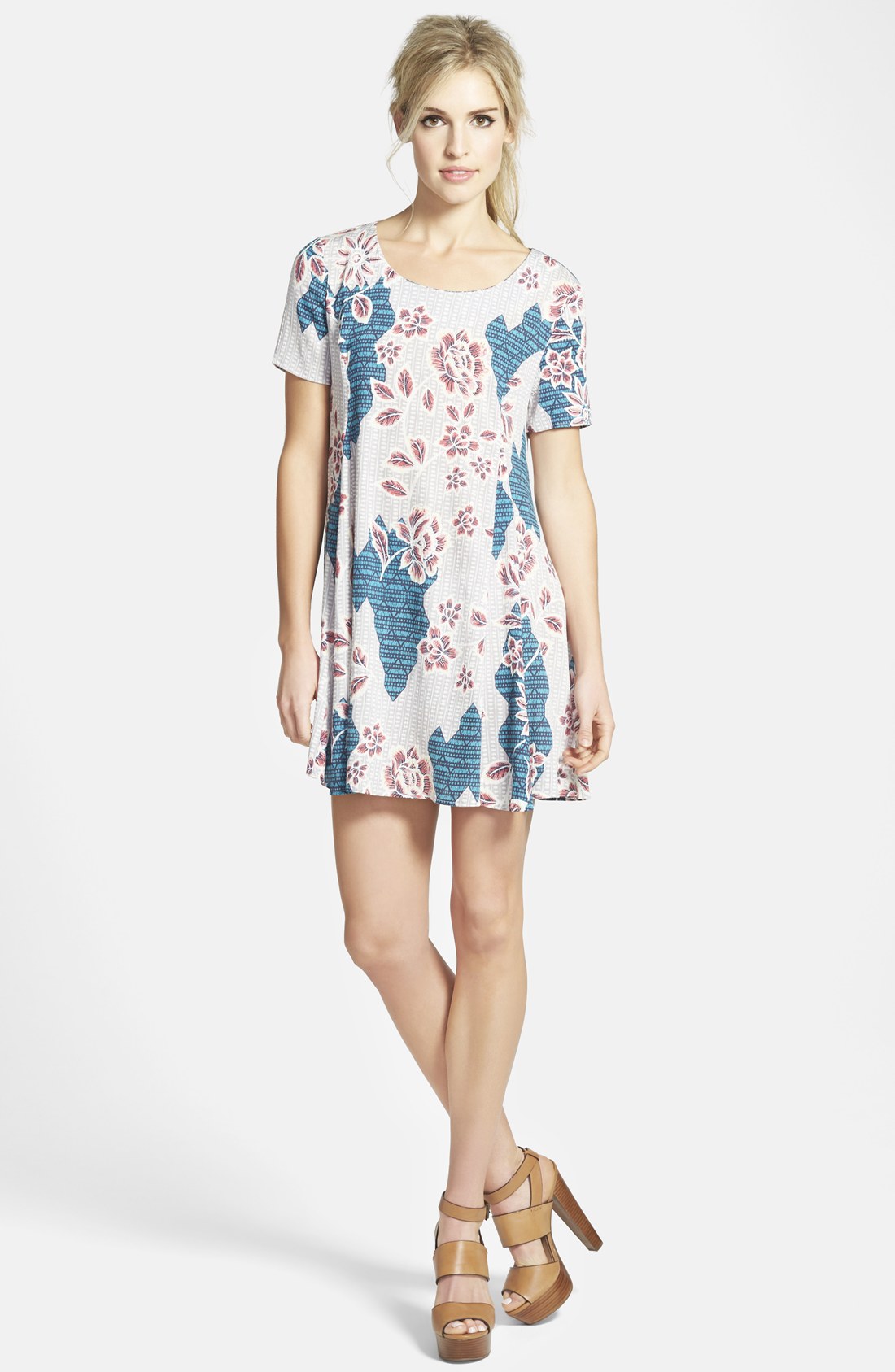
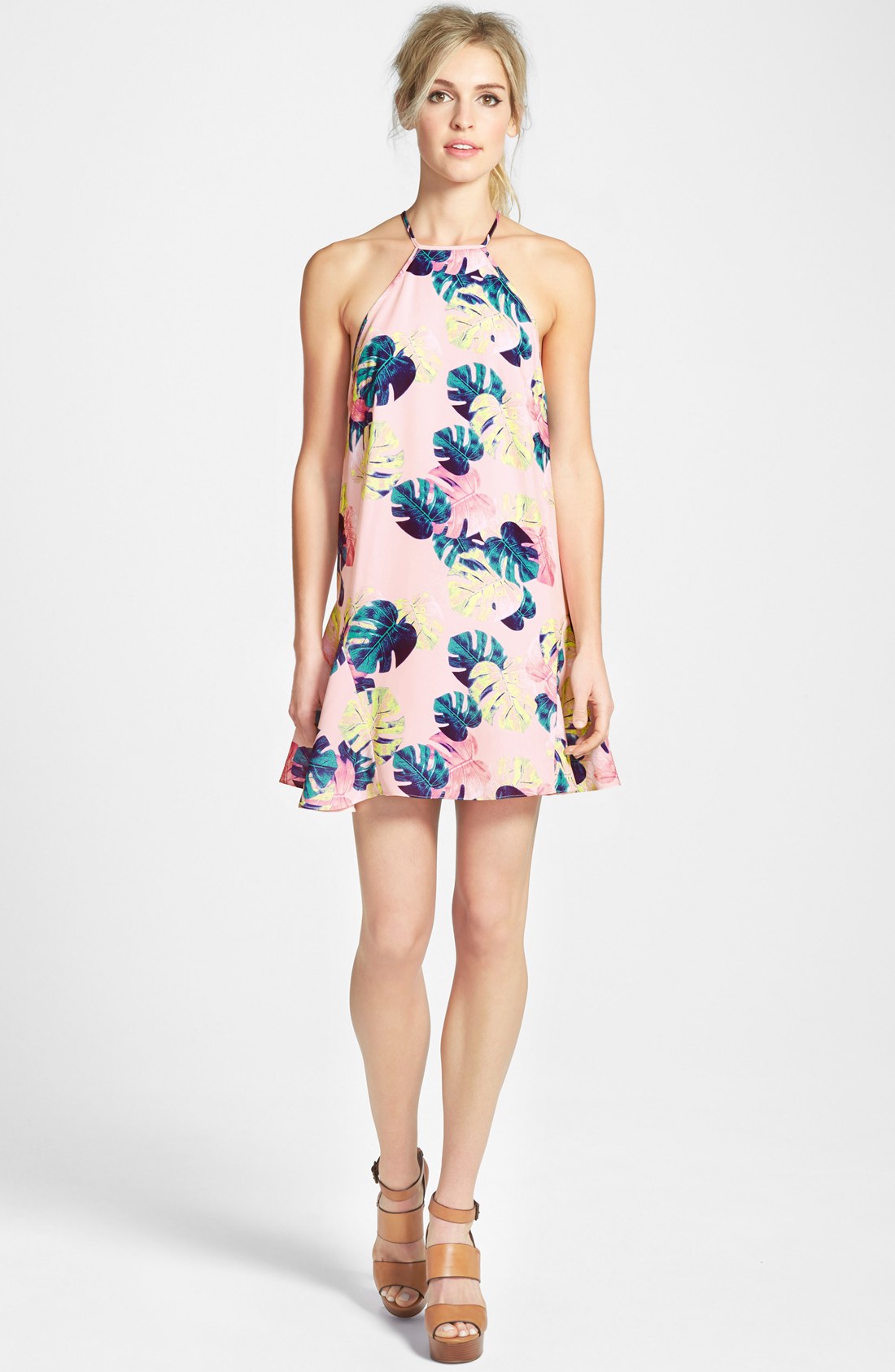
I don't see her at Heffner. Am I just missing it?
-
Boy that's close, but I don't think it is her.
-
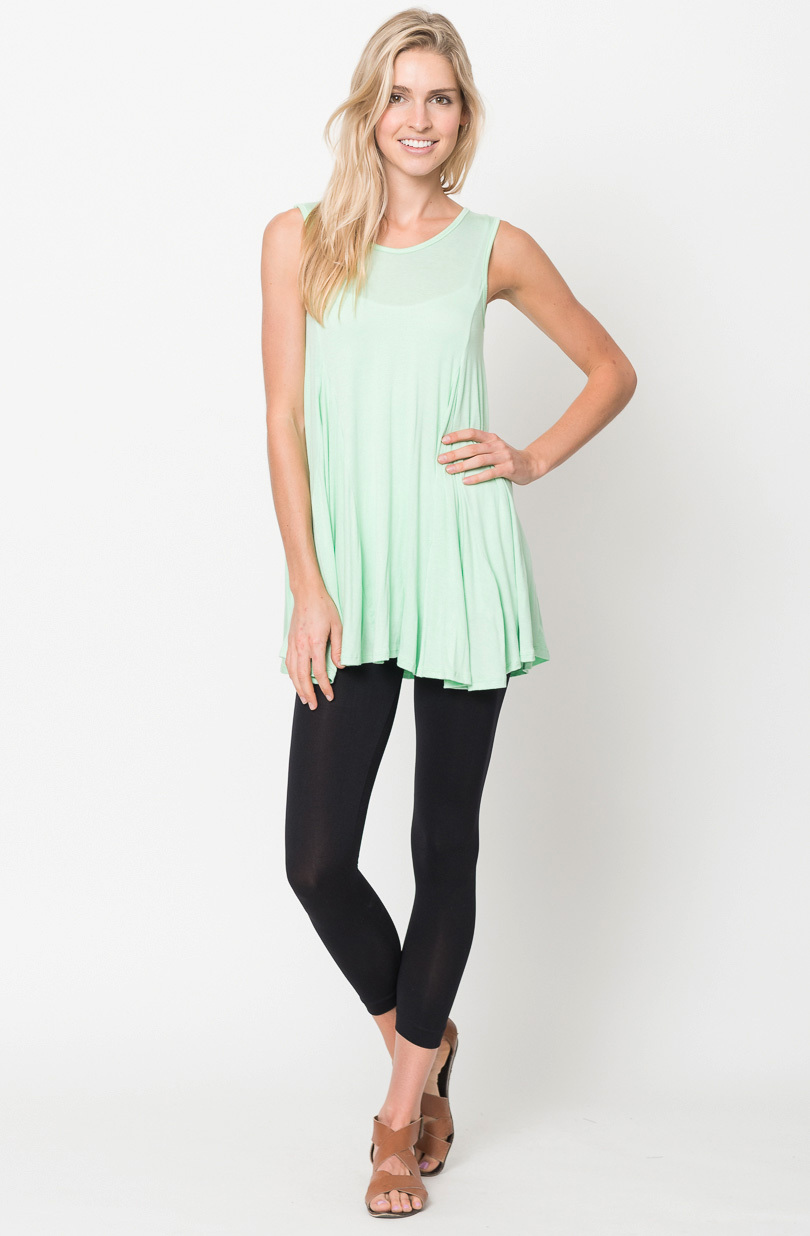
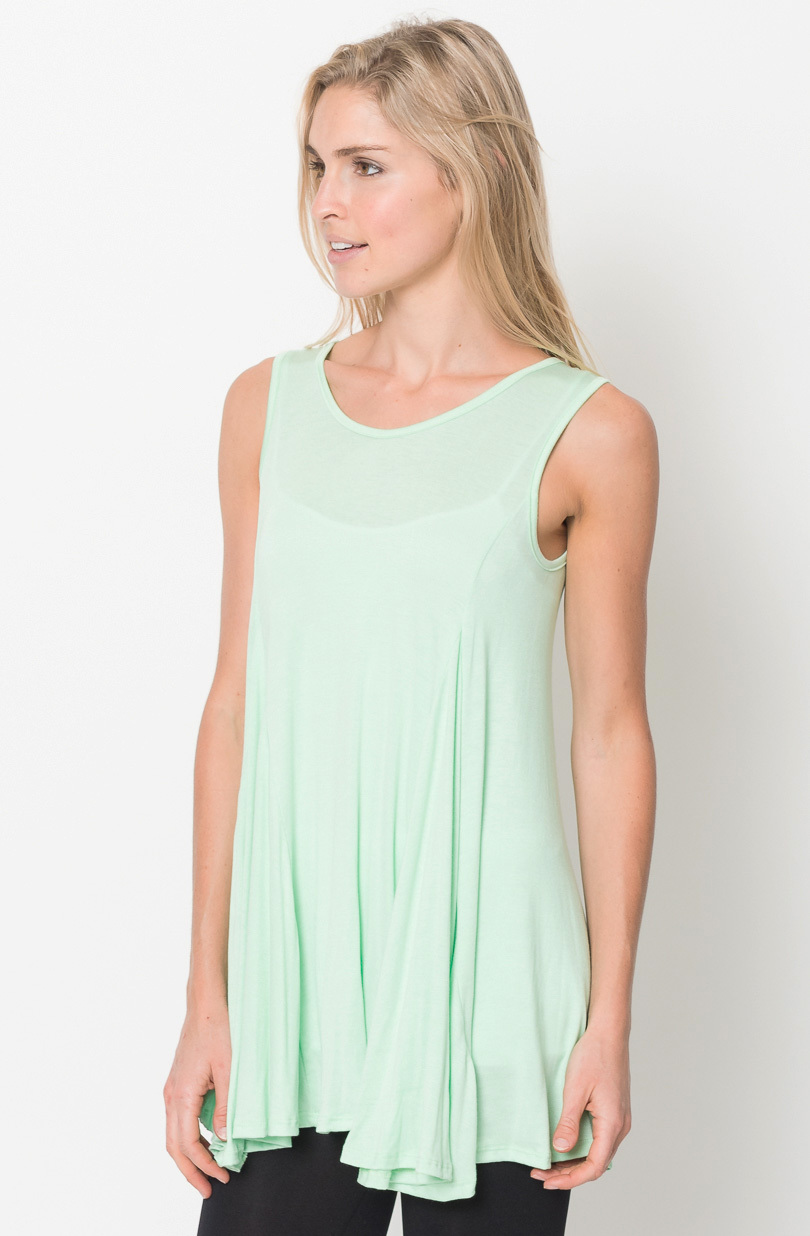
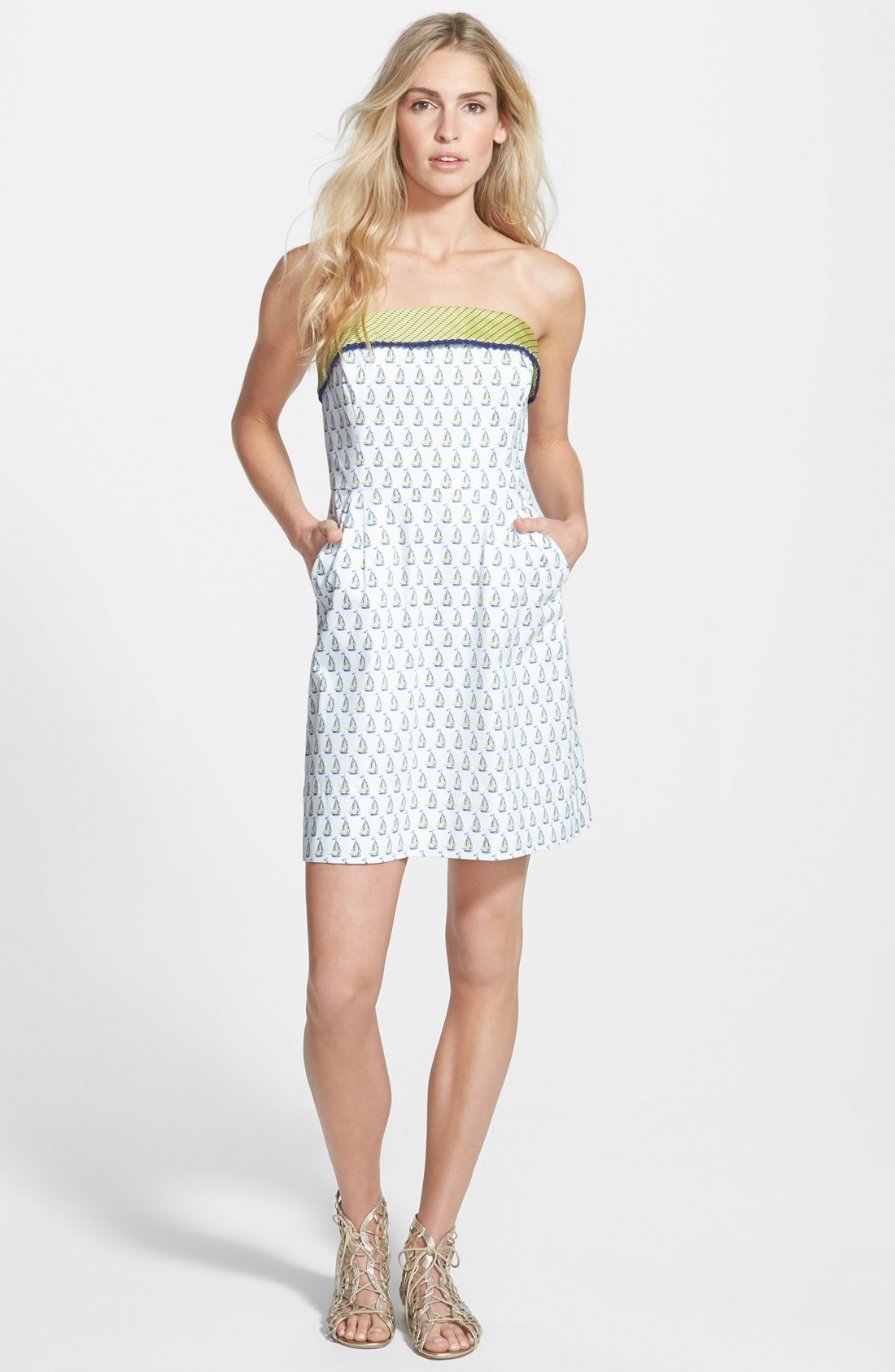
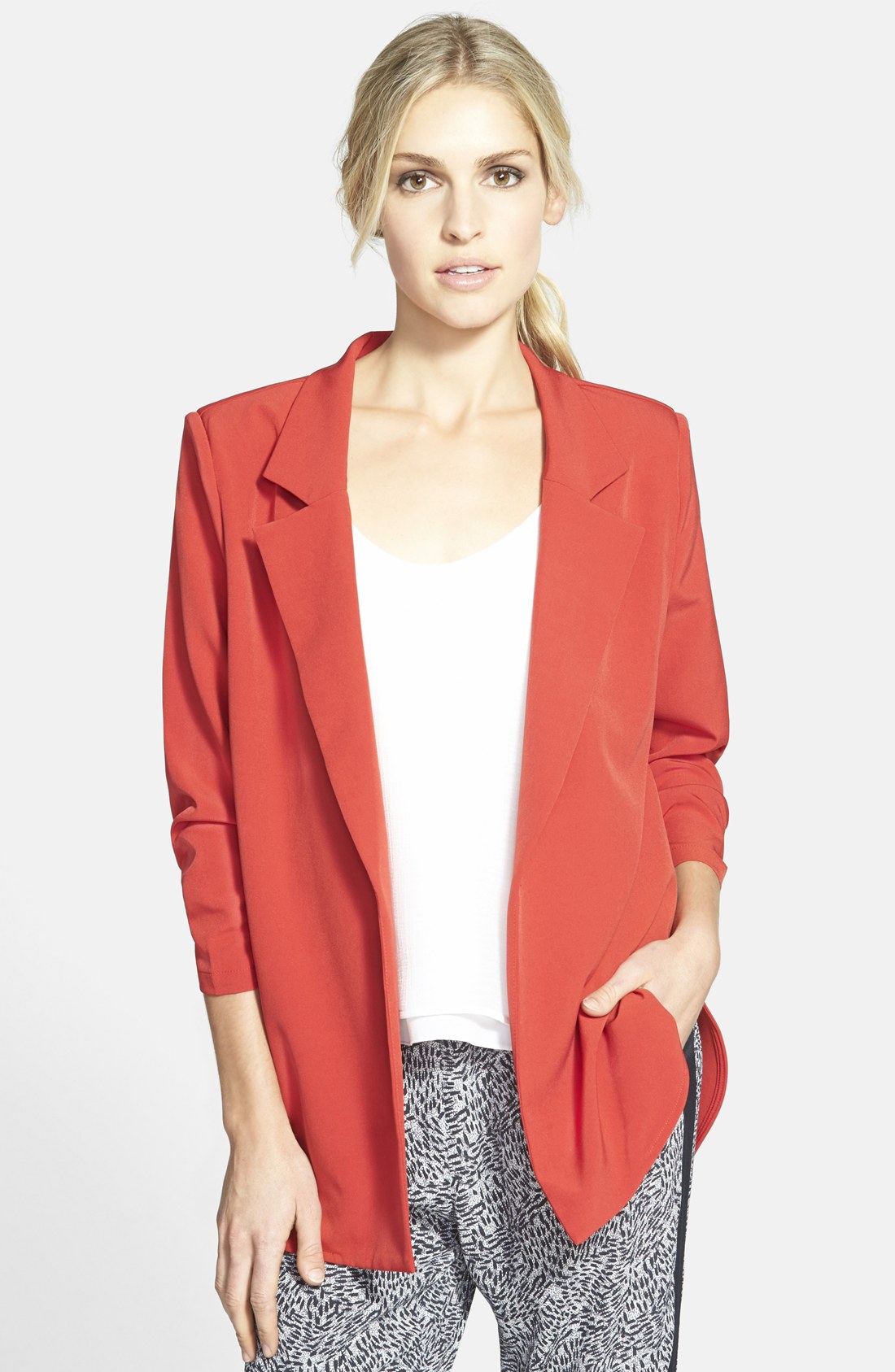
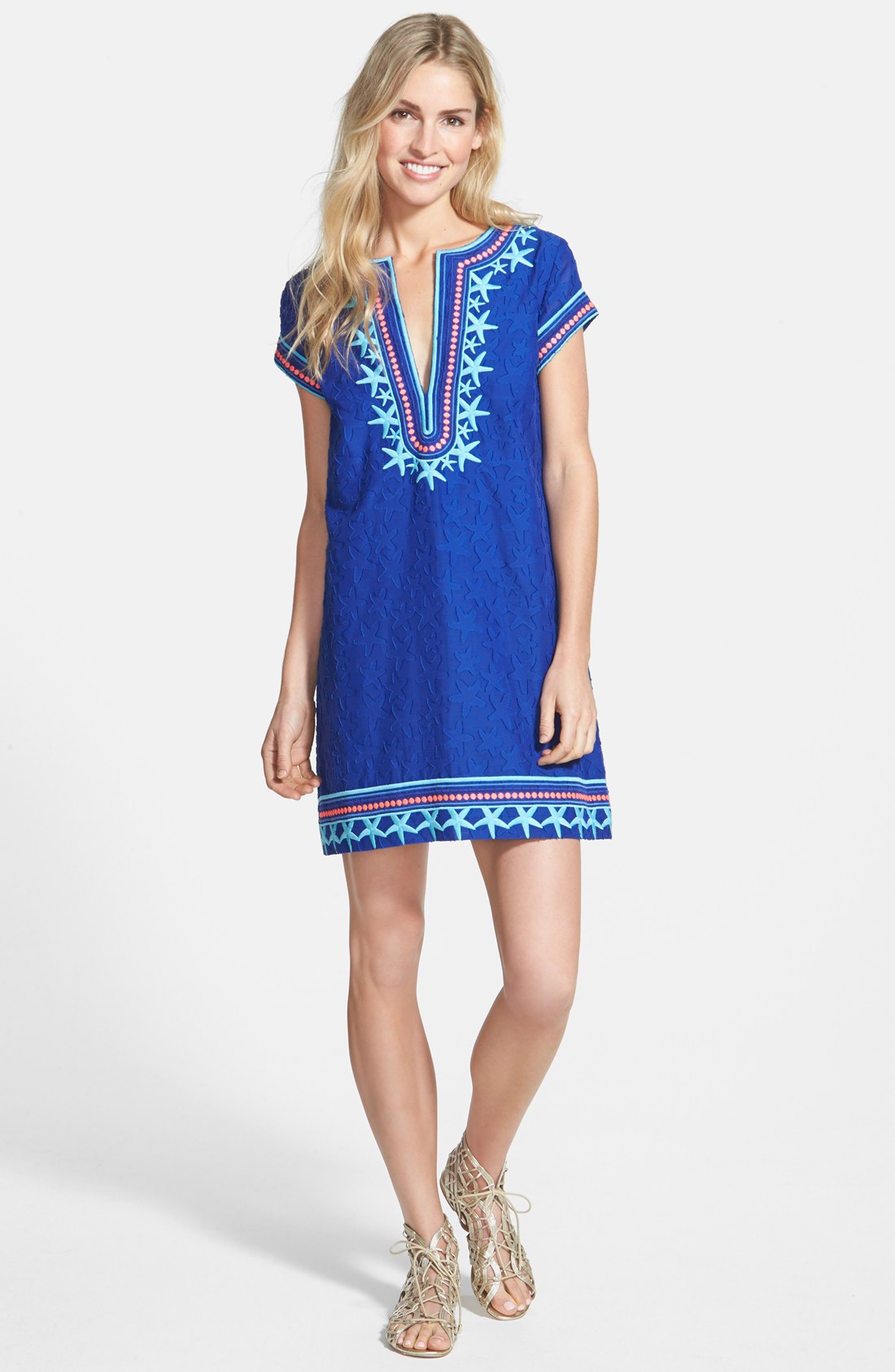
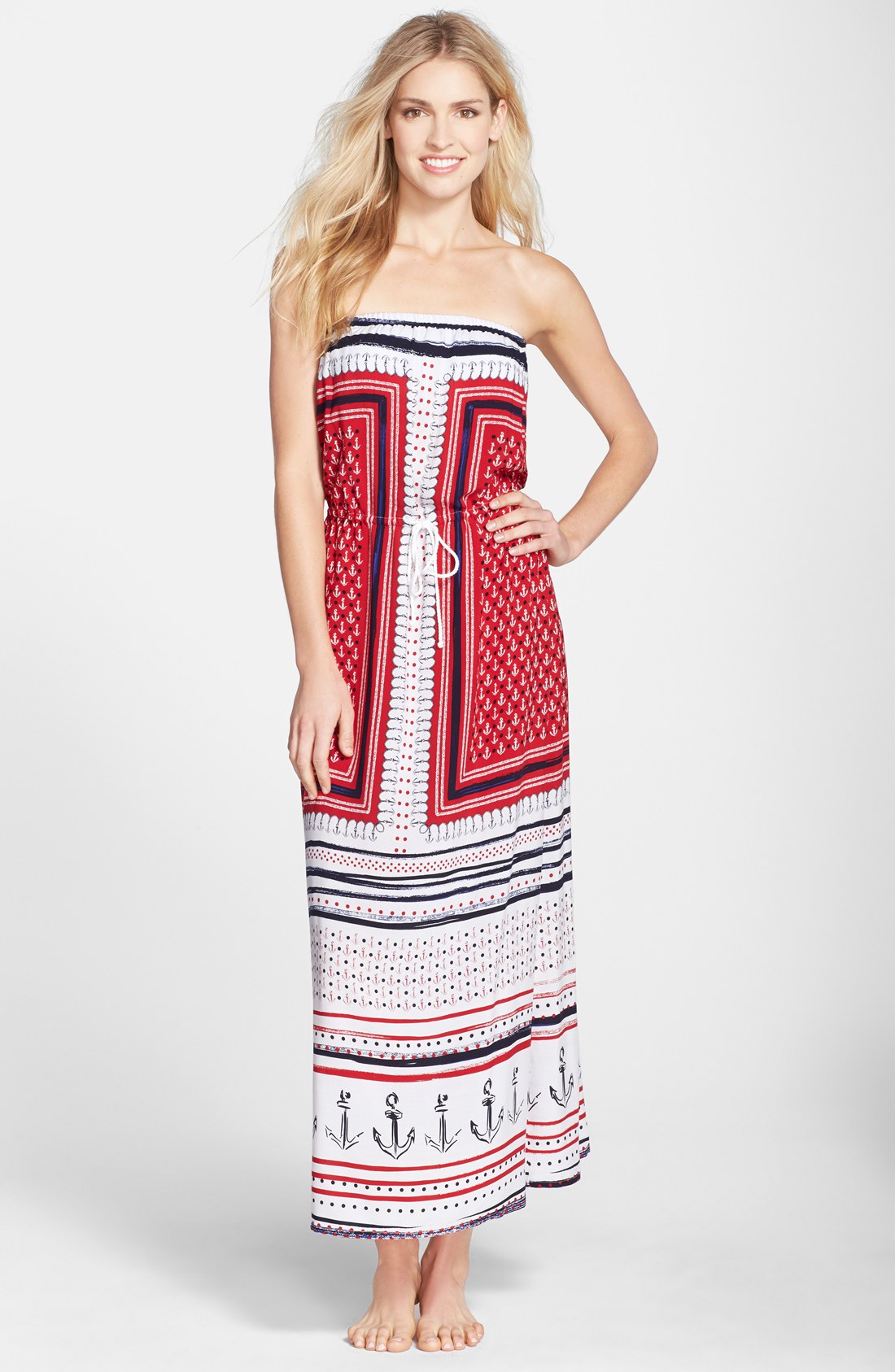
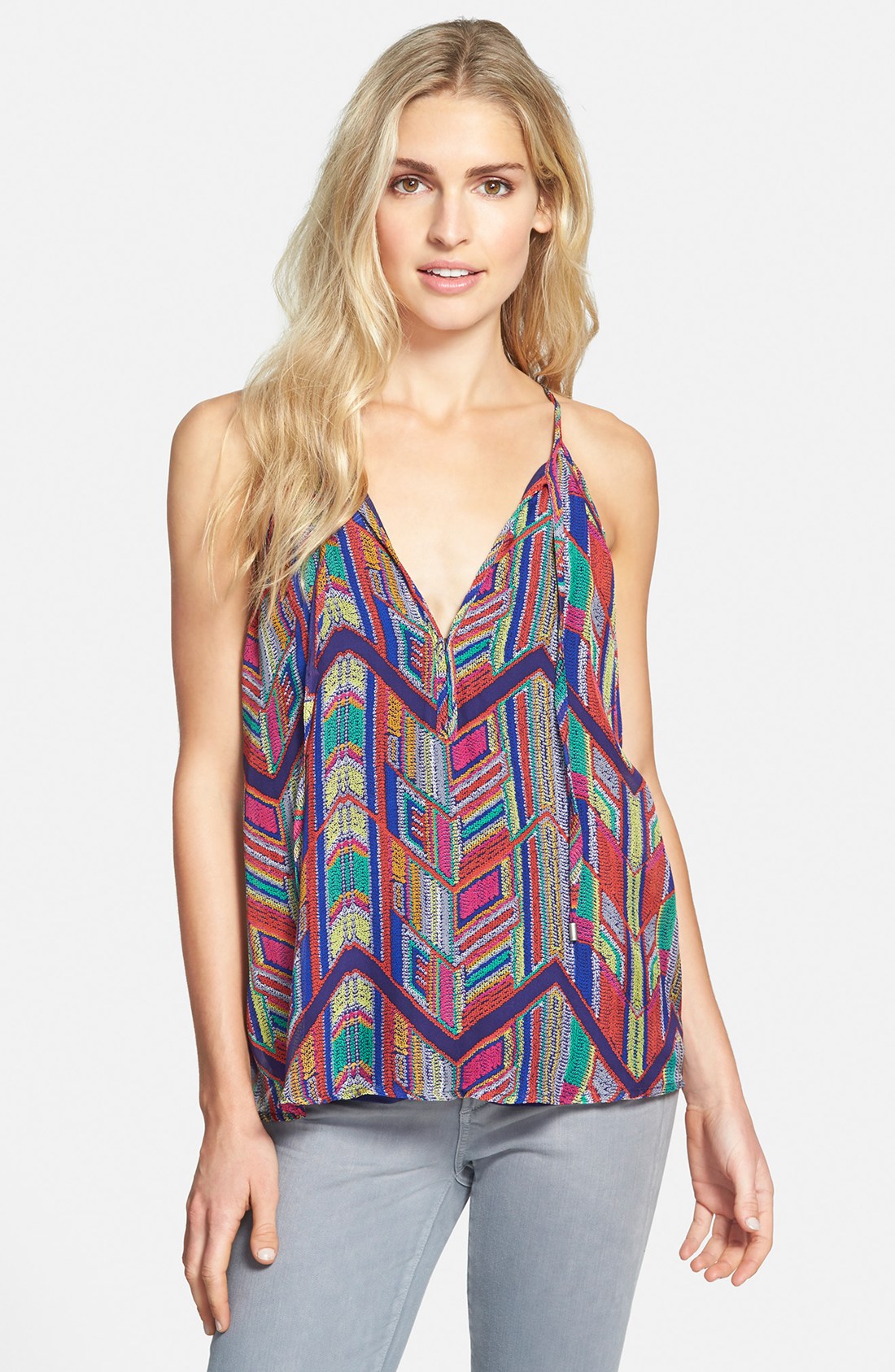
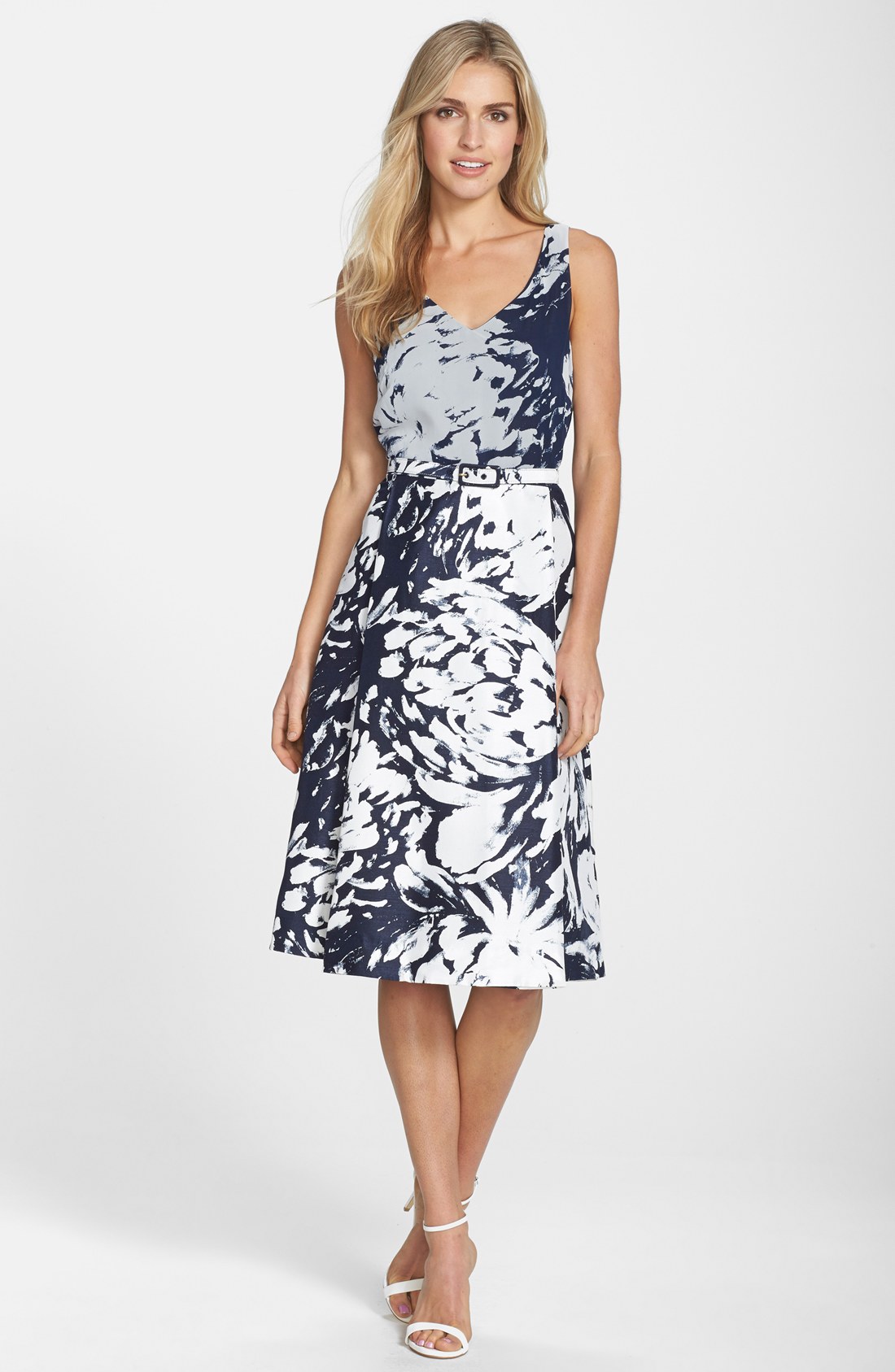
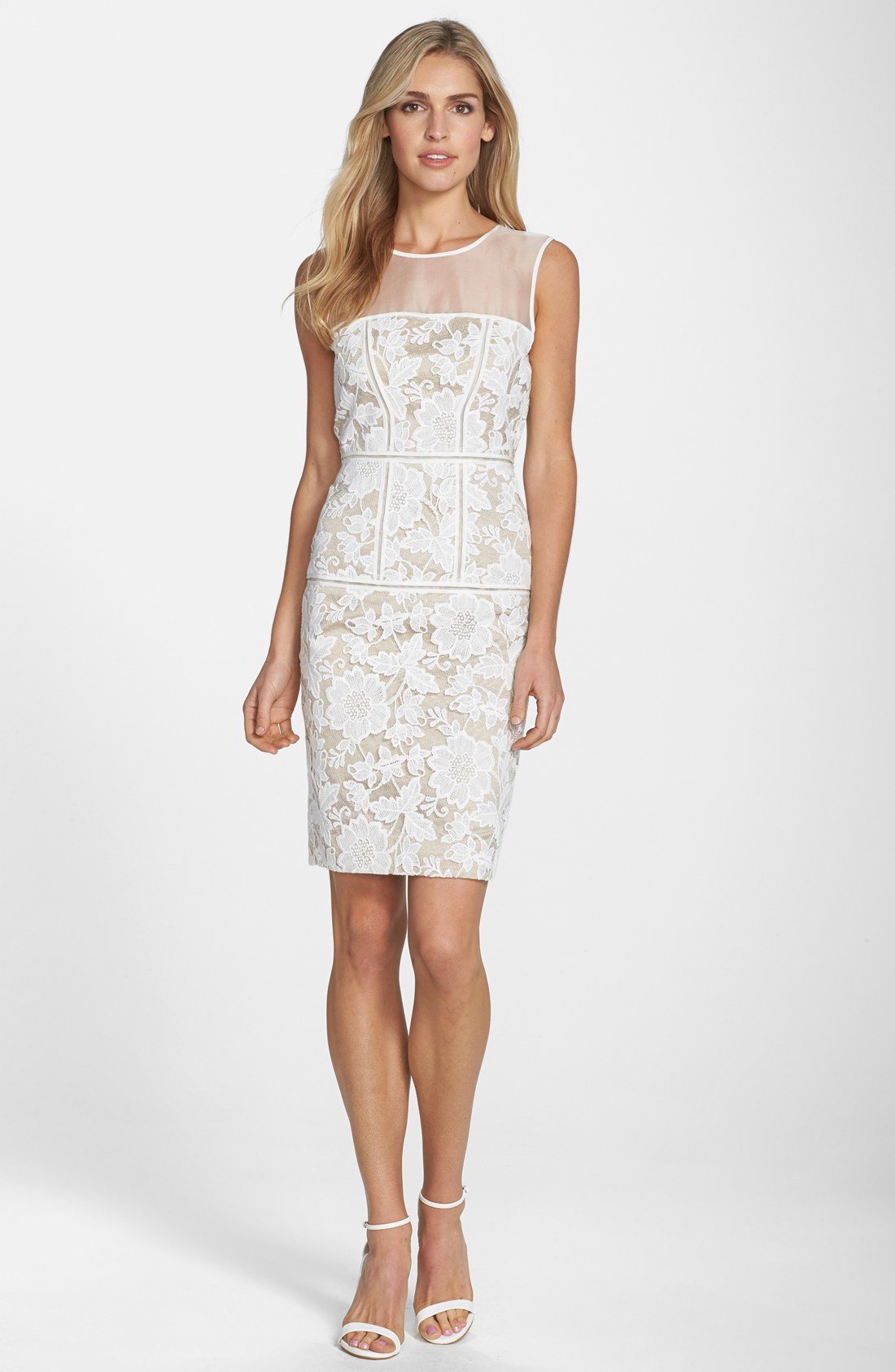
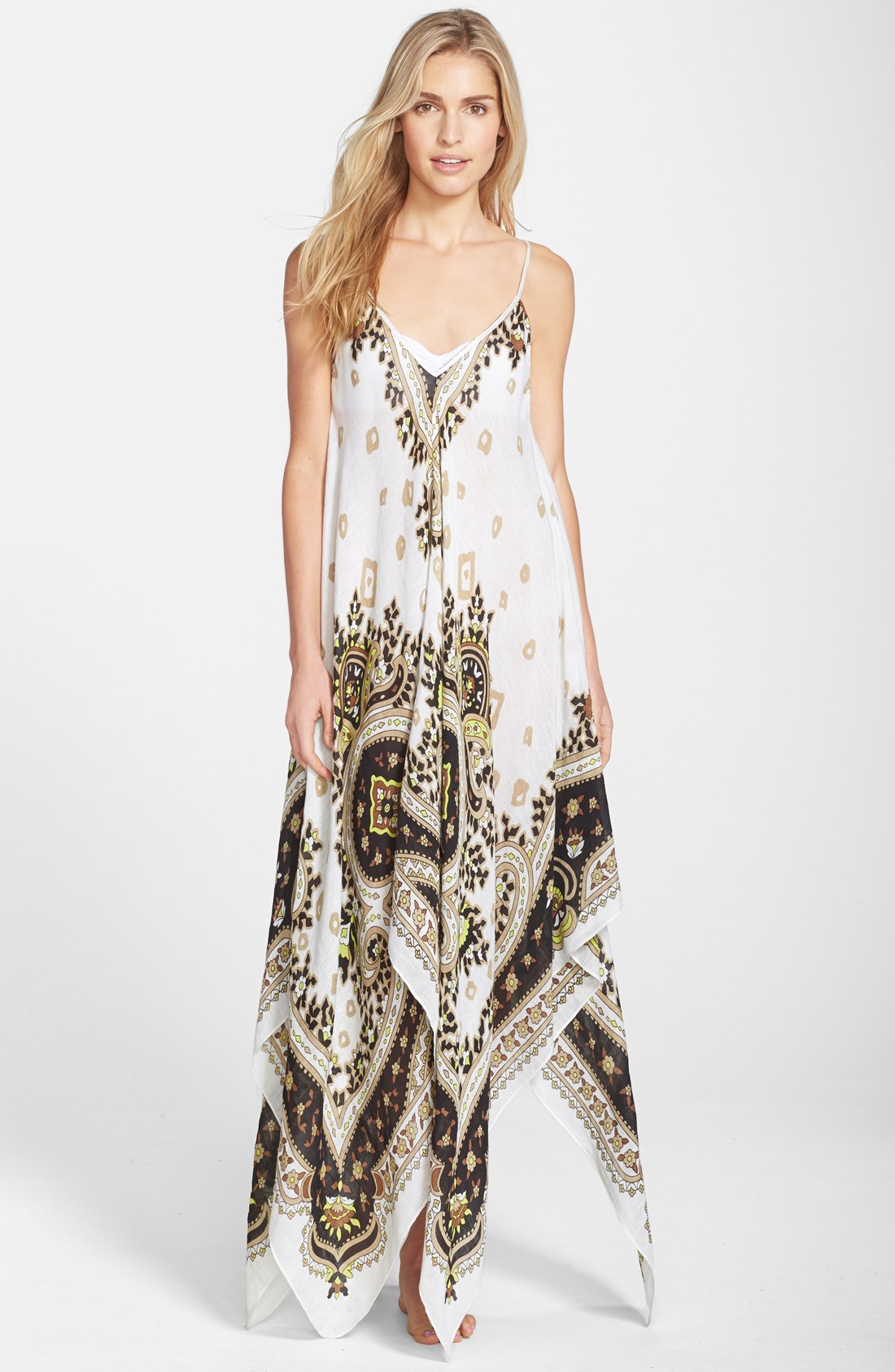
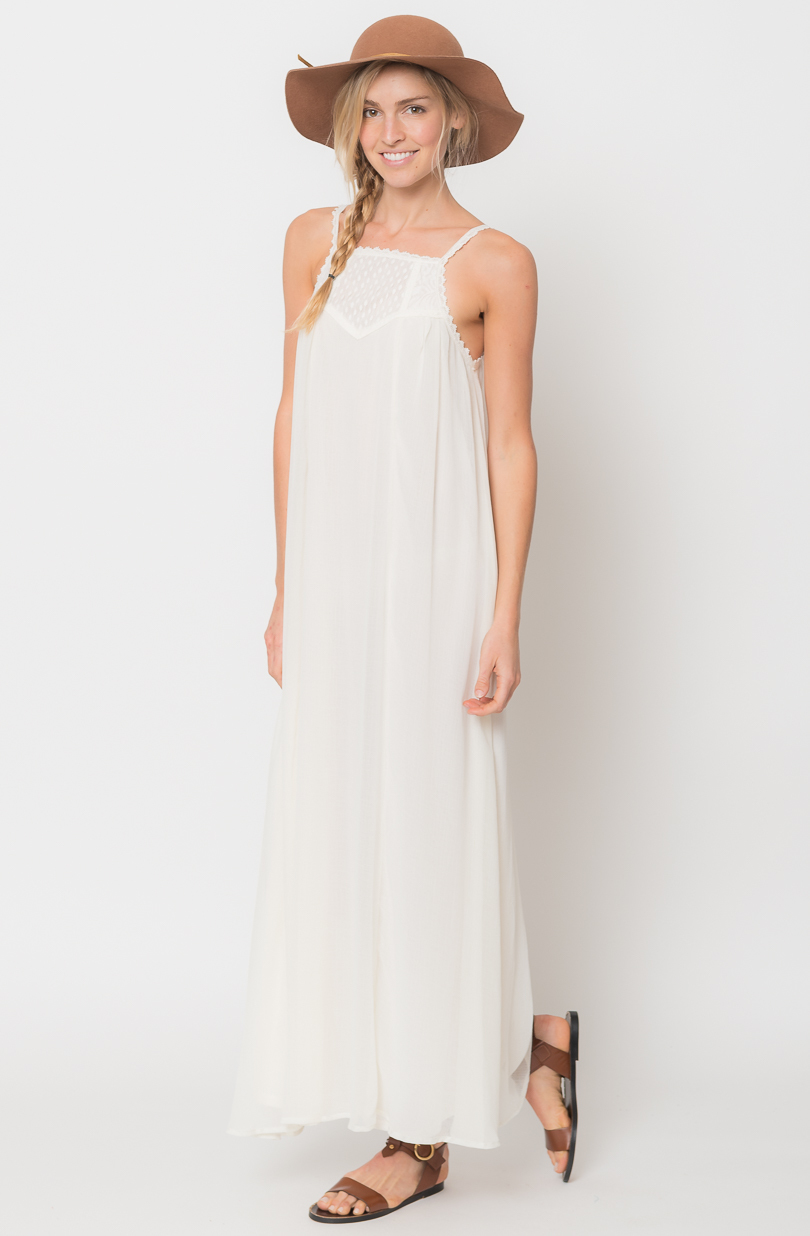
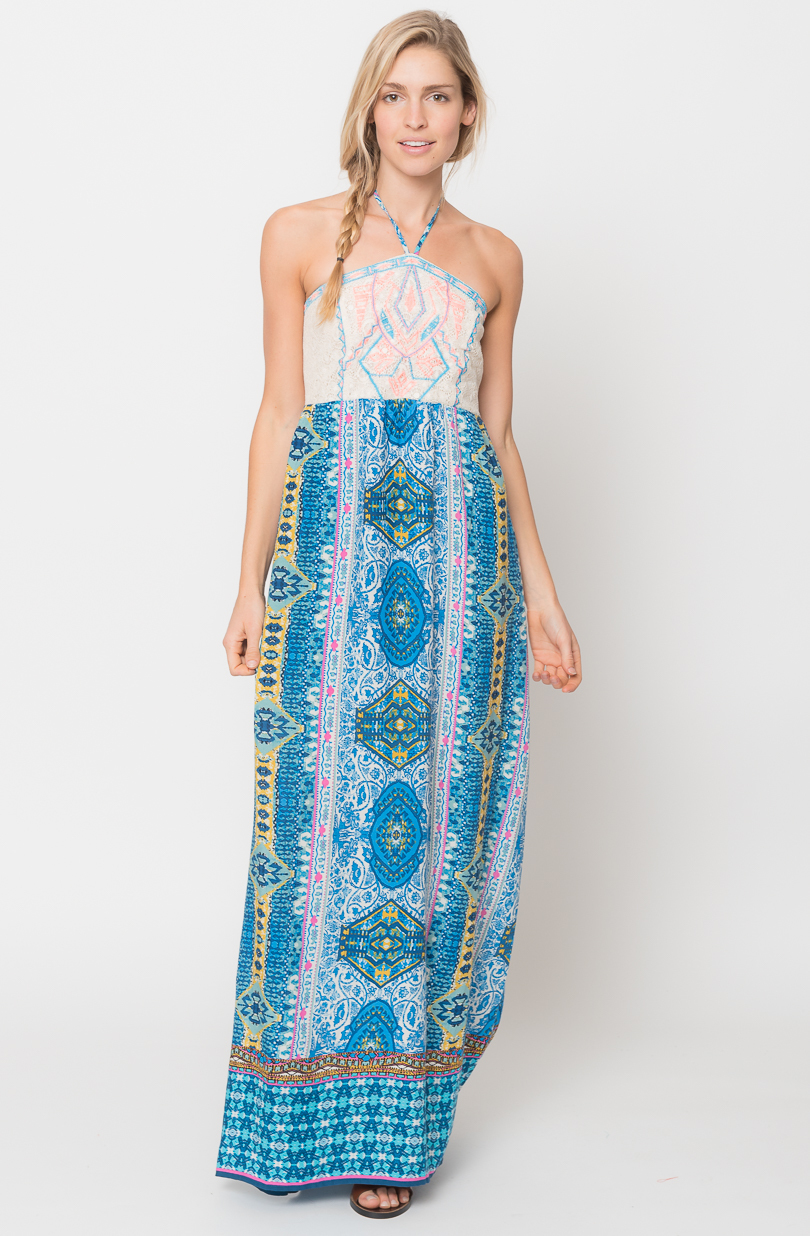
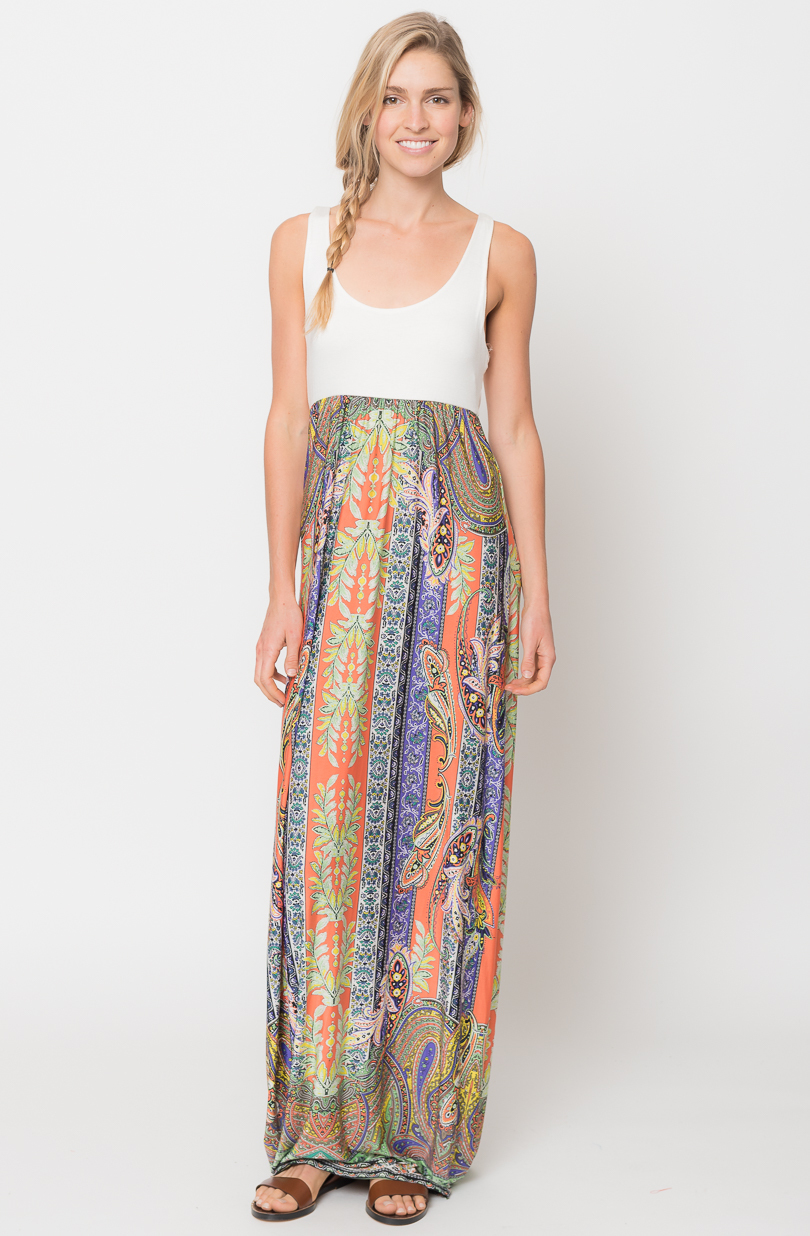
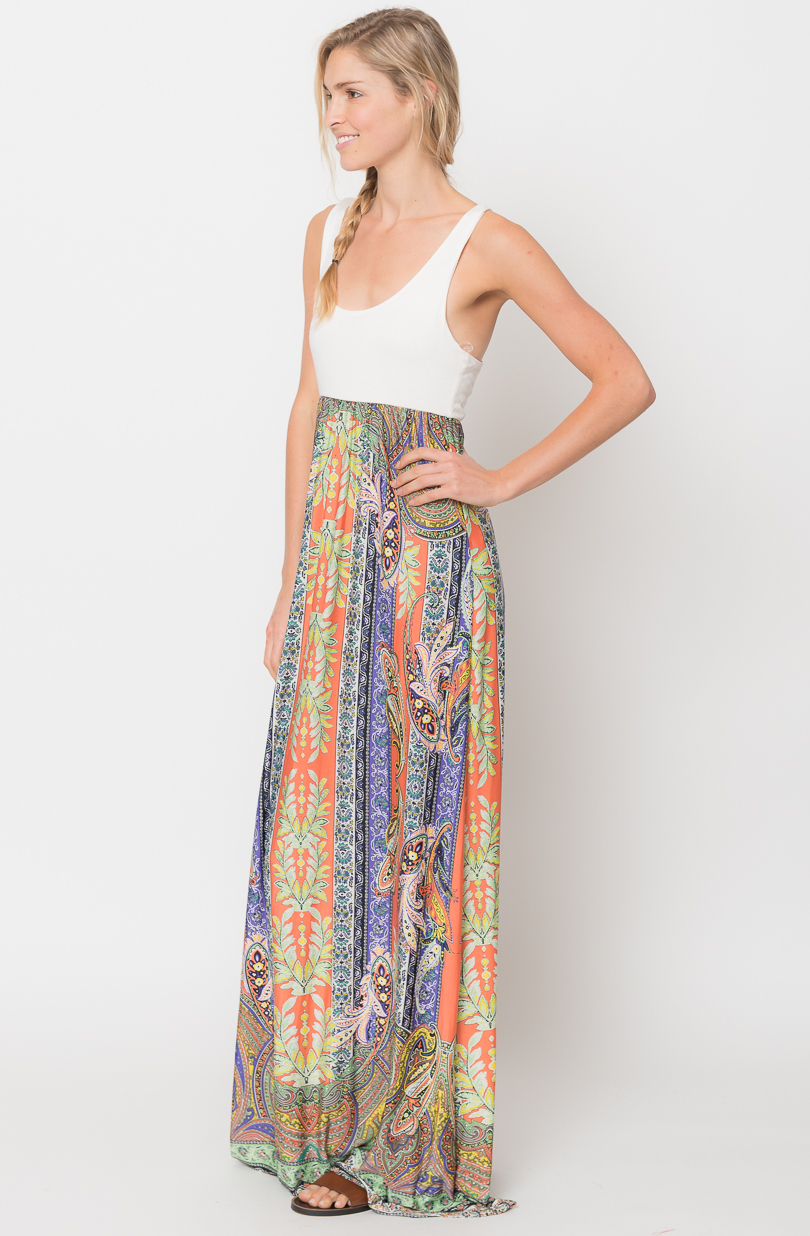
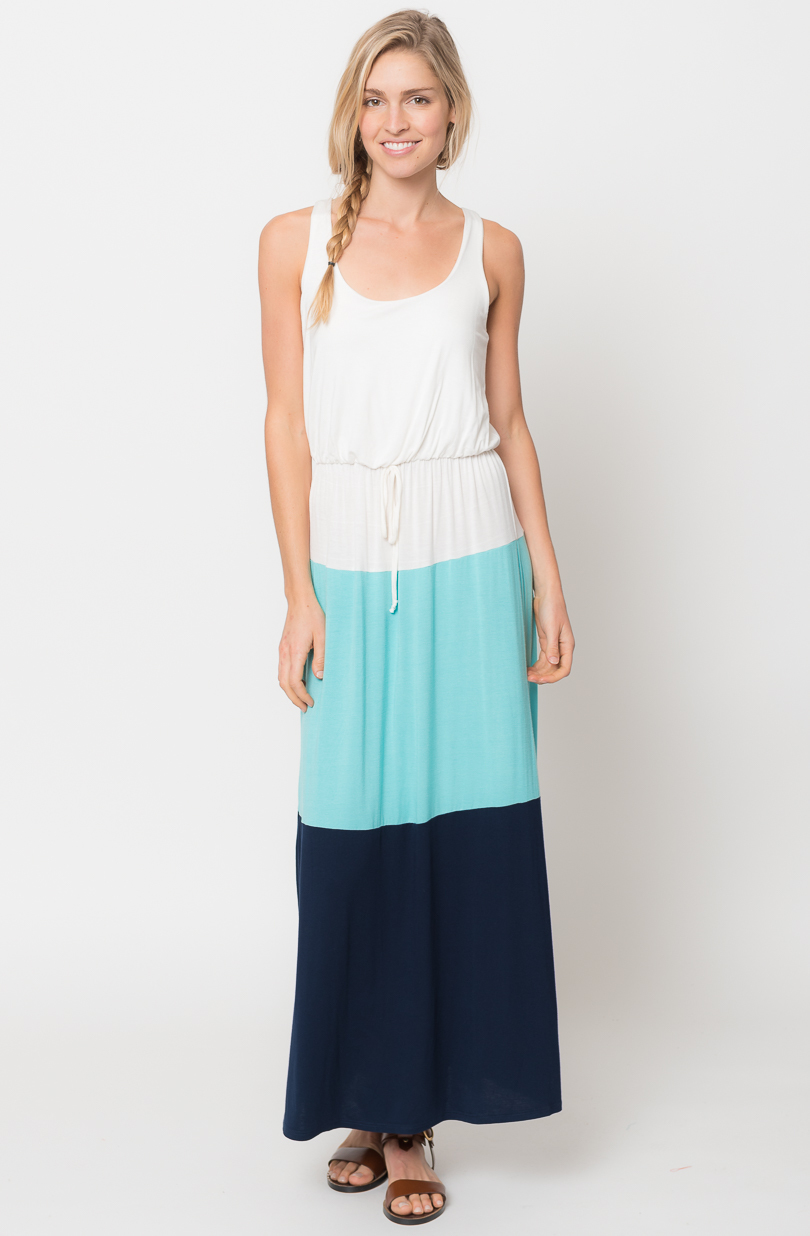
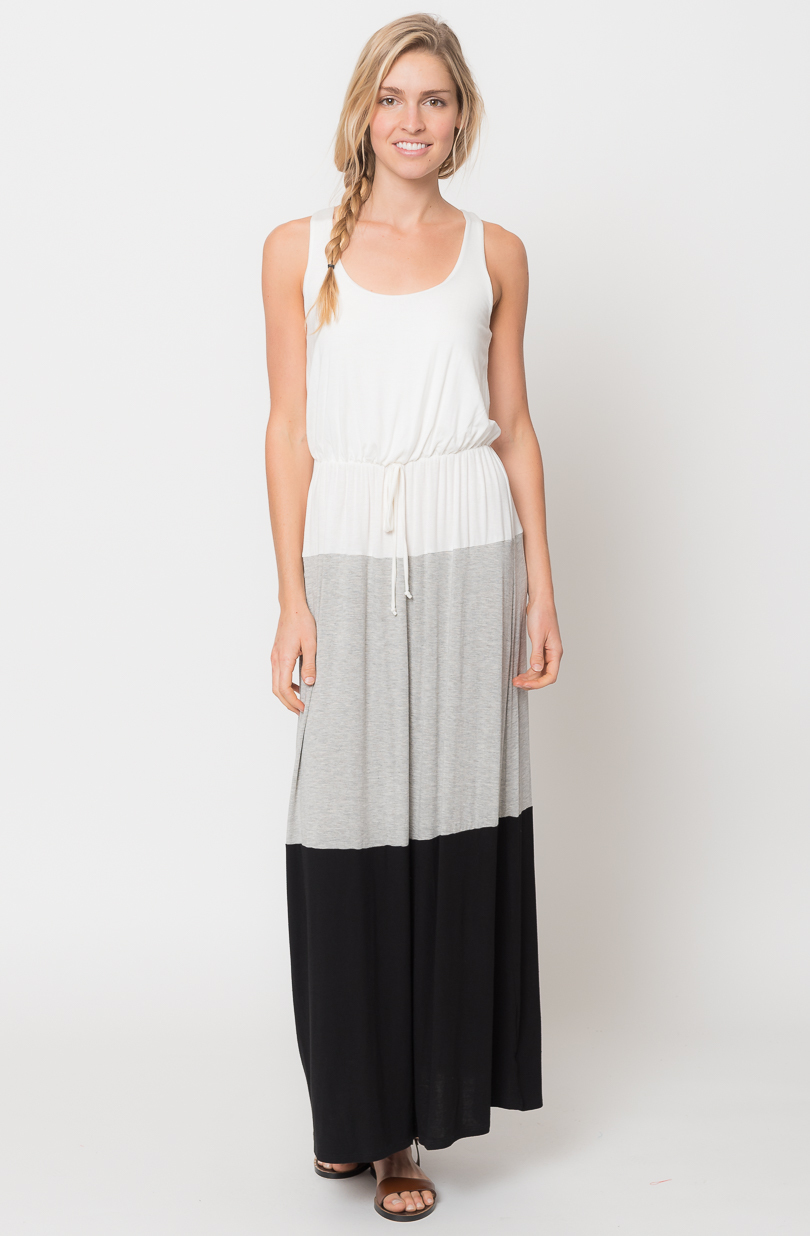
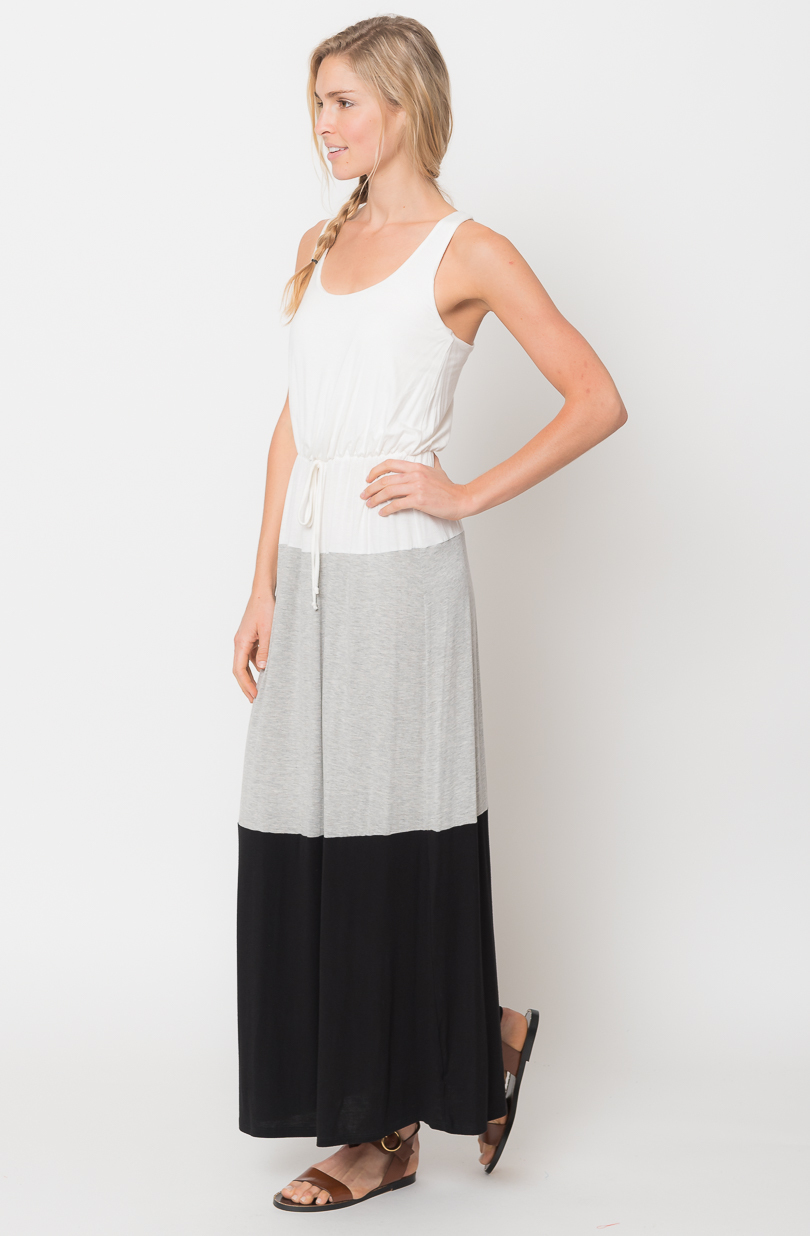
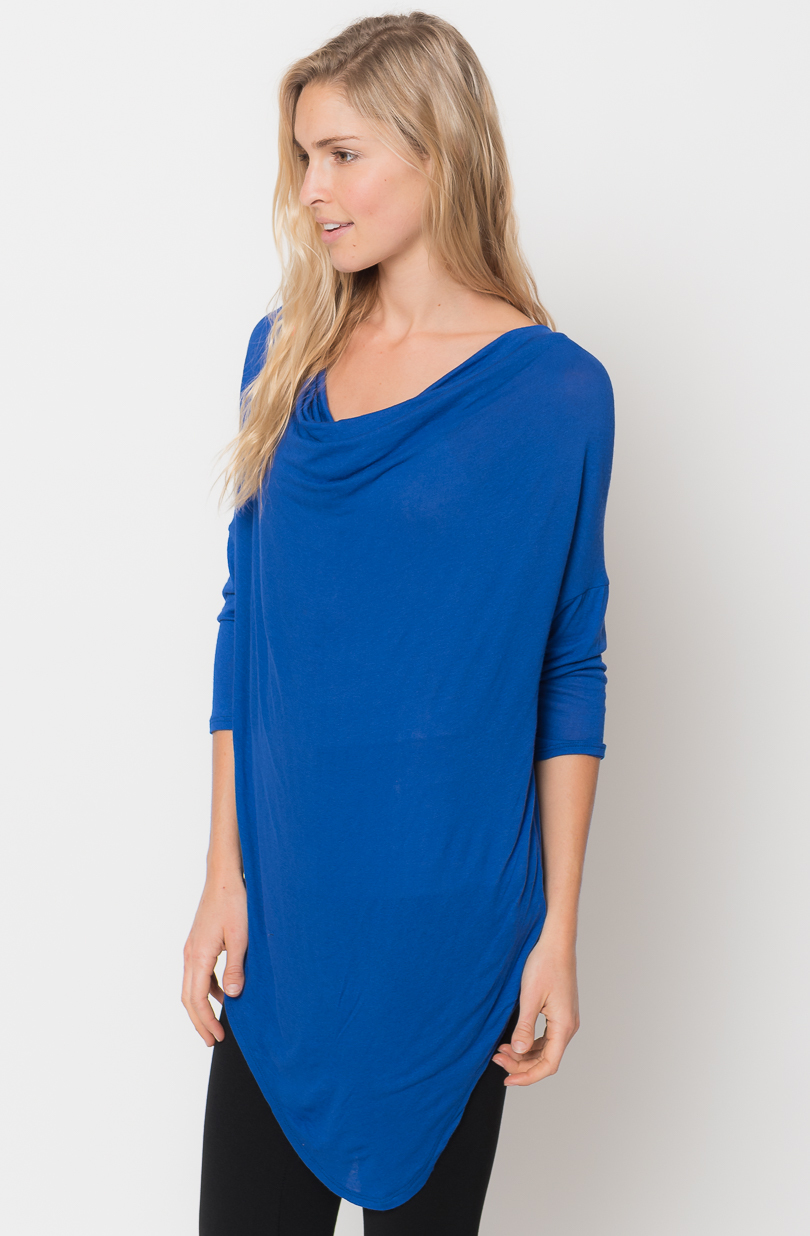
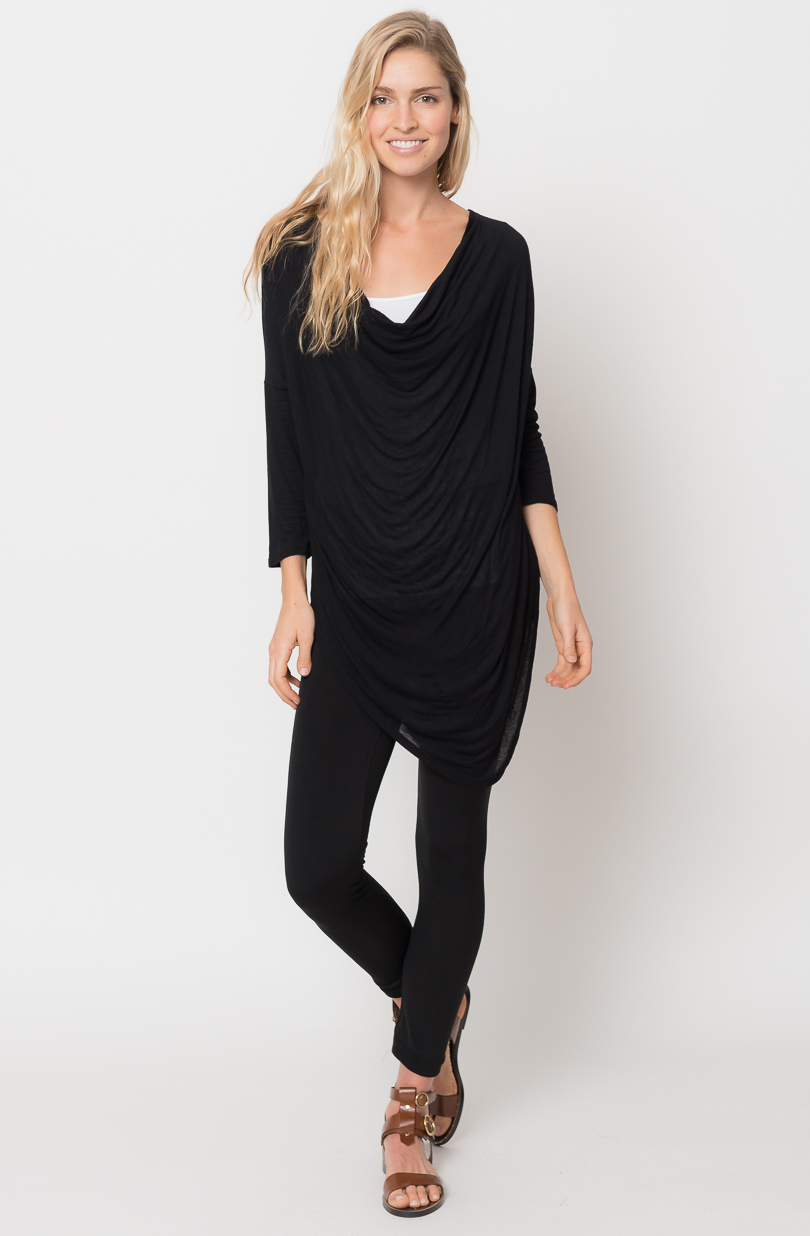
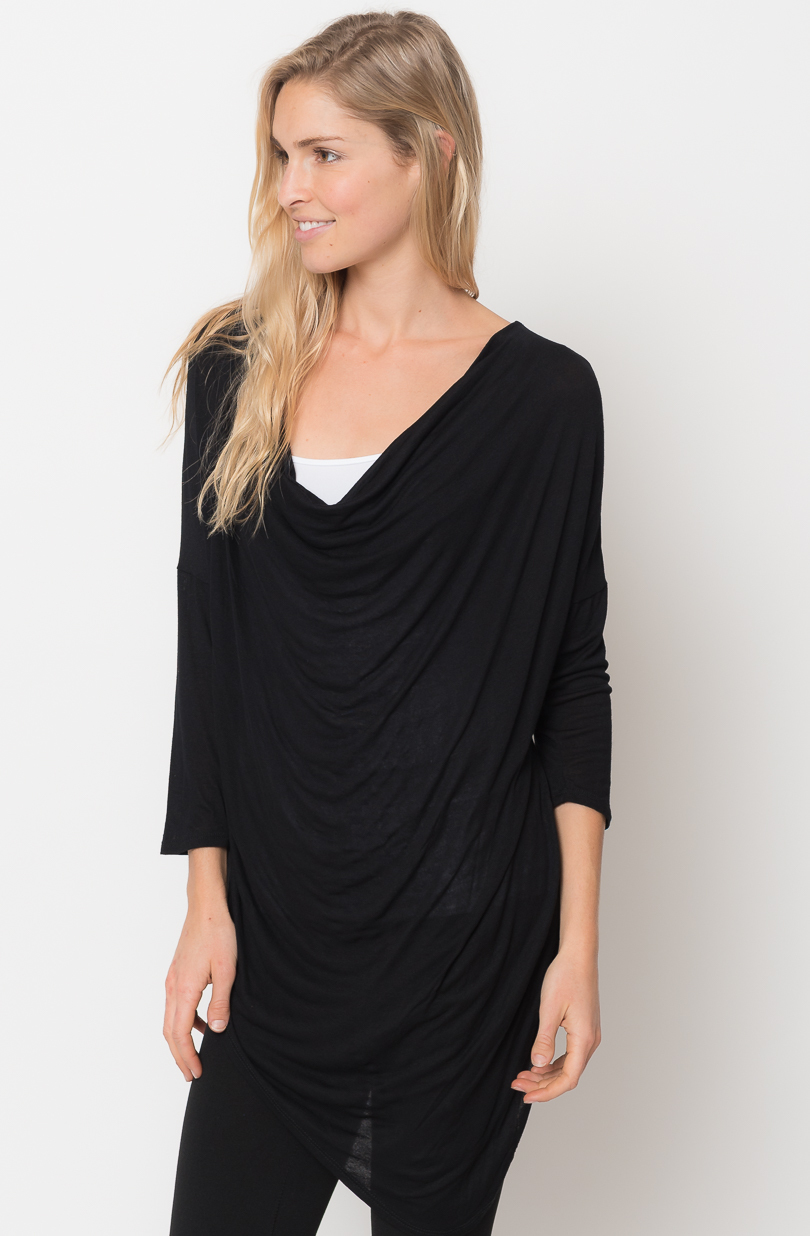
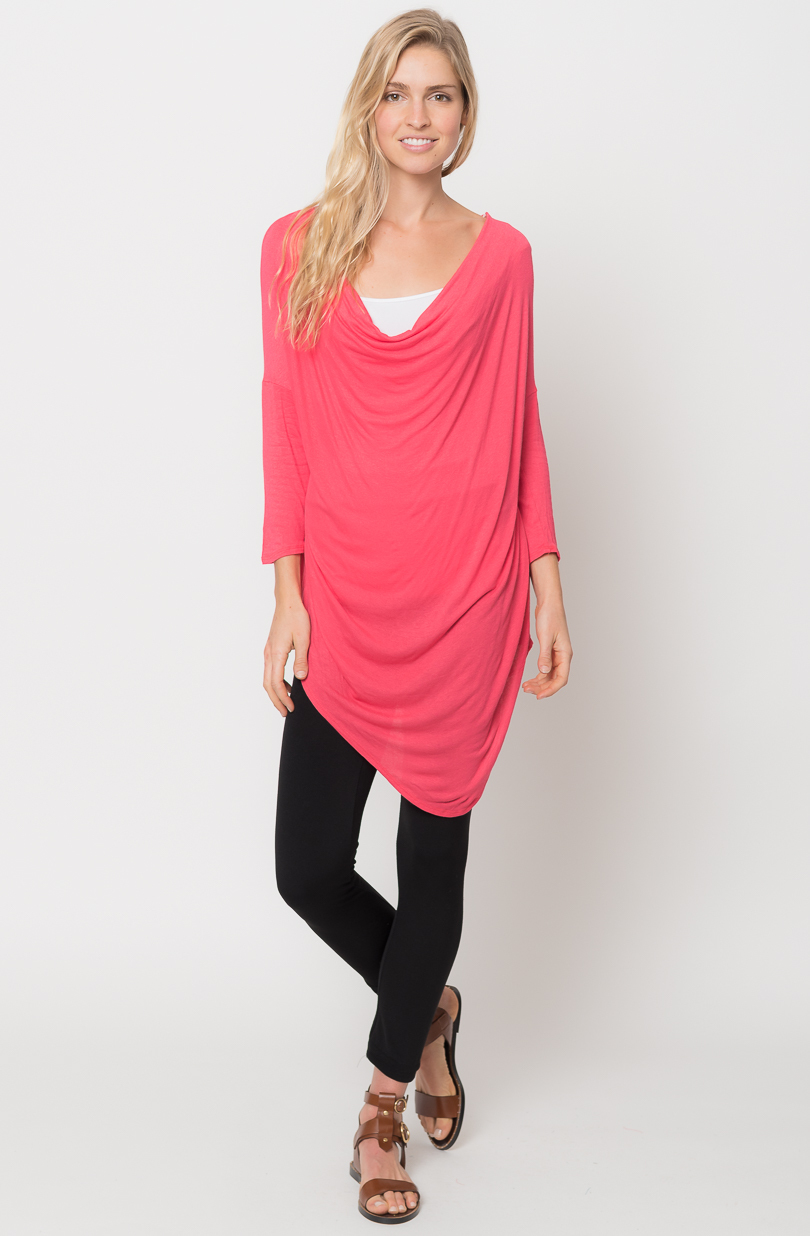
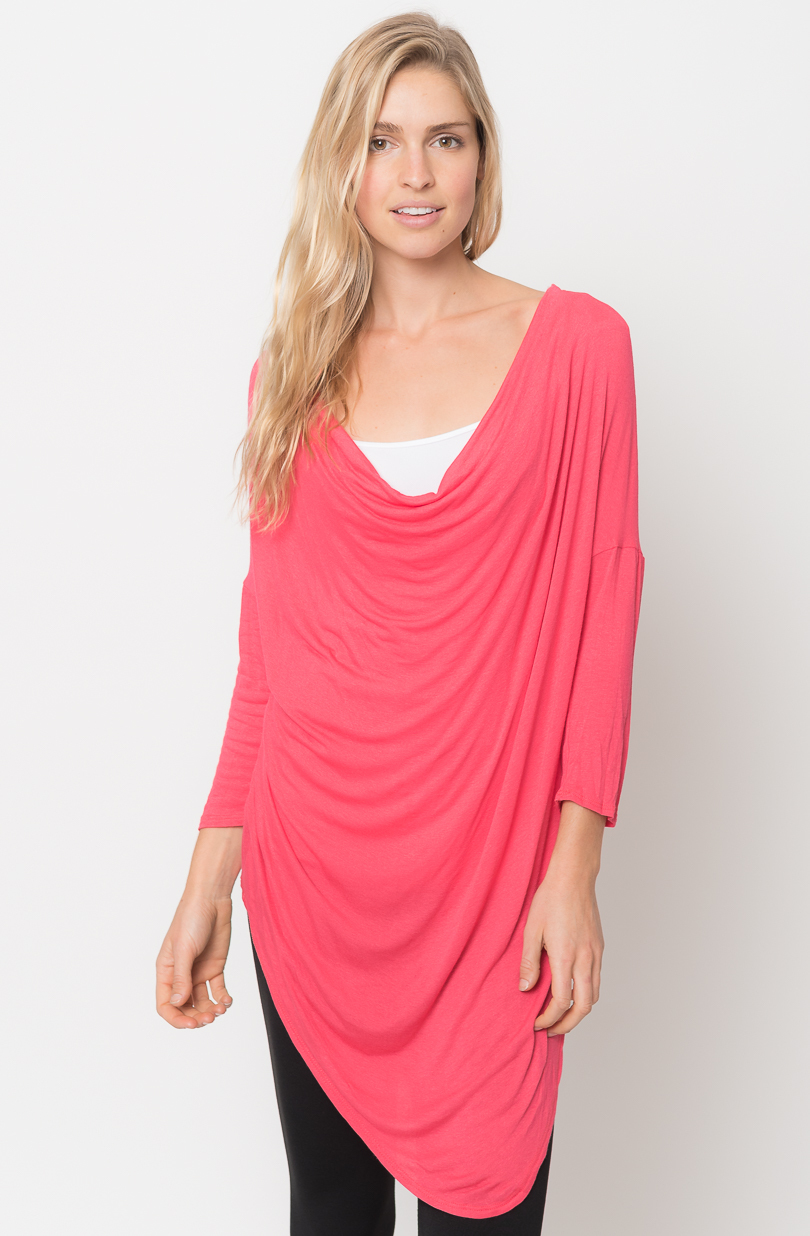
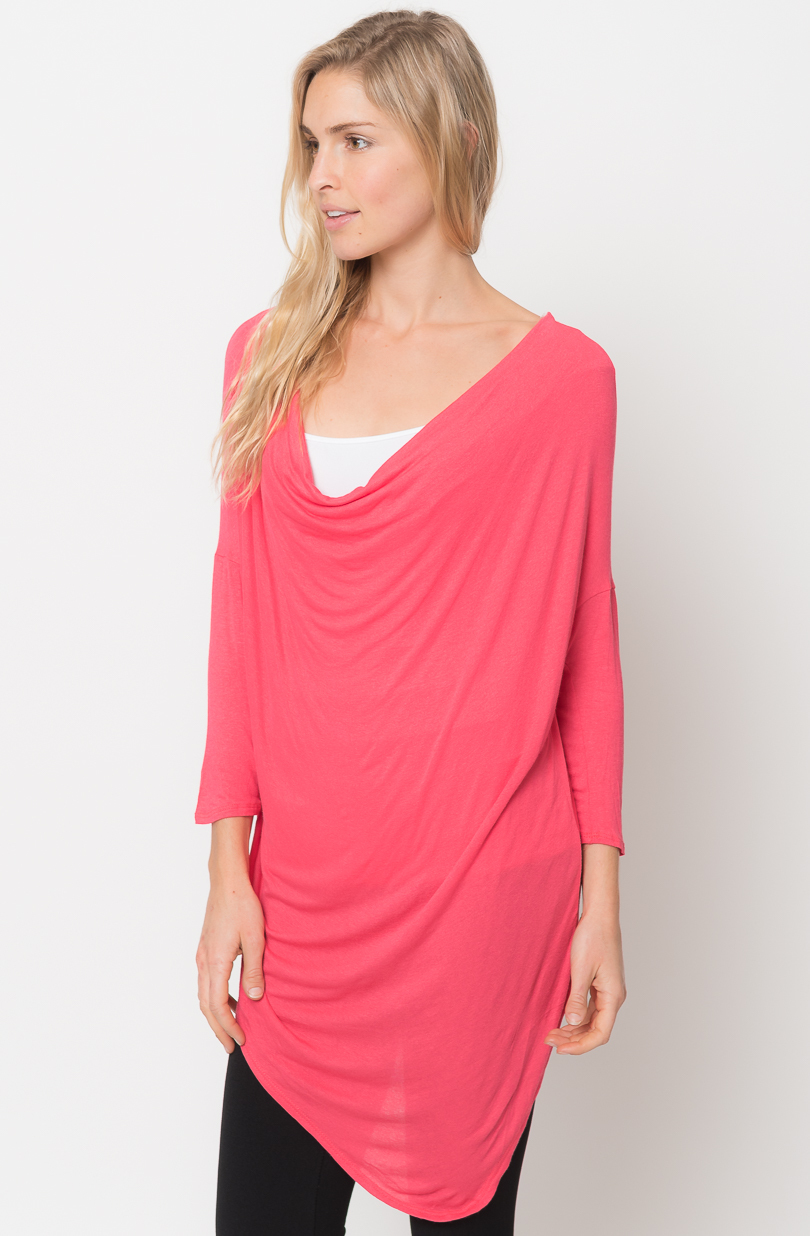
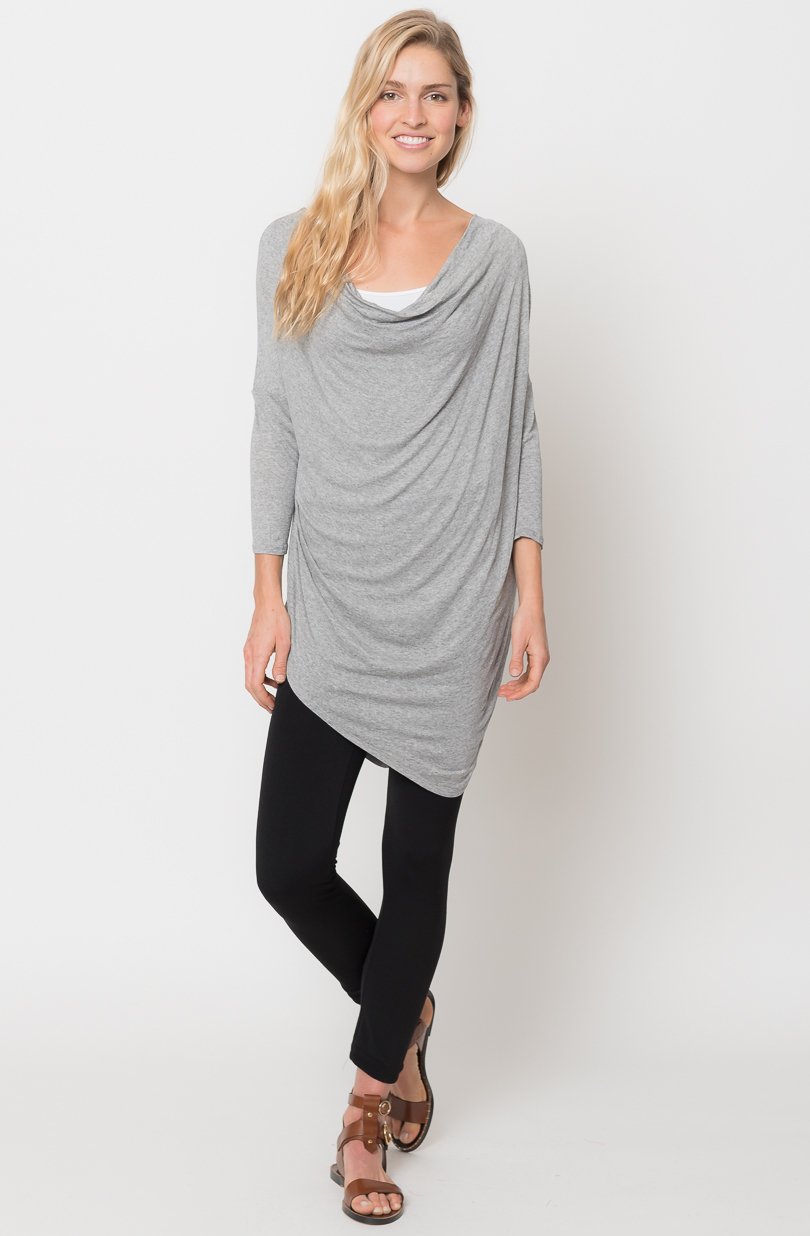
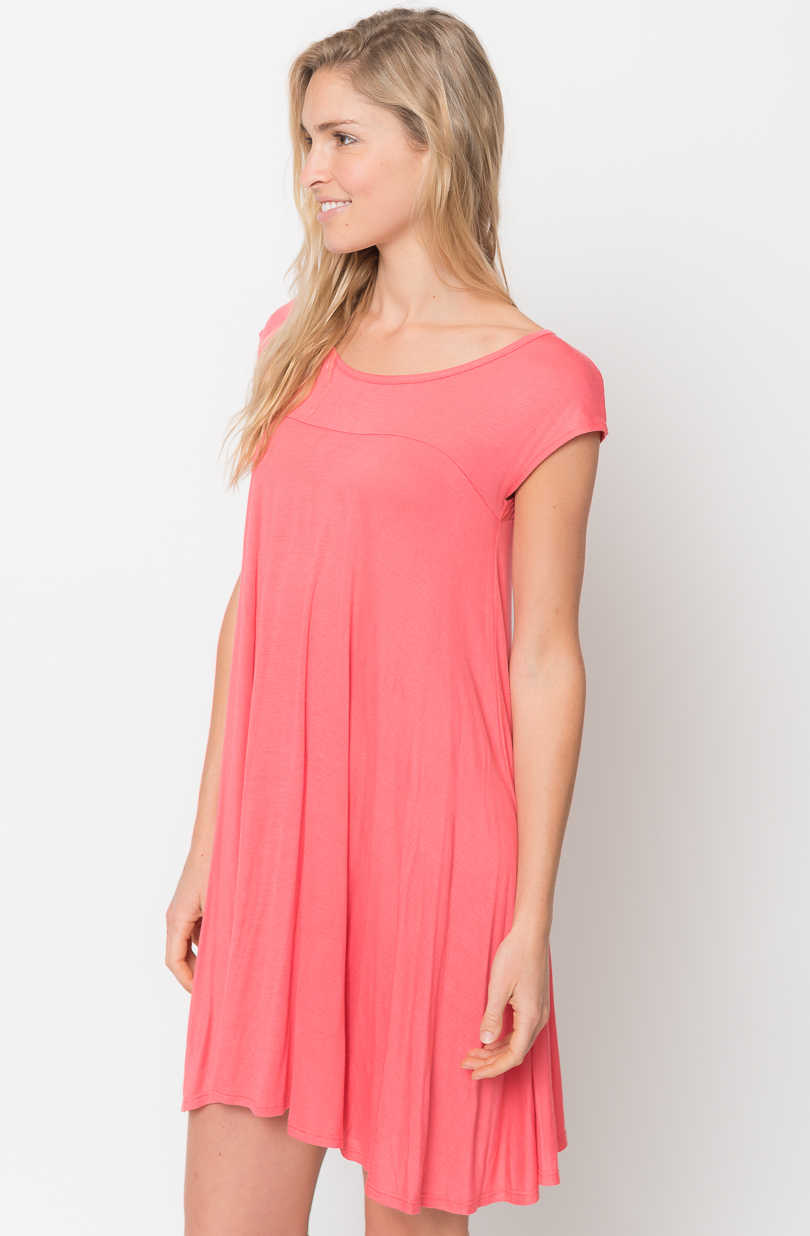
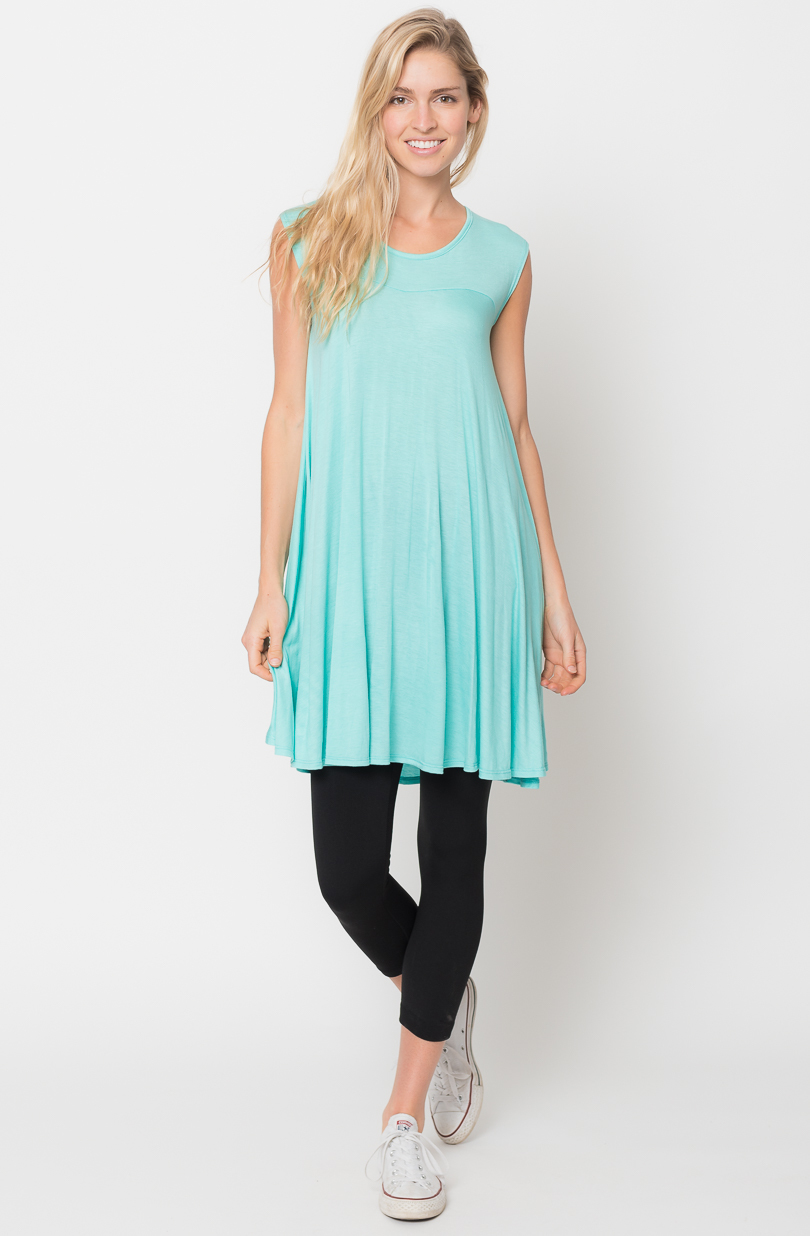
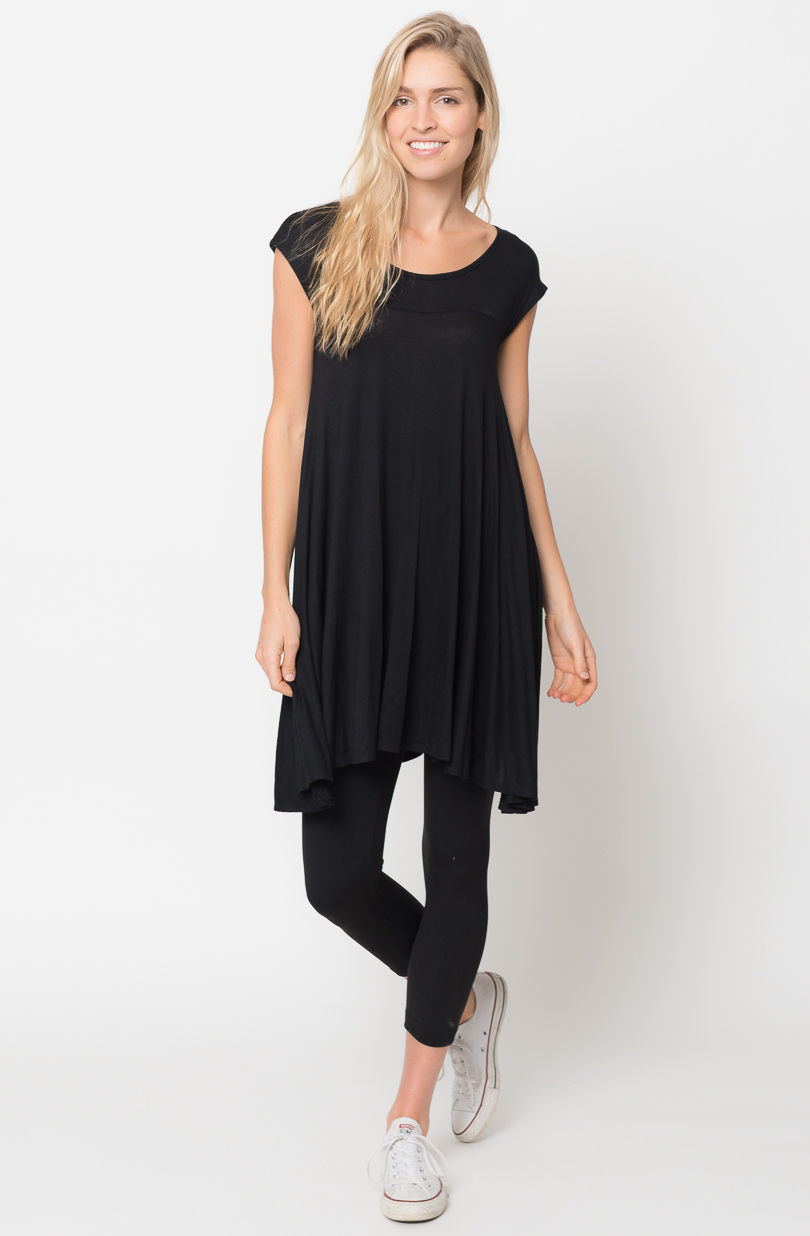
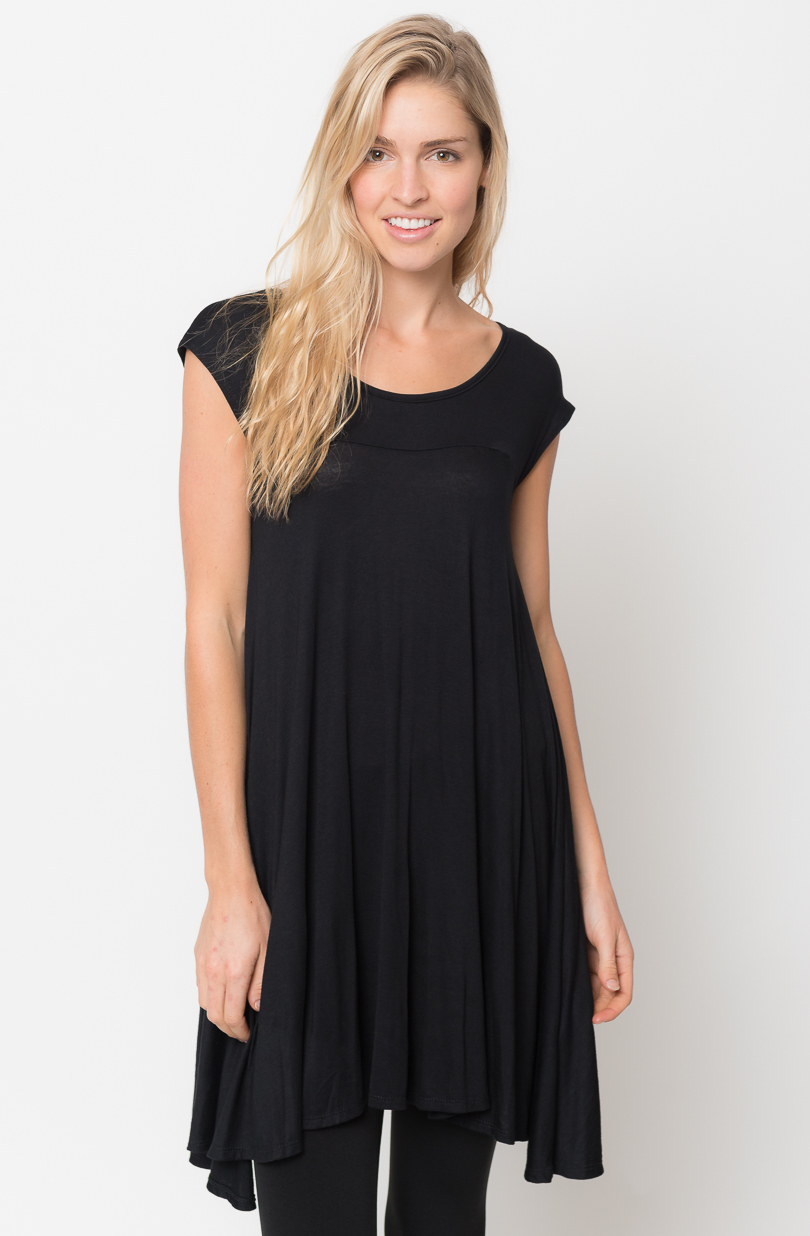
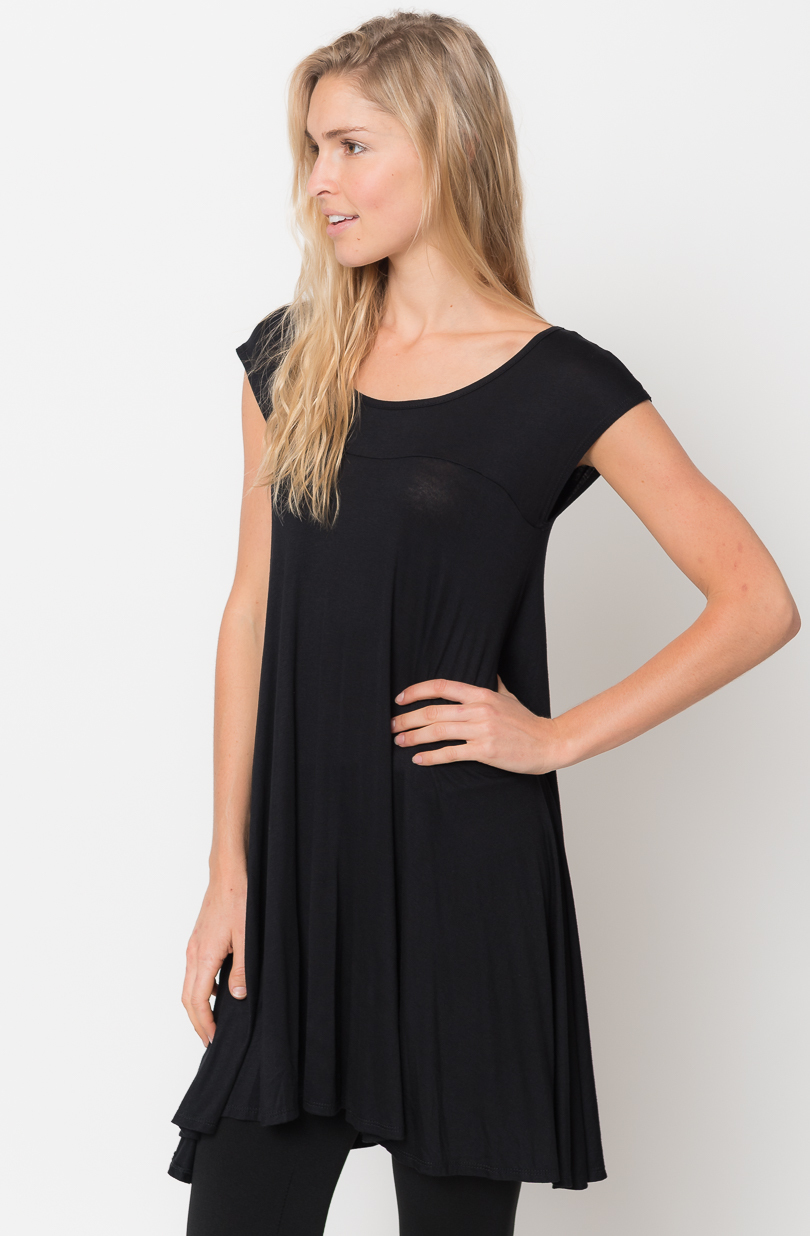
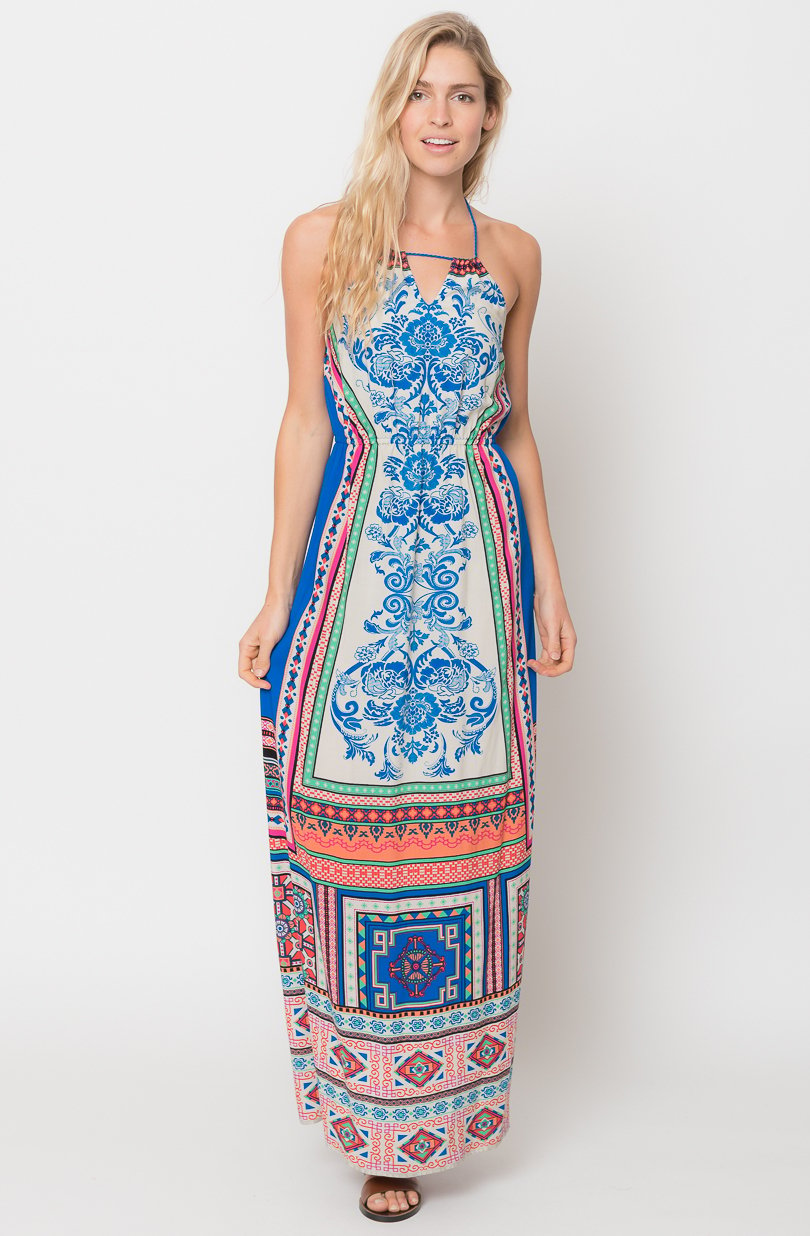
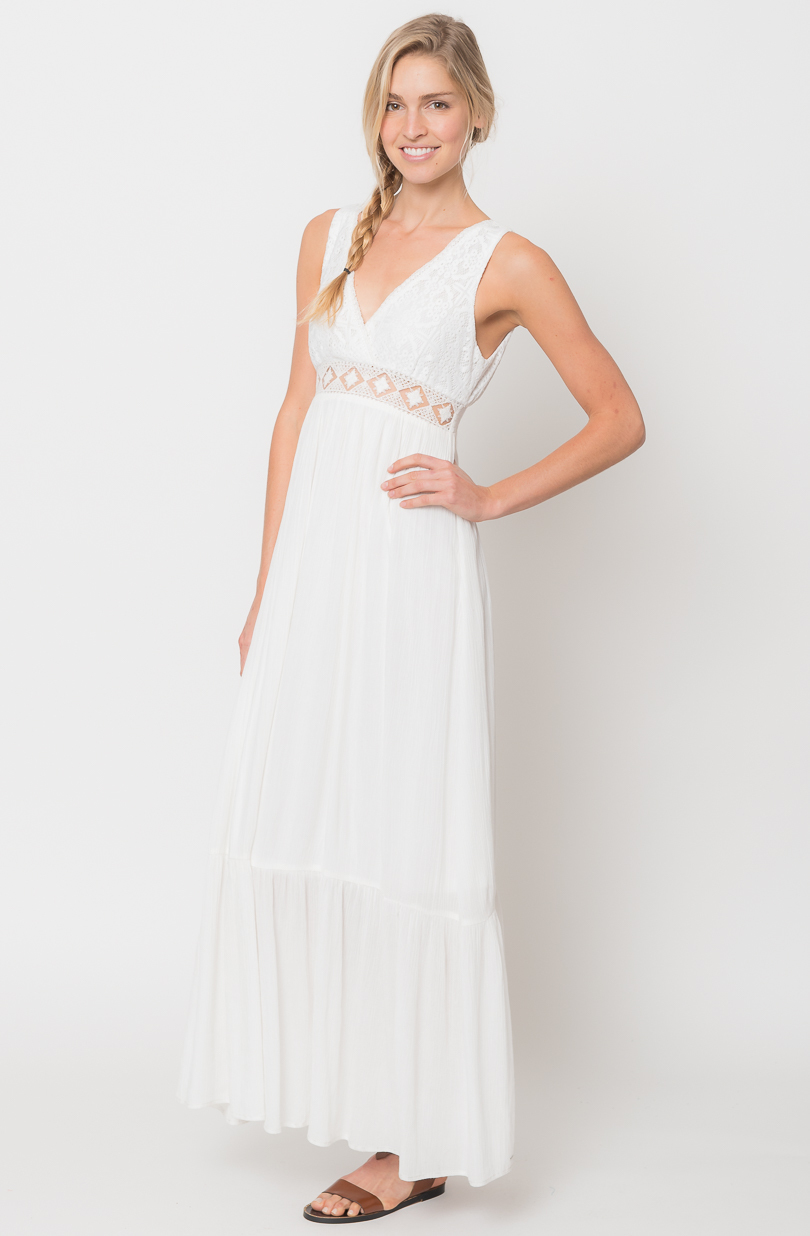
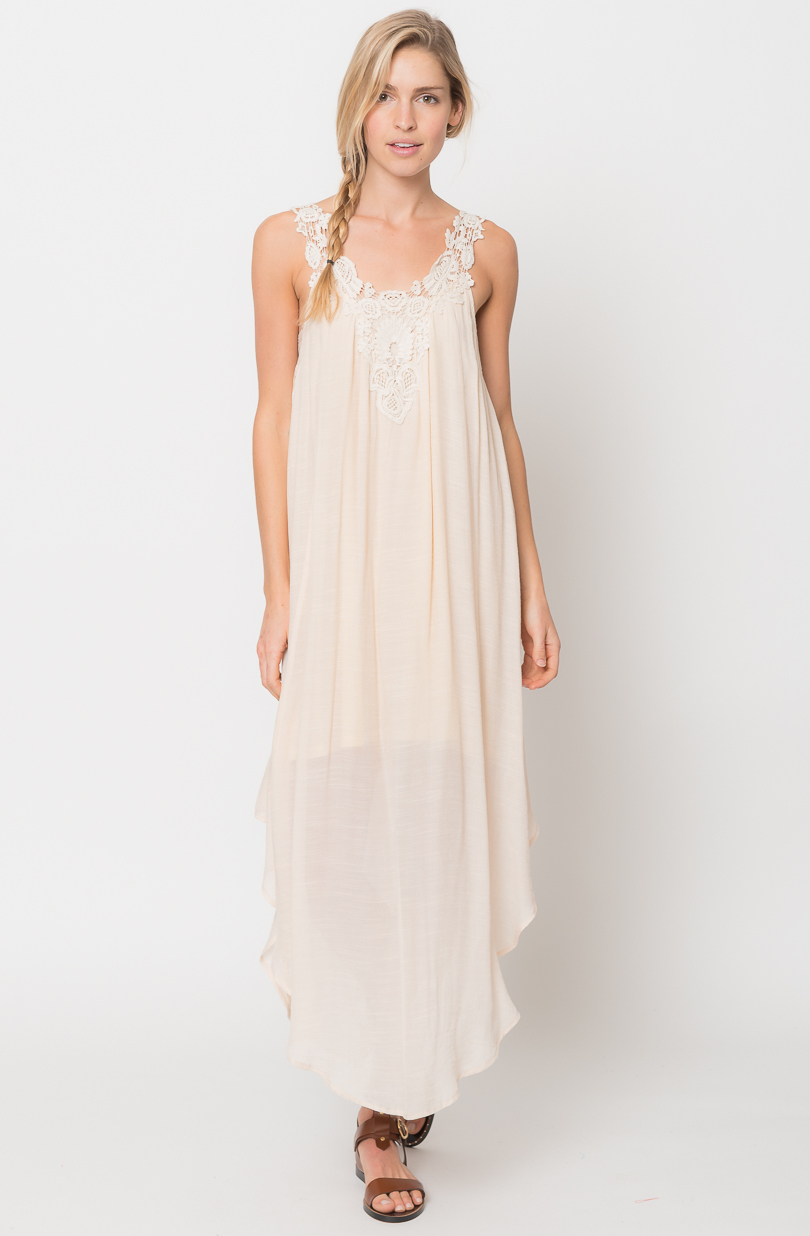
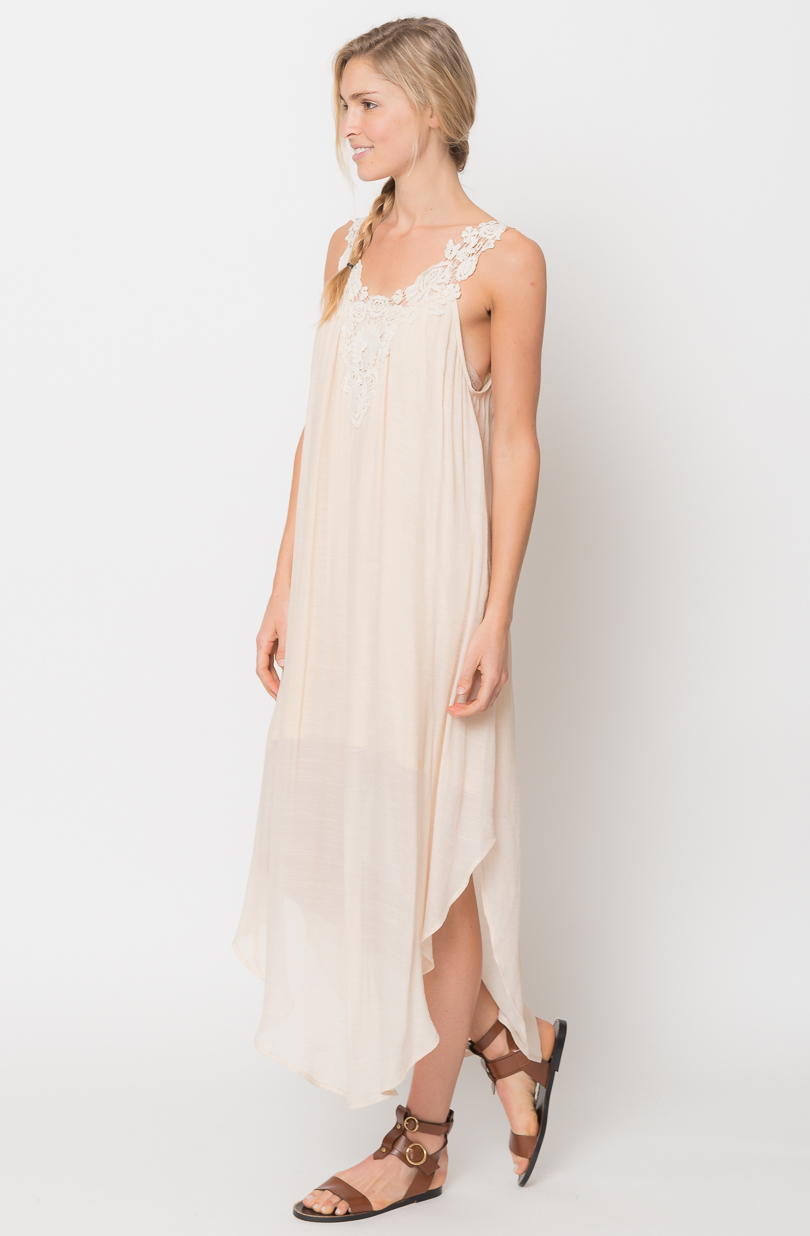
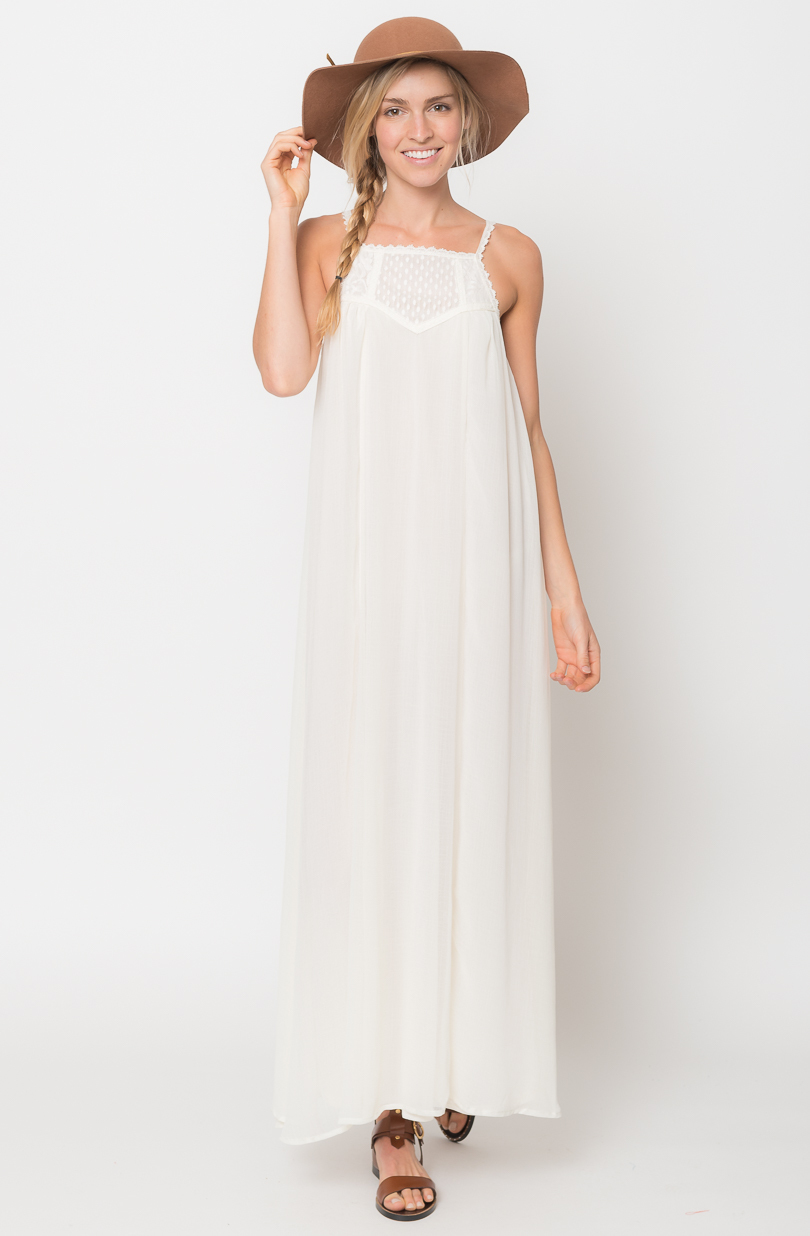
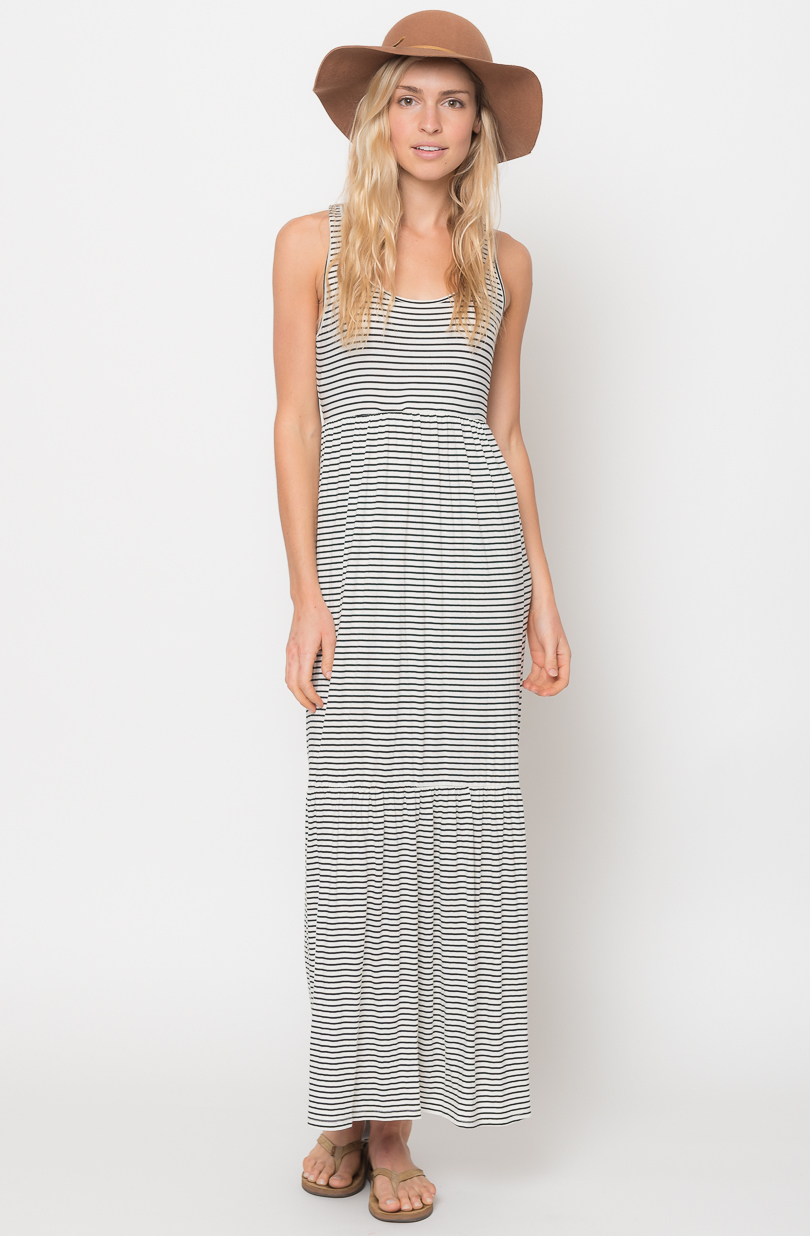
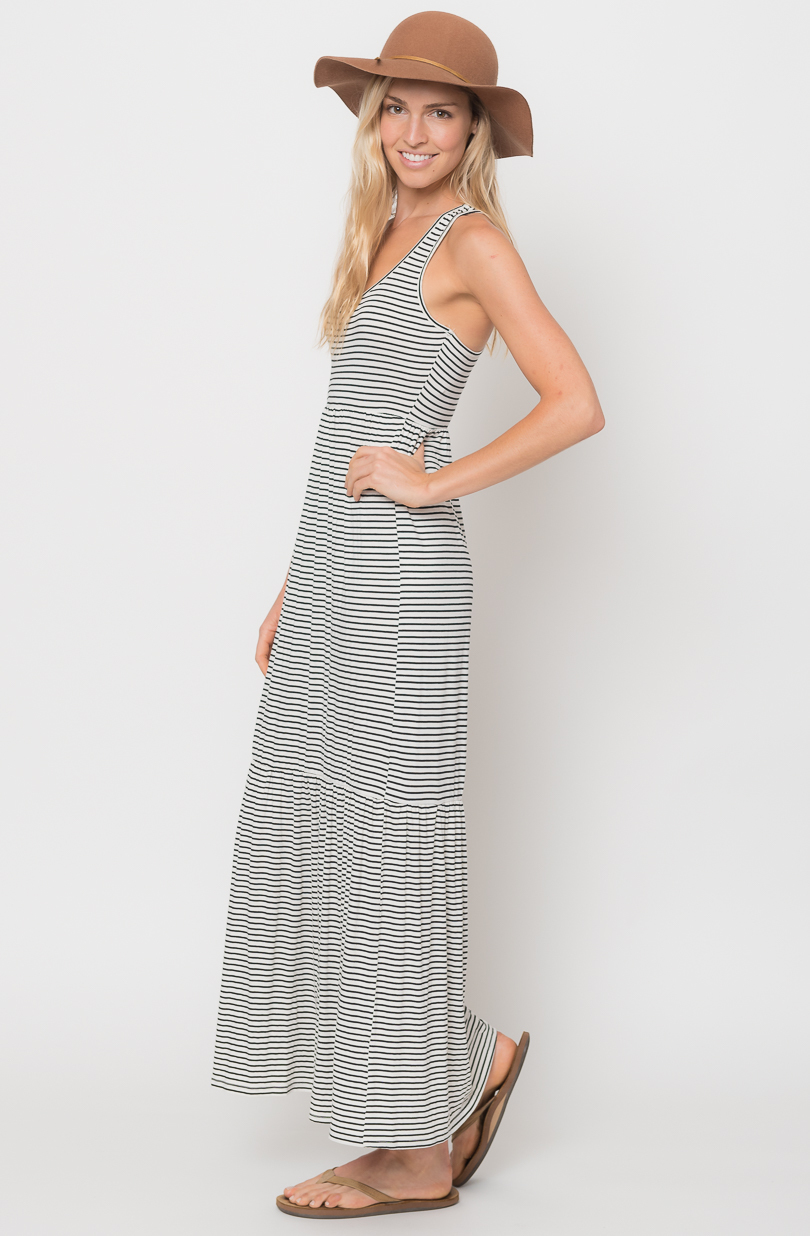
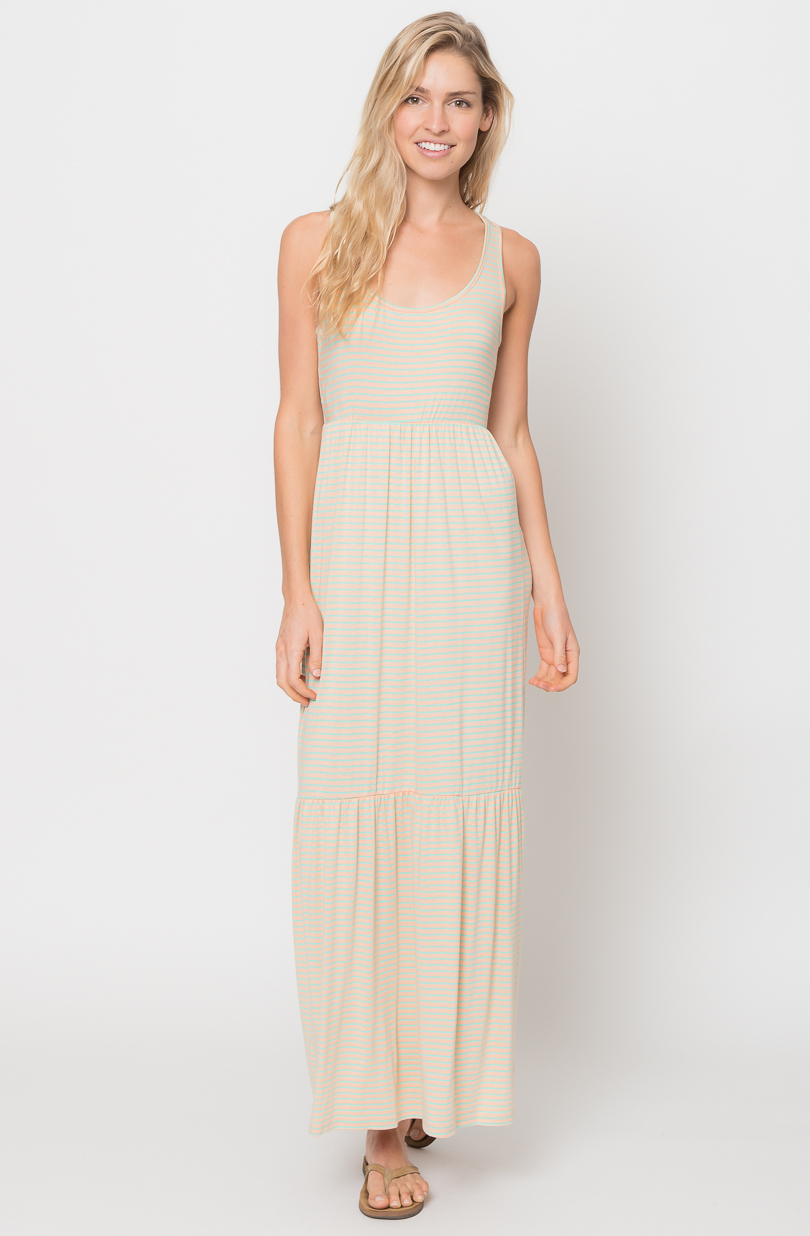
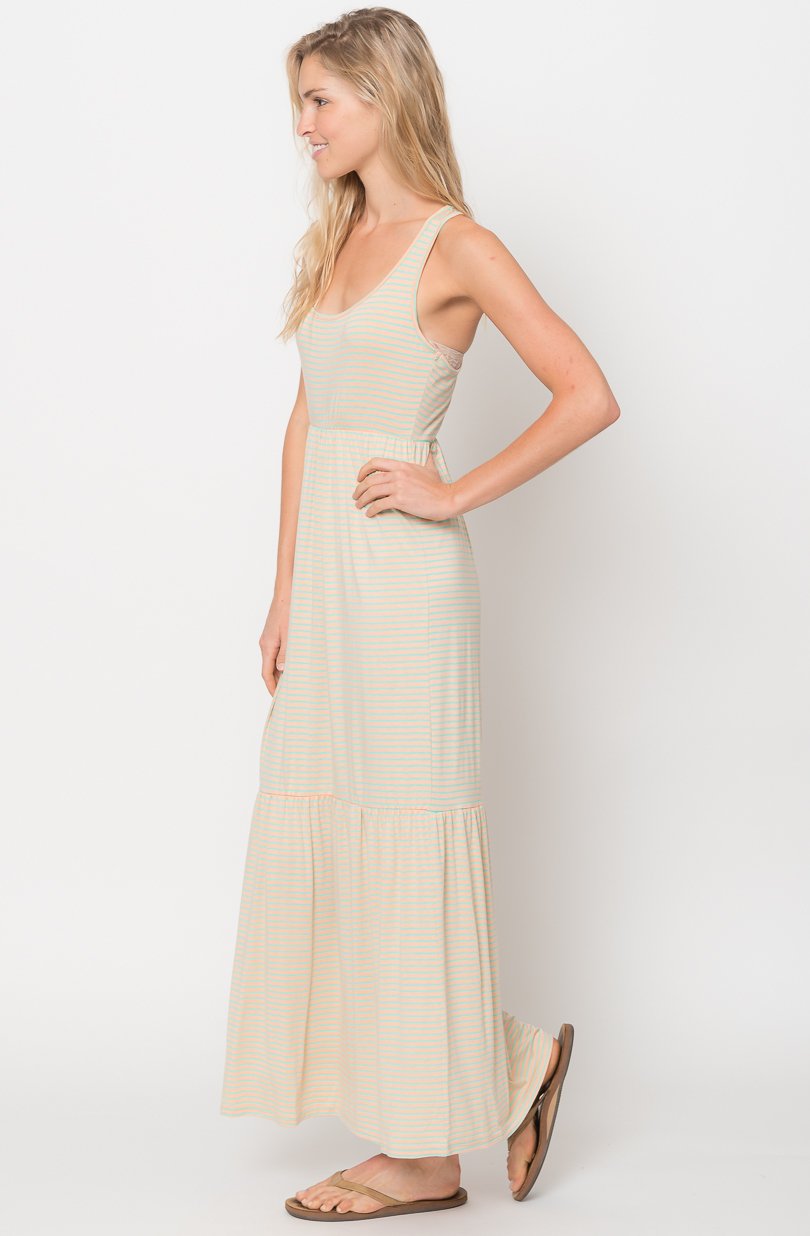
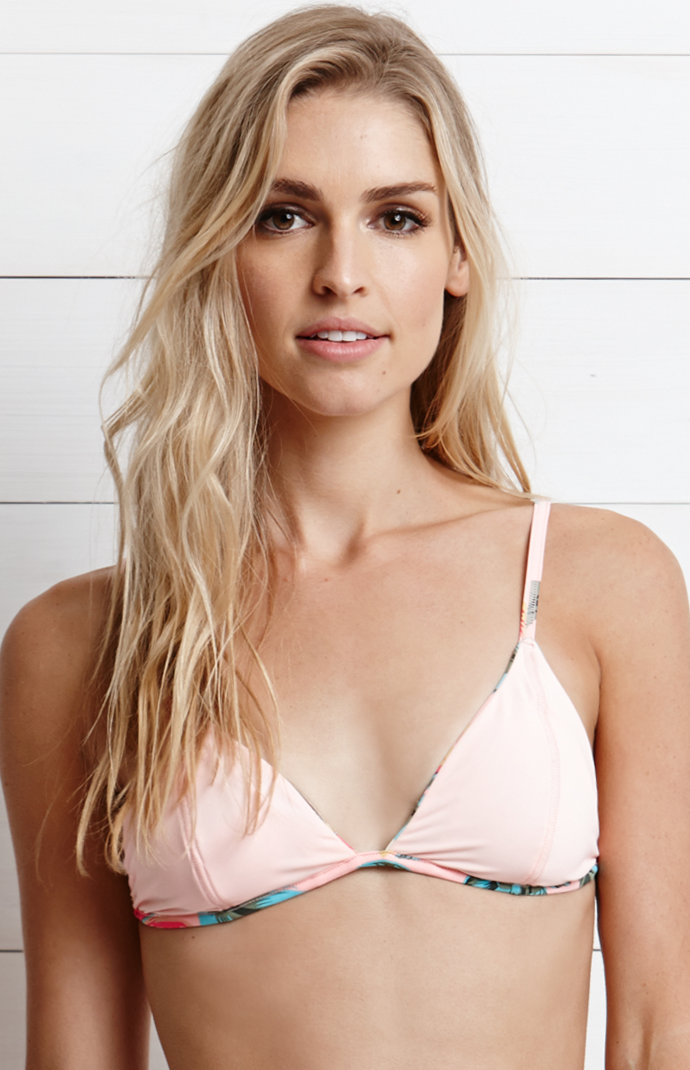
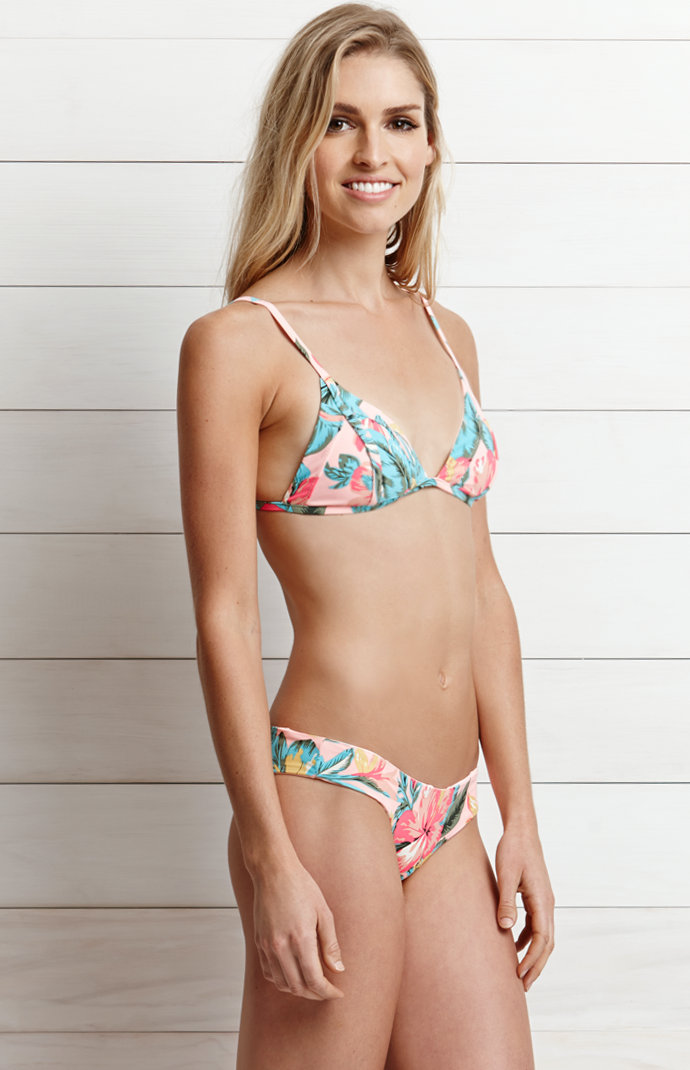
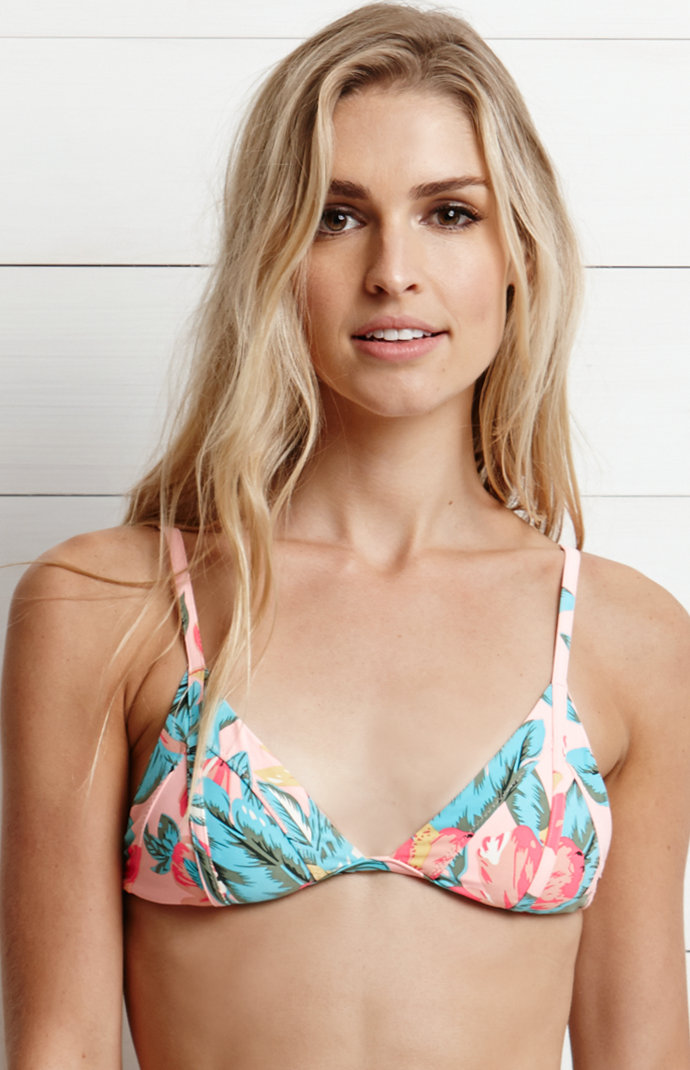
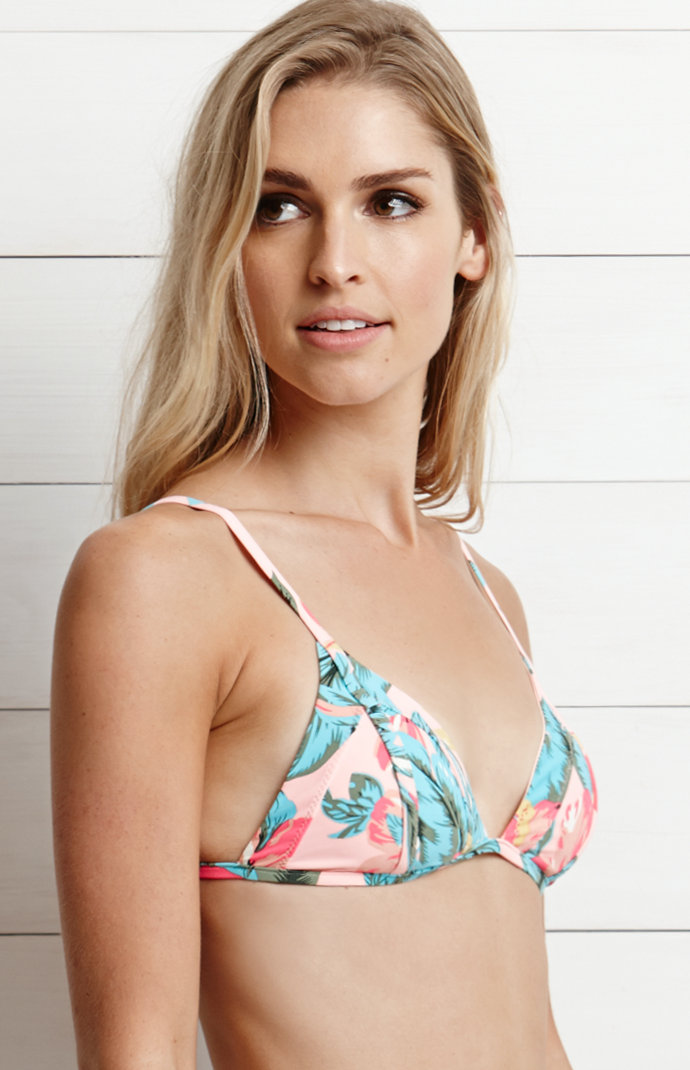
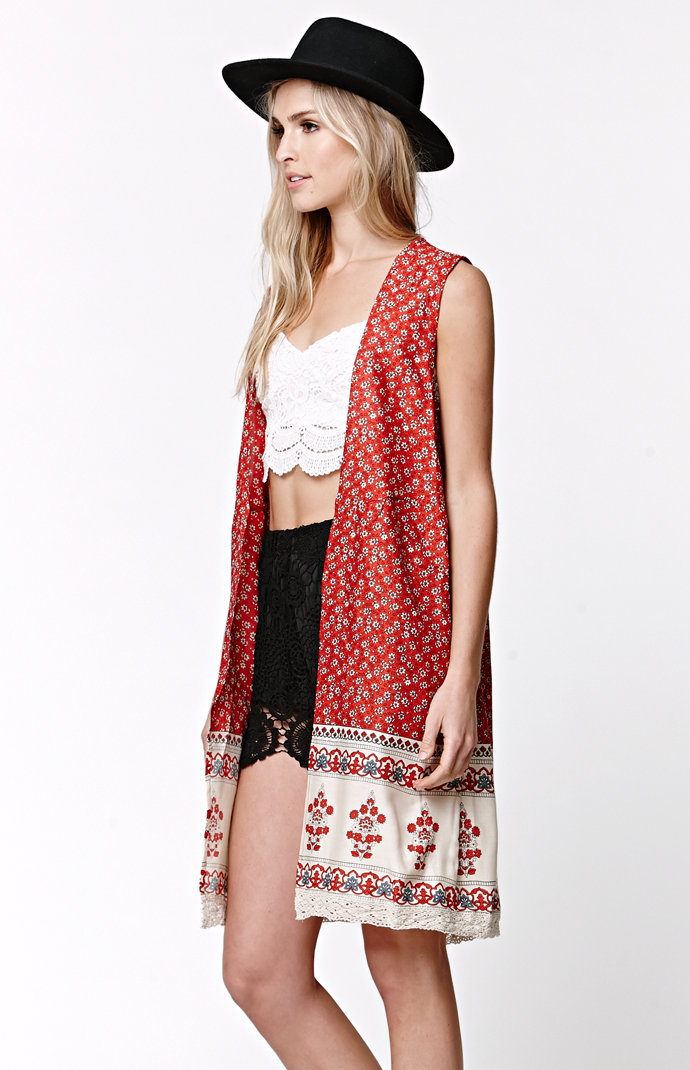
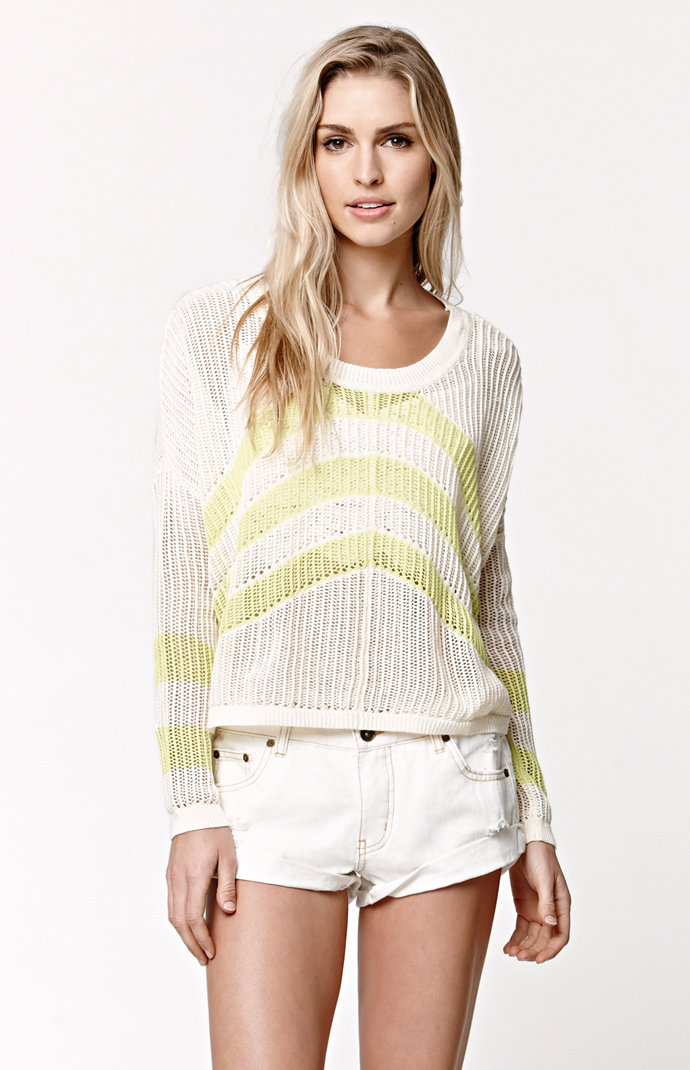
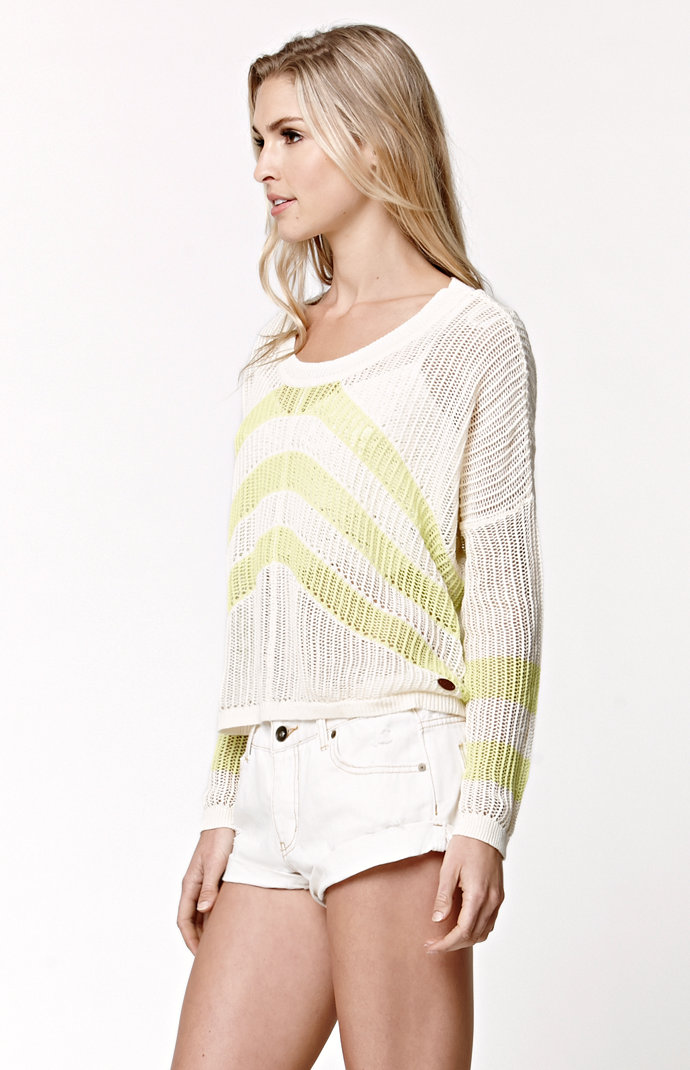
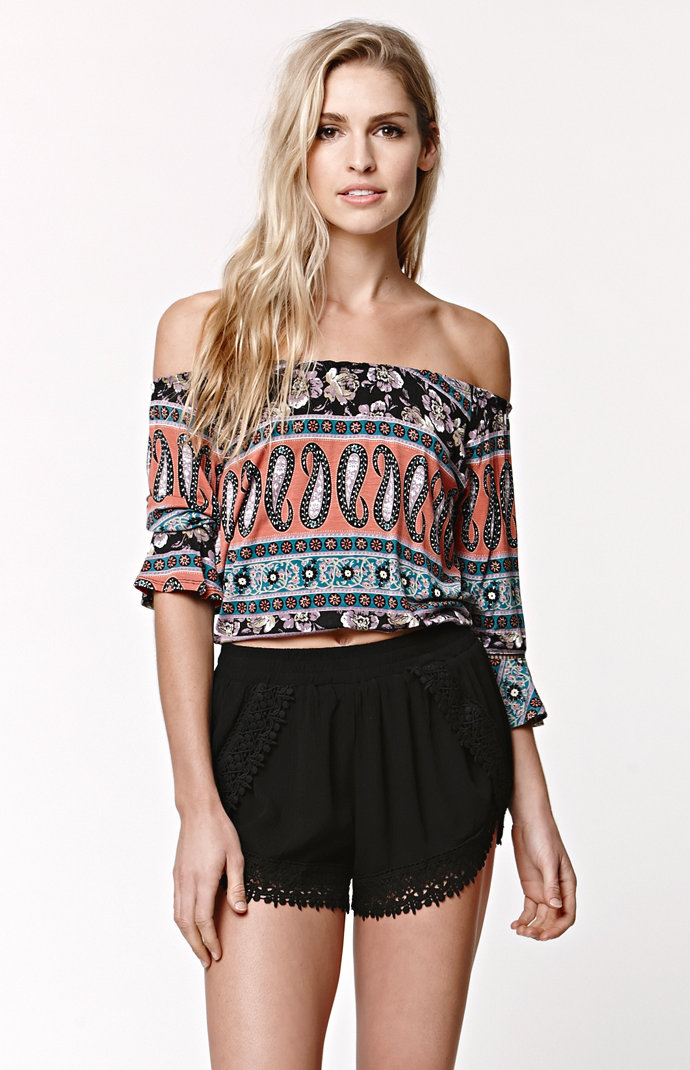
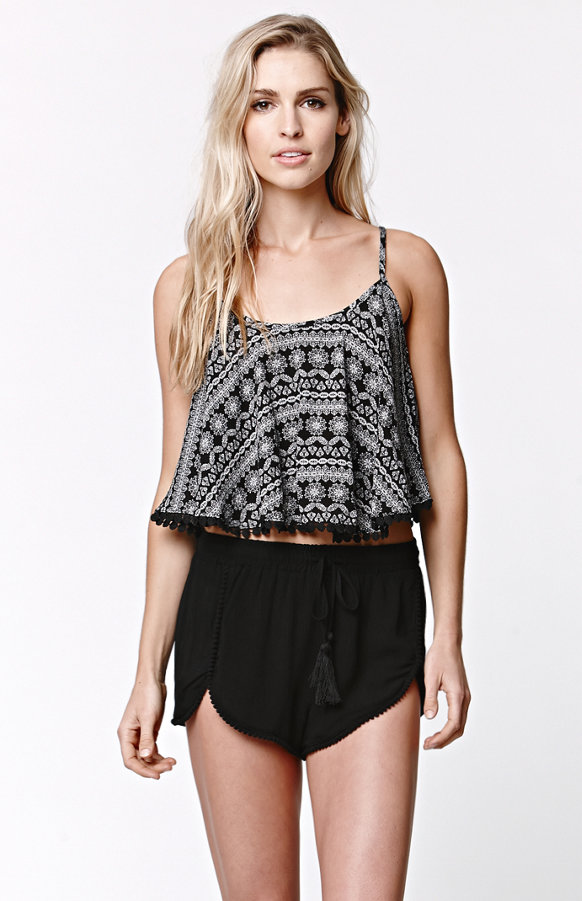
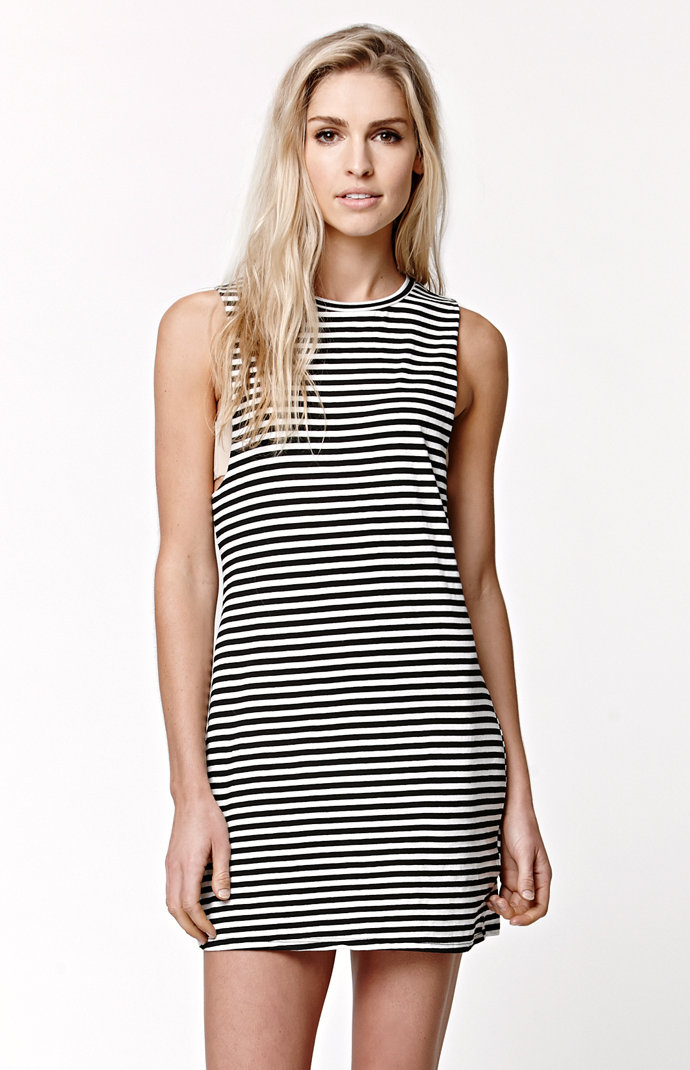
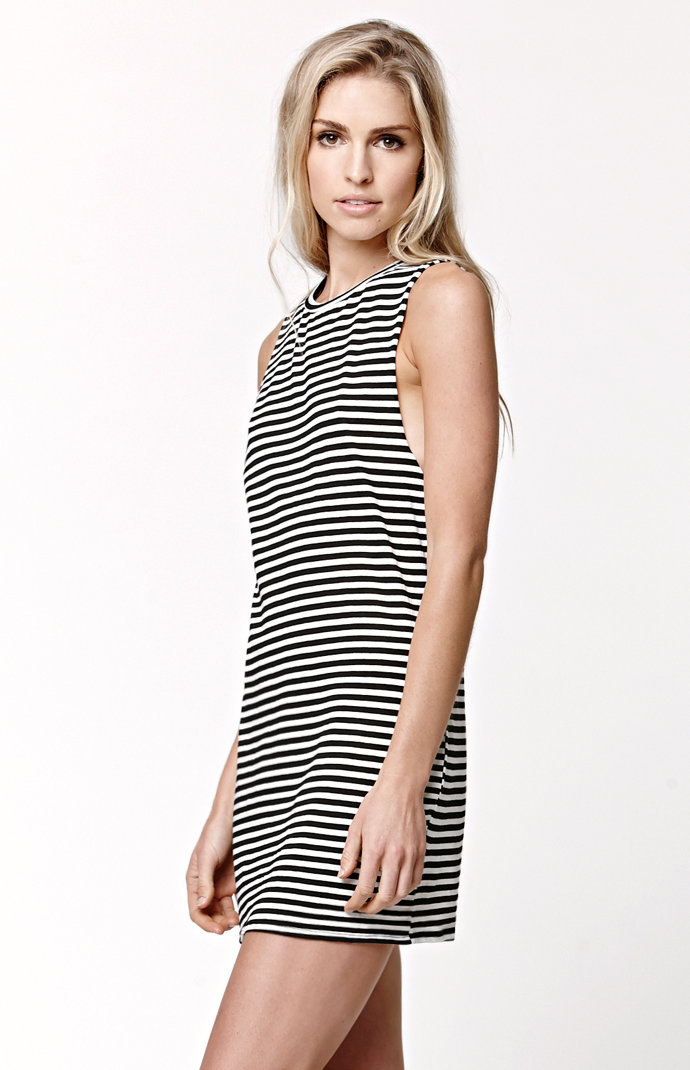
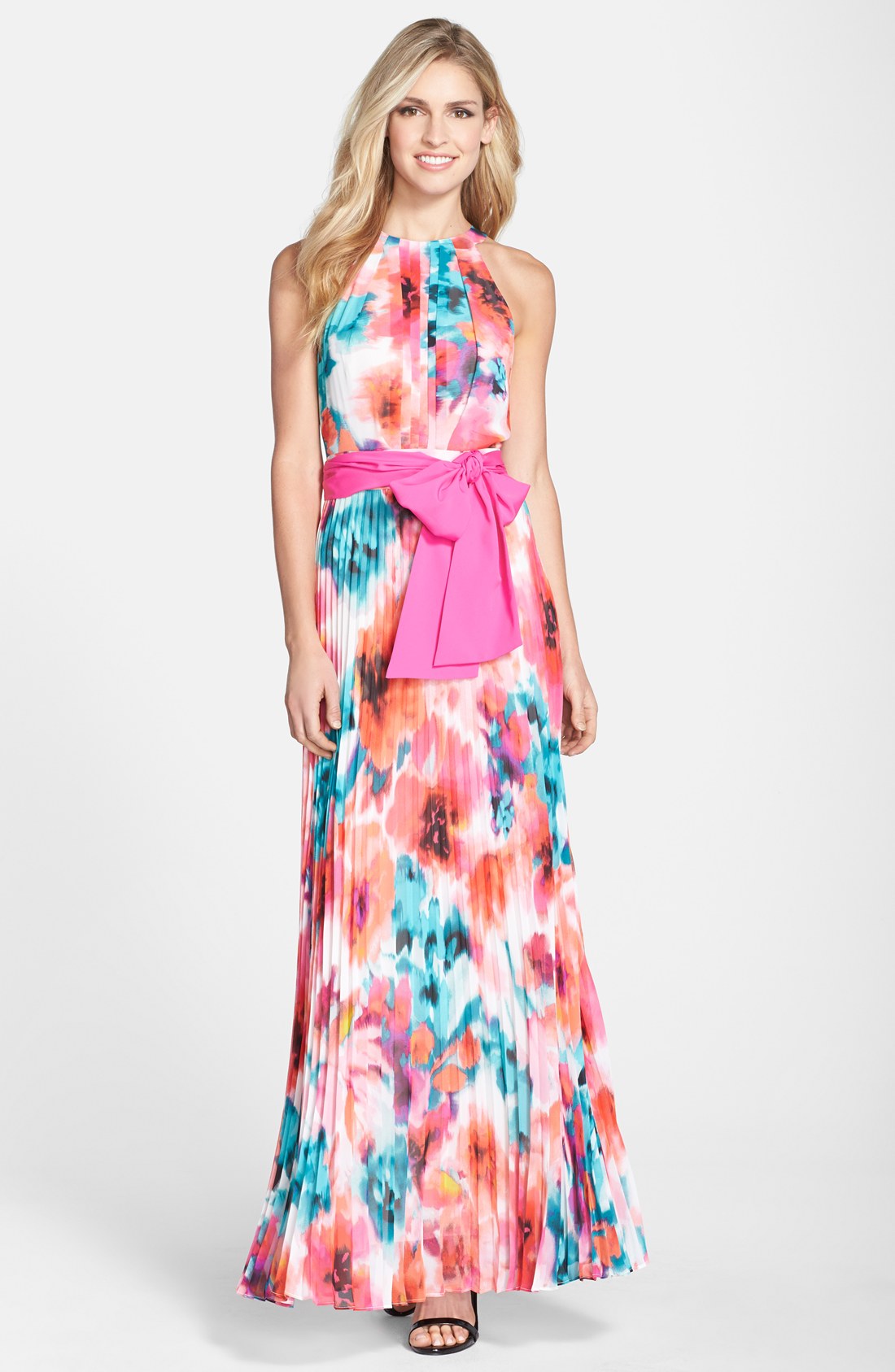
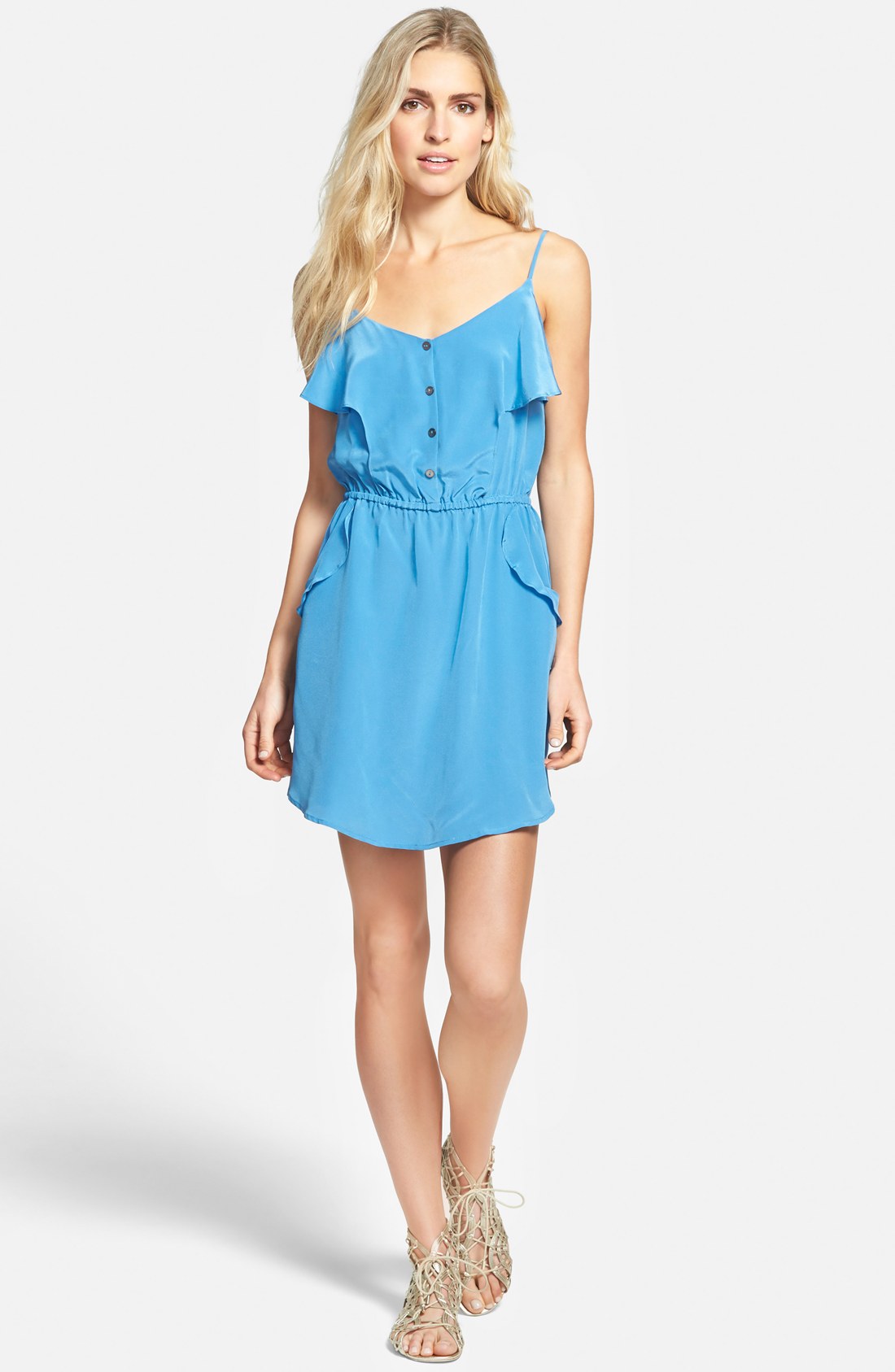
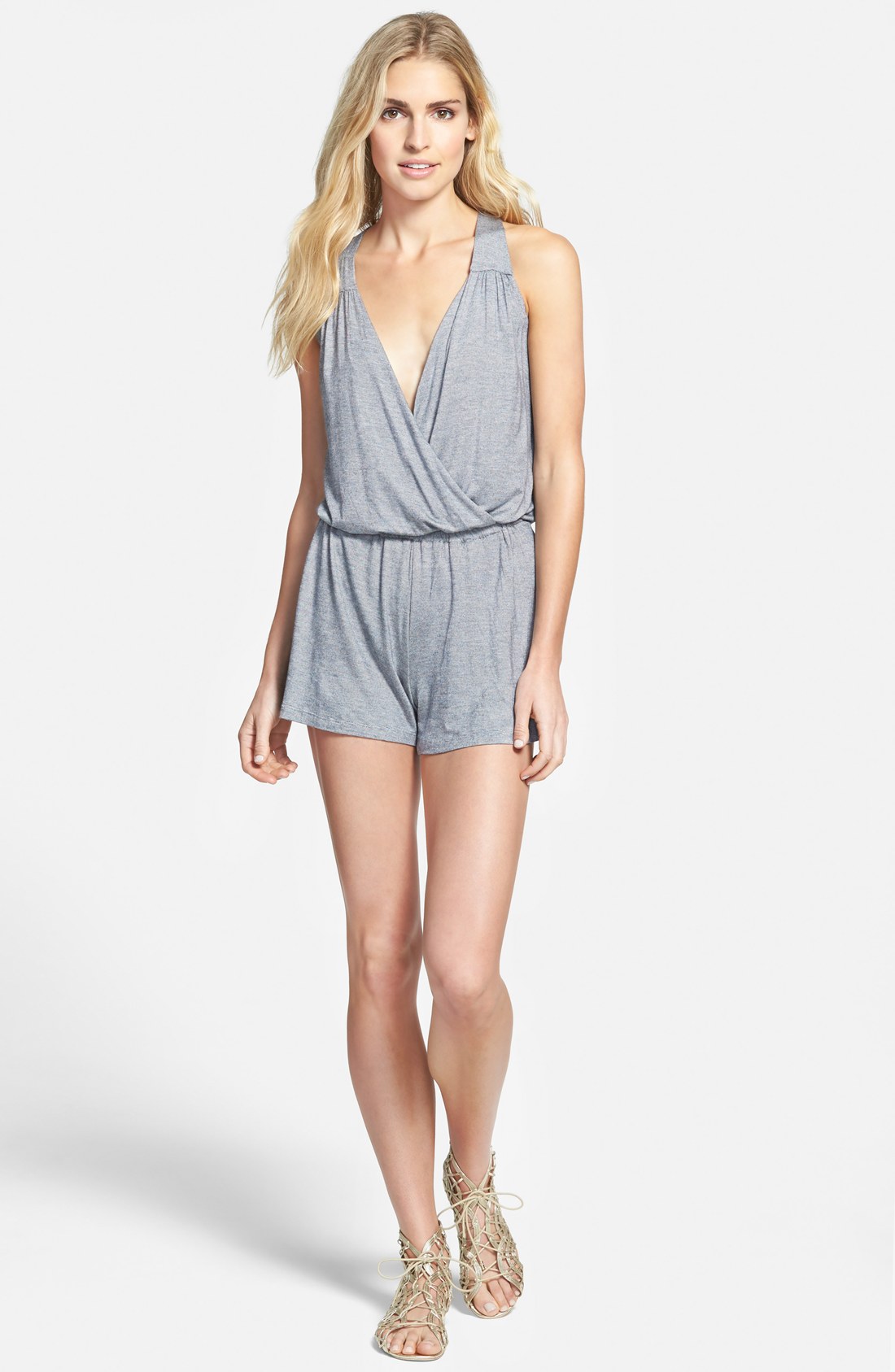
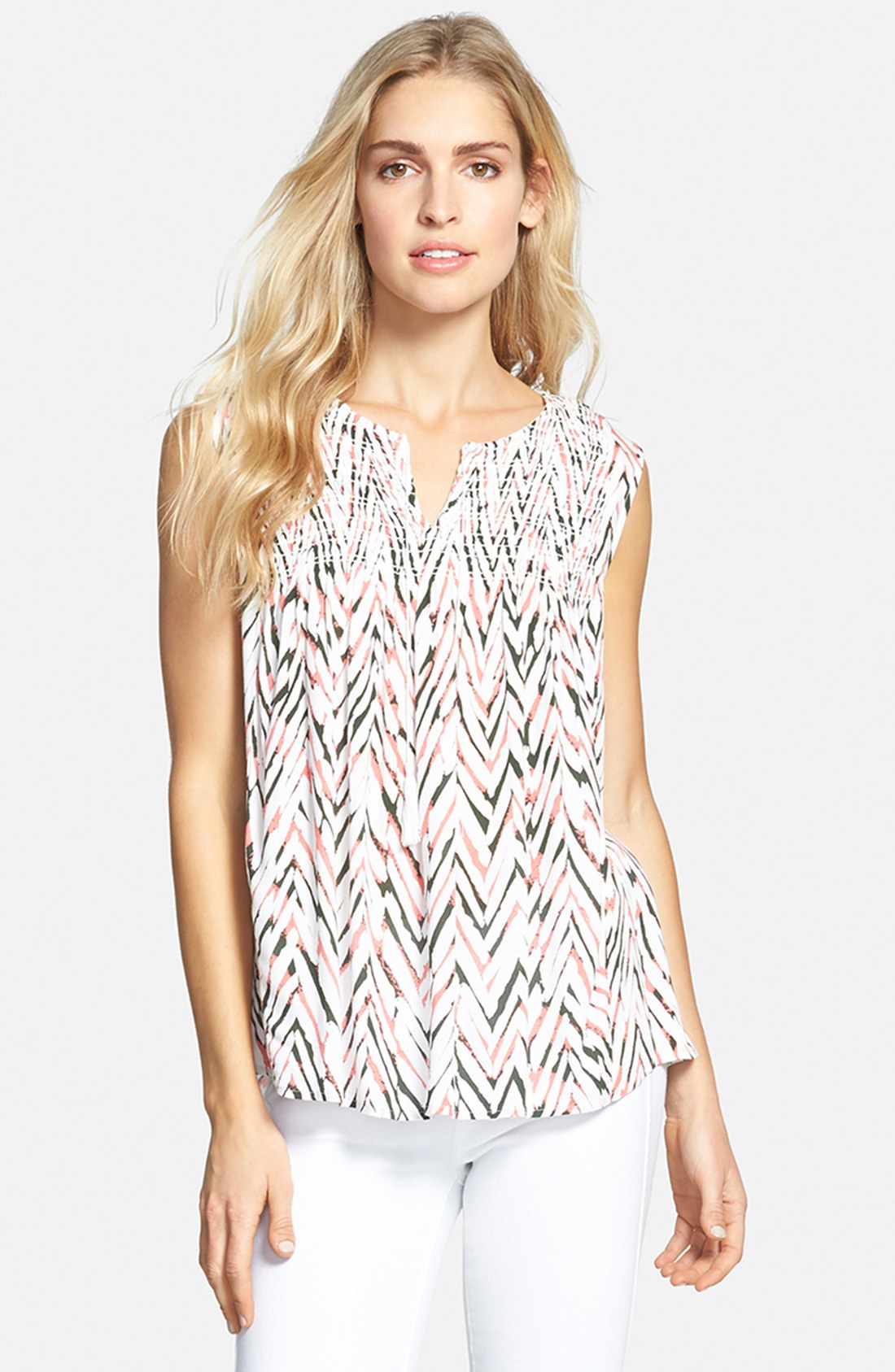
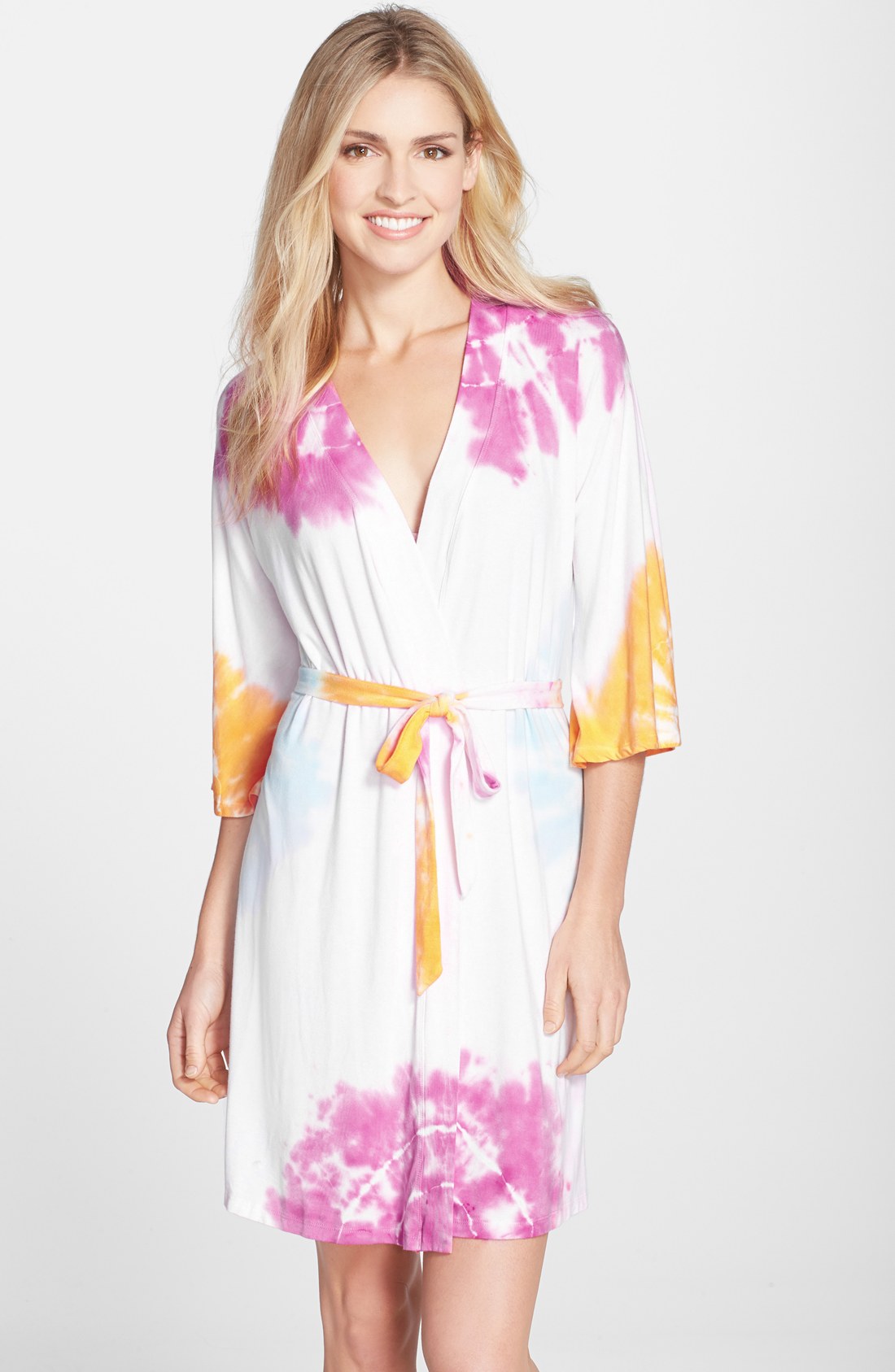
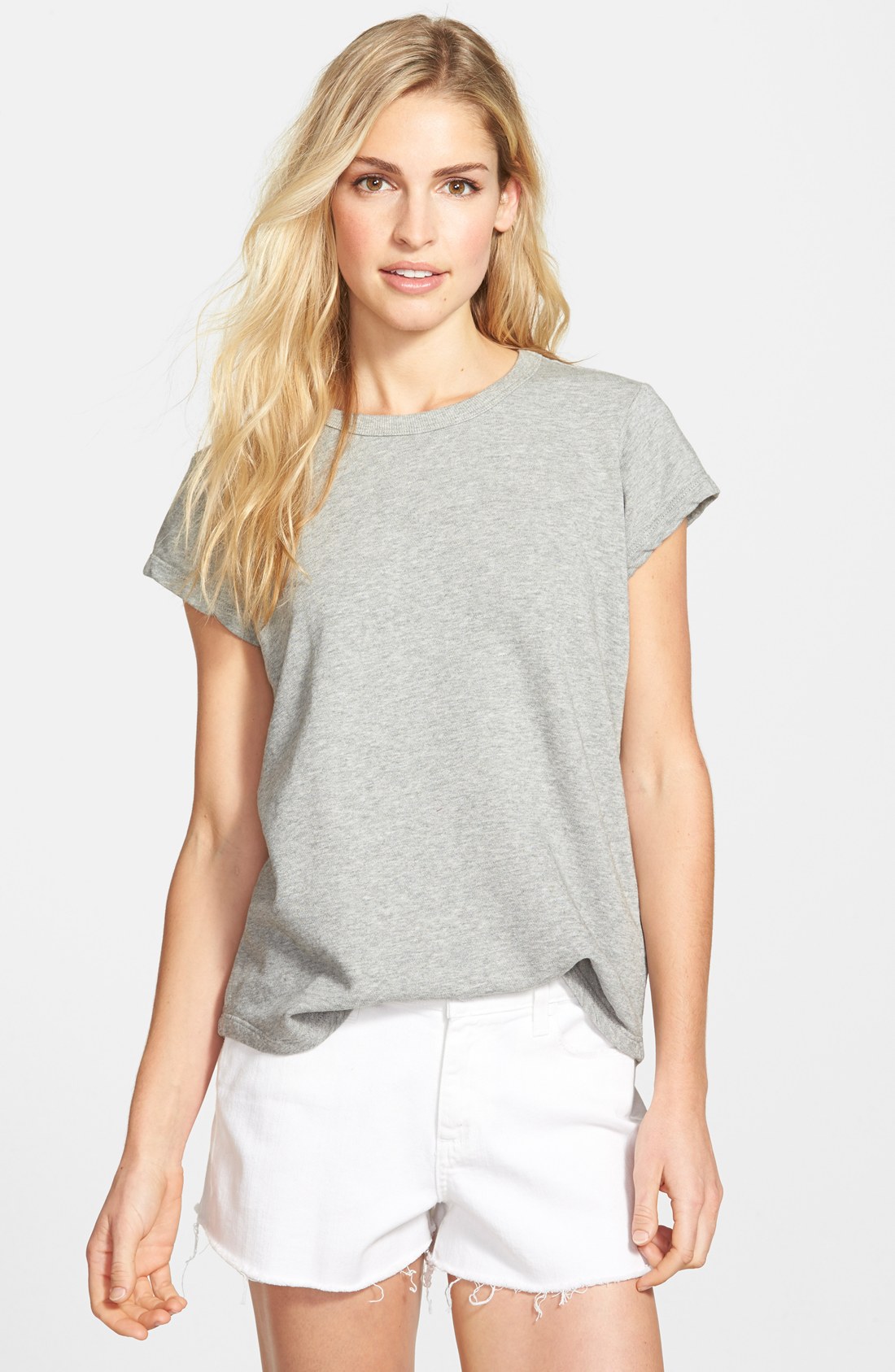
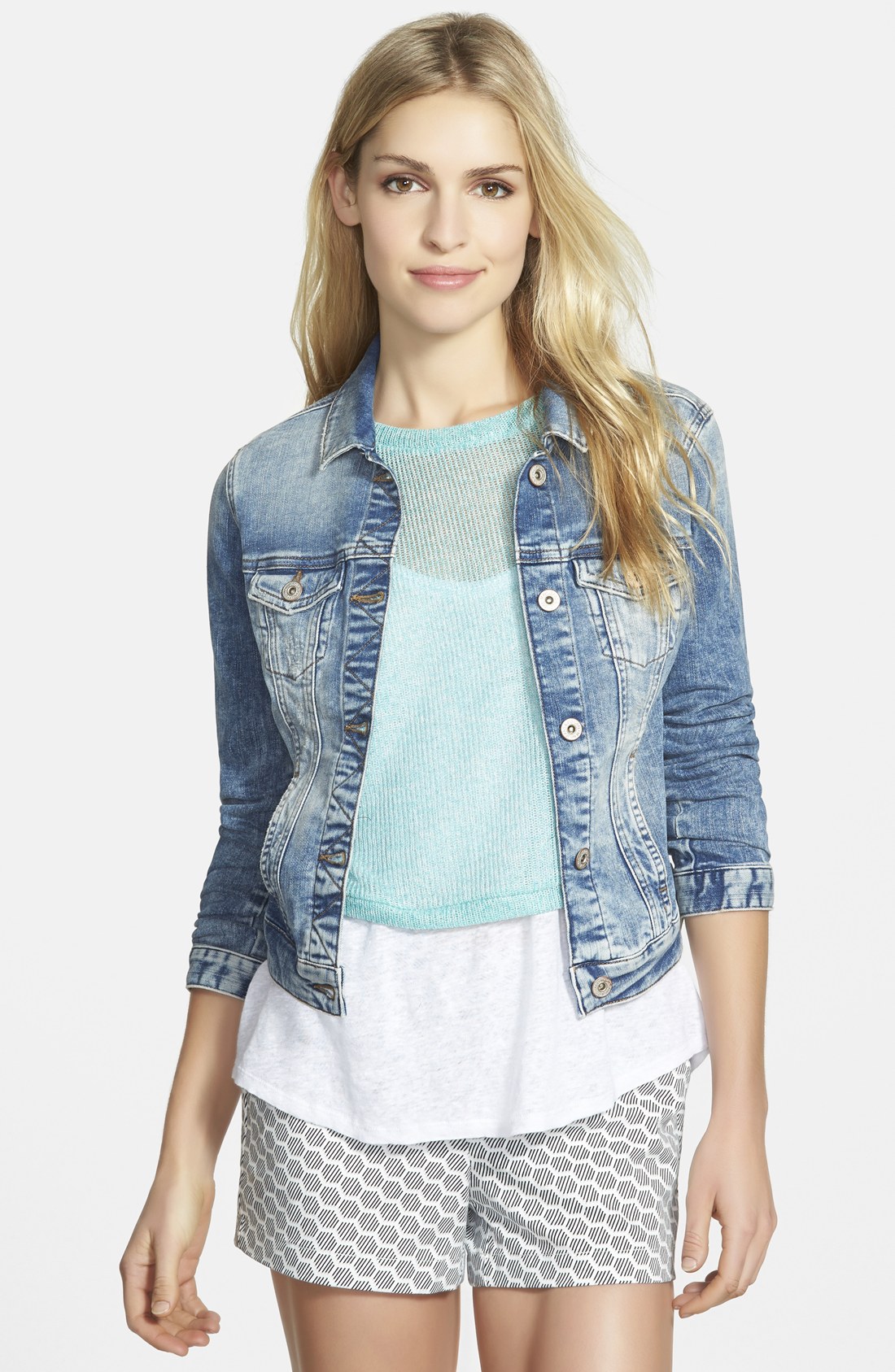
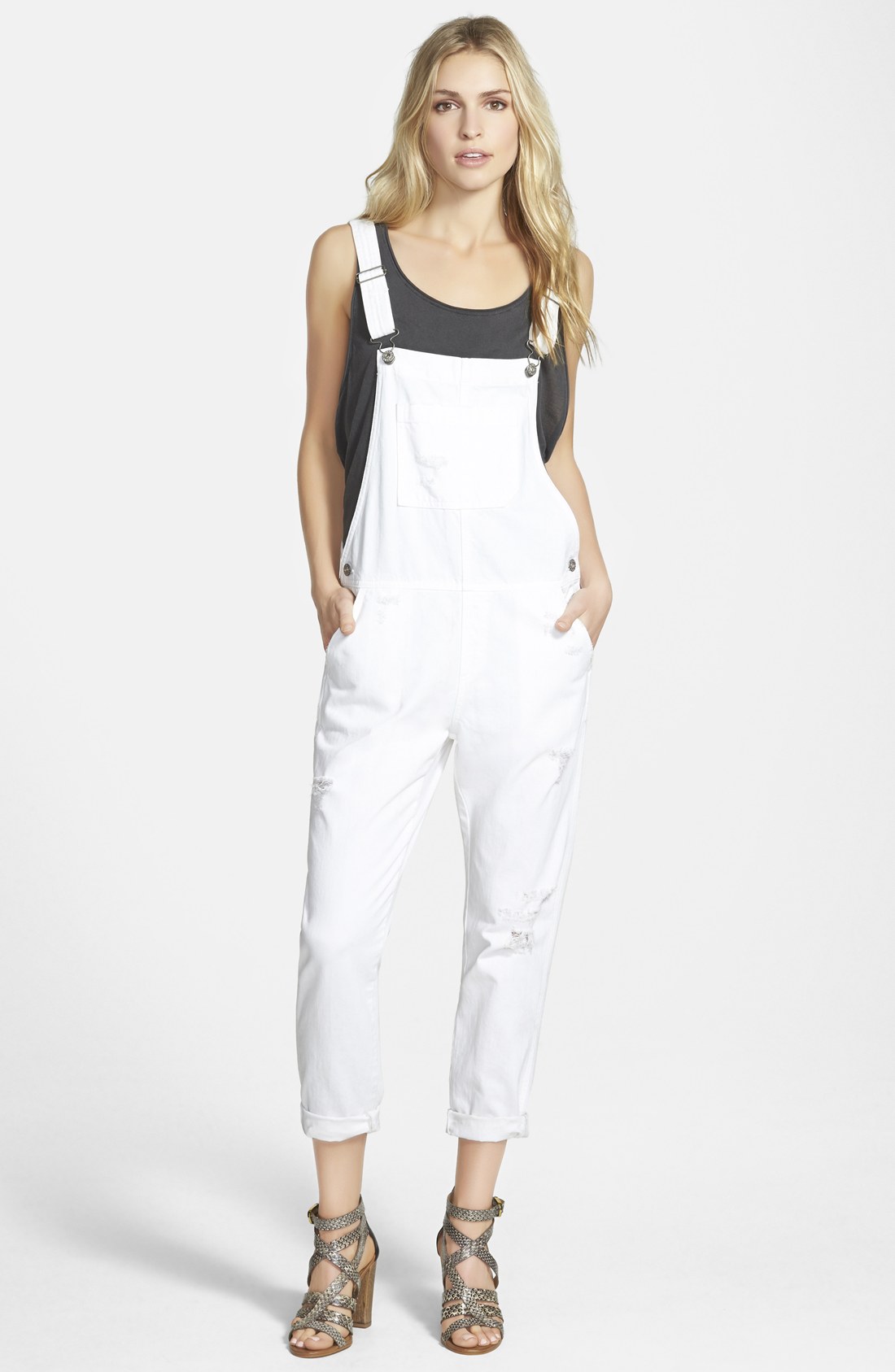
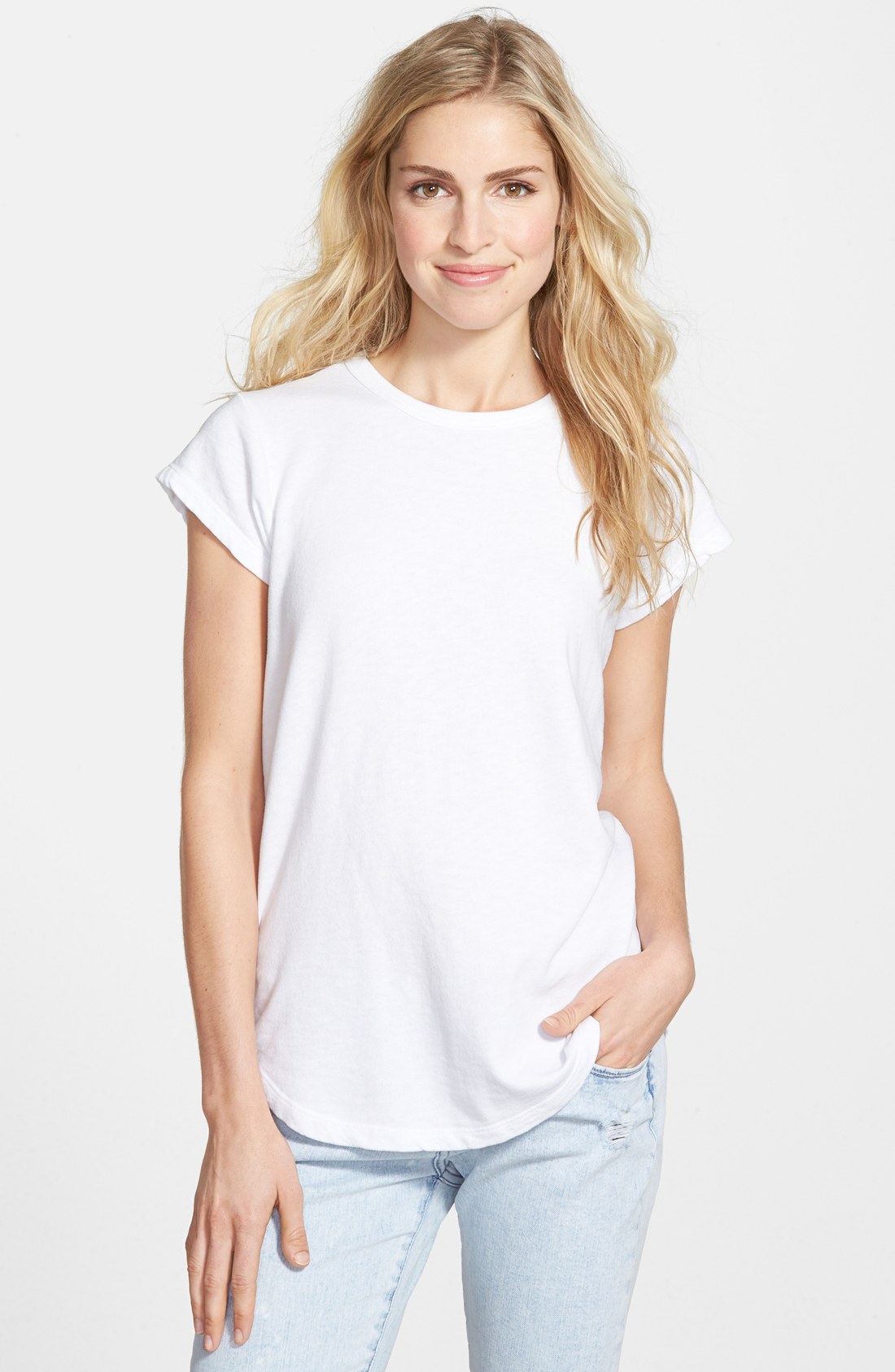
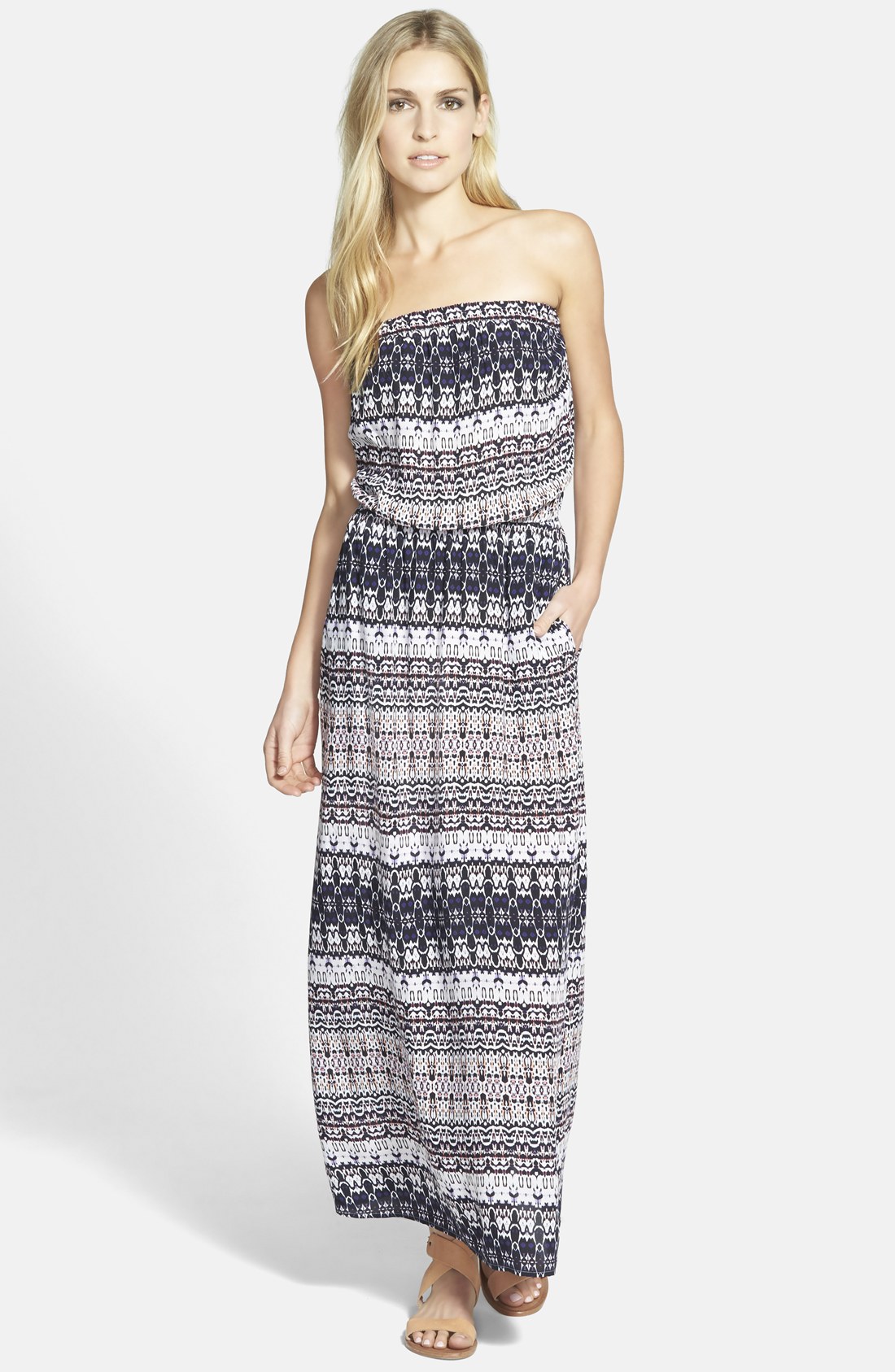
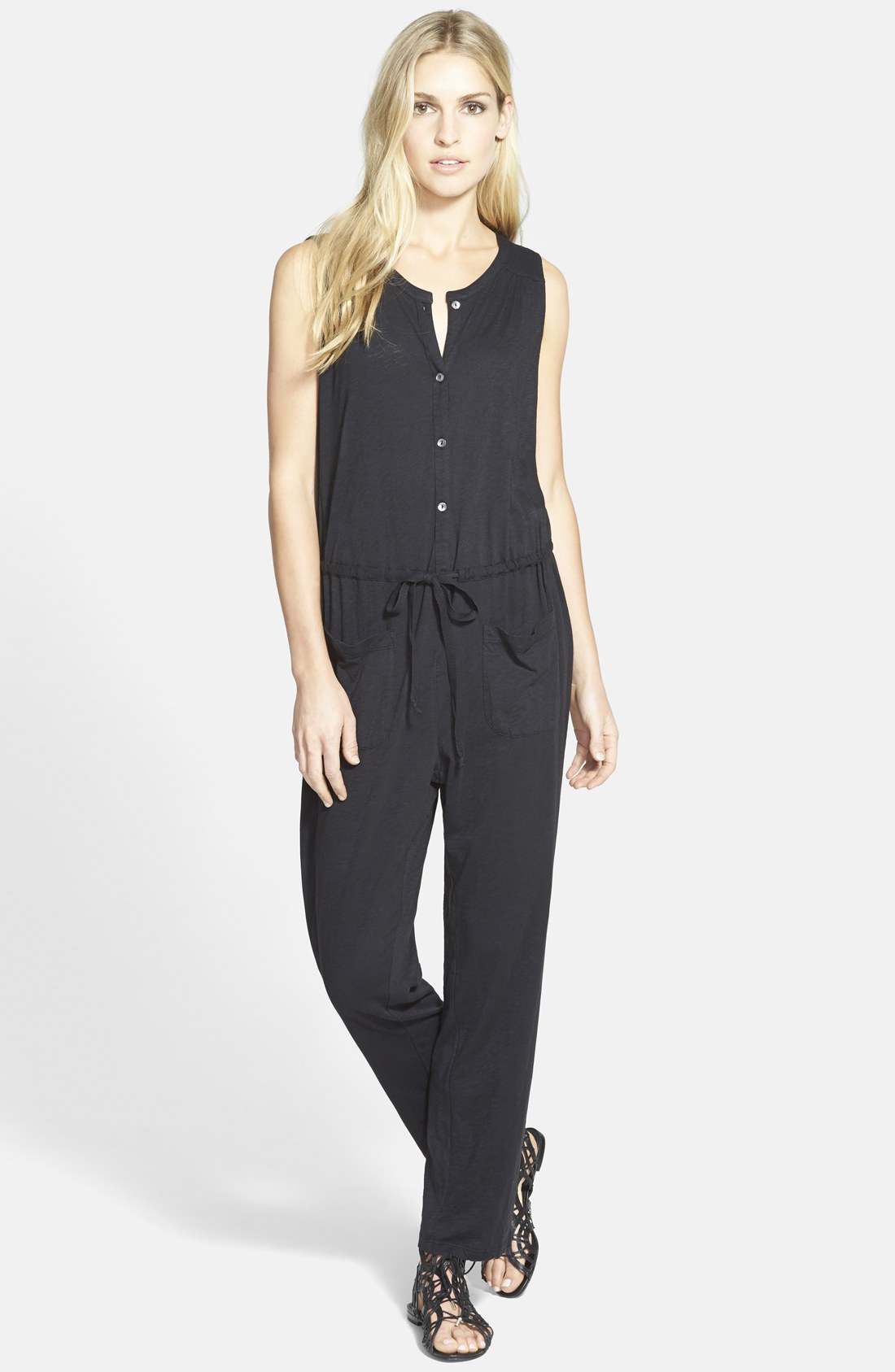
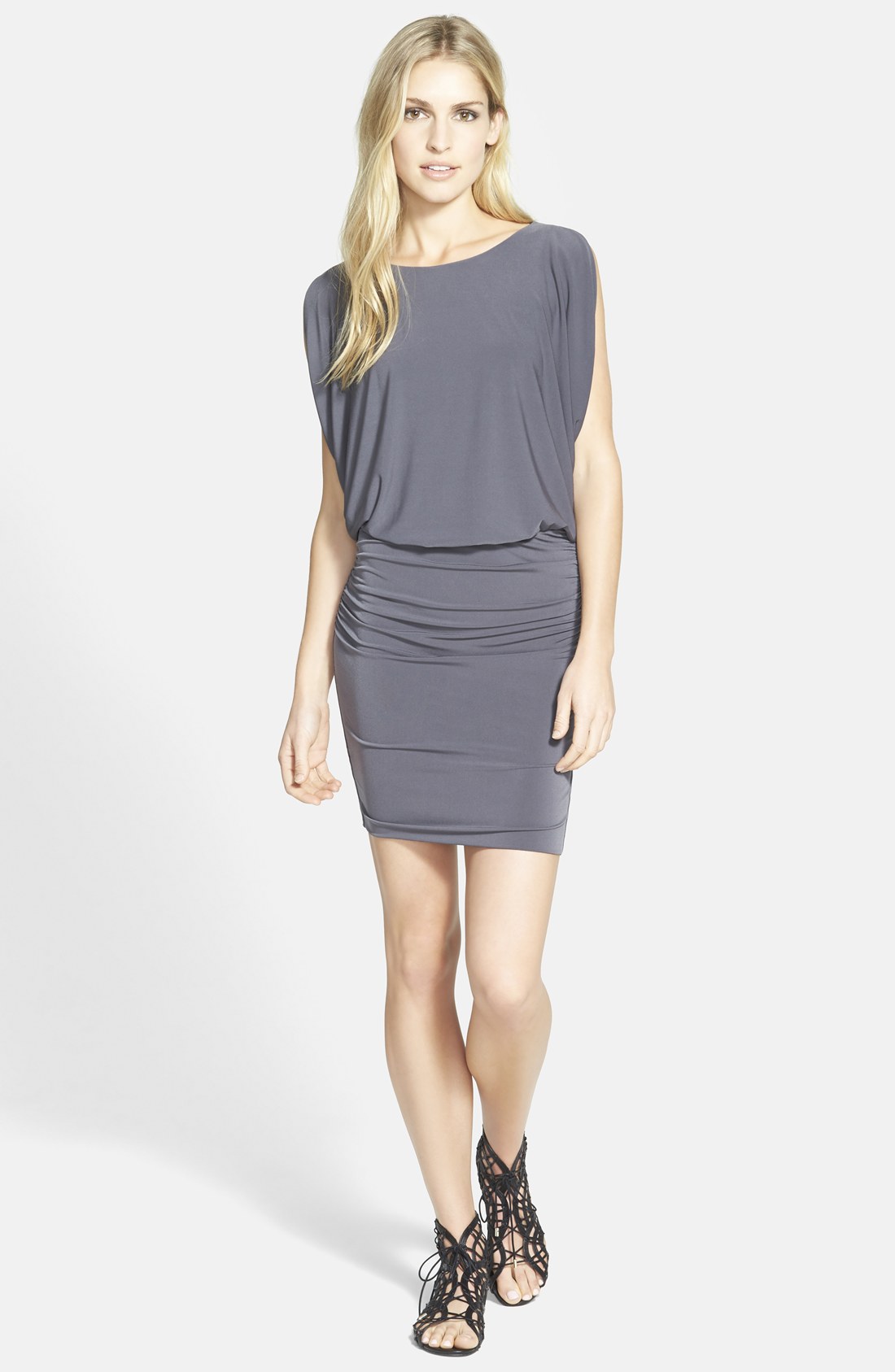
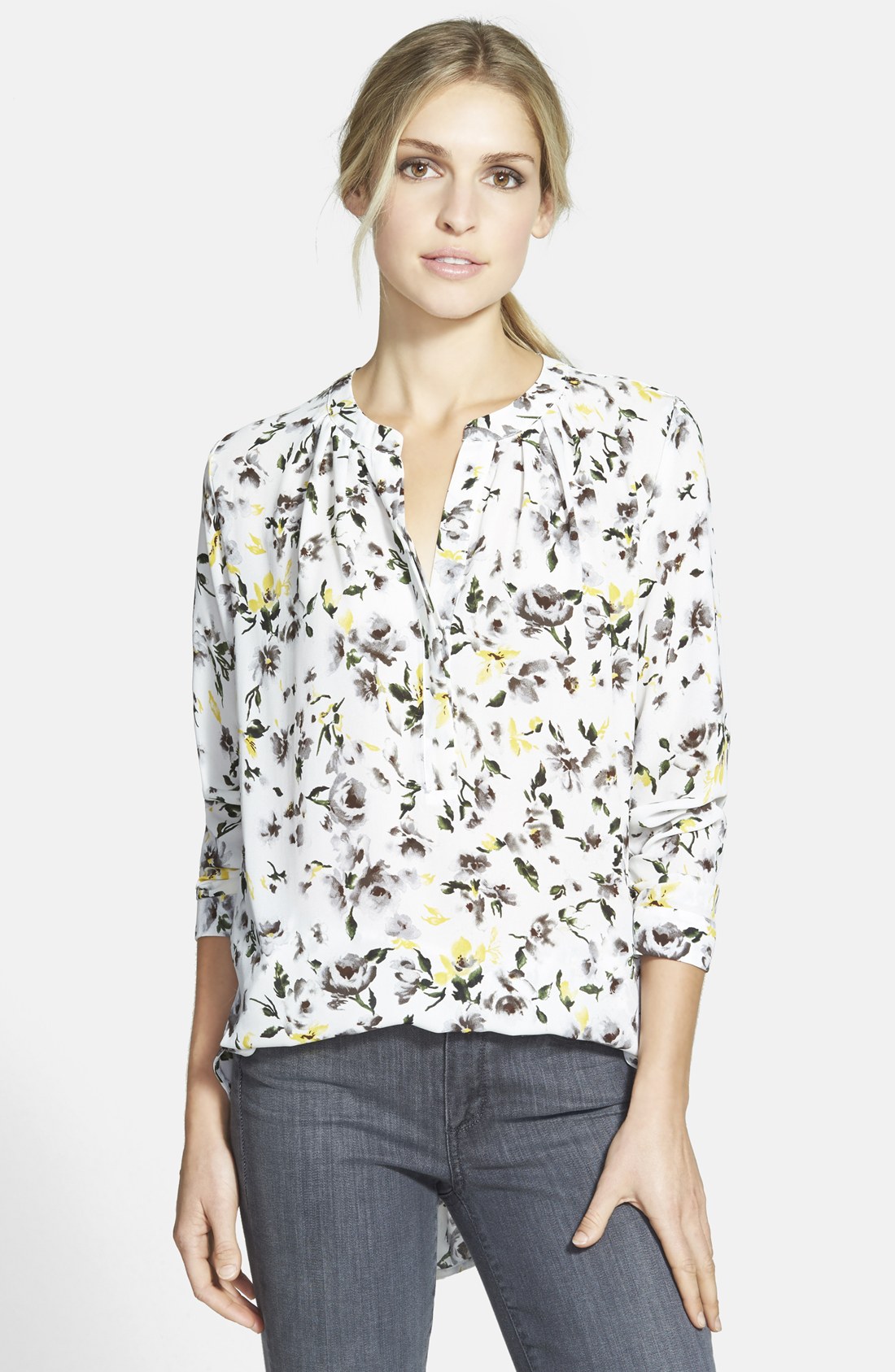
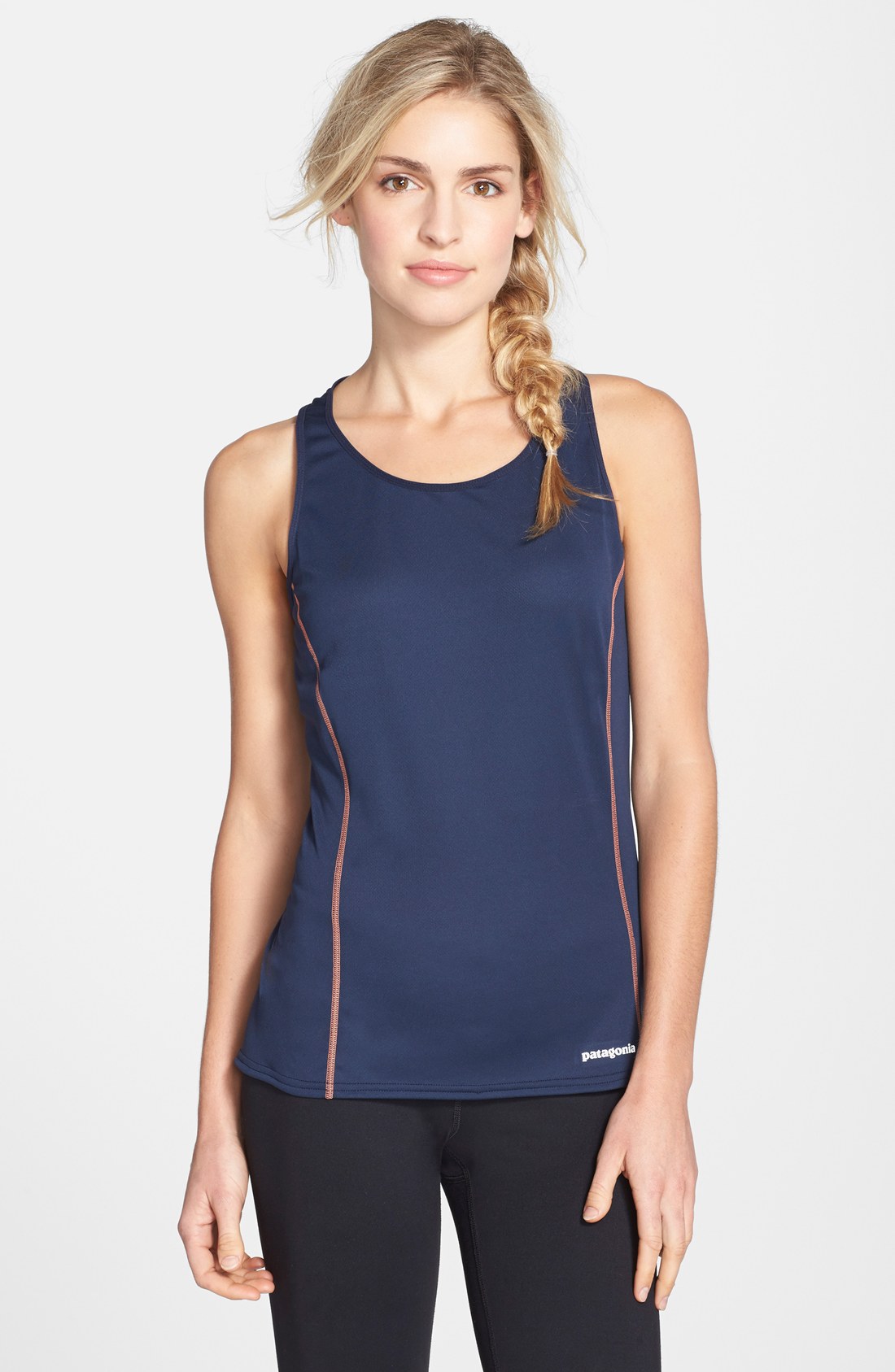
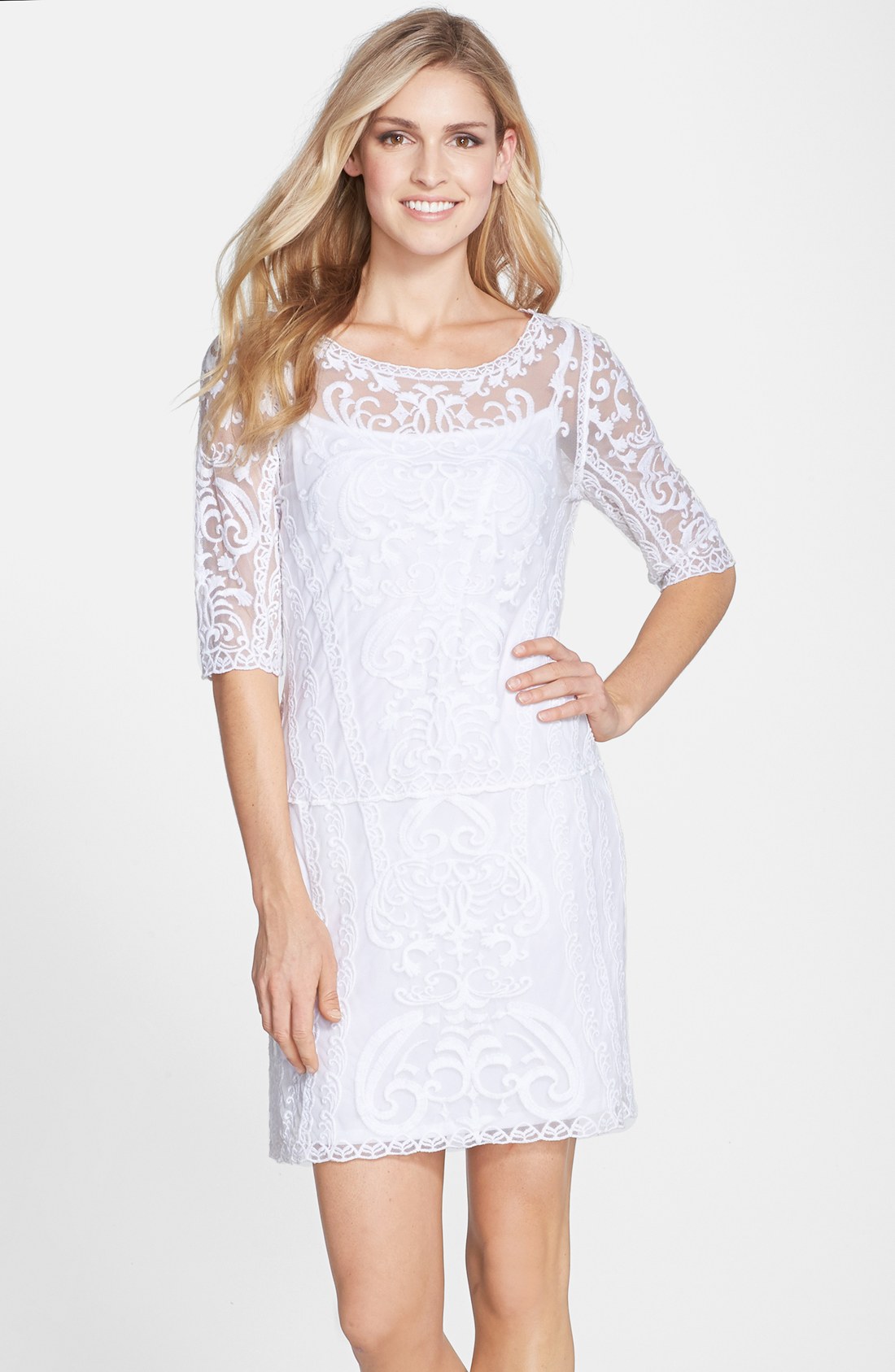
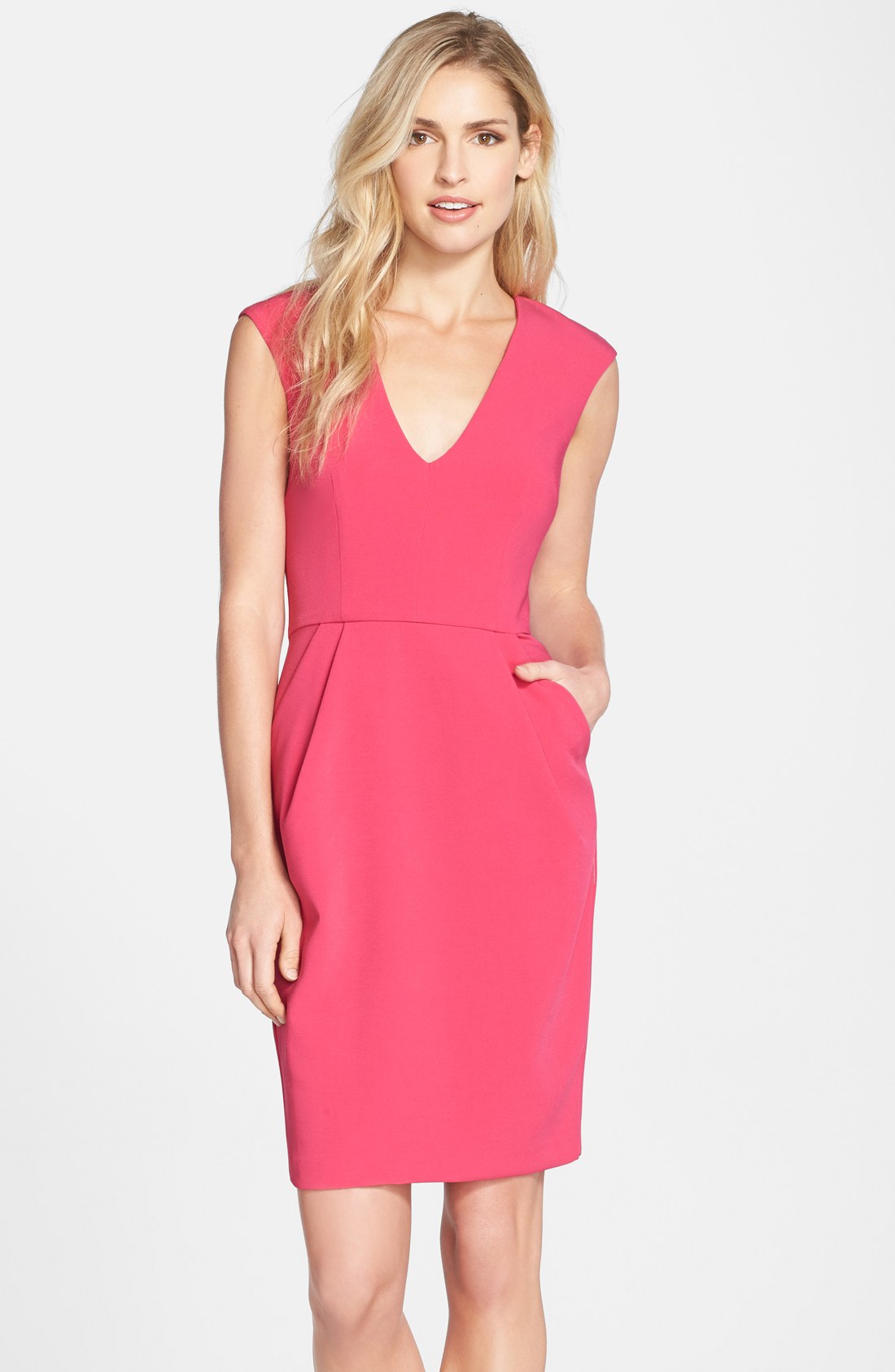
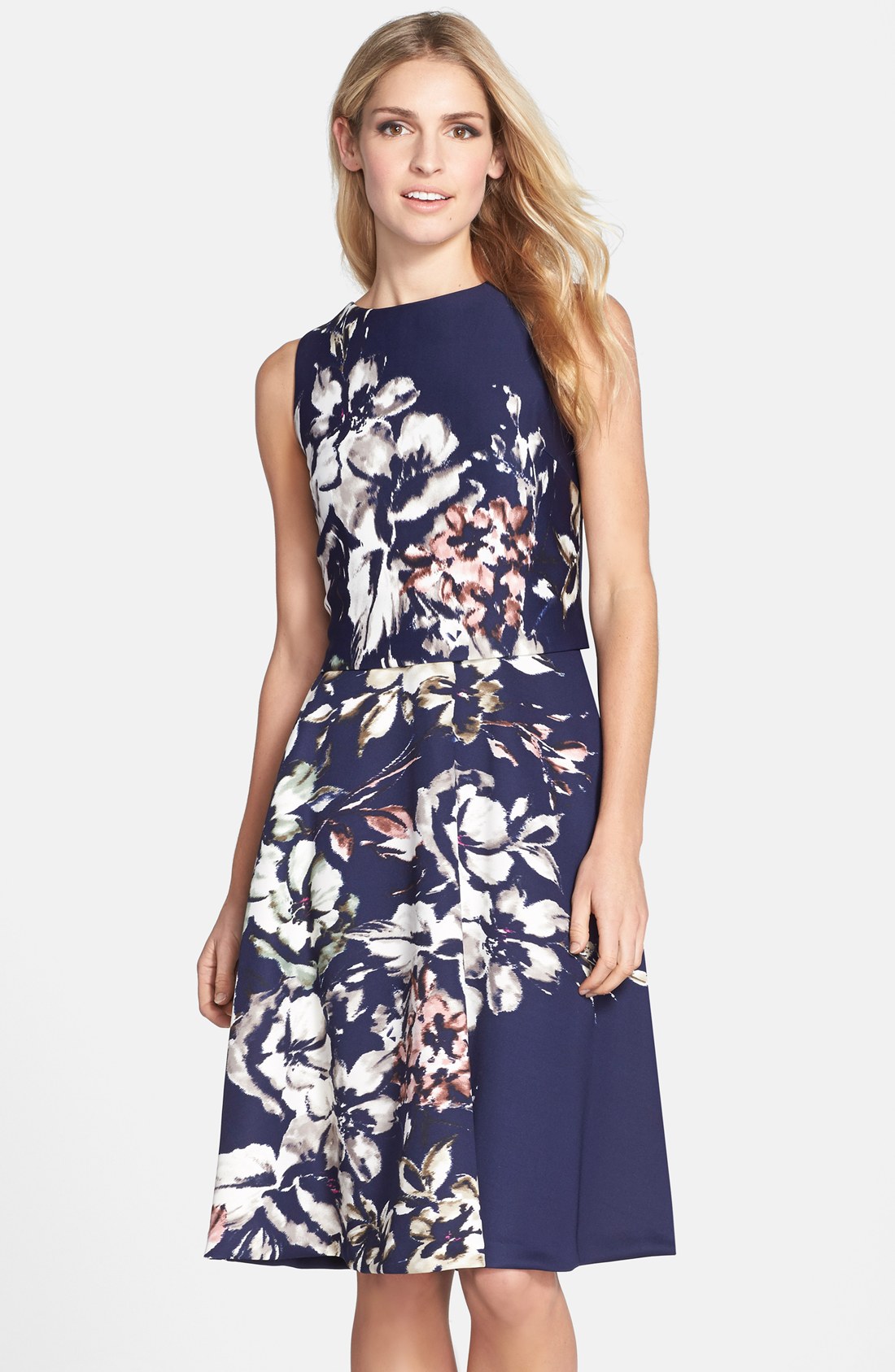
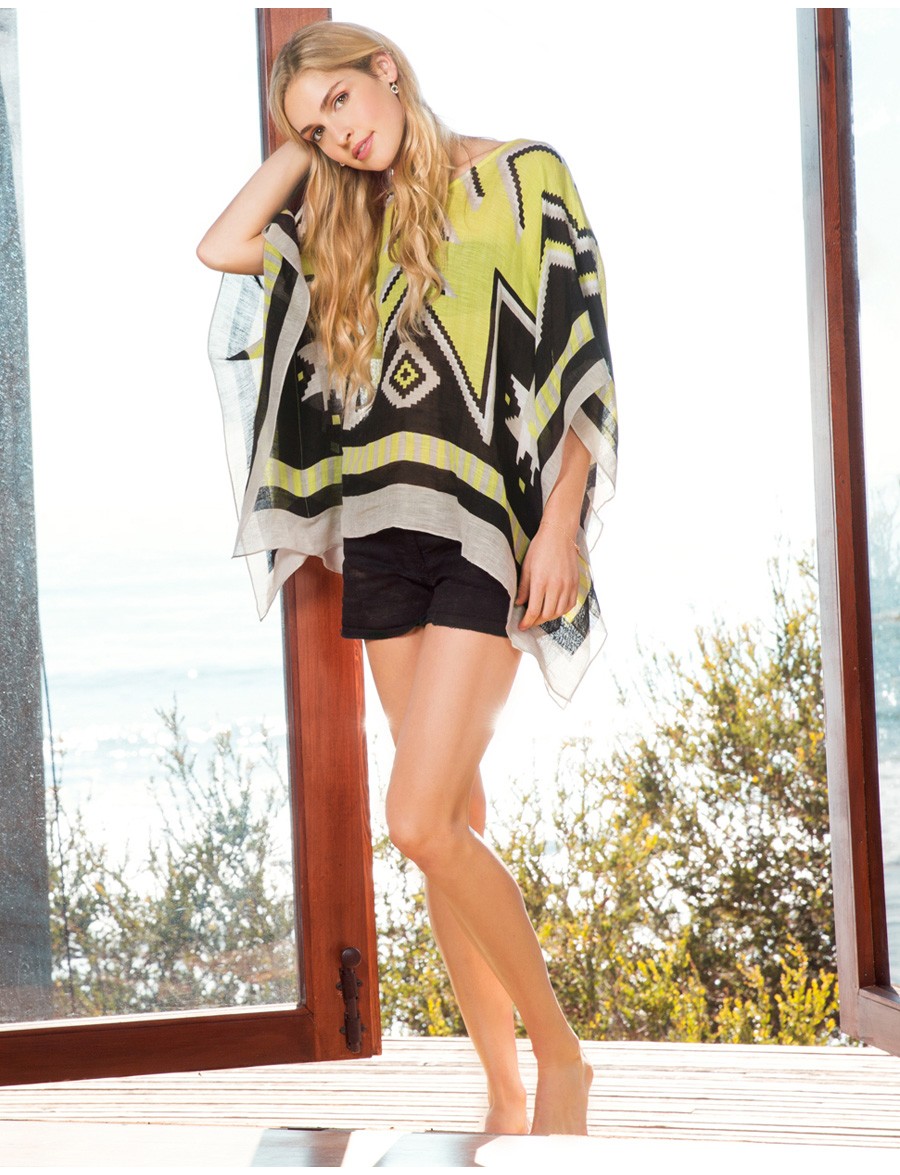
any thoughts??? Hard to tell at than angle, and it's not a face I know, but I don't think so. It looks more like another model whose name I can't bring to mind now. She's done work for LL Bean recently. I'll try to remember. The model I was thinking of is Kara Thoms

-
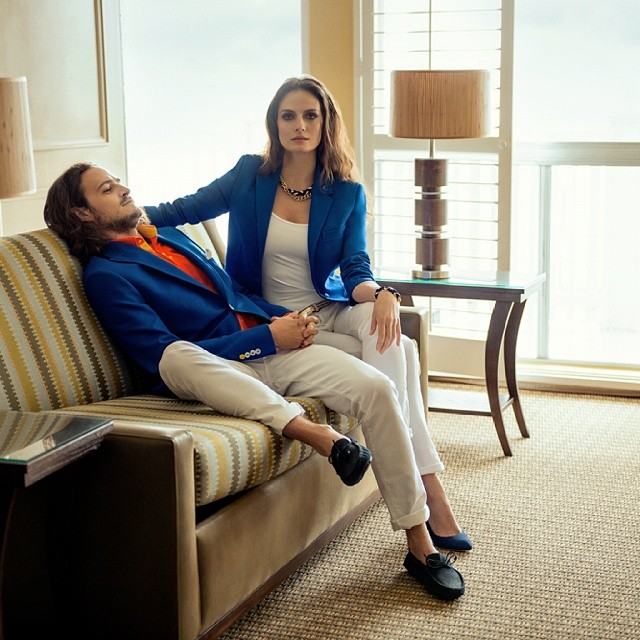
From Adam Feliks Prochnik SS2014






-
-
-
That video is magnificent. thanks.
-
any thoughts??? Hard to tell at than angle, and it's not a face I know, but I don't think so. It looks more like another model whose name I can't bring to mind now. She's done work for LL Bean recently. I'll try to remember.
-
-
-
-
-
Outstanding--thanks.
-

















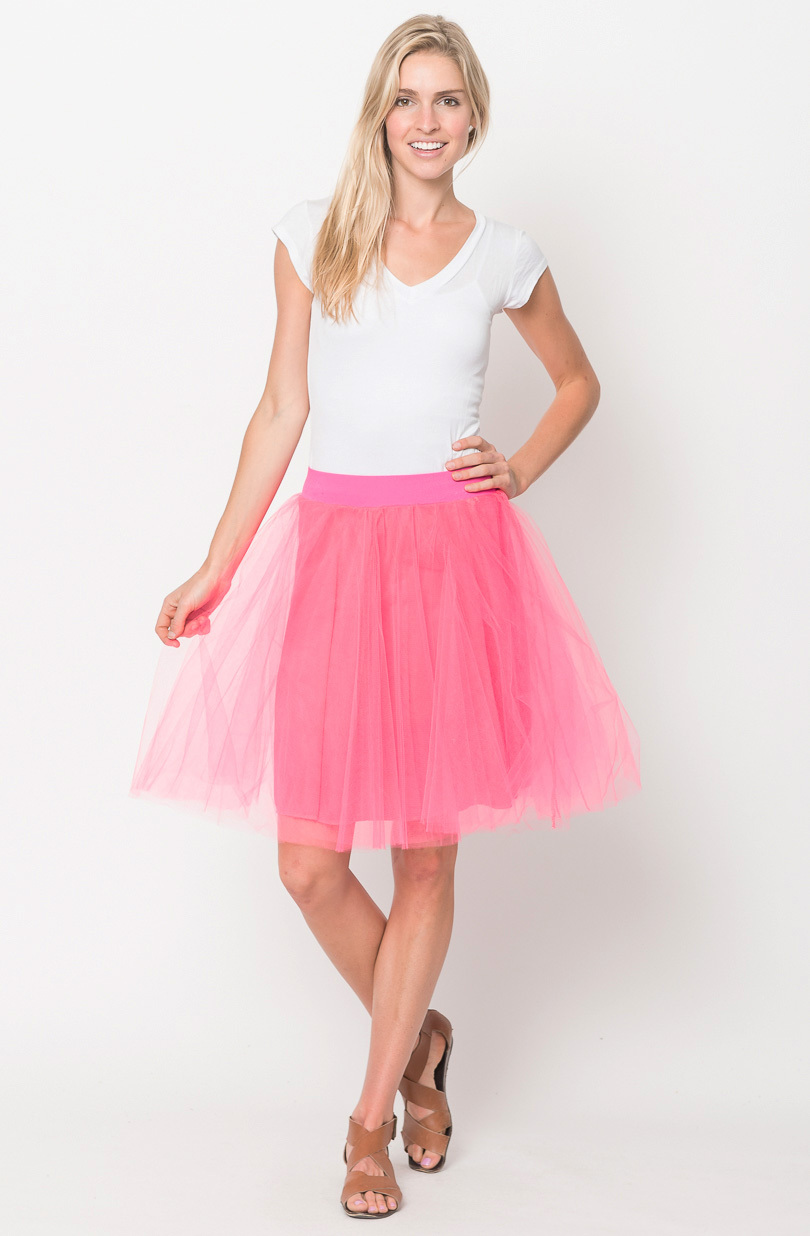
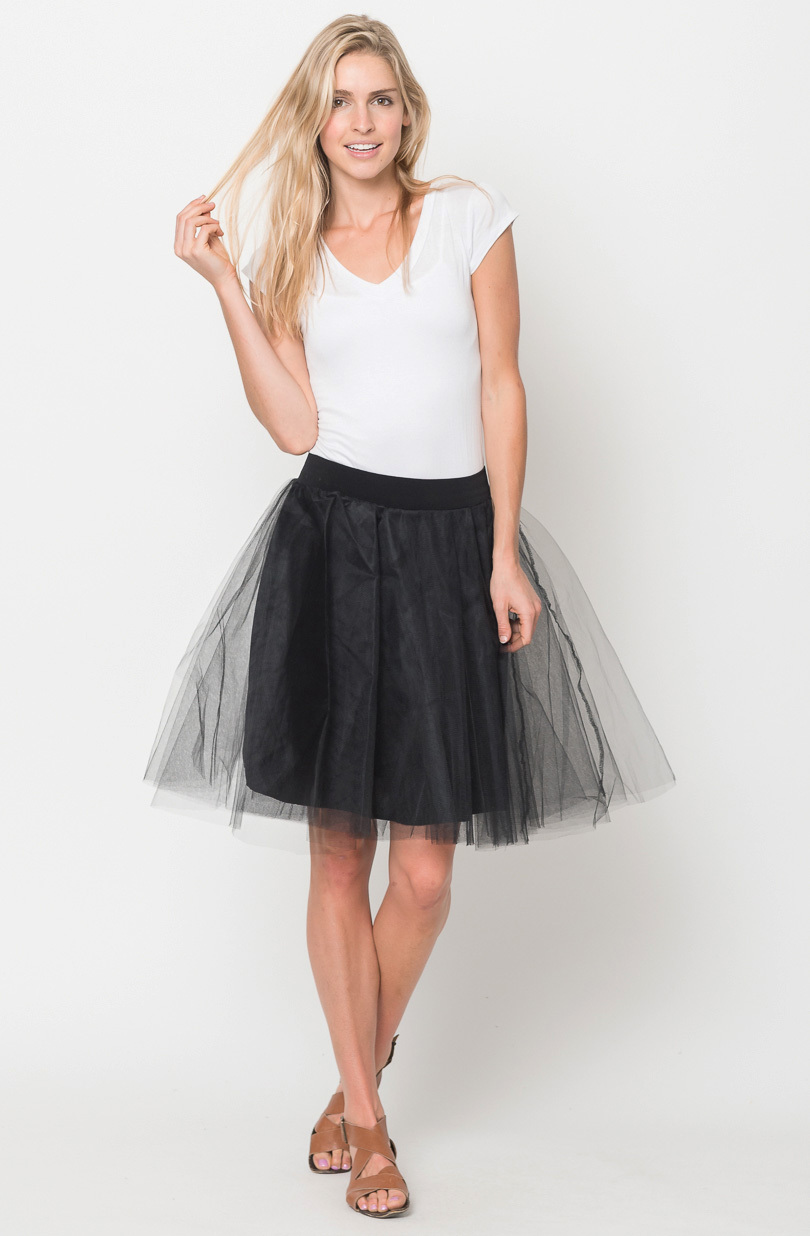

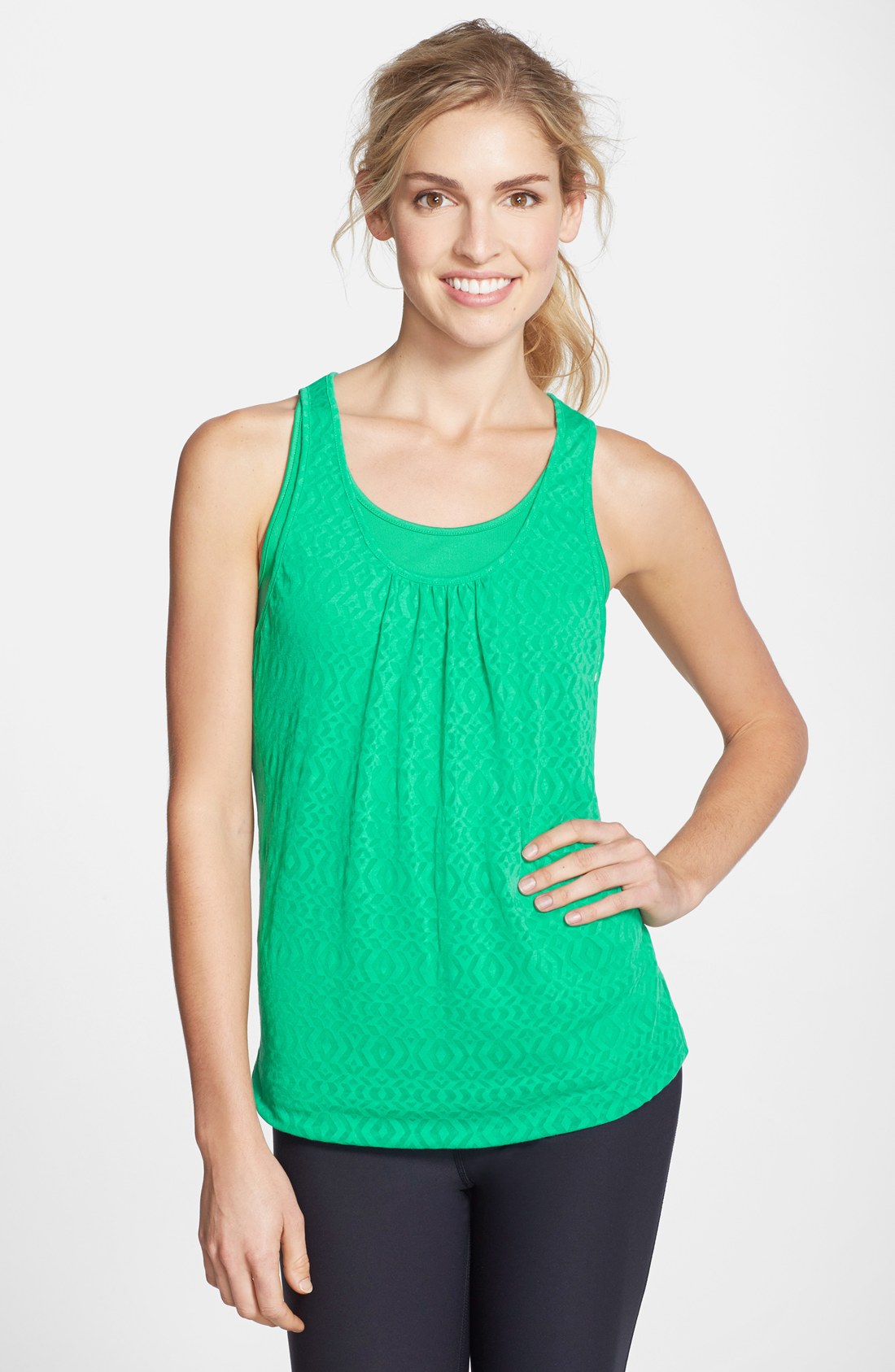
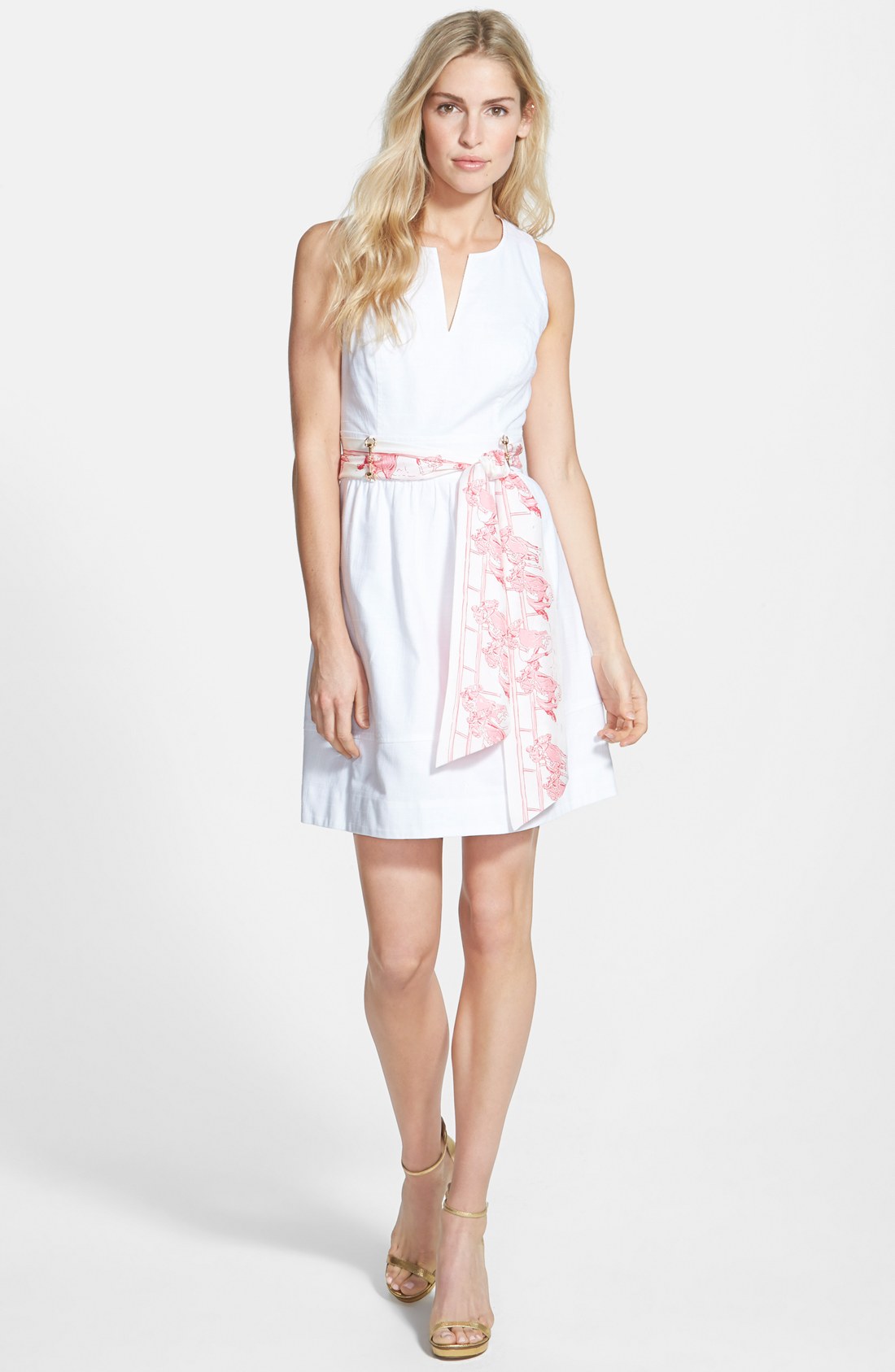

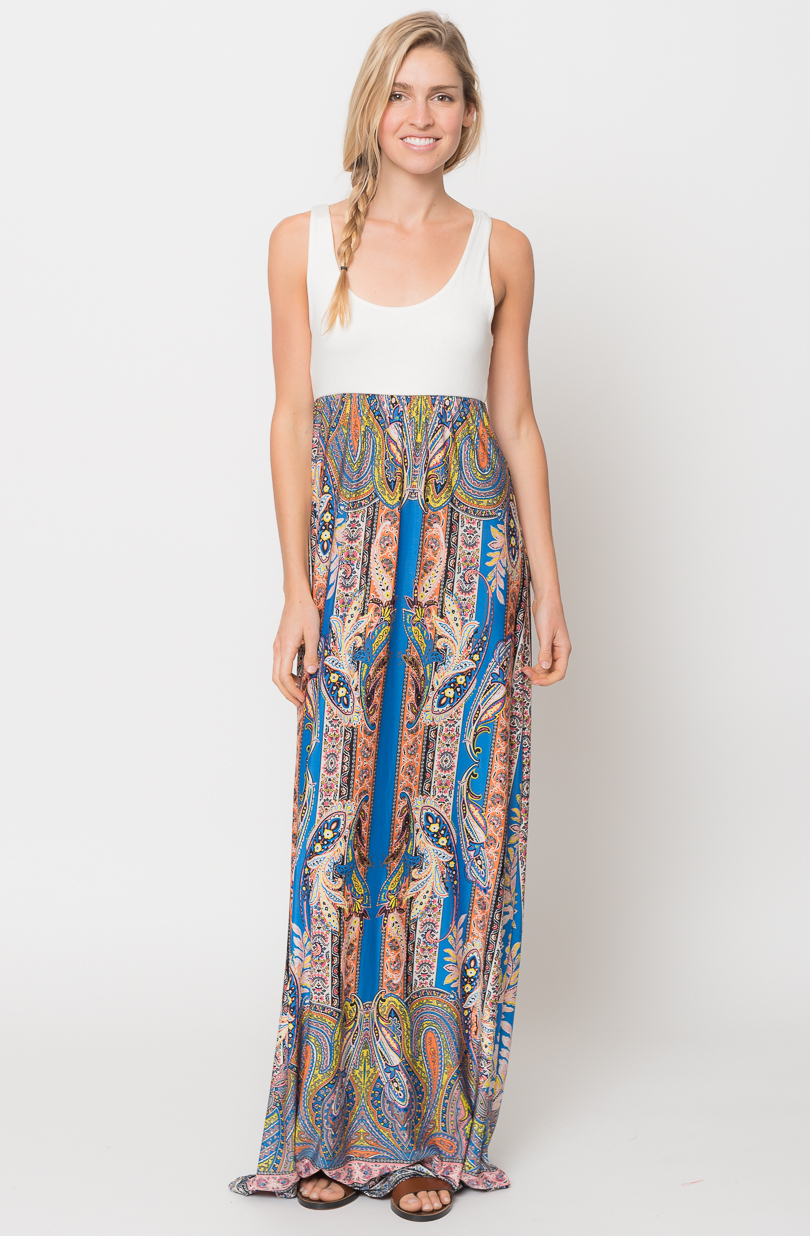
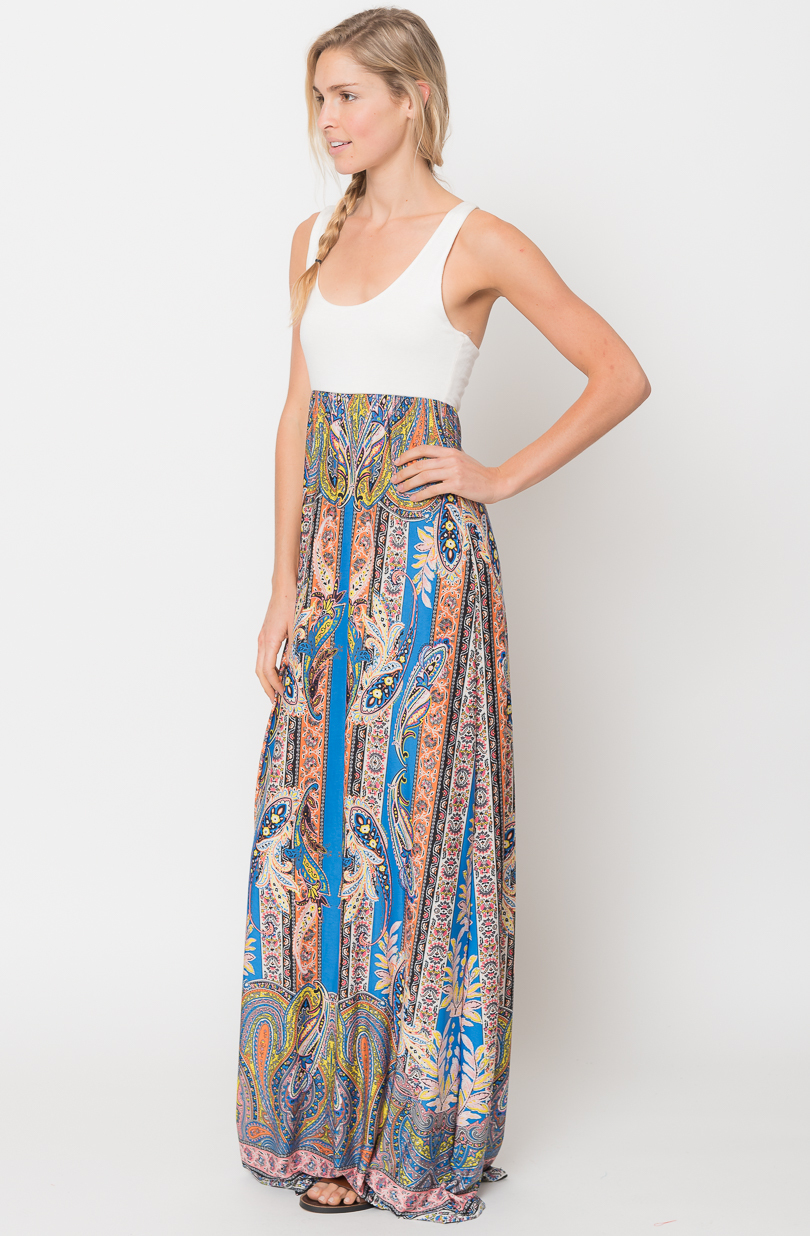
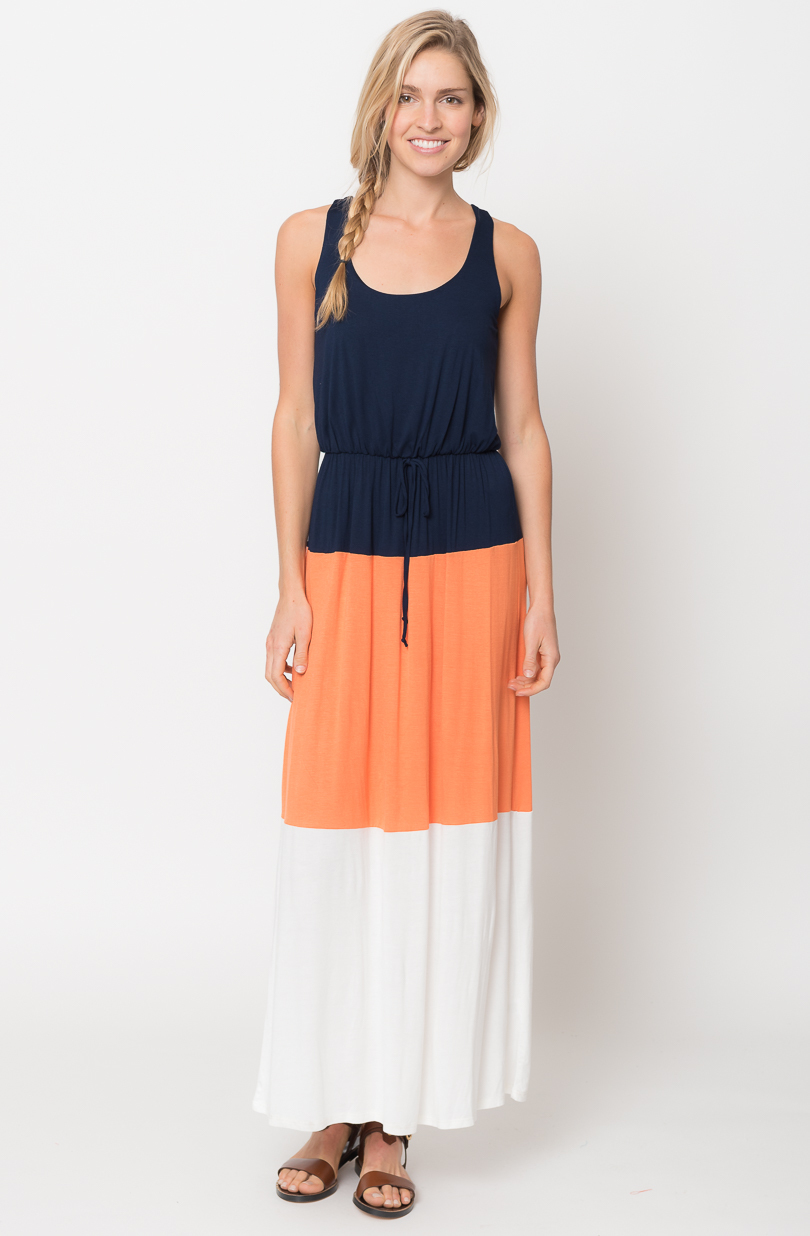
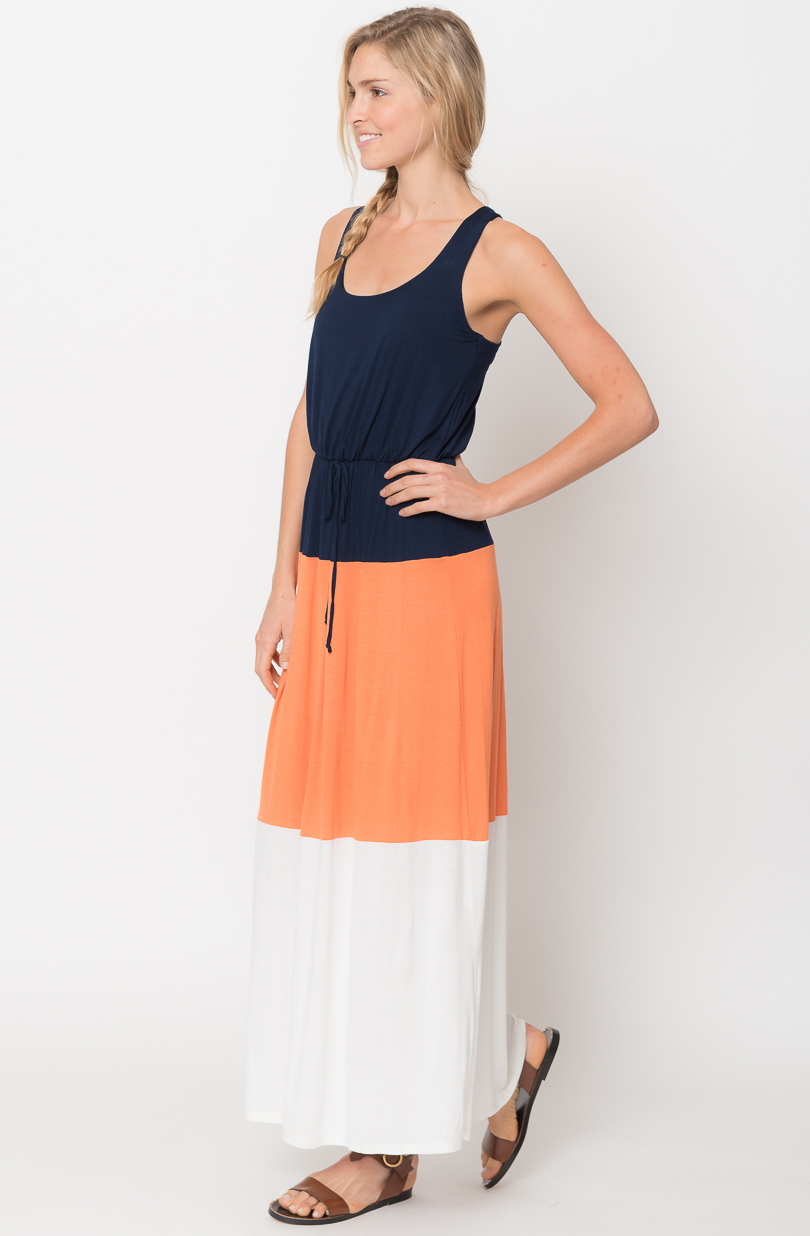

















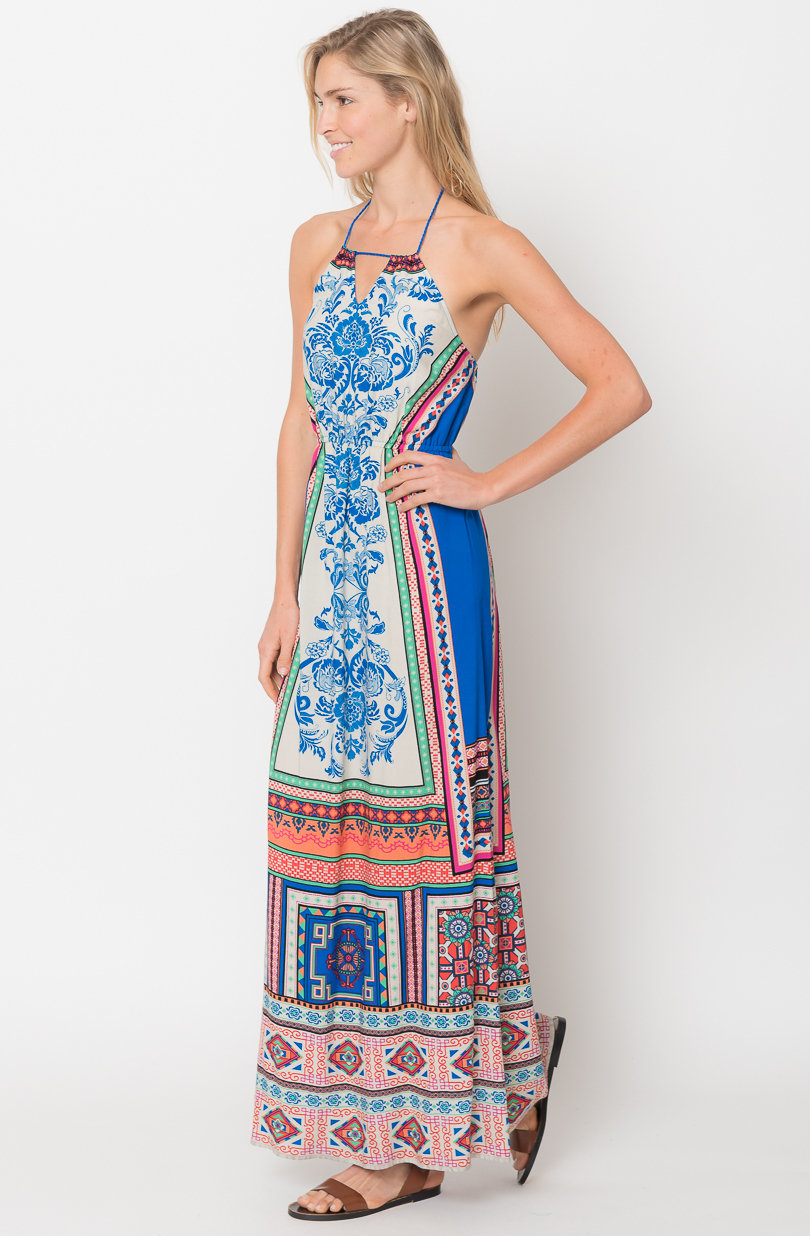
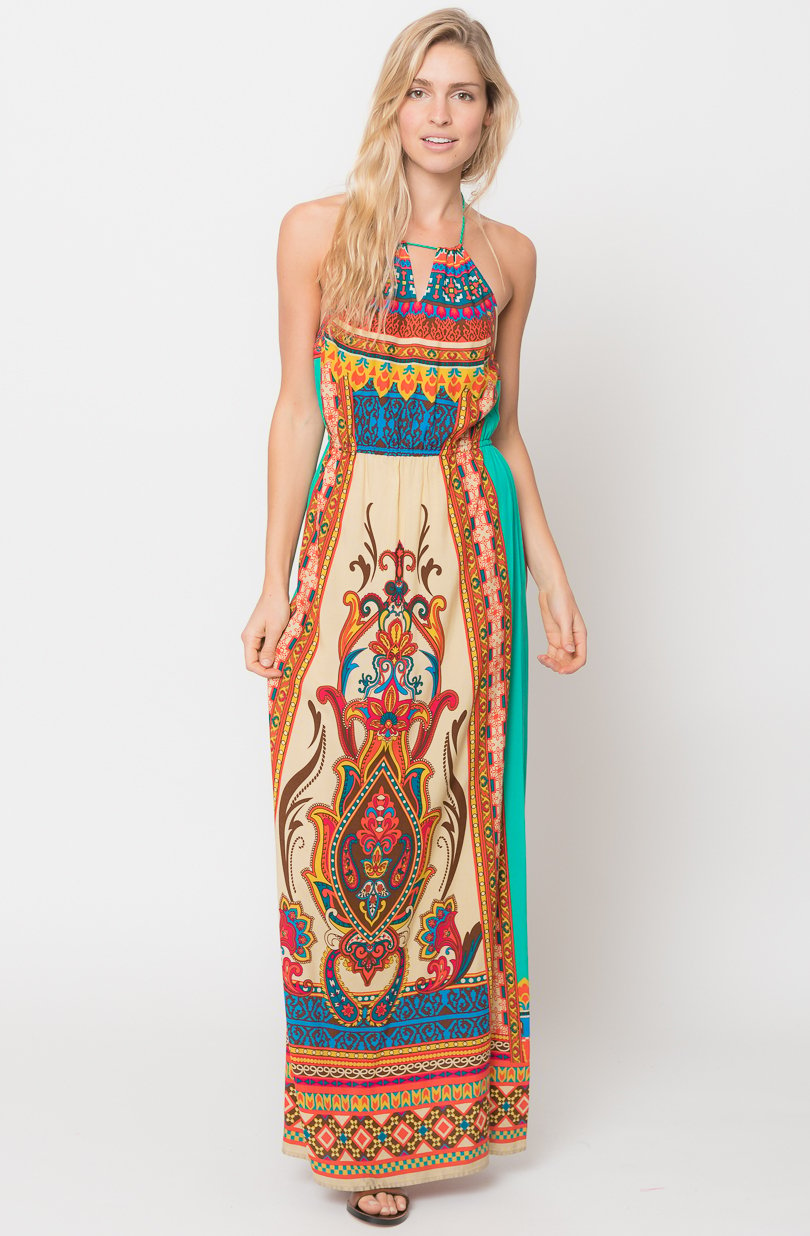
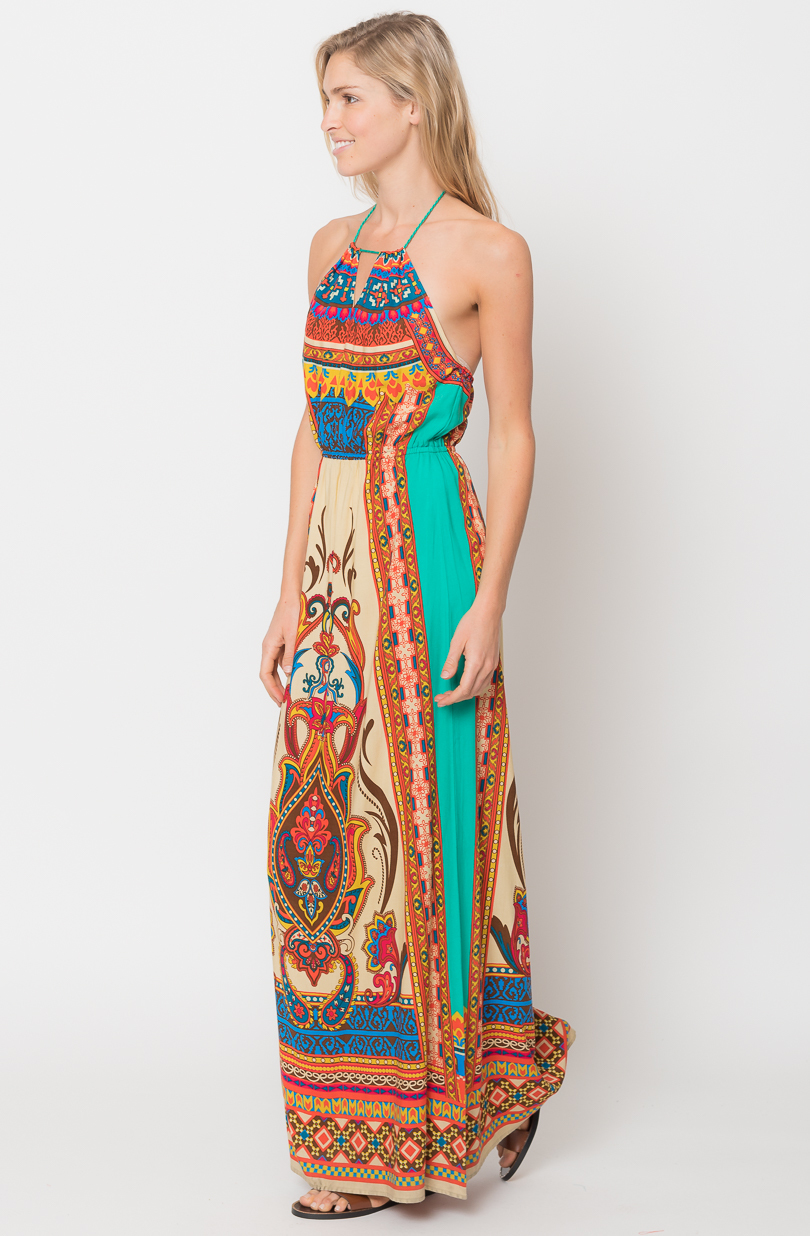
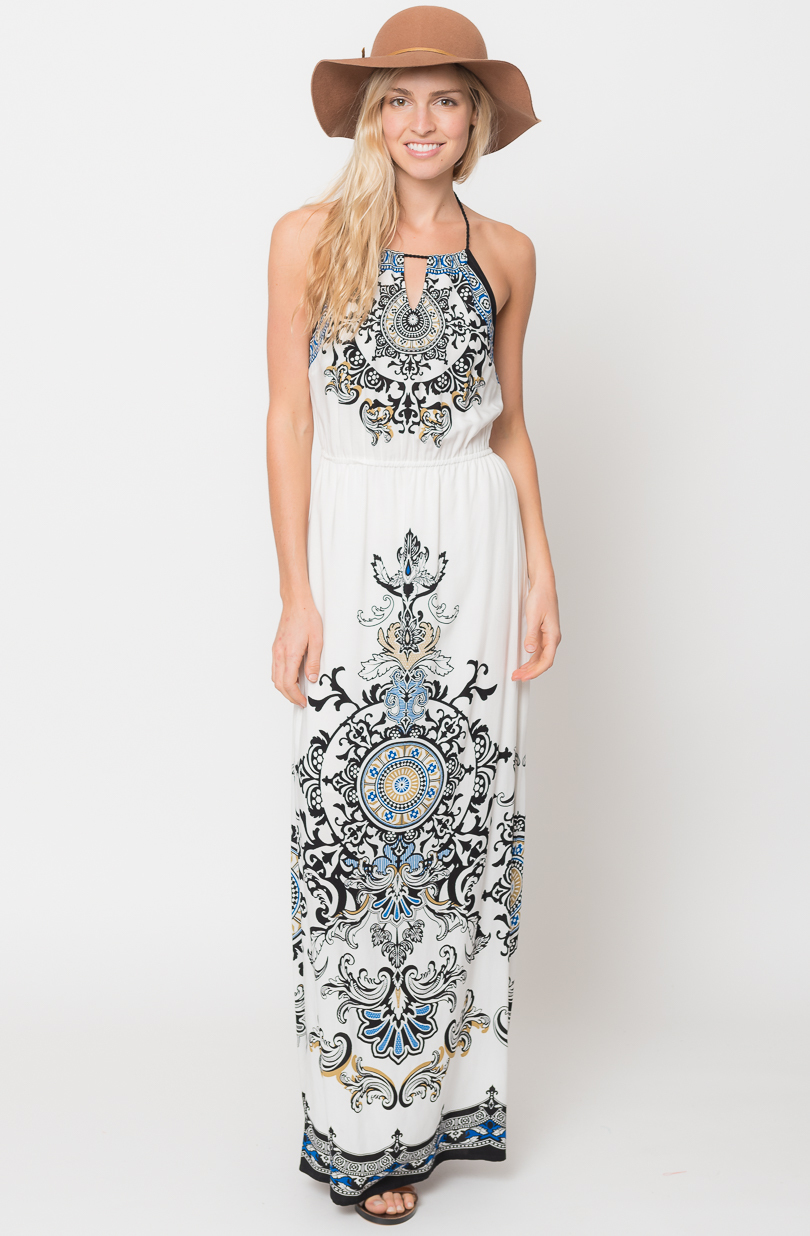
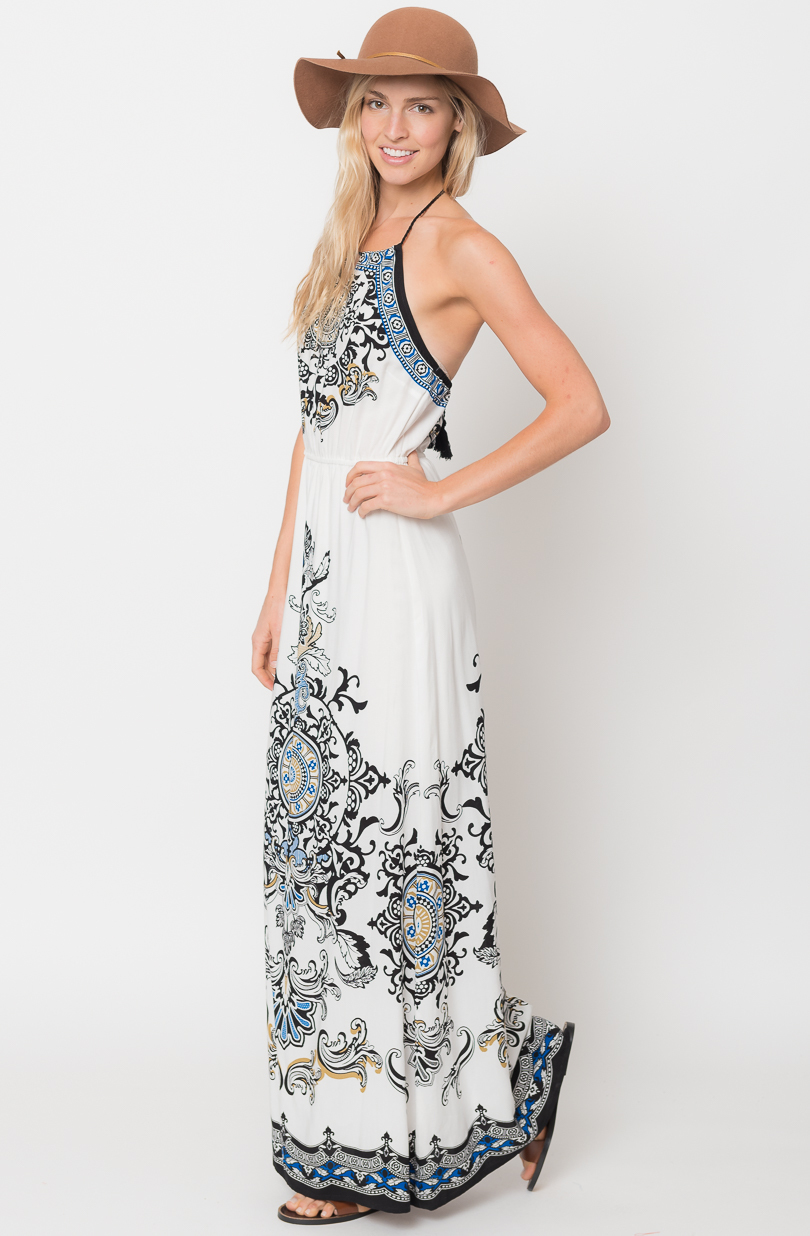
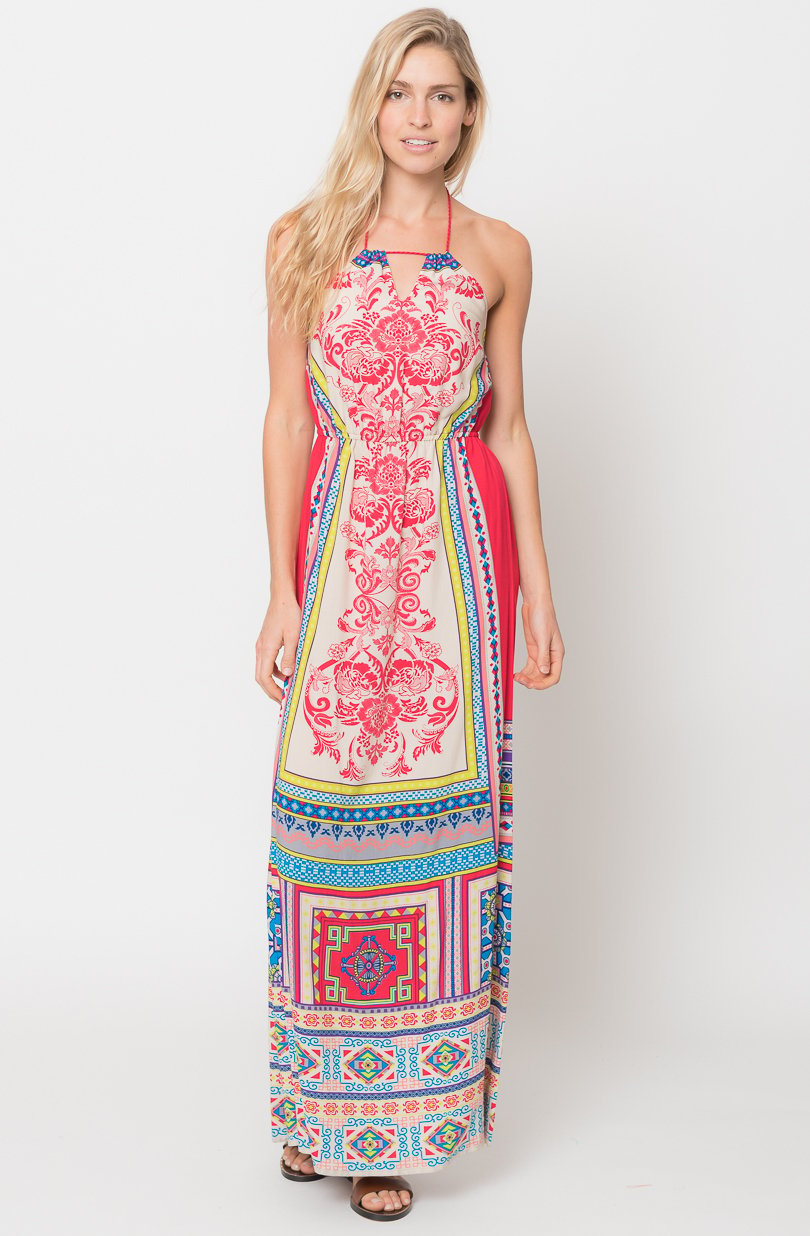
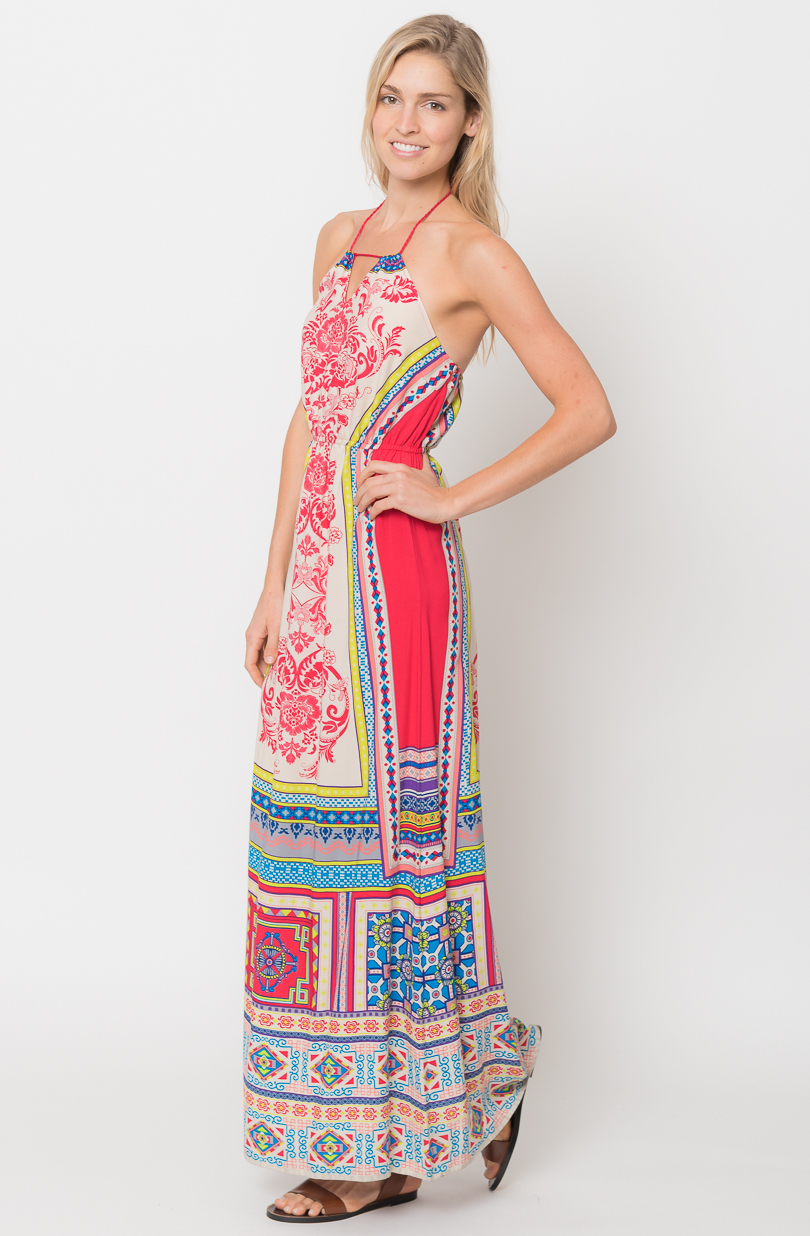
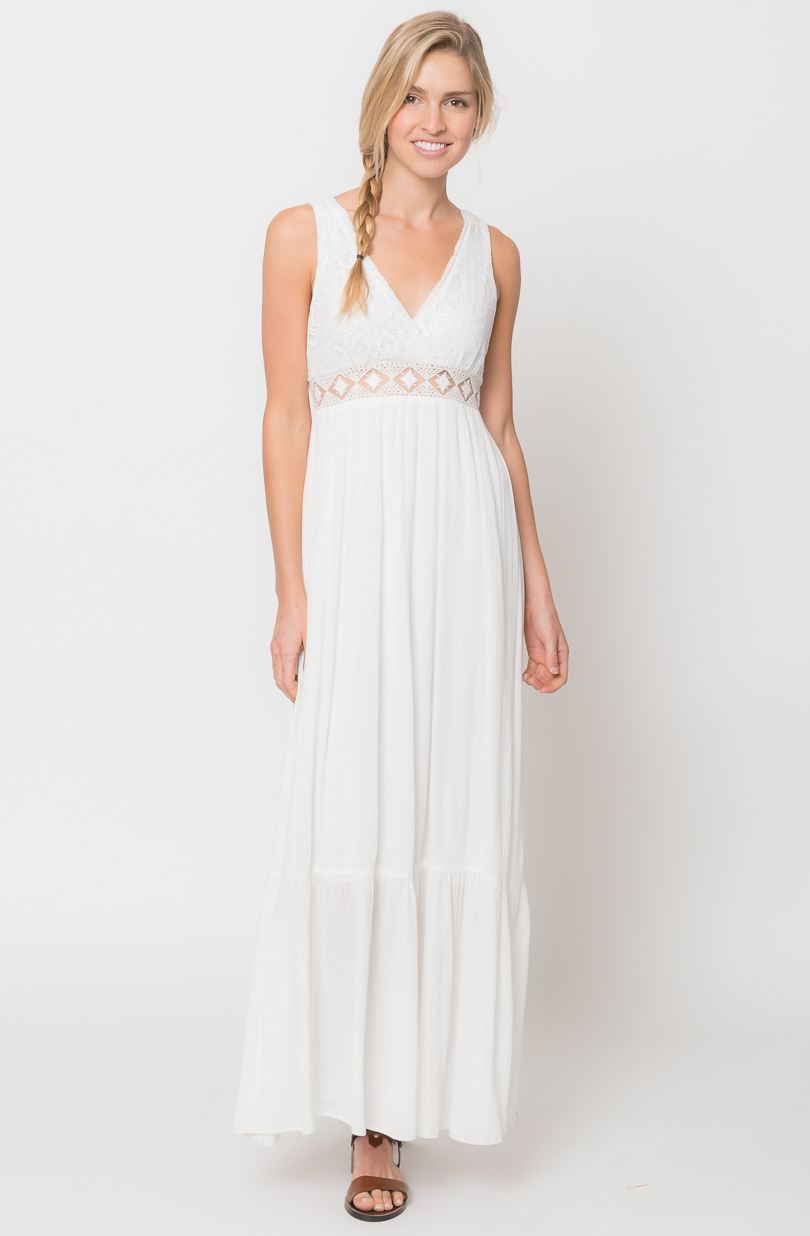
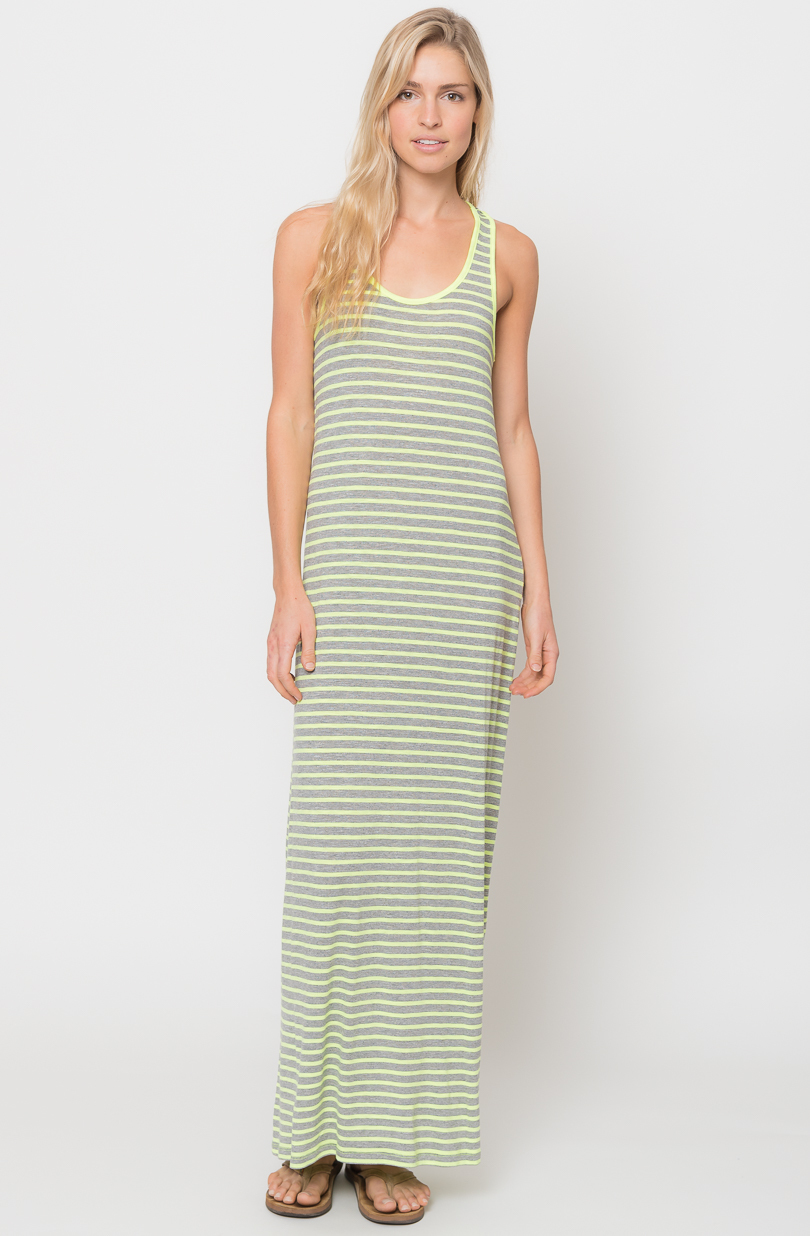
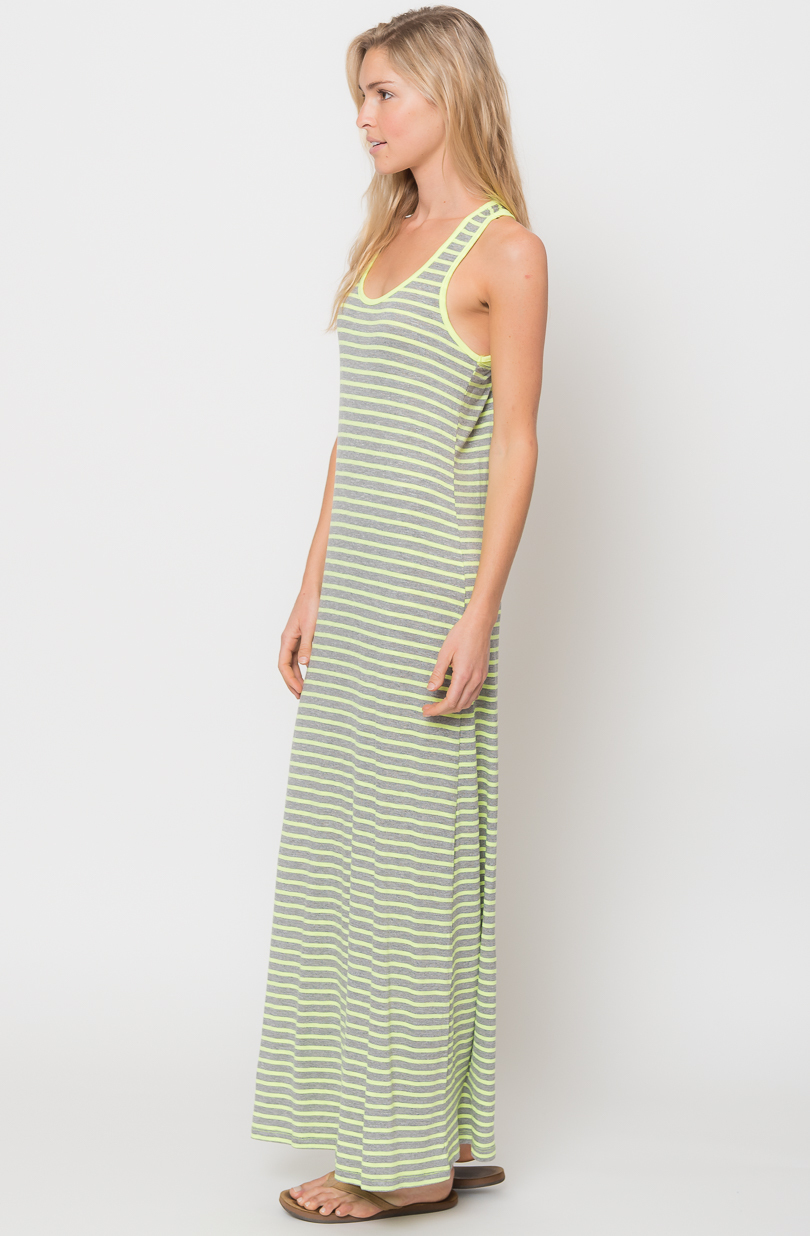
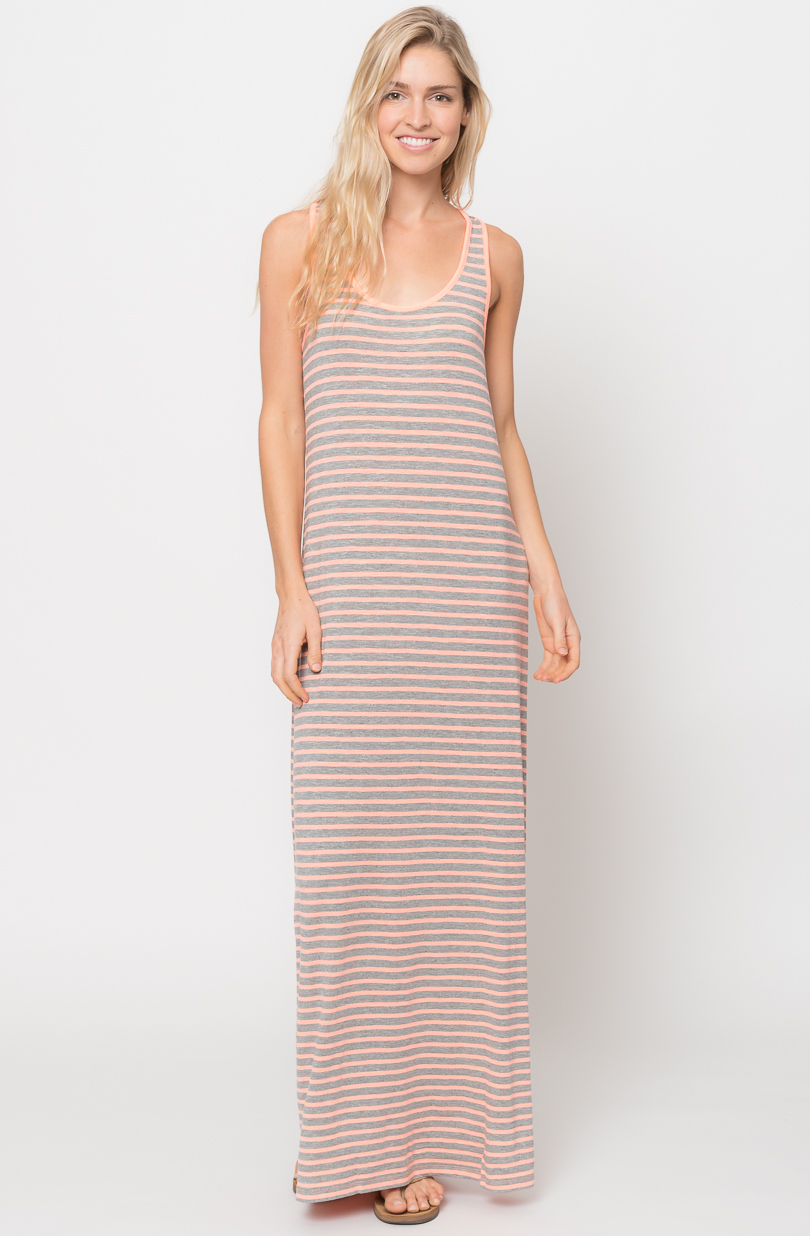
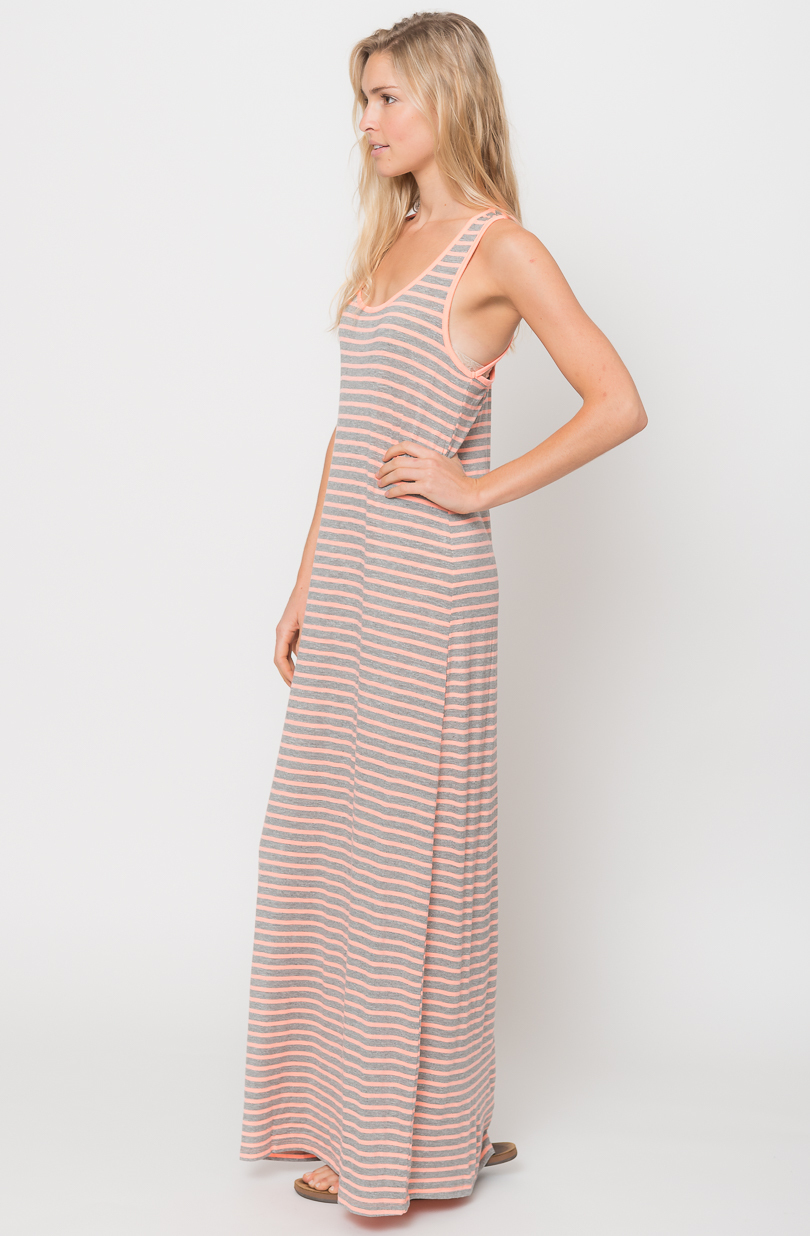
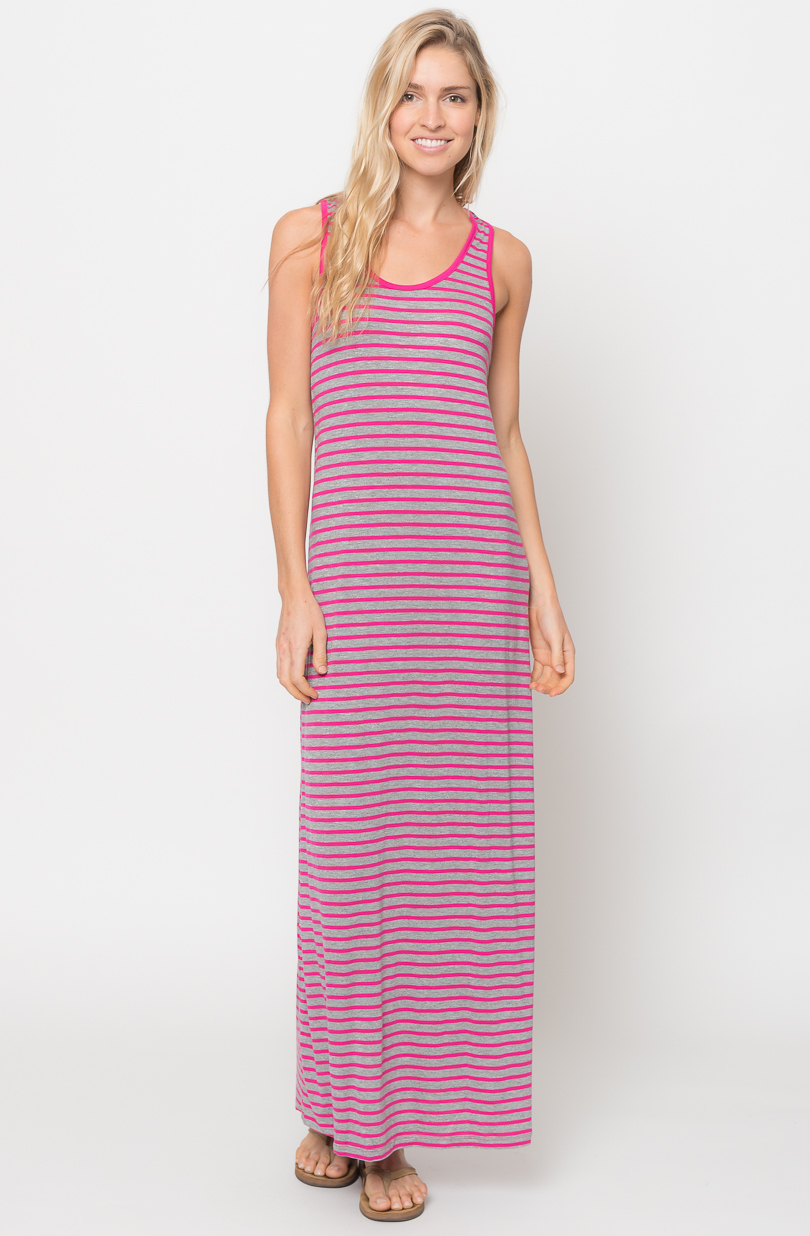
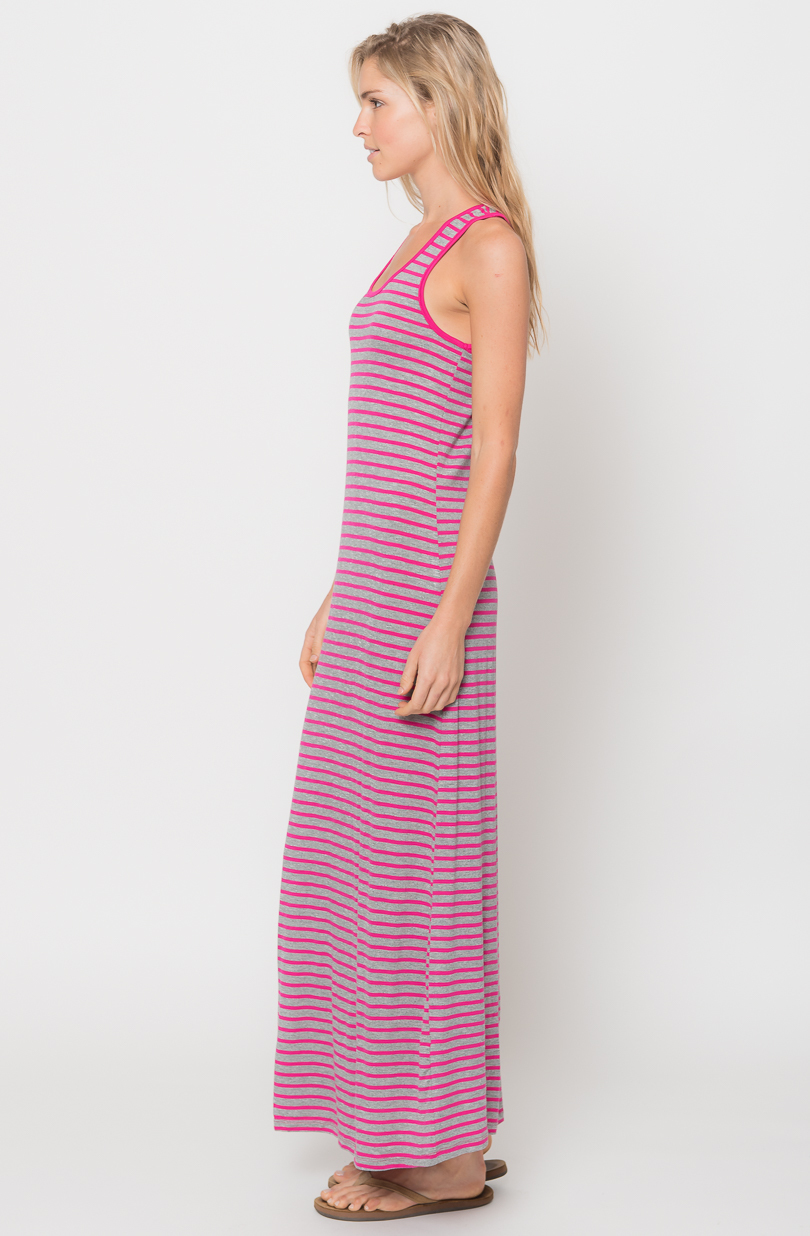
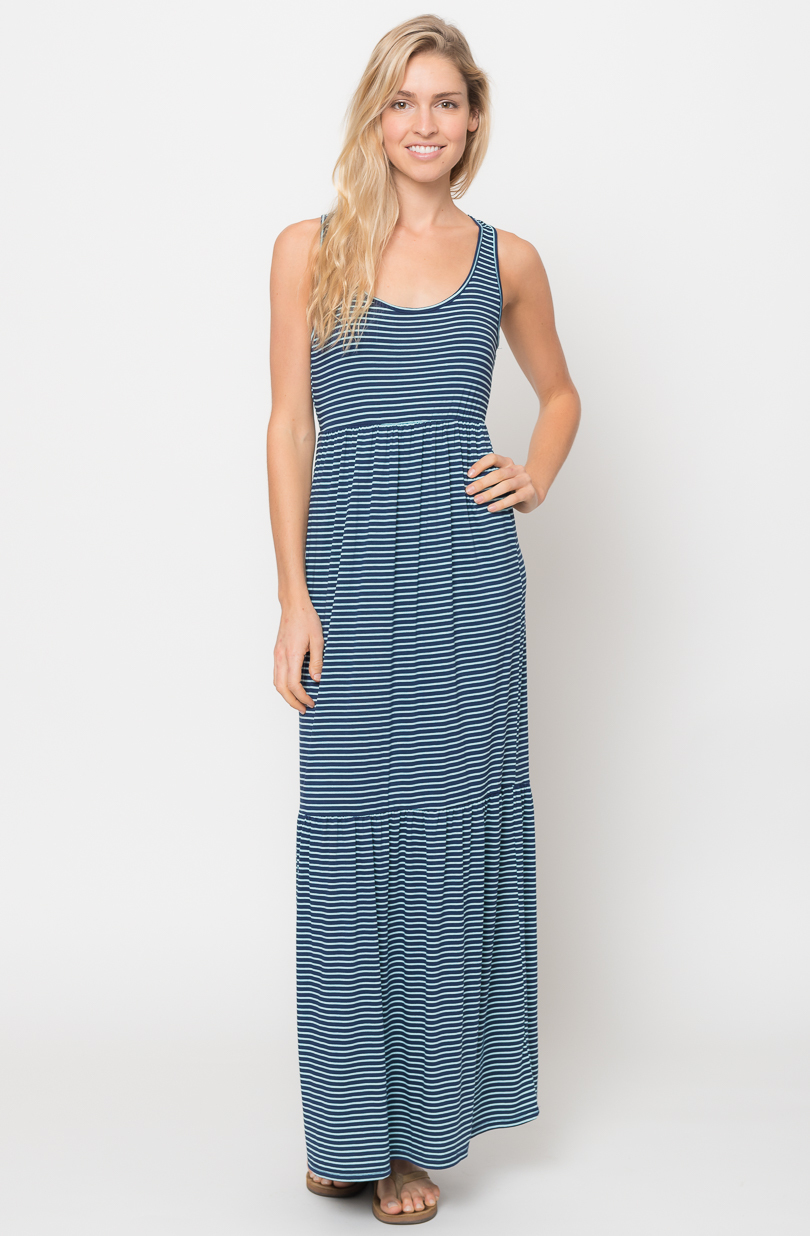
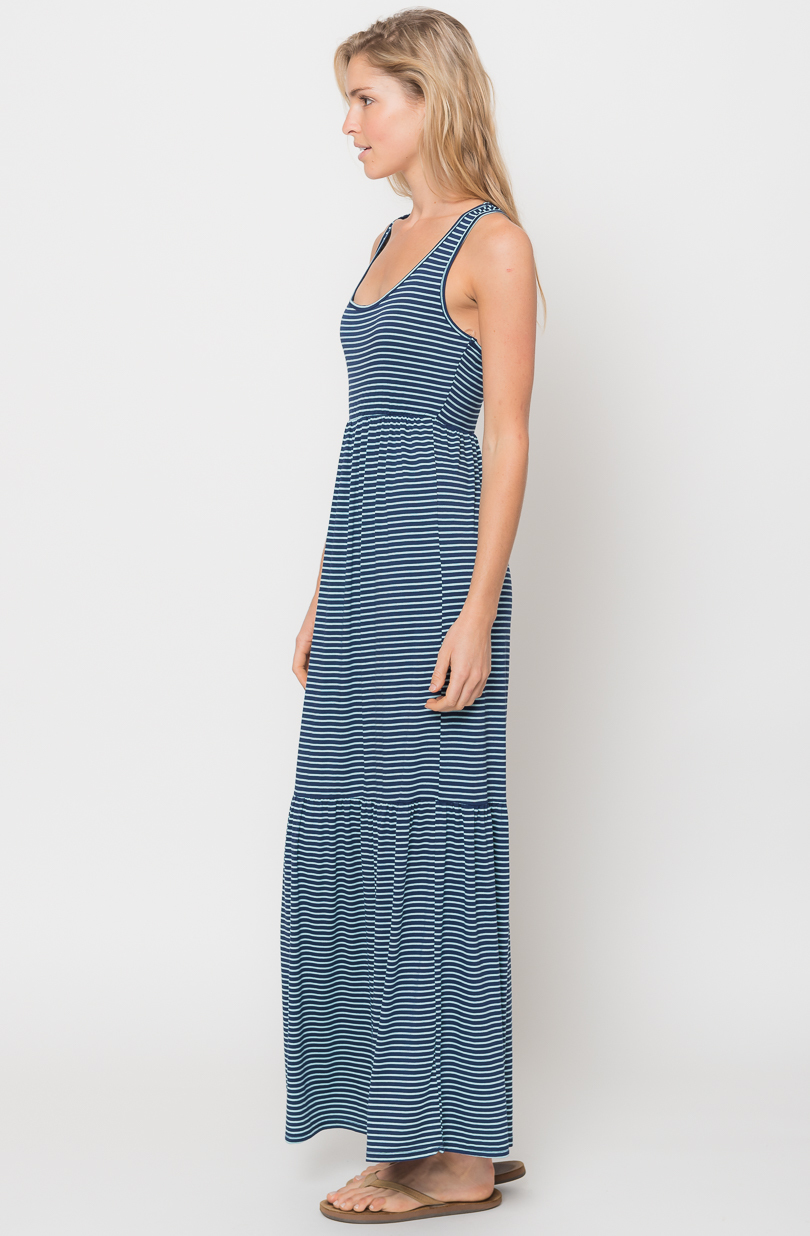








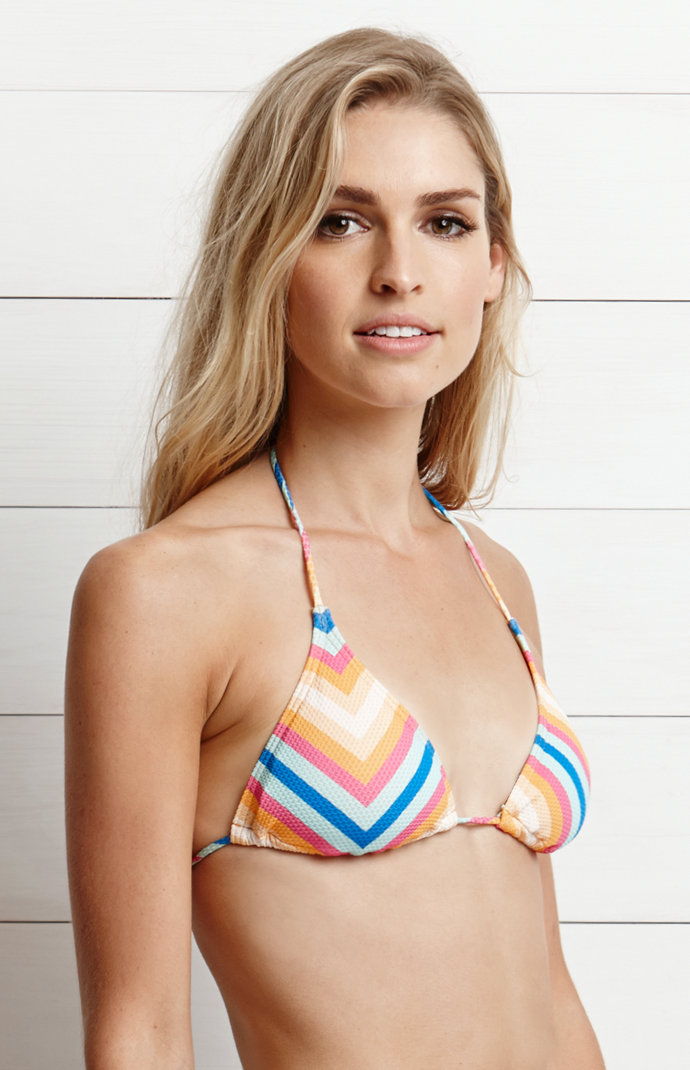
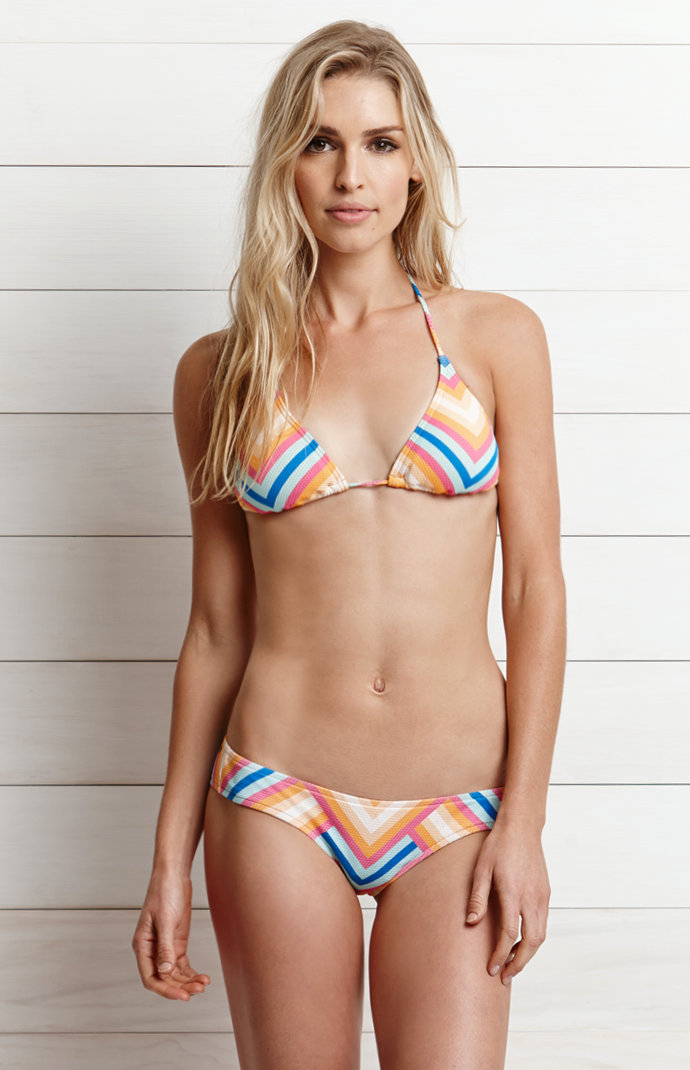
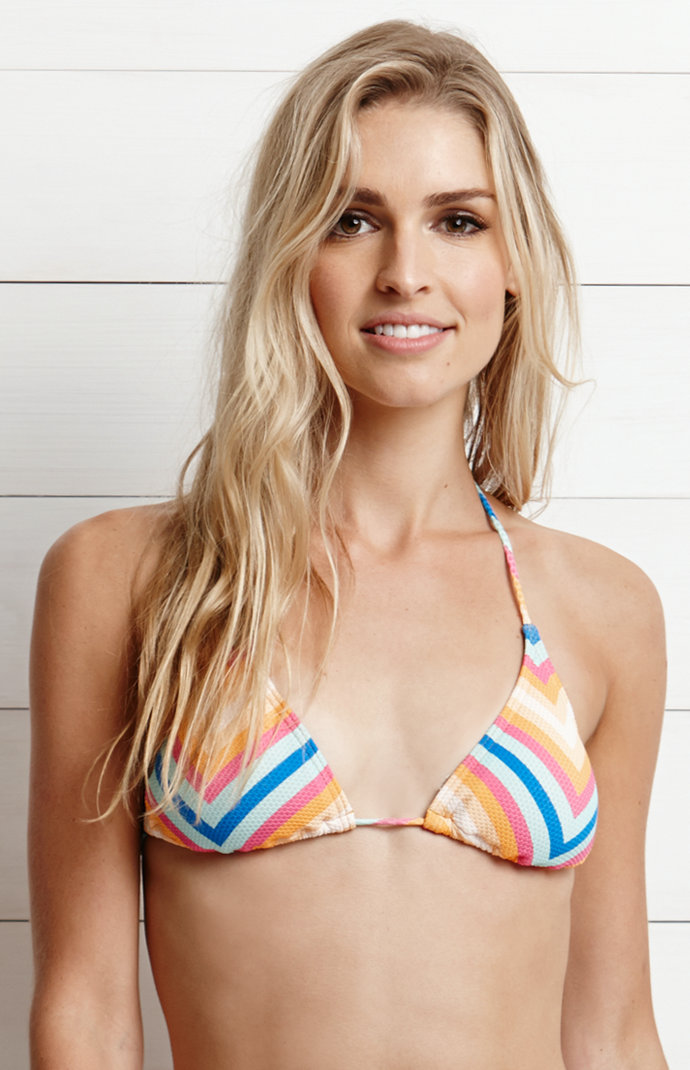
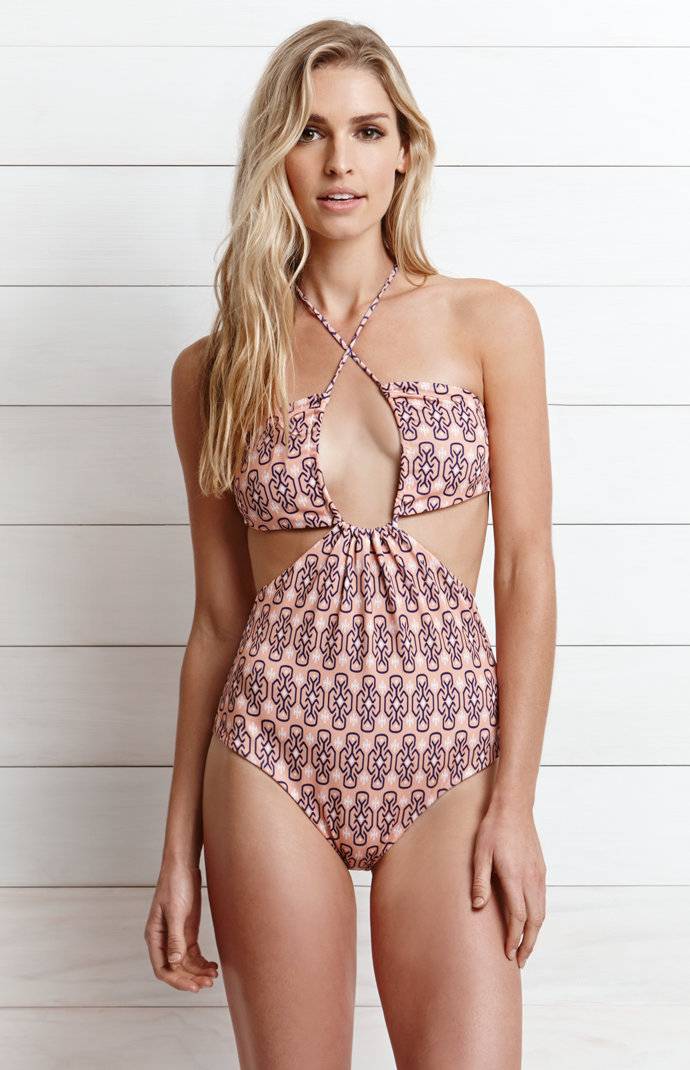


















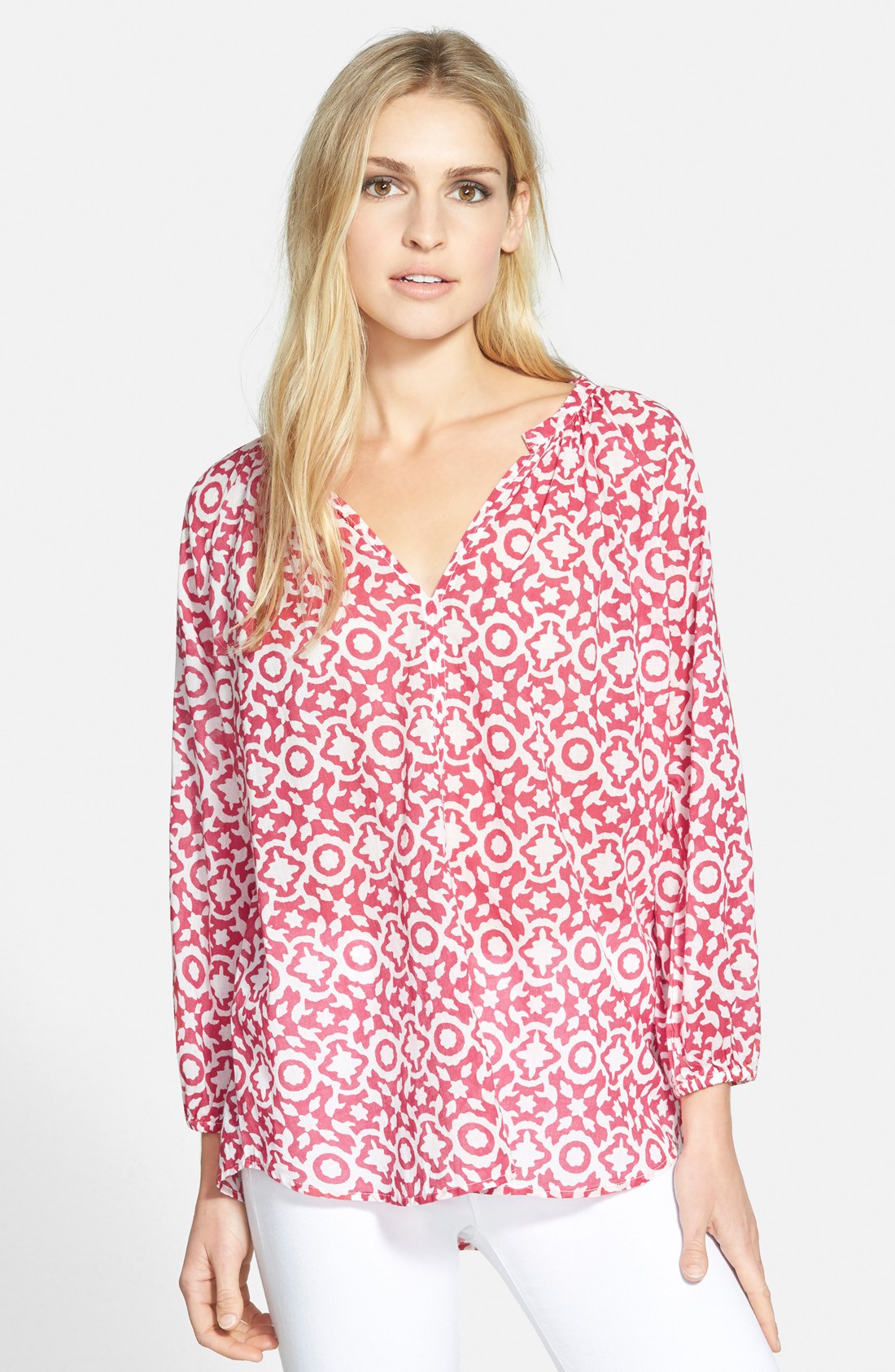
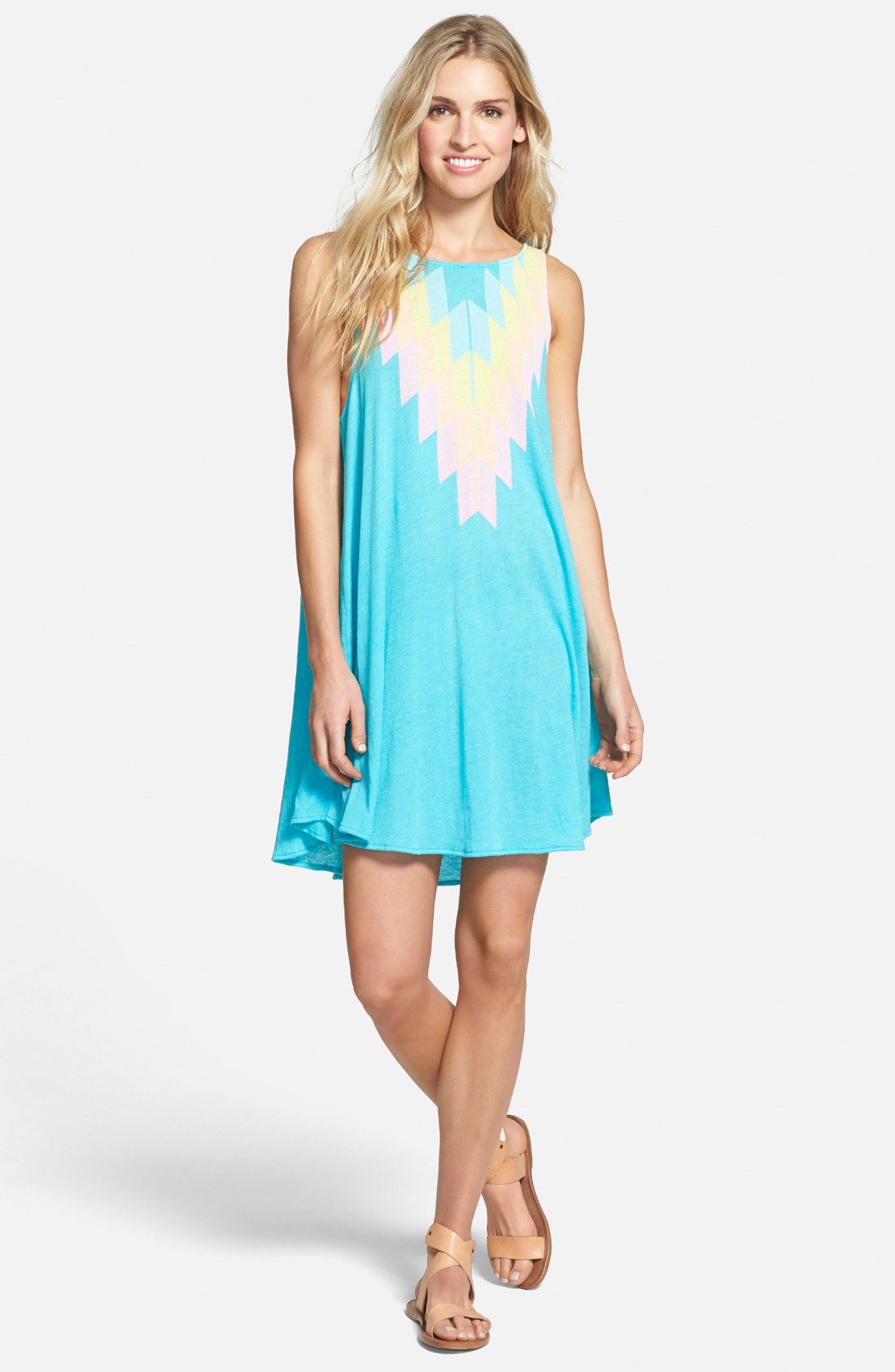
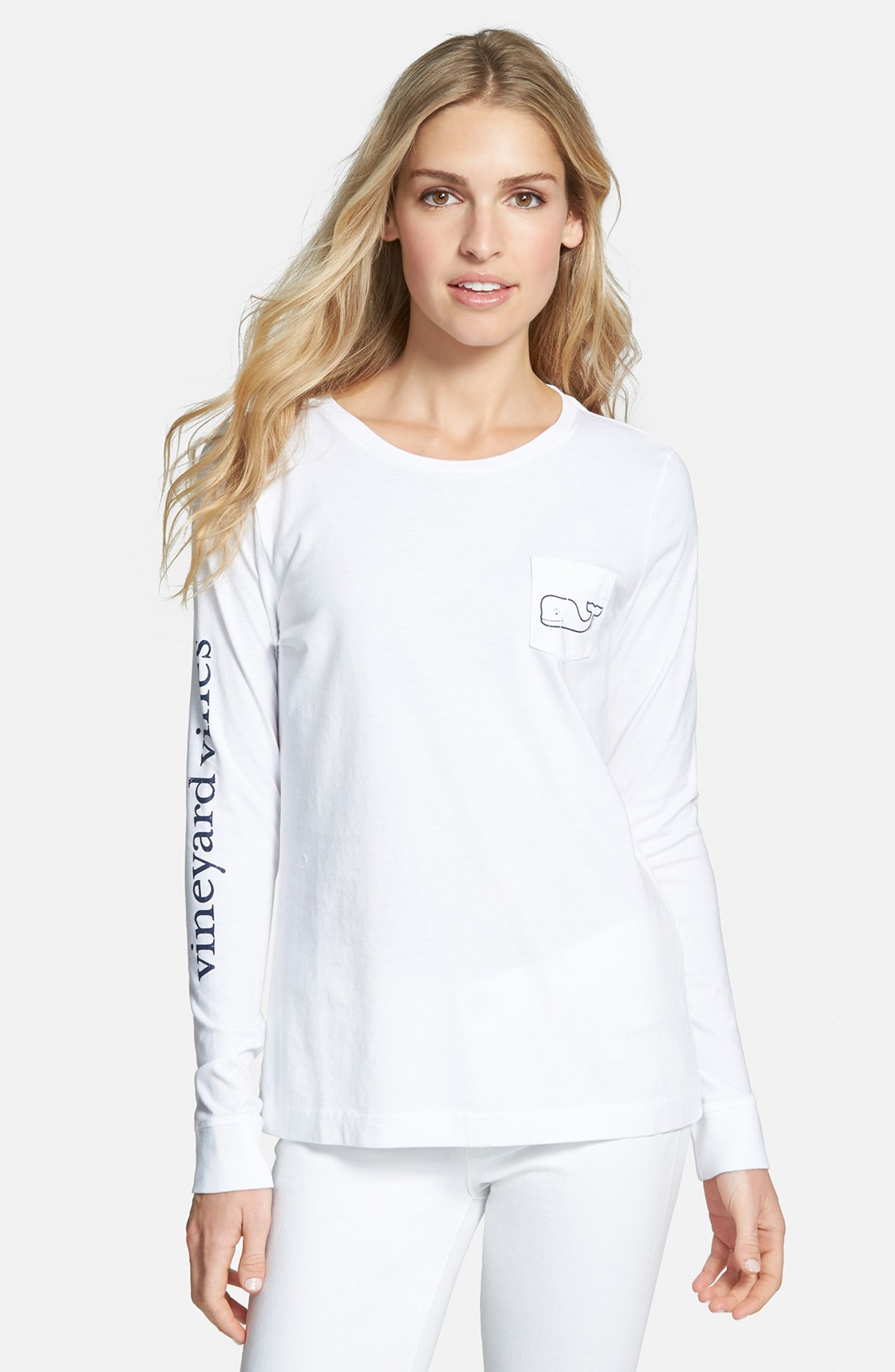

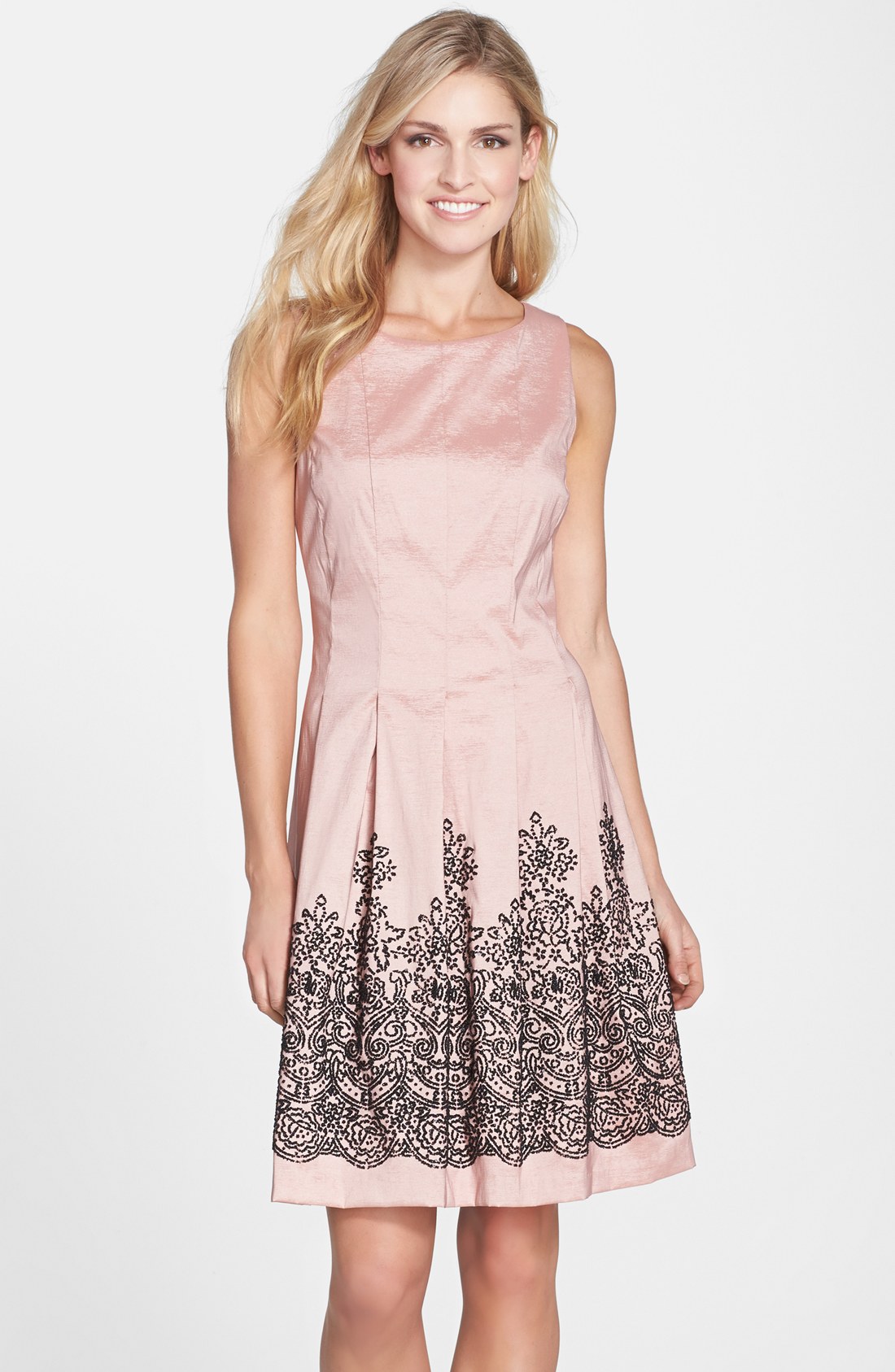
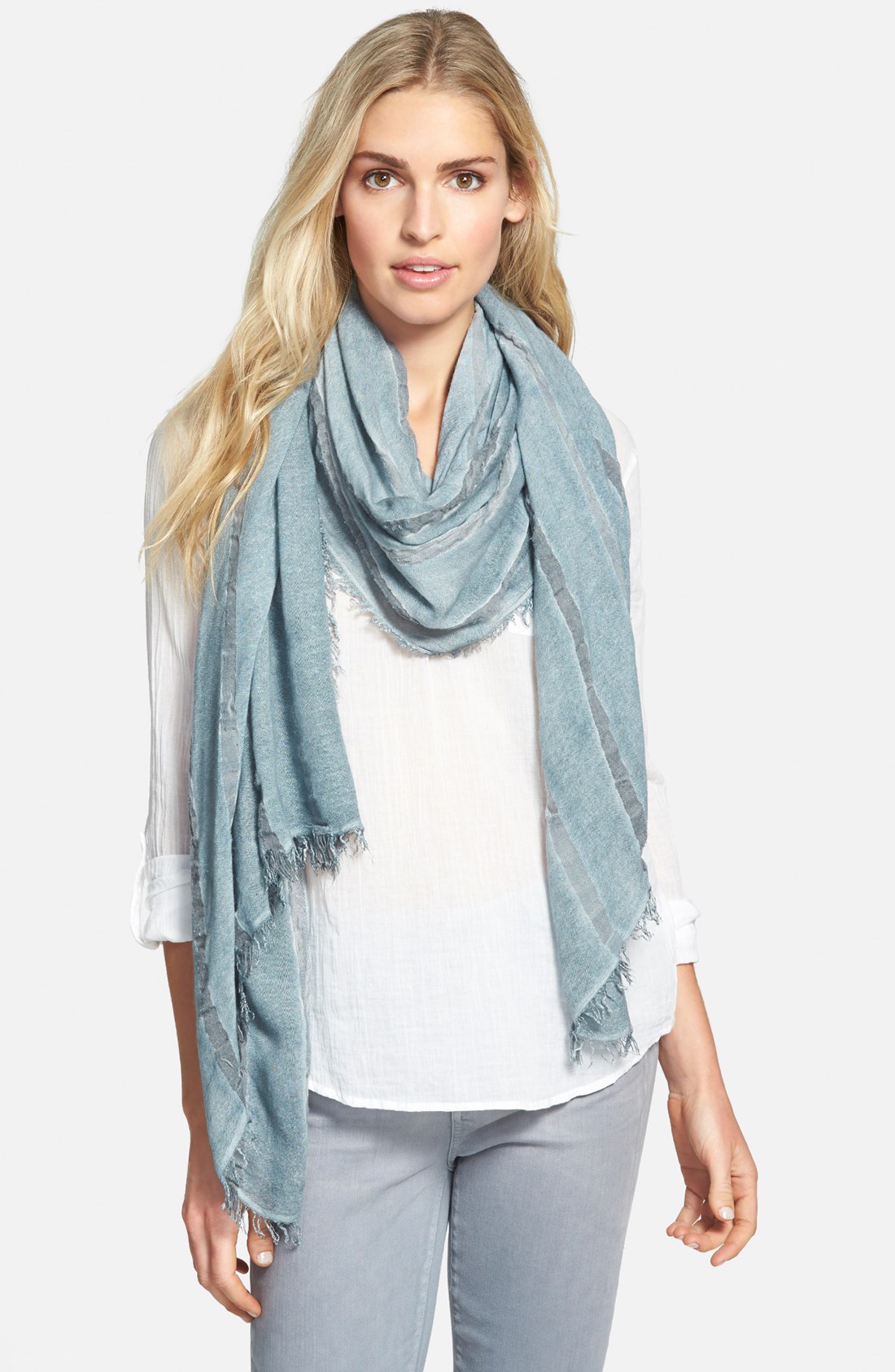
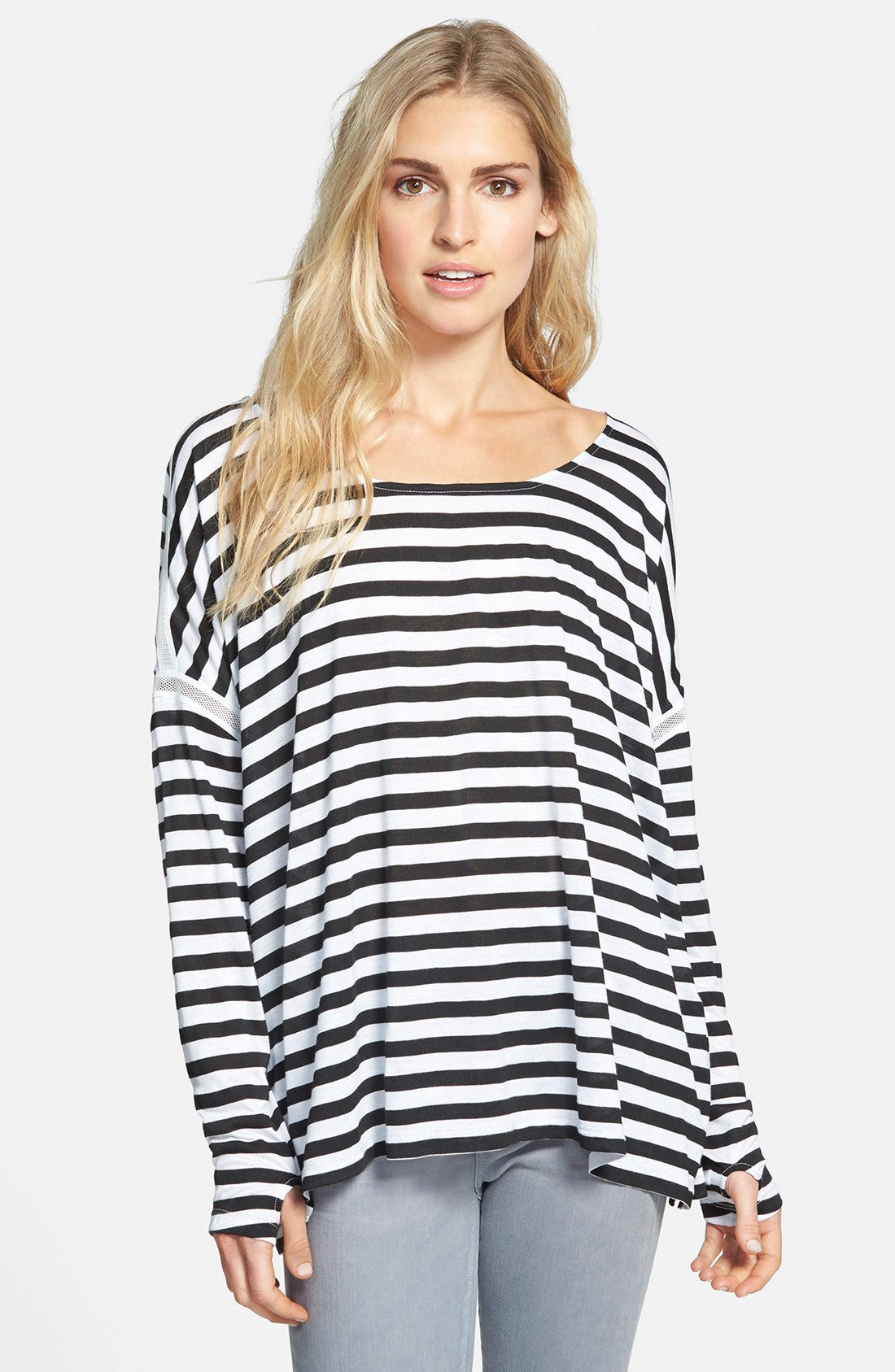
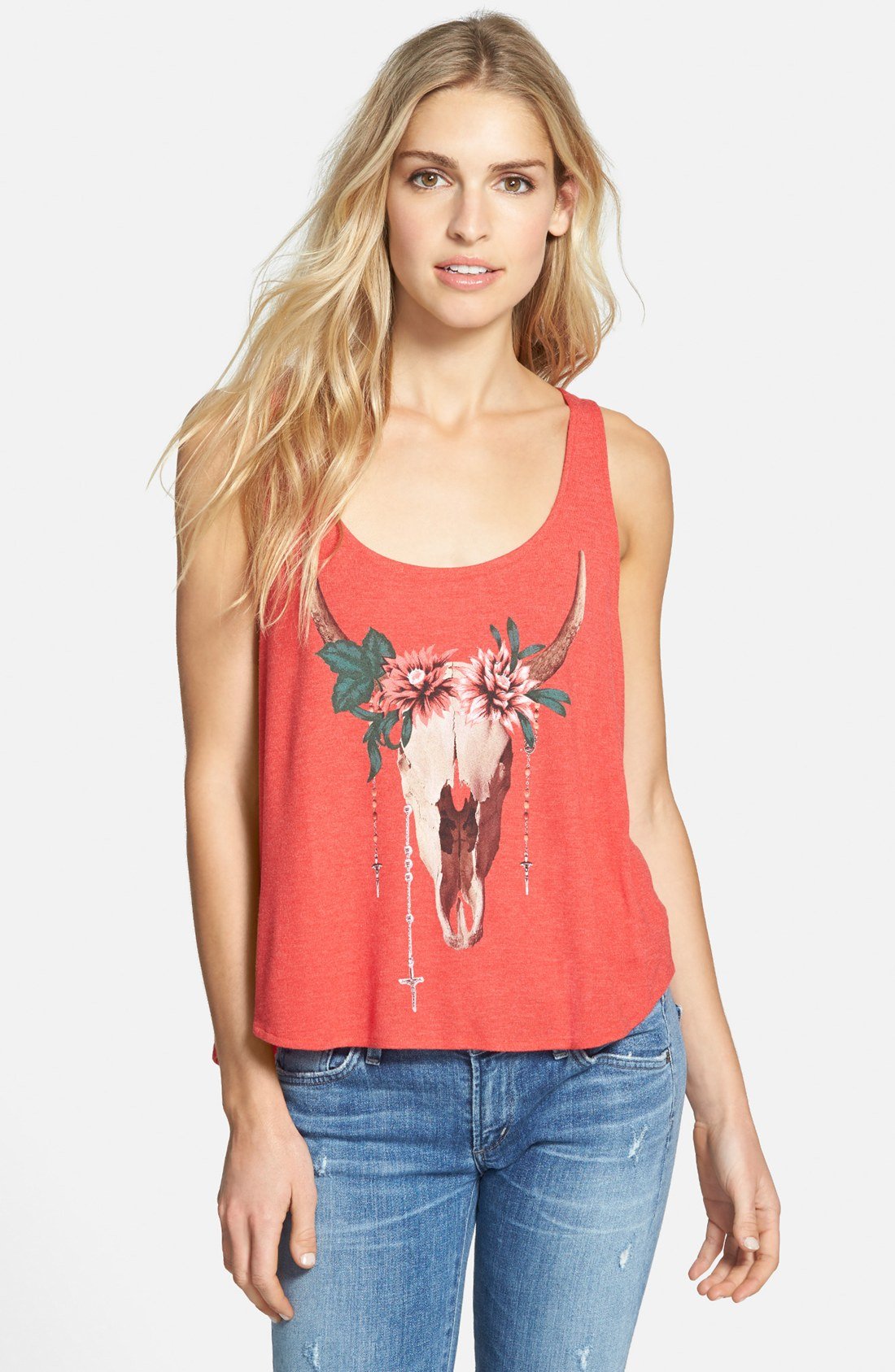
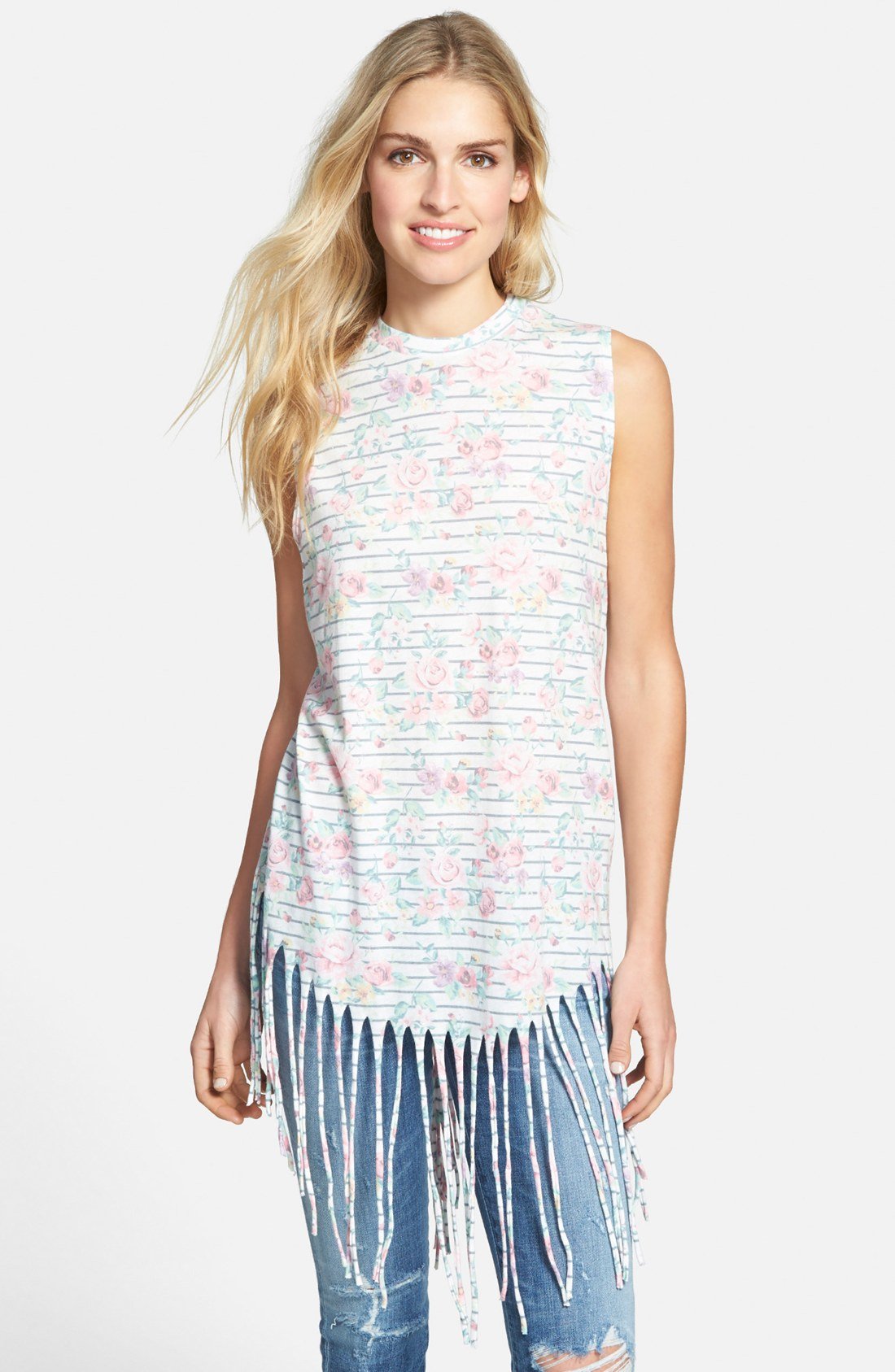



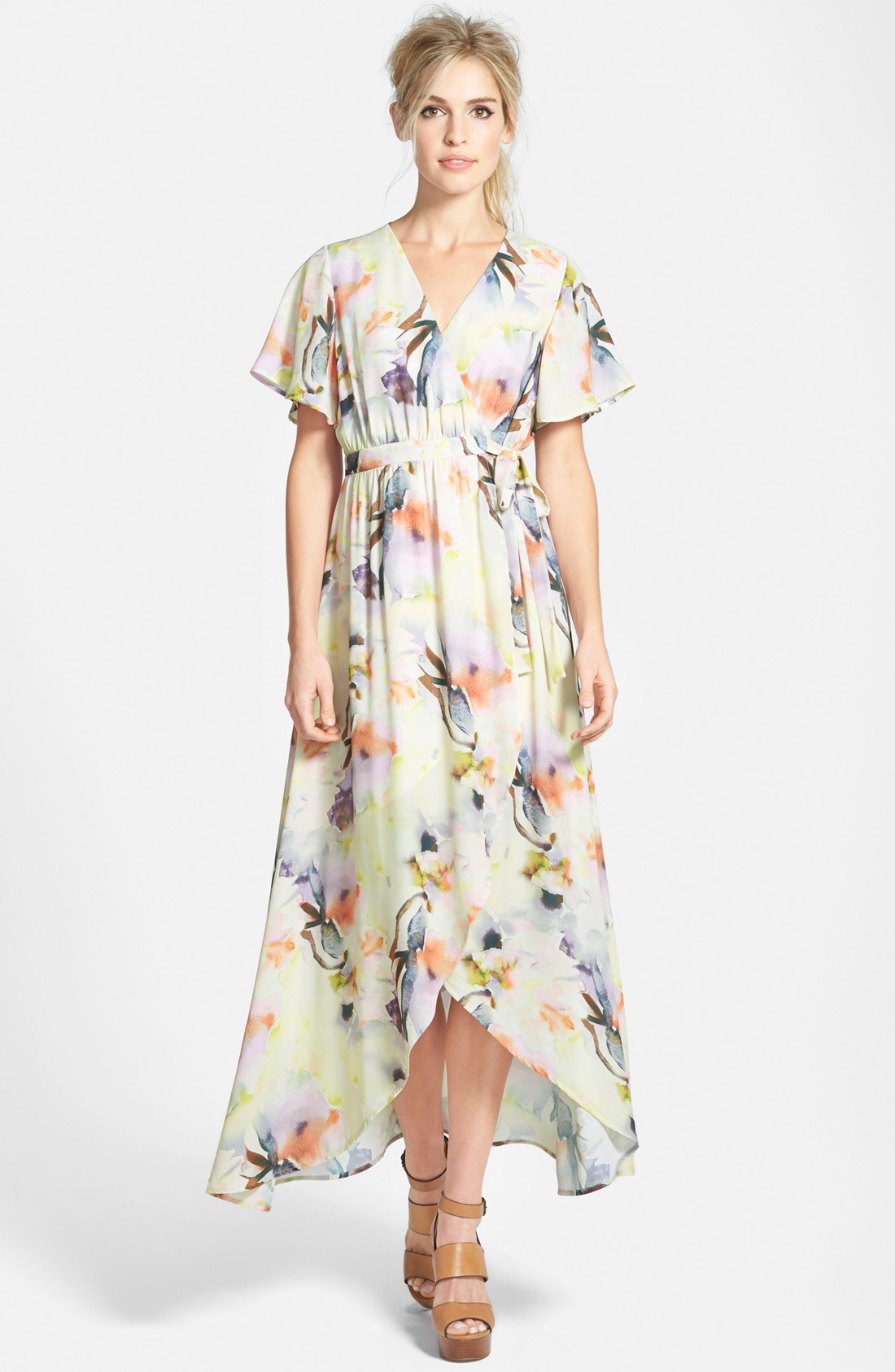
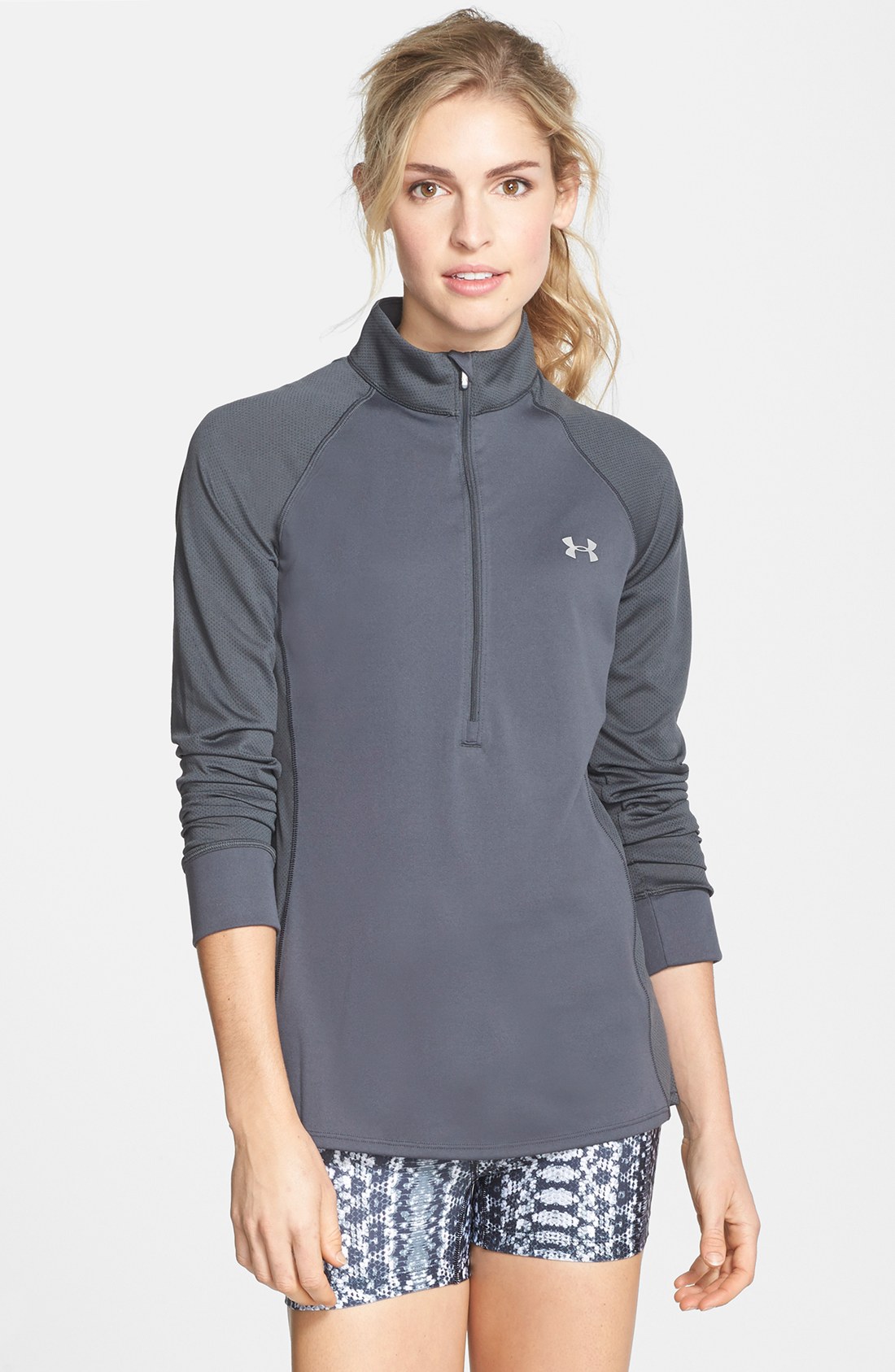
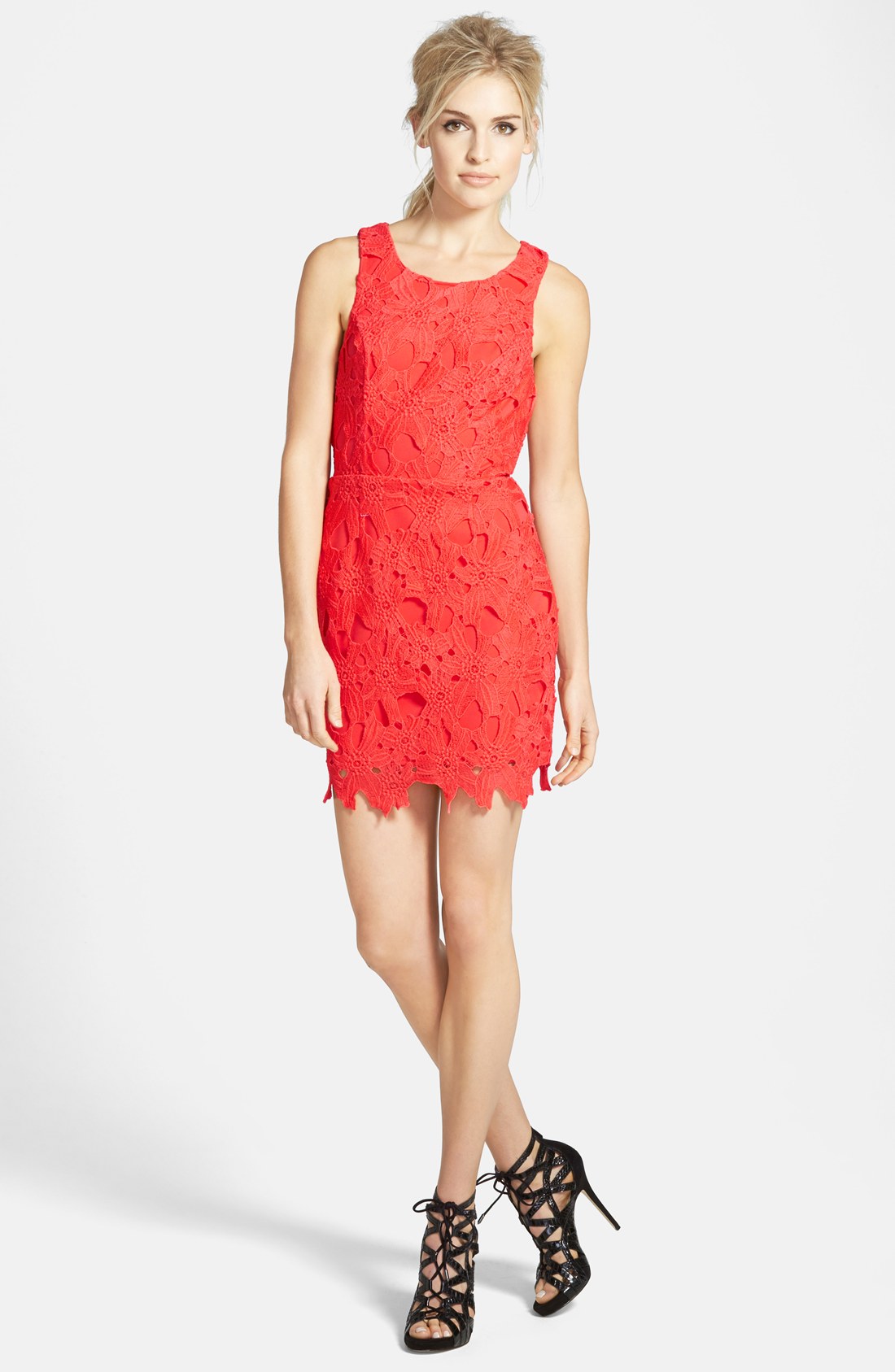
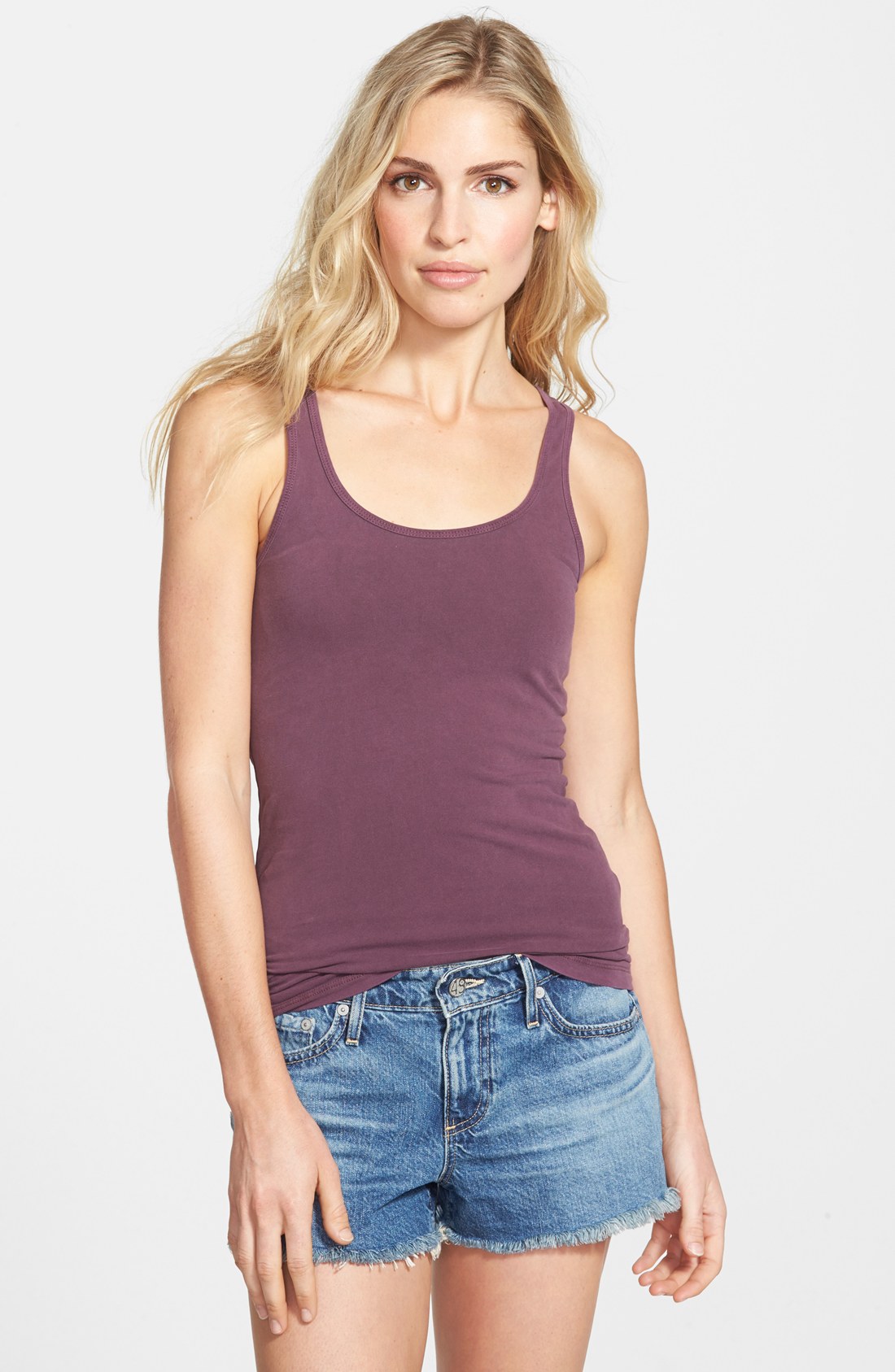






















Account
Navigation
Search
Configure browser push notifications
Chrome (Android)
- Tap the lock icon next to the address bar.
- Tap Permissions → Notifications.
- Adjust your preference.
Chrome (Desktop)
- Click the padlock icon in the address bar.
- Select Site settings.
- Find Notifications and adjust your preference.
Safari (iOS 16.4+)
- Ensure the site is installed via Add to Home Screen.
- Open Settings App → Notifications.
- Find your app name and adjust your preference.
Safari (macOS)
- Go to Safari → Preferences.
- Click the Websites tab.
- Select Notifications in the sidebar.
- Find this website and adjust your preference.
Edge (Android)
- Tap the lock icon next to the address bar.
- Tap Permissions.
- Find Notifications and adjust your preference.
Edge (Desktop)
- Click the padlock icon in the address bar.
- Click Permissions for this site.
- Find Notifications and adjust your preference.
Firefox (Android)
- Go to Settings → Site permissions.
- Tap Notifications.
- Find this site in the list and adjust your preference.
Firefox (Desktop)
- Open Firefox Settings.
- Search for Notifications.
- Find this site in the list and adjust your preference.