# brunette
-
- 310 comments
- 93,266 views
-
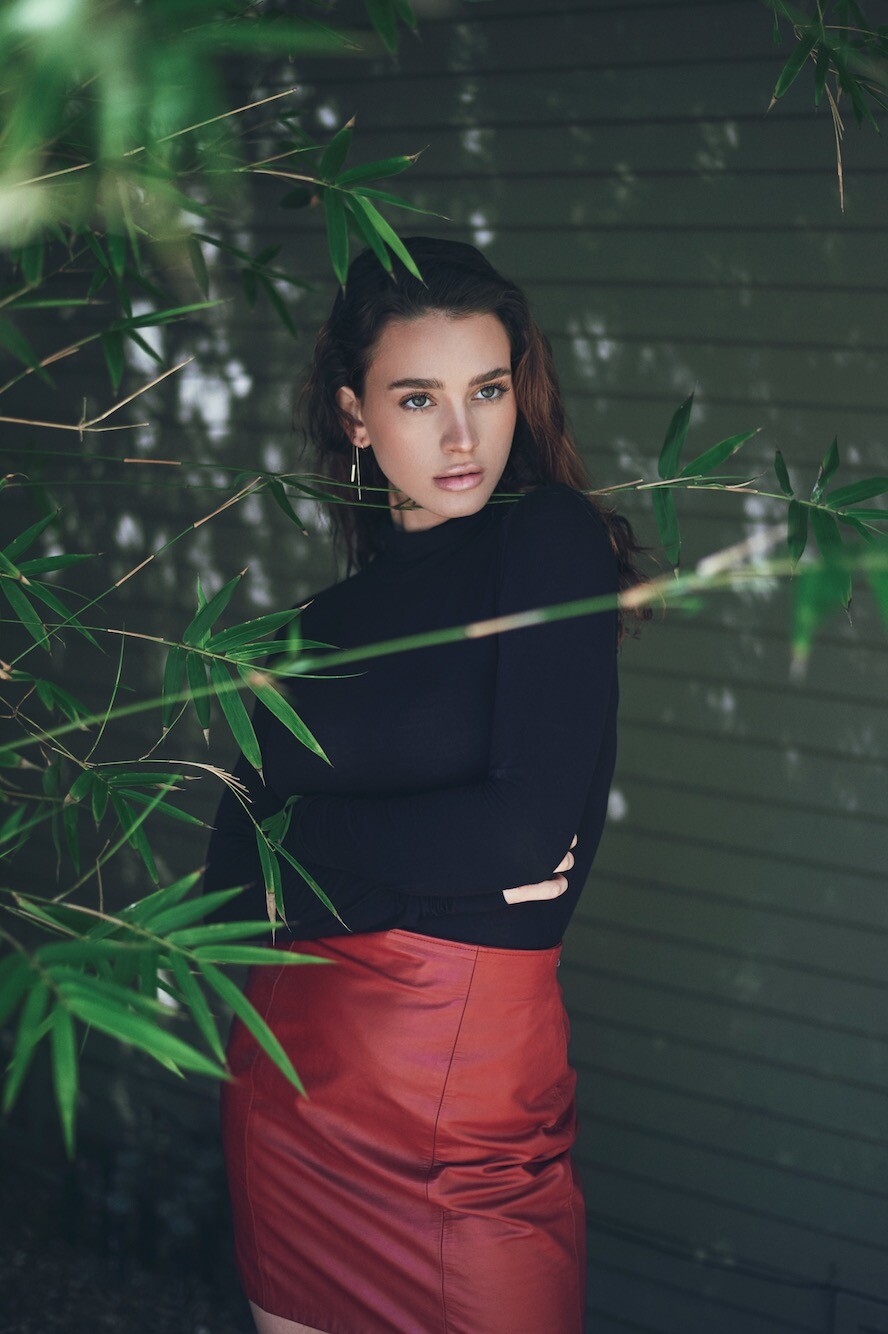
- brown eyes
- brunette
- model
- spanish
-
Tagged with:
- 546 comments
- 405,346 views
-
- 24 comments
- 2,696 views
-
- 72 comments
- 19,074 views
-
- 2 comments
- 94 views
-
- 17 comments
- 2,681 views
-
- 8 comments
- 1,146 views
-
- 24 comments
- 3,573 views
-
- 26 comments
- 2,672 views
-
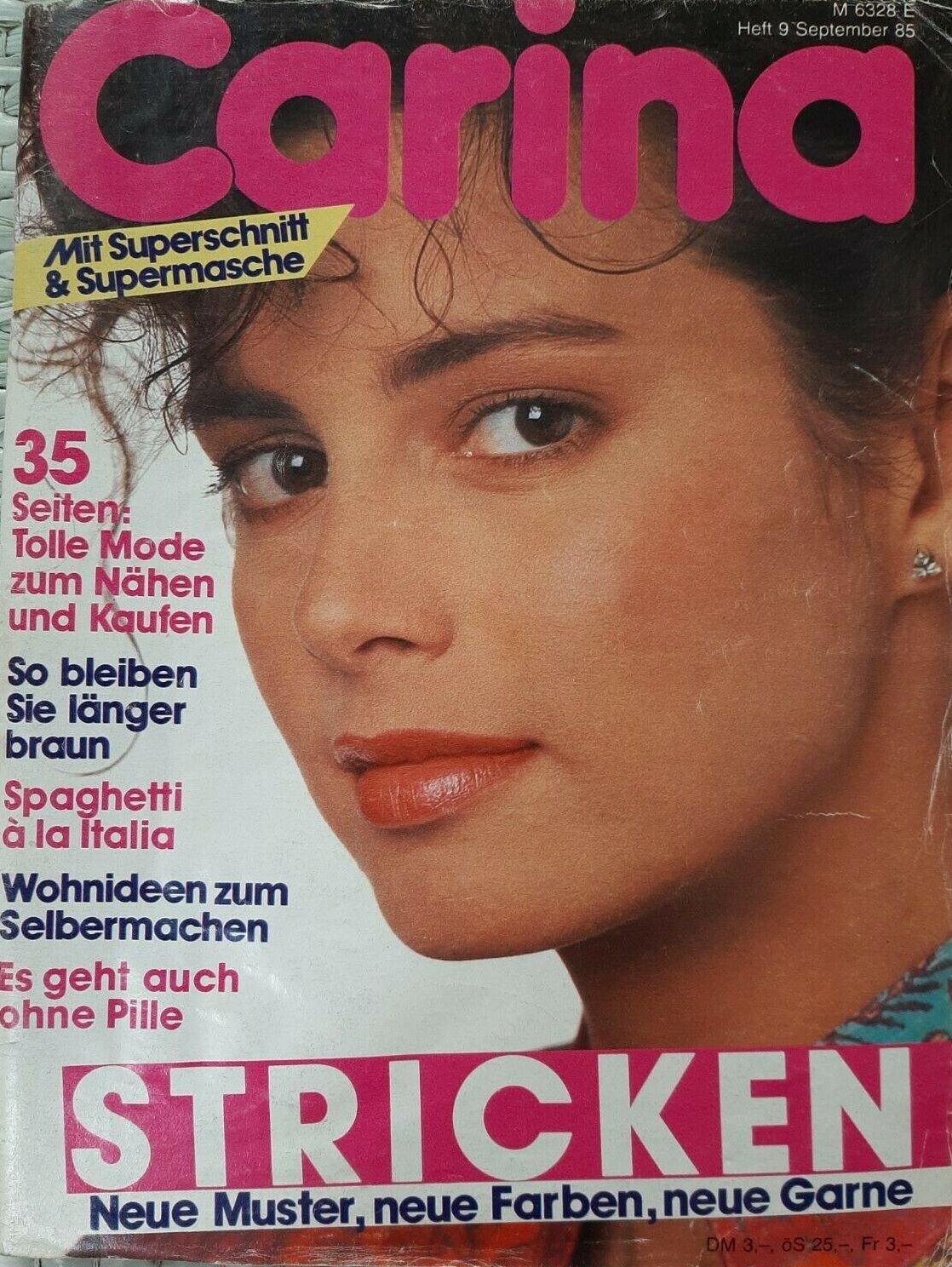
- 80s model
- 90smodel
- brunette
- brown eyed
-
Tagged with:
- 17 comments
- 1,706 views
-
- 10 comments
- 3,462 views
-
- #model id
- brunette
- blue-green eyes
- curves
-
Tagged with:
- 4 comments
- 241 views
-
- 15 comments
- 1,360 views
-
- 10 comments
- 1,212 views
-
- 30 comments
- 13,991 views
-
- 34 comments
- 18,473 views
-
- 47 comments
- 6,833 views