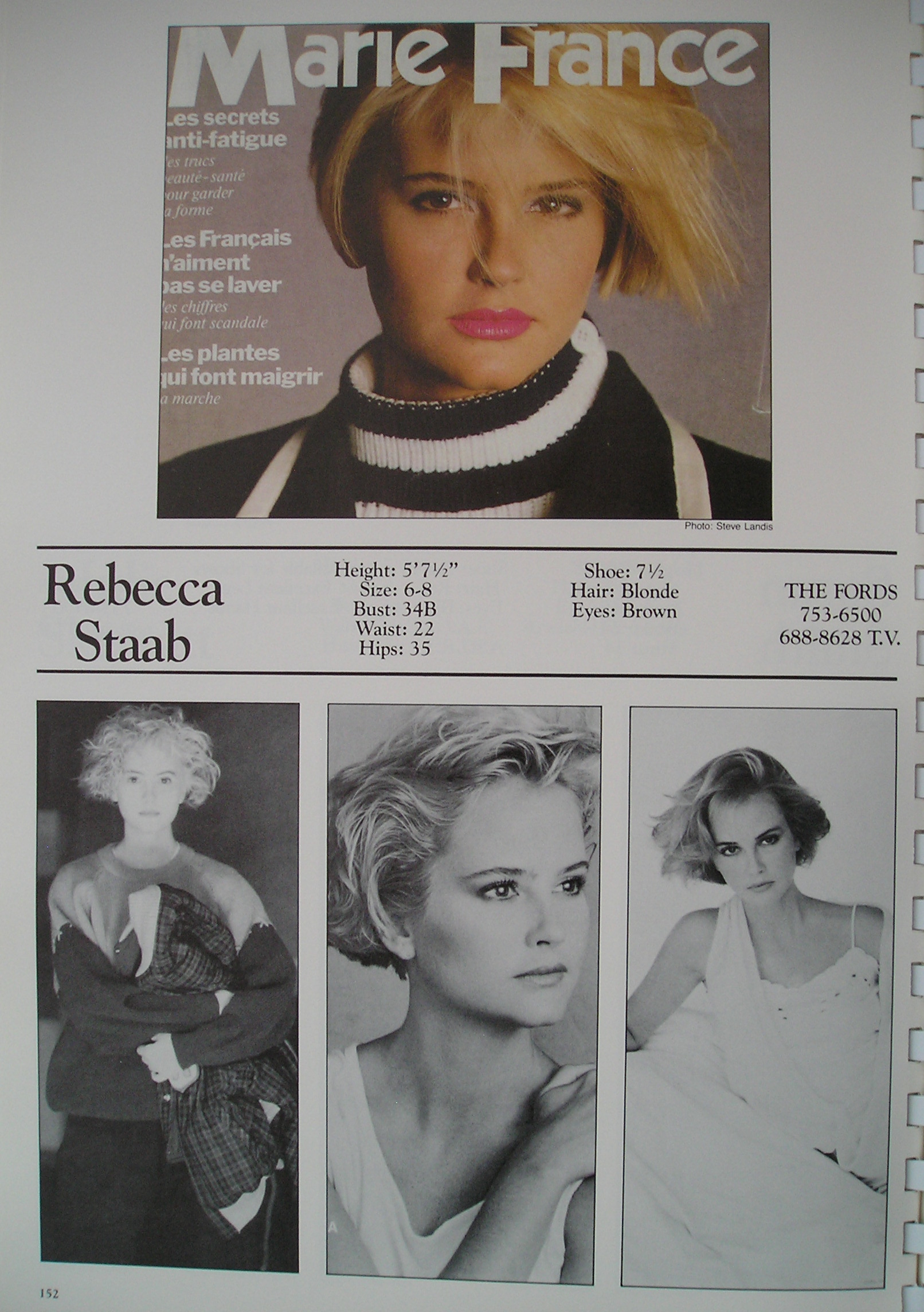
# brown eyed
-
- 80s model
- 90smodel
- brunette
- brown eyed
-
Tagged with:
- 17 comments
- 1,684 views
-
- 21 comments
- 2,252 views
-
- 21 comments
- 2,057 views
-
- 13 comments
- 1,499 views
-
- 5 comments
- 322 views
-
- 10 comments
- 1,645 views
-
- 9 comments
- 1,220 views
-
- 4 comments
- 1,181 views
-
- 8 comments
- 1,054 views
-
- zalando id
- dorina
- model id
- brunette
-
Tagged with:
- 1 comment
- 867 views