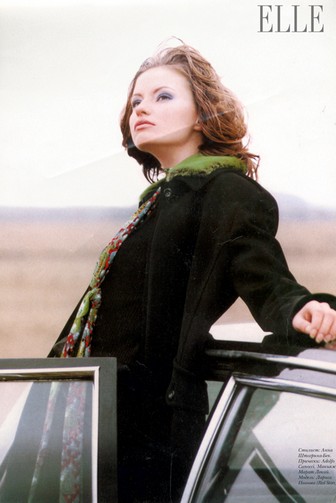
# elle
-
- 69 comments
- 12,360 views
-
- 123 comments
- 21,203 views
-
- 136 comments
- 36,754 views
-
- 2000s
- 2000s model
- czech
- blonde
-
Tagged with:
- 19 comments
- 8,746 views
-
- 70 comments
- 18,703 views
-
- 39 comments
- 14,277 views
-
- 78 comments
- 22,870 views
-
- 71 comments
- 22,199 views
-
- 10 comments
- 3,711 views
-
- 90s
- 2000s
- 90s model
- editorial model
-
Tagged with:
- 23 comments
- 5,363 views
-
- 6 comments
- 2,450 views
-
- 90s
- russia
- editorial model
- elle
-
Tagged with:
- 33 comments
- 9,395 views
-
- 6 comments
- 2,431 views
-
- 103 comments
- 21,978 views
-
- black beauty
- 2000s
- cosmopolitan
- elle
-
Tagged with:
- 2 comments
- 250 views