All Activity
- Past hour
-
 • Rachell Vallori #1 • Erin Michelle Cummins #3 • Summer Hart #2 • Ryann Murphy #2 • Christiana Robinson #1 • Laura Margesin #2 • Caroline Kelley #1 • Alysha Bandy #2 • Mariana Nunes #1
 -
 Web finds:

-
MARIE CLAIRE JP, 1987 - PH. UNK - @BlueAcadia SCANS
.jpg.c00615fddaf0b448e388c2a3c0f219d4.thumb.jpg.8285ce04fb468bde2c5f94b3d438136d.jpg)
.thumb.jpg.ac7a3f884dcc6076d1dc41b449e54ac7.jpg.af19c4e30c28450bb8f01cd9407a3ecb.jpg)
-
NEUE MODE CZ, May 1992 - PH. UNK - WEB FIND

-
BEAUTE FR, Jul 1994 - PH. UNK - JOURNAUX COLLECTION

-
 We finally know. Thank you so much.
-
Avon 1995 - PH. UNK - POSTED BY @warrenista
.thumb.jpeg.f594d3a034c07affa25106b6ef020e17.jpeg)
-
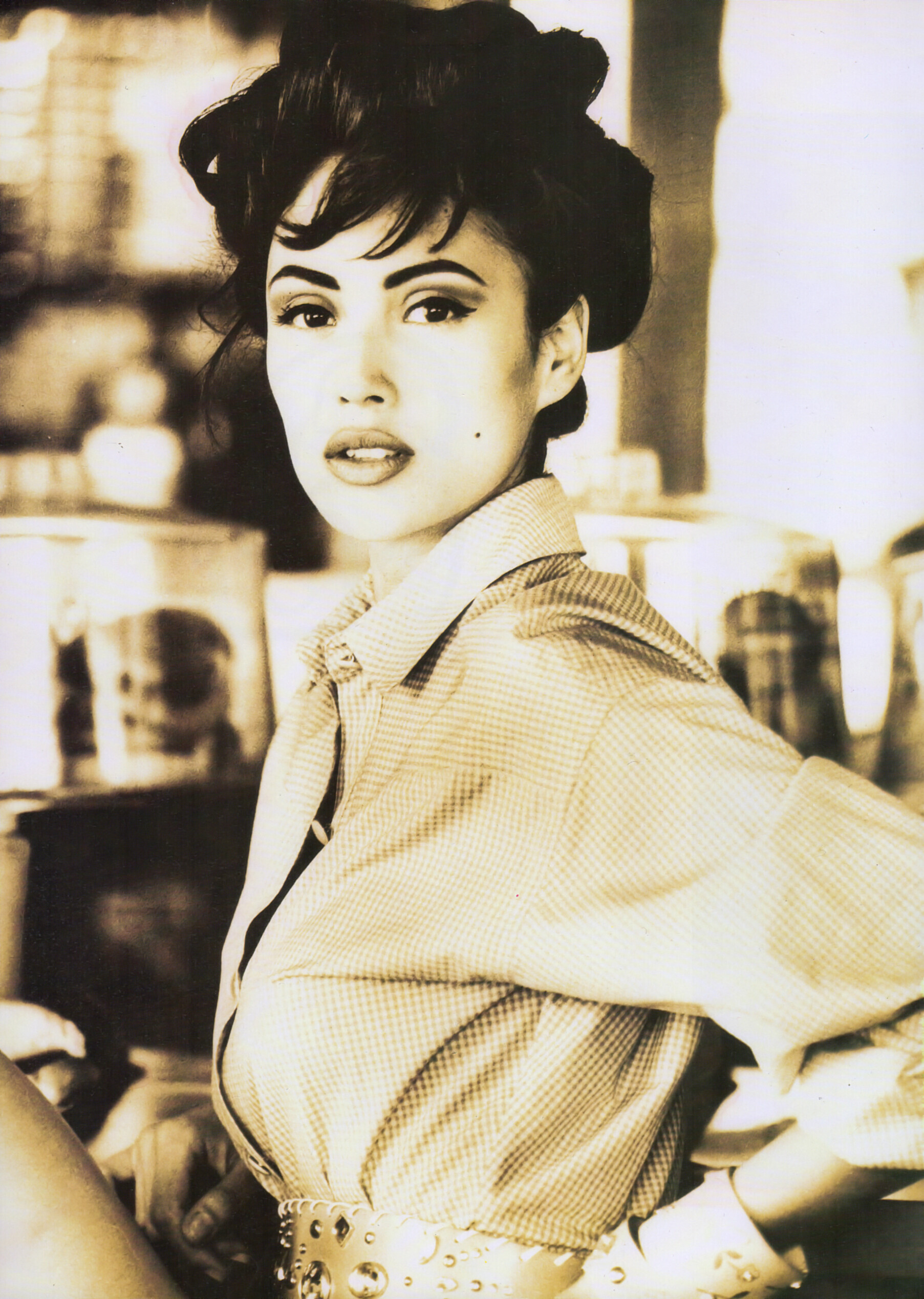
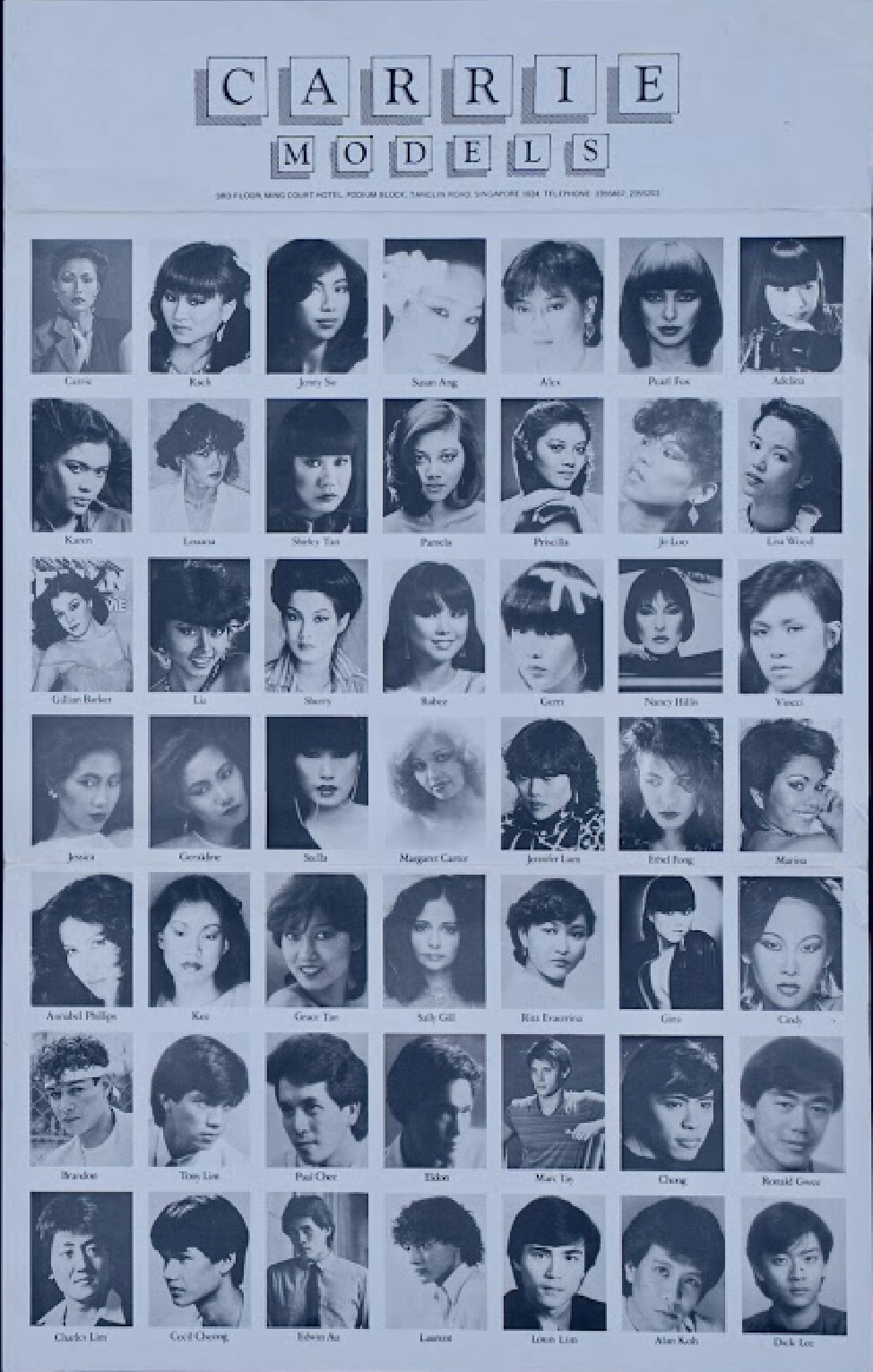
Zoli 1991 - PH. UNK - @missparker7 SCAN

-
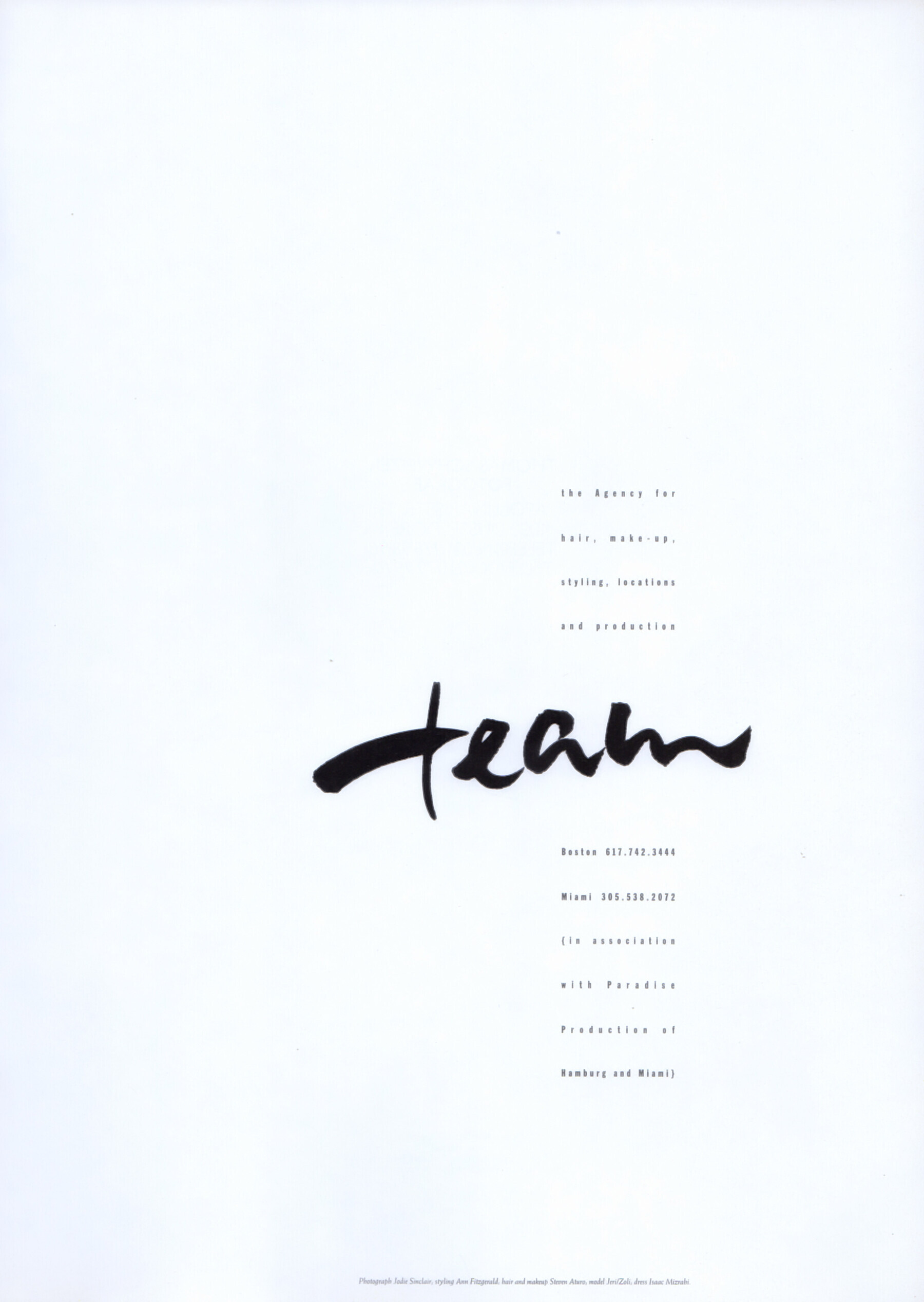
Team 1992 - PH. UNK - @missparker7 SCANS


-
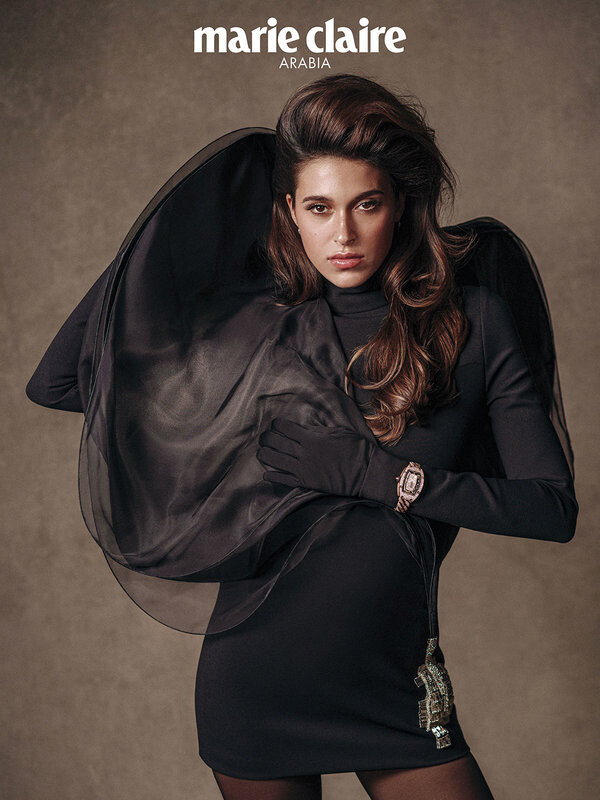
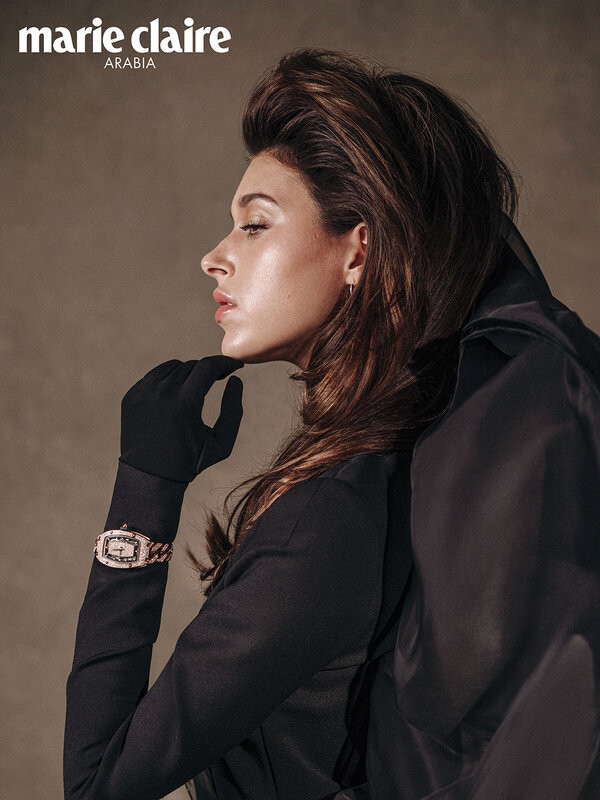
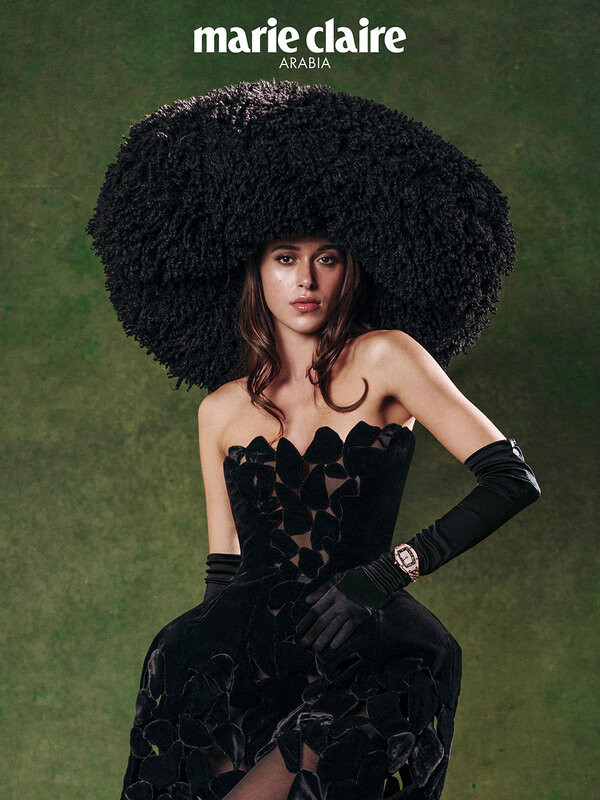
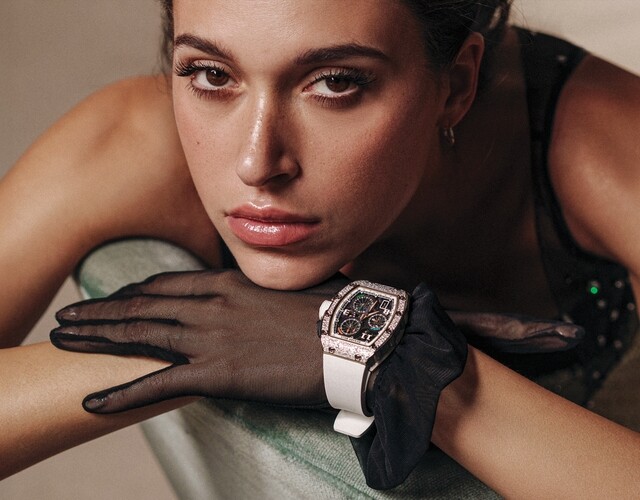
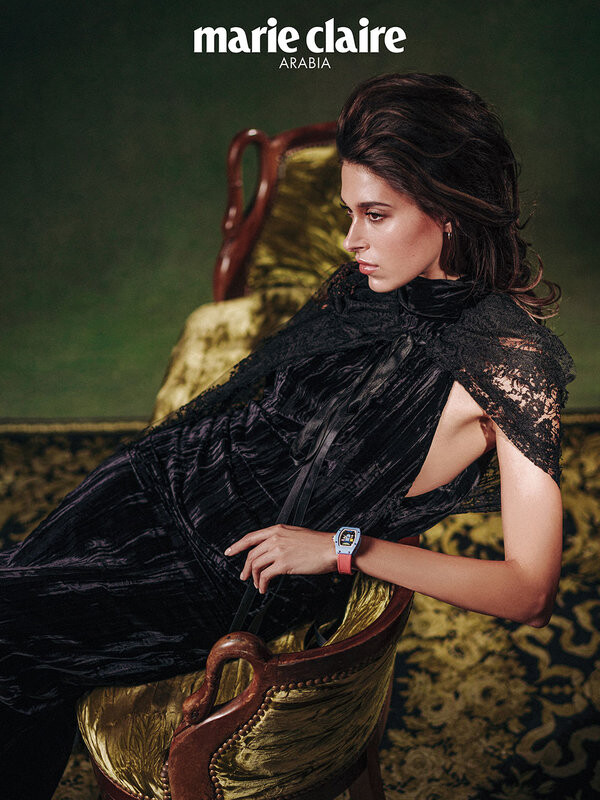
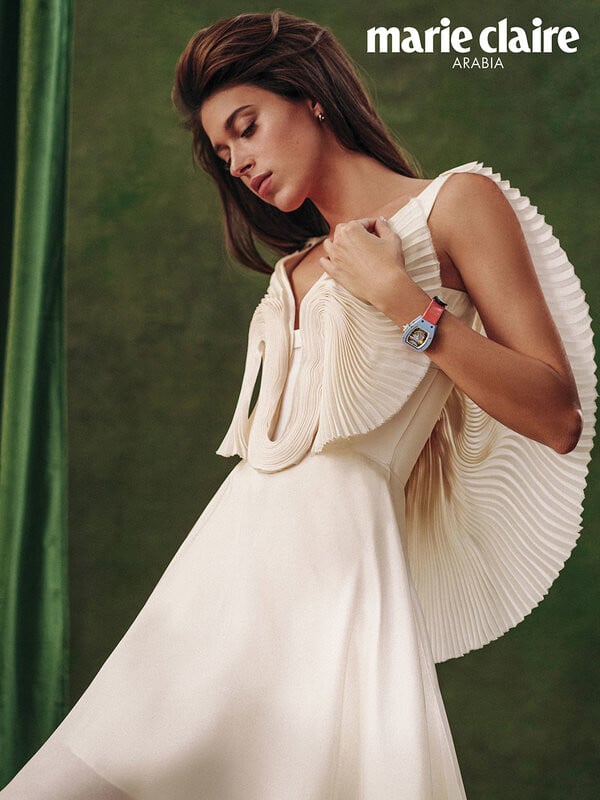
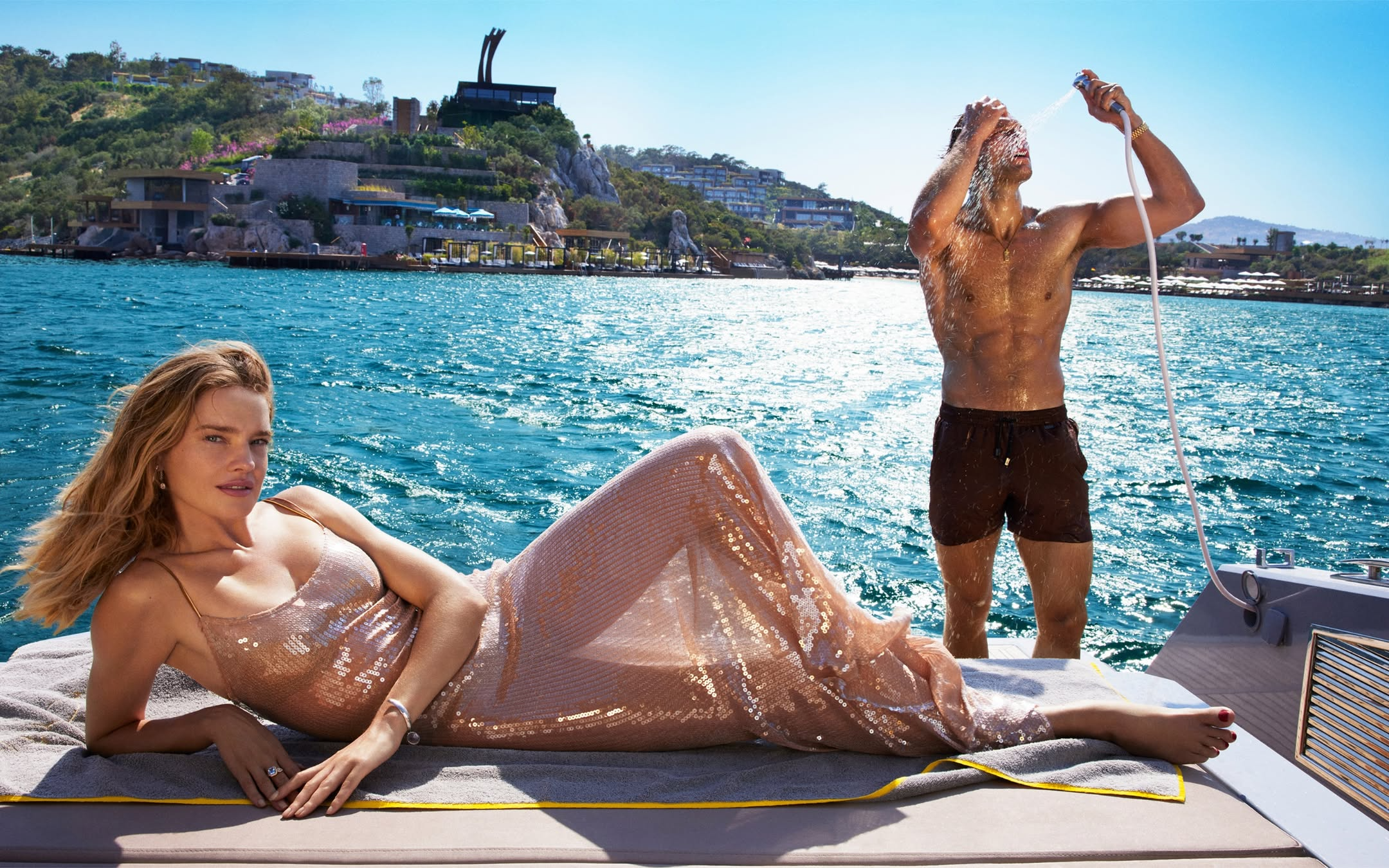
 Marie Claire Arabia The reign of her seconds editorial (2025) Photos by @ryantandya













-
Much needed thread! Thanks

-
Geri Gongora is an 80s/90s model, represented by Ford Models and Zoli. Height: 1.78 Bust: 86 Waist: 61 Hips: 89 Shoes: 39 Hair: Brown Eyes: Brown

-
It's not too difficult to try not to confuse the members' nicknames.
-
Awesome job, my friend! I believe you've nailed it this time! Another mystery solved, thank you guys so much! I'll start a thread in a sec.
-
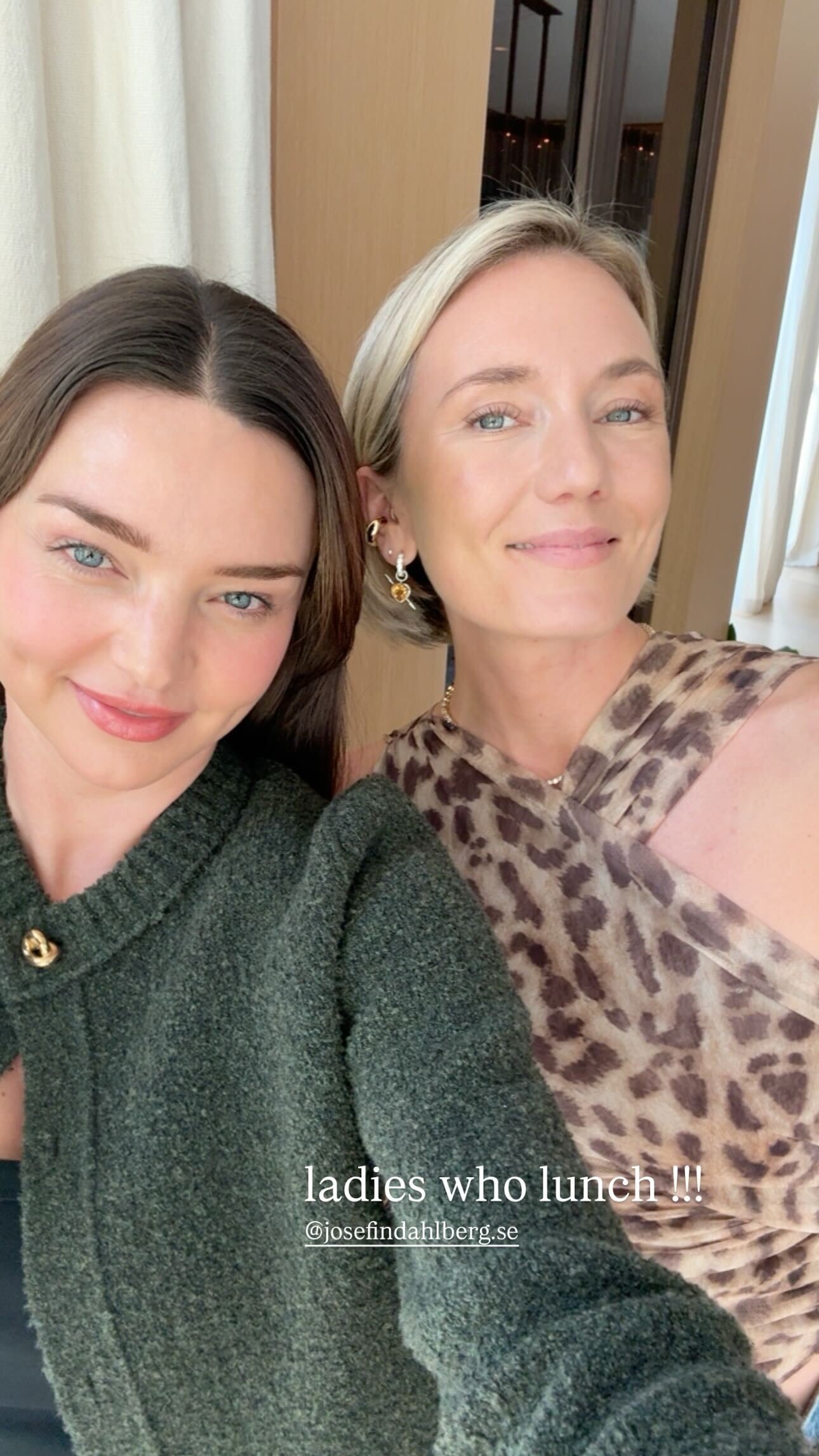
 insta story
-


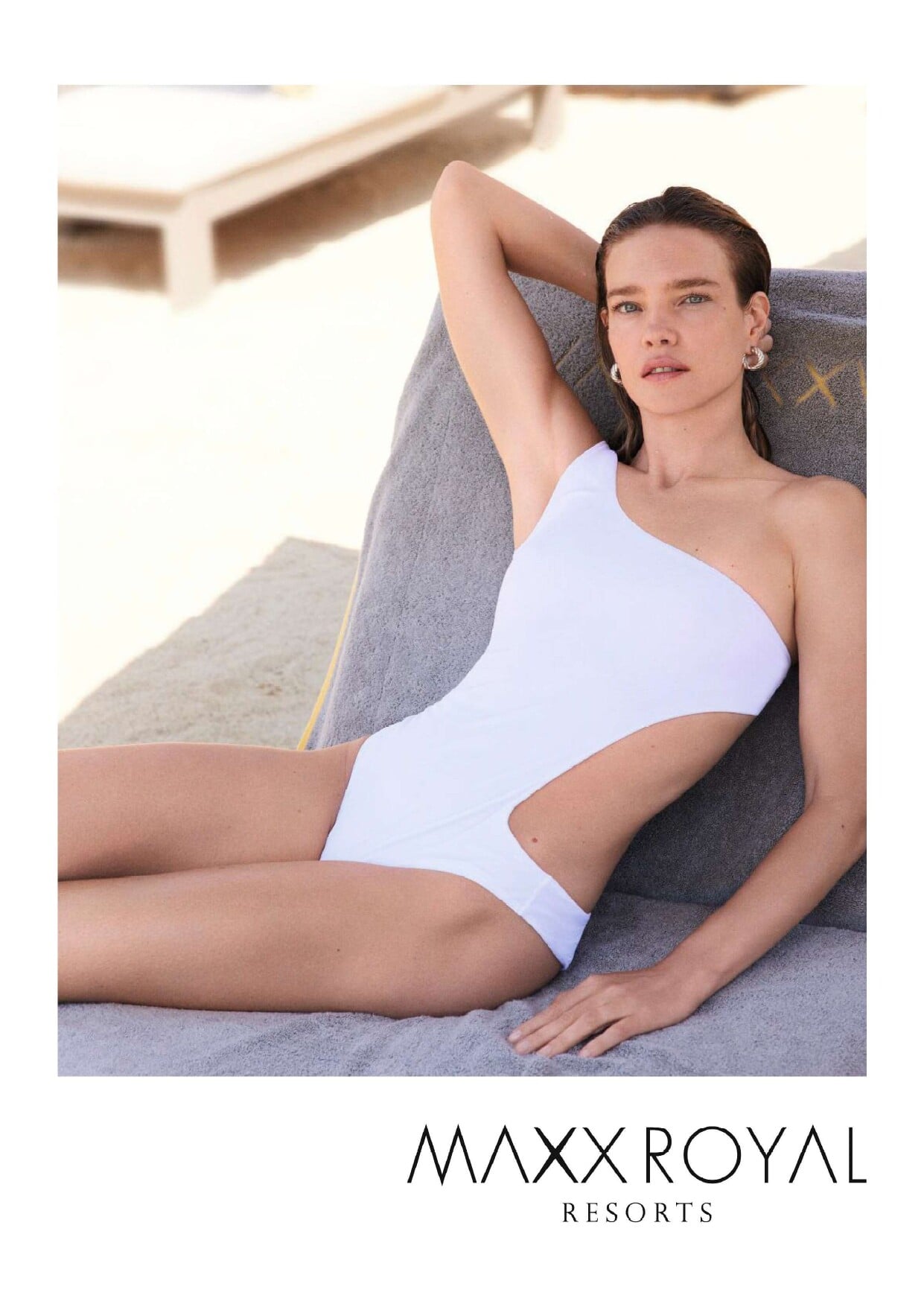
 Maxx Royal Resort 25 mbo_15secl (1080p).mp4
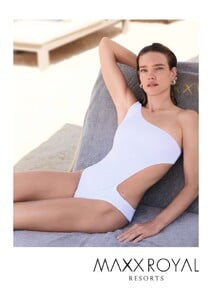

 • Rachell Vallori • Summer Hart • Erin Michelle Cummins • Christiana Robinson • Ryann Murphy • Laura Margesin • Caroline Kelley • Alysha Bandy • Mariana Nunes
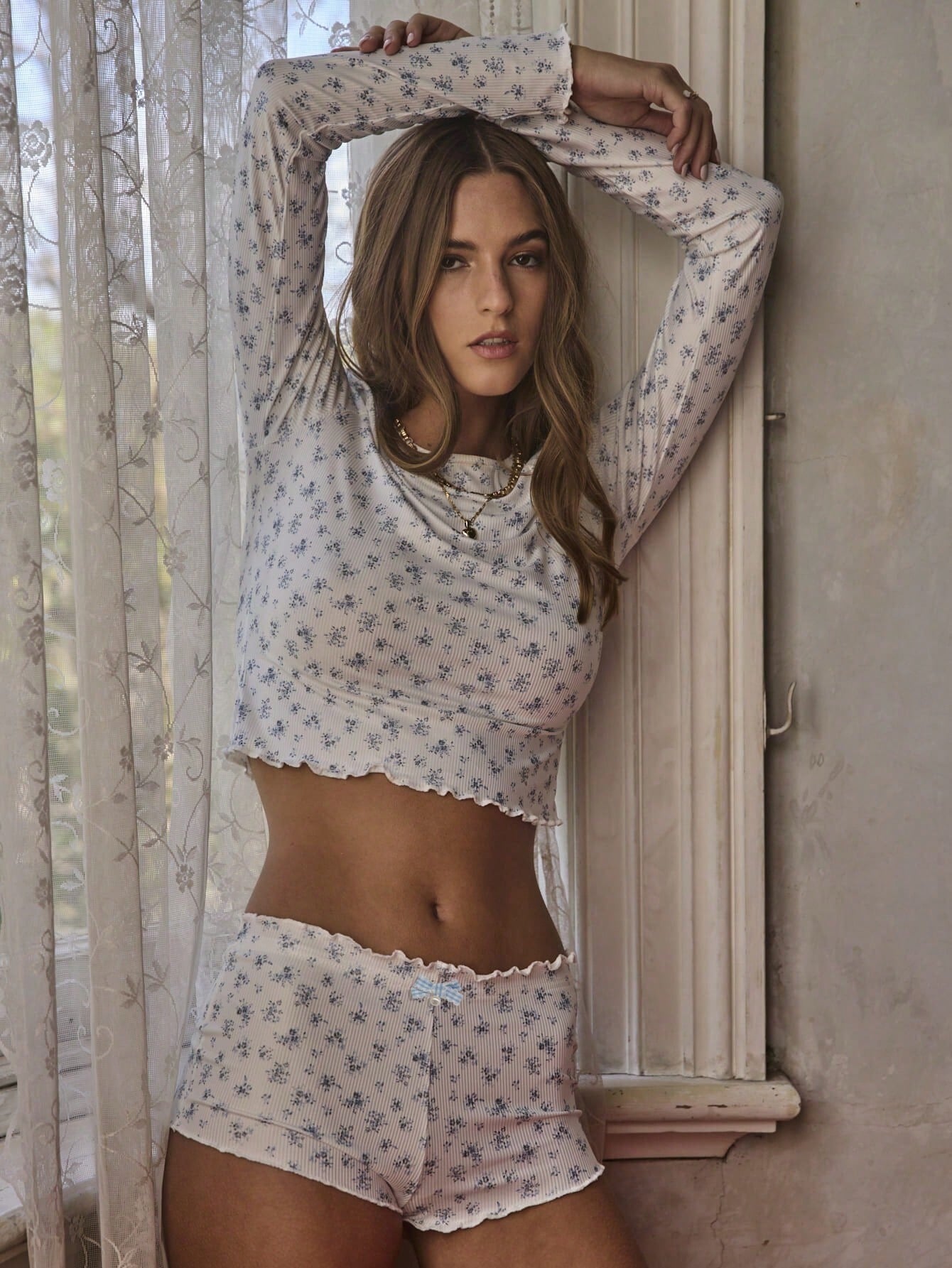
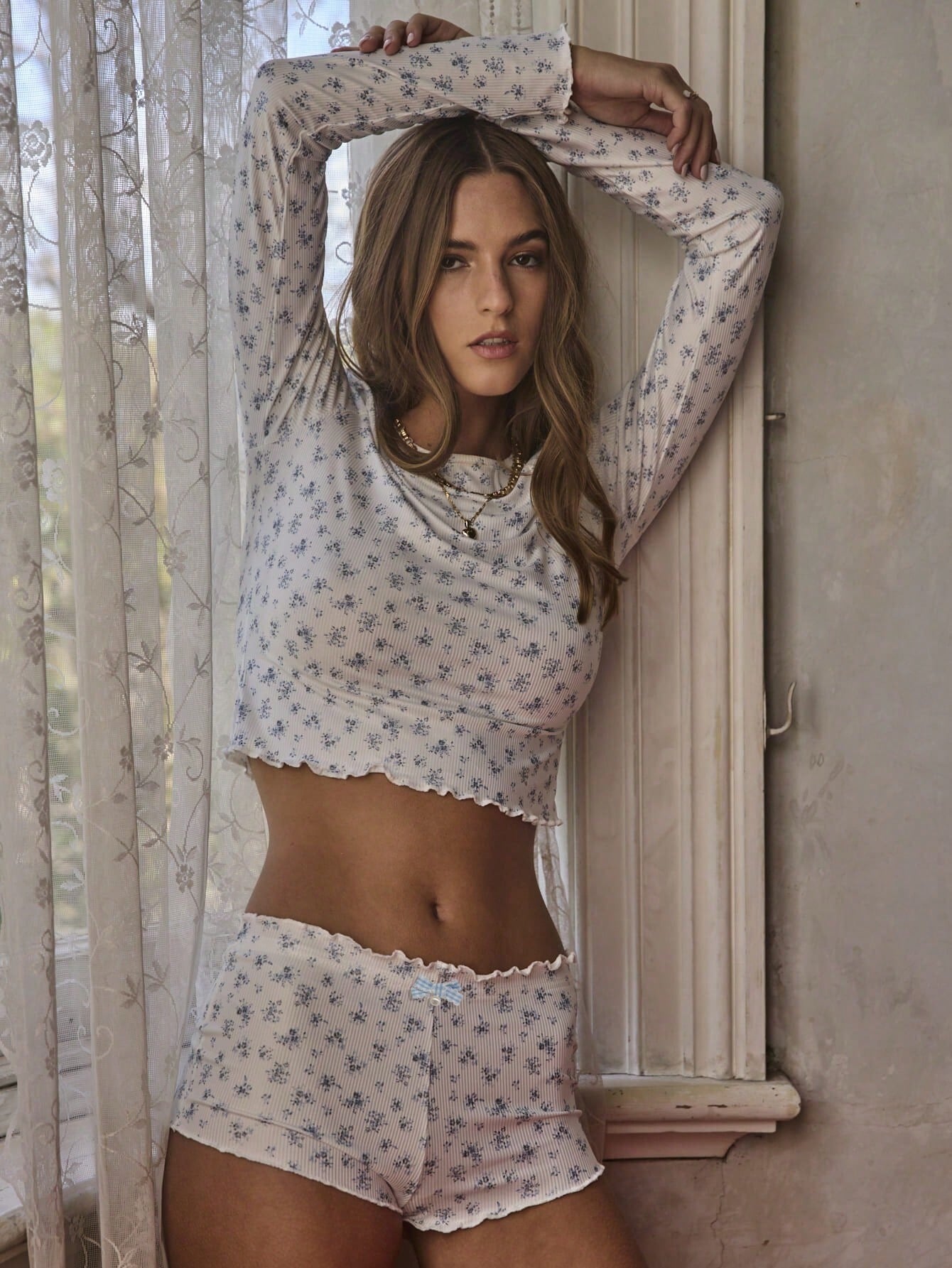
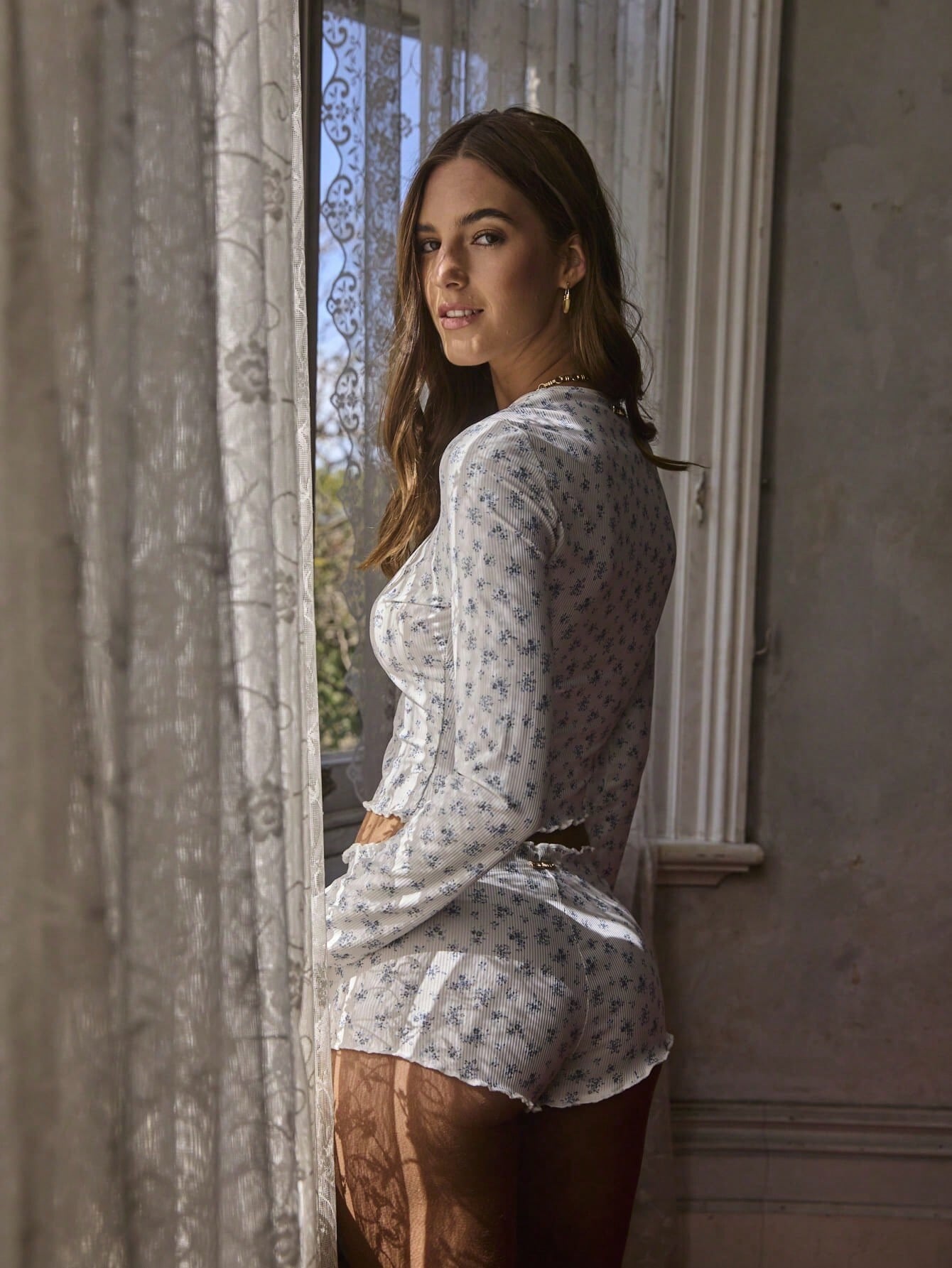
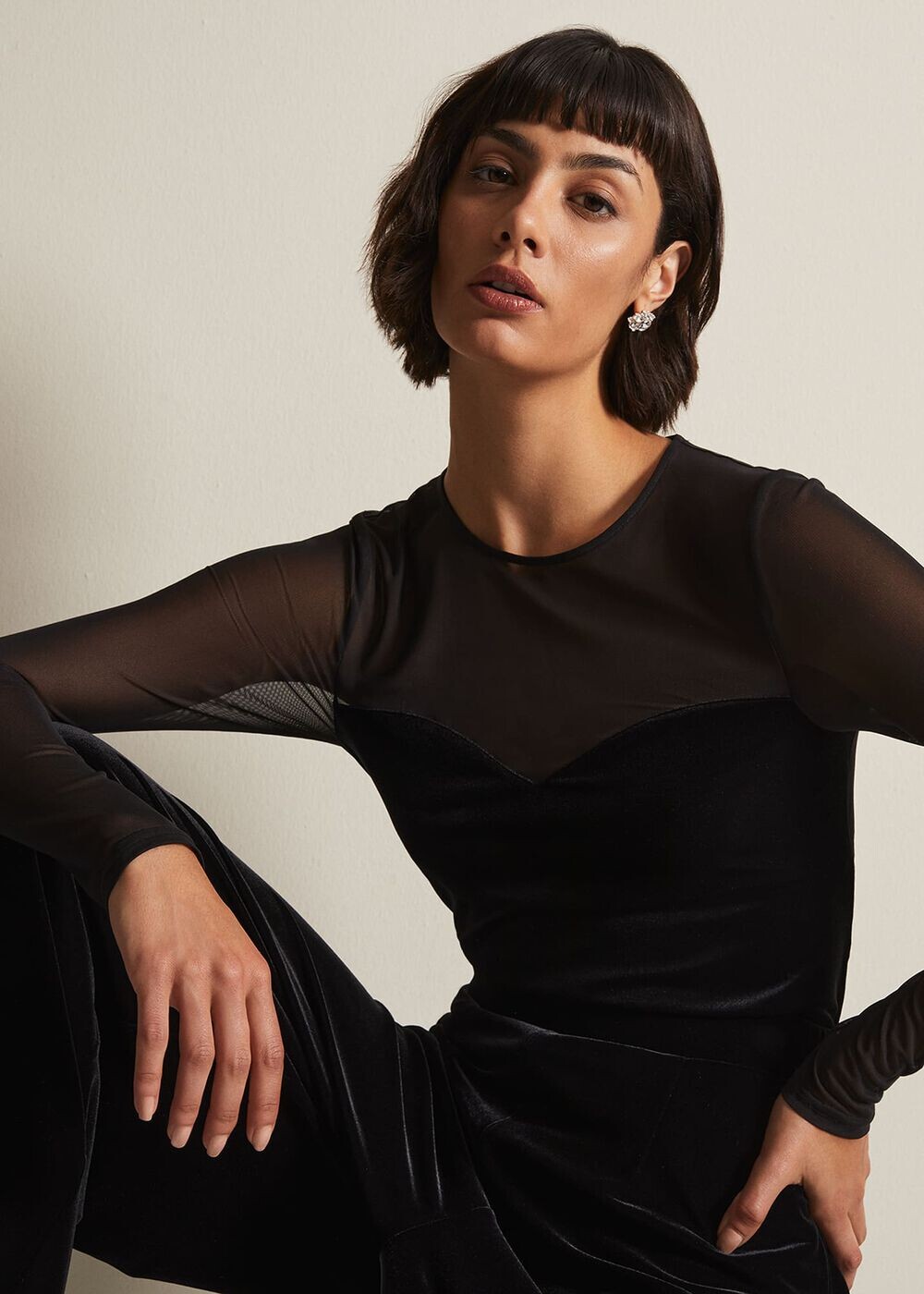
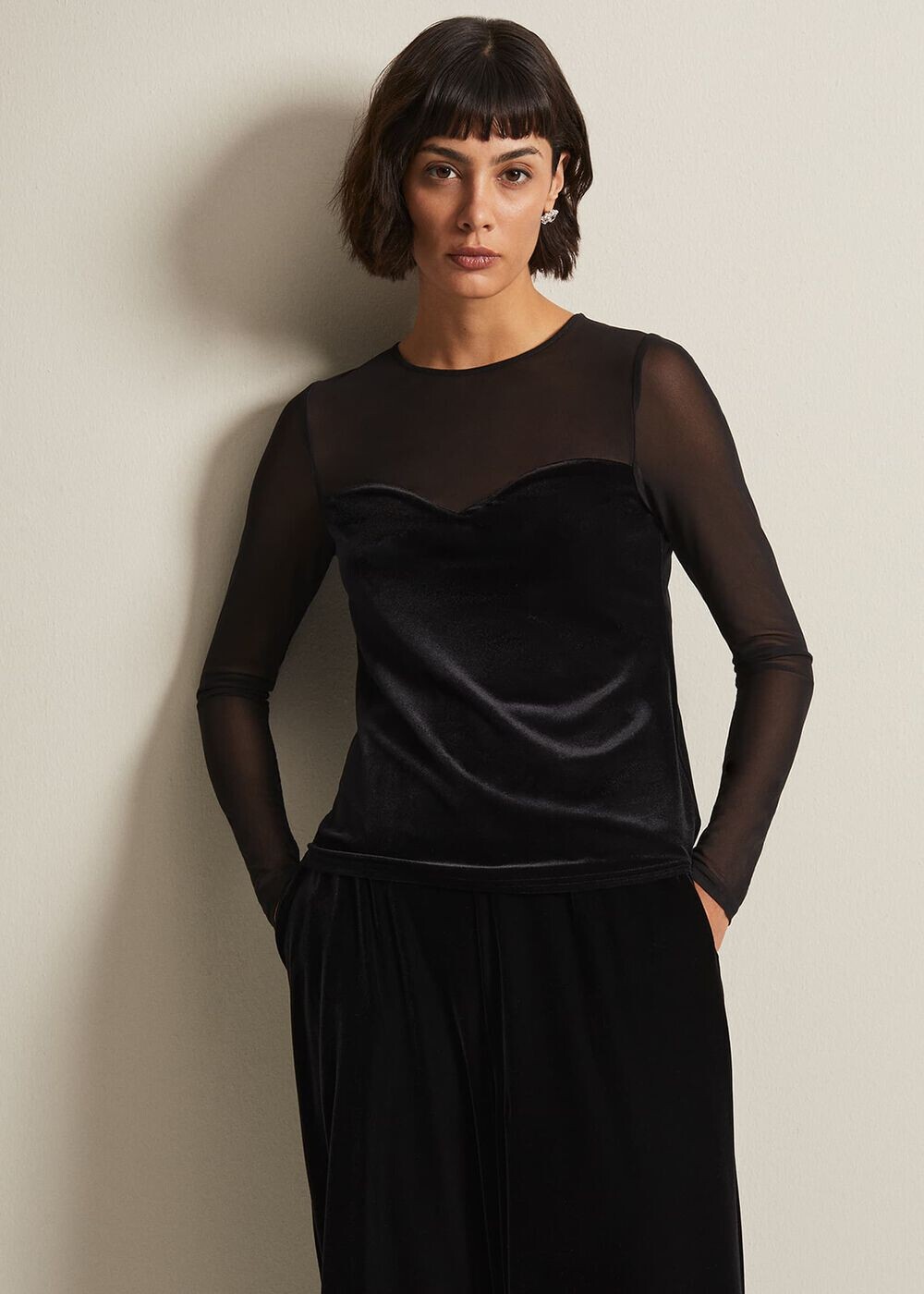
 Enya Bamberger, IG is private https://www.pars-management.com/mainboard/all/2189031/enya https://www.truemodelsistanbul.com/model/enya-bamberger/


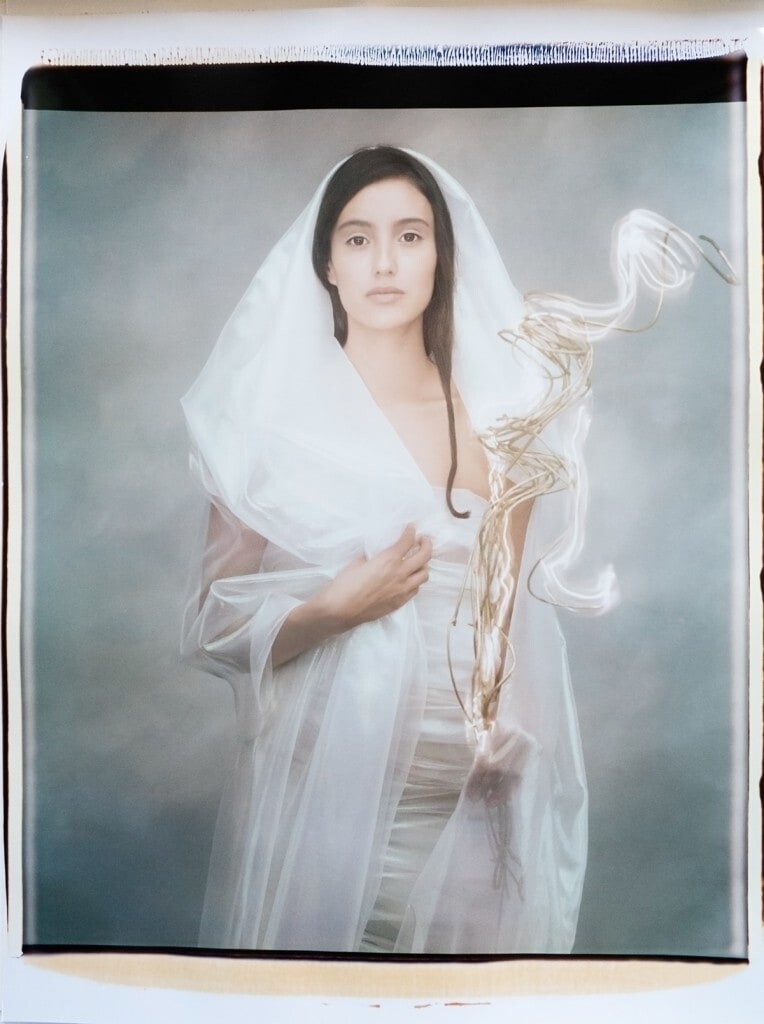

.jpg.c00615fddaf0b448e388c2a3c0f219d4.jpg.dfed3bd4d3596652be1a9138e8523dae.jpg)


.jpeg.30b2fe9f4048619417f211c8d3637464.jpeg)

















Account
Search
Configure browser push notifications
Chrome (Android)
- Tap the lock icon next to the address bar.
- Tap Permissions → Notifications.
- Adjust your preference.
Chrome (Desktop)
- Click the padlock icon in the address bar.
- Select Site settings.
- Find Notifications and adjust your preference.
Safari (iOS 16.4+)
- Ensure the site is installed via Add to Home Screen.
- Open Settings App → Notifications.
- Find your app name and adjust your preference.
Safari (macOS)
- Go to Safari → Preferences.
- Click the Websites tab.
- Select Notifications in the sidebar.
- Find this website and adjust your preference.
Edge (Android)
- Tap the lock icon next to the address bar.
- Tap Permissions.
- Find Notifications and adjust your preference.
Edge (Desktop)
- Click the padlock icon in the address bar.
- Click Permissions for this site.
- Find Notifications and adjust your preference.
Firefox (Android)
- Go to Settings → Site permissions.
- Tap Notifications.
- Find this site in the list and adjust your preference.
Firefox (Desktop)
- Open Firefox Settings.
- Search for Notifications.
- Find this site in the list and adjust your preference.