All Activity
- Past hour
-

-

-

-
-
 Random images from the web:
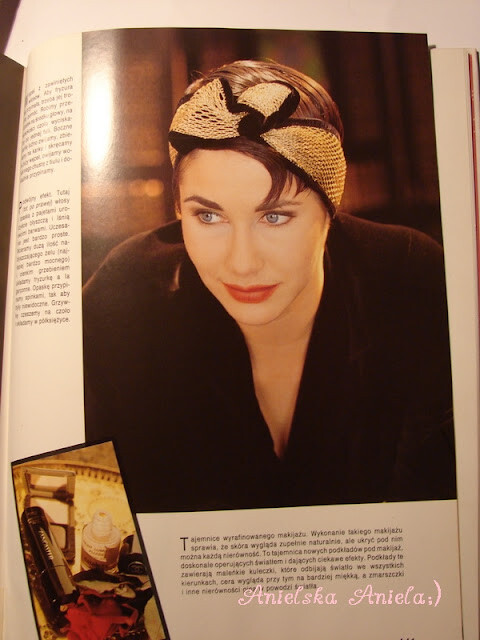
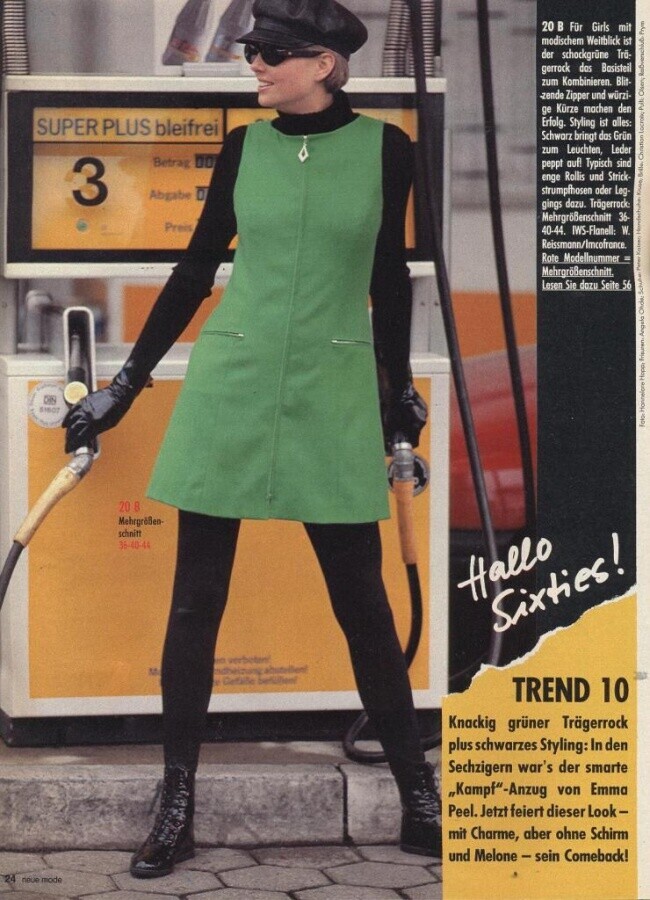
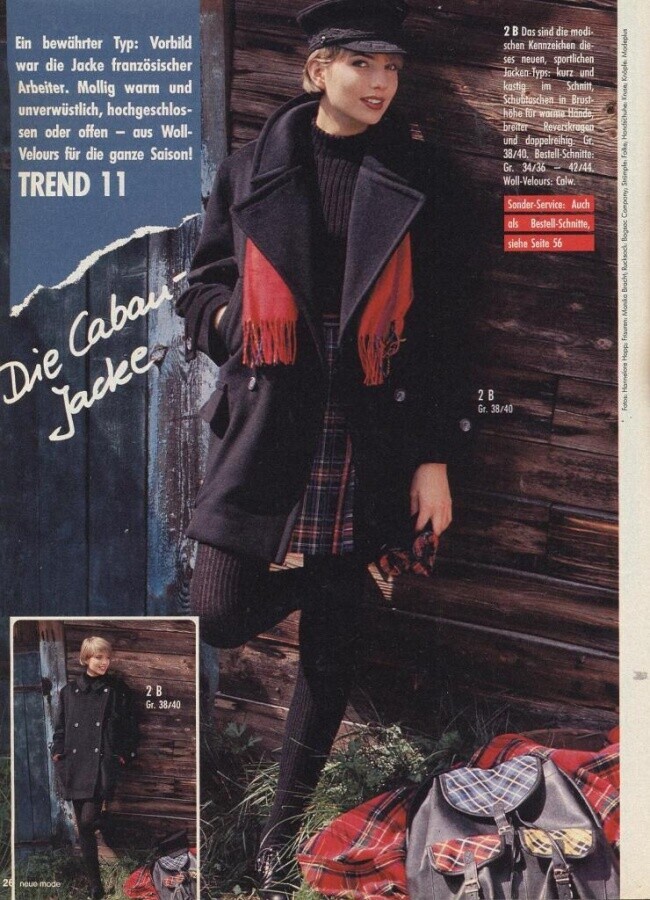
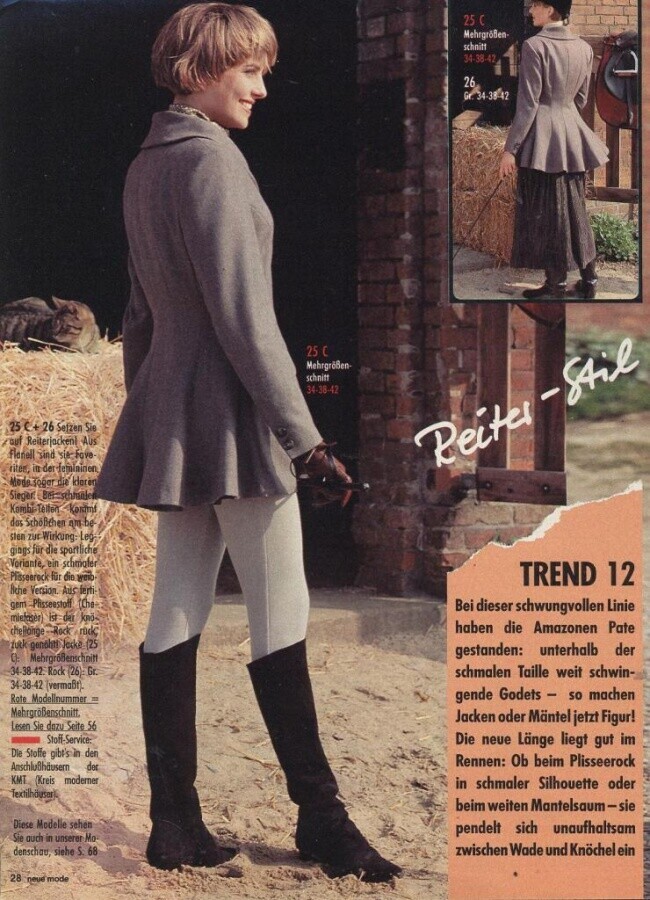
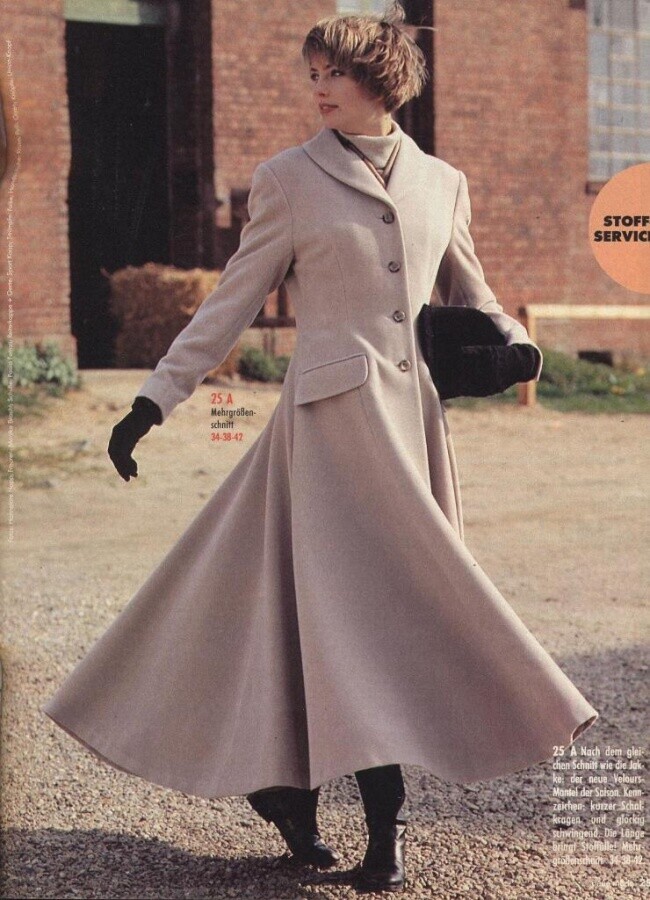
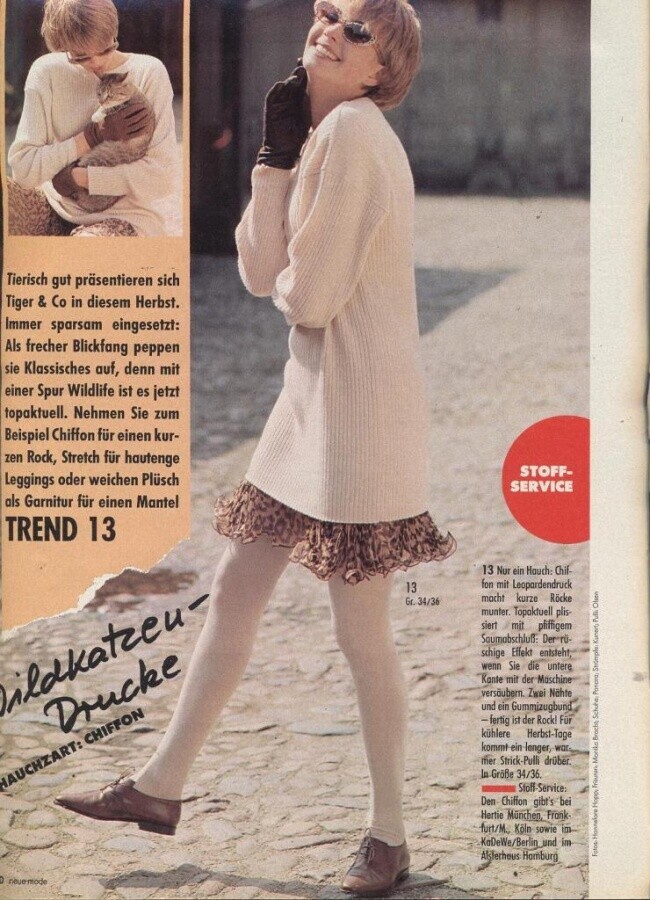
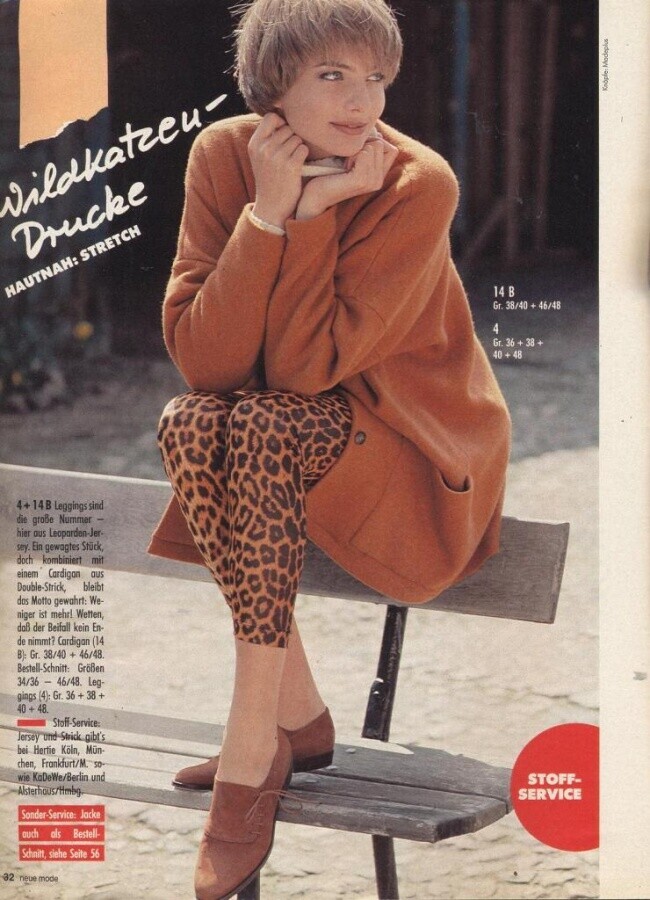
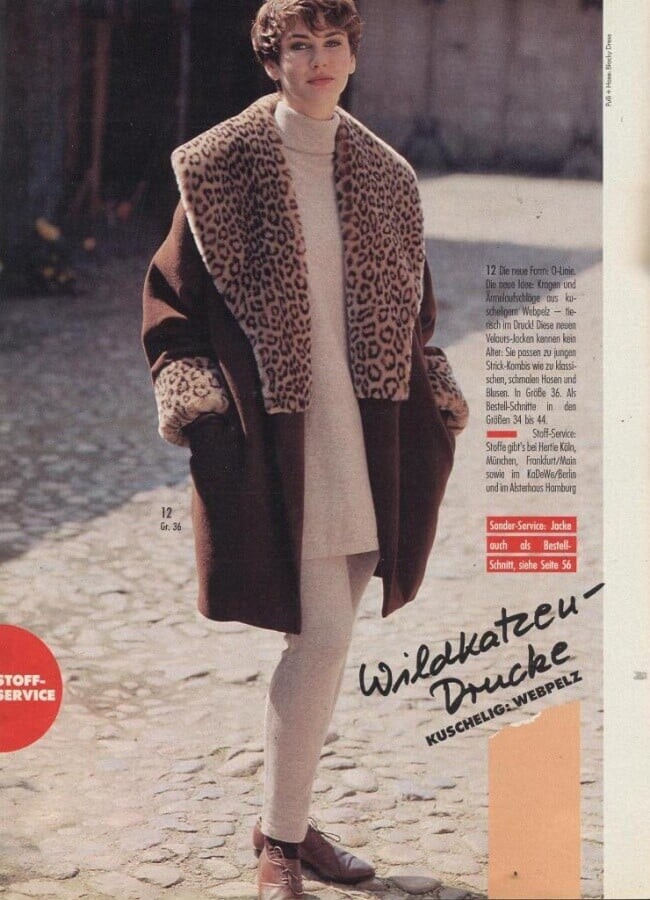
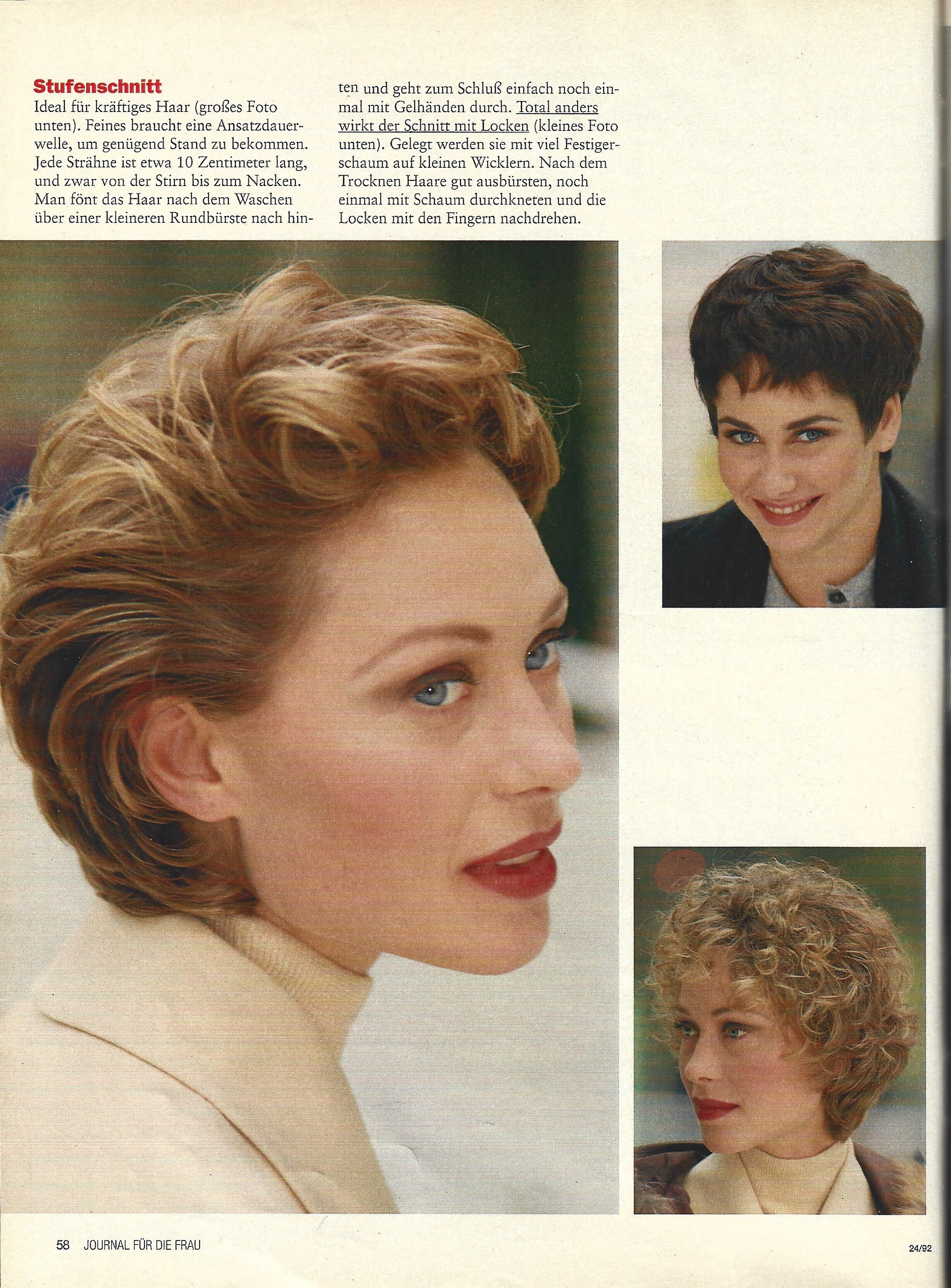
 NEUE MODE DE, Sept 1992 - PH. UNK - @Minerva13 SCANS





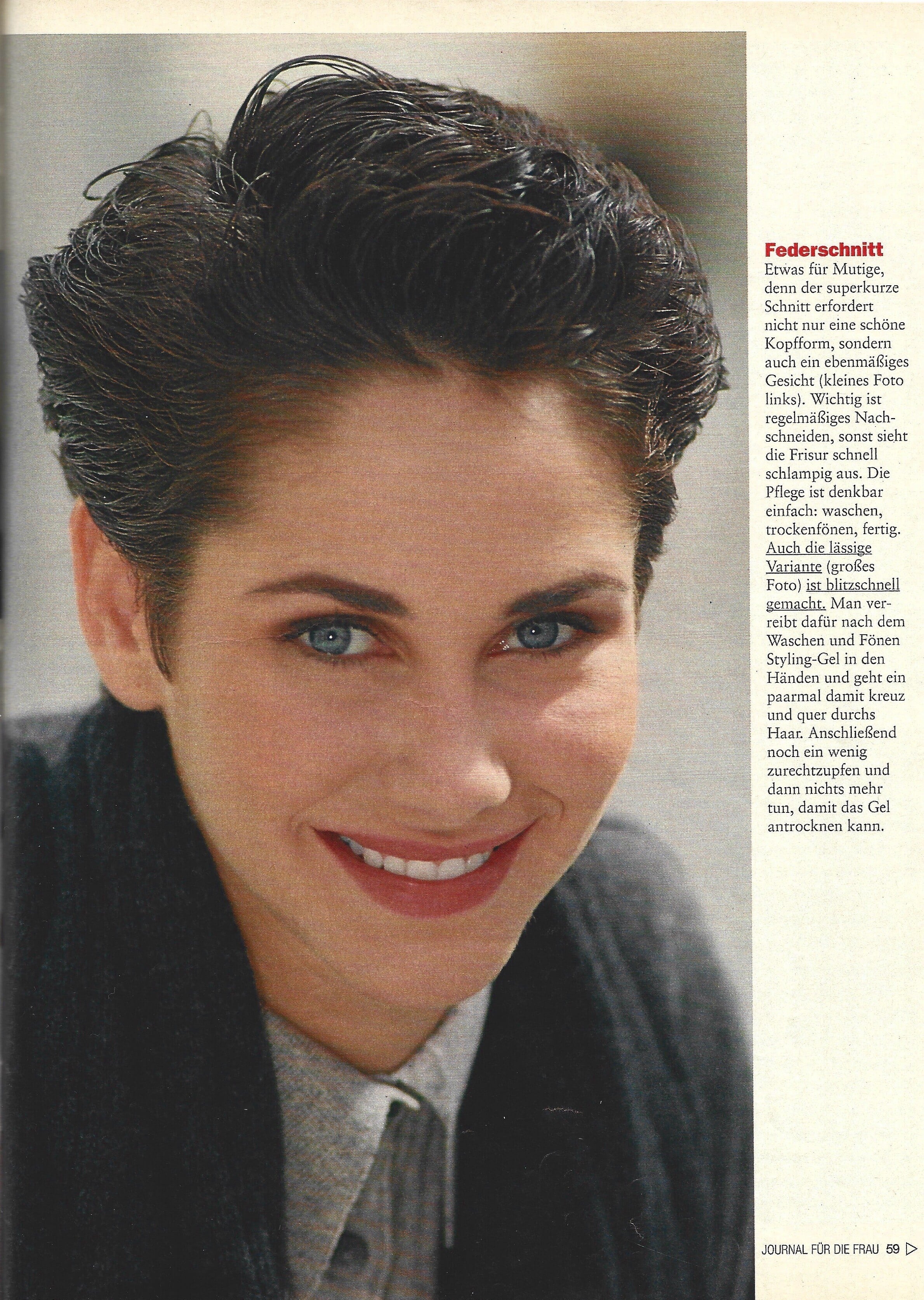
 JOURNAL DE, 11 Nov 1992 - PH. UNK - @bontempi SCANS
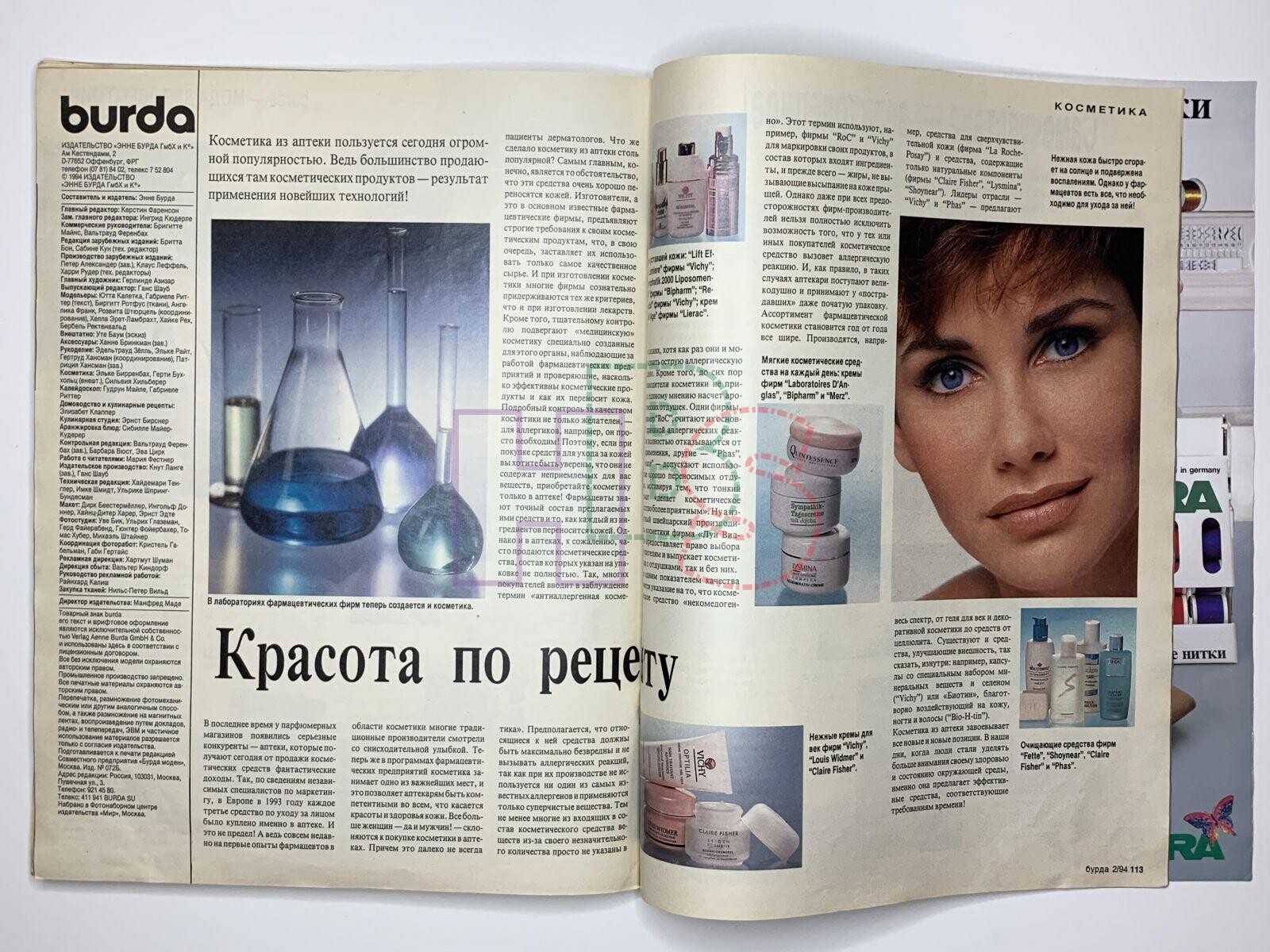
 BURDA RUS, Feb 1994 - PH. UNK - WEB FIND
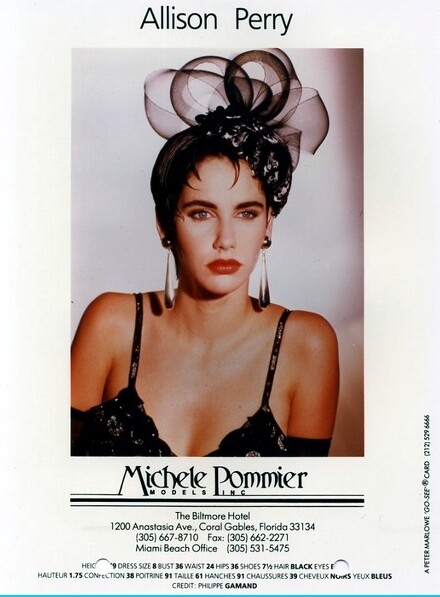
 Allison Perry is an 80s/90s model represented by Michelle Pommier. Height: 1.75 Bust: 91 Waist: 61 Hips: 91 Shoes: 39 Hair: Black Eyes: Blue modelcomposites.com
3.JPG.ac2ecba7d660081a2e8736a0b0e980ee.thumb.jpg.95de754e701ad84b161596a06666f061.jpg)
1.JPG.faf0748a2cc0e09145423dfd85e168ff.thumb.jpg.a5bb4095d94bcde07099dda31e139eb8.jpg)
2.JPG.4fafbf1cbf486854457aa52d0b0f8e9f.thumb.jpg.564da00936d574921dcdfd5e9b4277a8.jpg)



 montage


 05/29/2016: Night swims 🌙🏊 @romeestrijd 📷 @michaelstephenshank
.thumb.jpg.0d9a290049c80f5b3eb551377907b155.jpg) 05/29/2016: Night swims 🌙🏊 @romeestrijd 📷 @michaelstephenshank
05/29/2016: Night swims 🌙🏊 @romeestrijd 📷 @michaelstephenshank.thumb.jpg.28ea4d4a66b010270ff8625d42caa2b1.jpg)
- Today
Pix Morning News (02/09/2011) Erin Heatherton - [2011] PIX Morning News [February 9th].mp4 Bump
Bump

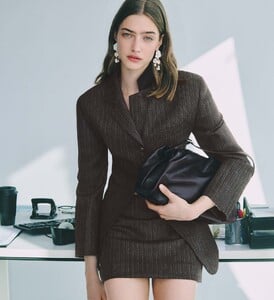



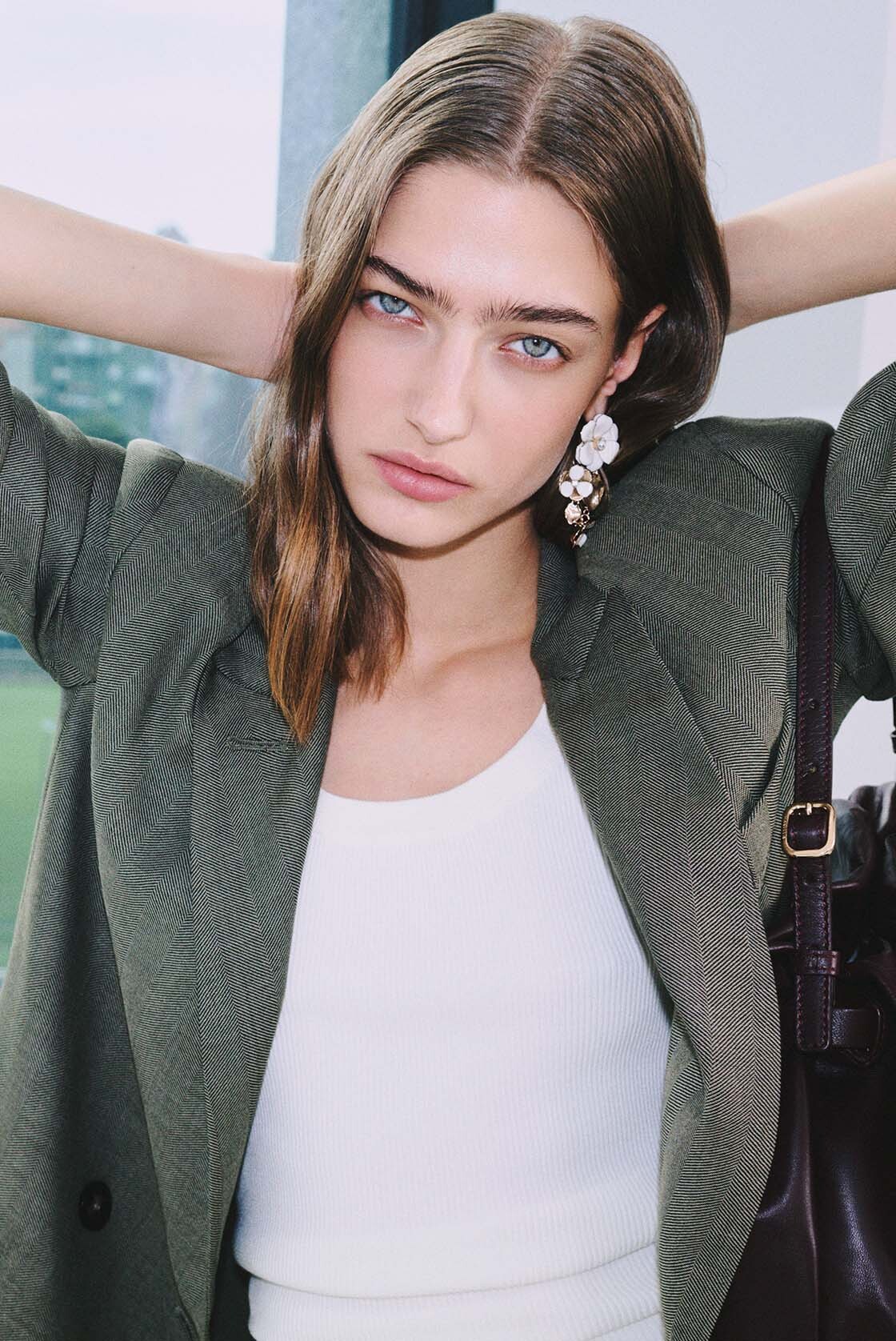
 Emily's Portaits for Tanks Management
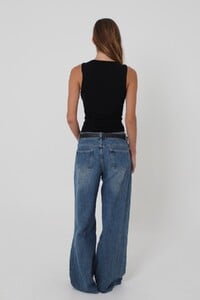


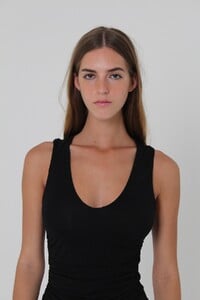
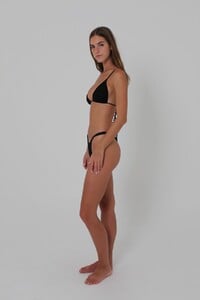
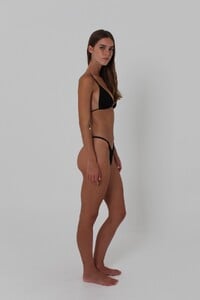
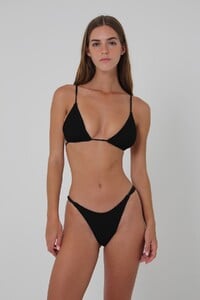
 Reiki In London changed their profile photo
 @playcats That’s Sara Sampaio in the first picture not Adriana.
Reiki In London joined the community
@playcats That’s Sara Sampaio in the first picture not Adriana.
Reiki In London joined the community
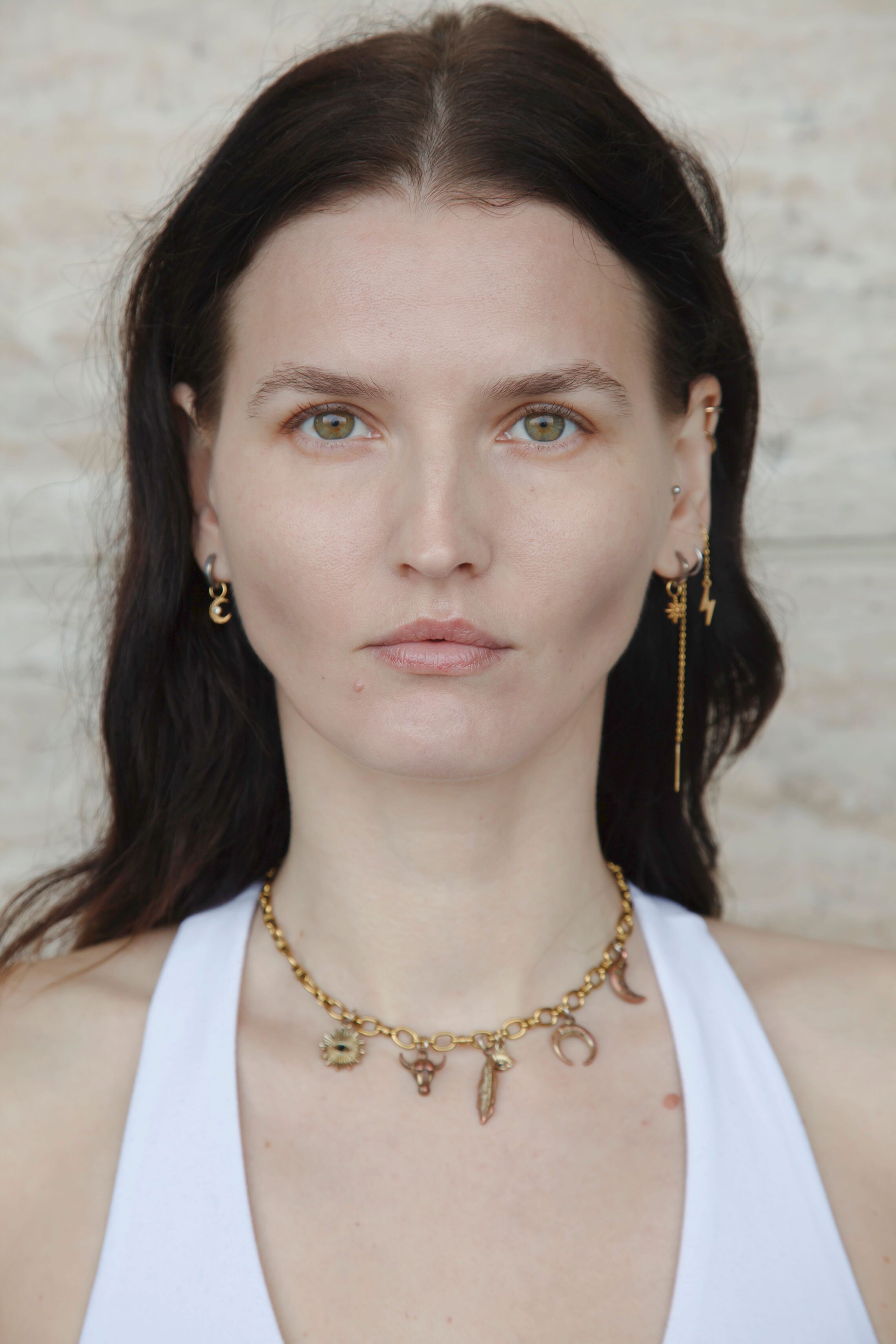
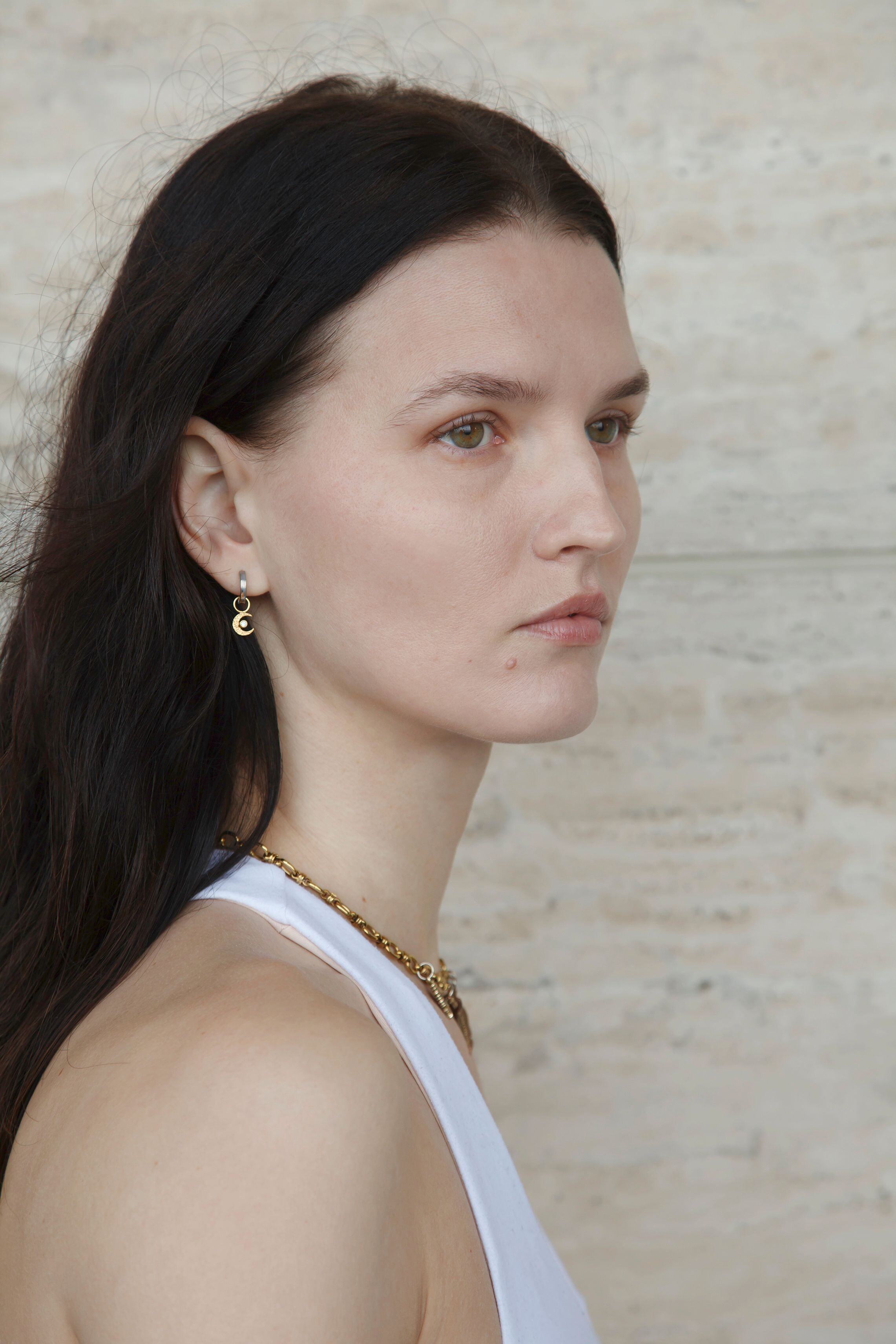
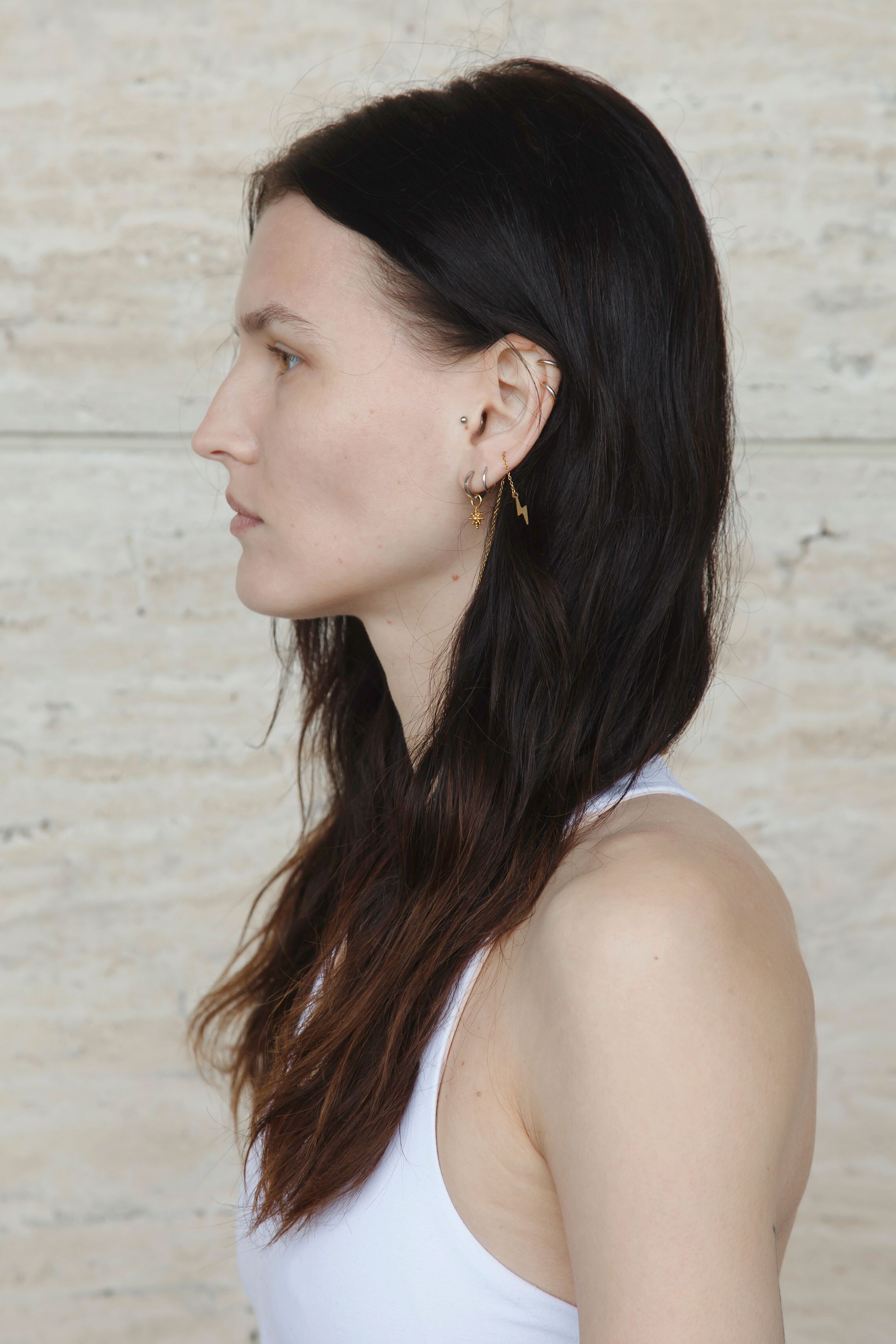
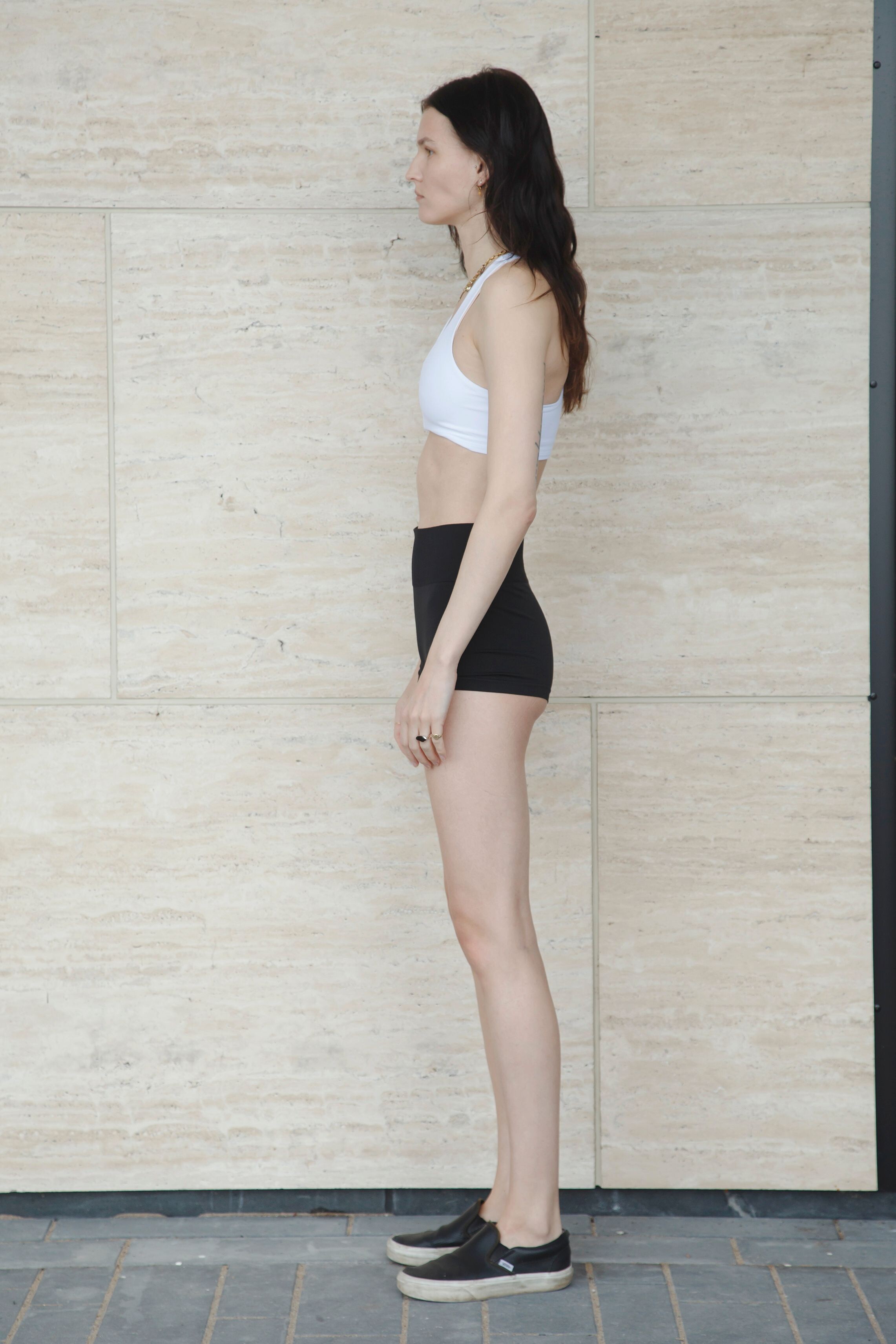
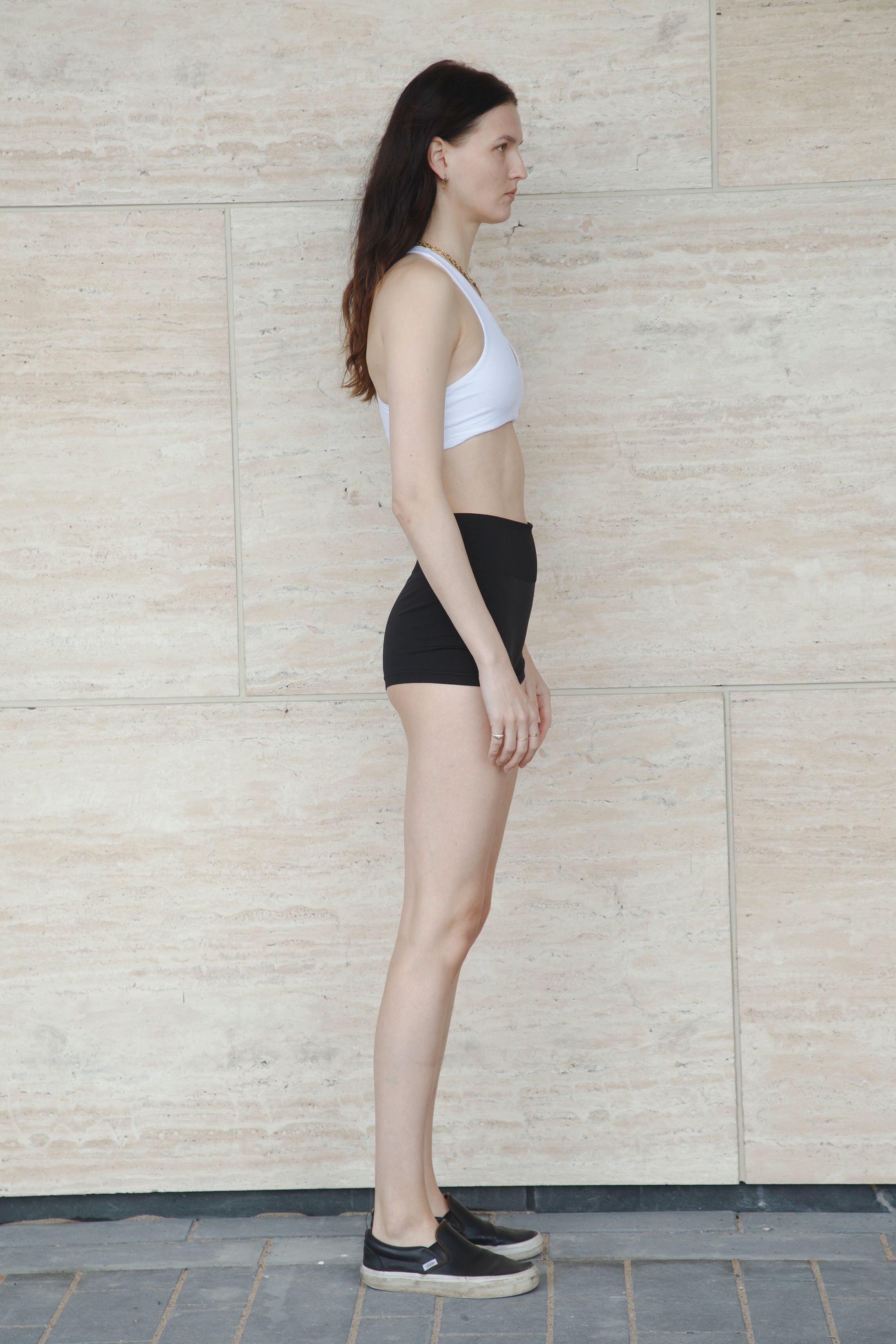
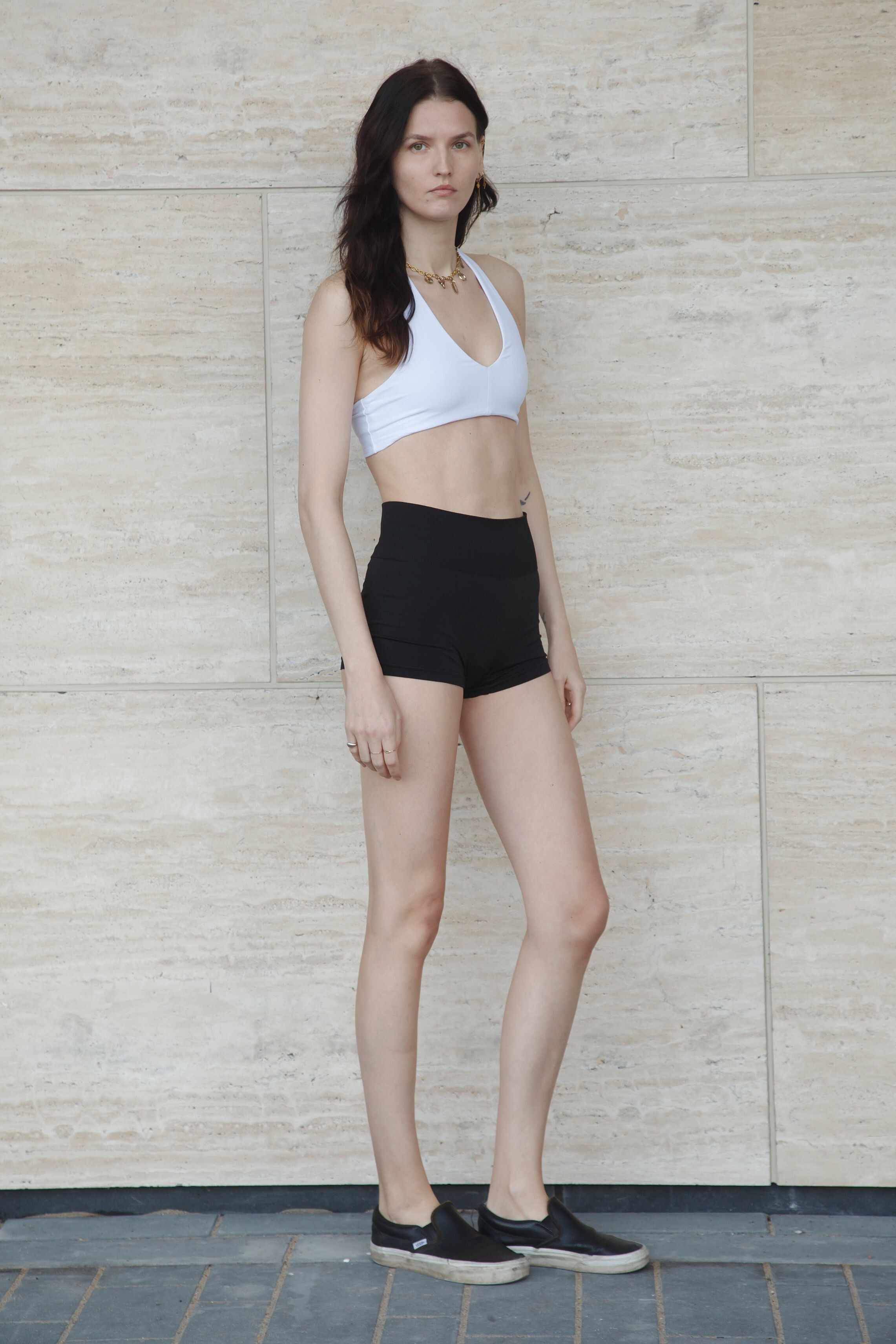
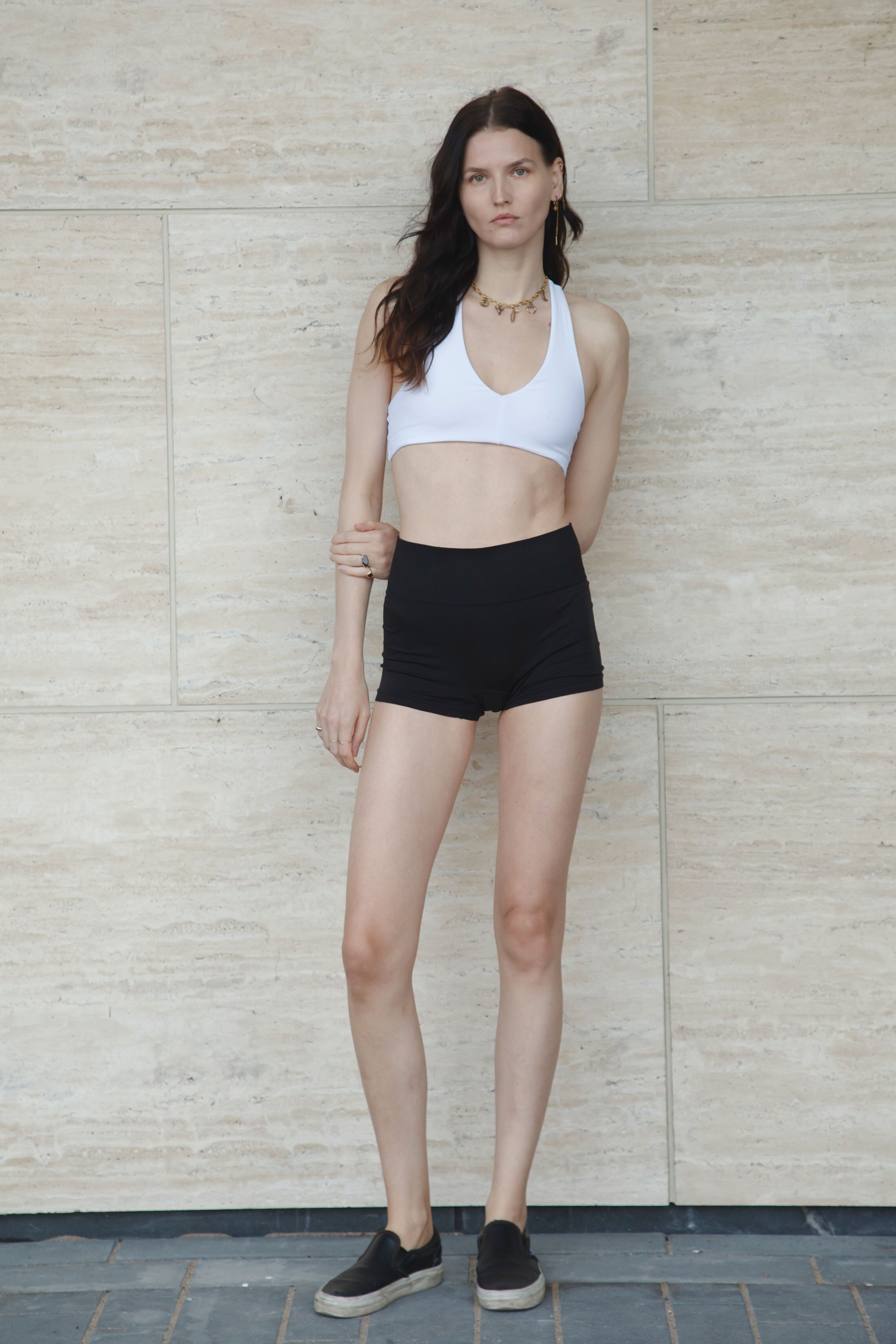
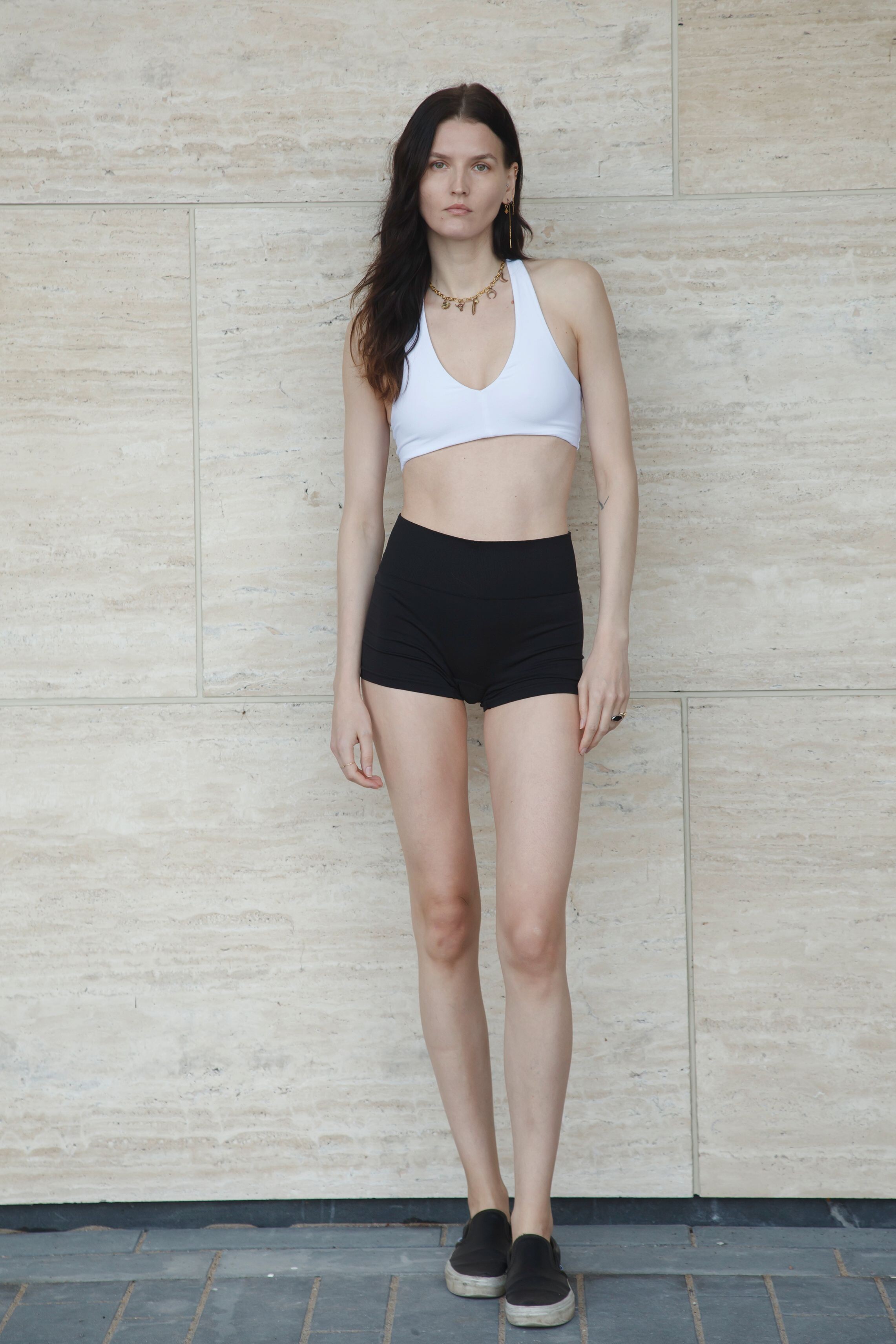
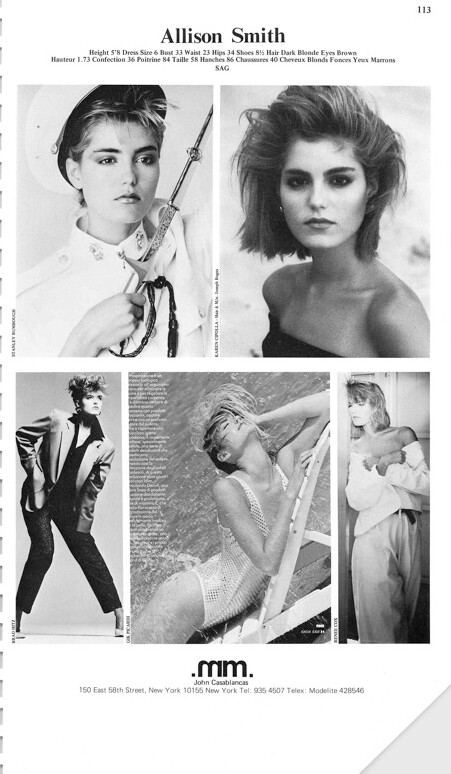
.jpg.d68f0c57681a171c5a200d381c1f66b8.jpg.908c3e6c4802361d23ea3265d13cf508.jpg)
.jpg.0d8137eeb5f34392ad017486655a5880.jpg.121e27d174ba61cebd44b917aa6b43f1.jpg)
(1).jpg.c8f3e3847d4494d41c15d75e73145711.jpg.3fd2102f8ac30d56c2c136a22a46c058.jpg)
.jpg.1a0b6eb830ad6ede1931a1f7ad8a741b.jpg.47d2de0a5e2f80cd5c5a476c56c79724.jpg)
..jpg.121f1cd714e9396c050611db9c1723d4.jpg.965cd5fd875958e60f2c5014c5b71731.jpg)
.jpg.1624e7ab0136a54e80a5366229905846.jpg.f2f267e08f4b288e2583b4ec7c9cfdb6.jpg)
.jpg.10a41ef68b31467c565c104c9829ba20.jpg.8cf18c18ae8332a36e2982a5a59d21f2.jpg)
(2).jpg.91a3deadb3423e138010220d7e5b051b.jpg.537eafb5e7955aa8a61ae028b2e1b175.jpg)
.jpg.bdca40e1b31d76ce6f2d2489e5b7123a.jpg.5007fb47777c56ba01d9abffc8acc4e4.jpg)
.jpg.88ec4cc63dcffc891b94a1186bb27c5c.jpg.286eb6055c257902f238f6791f3d103c.jpg)
.jpg.19af9eadd56150ad6981b96101f78782.jpg.8af6dd7f5404640b42b25d81b5ffaab0.jpg)

3.JPG.ac2ecba7d660081a2e8736a0b0e980ee.jpg.ae39c6f6efdb139f4772a86b152105f1.jpg)
1.JPG.faf0748a2cc0e09145423dfd85e168ff.jpg.3653267dbc0e3d281b88f0b30eedcca9.jpg)
2.JPG.4fafbf1cbf486854457aa52d0b0f8e9f.jpg.bf32463c5428e8c23783f4e26d41f52f.jpg)

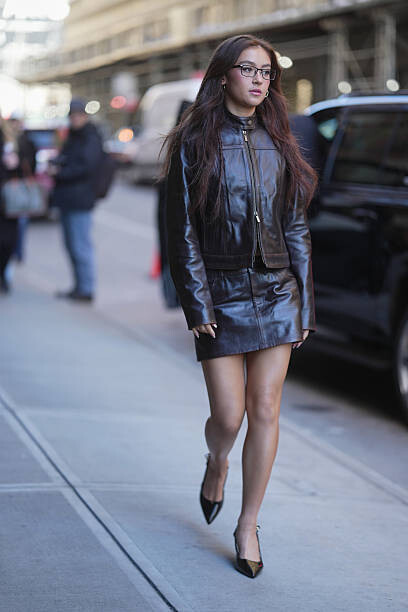
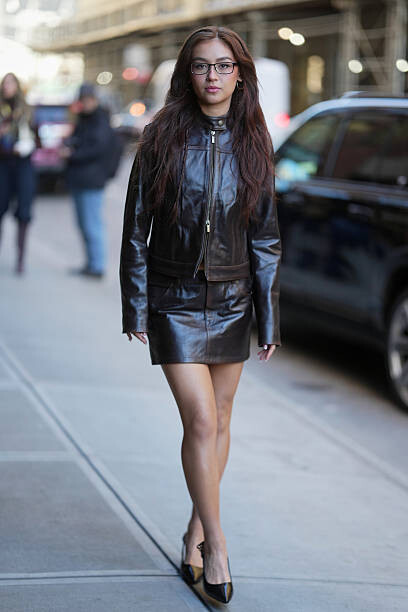
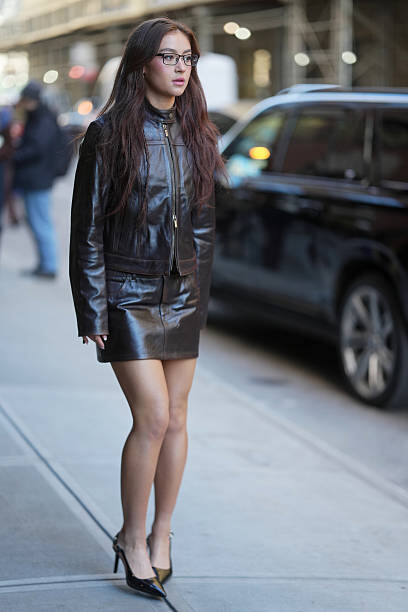
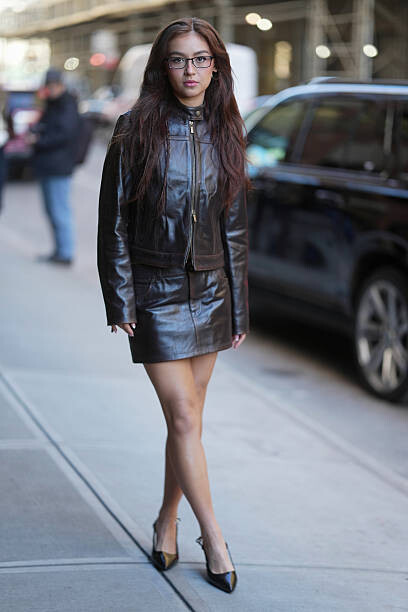
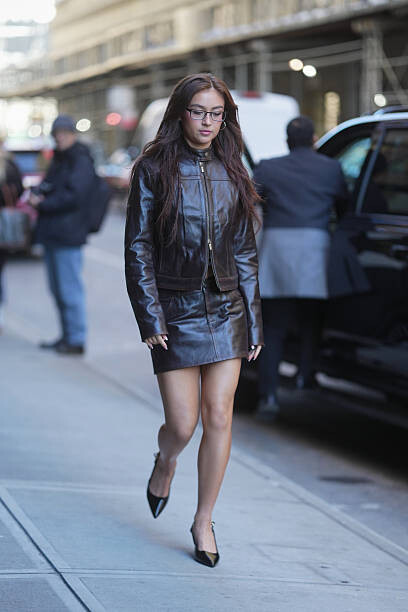
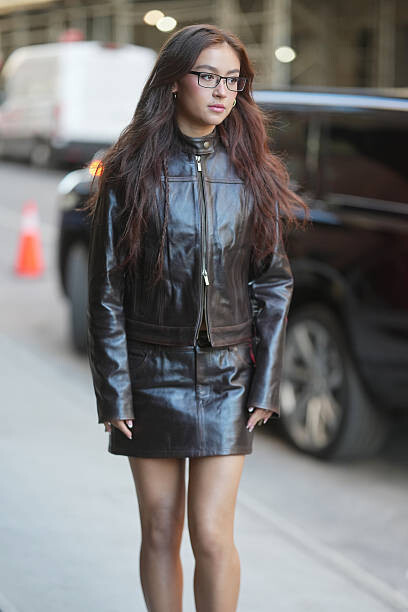
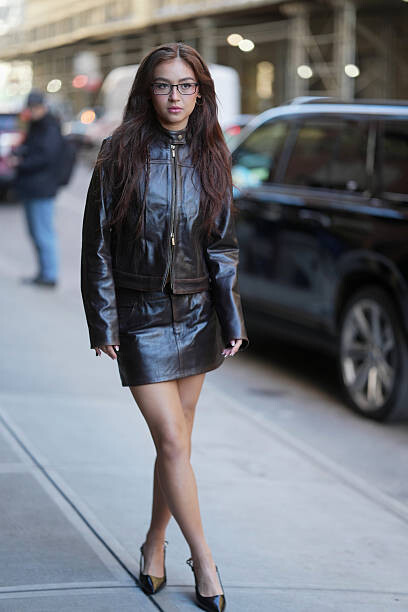
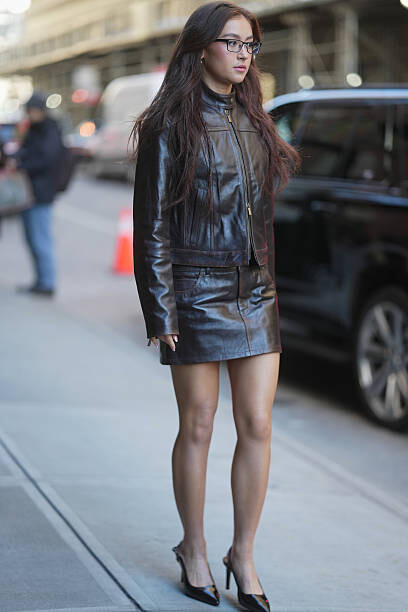
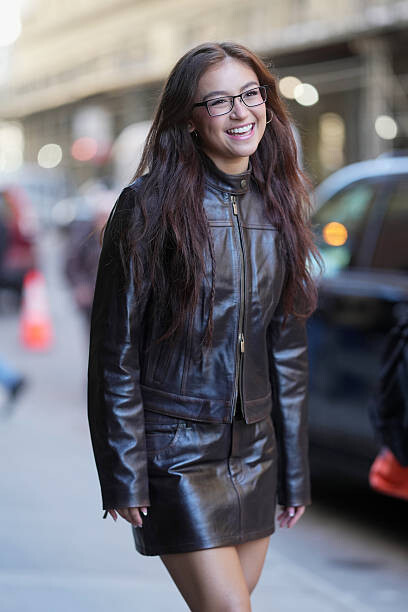
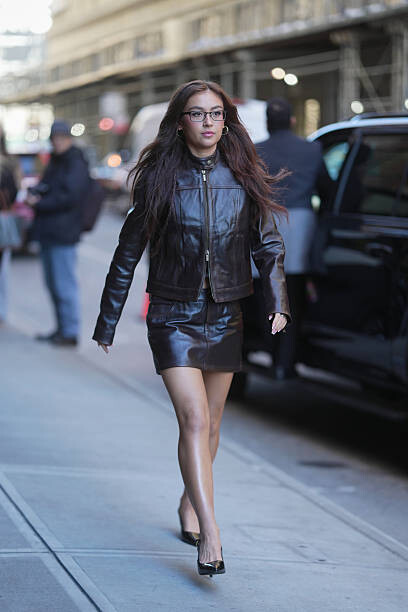
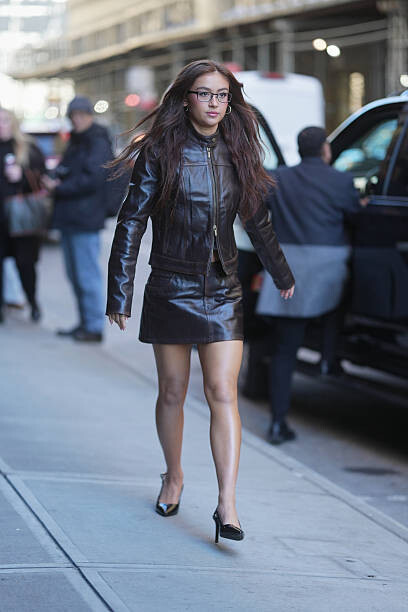
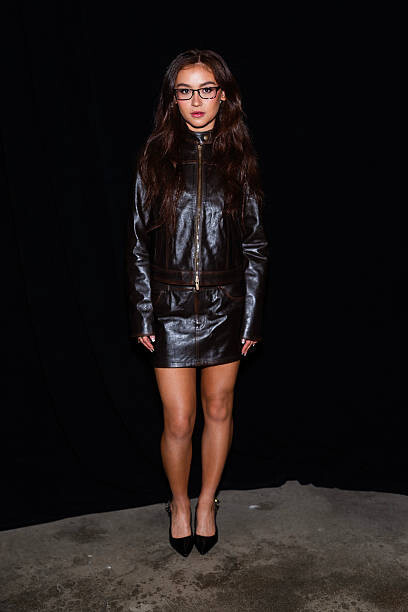



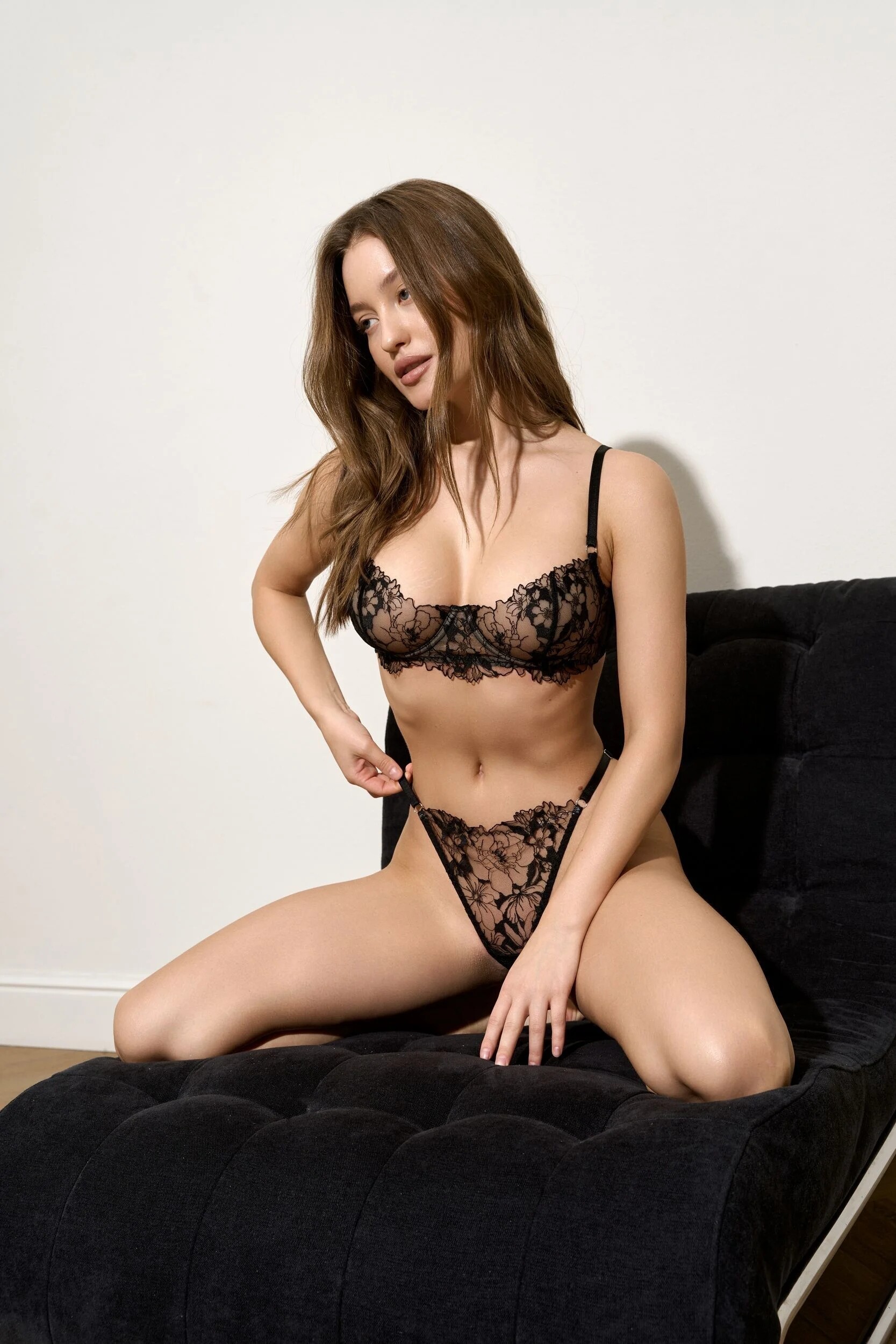
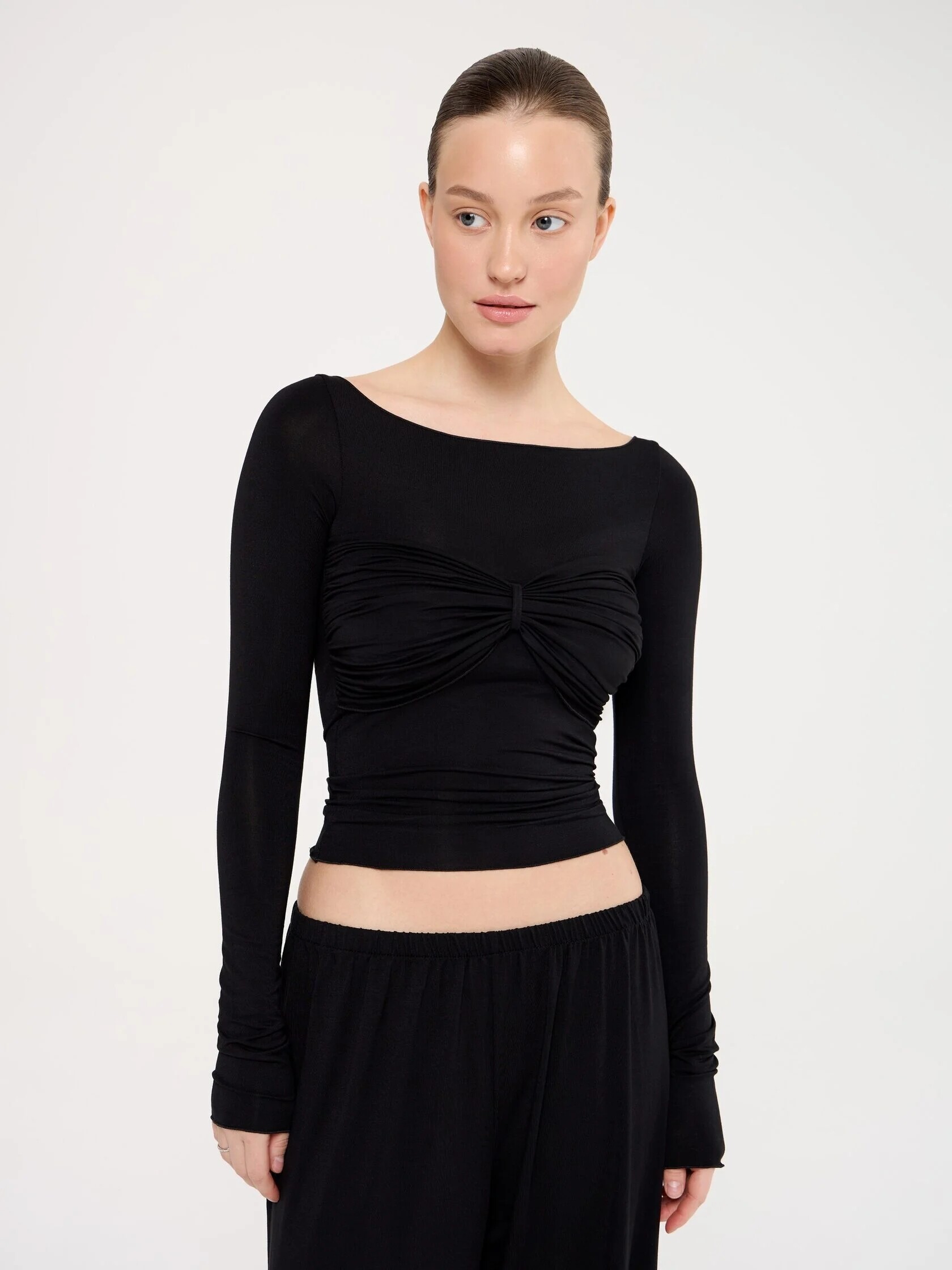
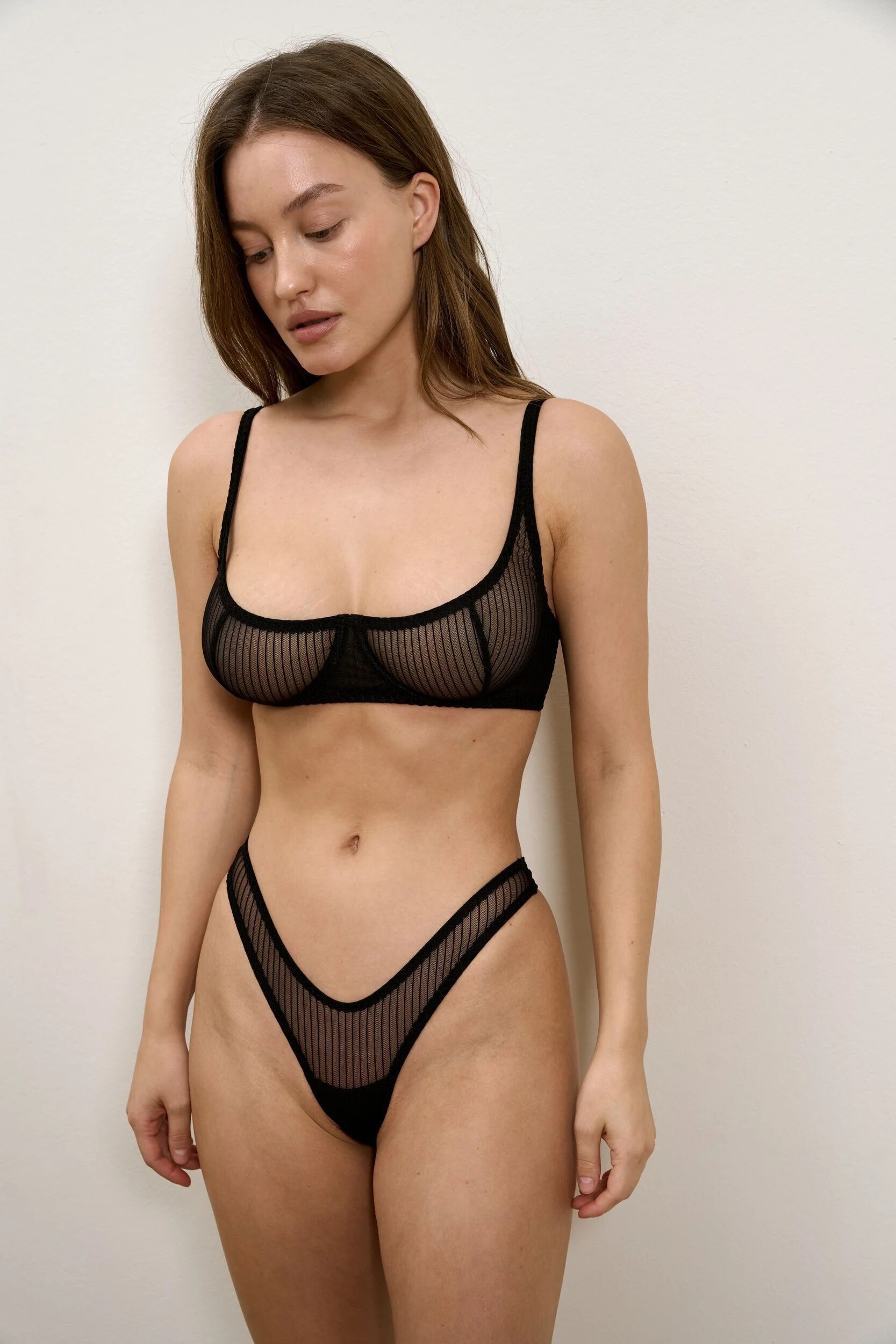
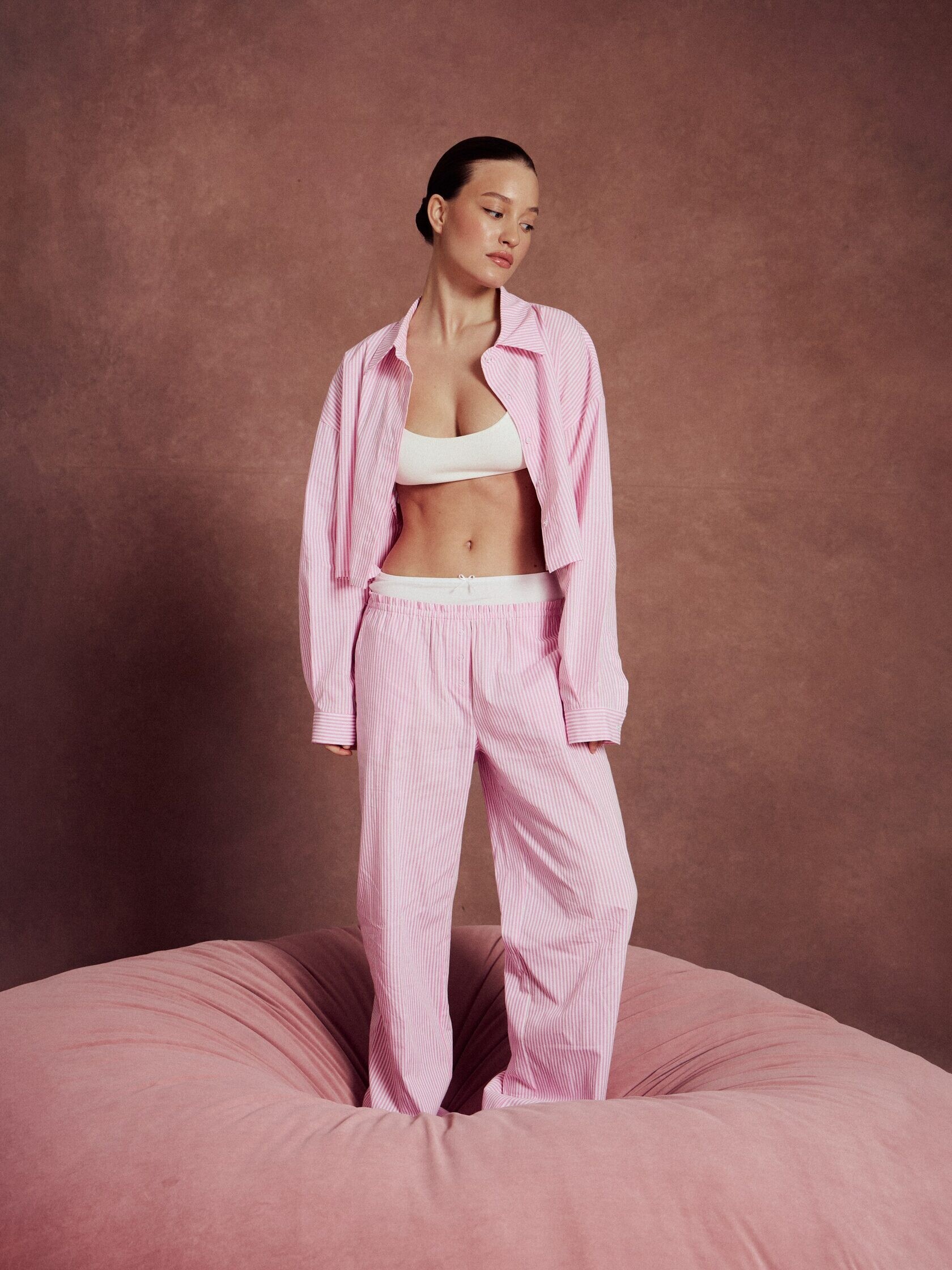
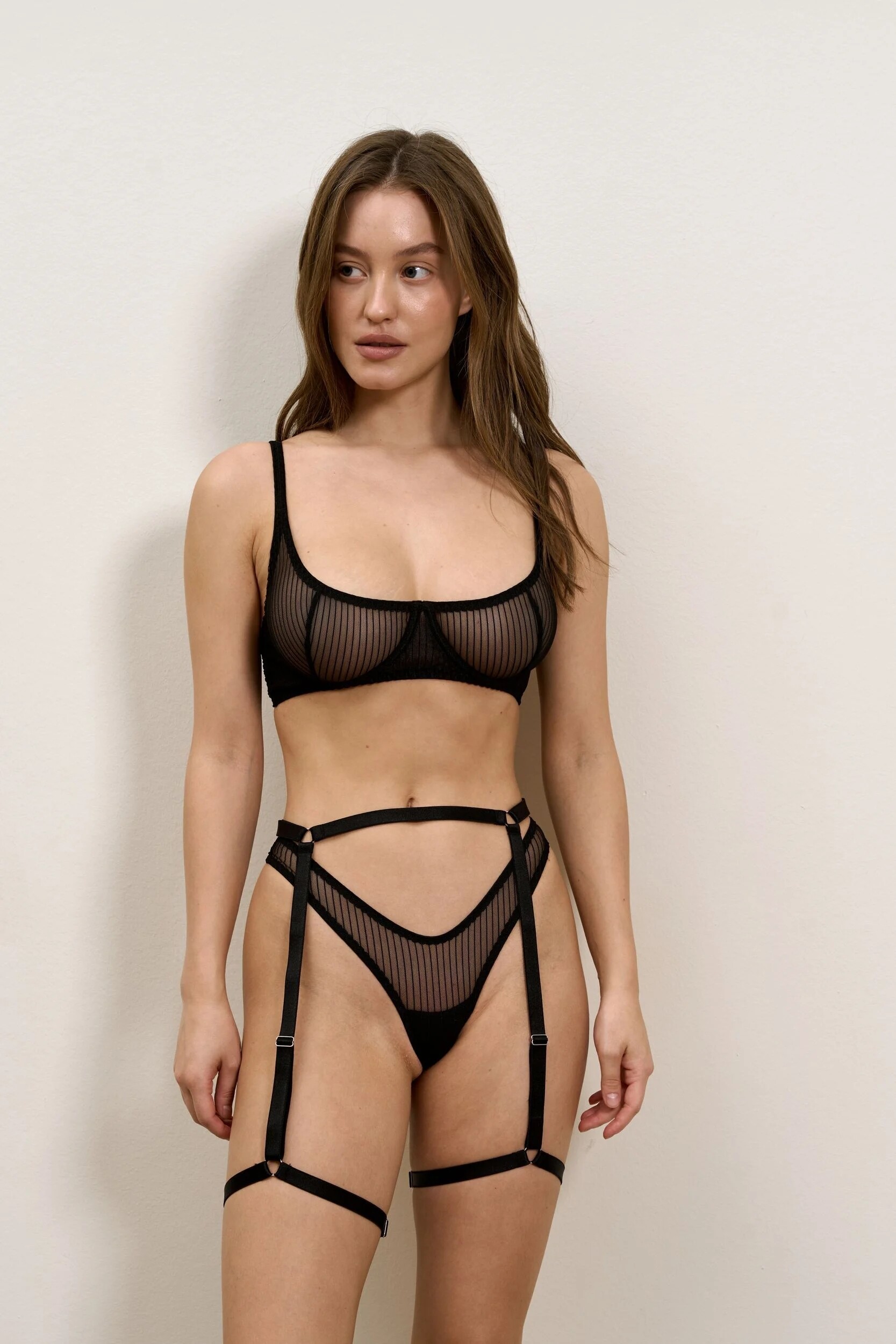
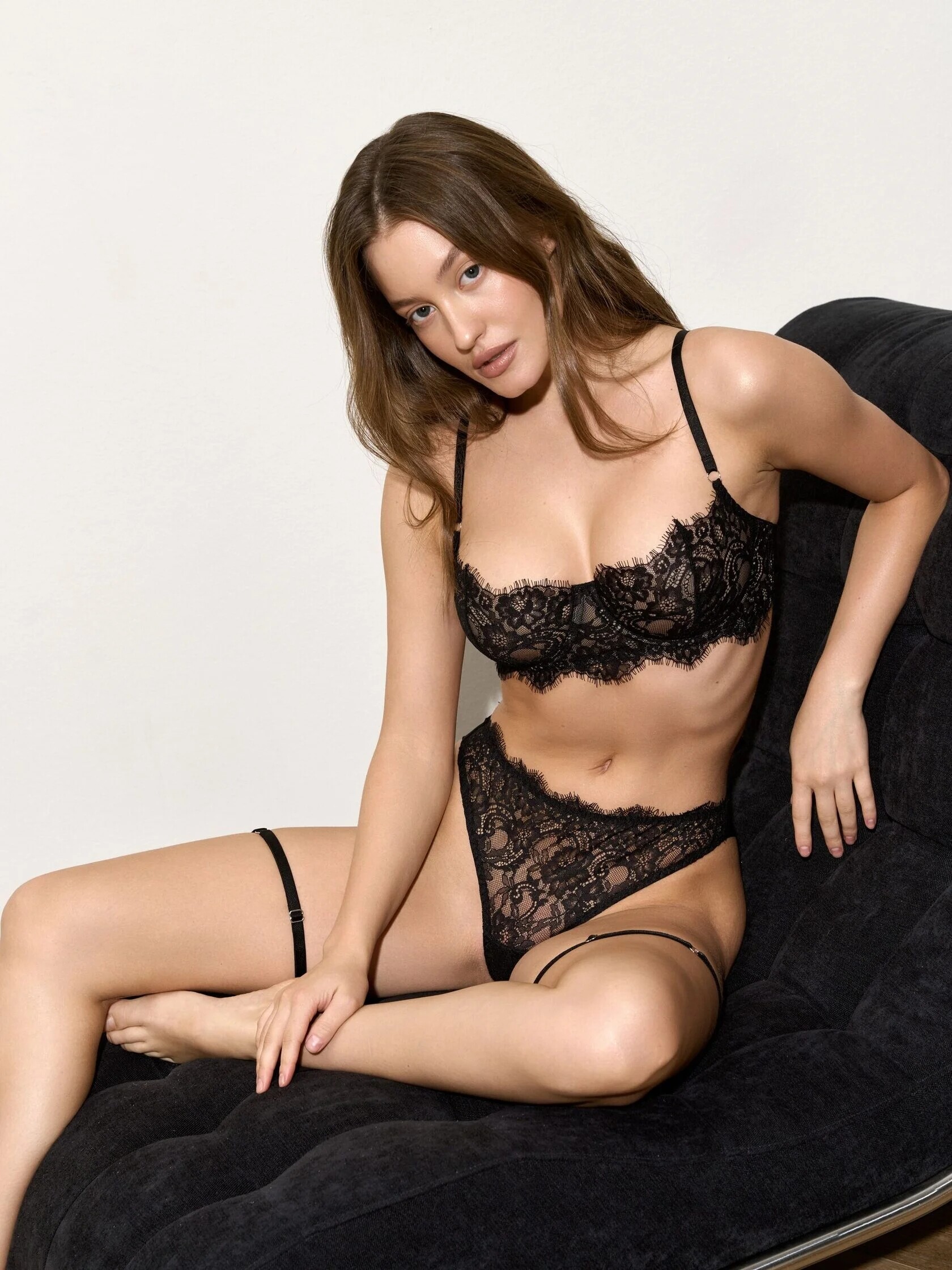
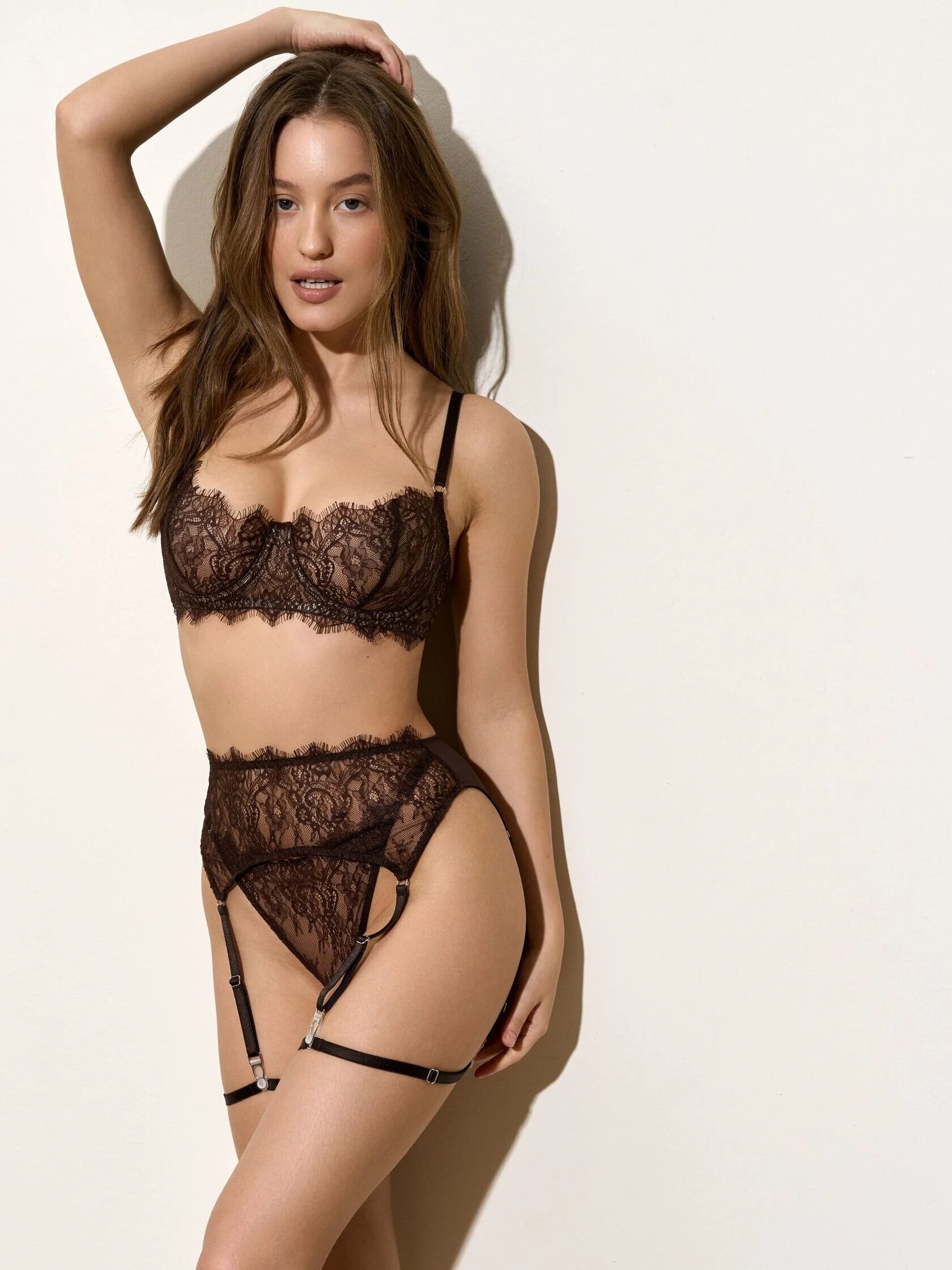
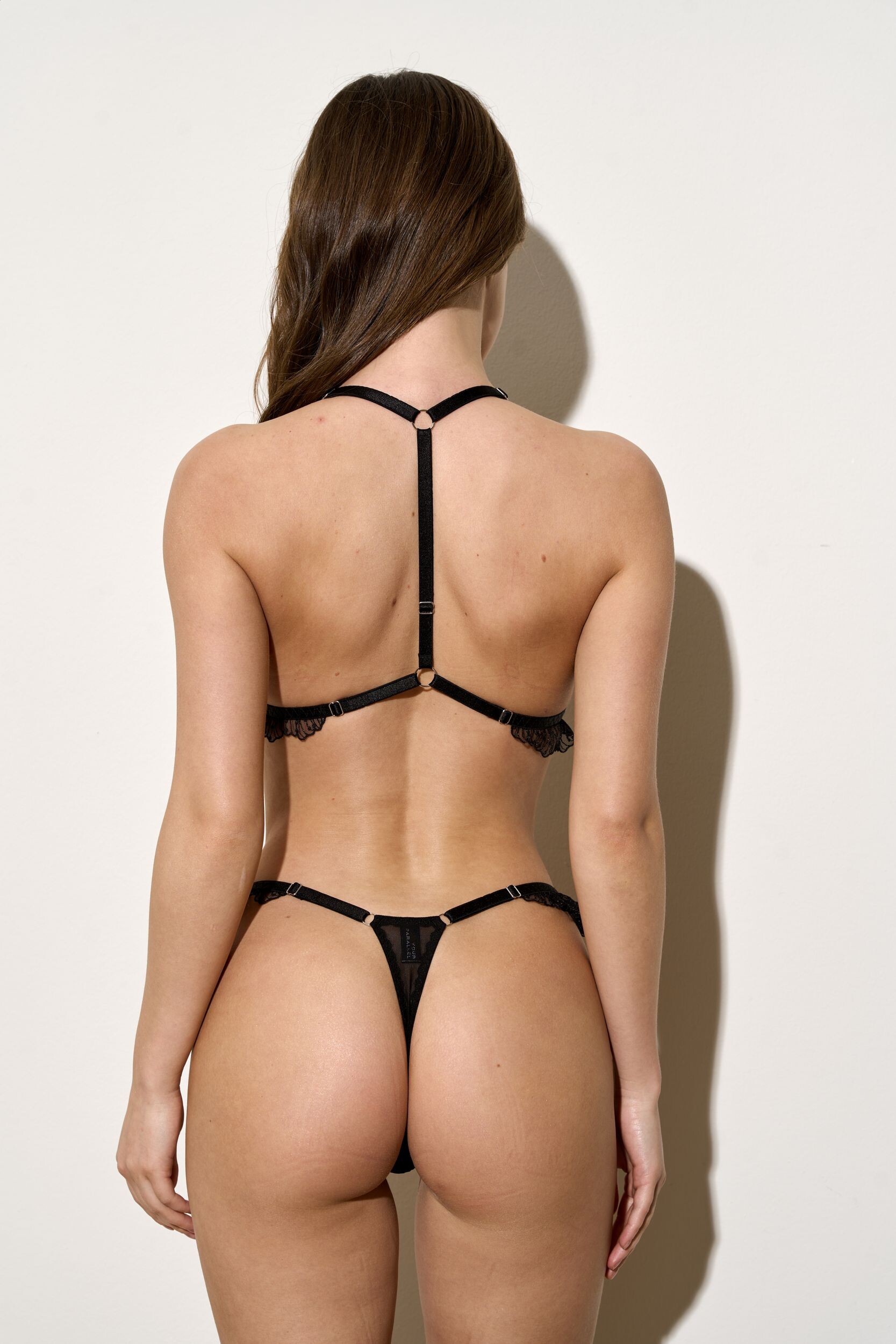
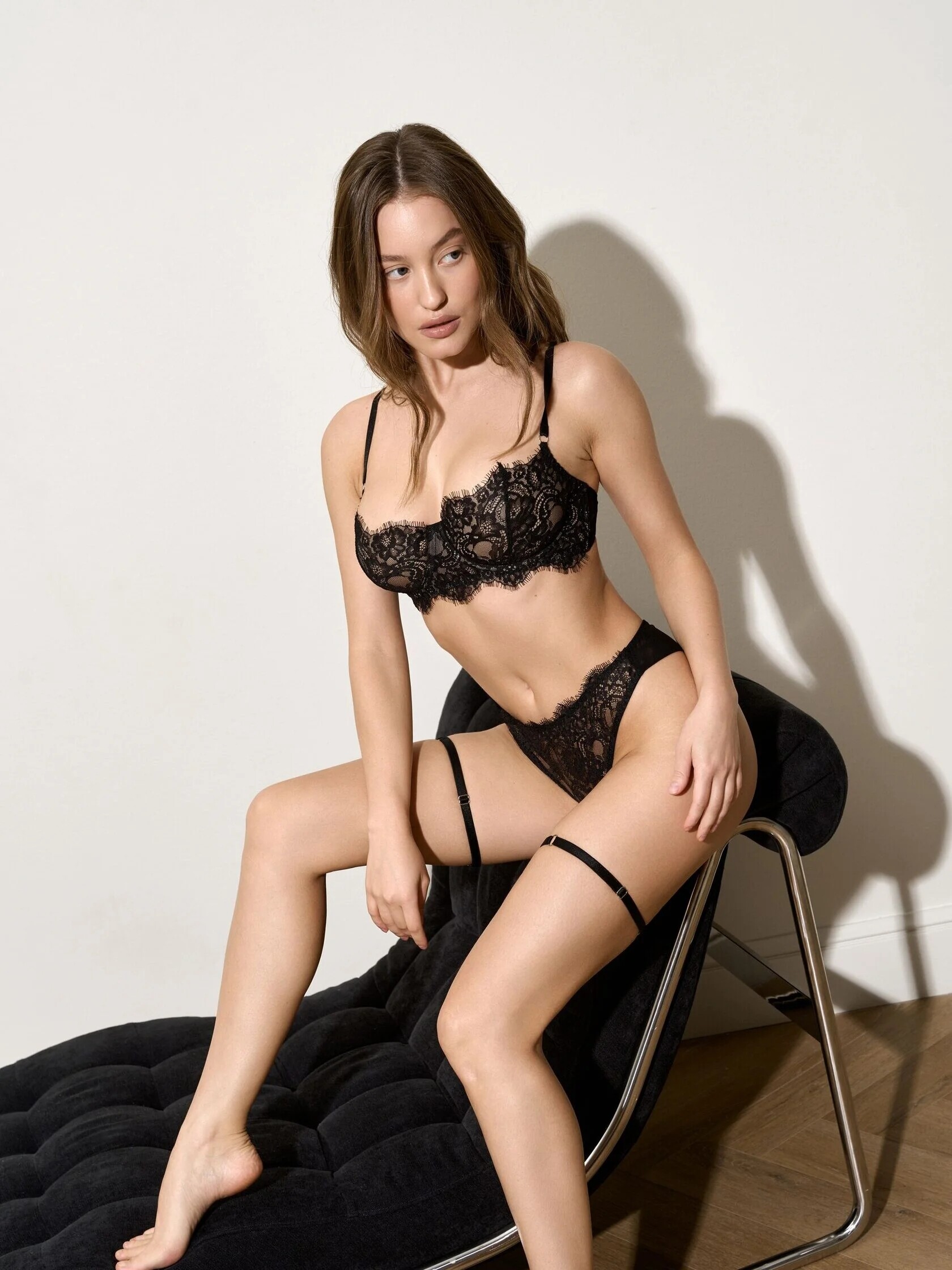
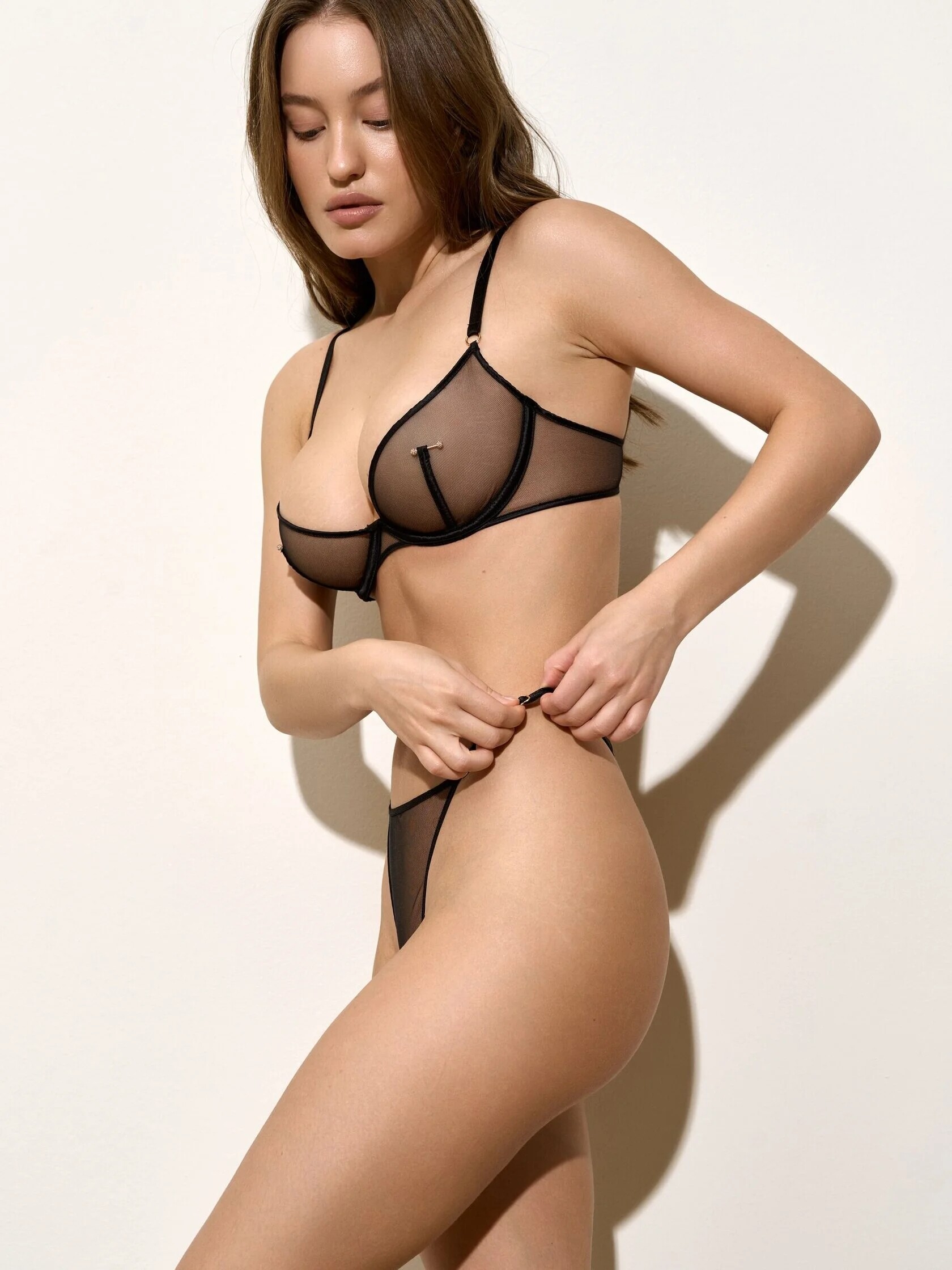
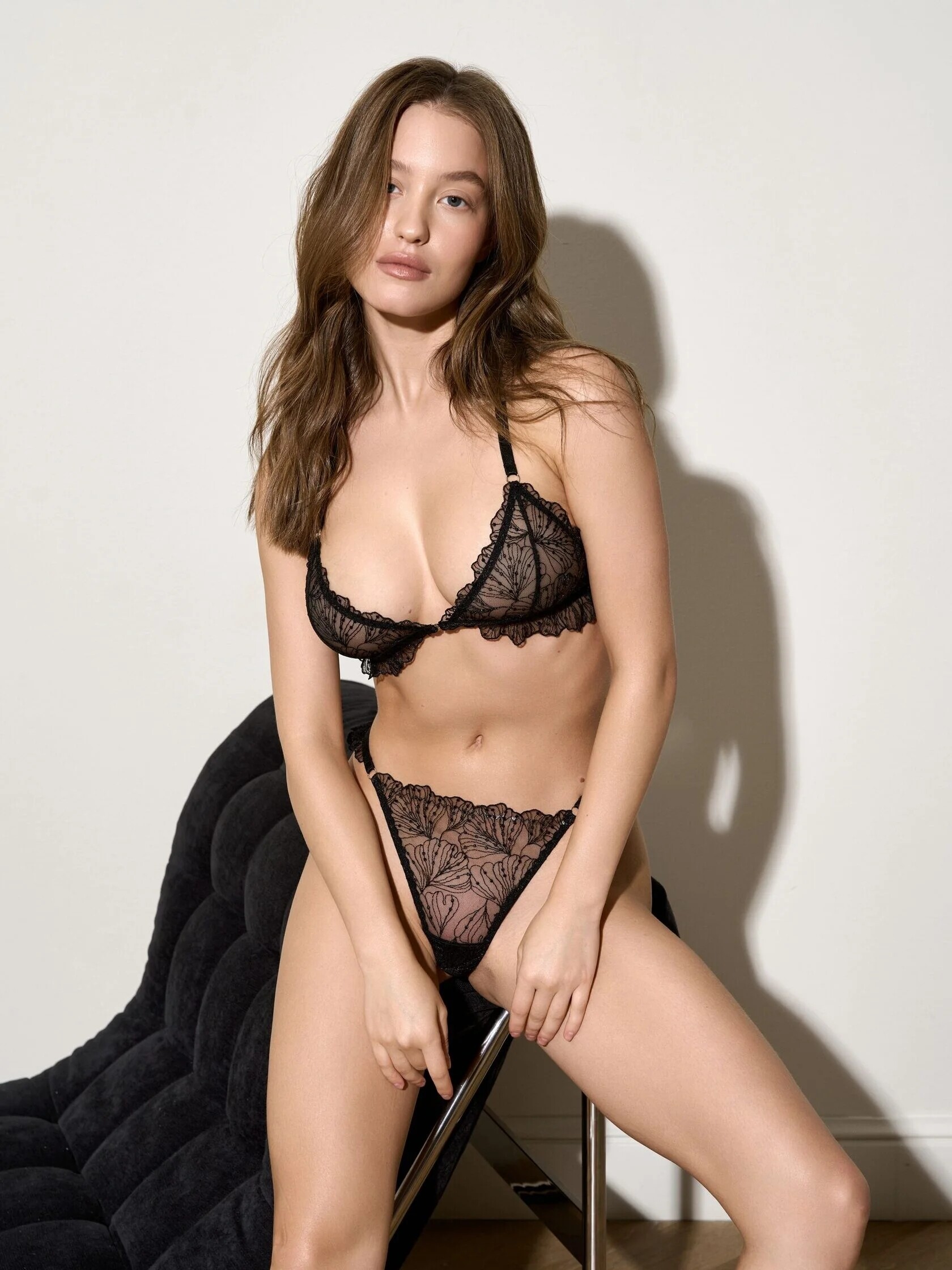
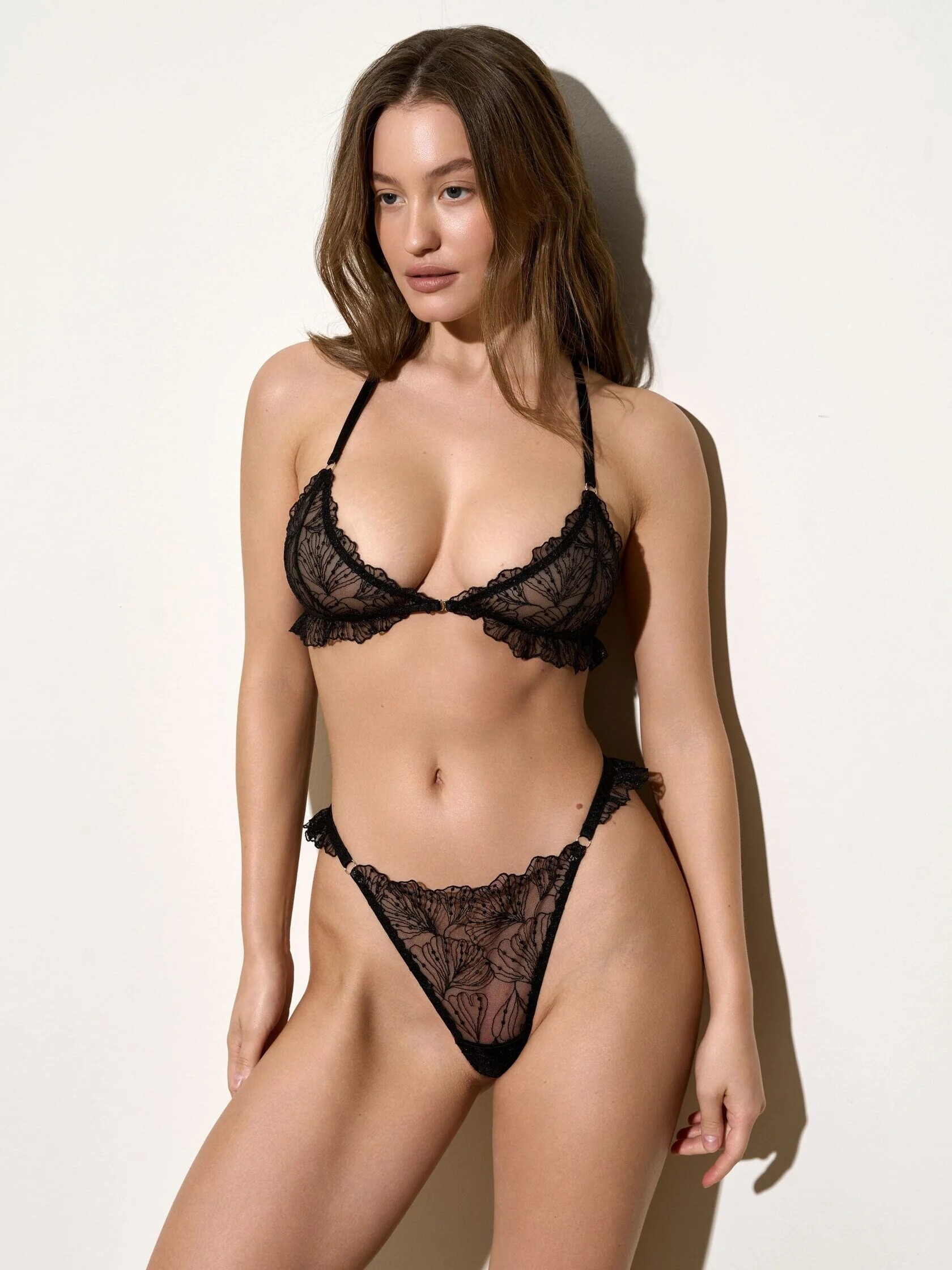
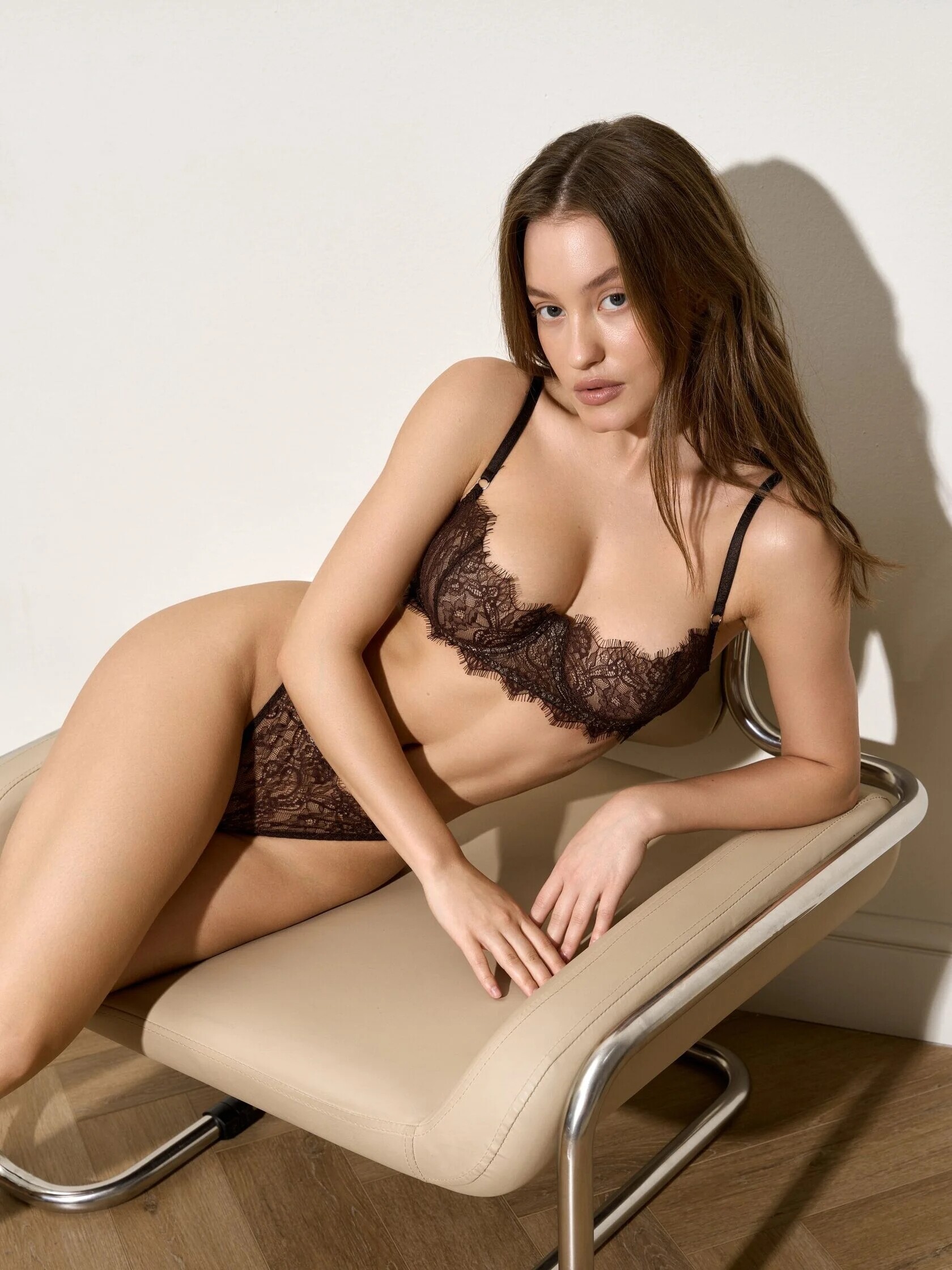
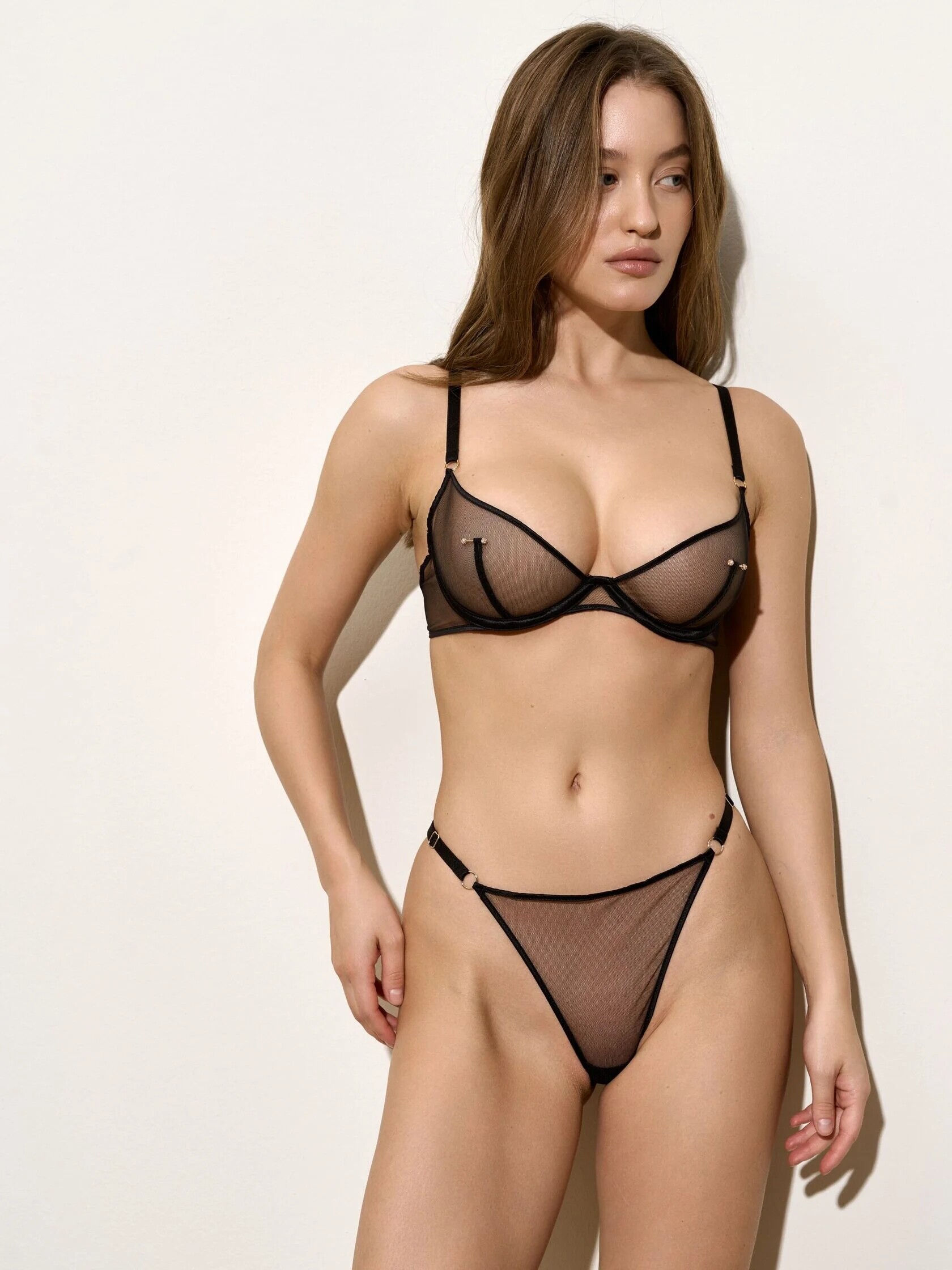
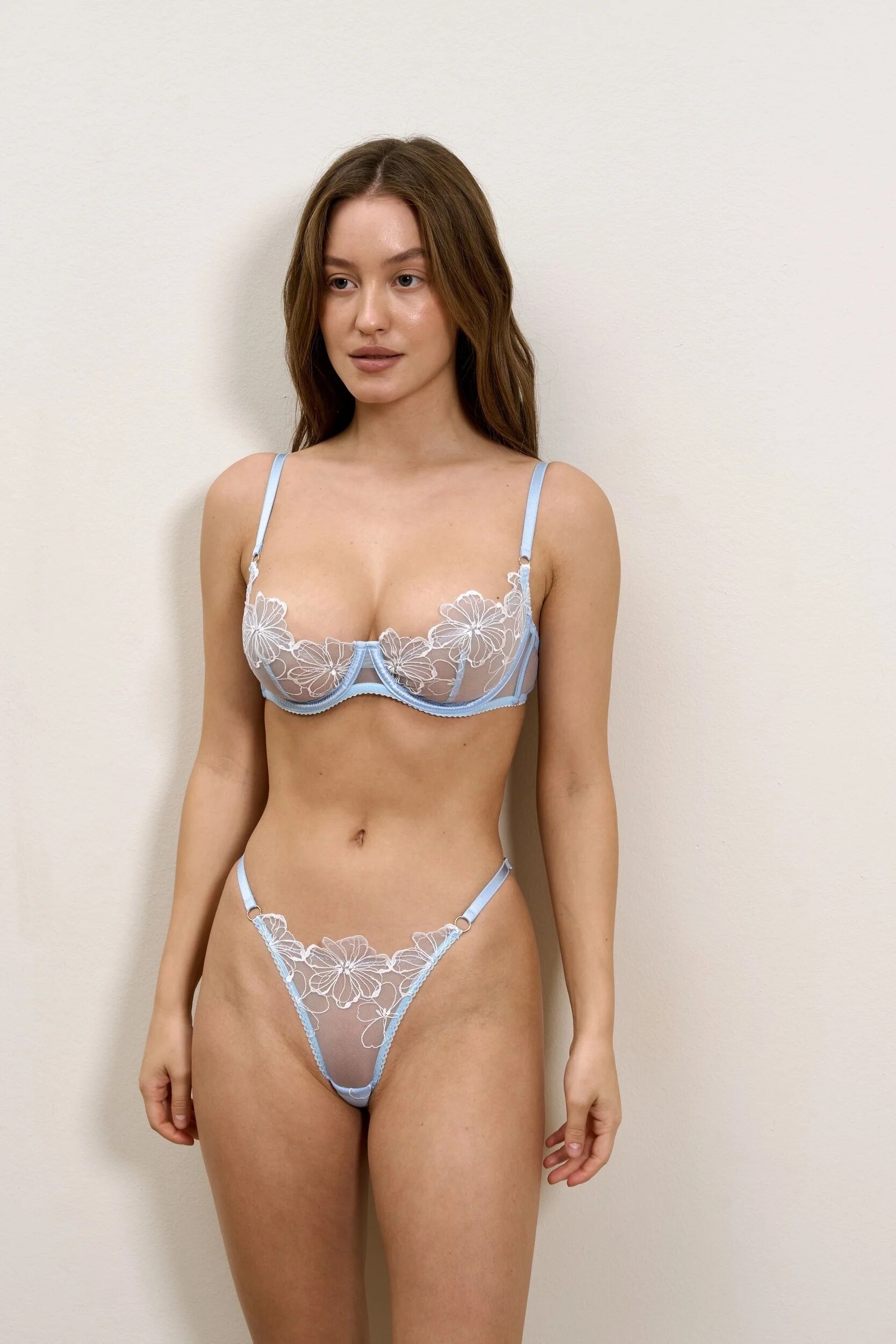
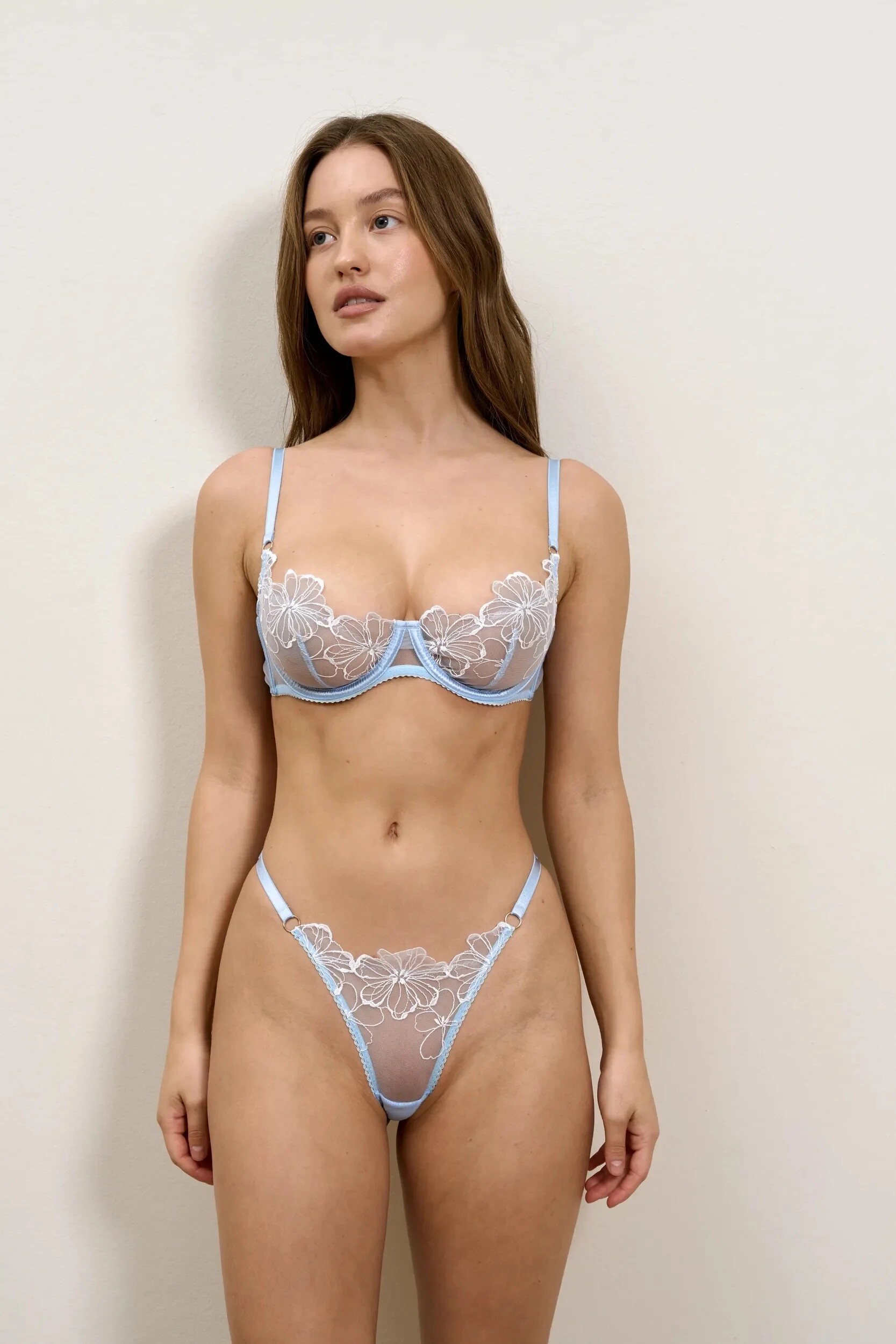
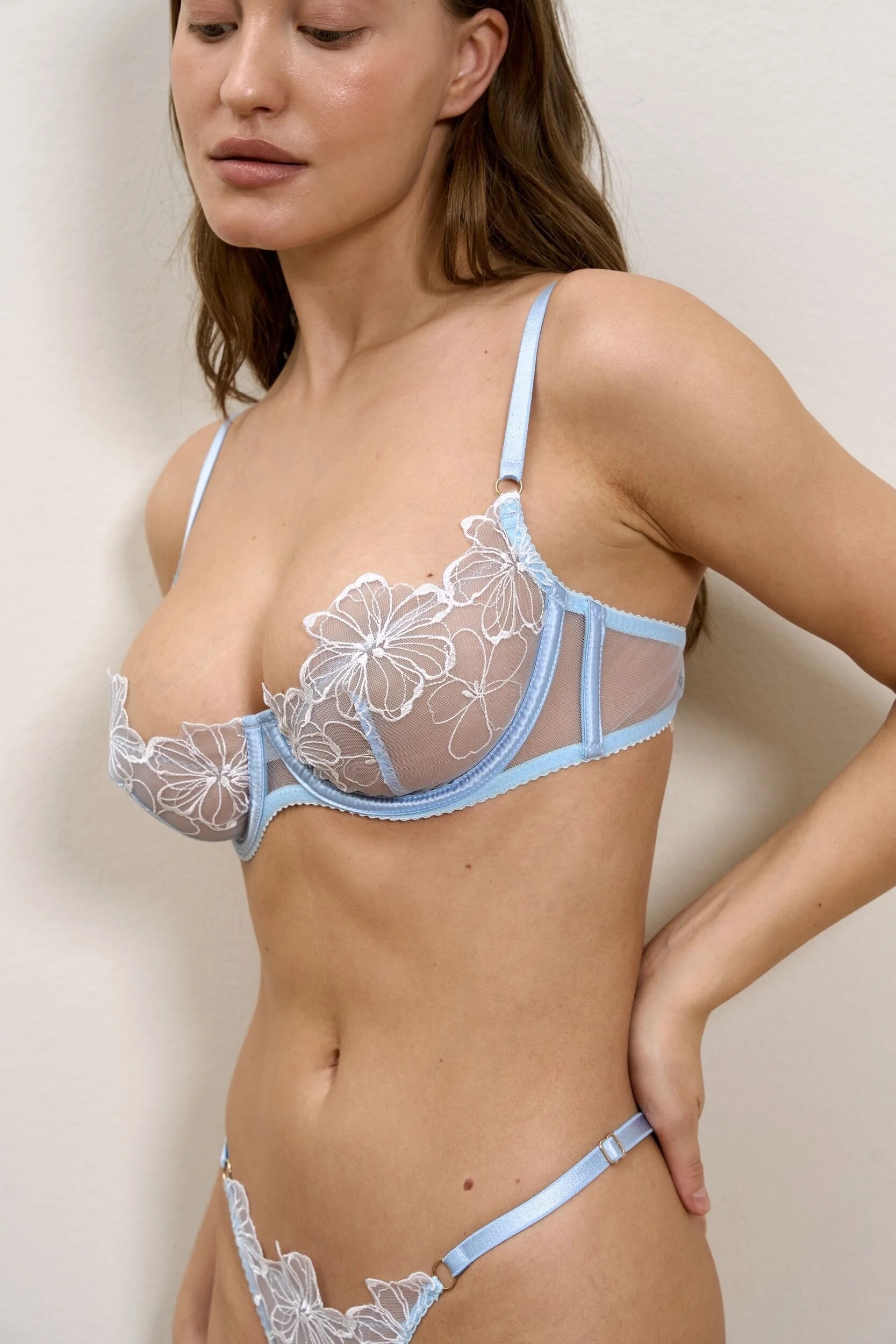
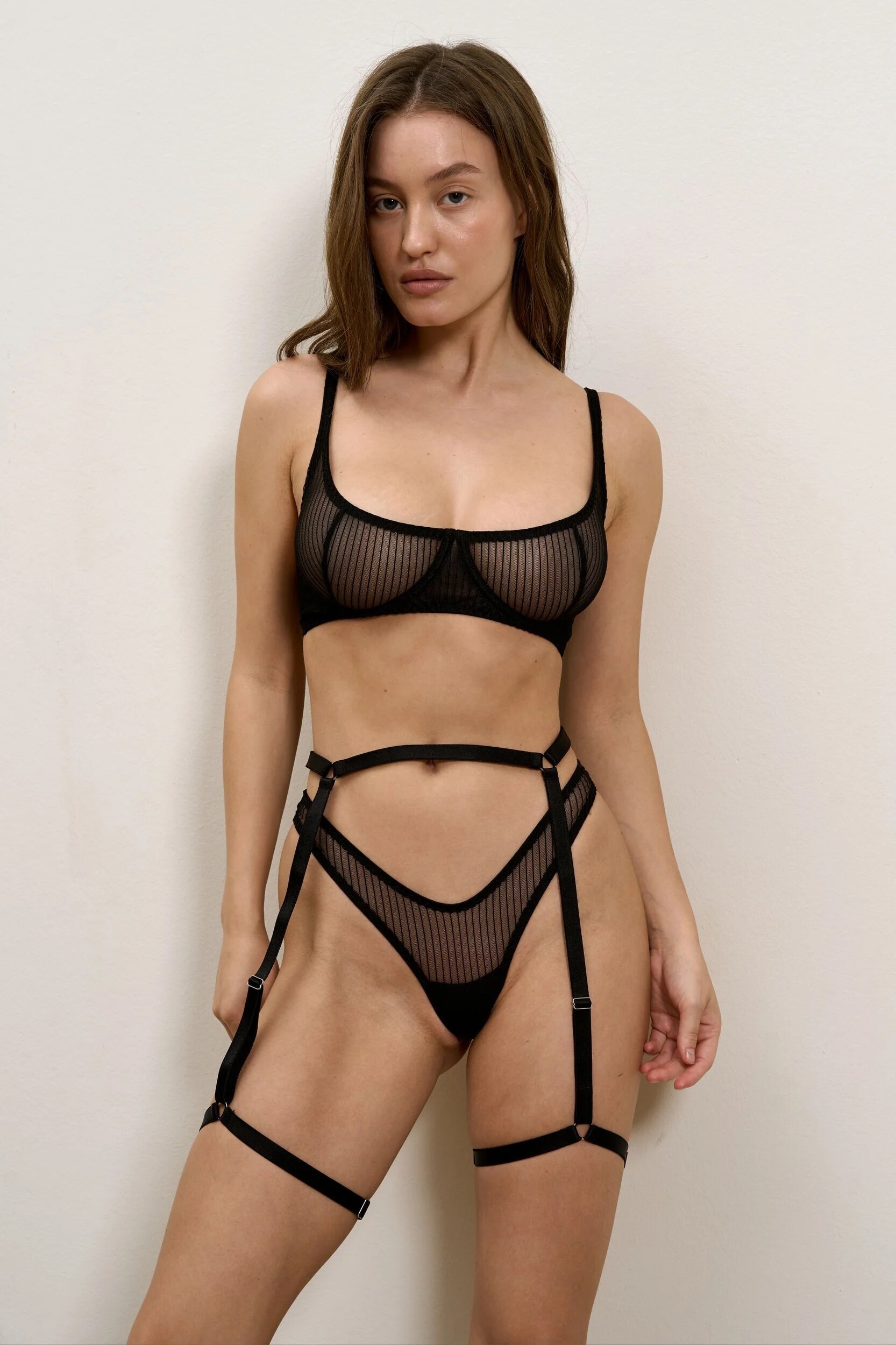
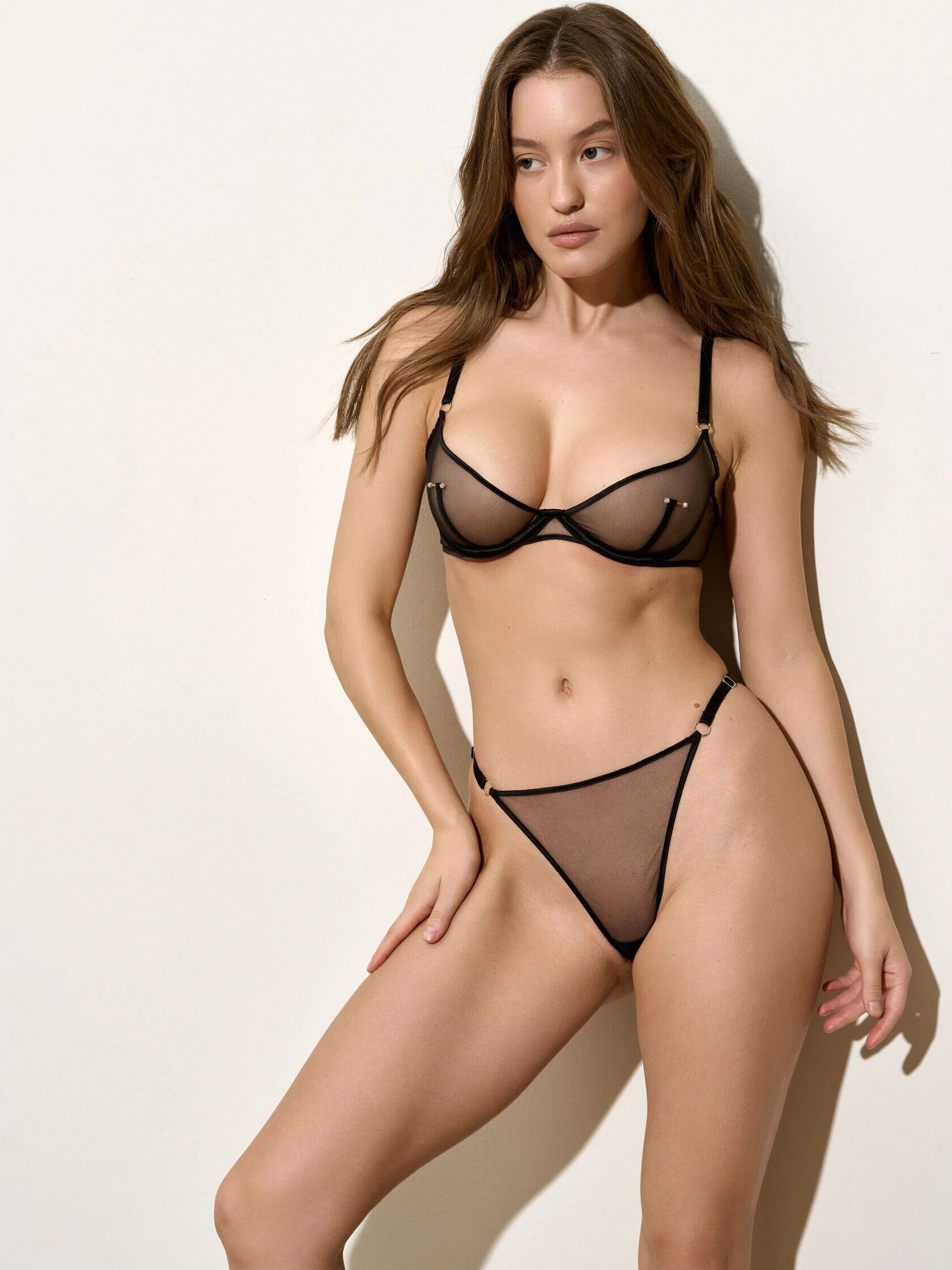
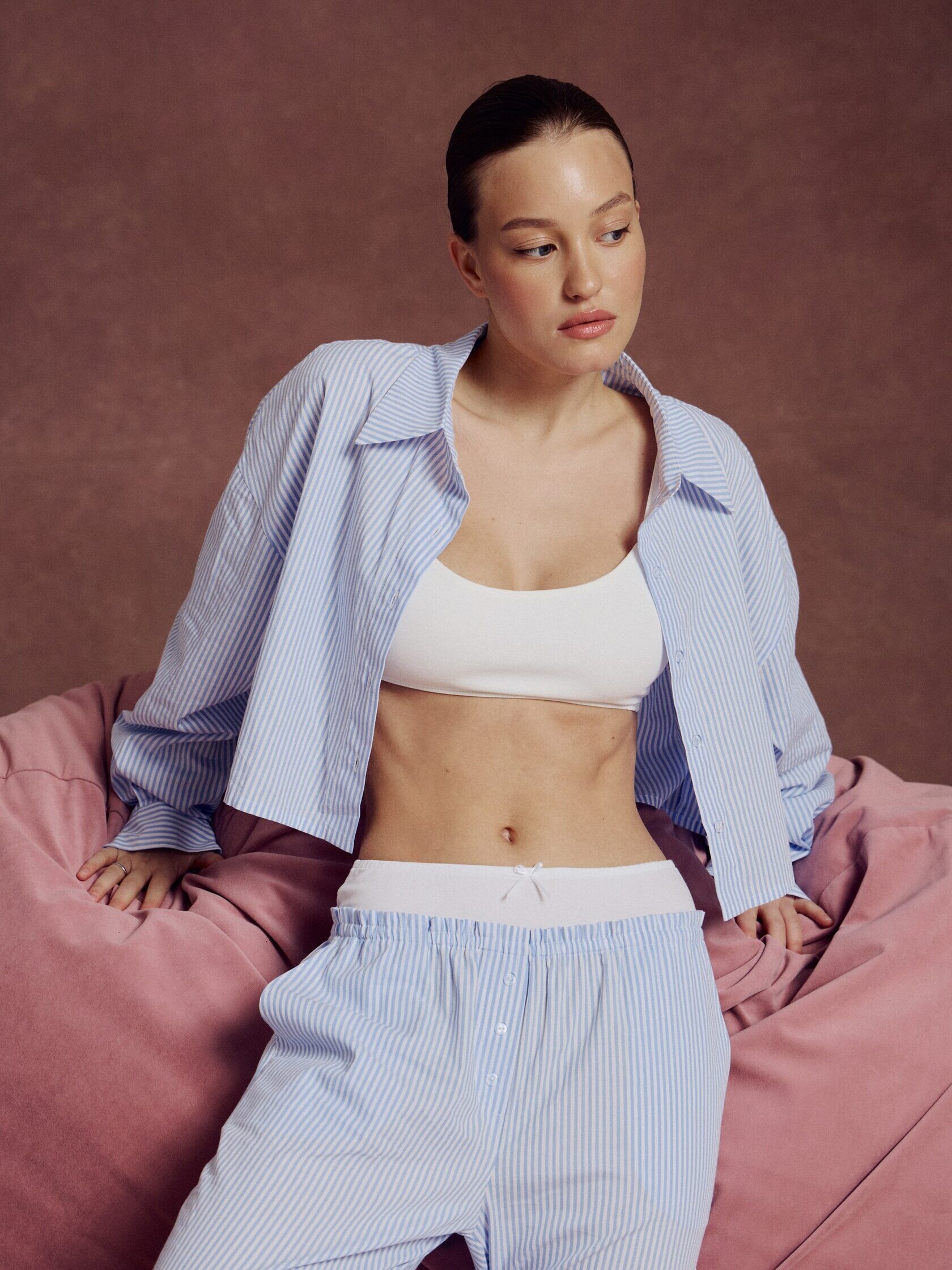

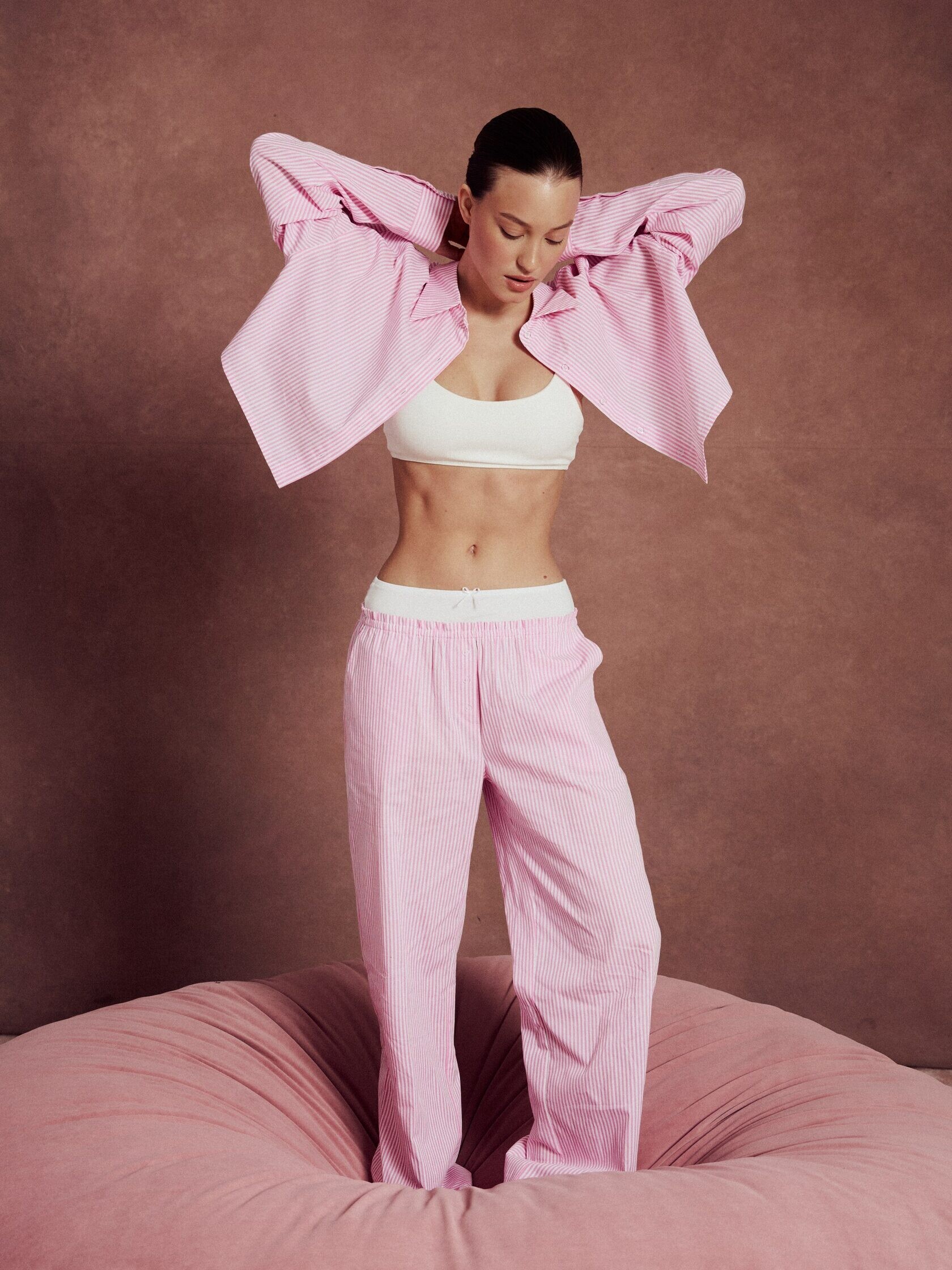
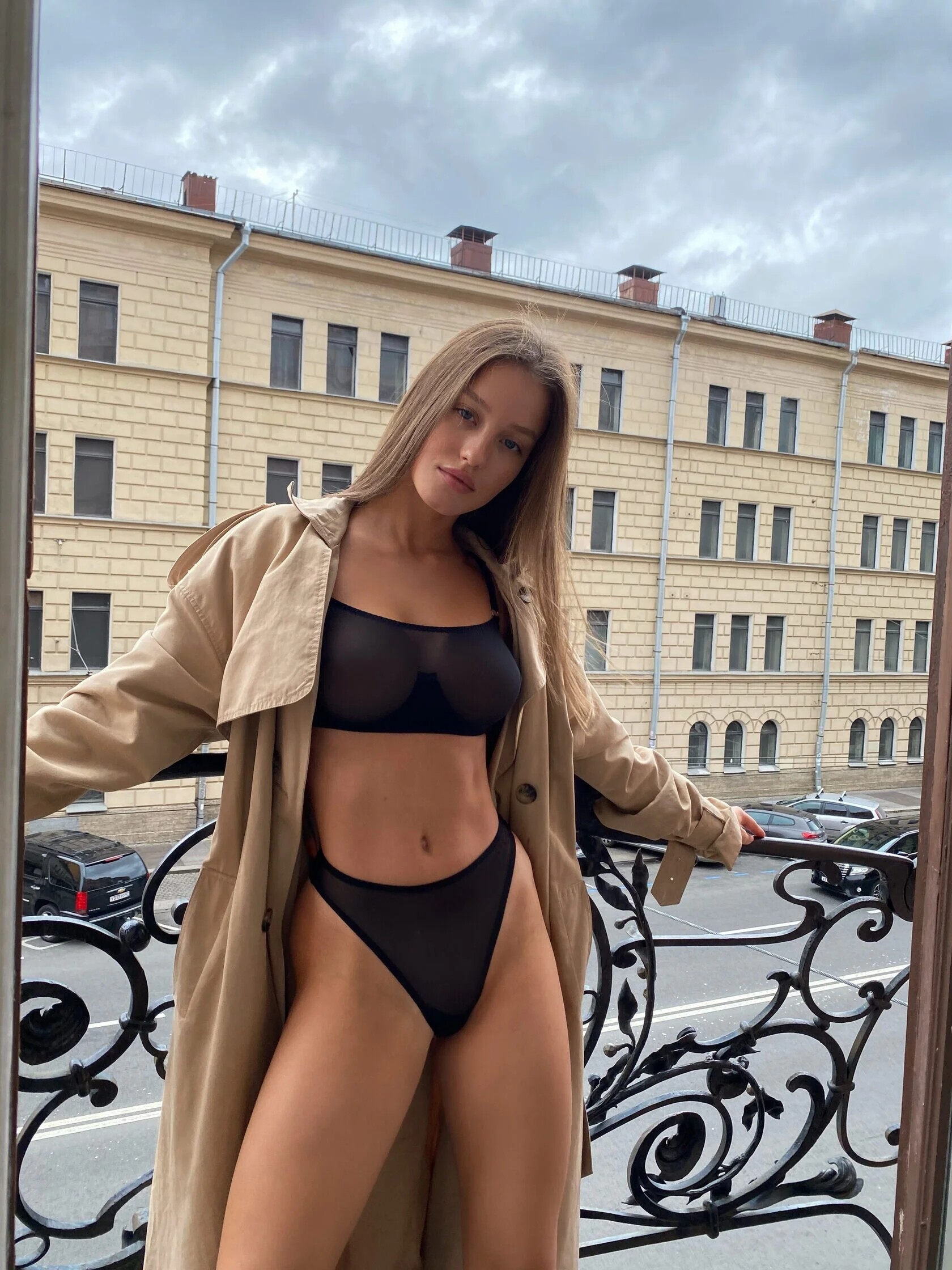
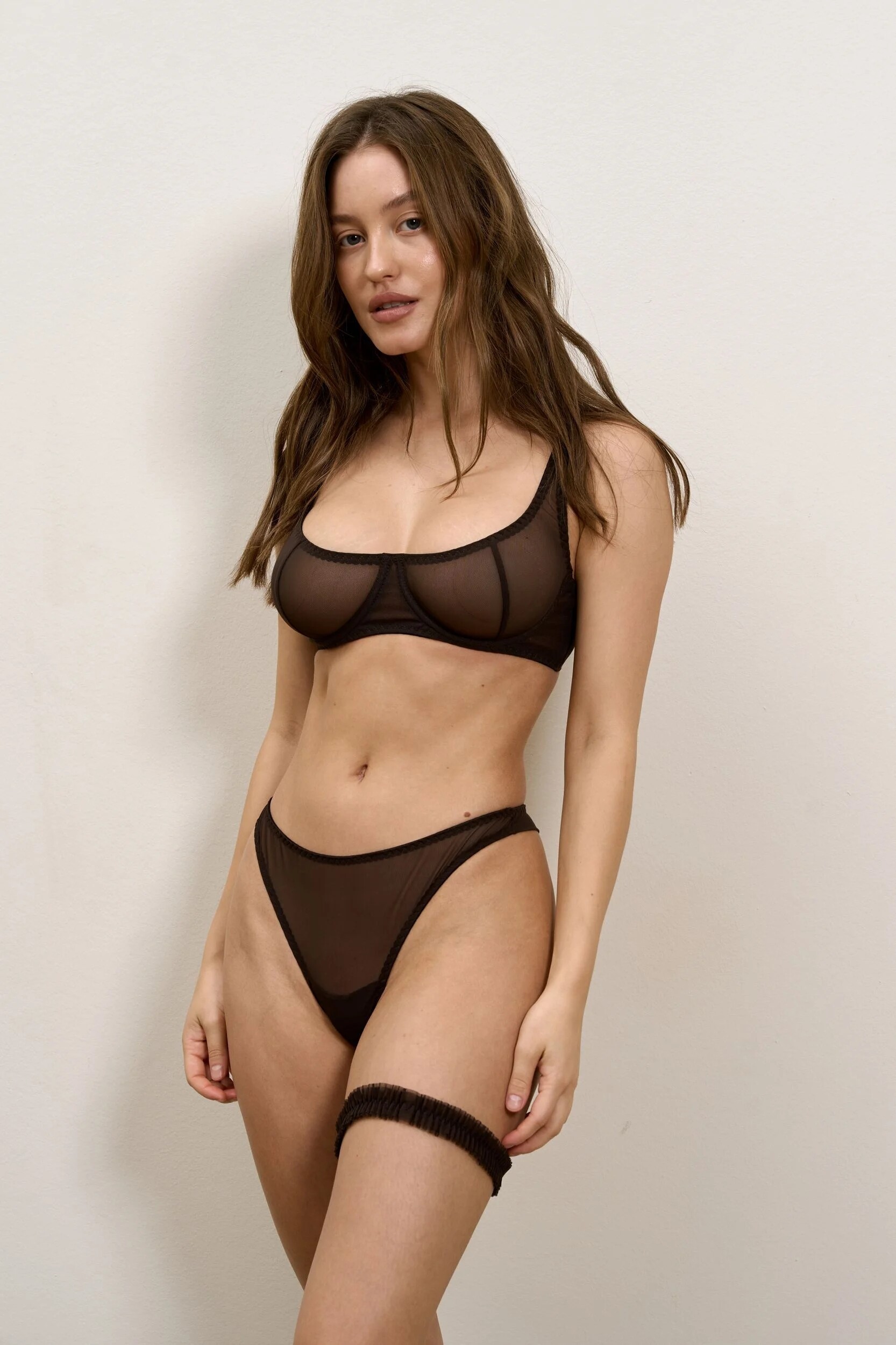
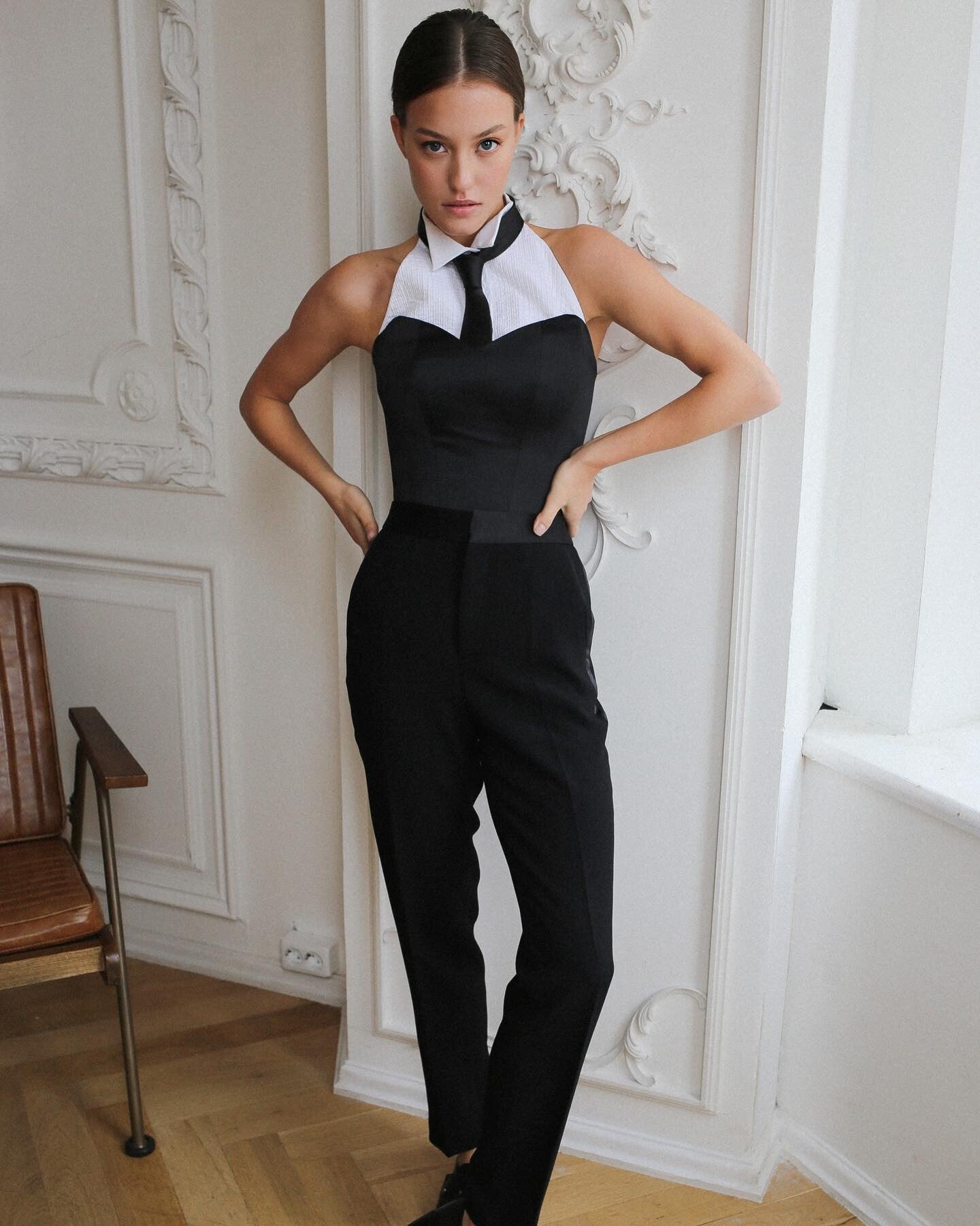
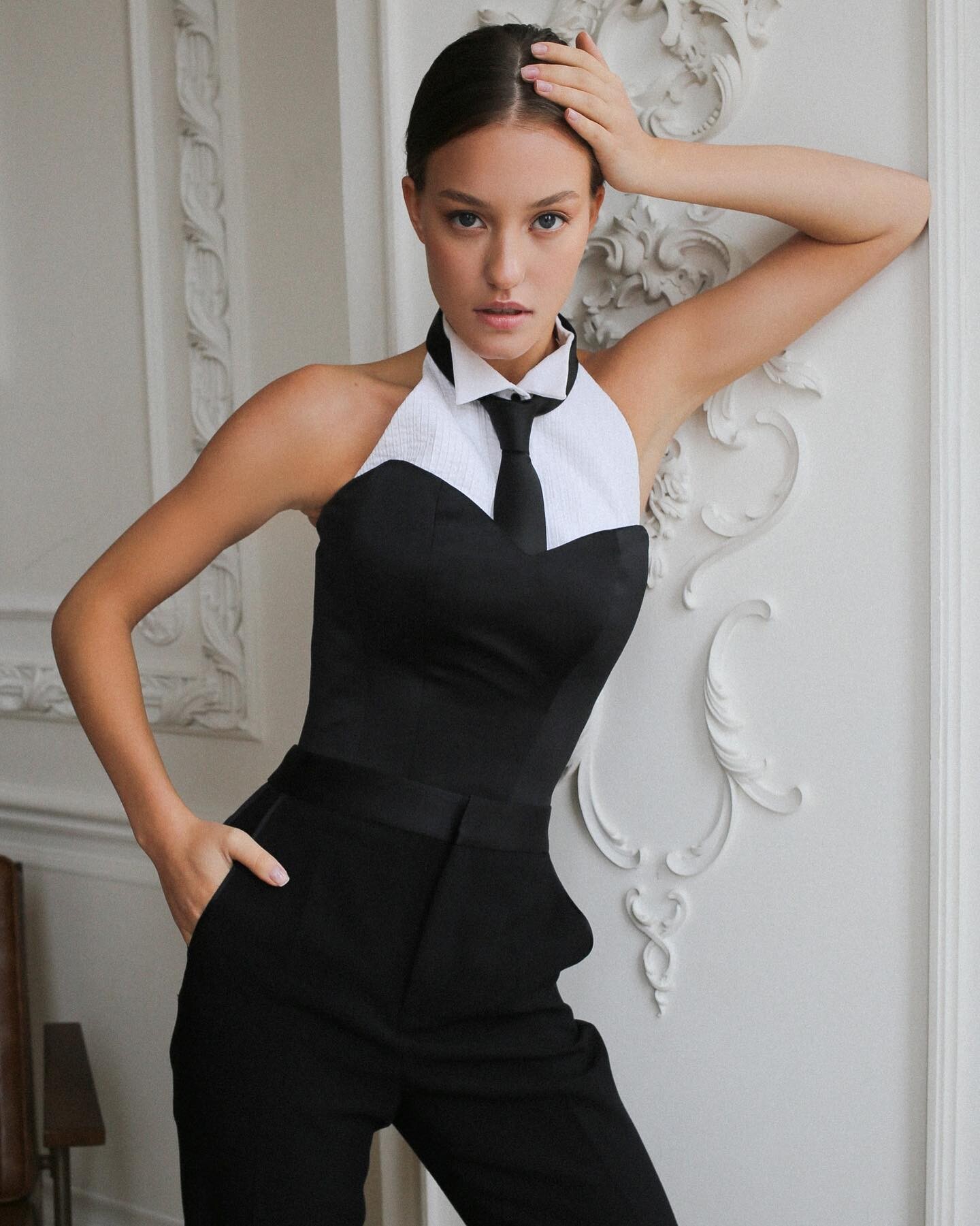
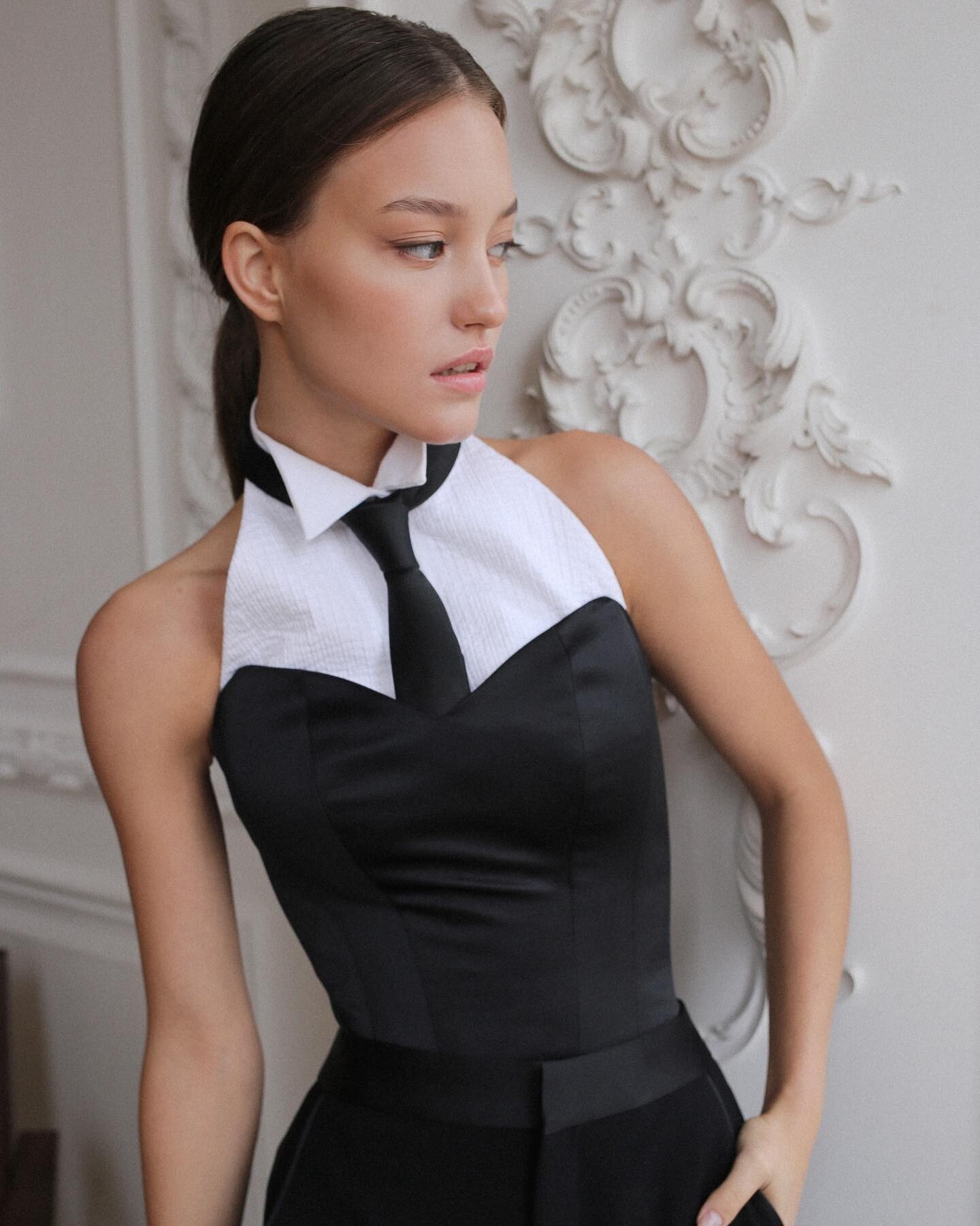
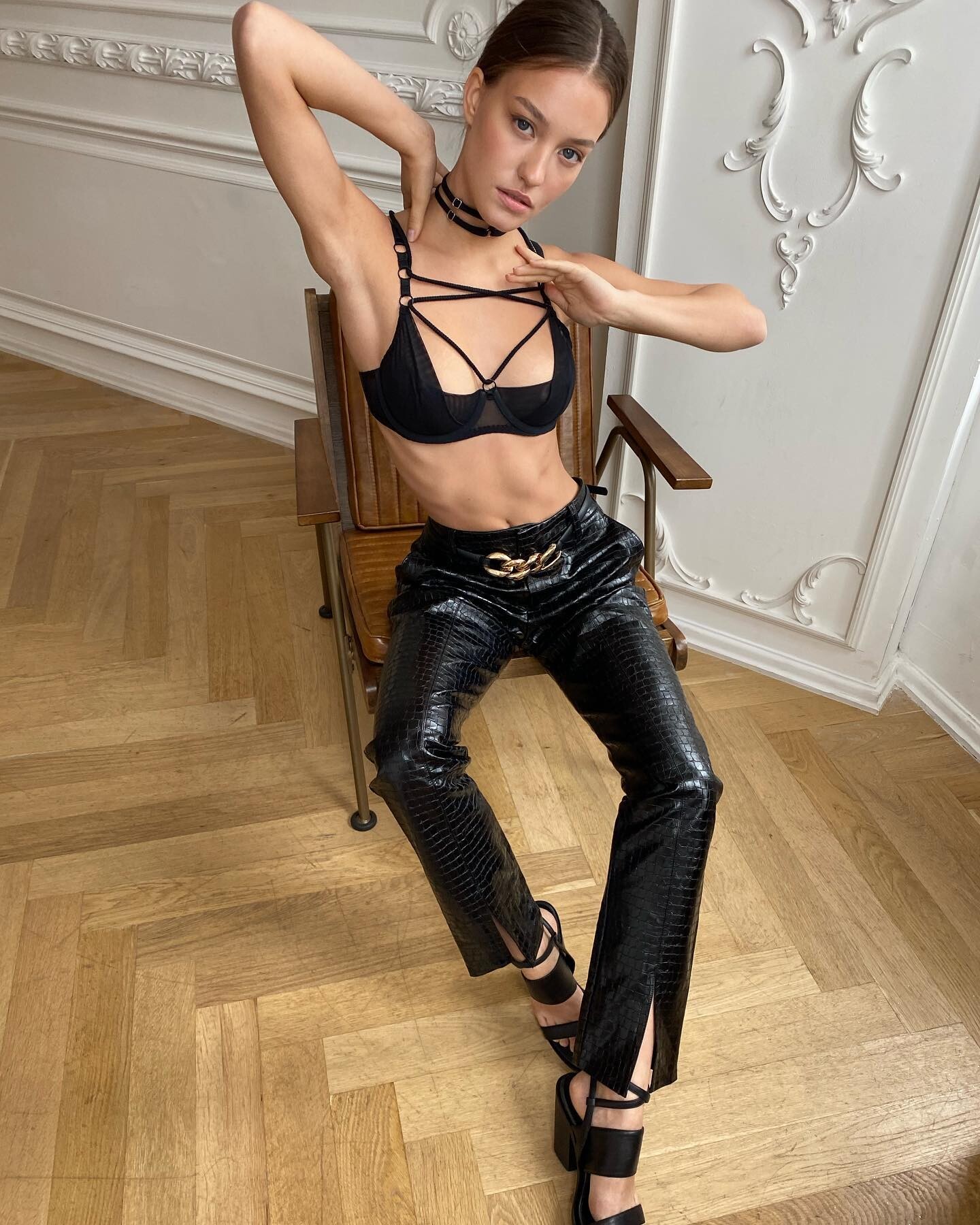
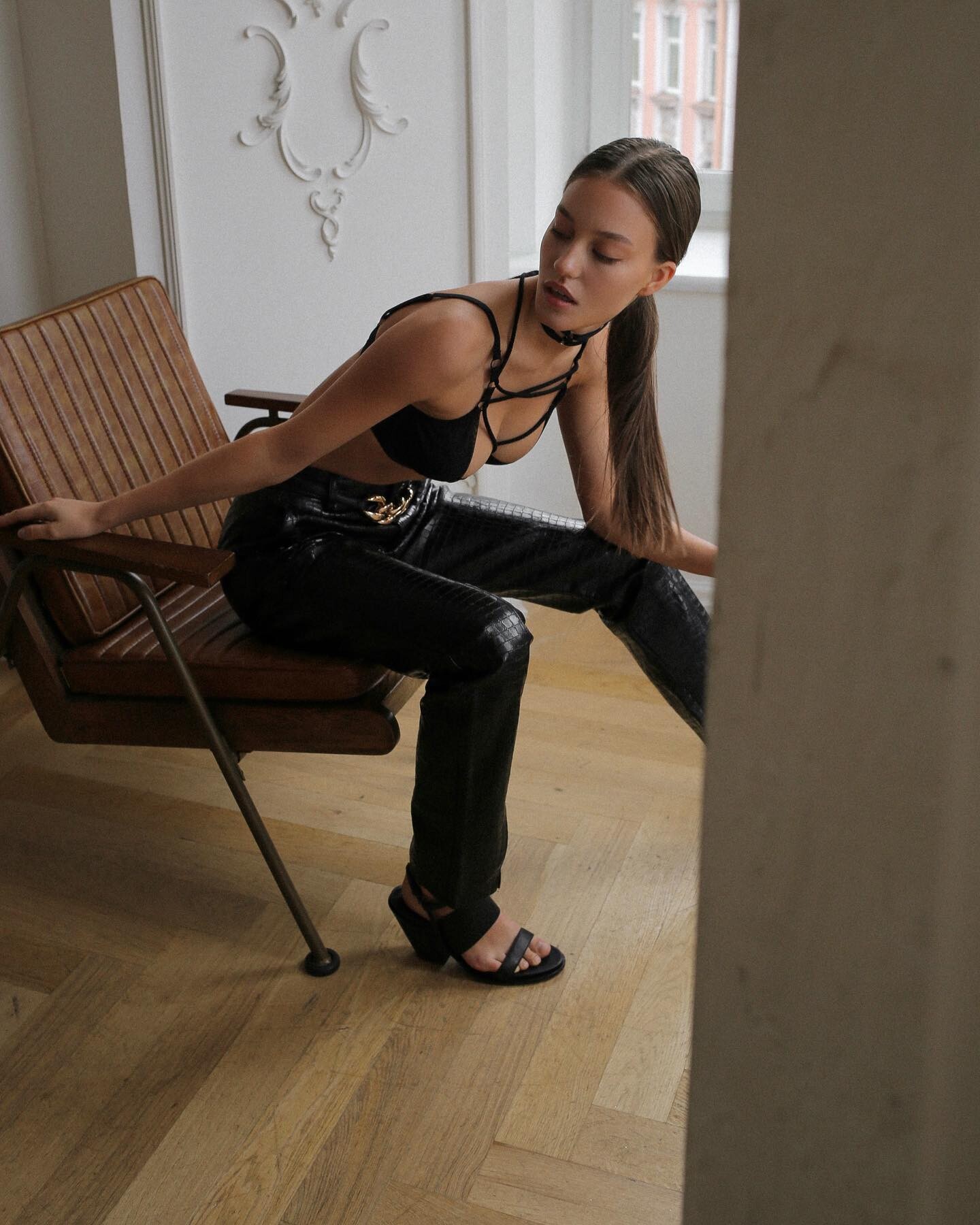
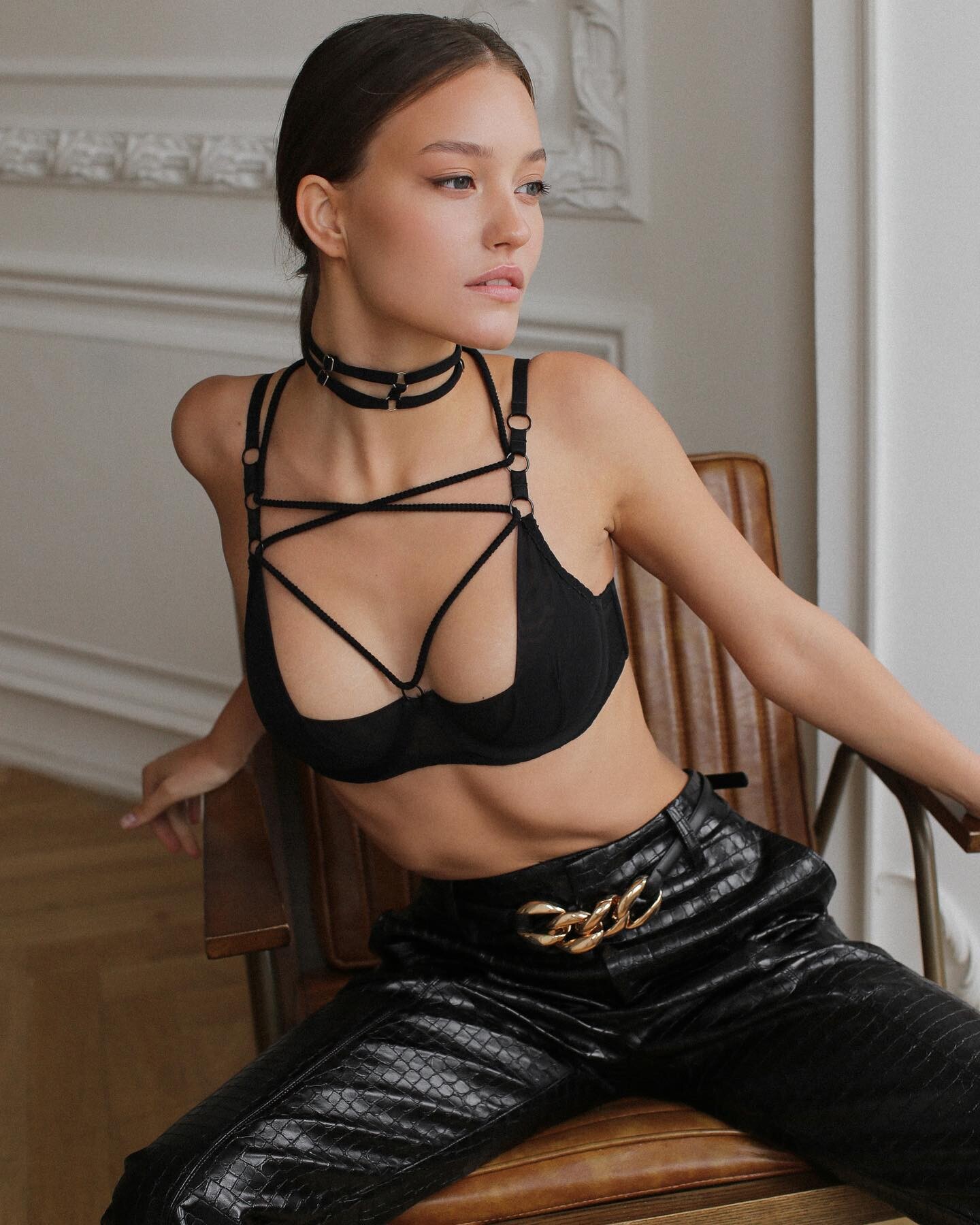
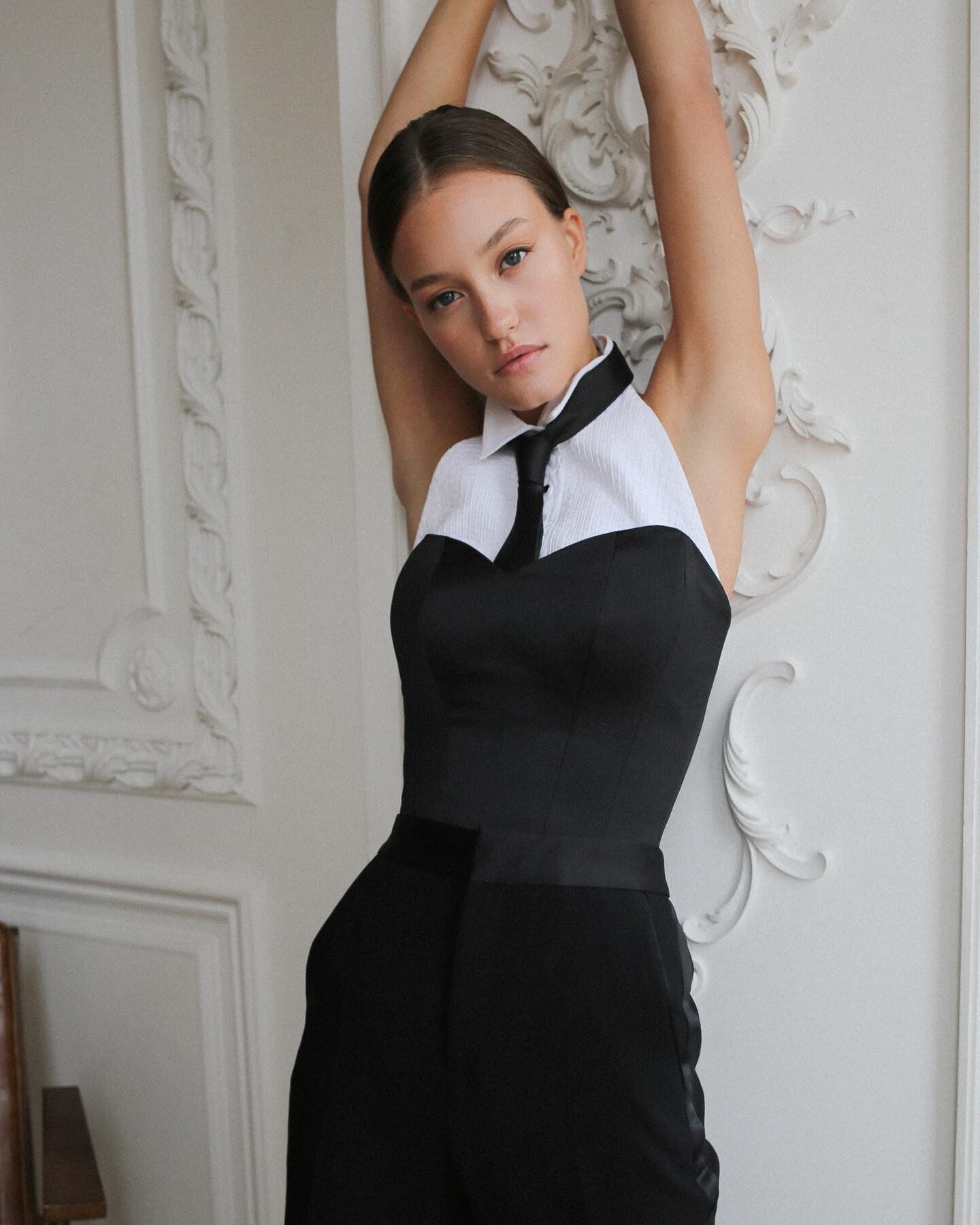
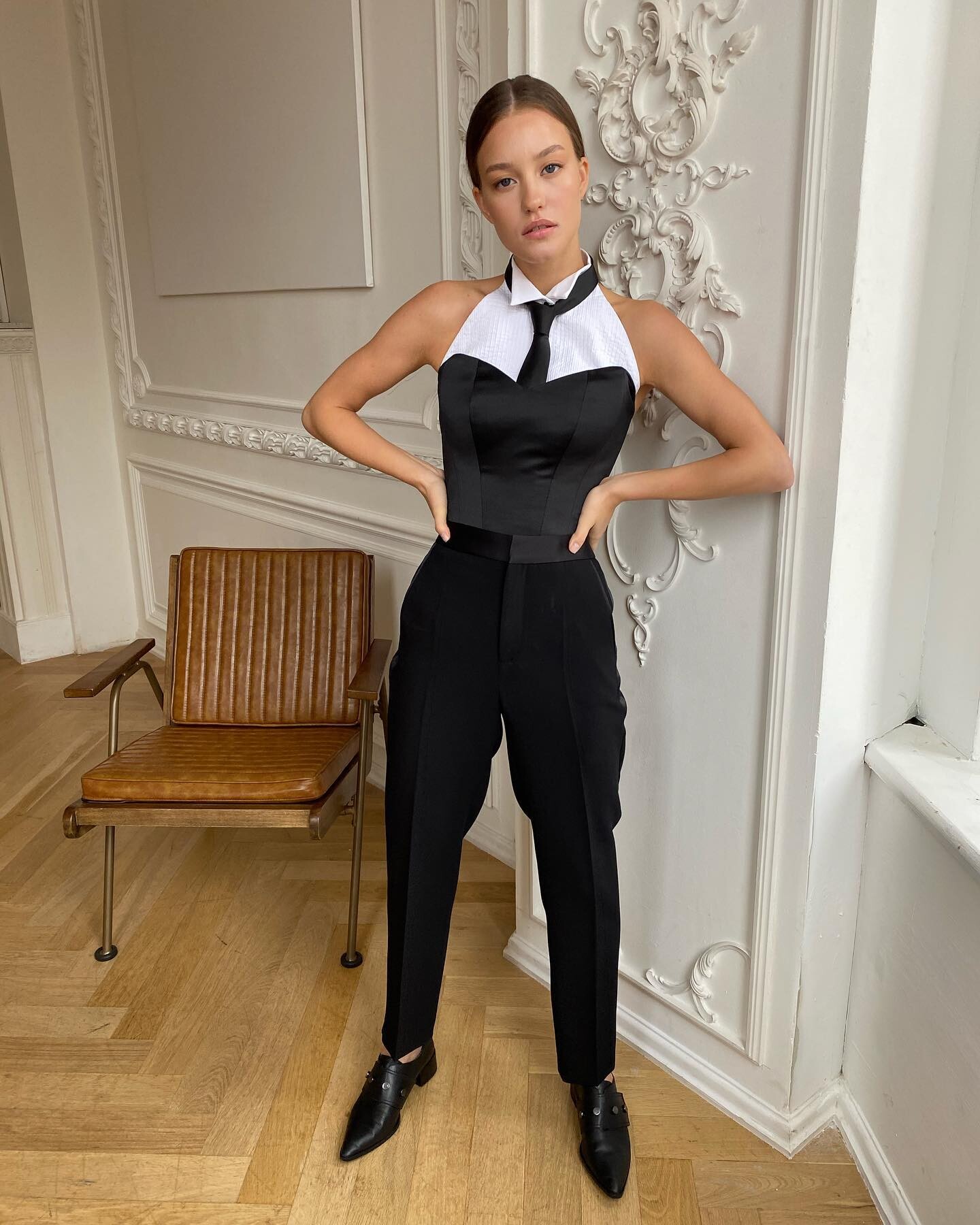
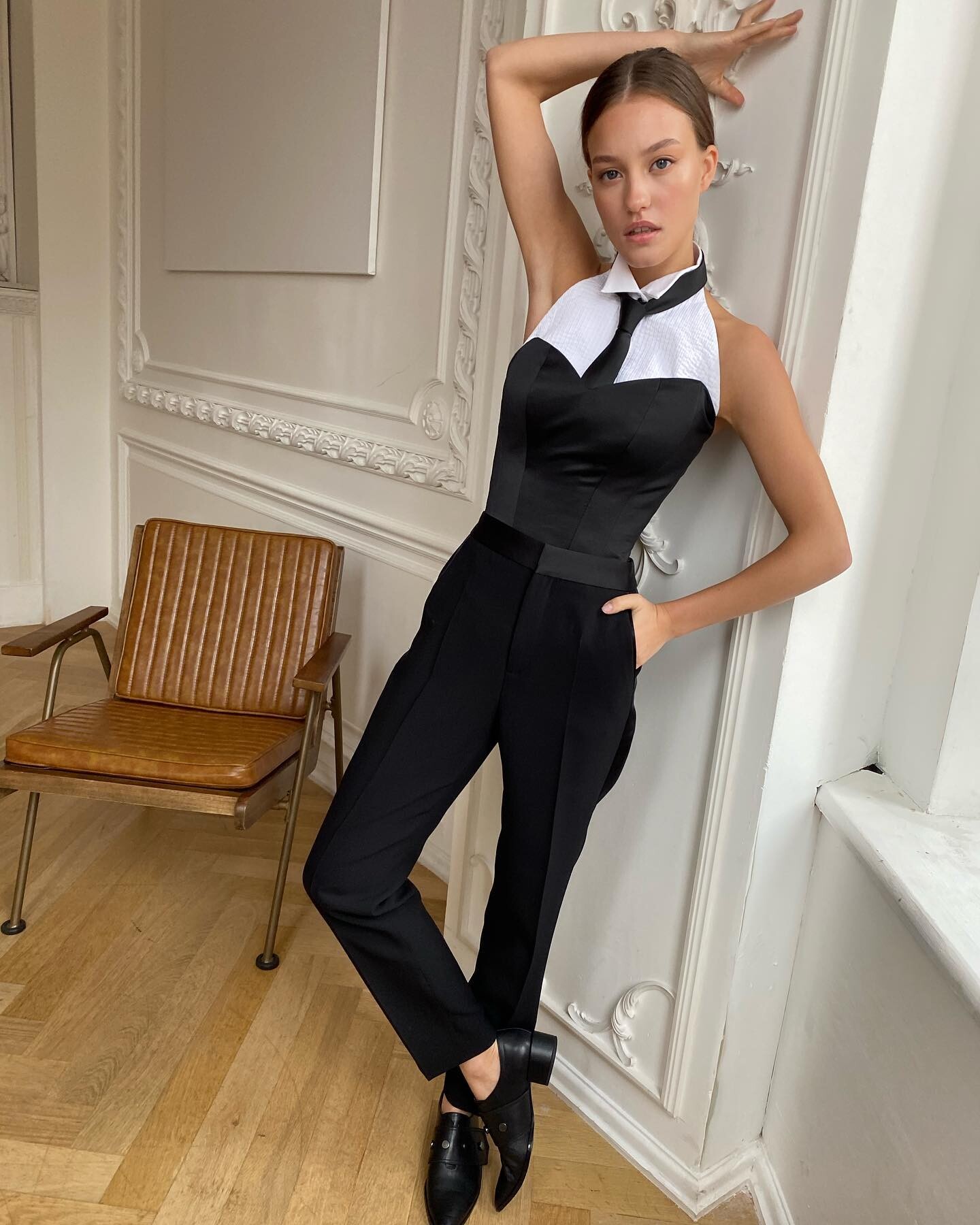
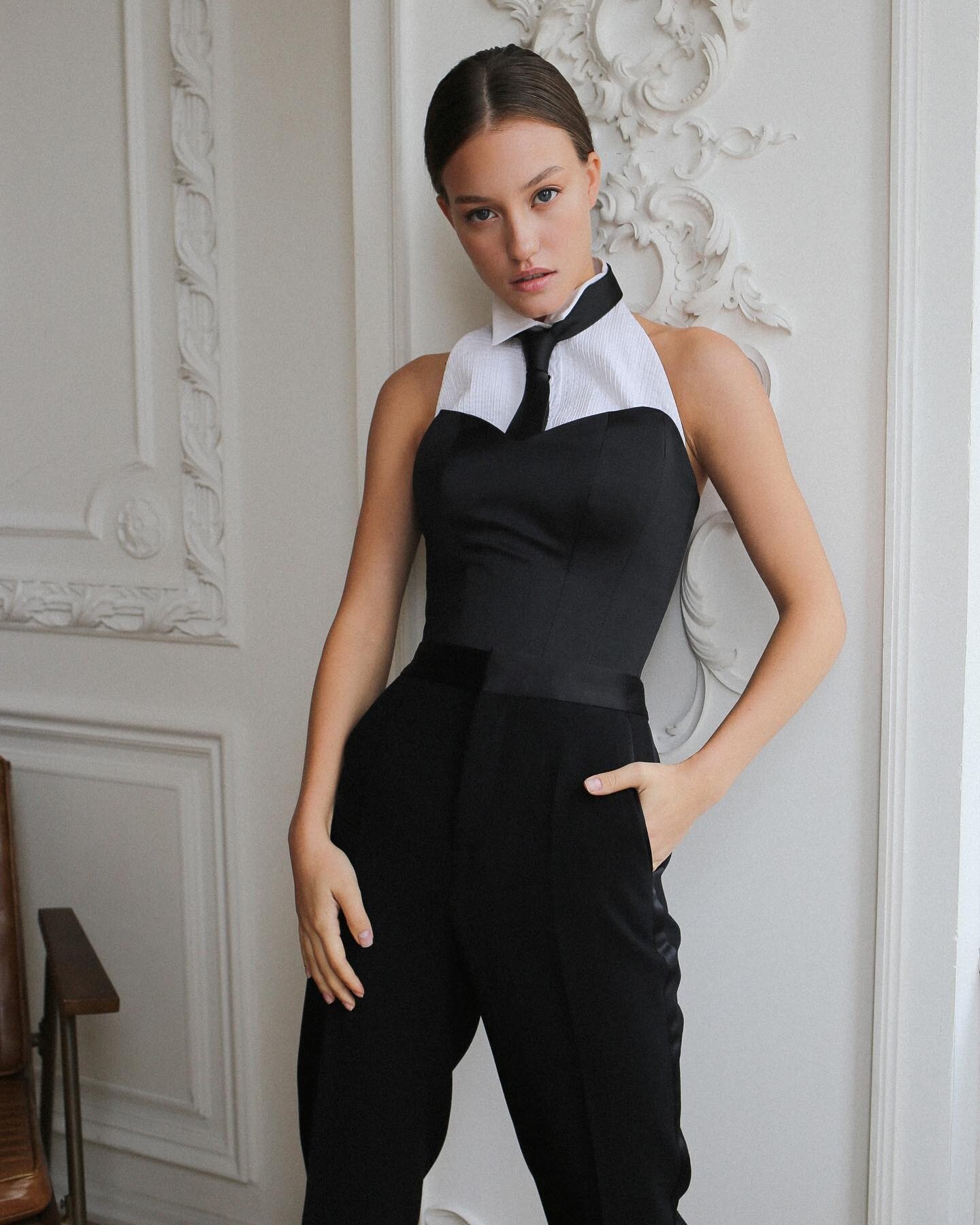
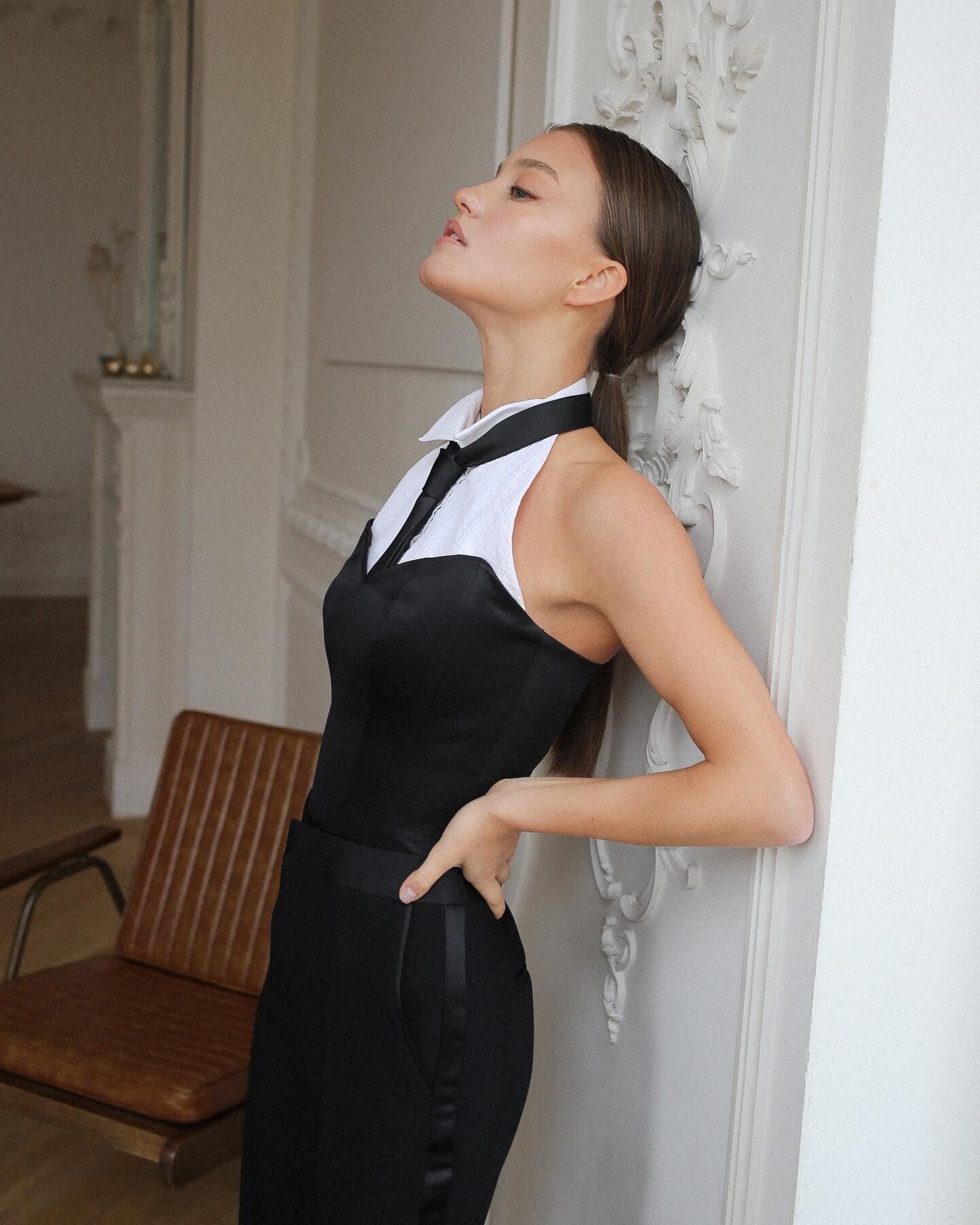
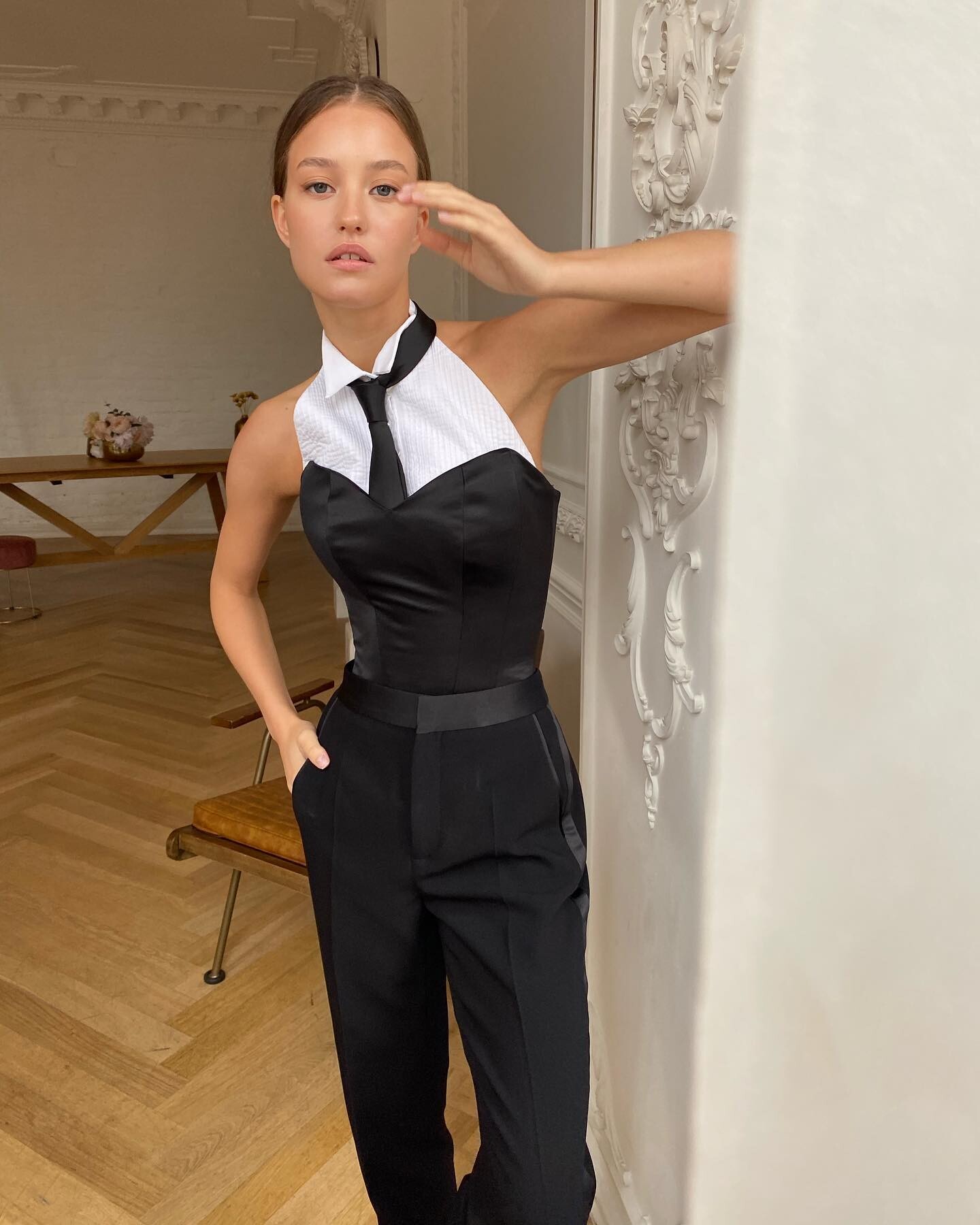
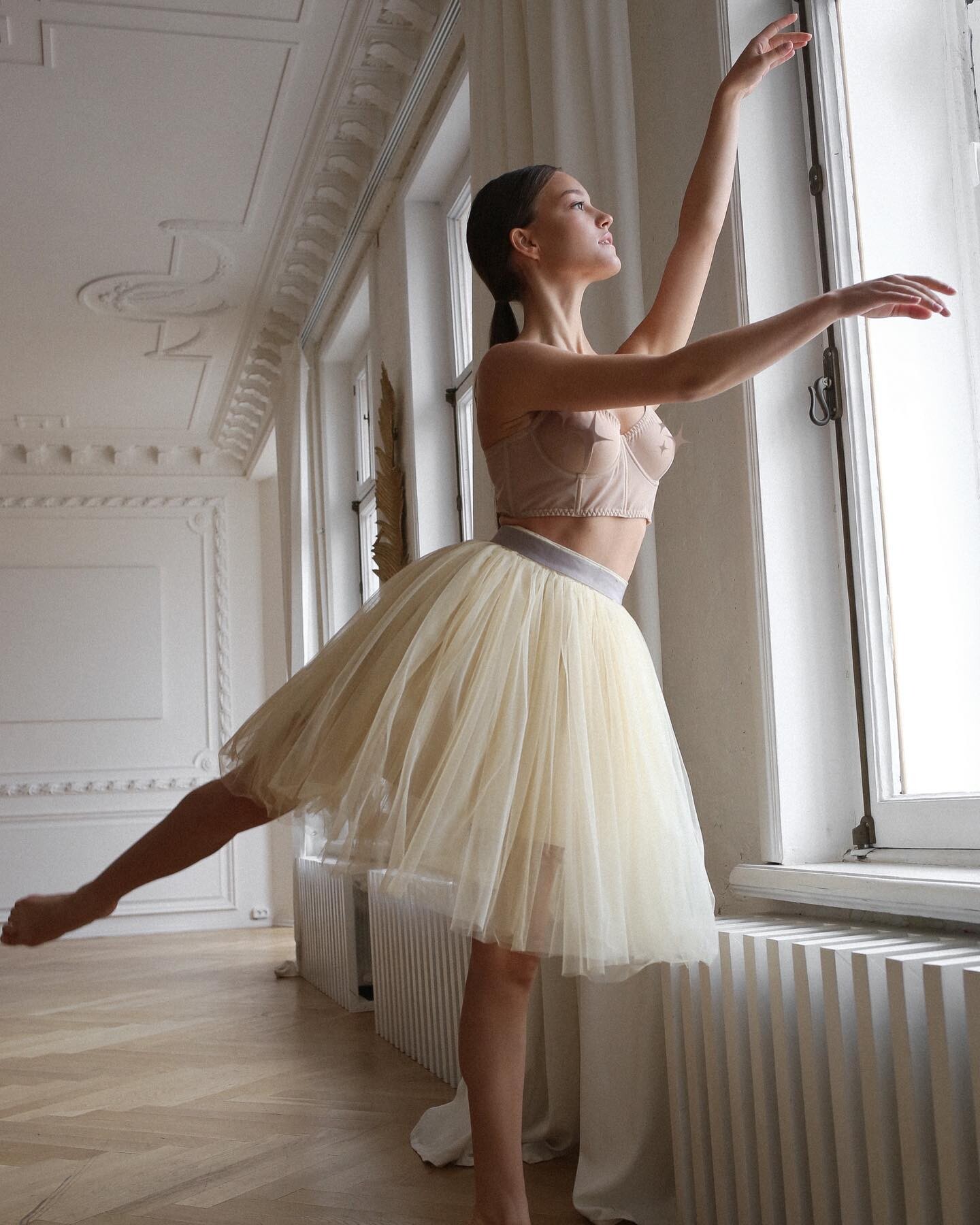
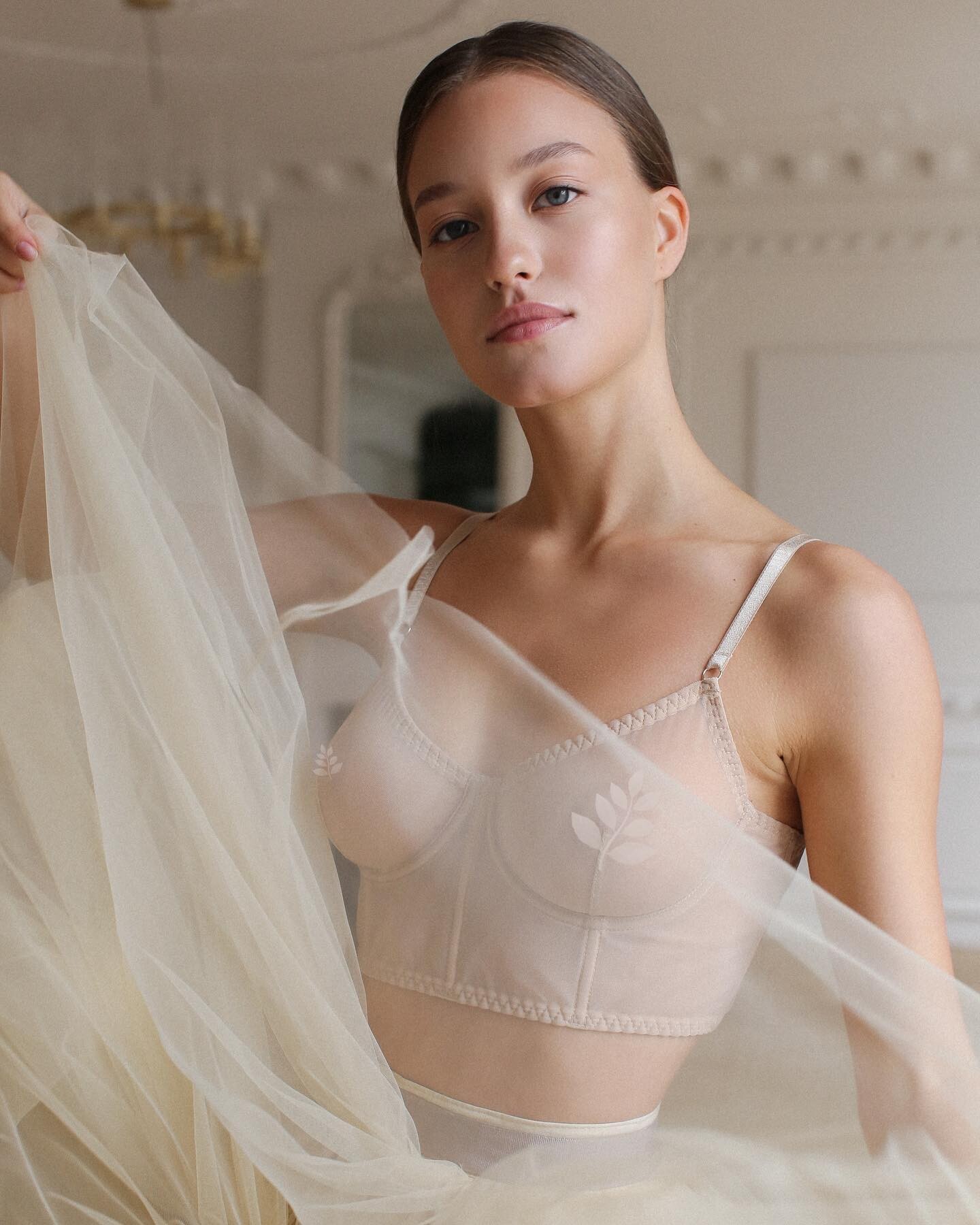
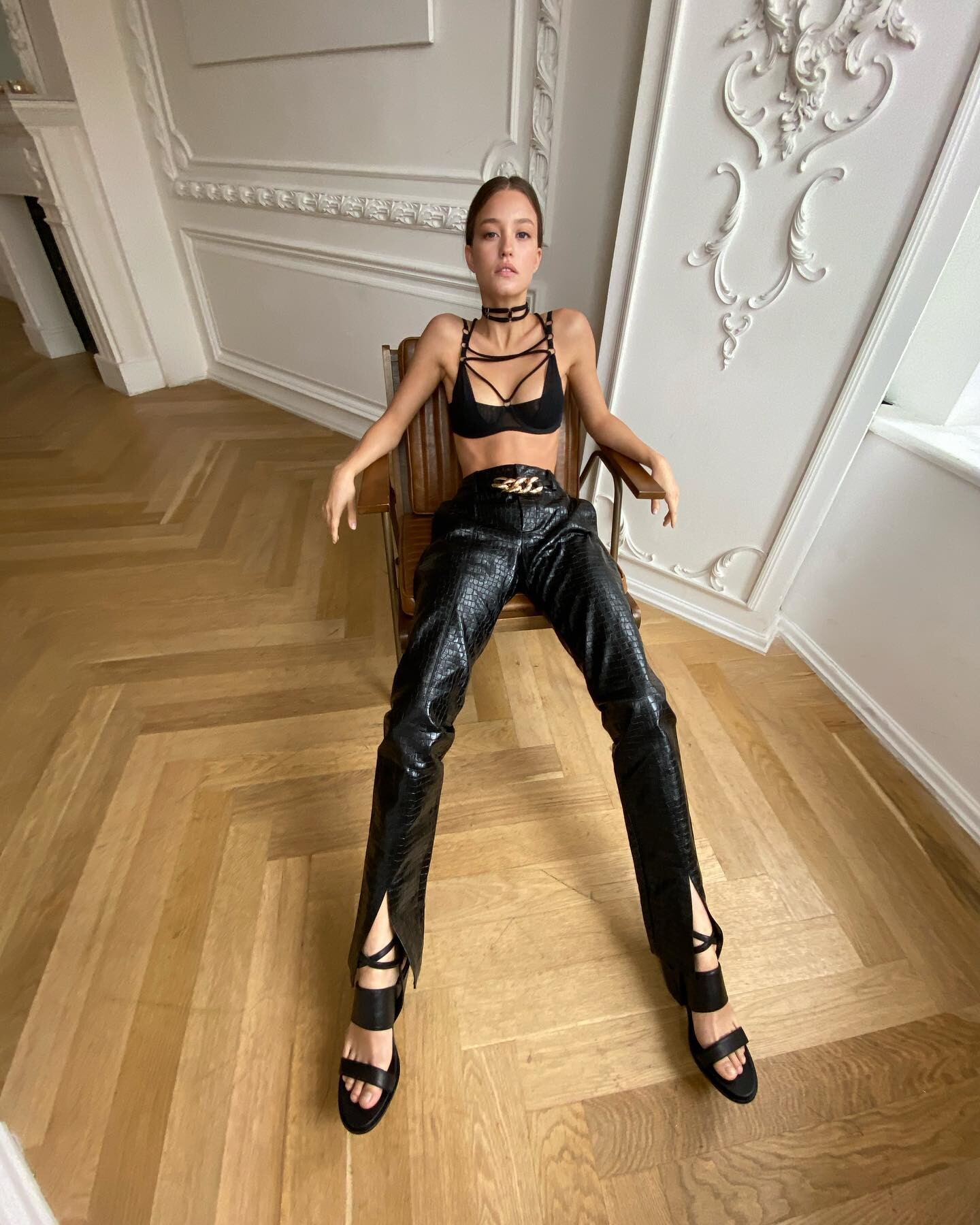
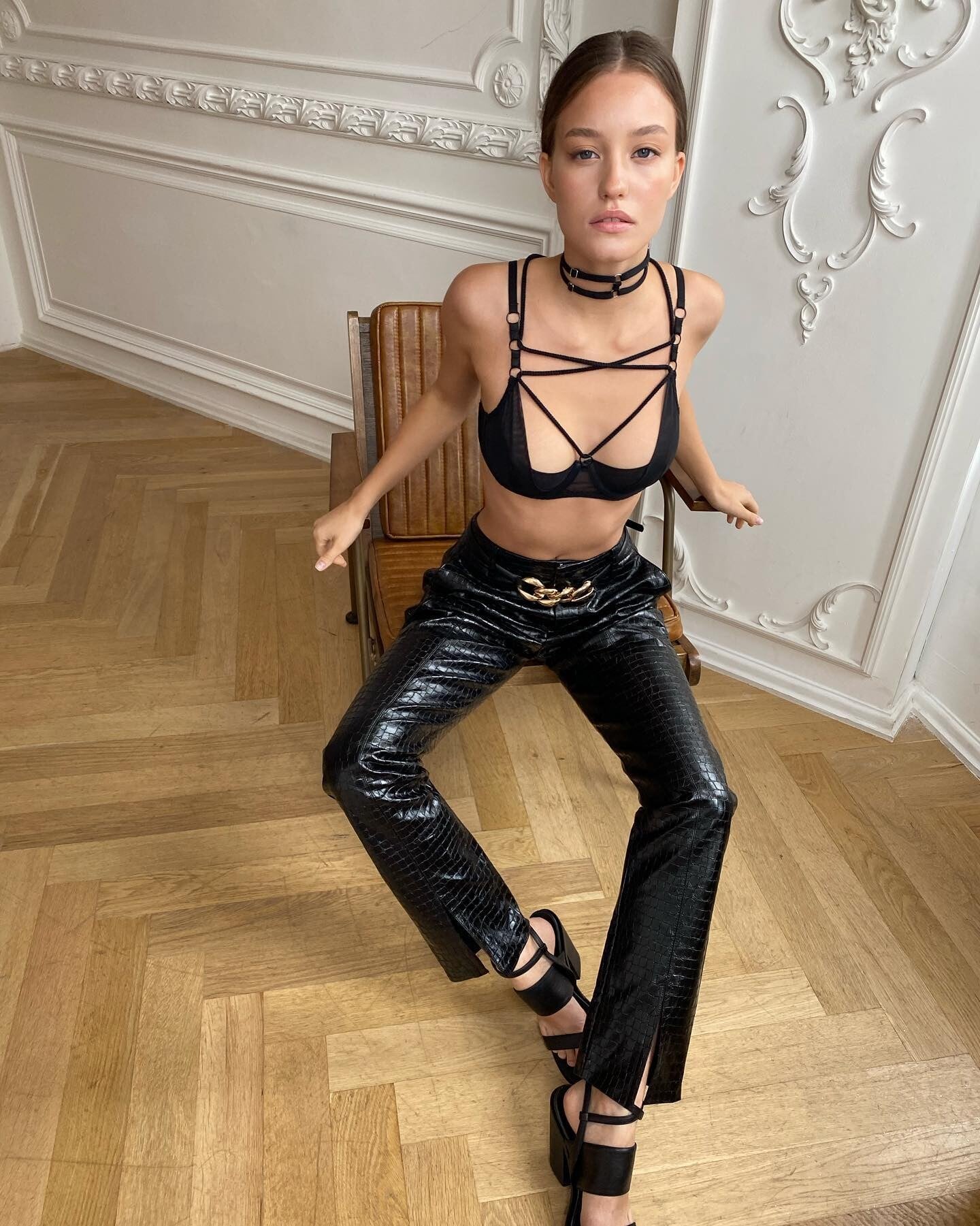
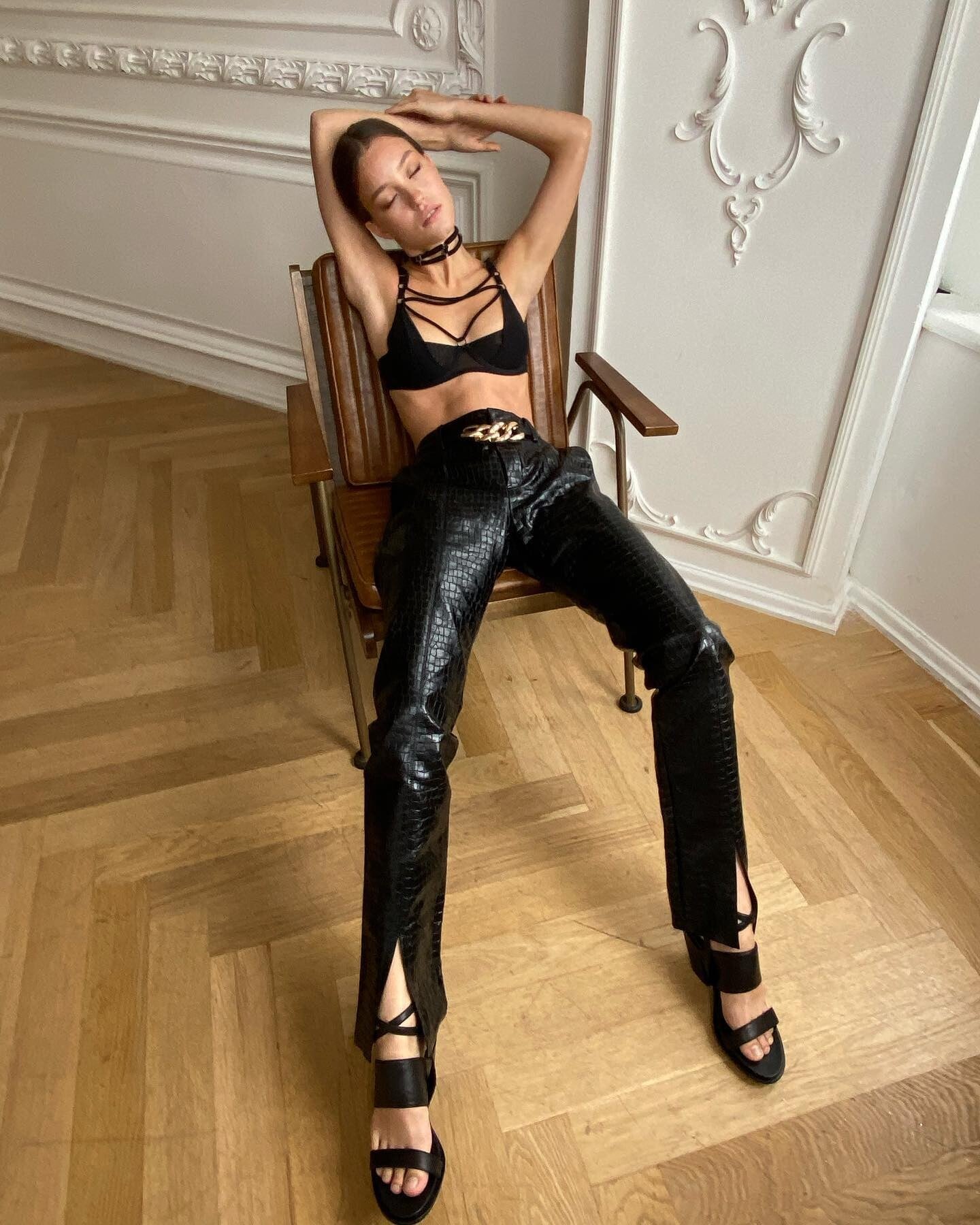


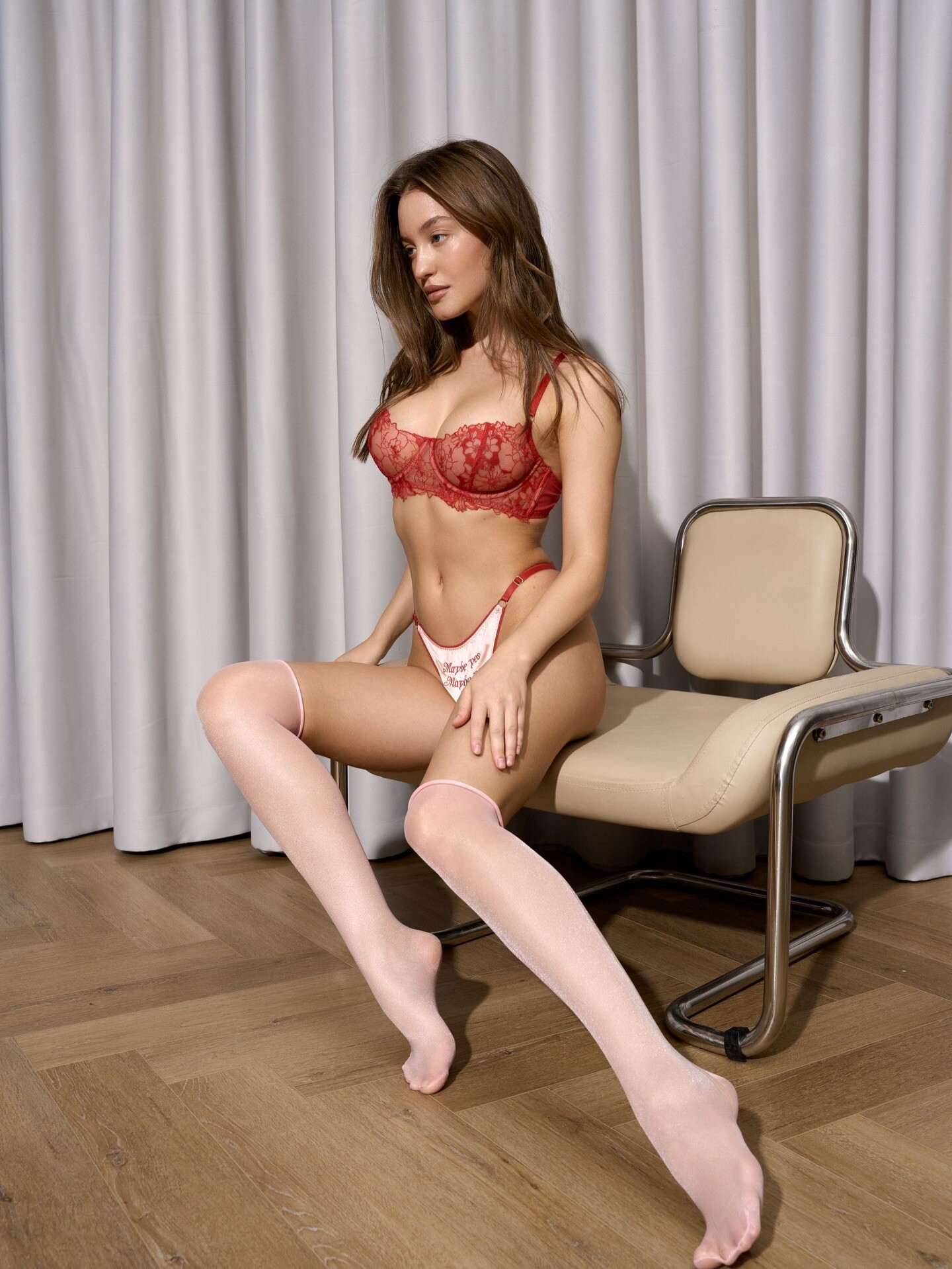

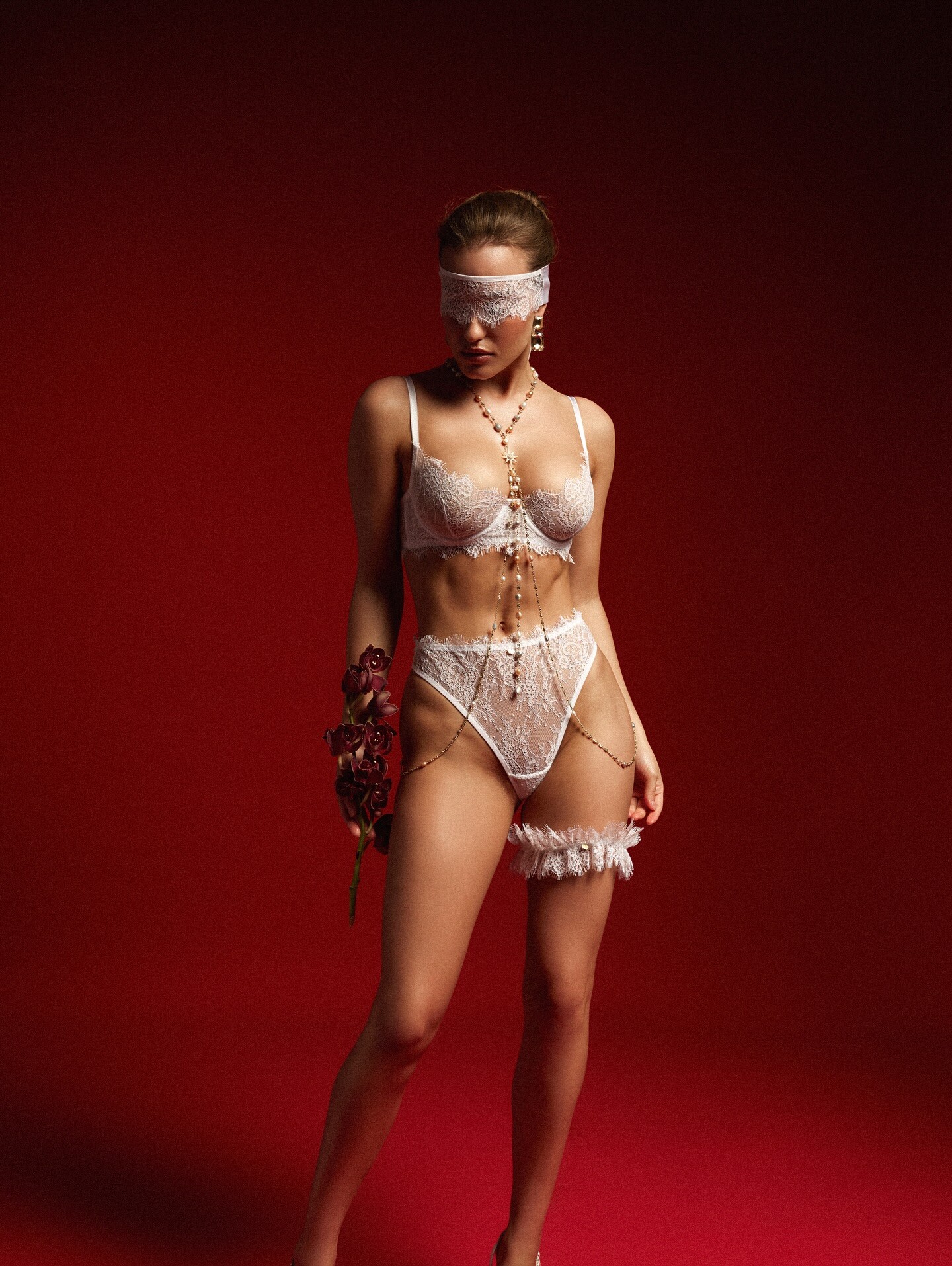
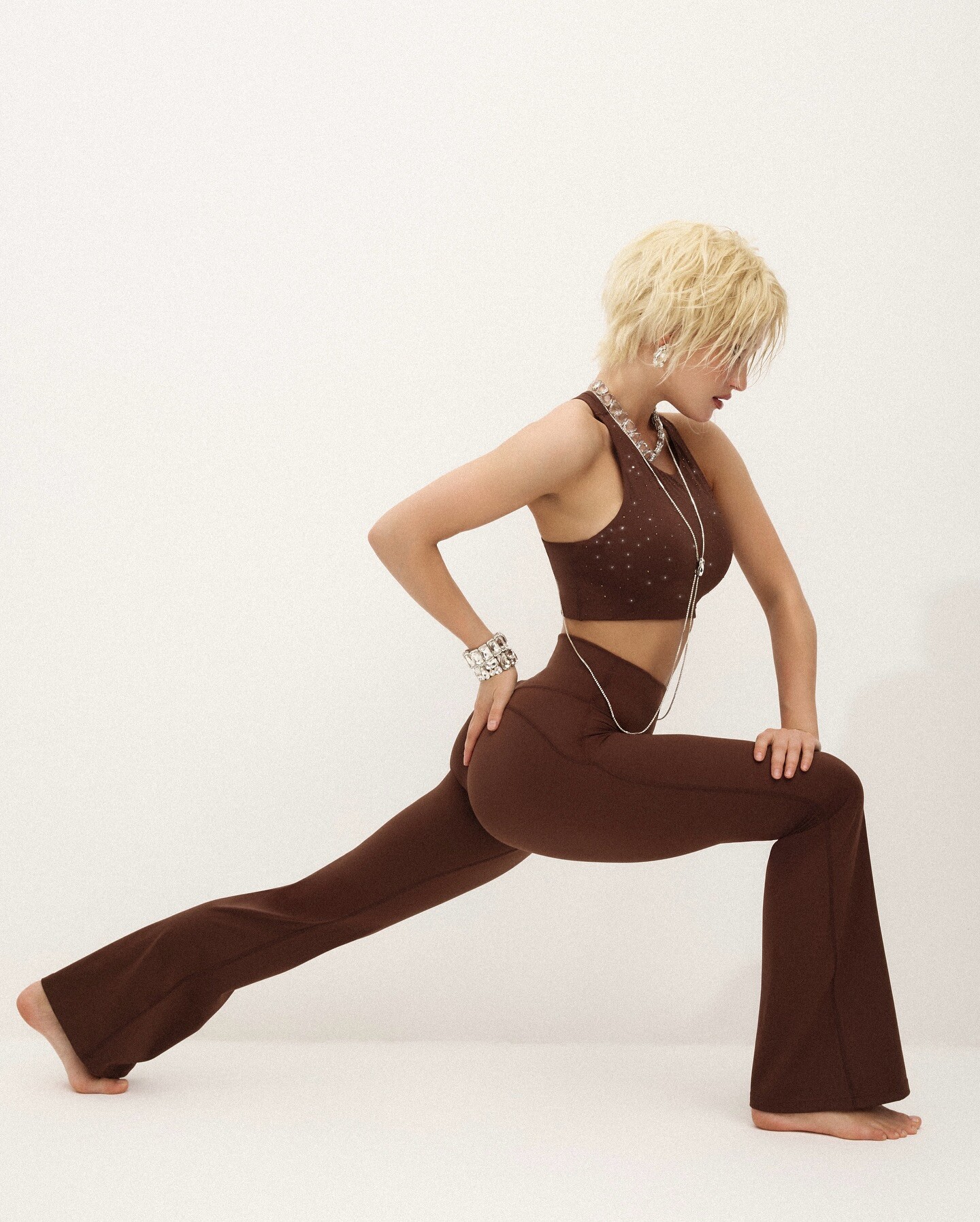
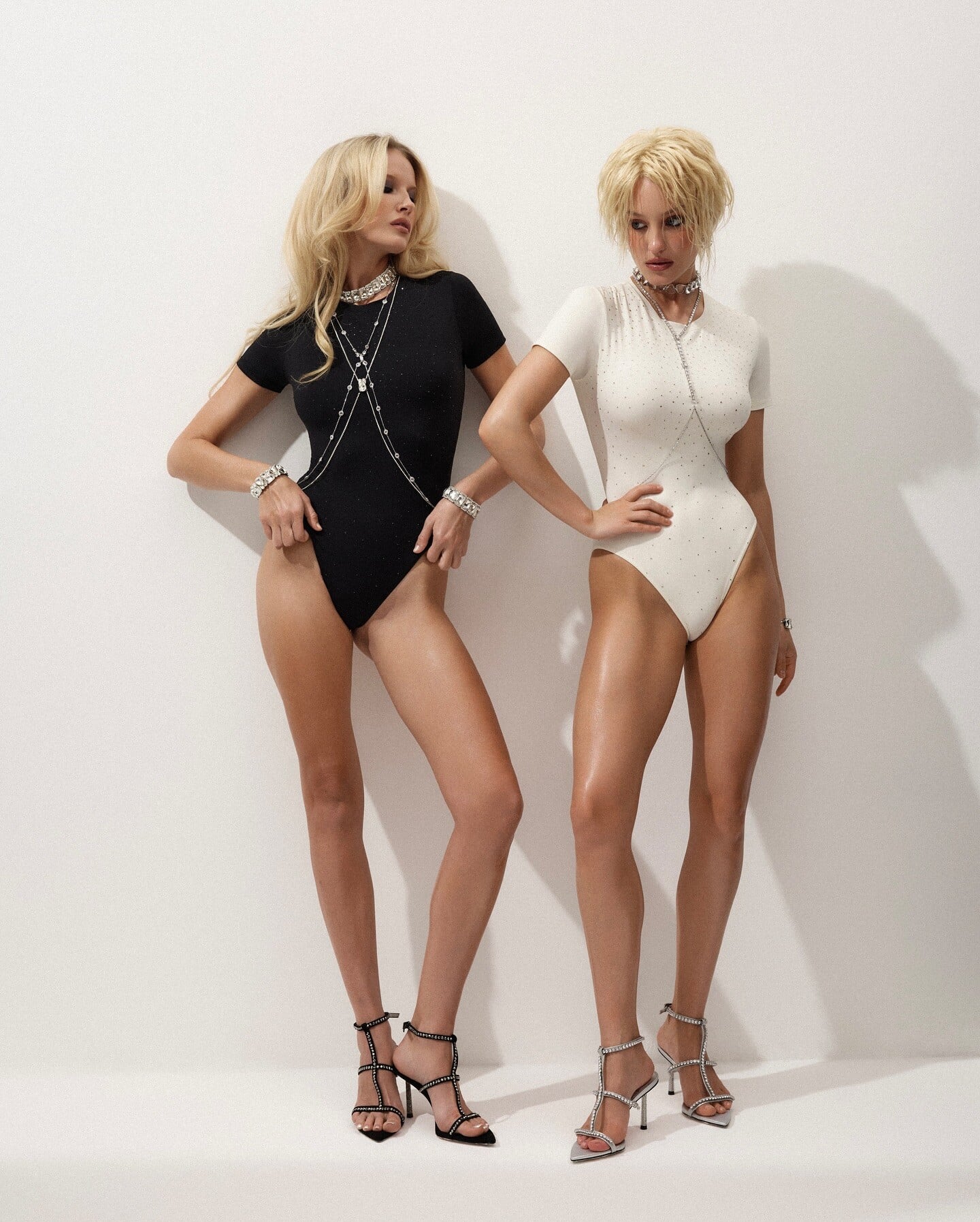


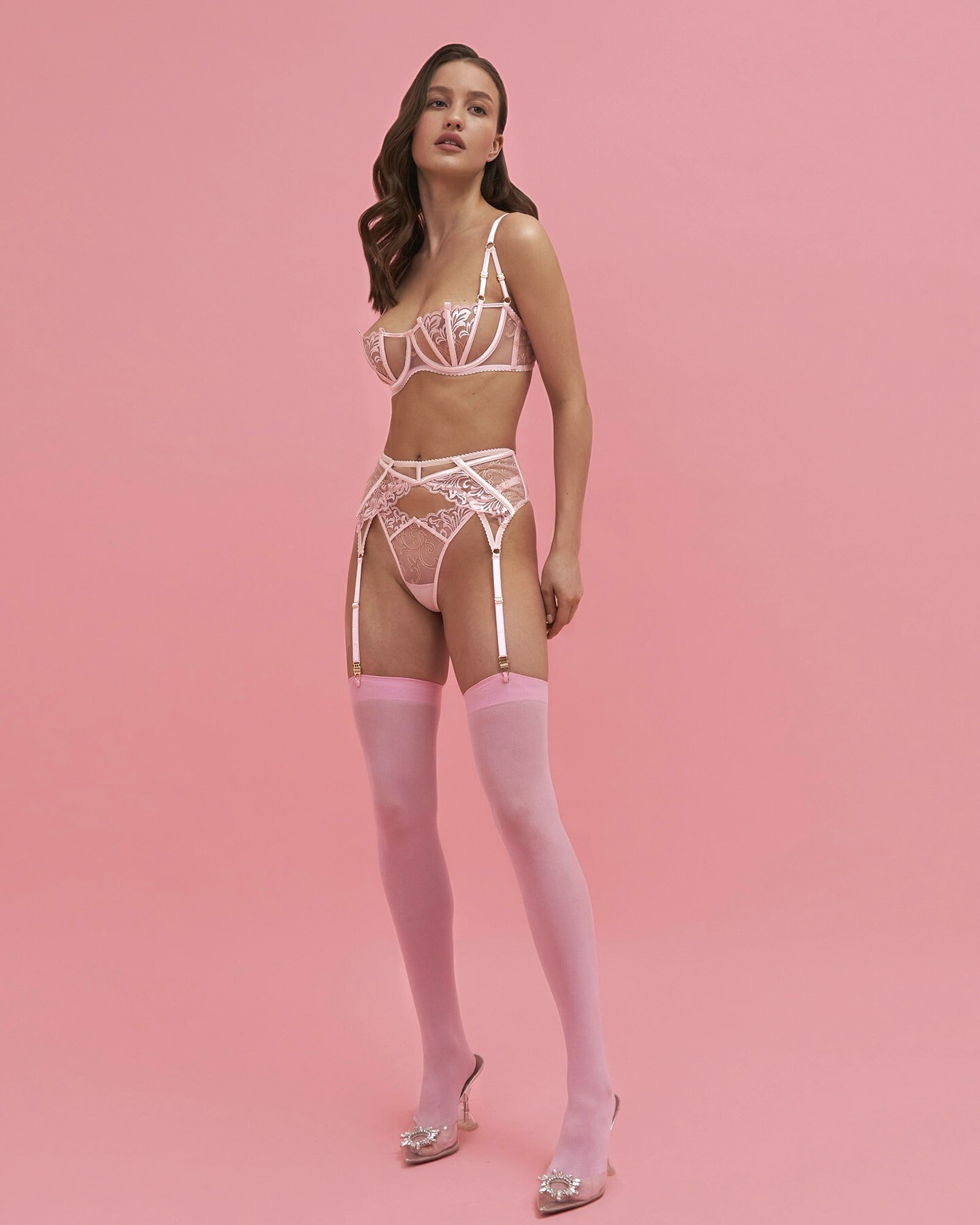
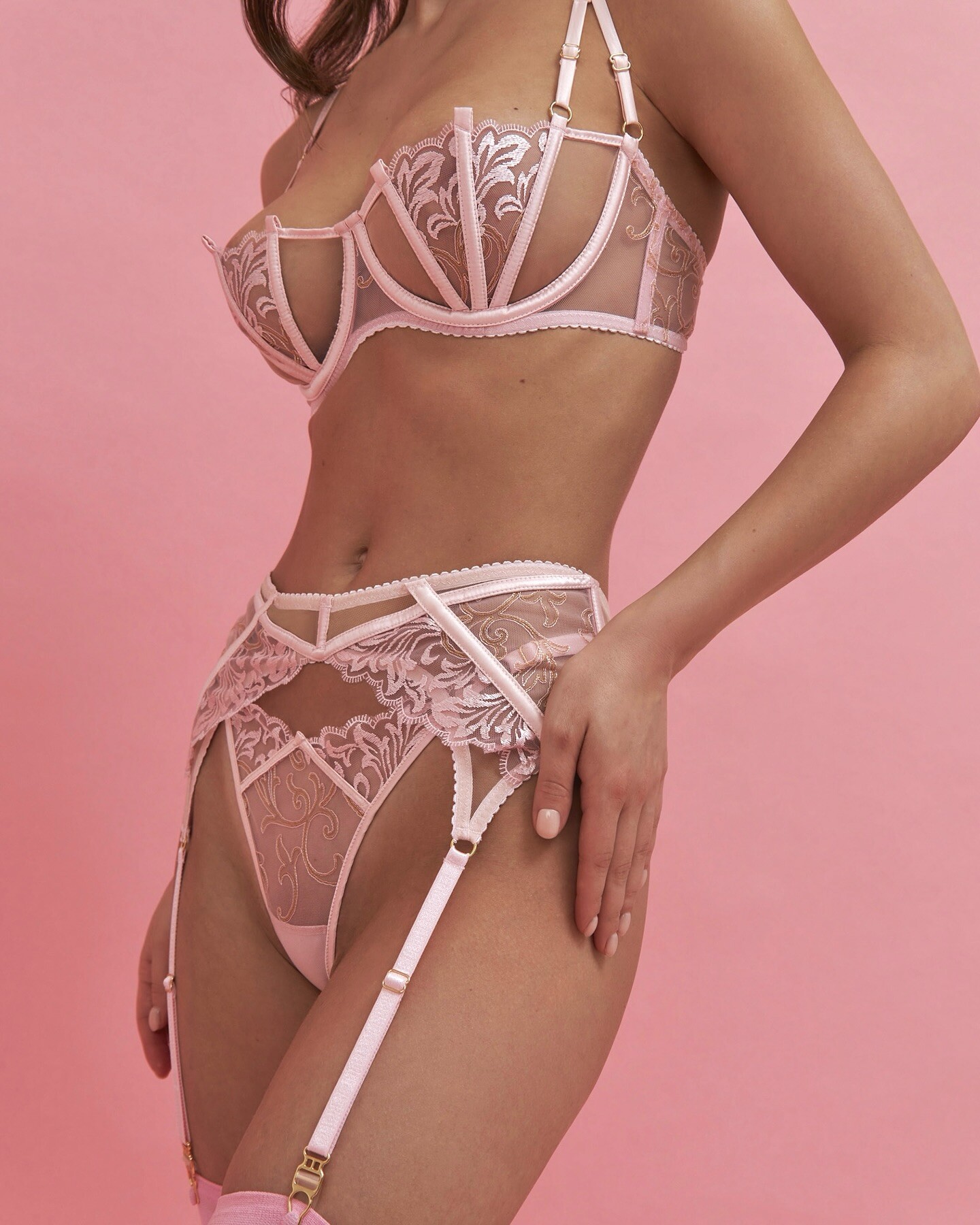
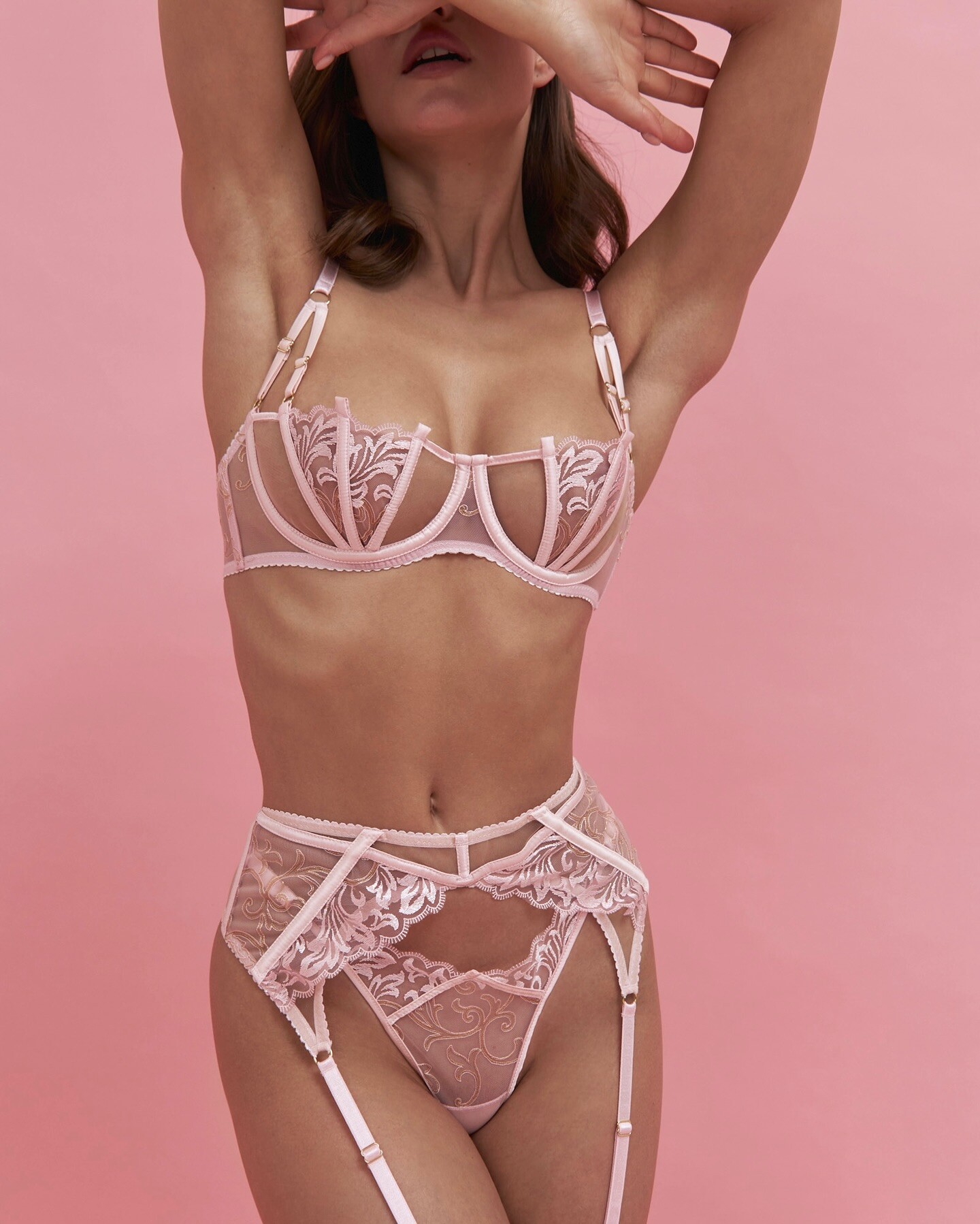
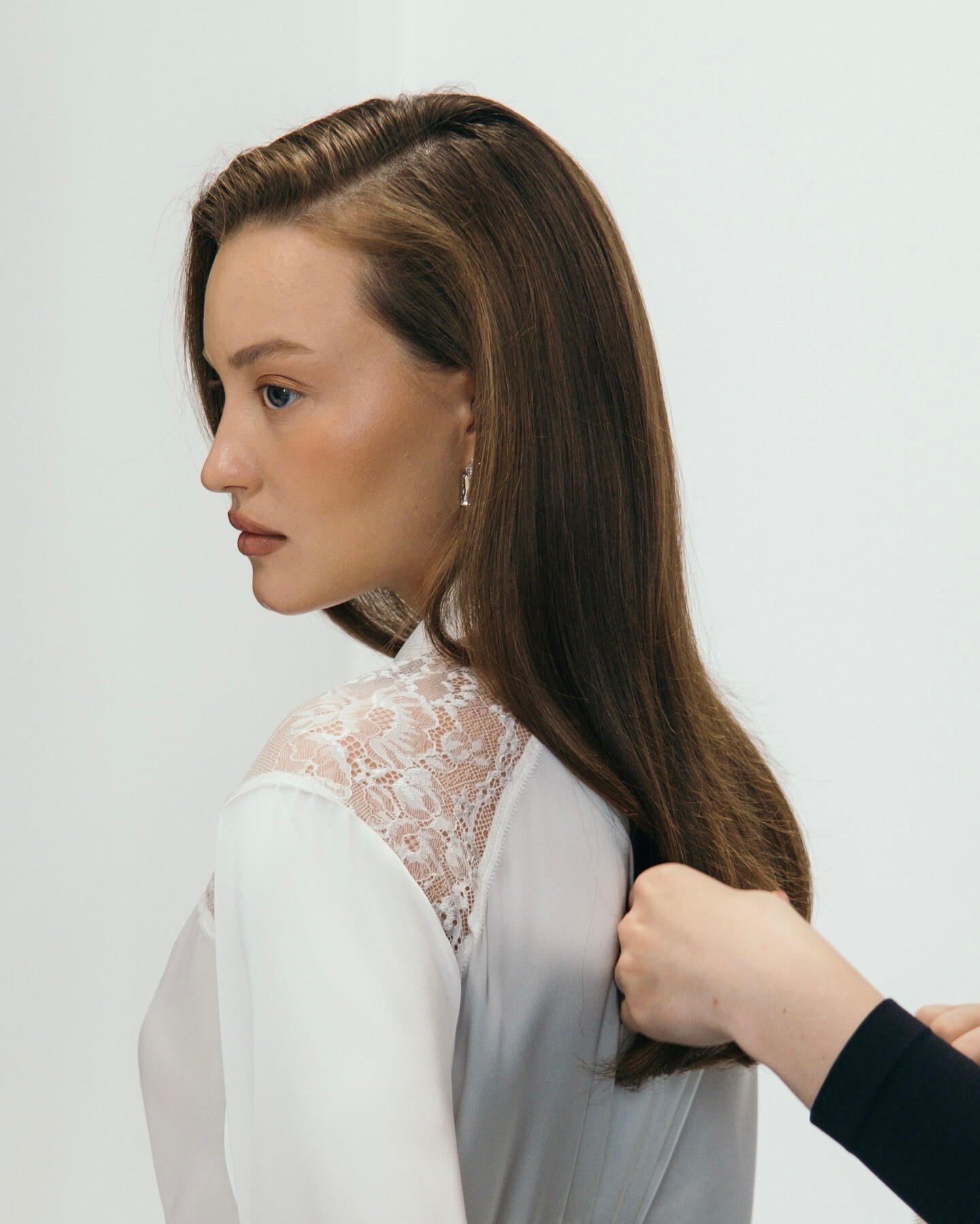
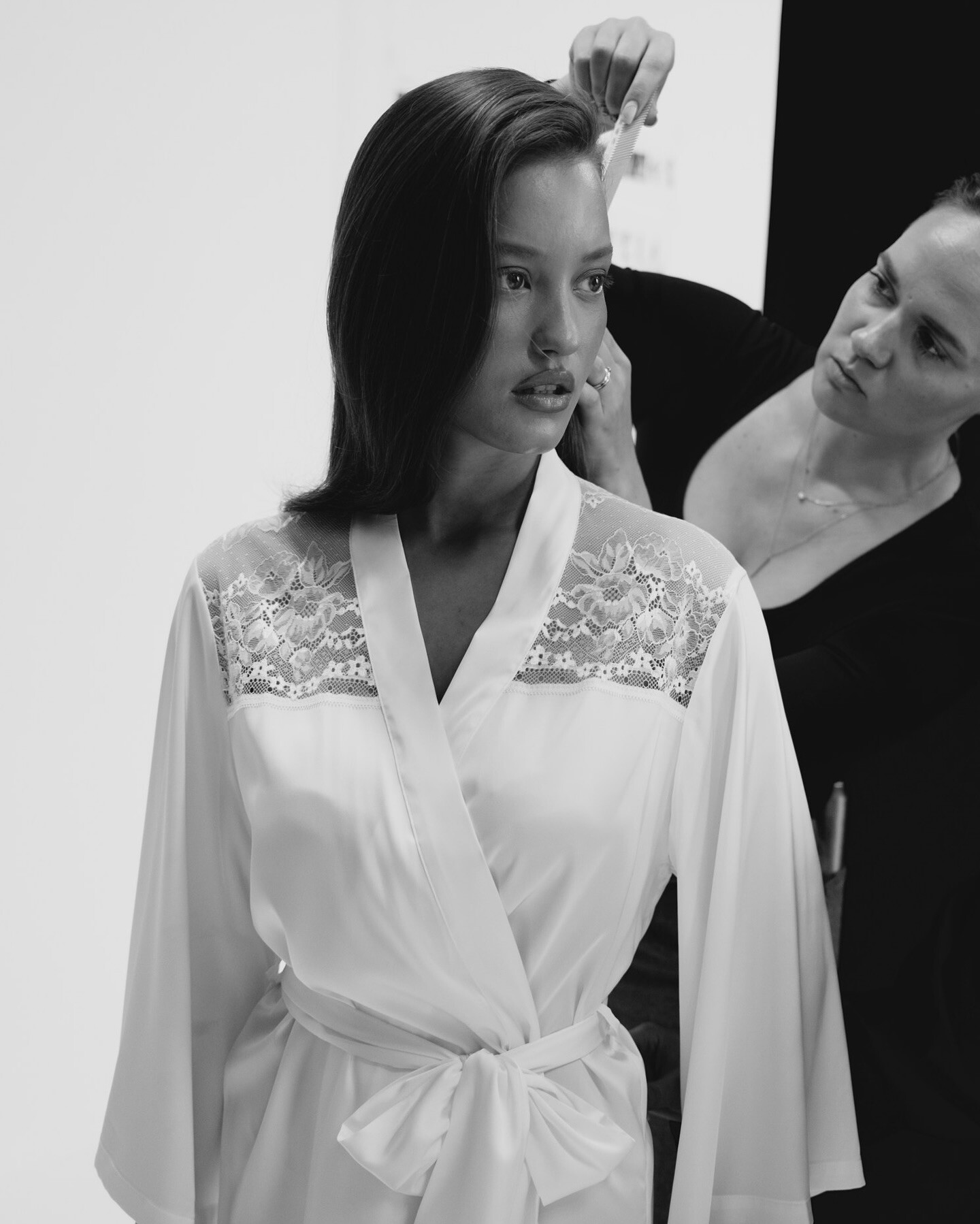


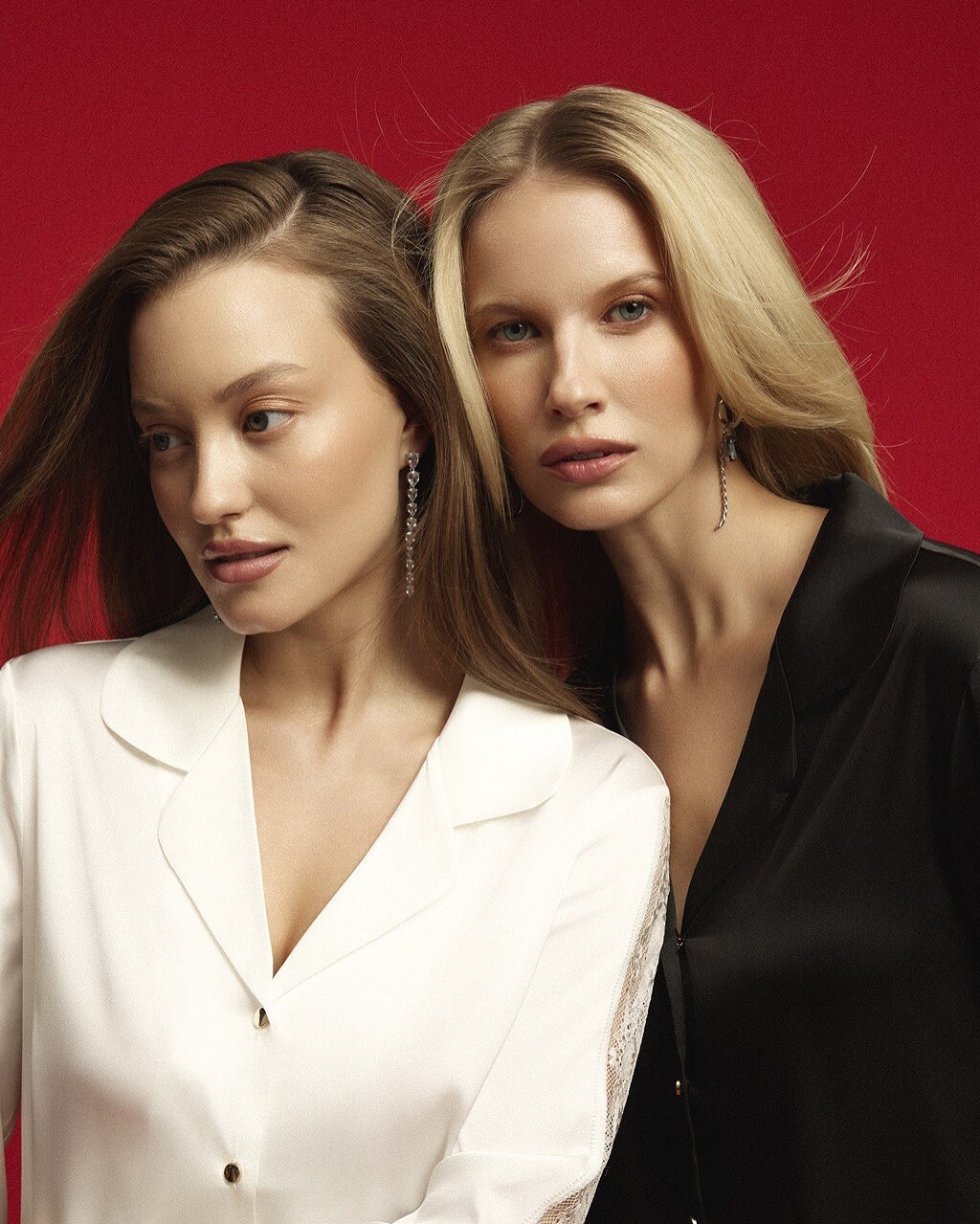
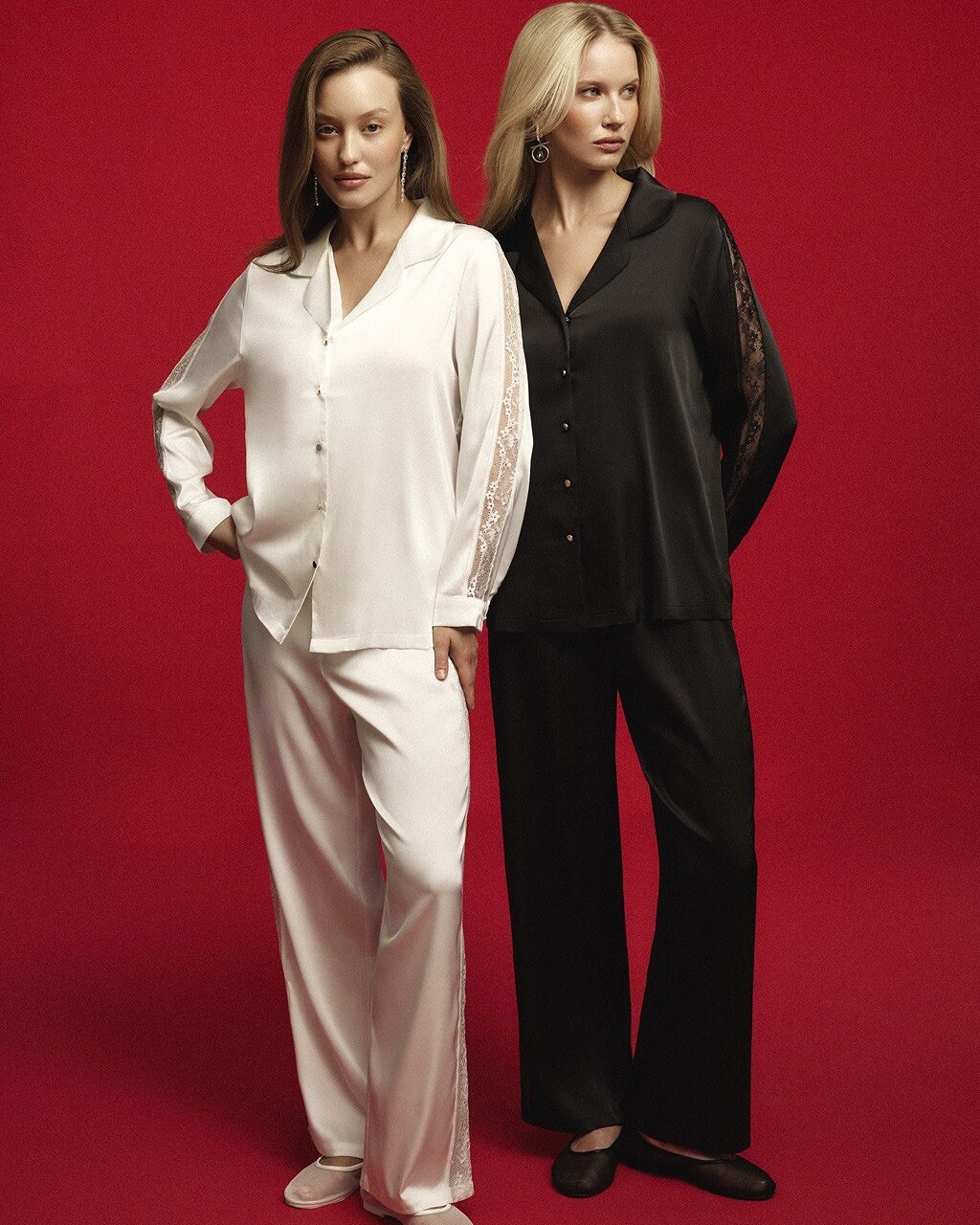
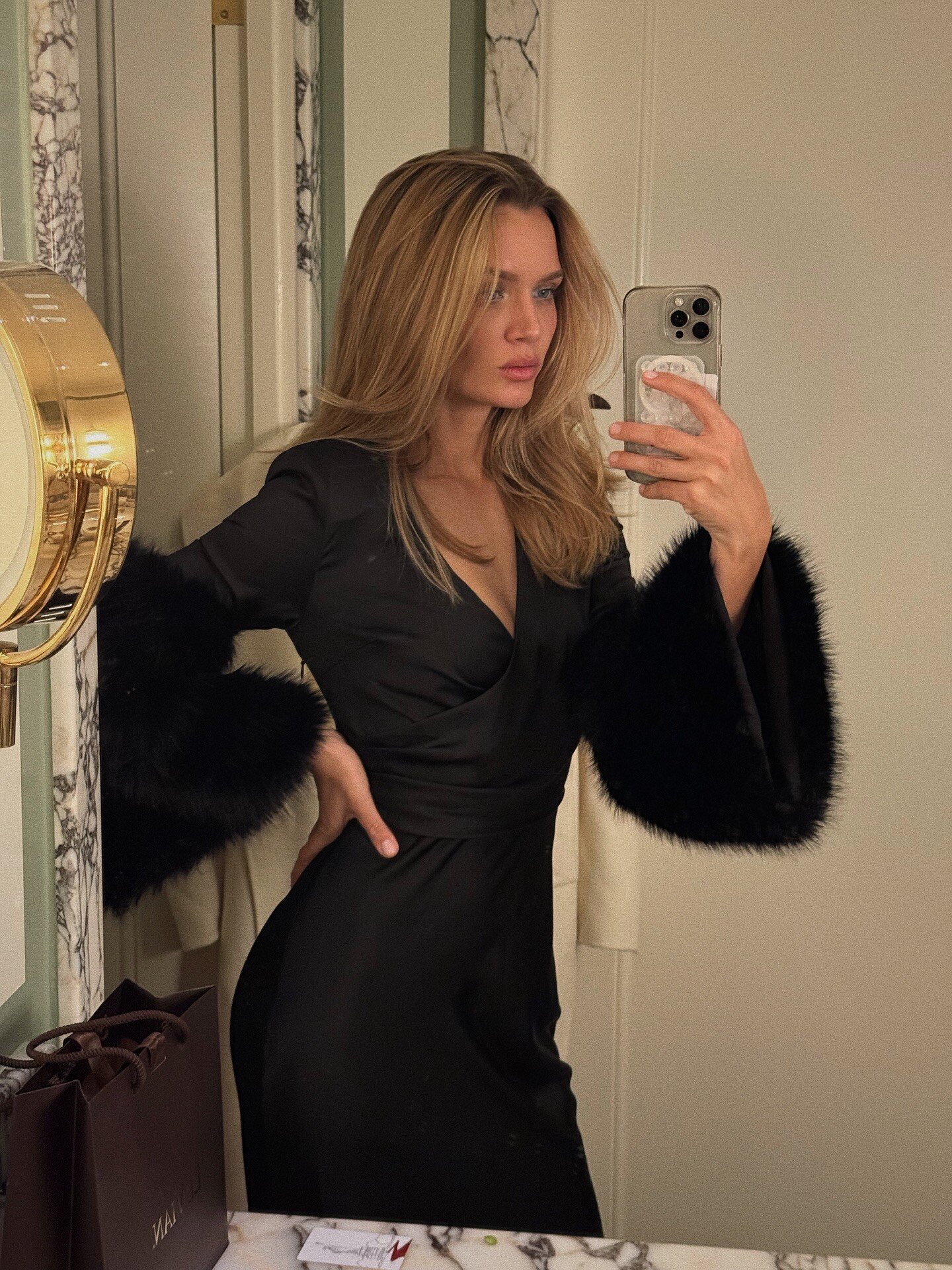
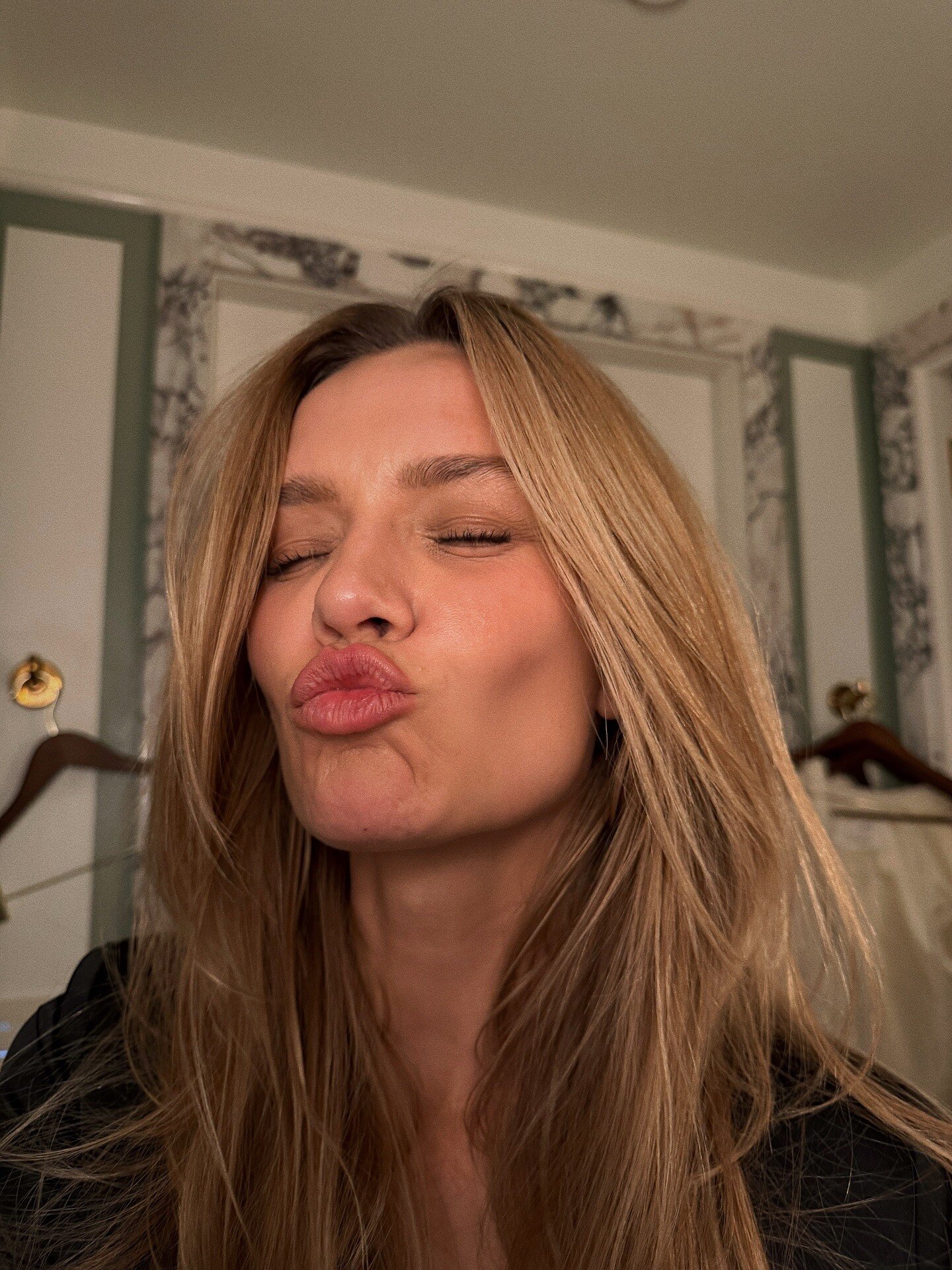
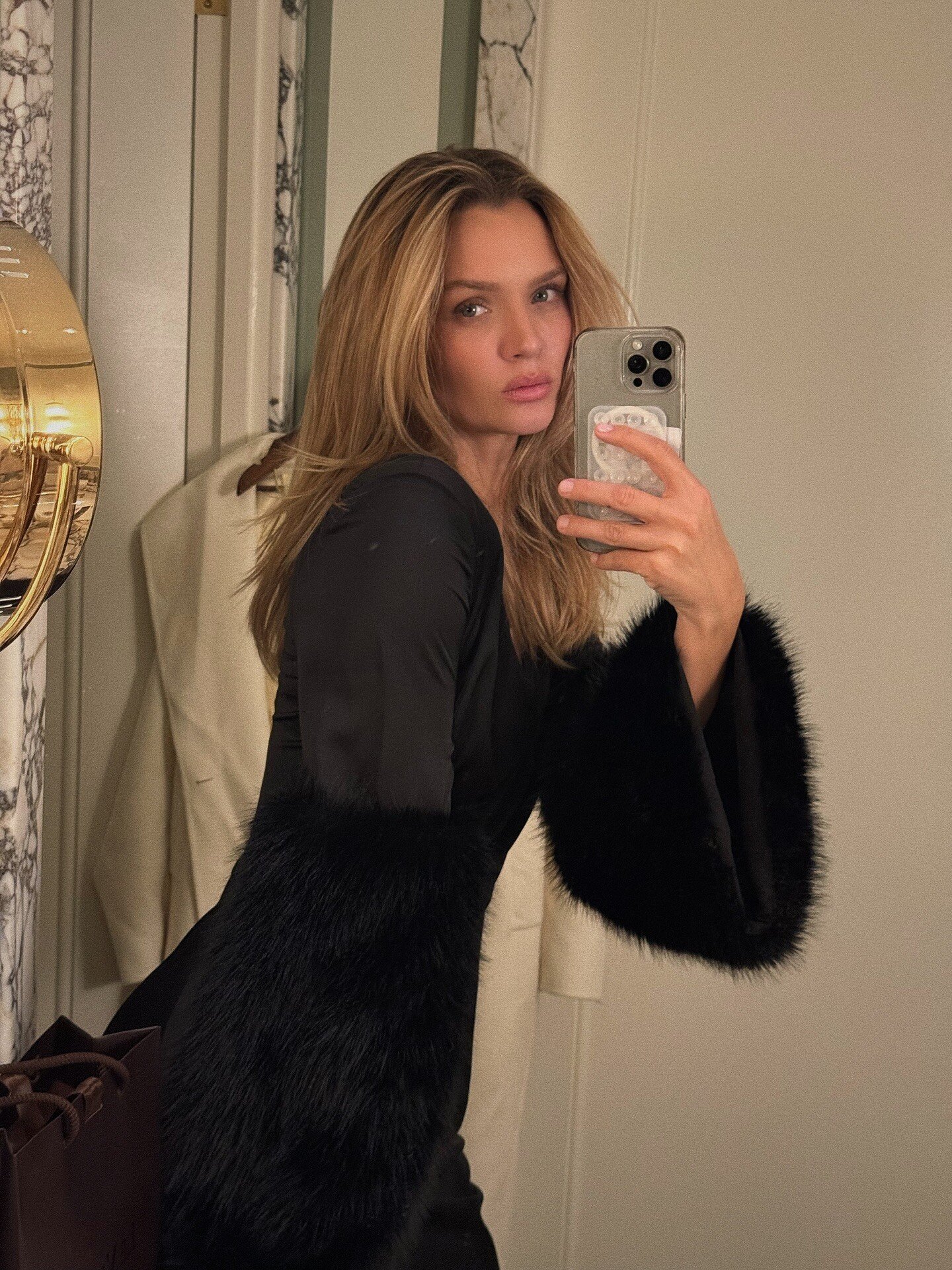
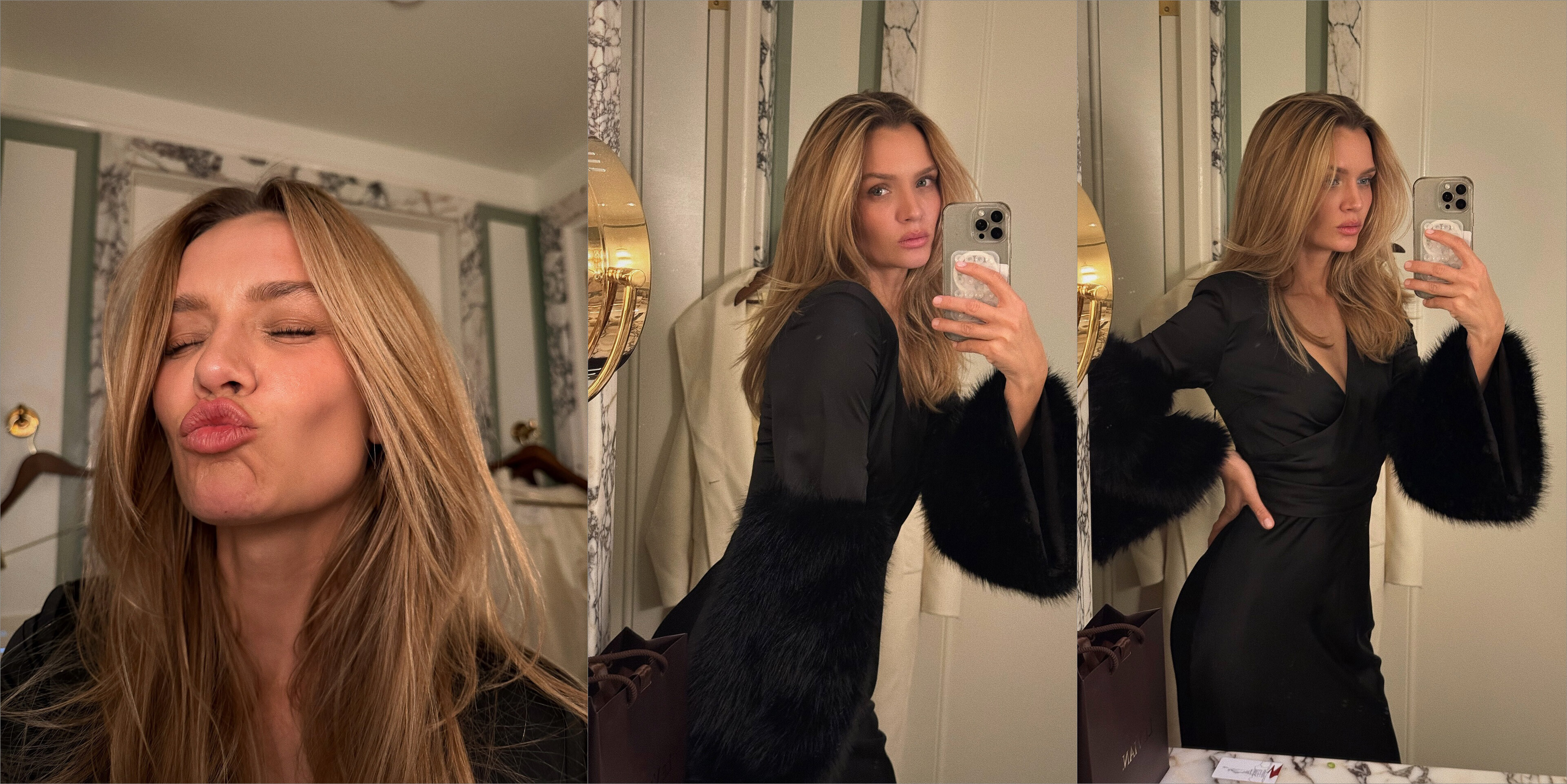
.jpg.76f88a139bf5e9478ea0aaa17f2e9575.jpg)
.jpg.c3c64dece0021b608074d73c46696c28.jpg)


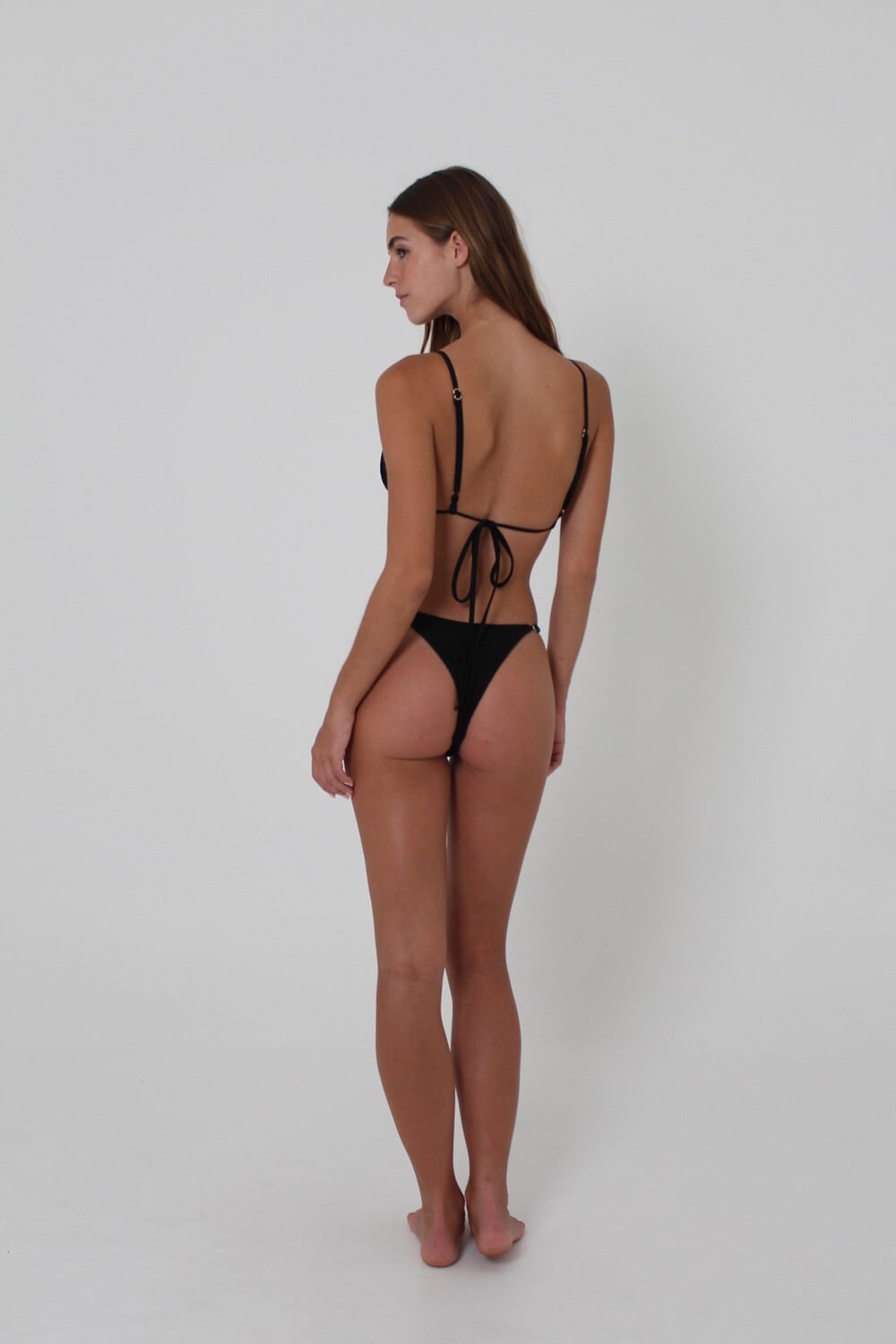
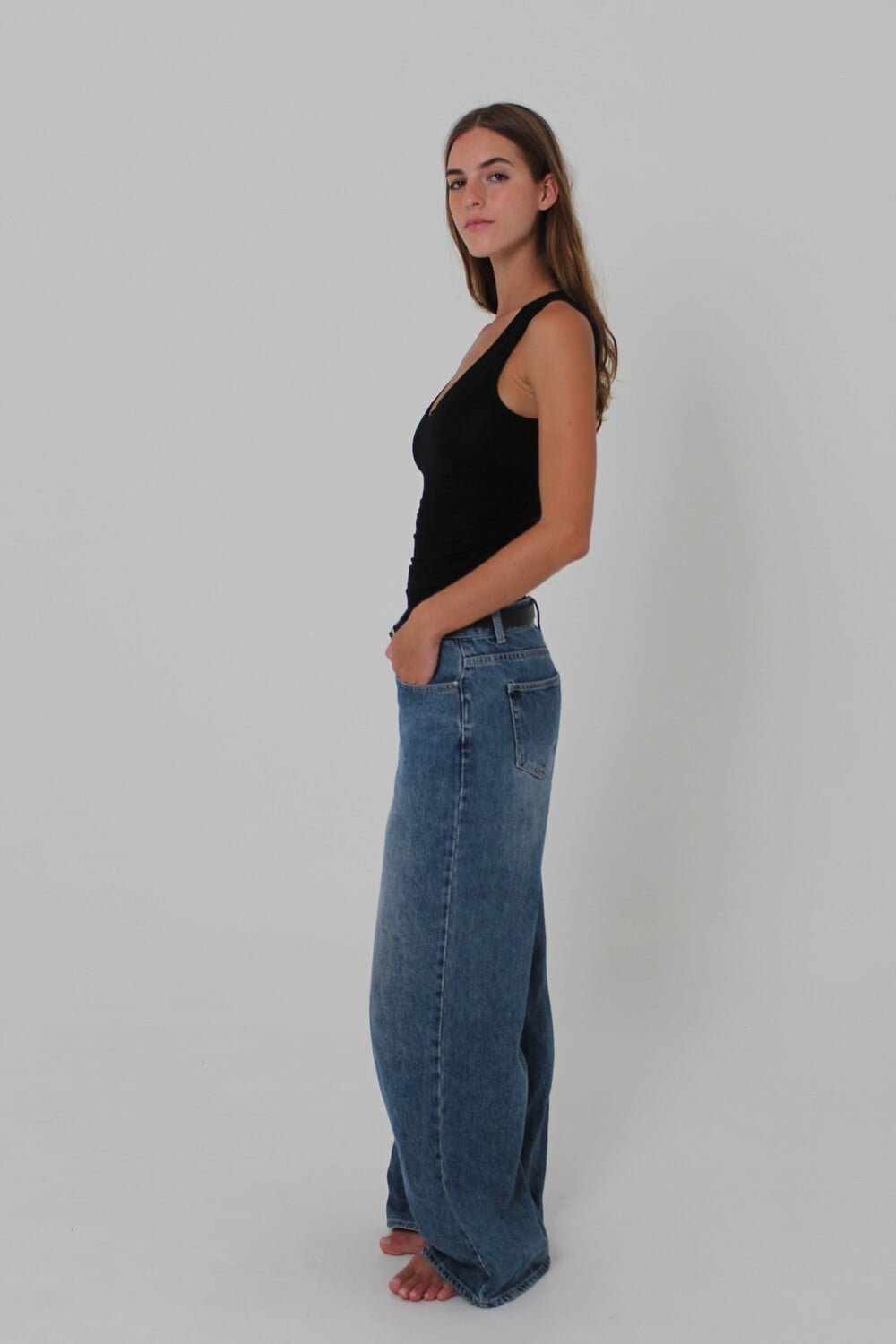
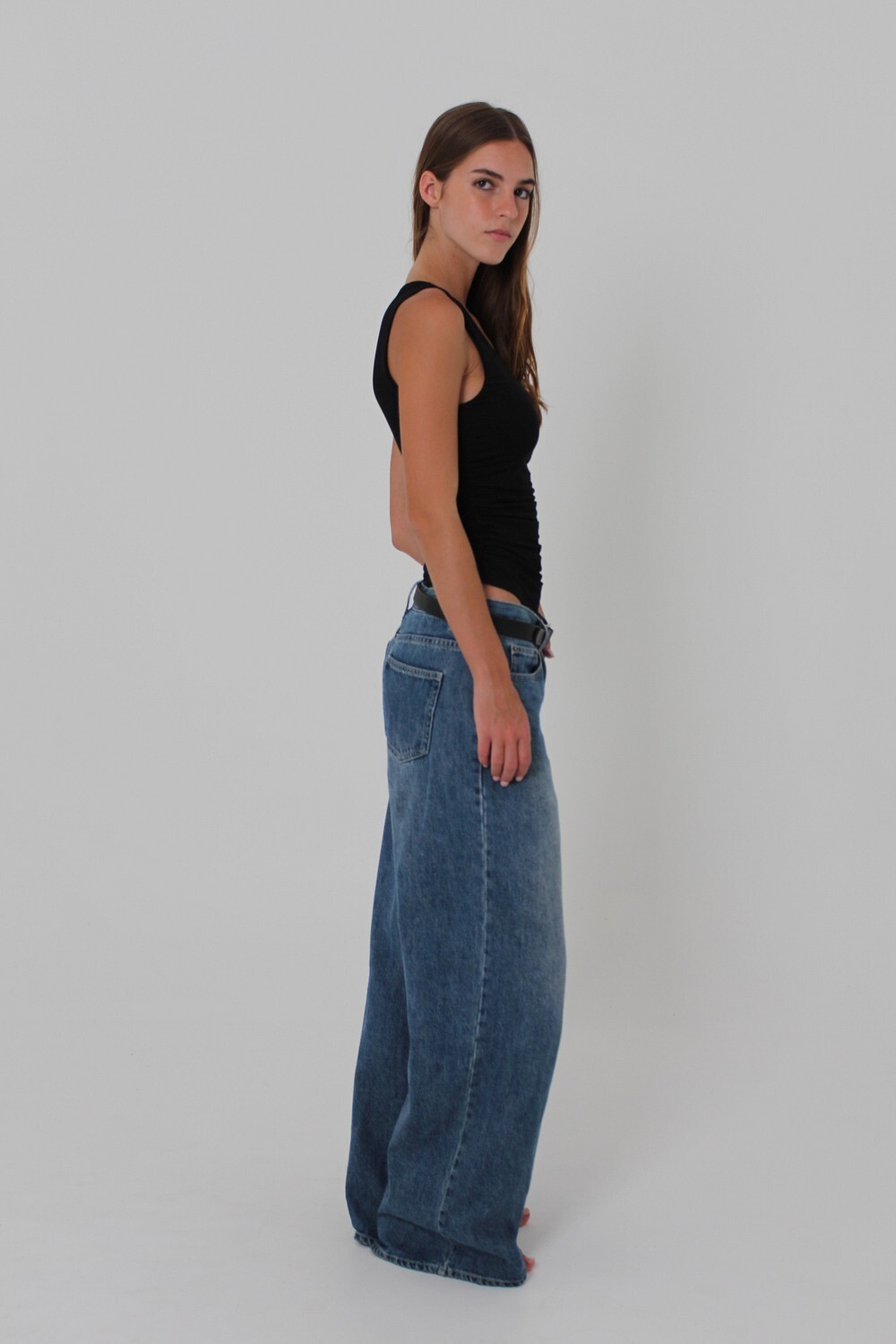
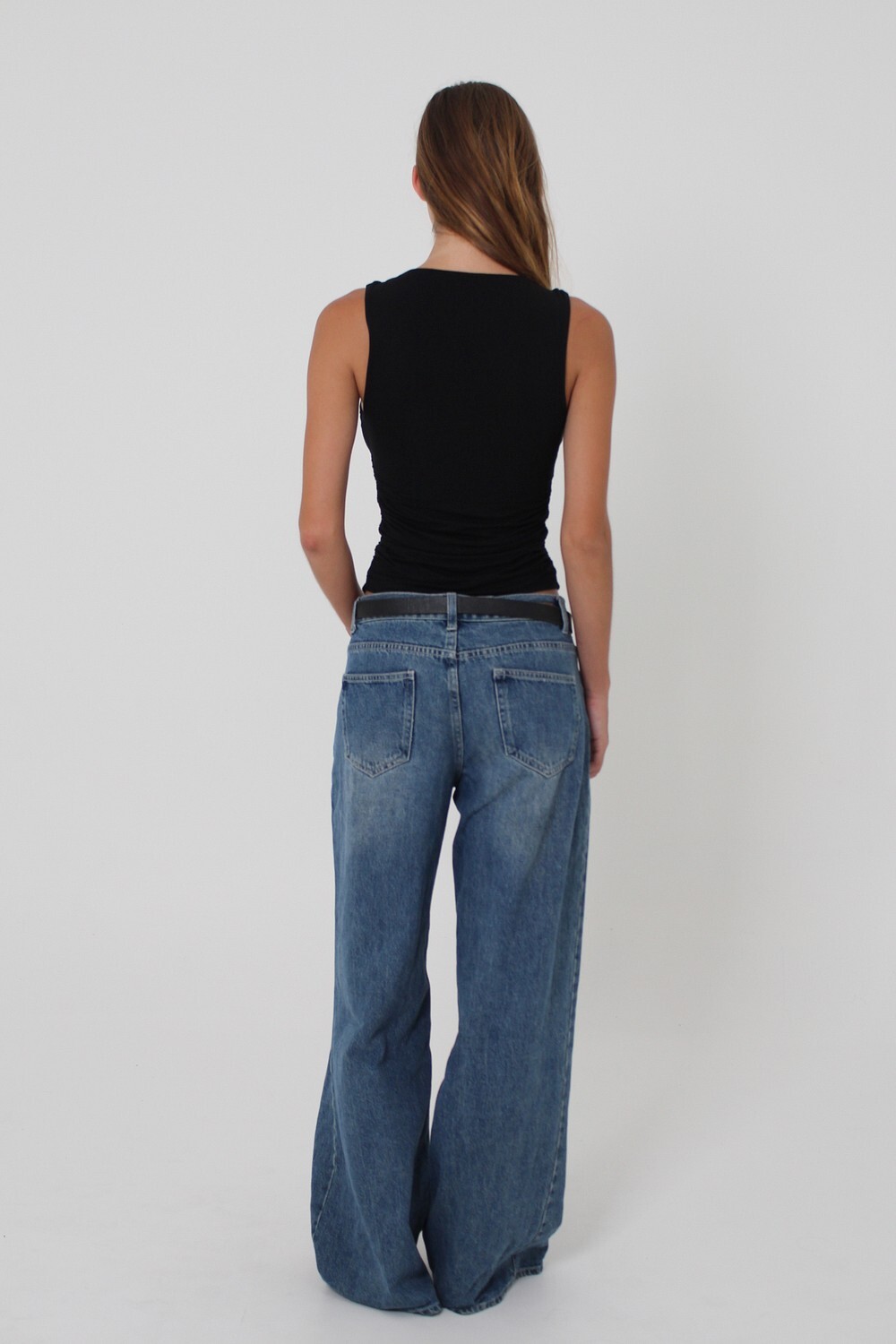
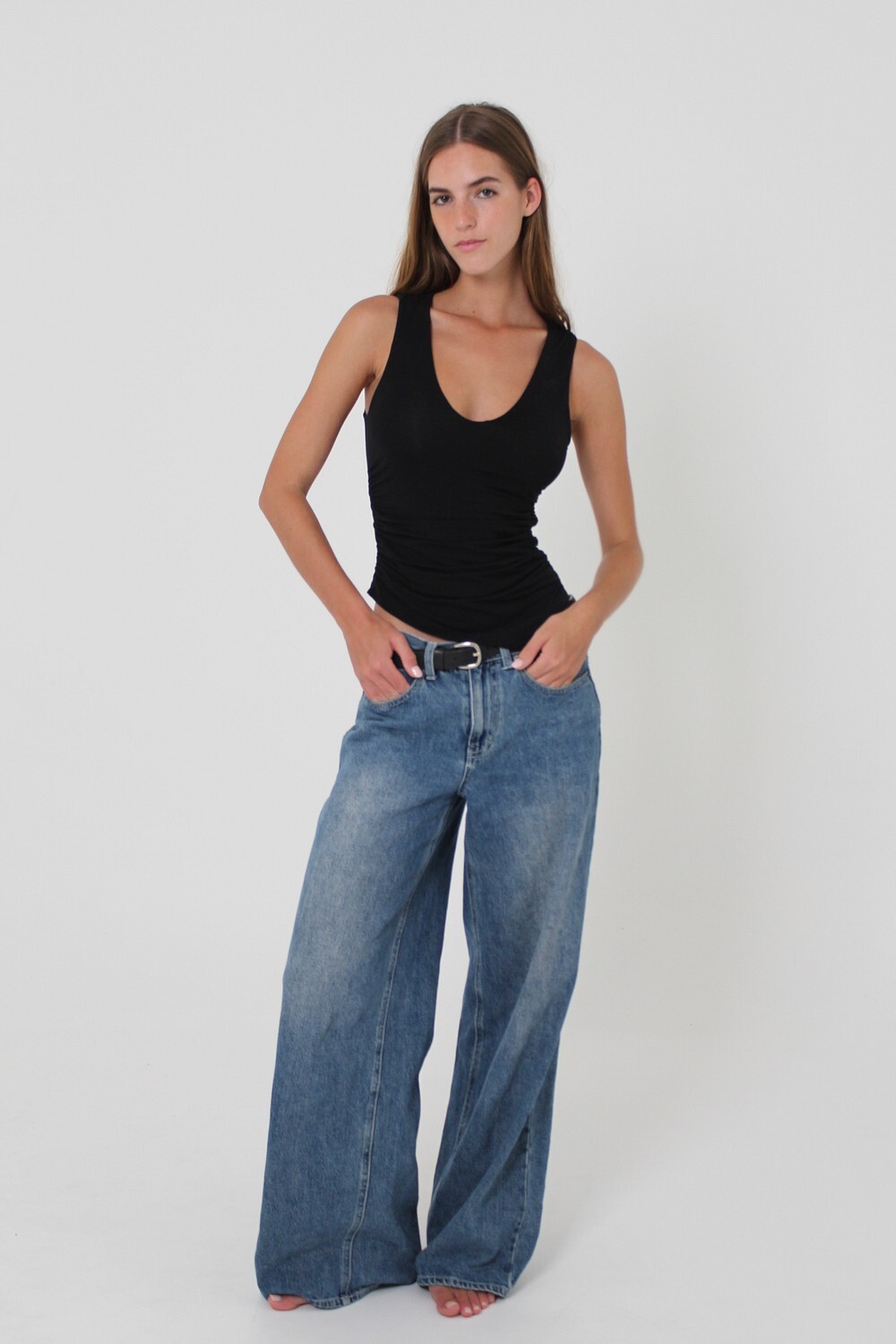
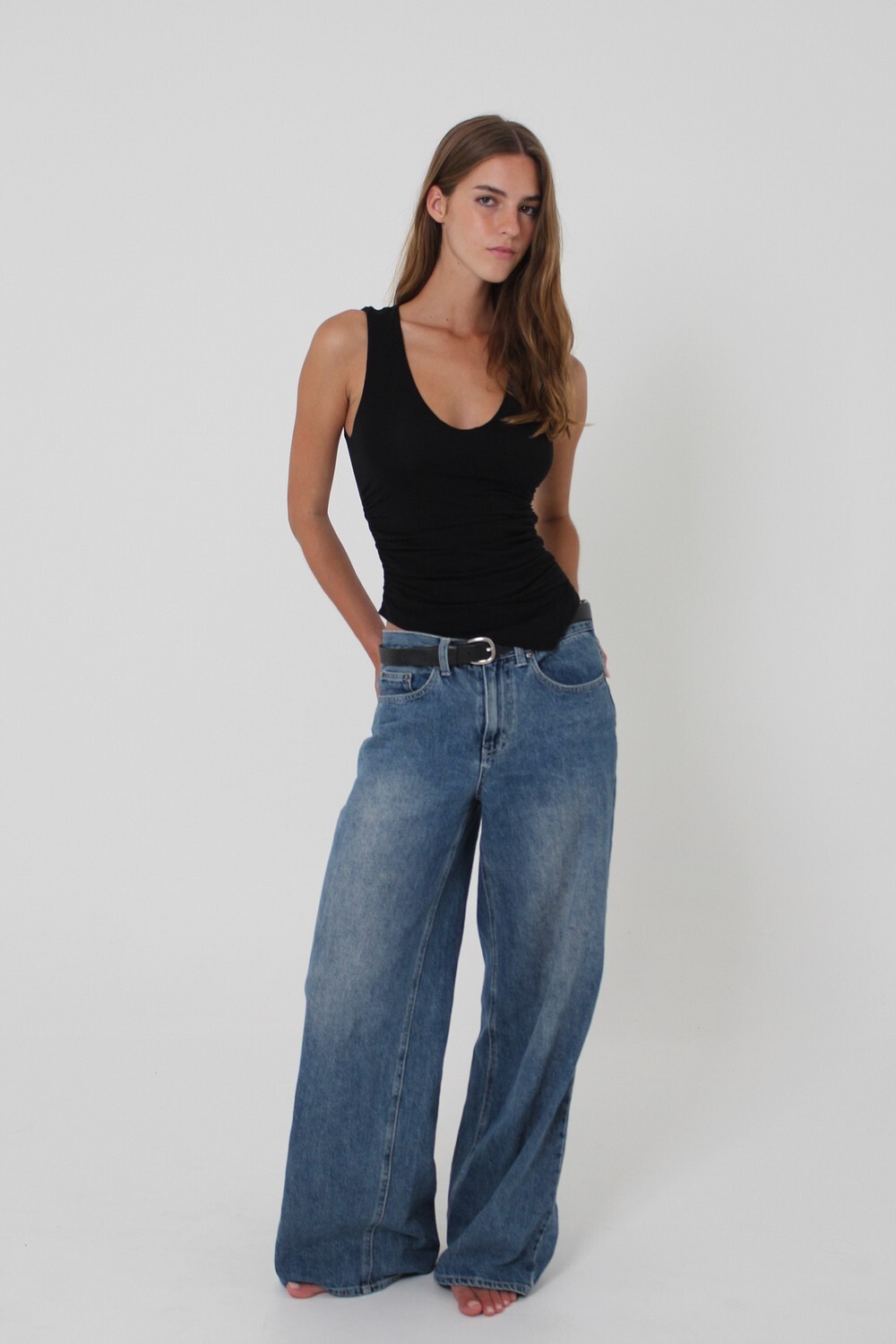
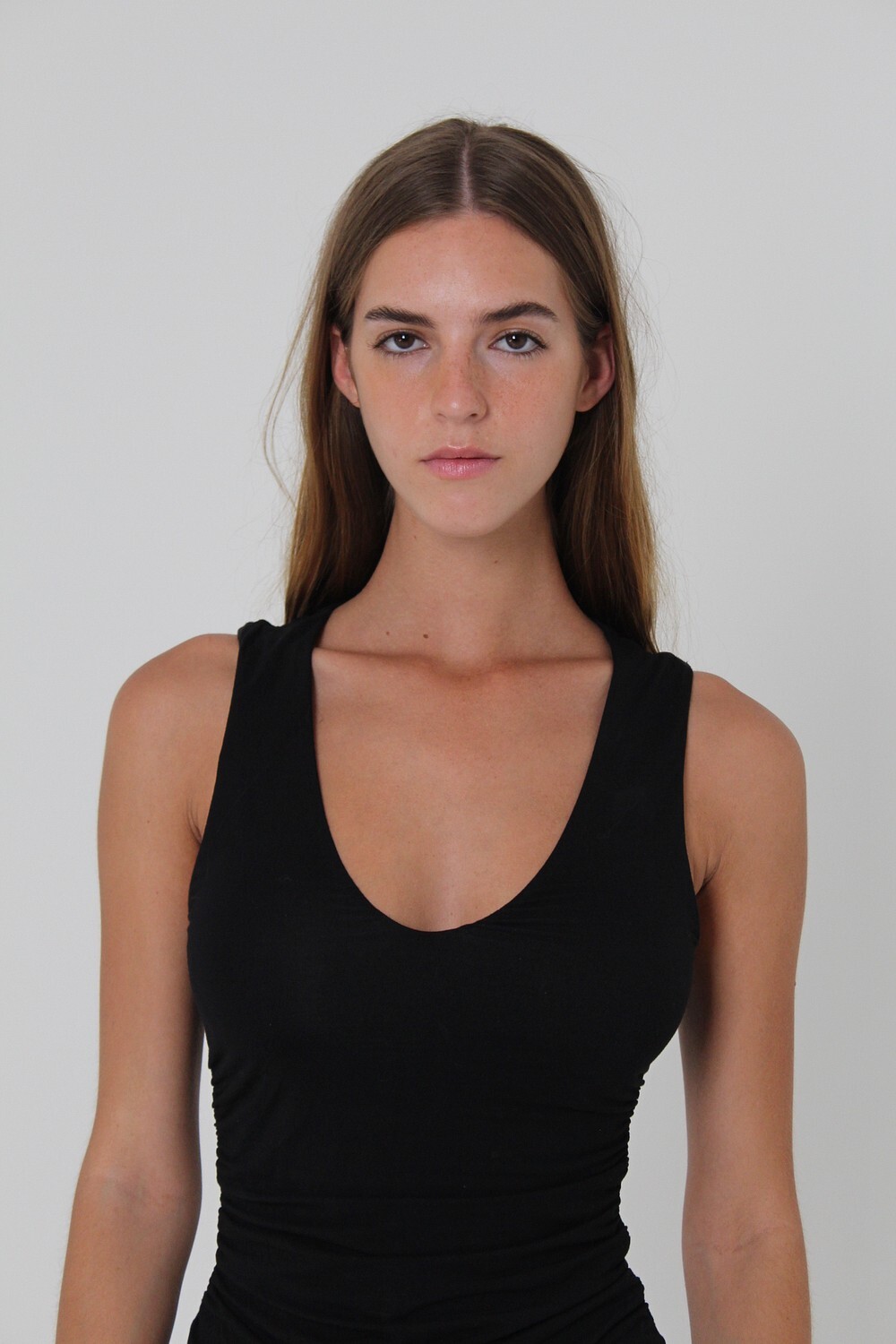
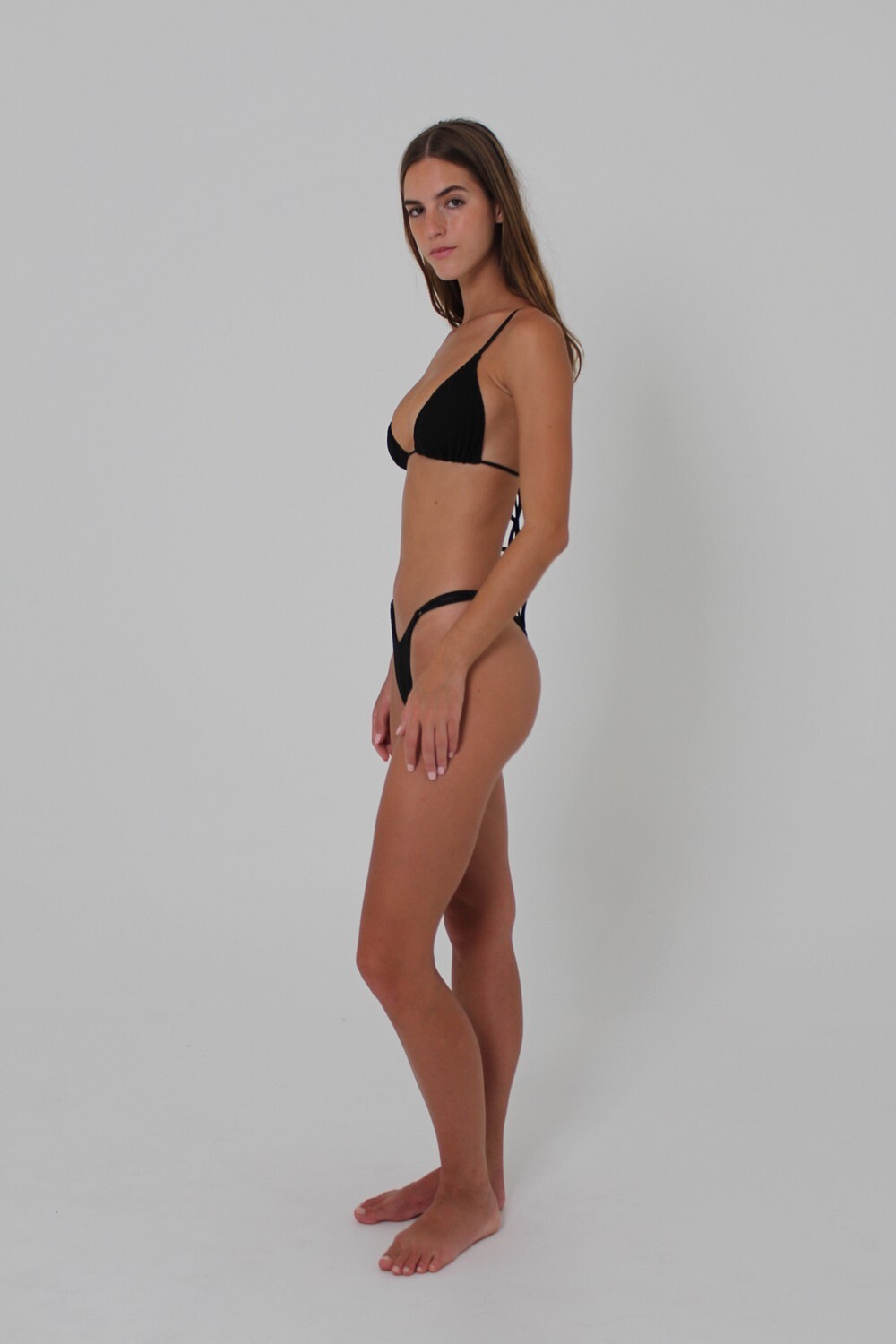
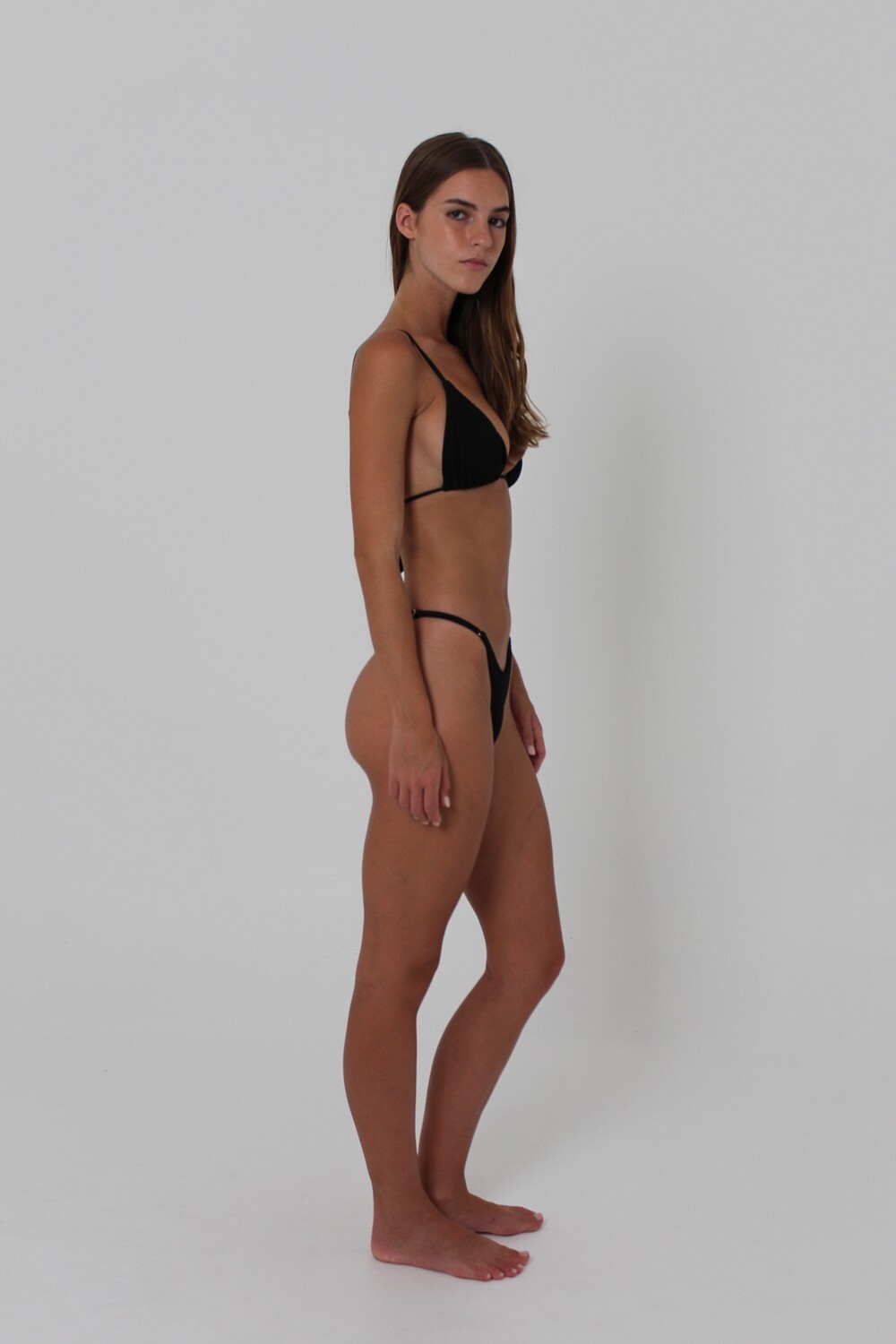
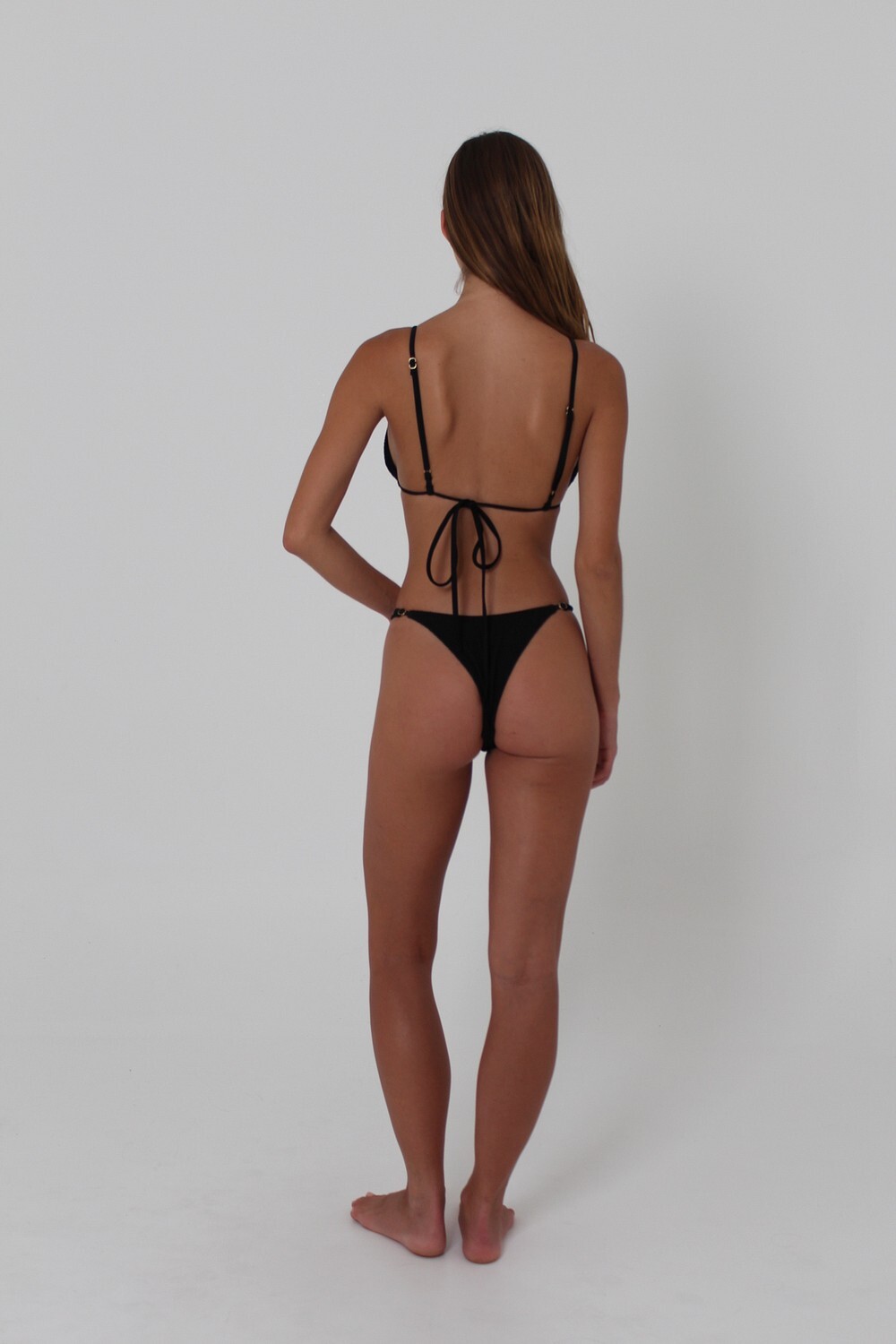
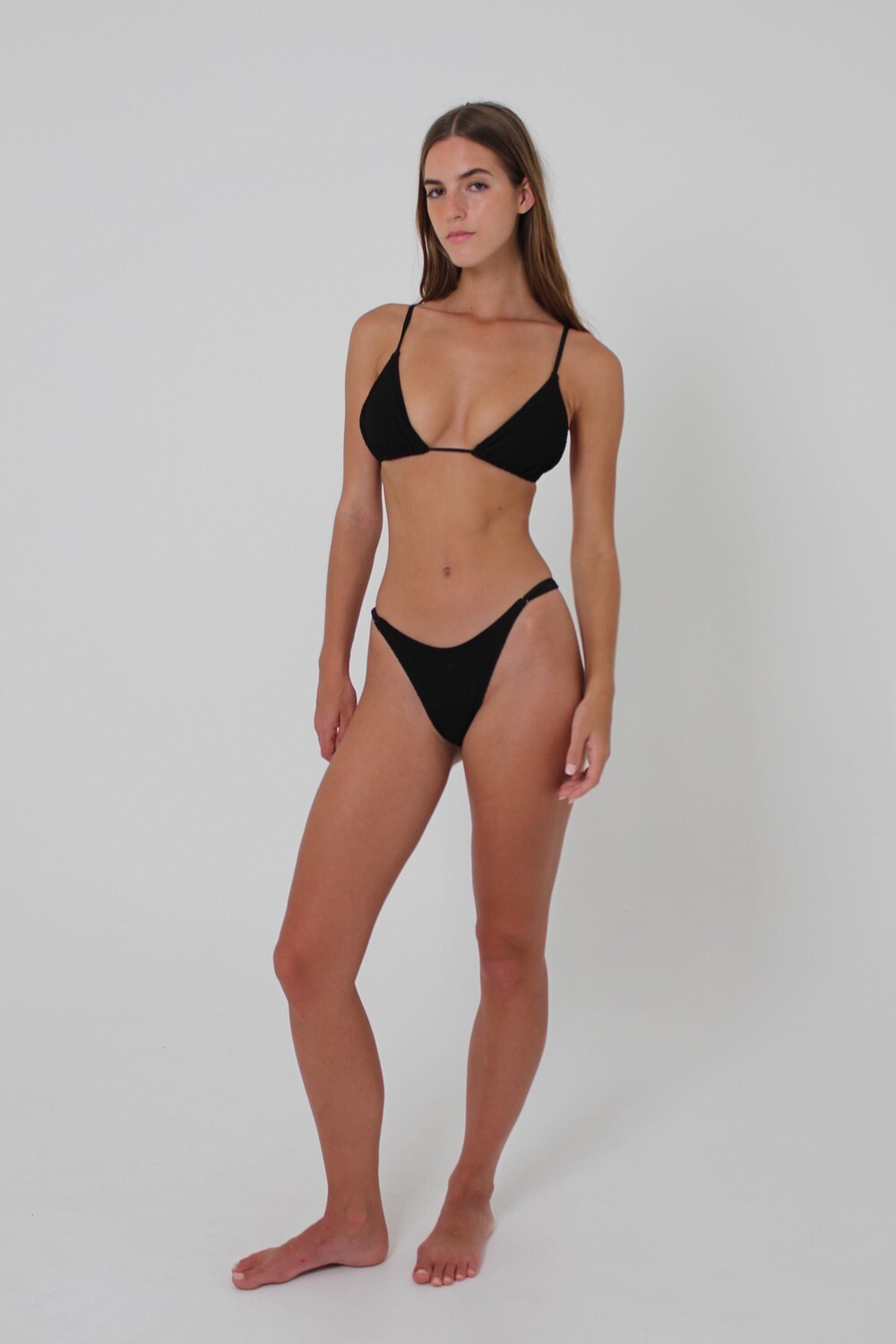
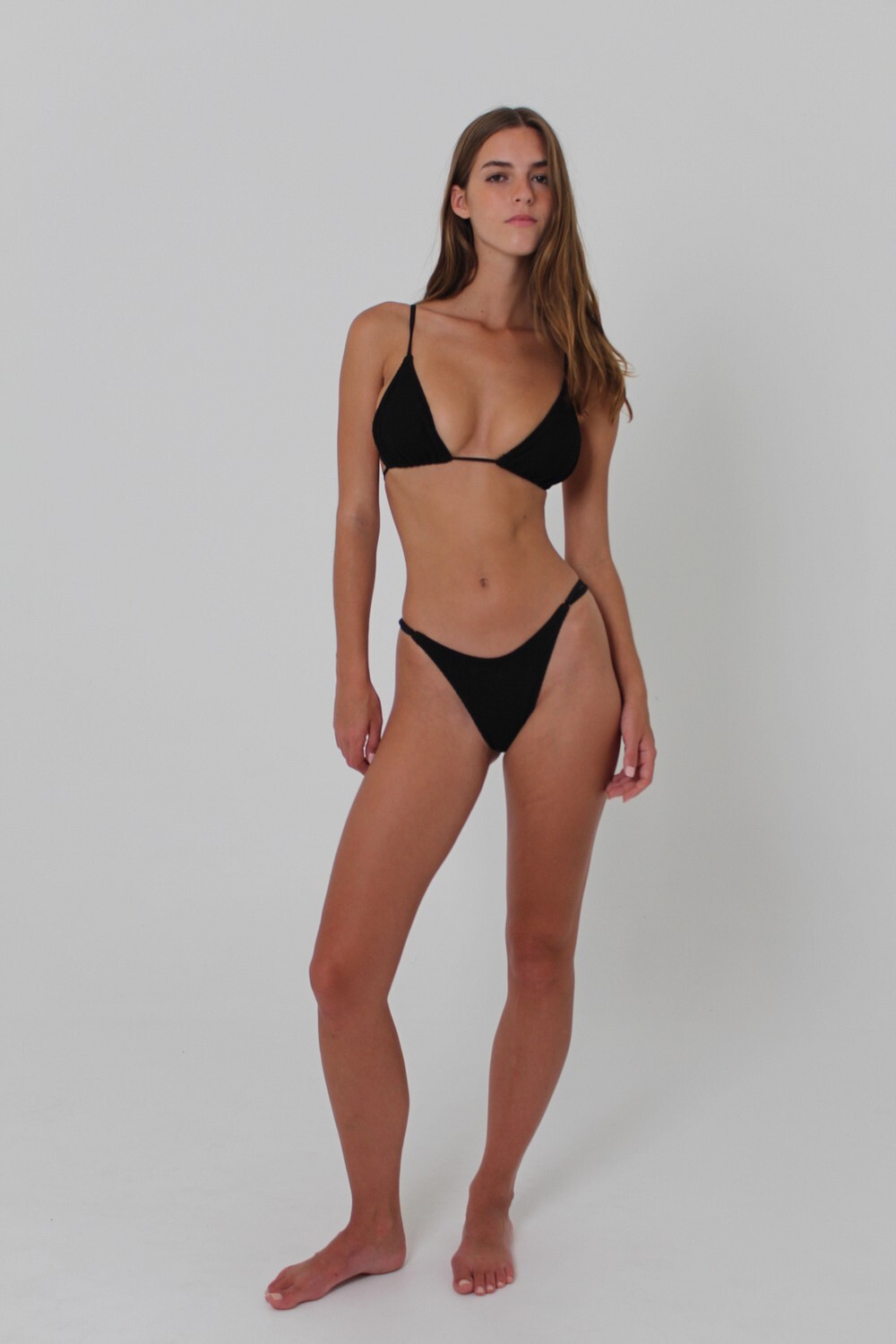
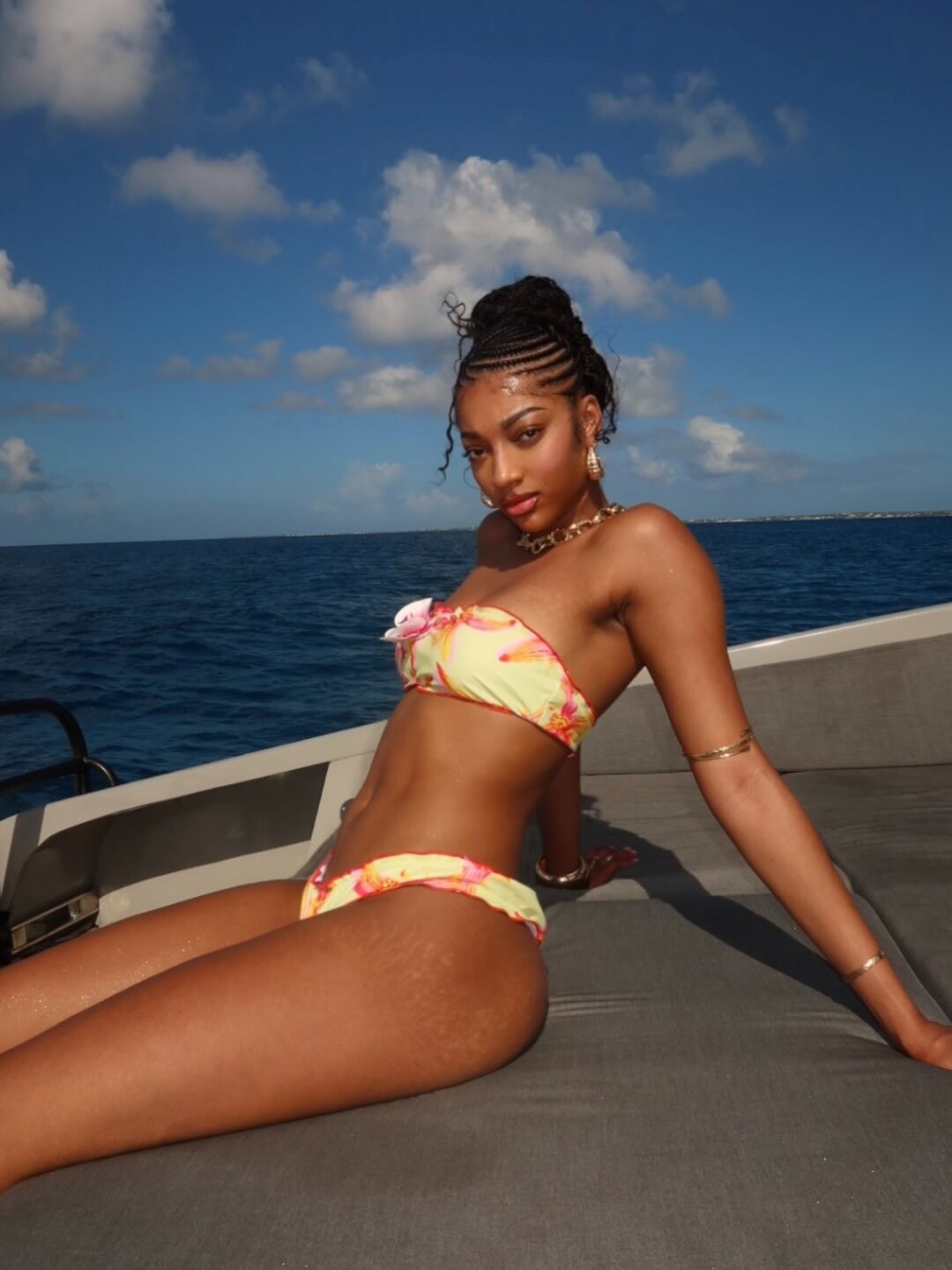
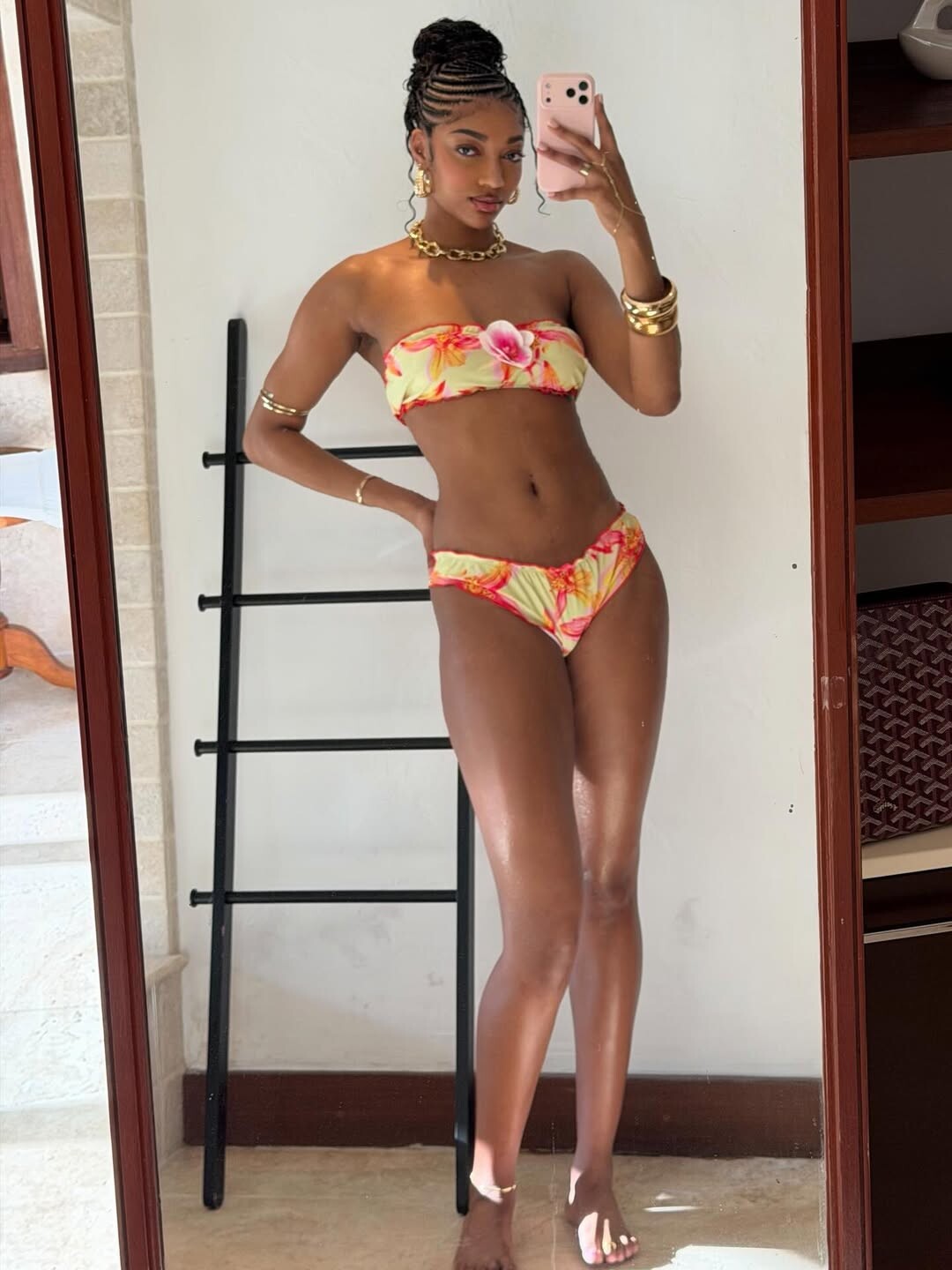
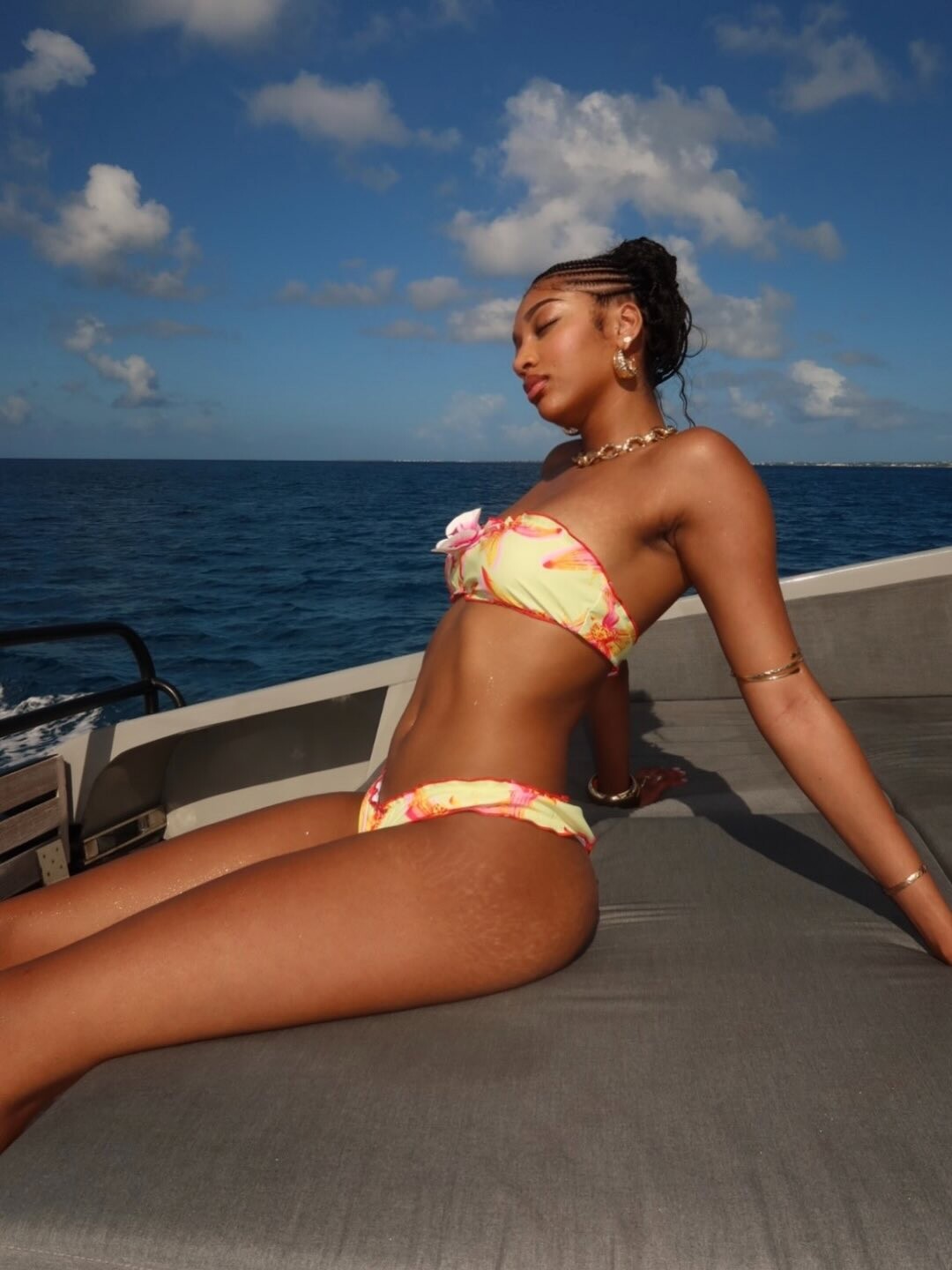
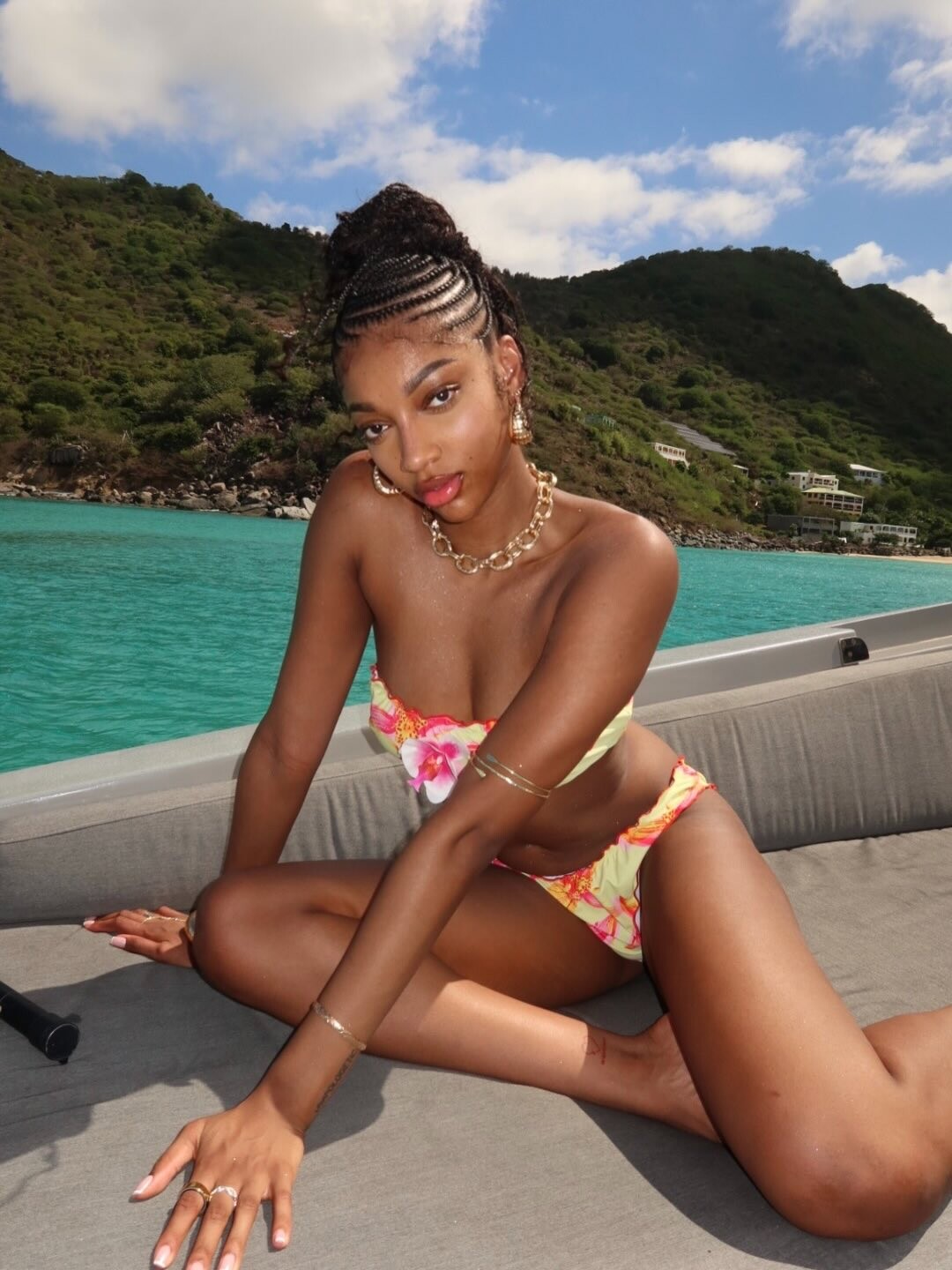
Account
Navigation
Search
Configure browser push notifications
Chrome (Android)
- Tap the lock icon next to the address bar.
- Tap Permissions → Notifications.
- Adjust your preference.
Chrome (Desktop)
- Click the padlock icon in the address bar.
- Select Site settings.
- Find Notifications and adjust your preference.
Safari (iOS 16.4+)
- Ensure the site is installed via Add to Home Screen.
- Open Settings App → Notifications.
- Find your app name and adjust your preference.
Safari (macOS)
- Go to Safari → Preferences.
- Click the Websites tab.
- Select Notifications in the sidebar.
- Find this website and adjust your preference.
Edge (Android)
- Tap the lock icon next to the address bar.
- Tap Permissions.
- Find Notifications and adjust your preference.
Edge (Desktop)
- Click the padlock icon in the address bar.
- Click Permissions for this site.
- Find Notifications and adjust your preference.
Firefox (Android)
- Go to Settings → Site permissions.
- Tap Notifications.
- Find this site in the list and adjust your preference.
Firefox (Desktop)
- Open Firefox Settings.
- Search for Notifications.
- Find this site in the list and adjust your preference.