
-
Xochitl Gomez at photocall for ''The Cat in the Hat'' at Battersea Dogs & Cats Home in London, 11/21/2026


-
Xochitl Gomez at the 17th Governors Awards in Los Angeles, 11/15/2026


-
miQkCgWt0UHL8oOO.mp4From her IG


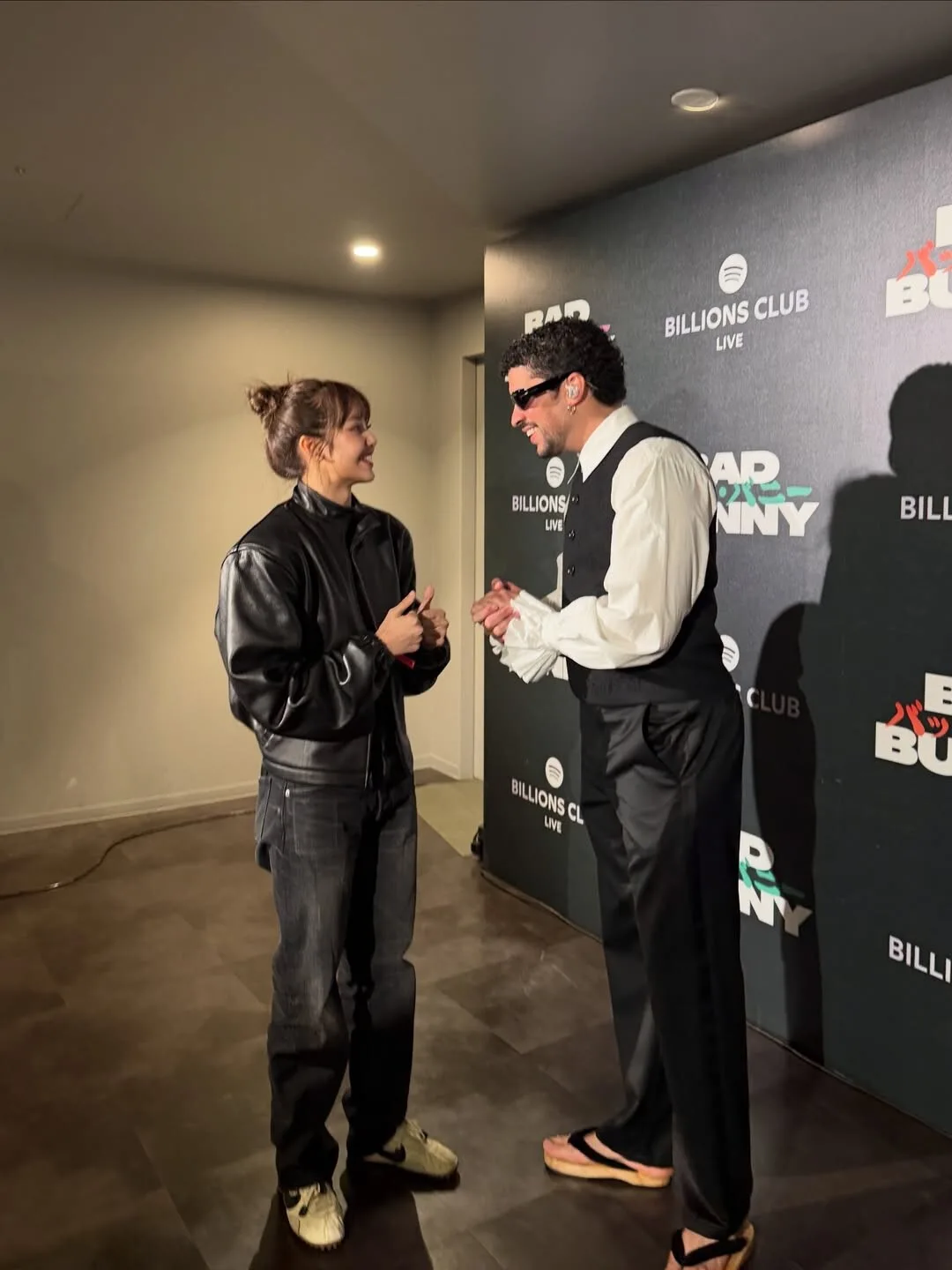
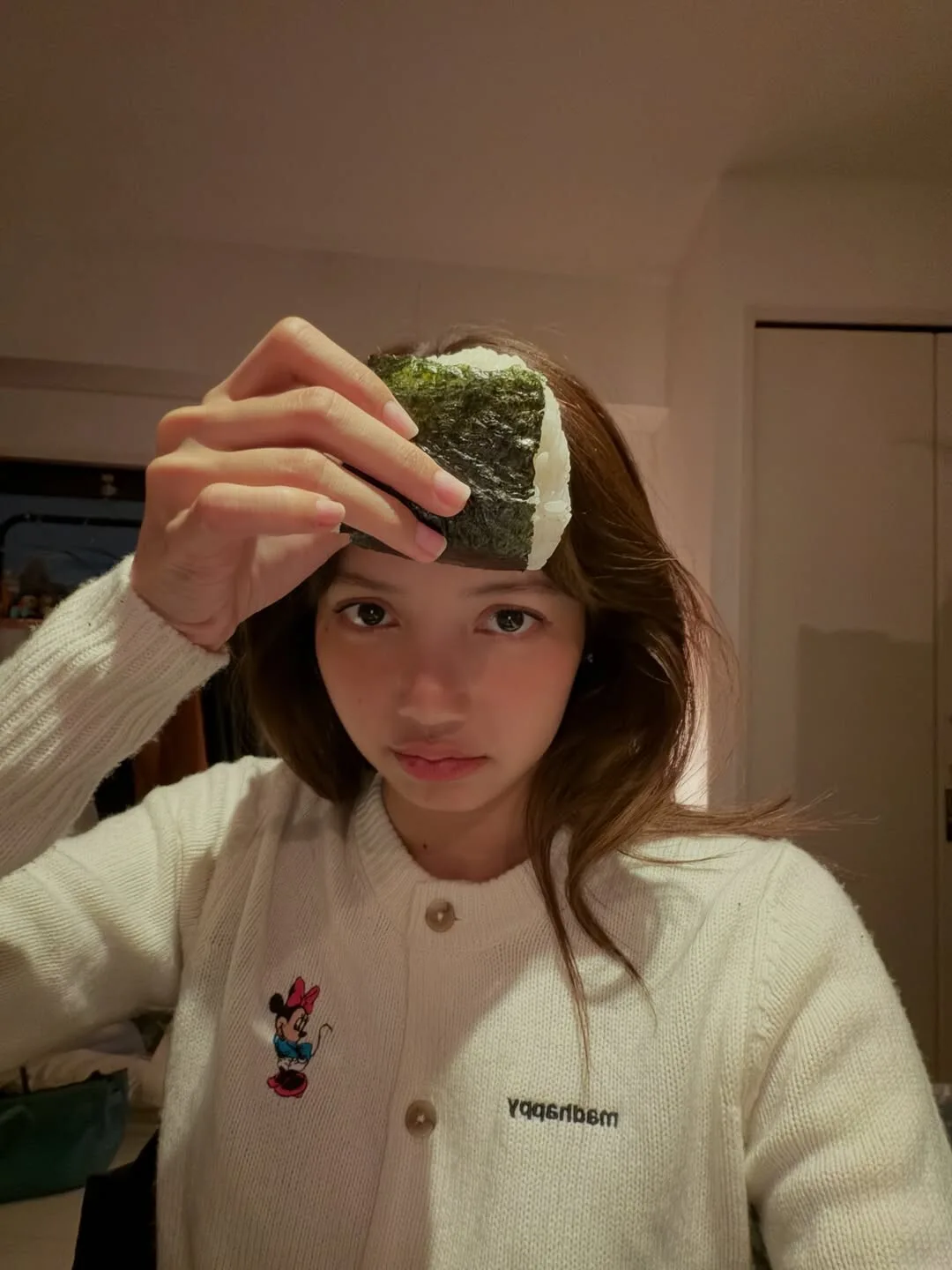
 From her IG:From her IG StoryImage hidden for guestsSign in to viewFrom IG:


 Leah Sava' Jeffries poses for TV Guide Magazine during San Diego Comic-Con on July 25, 2025, in San Diego, California.


 From her IG:IG Photos






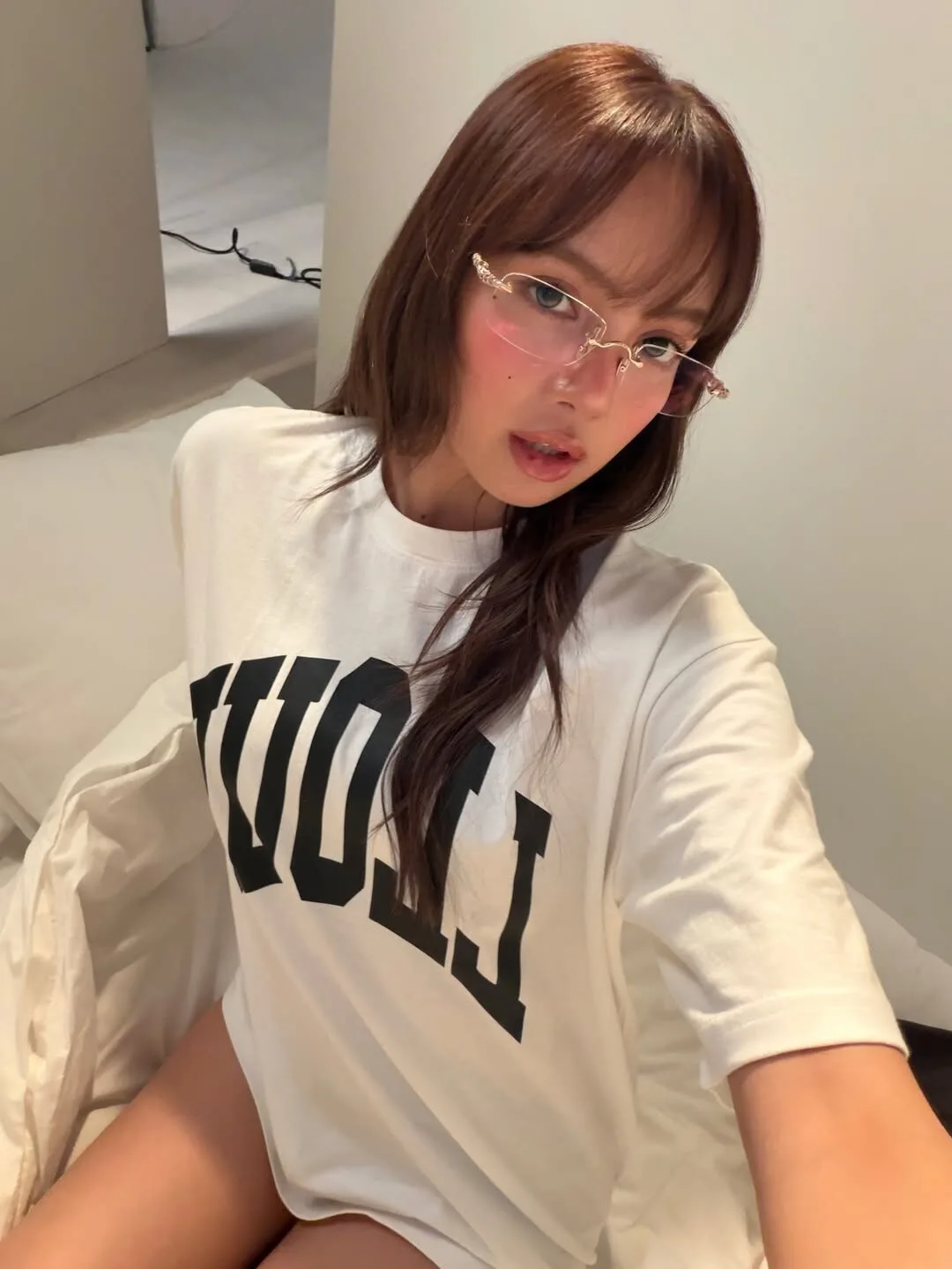
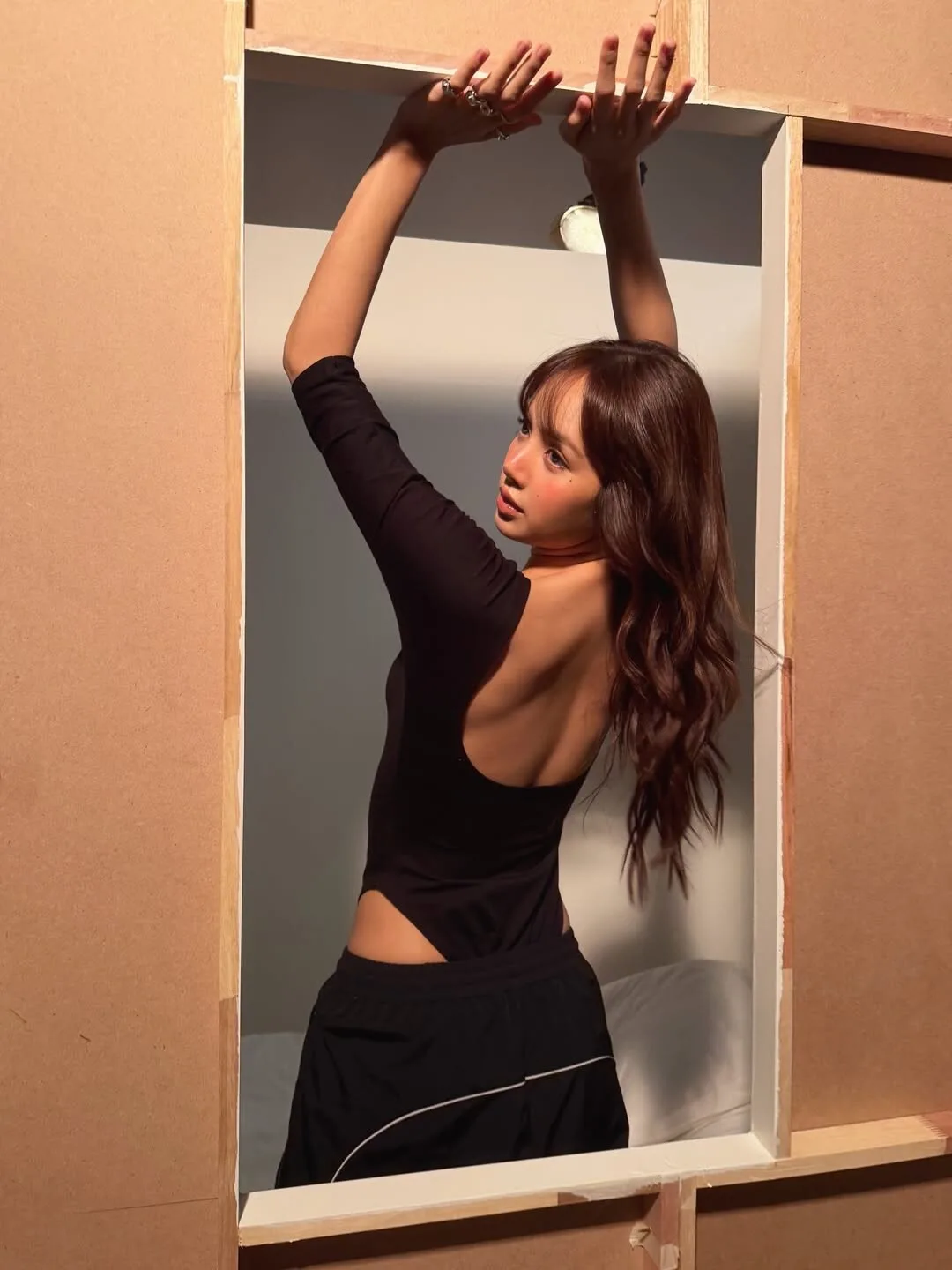
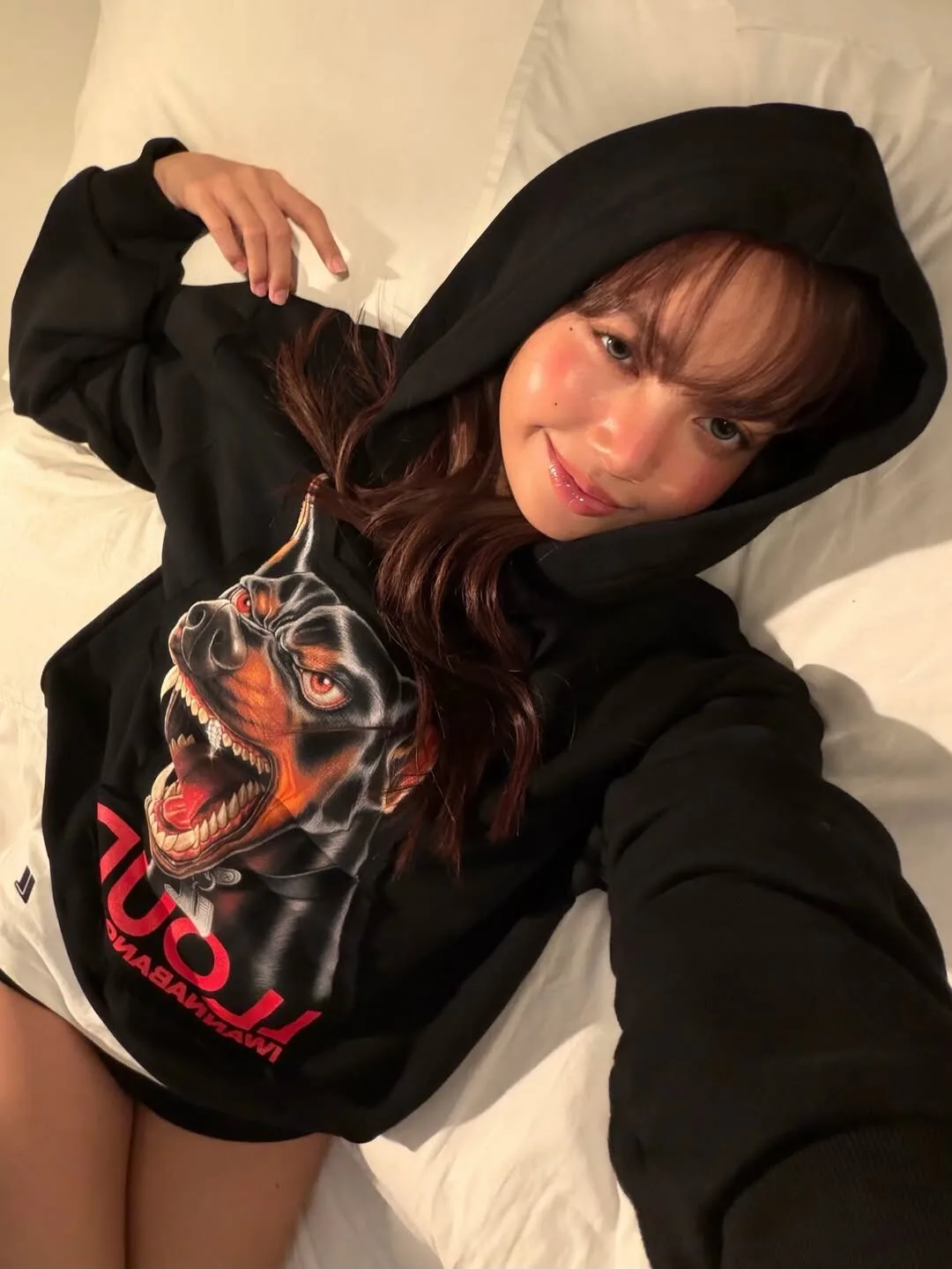

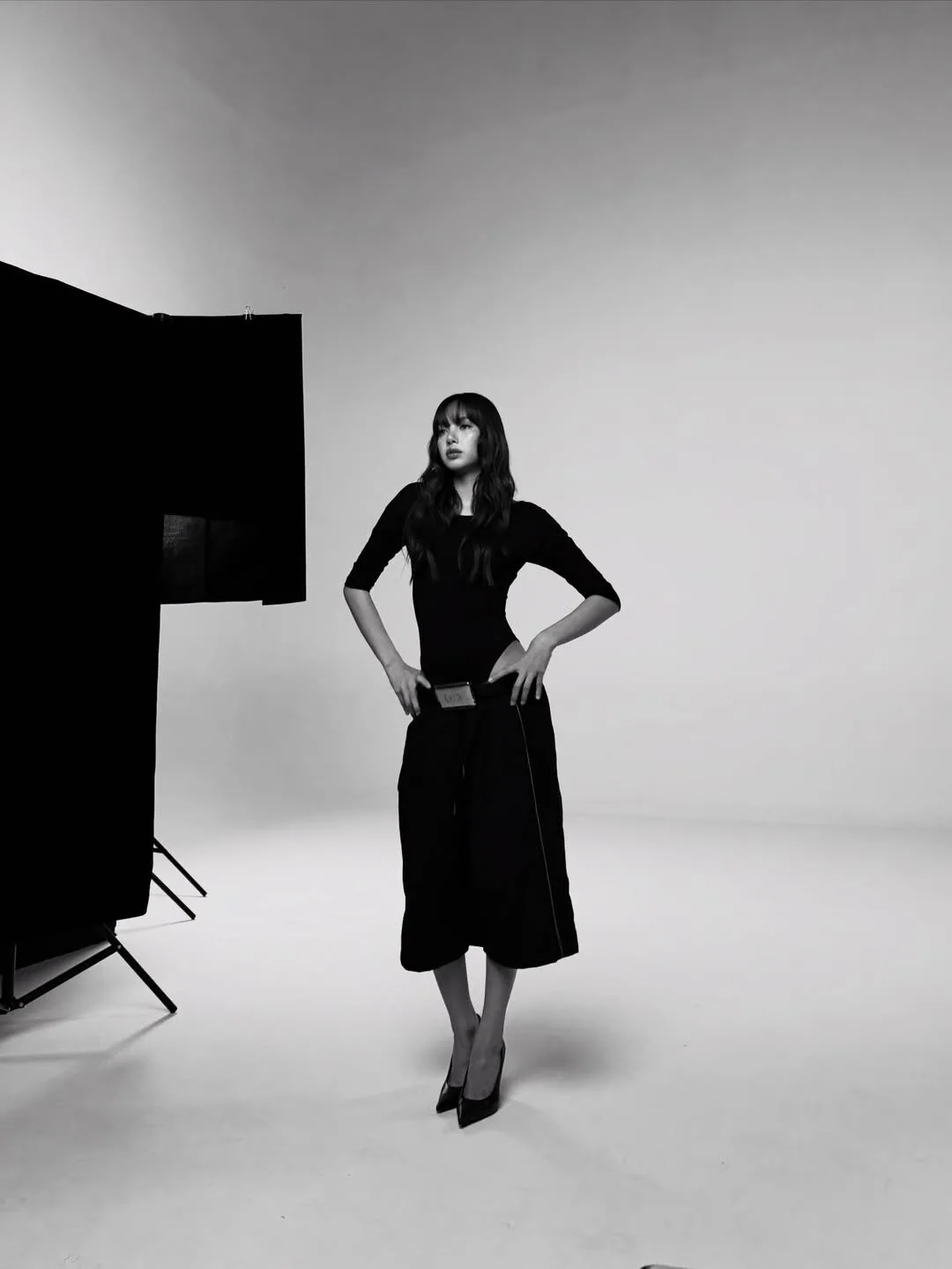
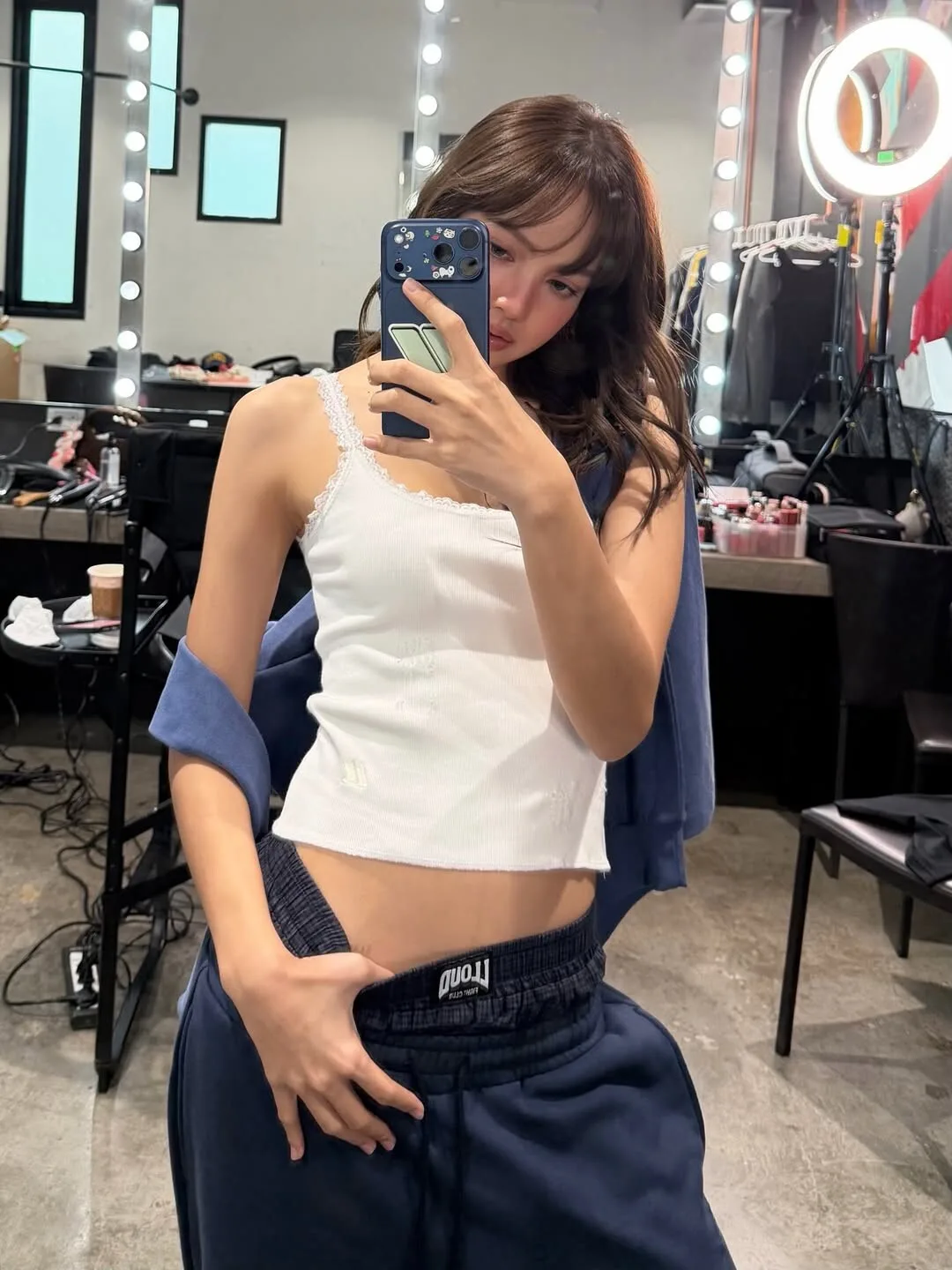

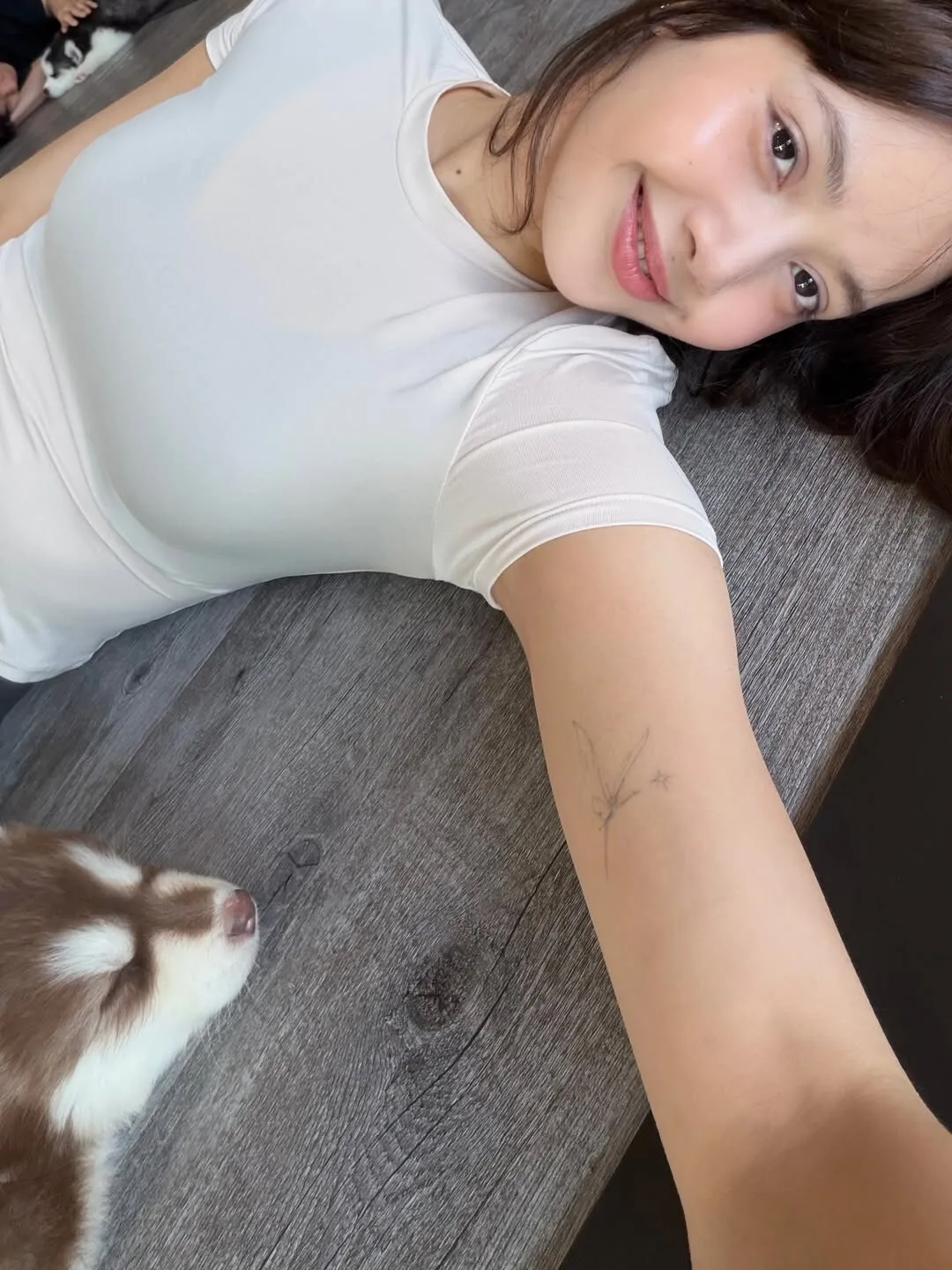
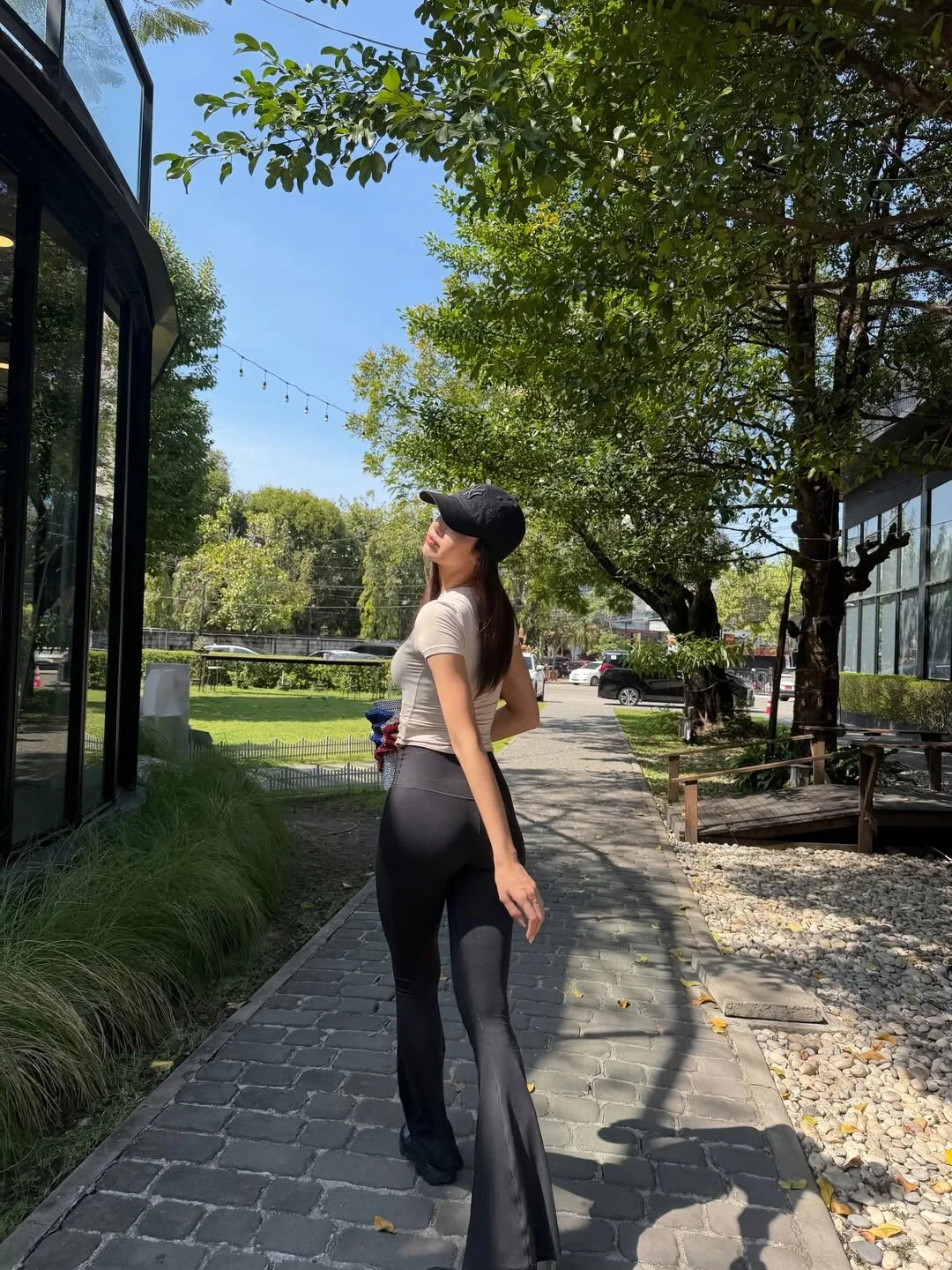
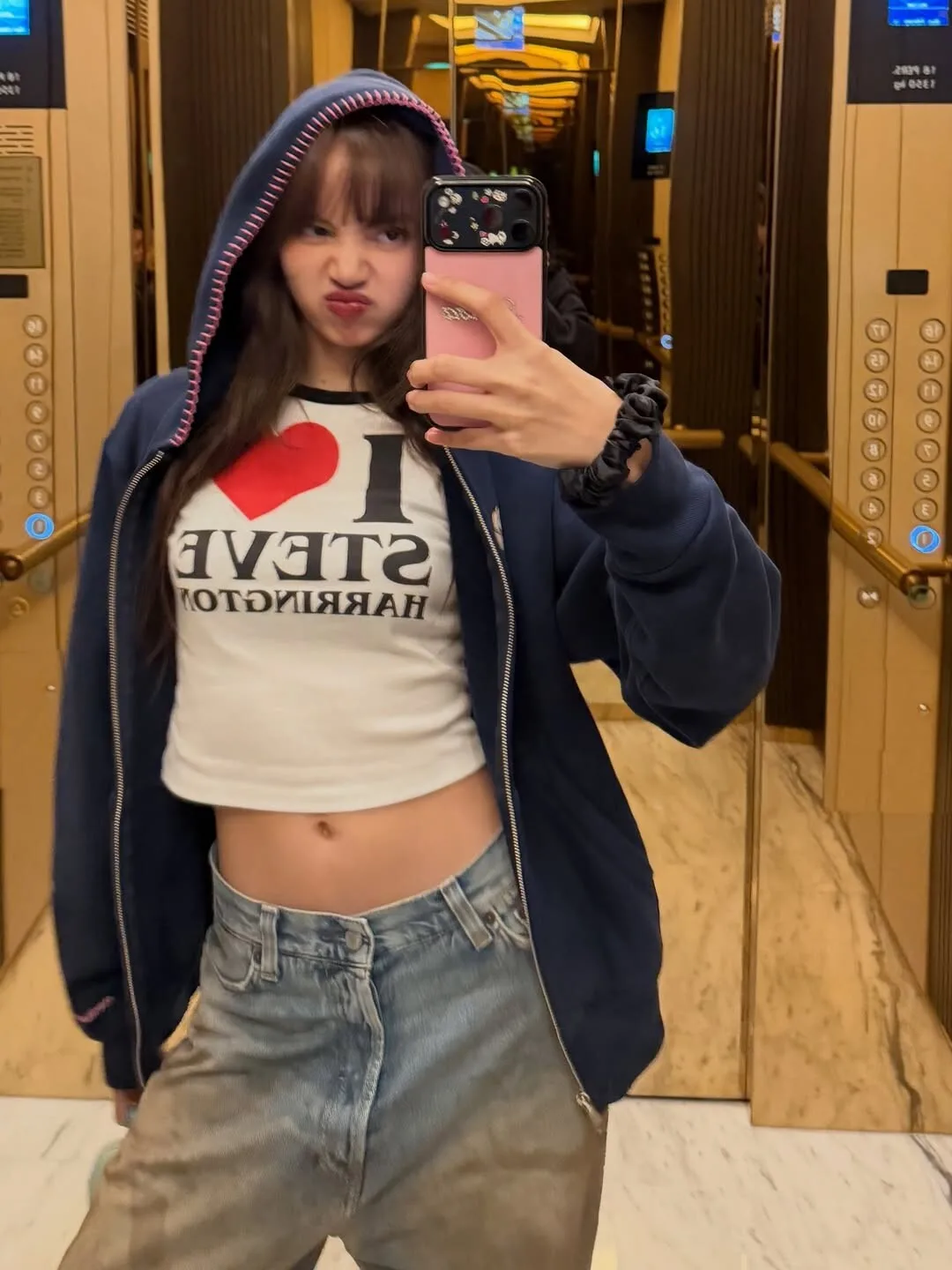


Account
Navigation
Search
Configure browser push notifications
Chrome (Android)
- Tap the lock icon next to the address bar.
- Tap Permissions → Notifications.
- Adjust your preference.
Chrome (Desktop)
- Click the padlock icon in the address bar.
- Select Site settings.
- Find Notifications and adjust your preference.
Safari (iOS 16.4+)
- Ensure the site is installed via Add to Home Screen.
- Open Settings App → Notifications.
- Find your app name and adjust your preference.
Safari (macOS)
- Go to Safari → Preferences.
- Click the Websites tab.
- Select Notifications in the sidebar.
- Find this website and adjust your preference.
Edge (Android)
- Tap the lock icon next to the address bar.
- Tap Permissions.
- Find Notifications and adjust your preference.
Edge (Desktop)
- Click the padlock icon in the address bar.
- Click Permissions for this site.
- Find Notifications and adjust your preference.
Firefox (Android)
- Go to Settings → Site permissions.
- Tap Notifications.
- Find this site in the list and adjust your preference.
Firefox (Desktop)
- Open Firefox Settings.
- Search for Notifications.
- Find this site in the list and adjust your preference.