

RIP_Cabrini_Green
Members
-
Joined
-
Last visited
Everything posted by RIP_Cabrini_Green
-
 Please be S.I., please be S.I., please be S.I.......
 -
^ That cleavage used to have so much more potential.
-
Just because I'm an asshole and want to get my two cents in.....I think the shoot is for Vogue Antarctica...
-
There's not enough Kate Bock happening on this forum...... So to change that....

-
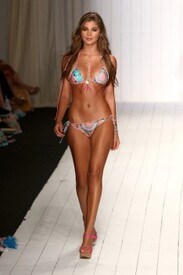
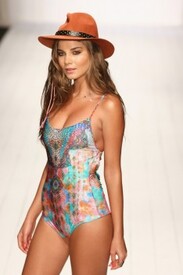
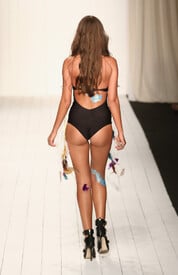
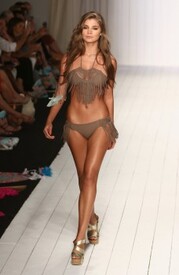
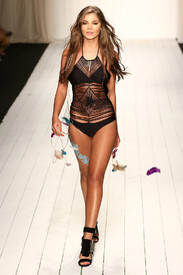
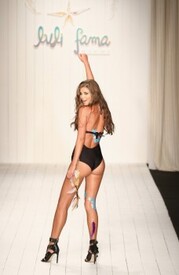
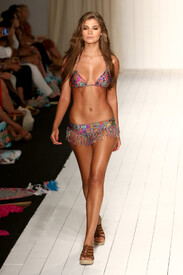
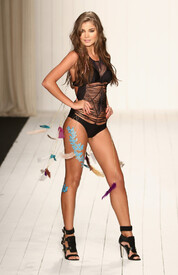
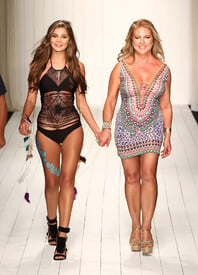
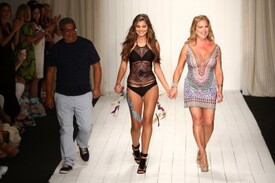
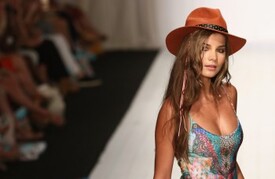
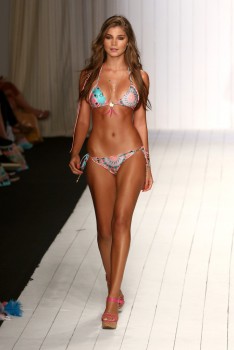
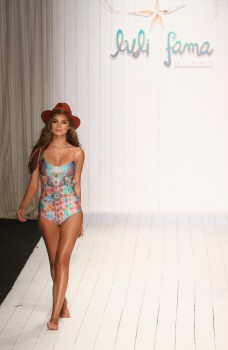
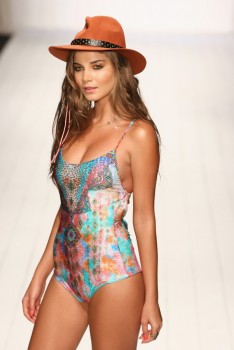
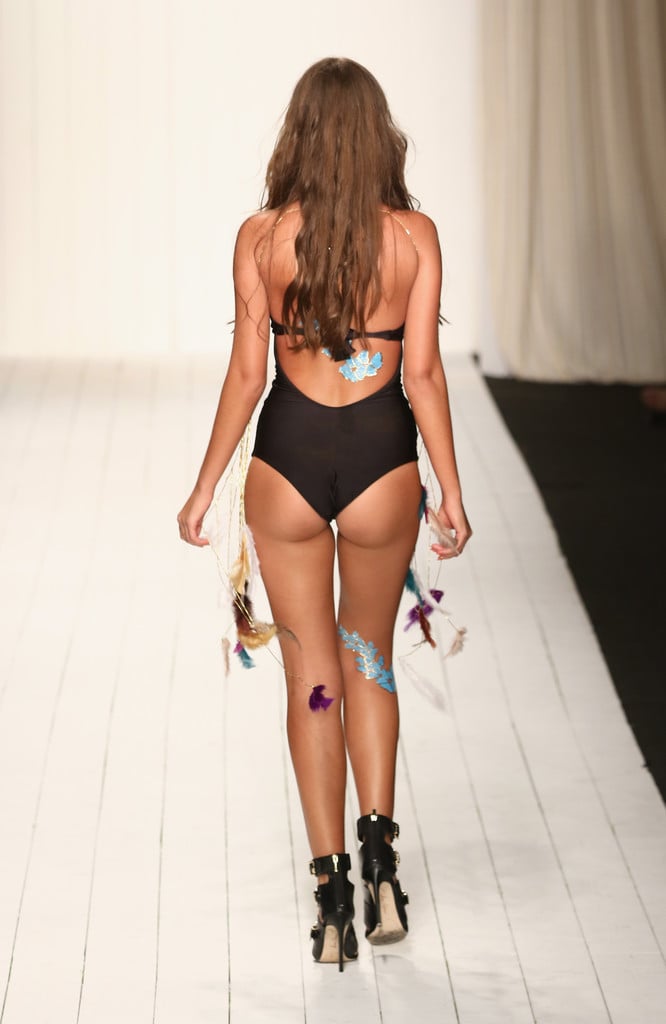
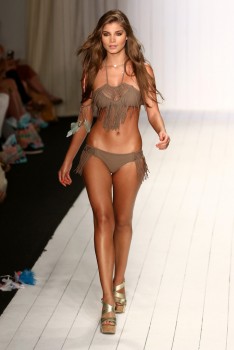
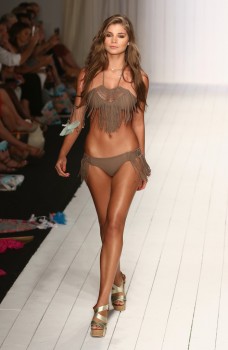
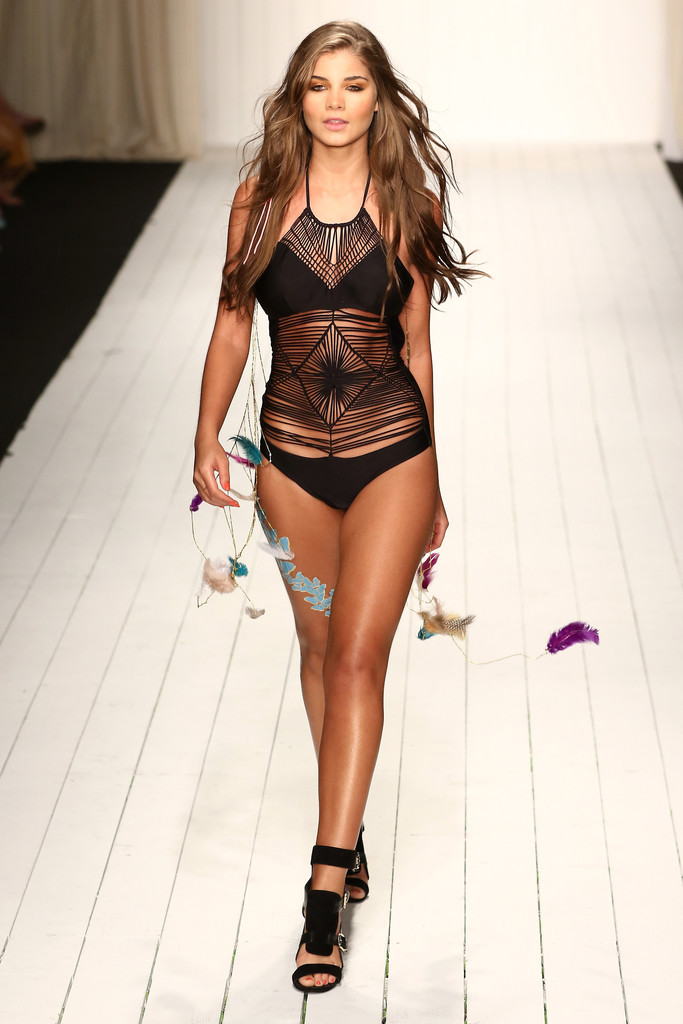
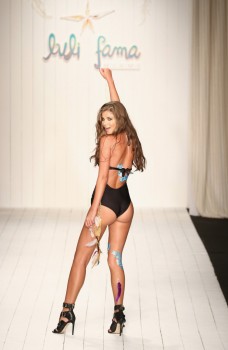
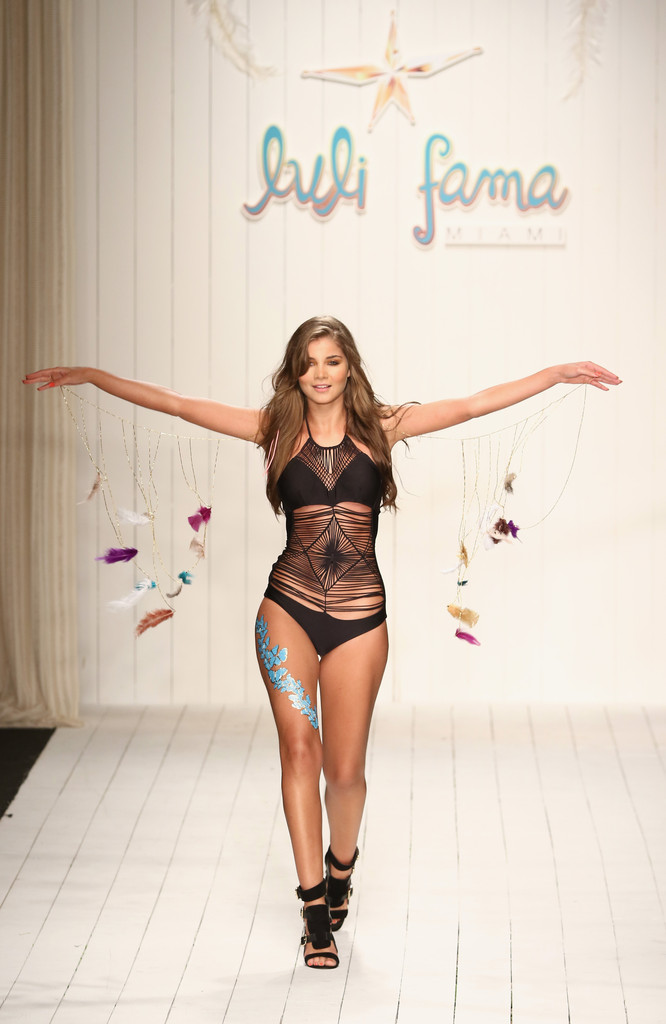
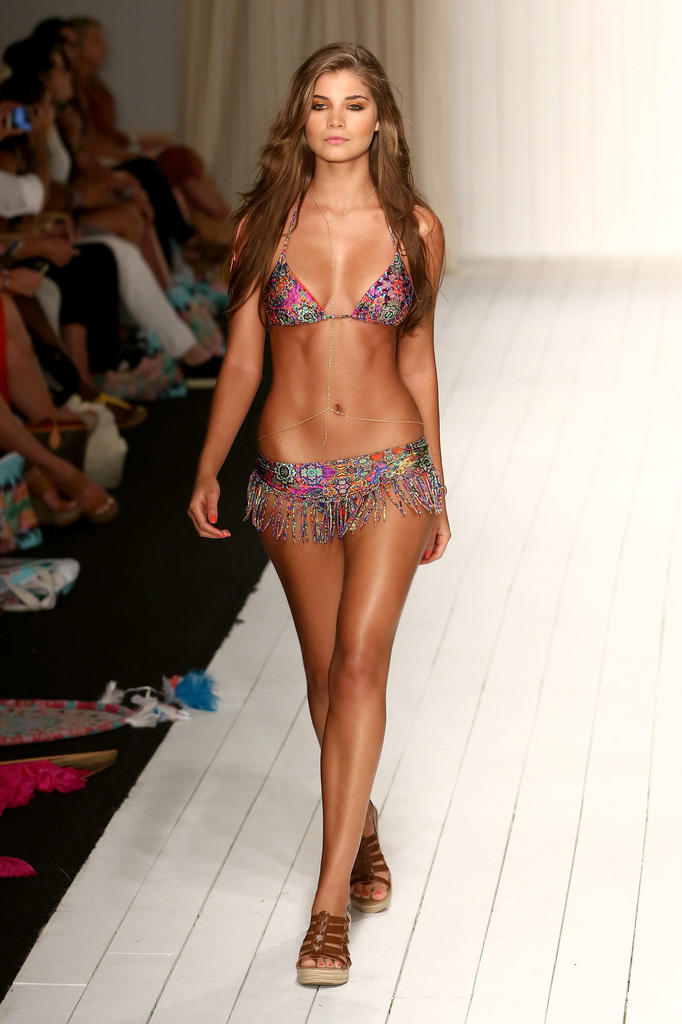
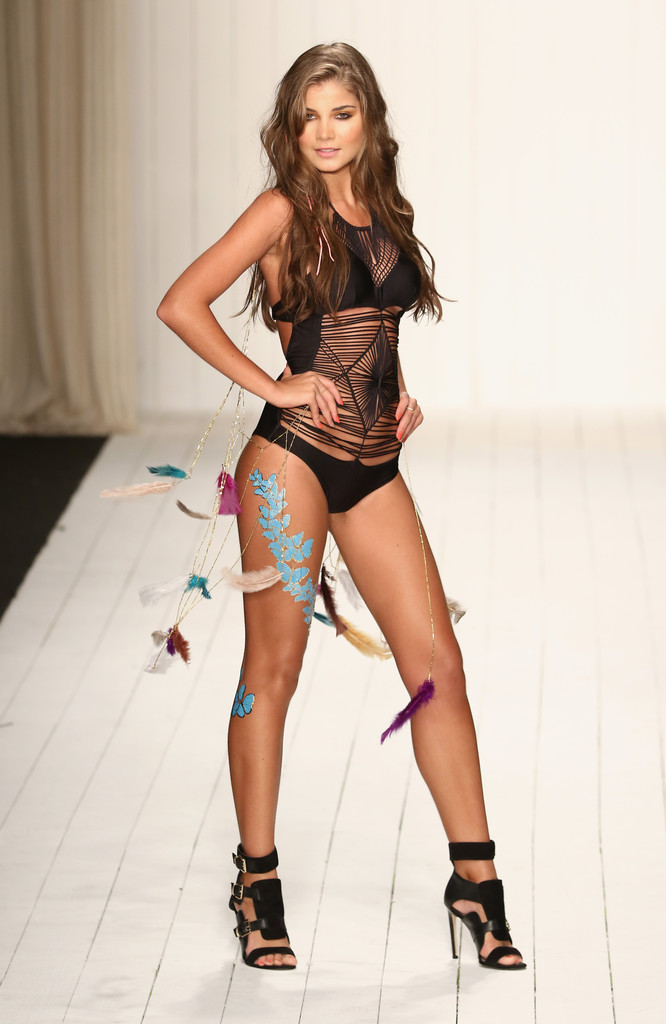
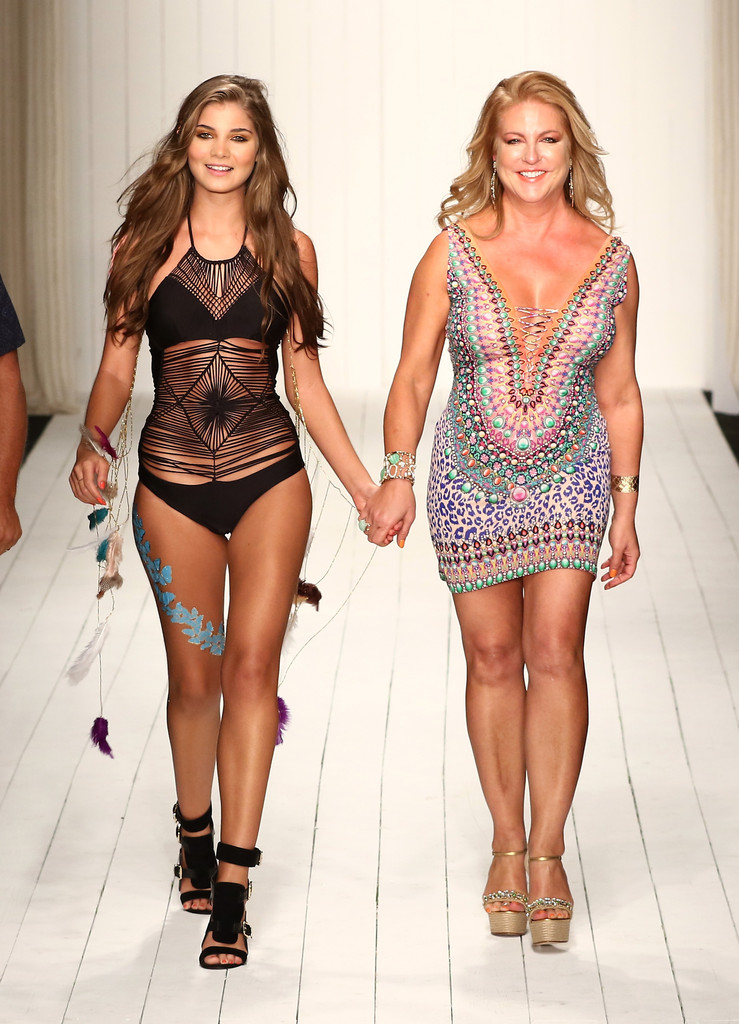
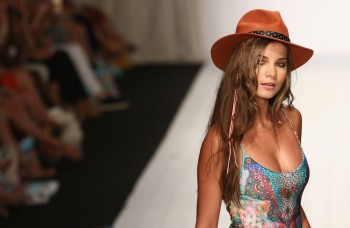
Luli Fama 2016 Miami Swim Week Show






-
Luli Fama 2016 - Miami Swim Fashion Week Brittany walks at 9:27, 14:00, 17:39, and 26:37 and is second to last in the finale
-
The 5 things I say when I'm asked if they're real.....
-
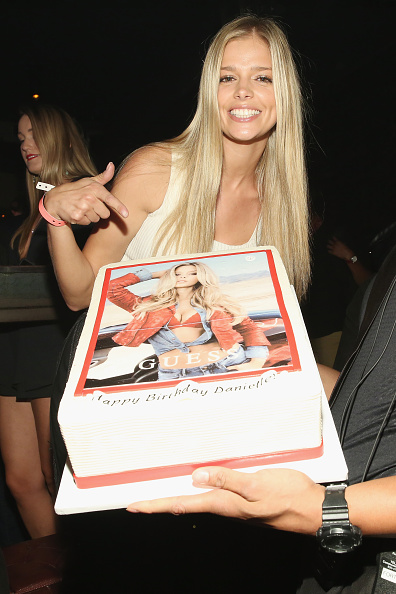
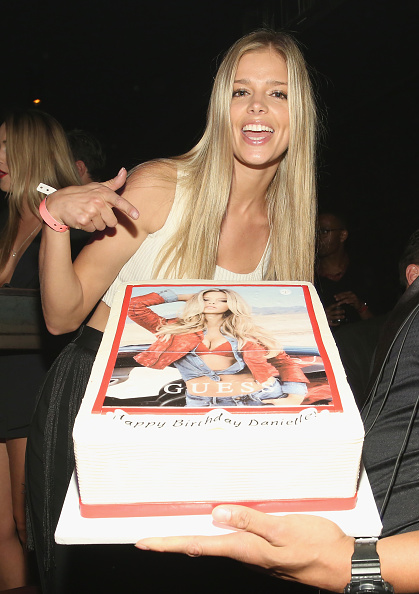
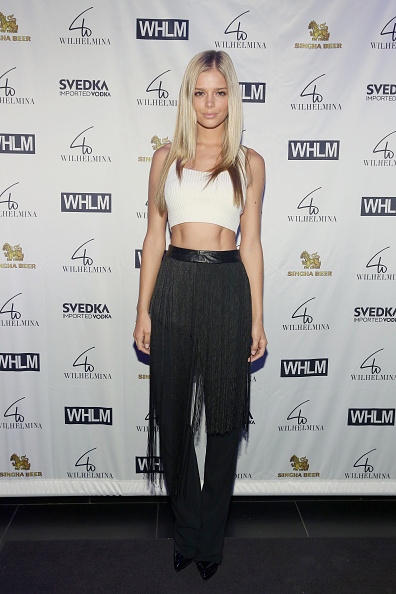
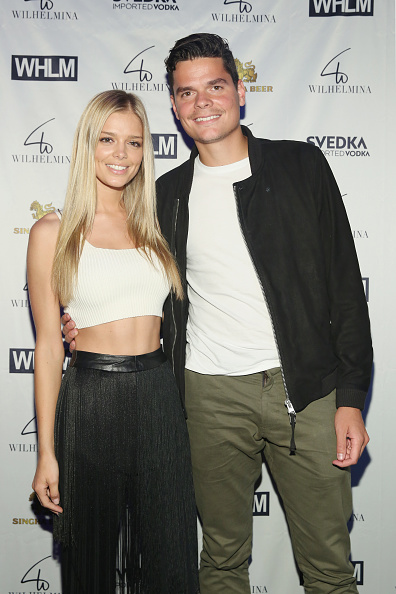
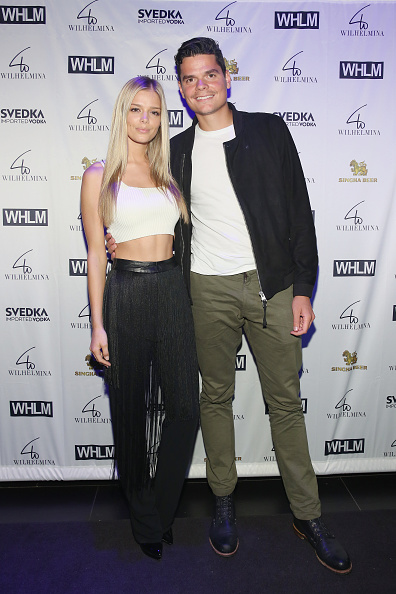
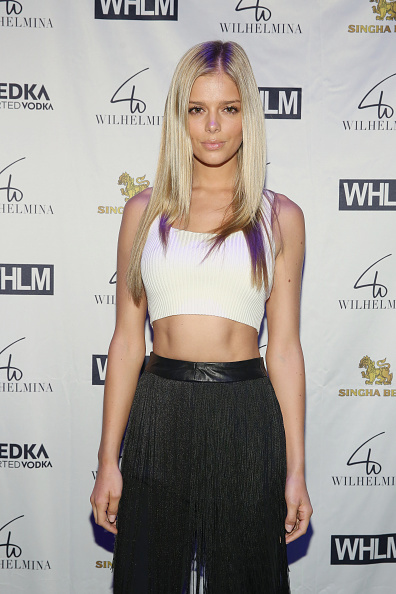
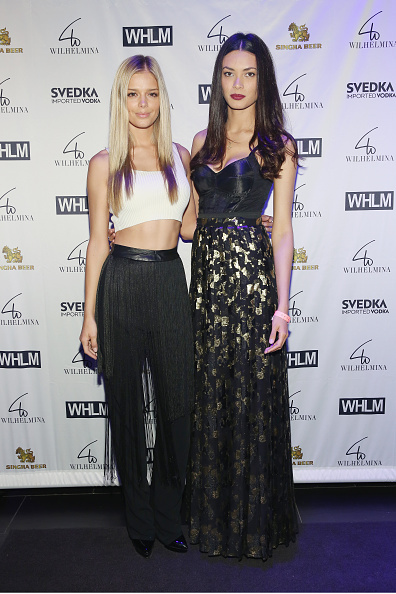
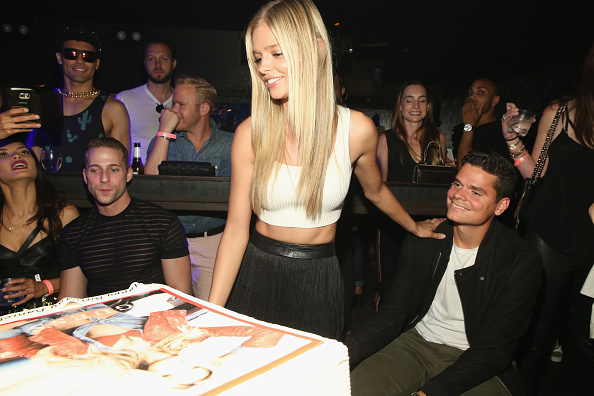
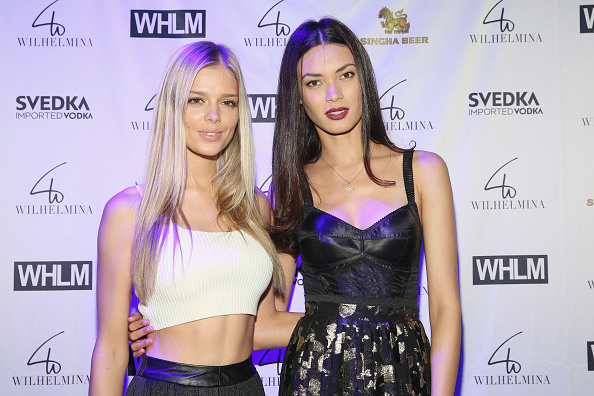
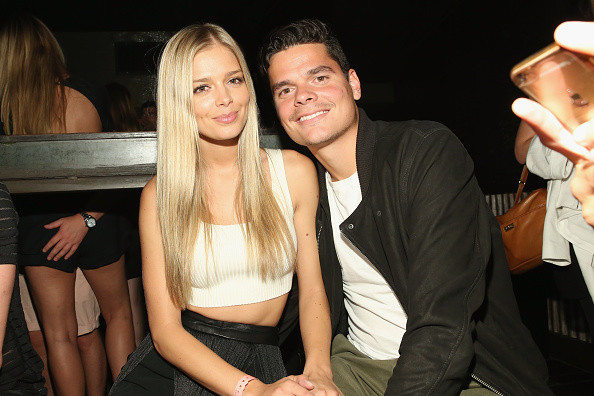
Wilhelmina Models Hosts Men's NYFW Party

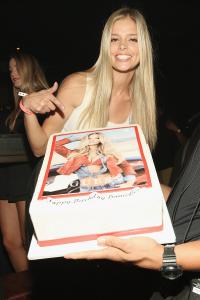
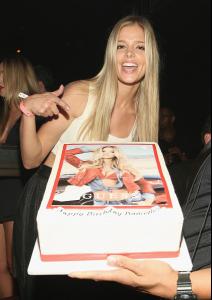



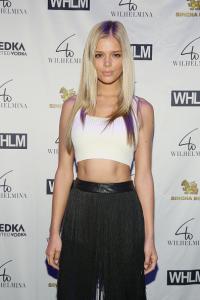

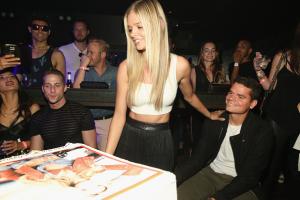

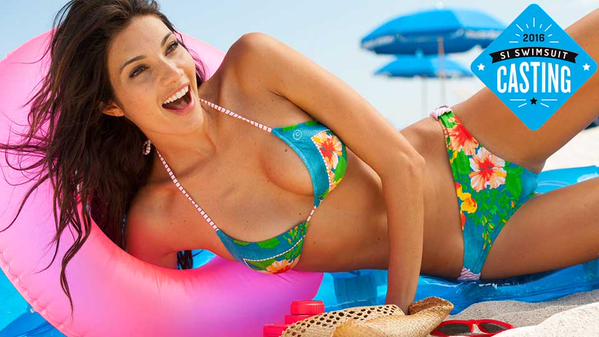
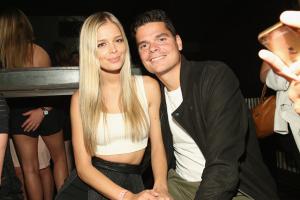 Happy Happy Birthday Danielle!!!!!! (Hoping today is the day of your S.I. Casting Call)
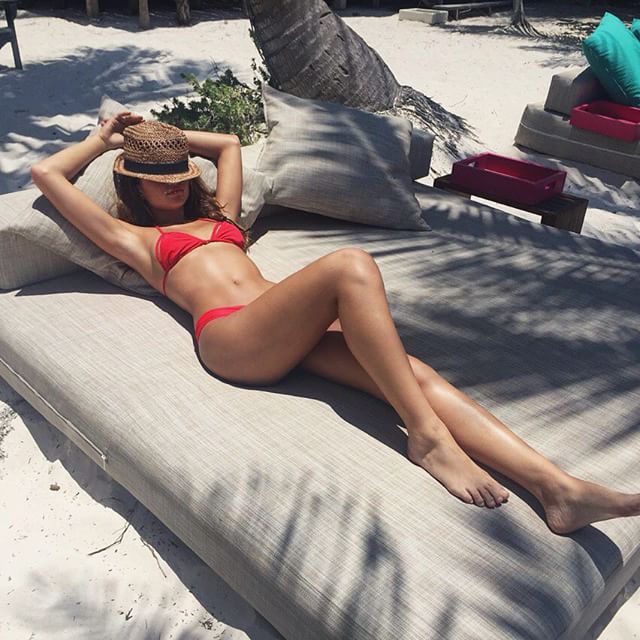
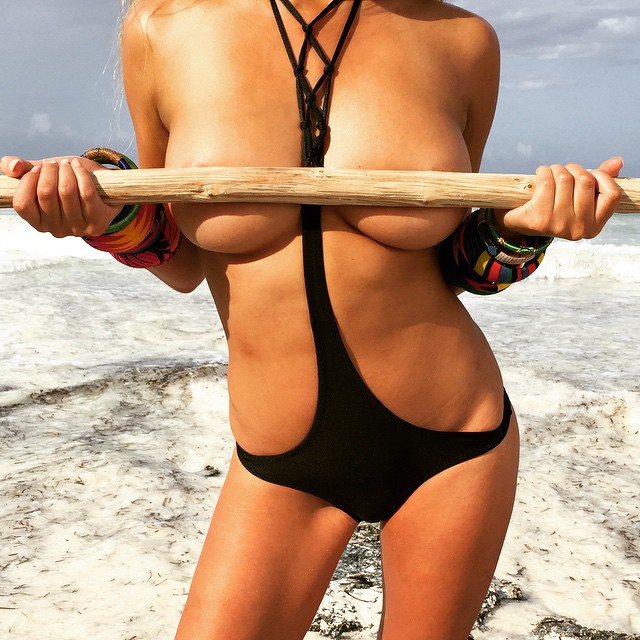
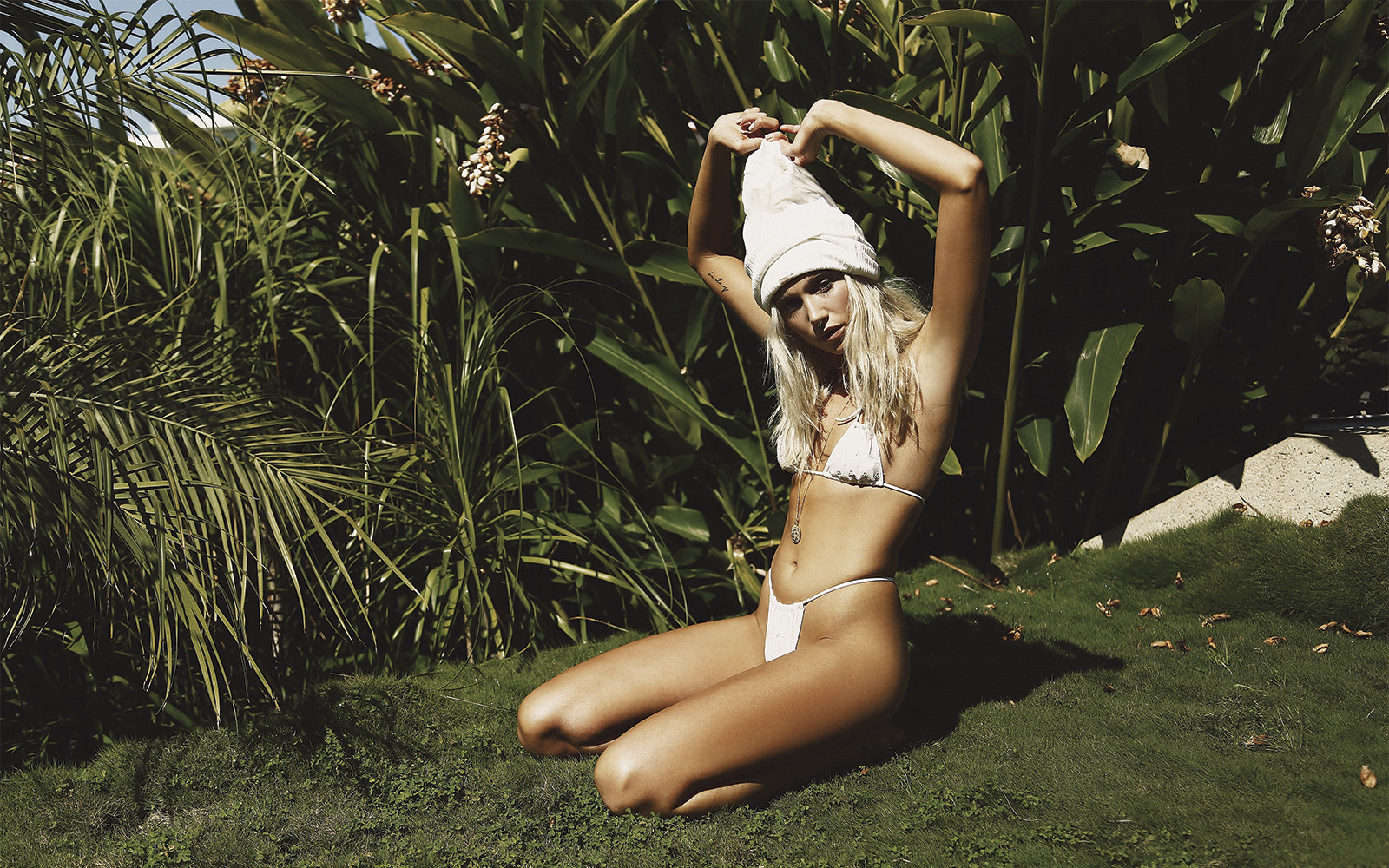
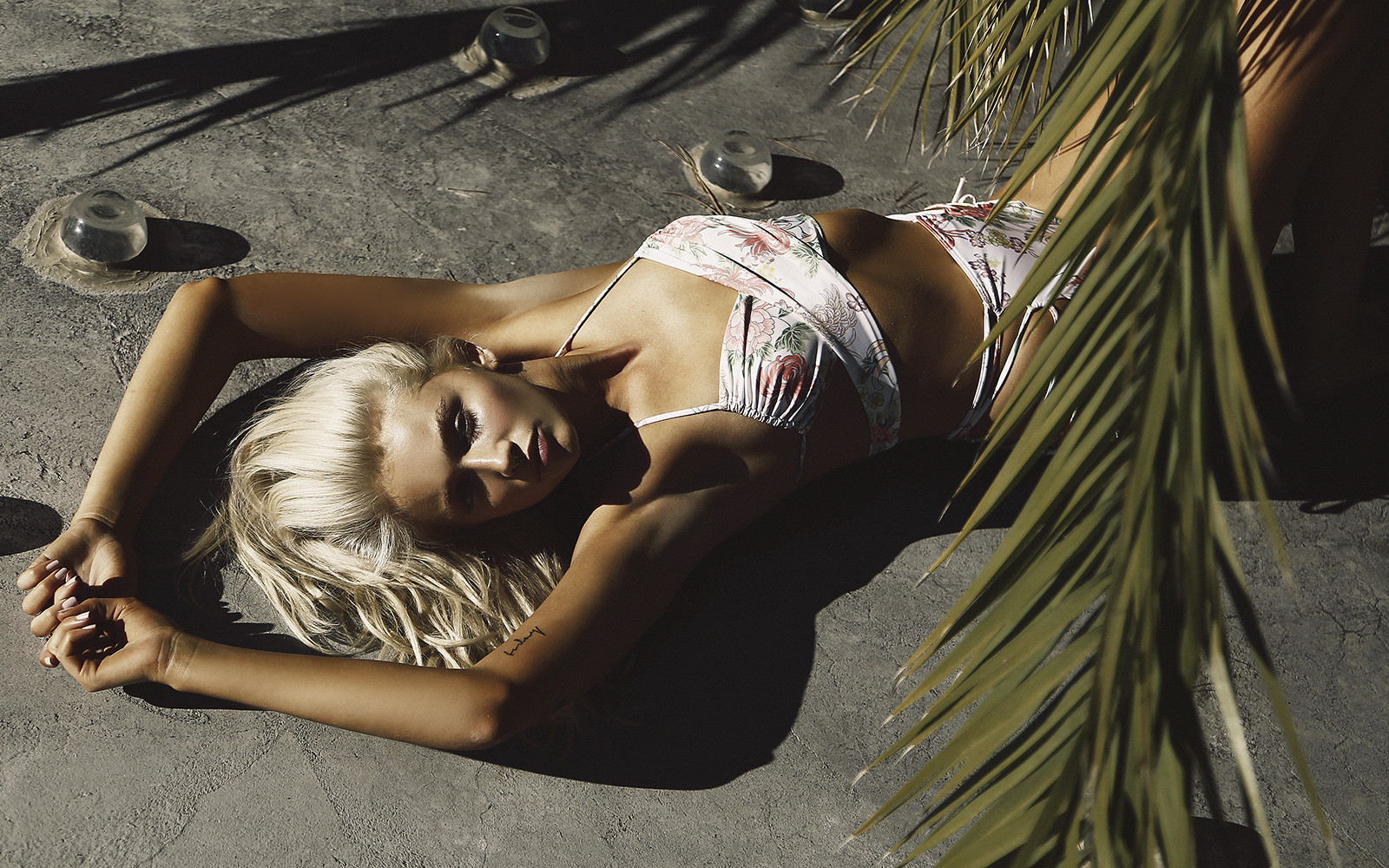
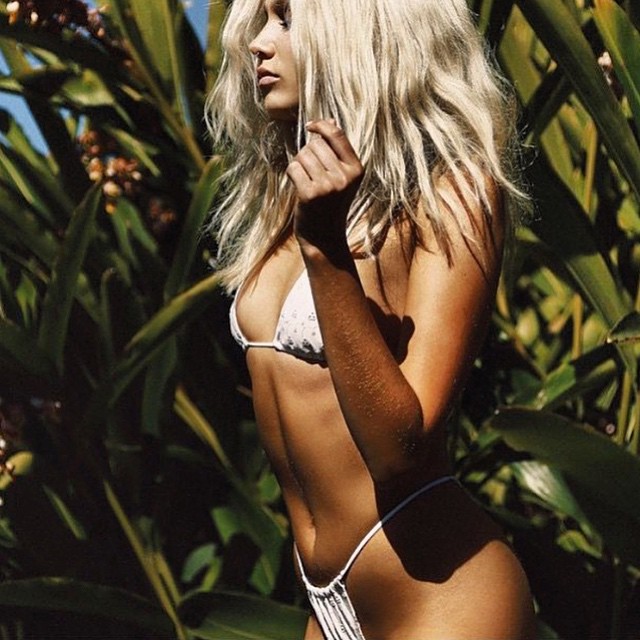
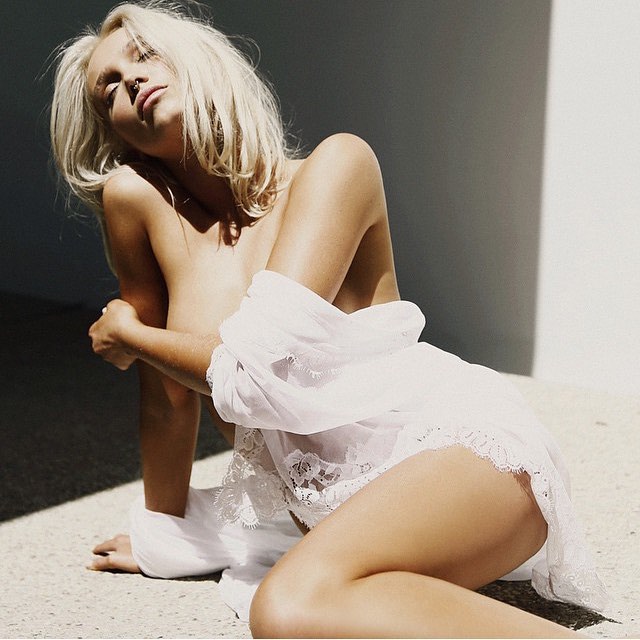
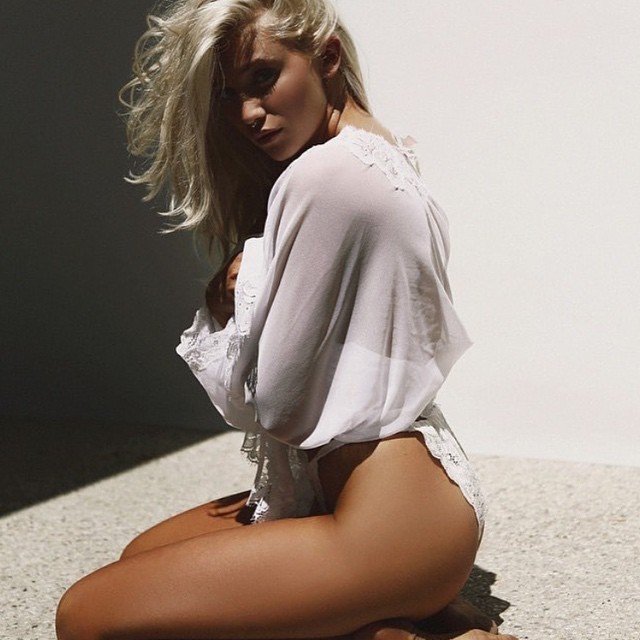
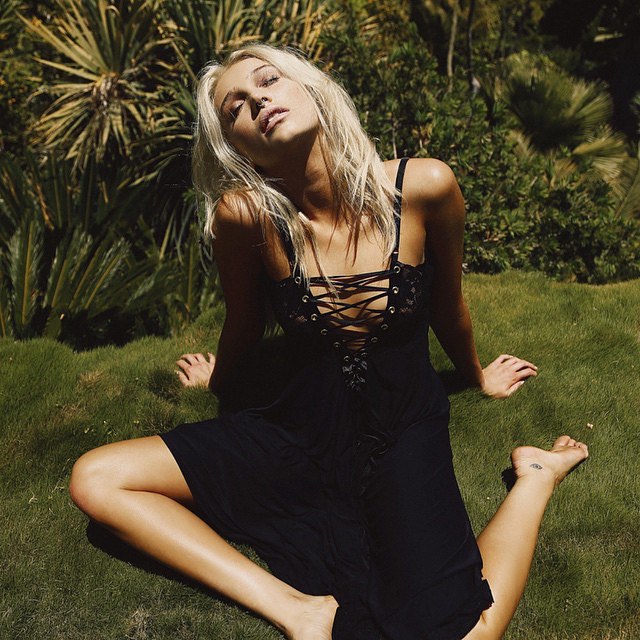
Hot As Hell Ph: Jorden Keith Source:http://hot-as-hell.com/ Instagram: Note: I'm trying to find the IG pics in better quality. The first three were the only ones from the website. So waiting for the entire shoot to be released. Will update when I can track the other pics down unless someone else is able to find them!
Happy Happy Birthday Danielle!!!!!! (Hoping today is the day of your S.I. Casting Call)
Hot As Hell Ph: Jorden Keith Source:http://hot-as-hell.com/ Instagram: Note: I'm trying to find the IG pics in better quality. The first three were the only ones from the website. So waiting for the entire shoot to be released. Will update when I can track the other pics down unless someone else is able to find them!
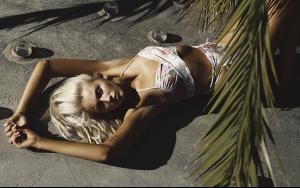


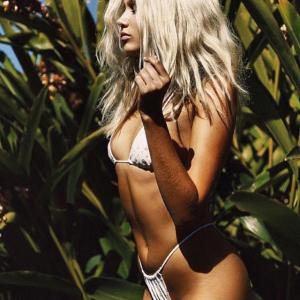



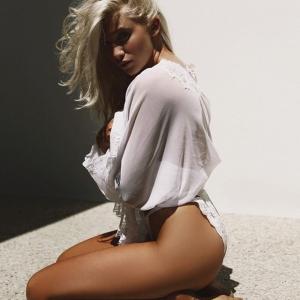
 Wow wow wow!
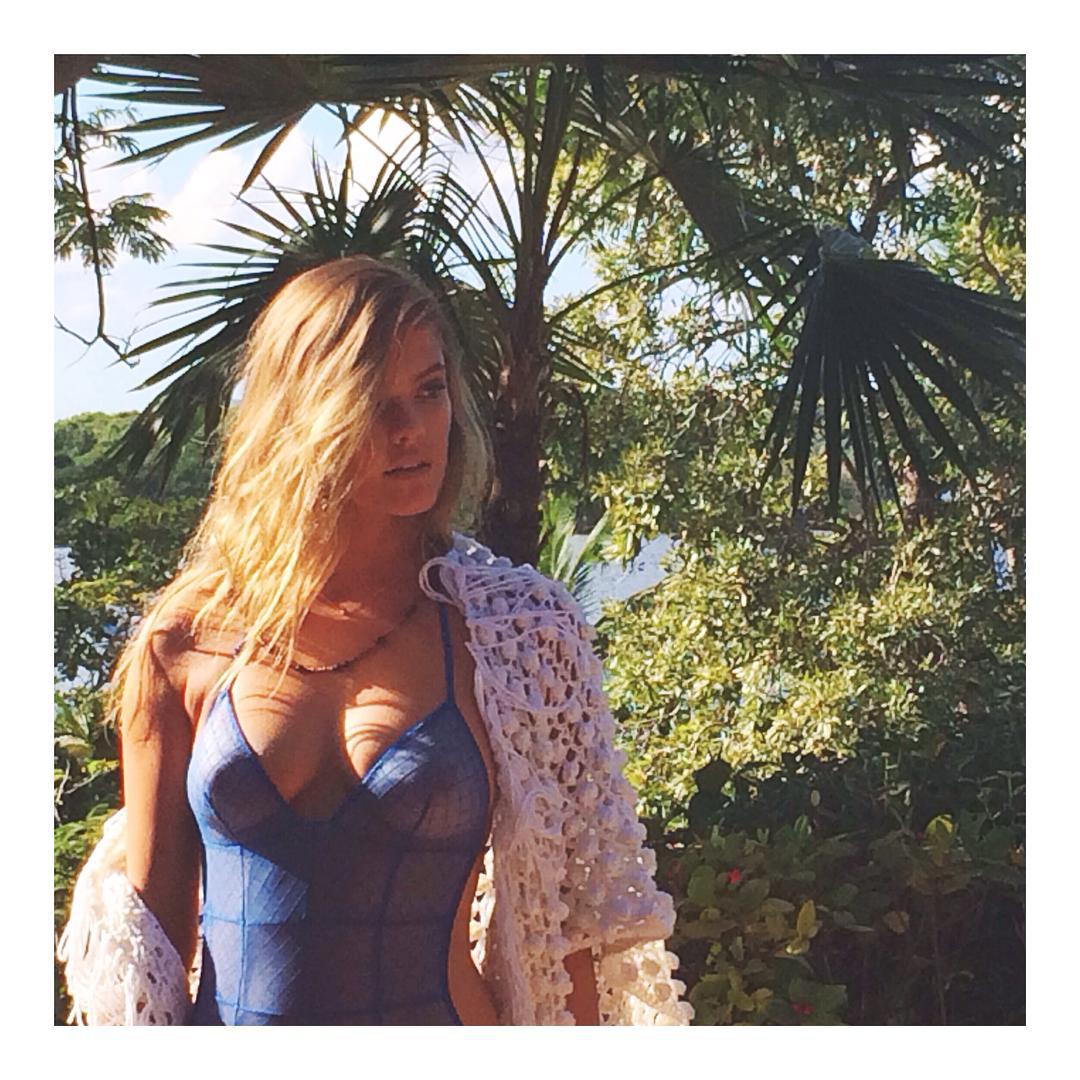
Love Haus BTS
Wow wow wow!
Love Haus BTS
 With Charlotte being on Dancing With The Stars and her Carl's Jr. ad, among other things, I thin MJ wants to cash in on her now while she is still relevant and hot. Just my two cents. I'd be down to see her in the issue. If it's shit then they can always just not bring her back again. But I think it would be worth it for SI to try and cash in so they can see the response of the consumers.
It's quite fun watching Taylor's evolution take place. And I haven't even been keeping an eye on her for that long! Very exciting! P.S. I'm getting major Lily Collins vibes from those Polaroids...anyone else see it?
Stunning.
With Charlotte being on Dancing With The Stars and her Carl's Jr. ad, among other things, I thin MJ wants to cash in on her now while she is still relevant and hot. Just my two cents. I'd be down to see her in the issue. If it's shit then they can always just not bring her back again. But I think it would be worth it for SI to try and cash in so they can see the response of the consumers.
It's quite fun watching Taylor's evolution take place. And I haven't even been keeping an eye on her for that long! Very exciting! P.S. I'm getting major Lily Collins vibes from those Polaroids...anyone else see it?
Stunning.











Account
Search
Configure browser push notifications
Chrome (Android)
- Tap the lock icon next to the address bar.
- Tap Permissions → Notifications.
- Adjust your preference.
Chrome (Desktop)
- Click the padlock icon in the address bar.
- Select Site settings.
- Find Notifications and adjust your preference.
Safari (iOS 16.4+)
- Ensure the site is installed via Add to Home Screen.
- Open Settings App → Notifications.
- Find your app name and adjust your preference.
Safari (macOS)
- Go to Safari → Preferences.
- Click the Websites tab.
- Select Notifications in the sidebar.
- Find this website and adjust your preference.
Edge (Android)
- Tap the lock icon next to the address bar.
- Tap Permissions.
- Find Notifications and adjust your preference.
Edge (Desktop)
- Click the padlock icon in the address bar.
- Click Permissions for this site.
- Find Notifications and adjust your preference.
Firefox (Android)
- Go to Settings → Site permissions.
- Tap Notifications.
- Find this site in the list and adjust your preference.
Firefox (Desktop)
- Open Firefox Settings.
- Search for Notifications.
- Find this site in the list and adjust your preference.