

RIP_Cabrini_Green
Members
-
Joined
-
Last visited
Everything posted by RIP_Cabrini_Green
-

-
FUUUUUUCK YES! SO HOT!!! GREAT FIND BRO!!!!!




-
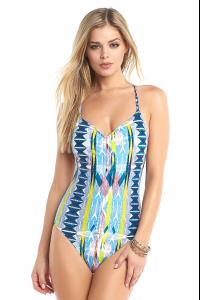
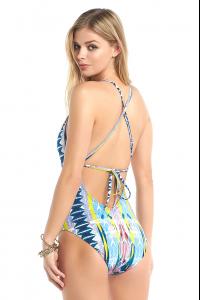
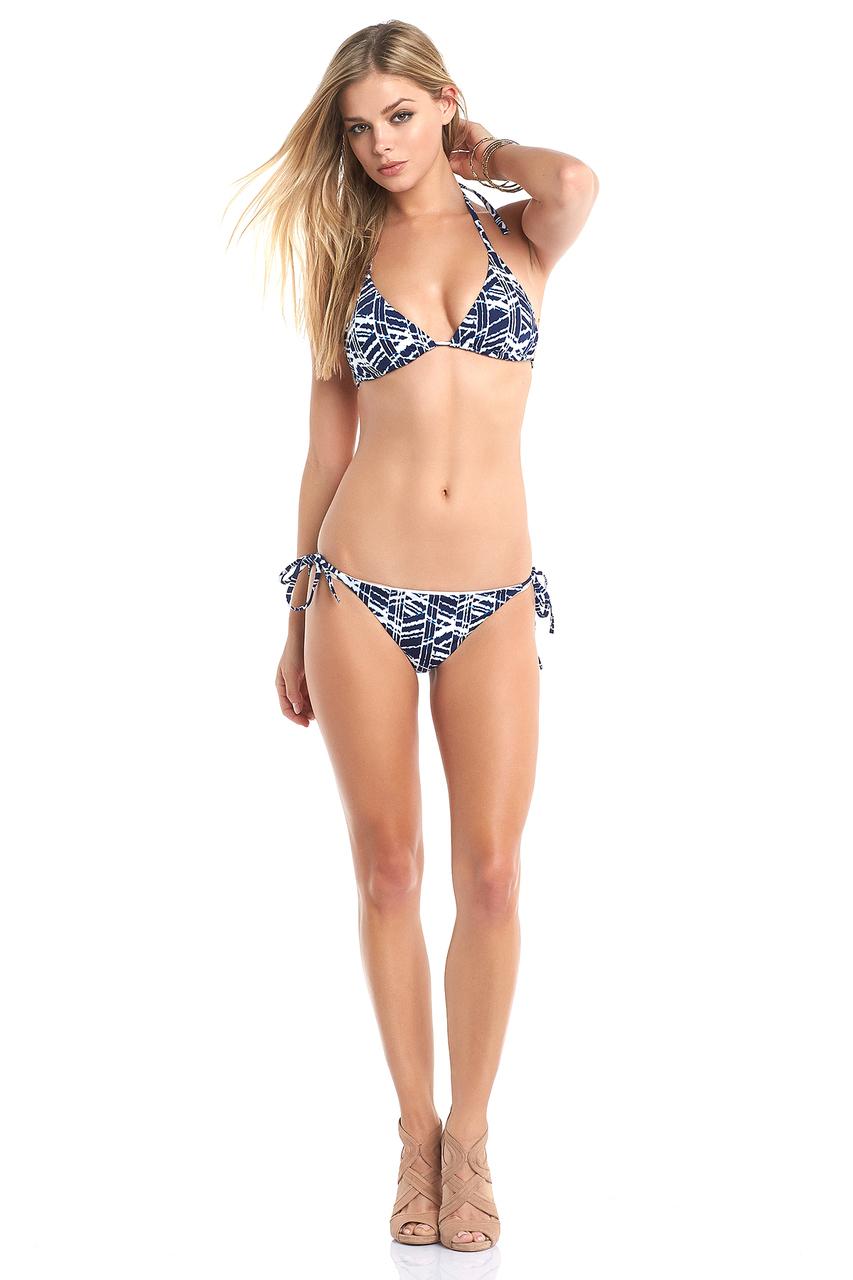
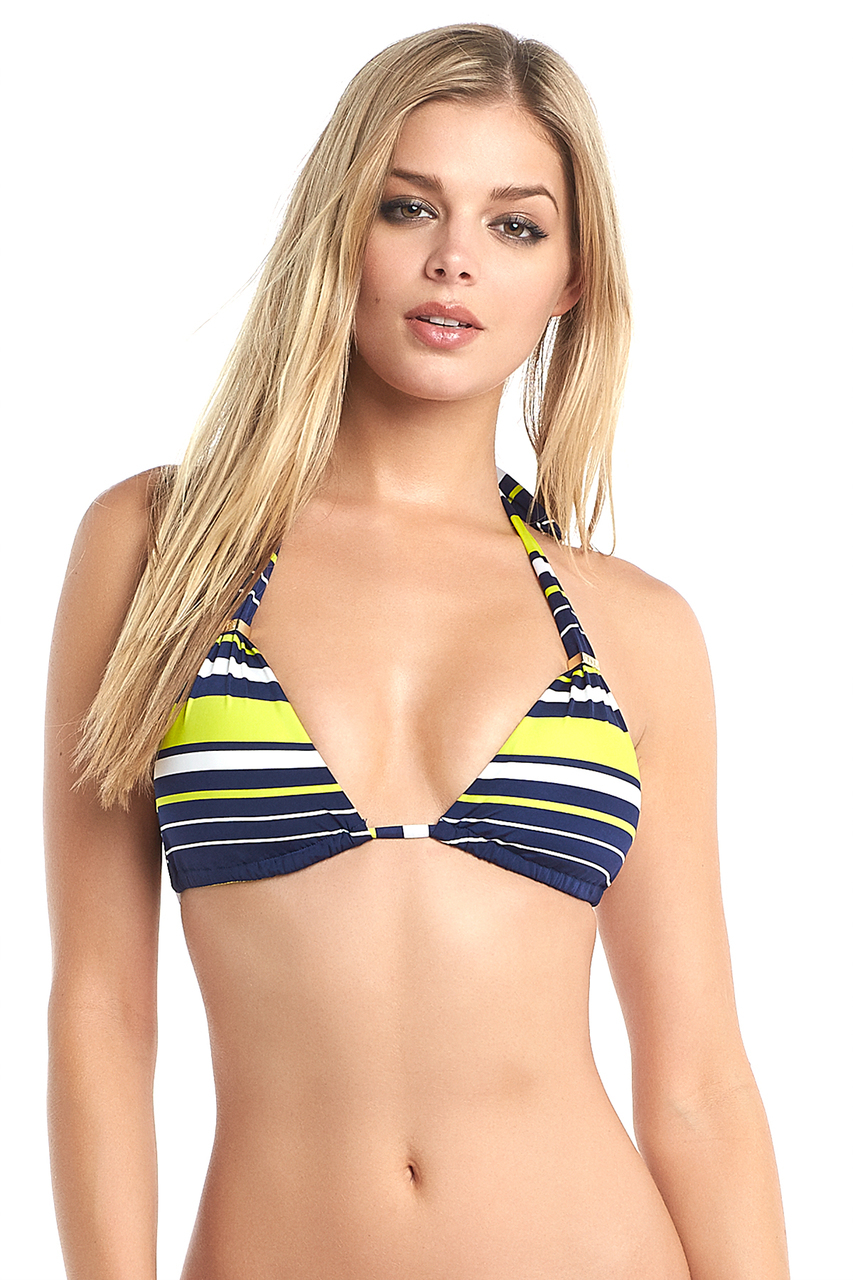
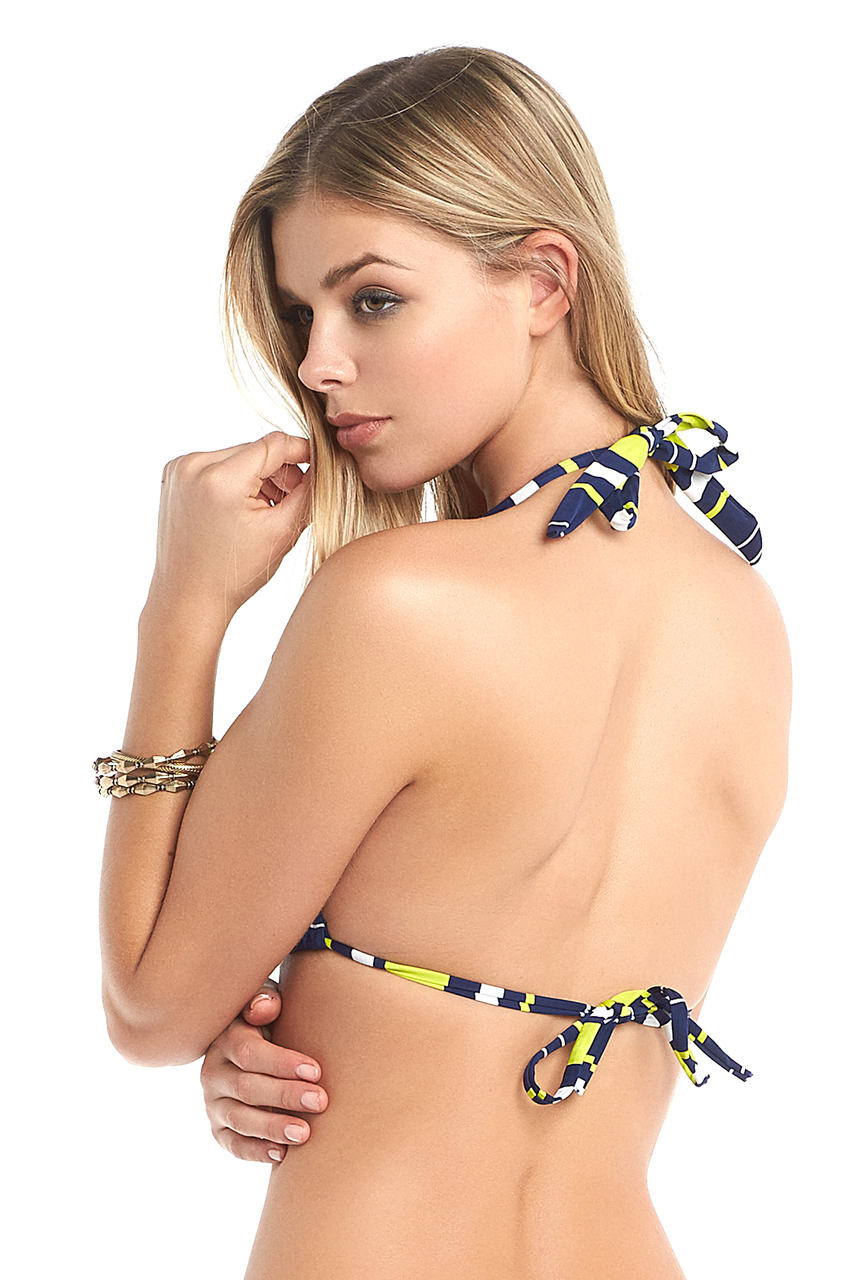
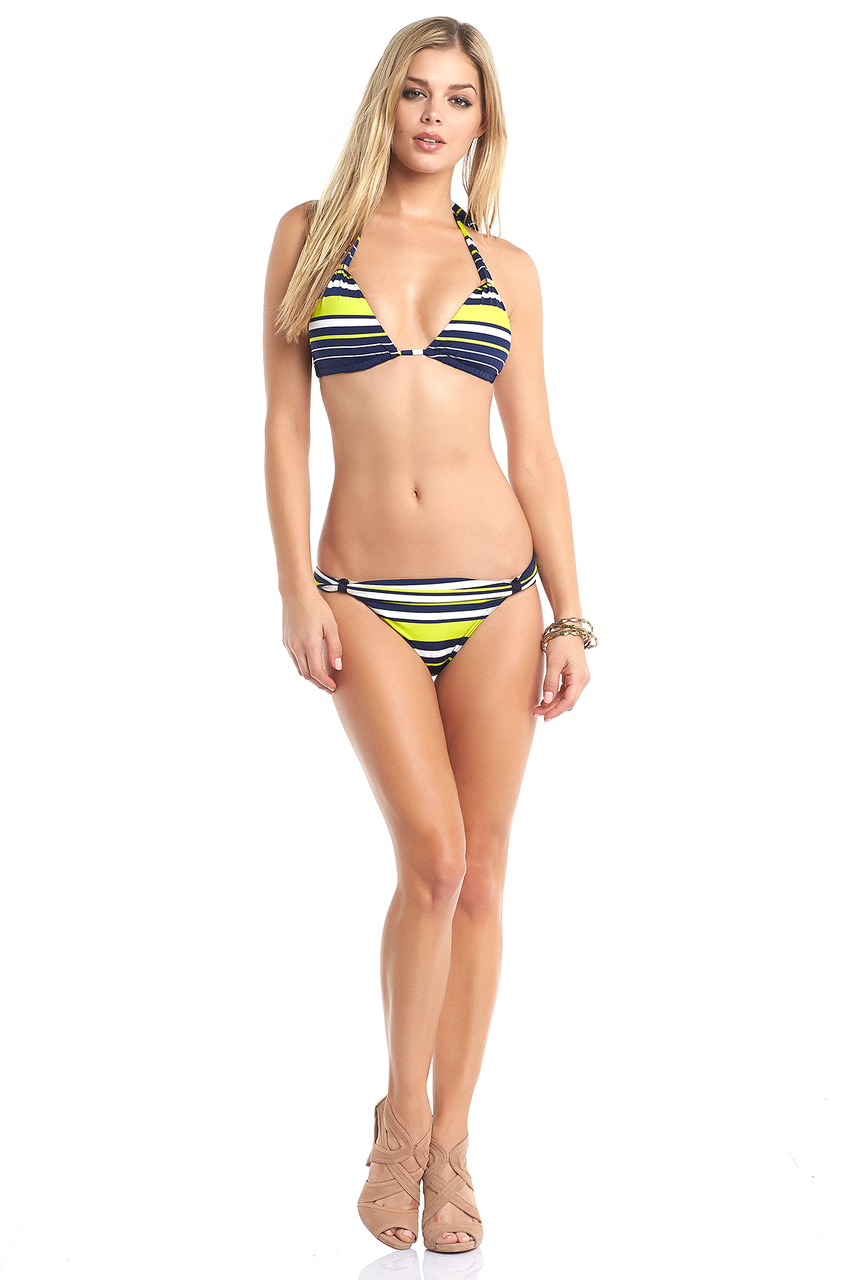
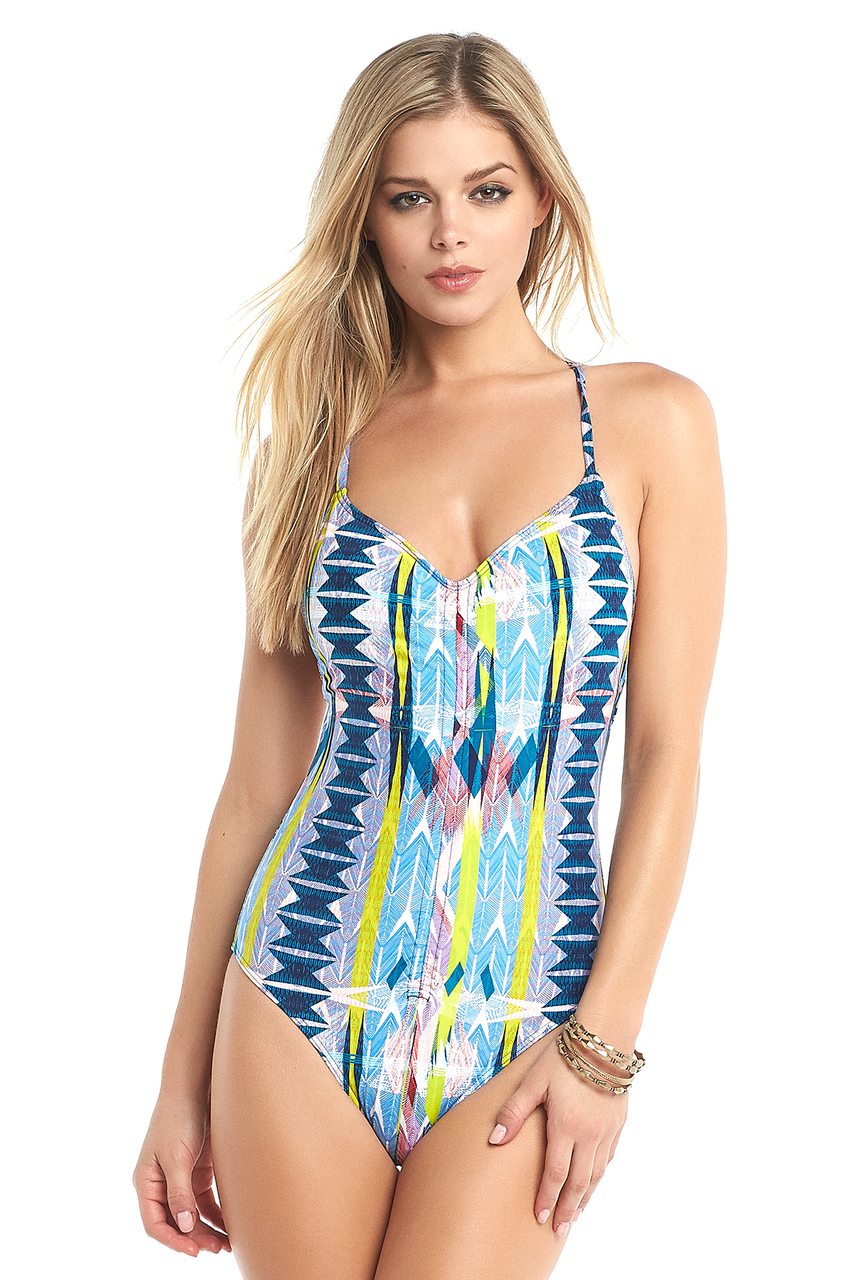
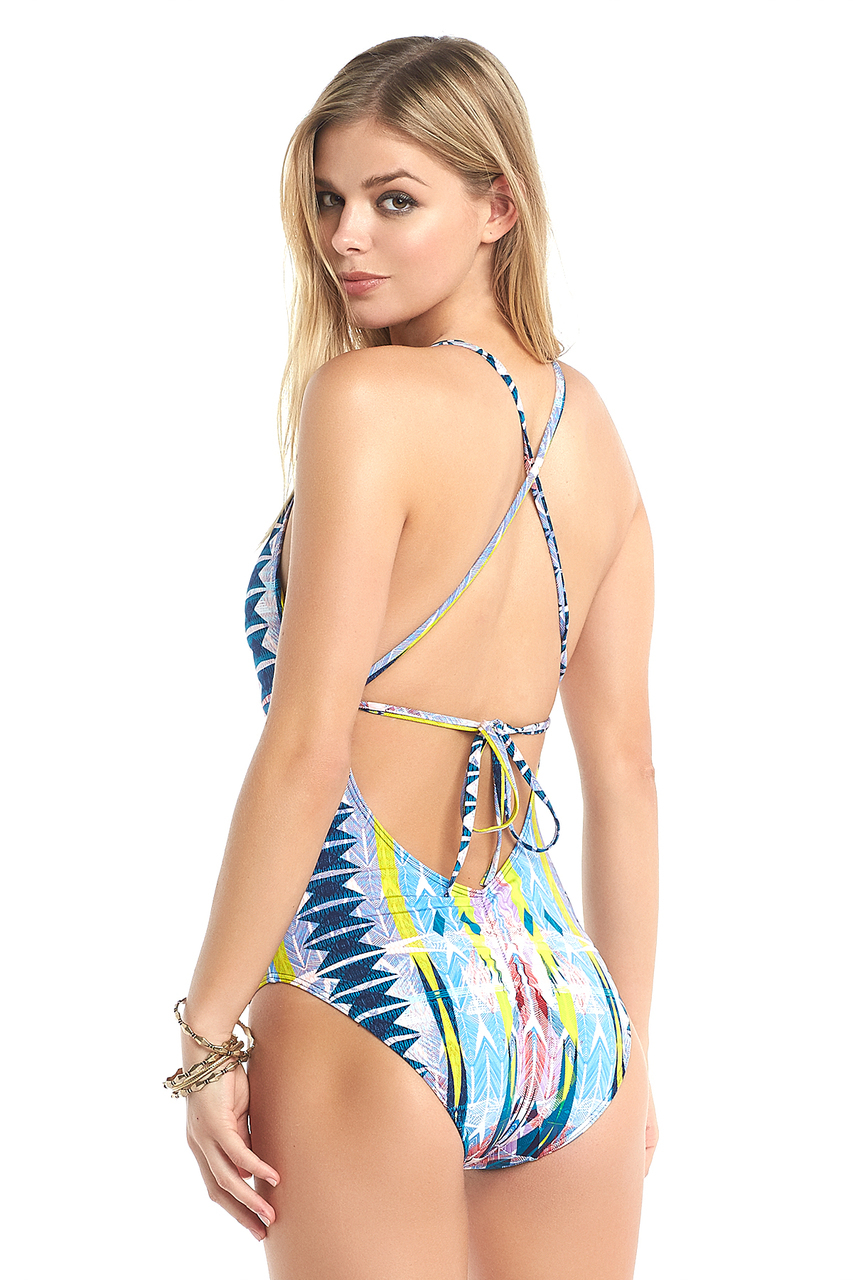
Tart Collections - Swim Source:http://www.tartcollections.com/swim/




-
I've looked, couldn't find any. I believe they were for a Kitten Galore story if I remember correctly. It wasn't a full shoot, just a few pics for a story. I'll try and give it another look though! Yeah, I must have missed the Swimsuit pics on Tart.....I'll work on that now!
-
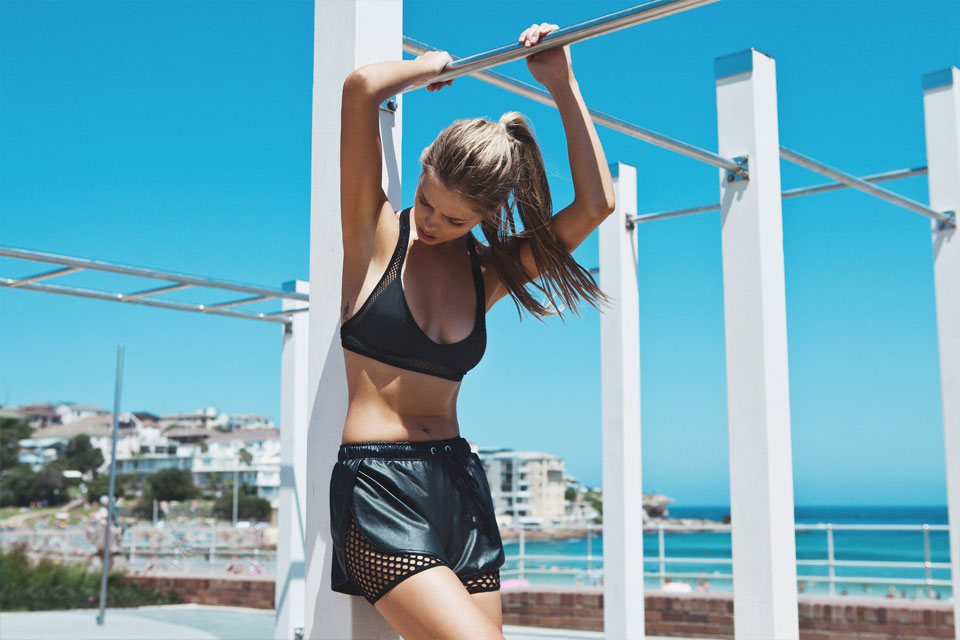
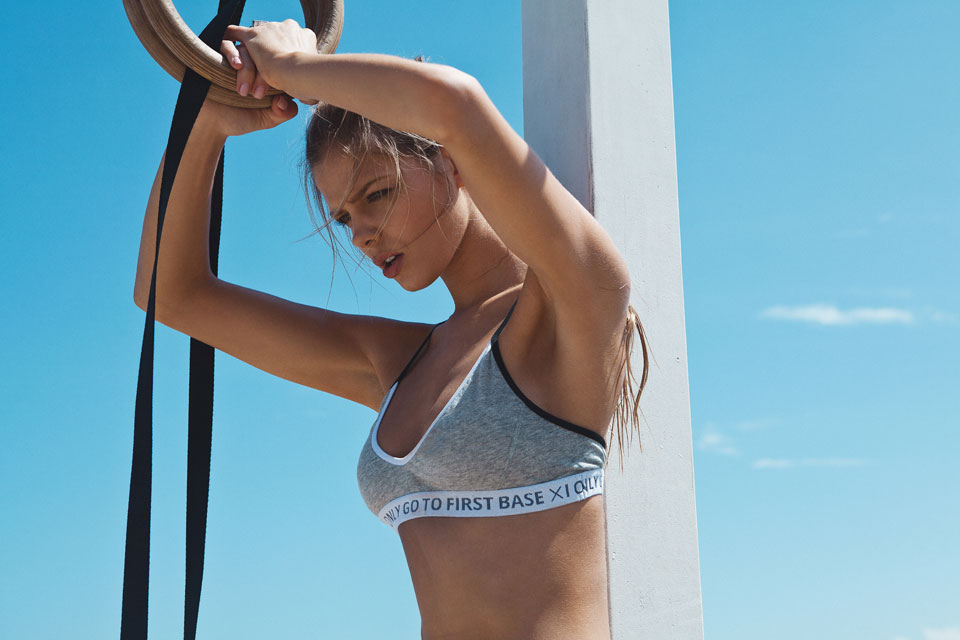
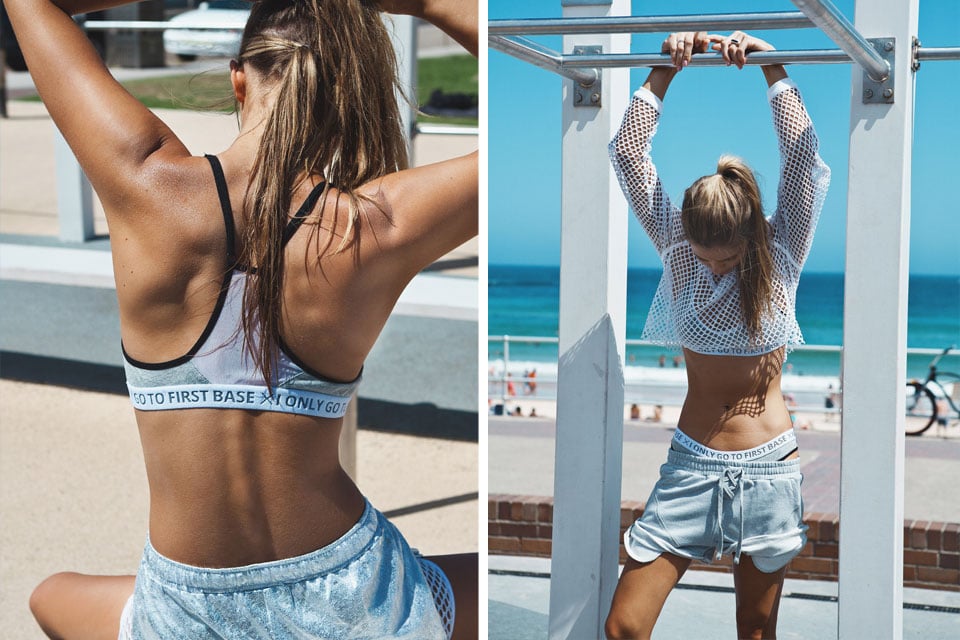
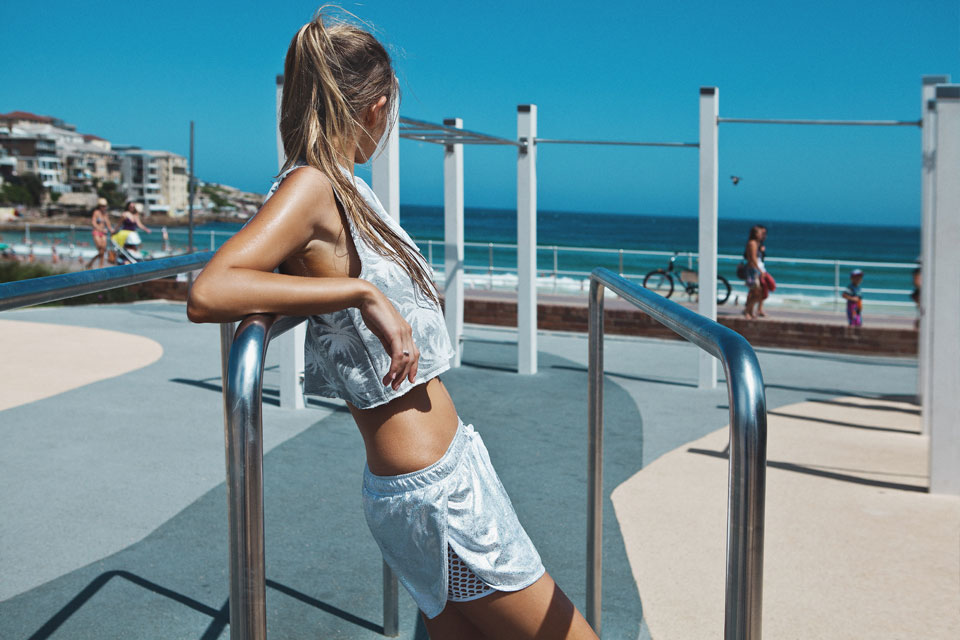
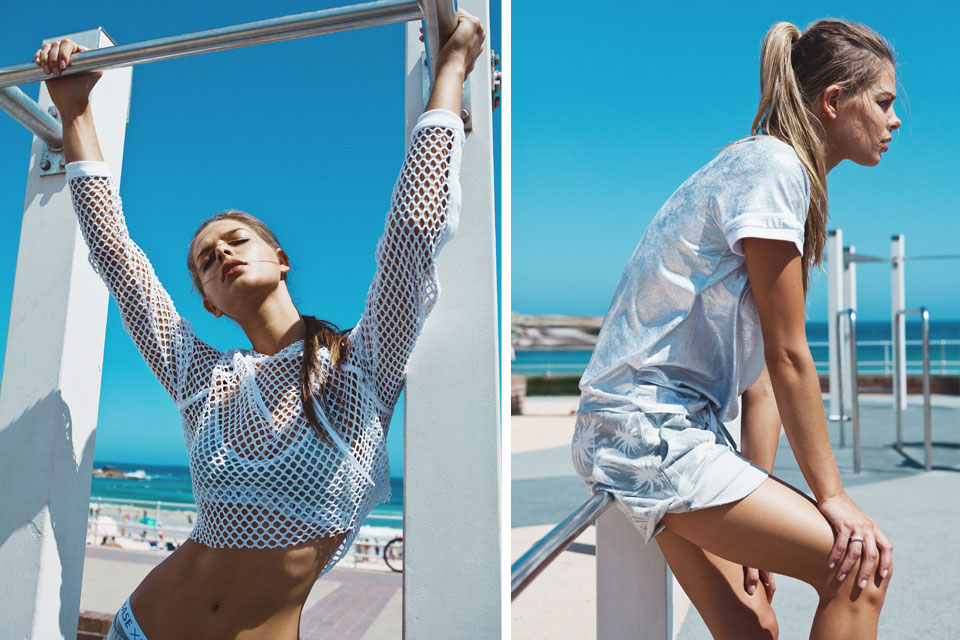
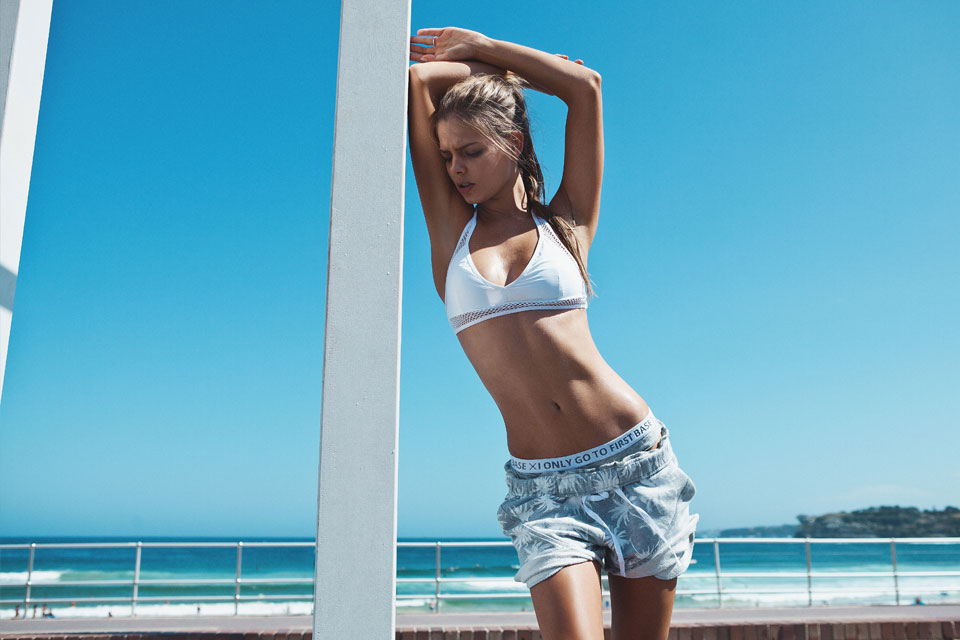
First Base
-
First Base
-
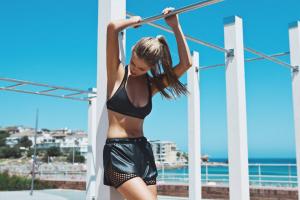
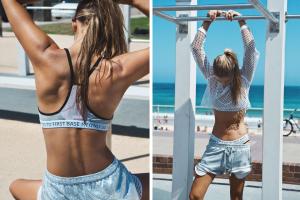
I'm currently working on getting all the pics from the First Base collection....Stay Tuned.
-
First Base Campaign Ph: Jody Pachniuk Hair & MUAKatrina Raftery Source:http://www.thisisfirstbase.com/collections.html#campaign3





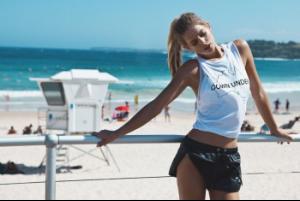
-
Stunning.
-
Happy Birthday to Lorena!!!


 Aaaaaand called it.
EDIT: OK, the full set is now complete!
Larger Of S.I. Summer of Swim Part ll: Celebrate the season with Hannah Davis
Aaaaaand called it.
EDIT: OK, the full set is now complete!
Larger Of S.I. Summer of Swim Part ll: Celebrate the season with Hannah Davis









 Ok Working on it this very minute...and I'll add the other two when I'm able to get my hands on them! (unless someone else beats me too it)
I have 11 out of the 13 before they got removed from Google Images....But IDK If It's cool to make a repost?
+1 I'm hoping there's at least one more model that did Summer of Swim before summer ends.... These shoots actually help "quench the thirst" (pun intended) a little while waiting for the next issue.
Here was an unpublished photo from Part 1
Ok Working on it this very minute...and I'll add the other two when I'm able to get my hands on them! (unless someone else beats me too it)
I have 11 out of the 13 before they got removed from Google Images....But IDK If It's cool to make a repost?
+1 I'm hoping there's at least one more model that did Summer of Swim before summer ends.... These shoots actually help "quench the thirst" (pun intended) a little while waiting for the next issue.
Here was an unpublished photo from Part 1 I hope to God there's a video to go along with that shoot!!
Oh. My. God.
Hacked again! Yeah, this time it really is her! Shiiiiittty for her!
I hope to God there's a video to go along with that shoot!!
Oh. My. God.
Hacked again! Yeah, this time it really is her! Shiiiiittty for her!




















Account
Search
Configure browser push notifications
Chrome (Android)
- Tap the lock icon next to the address bar.
- Tap Permissions → Notifications.
- Adjust your preference.
Chrome (Desktop)
- Click the padlock icon in the address bar.
- Select Site settings.
- Find Notifications and adjust your preference.
Safari (iOS 16.4+)
- Ensure the site is installed via Add to Home Screen.
- Open Settings App → Notifications.
- Find your app name and adjust your preference.
Safari (macOS)
- Go to Safari → Preferences.
- Click the Websites tab.
- Select Notifications in the sidebar.
- Find this website and adjust your preference.
Edge (Android)
- Tap the lock icon next to the address bar.
- Tap Permissions.
- Find Notifications and adjust your preference.
Edge (Desktop)
- Click the padlock icon in the address bar.
- Click Permissions for this site.
- Find Notifications and adjust your preference.
Firefox (Android)
- Go to Settings → Site permissions.
- Tap Notifications.
- Find this site in the list and adjust your preference.
Firefox (Desktop)
- Open Firefox Settings.
- Search for Notifications.
- Find this site in the list and adjust your preference.