

RIP_Cabrini_Green
Members
-
Joined
-
Last visited
Everything posted by RIP_Cabrini_Green
-
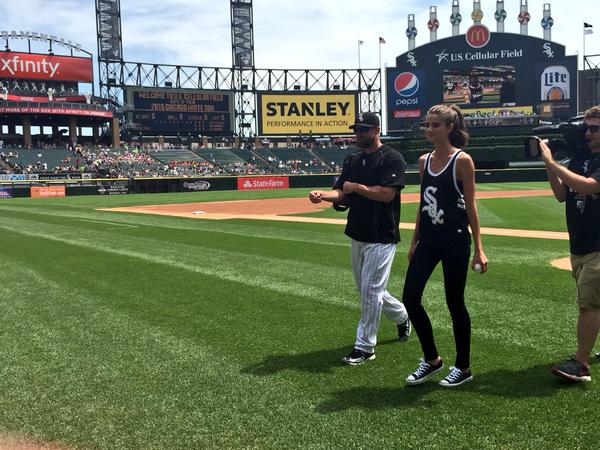
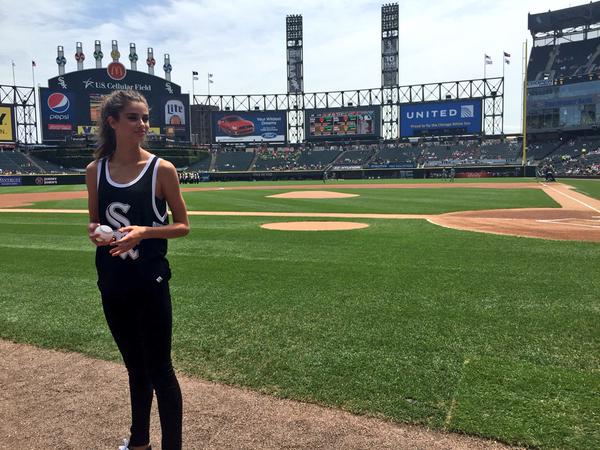
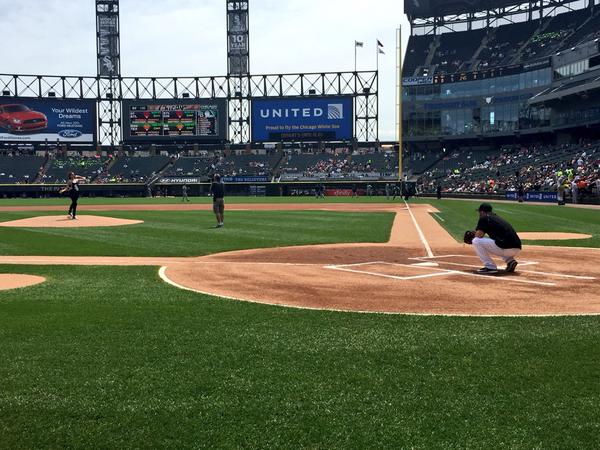
 Via the Chicago White Sox Twitter..


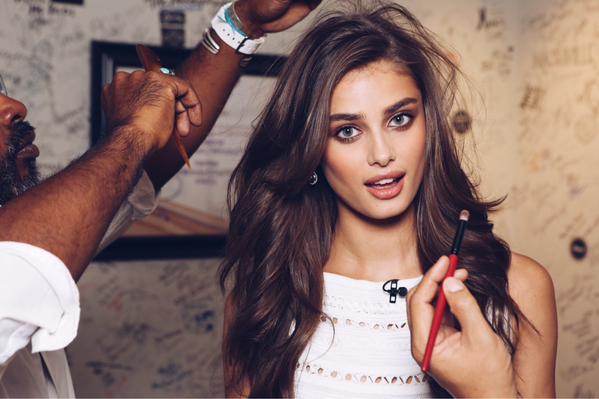
 Here's a link for Taylor's interview on one of our local shows 'Windy City Live' (There's actually 2 videos in that link so check them both out!) http://windycitylive.com/episodes/Victorias-Secret-model-hails-from-Palatine/9547788
I KNOW!! HAHAHA such a babe.
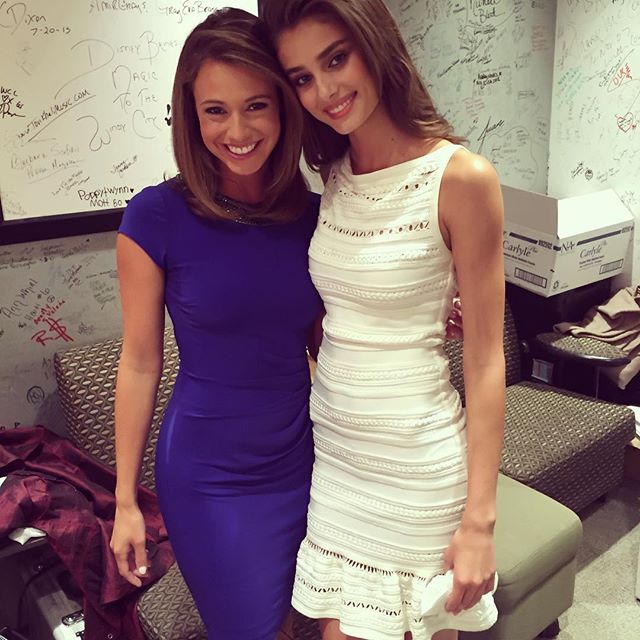
Here's Taylor with our (also very attractive) Weather lady Cheryl Scott....
Here's a link for Taylor's interview on one of our local shows 'Windy City Live' (There's actually 2 videos in that link so check them both out!) http://windycitylive.com/episodes/Victorias-Secret-model-hails-from-Palatine/9547788
I KNOW!! HAHAHA such a babe.
Here's Taylor with our (also very attractive) Weather lady Cheryl Scott....


 After I get done with some work stuff, I'm going to walk over there to see if she's around!
^ Continued....
After I get done with some work stuff, I'm going to walk over there to see if she's around!
^ Continued....


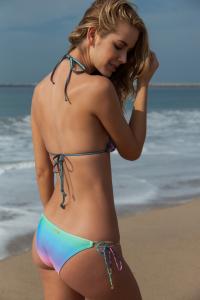
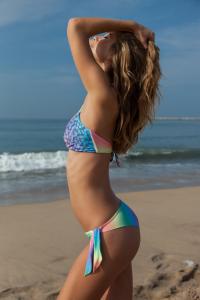
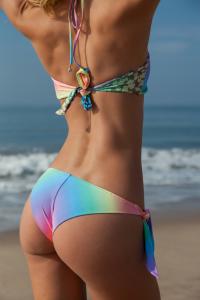
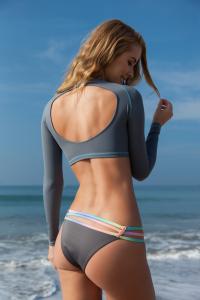
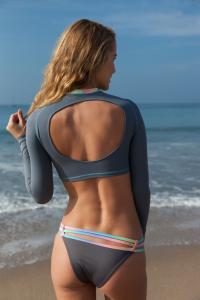
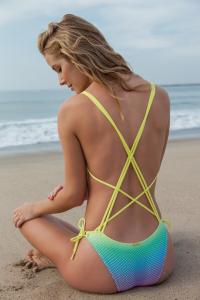
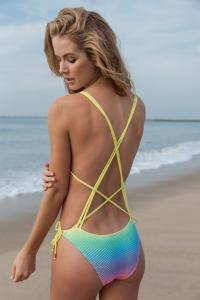
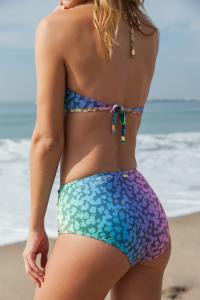
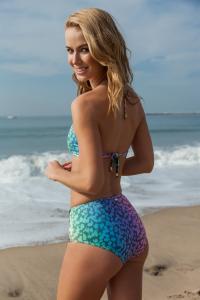
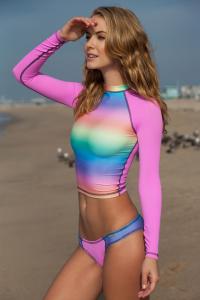
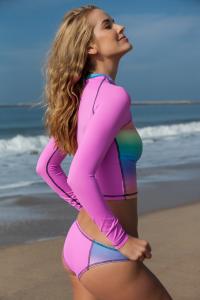
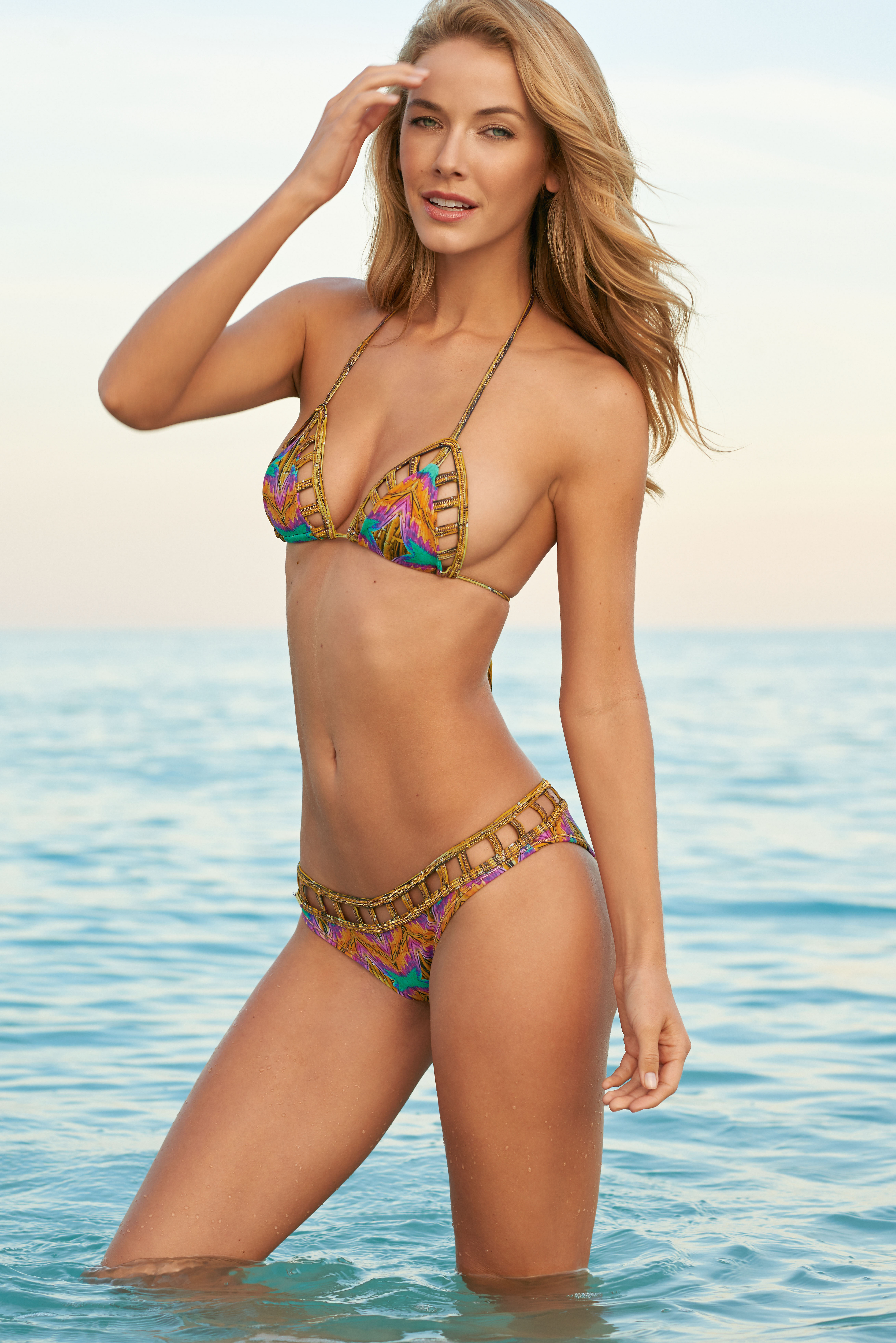
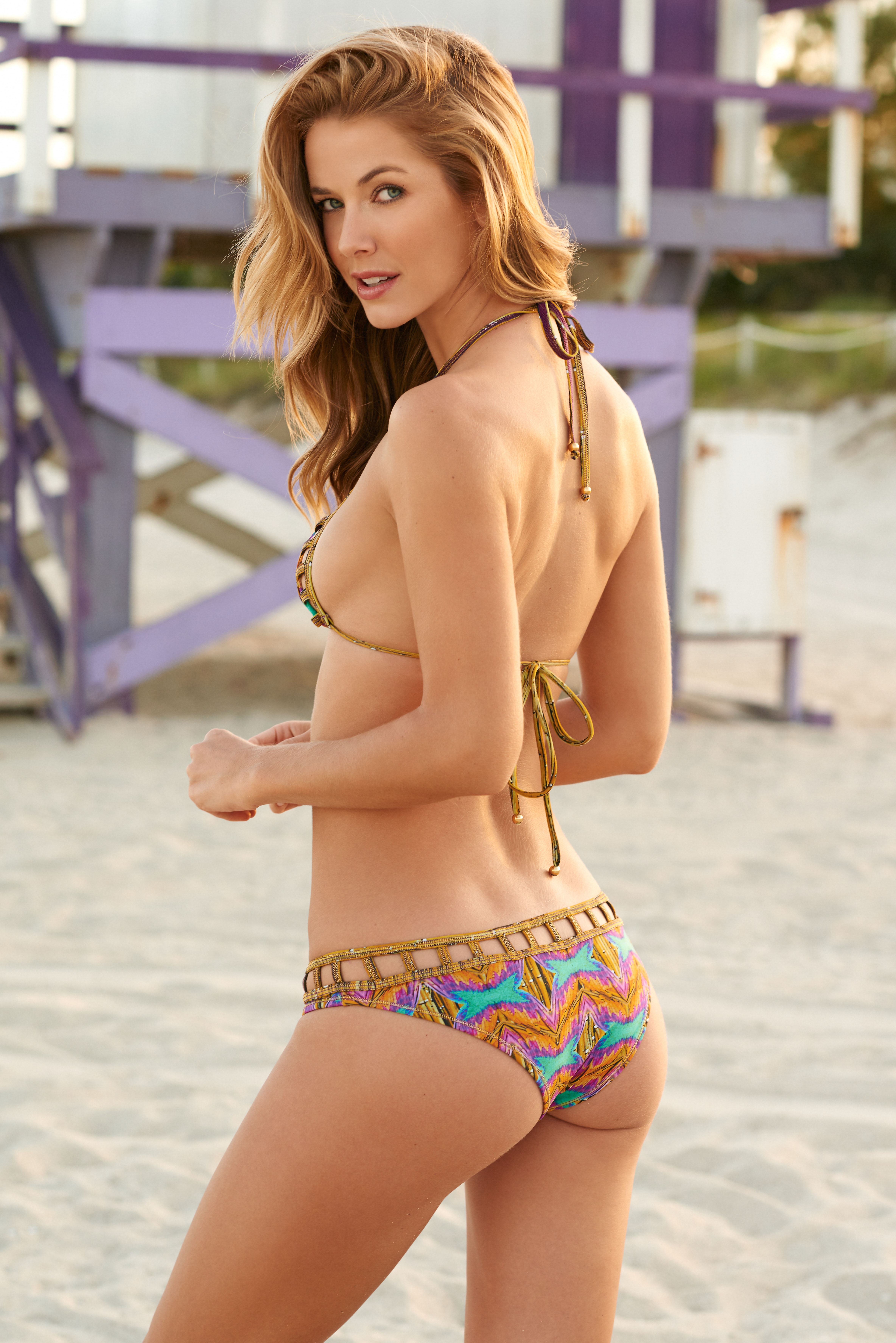
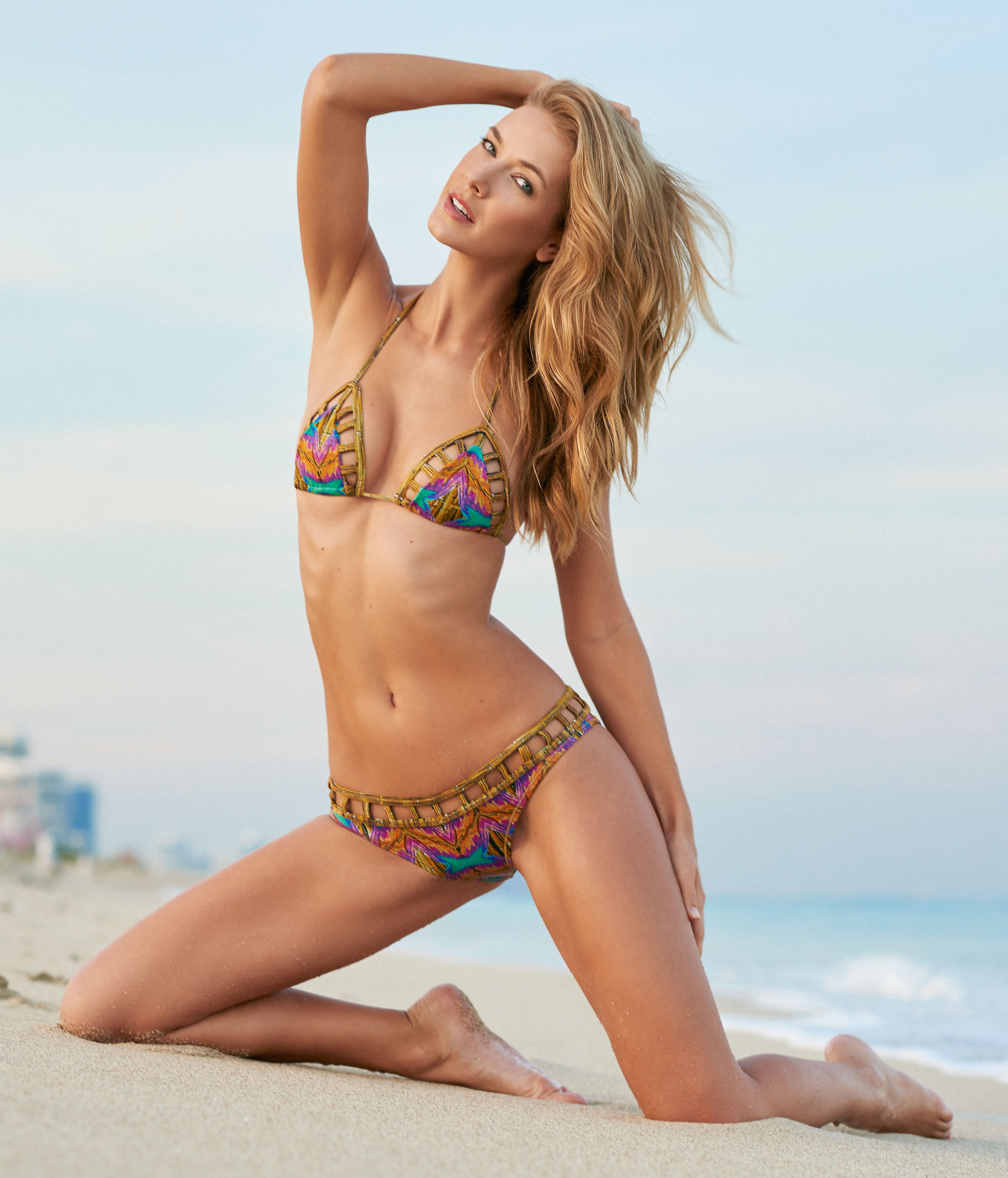
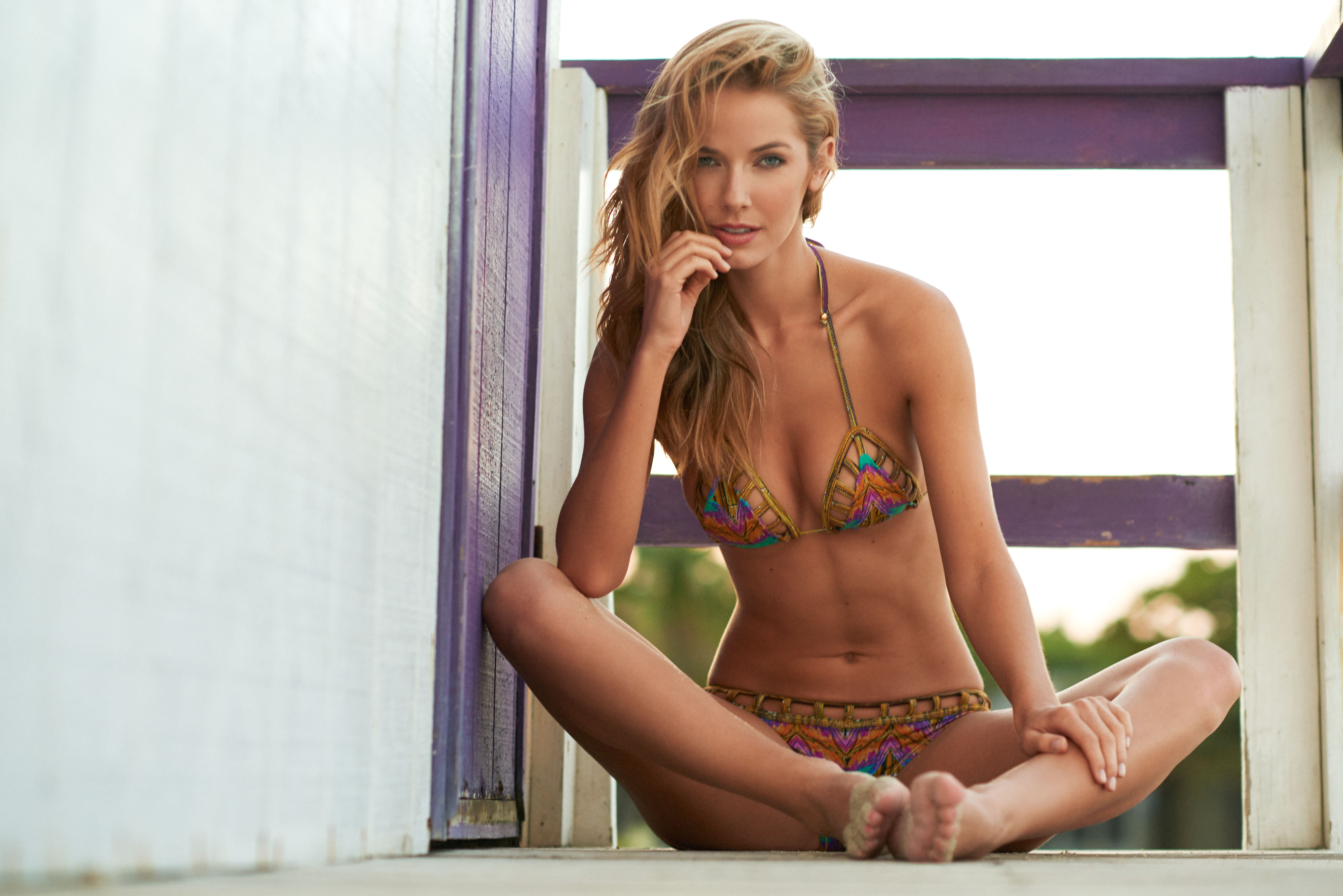
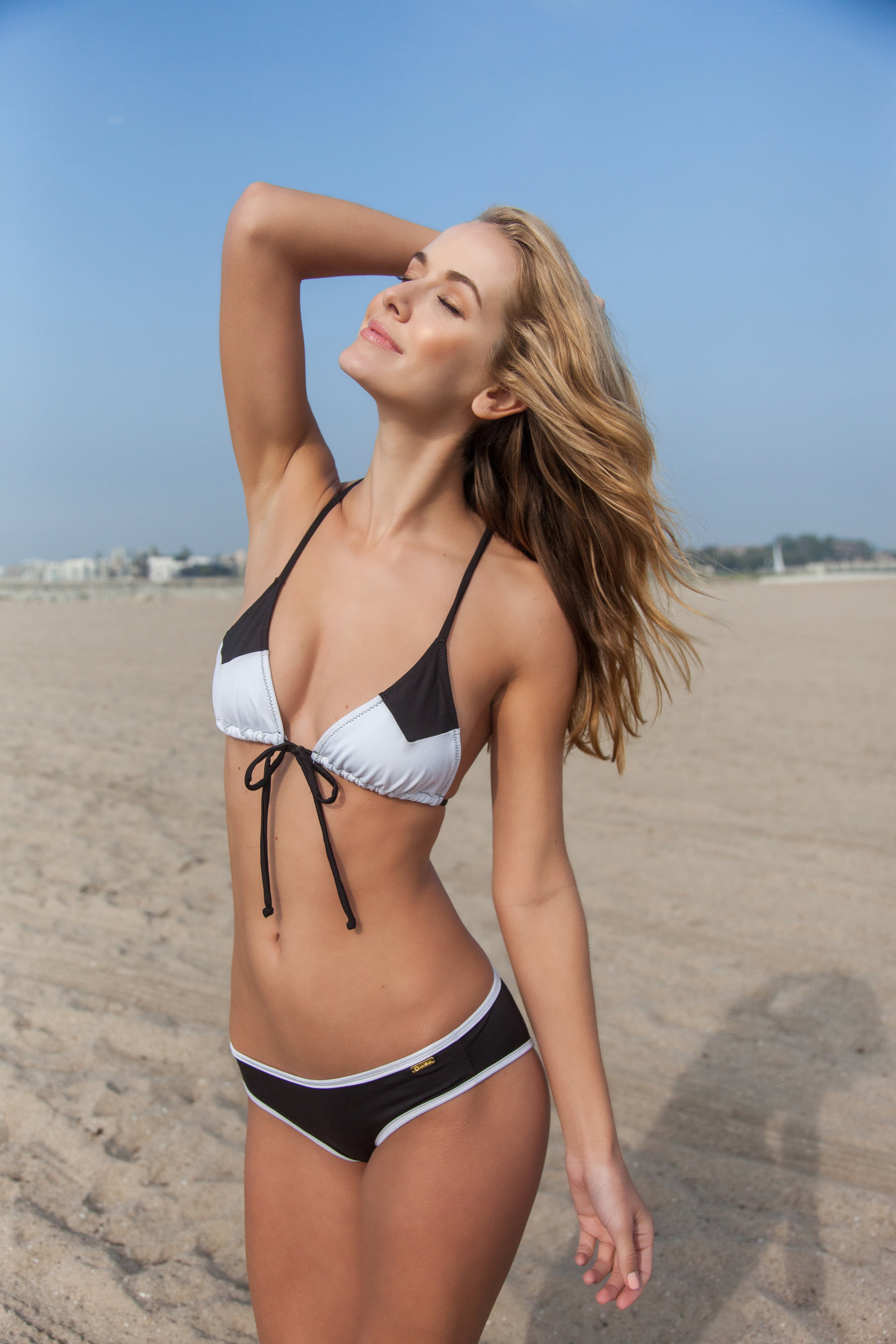
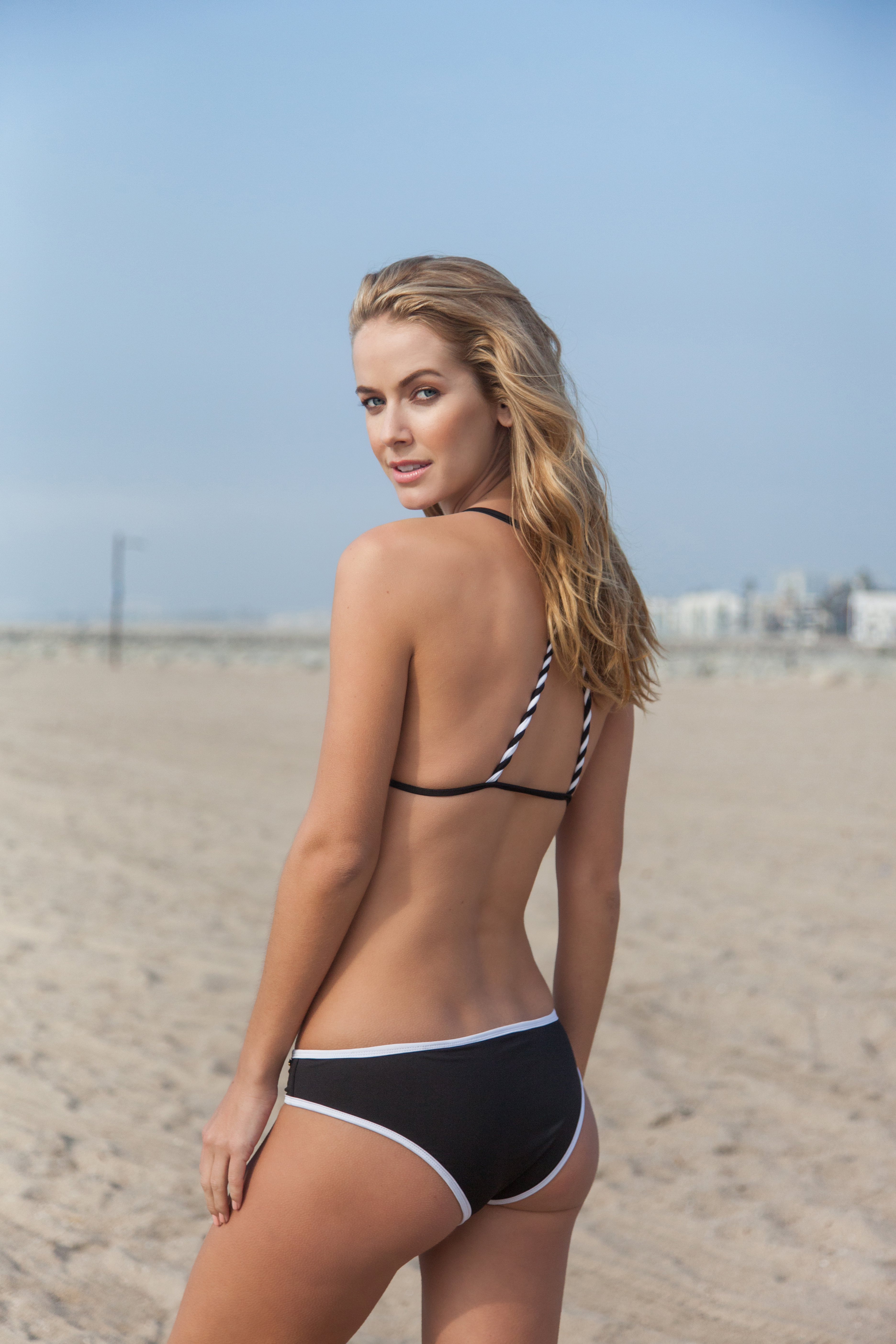
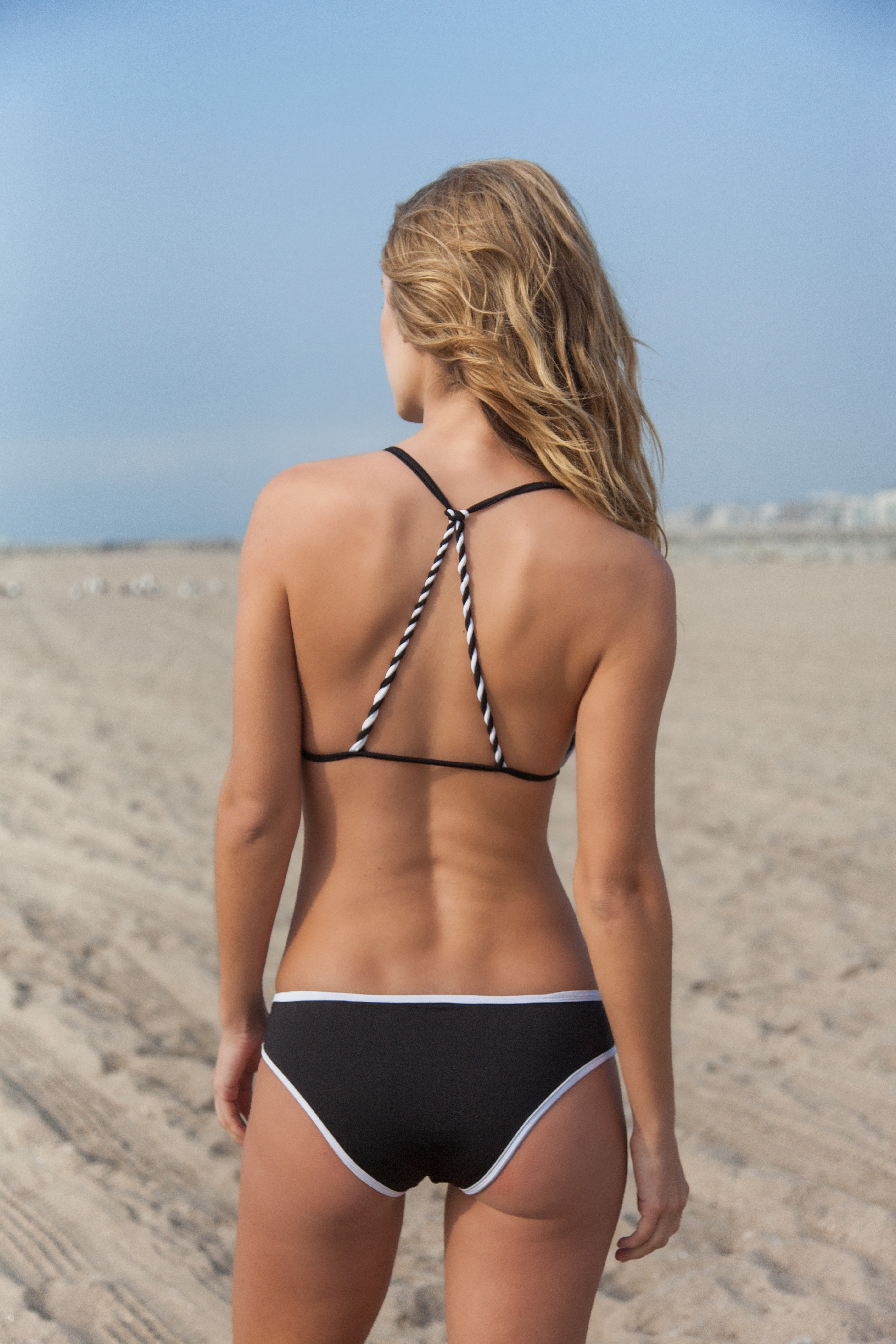
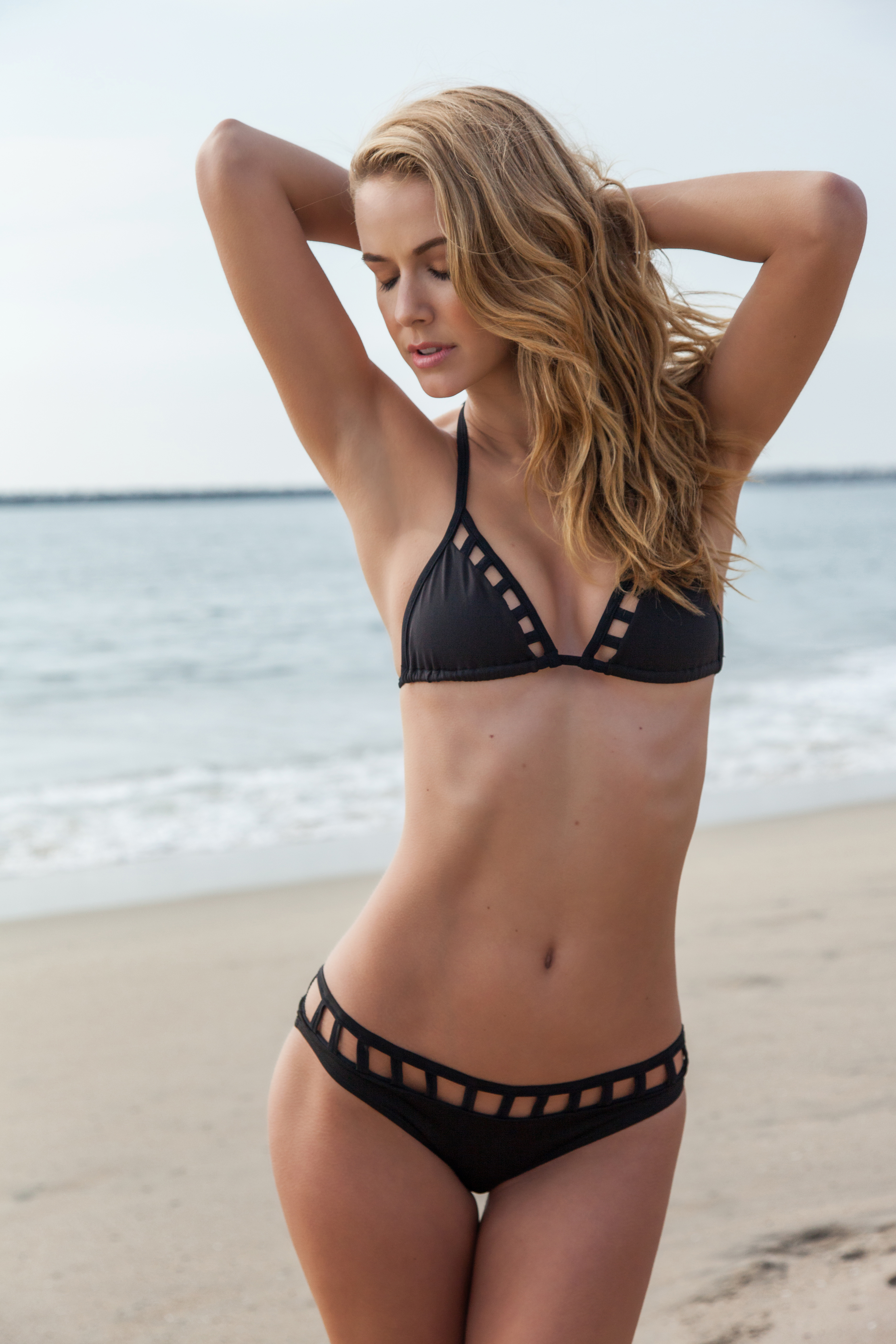
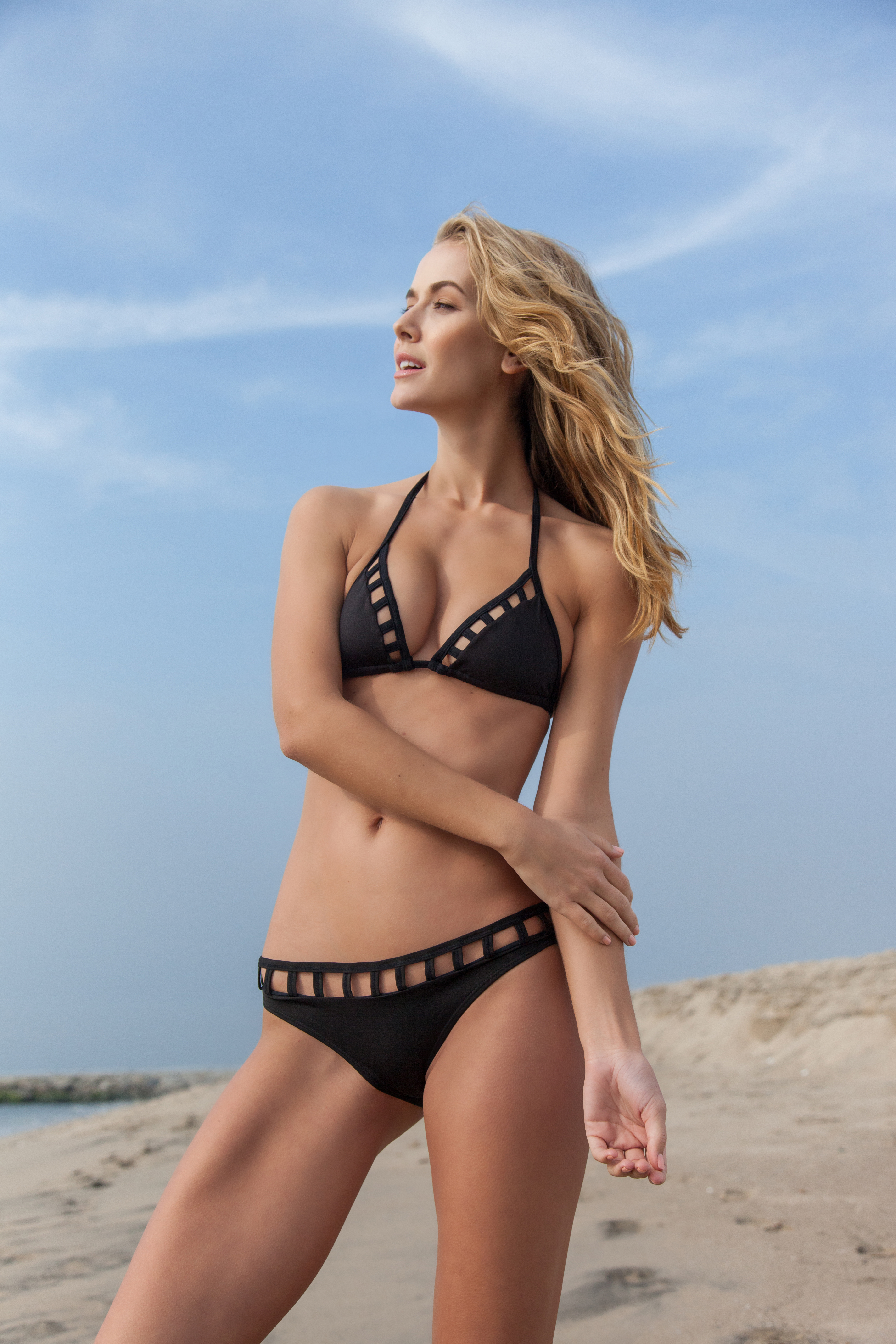
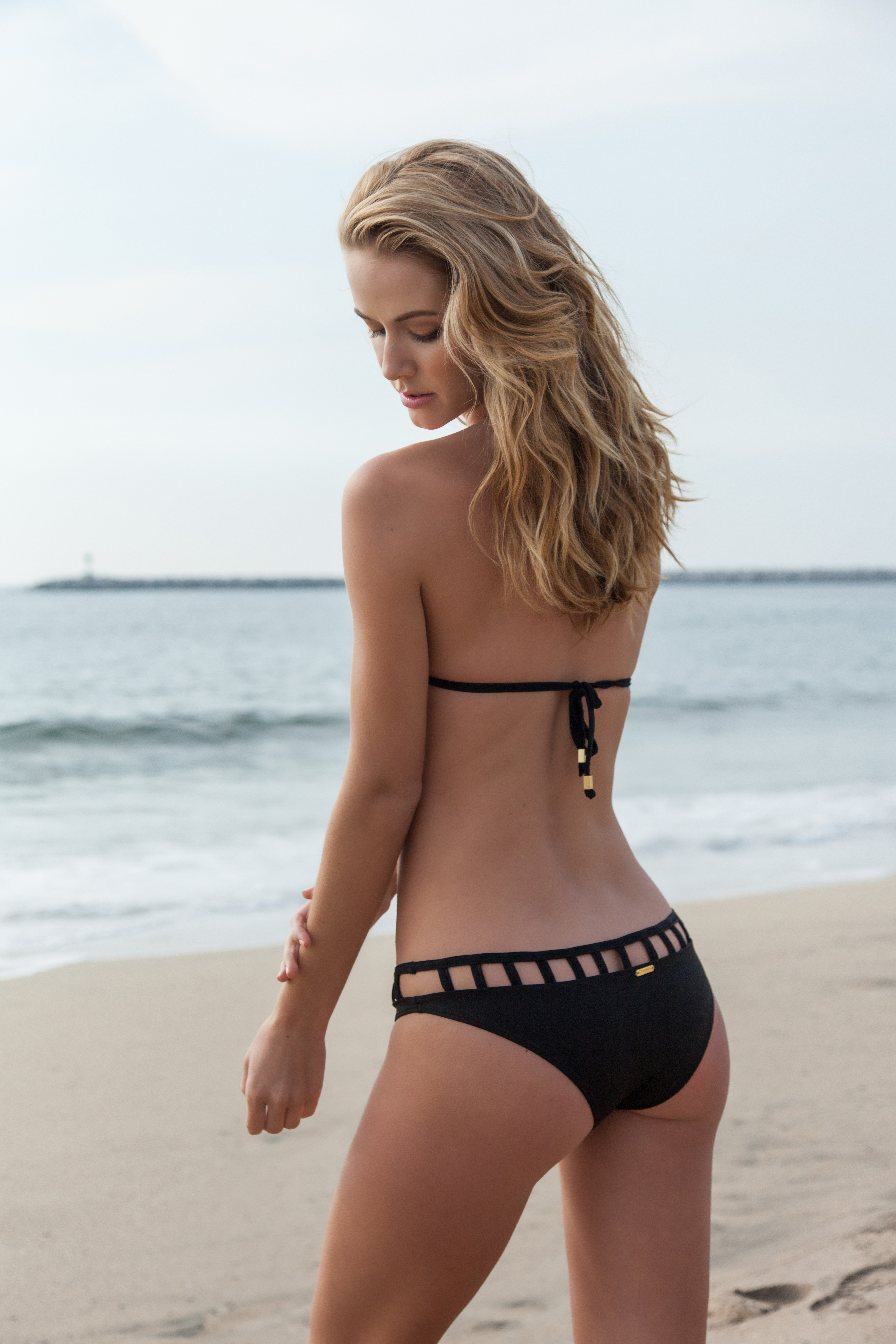
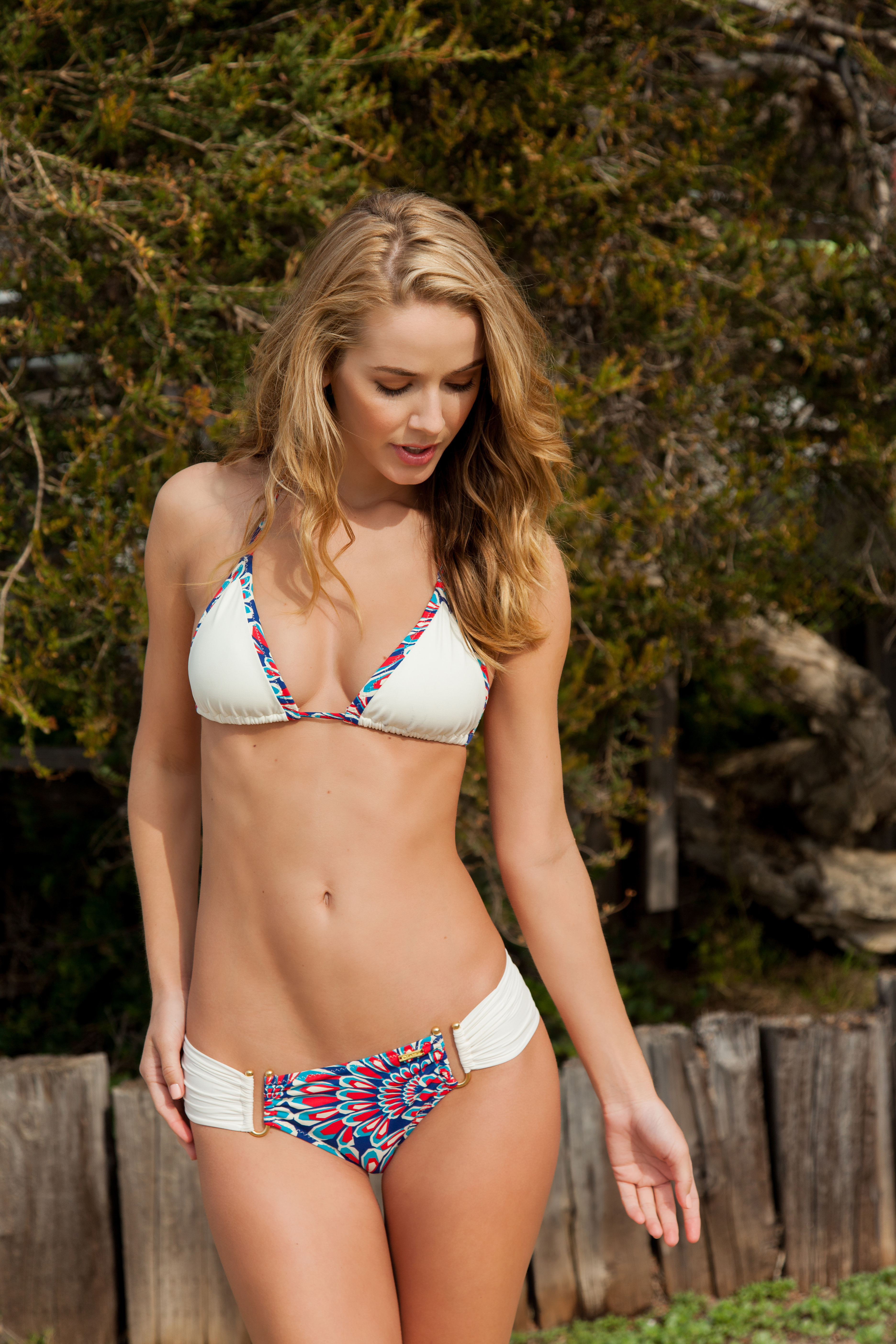
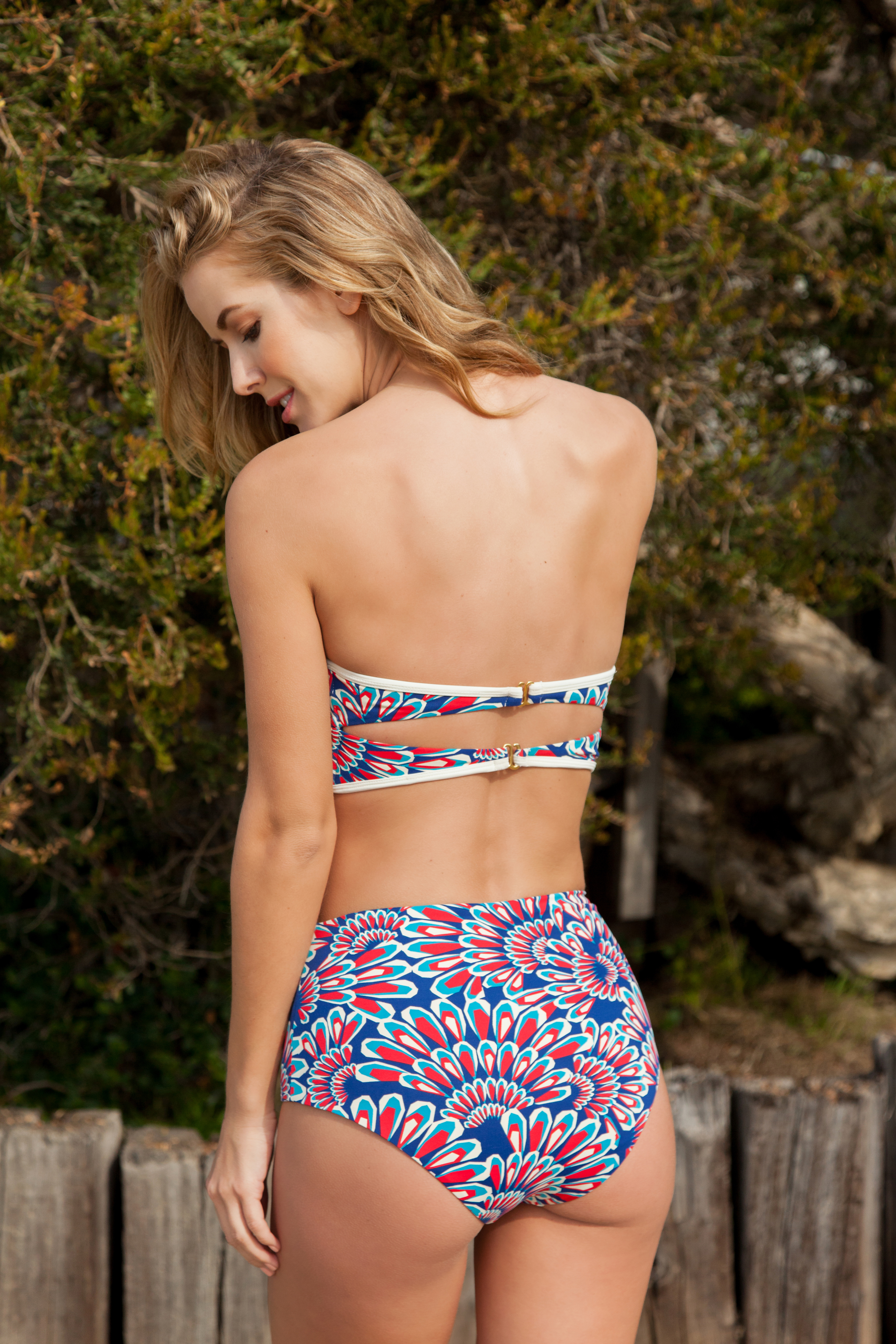
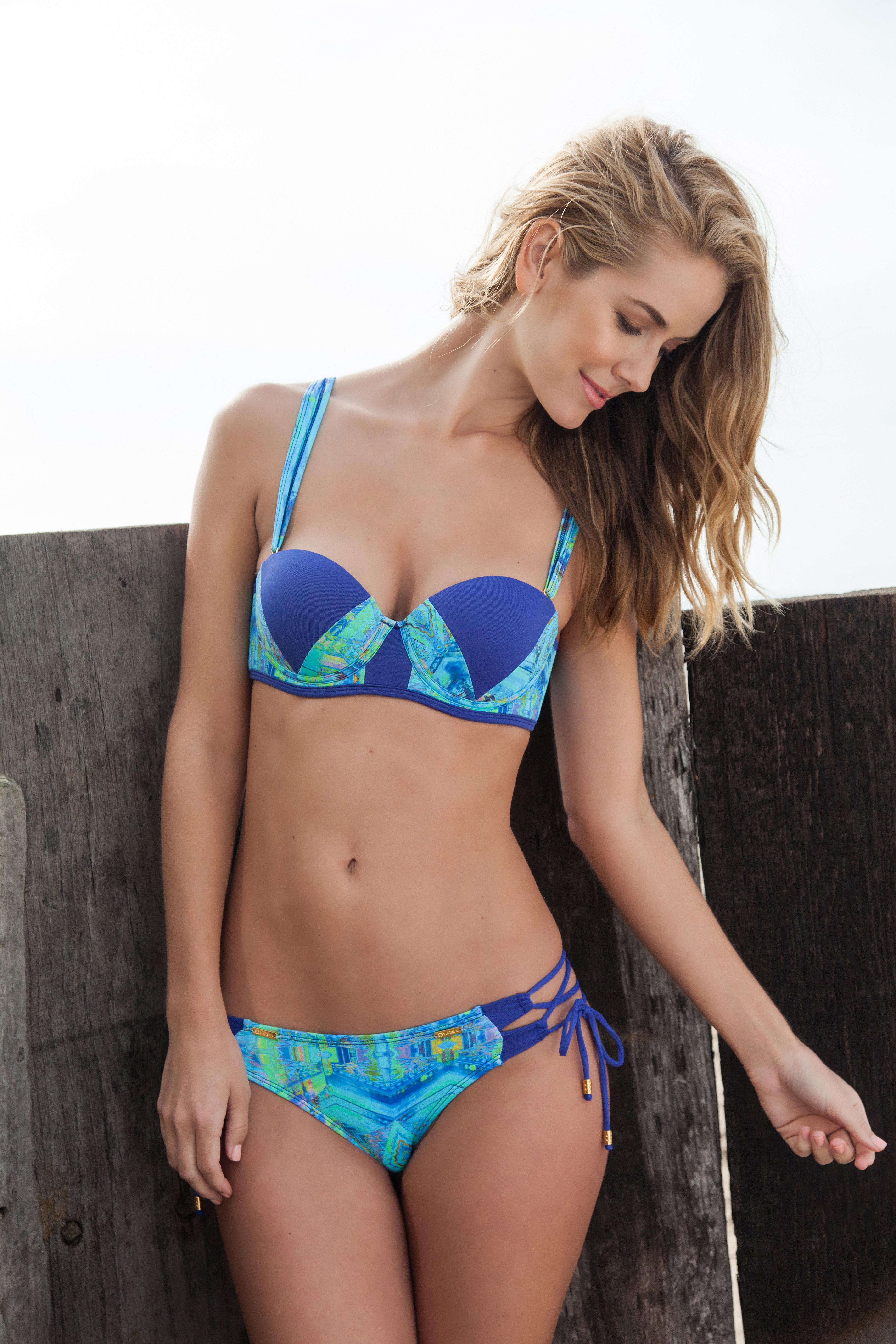
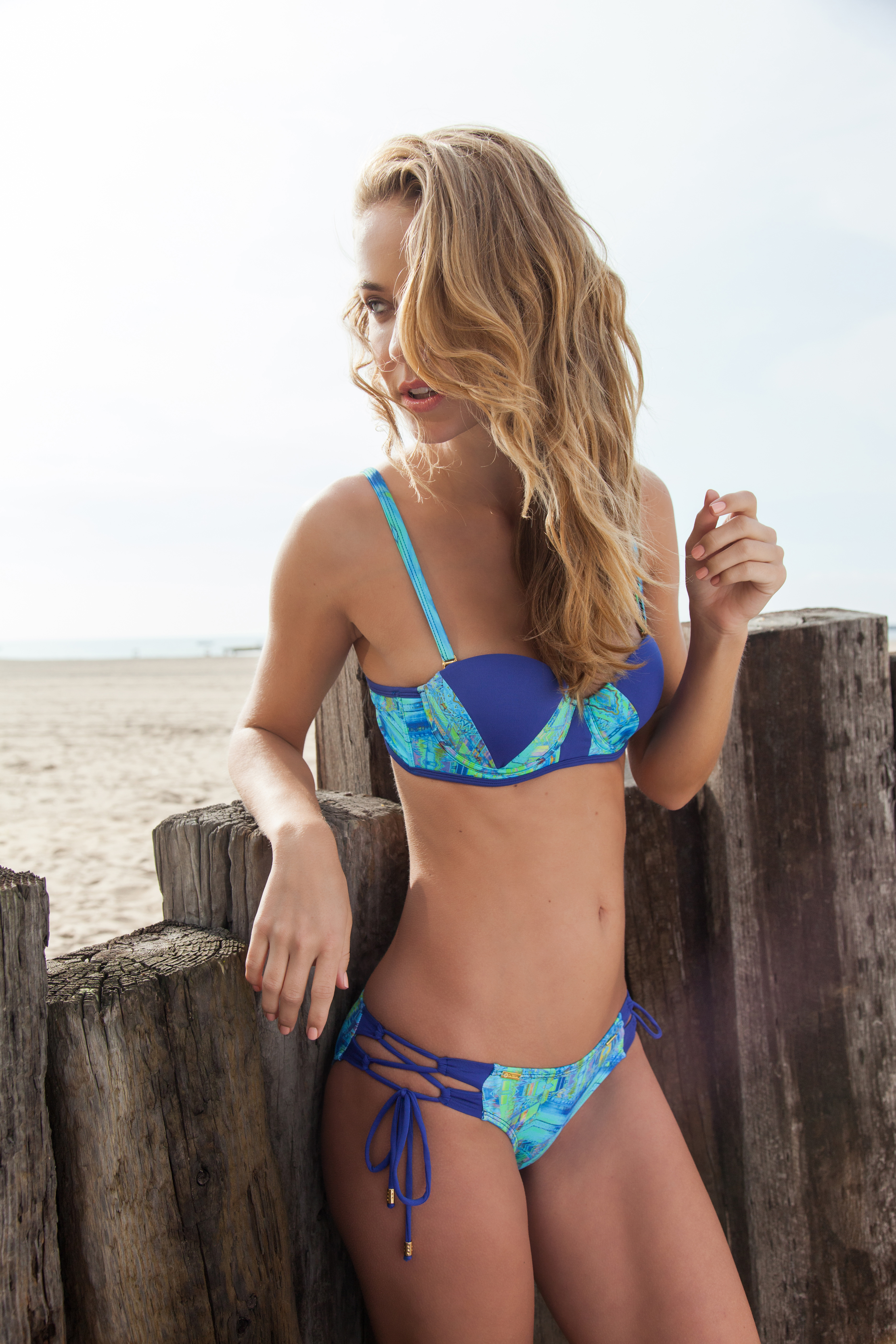
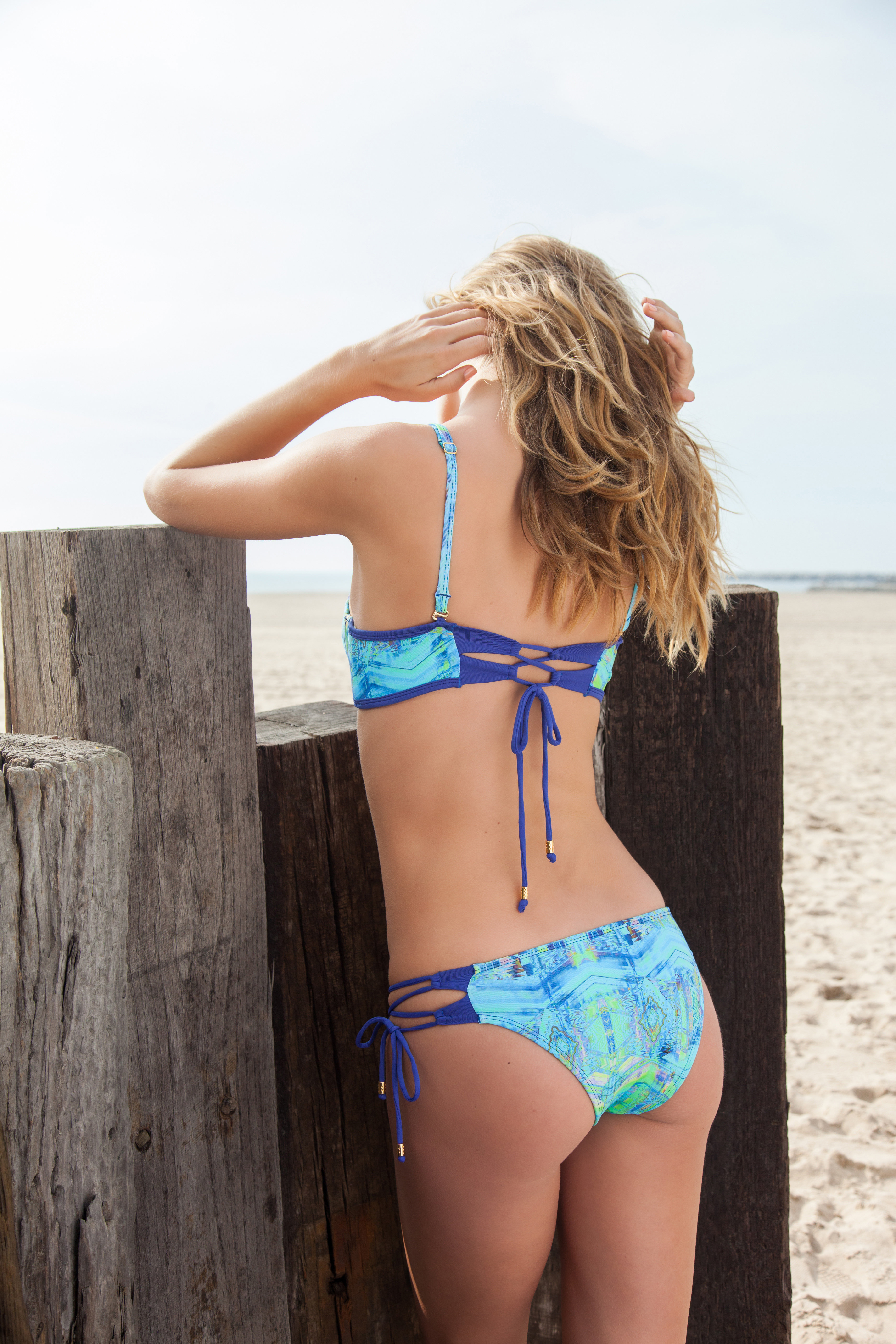
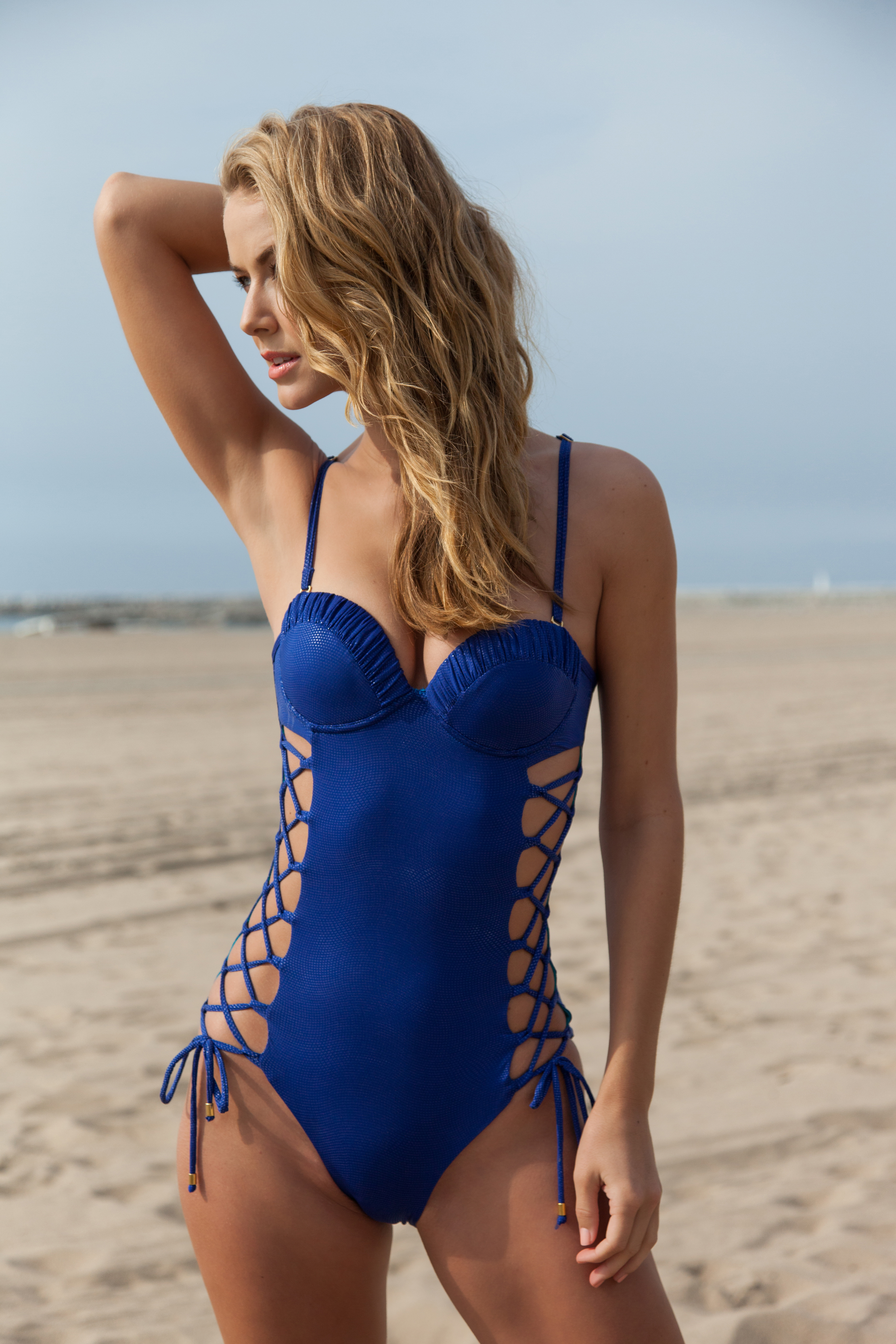
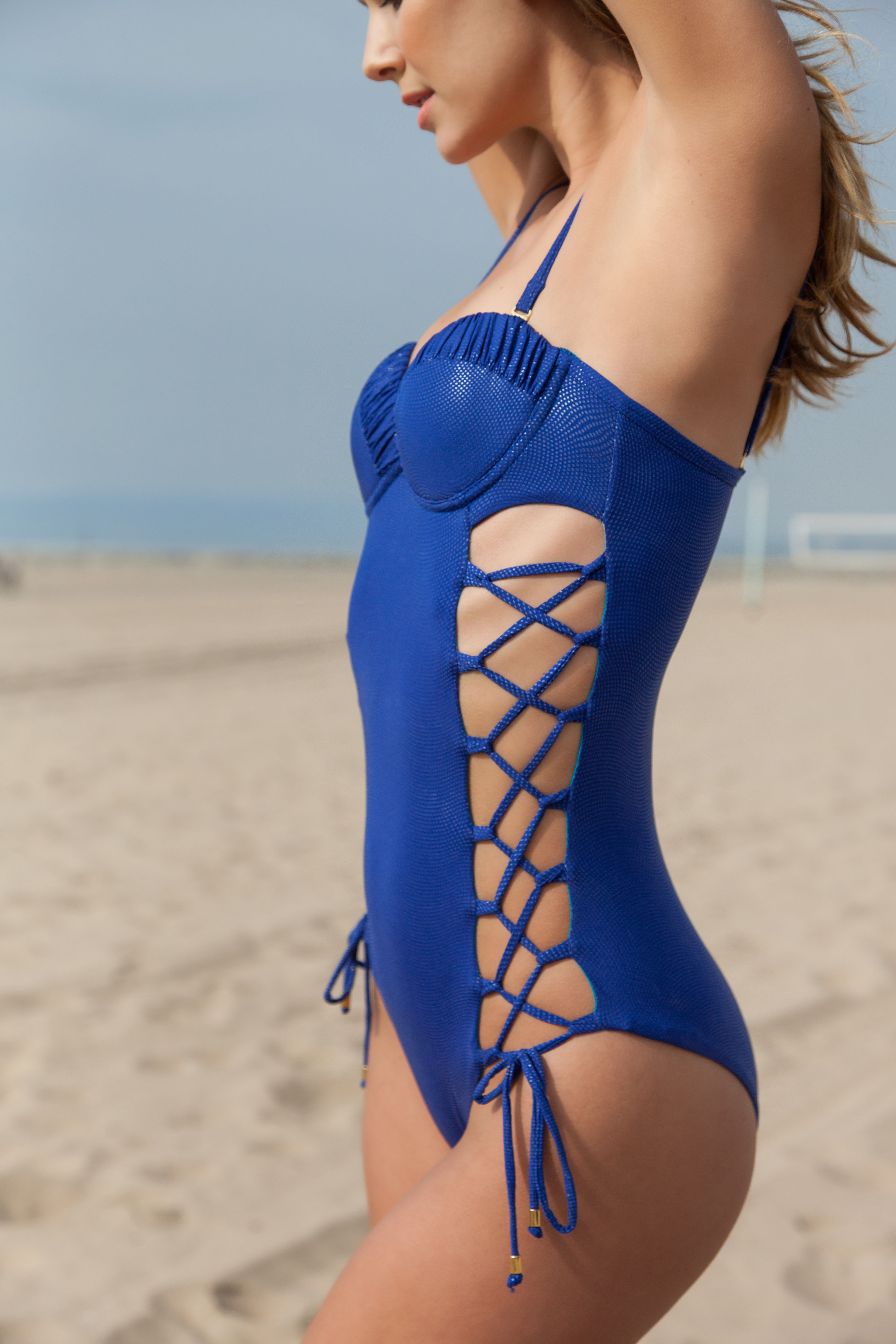
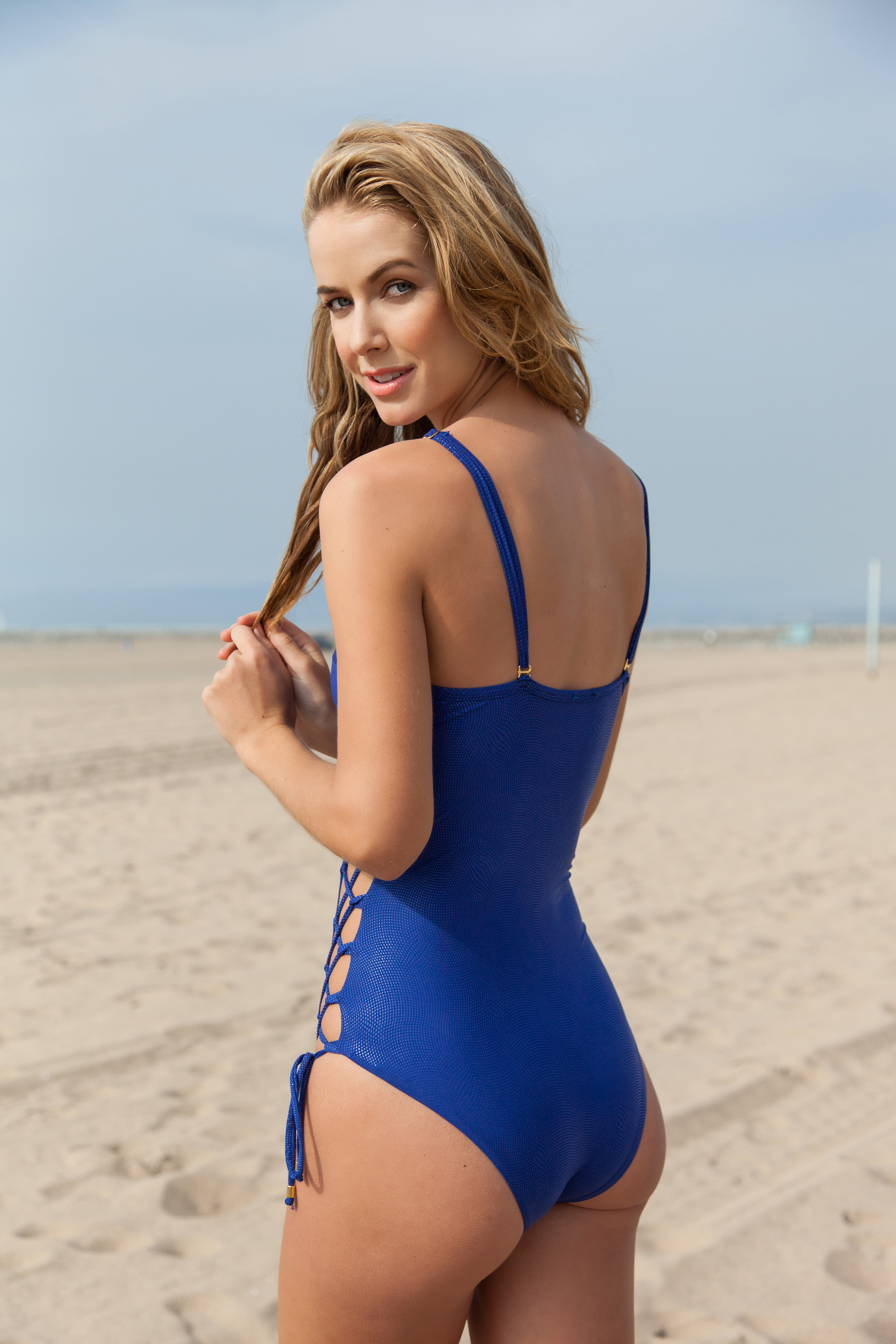
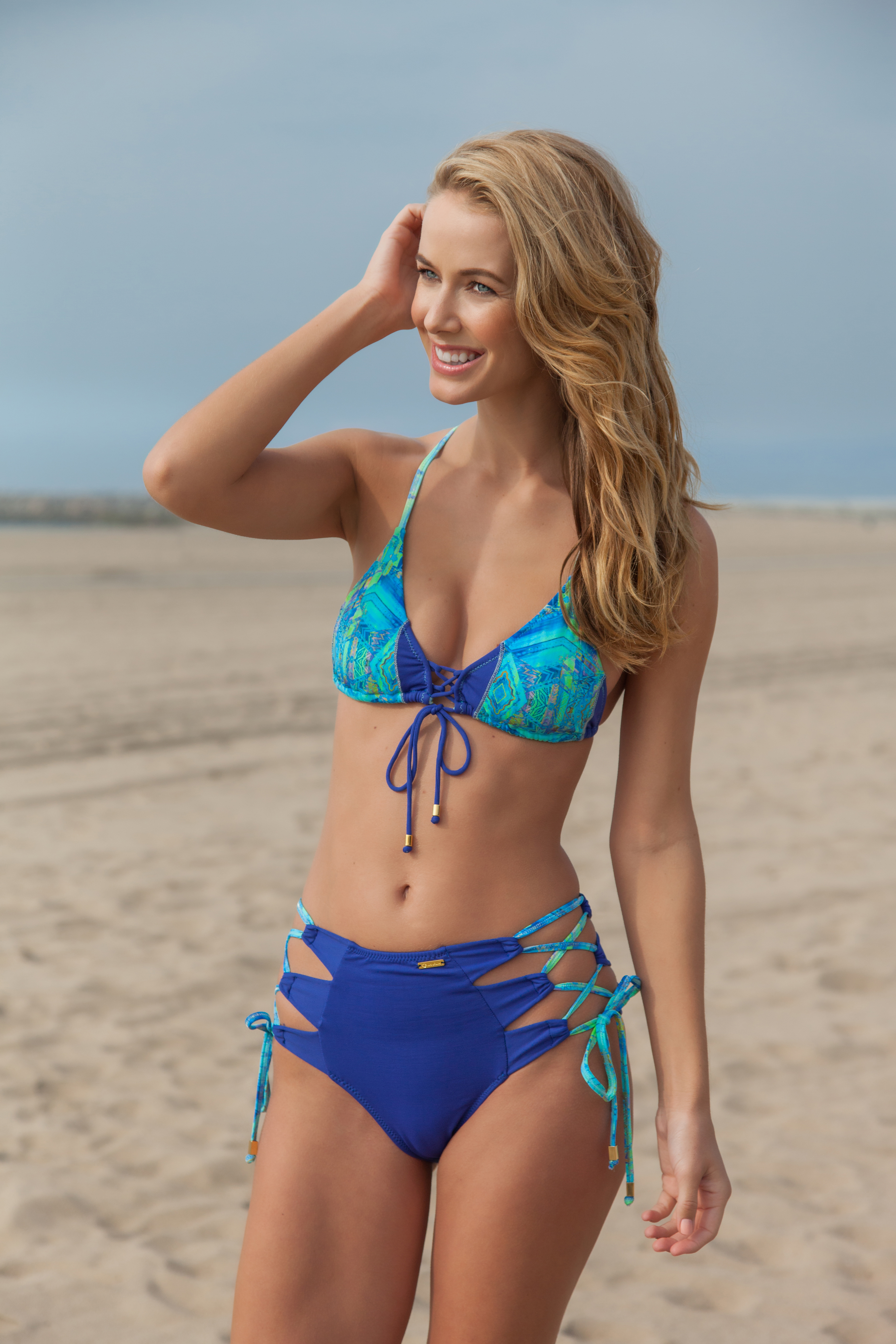
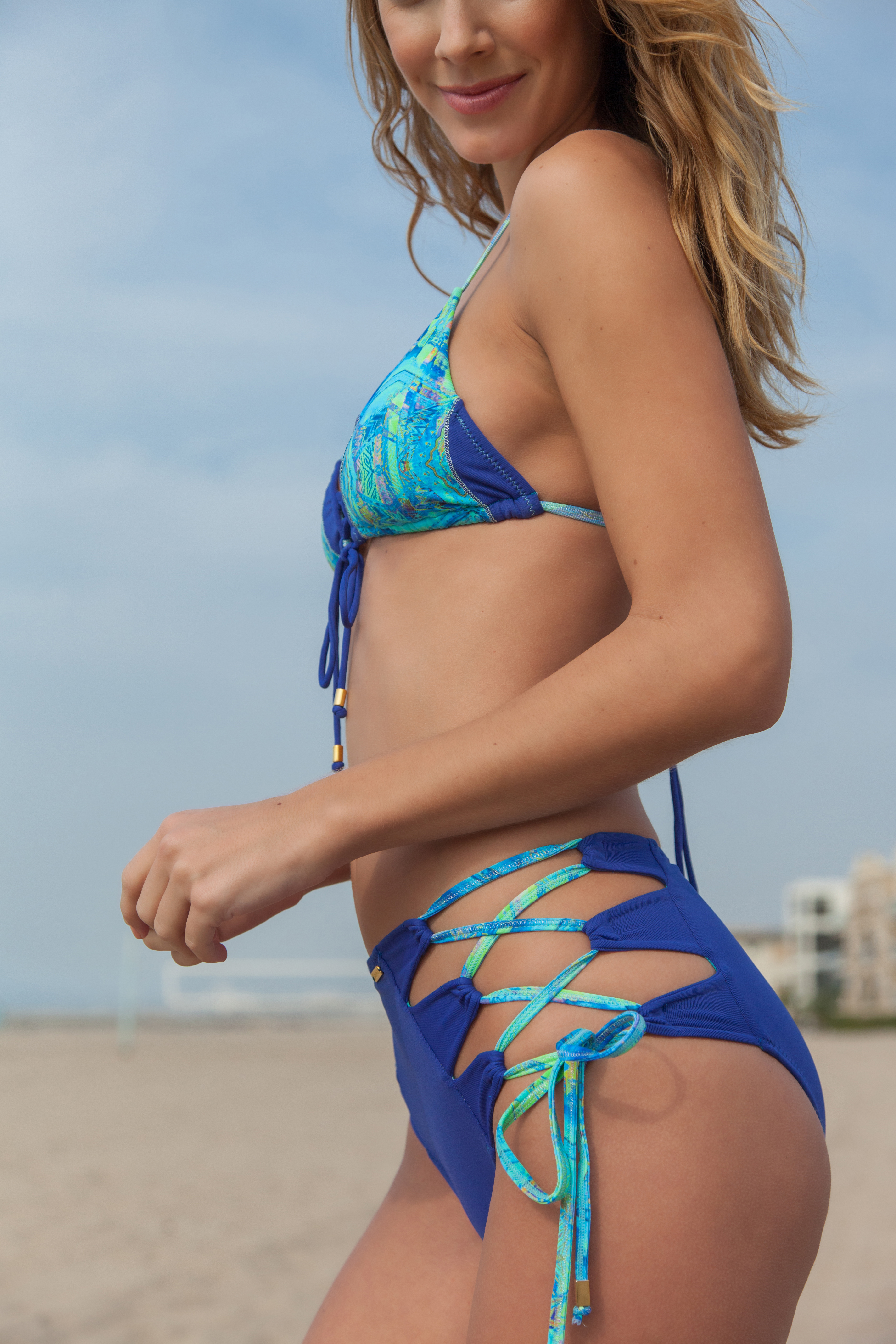
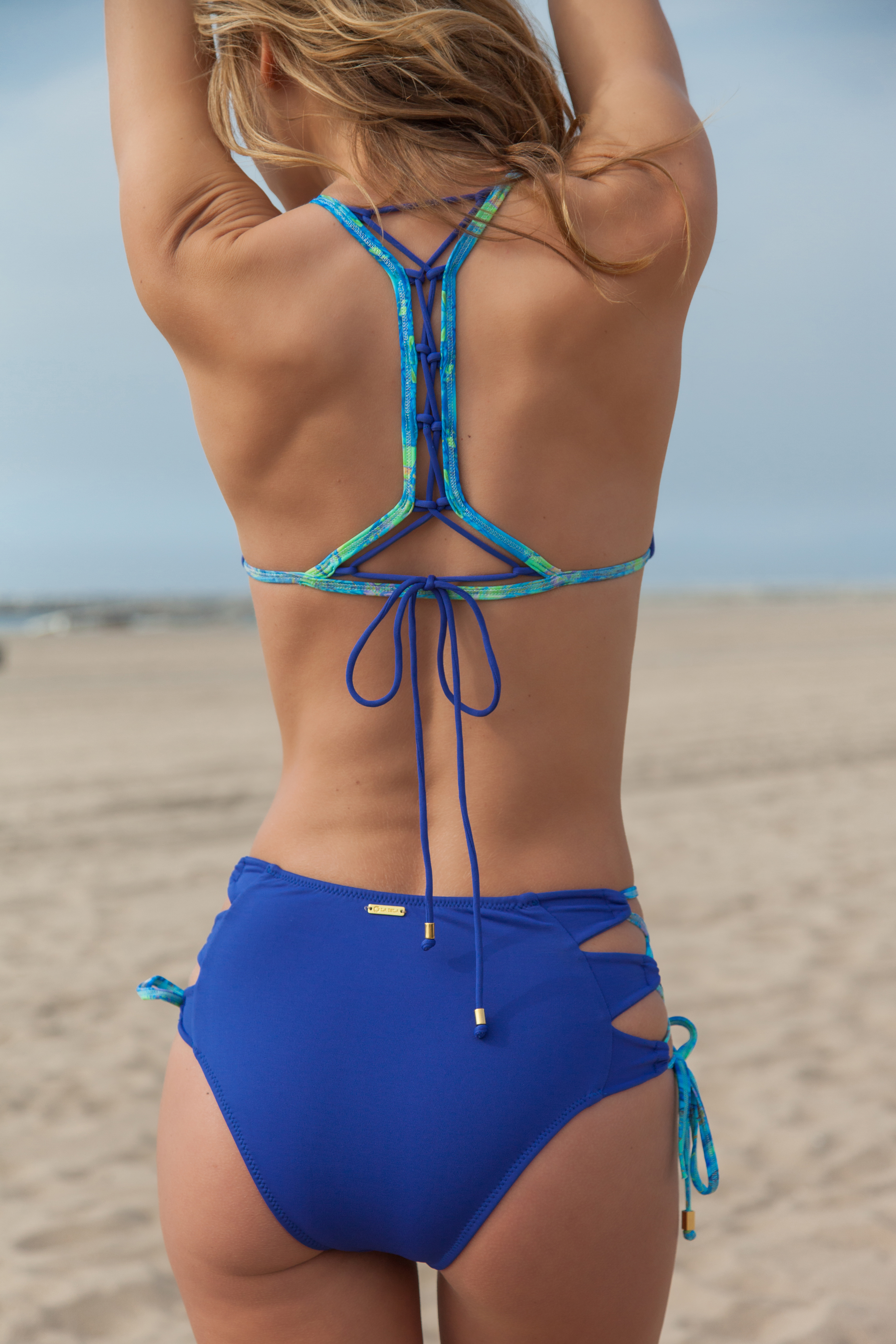
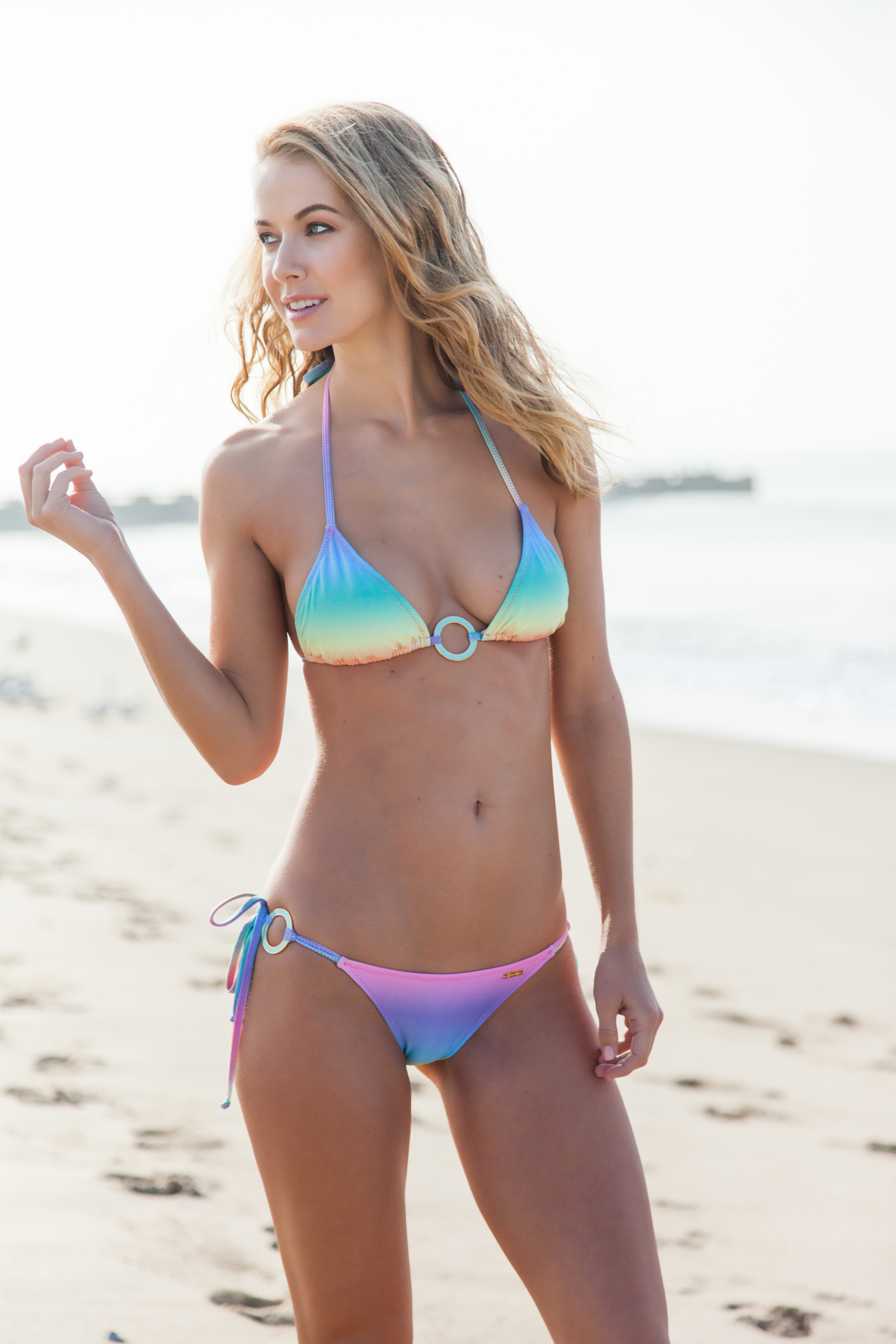
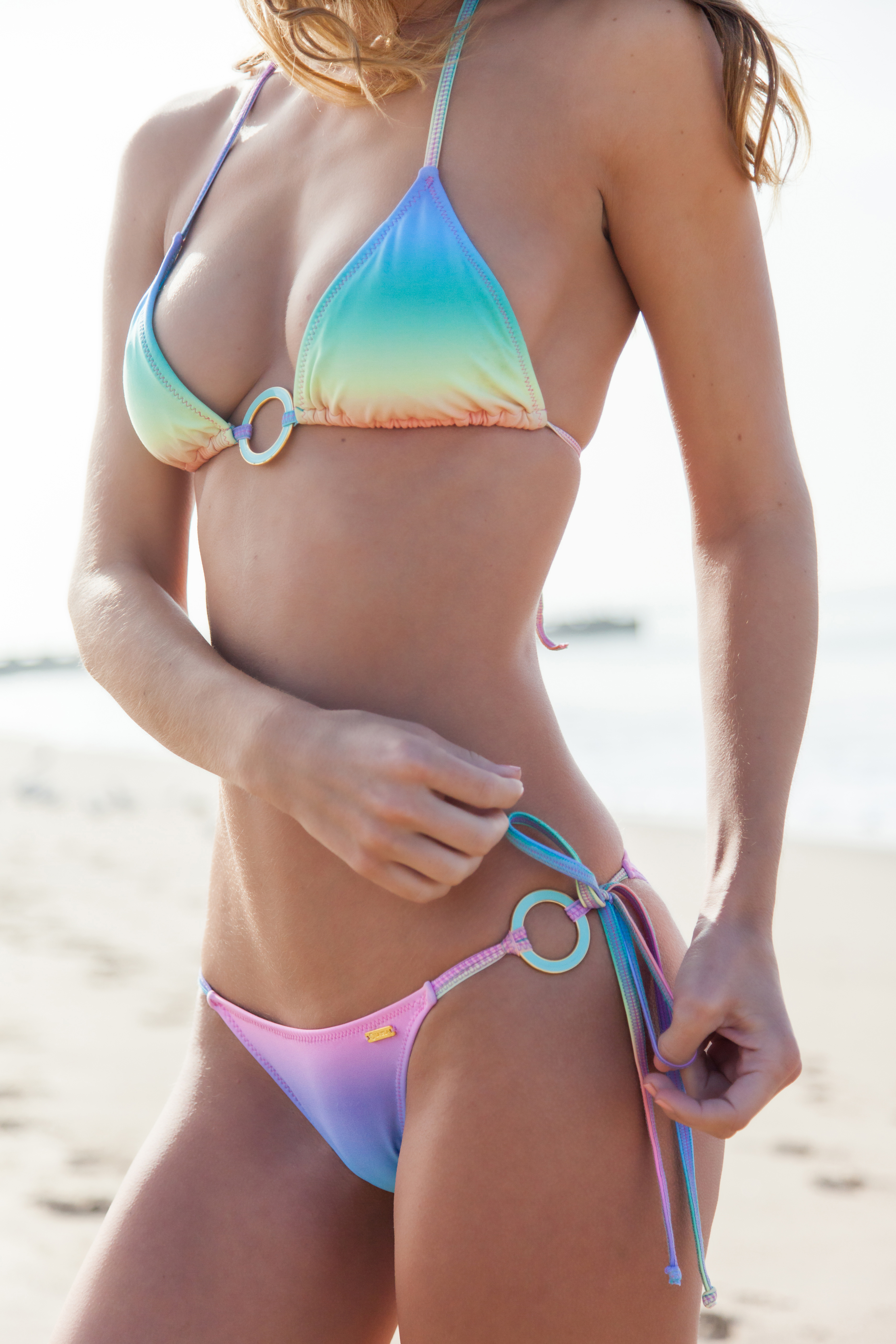
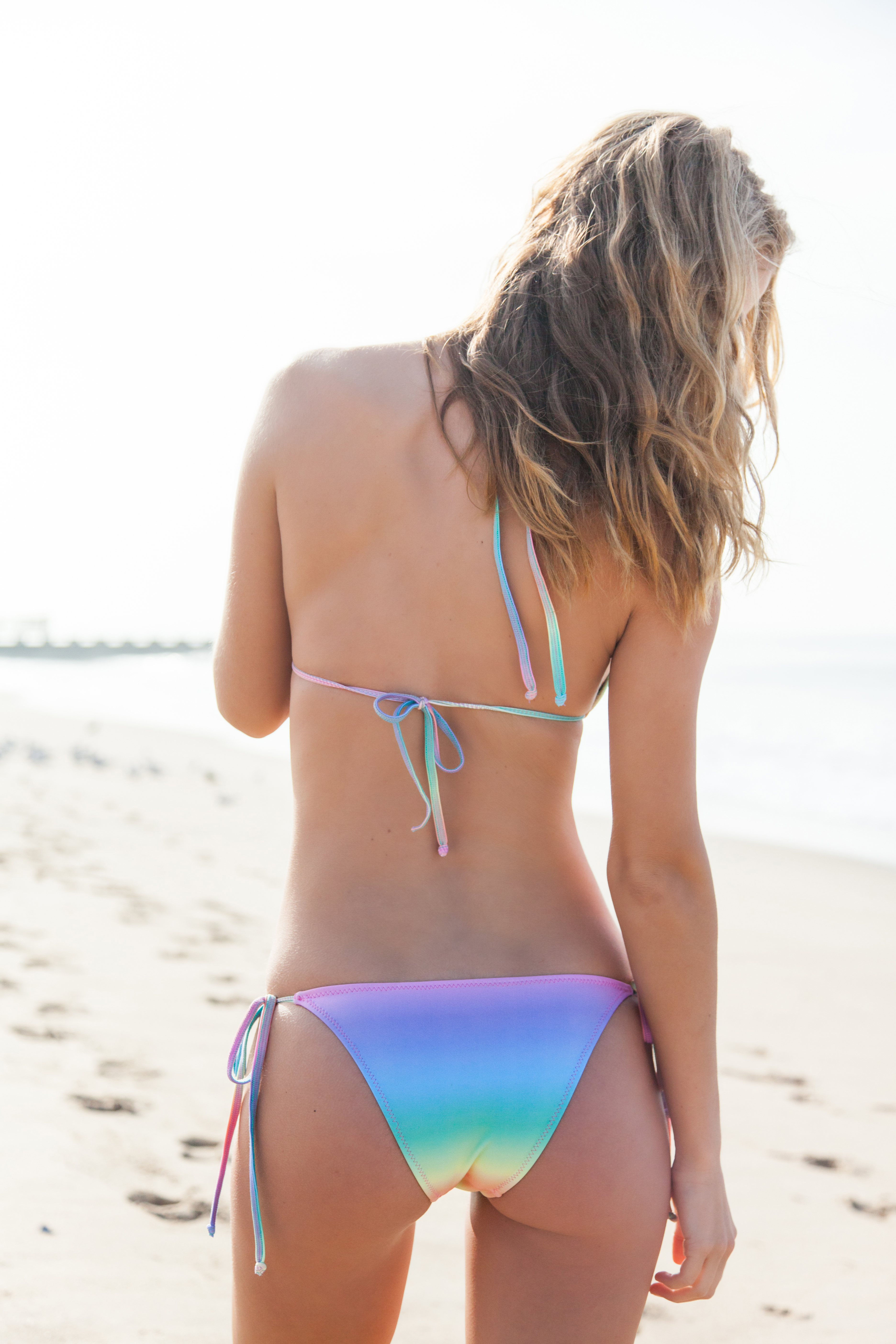
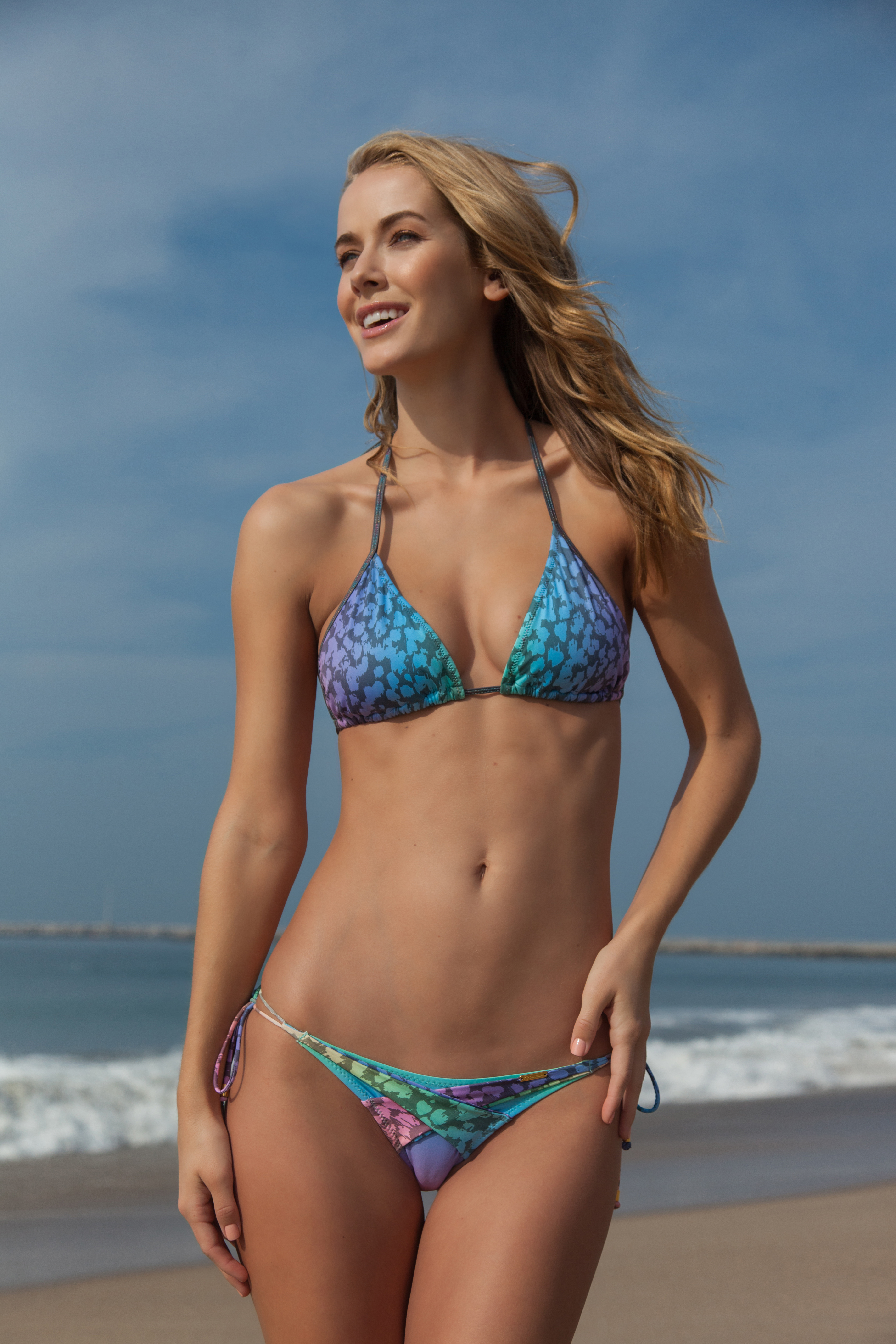
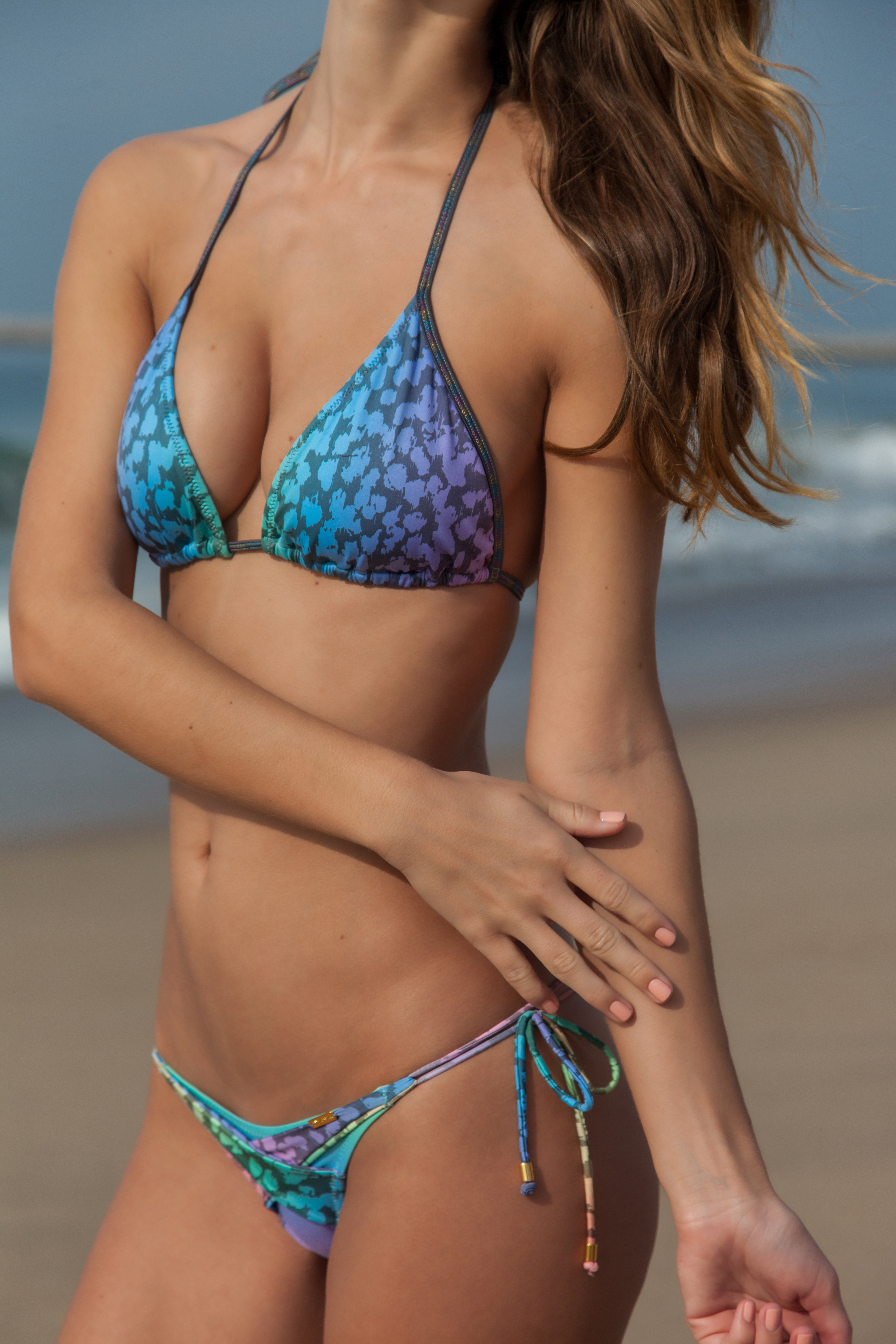
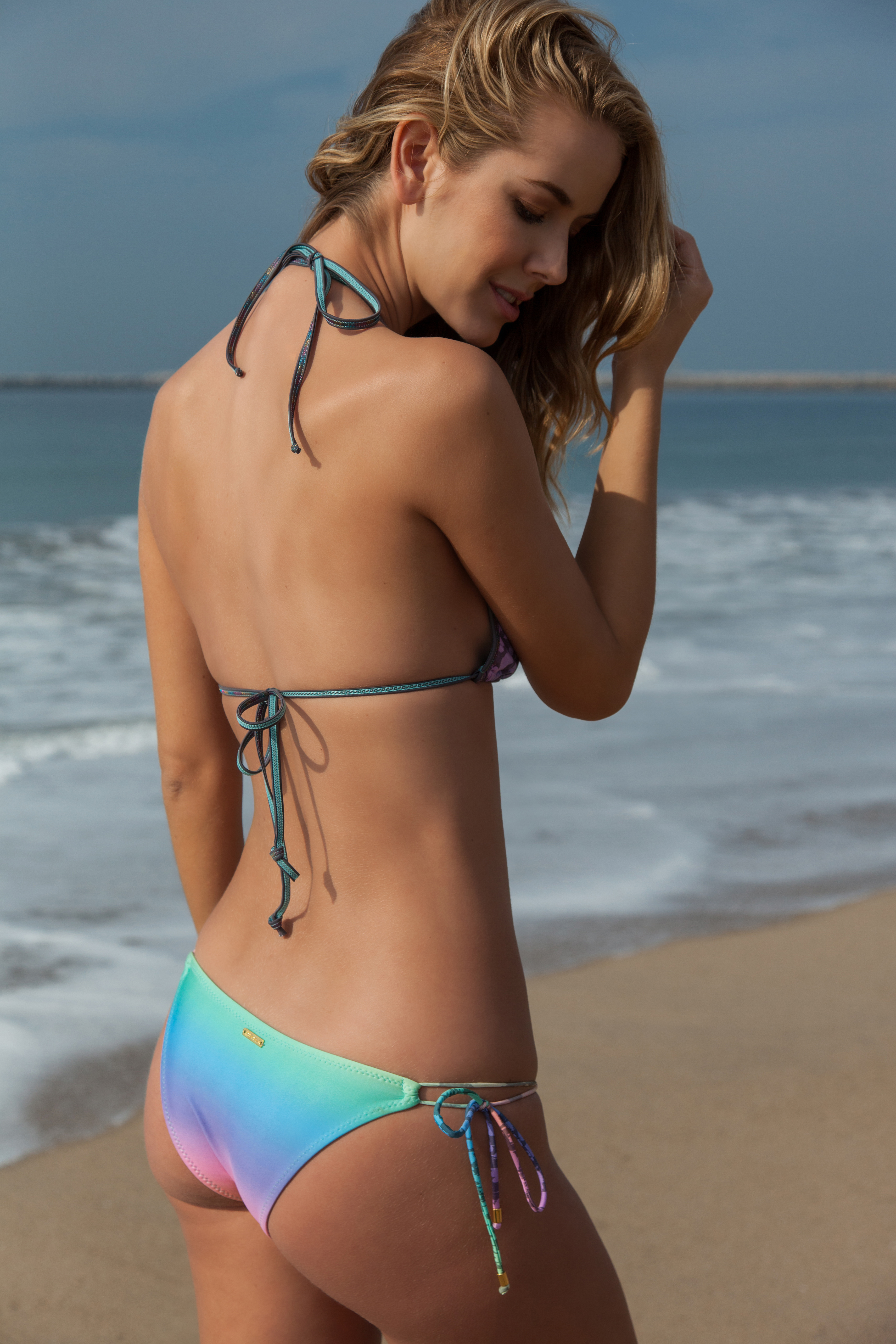
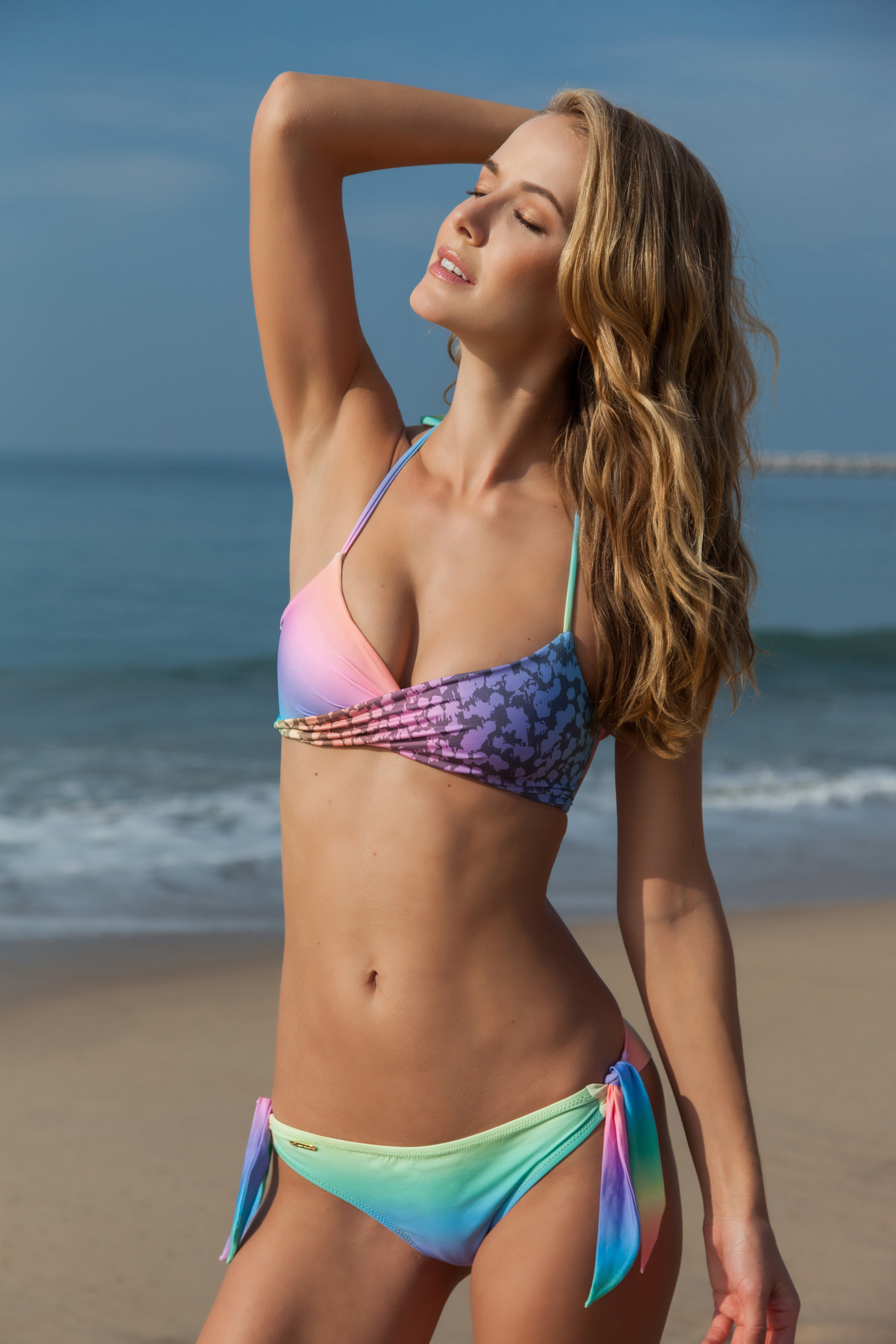
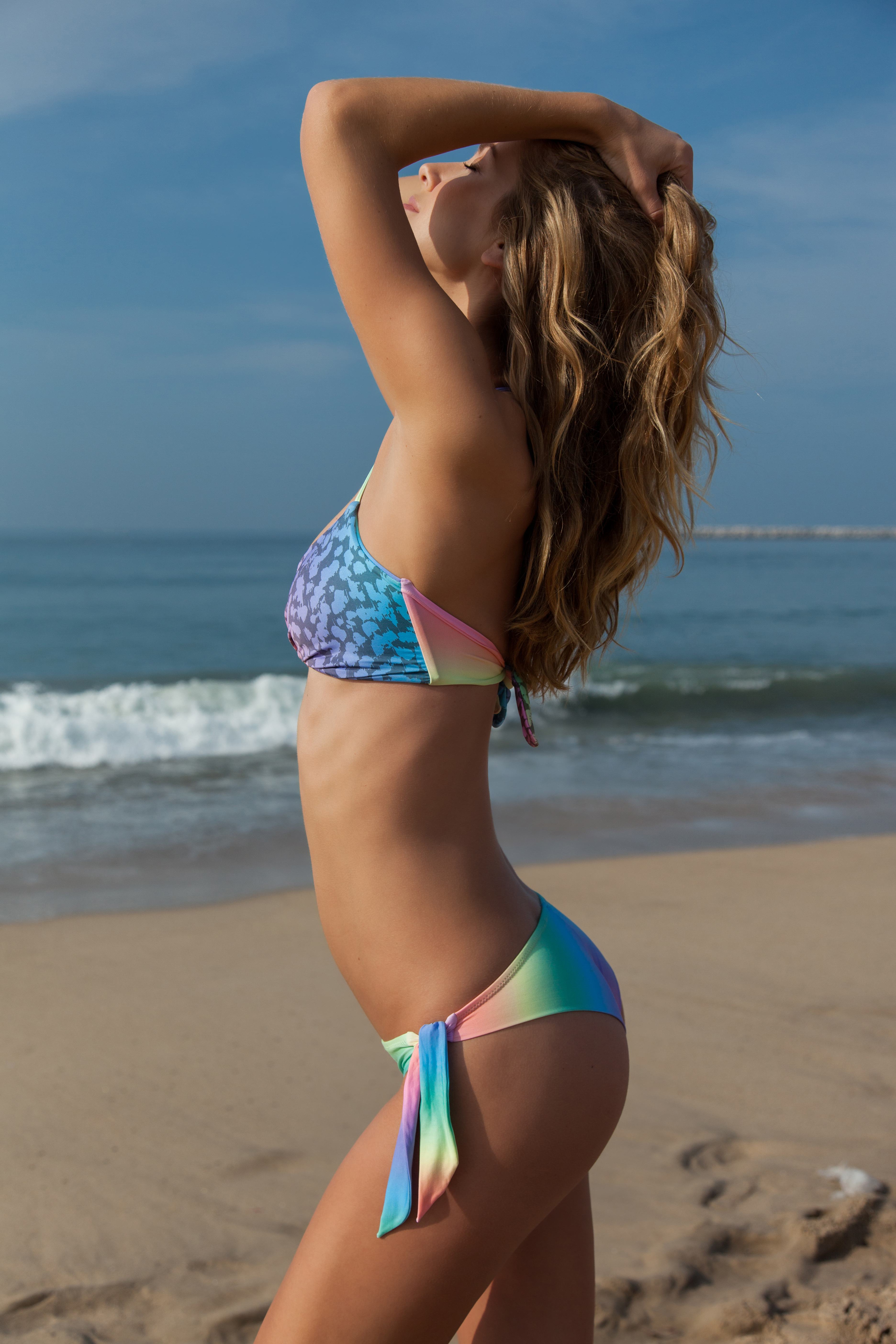
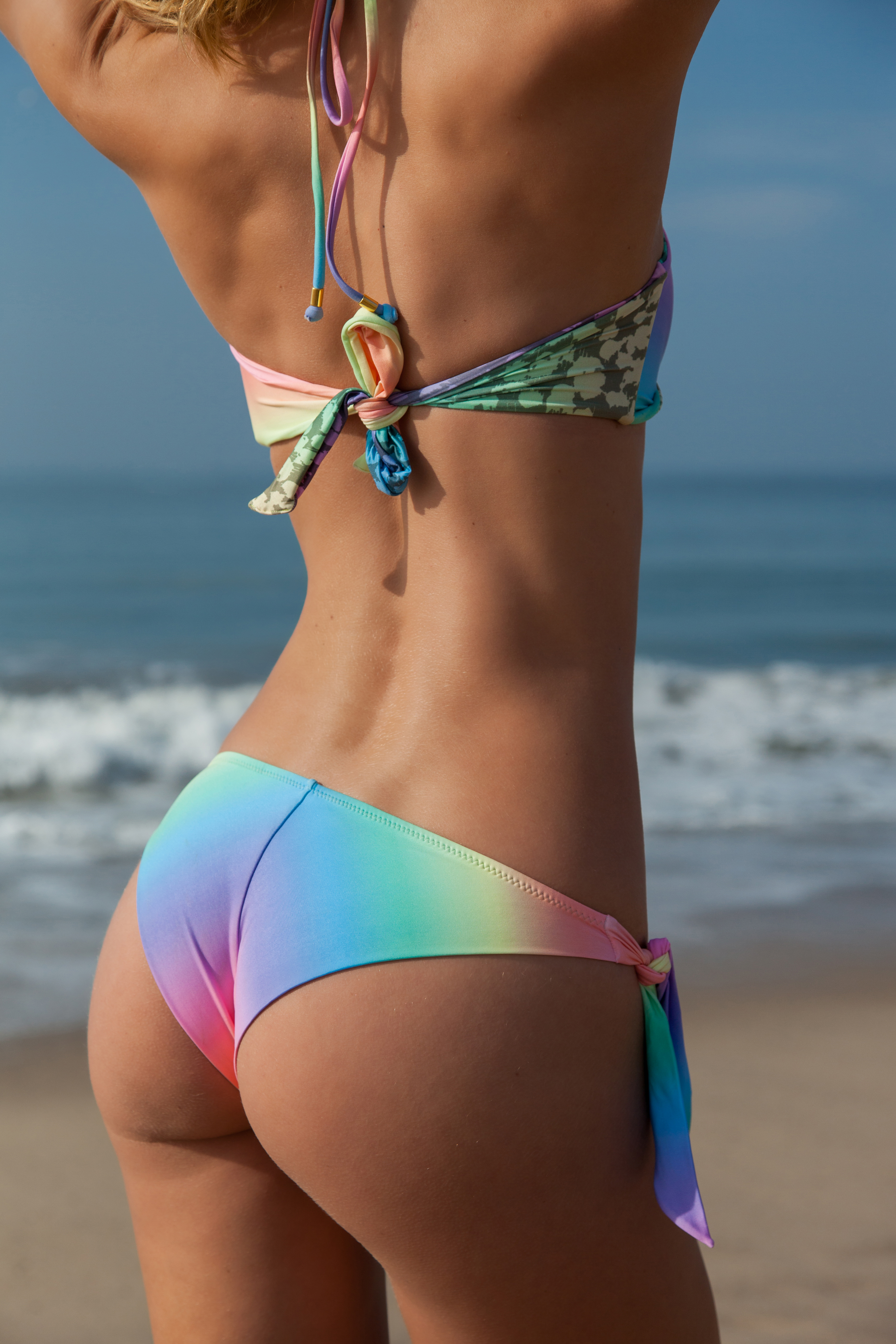
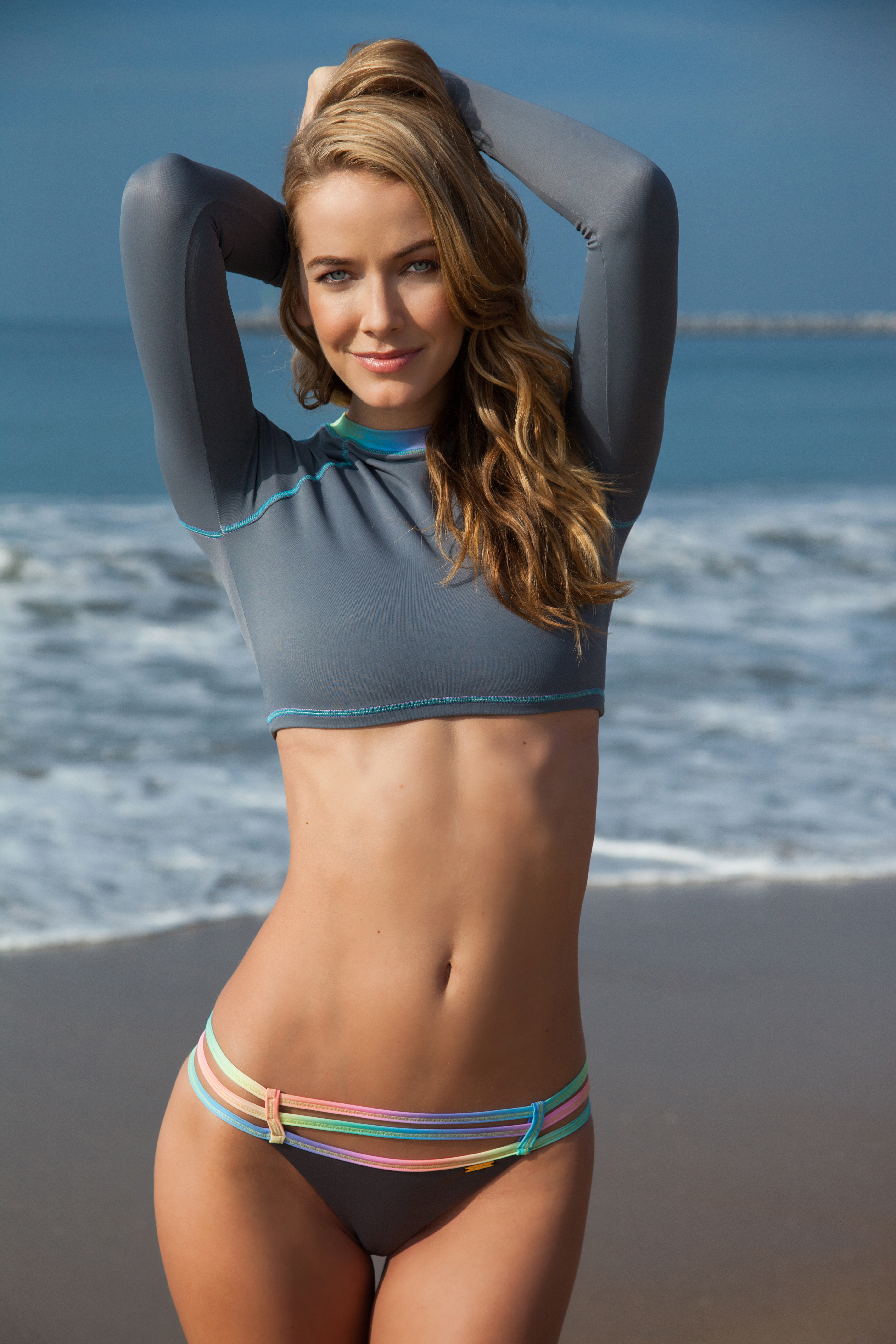
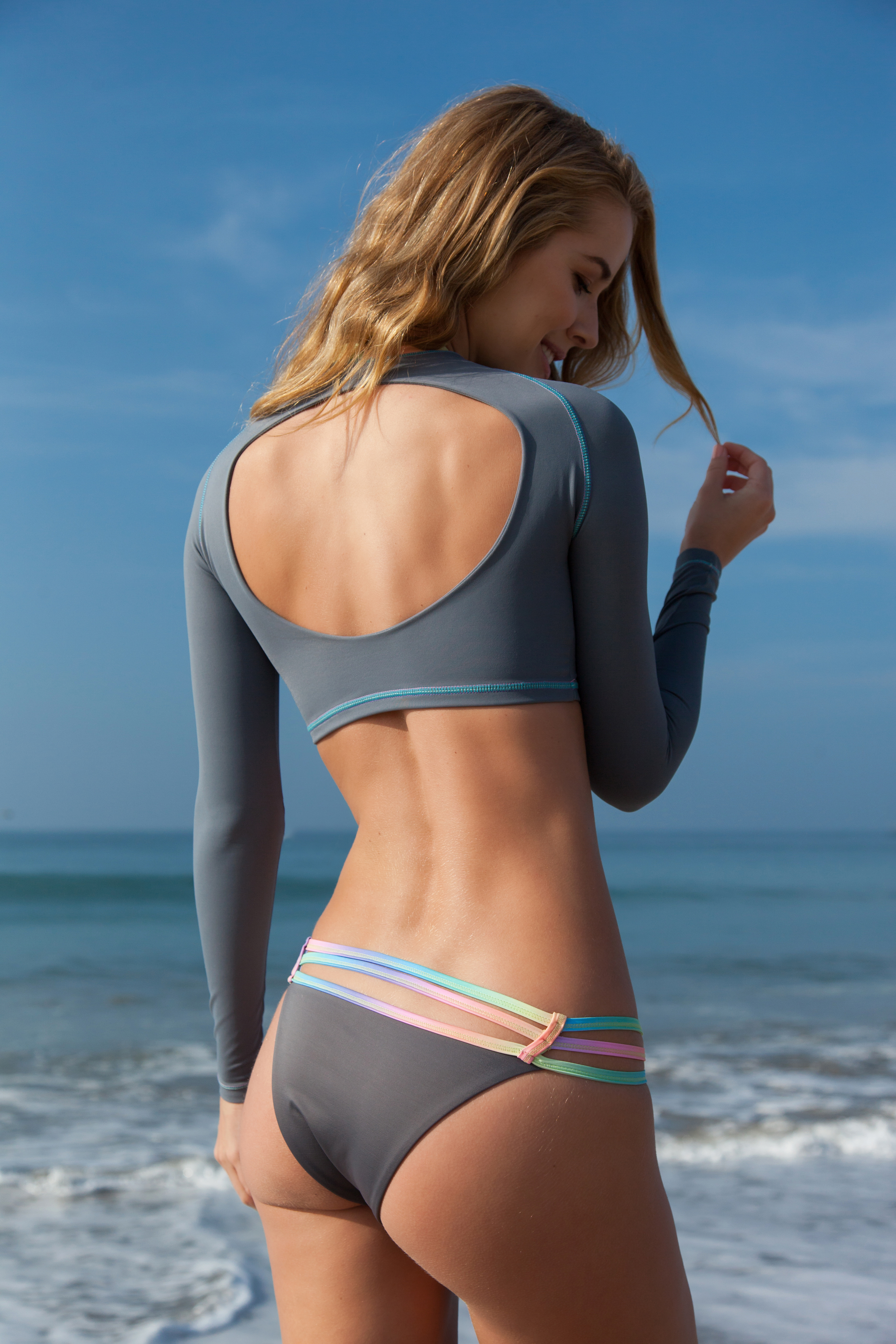
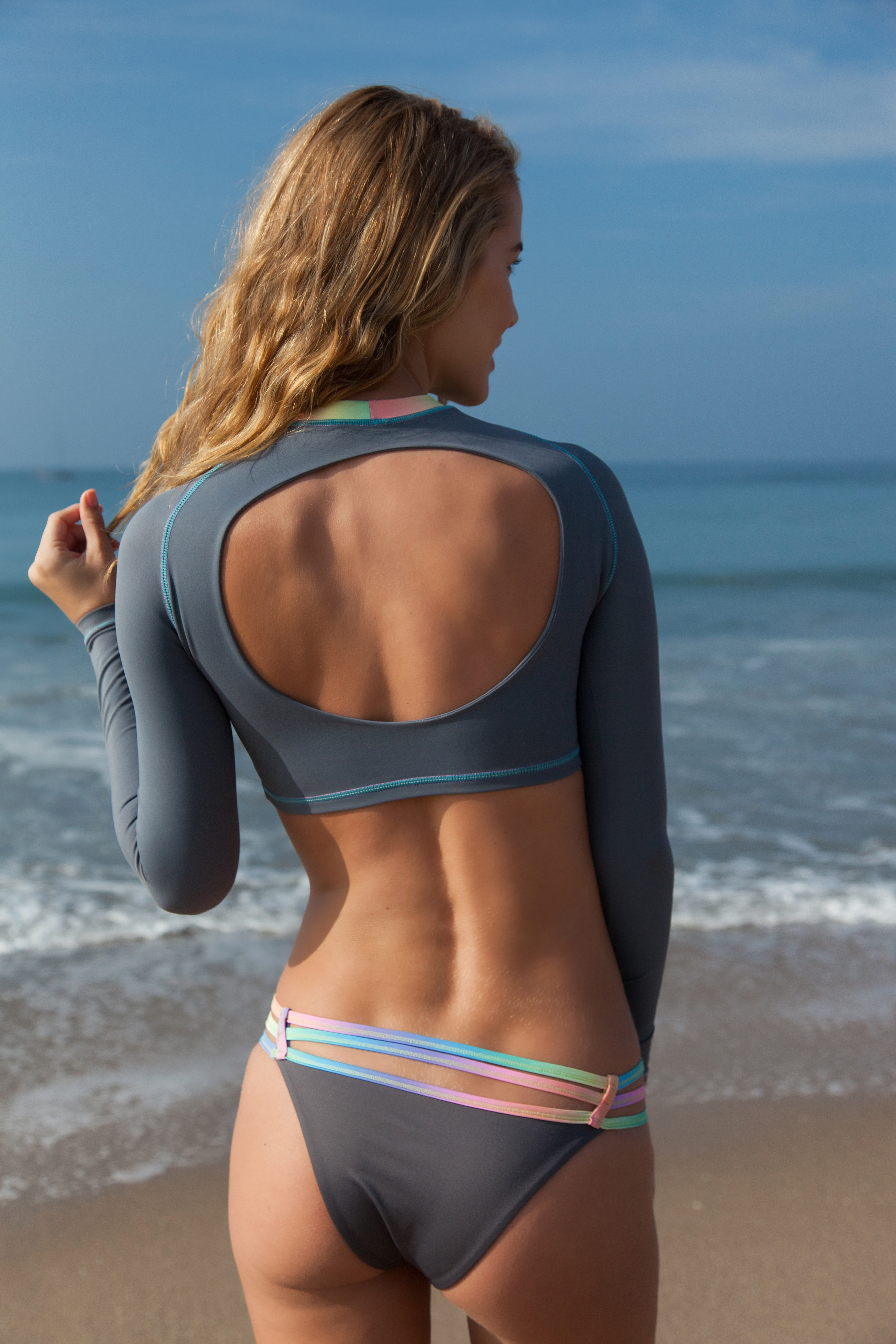
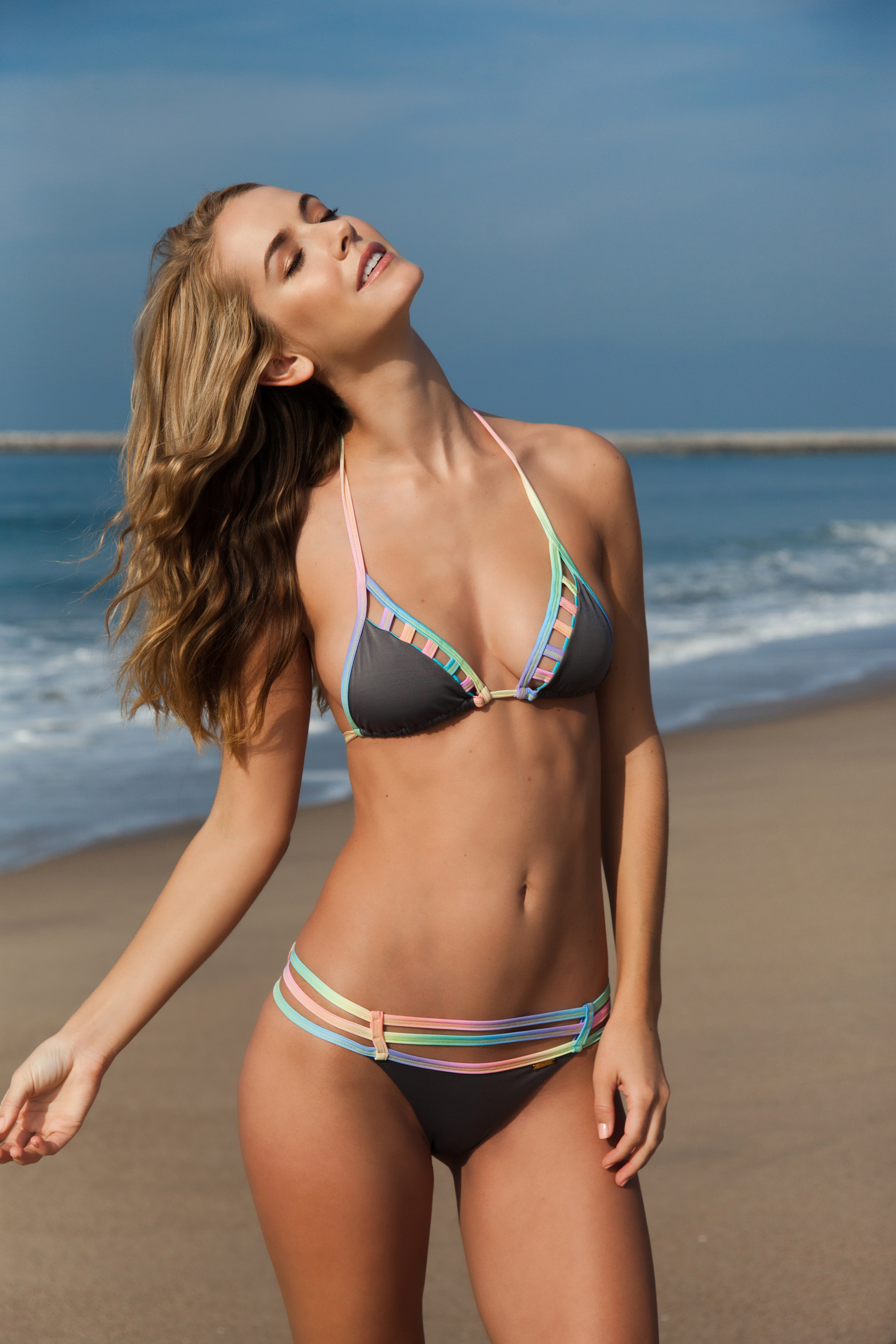
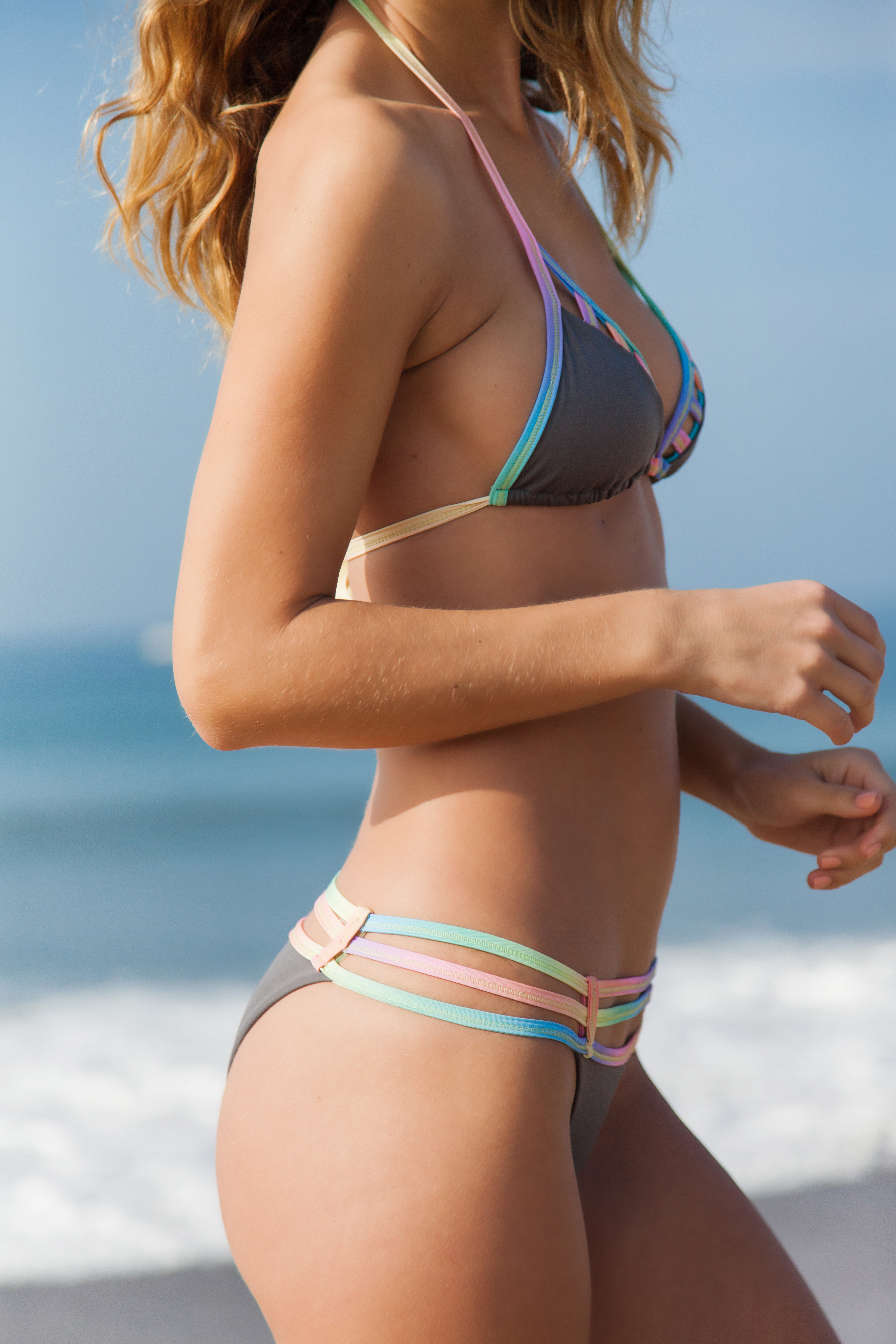
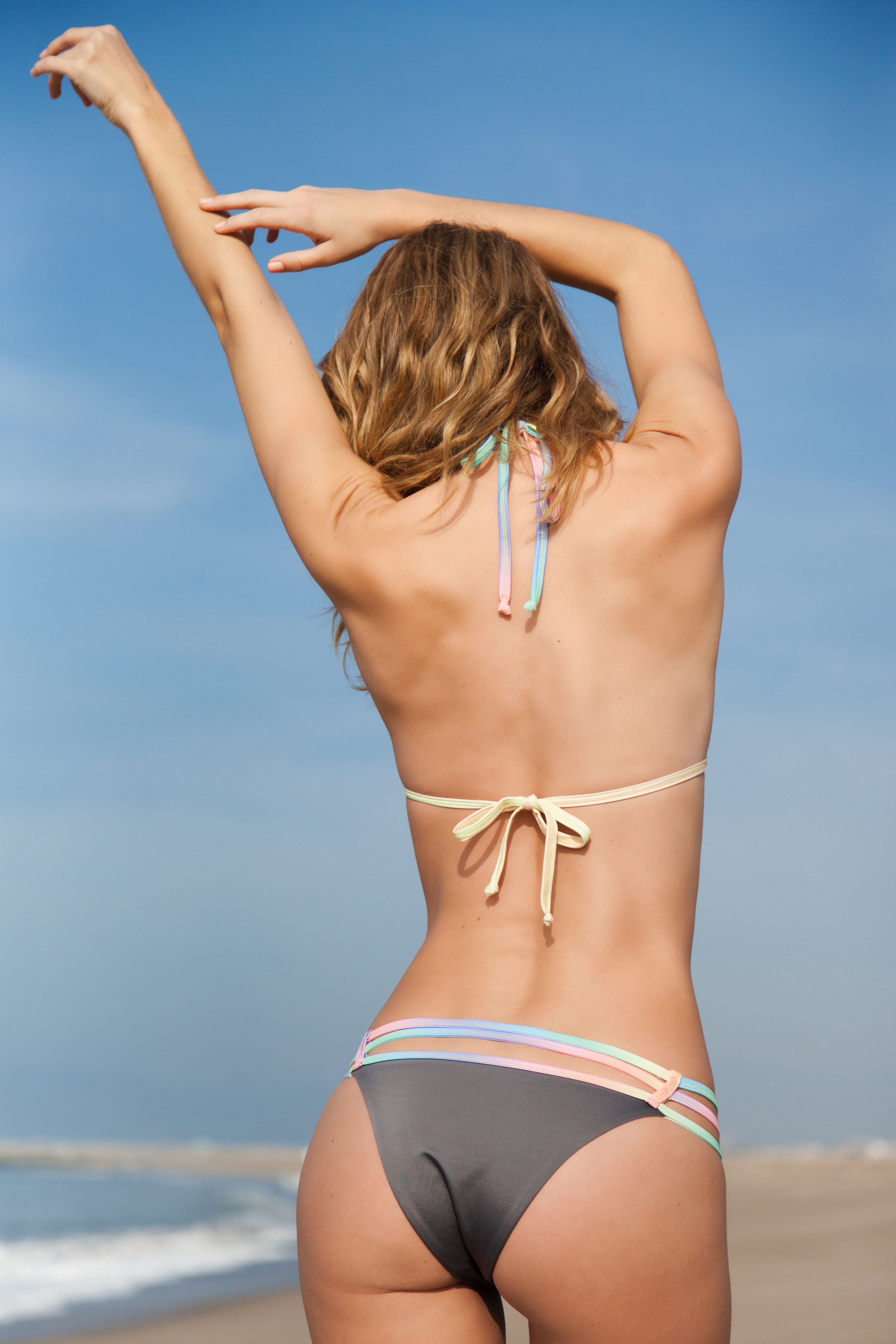
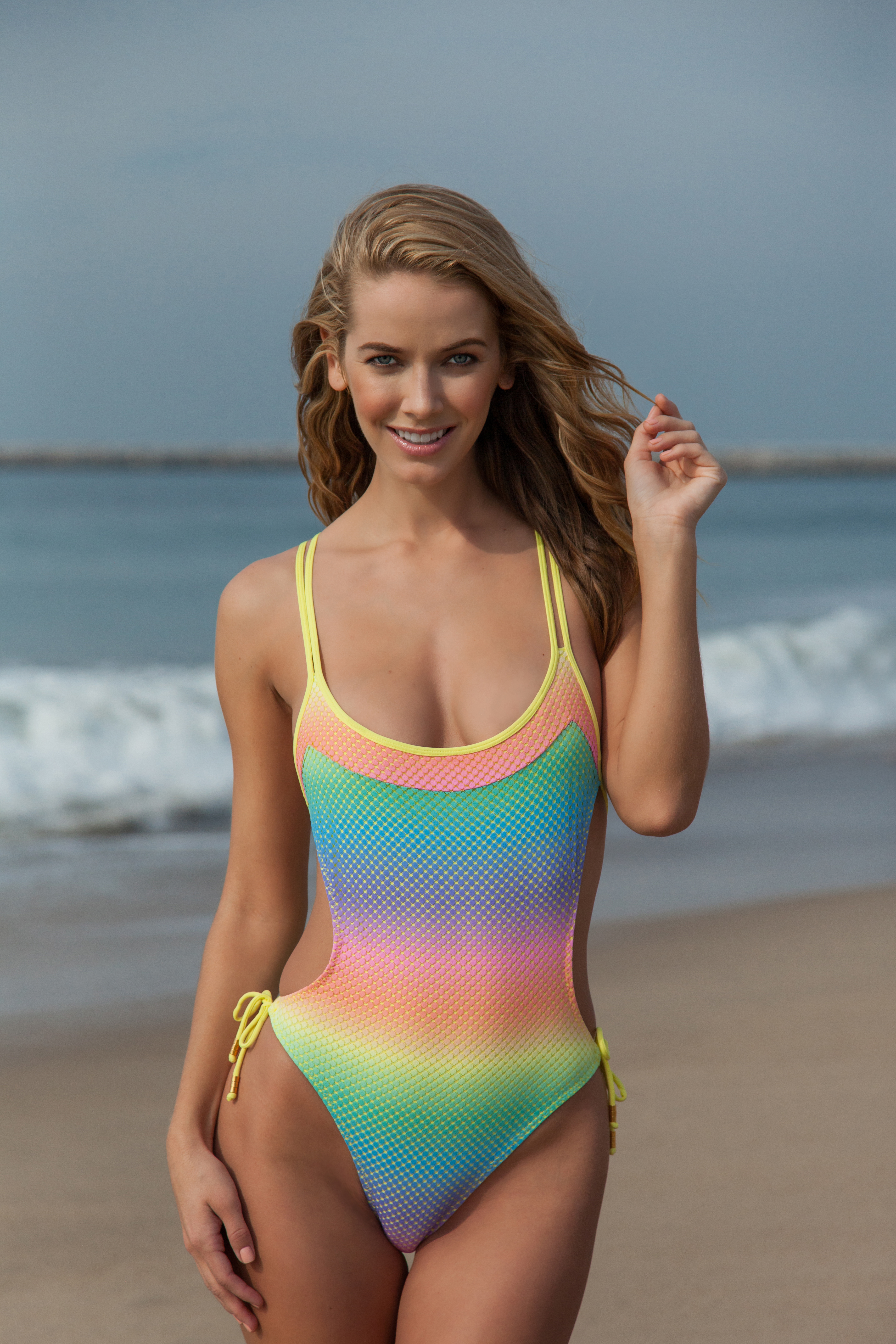
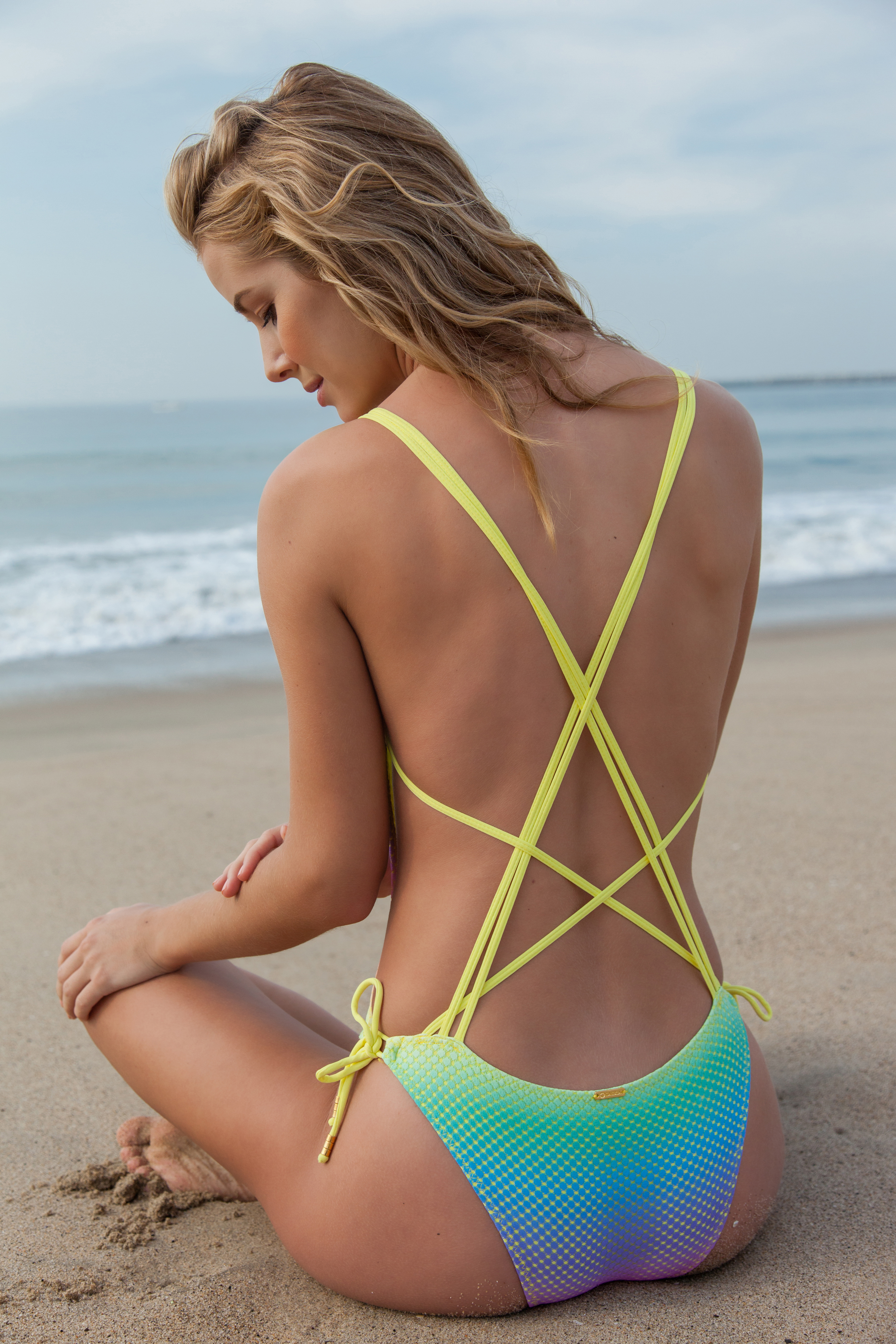
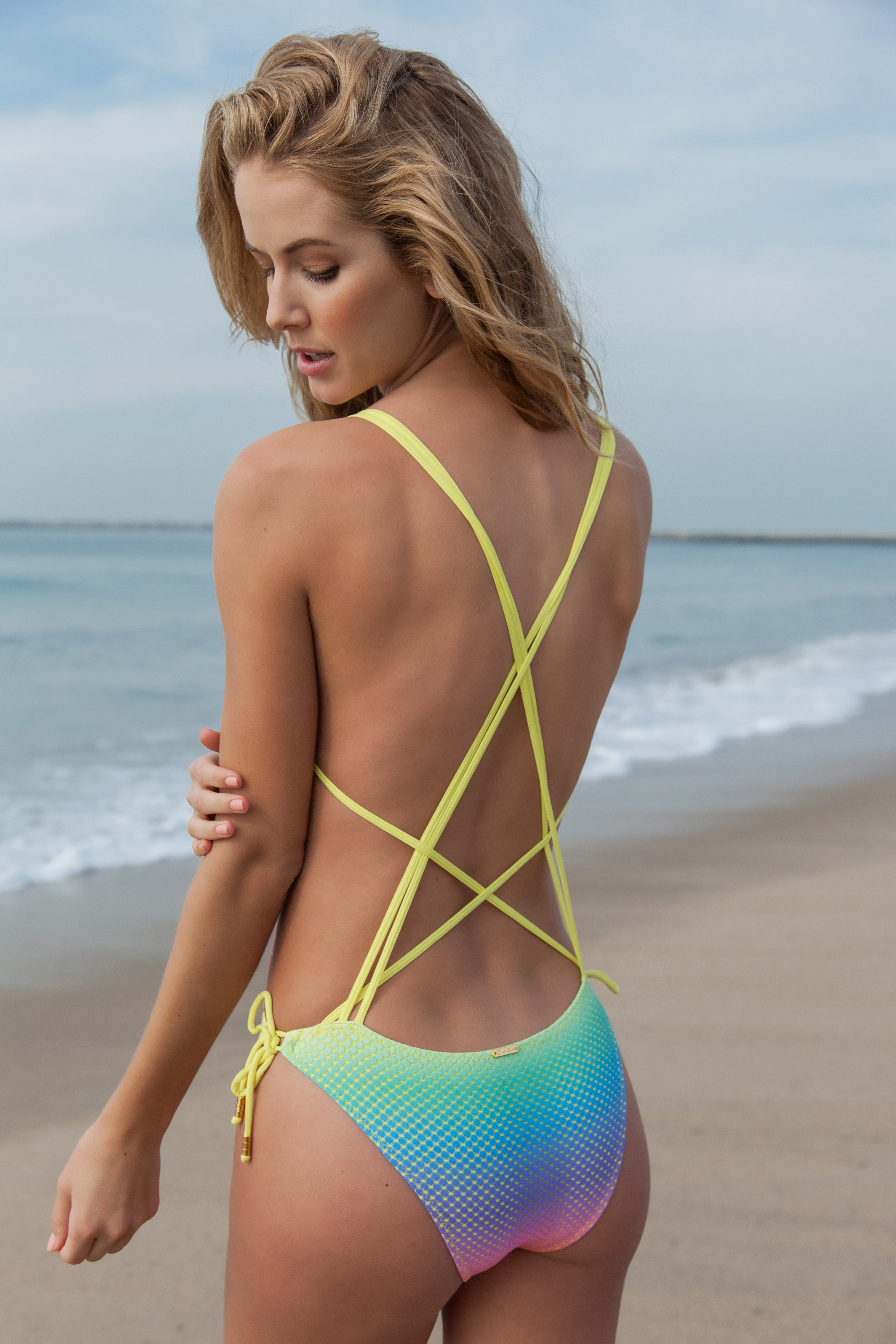
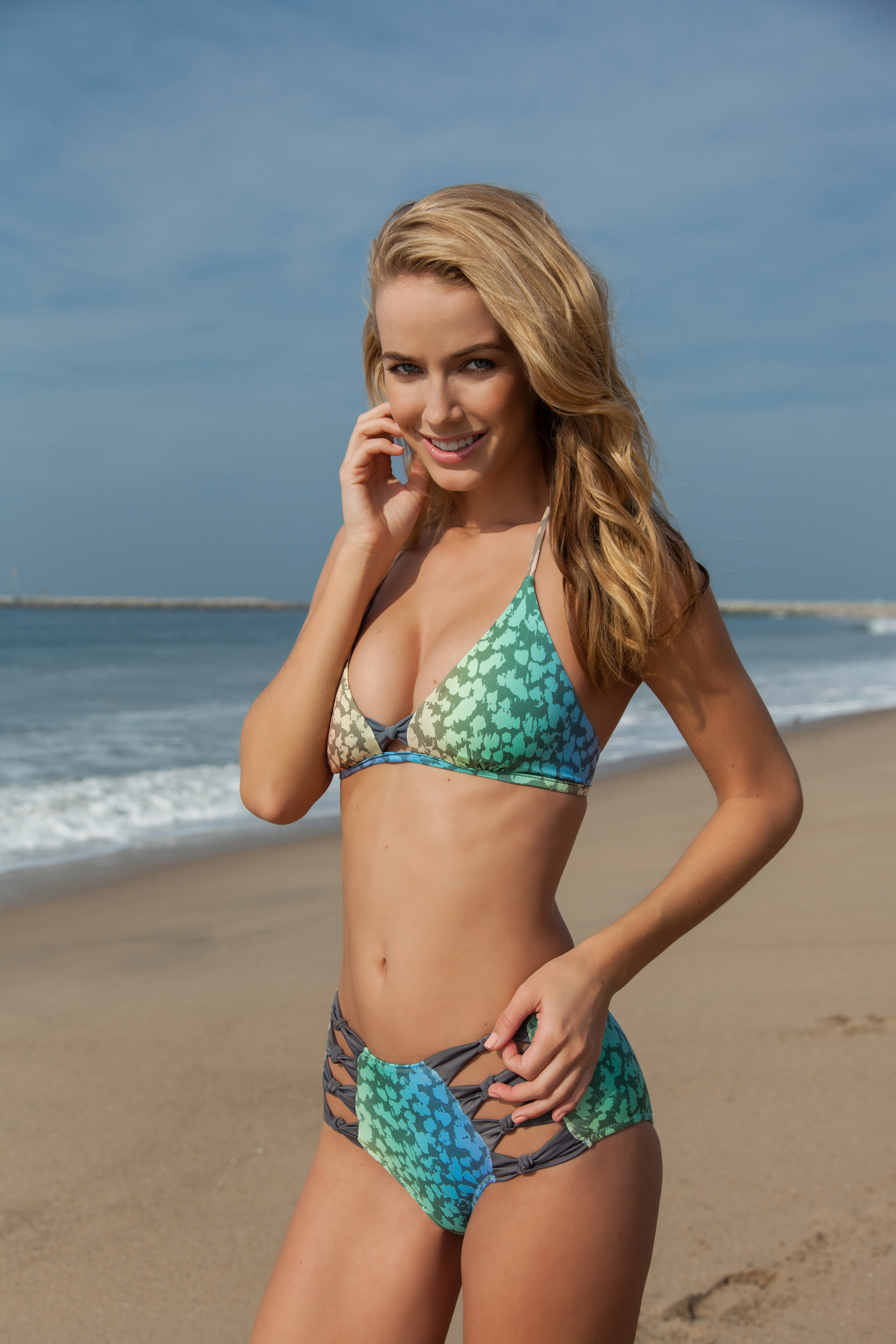
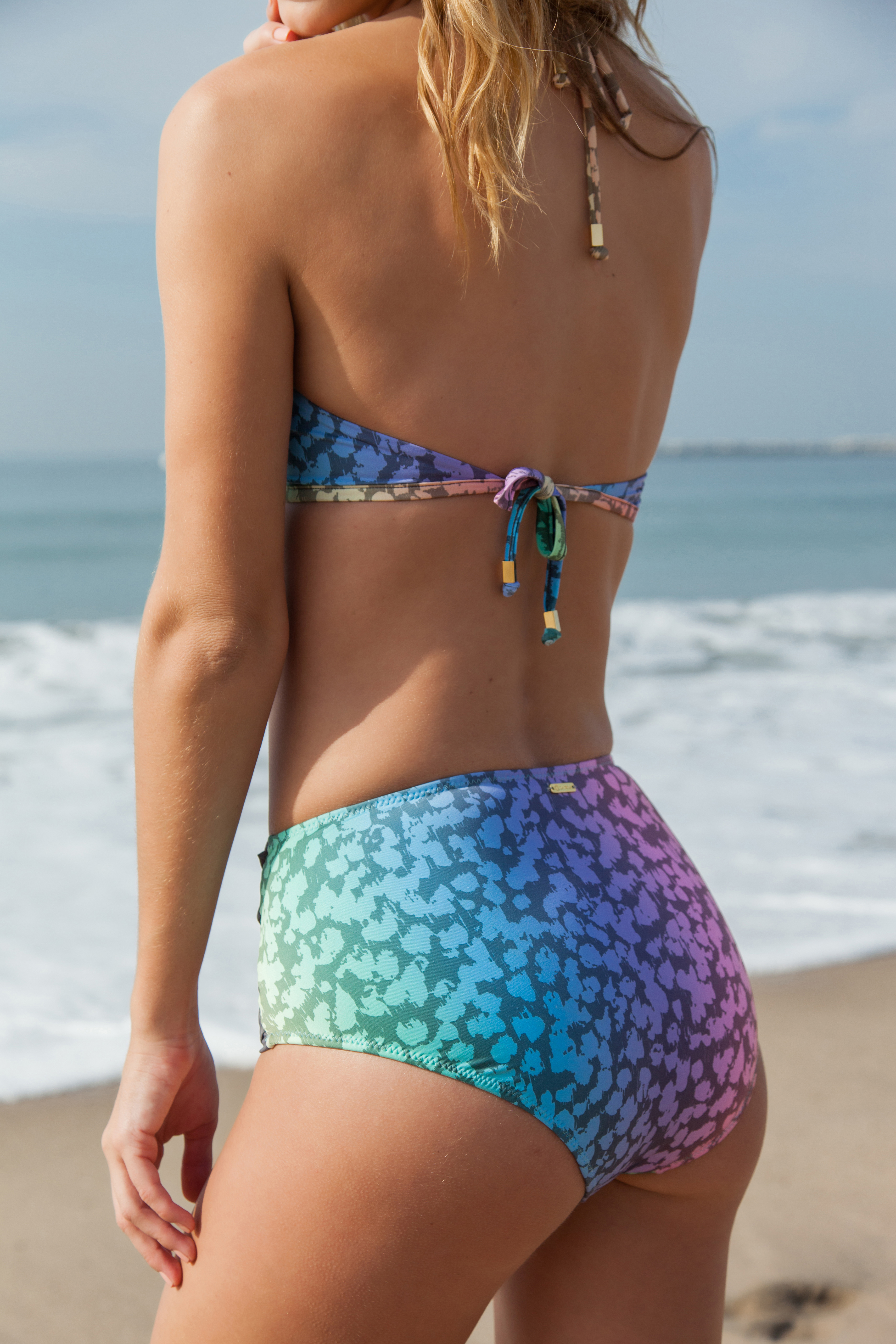
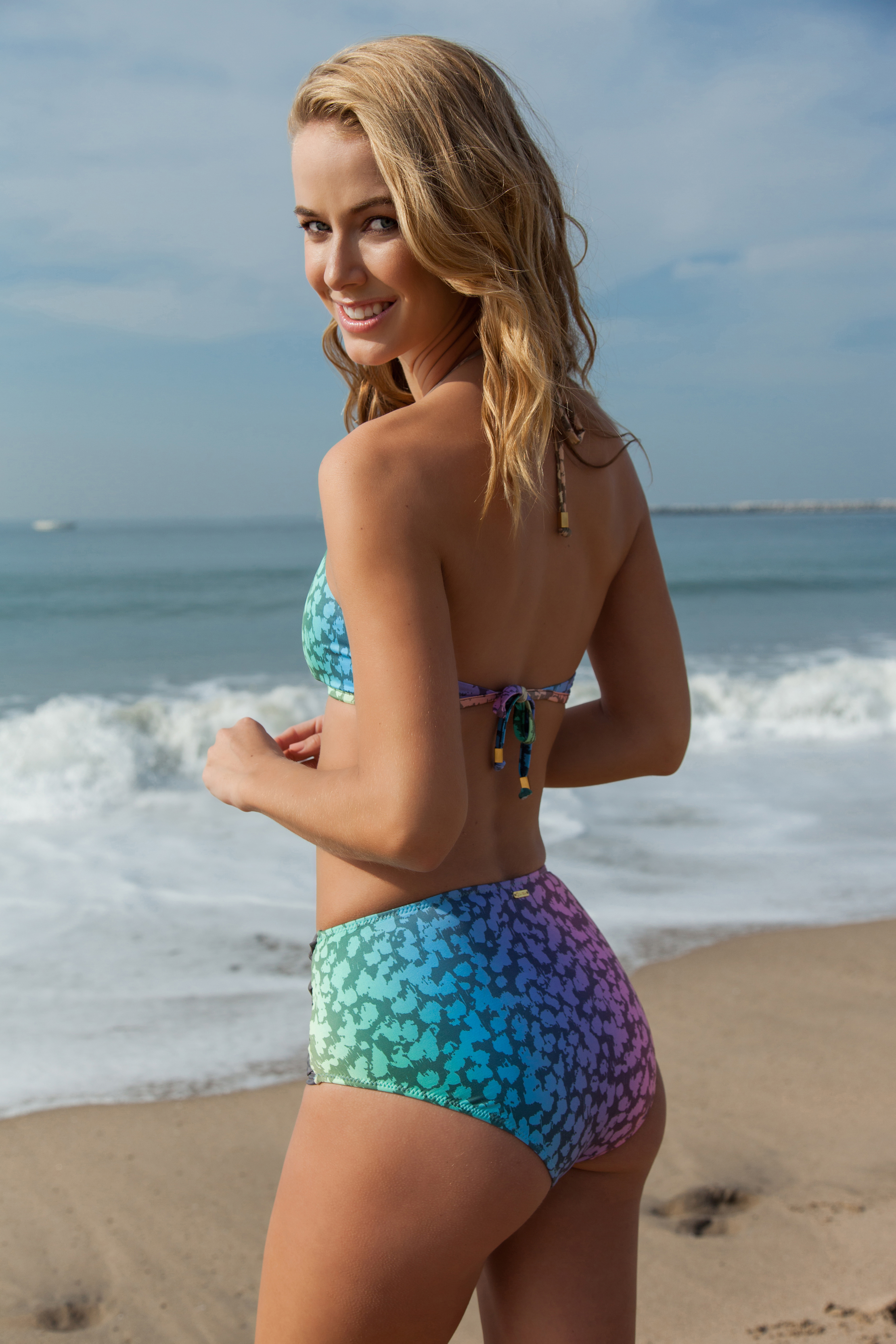
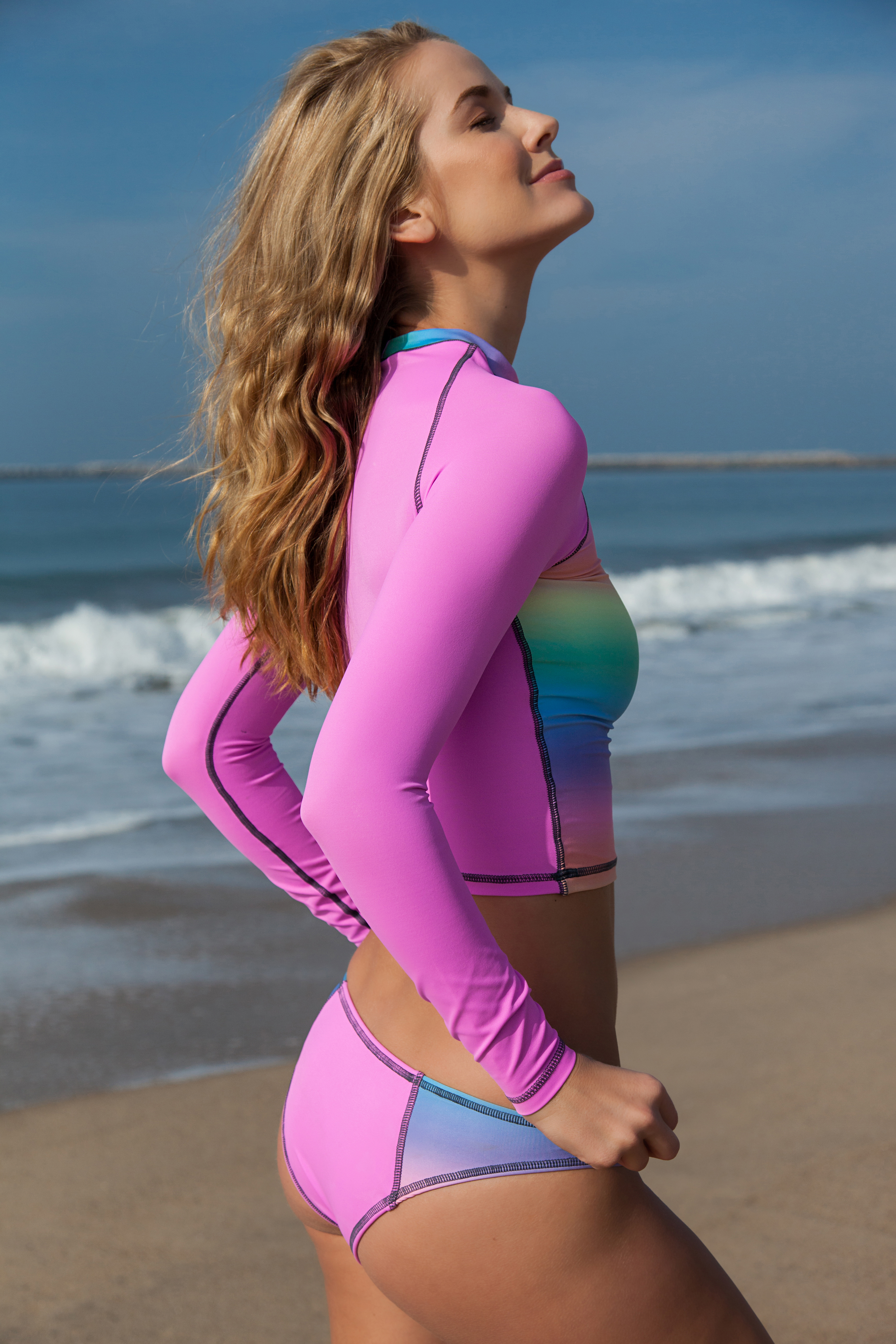
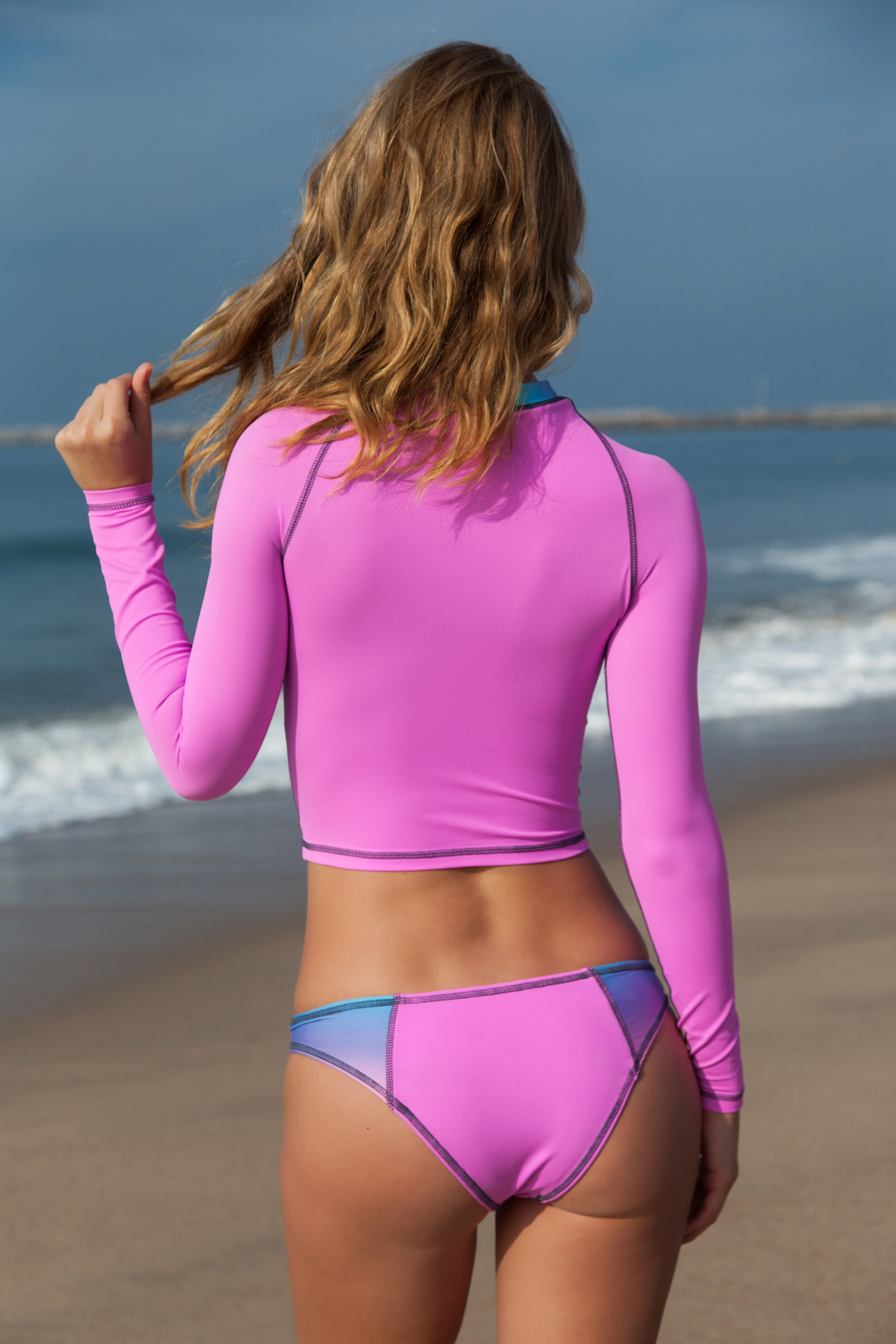
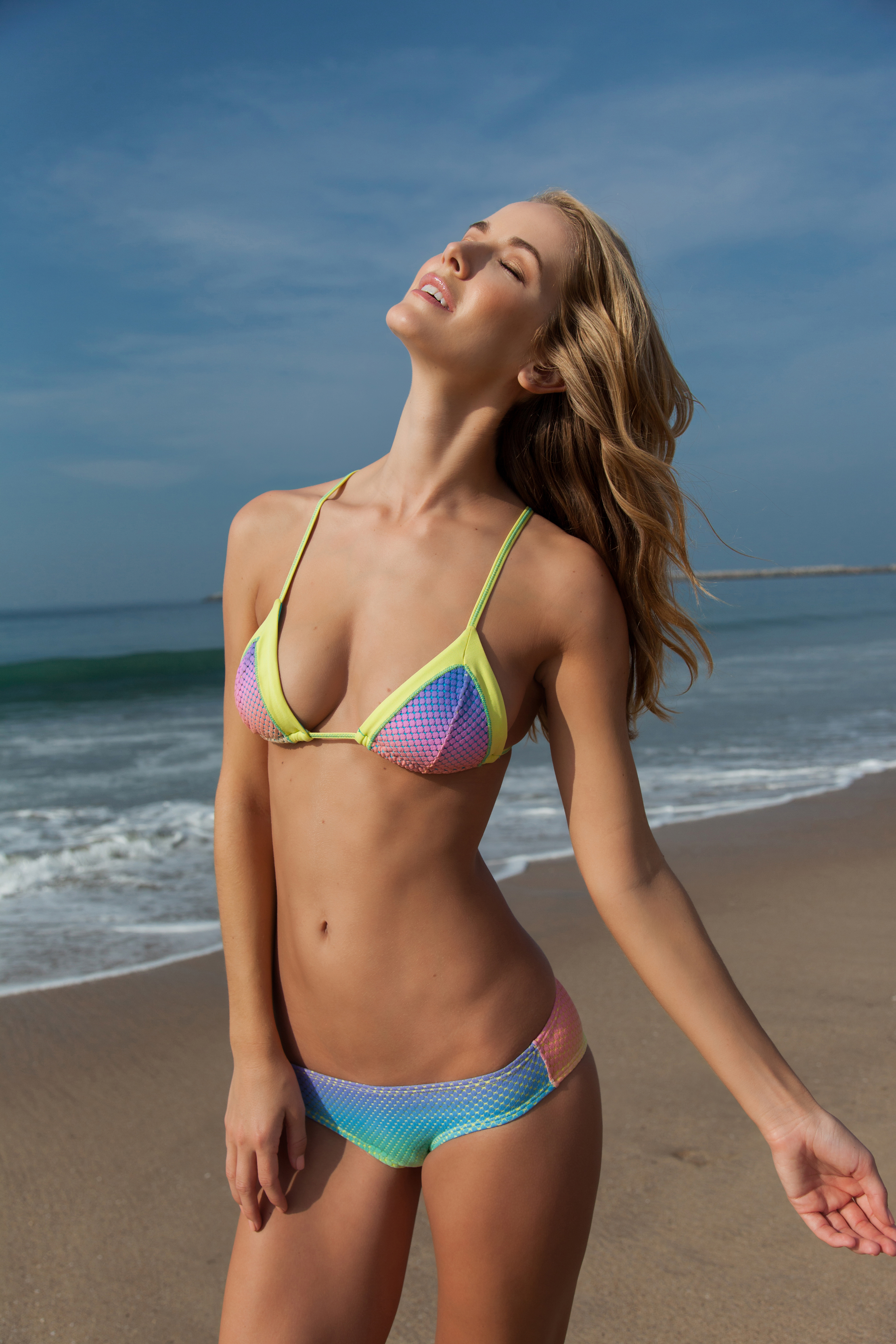
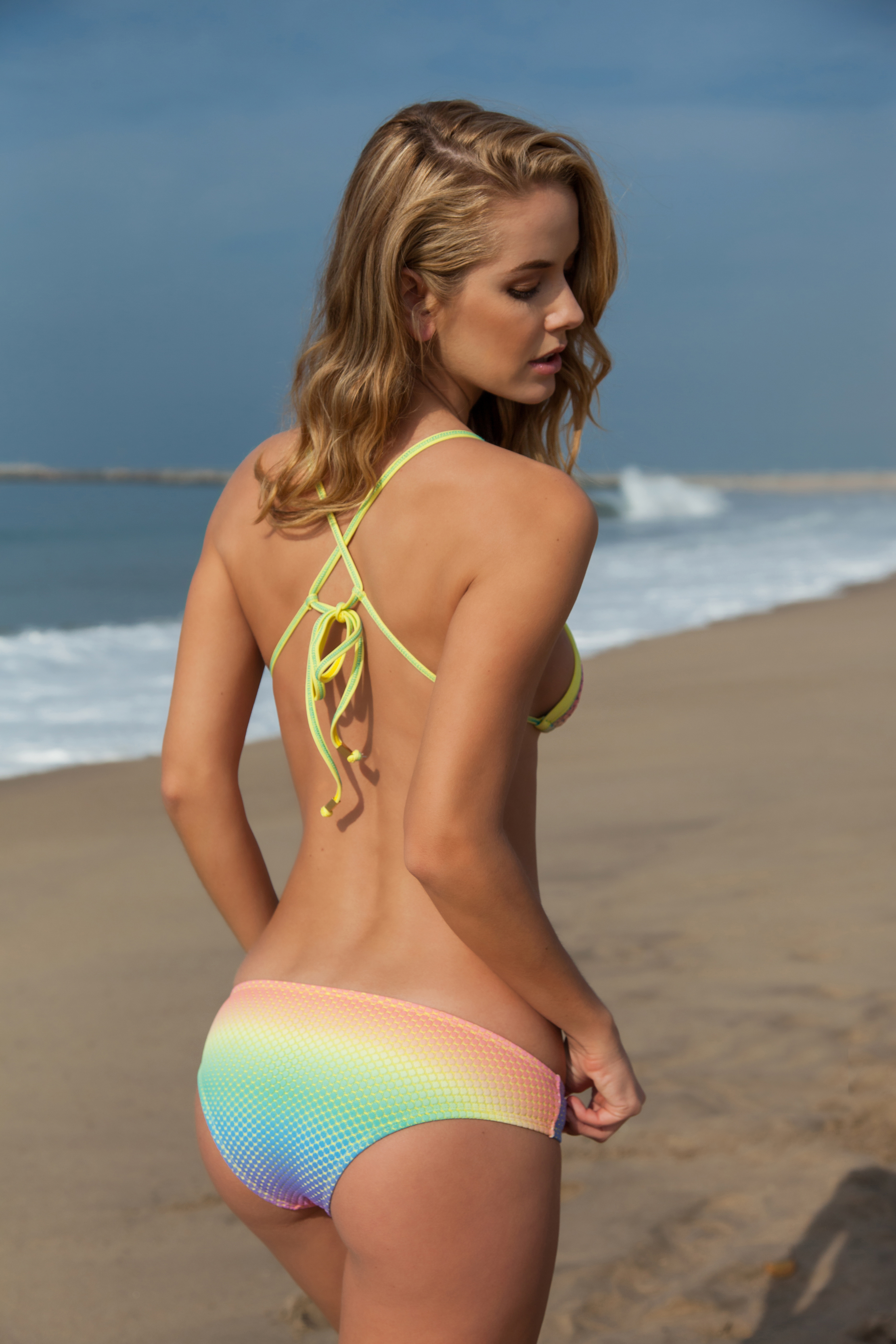
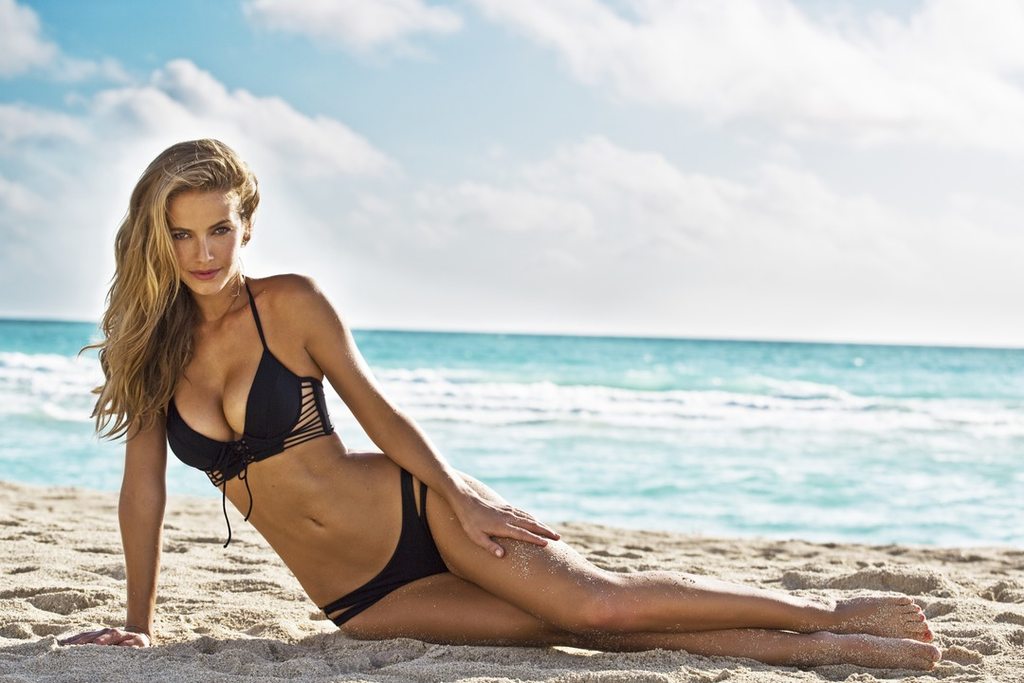
 La Isla Swim Ph: Joey Wright Source:http://www.laislabrand.com/

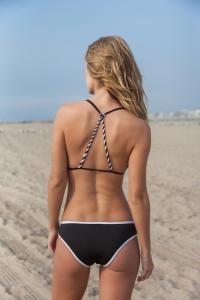





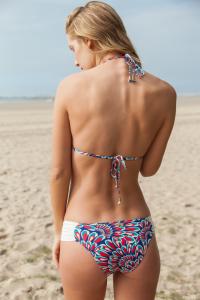
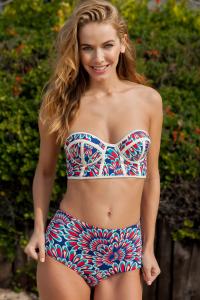
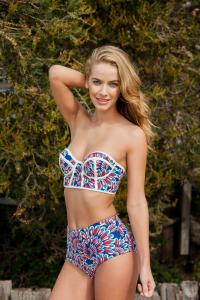
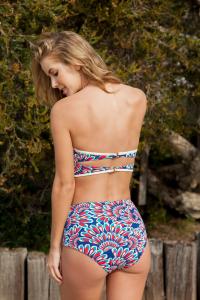


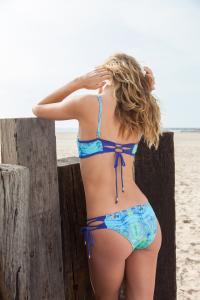

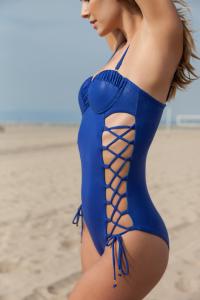
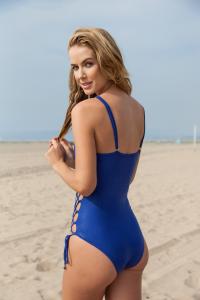

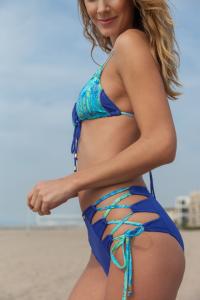
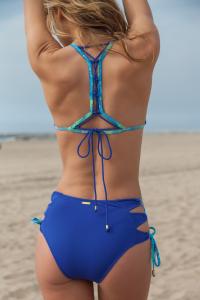
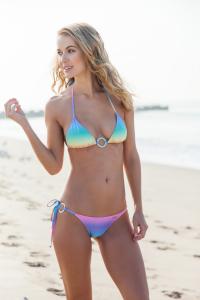

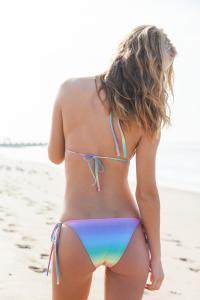








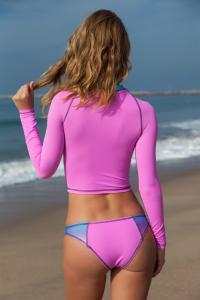

 Olay
Olay
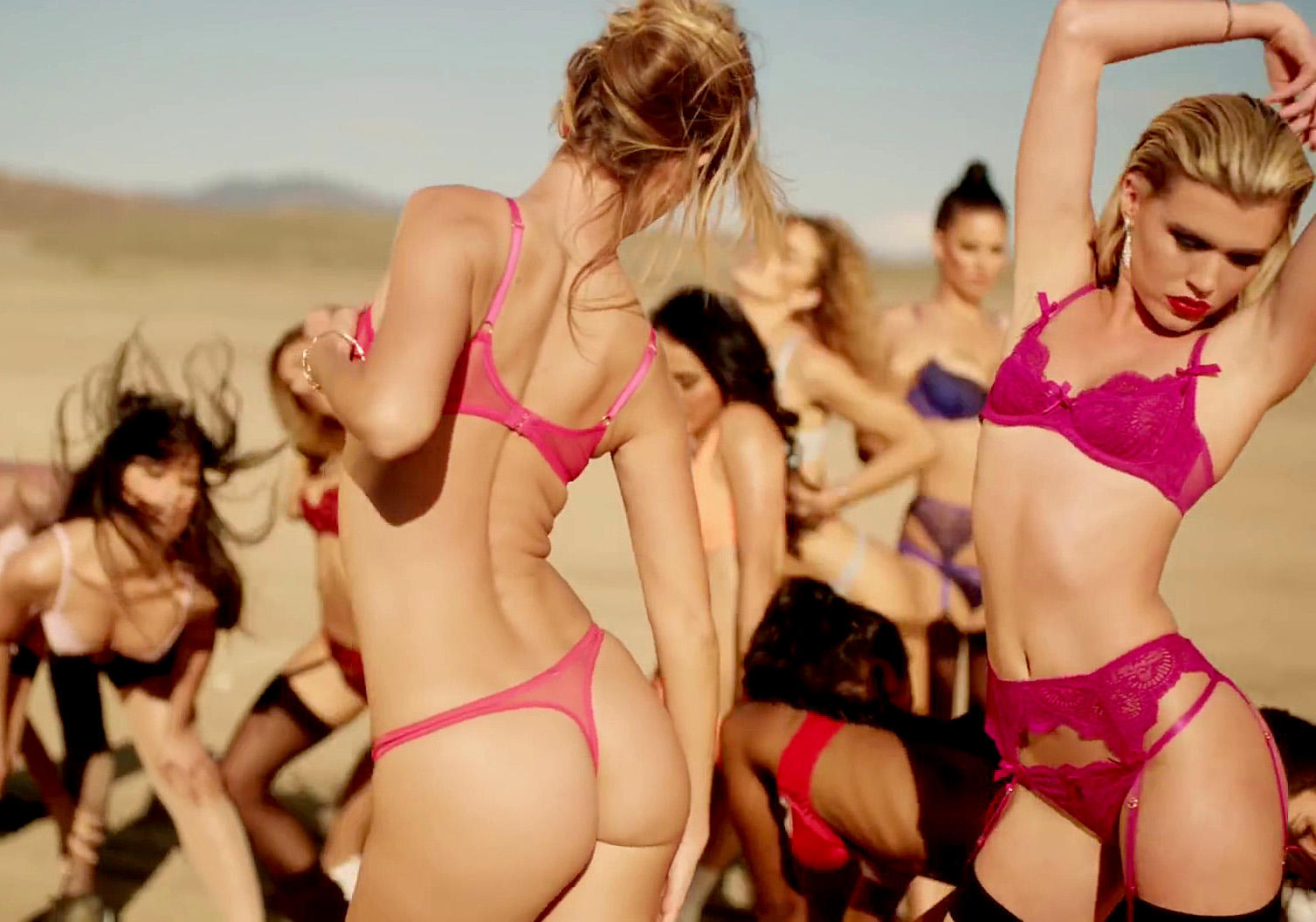
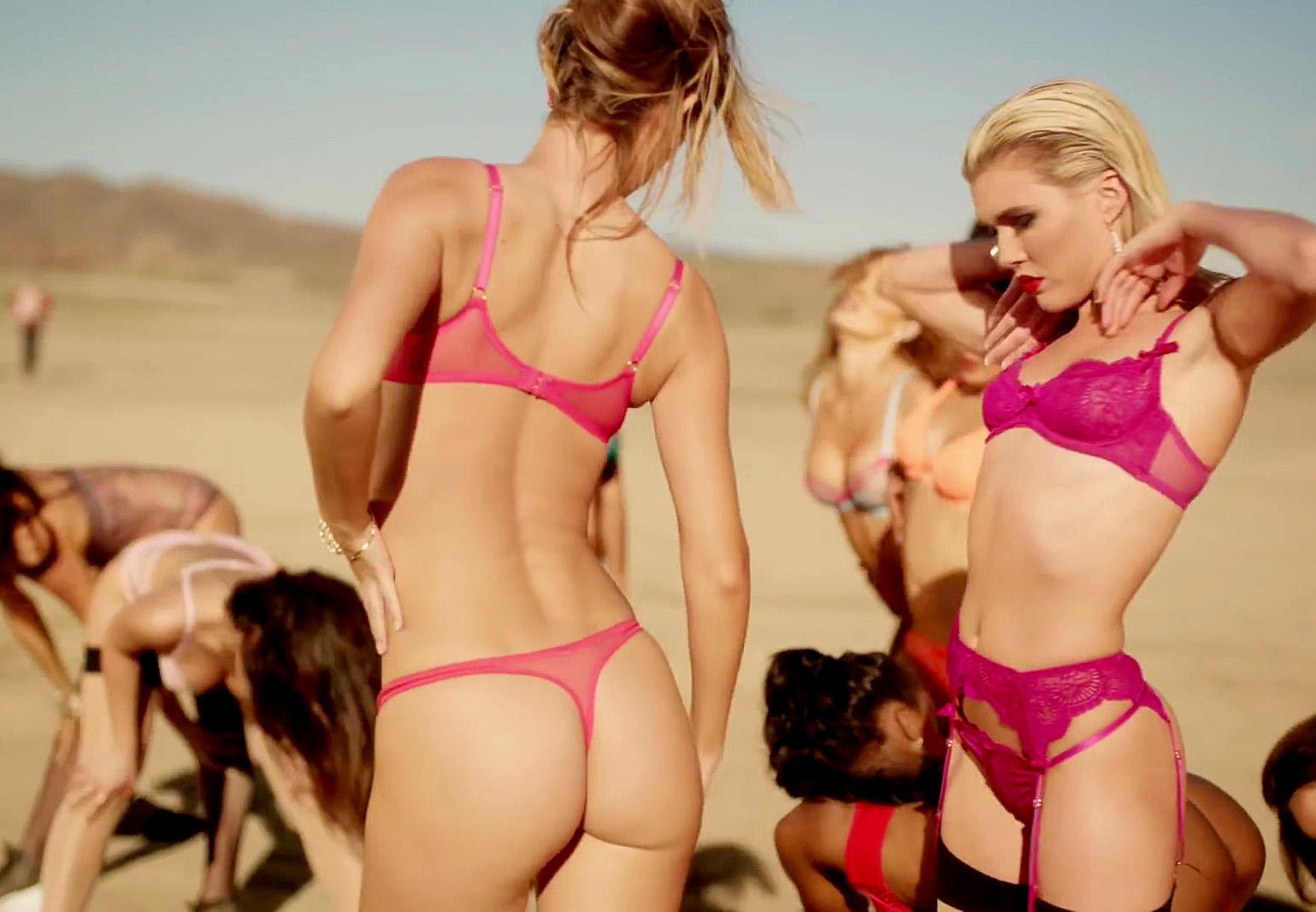
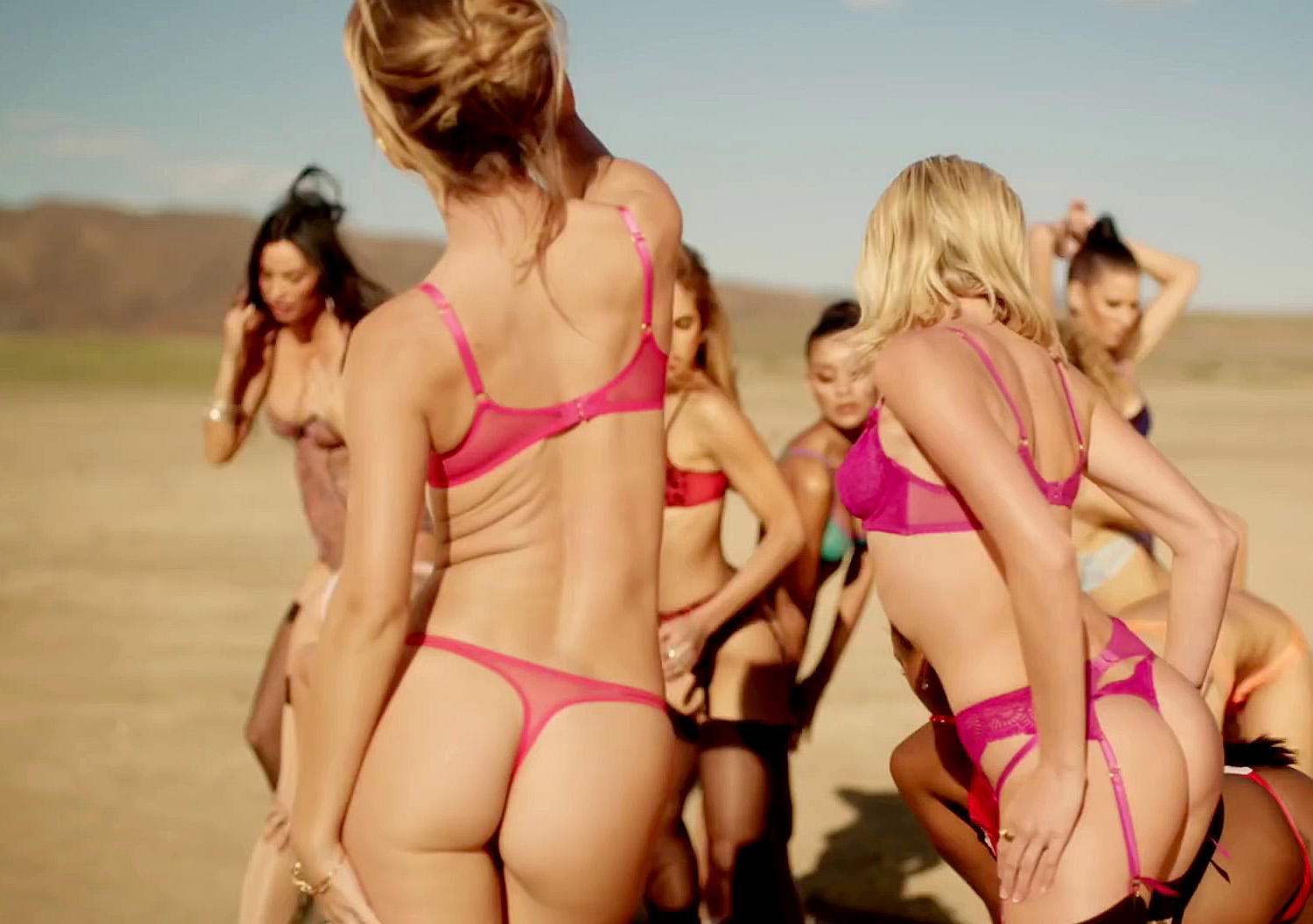
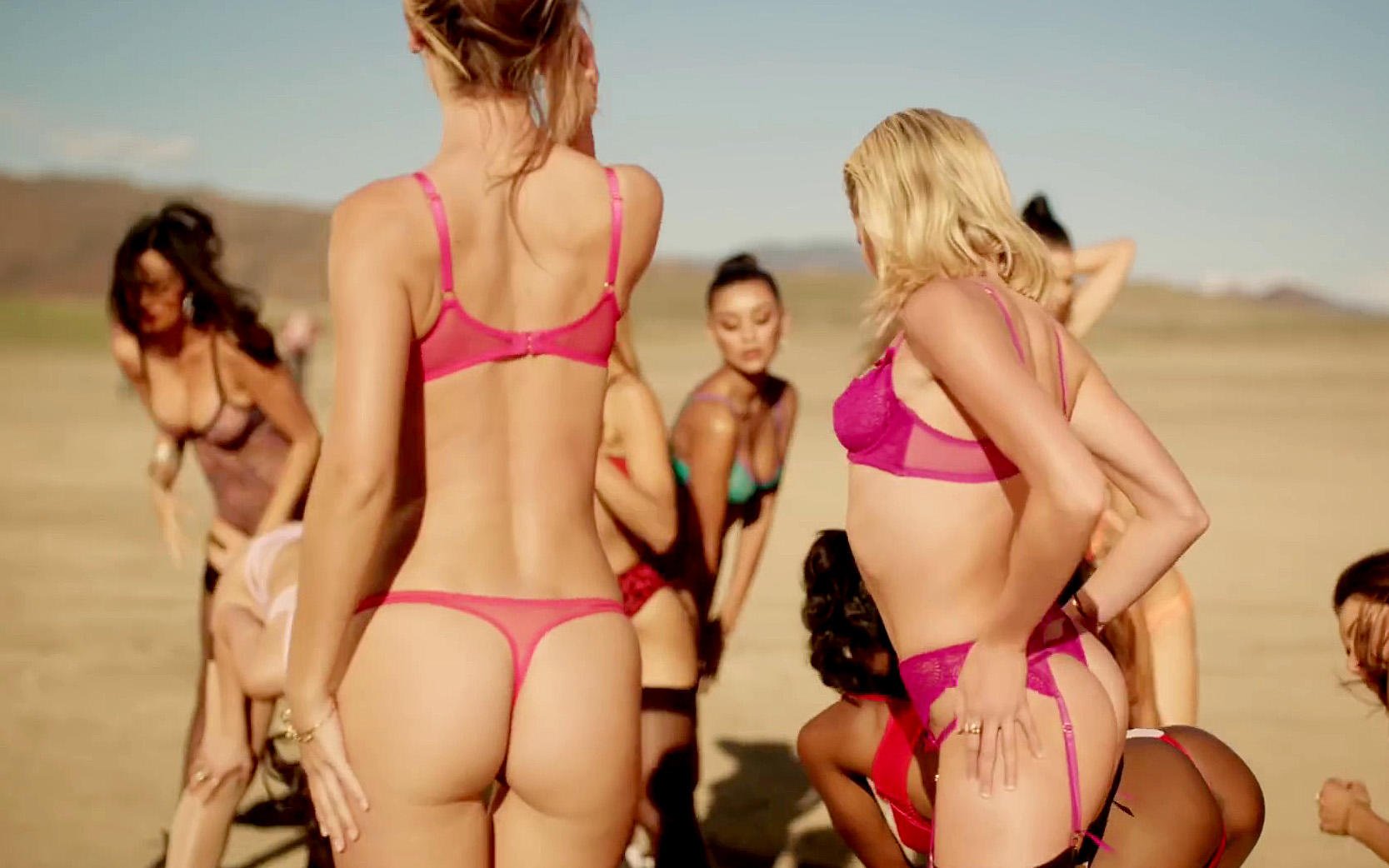
 L'Agent Provocateur 2014 Some Screen Caps of Olivia....











 Ph: Yves Huy Tuong













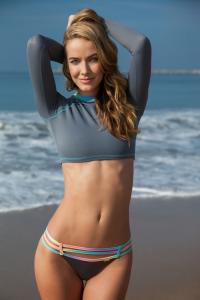
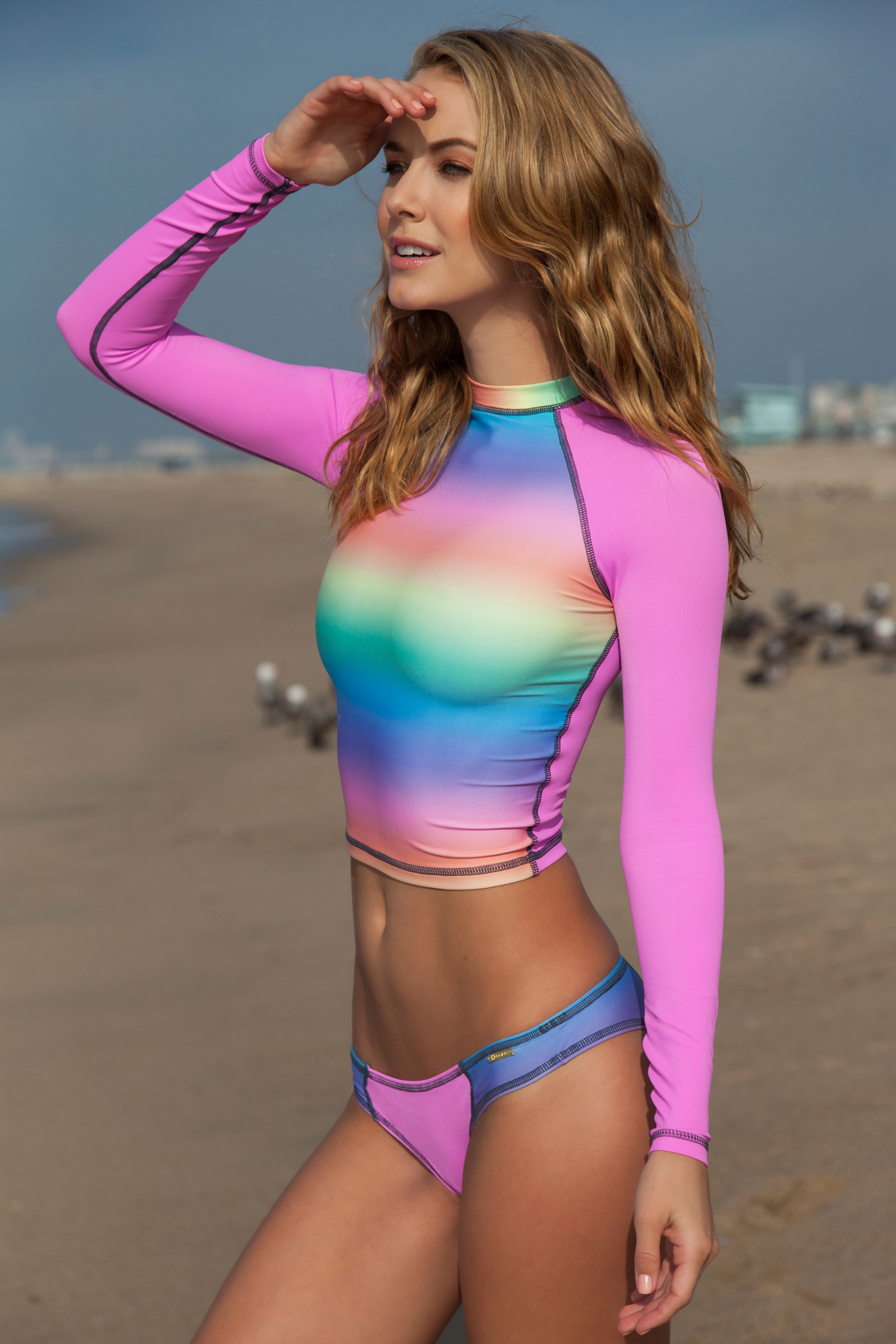
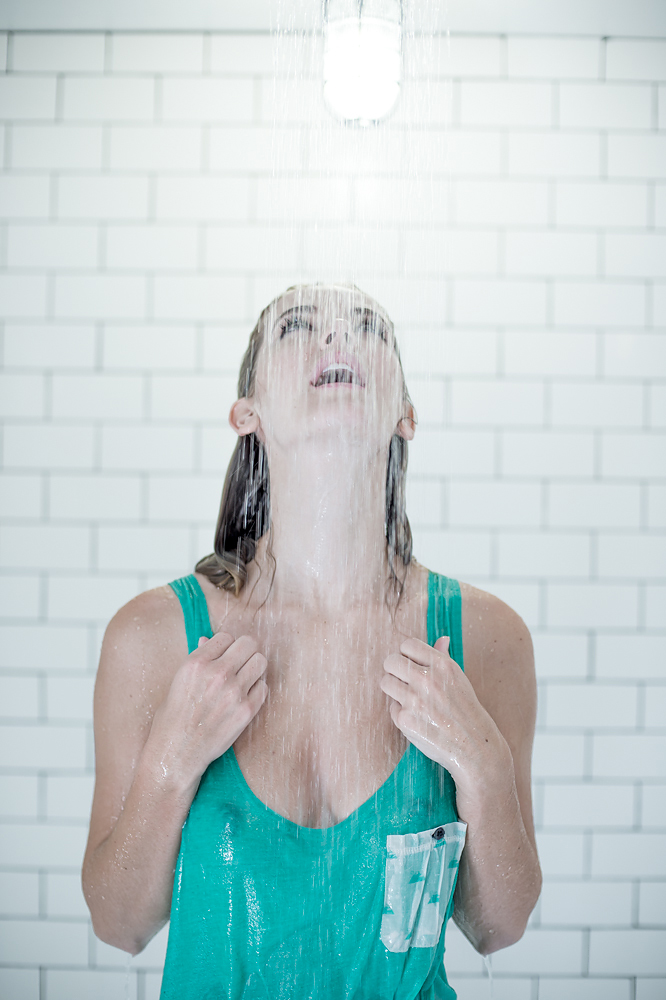
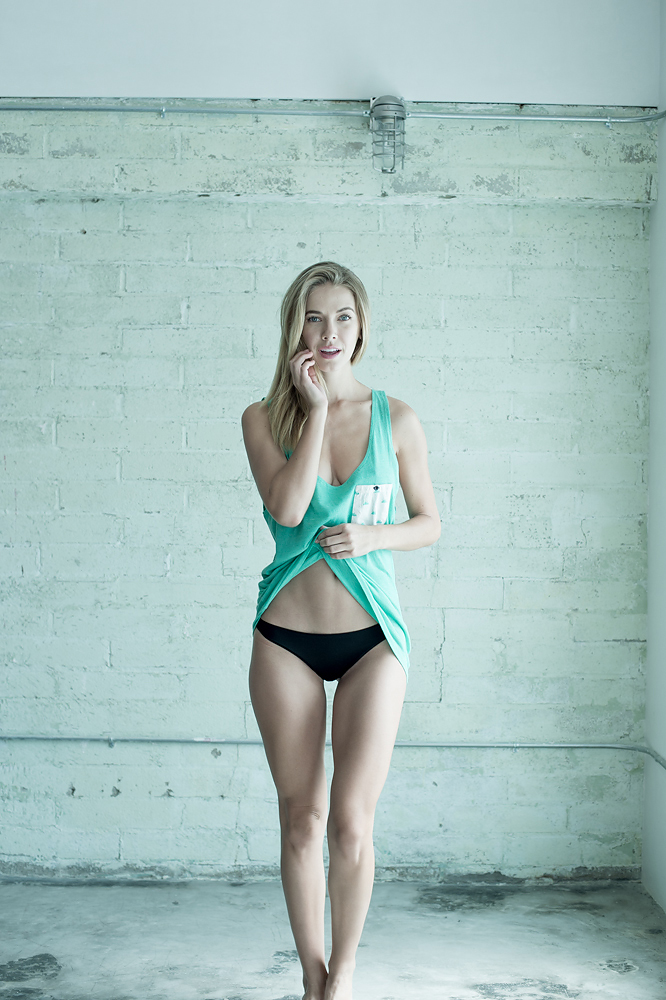
 Surfing Magazine: Girl in a Shirt Ph: Corey Wilson See Through Source:http://www.surfingmagazine.com/girl-in-a-shirt/girl-shirt-oliva-jordan/








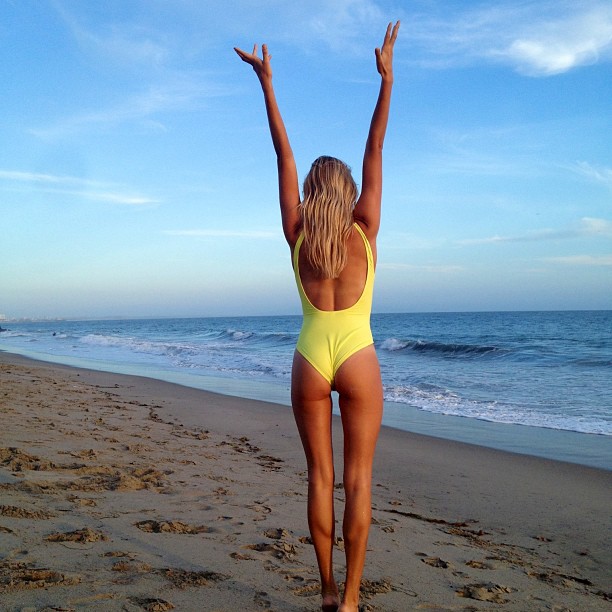
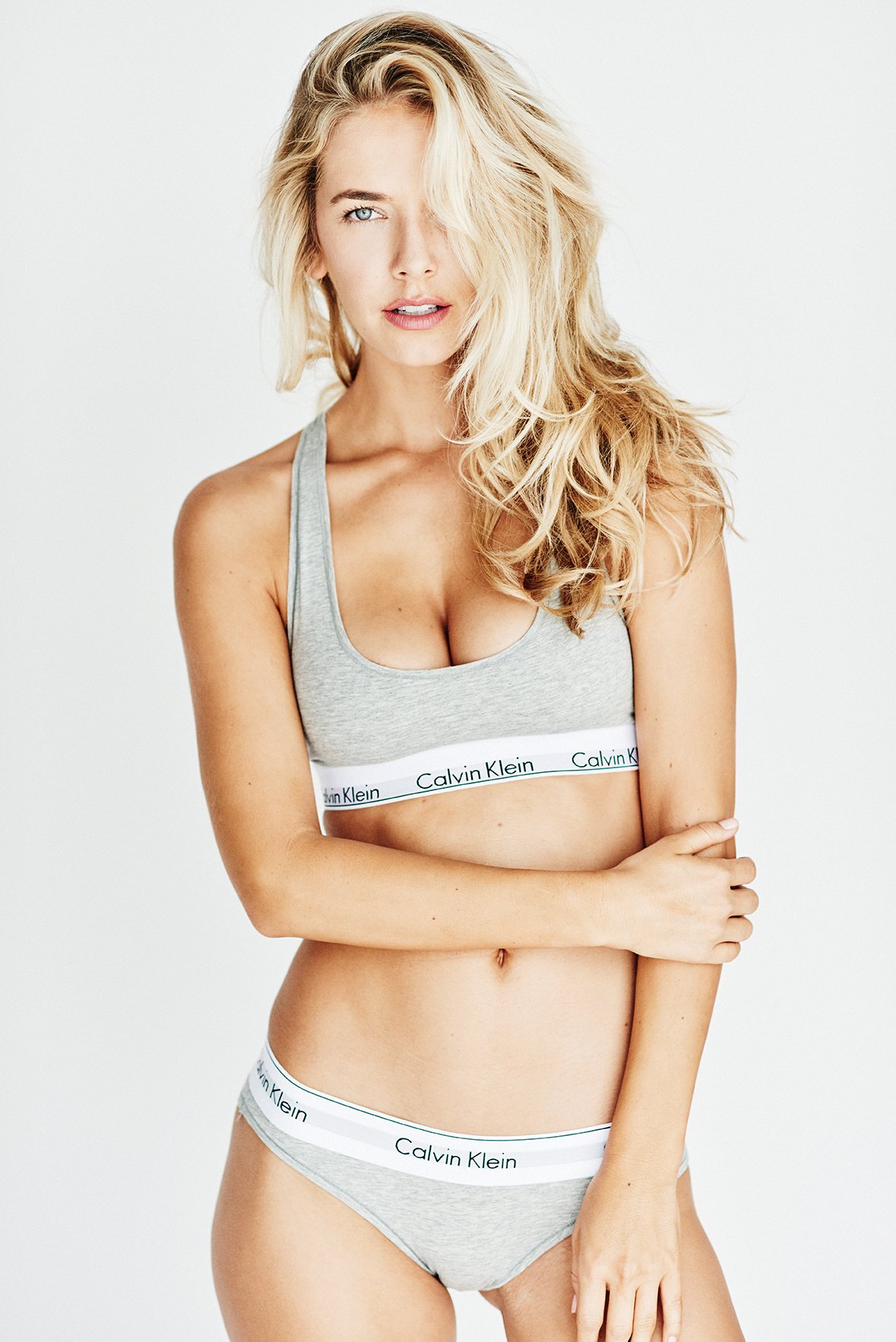
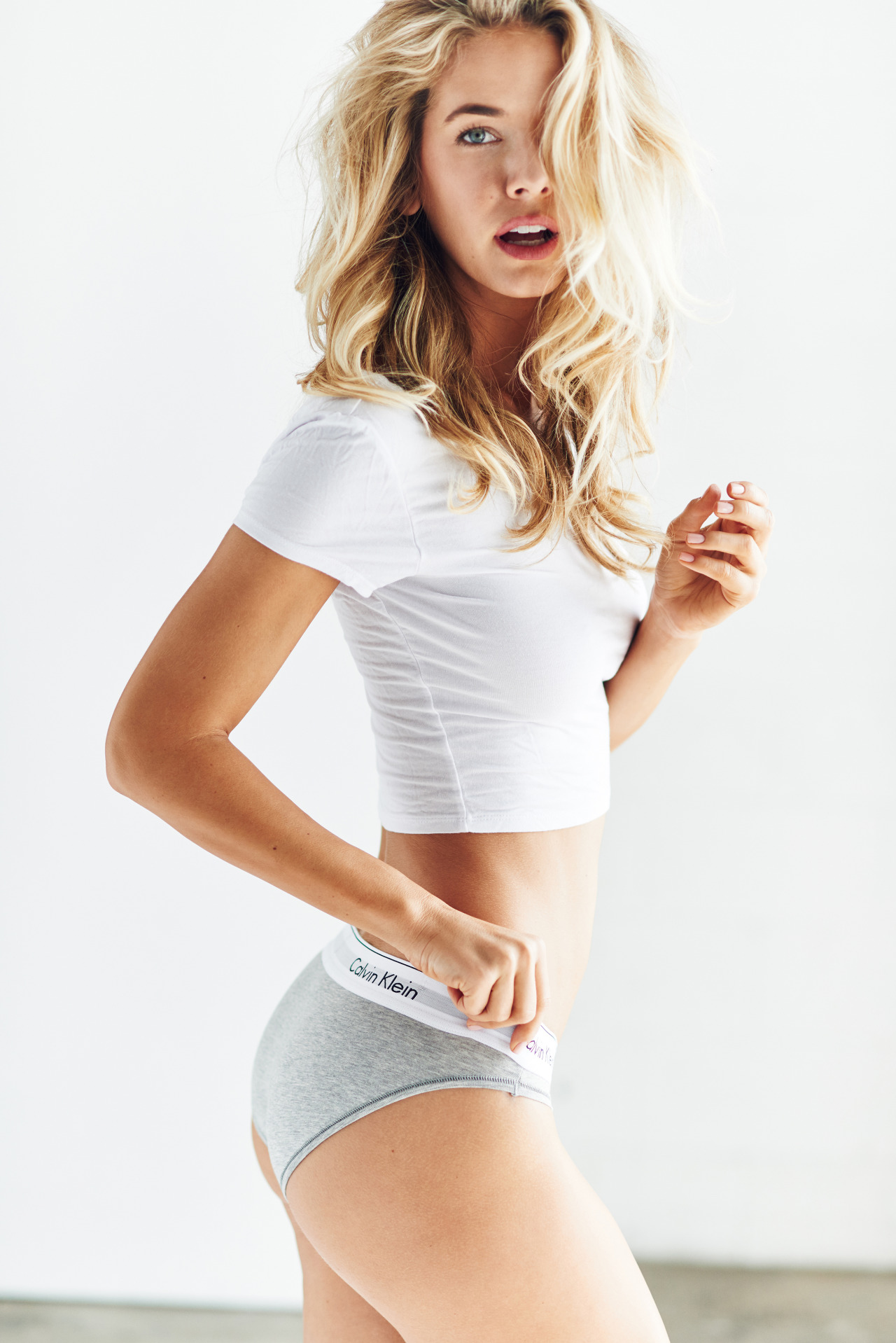
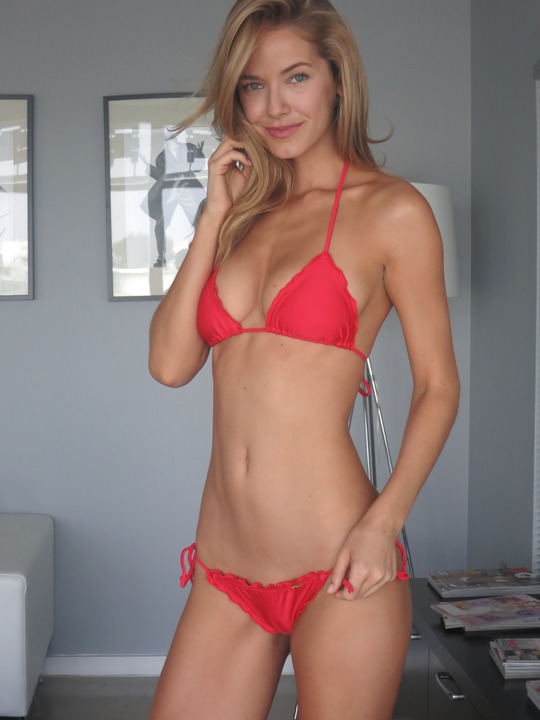
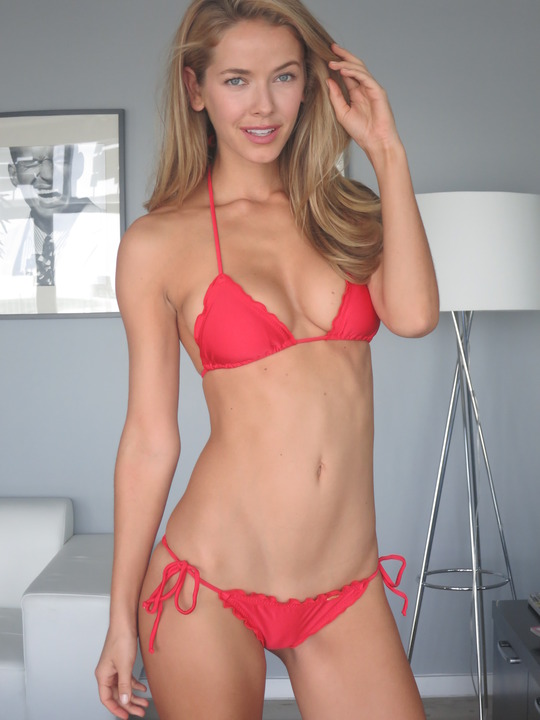
 Olivia Jordan Height: 5'11" Bust: 32C Waist: 26 Hips: 35 Dress: 2 Shoe: 8.5 Hair: Blonde Eyes: Blue Birth-date: September 28th 1988 (26 yrs old) Hometown: Tulsa, Oklahoma Agency(s): No Ties Management, Next Miami Wikipedia:https://en.wikipedia.org/wiki/Olivia_Jordan Facebook: https://www.facebook.com/theoliviajordan?fref=ts Twitter:https://twitter.com/theoliviajordan Instagram:https://instagram.com/theoliviajordan/





















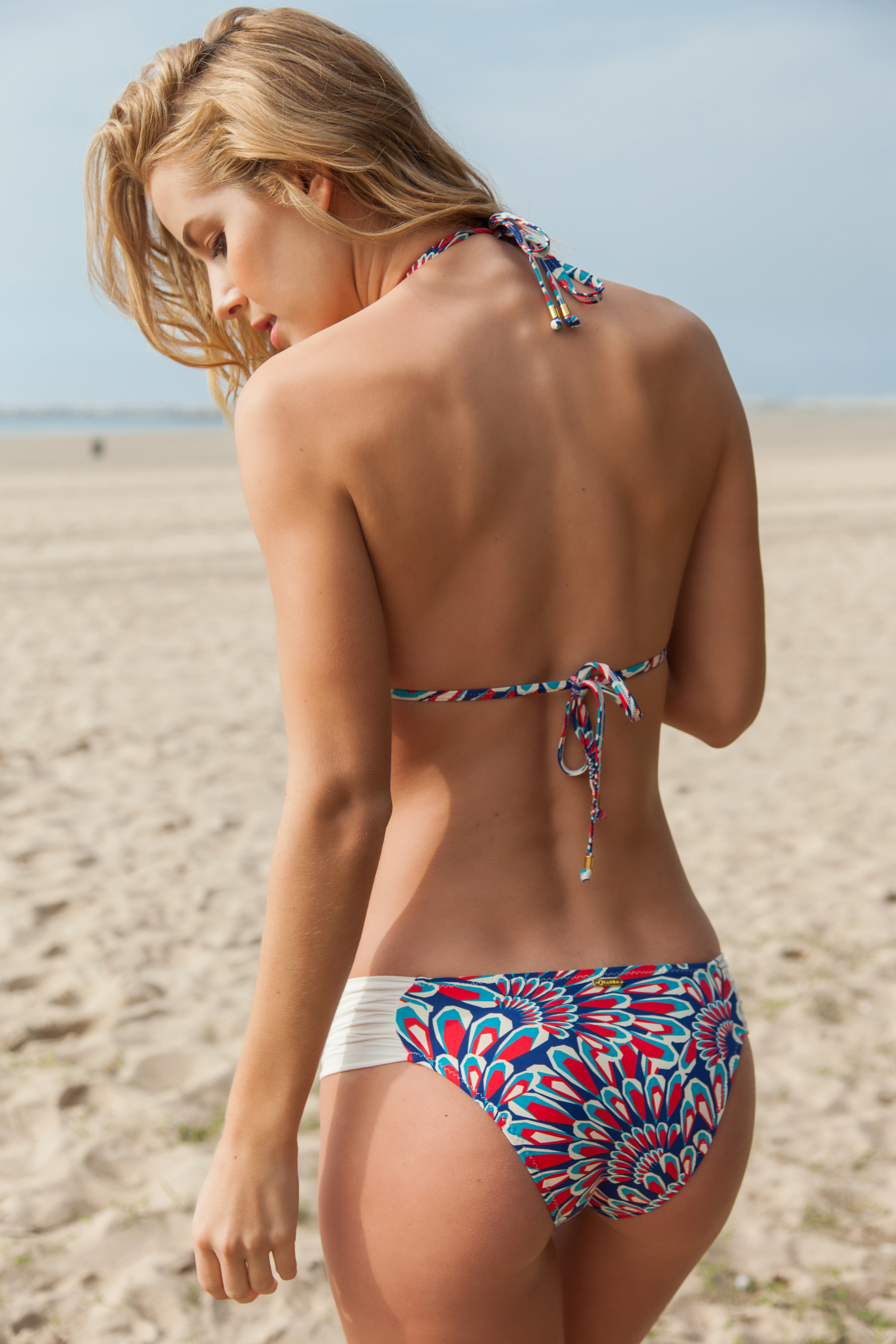
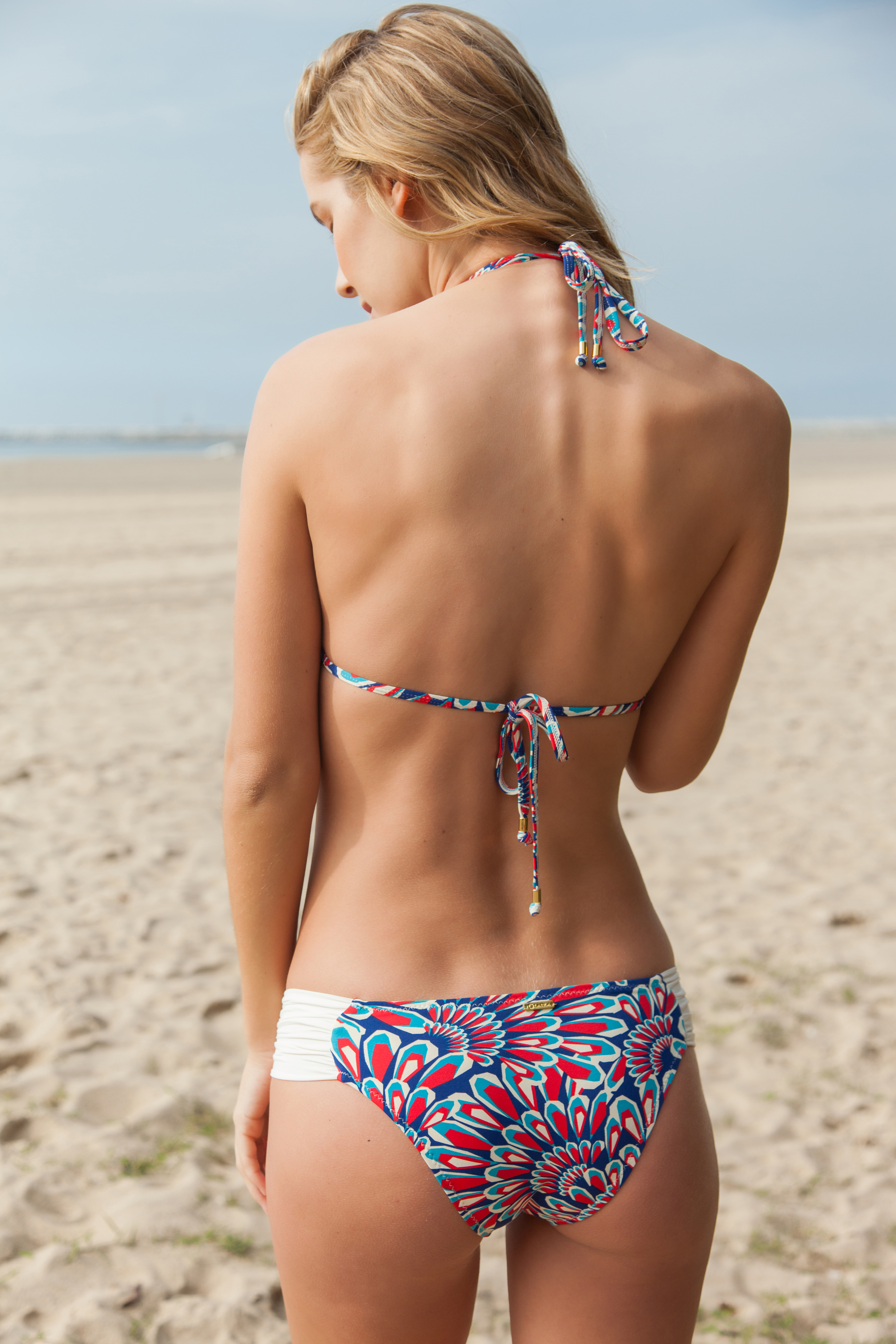
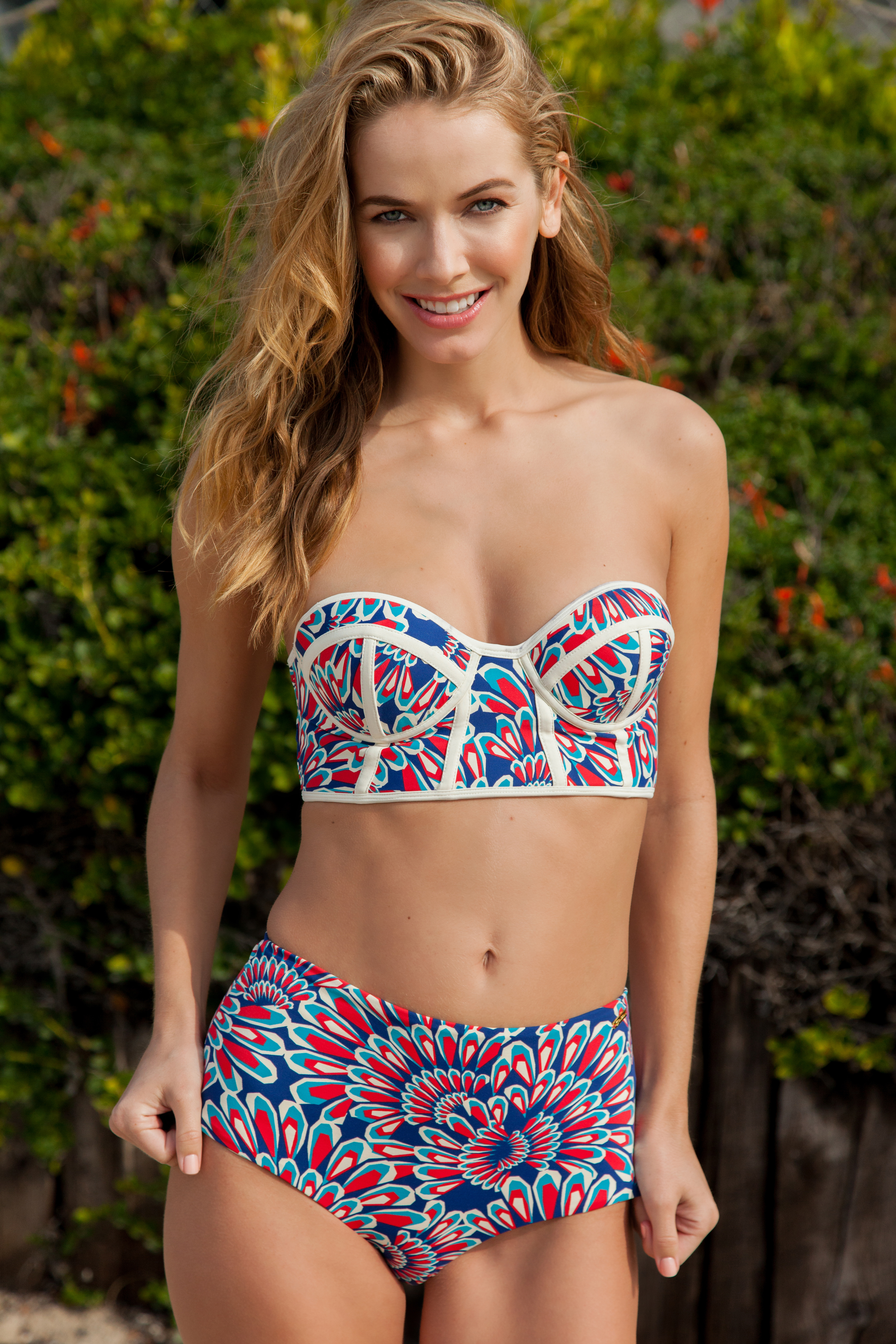
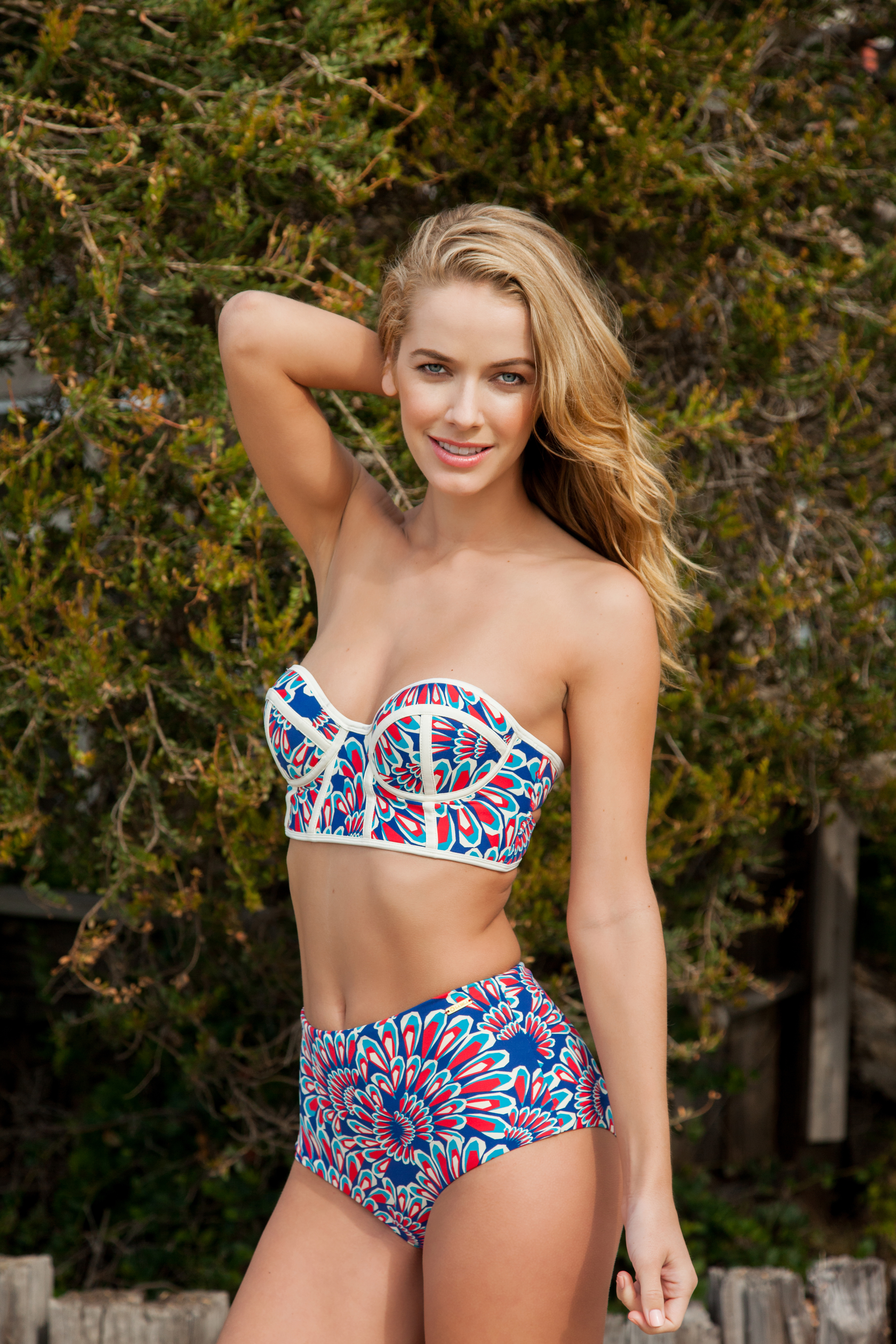













































Account
Search
Configure browser push notifications
Chrome (Android)
- Tap the lock icon next to the address bar.
- Tap Permissions → Notifications.
- Adjust your preference.
Chrome (Desktop)
- Click the padlock icon in the address bar.
- Select Site settings.
- Find Notifications and adjust your preference.
Safari (iOS 16.4+)
- Ensure the site is installed via Add to Home Screen.
- Open Settings App → Notifications.
- Find your app name and adjust your preference.
Safari (macOS)
- Go to Safari → Preferences.
- Click the Websites tab.
- Select Notifications in the sidebar.
- Find this website and adjust your preference.
Edge (Android)
- Tap the lock icon next to the address bar.
- Tap Permissions.
- Find Notifications and adjust your preference.
Edge (Desktop)
- Click the padlock icon in the address bar.
- Click Permissions for this site.
- Find Notifications and adjust your preference.
Firefox (Android)
- Go to Settings → Site permissions.
- Tap Notifications.
- Find this site in the list and adjust your preference.
Firefox (Desktop)
- Open Firefox Settings.
- Search for Notifications.
- Find this site in the list and adjust your preference.