

RIP_Cabrini_Green
Members
-
Joined
-
Last visited
Everything posted by RIP_Cabrini_Green
-
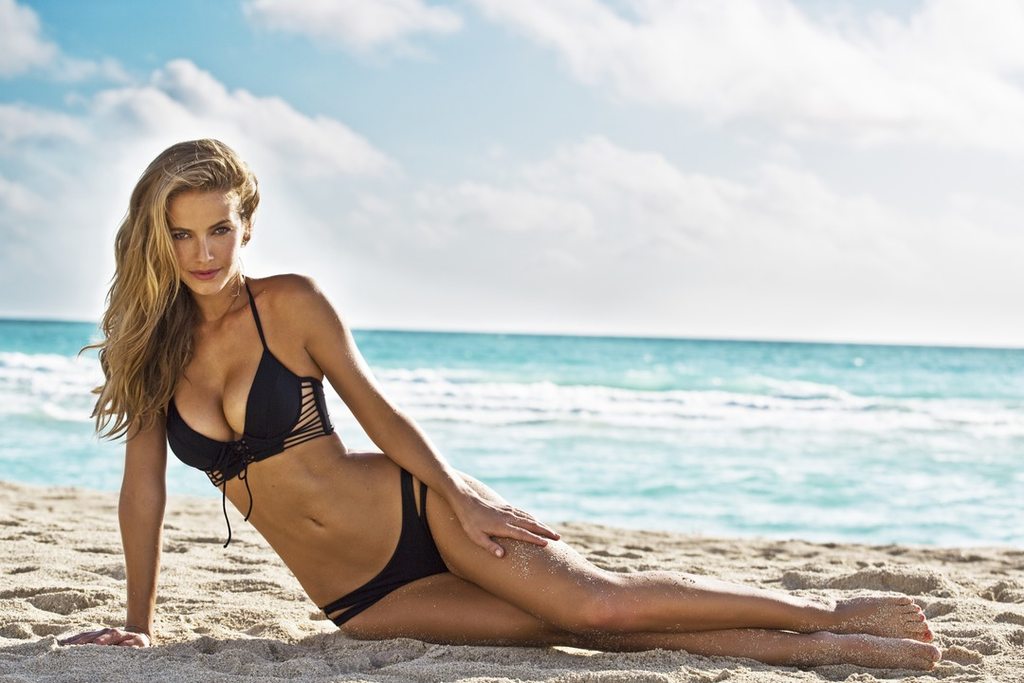
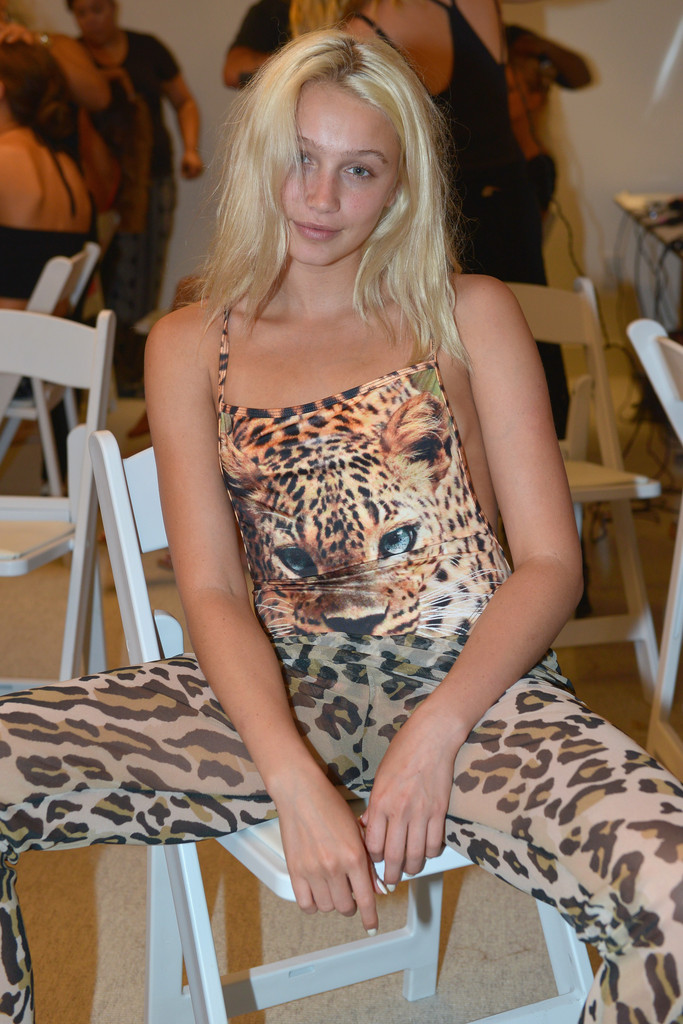
 Olivia Jordan Height: 5'11" Bust: 32C Waist: 26 Hips: 35 Dress: 2 Shoe: 8.5 Hair: Blonde Eyes: Blue Birth-date: September 28th 1988 (26 yrs old) Hometown: Tulsa, Oklahoma Agency(s): No Ties Management, Next Miami Wikipedia:https://en.wikipedia.org/wiki/Olivia_Jordan Facebook: https://www.facebook.com/theoliviajordan?fref=ts Twitter:https://twitter.com/theoliviajordan Instagram:https://instagram.com/theoliviajordan/
-
MILF.
Vanity Fair Sept. 2015 Ph: Mario Testino












 Ahhhh!!! She's going to be like 4 blocks away from me!
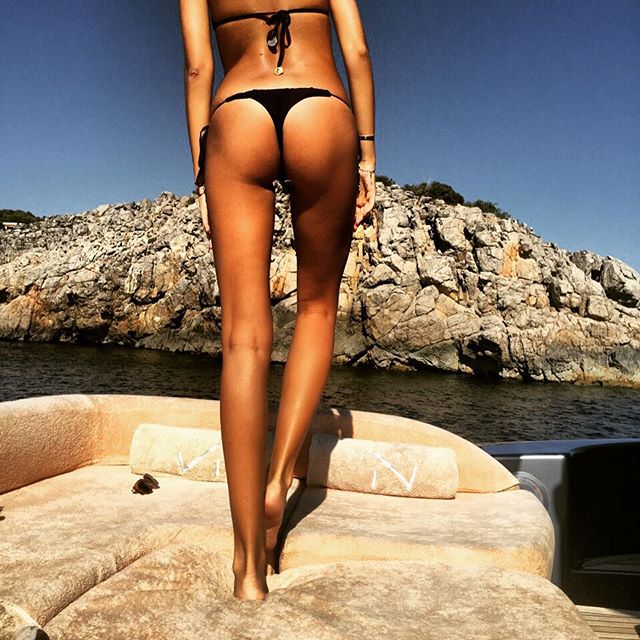
Wow. Legs on legs on legs....
Awesome Noavoss!!! Looks promising! Can't wait for the final product!
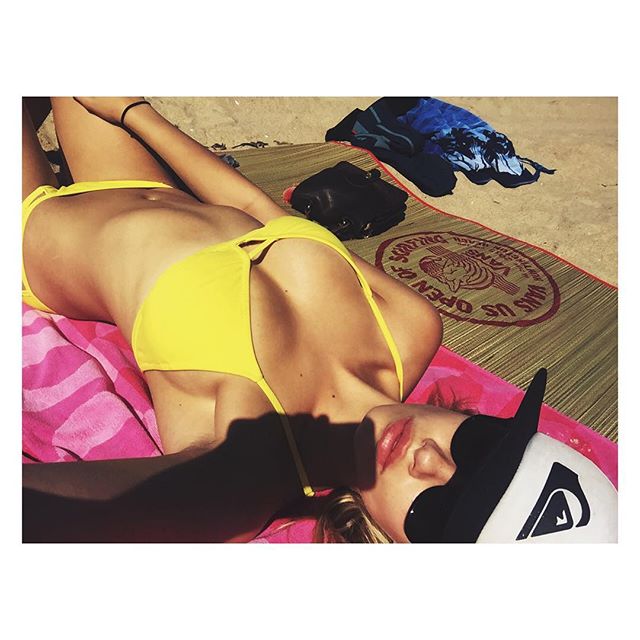
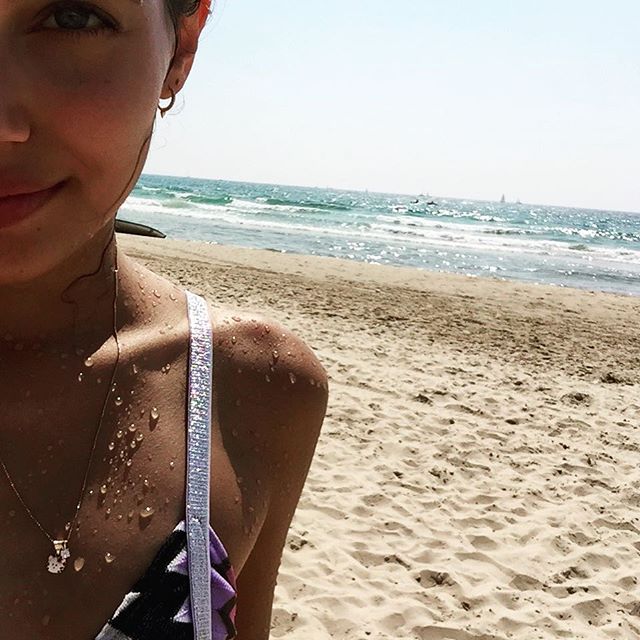
It was quite the surprise as I was going through Instagram. I figured it needed to be on here! haha.
Ph: Yves Huy Truong
Ahhhh!!! She's going to be like 4 blocks away from me!
Wow. Legs on legs on legs....
Awesome Noavoss!!! Looks promising! Can't wait for the final product!
It was quite the surprise as I was going through Instagram. I figured it needed to be on here! haha.
Ph: Yves Huy Truong












 Ph: Jared Thomas Kocka














 Galore Magazine Ph: Jared Thomas Kocka

















 Ph: Karl Rothenberger


 Rendezvous Ph: Neave Bozorgi Source:http://thehundreds.com/rendezvous-katelyn/













 Hot As Hell at SWIMMIAMI














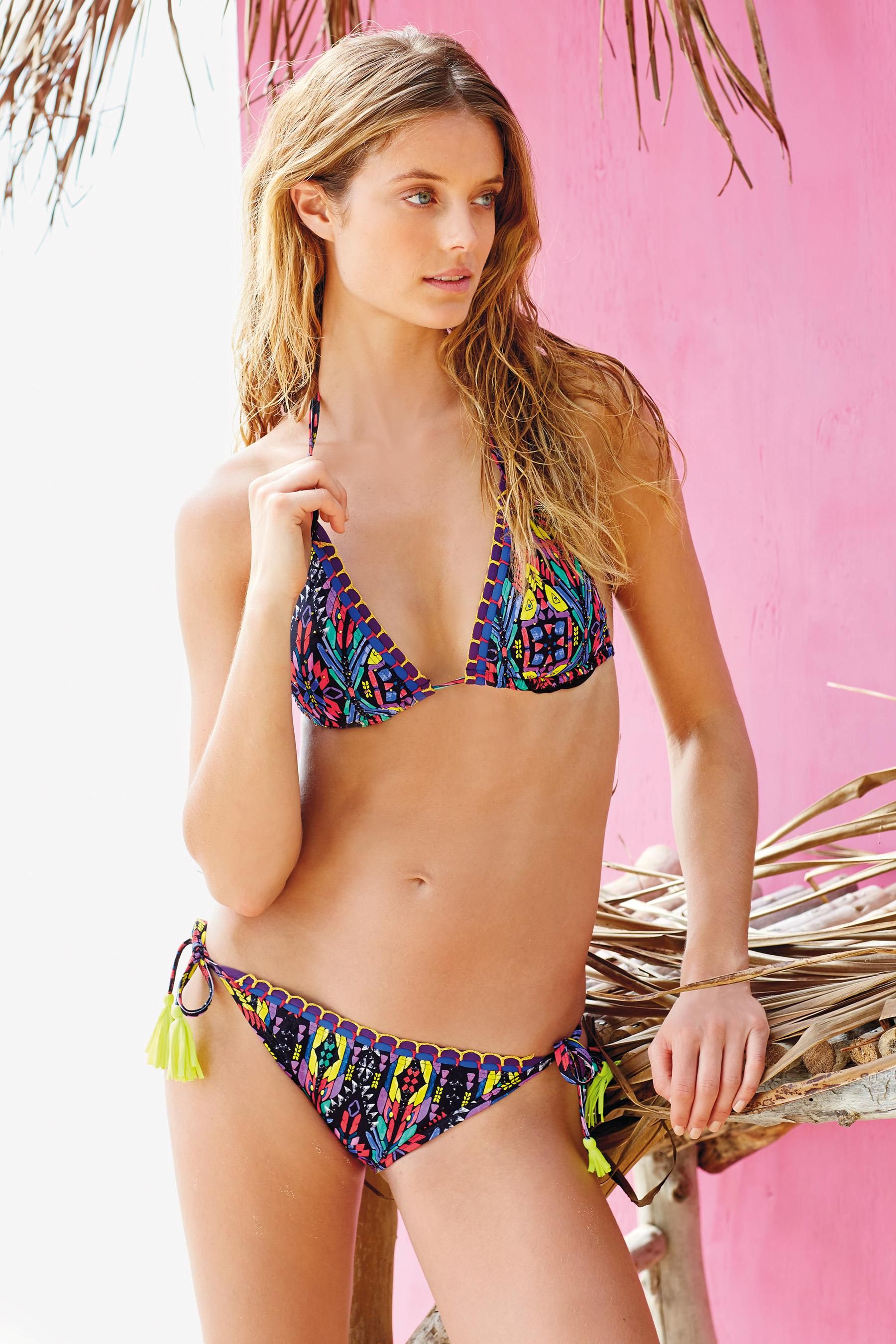
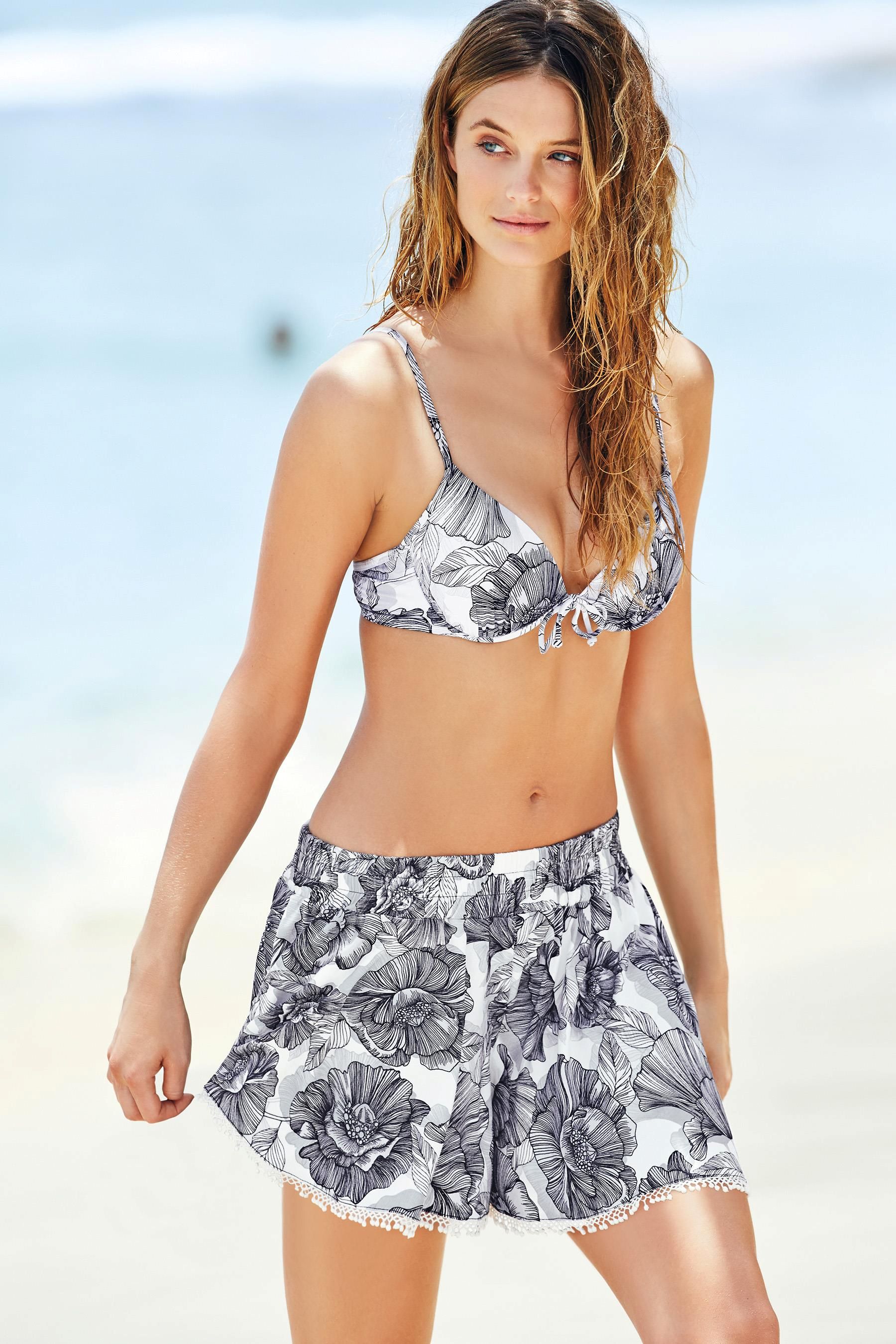
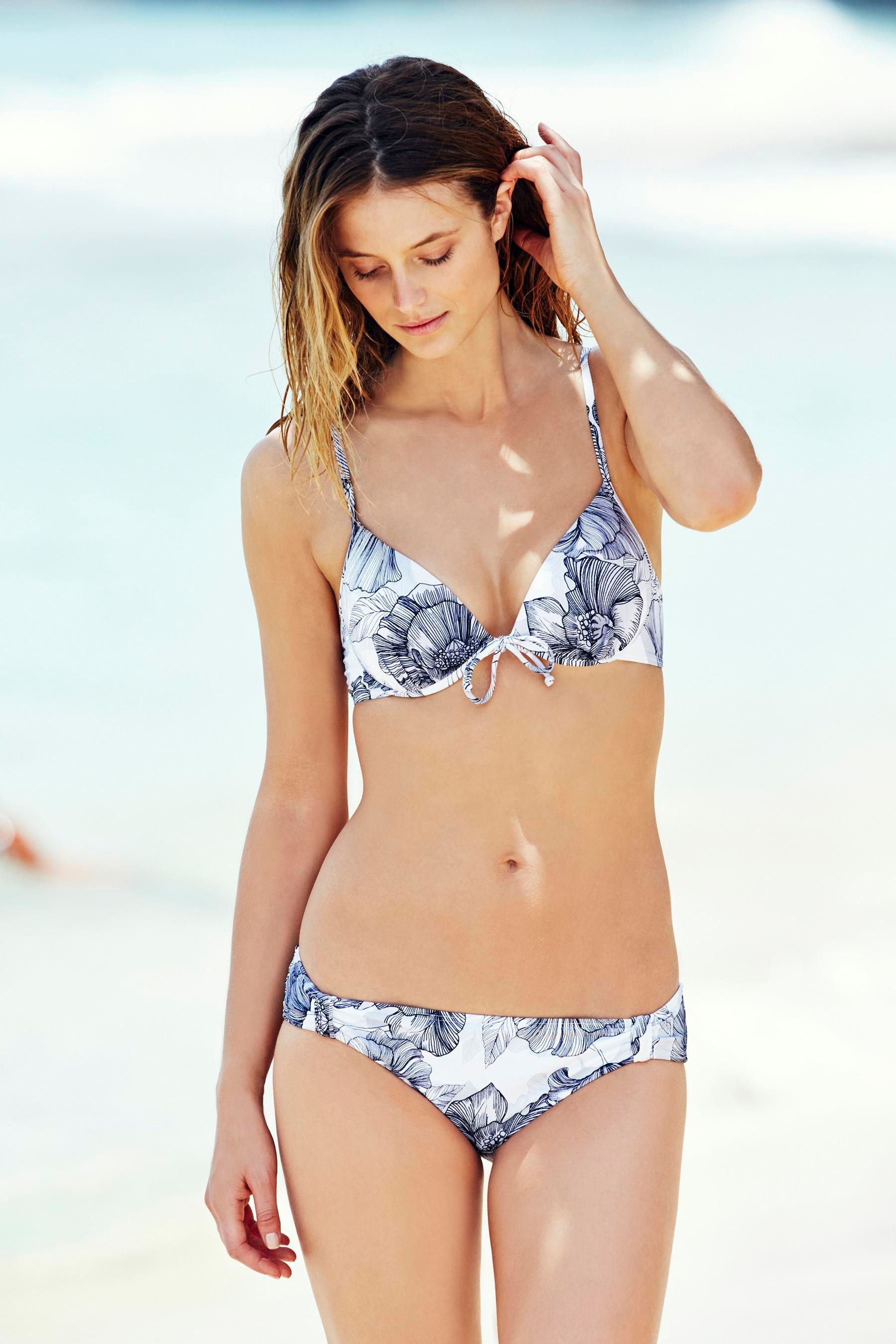
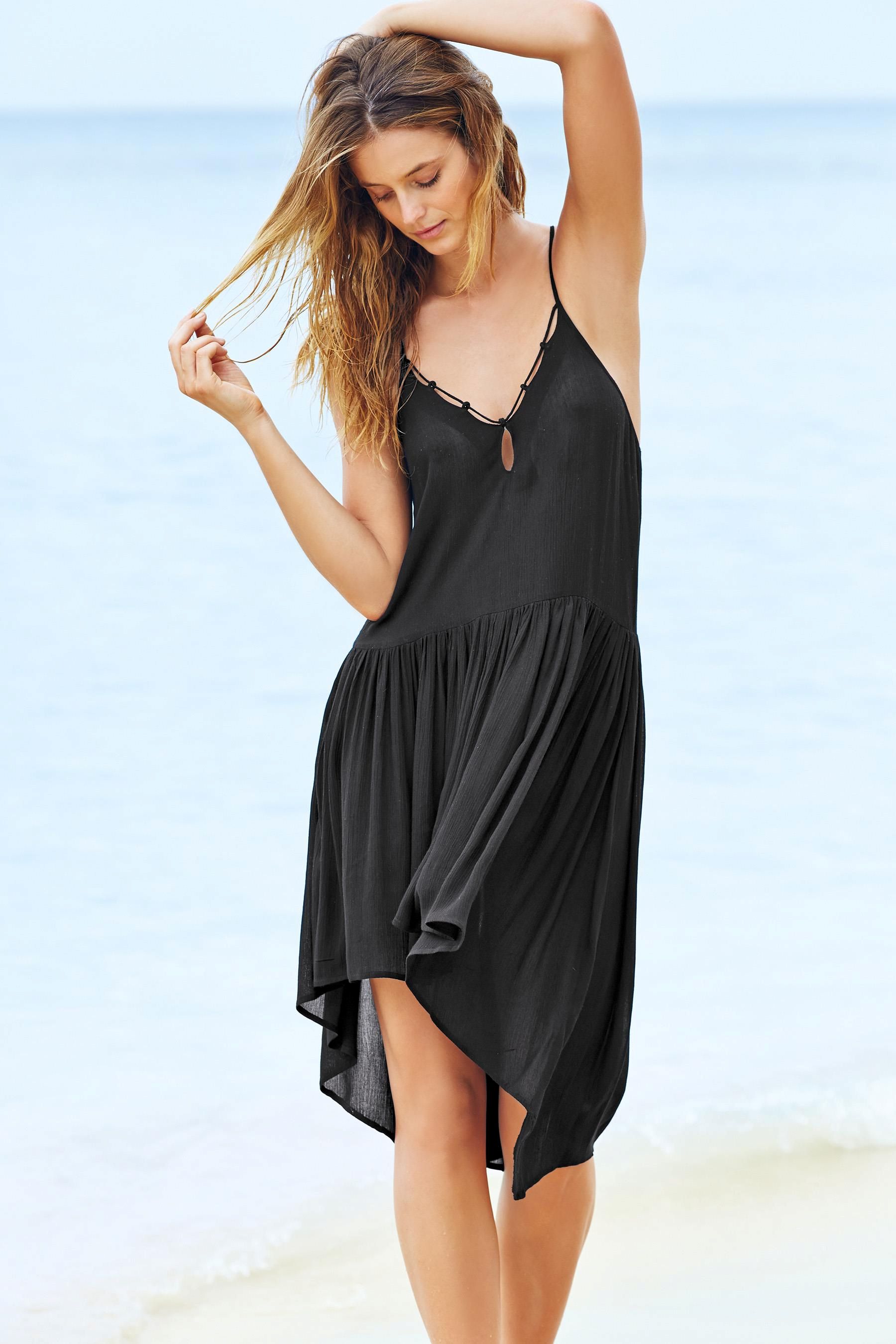
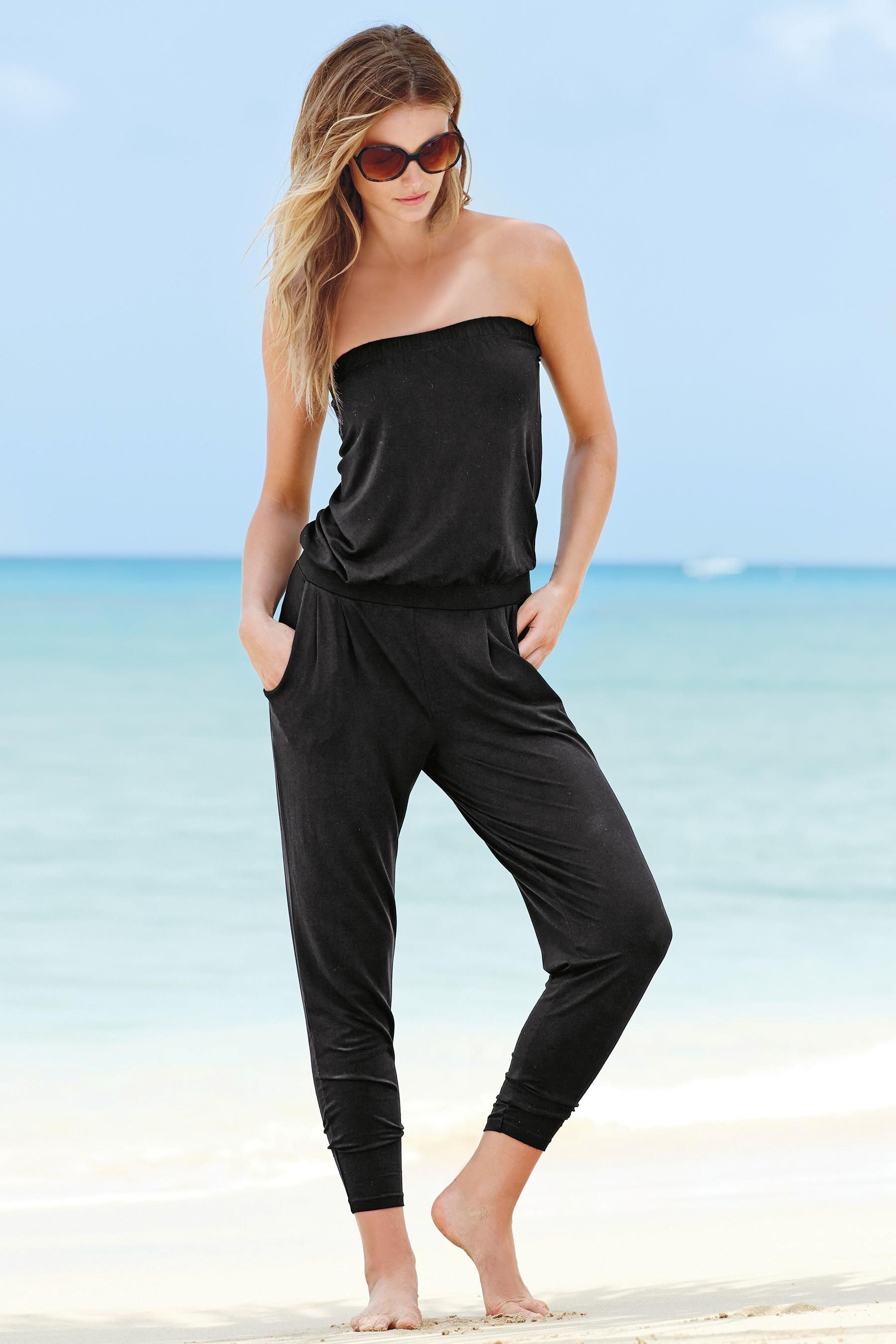
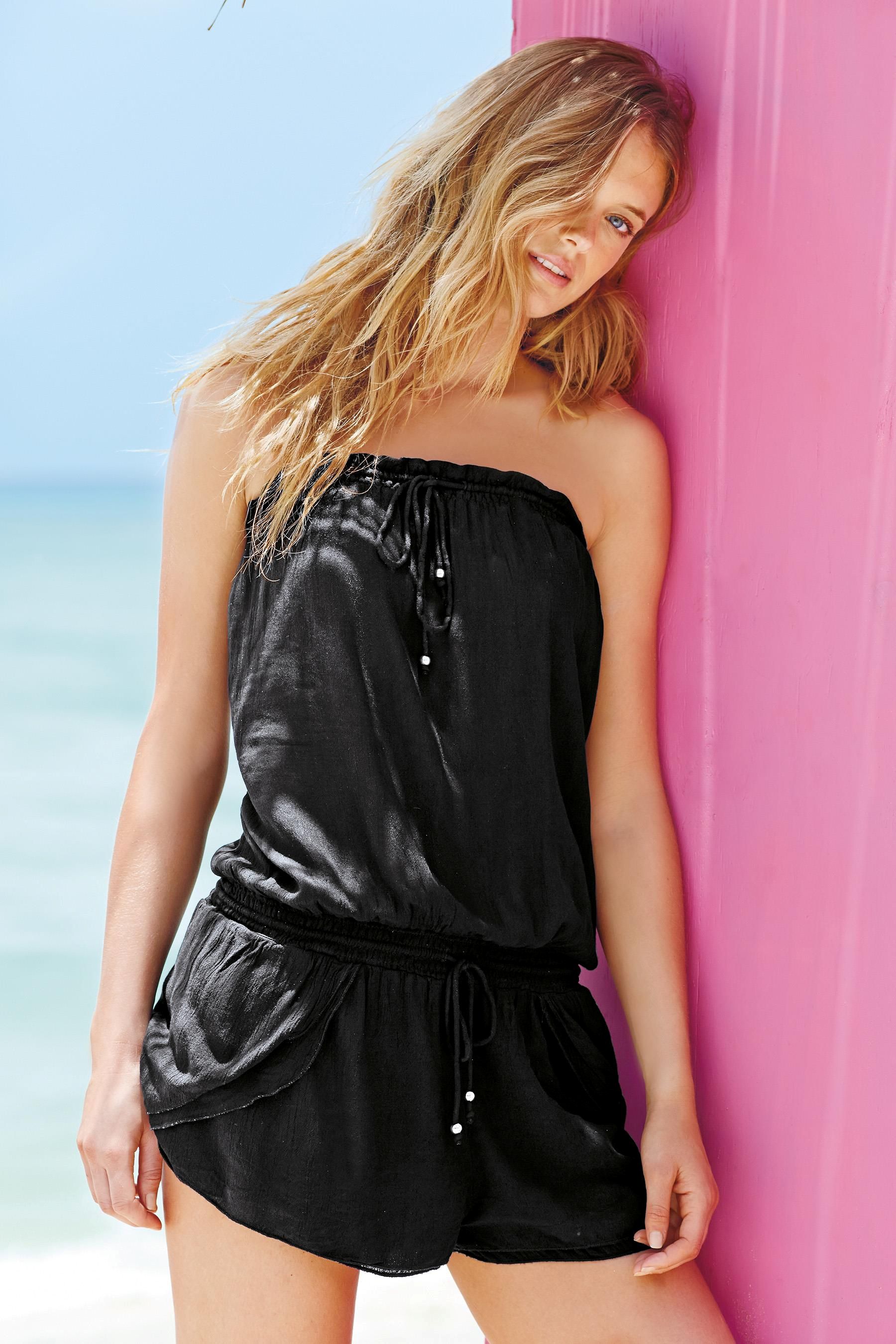
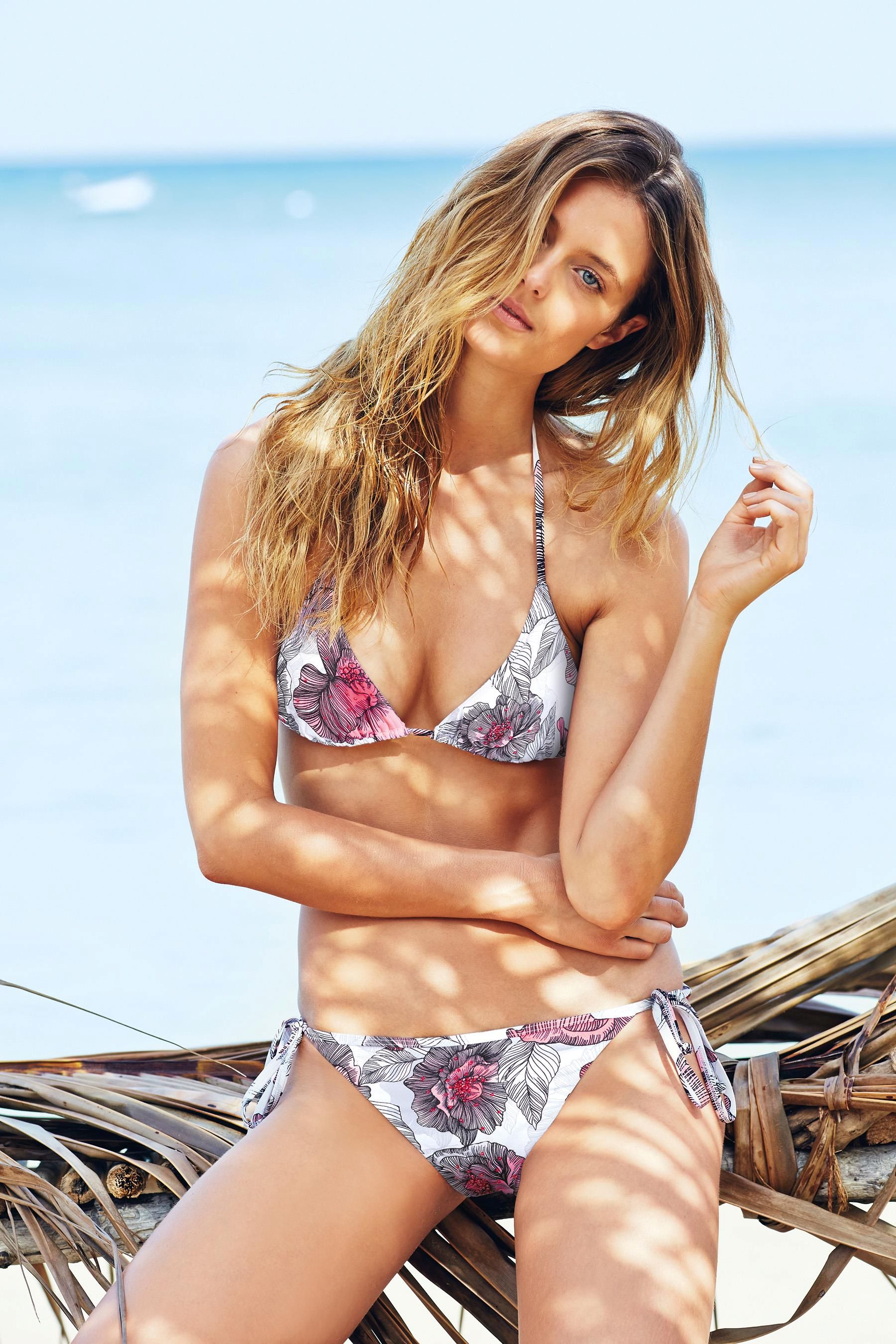
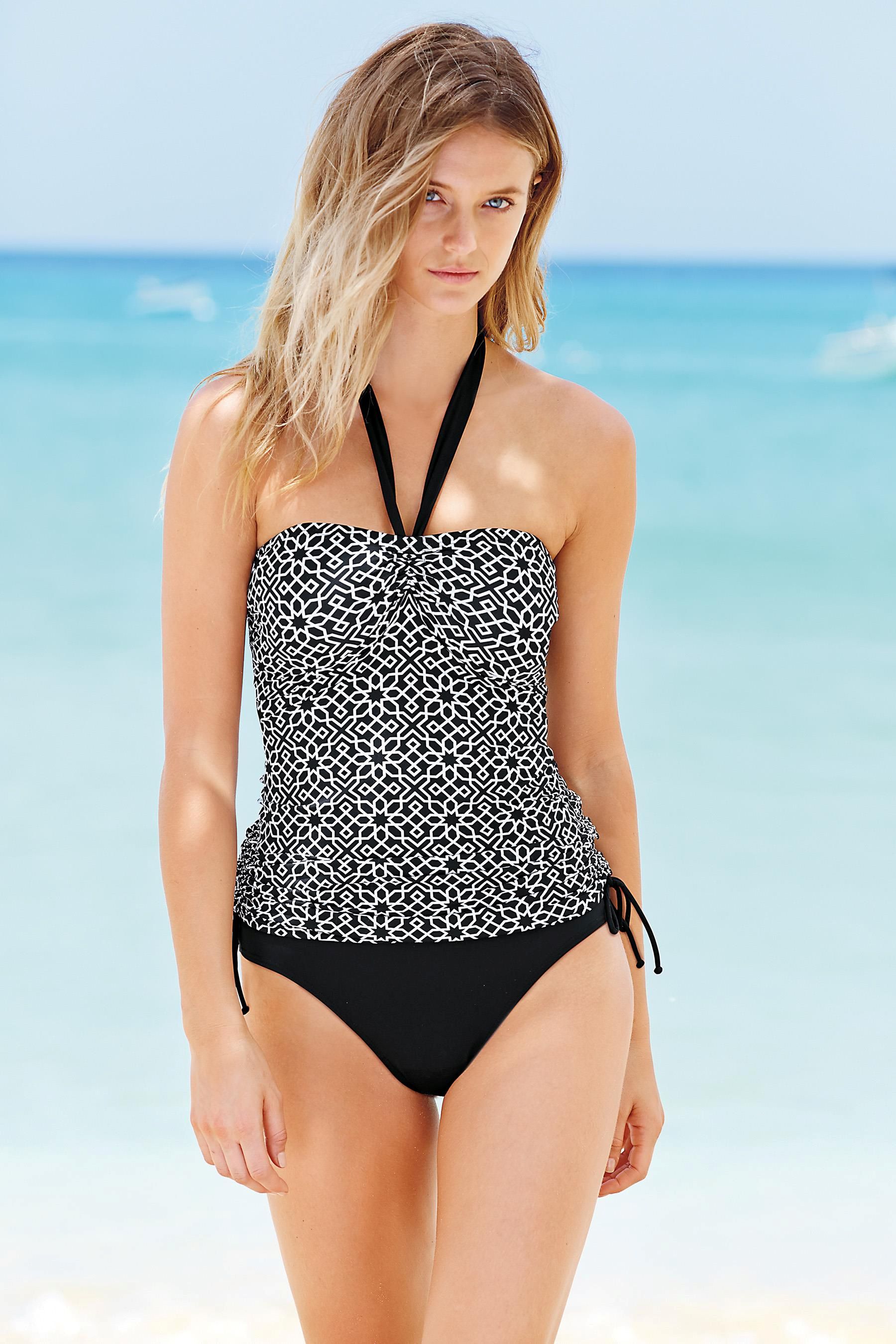
 Next Directory Swimwear Ph: David Gubert Source:http://www.next.co.uk/women/swimwear












































































Account
Search
Configure browser push notifications
Chrome (Android)
- Tap the lock icon next to the address bar.
- Tap Permissions → Notifications.
- Adjust your preference.
Chrome (Desktop)
- Click the padlock icon in the address bar.
- Select Site settings.
- Find Notifications and adjust your preference.
Safari (iOS 16.4+)
- Ensure the site is installed via Add to Home Screen.
- Open Settings App → Notifications.
- Find your app name and adjust your preference.
Safari (macOS)
- Go to Safari → Preferences.
- Click the Websites tab.
- Select Notifications in the sidebar.
- Find this website and adjust your preference.
Edge (Android)
- Tap the lock icon next to the address bar.
- Tap Permissions.
- Find Notifications and adjust your preference.
Edge (Desktop)
- Click the padlock icon in the address bar.
- Click Permissions for this site.
- Find Notifications and adjust your preference.
Firefox (Android)
- Go to Settings → Site permissions.
- Tap Notifications.
- Find this site in the list and adjust your preference.
Firefox (Desktop)
- Open Firefox Settings.
- Search for Notifications.
- Find this site in the list and adjust your preference.