

RIP_Cabrini_Green
Members
-
Joined
-
Last visited
Everything posted by RIP_Cabrini_Green
-
 I'm waiting for spiders to start crawling out of her mouth and eyes...I'm now terrified.
 -
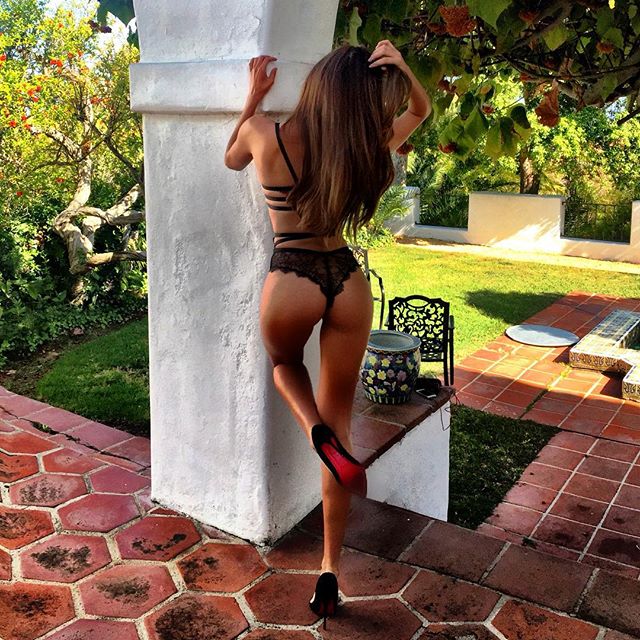
Damn. She looks goooooooood.
-
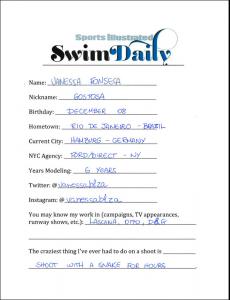
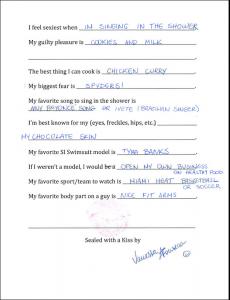
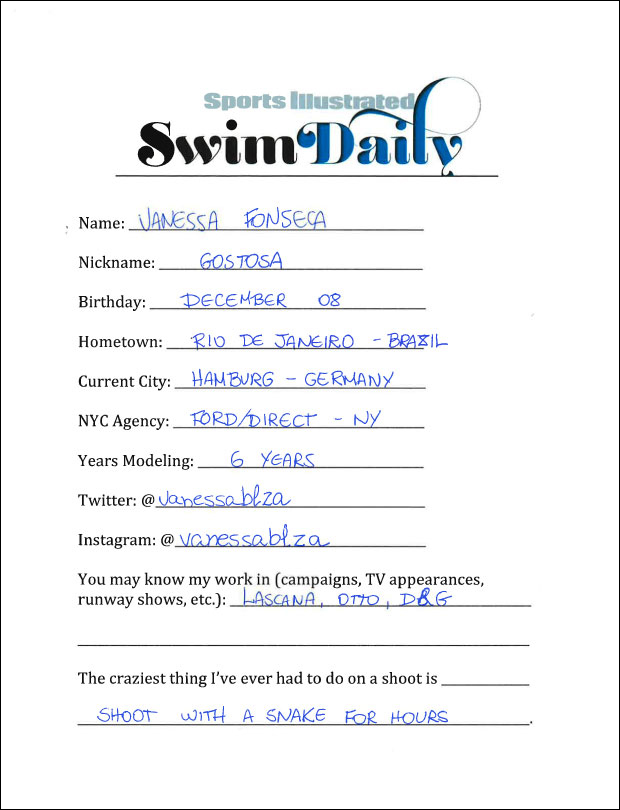
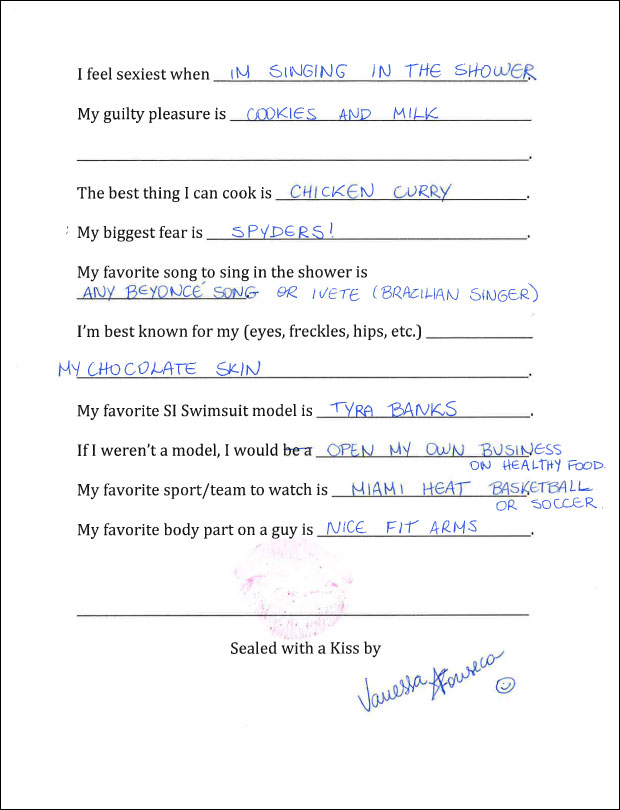
Vanessa is next up for S.I. Swim Casting Calls.... Source:http://www.si.com/swim-daily/2015/08/07/si-swimsuit-2016-casting-call-vanessa-fonseca
 Thank You Danni so much!! She's one of my favorites and I love seeing new work from her!!
I think this is her way of telling MJ, "Put me in the goddamn magazine." lol
Oh. God. They play that goddamn commercial a MILLION times a day. It made me hate Kate. hahahaha hopefully Kelly's is better.
More Beach Bunny BTS from Robin's IG....
Thank You Danni so much!! She's one of my favorites and I love seeing new work from her!!
I think this is her way of telling MJ, "Put me in the goddamn magazine." lol
Oh. God. They play that goddamn commercial a MILLION times a day. It made me hate Kate. hahahaha hopefully Kelly's is better.
More Beach Bunny BTS from Robin's IG....


 More Beach Bunny BTS... (With Camila Morrone)
She seems to be practicing for S.I.....
Here's some more Buffalo pics, larger, and more BTS
Wow. wow. wow.
Ph: Mr. Poole
More Beach Bunny BTS... (With Camila Morrone)
She seems to be practicing for S.I.....
Here's some more Buffalo pics, larger, and more BTS
Wow. wow. wow.
Ph: Mr. Poole



 Super old...but hasn't been posted...





 Here's a few more from the Galore online exlusive: http://galoremag.com/ashley-sky-galore-online-exclusive/




 Playboy/David Bitton Party










































Account
Search
Configure browser push notifications
Chrome (Android)
- Tap the lock icon next to the address bar.
- Tap Permissions → Notifications.
- Adjust your preference.
Chrome (Desktop)
- Click the padlock icon in the address bar.
- Select Site settings.
- Find Notifications and adjust your preference.
Safari (iOS 16.4+)
- Ensure the site is installed via Add to Home Screen.
- Open Settings App → Notifications.
- Find your app name and adjust your preference.
Safari (macOS)
- Go to Safari → Preferences.
- Click the Websites tab.
- Select Notifications in the sidebar.
- Find this website and adjust your preference.
Edge (Android)
- Tap the lock icon next to the address bar.
- Tap Permissions.
- Find Notifications and adjust your preference.
Edge (Desktop)
- Click the padlock icon in the address bar.
- Click Permissions for this site.
- Find Notifications and adjust your preference.
Firefox (Android)
- Go to Settings → Site permissions.
- Tap Notifications.
- Find this site in the list and adjust your preference.
Firefox (Desktop)
- Open Firefox Settings.
- Search for Notifications.
- Find this site in the list and adjust your preference.