RIP_Cabrini_Green
Members
-
Joined
-
Last visited
Everything posted by RIP_Cabrini_Green
-

-
-
That's such a bad ass shot. Thanks Candice Italy!
15 second video from VS's Twitter. Taylor looks fantastic. https://twitter.com/VictoriasSecret/status/633759689910542337 P.S. If someone could tell me how to embed the video onto here that would be greeeeaaat. I tried copy and pasting the embed code but it didn't work. Because I know how annoying it is to have to follow links....
Where is this still from. A new commercial? Is there more? On VS's Twitter they had a 15 second video. https://twitter.com/VictoriasSecret/status/633759689910542337
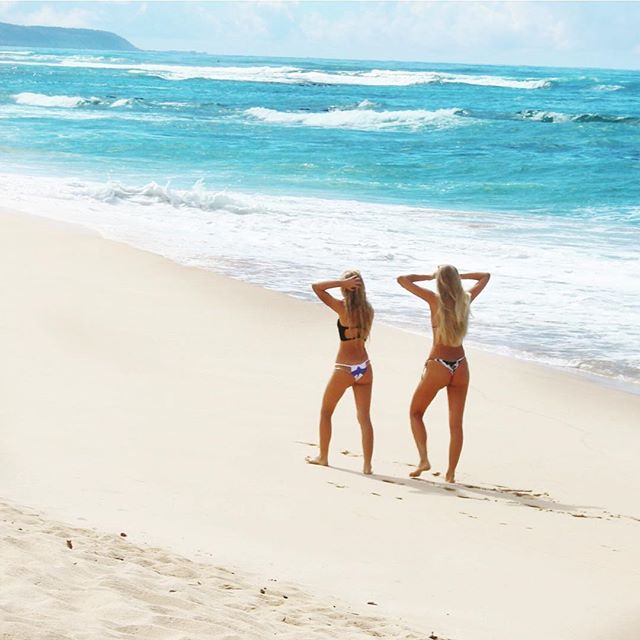
Ph: Zoey Grossman
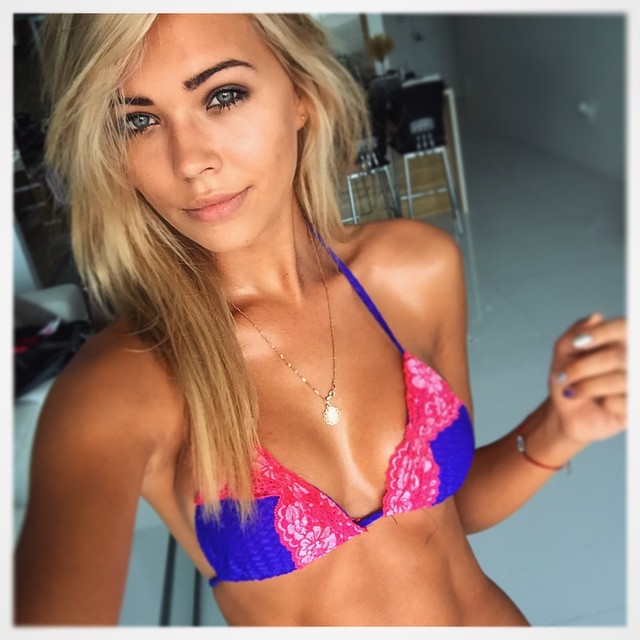
 Ph: Jorden Keith
 Sooooo about what you said in the S.I. thread about her being able to be photoshopped enough.....
hmmmmm.
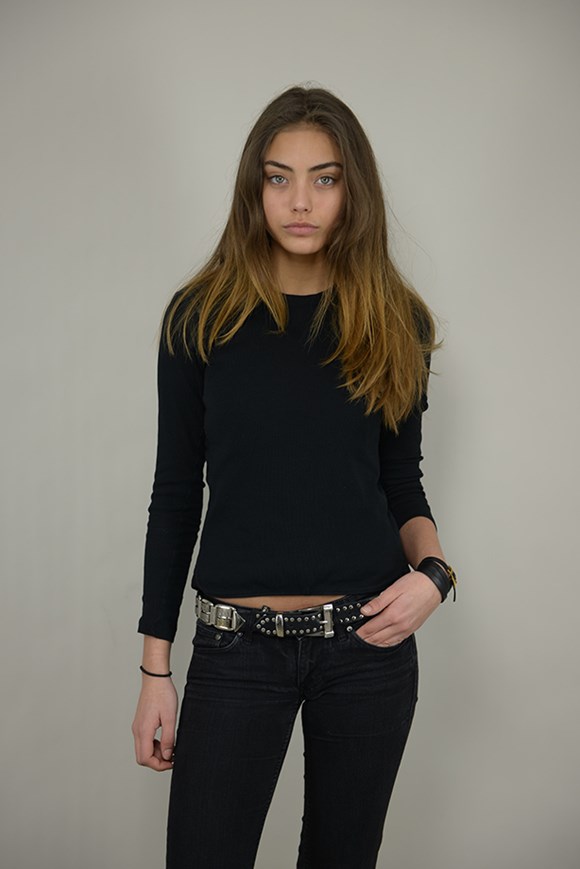
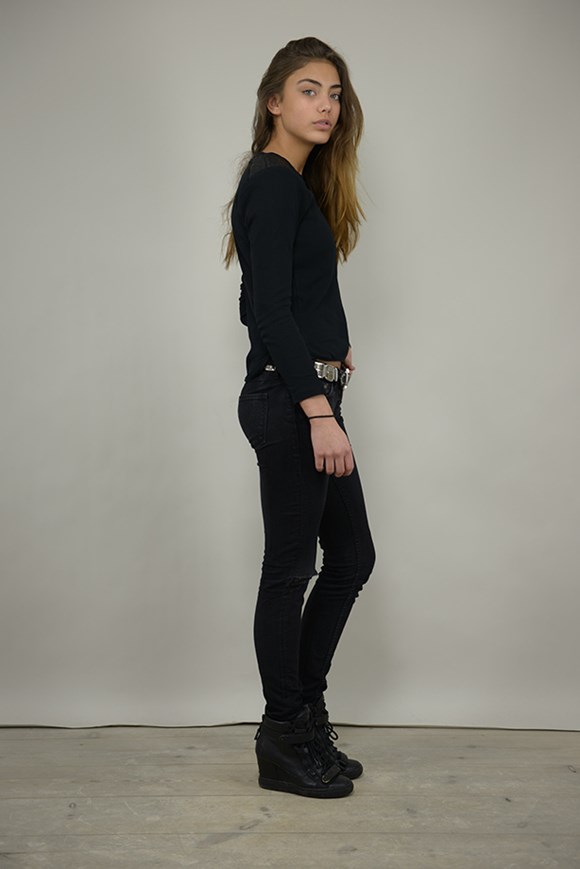
Polas http://www.unique.dk/female/models/vanessa-moe/
Sooooo about what you said in the S.I. thread about her being able to be photoshopped enough.....
hmmmmm.
Polas http://www.unique.dk/female/models/vanessa-moe/


 +1. It's easy to make shit like that up nowadays. But it does have to get frustrating for famous/well known couples that hear rumors like this and whatnot.
Joey Wright and Khoa Bui always used to tag their swim pics with #SI too. I think it was more of just them trying to bring attention to themselves and their photos/models. Could be the same here.
+1. It's easy to make shit like that up nowadays. But it does have to get frustrating for famous/well known couples that hear rumors like this and whatnot.
Joey Wright and Khoa Bui always used to tag their swim pics with #SI too. I think it was more of just them trying to bring attention to themselves and their photos/models. Could be the same here.Account
Search
Configure browser push notifications
Chrome (Android)
- Tap the lock icon next to the address bar.
- Tap Permissions → Notifications.
- Adjust your preference.
Chrome (Desktop)
- Click the padlock icon in the address bar.
- Select Site settings.
- Find Notifications and adjust your preference.
Safari (iOS 16.4+)
- Ensure the site is installed via Add to Home Screen.
- Open Settings App → Notifications.
- Find your app name and adjust your preference.
Safari (macOS)
- Go to Safari → Preferences.
- Click the Websites tab.
- Select Notifications in the sidebar.
- Find this website and adjust your preference.
Edge (Android)
- Tap the lock icon next to the address bar.
- Tap Permissions.
- Find Notifications and adjust your preference.
Edge (Desktop)
- Click the padlock icon in the address bar.
- Click Permissions for this site.
- Find Notifications and adjust your preference.
Firefox (Android)
- Go to Settings → Site permissions.
- Tap Notifications.
- Find this site in the list and adjust your preference.
Firefox (Desktop)
- Open Firefox Settings.
- Search for Notifications.
- Find this site in the list and adjust your preference.