
Pith_Possum
Members
-
Joined
-
Last visited
Everything posted by Pith_Possum
-
 Collin & Jessica Stark

-
Snapchat



-
Ph: Tyler Kandel
-
David Bellemere

-
bigger and three more:




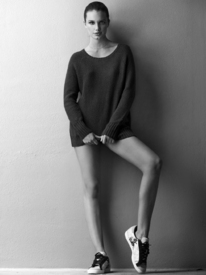






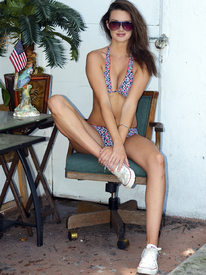
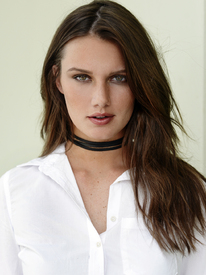

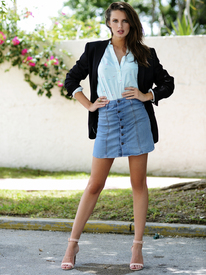

-
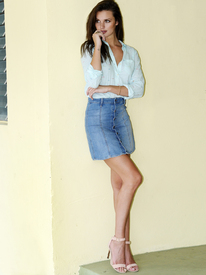
C-Heads Magazine Photographer: Jeffrey Chan c-heads.com/2016/08/14/meet-ellie-martin-photographed-by-jeffrey-chan-for-c-heads
















-
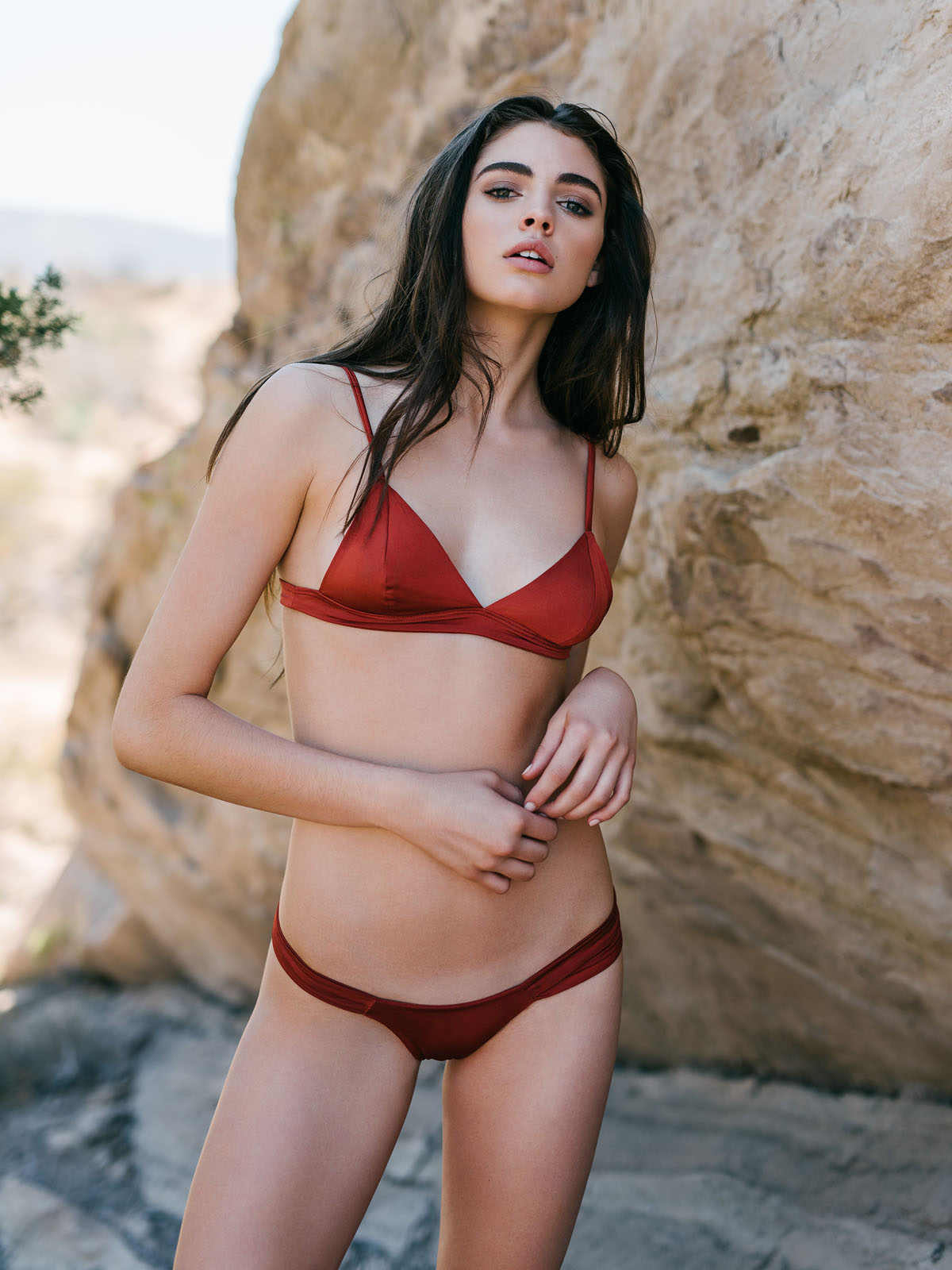
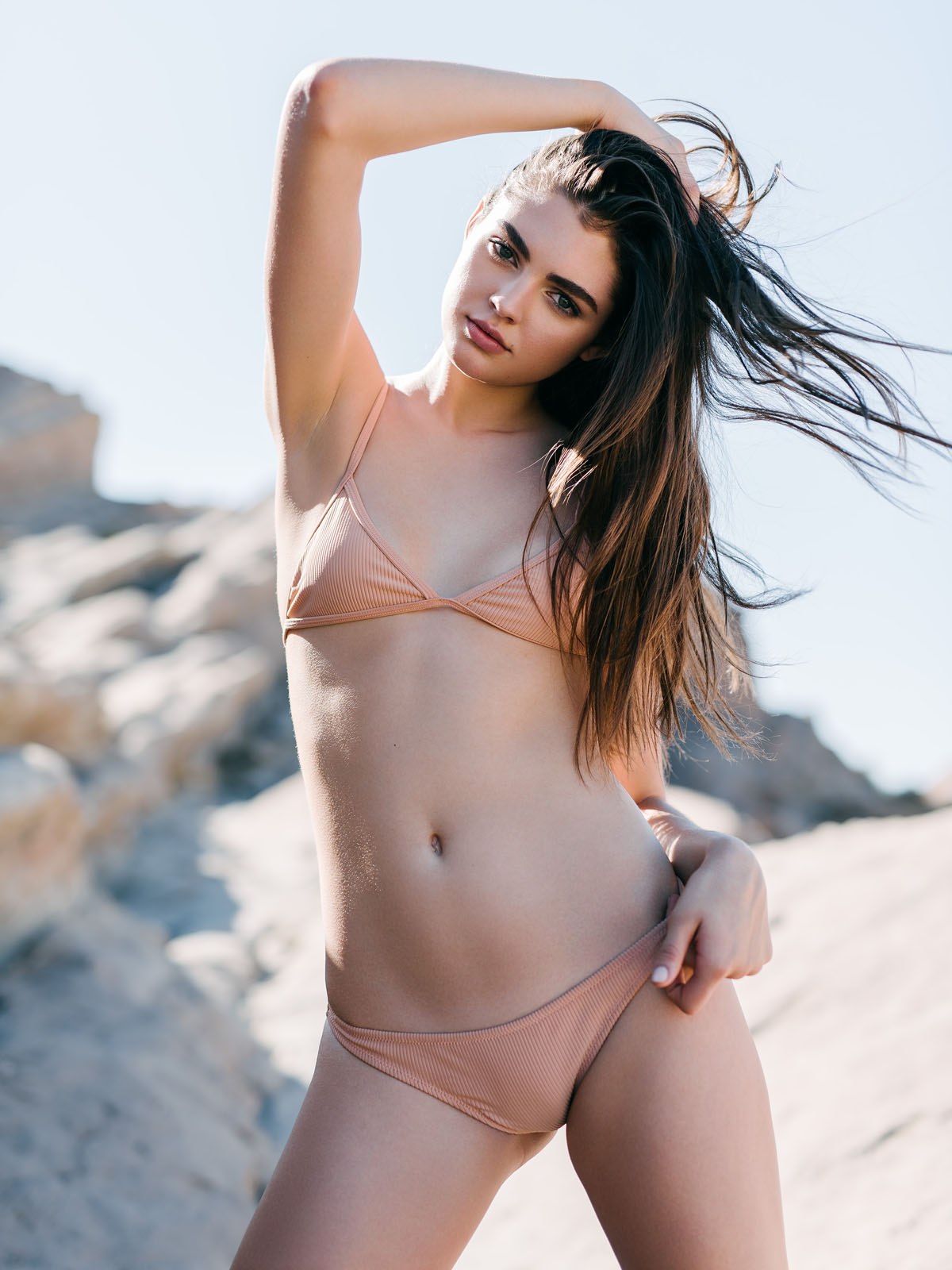
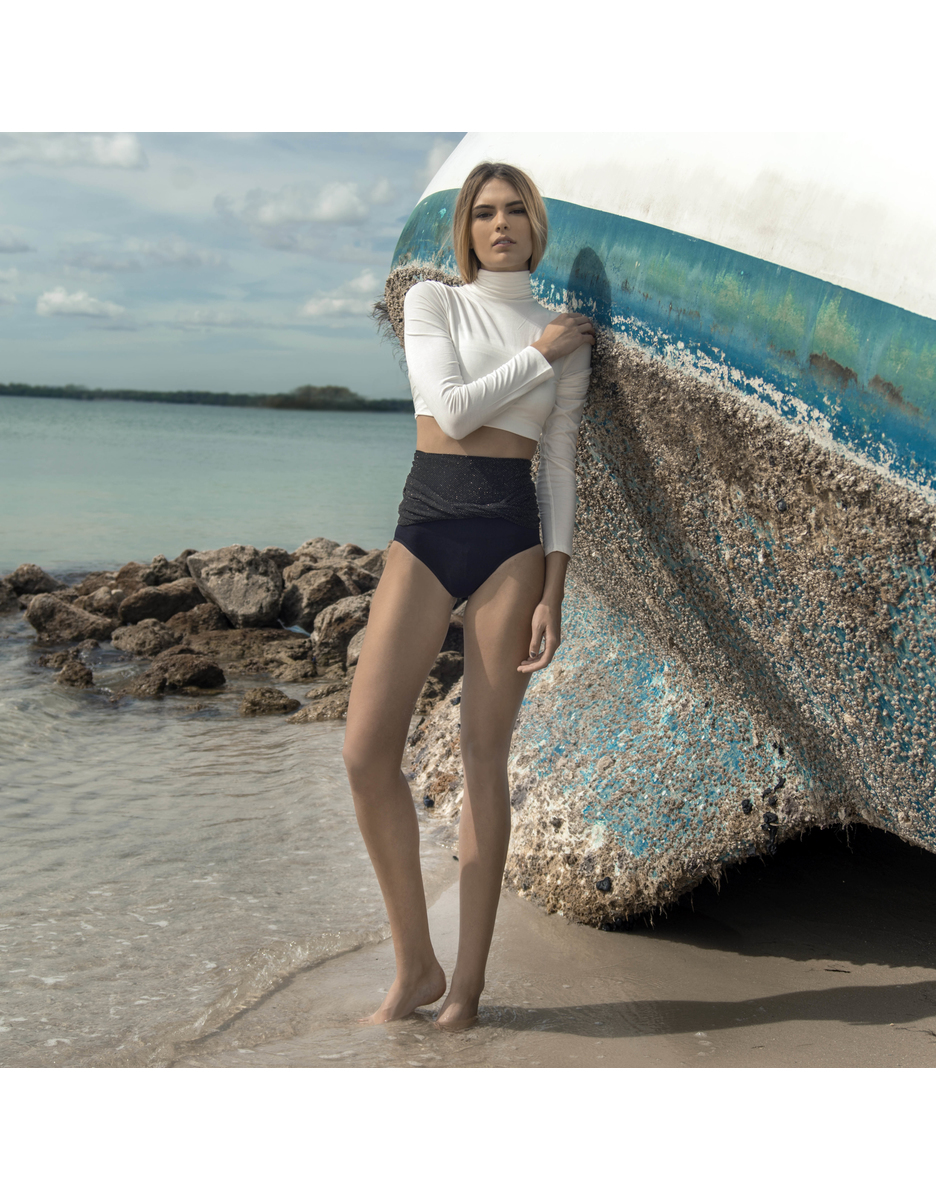
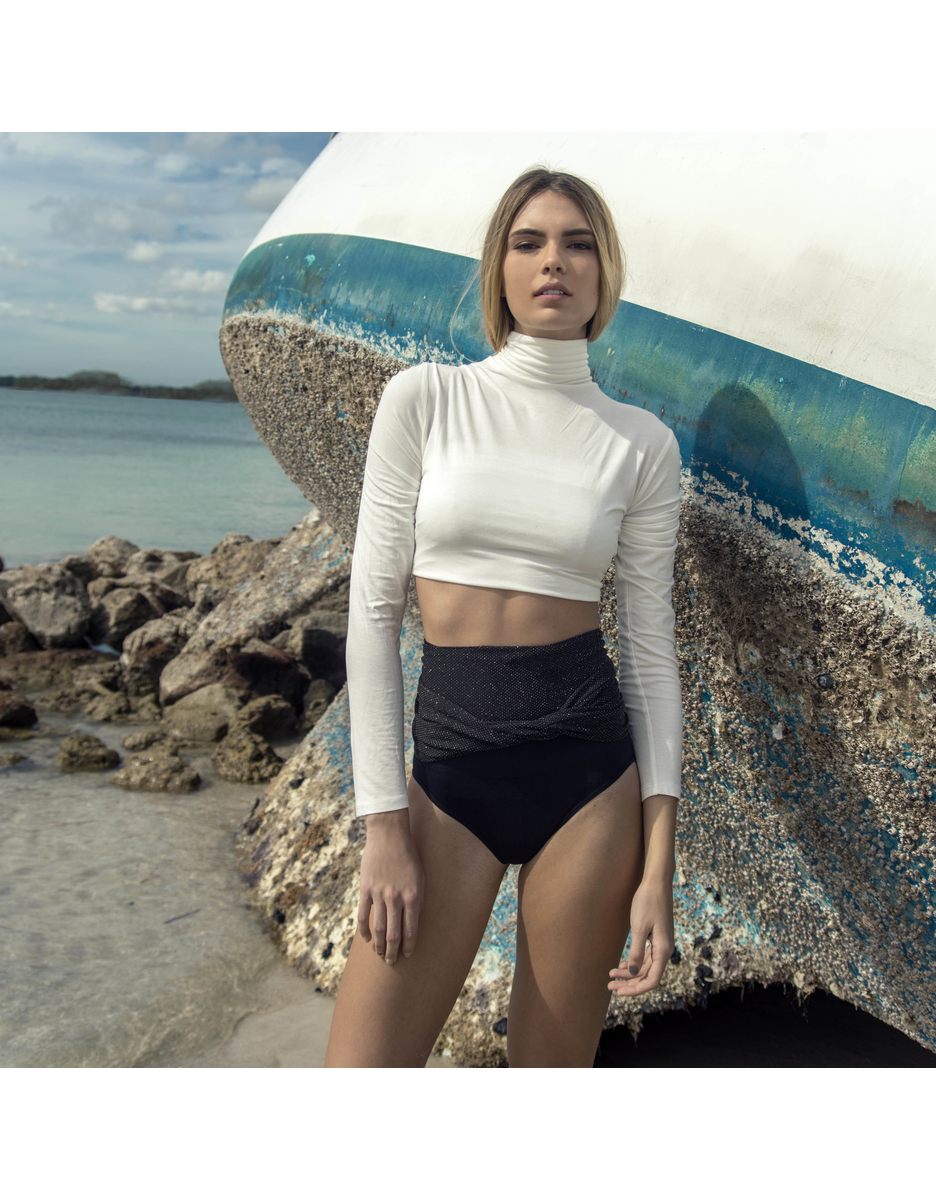
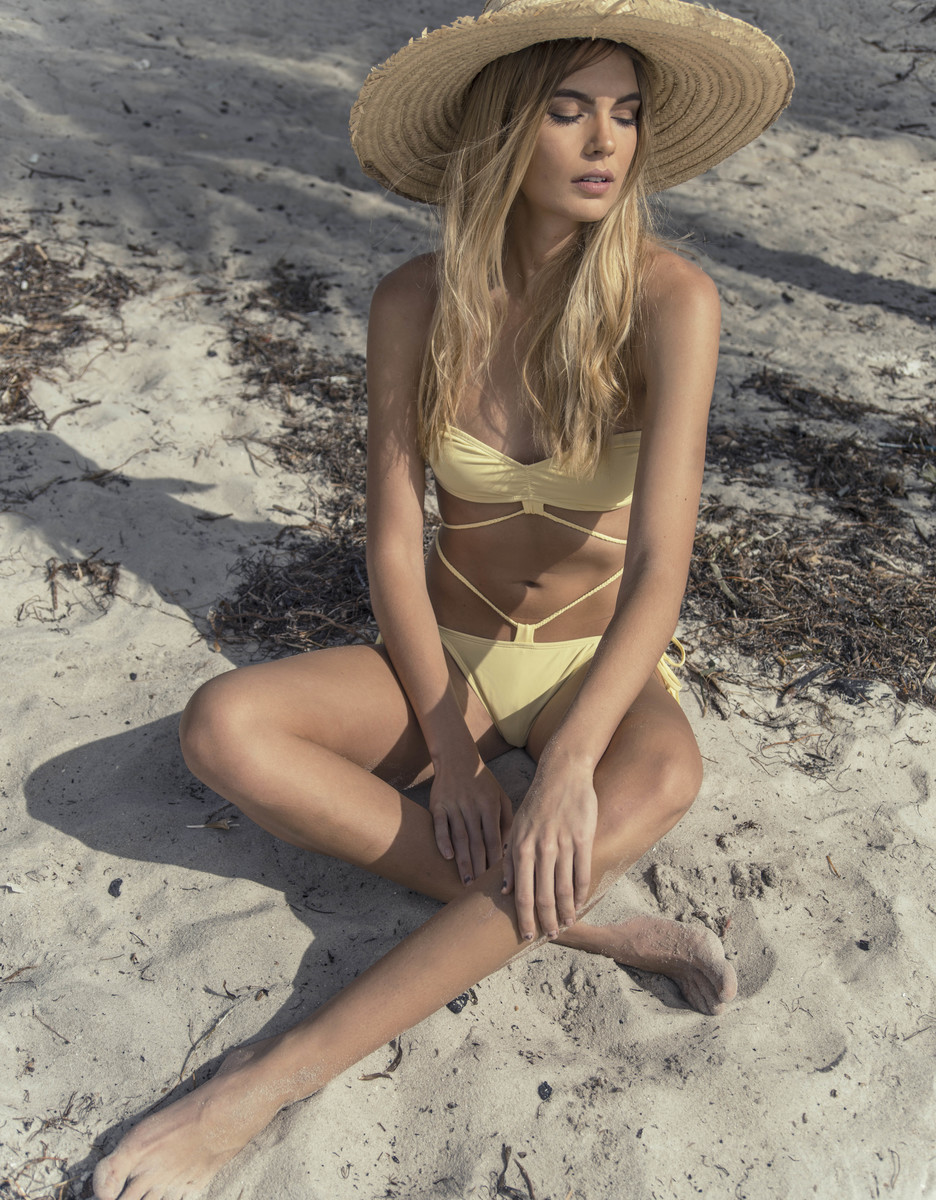
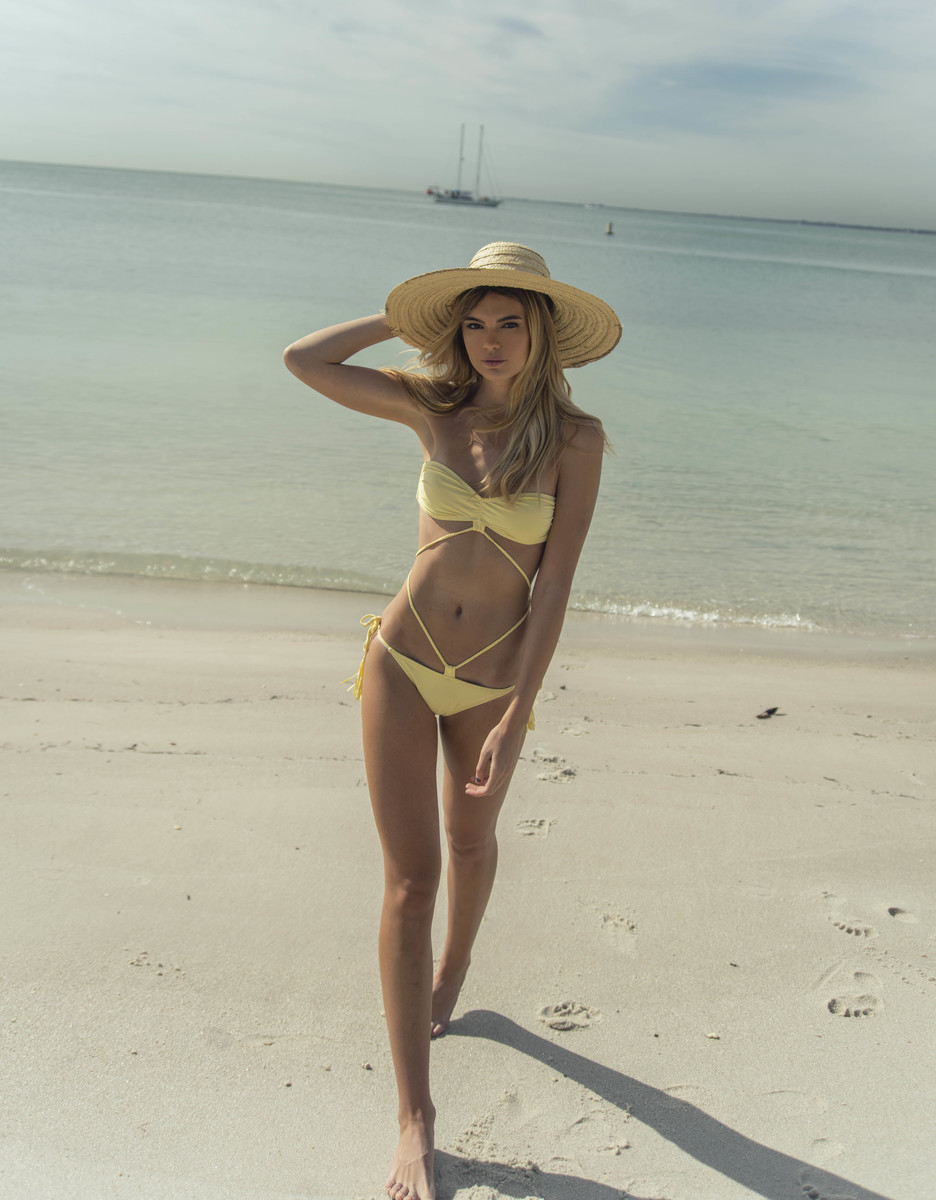
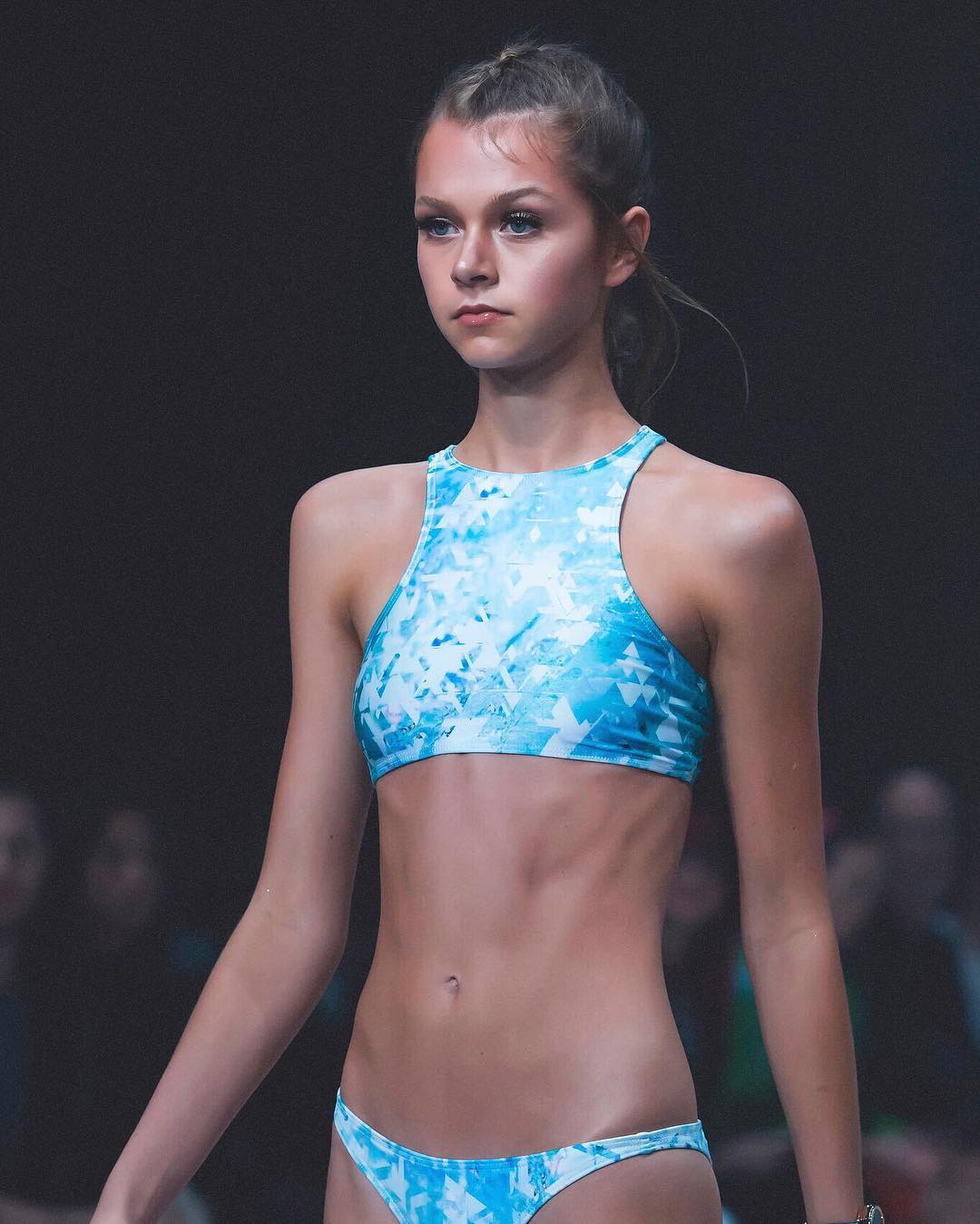
Frankies Bikinis frankiesbikinis.com instagram.com/frankiesbikinis
-
daniellepriano Outtake from our shoot with my babygirl @romeestrijd by @gregkadelstudios romeestrijd


 Vogue Paris

 Institute Magazine "Shades of Grey" Photographer: Devin Brown institutemag.com/2016/03/10/shades-of-gray

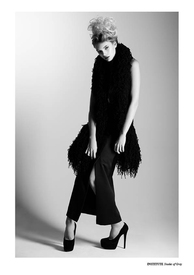
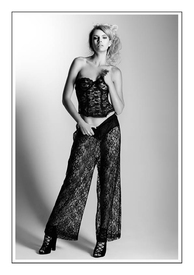 Ph: Dimetri Hogan instagram
 Snapchat sandrakubicka_1470232762738.mp4 sandrakubicka_1470236854315.mp4 sandrakubicka_1470236959550.mp4 sandrakubicka_1470237090911.mp4 sandrakubicka_1470480176715.mp4 sandrakubicka_1470480777864.mp4
Snapchat
cameronrorrisn_1471029352325.mp4
Frankies Bikinis by Jared Thomas Kocka
Ph: Justin Macala newyorkmodels.com
Snapchat sandrakubicka_1470232762738.mp4 sandrakubicka_1470236854315.mp4 sandrakubicka_1470236959550.mp4 sandrakubicka_1470237090911.mp4 sandrakubicka_1470480176715.mp4 sandrakubicka_1470480777864.mp4
Snapchat
cameronrorrisn_1471029352325.mp4
Frankies Bikinis by Jared Thomas Kocka
Ph: Justin Macala newyorkmodels.com
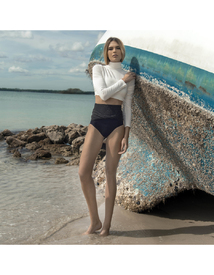

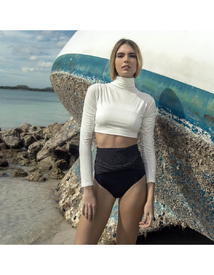



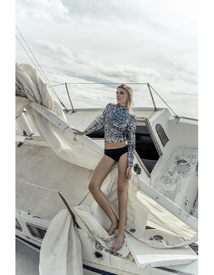
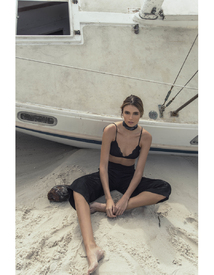







 helloworlditsjared.tumblr.com





 imgmodels.com



 instagram.com/cameron__mackie
 Harper's Bazaar US September 2016 Photographer: Karl Lagerfeld visualizing.fashion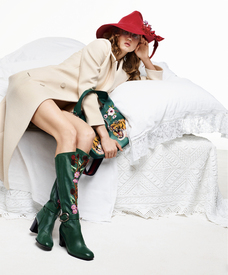

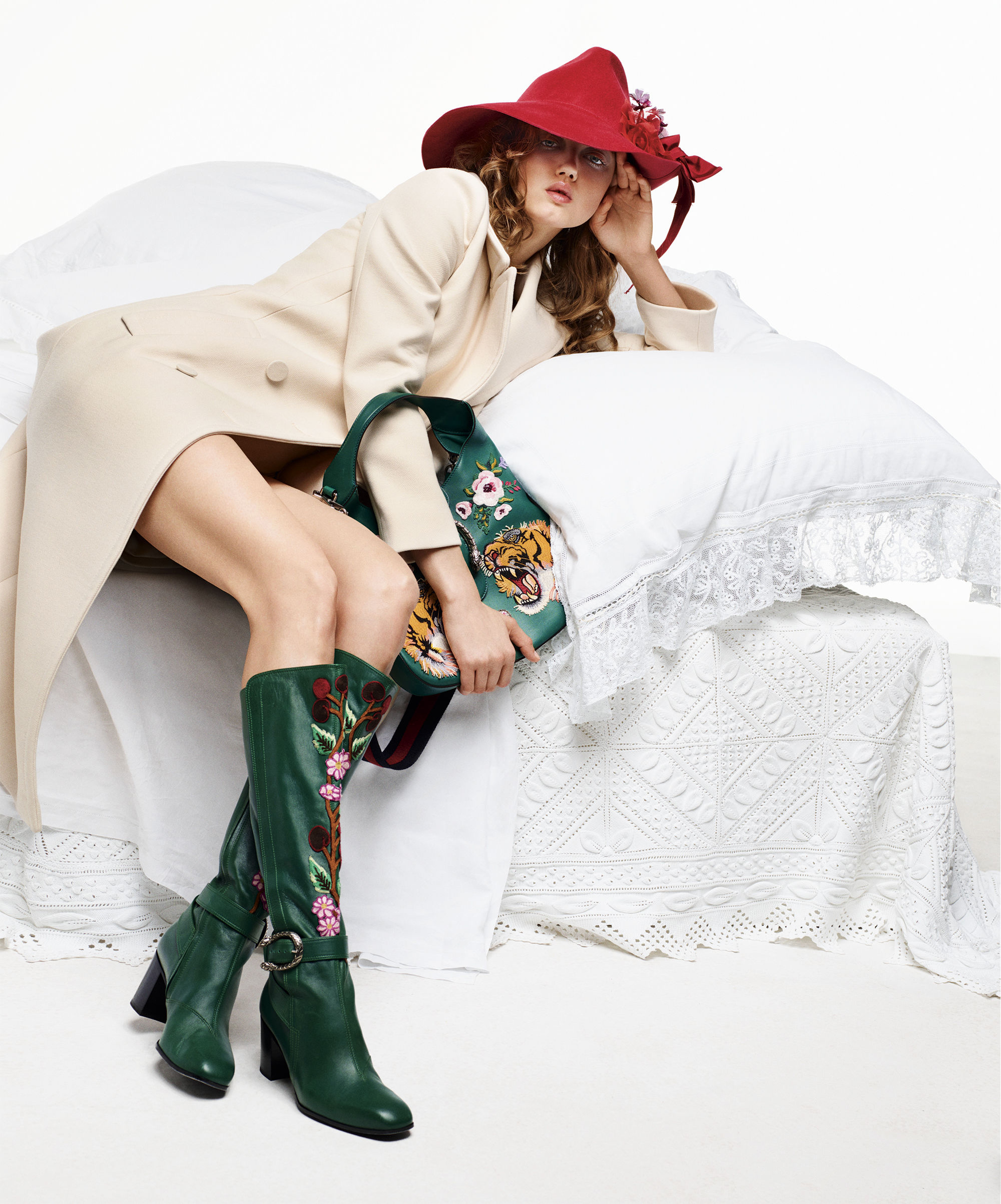
 The Daily Front Row Summer Issue August 04 2016 Photographer: Sebastian Faena Models: Hari Nef & Lindsey Wixson visualizing.fashion












































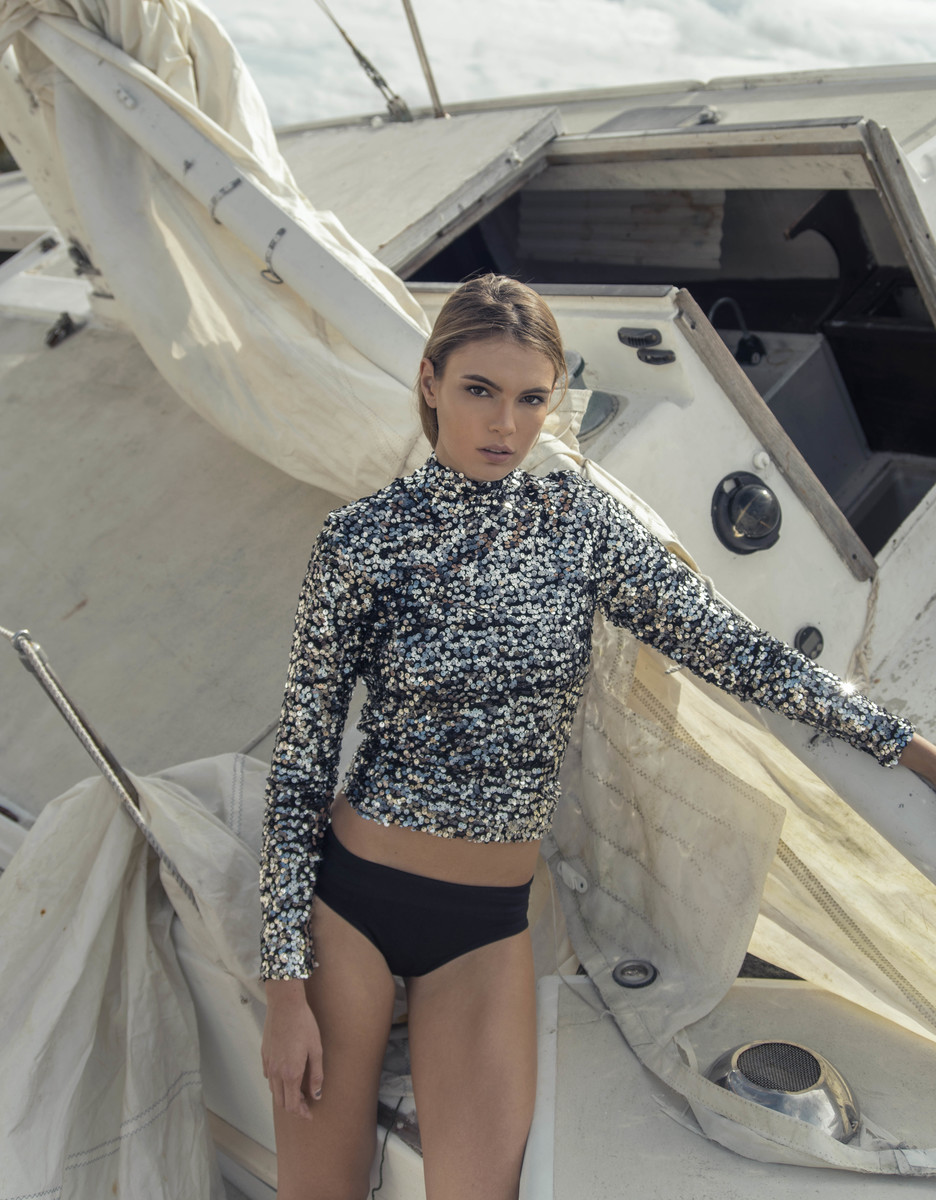
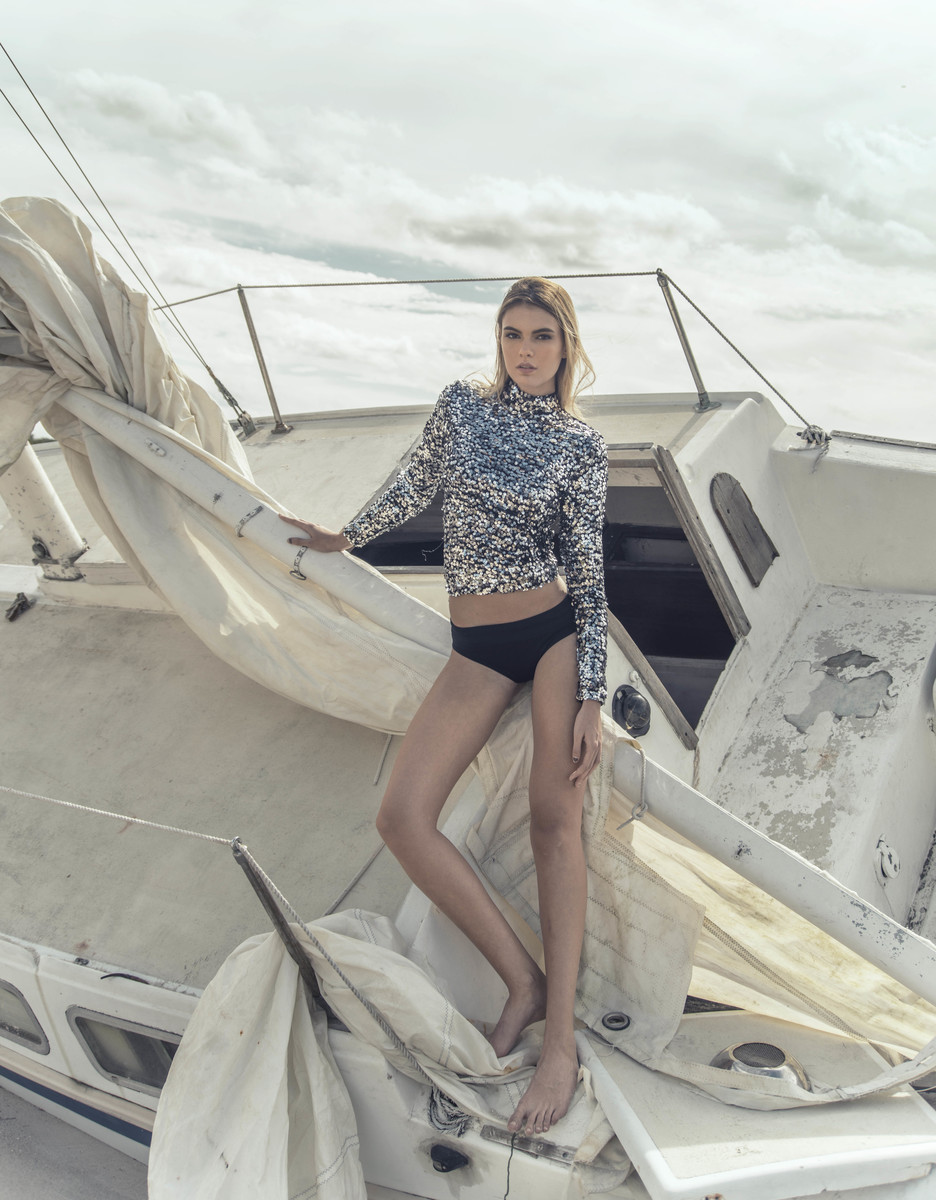
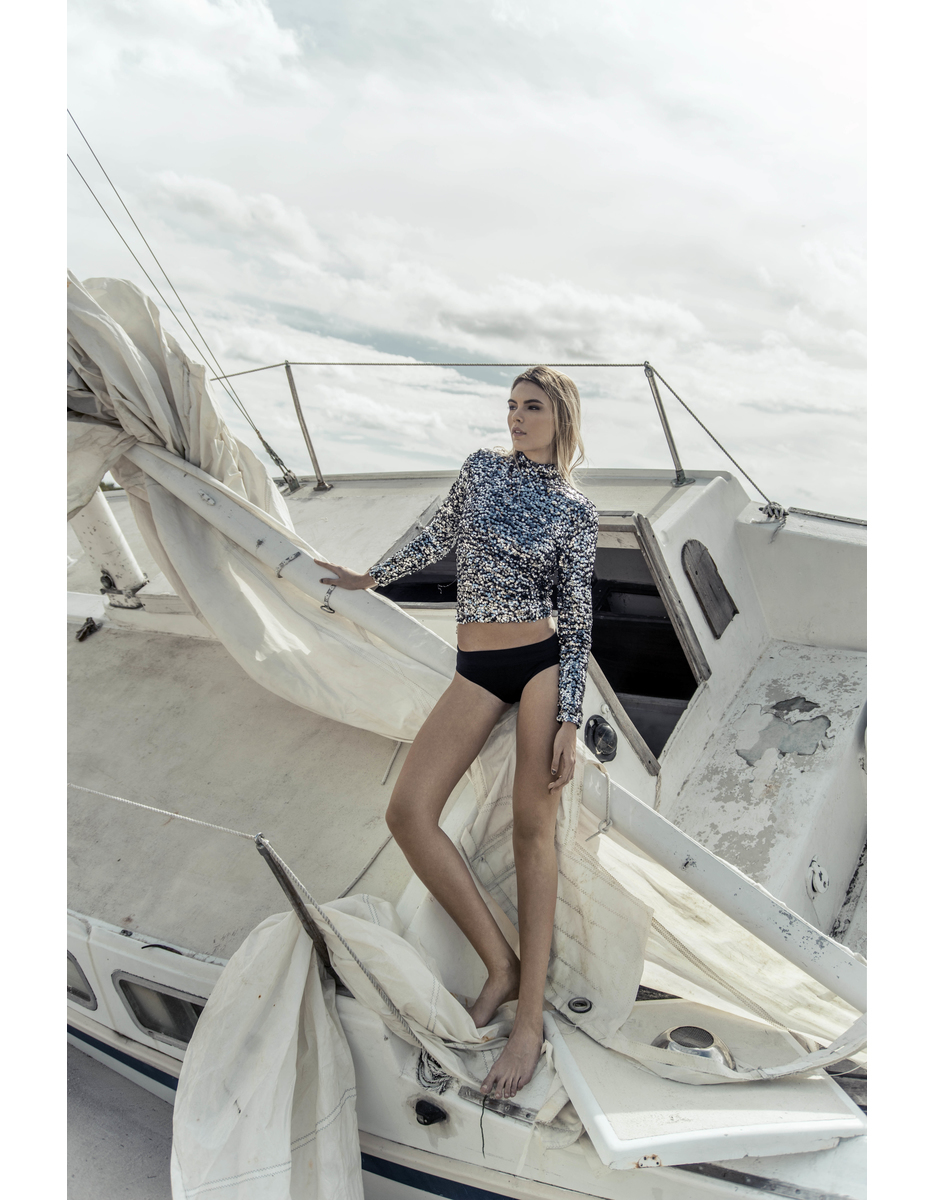
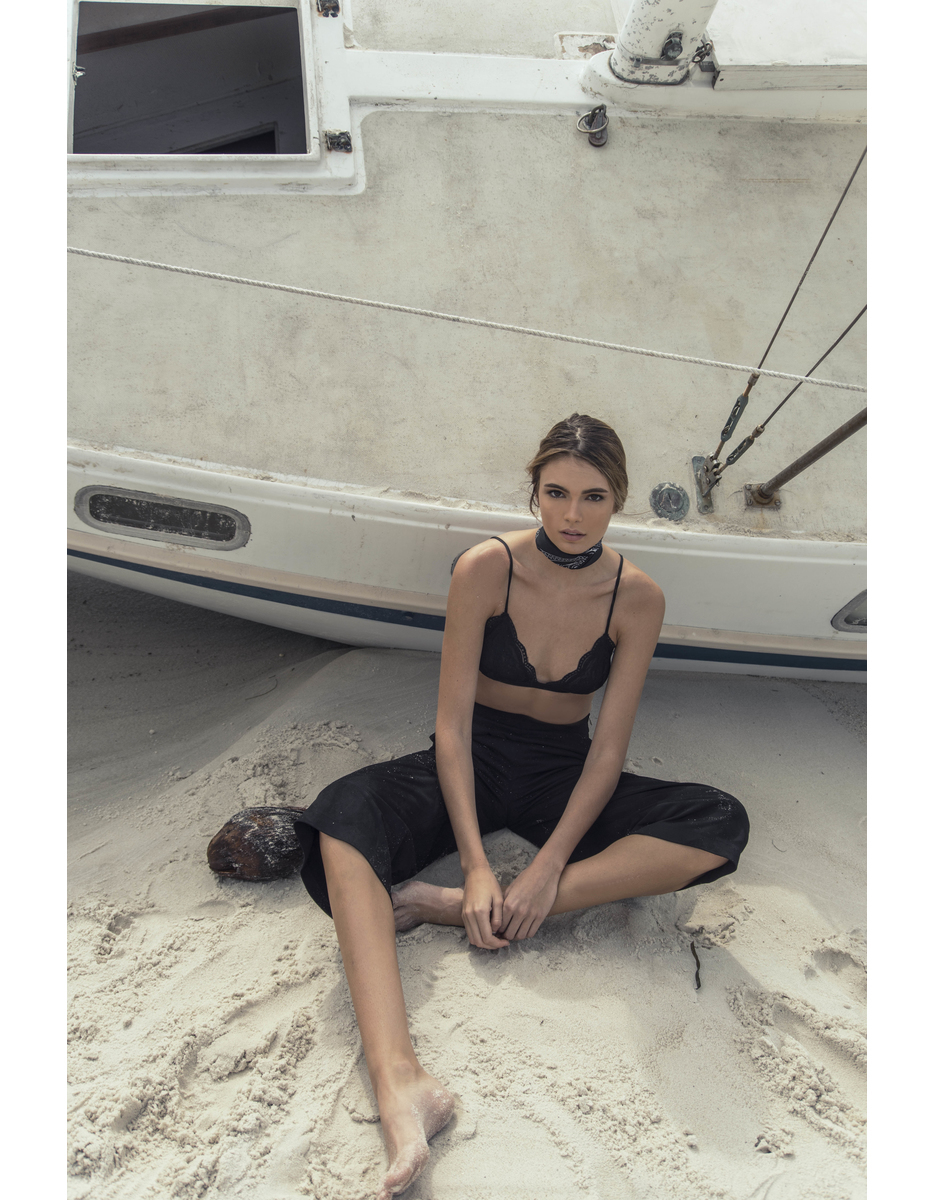































Account
Navigation
Search
Configure browser push notifications
Chrome (Android)
- Tap the lock icon next to the address bar.
- Tap Permissions → Notifications.
- Adjust your preference.
Chrome (Desktop)
- Click the padlock icon in the address bar.
- Select Site settings.
- Find Notifications and adjust your preference.
Safari (iOS 16.4+)
- Ensure the site is installed via Add to Home Screen.
- Open Settings App → Notifications.
- Find your app name and adjust your preference.
Safari (macOS)
- Go to Safari → Preferences.
- Click the Websites tab.
- Select Notifications in the sidebar.
- Find this website and adjust your preference.
Edge (Android)
- Tap the lock icon next to the address bar.
- Tap Permissions.
- Find Notifications and adjust your preference.
Edge (Desktop)
- Click the padlock icon in the address bar.
- Click Permissions for this site.
- Find Notifications and adjust your preference.
Firefox (Android)
- Go to Settings → Site permissions.
- Tap Notifications.
- Find this site in the list and adjust your preference.
Firefox (Desktop)
- Open Firefox Settings.
- Search for Notifications.
- Find this site in the list and adjust your preference.