All Activity
- Past hour
-

-
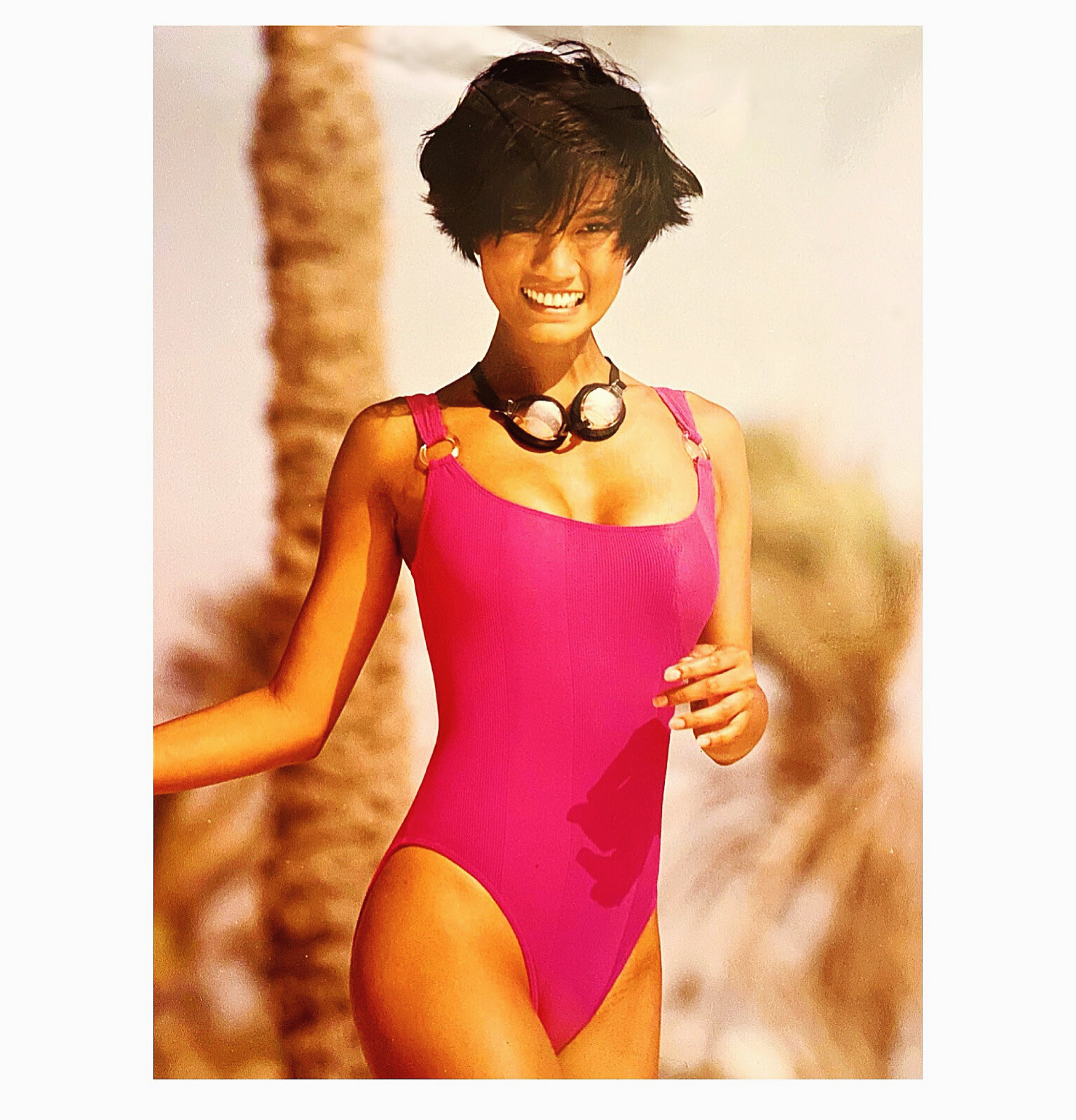
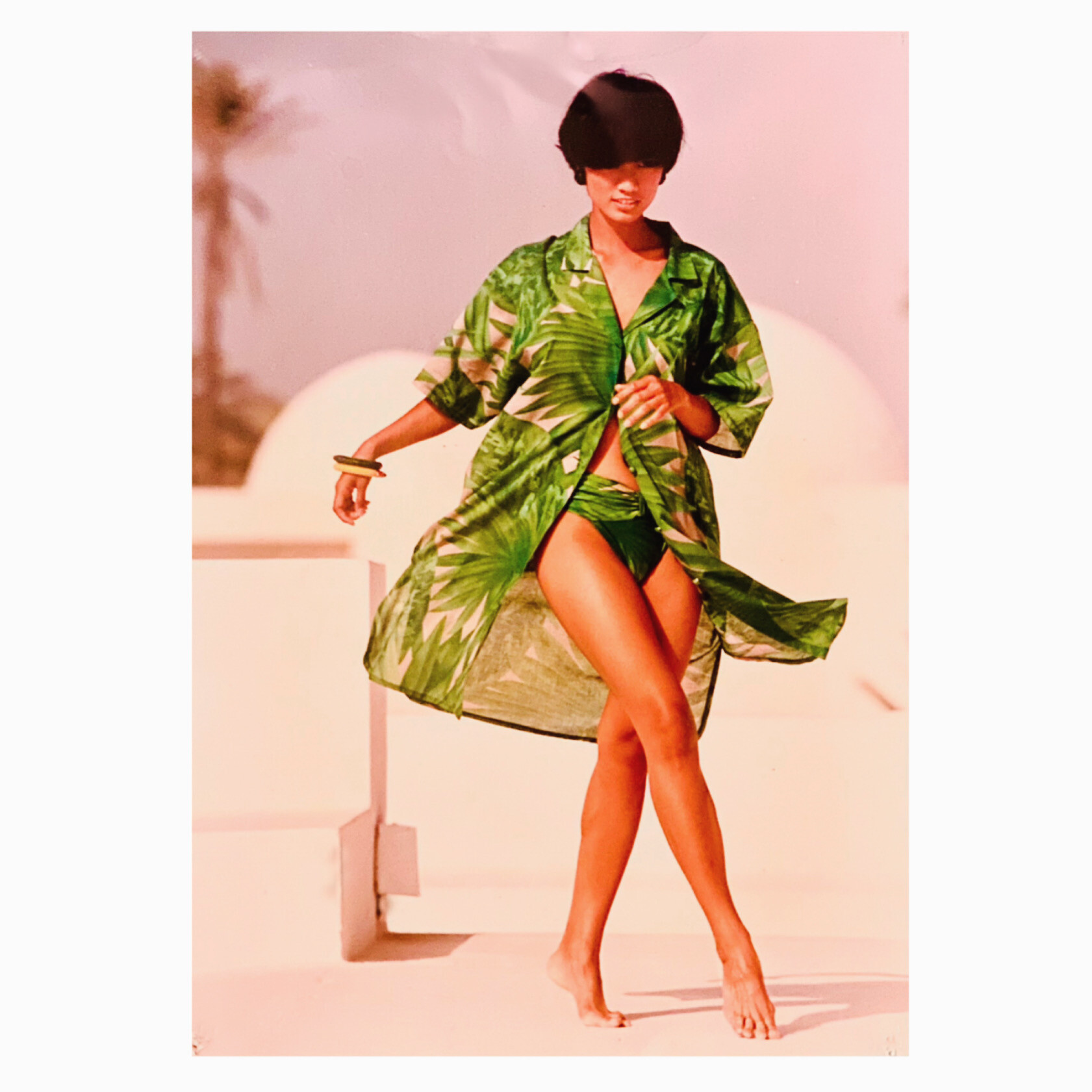
 Rasurel Paris summer collection 1991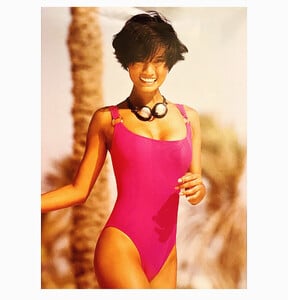
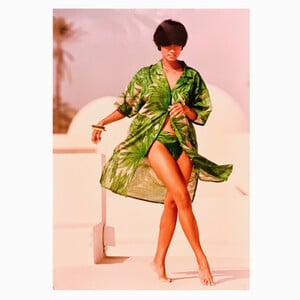
-
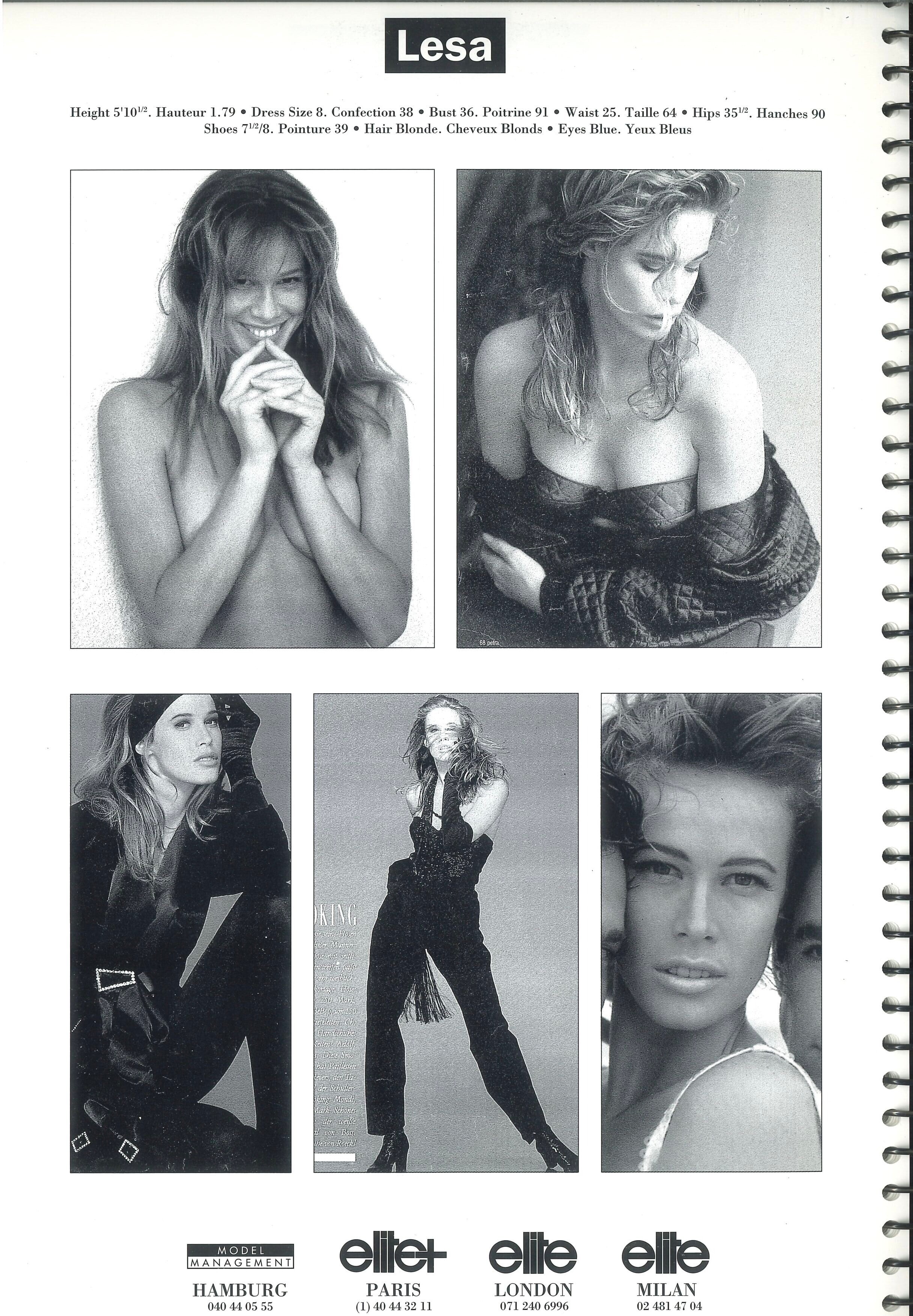
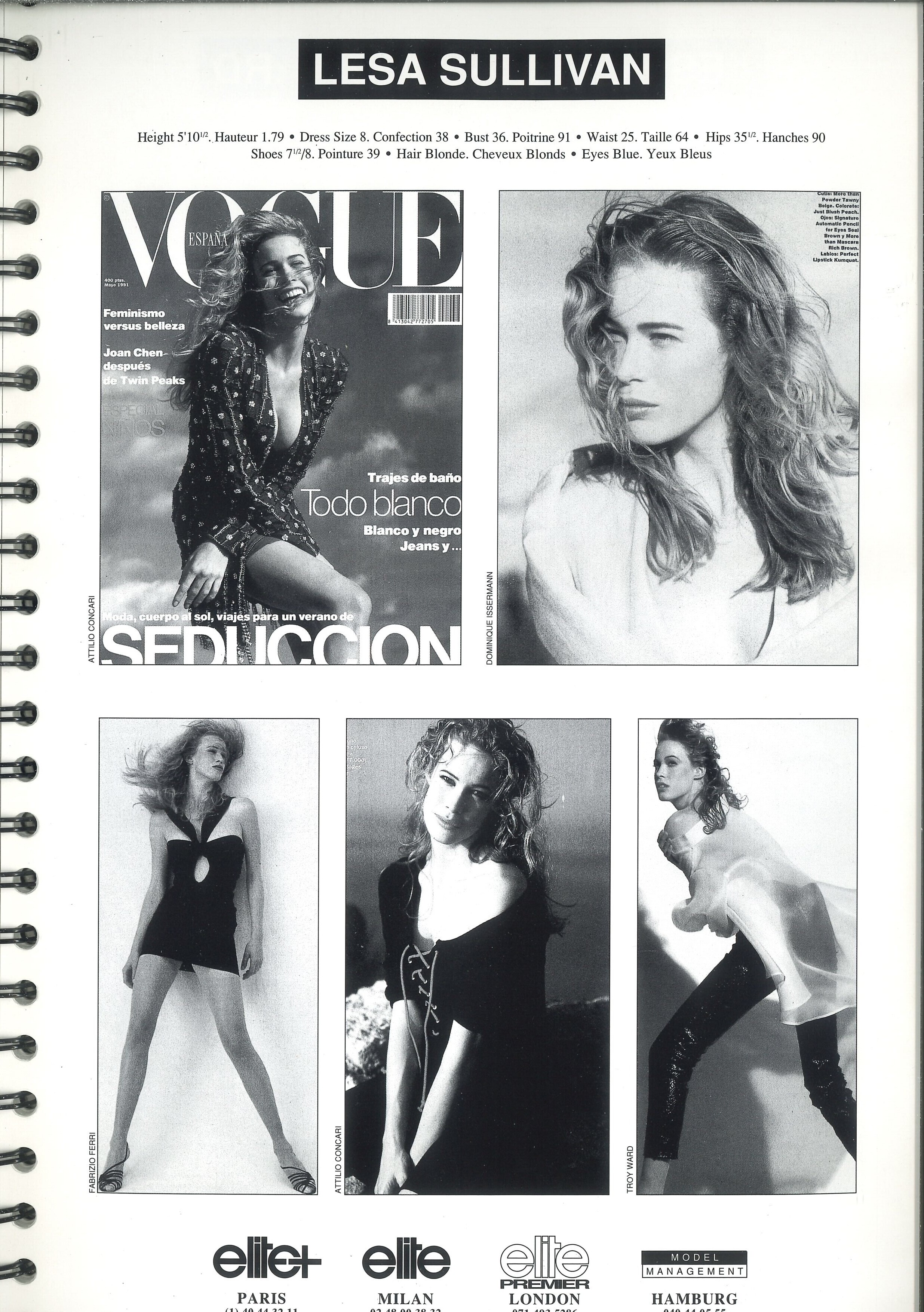
 ELITE EUROPA agency book 1991 & 1992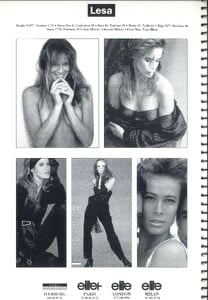
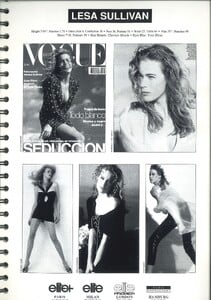
-
 LiveFast Mag — Volume 148 anyone?
 -

-
 good eye; same mole right shoulder than here:
 -
 quirine post ford agency
 -
Ulrika flame agency
-
 Modeling 4 outfits for Thats So Fetch:























-
 rikiki joined the community
 -

-
 Leo is nominated at the SAG awards (now Actor Awards)!
 -
 Rick92 joined the community
 -
 she's great, but doesn't model anymore
 -
 Lounge








-
.thumb.png.c6d66e4f6dd1f34e075e541fd96e0dbb.png) Many thanks for the Kristen updates @Sunshiine and @LeftPhalange ! 🥵👍
Many thanks for the Kristen updates @Sunshiine and @LeftPhalange ! 🥵👍 -

- Today
 last night's exercise: Spoiler StorySaver.net-body_bybrock-Video-1767770546807.mp4StorySaver.net-body_bybrock-Video-1767770552771.mp4StorySaver.net-body_bybrock-Video-1767770556599.mp4StorySaver.net-body_bybrock-Video-1767770564707.mp4StorySaver.net-body_bybrock-Video-1767770560696.mp4
 skinny-bikini
 That' sure but I thought maybe you deleted it.
I sometimes have that problem as well but just saw that it is easier to find those kind of posts by going to the profile of the one who has posted it. And then clicking onto the „find content“-button on the profile page which opens up all posts the user ever did. And it even has a search function. So much faster than going thru all the IDing threads to find a post.
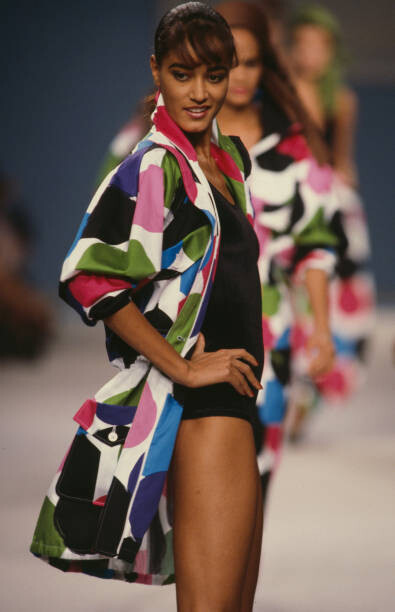
Enrico Coveri, Prêt-à-Porter, collection Spring Summer 1988
That' sure but I thought maybe you deleted it.
I sometimes have that problem as well but just saw that it is easier to find those kind of posts by going to the profile of the one who has posted it. And then clicking onto the „find content“-button on the profile page which opens up all posts the user ever did. And it even has a search function. So much faster than going thru all the IDing threads to find a post.
Enrico Coveri, Prêt-à-Porter, collection Spring Summer 1988

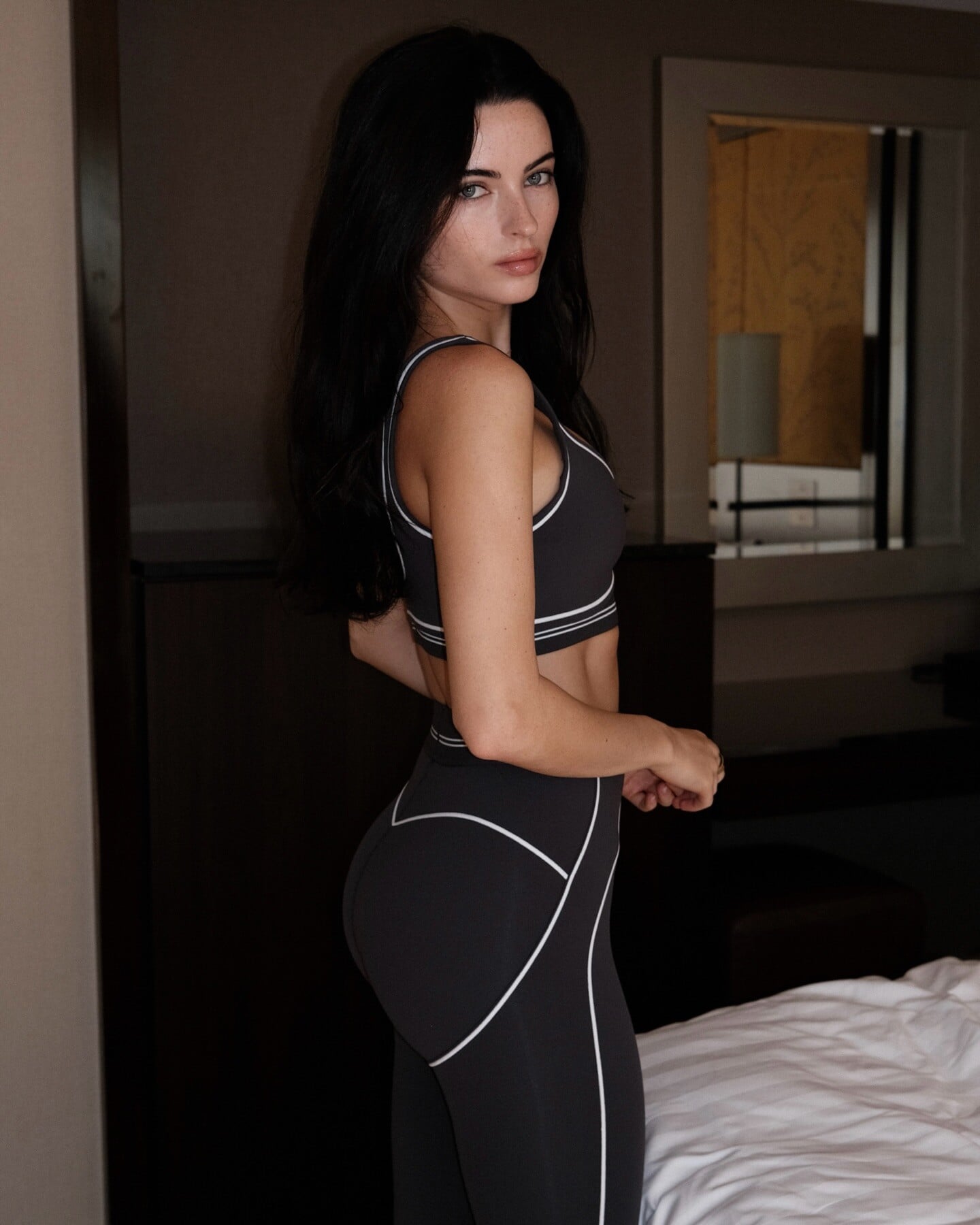
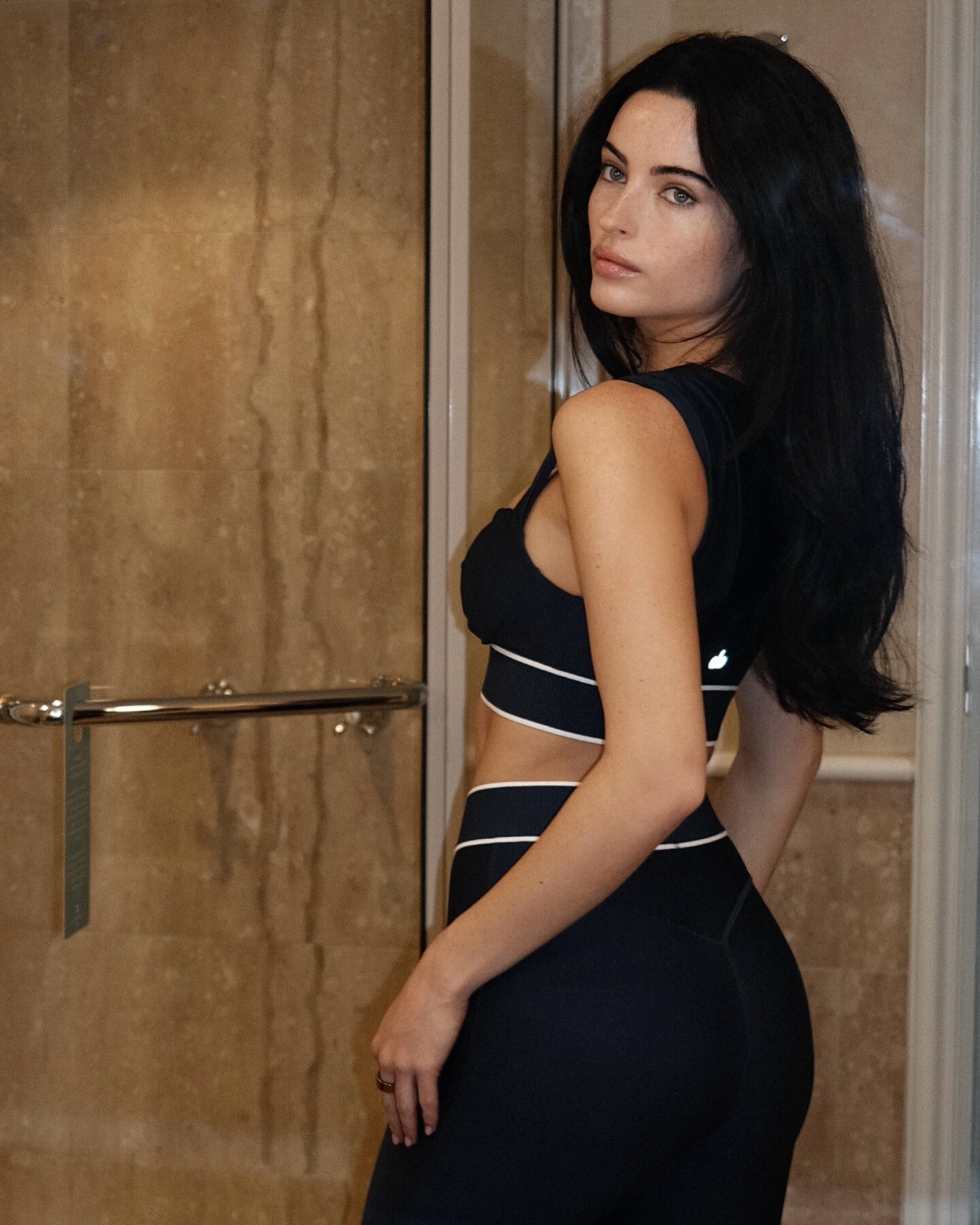
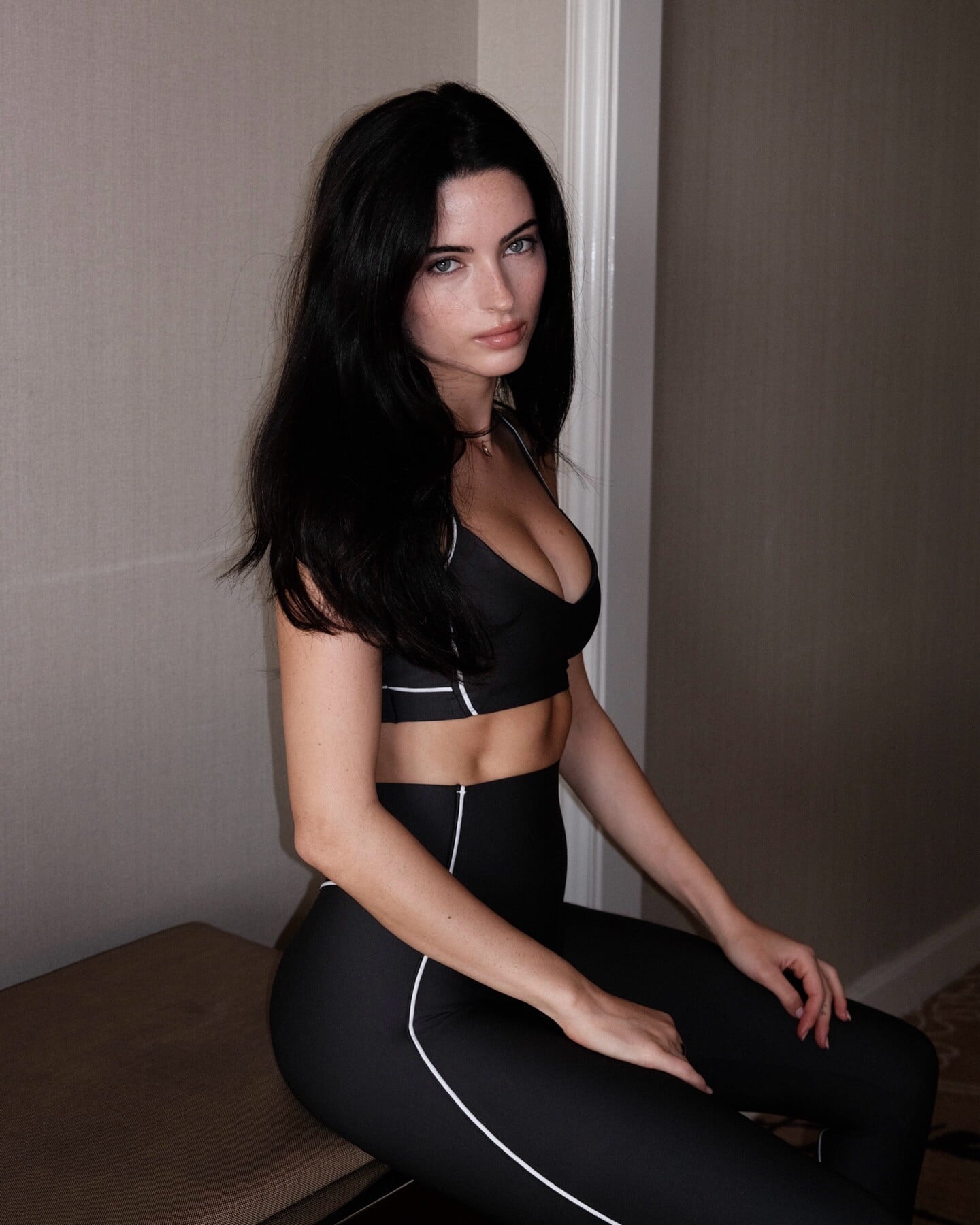
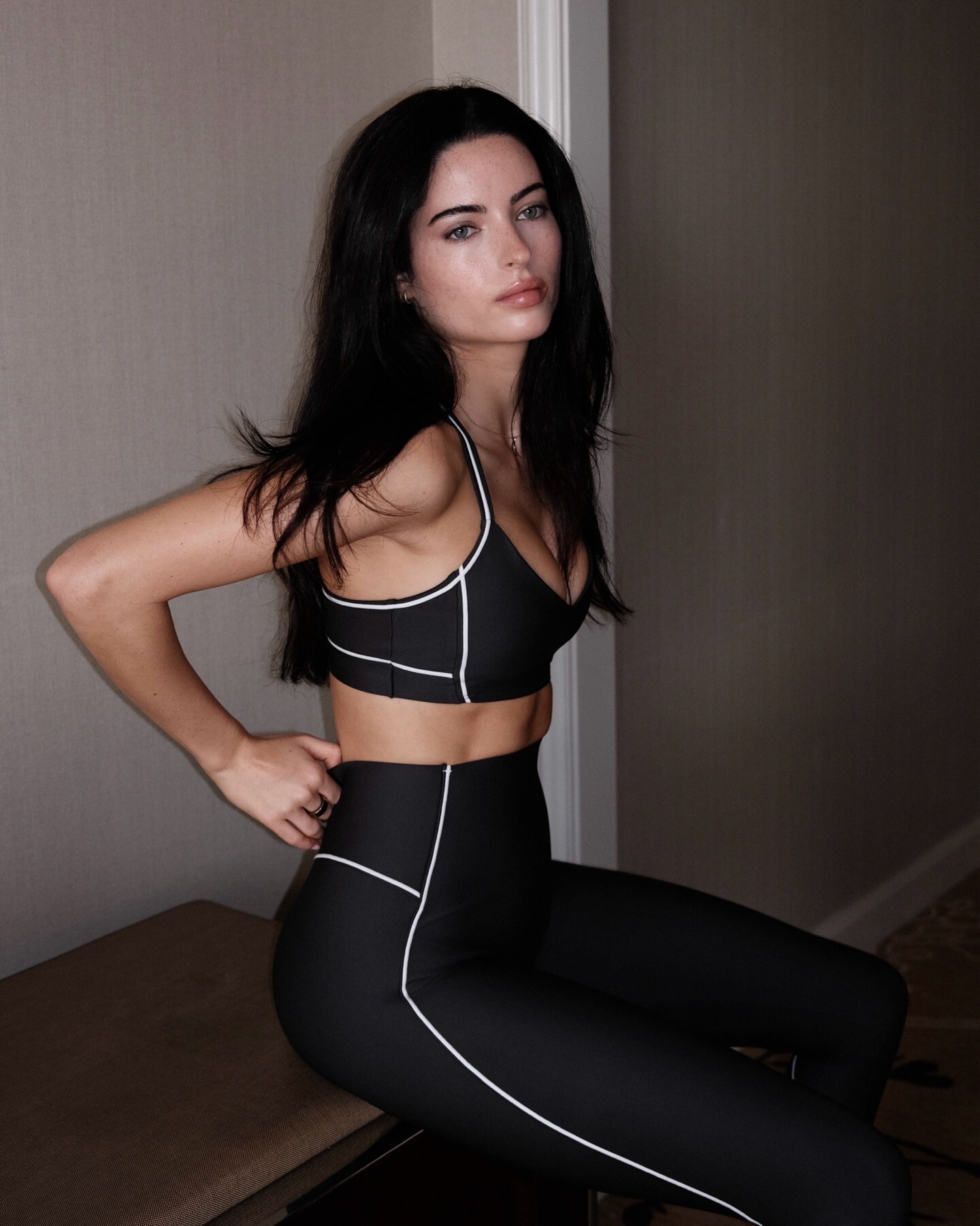
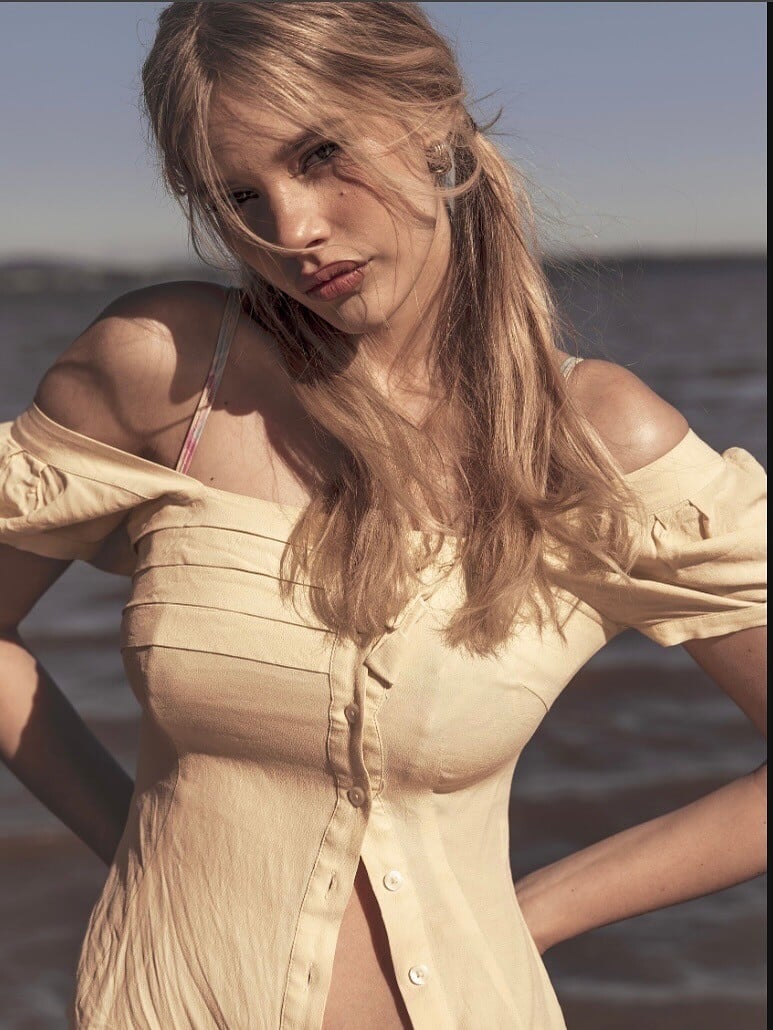
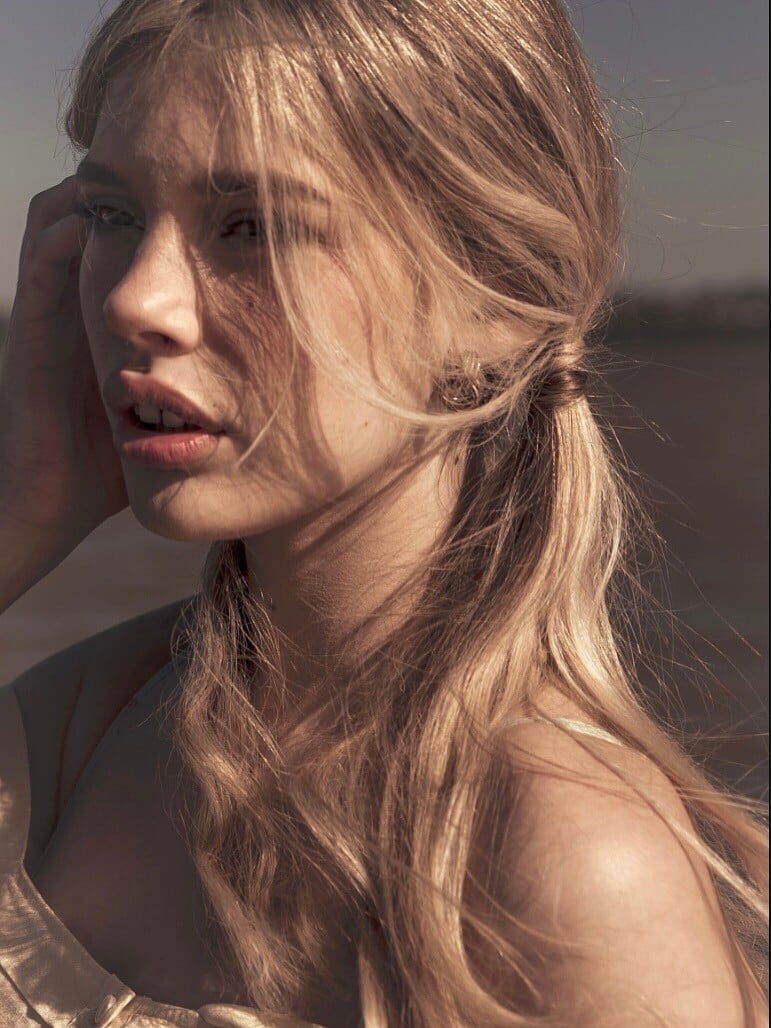
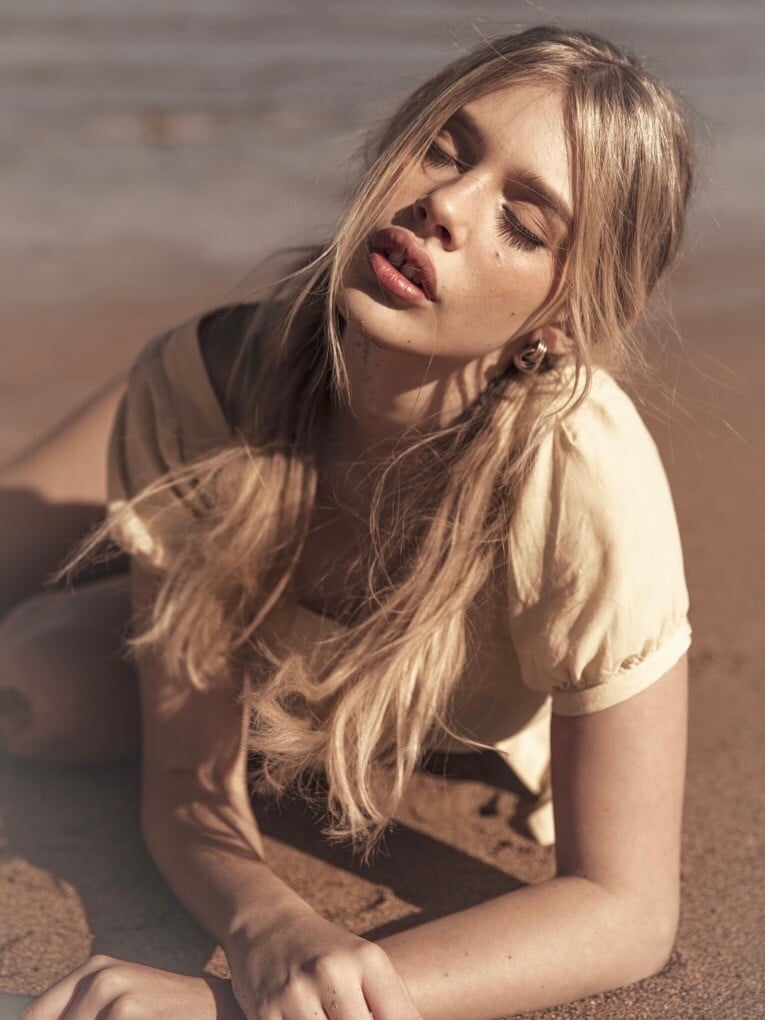
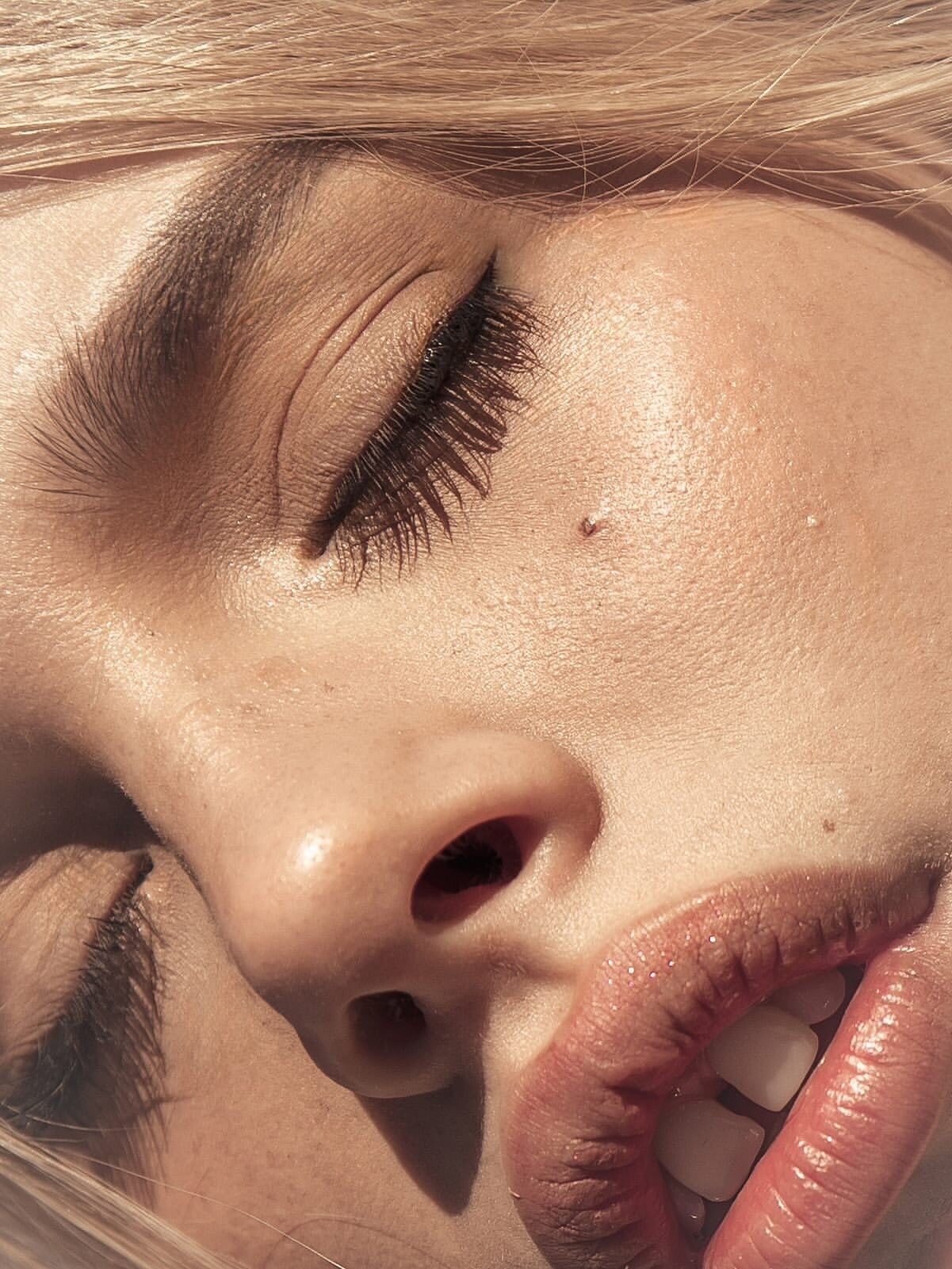
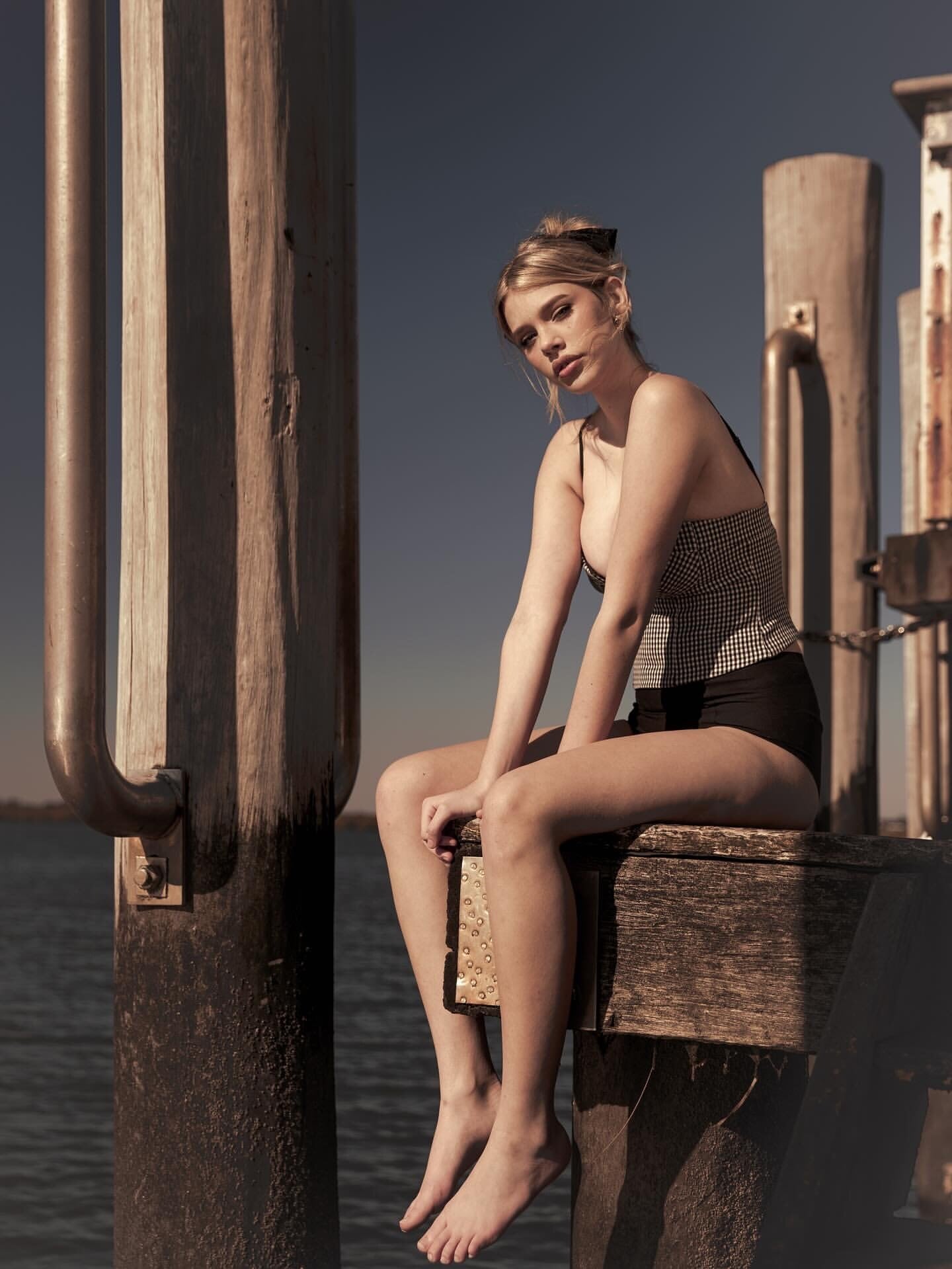
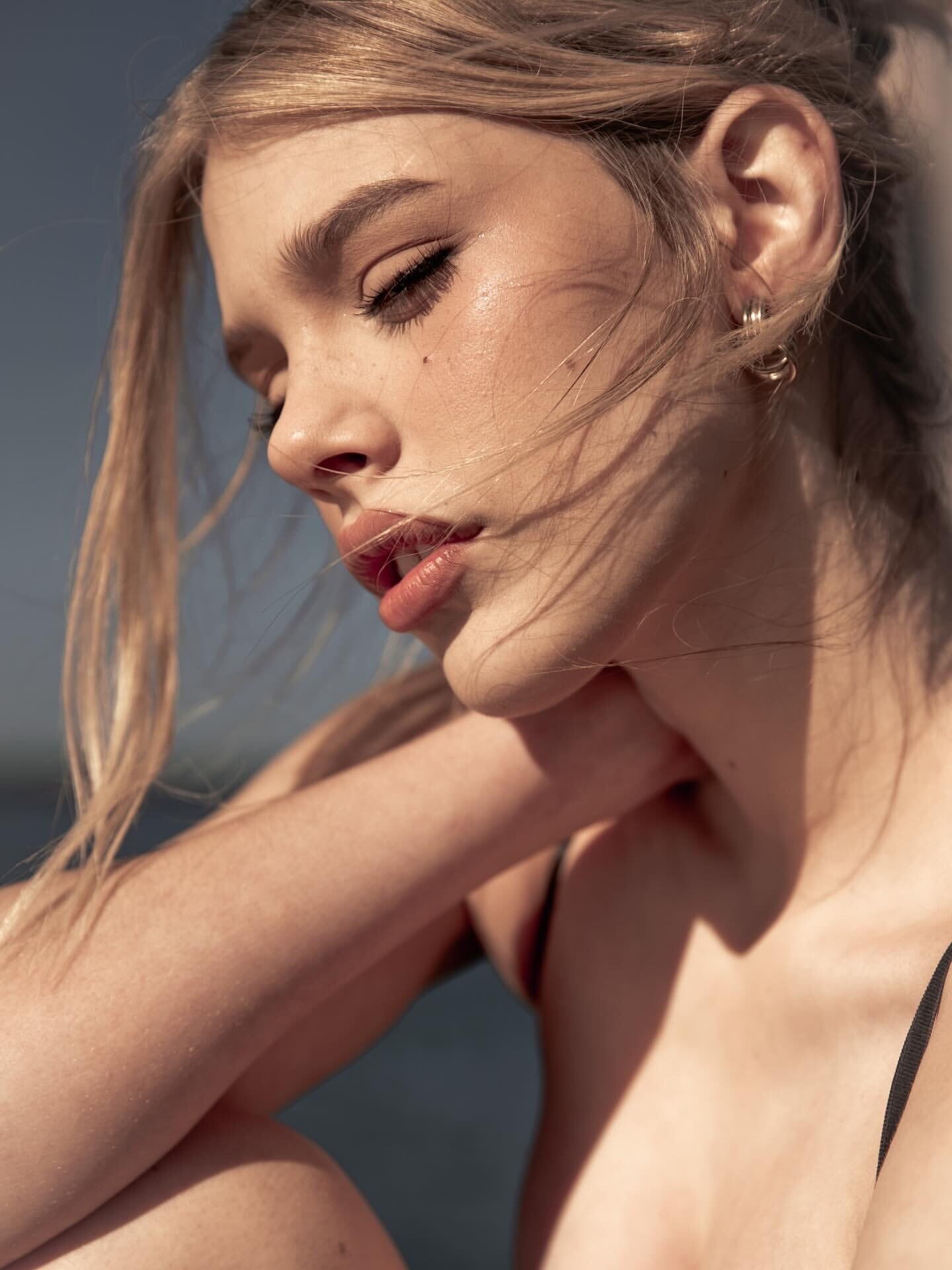
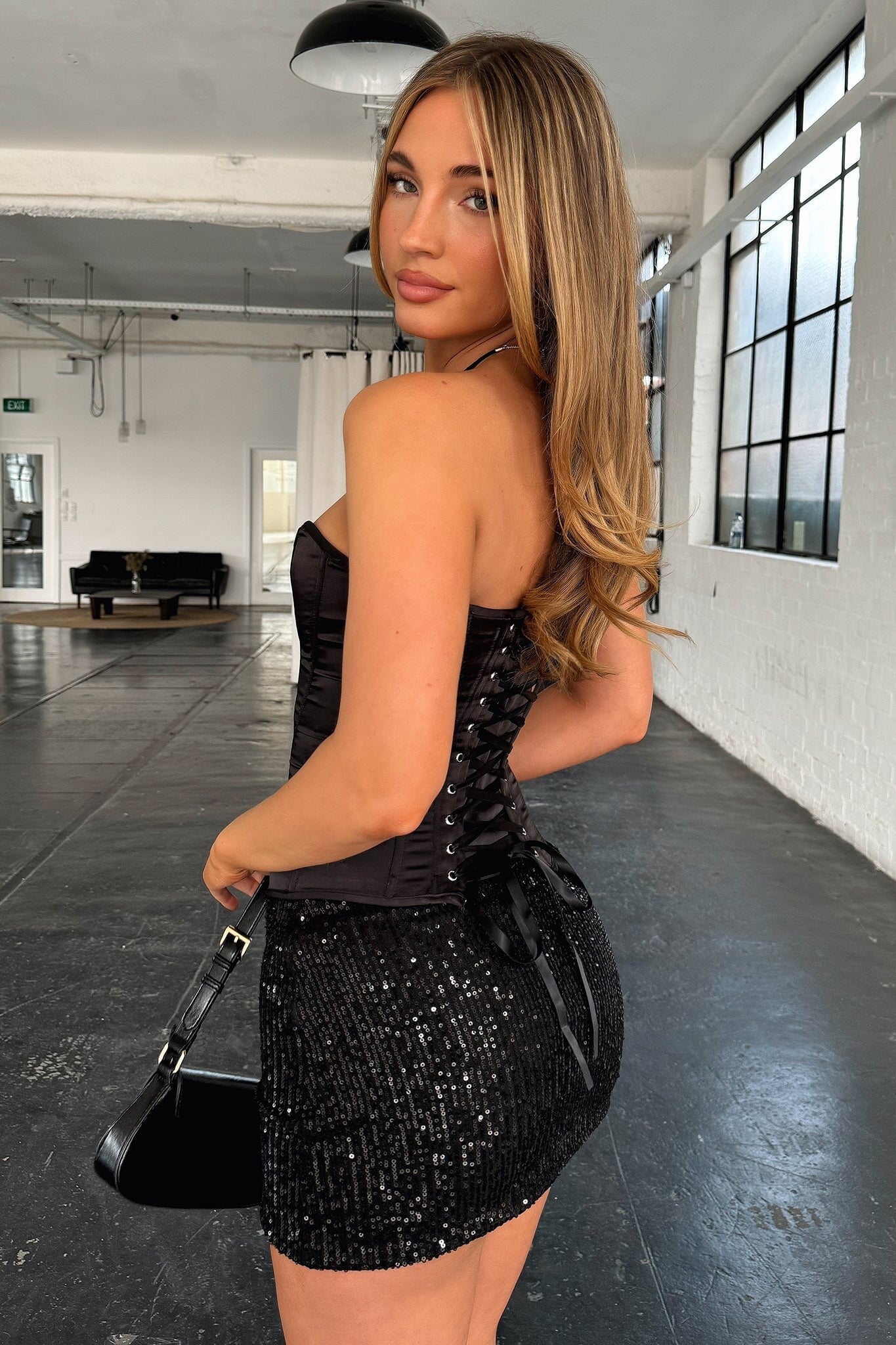
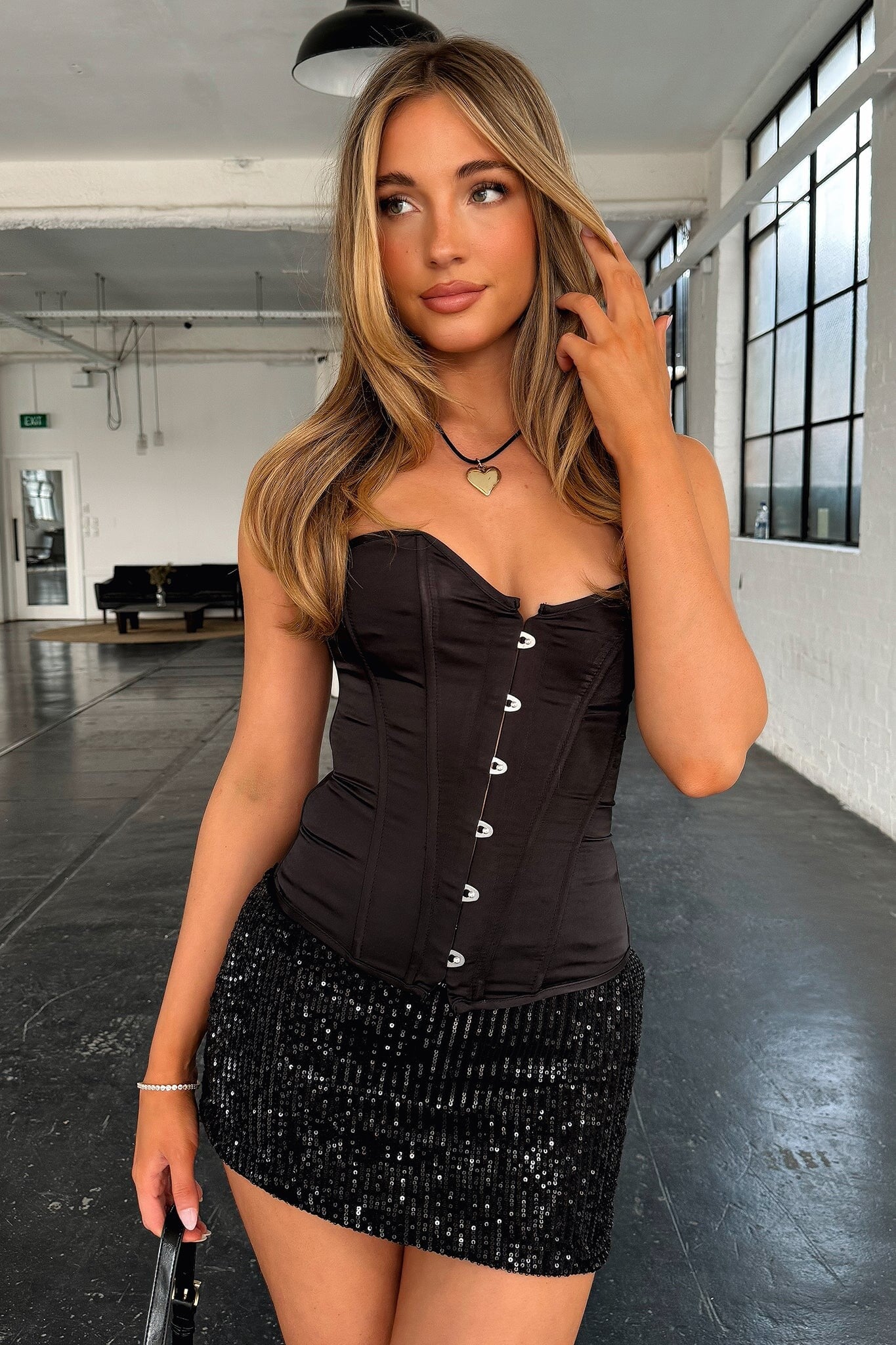
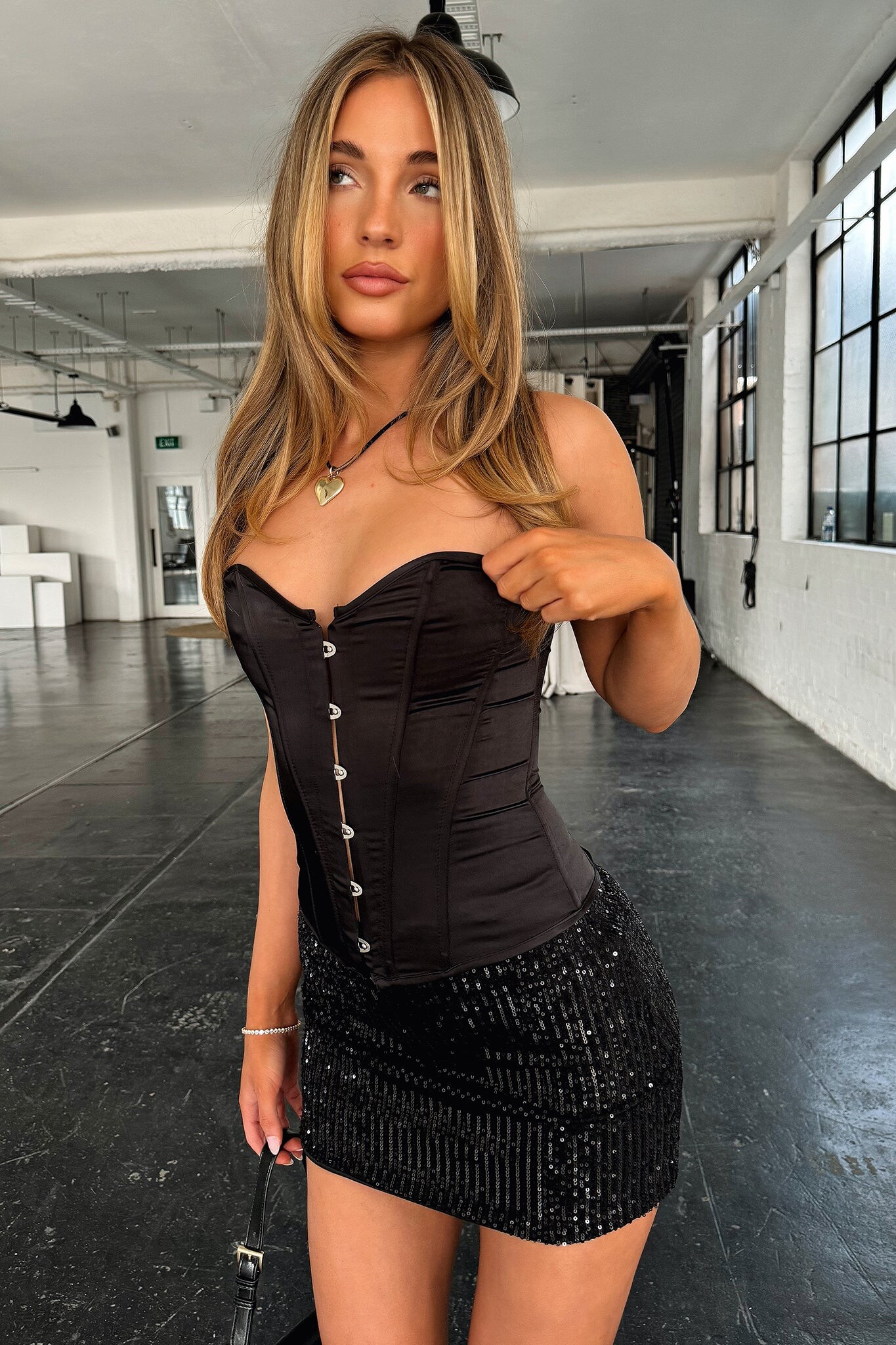
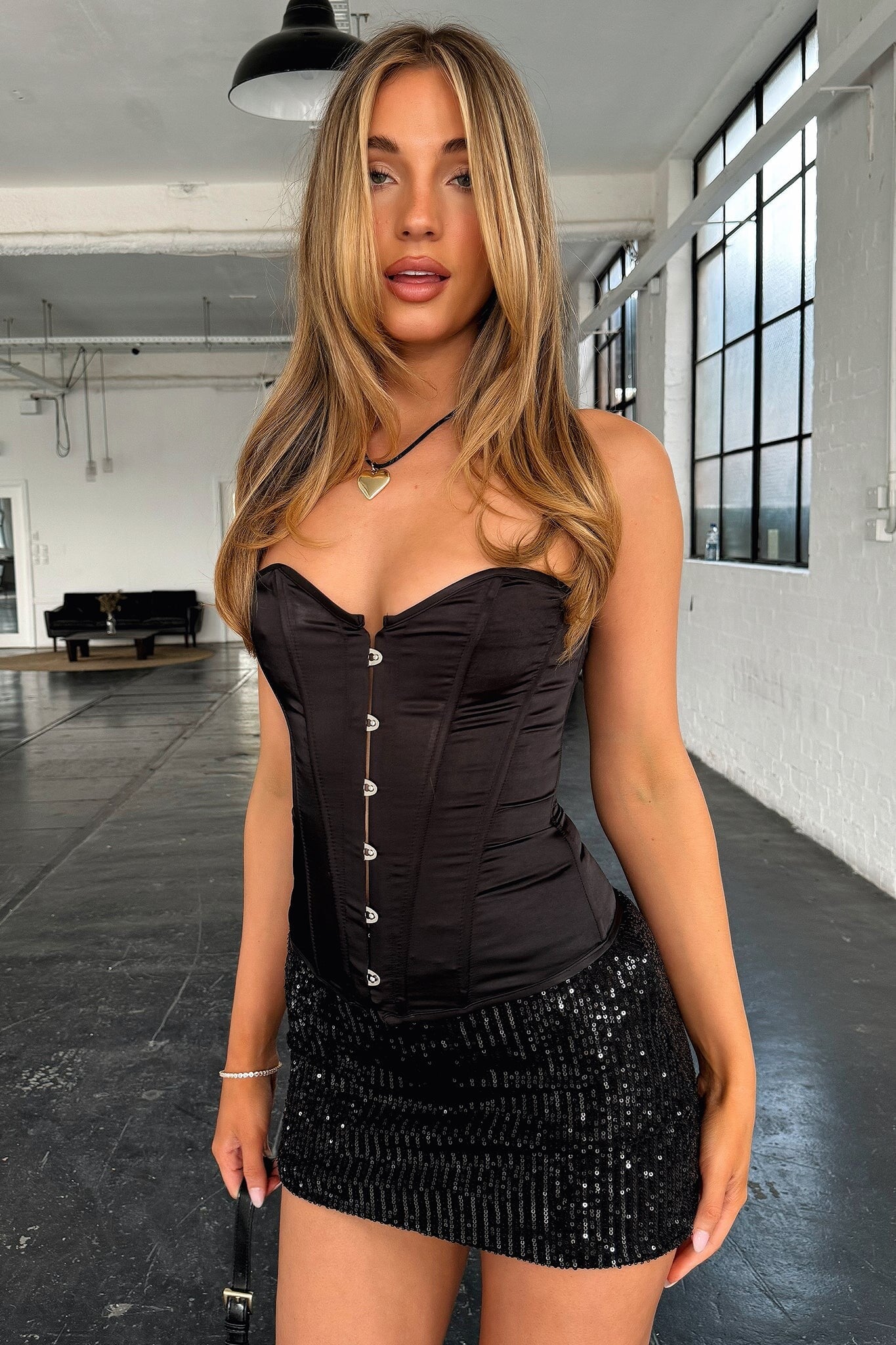
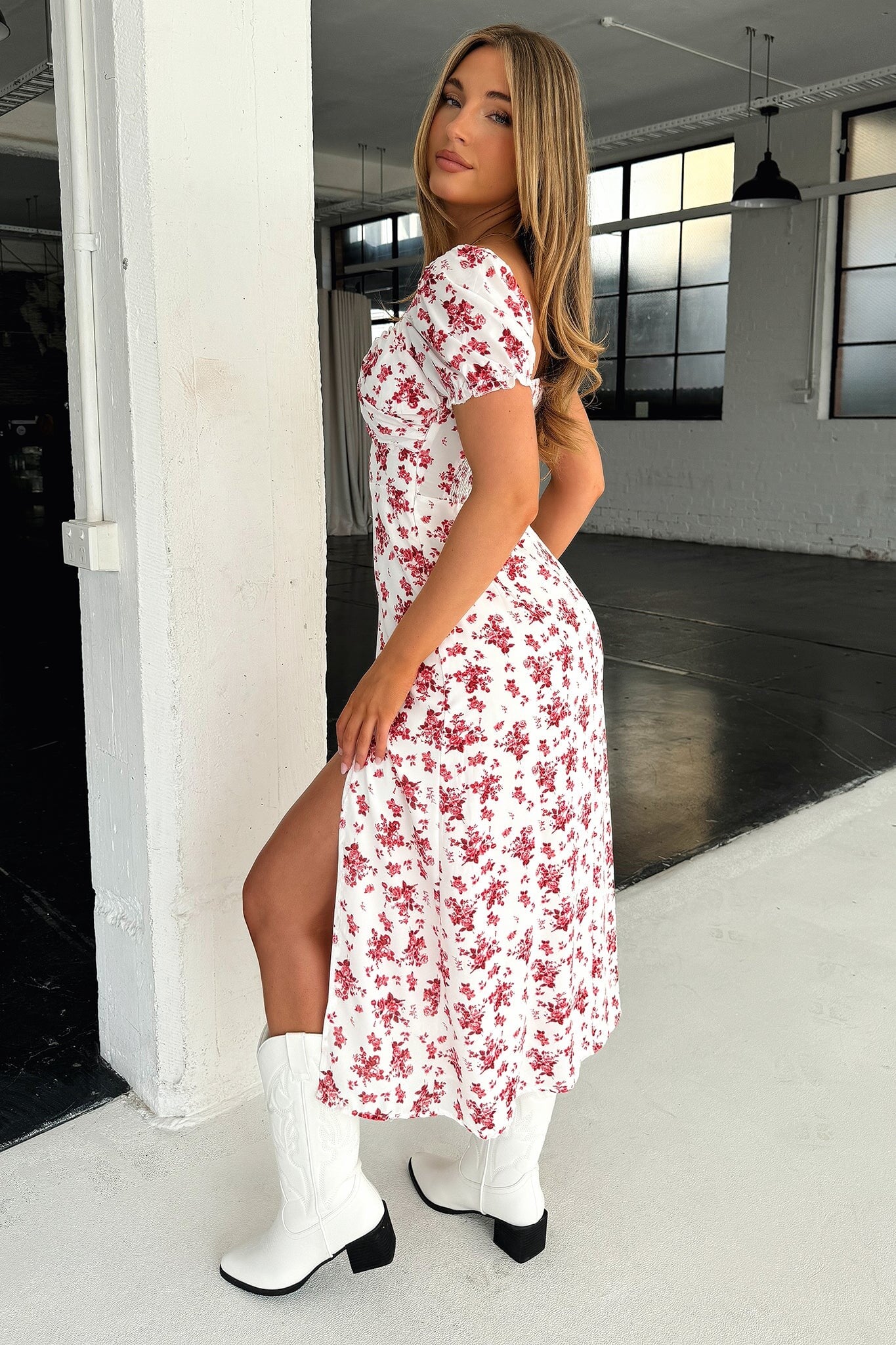
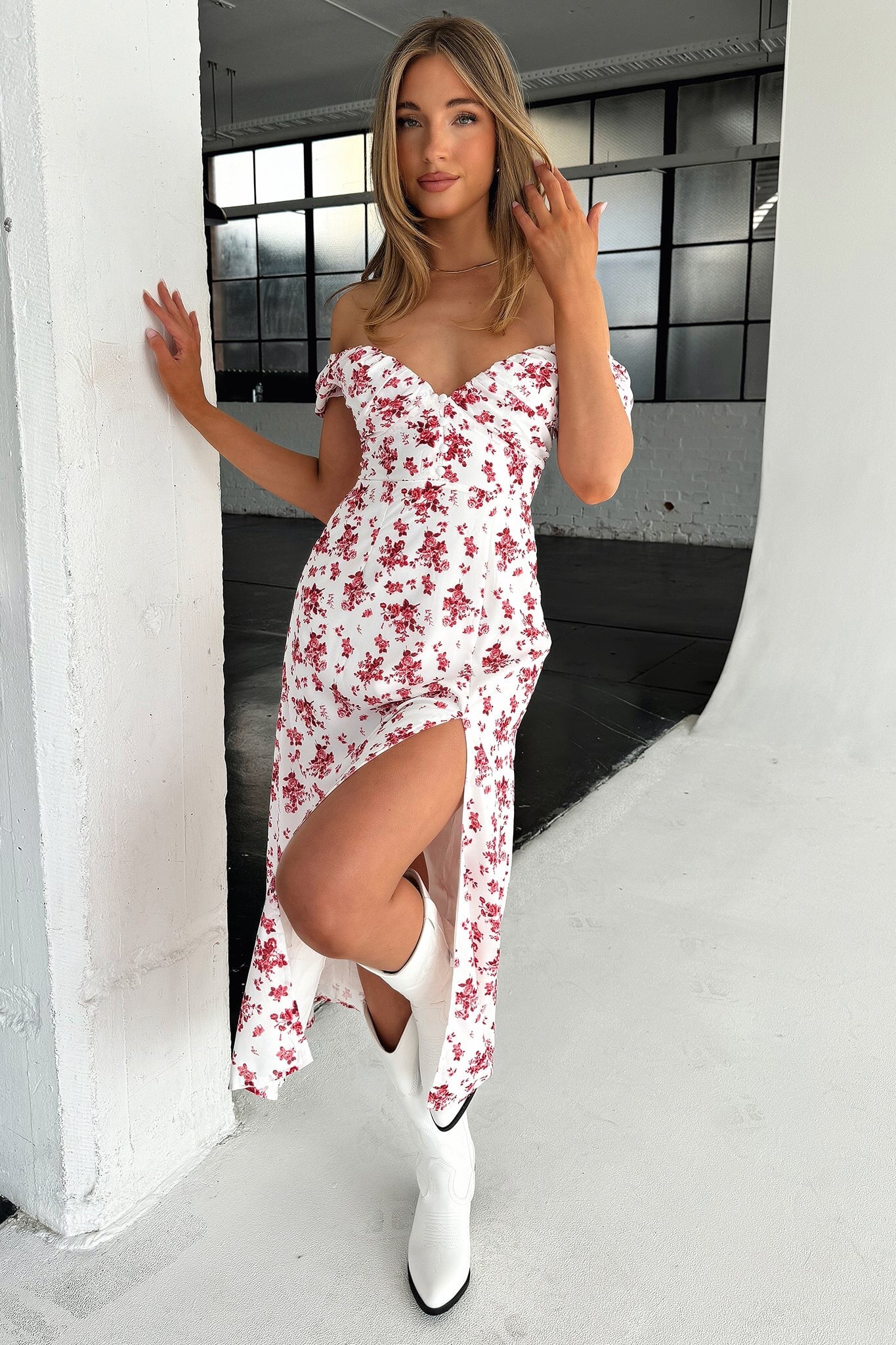
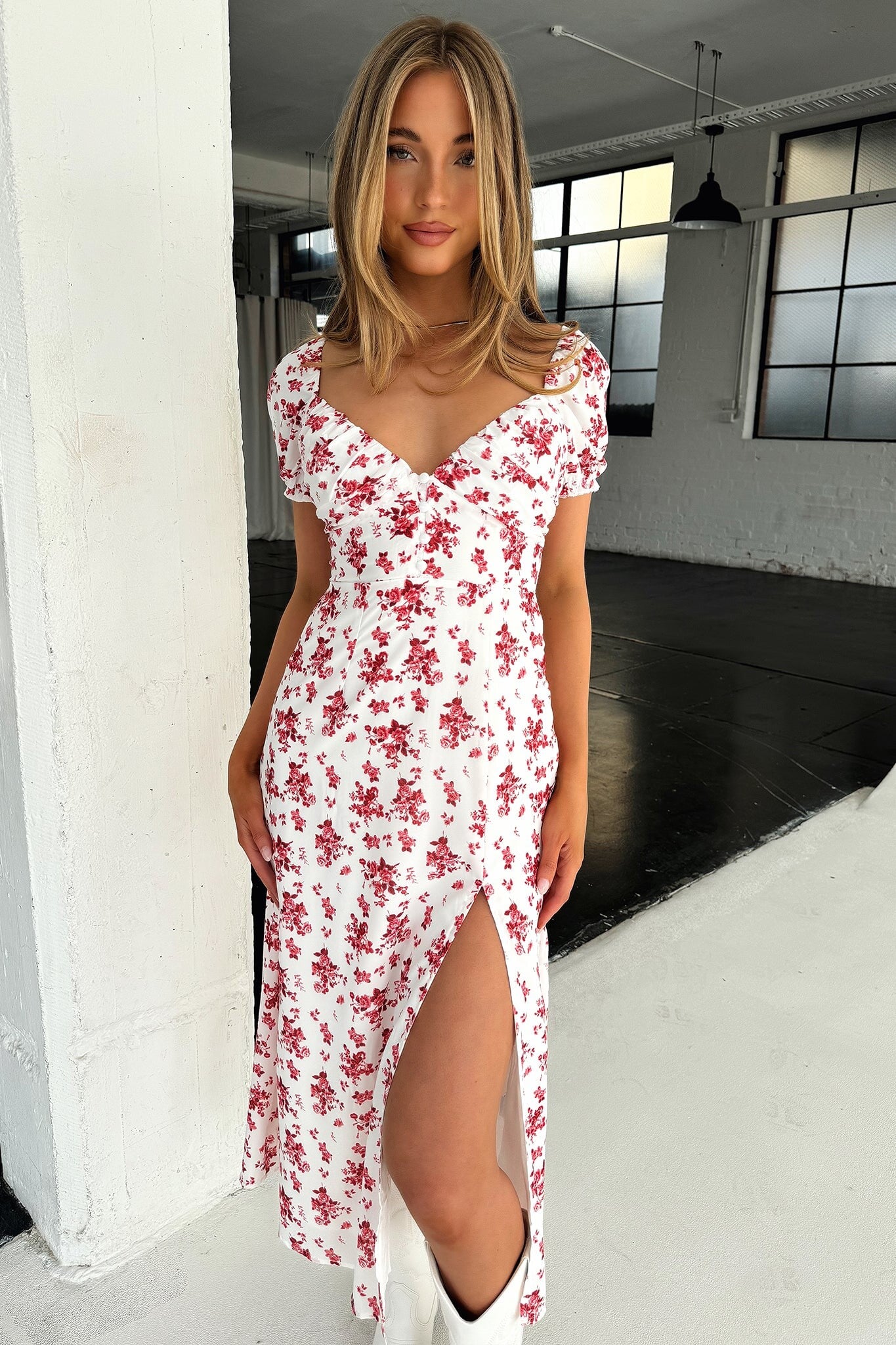
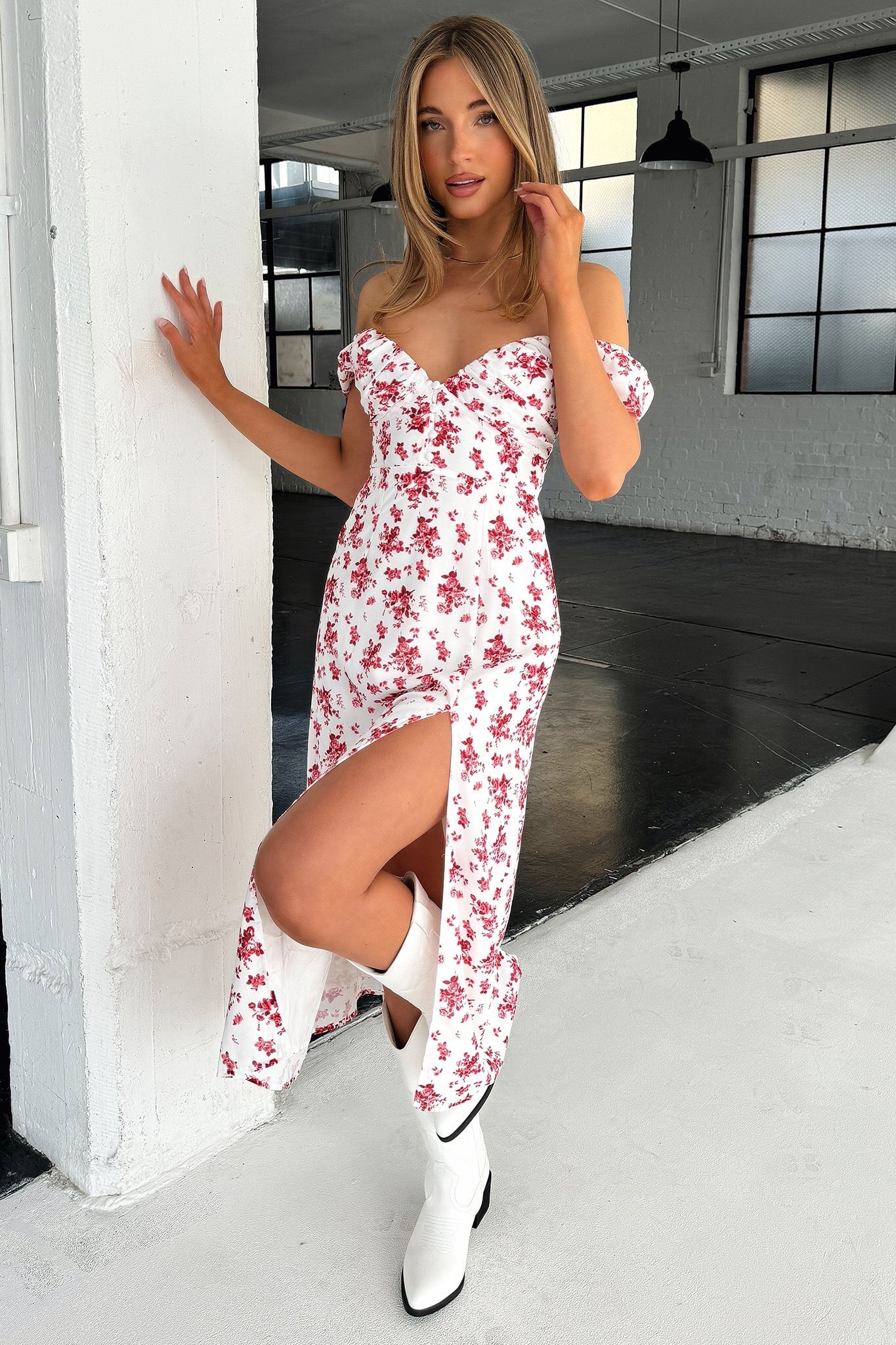
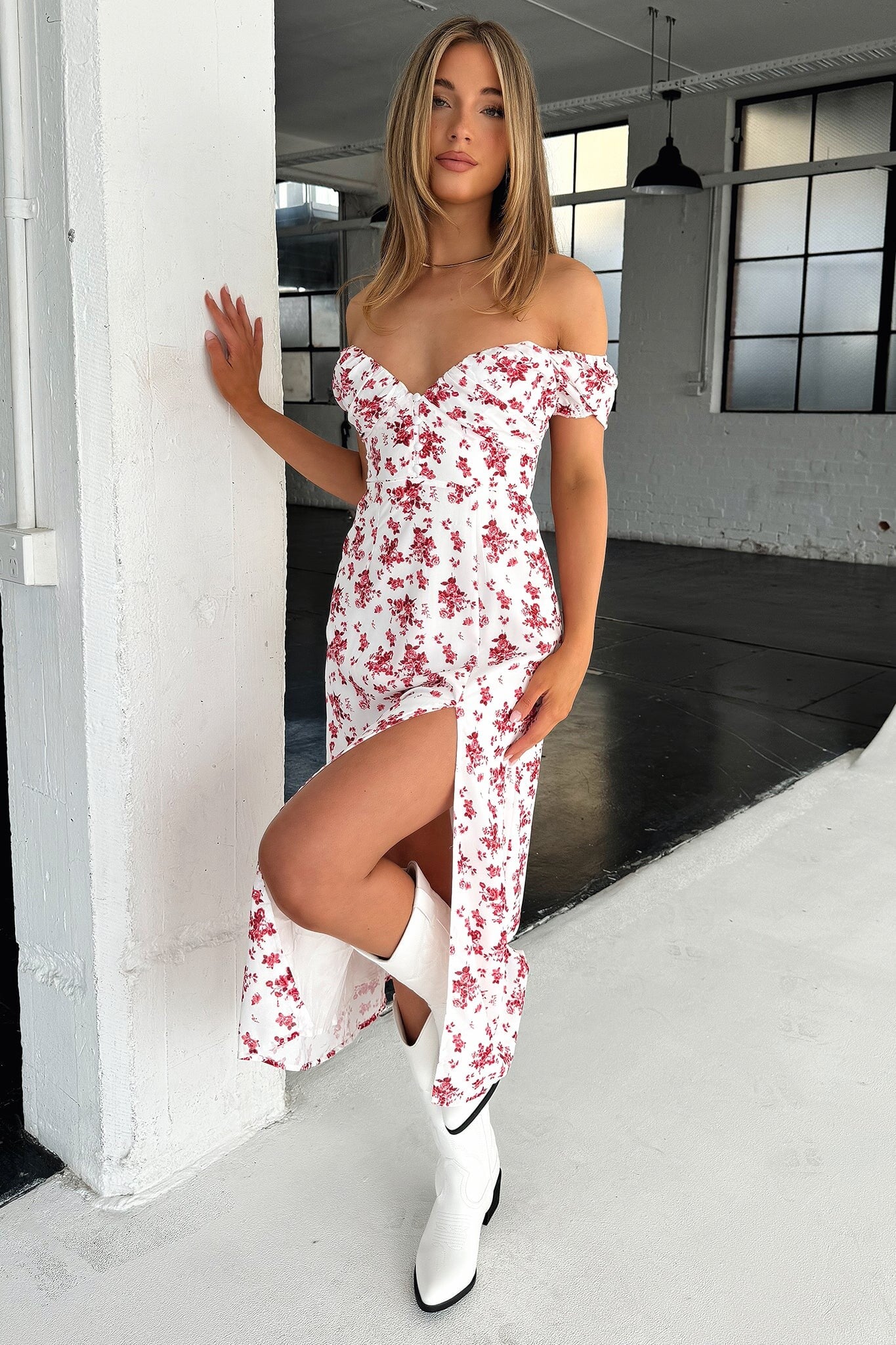
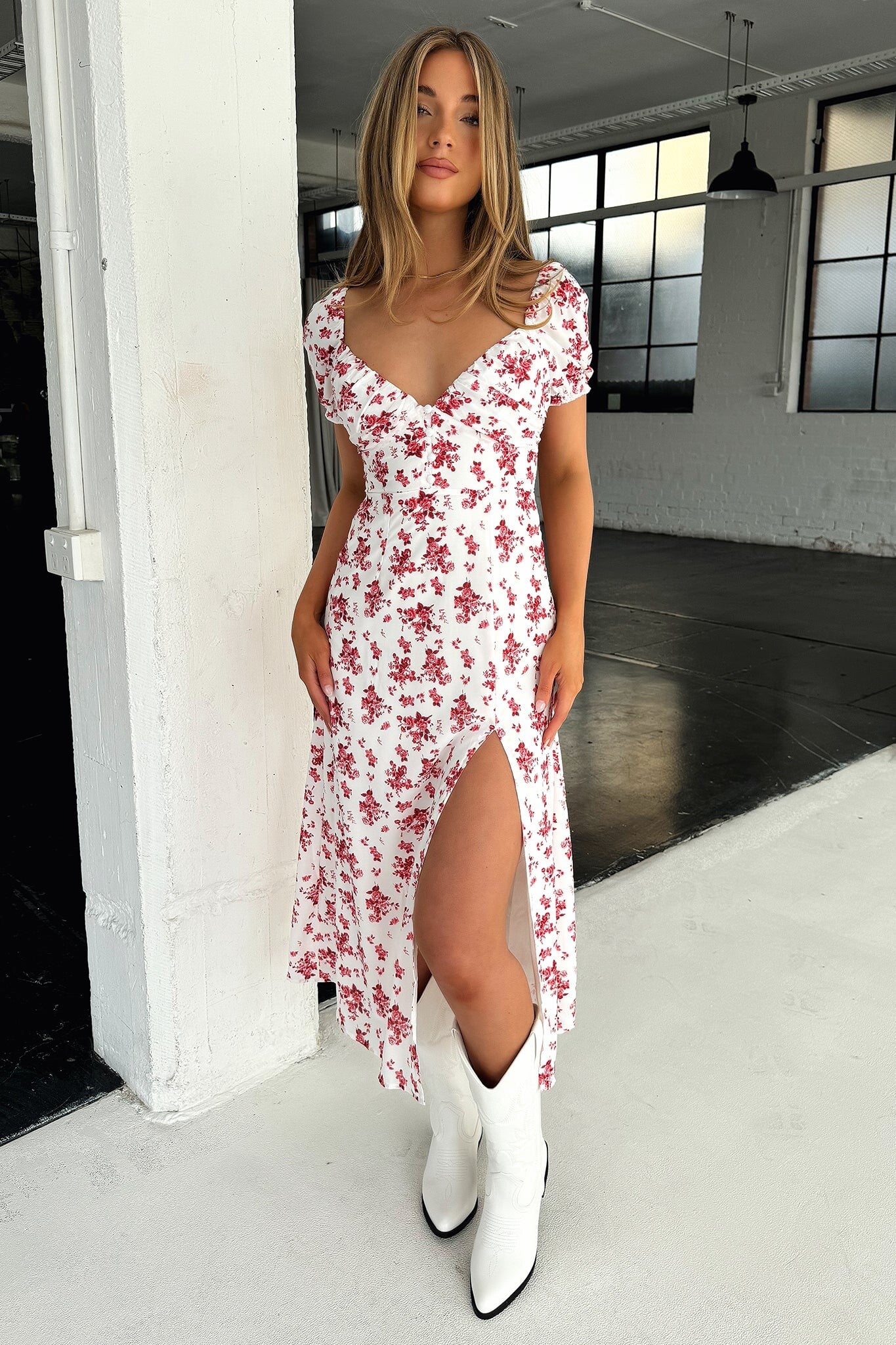
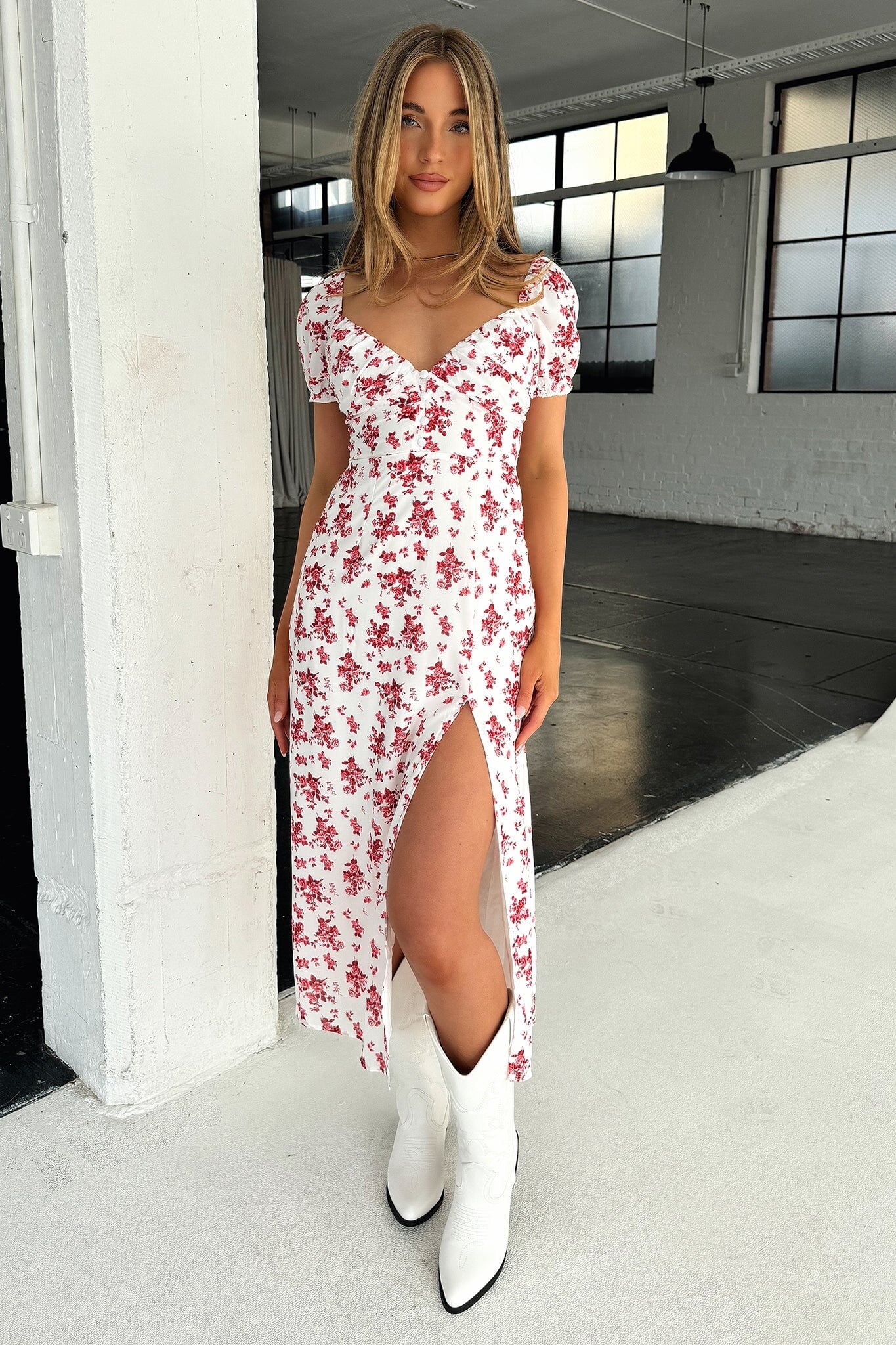
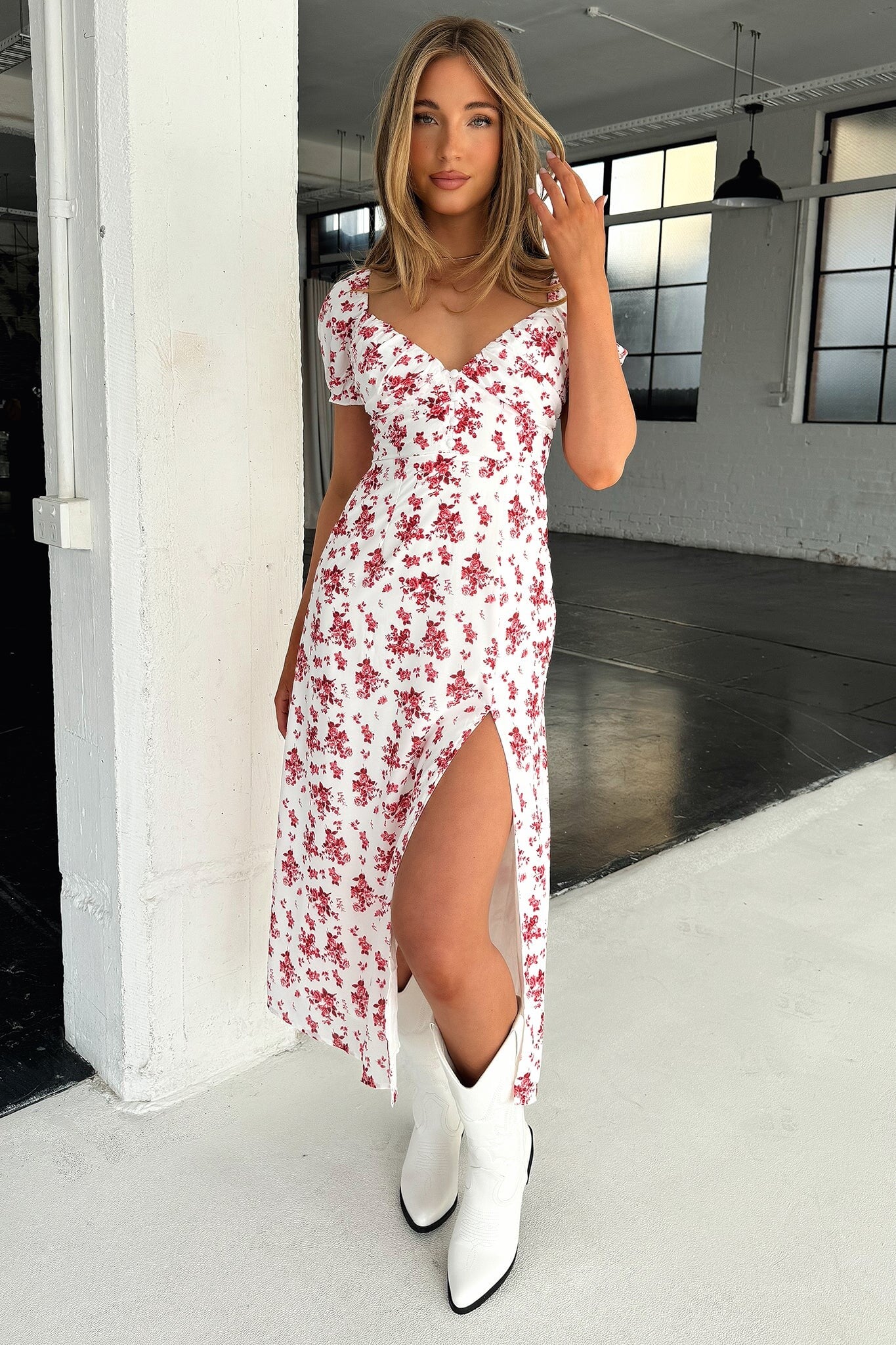
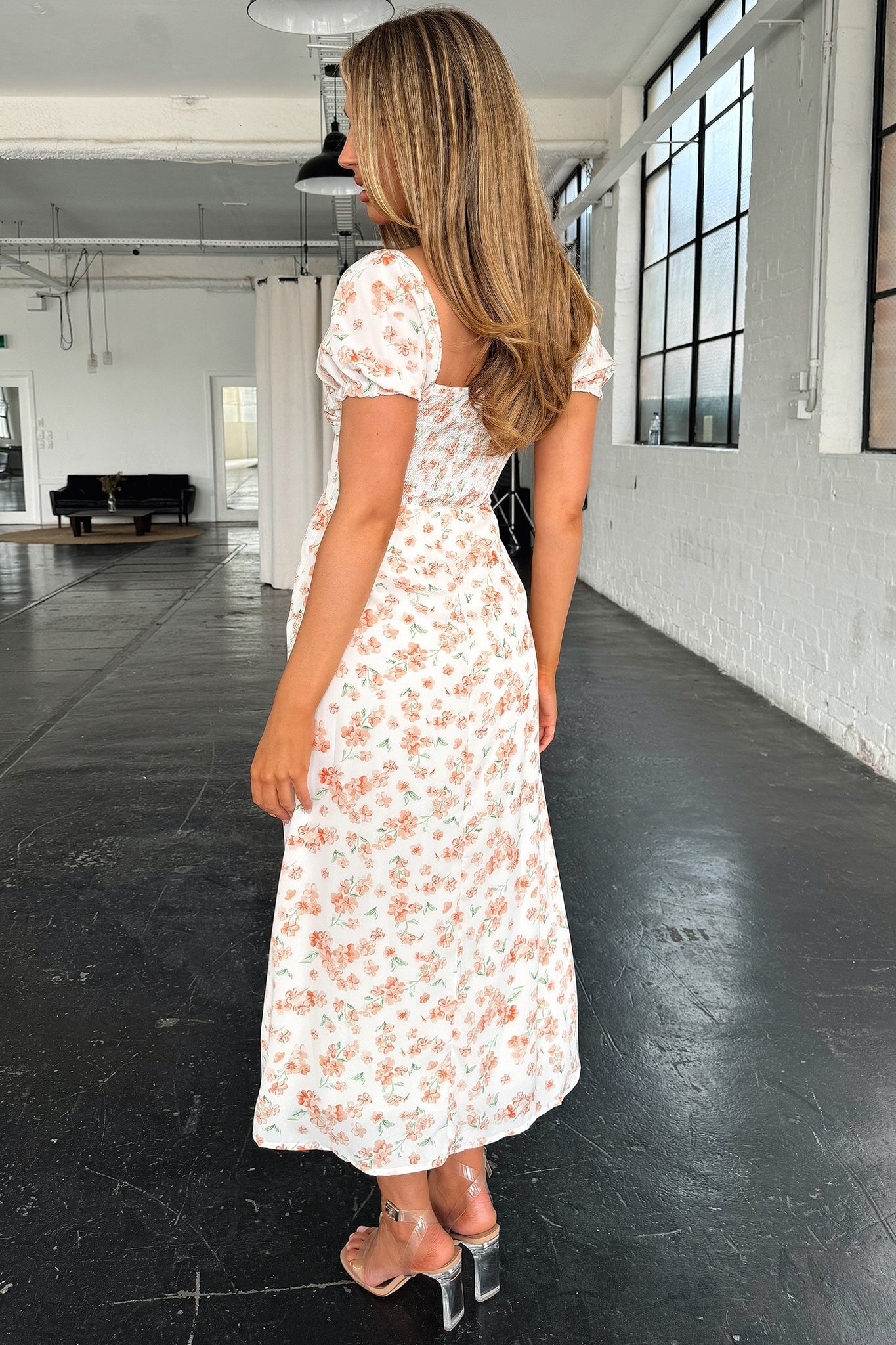
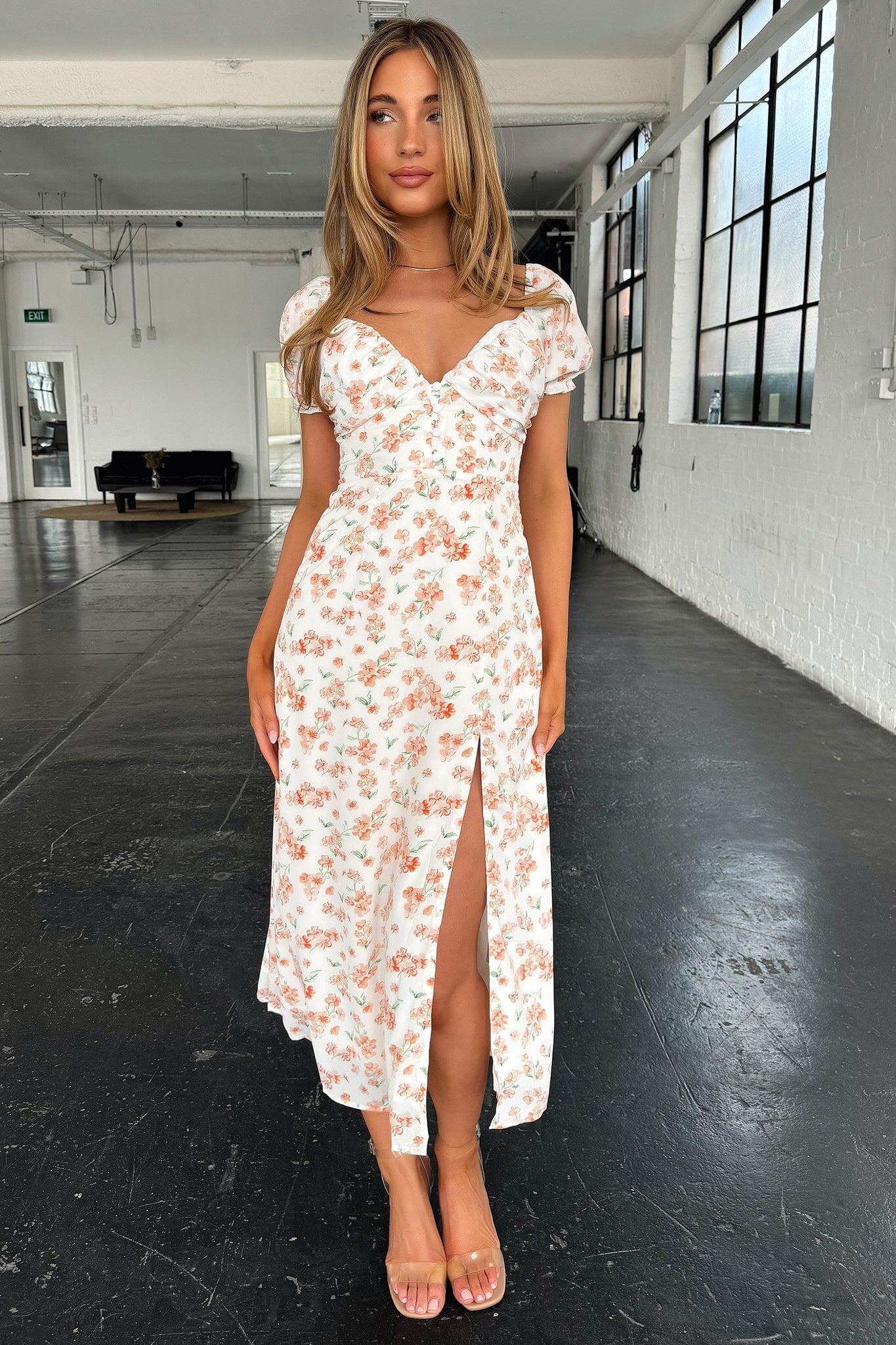
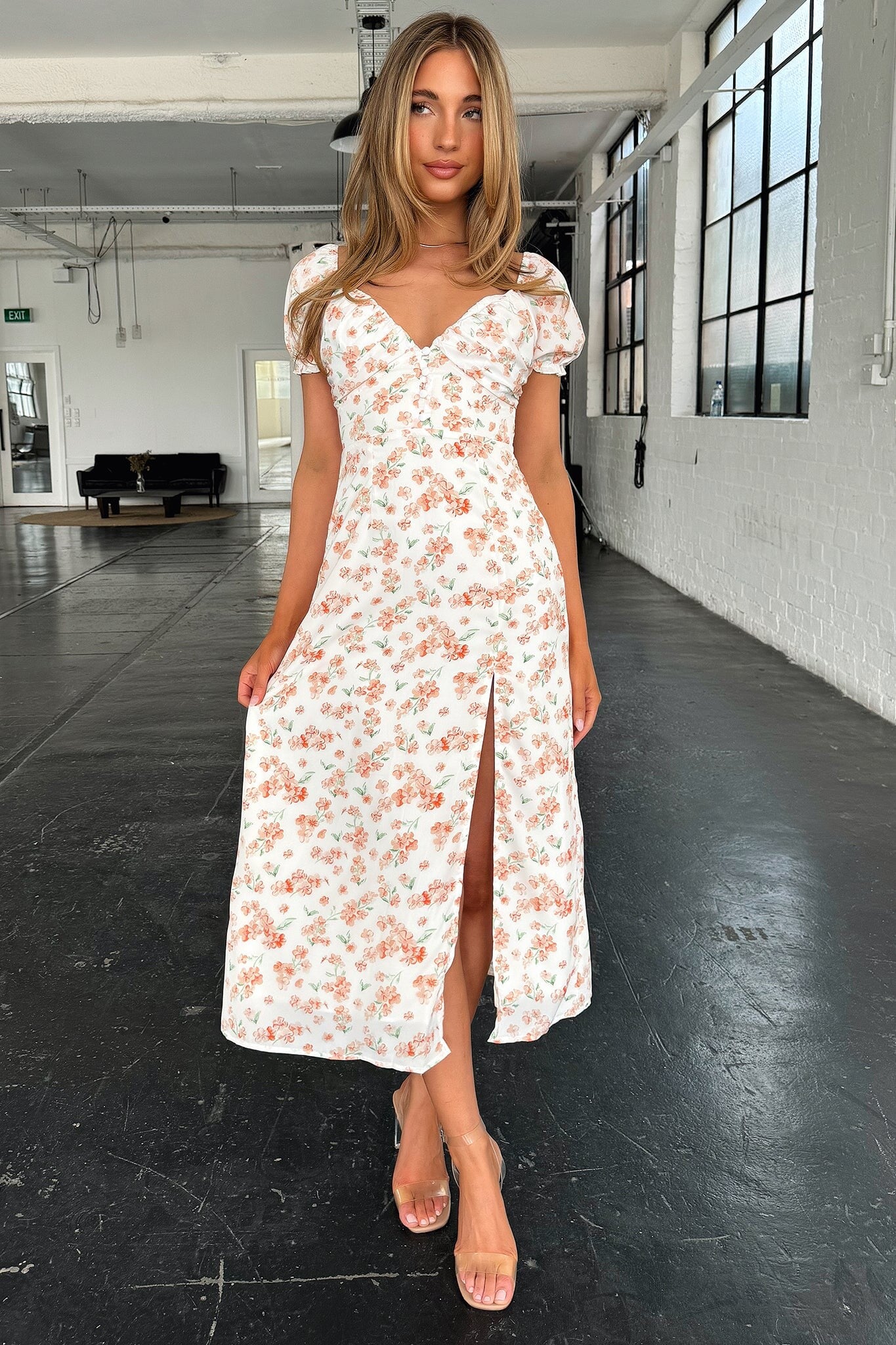
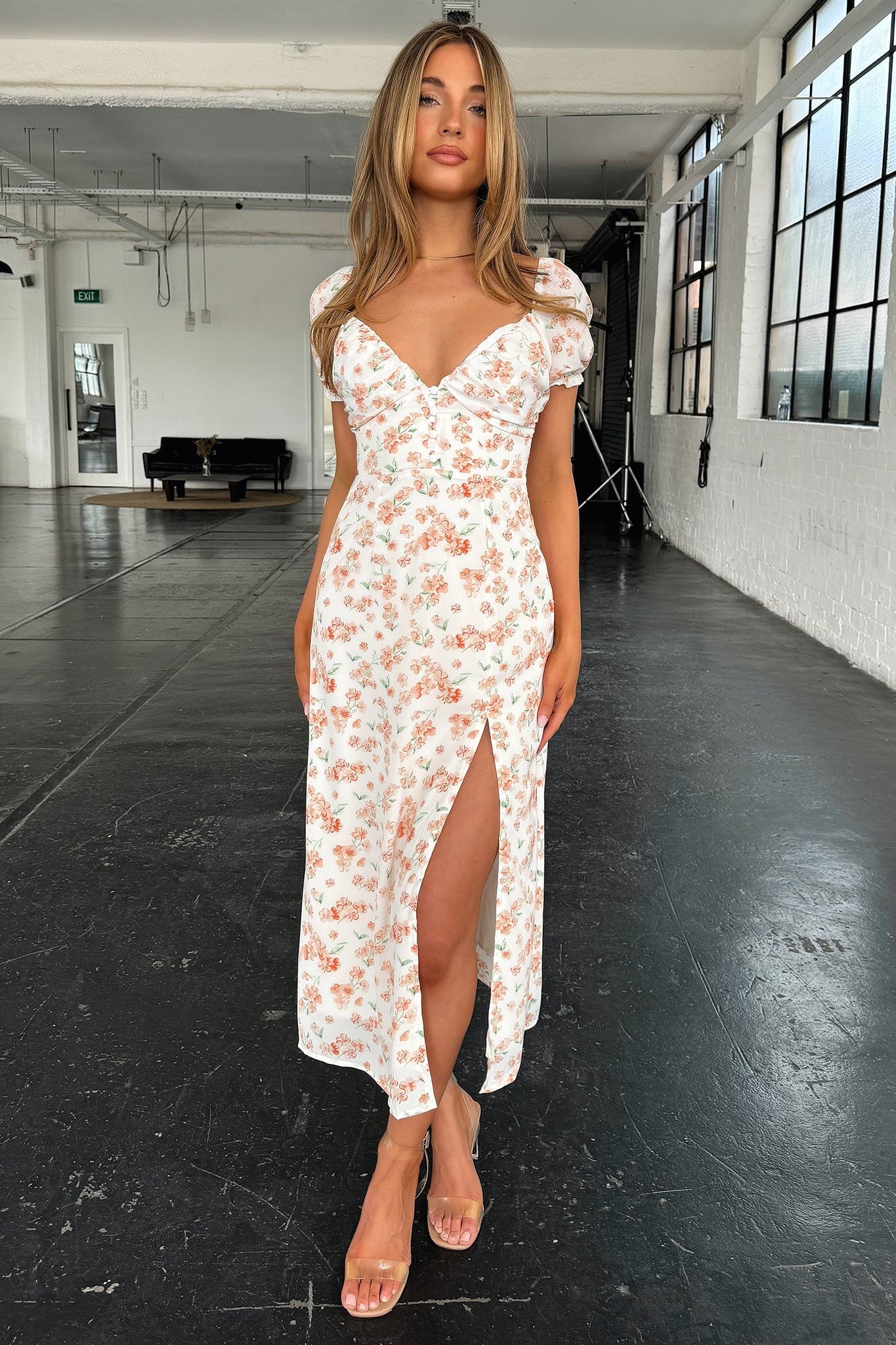
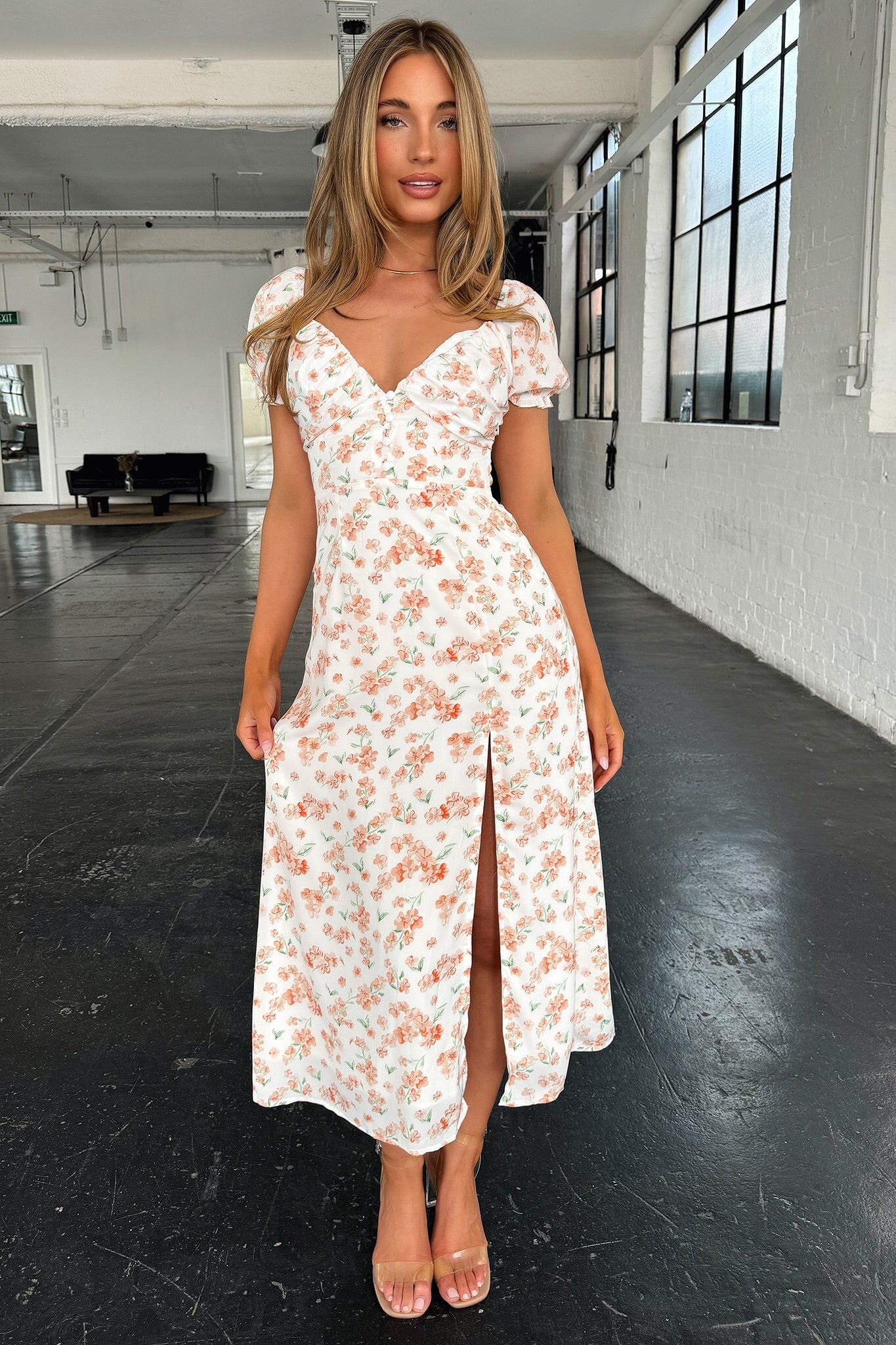
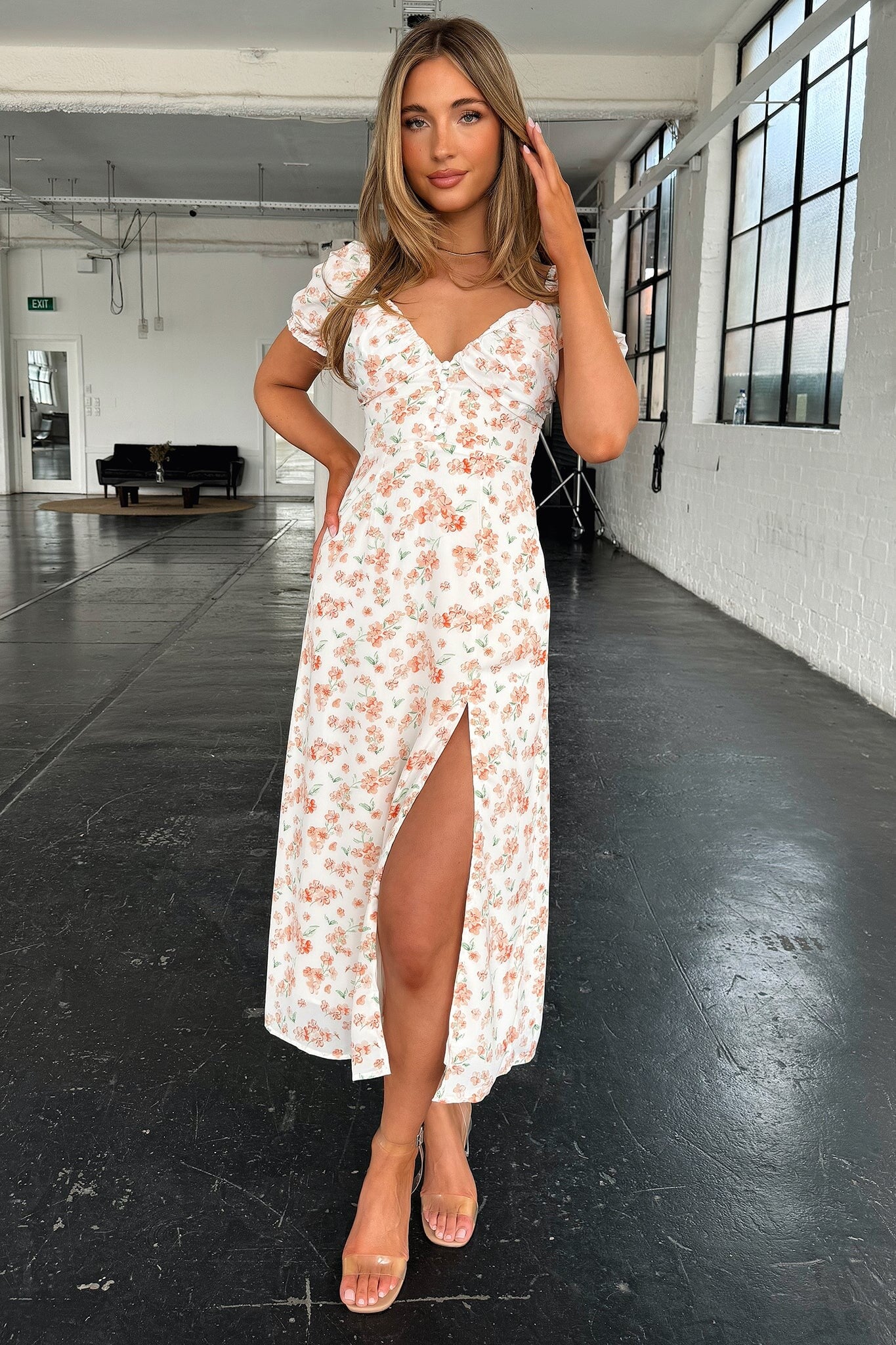
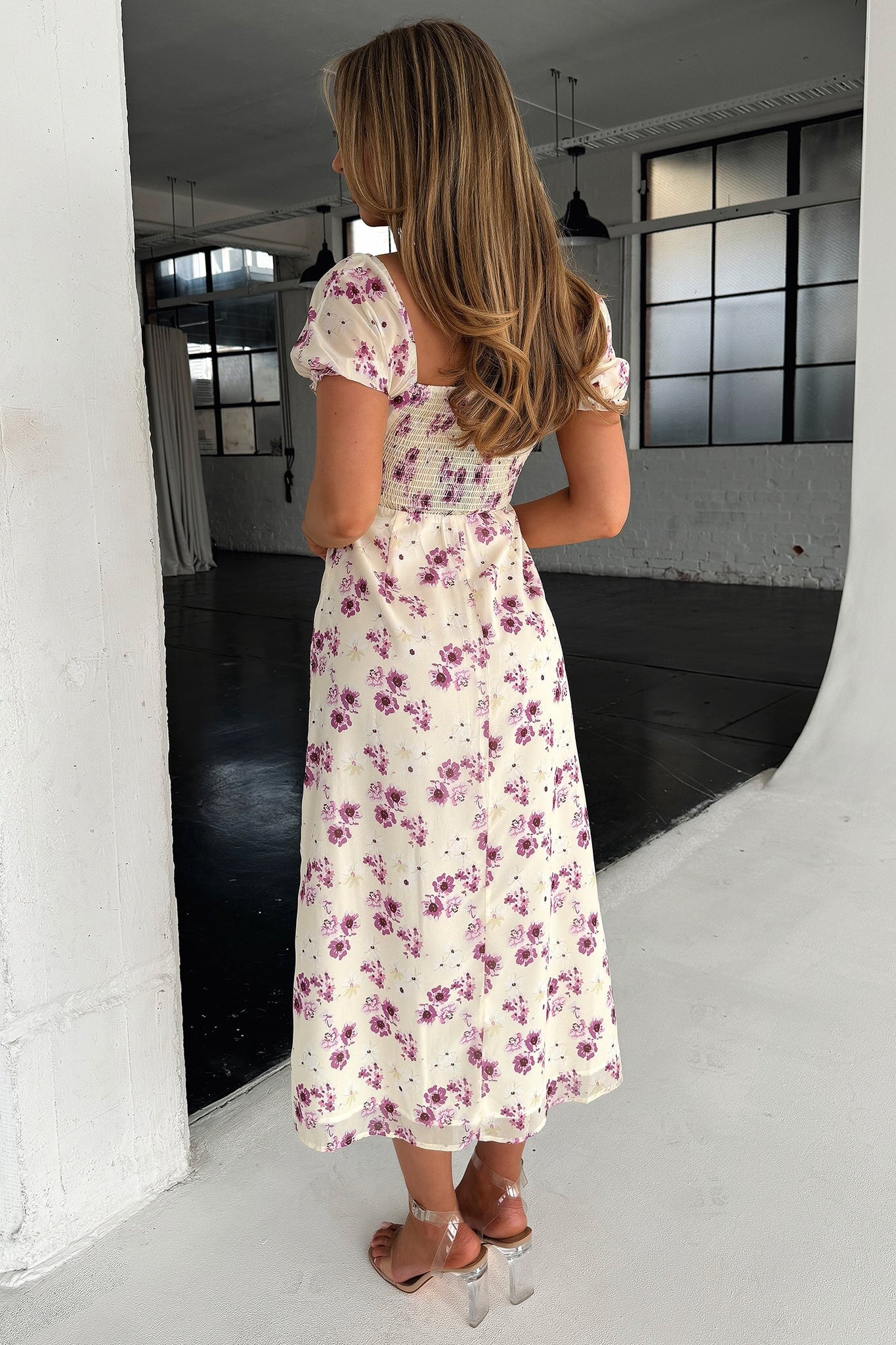
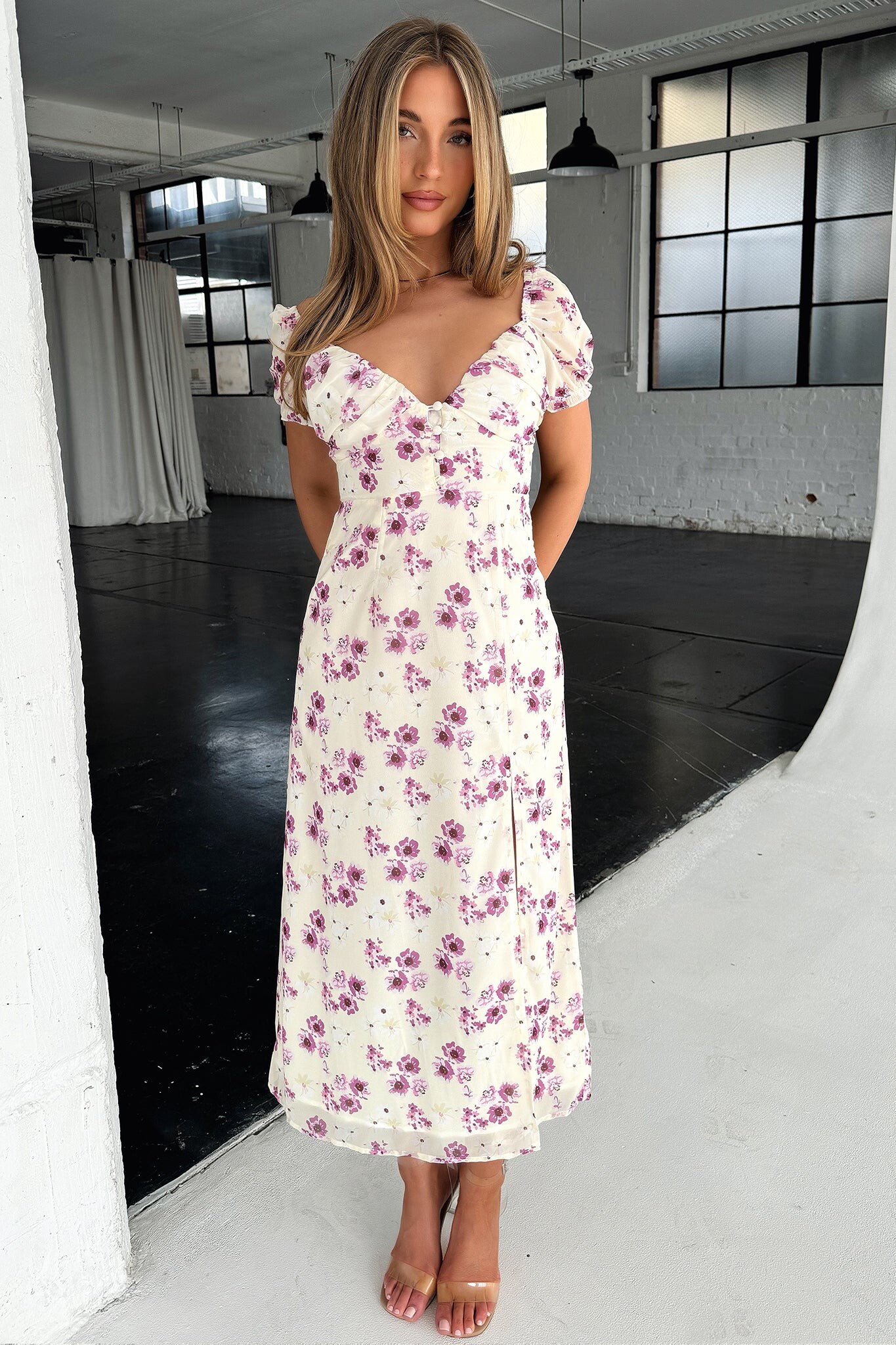
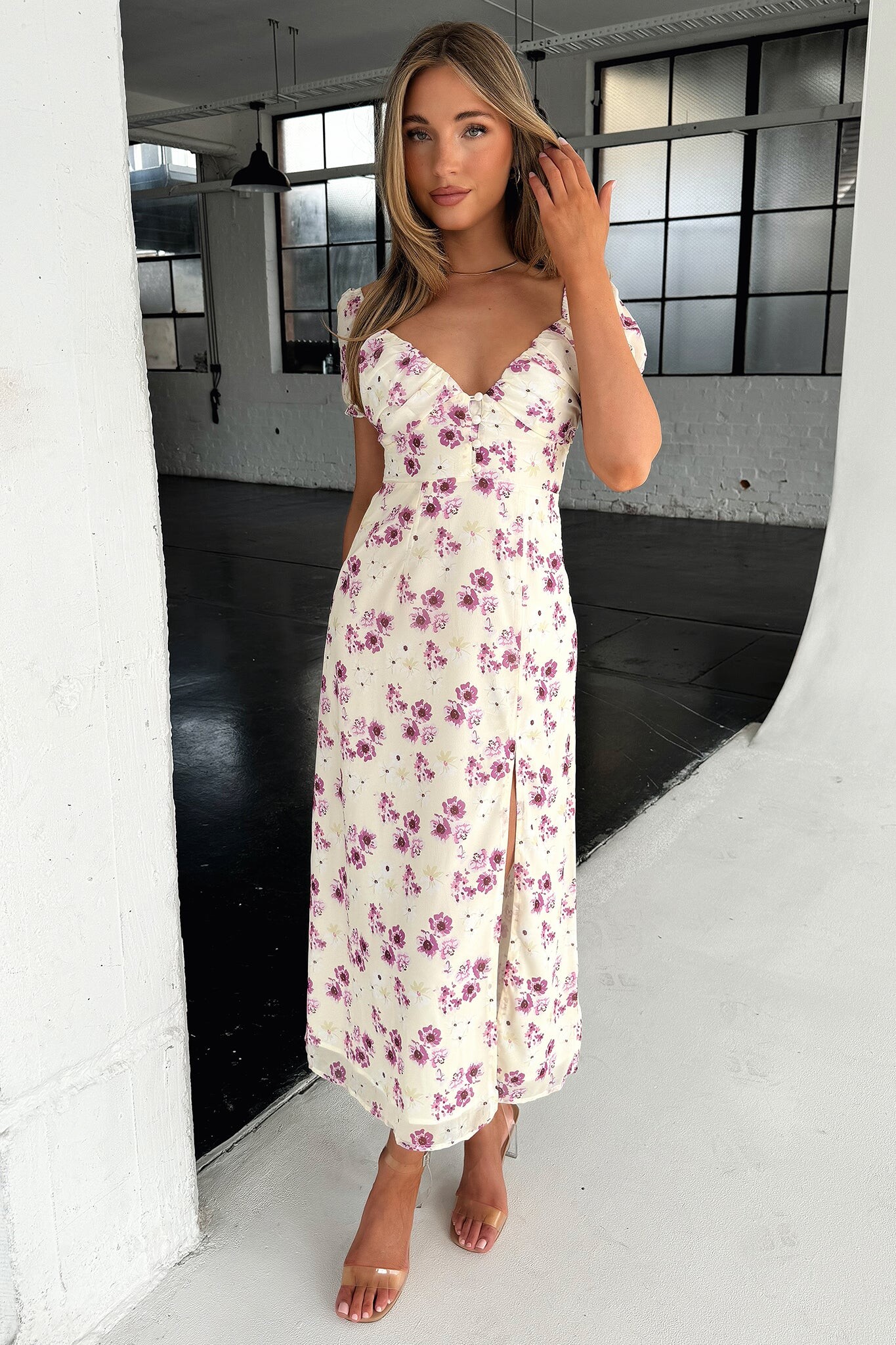
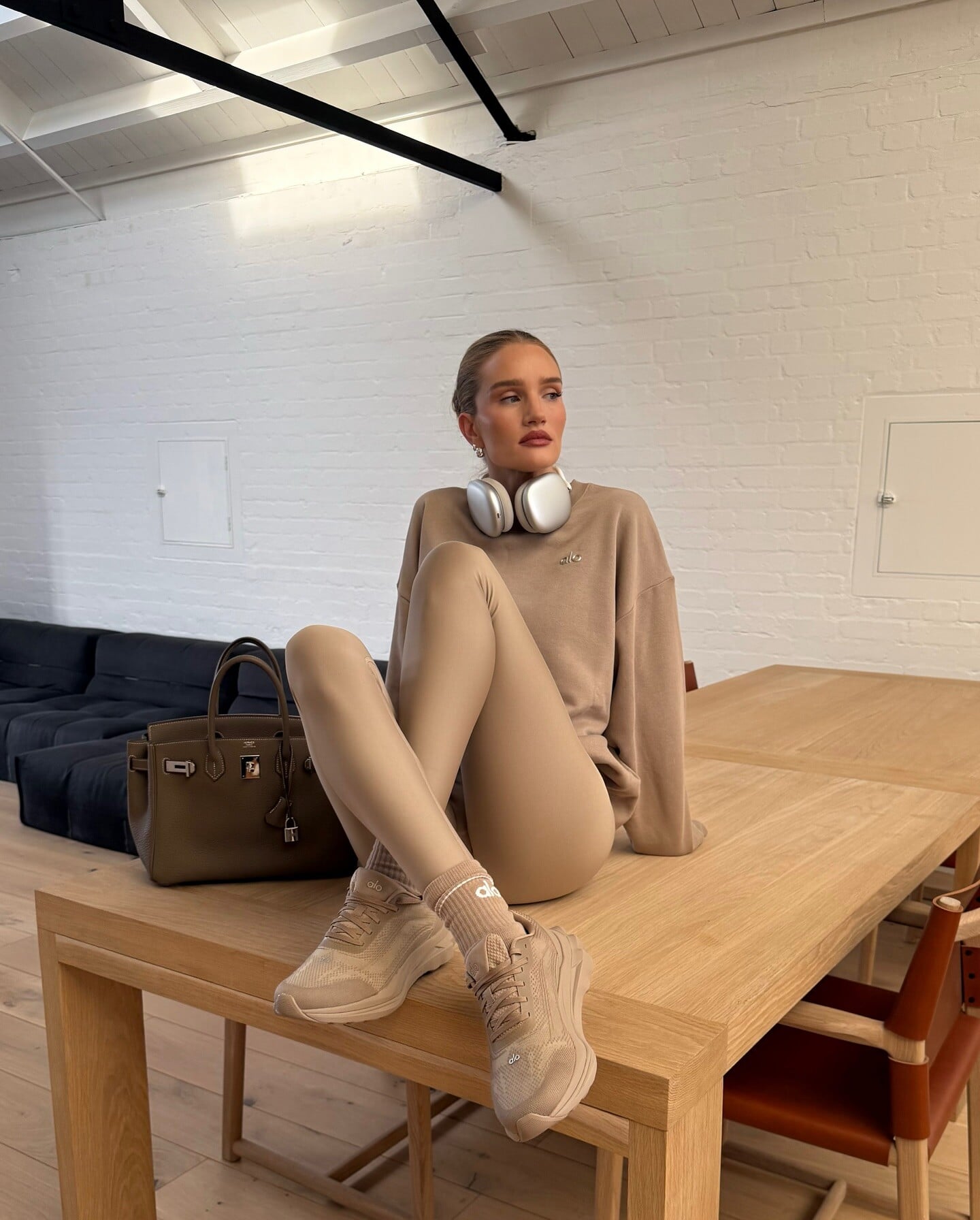
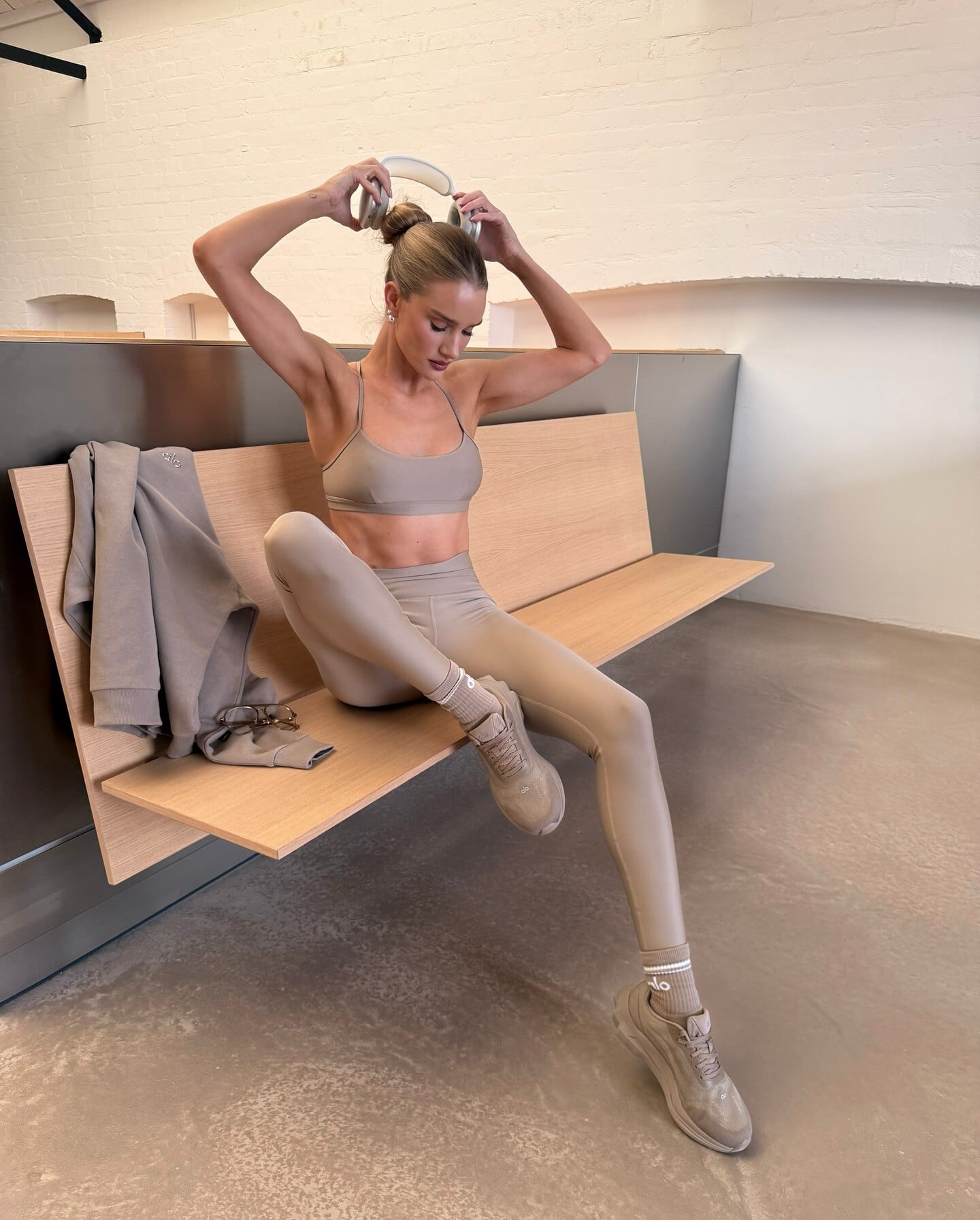
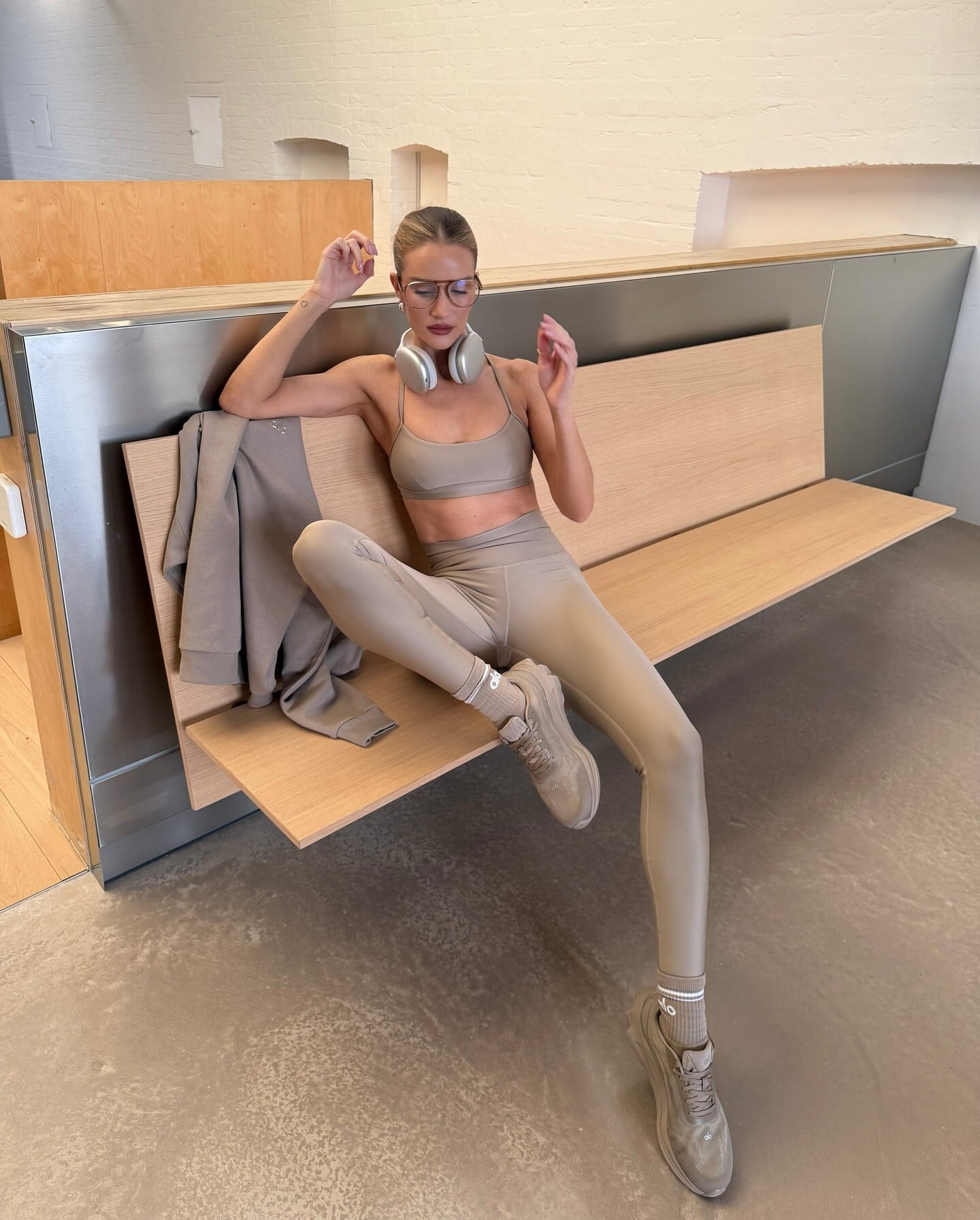
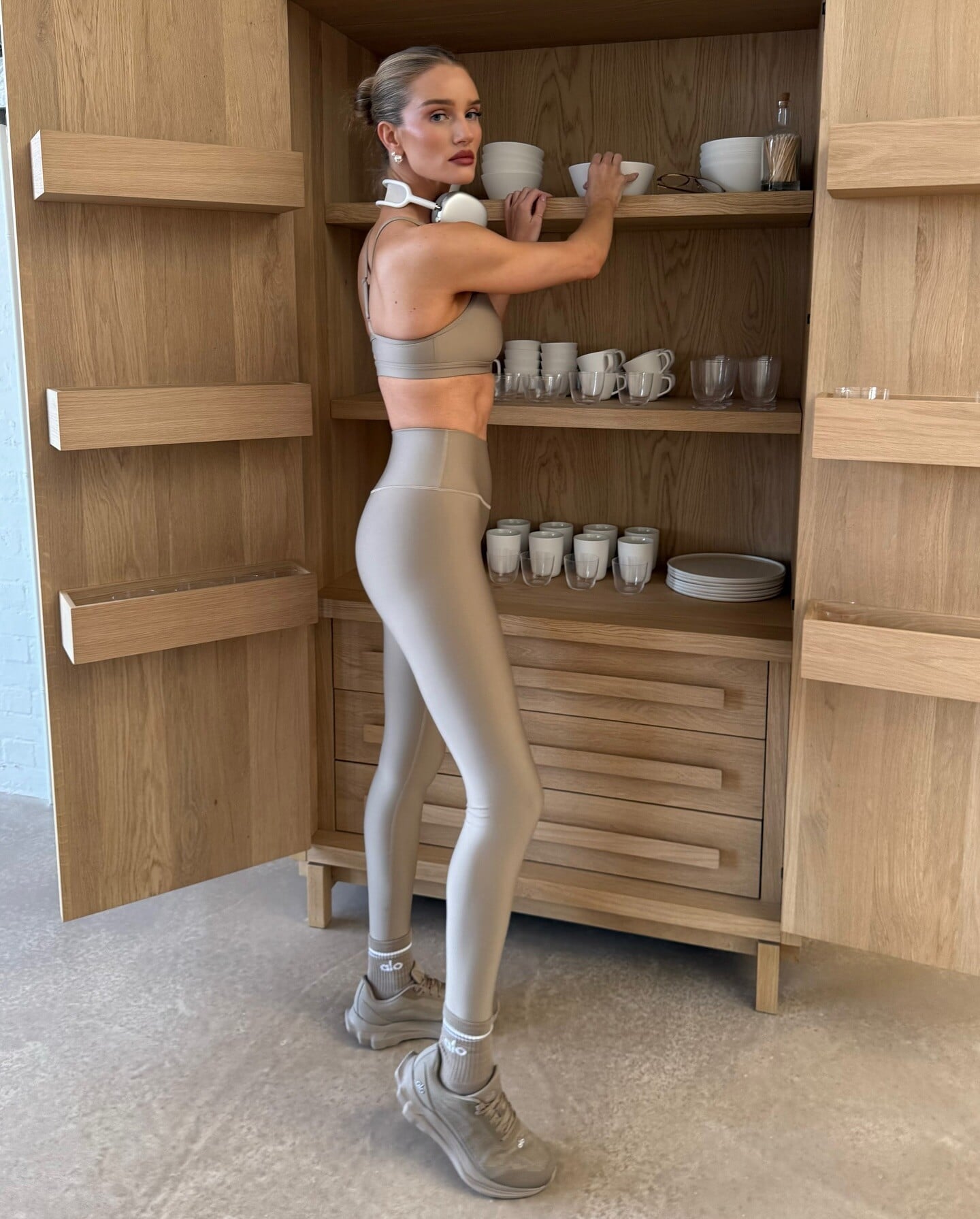
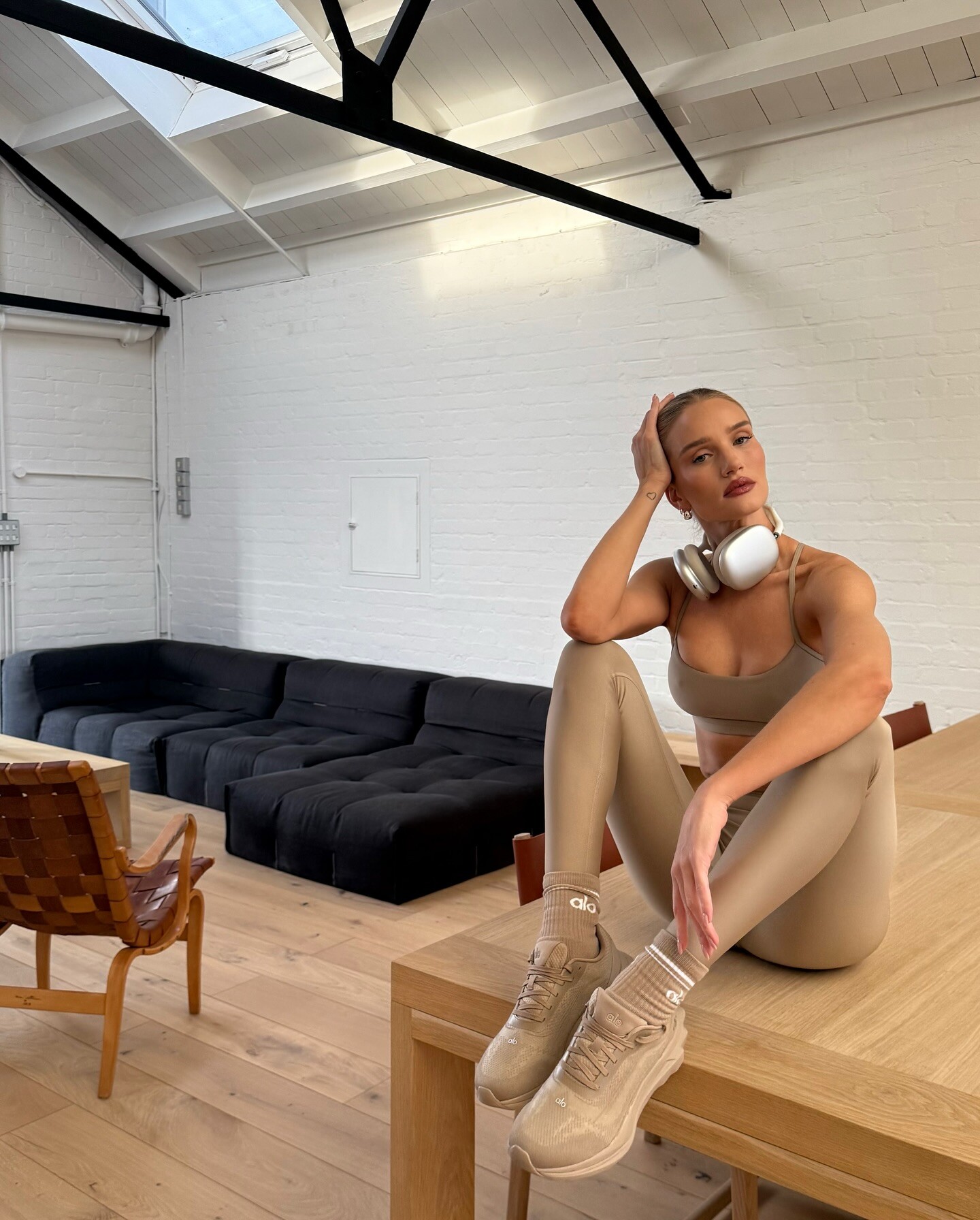
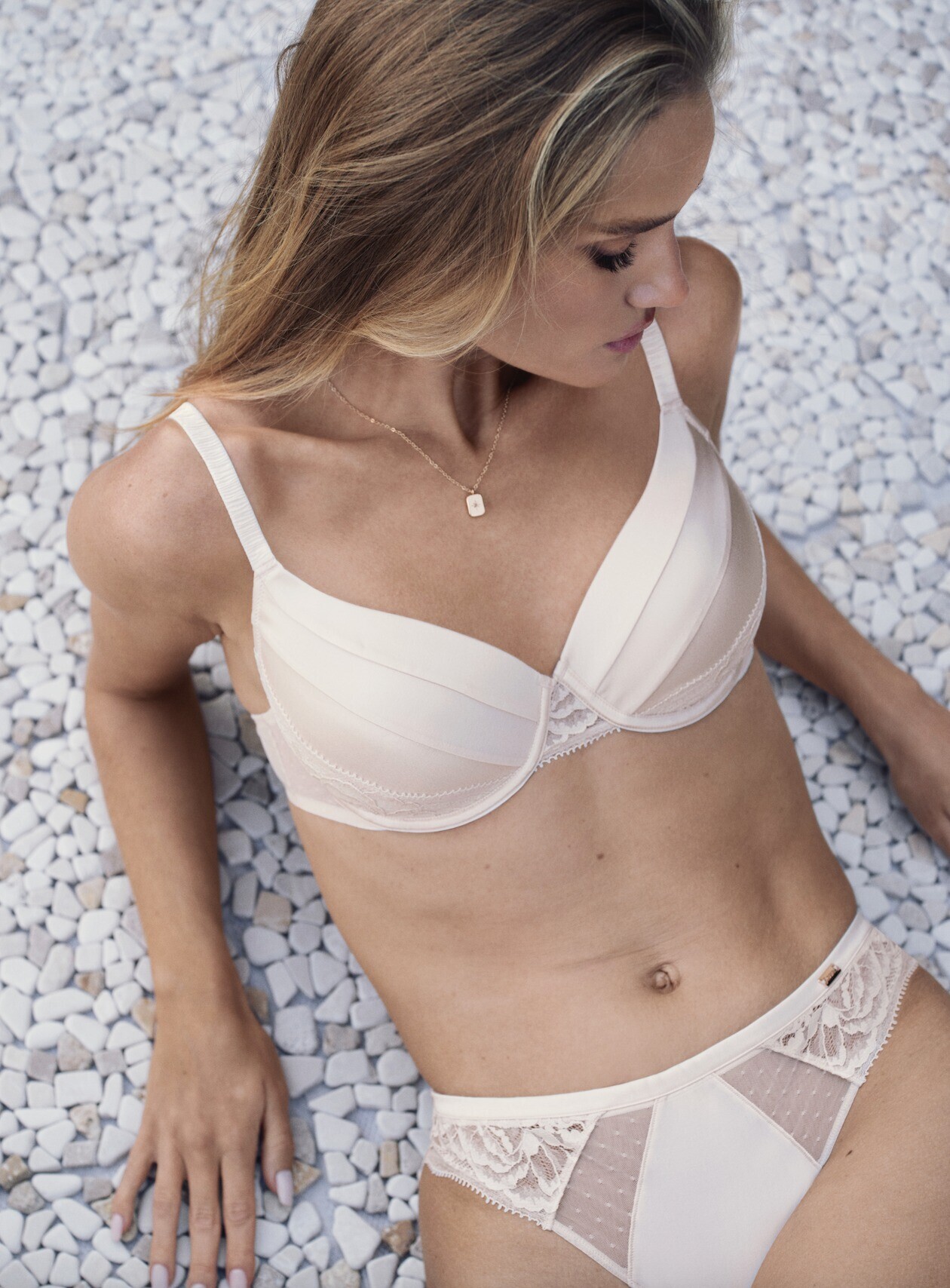
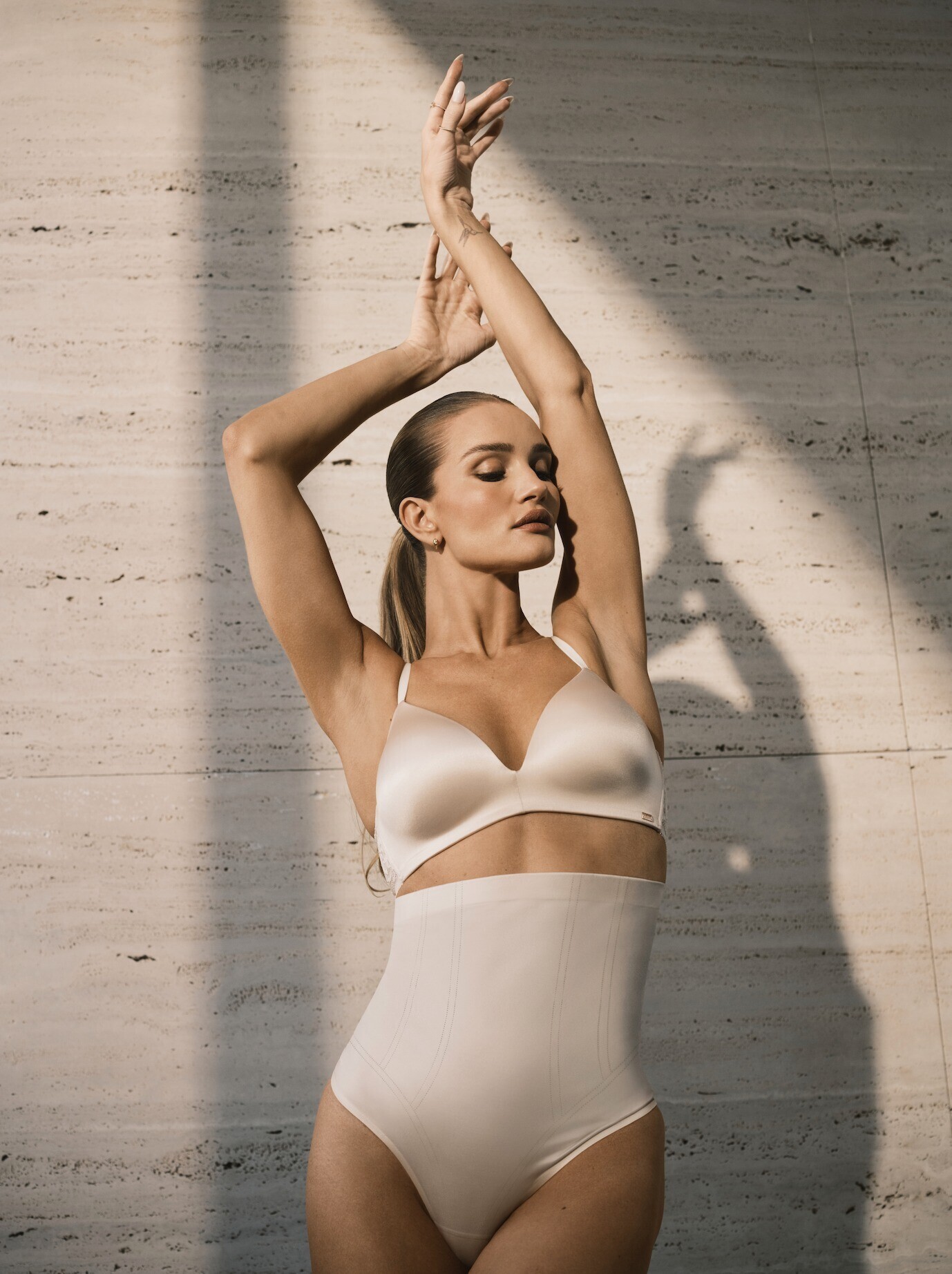
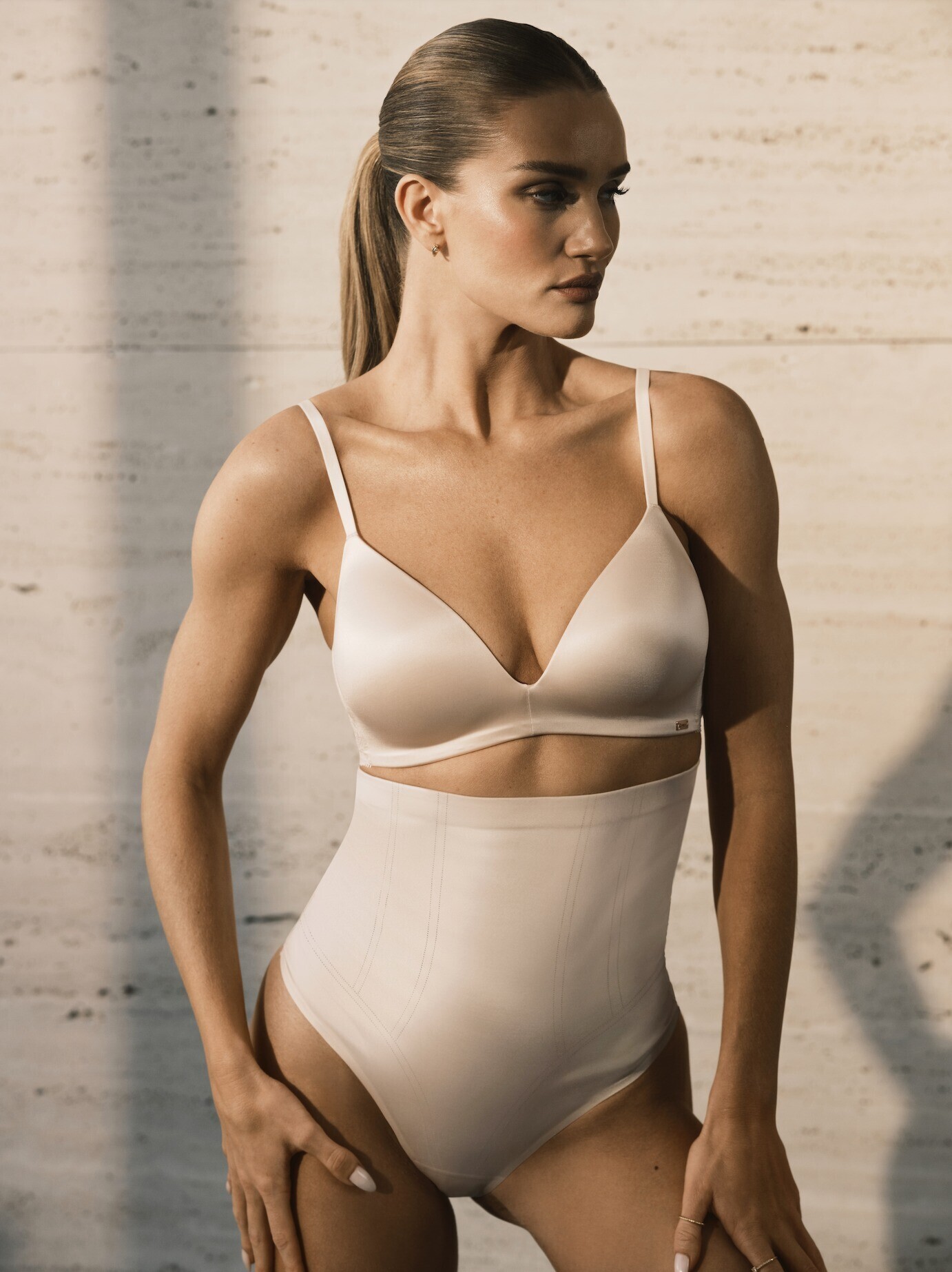
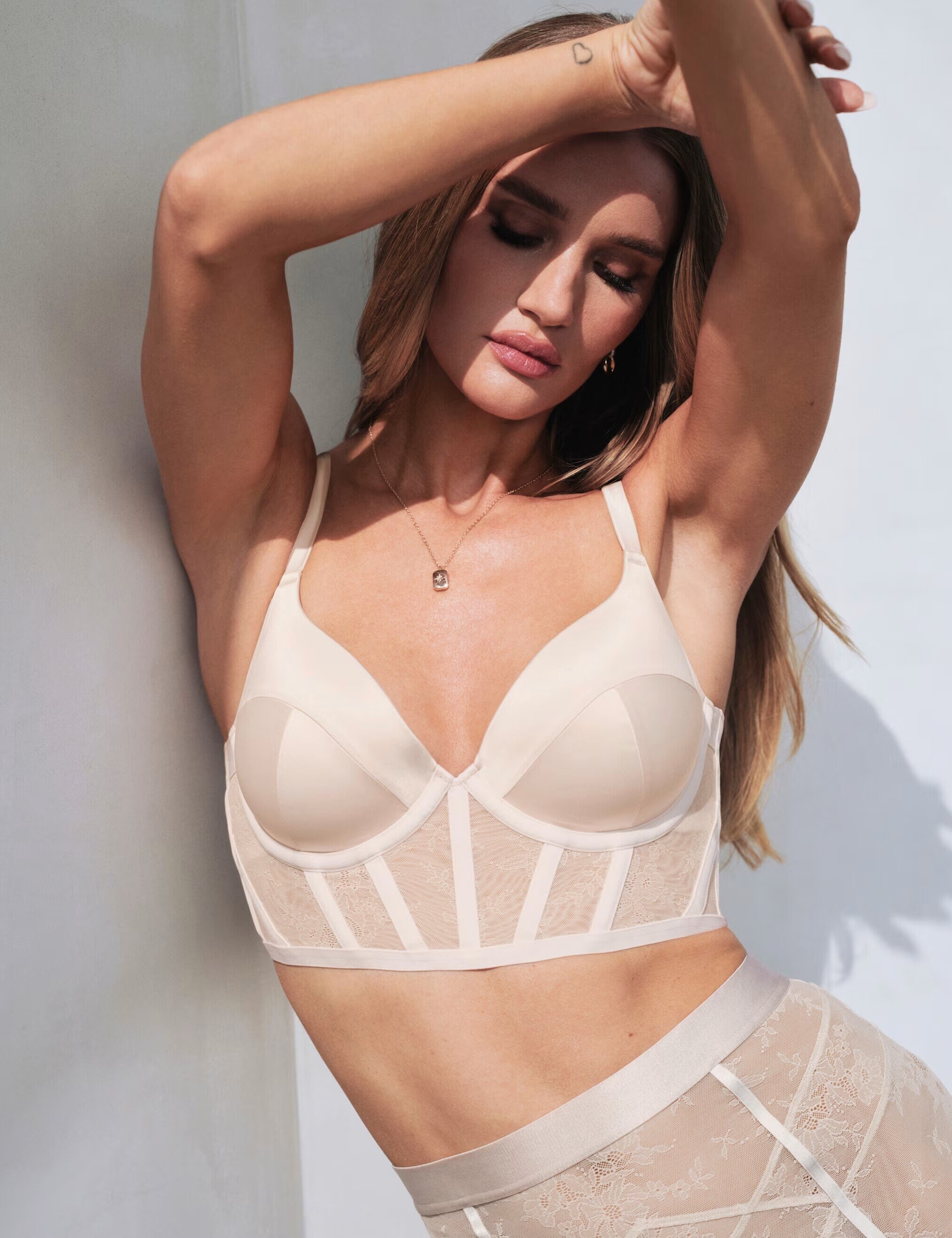
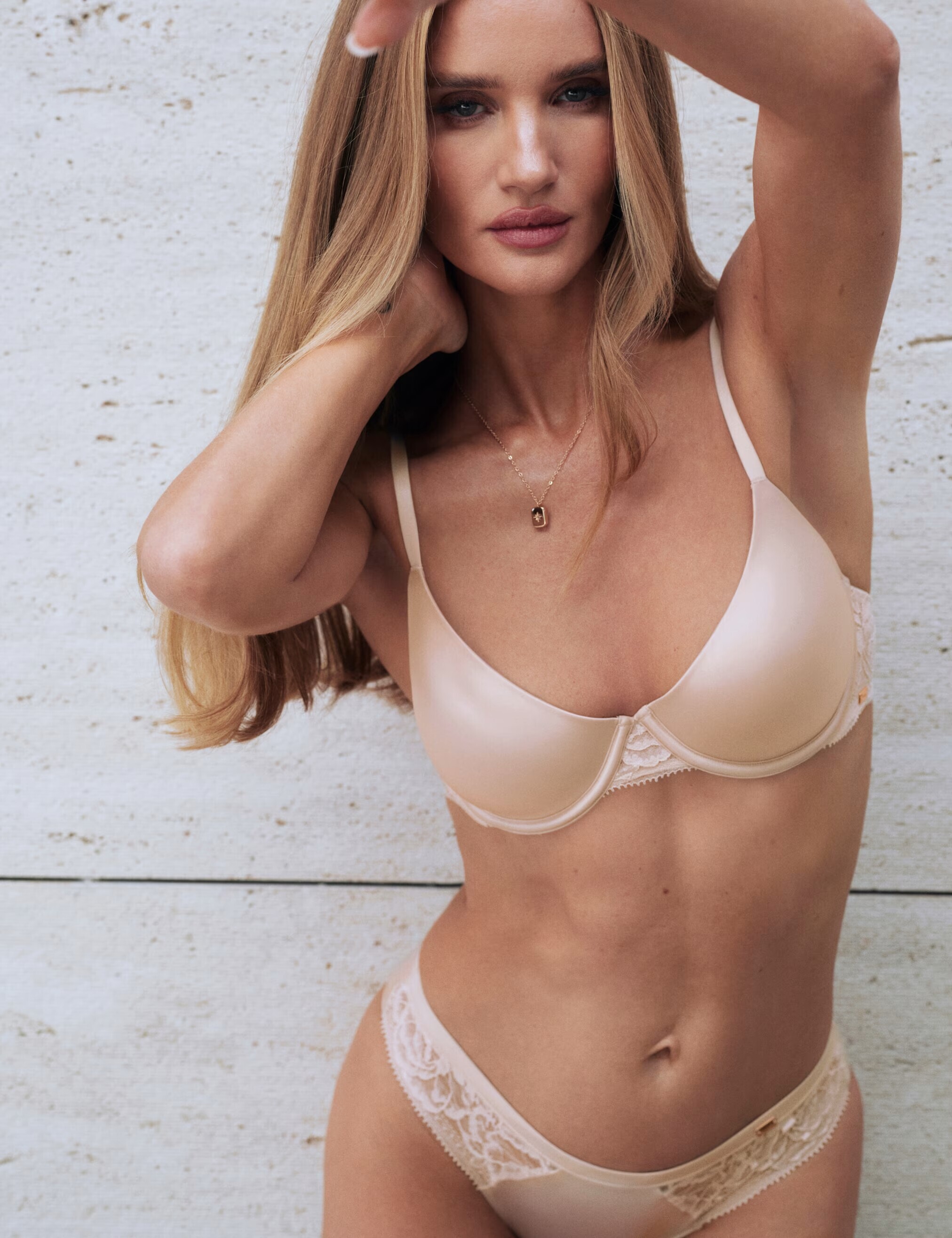
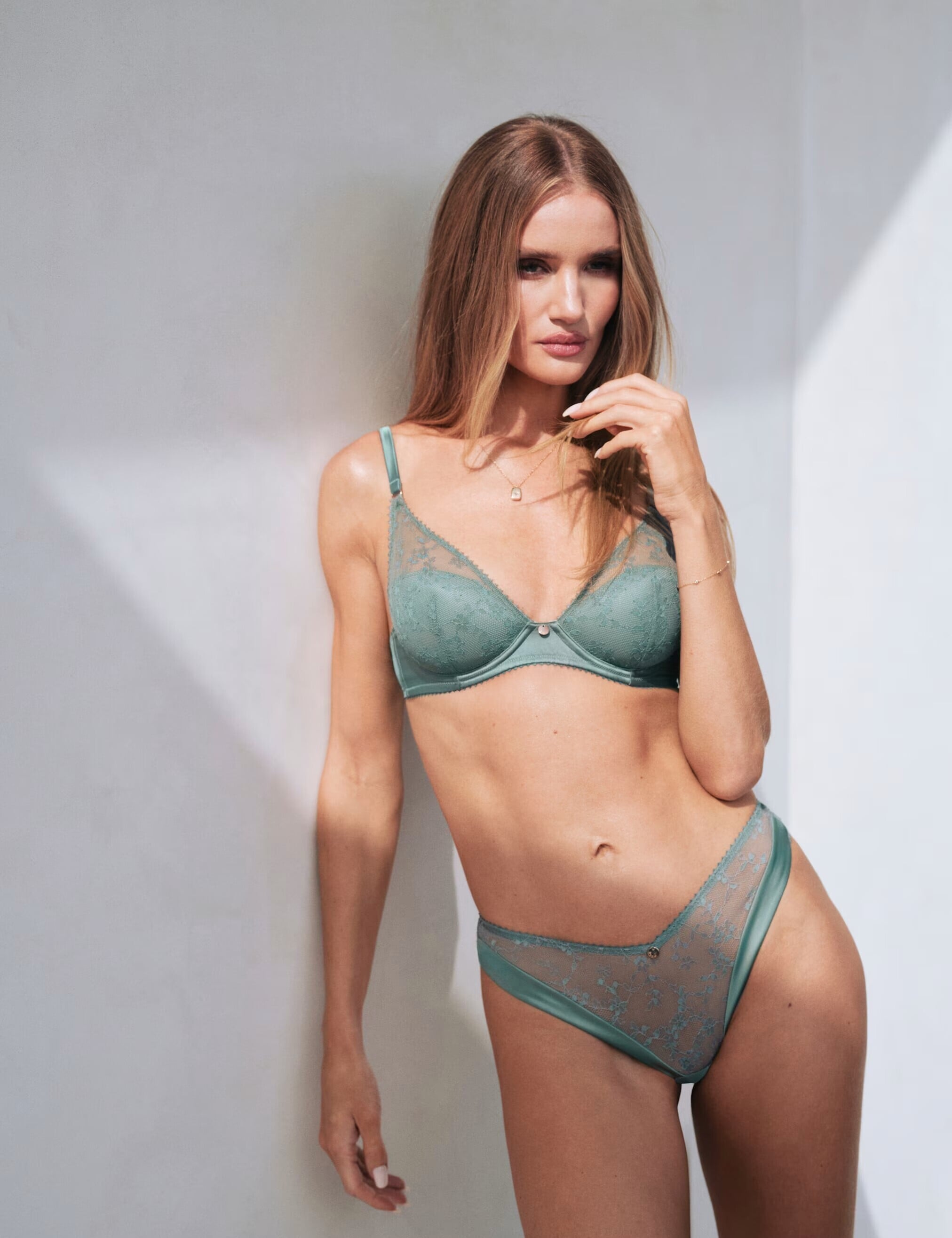
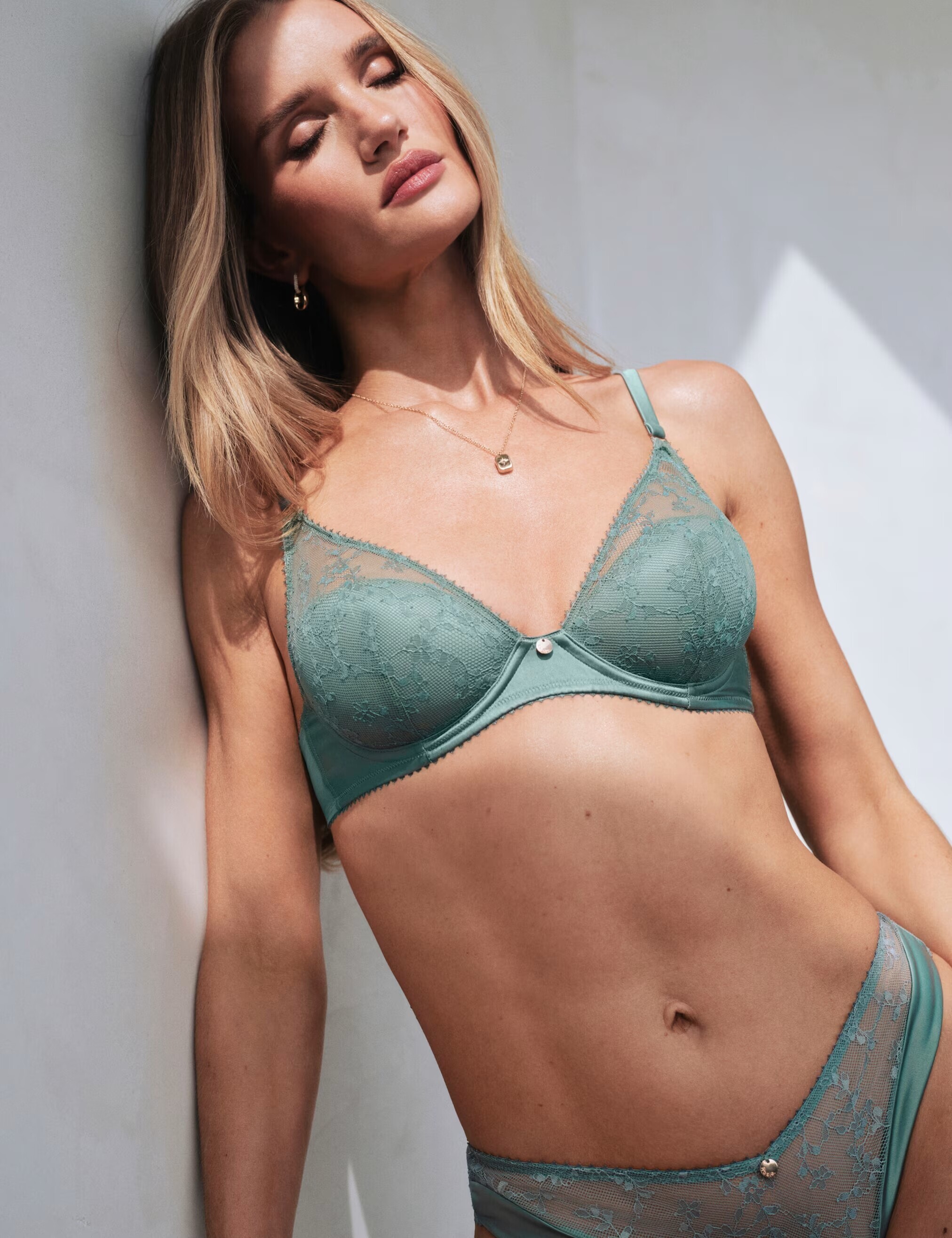
 Random Gym Gear Shoots

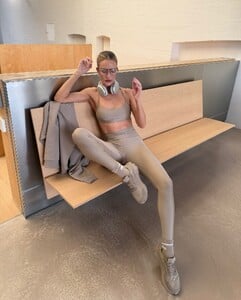
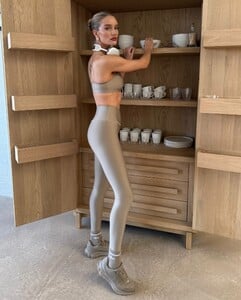
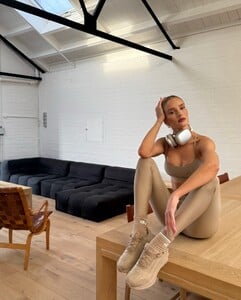 Some random shoots!

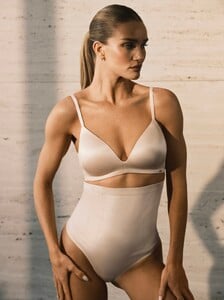















Account
Search
Configure browser push notifications
Chrome (Android)
- Tap the lock icon next to the address bar.
- Tap Permissions → Notifications.
- Adjust your preference.
Chrome (Desktop)
- Click the padlock icon in the address bar.
- Select Site settings.
- Find Notifications and adjust your preference.
Safari (iOS 16.4+)
- Ensure the site is installed via Add to Home Screen.
- Open Settings App → Notifications.
- Find your app name and adjust your preference.
Safari (macOS)
- Go to Safari → Preferences.
- Click the Websites tab.
- Select Notifications in the sidebar.
- Find this website and adjust your preference.
Edge (Android)
- Tap the lock icon next to the address bar.
- Tap Permissions.
- Find Notifications and adjust your preference.
Edge (Desktop)
- Click the padlock icon in the address bar.
- Click Permissions for this site.
- Find Notifications and adjust your preference.
Firefox (Android)
- Go to Settings → Site permissions.
- Tap Notifications.
- Find this site in the list and adjust your preference.
Firefox (Desktop)
- Open Firefox Settings.
- Search for Notifications.
- Find this site in the list and adjust your preference.