

RIP_Cabrini_Green
Members
-
Joined
-
Last visited
Everything posted by RIP_Cabrini_Green
-

-
She is absolutely SI material. She'd be perfect for them. At least in my idiotic opinion
-
Lais Ribeiro Beauty - 8 Sexiness - 10 HFV - 7 Mass Appeal - 8 Likability - 9 Brooklyn Decker Beauty - 8 Sexiness - 10 HFV - 6 Mass Appeal - 9 Likability - 9 Eliza Dushku Beauty - 8 Sexiness - 8 HFV - 5 Mass Appeal - 7 Likability - 7
-
Guilty Fantasized about your significant other's best friend?
-
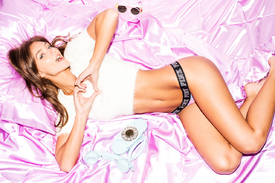
Ph: Robert Voltaire https://www.instagram.com/robertvoltaire/

 Strawberry Jess & Collin Stark Source:http://www.jessicastark.com/2016/01/strawberry/
Her boyfriend is a gamer, and he posts Vlogs with her in it whenever they're together. She doesn't speak english, he doesn't speak spanish and it's kind of hilarious. He seems like a douchebag but Yanet is hilarious. And the only thing she can really say in english is "Peace & Love". All the Vlogs are on his channel; if you ever have any interest at all to watch them. I watch them for Yanet, because she's hilarious. but here's a video he just posted today.
^ Hahaha @Limerlight Peace & Love. Please tell me you've watched those.
What if they were just like SURPRISE, it's Kate Upton again.
She's just so mind numbingly gorgeous.
I voted Nina for both. She's earned her stripes. She's due for a solo cover IMO.
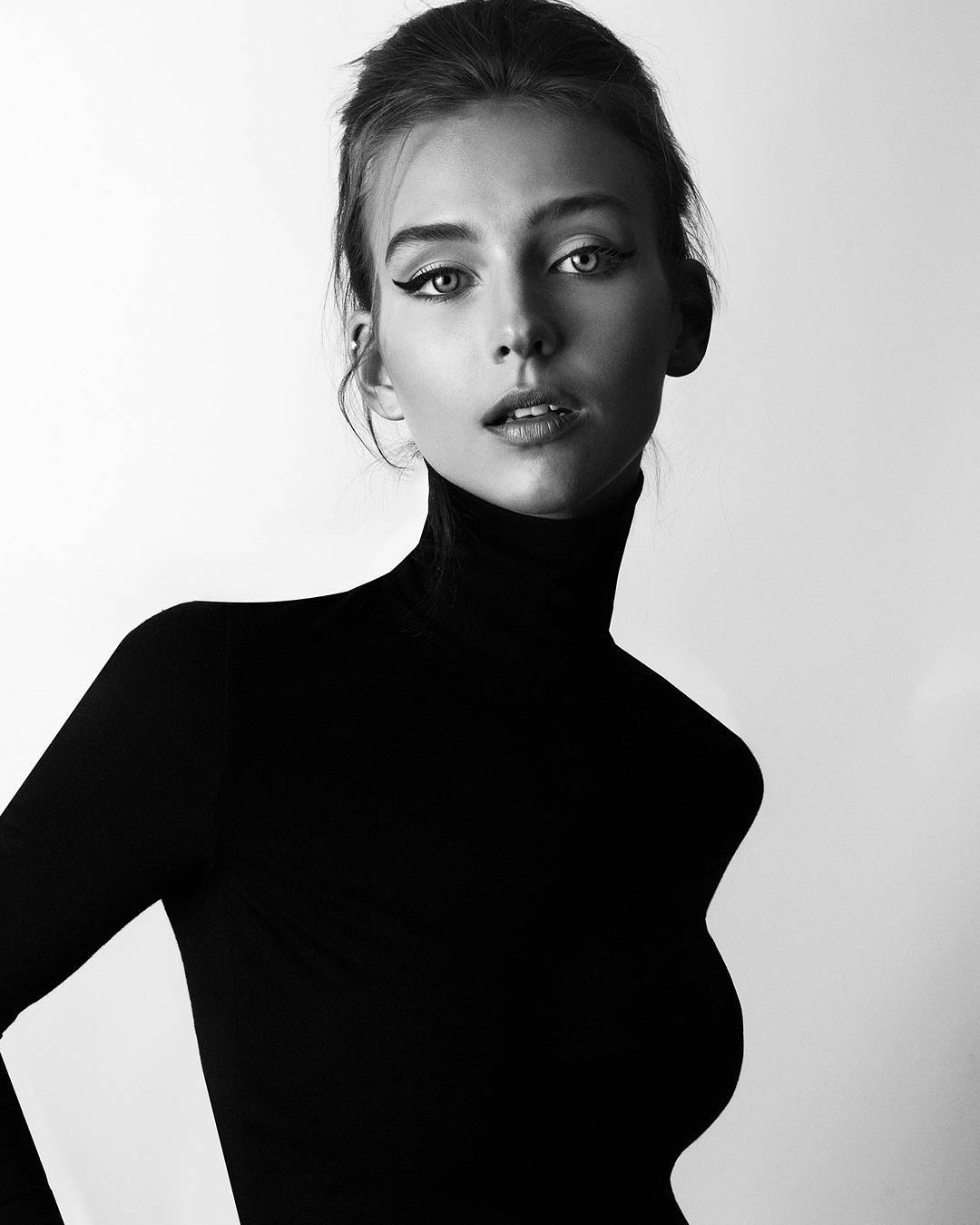
Ph: Jared Thomas Kocka
Strawberry Jess & Collin Stark Source:http://www.jessicastark.com/2016/01/strawberry/
Her boyfriend is a gamer, and he posts Vlogs with her in it whenever they're together. She doesn't speak english, he doesn't speak spanish and it's kind of hilarious. He seems like a douchebag but Yanet is hilarious. And the only thing she can really say in english is "Peace & Love". All the Vlogs are on his channel; if you ever have any interest at all to watch them. I watch them for Yanet, because she's hilarious. but here's a video he just posted today.
^ Hahaha @Limerlight Peace & Love. Please tell me you've watched those.
What if they were just like SURPRISE, it's Kate Upton again.
She's just so mind numbingly gorgeous.
I voted Nina for both. She's earned her stripes. She's due for a solo cover IMO.
Ph: Jared Thomas Kocka











Account
Search
Configure browser push notifications
Chrome (Android)
- Tap the lock icon next to the address bar.
- Tap Permissions → Notifications.
- Adjust your preference.
Chrome (Desktop)
- Click the padlock icon in the address bar.
- Select Site settings.
- Find Notifications and adjust your preference.
Safari (iOS 16.4+)
- Ensure the site is installed via Add to Home Screen.
- Open Settings App → Notifications.
- Find your app name and adjust your preference.
Safari (macOS)
- Go to Safari → Preferences.
- Click the Websites tab.
- Select Notifications in the sidebar.
- Find this website and adjust your preference.
Edge (Android)
- Tap the lock icon next to the address bar.
- Tap Permissions.
- Find Notifications and adjust your preference.
Edge (Desktop)
- Click the padlock icon in the address bar.
- Click Permissions for this site.
- Find Notifications and adjust your preference.
Firefox (Android)
- Go to Settings → Site permissions.
- Tap Notifications.
- Find this site in the list and adjust your preference.
Firefox (Desktop)
- Open Firefox Settings.
- Search for Notifications.
- Find this site in the list and adjust your preference.