

RIP_Cabrini_Green
Members
-
Joined
-
Last visited
Everything posted by RIP_Cabrini_Green
-
 Ughhhh. Fine. I guess I can share.
 -
So hot. Want to touch the hiney.
Yup. That's exactly the point.
Aaaaaand thread back on track! Whooo!
That ass is the only thing saving her from drowning. Built in flotation device. hahahaha
Full Size
 We can only judge homeboy by his history.....that's all I'm trying to say Now go ahead and come after me HairGel sympathizers
I don't know about that. Once Taylor gets passed 21, she'll be too old for him He'll move on to Kristina Pimenova then.
Ah yes. I forgot. He's a blonde only type of guy isn't he?
No no no. She's next in line for Leo. It's in her VS contract.
My Wishlist of models that could use WSSA as a platform for either S.I. or other Swim related work. 1: Danielle Knudson 2: Isabell Klem 3: Lorena Rae 4: Jessica Serfaty 5: Luiza Freyesleben 6: Gabriella Lenzi 7: Gia Radionova 8: Alexis Ren 9: Brittany Oldehoff 10: Celeste Bright 11: Valeriya Volkova
We can only judge homeboy by his history.....that's all I'm trying to say Now go ahead and come after me HairGel sympathizers
I don't know about that. Once Taylor gets passed 21, she'll be too old for him He'll move on to Kristina Pimenova then.
Ah yes. I forgot. He's a blonde only type of guy isn't he?
No no no. She's next in line for Leo. It's in her VS contract.
My Wishlist of models that could use WSSA as a platform for either S.I. or other Swim related work. 1: Danielle Knudson 2: Isabell Klem 3: Lorena Rae 4: Jessica Serfaty 5: Luiza Freyesleben 6: Gabriella Lenzi 7: Gia Radionova 8: Alexis Ren 9: Brittany Oldehoff 10: Celeste Bright 11: Valeriya Volkova


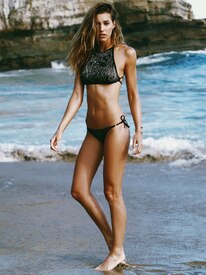







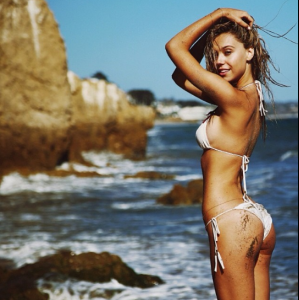
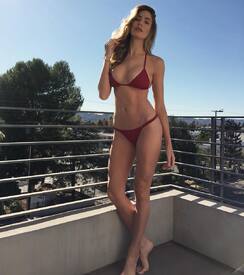


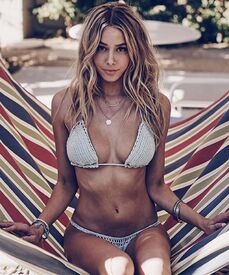
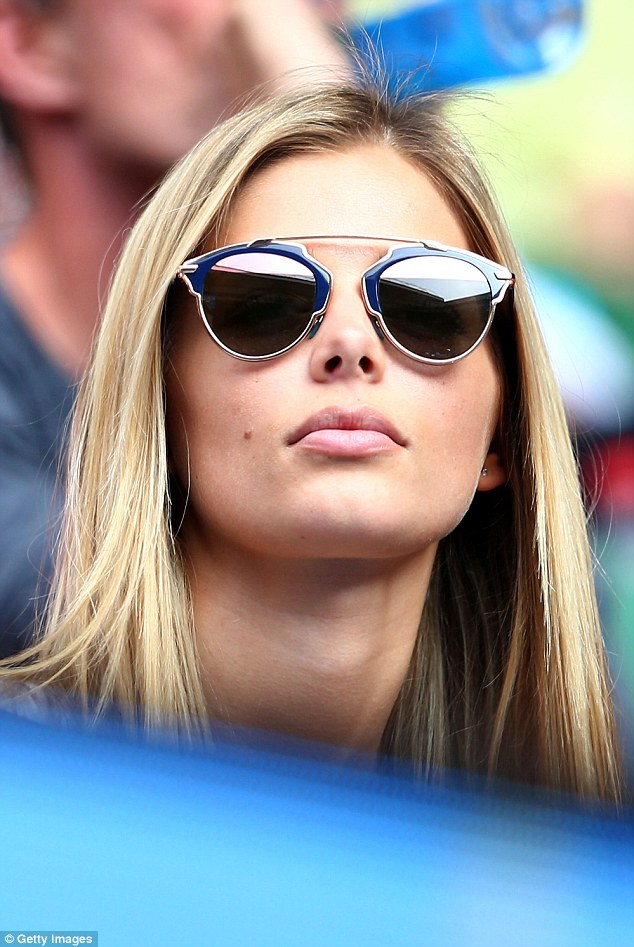
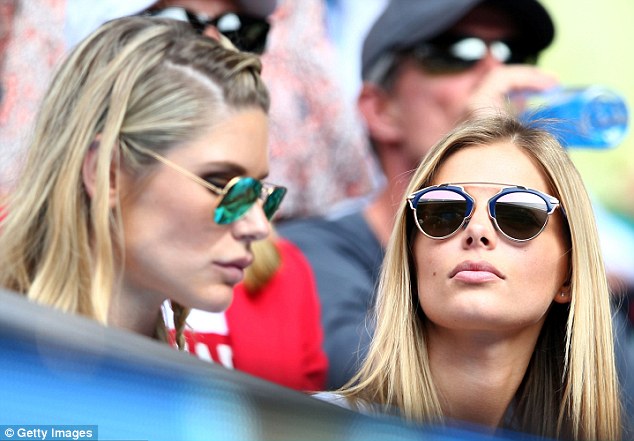
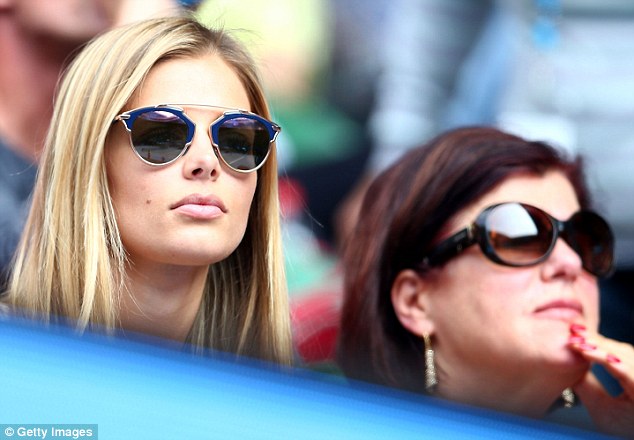
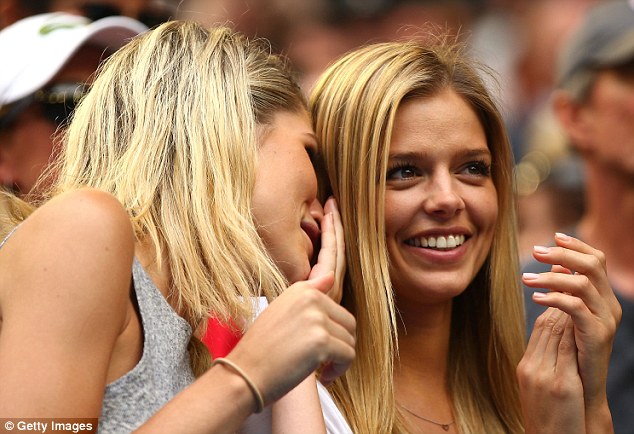
 Watching Milos play at the Australian Open









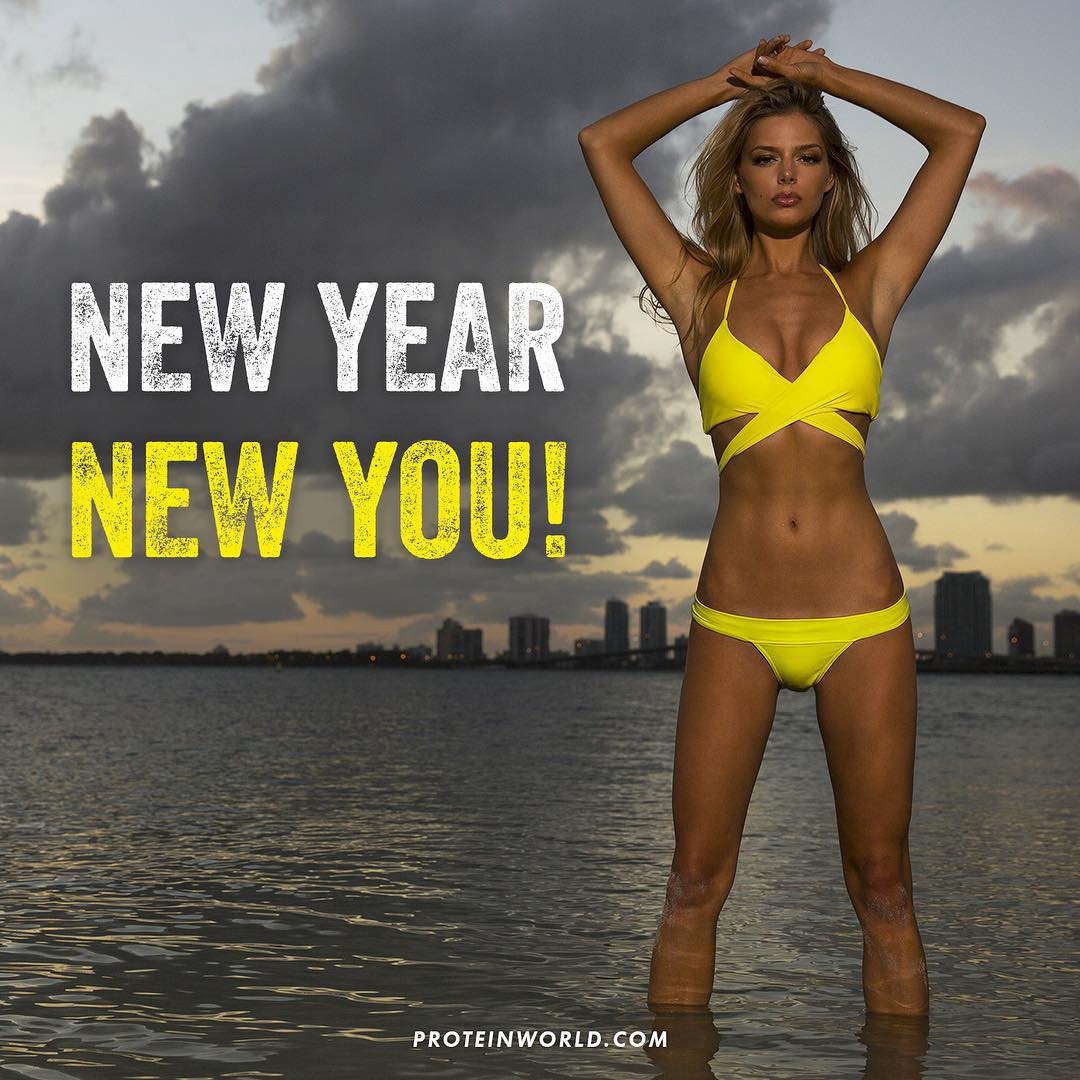
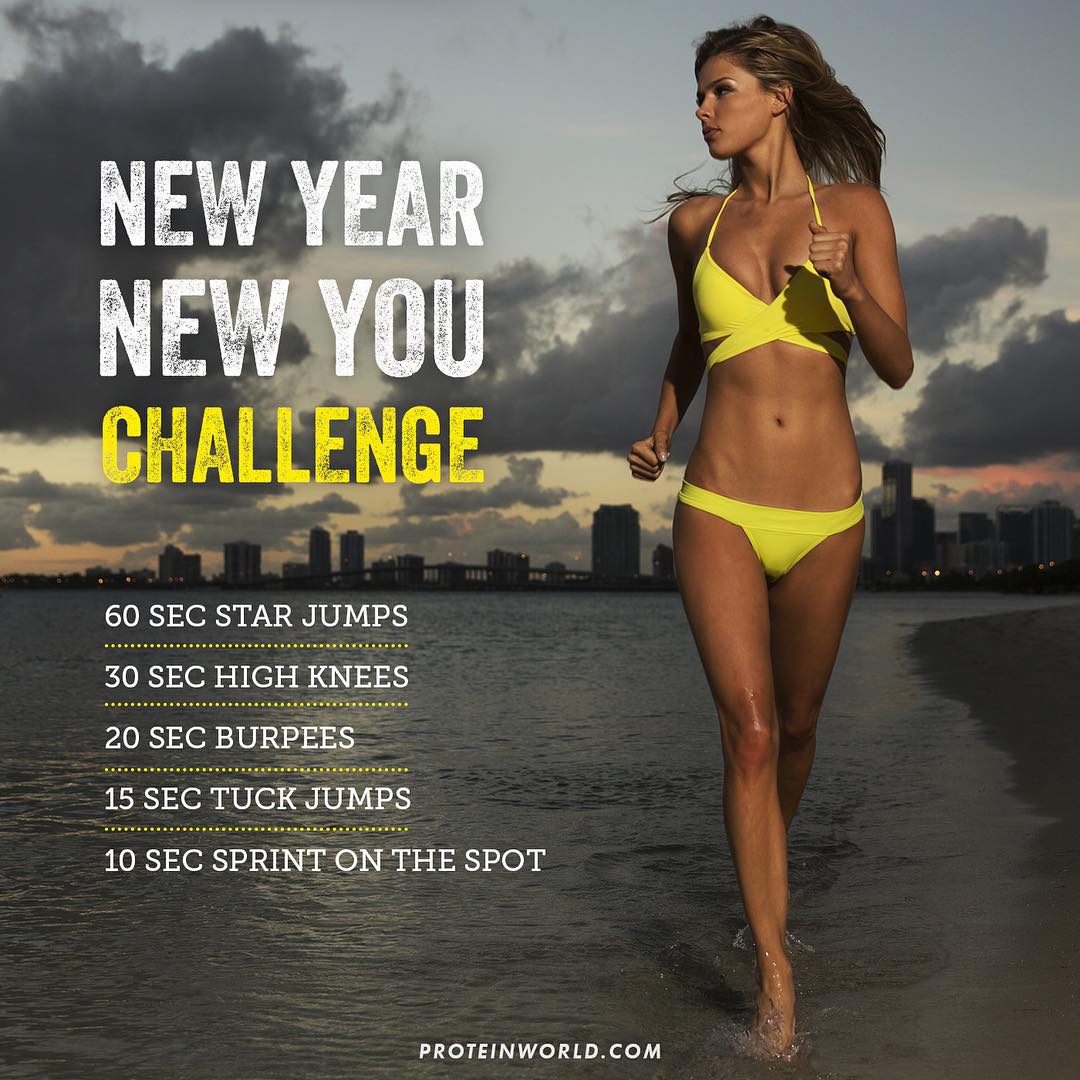
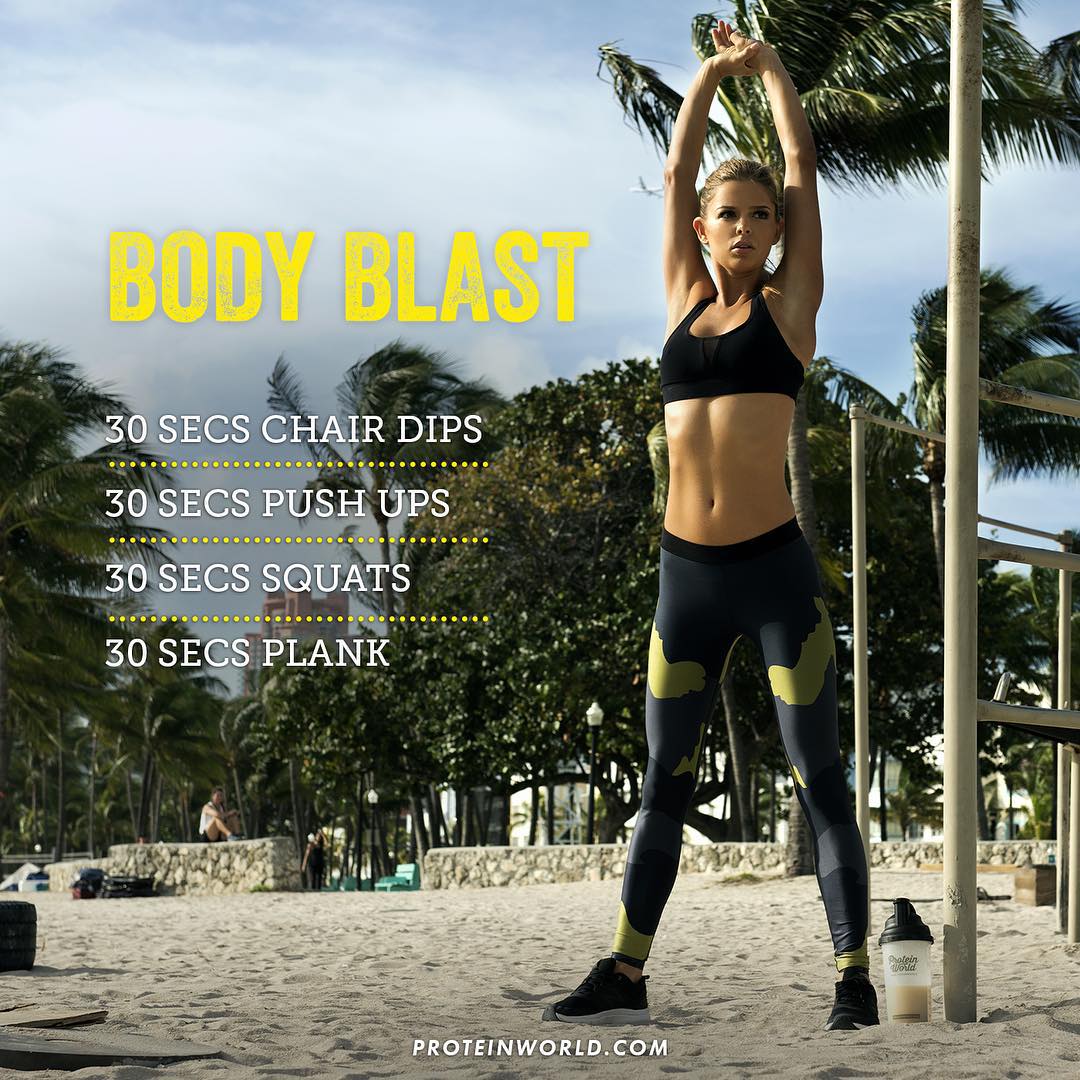
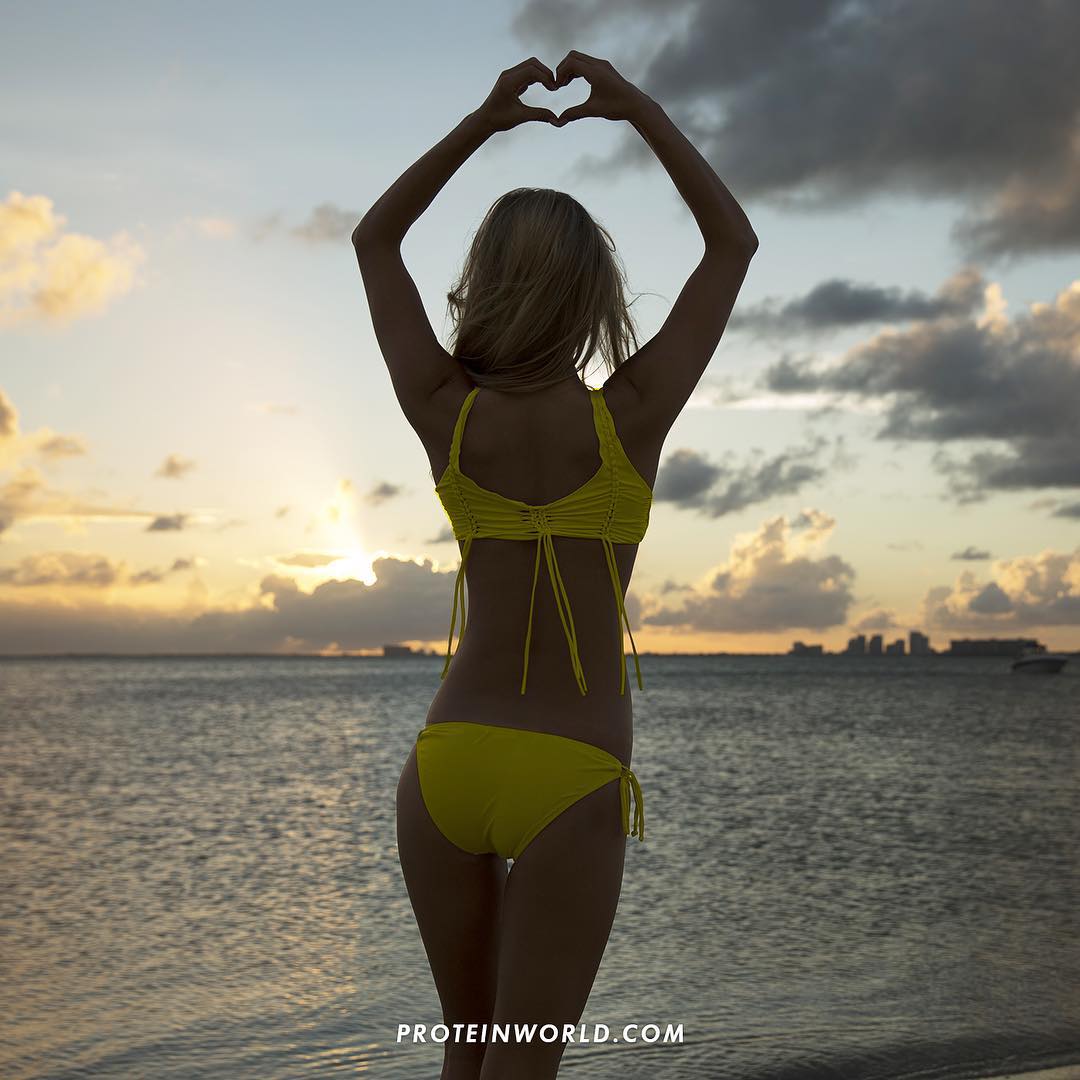
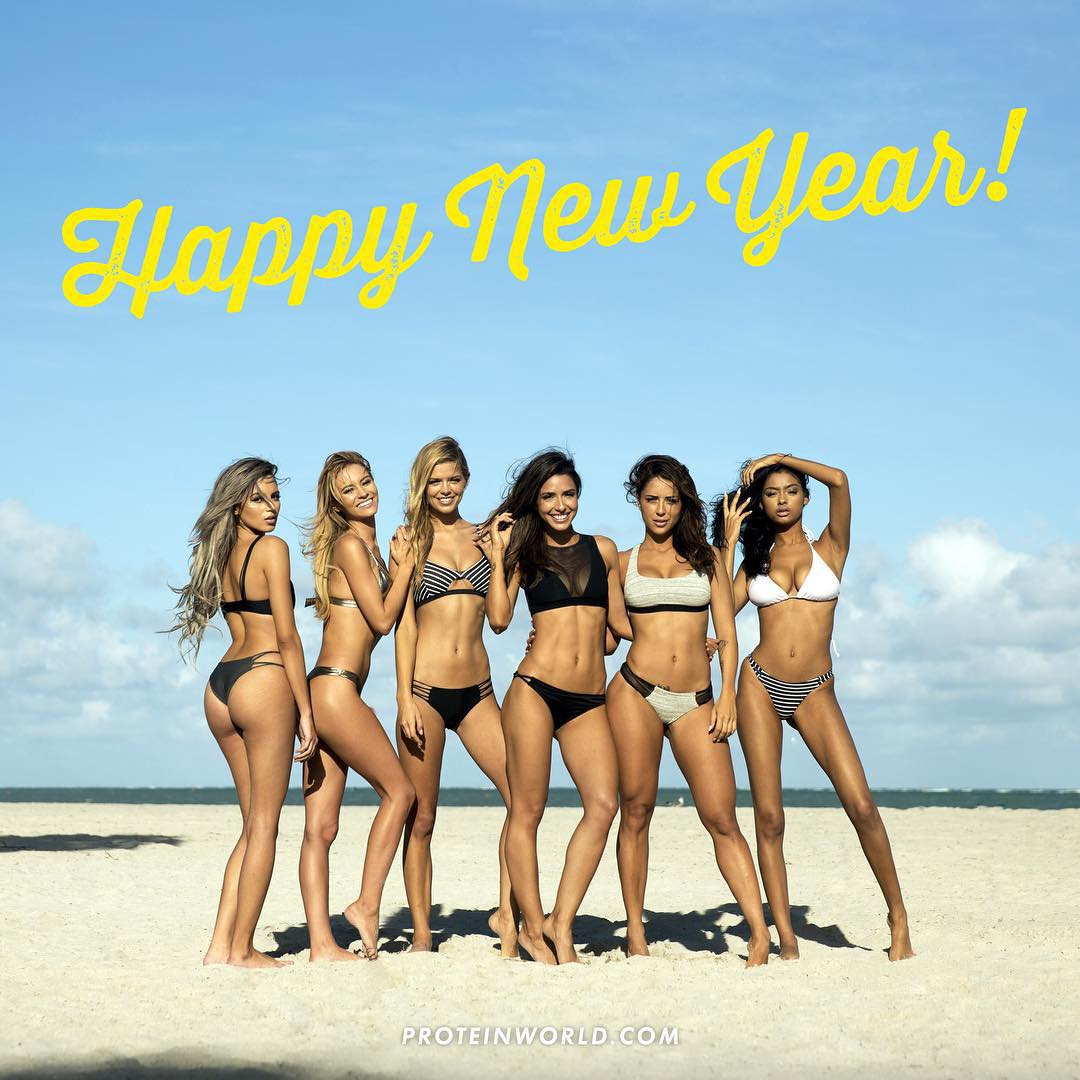
 Protein World BTS
Protein World BTS
Protein World BTS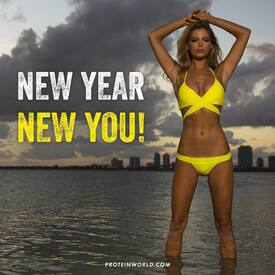
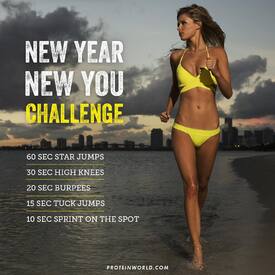


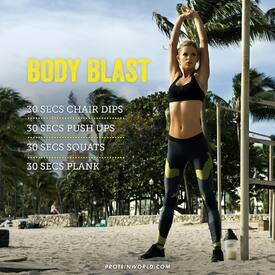


 Elena Belle IG:https://www.instagram.com/officialelenabelle/
Hmmm. I think I like her.
1 game down, 1 more to go before I can kick my drunk idiotic friends out of my place.
Elena Belle IG:https://www.instagram.com/officialelenabelle/
Hmmm. I think I like her.
1 game down, 1 more to go before I can kick my drunk idiotic friends out of my place.














Account
Search
Configure browser push notifications
Chrome (Android)
- Tap the lock icon next to the address bar.
- Tap Permissions → Notifications.
- Adjust your preference.
Chrome (Desktop)
- Click the padlock icon in the address bar.
- Select Site settings.
- Find Notifications and adjust your preference.
Safari (iOS 16.4+)
- Ensure the site is installed via Add to Home Screen.
- Open Settings App → Notifications.
- Find your app name and adjust your preference.
Safari (macOS)
- Go to Safari → Preferences.
- Click the Websites tab.
- Select Notifications in the sidebar.
- Find this website and adjust your preference.
Edge (Android)
- Tap the lock icon next to the address bar.
- Tap Permissions.
- Find Notifications and adjust your preference.
Edge (Desktop)
- Click the padlock icon in the address bar.
- Click Permissions for this site.
- Find Notifications and adjust your preference.
Firefox (Android)
- Go to Settings → Site permissions.
- Tap Notifications.
- Find this site in the list and adjust your preference.
Firefox (Desktop)
- Open Firefox Settings.
- Search for Notifications.
- Find this site in the list and adjust your preference.