

RIP_Cabrini_Green
Members
-
Joined
-
Last visited
Everything posted by RIP_Cabrini_Green
-
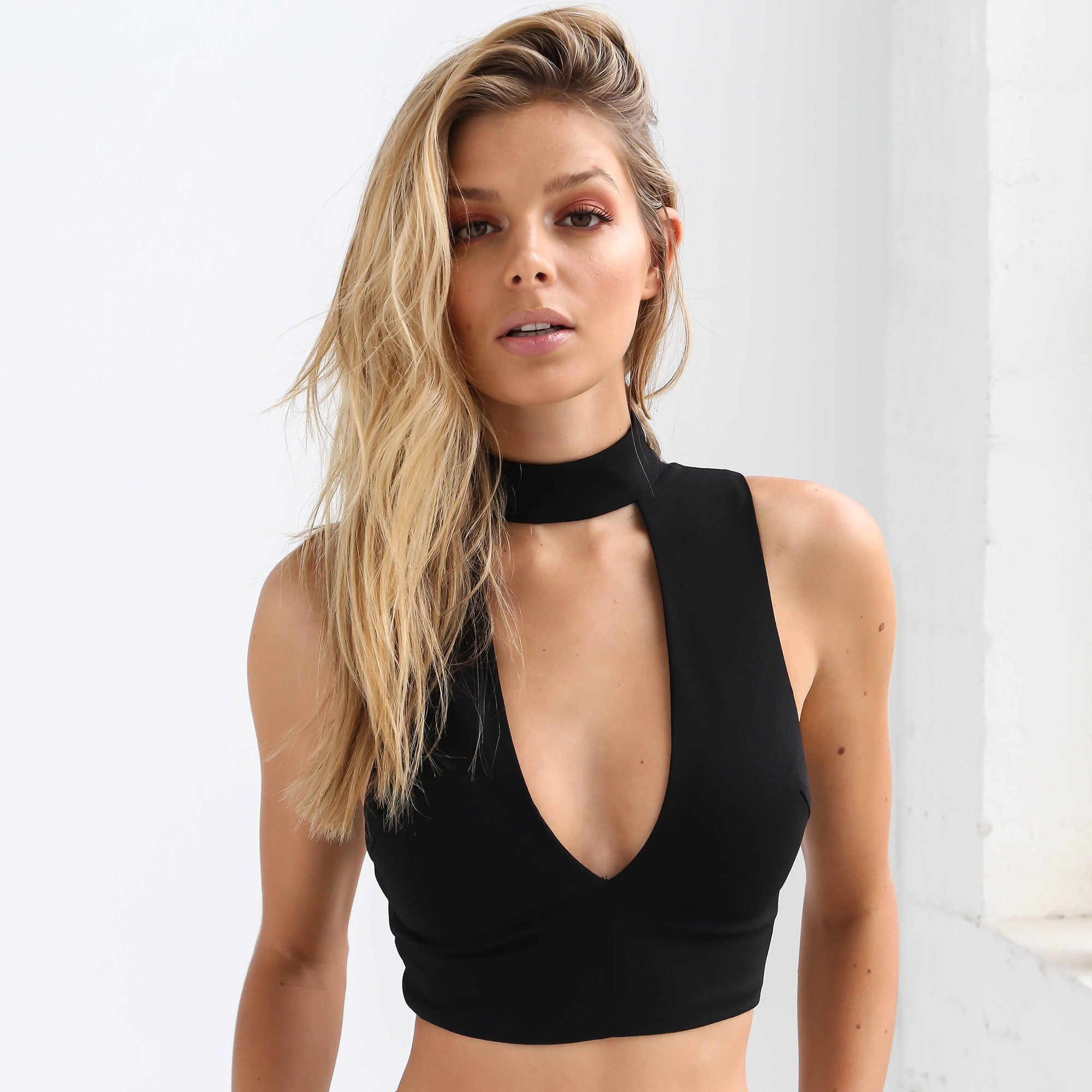
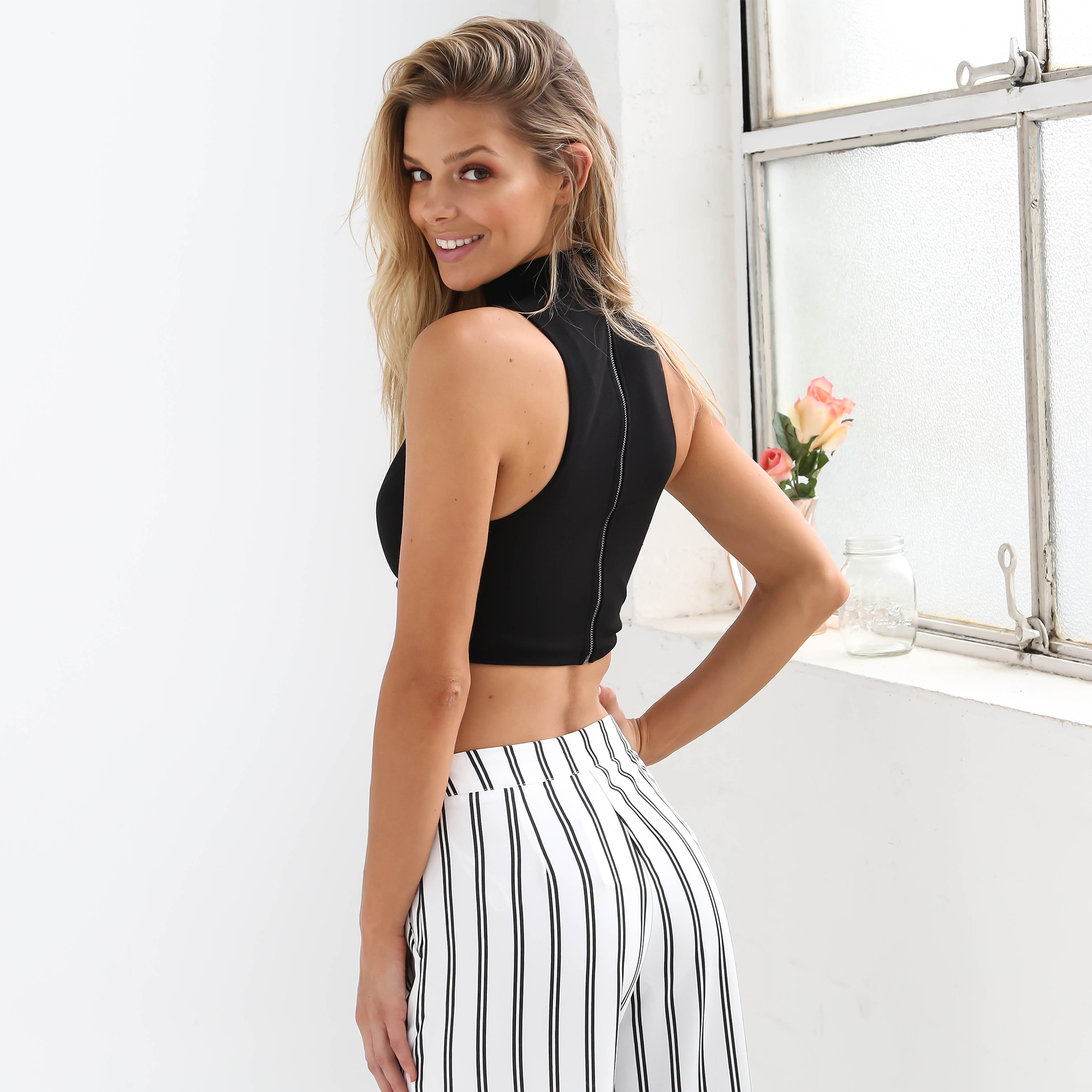
 GQ Interview How are you feeling today? I just came back from the gym—it's a great way to start your day and boost your energy. I've been working out every day since January. First to get back in shape after the holidays, and plus I decided to make it a lifestyle. So I couldn't feel better at the moment! What are you wearing? Right now I am wearing a black turtleneck shirt with grey ripped jeans and Nike sneakers. I love mixing sporty with chic pieces—keeps things fresh and you can still be comfortable. Where did you grow up? I grew up in Belgium, in a small city. Where are you at this exact moment? Right now I'm in Paris. What food is your guilty pleasure? I love cheesecake when I'm eating out. Whenever I'm home I make homemade popcorn with agave syrup and salt, it's so yummy and better than the ones from the store! I also love Haagen Dazs ice cream or chocolate fondant. What is your mantra? (If you don't have one, make one up. We'll wait.) "Everybody dies but not everybody lives." Where have you never been but want to go? I've seen great places with work of course, but I would love to go to the Maldives for a relaxed vacation. Or maybe Bali or Thailand. Do you read the comments on your instagram? Yes, I do. Most of the time I get positive comments so I don't mind taking the time to read them. I appreciate the love that I get from my fans and friends on social media. Favorite book from high school? Unfortunately. I've never been a reader. But I should get started! What TV show should everyone be watching? I loved Game of Thrones and I'm still waiting for the new season of Orange is the New Black to come out. What’s your go-to drink at the bar? A glass of wine is always refreshing! I also like to sip on Tequila to get straight into the vibe—it works faster and it's less calories. Poolside or beachside? I'm not a fan of swimming in the beach or the pool, I just like to chill and relax. It also depends on what country I'm in. http://www.gq.com/story/rose-bertram-instagram-model-bikini-photos
 -
Ph: Jared Thomas Kocka
 Ph: Jared Thomas Kocka http://sexmoneypizzaparty.tumblr.com/
 I'm a professional at it. I'm just waiting for a supermodel to recognize my talents and hire me.
Wilhelmina Miami
I'm a professional at it. I'm just waiting for a supermodel to recognize my talents and hire me.
Wilhelmina Miami
 What a stunner.
She just needs to get that one big chance to get things rolling. That's why most of us are so big on her for VS PINK or S.I. Again, at least in my idiotic opinion, If she were to land one of those jobs (Fingers crossed for both one day), I think it would open so many more opportunities up for her.
Getting organized for the day!
I didn't look up to anyone when I was little, I just had people I didn't want to be like.
Hot Chocolate.
How I wish Luiza Freyesleben did more Swim and Lingerie work. Her body is absolute insanity.
Not Jennifer Love Hewitt
What a stunner.
She just needs to get that one big chance to get things rolling. That's why most of us are so big on her for VS PINK or S.I. Again, at least in my idiotic opinion, If she were to land one of those jobs (Fingers crossed for both one day), I think it would open so many more opportunities up for her.
Getting organized for the day!
I didn't look up to anyone when I was little, I just had people I didn't want to be like.
Hot Chocolate.
How I wish Luiza Freyesleben did more Swim and Lingerie work. Her body is absolute insanity.
Not Jennifer Love Hewitt
























Account
Search
Configure browser push notifications
Chrome (Android)
- Tap the lock icon next to the address bar.
- Tap Permissions → Notifications.
- Adjust your preference.
Chrome (Desktop)
- Click the padlock icon in the address bar.
- Select Site settings.
- Find Notifications and adjust your preference.
Safari (iOS 16.4+)
- Ensure the site is installed via Add to Home Screen.
- Open Settings App → Notifications.
- Find your app name and adjust your preference.
Safari (macOS)
- Go to Safari → Preferences.
- Click the Websites tab.
- Select Notifications in the sidebar.
- Find this website and adjust your preference.
Edge (Android)
- Tap the lock icon next to the address bar.
- Tap Permissions.
- Find Notifications and adjust your preference.
Edge (Desktop)
- Click the padlock icon in the address bar.
- Click Permissions for this site.
- Find Notifications and adjust your preference.
Firefox (Android)
- Go to Settings → Site permissions.
- Tap Notifications.
- Find this site in the list and adjust your preference.
Firefox (Desktop)
- Open Firefox Settings.
- Search for Notifications.
- Find this site in the list and adjust your preference.