
Pith_Possum
Members
-
Joined
-
Last visited
Everything posted by Pith_Possum
-
 Josh Miller

-
see-through!










 29298342_1611200555653847_2629945286481597296_n.mp4 29301026_897755850403874_7513090377388912347_n.mp4
 more from Guy Aroch:








 Luis Quezada
 Francois Berthier









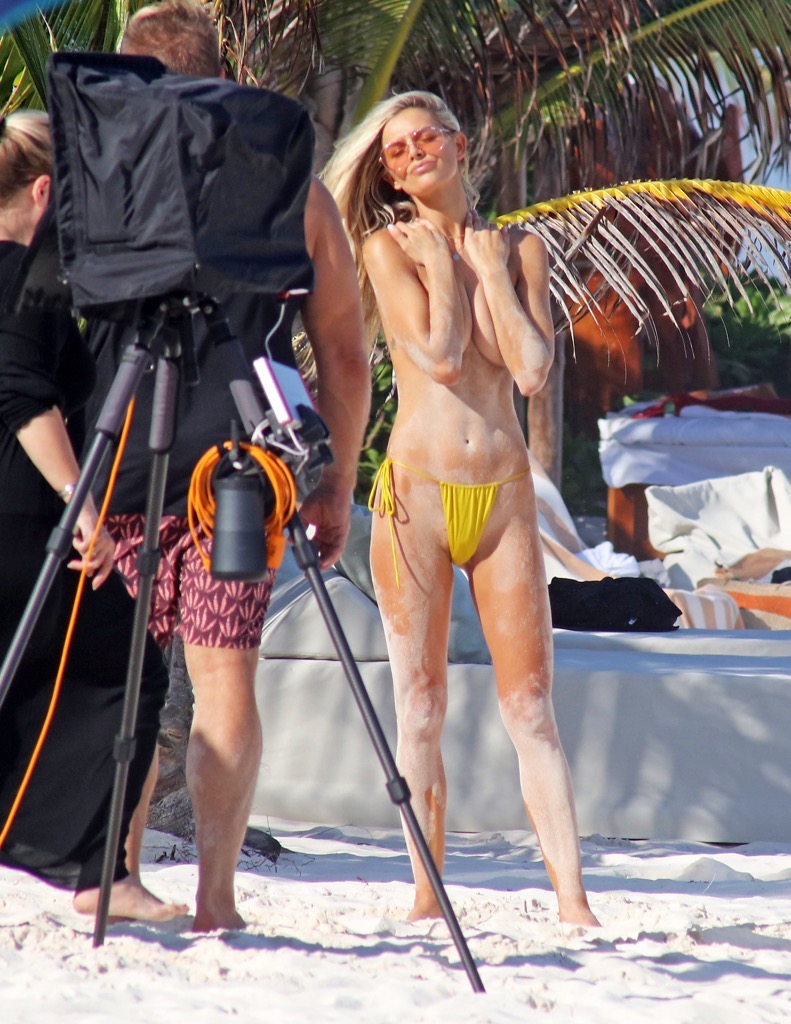
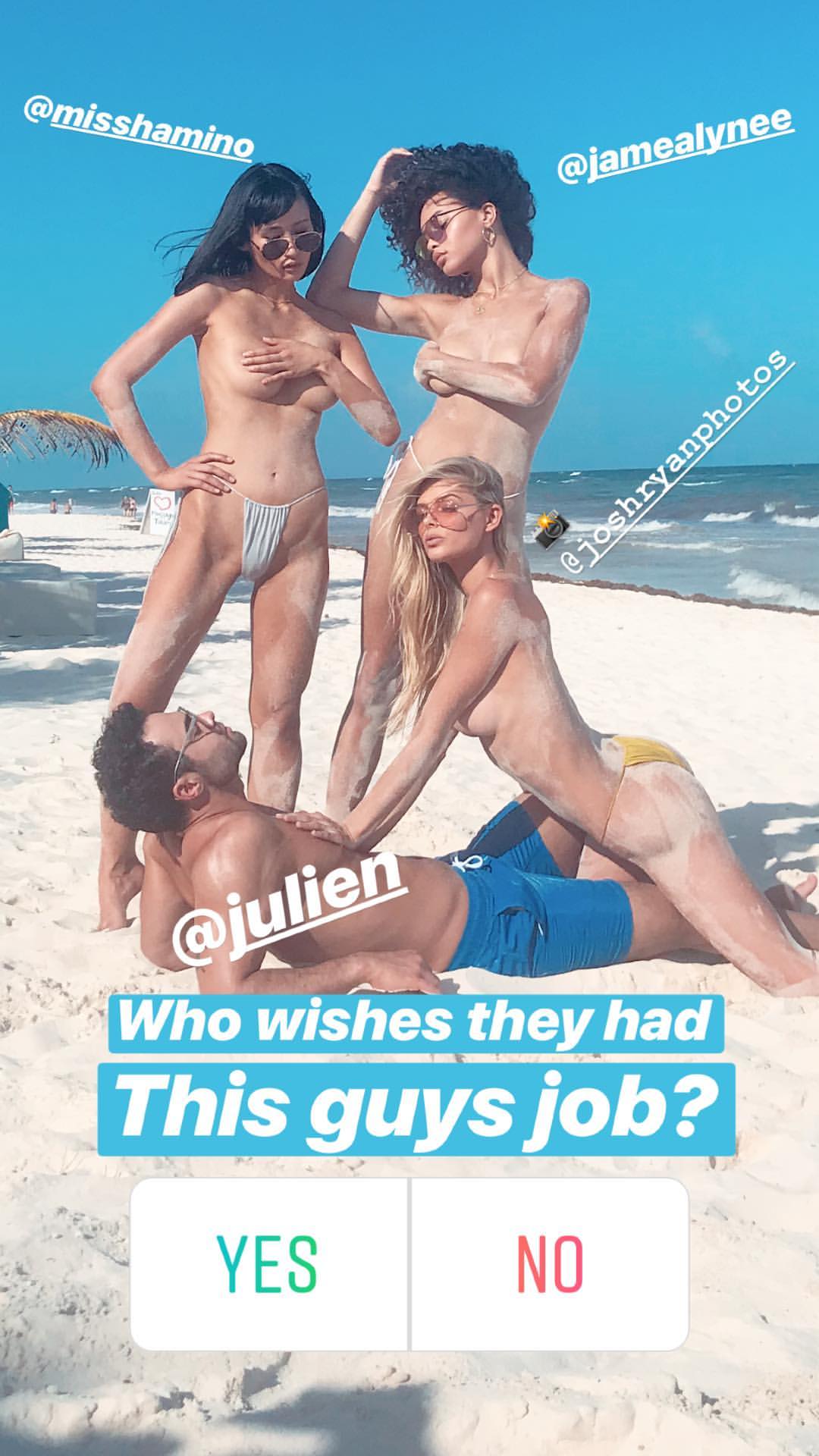
 Josh Ryan Photoshoot















 Monsieur Blonde Ph: Amir Agaev monsieurblonde.com/blogs/campaign/dream-in-perfect-french amiragaev.com/portfolio/monsieur-blonde-campaign




























 Ph: Amir Agaev














 Ph: Micaela Mandorff MuA: Sonia Allen



 Nimbus & Co Ph: Leif Prenzlau BTS














 Lui Magazine see-through!
Nudity!
Lui Magazine see-through!
Nudity!

 more content in this thread and her name is spelled right:
Tony Ellis
more content in this thread and her name is spelled right:
Tony Ellis
 mackiephoto.com/mhswim-palm-springs










































 France & Jesse
 Bleu De Vous 28839693_150765702286968_563602231924257263_n.mp4 29001981_2023136497937500_5845407501635531275_n.mp4 29153262_369299176888863_8662788096157933090_n.mp4 29296242_415116858935296_6592996946835087135_n.mp4




























































































































































































































Account
Navigation
Search
Configure browser push notifications
Chrome (Android)
- Tap the lock icon next to the address bar.
- Tap Permissions → Notifications.
- Adjust your preference.
Chrome (Desktop)
- Click the padlock icon in the address bar.
- Select Site settings.
- Find Notifications and adjust your preference.
Safari (iOS 16.4+)
- Ensure the site is installed via Add to Home Screen.
- Open Settings App → Notifications.
- Find your app name and adjust your preference.
Safari (macOS)
- Go to Safari → Preferences.
- Click the Websites tab.
- Select Notifications in the sidebar.
- Find this website and adjust your preference.
Edge (Android)
- Tap the lock icon next to the address bar.
- Tap Permissions.
- Find Notifications and adjust your preference.
Edge (Desktop)
- Click the padlock icon in the address bar.
- Click Permissions for this site.
- Find Notifications and adjust your preference.
Firefox (Android)
- Go to Settings → Site permissions.
- Tap Notifications.
- Find this site in the list and adjust your preference.
Firefox (Desktop)
- Open Firefox Settings.
- Search for Notifications.
- Find this site in the list and adjust your preference.