
Pith_Possum
Members
-
Joined
-
Last visited
Everything posted by Pith_Possum
-
 Polas Women Paris



-
Jeremy Choh 29017496_186899675136911_2101722710629432926_n.mp4 29428616_2114704432096631_1119155890079768893_n.mp4






-
Gervin Puse

-
Dean Martindale


-
Bleu De Vous 31189031_443569329432613_2302275619307335091_n.mp4
-
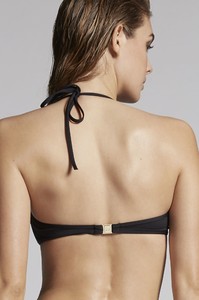
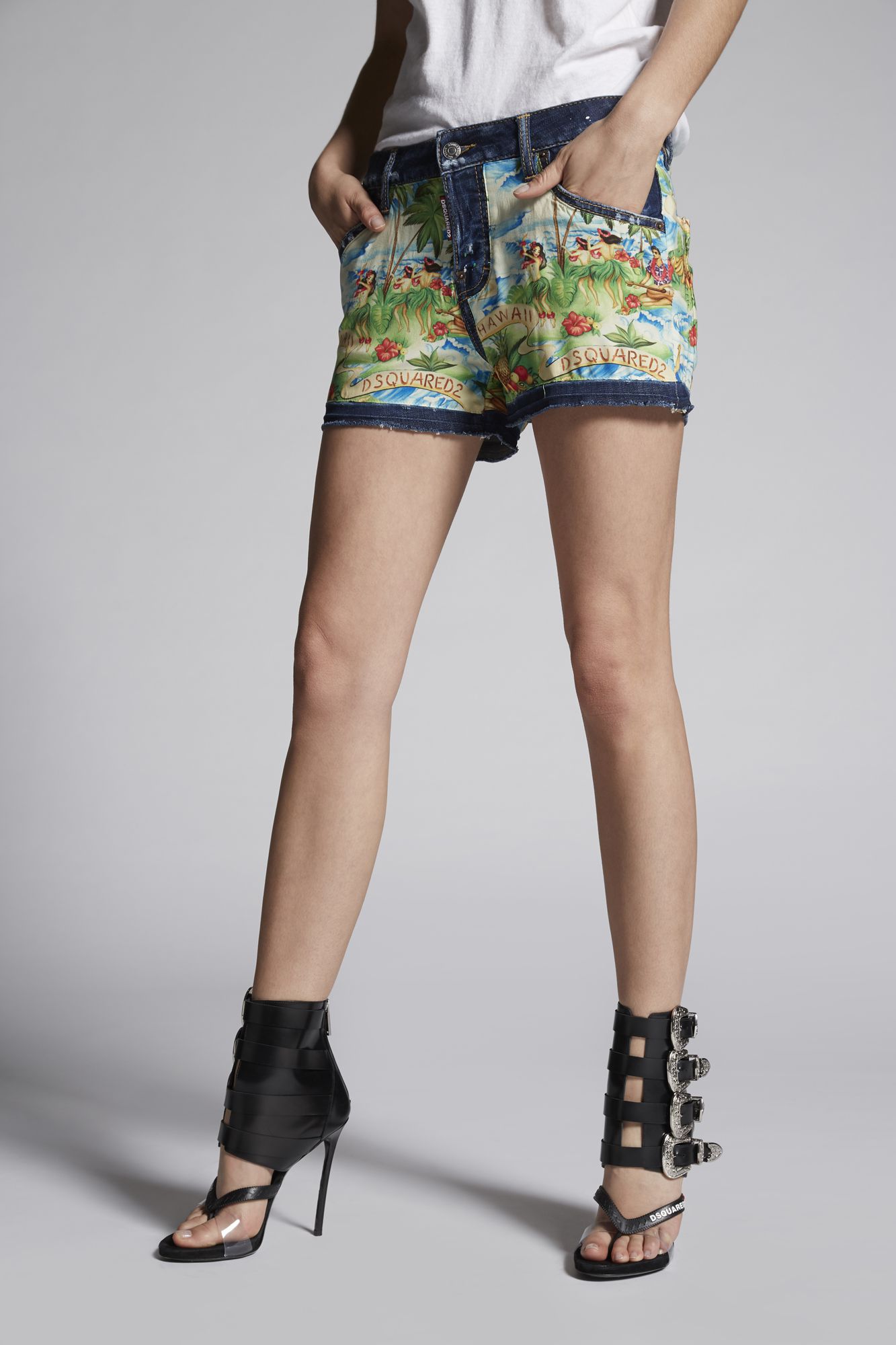
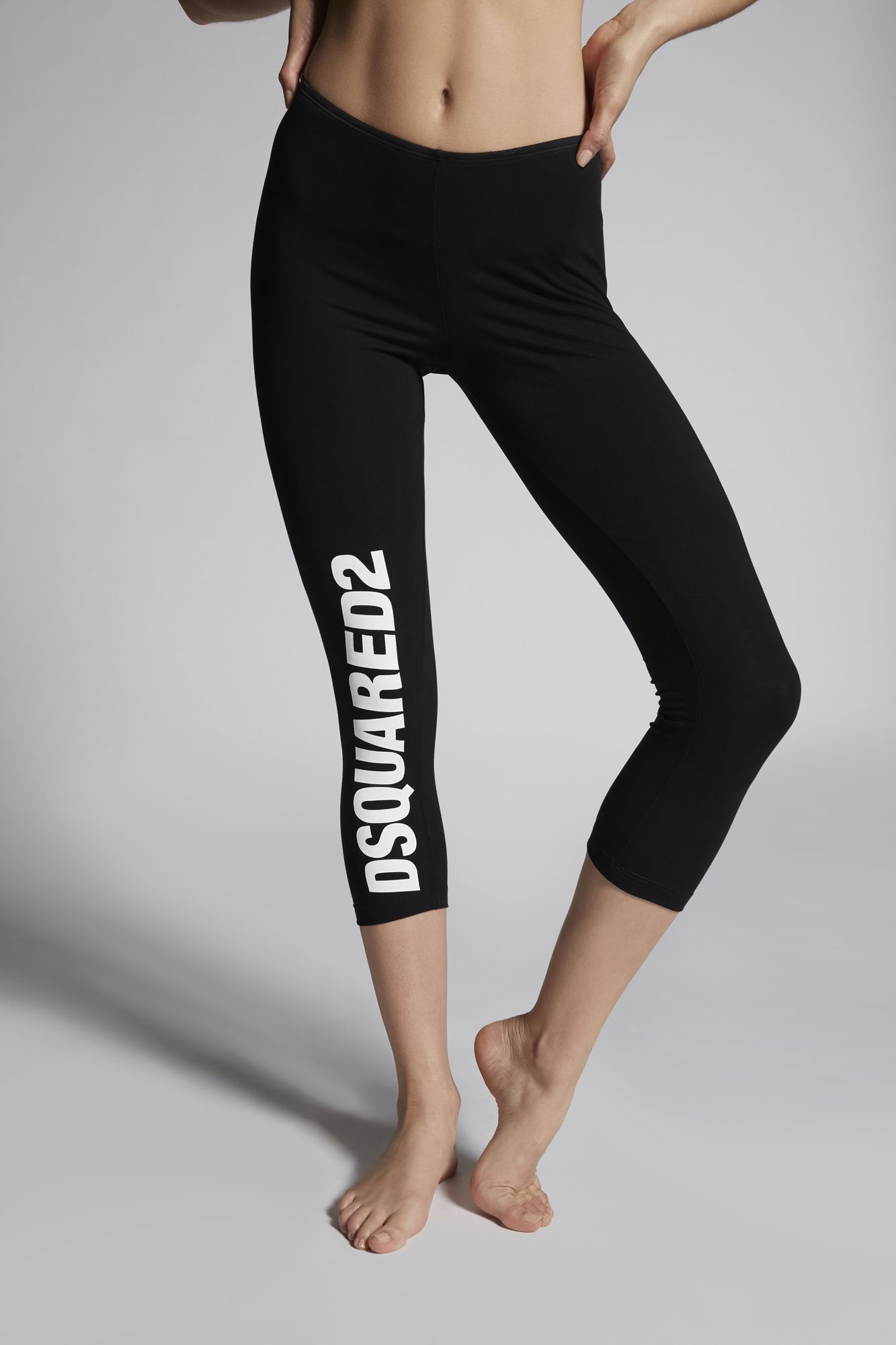
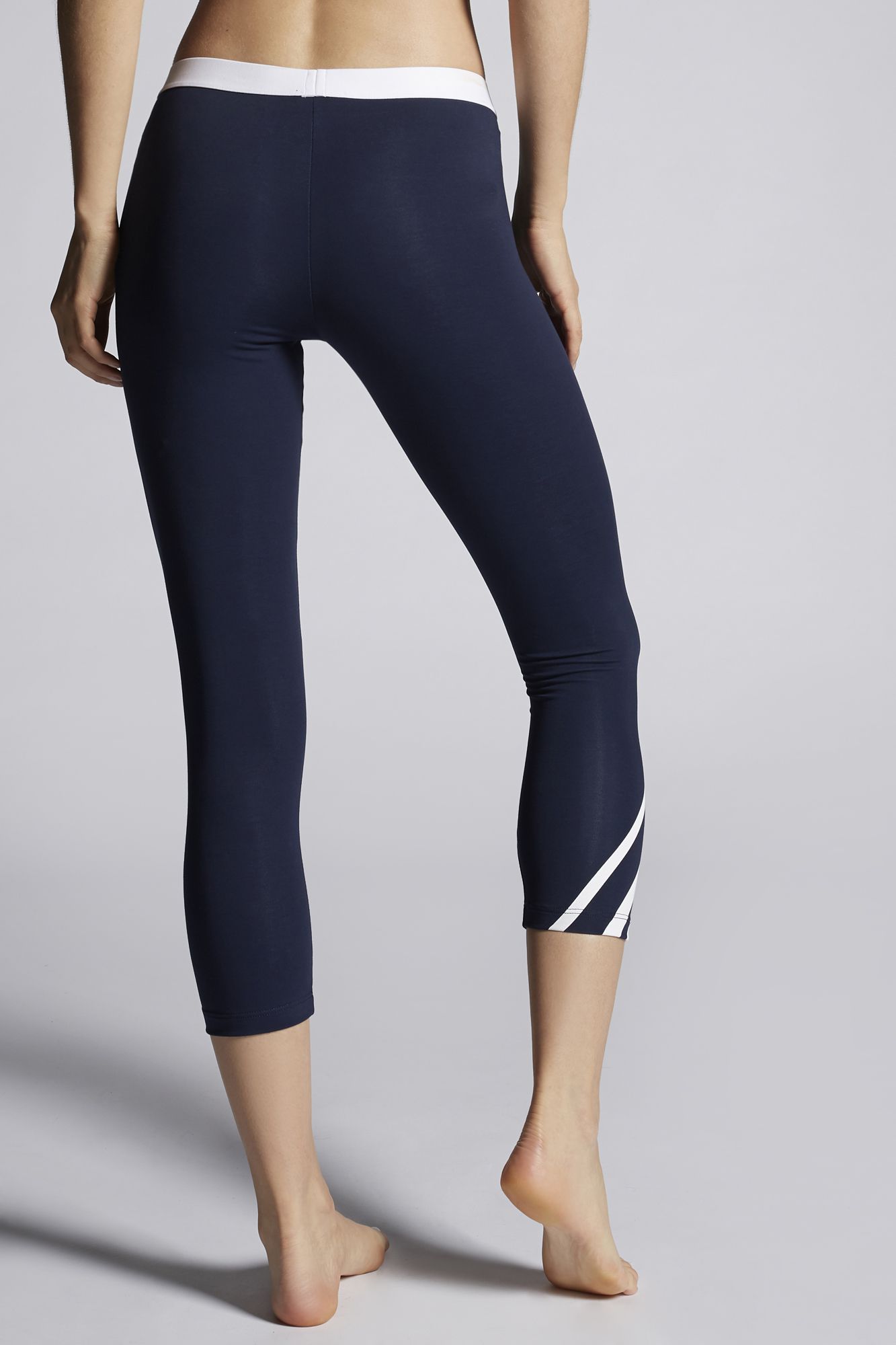
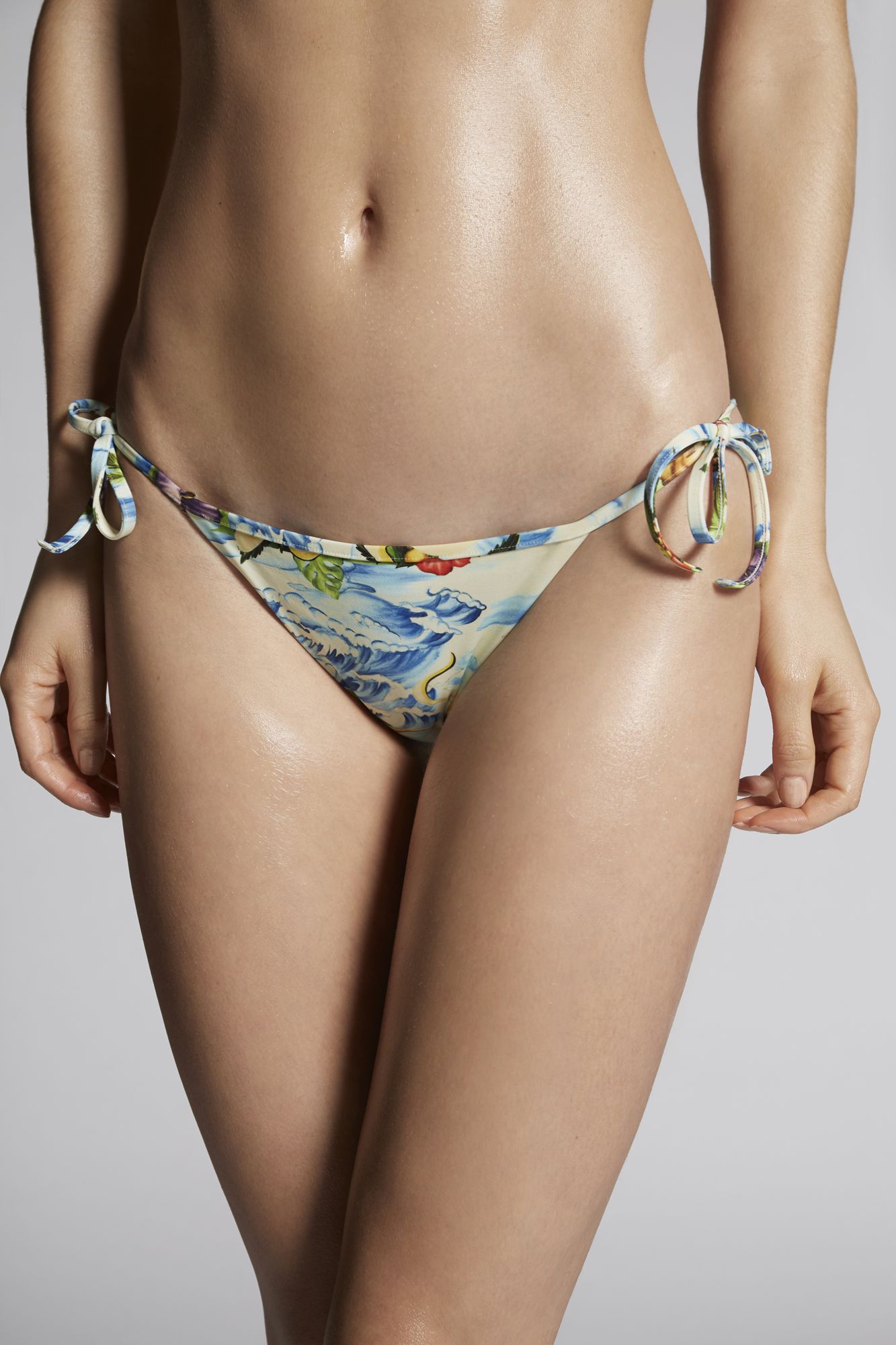
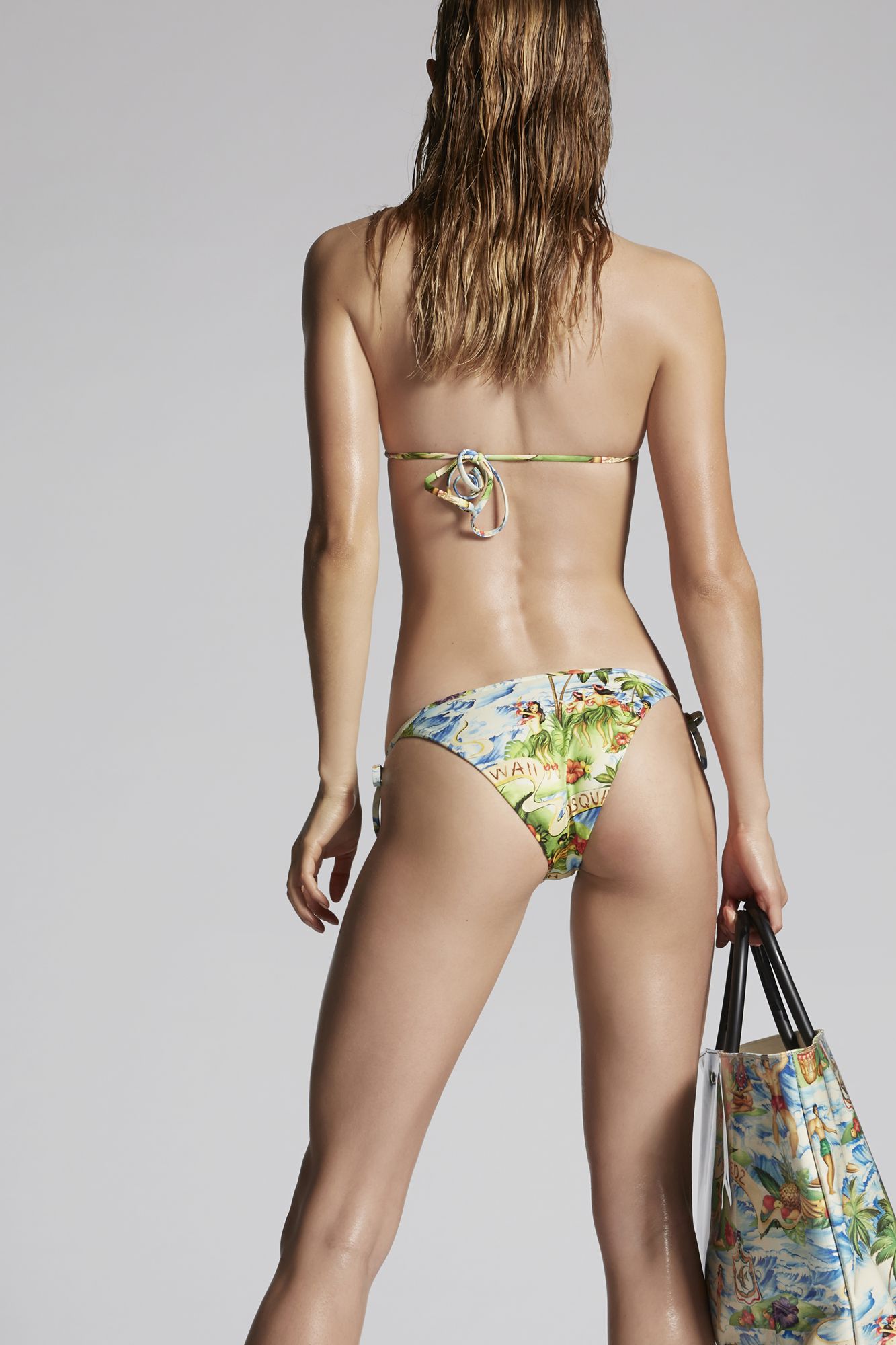
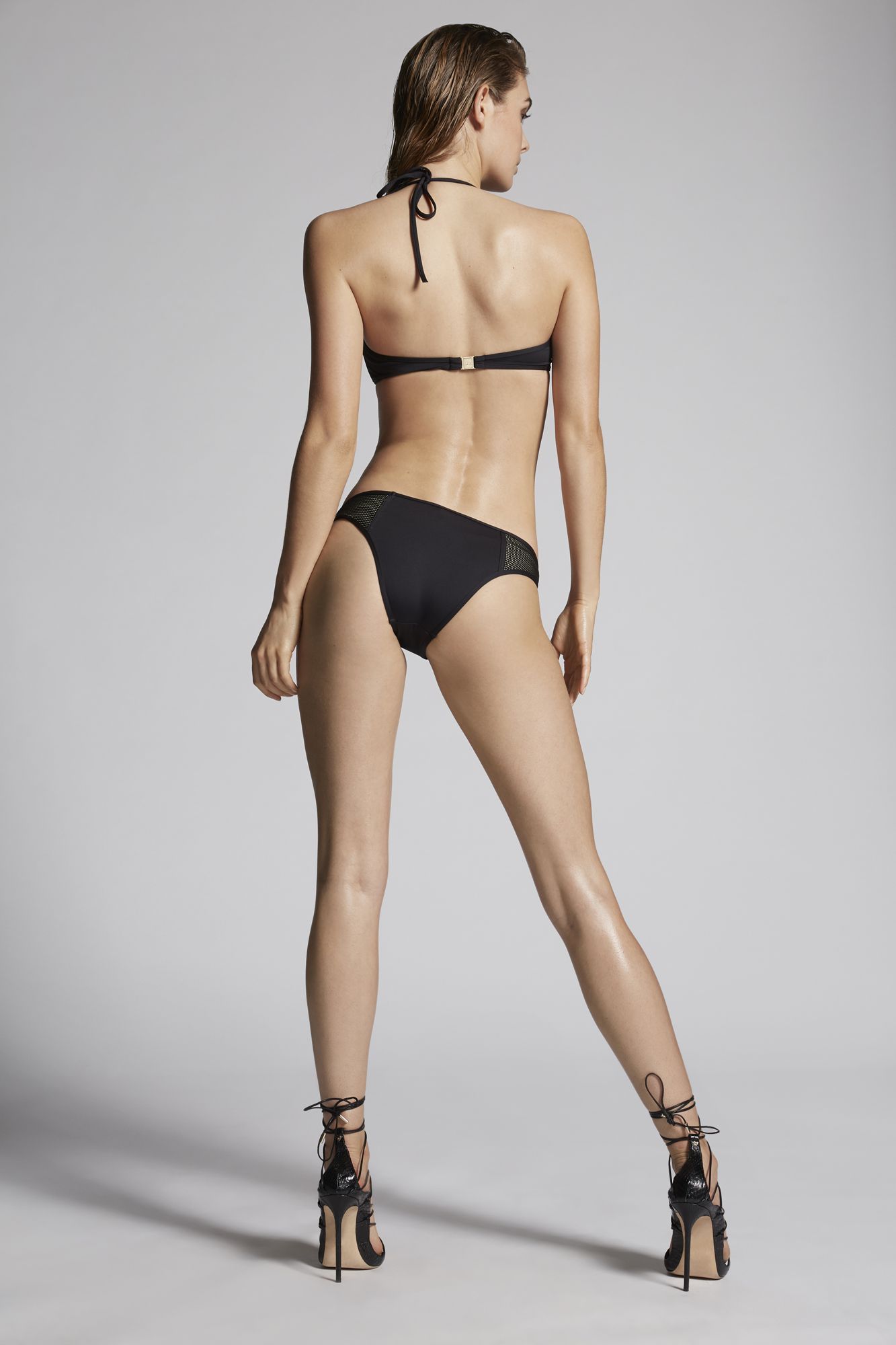
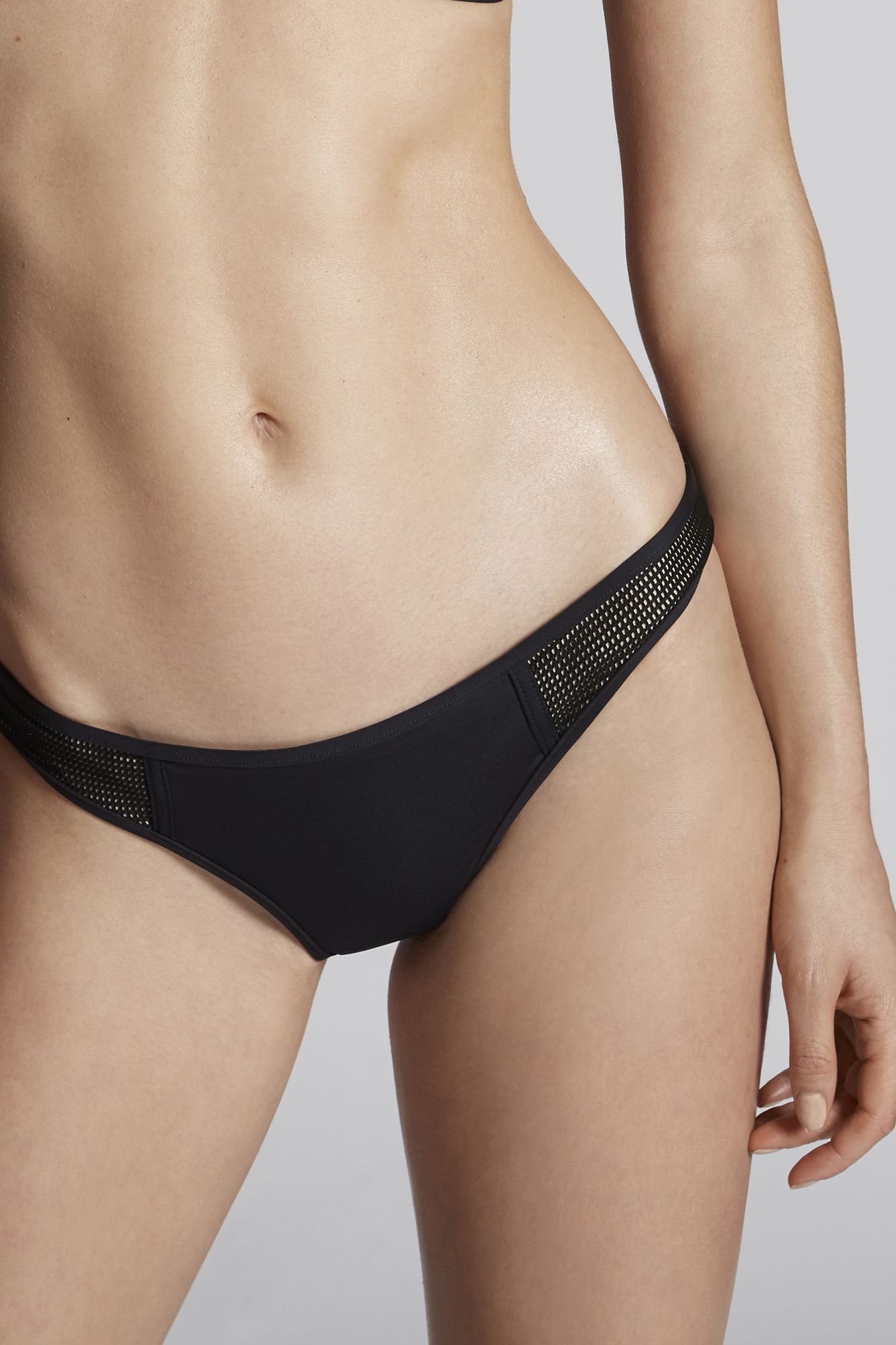
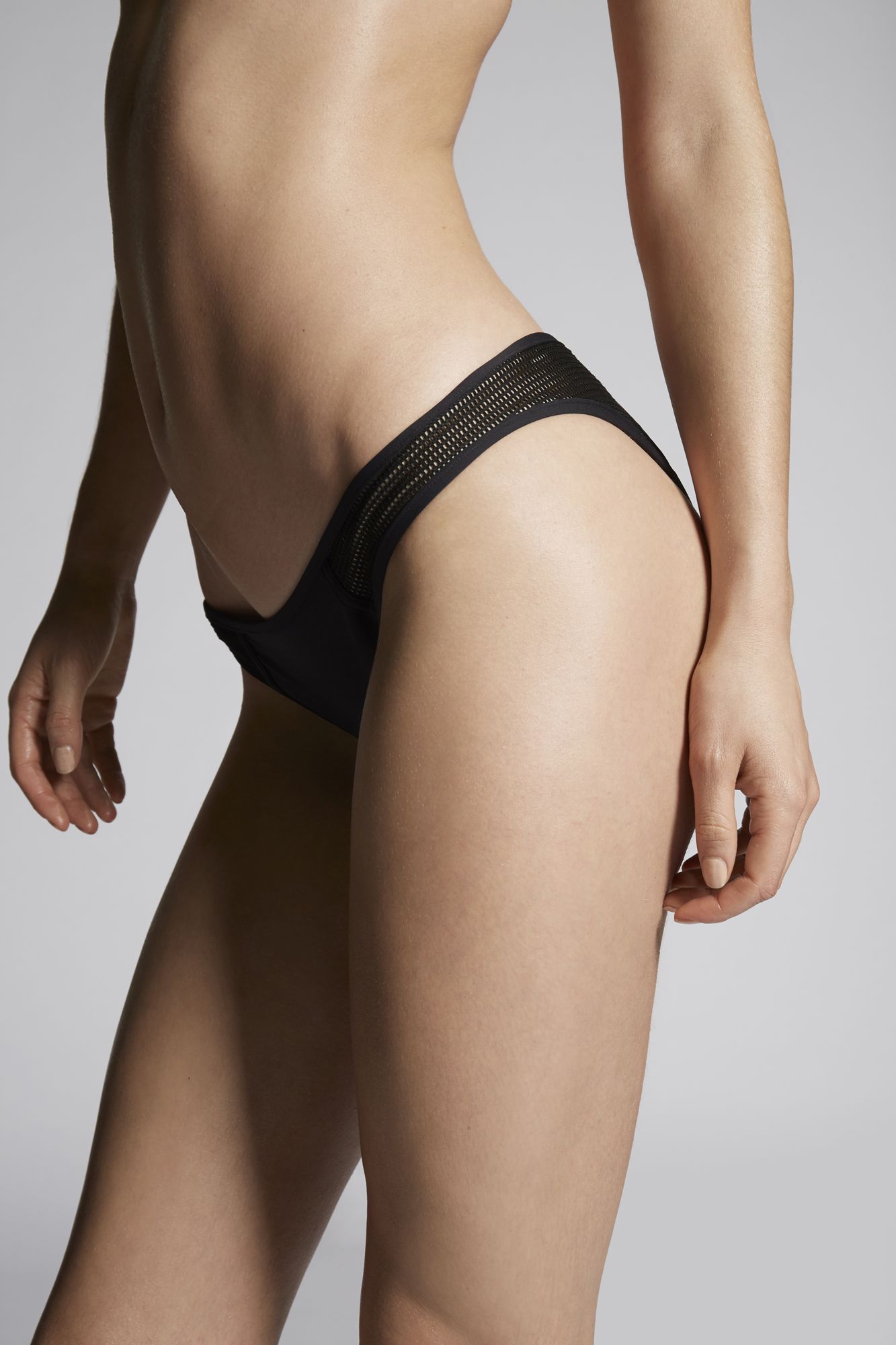
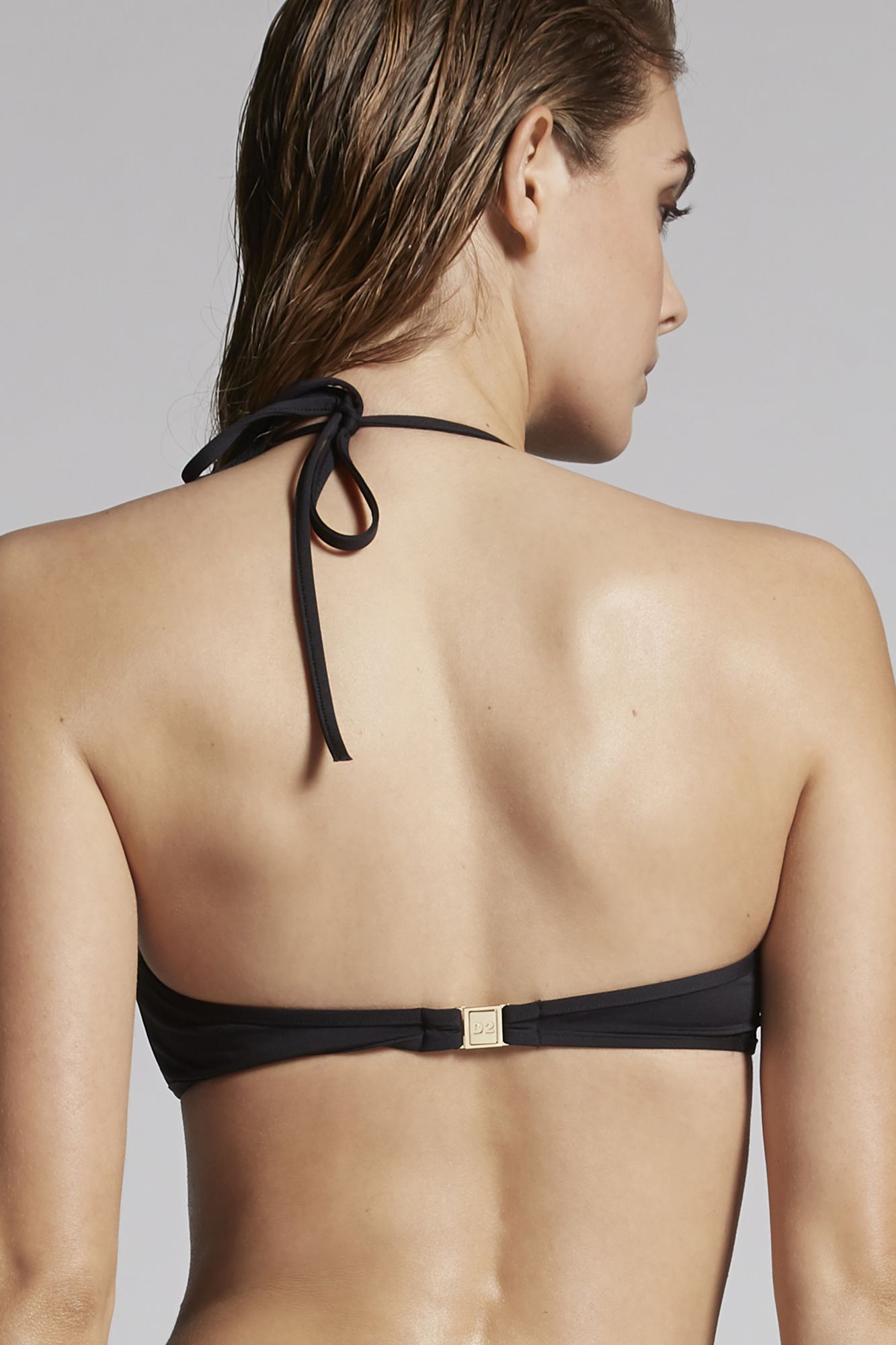
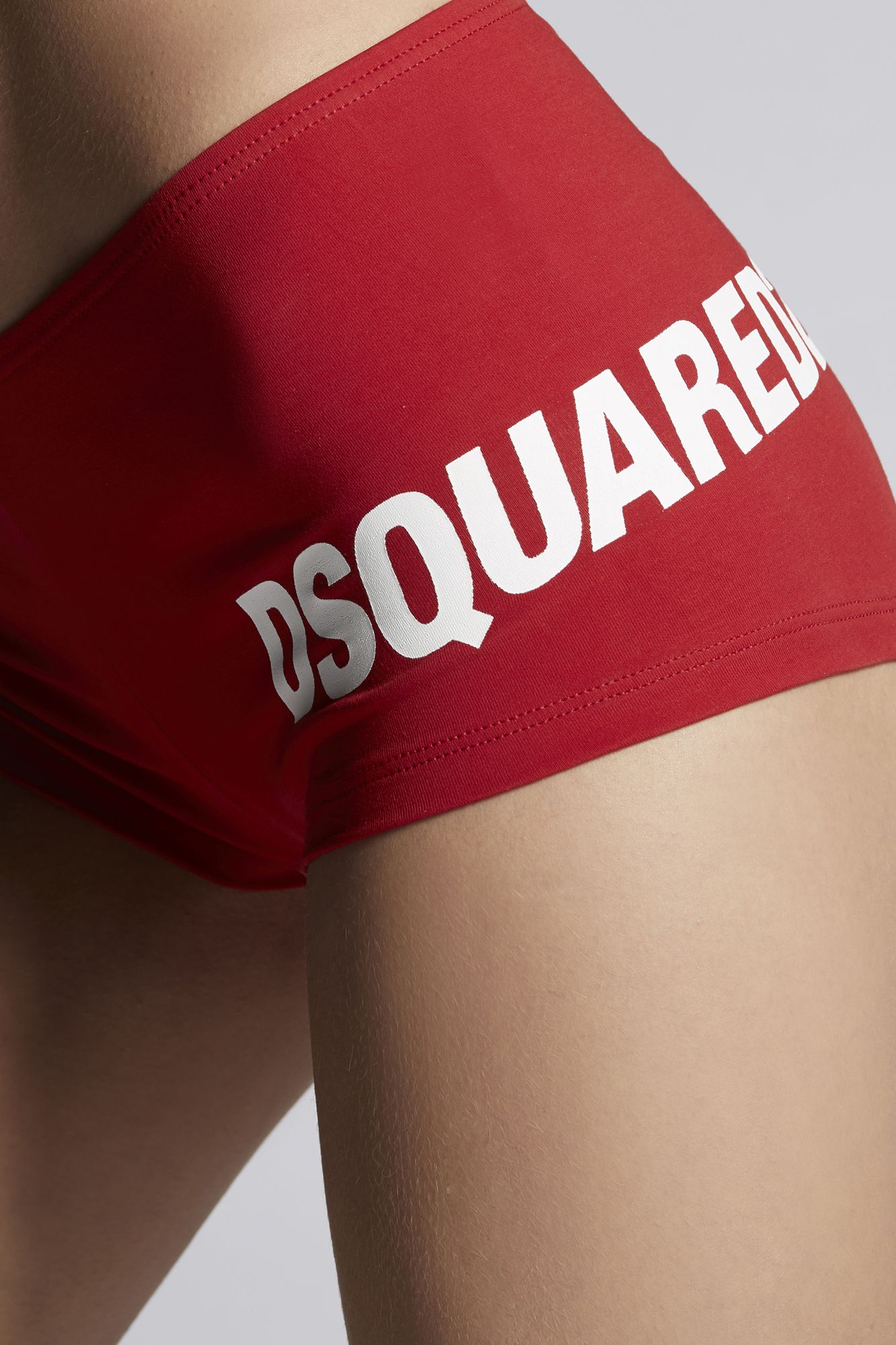
DSQUARED2






















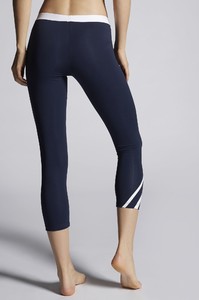










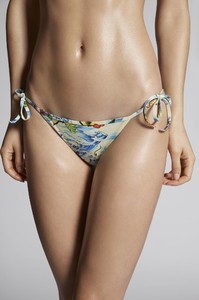






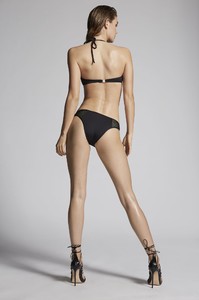
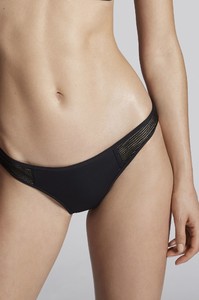























-
Zoey Grossman


-
Ph: Nick Suarez Nudity!





































-
Ph: Pierre Toussaint



-
Ph: Tom Mitchell









-
Lack of Color


-
-
Life Without Andy Renee & Elisha Herbert for Calvin Klein.mp4
















 Life Without Andy Renee & Elisha Herbert for Calvin Klein.mp4
Higher Resolution: Nudity!
Life Without Andy Renee & Elisha Herbert for Calvin Klein.mp4
Higher Resolution: Nudity!












 Dominic Petruzzi
 Dove Shore
 Pascal Heimlicher

 David Bellemere





 Timur Emek






 HQs Nudity! fionayeduardo.com/portfolio#/daydream










 Nudity! 30720371_2065475243738209_1831739390190847065_n.mp4

































































































































































































































































Account
Navigation
Search
Configure browser push notifications
Chrome (Android)
- Tap the lock icon next to the address bar.
- Tap Permissions → Notifications.
- Adjust your preference.
Chrome (Desktop)
- Click the padlock icon in the address bar.
- Select Site settings.
- Find Notifications and adjust your preference.
Safari (iOS 16.4+)
- Ensure the site is installed via Add to Home Screen.
- Open Settings App → Notifications.
- Find your app name and adjust your preference.
Safari (macOS)
- Go to Safari → Preferences.
- Click the Websites tab.
- Select Notifications in the sidebar.
- Find this website and adjust your preference.
Edge (Android)
- Tap the lock icon next to the address bar.
- Tap Permissions.
- Find Notifications and adjust your preference.
Edge (Desktop)
- Click the padlock icon in the address bar.
- Click Permissions for this site.
- Find Notifications and adjust your preference.
Firefox (Android)
- Go to Settings → Site permissions.
- Tap Notifications.
- Find this site in the list and adjust your preference.
Firefox (Desktop)
- Open Firefox Settings.
- Search for Notifications.
- Find this site in the list and adjust your preference.