
Pith_Possum
Members
-
Joined
-
Last visited
Everything posted by Pith_Possum
-
 Max Abadian


-
Rupert LaMontagne










-
Jay Harrison

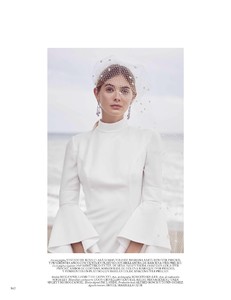
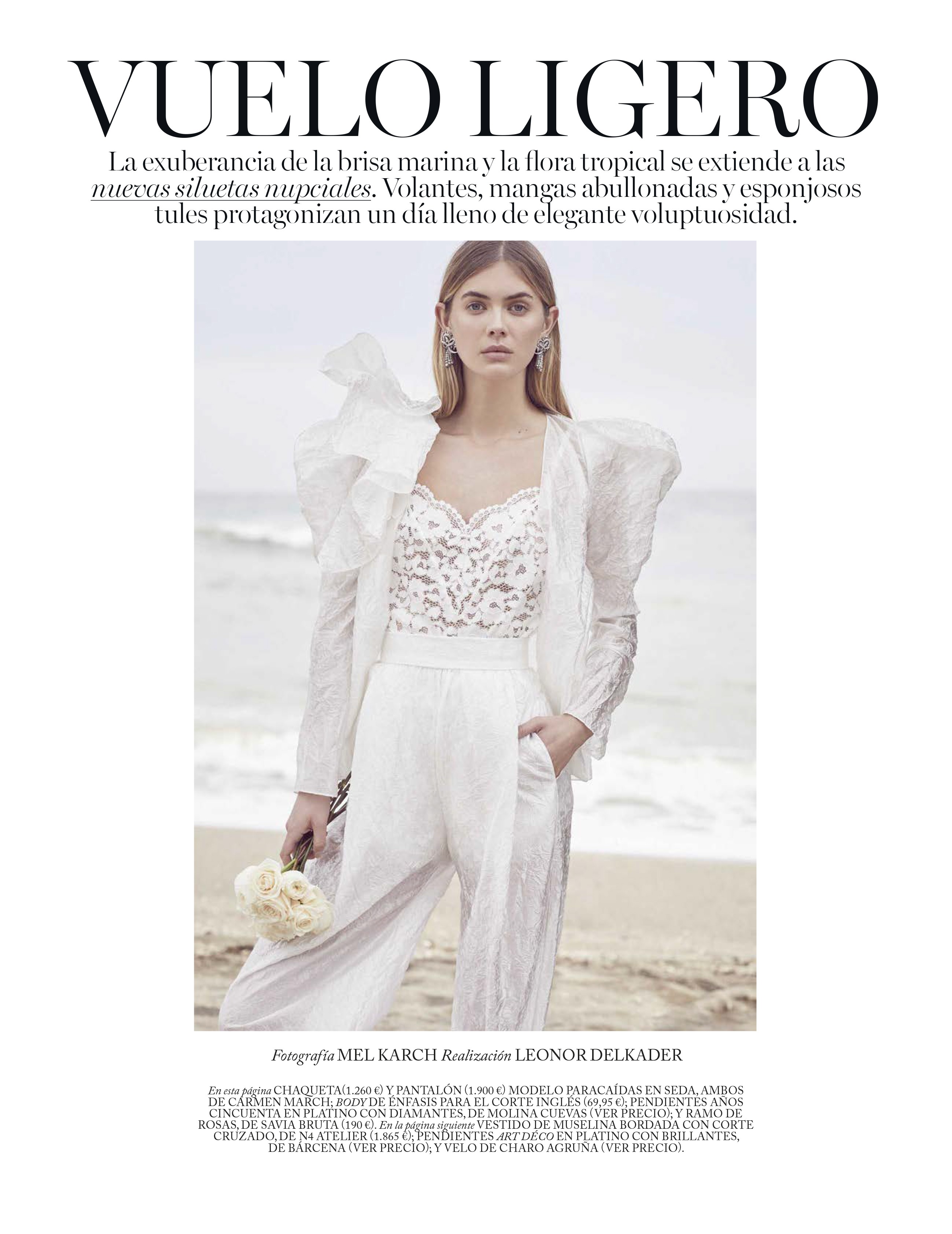
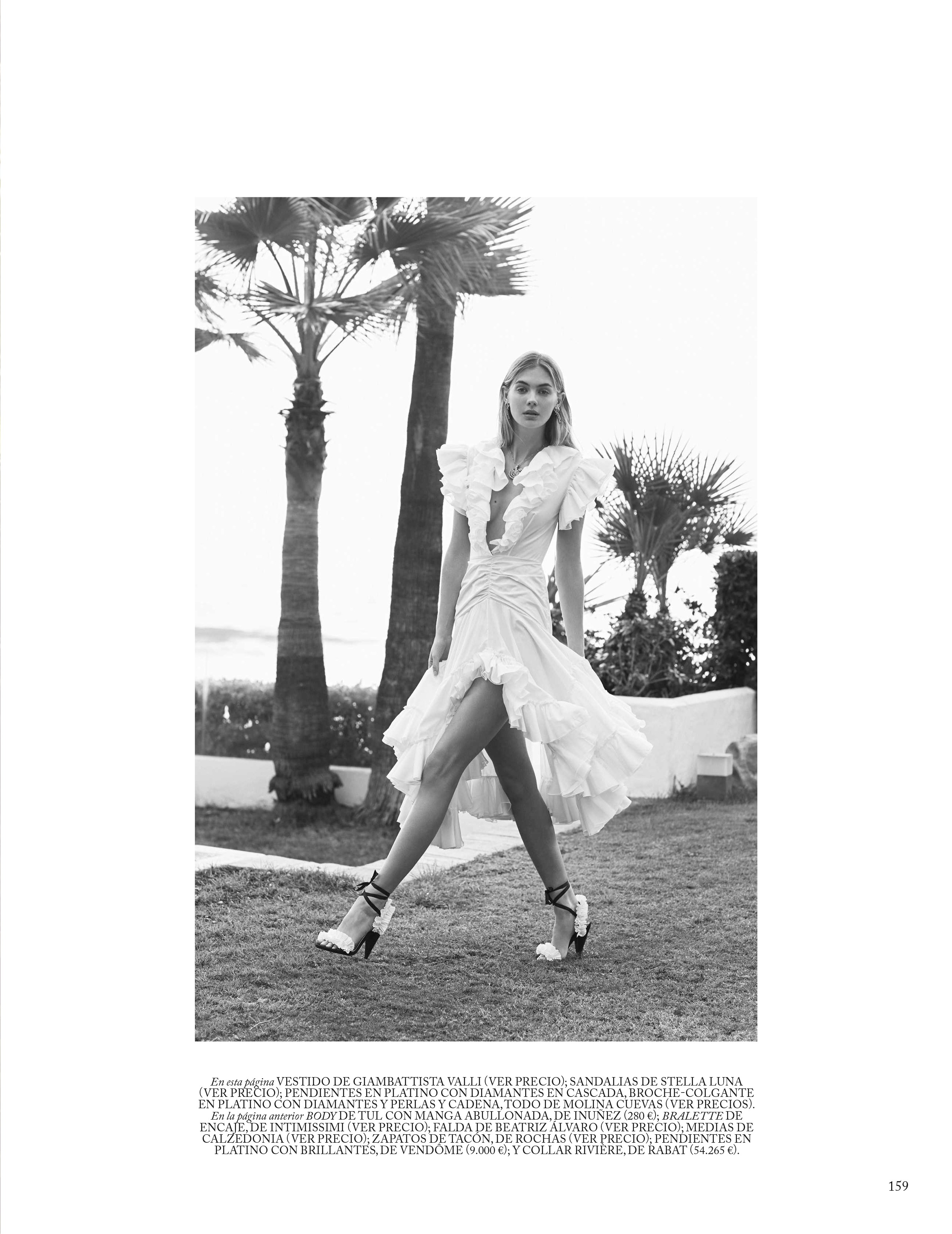
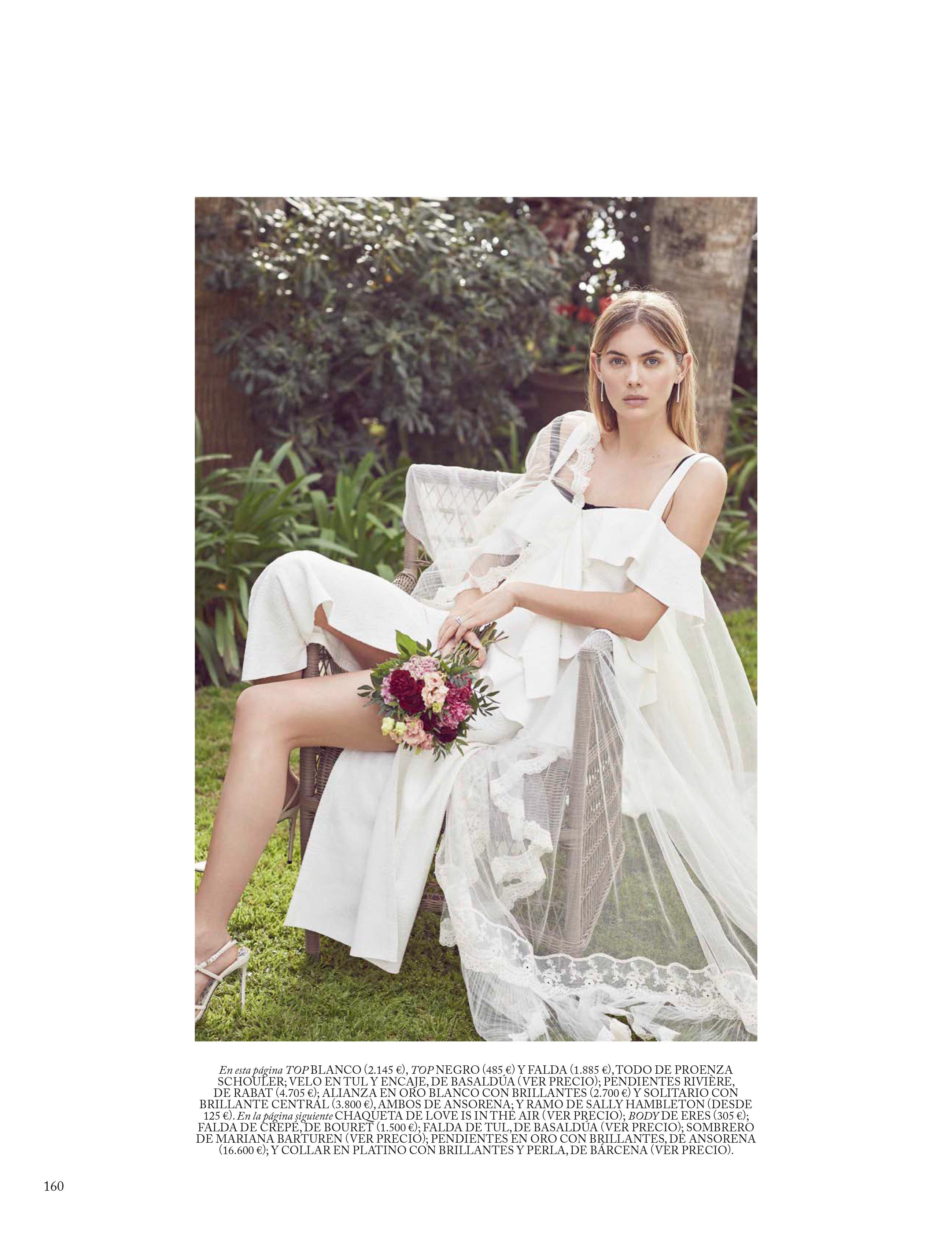
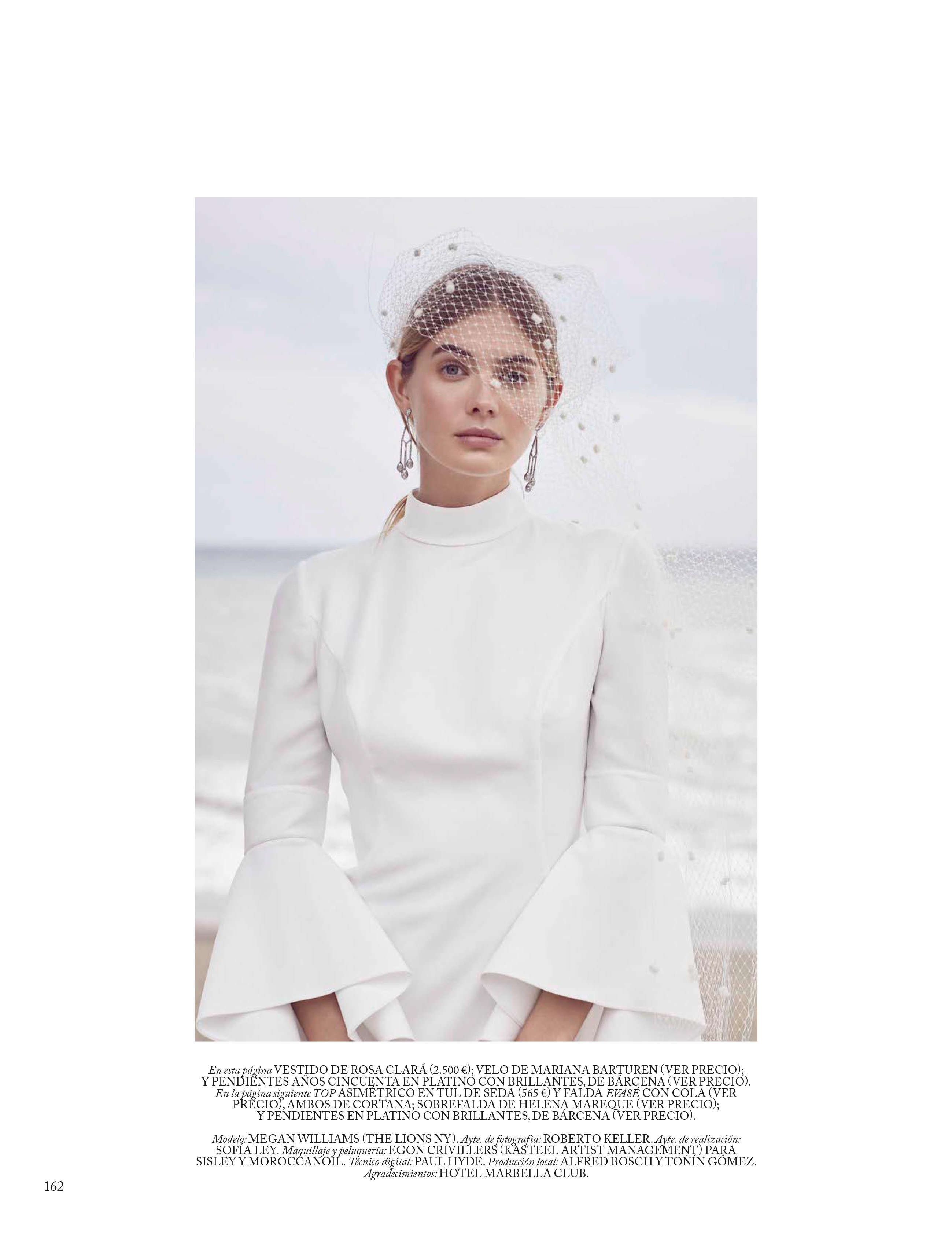
 Vogue Spain March 2018





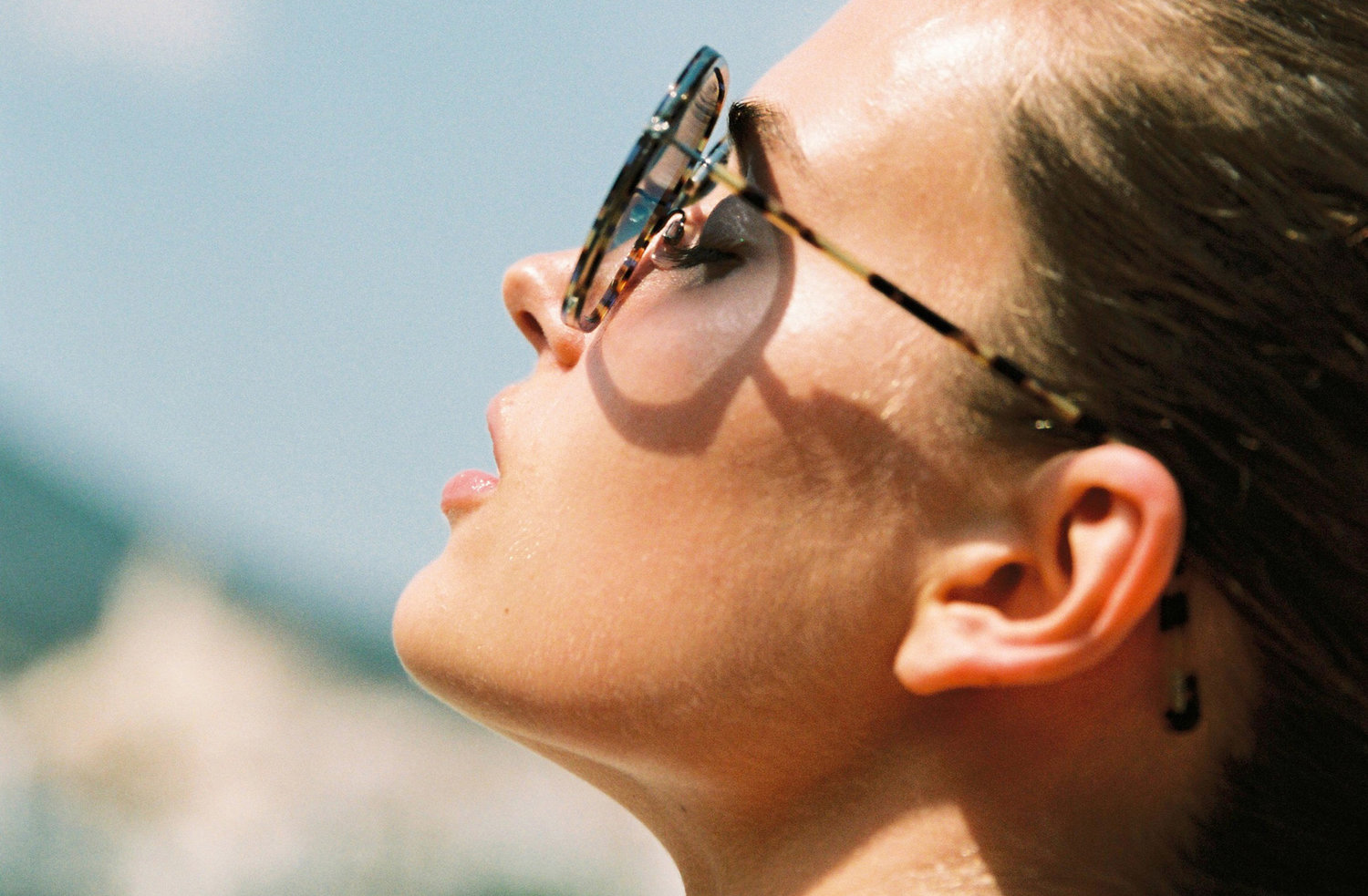
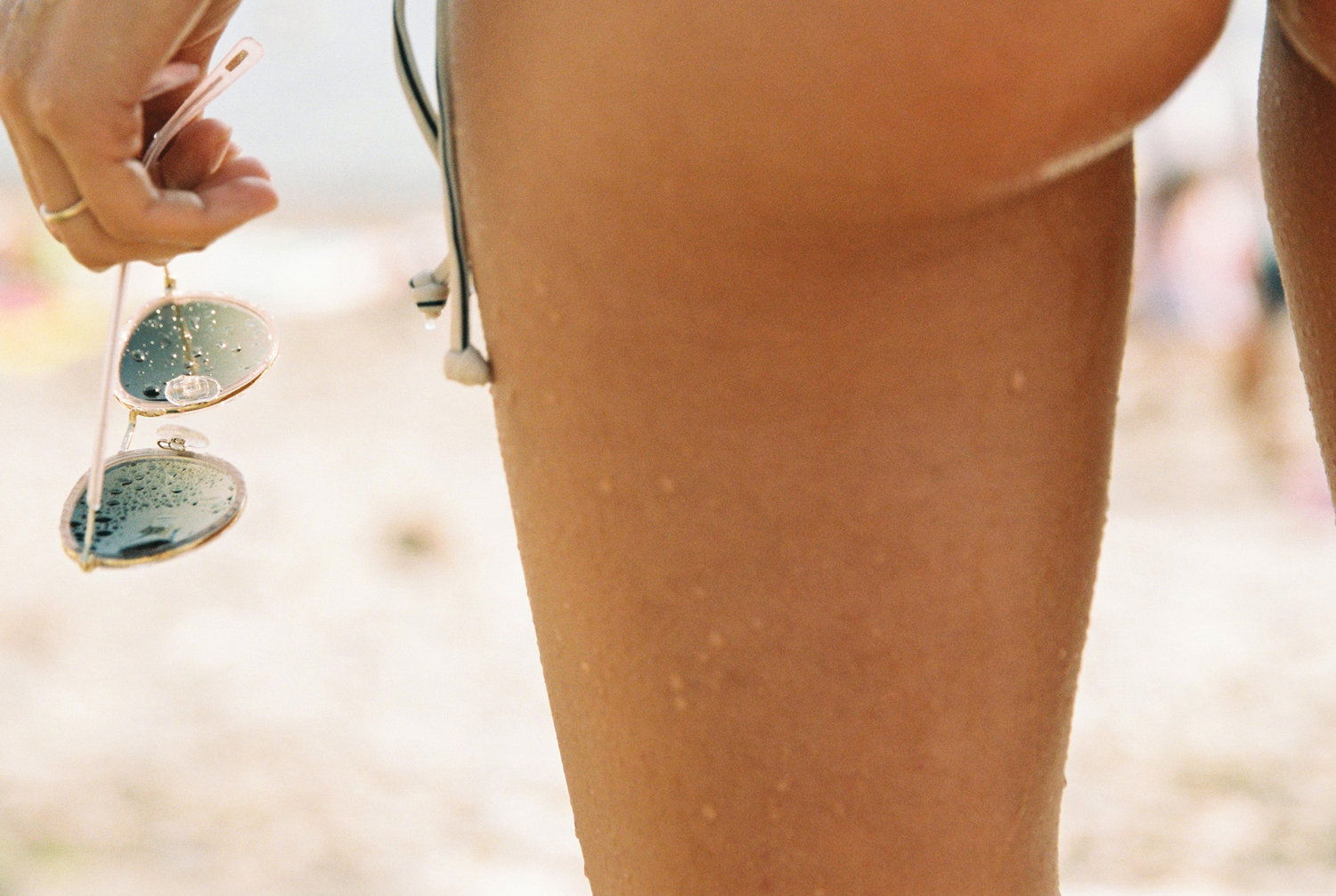
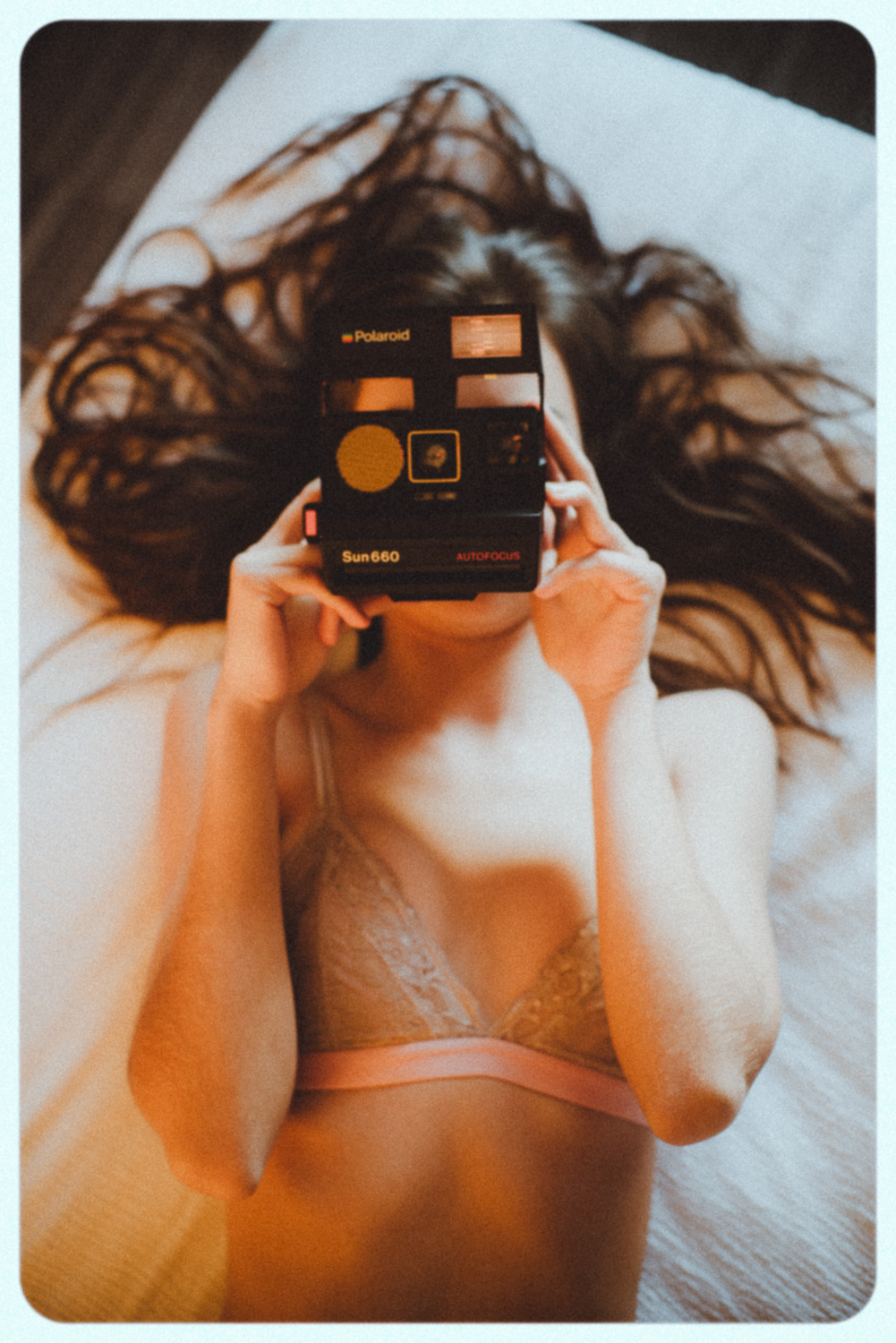
 Eberjey Spring 18 Lookbook






















 Valero Rioja 26086444_199405820617749_689565829226070963_n.mp4





 New from her Portfolio @ Line-up Models / New York Models:








 Elle Danmark Ph: Signe Vilstrup










 Thanks @pinguoin, love it. Found two more and I removed those white borders. They were kind of annoying.








 Eric Hobbs Nudity!











 Jared Thomas Kocka



















 Dominic Petruzzi
 African Botanics








 christophervonsteinbach
 Life without Andy











 France & Jesse 29703867_407438843052881_6152939349612283854_n.mp4
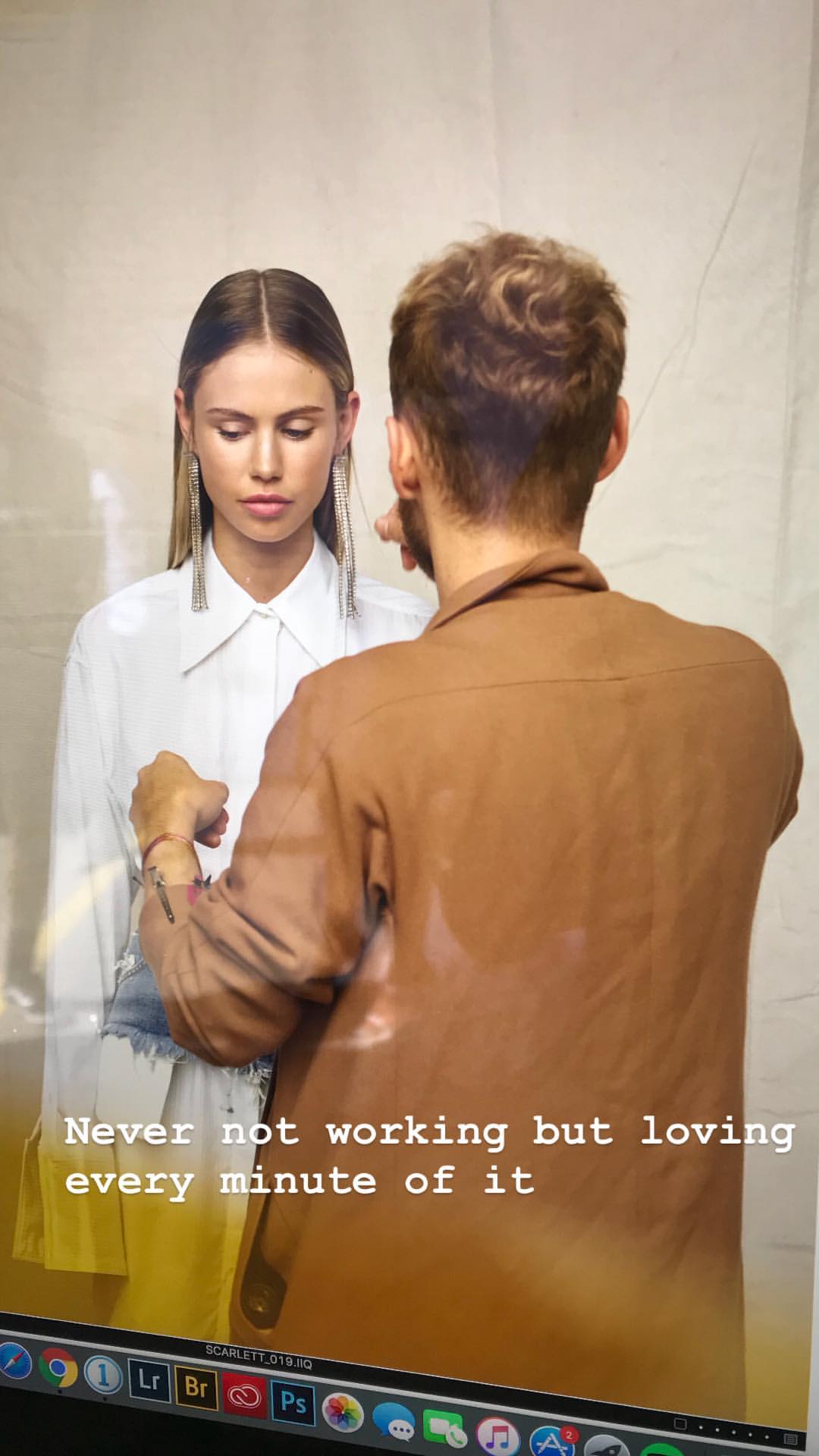
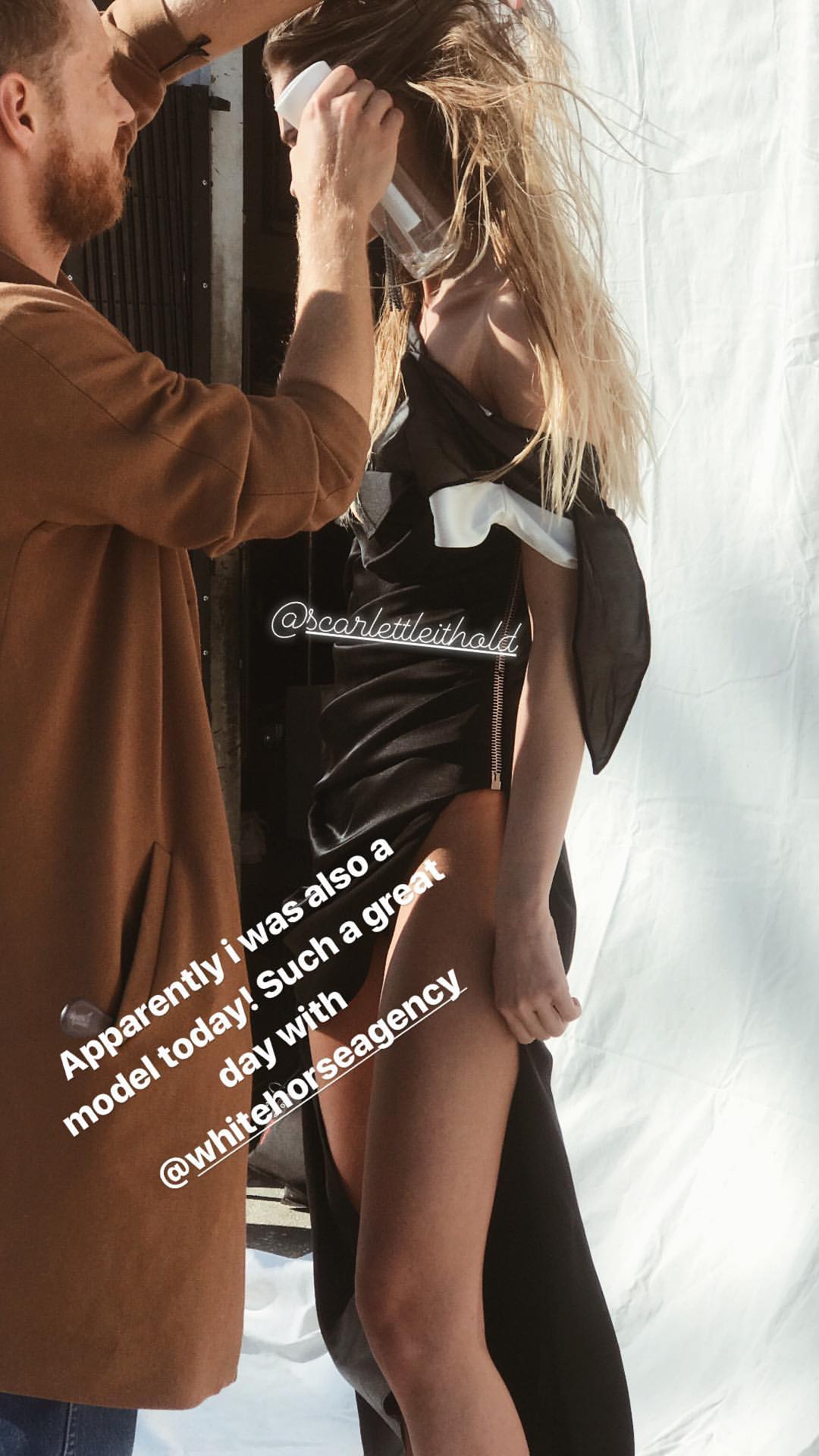
 White Horse Agency Photoshoot BTS 29154780_342263966179853_1314108949945917630_n.mp4 29154912_1916016708470604_417116005299198057_n.mp4 29157481_560669790976021_5014280189576740864_n.mp4 29157749_598405897161339_1704086083404991755_n.mp4 29302674_155416441795736_4120663178629343824_n.mp4 29305619_1637619696321911_3432131404934546952_n.mp4 29429992_173790659832173_4090691880902565585_n.mp4 29586832_1950109595303694_8022036556440719944_n.mp4 29586895_191619581442632_6572371216667578297_n.mp4 29701929_1658061107620348_8053339828723334838_n.mp4 29704594_153346325359217_3786540500792544933_n.mp4

























 Zoey Grossman


































































































































































































































































Account
Navigation
Search
Configure browser push notifications
Chrome (Android)
- Tap the lock icon next to the address bar.
- Tap Permissions → Notifications.
- Adjust your preference.
Chrome (Desktop)
- Click the padlock icon in the address bar.
- Select Site settings.
- Find Notifications and adjust your preference.
Safari (iOS 16.4+)
- Ensure the site is installed via Add to Home Screen.
- Open Settings App → Notifications.
- Find your app name and adjust your preference.
Safari (macOS)
- Go to Safari → Preferences.
- Click the Websites tab.
- Select Notifications in the sidebar.
- Find this website and adjust your preference.
Edge (Android)
- Tap the lock icon next to the address bar.
- Tap Permissions.
- Find Notifications and adjust your preference.
Edge (Desktop)
- Click the padlock icon in the address bar.
- Click Permissions for this site.
- Find Notifications and adjust your preference.
Firefox (Android)
- Go to Settings → Site permissions.
- Tap Notifications.
- Find this site in the list and adjust your preference.
Firefox (Desktop)
- Open Firefox Settings.
- Search for Notifications.
- Find this site in the list and adjust your preference.