nightowl
Members
-
Joined
-
Last visited
Everything posted by nightowl
-
Natalia Borges, maybe?
-
Sorry--these are not in my collection of Elsa on the runway.
-
http://ul.to/c2t9ic4n
-
great stuff--thanks!
-
-
-
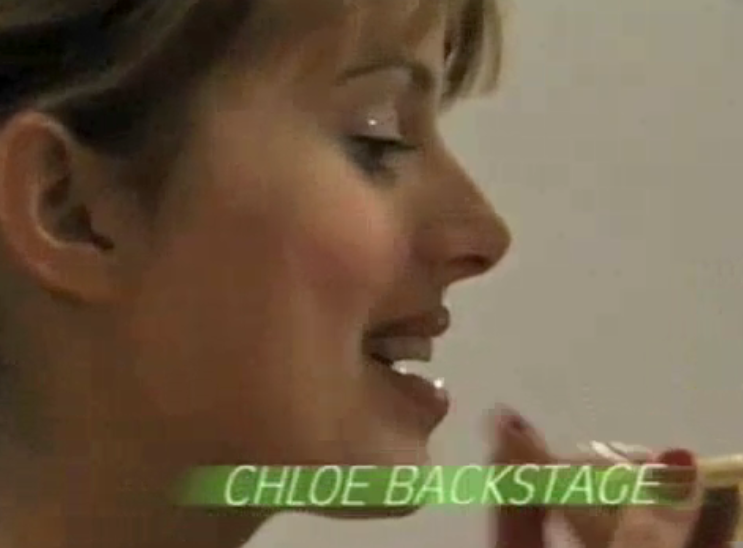
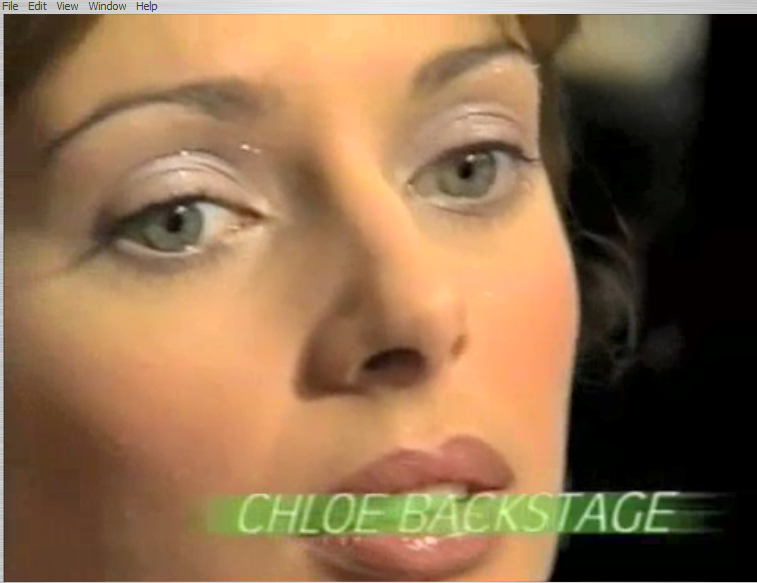
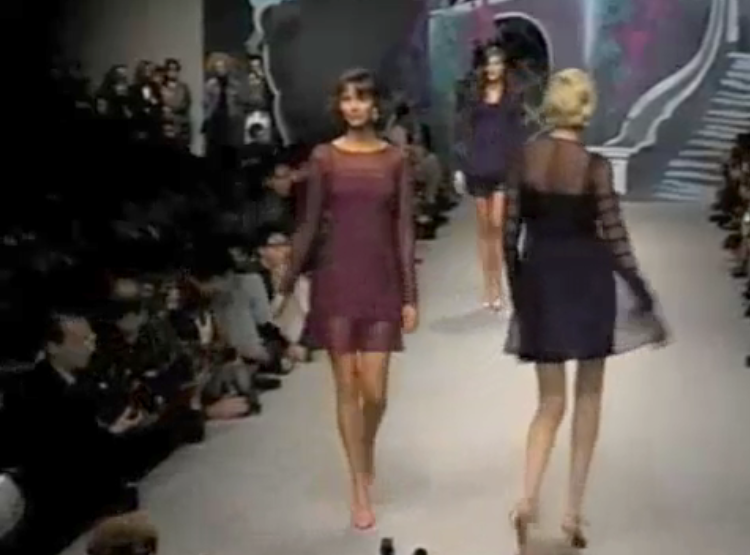
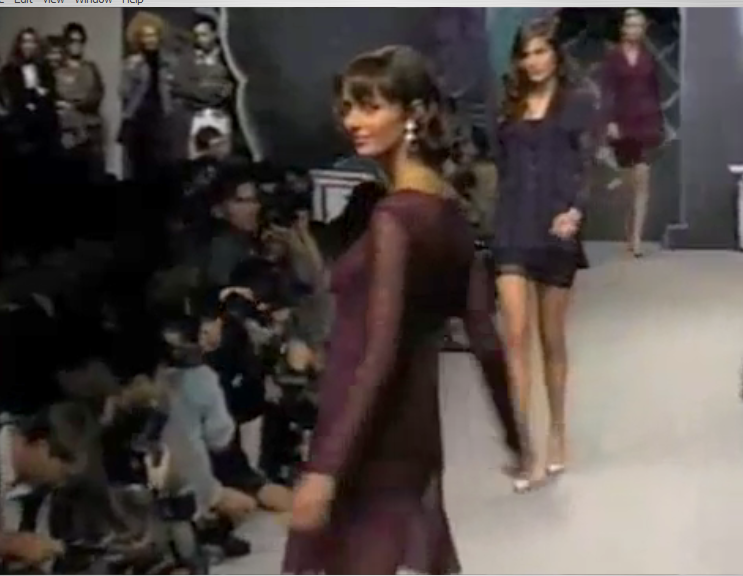
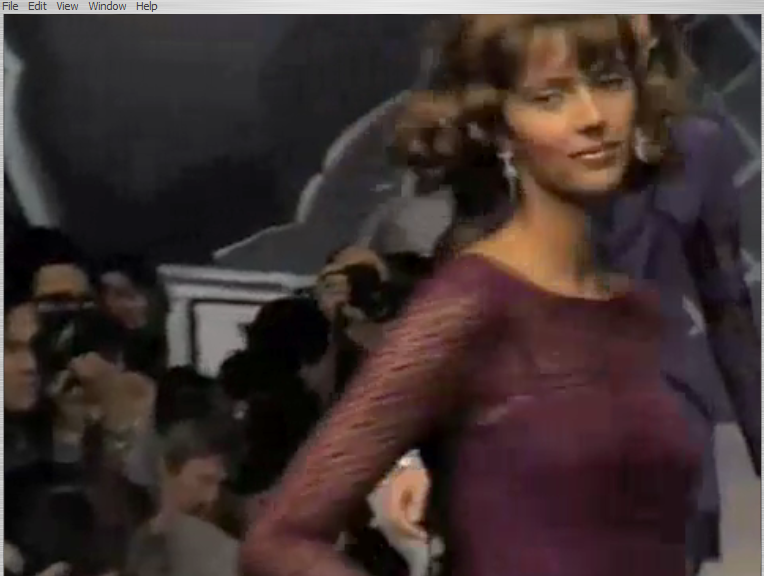
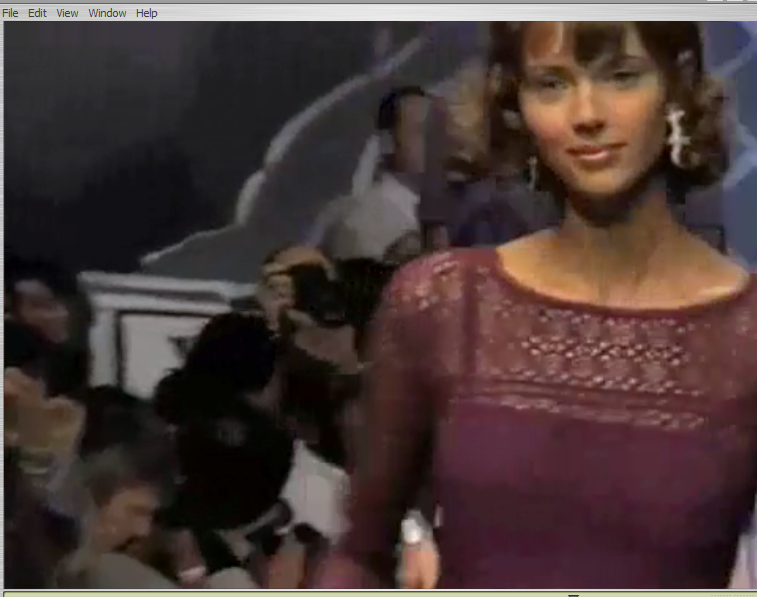
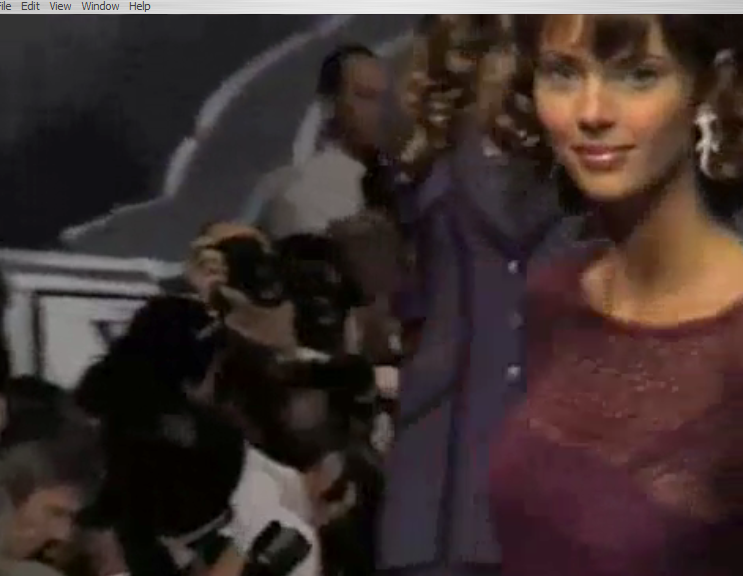
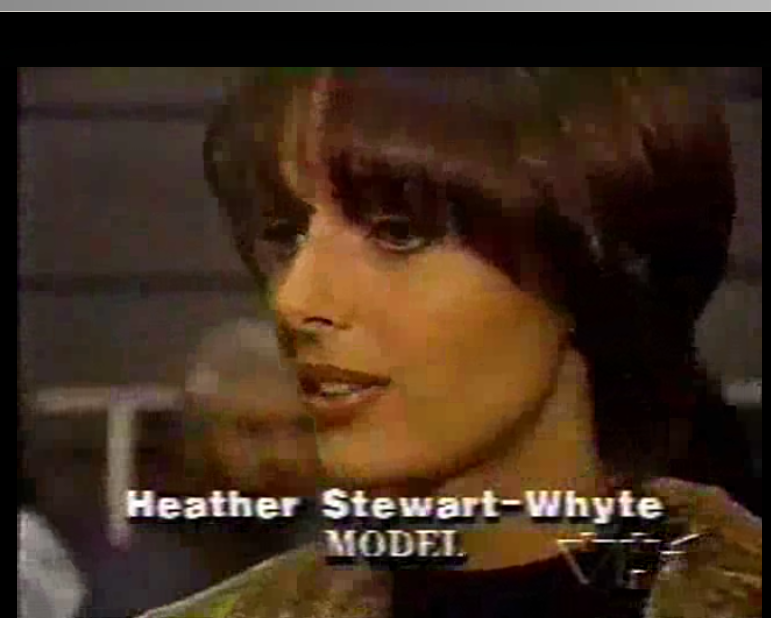
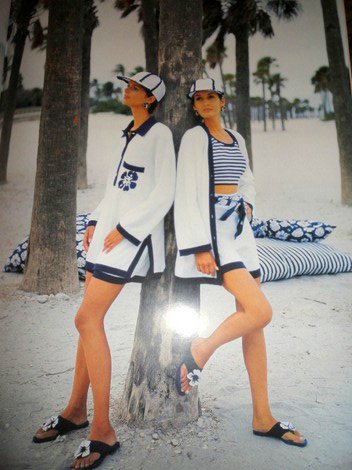
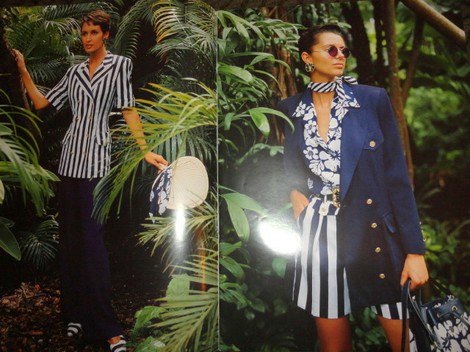
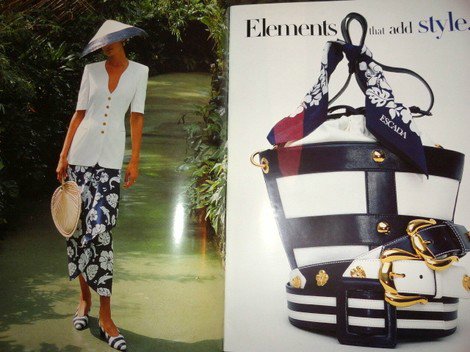
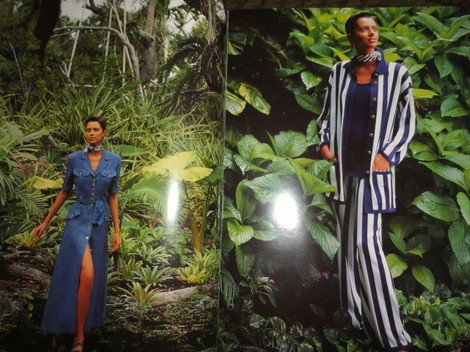
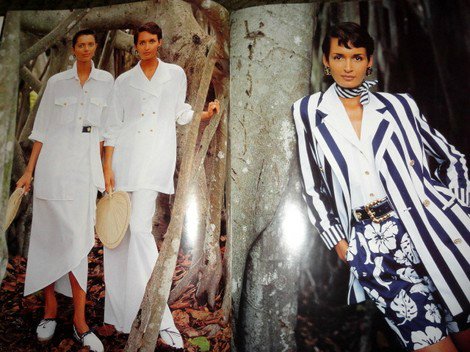
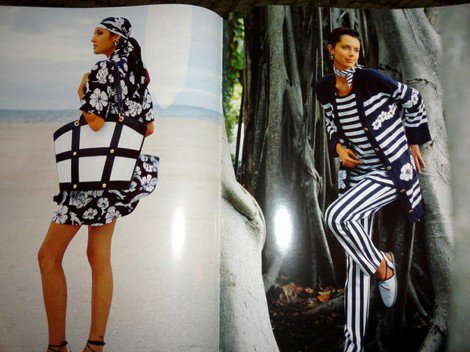
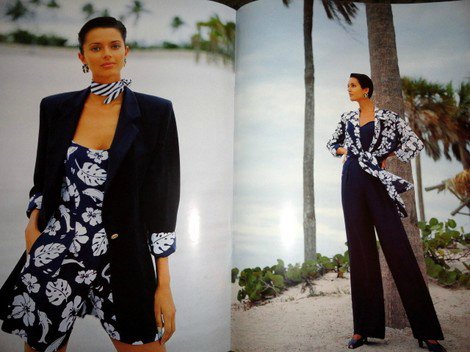
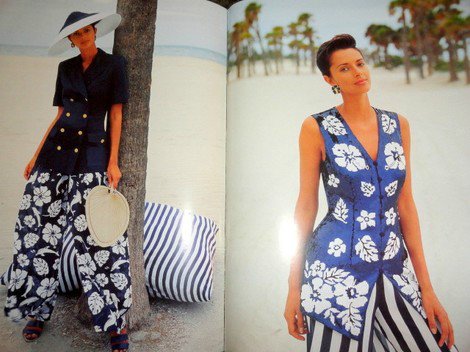
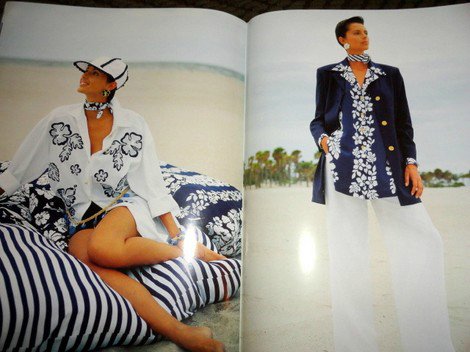
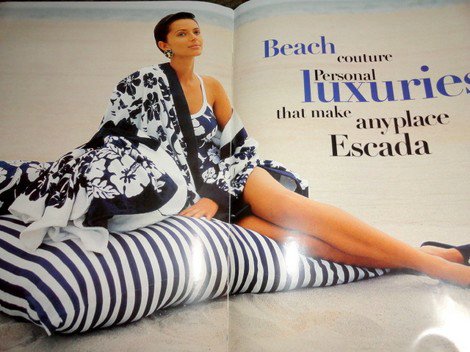
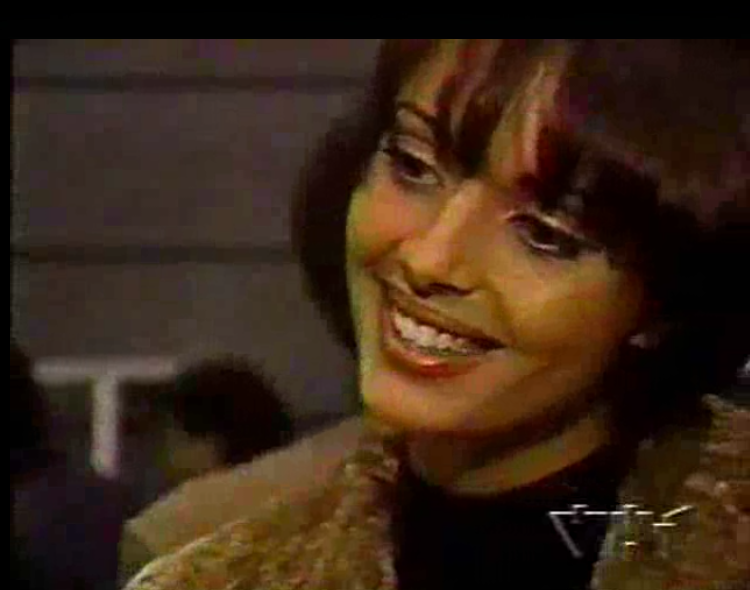
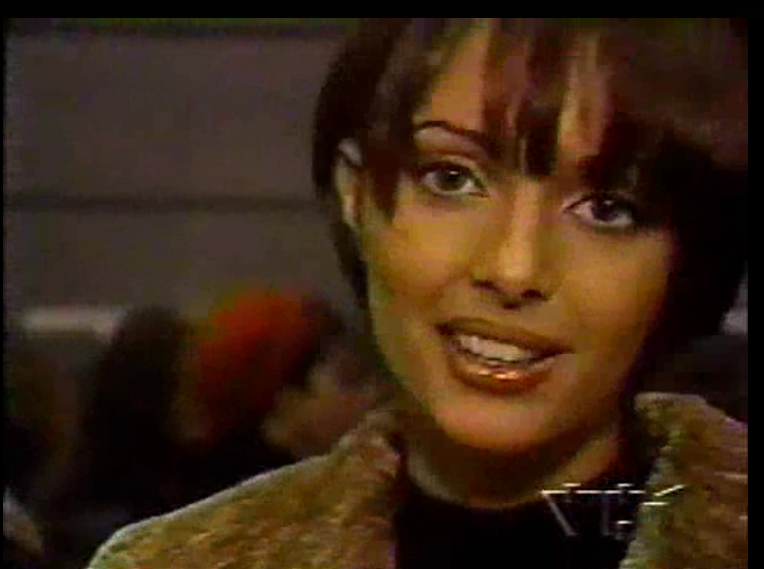
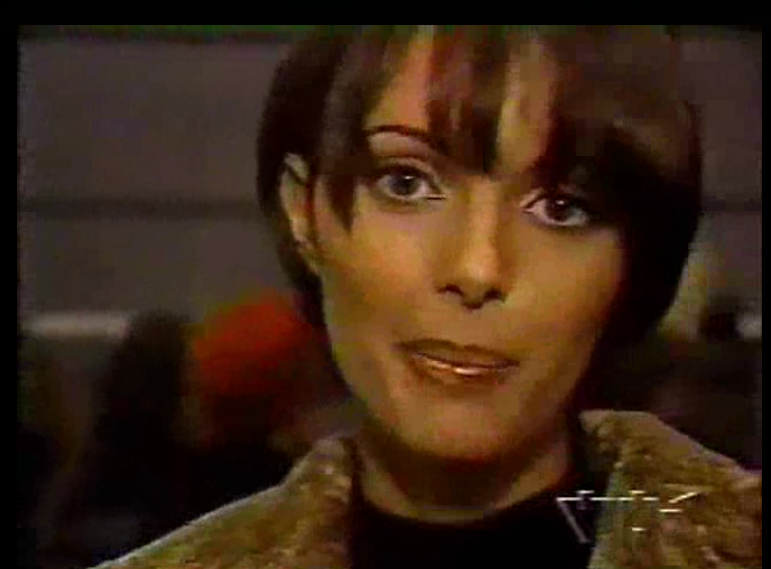
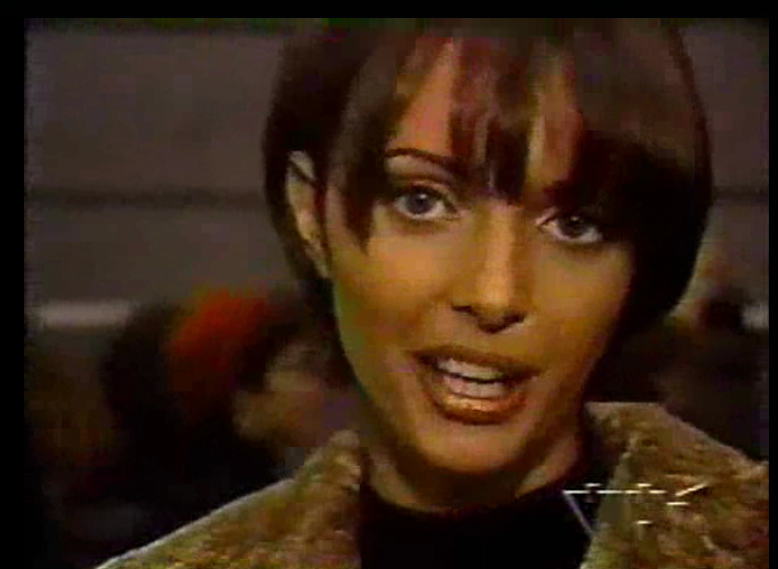
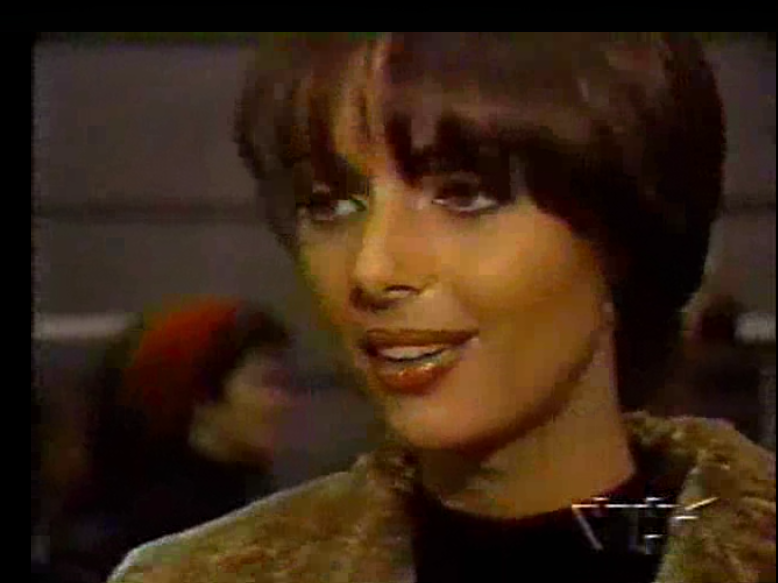
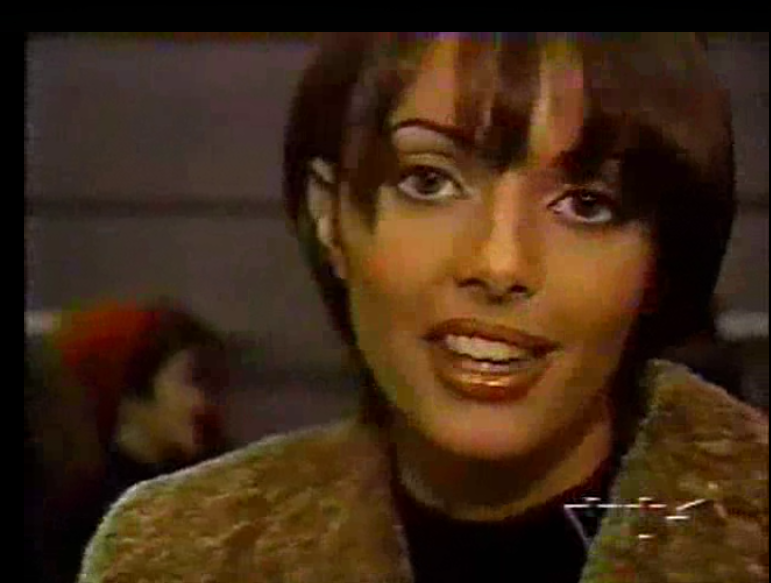
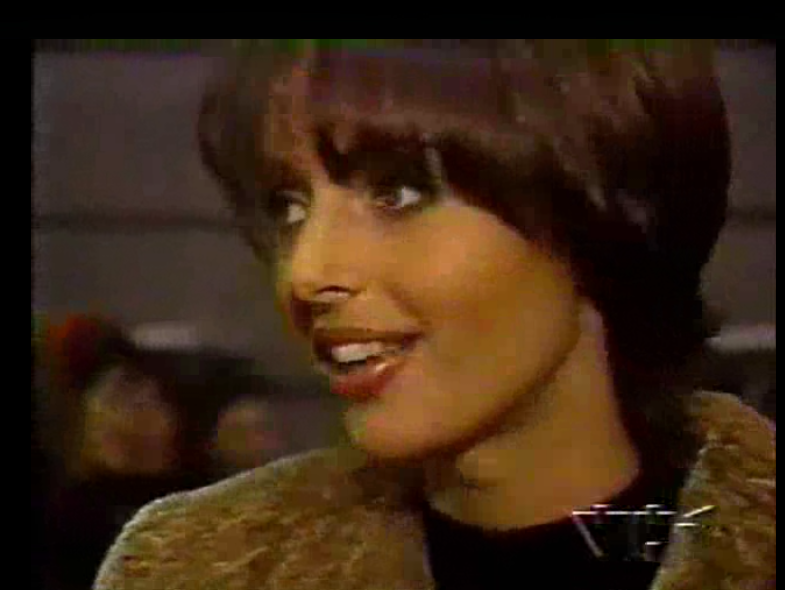
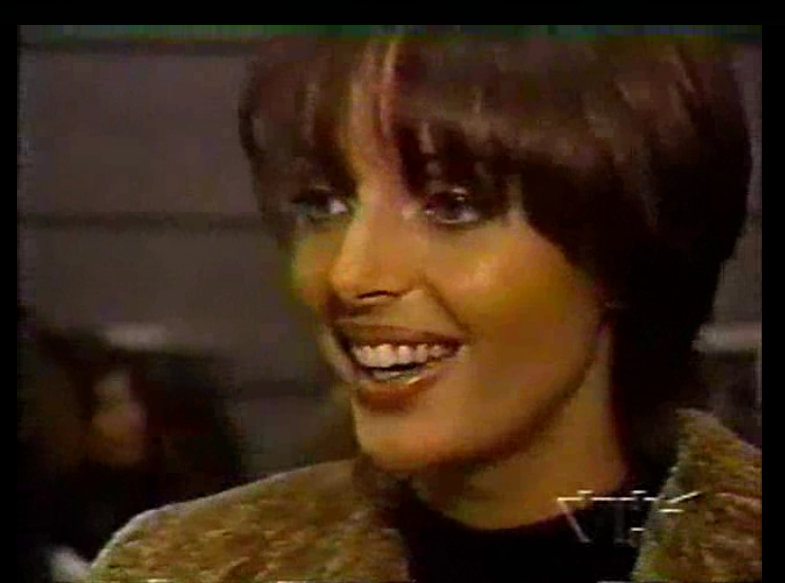
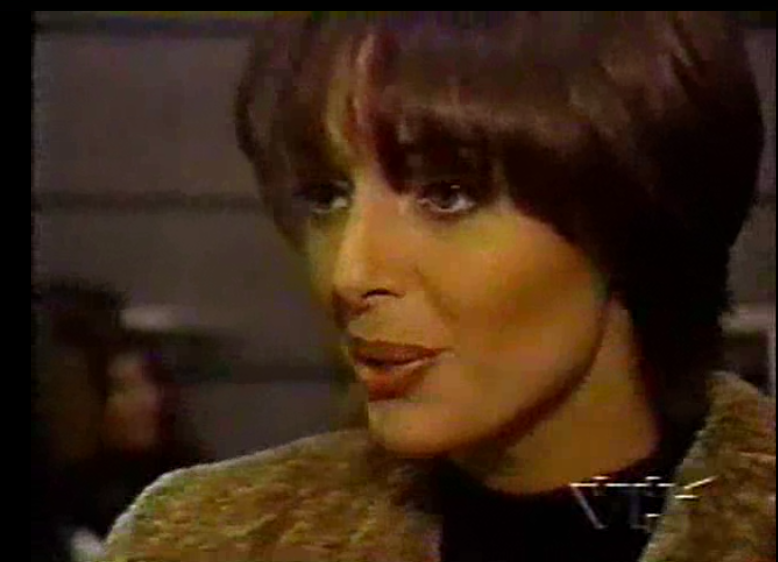
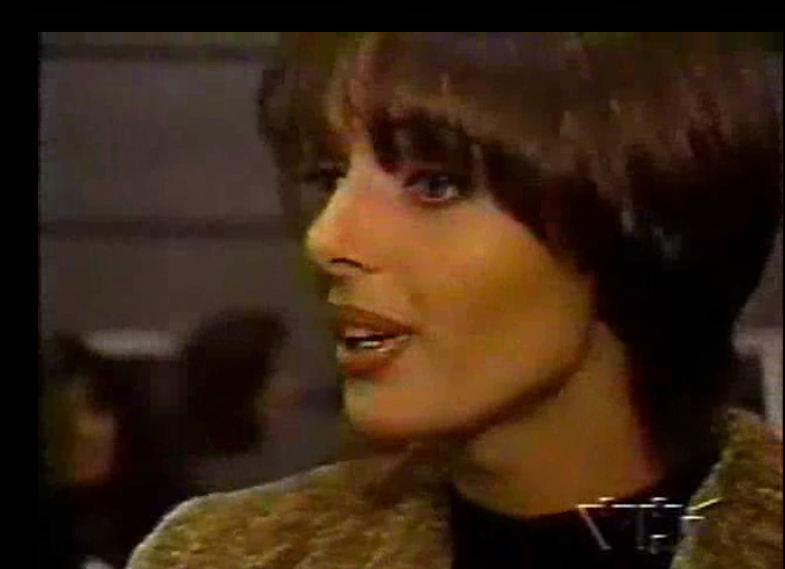
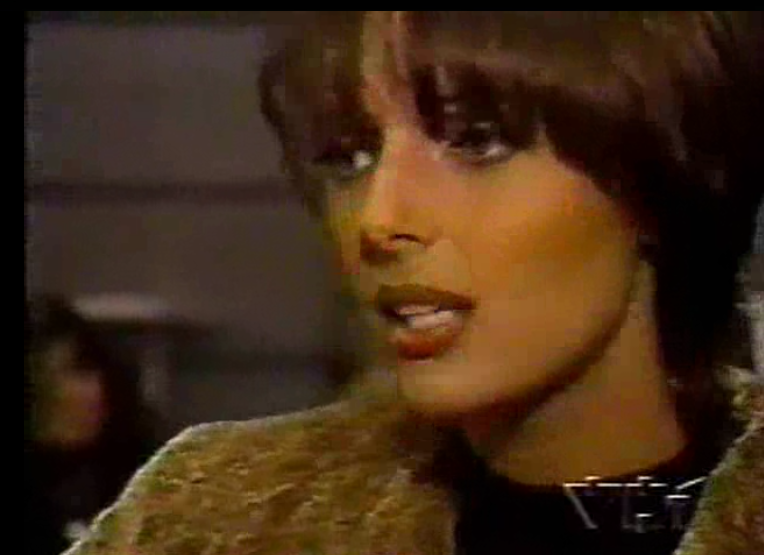
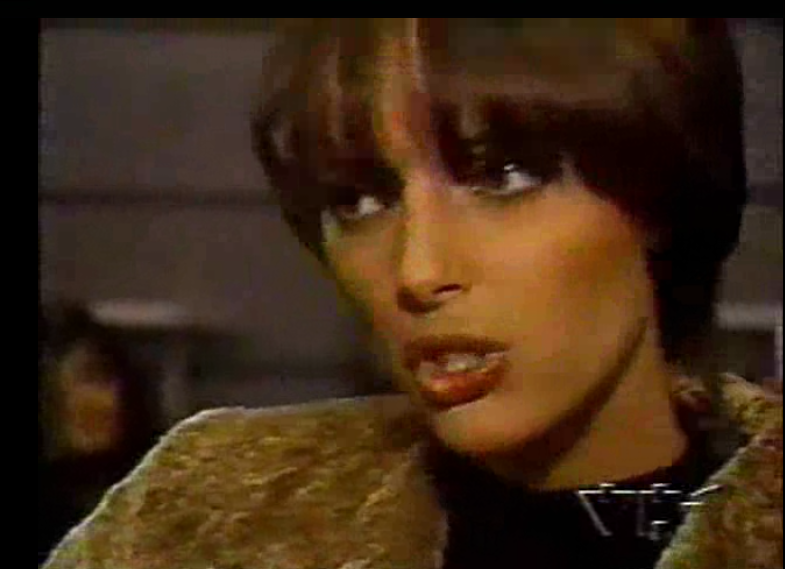
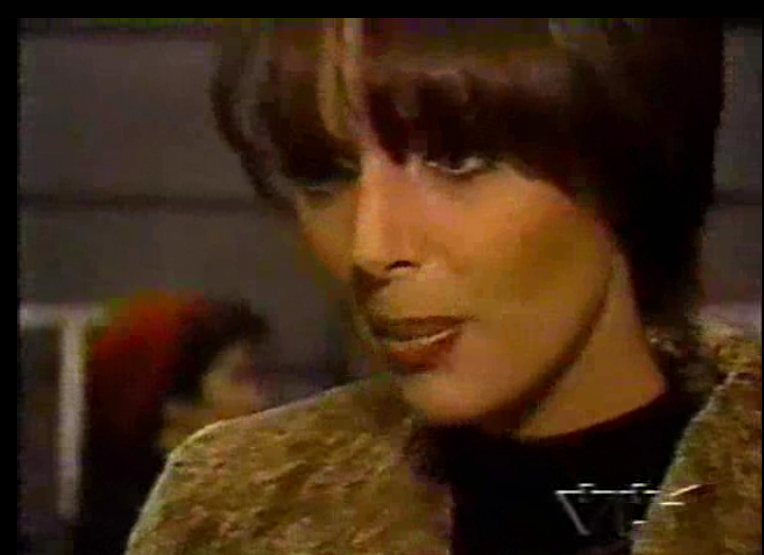
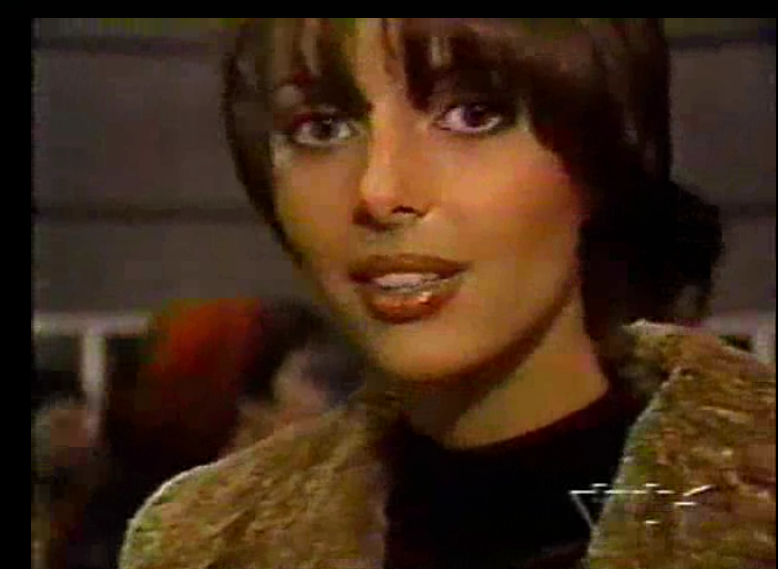
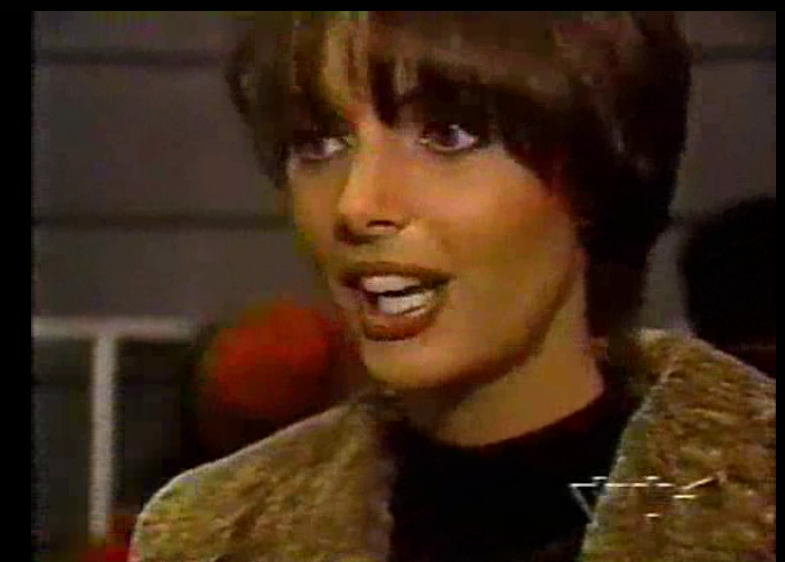
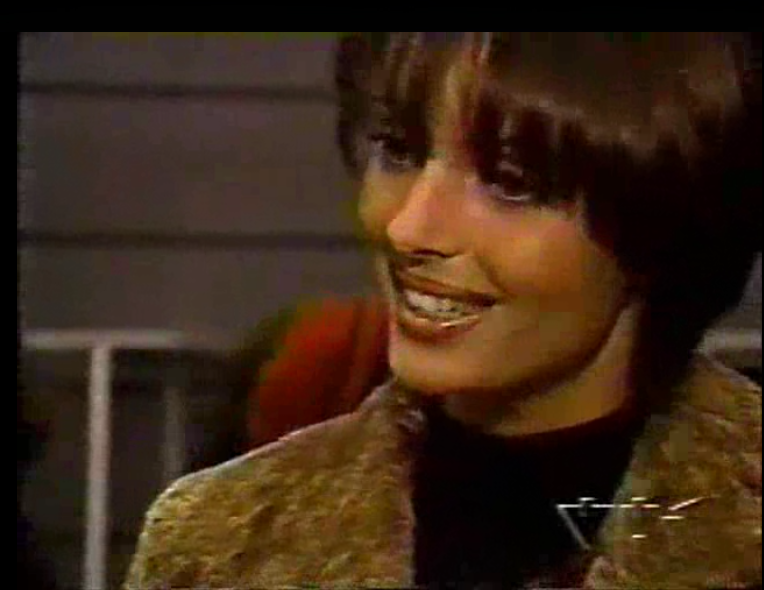
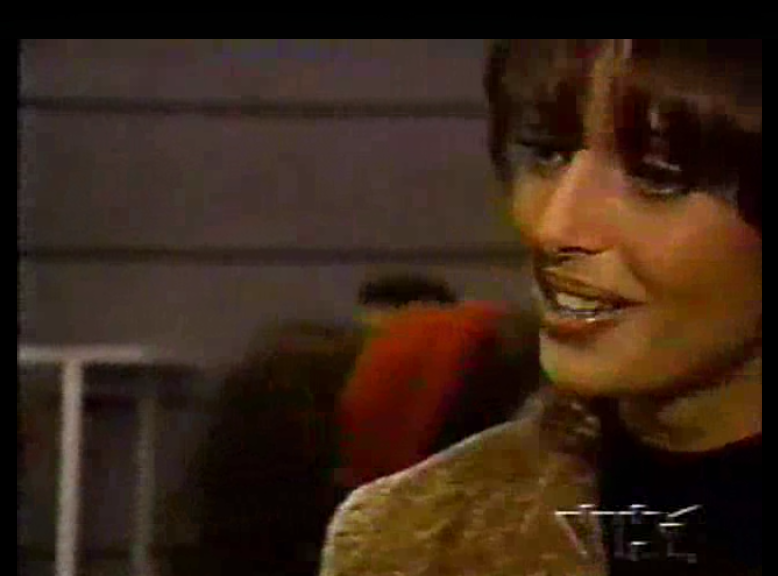
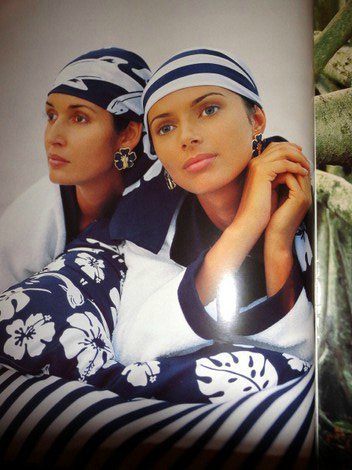
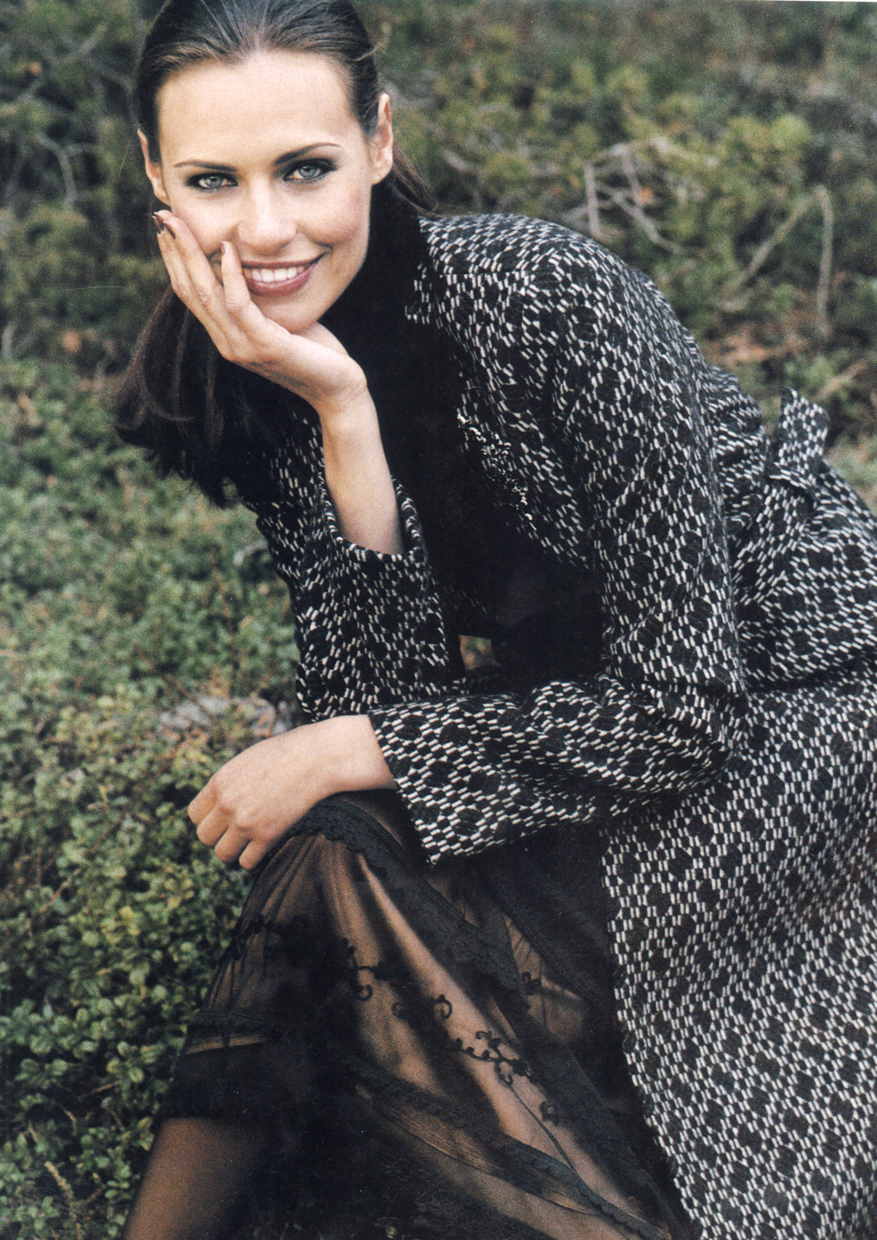
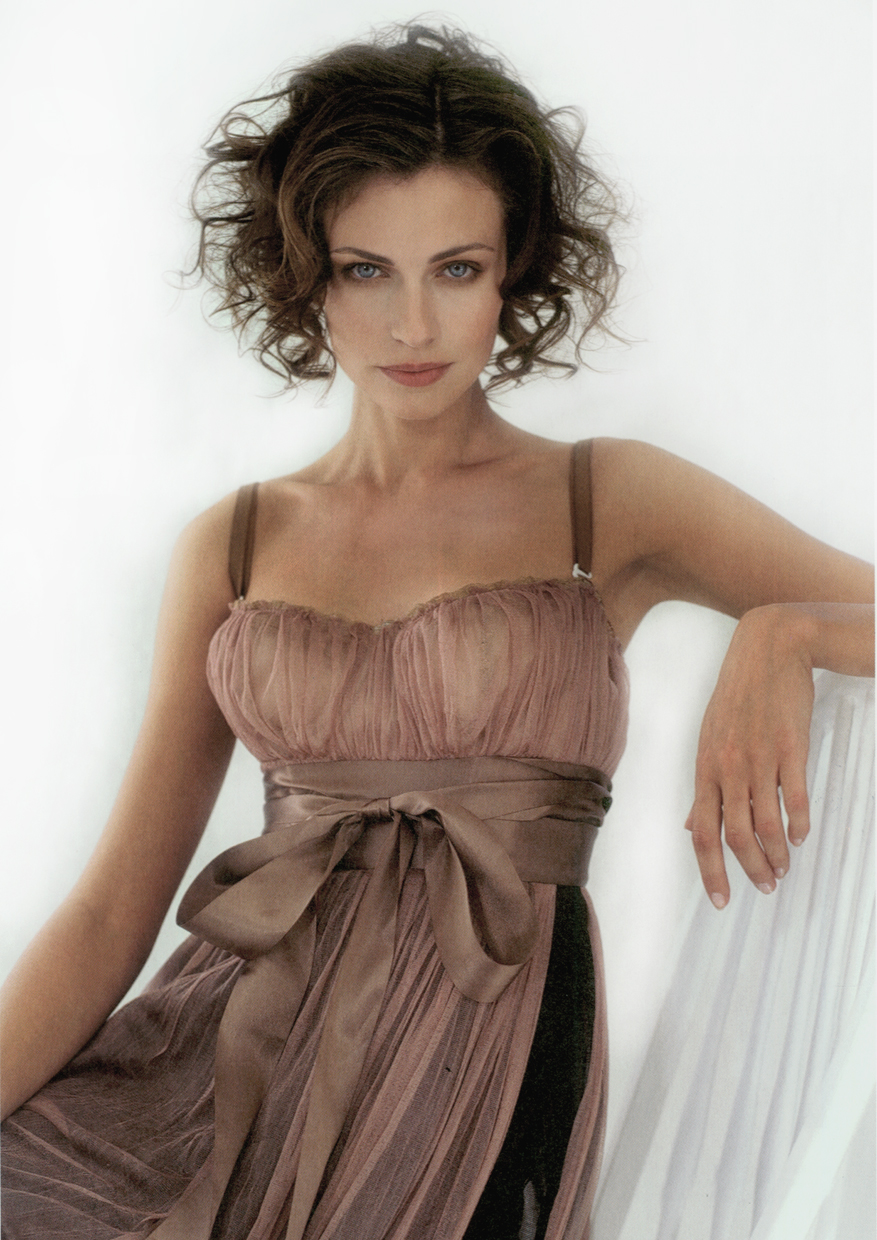
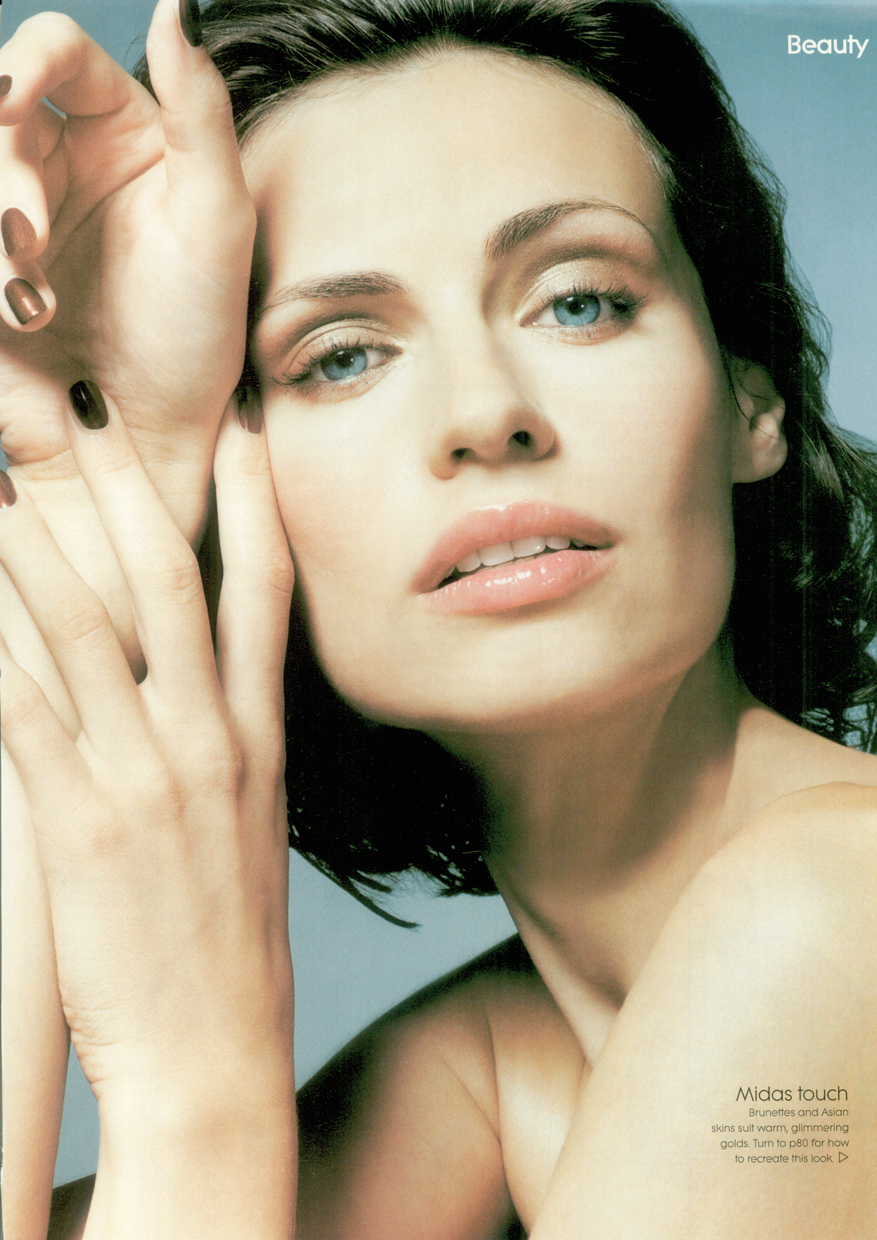
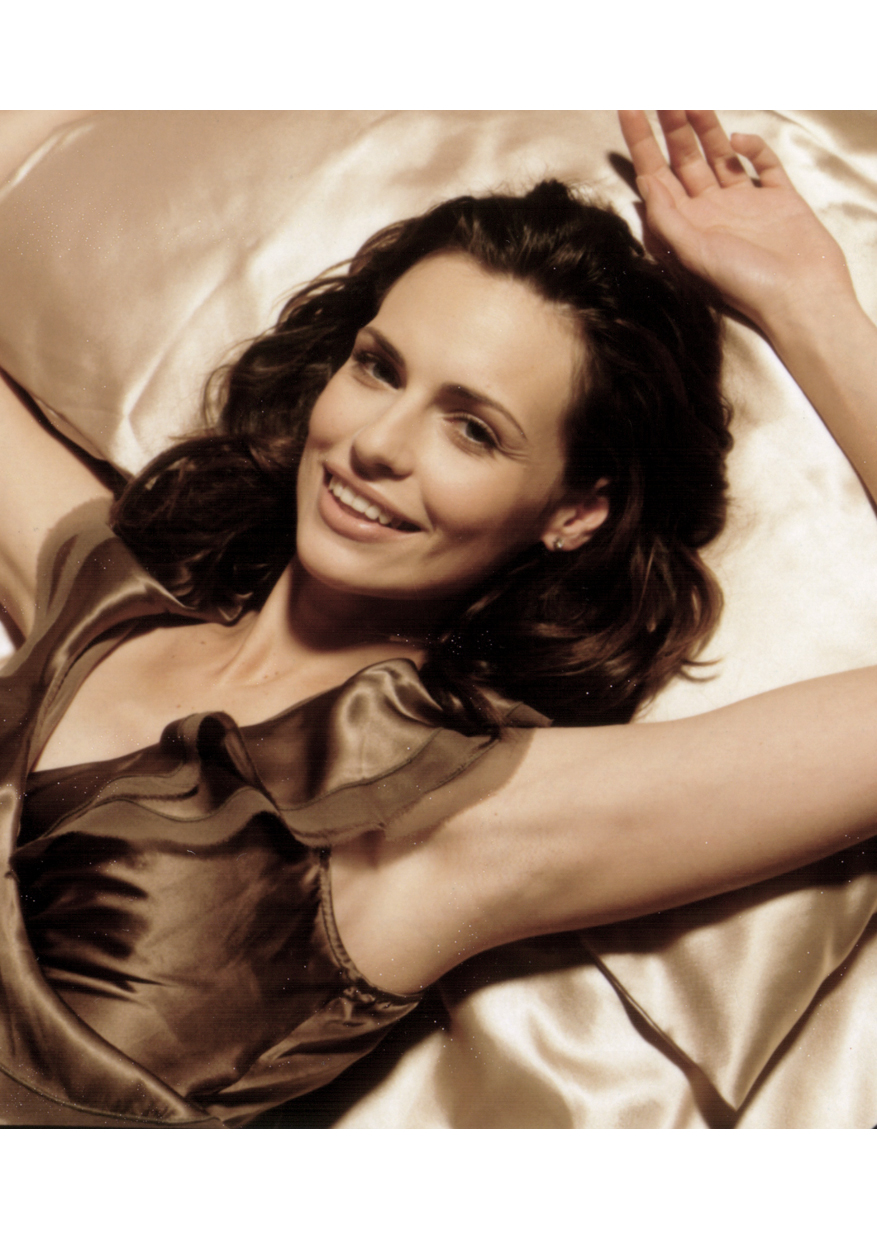
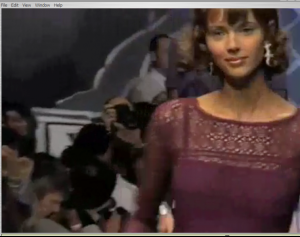
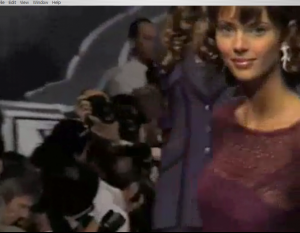
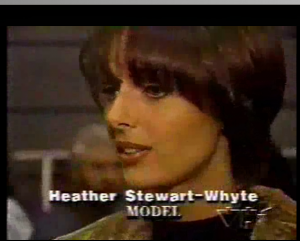
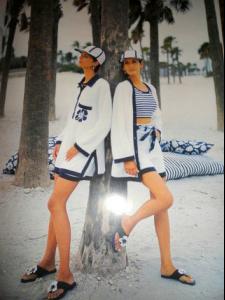
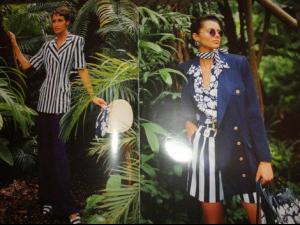
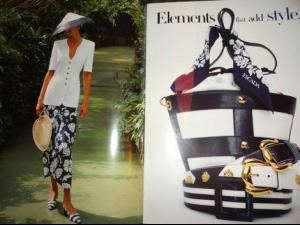
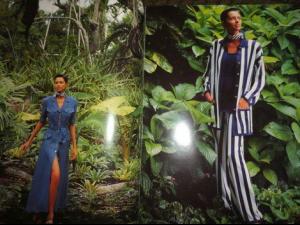
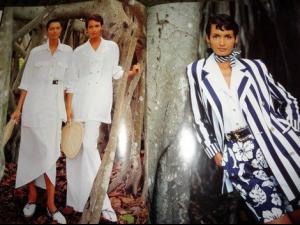
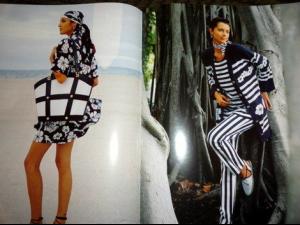
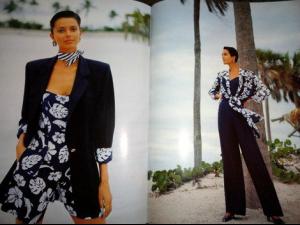
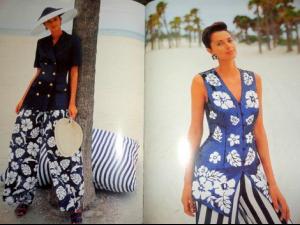
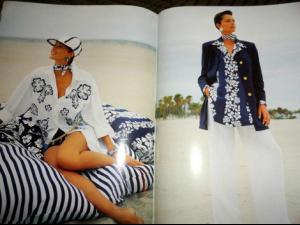
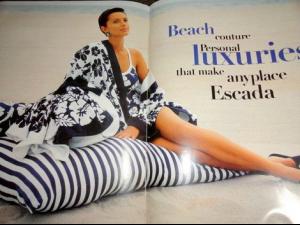
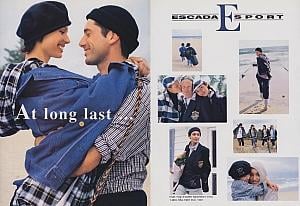
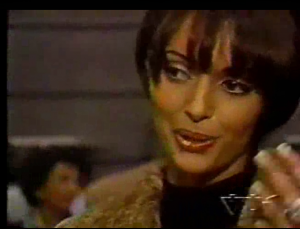
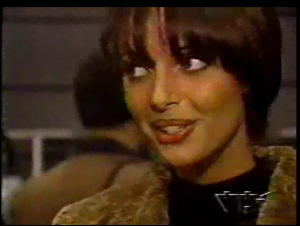
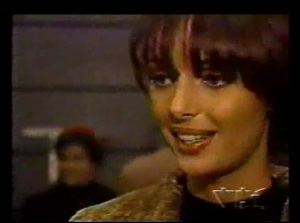
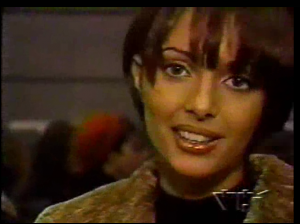
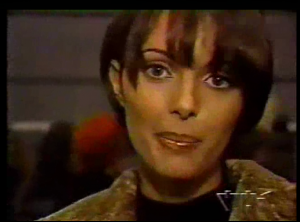
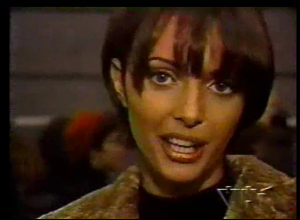
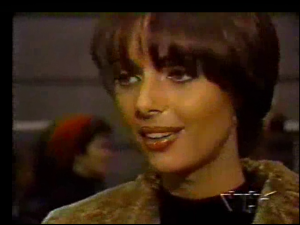
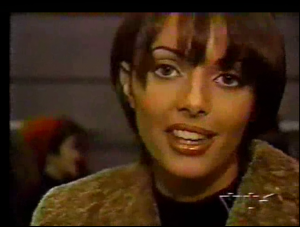
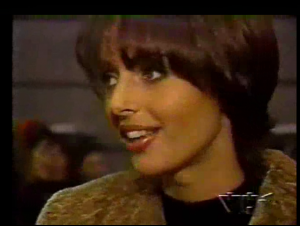
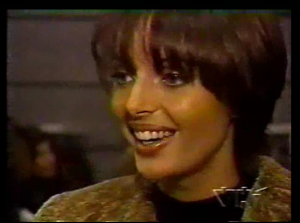
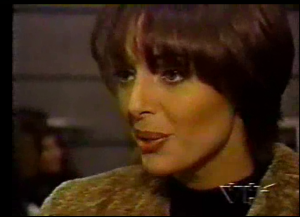
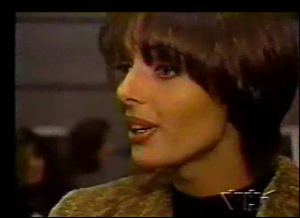
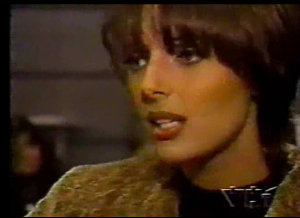
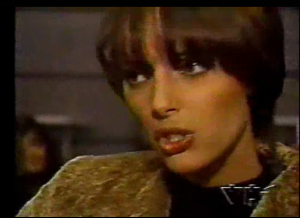
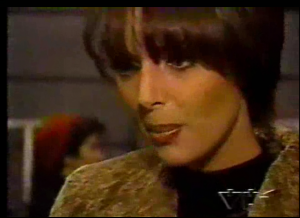
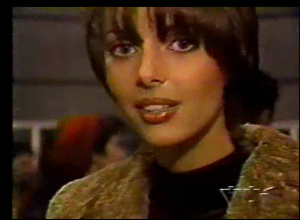
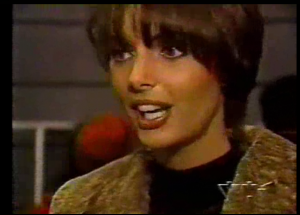
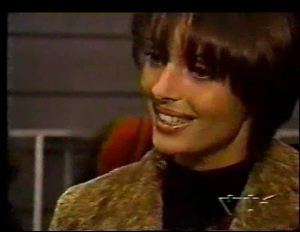
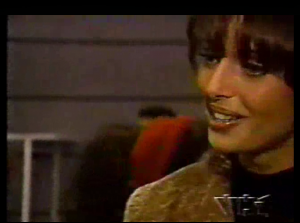
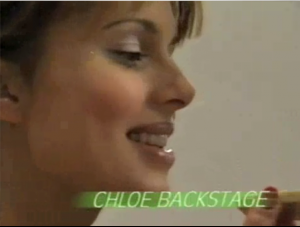
Some screen caps from old videos, and some small pics from a listing on ebay, of an Escada catalog.
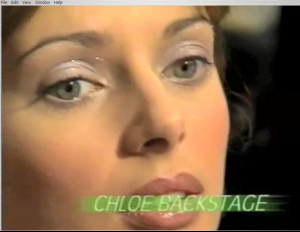
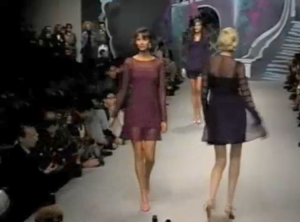
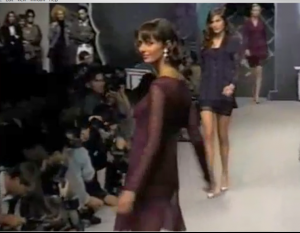
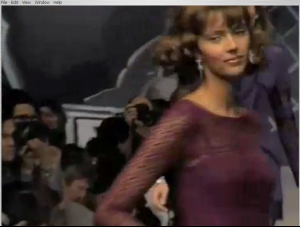
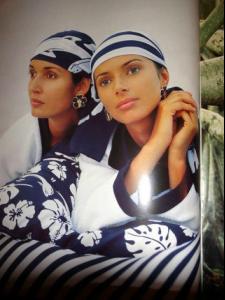
-
I was surprised not to see a thread for her already. From Babette

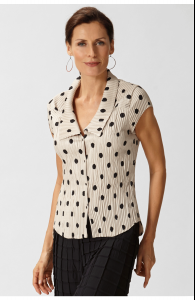
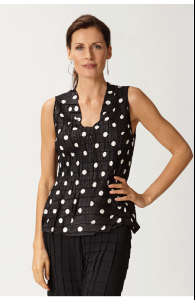
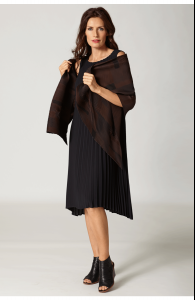
-
Lovely-thanks!
-
-
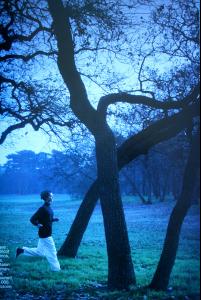
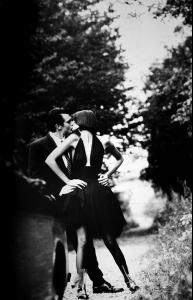
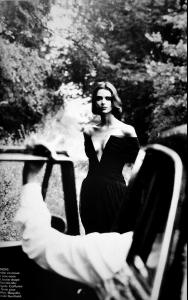
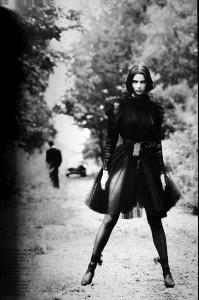
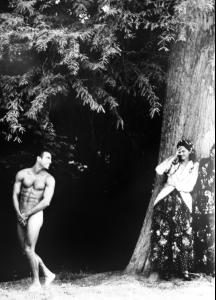
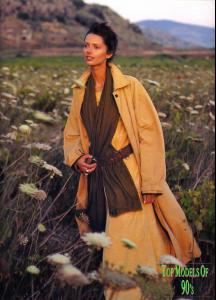
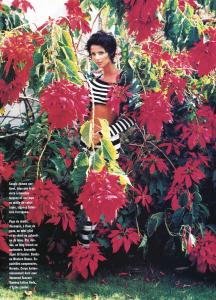
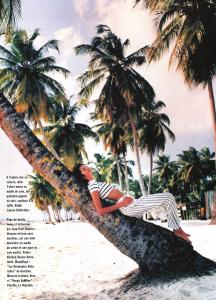
Wood: Heather Stewart-Whyte edition
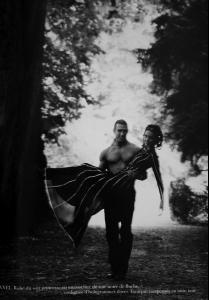
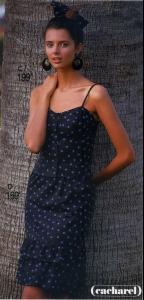
-
Nice work, Sanja. I don't believe I've ever seen that second pic.
-
Posts 10 and 12 are Rachel Roberts
-
-
-
-
-
Ines Sastre

-
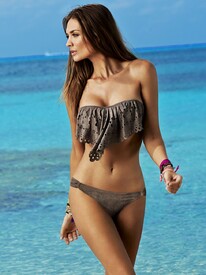
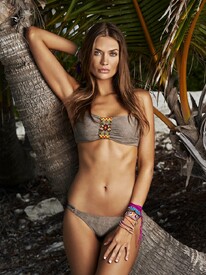
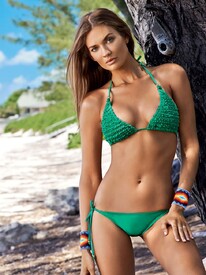
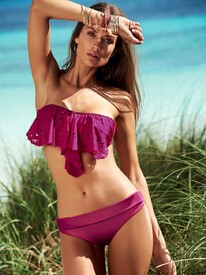
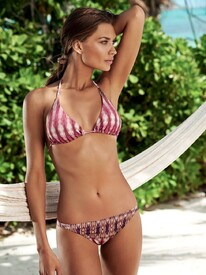
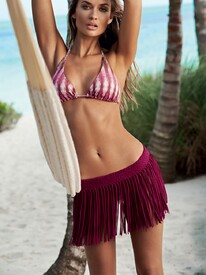
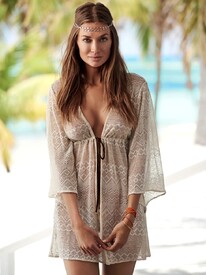
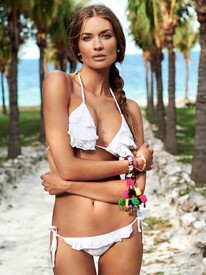
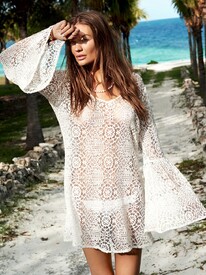
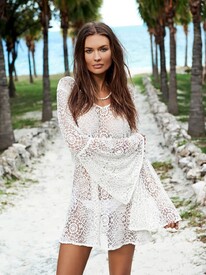
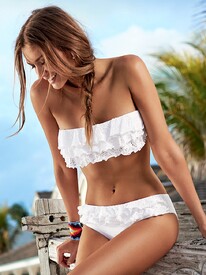
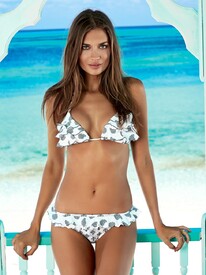
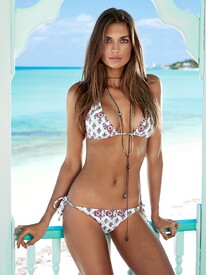
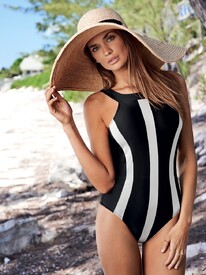
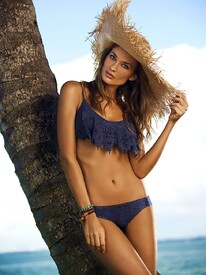
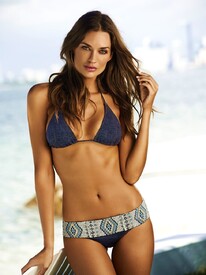
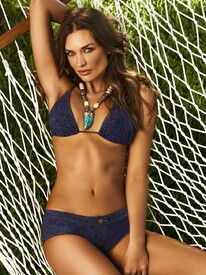
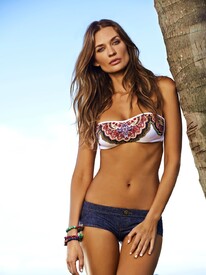
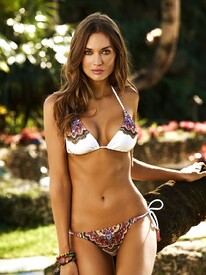
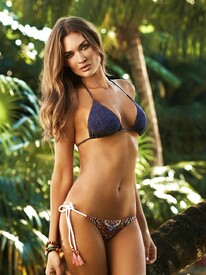
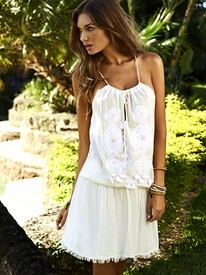
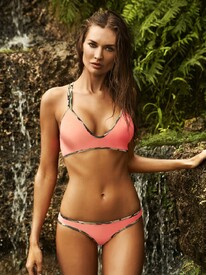
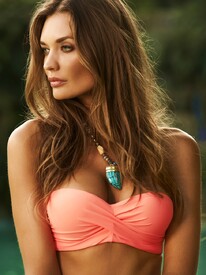
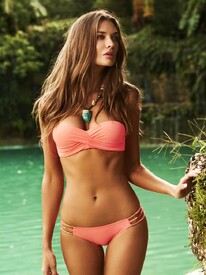
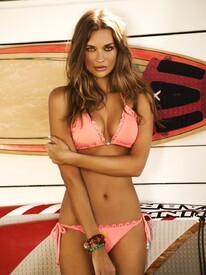
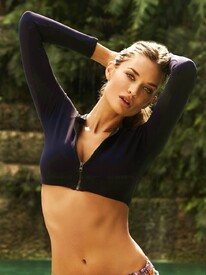
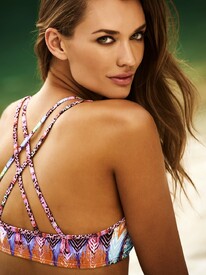
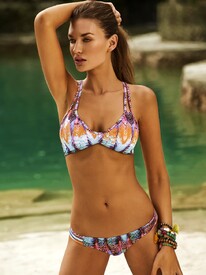
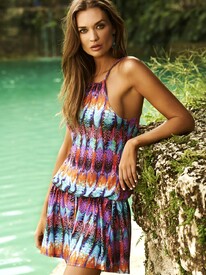
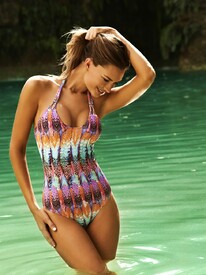
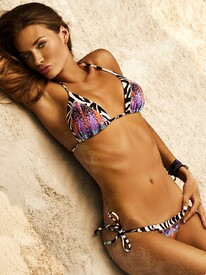
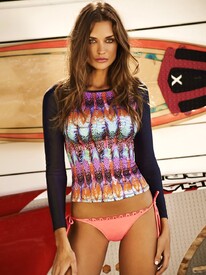
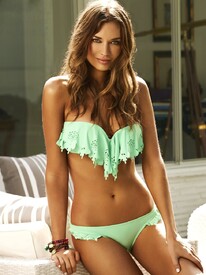
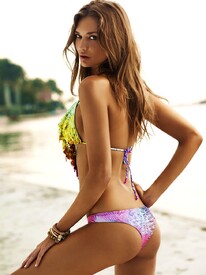
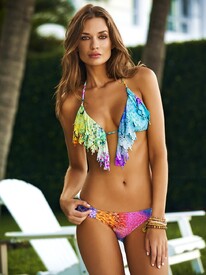
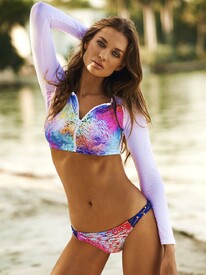
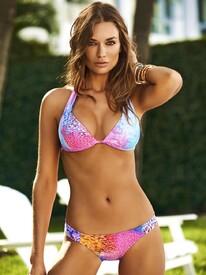
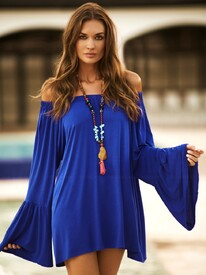
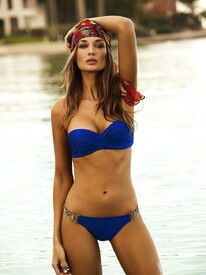
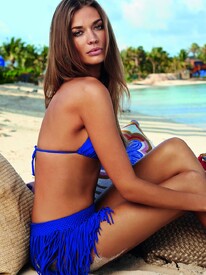
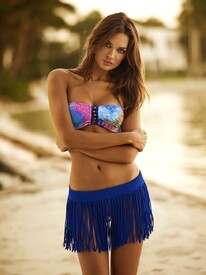
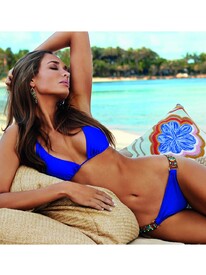
Some more. Sorry for any duplicates
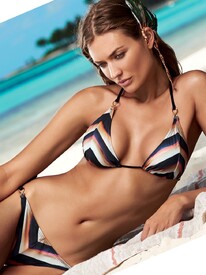
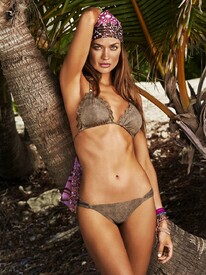

-
Certain models show up with stars next to the left of their names in my browser. These are mostly ones I view a lot, and it makes sense that some function somewhere adds a star to those. But there are some I always view that are still starless, and some I haven't viewed in months that still have stars. How can I manage these stars? thanks.
-
-
Cindy Prado (I didn't know her, but Google Images did).
-
incredible. thanks!
-
3. I sure don't see it, beyond the general similarity of chiseled features and dark hair.
-
lovely--thanks.