nightowl
Members
-
Joined
-
Last visited
Everything posted by nightowl
-
those are just lovely--thanks!





-
those are lovely--thank you.





-
No. It's not Reka Ebergenyi, either. I have this woman's name somewhere, and will make a mental note to grab it next time I stumble across it.

-
Outstanding. thanks.
-
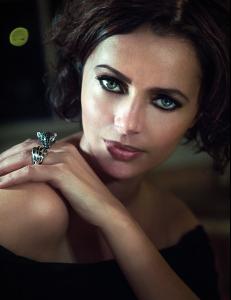
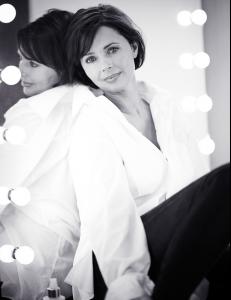
Stunning new pics from HSW's Models 1 page


-
very nice--thanks!
-
Repost this, with a pic, in the ID section.
-
Where is the pic from?
-
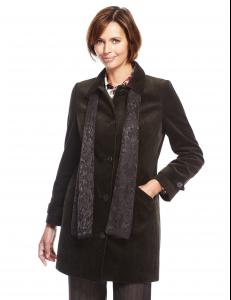
Heather Stewart-Whyte
-
That's Karlina Caune. Where is this from? Also, there is a dedicated ID forum for next time. Thanks.
-
Hard to tell. Might be Charlbi Dean Kreik
-
-
-
thanks--one of my favorite editorials
-
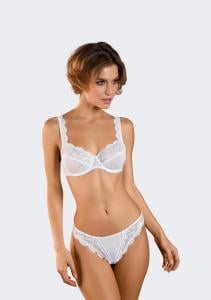
from Nina von C
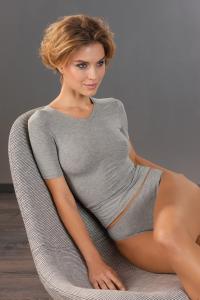
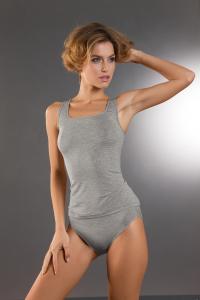
-
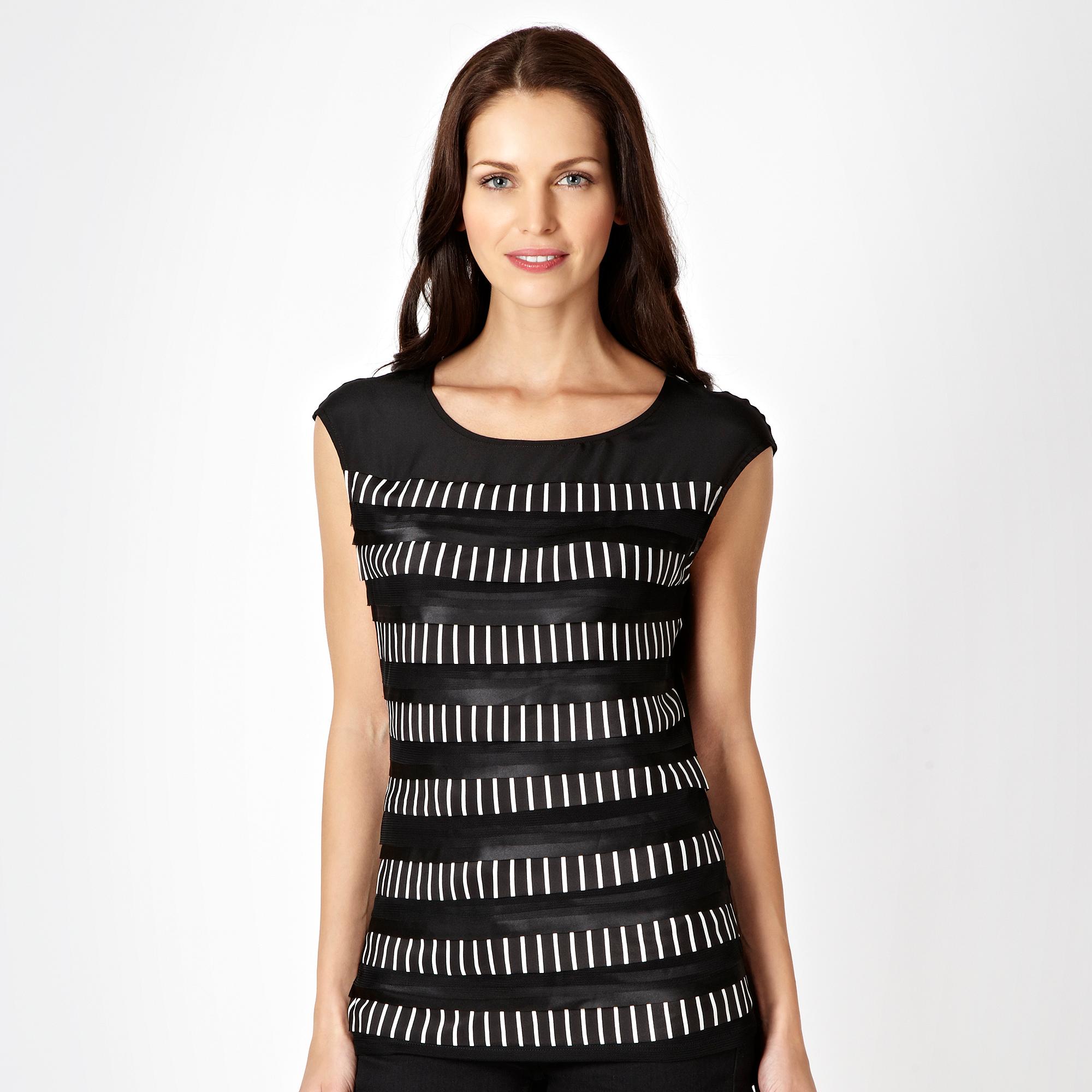
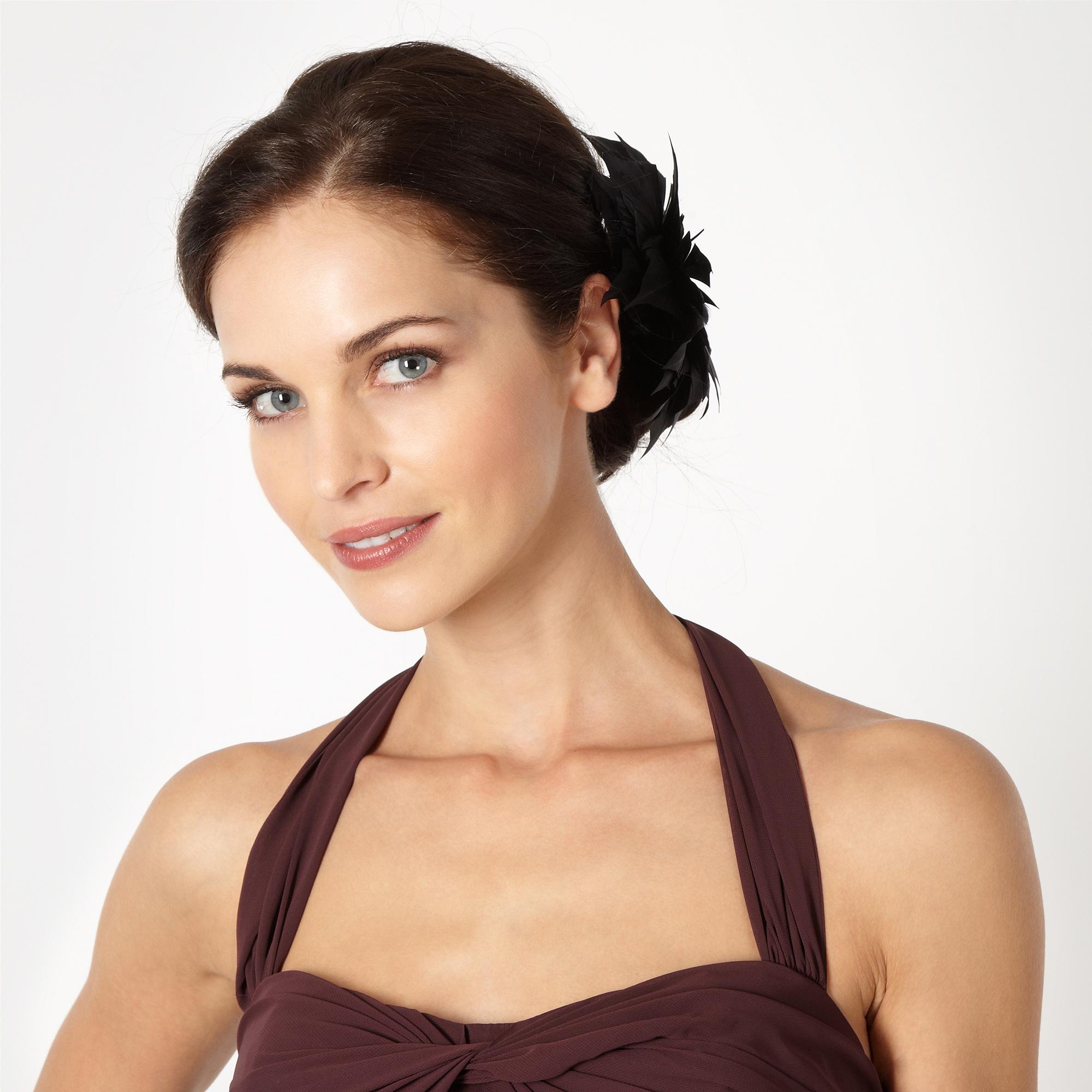
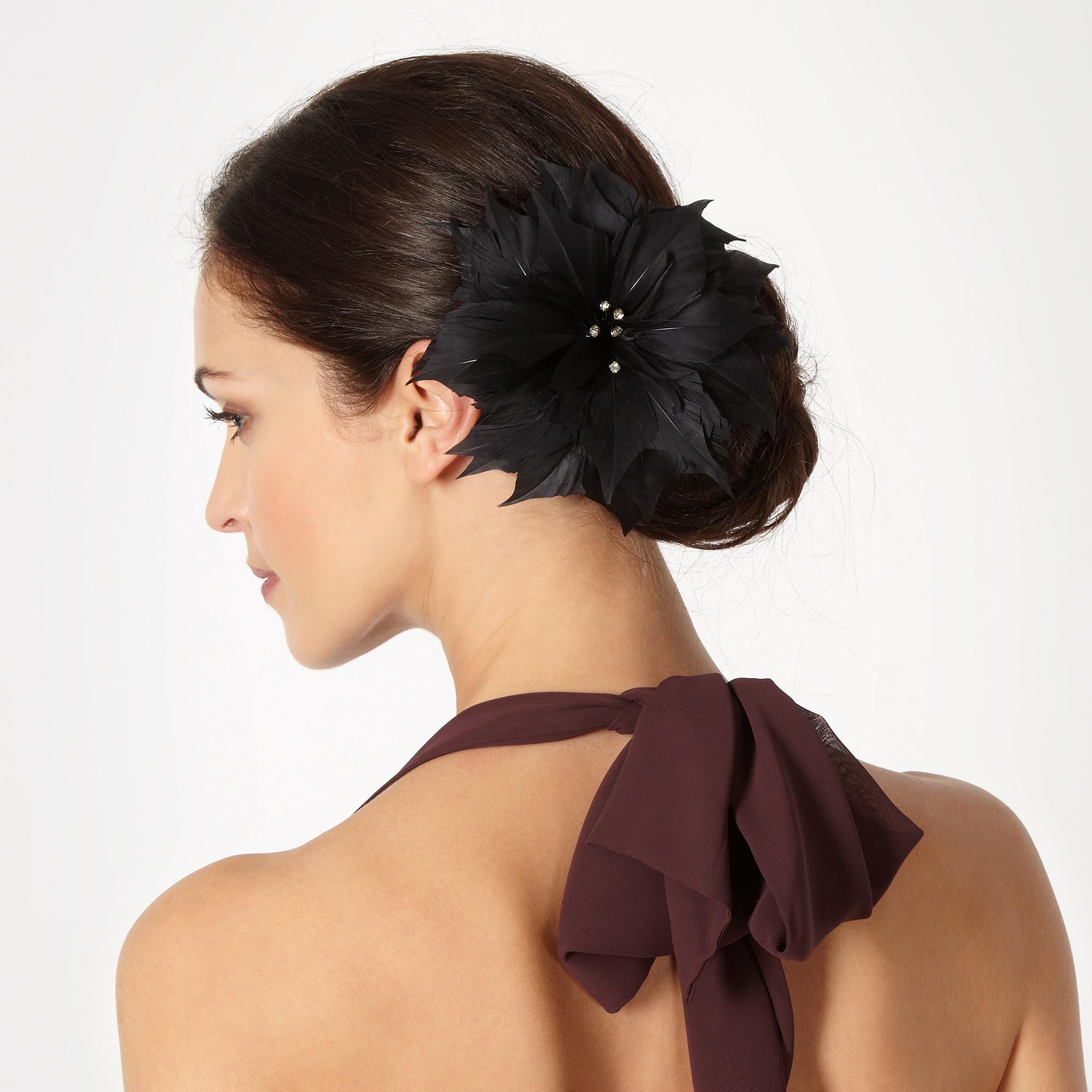
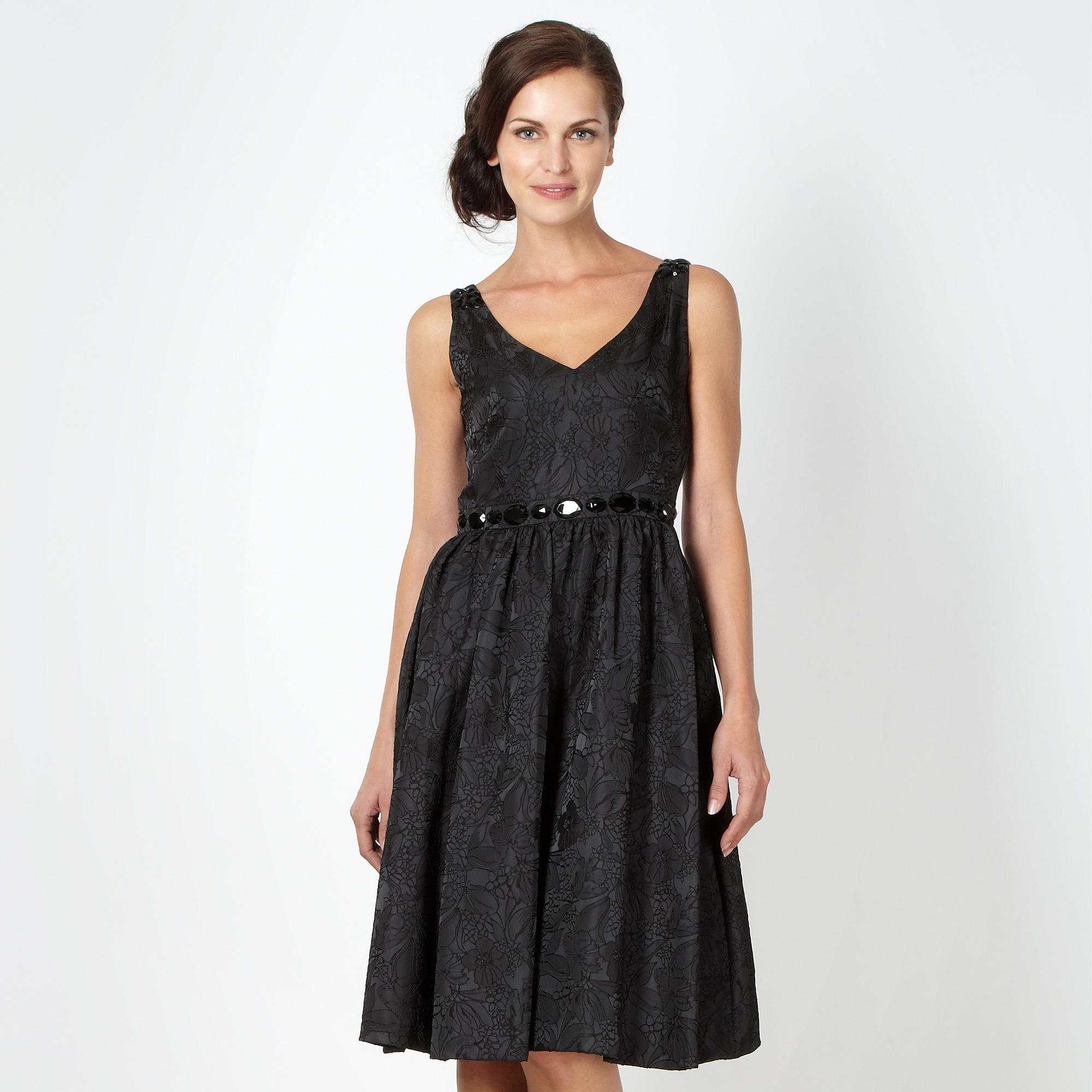
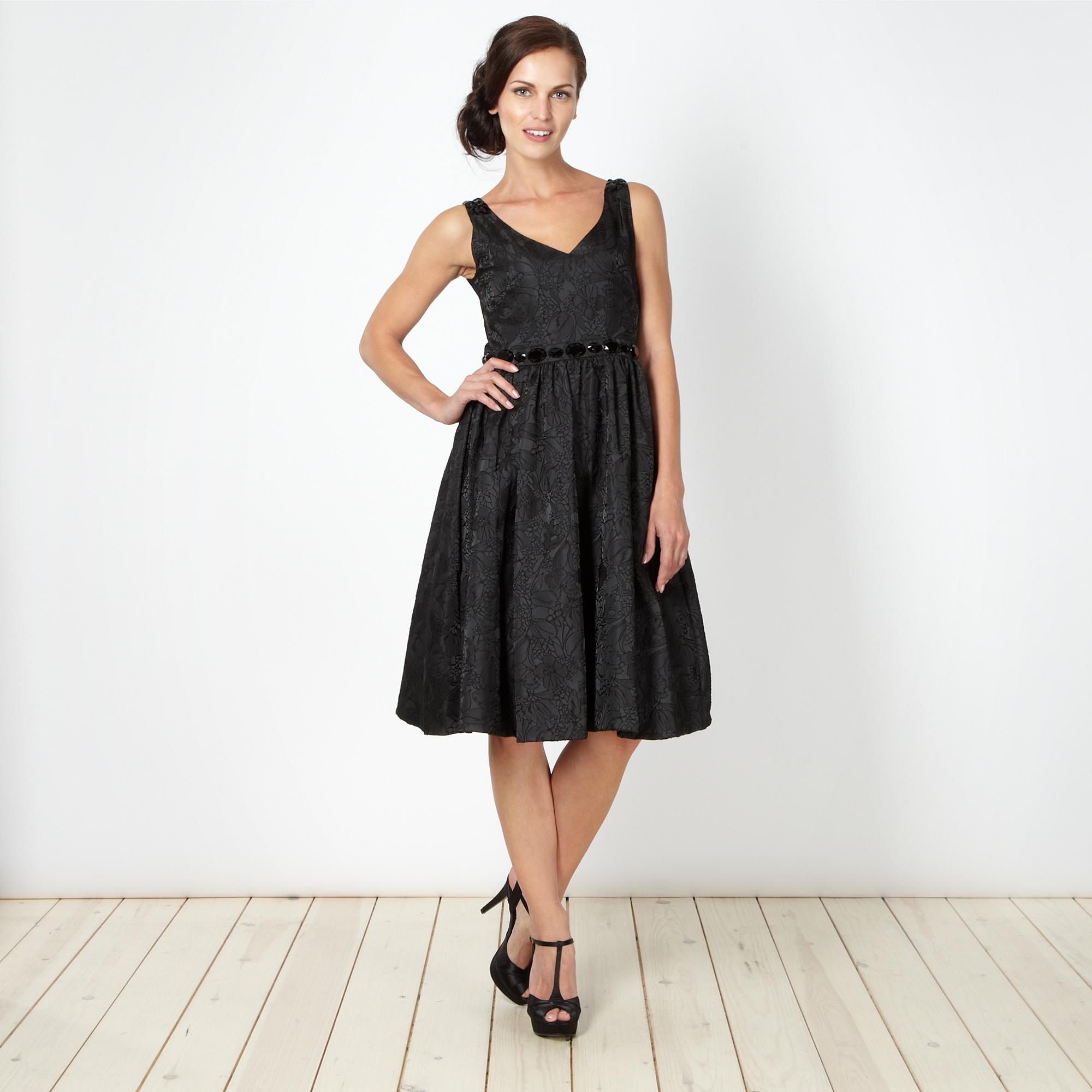
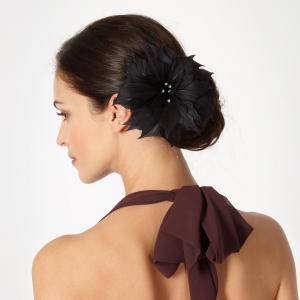
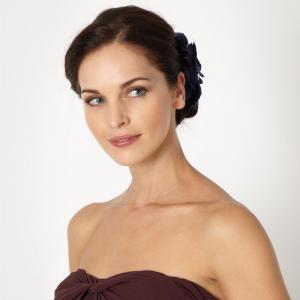
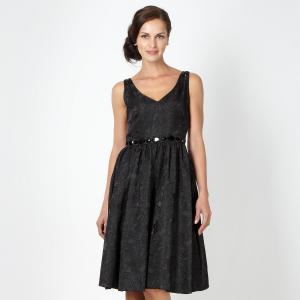
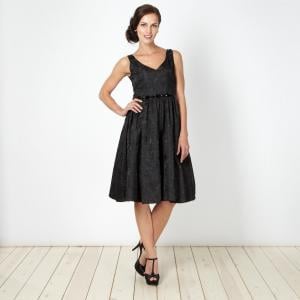
from Debenhams
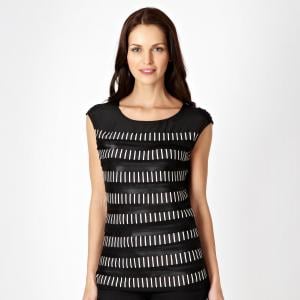
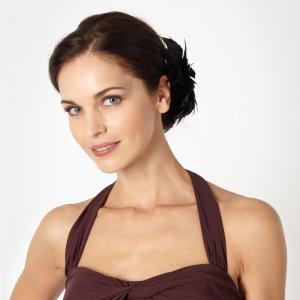
-
-
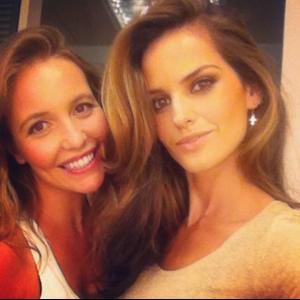
Anyone know who this is with her in this pic?
-
Gemma Massey? (oh lord, she was once a lovely young woman...)
-
Bonita
-
Nipplex (all 3): Sylwia Kobylinska
-
-
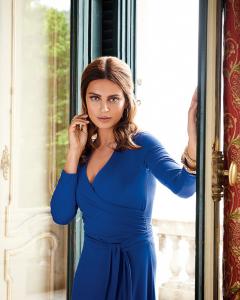
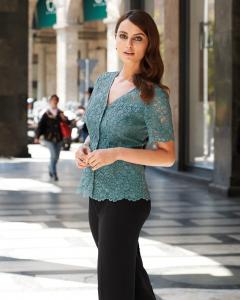
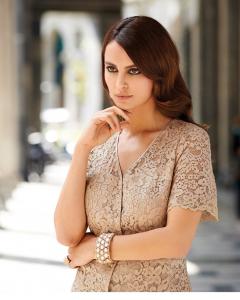
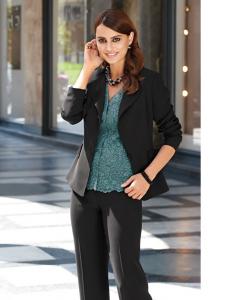
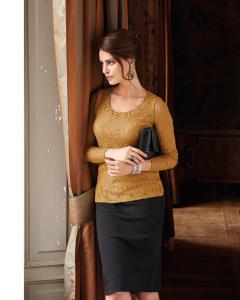
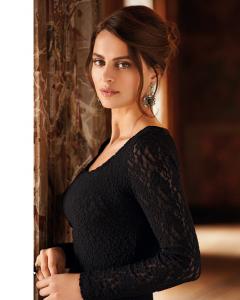
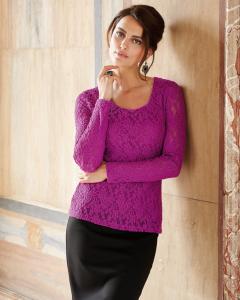
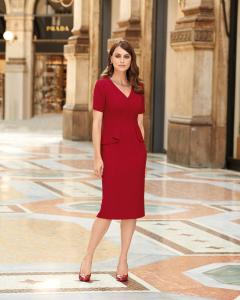
New from Artigiano
-
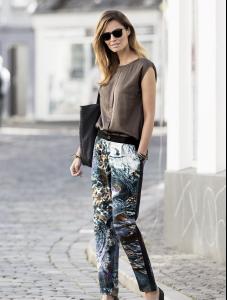
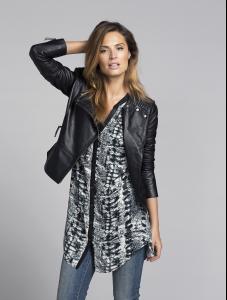
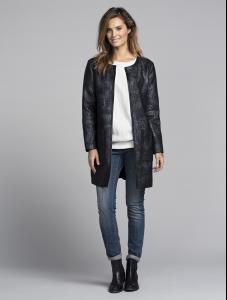
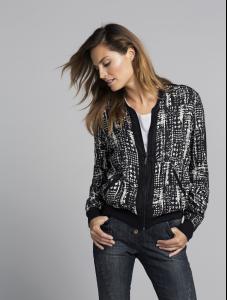
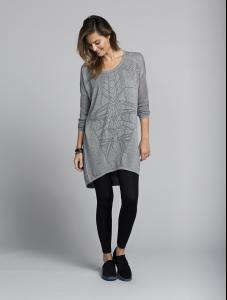
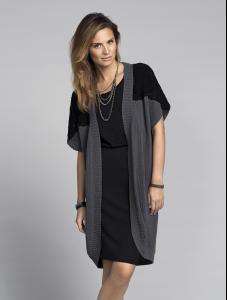
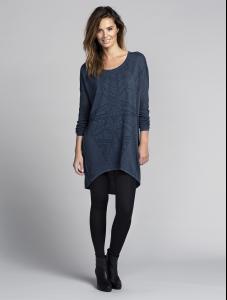
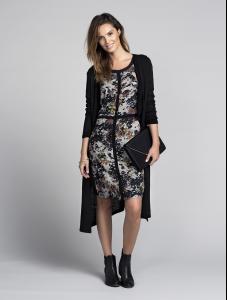
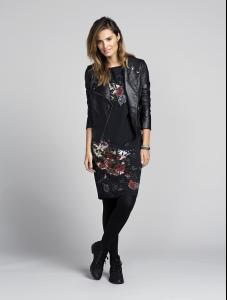
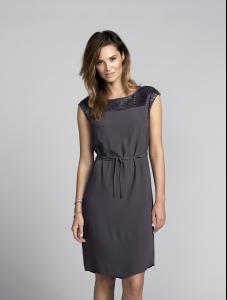
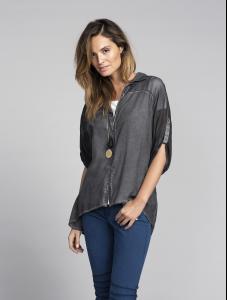
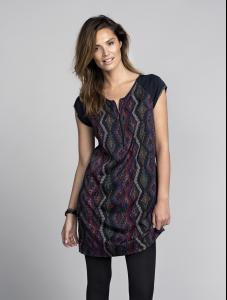
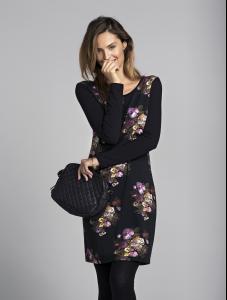
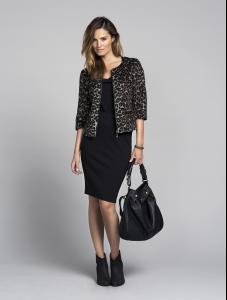
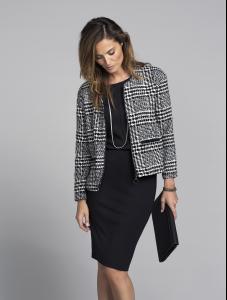
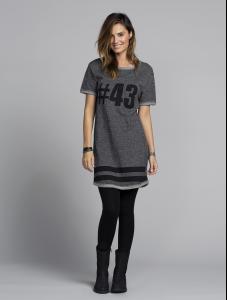
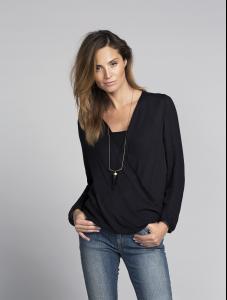
More from Bonaparte
-
those are really lovely--thanks!