nightowl
Members
-
Joined
-
Last visited
Everything posted by nightowl
-
that's not her, I'm afraid.
Wow...thanks!
that's really lovely--thanks!
Those are lovely--thanks!
Oh, just gorgeous! thanks!
Lana Ogilvie. Great pics!
She's lovely--thanks.
Open the thumbnail image, which will have a URL like this one: https://images.asos-media.com/products/asos-design-scuba-body-with-cut-out-front-in-neon-green/11504804-1-neongreen?$S$&wid=40&fit=constrain Delete everything after the ? and replace with scl=1
Oh, I really used to know #1, but I can't find her name now. I think #2 was a playmate of the month, which should limit the possibilities. Sorry I can't be more help.
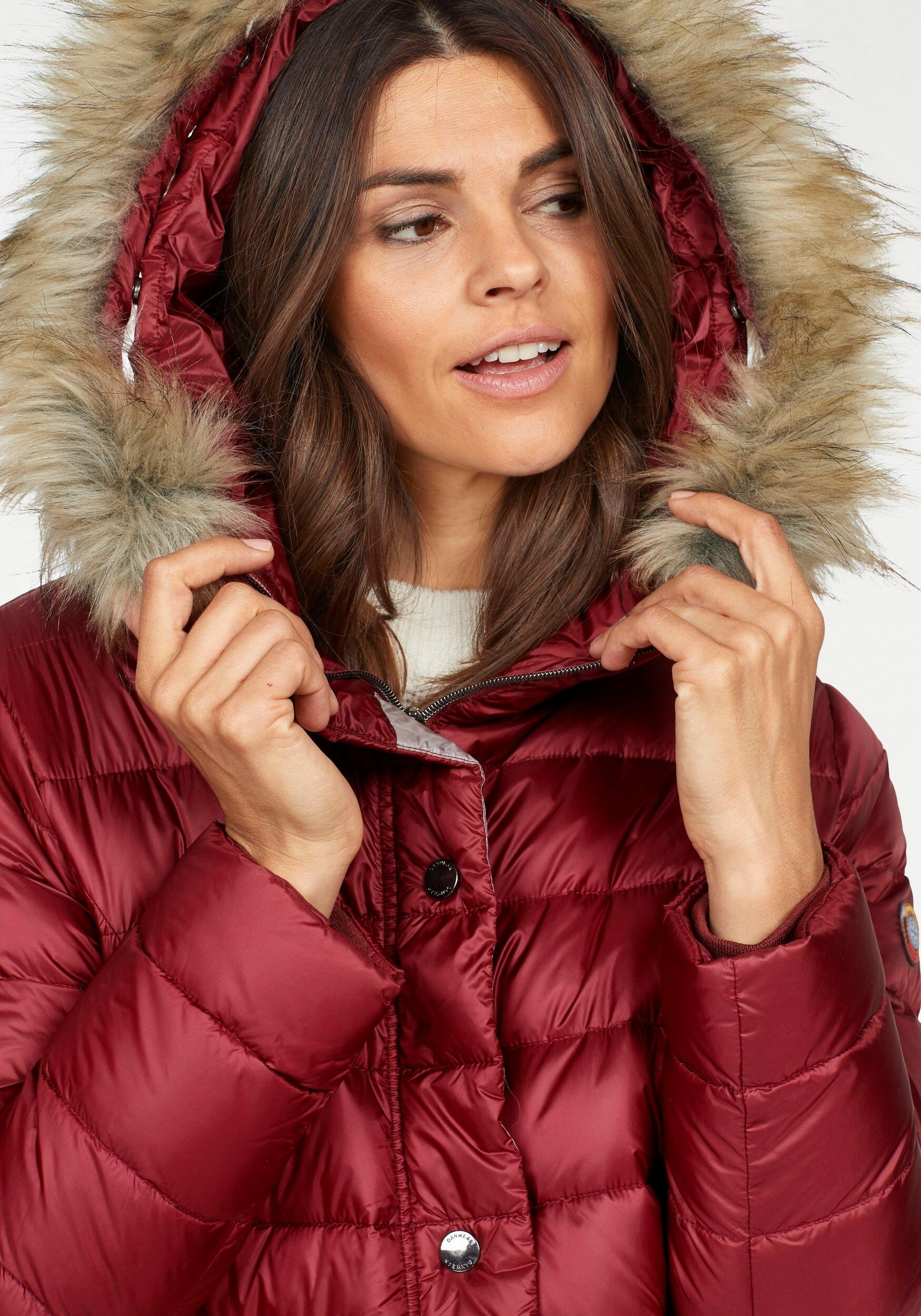
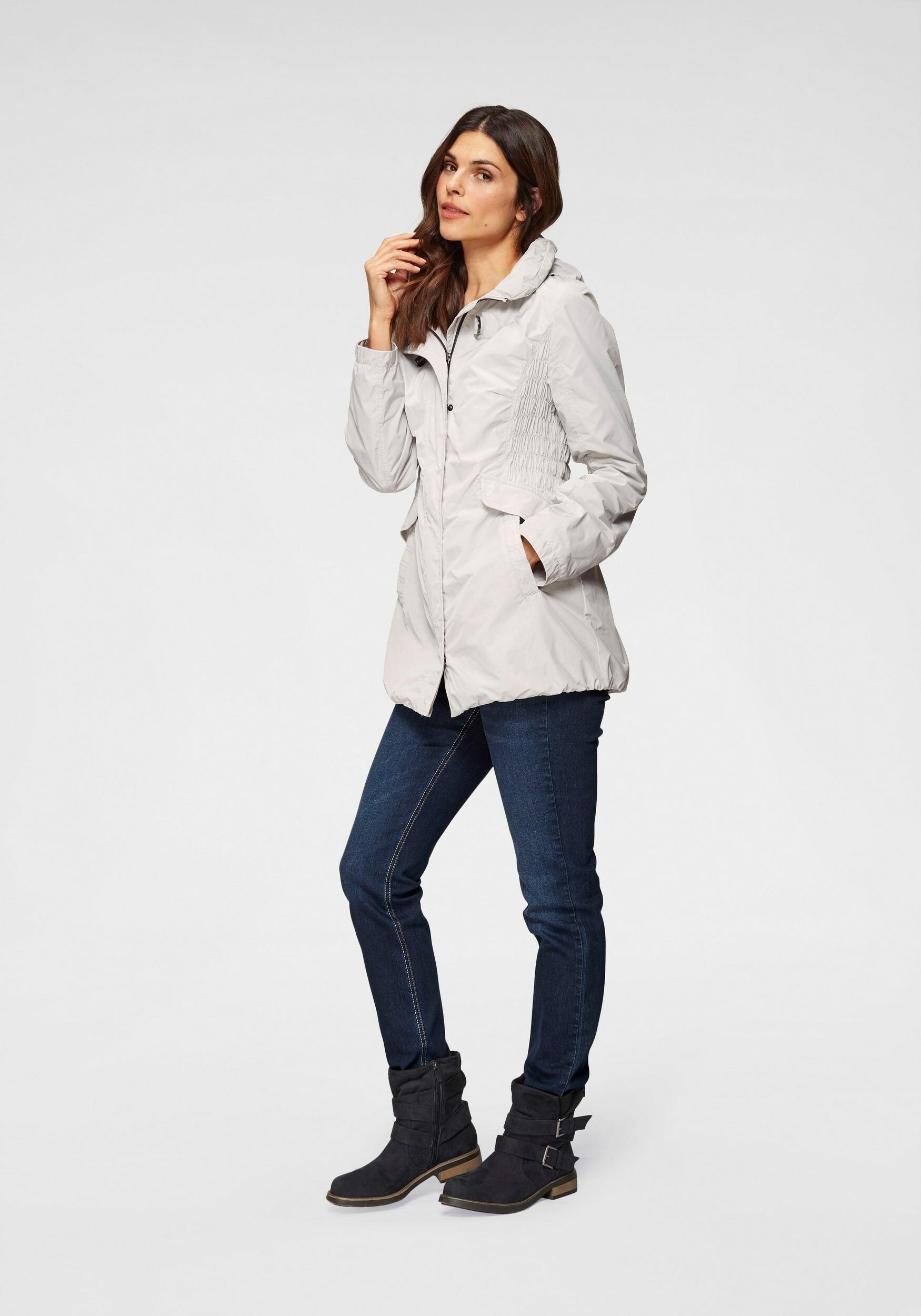
Peter Hahn
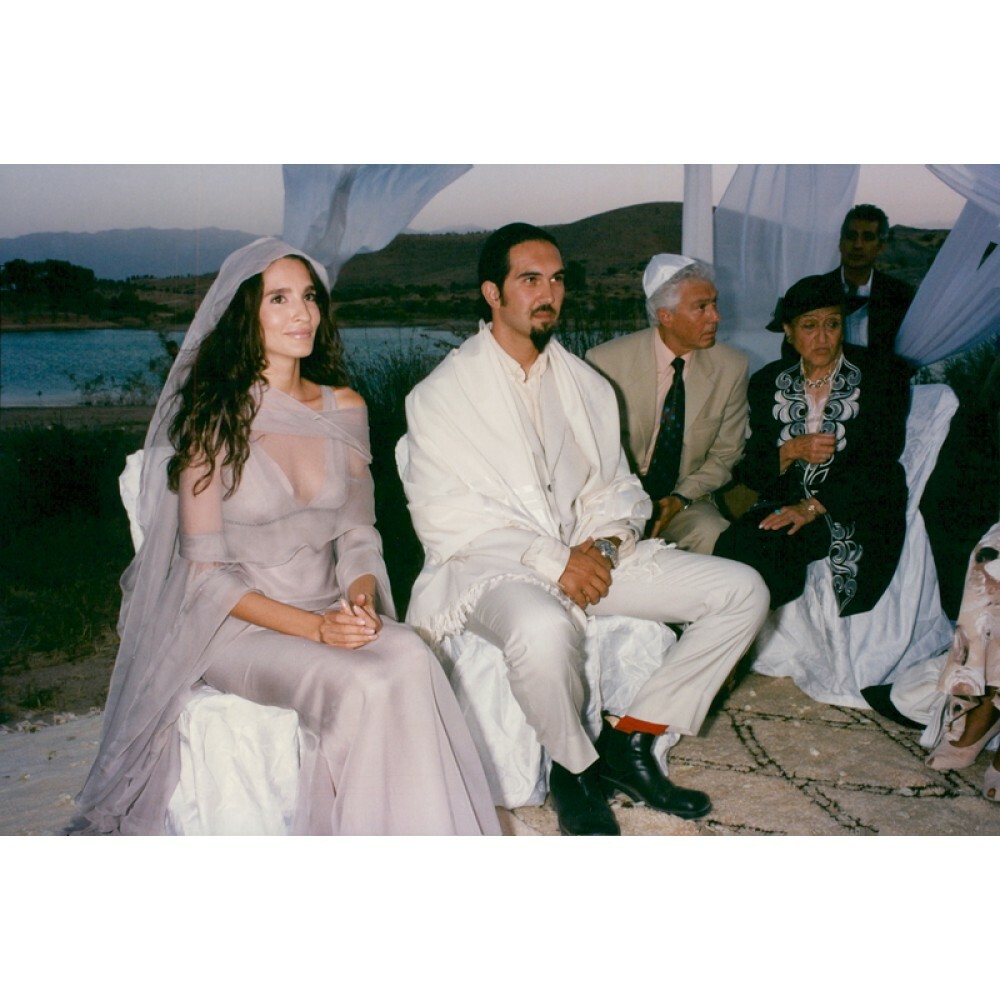
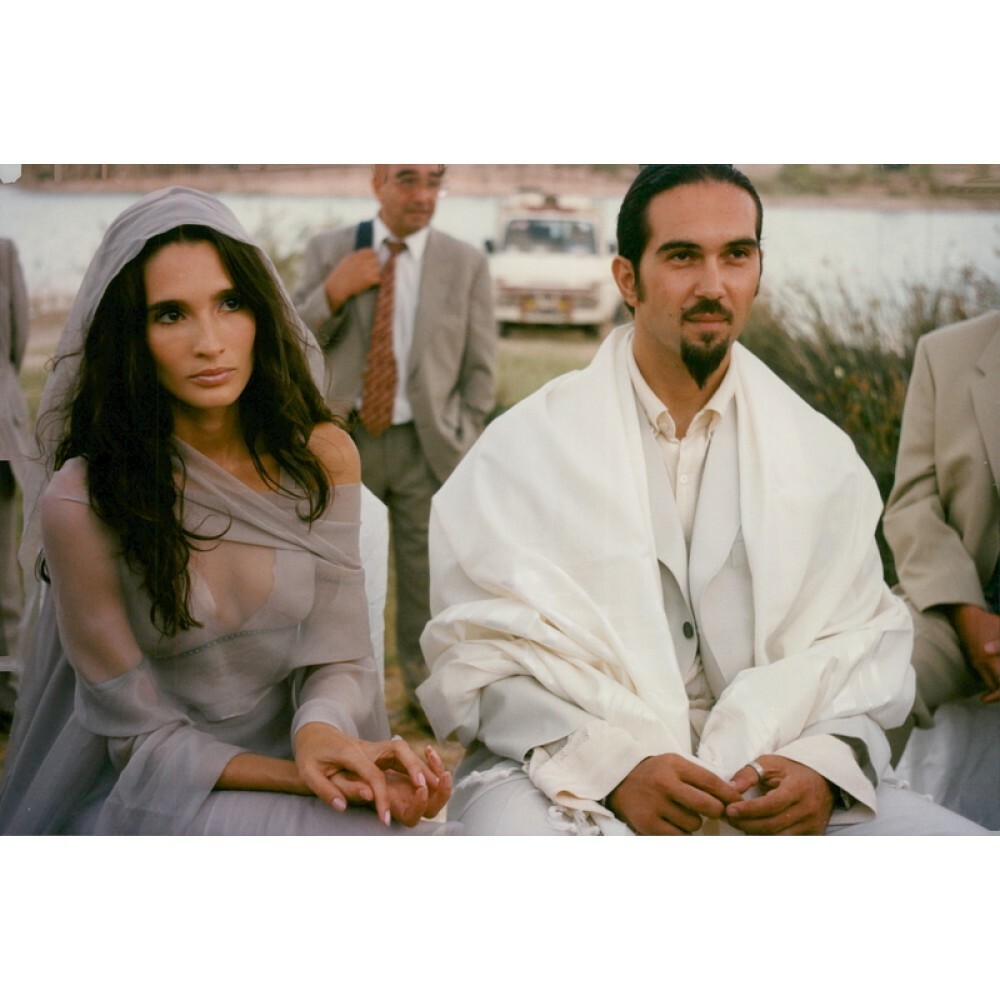
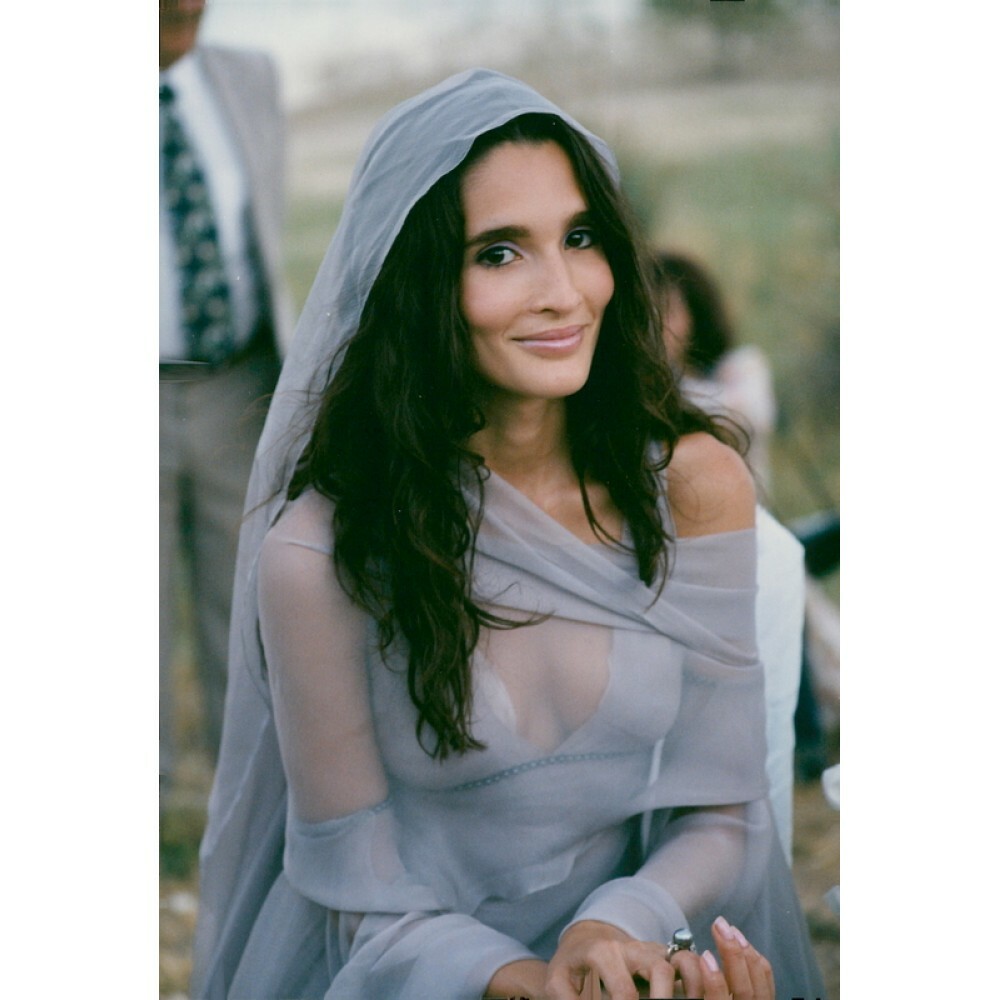
Astrid at her wedding
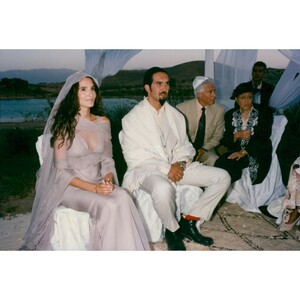
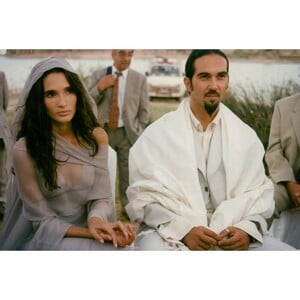
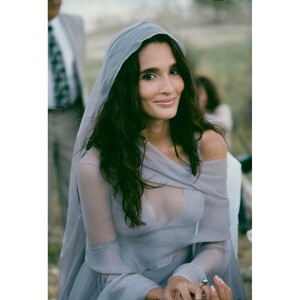 really lovely--thanks!
Well then she must be a different Carol Prates, or the editors will be issuing a correction, because the woman on the cover is not the woman in this thread.
That's not Carol, I'm afraid
Wow! Your scans?
stunning--thanks!
really lovely--thanks!
Well then she must be a different Carol Prates, or the editors will be issuing a correction, because the woman on the cover is not the woman in this thread.
That's not Carol, I'm afraid
Wow! Your scans?
stunning--thanks!