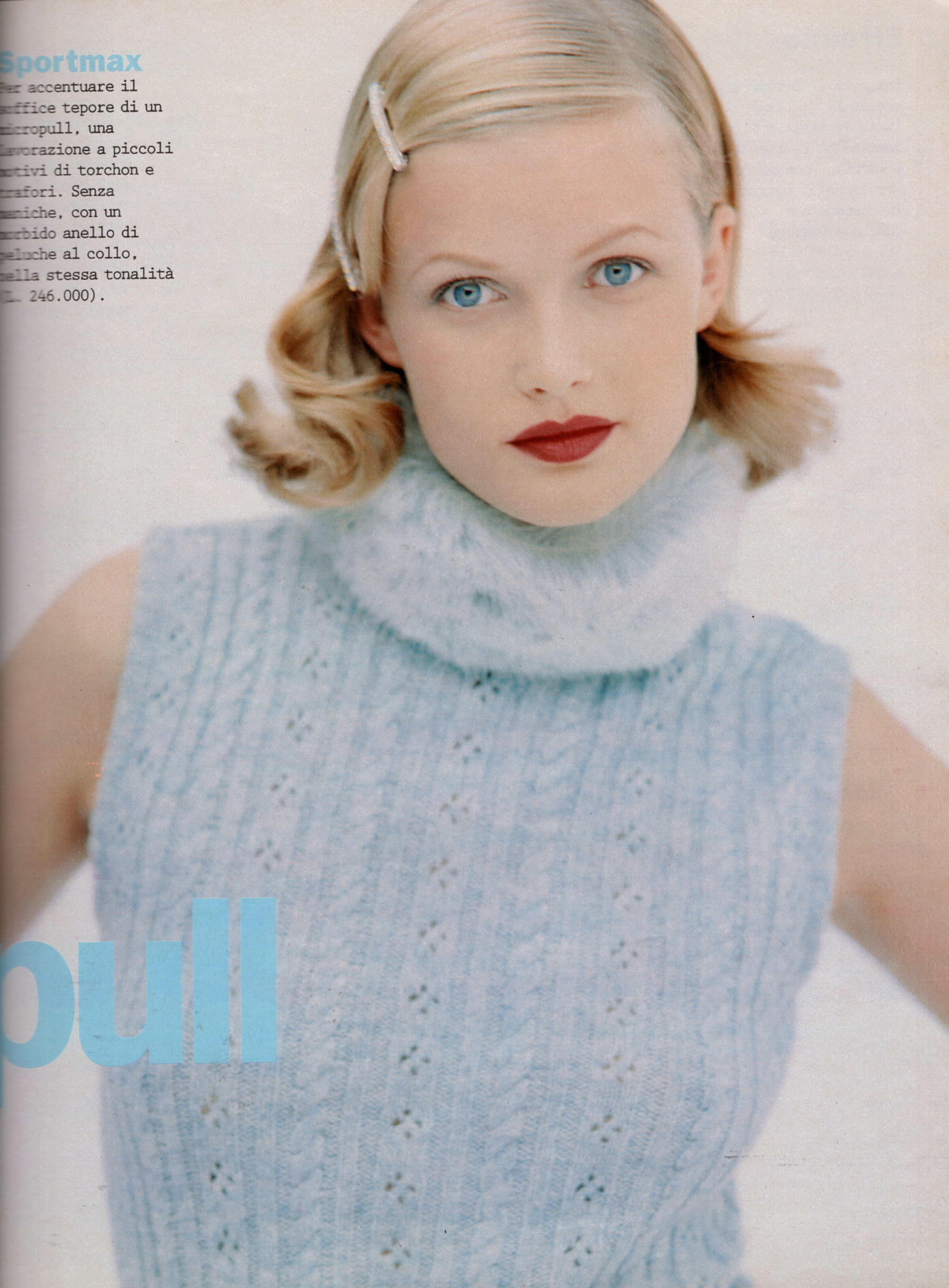
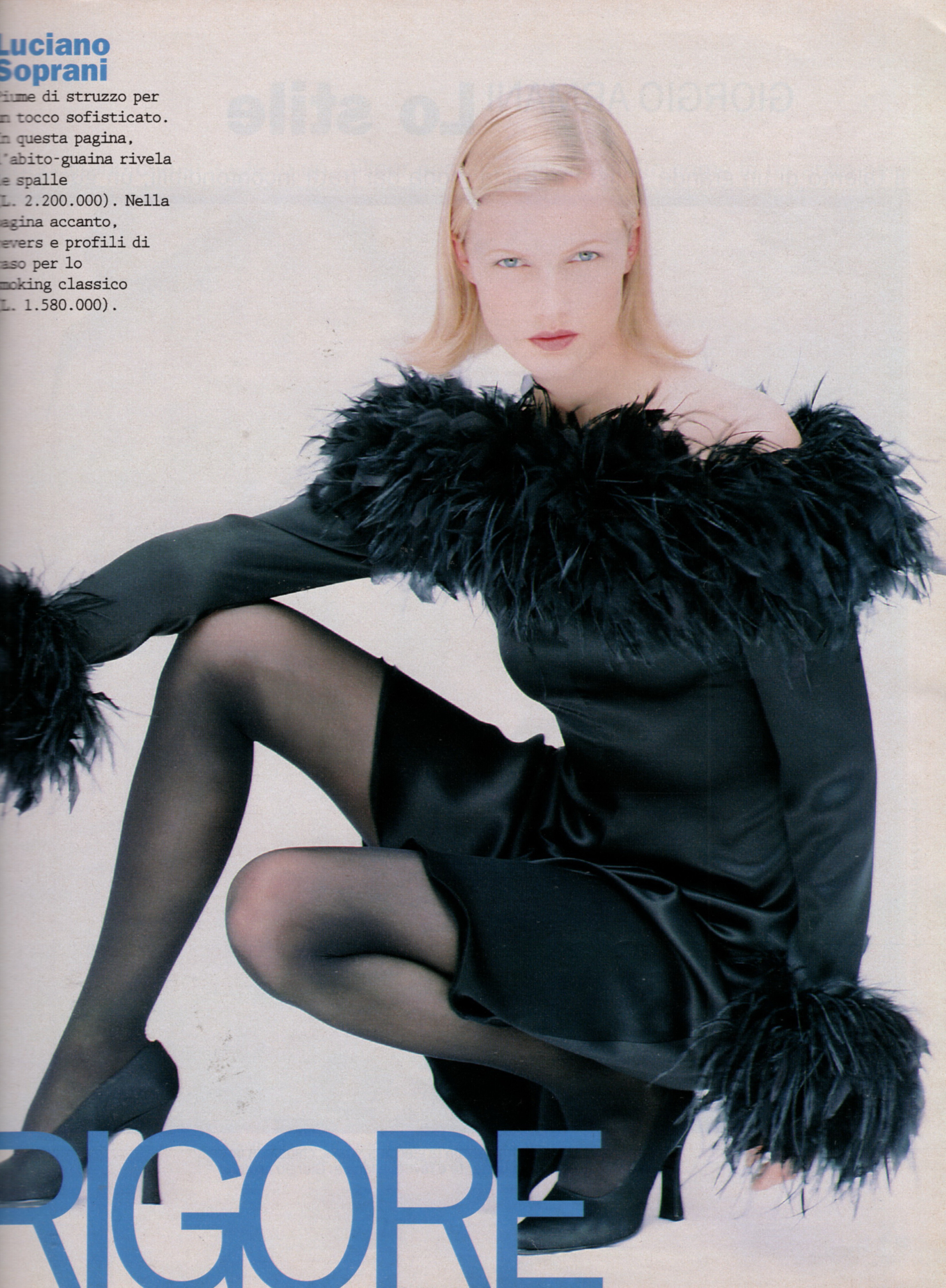
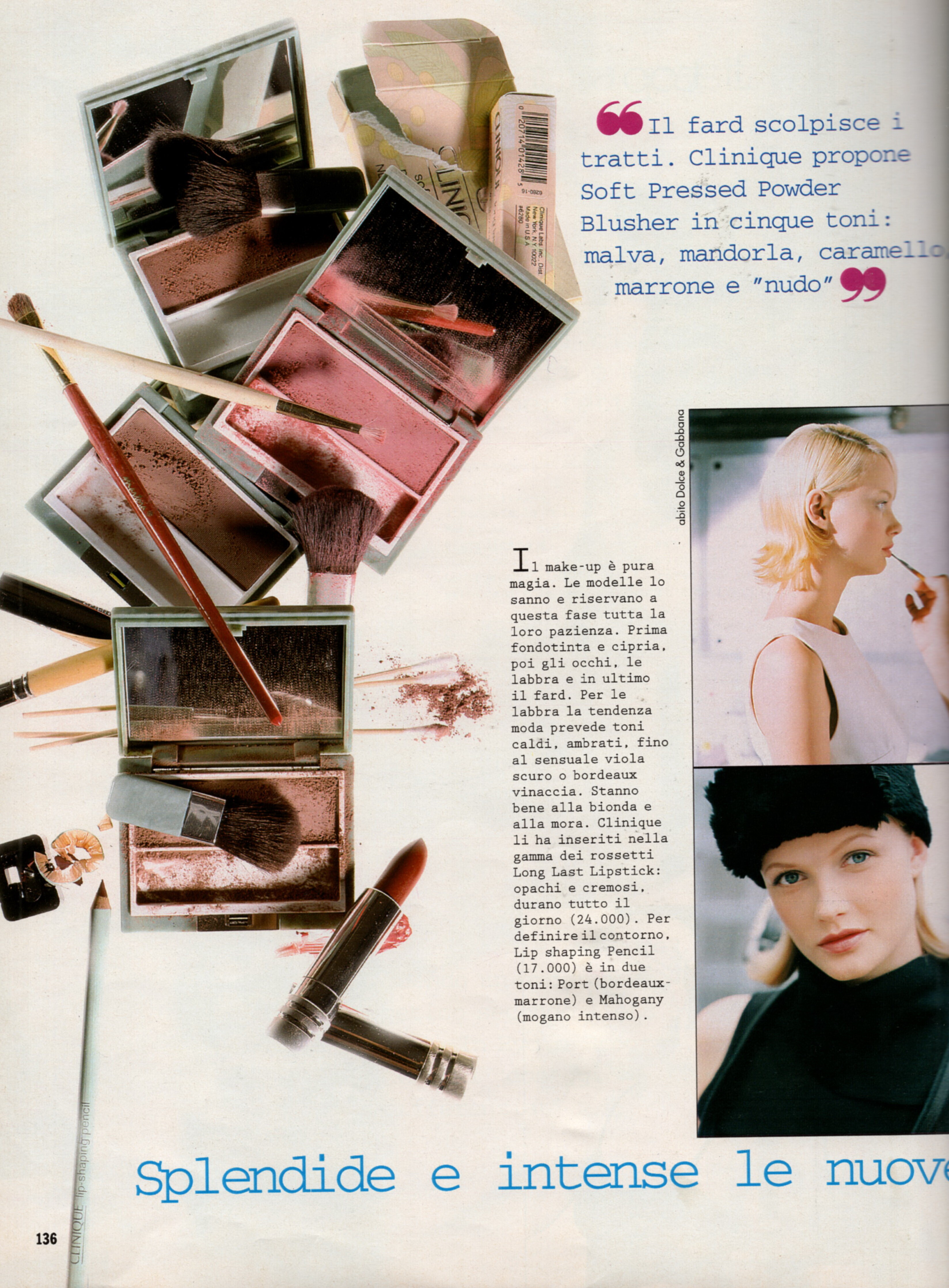
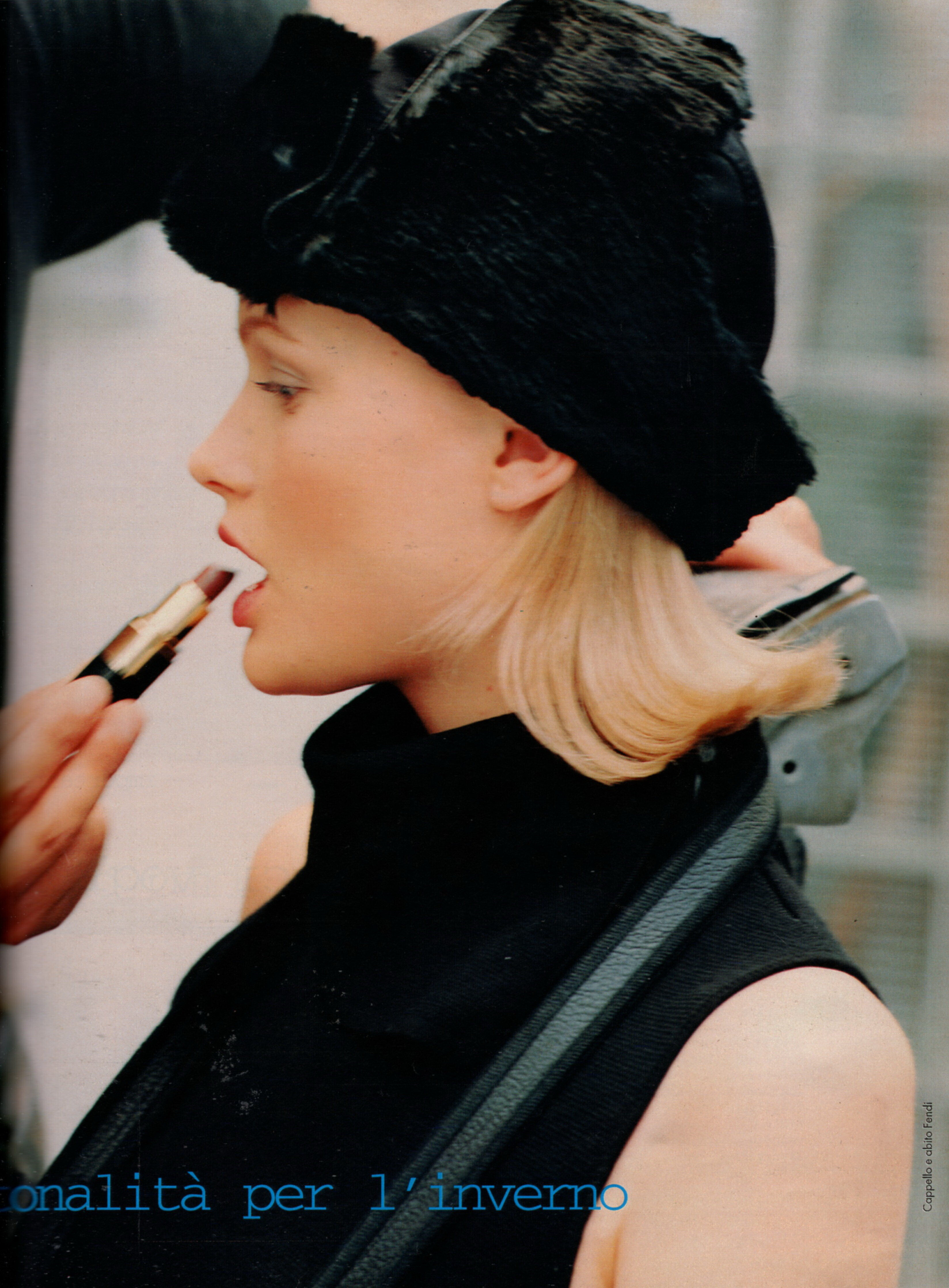
Everything posted by Minerva13
- Maureen Herraro
- Maureen Herraro
-
Runway models ID 2000-2005
model Aleksandra Egorova
- Taren Cunningham
-
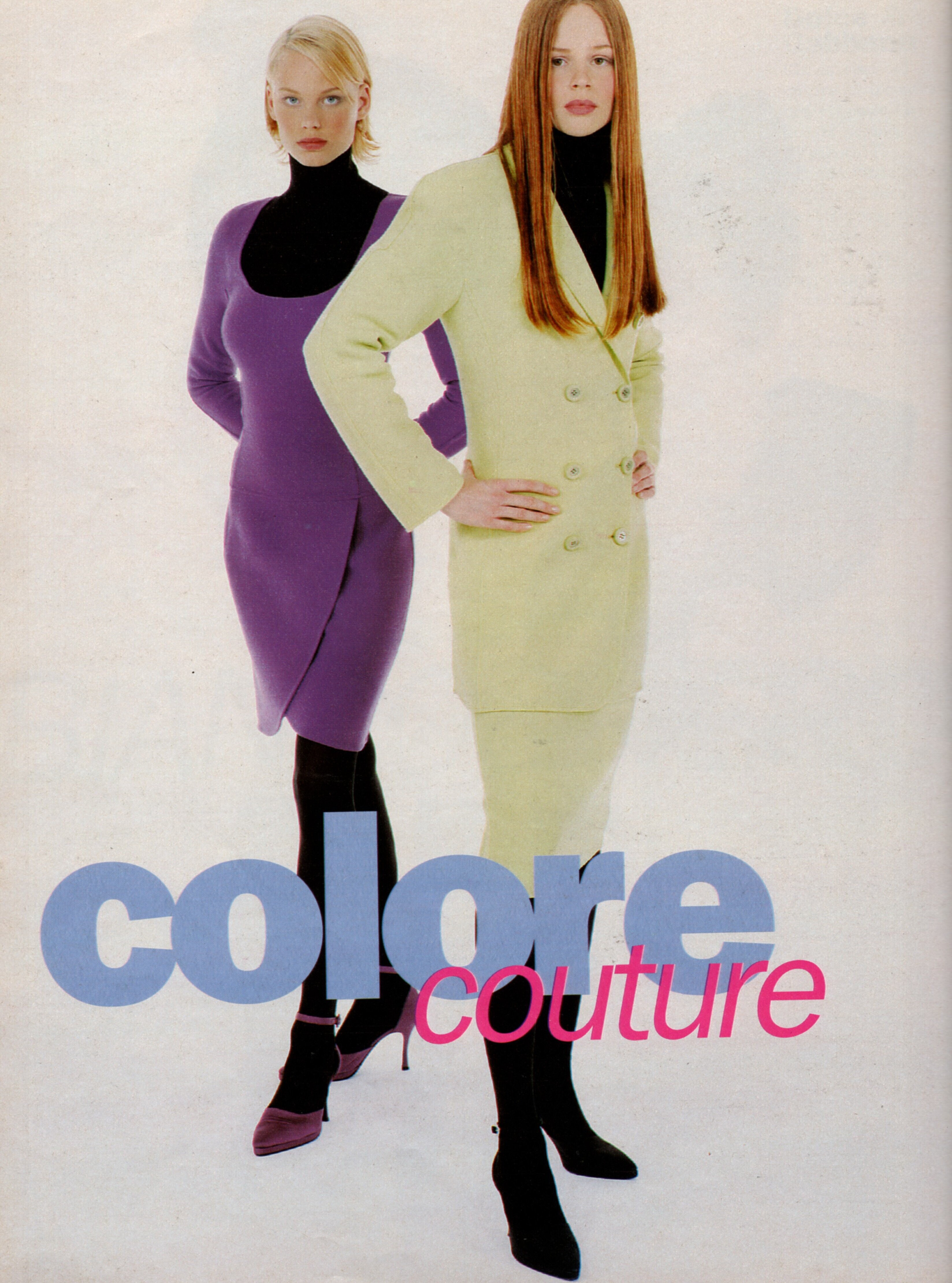
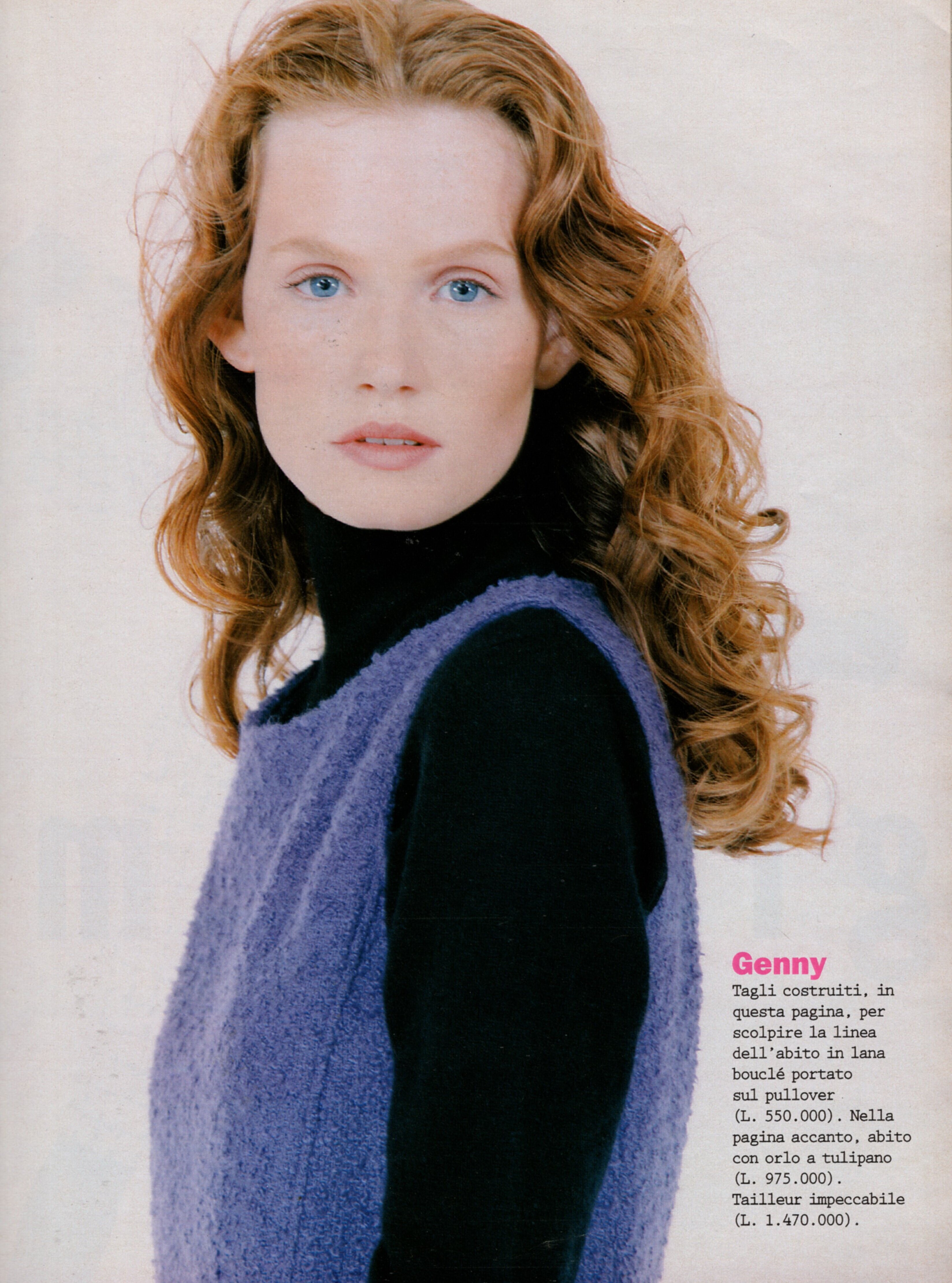
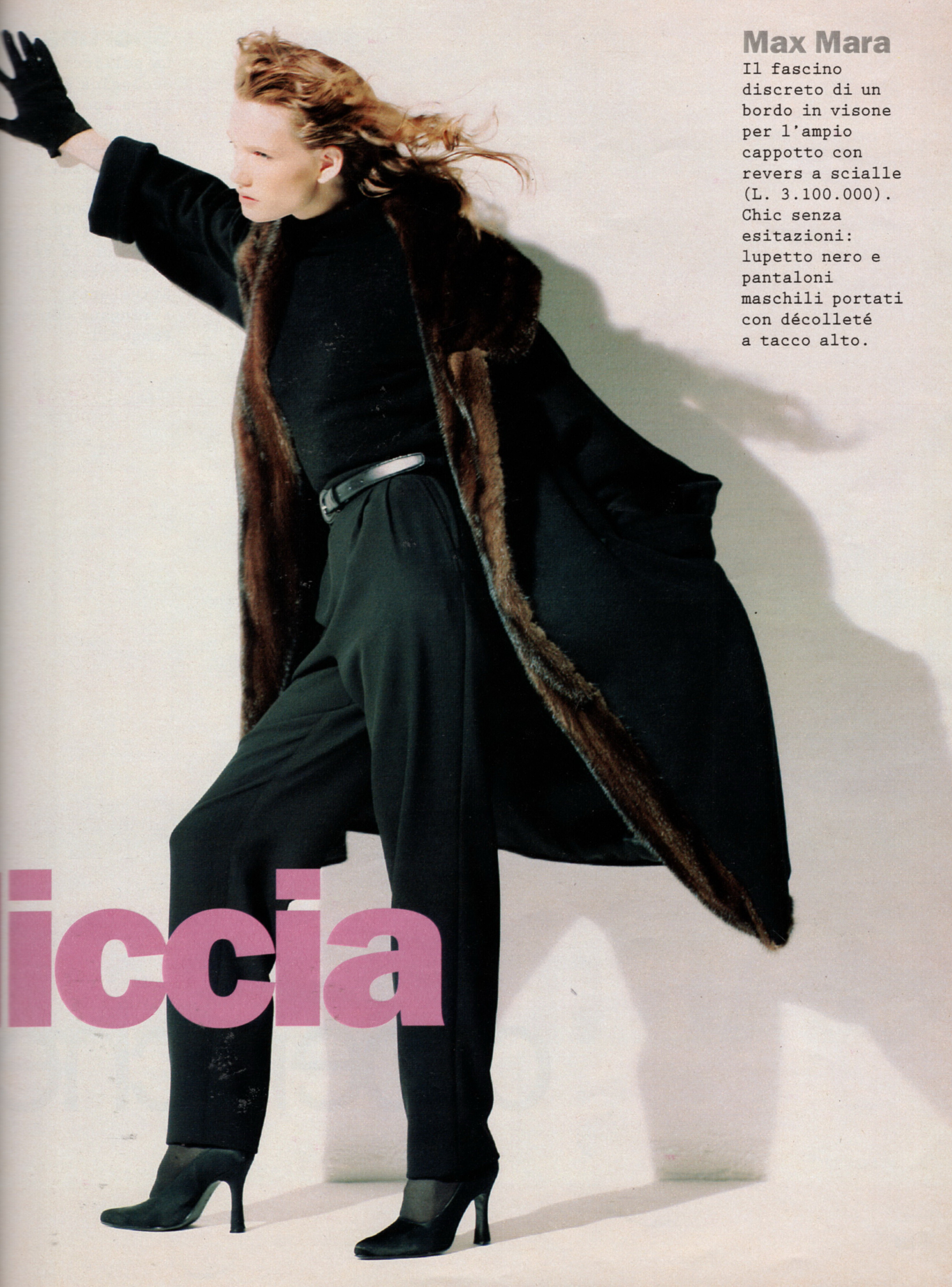
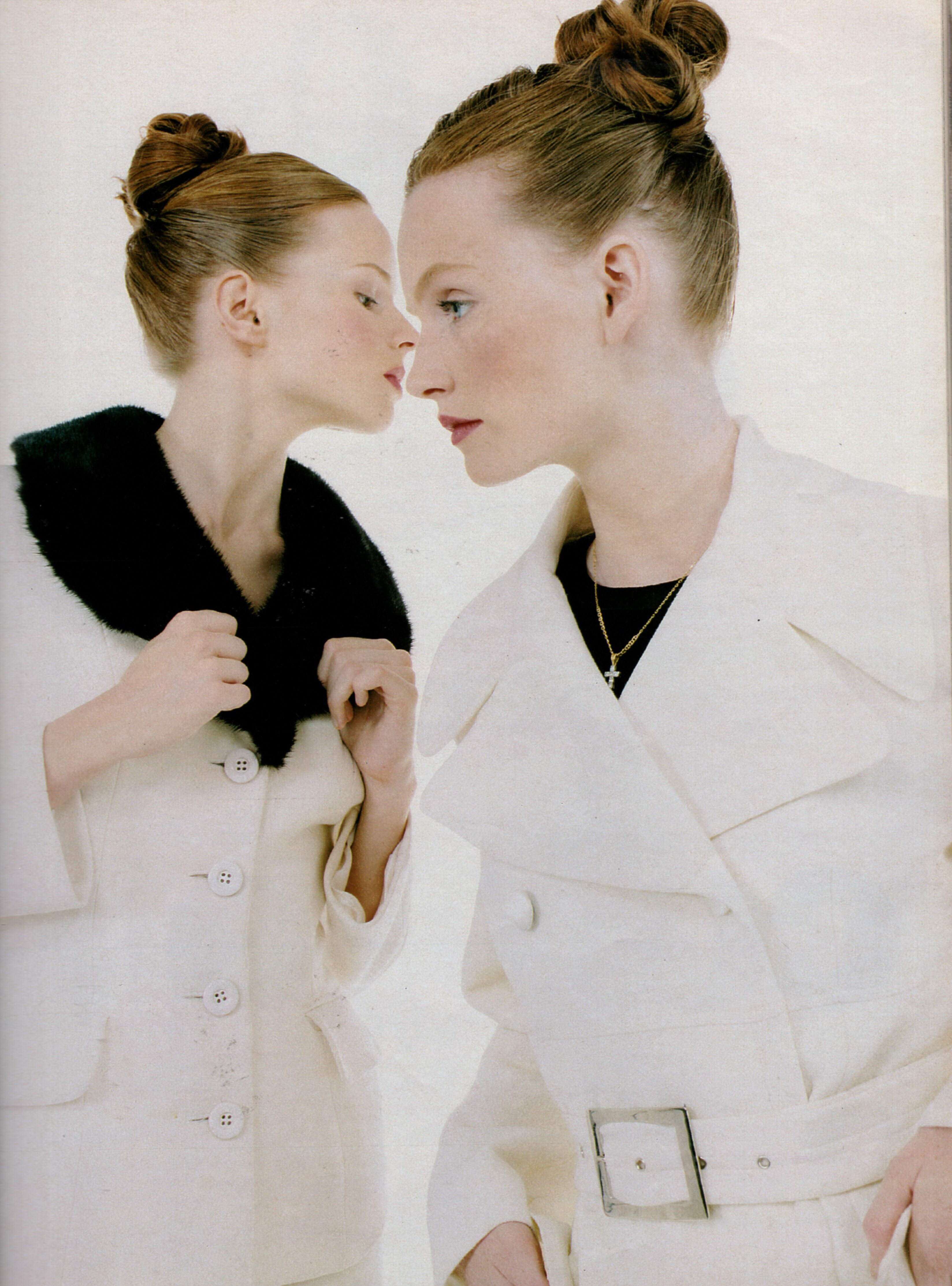
Jenny Fletcher
-
Jenny Fletcher
-
Jenny Fletcher
-
Jenny Fletcher
-
Jenny Fletcher
-
Anette Marweld
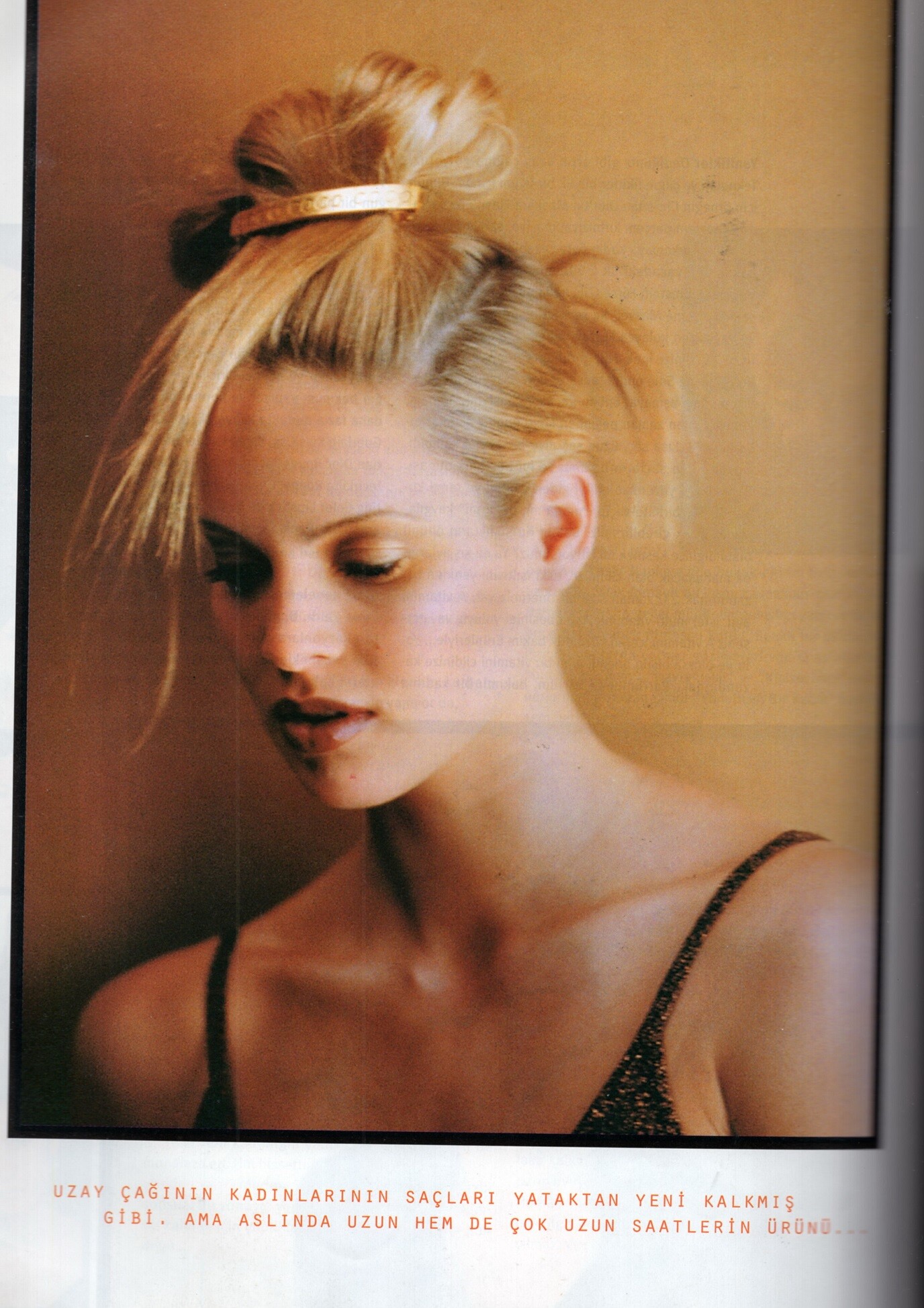
"KAROS" - petra Germany October 1984 (26. September 1984) by Werner Bokelberg - also showing Leslie Lorenz Scanned by missparker7,Thanks for the IDs to BlueAcadia.
-
Anette Marweld
Neutrogena Shampoo advertisement - petra Germany November 1988 scanned by missparker7,ID model by BlueAcadia
-
Anette Marweld
contents + "LUST AUF LANGE HAARE" - petra Germany October 1984 (26. September 1984) by Marc Kayne Elizabeth Nottoli, Anette Marweld, Tiina Laakkonen, Carine Pietri, Lena Moberg, unknown Thanks for the IDs to BlueAcadia.
-
Anette Marweld
kim cigarette advertisement - petra Germany May 1987 (27. April 1987) models:Patrizia Pilotti & Anette Marweld scanned by missparker7, ID model by BlueAcadia
-
Anette Marweld
- Anette Marweld
- Anette Marweld
- Anette Marweld
- Anette Marweld
- Anette Marweld
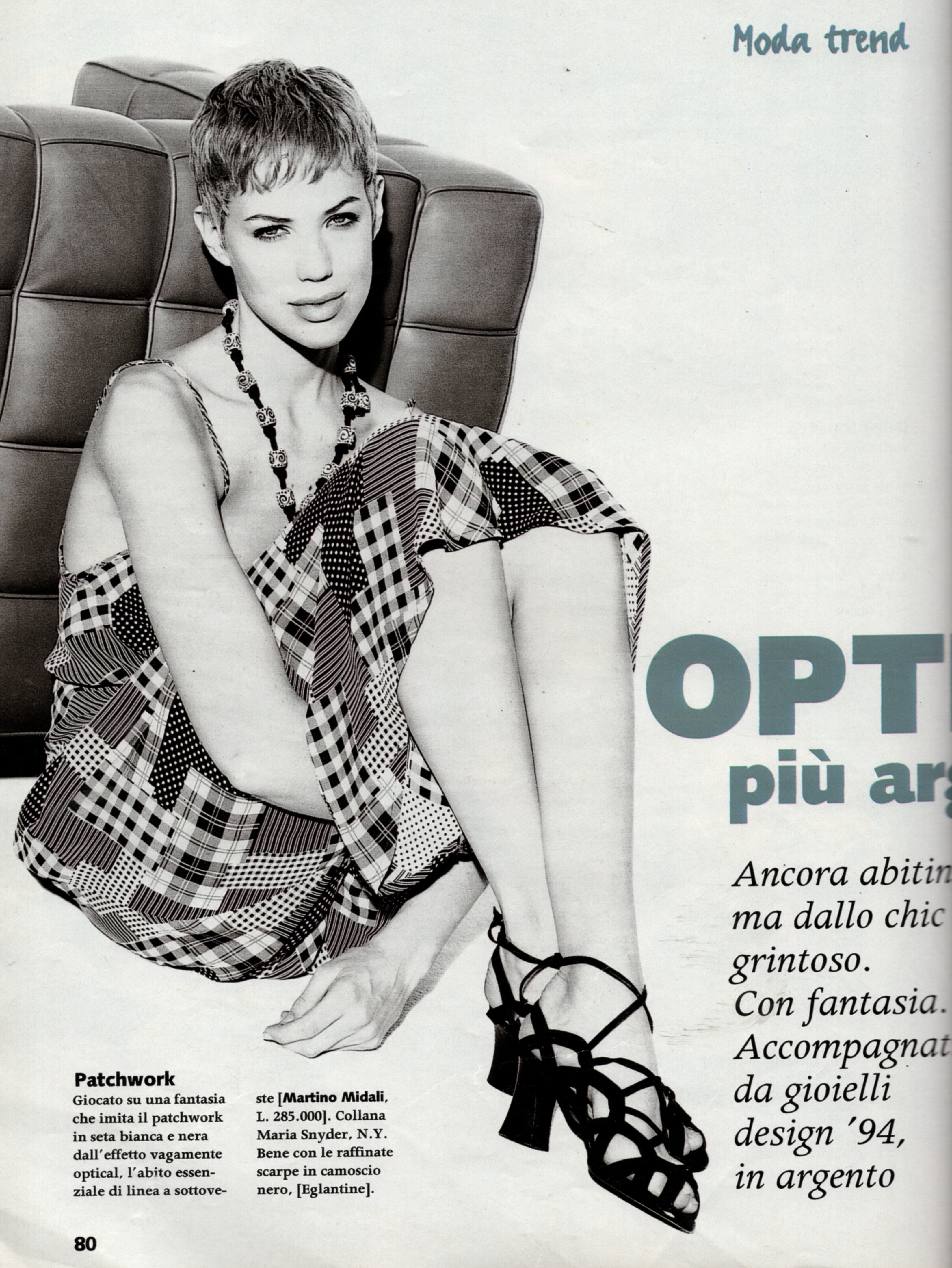
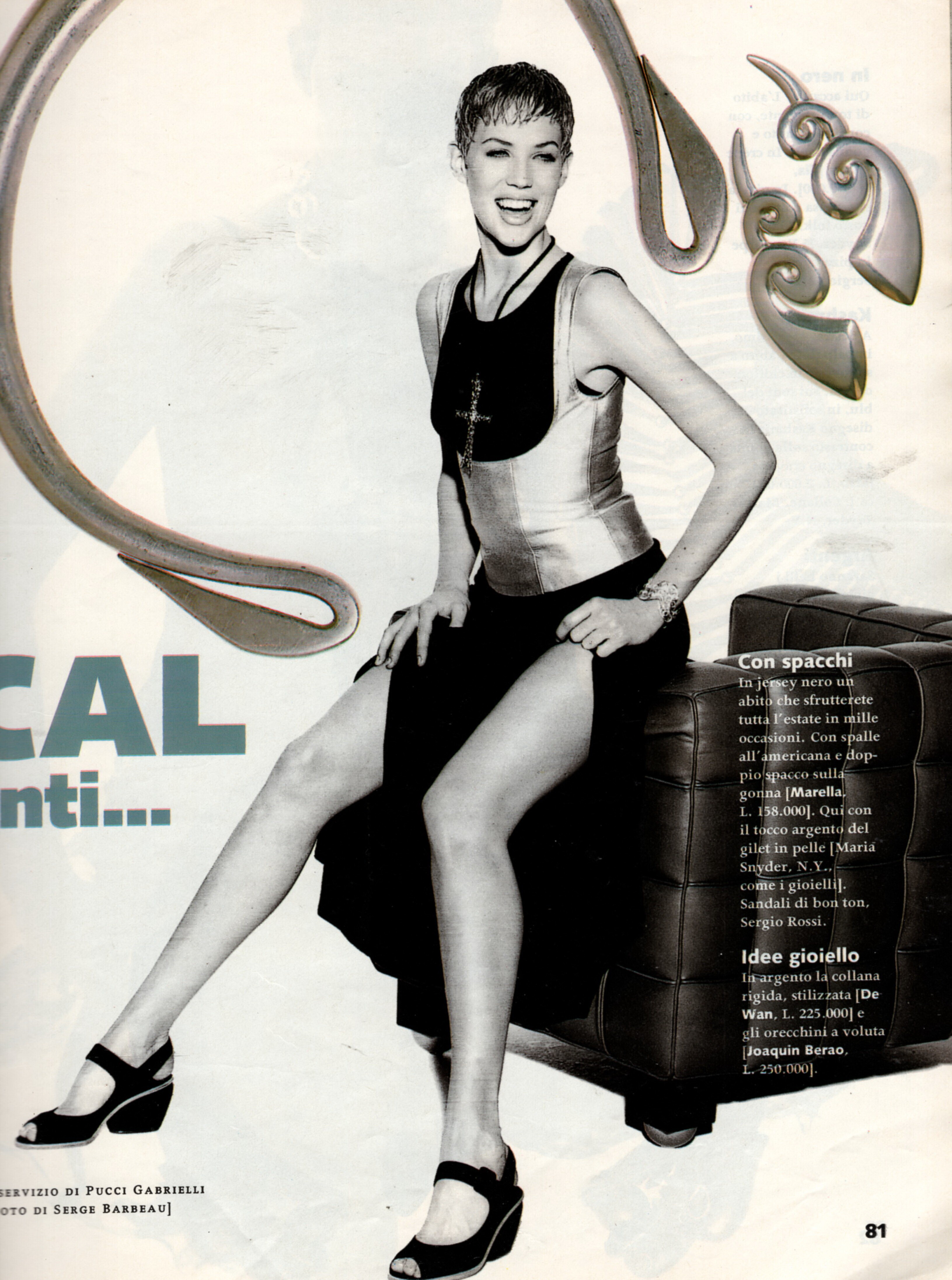
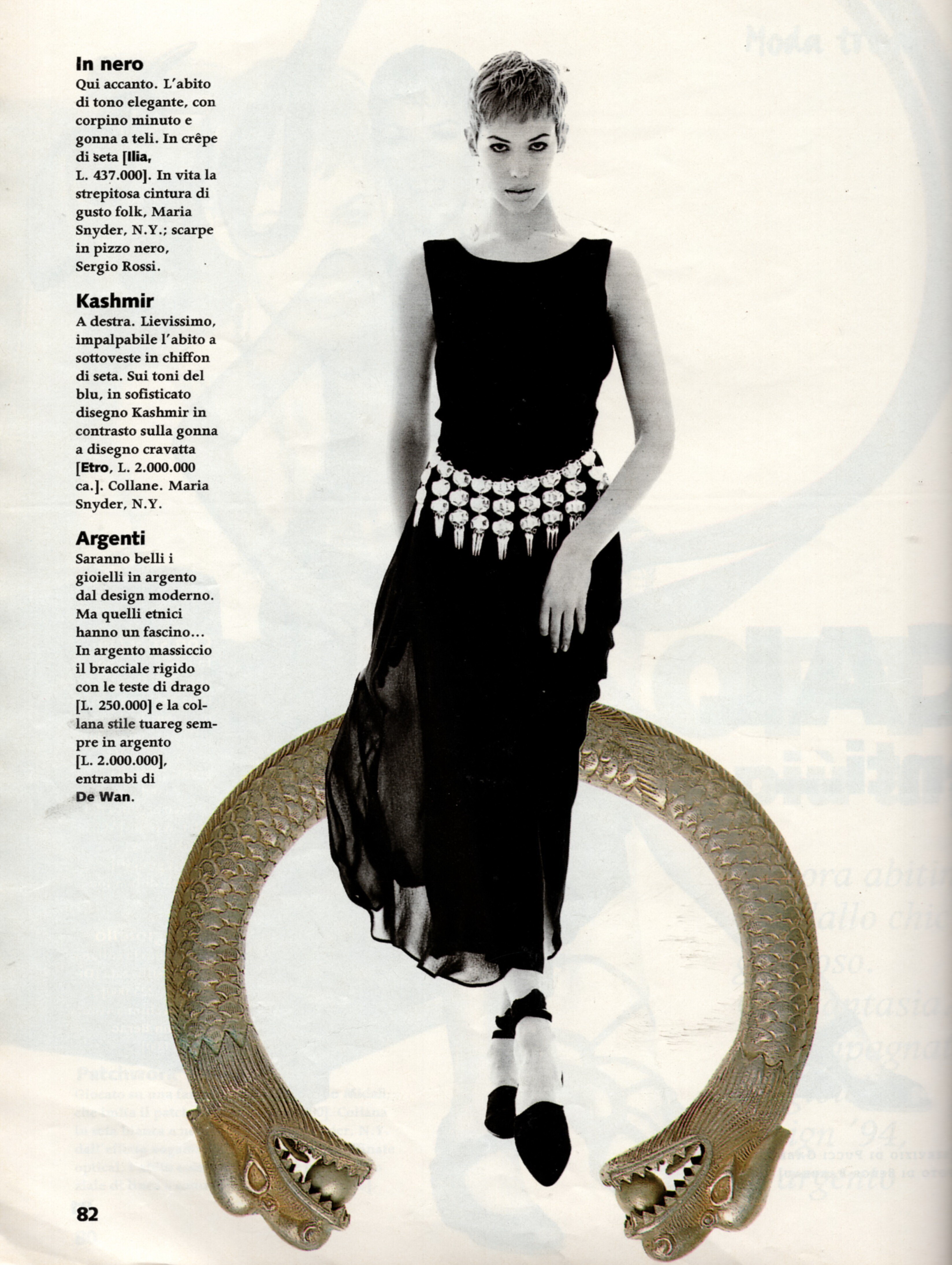
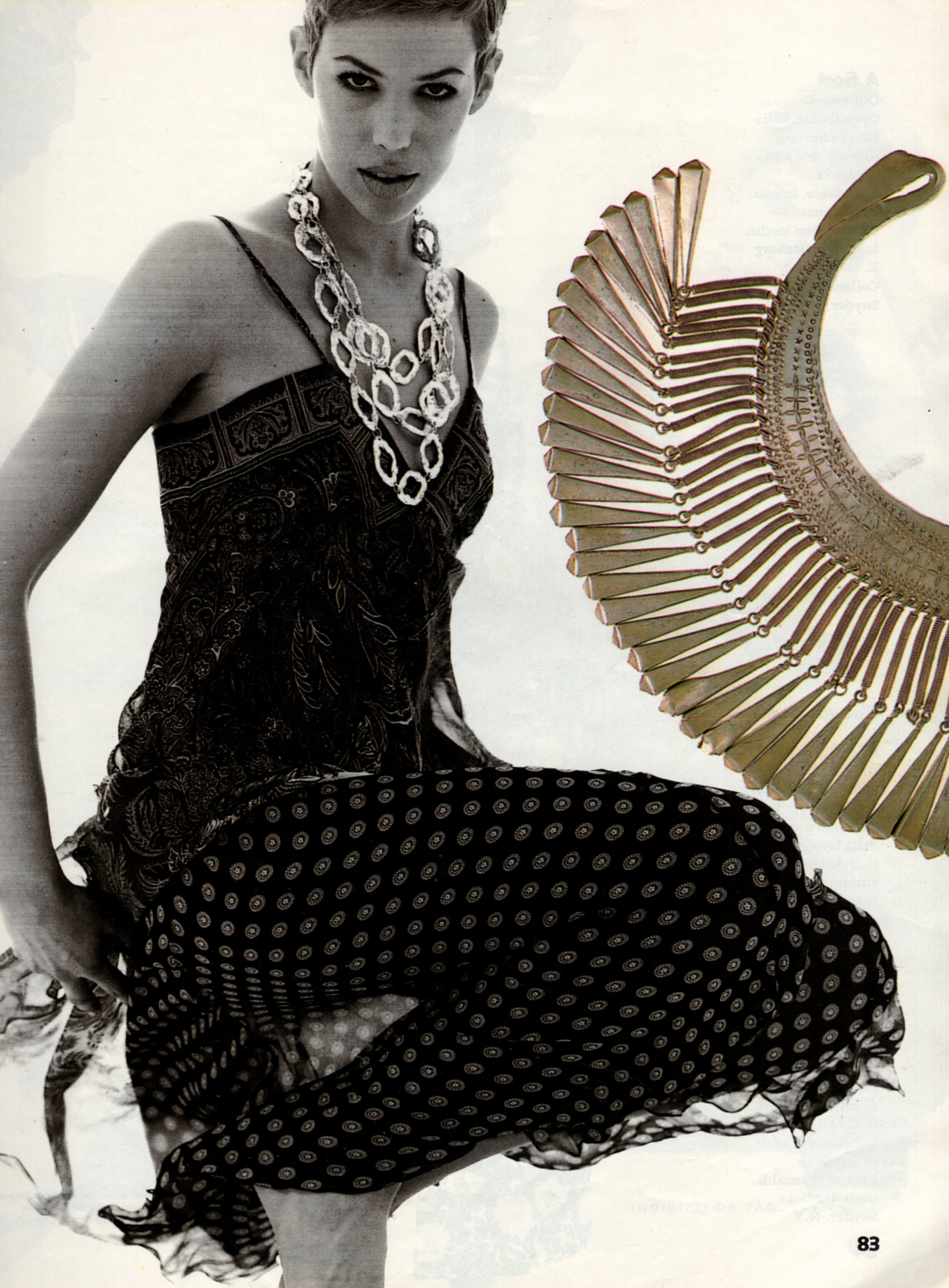
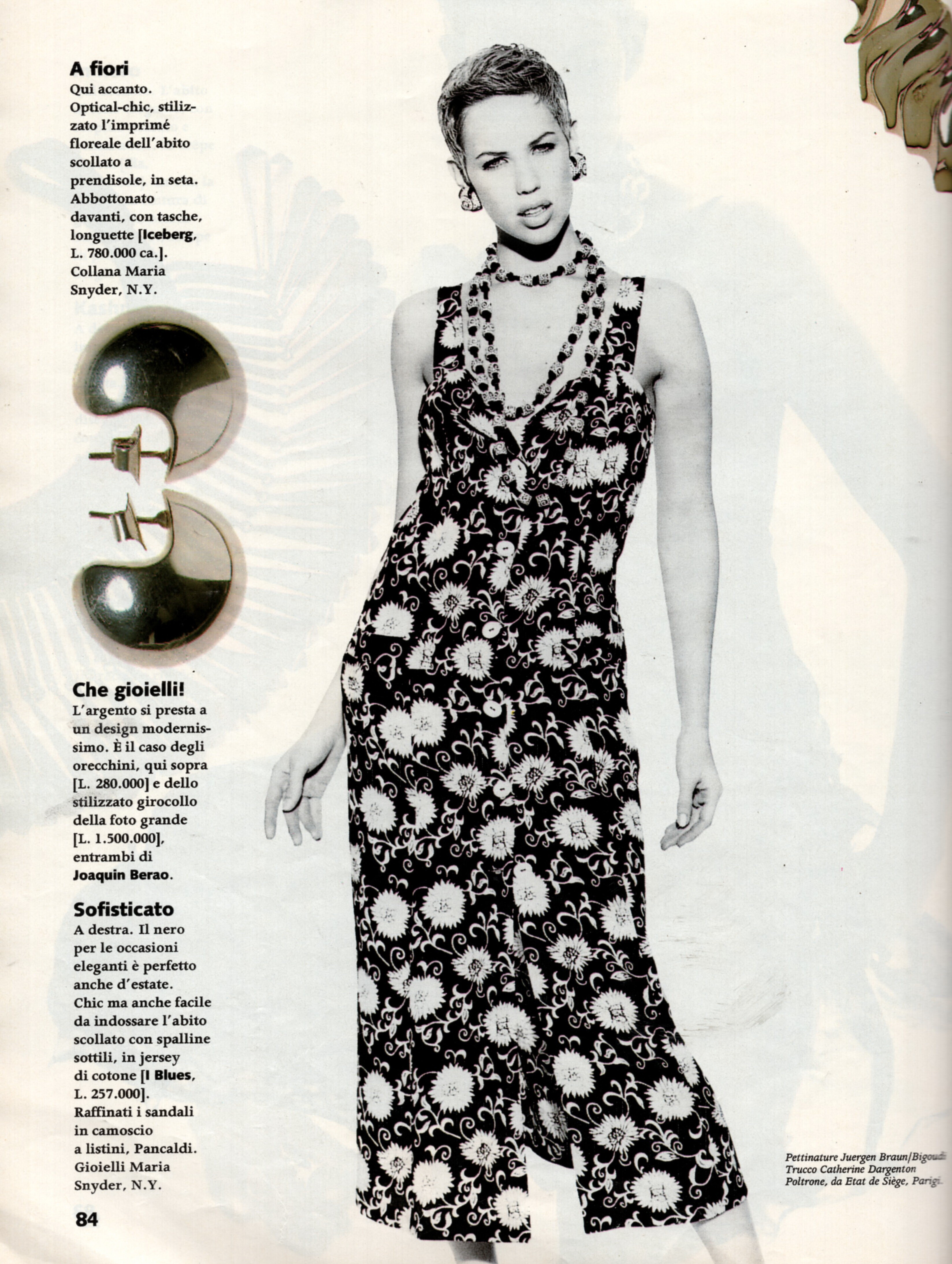
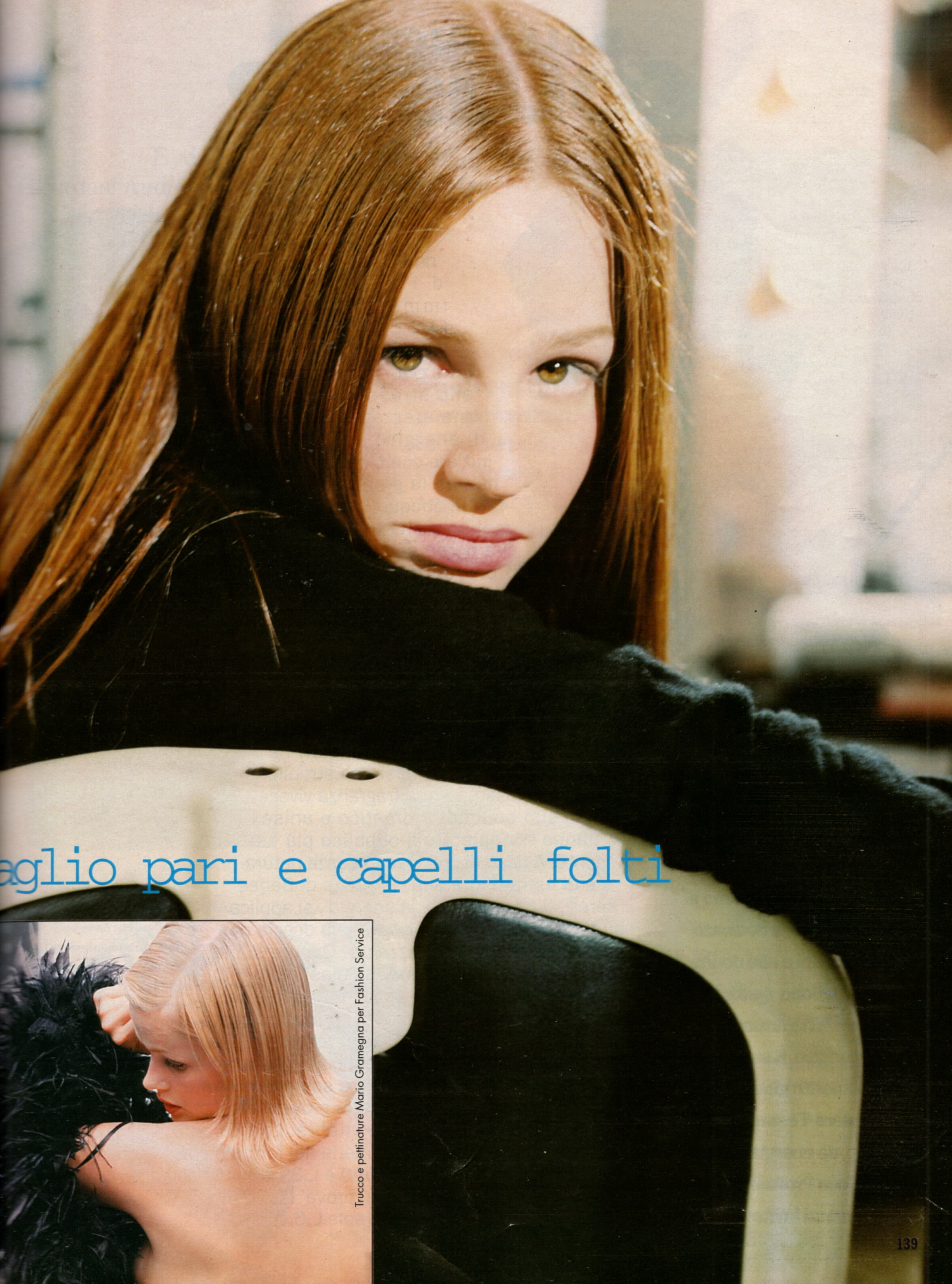
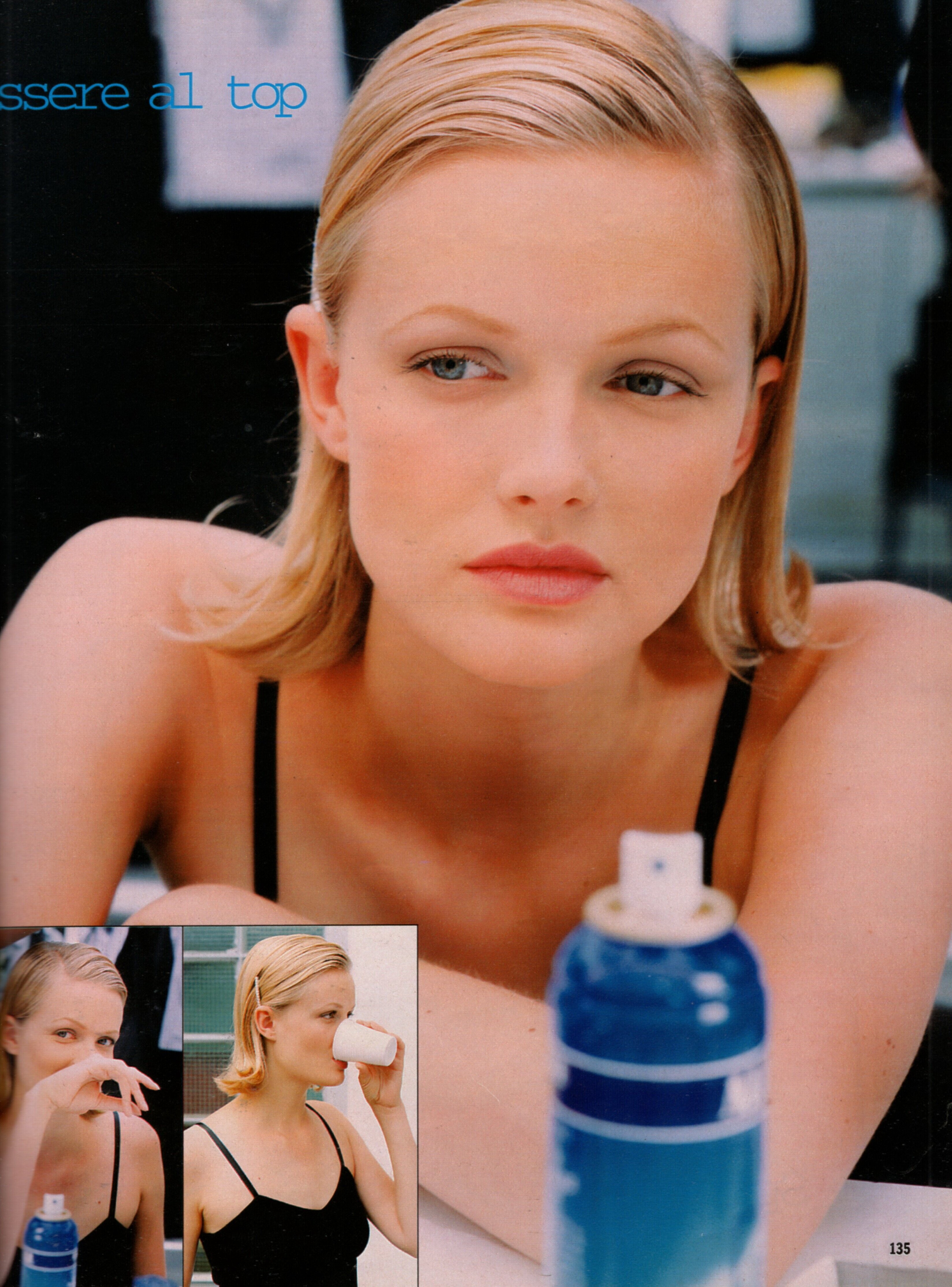
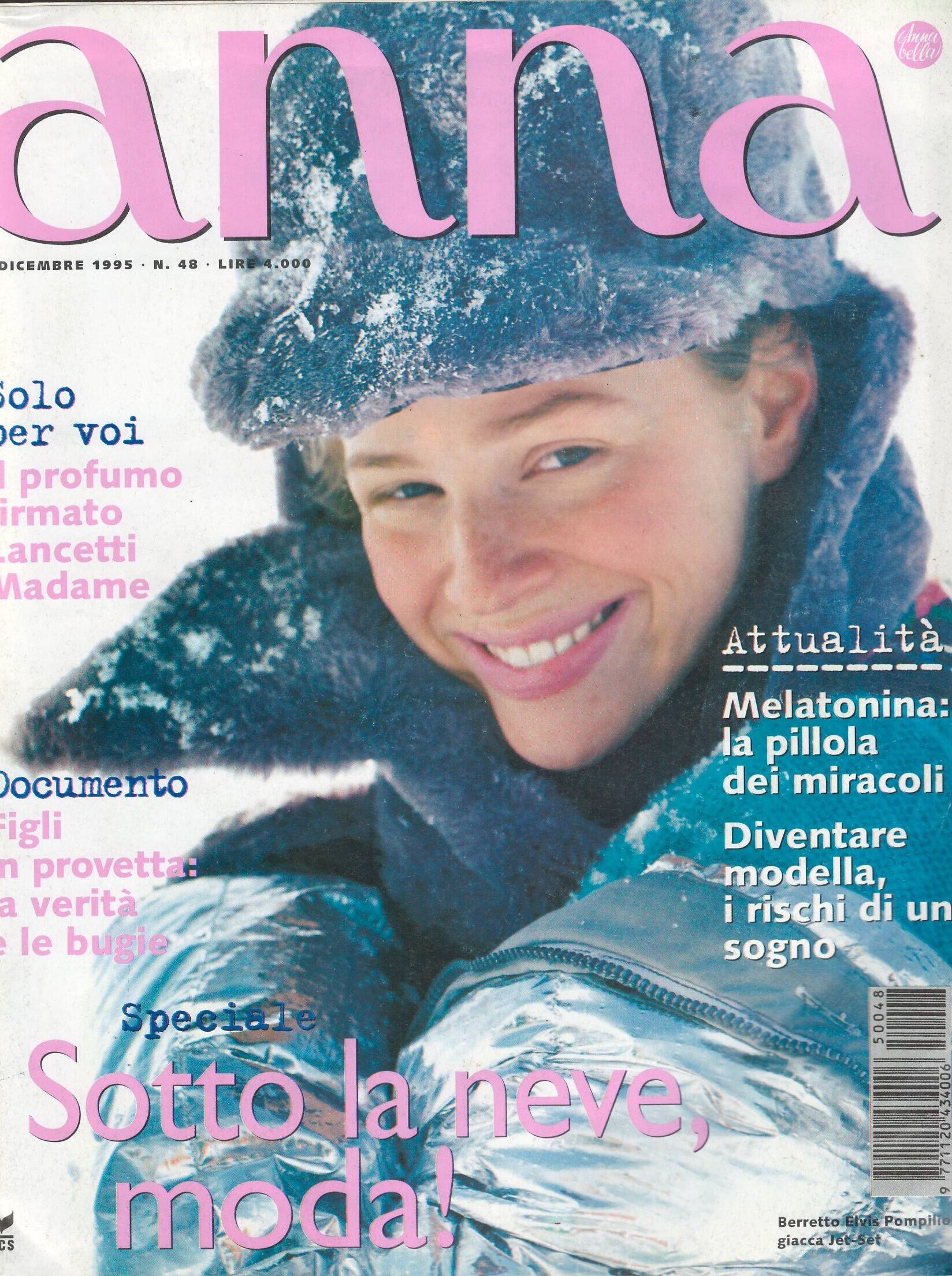
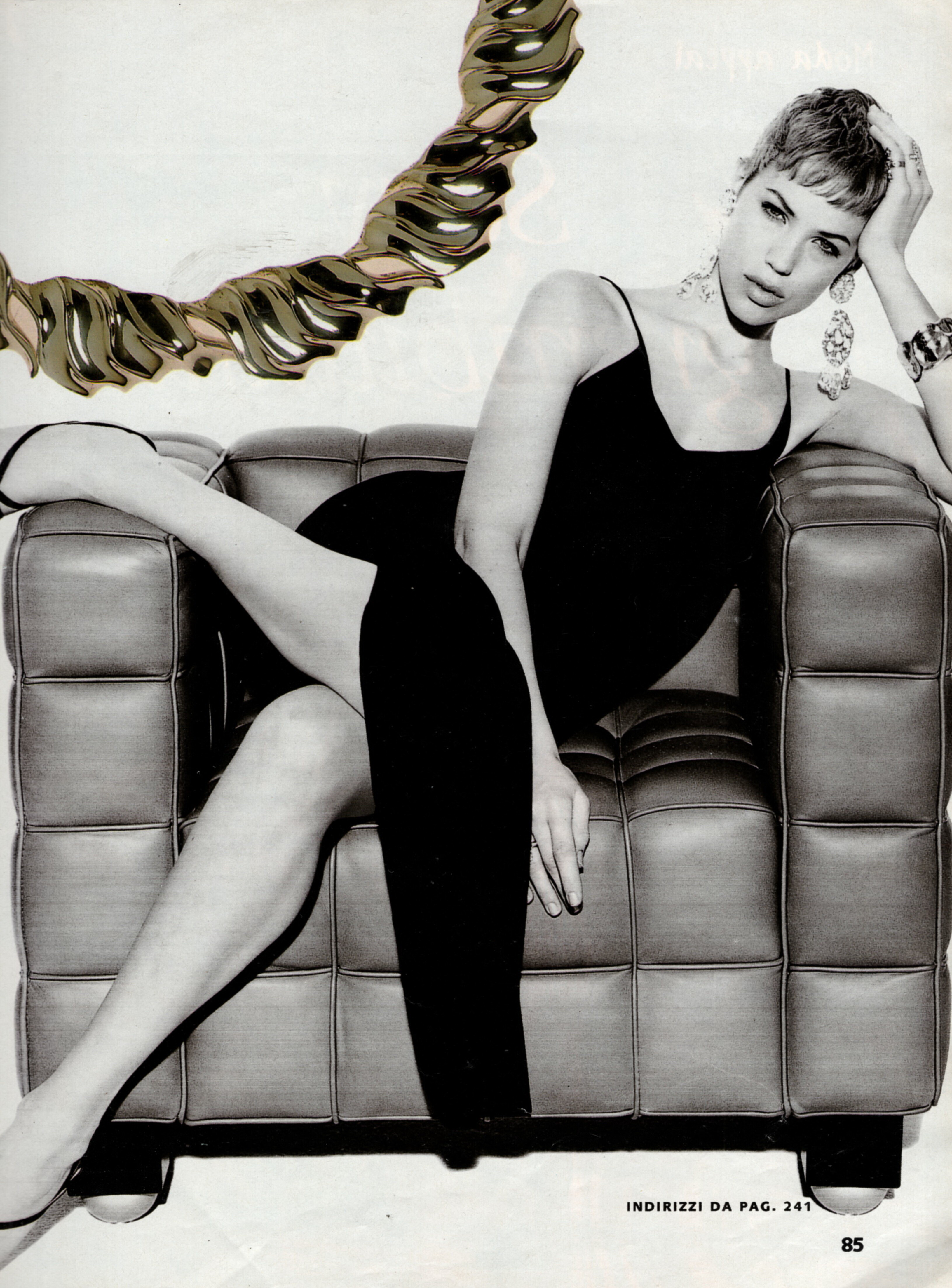
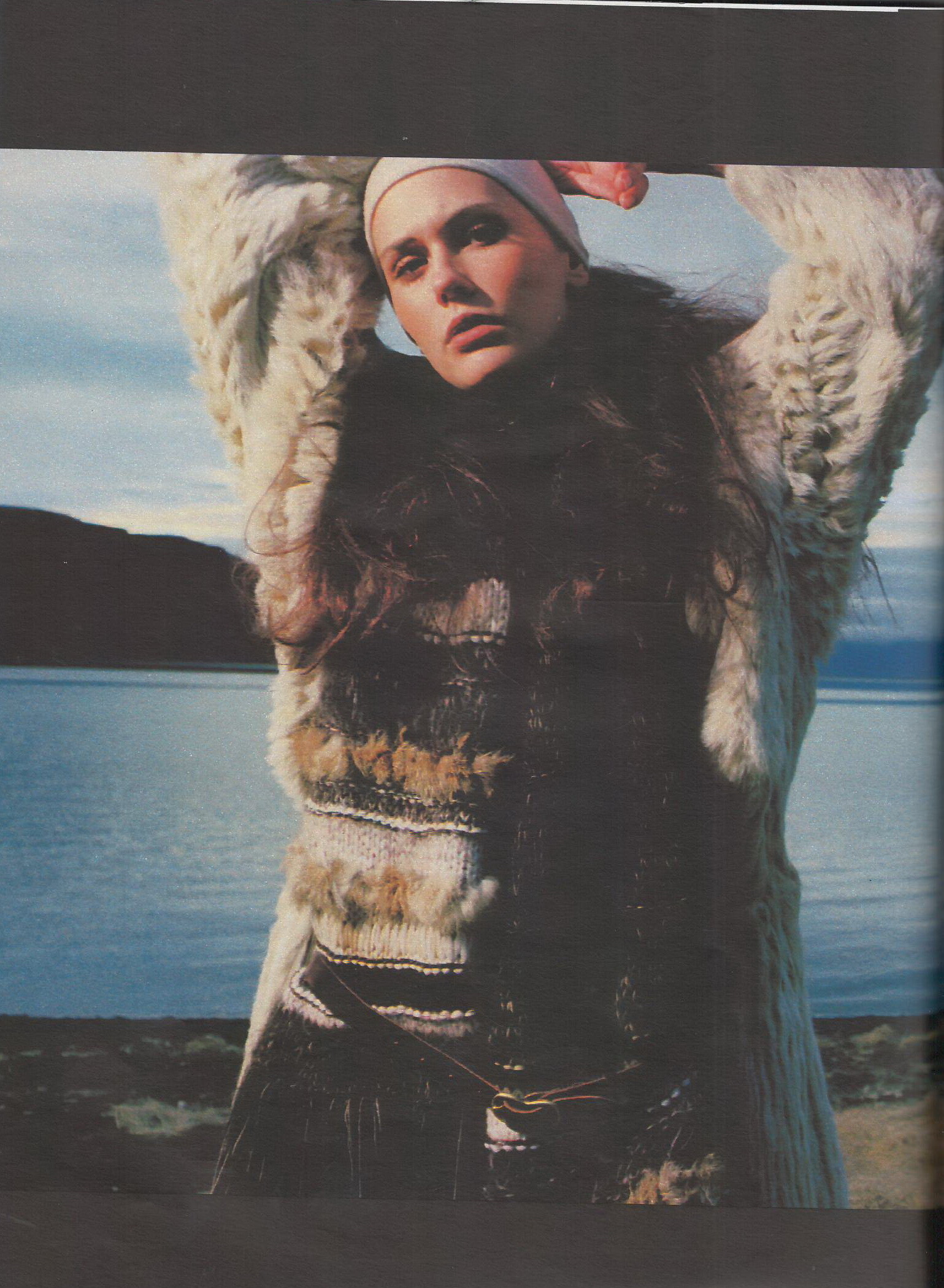
Anette Marweld American Date of birth:1963? Agency:Stars, Mrs.Robinson,Wilhelmina, Hair:Light Brown/Grey Eyes:Blue-Green Height:1.76 cm Bust:86 cm Waist:66 cm Hips:92 cm -she mother of 4 children. 1980's- Vintage "missing last name" id
Marweld I think- Jennifer Sky
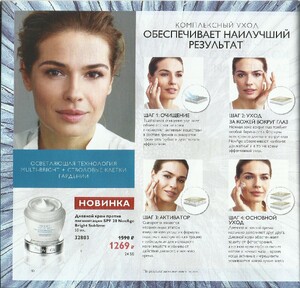
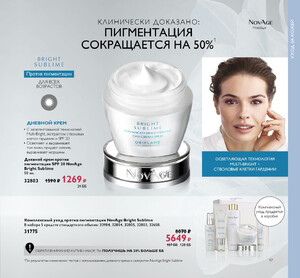
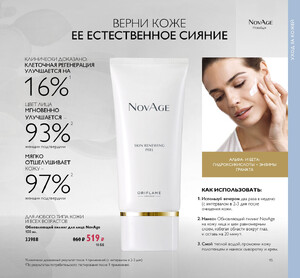
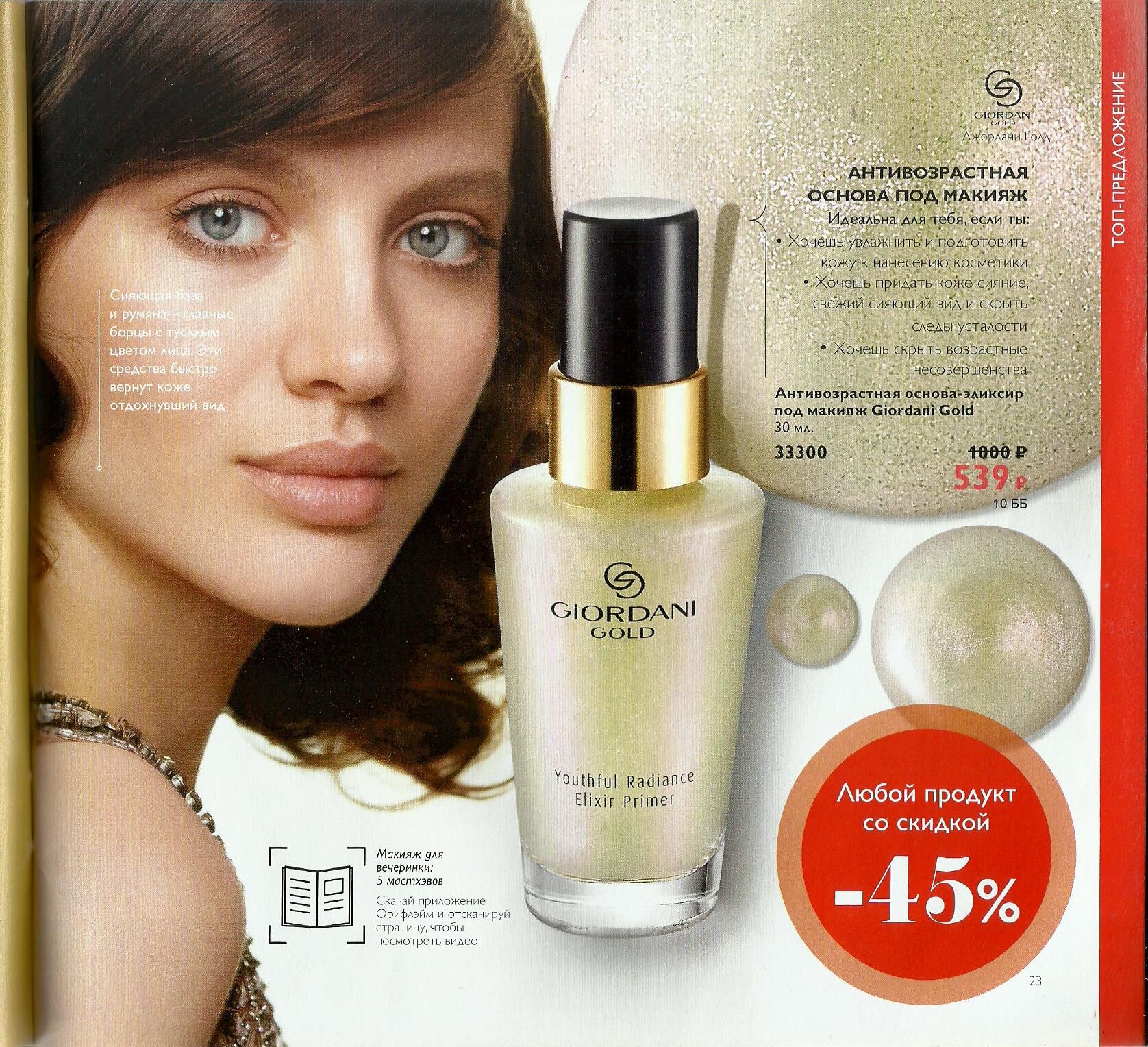
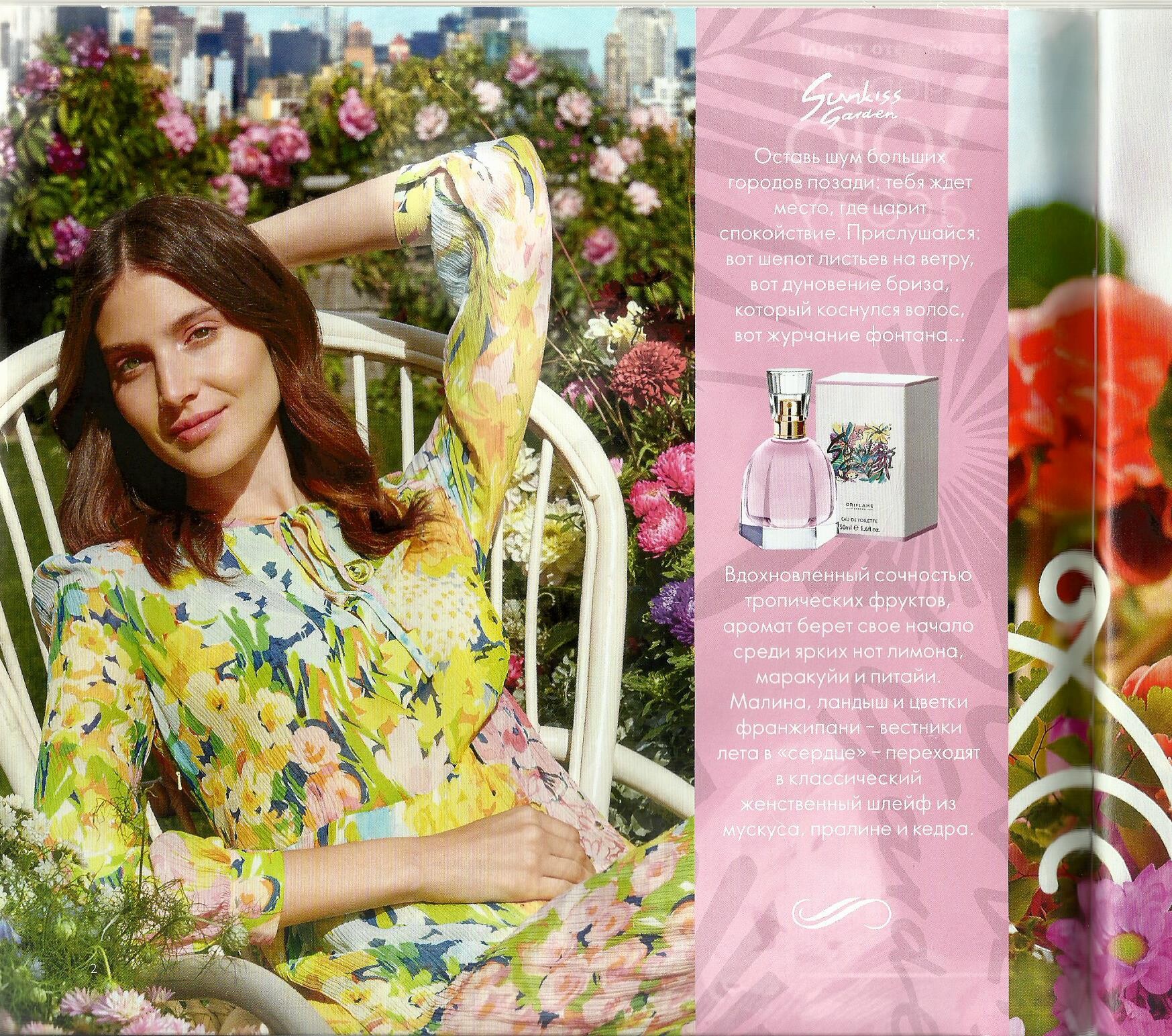
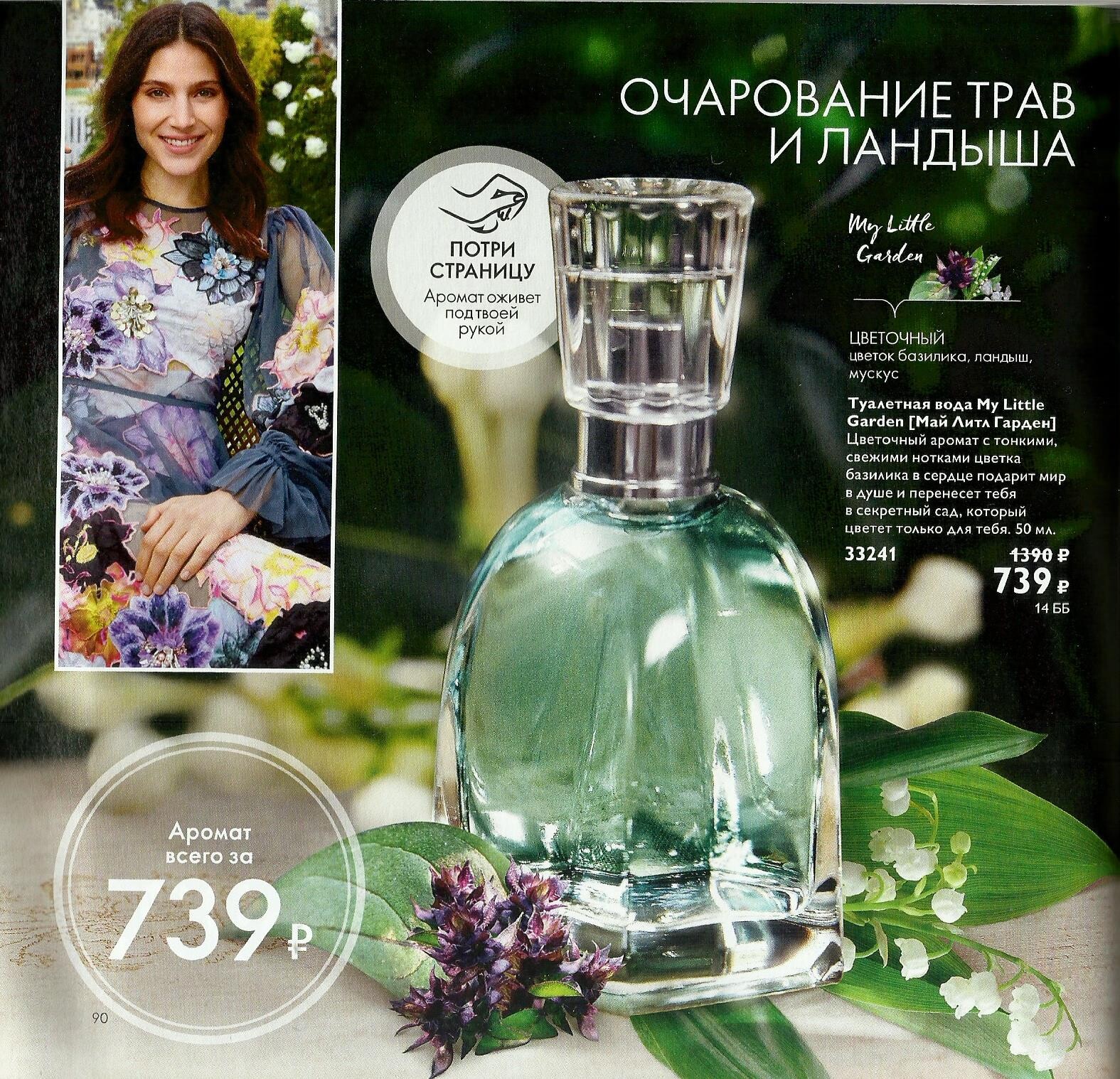
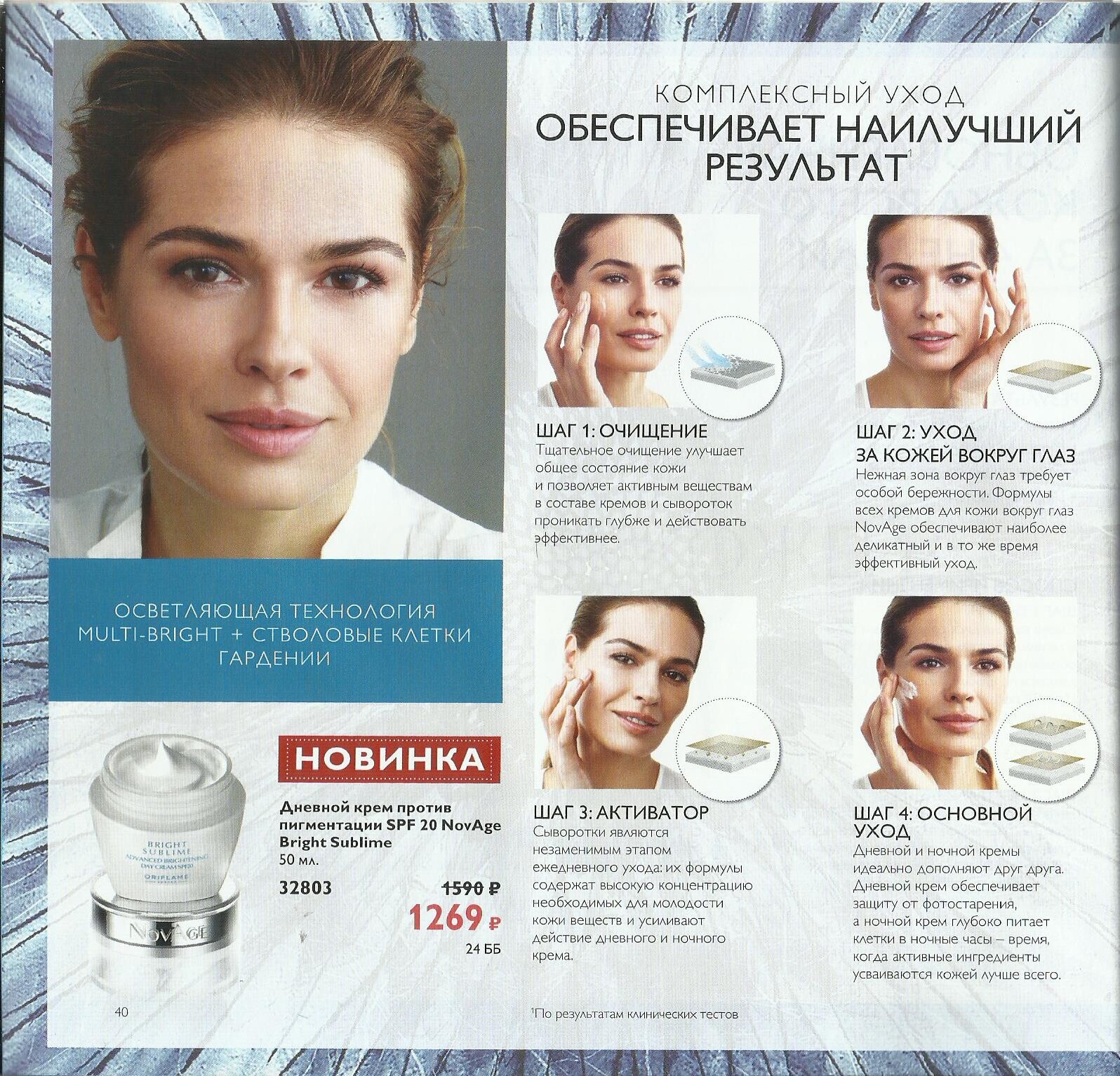
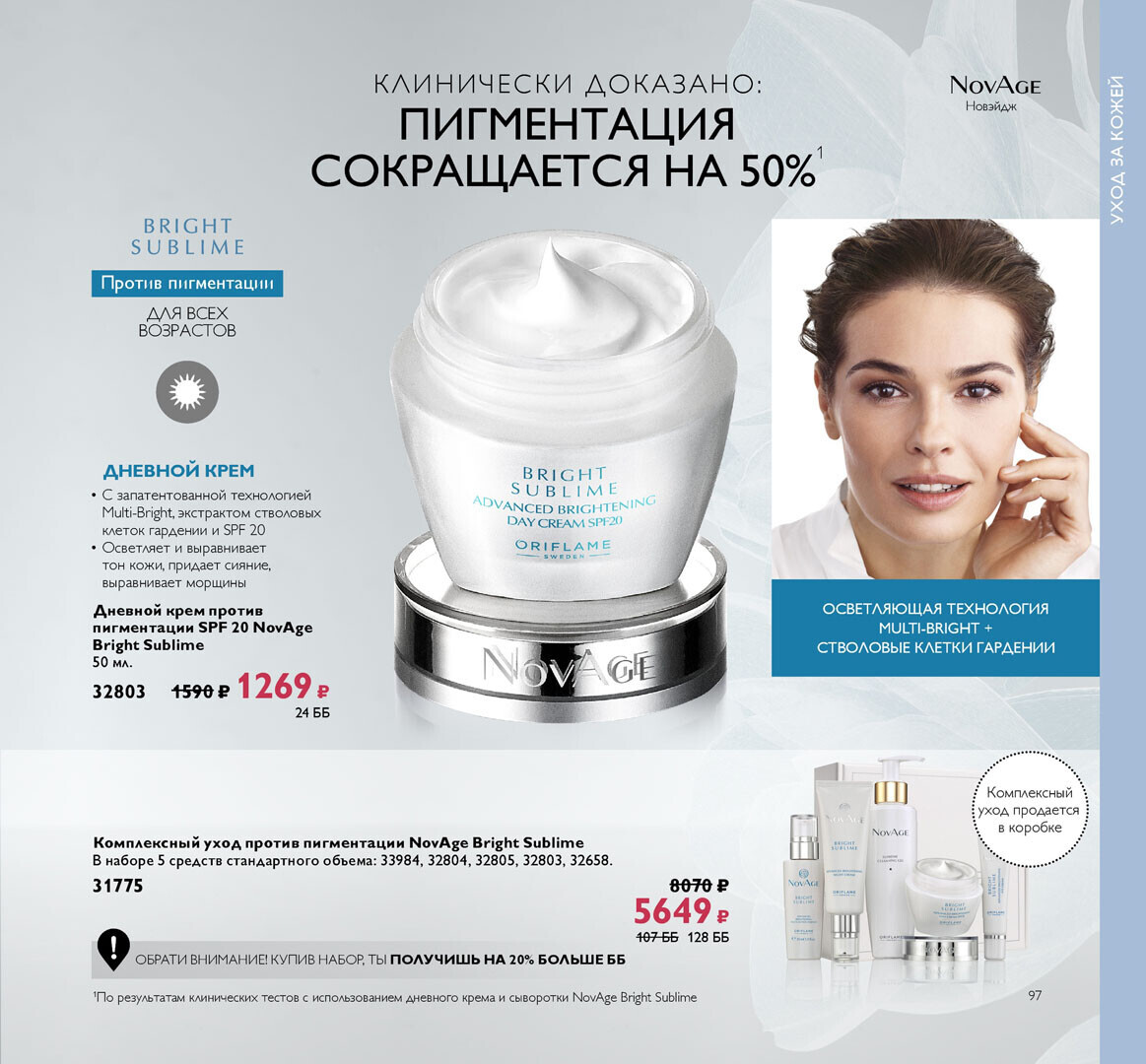
- Vintage Ads of the 1990s : Fragrance & Beauty
- Jenny Fletcher
Poly Color models:Jenny Fletcher + unknown blonde my scans (Cosmopolitan Russia December 1996 & May 1997) thank you for the ID model @parisienne- Jenny Fletcher
- Anette Marweld
Account
Navigation
Search
Configure browser push notifications
Chrome (Android)
- Tap the lock icon next to the address bar.

- Tap Permissions → Notifications.
- Adjust your preference.
Chrome (Desktop)
- Click the padlock icon in the address bar.
- Select Site settings.
- Find Notifications and adjust your preference.
Safari (iOS 16.4+)
- Ensure the site is installed via Add to Home Screen.
- Open Settings App → Notifications.
- Find your app name and adjust your preference.
Safari (macOS)
- Go to Safari → Preferences.
- Click the Websites tab.
- Select Notifications in the sidebar.
- Find this website and adjust your preference.
Edge (Android)
- Tap the lock icon next to the address bar.
- Tap Permissions.
- Find Notifications and adjust your preference.
Edge (Desktop)
- Click the padlock icon in the address bar.
- Click Permissions for this site.
- Find Notifications and adjust your preference.
Firefox (Android)
- Go to Settings → Site permissions.
- Tap Notifications.
- Find this site in the list and adjust your preference.
Firefox (Desktop)
- Open Firefox Settings.
- Search for Notifications.
- Find this site in the list and adjust your preference.