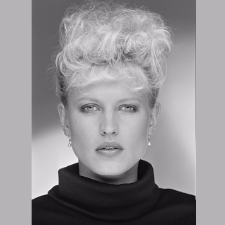
# Hazel Eyes
-
- runway model
- 2000s
- latvian
- brown hair
-
Tagged with:
- 31 comments
- 4,332 views
-
- 14 comments
- 4,058 views
-
- 19 comments
- 957 views
-
- 25 comments
- 1,209 views
-
- 5 comments
- 136 views
-
- 6 comments
- 696 views
-
- 7 comments
- 1,835 views
-
- 8 comments
- 168 views
-
- 11 comments
- 123 views
-
- 3 comments
- 165 views
-
- 3 comments
- 137 views
-
- 12 comments
- 1,783 views
-
- 4 comments
- 756 views
-
- 15 comments
- 1,776 views
-
- 11 comments
- 209 views
-
- 3 comments
- 113 views
-
- 9 comments
- 537 views
-
- 23 comments
- 3,772 views
-
- 3 comments
- 206 views
-
- 9 comments
- 379 views