kimflorida
Members
-
Joined
-
Last visited
Everything posted by kimflorida
-
 I think I found this one myself - Anna Juvander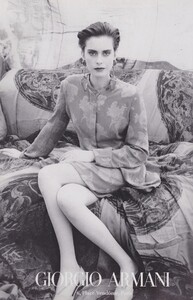
-
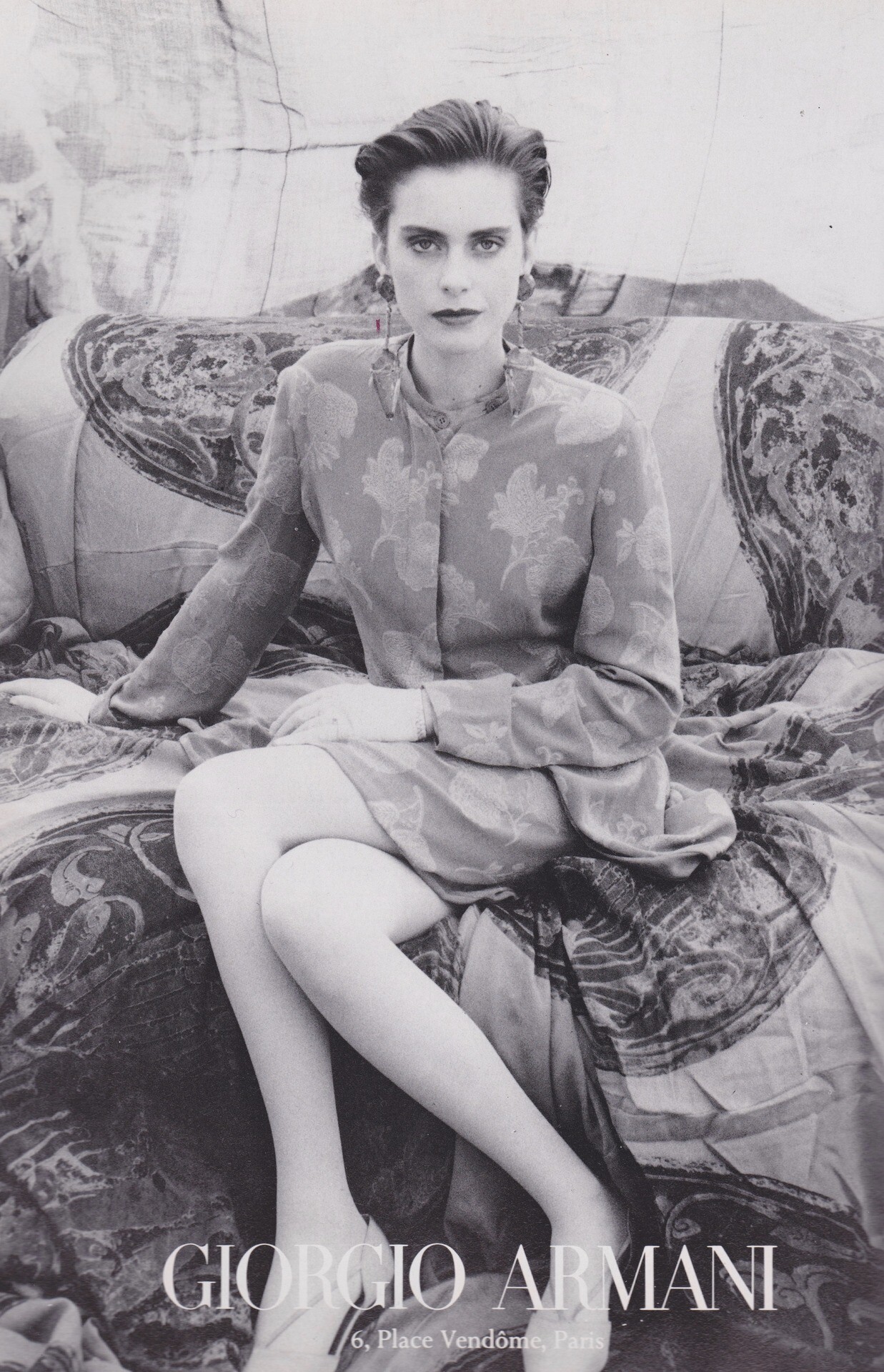
Giorgio Armani 1990 TIA
-
Thank you!
-
#1 is Haylie Turnquest
-
#2 is Chanel Stewart
-
-
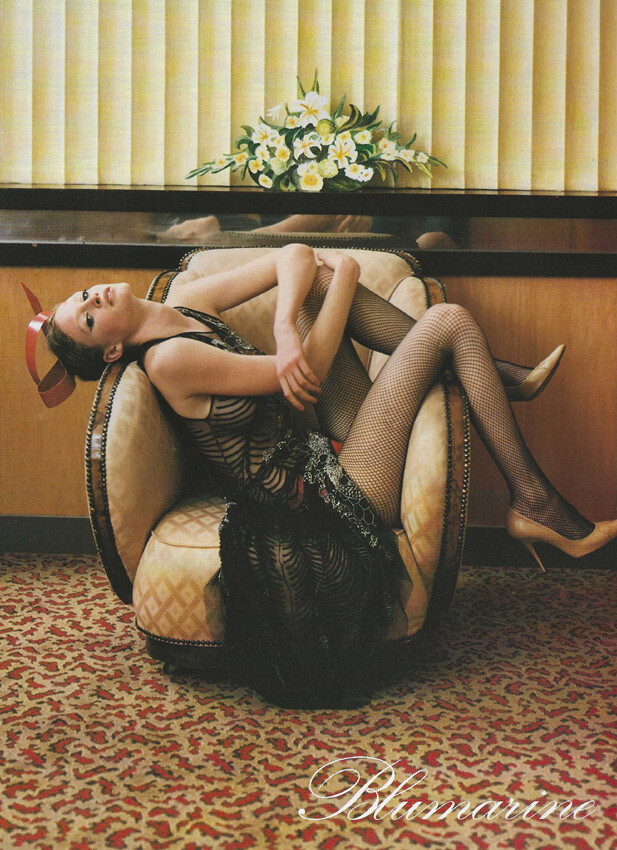
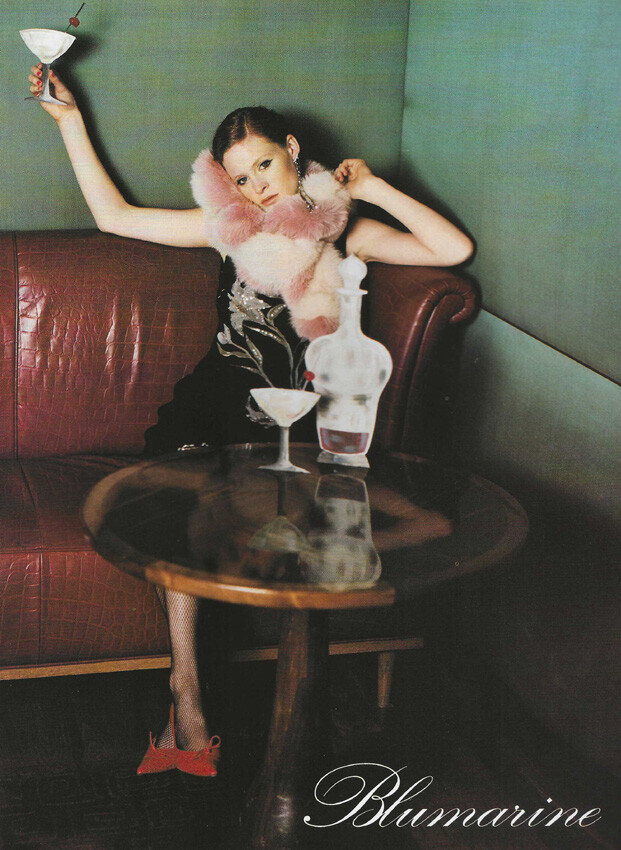
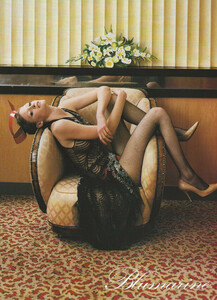
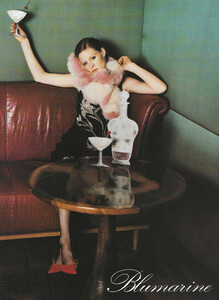
Blumarine Fall 2000 my scans
-
Thank you!
-
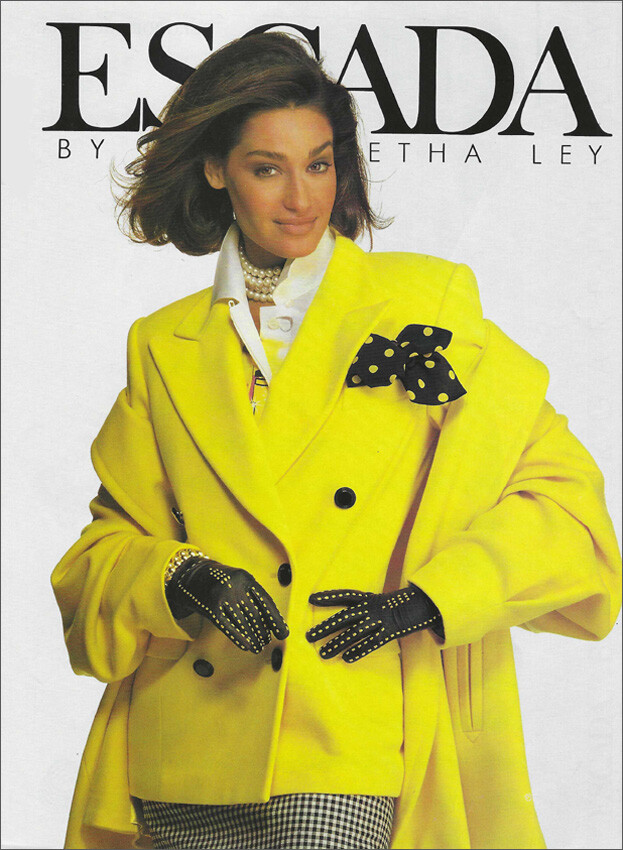
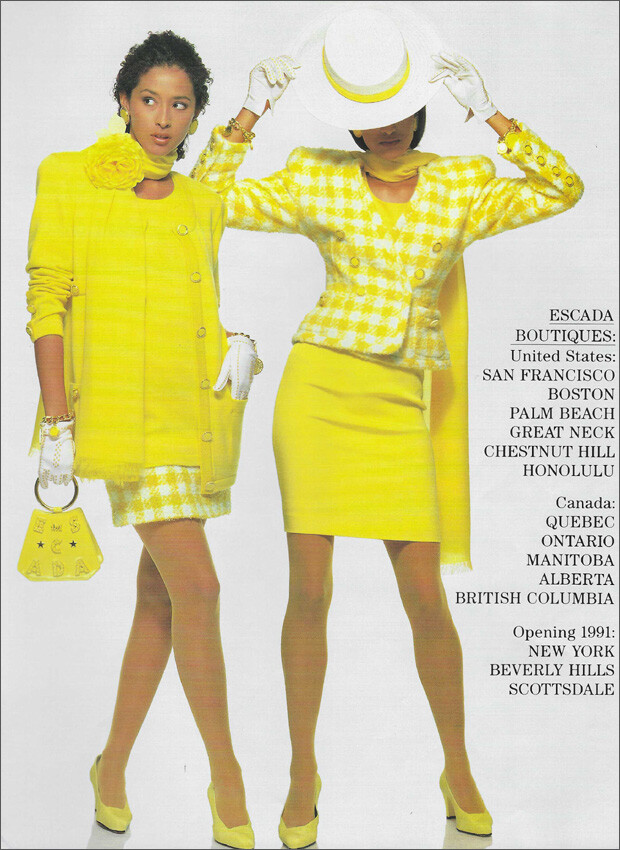
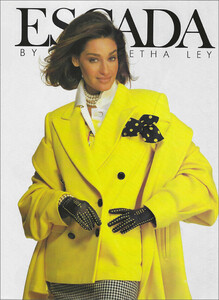
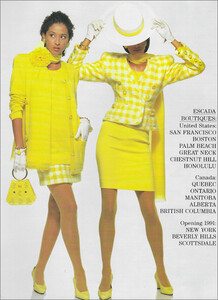
ESCADA Spring Summer 1991 (I think two different models) 1. 2. my scans TIA
-
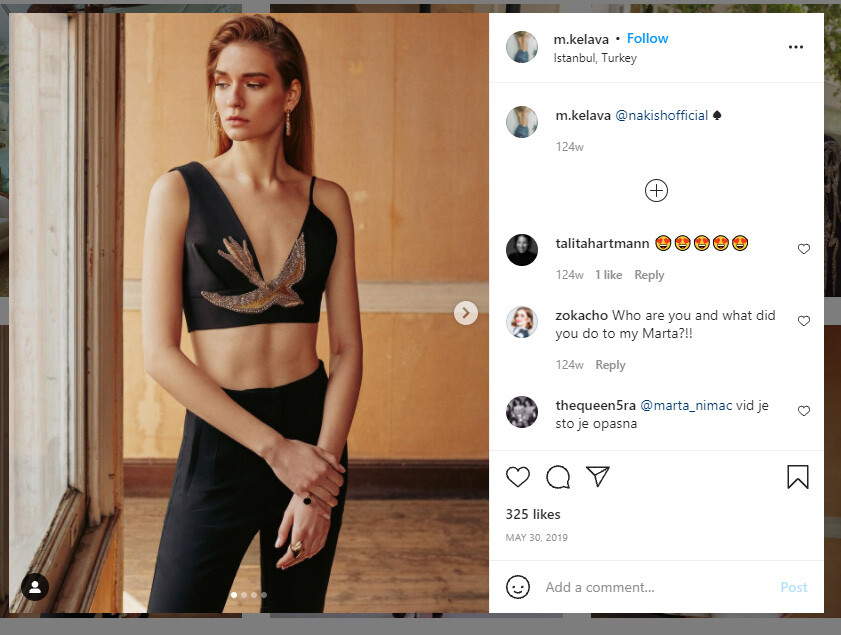
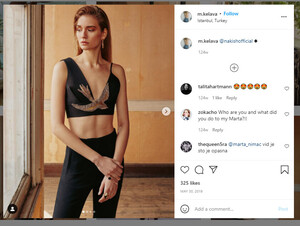
She is Marta Kelava photo from Nakish Couture 2019 collection
-
You're welcome
-
Charlotte Touya
-
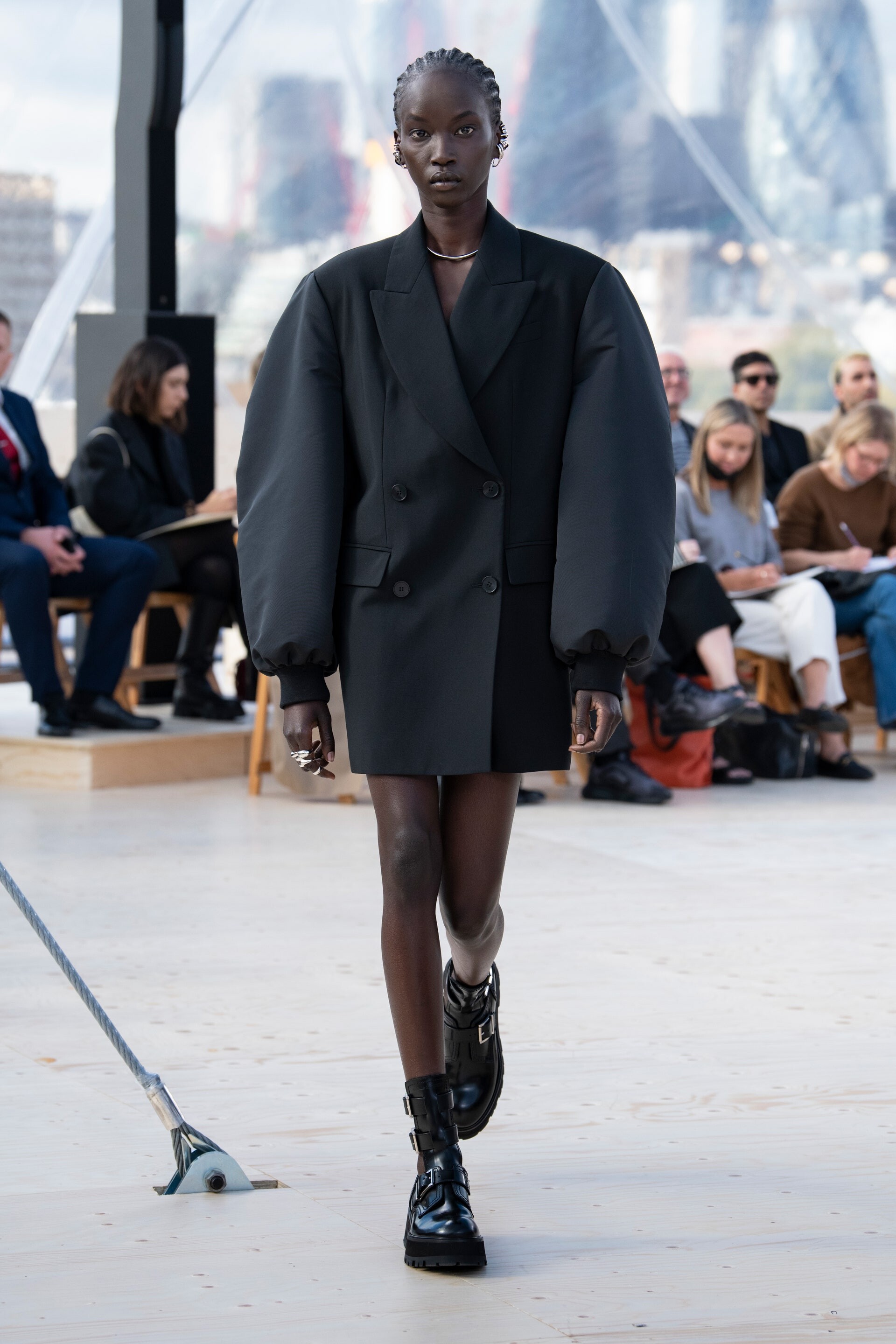
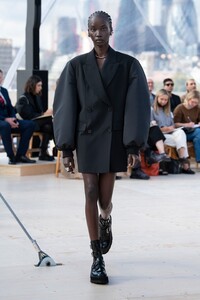
looks like Anok Yai
-
Reverse image searches say she is Renee Somerfield
-
I think she is Samantha Tannehill
-
Lieke van Leeuwen
-
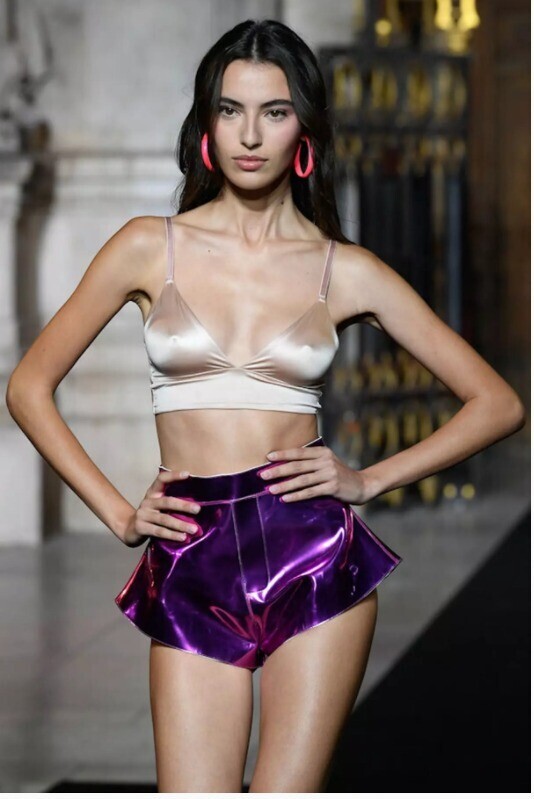
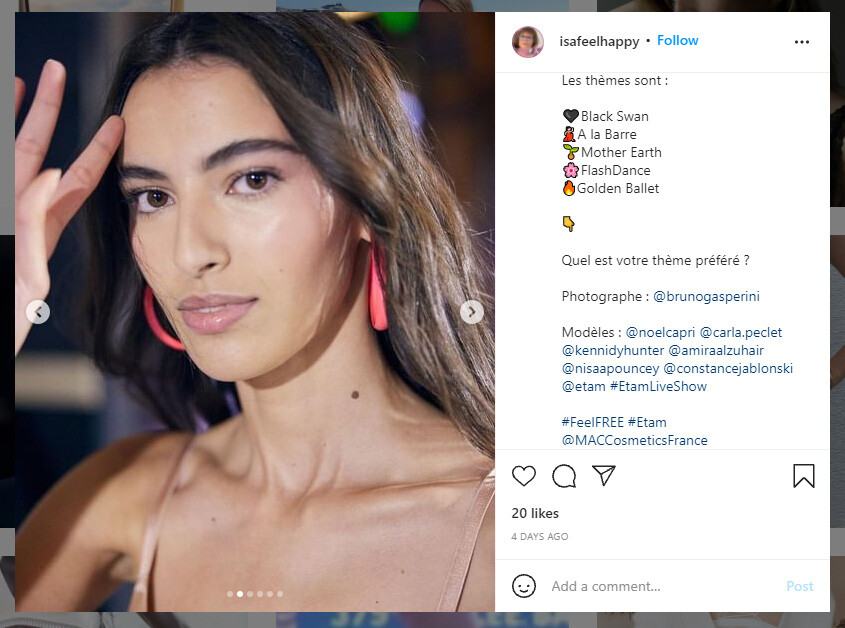
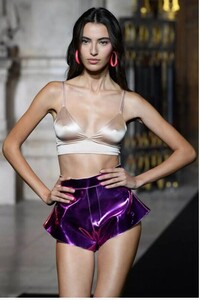
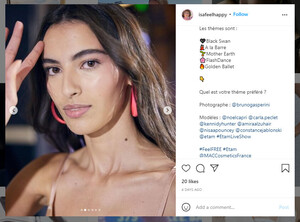
@aubadfrfan she is Amira Al Zuhair neck mole matches...
-
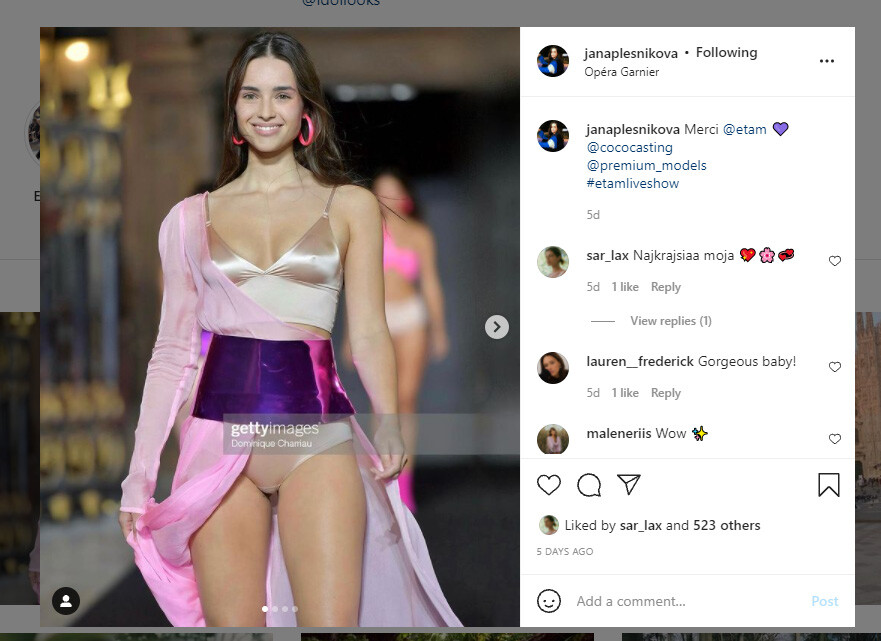
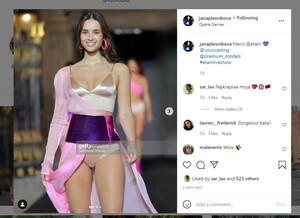
this model is Jana Plesnikova still looking for her -
-
oh, I made a mistake - you are so correct model is left photo is not Jana - model is photo on right is Jana. I will keep looking for model #3 - Instagram is being so slow today!!
-
Jamea Lynee
-
I think you are correct on both counts
-
1. Vita Mir 2. Mariangela Bonanni 3. Amira Al Zuhair 4. Jenna Peij
-
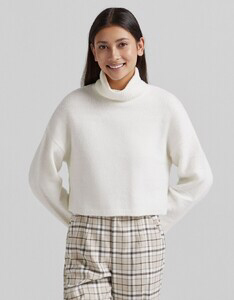
I think this model is Mardiana Van Der Wiel. Three moles/freckles on her face match. Her IG is private so I can’t verify yet.
-
I think she is Anelia Moor
-
Thank you @RocketQueen