Jump to content
View in the app

A better way to browse. Learn more.

Bellazon

A full-screen app on your home screen with push notifications, badges and more.

To install this app on iOS and iPadOS
  1. Tap the Share icon in Safari
  2. Scroll the menu and tap Add to Home Screen.
  3. Tap Add in the top-right corner.
To install this app on Android
  1. Tap the 3-dot menu (⋮) in the top-right corner of the browser.
  2. Tap Add to Home screen or Install app.
  3. Confirm by tapping Install.

kimflorida

Members
  • Joined

  • Last visited

Everything posted by kimflorida

  1. 3. Lilly-Marie Liegau 4. Julija Nydal 6. maybe, Giuliana Caramuto? 8. Antonina Vasylchenko
  2. you're welcome
  3. Valerija Sestic
  4. No problem - happens to me all the time
  5. Thank you!
  6. Thanks to @BlueAcadia for the ID
  7. Thank you! Added to her thread.
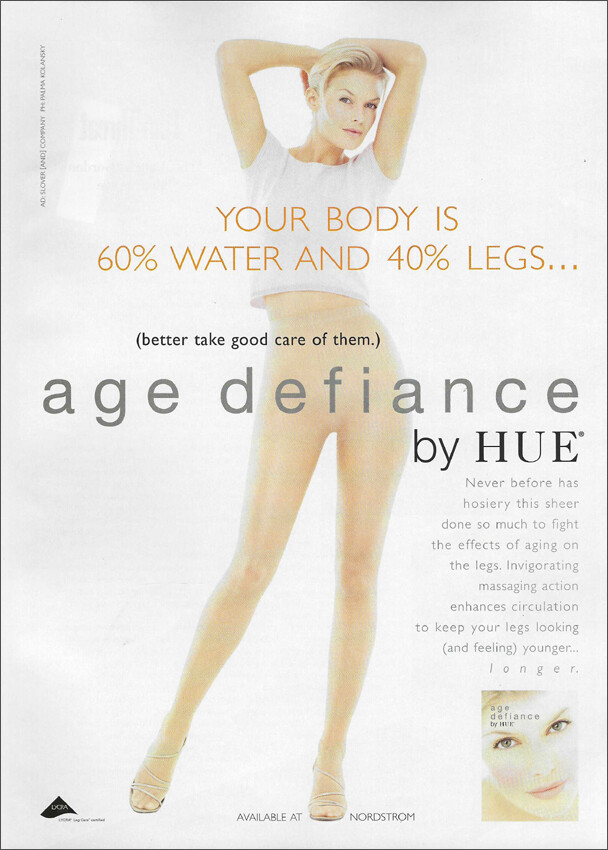
  8. HUE Hosiery 1999 my scan TIA
  9. You're welcome
  10. You're welcome
  11. 2. Alice Sabatini
  12. 5. Martine Wijman
  13. 3. Morgane Lecouet
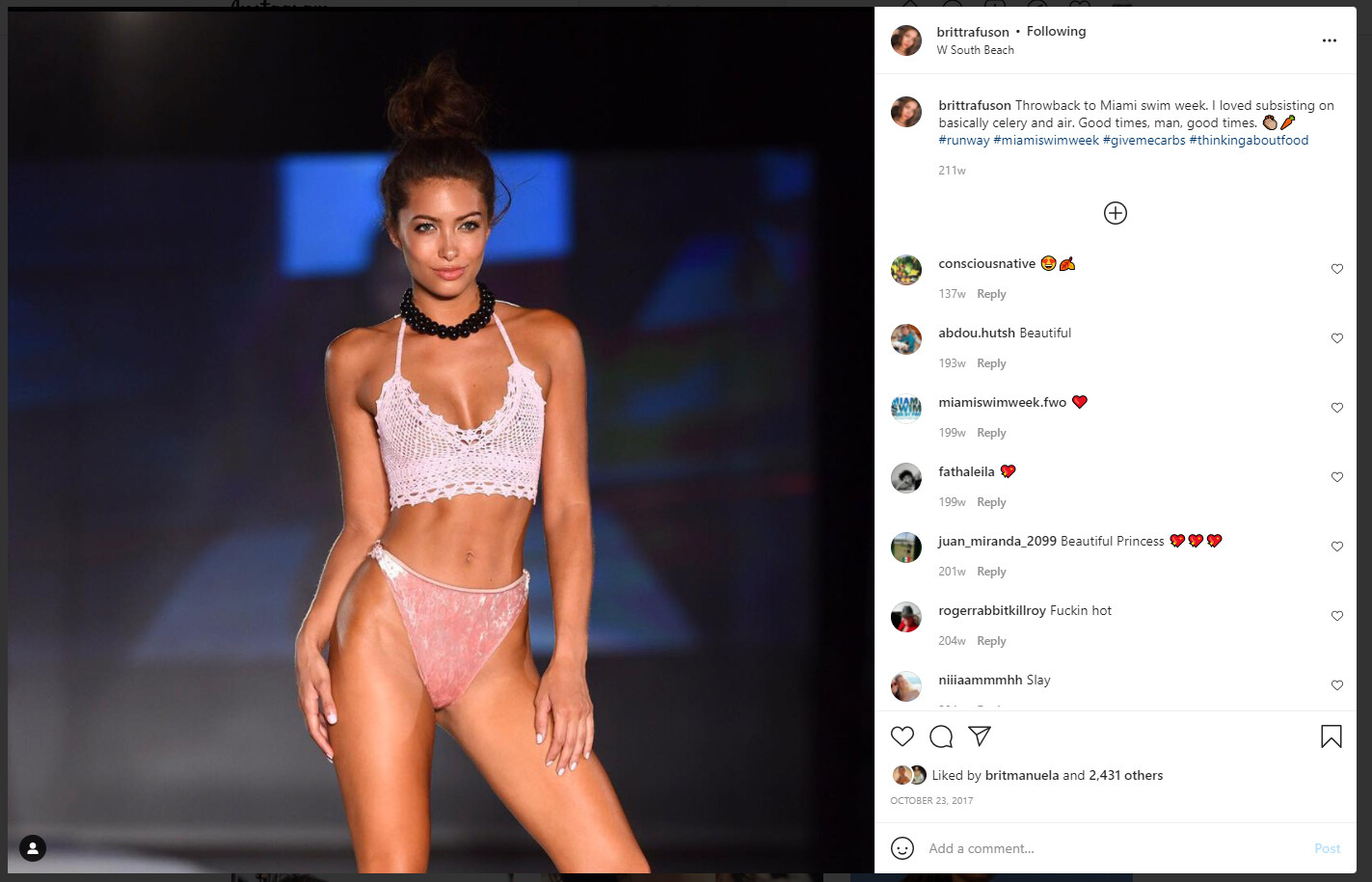
  14. Britt Rafuson Already ID'd here...
  15. You’re welcome
  16. Lindsay Vrckovnik (with her tattoos edited out)
  17. you're welcome
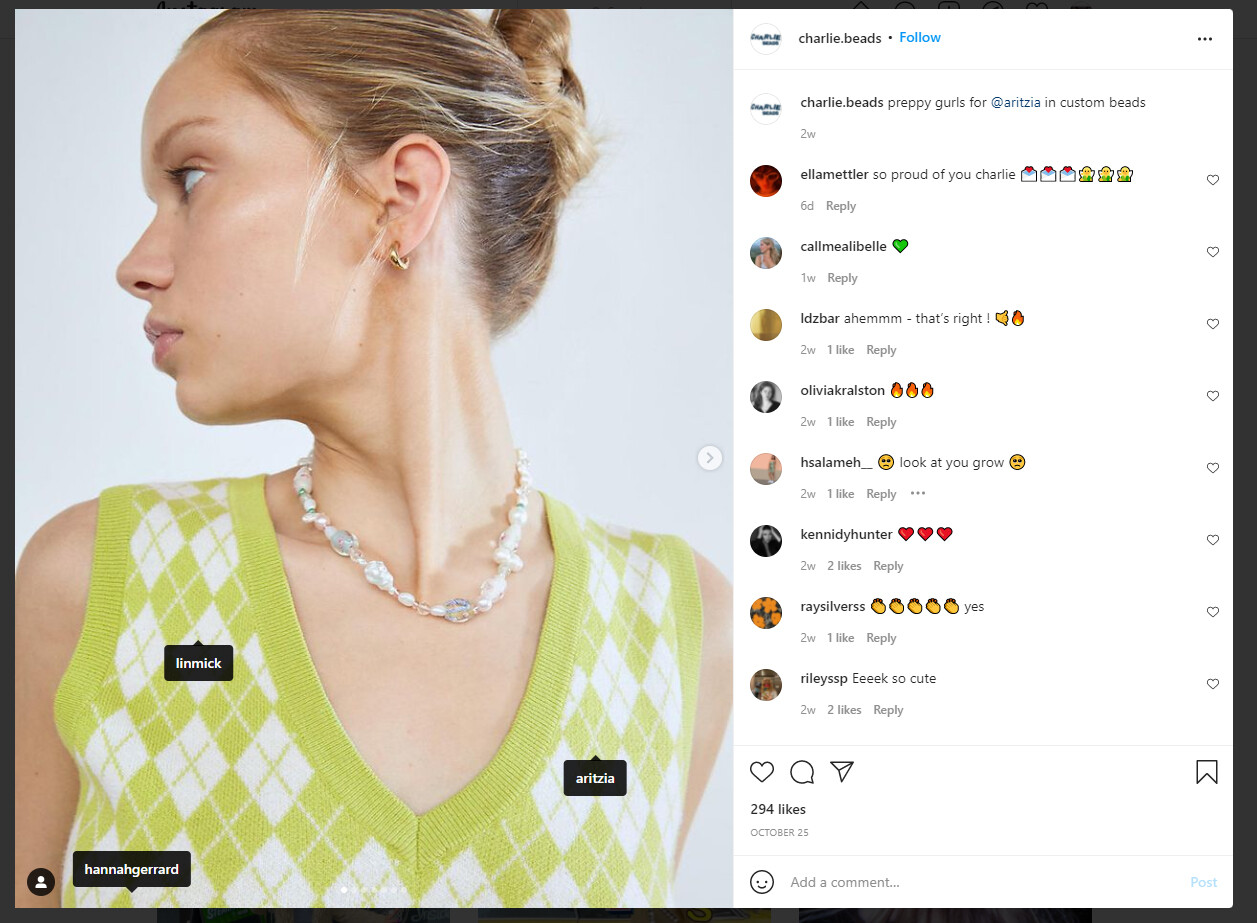
  18. This looks similar to the first Zadig photo -

  19. She has small Bellazon thread -
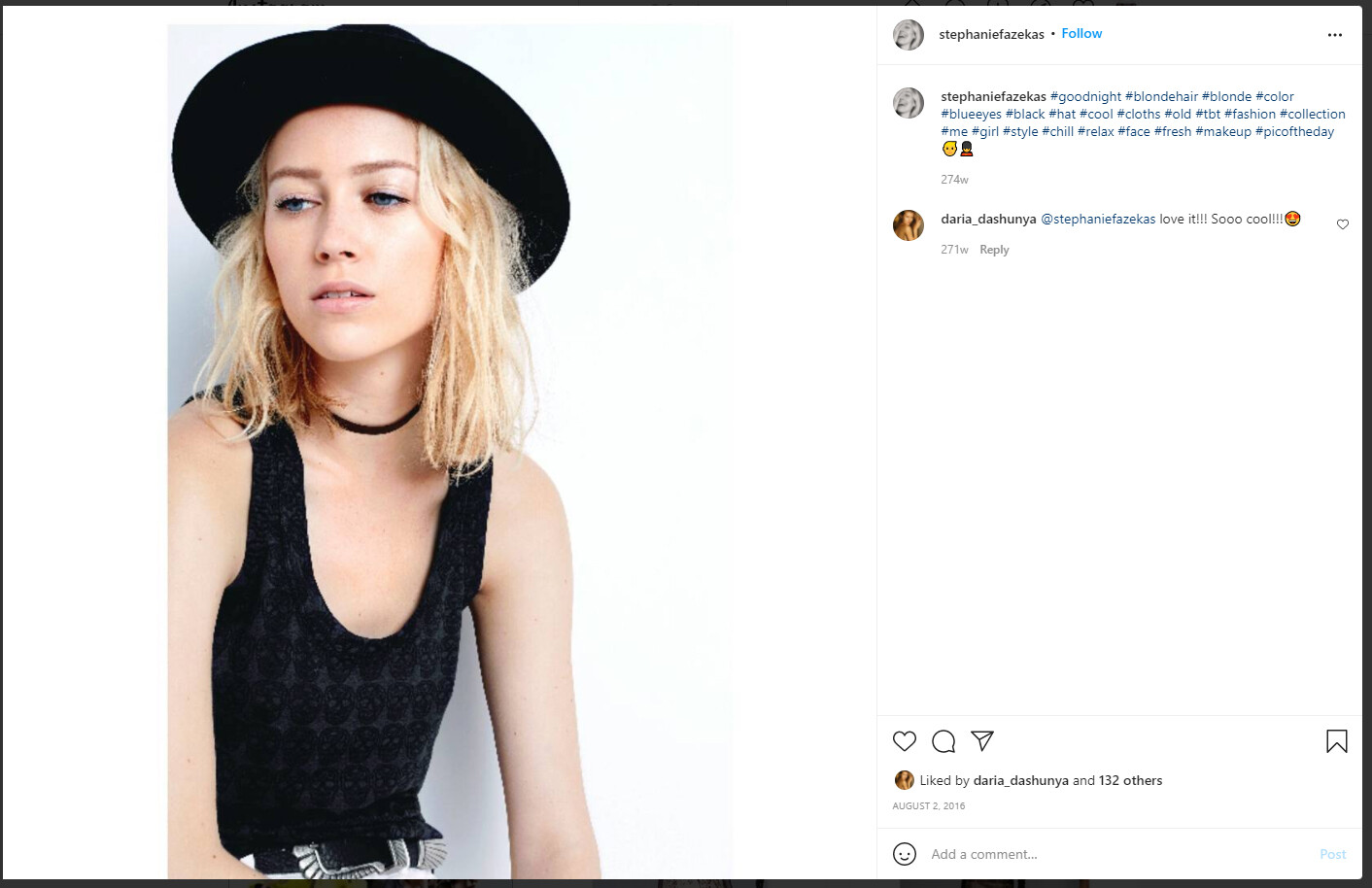
  20. looks like Stephanie Fazekas

Account

Navigation

Search

Configure browser push notifications

Chrome (Android)
  1. Tap the lock icon next to the address bar.
  2. Tap Permissions → Notifications.
  3. Adjust your preference.
Chrome (Desktop)
  1. Click the padlock icon in the address bar.
  2. Select Site settings.
  3. Find Notifications and adjust your preference.