Jump to content
View in the app

A better way to browse. Learn more.

Bellazon

A full-screen app on your home screen with push notifications, badges and more.

To install this app on iOS and iPadOS
  1. Tap the Share icon in Safari
  2. Scroll the menu and tap Add to Home Screen.
  3. Tap Add in the top-right corner.
To install this app on Android
  1. Tap the 3-dot menu (⋮) in the top-right corner of the browser.
  2. Tap Add to Home screen or Install app.
  3. Confirm by tapping Install.

kimflorida

Members
  • Joined

  • Last visited

Everything posted by kimflorida

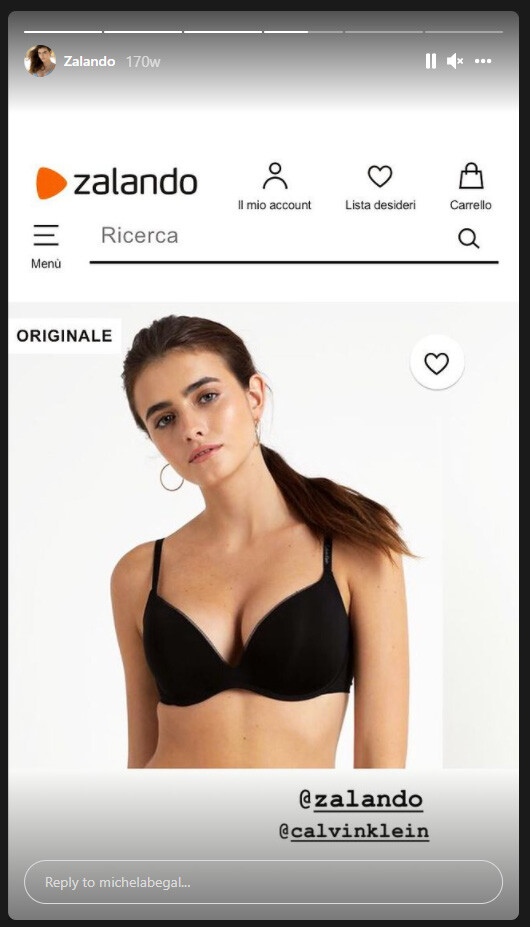
  1. Yes, it's her. Photos were taken a few years back for Zalando e-commerce...
  2. looks like Michela Begal are these old photos?
  3. Katie Kugis - she does lots of swimwear work
  4. you're welcome
  5. Thank you!
  6. Thank you!
  7. Ah, of course. I always get confused when I see her as a blonde. Thank you!
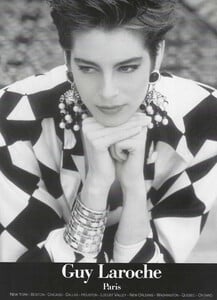
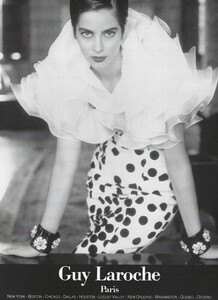
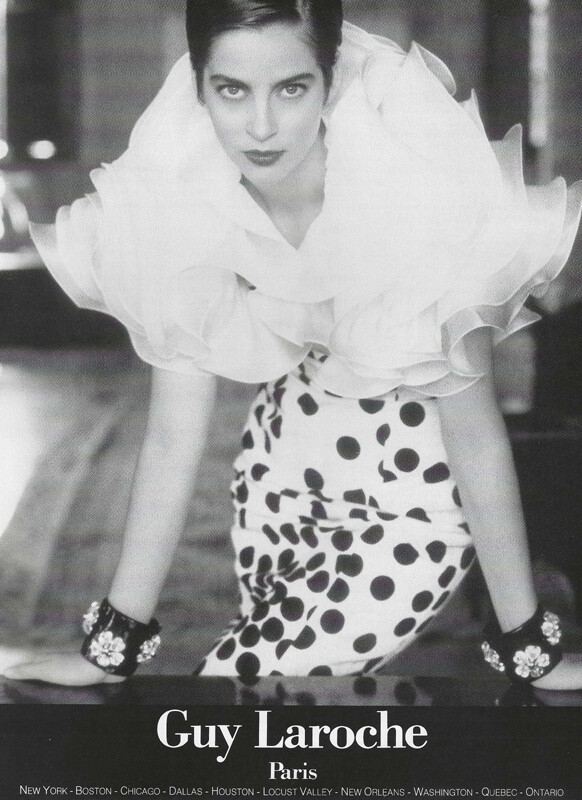
  8. Guy Laroche Spring 1991 my scans TIA
  9. Gianfranco Ferre Fall 1997 my scan TIA

  10. model on right is Shannan Click
  11. Thank you!
  12. Thank you!!
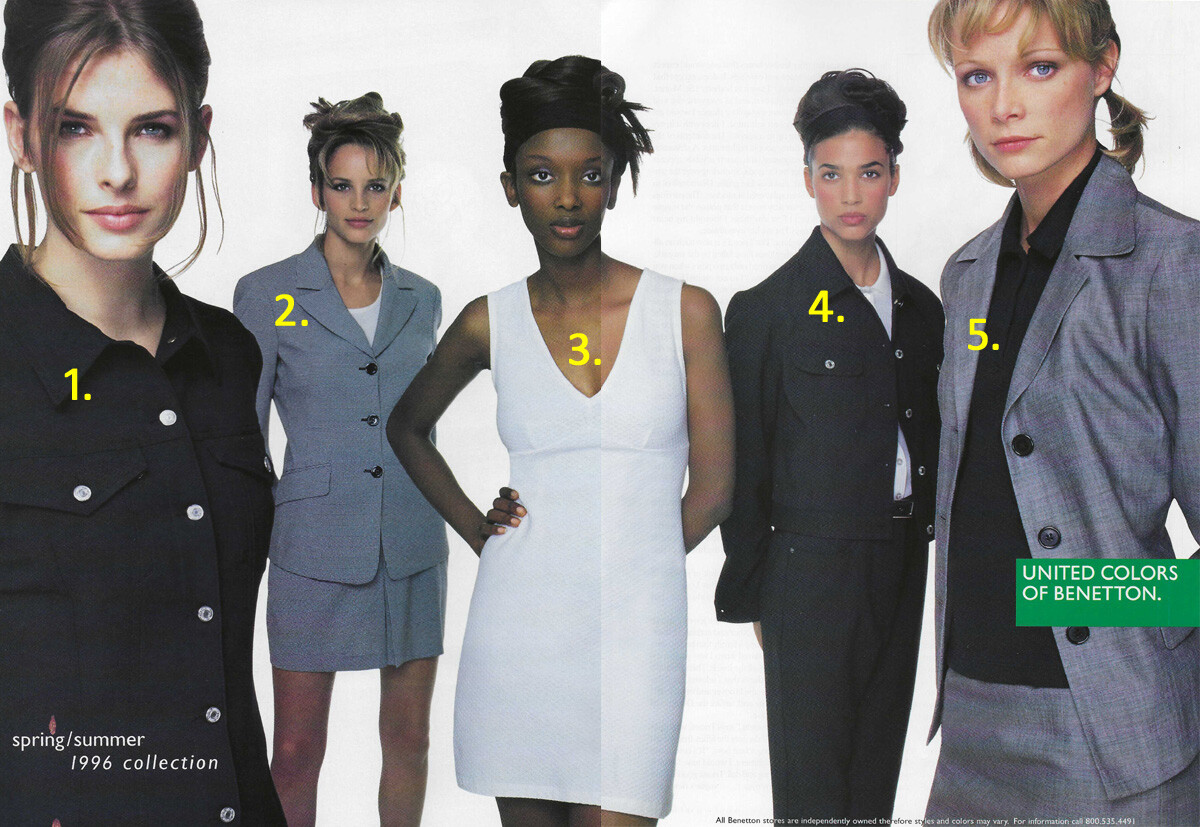
  13. United Colors of Benetton Spring Summer 1996 my scan TIA
  14. Ooh... I didn't even think of her. Thank you!
  15. 1. I think she is Galya Danilova
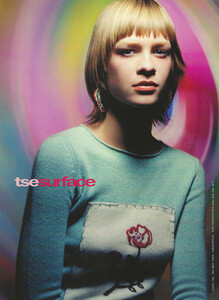
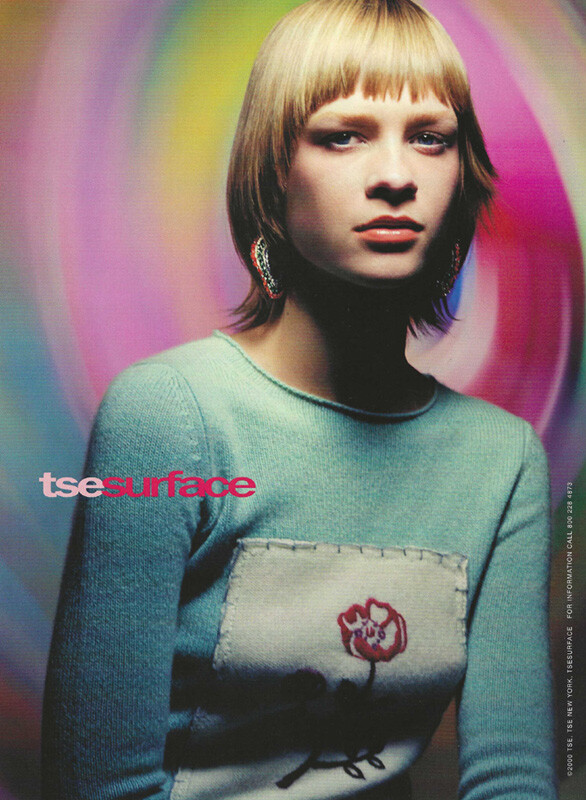
  16. TSE Surface Fall 2000 my scan TIA
  17. 1. 2. Andrielly Costa 3. Juliana Azevedo
  18. You're welcome
  19. You're welcome

Account

Navigation

Search

Configure browser push notifications

Chrome (Android)
  1. Tap the lock icon next to the address bar.
  2. Tap Permissions → Notifications.
  3. Adjust your preference.
Chrome (Desktop)
  1. Click the padlock icon in the address bar.
  2. Select Site settings.
  3. Find Notifications and adjust your preference.