

Dayrell
Members
-
Joined
-
Last visited
Everything posted by Dayrell
-
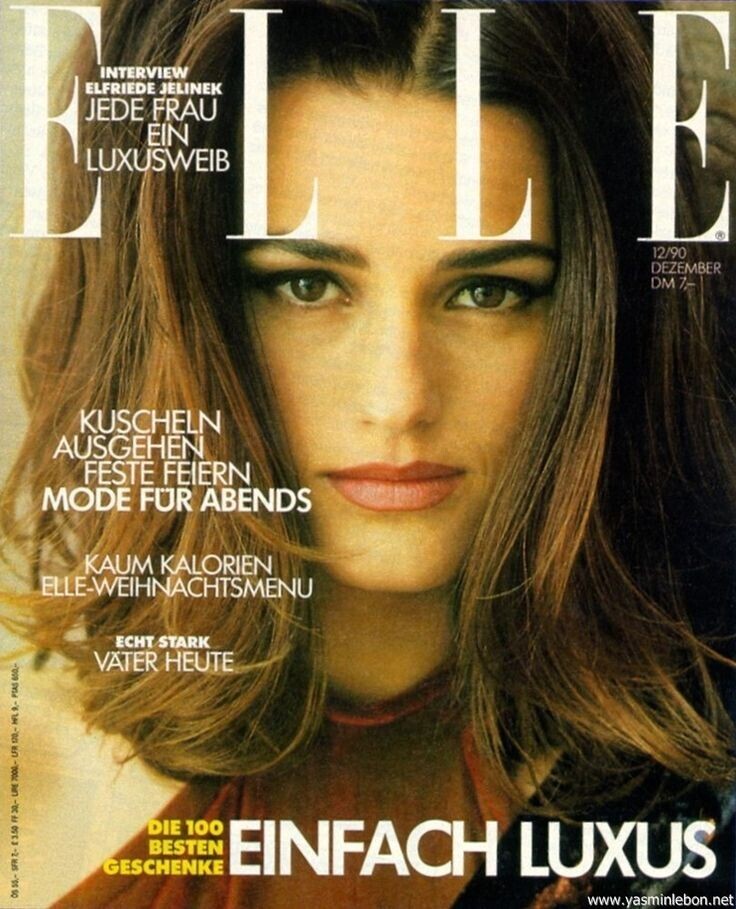
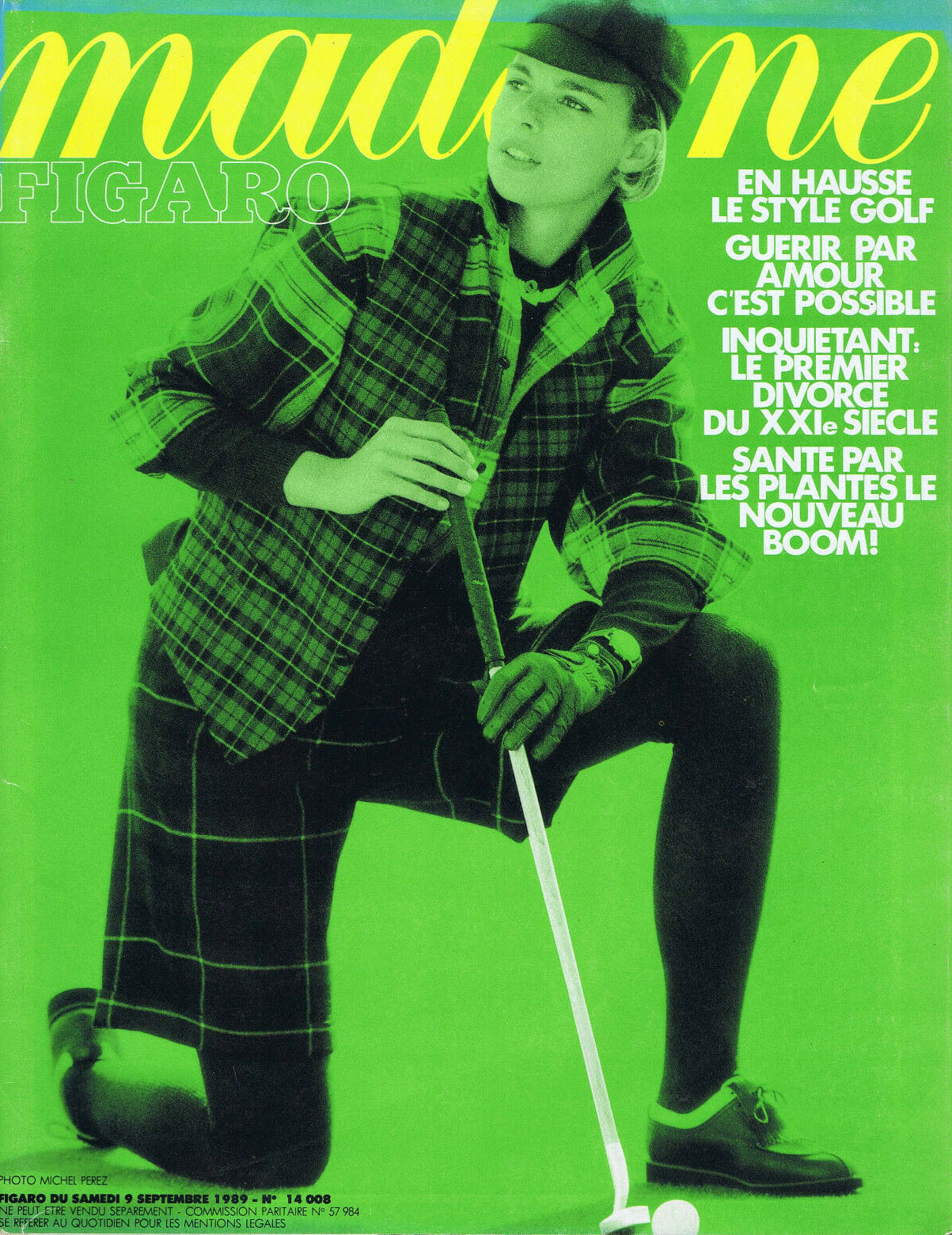
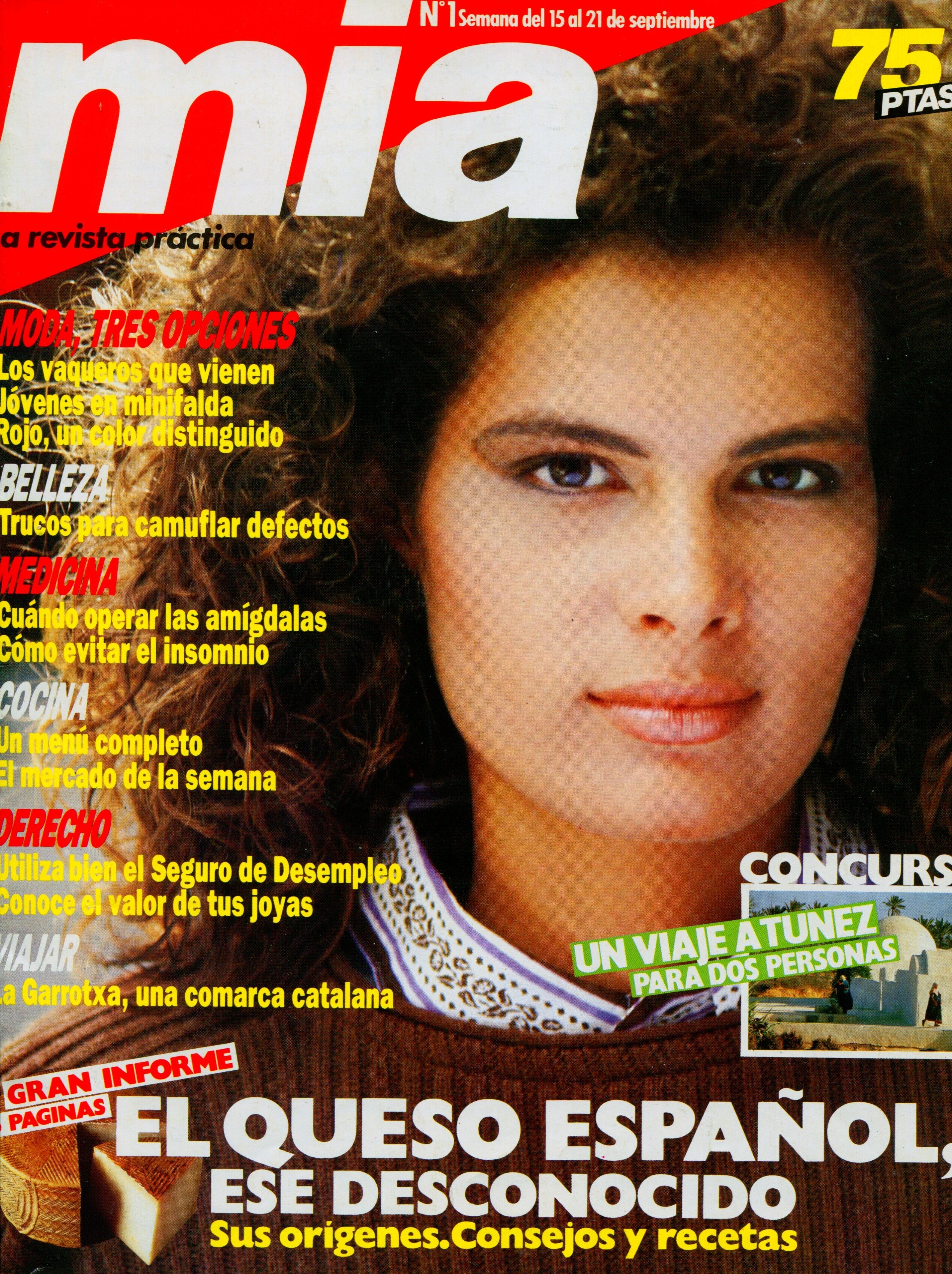
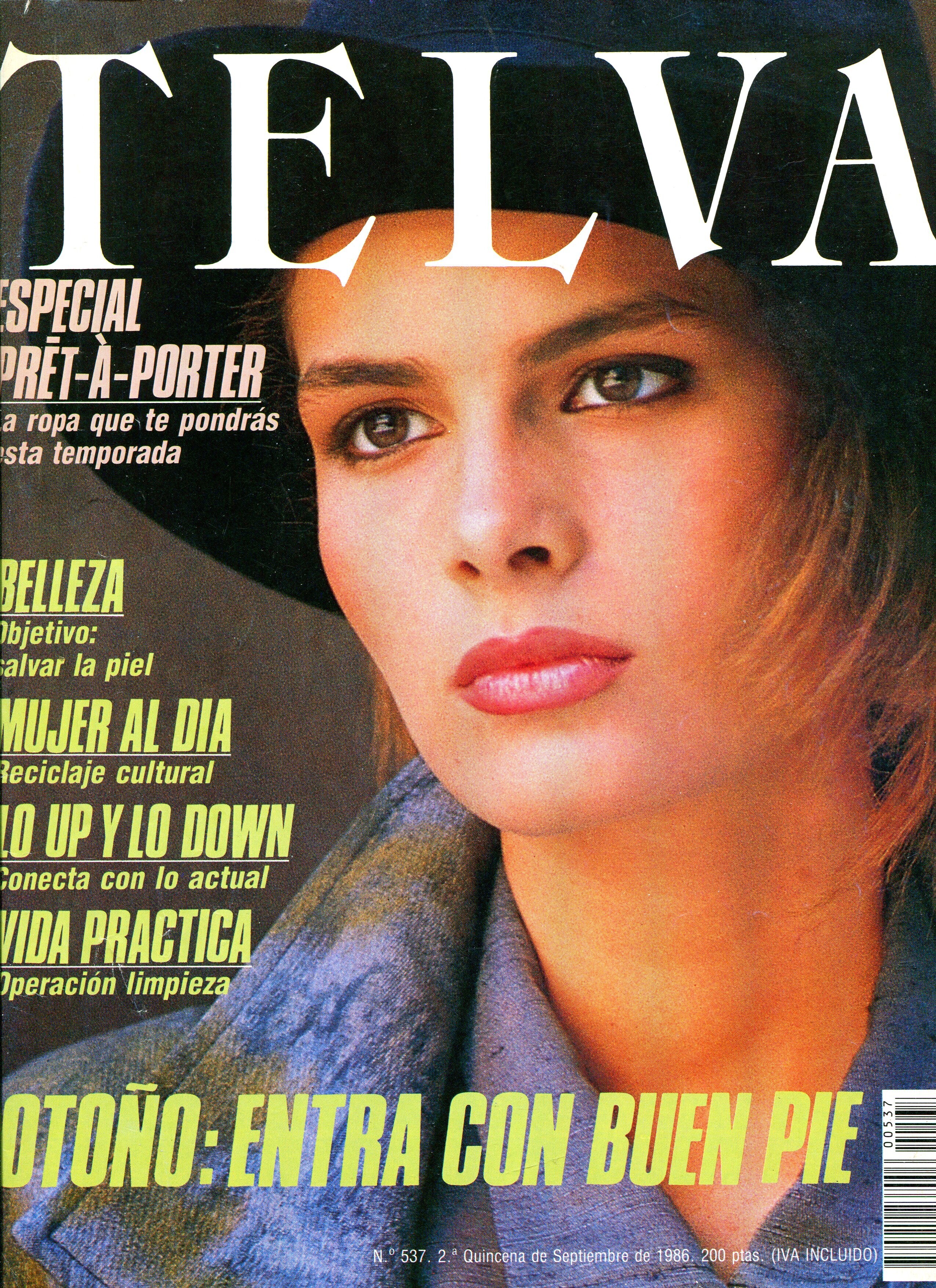
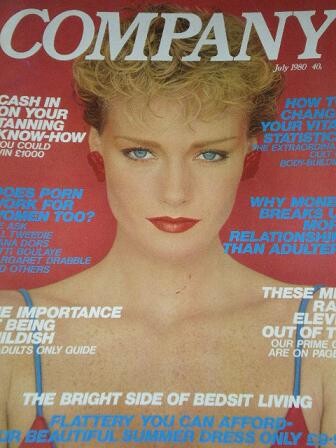
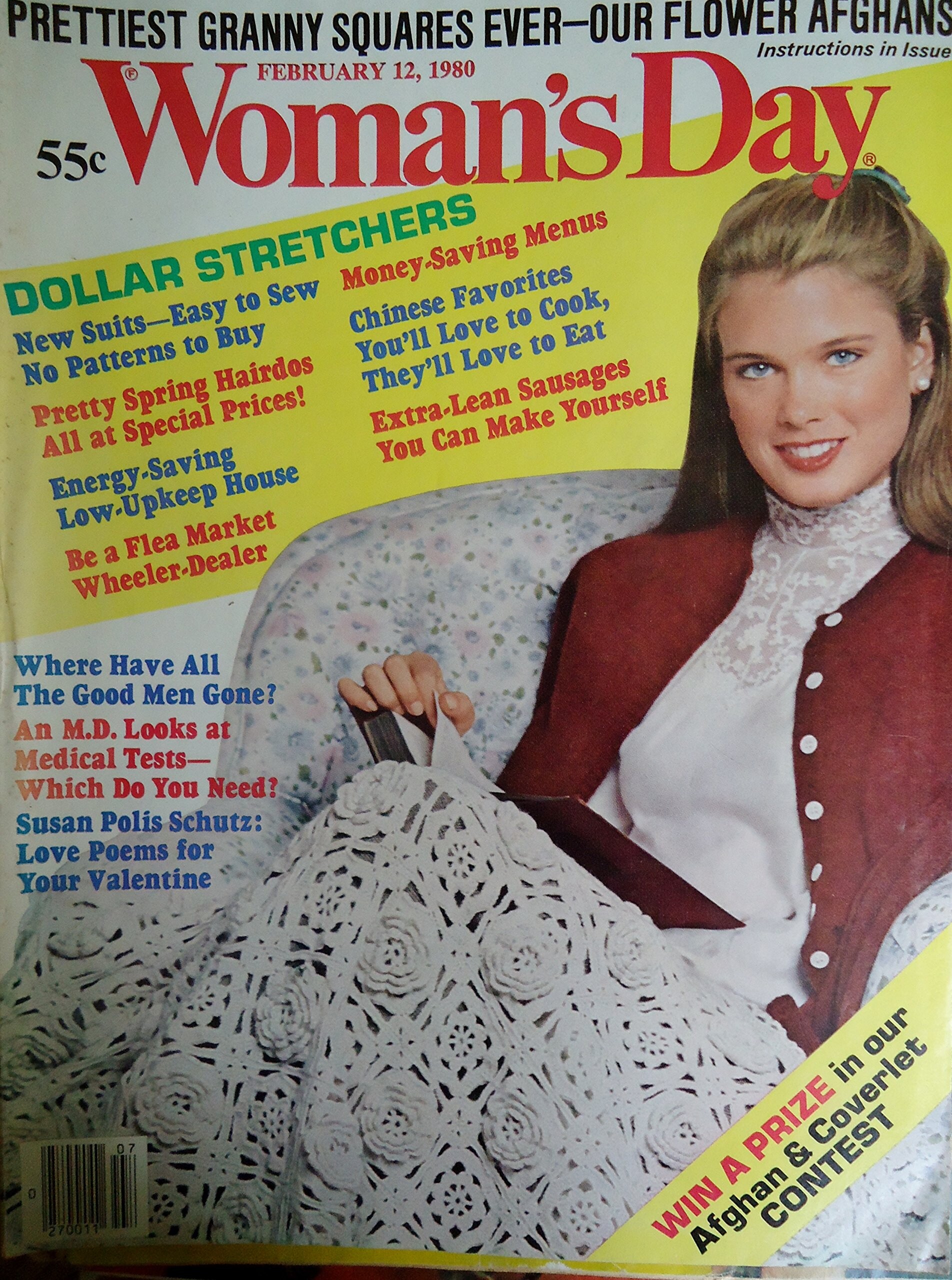
 beautiful cover, thanks @missparker7
 -
better

-
I think the scans are from @Chirkomania

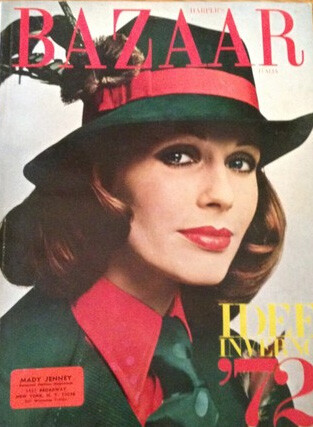
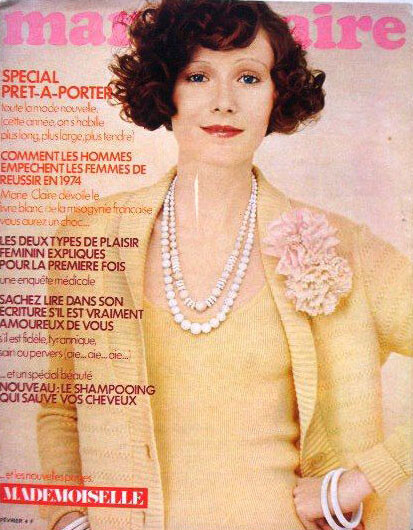
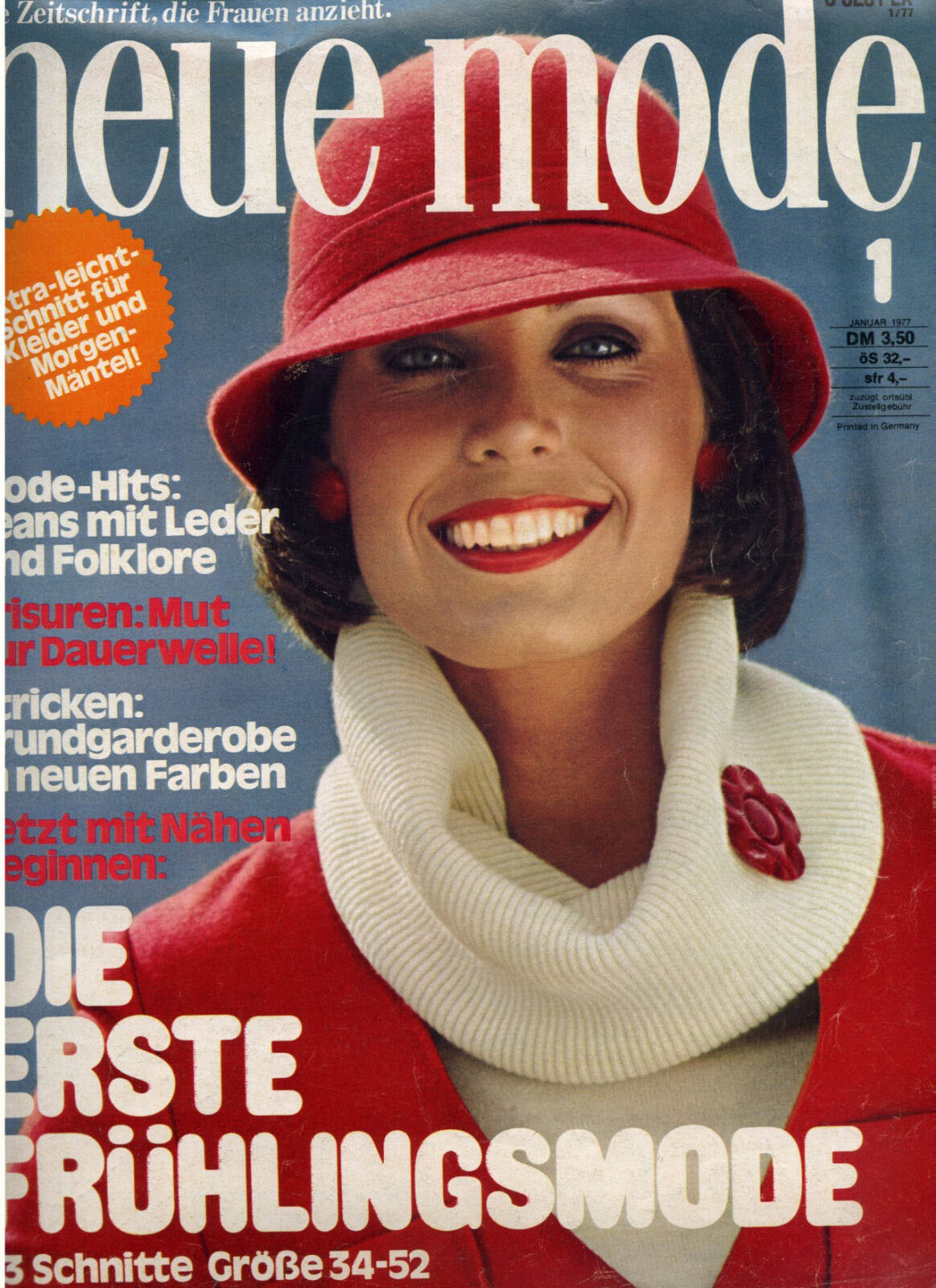
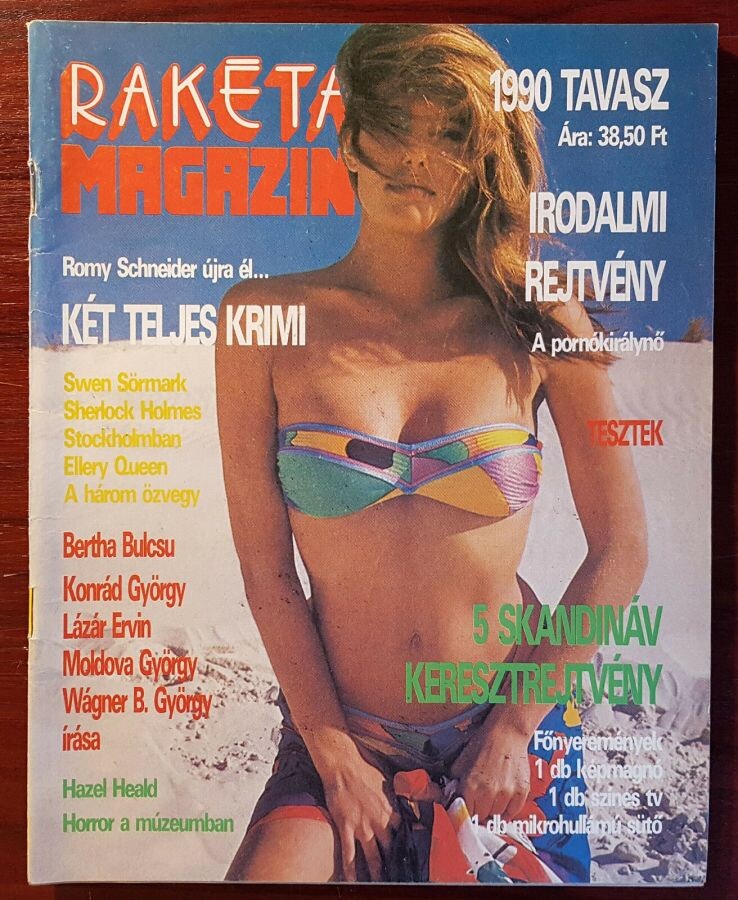
 Now, I know who is her. Her full name is Gudrun Bjarnadottir, she is from Iceland, she was crowned Miss International in 1963 and becames a model before.






 By the way, some time ago I asked about a girl named Gudrun, because I have a lot of covers of her. Do you remember guys?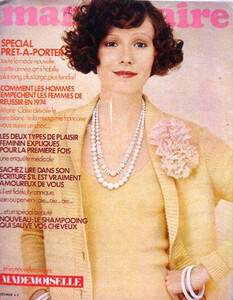



 Wow, amazing. Thanks a lot for this person! It´s another mistery solved
It´s Renee, guys?
Wow, amazing. Thanks a lot for this person! It´s another mistery solved
It´s Renee, guys? Capricho magazine, Brasil
 Grazia, Italia, 93
 Vogue Gioiello, Italia, 2003
 Movie News, Singapore
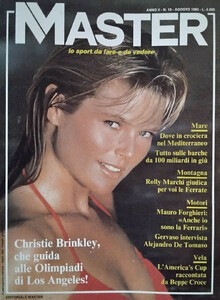
 Master, USA
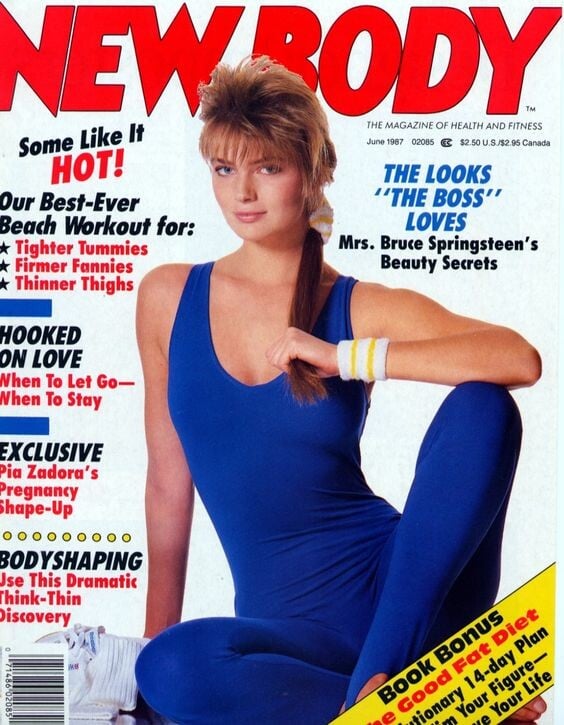
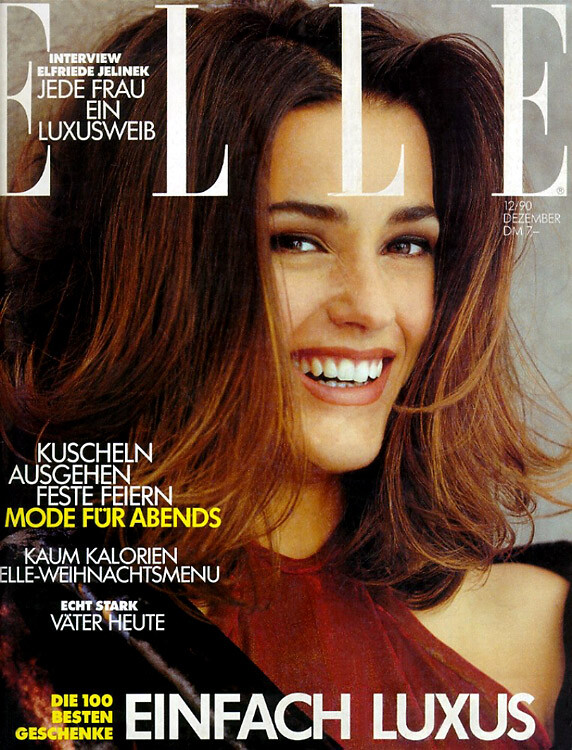
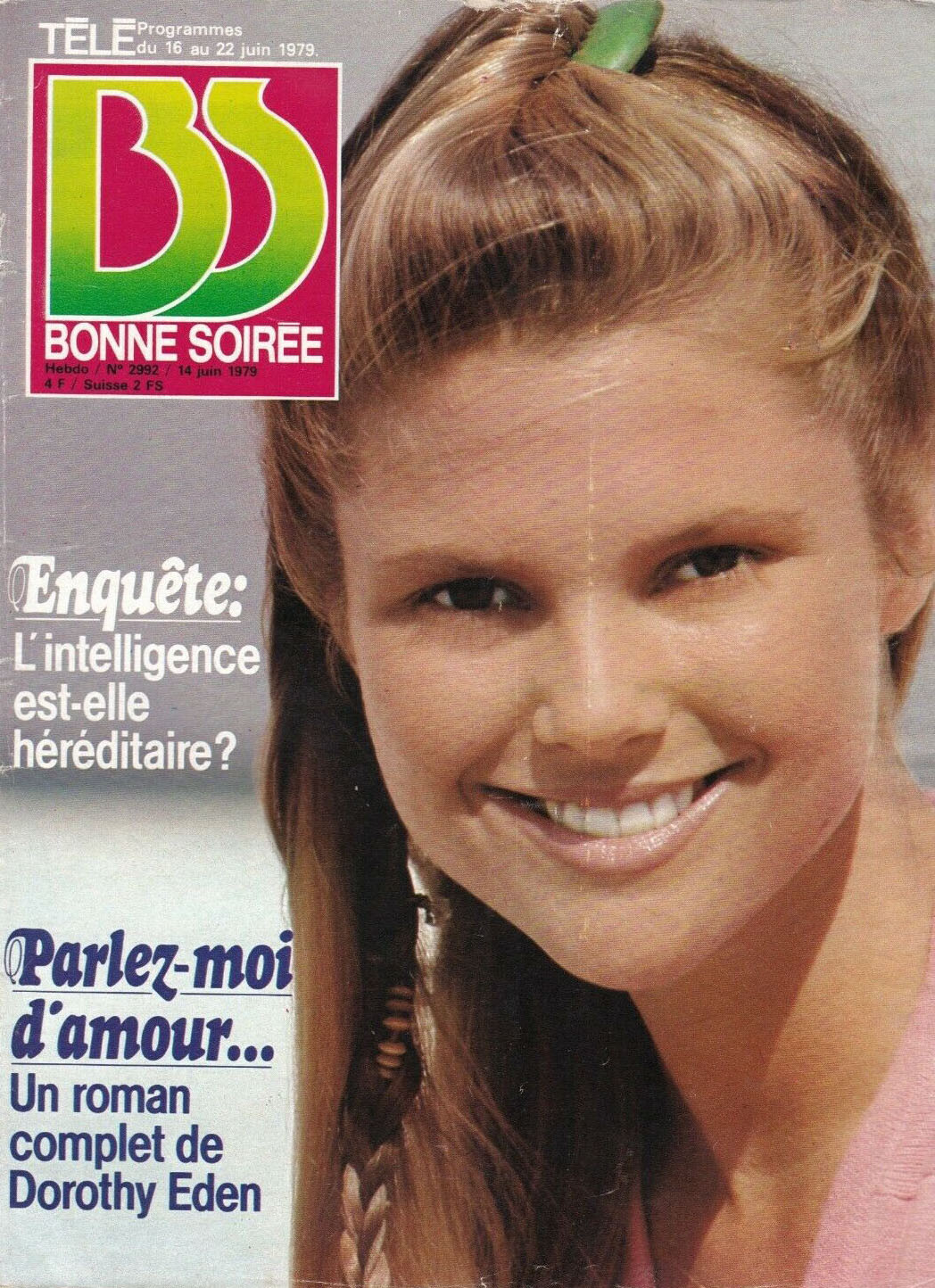
 Bonne Soiree, France
























Account
Navigation
Search
Configure browser push notifications
Chrome (Android)
- Tap the lock icon next to the address bar.
- Tap Permissions → Notifications.
- Adjust your preference.
Chrome (Desktop)
- Click the padlock icon in the address bar.
- Select Site settings.
- Find Notifications and adjust your preference.
Safari (iOS 16.4+)
- Ensure the site is installed via Add to Home Screen.
- Open Settings App → Notifications.
- Find your app name and adjust your preference.
Safari (macOS)
- Go to Safari → Preferences.
- Click the Websites tab.
- Select Notifications in the sidebar.
- Find this website and adjust your preference.
Edge (Android)
- Tap the lock icon next to the address bar.
- Tap Permissions.
- Find Notifications and adjust your preference.
Edge (Desktop)
- Click the padlock icon in the address bar.
- Click Permissions for this site.
- Find Notifications and adjust your preference.
Firefox (Android)
- Go to Settings → Site permissions.
- Tap Notifications.
- Find this site in the list and adjust your preference.
Firefox (Desktop)
- Open Firefox Settings.
- Search for Notifications.
- Find this site in the list and adjust your preference.