

Dayrell
Members
-
Joined
-
Last visited
Everything posted by Dayrell
-
 new italian Grazia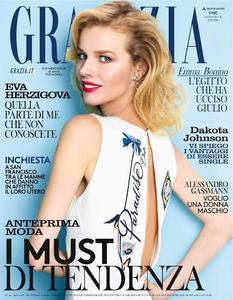
-
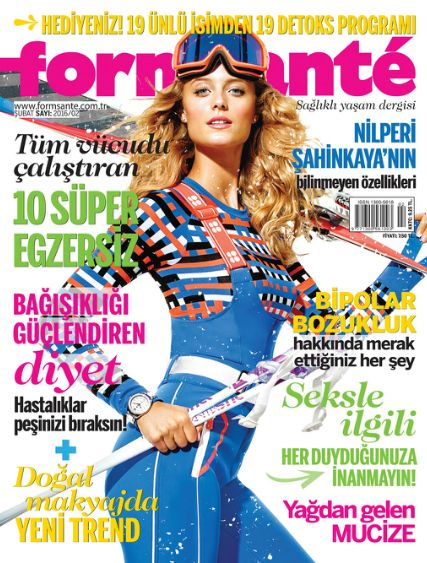
Form Sante, Turkey
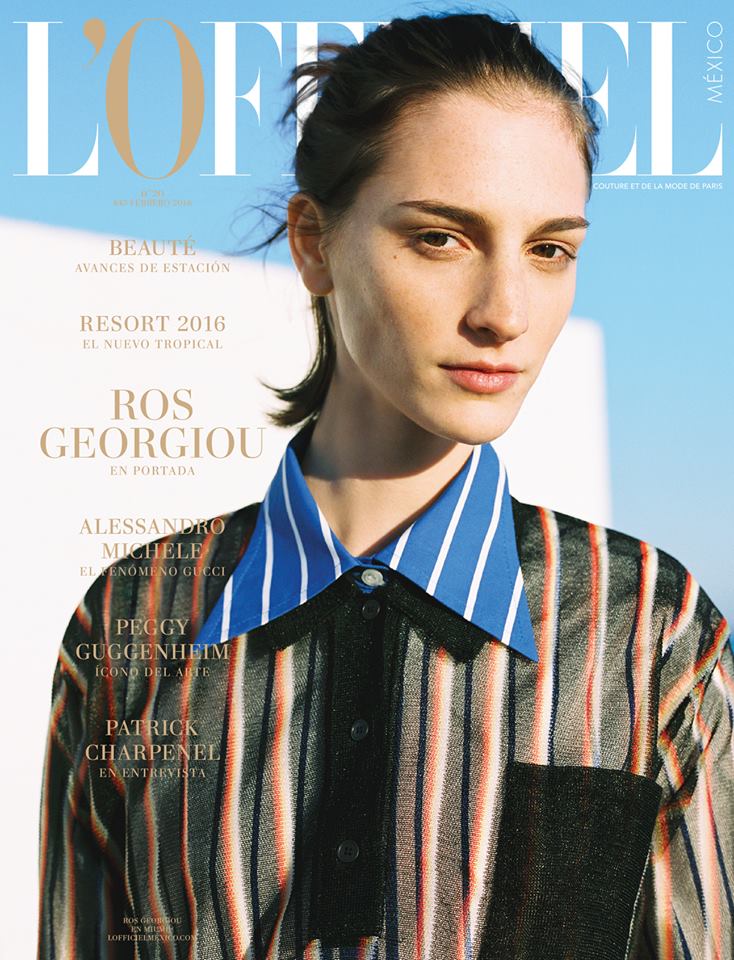
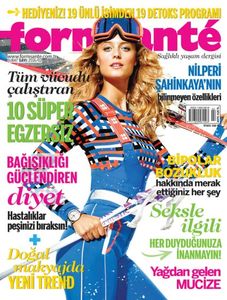 L'Officiel Mexico
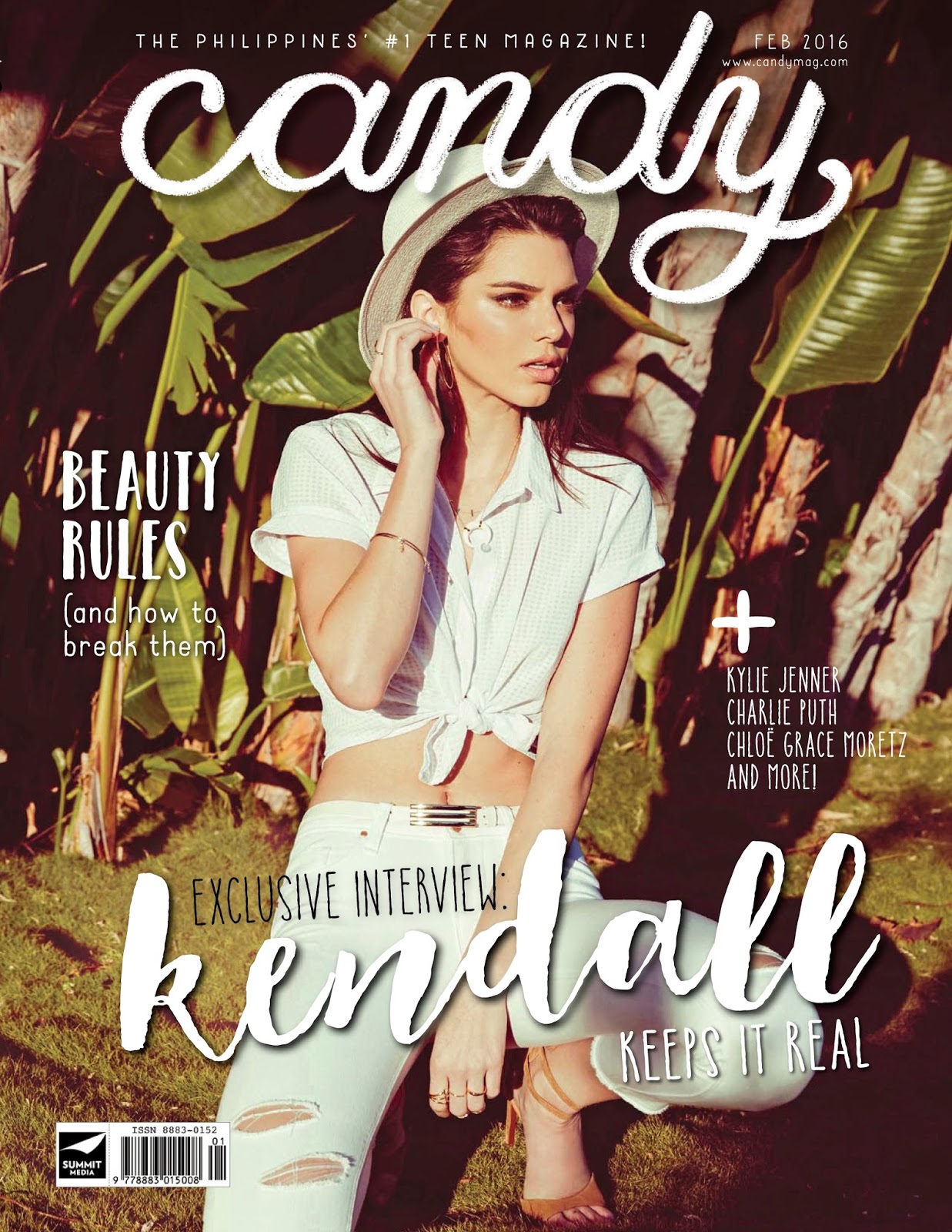
 candy, Philippines
 Entrevue, France
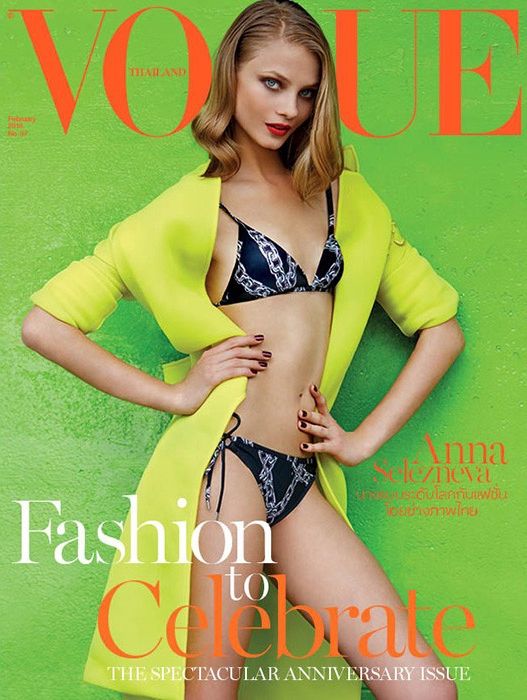
 More two covers in Vogue Thailand
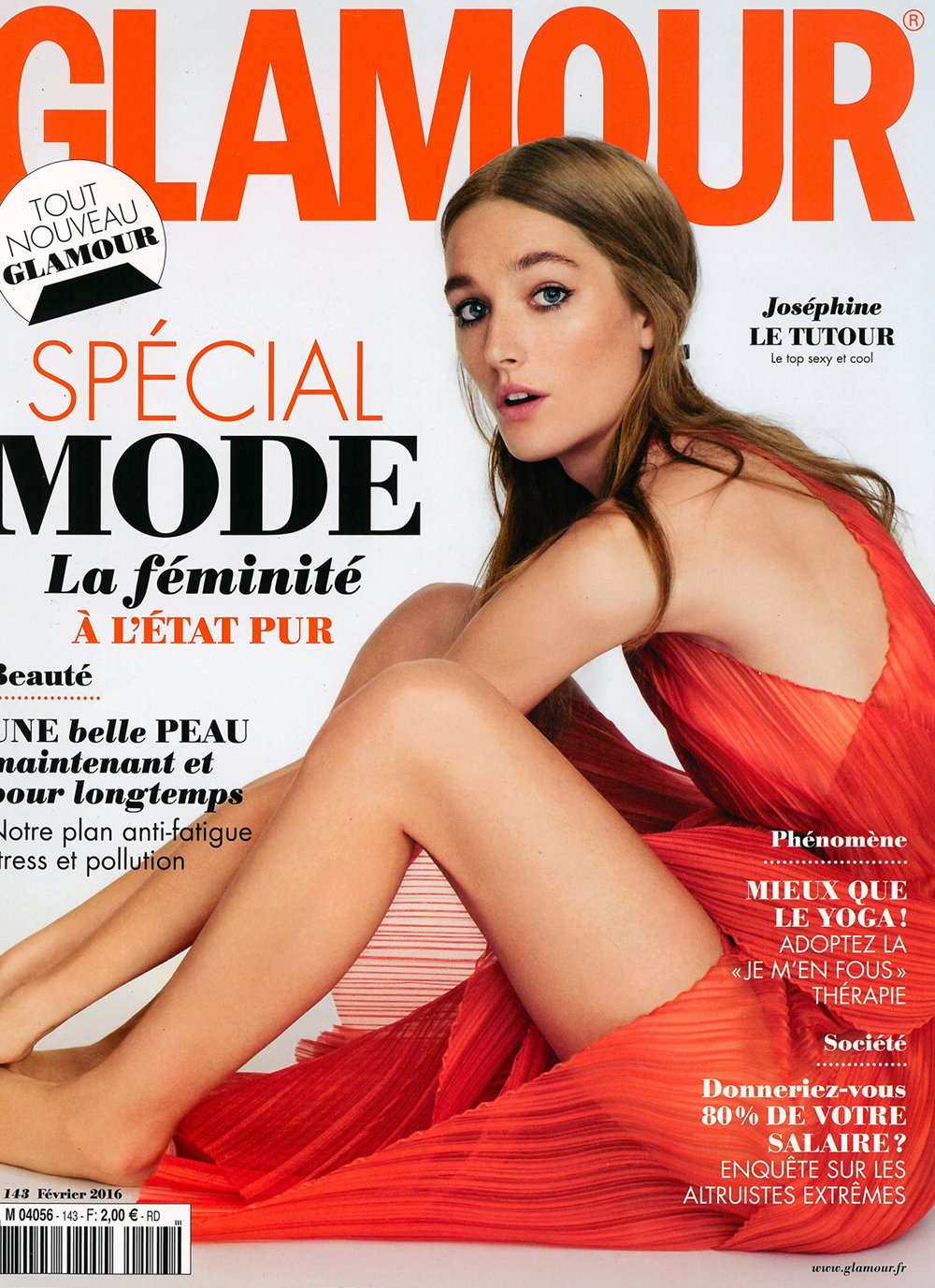
 french Glamour
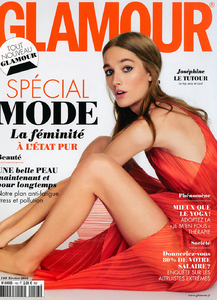 The covers of this magazine are amazing Brazilian, thanks for post. I only saw one before, with Patricia Hartmann.
Wow, the KK covers are so rare. Thanks Miss!
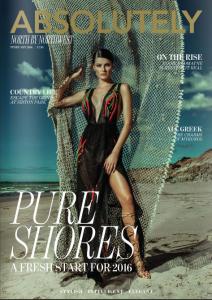
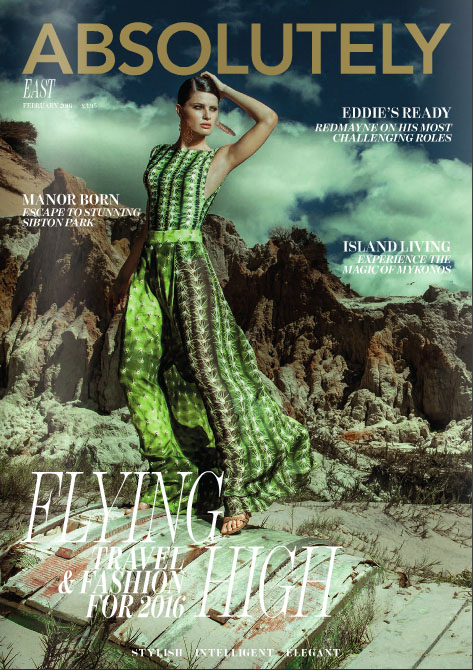
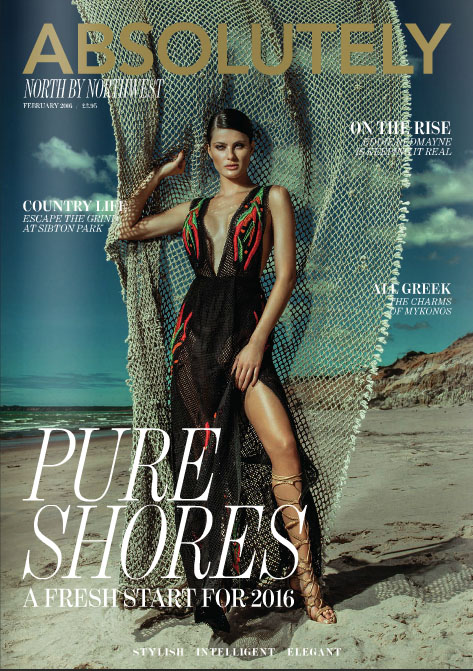
more two Absolutely covers
The covers of this magazine are amazing Brazilian, thanks for post. I only saw one before, with Patricia Hartmann.
Wow, the KK covers are so rare. Thanks Miss!
more two Absolutely covers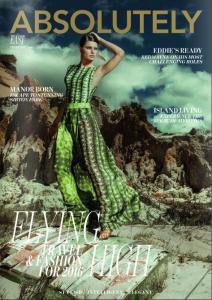
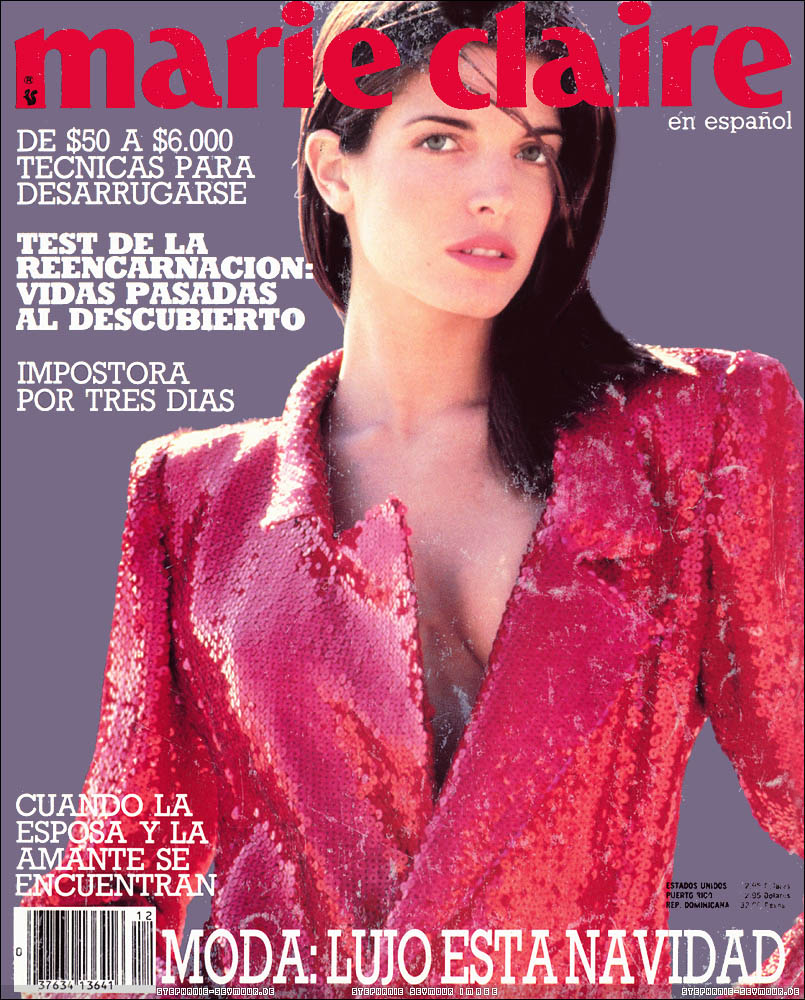
 Media Marketing, Poland
 Great, never saw, thanks Sanja!
Better image
Great, never saw, thanks Sanja!
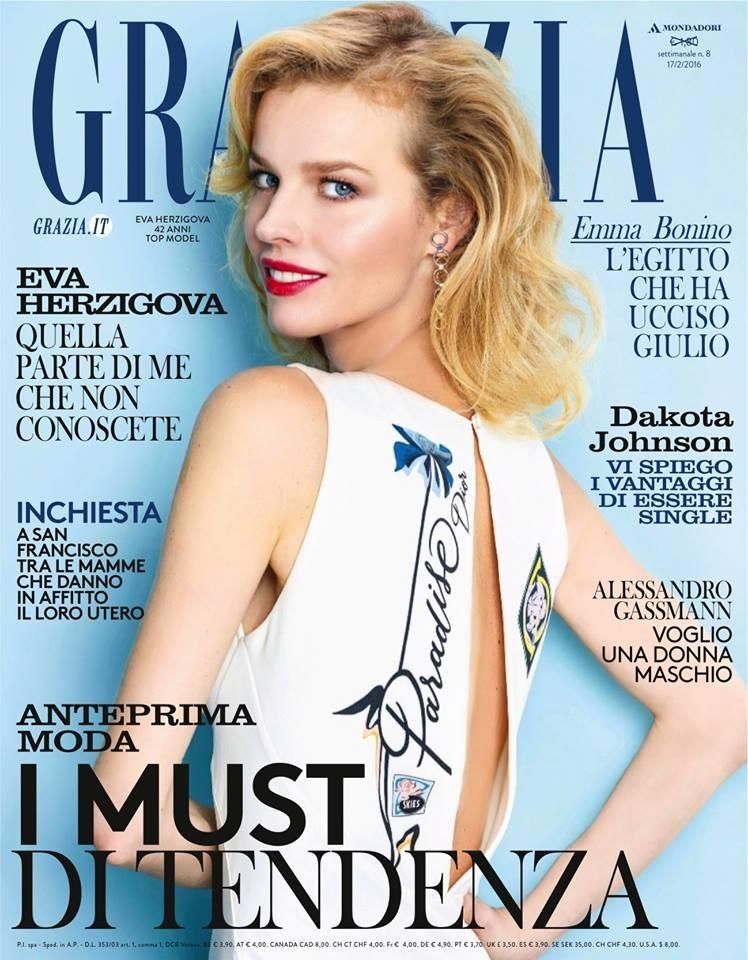
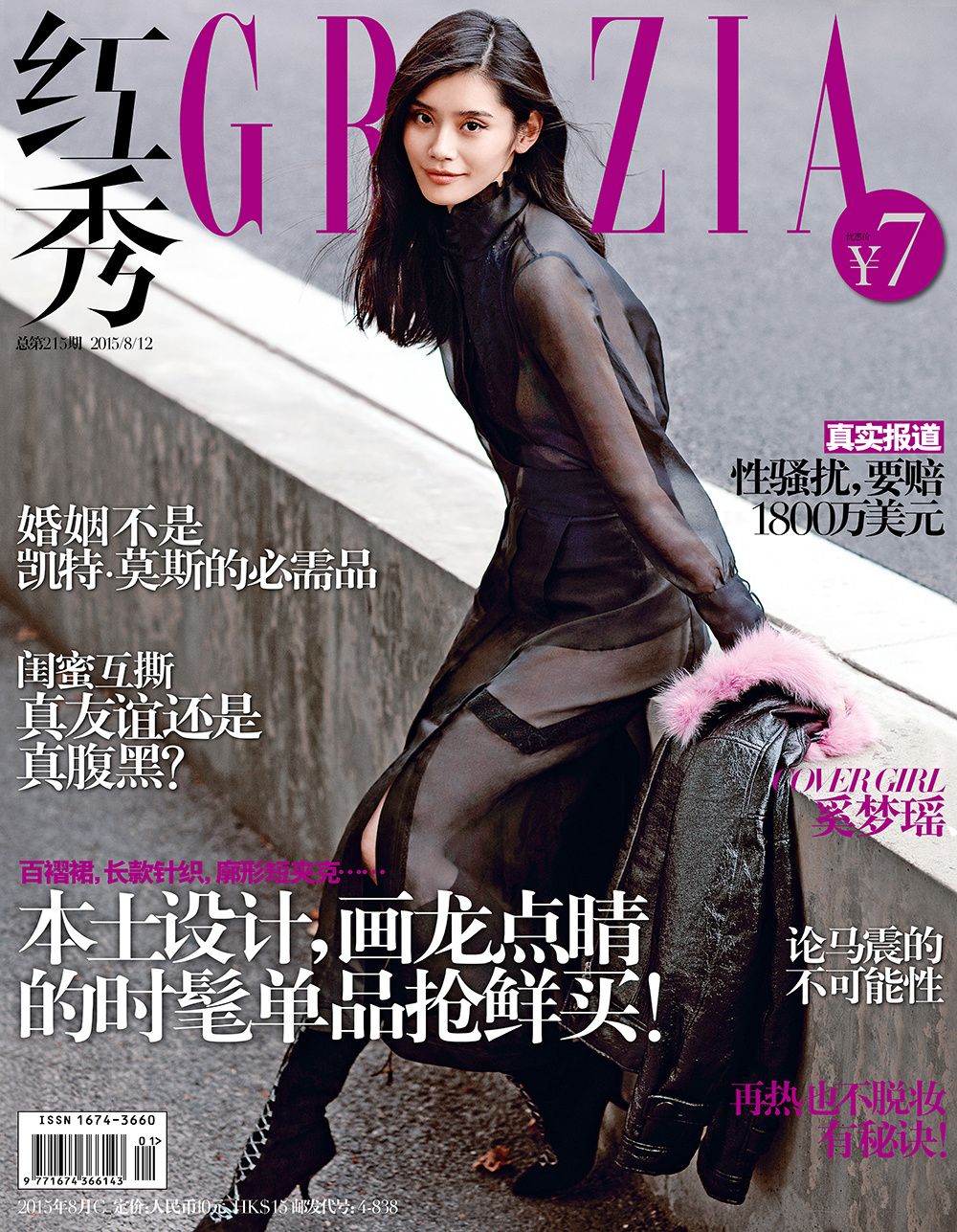
Better image new french Grazia








Account
Navigation
Search
Configure browser push notifications
Chrome (Android)
- Tap the lock icon next to the address bar.
- Tap Permissions → Notifications.
- Adjust your preference.
Chrome (Desktop)
- Click the padlock icon in the address bar.
- Select Site settings.
- Find Notifications and adjust your preference.
Safari (iOS 16.4+)
- Ensure the site is installed via Add to Home Screen.
- Open Settings App → Notifications.
- Find your app name and adjust your preference.
Safari (macOS)
- Go to Safari → Preferences.
- Click the Websites tab.
- Select Notifications in the sidebar.
- Find this website and adjust your preference.
Edge (Android)
- Tap the lock icon next to the address bar.
- Tap Permissions.
- Find Notifications and adjust your preference.
Edge (Desktop)
- Click the padlock icon in the address bar.
- Click Permissions for this site.
- Find Notifications and adjust your preference.
Firefox (Android)
- Go to Settings → Site permissions.
- Tap Notifications.
- Find this site in the list and adjust your preference.
Firefox (Desktop)
- Open Firefox Settings.
- Search for Notifications.
- Find this site in the list and adjust your preference.