

Dayrell
Members
-
Joined
-
Last visited
Everything posted by Dayrell
-

-
-
-
-
-
Thanks Le Gator!
Absolutely magazines

 The Marie France cover is beautiful, thanks!
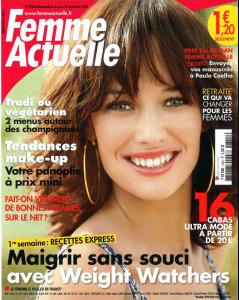
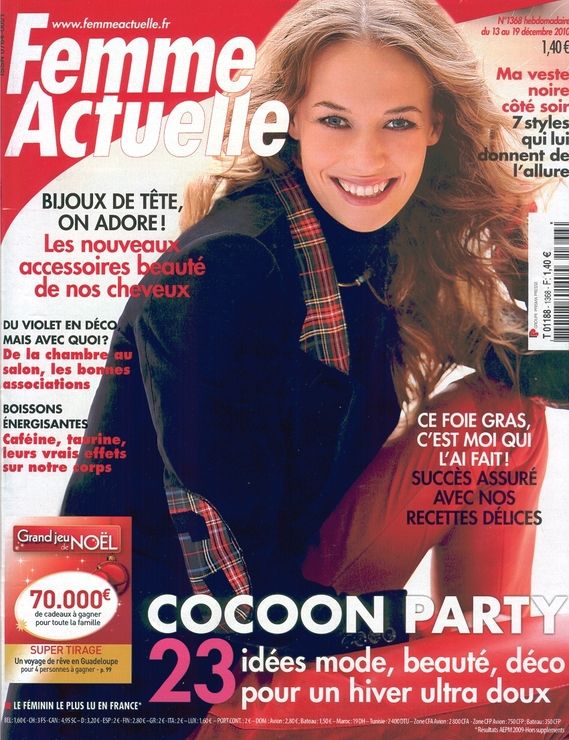
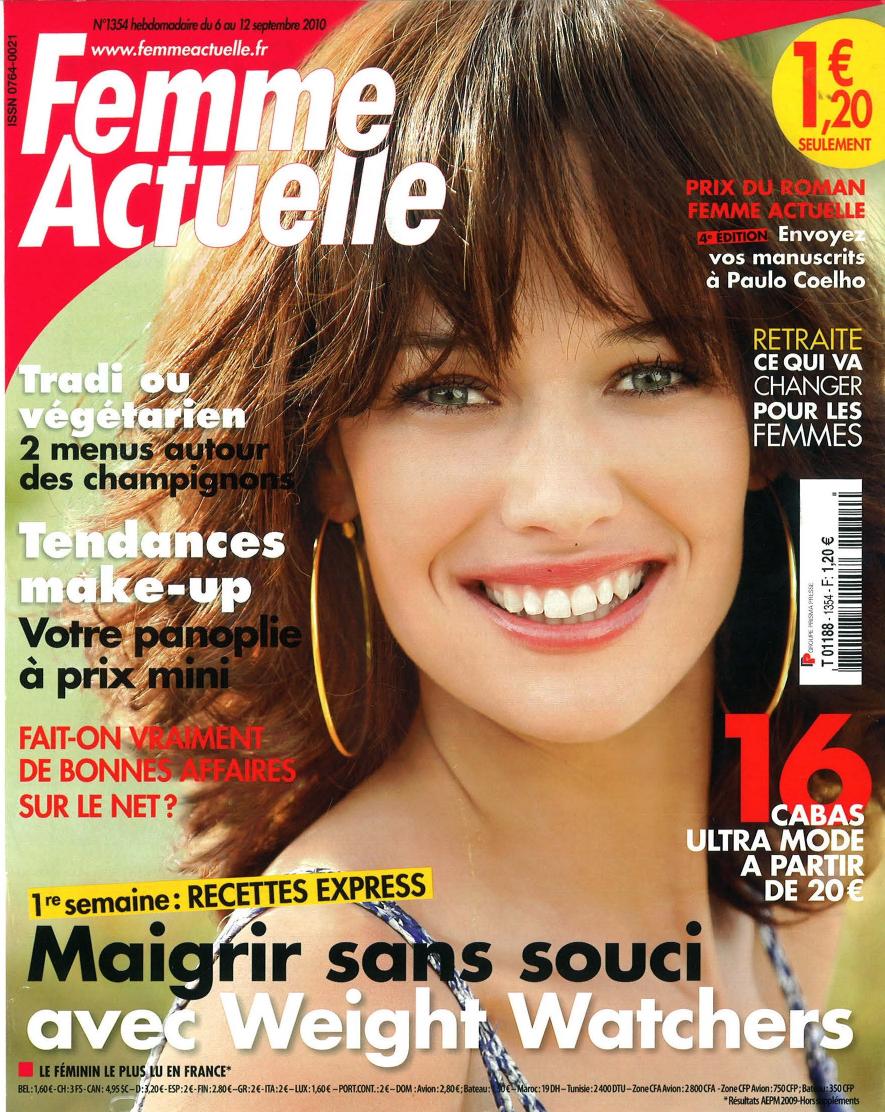
She has a lot of Femme Actuelle! Great!
The Marie France cover is beautiful, thanks!
She has a lot of Femme Actuelle! Great!
 Woman Fitness, Spain
 Madonna Austria
 L'Officiel Australia
 Bazaar Argentina
 My pleasure Sanja. Another magazine, same picture, Feeling, Belgium
 Stilo, Brazil
 Wien Live Look, Austria
 L'Officiel Malaysia
 Esquire, Malaysia
 Gael, Belgium
 Cosmopolitan Fitness, Argentina
























Account
Navigation
Search
Configure browser push notifications
Chrome (Android)
- Tap the lock icon next to the address bar.
- Tap Permissions → Notifications.
- Adjust your preference.
Chrome (Desktop)
- Click the padlock icon in the address bar.
- Select Site settings.
- Find Notifications and adjust your preference.
Safari (iOS 16.4+)
- Ensure the site is installed via Add to Home Screen.
- Open Settings App → Notifications.
- Find your app name and adjust your preference.
Safari (macOS)
- Go to Safari → Preferences.
- Click the Websites tab.
- Select Notifications in the sidebar.
- Find this website and adjust your preference.
Edge (Android)
- Tap the lock icon next to the address bar.
- Tap Permissions.
- Find Notifications and adjust your preference.
Edge (Desktop)
- Click the padlock icon in the address bar.
- Click Permissions for this site.
- Find Notifications and adjust your preference.
Firefox (Android)
- Go to Settings → Site permissions.
- Tap Notifications.
- Find this site in the list and adjust your preference.
Firefox (Desktop)
- Open Firefox Settings.
- Search for Notifications.
- Find this site in the list and adjust your preference.