
frenchkiki
Members
-
Joined
-
Last visited
Everything posted by frenchkiki
-
 @Cult Icon https://www.instagram.com/lindseykevitch/?hl=fr
 -
Bump! & OMG
Irina Shayk
PDF ELITE http://www.elitemodel.co.uk/pdf.app?templateName=pdf1&landscape=0&domainId=2&fileName=BRUNA_PELLENZ_large&talentId=3449
Requestmodel.com Her Insta is updated but mostly with private pictures and not so much fashion
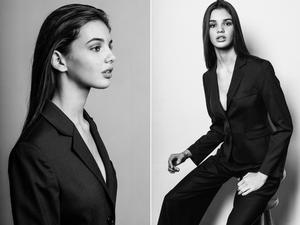 @MauiKane you have to upload one pic from the thread on BZ server to then use it as a thumbnail/ Pictures hosted outside BZ are not showing as a thumbnail to use. I am super mad right now because someone is changing all the thumbnail I have fixed with stupid one like For Sara Sampaio ^^ or Elsa Hosk or Laetitia Casta and 6 more.
 What are trying to tell me?
other females
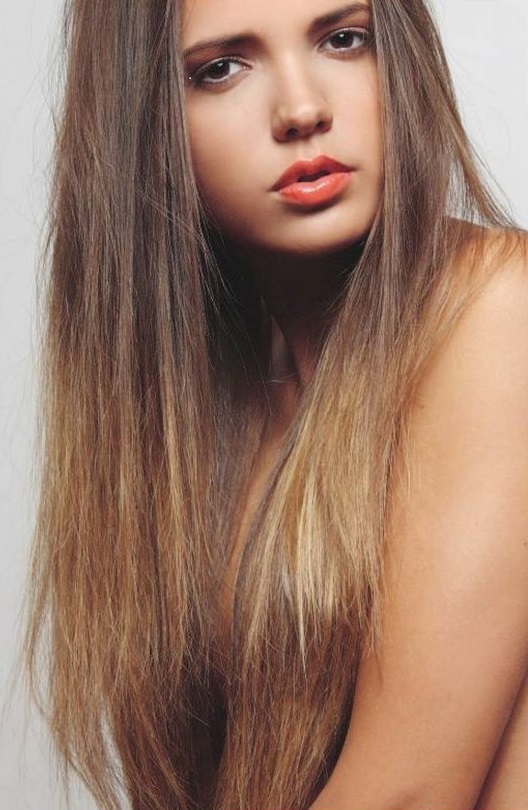
TEST thumbnail My pleasure
What are trying to tell me?
other females
TEST thumbnail My pleasure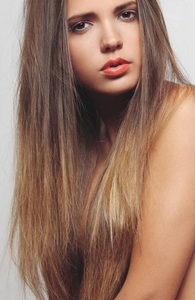 Belongs to the male fashion forum this one too the topic is empty
TEST thumbnail
Belongs to the male fashion forum this one too the topic is empty
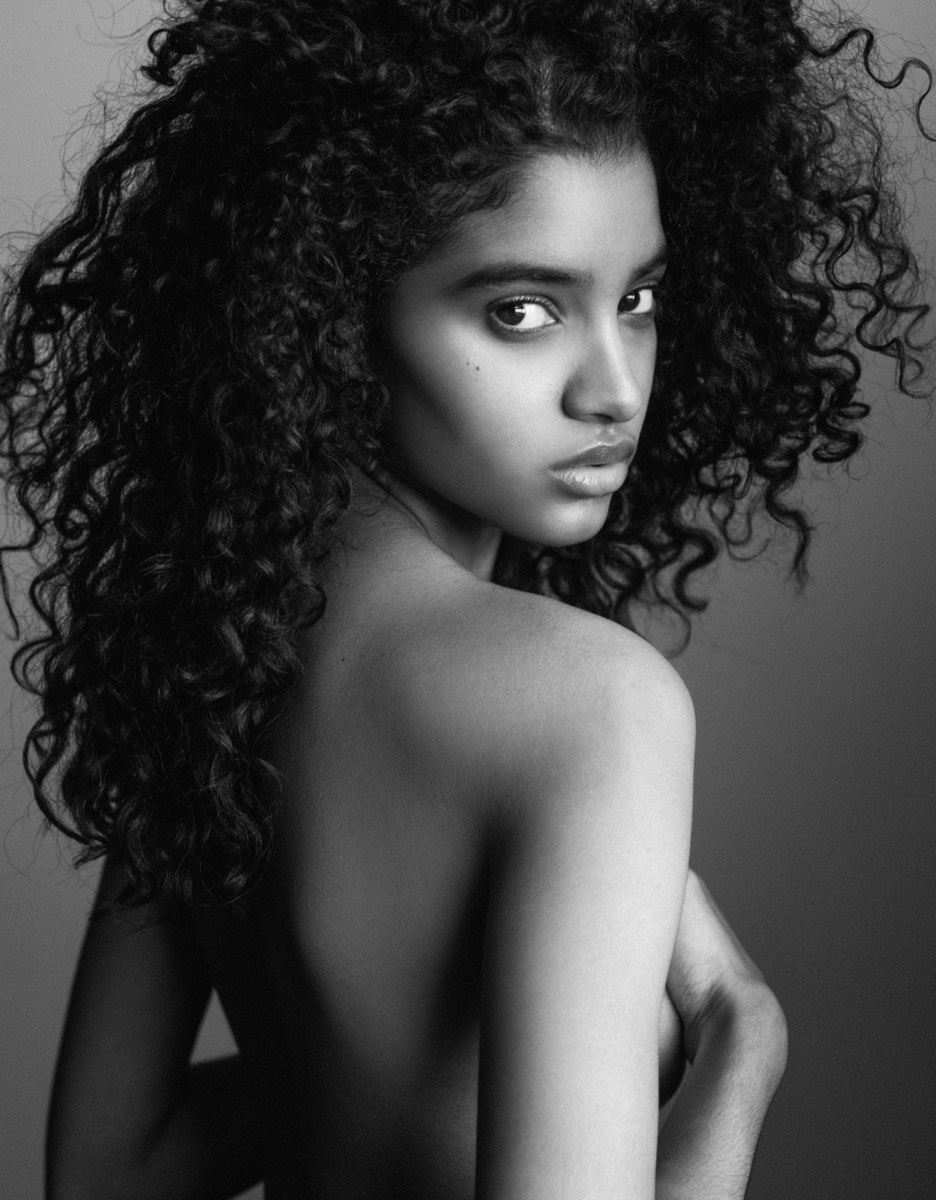
TEST thumbnail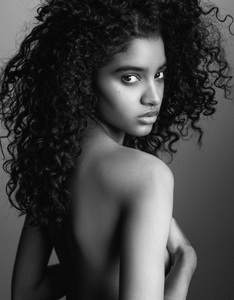 I am still doing -i am at page 110- and a lot got no thumbnail (clothes/blurry, etc)
She is an actress
TEST thumbnai
I am still doing -i am at page 110- and a lot got no thumbnail (clothes/blurry, etc)
She is an actress
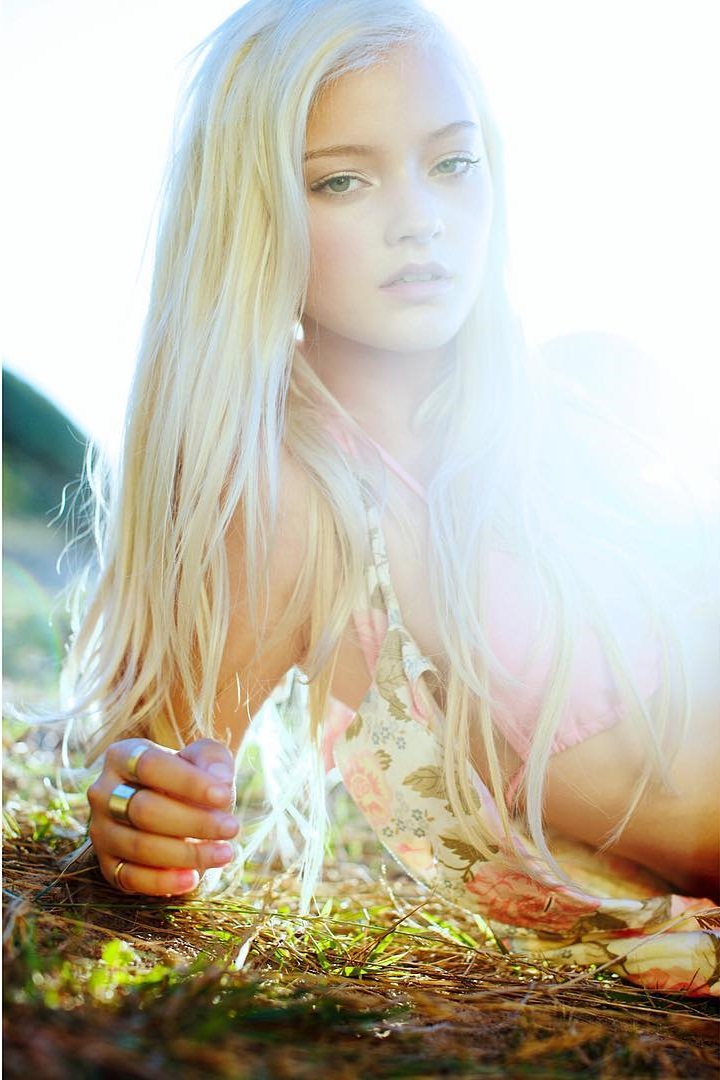
TEST thumbnai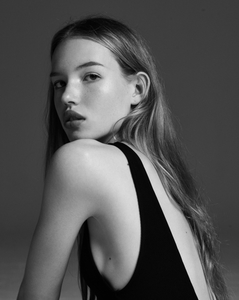 Well digging in the deepest pages of the models forum is also a pleasure to find beautiful little things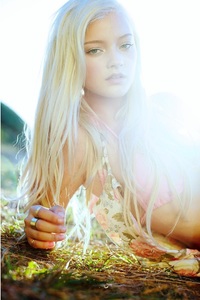
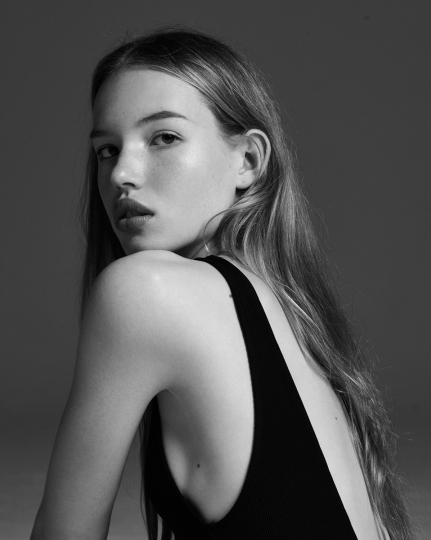
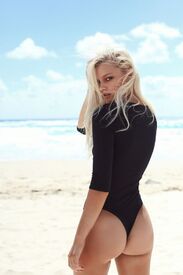 test thumbnail She is beautiful. This thread needs an update (her thread was page 198 )
Really? ^^ if think she O.Kish Or maybe you like my "test"
You went thru the guys "most viewed"? I really think 100 of the last pages of the model forum should be deleted. Empty threads/no fashion models & not even other females forum worthy. It's like members created threads for their cousins or prettyish sister
test thumbnail She is beautiful. This thread needs an update (her thread was page 198 )
Really? ^^ if think she O.Kish Or maybe you like my "test"
You went thru the guys "most viewed"? I really think 100 of the last pages of the model forum should be deleted. Empty threads/no fashion models & not even other females forum worthy. It's like members created threads for their cousins or prettyish sister
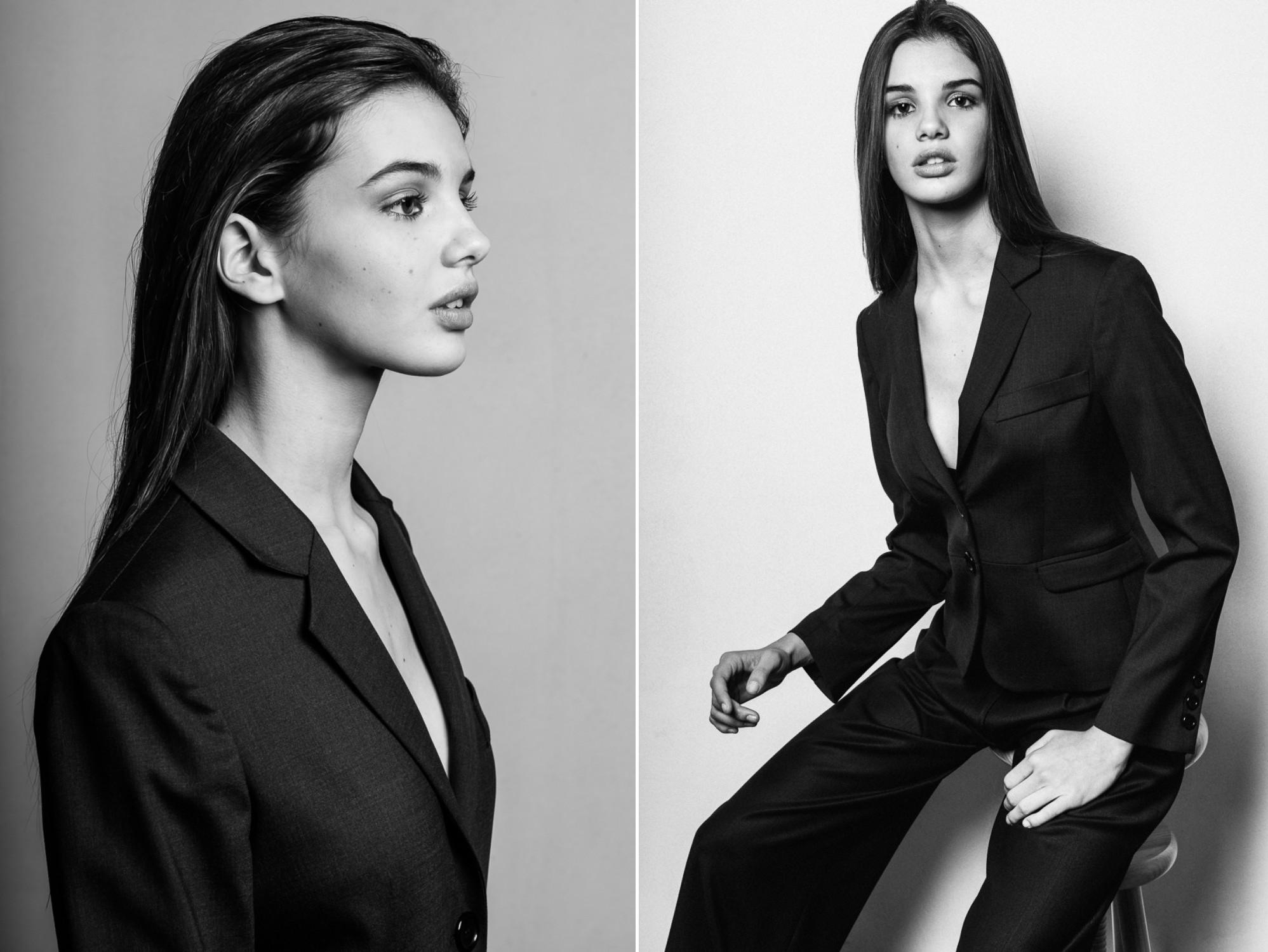
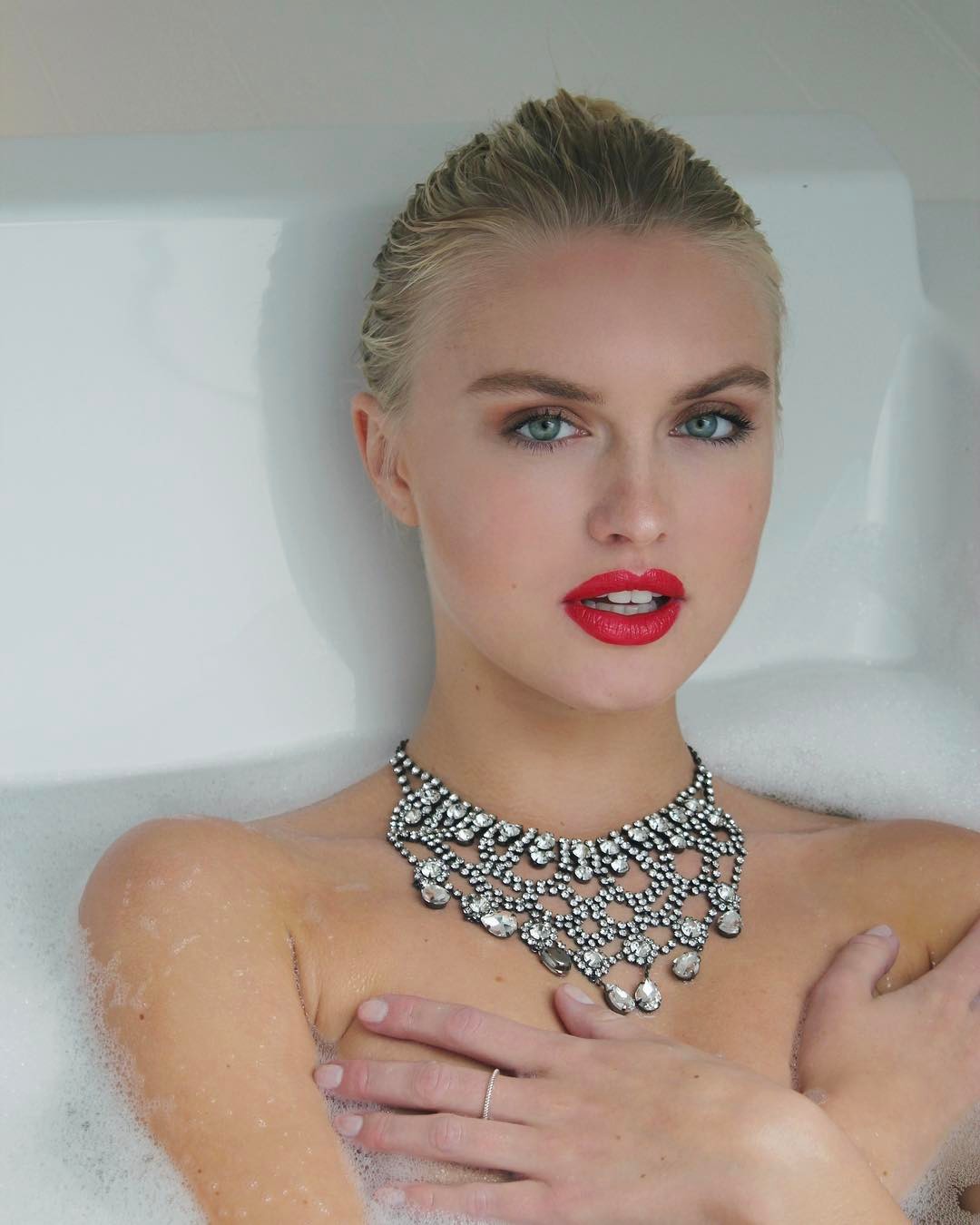

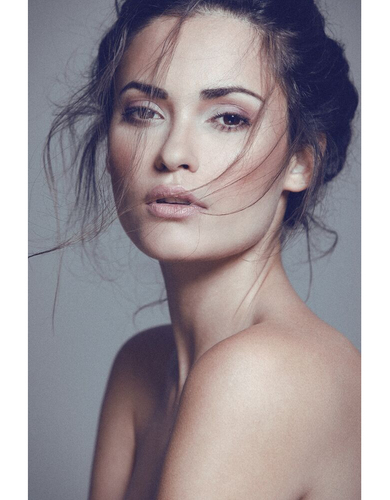
Account
Navigation
Search
Configure browser push notifications
Chrome (Android)
- Tap the lock icon next to the address bar.
- Tap Permissions → Notifications.
- Adjust your preference.
Chrome (Desktop)
- Click the padlock icon in the address bar.
- Select Site settings.
- Find Notifications and adjust your preference.
Safari (iOS 16.4+)
- Ensure the site is installed via Add to Home Screen.
- Open Settings App → Notifications.
- Find your app name and adjust your preference.
Safari (macOS)
- Go to Safari → Preferences.
- Click the Websites tab.
- Select Notifications in the sidebar.
- Find this website and adjust your preference.
Edge (Android)
- Tap the lock icon next to the address bar.
- Tap Permissions.
- Find Notifications and adjust your preference.
Edge (Desktop)
- Click the padlock icon in the address bar.
- Click Permissions for this site.
- Find Notifications and adjust your preference.
Firefox (Android)
- Go to Settings → Site permissions.
- Tap Notifications.
- Find this site in the list and adjust your preference.
Firefox (Desktop)
- Open Firefox Settings.
- Search for Notifications.
- Find this site in the list and adjust your preference.