All Activity
- Past hour
-
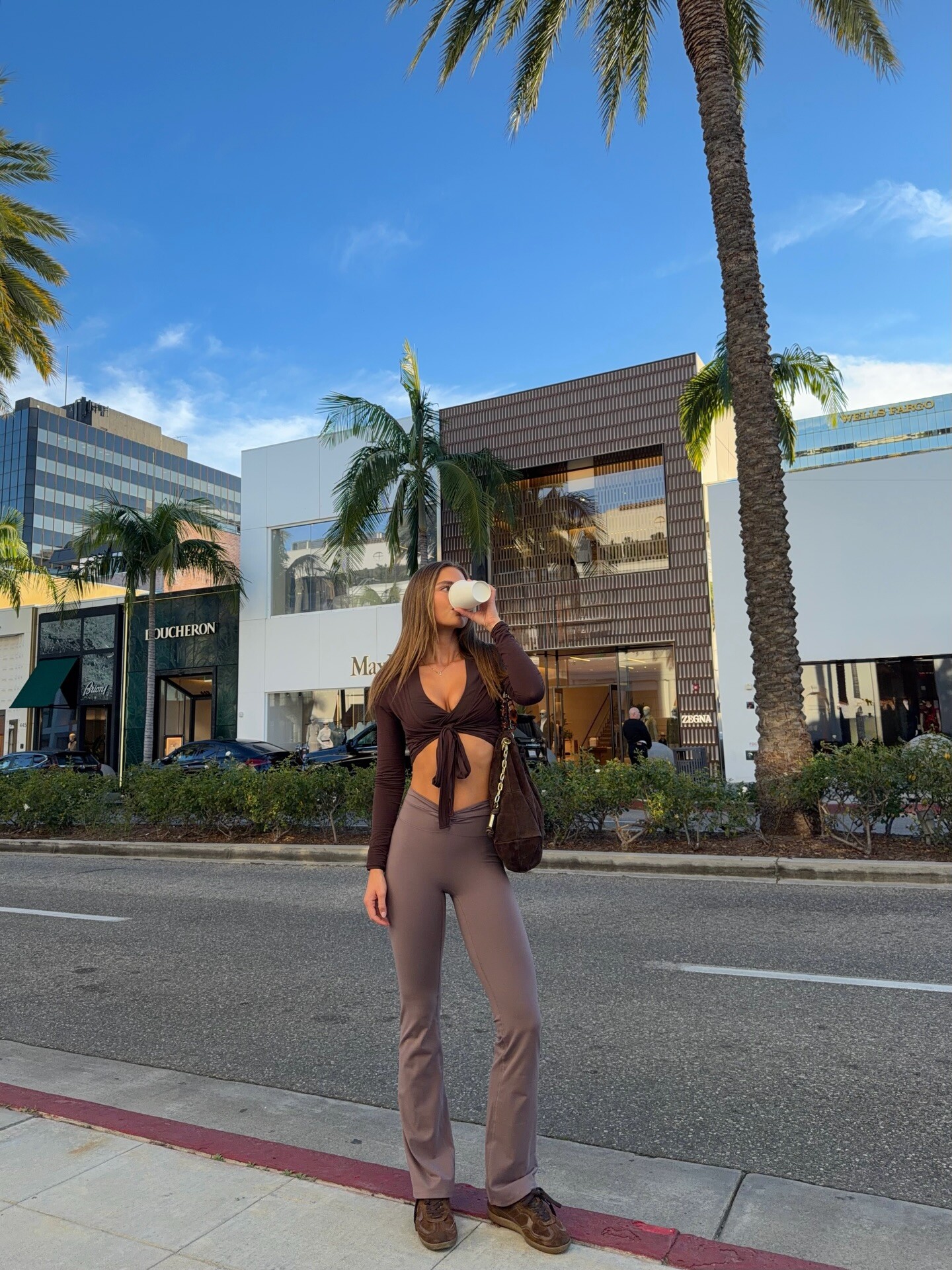
 https://www.instagram.com/victoriaseabrooks_/
 -
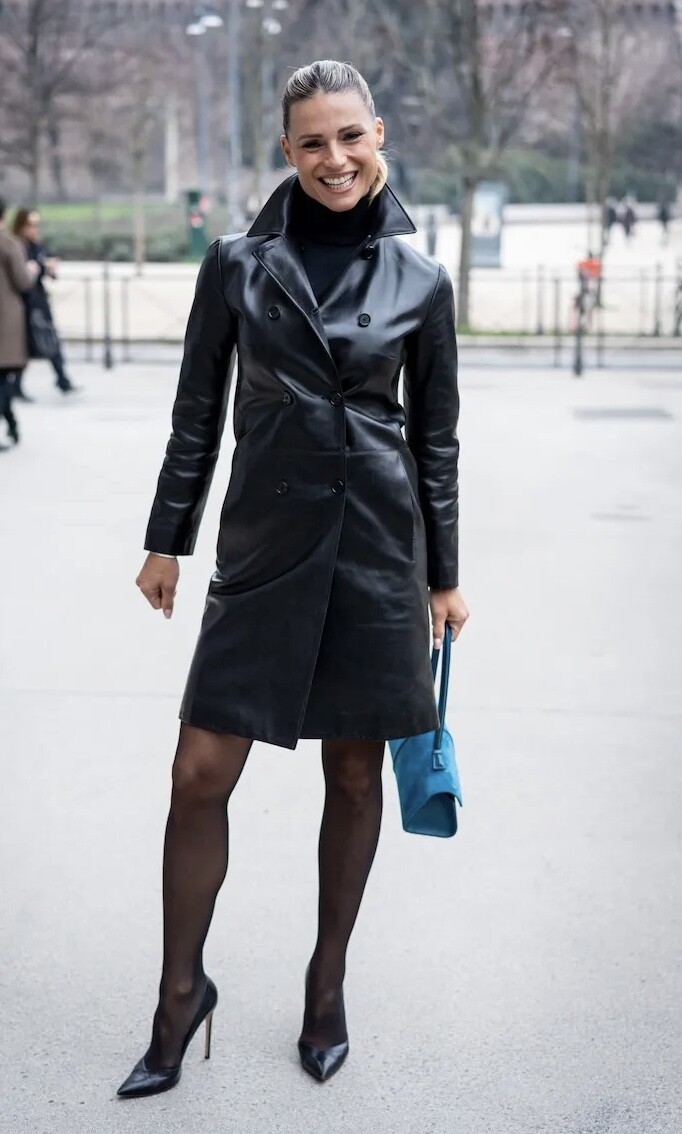
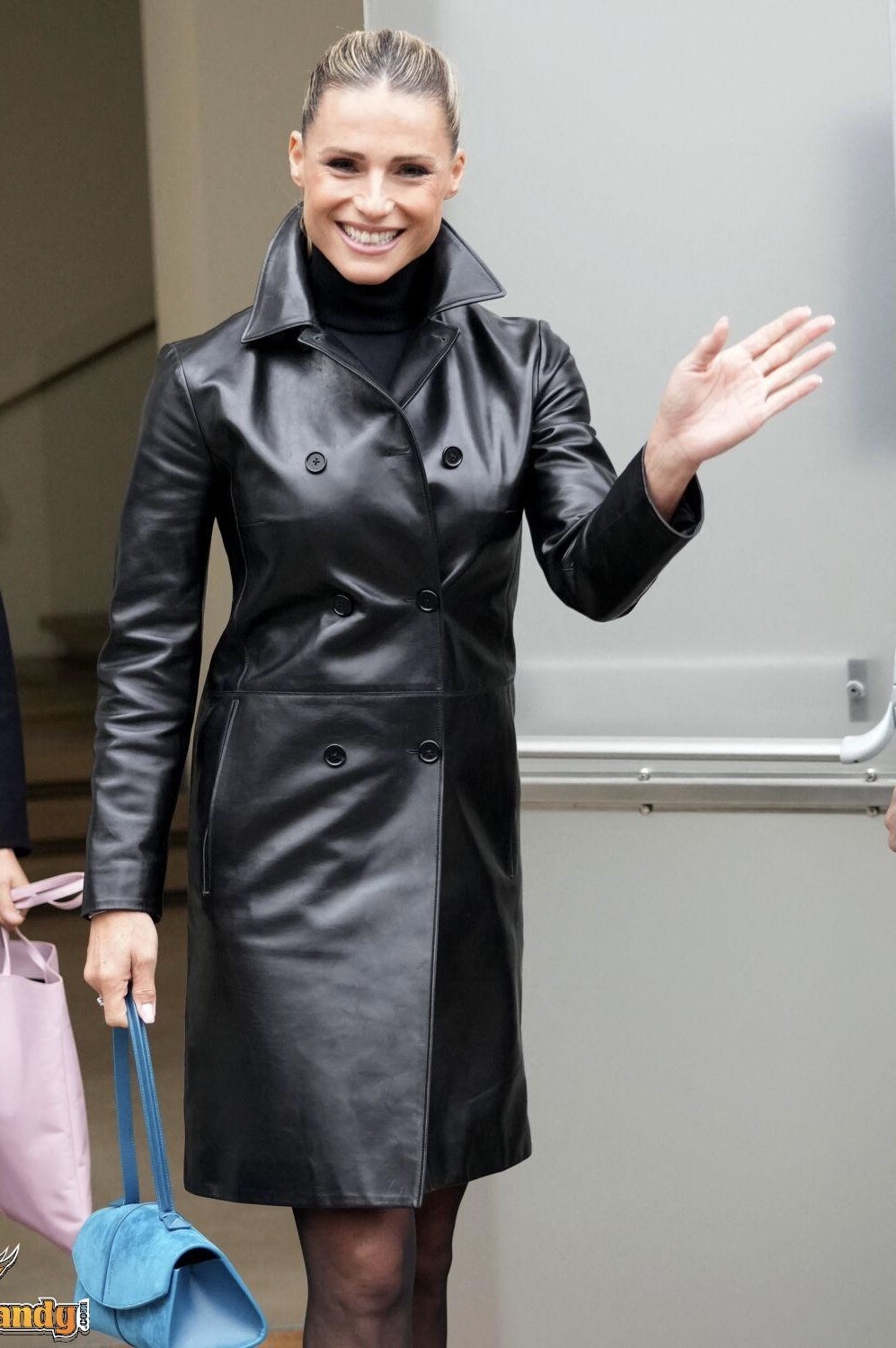
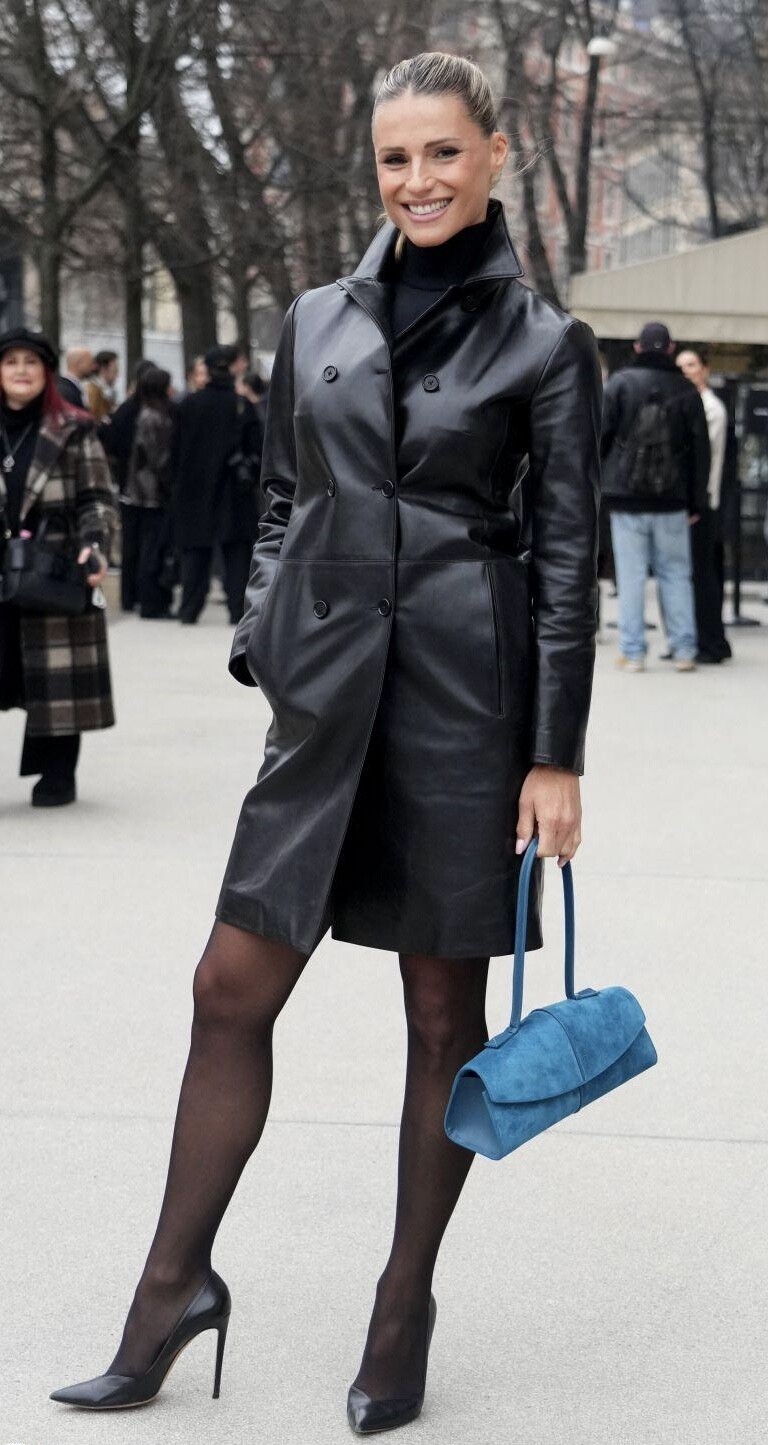
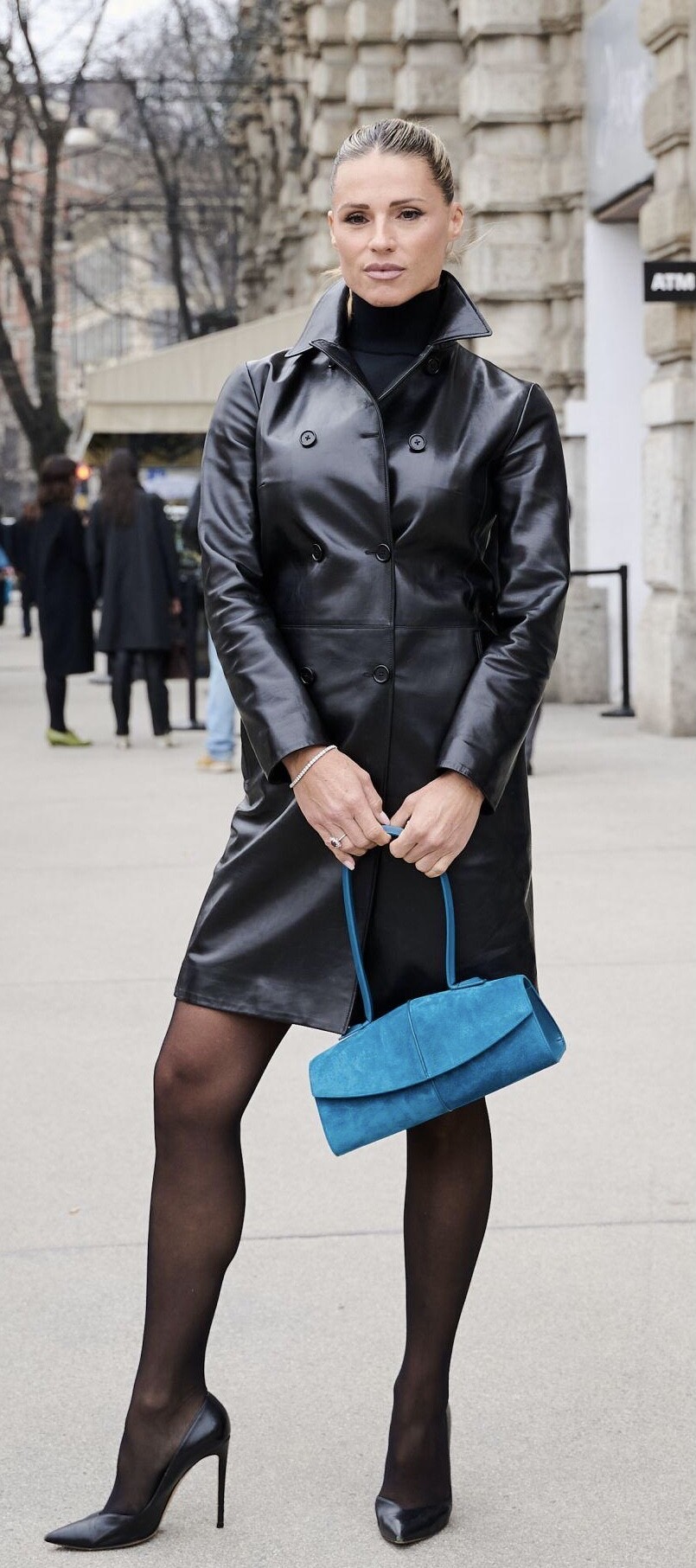
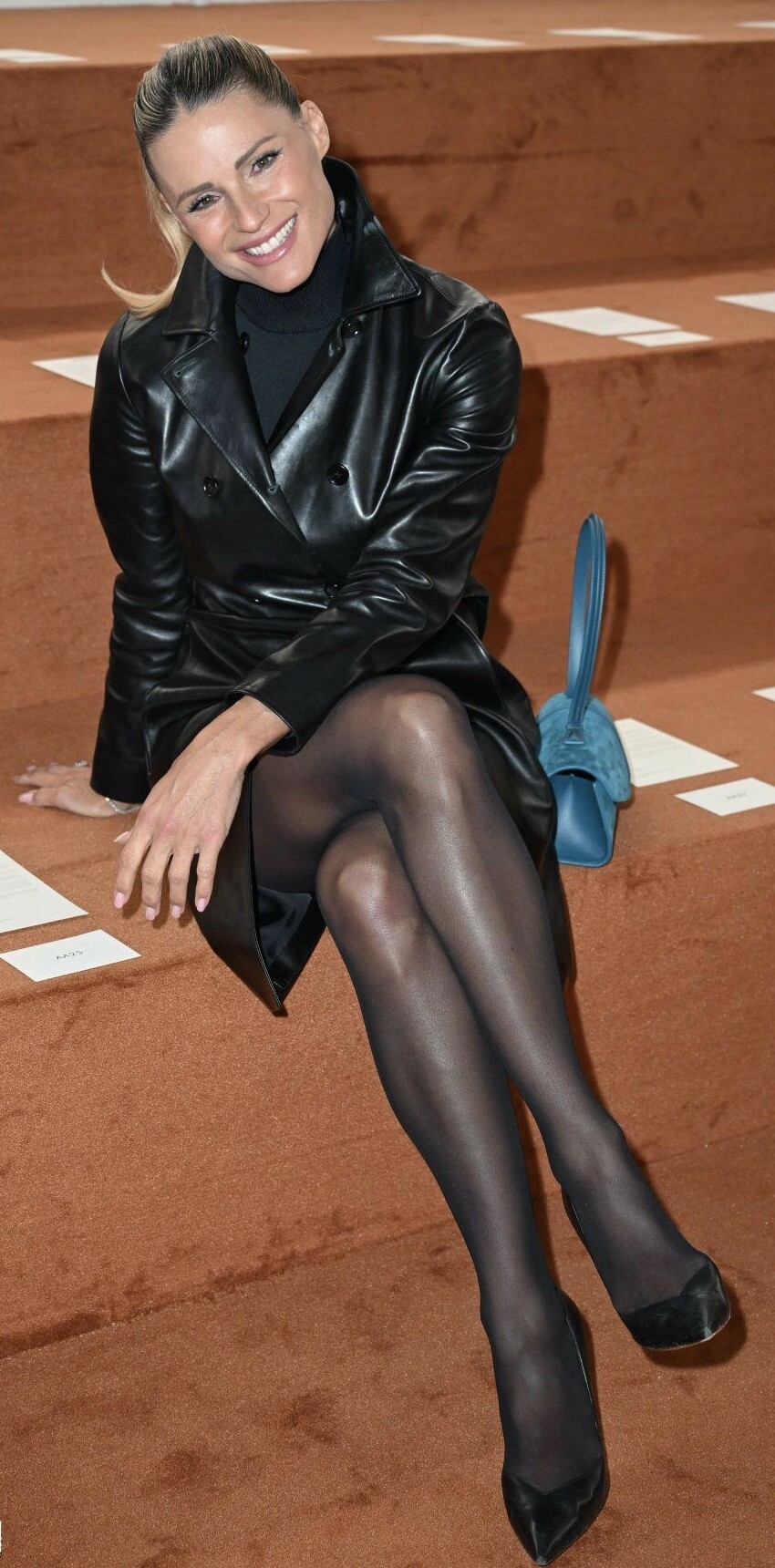
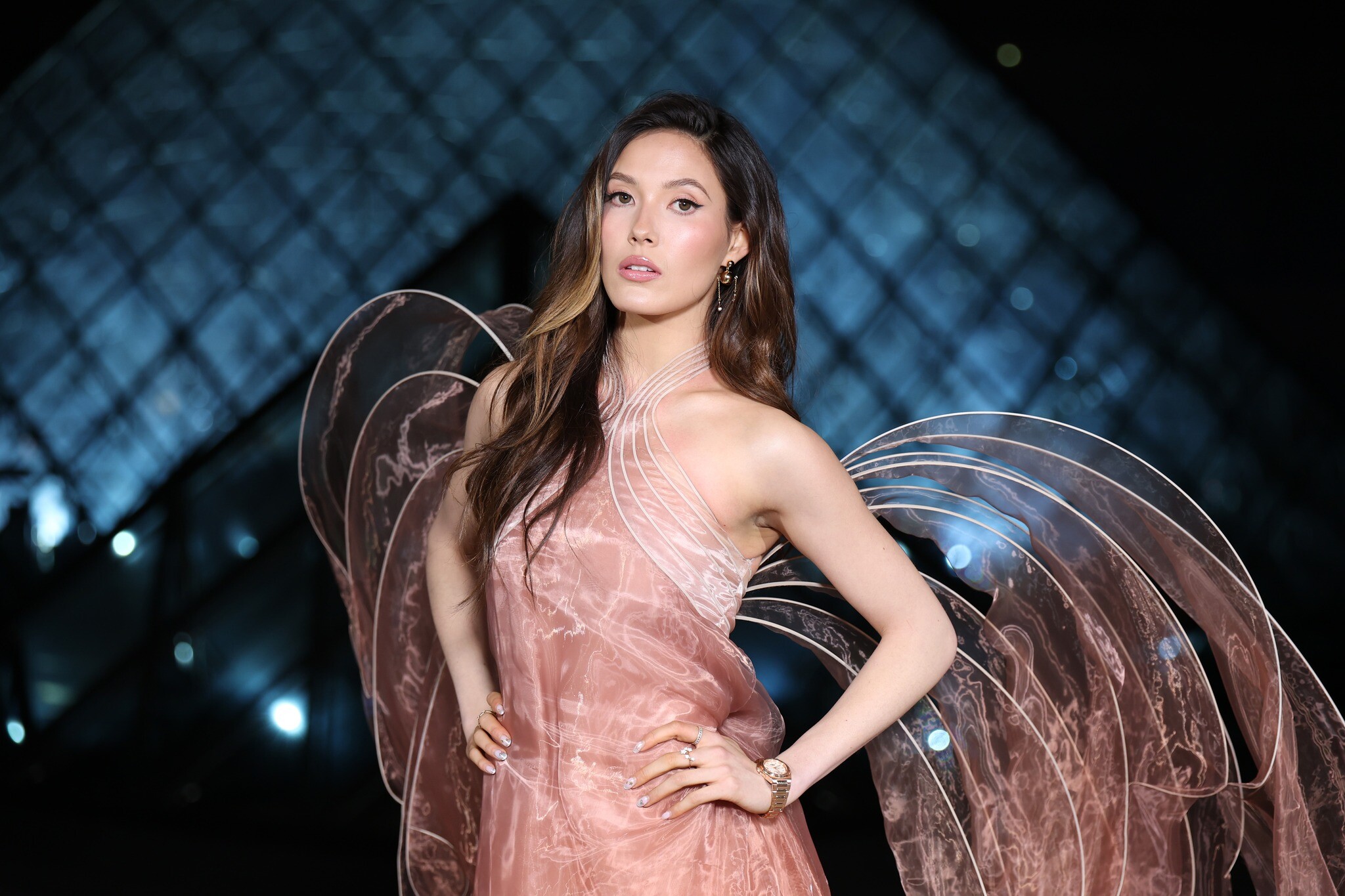
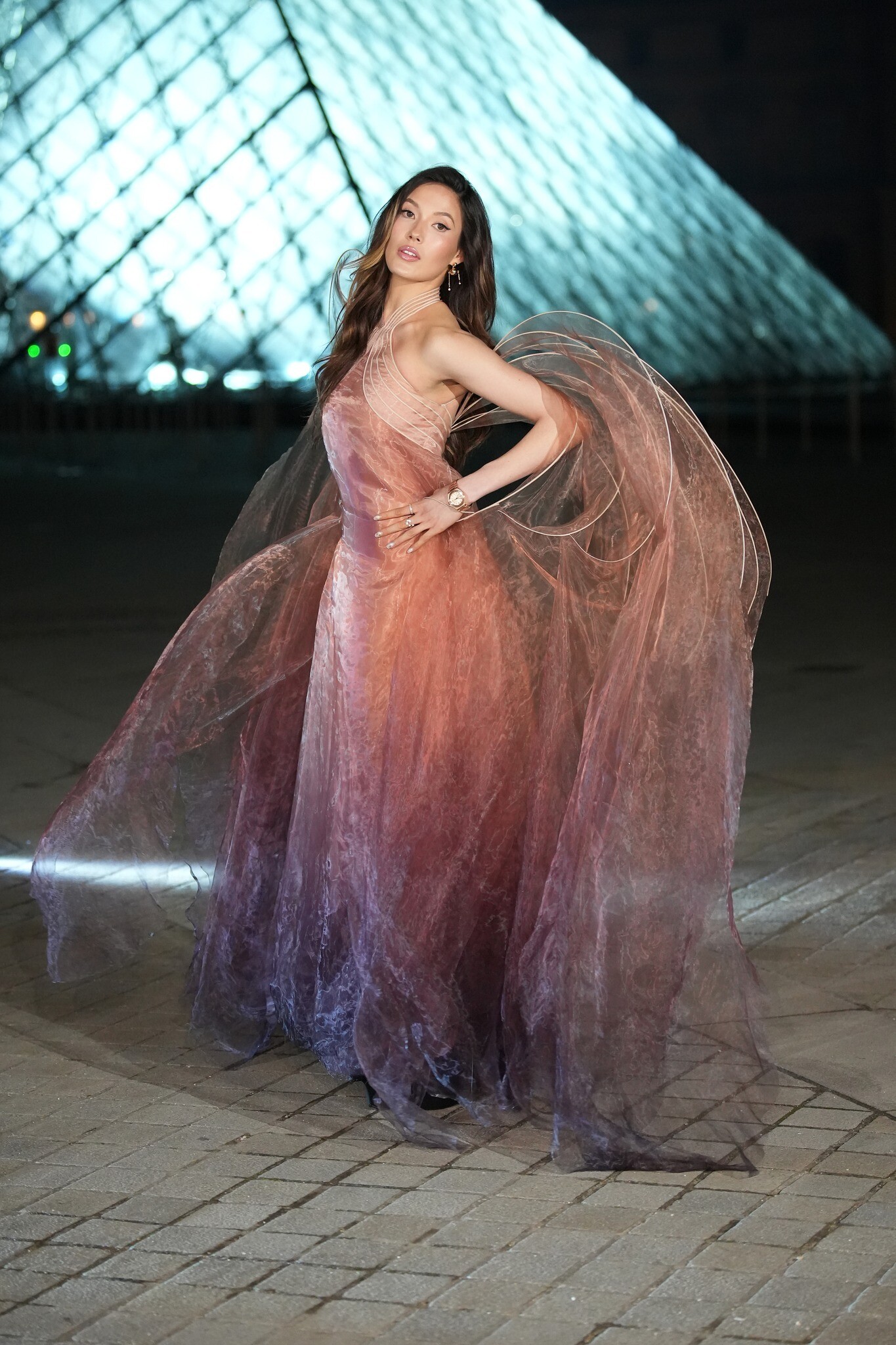
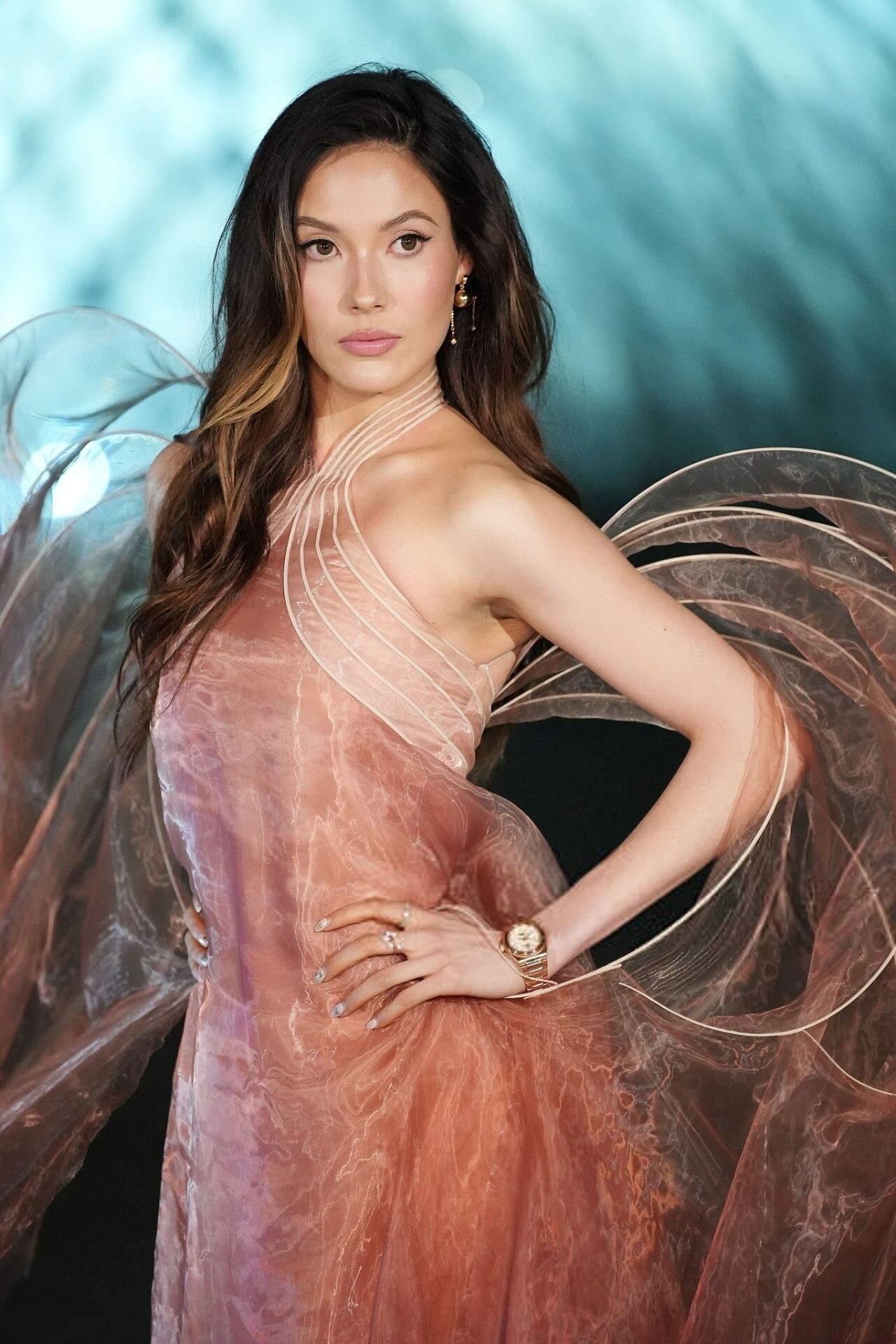
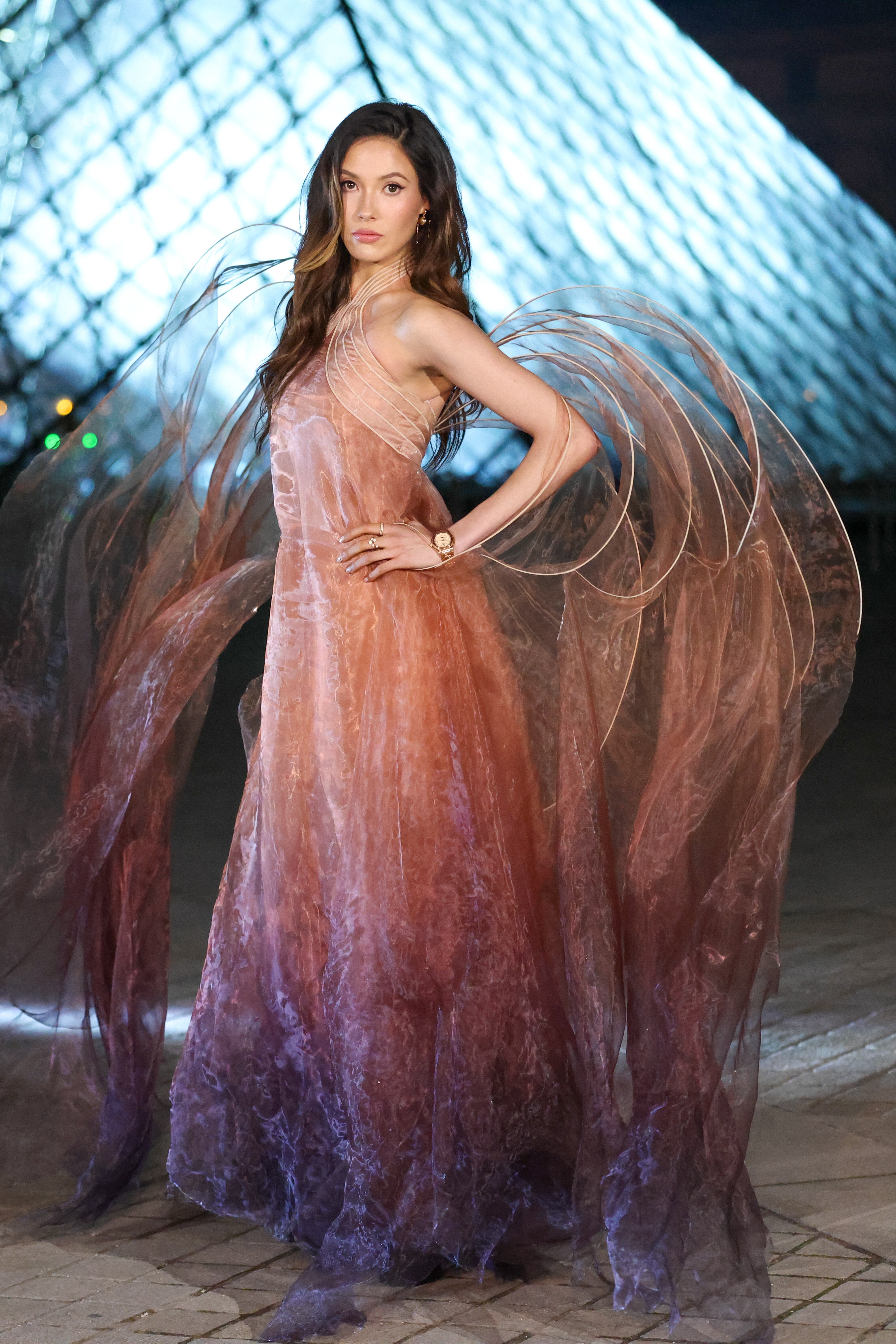
 Milan fashion week, 2026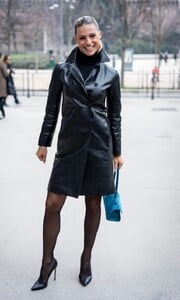
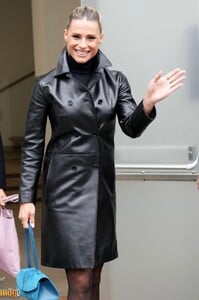
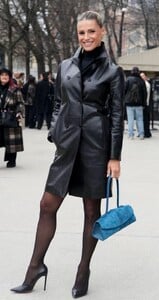
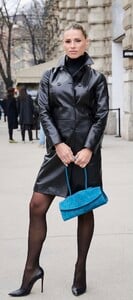

-
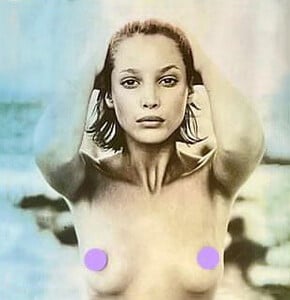
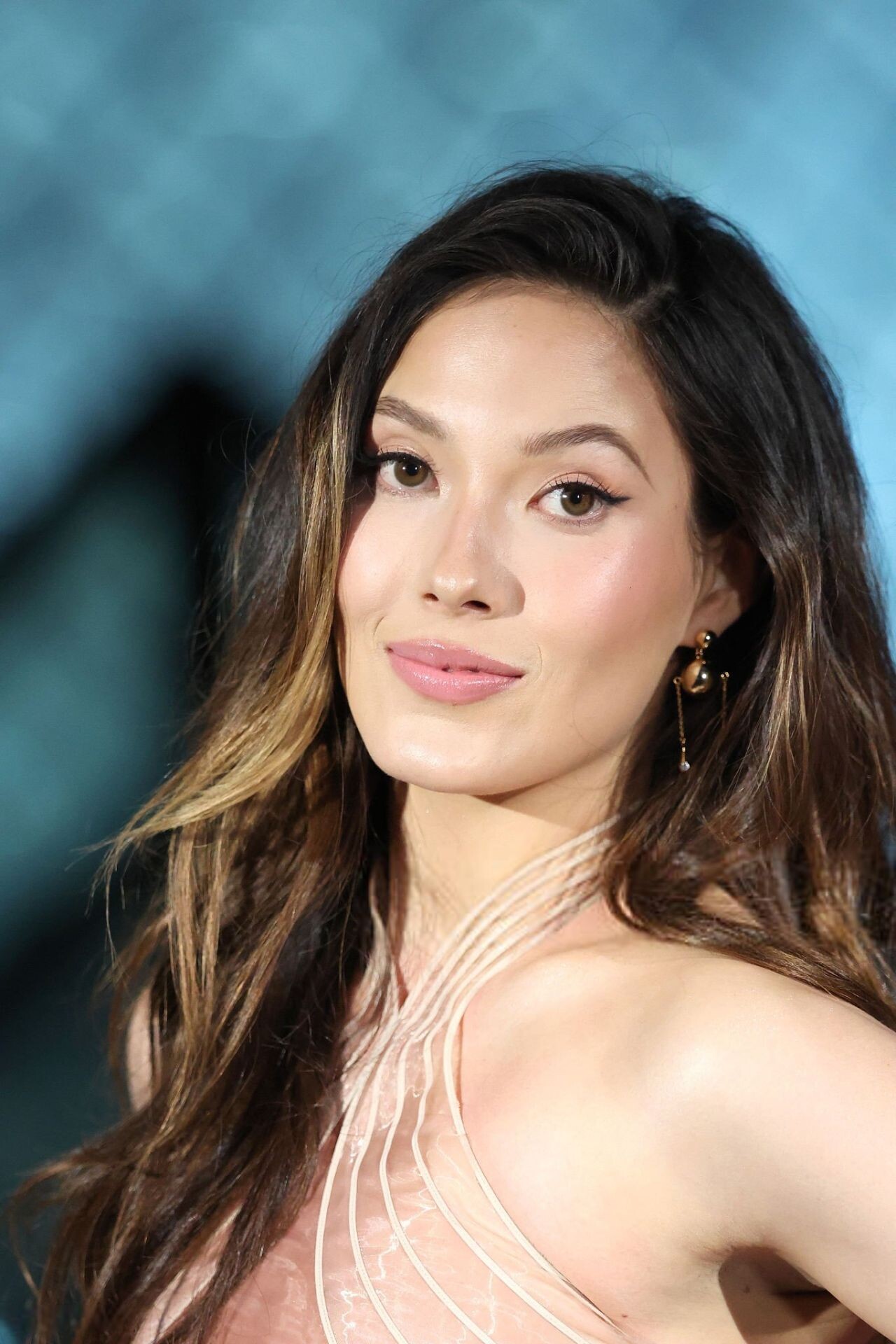
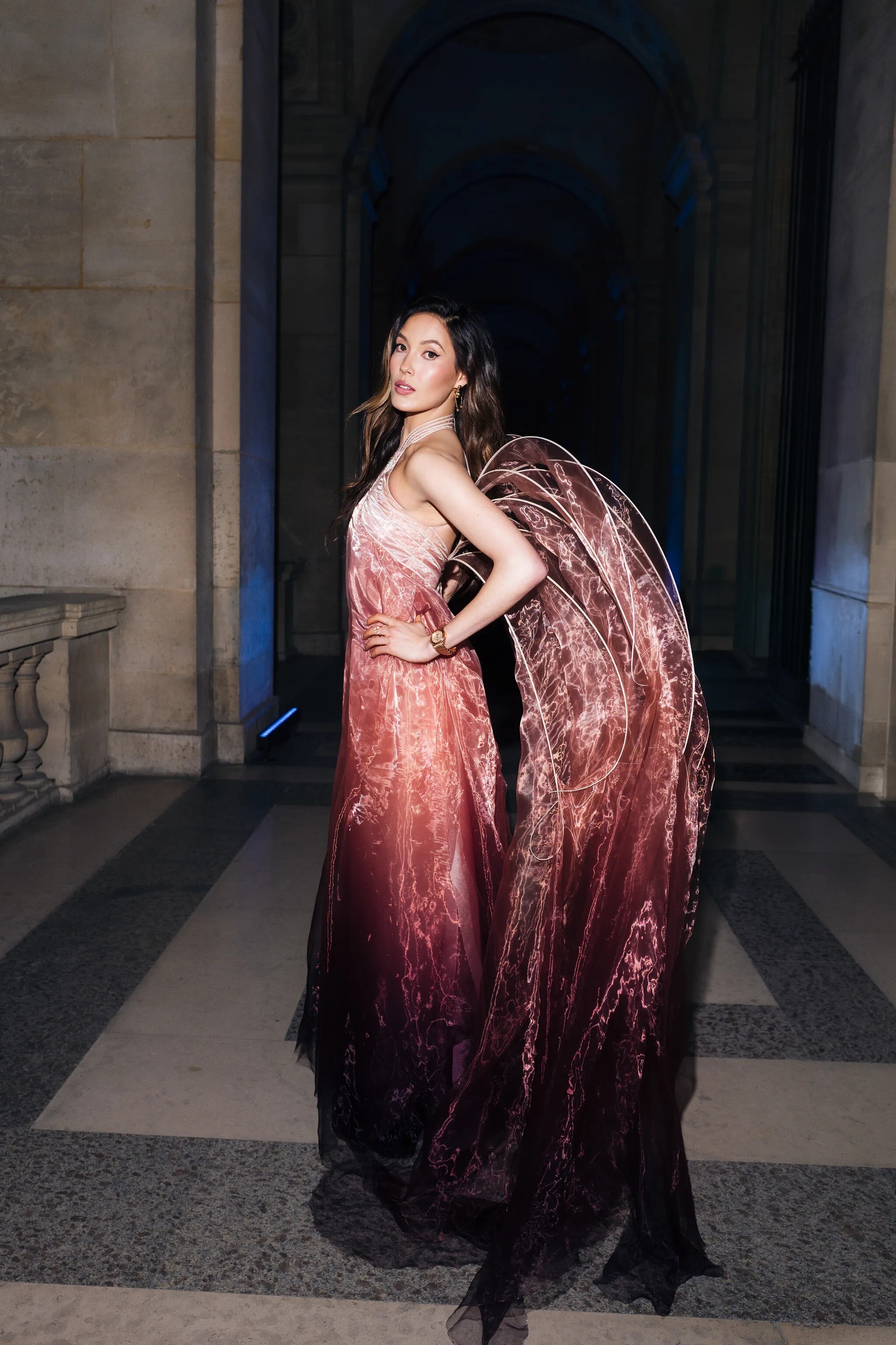
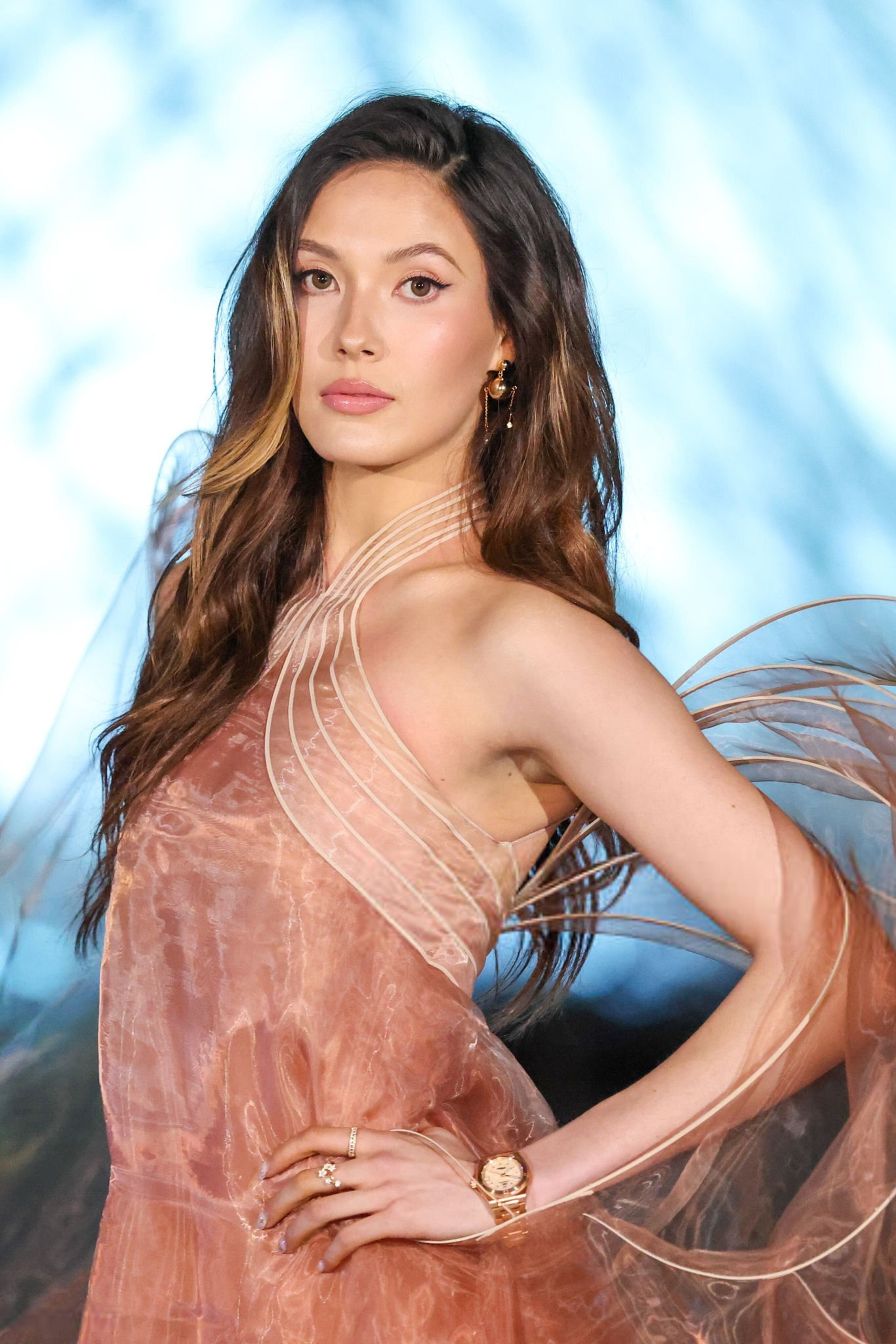
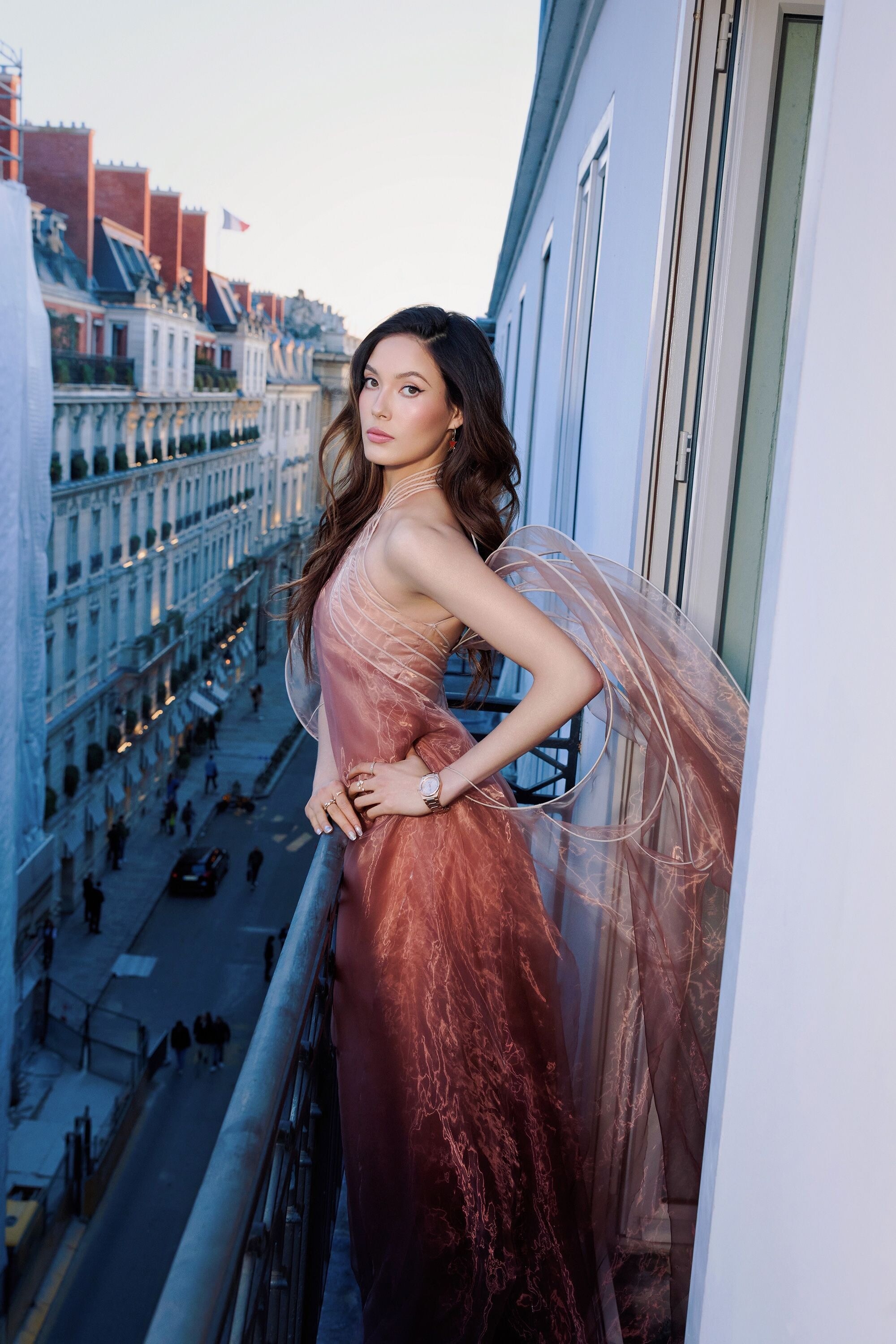
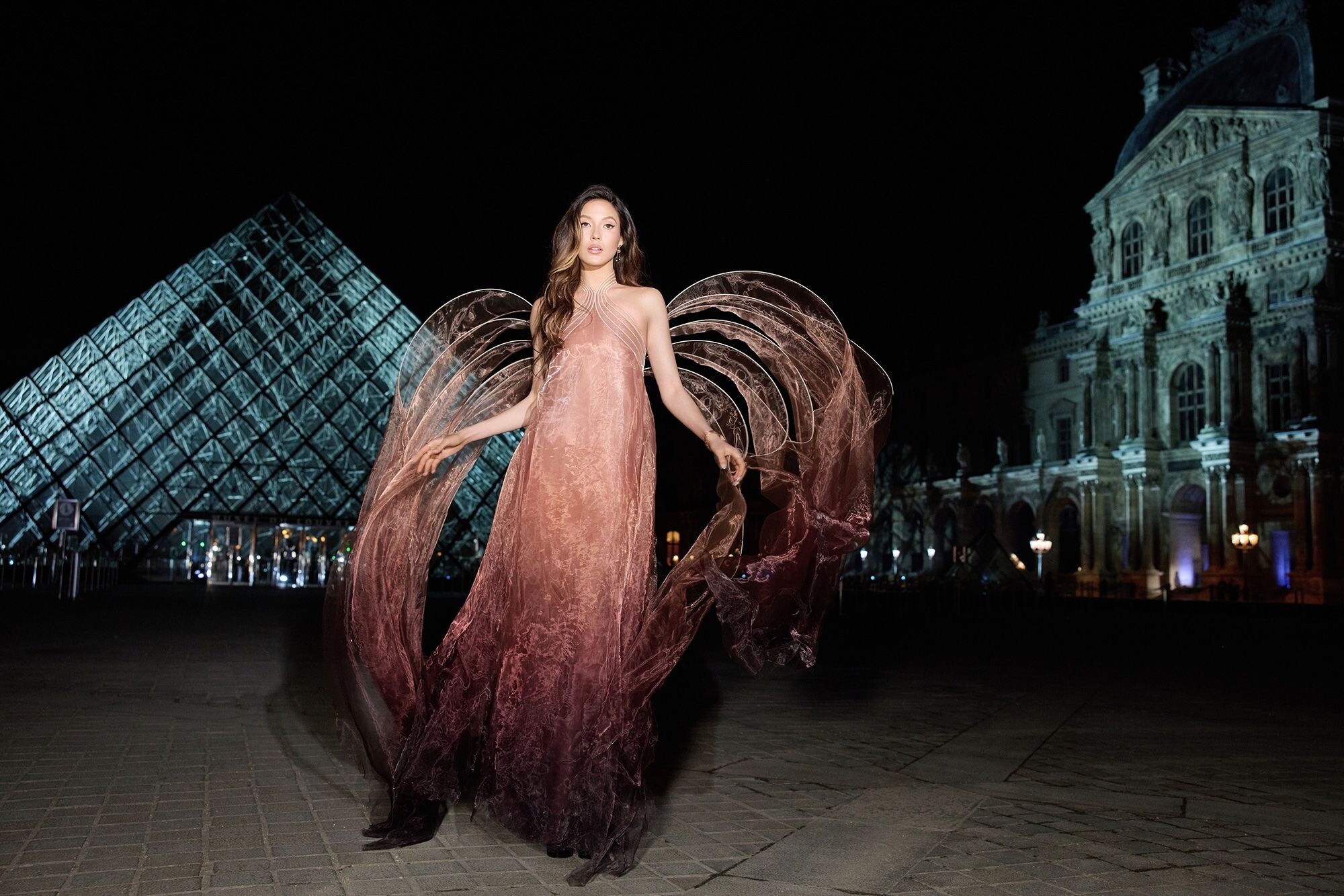
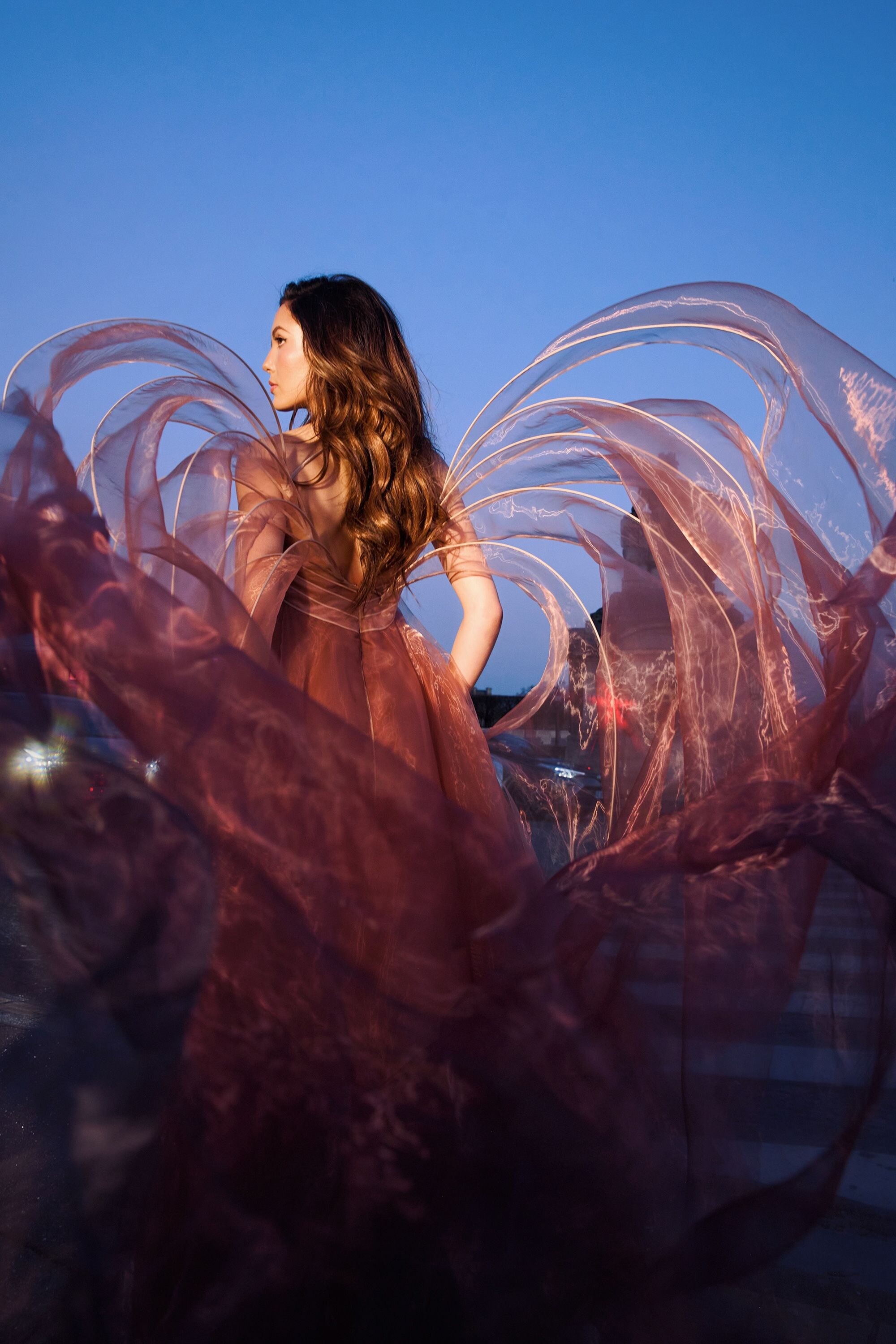
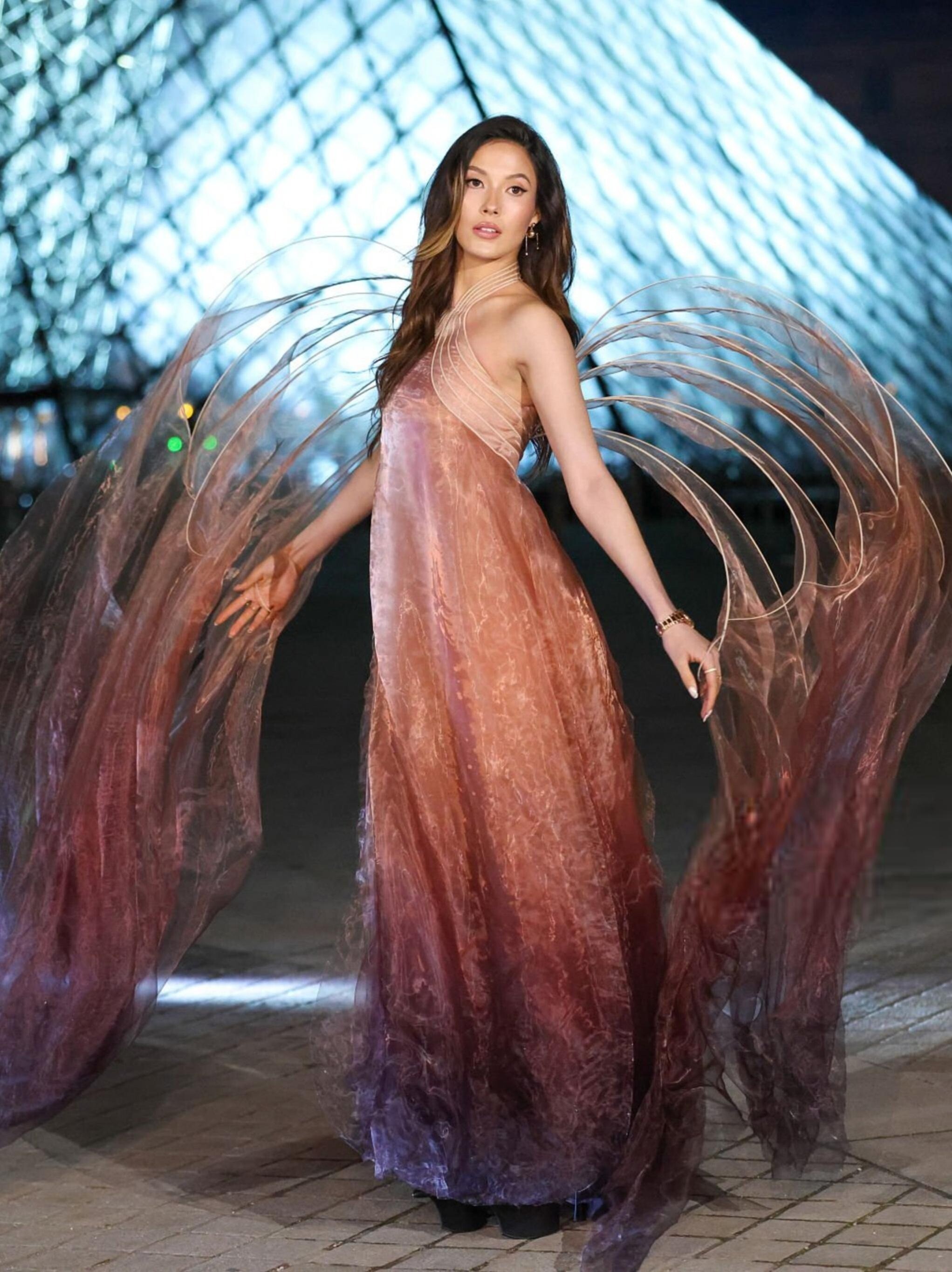
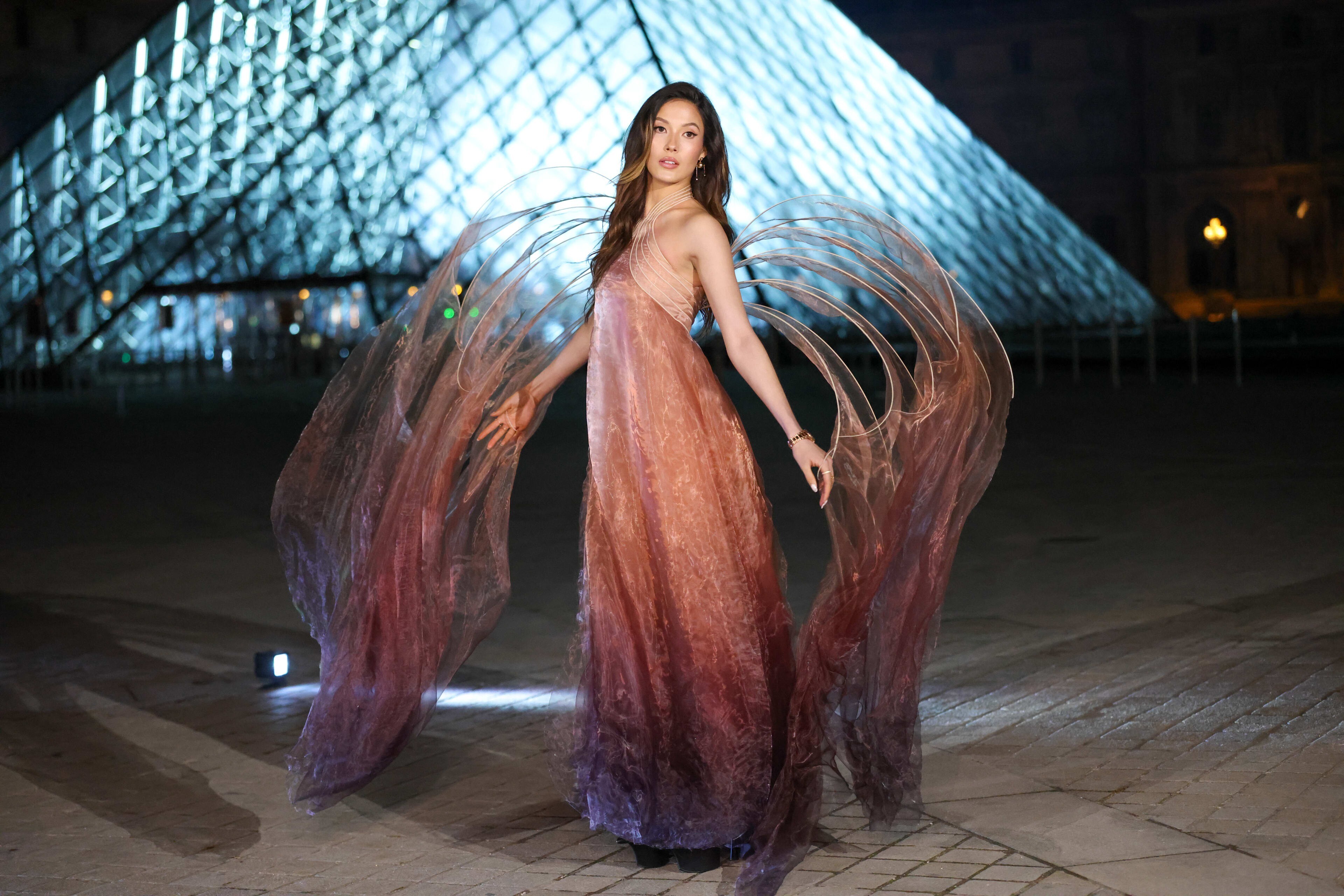
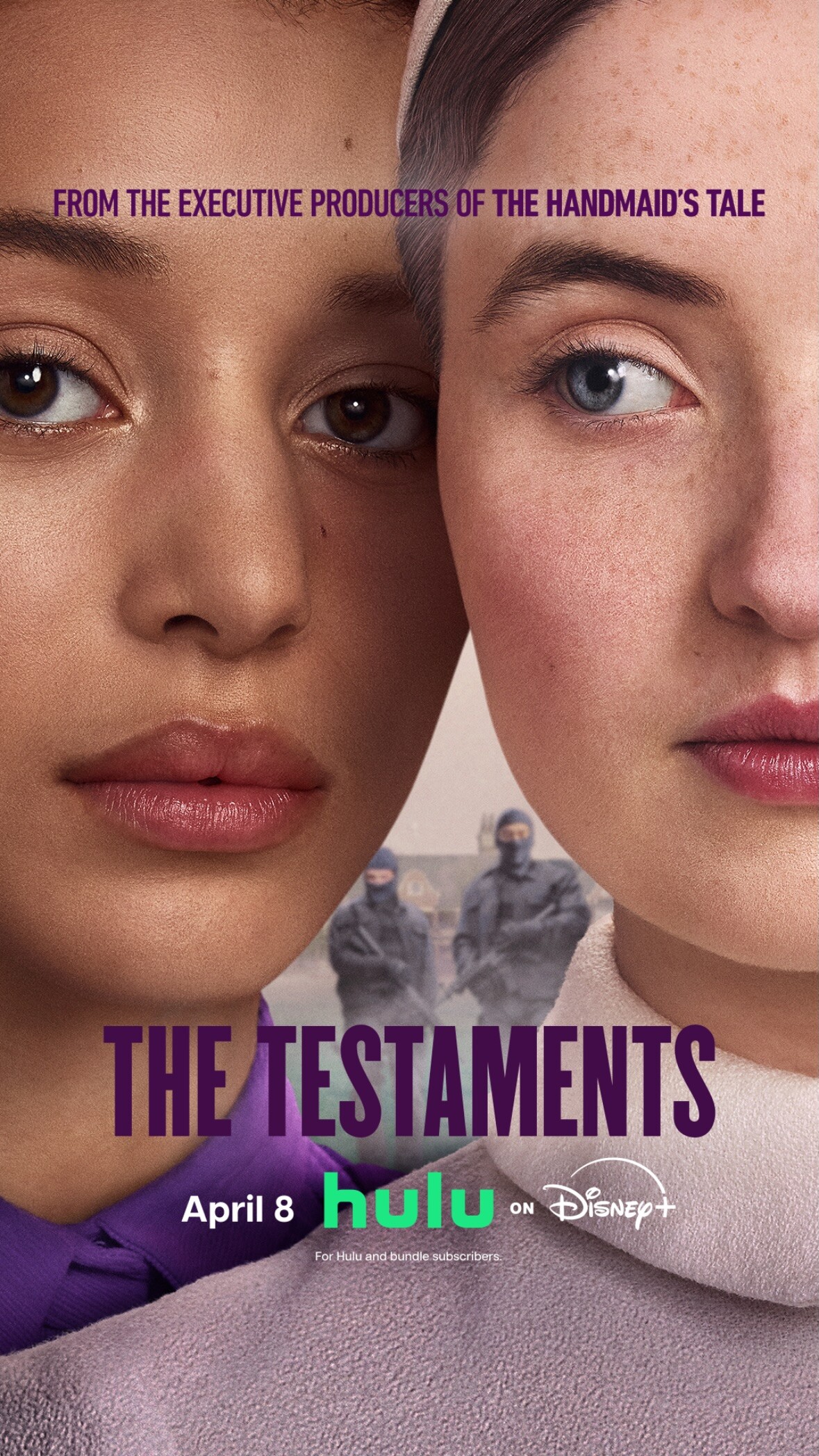
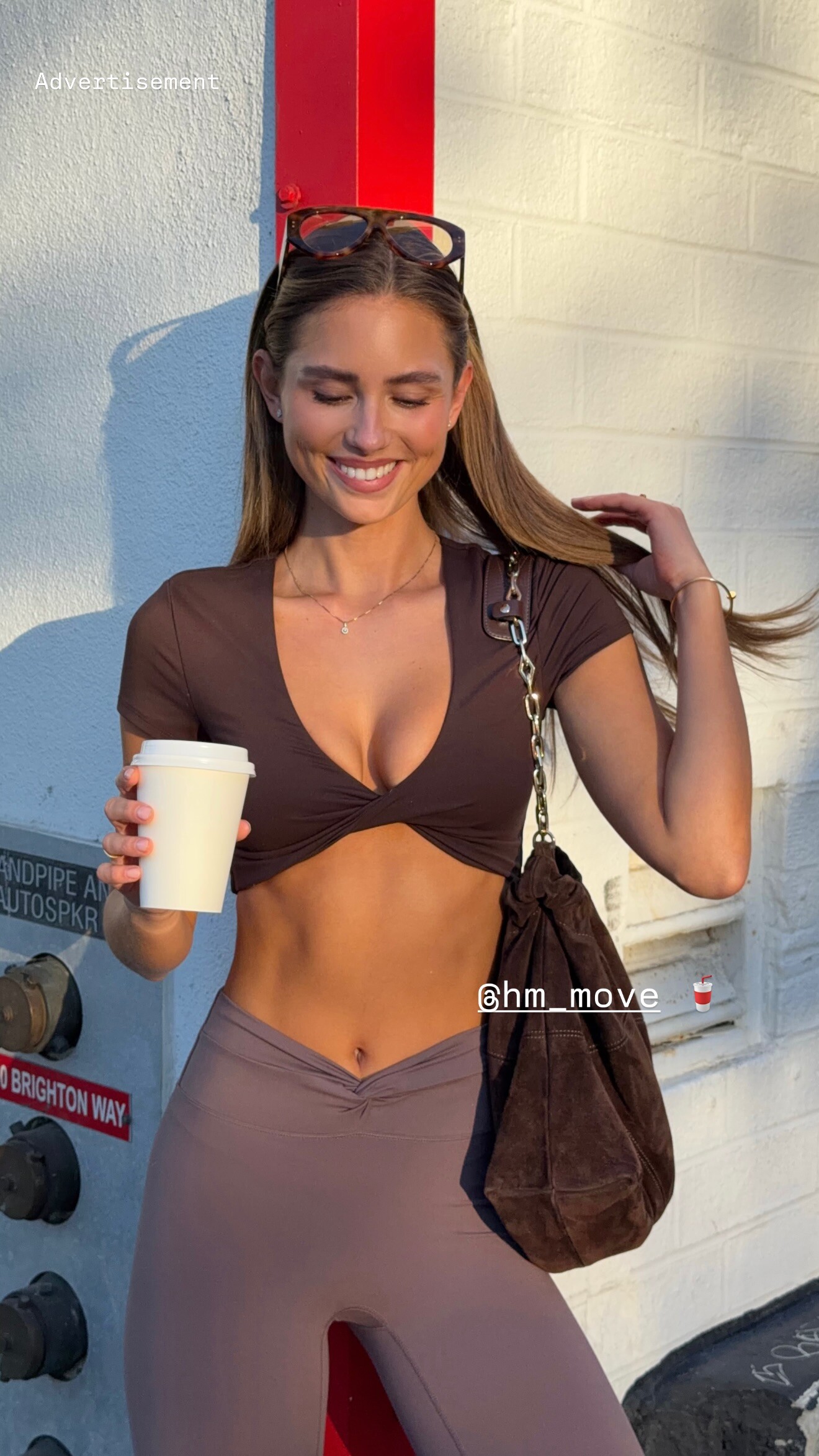
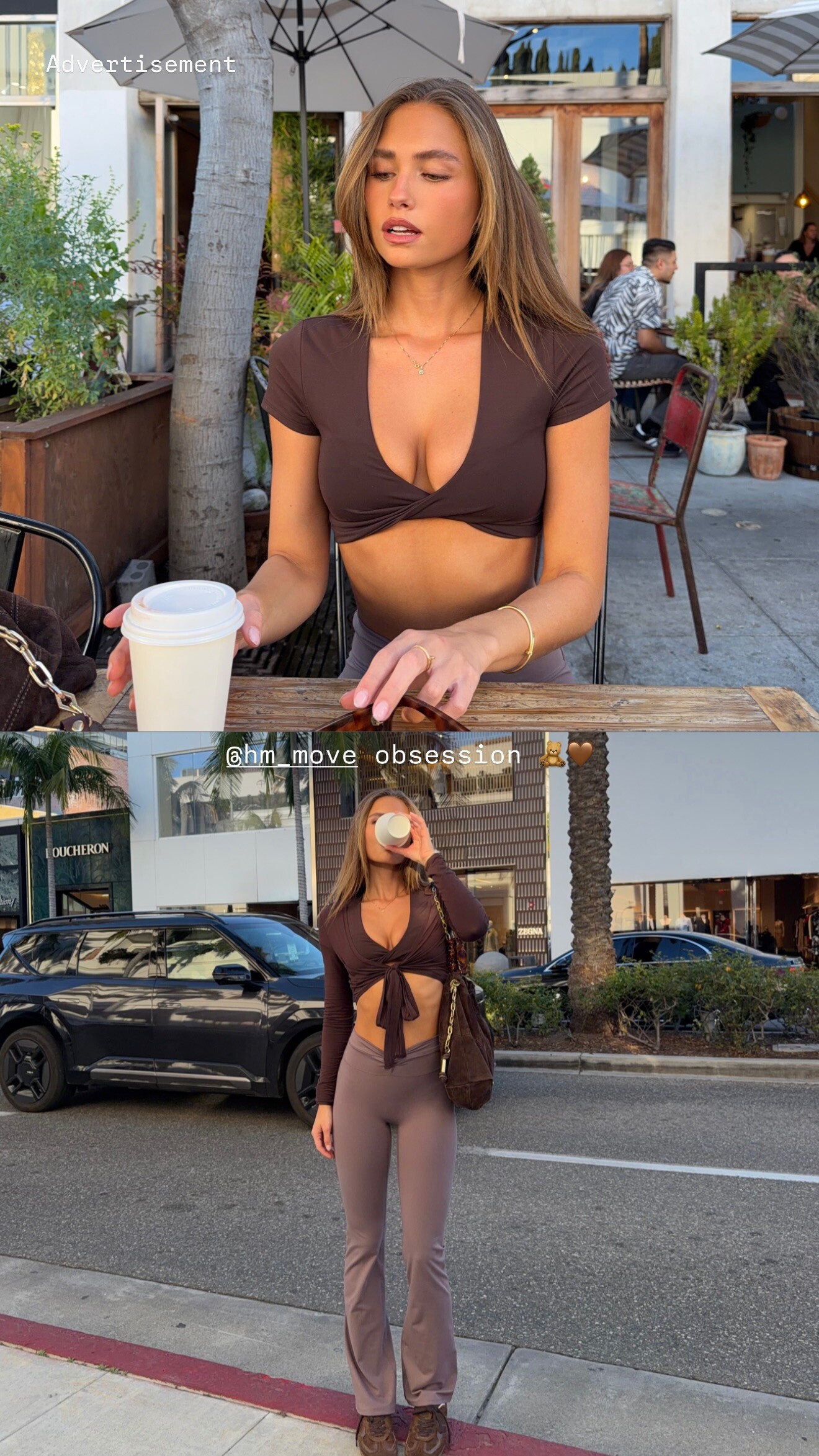
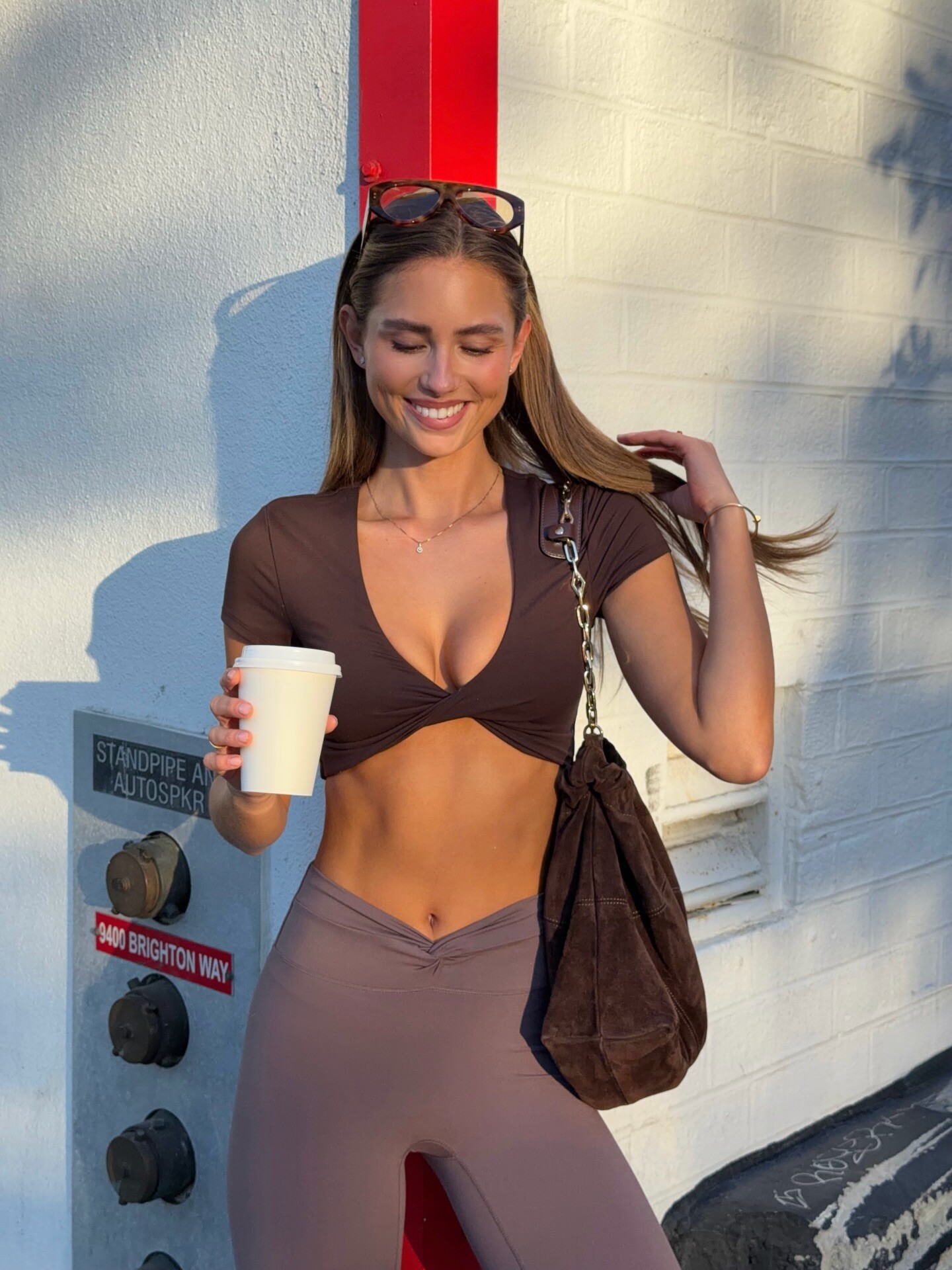
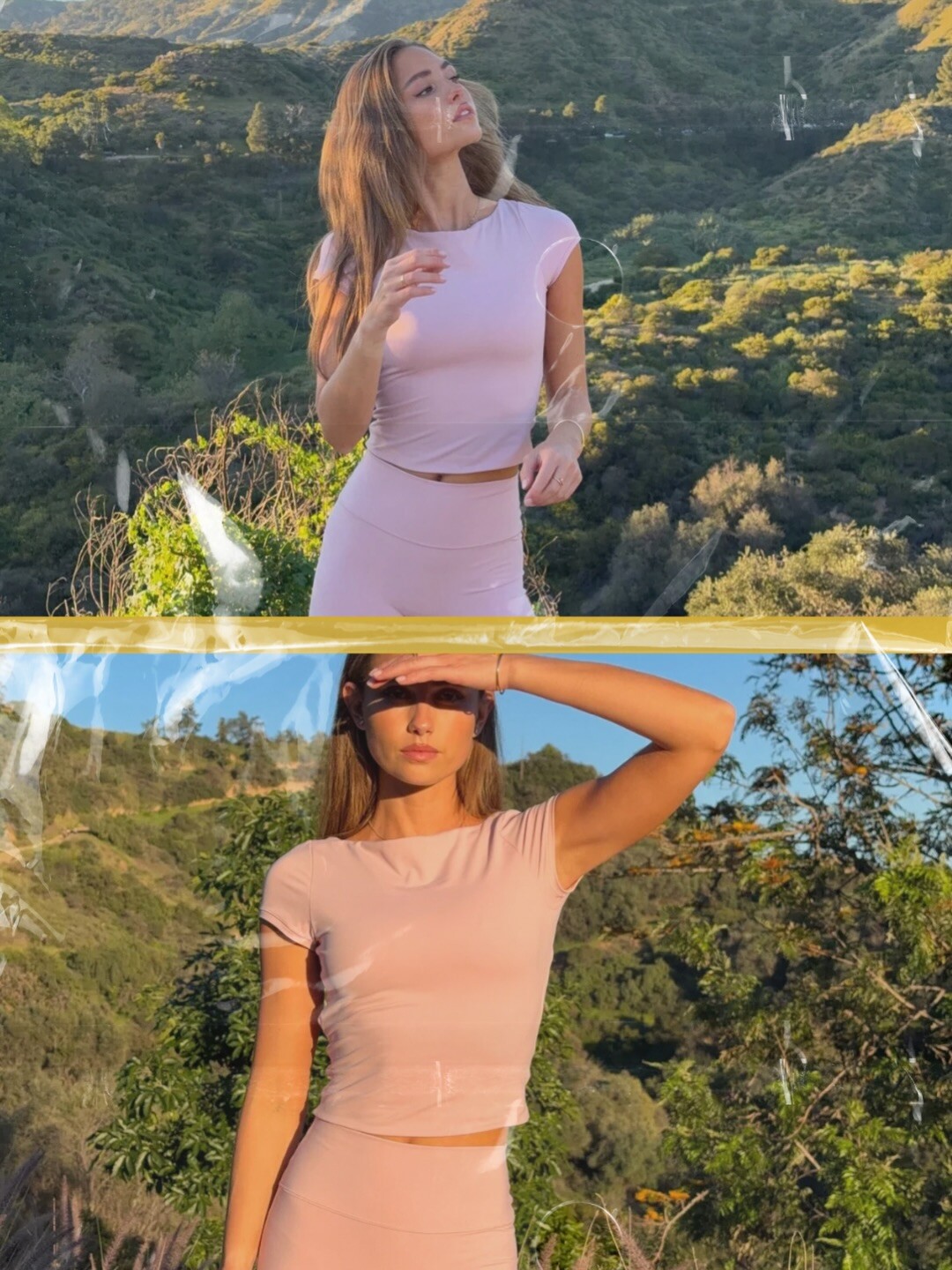
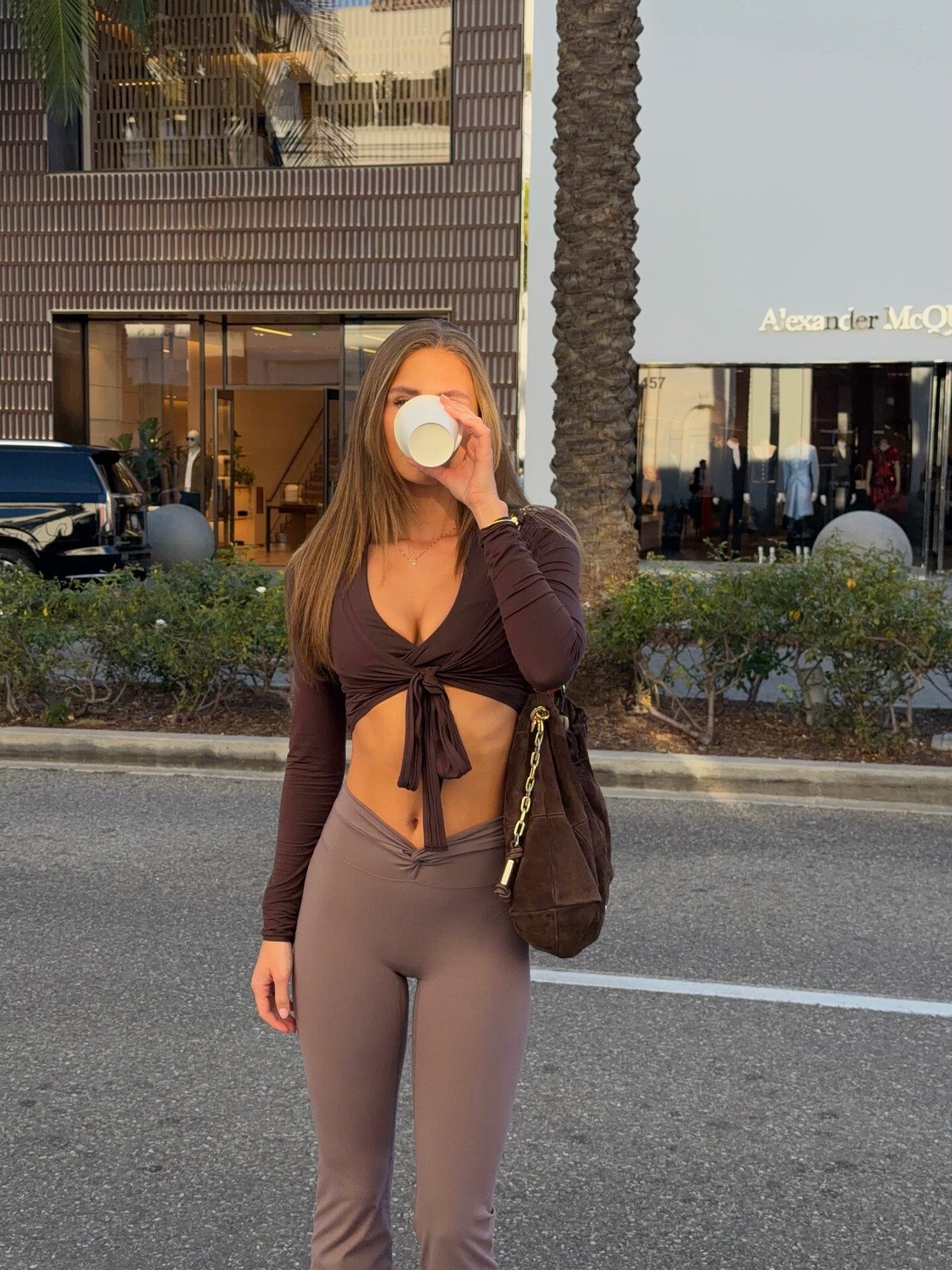
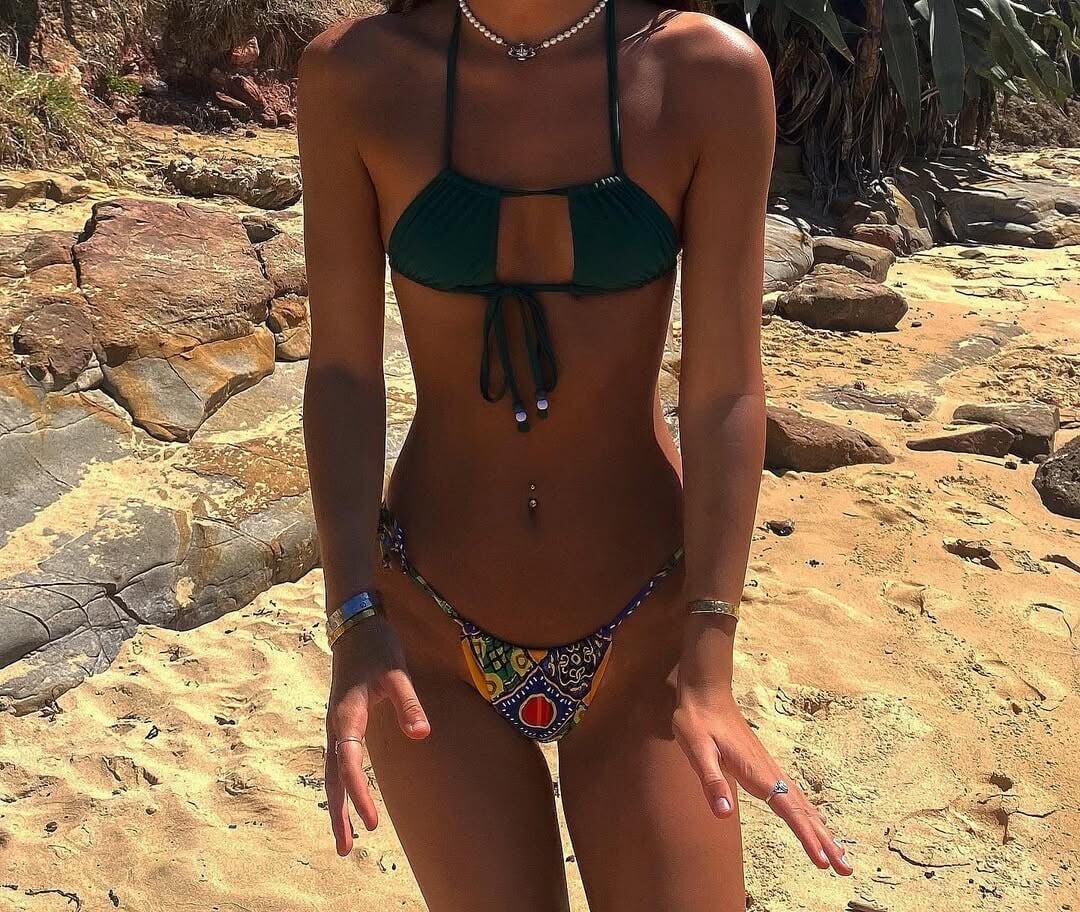
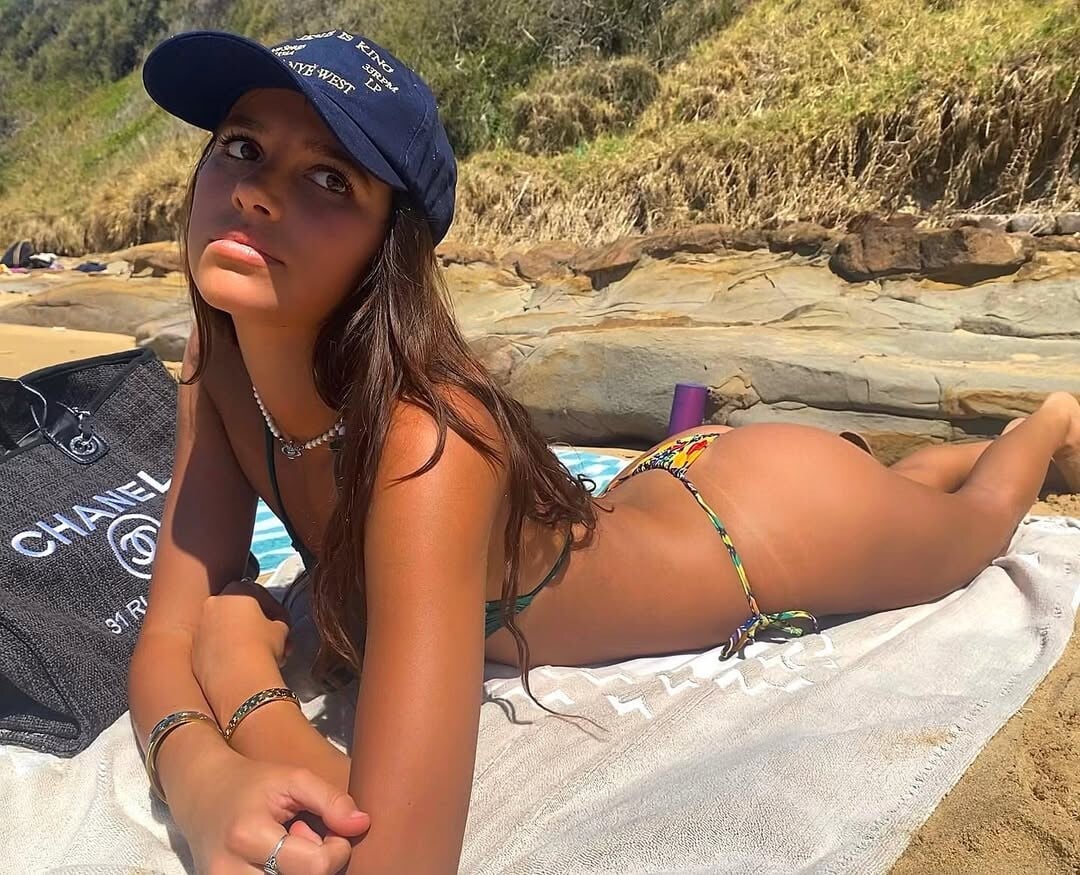
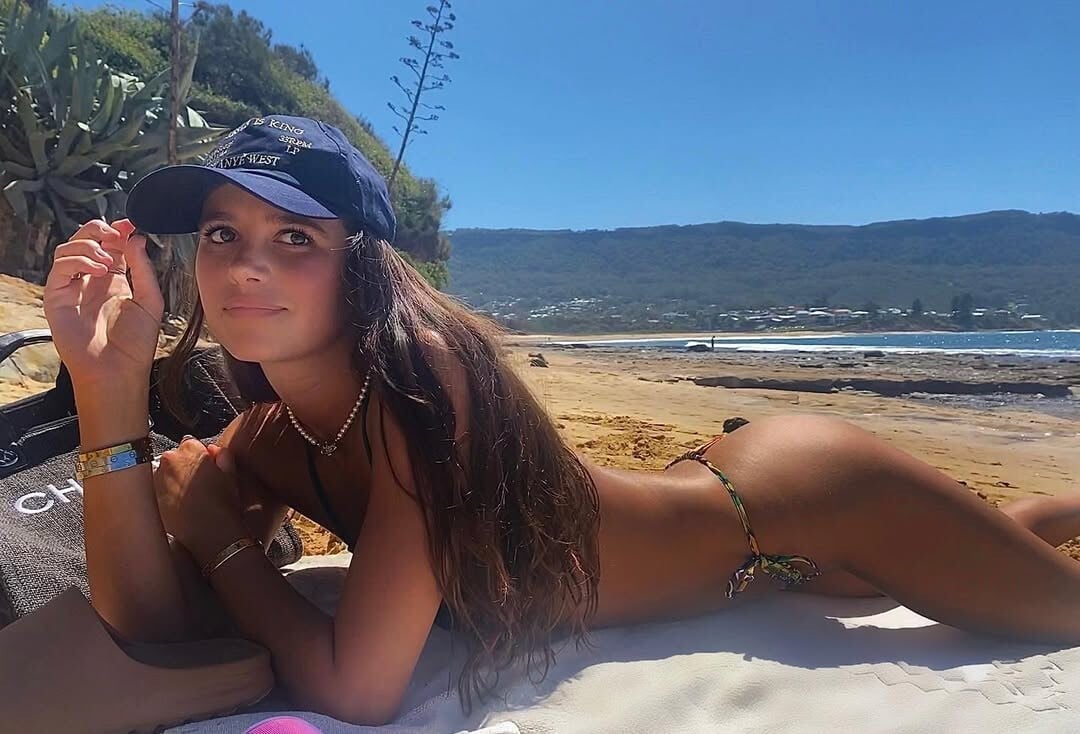
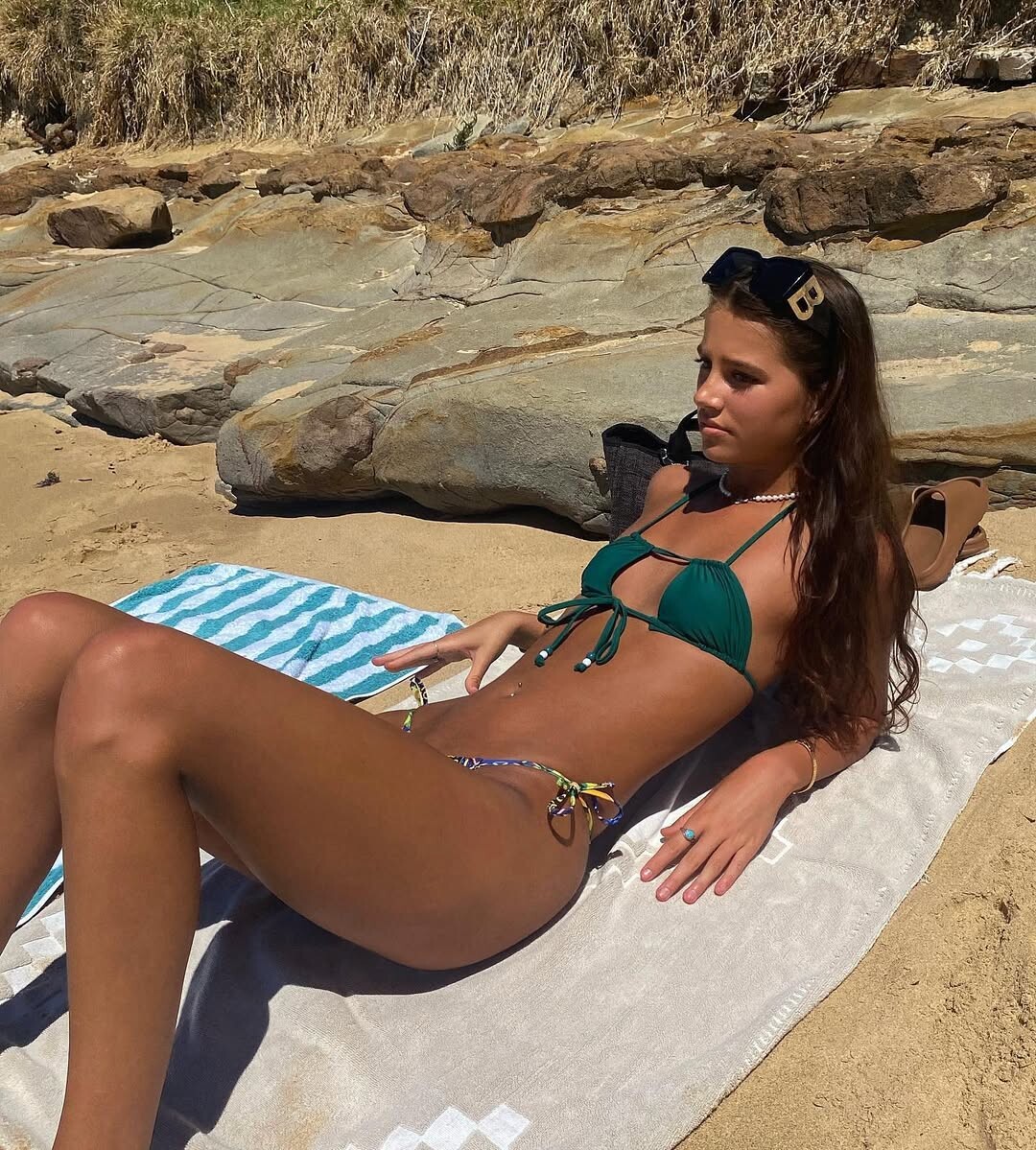
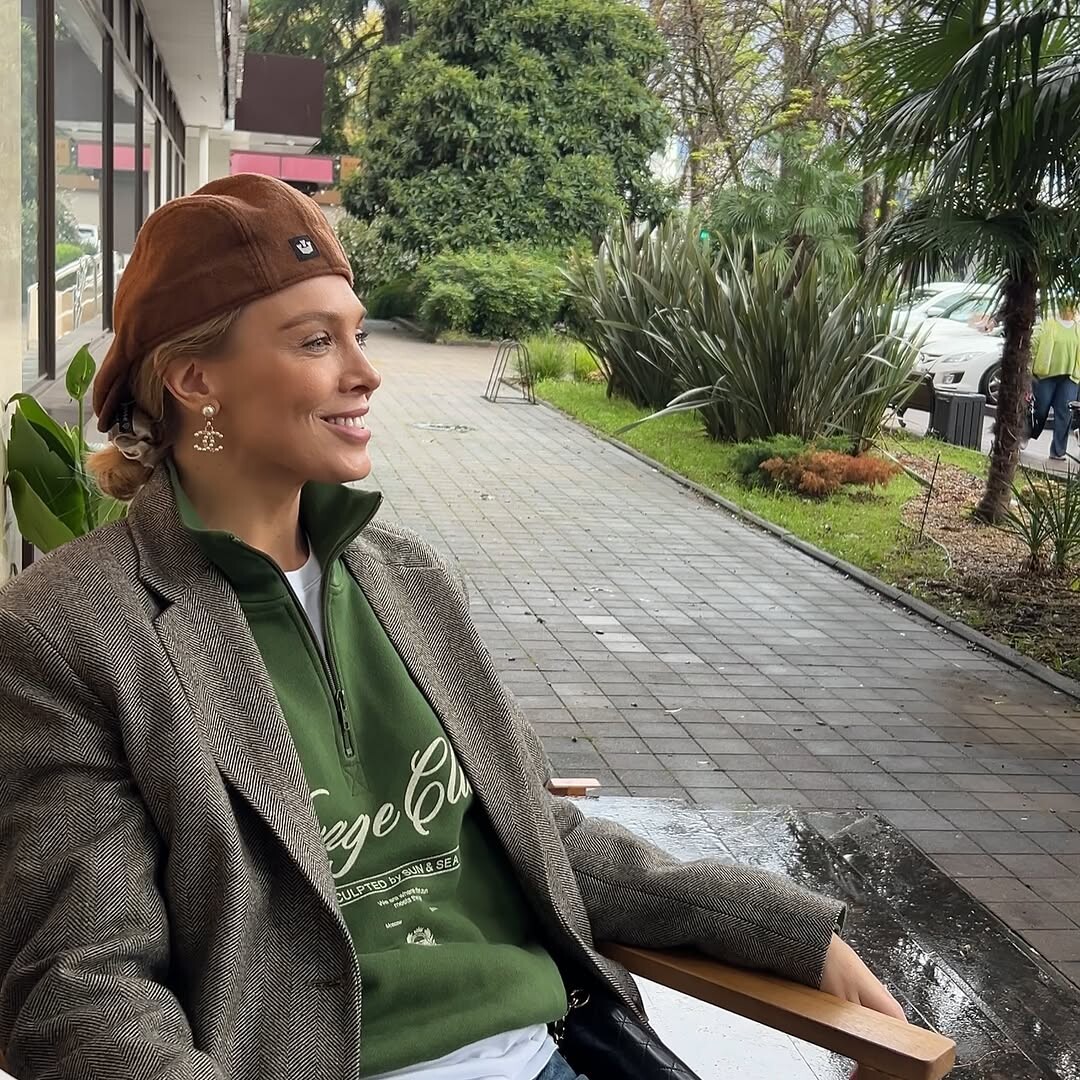
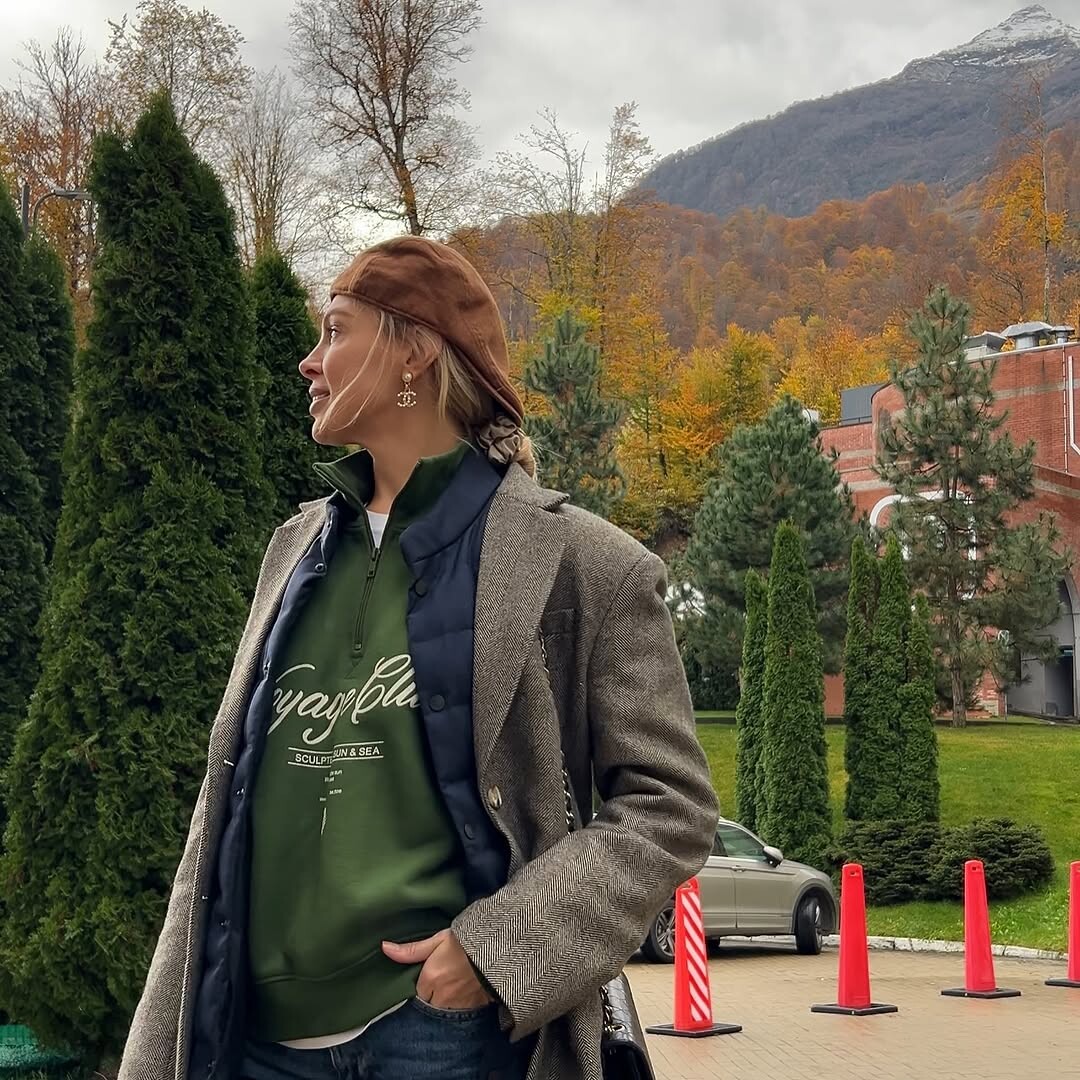
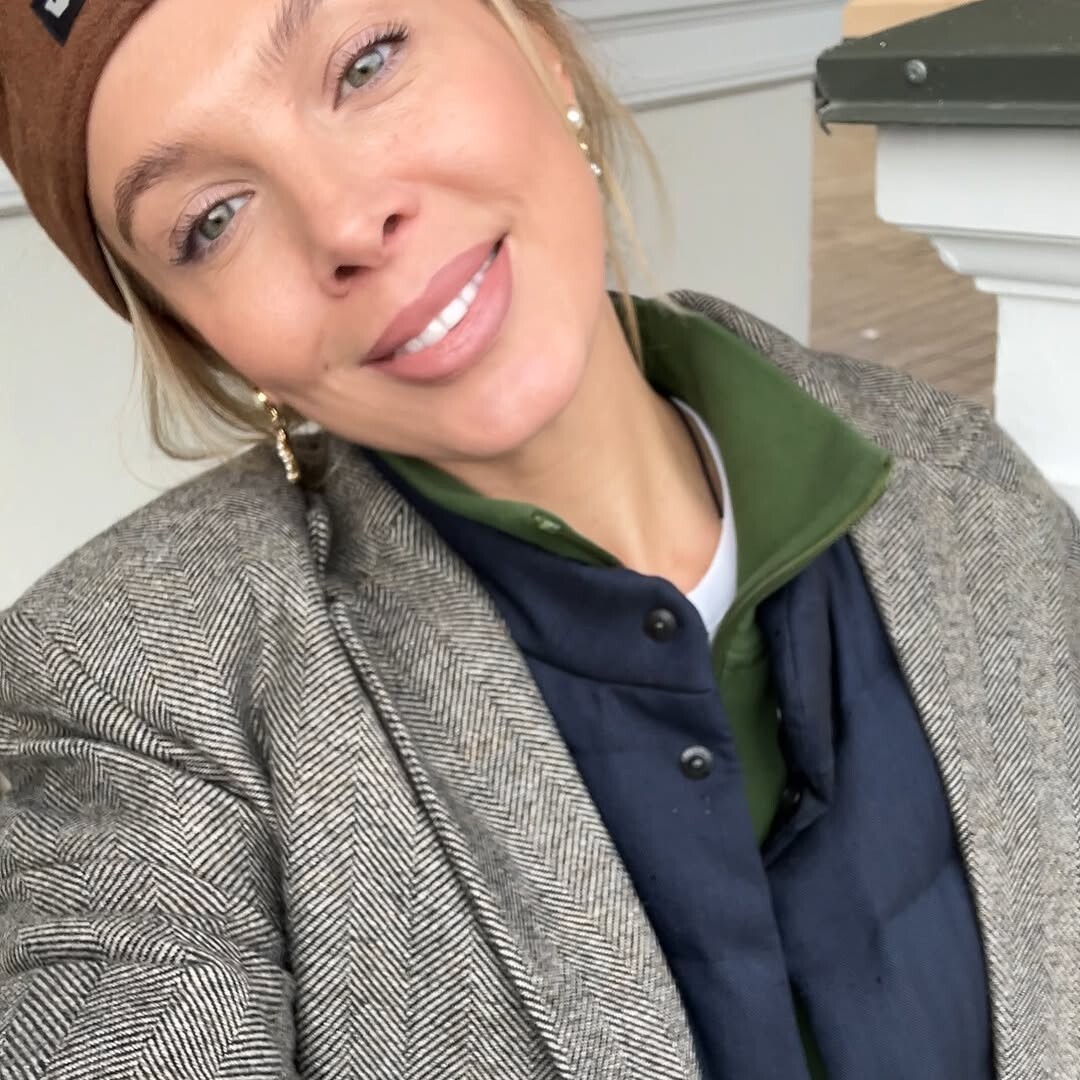
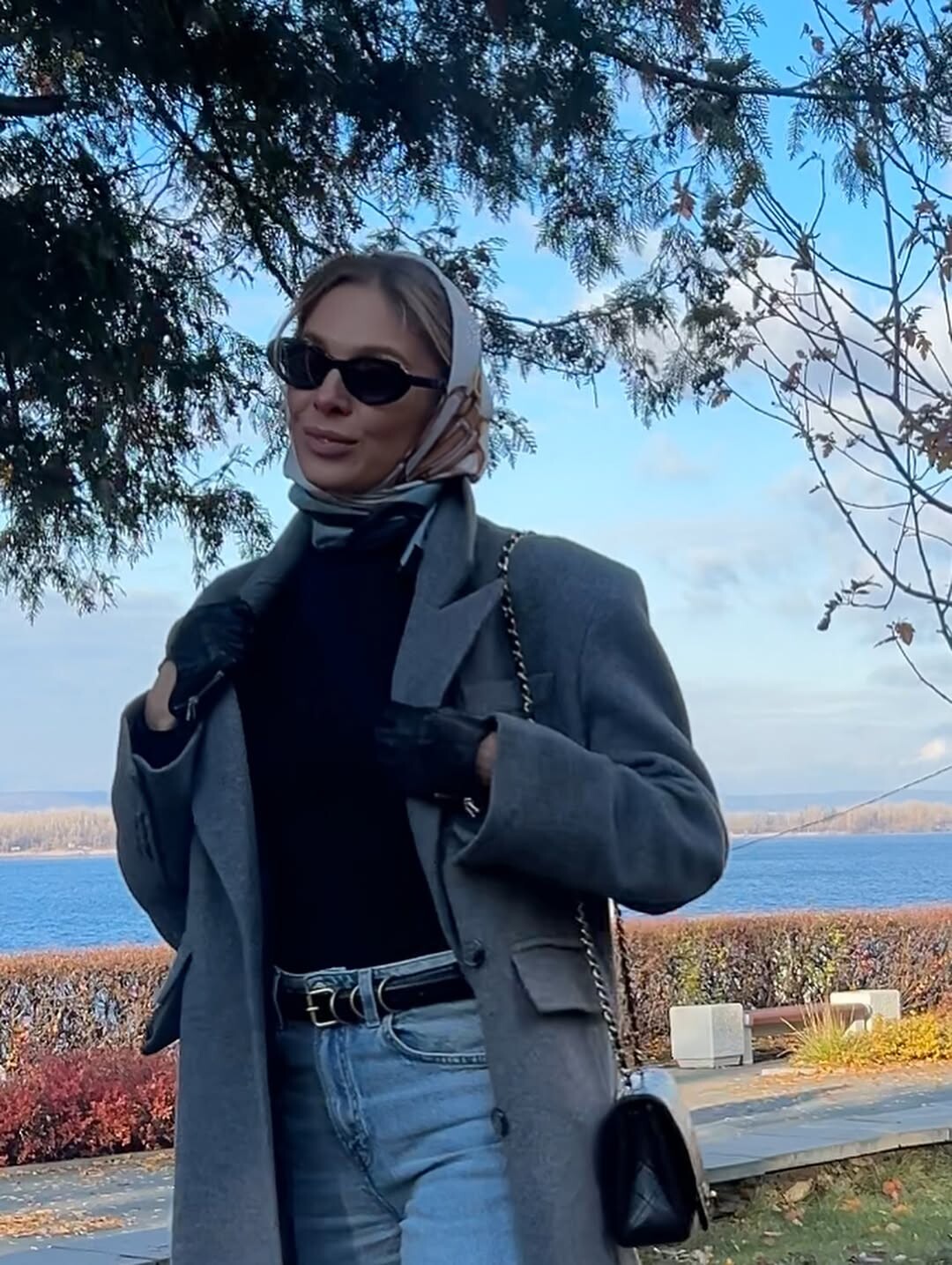
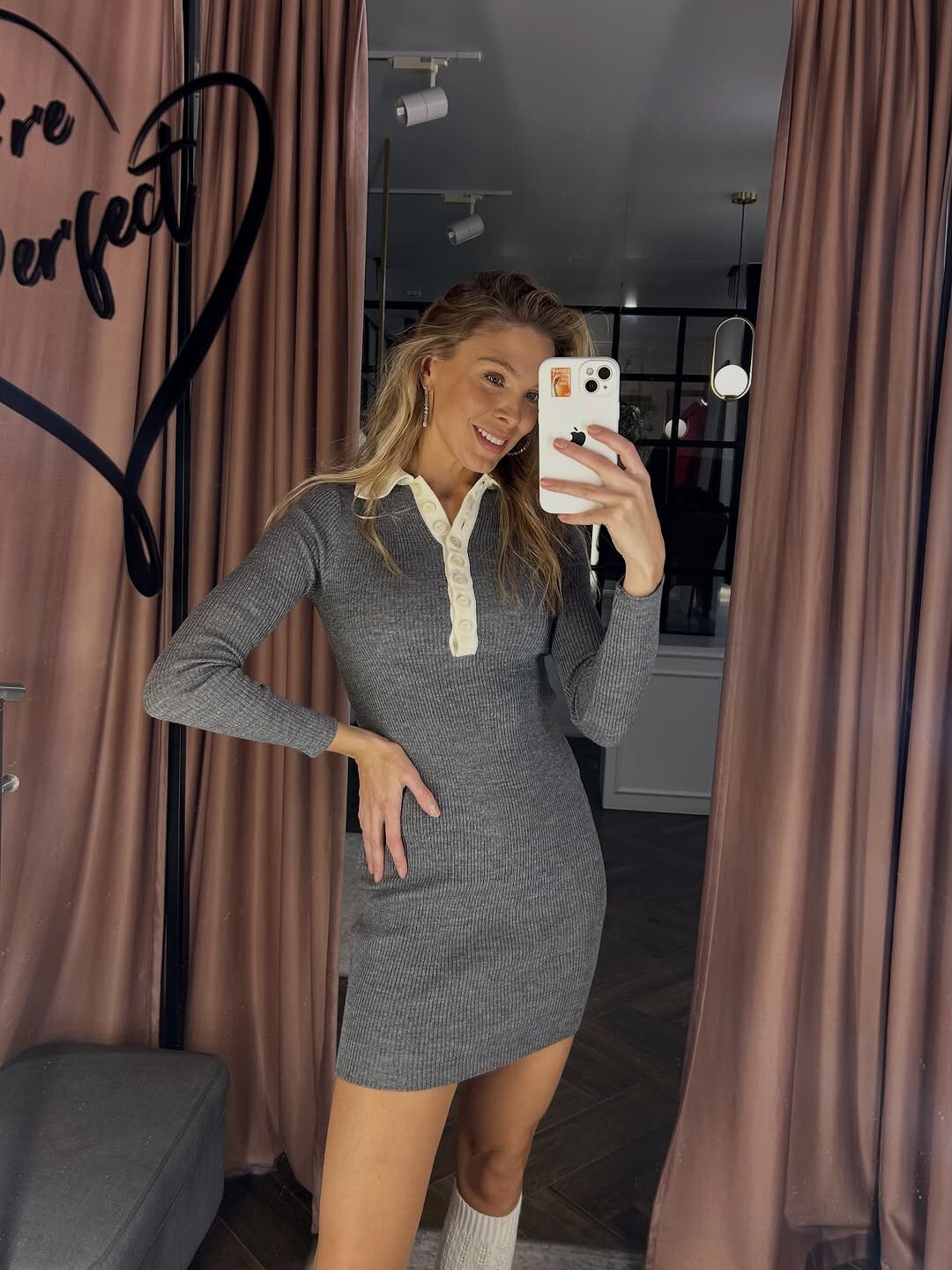
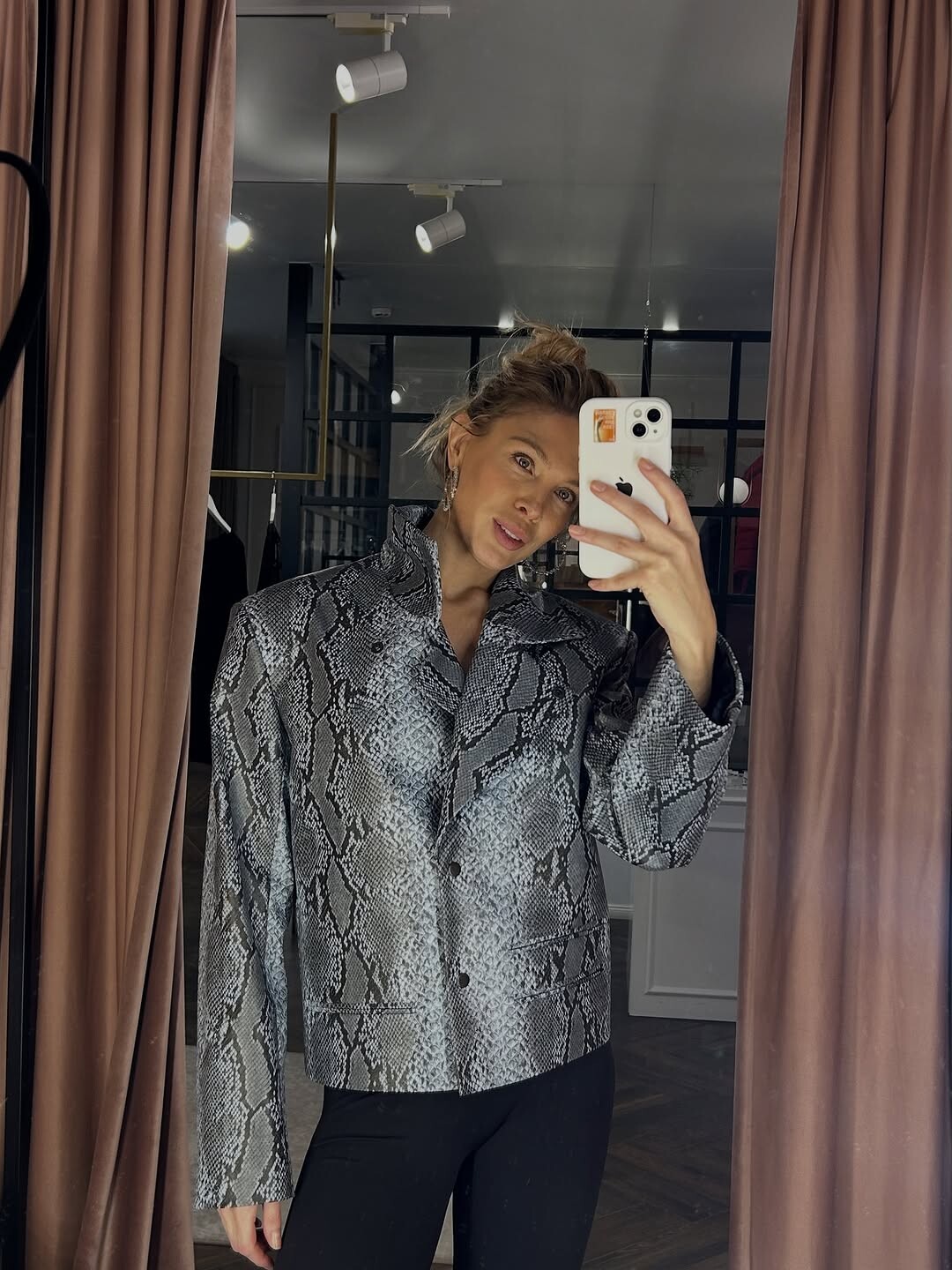
Has anyone got any info on this picture?
-
Already ID’d here…
-
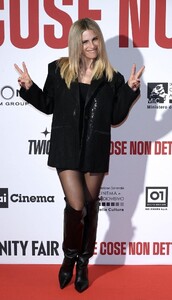
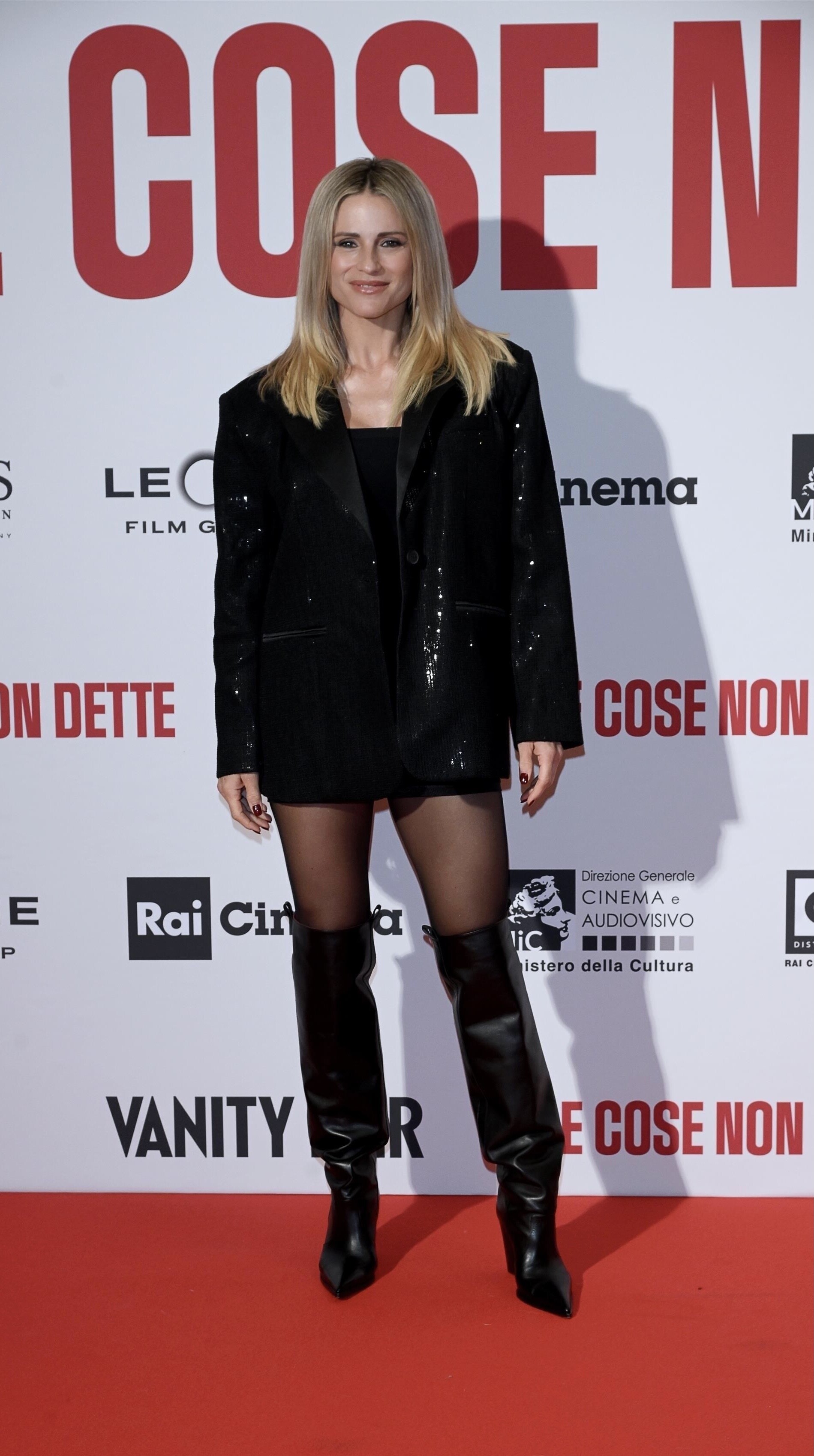
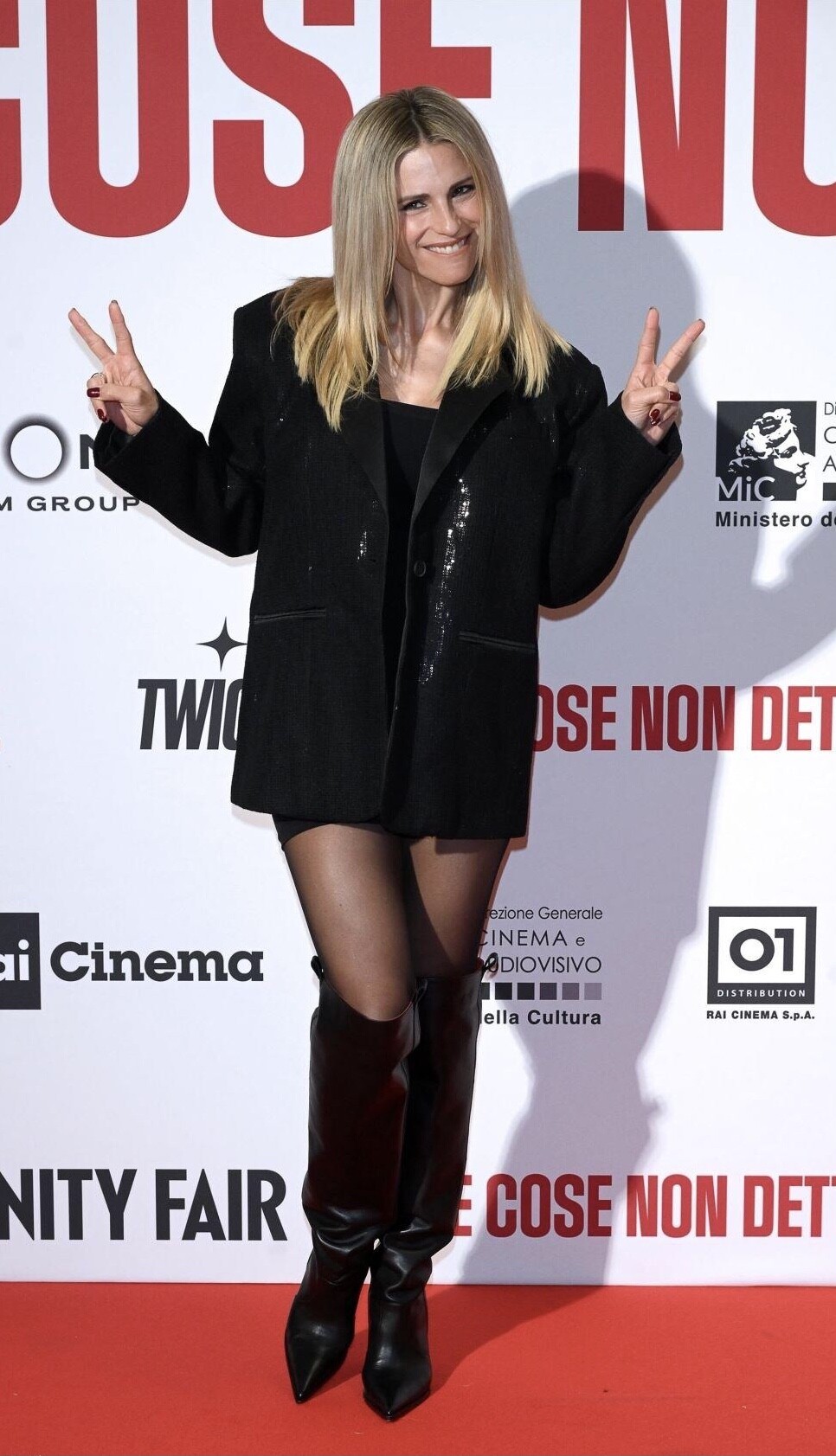
Close Non Dette Photo call, cinema Colosseo, Milan January 26, 2026

-
Already ID’d here…
-
 it is always a pleasure to help you ;-)
 -
 she is a Hottie
 -
-
-
 Thanks,dear! 😚 So is time for a new thread?
 -
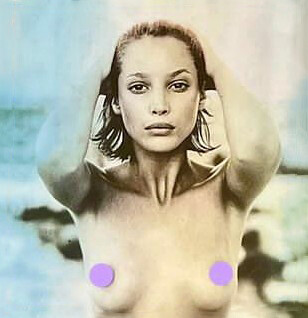
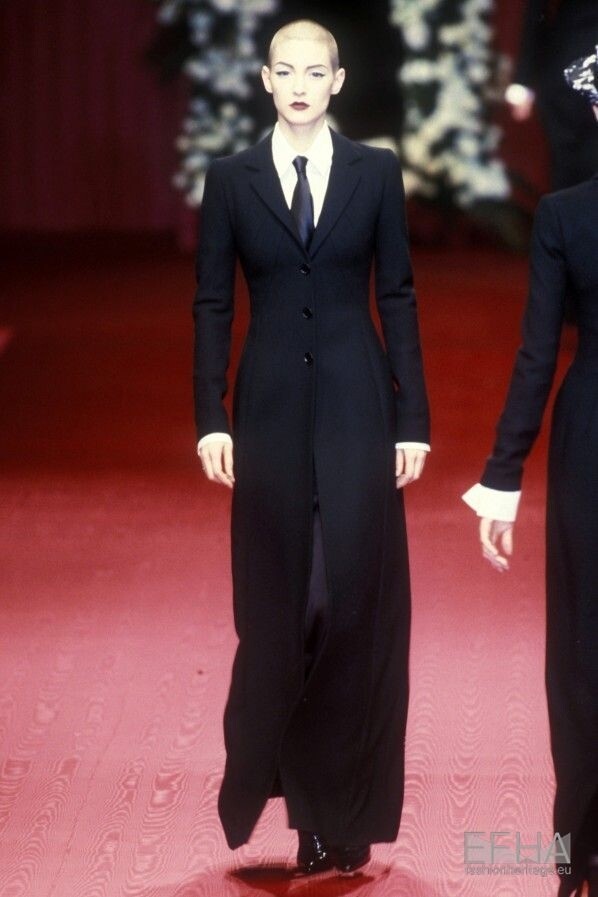
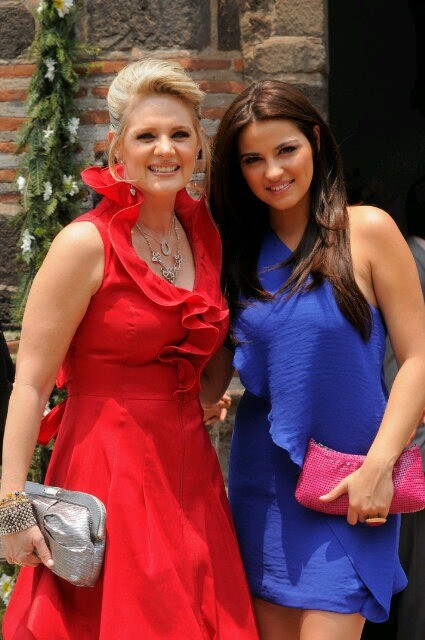
 Dolce & Gabbana Fall/Winter 1997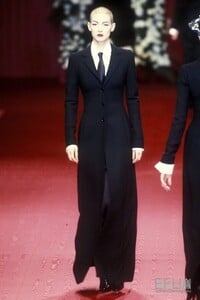
-
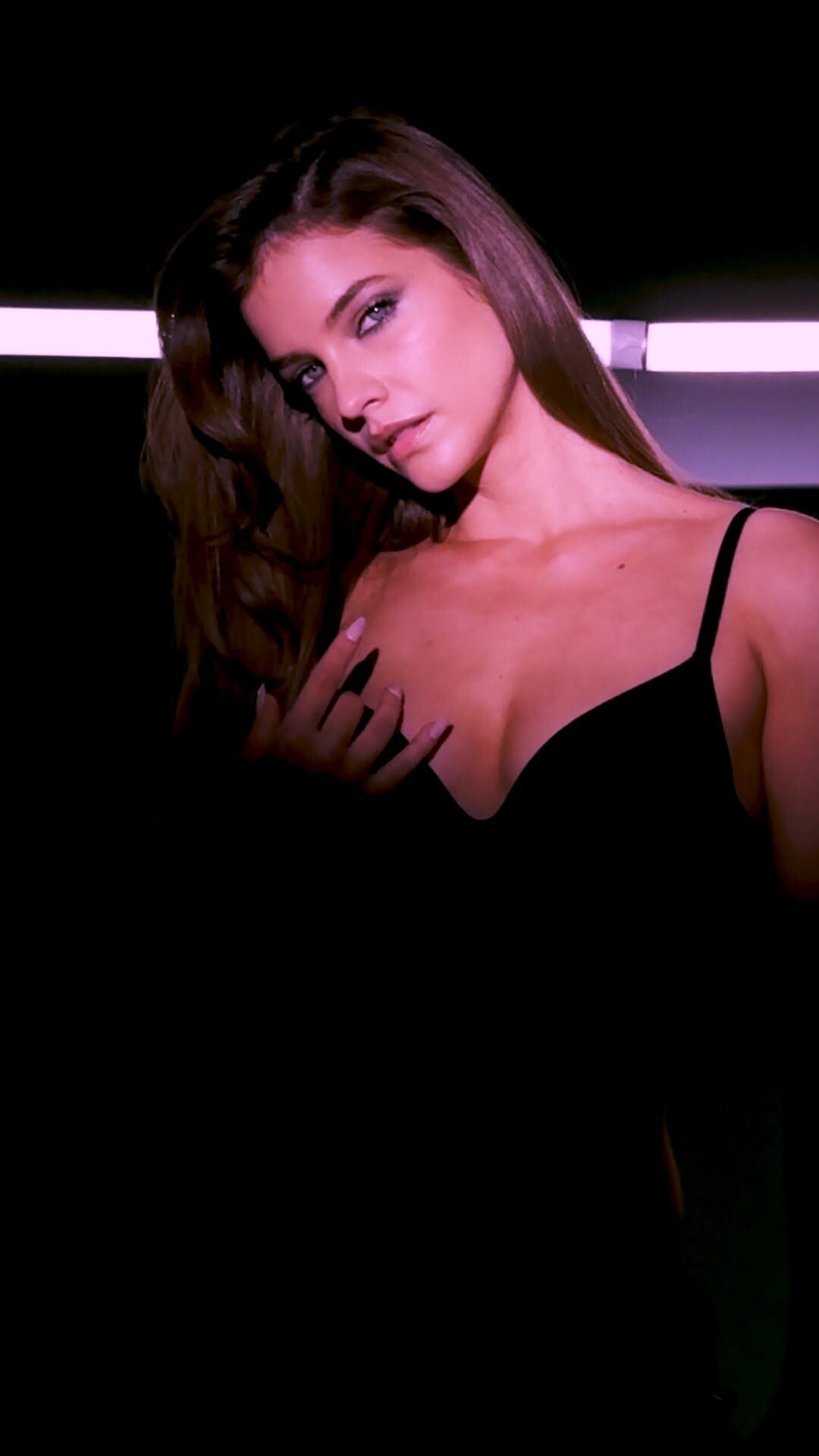
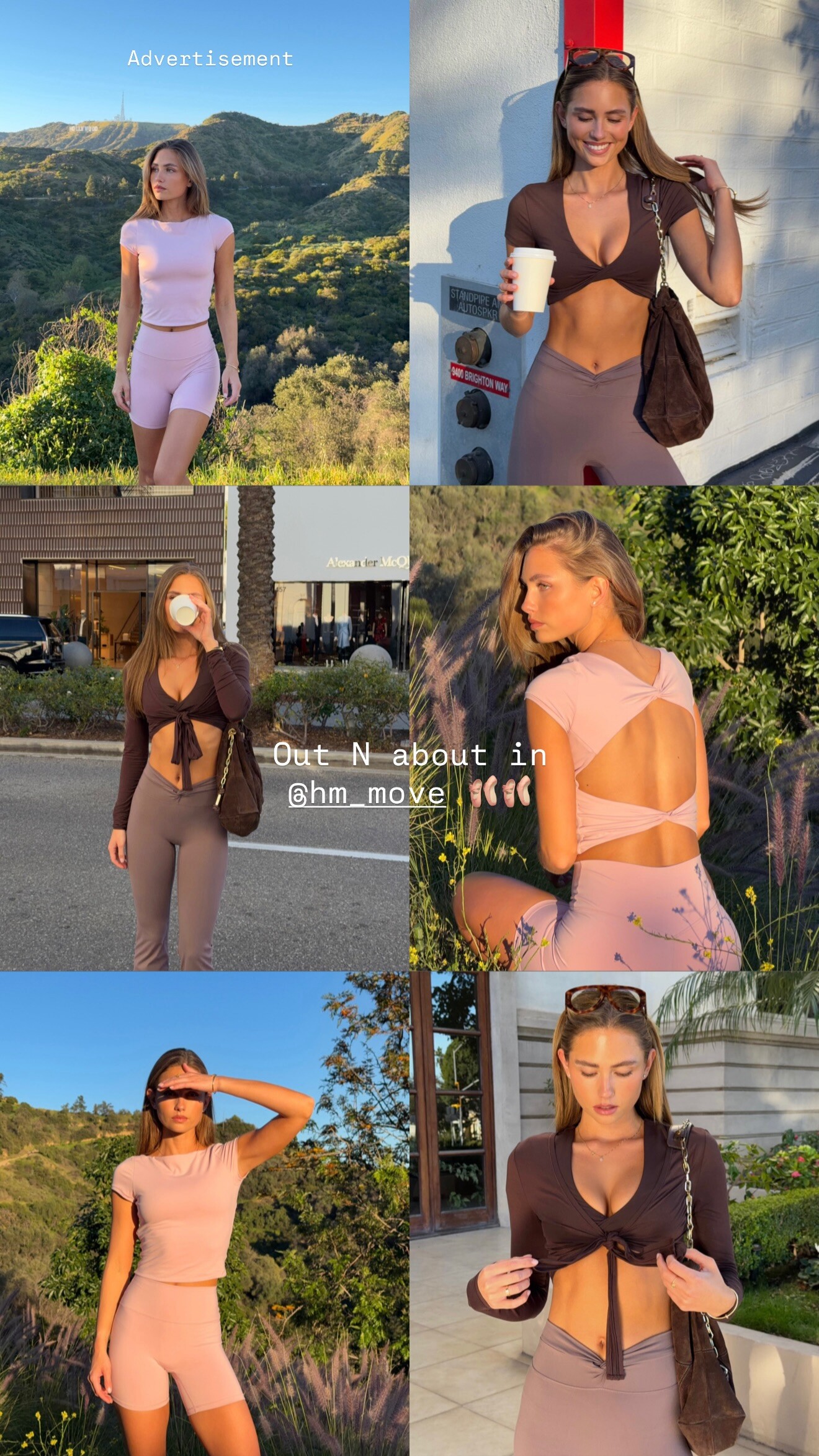
 Videos
 -
-

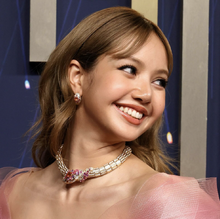
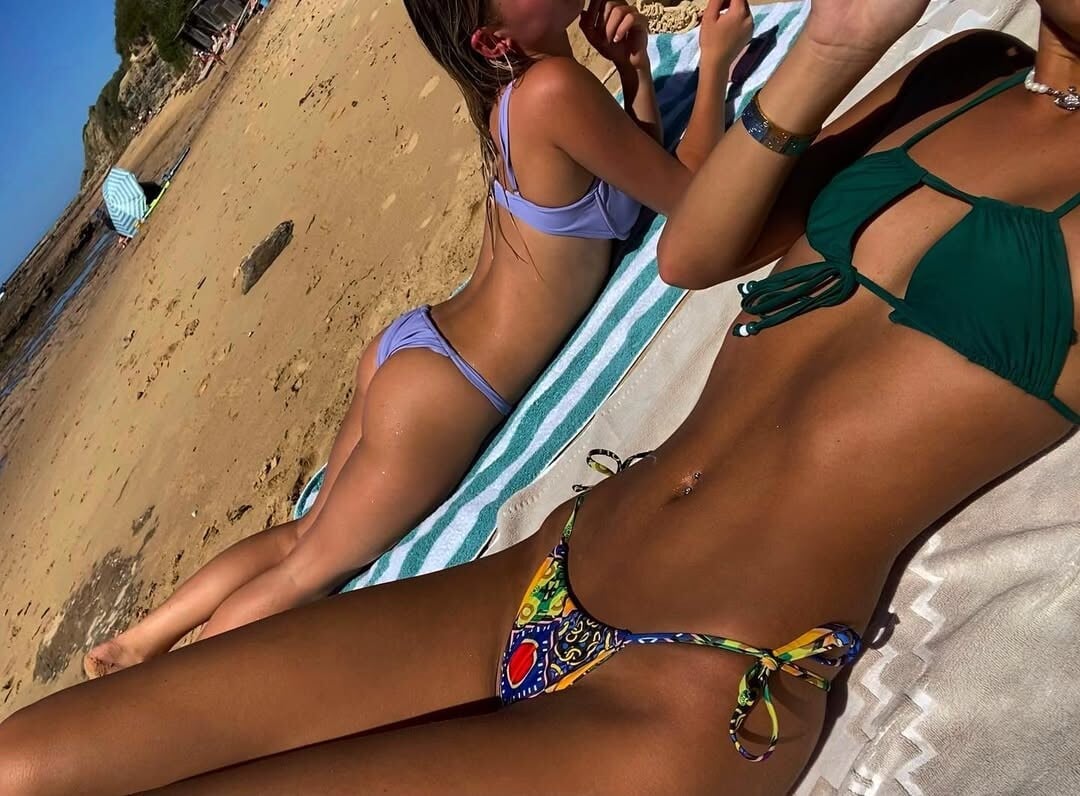
 link gone but her blonde friend has her in video




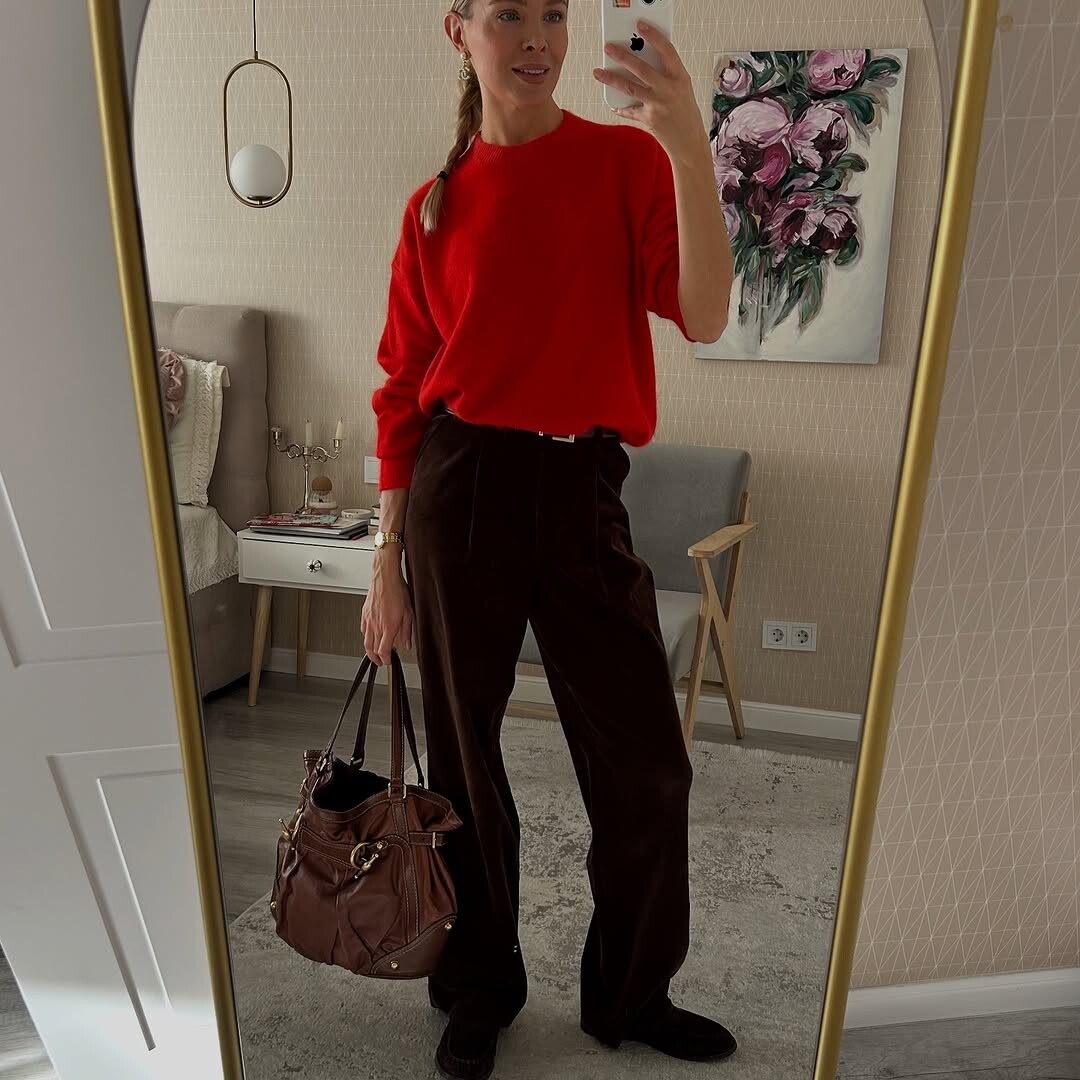
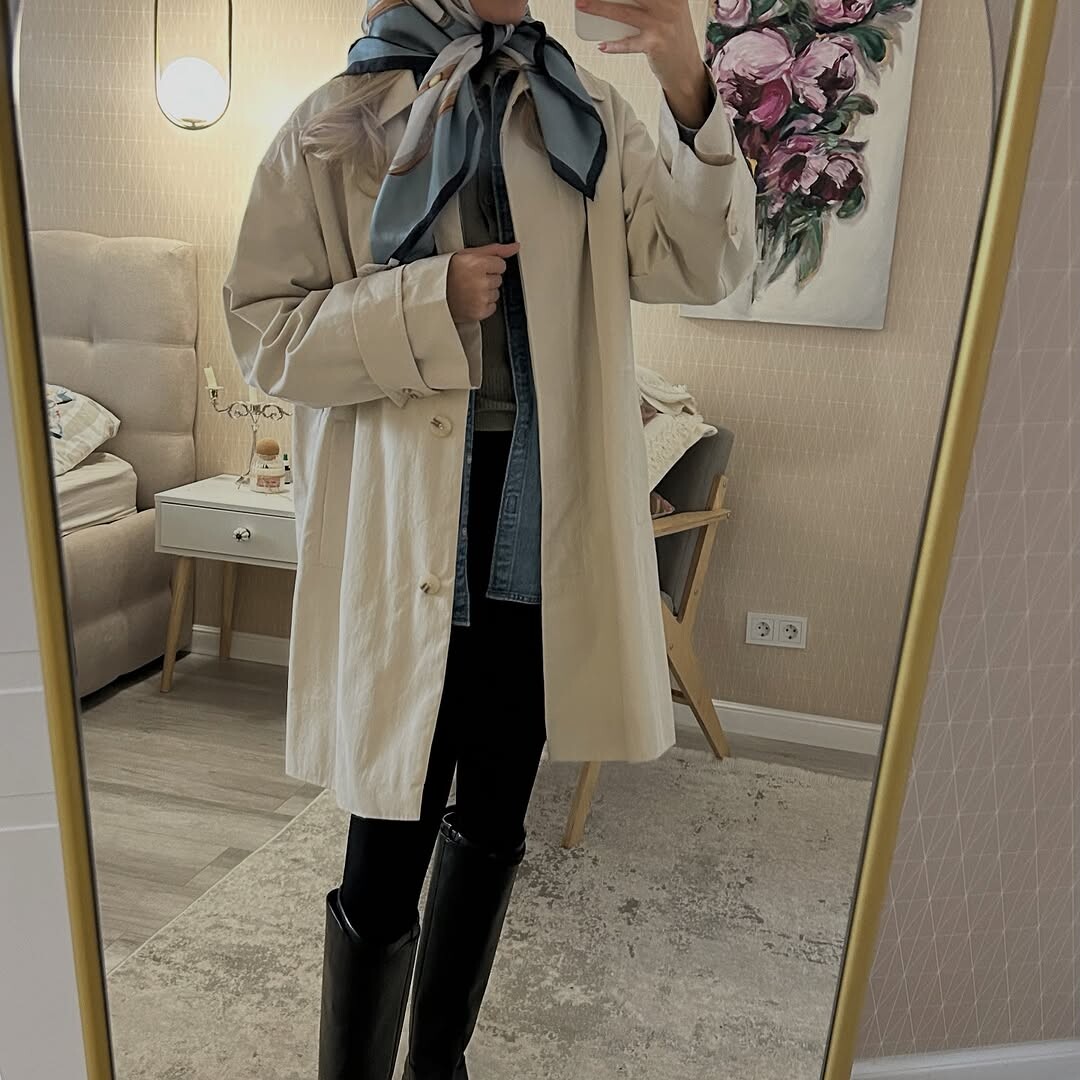
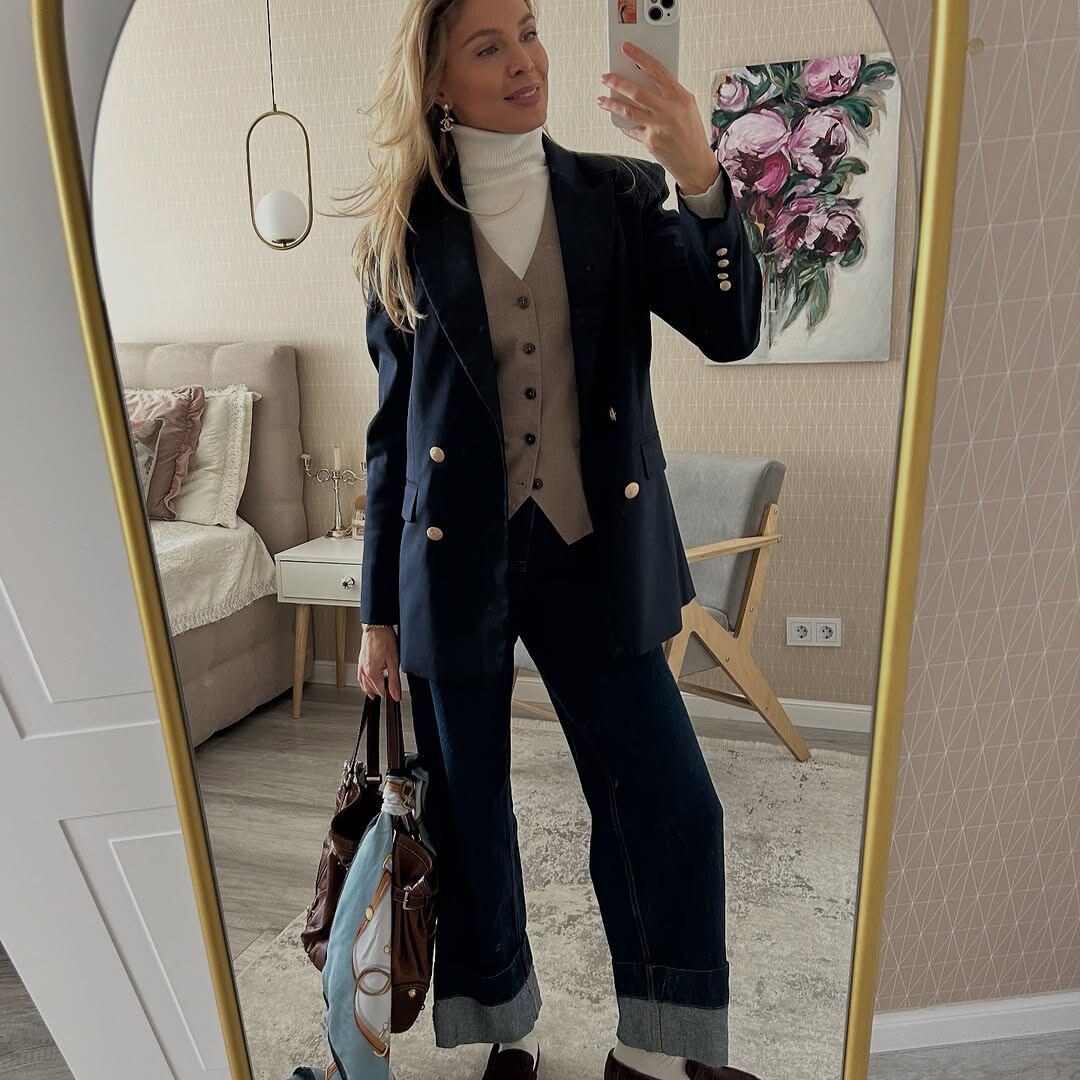
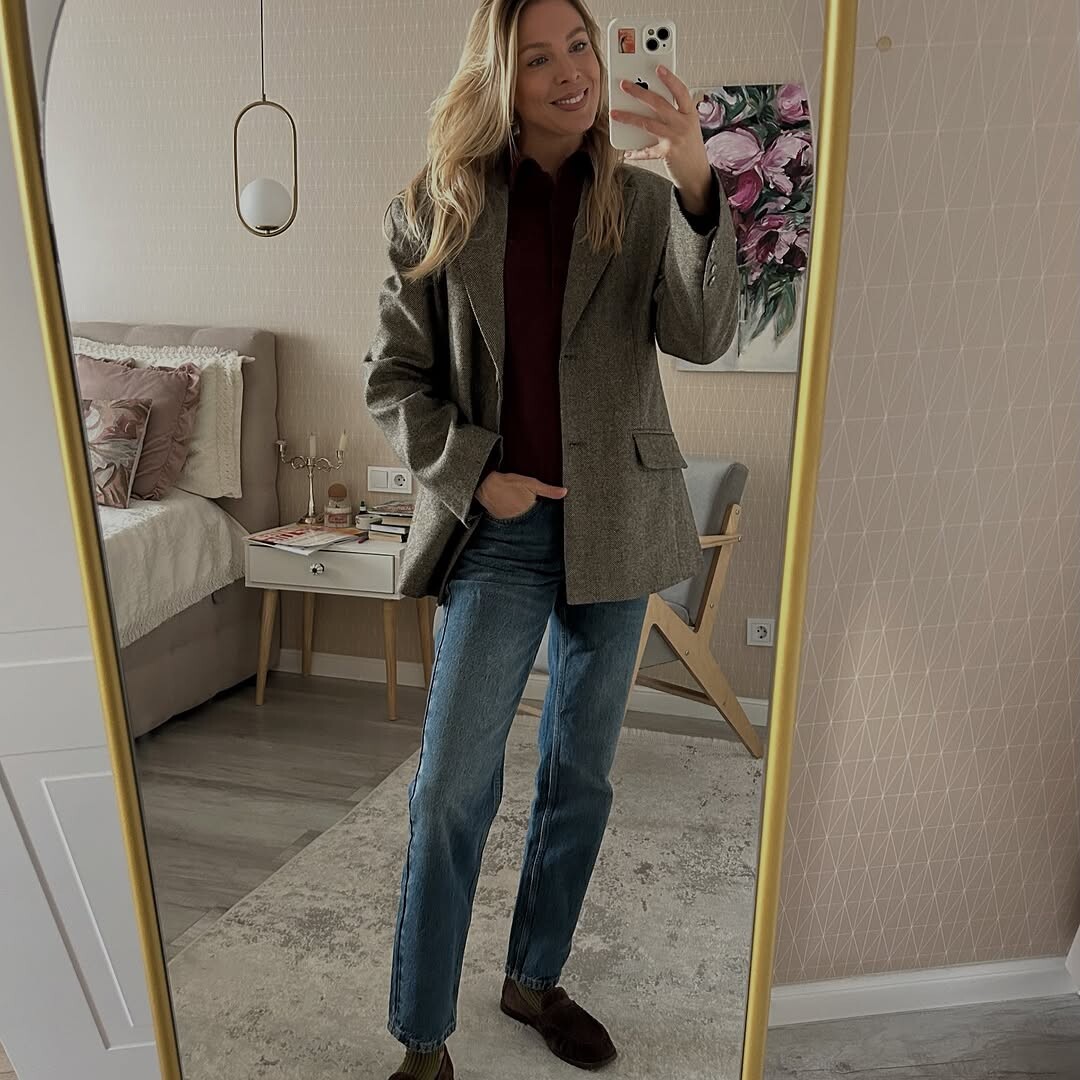


Account
Navigation
Search
Configure browser push notifications
Chrome (Android)
- Tap the lock icon next to the address bar.
- Tap Permissions → Notifications.
- Adjust your preference.
Chrome (Desktop)
- Click the padlock icon in the address bar.
- Select Site settings.
- Find Notifications and adjust your preference.
Safari (iOS 16.4+)
- Ensure the site is installed via Add to Home Screen.
- Open Settings App → Notifications.
- Find your app name and adjust your preference.
Safari (macOS)
- Go to Safari → Preferences.
- Click the Websites tab.
- Select Notifications in the sidebar.
- Find this website and adjust your preference.
Edge (Android)
- Tap the lock icon next to the address bar.
- Tap Permissions.
- Find Notifications and adjust your preference.
Edge (Desktop)
- Click the padlock icon in the address bar.
- Click Permissions for this site.
- Find Notifications and adjust your preference.
Firefox (Android)
- Go to Settings → Site permissions.
- Tap Notifications.
- Find this site in the list and adjust your preference.
Firefox (Desktop)
- Open Firefox Settings.
- Search for Notifications.
- Find this site in the list and adjust your preference.