All Activity
- Past hour
-
 Rachel Via Snapchat Videos




-
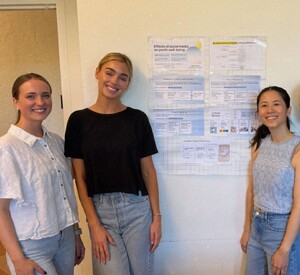
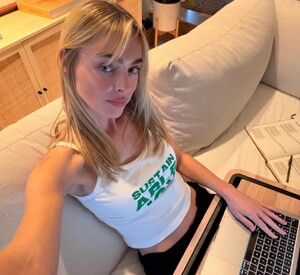
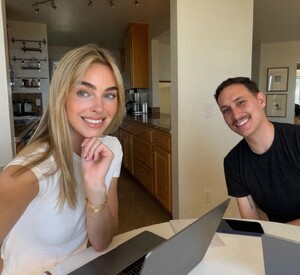
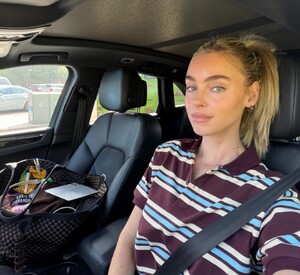
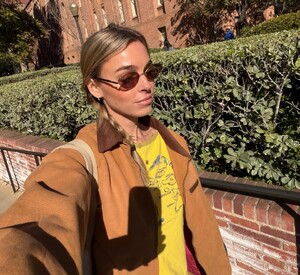
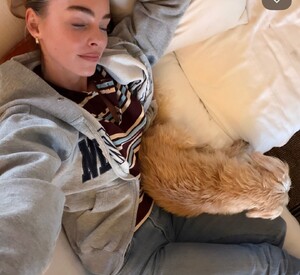
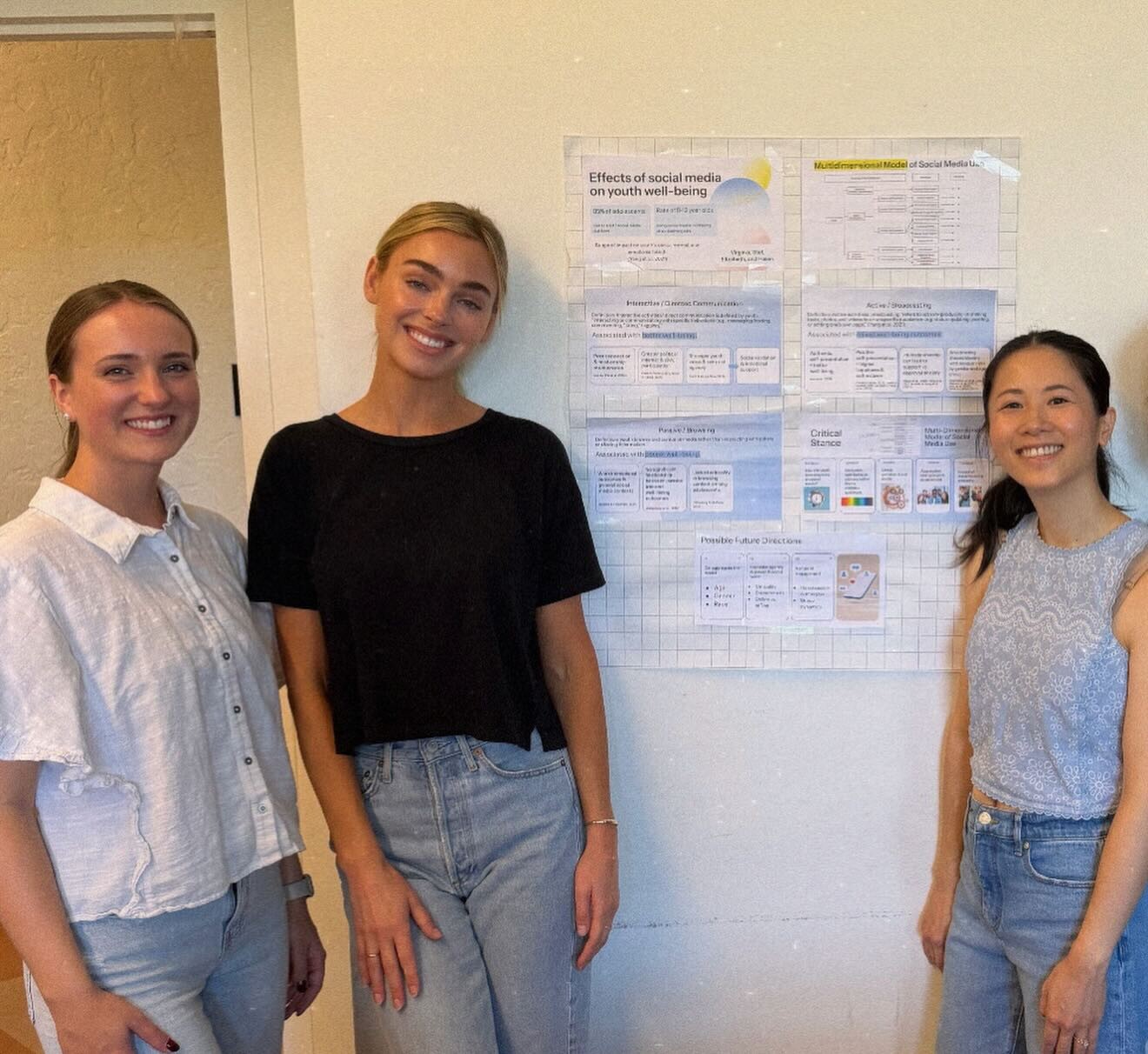
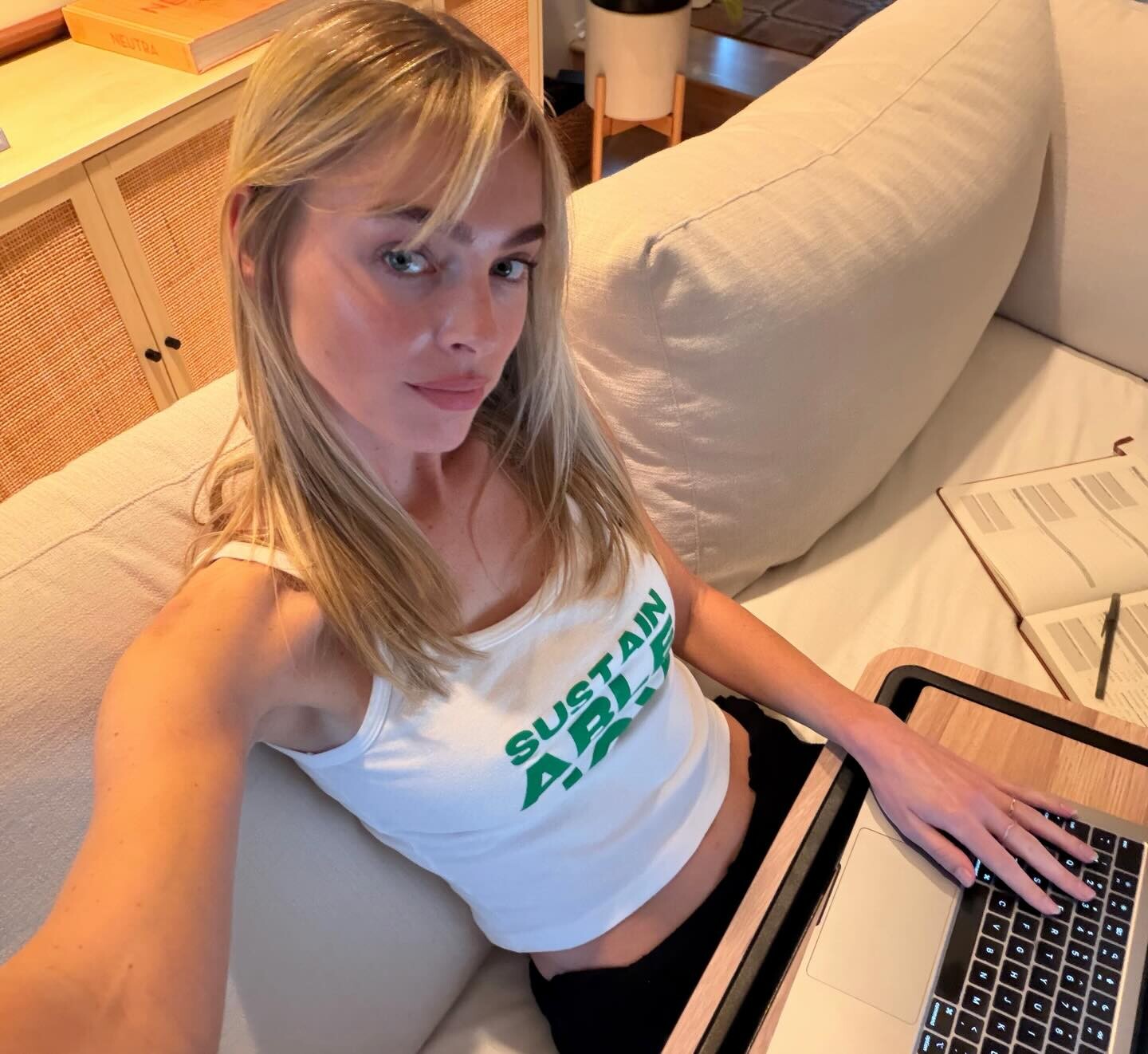
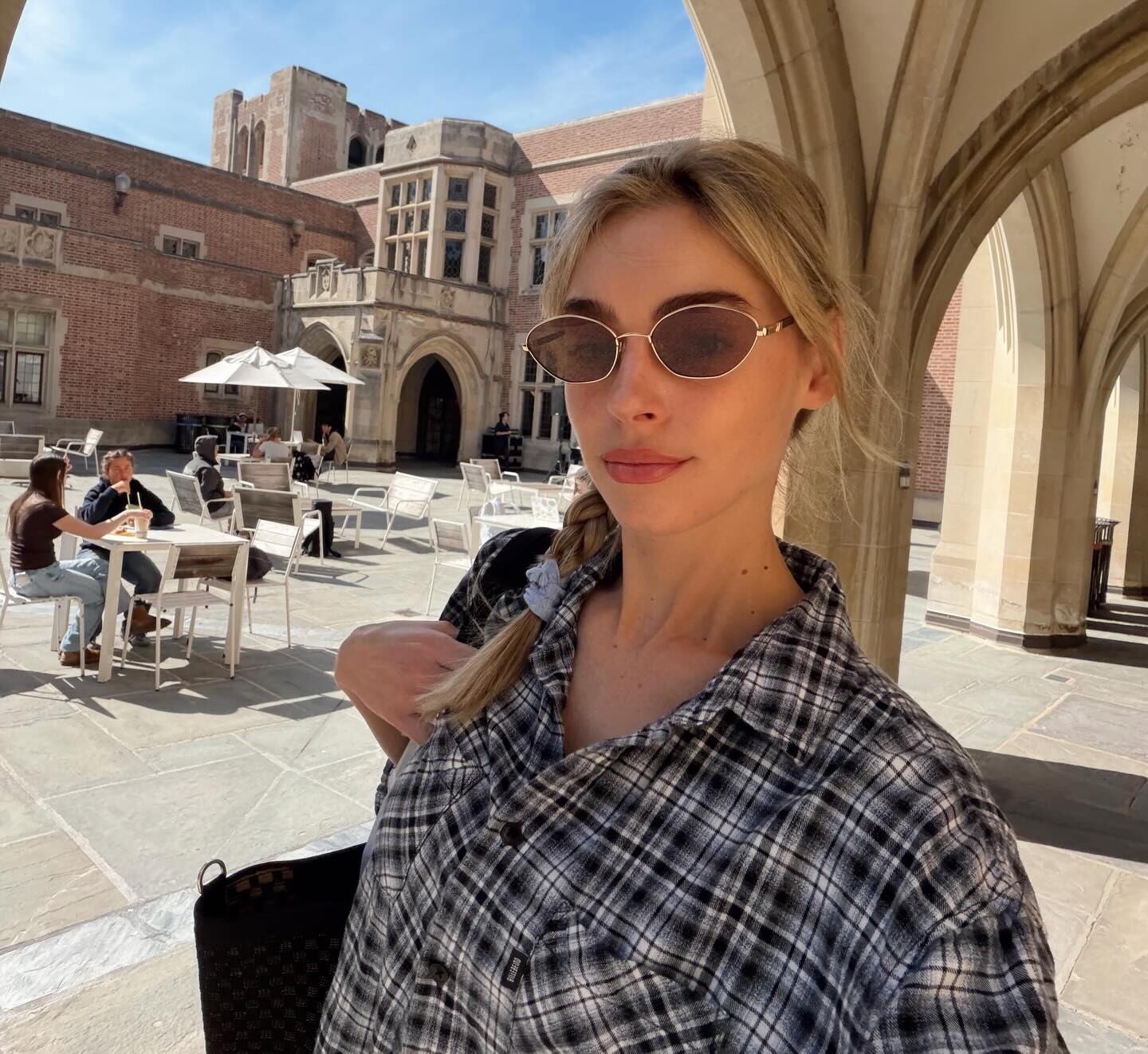
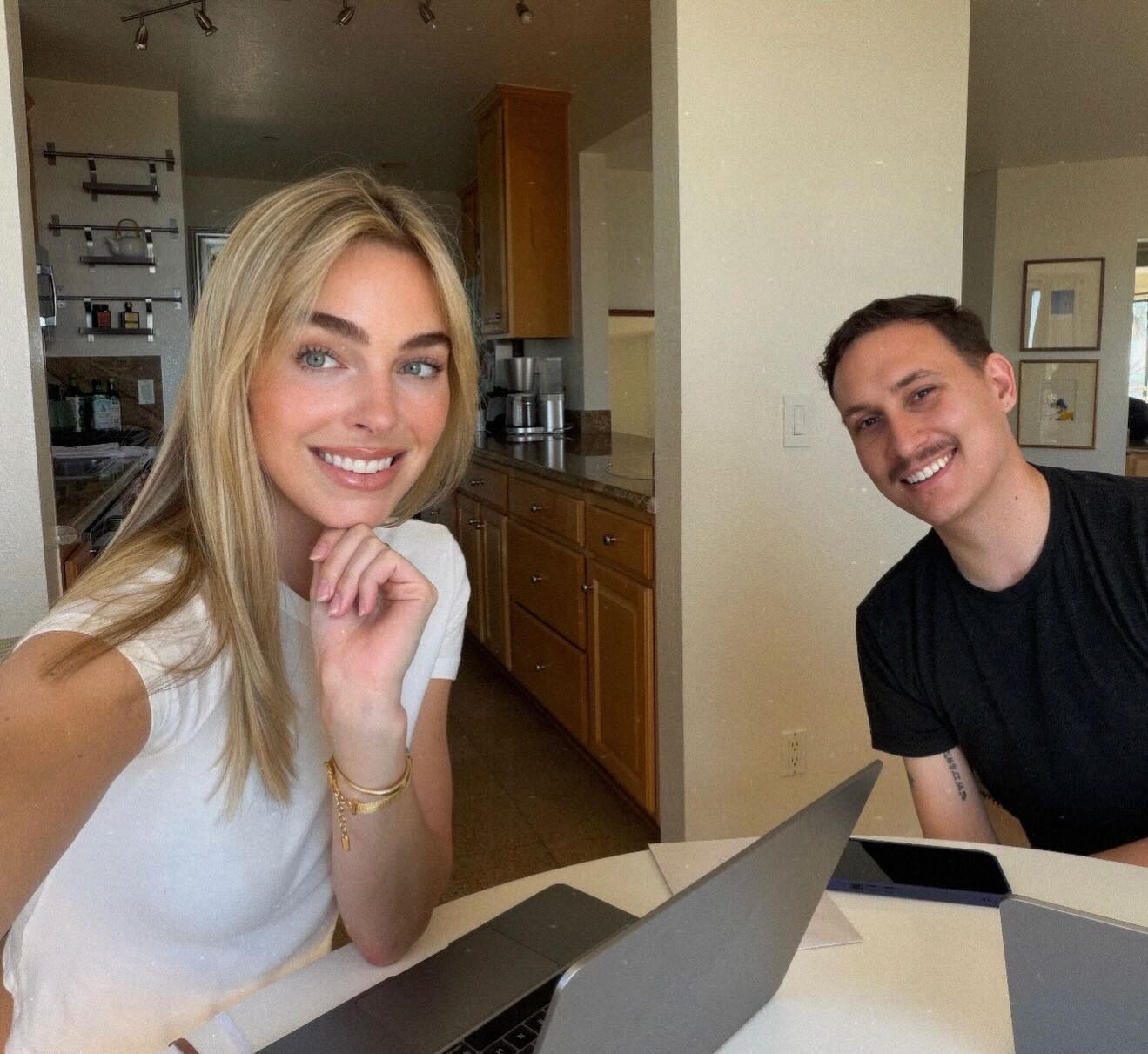
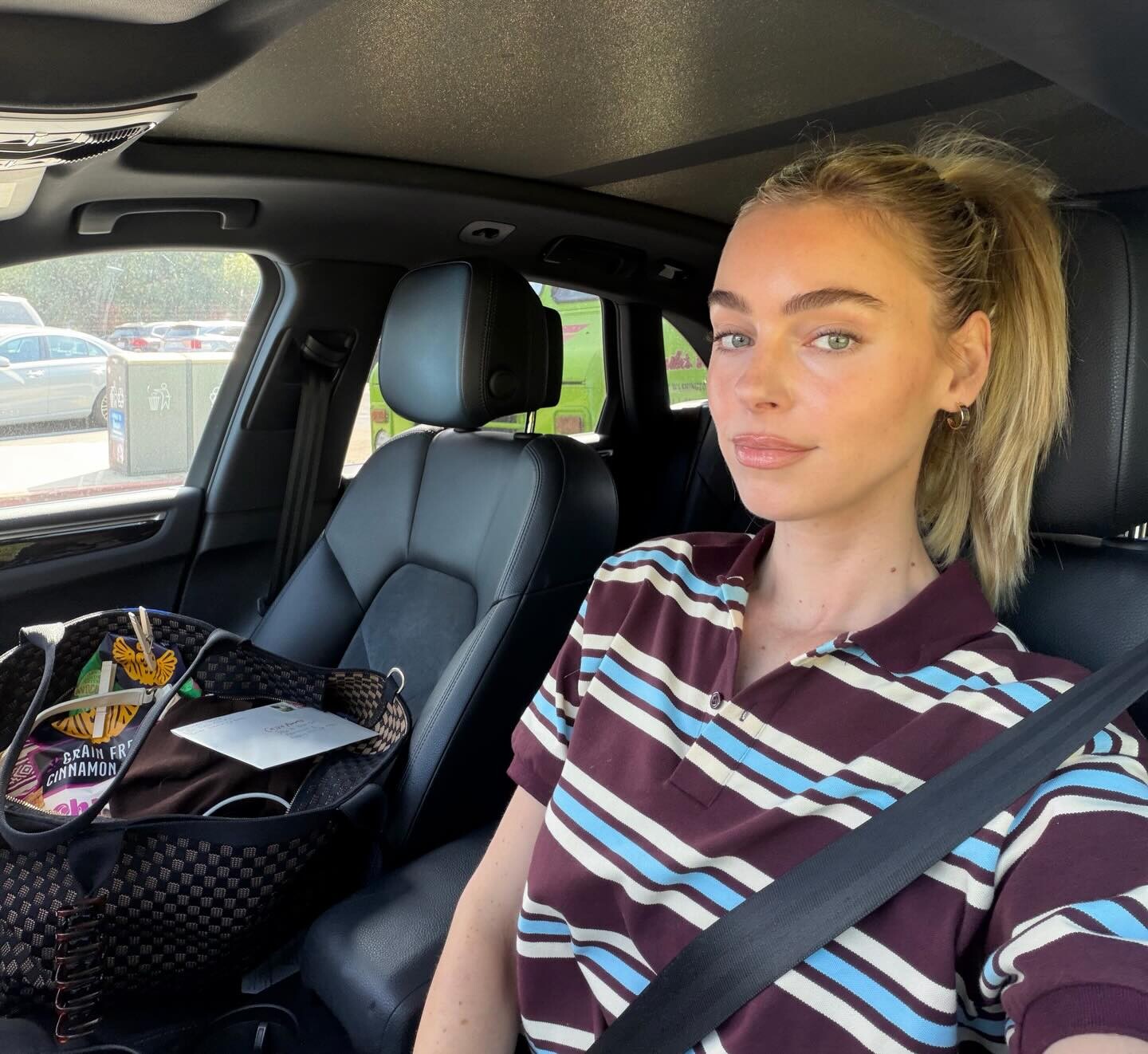
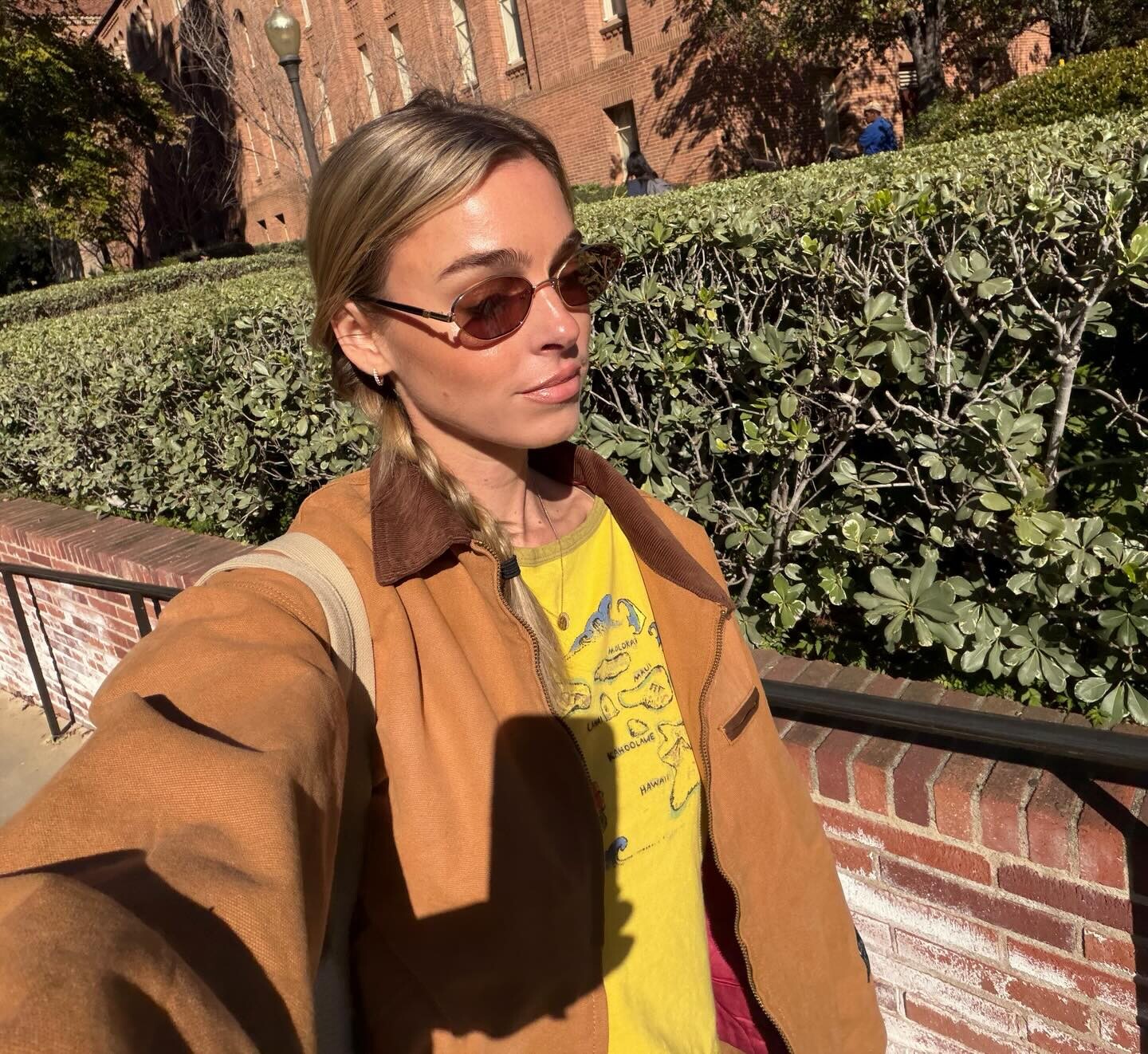
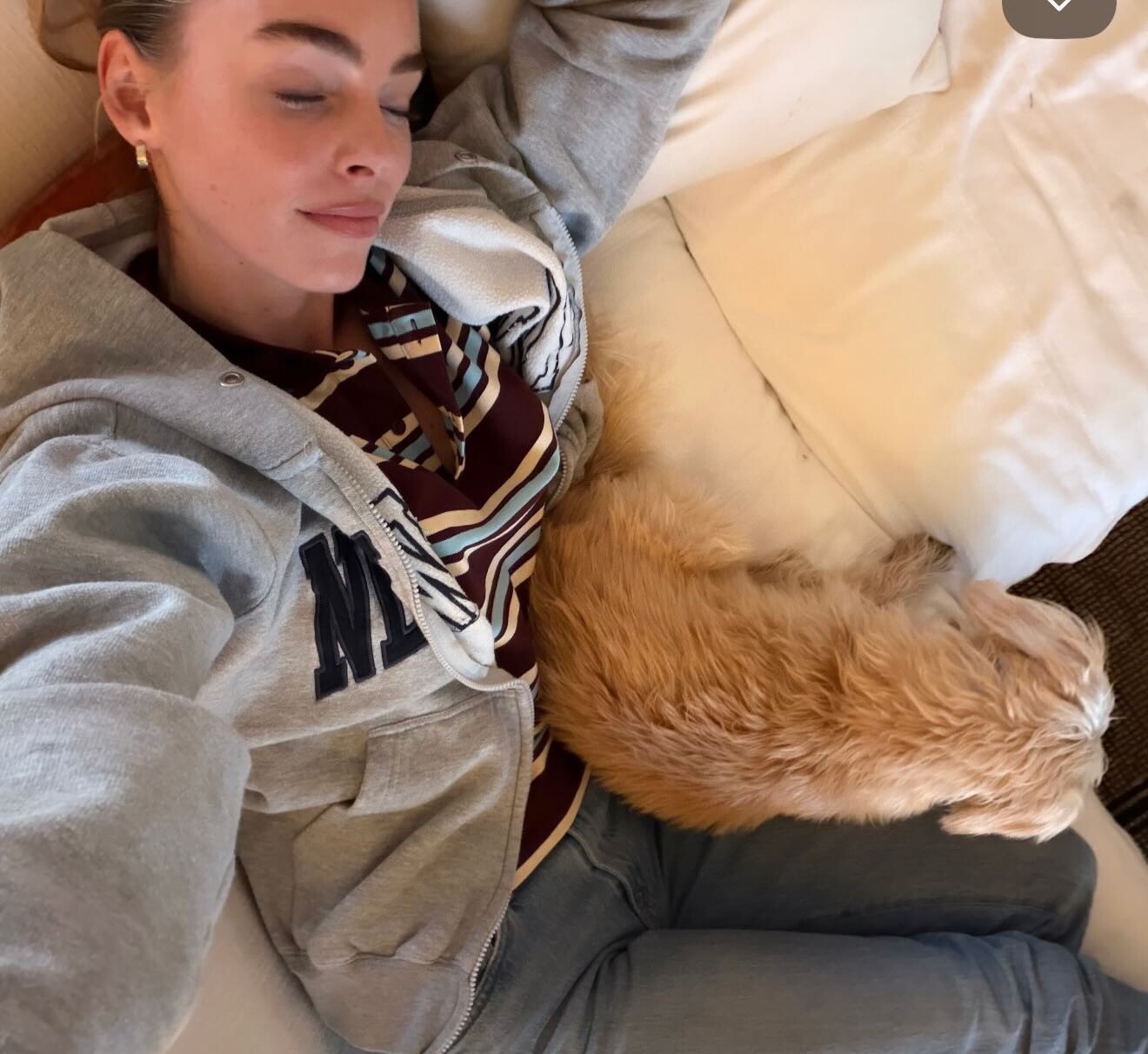
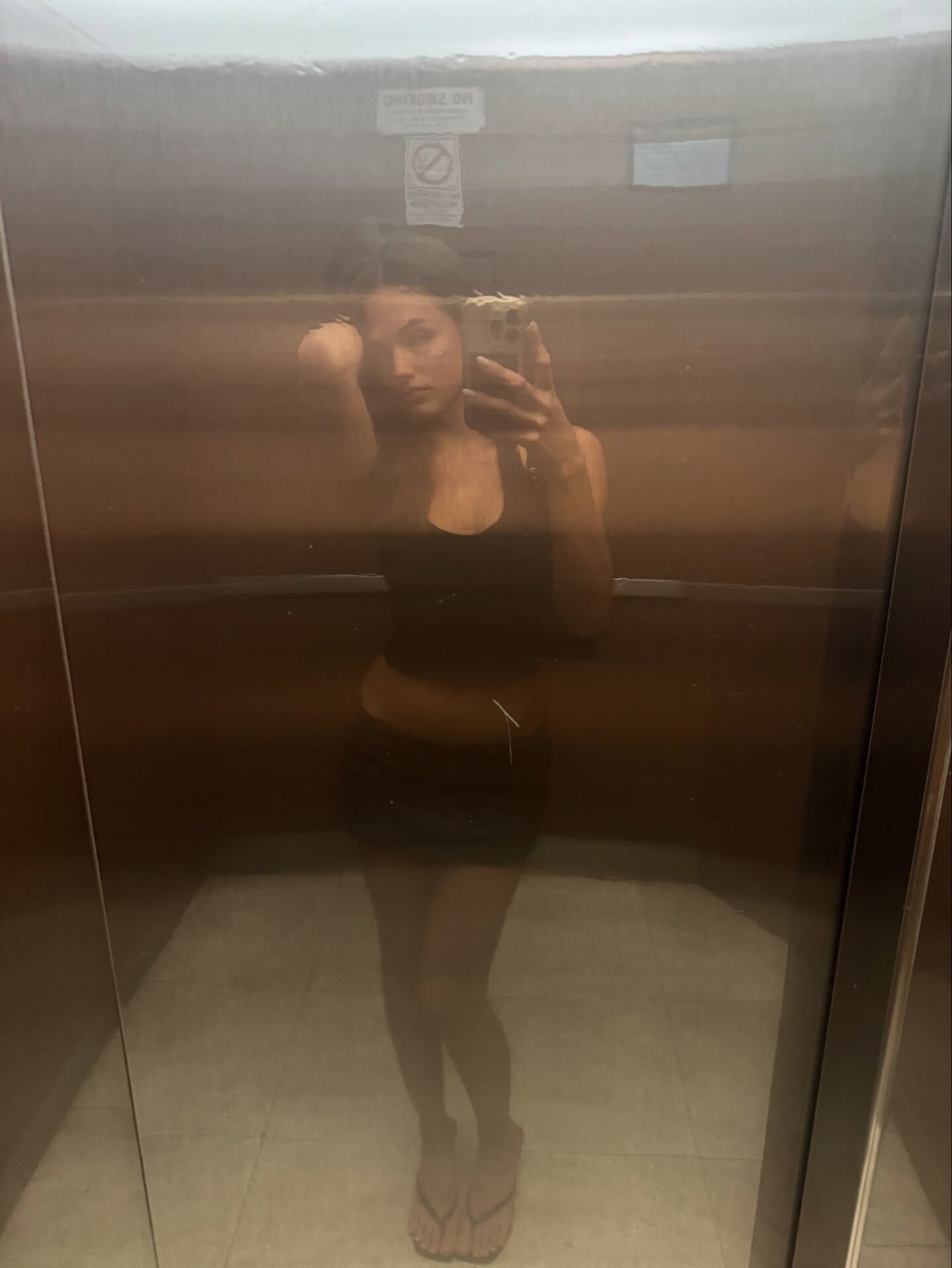
 Truly cannot believe I'm wrapping up my 2nd term of the ole PhD........ it's been a real team effort. My classmates and friends have gotten me through the tough days. My modeling agents and colleagues have given me grace. My Zoe has stood by my side through every late night studying. Feels surreal. The gratitude is once again overflowing. Wow that sounds like a cheesy caption people write on social media but I actually genuinely mean that. 🙂↔️☀️🪽🧚🏼✨♥️🌈🌱🐞

-
 Ceyda Ateş is a Turkish actress born 1988, best known for her roles in popular TV dramas.






-
 You don't really expect people to watch a 1 hour youtube video and id all the models for you, do you?
 -
Russell James: stories

-
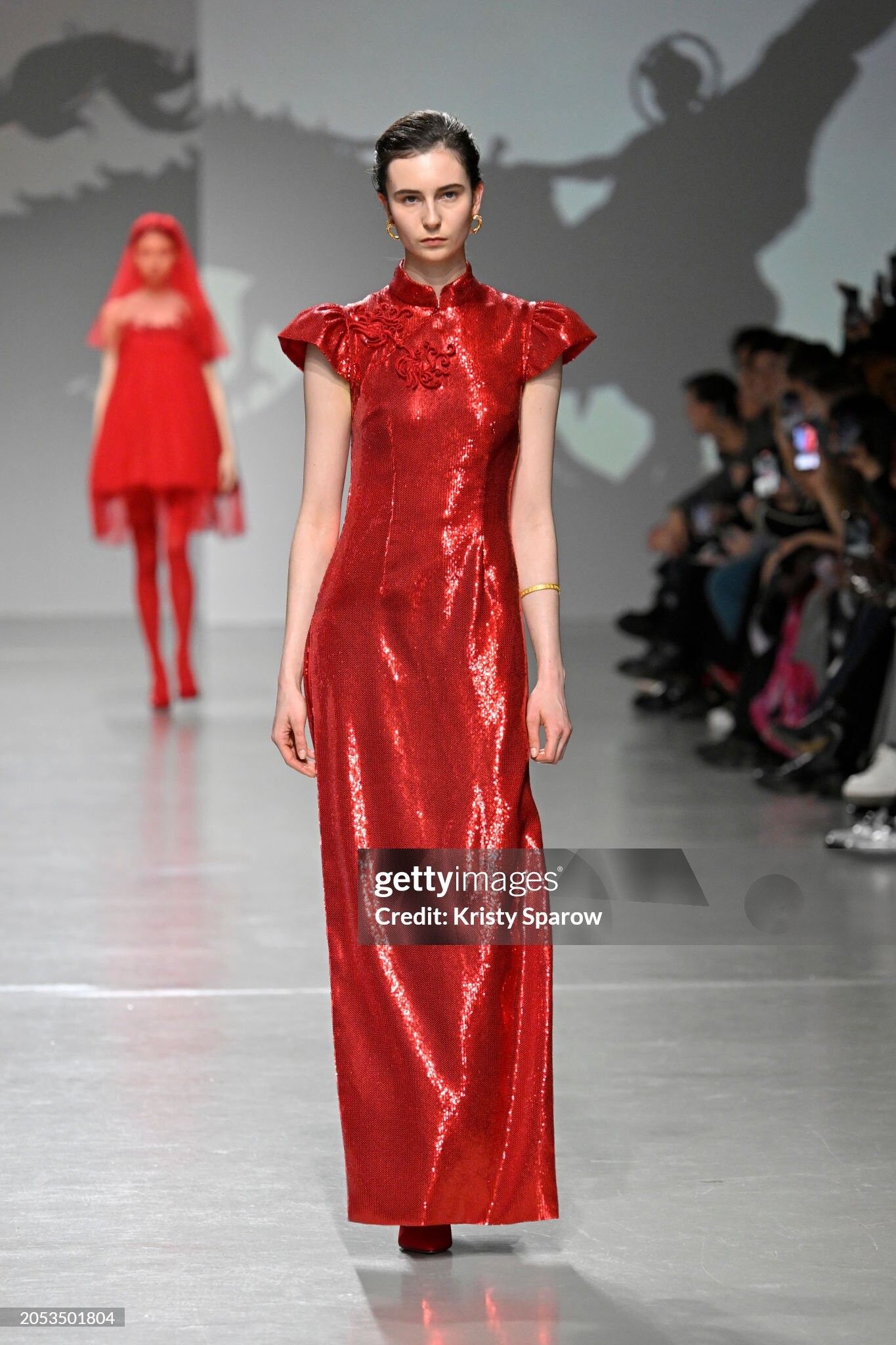
 Anyone know who this beauty is from viviene tam aw24
-
stories videos



-
Burak Hakkı is a Turkish actor and former model known for his work in television dramas and films.



.thumb.jpg.24aba9e73be7d8cfe00a2fe0ae3d2f9b.jpg)
-
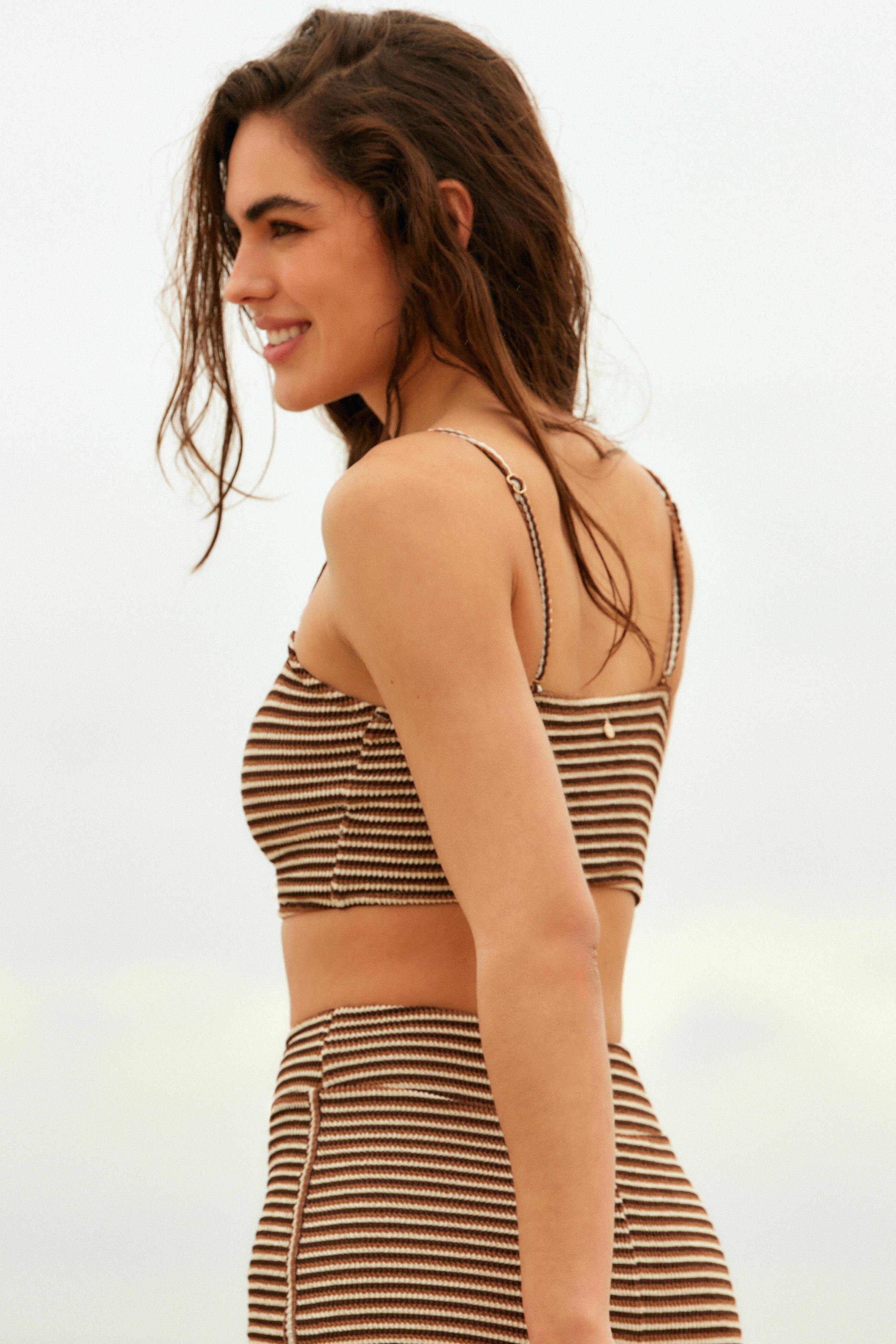
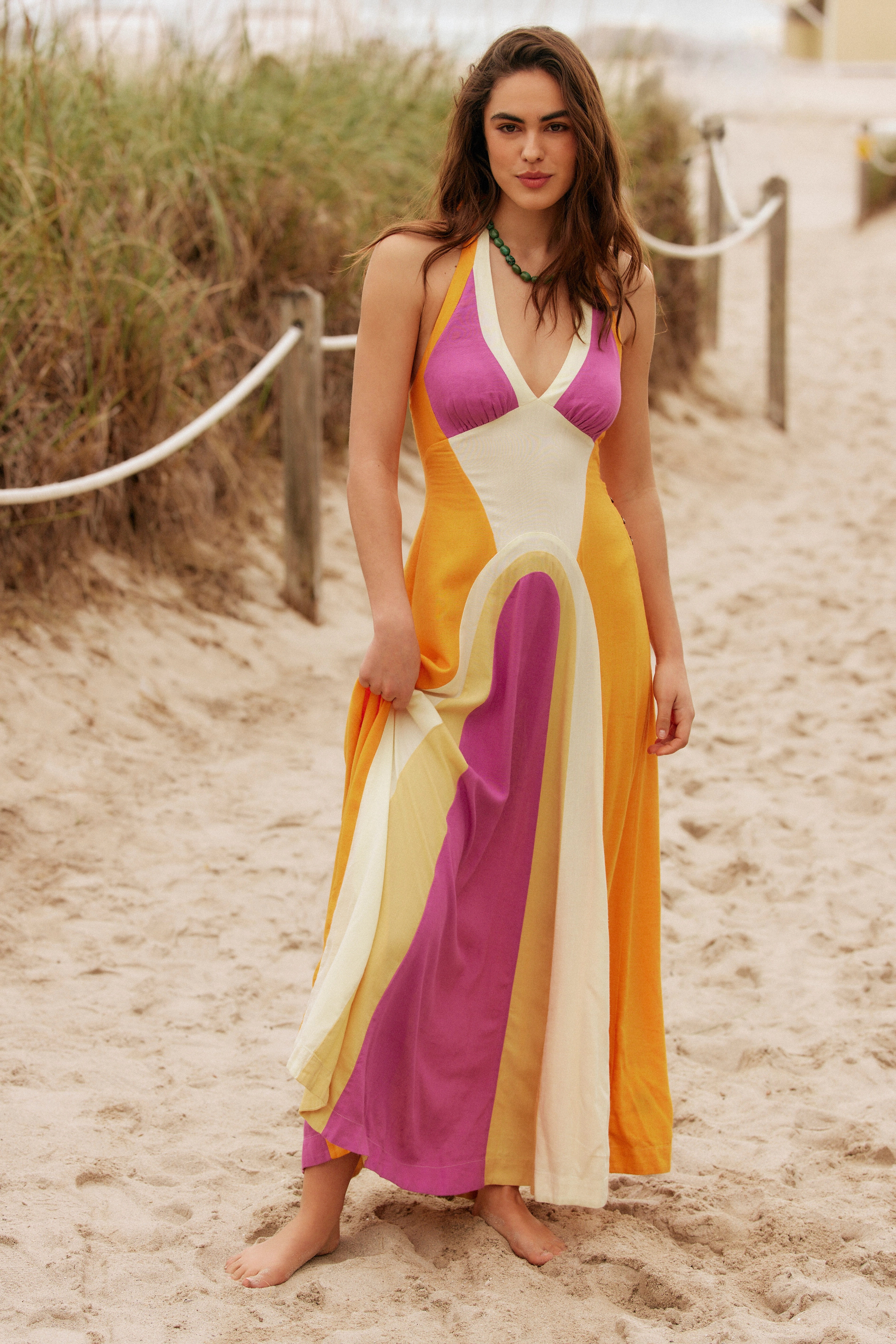
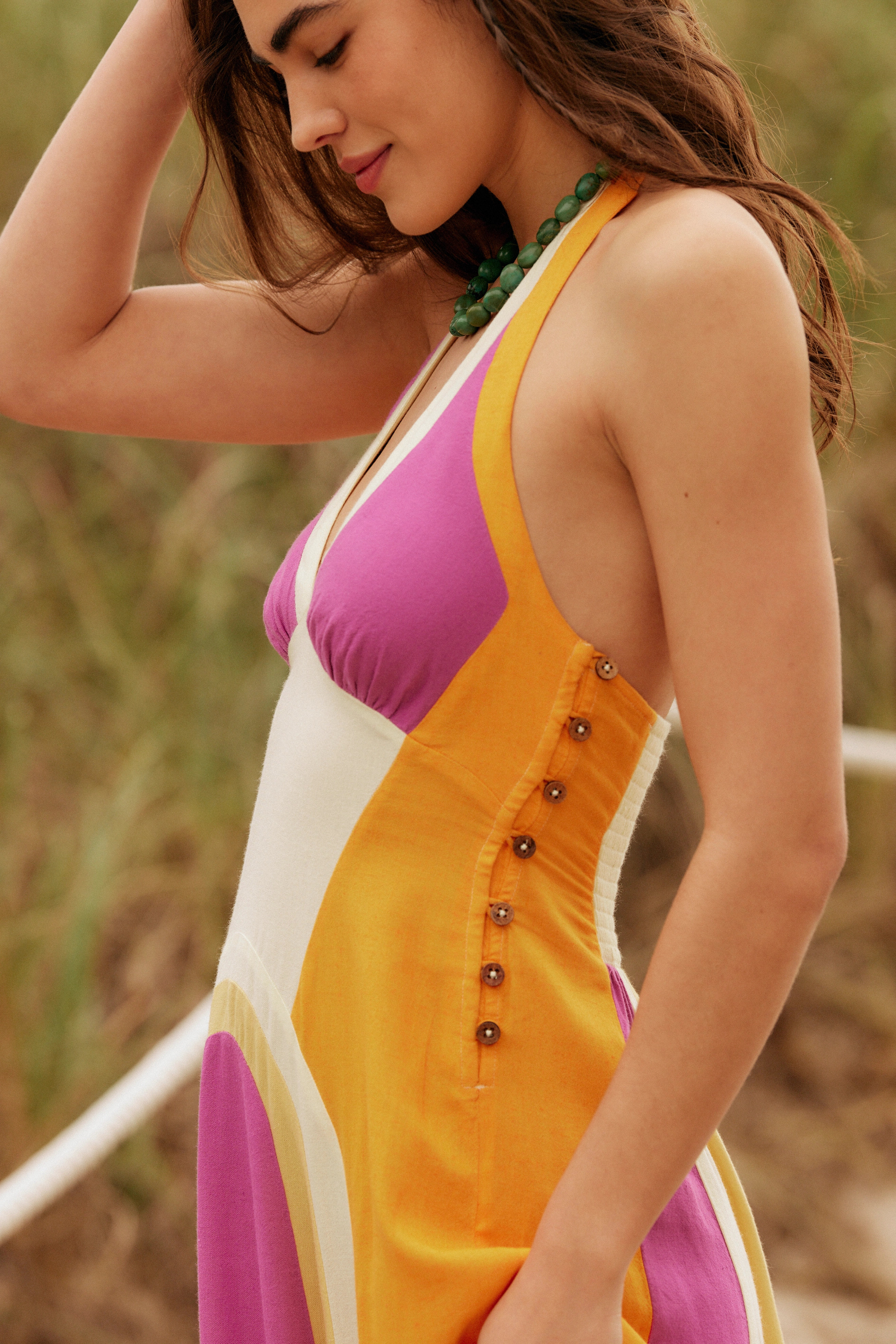
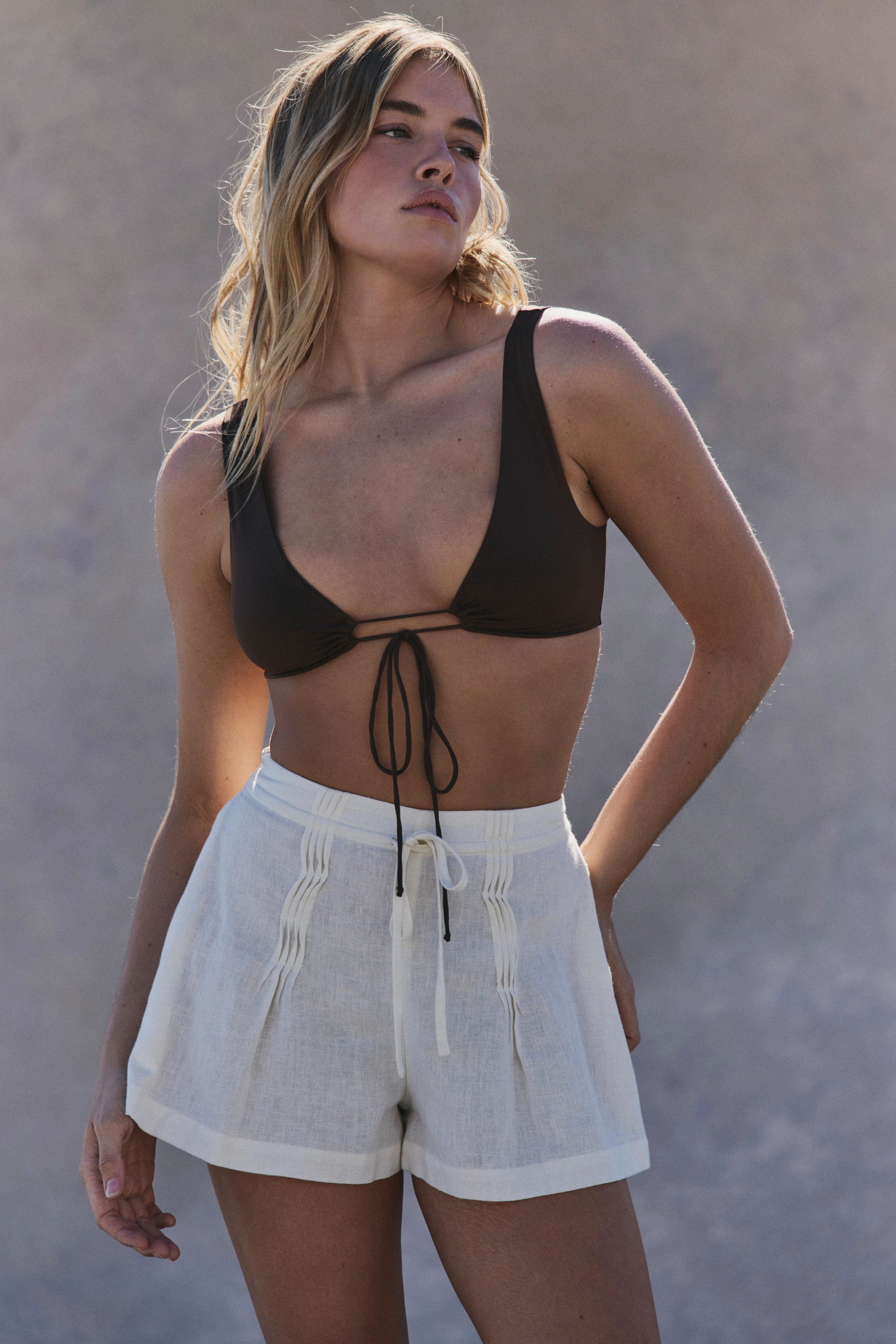
Triangl: Colours of Limonada 🌞

-
 Tamara Bruno https://www.bellazon.com/main/topic/91029-tamara-bruno/
 -
 stories videos










 Ida Zeile Barbara Palvin Katie Kugis Daniela Lopez Osorio Hwang Hyun Joo Jennifer Lamb Isabeli Fontana Christen Harper
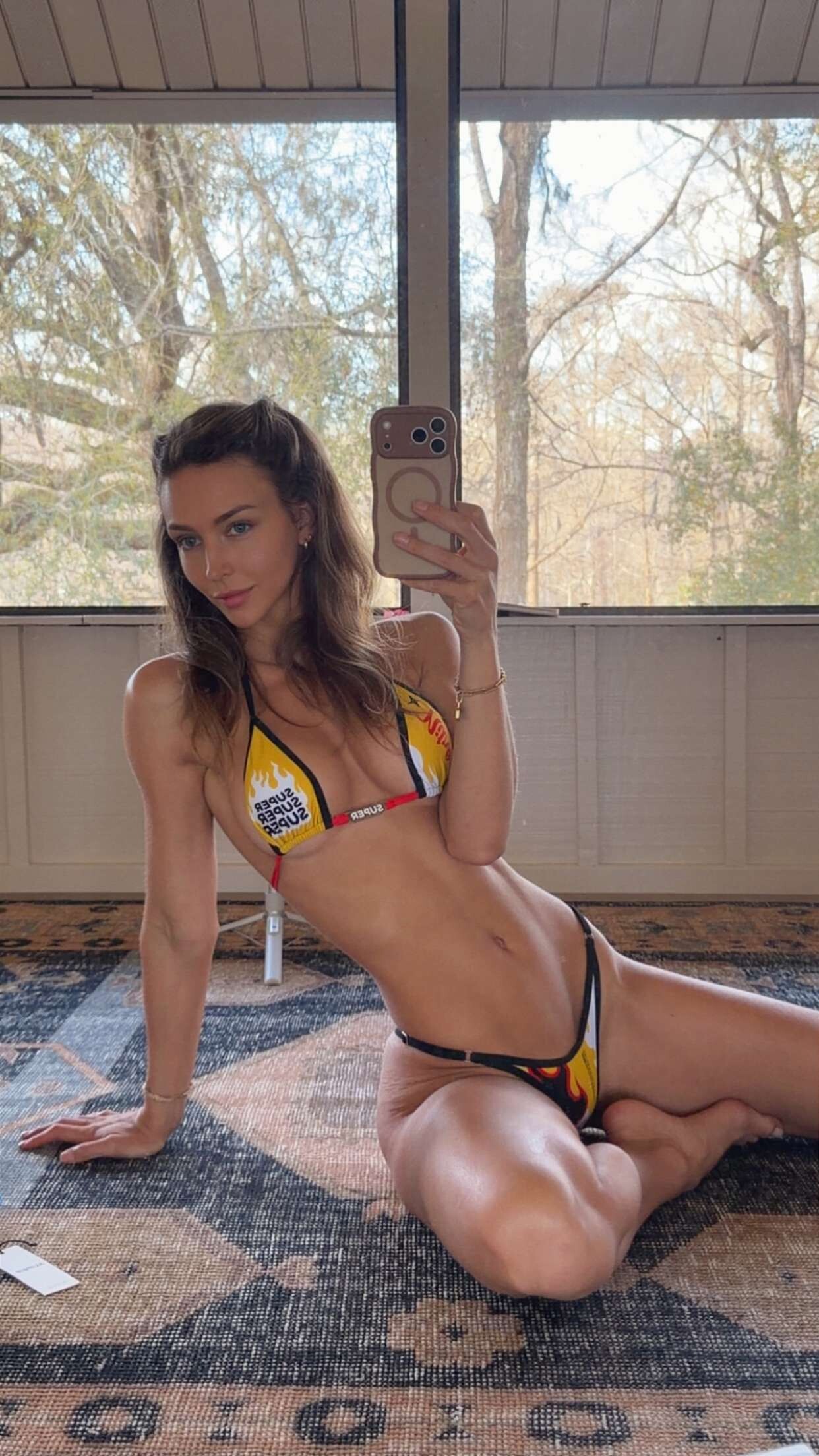
Life’s been fun recently
Ida Zeile Barbara Palvin Katie Kugis Daniela Lopez Osorio Hwang Hyun Joo Jennifer Lamb Isabeli Fontana Christen Harper
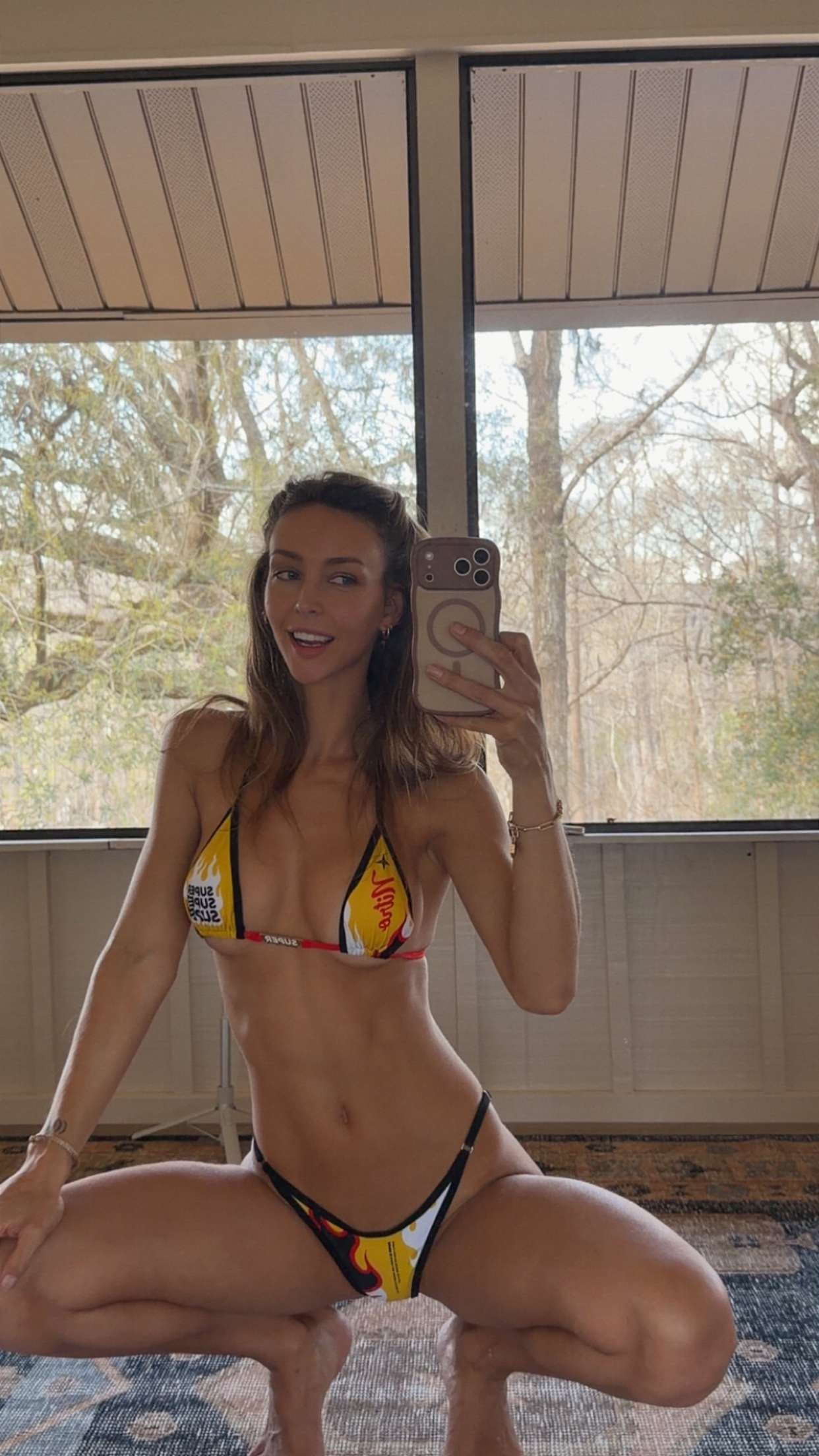
Life’s been fun recently





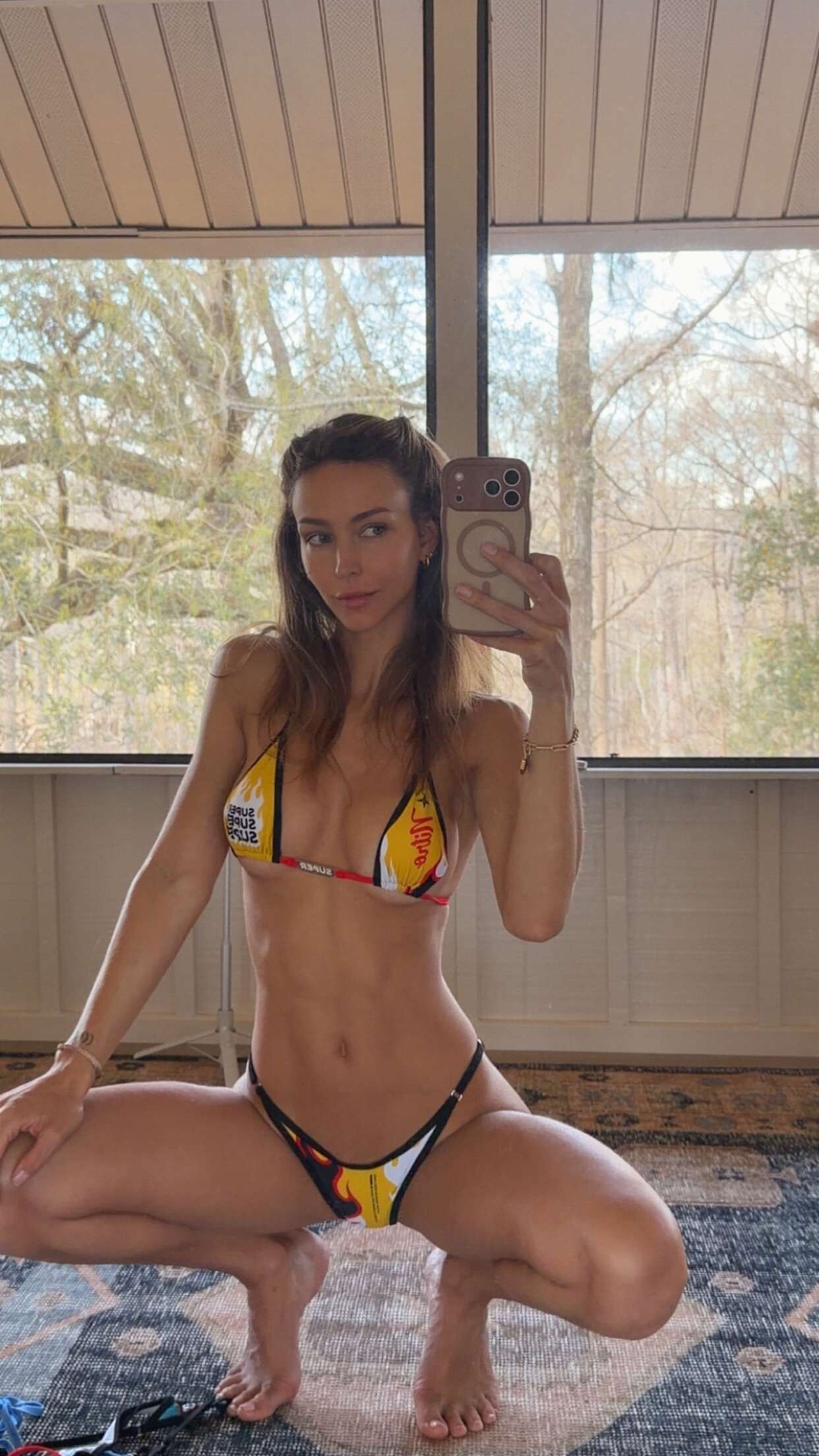
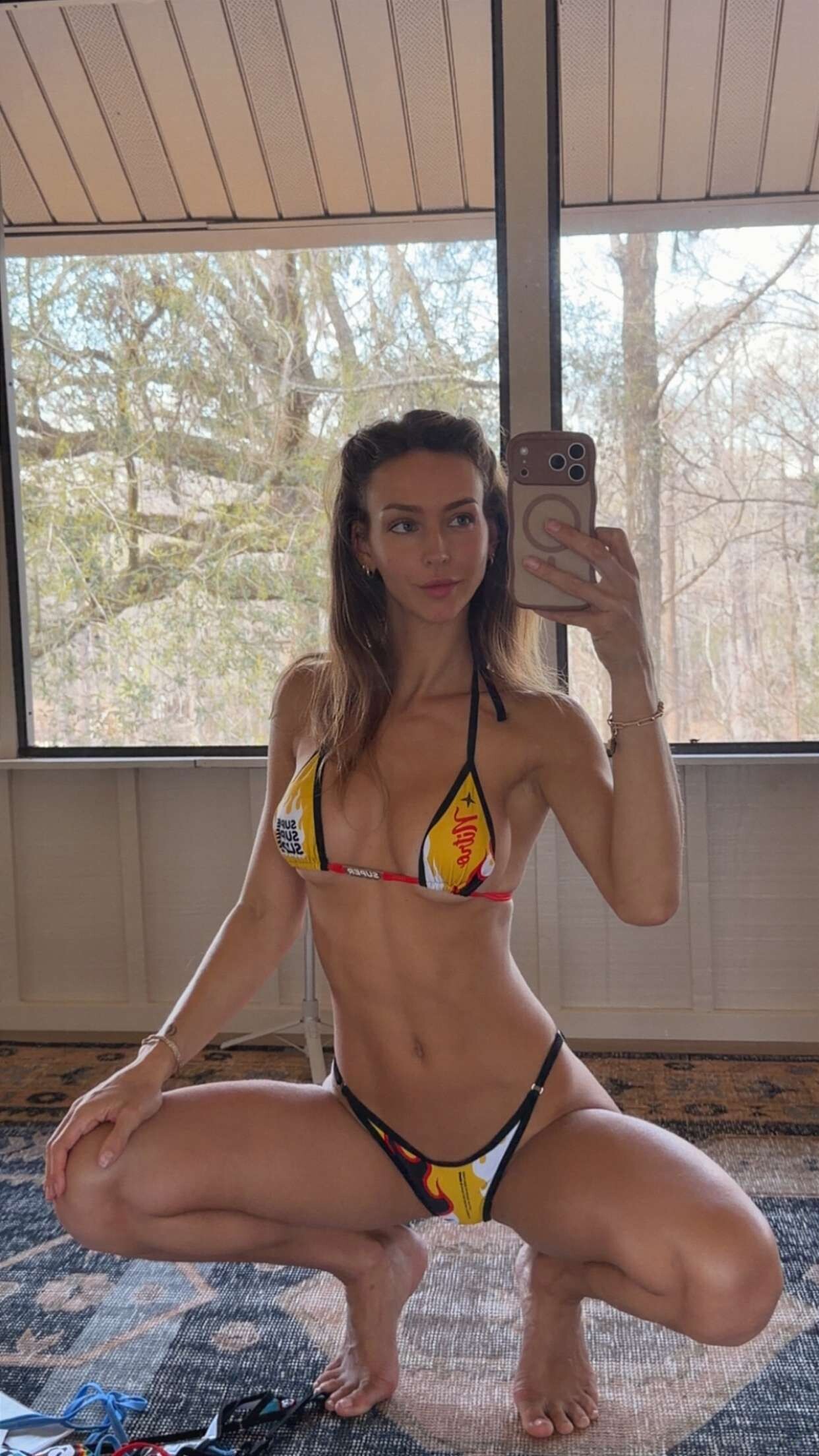








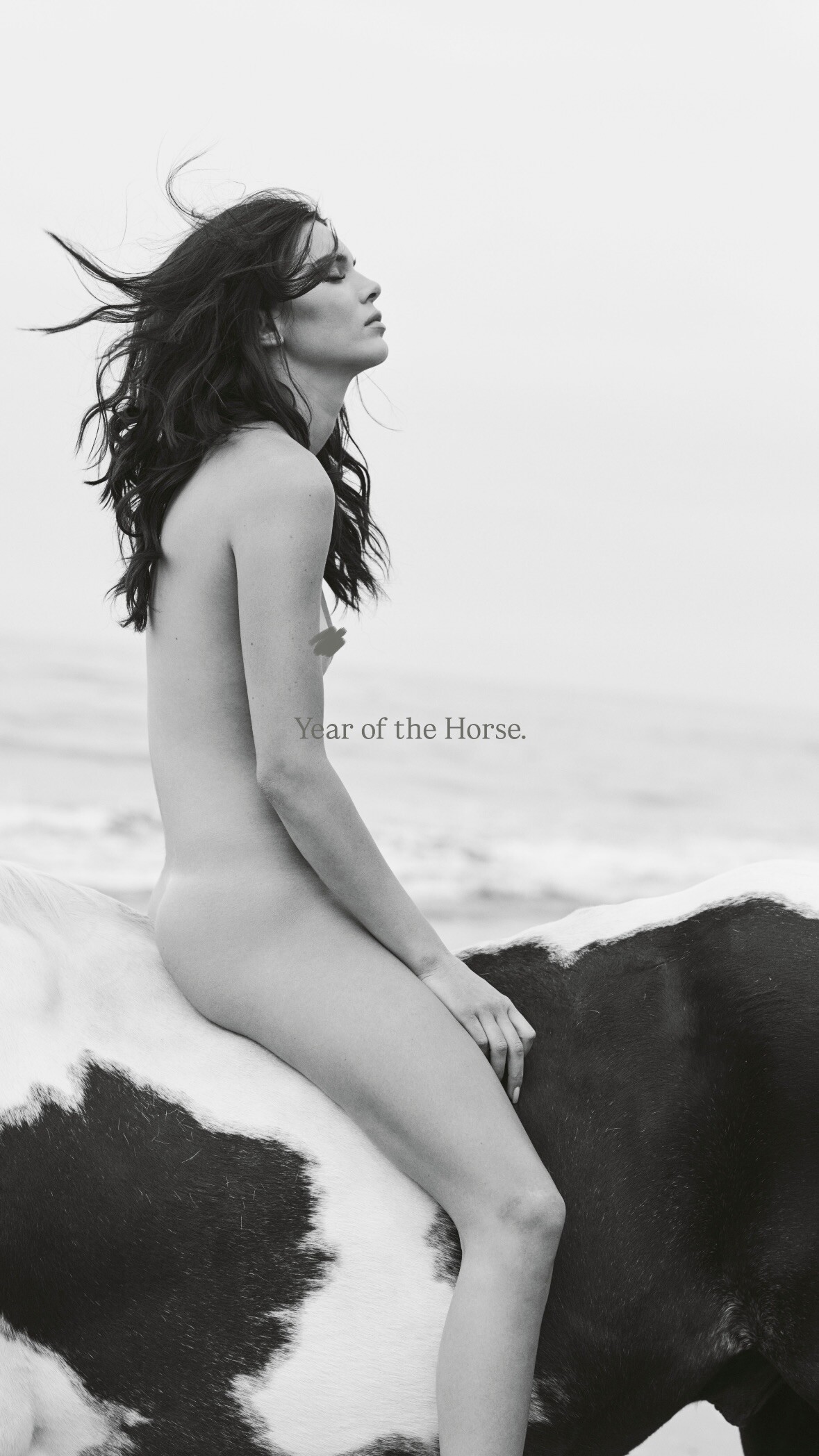
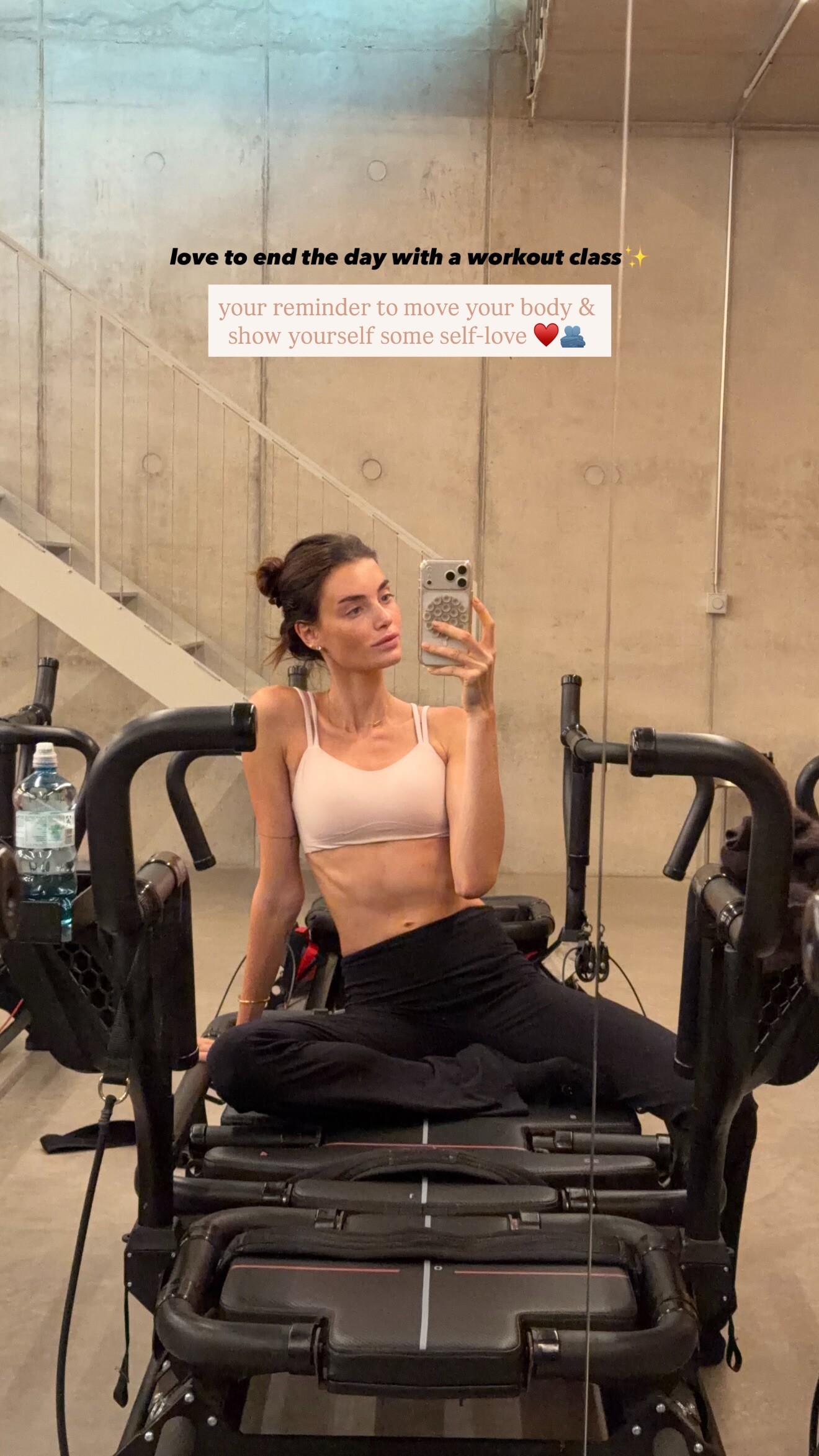
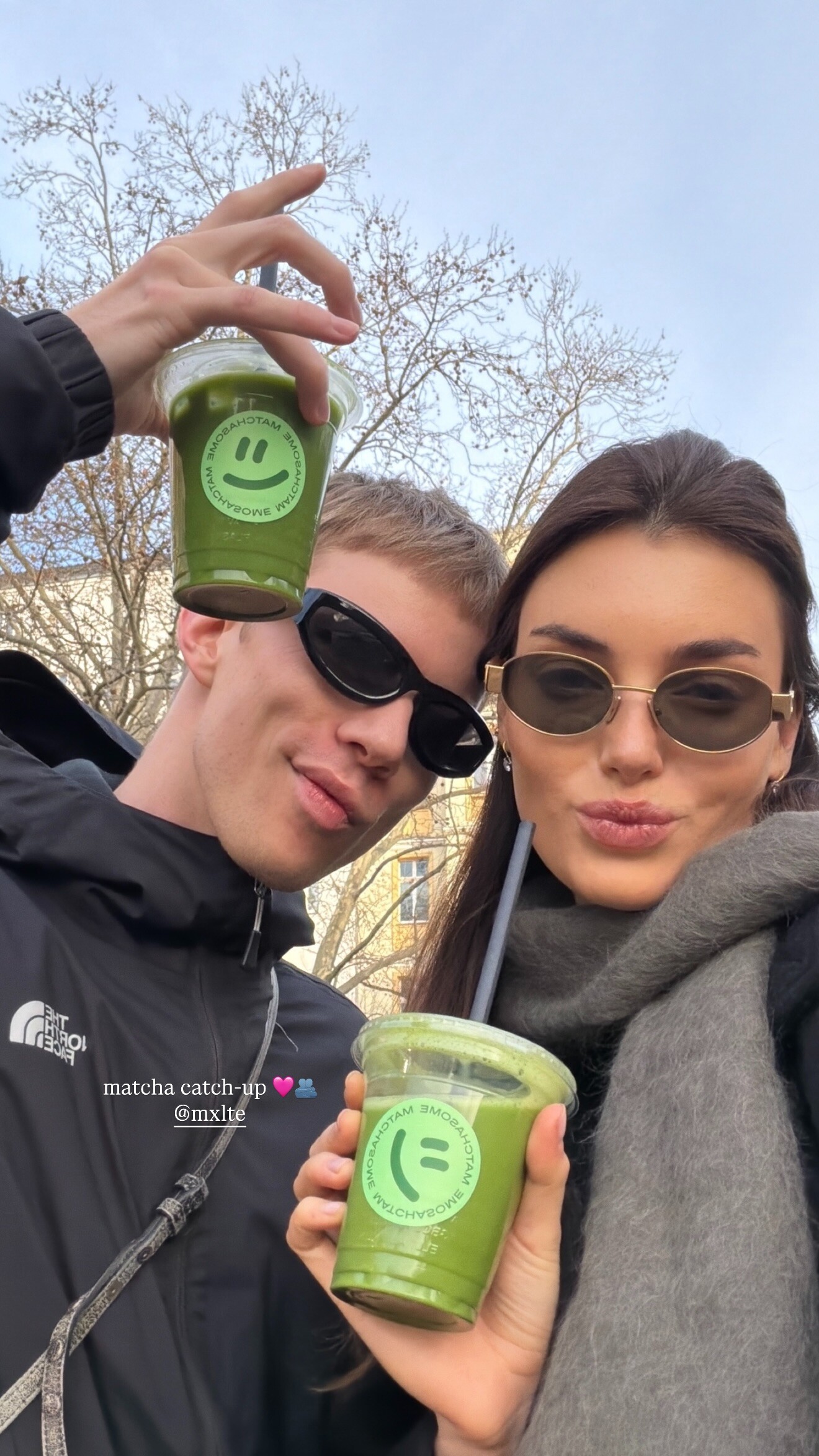
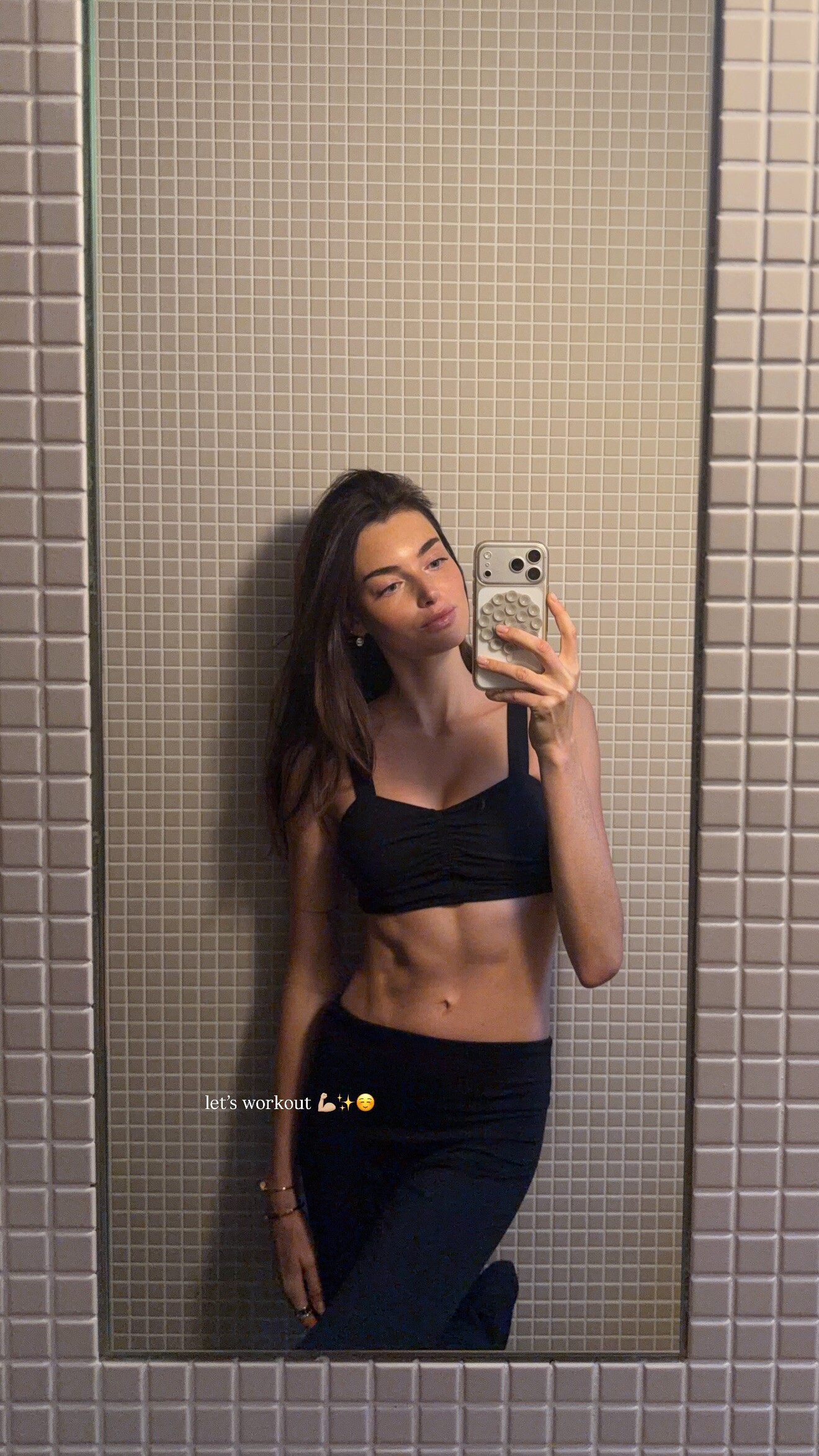
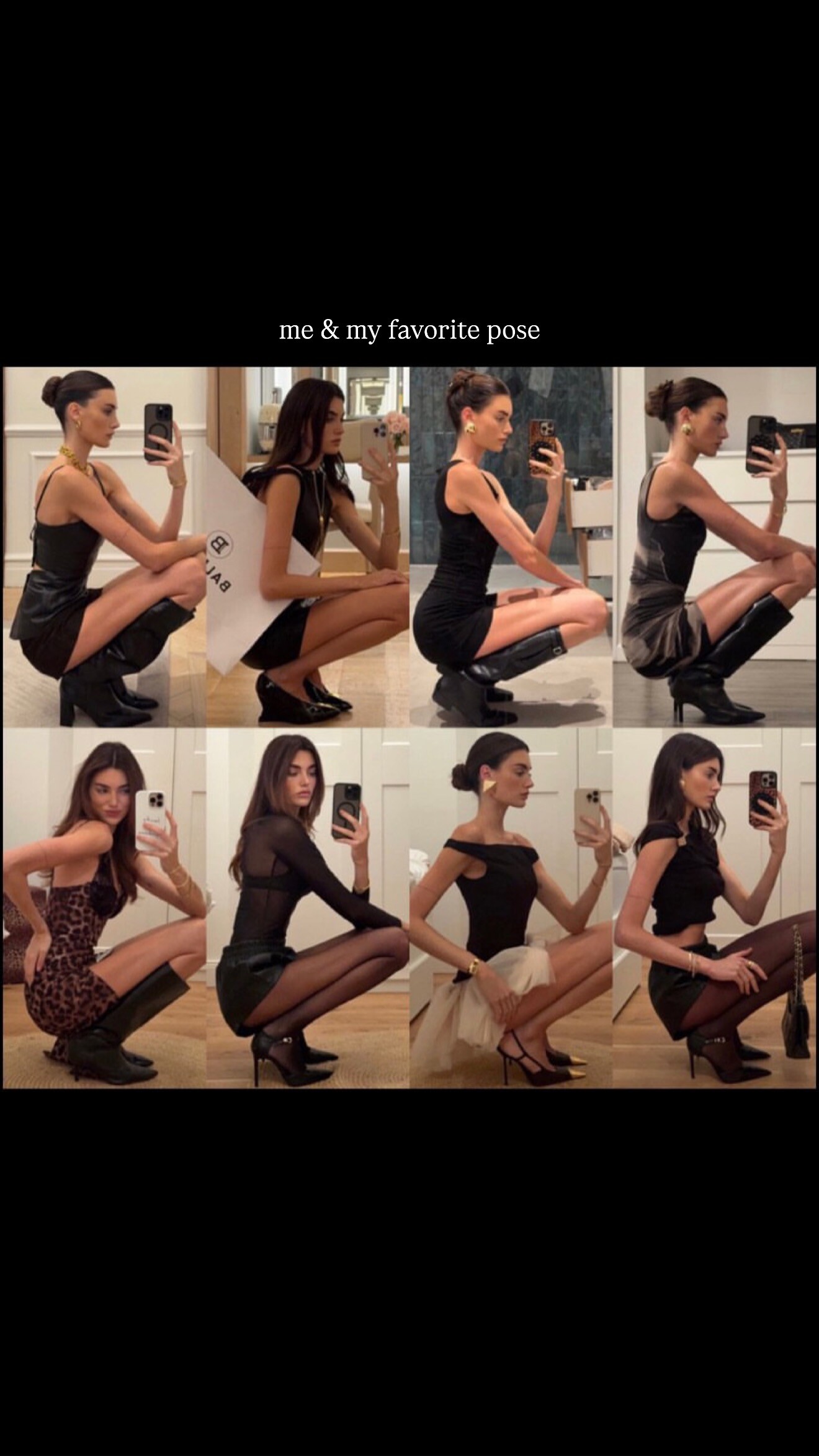



.jpg.8501b13f77ccf5b71586b6c8989cbcf5.jpg)





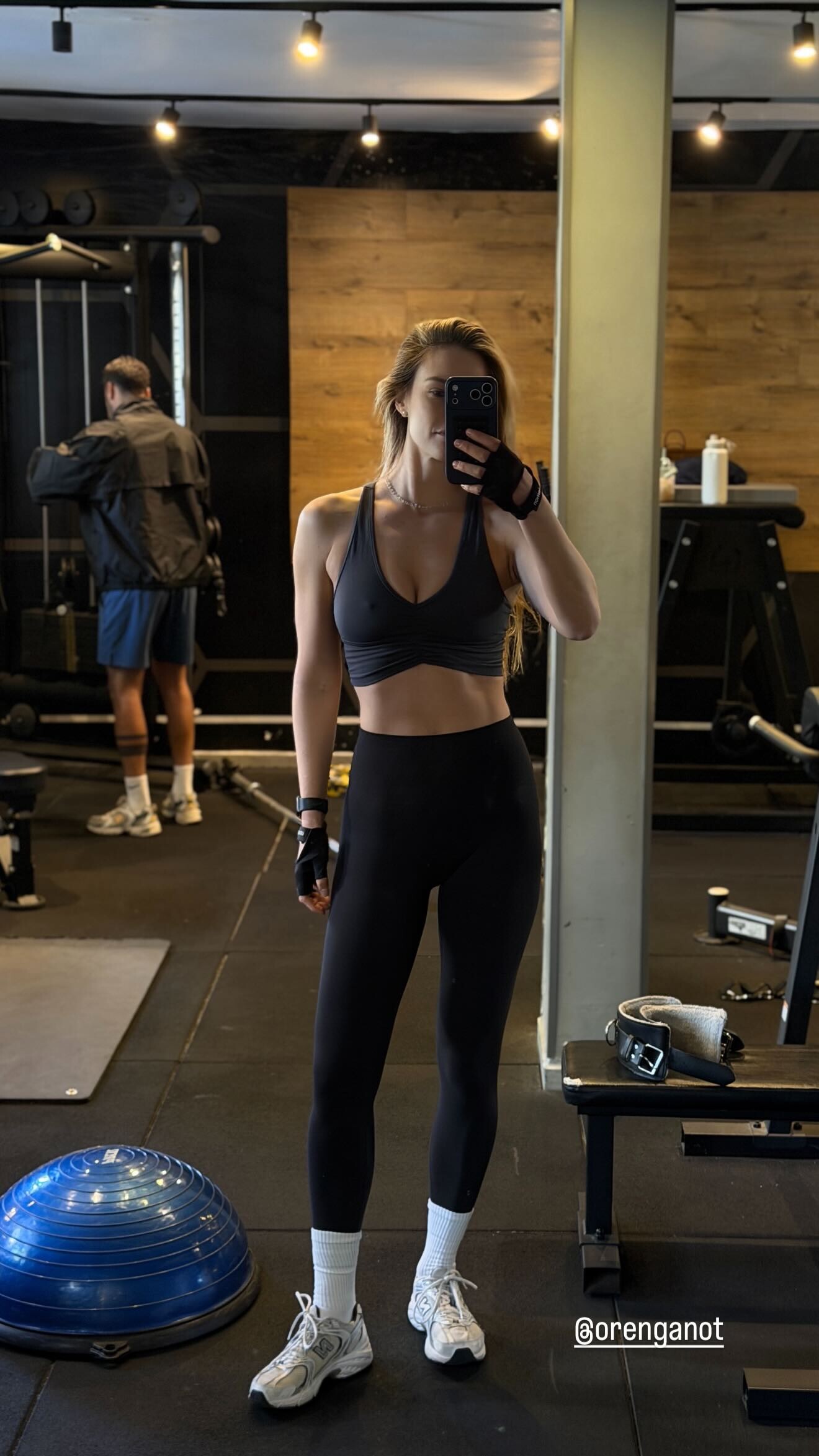
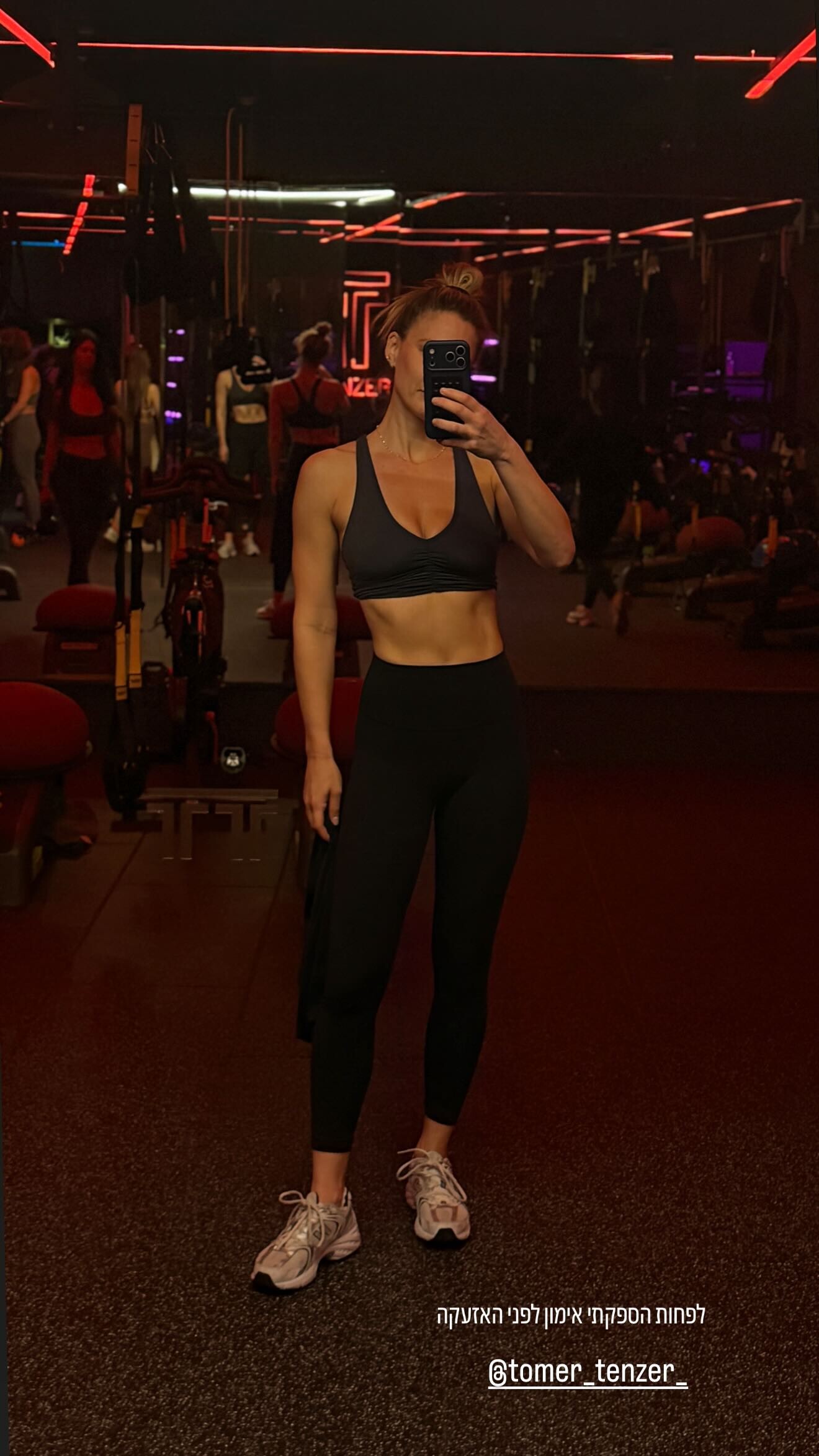
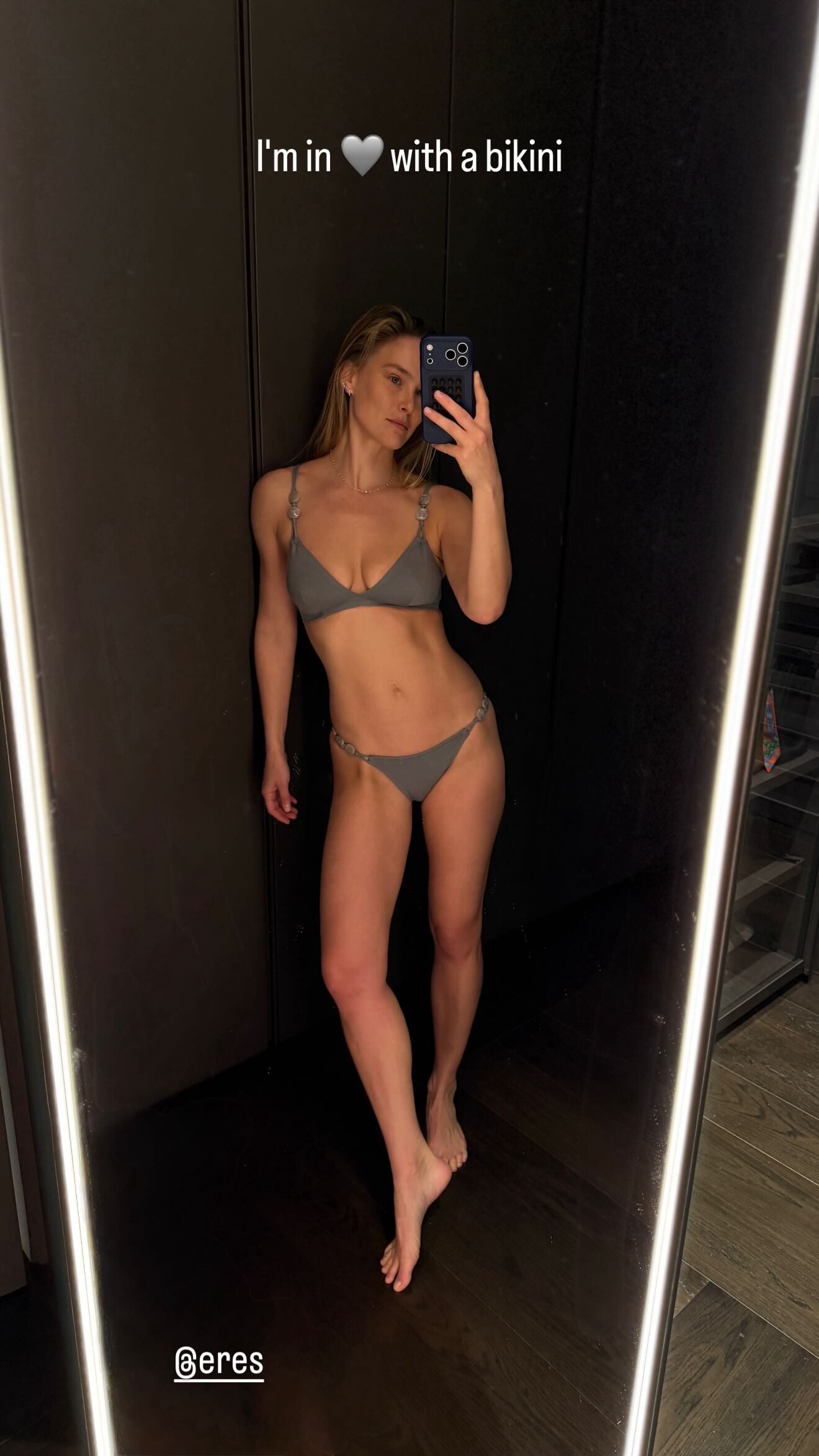

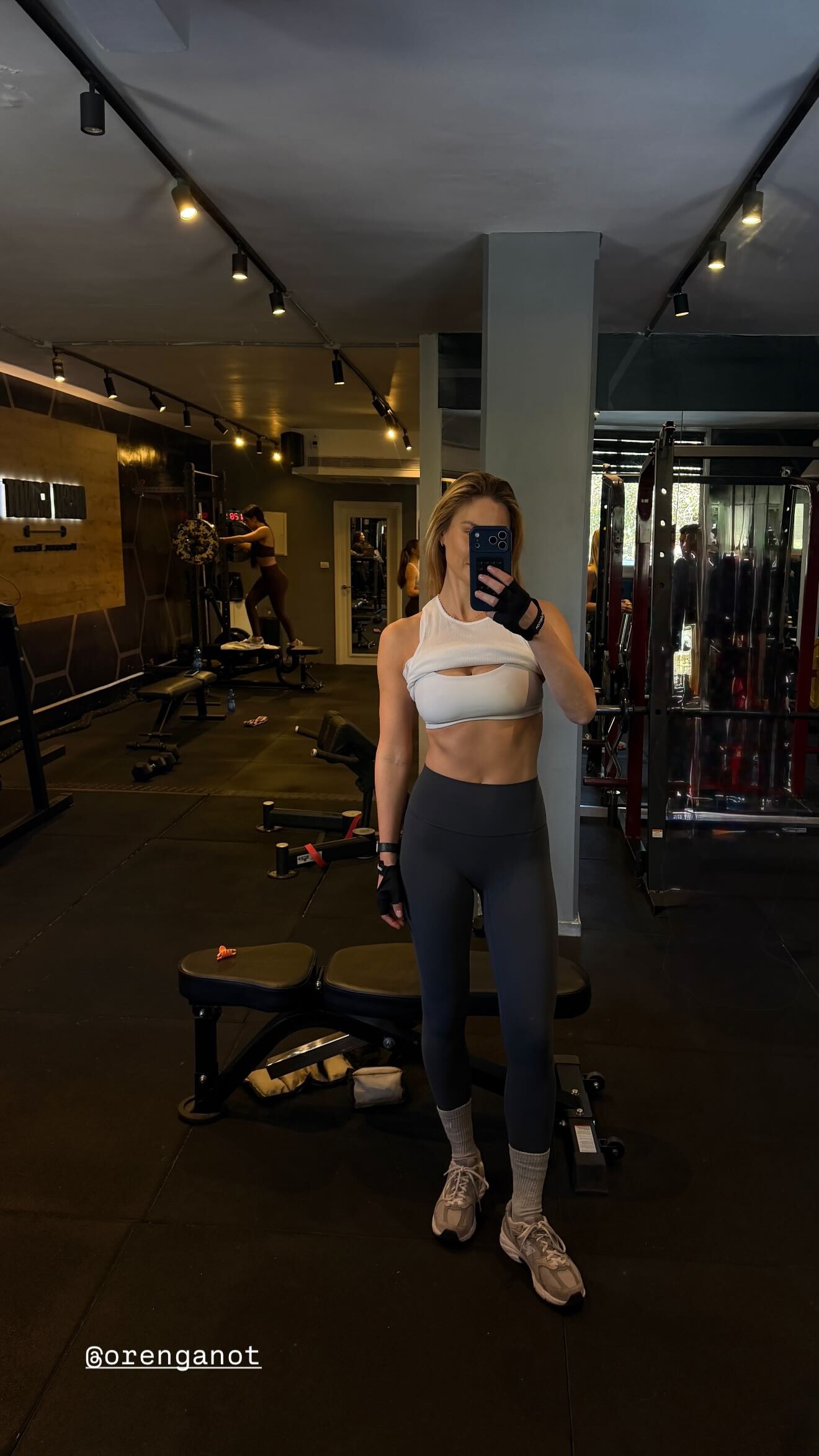



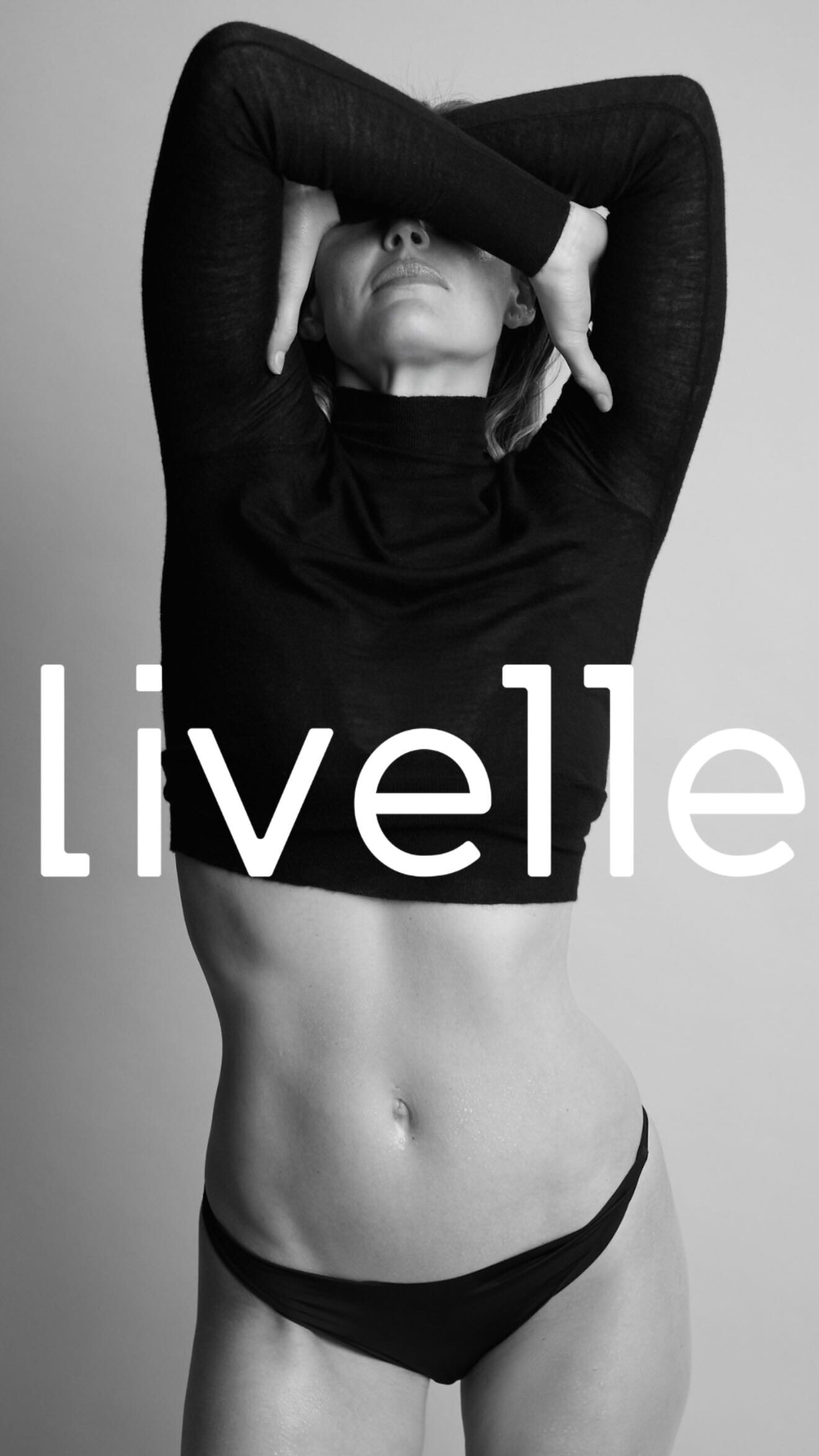








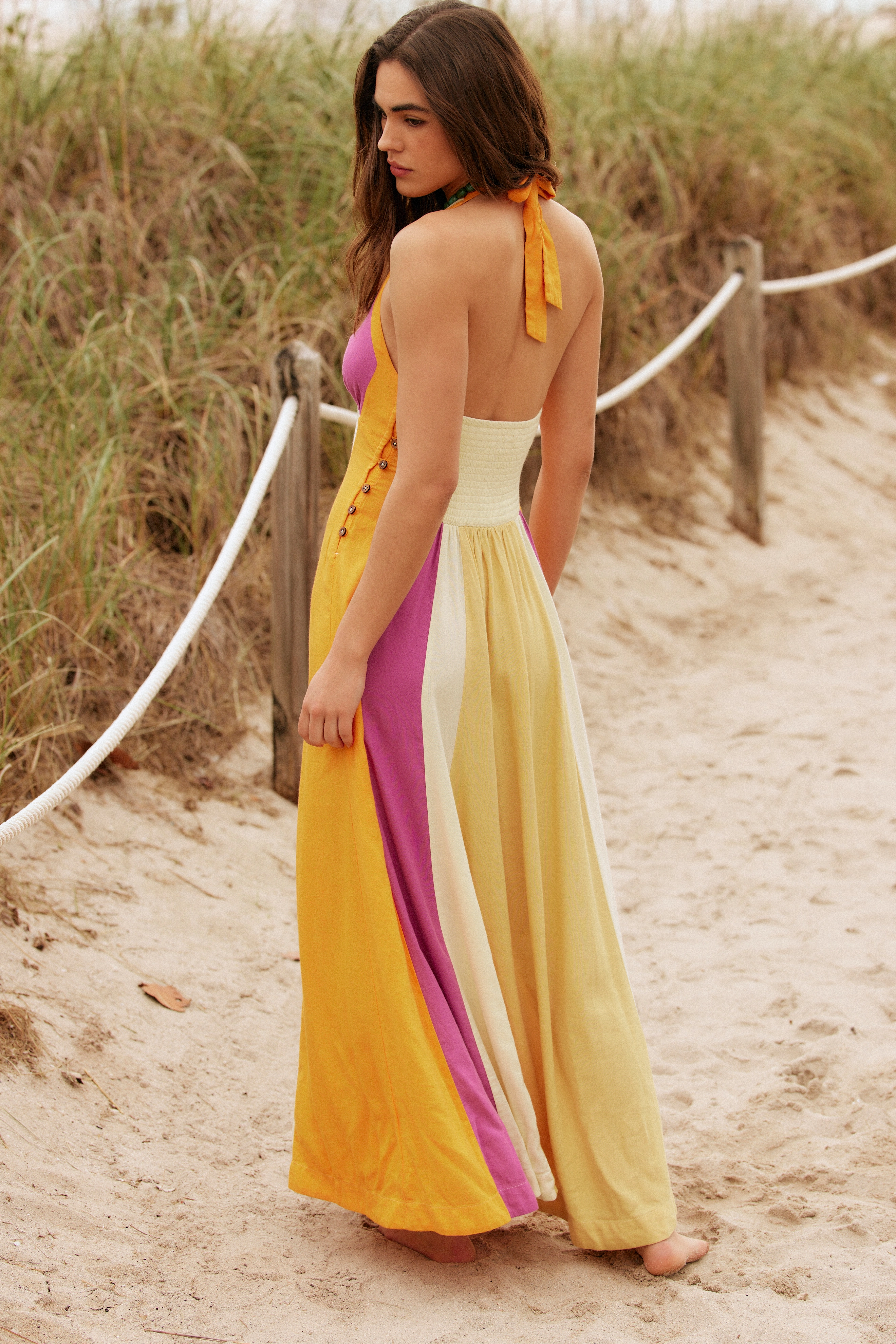




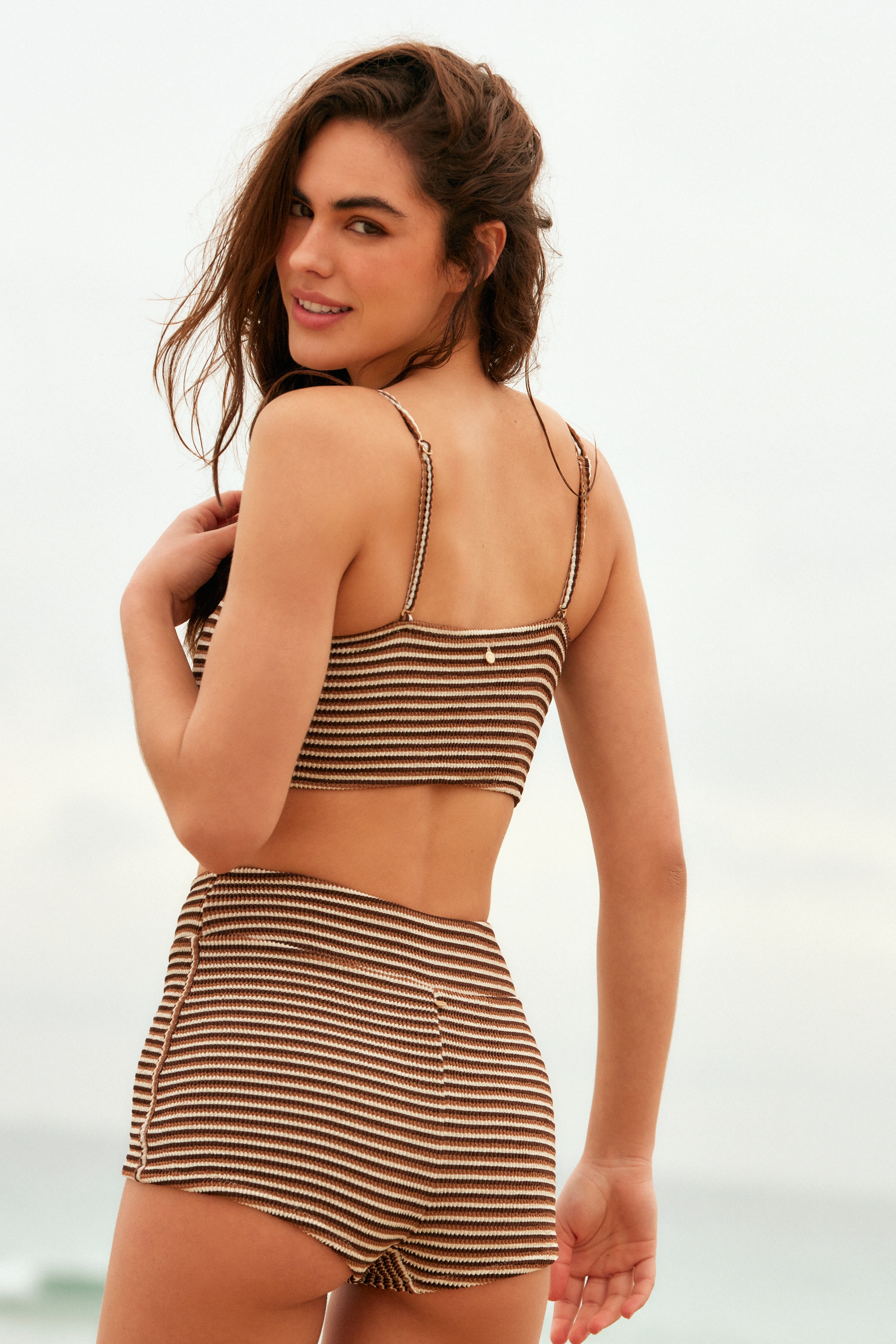
.jpg.39c6f85a64c1840eb93bd8ec3405ba12.jpg)
.jpg.7b37e97ad0f1cac242786a2218bcd810.jpg)


























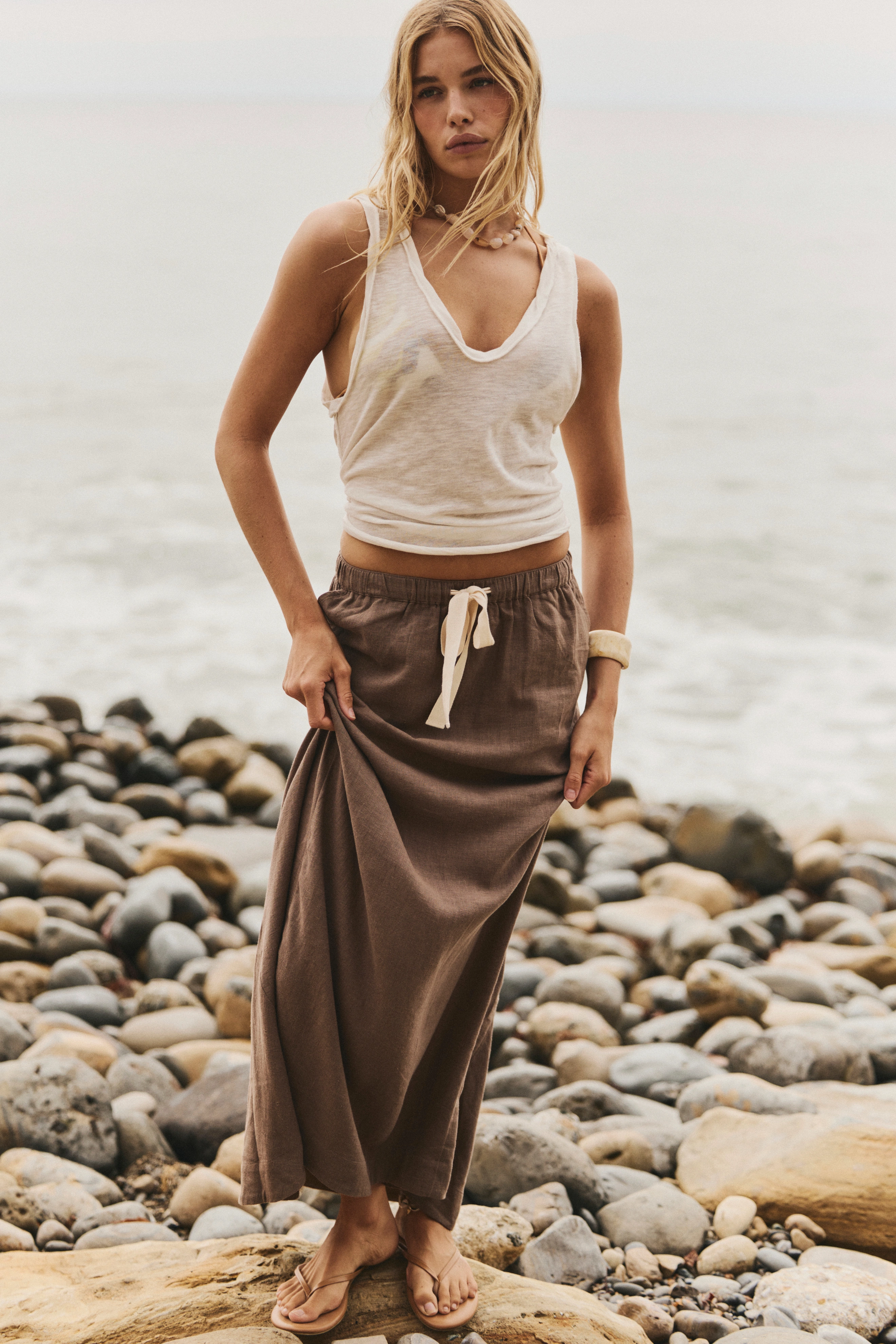





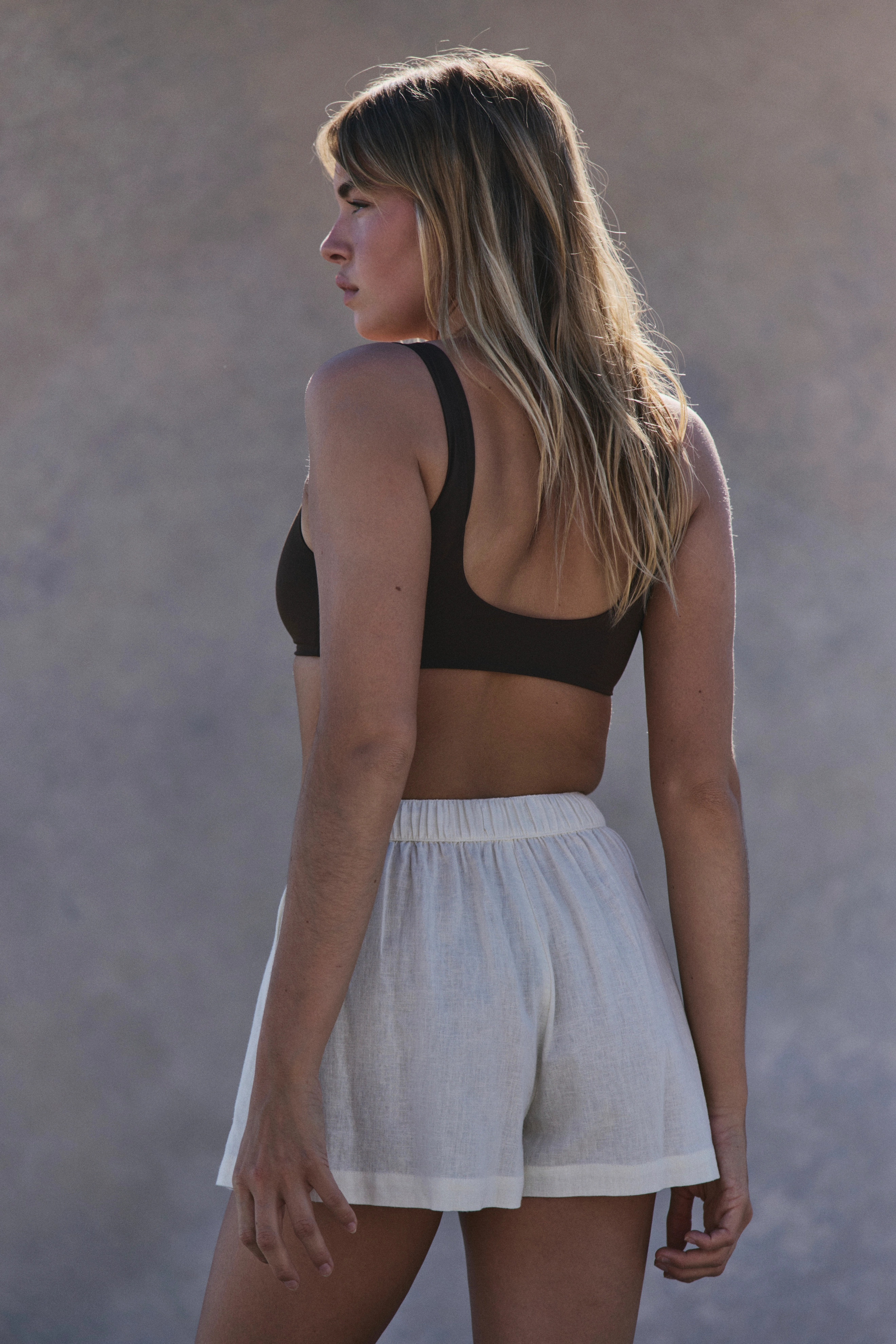





Account
Navigation
Search
Configure browser push notifications
Chrome (Android)
- Tap the lock icon next to the address bar.
- Tap Permissions → Notifications.
- Adjust your preference.
Chrome (Desktop)
- Click the padlock icon in the address bar.
- Select Site settings.
- Find Notifications and adjust your preference.
Safari (iOS 16.4+)
- Ensure the site is installed via Add to Home Screen.
- Open Settings App → Notifications.
- Find your app name and adjust your preference.
Safari (macOS)
- Go to Safari → Preferences.
- Click the Websites tab.
- Select Notifications in the sidebar.
- Find this website and adjust your preference.
Edge (Android)
- Tap the lock icon next to the address bar.
- Tap Permissions.
- Find Notifications and adjust your preference.
Edge (Desktop)
- Click the padlock icon in the address bar.
- Click Permissions for this site.
- Find Notifications and adjust your preference.
Firefox (Android)
- Go to Settings → Site permissions.
- Tap Notifications.
- Find this site in the list and adjust your preference.
Firefox (Desktop)
- Open Firefox Settings.
- Search for Notifications.
- Find this site in the list and adjust your preference.