All Activity
- Past hour
-


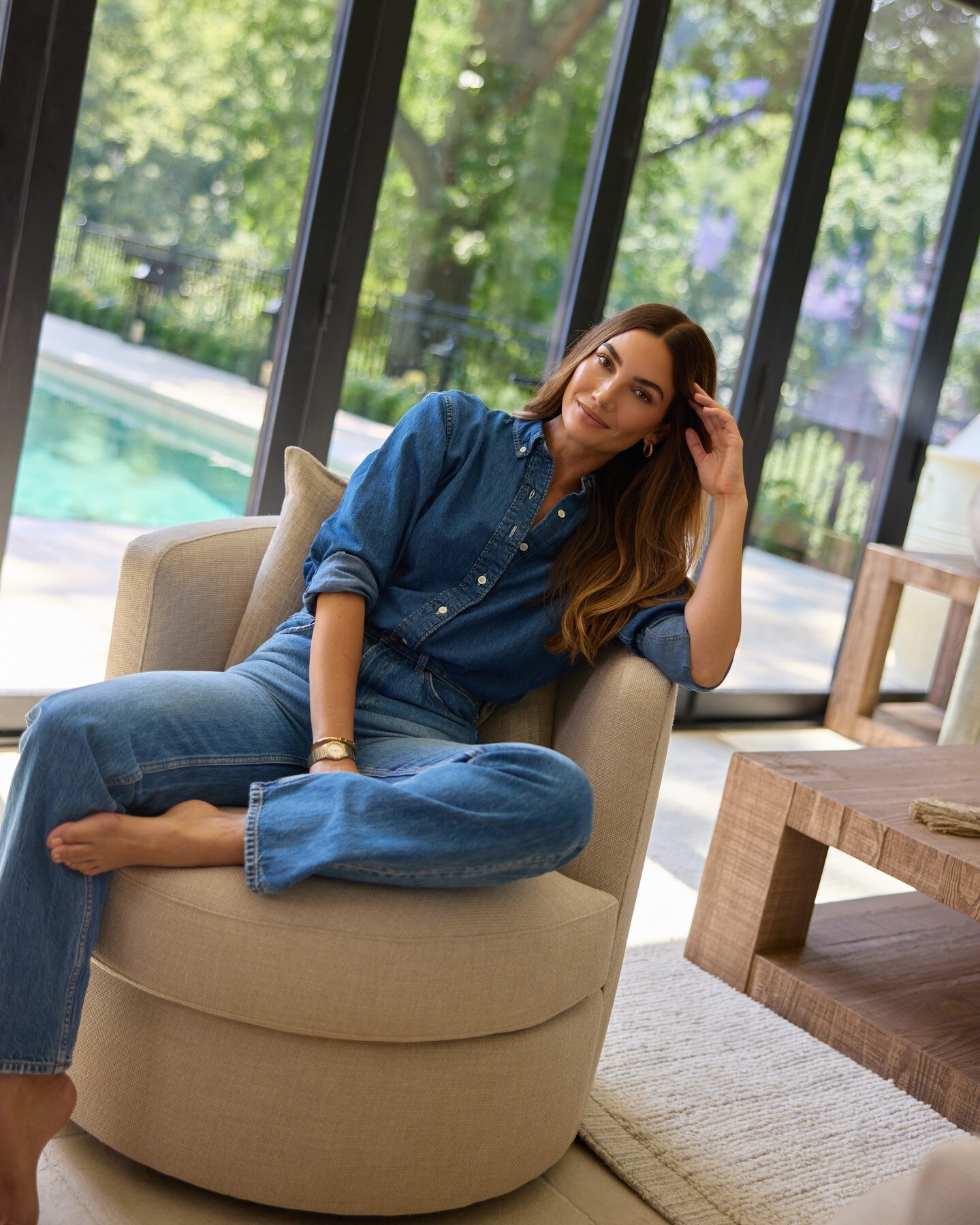
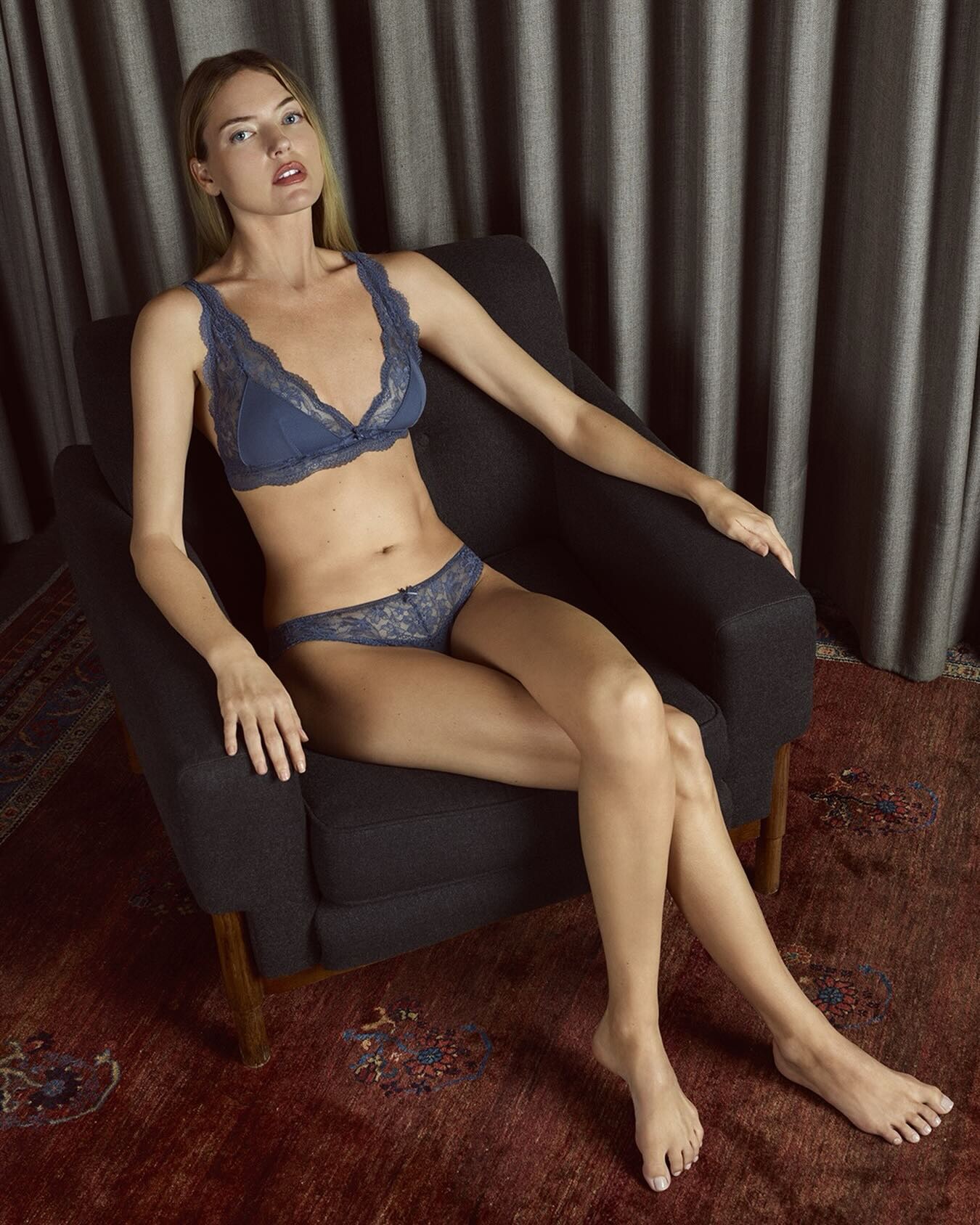
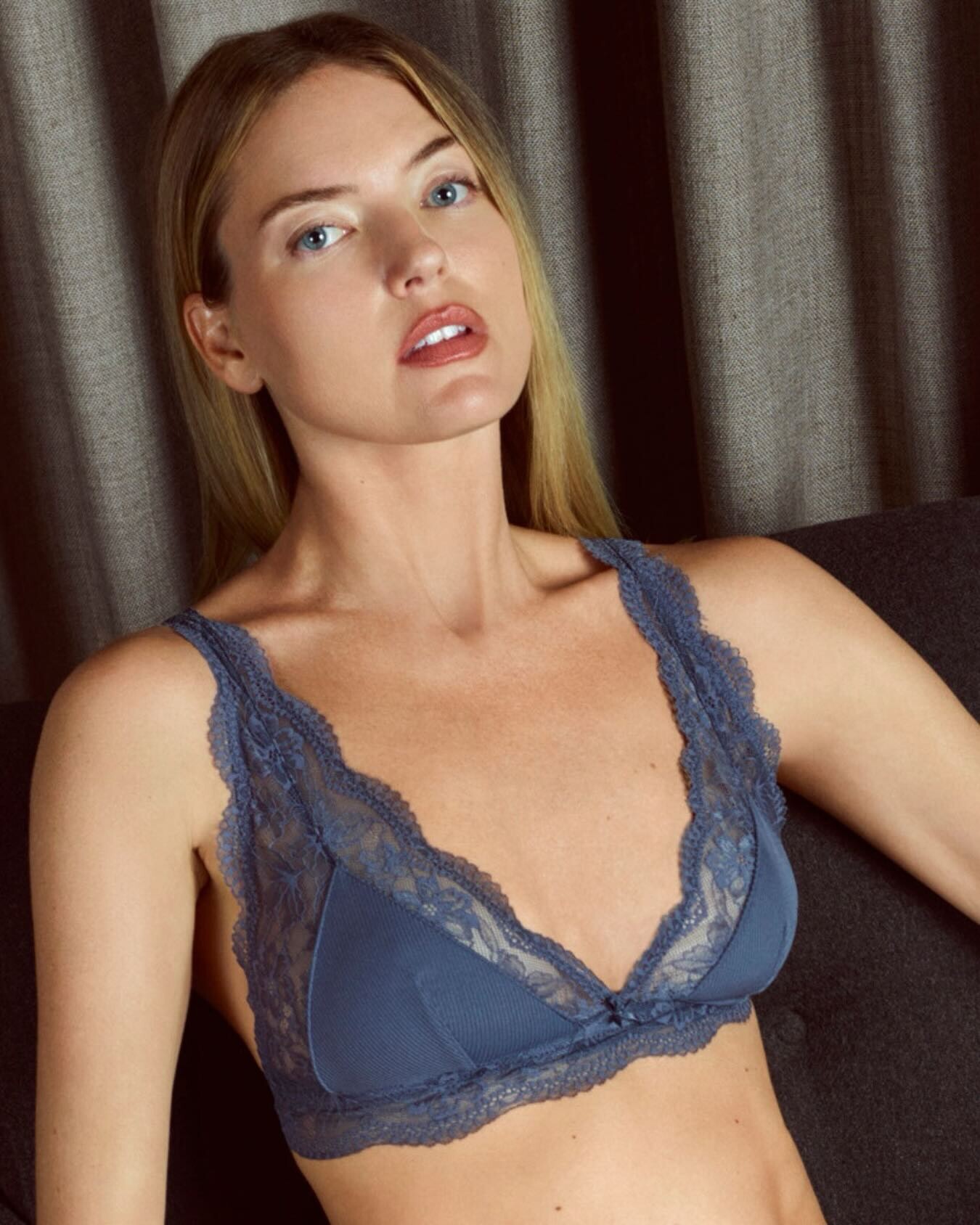
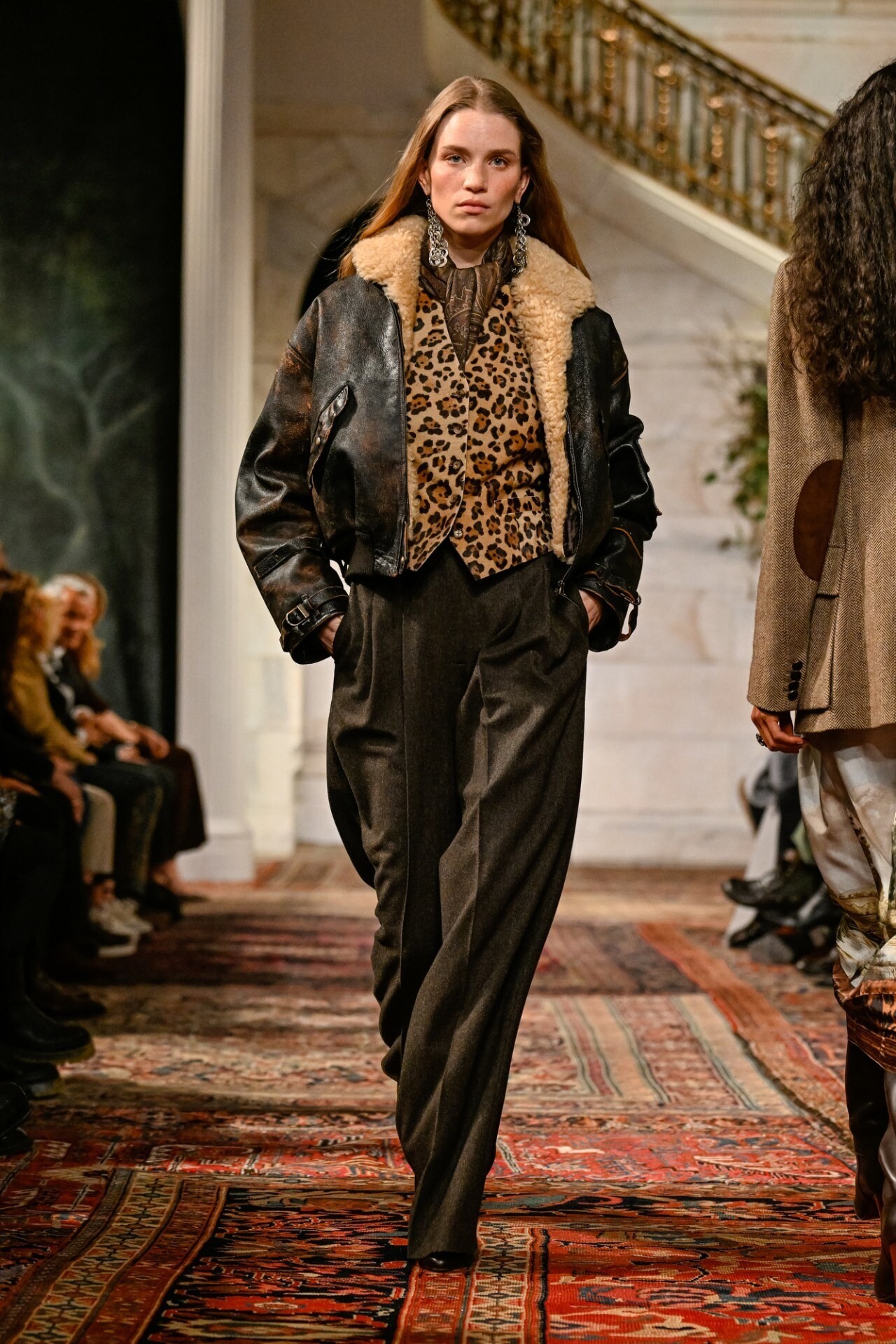
 Always love her for the House of CB and for Anthro. Thank you, @Shale586
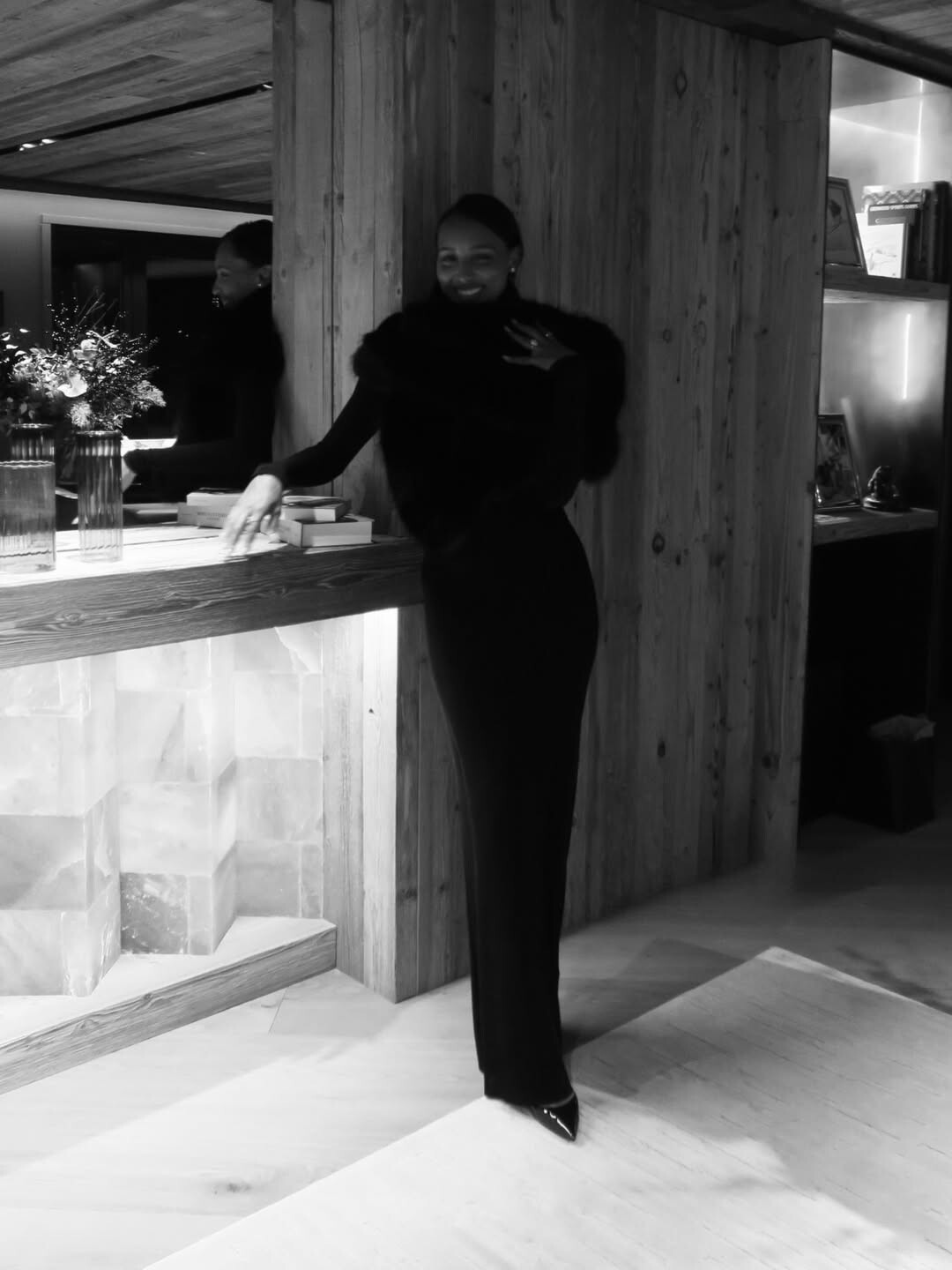
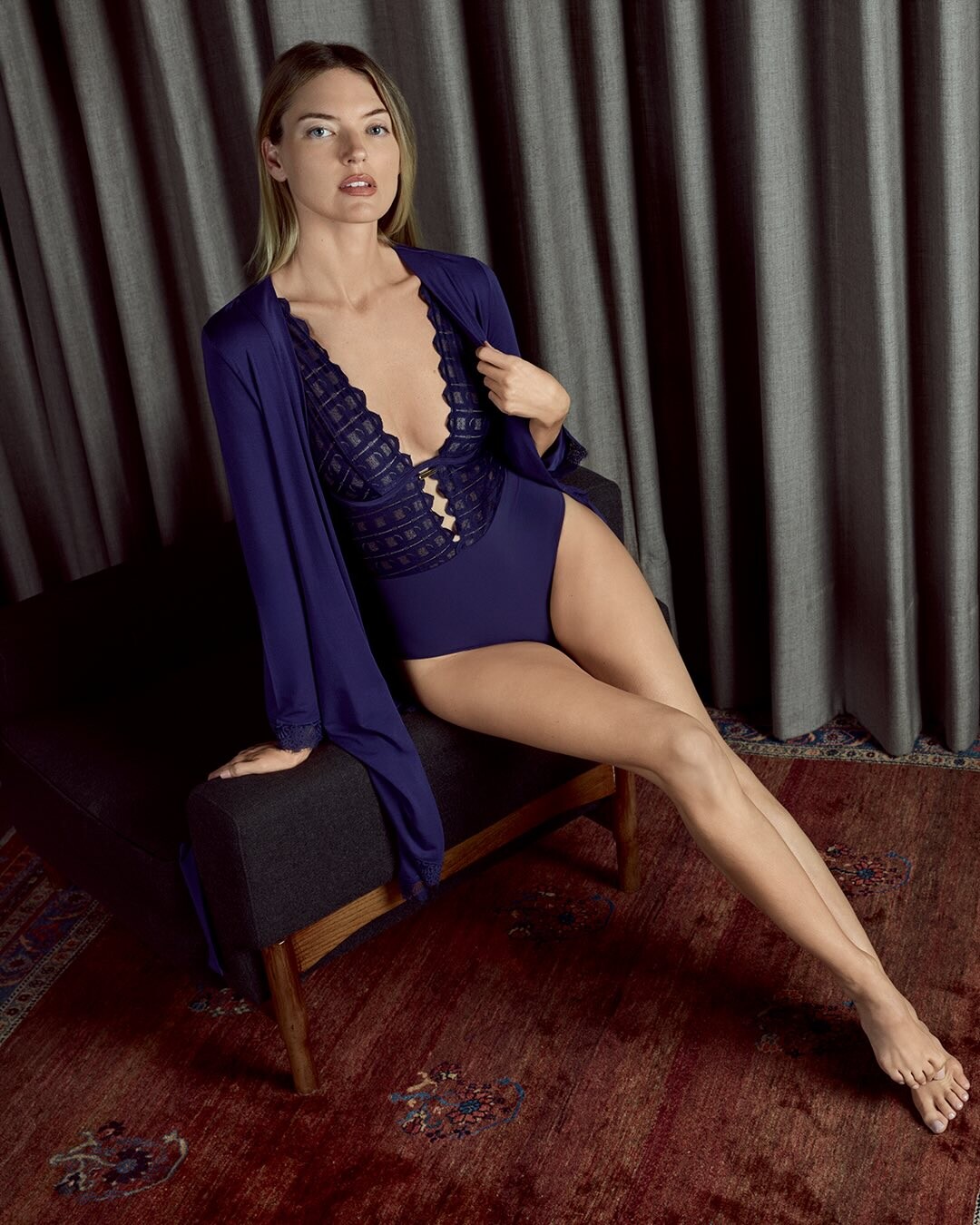
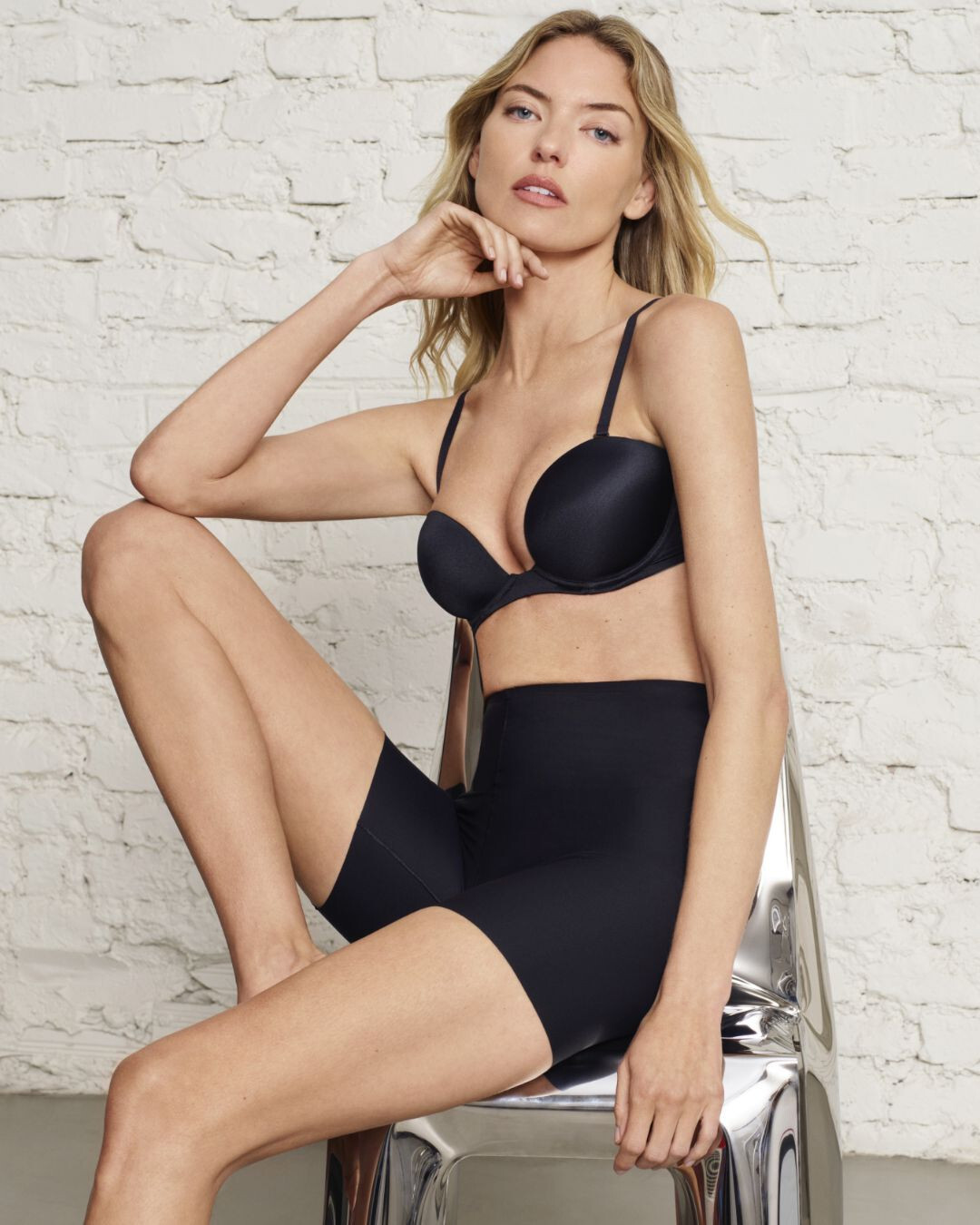
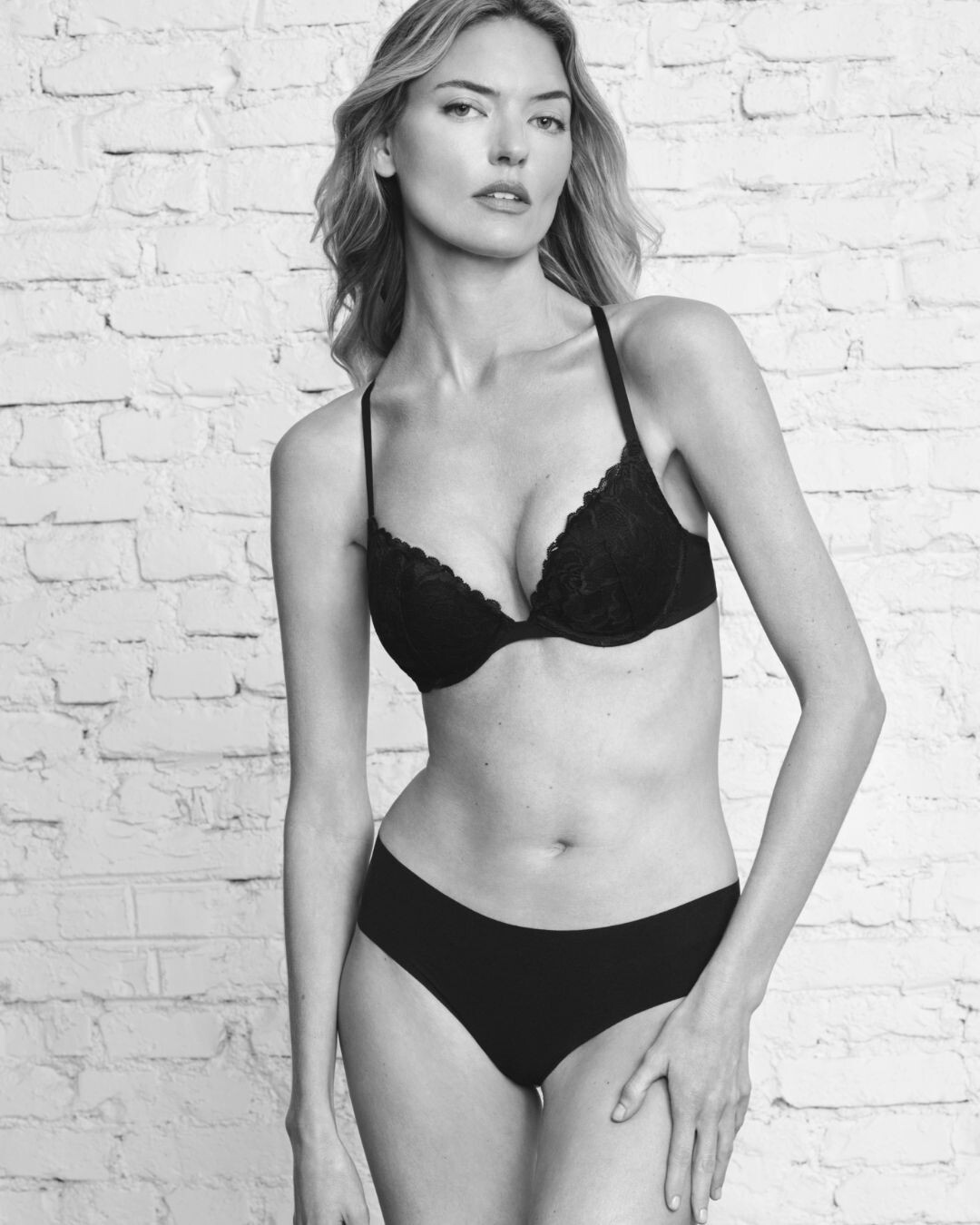
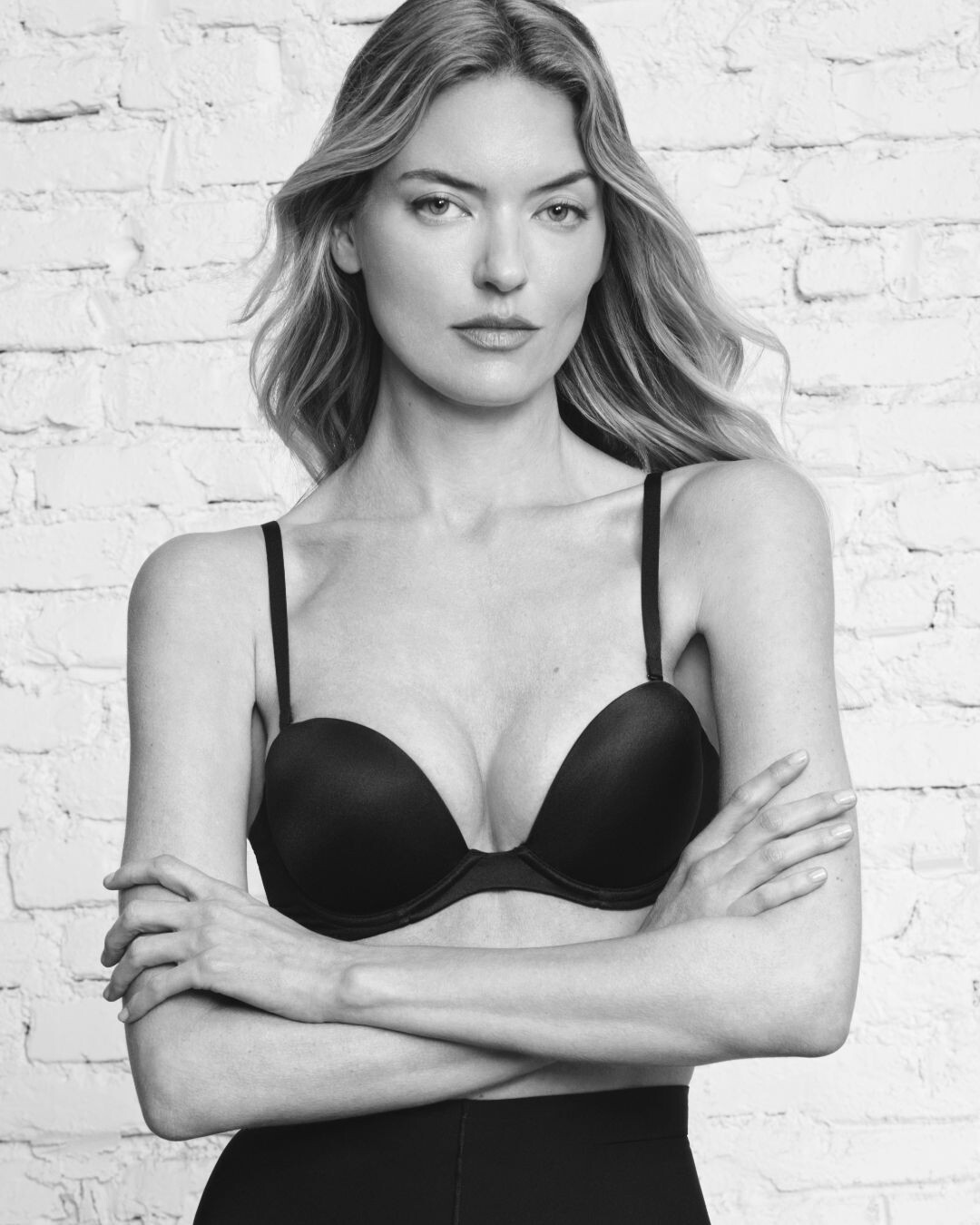
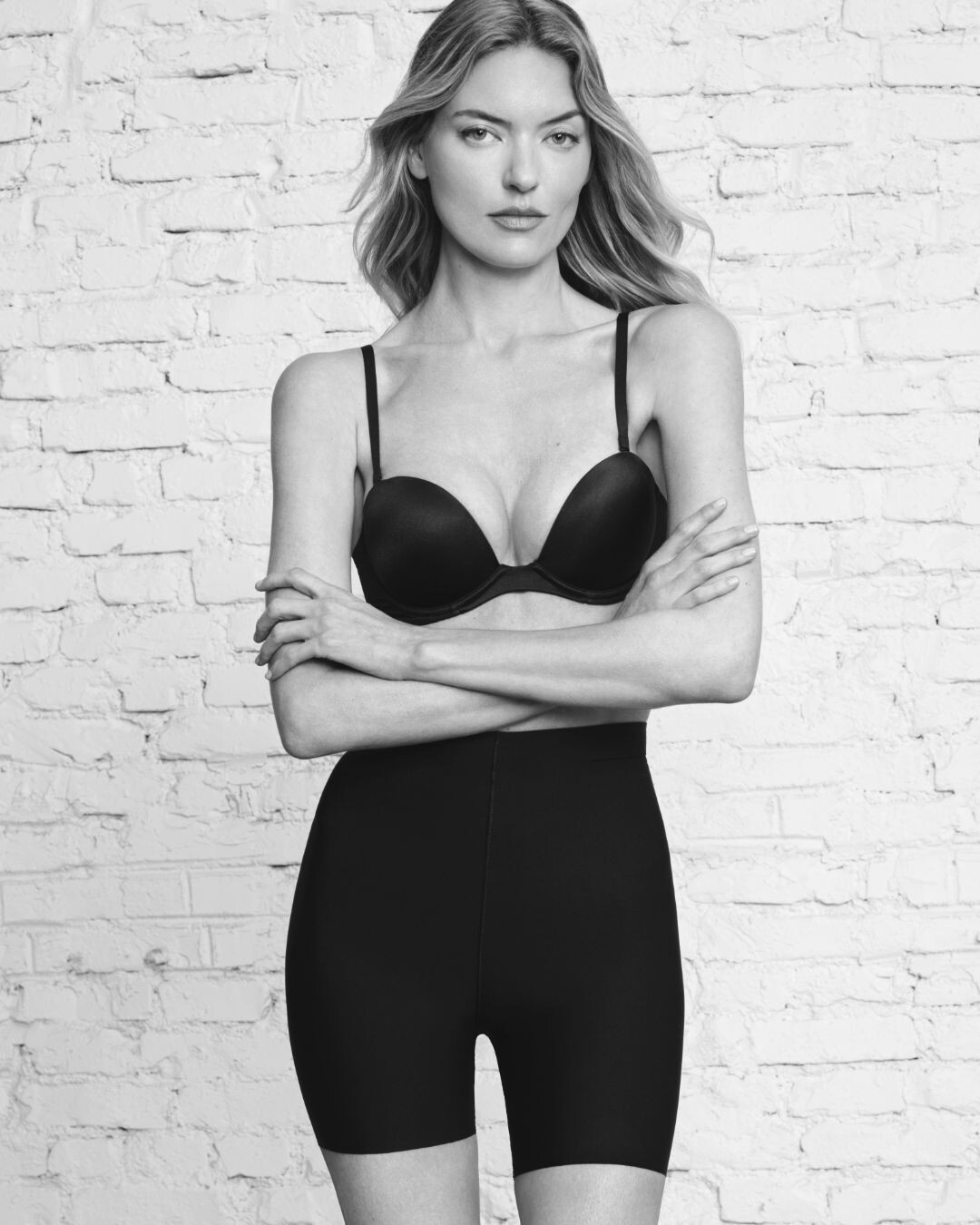
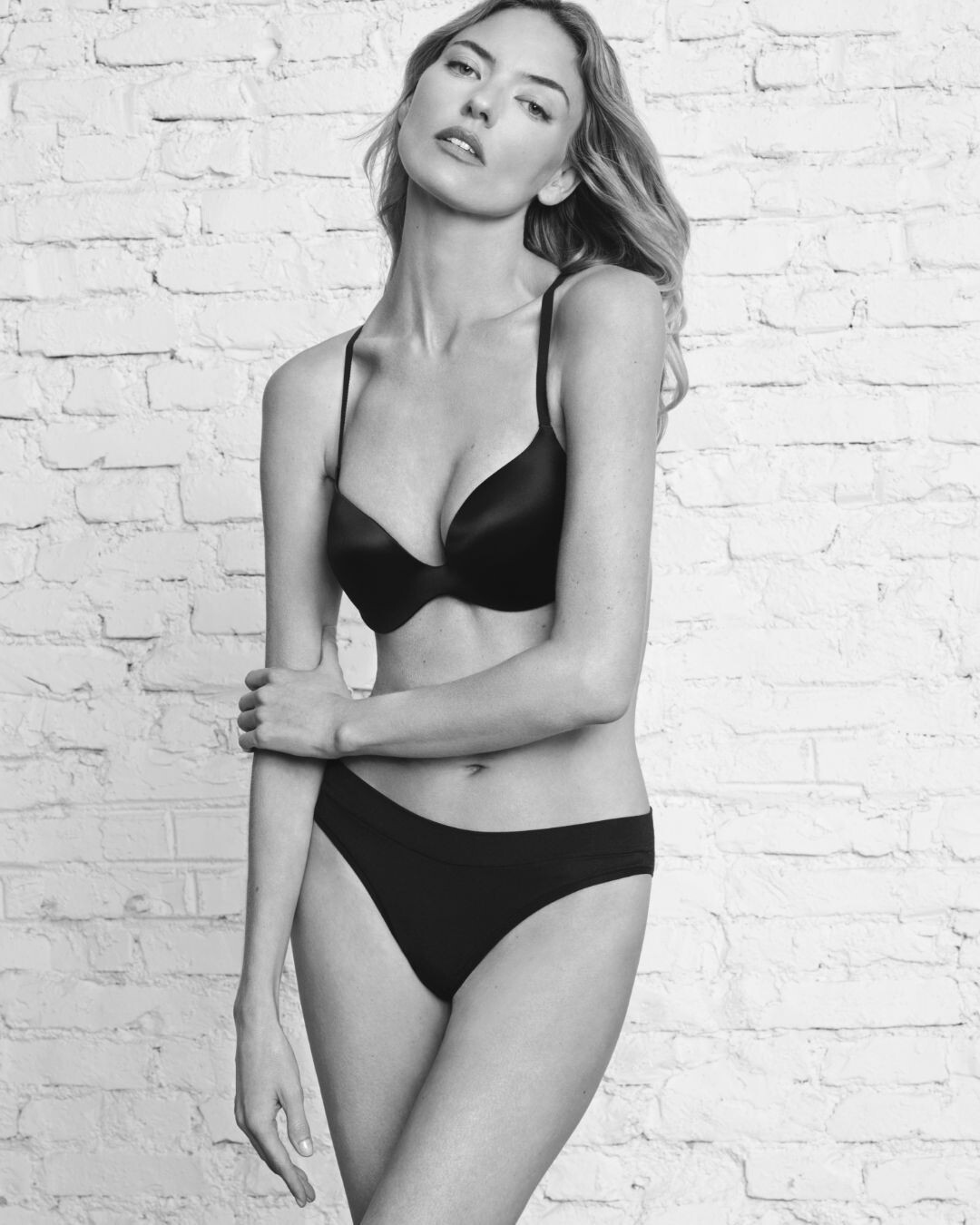
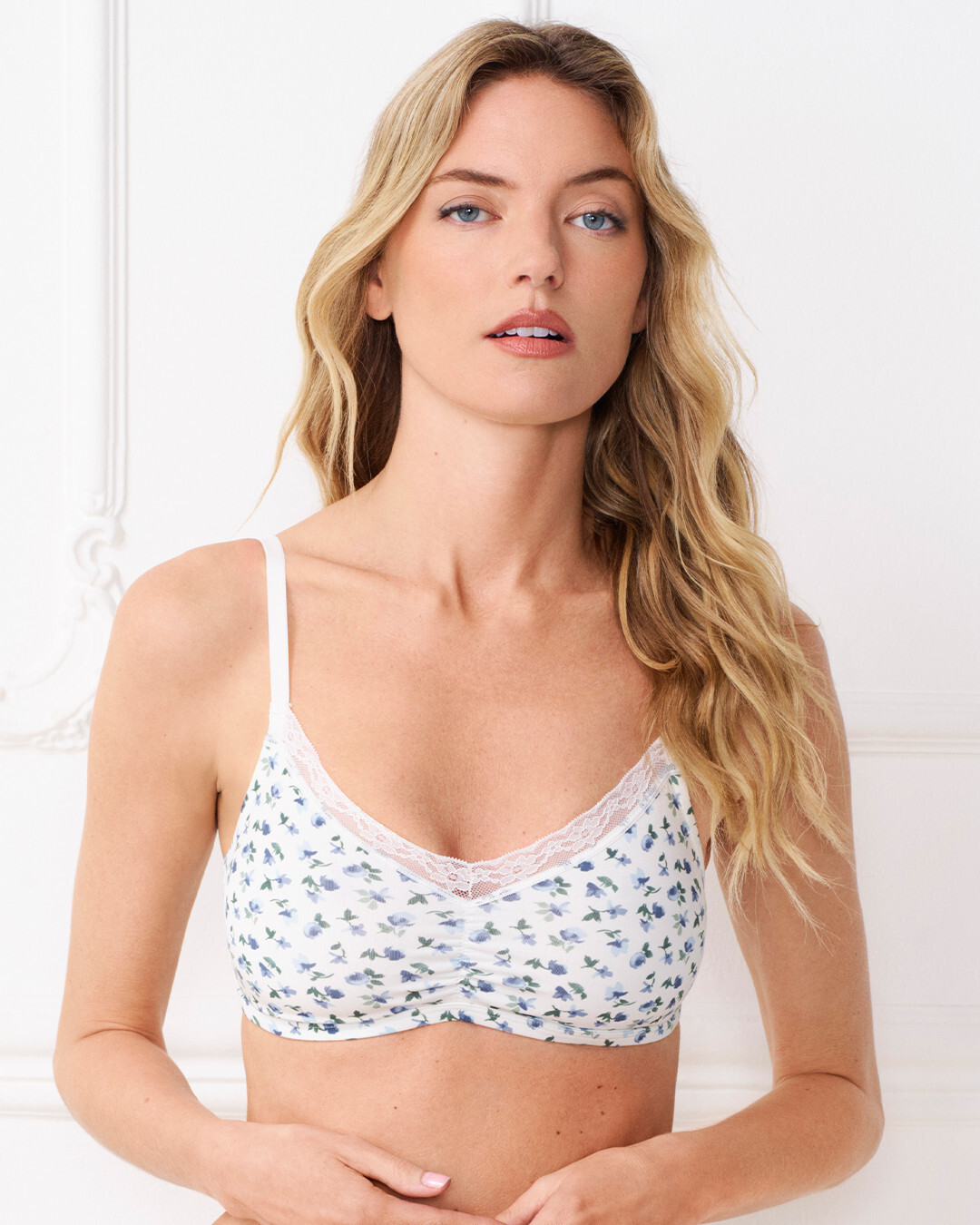
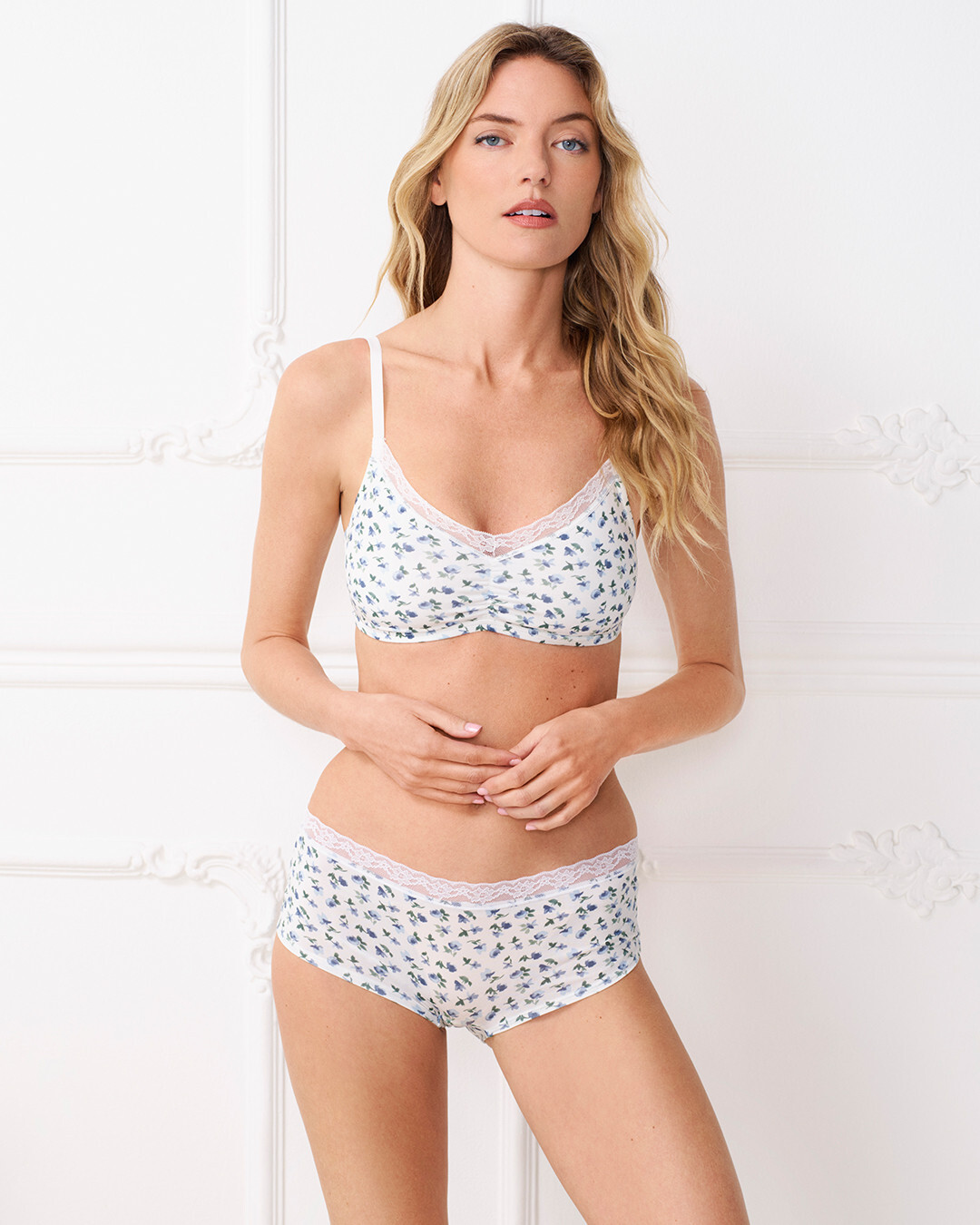
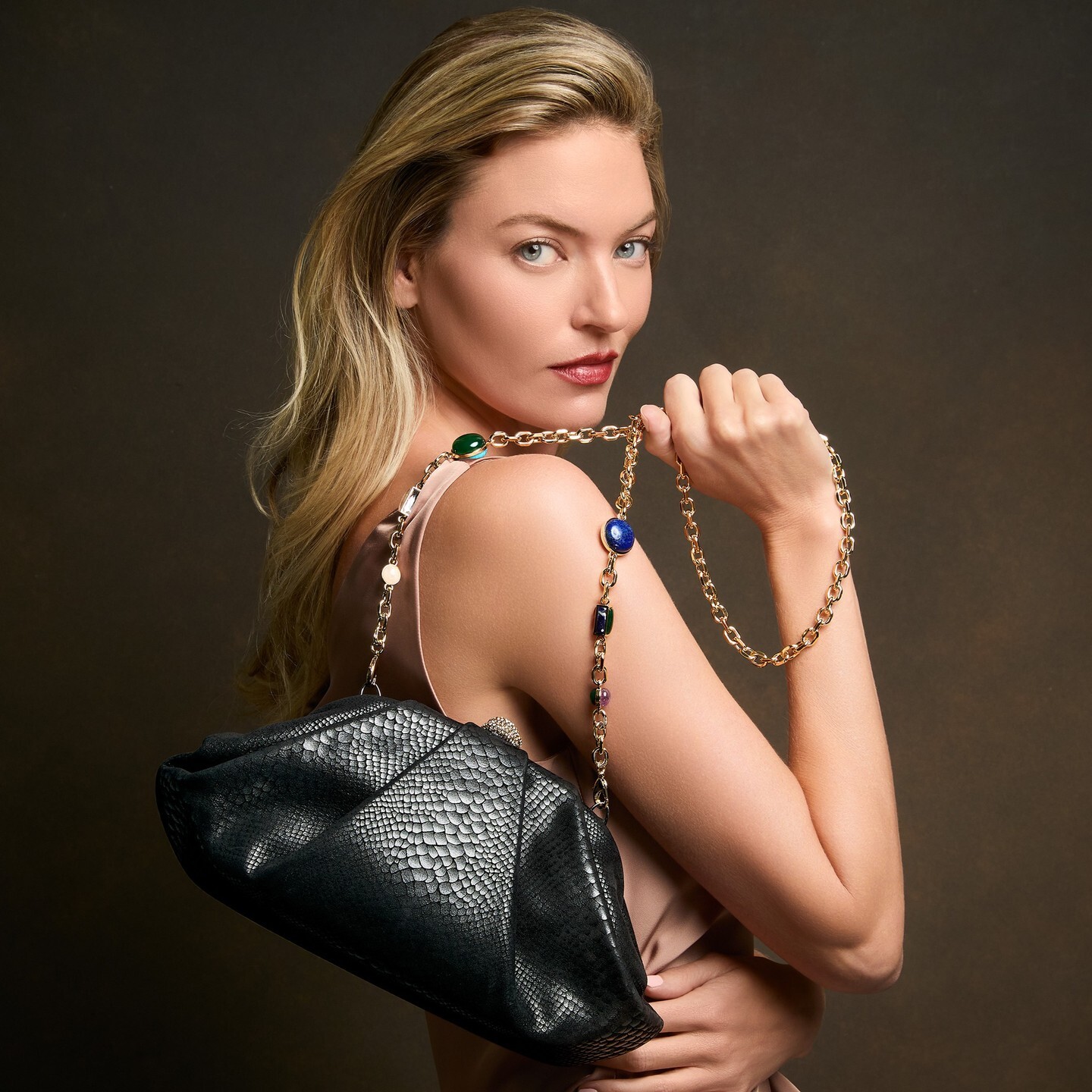
Sublime from Martha. Thank you for the adds.
Always love her for the House of CB and for Anthro. Thank you, @Shale586
Sublime from Martha. Thank you for the adds.
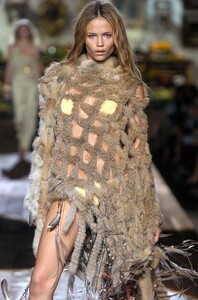
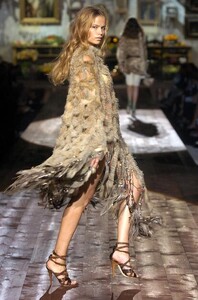
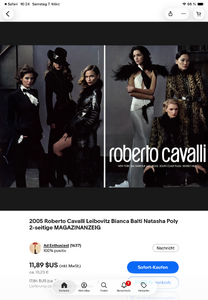
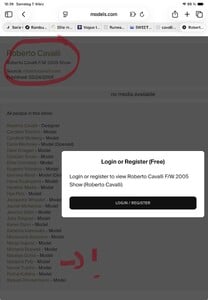
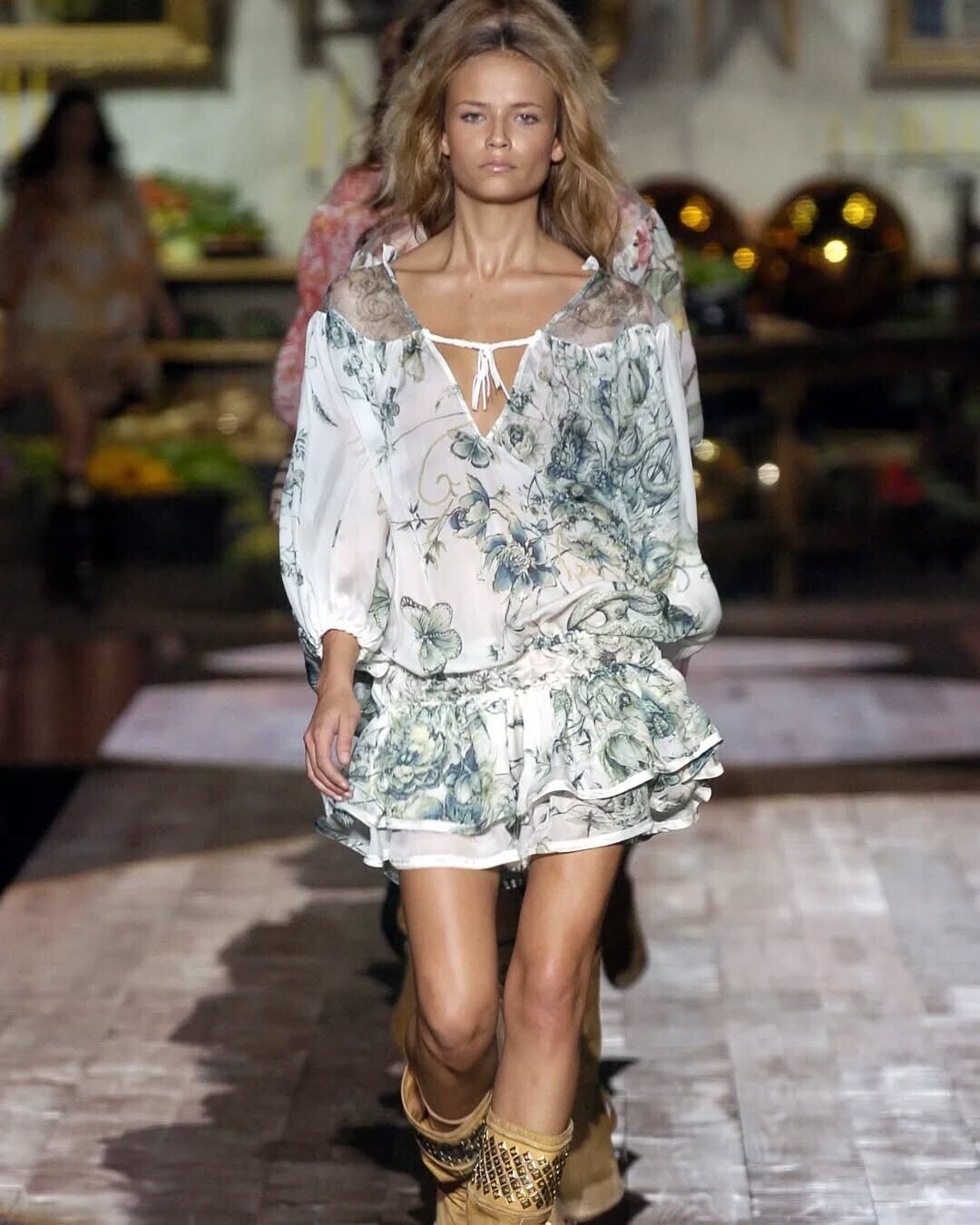
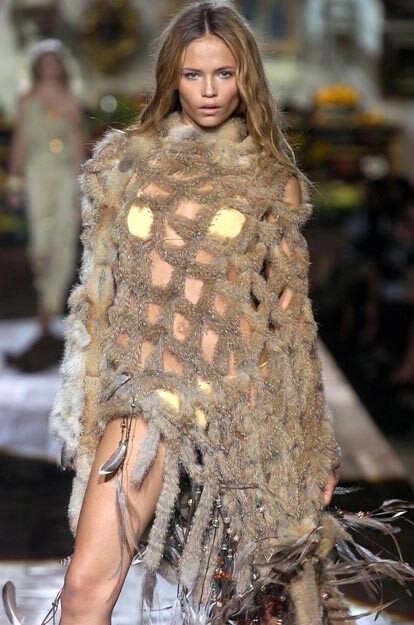
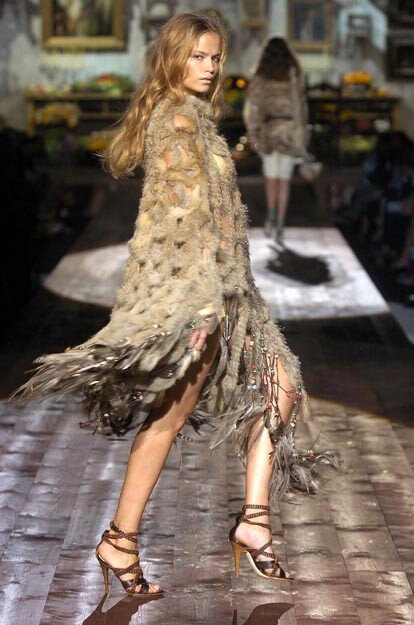
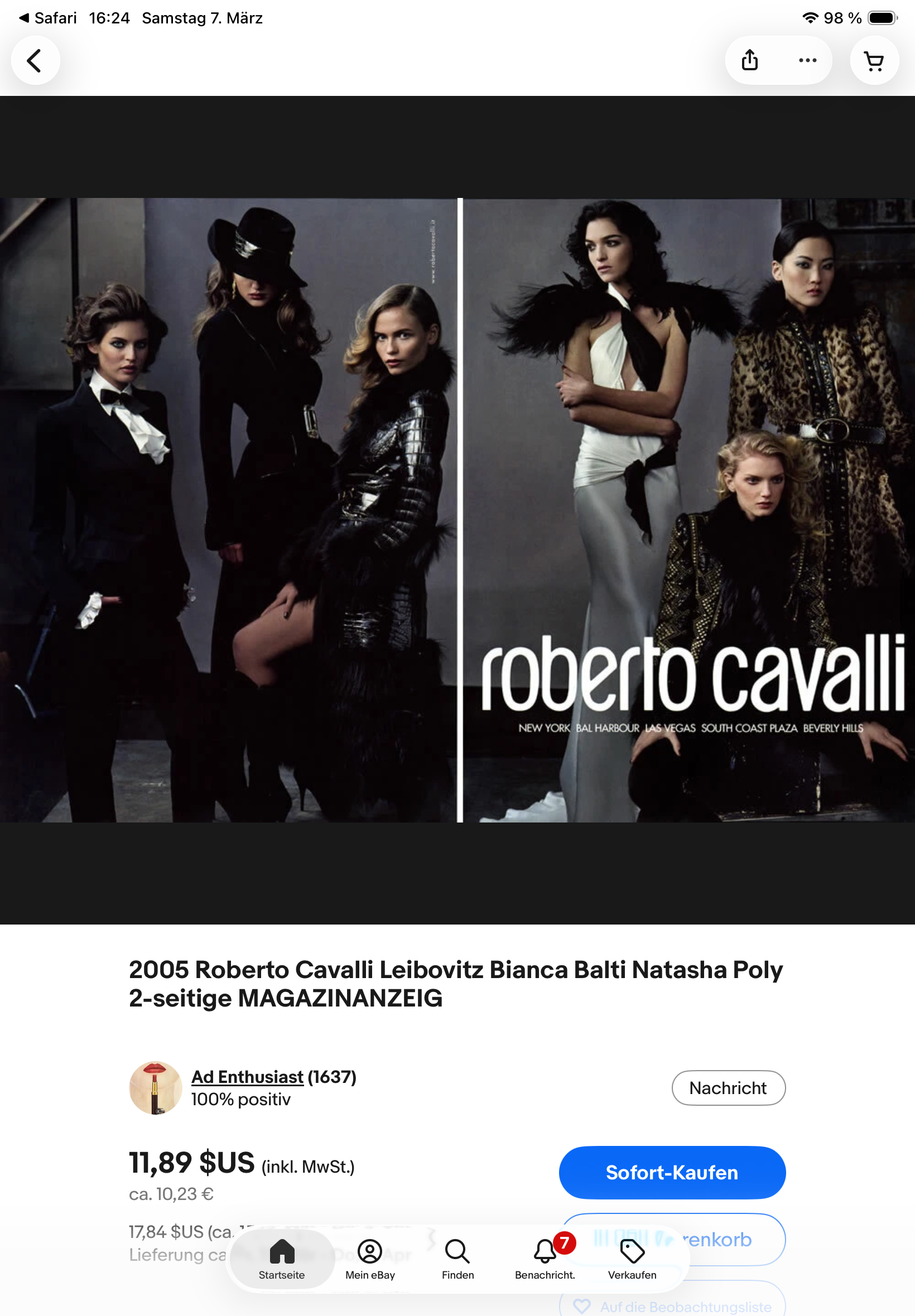
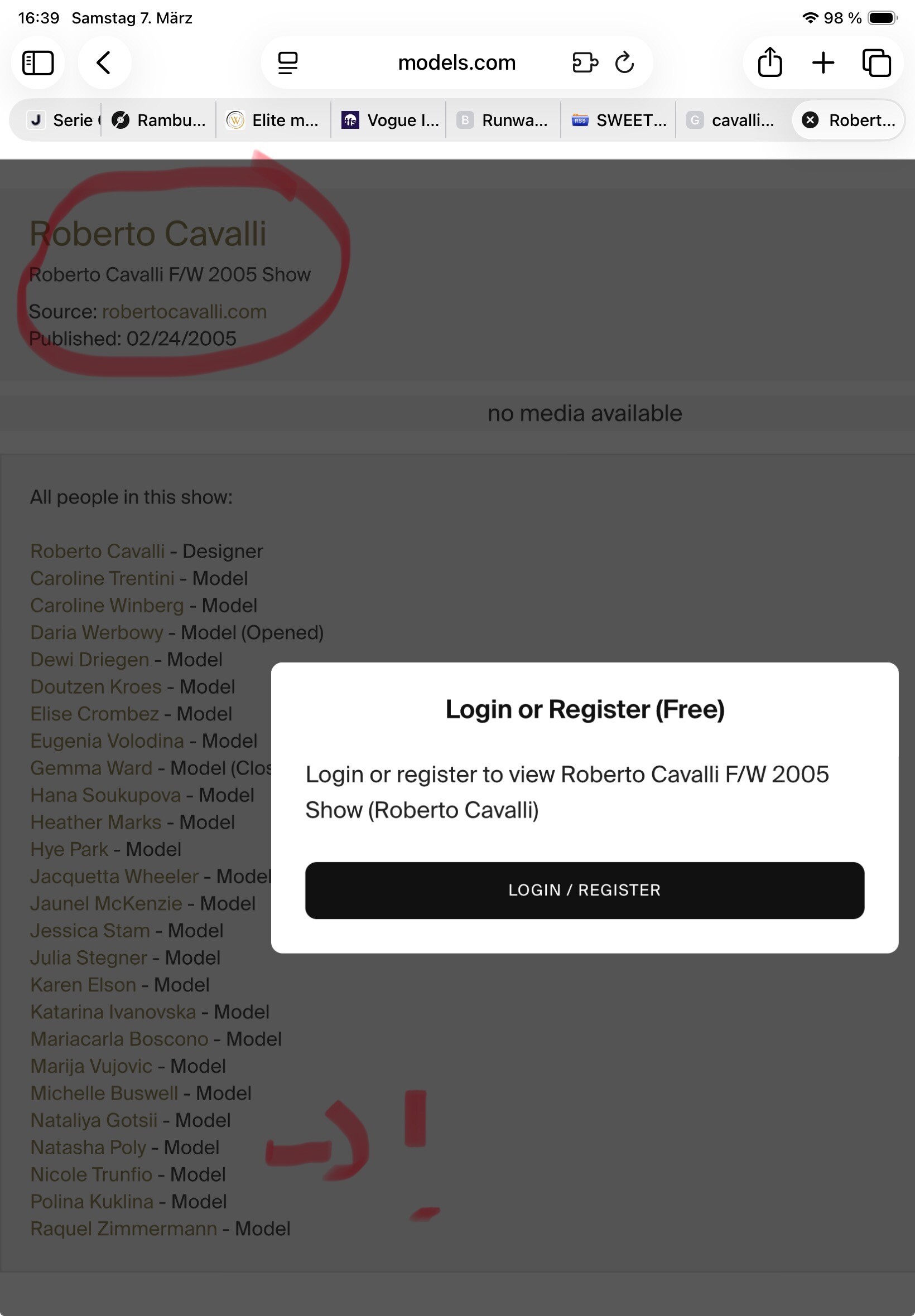
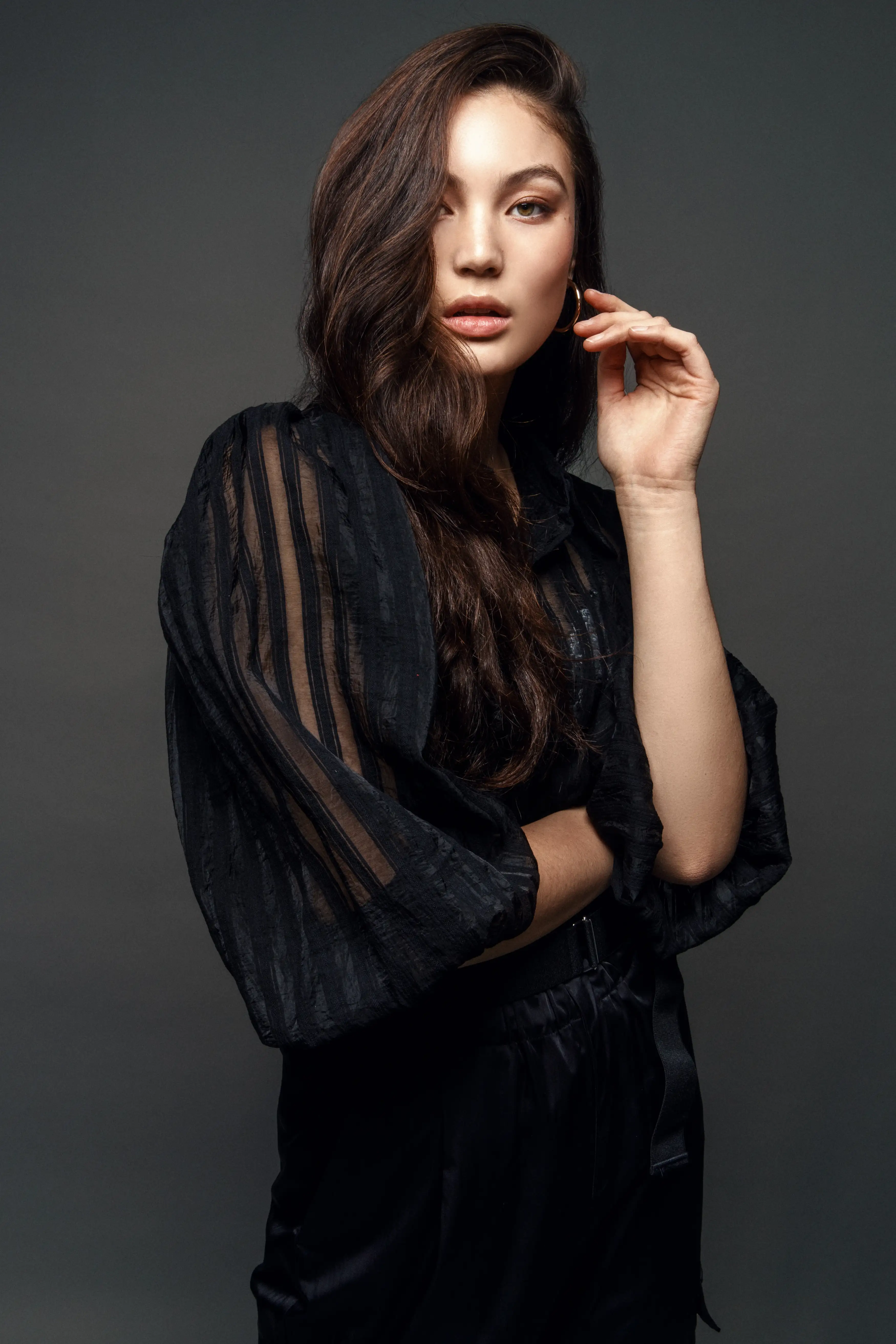
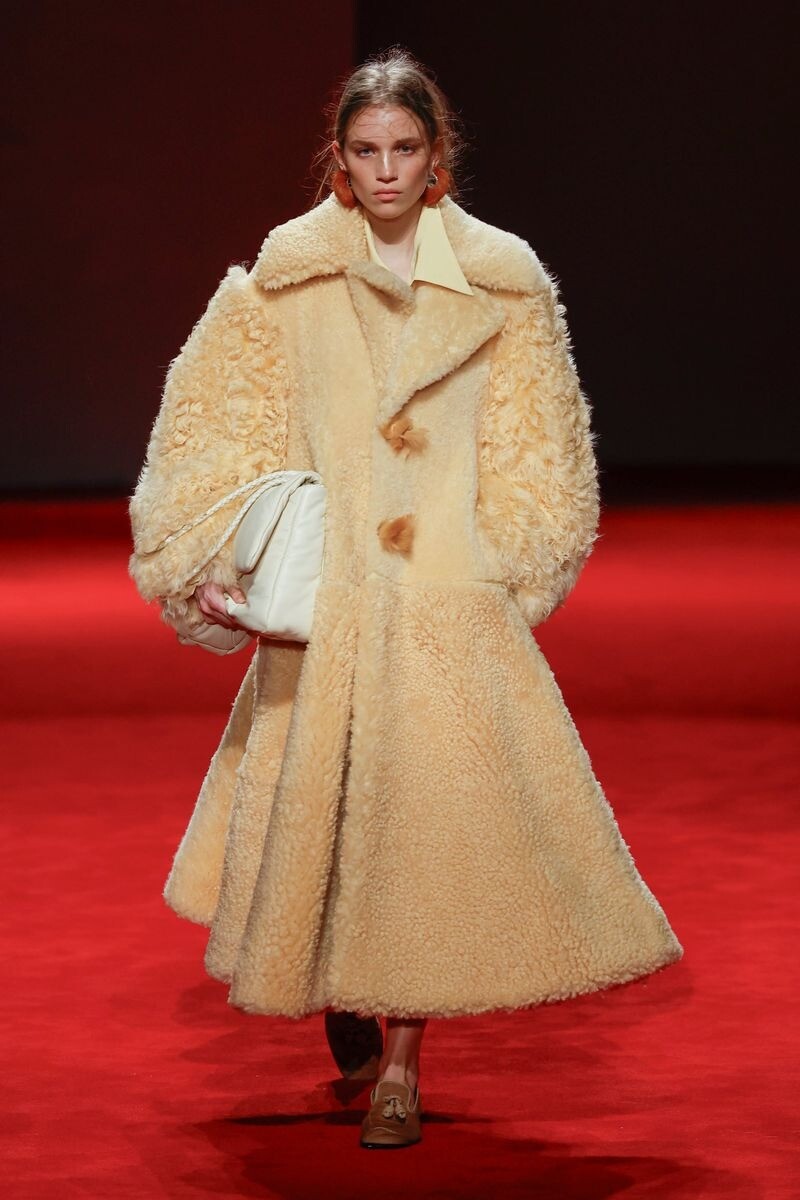
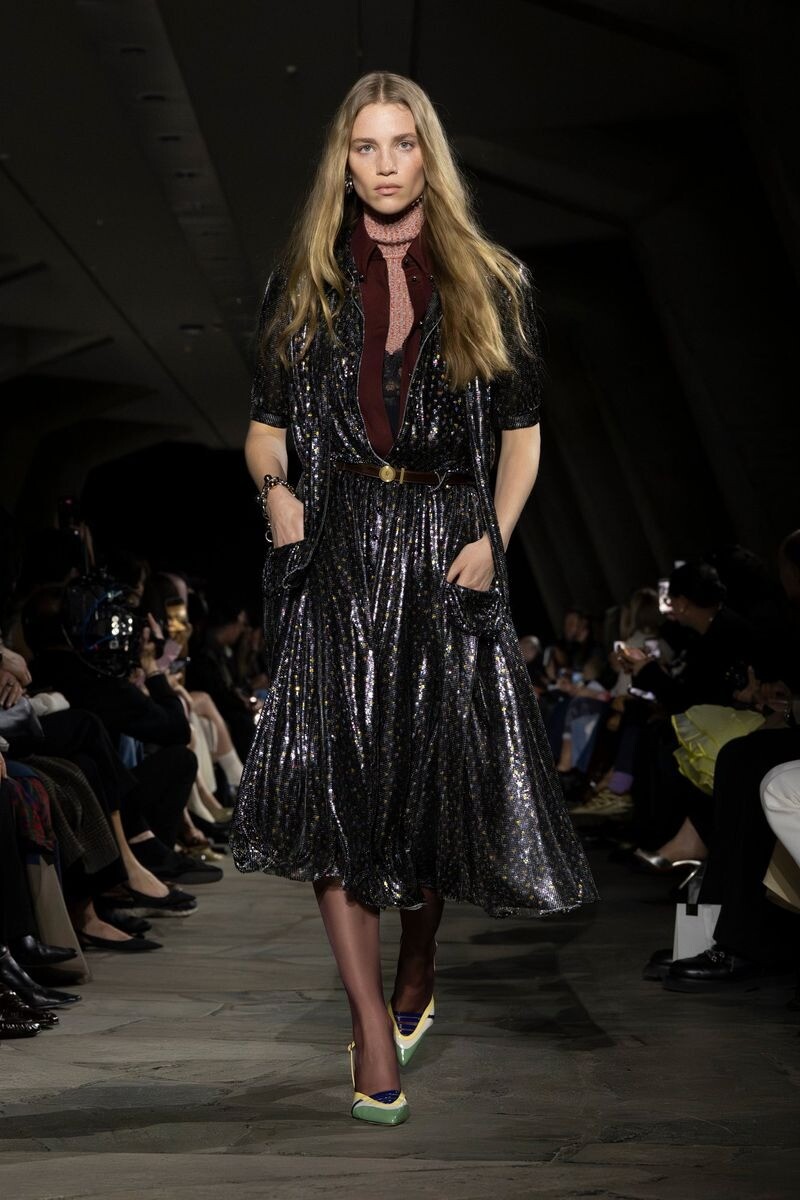
 Definitely not this Romina girl - this is 101% Natasha Poly. She was one of Cavallis main girls from 2003-2005 did all of their campaigns and often opened up or closed their shows or segments of the shows at that time.
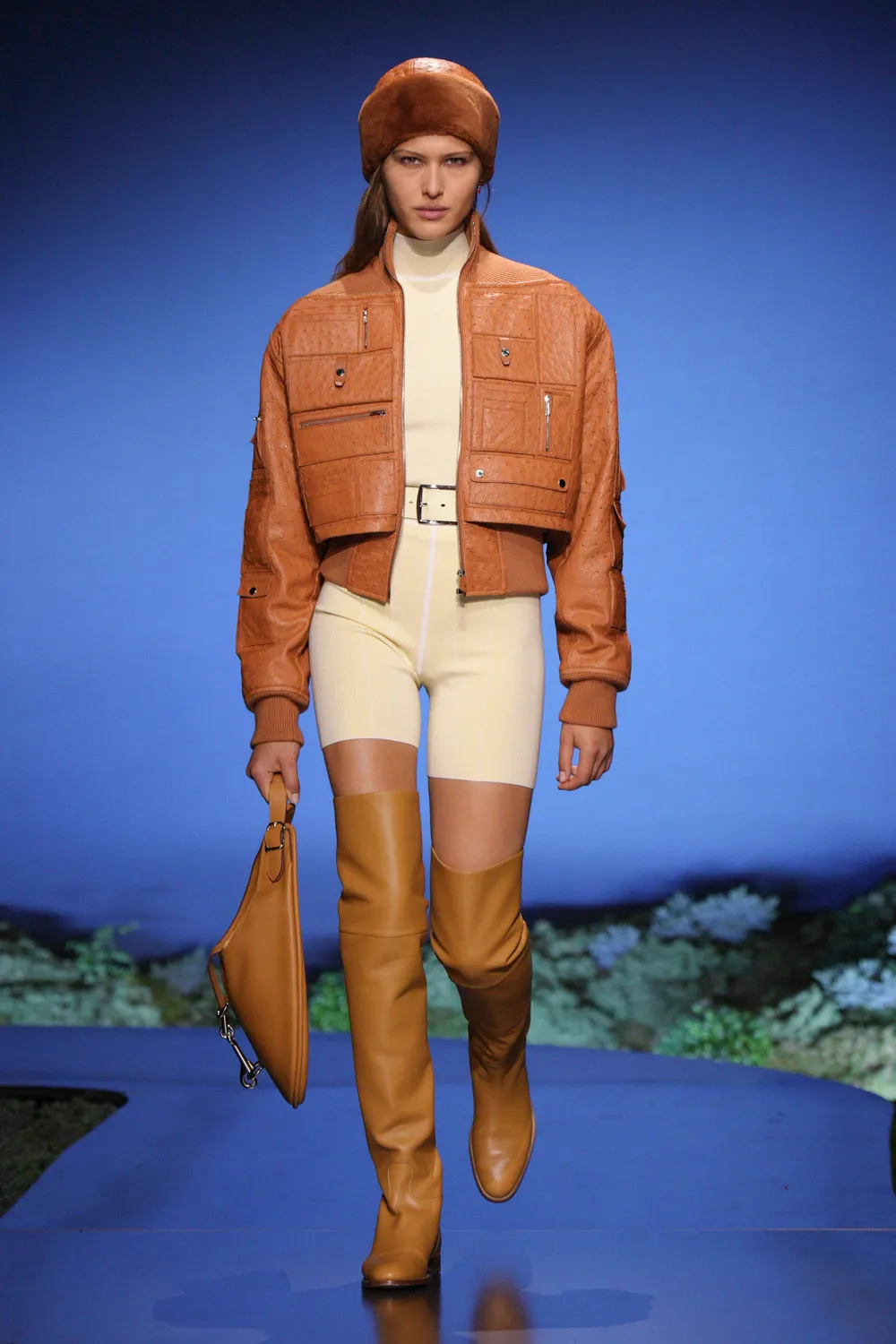
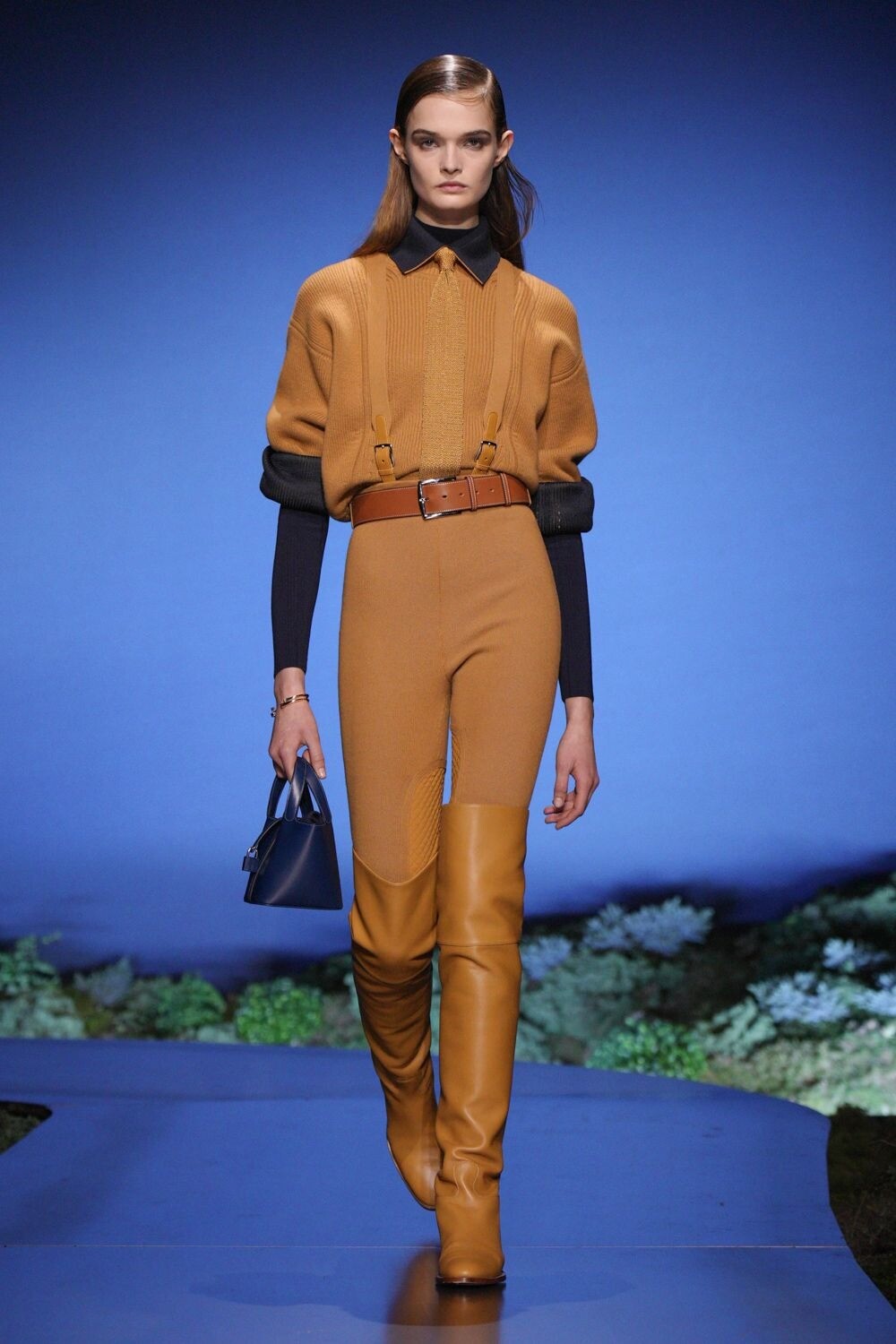
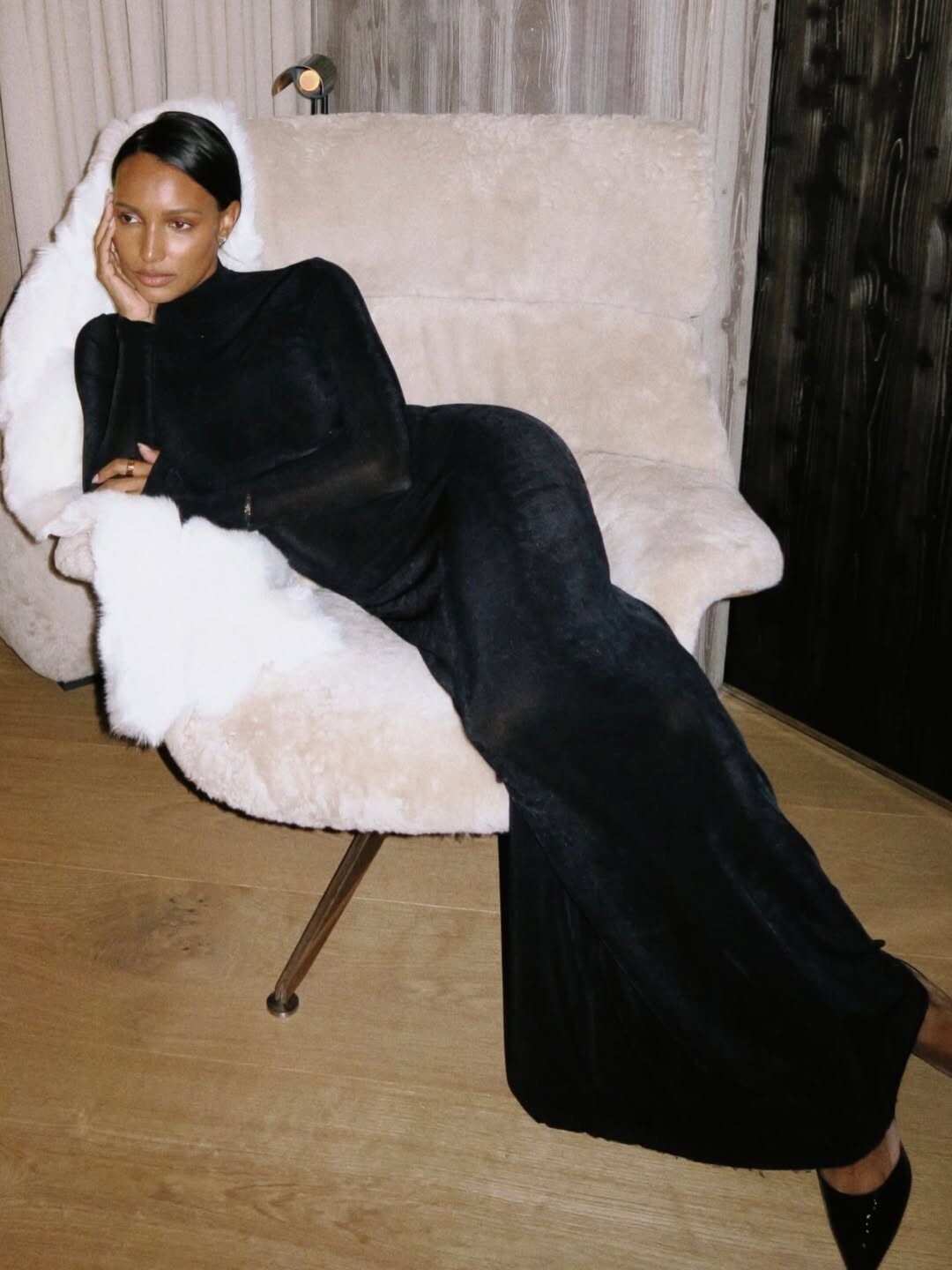
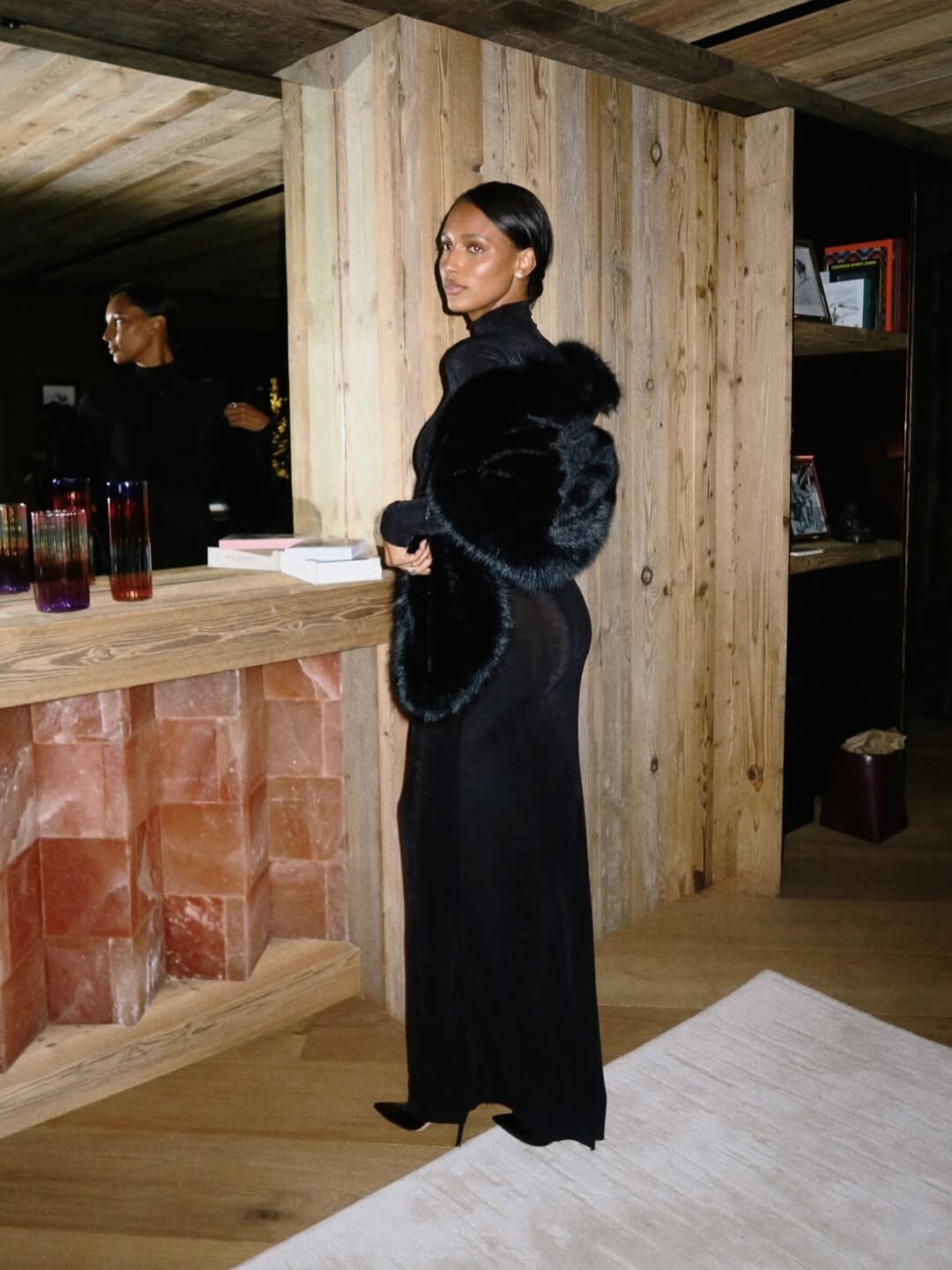
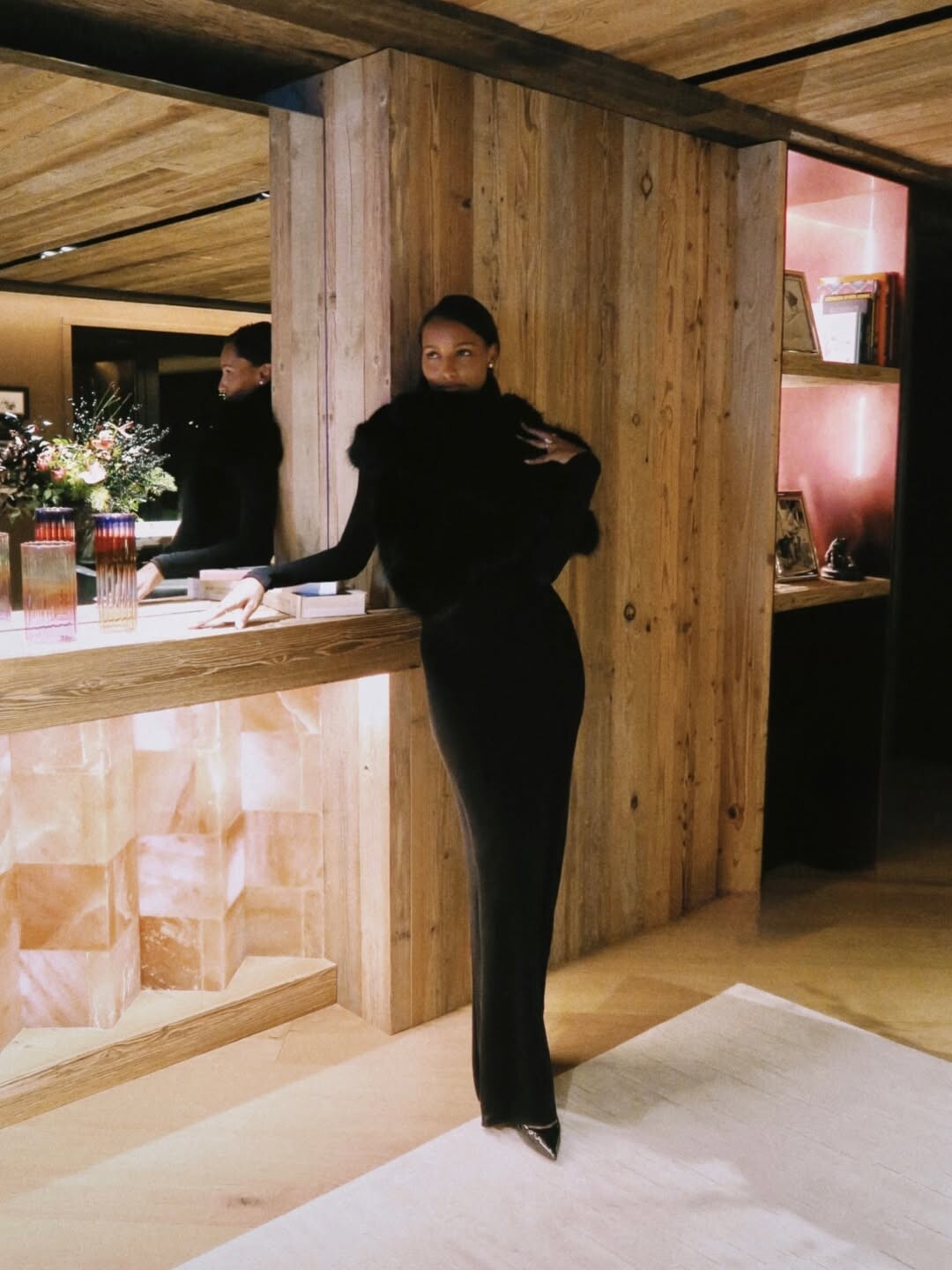
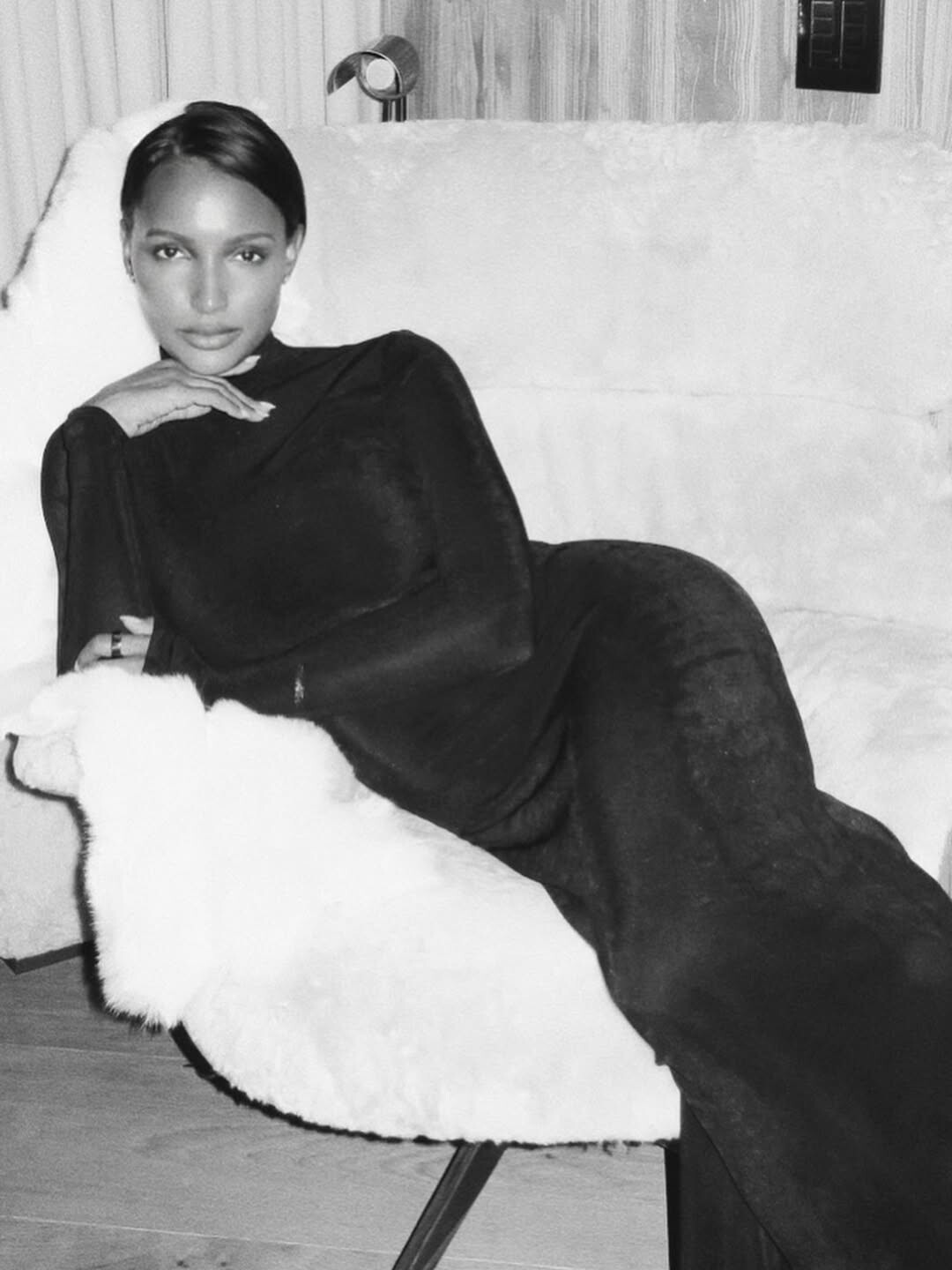
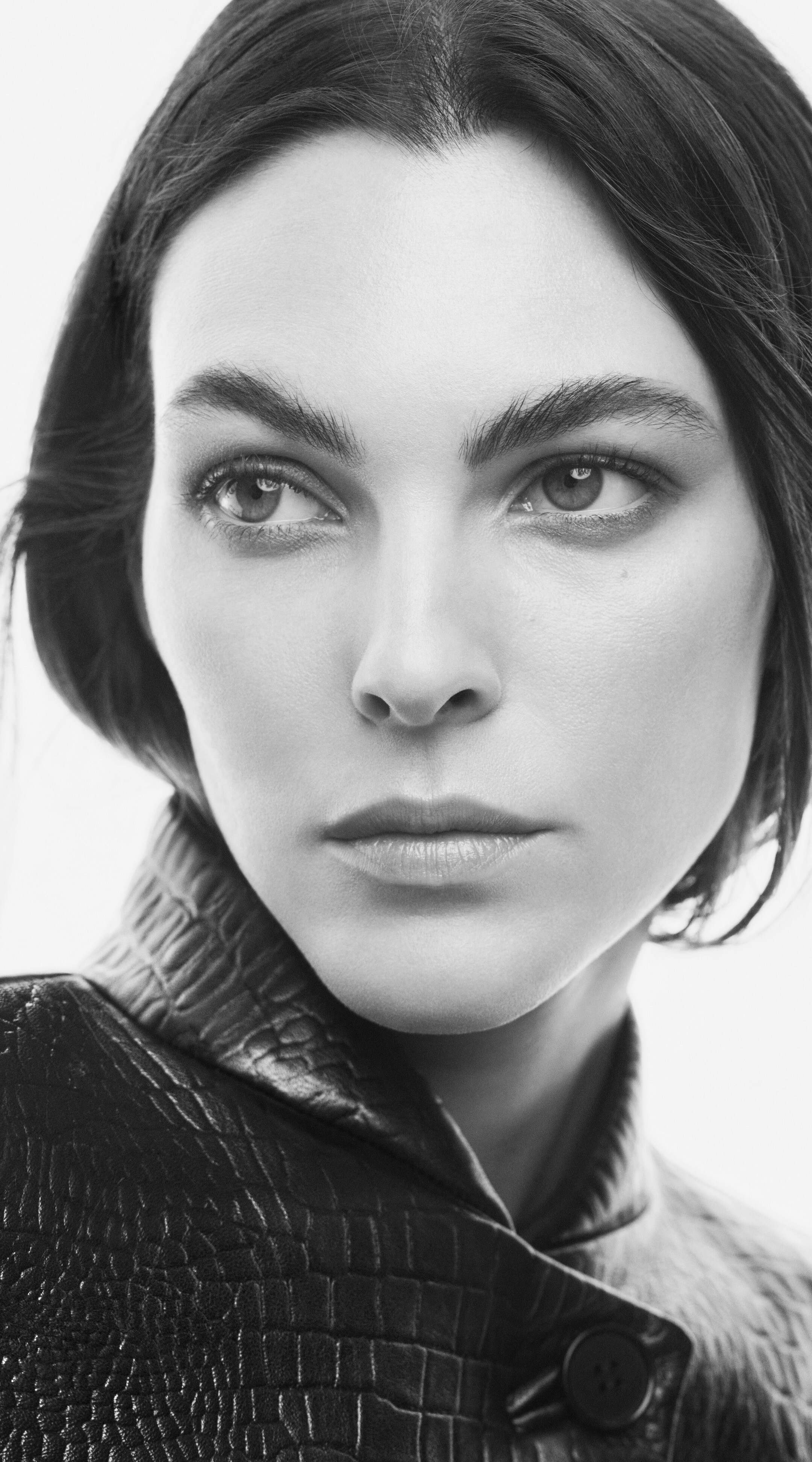
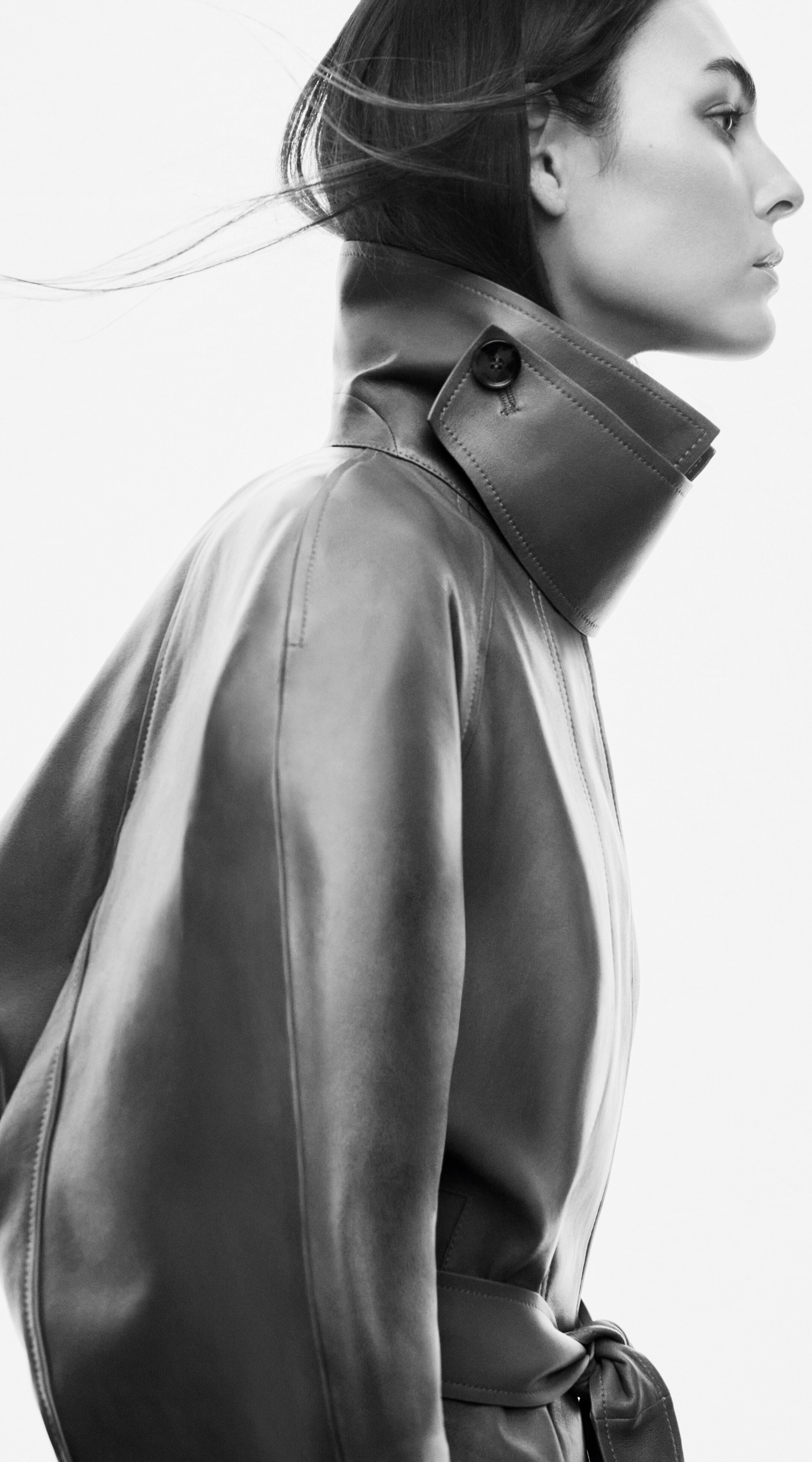
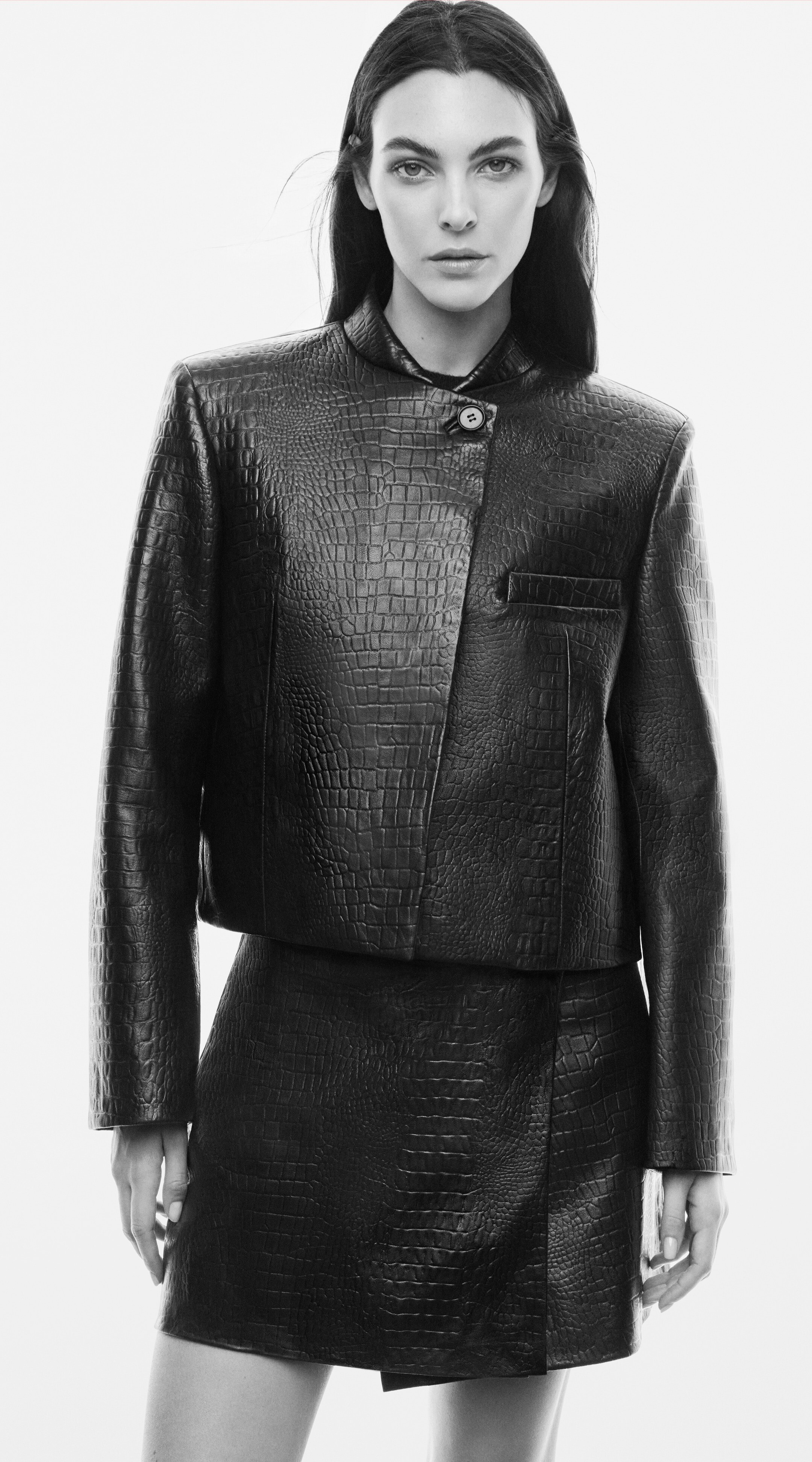
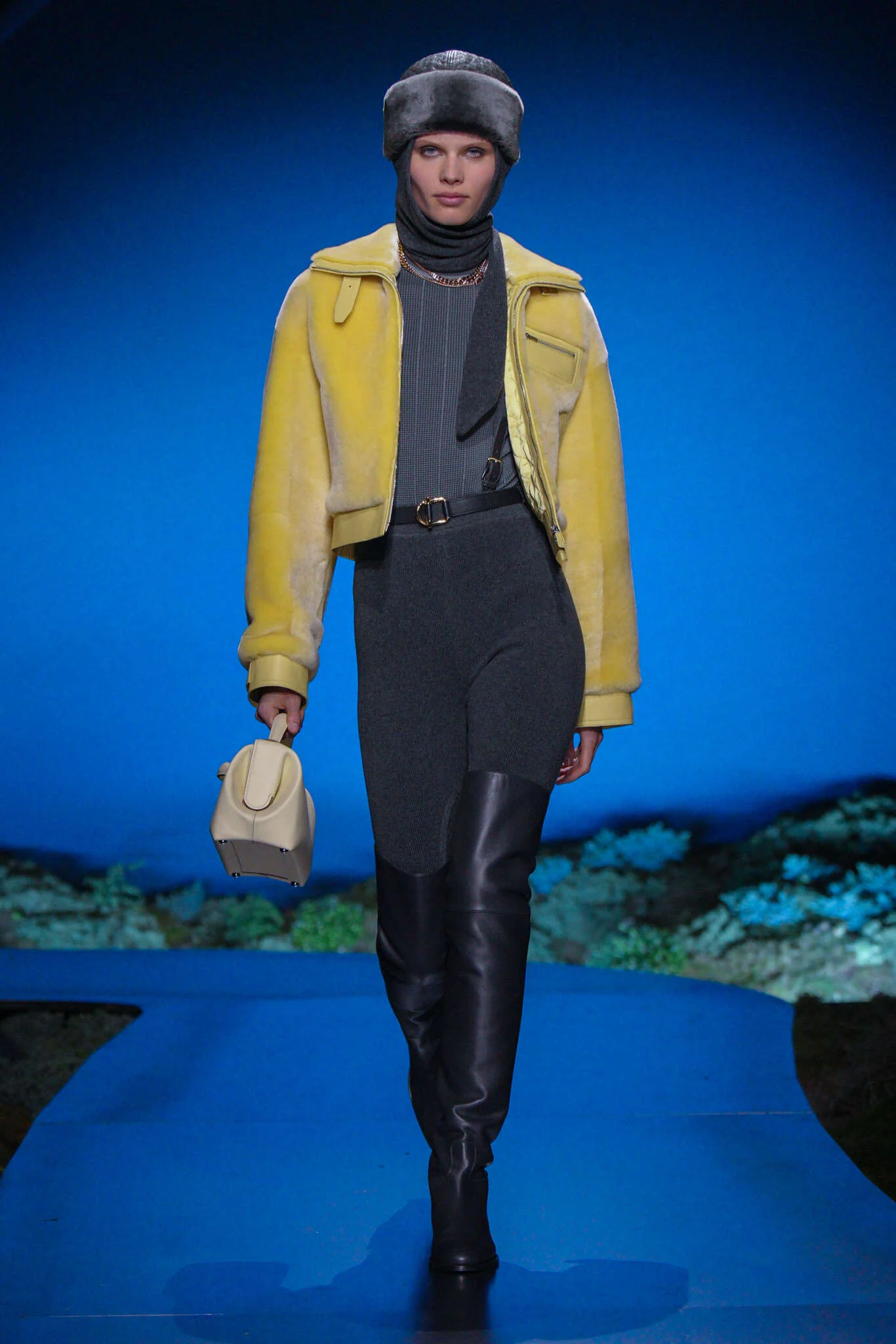
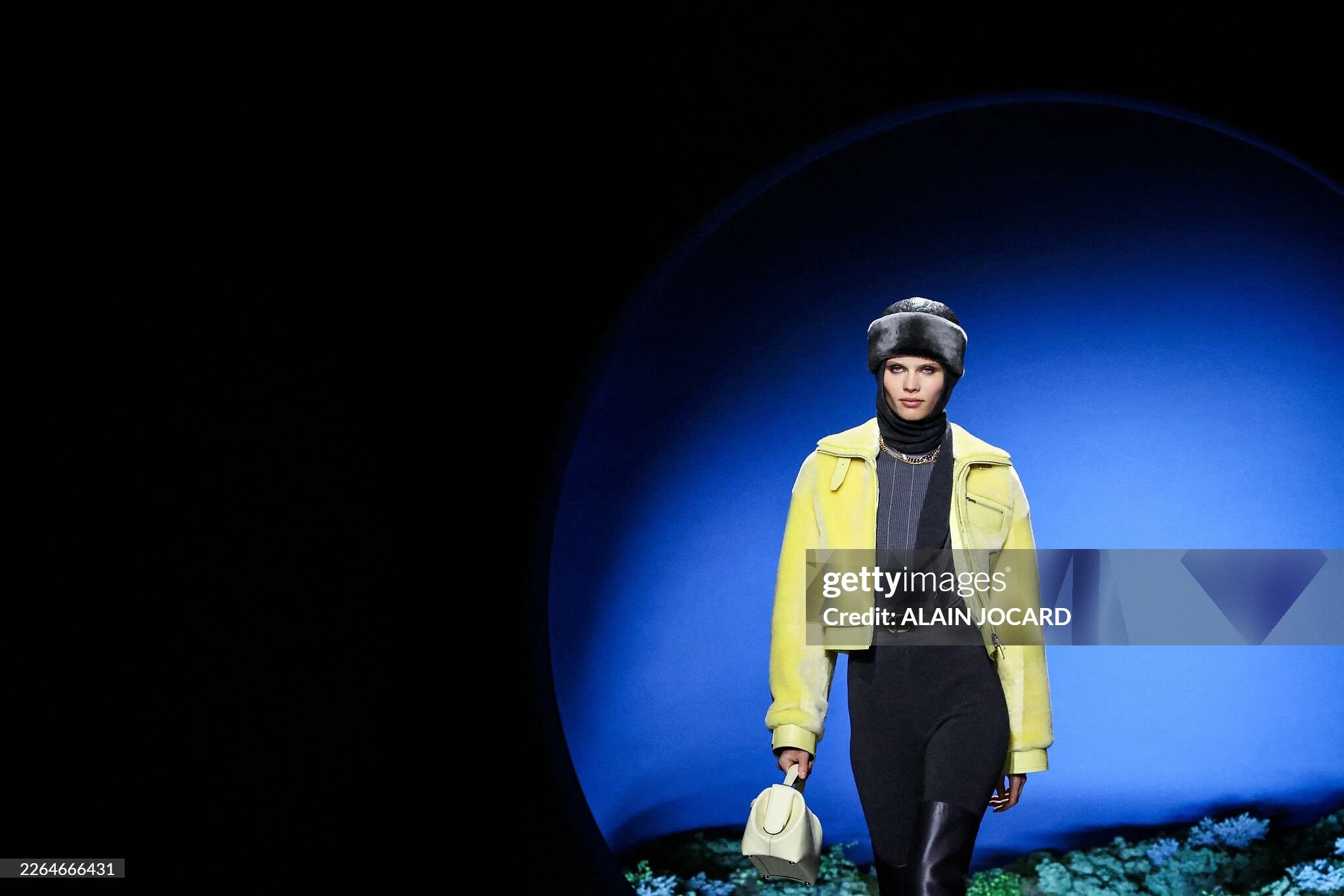
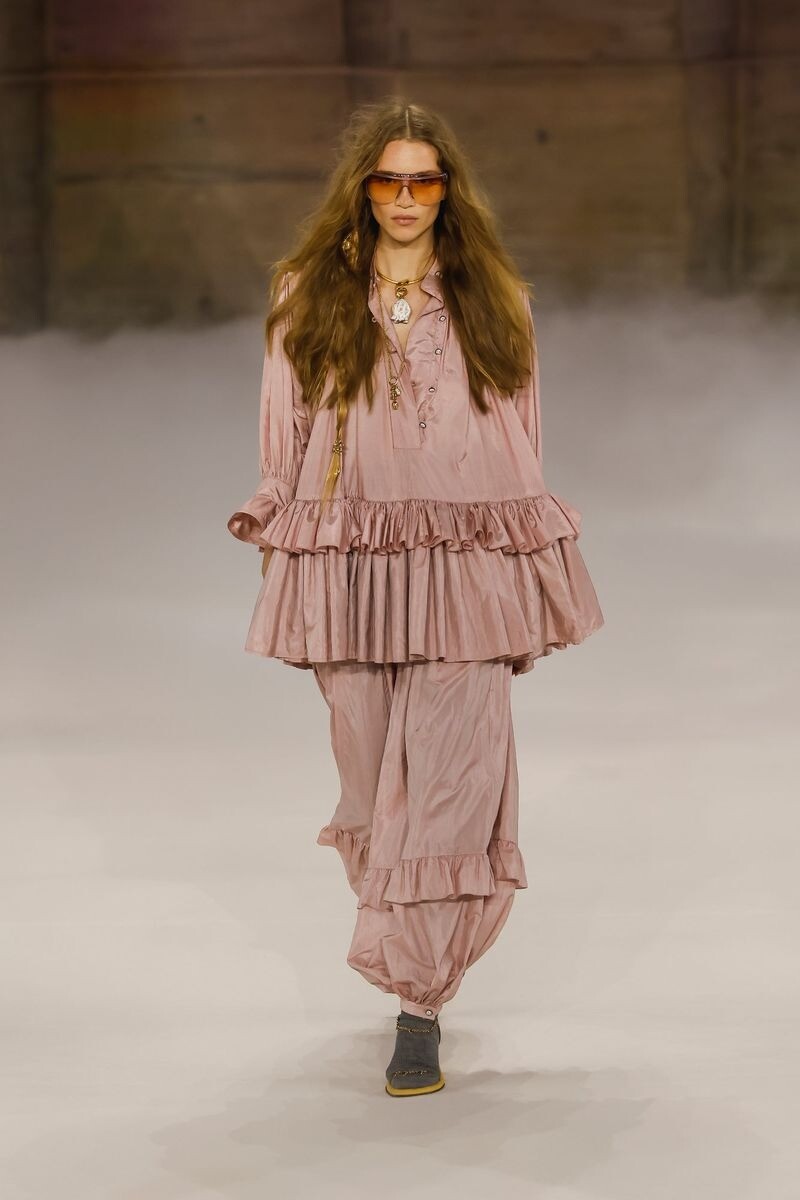
 Hermes F/W 26 Paris Vogue.com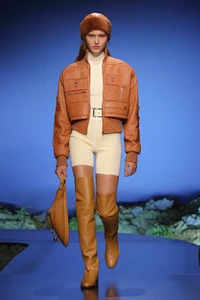

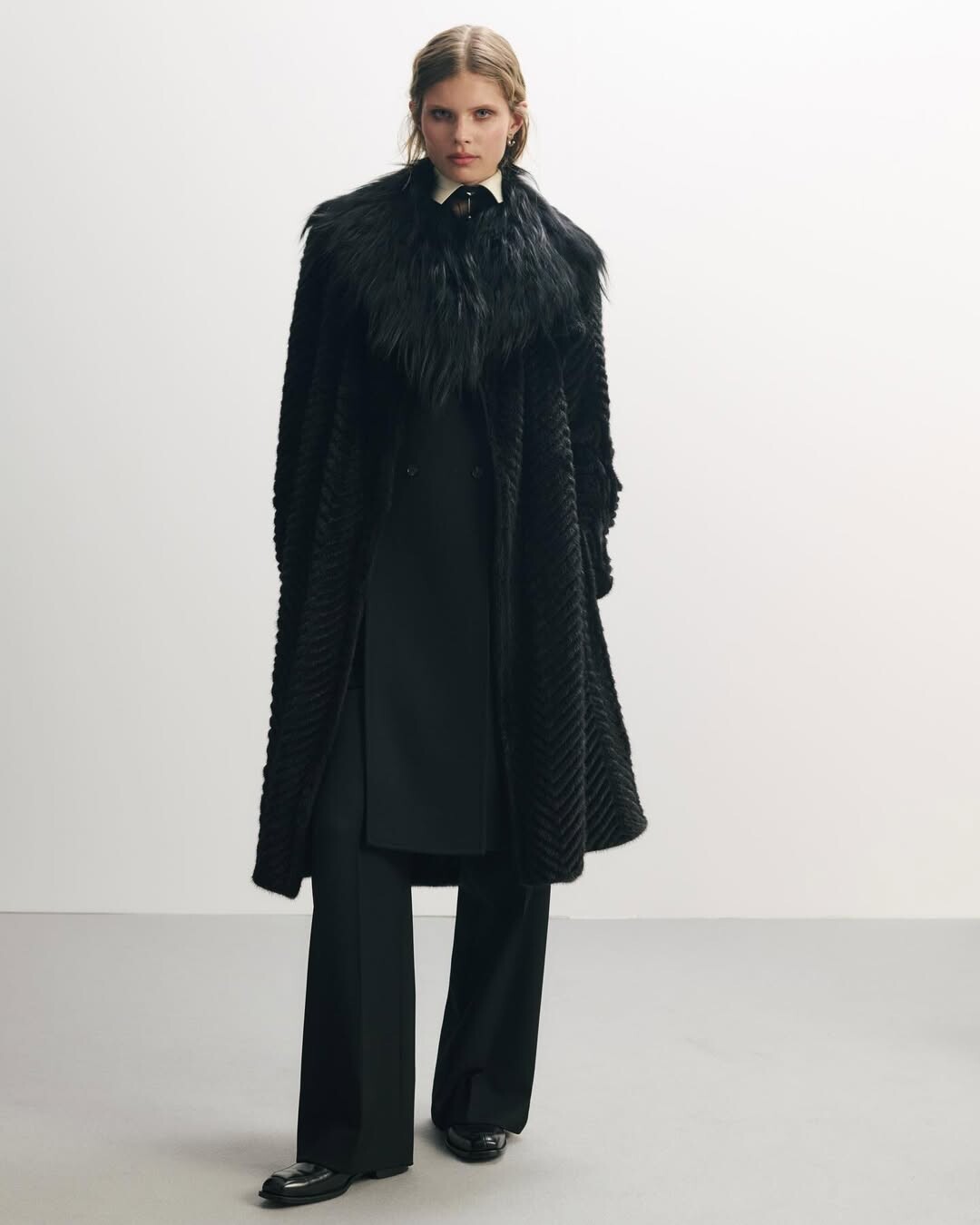
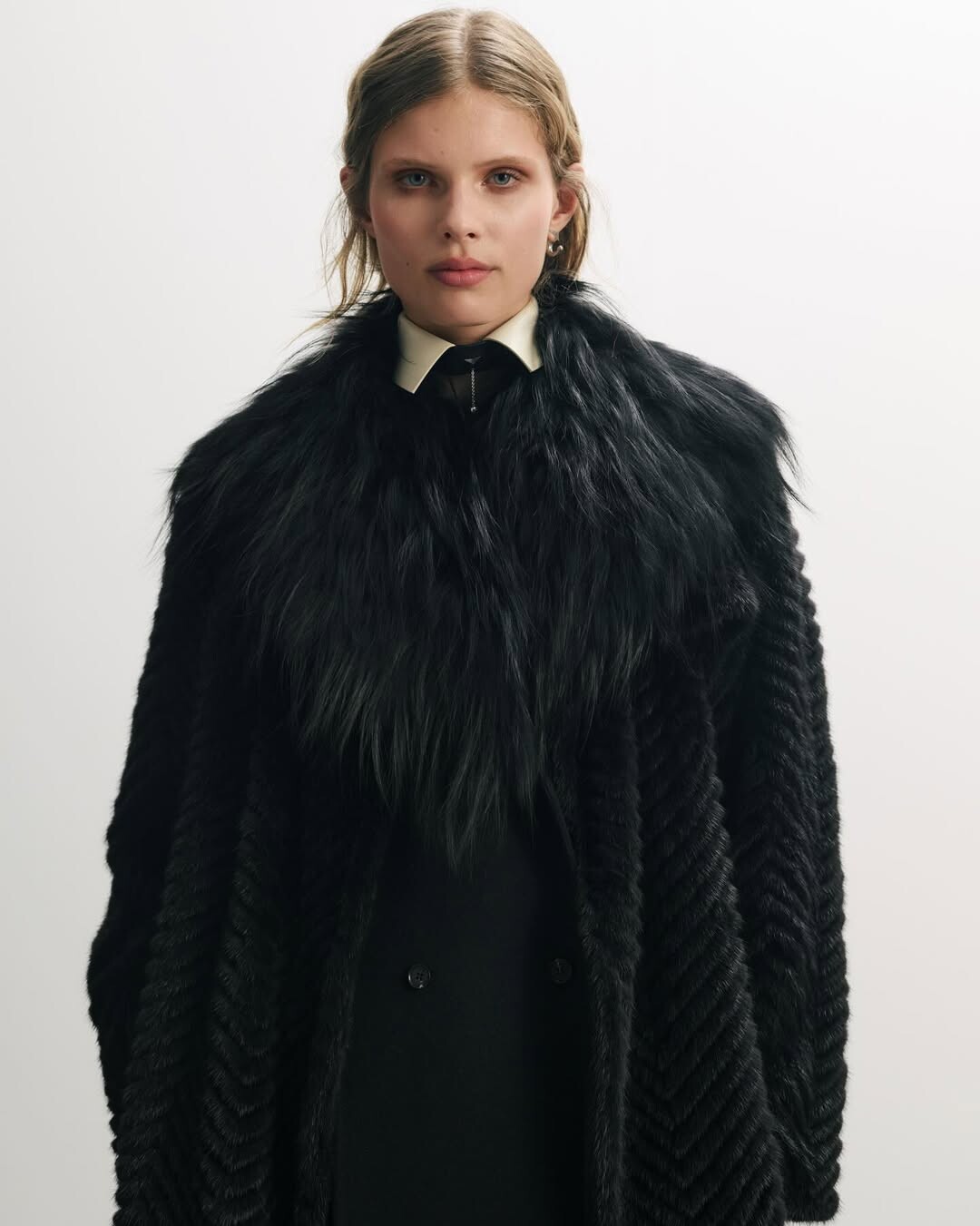
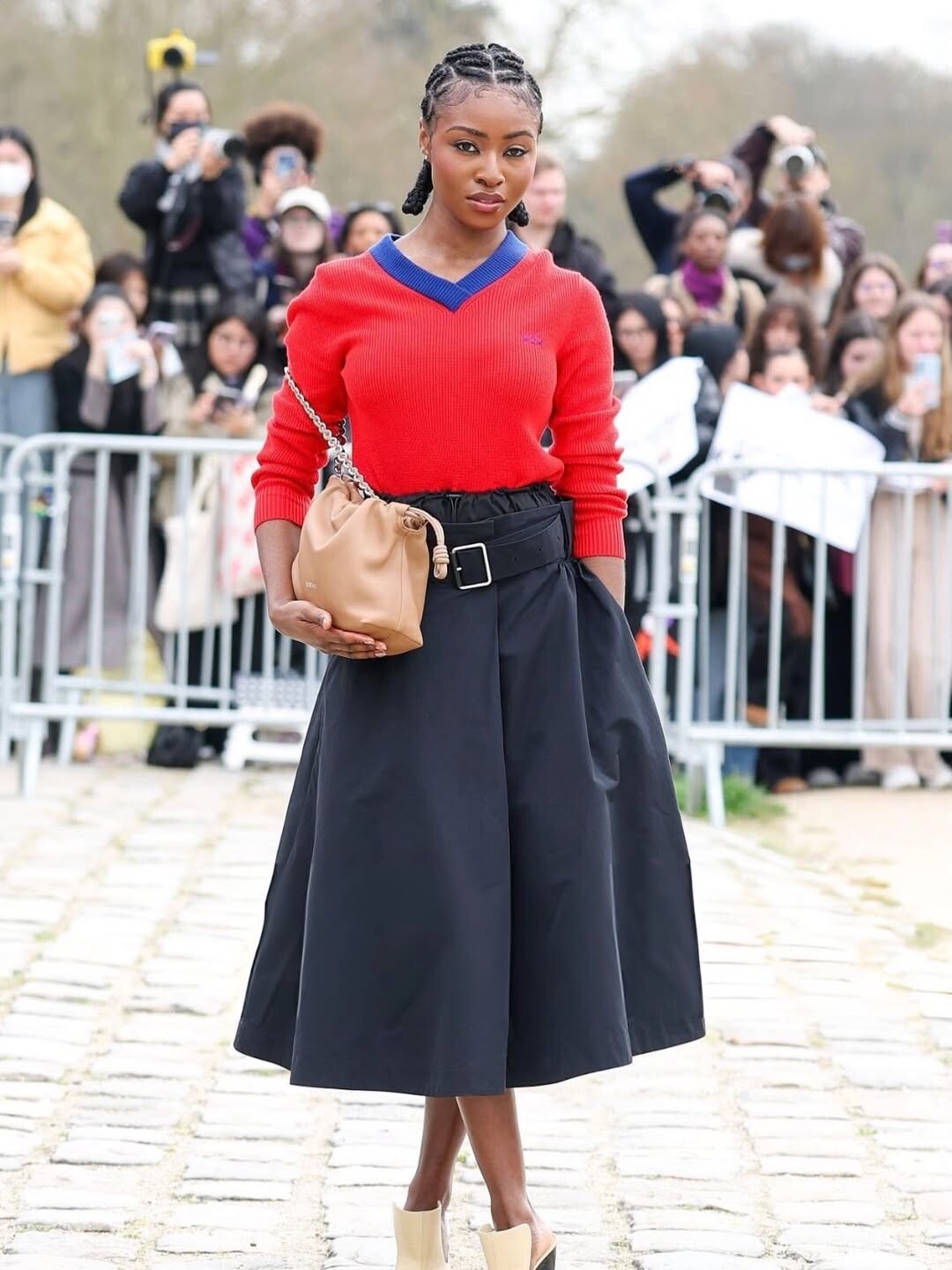
 Isn't #88 Laura Sanchez?













Account
Navigation
Search
Configure browser push notifications
Chrome (Android)
- Tap the lock icon next to the address bar.
- Tap Permissions → Notifications.
- Adjust your preference.
Chrome (Desktop)
- Click the padlock icon in the address bar.
- Select Site settings.
- Find Notifications and adjust your preference.
Safari (iOS 16.4+)
- Ensure the site is installed via Add to Home Screen.
- Open Settings App → Notifications.
- Find your app name and adjust your preference.
Safari (macOS)
- Go to Safari → Preferences.
- Click the Websites tab.
- Select Notifications in the sidebar.
- Find this website and adjust your preference.
Edge (Android)
- Tap the lock icon next to the address bar.
- Tap Permissions.
- Find Notifications and adjust your preference.
Edge (Desktop)
- Click the padlock icon in the address bar.
- Click Permissions for this site.
- Find Notifications and adjust your preference.
Firefox (Android)
- Go to Settings → Site permissions.
- Tap Notifications.
- Find this site in the list and adjust your preference.
Firefox (Desktop)
- Open Firefox Settings.
- Search for Notifications.
- Find this site in the list and adjust your preference.