All Activity
- Past hour
-
 deliciuzjaipur joined the community
 -
 ANNA ZAIA 202508071114150.mp4



-
 videos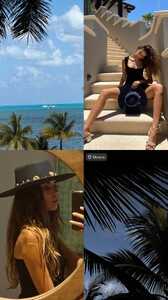
-
 12/08/2018: Blue crush 💙 @thekooples #StellaByTheKooples
- Today
-
stories video





-
stories videos










-
 Wildandpacific sofia ezgif-5af478b7b56923ed.mp4
.thumb.jpg.b31f05802f727832069fa8e7c87f0d0c.jpg)
.thumb.jpg.d1a5951cc51091bbd51011d4f850bfb0.jpg)
.thumb.jpg.3c4e142448e2934d7aeb784c11c68c7b.jpg)

-
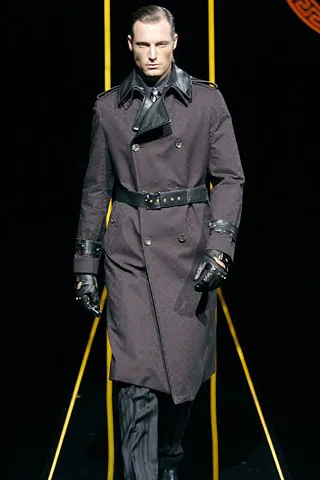
 versace menswear fw2005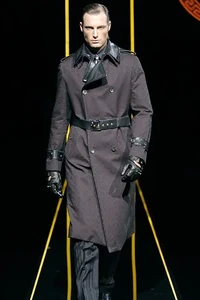


-
A 3/10 girl in Ukraine video

-
 Halsey on Spout Podcast
 -
versace menswear ss2005




-
versace menswear ss2005


-
Attends the Premiere of Amazon Studios "56 Days" at Hammer Museum in Los Angeles, California. February 11, 2026 Batusai at picturepub





























-
versus spring summer 2002

-
-
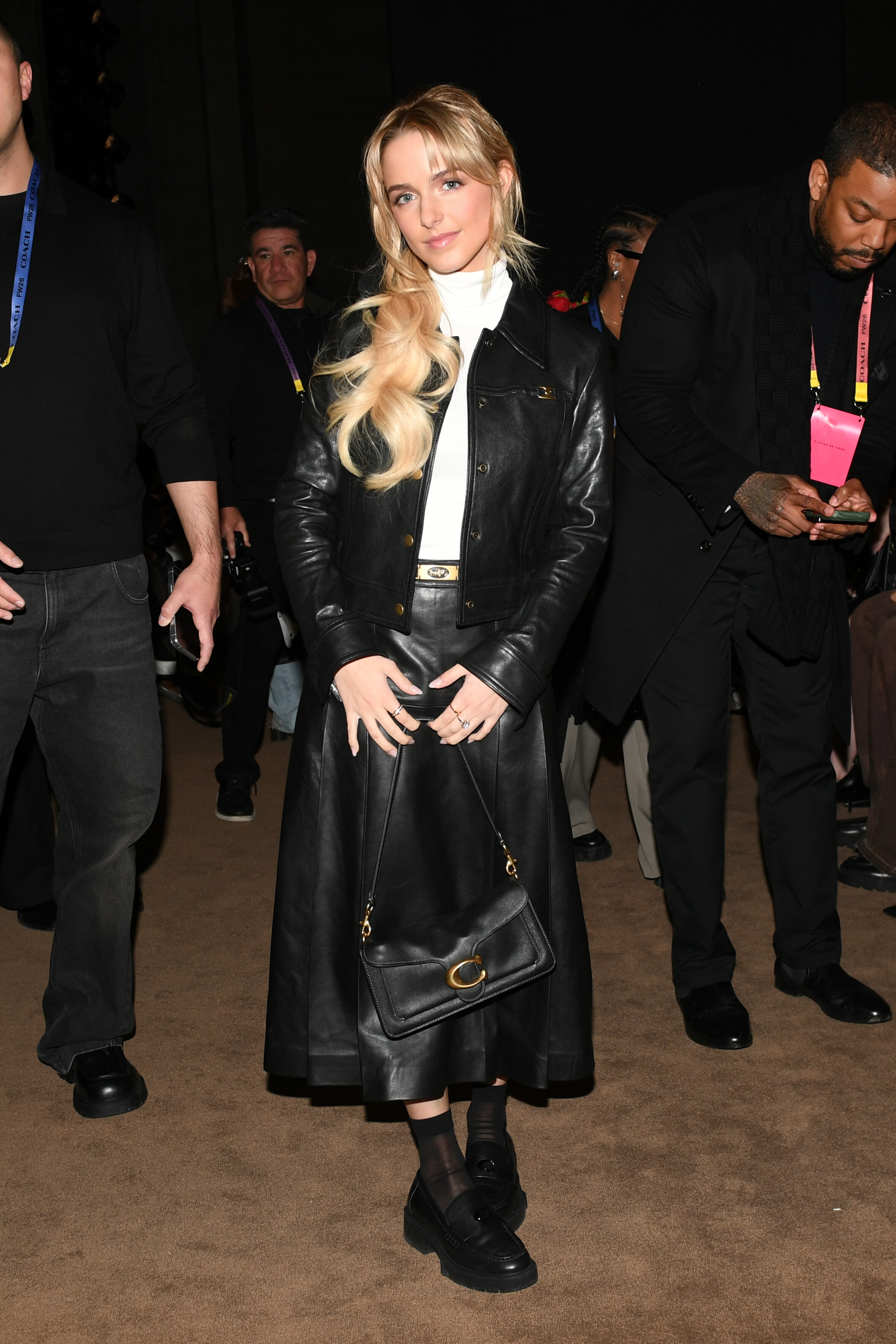
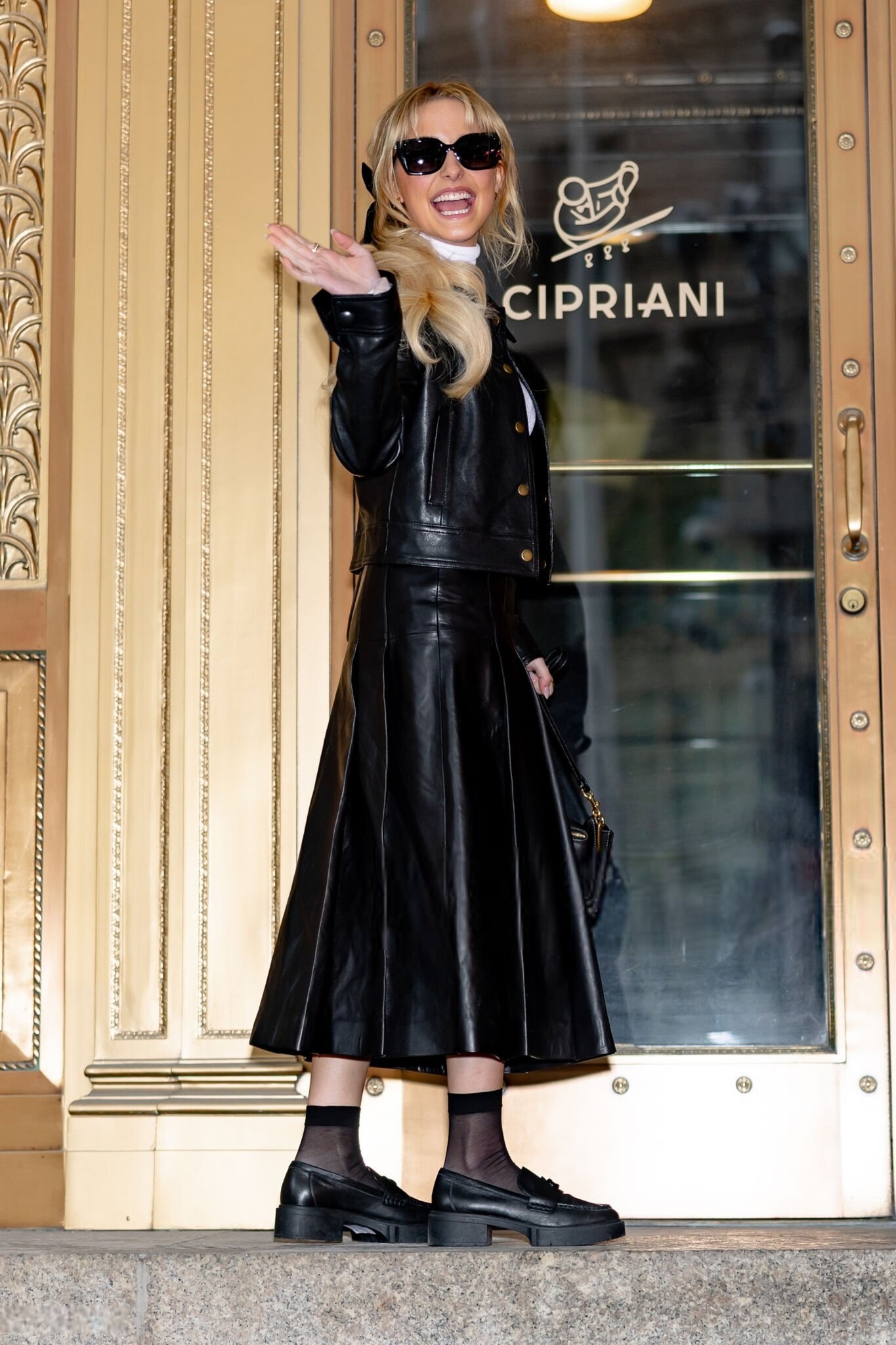
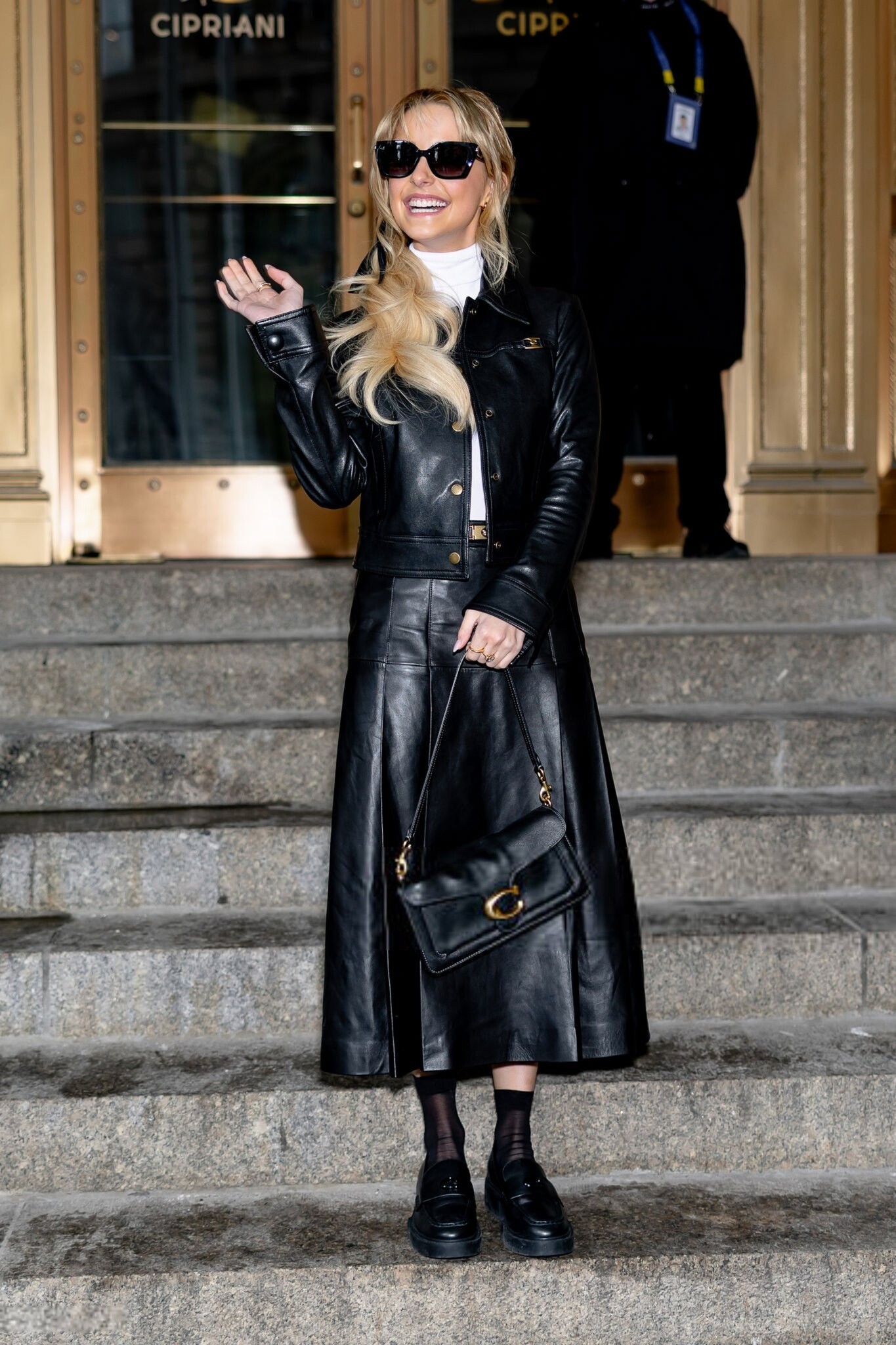
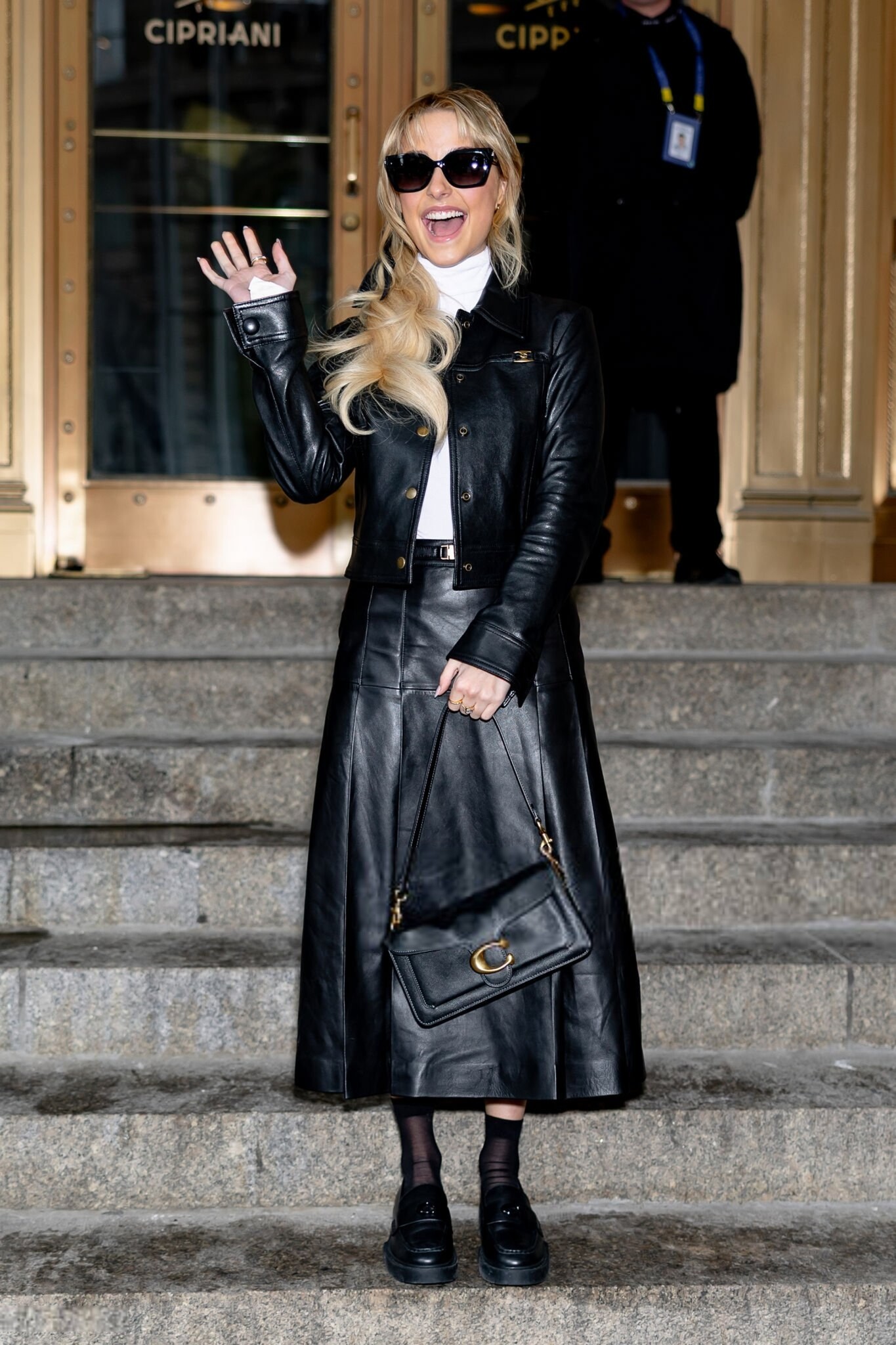
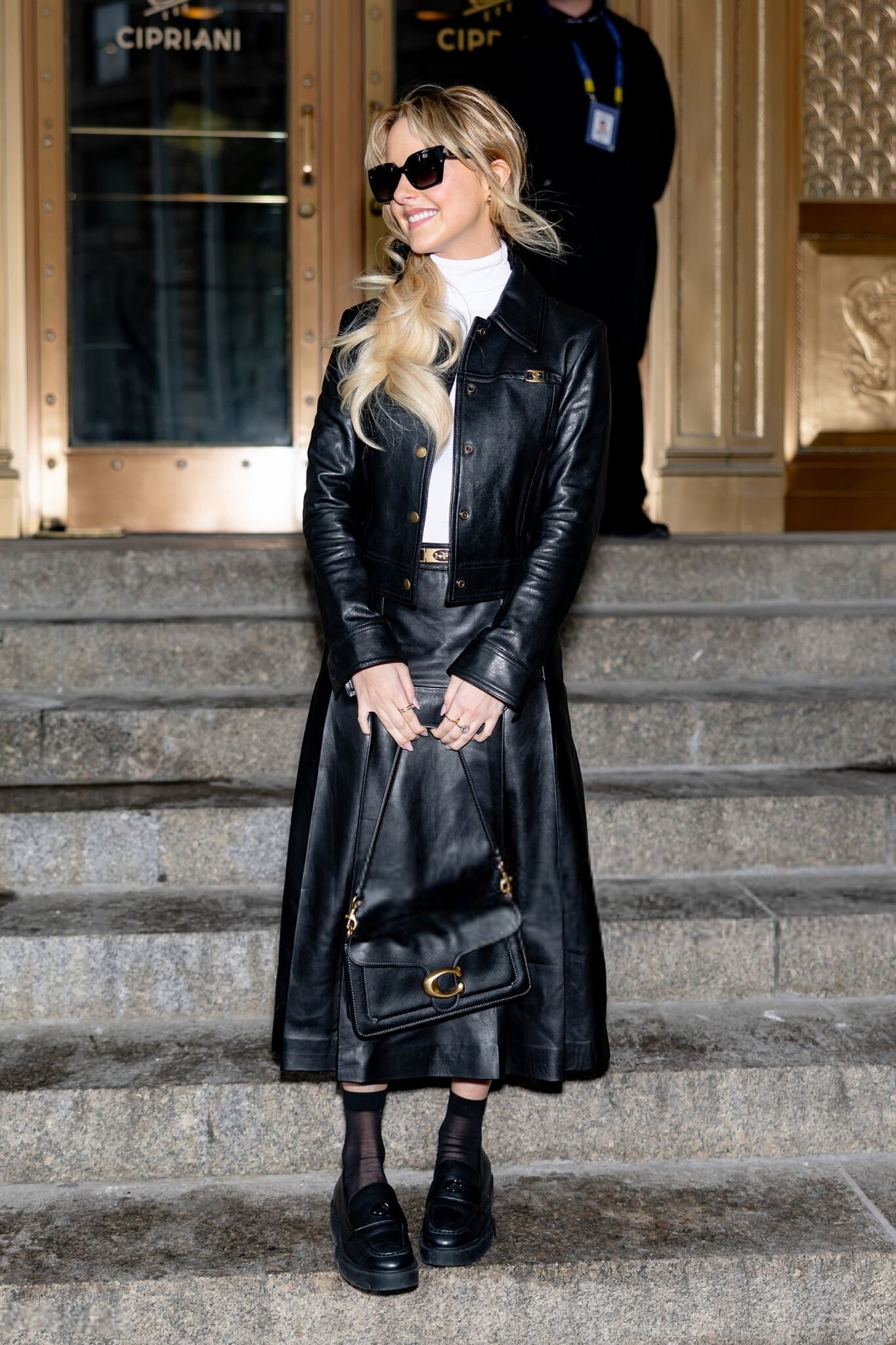
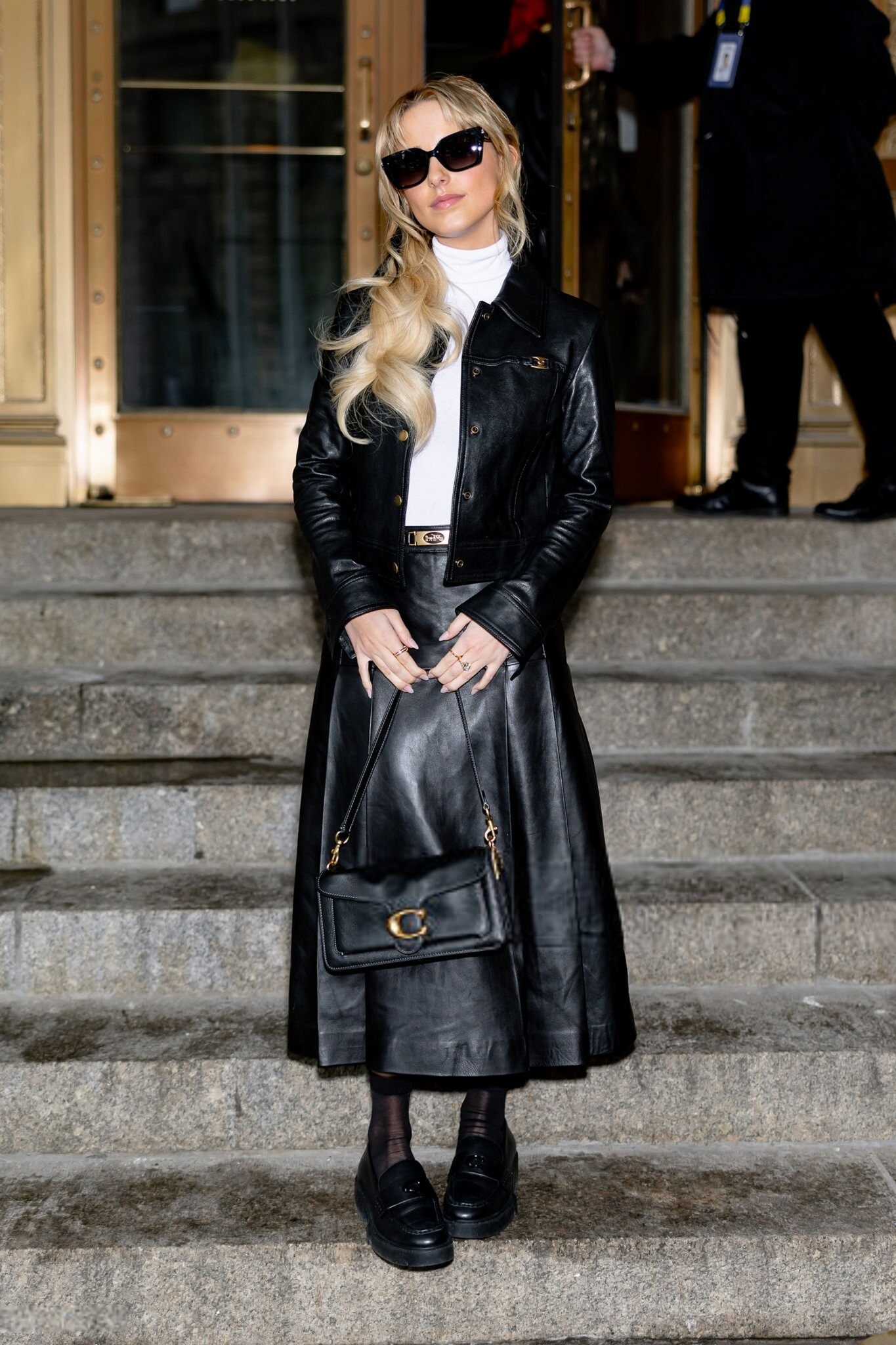
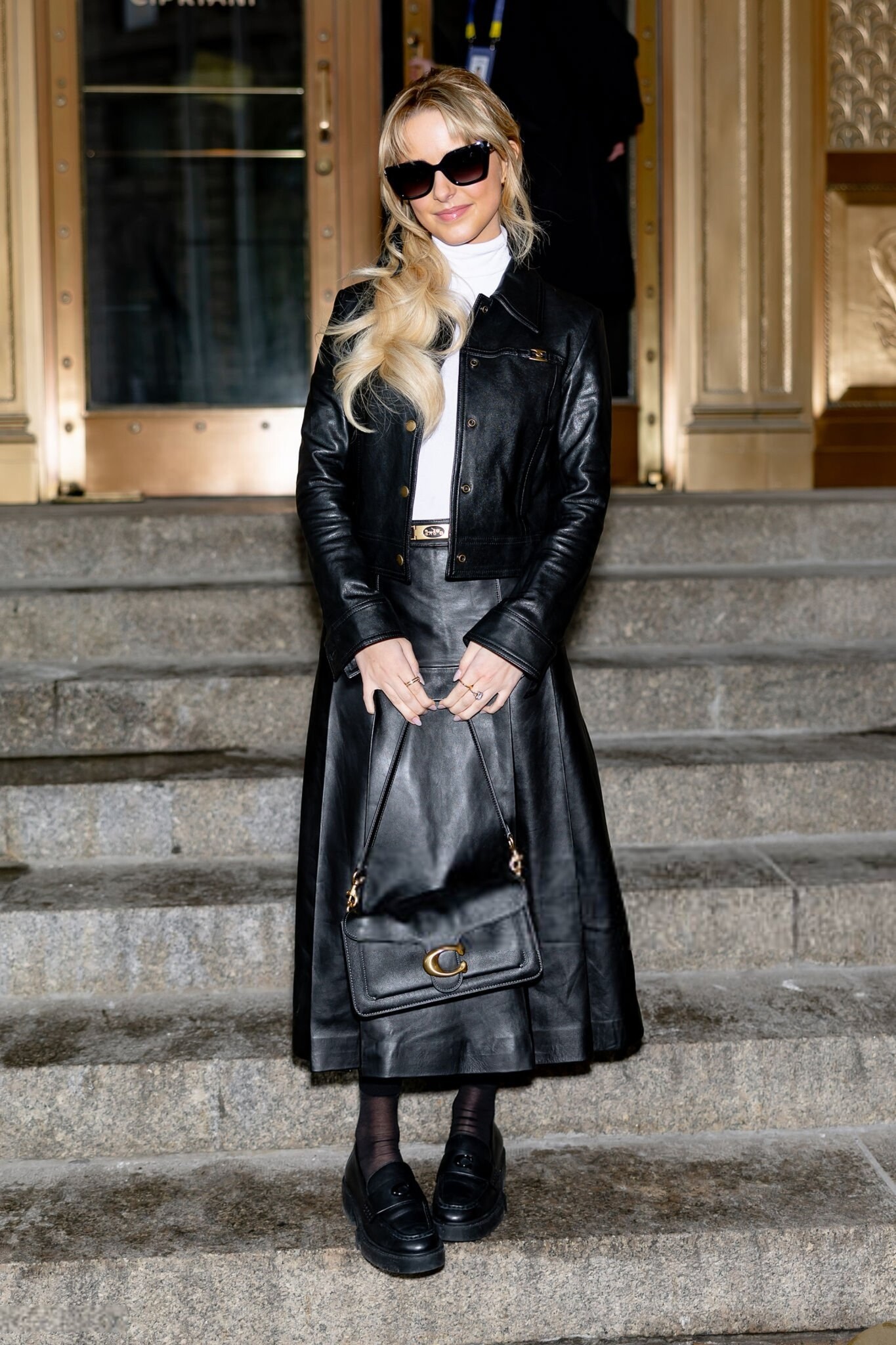
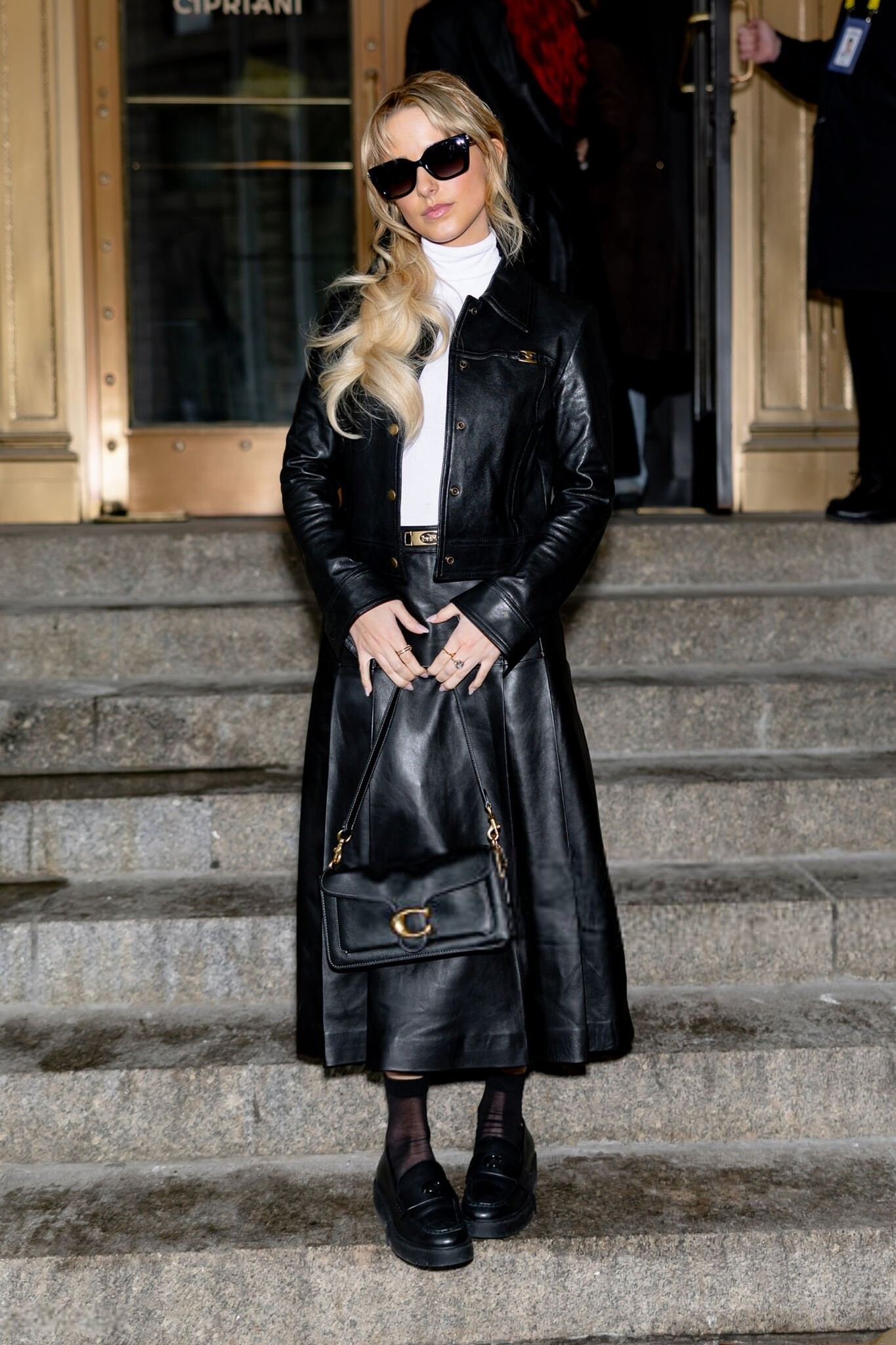
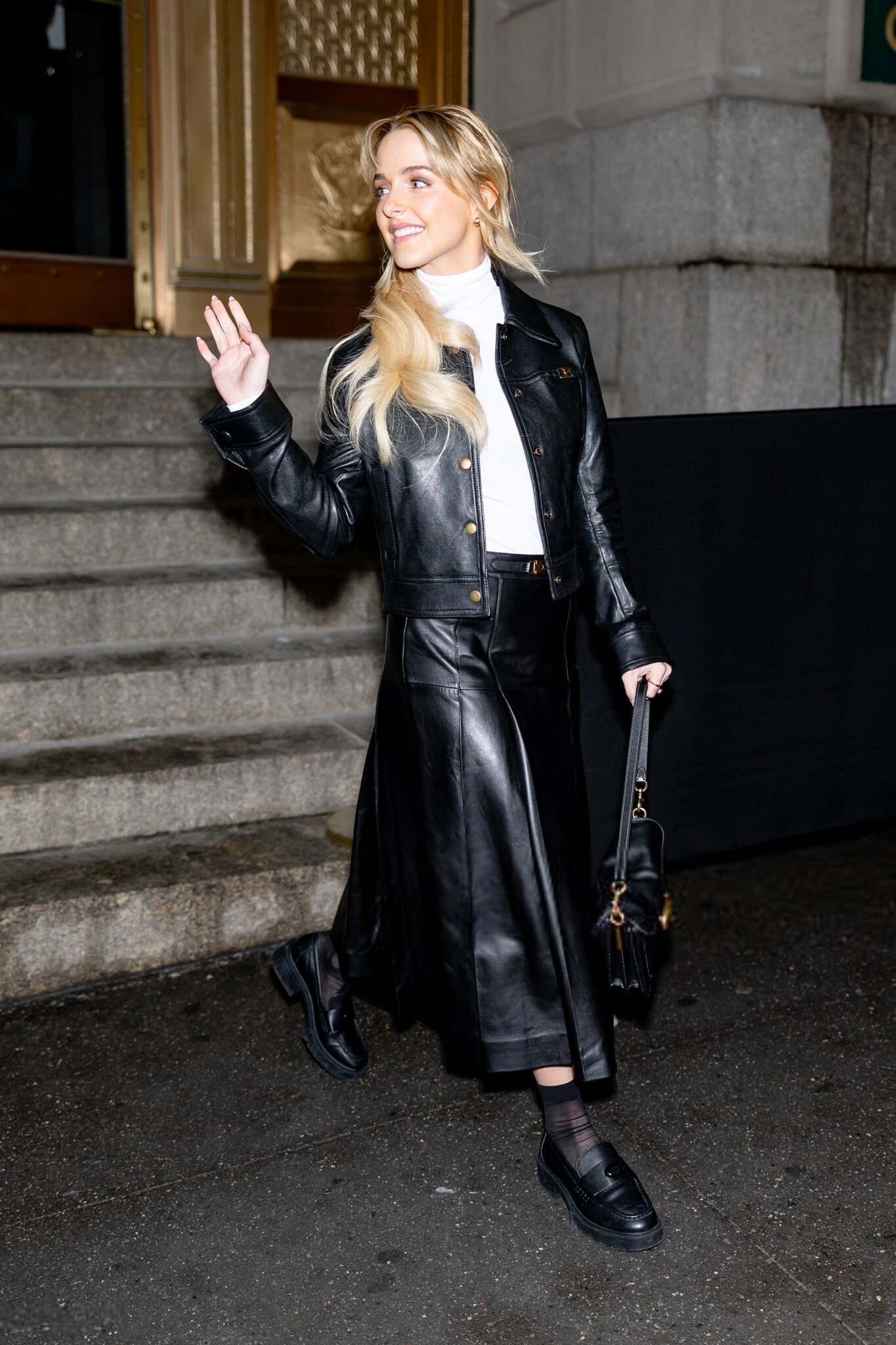
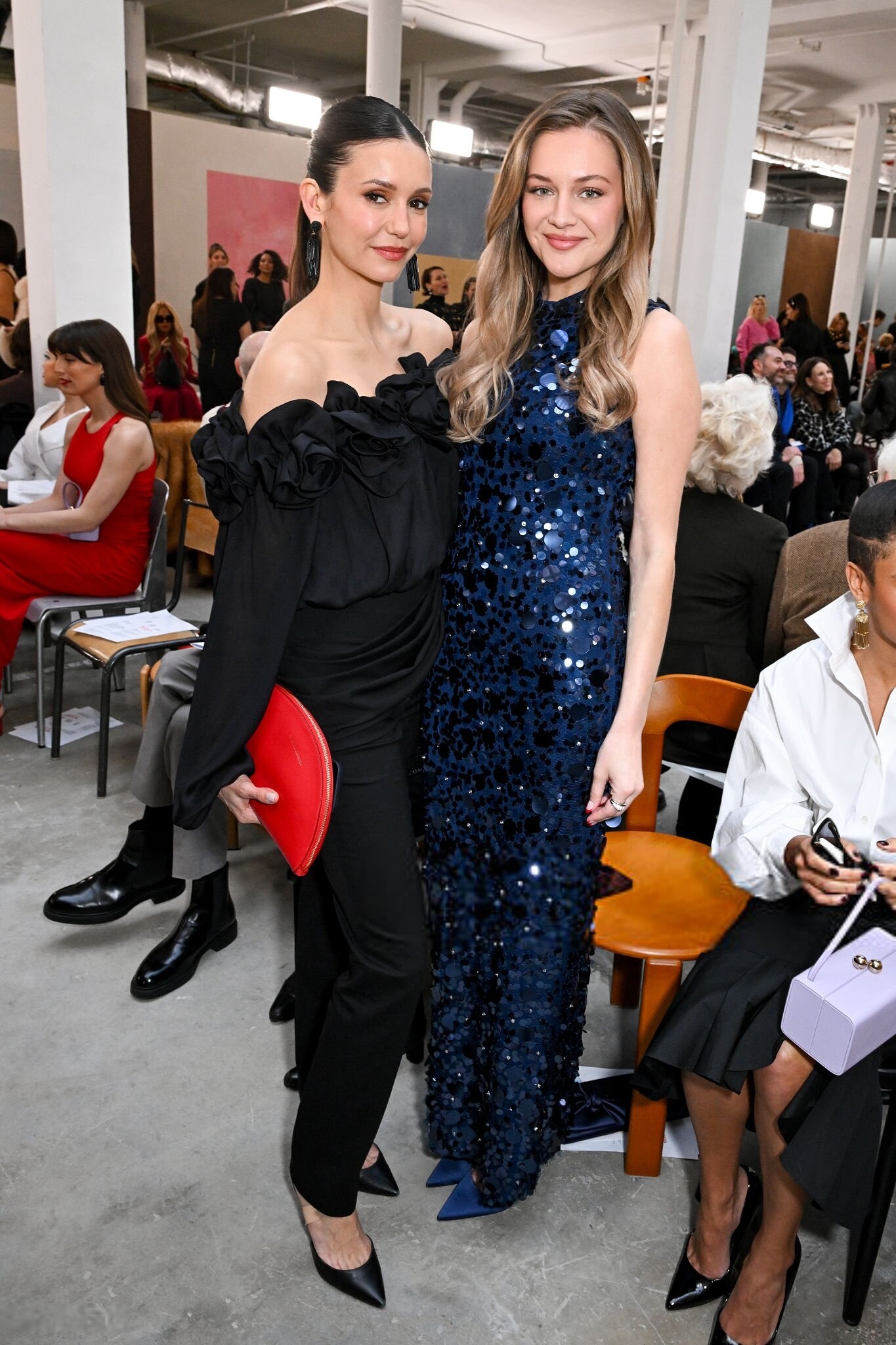
at the Coach fashion show as part of RTW Fall 2026 held at Cipriani New York City 11 February 2026 adds joe d at picturepub

















 versus ss2002
 last night 🖤 videos













 Did they pull her shoot with Bellemere from the Magnifik Magazine?
Versus ss2002
Did they pull her shoot with Bellemere from the Magnifik Magazine?
Versus ss2002
 versus ss2000
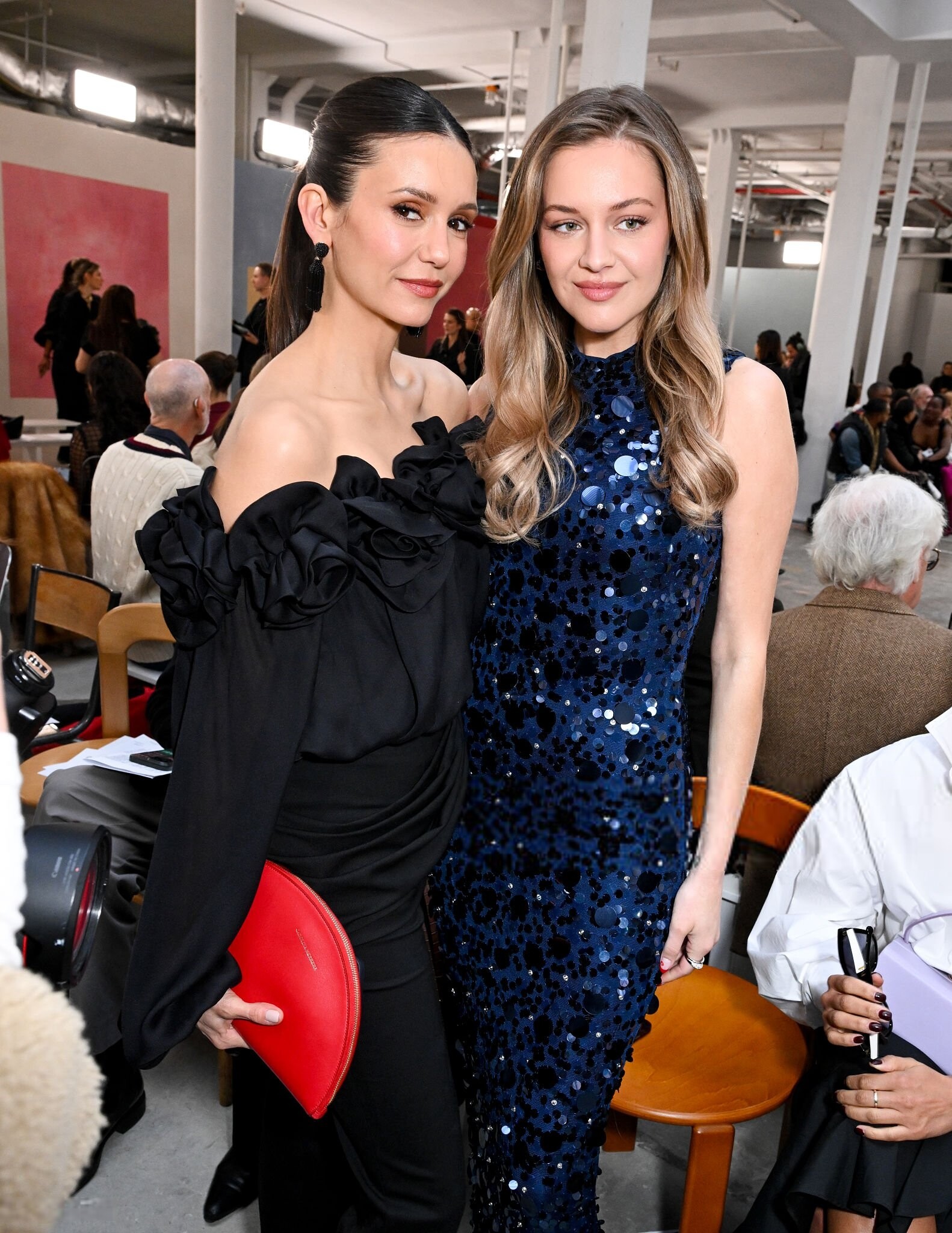
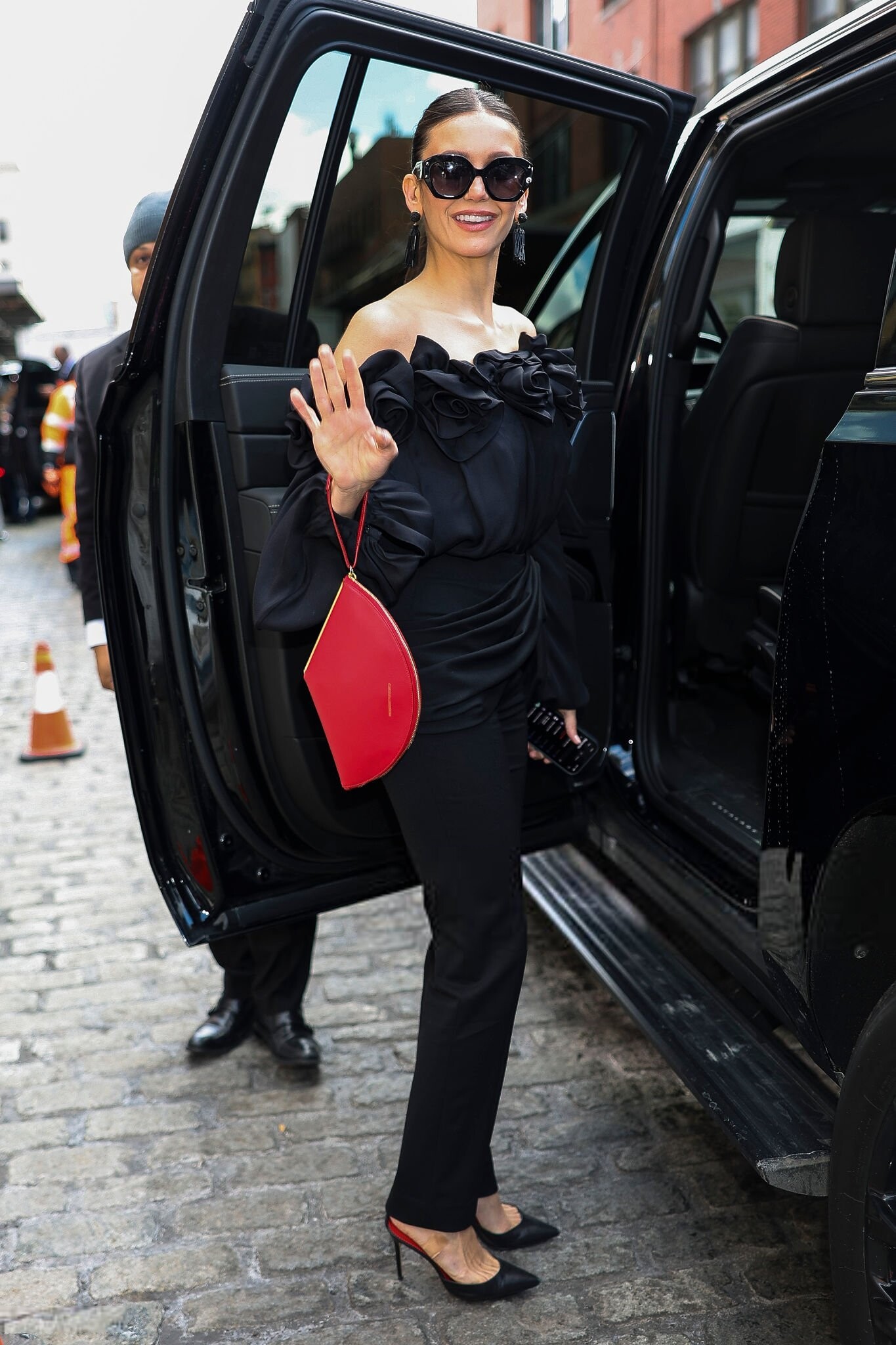
 attends Carolina Herrera RTW Fall 2026 show at NYFW, New York City - February 12, 2026 joe d at picturepub




































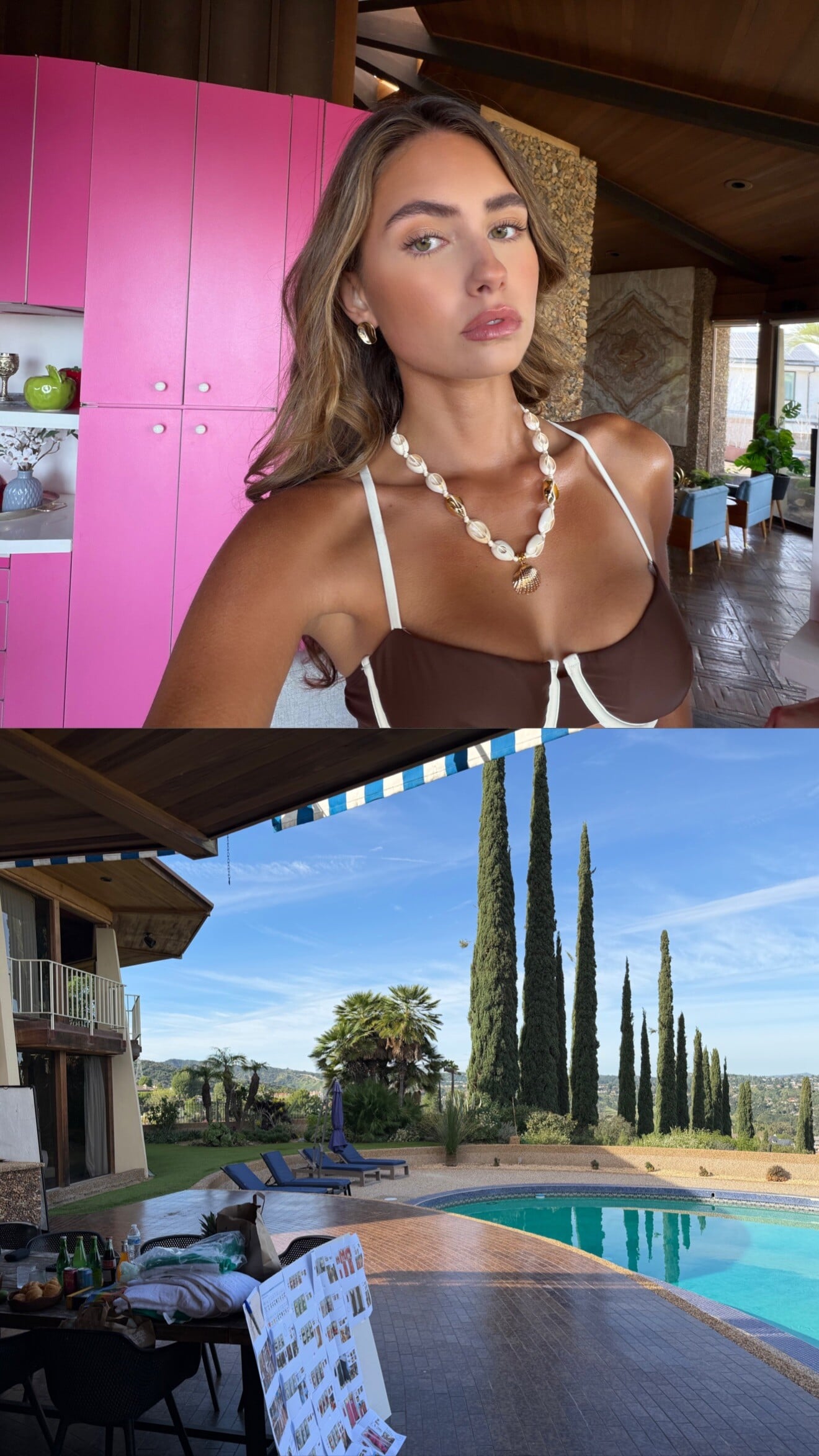




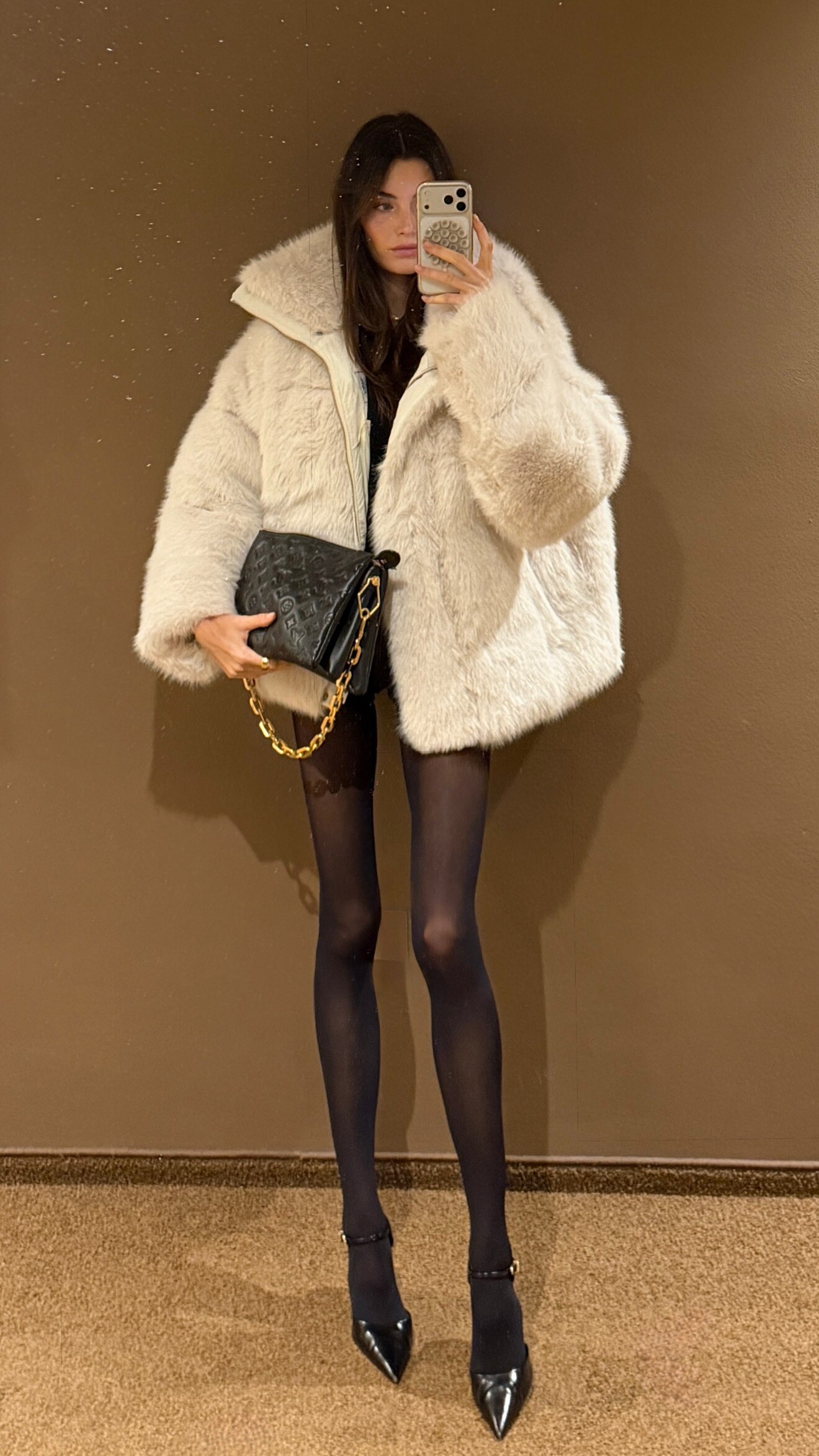

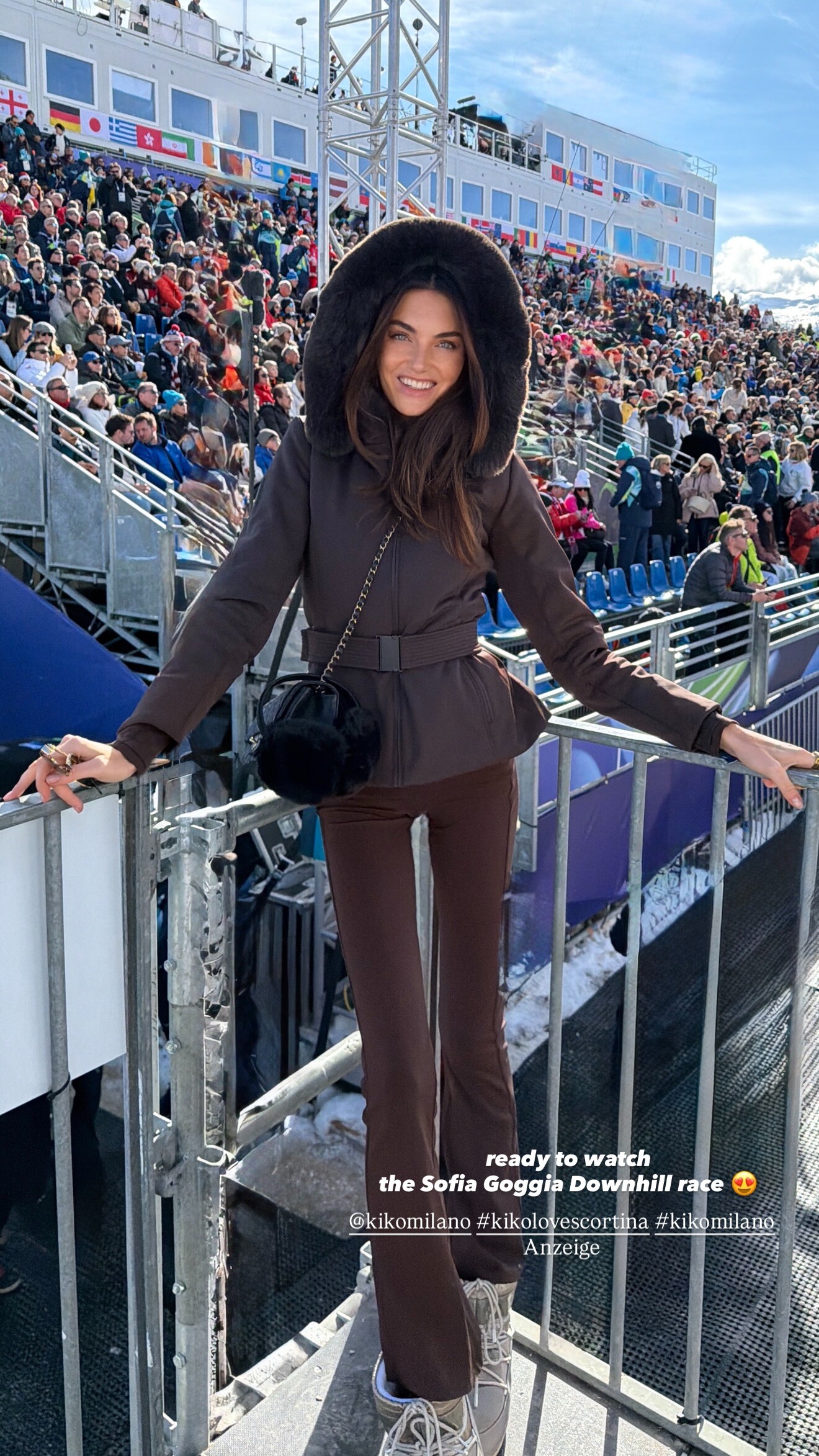






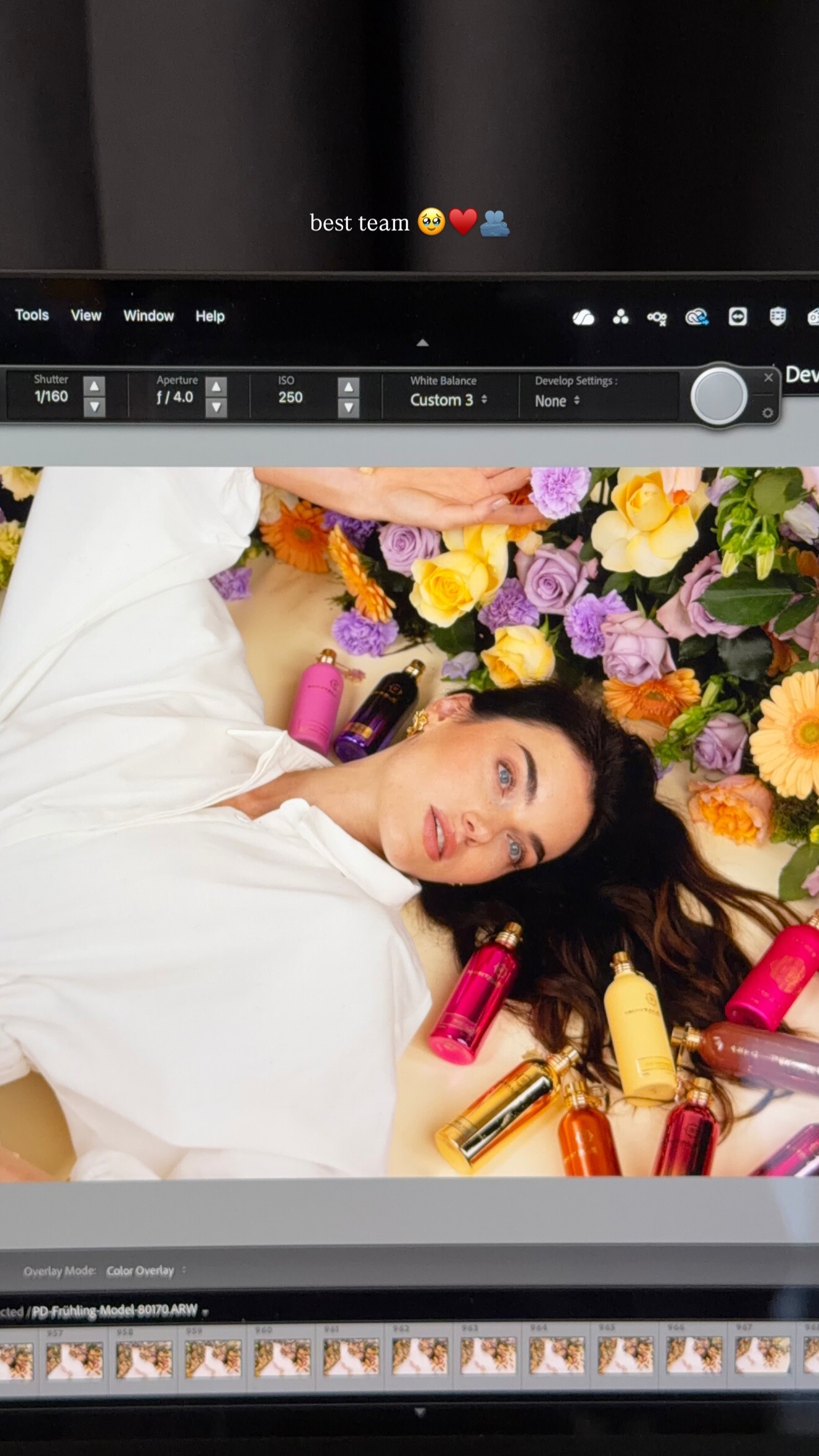
.jpg.2d04d456f4541326dac5aa862c8d11ce.jpg)
.jpg.398ec96975425c3f337c5ebc5fdeb69f.jpg)
.jpg.690ddd3da4fadaad151a17f244cd7b90.jpg)
































































































Account
Navigation
Search
Configure browser push notifications
Chrome (Android)
- Tap the lock icon next to the address bar.
- Tap Permissions → Notifications.
- Adjust your preference.
Chrome (Desktop)
- Click the padlock icon in the address bar.
- Select Site settings.
- Find Notifications and adjust your preference.
Safari (iOS 16.4+)
- Ensure the site is installed via Add to Home Screen.
- Open Settings App → Notifications.
- Find your app name and adjust your preference.
Safari (macOS)
- Go to Safari → Preferences.
- Click the Websites tab.
- Select Notifications in the sidebar.
- Find this website and adjust your preference.
Edge (Android)
- Tap the lock icon next to the address bar.
- Tap Permissions.
- Find Notifications and adjust your preference.
Edge (Desktop)
- Click the padlock icon in the address bar.
- Click Permissions for this site.
- Find Notifications and adjust your preference.
Firefox (Android)
- Go to Settings → Site permissions.
- Tap Notifications.
- Find this site in the list and adjust your preference.
Firefox (Desktop)
- Open Firefox Settings.
- Search for Notifications.
- Find this site in the list and adjust your preference.