All Activity
- Past hour
-

-
 At the Sentimental Value Screening and Q&A moderated by Rhea Seehorn









-
 https://www.tiktok.com/@angielandaburu/video/7603523014558223629 just a second of her but different footage than her Insta post. ssstik.io_@angielandaburu_1770730815714.mp4
 -
She kept this video only half an hour on her Tiktok. I wonder why she deleted.
-
 Thank you, @sylvester . My goodness, but Romee makes those Rene Caovilla heels like good...
 -

-

 Carolina Fadic Maturana (Santiago 27/2/1974-12/10/2002), Chilean actress.
 Peluquerias International SP XXX no. 339-10-1998 Zouari-Shiseido - my scan -
 Thank you! 😀 What a face!
- Today
 ^ Without text:
 https://www.instagram.com/p/DUjCnHnDAd5/?igsh=MXRic3RnOWVjeHY0aw==

 theeventsmania joined the community
 https://models.com/models/camille-opp https://www.thelionsmanagement.com/talent/camille-opp/portfolio https://www.instagram.com/camilleopp/?hl=en
 rado joined the community
 I was wondering the same, the writing under her isn't a clue to me
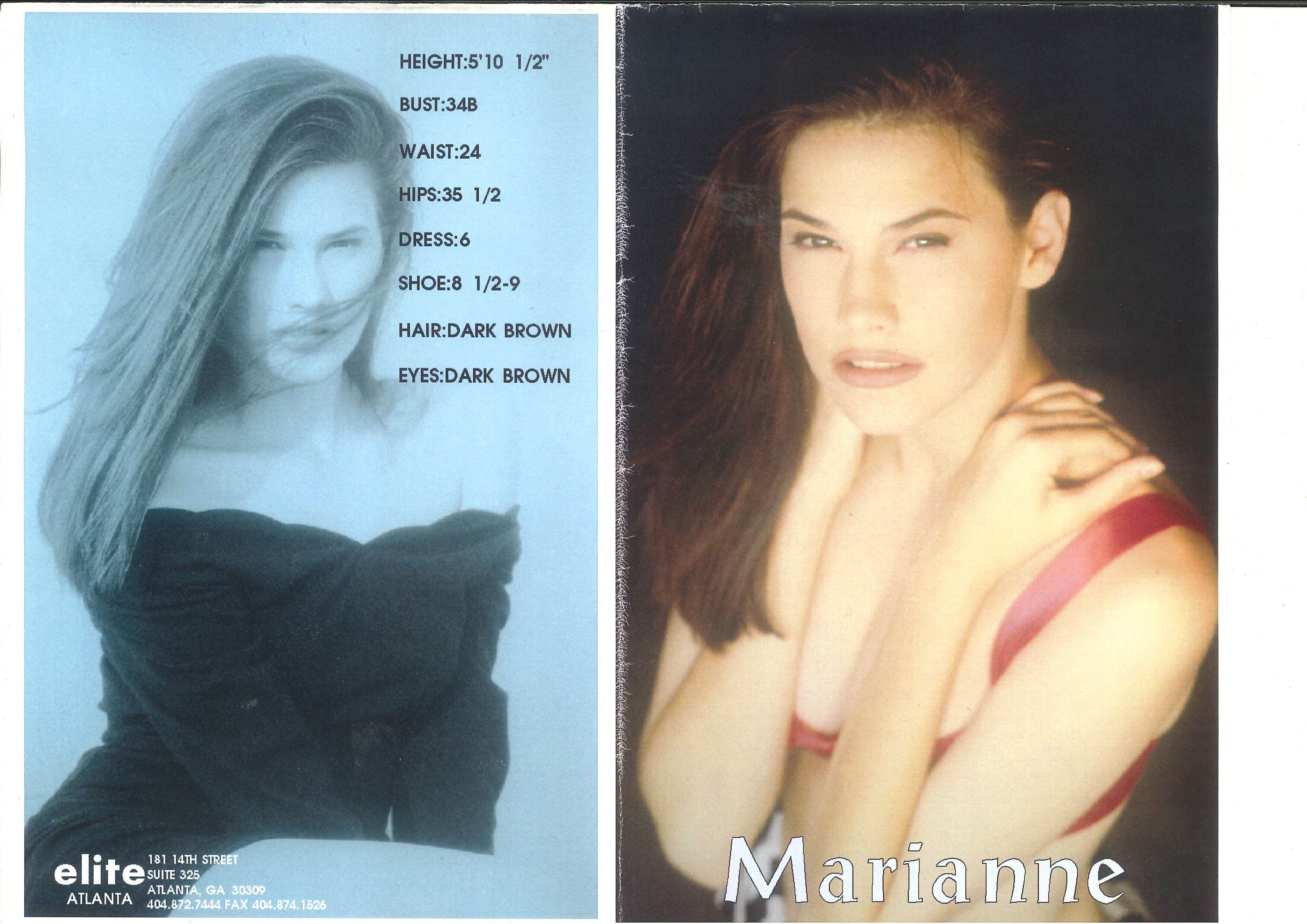
 COMPOSITE ELITE MILAN 1994 my scans

 EARLY COMPOSITE ELITE MILAN 1993 my scans































































Account
Navigation
Search
Configure browser push notifications
Chrome (Android)
- Tap the lock icon next to the address bar.
- Tap Permissions → Notifications.
- Adjust your preference.
Chrome (Desktop)
- Click the padlock icon in the address bar.
- Select Site settings.
- Find Notifications and adjust your preference.
Safari (iOS 16.4+)
- Ensure the site is installed via Add to Home Screen.
- Open Settings App → Notifications.
- Find your app name and adjust your preference.
Safari (macOS)
- Go to Safari → Preferences.
- Click the Websites tab.
- Select Notifications in the sidebar.
- Find this website and adjust your preference.
Edge (Android)
- Tap the lock icon next to the address bar.
- Tap Permissions.
- Find Notifications and adjust your preference.
Edge (Desktop)
- Click the padlock icon in the address bar.
- Click Permissions for this site.
- Find Notifications and adjust your preference.
Firefox (Android)
- Go to Settings → Site permissions.
- Tap Notifications.
- Find this site in the list and adjust your preference.
Firefox (Desktop)
- Open Firefox Settings.
- Search for Notifications.
- Find this site in the list and adjust your preference.