All Activity
- Past hour
-
 Interesting thread,thanks. Can you tell me where you got it? It doesn't have my watermark but it might actually be one of my scans, I just don't remember it and I'm curious.

-
.jpg.ae5a19b79cbc4b403a7ae81fcbda55f7_cropped(2).thumb.png.bcf791fab378ac84d9176d17773d5c7e.png) Instagram derekkettela
Instagram derekkettela


-
Godet https://www.bellazon.com/main/topic/88996-godet/
-
 Great day, I'am excited!
 -

-
.thumb.jpeg.85b58b325b447ea199e29c85ce106f96.jpeg) Bravo dear friend✨🌼wonderful new topic 🌿
Bravo dear friend✨🌼wonderful new topic 🌿 -


 Oh What a Year, 29 november 2025









 Manuela Viegas [Most] Agnes Pimentel [Least] Milana Vino [Most] Priscilla Ricart [Least] Larissa Galvao [Most] Daphne Groeneveld Tyler Moolman Lilia Weddell Karin Alia [Least]
 CHIC 1994 - PH. UNK - MY SCAN
 FRENCH CONNECTION 1994 - PH. UNK - MY SCAN
 model agency portfolio














 JEAN MARIE LIE 1994 - PH. UNK - MY SCAN
 DALIA 1994 - PH. UNK - MY SCAN
 selfie-polaroids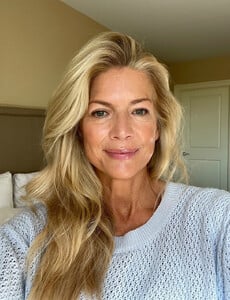
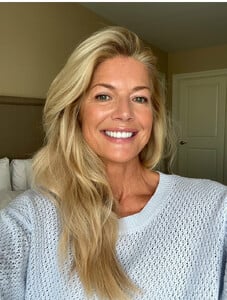

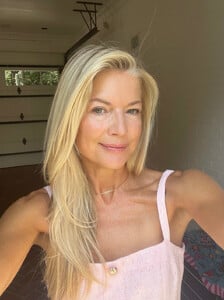 KNOW-HOW 1994 - PH. UNK - MY SCAN
 23rd season of Actors on Actors Thursday, Dec. 11: Sydney Sweeney (“Christy”) and Ethan Hawke (“Blue Moon”) https://variety.com/2025/film/news/actors-on-actors-lineup-leonardo-dicaprio-jennifer-lawrence-1236597143/
 LEJABY 1994 - PH. UNK - MY SCAN

- Today
 Journey to Joy. A holiday tradition. jaredjewelers jaredpartner




























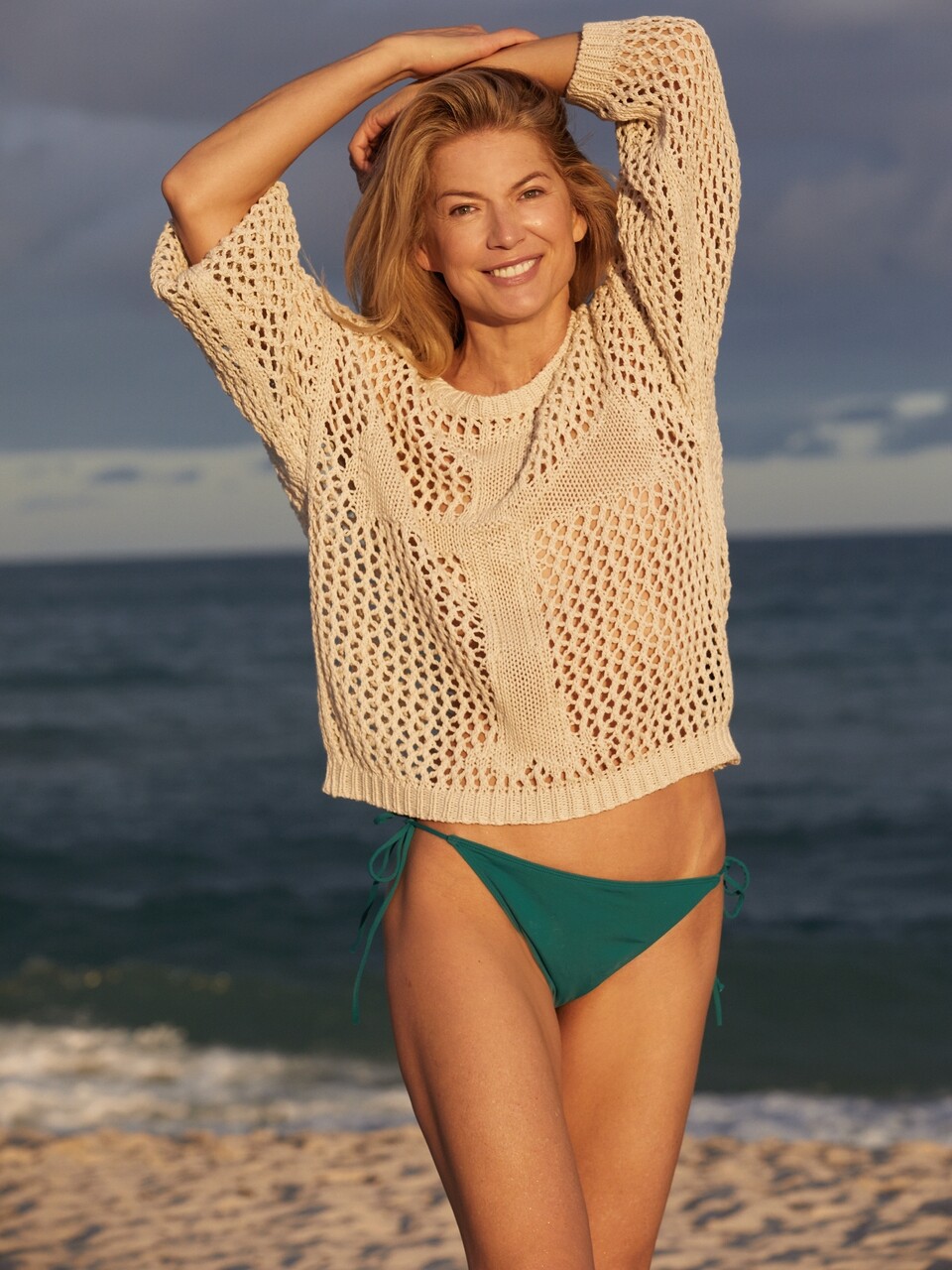









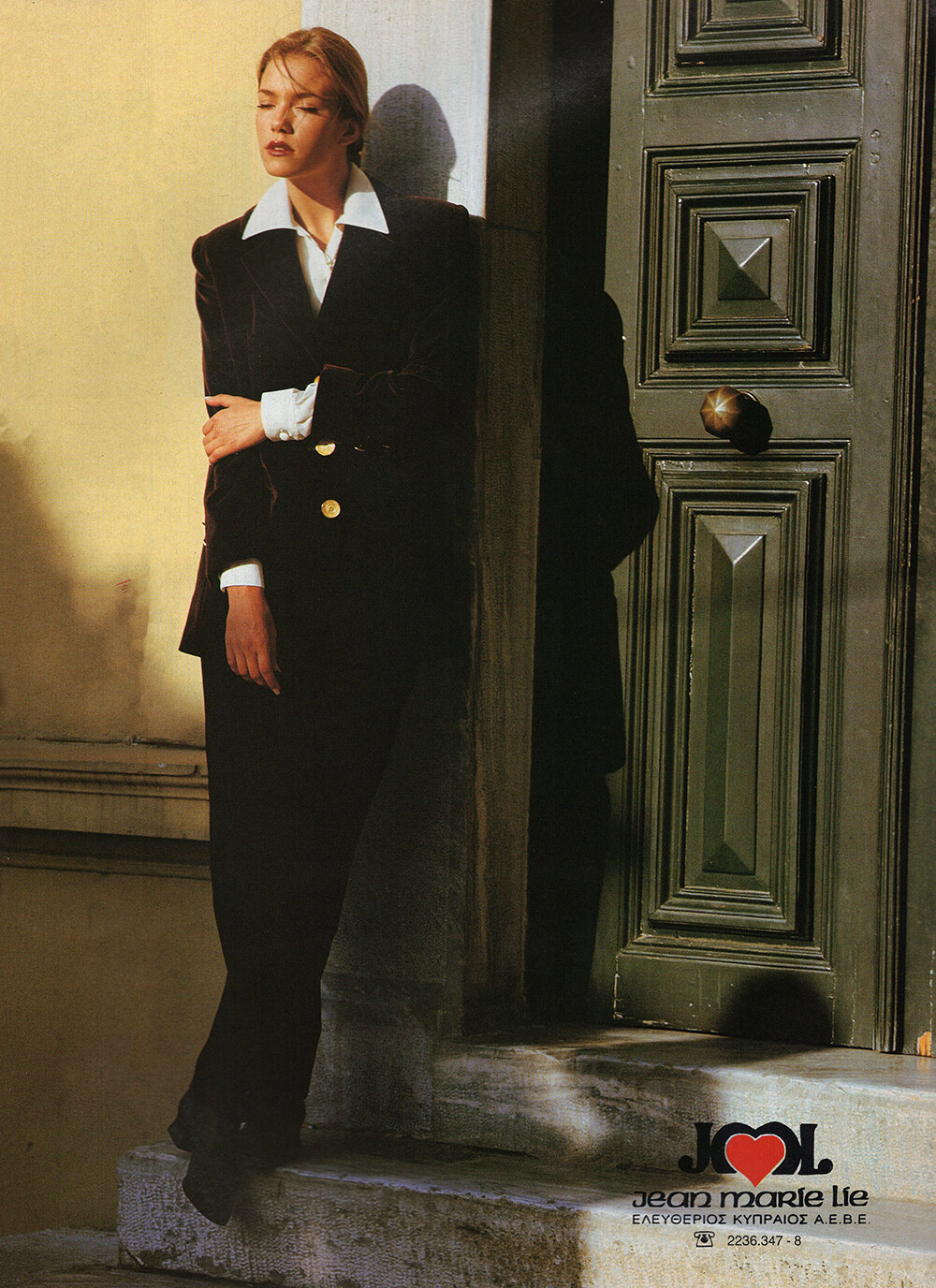

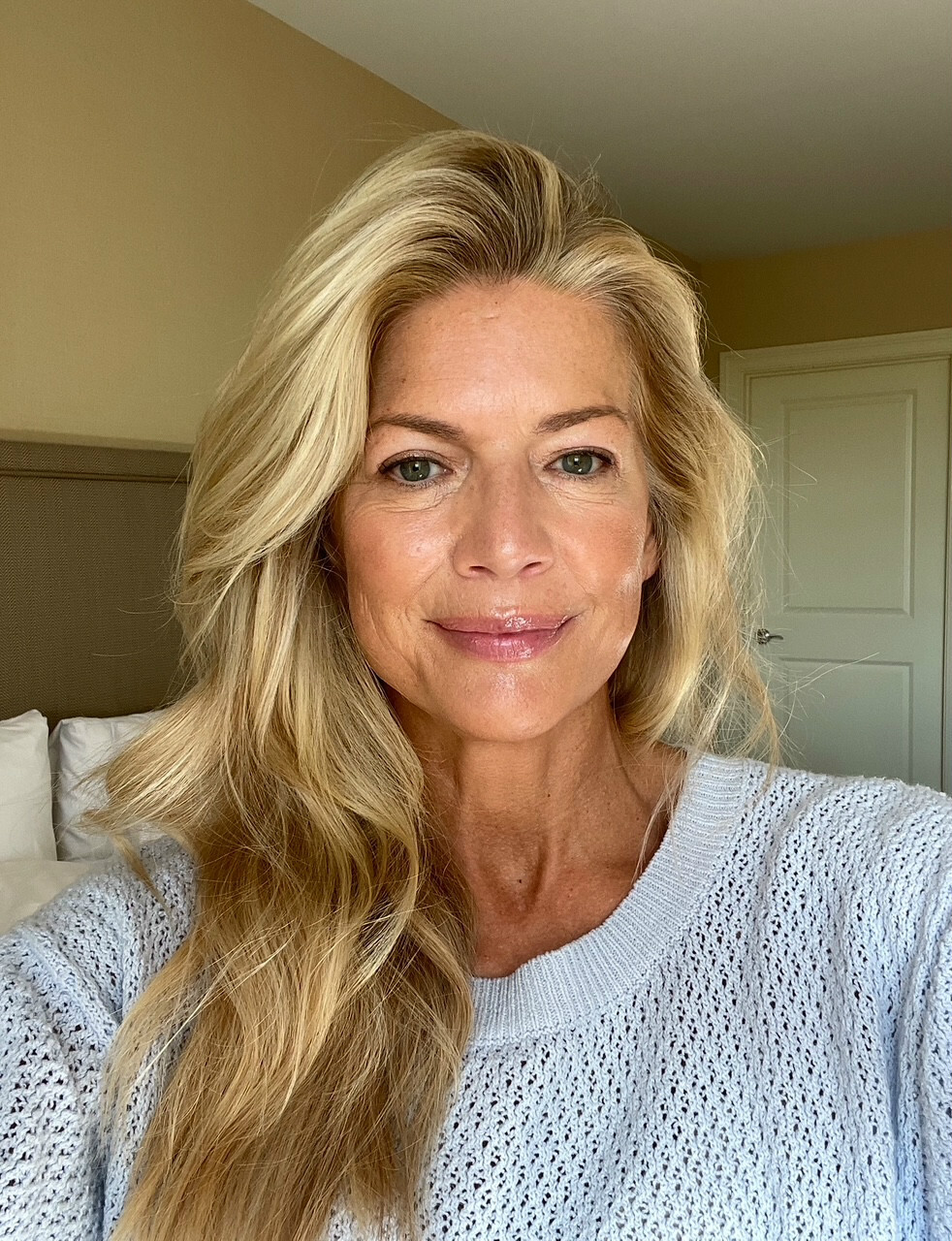
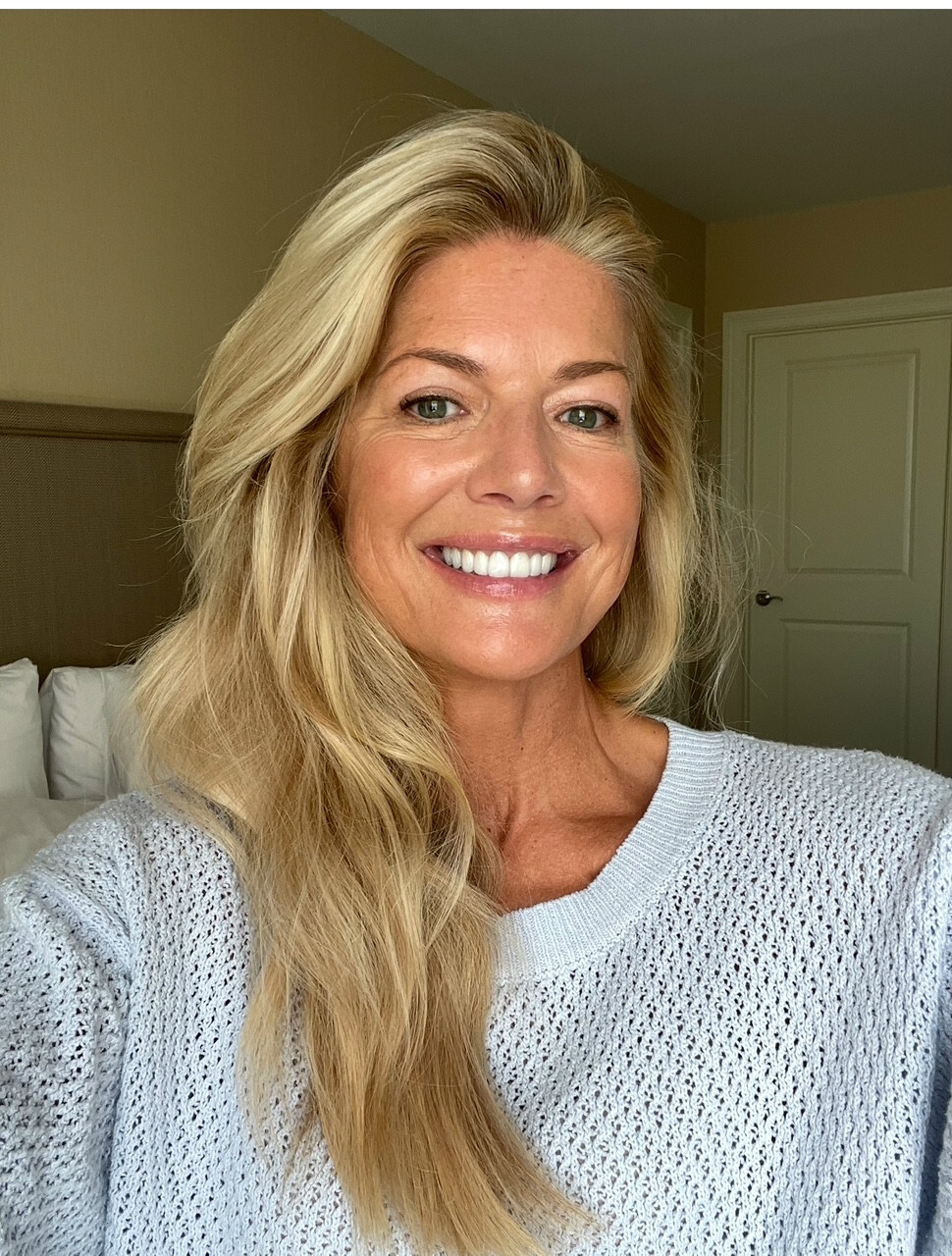
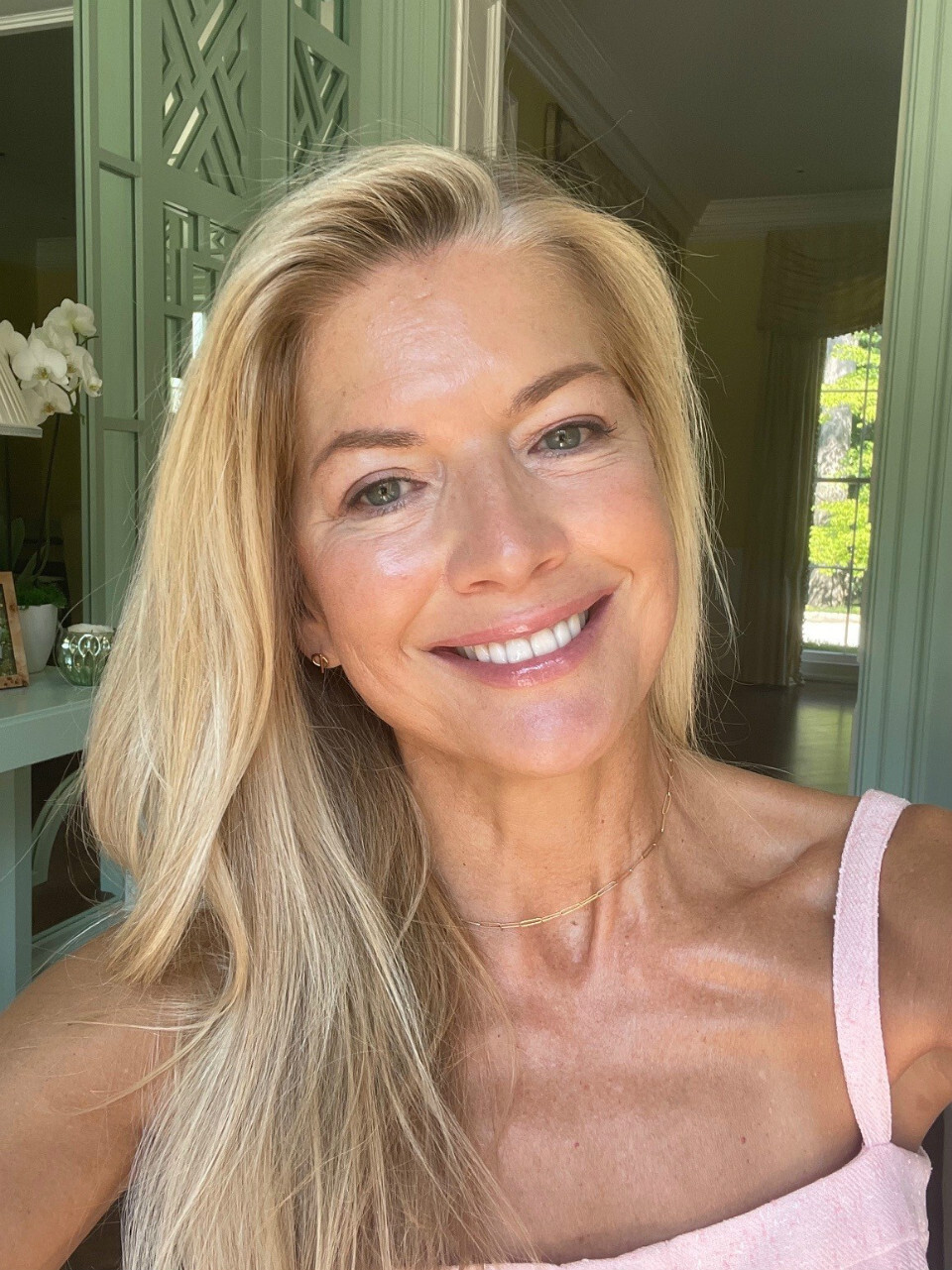
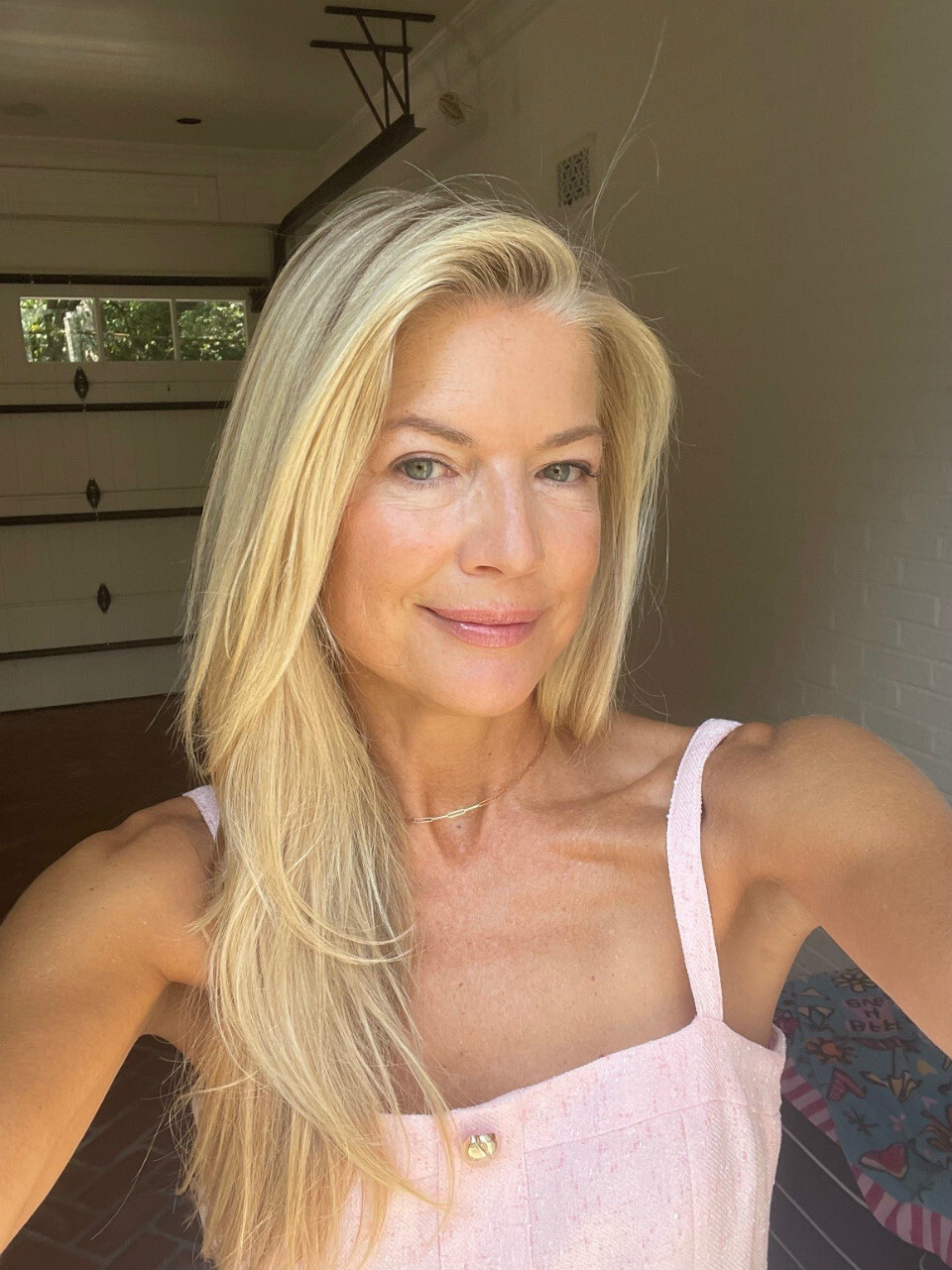
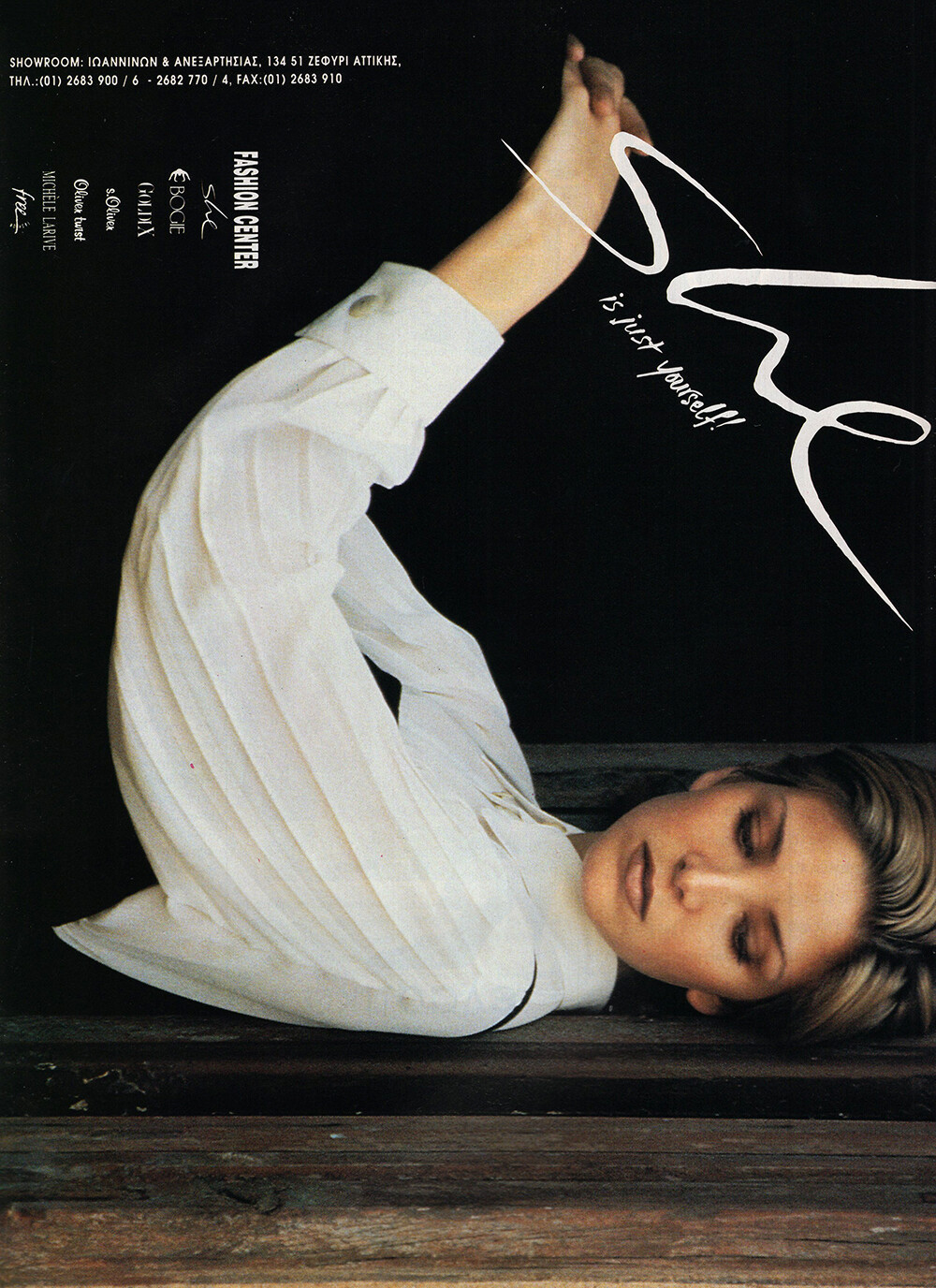






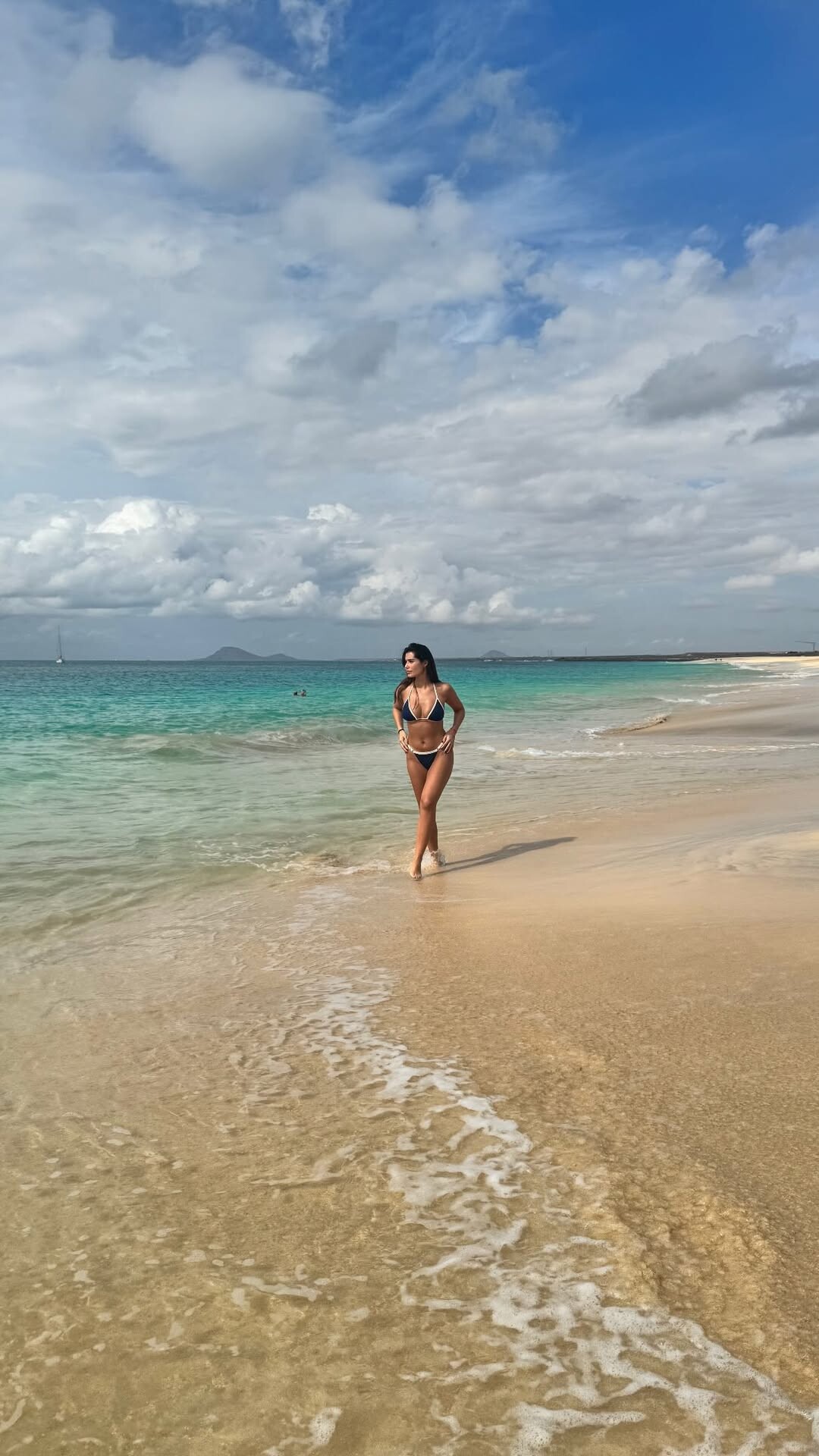






Account
Search
Configure browser push notifications
Chrome (Android)
- Tap the lock icon next to the address bar.
- Tap Permissions → Notifications.
- Adjust your preference.
Chrome (Desktop)
- Click the padlock icon in the address bar.
- Select Site settings.
- Find Notifications and adjust your preference.
Safari (iOS 16.4+)
- Ensure the site is installed via Add to Home Screen.
- Open Settings App → Notifications.
- Find your app name and adjust your preference.
Safari (macOS)
- Go to Safari → Preferences.
- Click the Websites tab.
- Select Notifications in the sidebar.
- Find this website and adjust your preference.
Edge (Android)
- Tap the lock icon next to the address bar.
- Tap Permissions.
- Find Notifications and adjust your preference.
Edge (Desktop)
- Click the padlock icon in the address bar.
- Click Permissions for this site.
- Find Notifications and adjust your preference.
Firefox (Android)
- Go to Settings → Site permissions.
- Tap Notifications.
- Find this site in the list and adjust your preference.
Firefox (Desktop)
- Open Firefox Settings.
- Search for Notifications.
- Find this site in the list and adjust your preference.