emerald7
Members
-
Joined
-
Last visited
Everything posted by emerald7
-
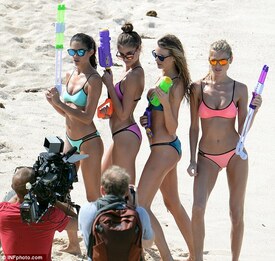
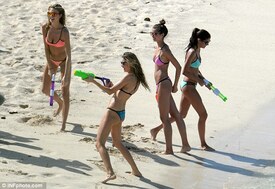
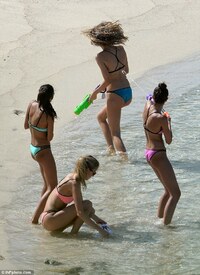
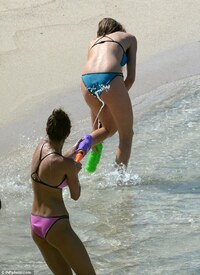
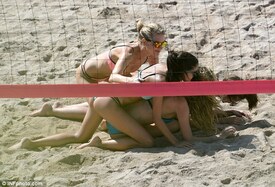
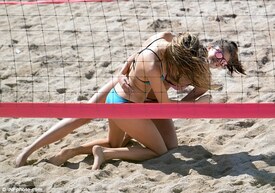
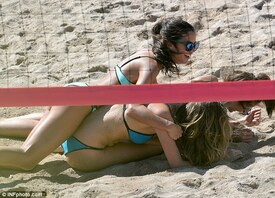
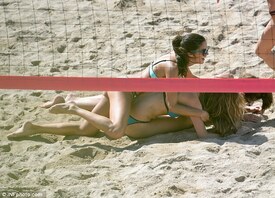
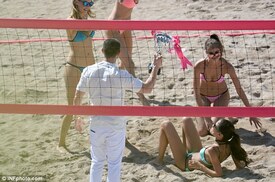
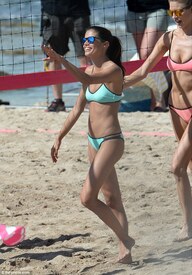
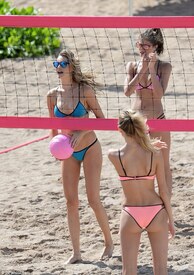
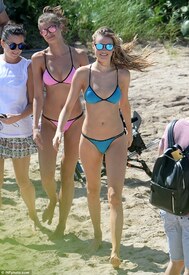
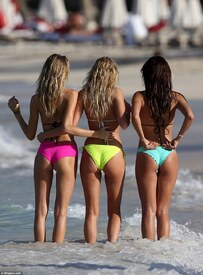
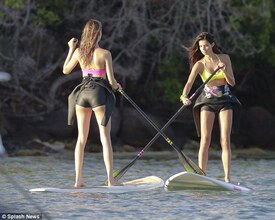
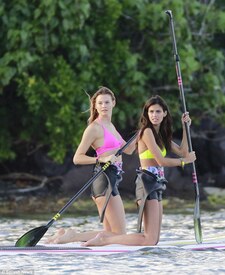
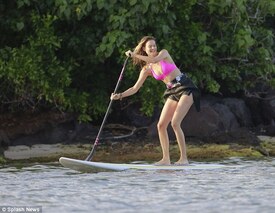
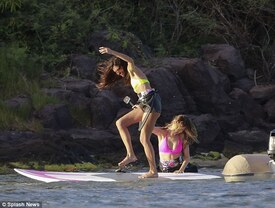
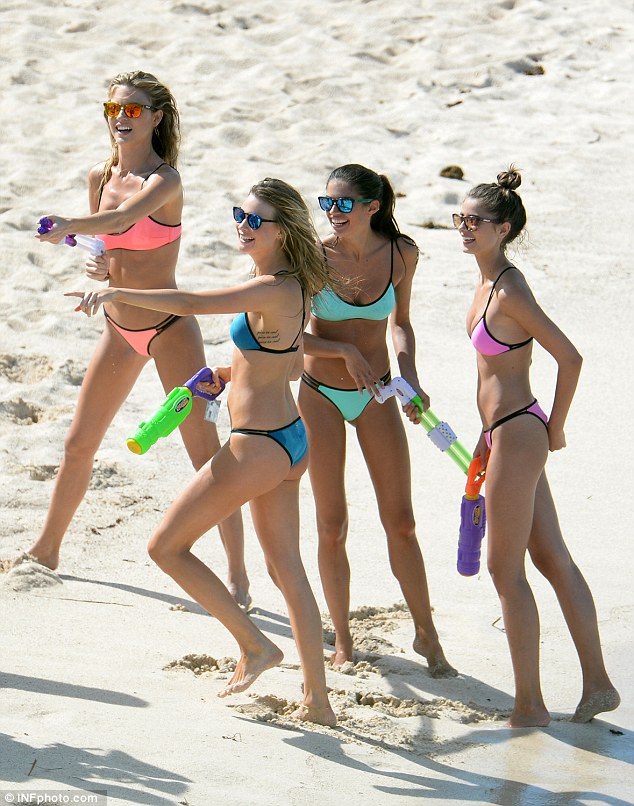
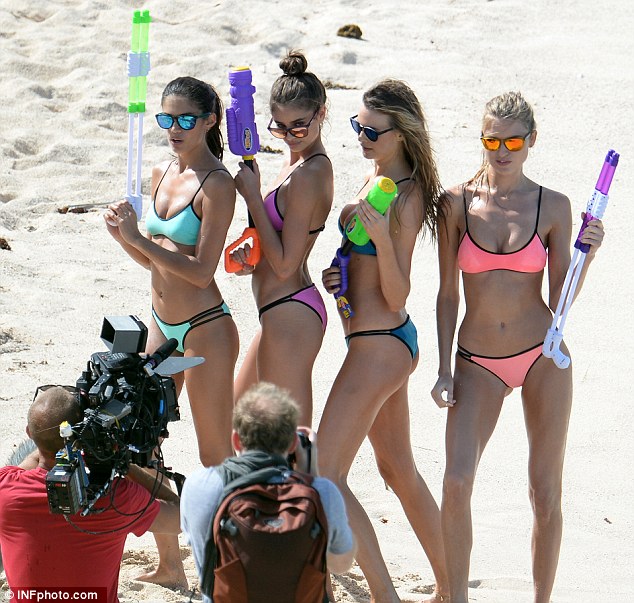
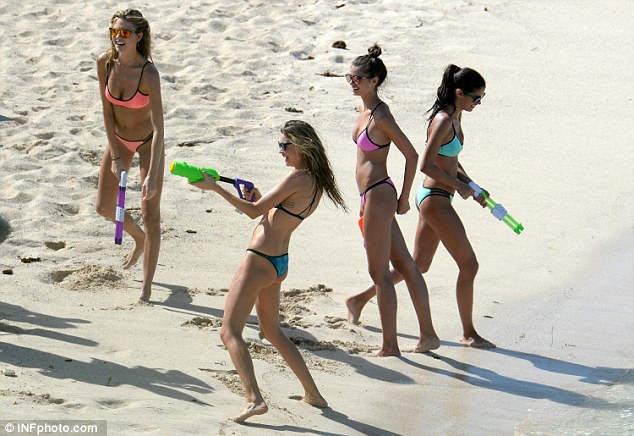
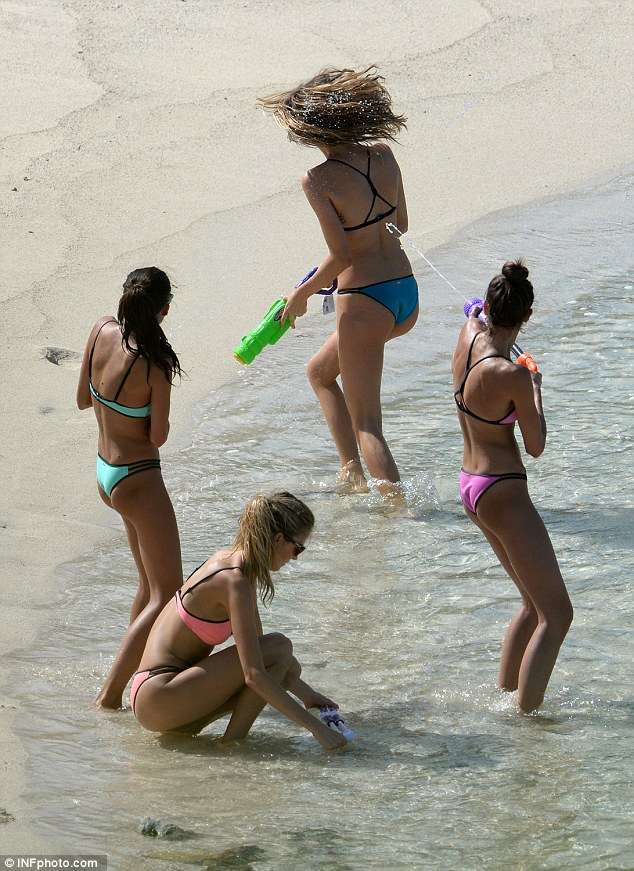
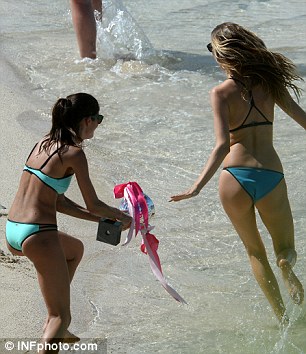
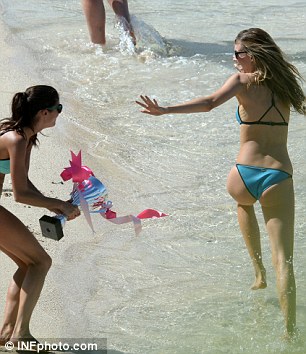
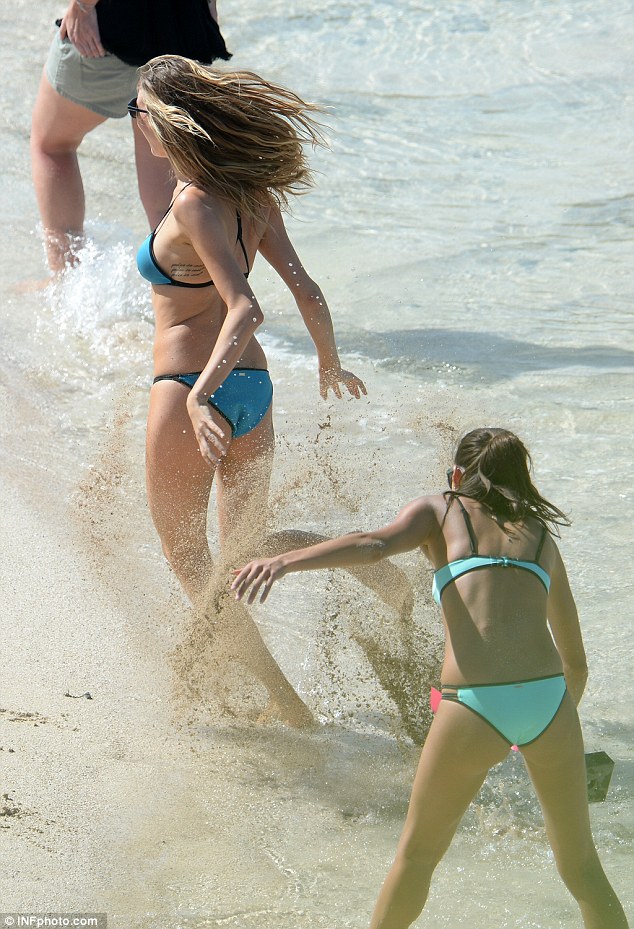
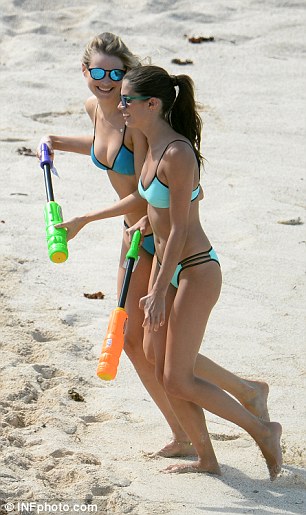
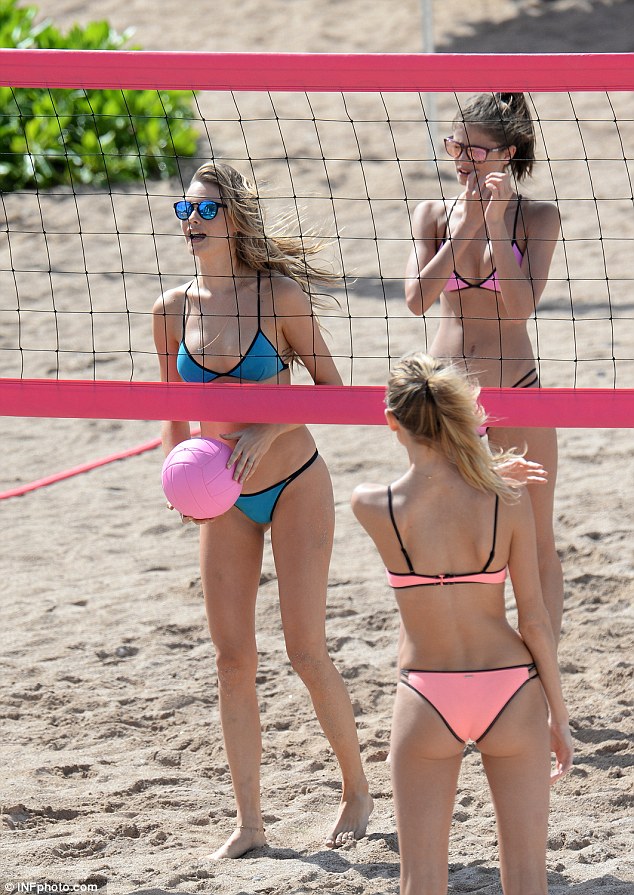
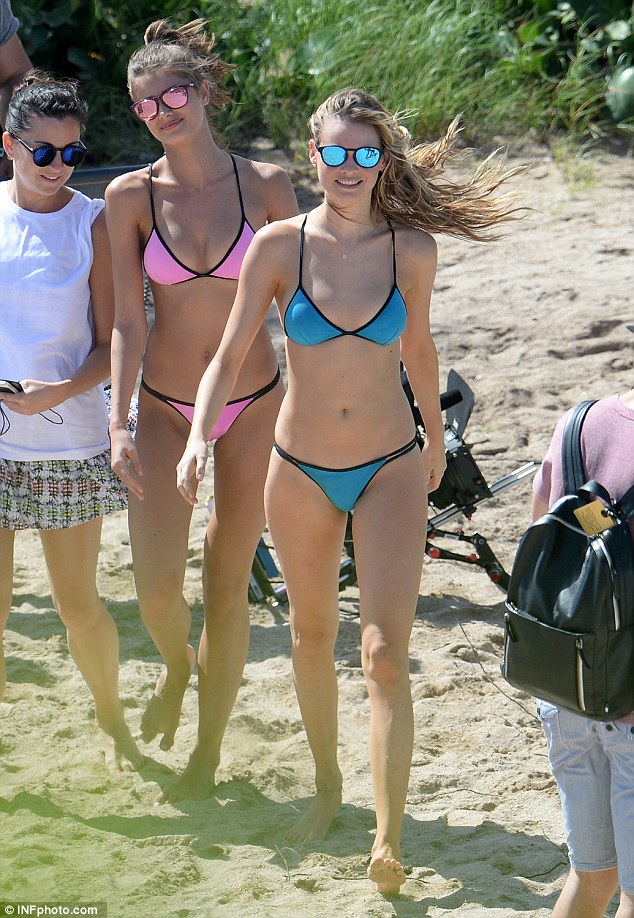
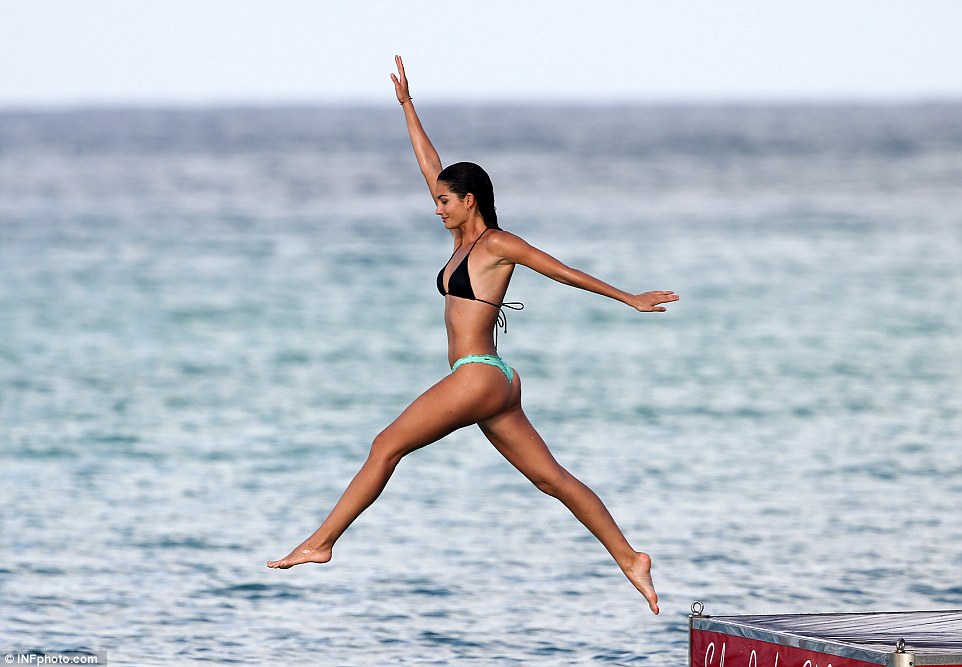
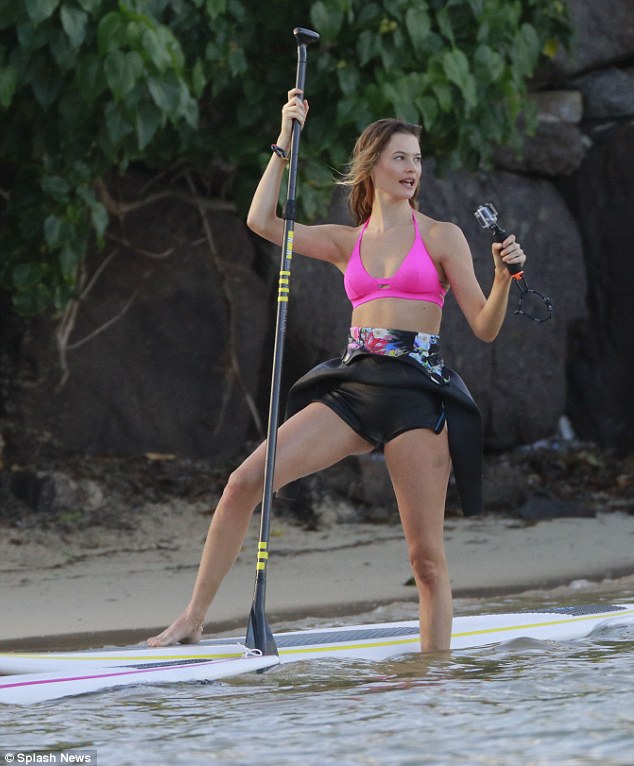
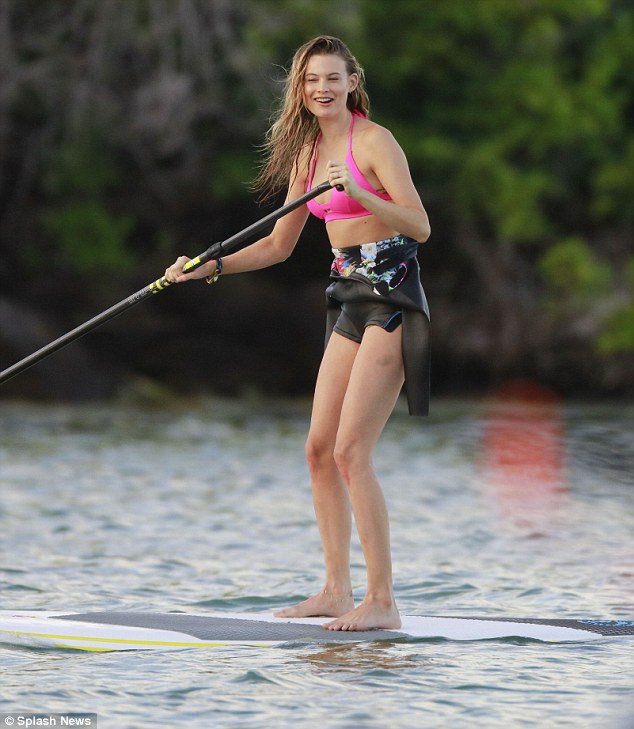
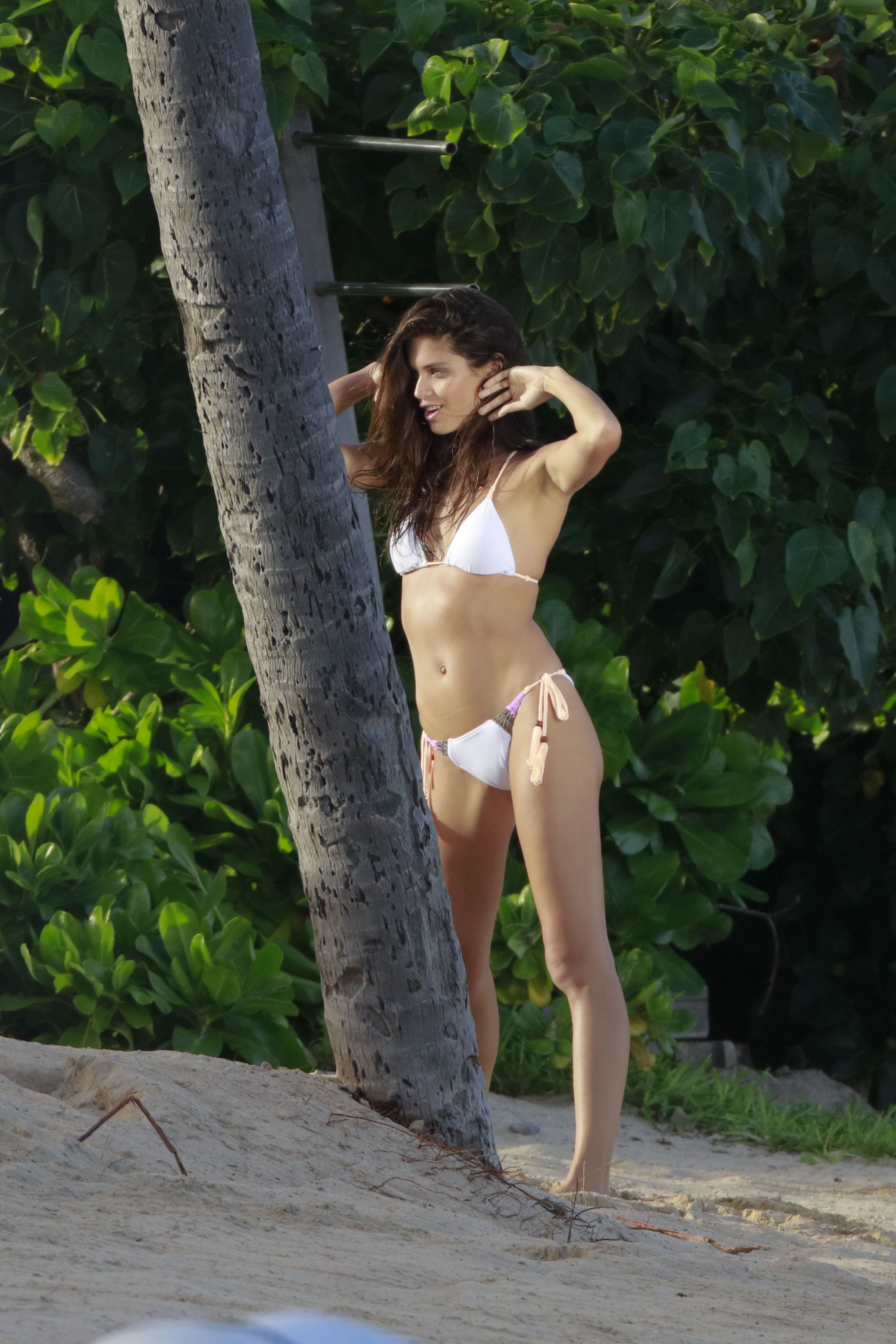
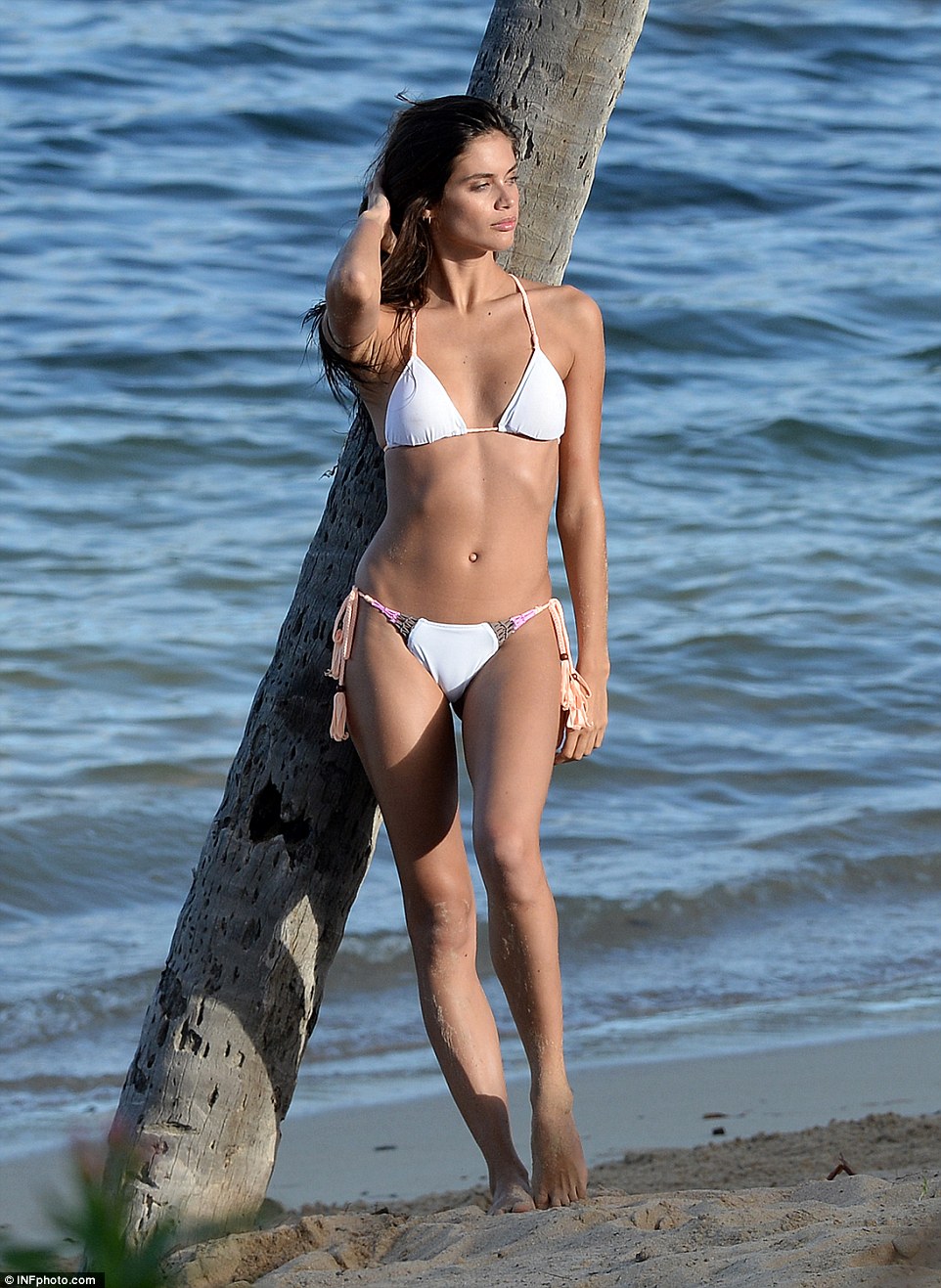
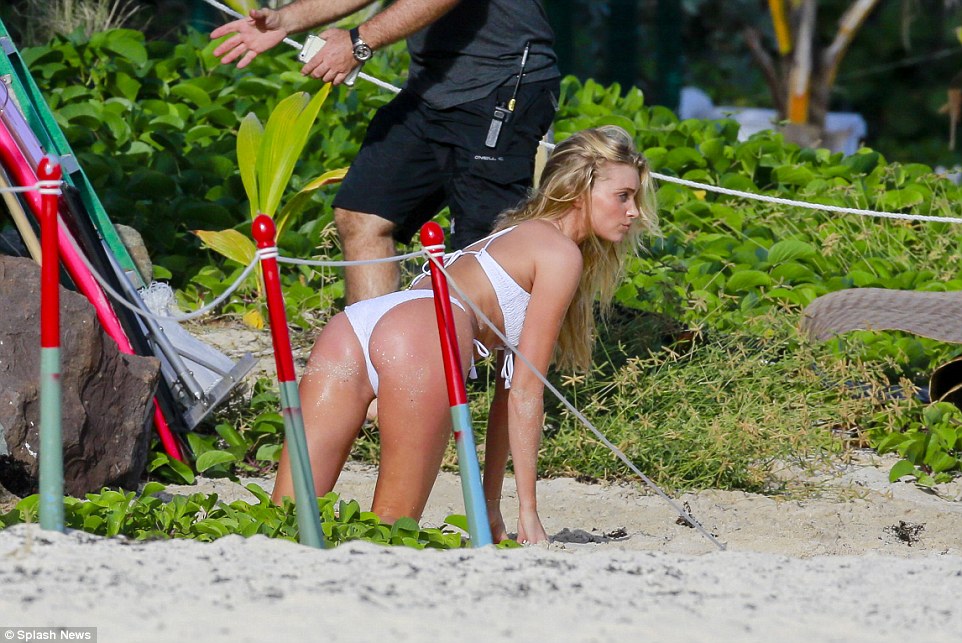
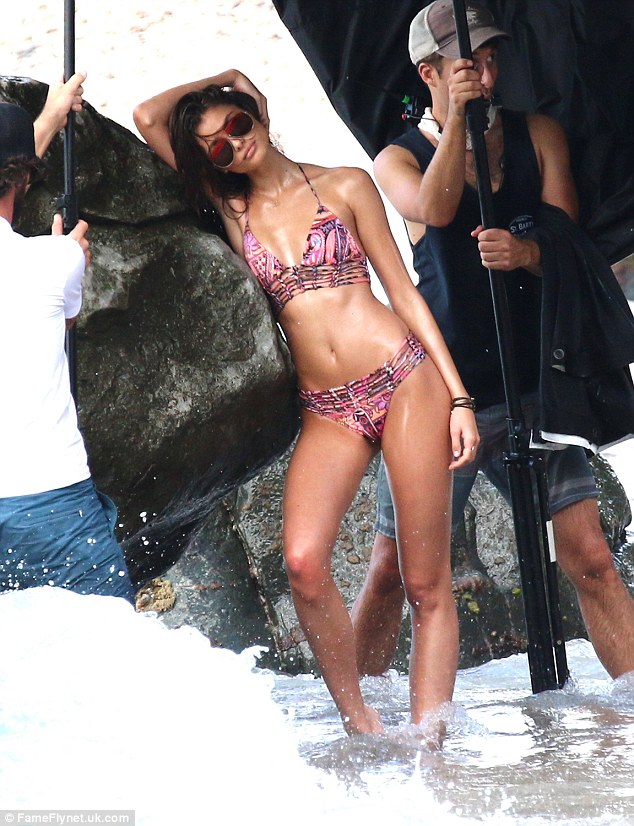
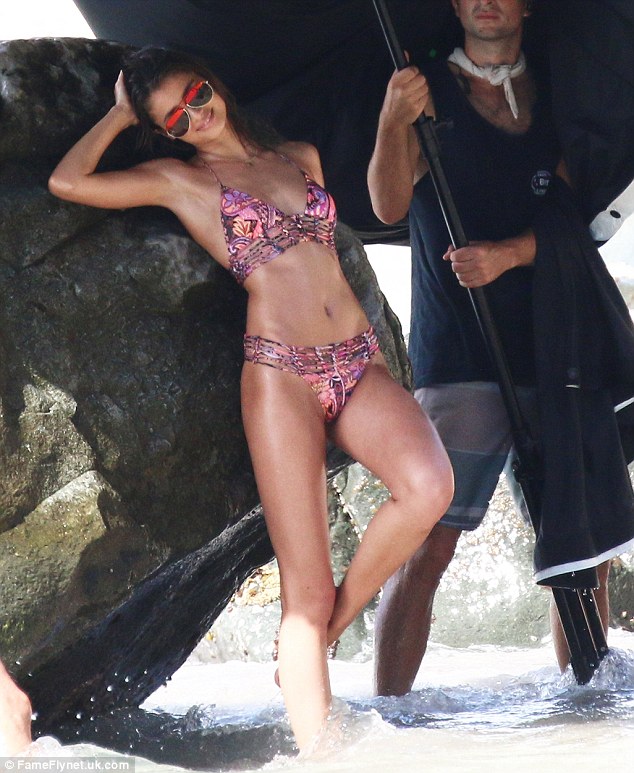
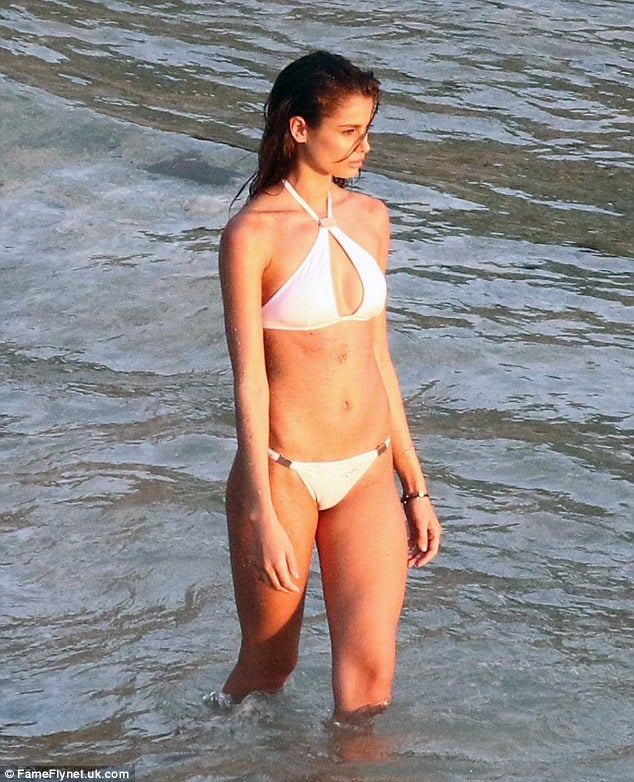
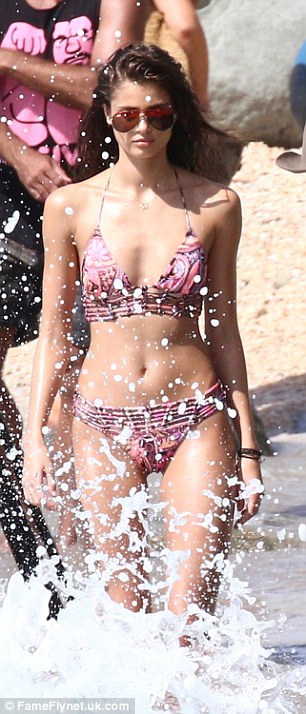
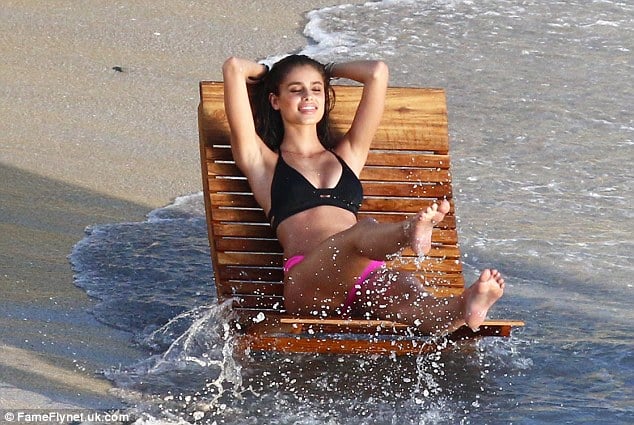
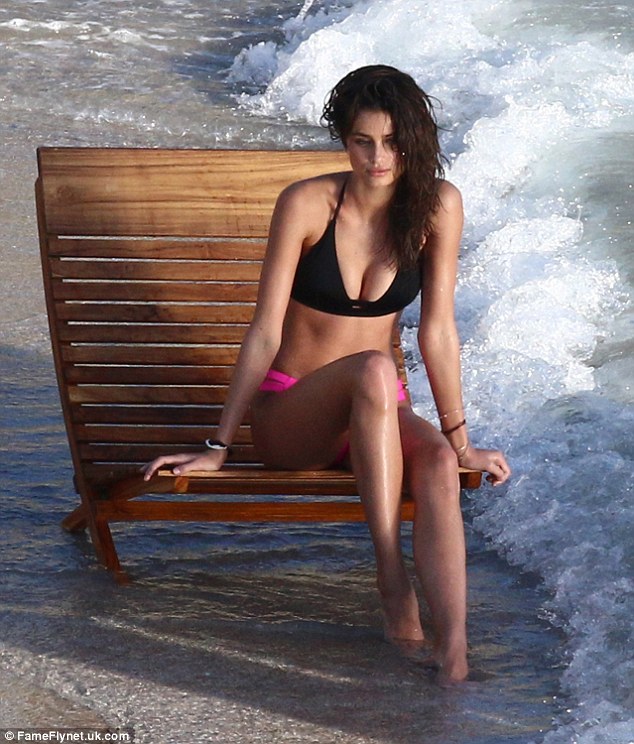
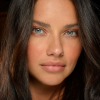 Taylor Hill with Sara Sampaio, Behati and Martha Hunt at the Beach in St. Barths
 yes i was disappointed she didn't walked the VS show, hope we see her in SI16, that would be great or shooting something very different as before.
thanks @RIP_Cabrini_Green for the video, wish it was longer Hannah Davis and Derek Jeter’s Post-Retirement Life Sounds Amazing http://www.gq.com/story/hannah-davis-derek-jeter-photos
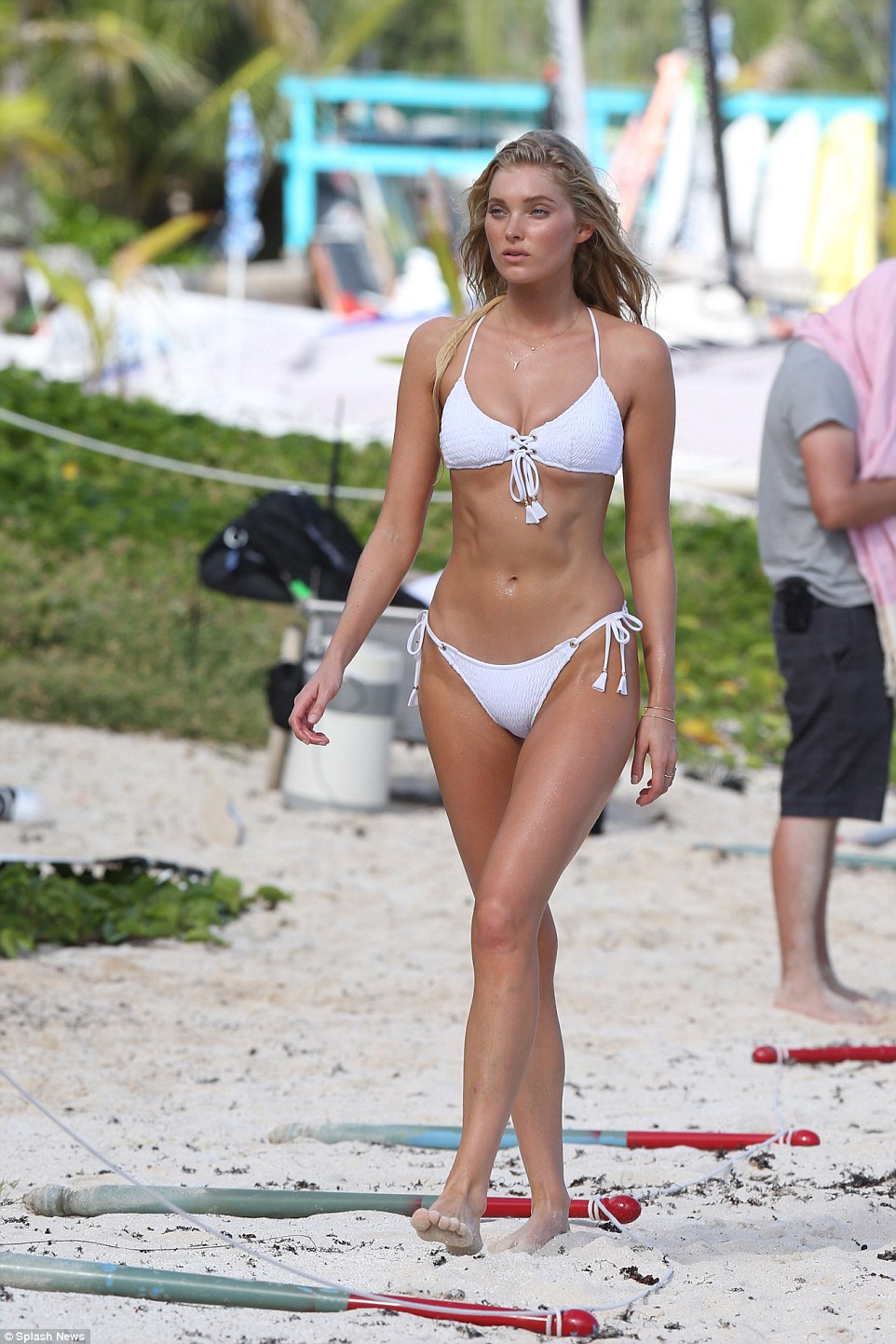
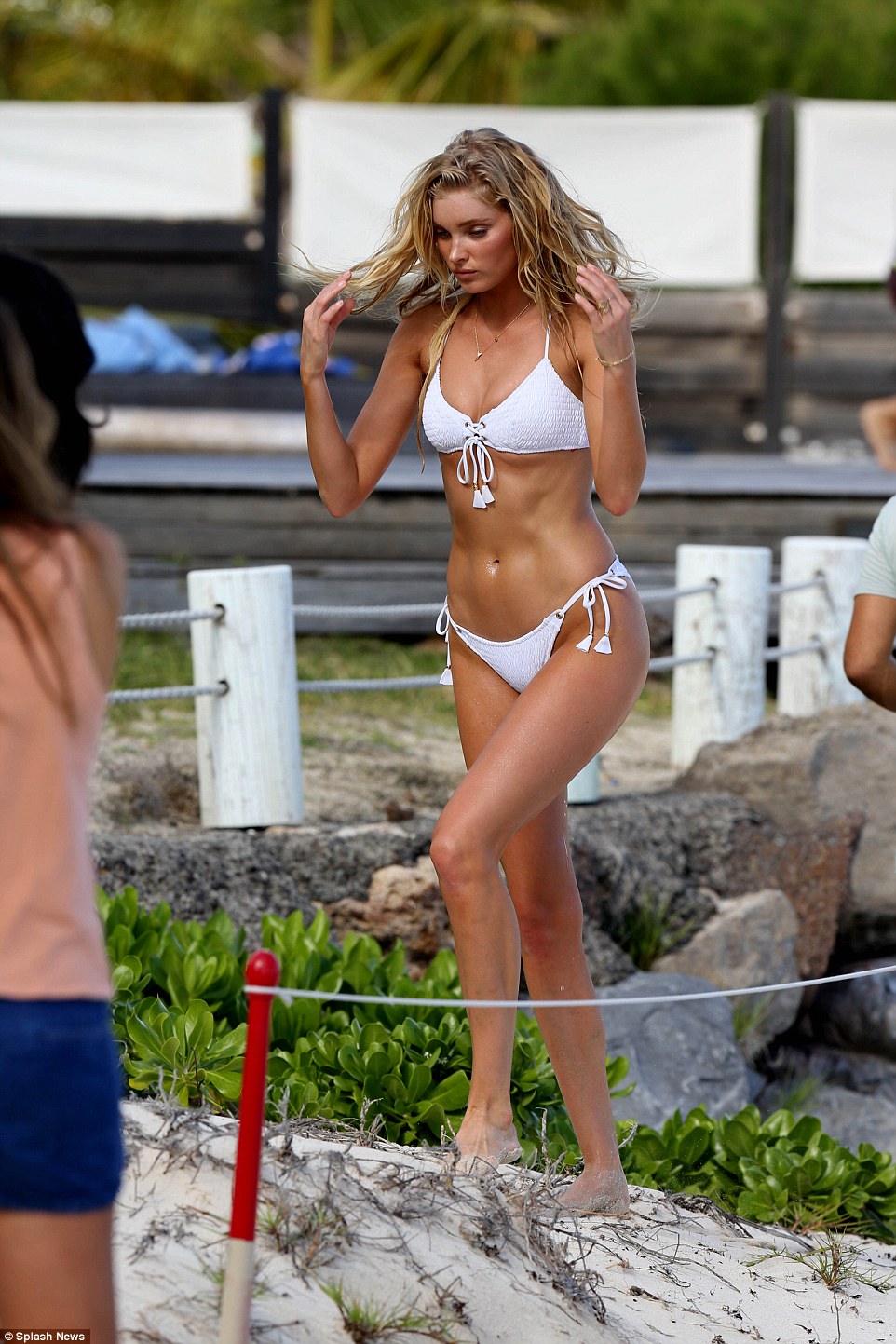
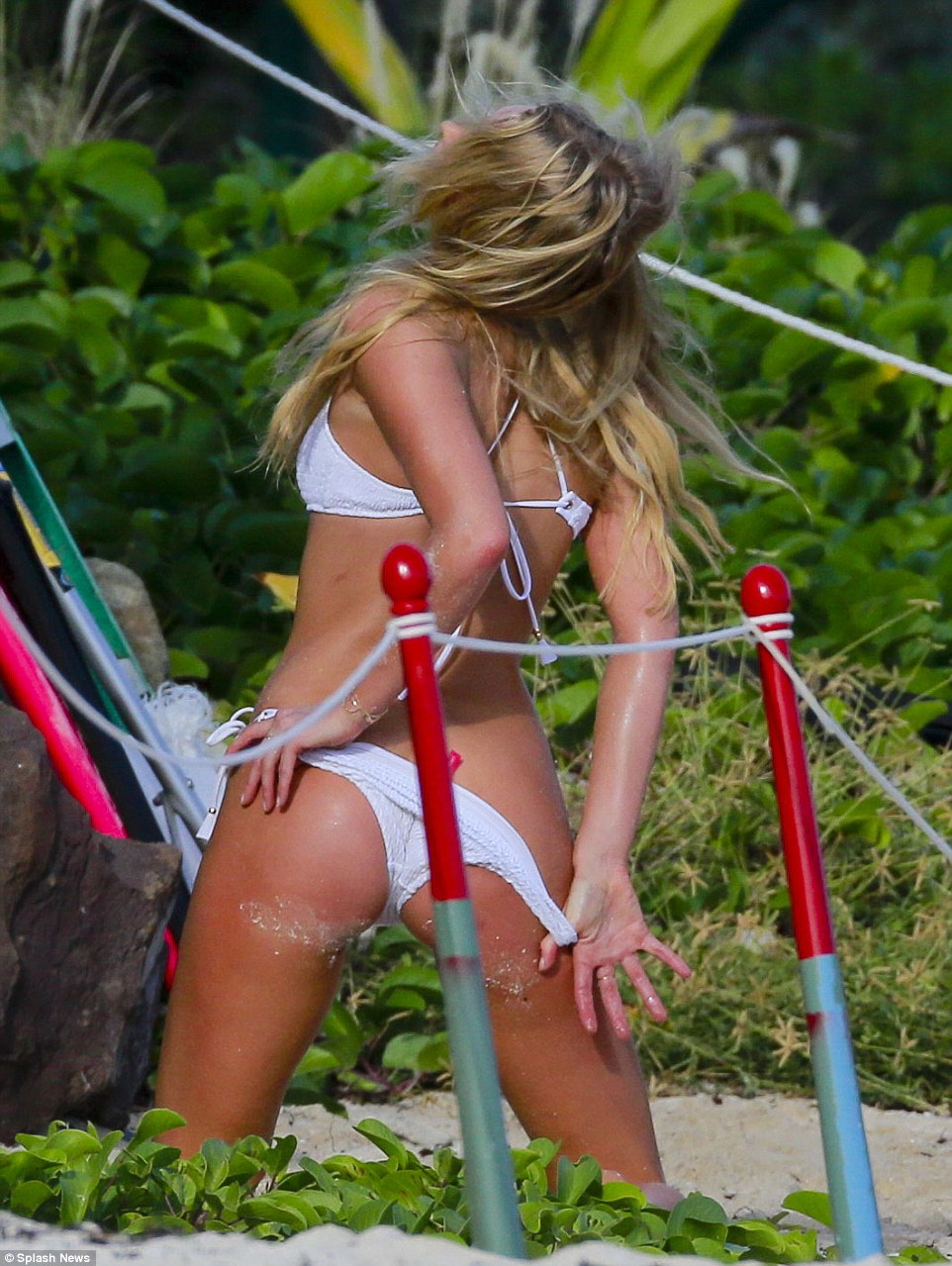
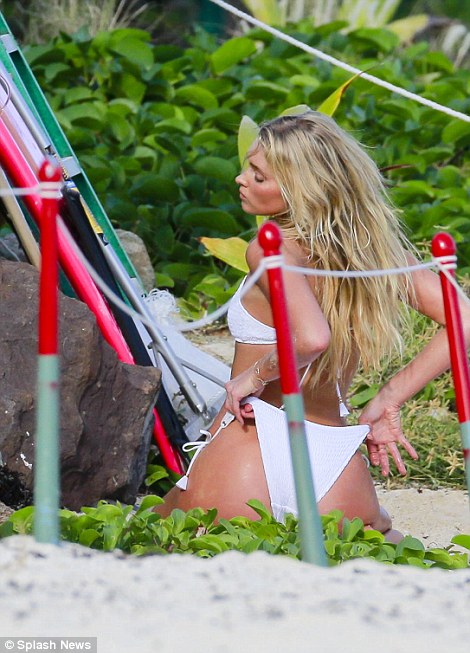
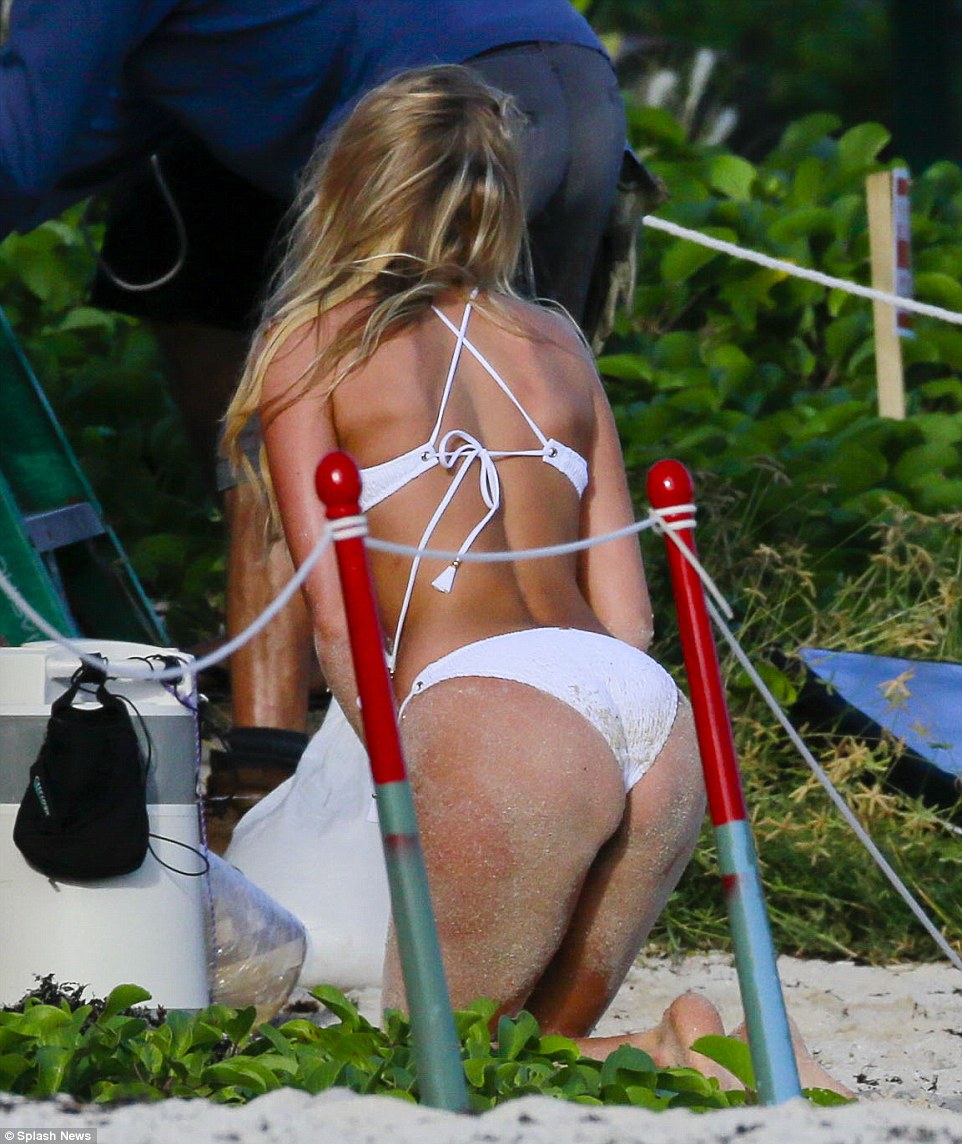
thanks @Lolavie for the HQ, Elsa's body is stunning, those people on DM commenting she has no Butt are son annoying she looks great in St. Barths
yeah true, i love those outtakes hope to see more of them. beautiful pics love elsa with lais they're both stunning,
love it thanks @toodarnhot the first pic is
one of her best shootings!! incredible, thanks @ArnoldX
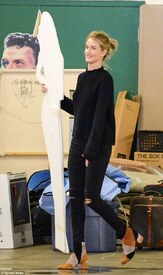
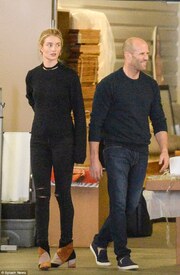
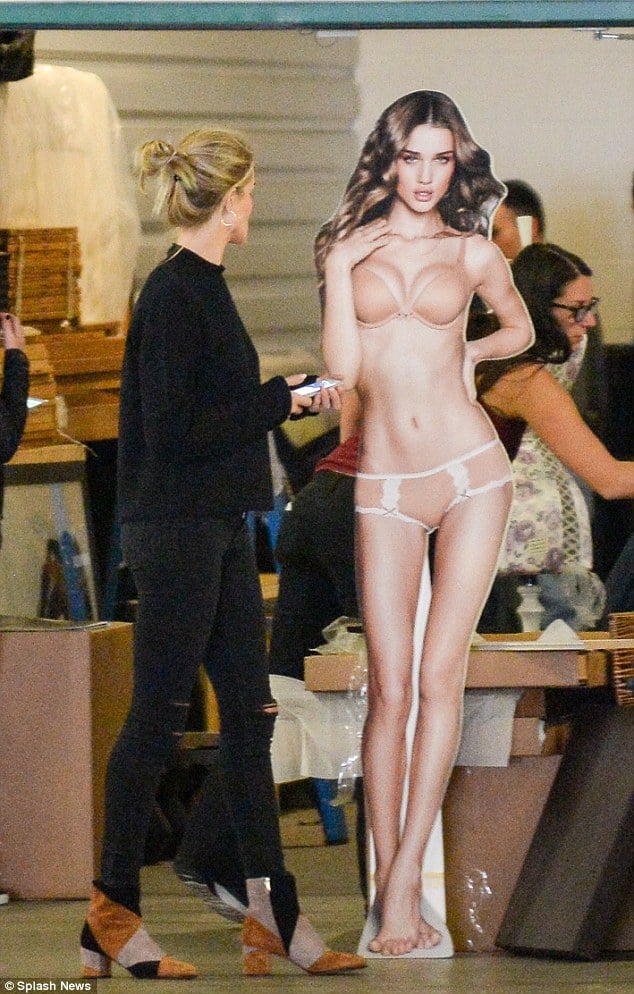
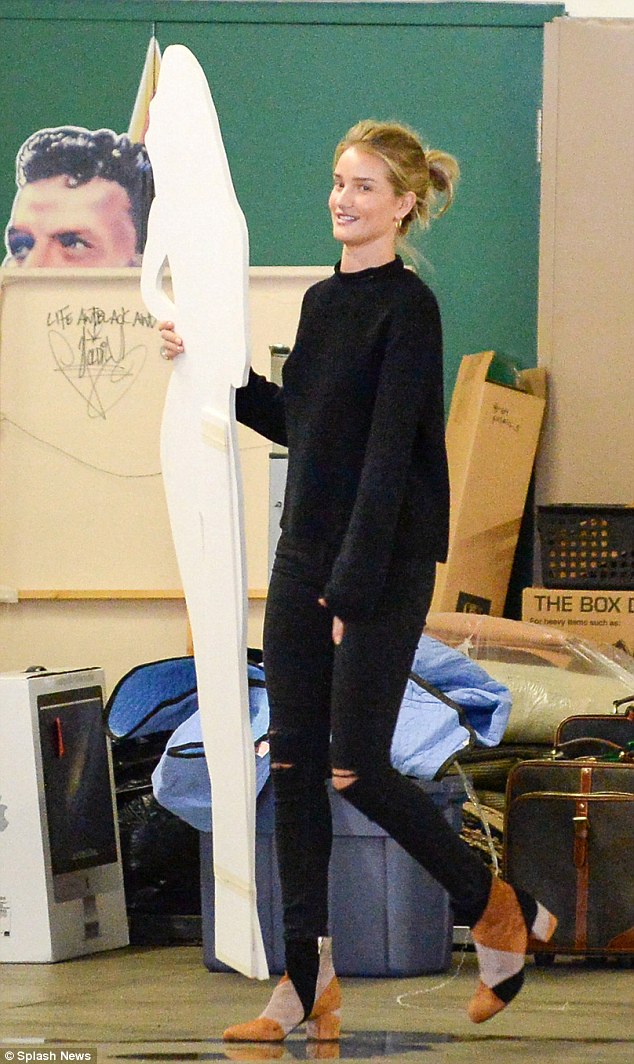
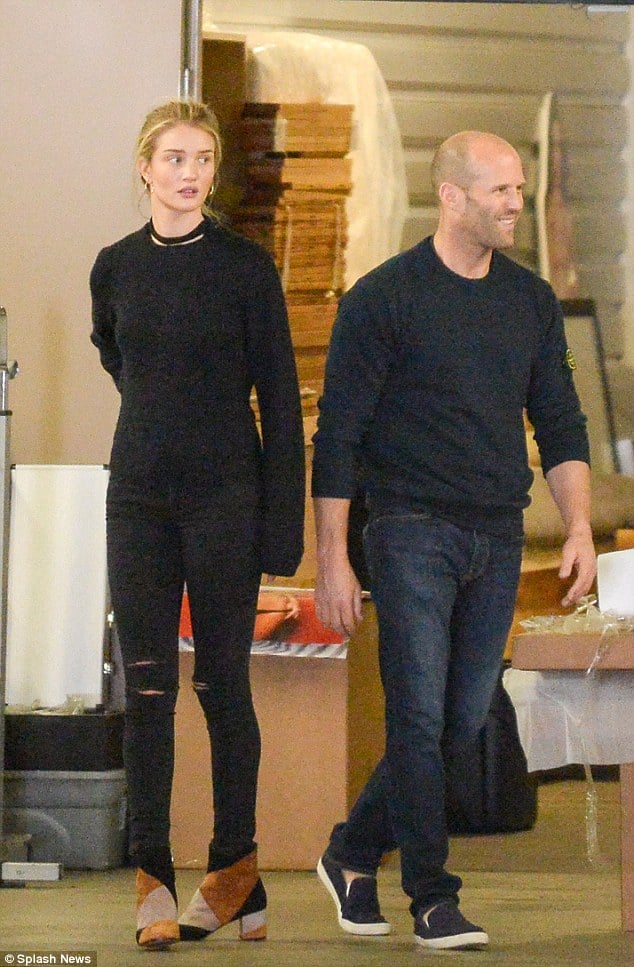
Rosie Huntington in Beverley Hills last week
yes i was disappointed she didn't walked the VS show, hope we see her in SI16, that would be great or shooting something very different as before.
thanks @RIP_Cabrini_Green for the video, wish it was longer Hannah Davis and Derek Jeter’s Post-Retirement Life Sounds Amazing http://www.gq.com/story/hannah-davis-derek-jeter-photos
thanks @Lolavie for the HQ, Elsa's body is stunning, those people on DM commenting she has no Butt are son annoying she looks great in St. Barths
yeah true, i love those outtakes hope to see more of them. beautiful pics love elsa with lais they're both stunning,
love it thanks @toodarnhot the first pic is
one of her best shootings!! incredible, thanks @ArnoldX
Rosie Huntington in Beverley Hills last week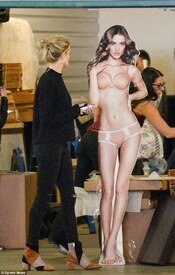
 thanks everyone for the updates, she looks stunning
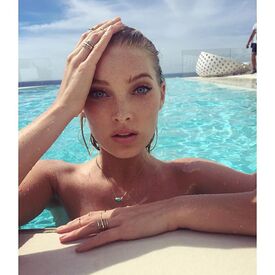 ah ok didn't know that,. . well you know people are so brave on Insta. Those comments are really annoying. So Adriana wont be at the Swim Special??
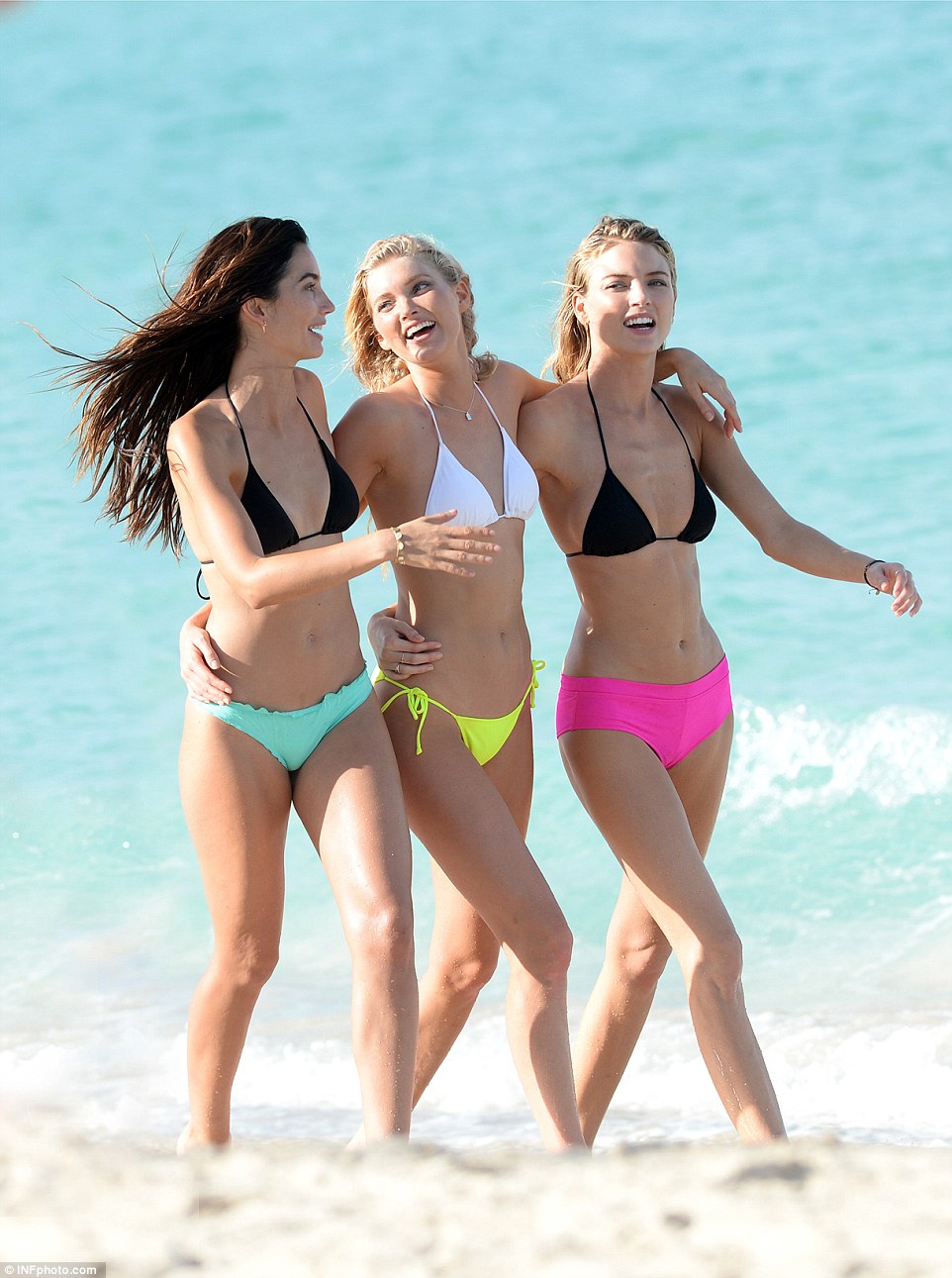
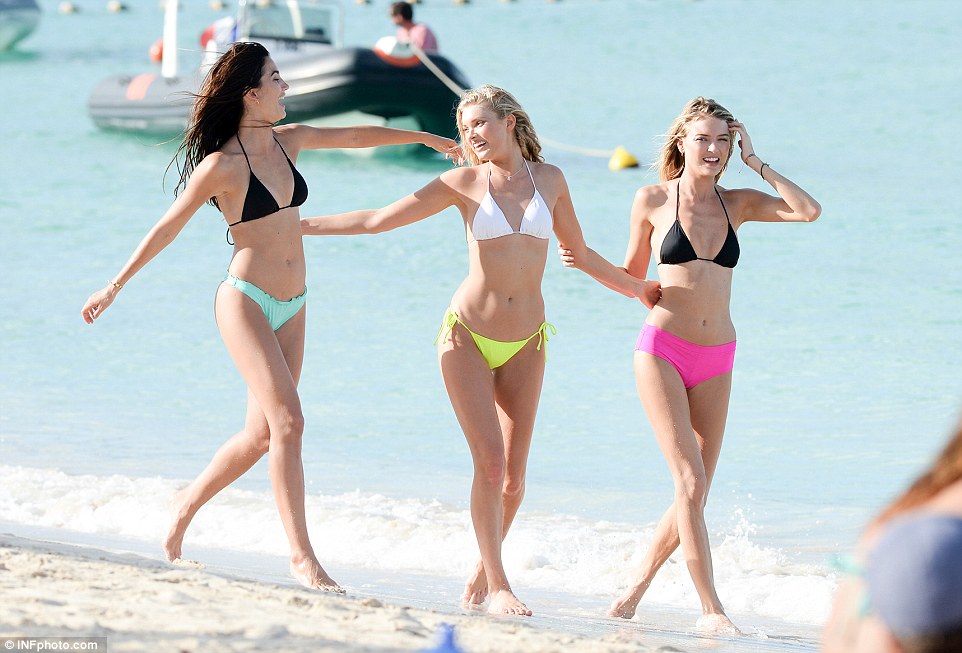
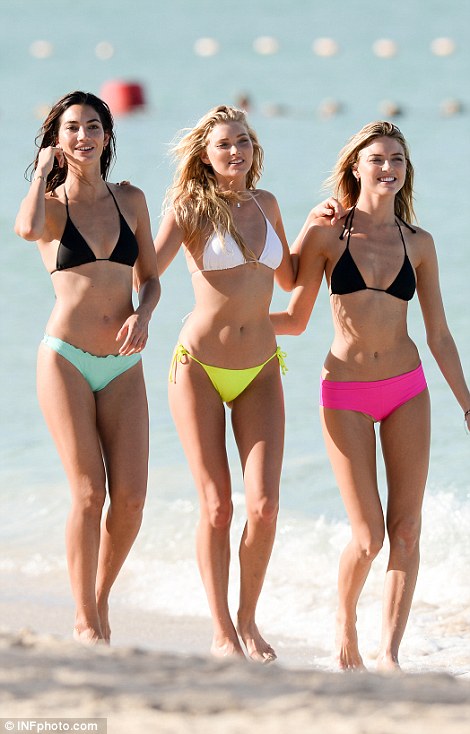
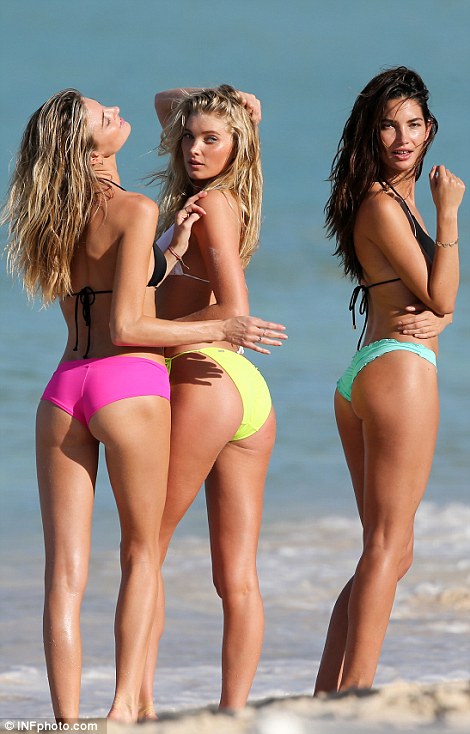
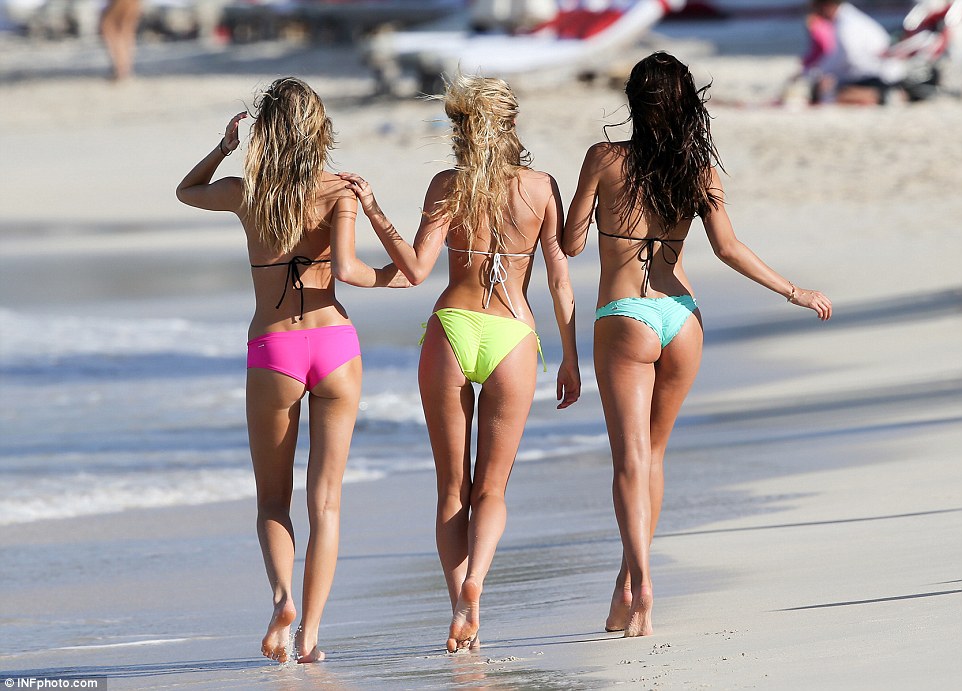
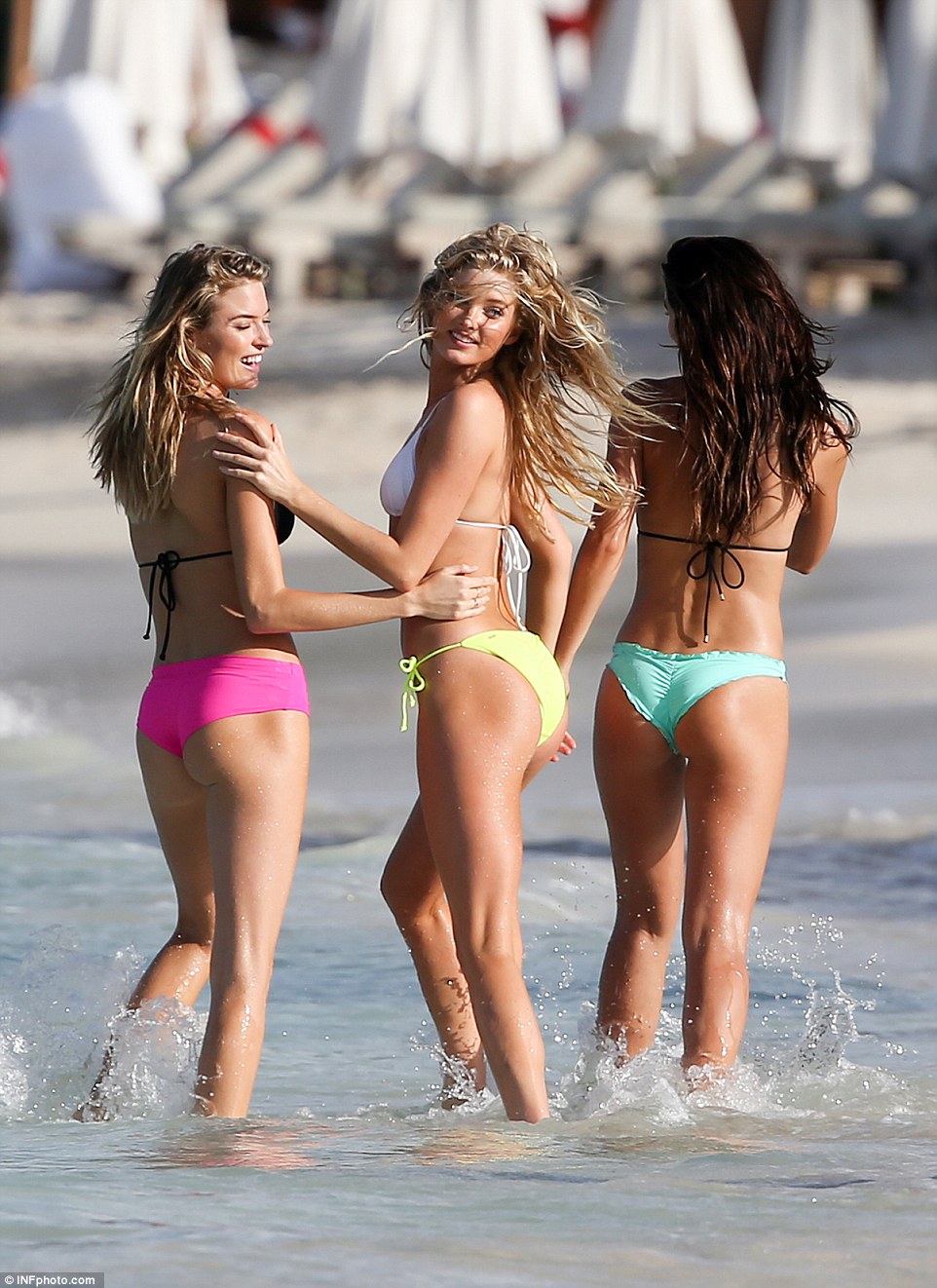
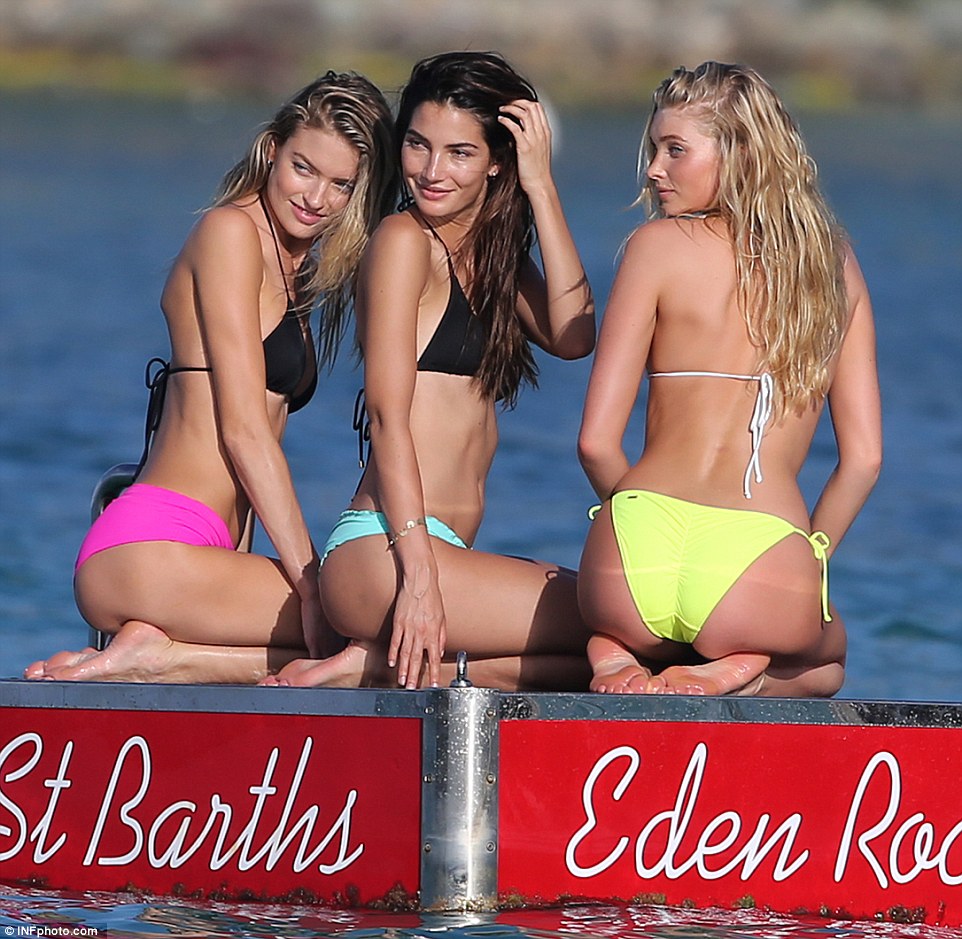
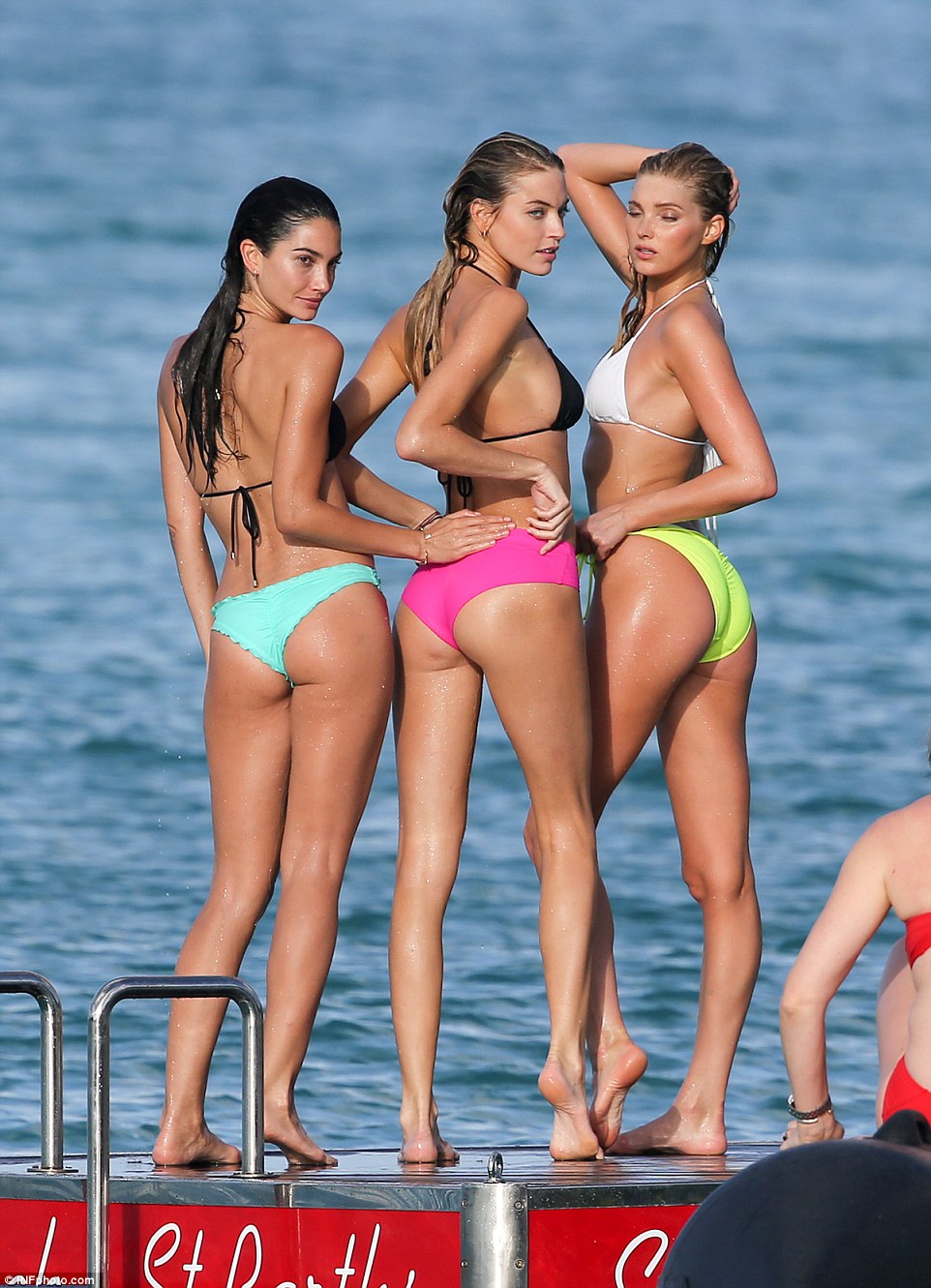
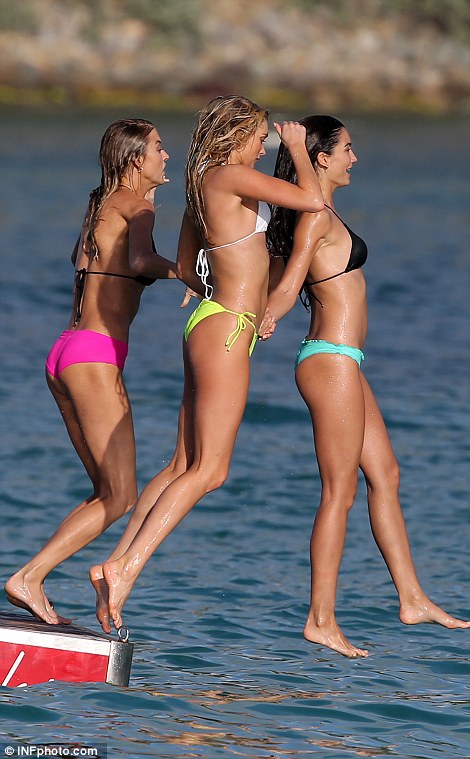
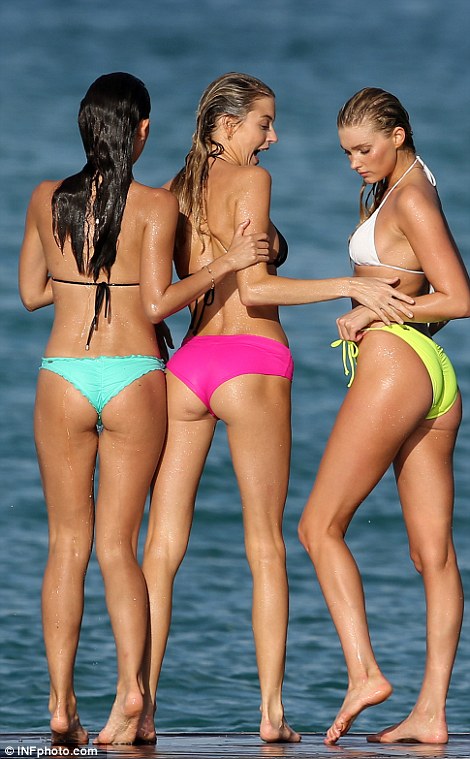
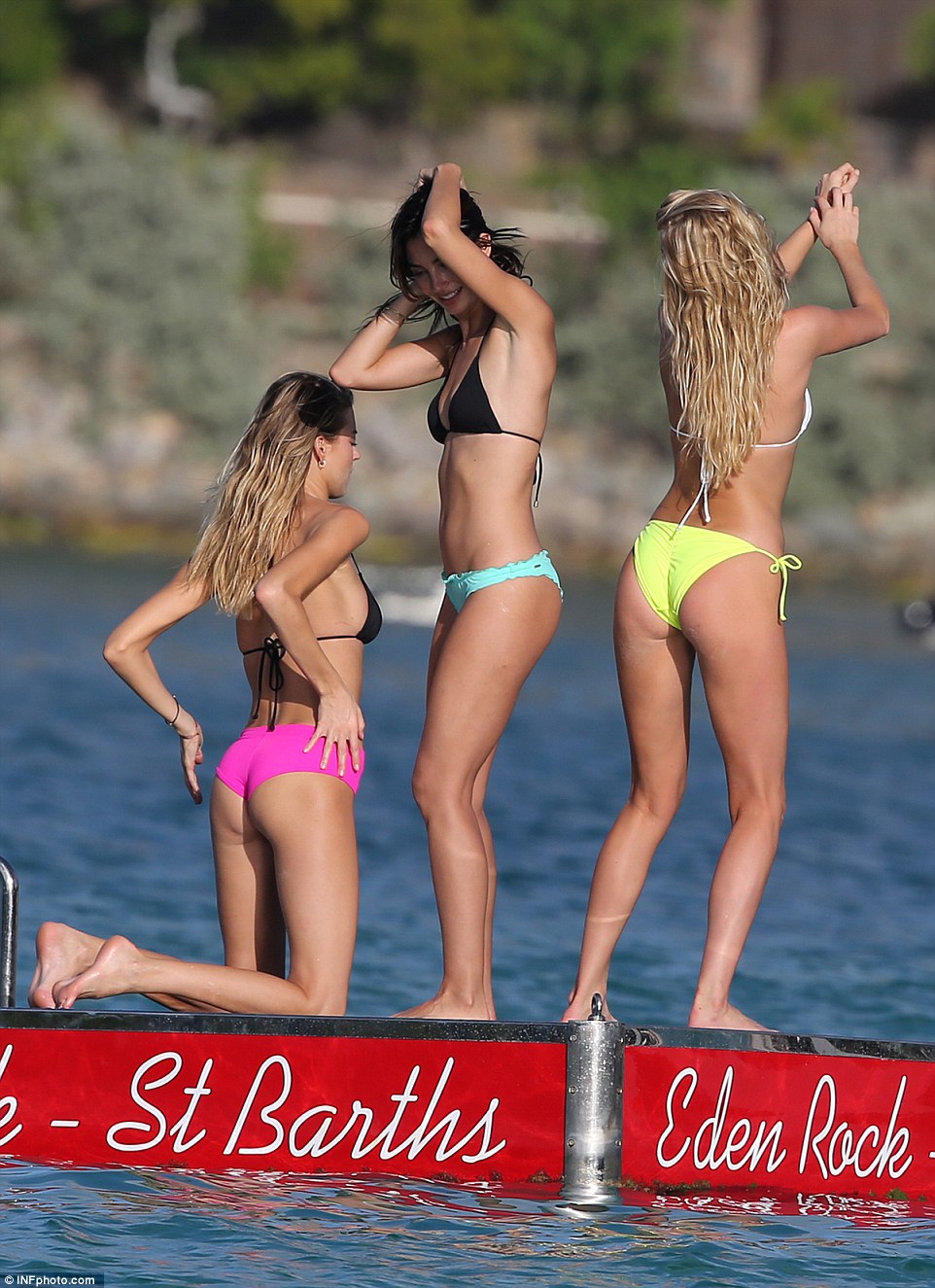
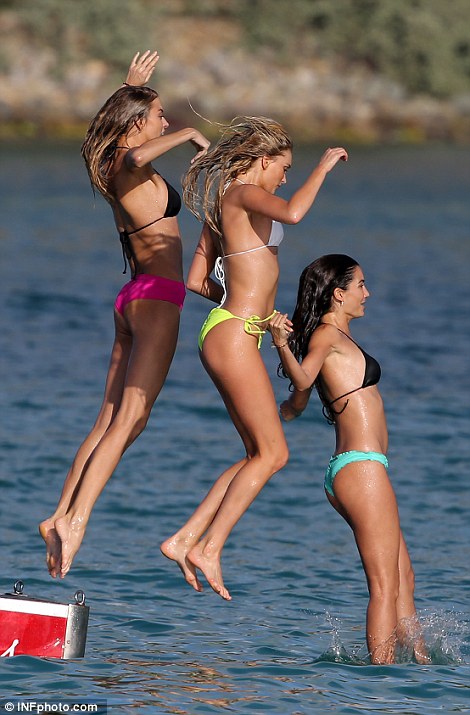
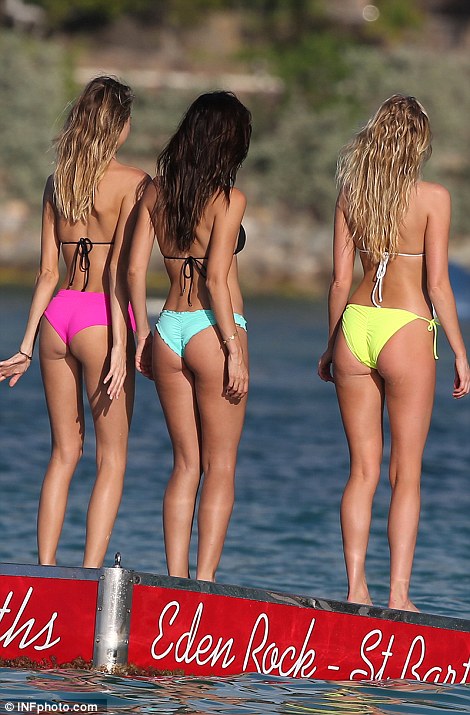
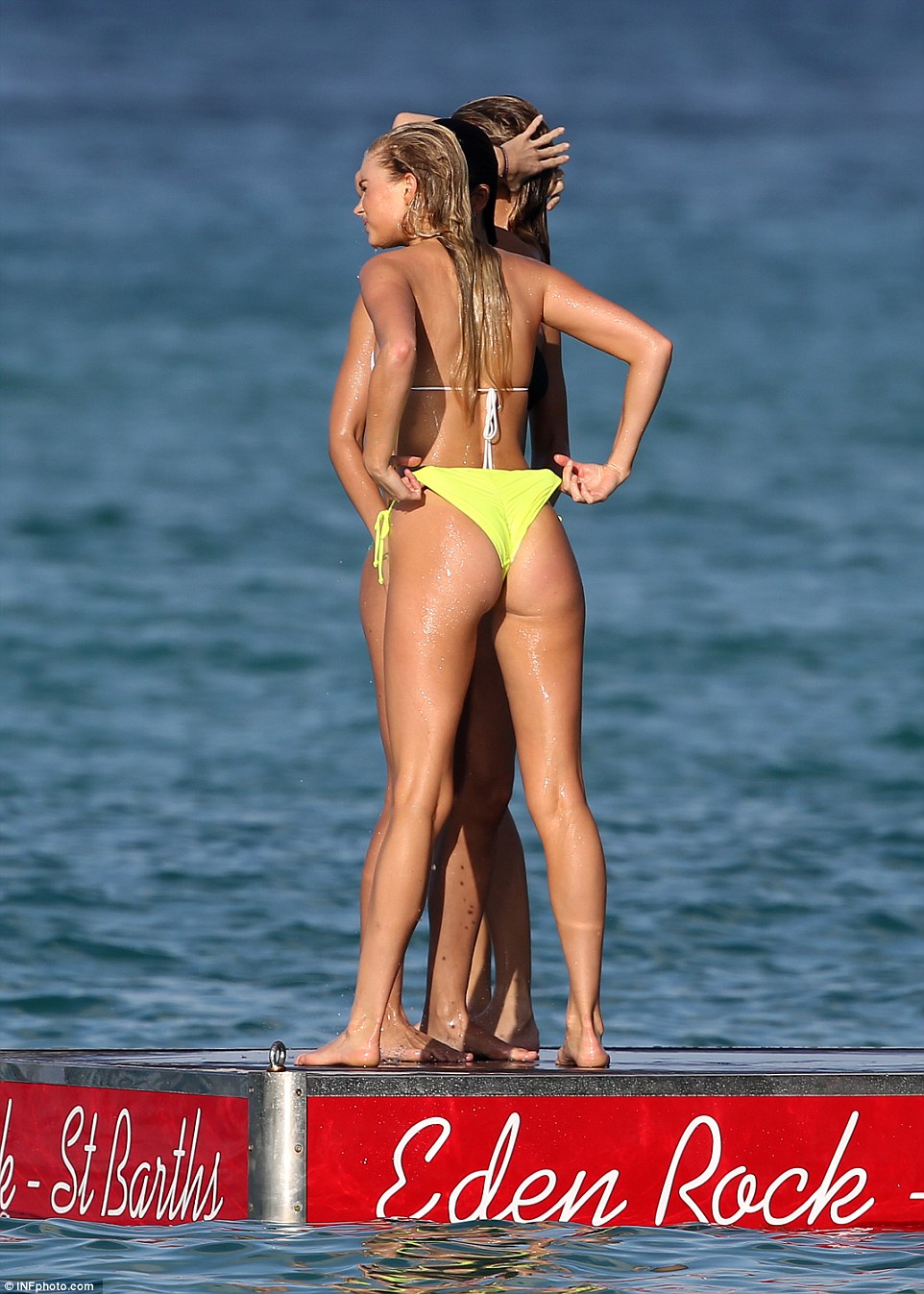
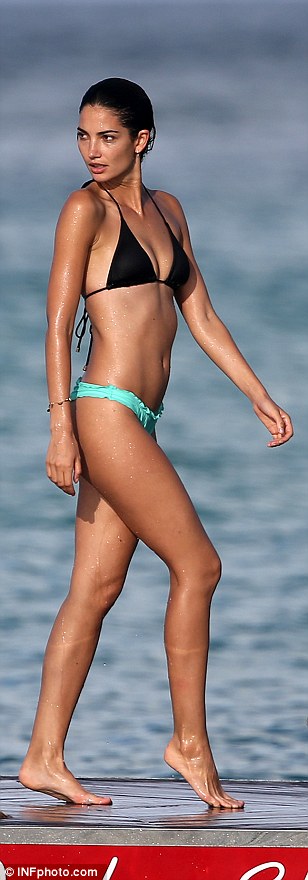
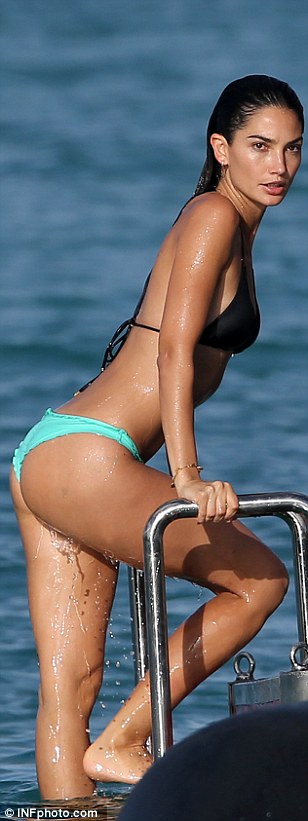
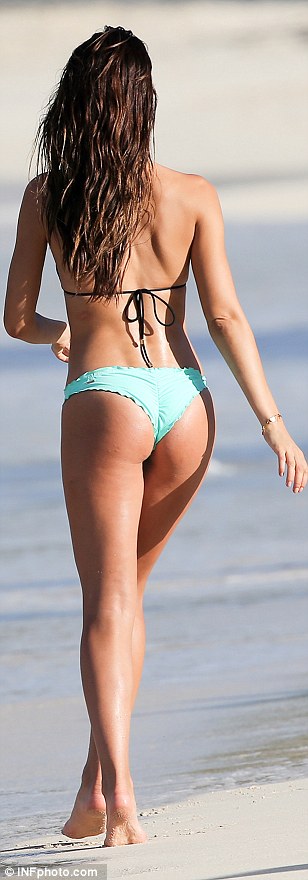
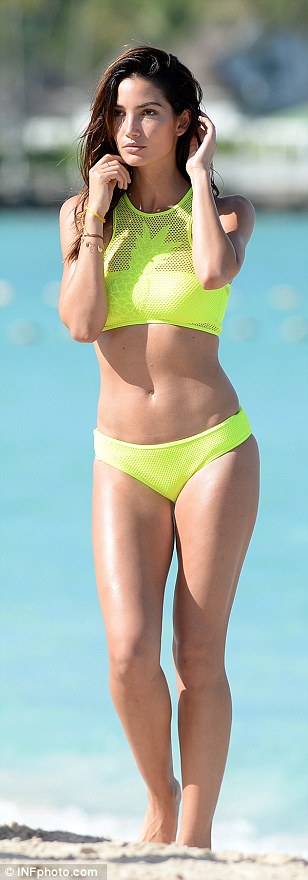
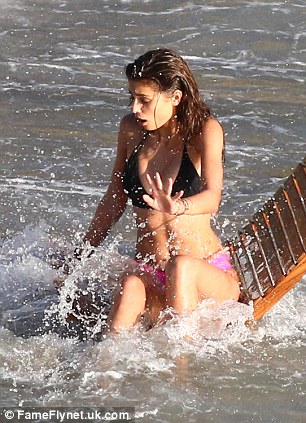
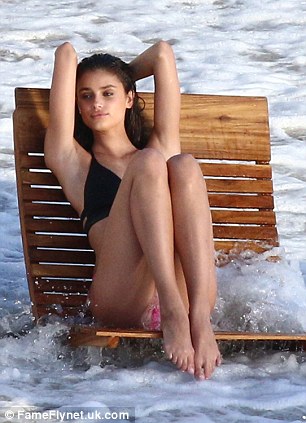
Lily with Elsa and Martha in St. Barths
ah ok didn't know that,. . well you know people are so brave on Insta. Those comments are really annoying. So Adriana wont be at the Swim Special??
Lily with Elsa and Martha in St. Barths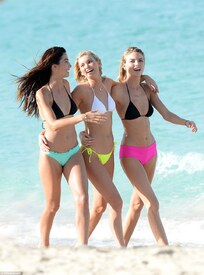
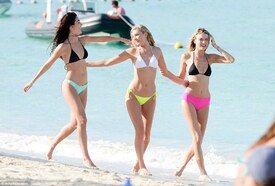
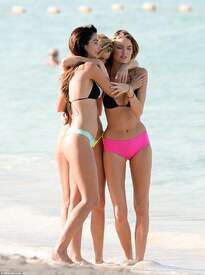
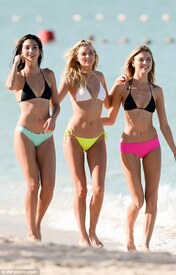
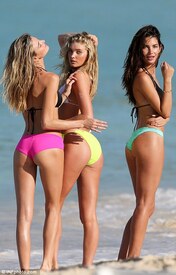
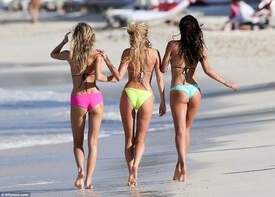
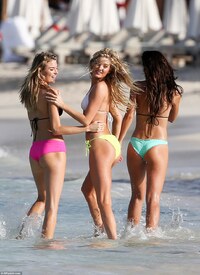
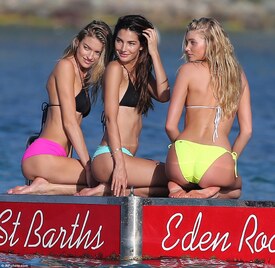
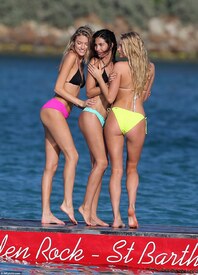
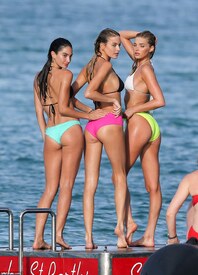
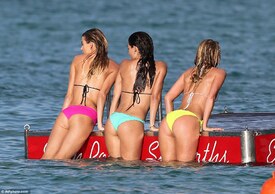
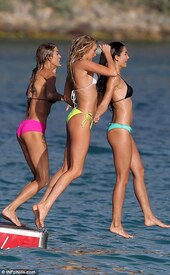
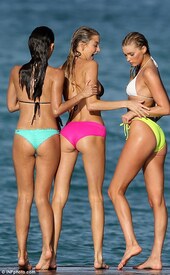
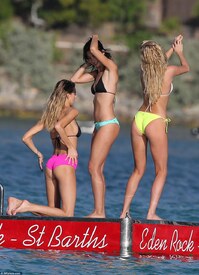
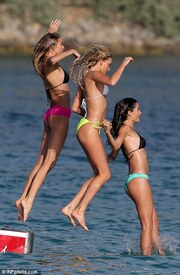
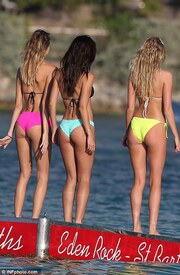
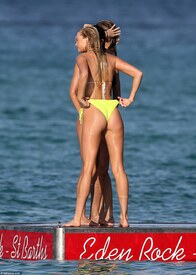
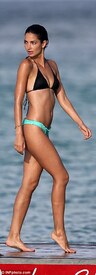
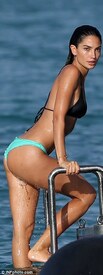
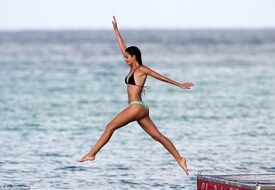
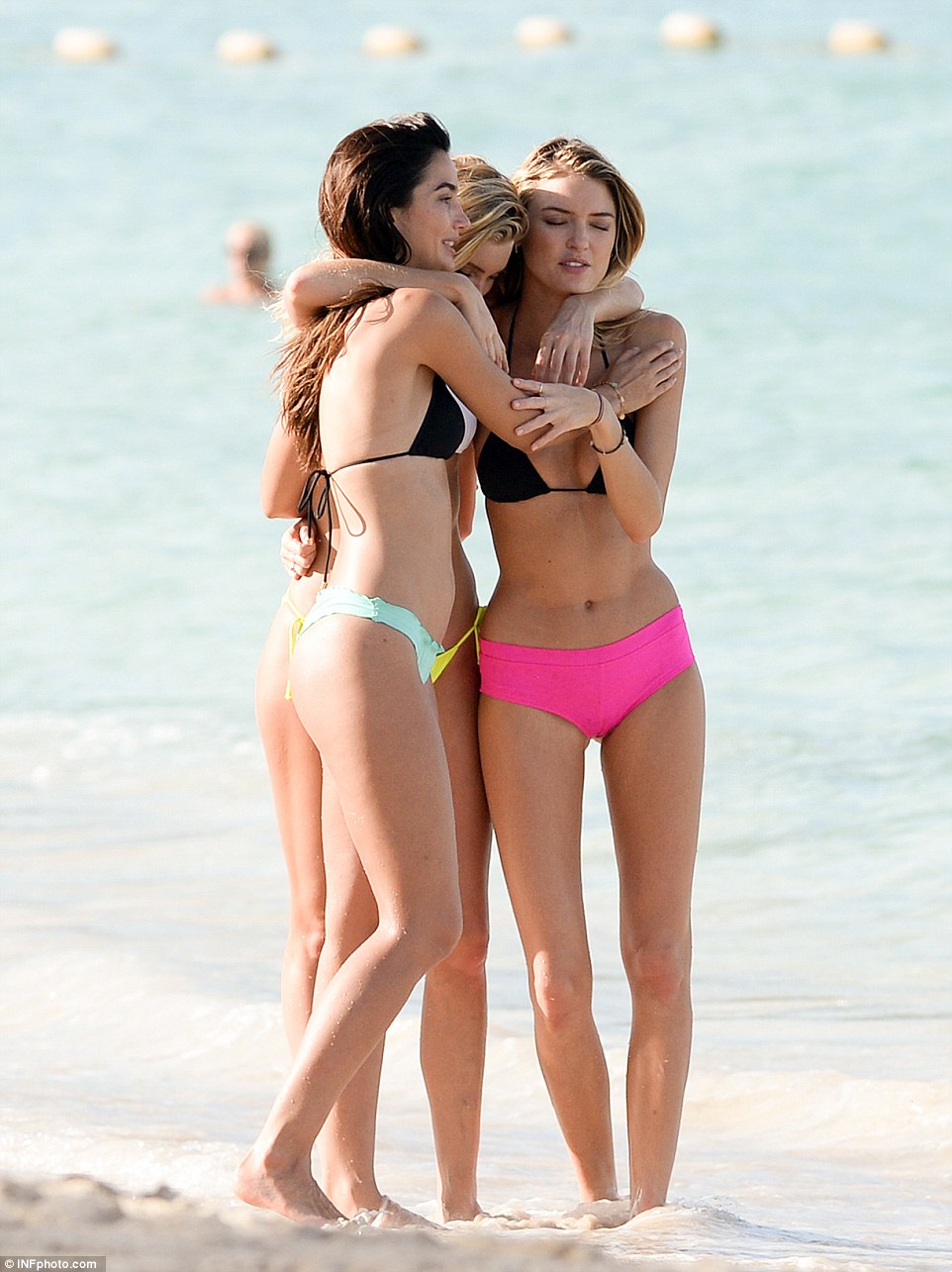
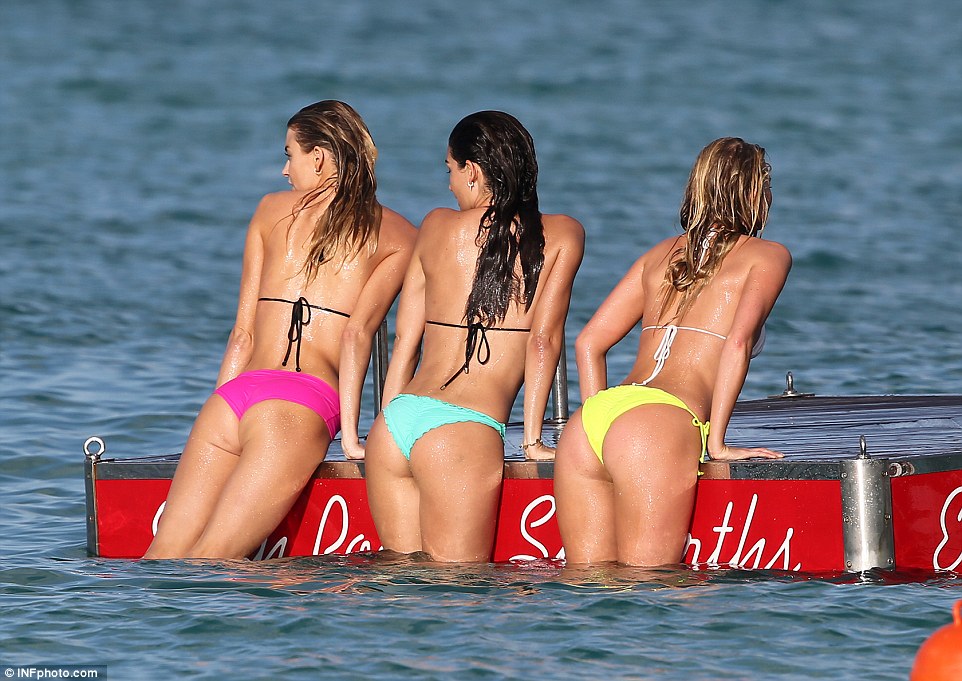
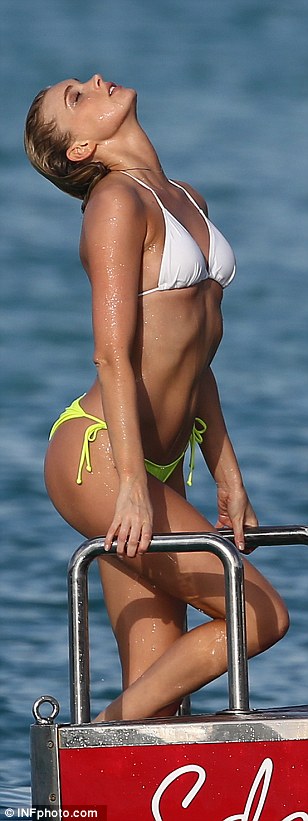
 Martha with Elsa and Lily in St Barths
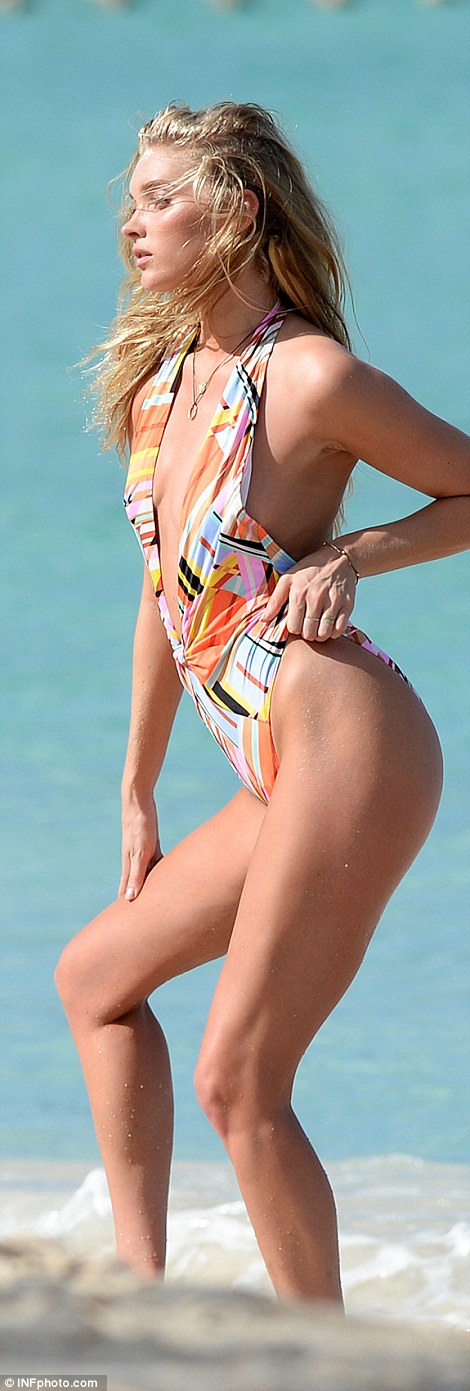
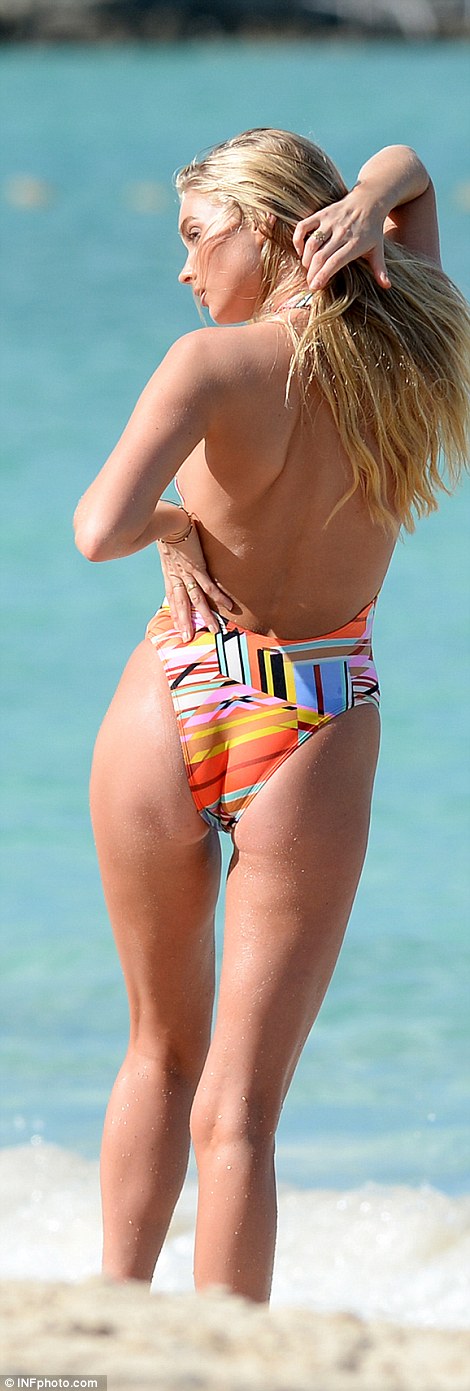
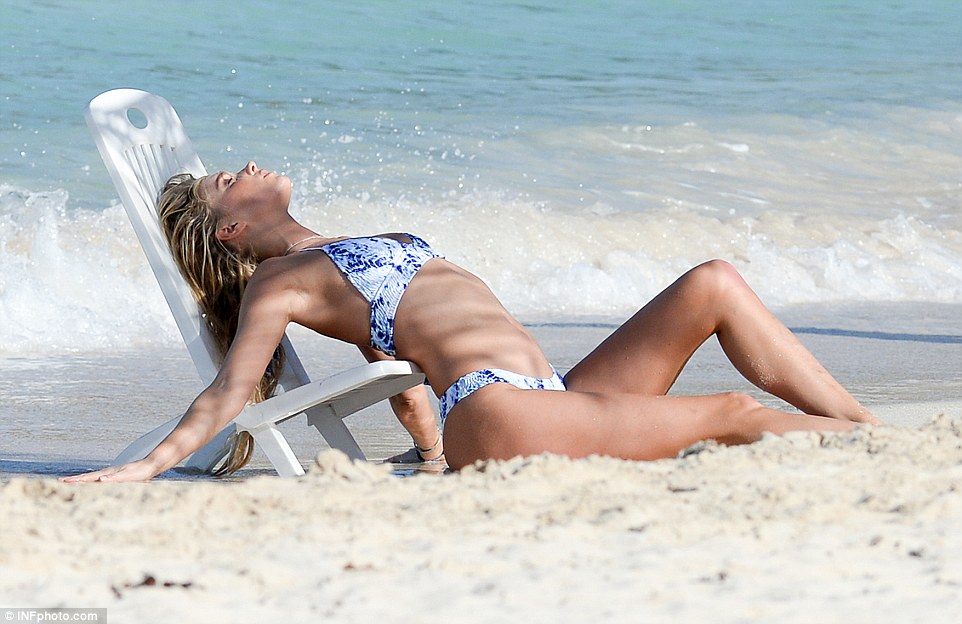
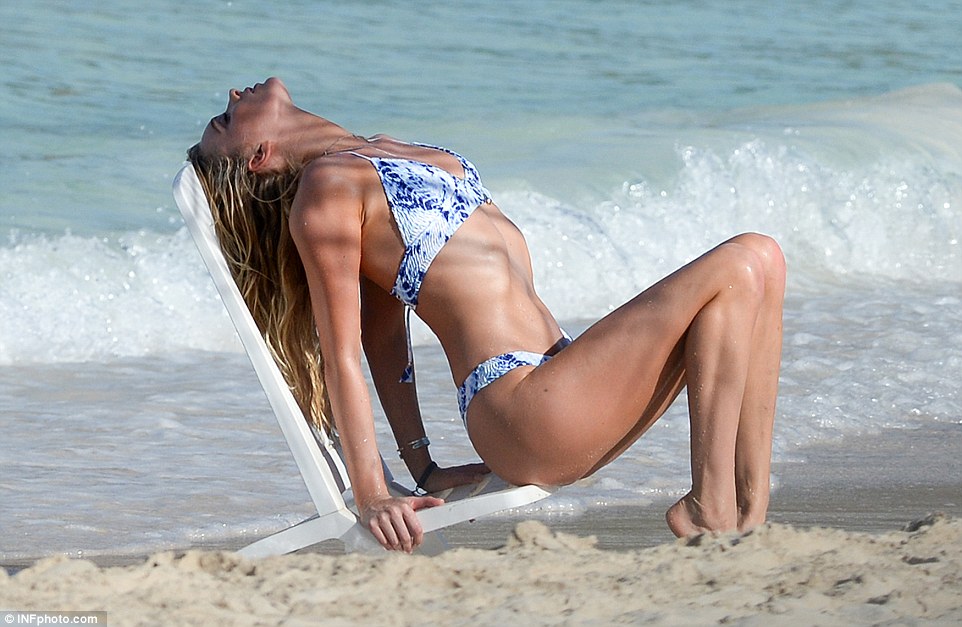
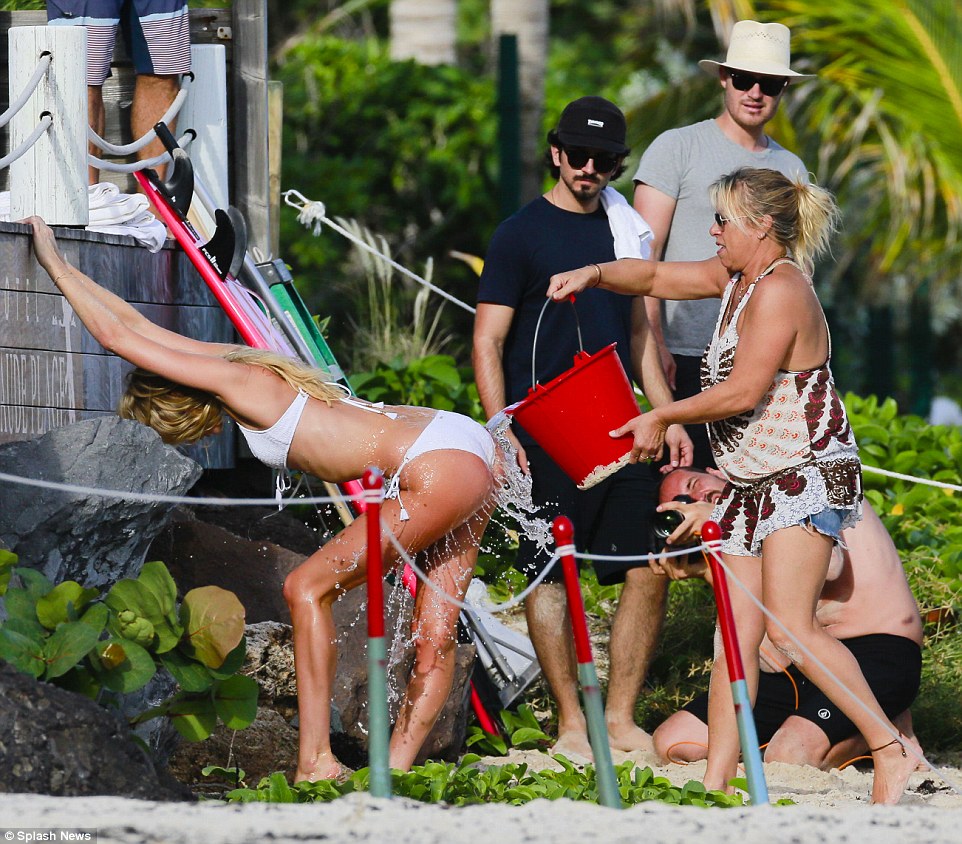
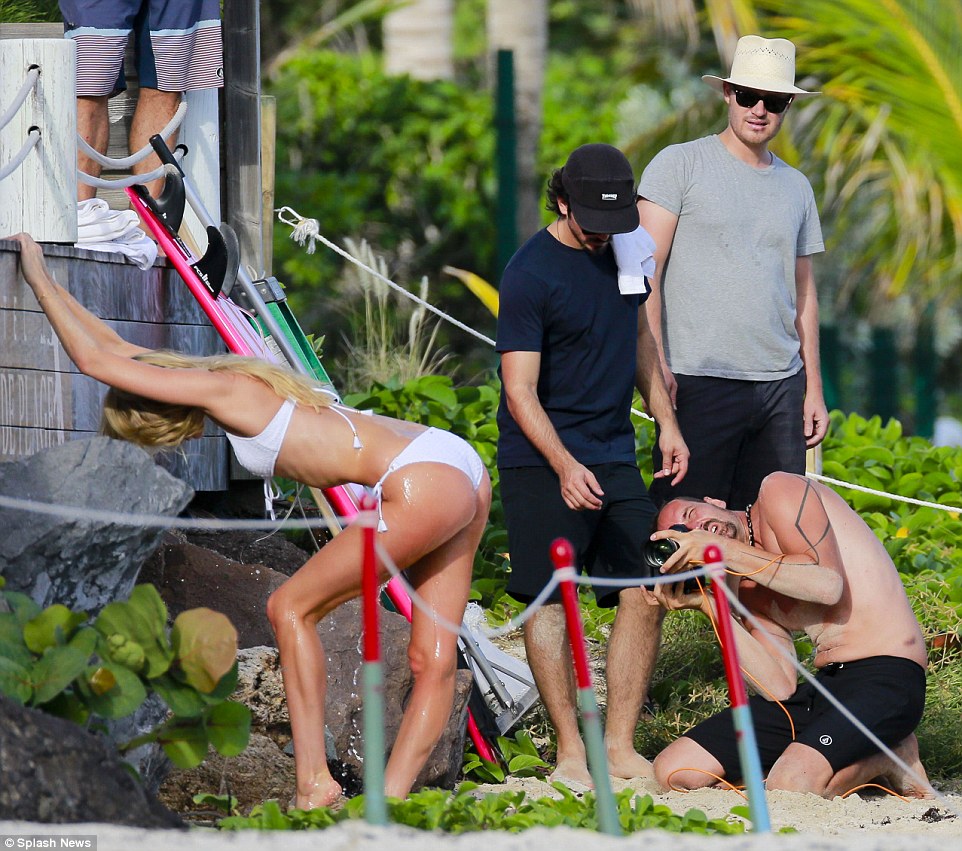
Elsa Hosk with Lily Aldridge and Martha Hunt in St. Barths 12.12.15
Martha with Elsa and Lily in St Barths
Elsa Hosk with Lily Aldridge and Martha Hunt in St. Barths 12.12.15
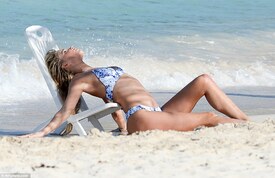
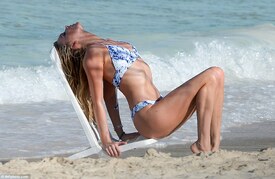 ^^you're welcome @F 4 5 H U N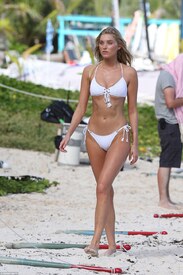
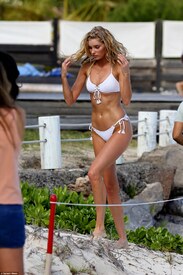
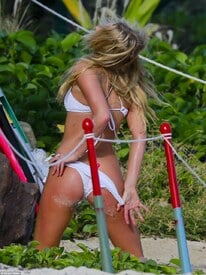
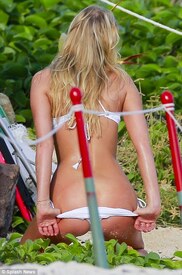
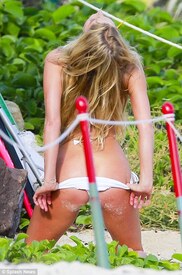
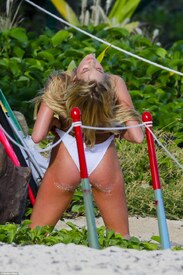
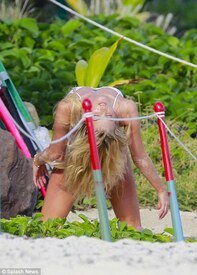
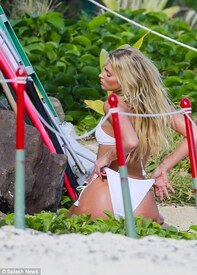
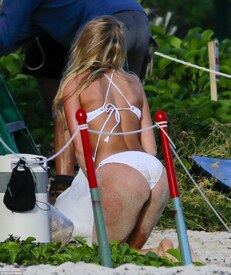
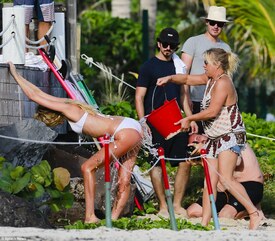
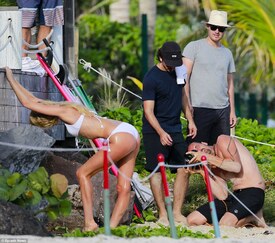
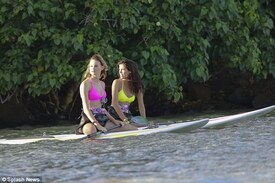
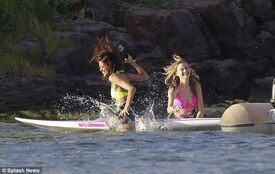
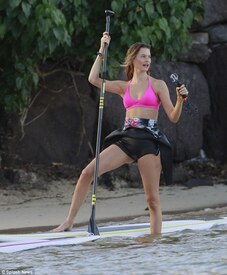
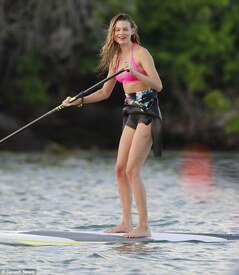
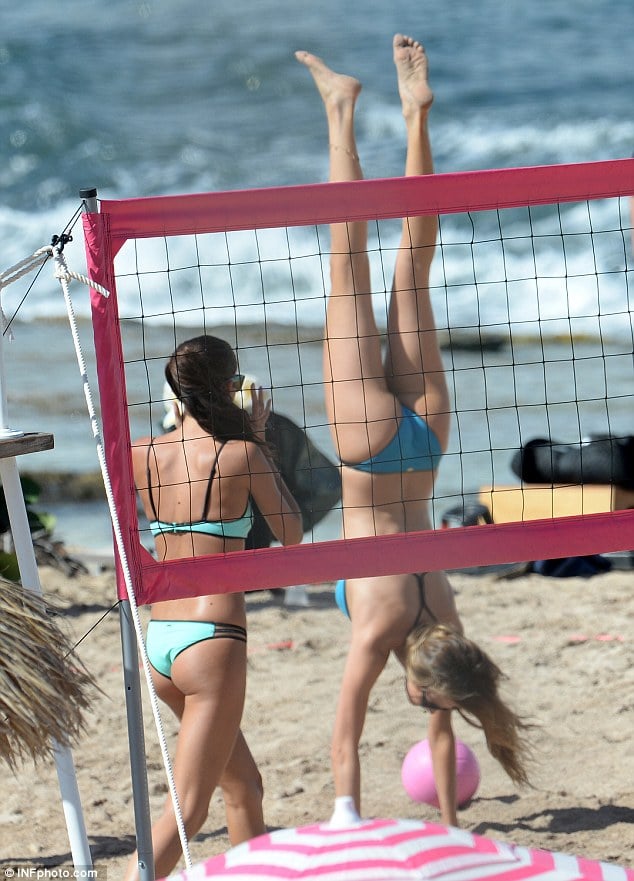
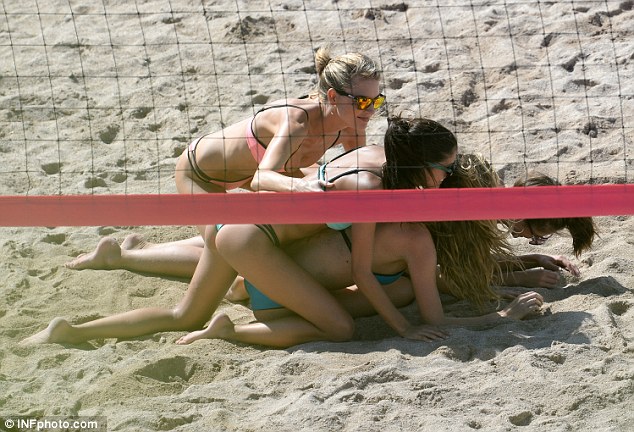
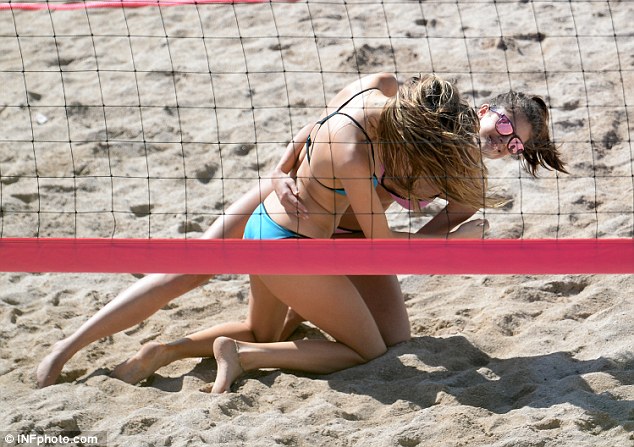
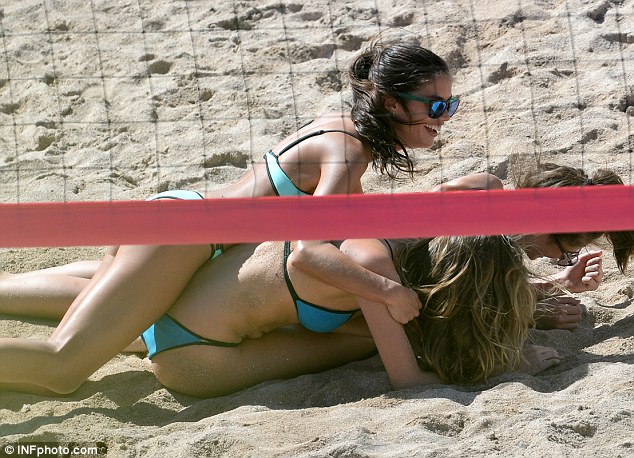
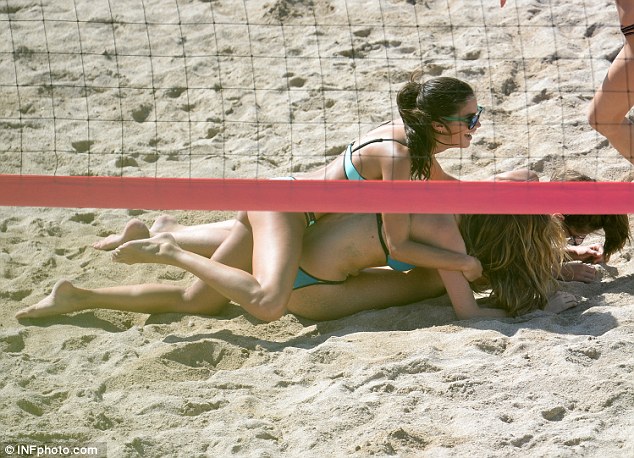
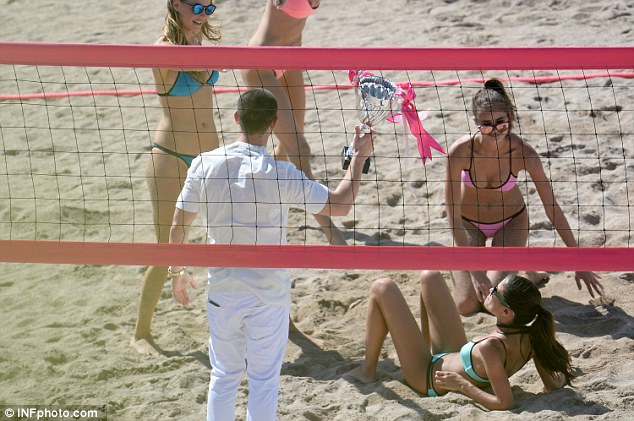
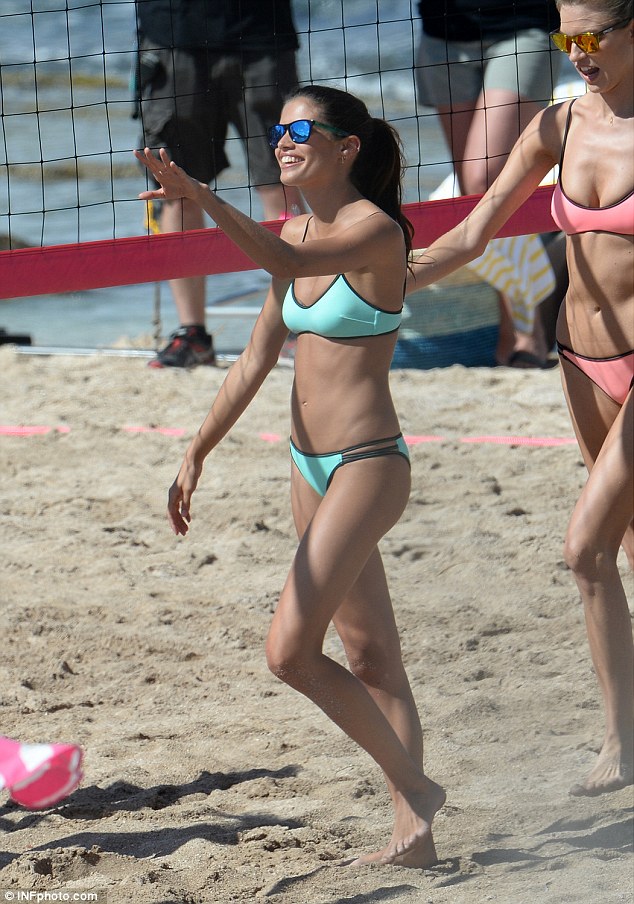
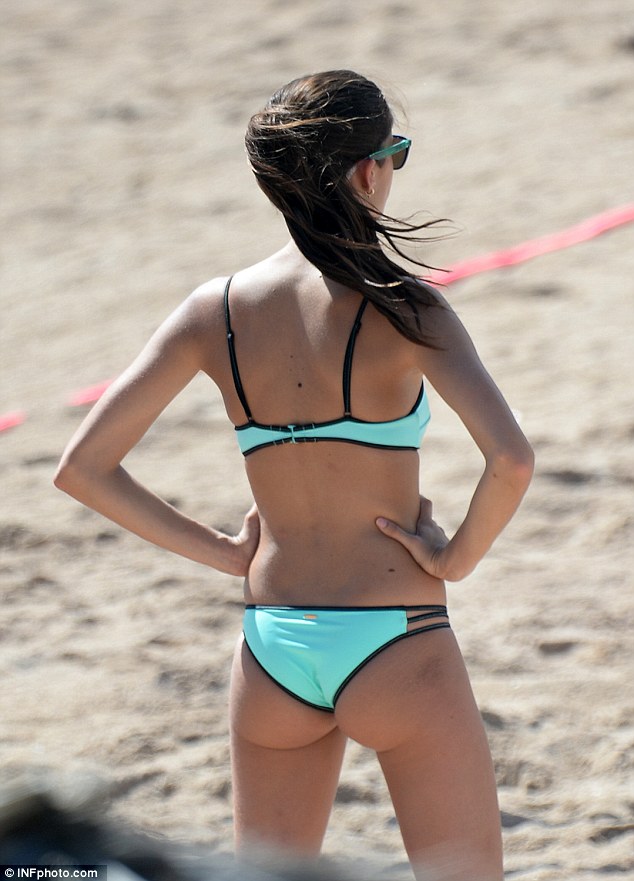
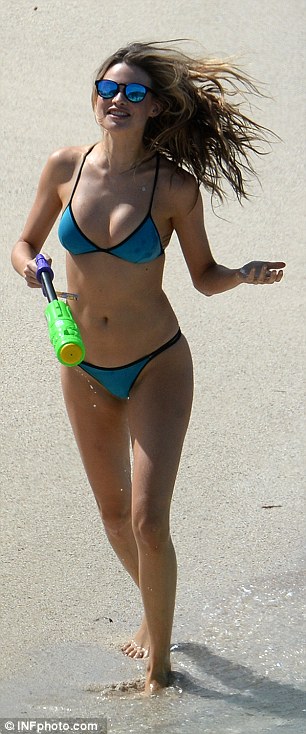
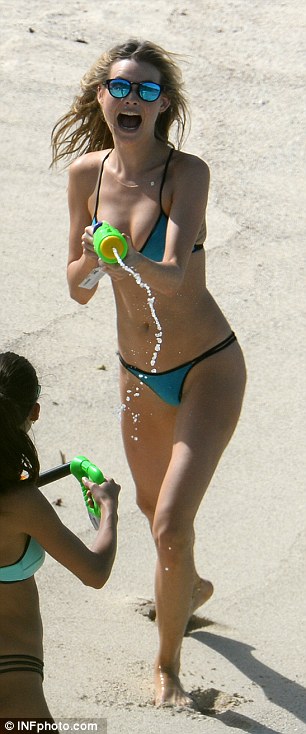
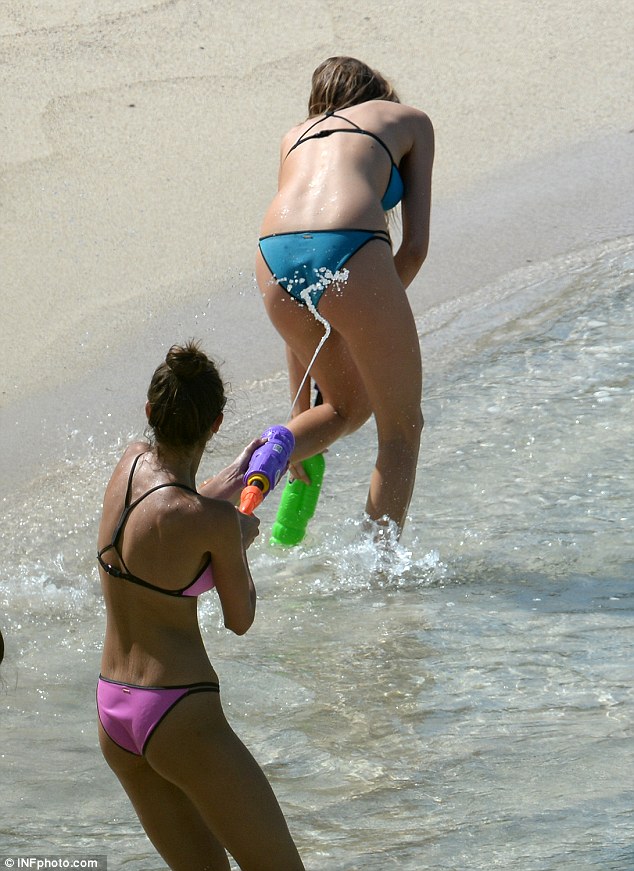
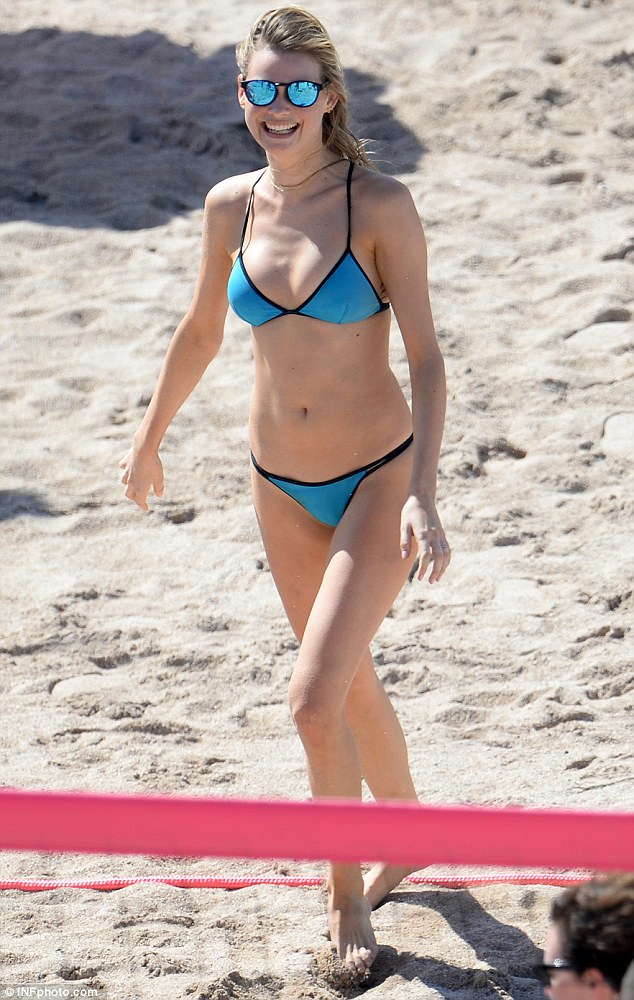
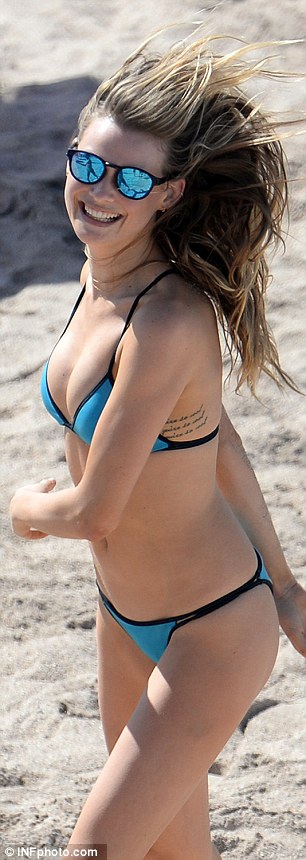
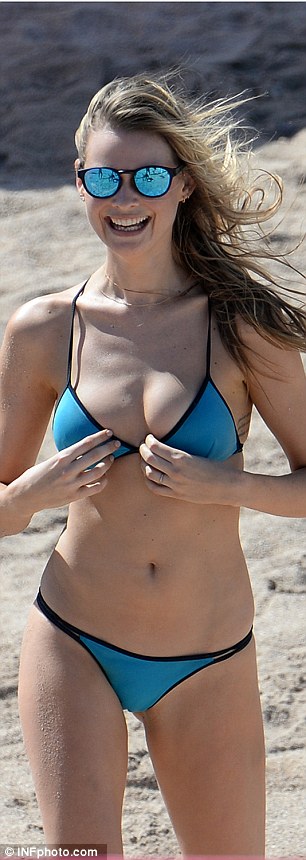
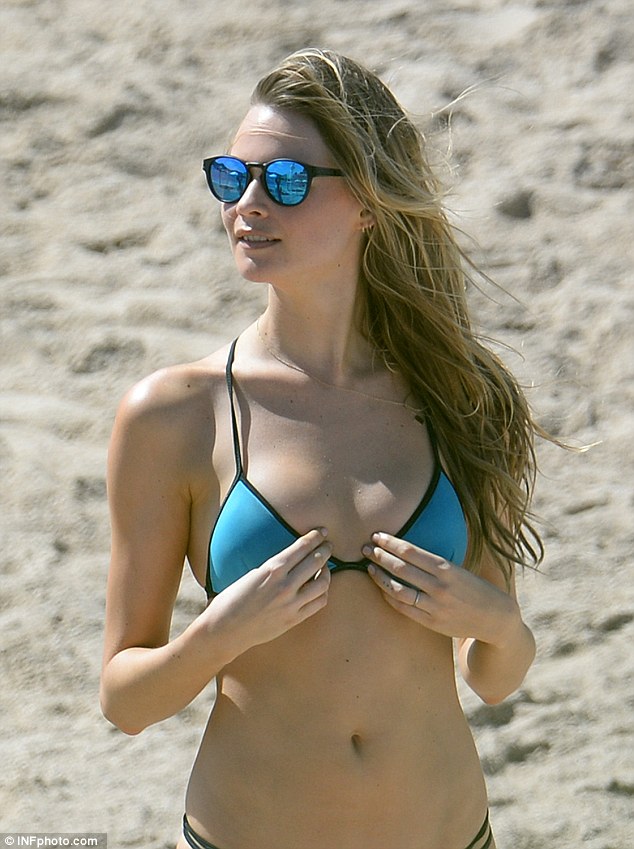
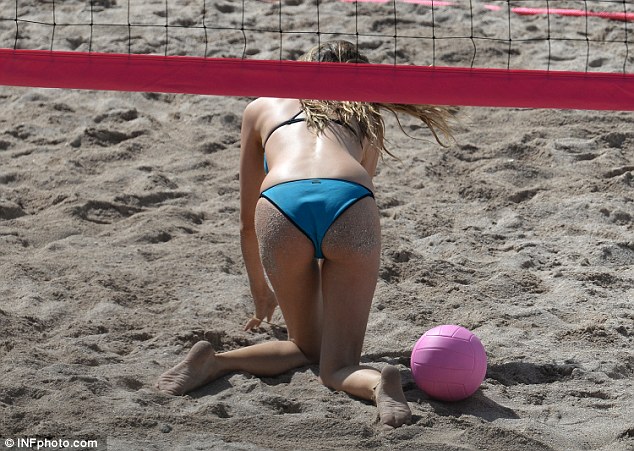
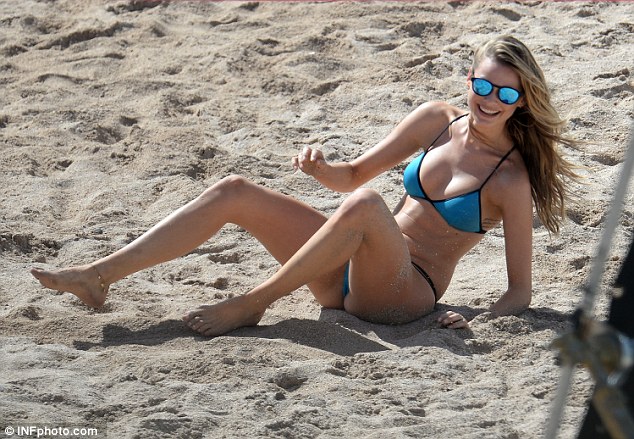
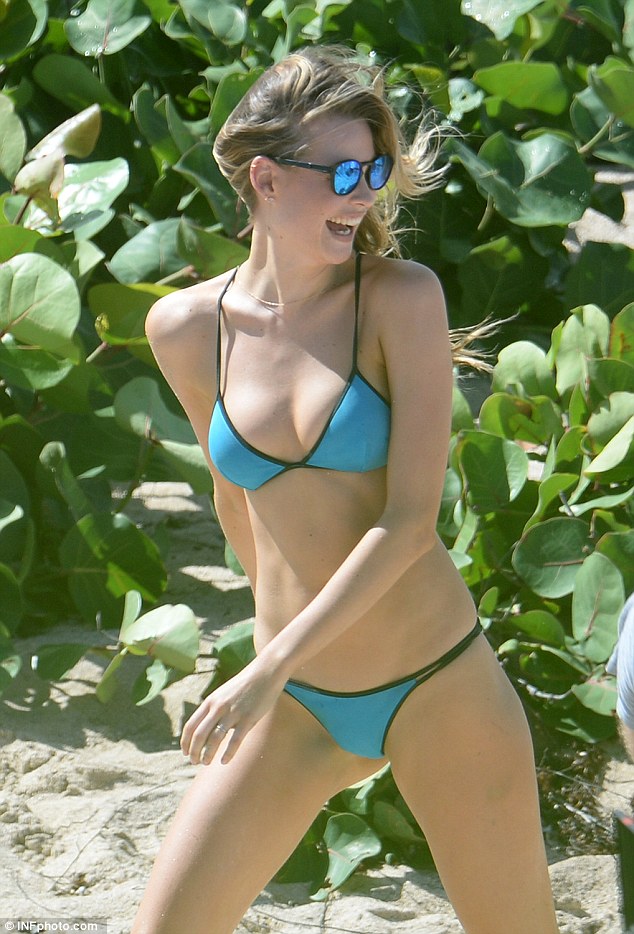
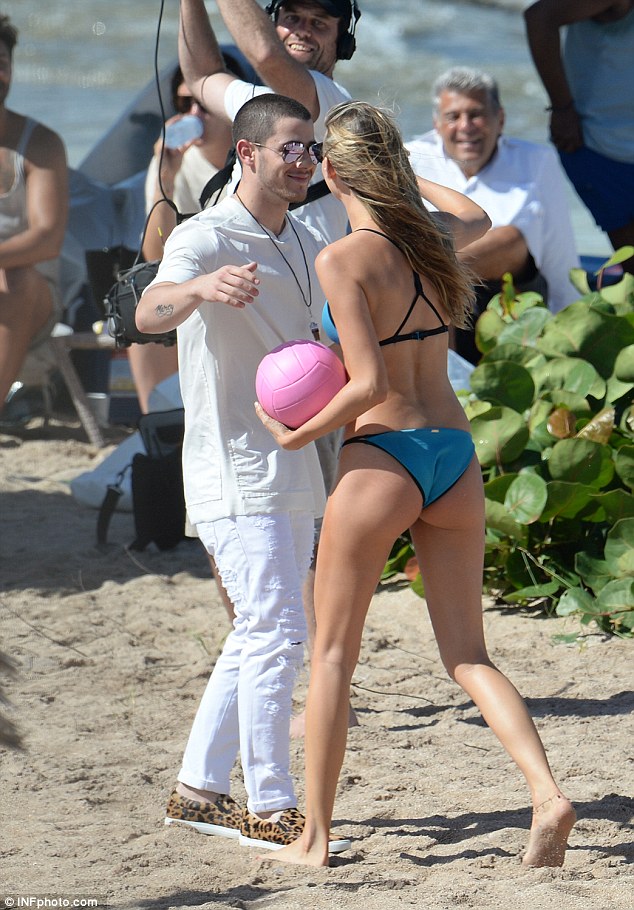
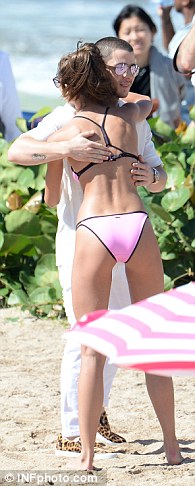
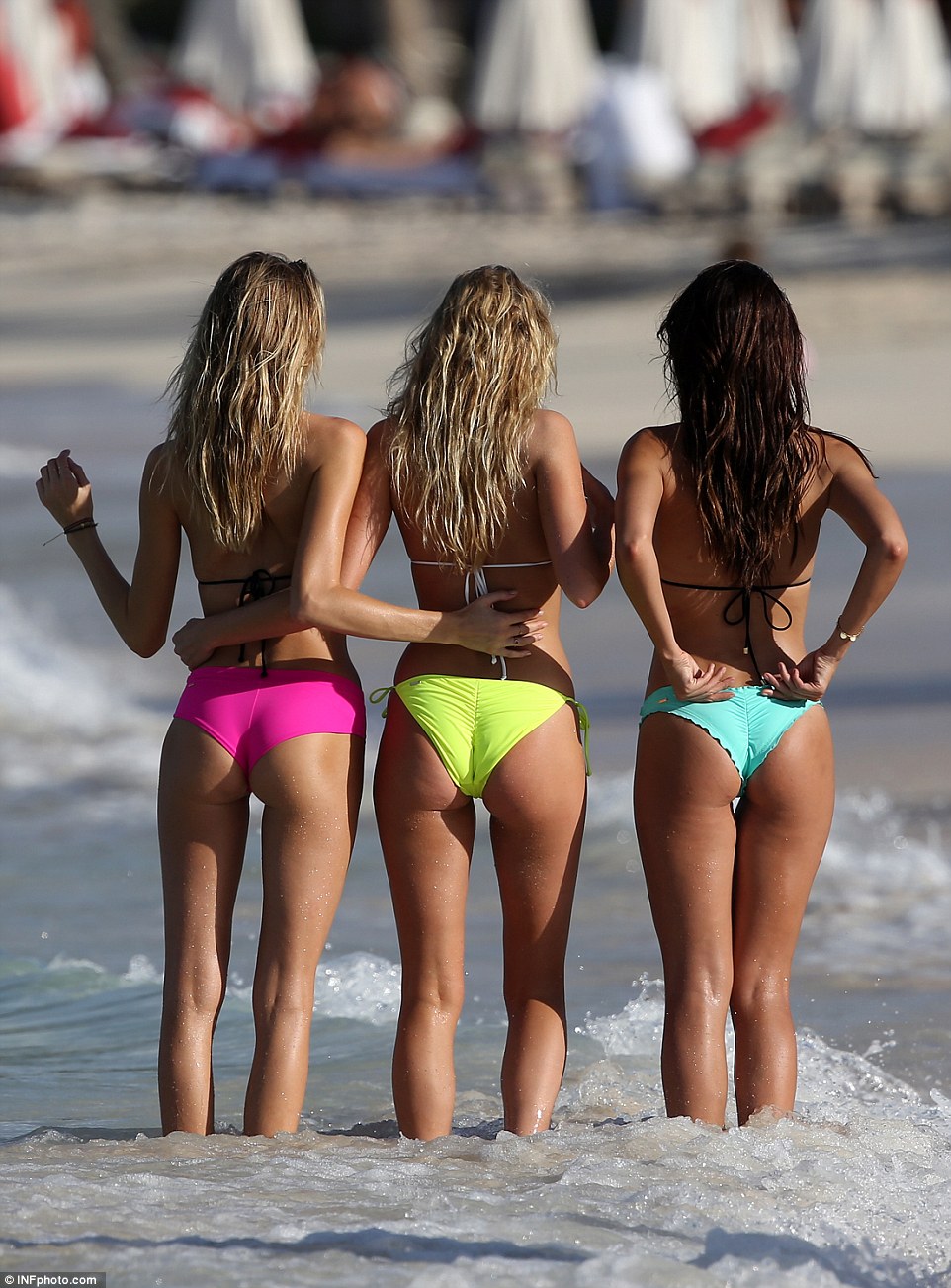
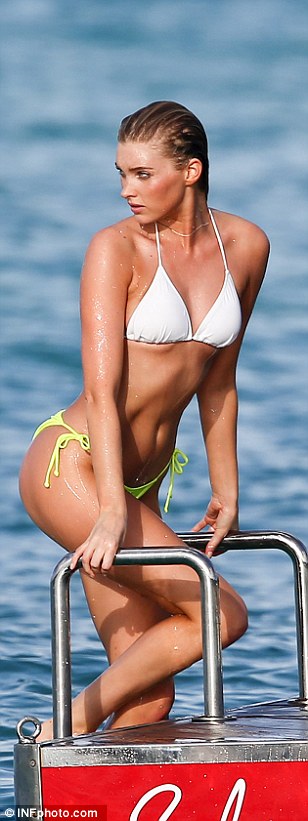
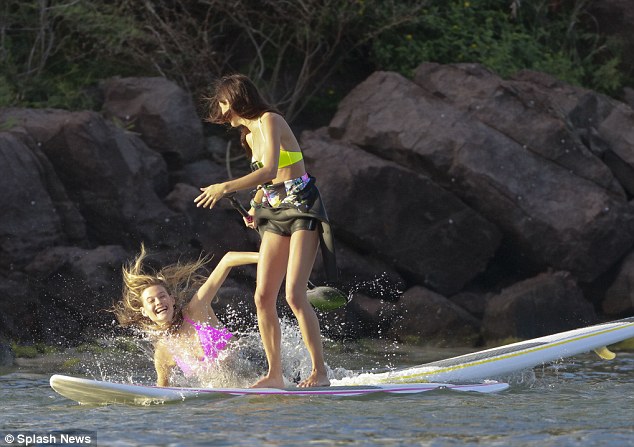
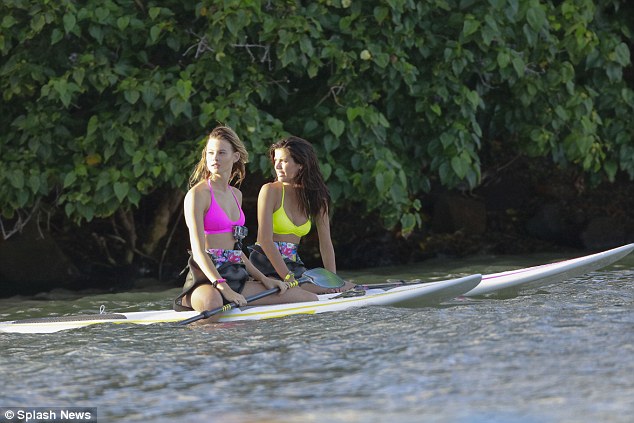
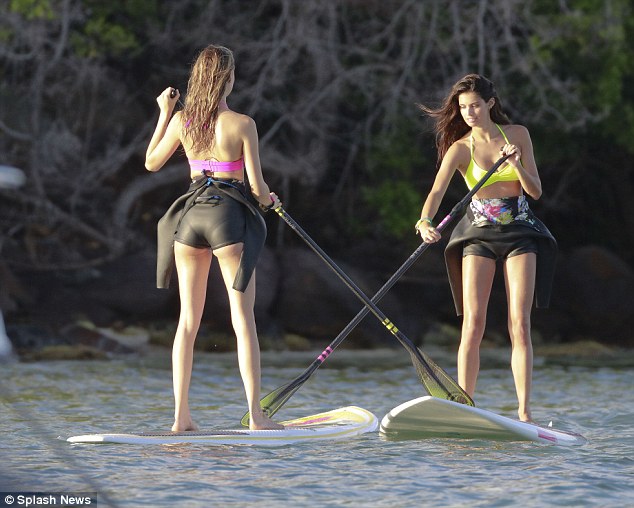
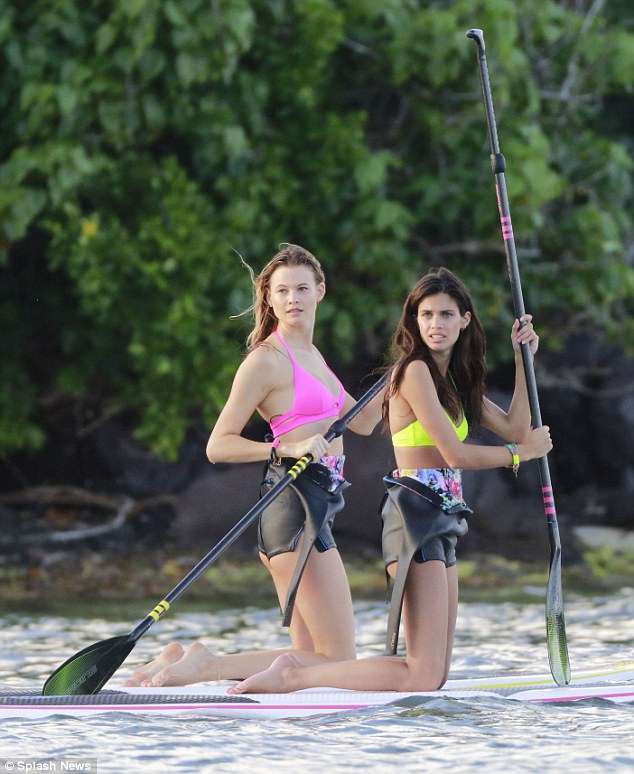
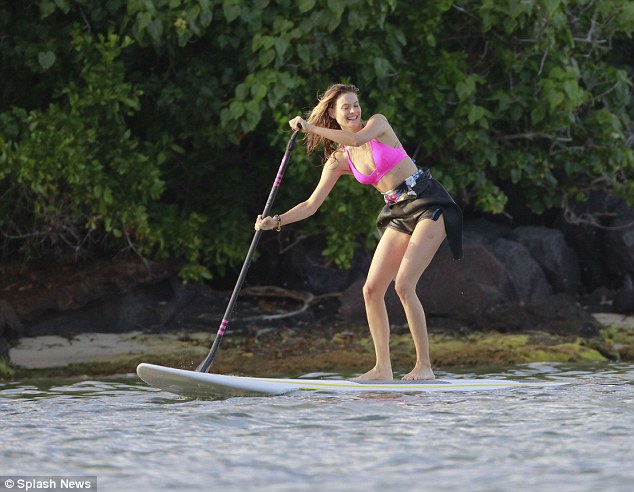
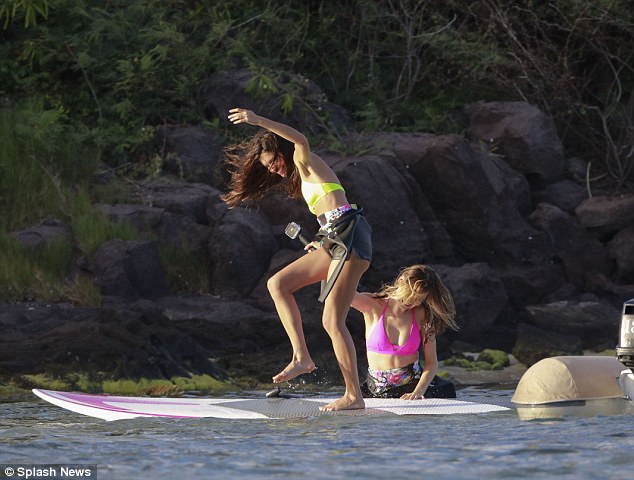
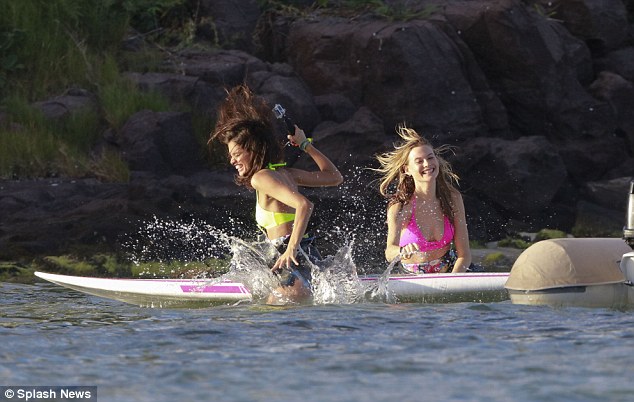
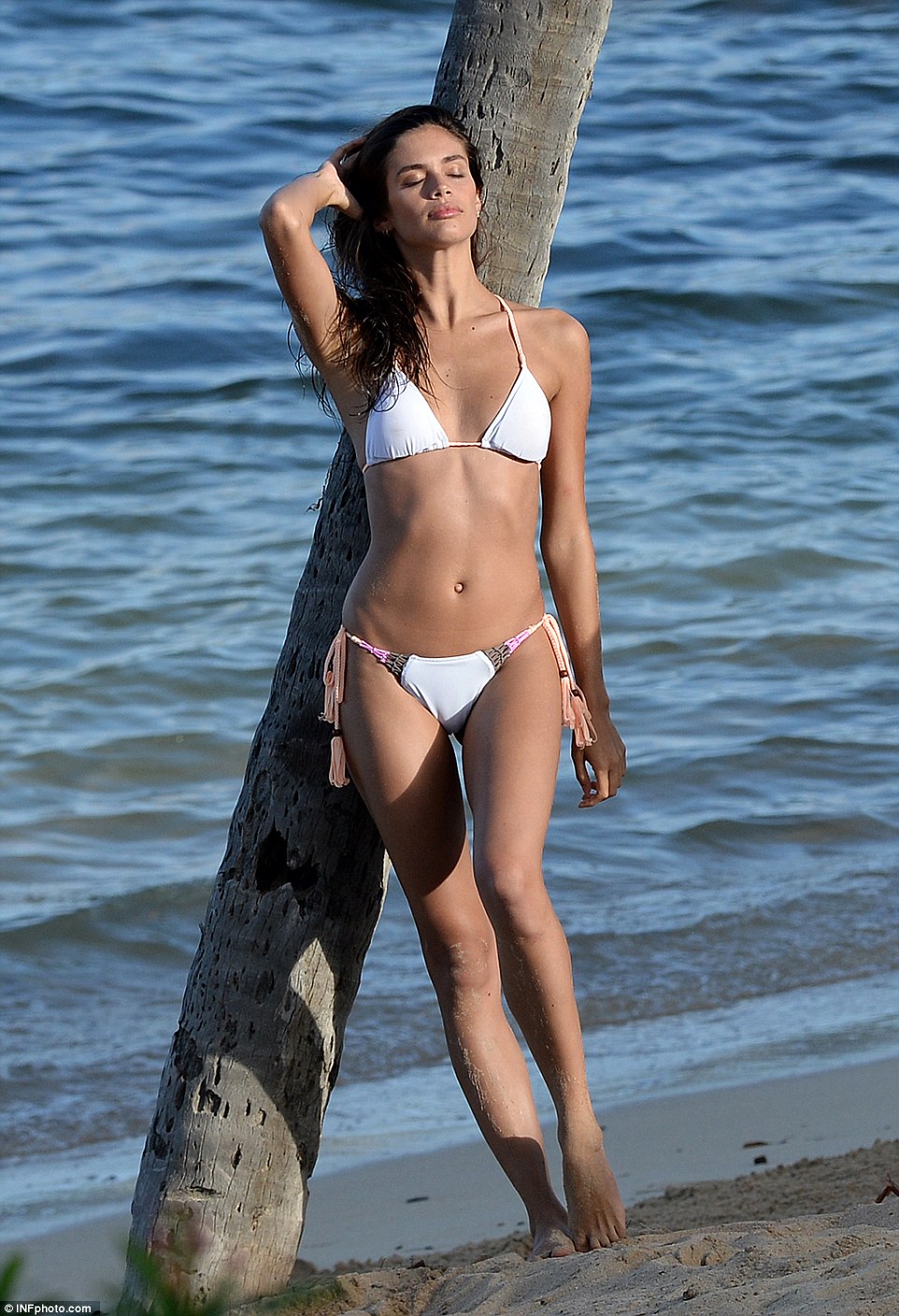
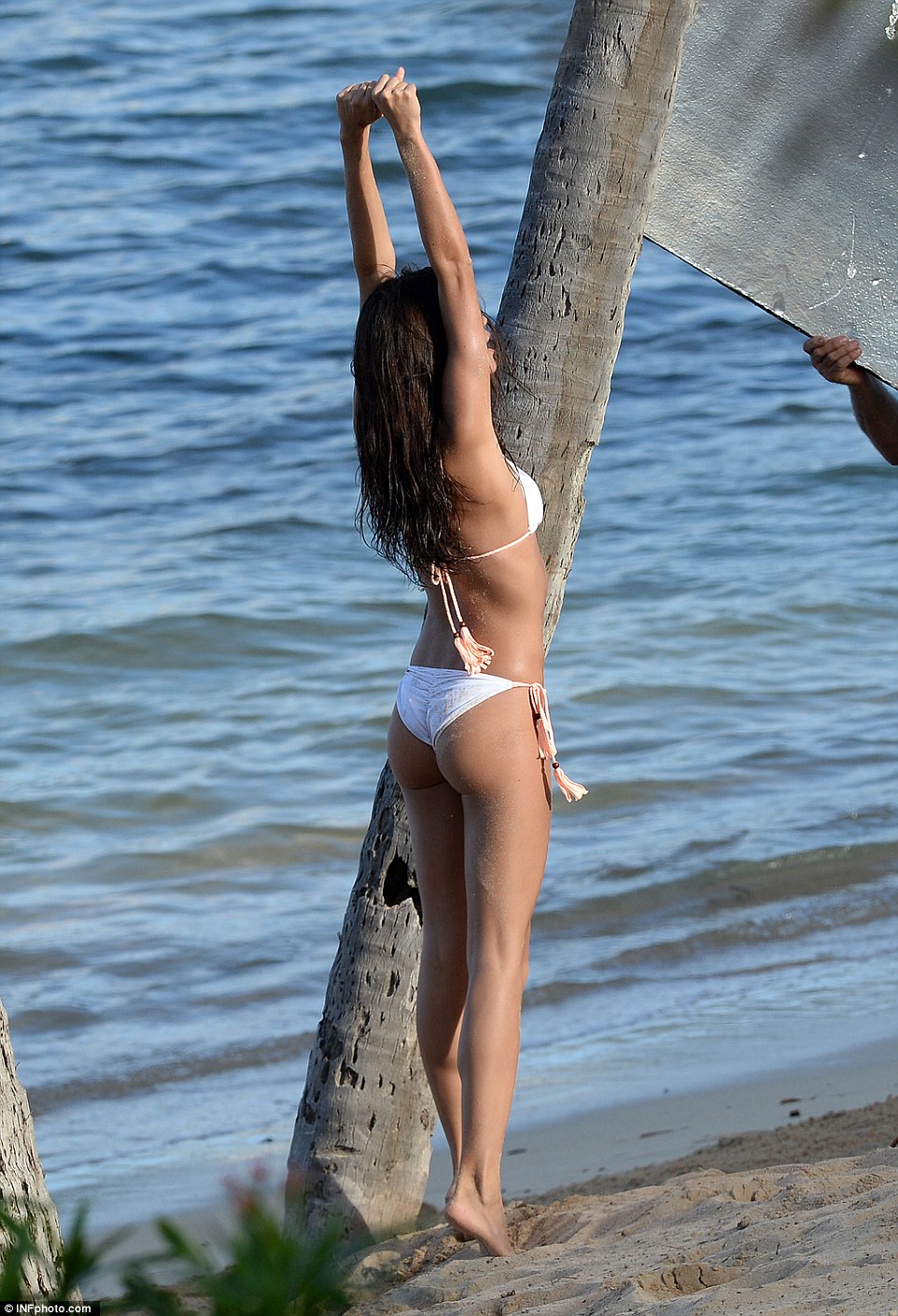
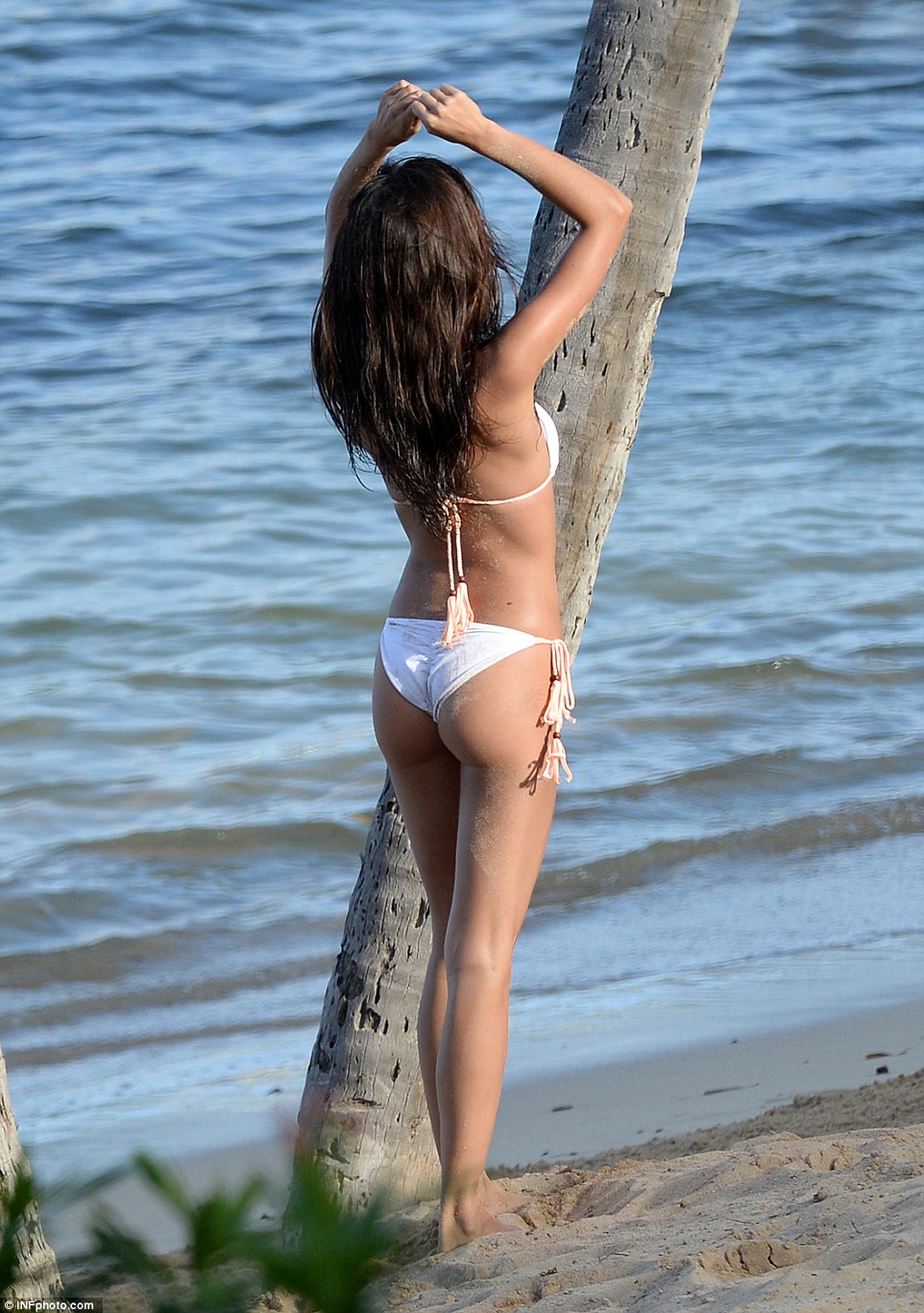
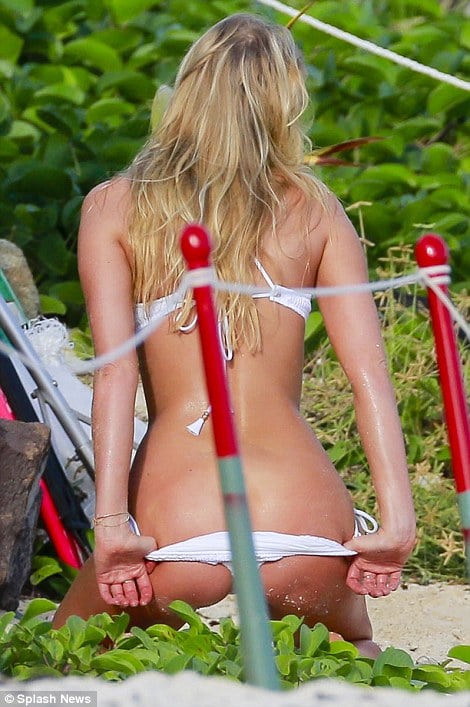
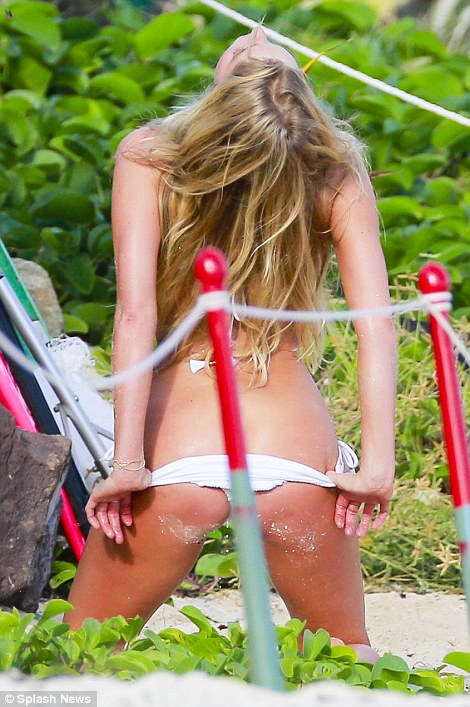
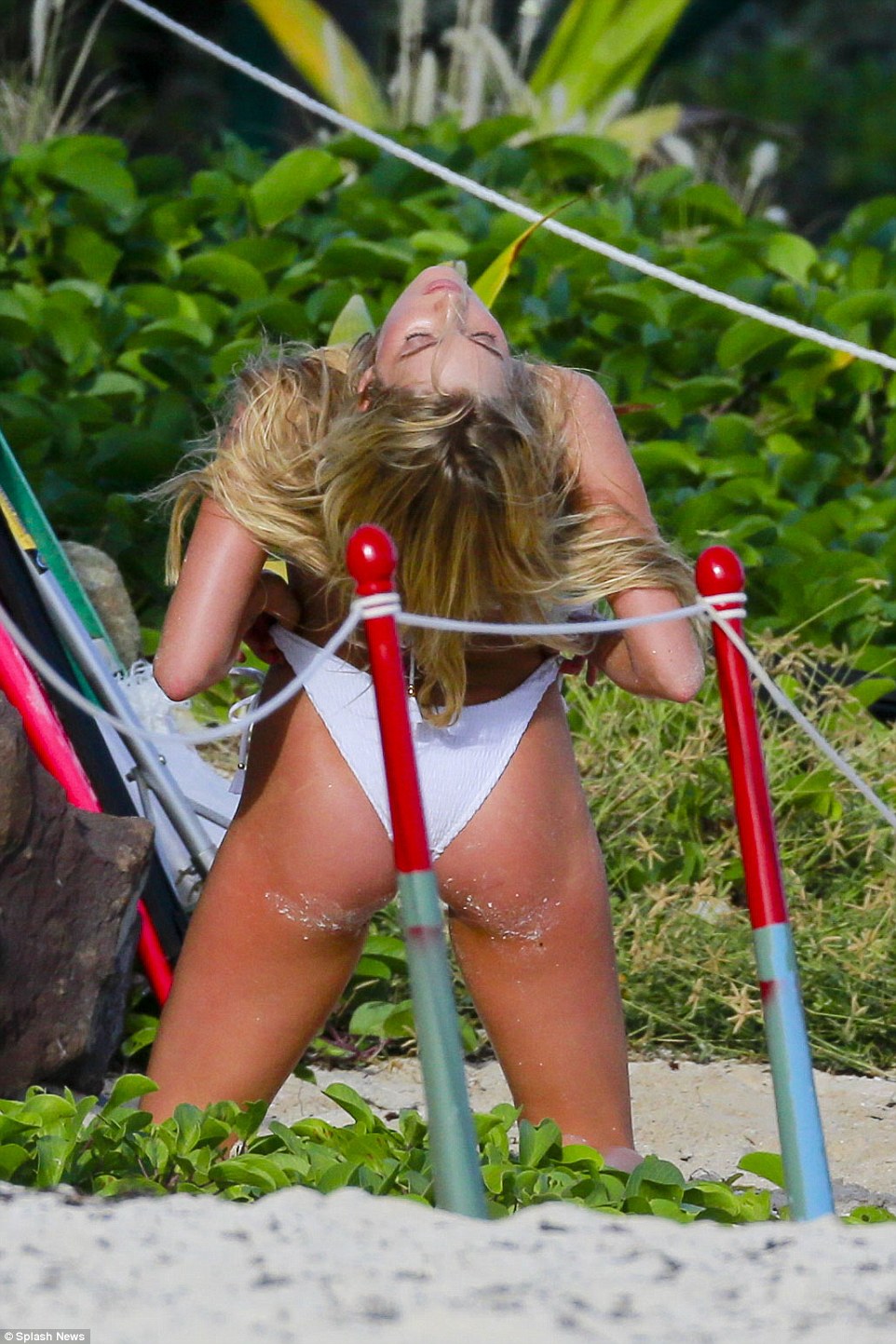
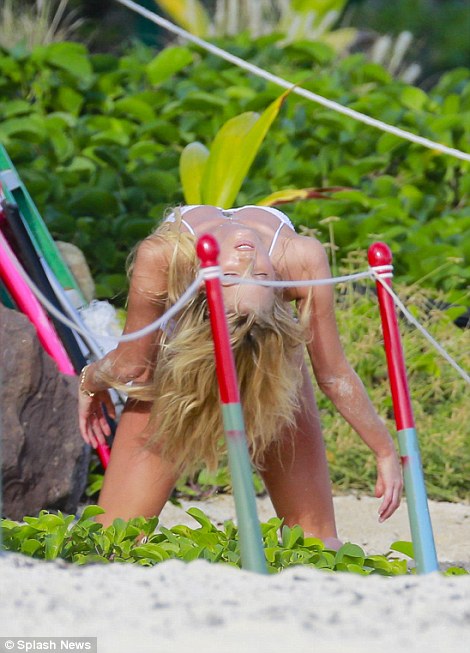
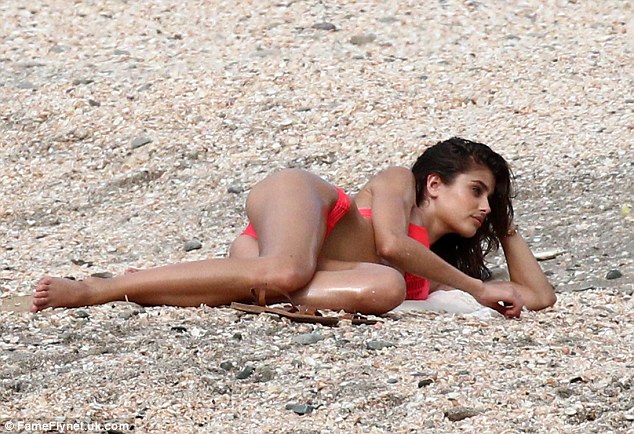
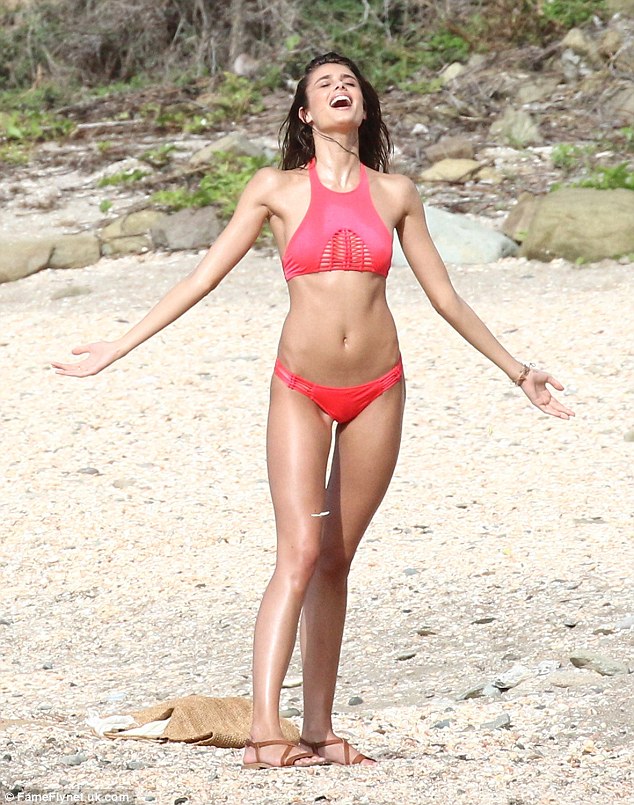
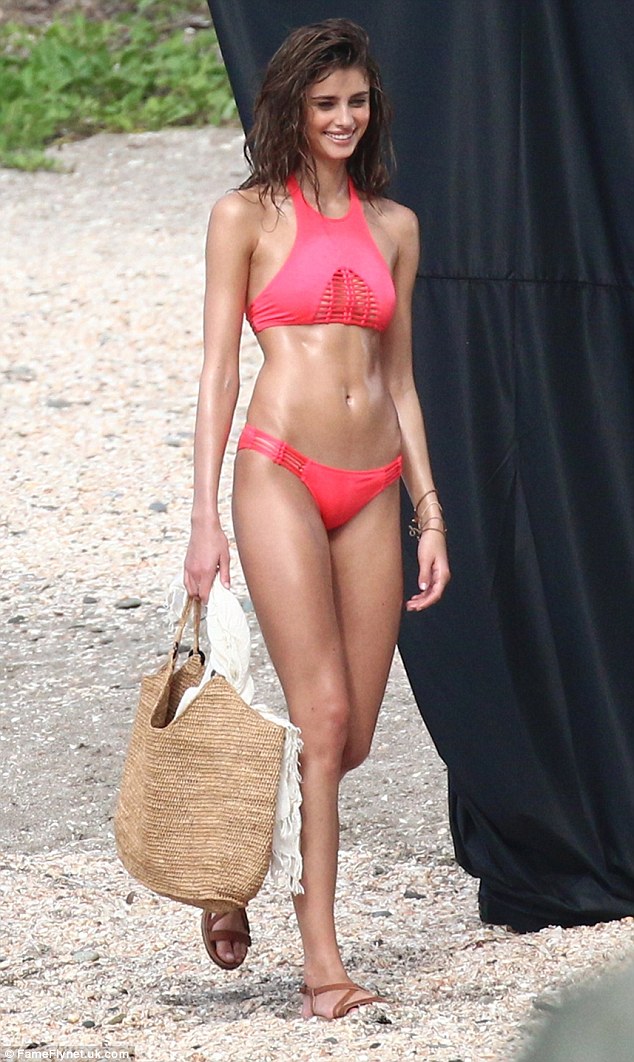
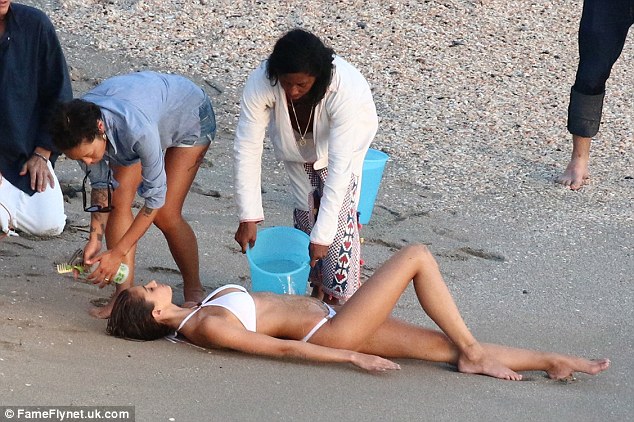
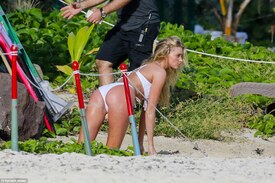 you're welcome Sara Sampaio and Behati in St. Barths 11.12.15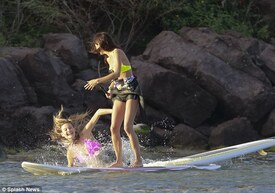


Account
Navigation
Search
Configure browser push notifications
Chrome (Android)
- Tap the lock icon next to the address bar.
- Tap Permissions → Notifications.
- Adjust your preference.
Chrome (Desktop)
- Click the padlock icon in the address bar.
- Select Site settings.
- Find Notifications and adjust your preference.
Safari (iOS 16.4+)
- Ensure the site is installed via Add to Home Screen.
- Open Settings App → Notifications.
- Find your app name and adjust your preference.
Safari (macOS)
- Go to Safari → Preferences.
- Click the Websites tab.
- Select Notifications in the sidebar.
- Find this website and adjust your preference.
Edge (Android)
- Tap the lock icon next to the address bar.
- Tap Permissions.
- Find Notifications and adjust your preference.
Edge (Desktop)
- Click the padlock icon in the address bar.
- Click Permissions for this site.
- Find Notifications and adjust your preference.
Firefox (Android)
- Go to Settings → Site permissions.
- Tap Notifications.
- Find this site in the list and adjust your preference.
Firefox (Desktop)
- Open Firefox Settings.
- Search for Notifications.
- Find this site in the list and adjust your preference.