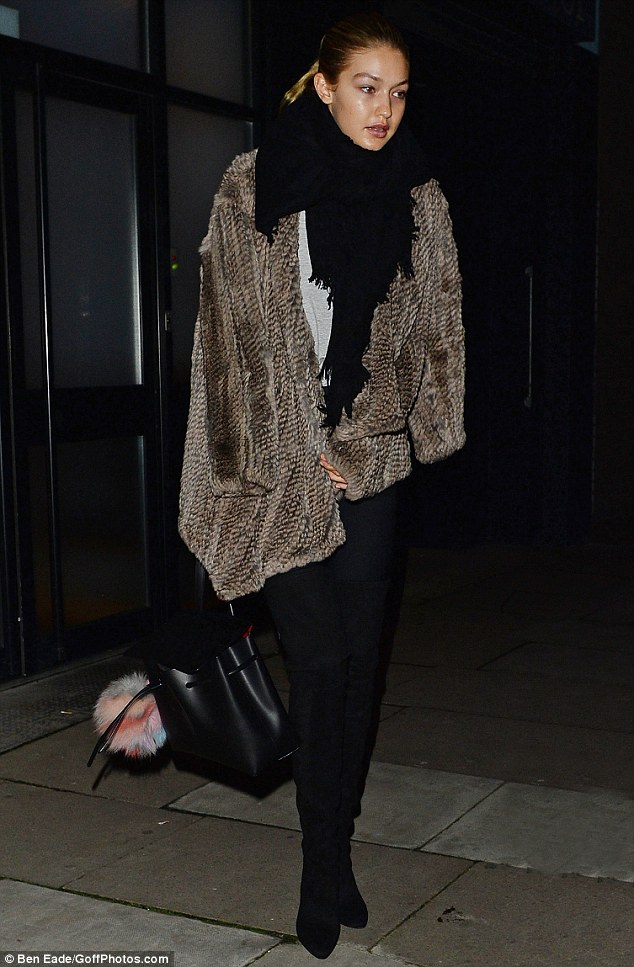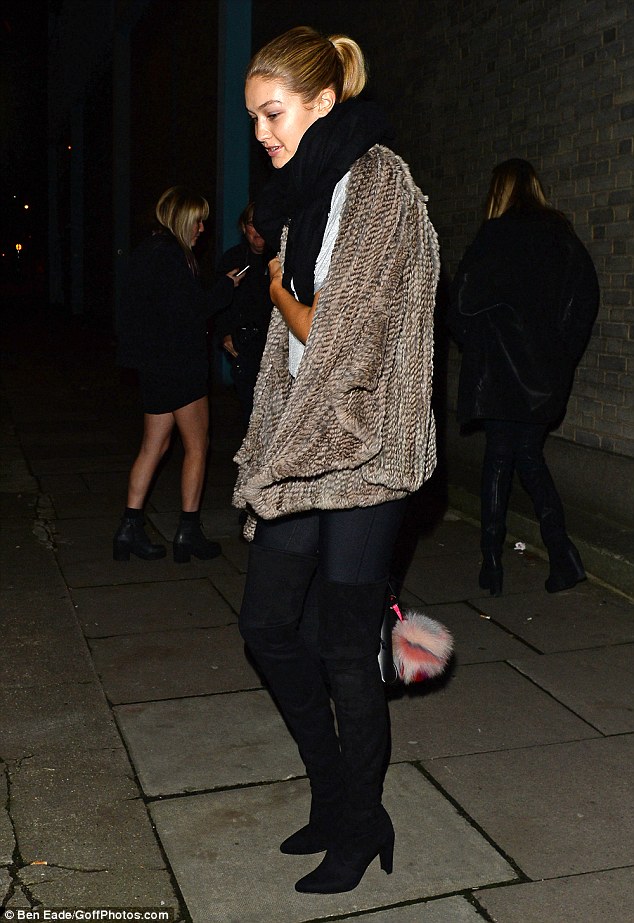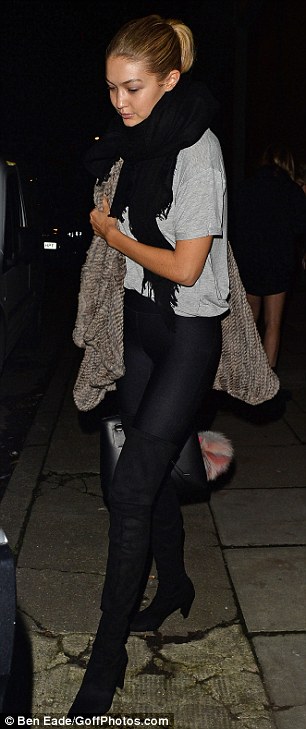

emerald7
Members
-
Joined
-
Last visited
Everything posted by emerald7
-
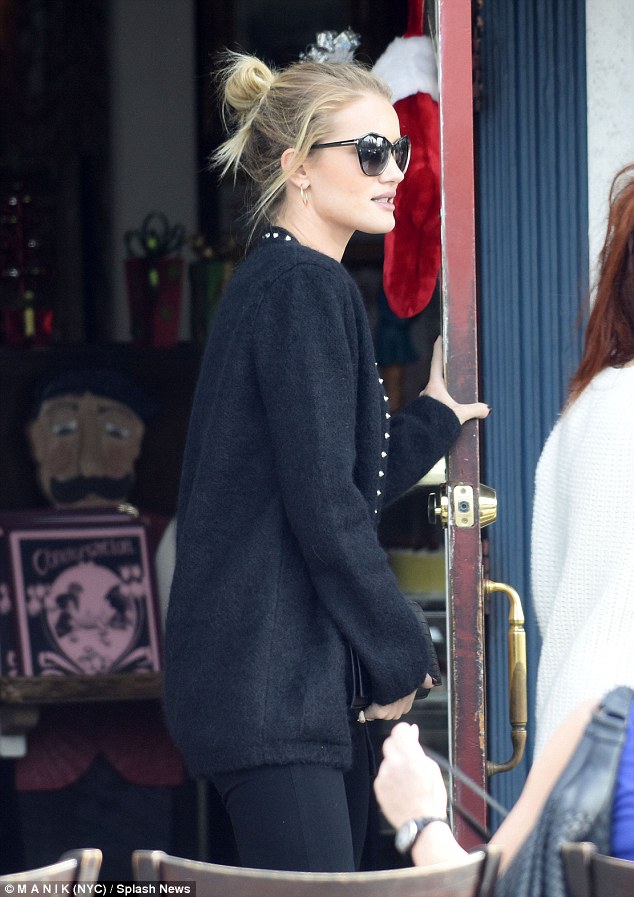
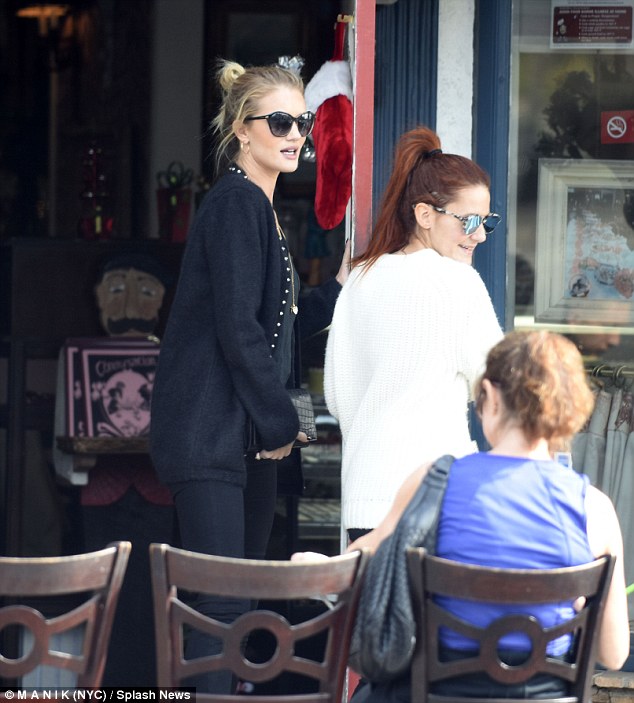
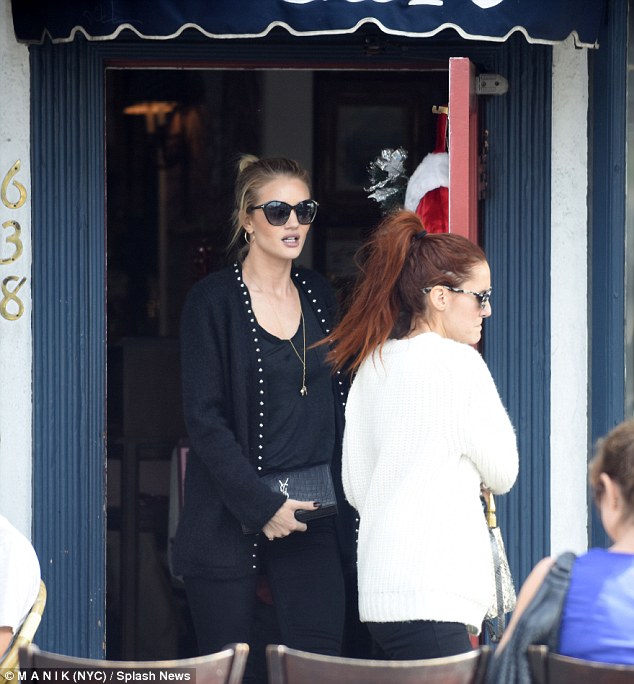
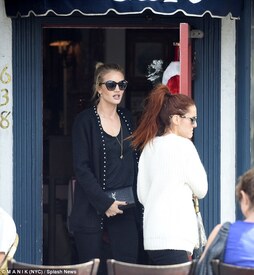
 Rosie in West Hollywood 5.12.15
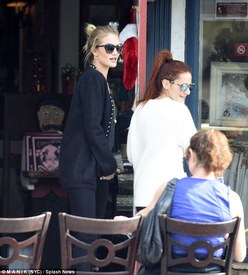
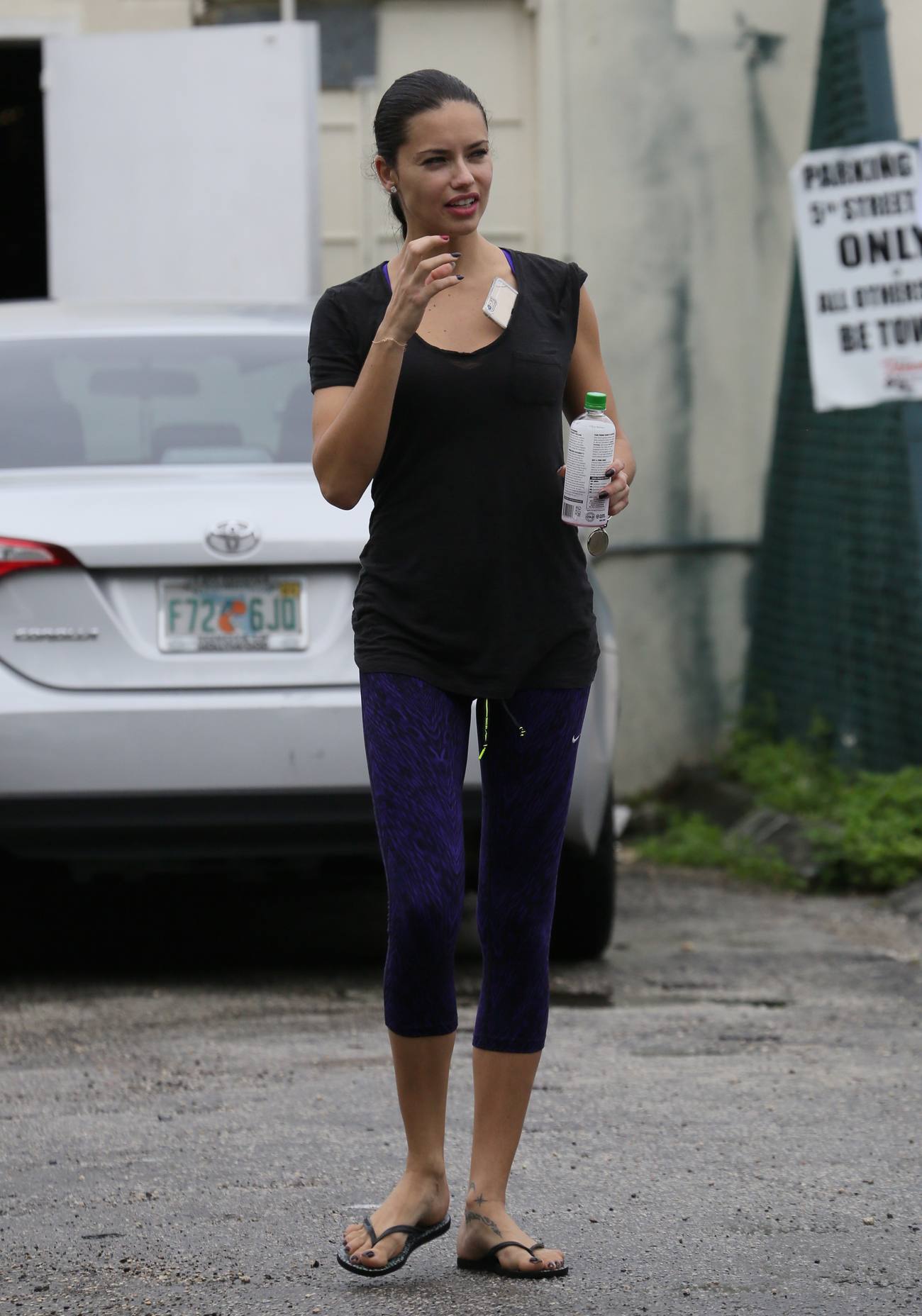
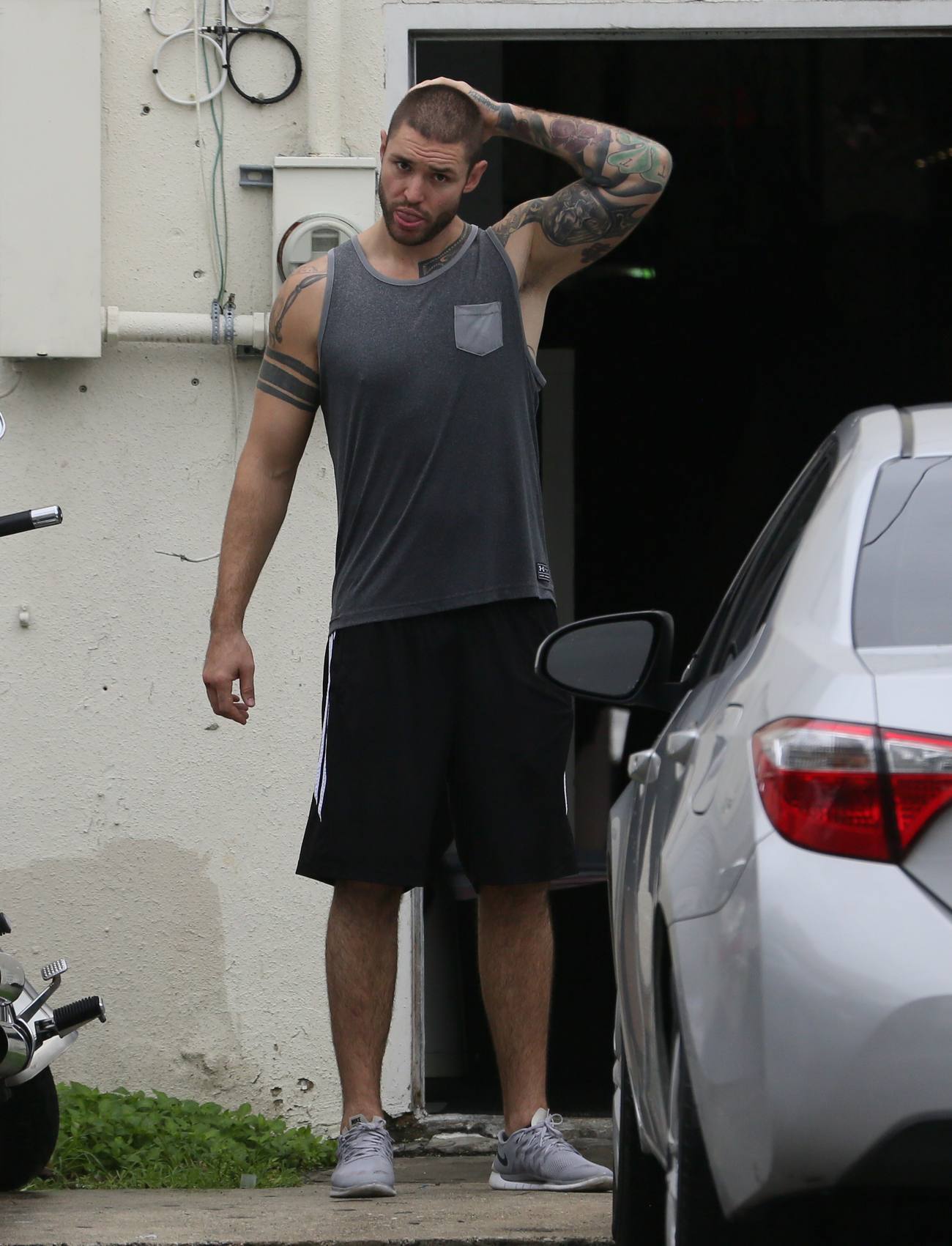
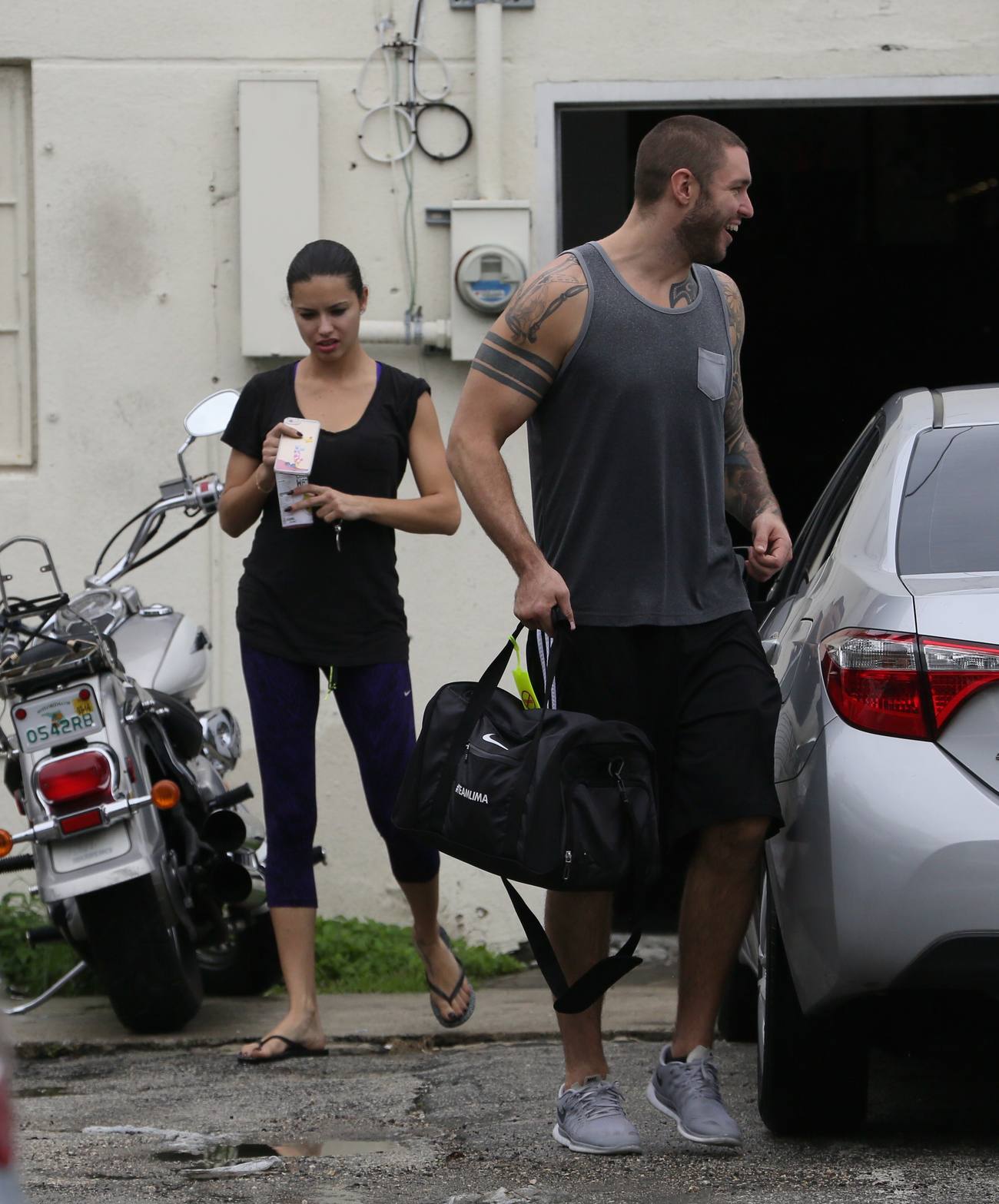
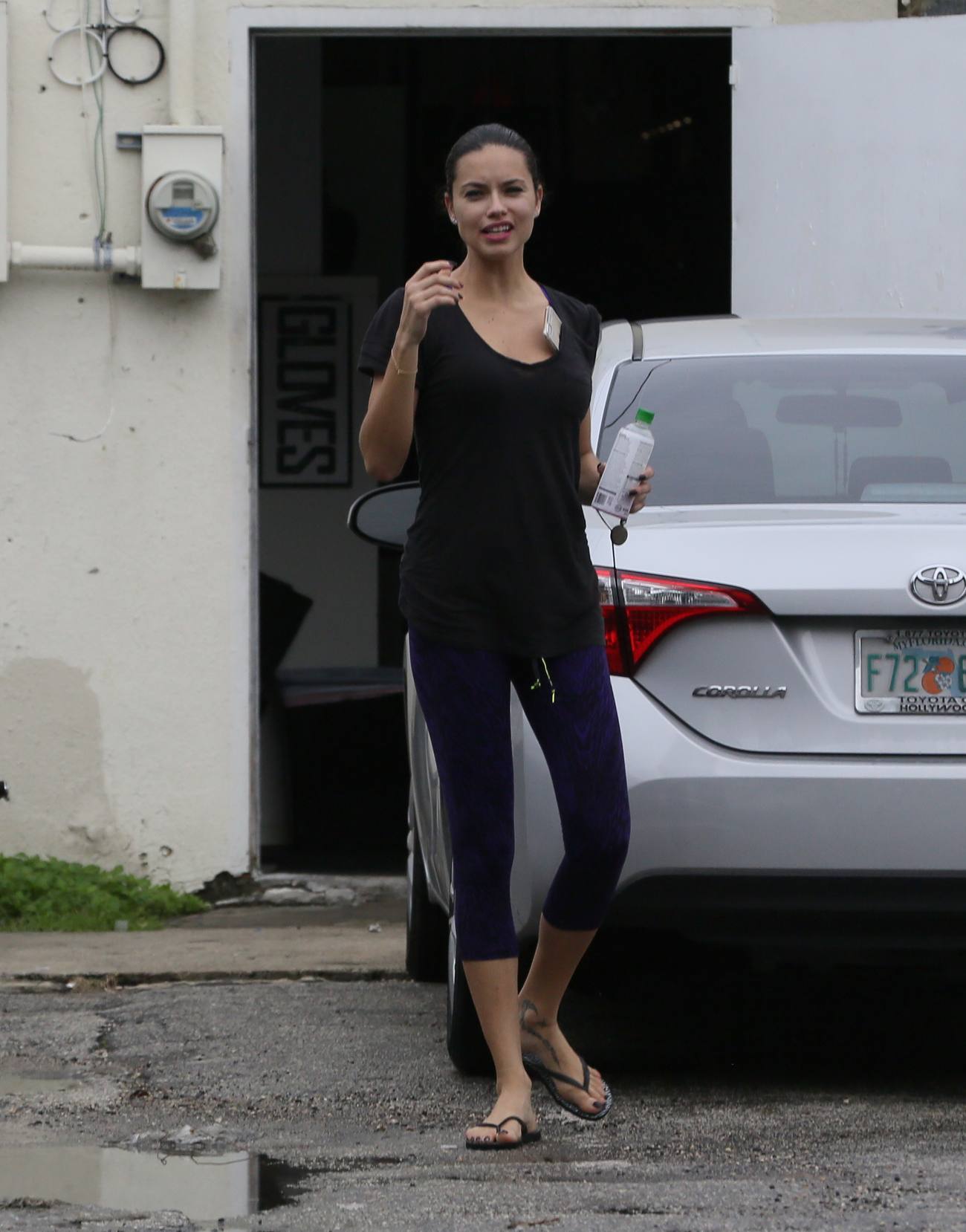
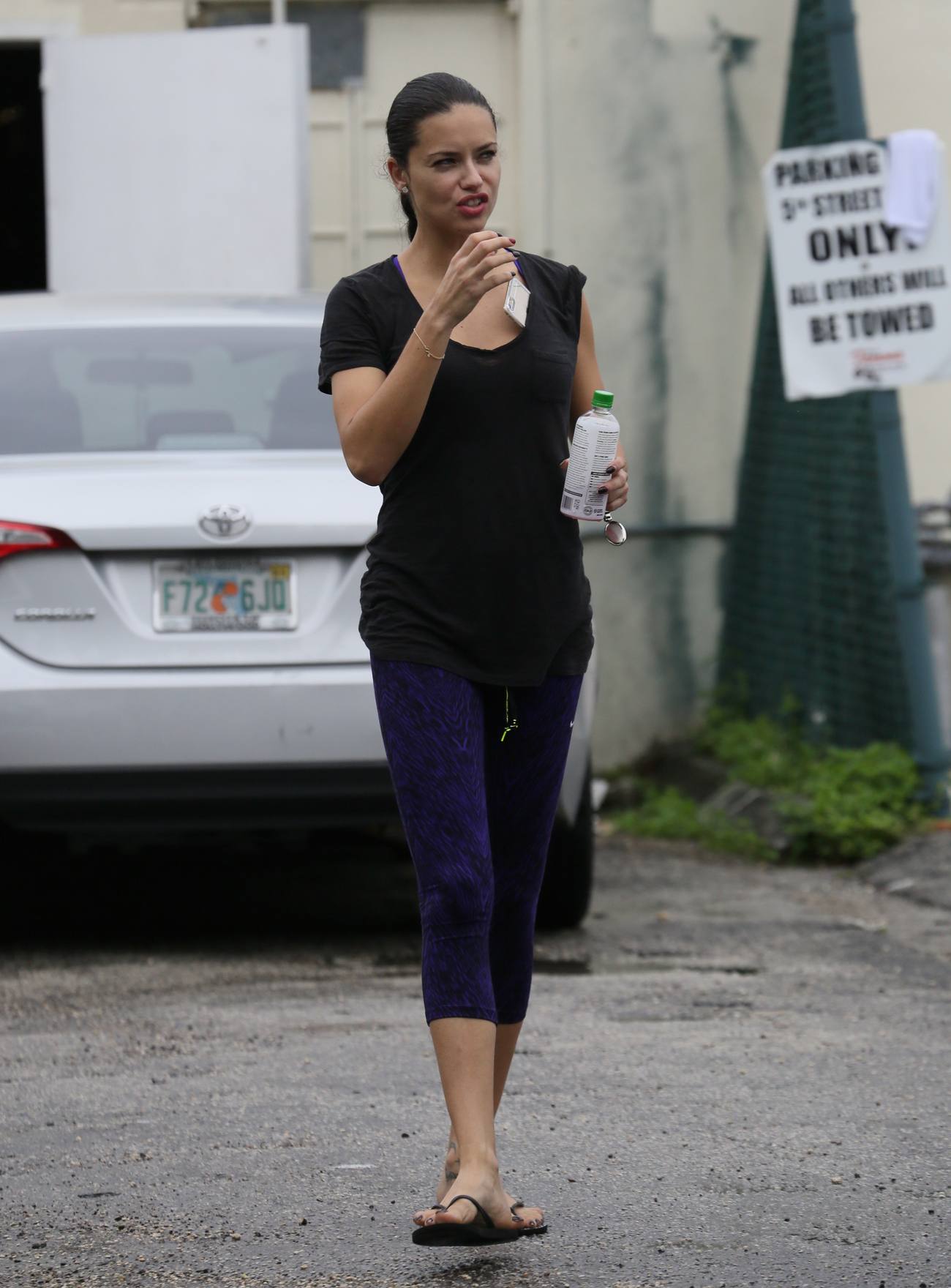
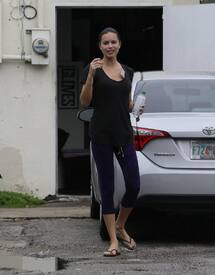
 Super model Adriana Lima and boyfriend Joe leaving boxing gym on December 4, 2015.





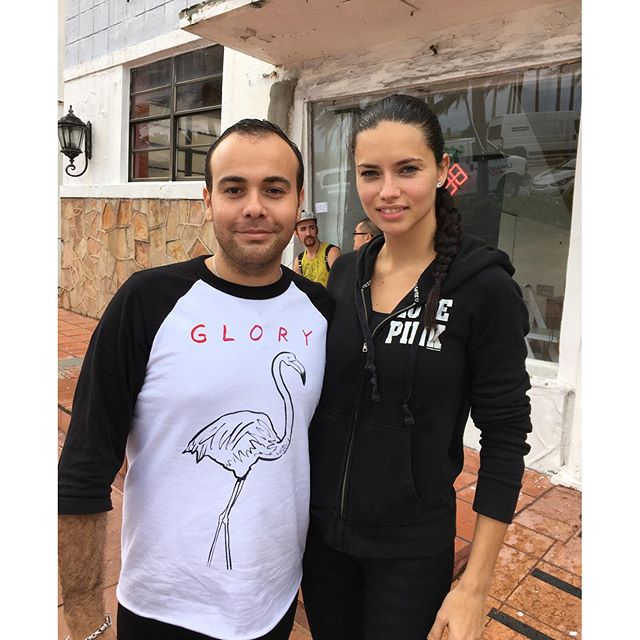
 thanks everyone for the updates liked the interview ricardocncl Thank you @adrianalima for the picture! #Model #Fashion #ArtBasel2015 #ArtistRun #MiamiProject #MiamiBeach #Brazil #PuertoRico love that mundosbrasil all her looks for VS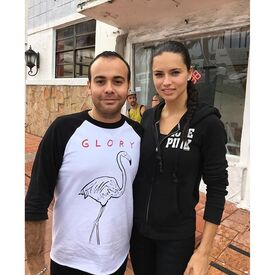
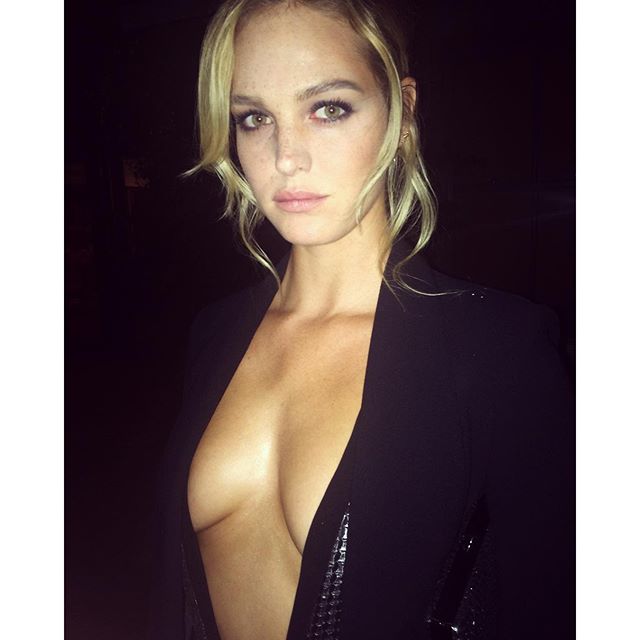
 erinheathertonlegit Oh, hello fine dining with @GQ & @BrooksBrothers ... And @InNOut Thank you for a beautiful evening!
 love her for Lui one of the best!!! hope there are more pics officialjdunn @expressrunway dancing crew @davidagbodji @seanopry55 #setlife about her Hair, i liek it but also i prefer the black long hairstyle. Or maybe she could be more experementing like Rihanna and try different haircolors?? Well of course it dosen't looks good on everyone.
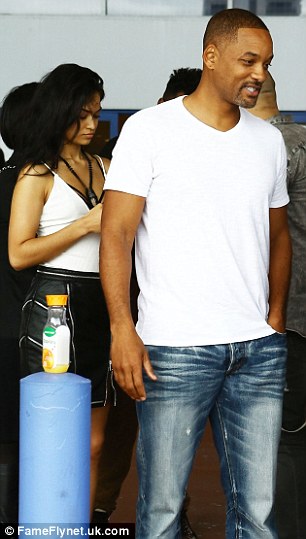
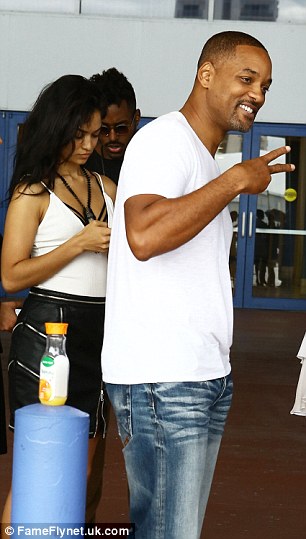
they look cute together love that pic thanks @Shepherd Art Basel Miami with her boyfriend and Will Smith
love her for Lui one of the best!!! hope there are more pics officialjdunn @expressrunway dancing crew @davidagbodji @seanopry55 #setlife about her Hair, i liek it but also i prefer the black long hairstyle. Or maybe she could be more experementing like Rihanna and try different haircolors?? Well of course it dosen't looks good on everyone.
they look cute together love that pic thanks @Shepherd Art Basel Miami with her boyfriend and Will Smith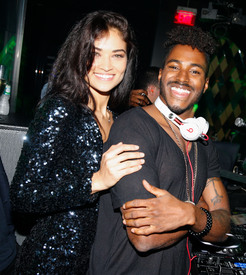








 yes, that would be my dream, to pic whatever i want for free, early christmas.
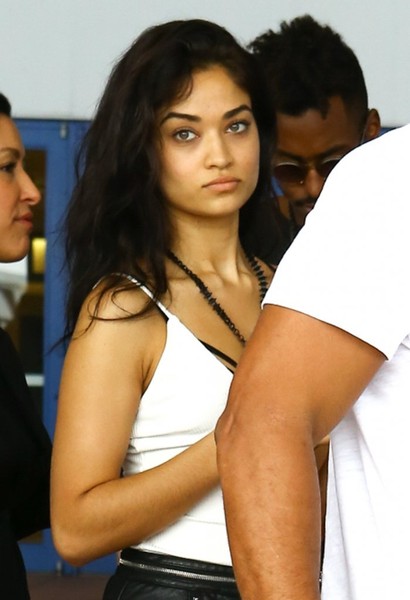
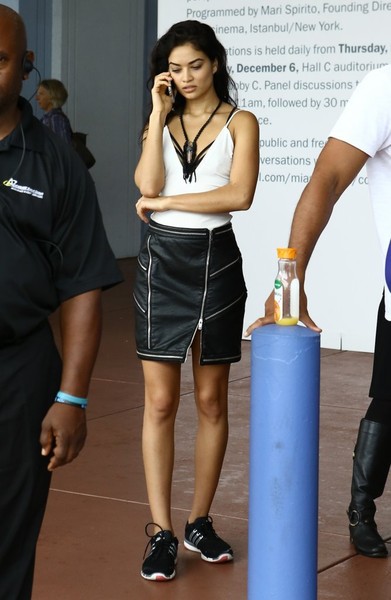
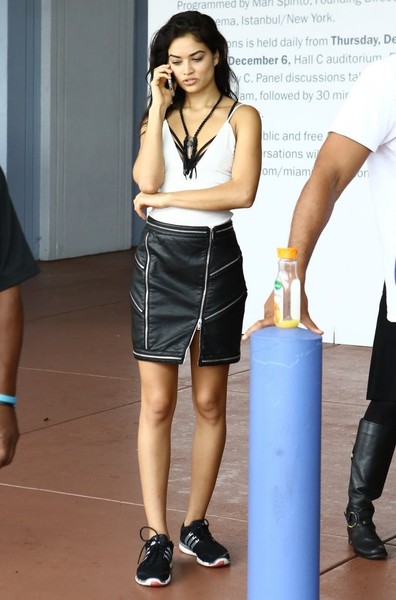
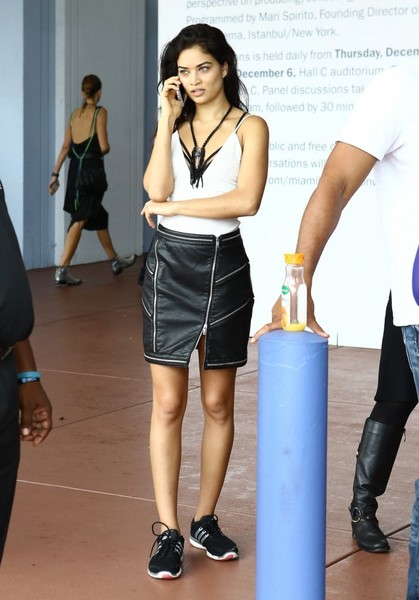
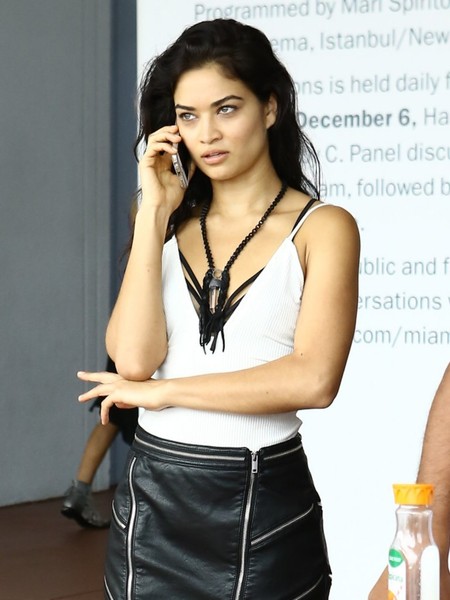
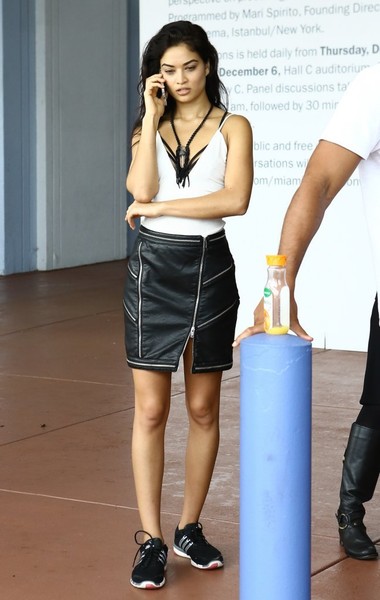
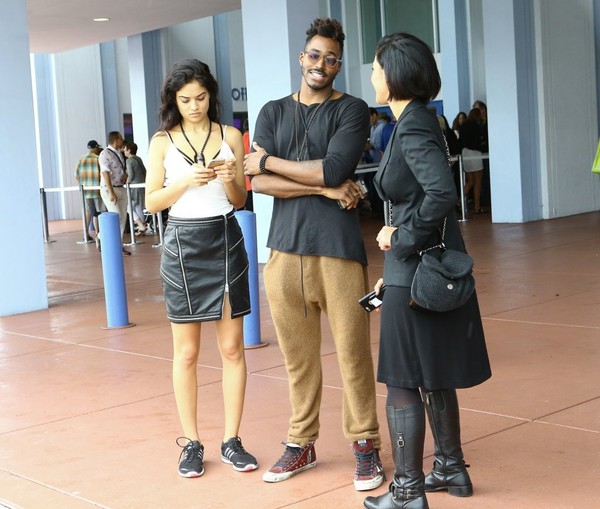
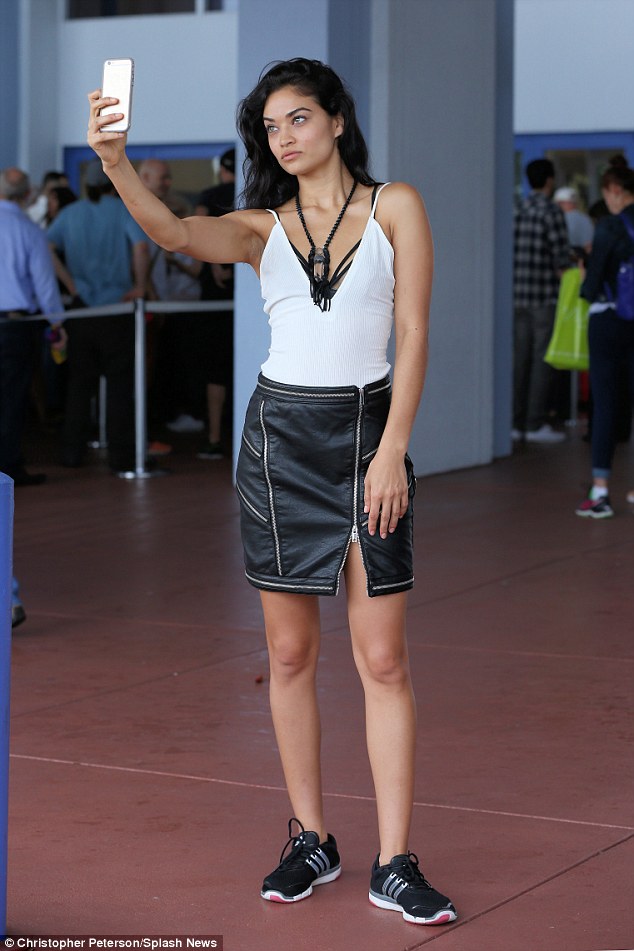
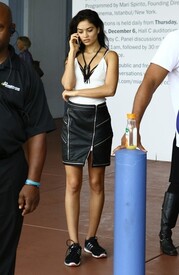
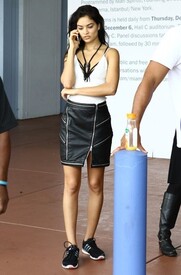
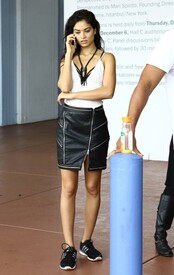
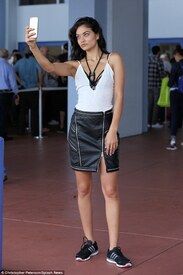
at the Art Basel in Miami
yes, that would be my dream, to pic whatever i want for free, early christmas.
at the Art Basel in Miami

 Love the BTS pic from Acqua di Gioia, what a beauty
Rosie looks great at the Grove Store and she looks so happy
Love the BTS pic from Acqua di Gioia, what a beauty
Rosie looks great at the Grove Store and she looks so happy
Account
Navigation
Search
Configure browser push notifications
Chrome (Android)
- Tap the lock icon next to the address bar.
- Tap Permissions → Notifications.
- Adjust your preference.
Chrome (Desktop)
- Click the padlock icon in the address bar.
- Select Site settings.
- Find Notifications and adjust your preference.
Safari (iOS 16.4+)
- Ensure the site is installed via Add to Home Screen.
- Open Settings App → Notifications.
- Find your app name and adjust your preference.
Safari (macOS)
- Go to Safari → Preferences.
- Click the Websites tab.
- Select Notifications in the sidebar.
- Find this website and adjust your preference.
Edge (Android)
- Tap the lock icon next to the address bar.
- Tap Permissions.
- Find Notifications and adjust your preference.
Edge (Desktop)
- Click the padlock icon in the address bar.
- Click Permissions for this site.
- Find Notifications and adjust your preference.
Firefox (Android)
- Go to Settings → Site permissions.
- Tap Notifications.
- Find this site in the list and adjust your preference.
Firefox (Desktop)
- Open Firefox Settings.
- Search for Notifications.
- Find this site in the list and adjust your preference.