
Pith_Possum
Members
-
Joined
-
Last visited
Everything posted by Pith_Possum
-
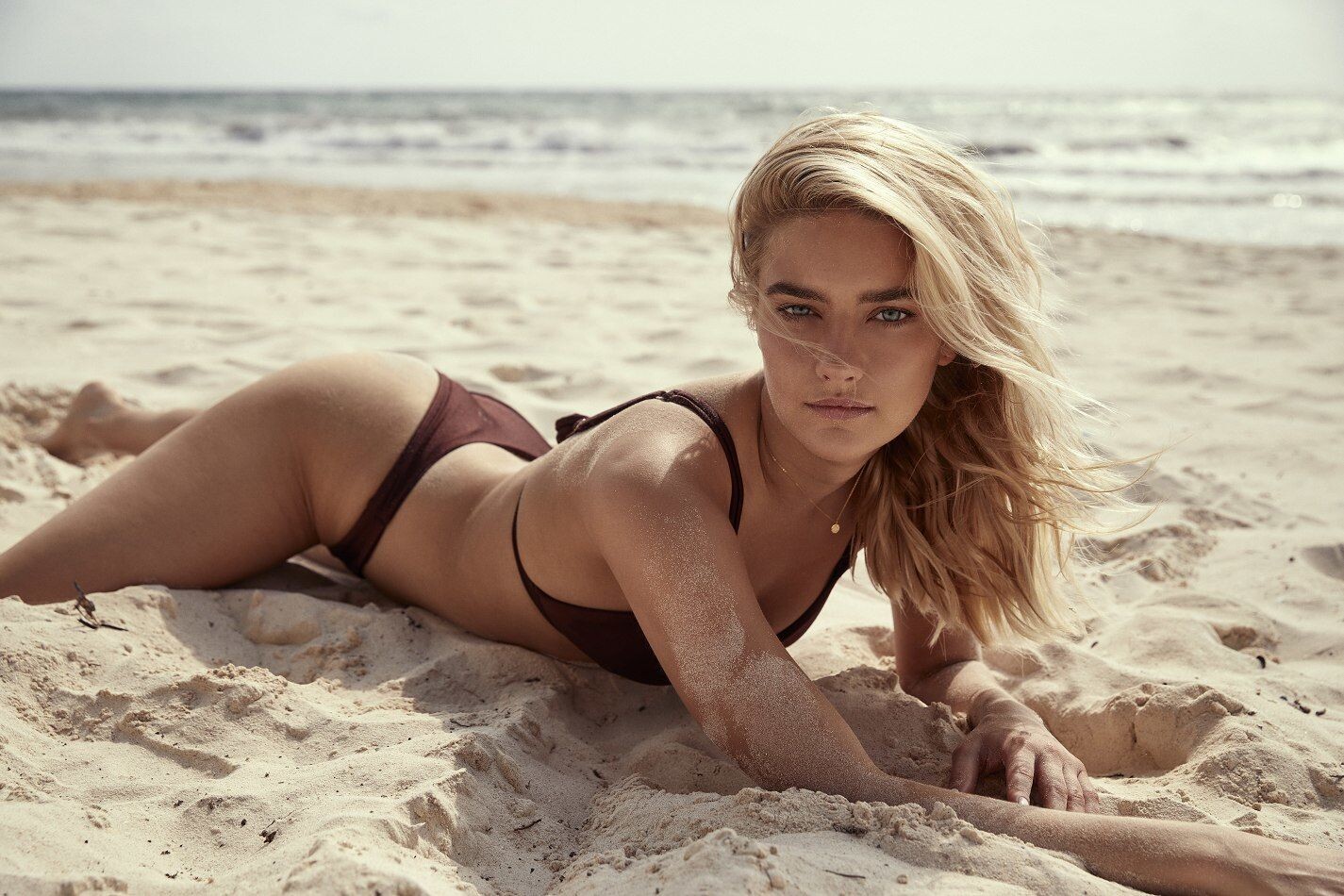
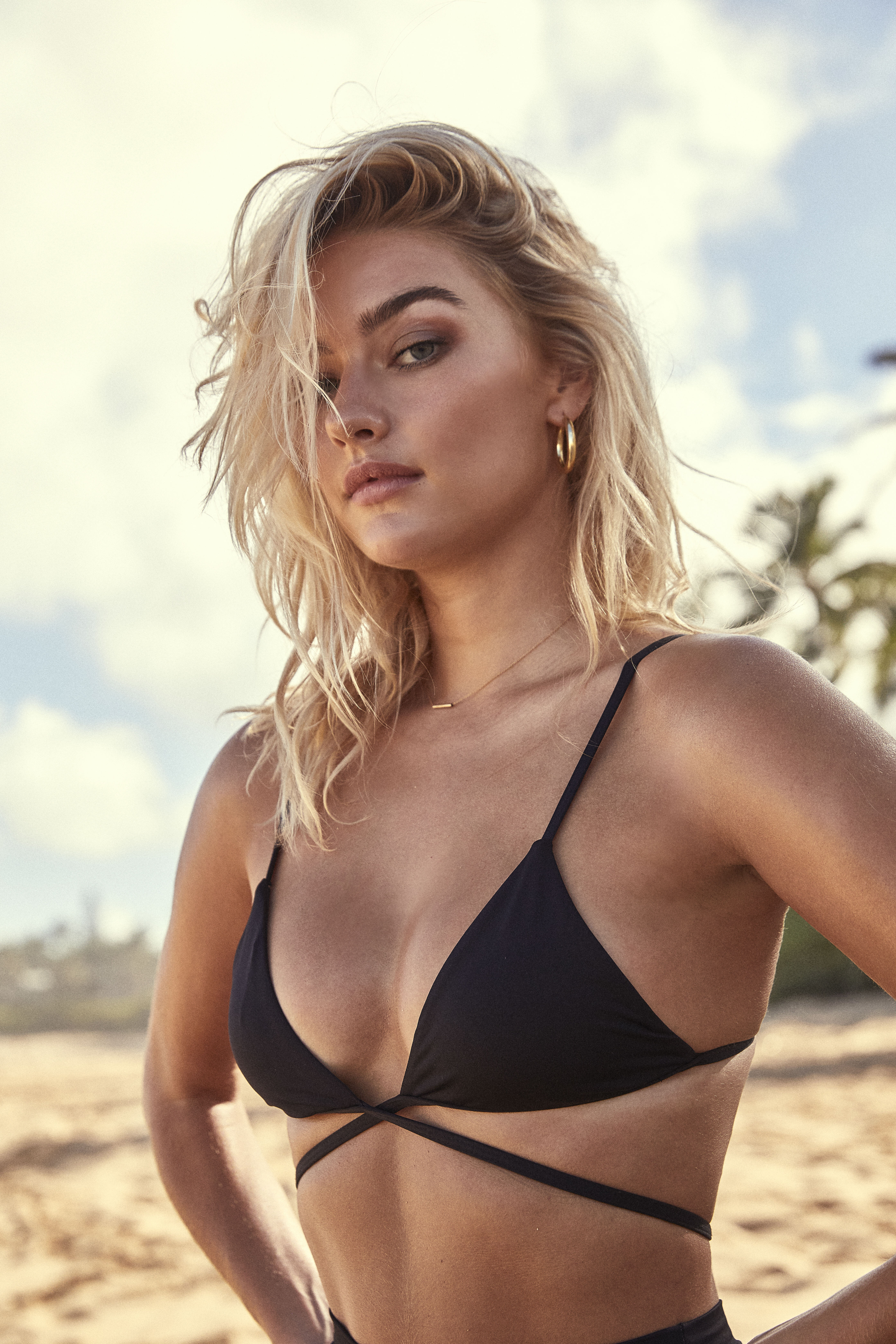
 Amberly Valentine








-
-
Jonny Seelenmeyer





-
Austin William Simkins 57972075_406270466859652_8902665686401155072_n.mp4
-
Sam Dameshek






-
Sam Dameshek




-
Fae Swim SS 19 FAE Pura Vida SS 19 Isabelle Mathers.mp4
-
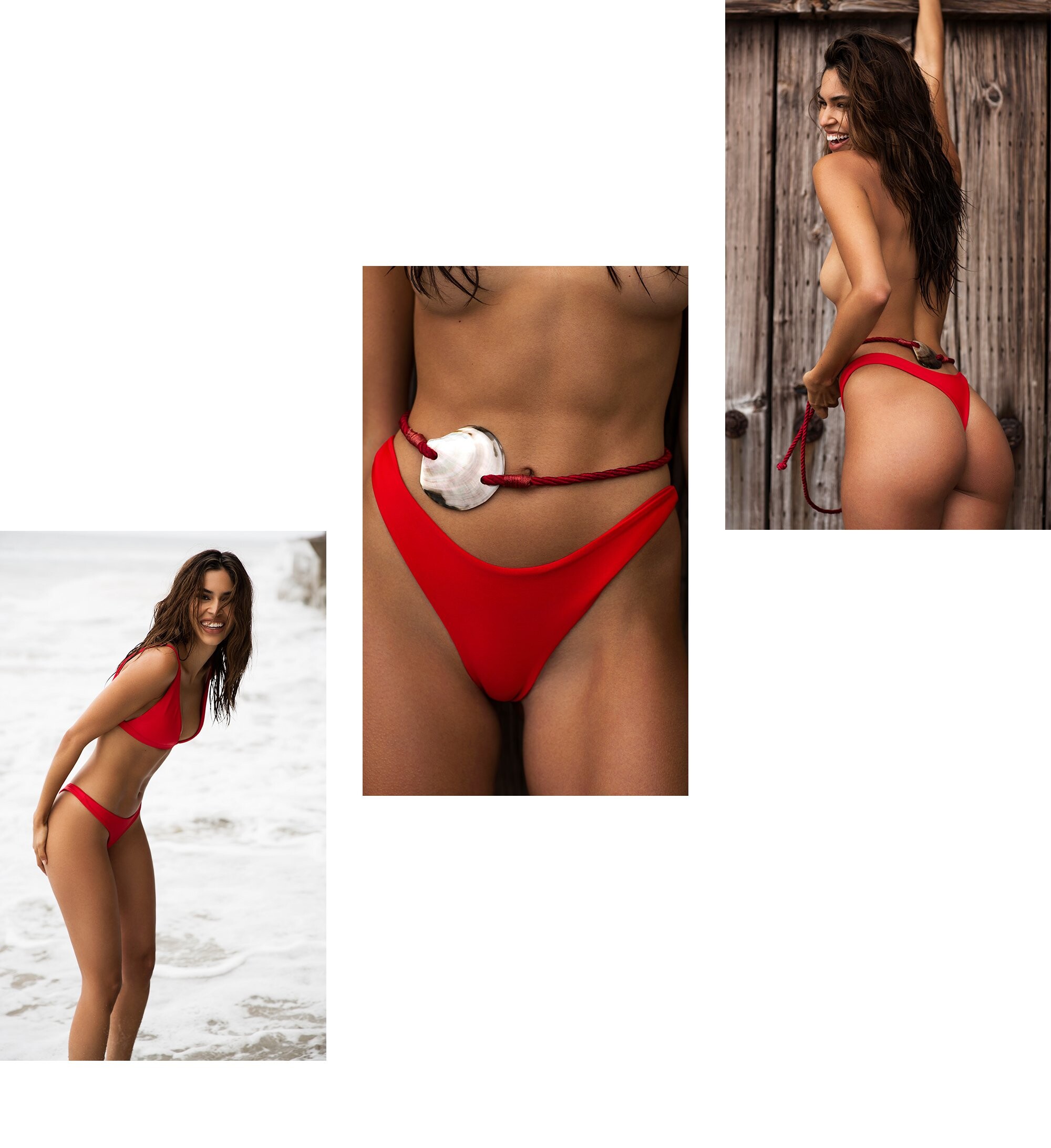
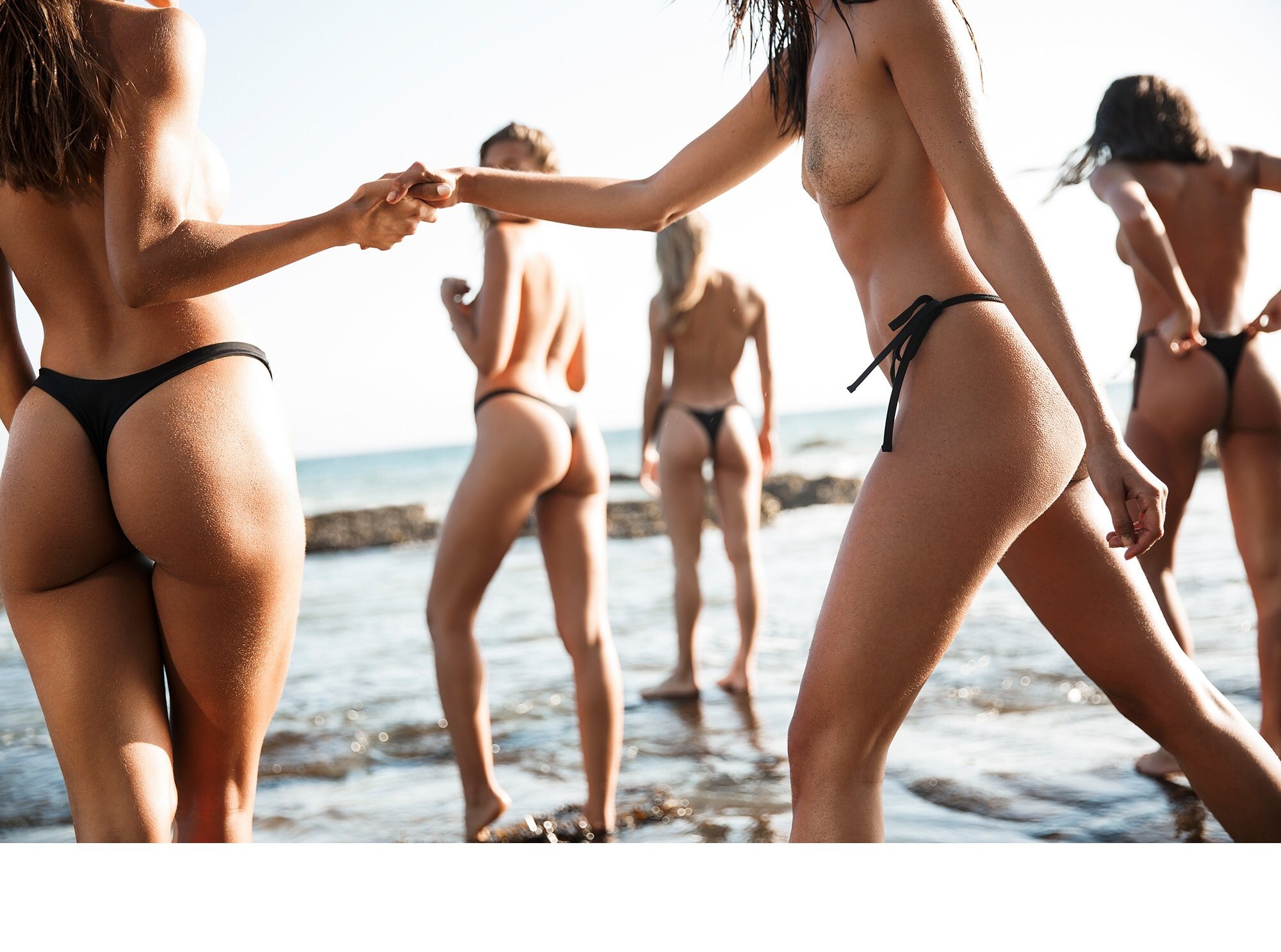
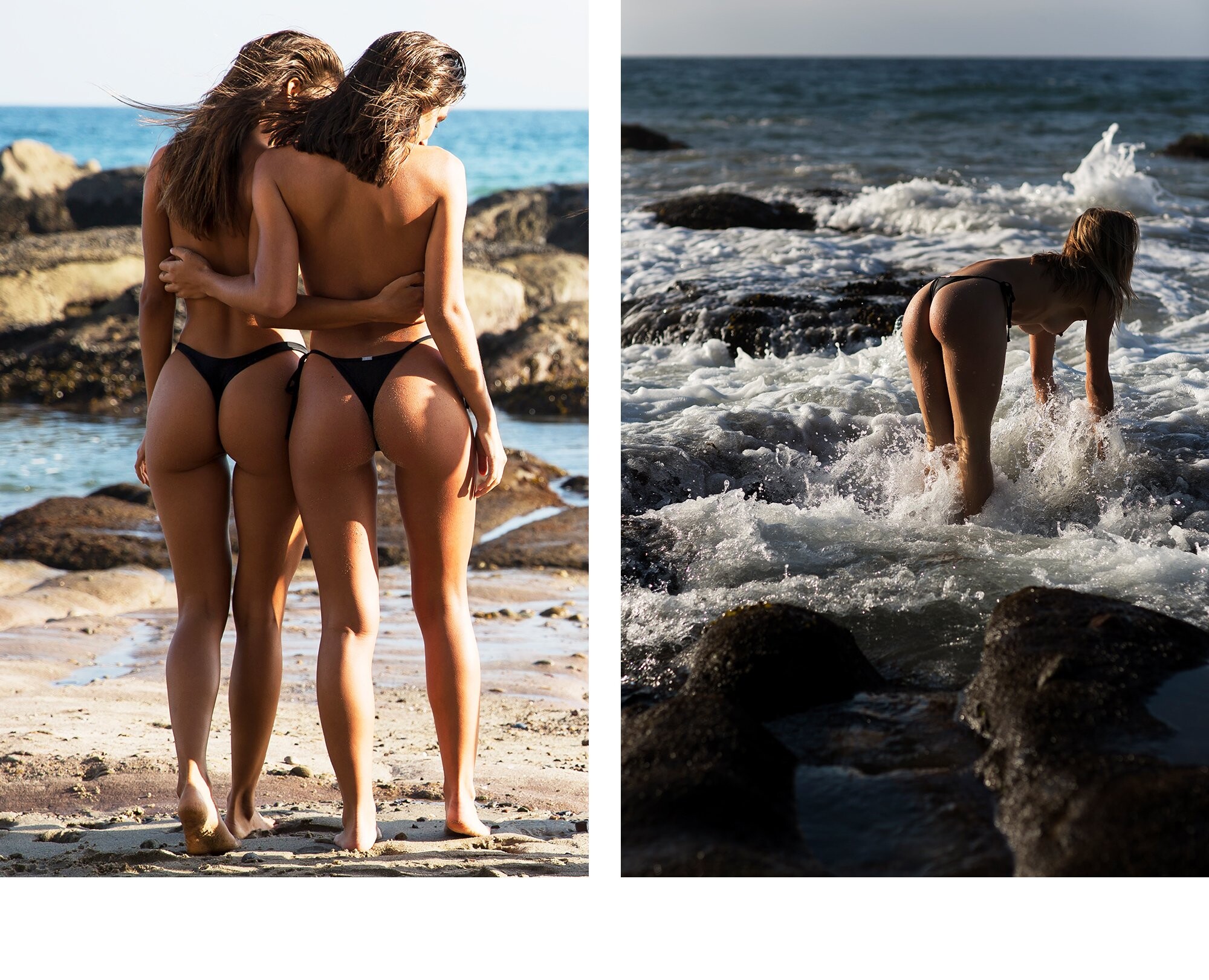
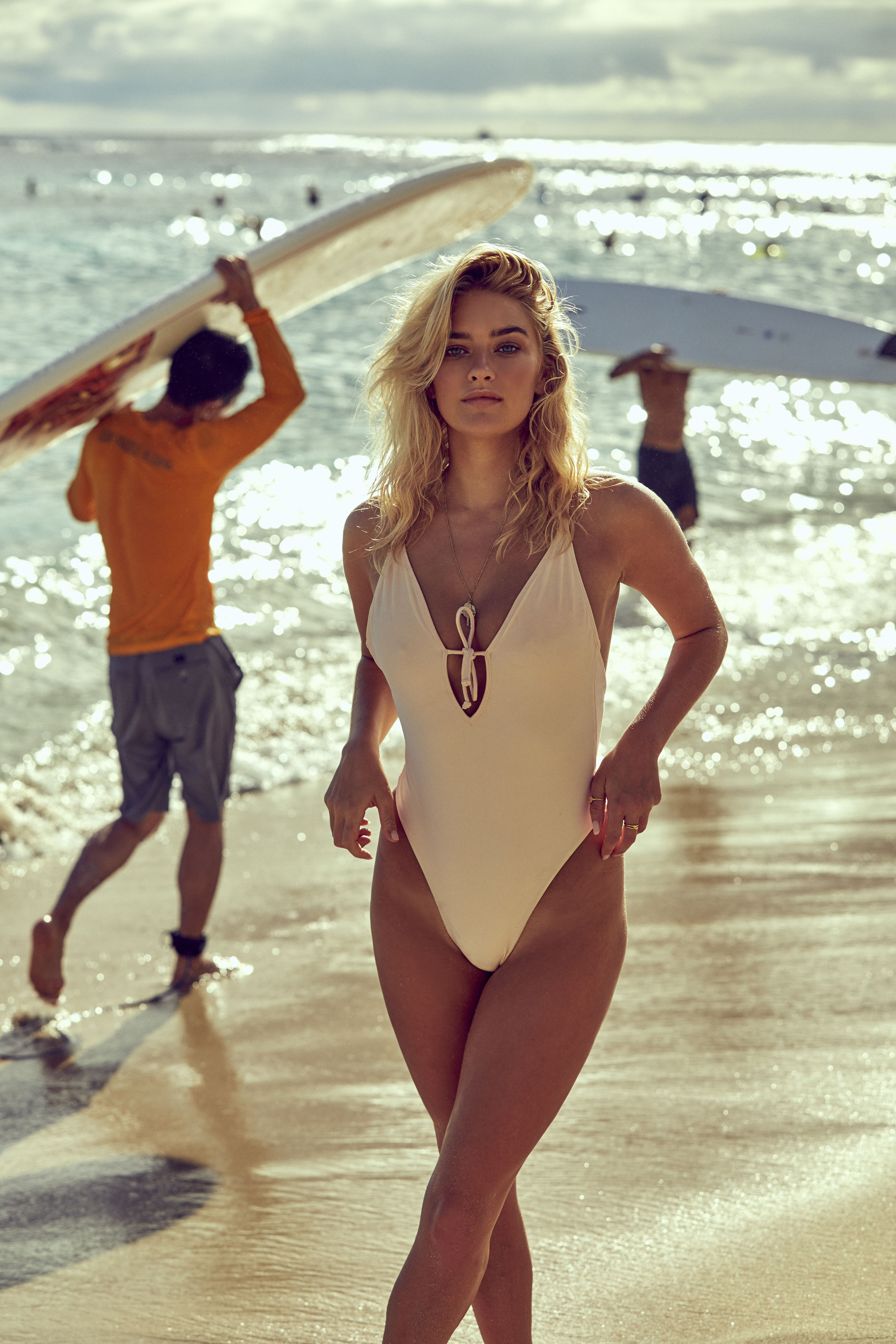
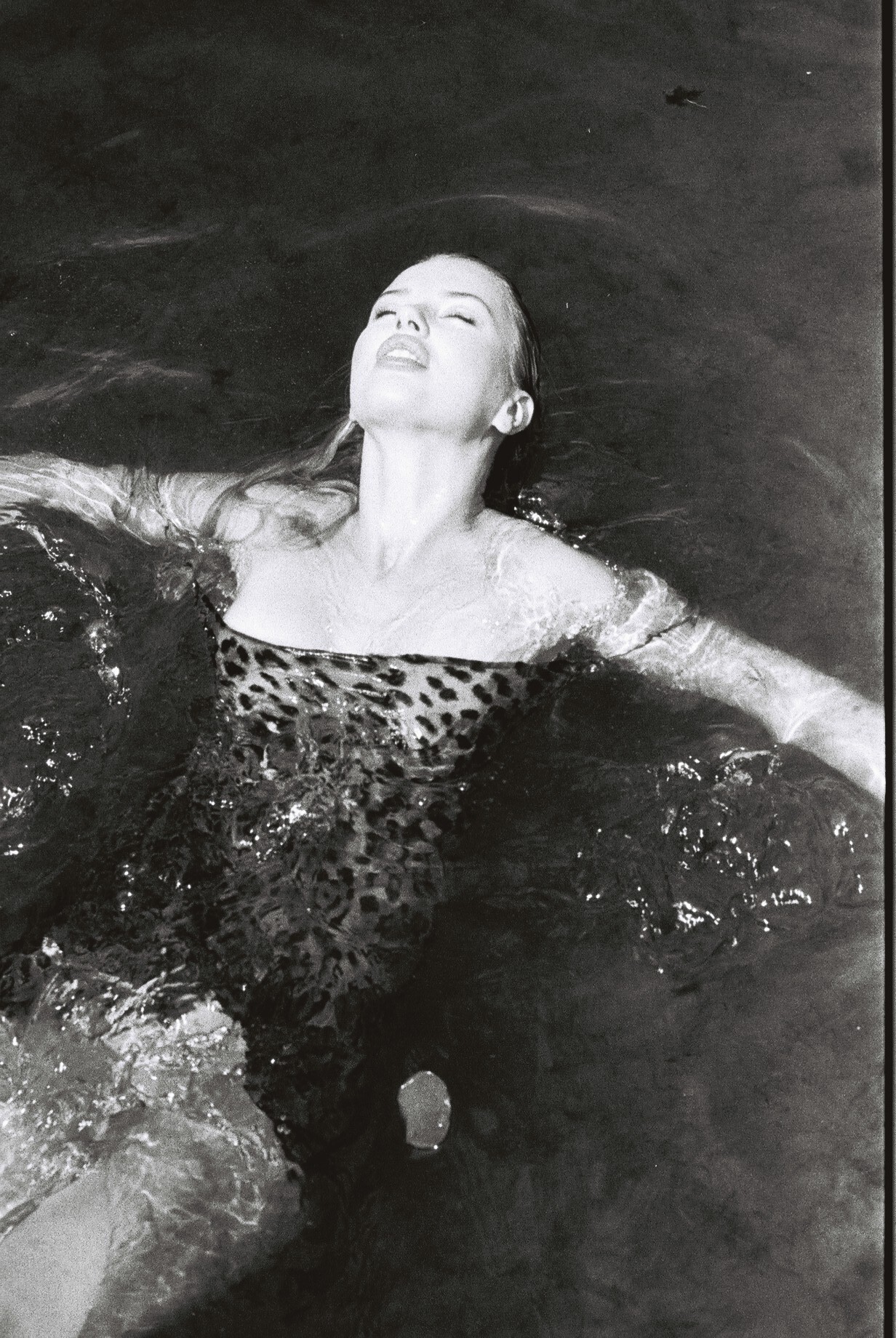
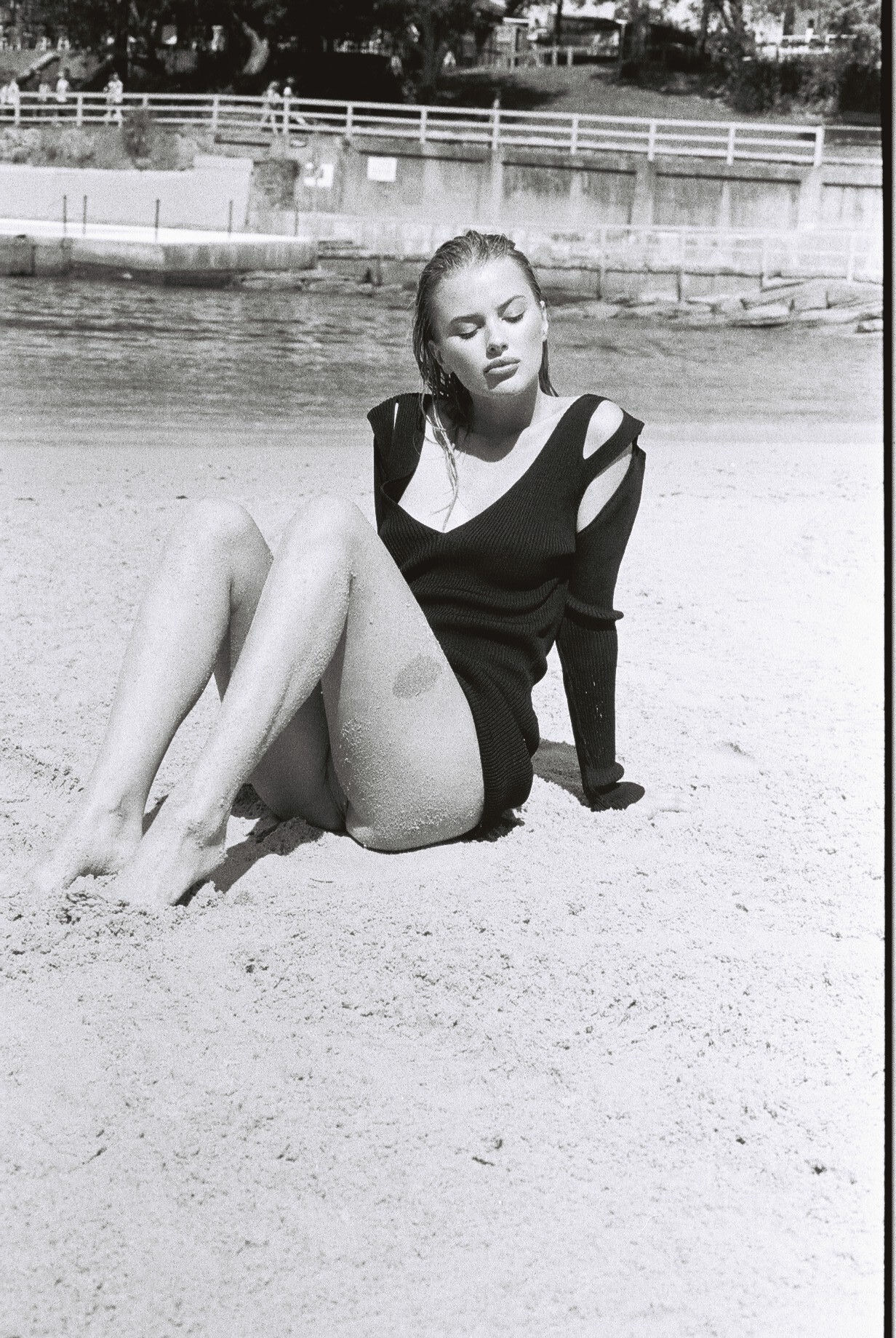
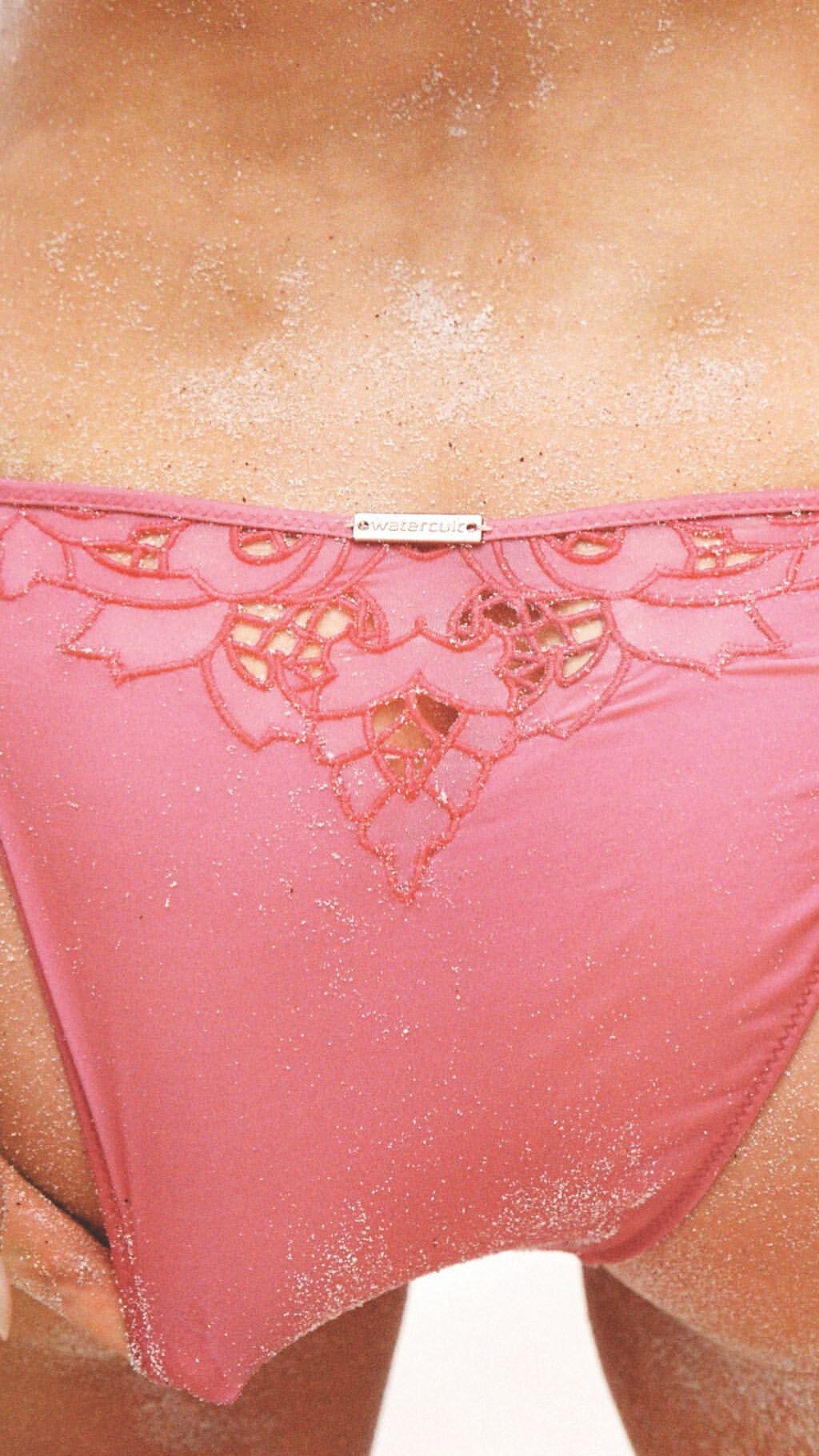
Fae Swim SS 19 Campaign Nudity!




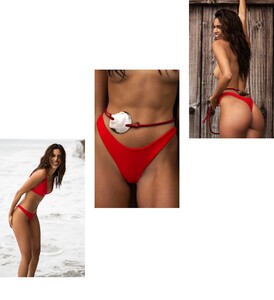





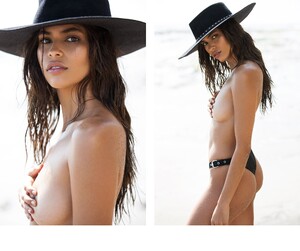






-
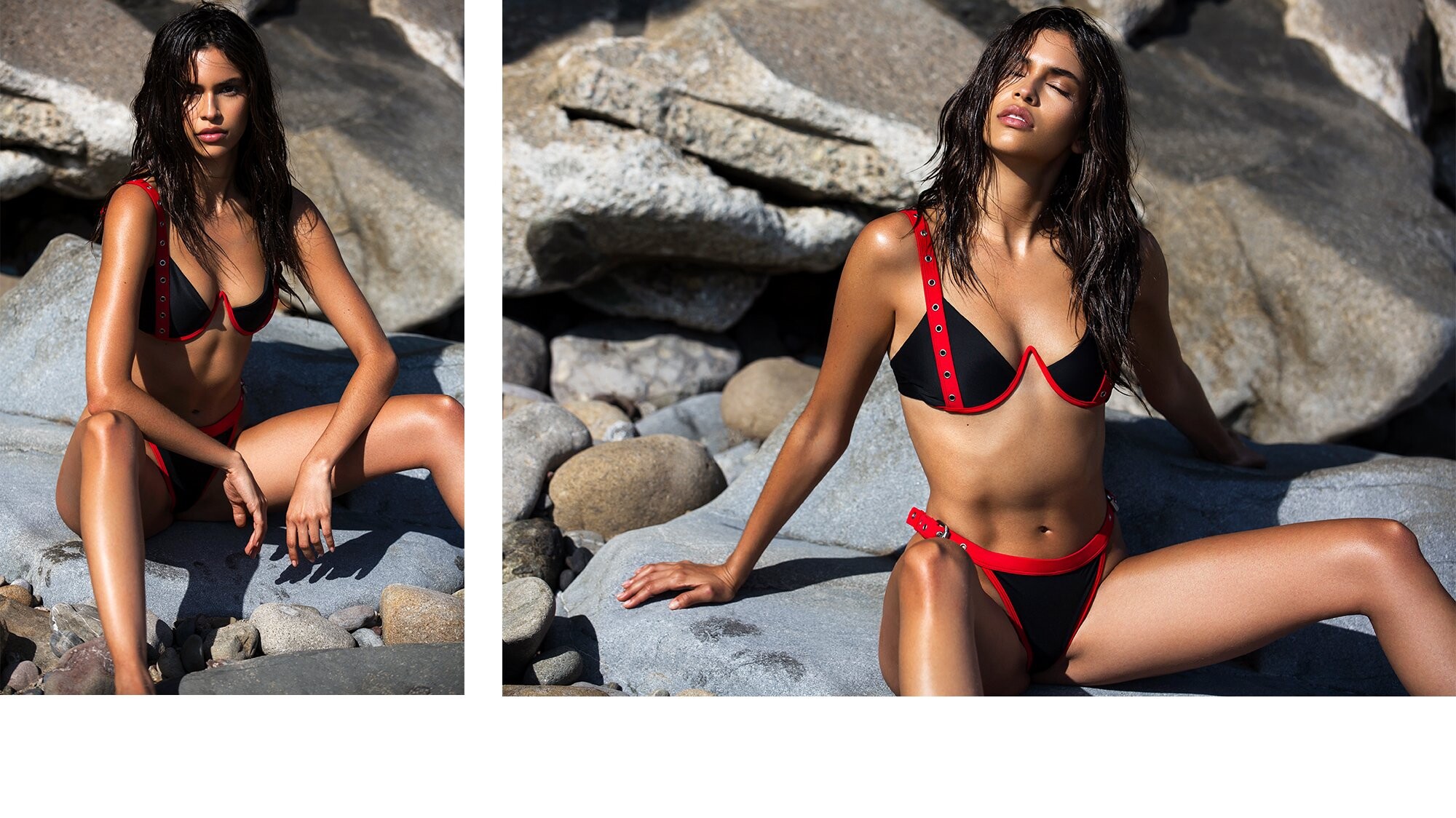
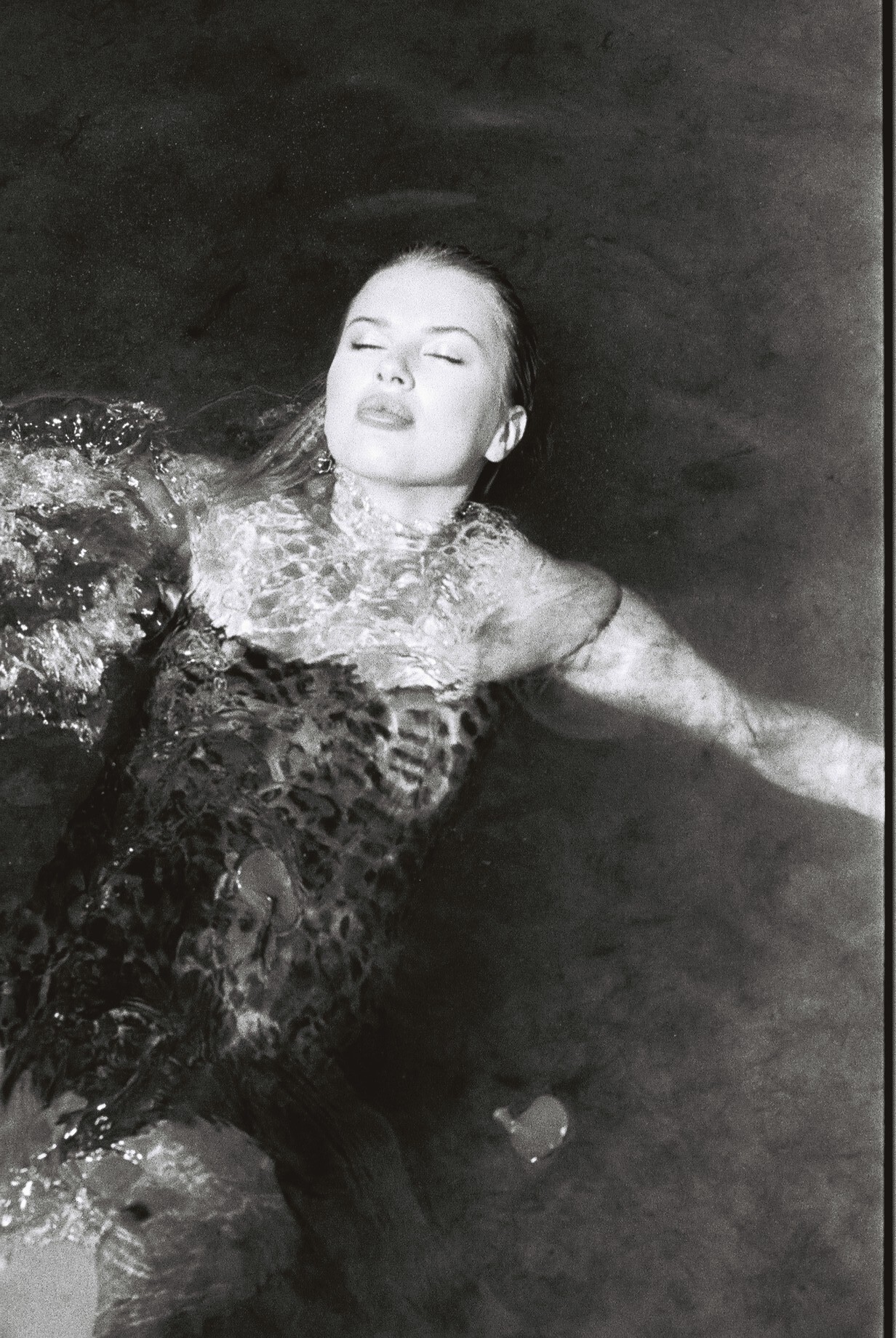
Solstice Magazine Ph: Rex Yu




-
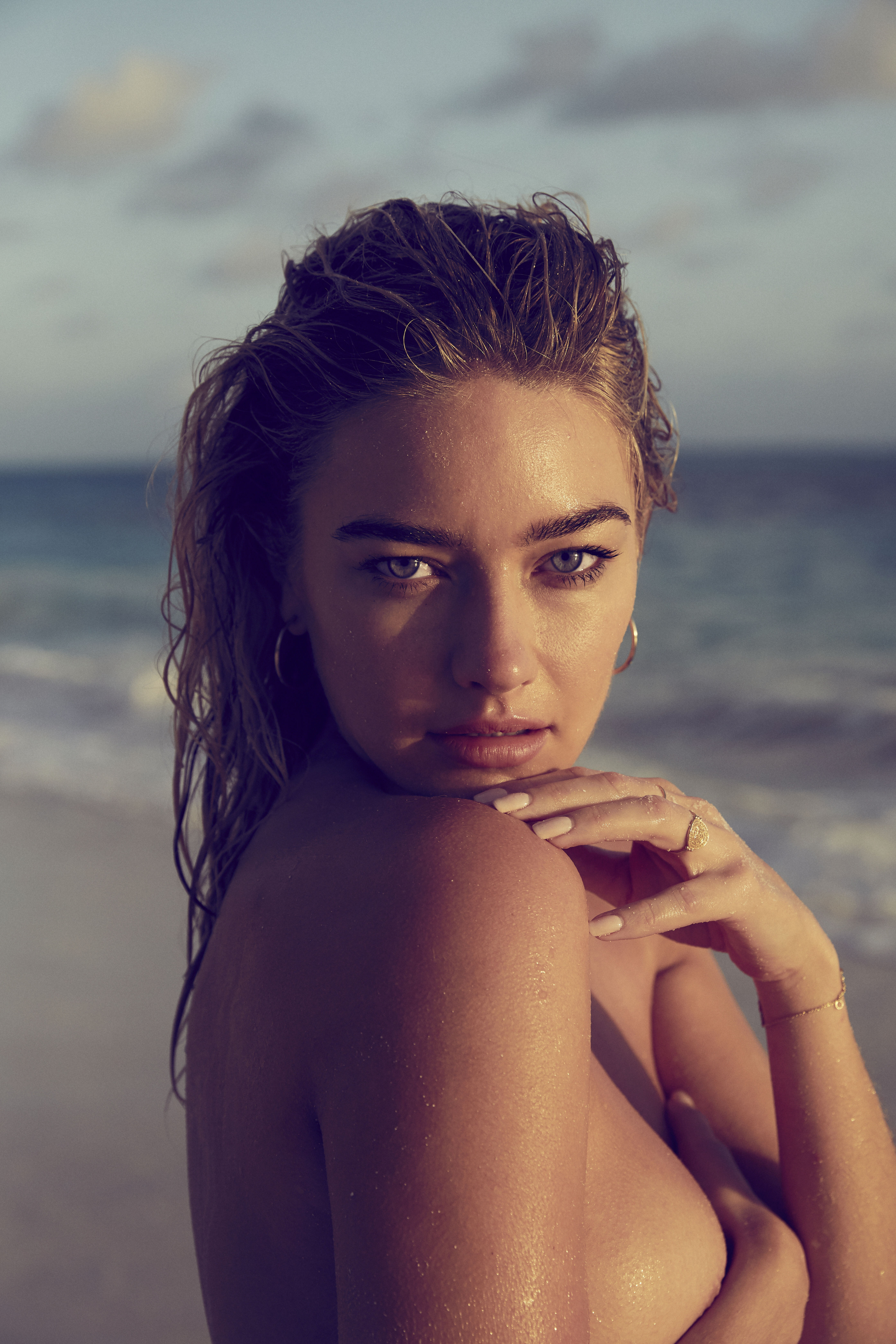
Nudity!



-































































































































































































































































































































































Account
Navigation
Search
Configure browser push notifications
Chrome (Android)
- Tap the lock icon next to the address bar.
- Tap Permissions → Notifications.
- Adjust your preference.
Chrome (Desktop)
- Click the padlock icon in the address bar.
- Select Site settings.
- Find Notifications and adjust your preference.
Safari (iOS 16.4+)
- Ensure the site is installed via Add to Home Screen.
- Open Settings App → Notifications.
- Find your app name and adjust your preference.
Safari (macOS)
- Go to Safari → Preferences.
- Click the Websites tab.
- Select Notifications in the sidebar.
- Find this website and adjust your preference.
Edge (Android)
- Tap the lock icon next to the address bar.
- Tap Permissions.
- Find Notifications and adjust your preference.
Edge (Desktop)
- Click the padlock icon in the address bar.
- Click Permissions for this site.
- Find Notifications and adjust your preference.
Firefox (Android)
- Go to Settings → Site permissions.
- Tap Notifications.
- Find this site in the list and adjust your preference.
Firefox (Desktop)
- Open Firefox Settings.
- Search for Notifications.
- Find this site in the list and adjust your preference.