
Lyla
Members
-
Joined
Everything posted by Lyla
-
 I'm in love with Jamie Dornan ahahahah... but I don't know. I'm not impressed by this trailer.
 -
why you guys hate me? Nobody hates you! just stop with these ridiclious questions please! or write them somewhere else!
-
Send her a pigeon! That used to work.
-
-
-
-
No. Do you like makeup sex?
-
Lovelace
-
Not Jamie Dornan?
-
I don't think so... Are you a funny drunk or a douche drunk?
-
Margot Robbie Margot Robbie or Emma Watson?
-
Pfff...All the time... Are you a good friend?
-
Sony Xperia P Do you like when the wind messes up your hair or when you don't have an umbrella when it rains in summer?
-
I should check my e-mails. But I'm really afraid of what will I find there, because I haven't checked them for so long time...
-
-
You can't destroy us! :evil: :magic: Barbara please, at least post a selfie!
IT can't disappear.... It's the spirit of this thread by now
Calvin Klein Platinum Label F/W 14 Calvin Klein Collection F/W 14 LES 4 OMBRES: Inspired by an Icon - CHANEL


 Out of Order Magazine













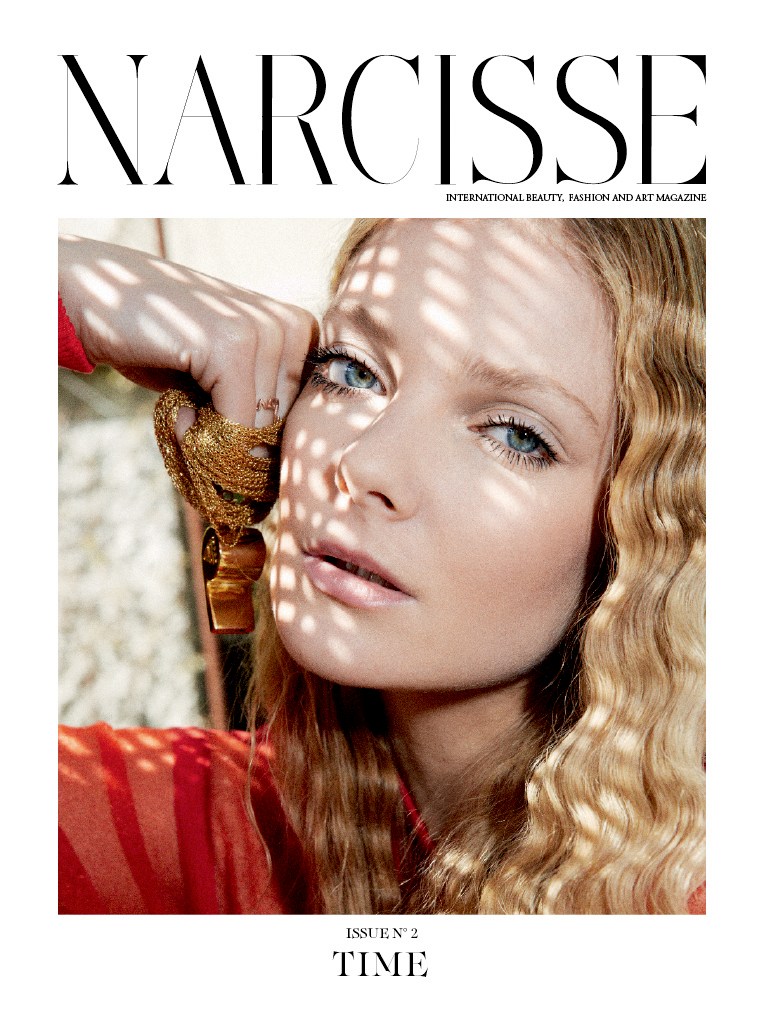
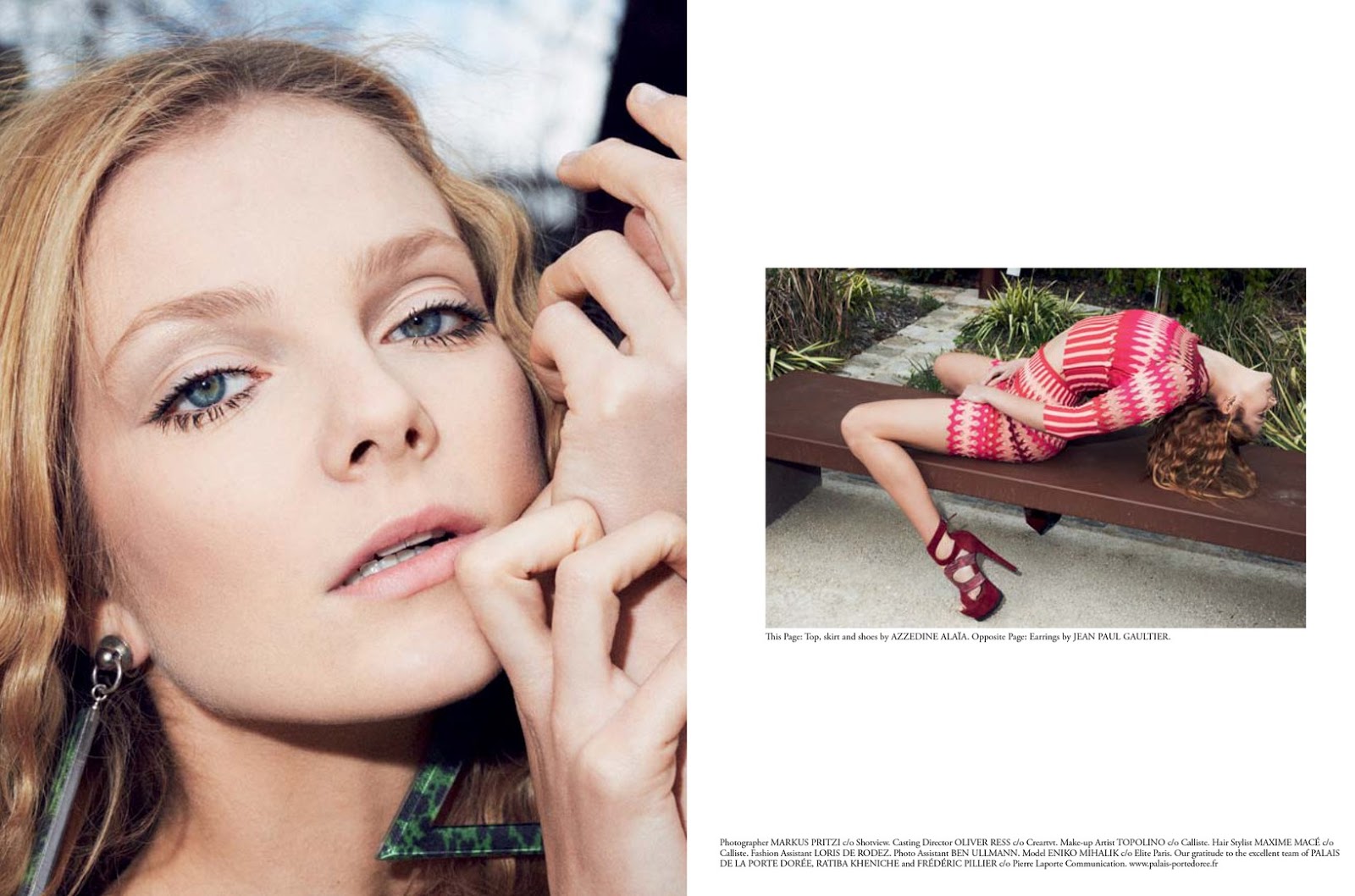
 Narcisse Magazin Issue 2





 She has a good sense of humor, so I think defienetely YES.
























Account
Search
Configure browser push notifications
Chrome (Android)
- Tap the lock icon next to the address bar.
- Tap Permissions → Notifications.
- Adjust your preference.
Chrome (Desktop)
- Click the padlock icon in the address bar.
- Select Site settings.
- Find Notifications and adjust your preference.
Safari (iOS 16.4+)
- Ensure the site is installed via Add to Home Screen.
- Open Settings App → Notifications.
- Find your app name and adjust your preference.
Safari (macOS)
- Go to Safari → Preferences.
- Click the Websites tab.
- Select Notifications in the sidebar.
- Find this website and adjust your preference.
Edge (Android)
- Tap the lock icon next to the address bar.
- Tap Permissions.
- Find Notifications and adjust your preference.
Edge (Desktop)
- Click the padlock icon in the address bar.
- Click Permissions for this site.
- Find Notifications and adjust your preference.
Firefox (Android)
- Go to Settings → Site permissions.
- Tap Notifications.
- Find this site in the list and adjust your preference.
Firefox (Desktop)
- Open Firefox Settings.
- Search for Notifications.
- Find this site in the list and adjust your preference.