
foofur16
Members
-
Joined
-
Last visited
Everything posted by foofur16
-
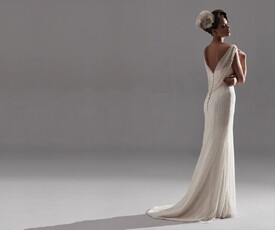
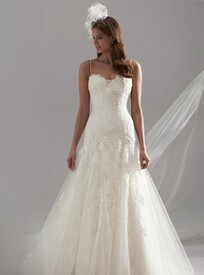
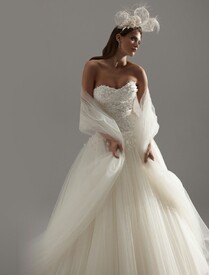
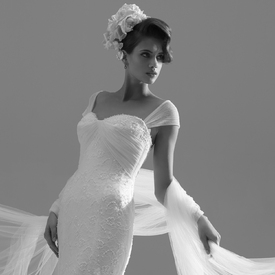
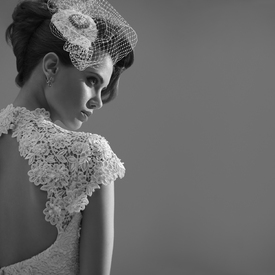
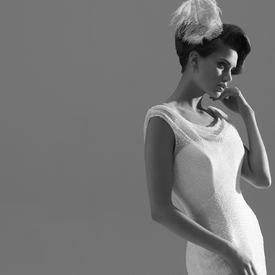
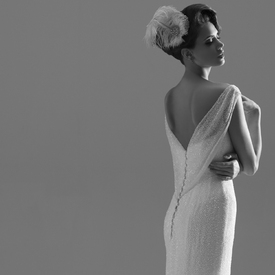
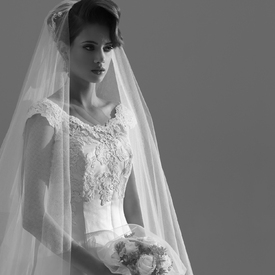
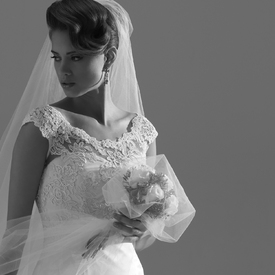
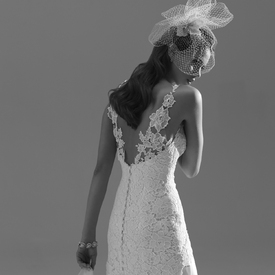
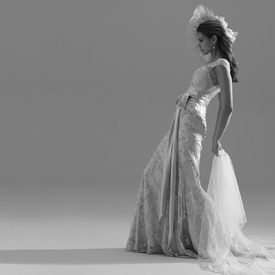
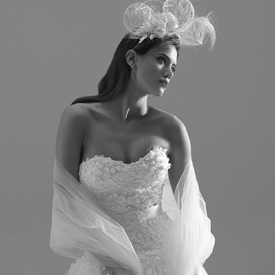
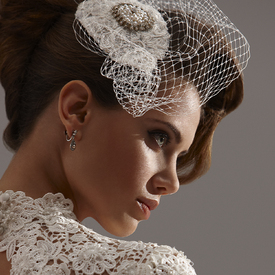
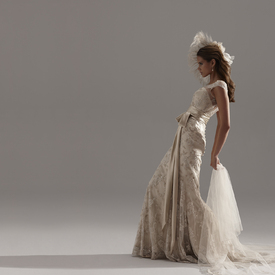
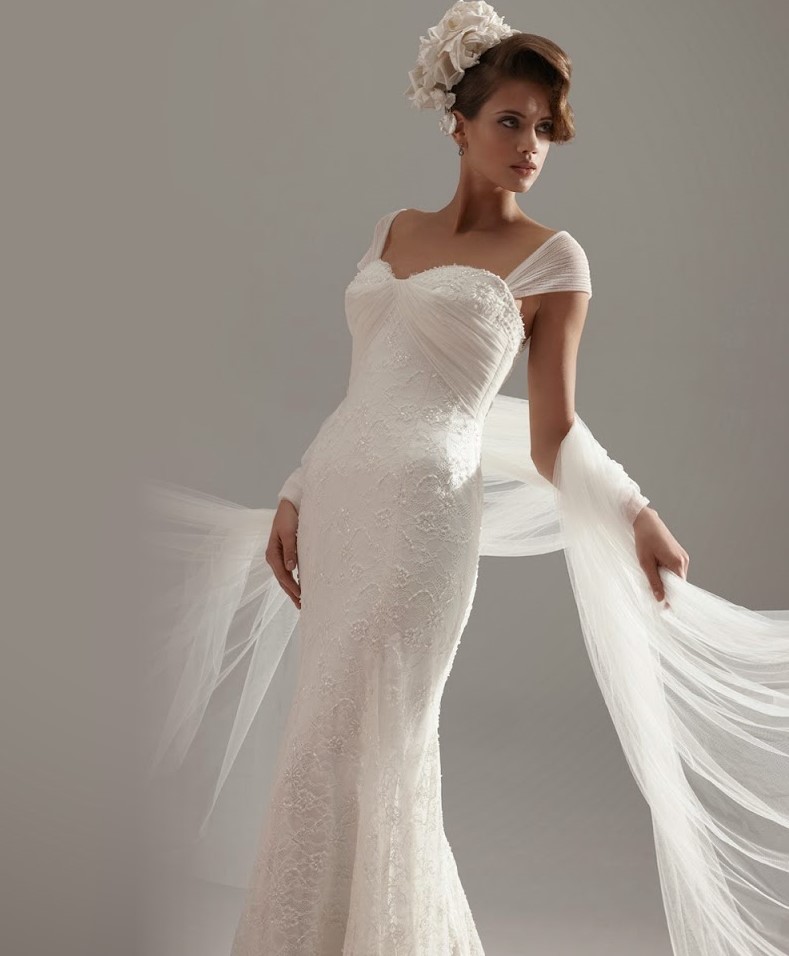
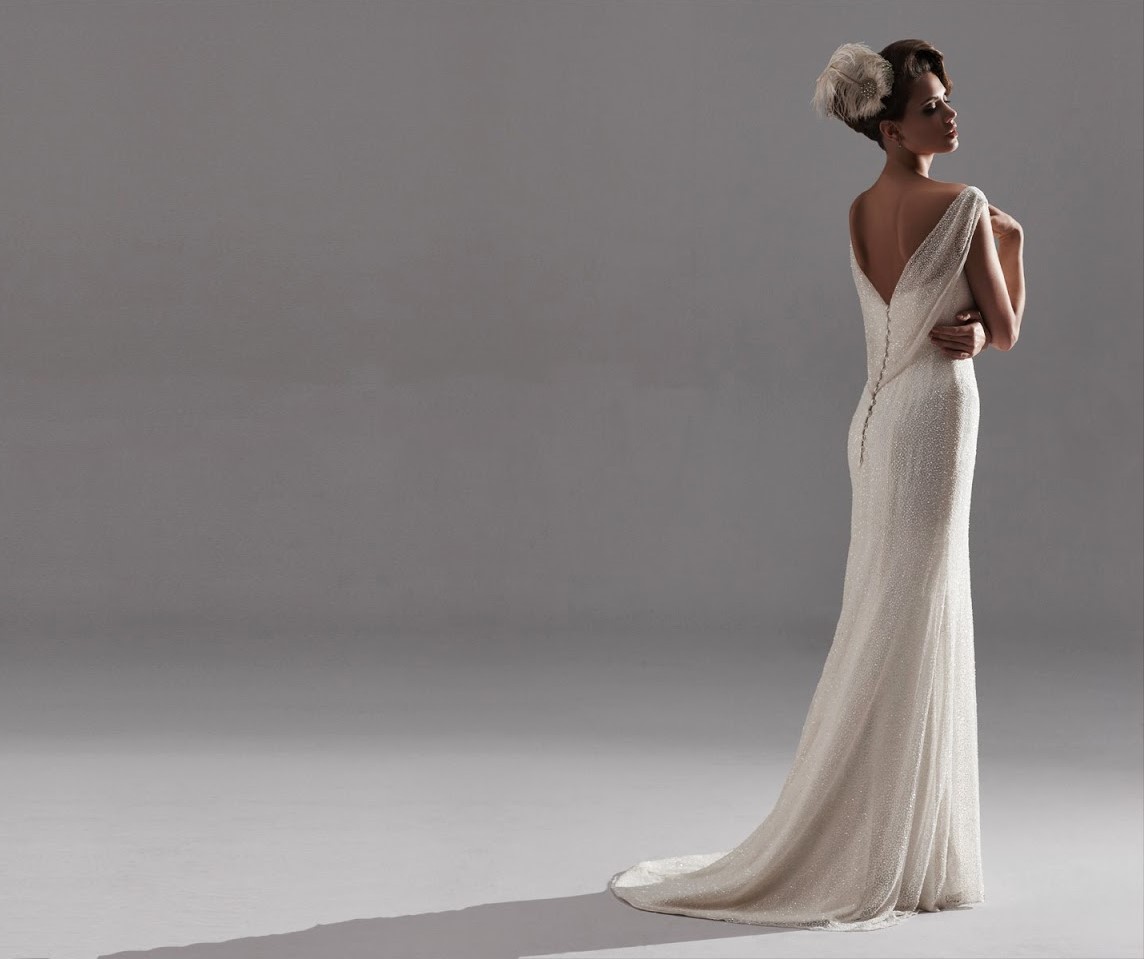
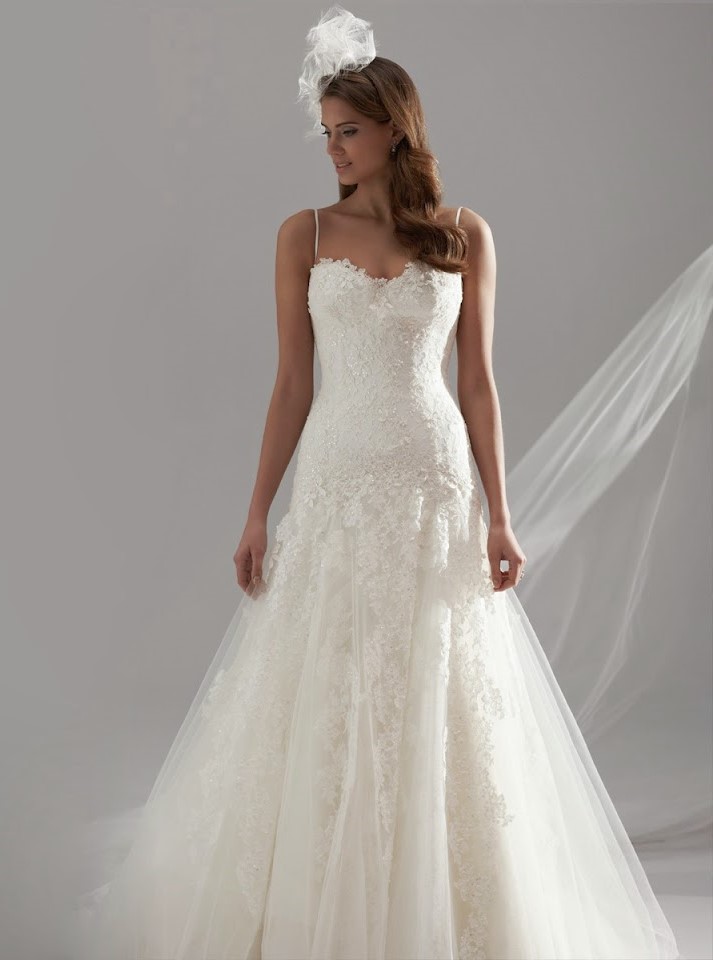
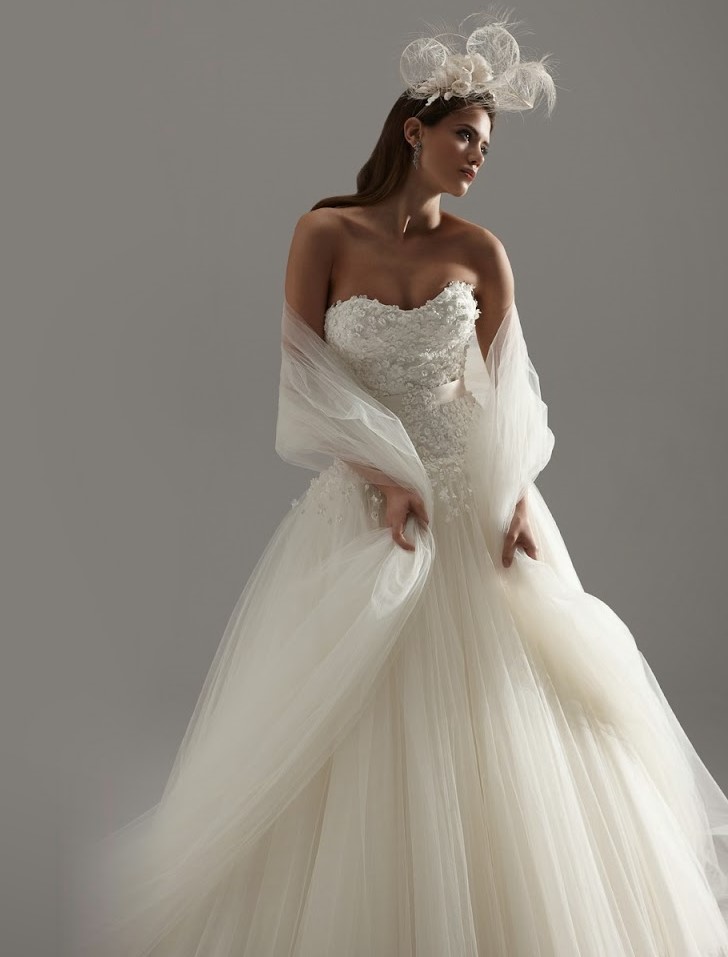
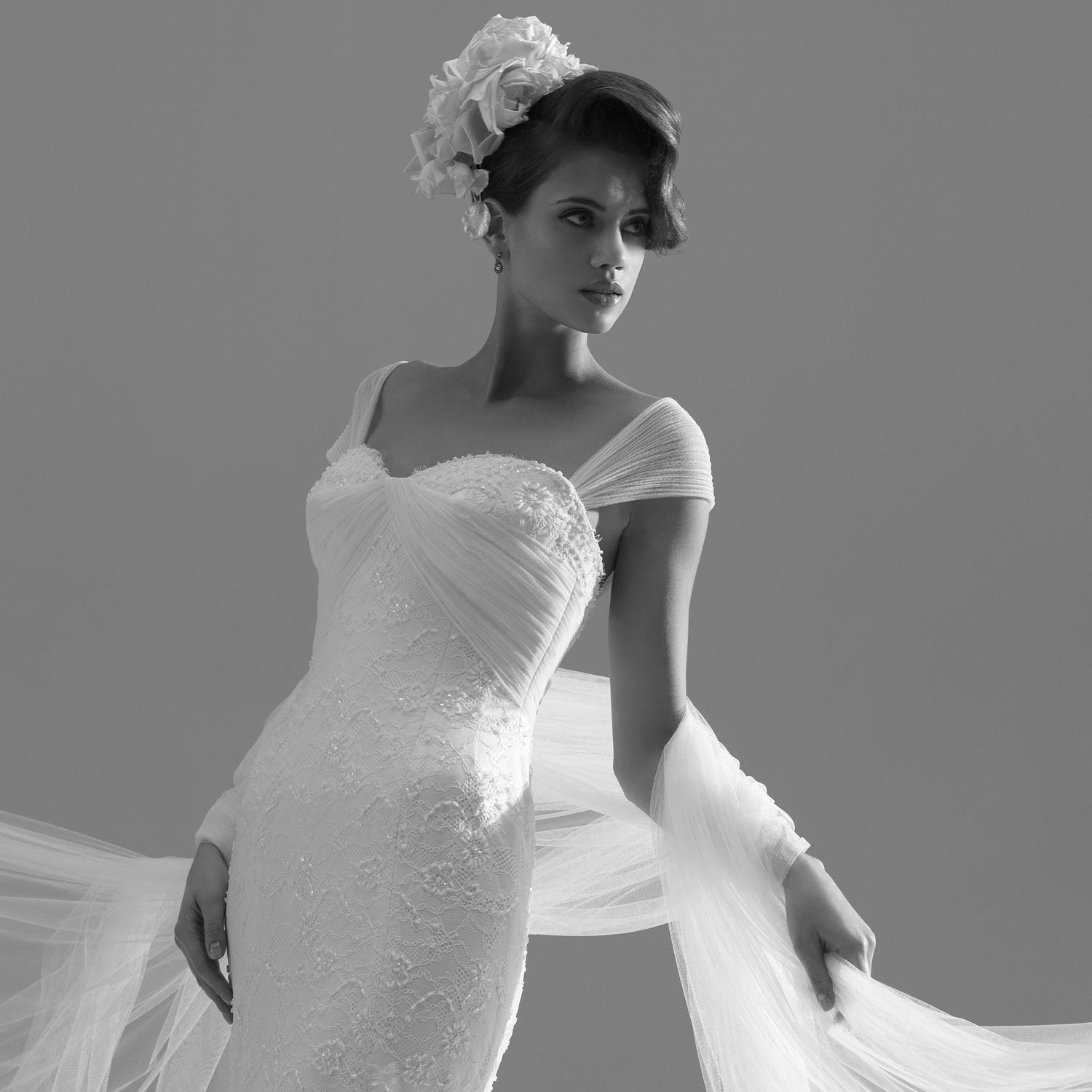
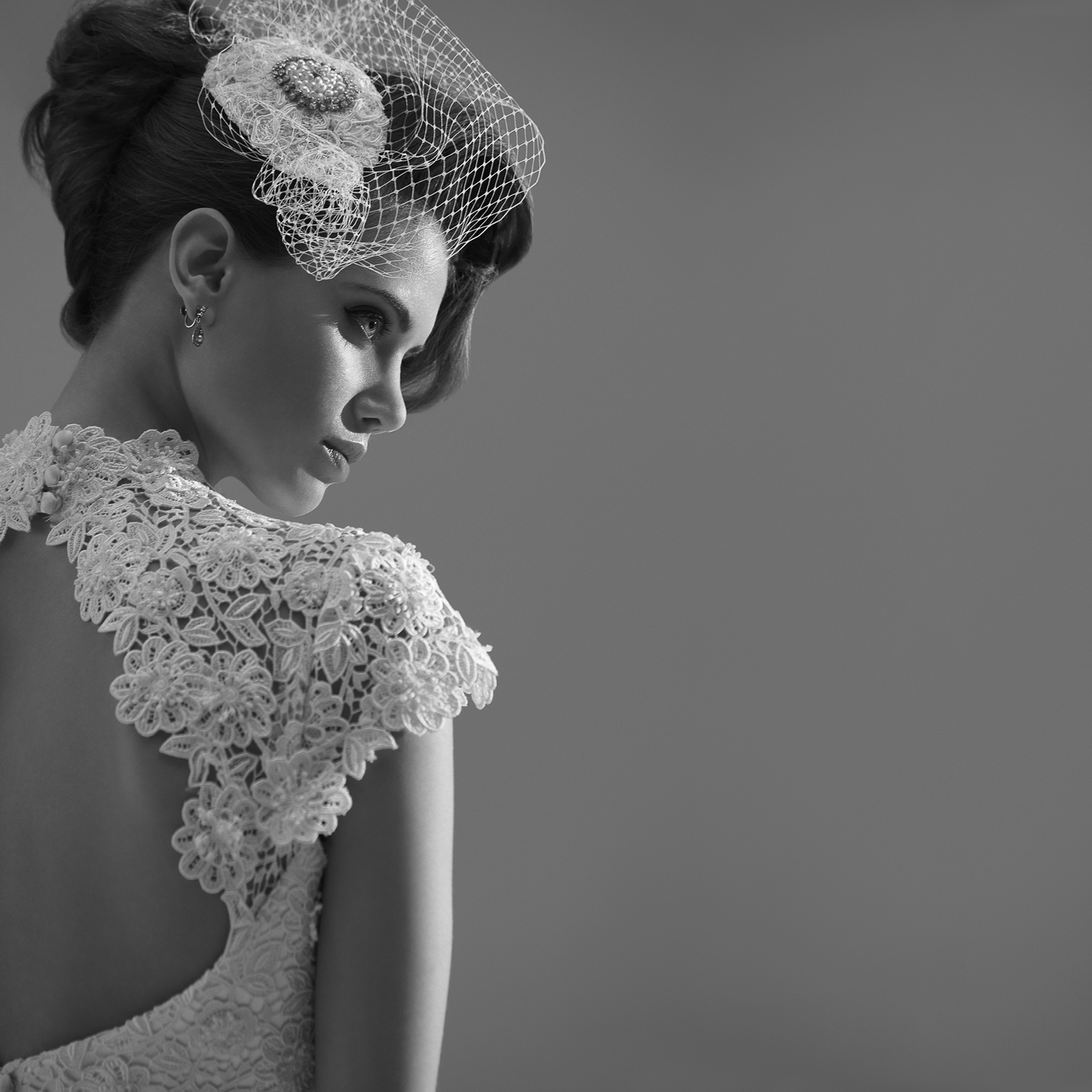
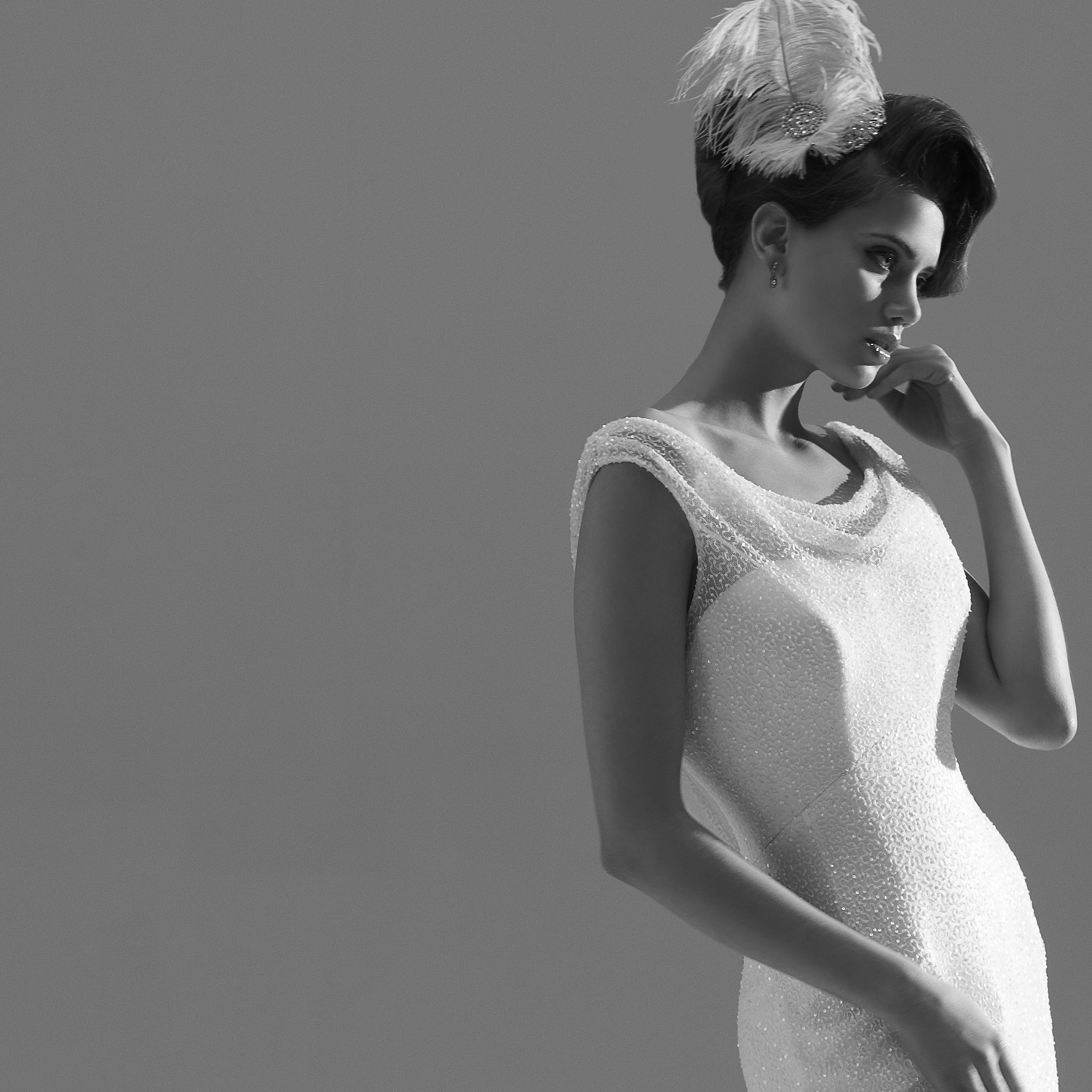
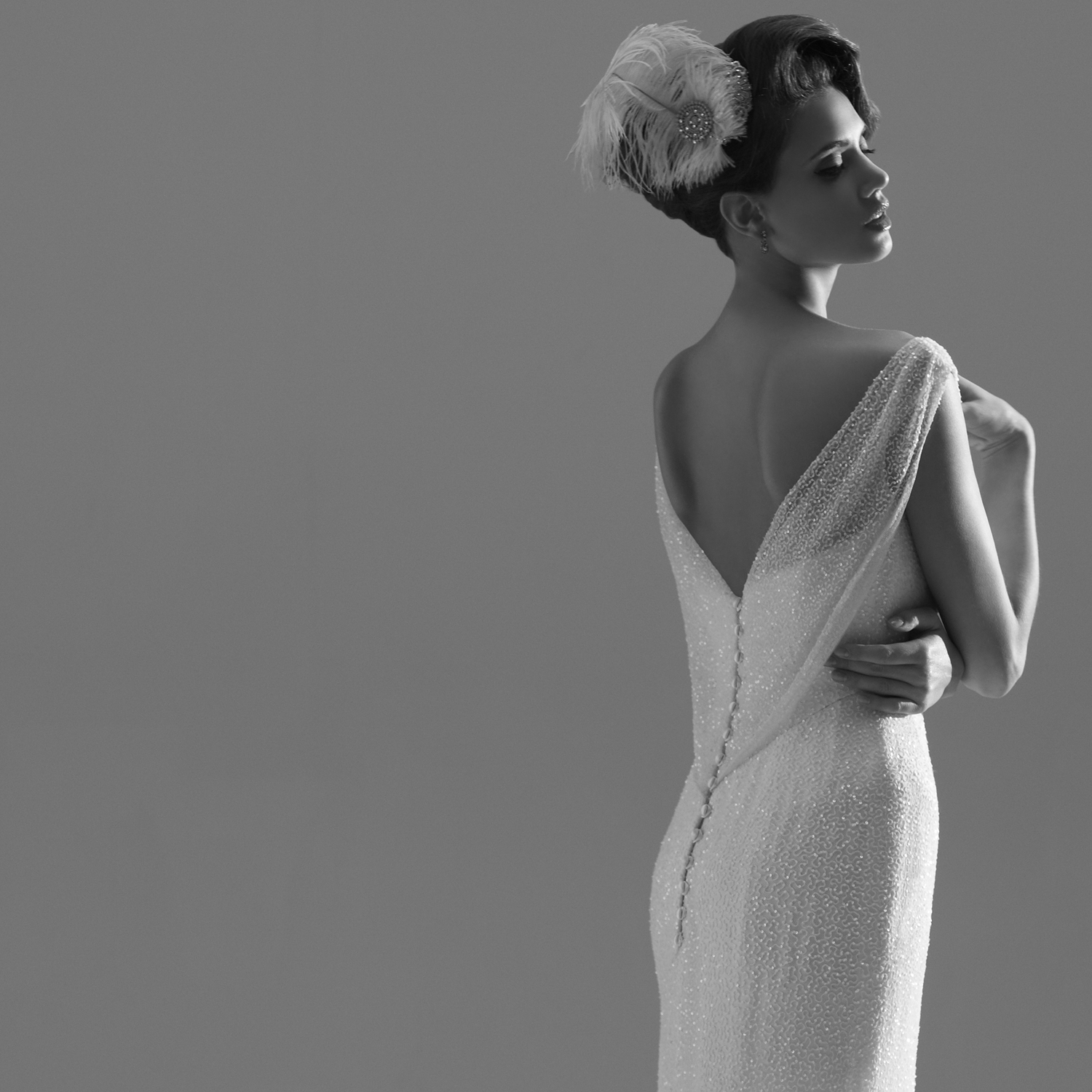
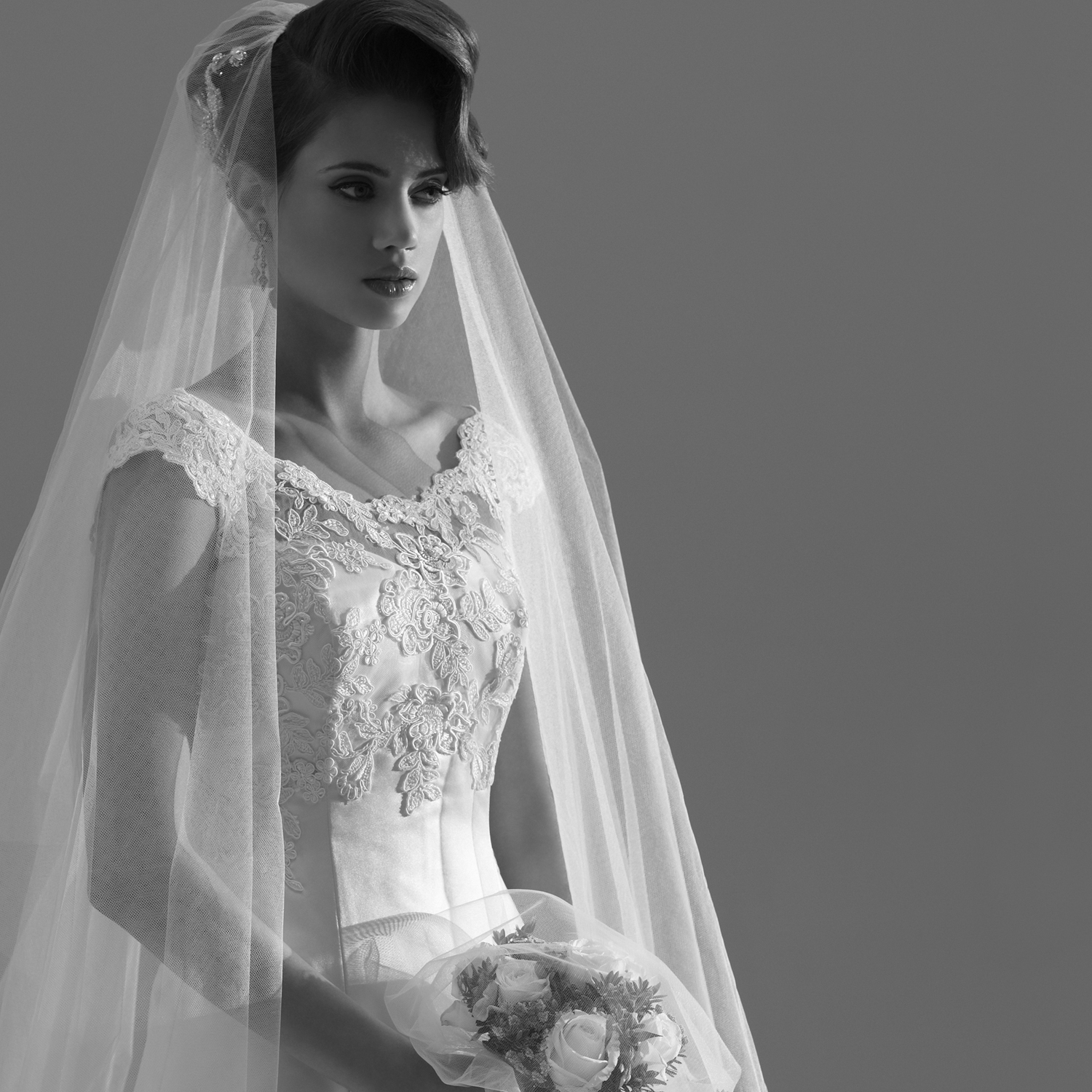
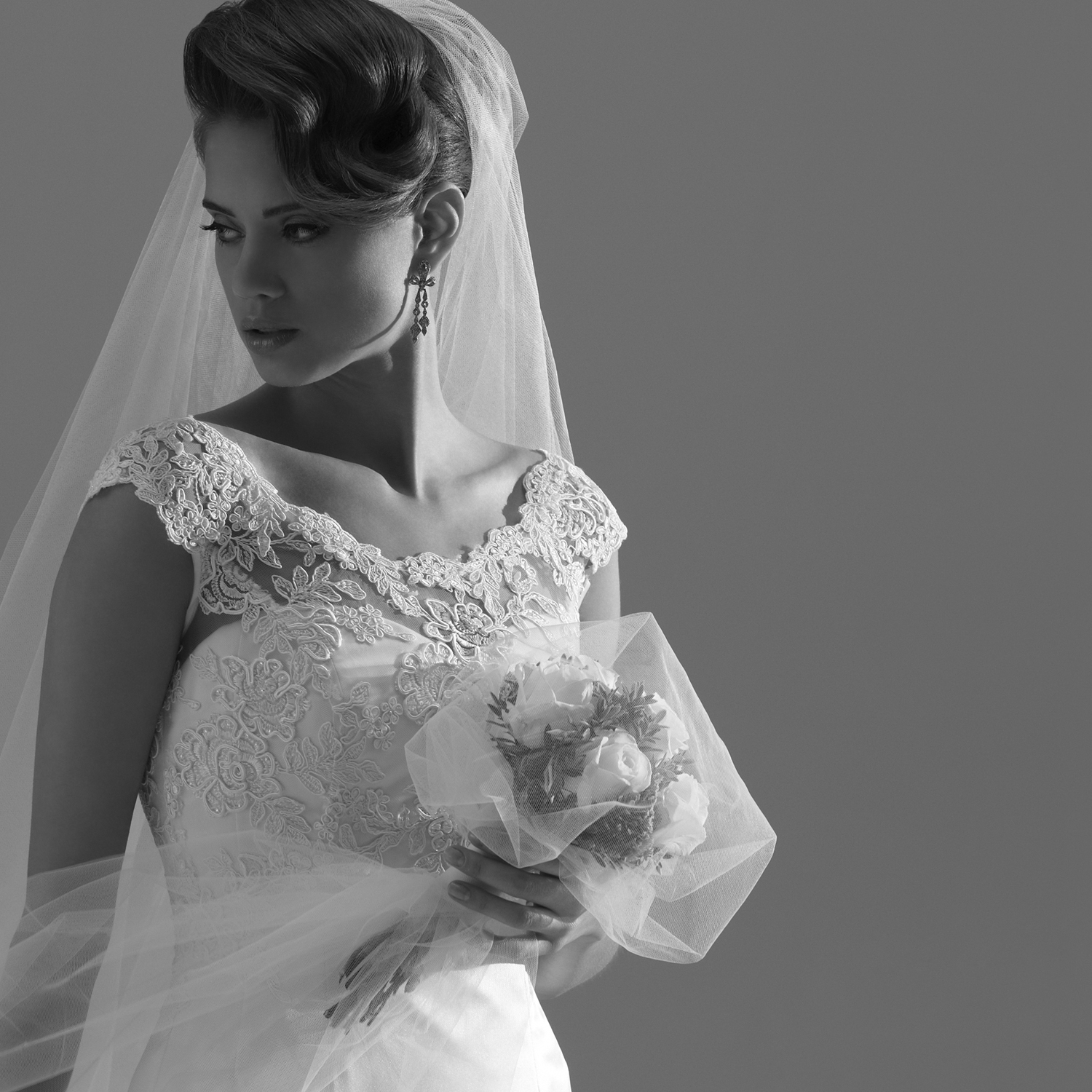
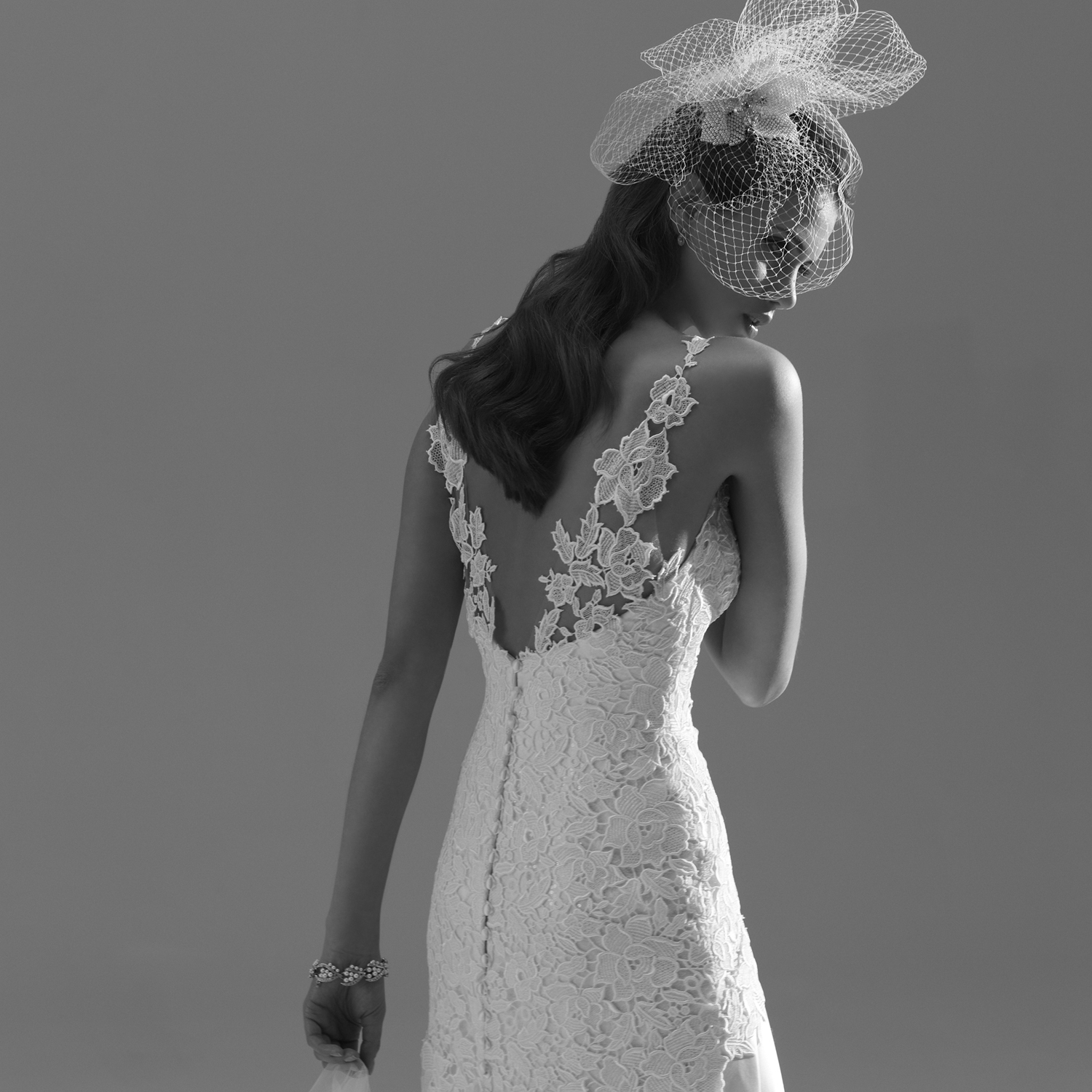
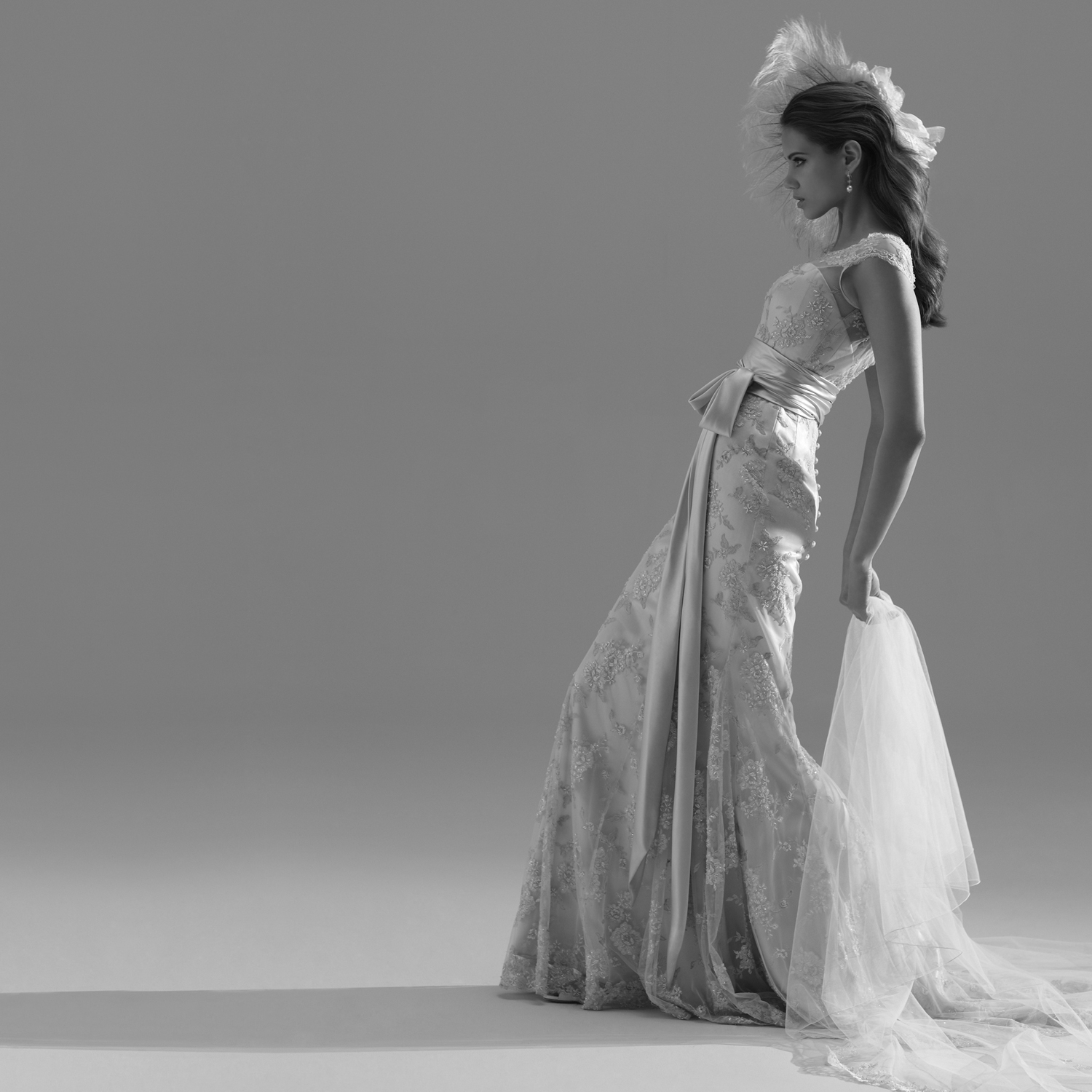
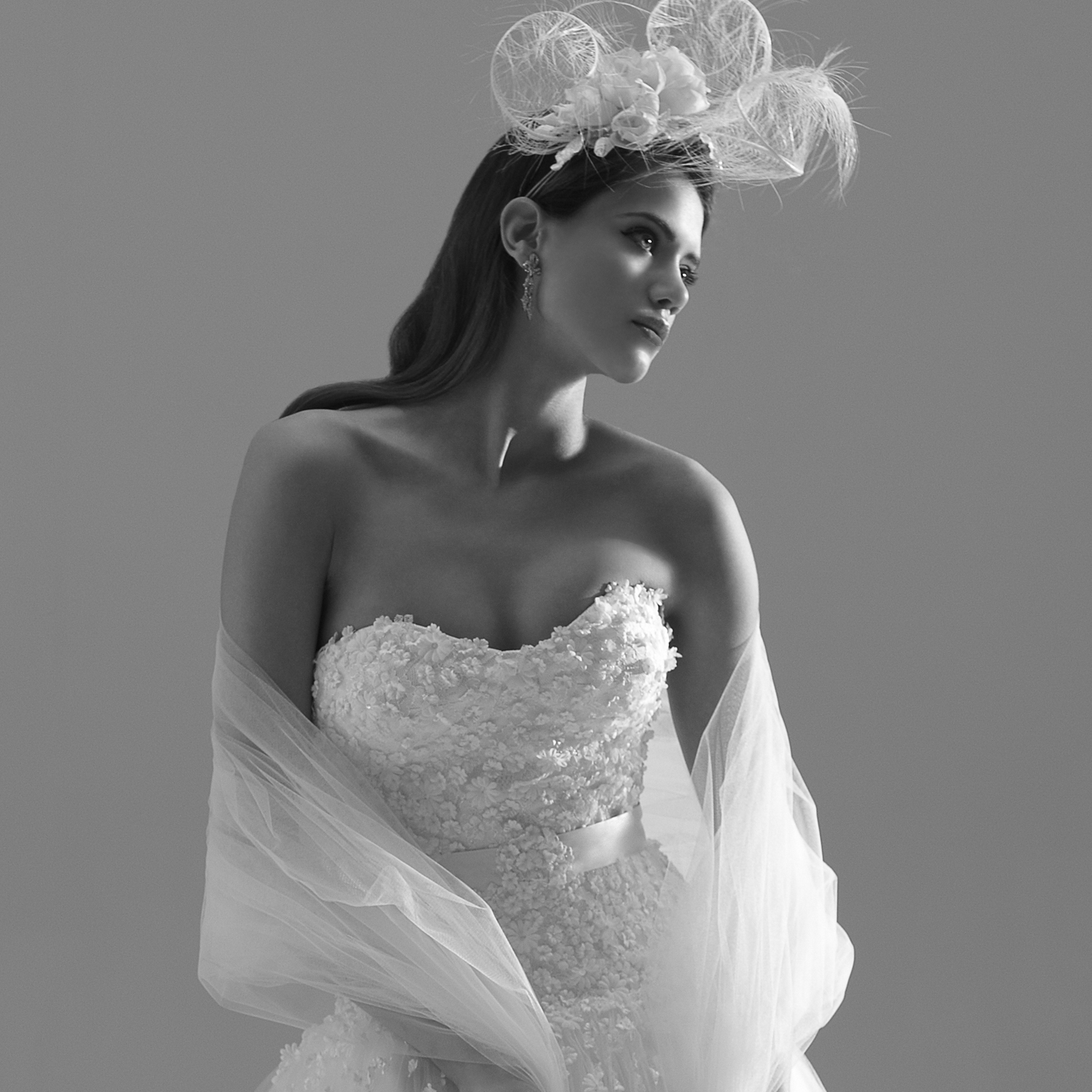
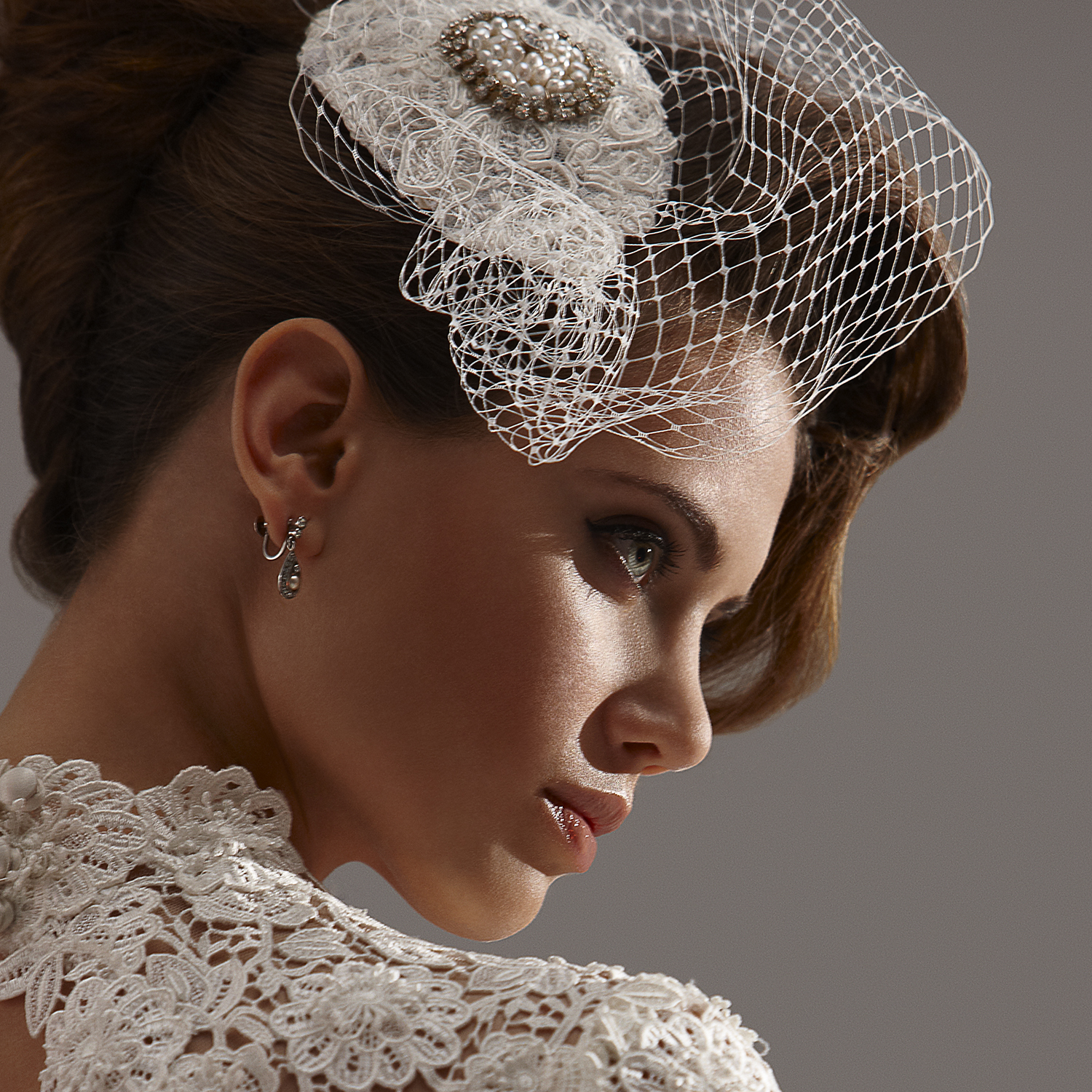
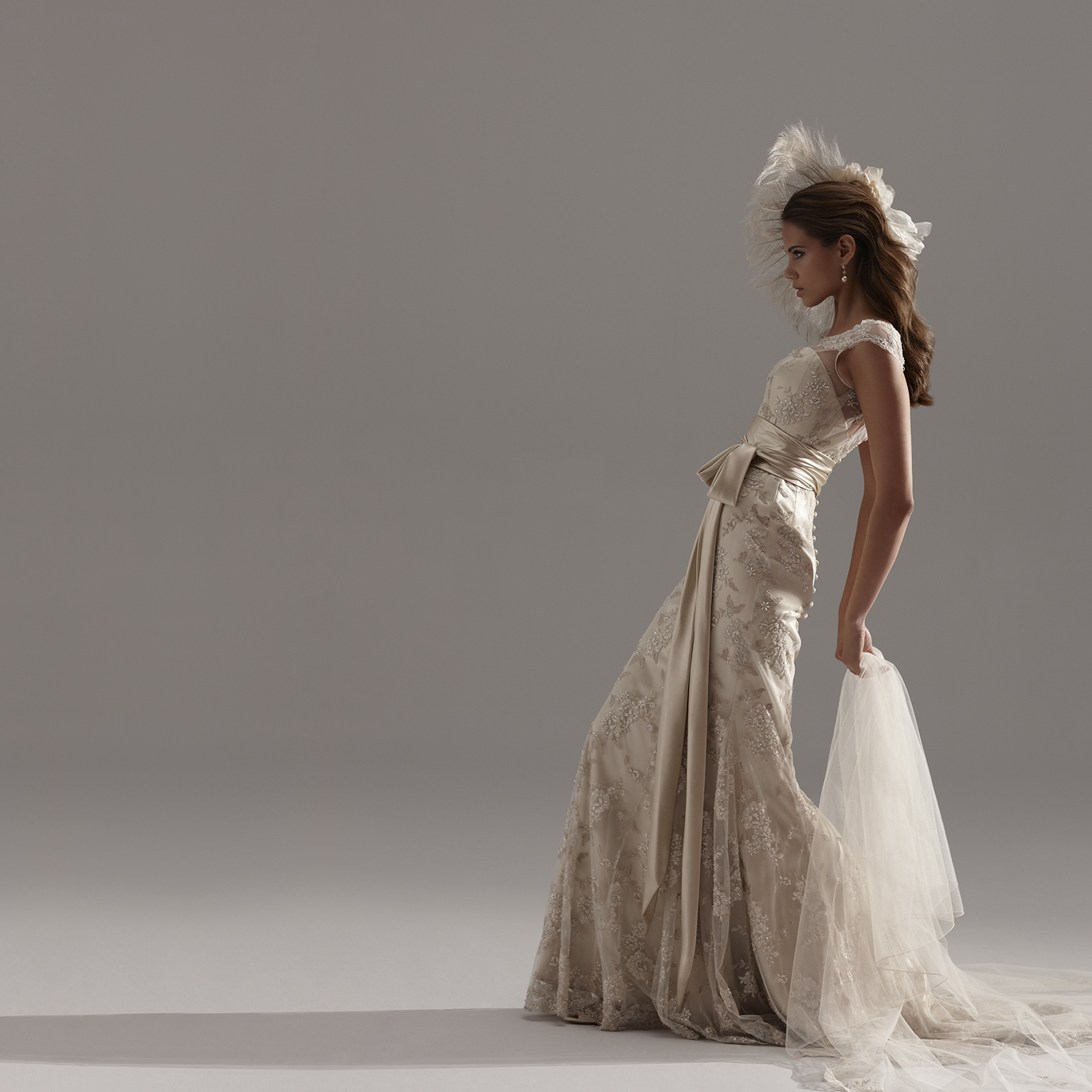
 Sassi Holford Bridal Couture 2013 Campaign PH: Simon Powell simonpowell.co.uk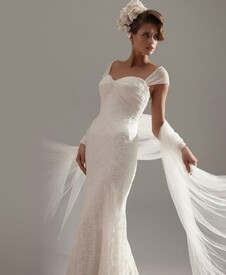
-
It's for South Coast Plaza. She's worked for them before.
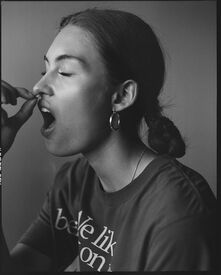
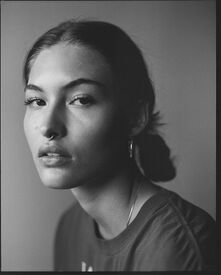
Elena Muller
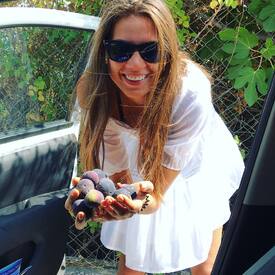
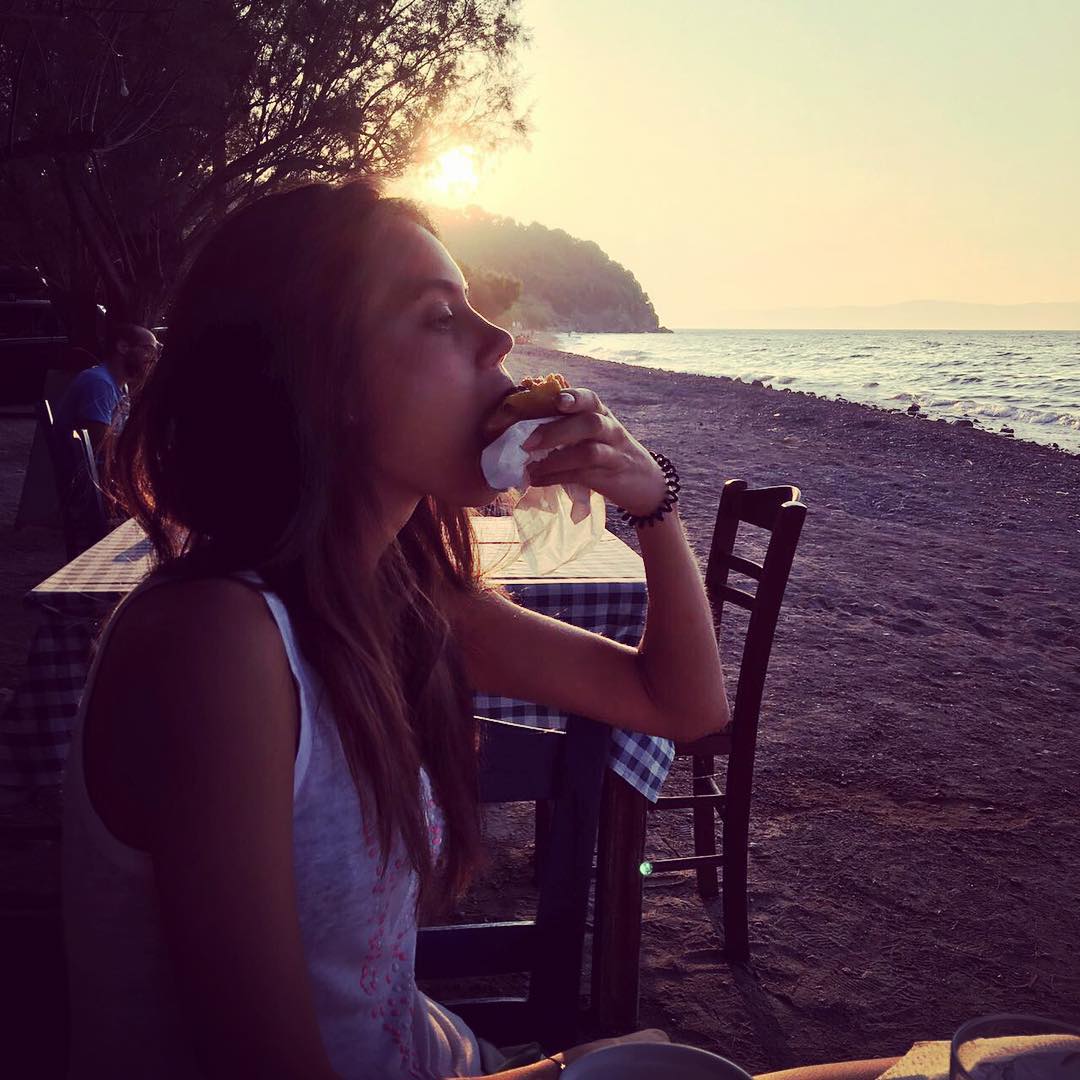
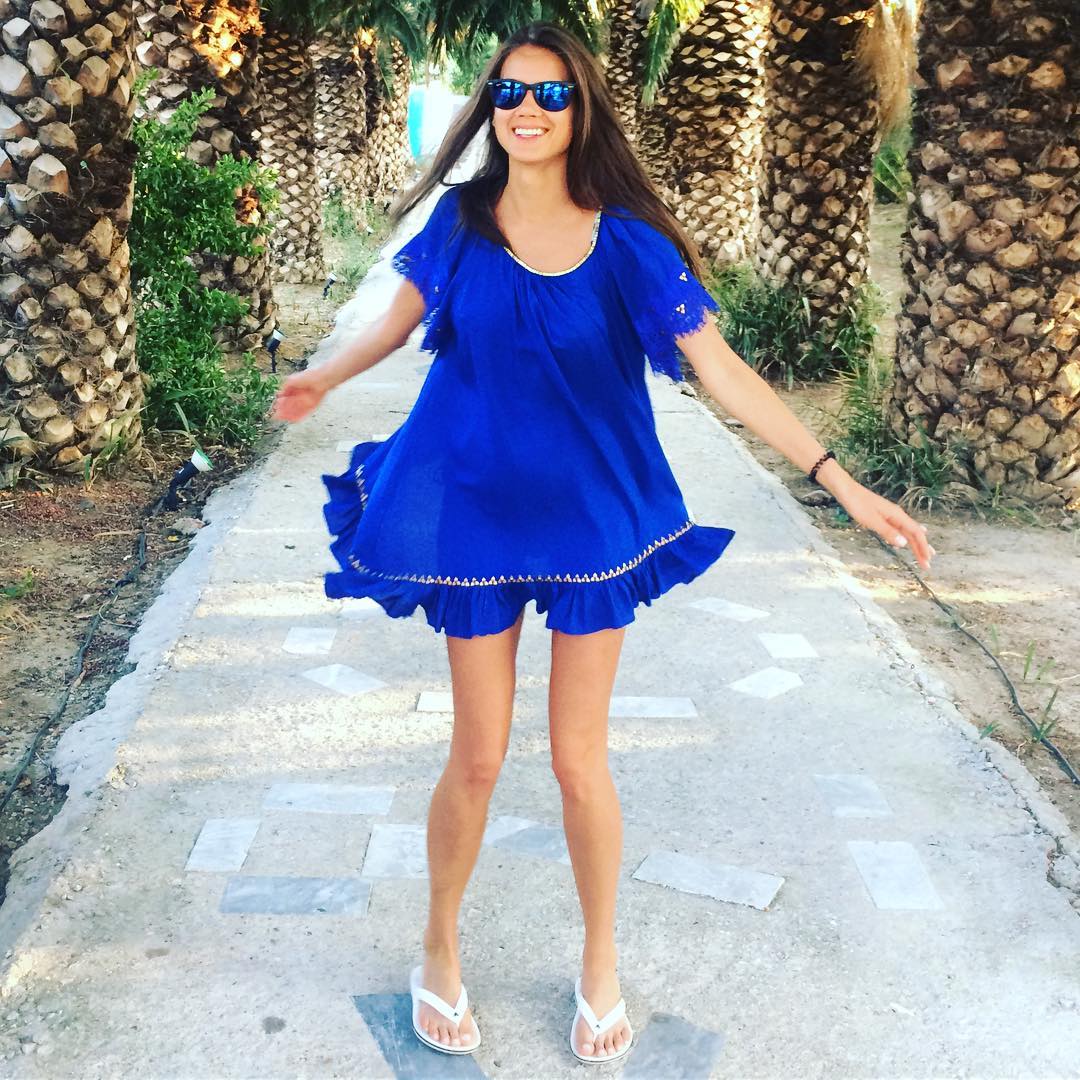
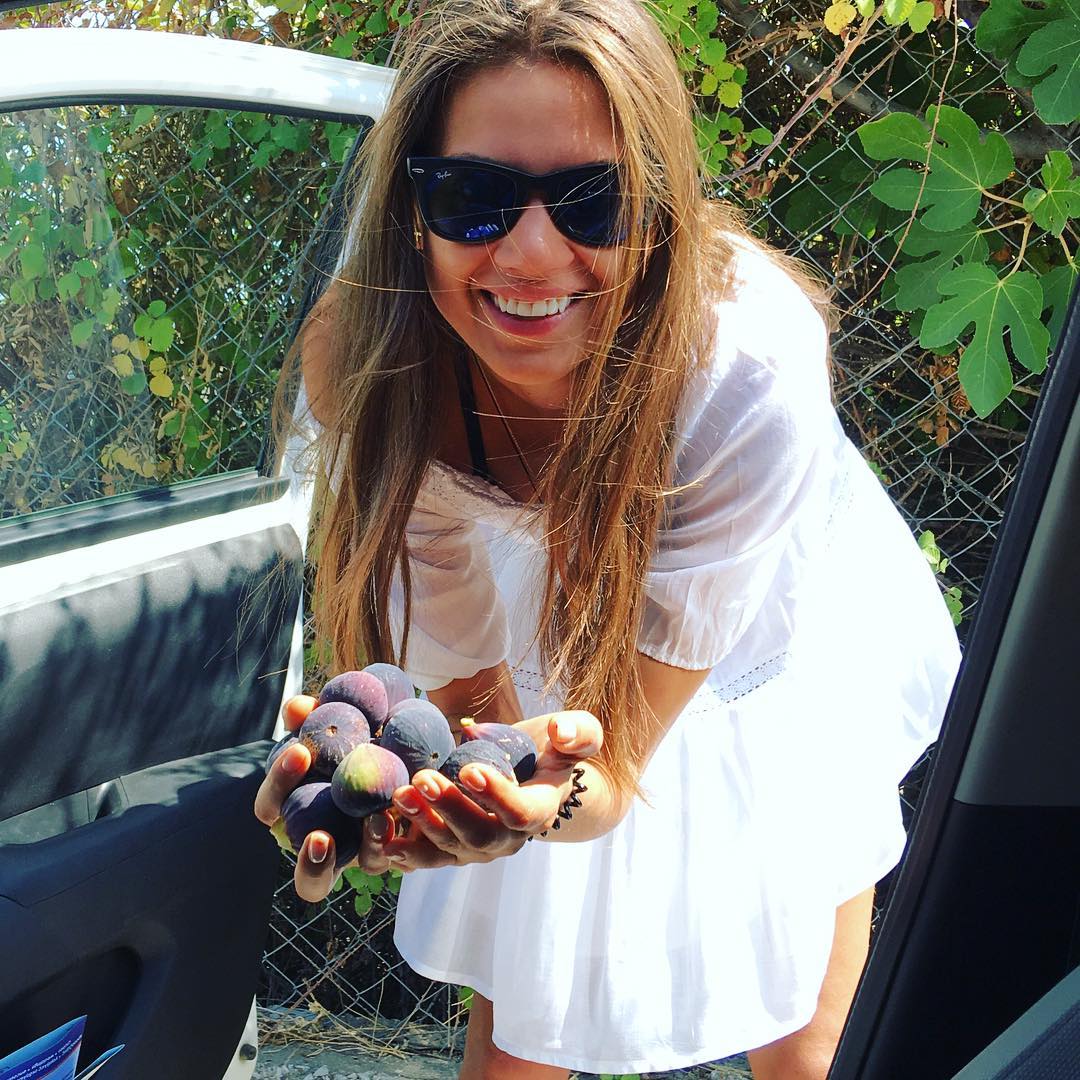
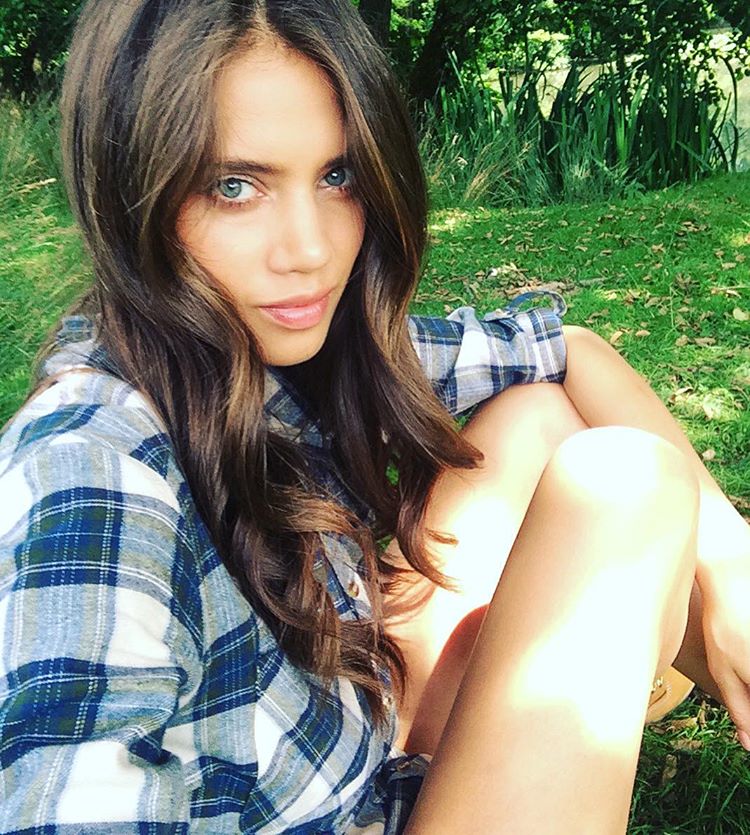
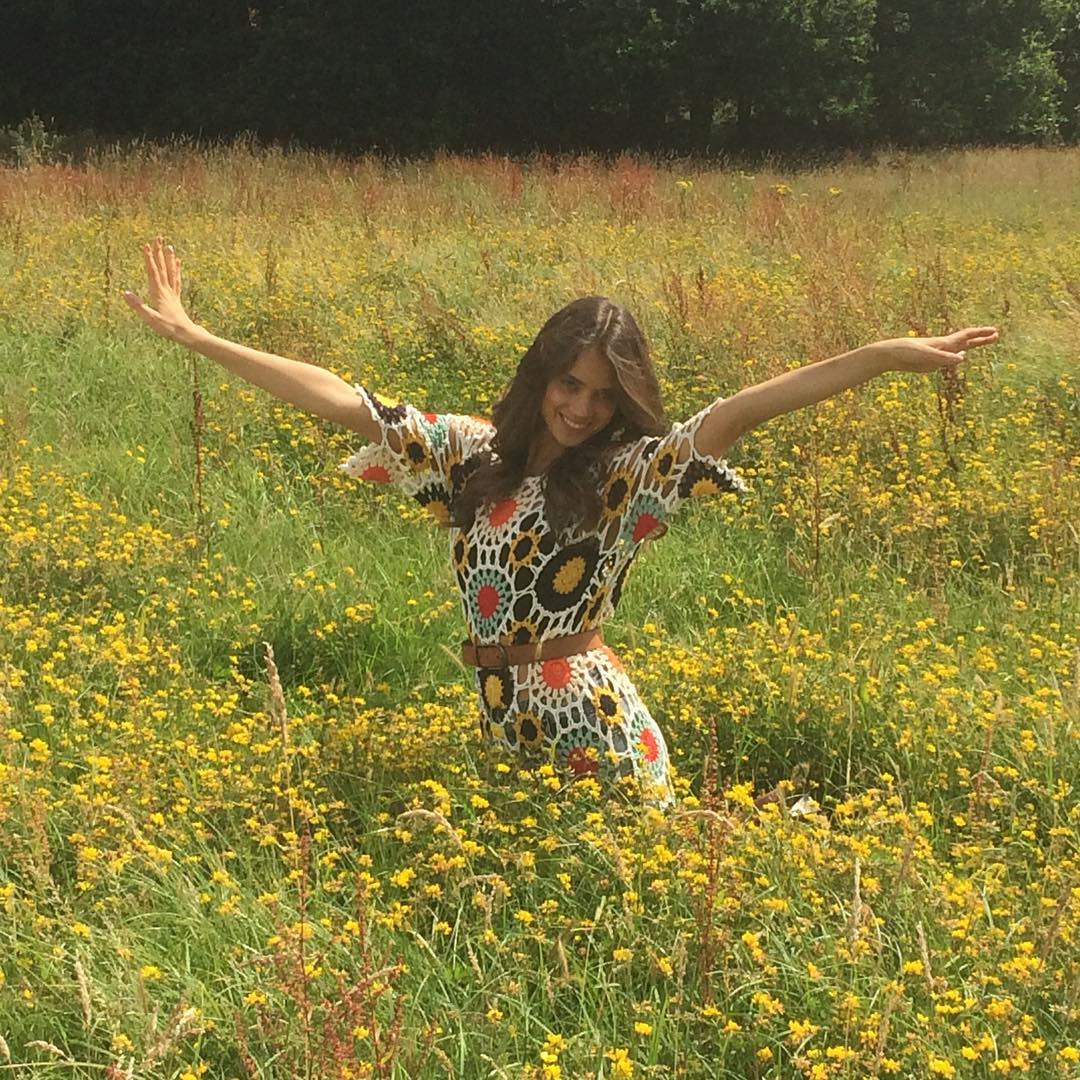
jacqueline_olo #holidaying #alwaysmunching jacqueline_oloStealing #figs from neighborhood, what can be tastier ?
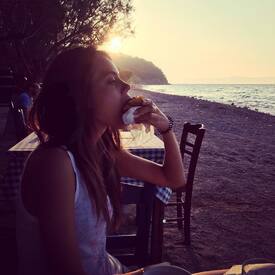
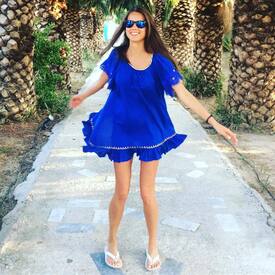
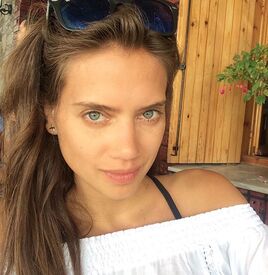 instagram/sash19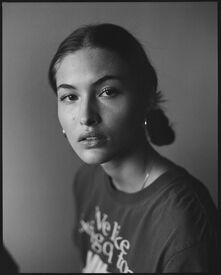
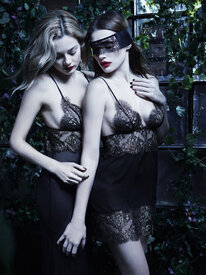
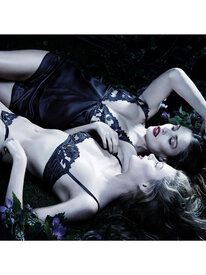
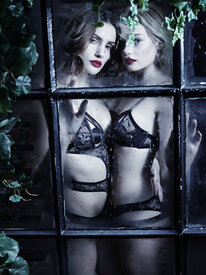
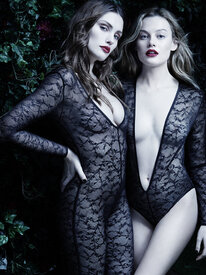
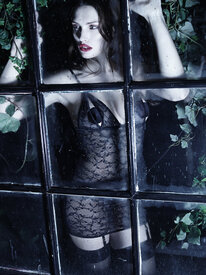
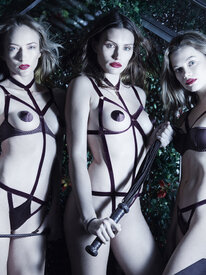
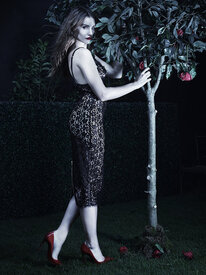
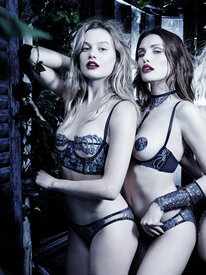
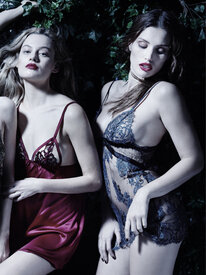
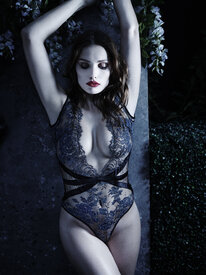
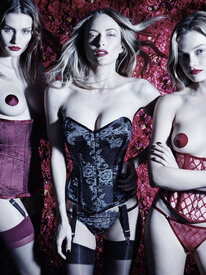
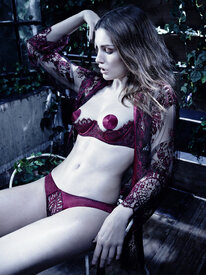
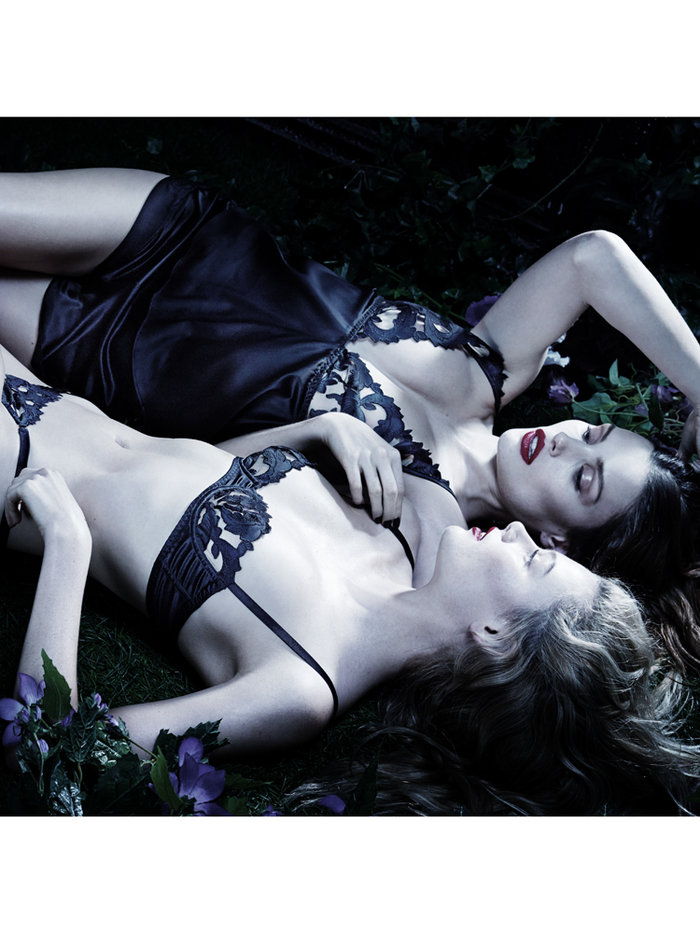
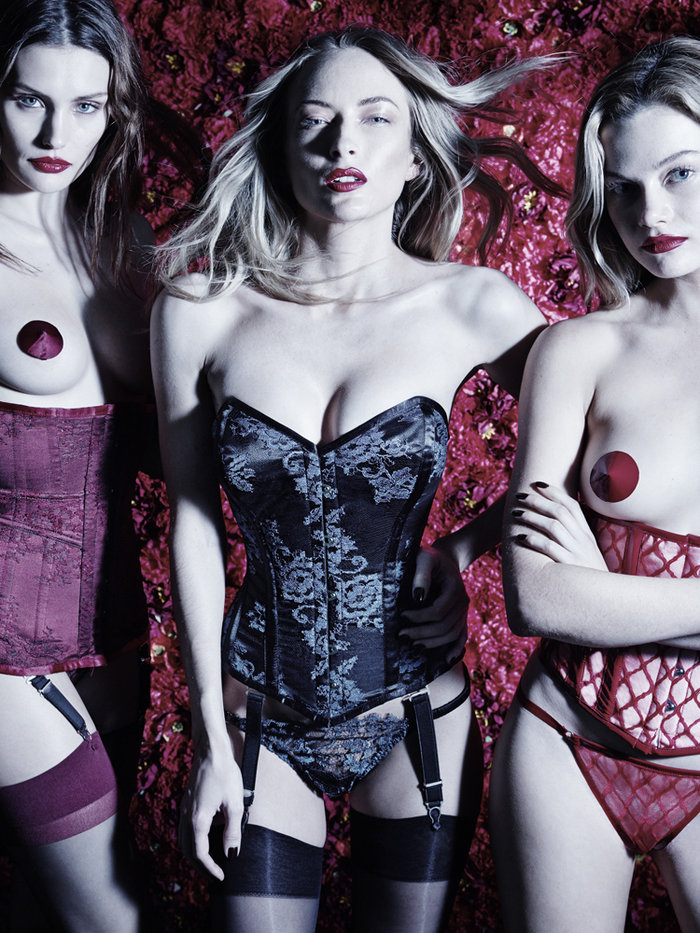
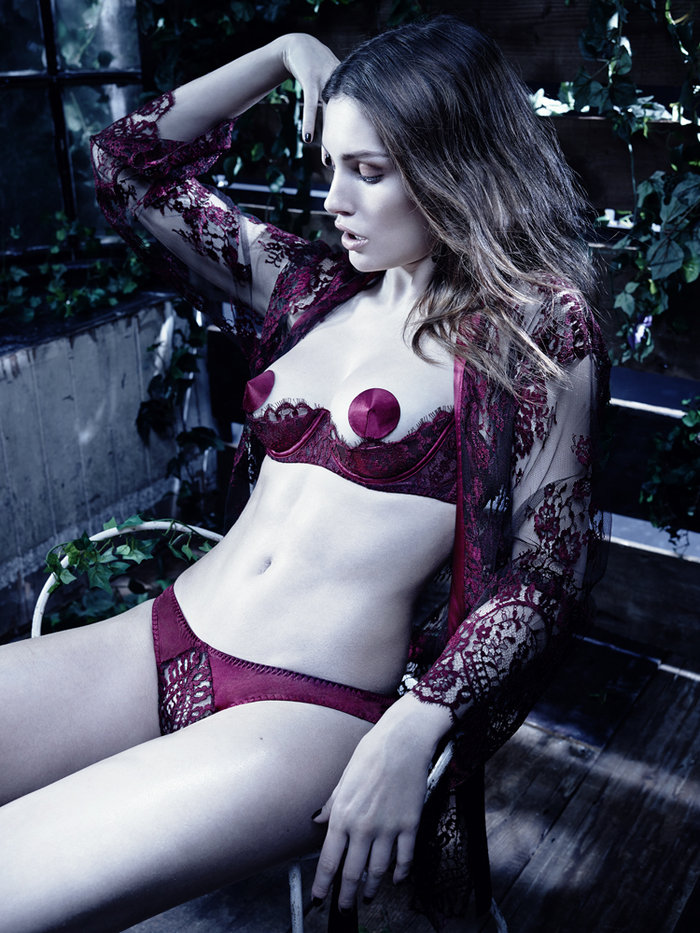
 Coco de Mer AW16 Lingerie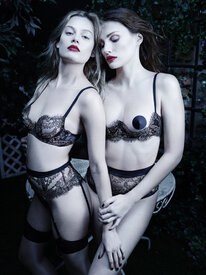
 Missoni F/W 2016.17 missoni.com
dlipperA moment in time, out of the sea @catrinelmarlon ##lamer @jdemsey @nextmodels instagram/dlipper
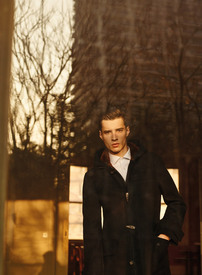
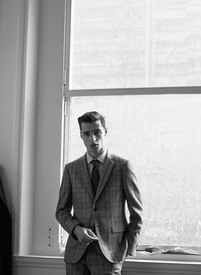
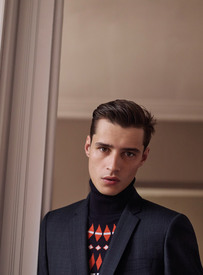
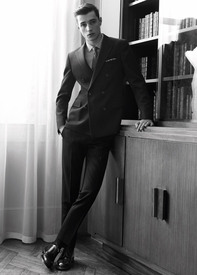
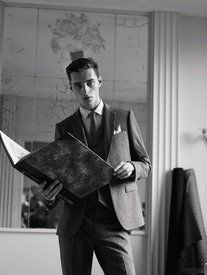
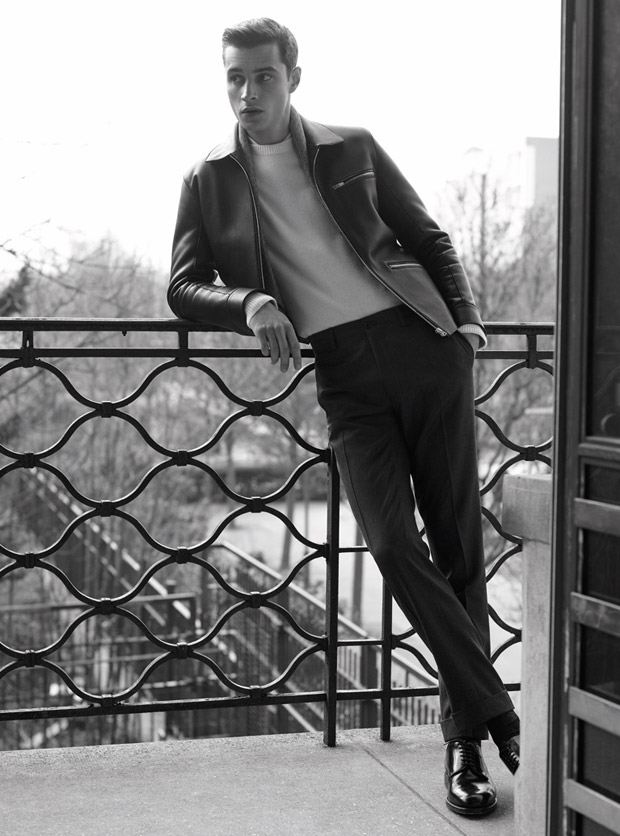
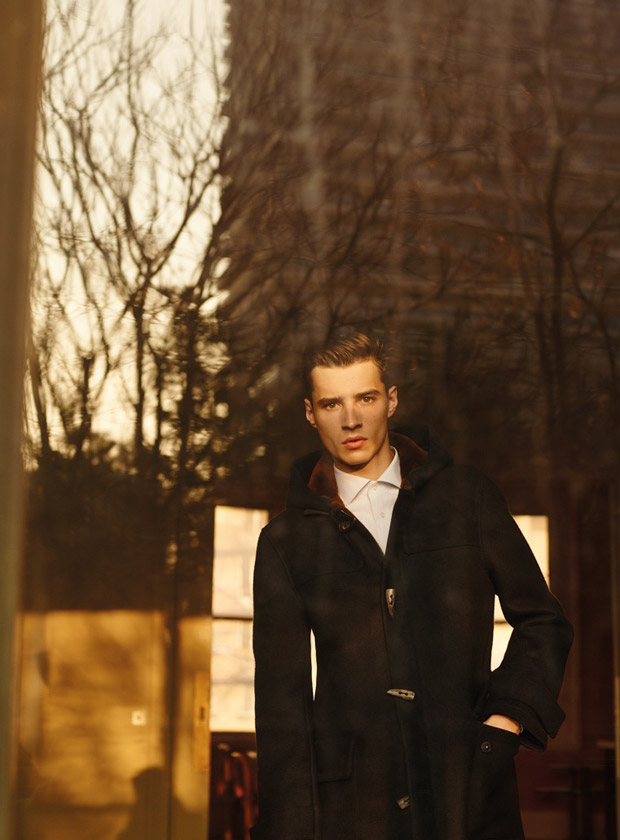
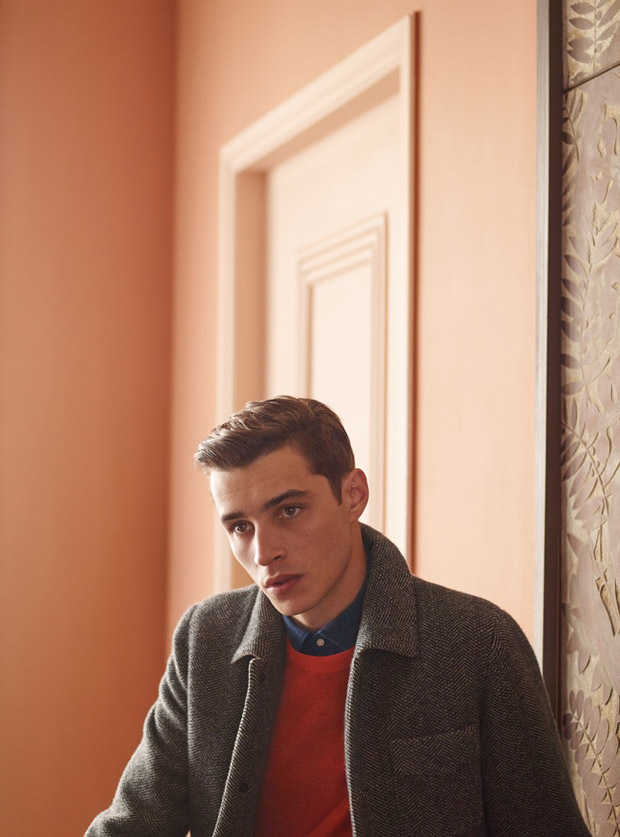
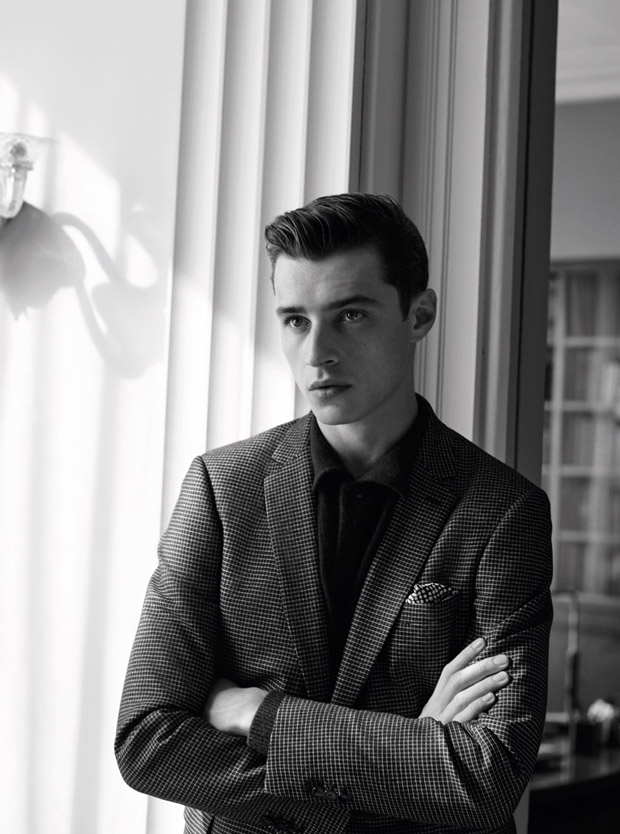
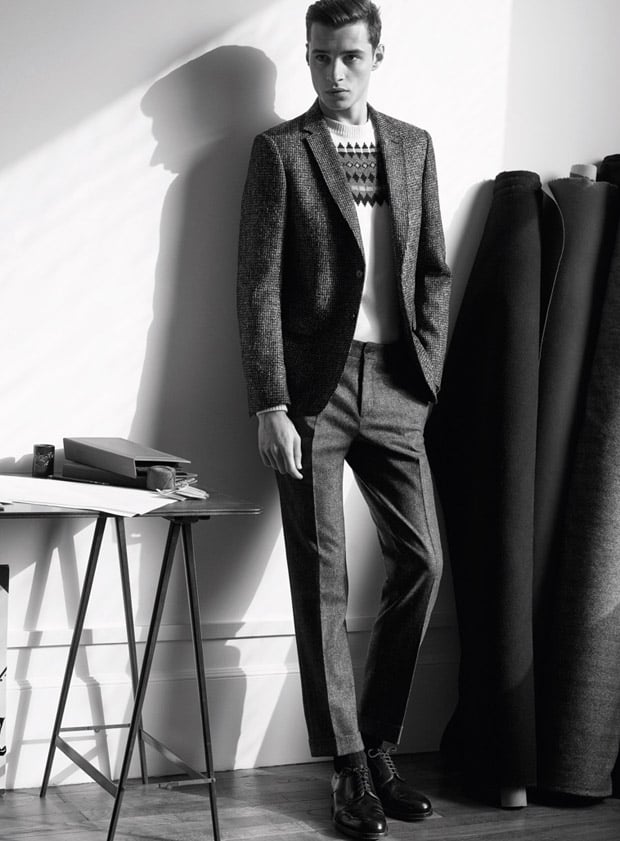
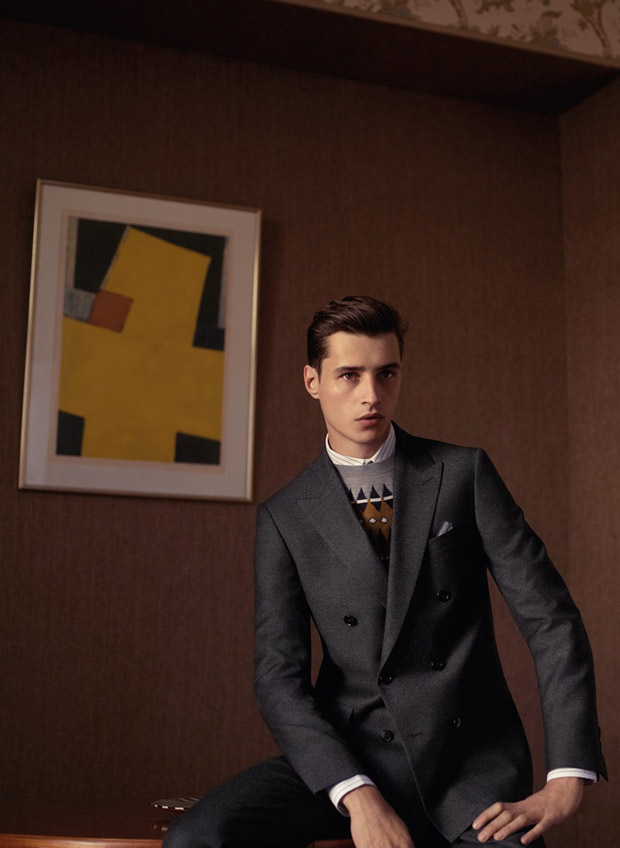
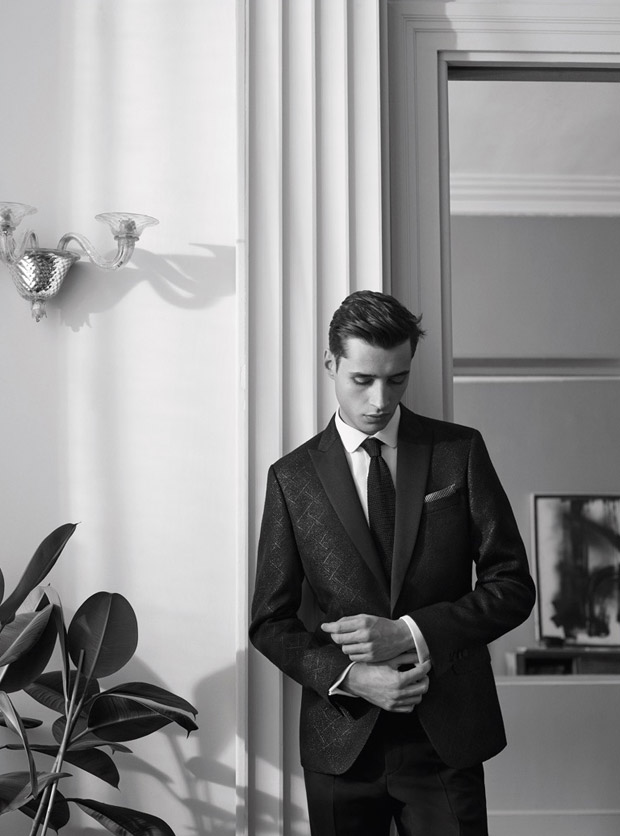
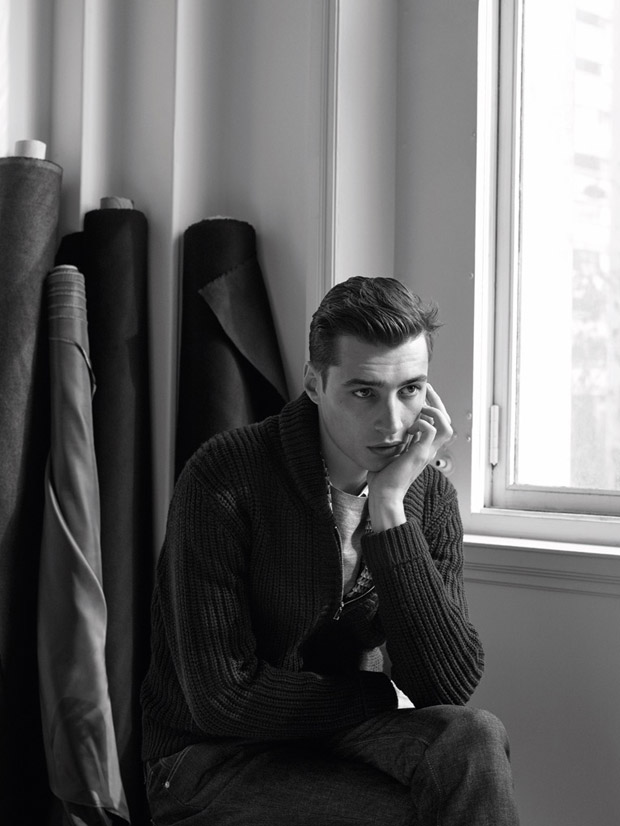
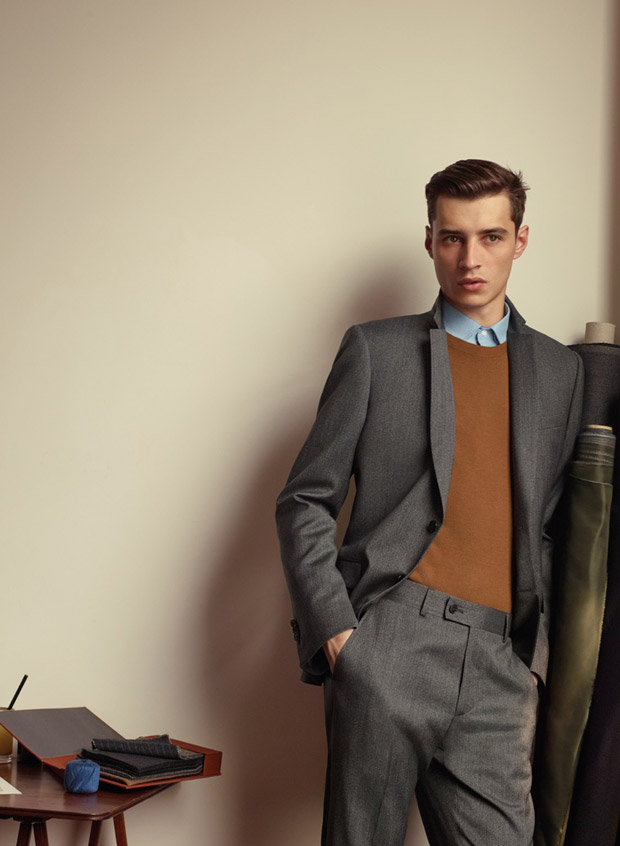
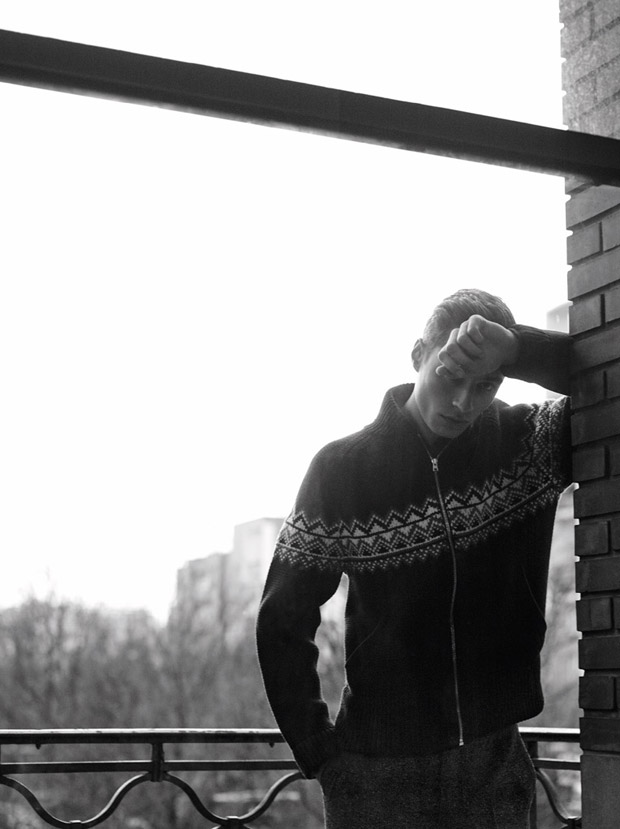
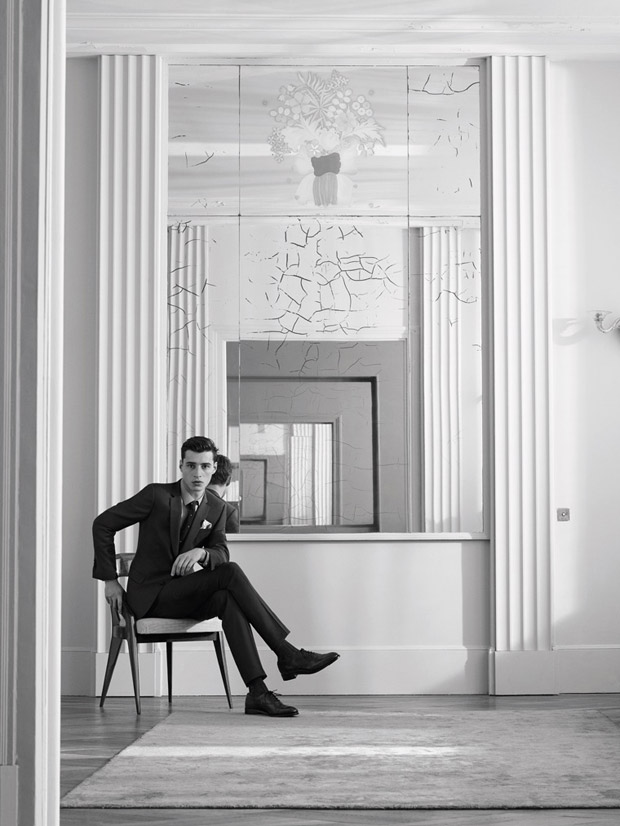
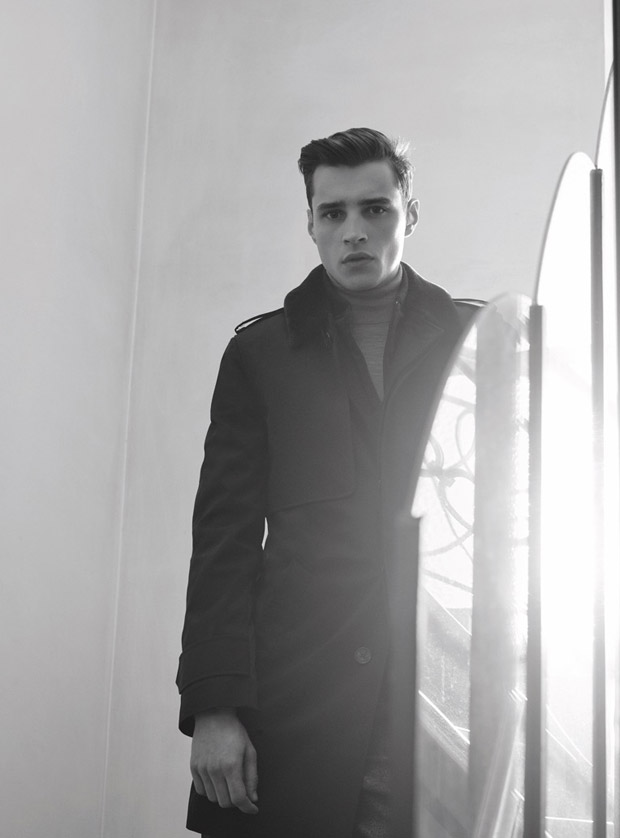
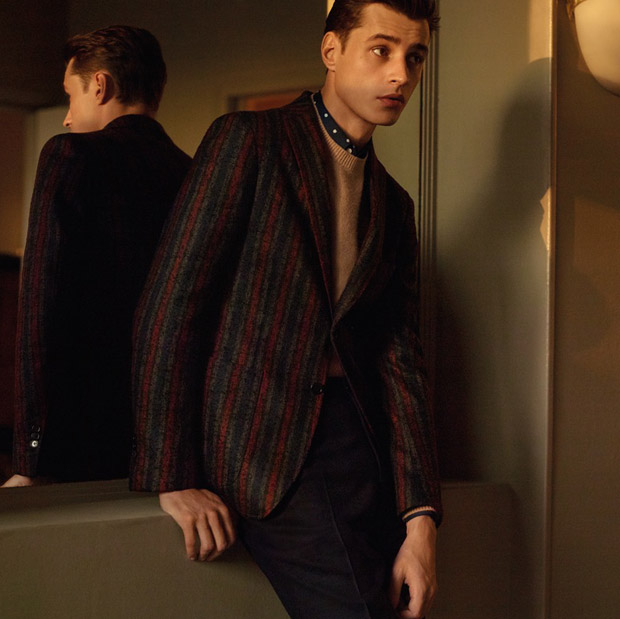
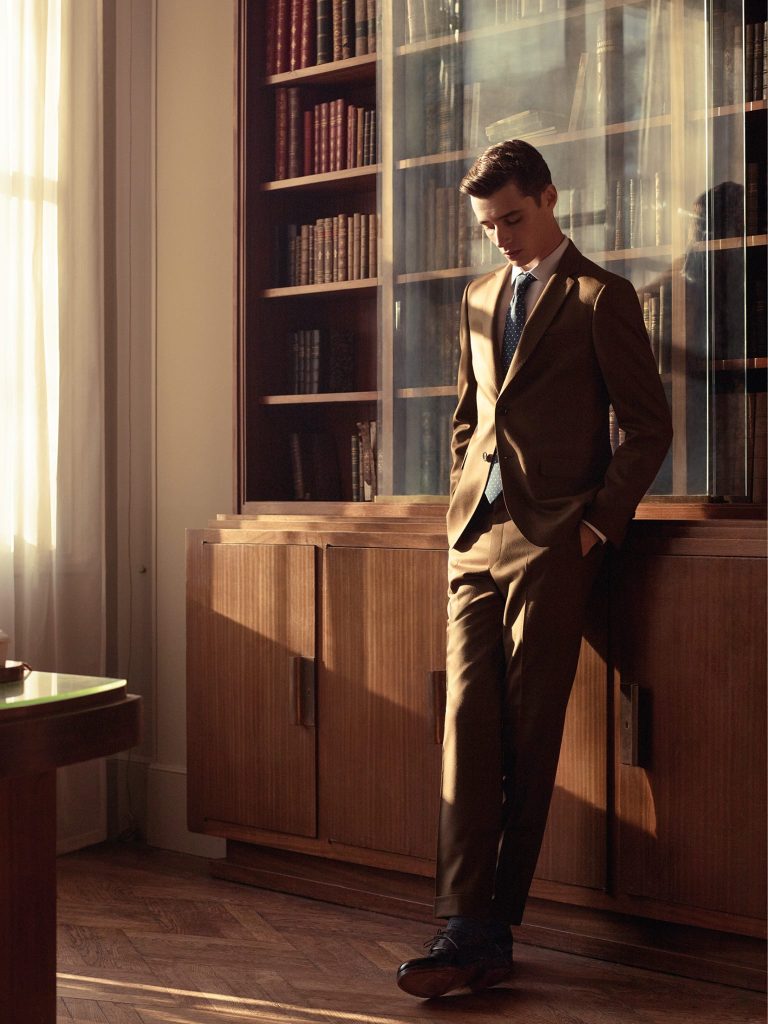
De Fursac F/W 2016 PH: Karim Sadli Art Direction: Atelier Franck Durand
Missoni F/W 2016.17 missoni.com
dlipperA moment in time, out of the sea @catrinelmarlon ##lamer @jdemsey @nextmodels instagram/dlipper
De Fursac F/W 2016 PH: Karim Sadli Art Direction: Atelier Franck Durand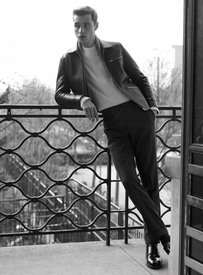
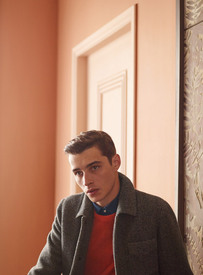
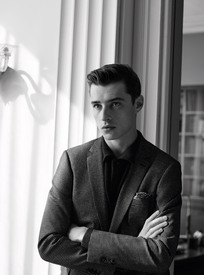
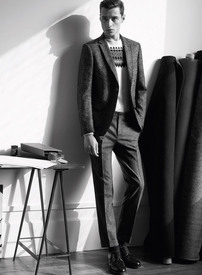
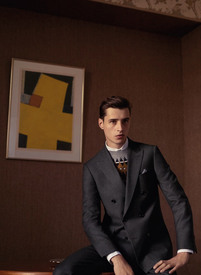
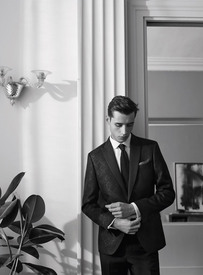
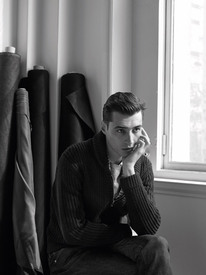
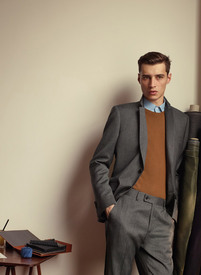
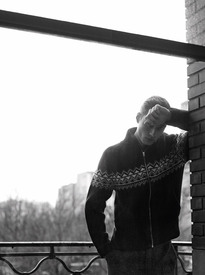
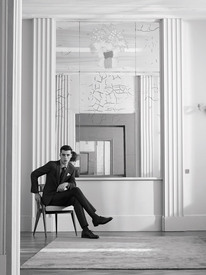
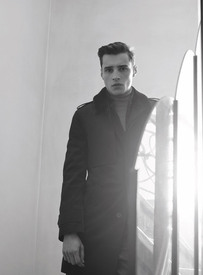
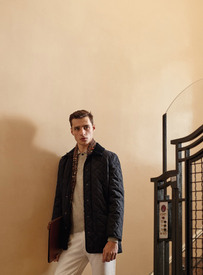
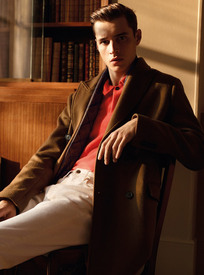
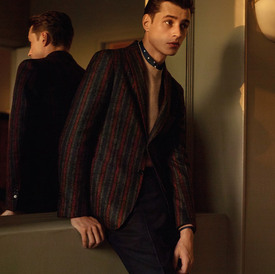
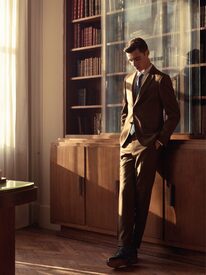 SKP Magazine Autumn 2016 PH: Stefano Galuzzi Styling: Nicholas Galletti malemodelscene.net
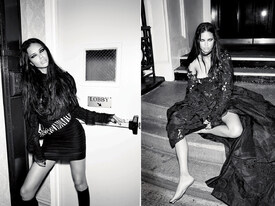
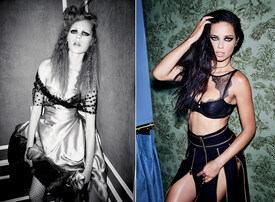
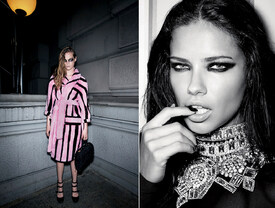
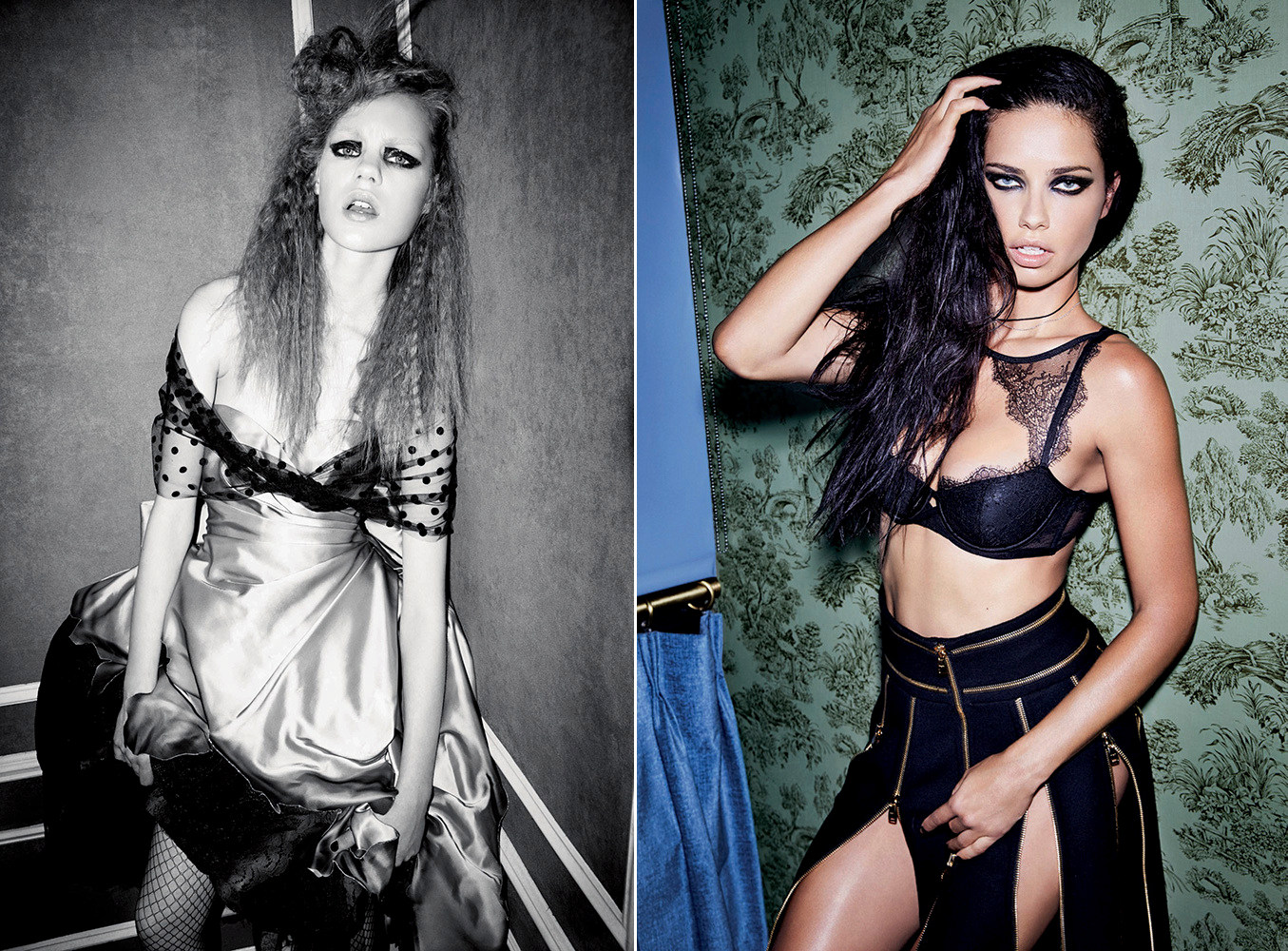
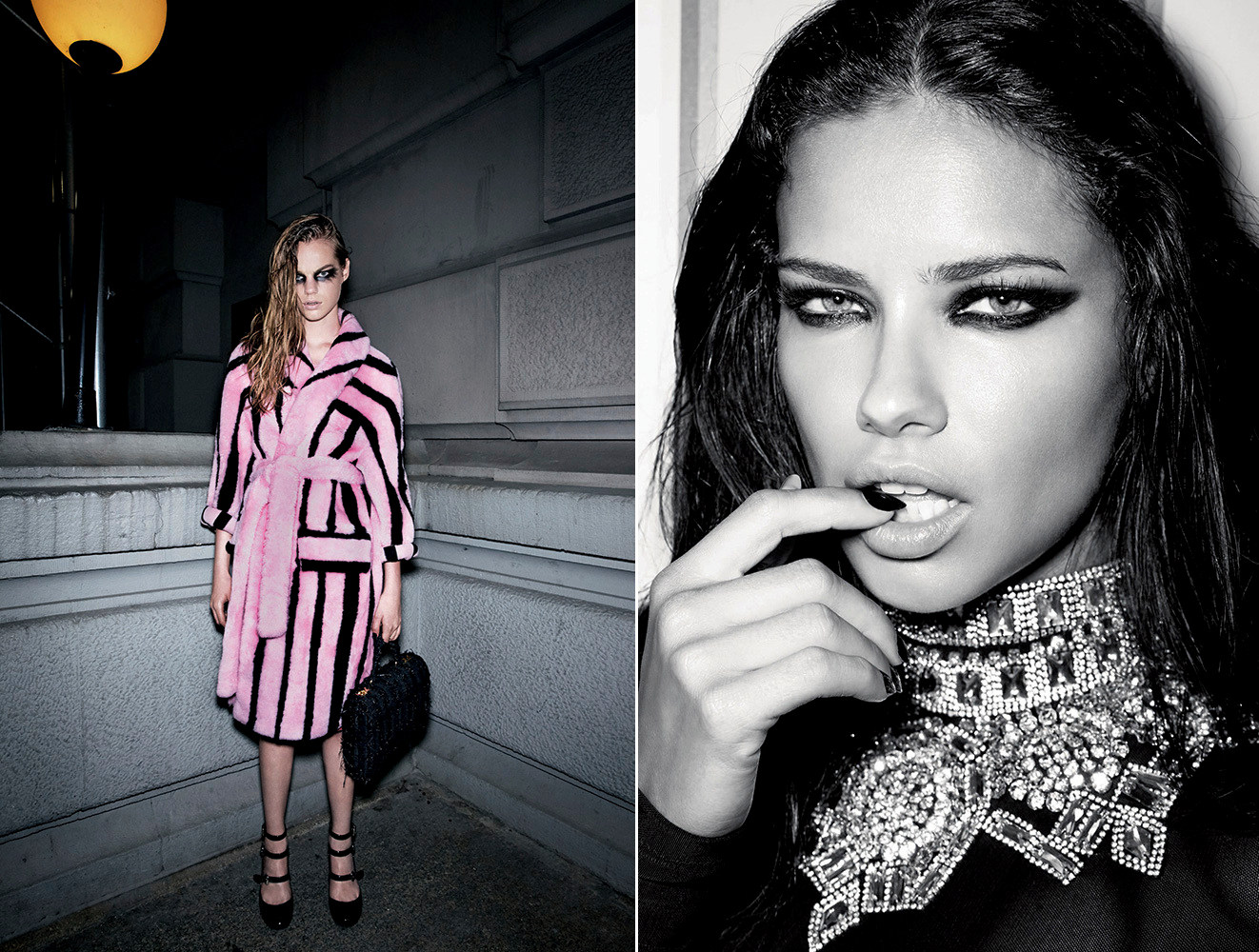
@emerald7 Yup, these are all the pics. Here's the full editorial: http://forums.thefashionspot.com/showpost.php?p=13678757&postcount=81 They should have used just Carolyn and Adriana IMO.
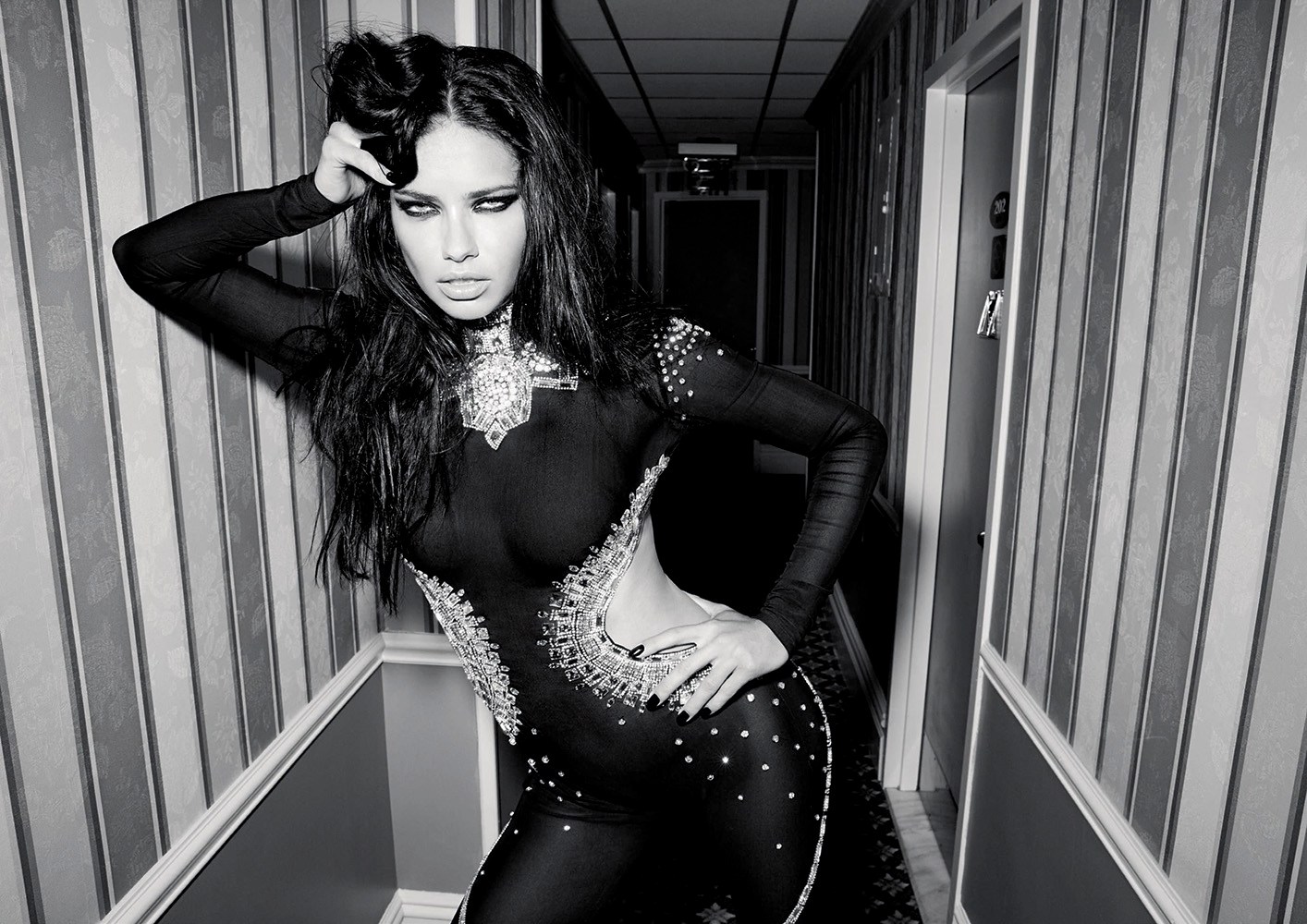
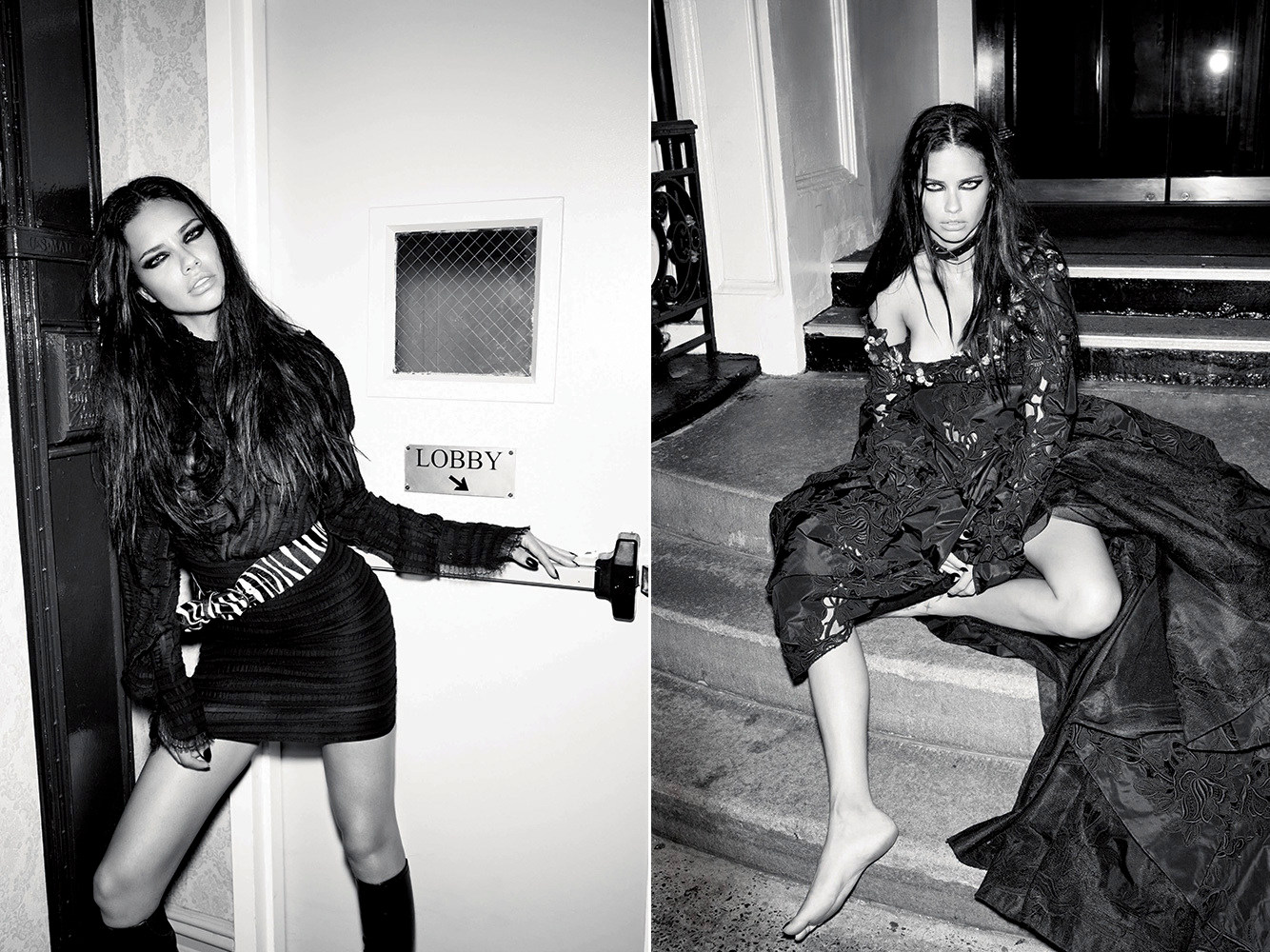
LOVE #17 F/W 2016.17 Slaves of New York Photographer: Carin Backoff Stylist: Tabitha Simmons Make-Up: Diane Kendal & Marla Belt Hair: Guido Palau & Ashley Javier streeters.com
SKP Magazine Autumn 2016 PH: Stefano Galuzzi Styling: Nicholas Galletti malemodelscene.net
@emerald7 Yup, these are all the pics. Here's the full editorial: http://forums.thefashionspot.com/showpost.php?p=13678757&postcount=81 They should have used just Carolyn and Adriana IMO.
LOVE #17 F/W 2016.17 Slaves of New York Photographer: Carin Backoff Stylist: Tabitha Simmons Make-Up: Diane Kendal & Marla Belt Hair: Guido Palau & Ashley Javier streeters.com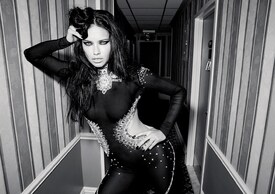
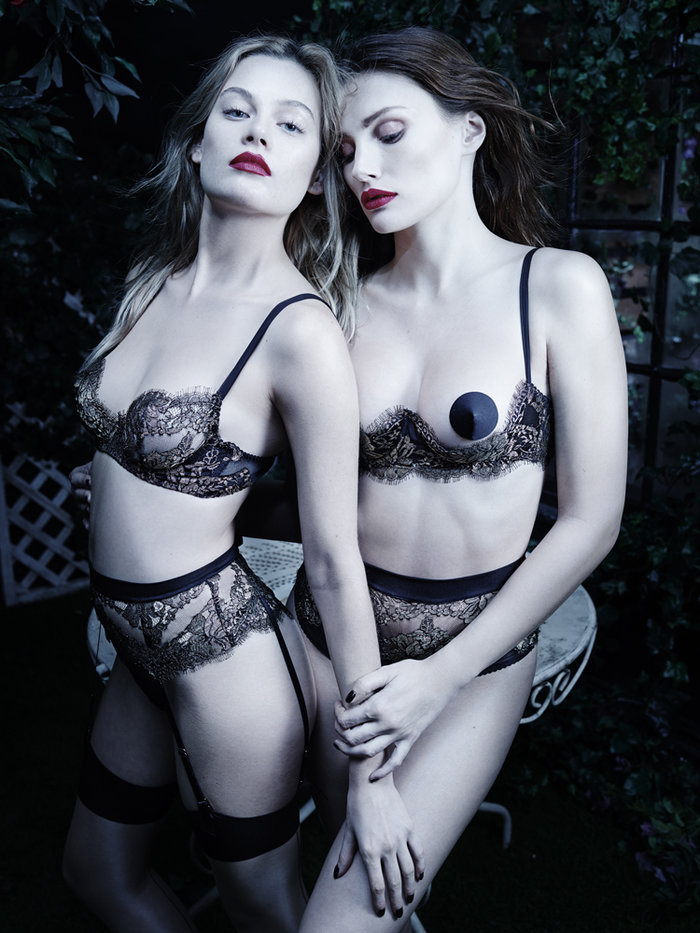
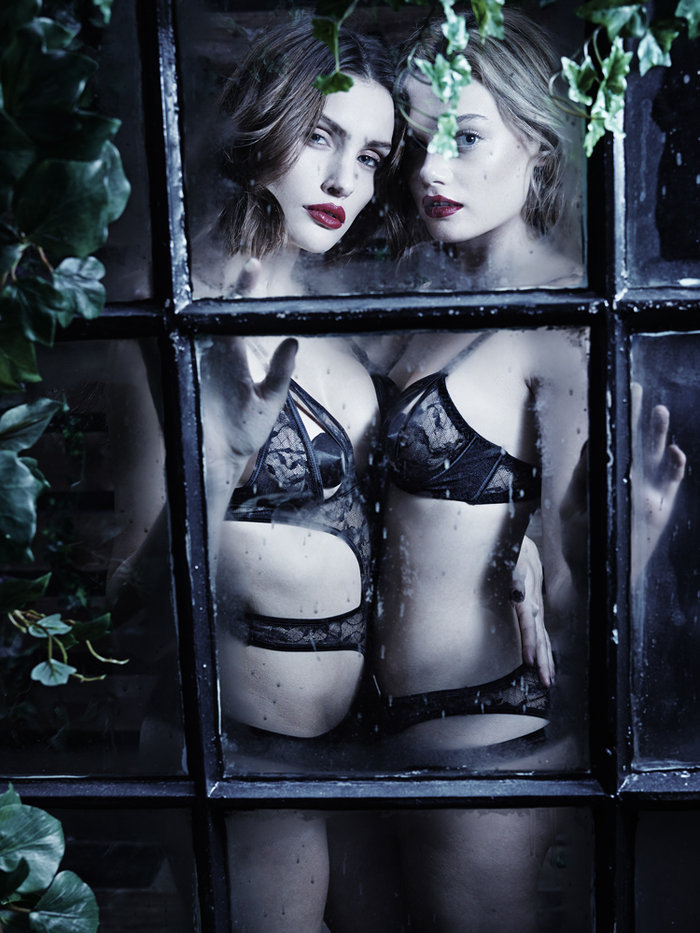
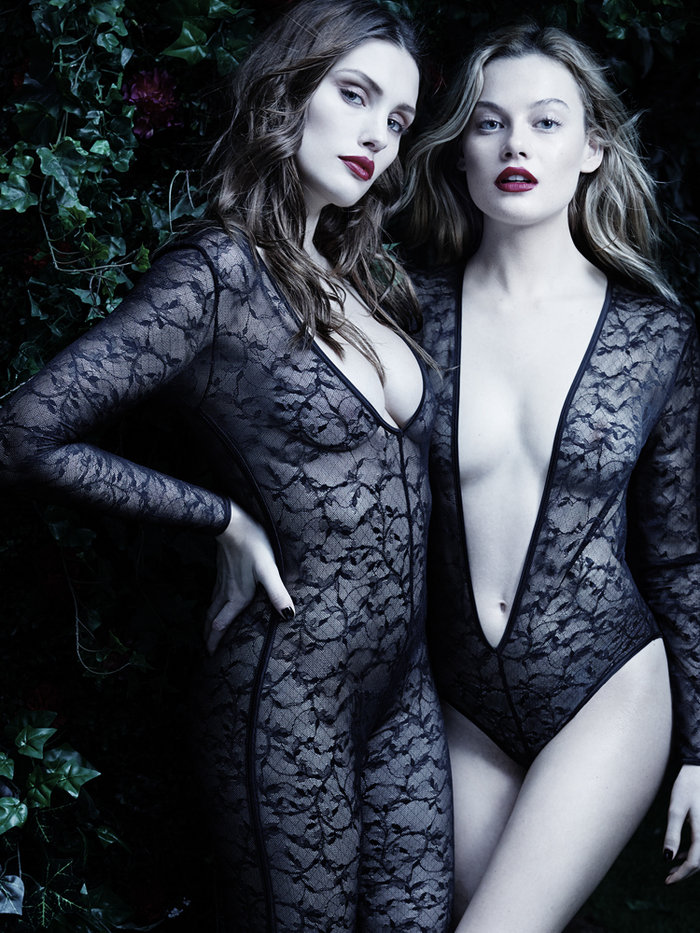
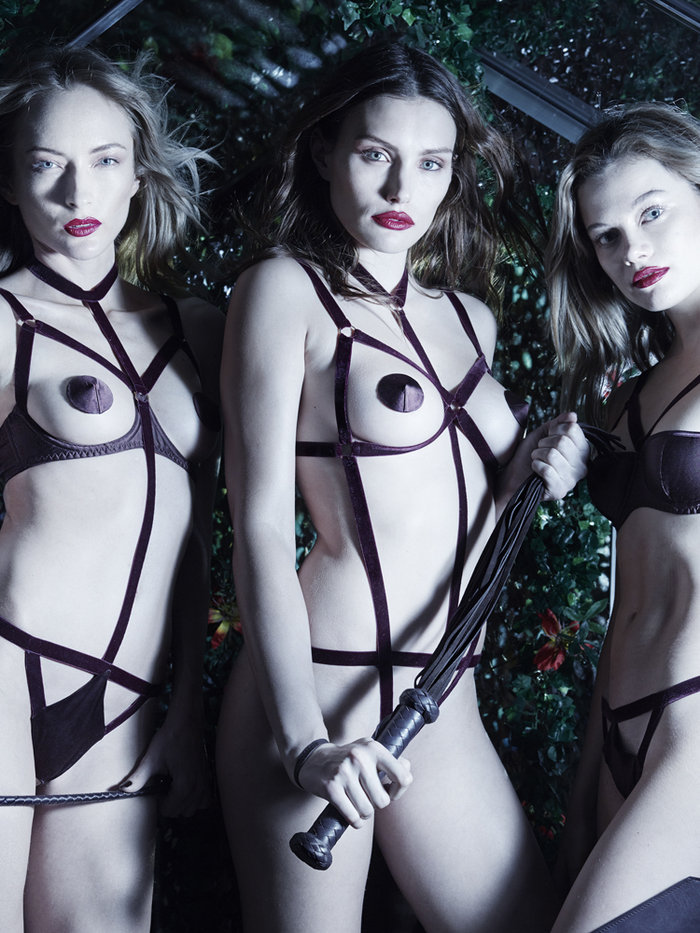
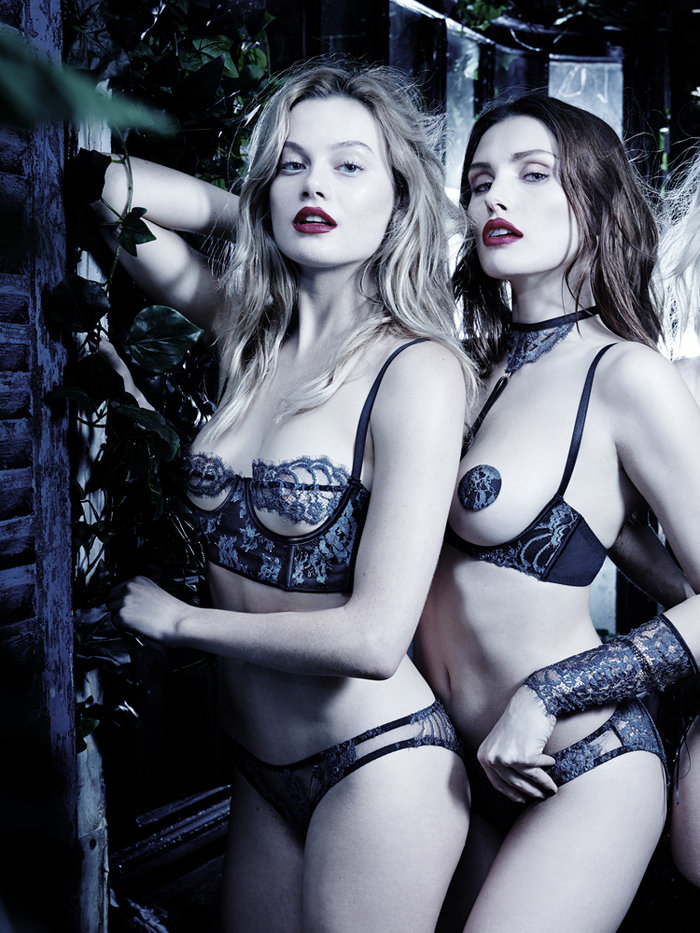
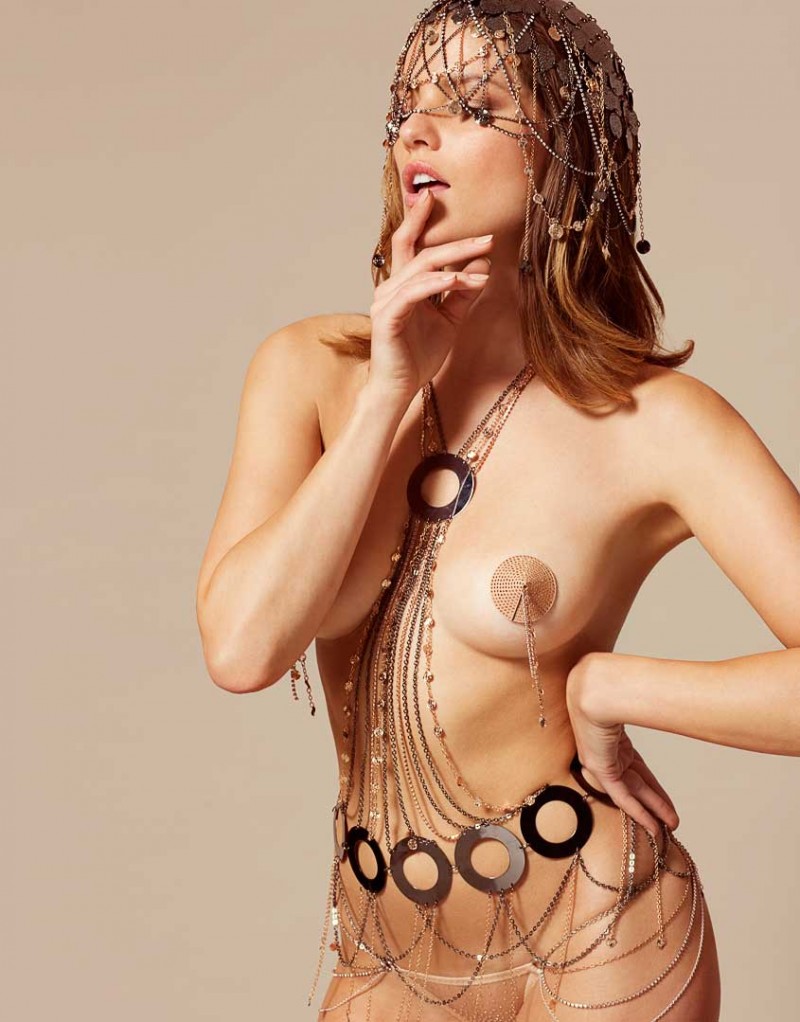
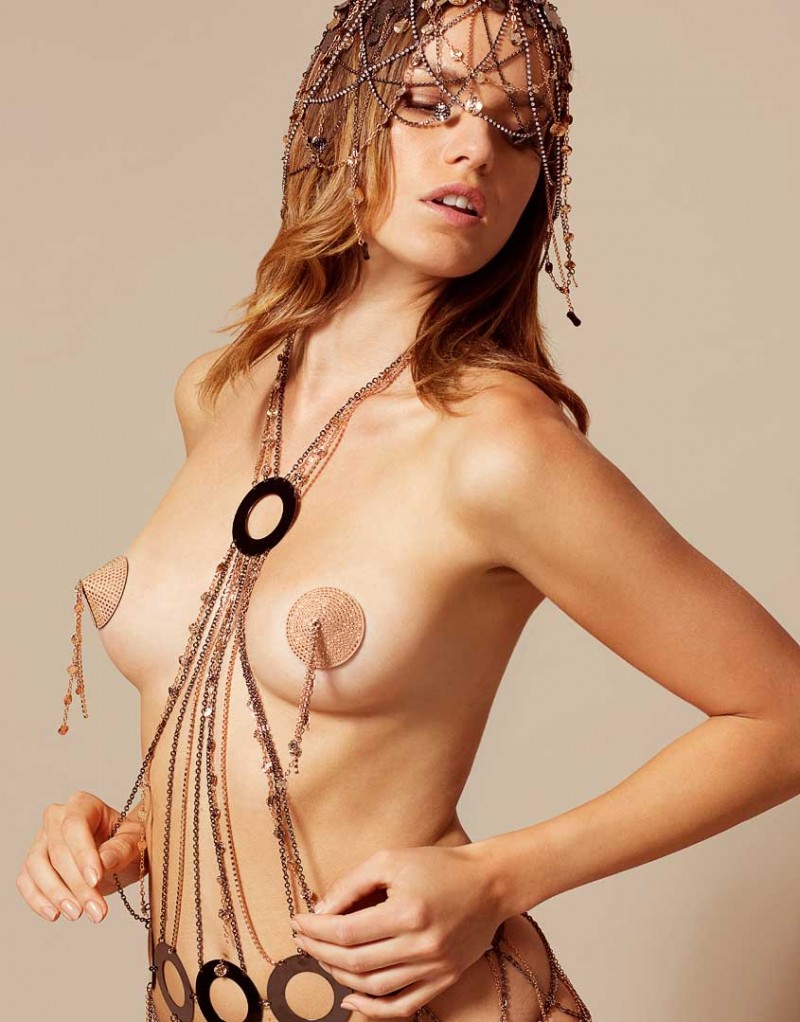
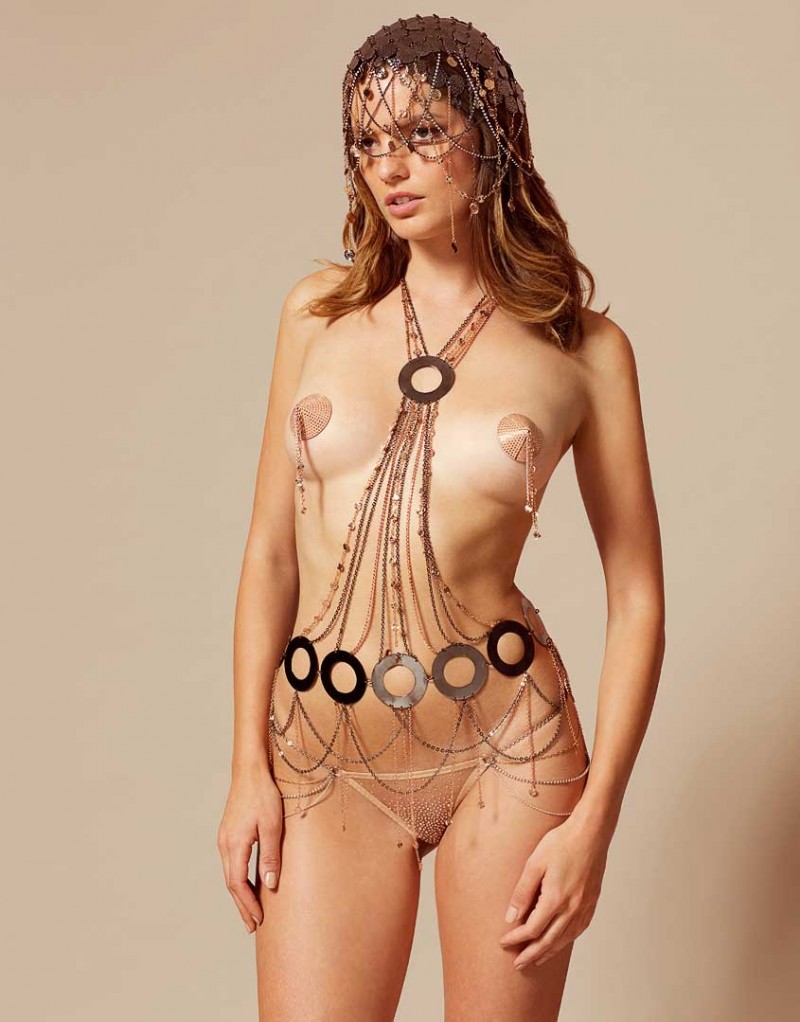
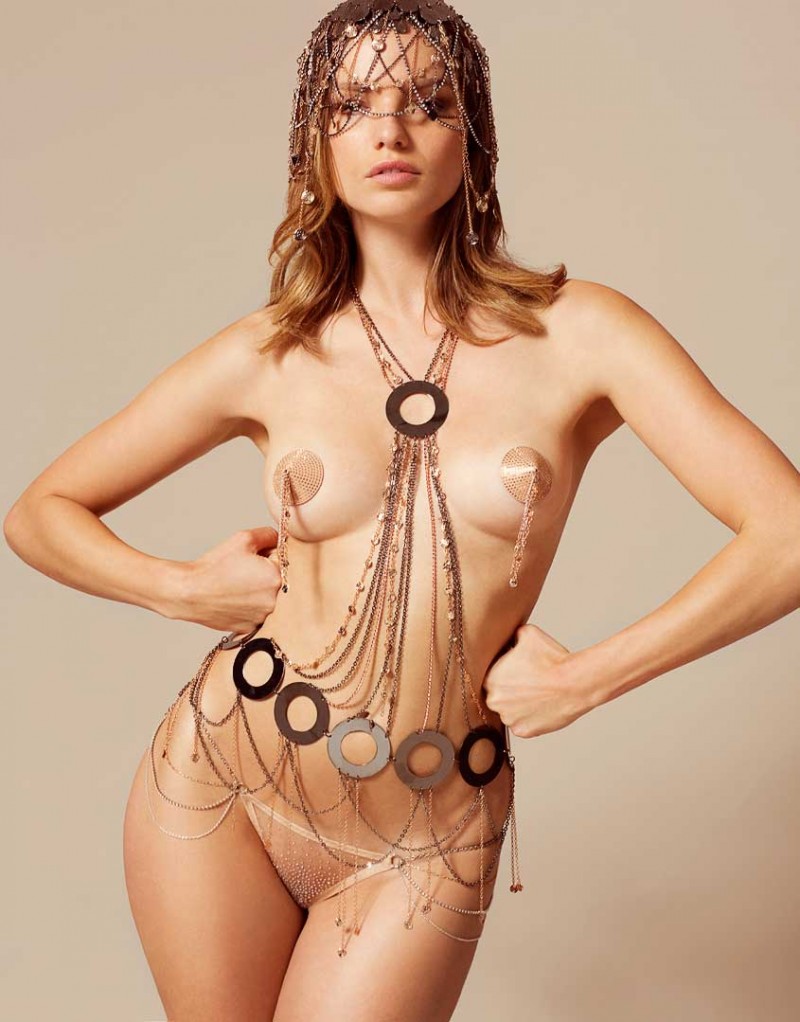
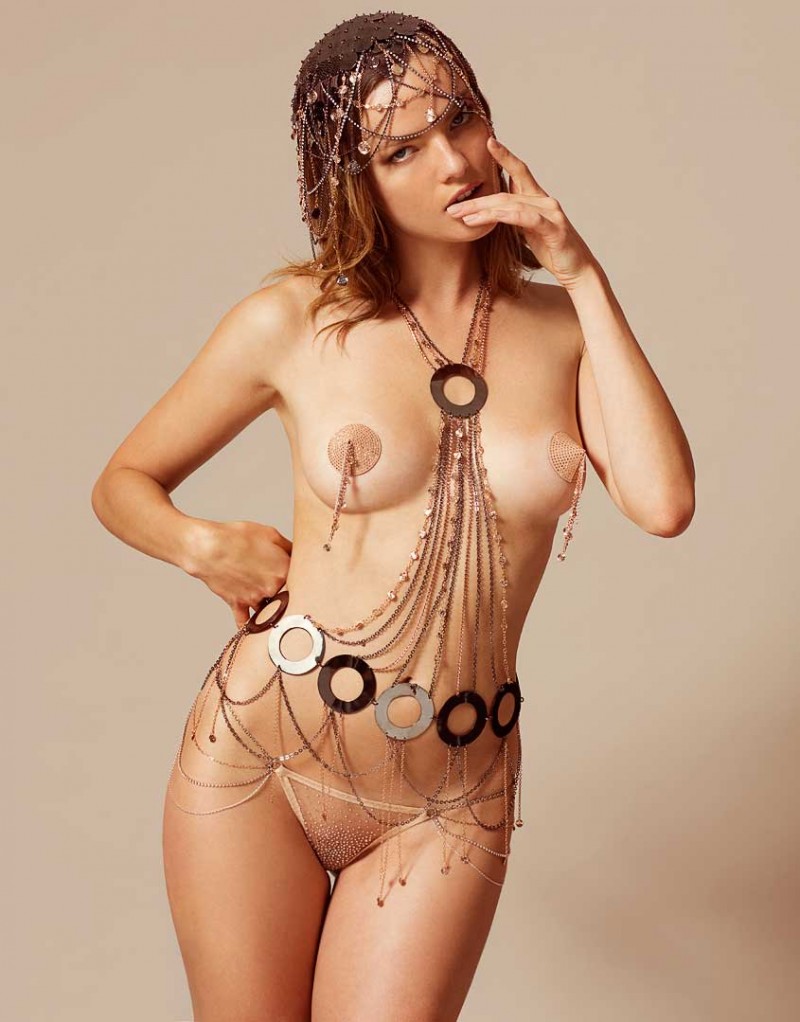
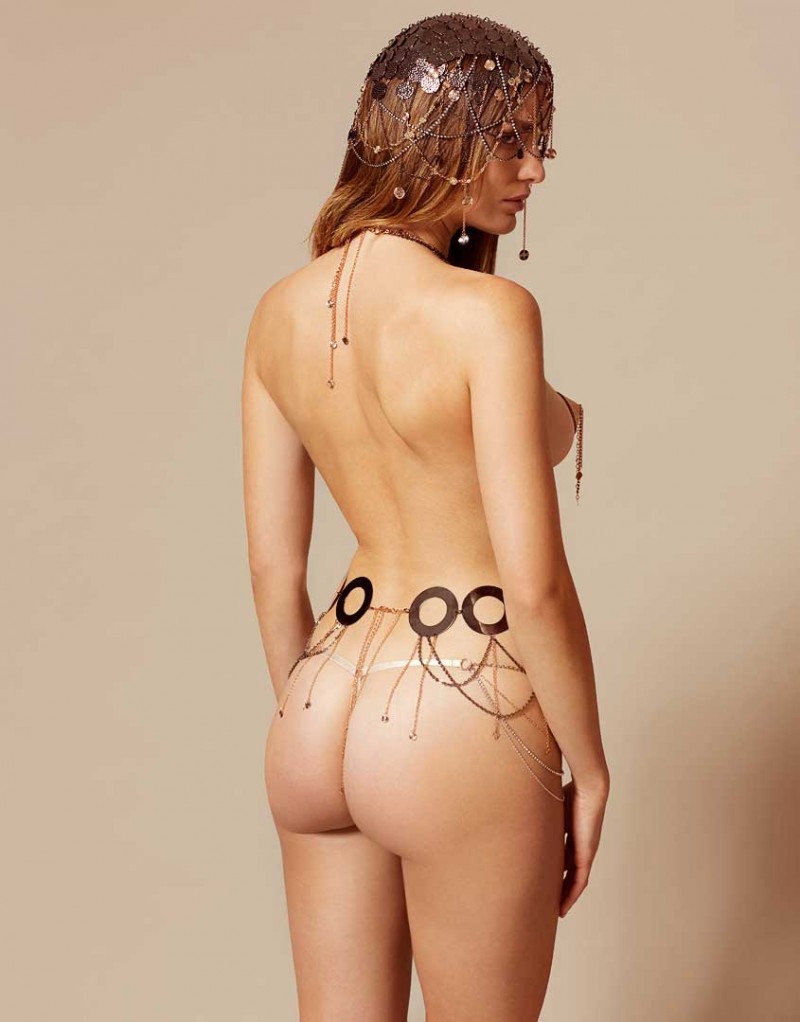
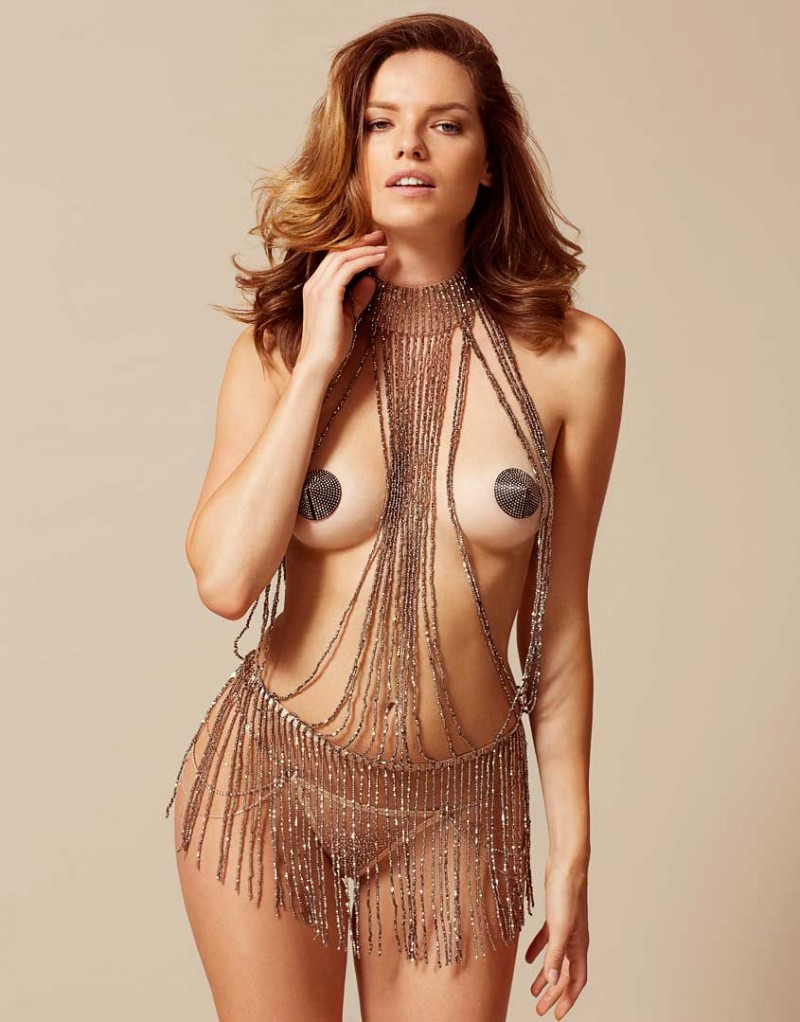
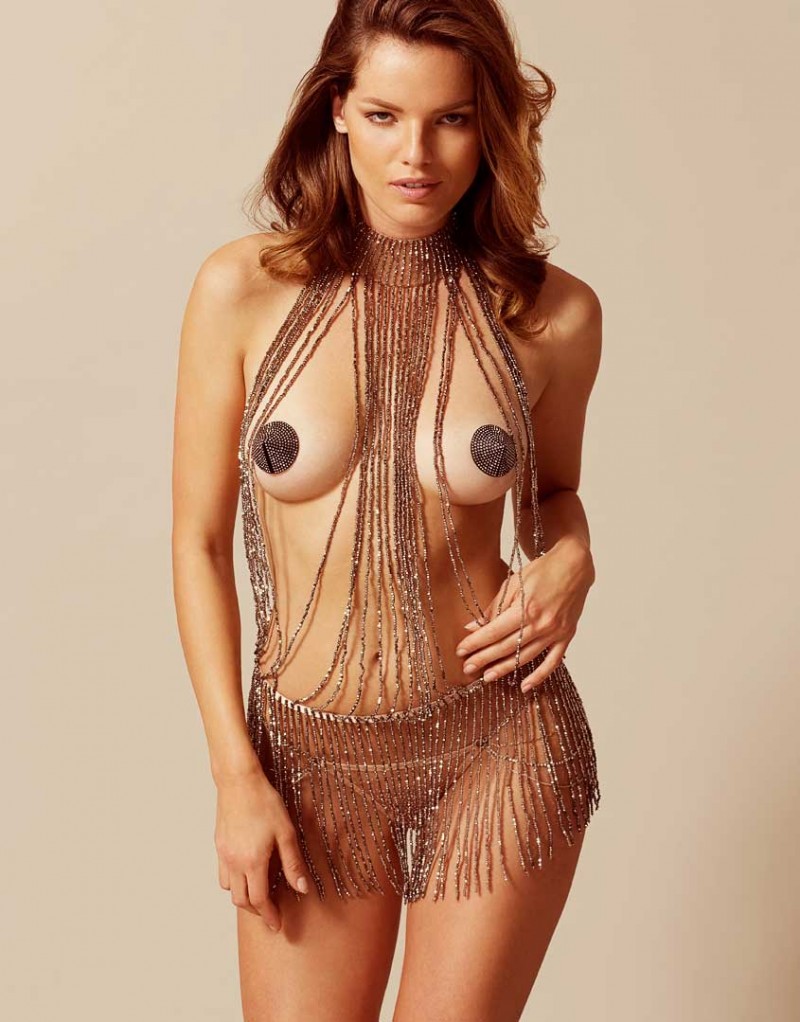
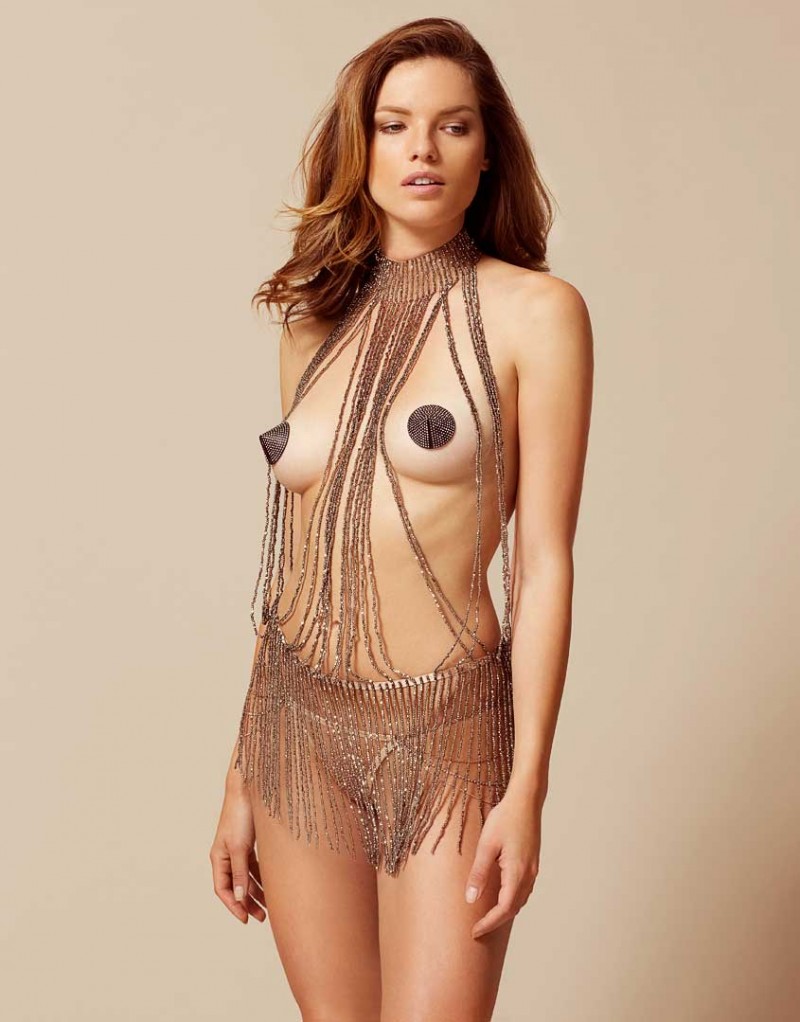
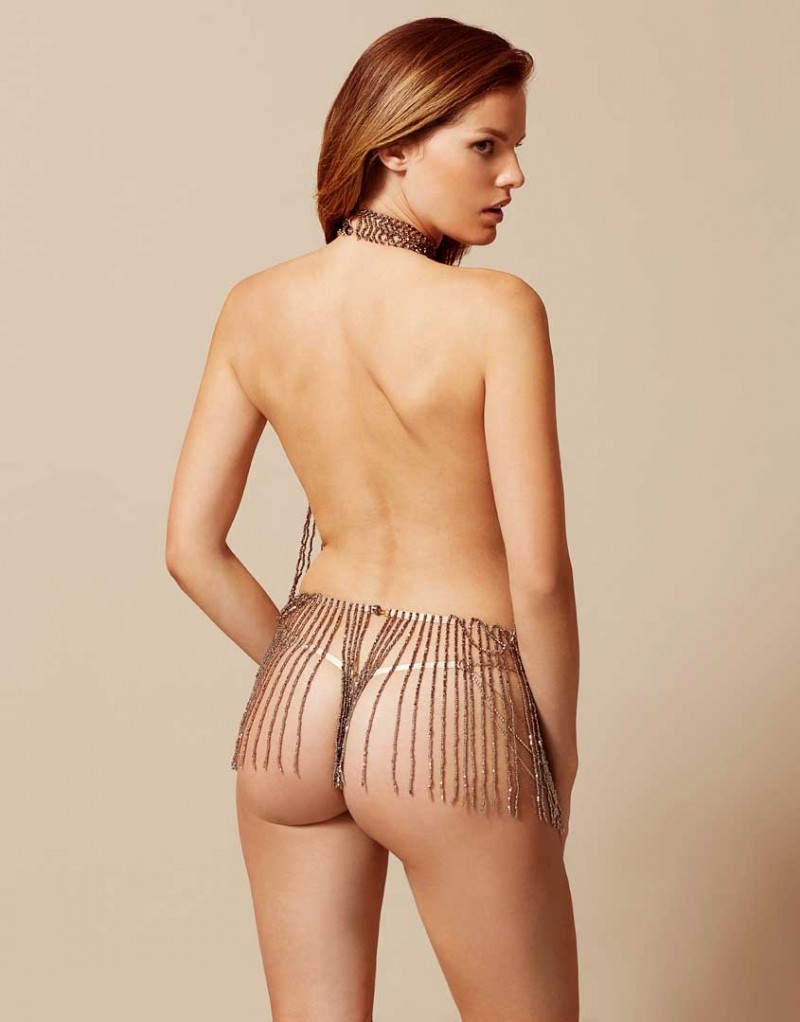
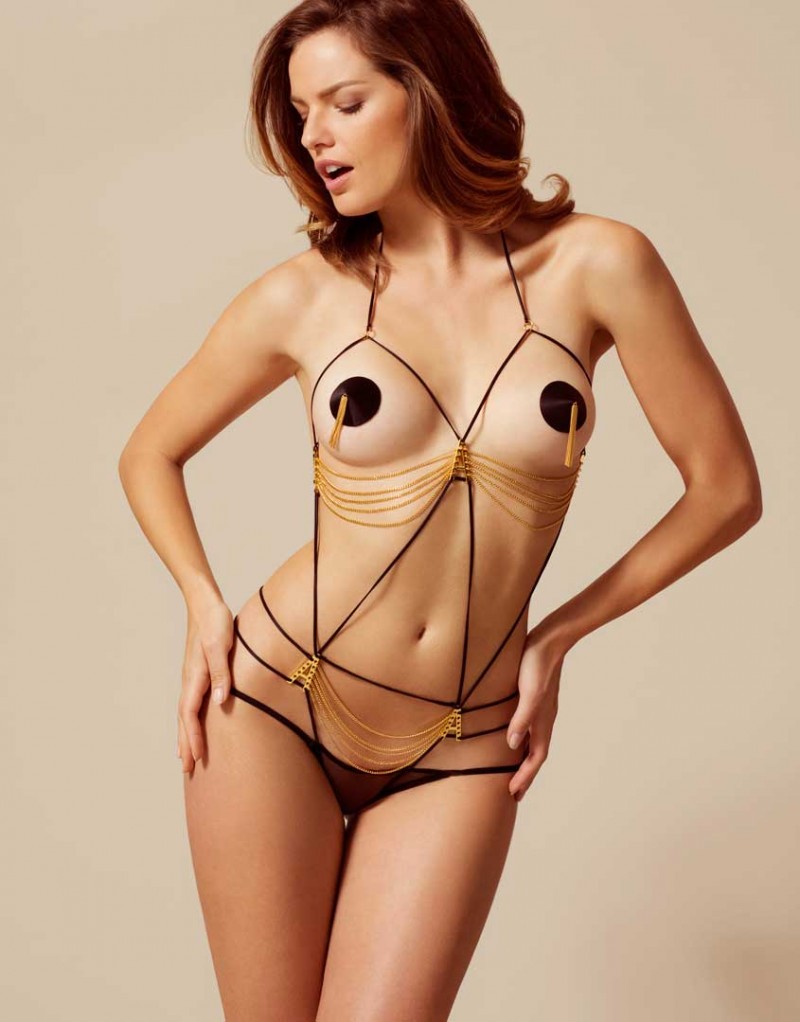
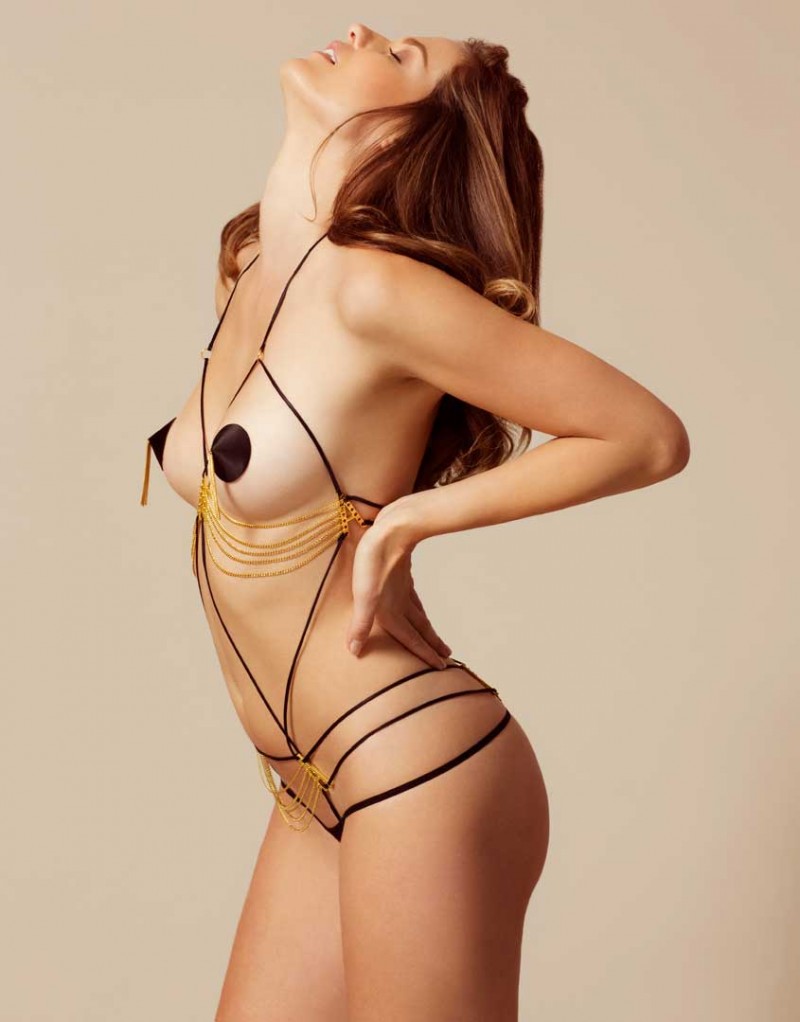
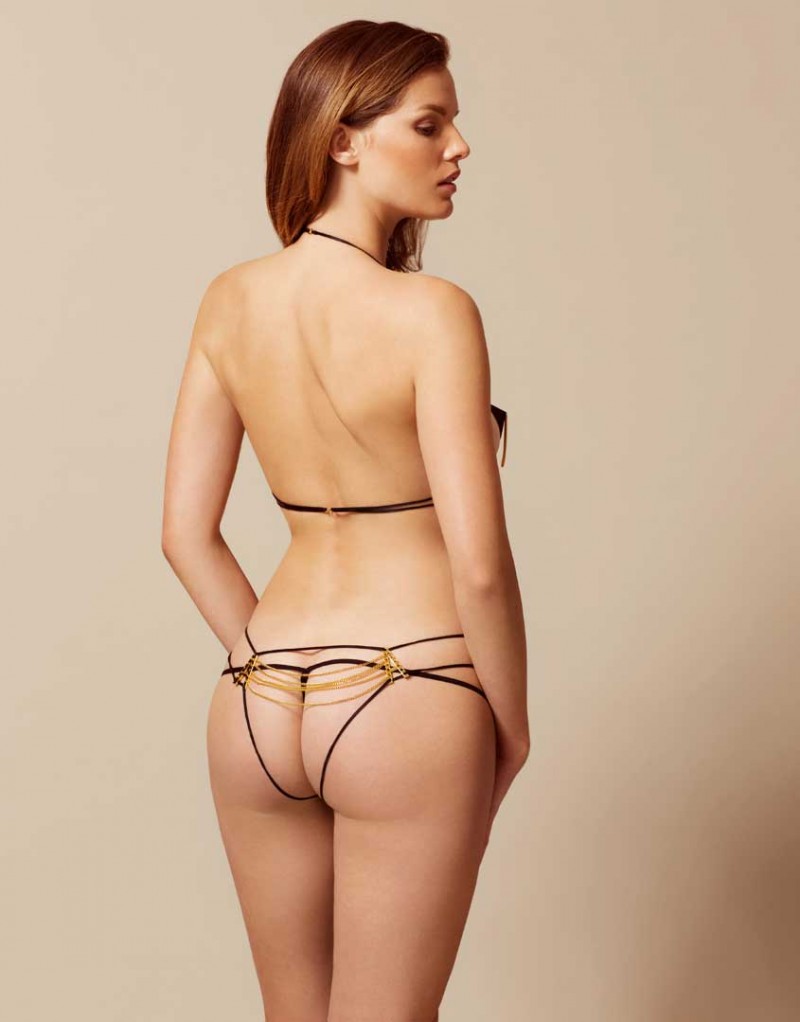
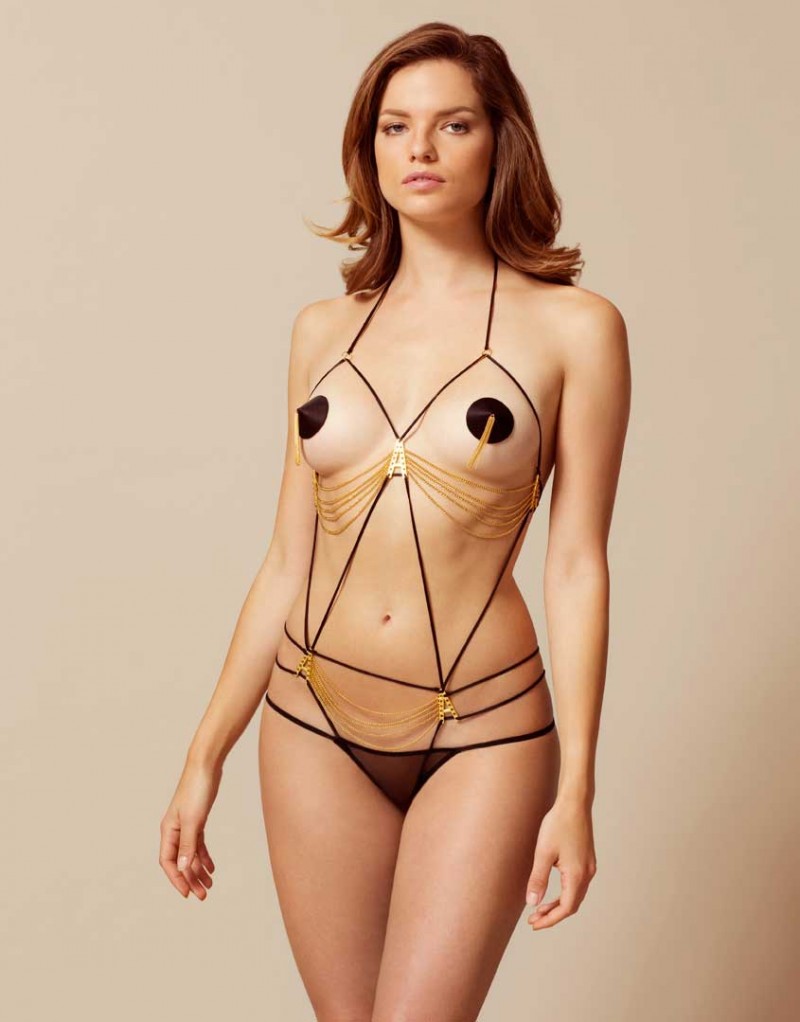
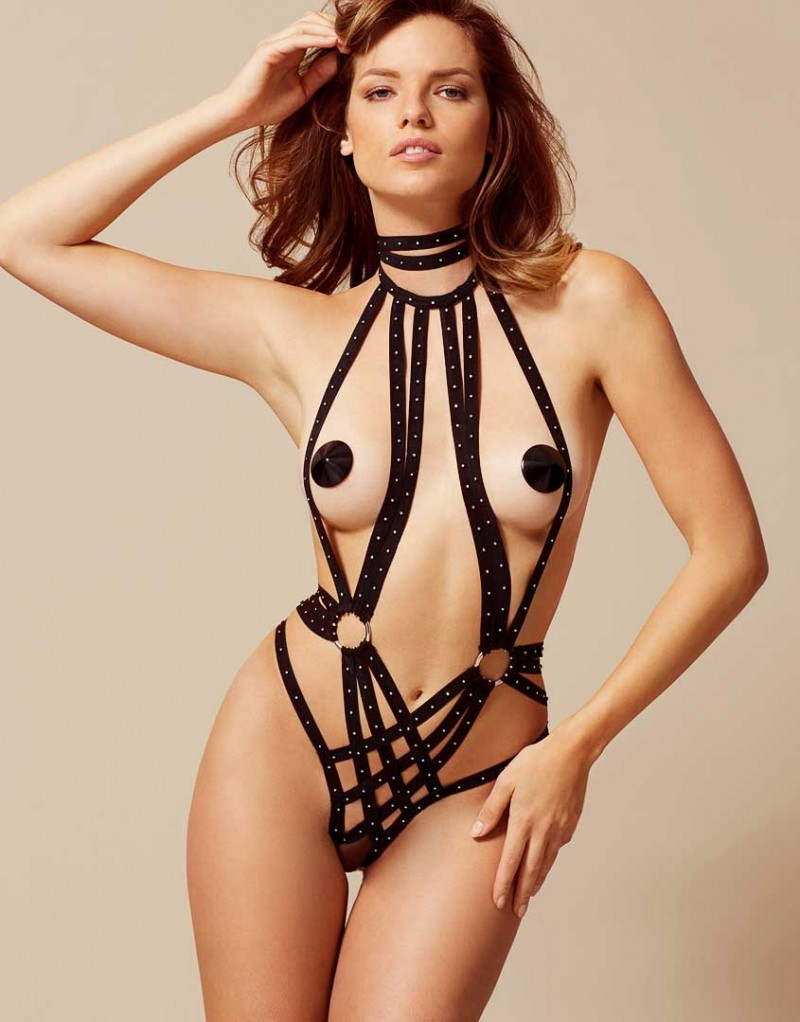
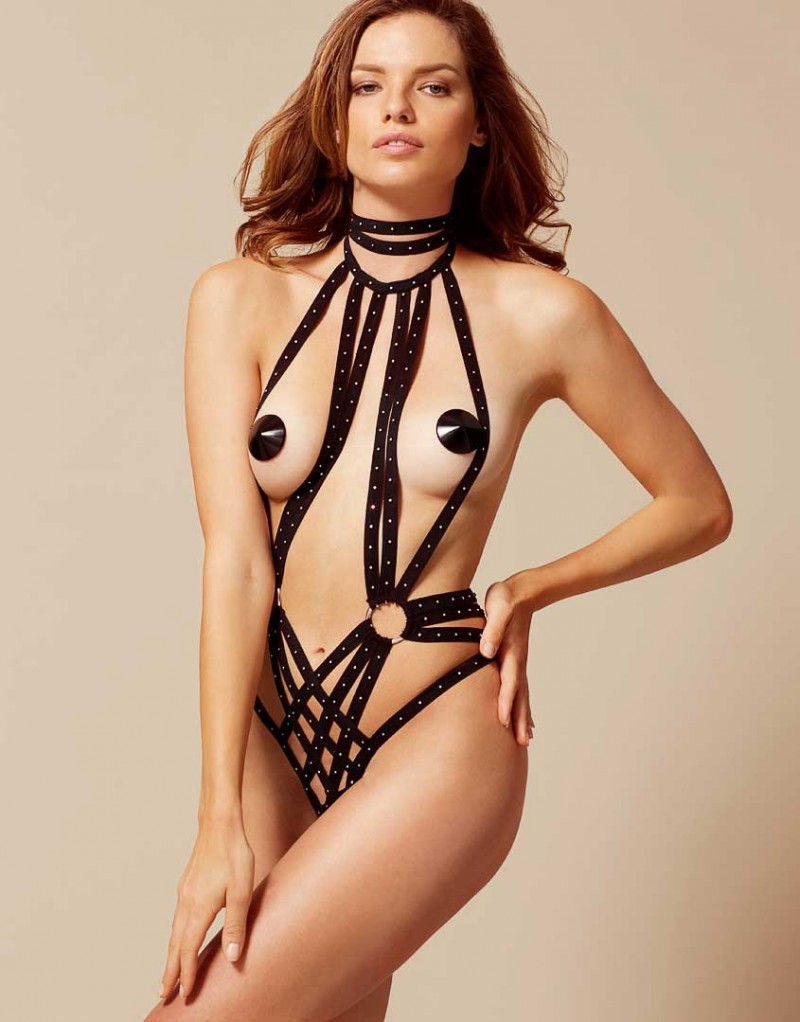
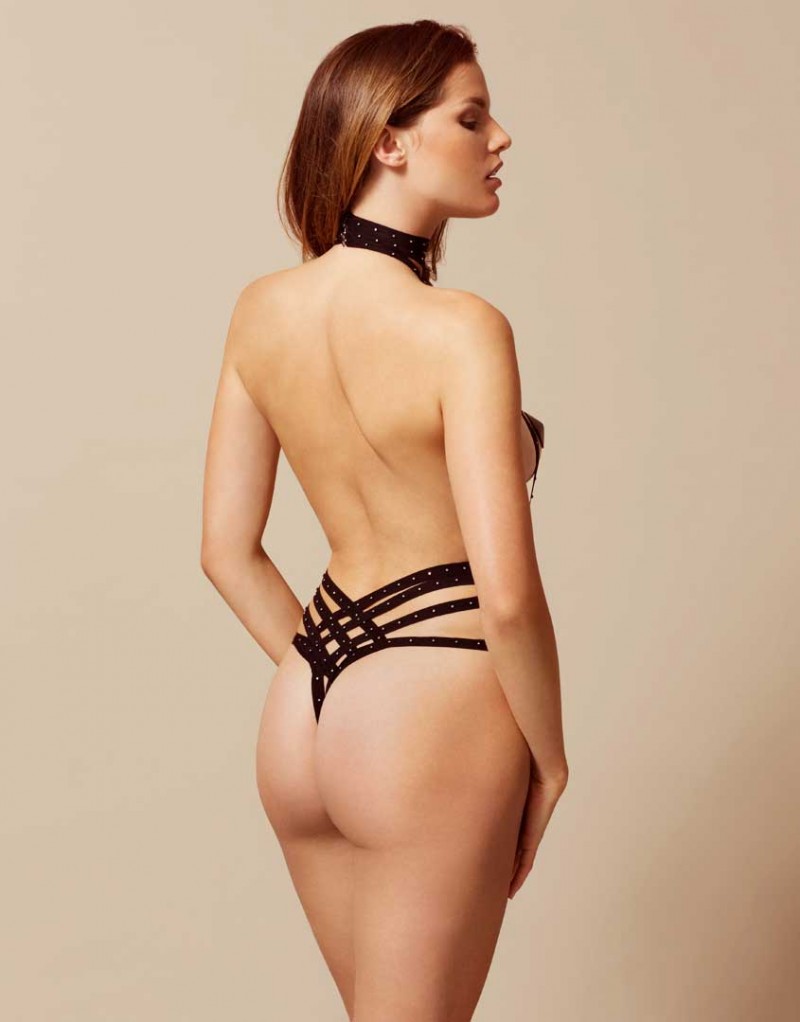
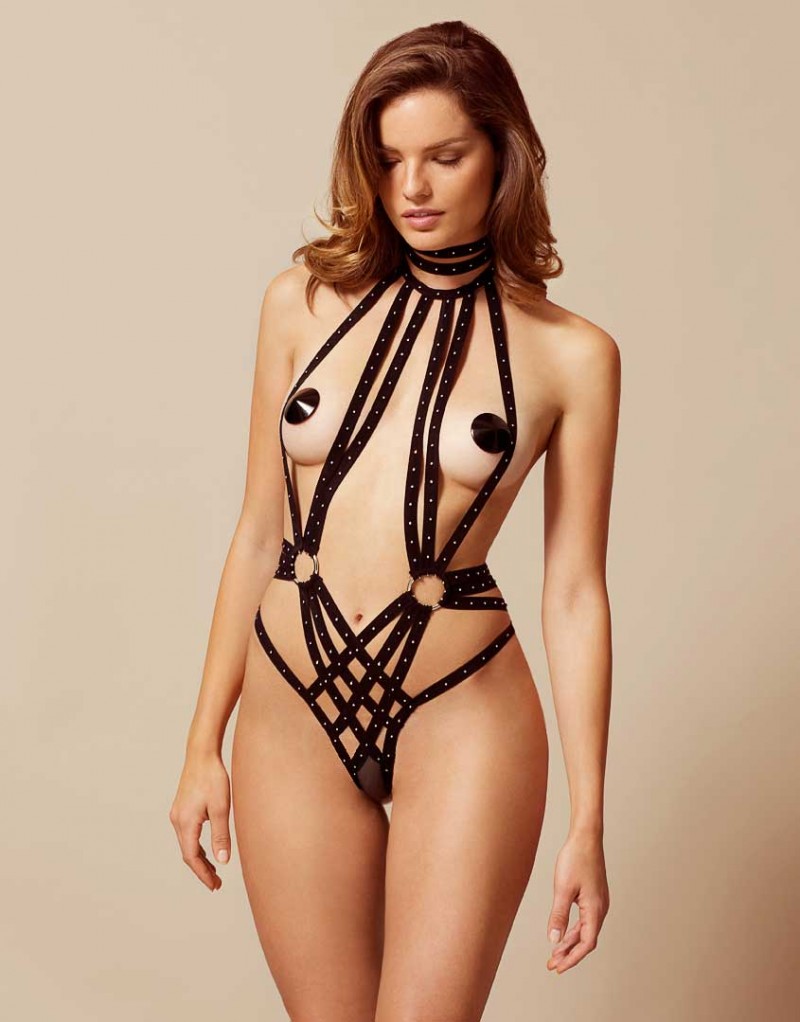
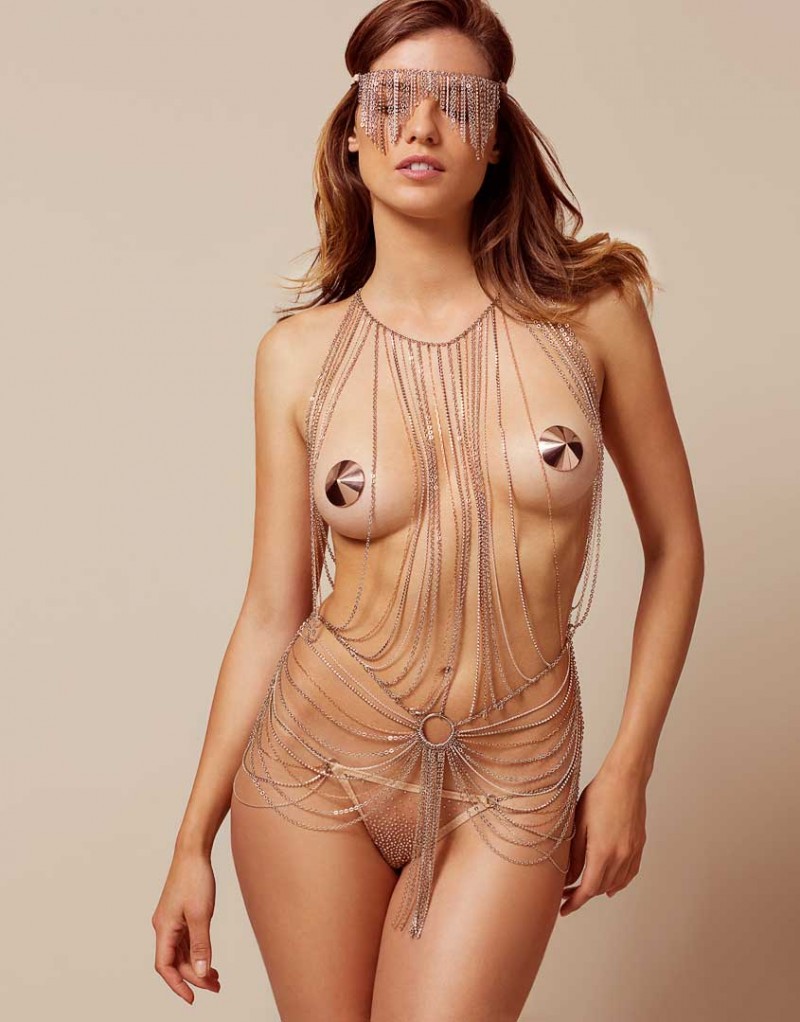
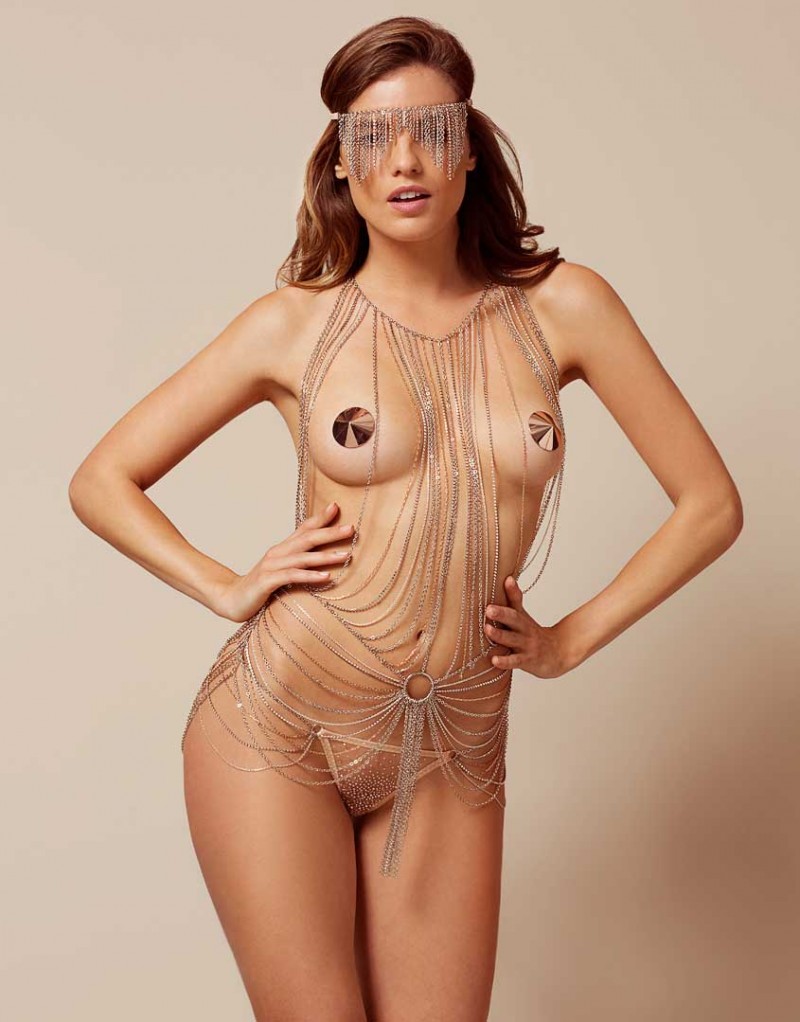
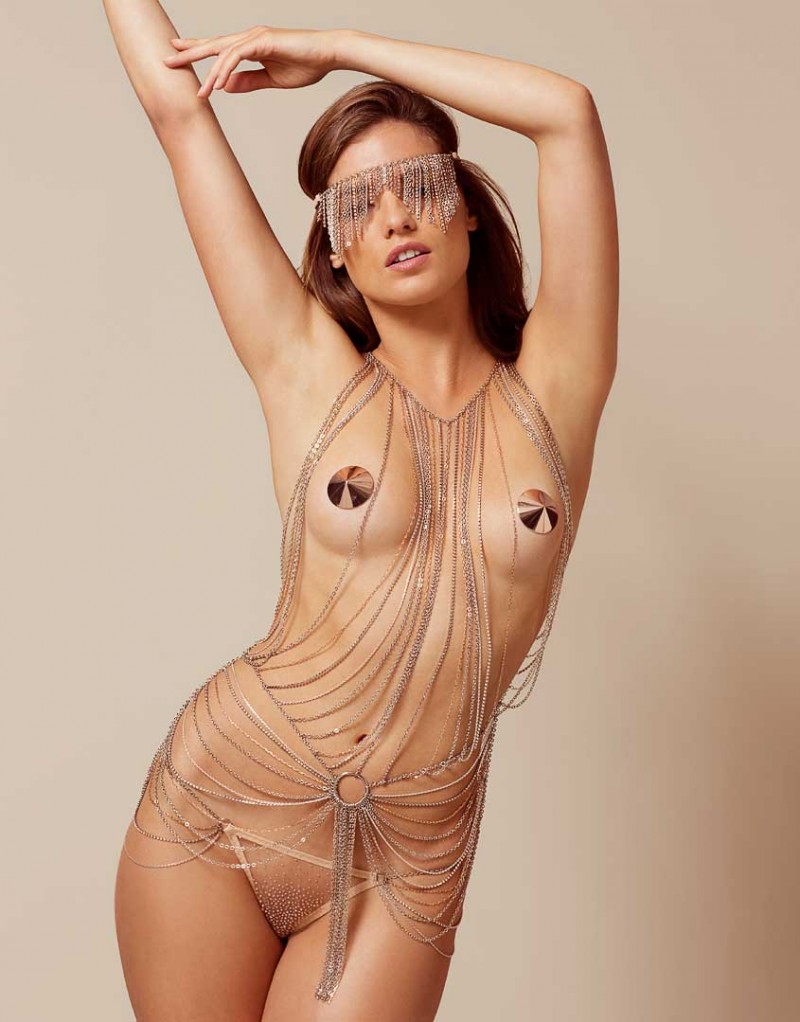
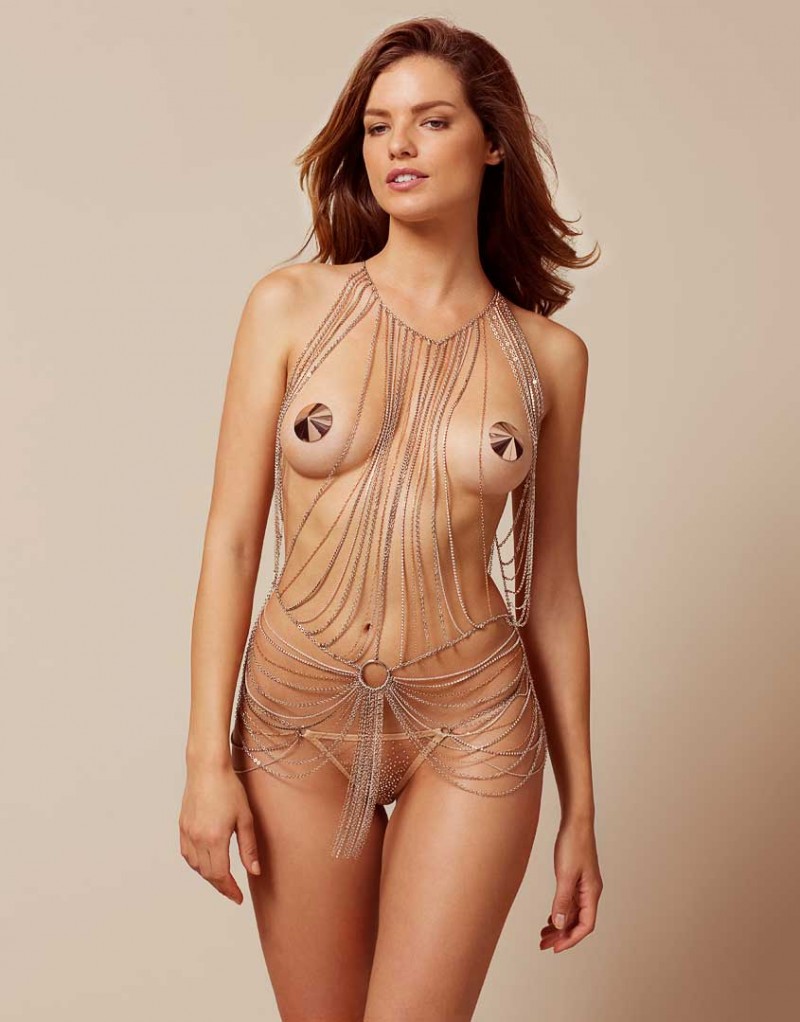
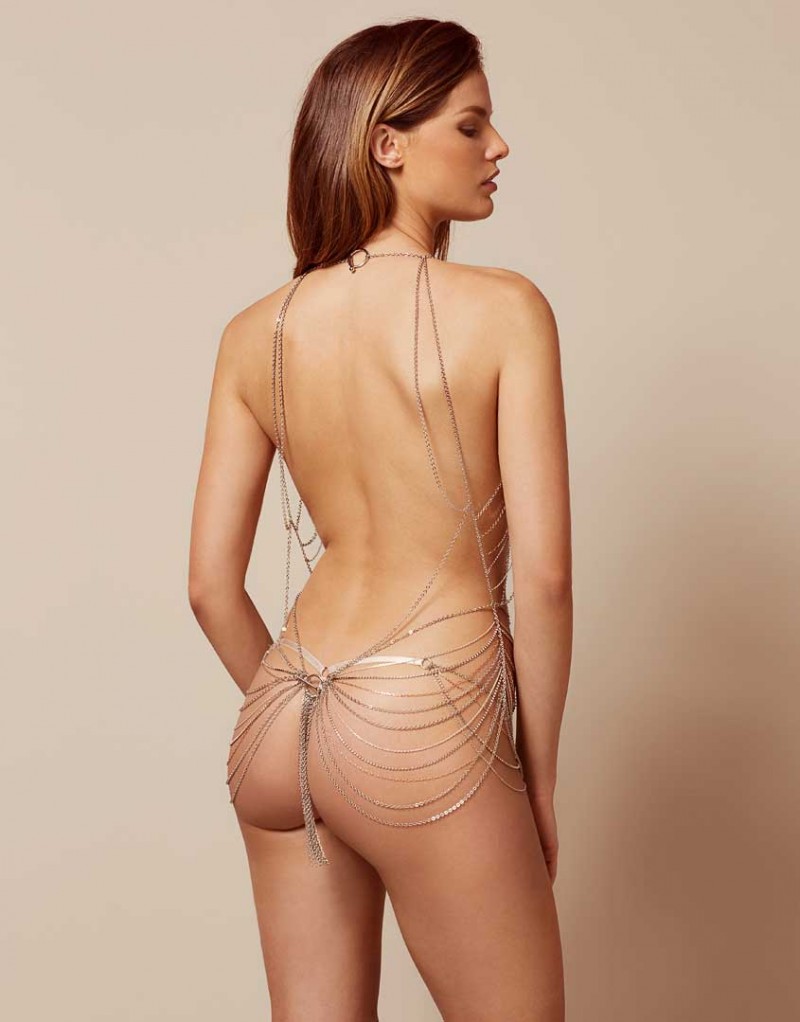
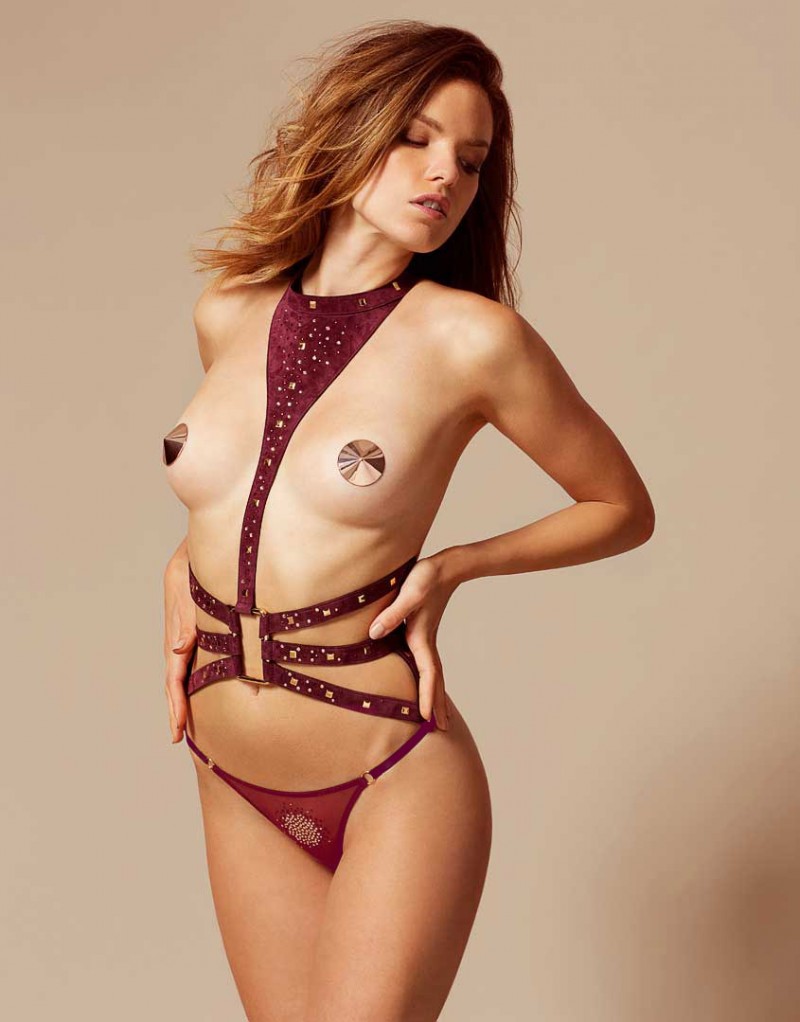
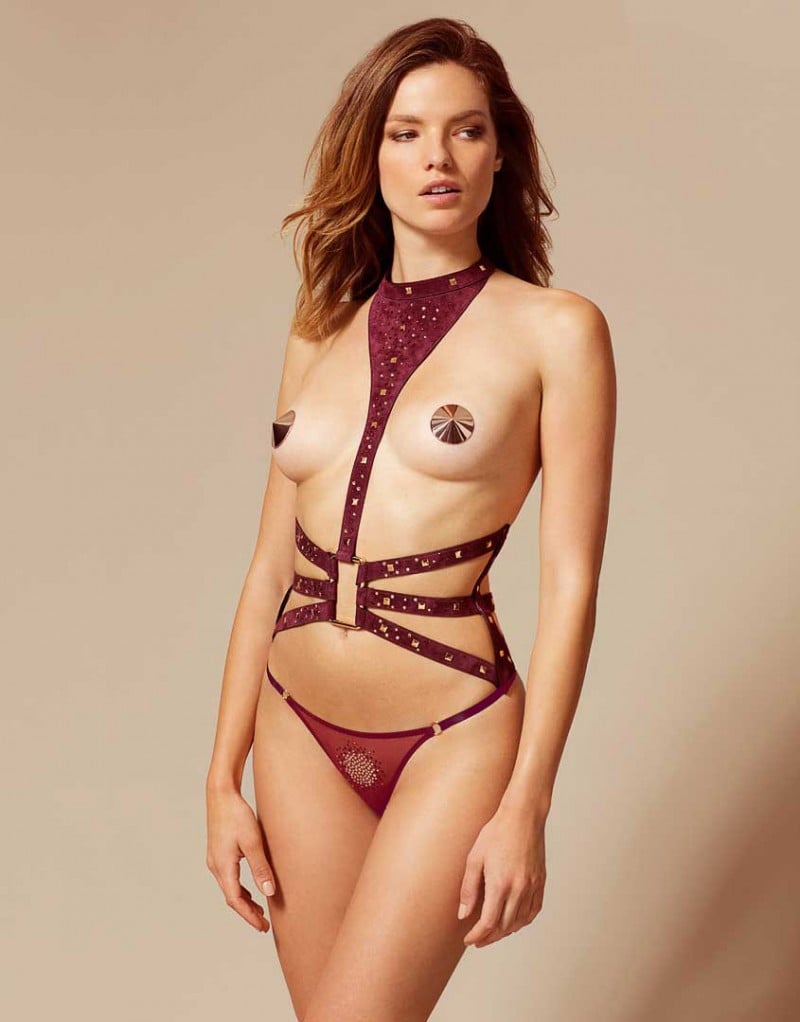
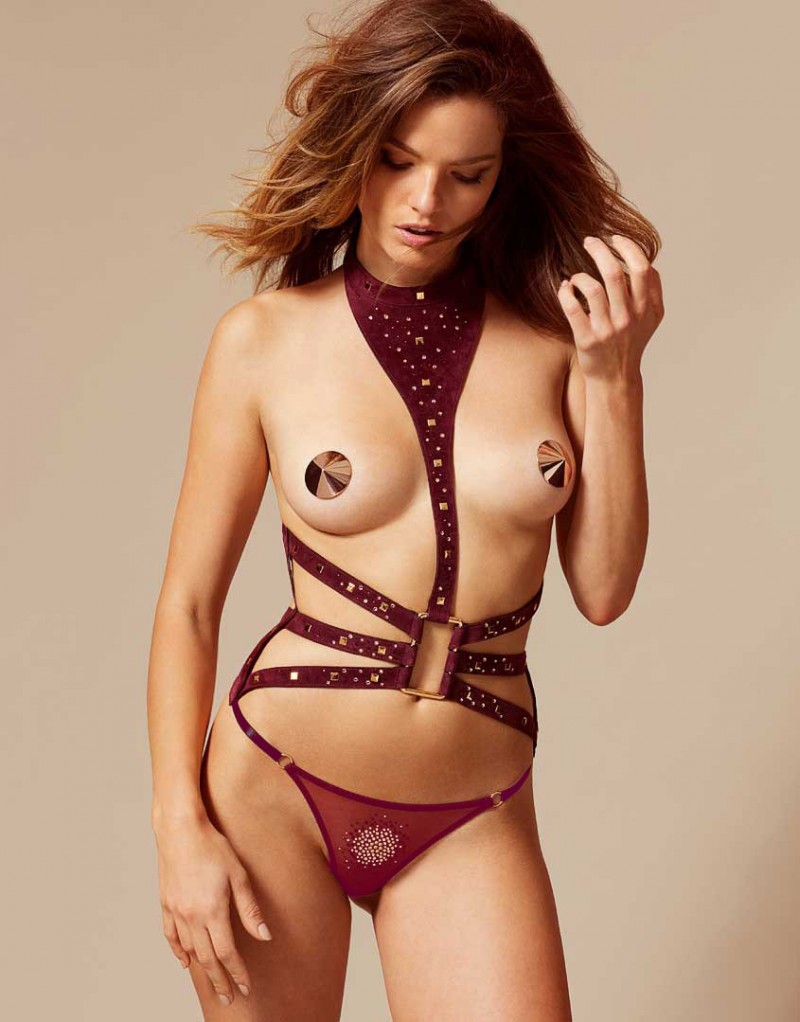
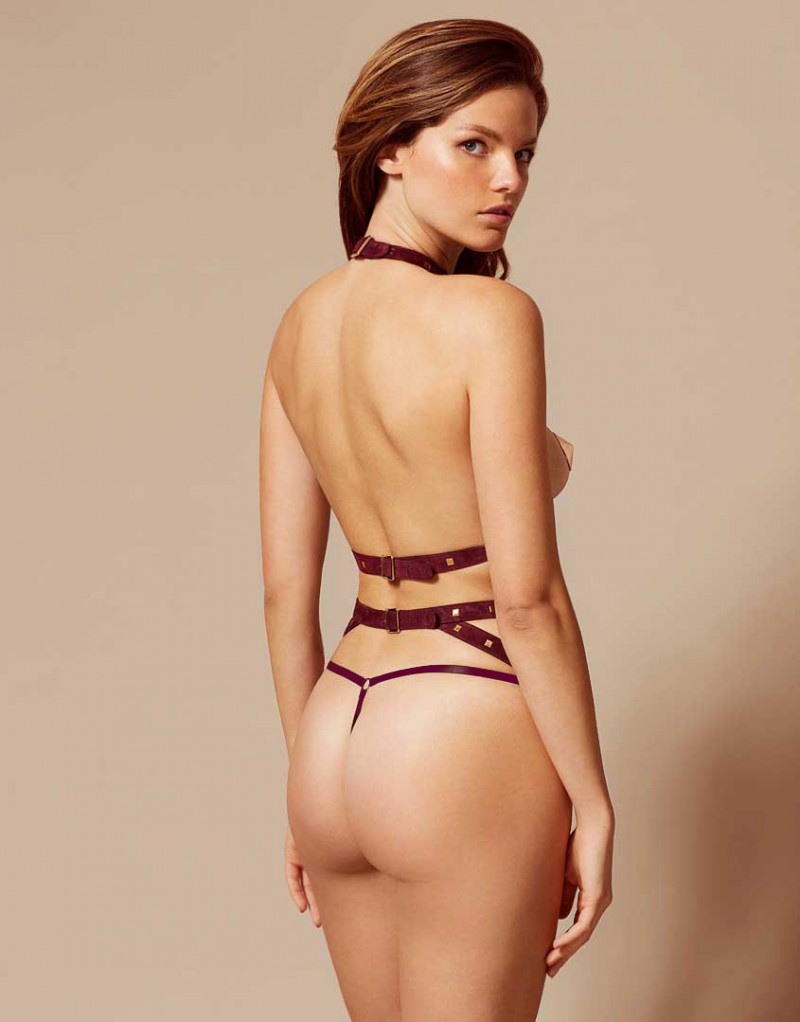
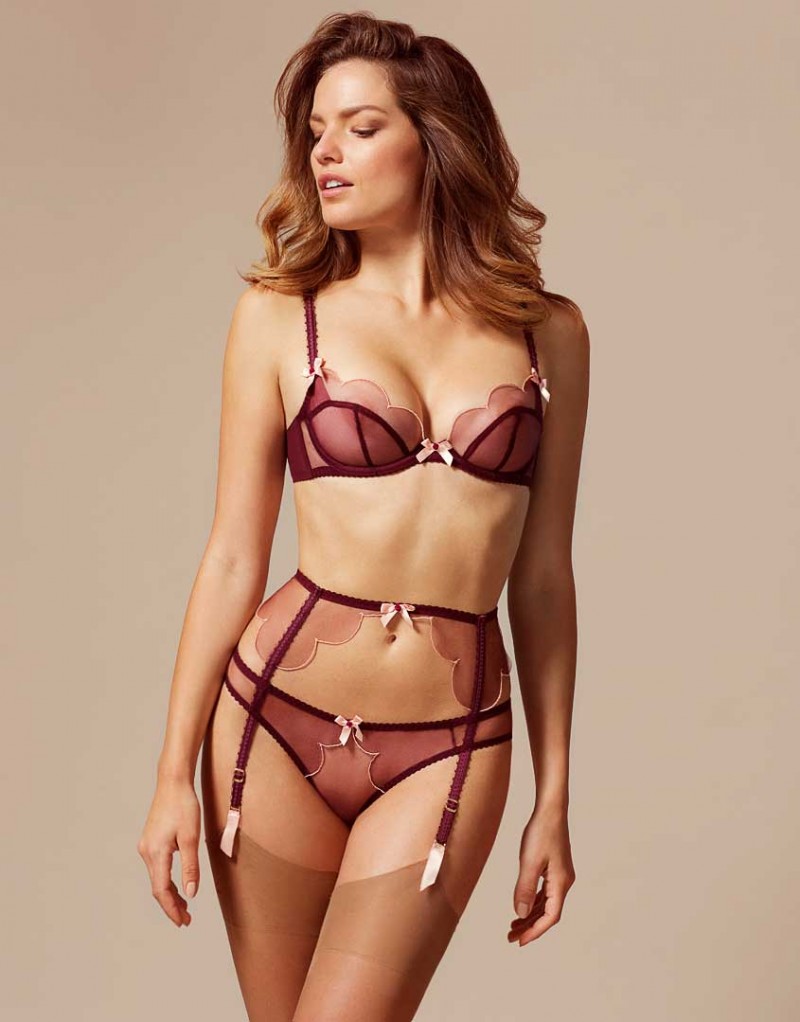
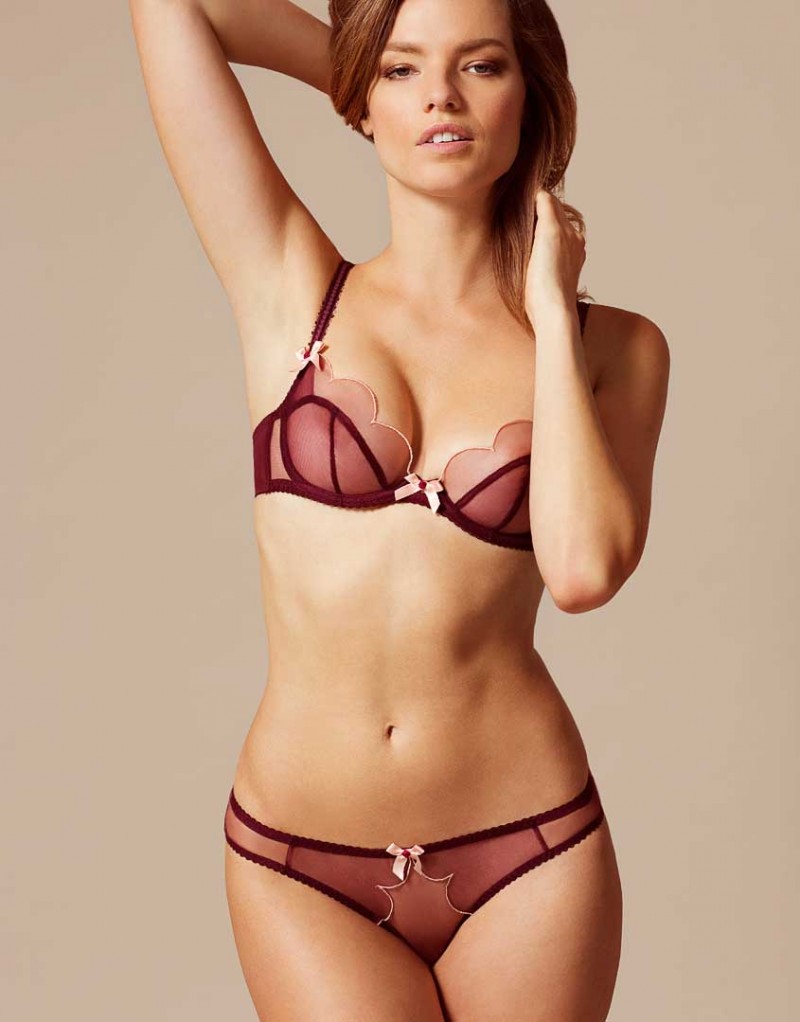
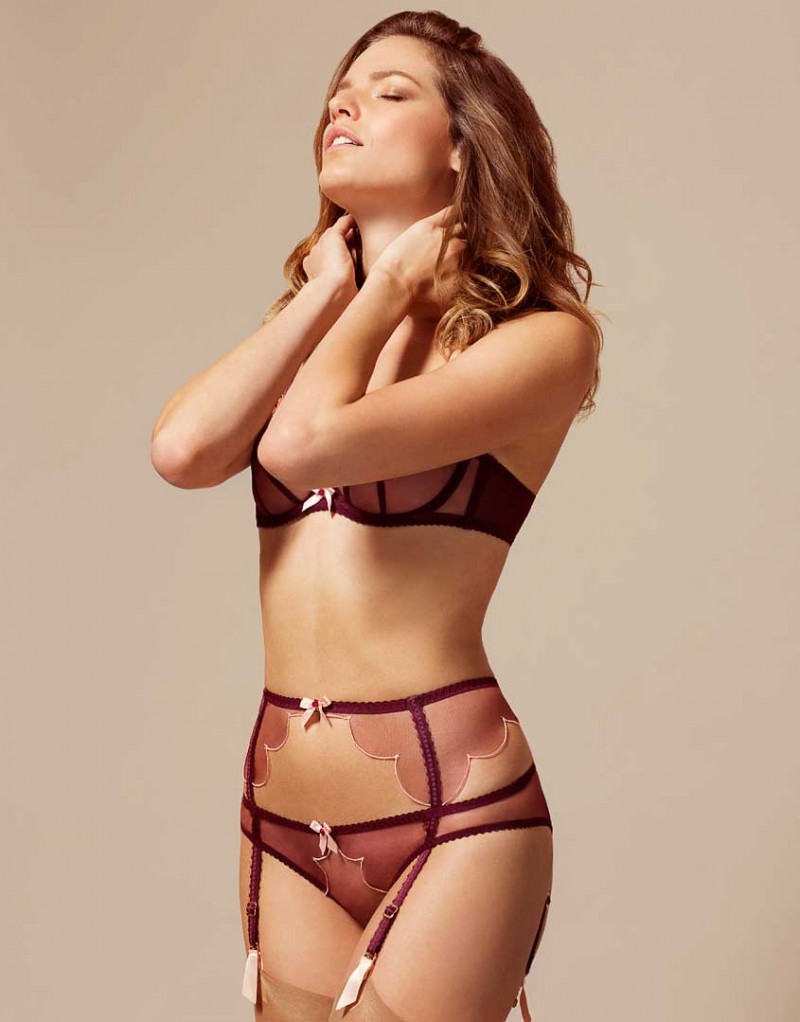
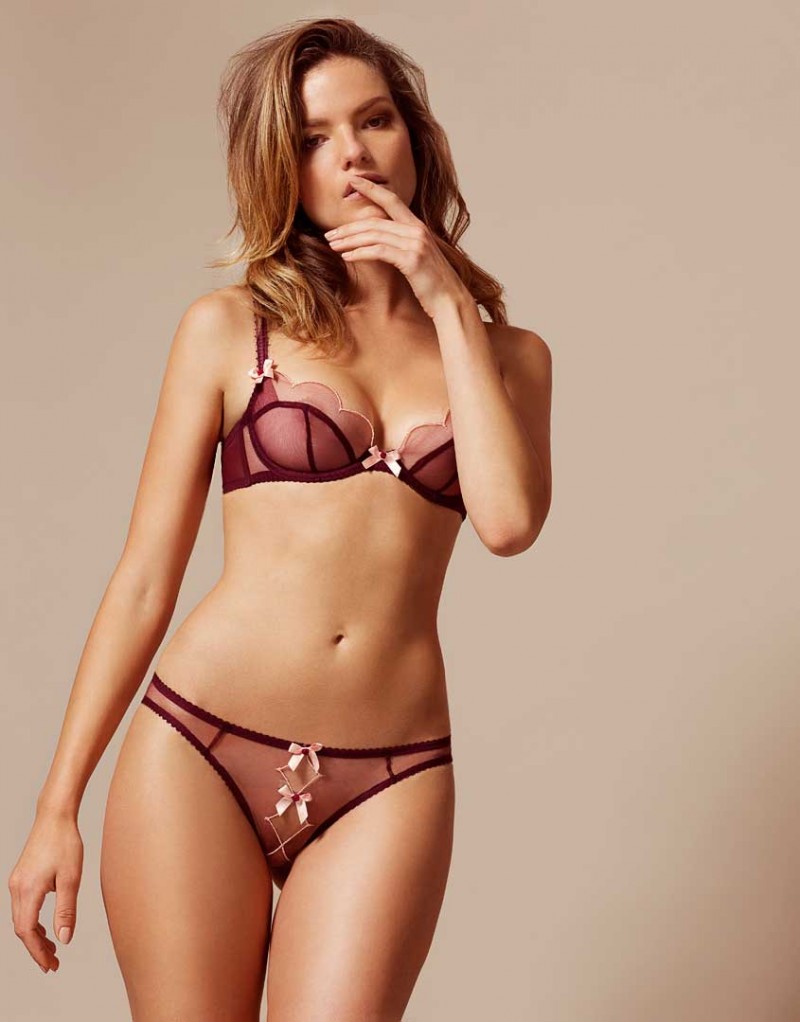
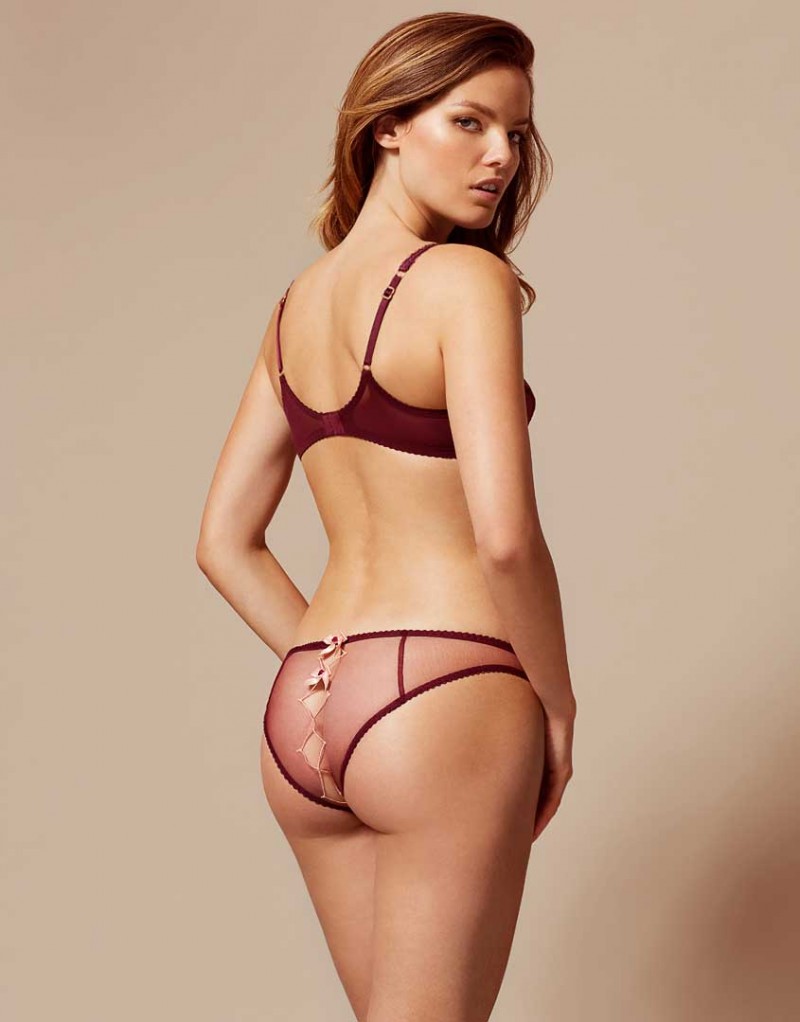
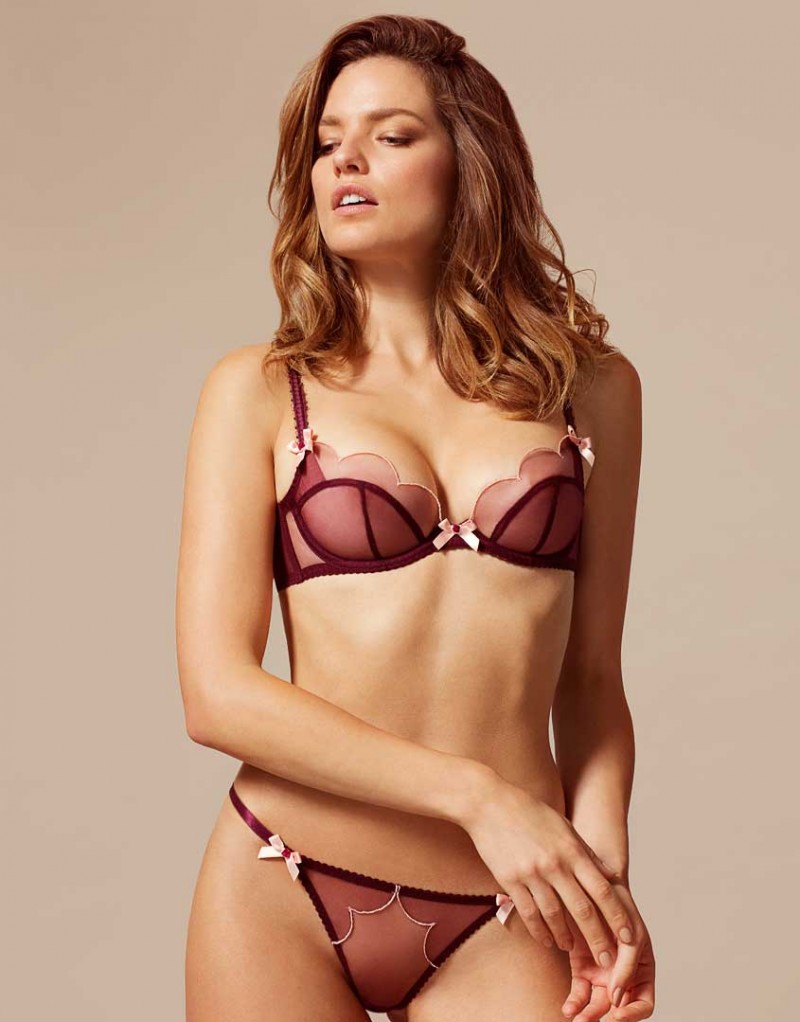
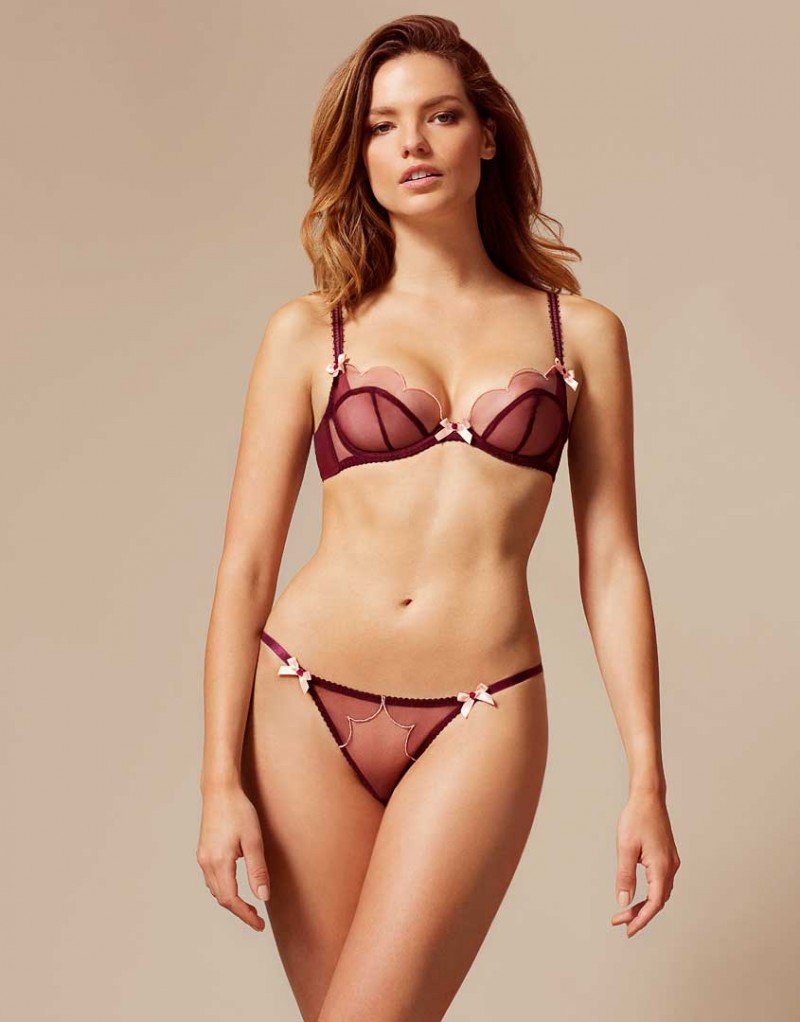
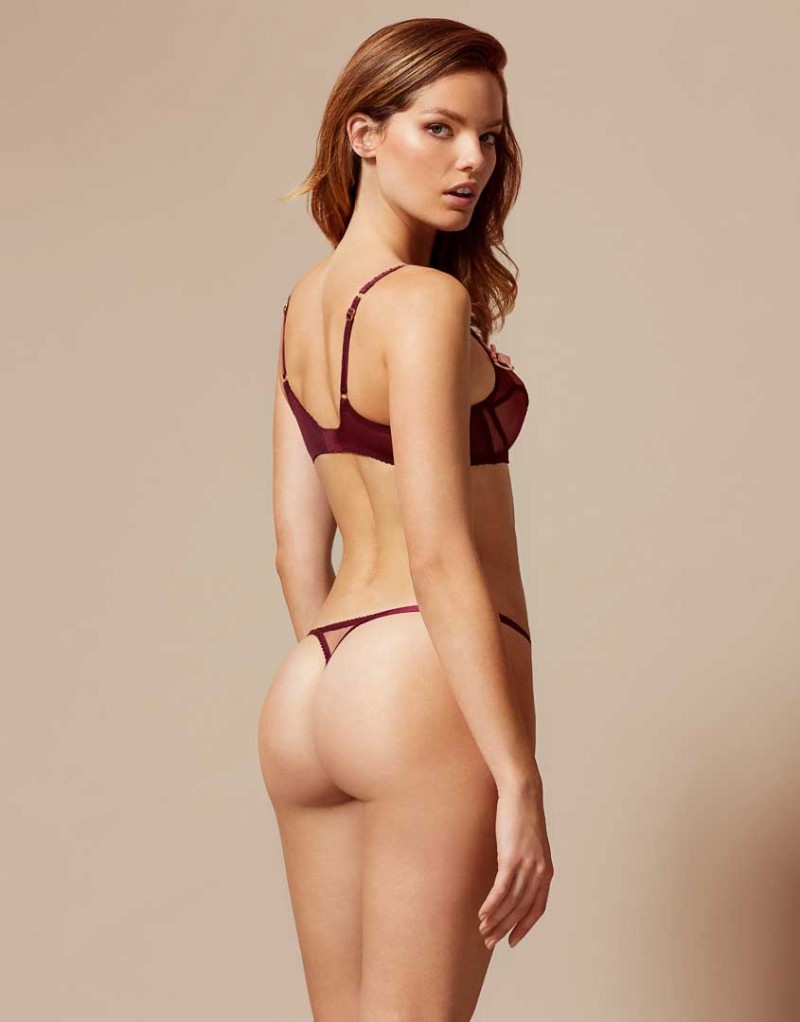
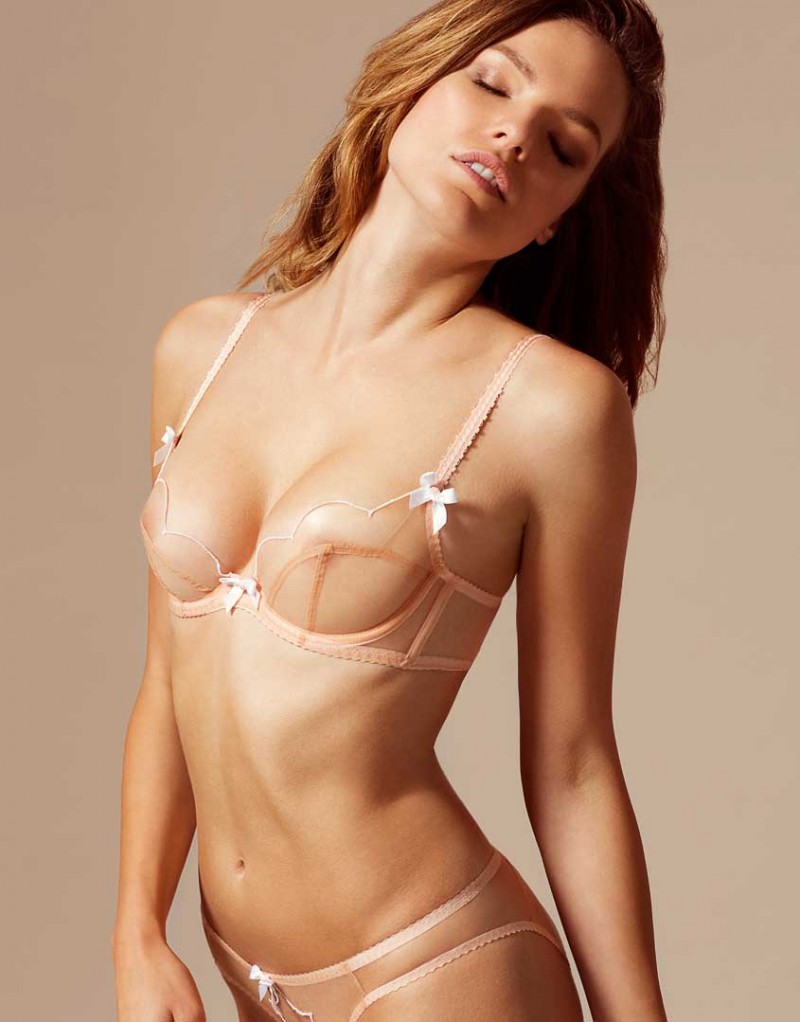
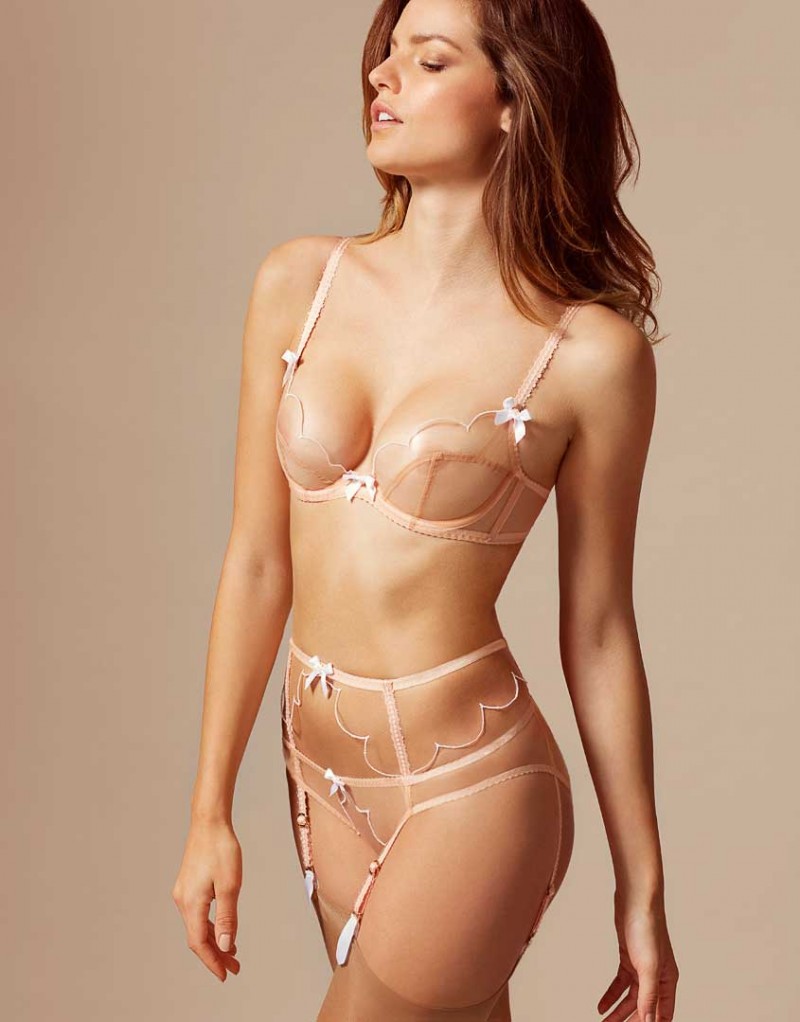
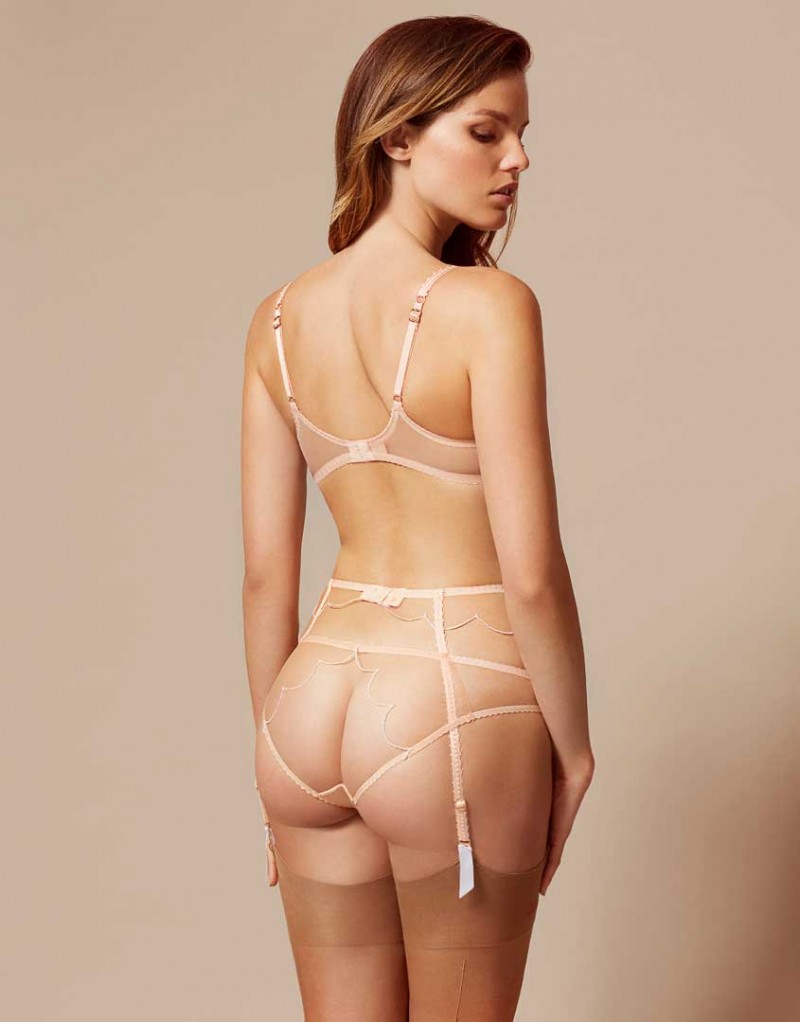
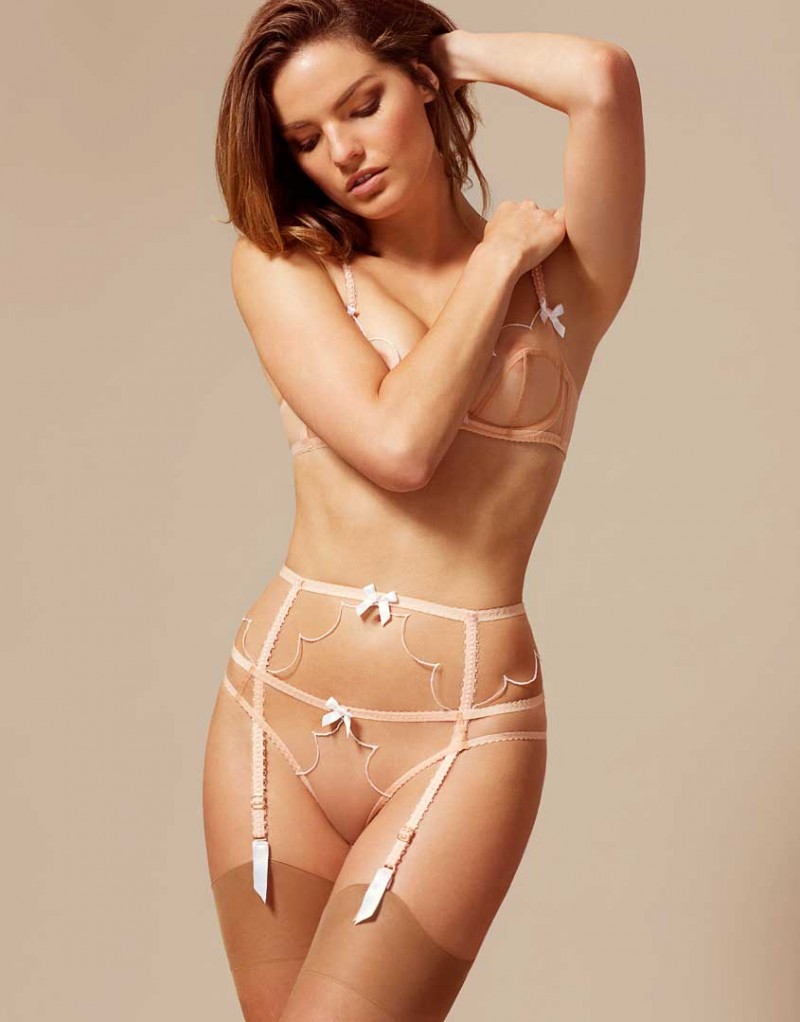
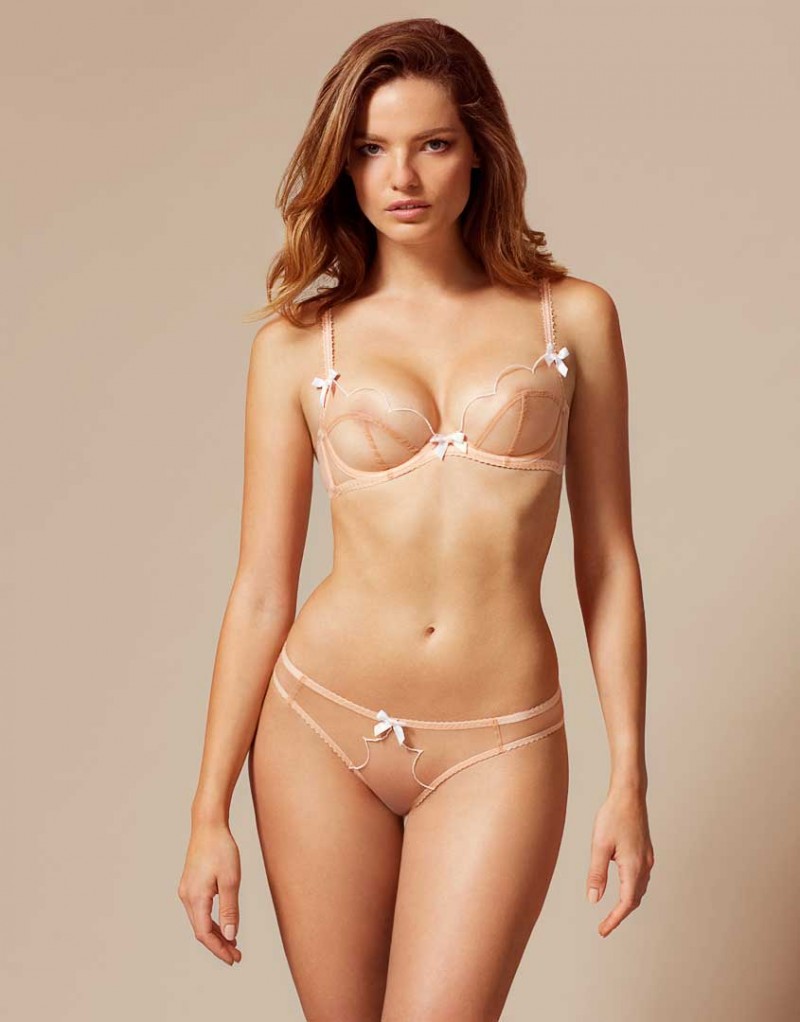
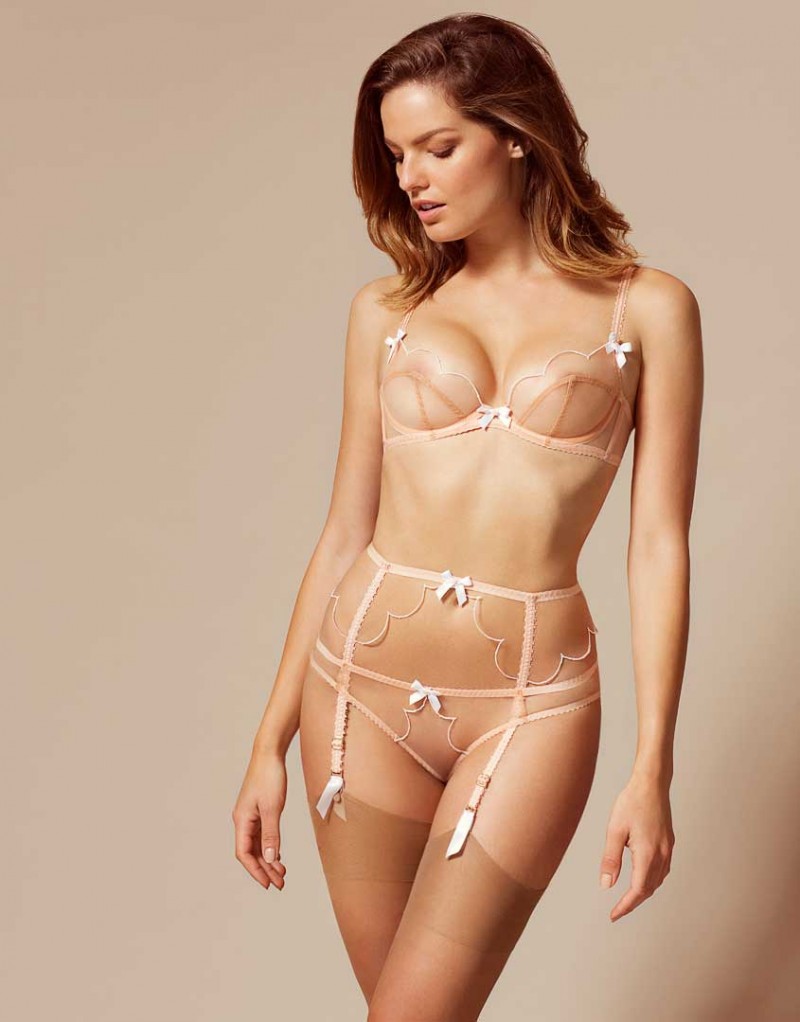
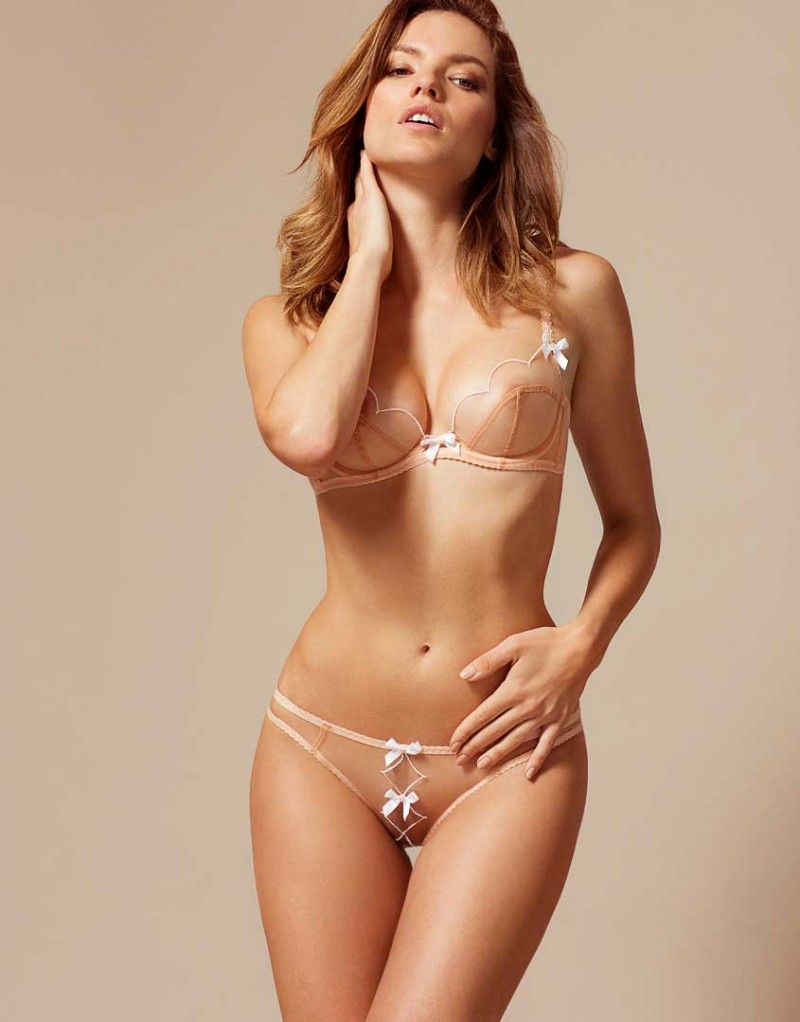
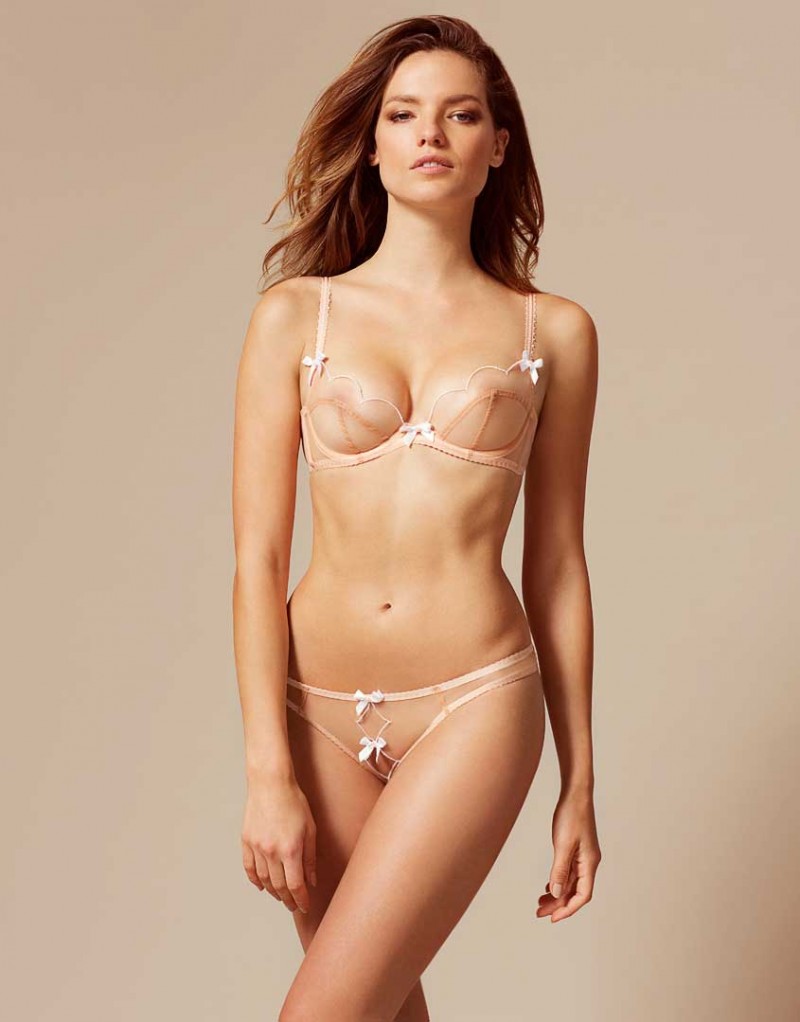
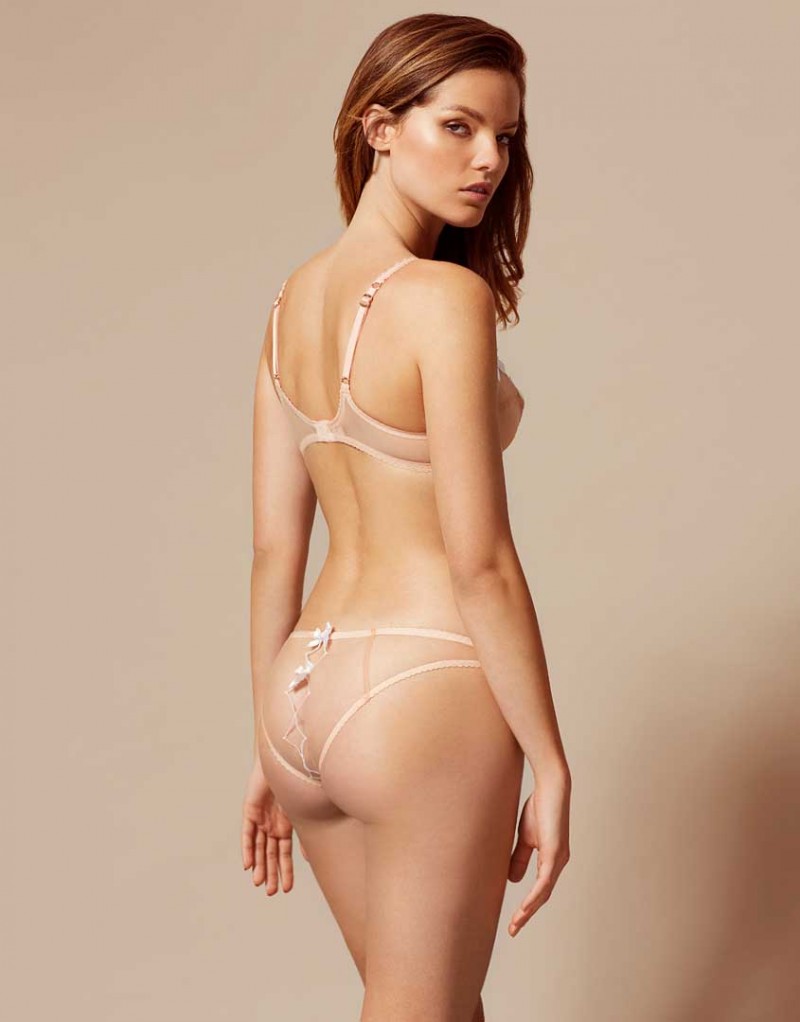
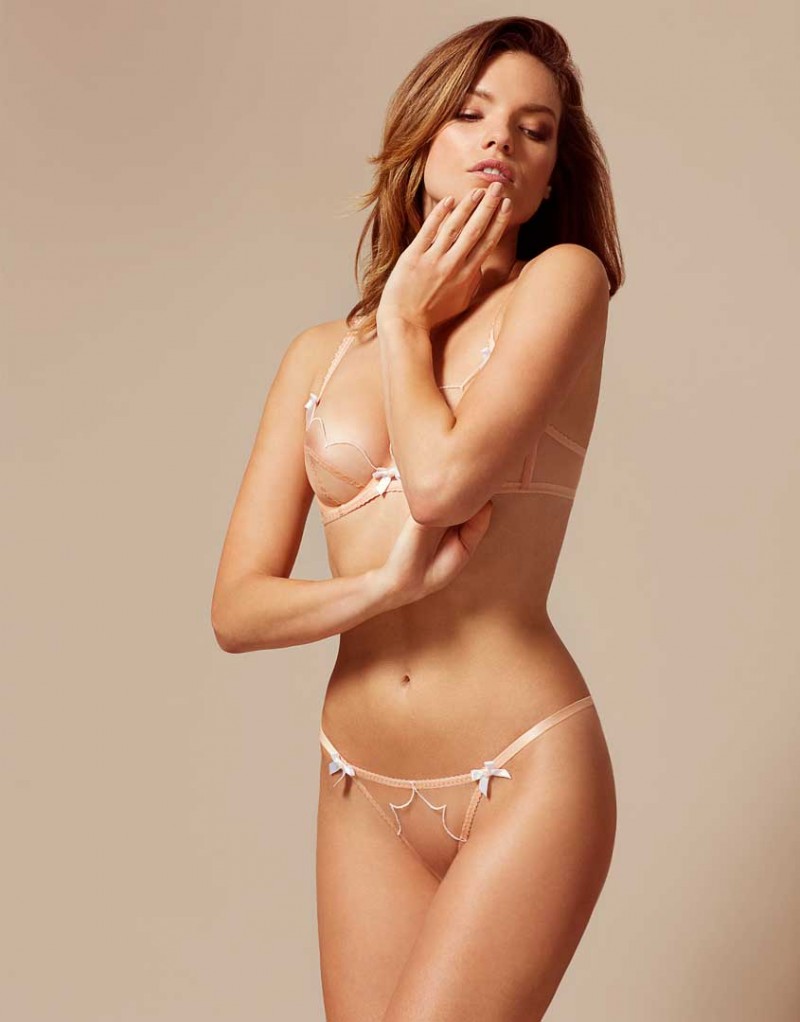
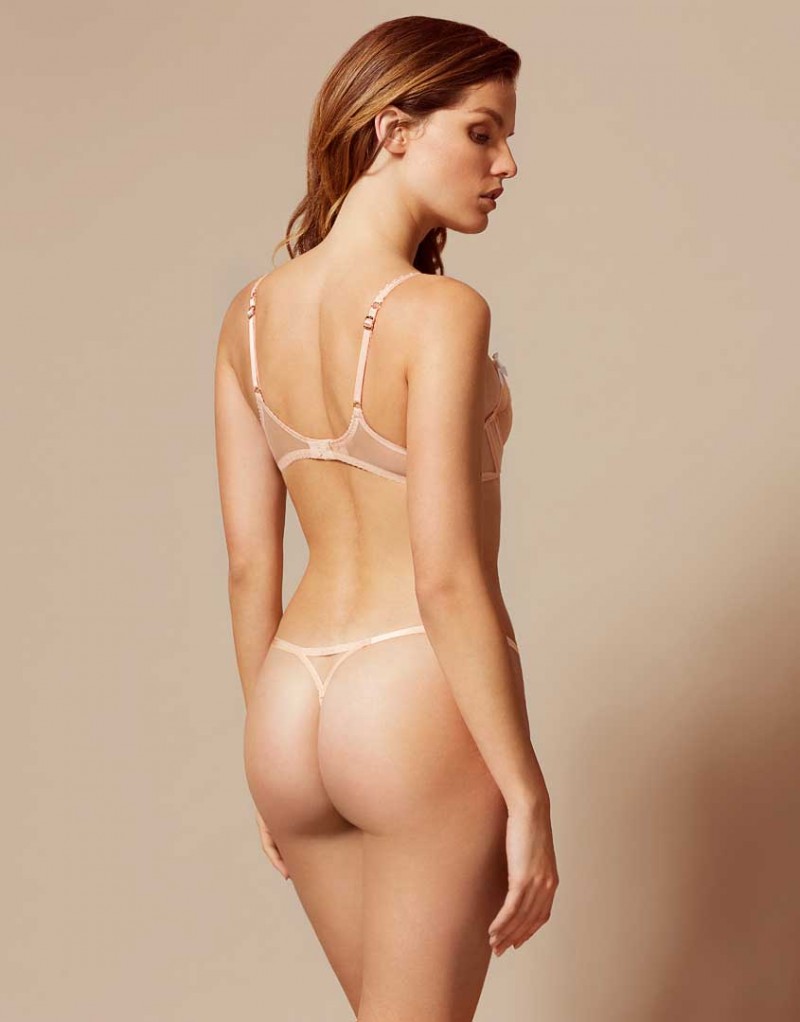
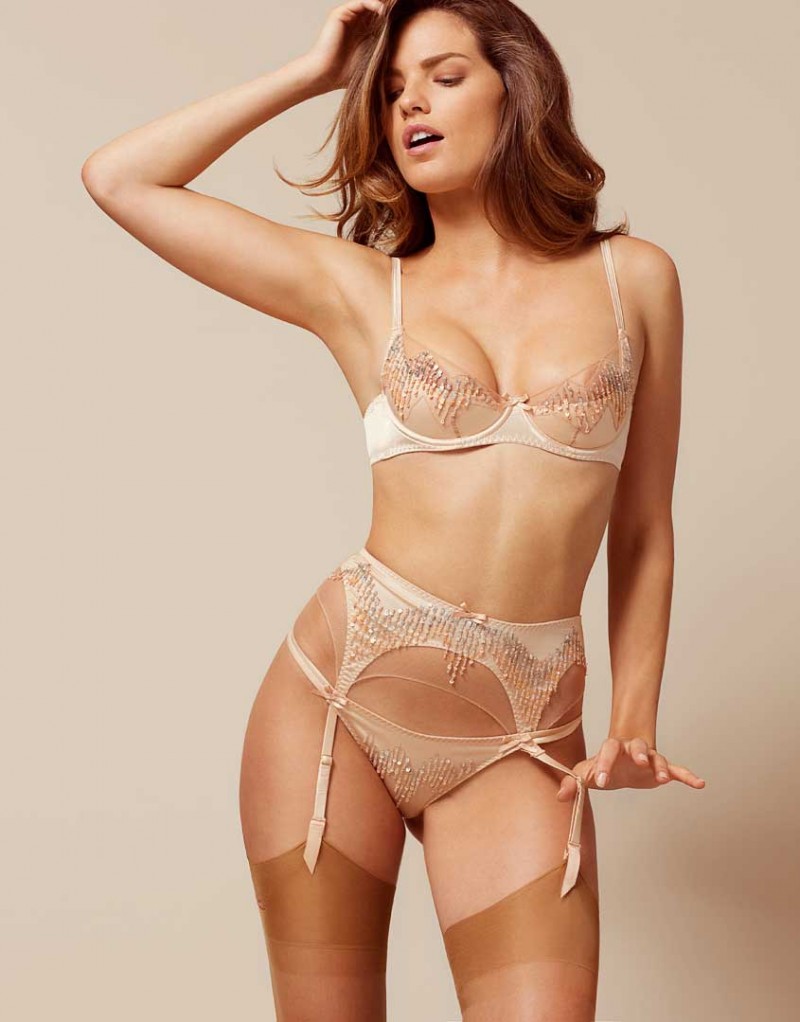
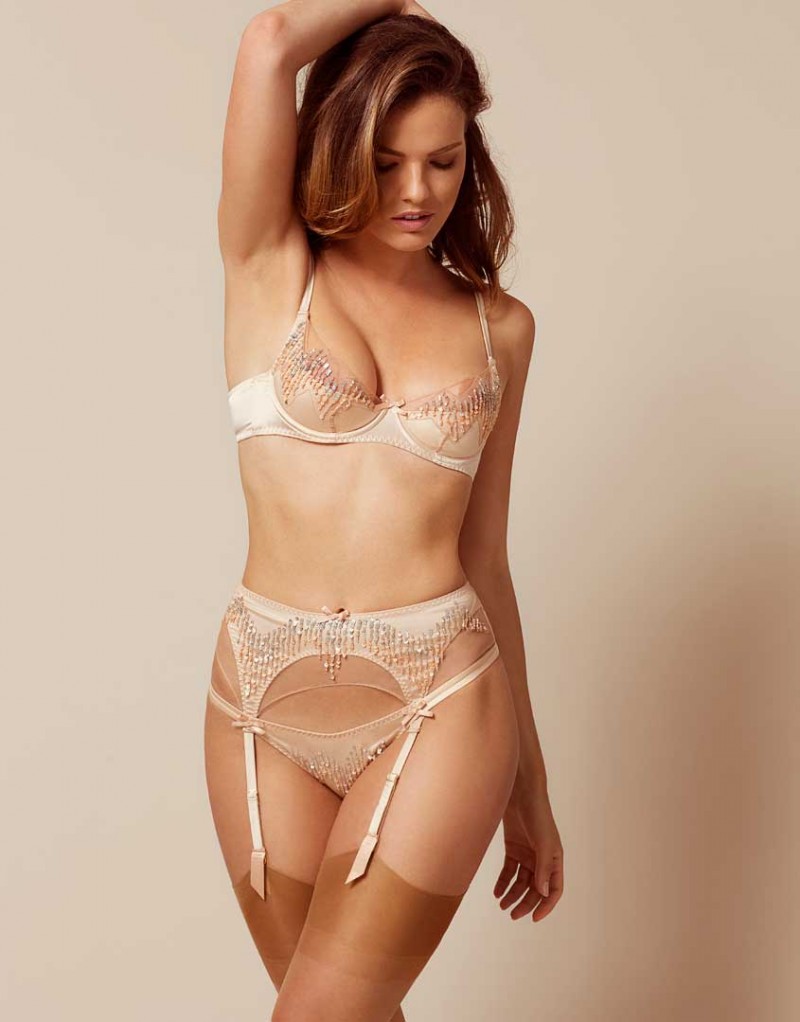
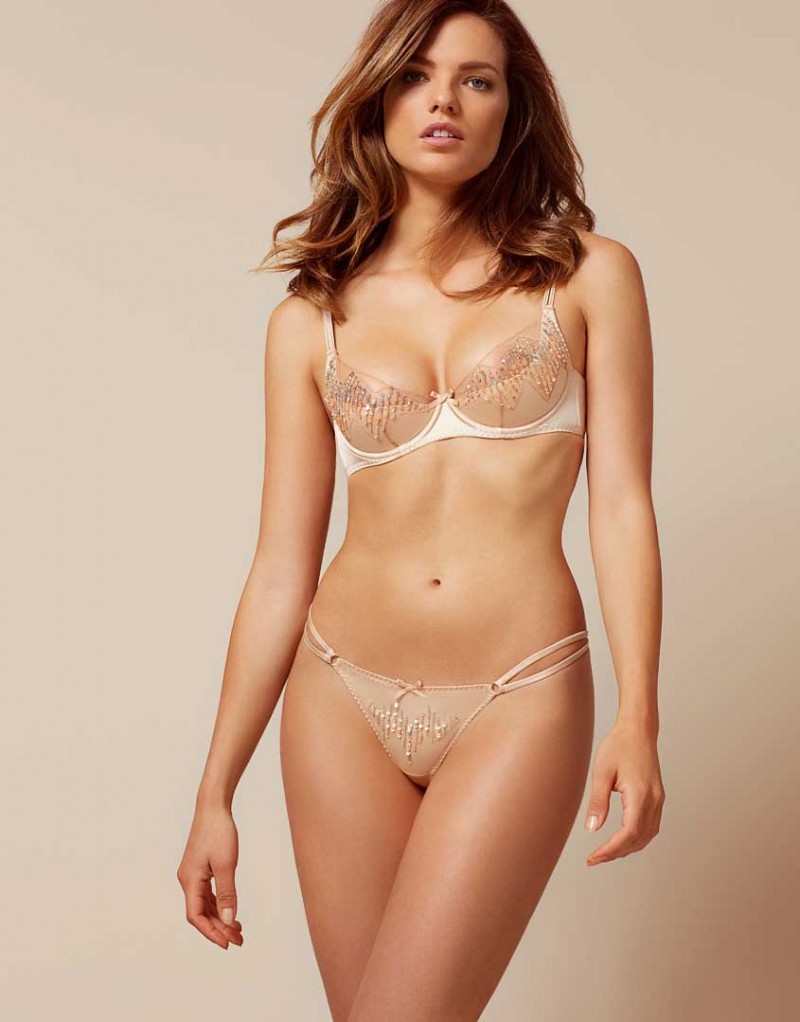
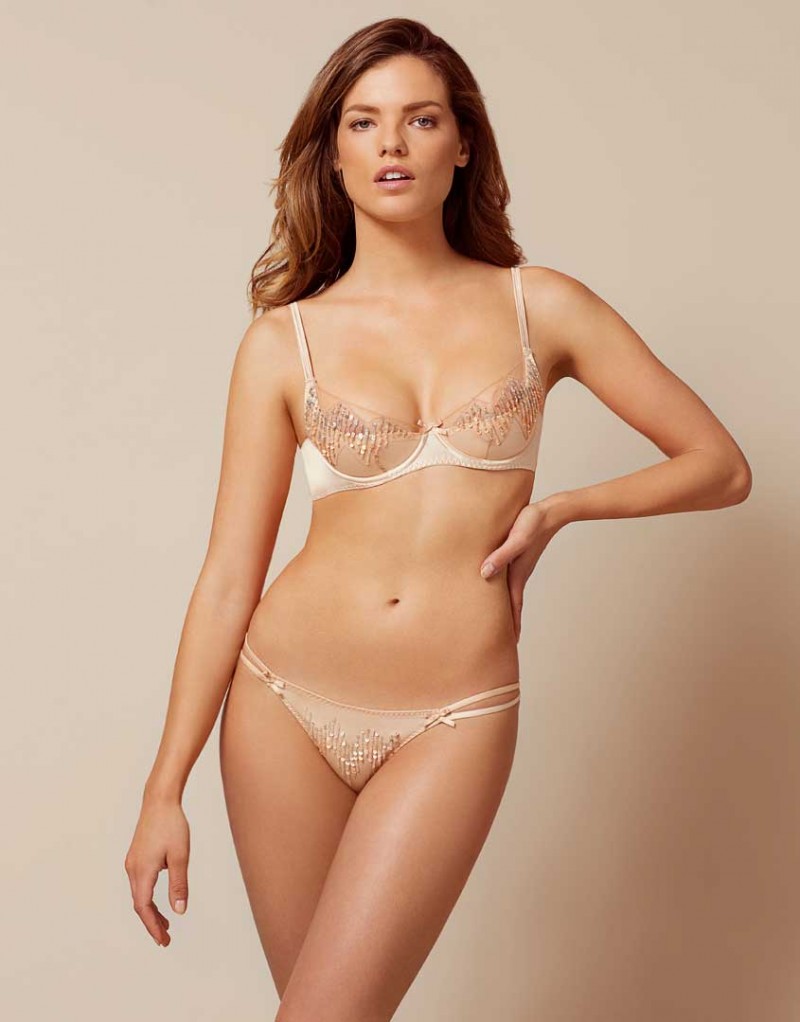
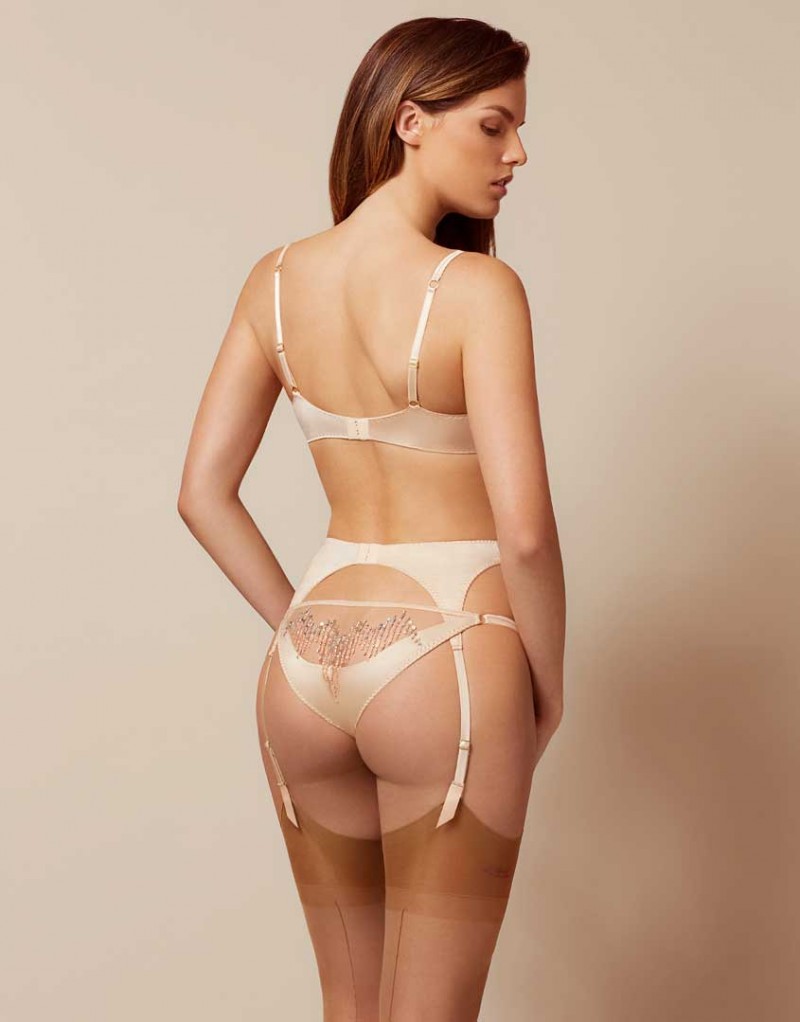
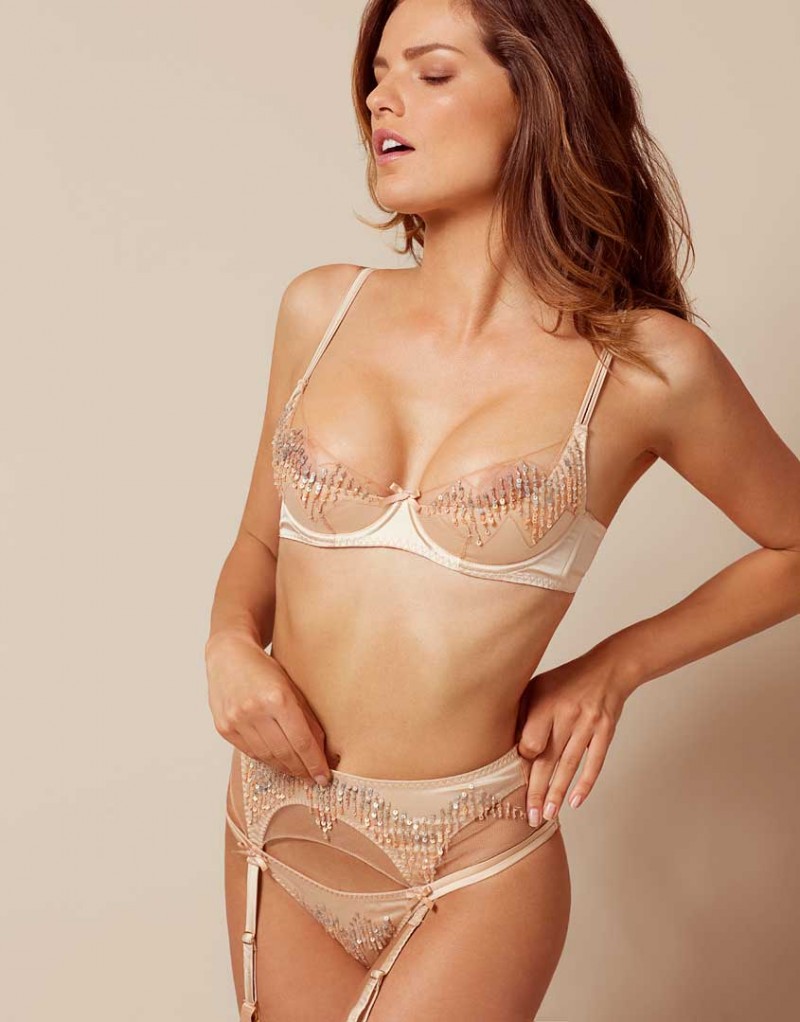
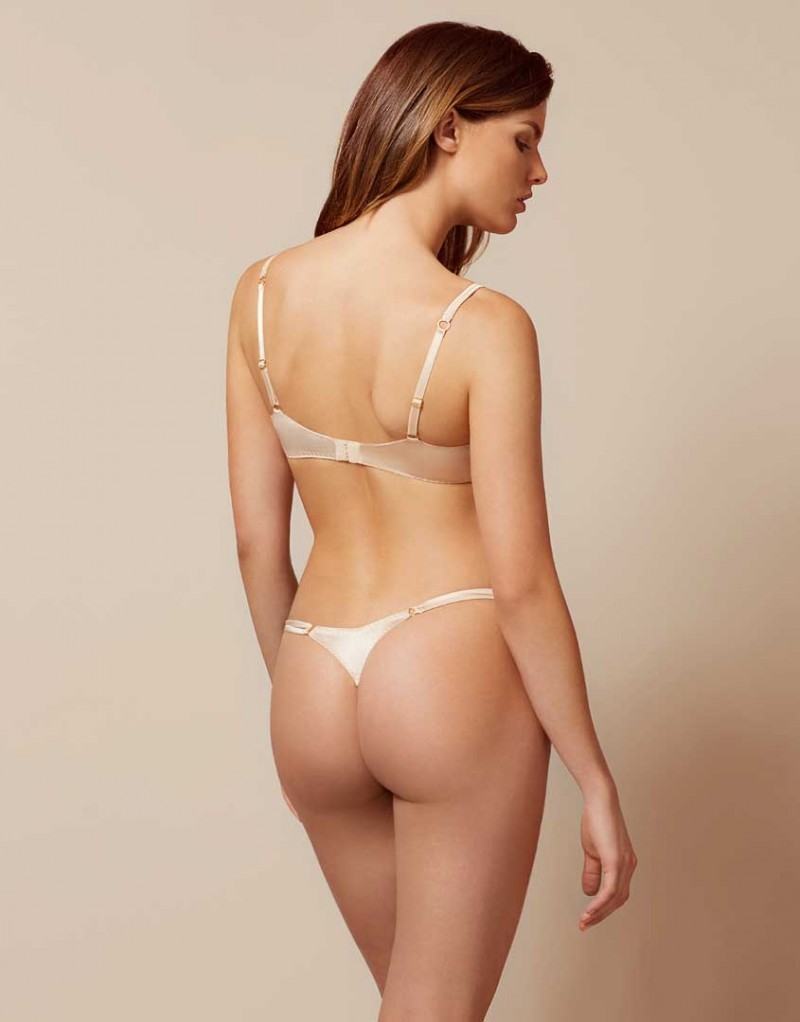
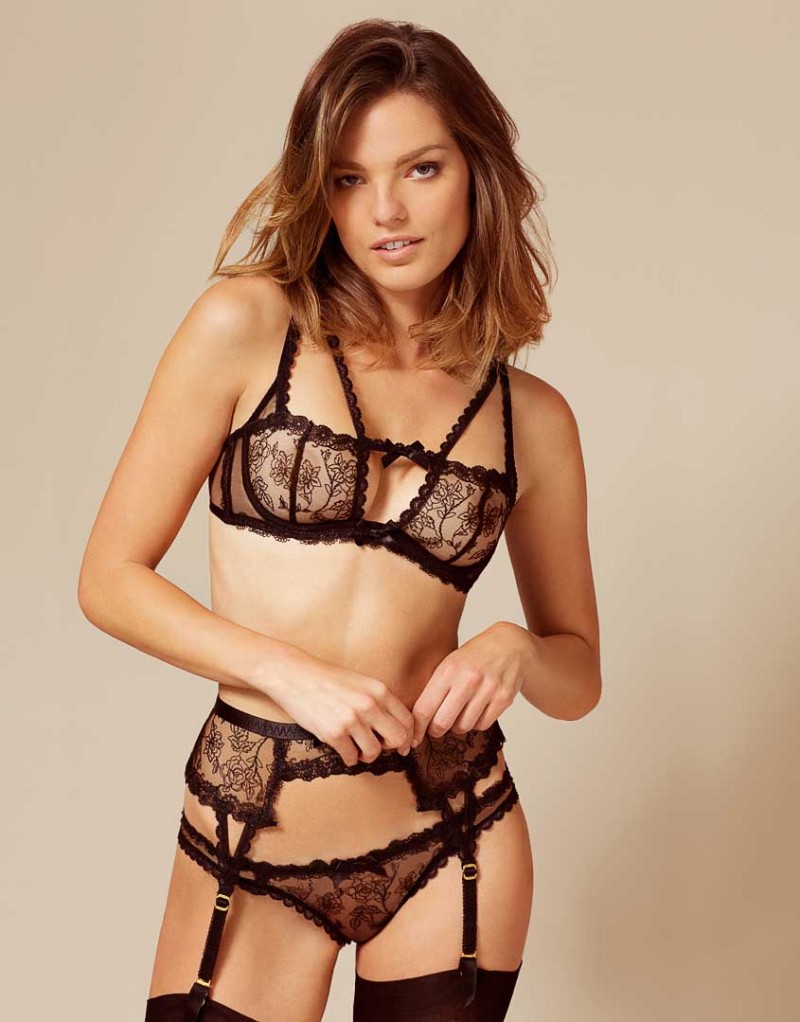
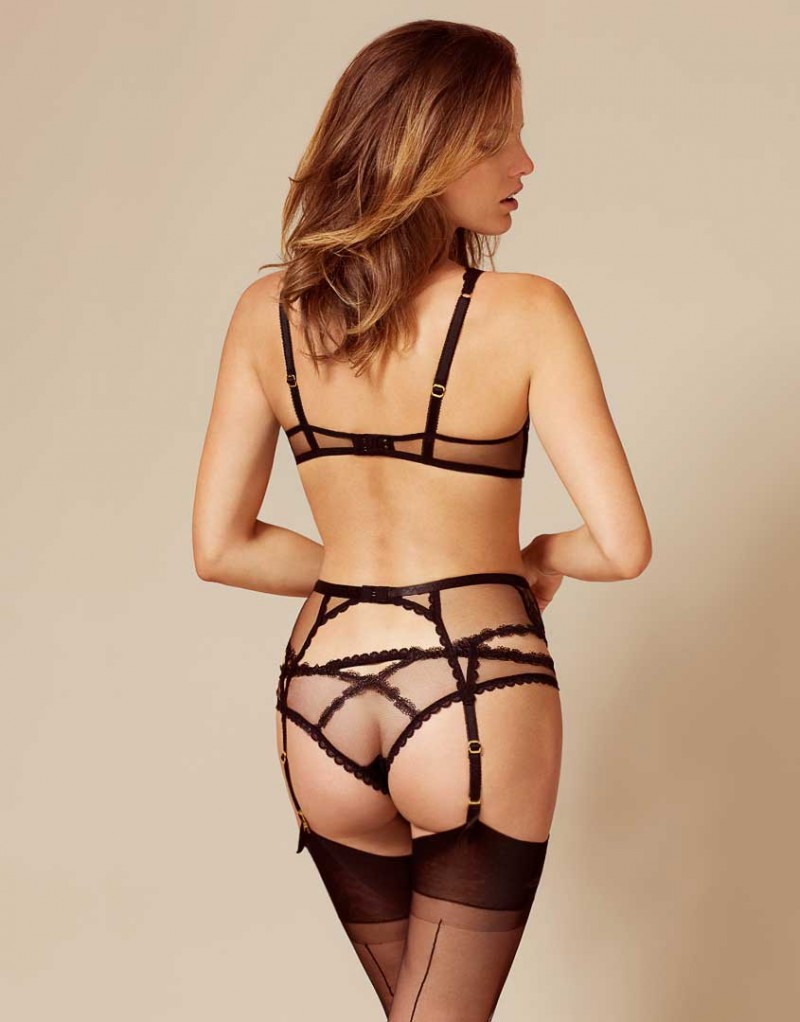
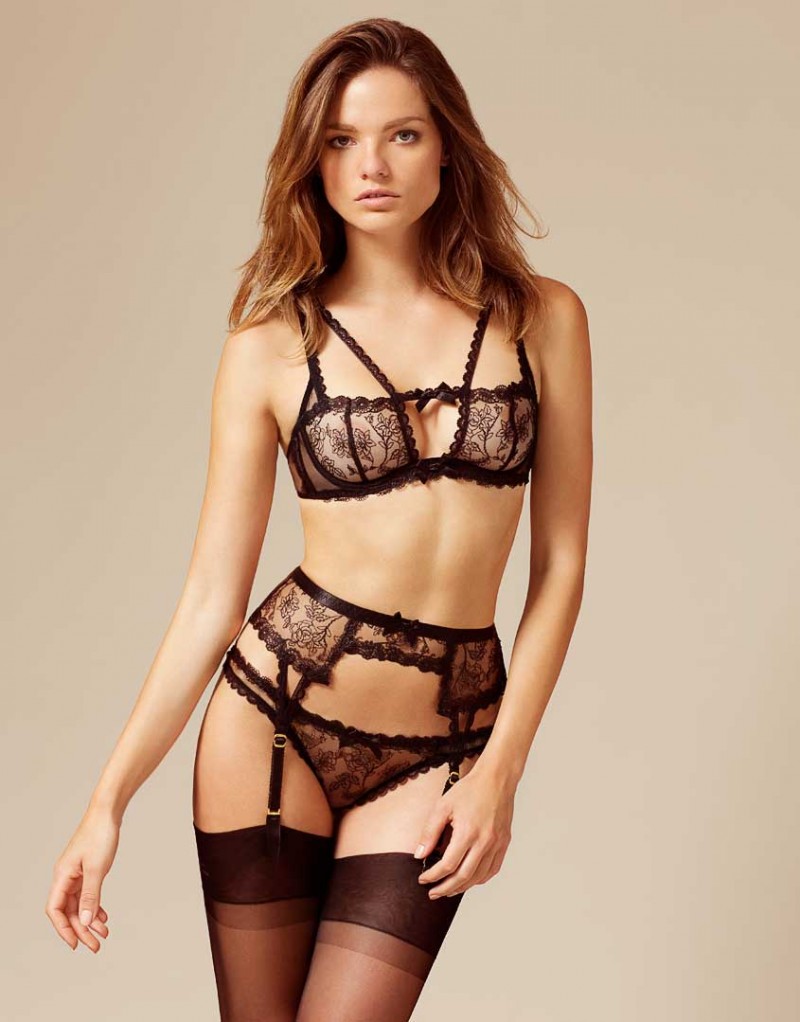
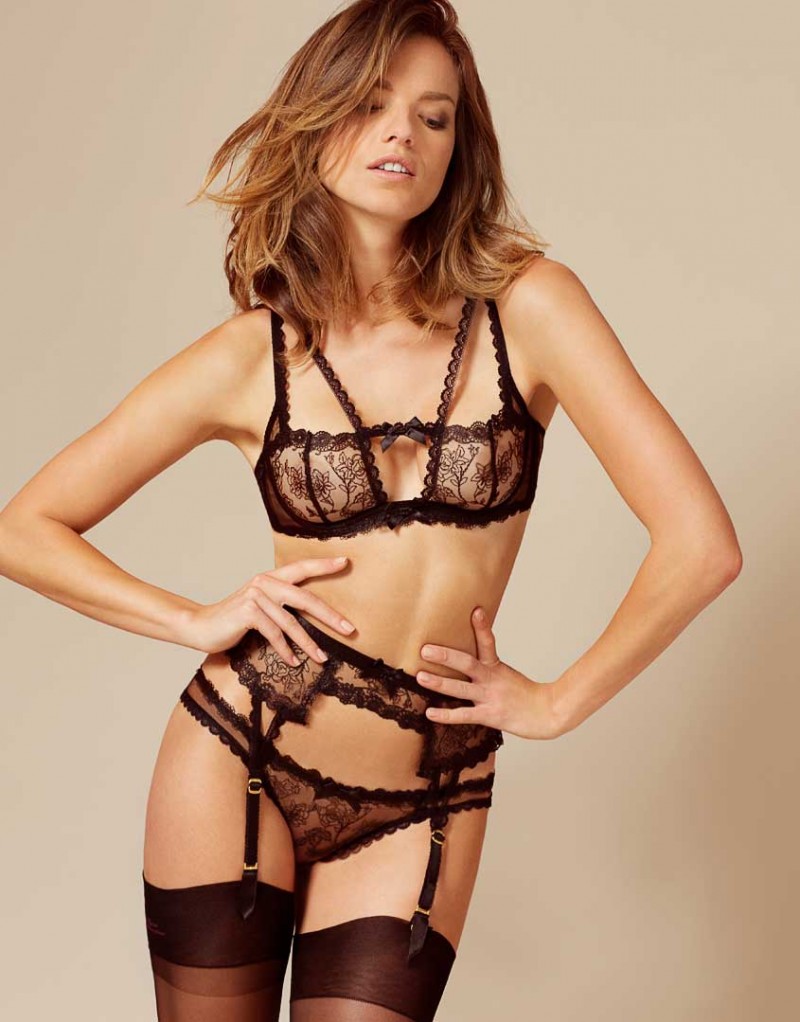
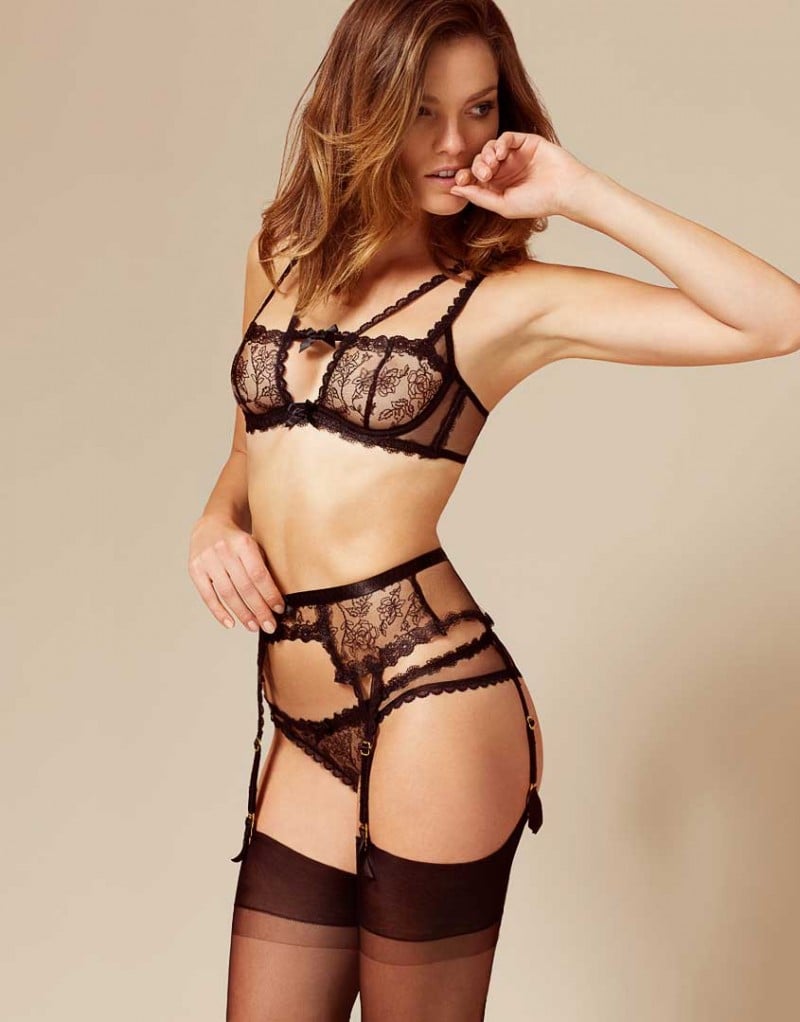
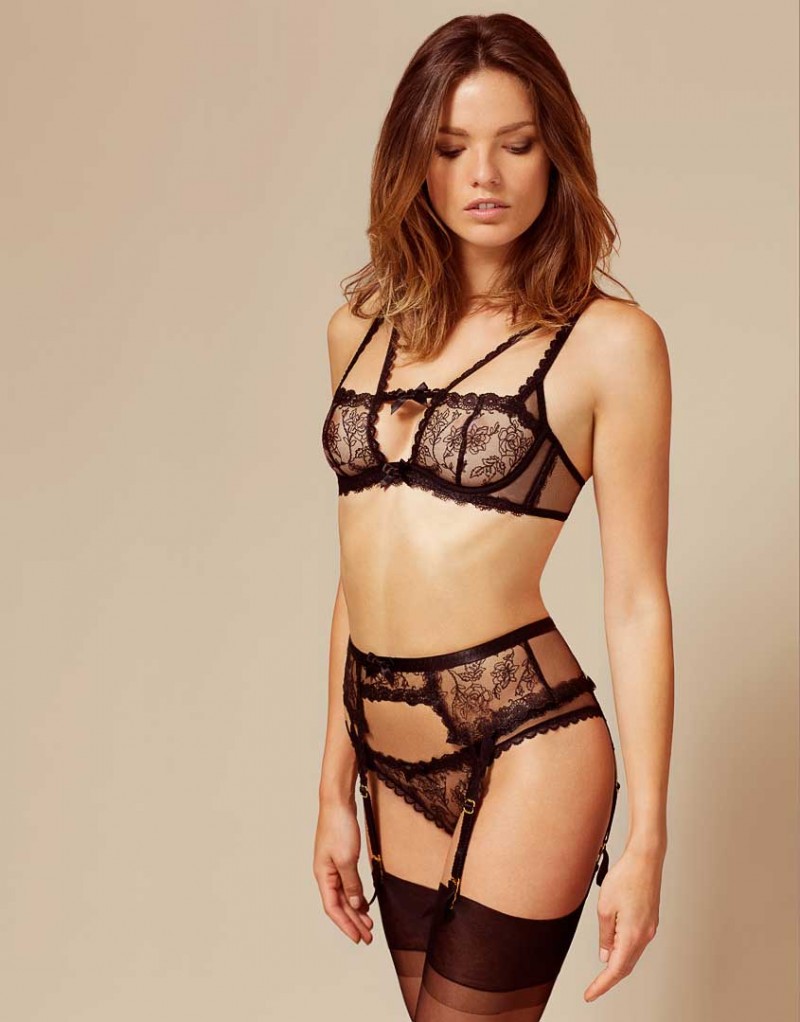
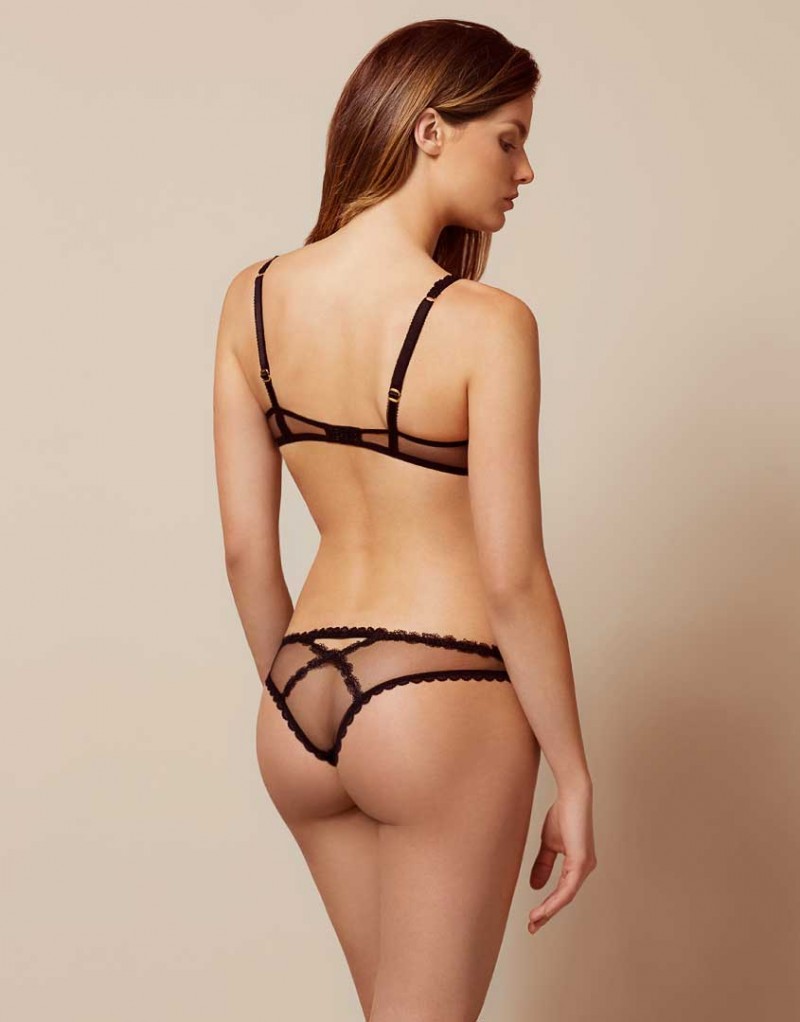
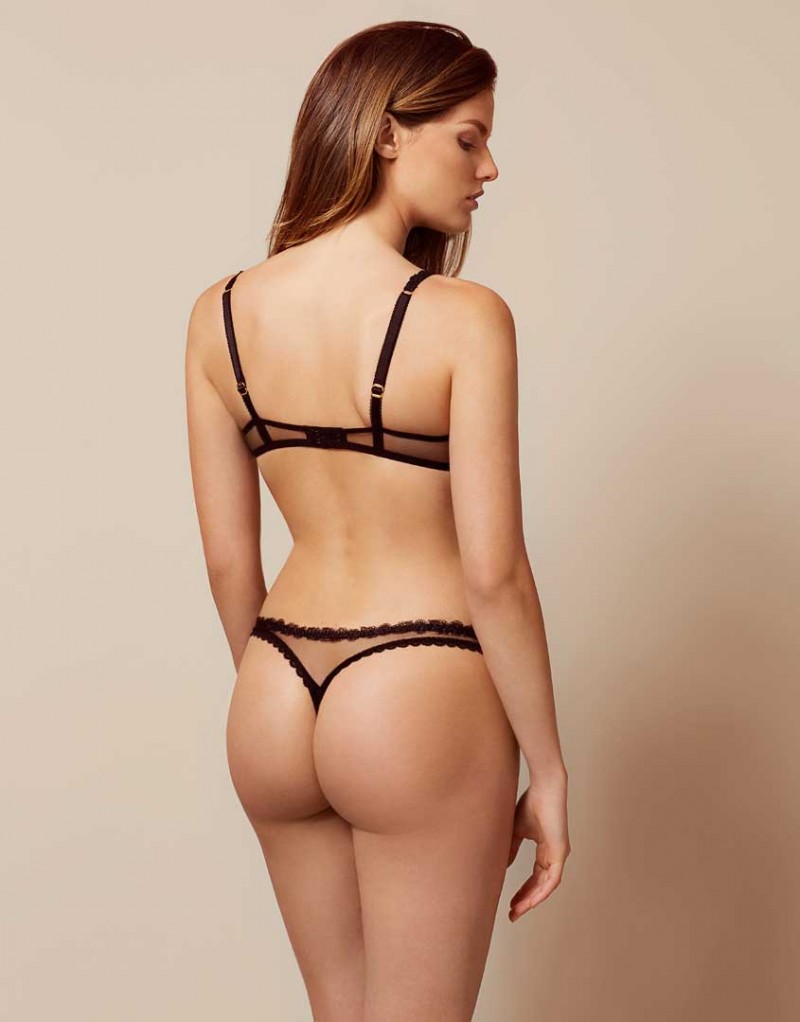
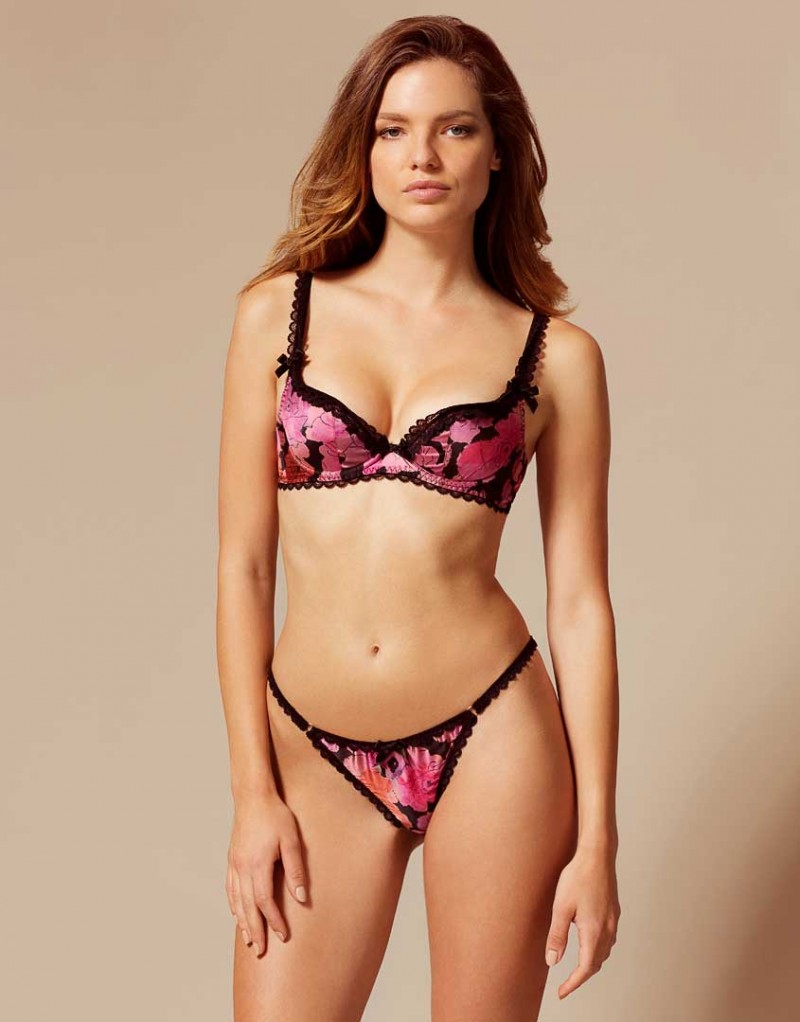
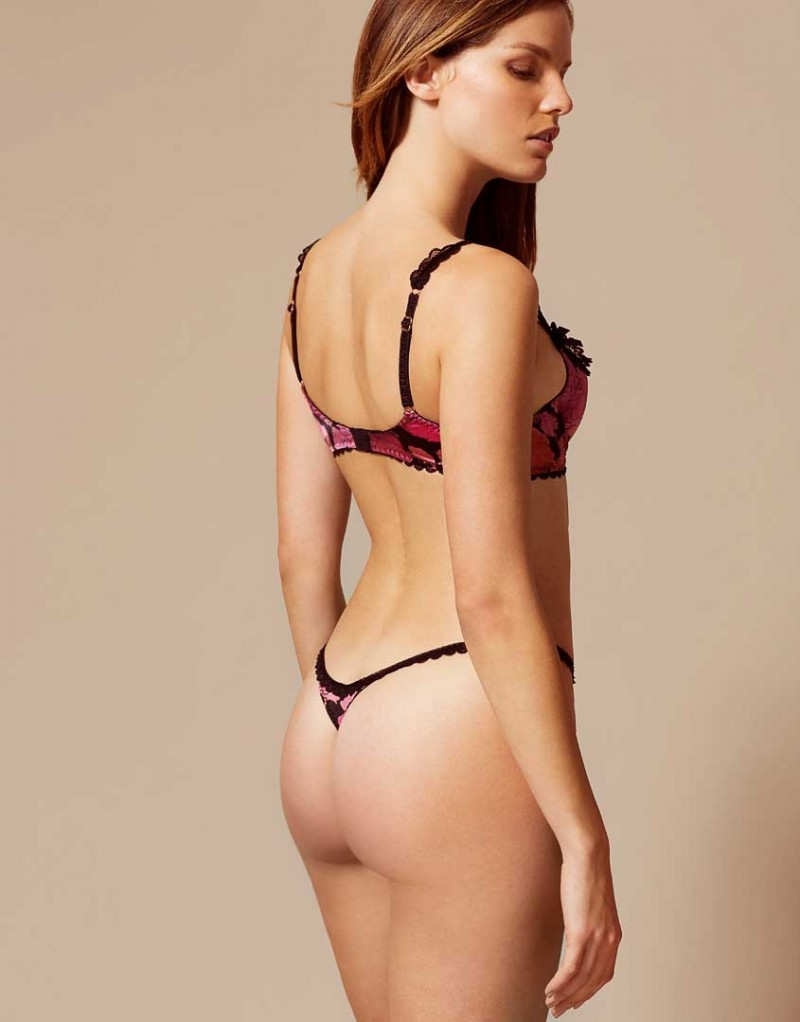
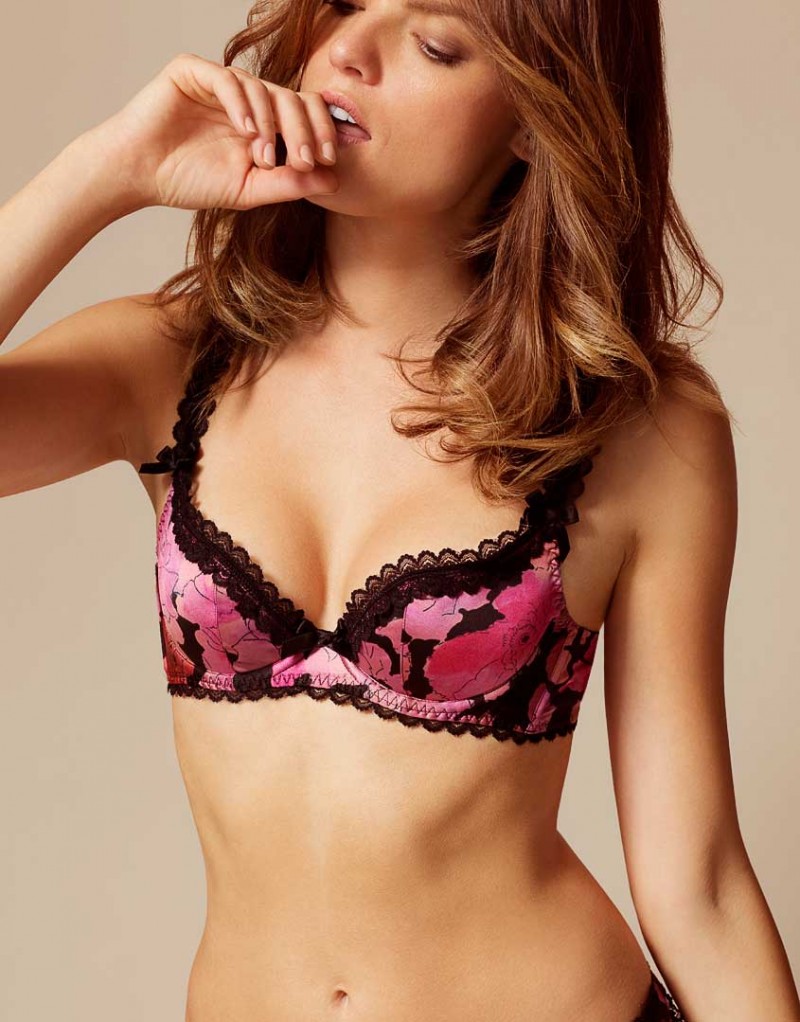
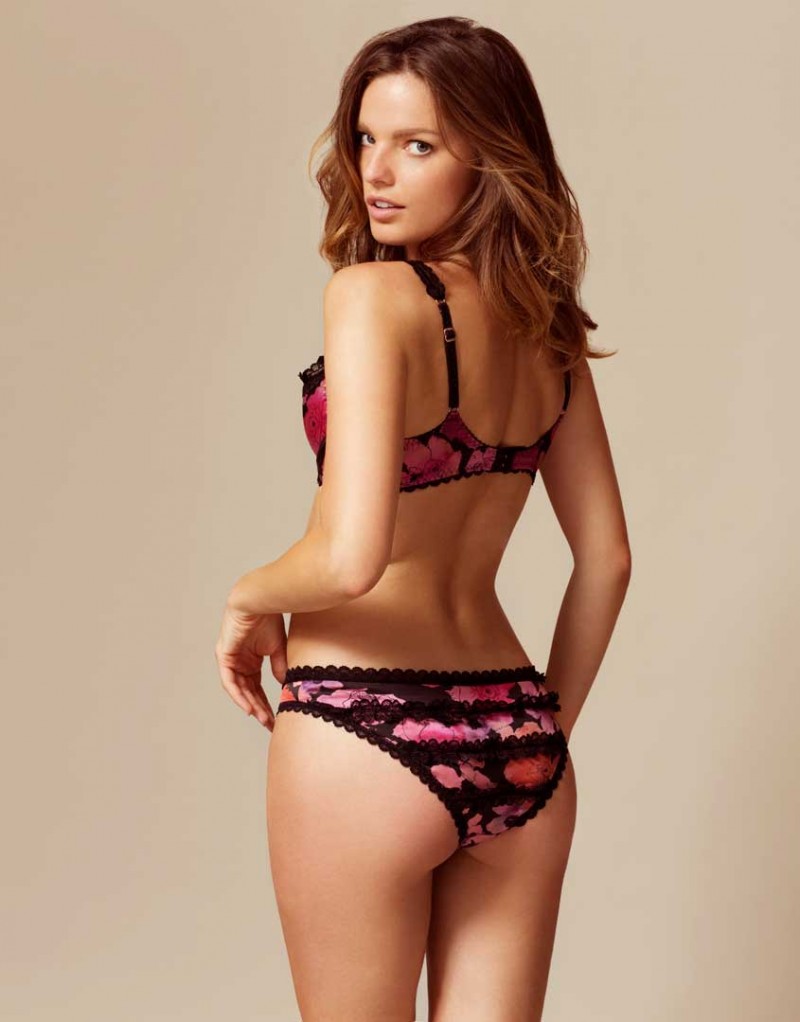
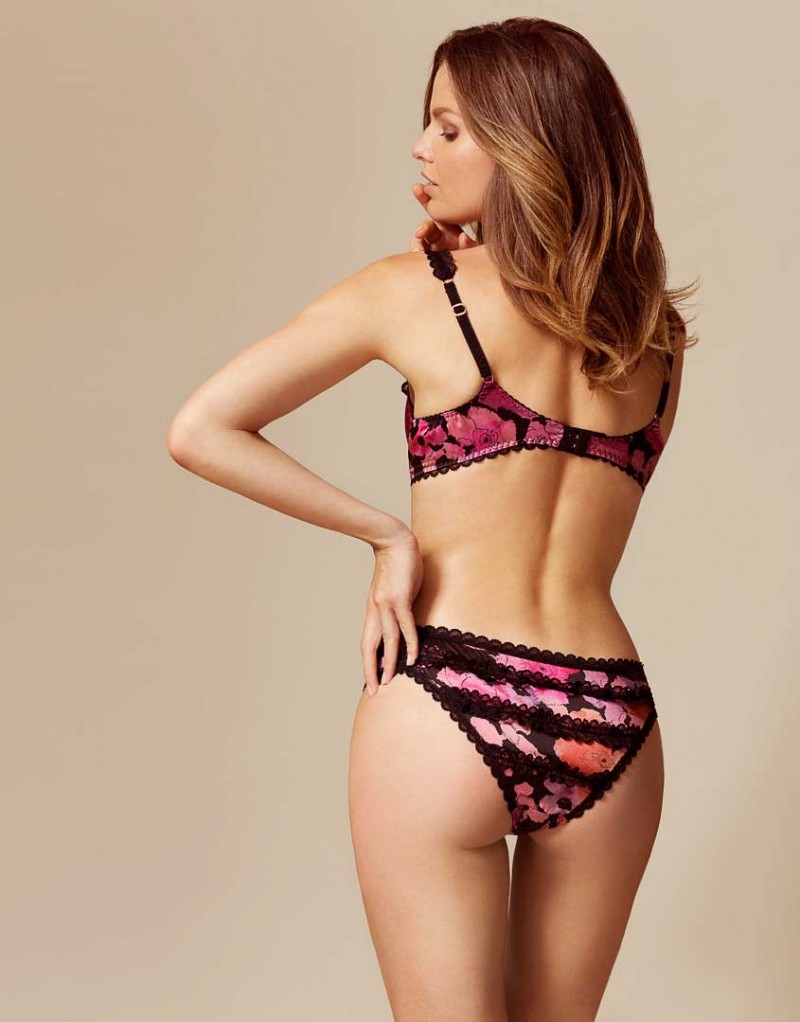
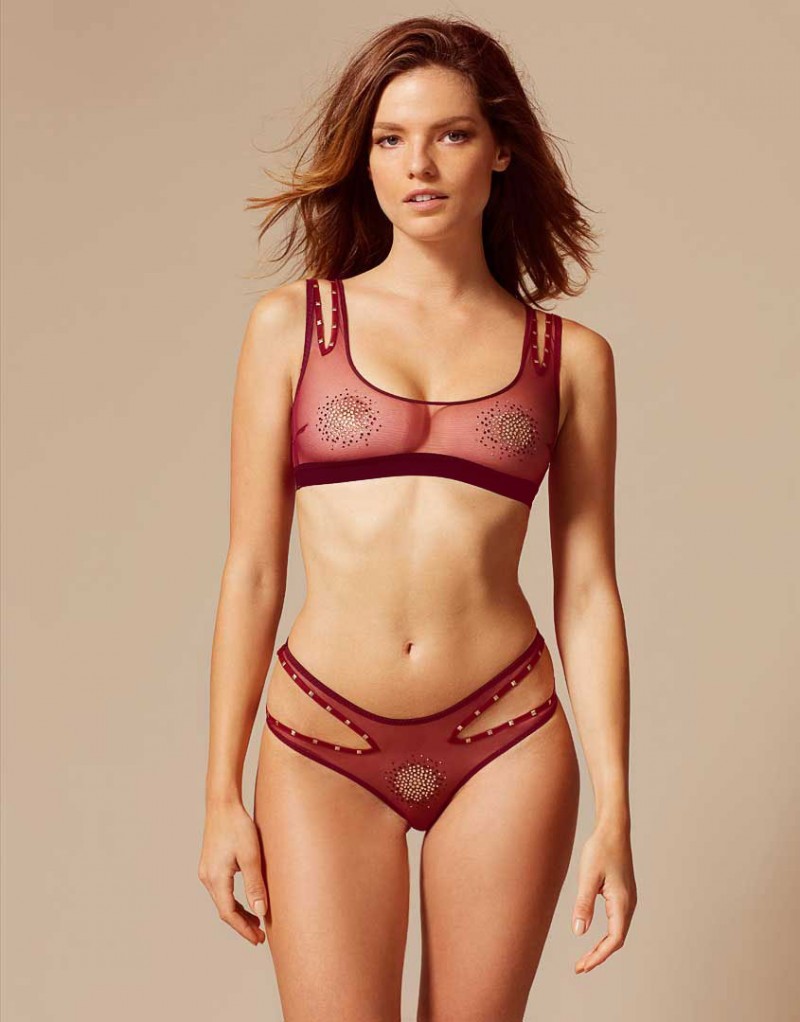
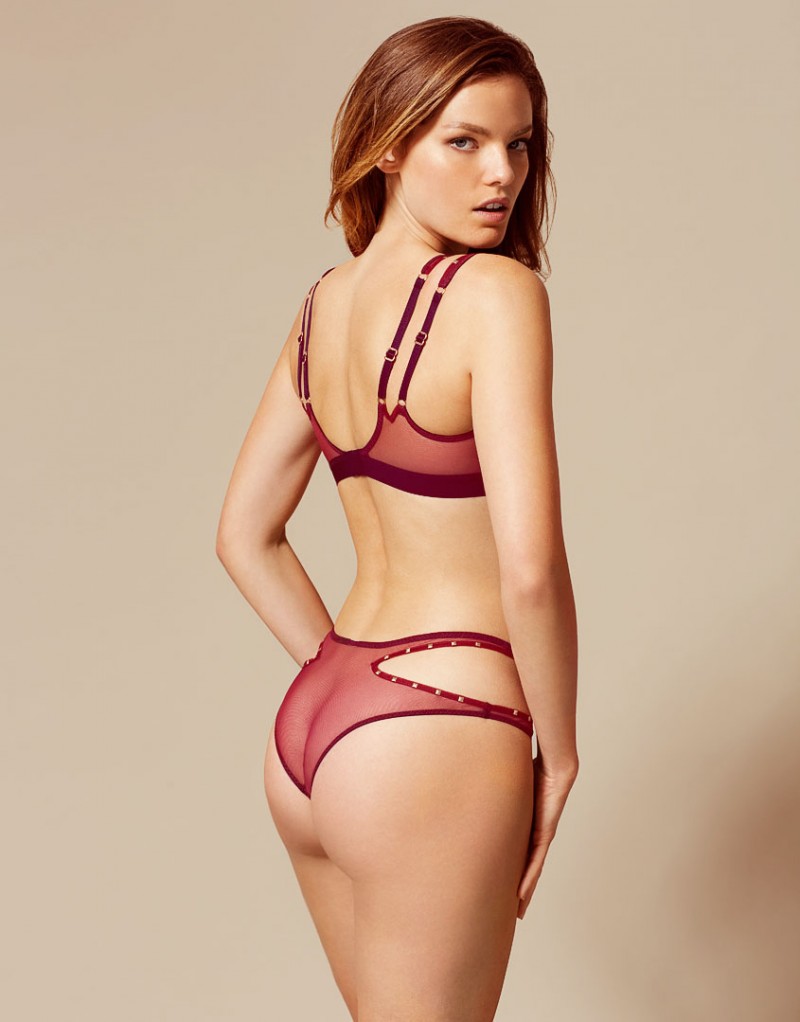
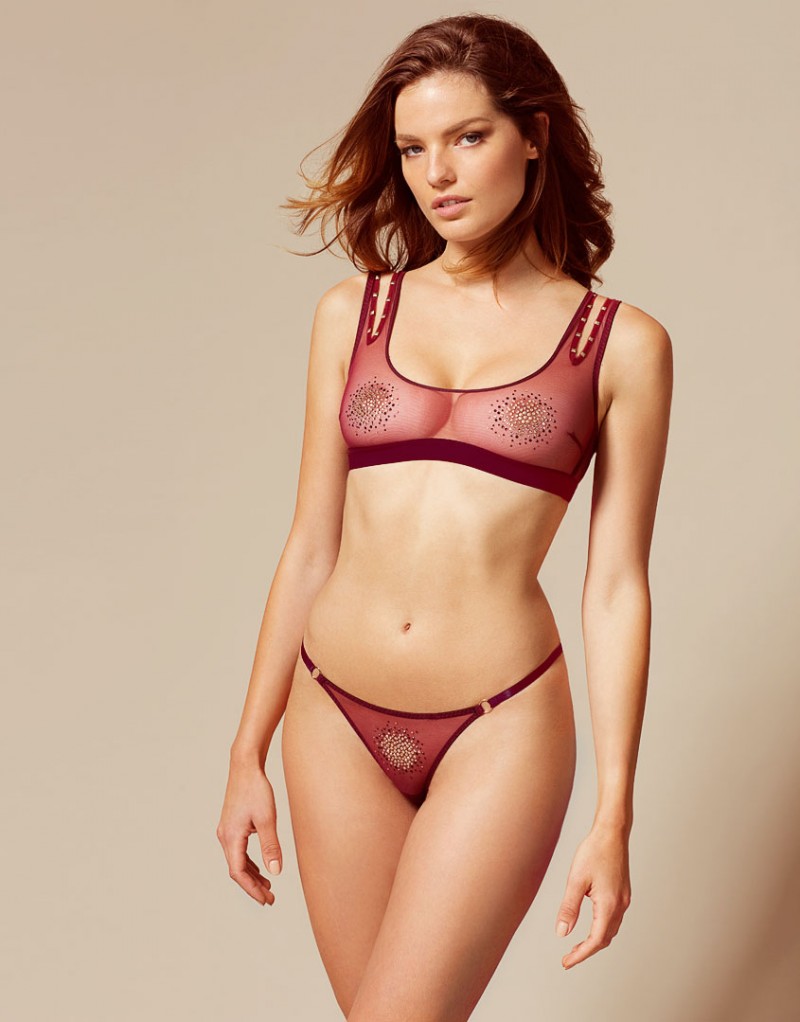
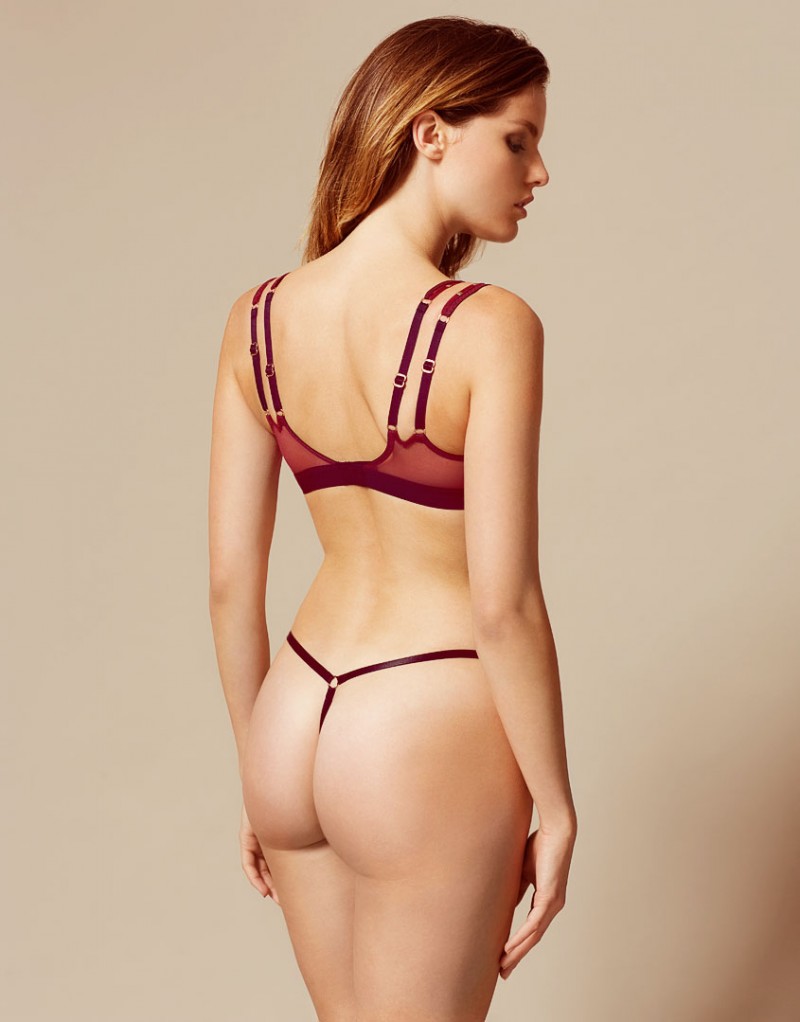
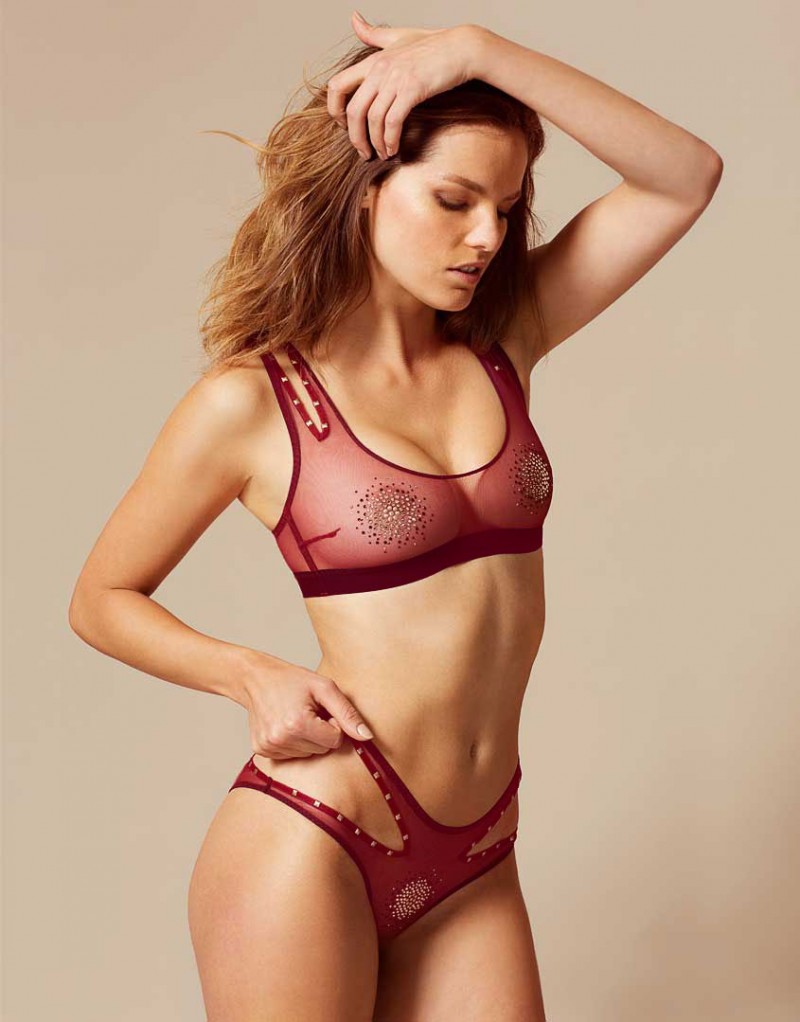
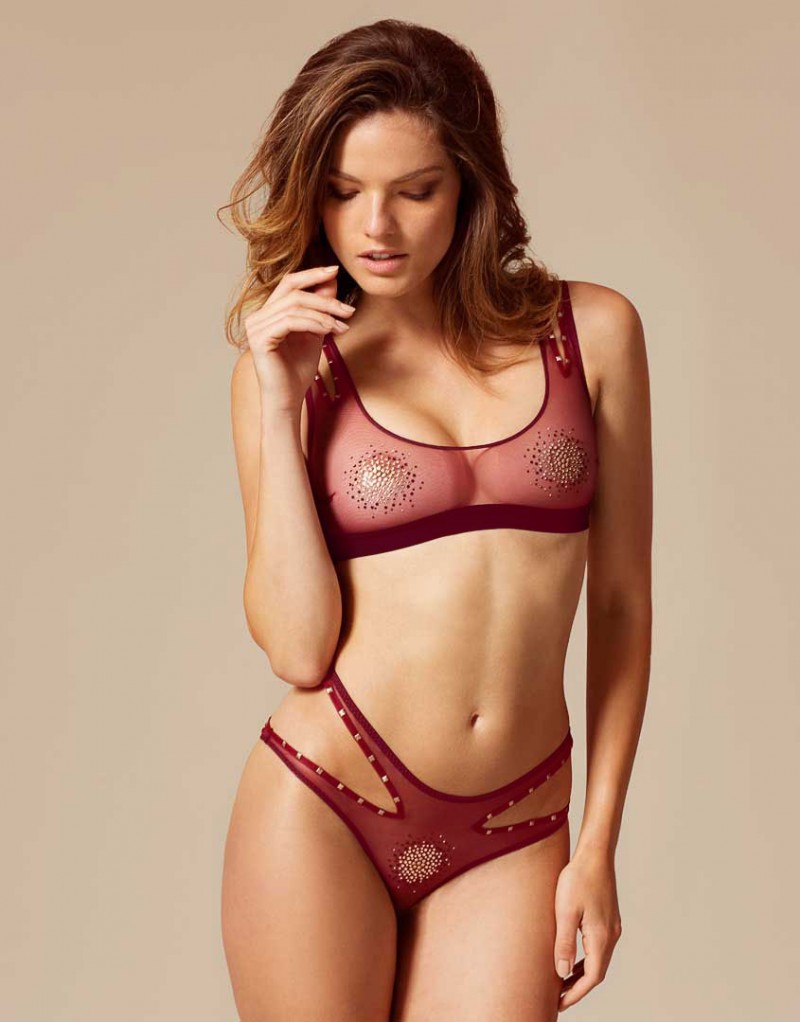
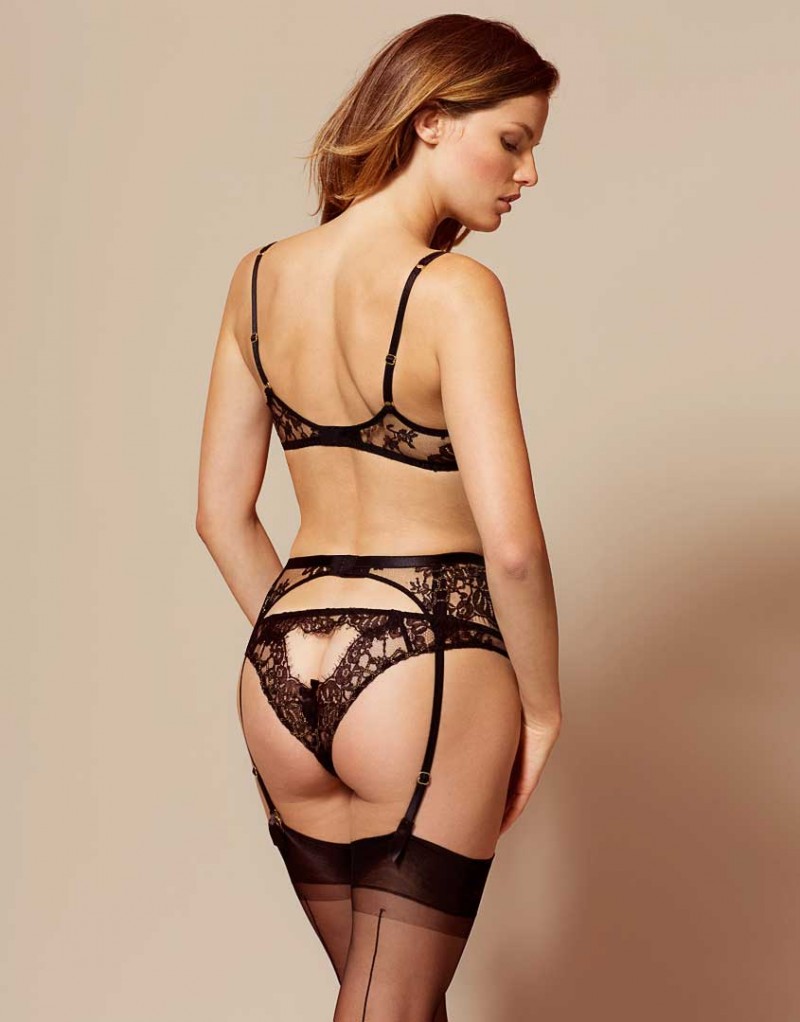
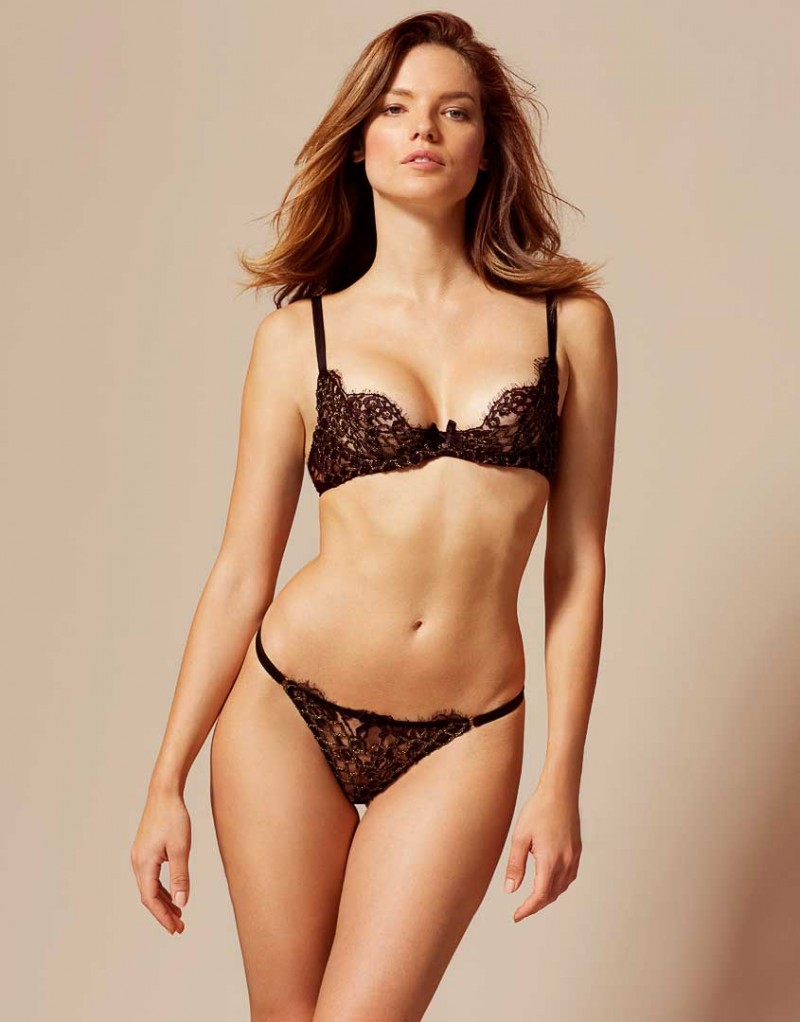
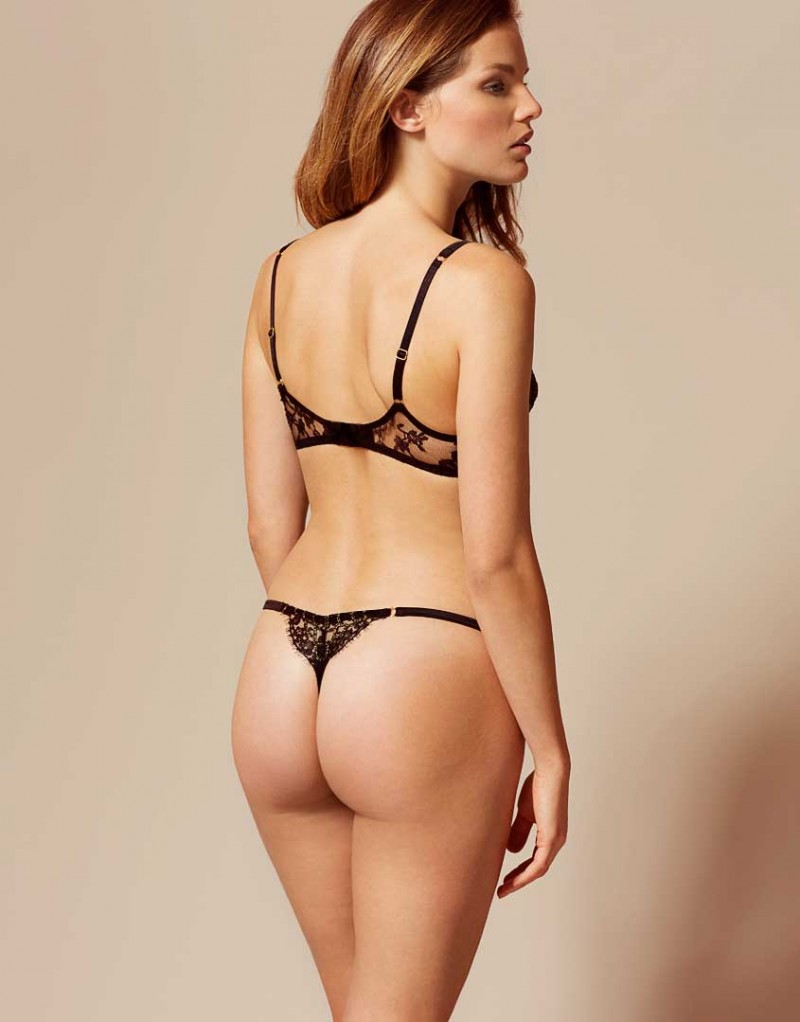
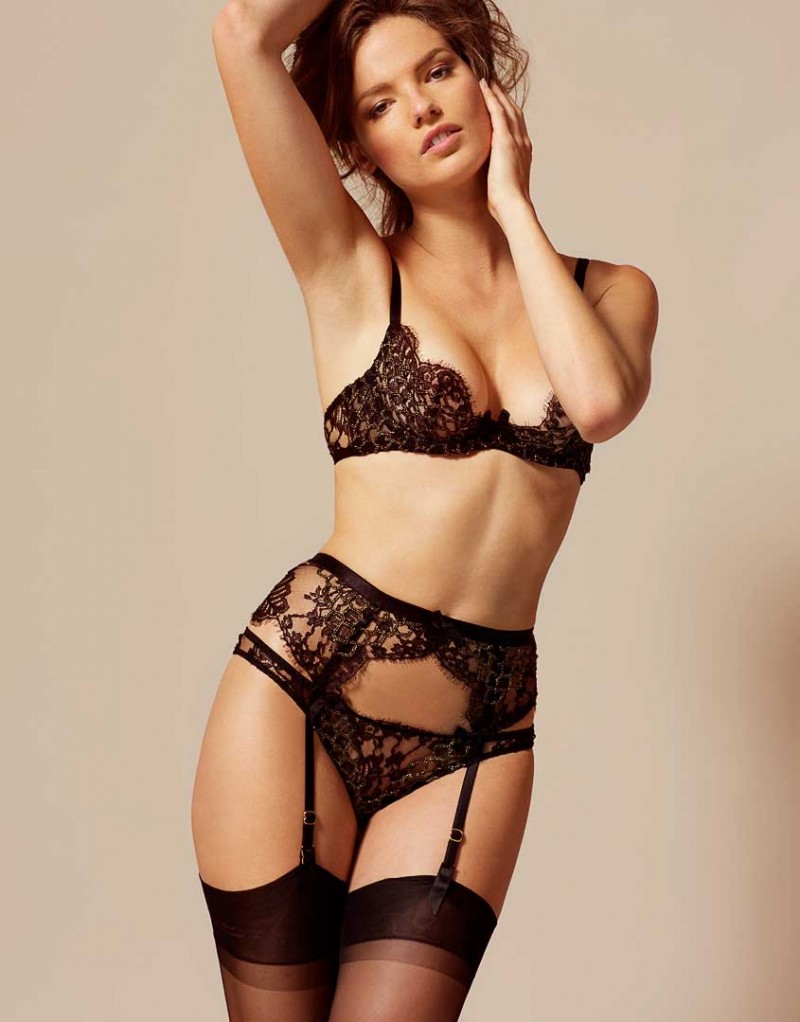
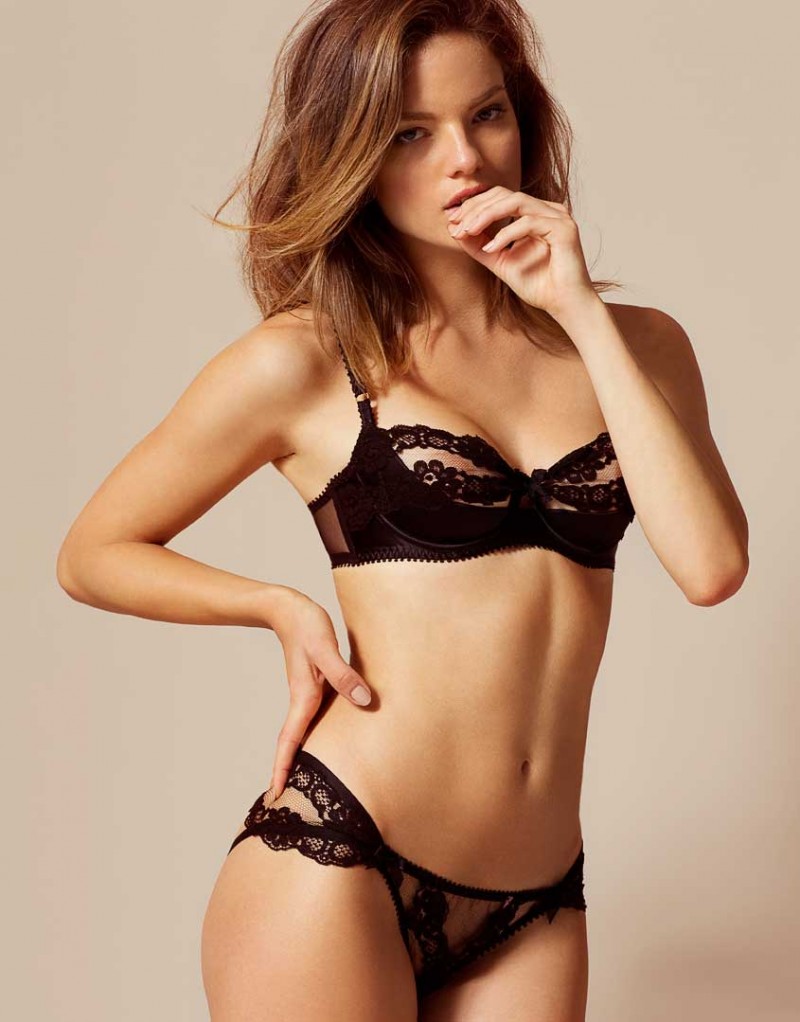
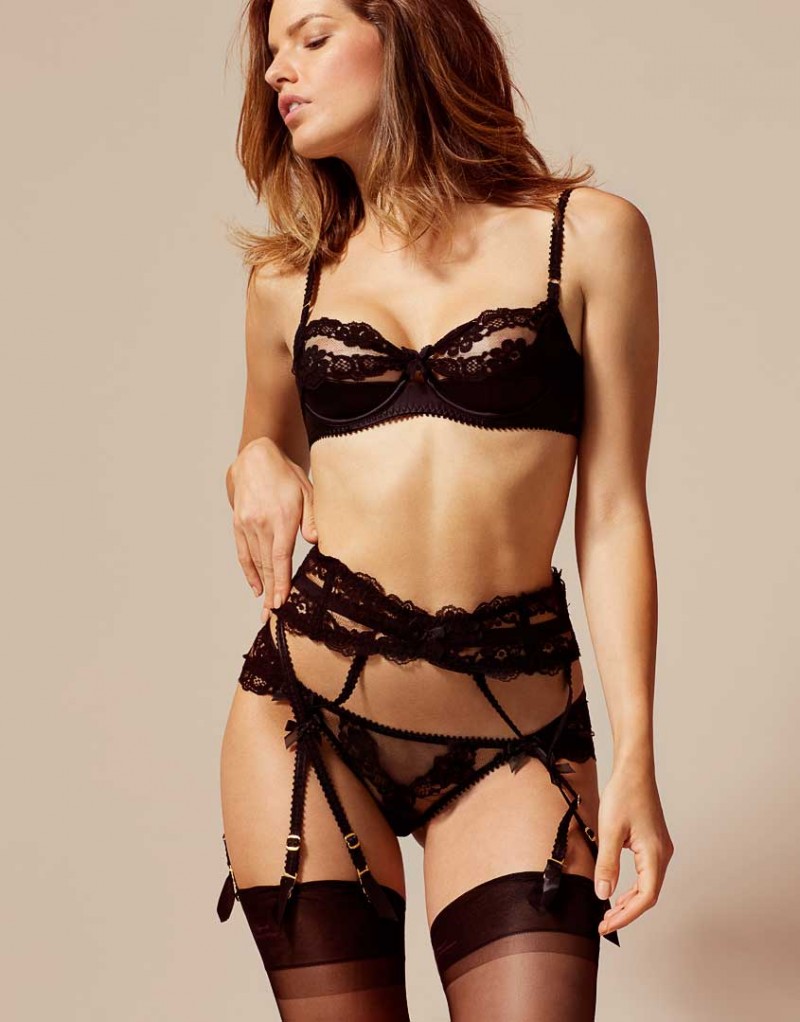
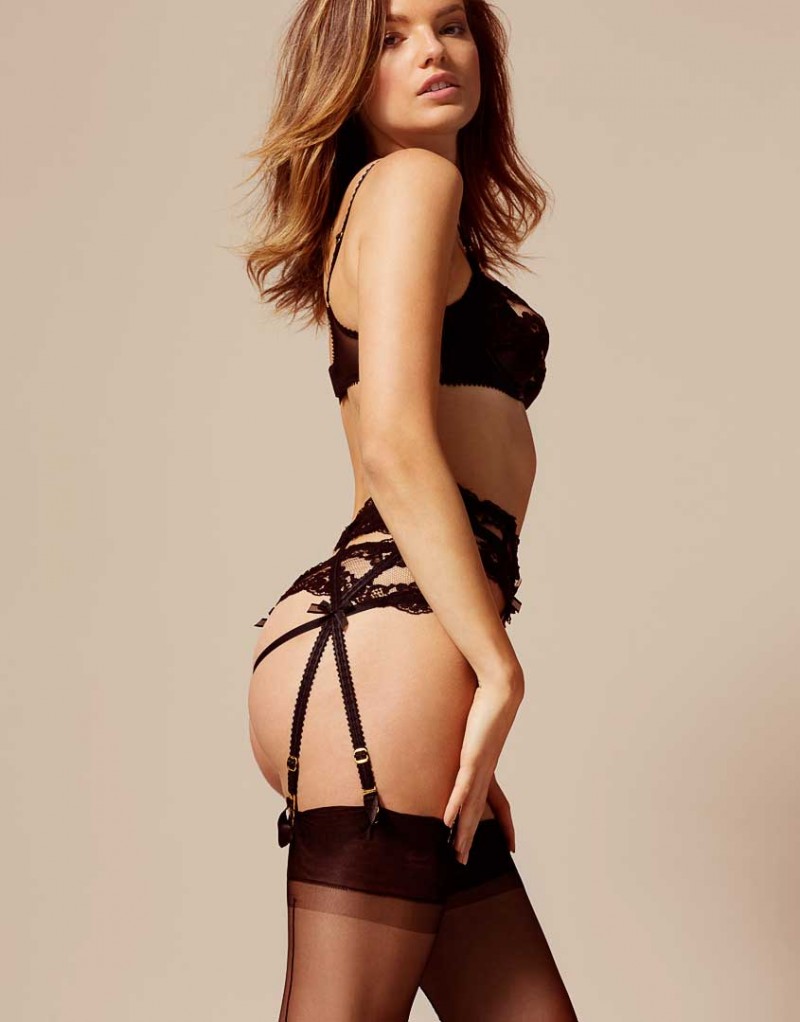
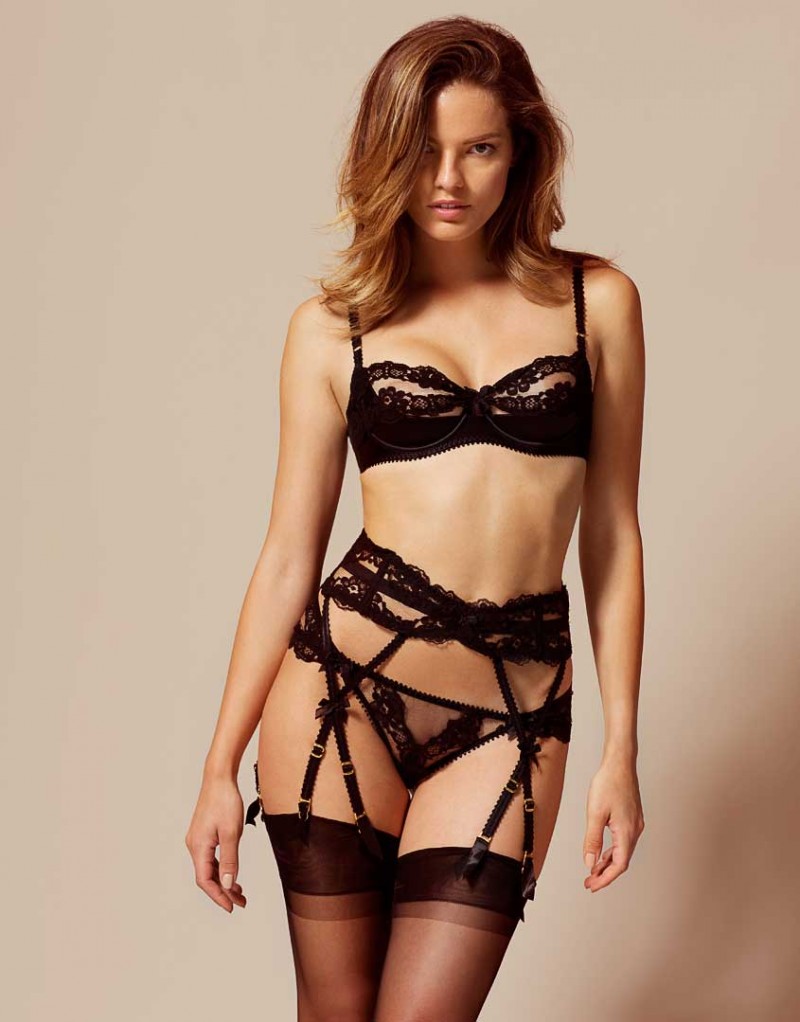
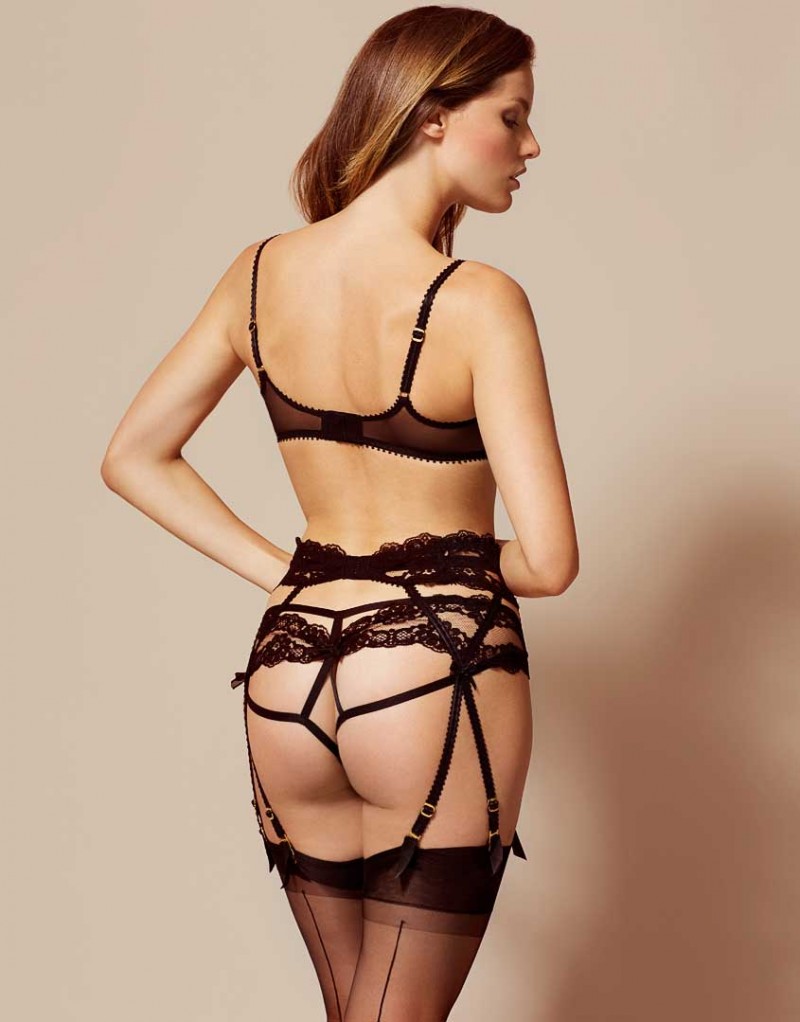
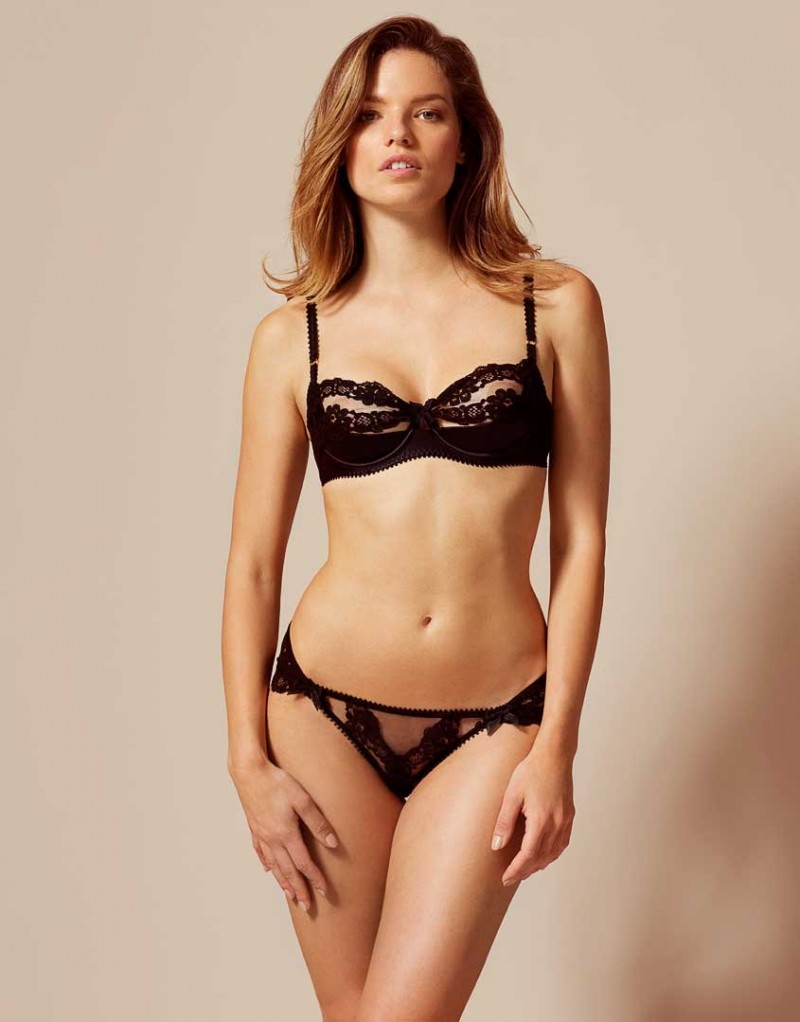
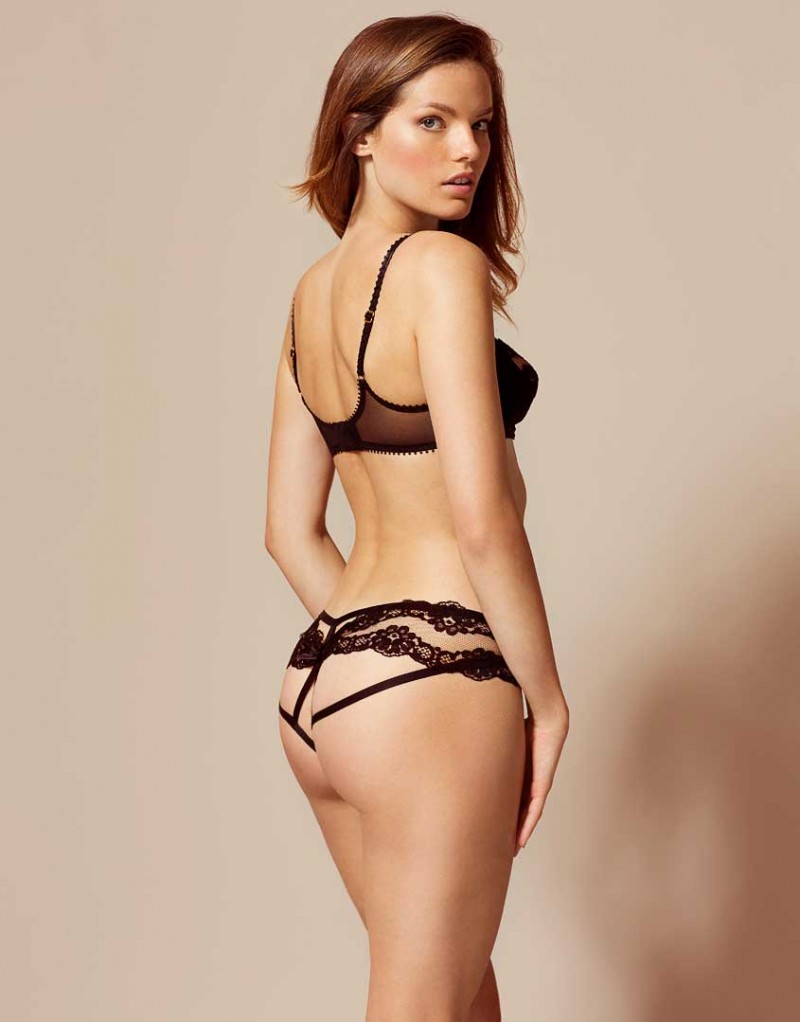
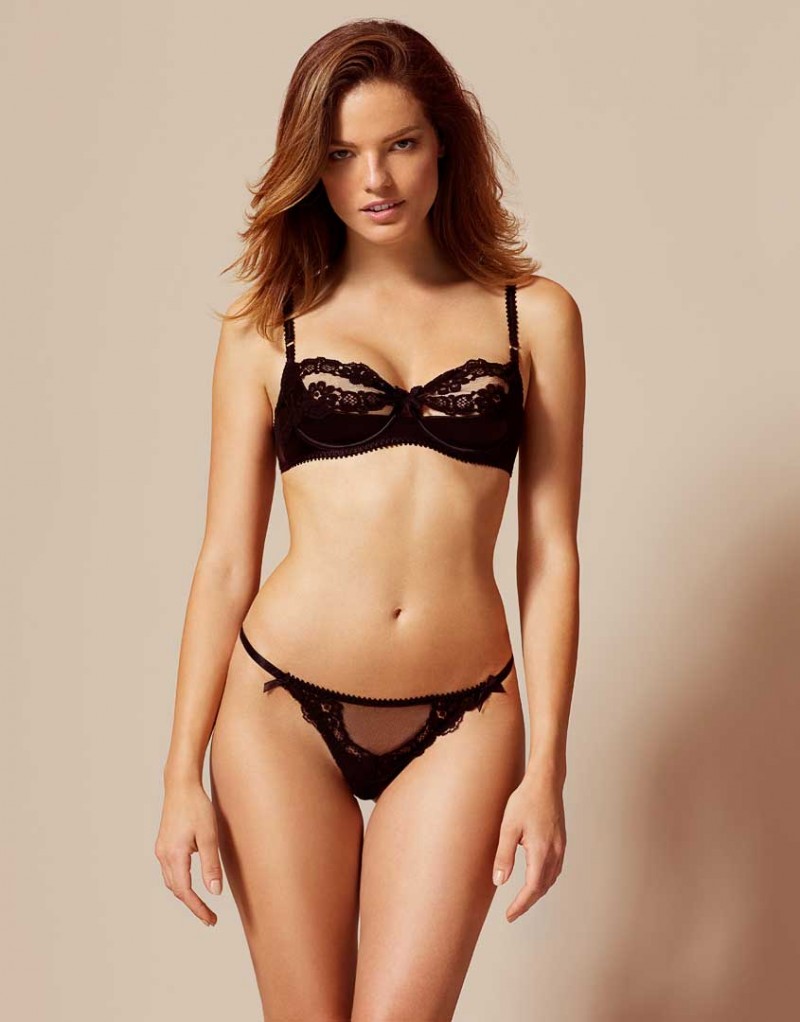
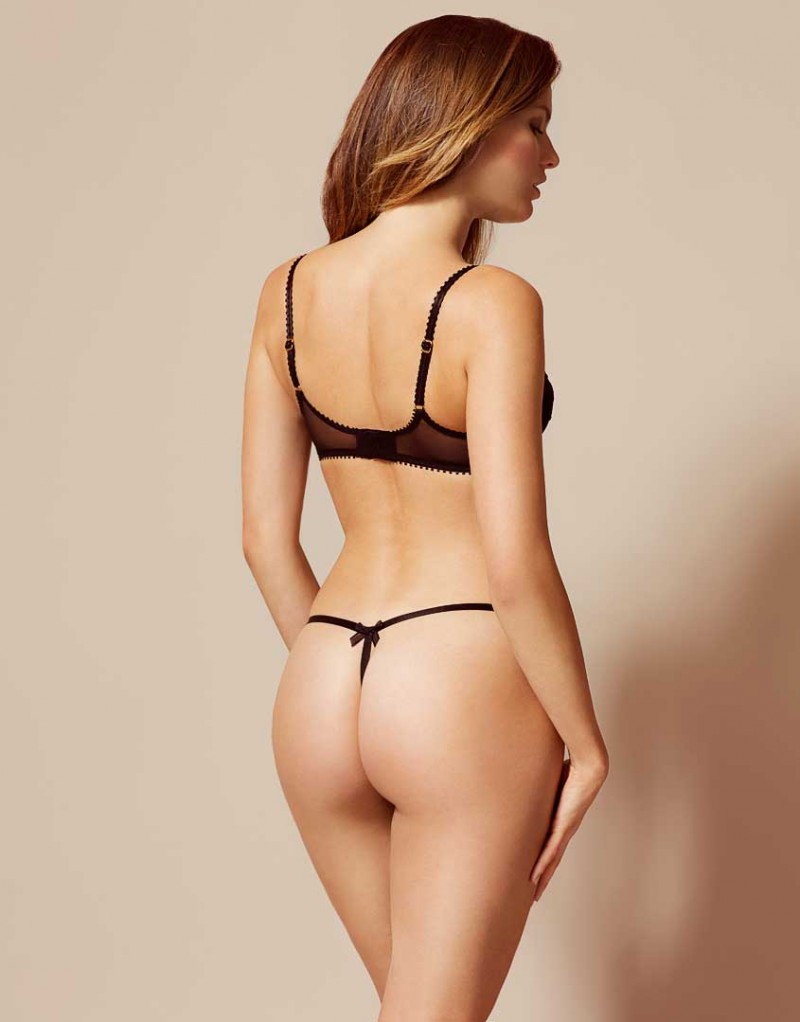
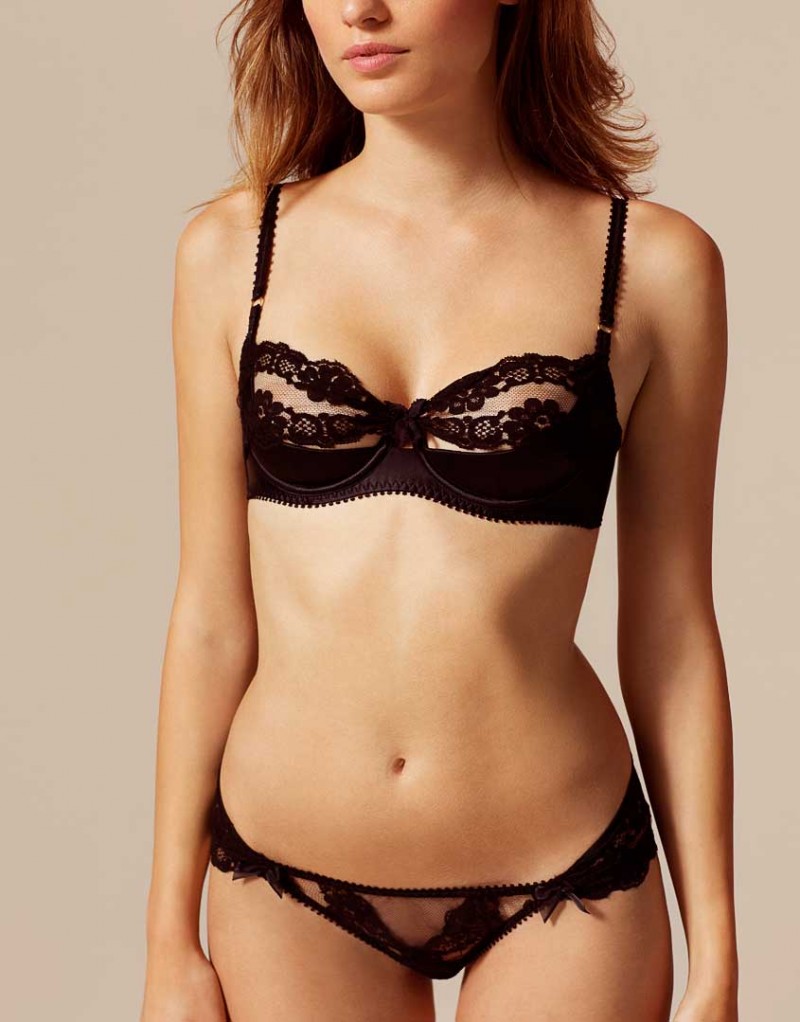
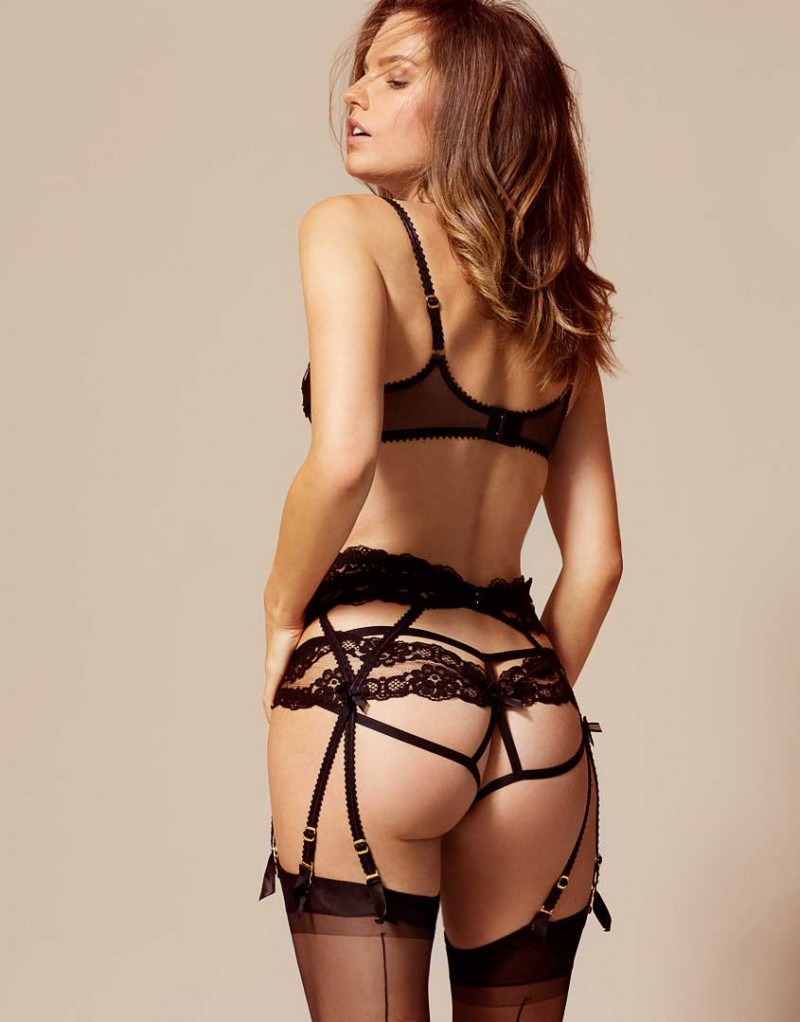
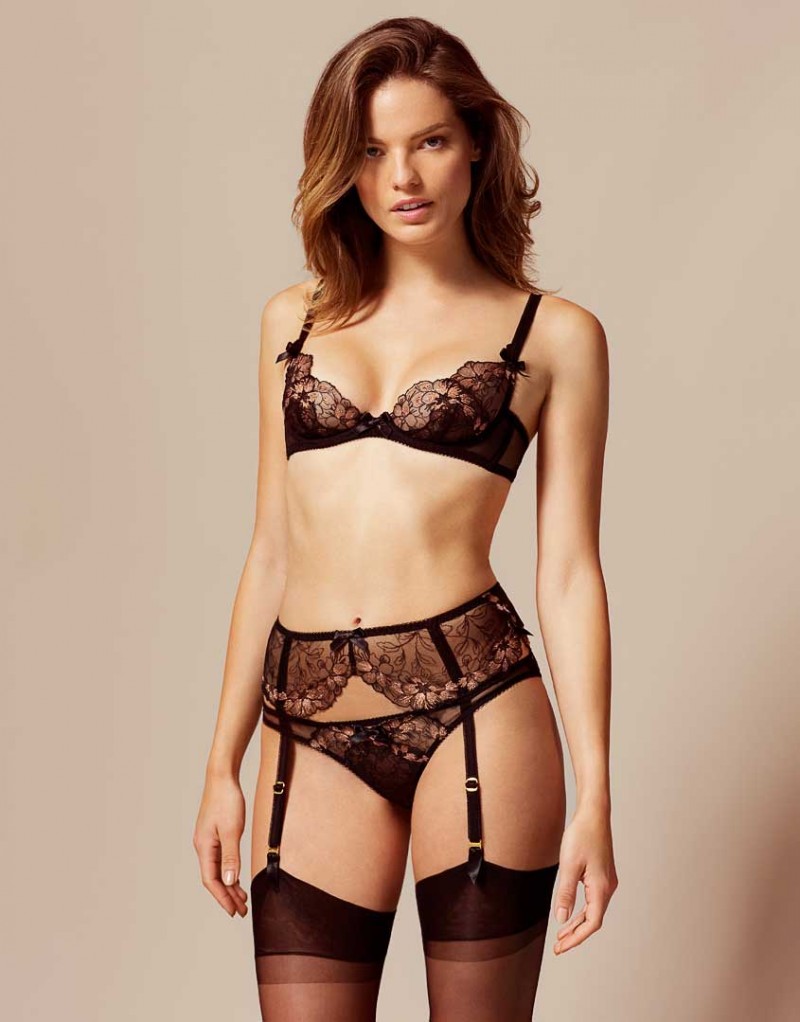
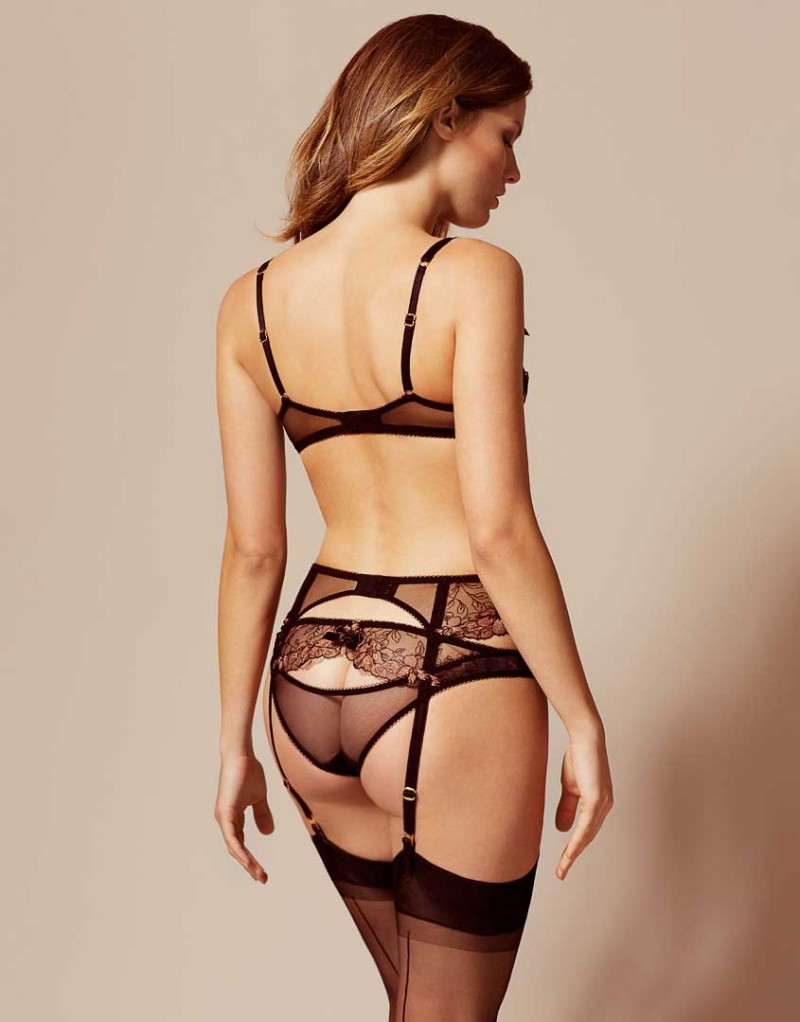
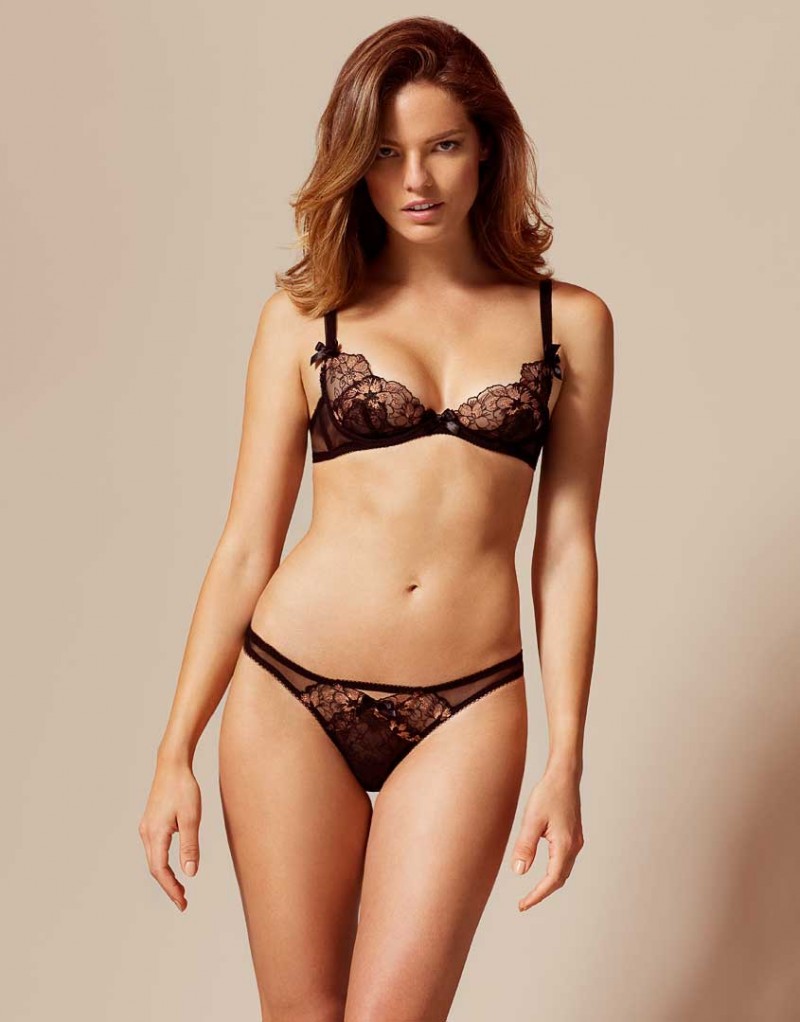
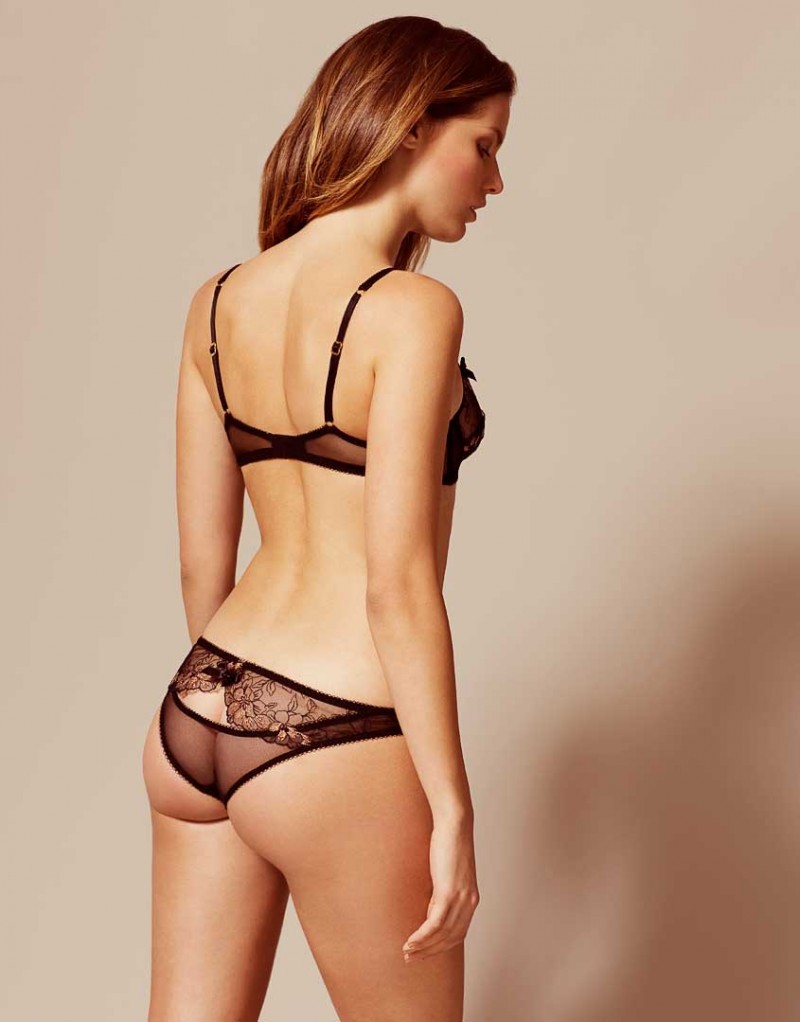
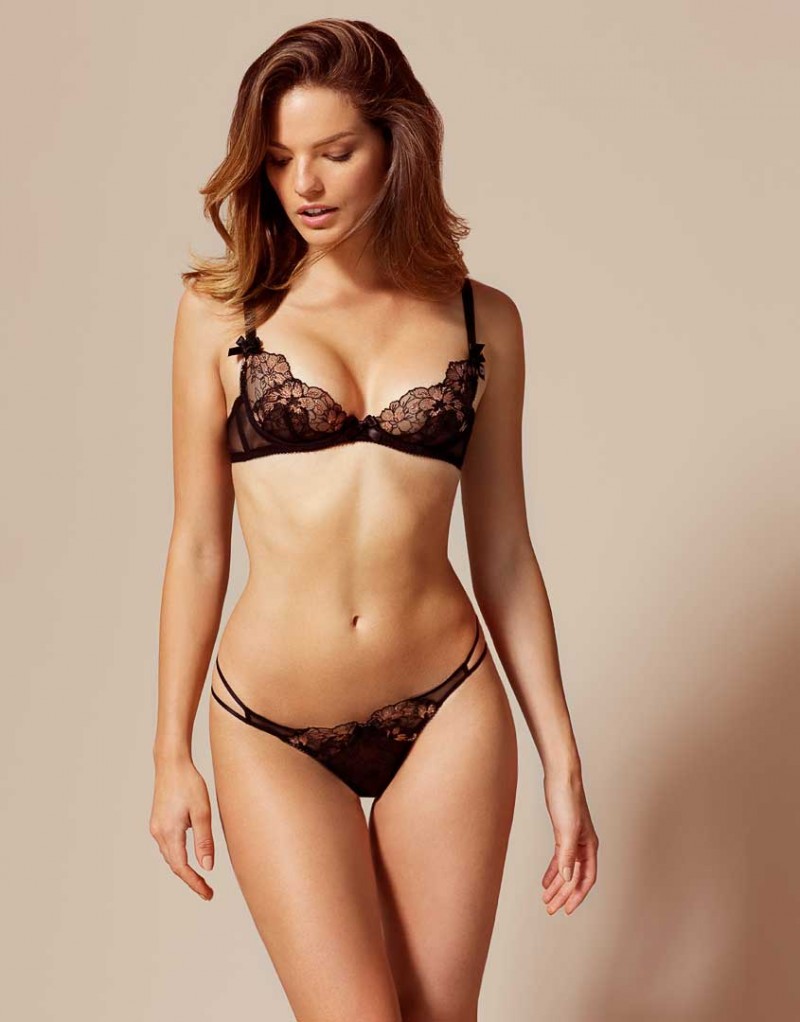
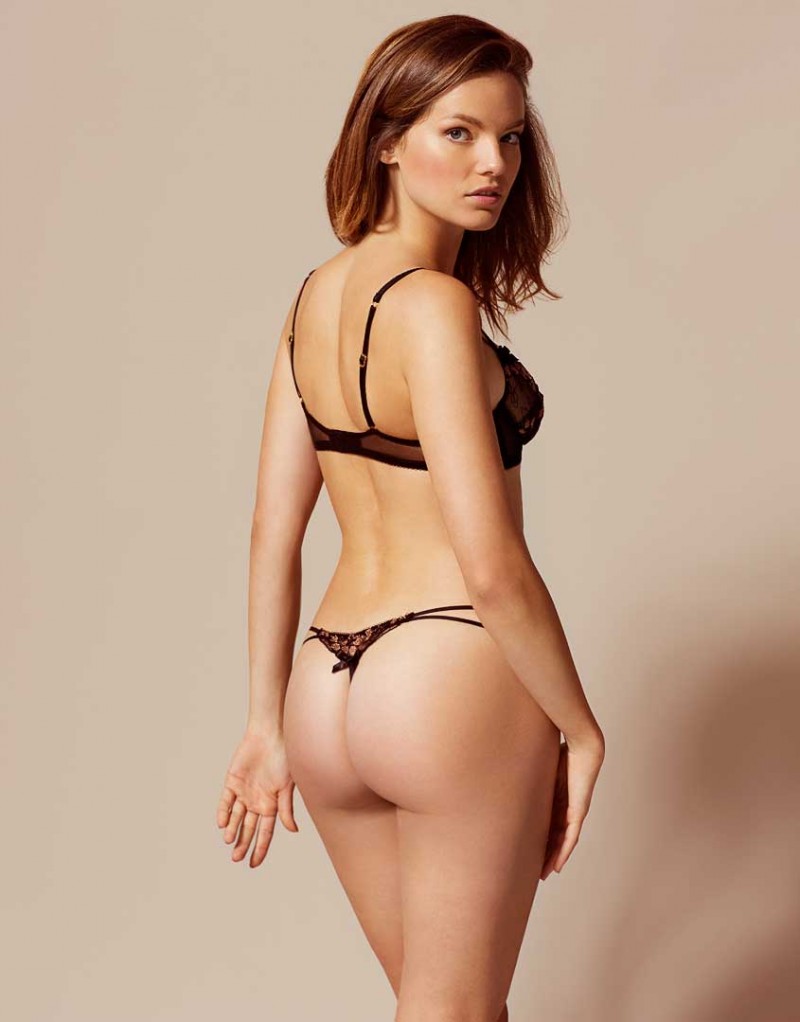
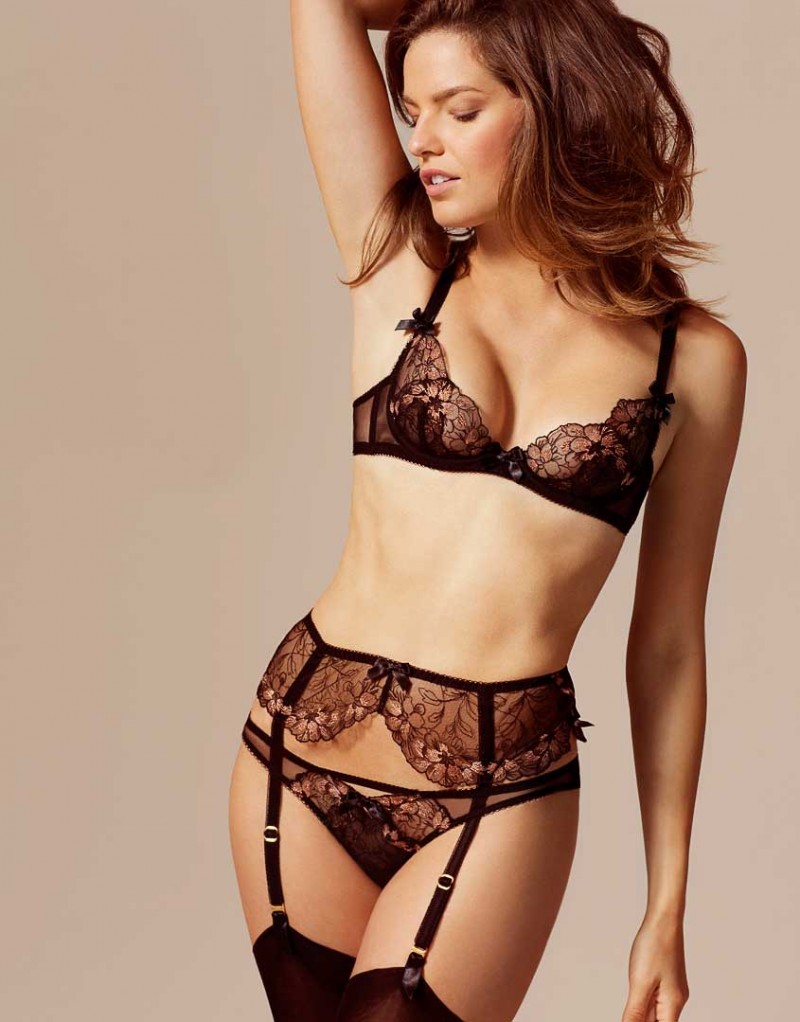
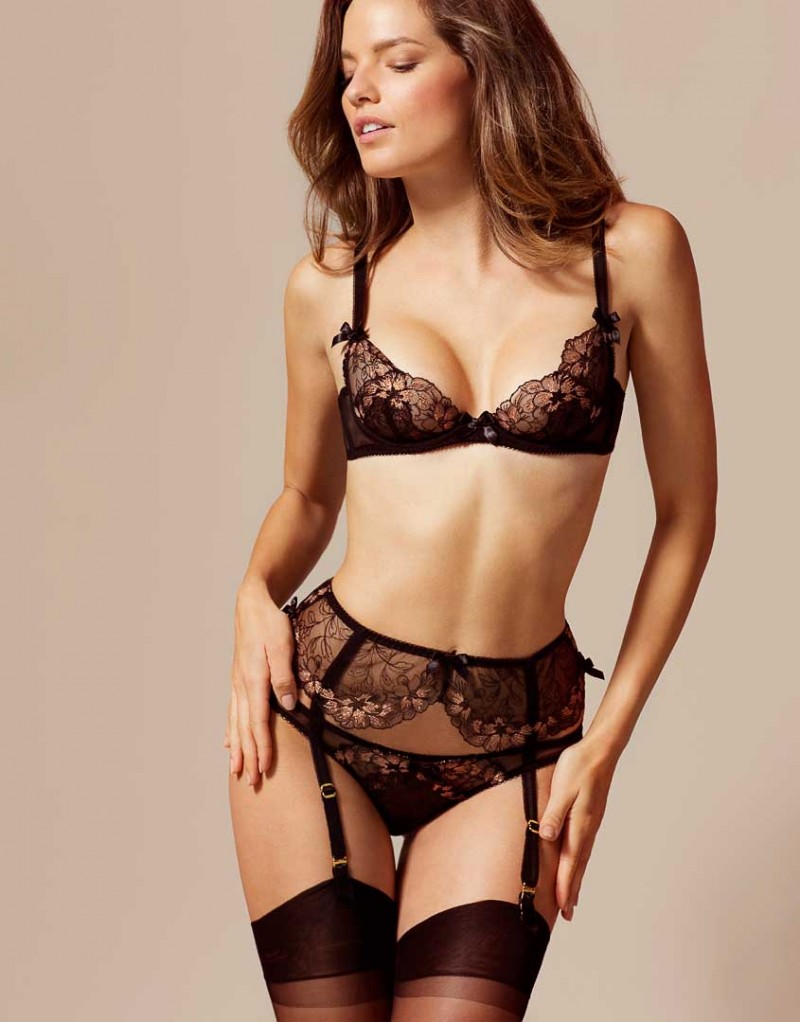
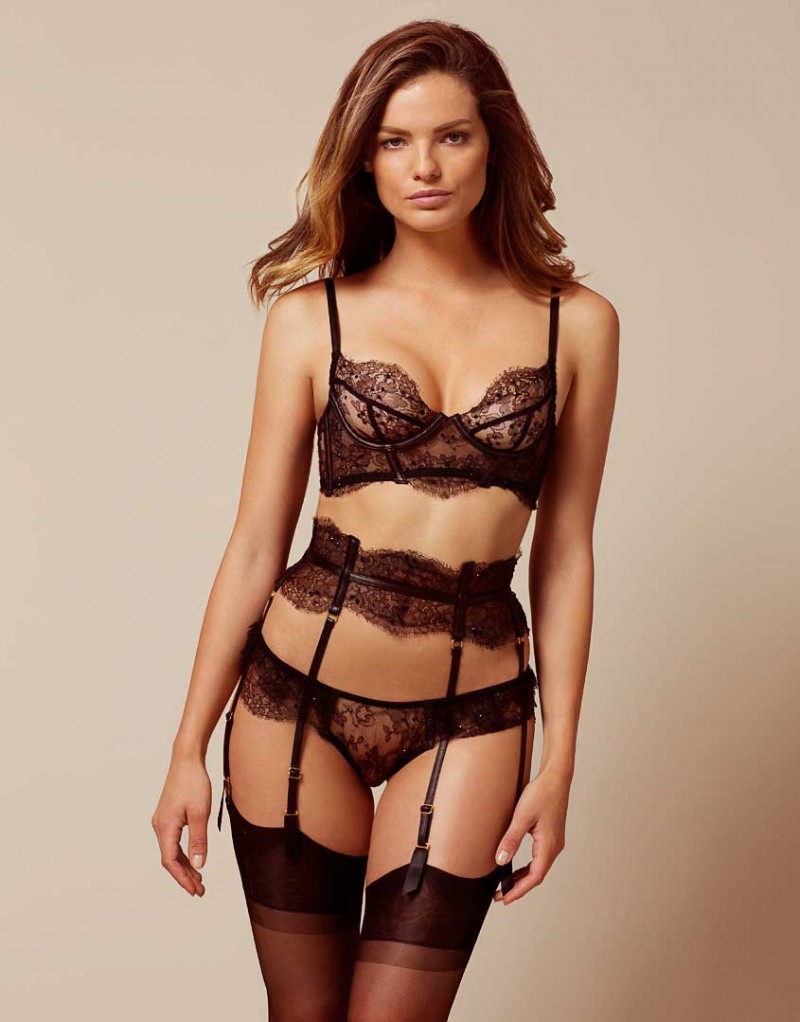
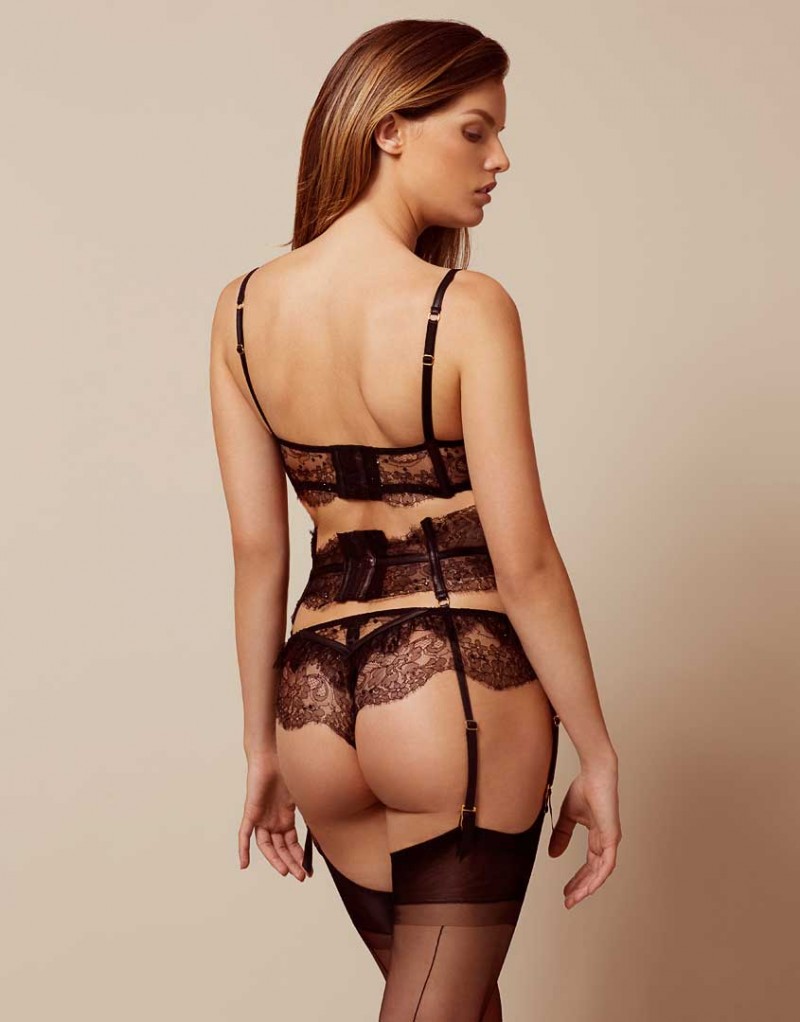
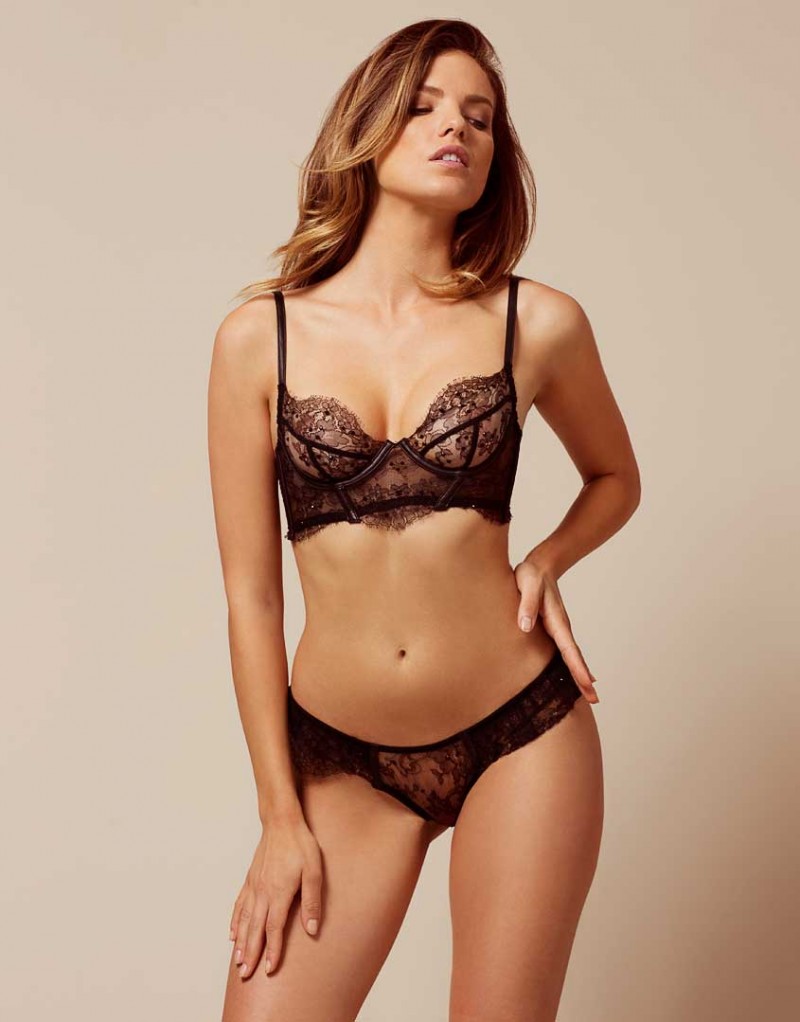
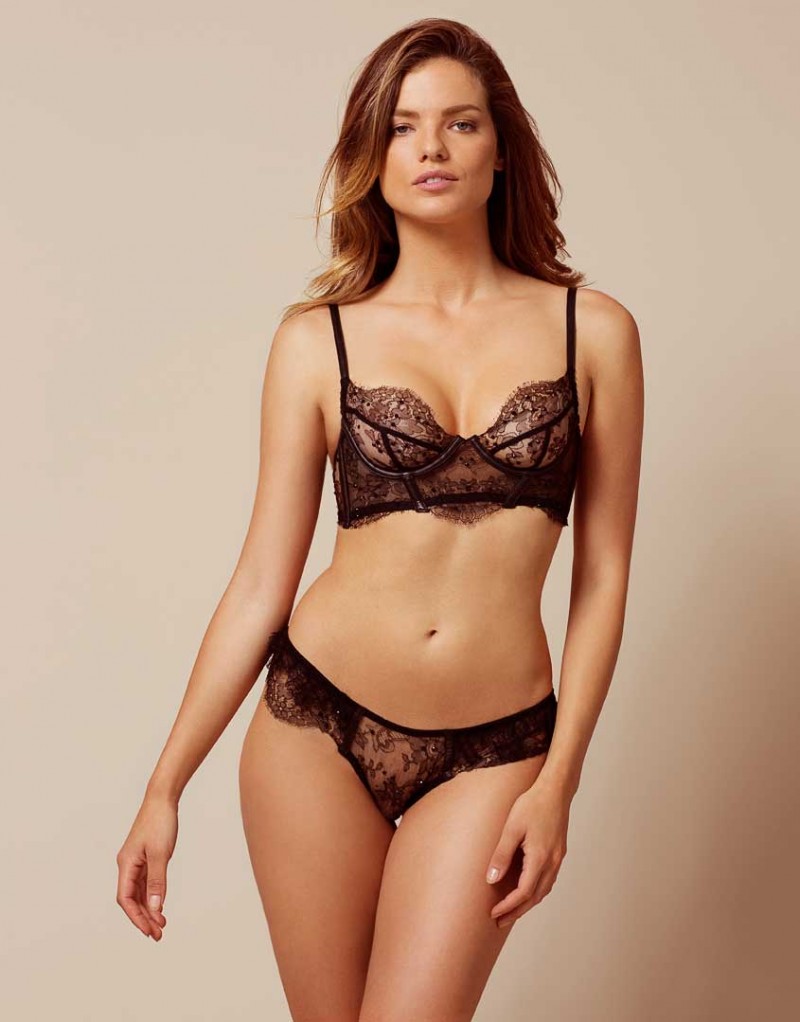
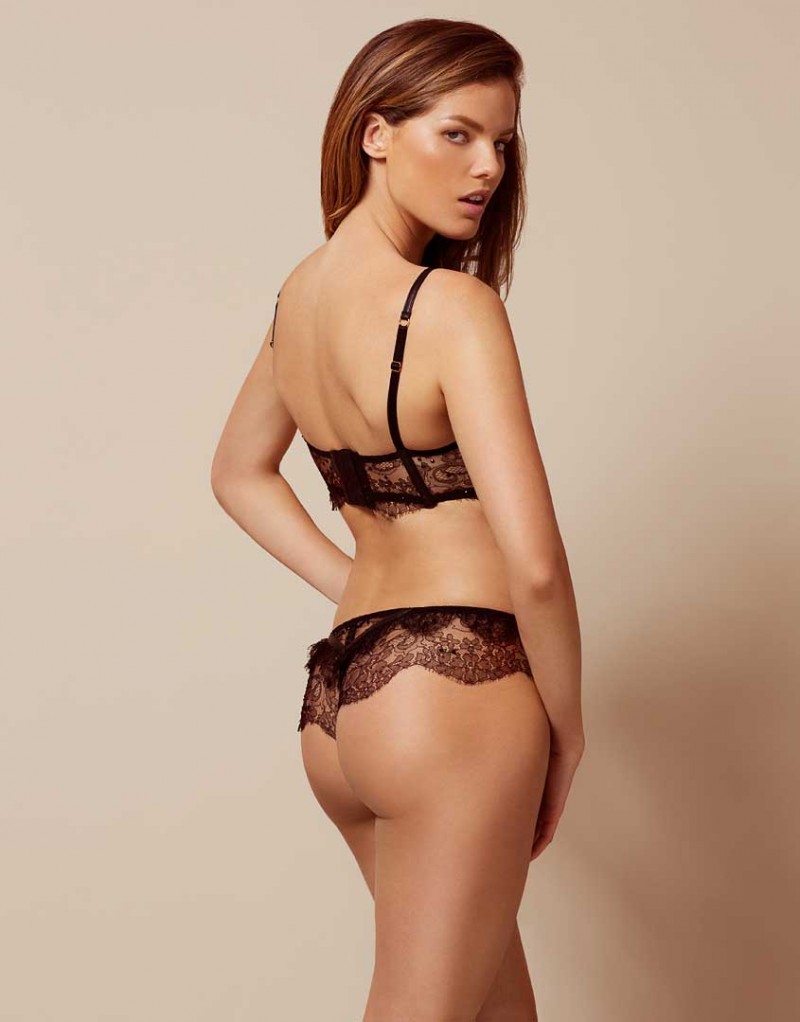
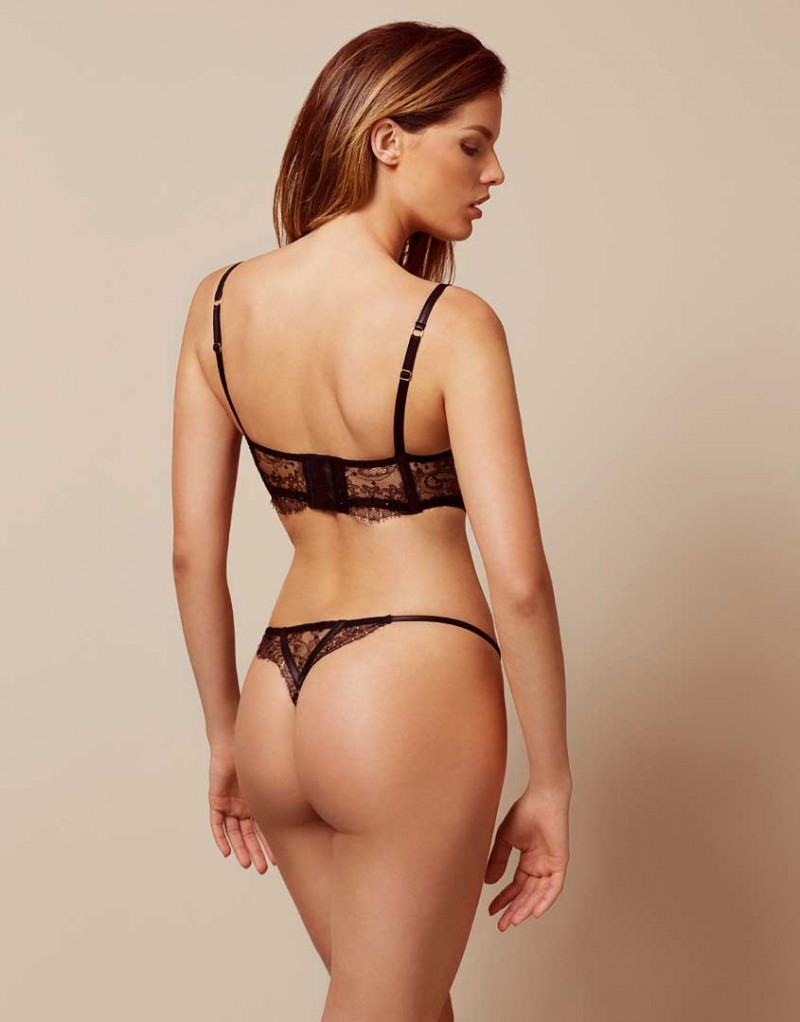
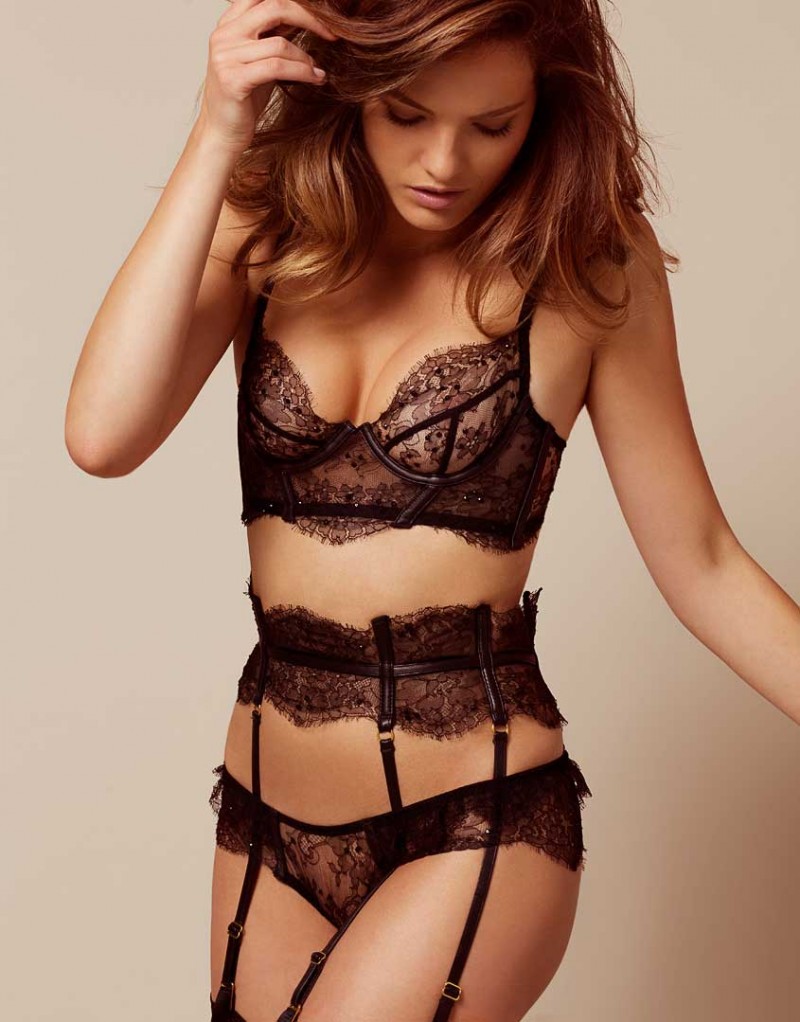
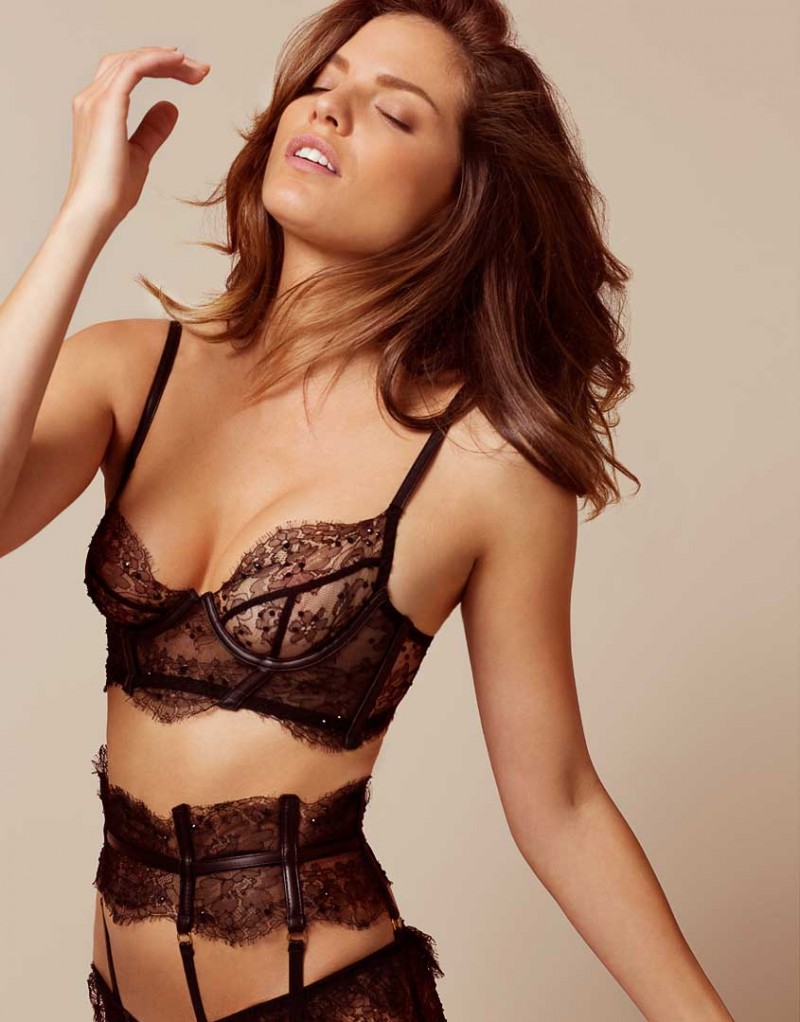
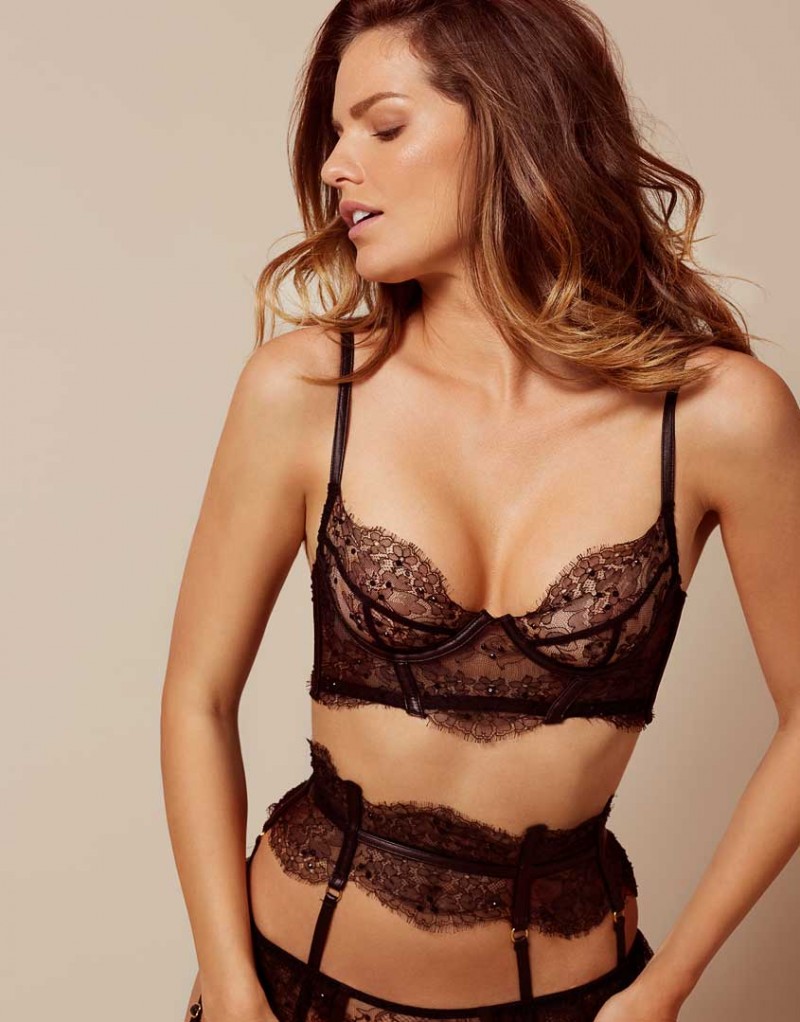
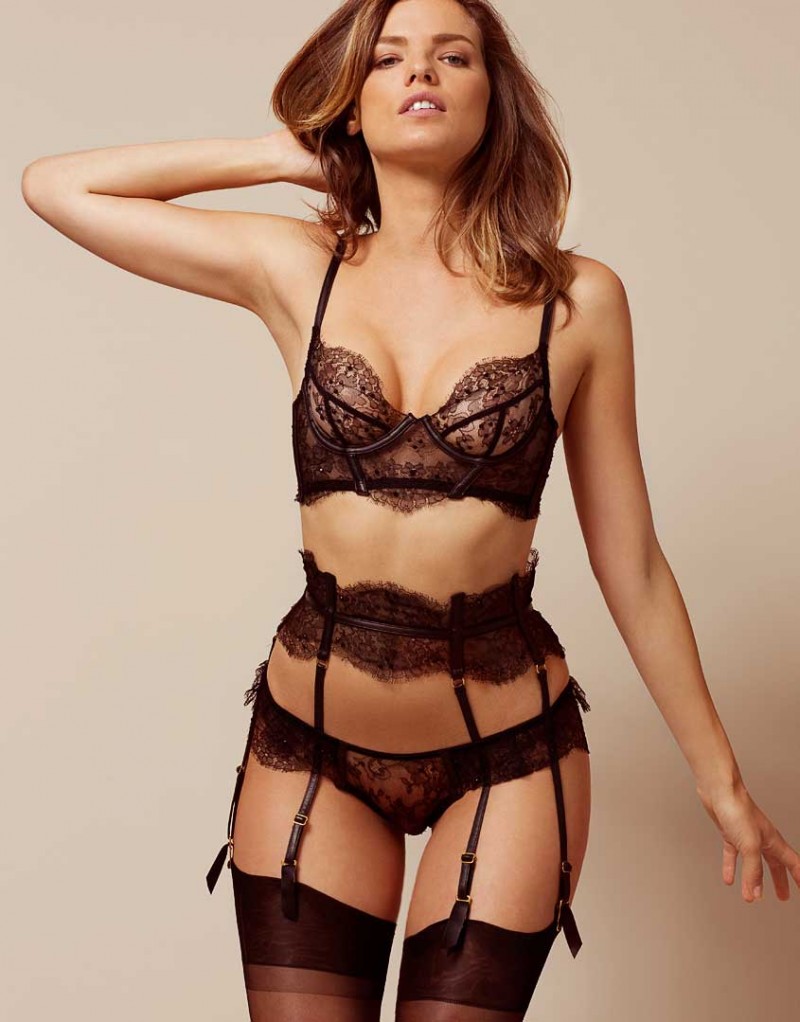
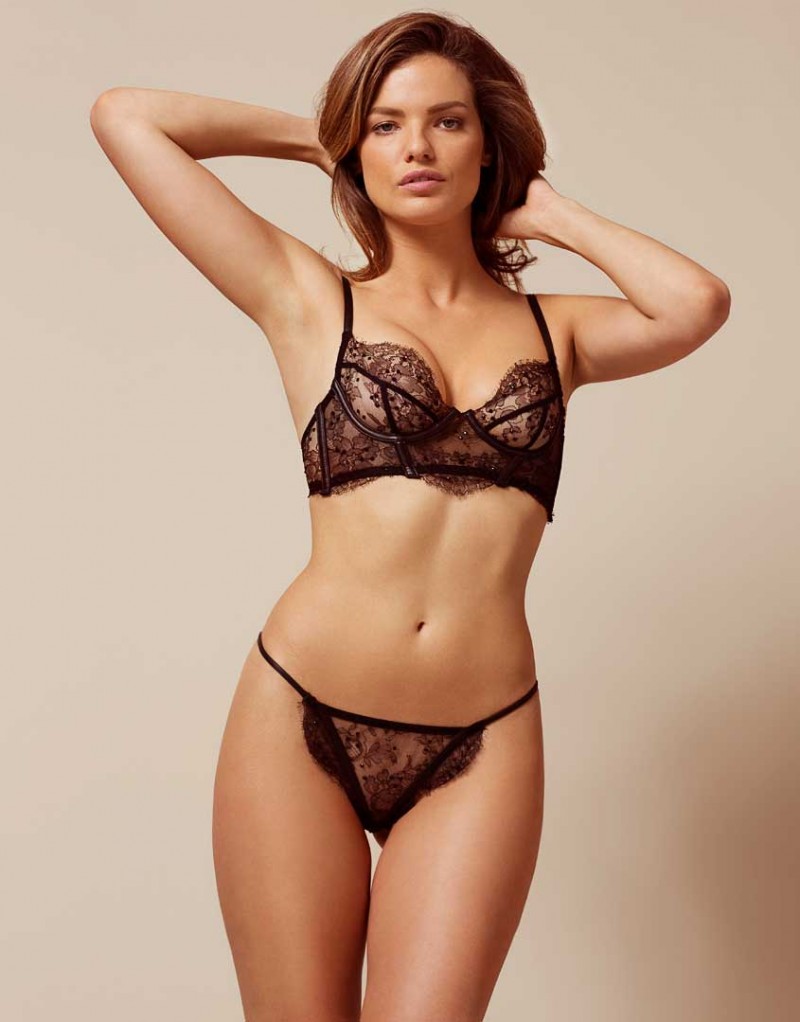
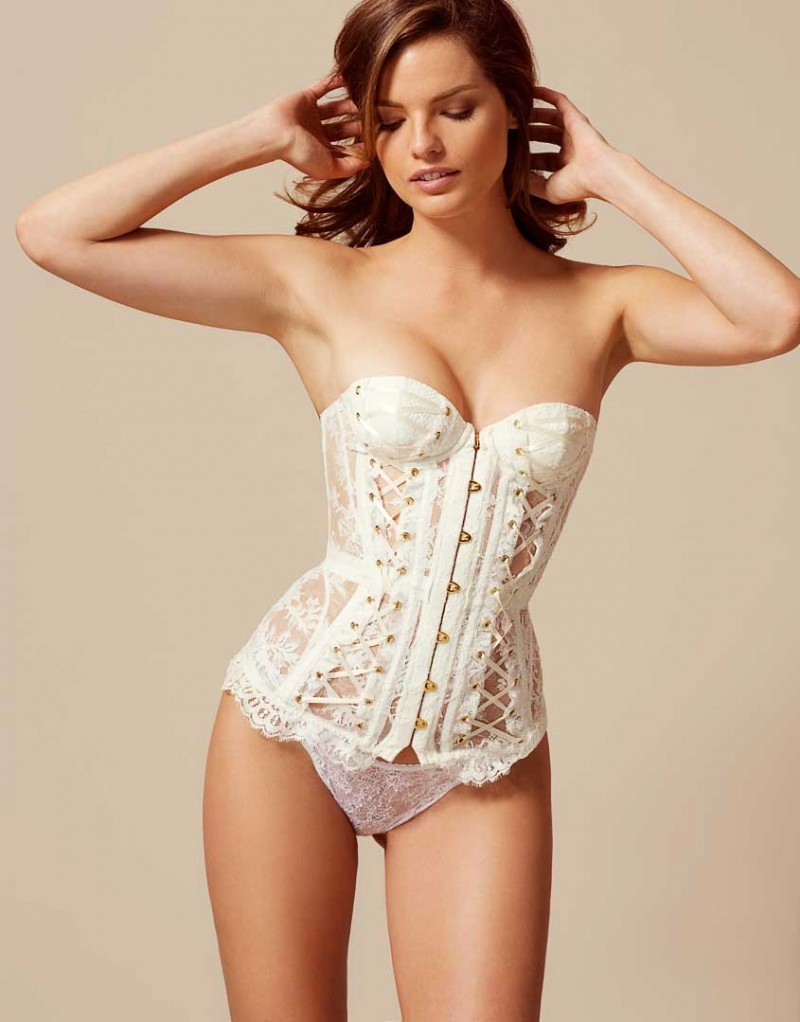
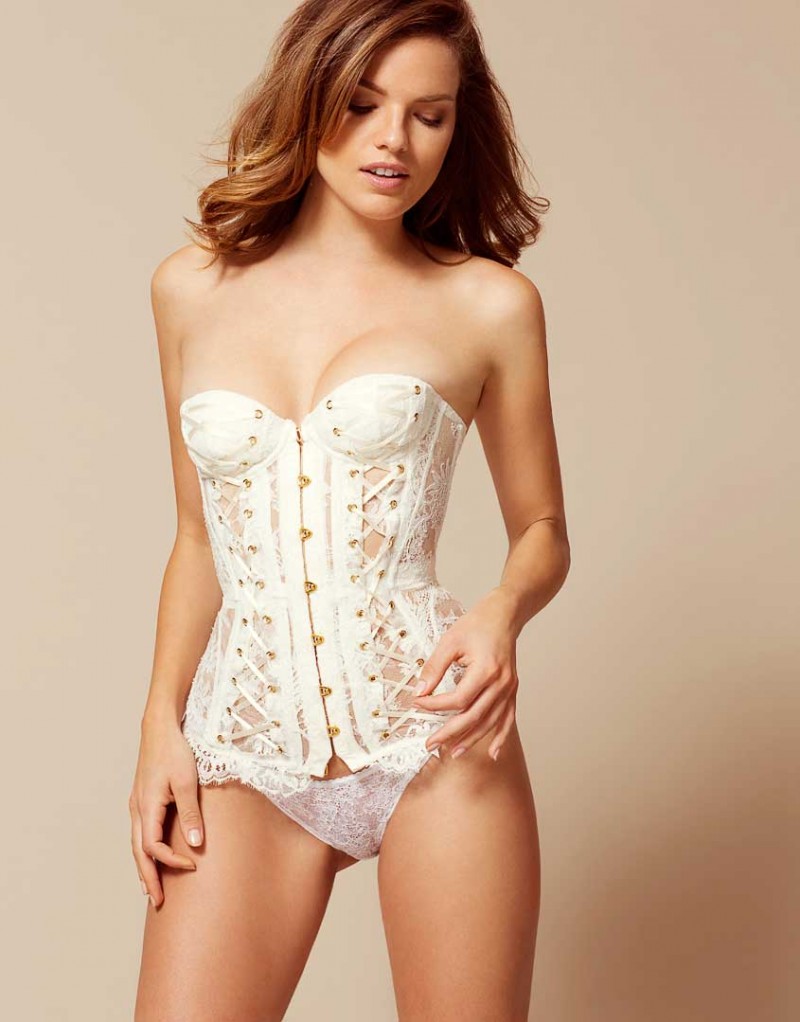
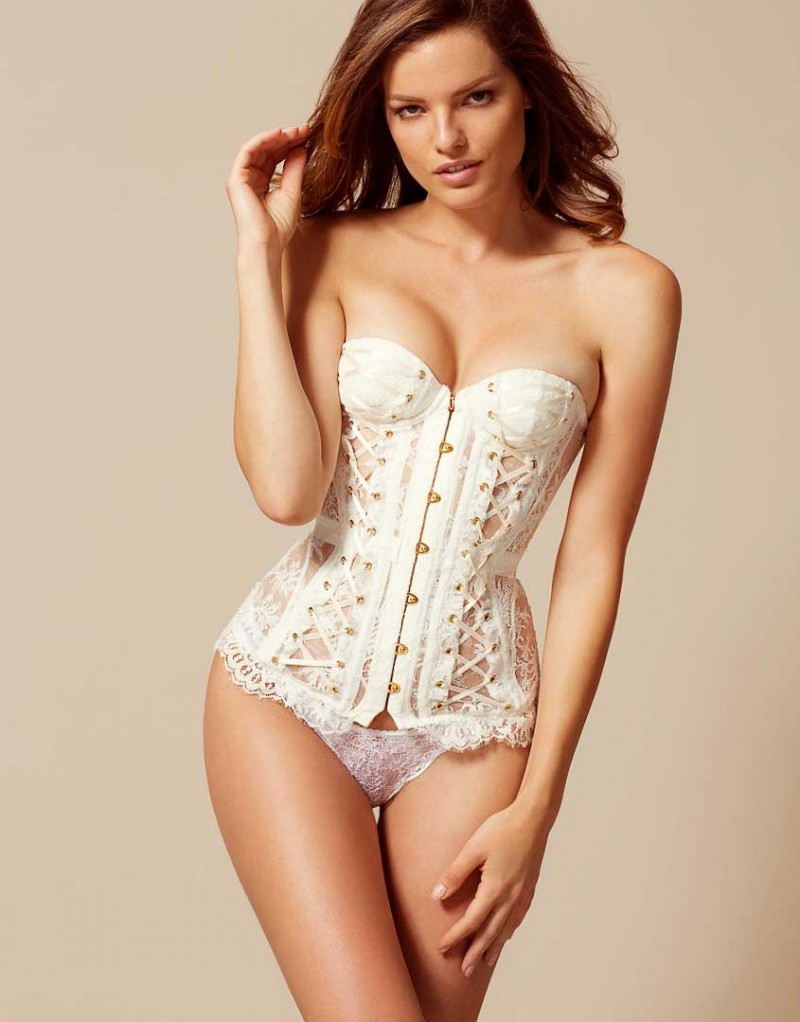
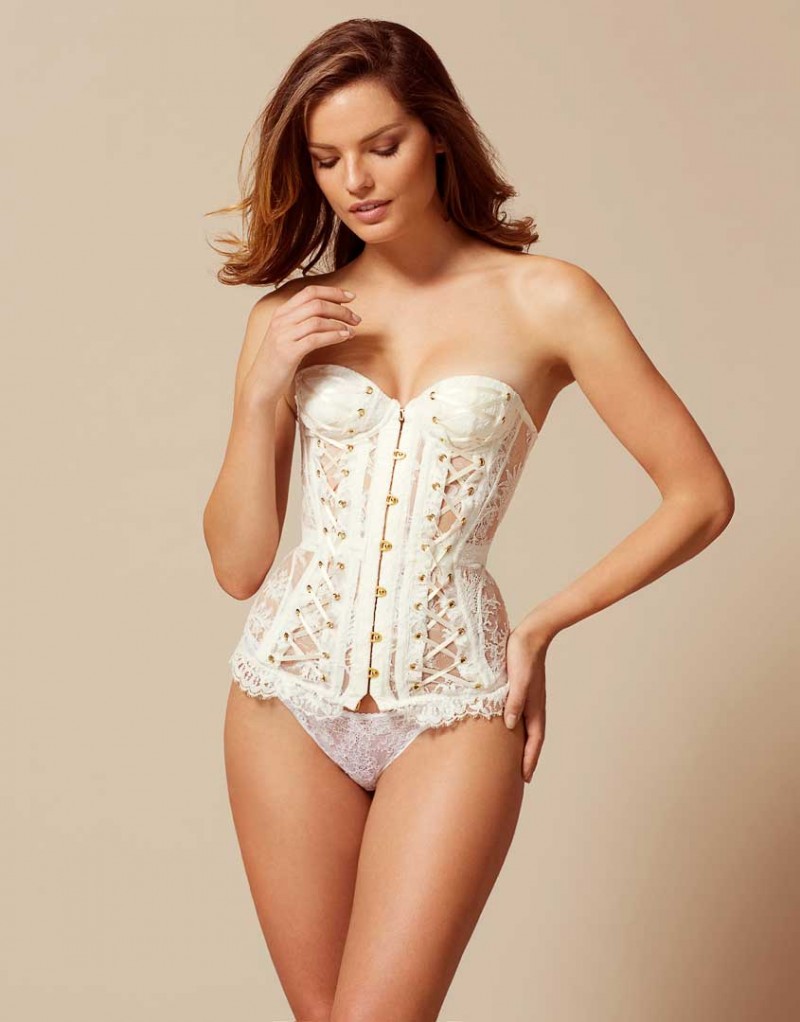
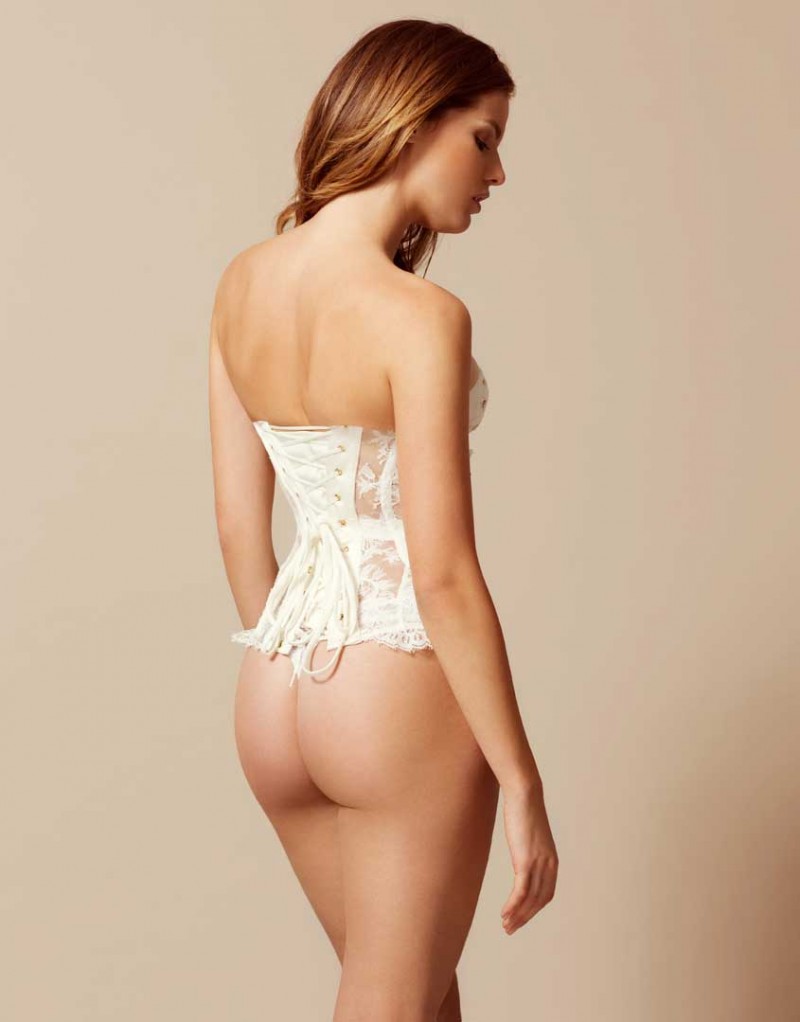
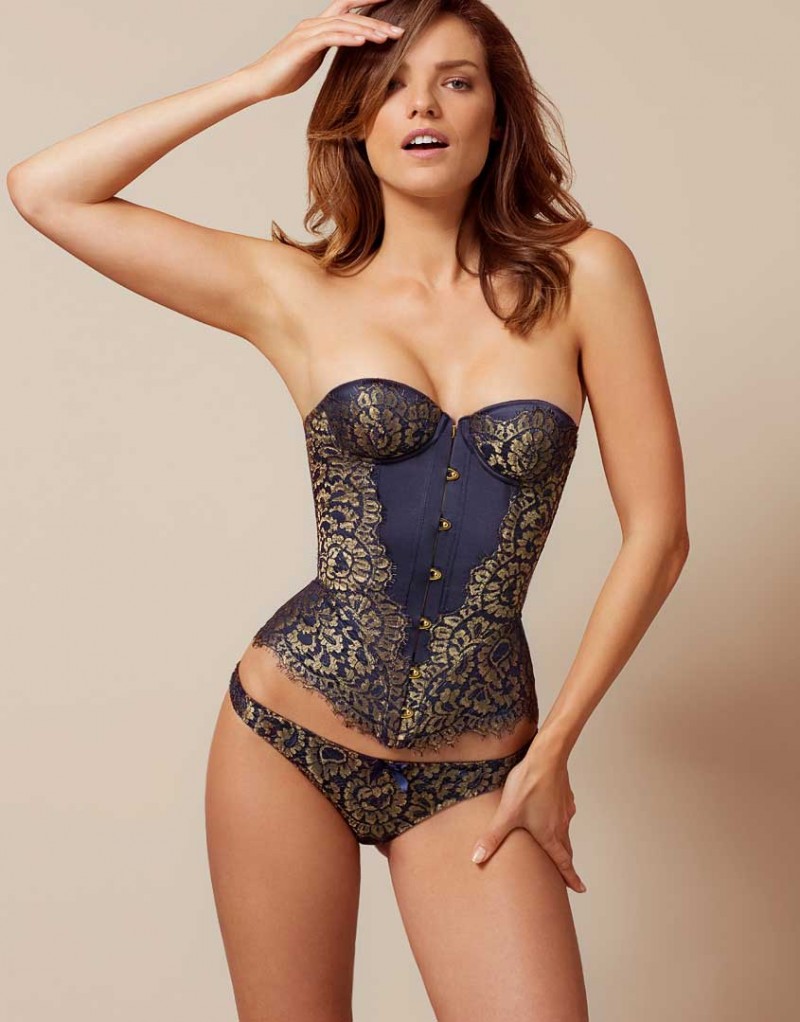
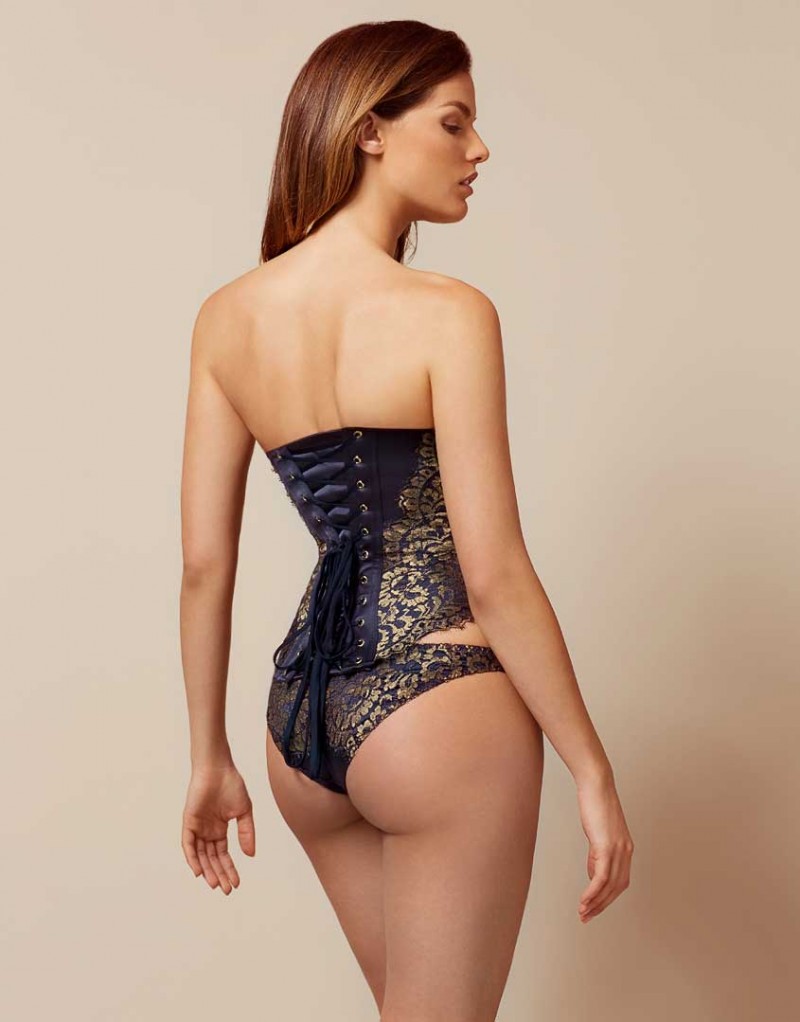
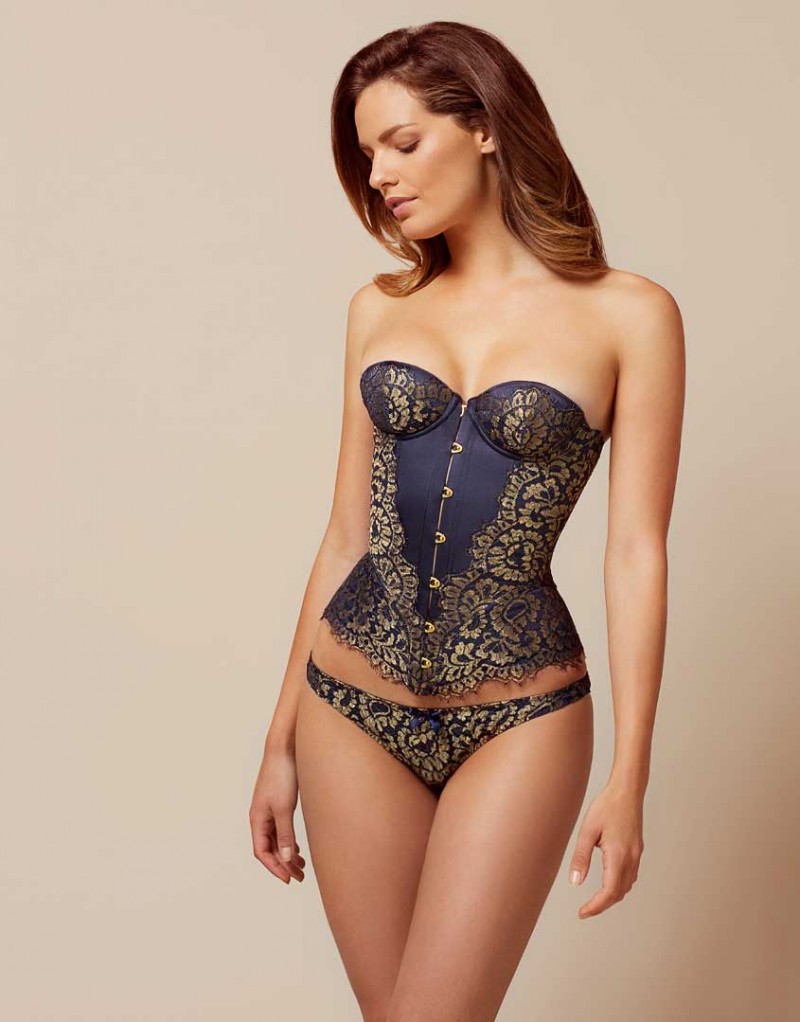
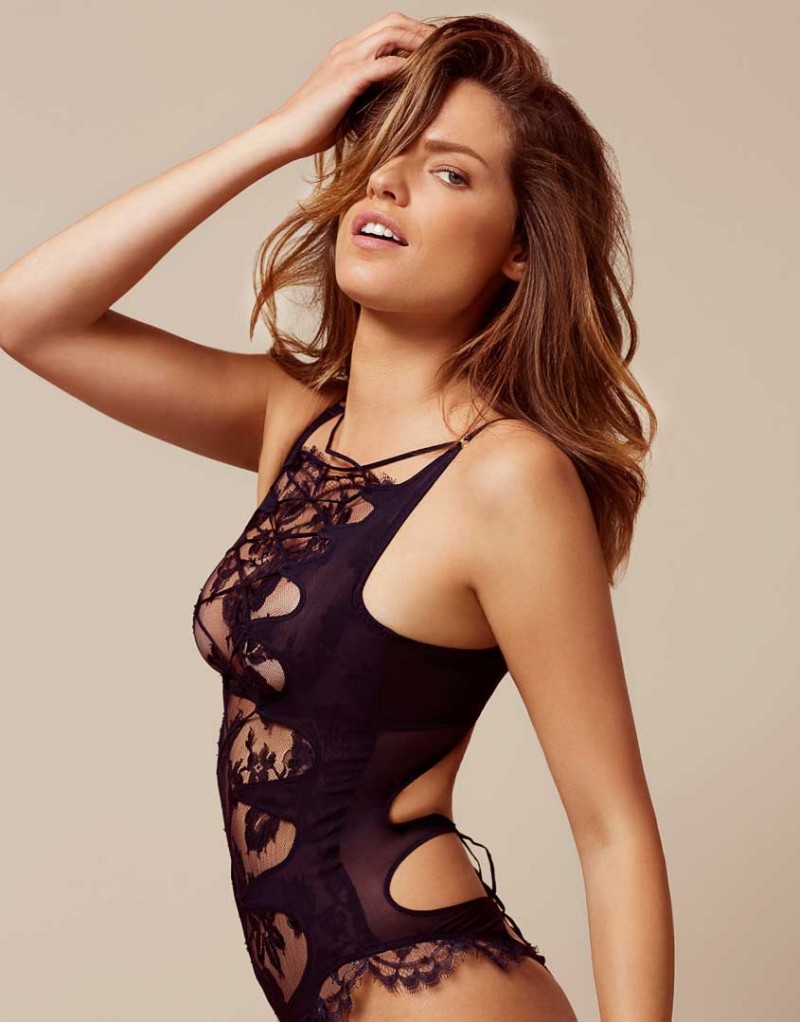
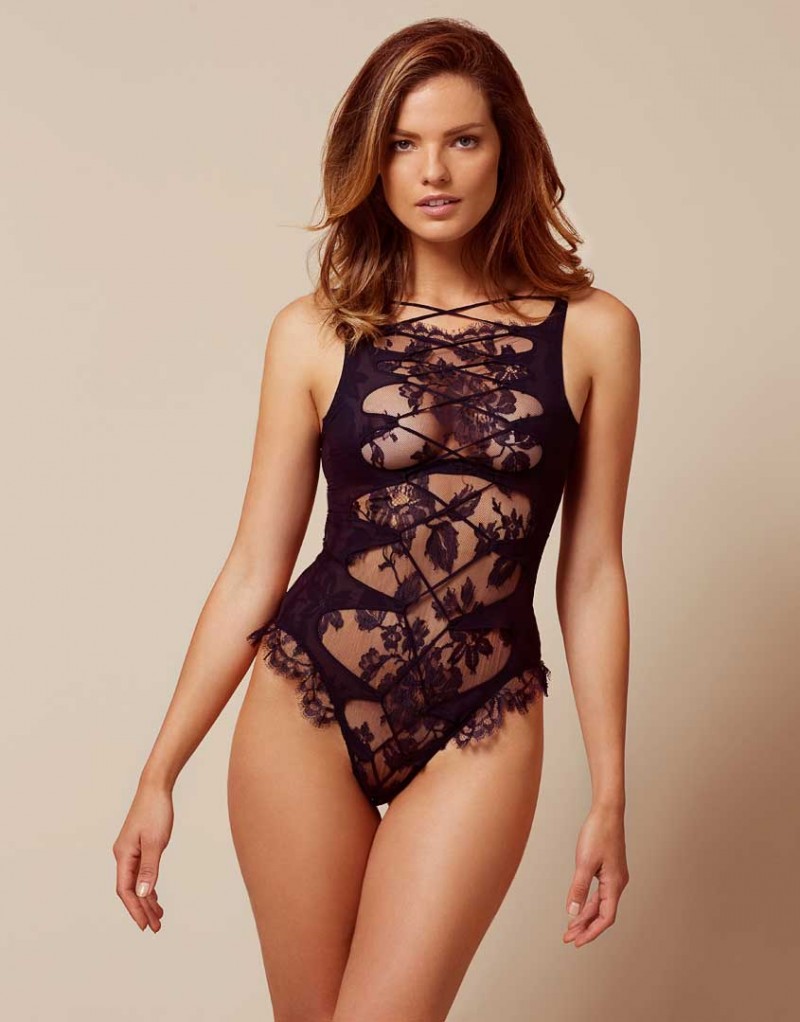
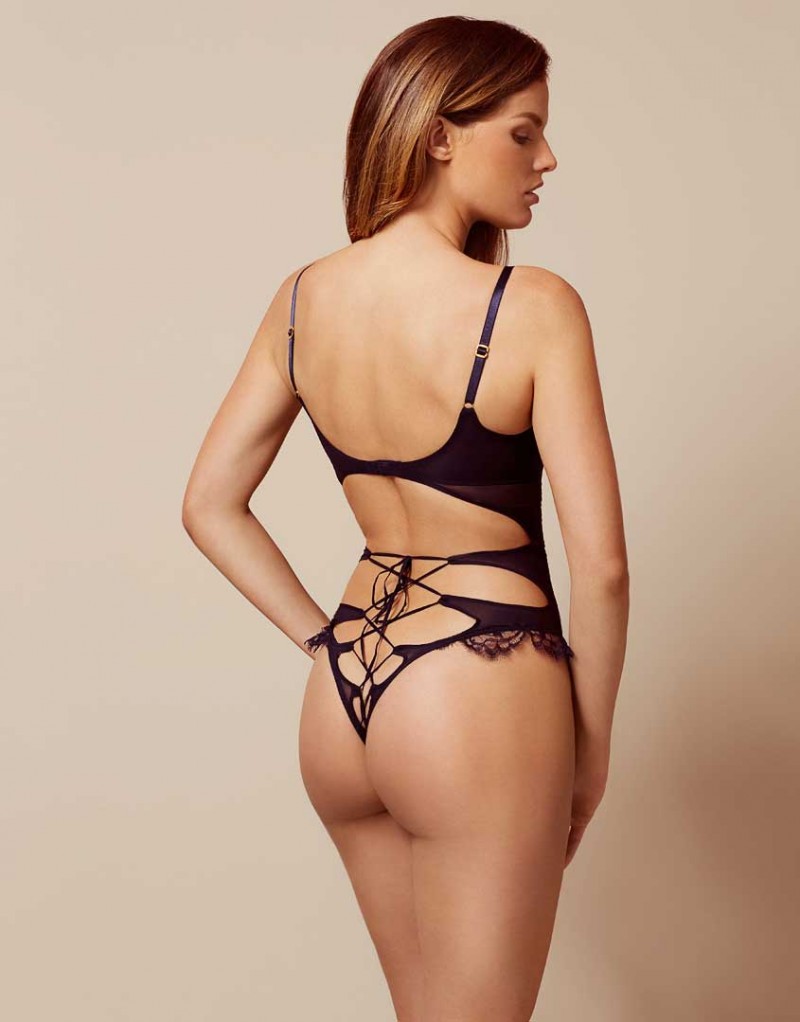
 Agent Provocateur Lingerie 2016 (the more kinky stuff) See Through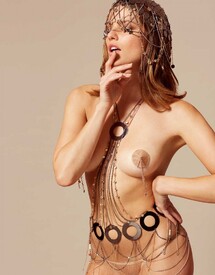
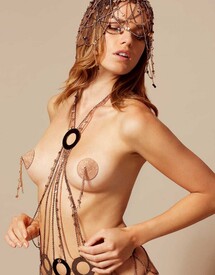
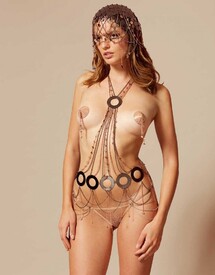
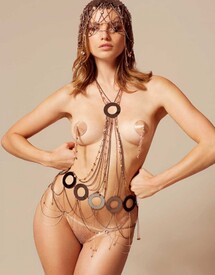
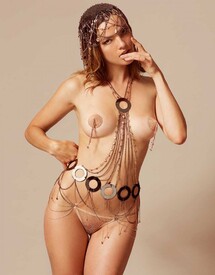
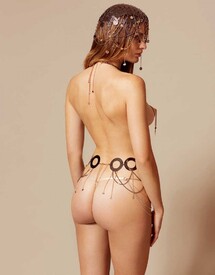
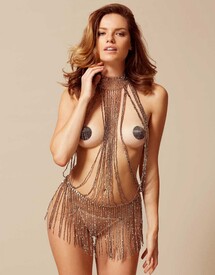
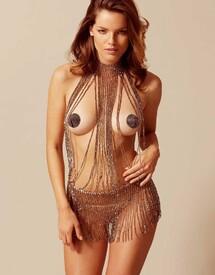
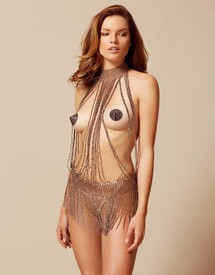
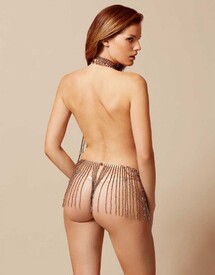
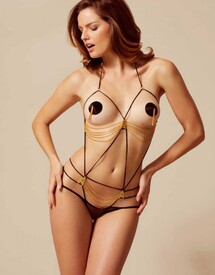
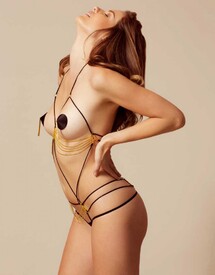
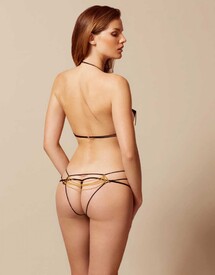
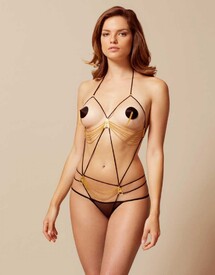
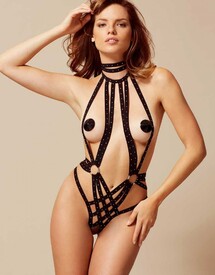
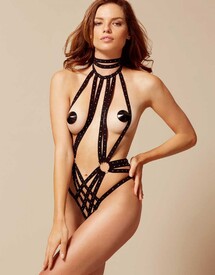
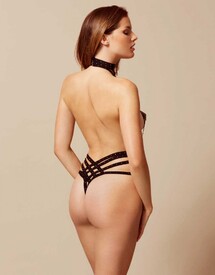
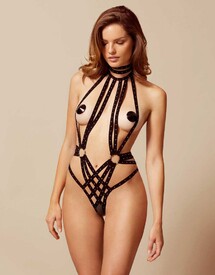
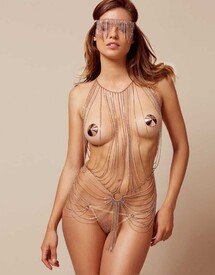
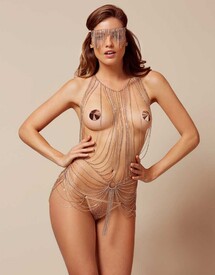
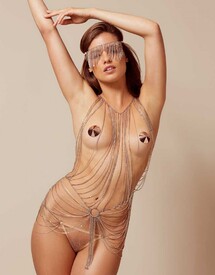
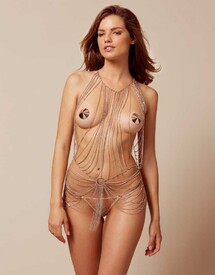
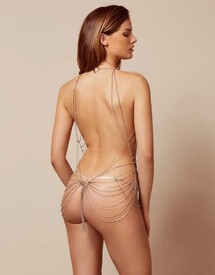
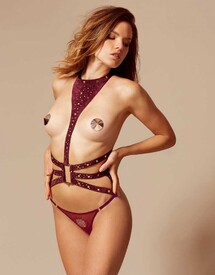
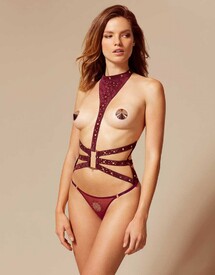
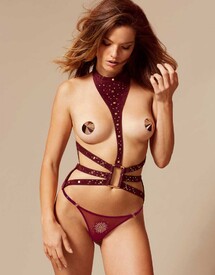
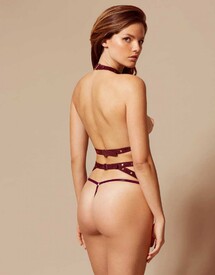
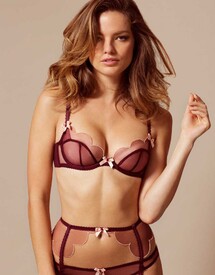
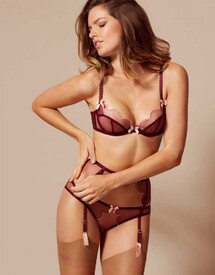
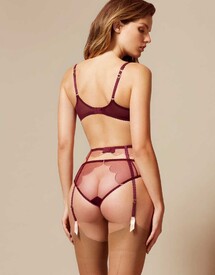
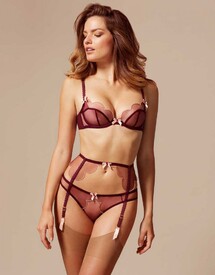
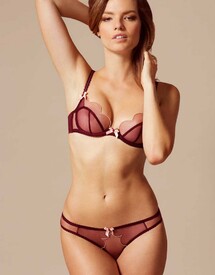
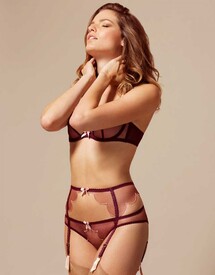
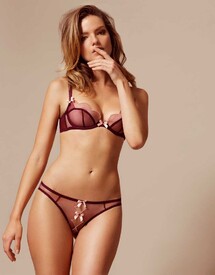
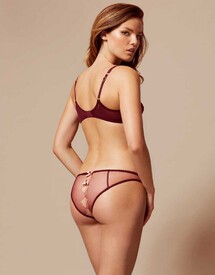
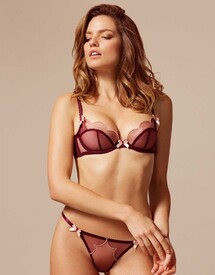
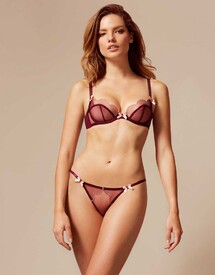
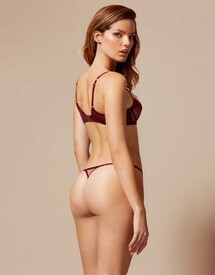
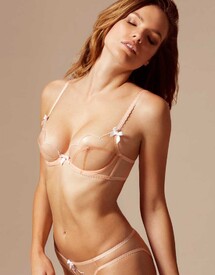
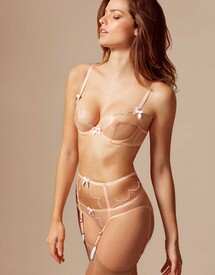
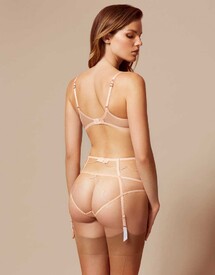
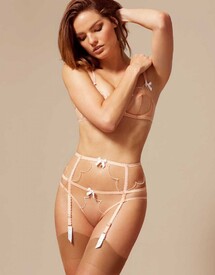
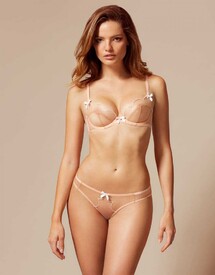
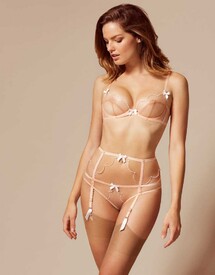
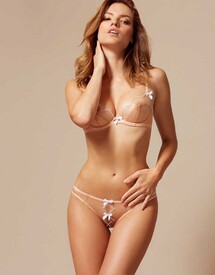
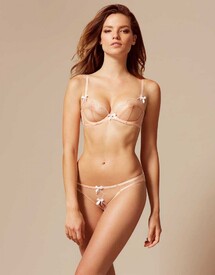
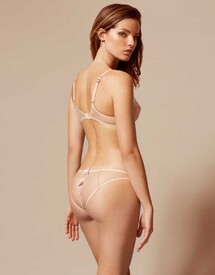
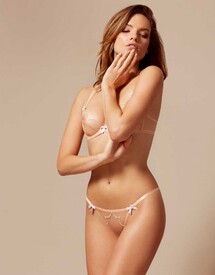
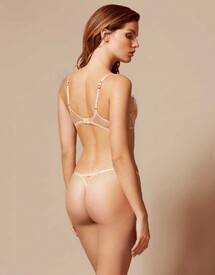
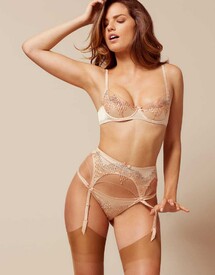
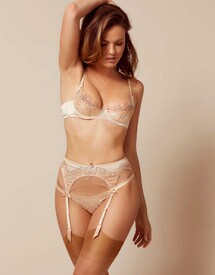
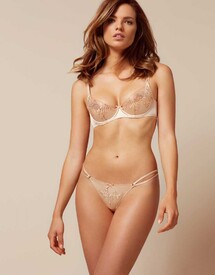
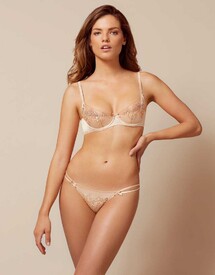
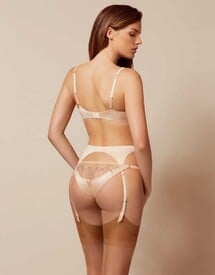
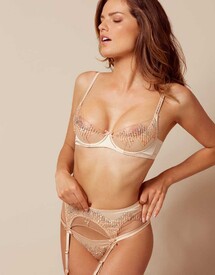
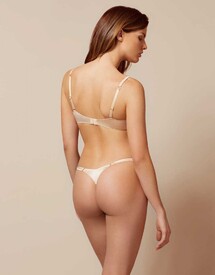
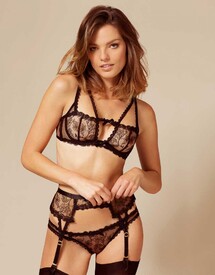
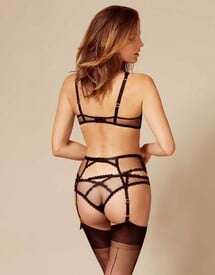
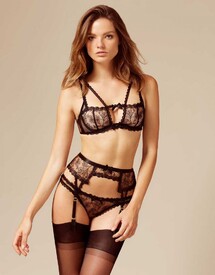
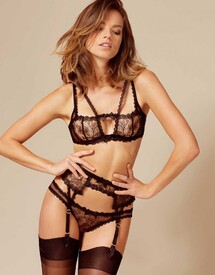
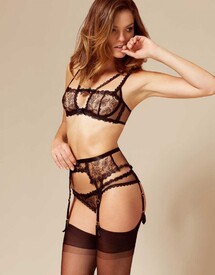
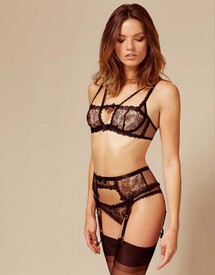
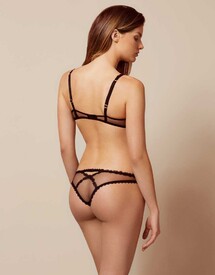
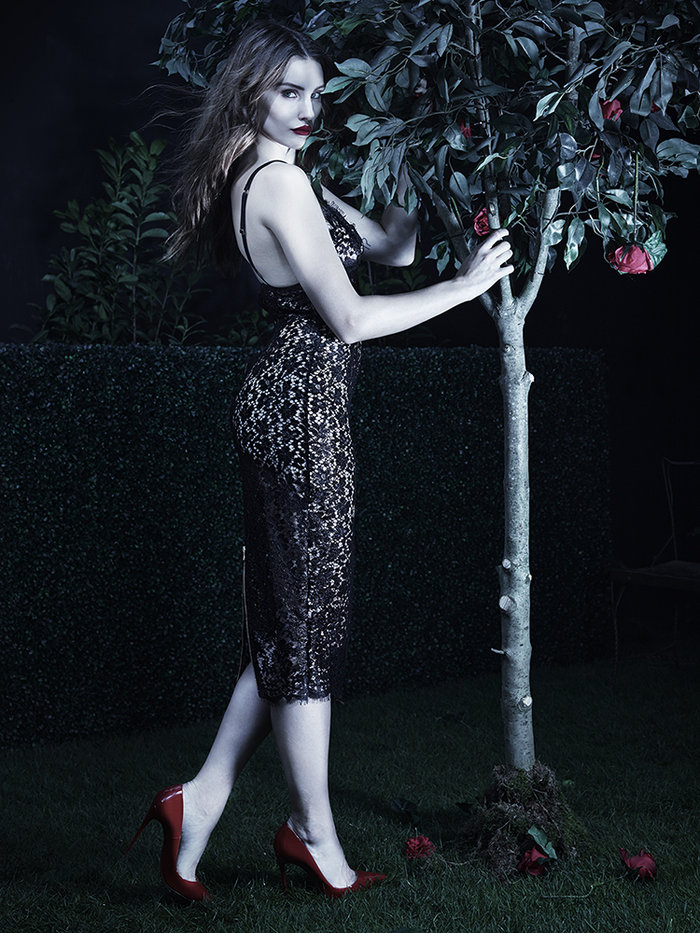
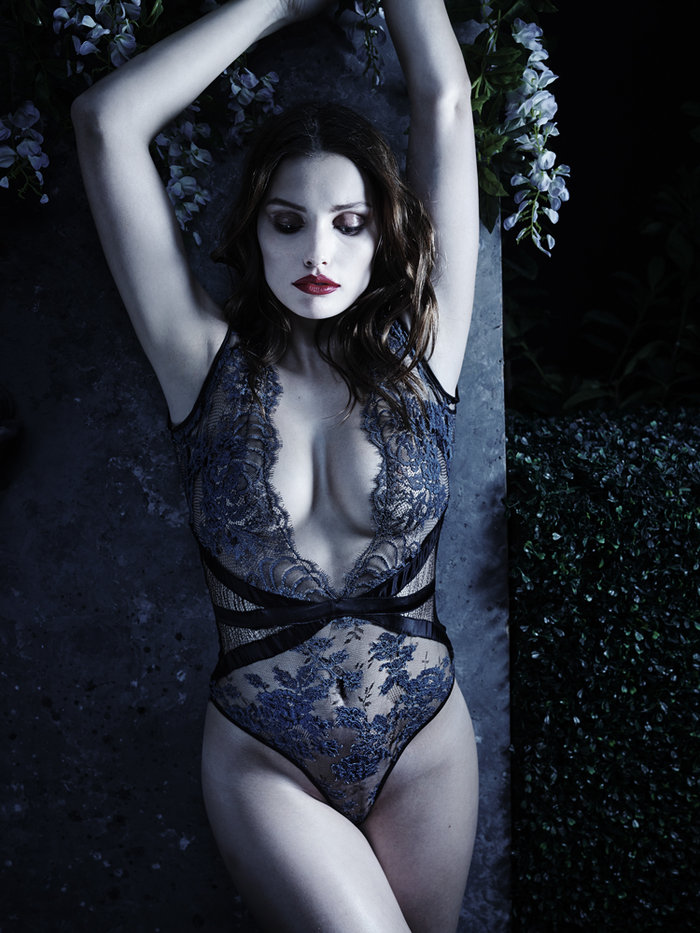
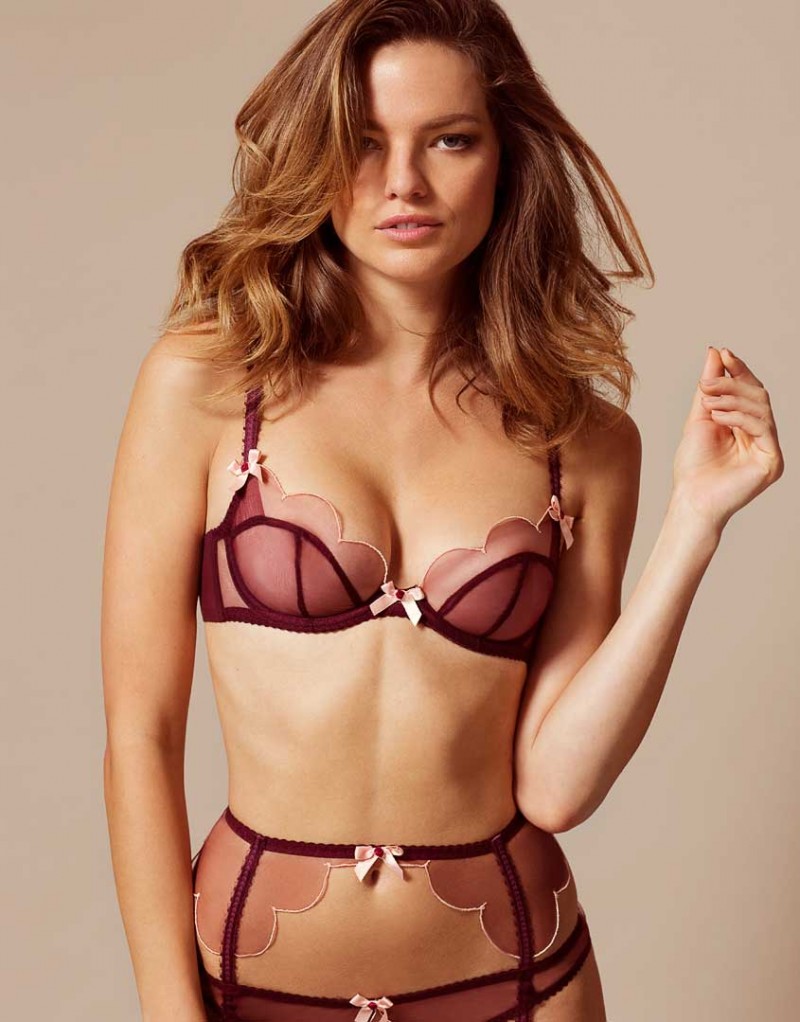
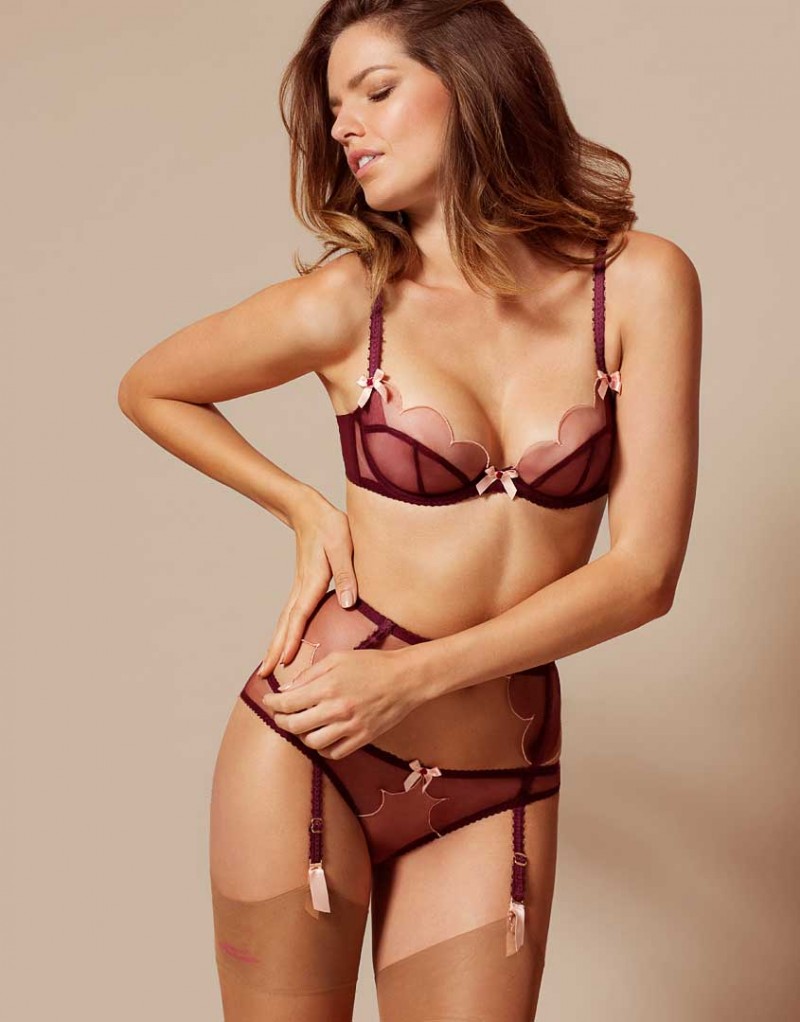
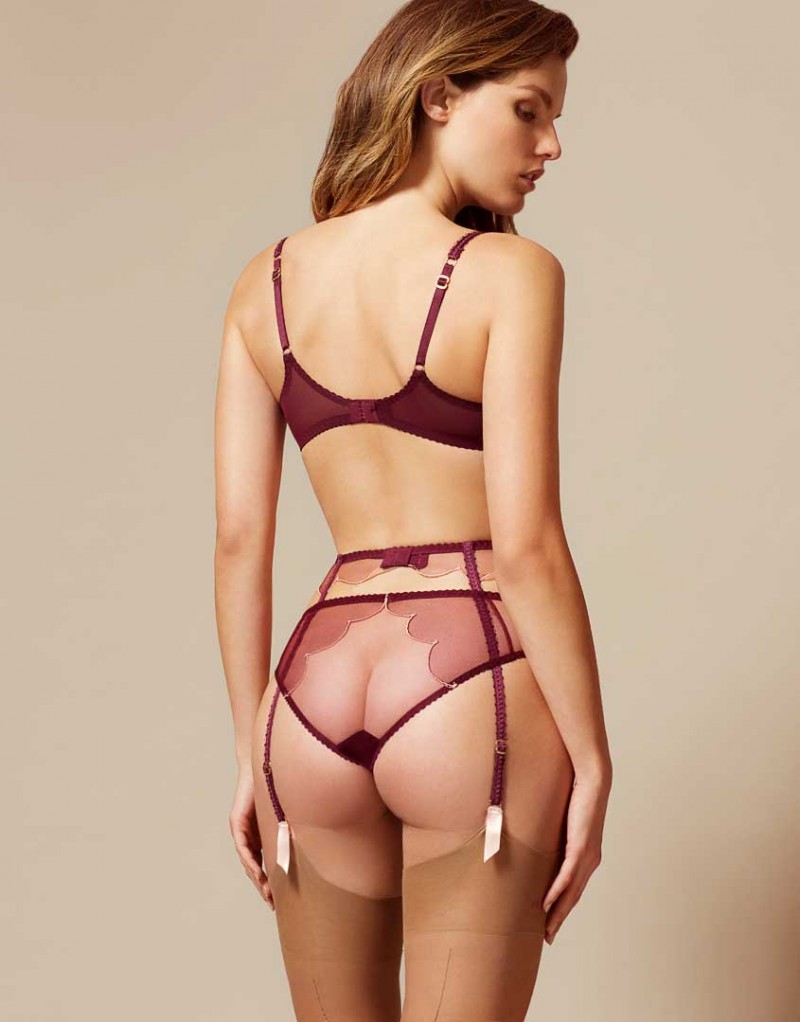
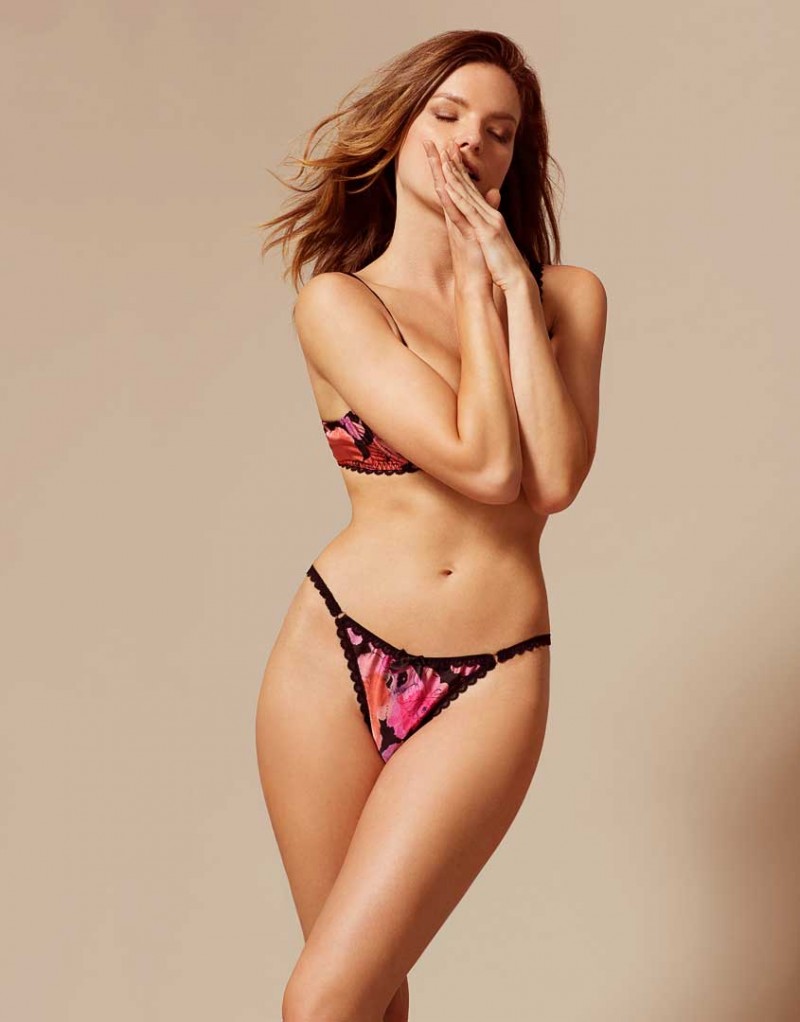
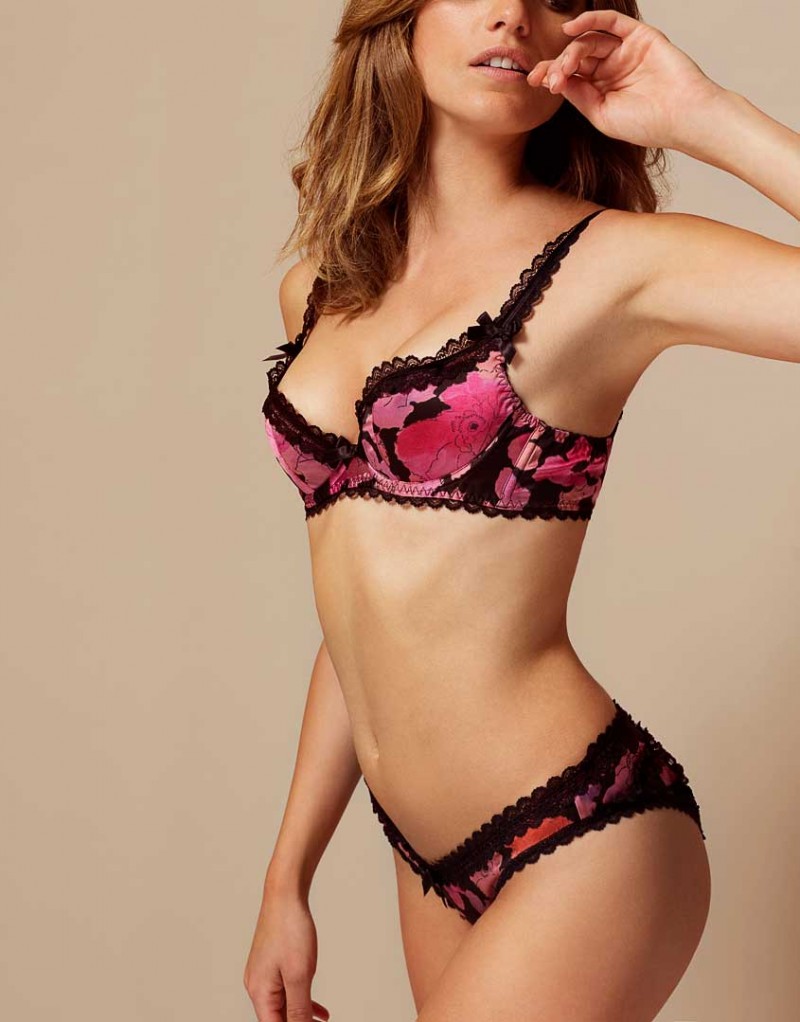
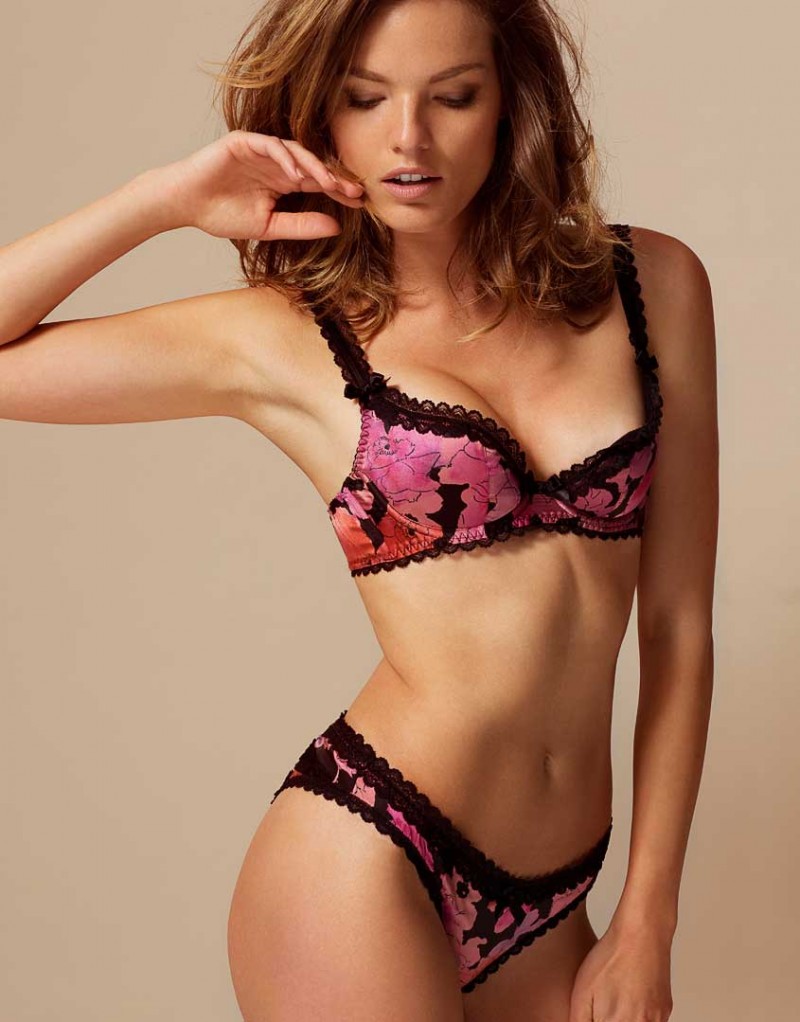
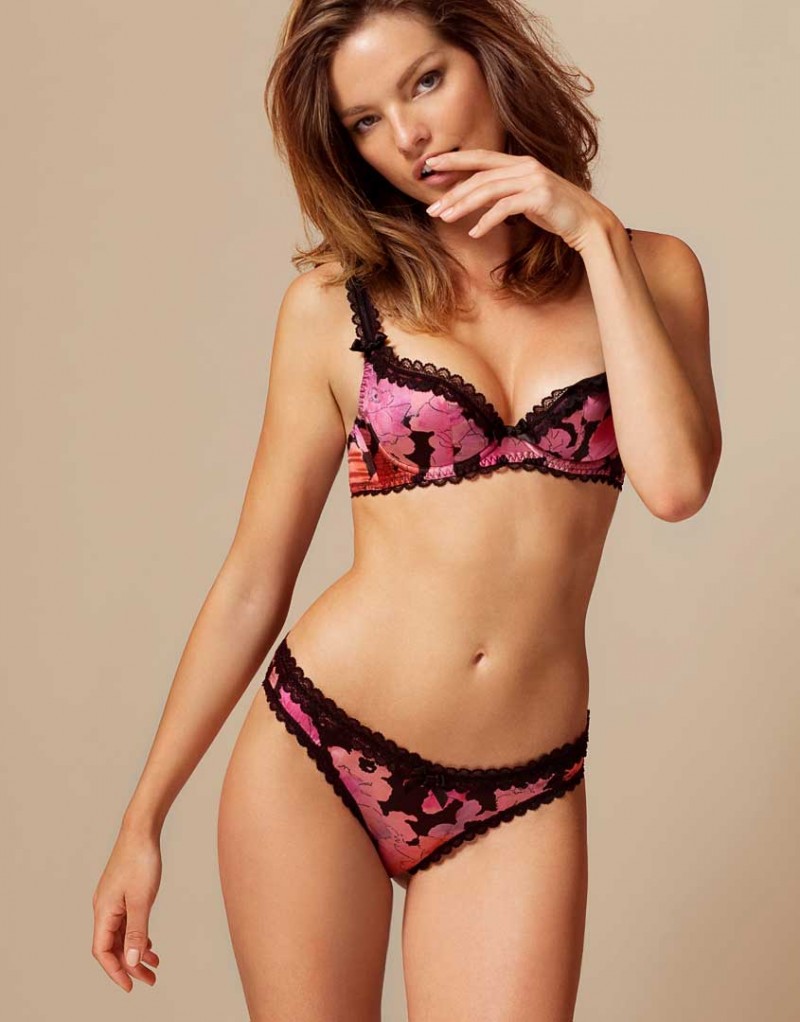
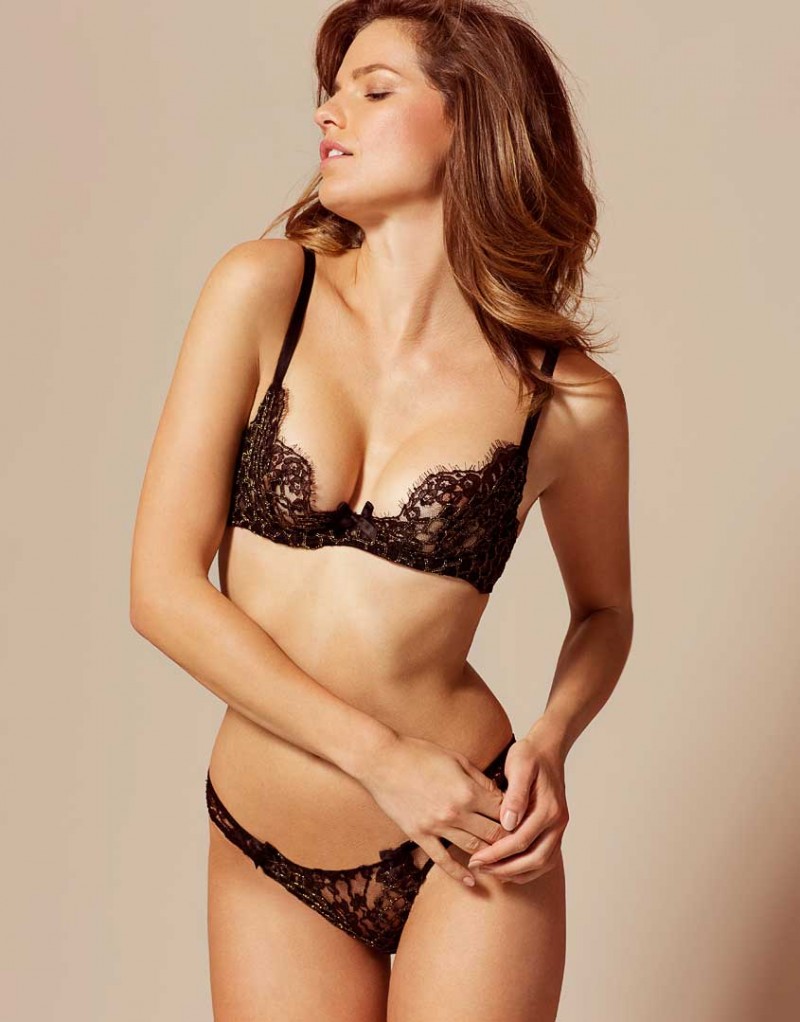
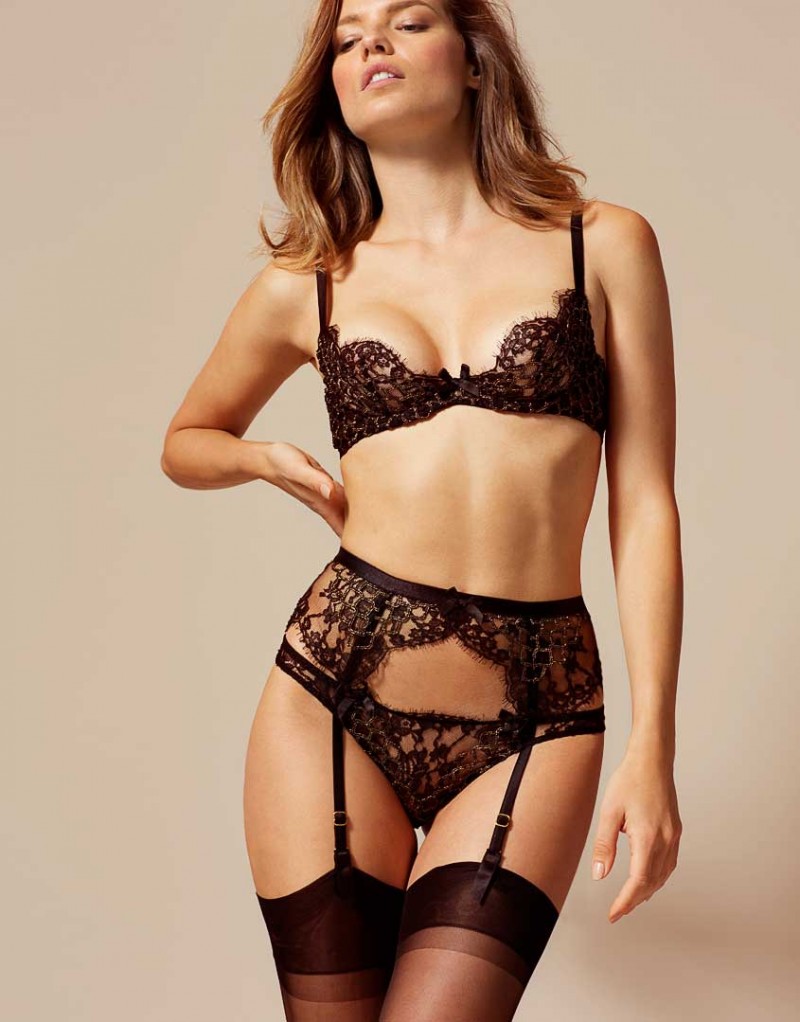
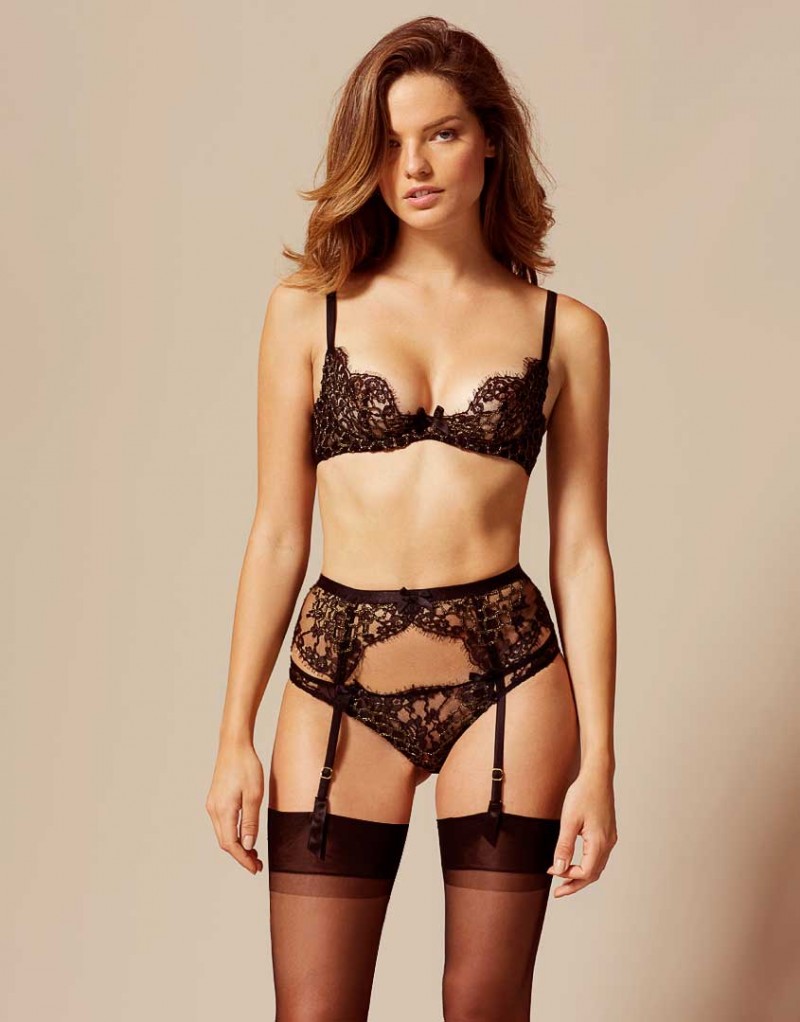
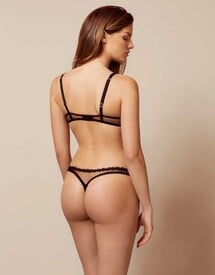 Agent Provocateur Lingerie 2016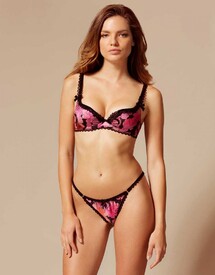
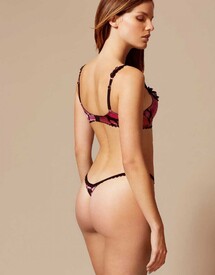
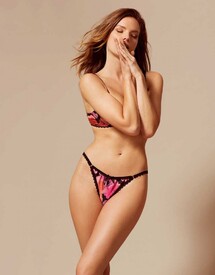
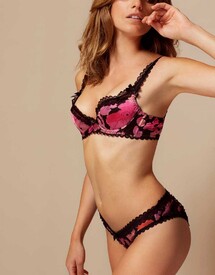
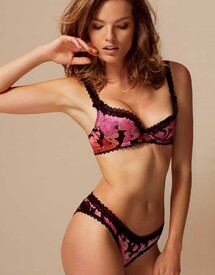
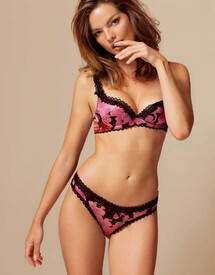
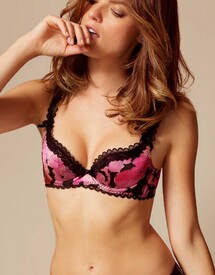
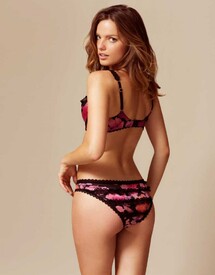
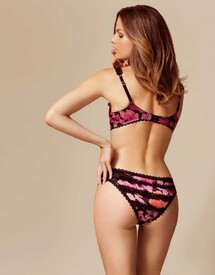
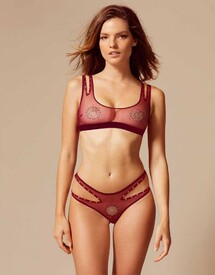
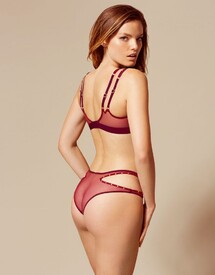
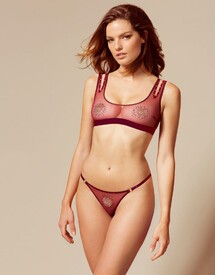
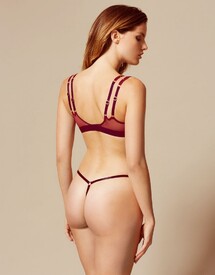
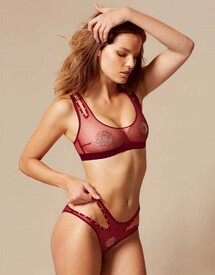
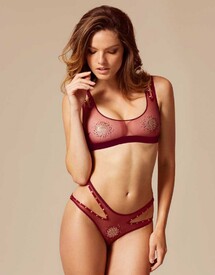
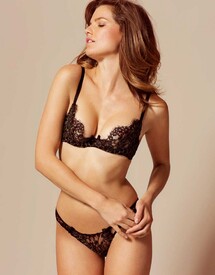
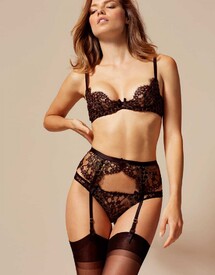
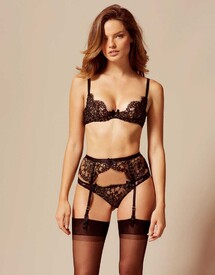
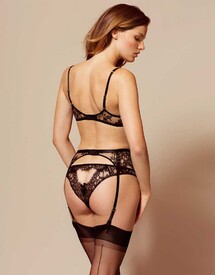
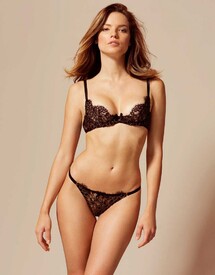
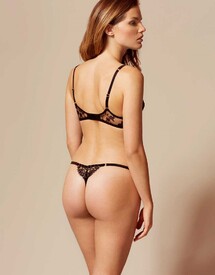
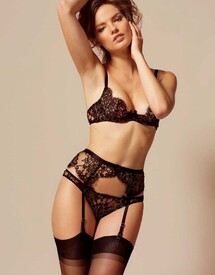
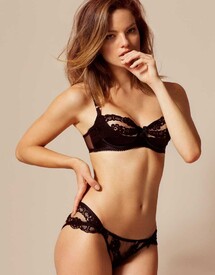
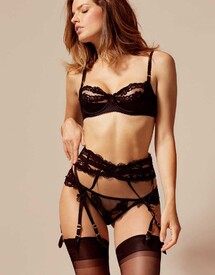
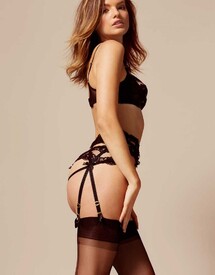
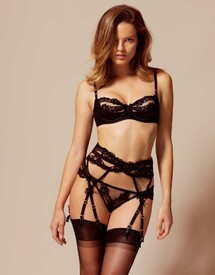
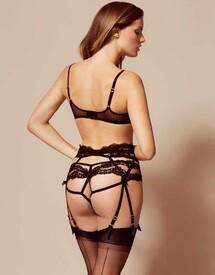
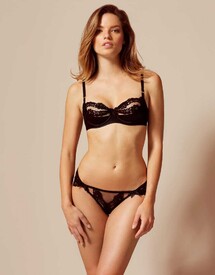
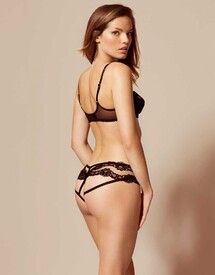
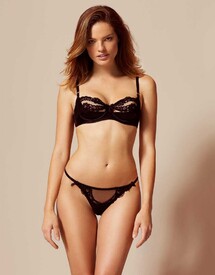
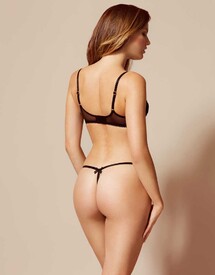
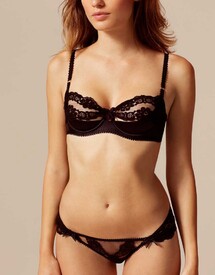
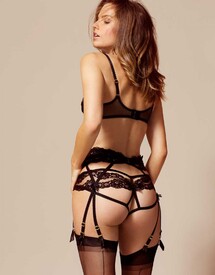
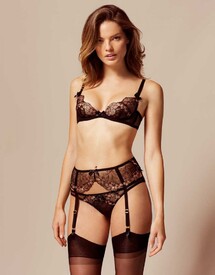
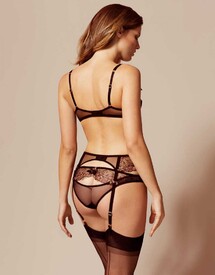
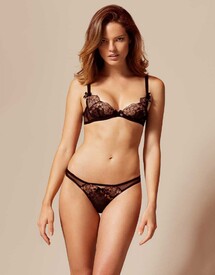
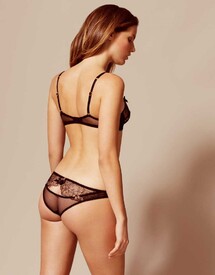
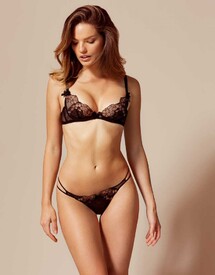
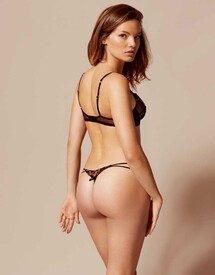
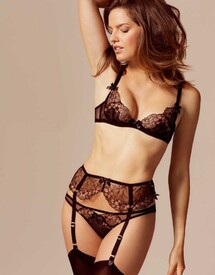
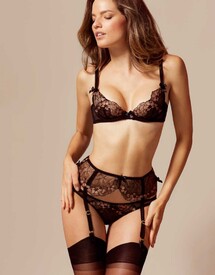
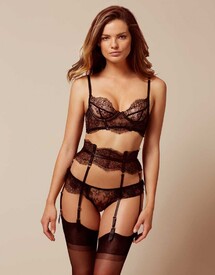
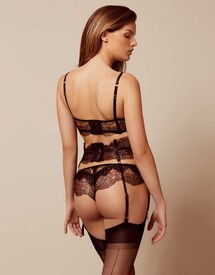
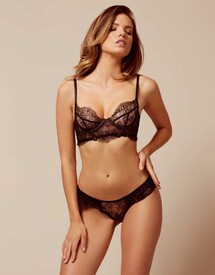
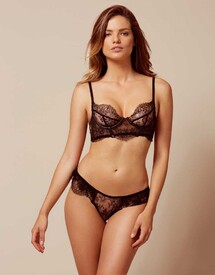
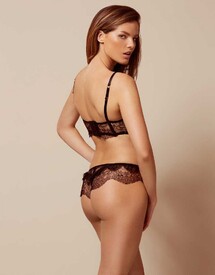
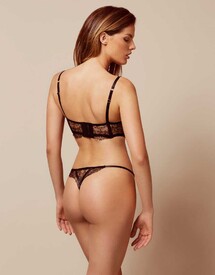
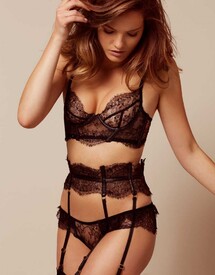
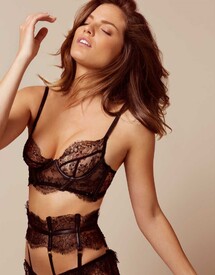
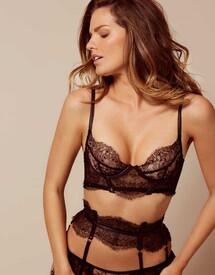
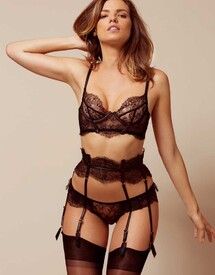
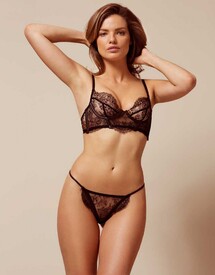
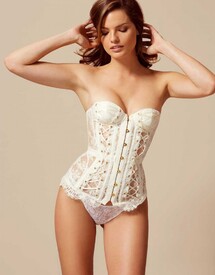
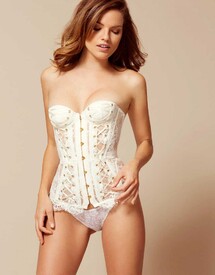
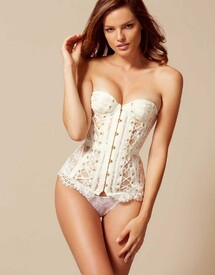
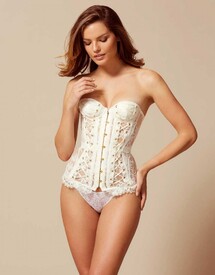
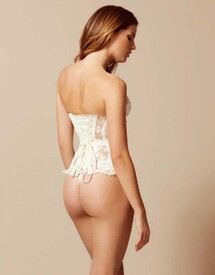
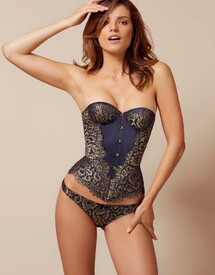
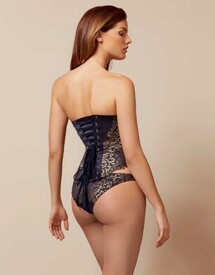
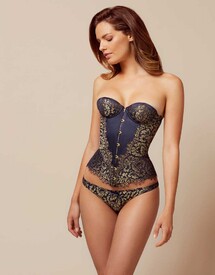
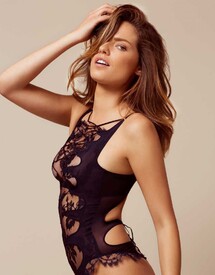
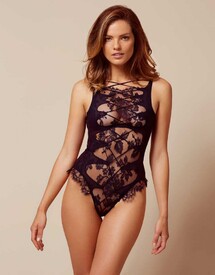
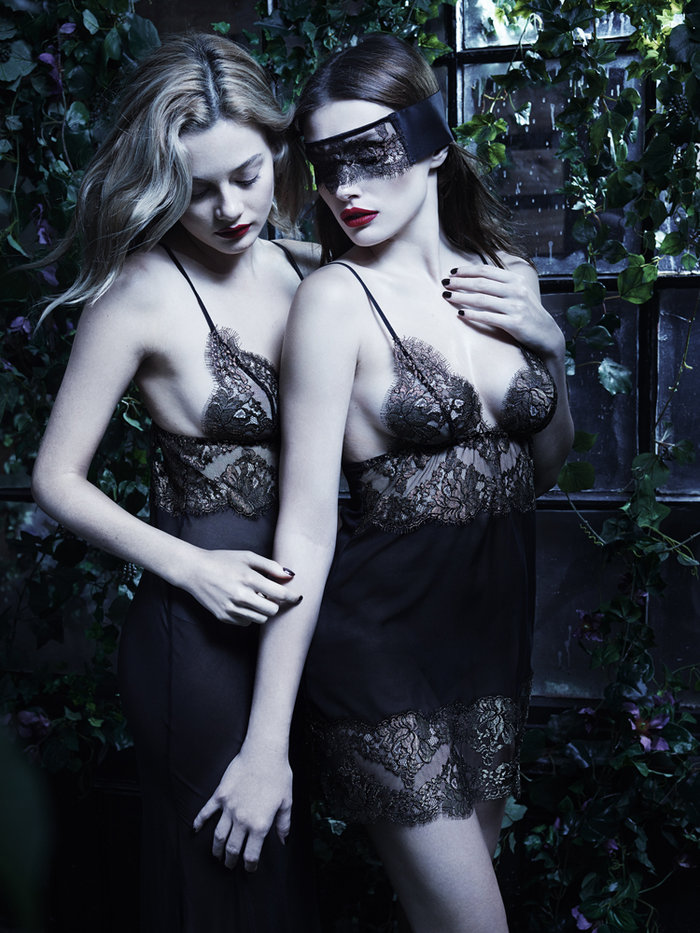
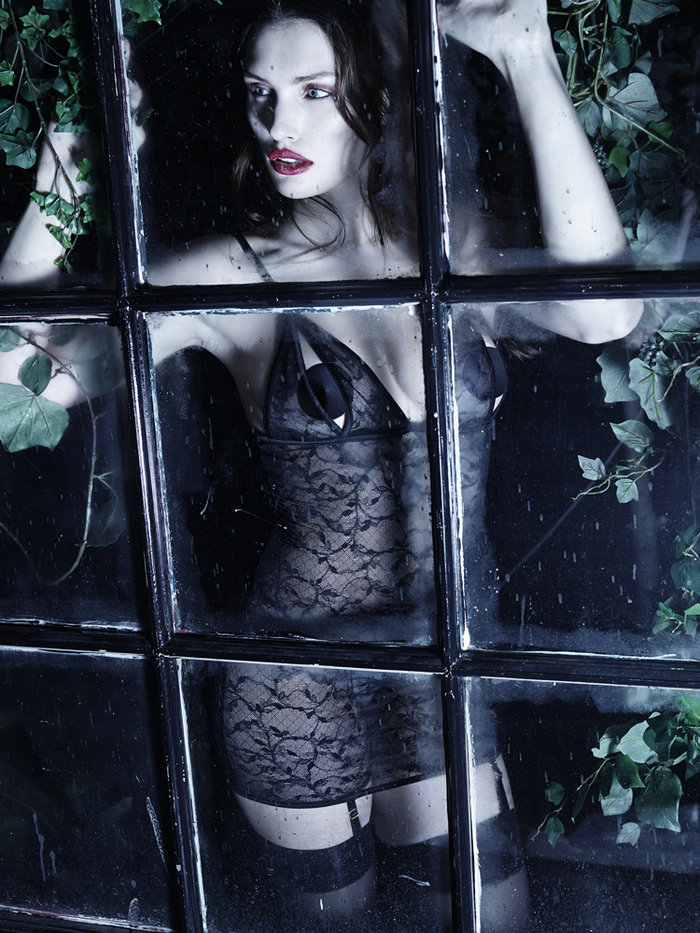
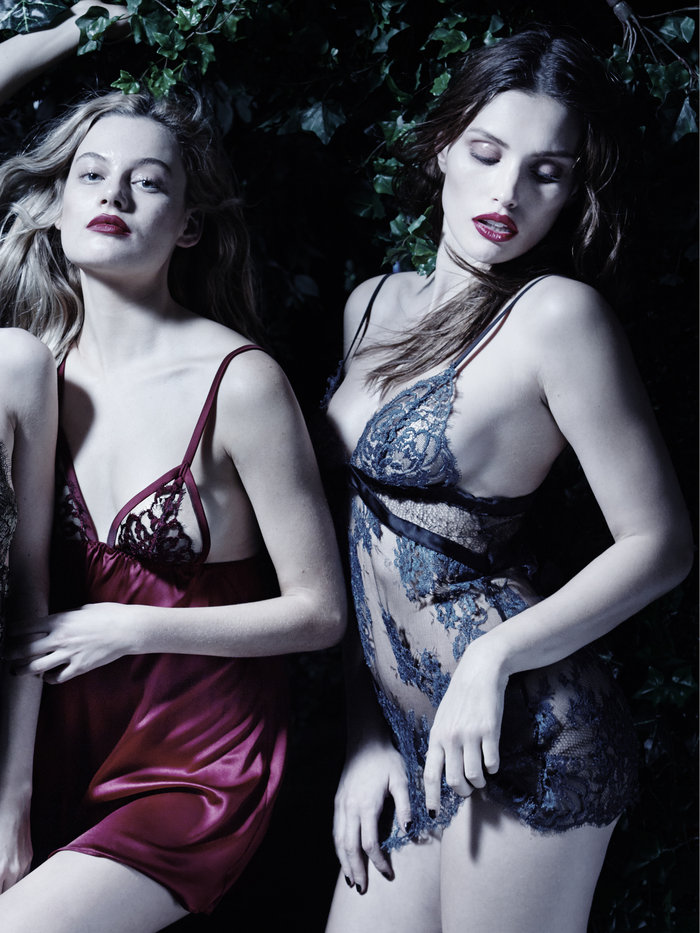
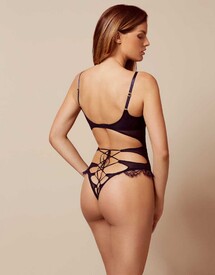 Agent Provocateur Nightwear 2016 See-Through
Agent Provocateur Swimwear 2016
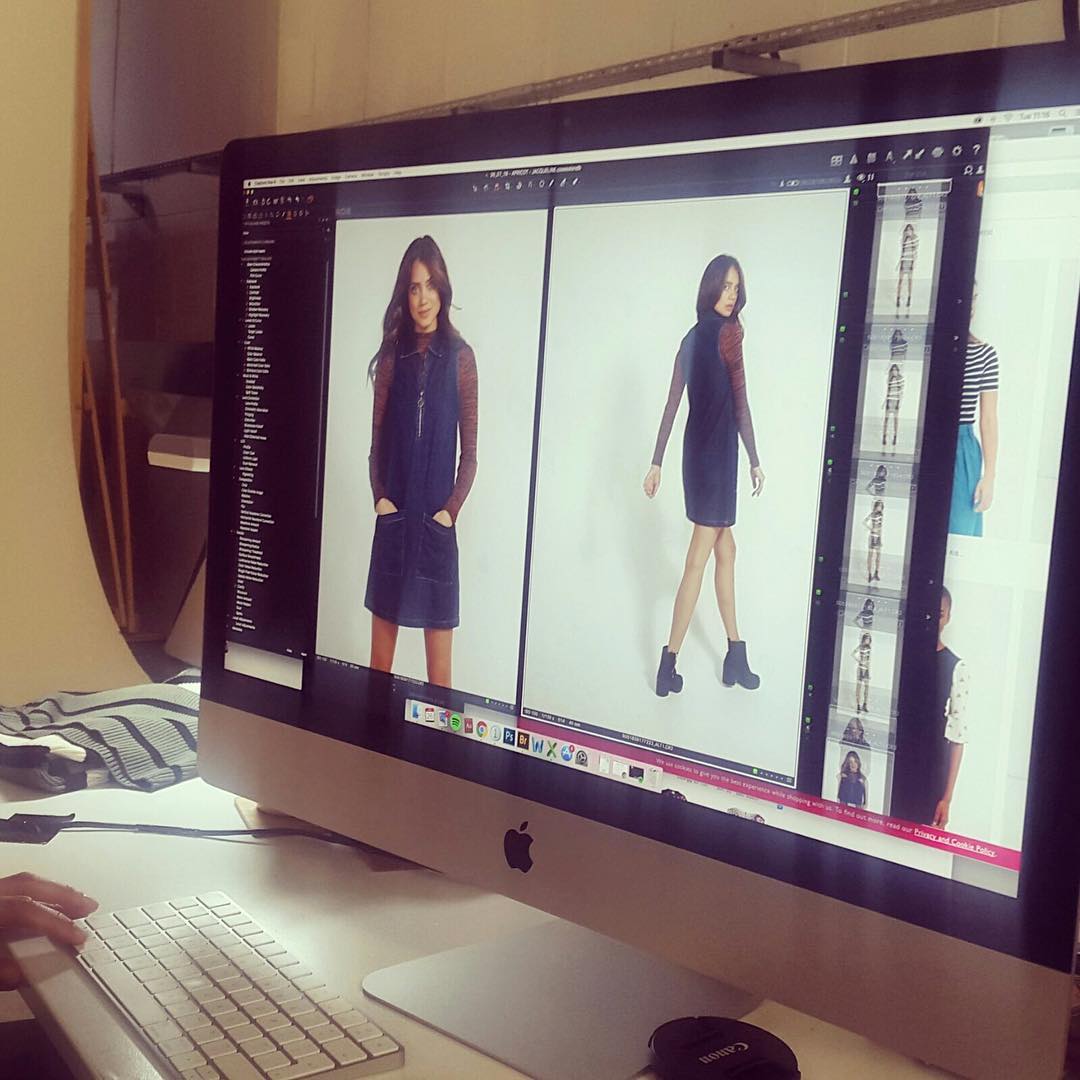
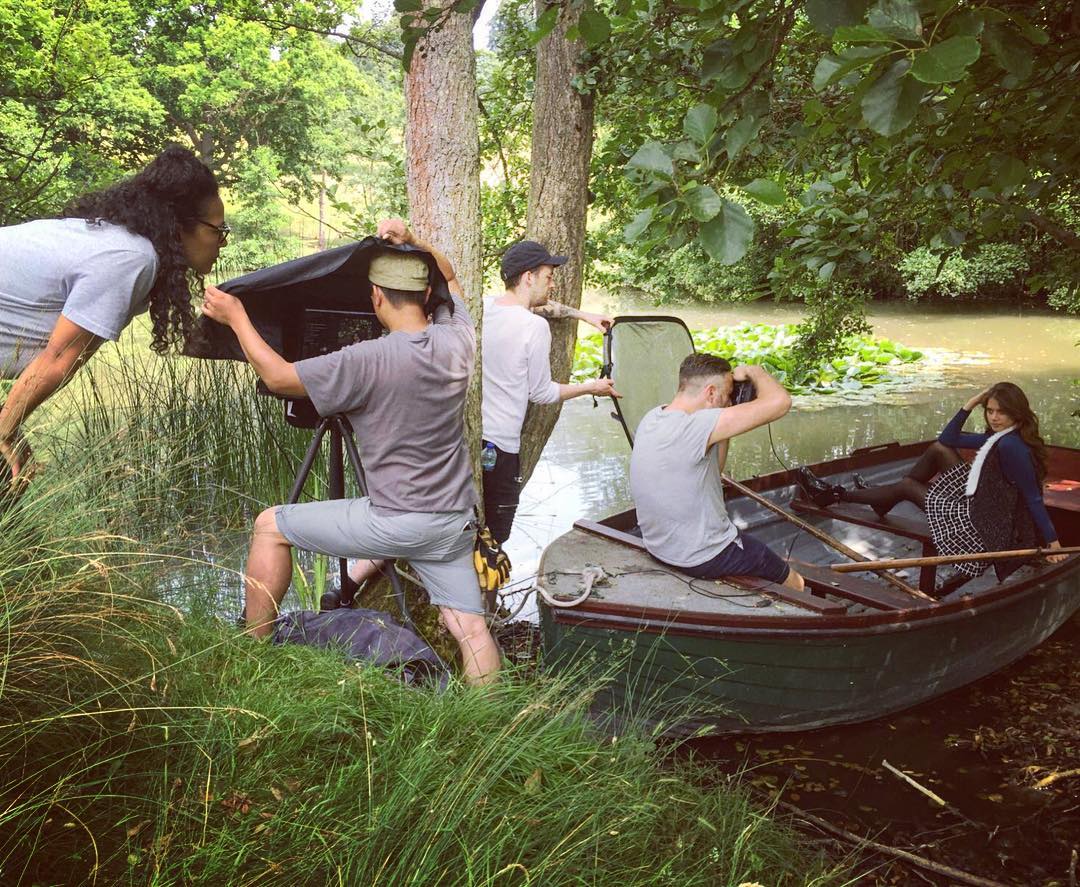
Behind the scenes at Apricot Clothing Fall/Winter 2016
Agent Provocateur Nightwear 2016 See-Through
Agent Provocateur Swimwear 2016
Behind the scenes at Apricot Clothing Fall/Winter 2016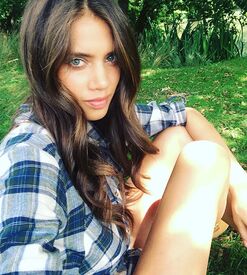
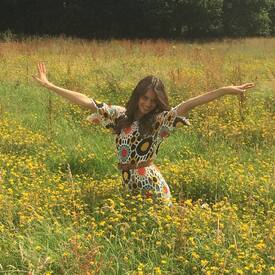
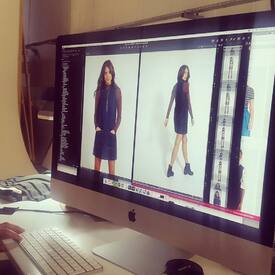

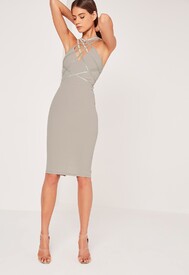
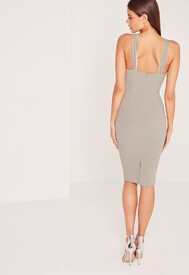
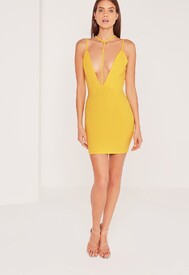
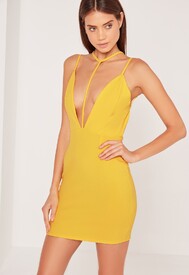
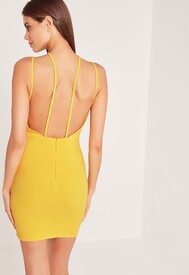
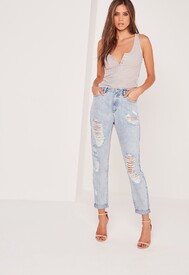
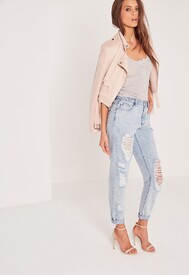
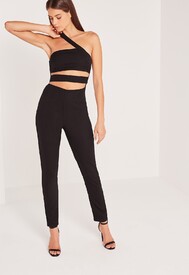
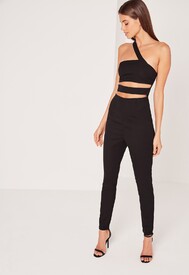
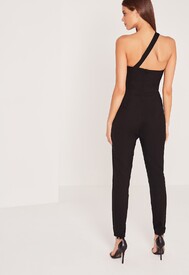
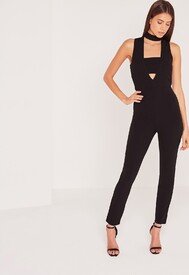
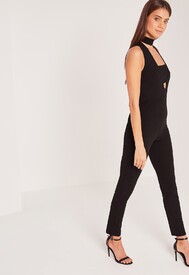
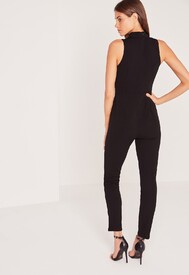
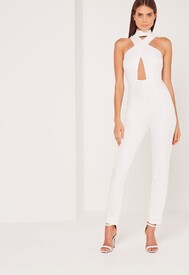
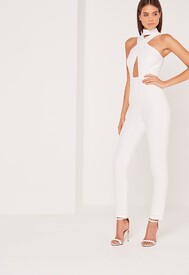
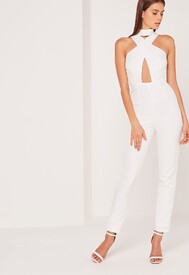
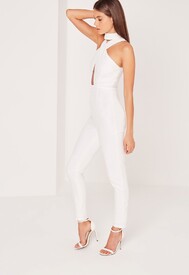
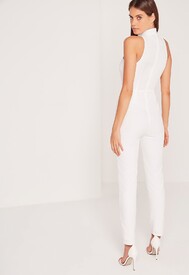
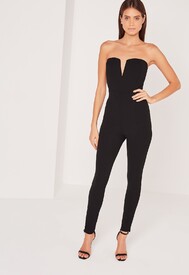
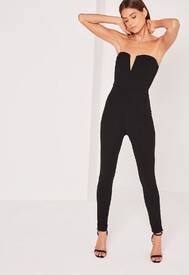
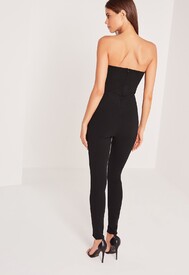
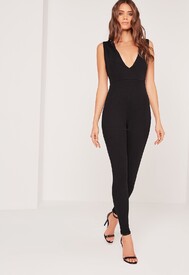
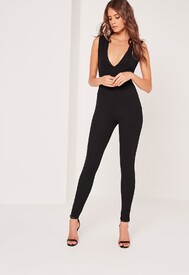
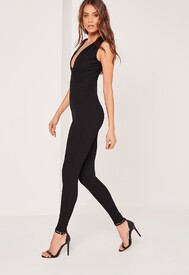
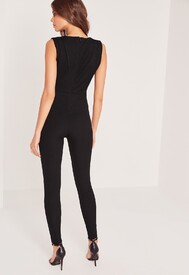
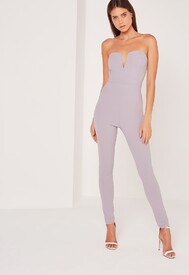
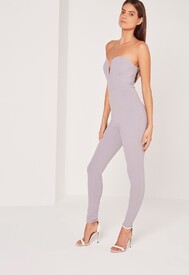
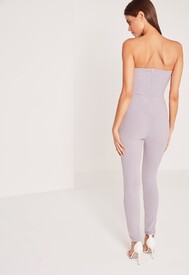
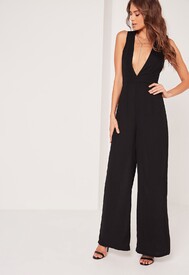
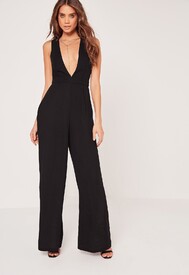
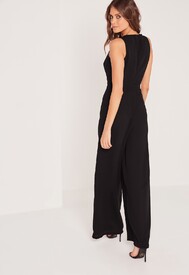
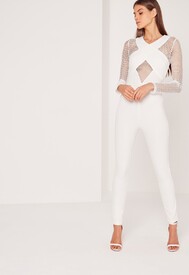
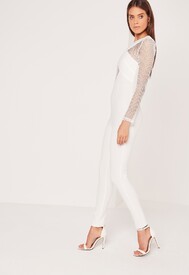
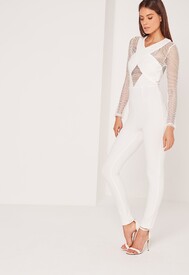
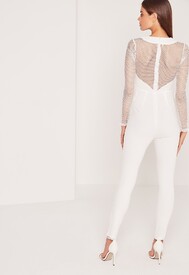
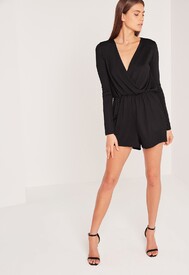
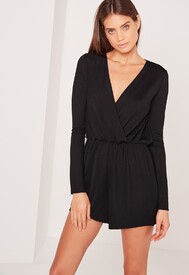
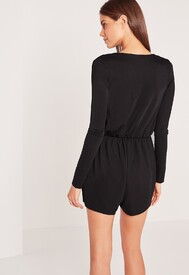
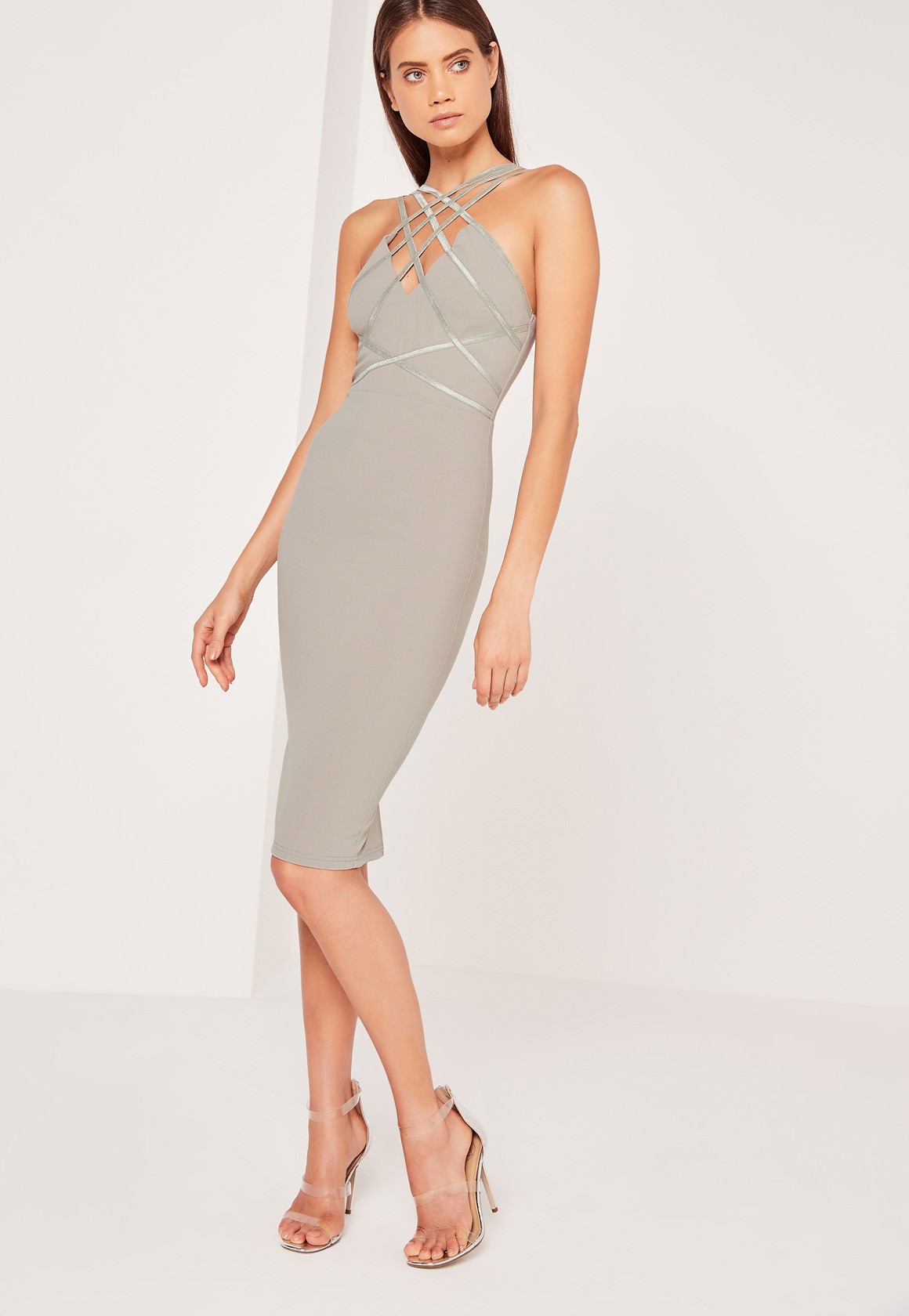
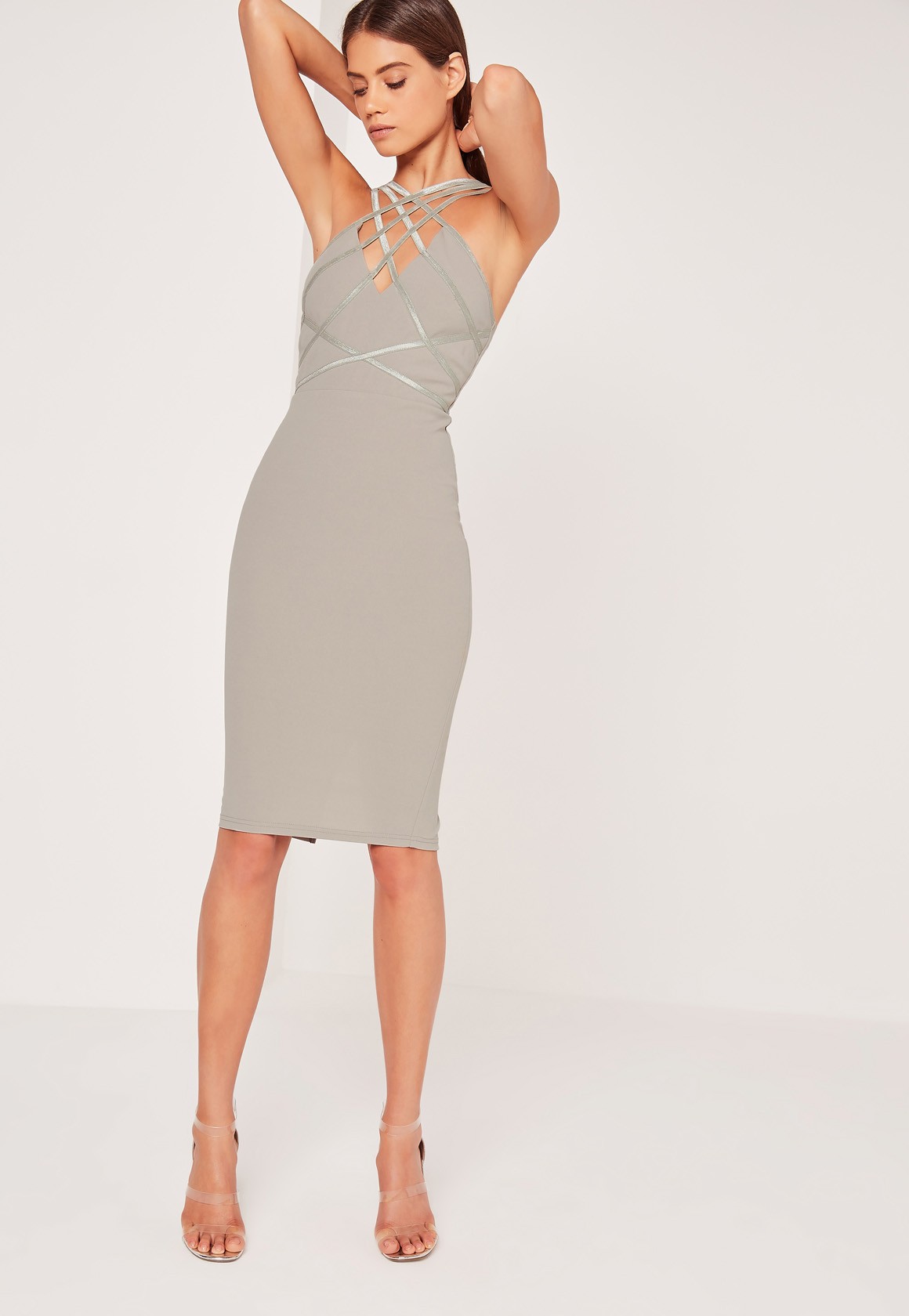
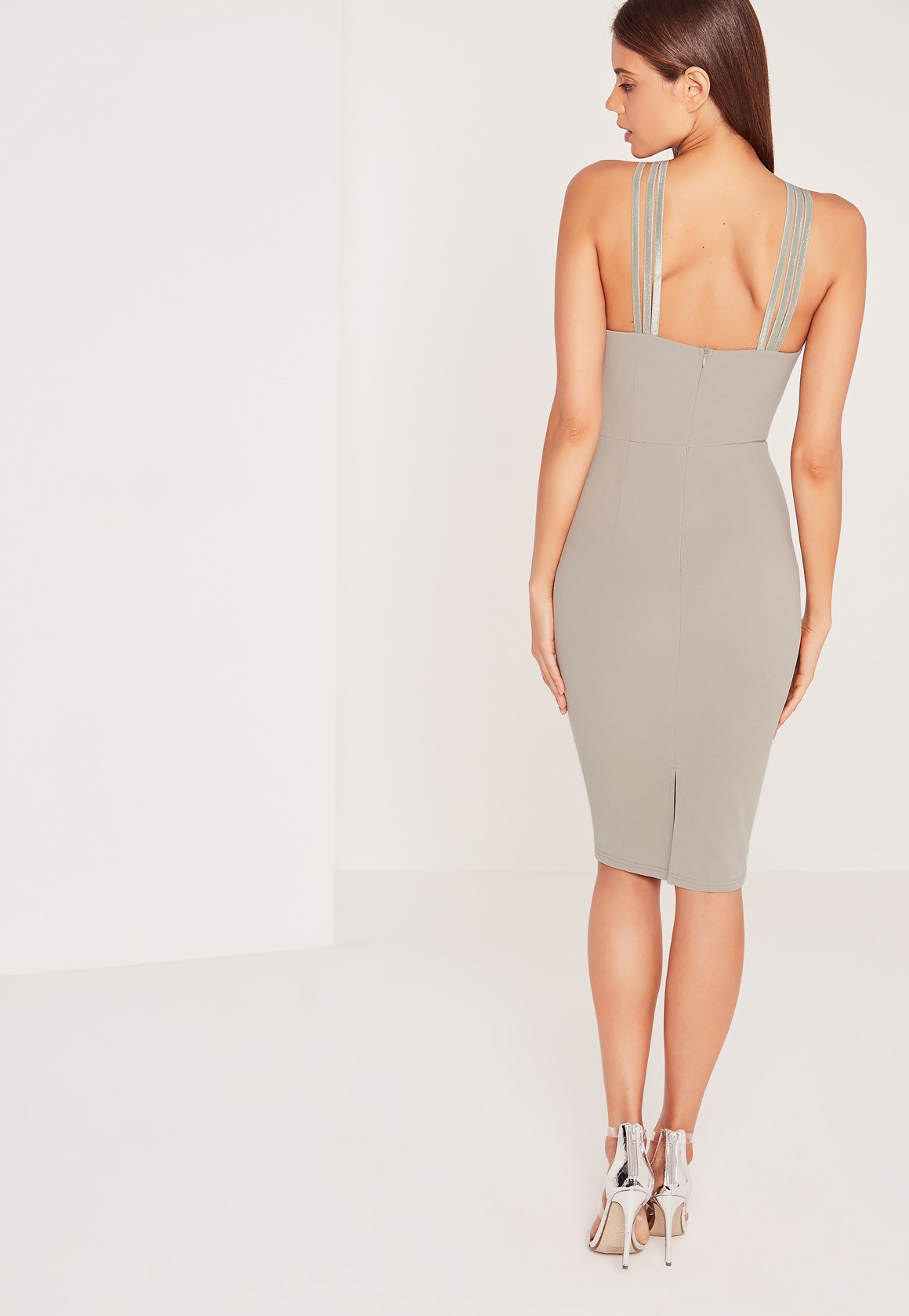
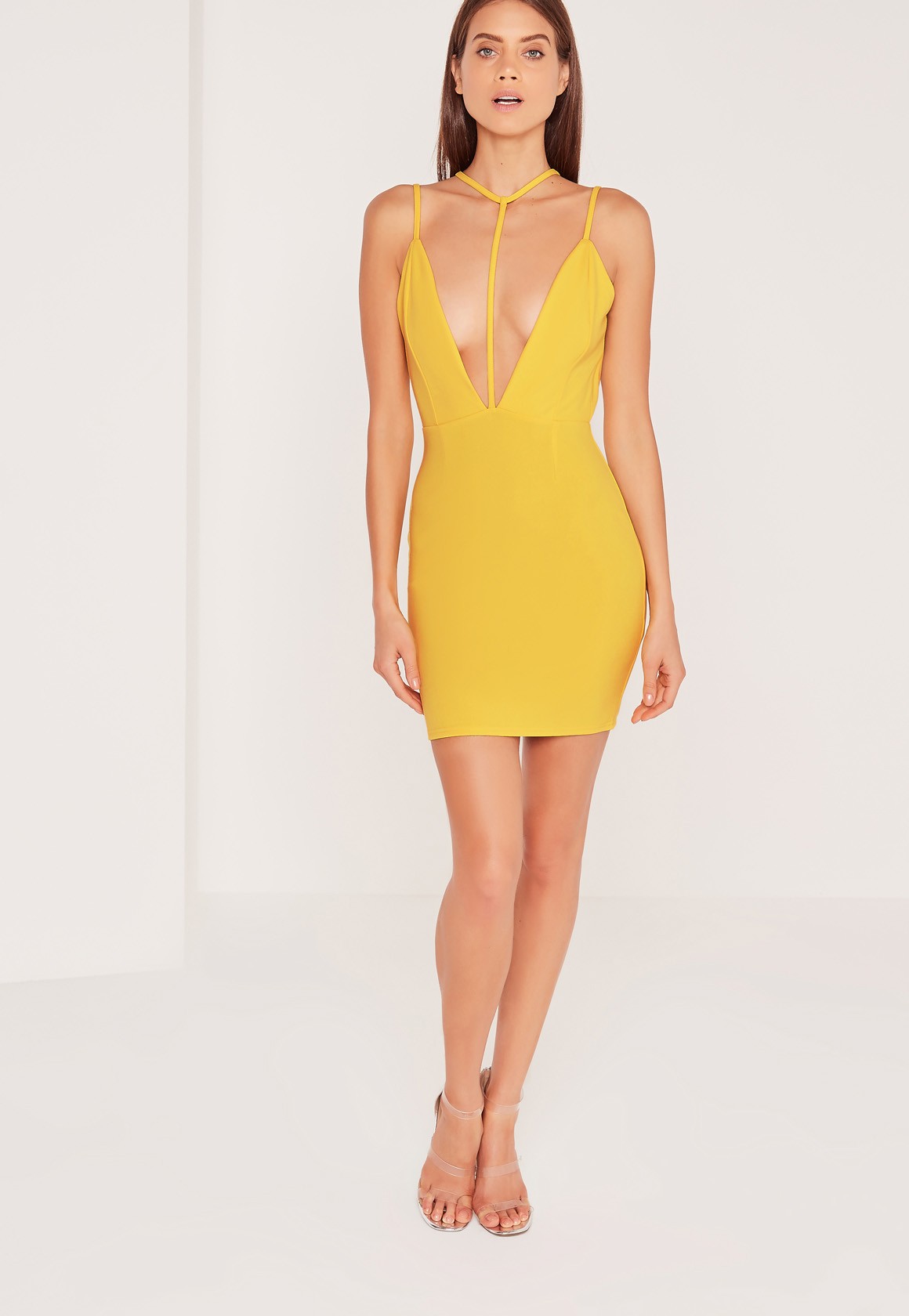
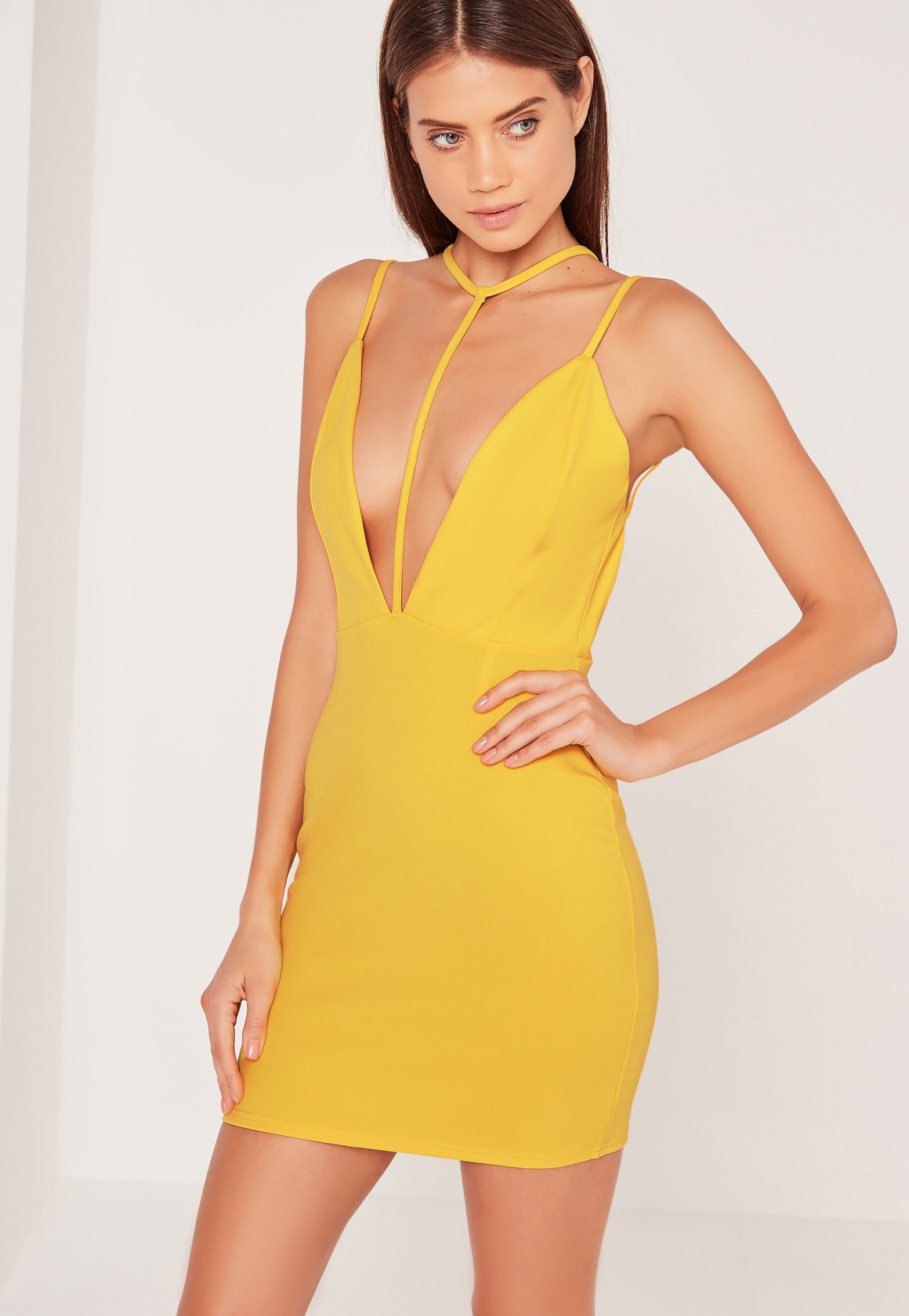
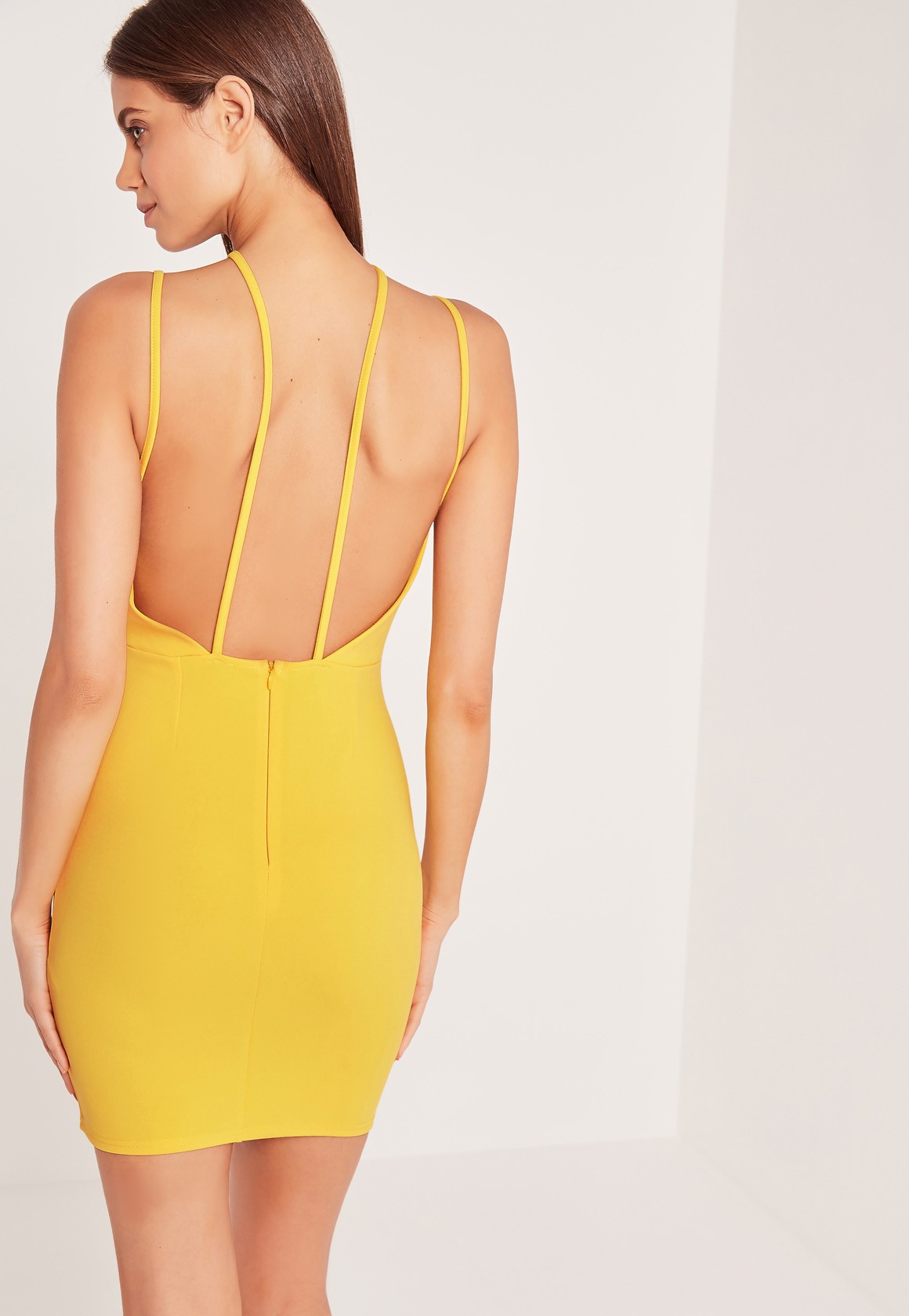
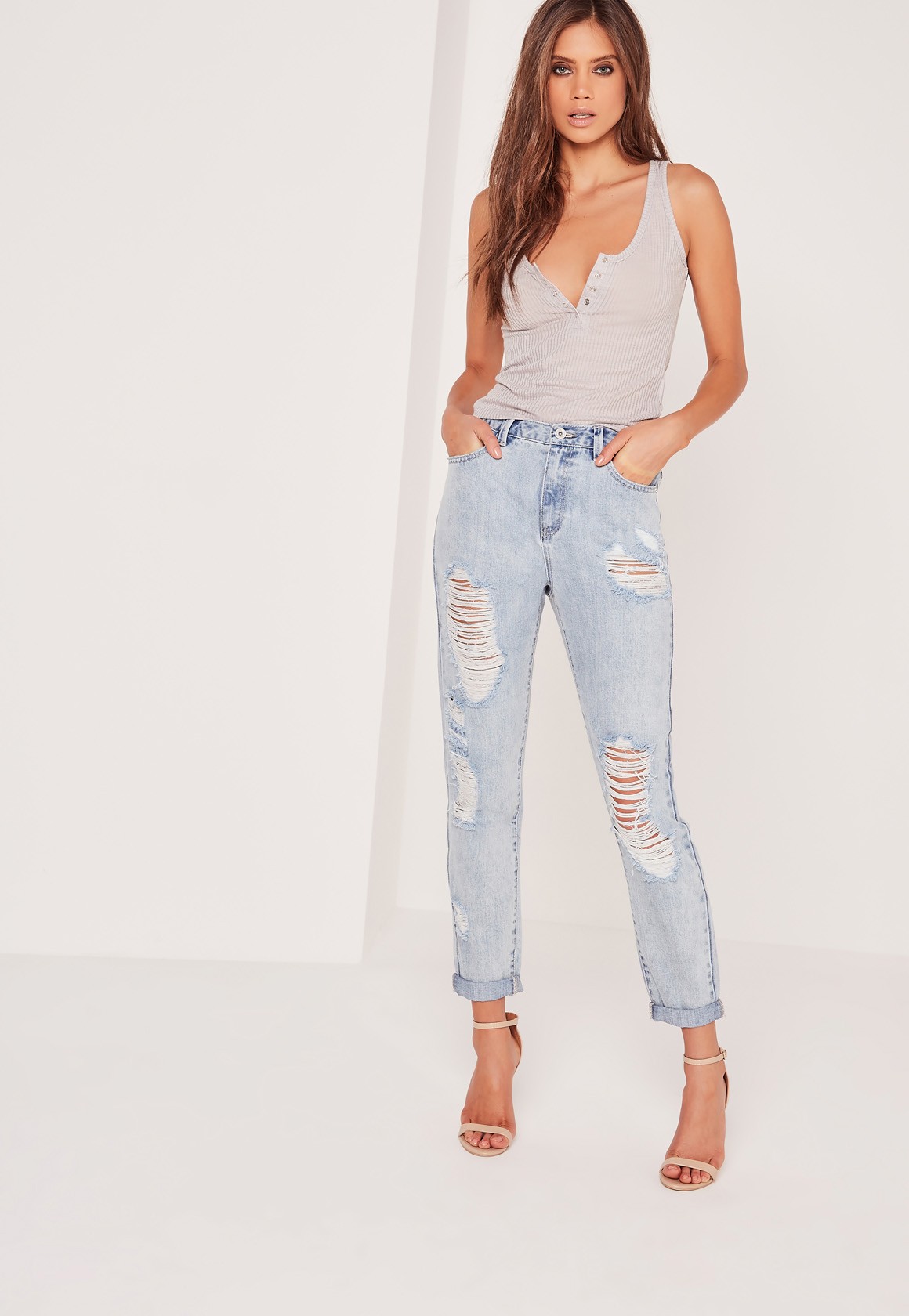
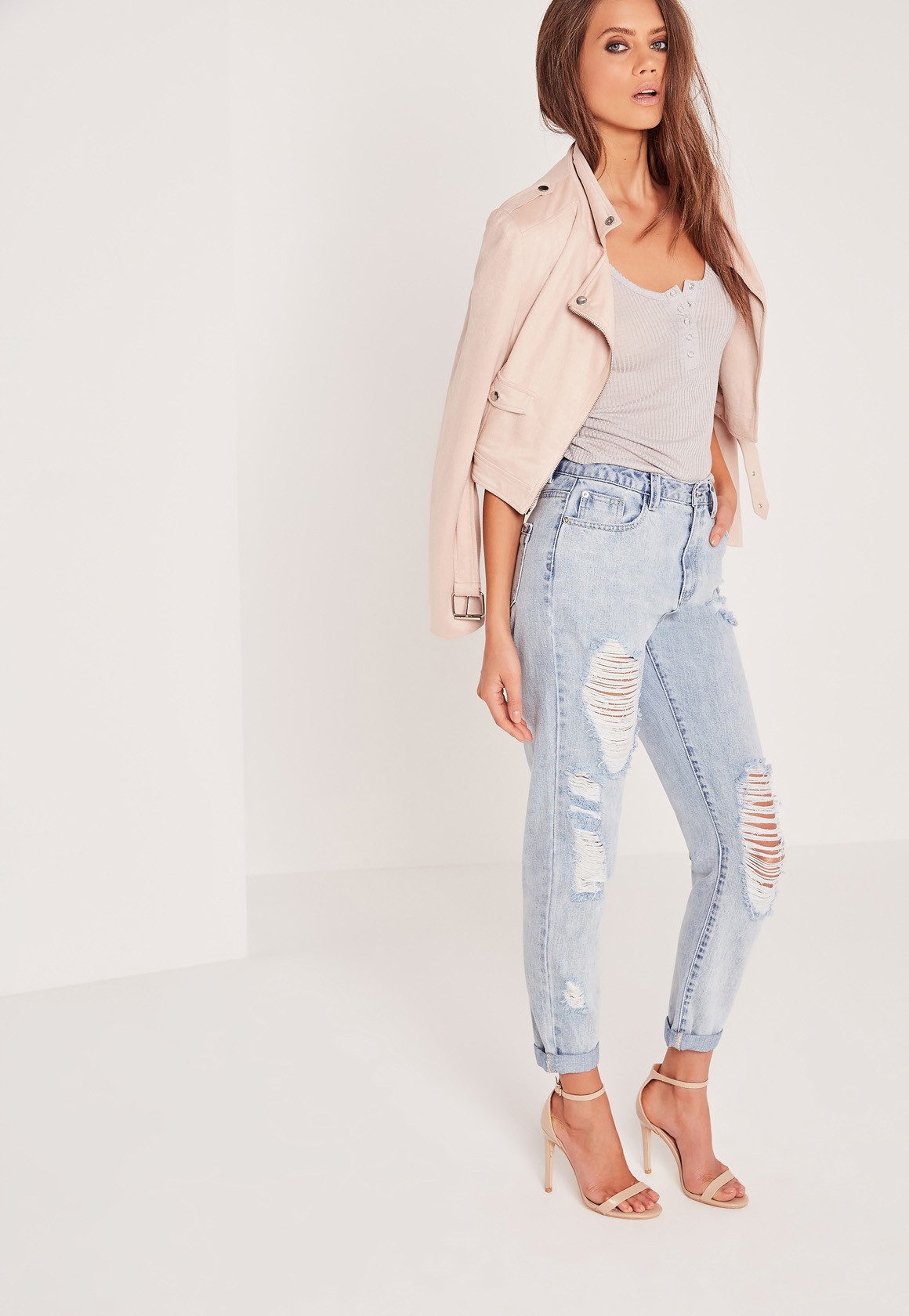
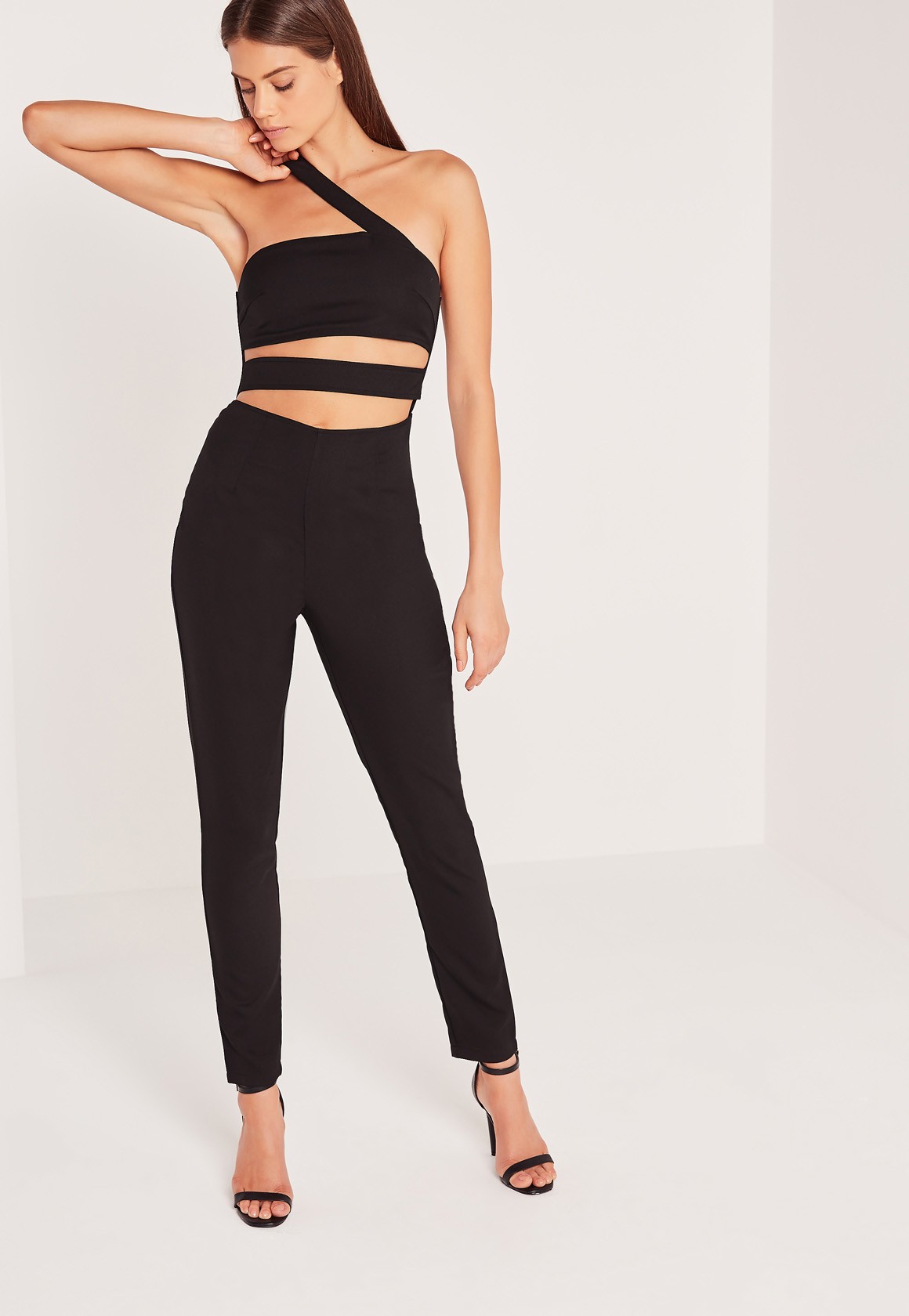
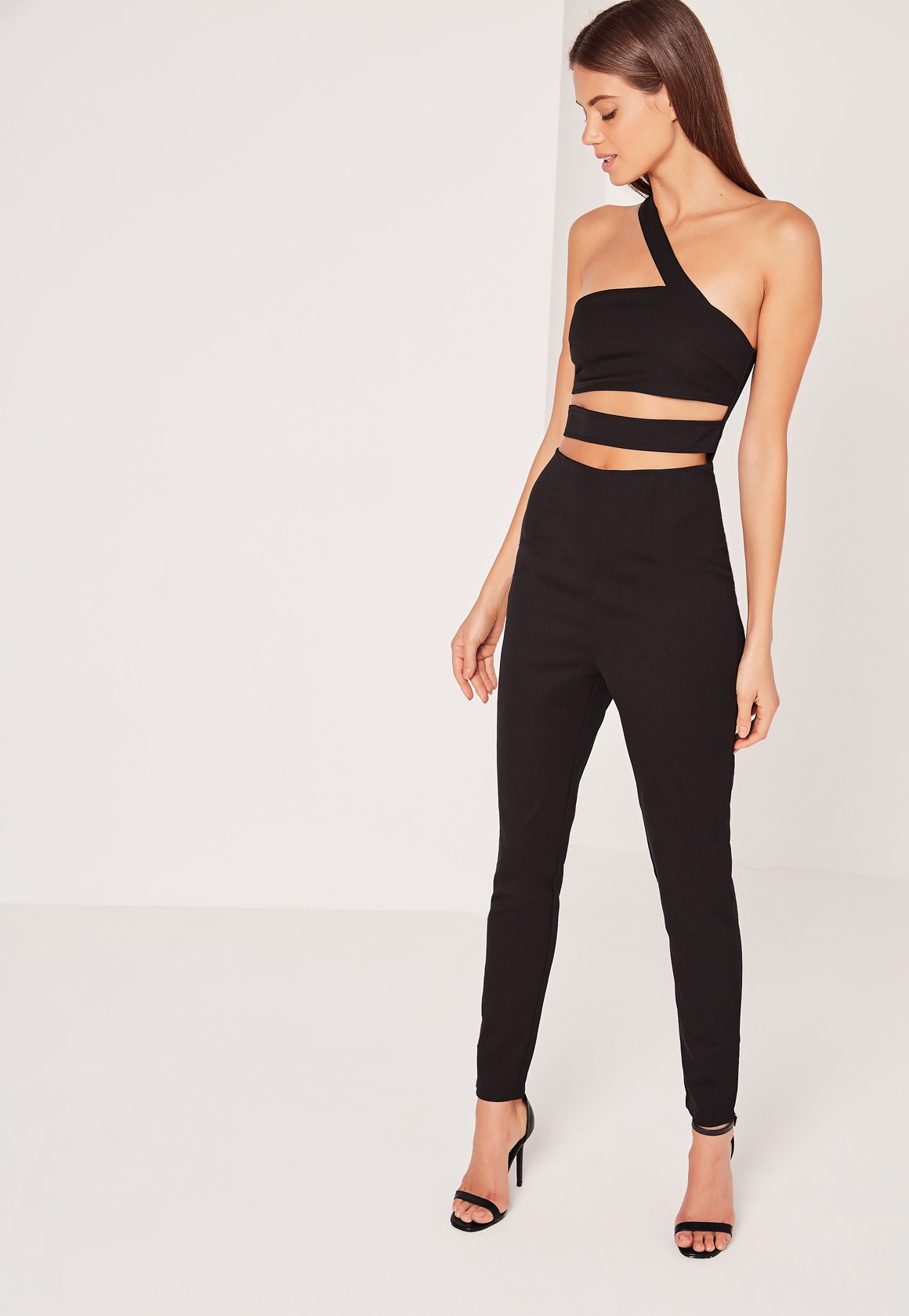
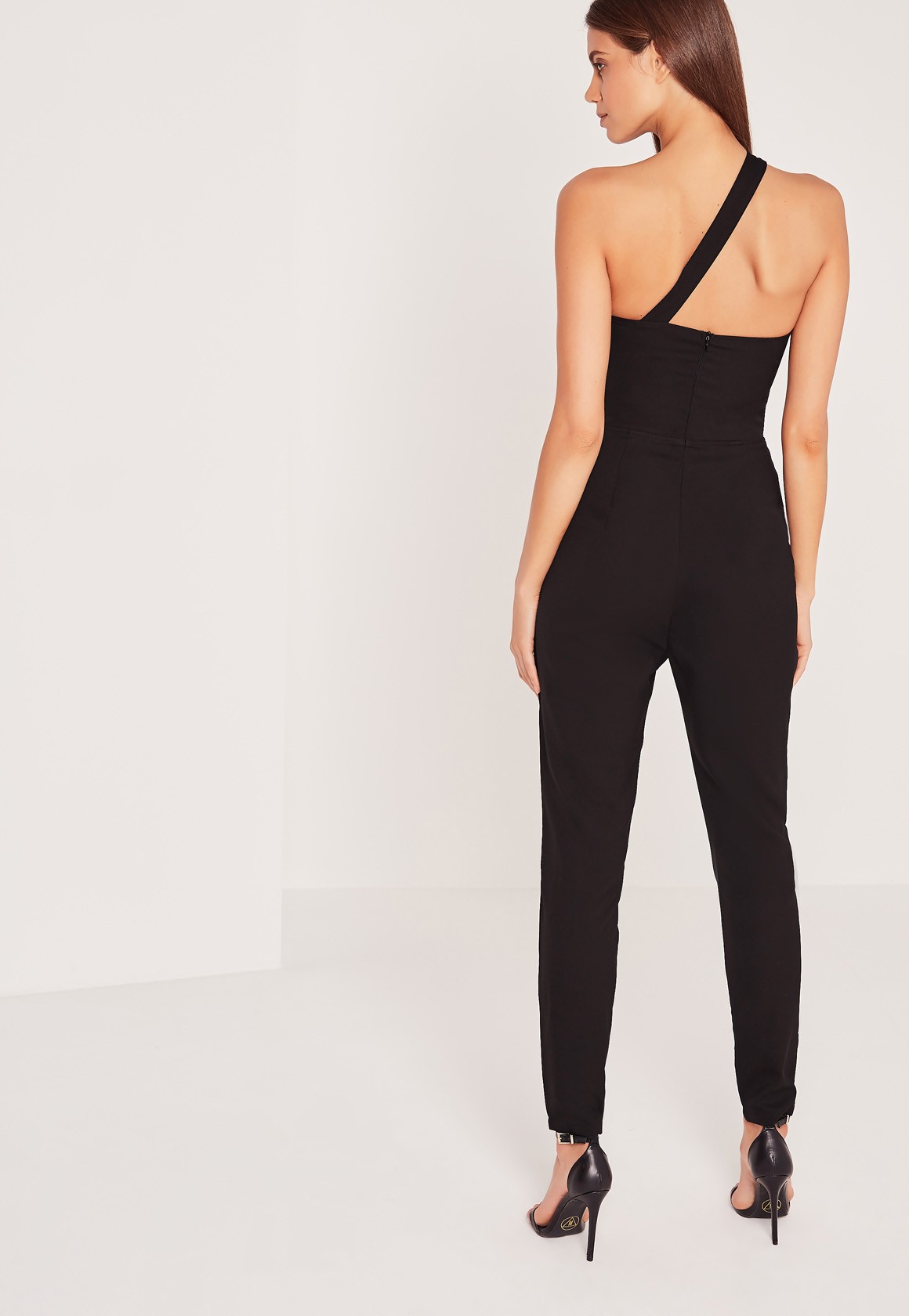
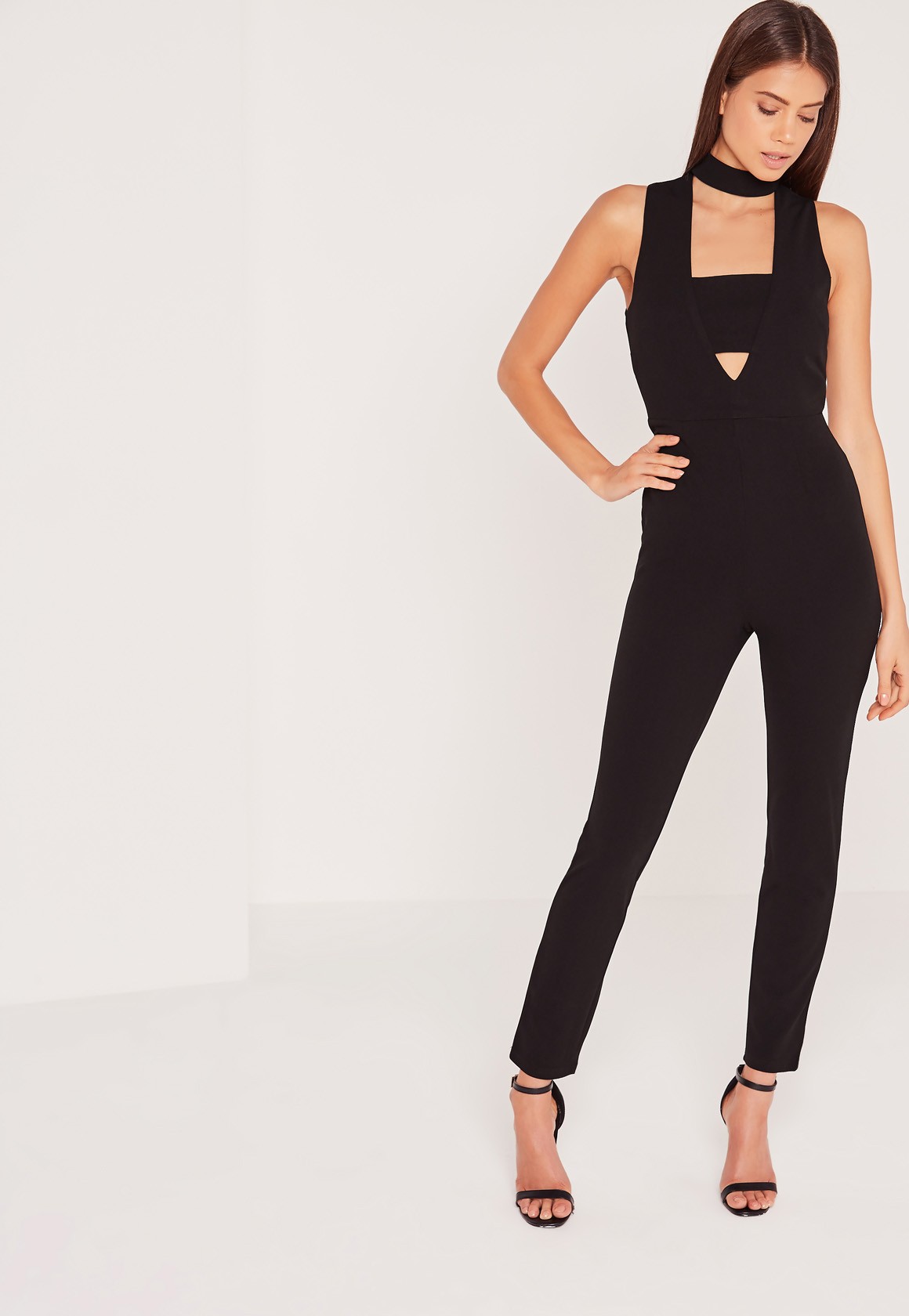
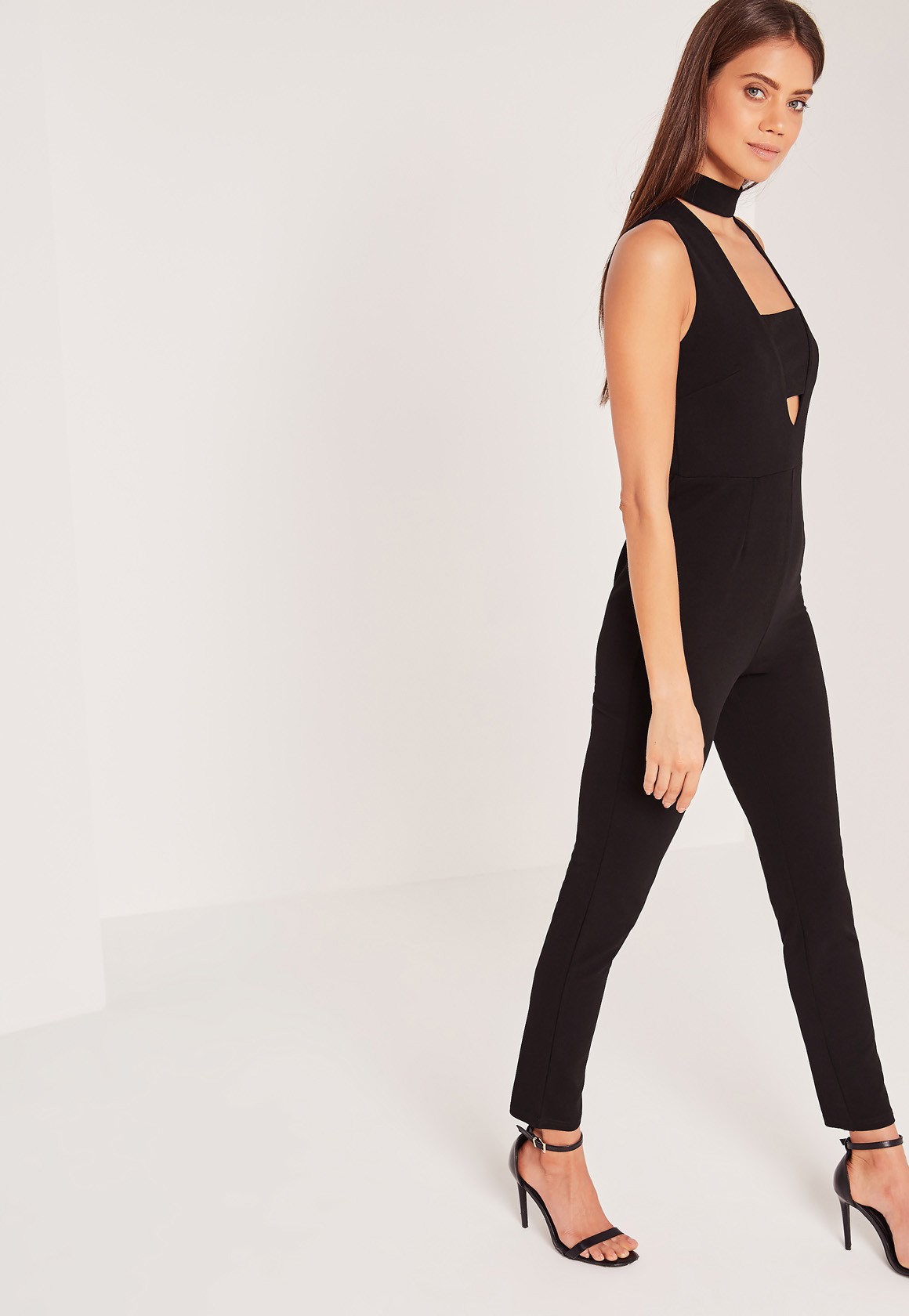
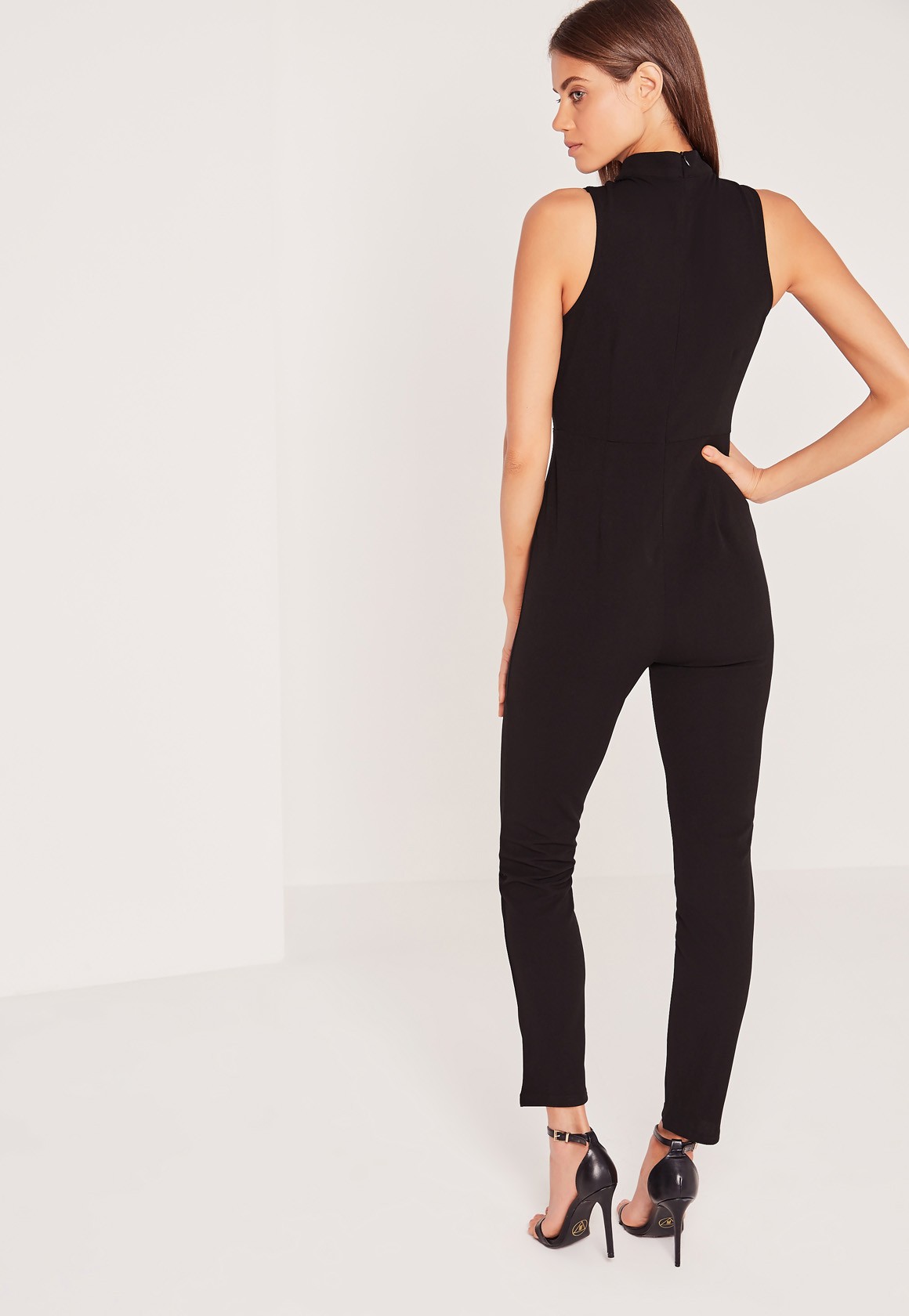
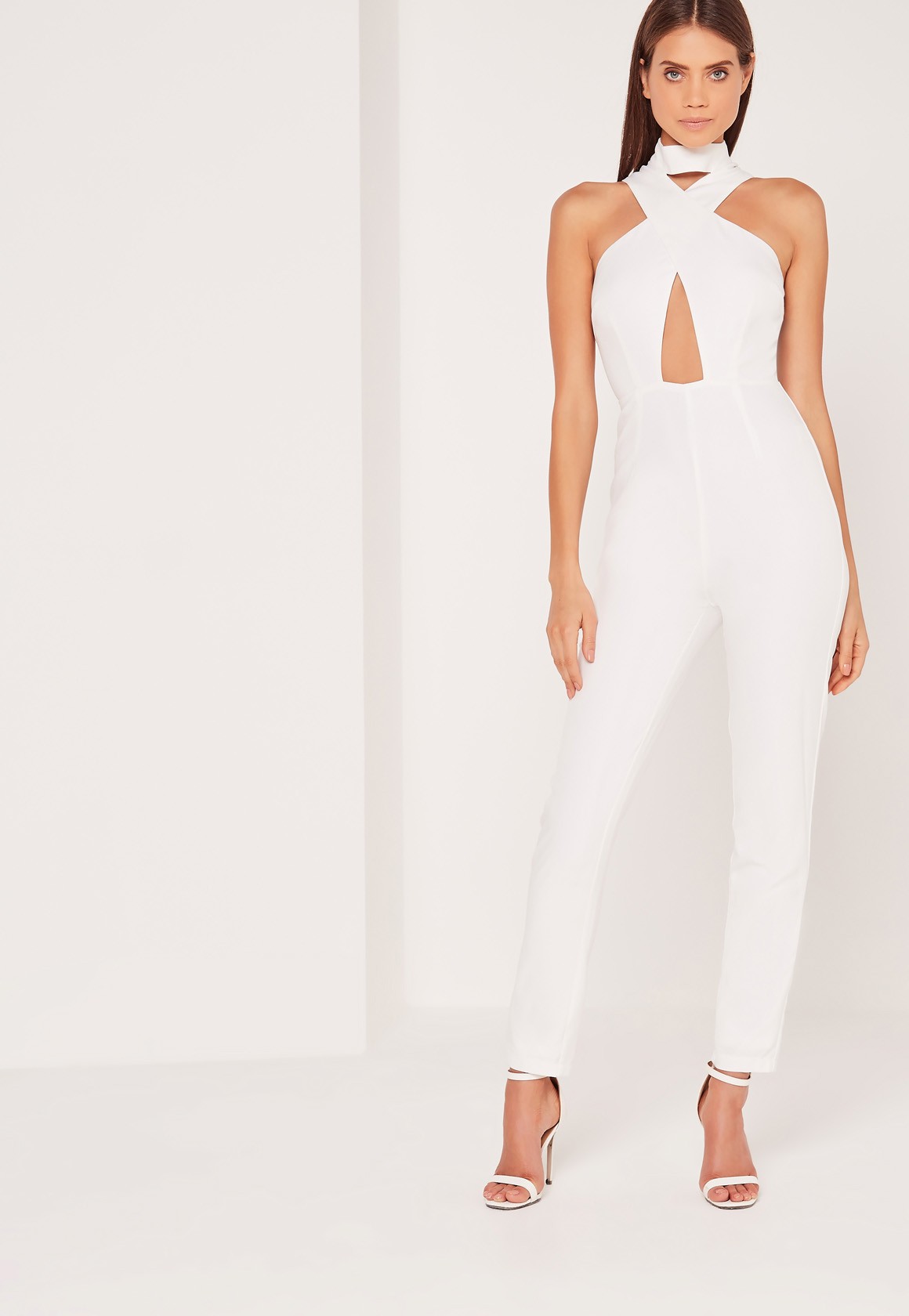
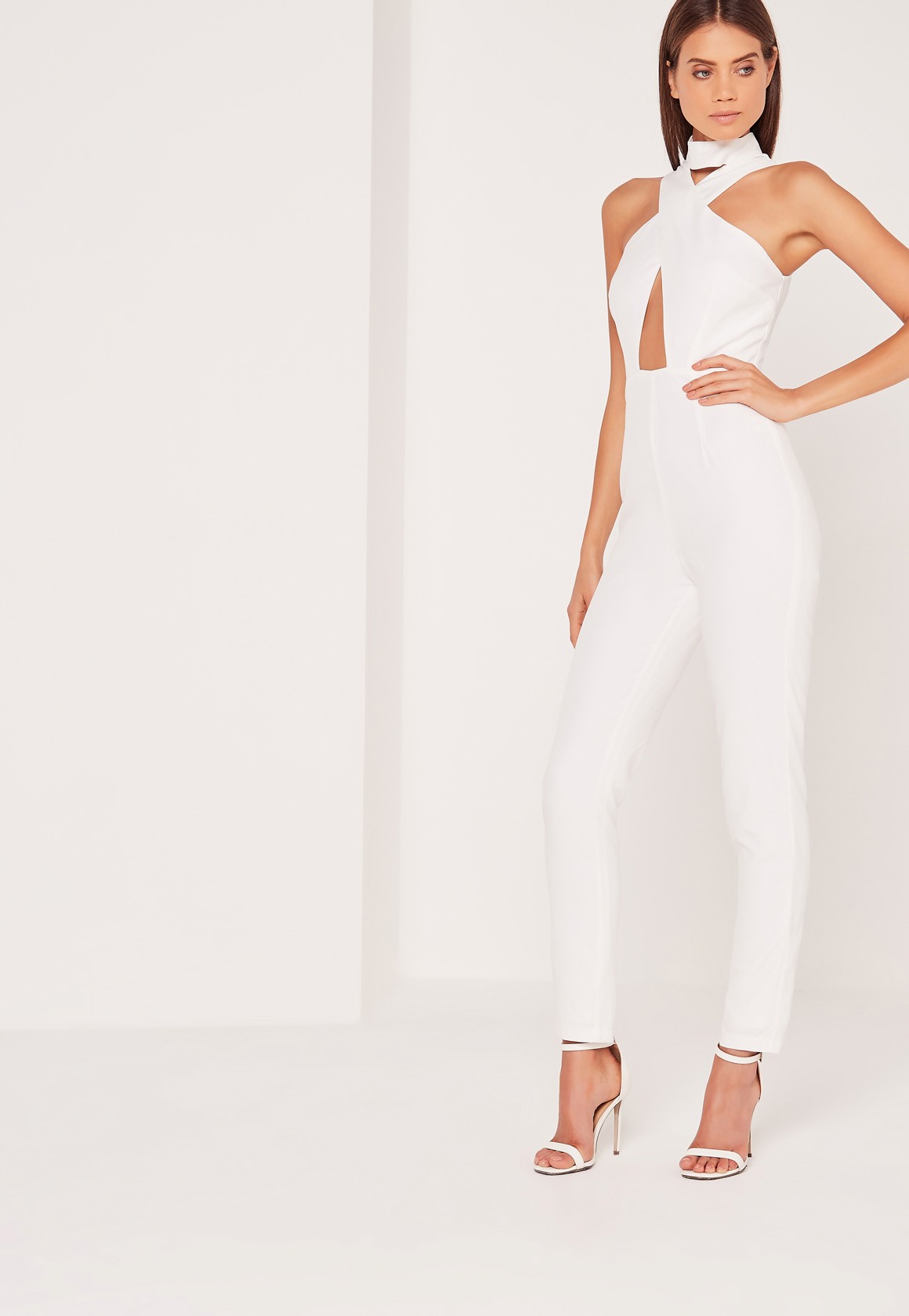
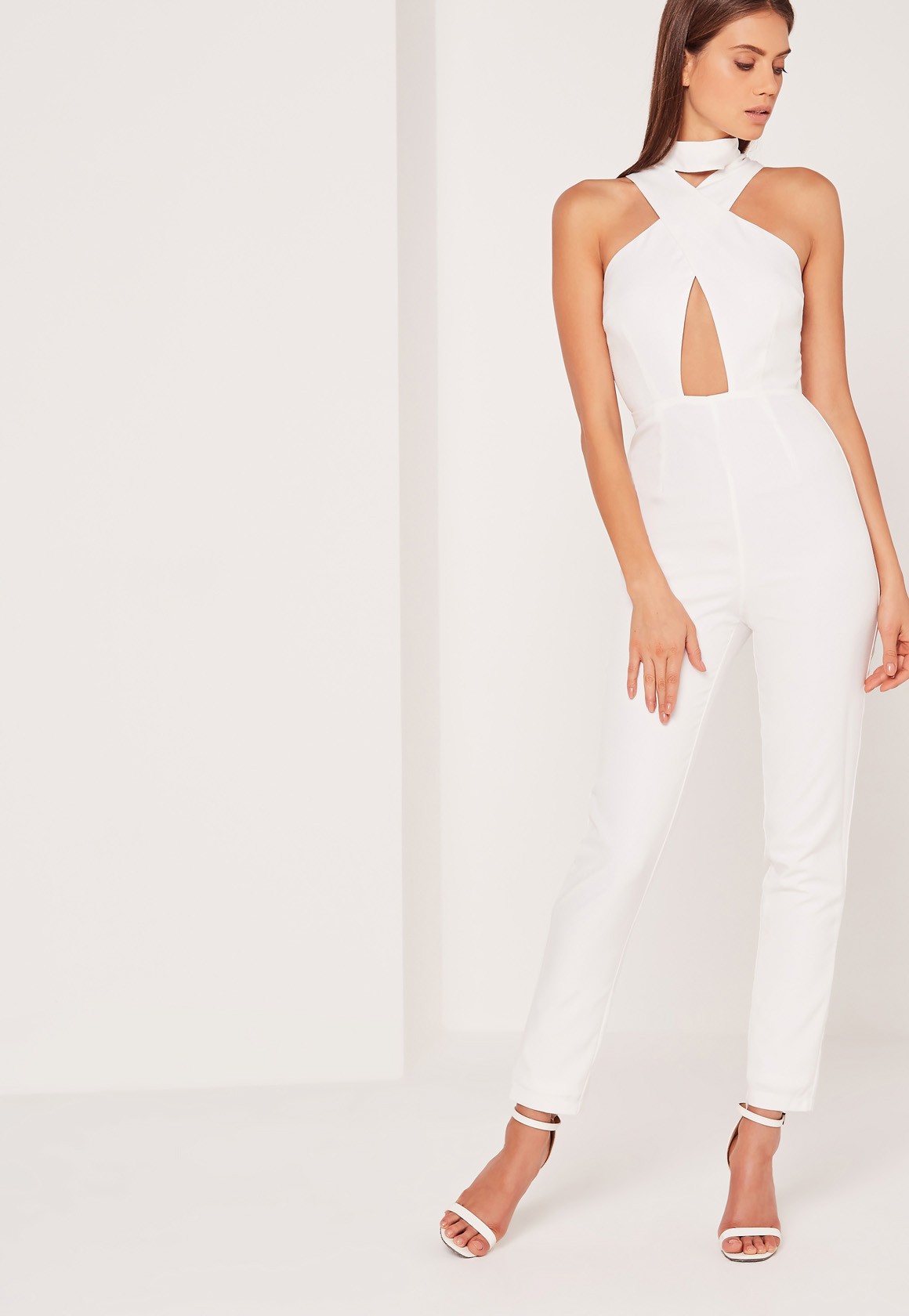
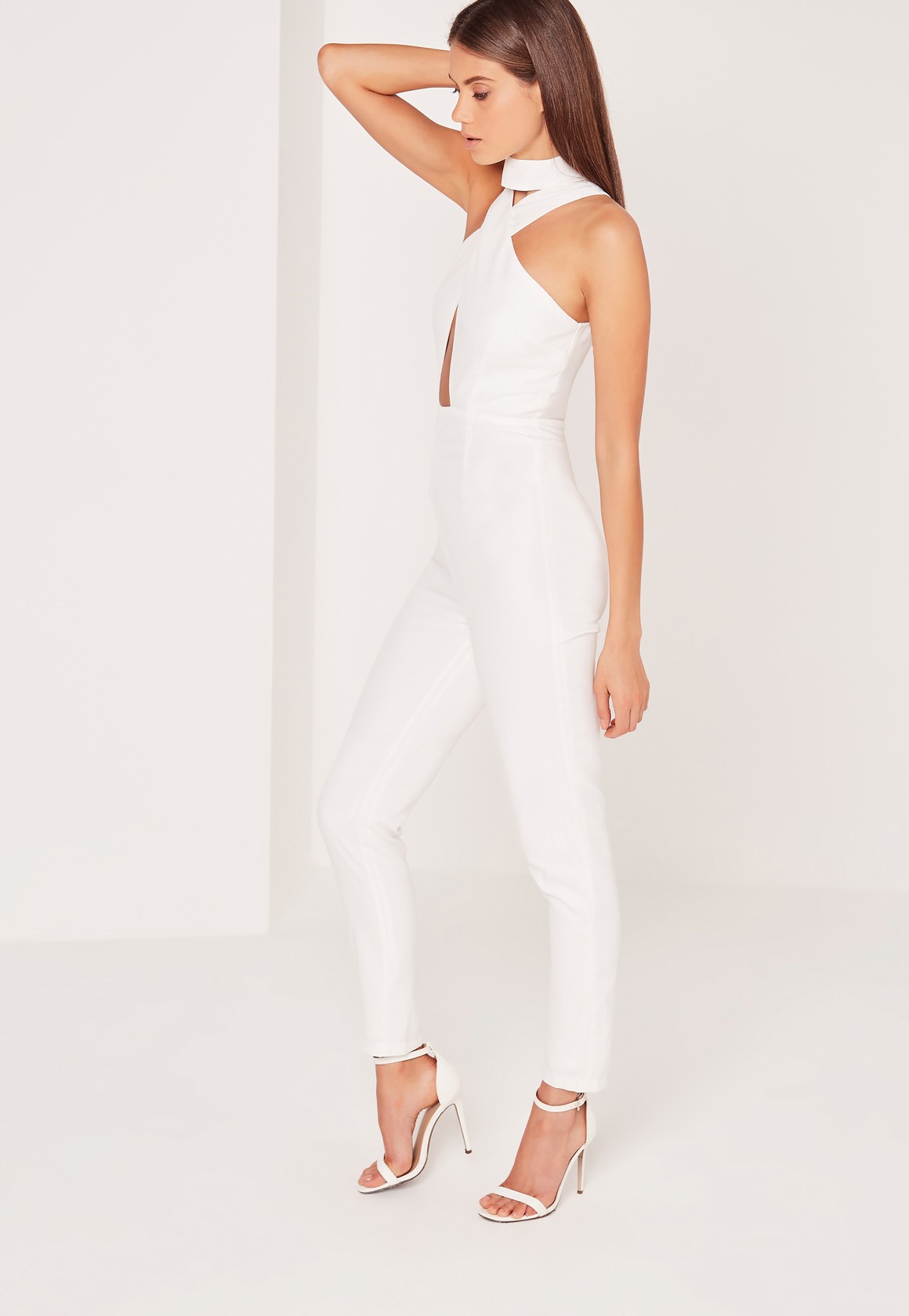
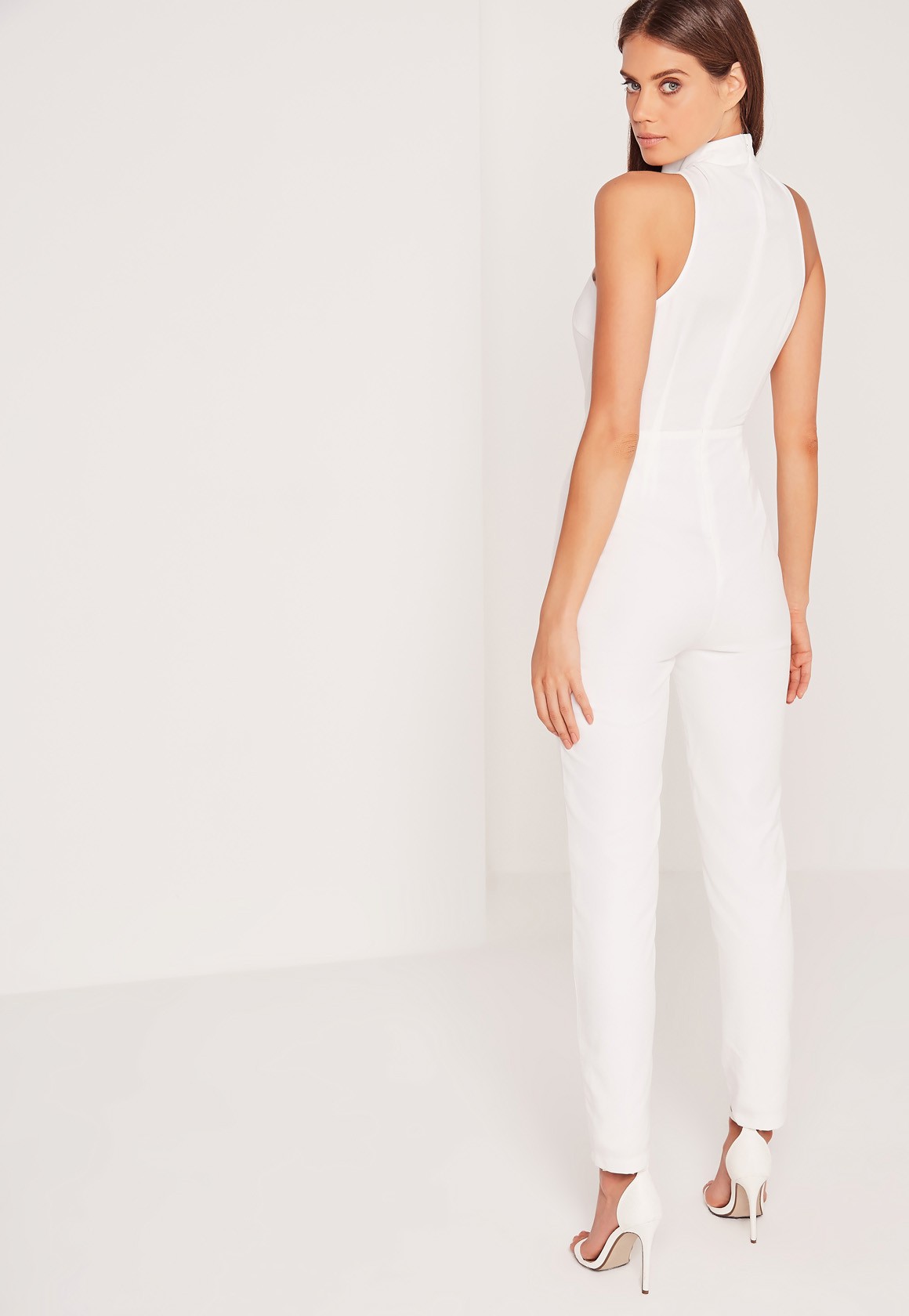
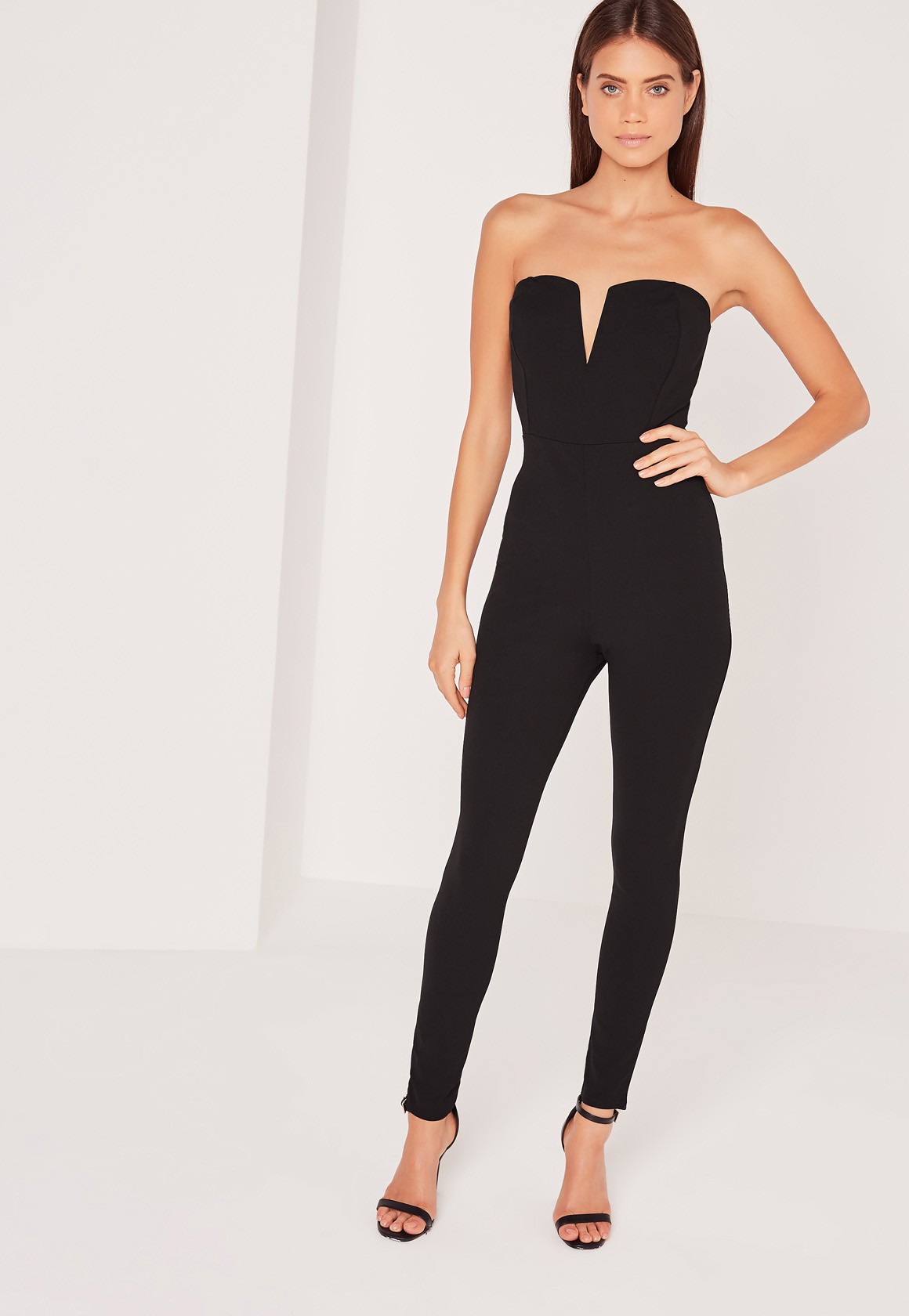
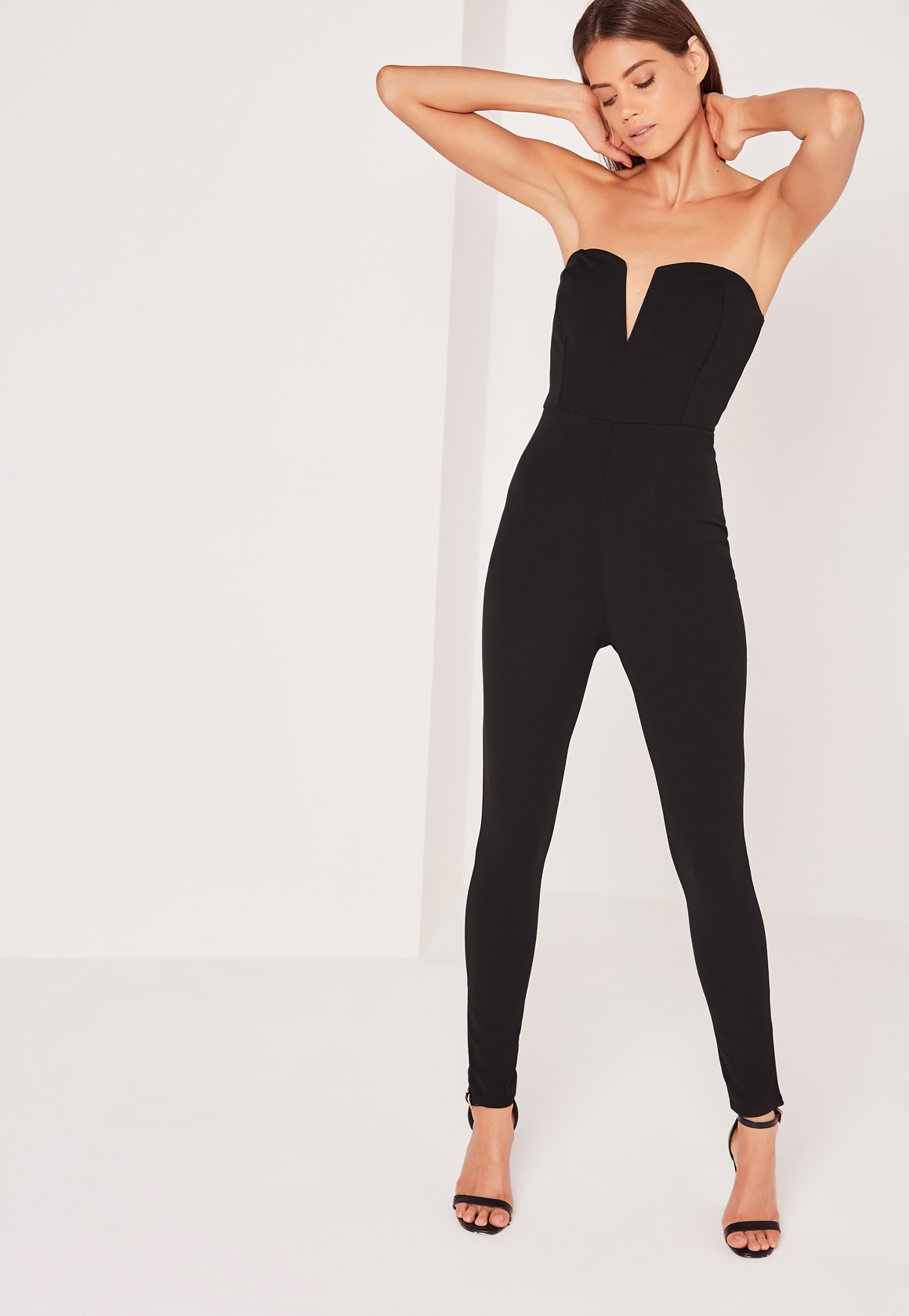
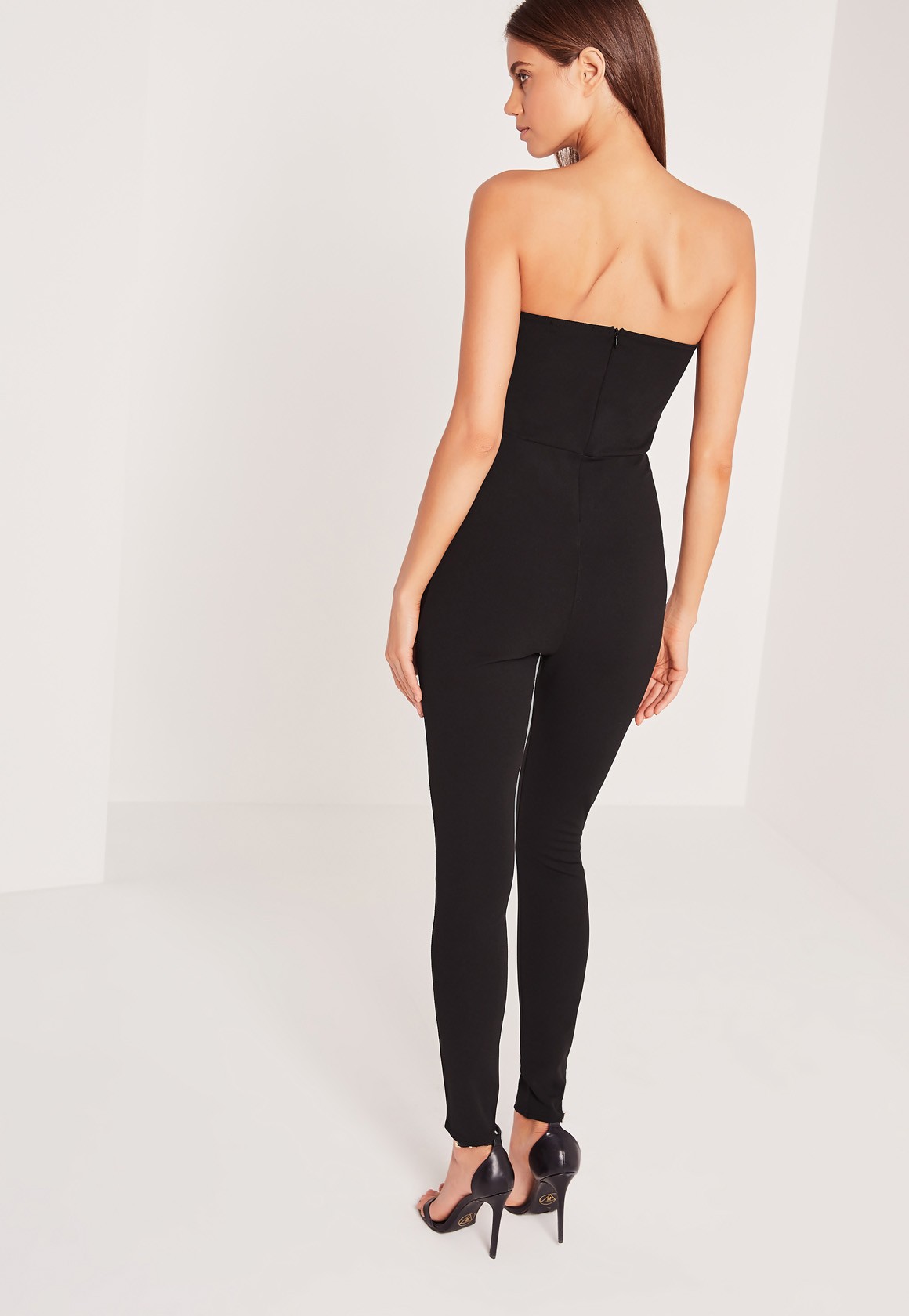
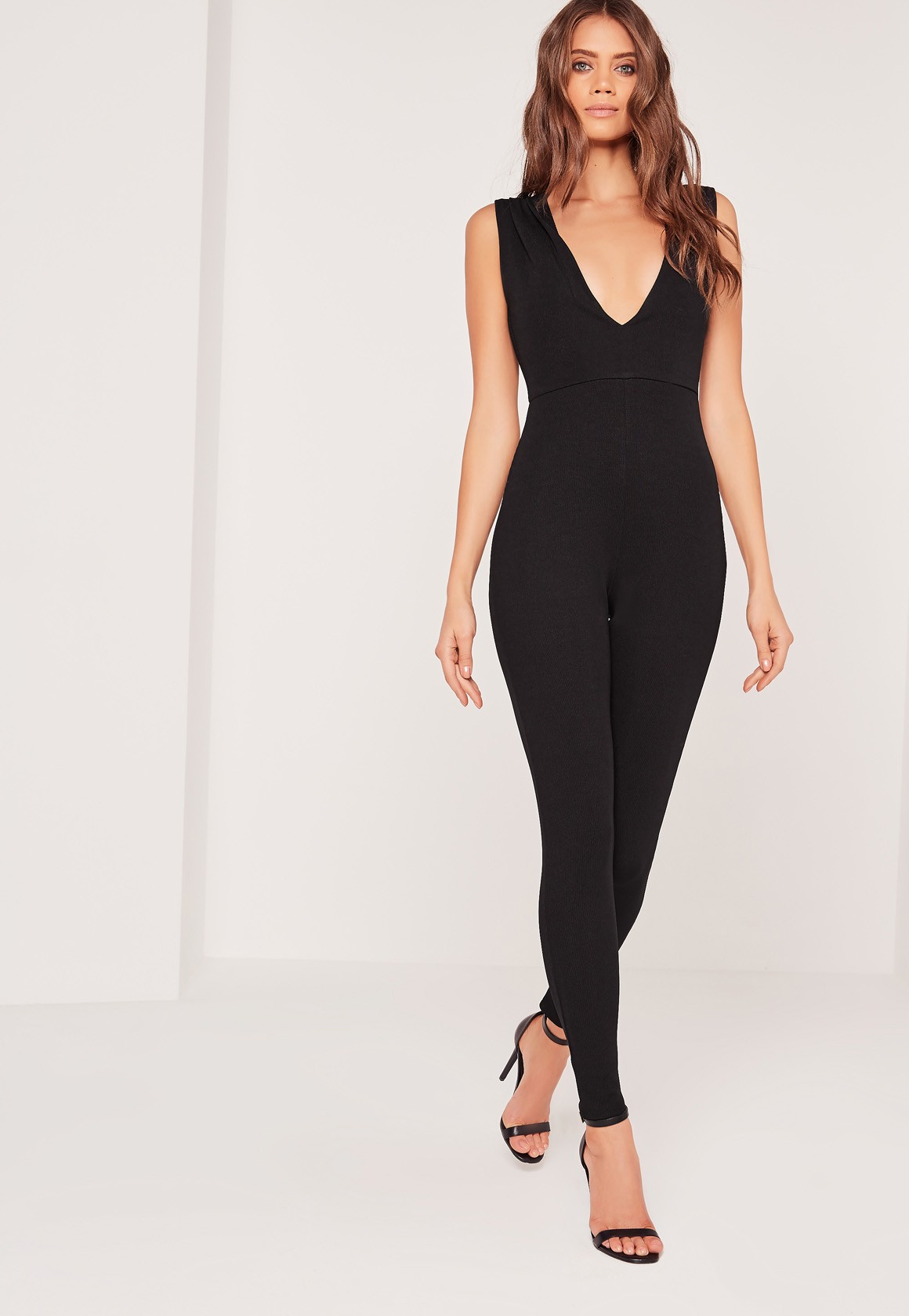
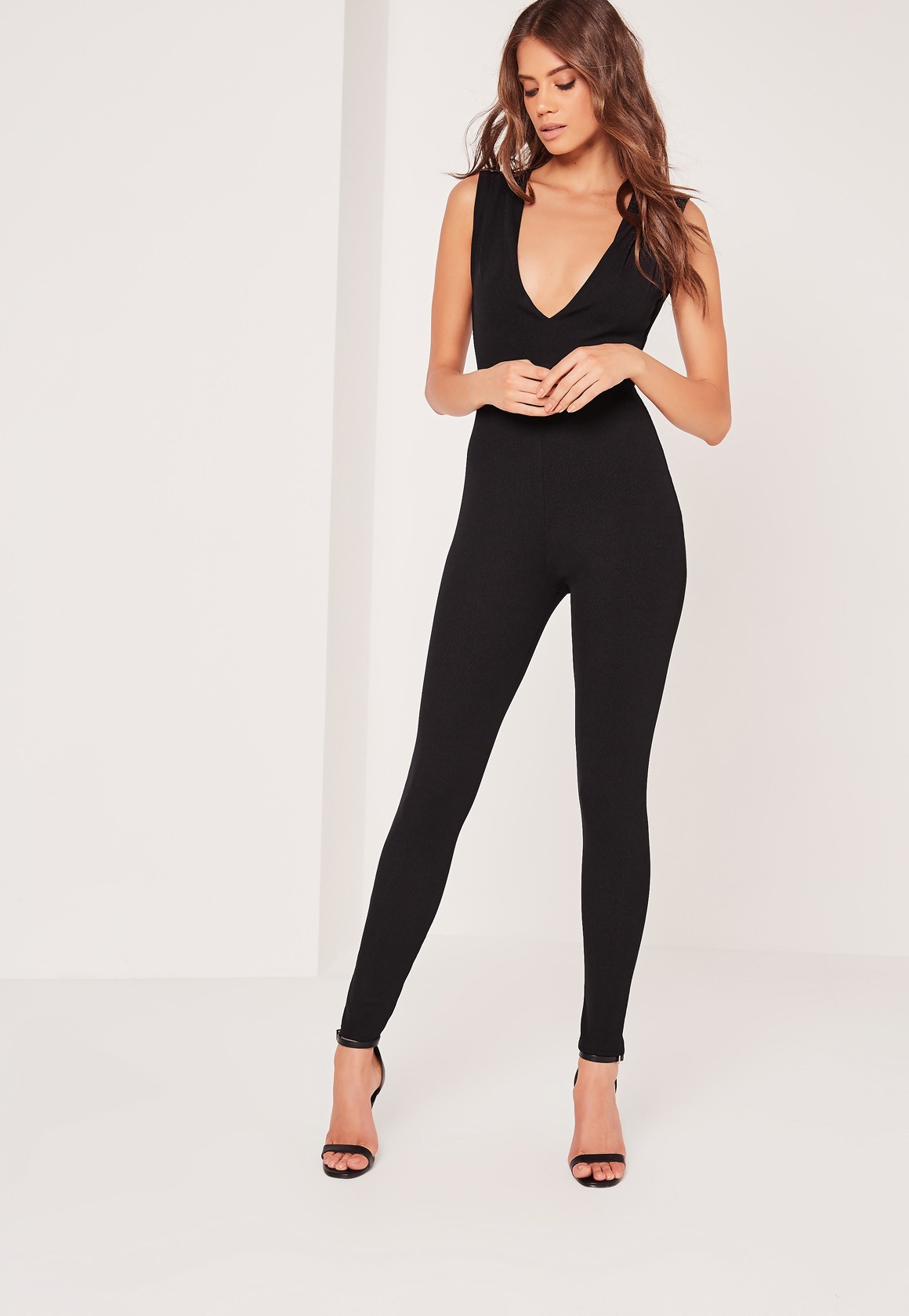
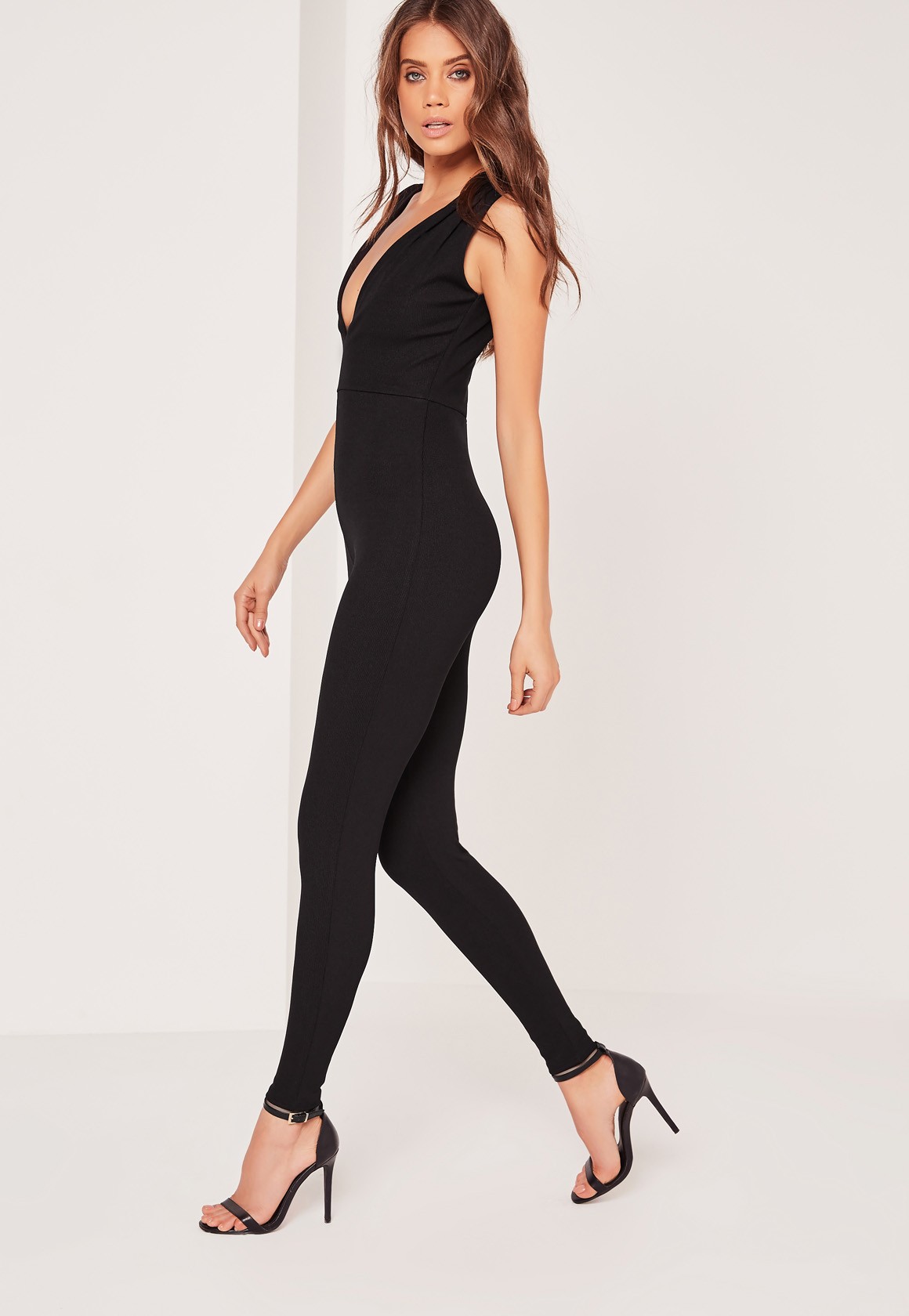
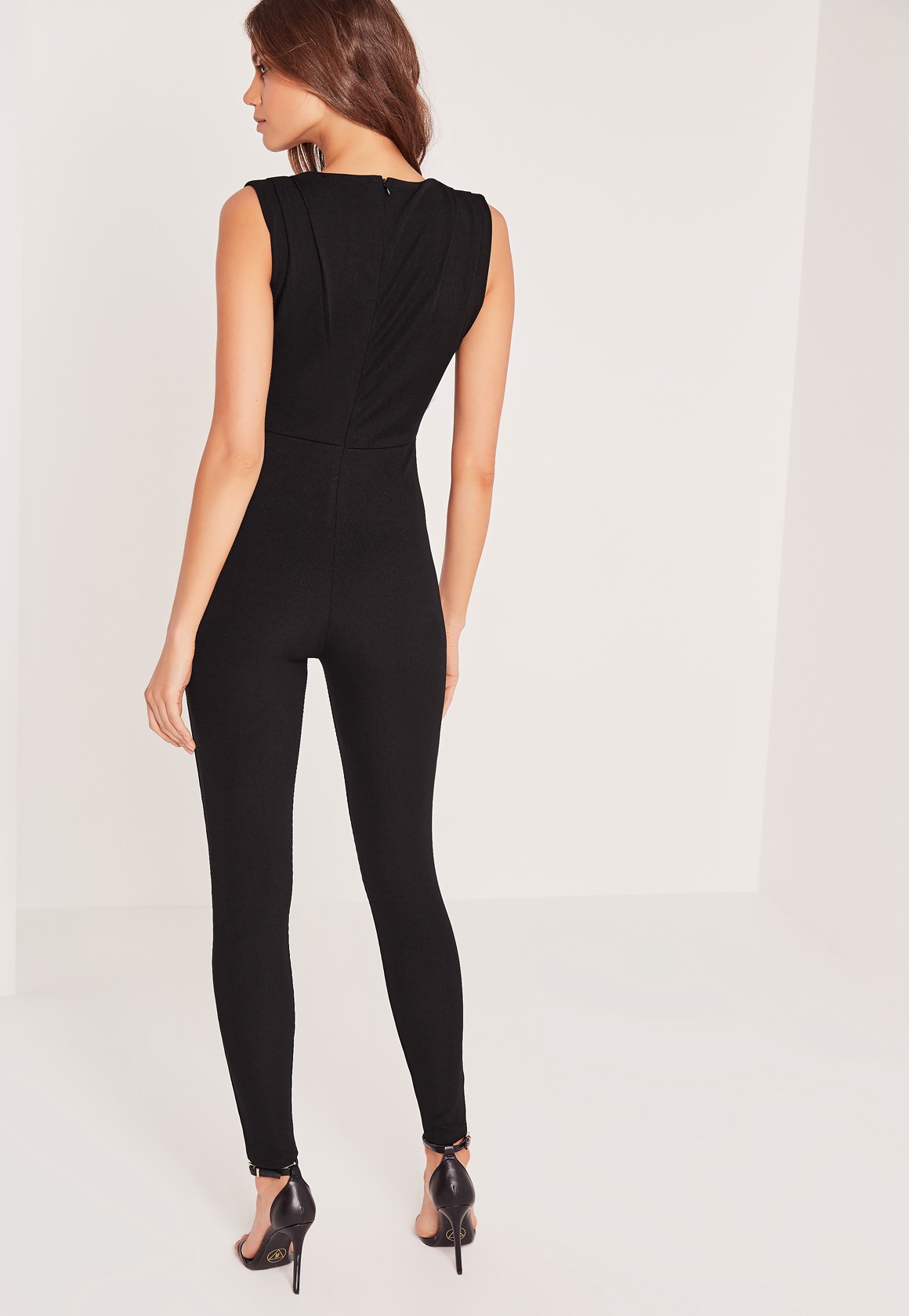
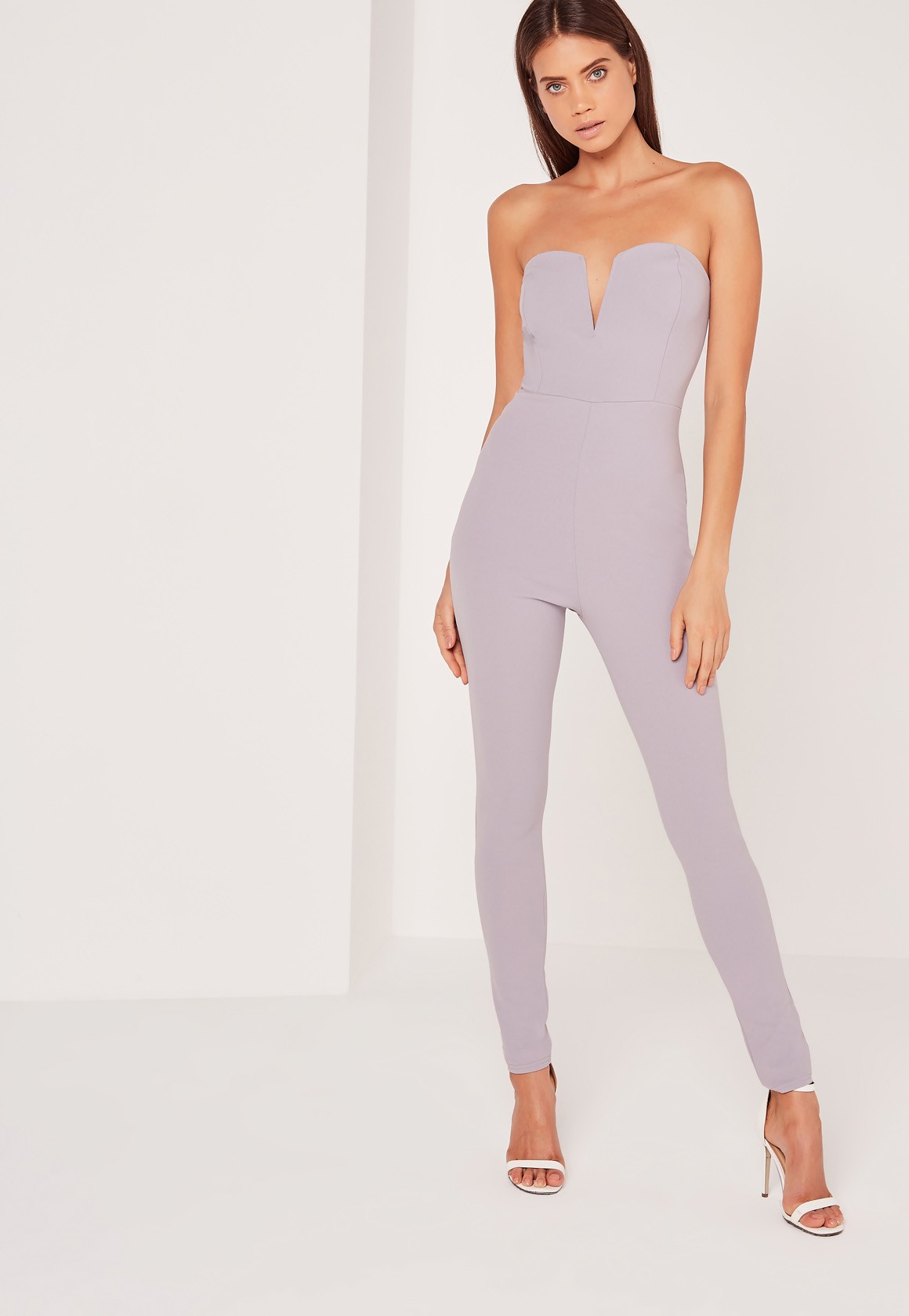
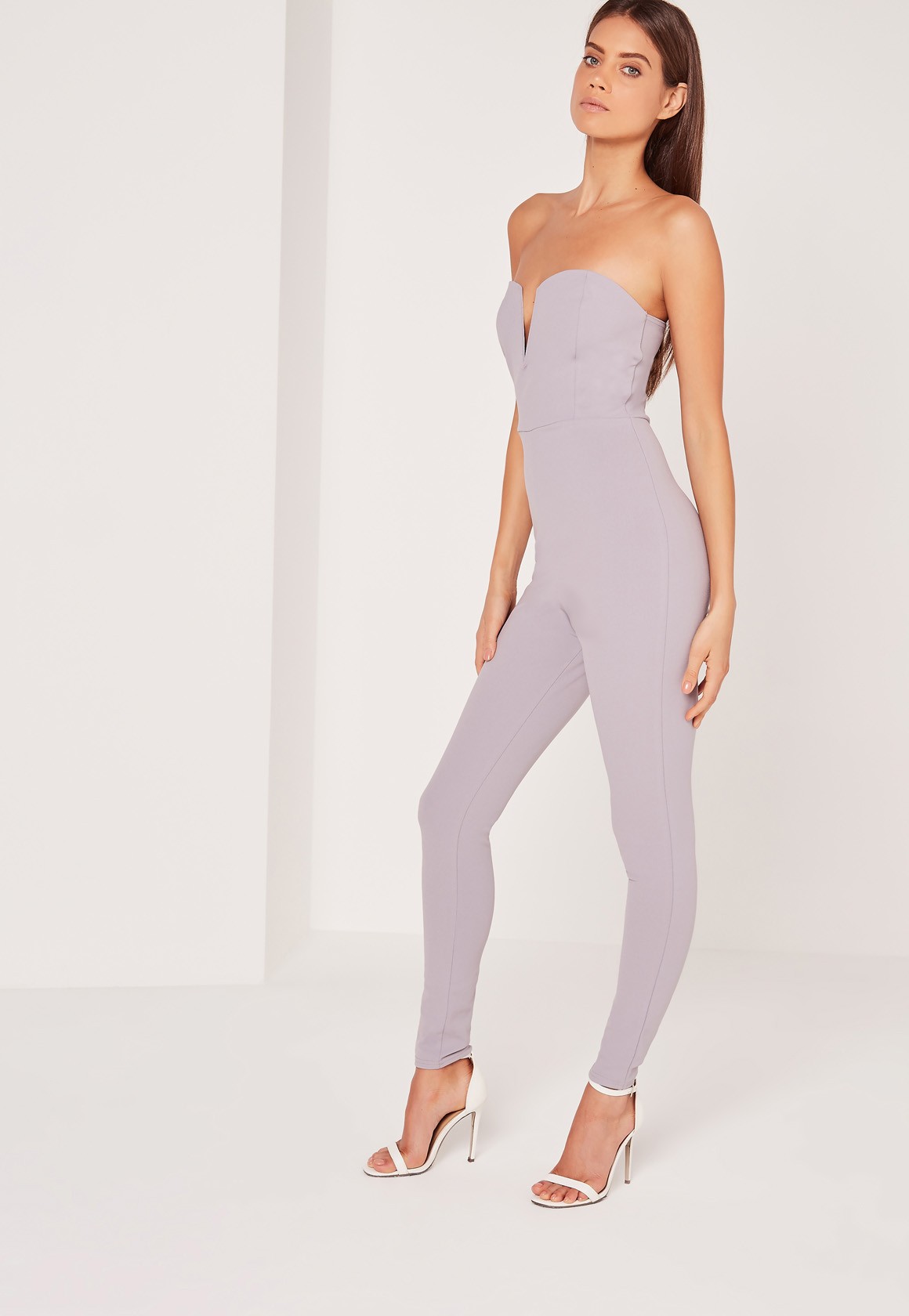
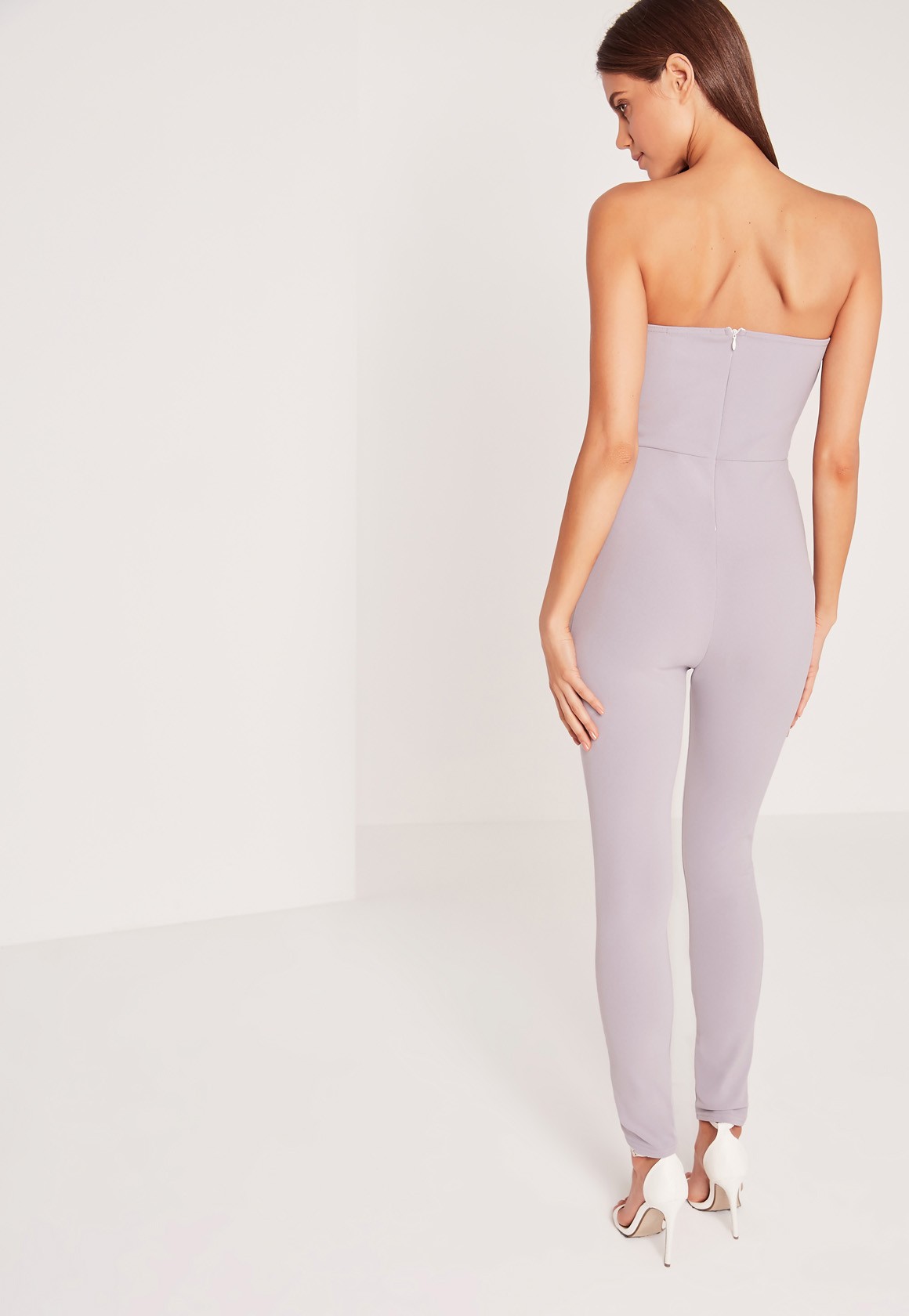
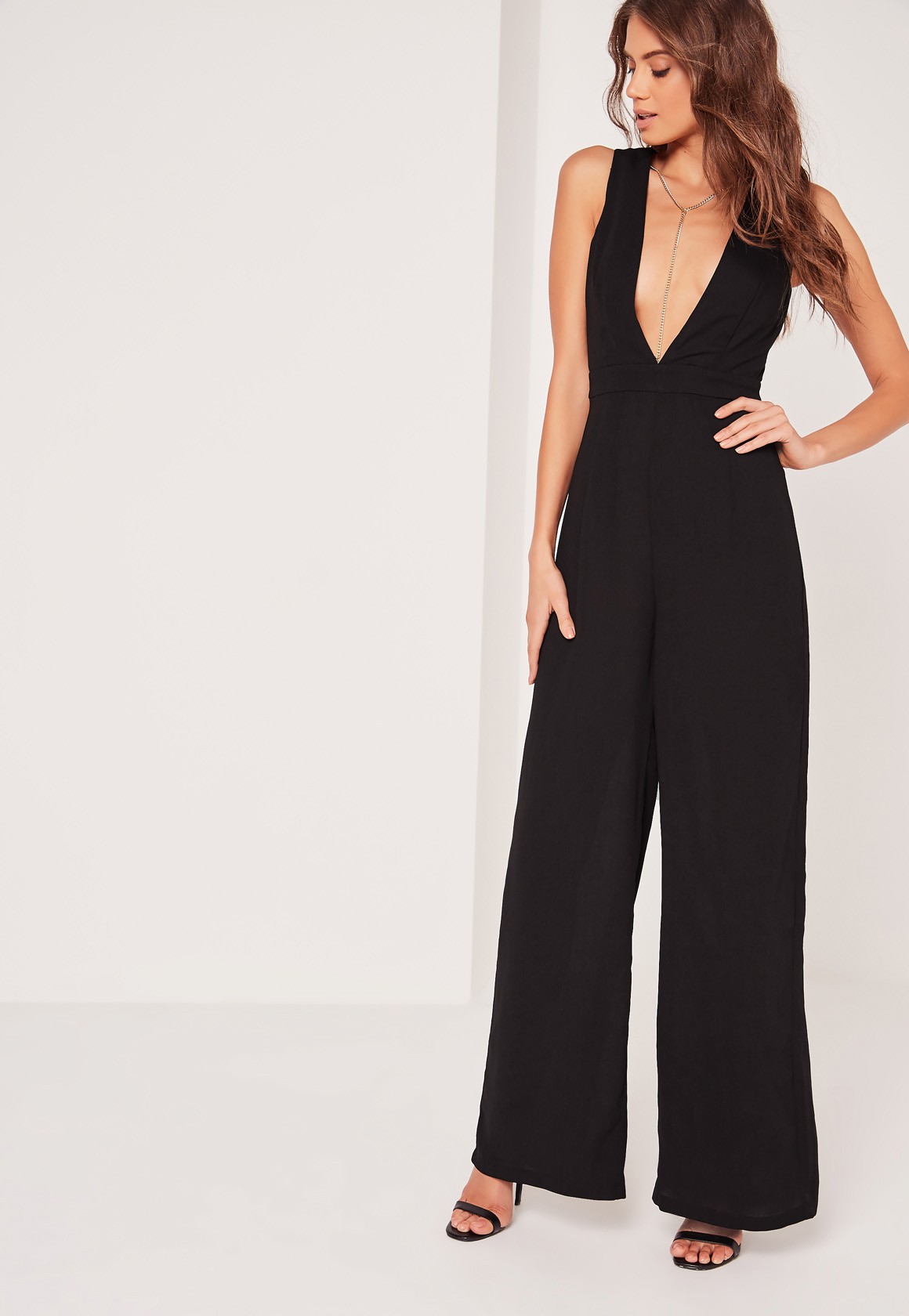
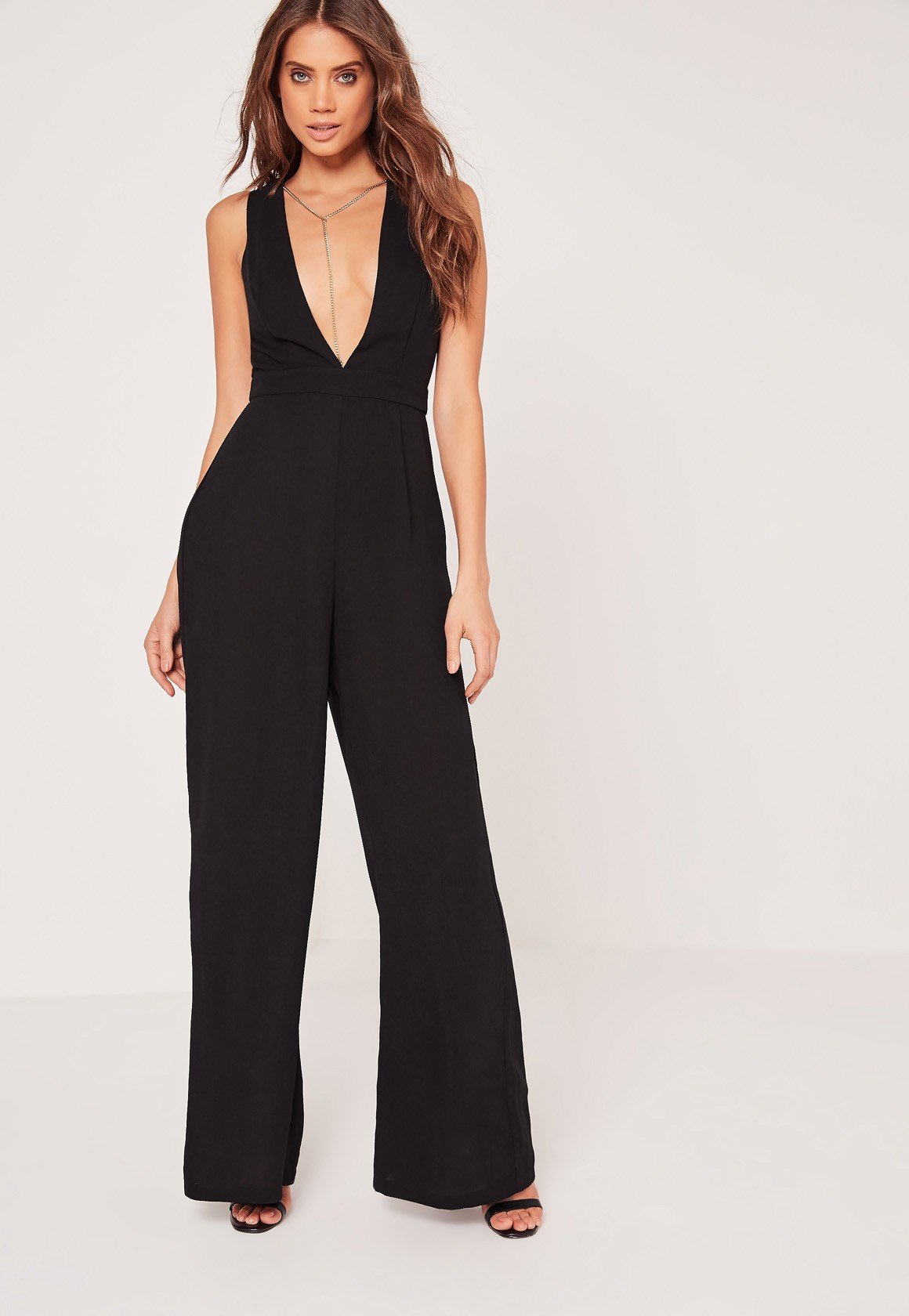
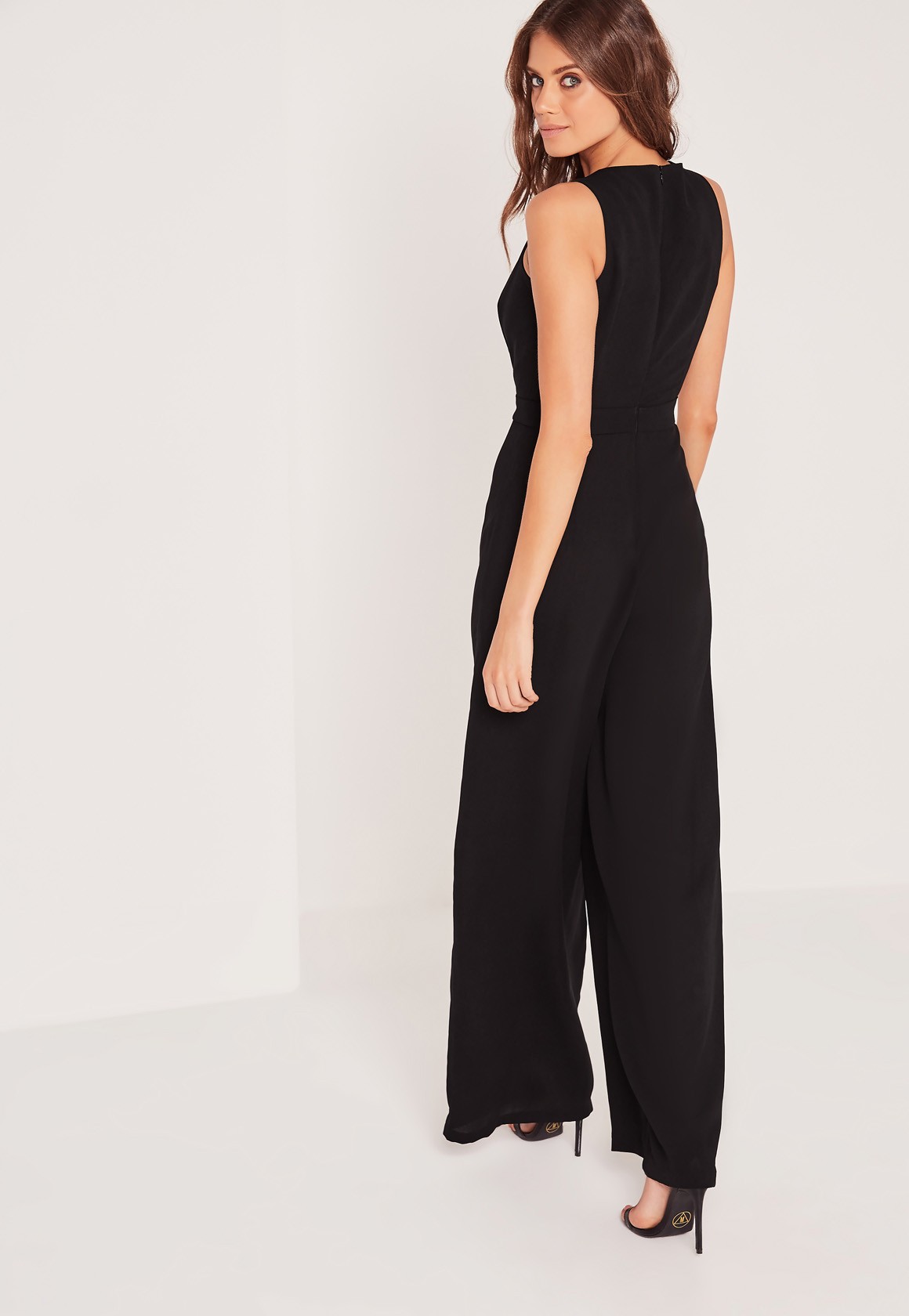
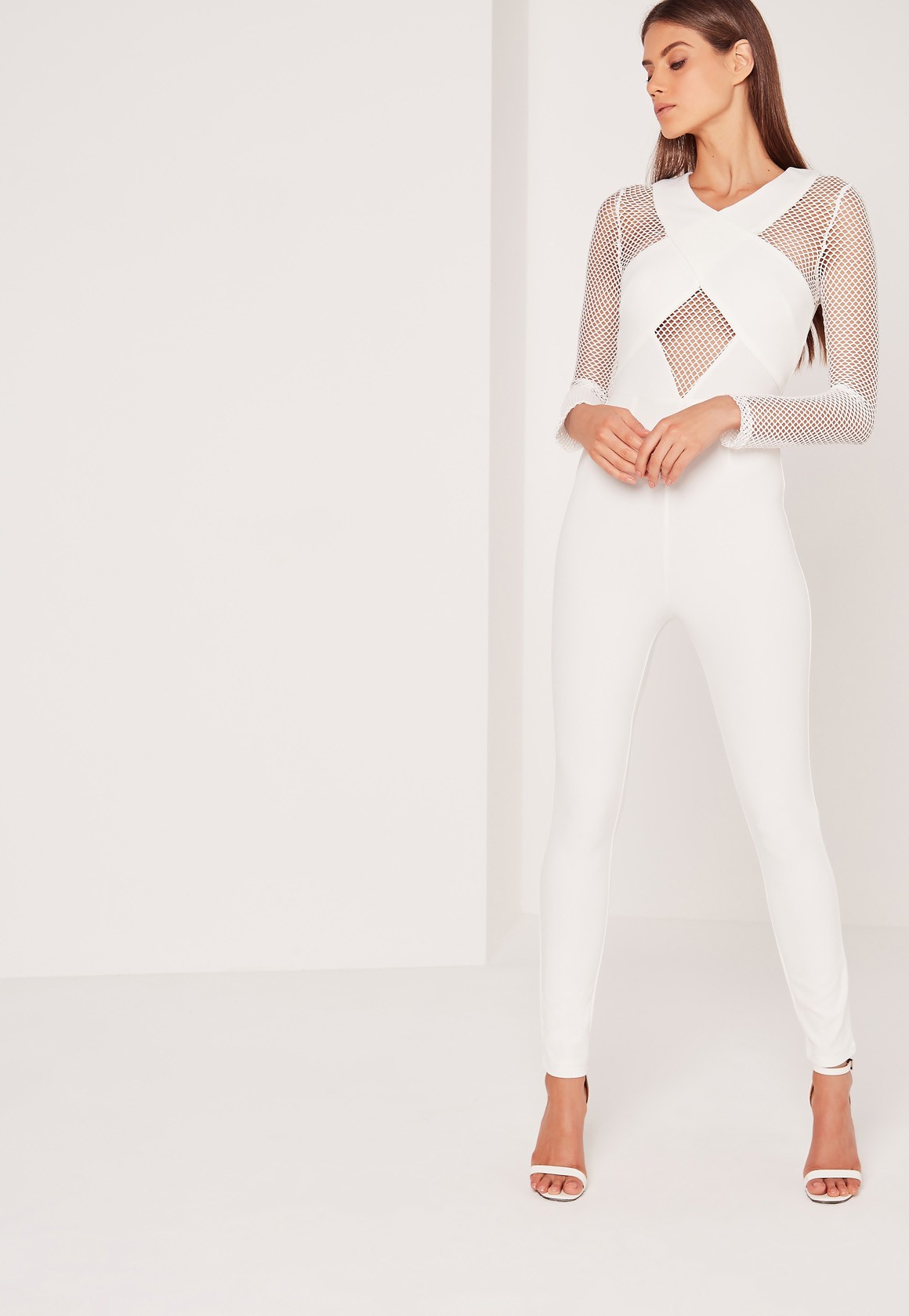
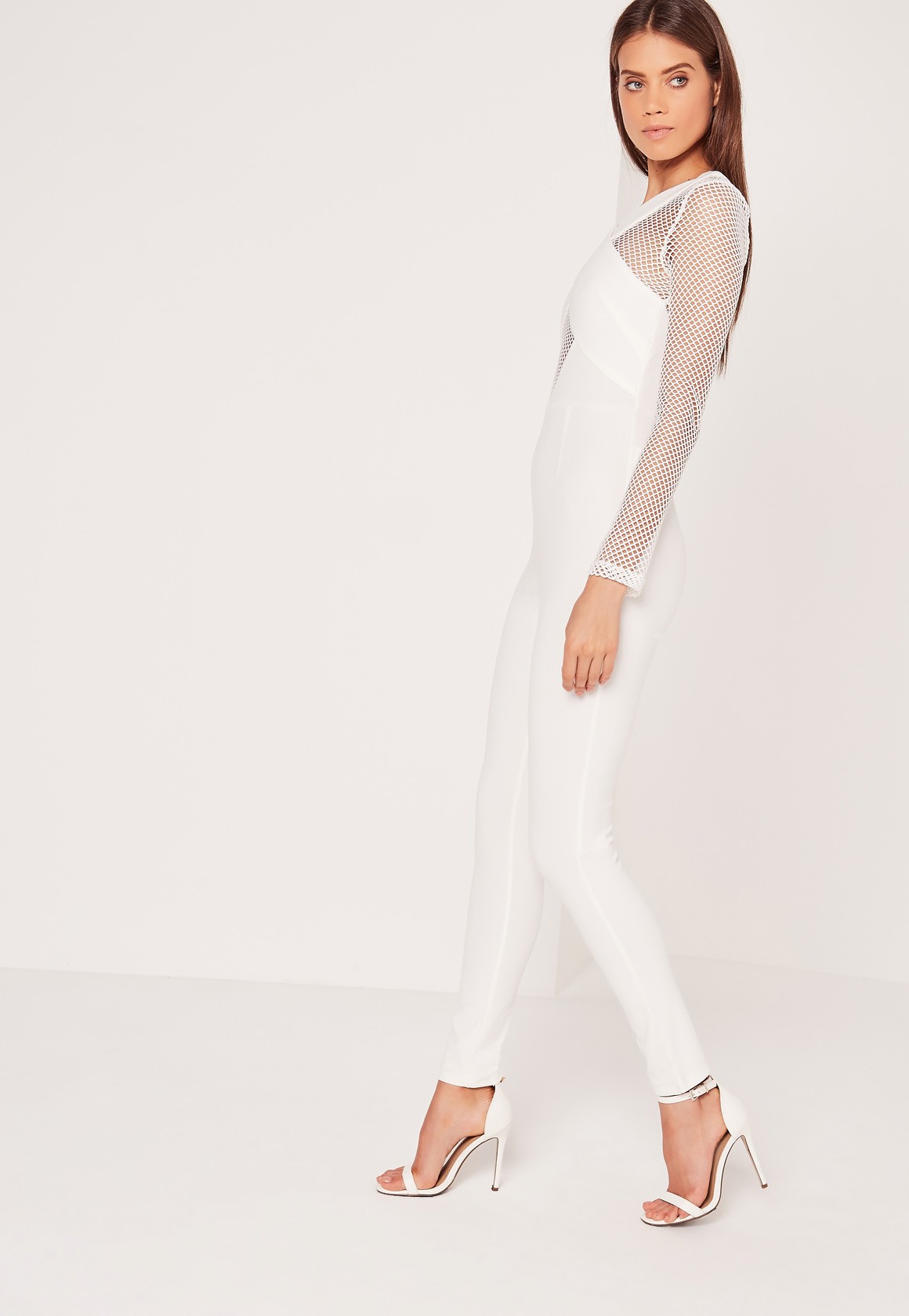
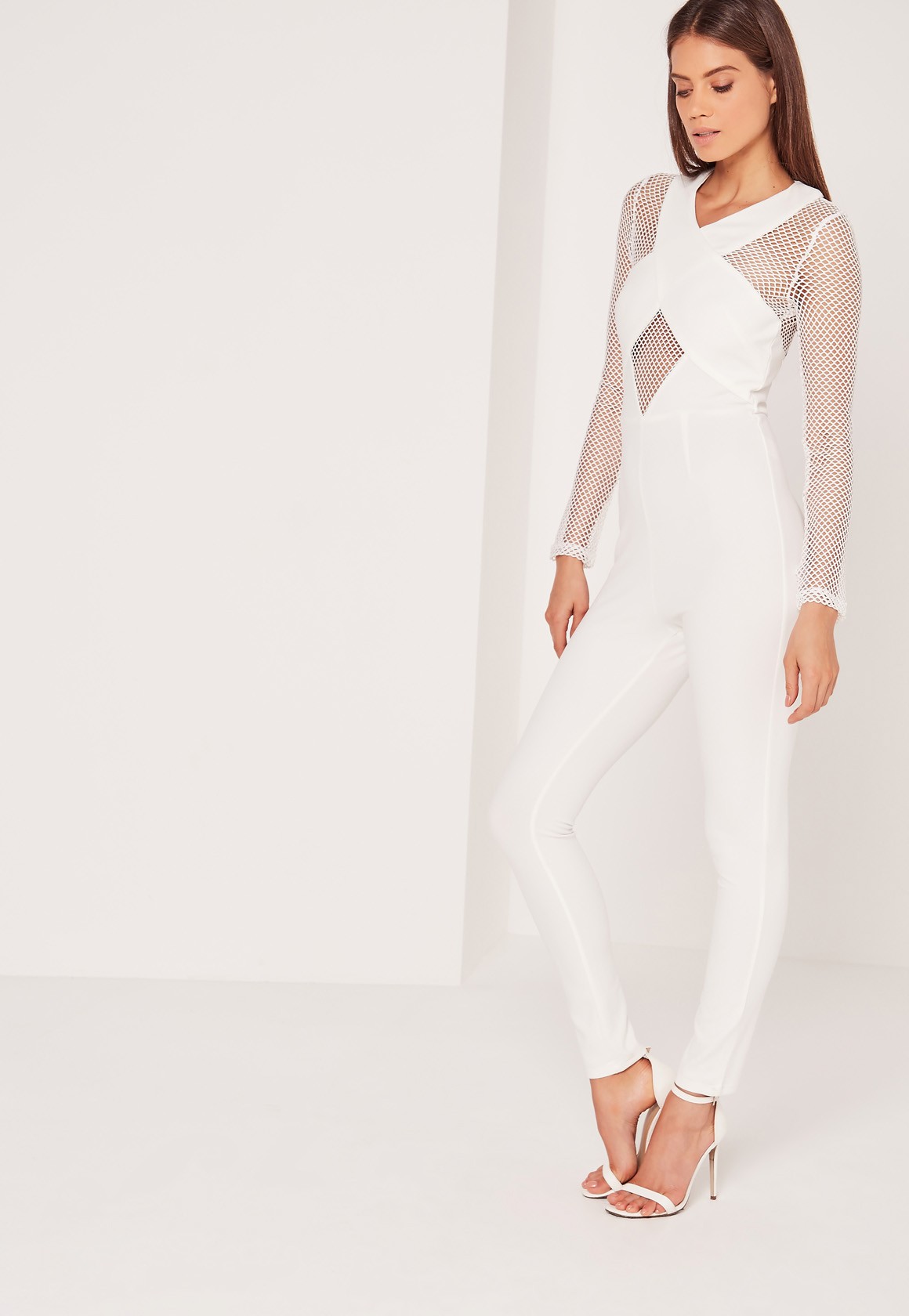
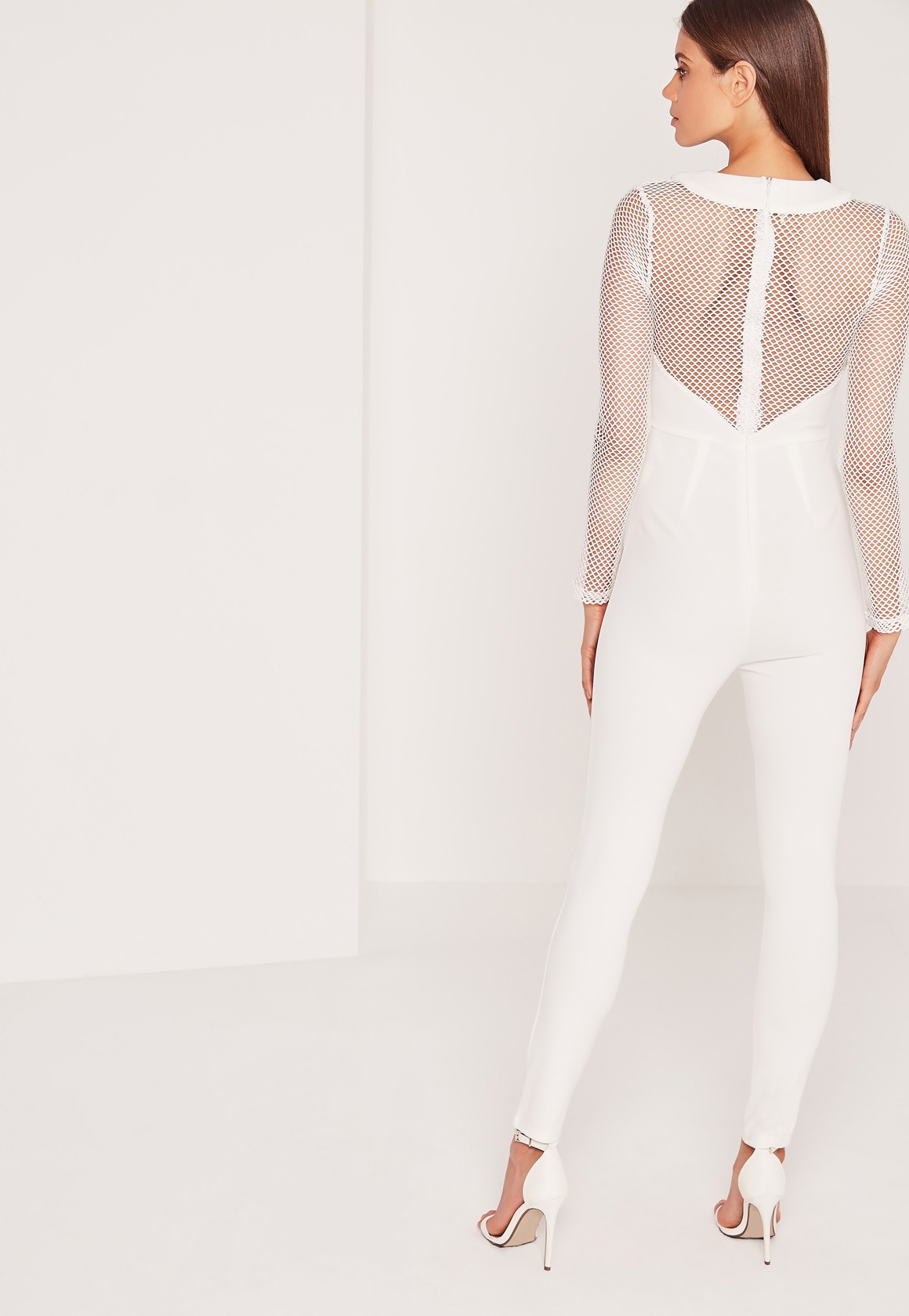
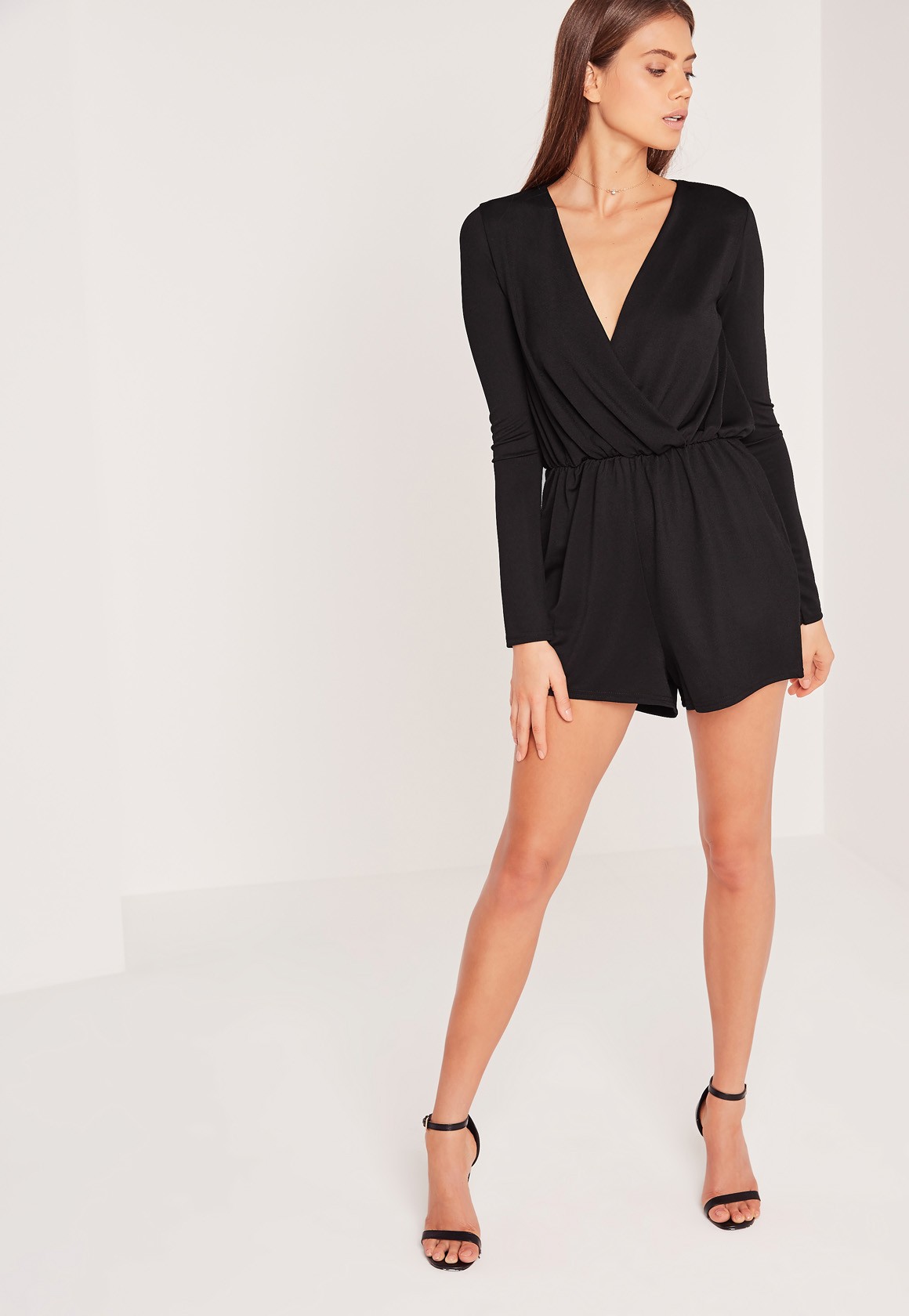
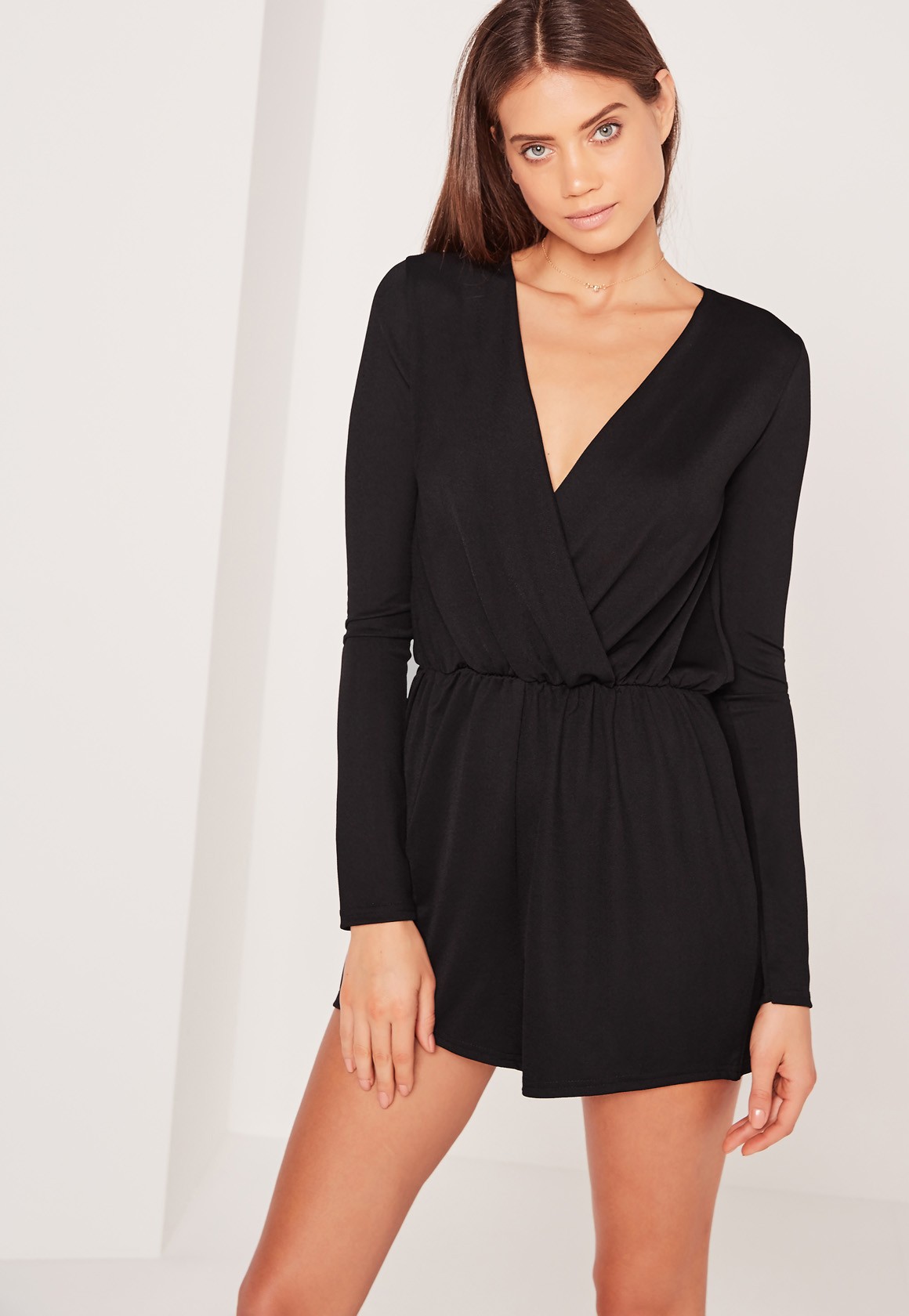
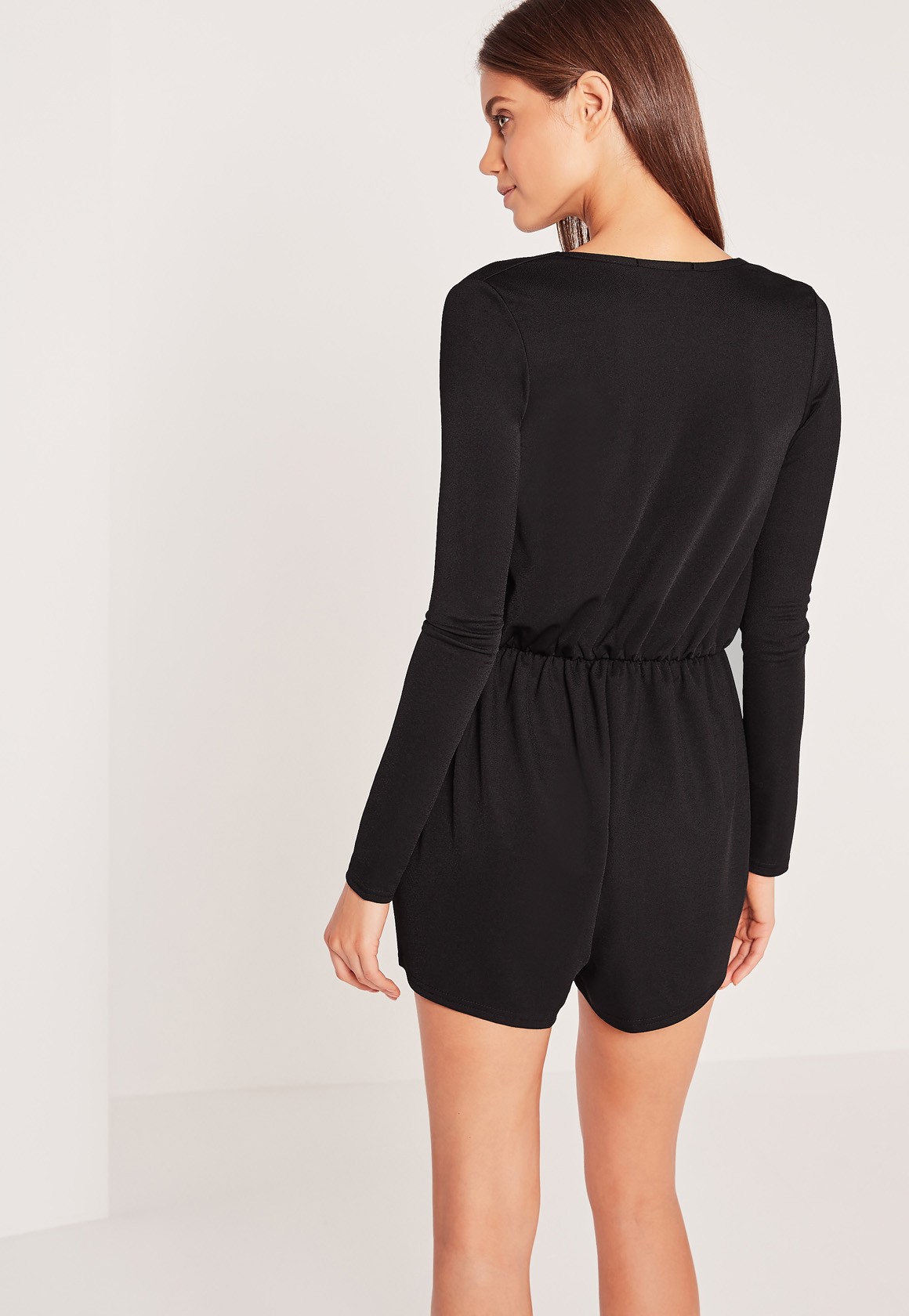
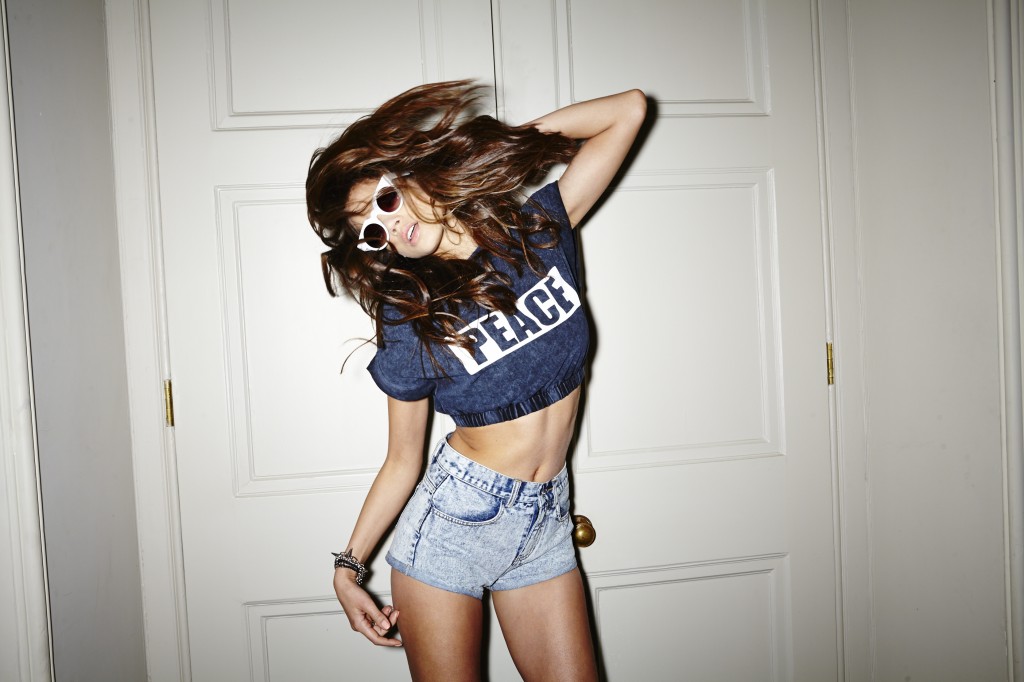
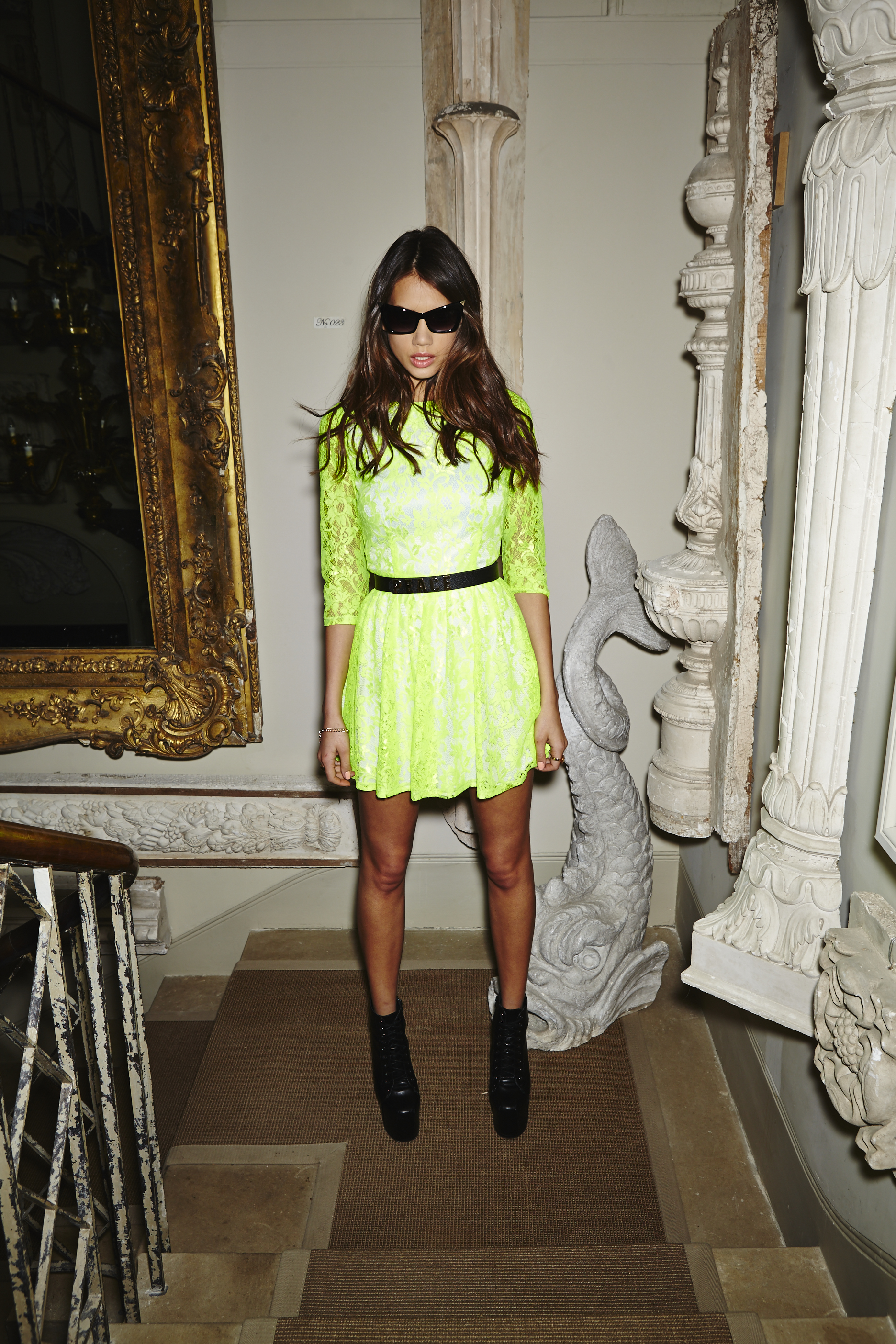
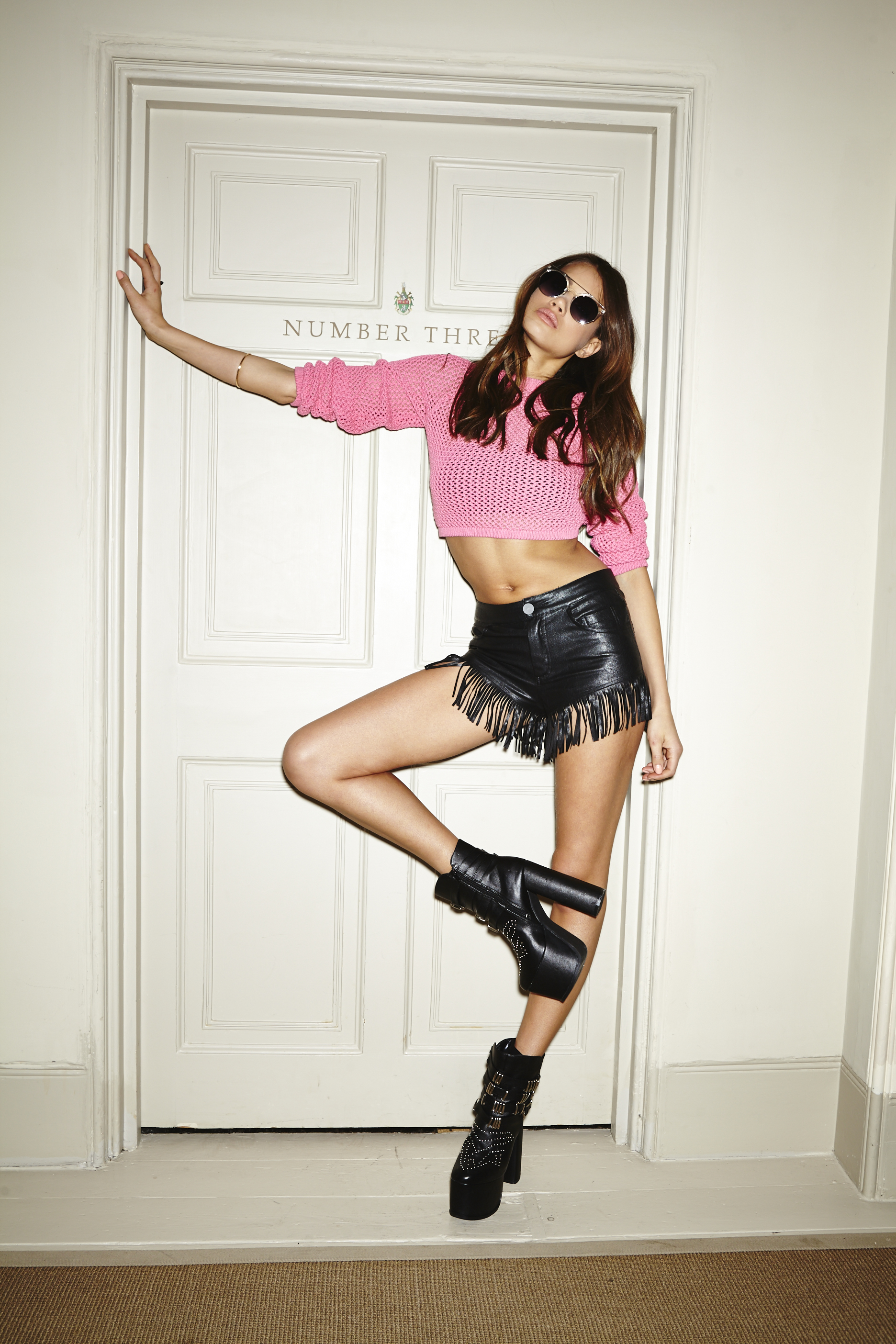
 Missguided Dresses and Jumpsuits 2016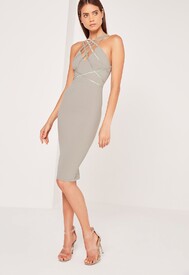
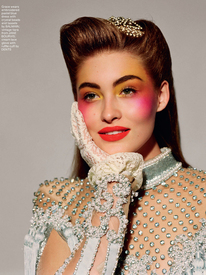
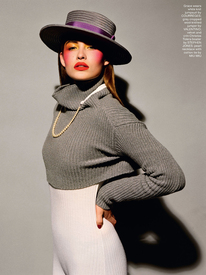
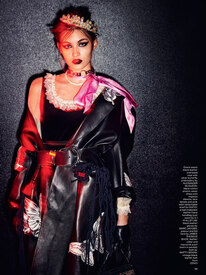
 LOVE N°16 Fall / Winter 2016 PH: Alasdair McLellan Styling: Katie Grand NextManagementNY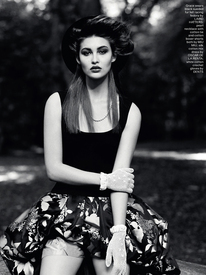
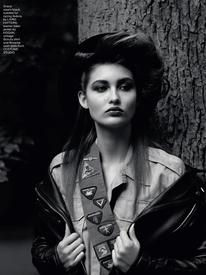
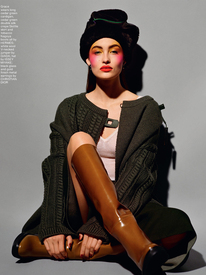
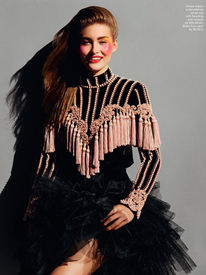
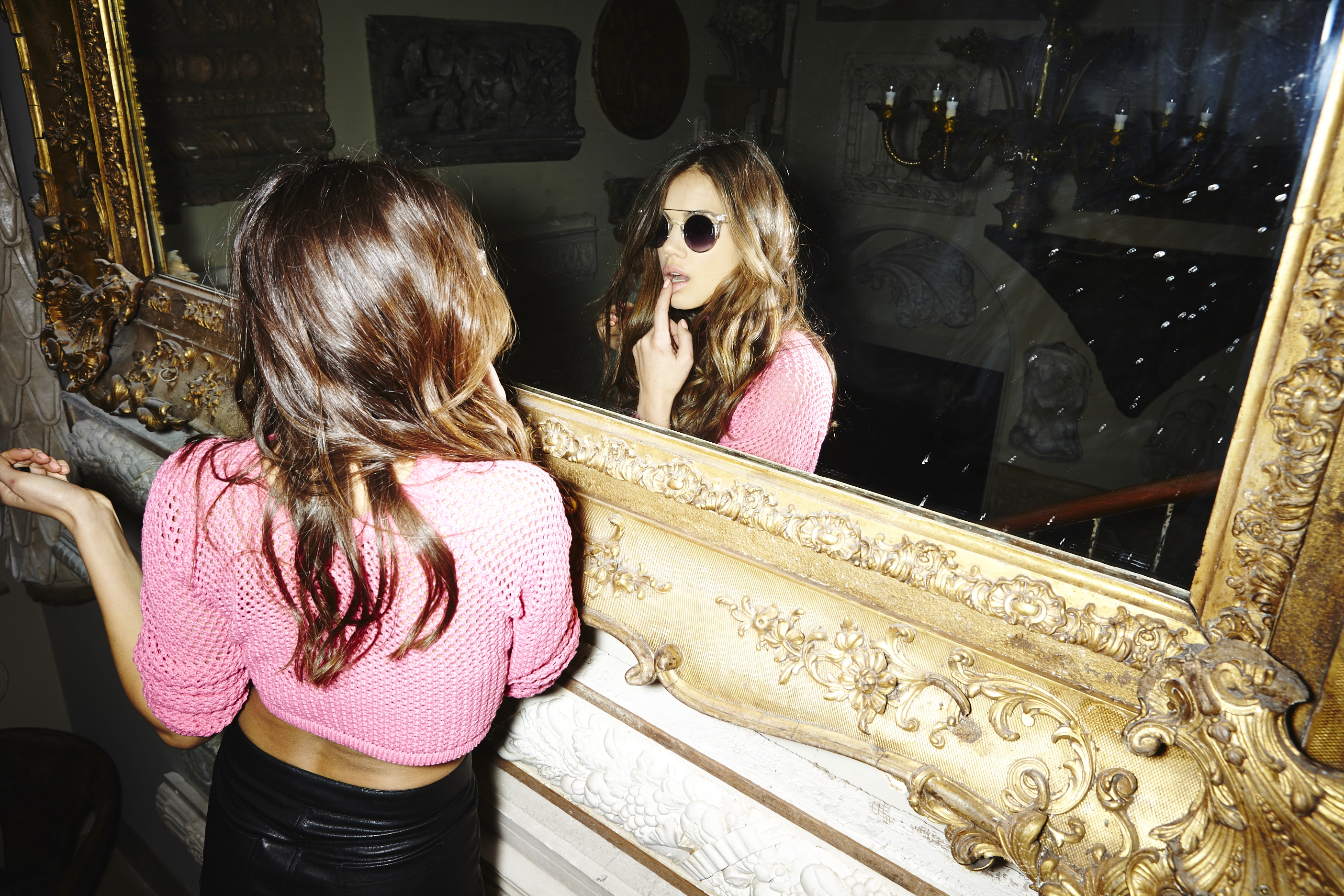
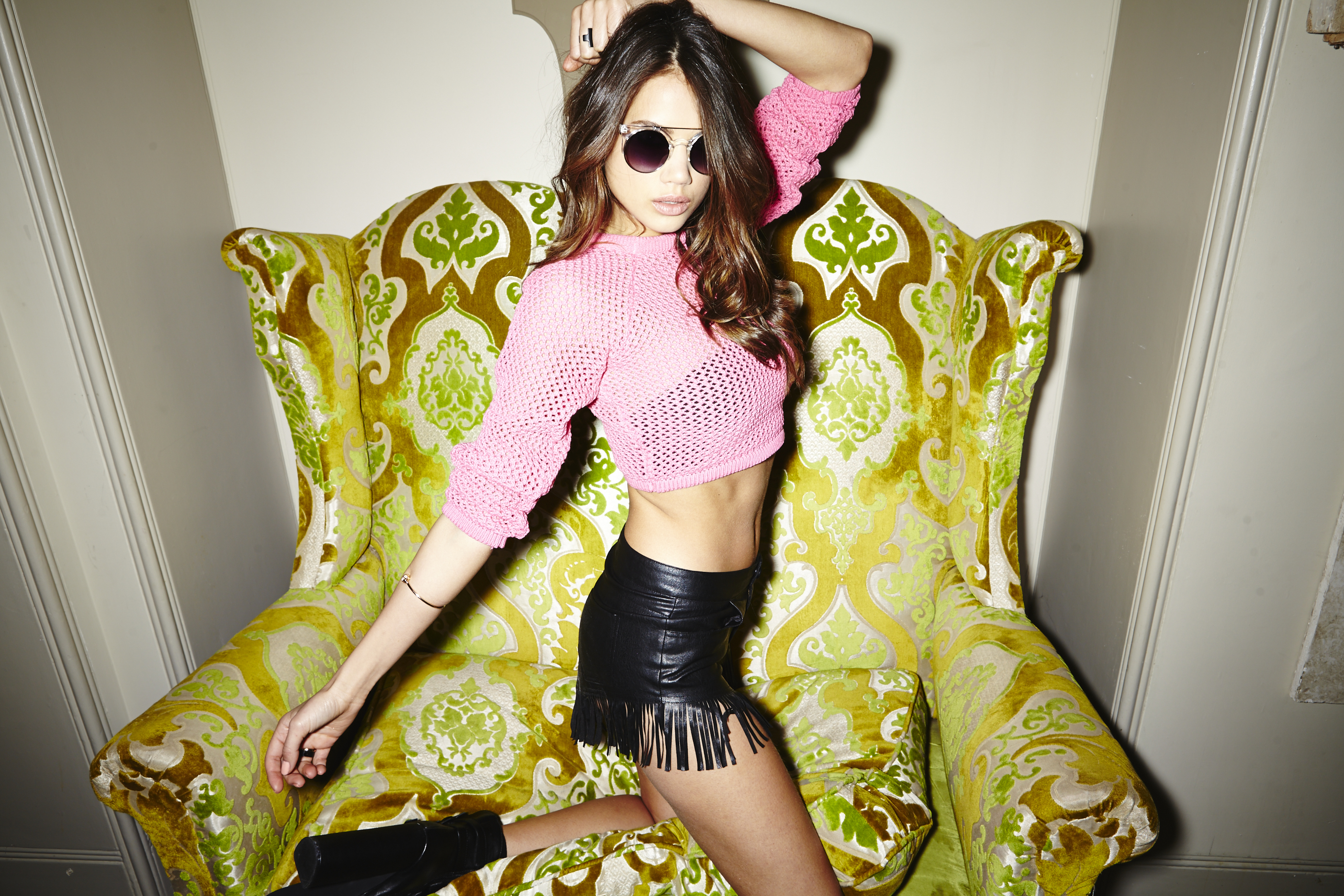
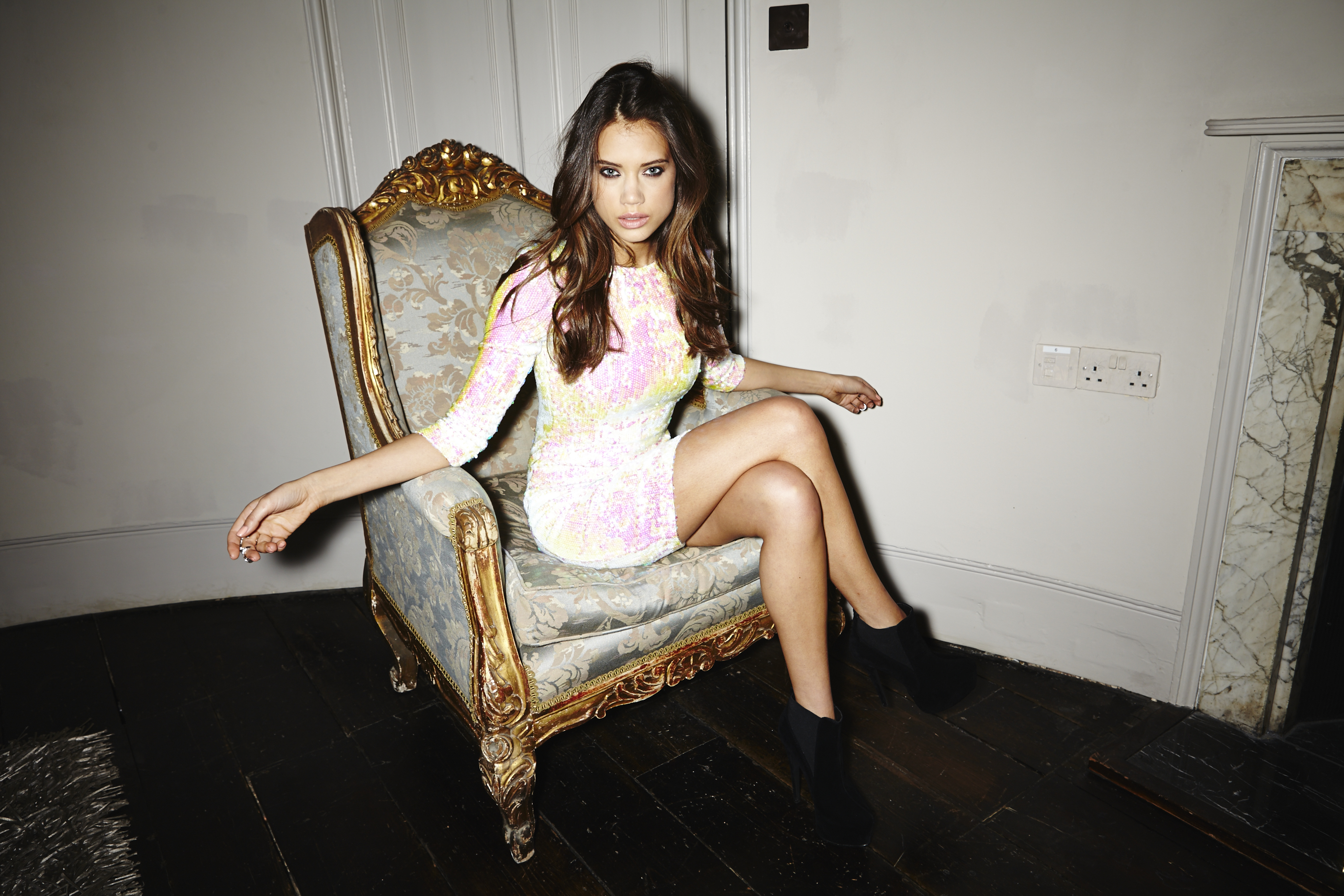
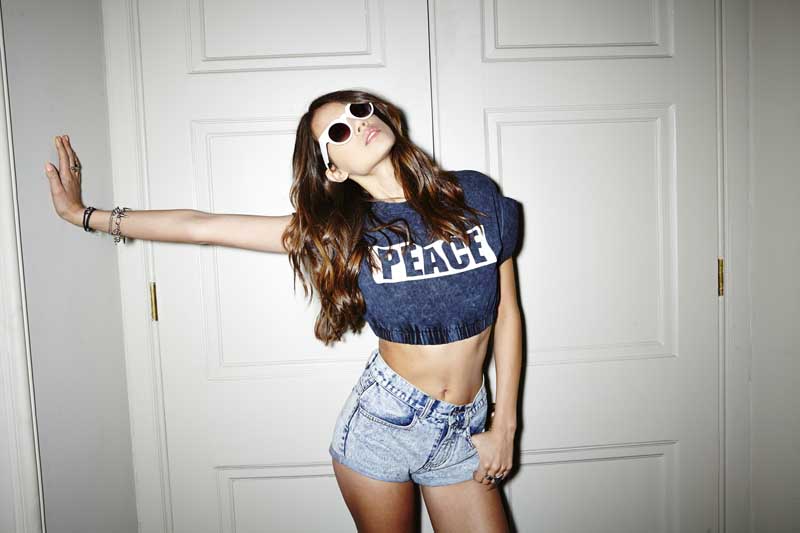
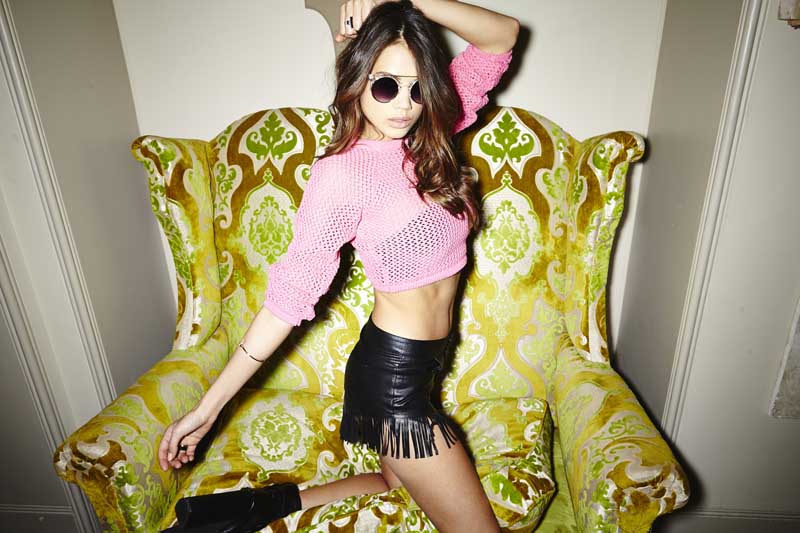
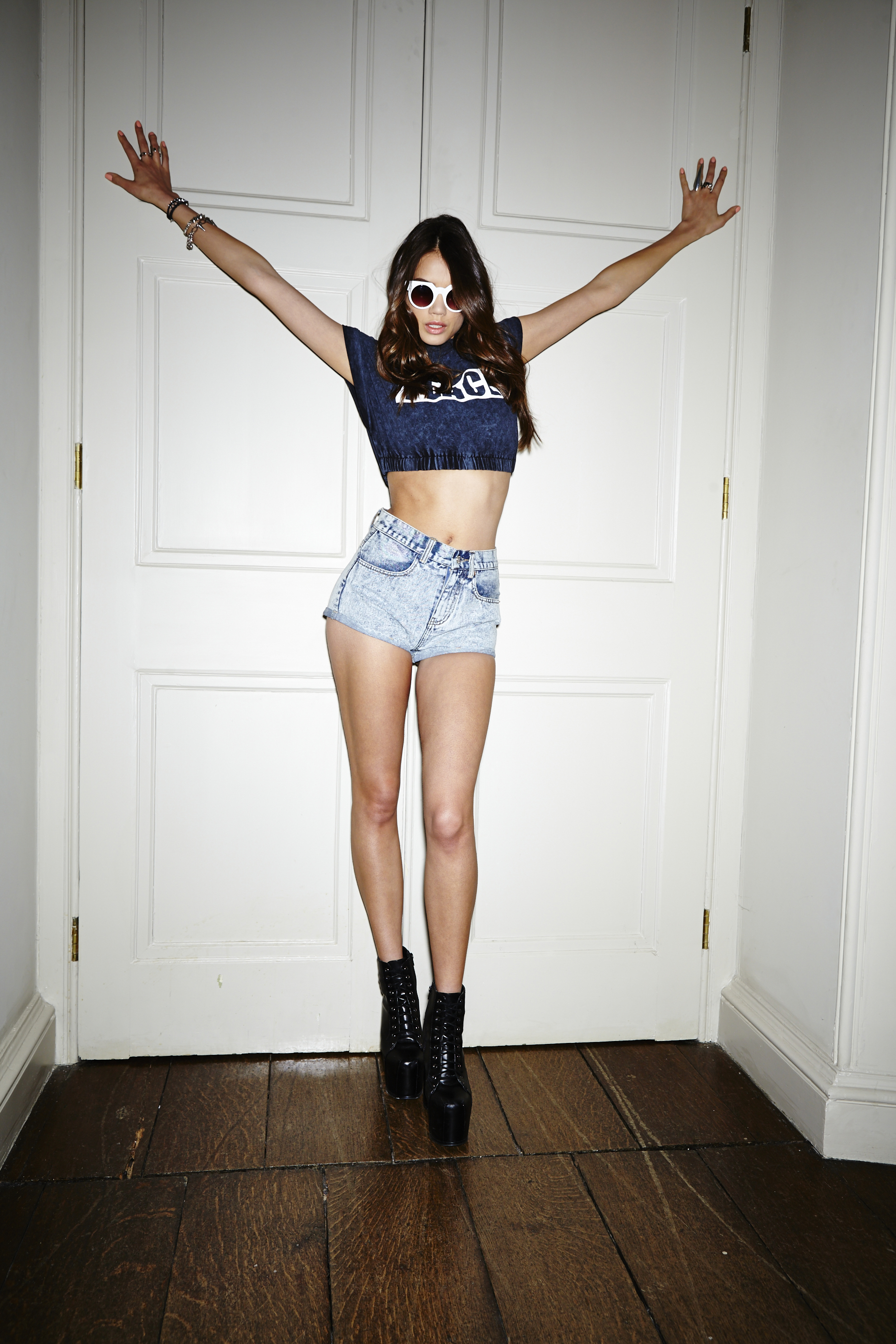
 Missguided Spring 2013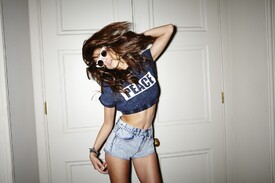
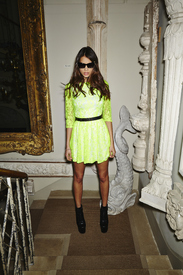
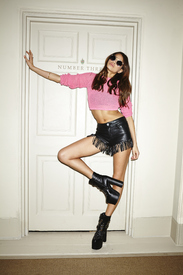
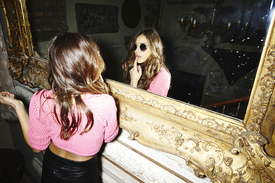
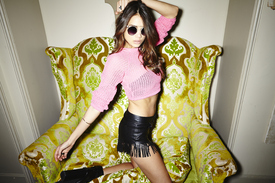
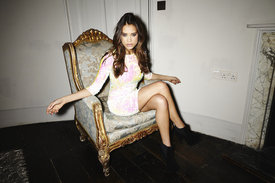

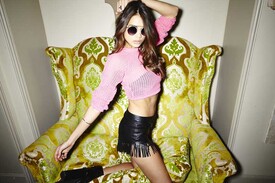
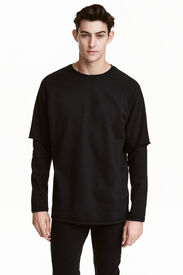
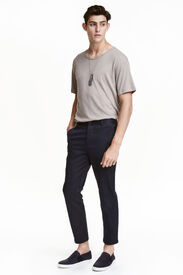
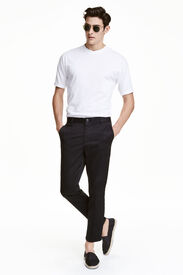
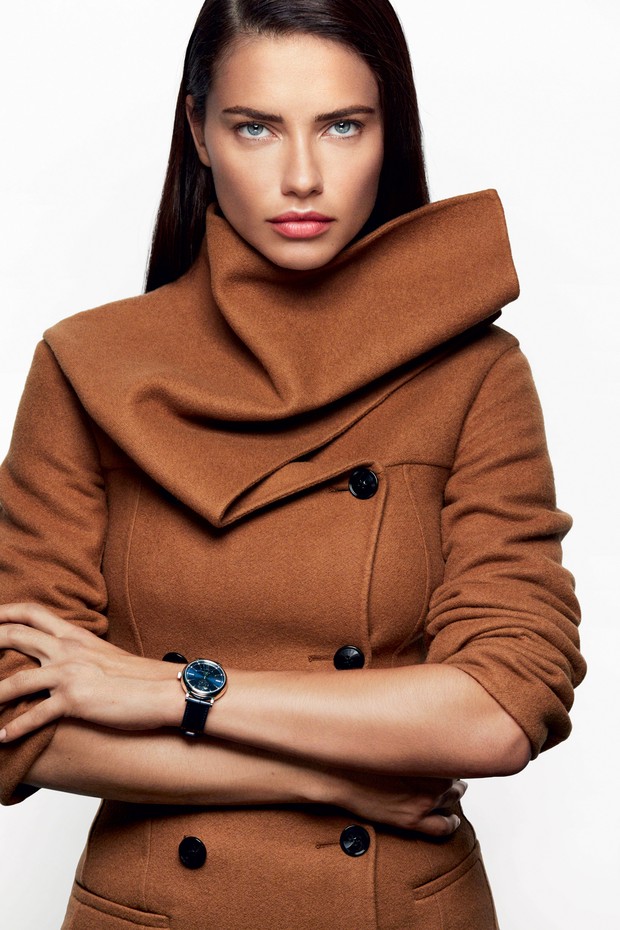
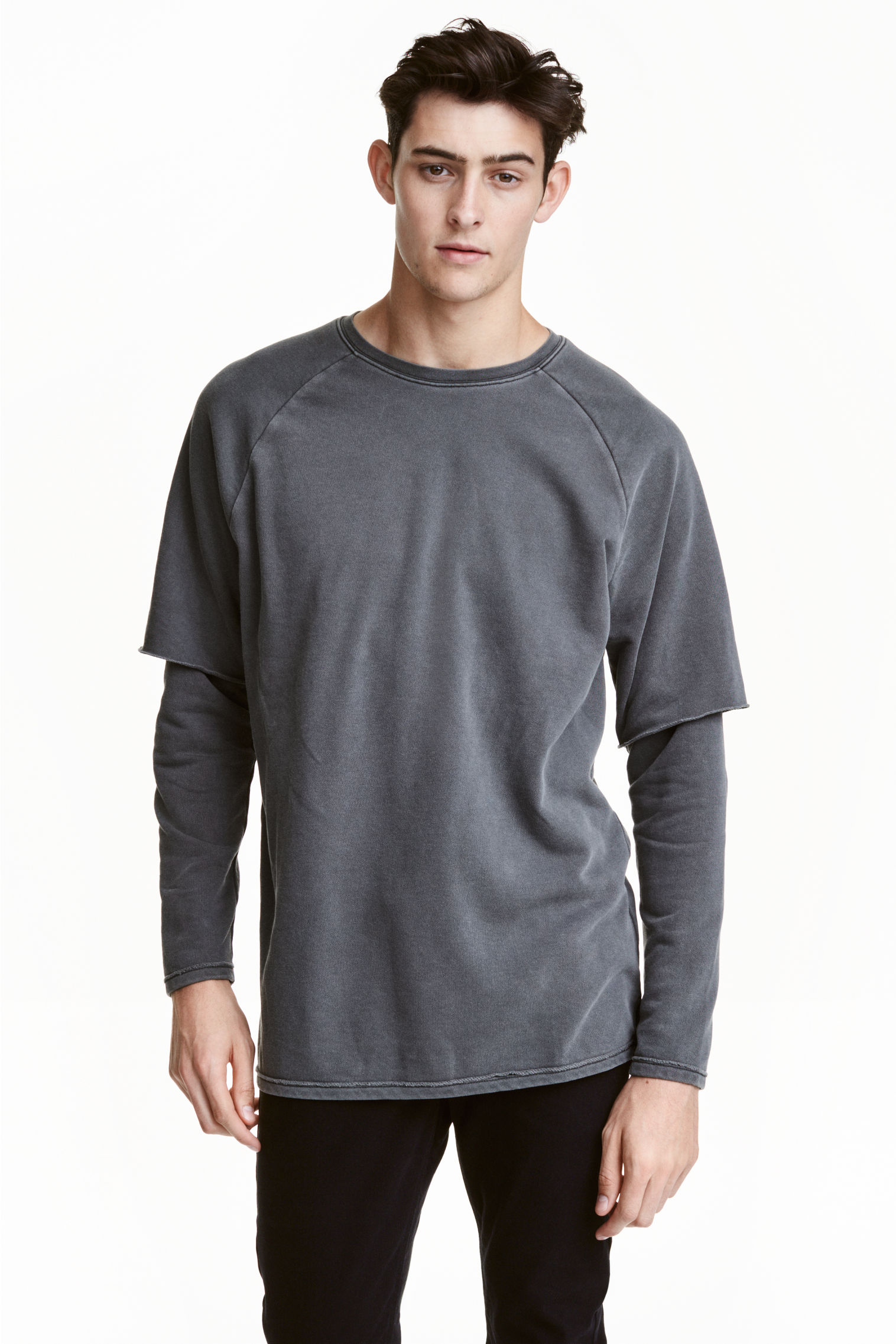
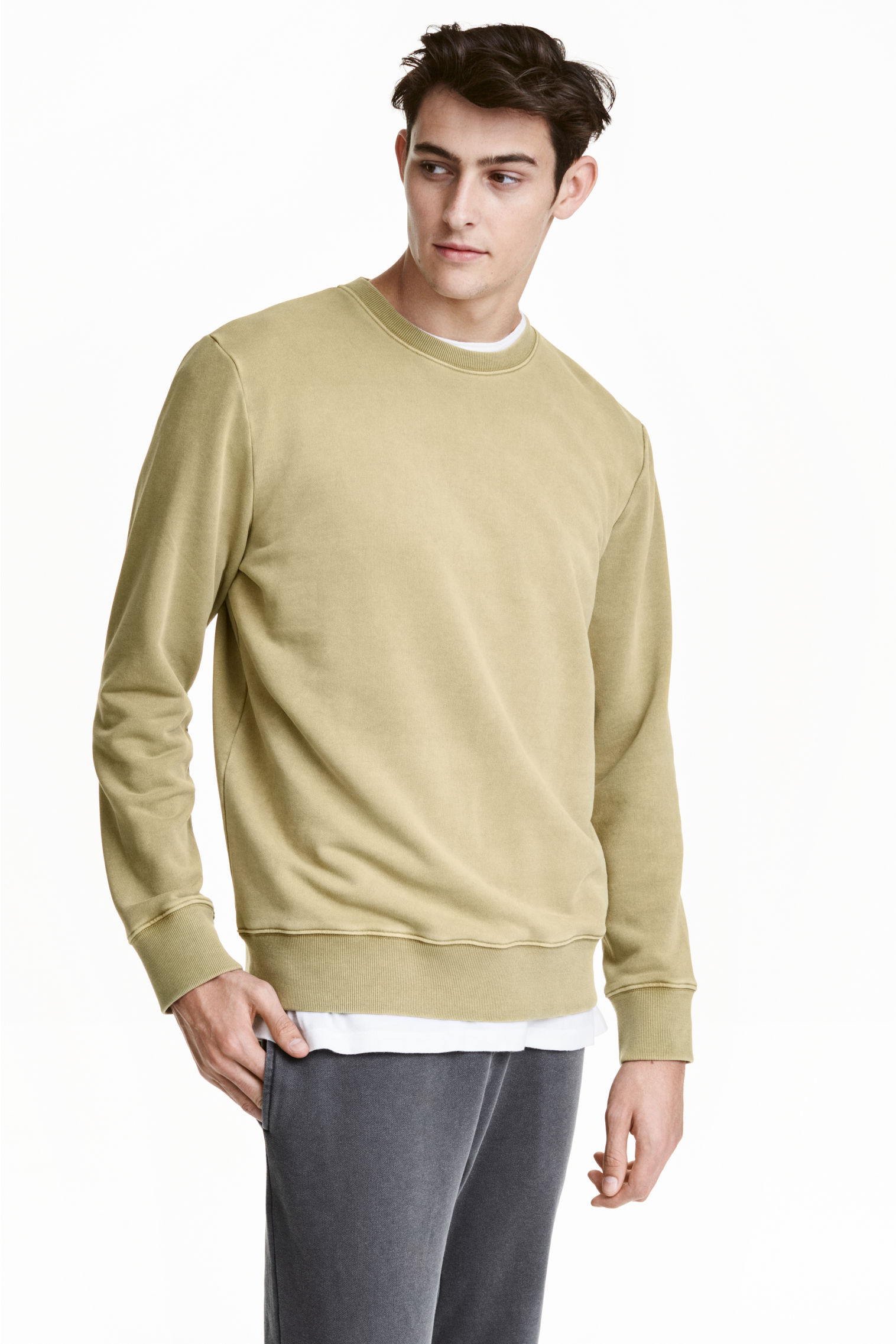
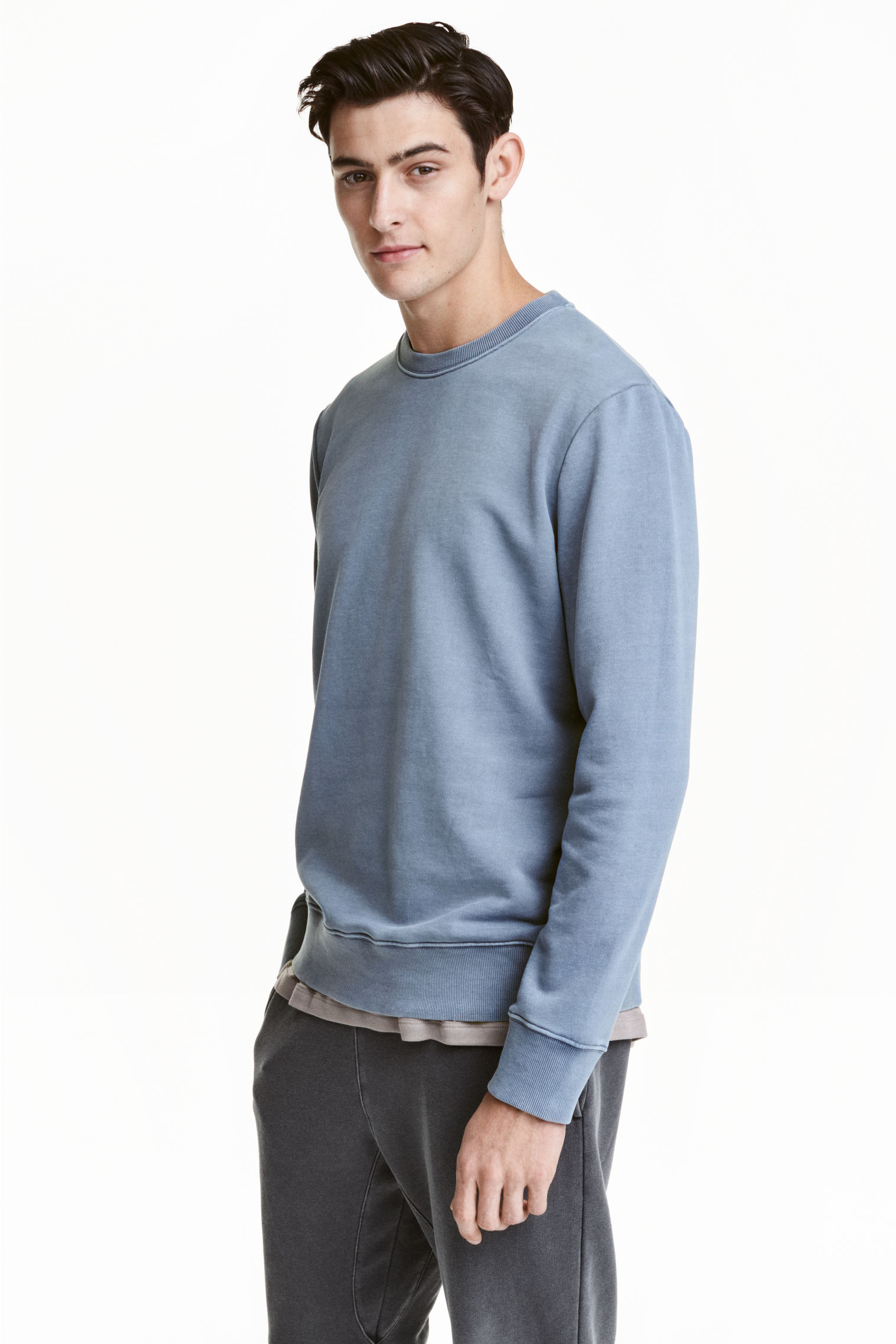
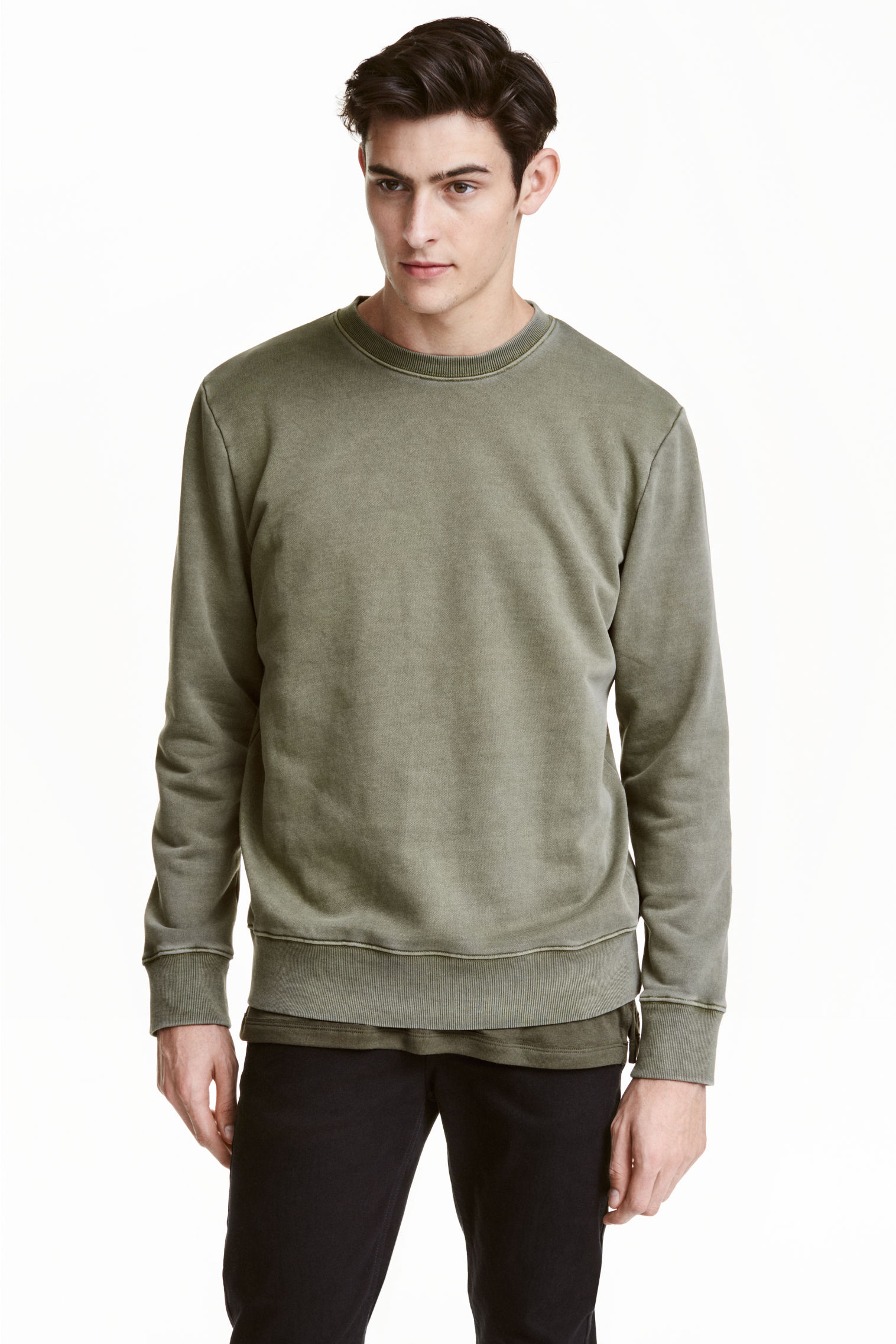
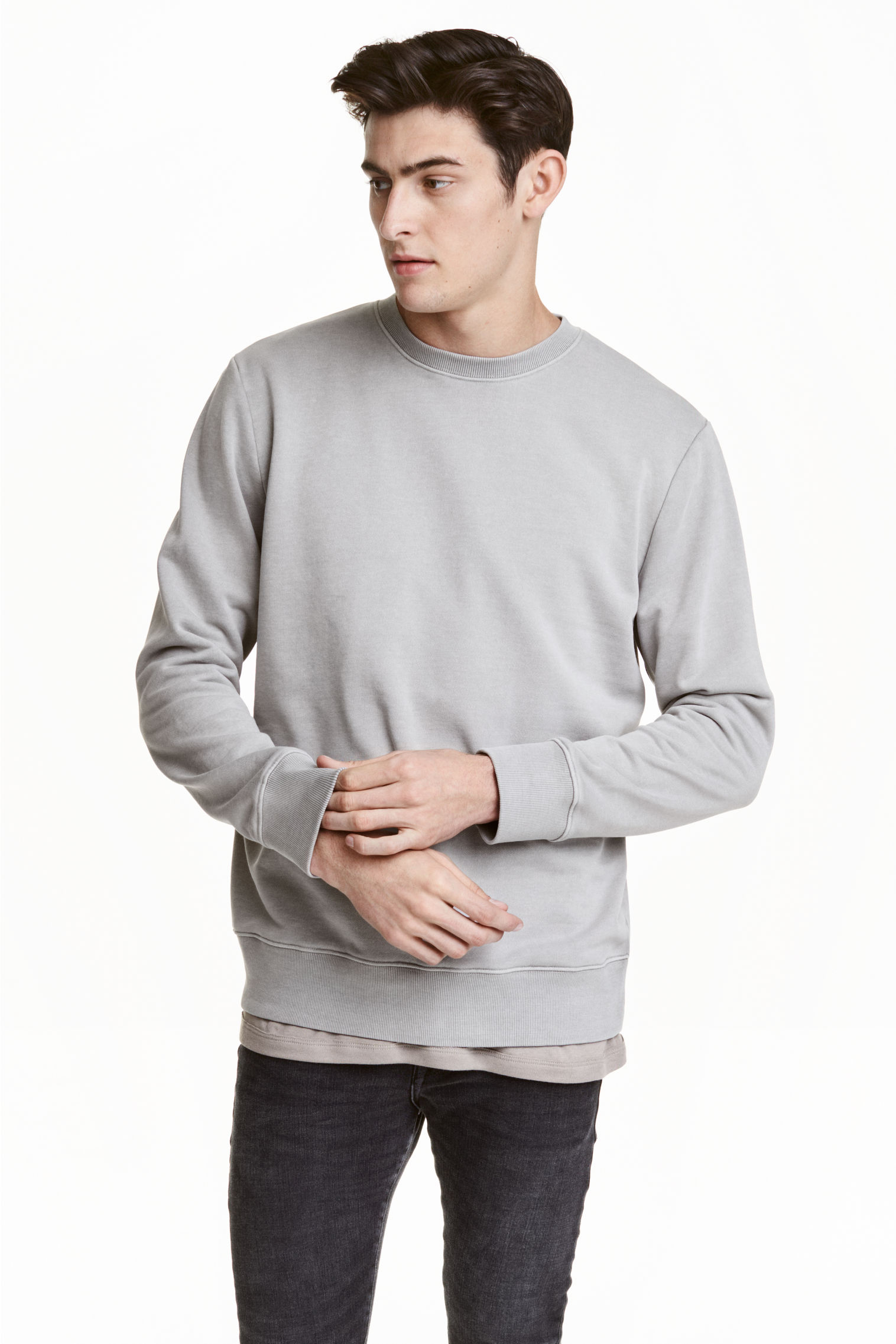
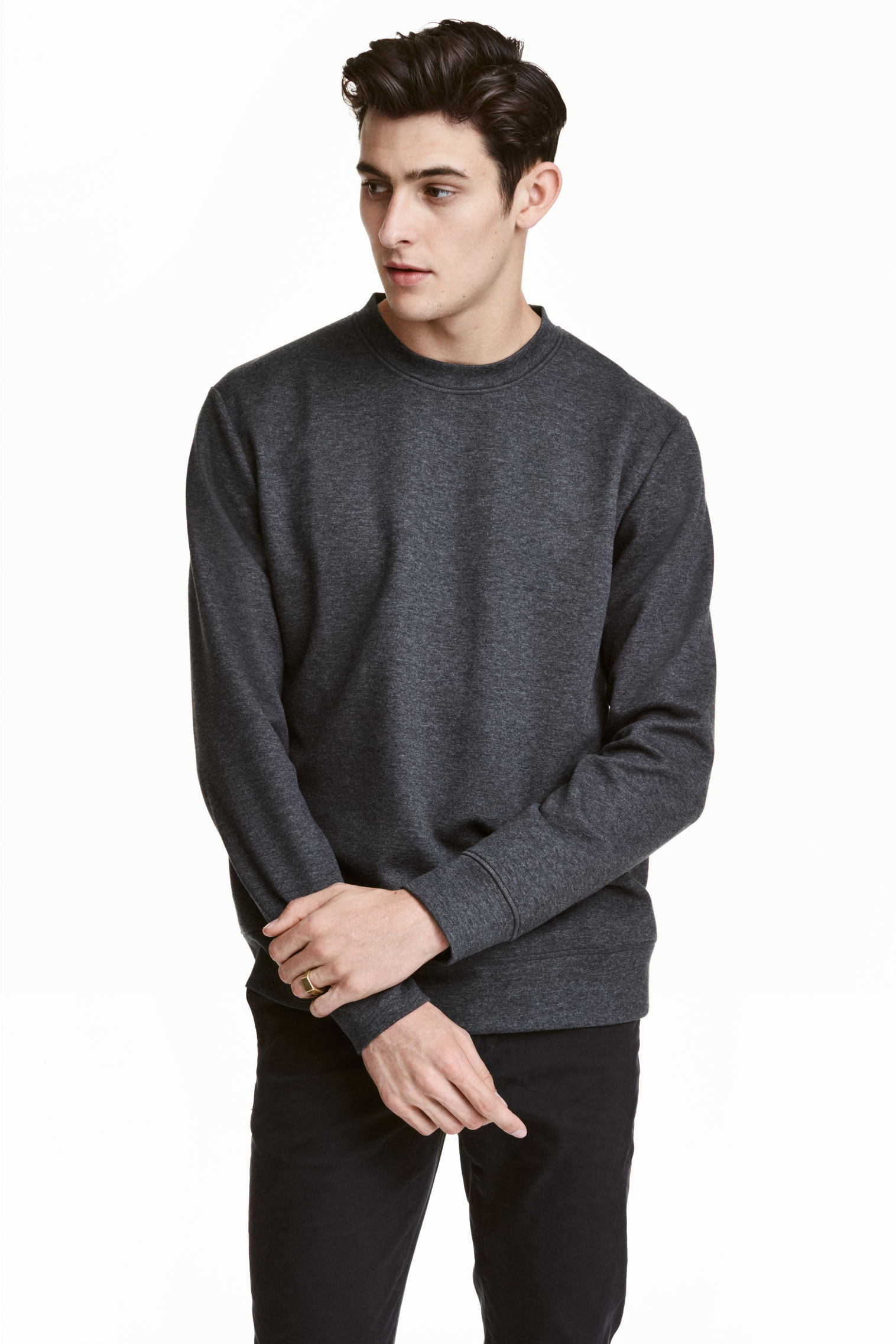
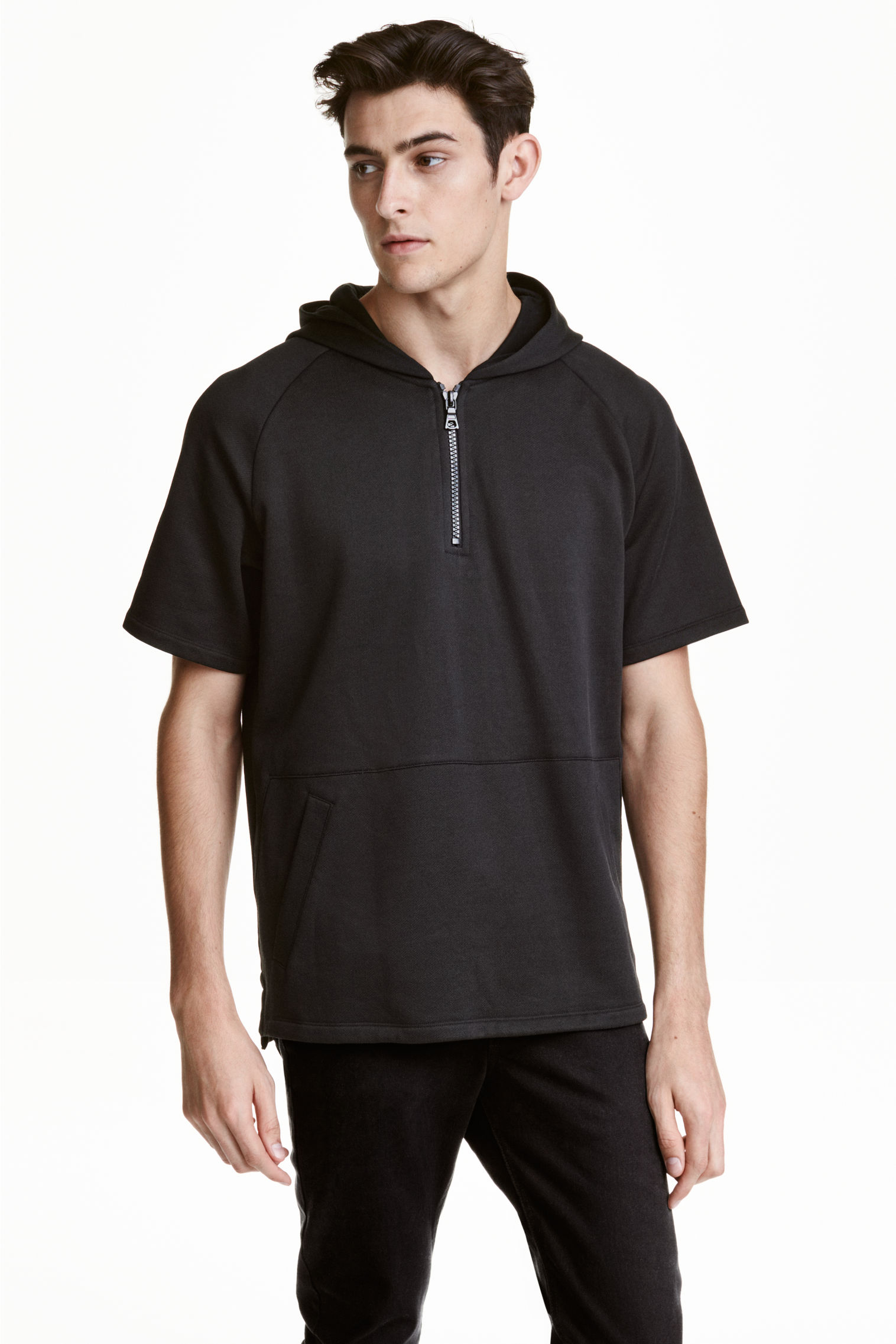
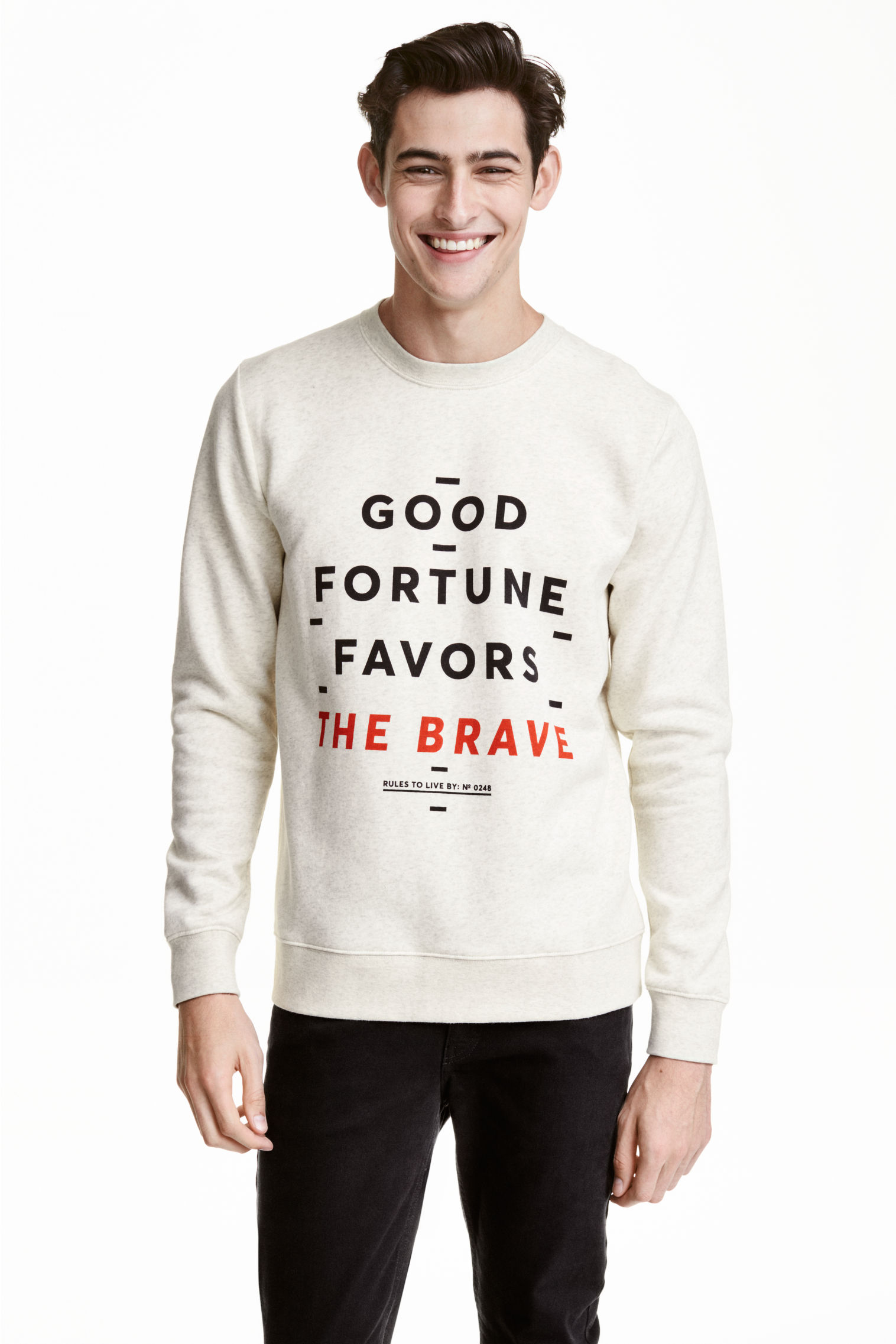
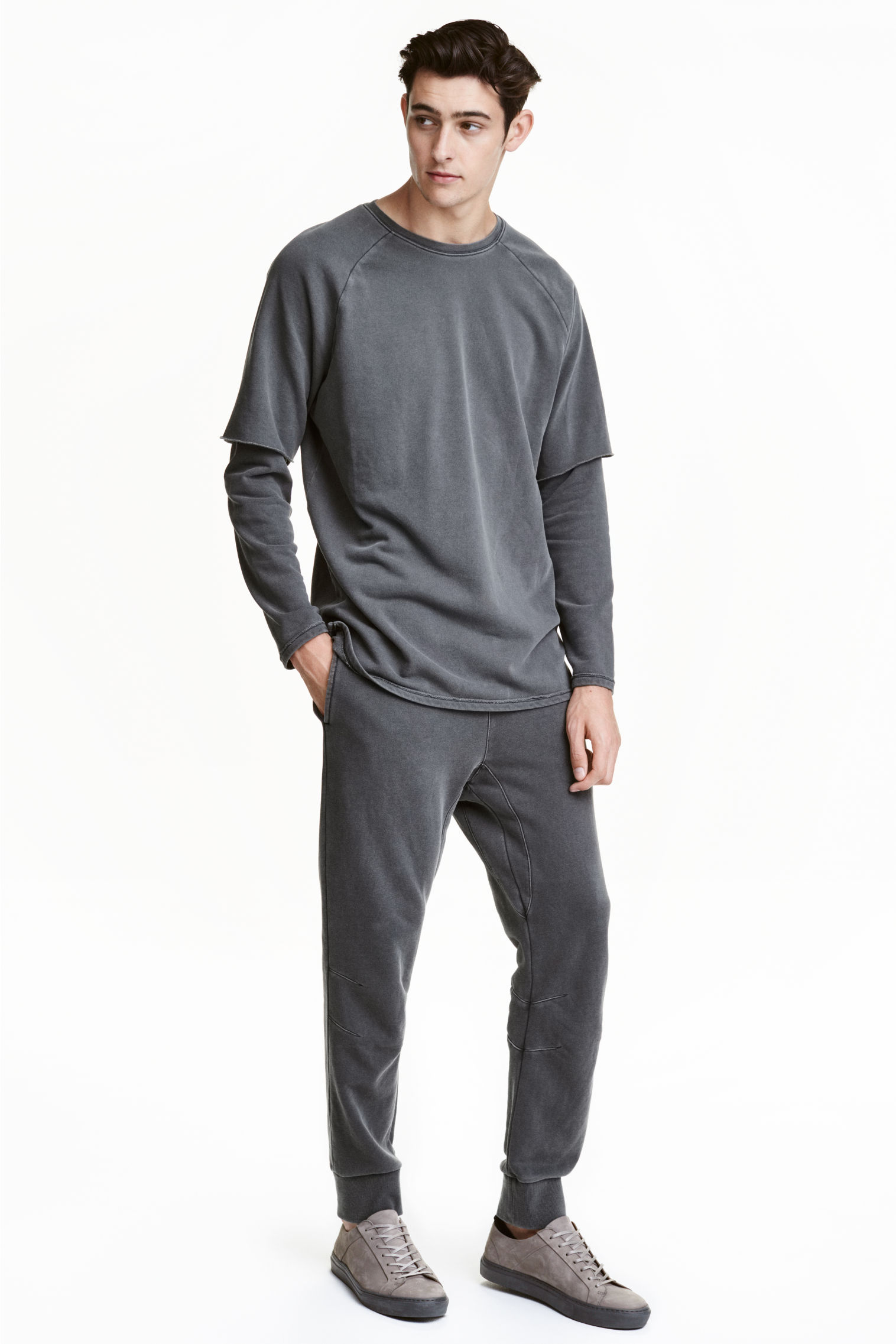
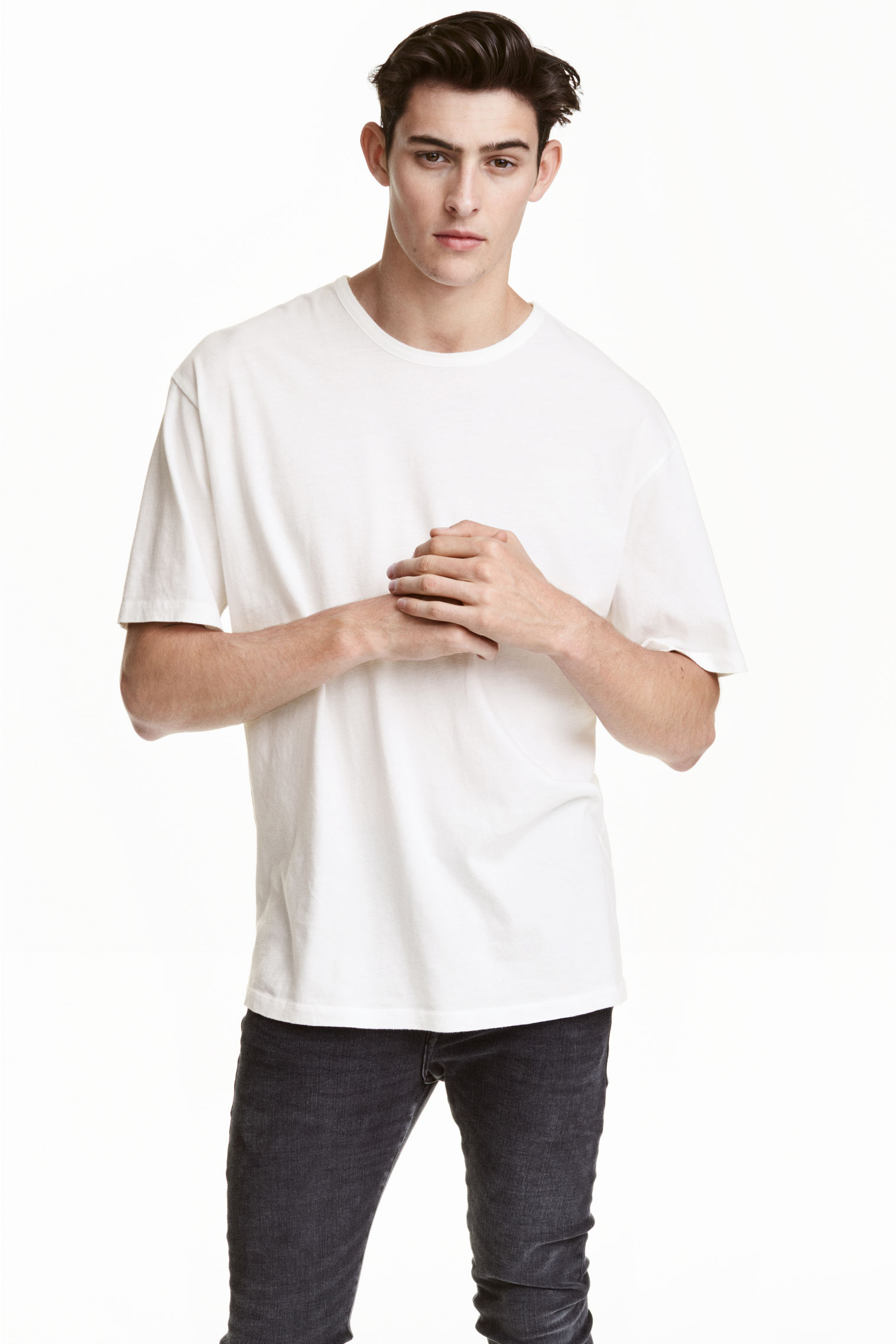
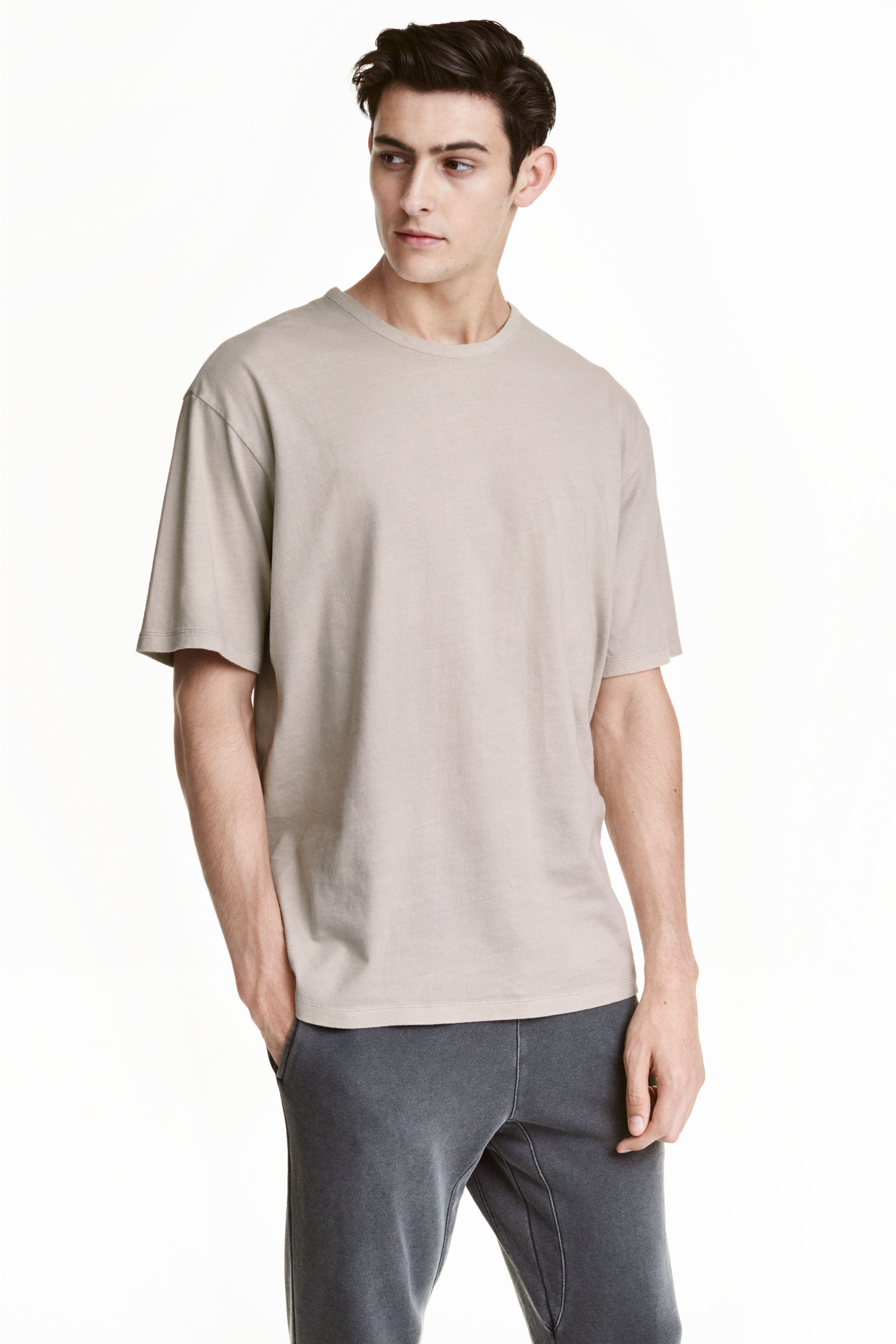
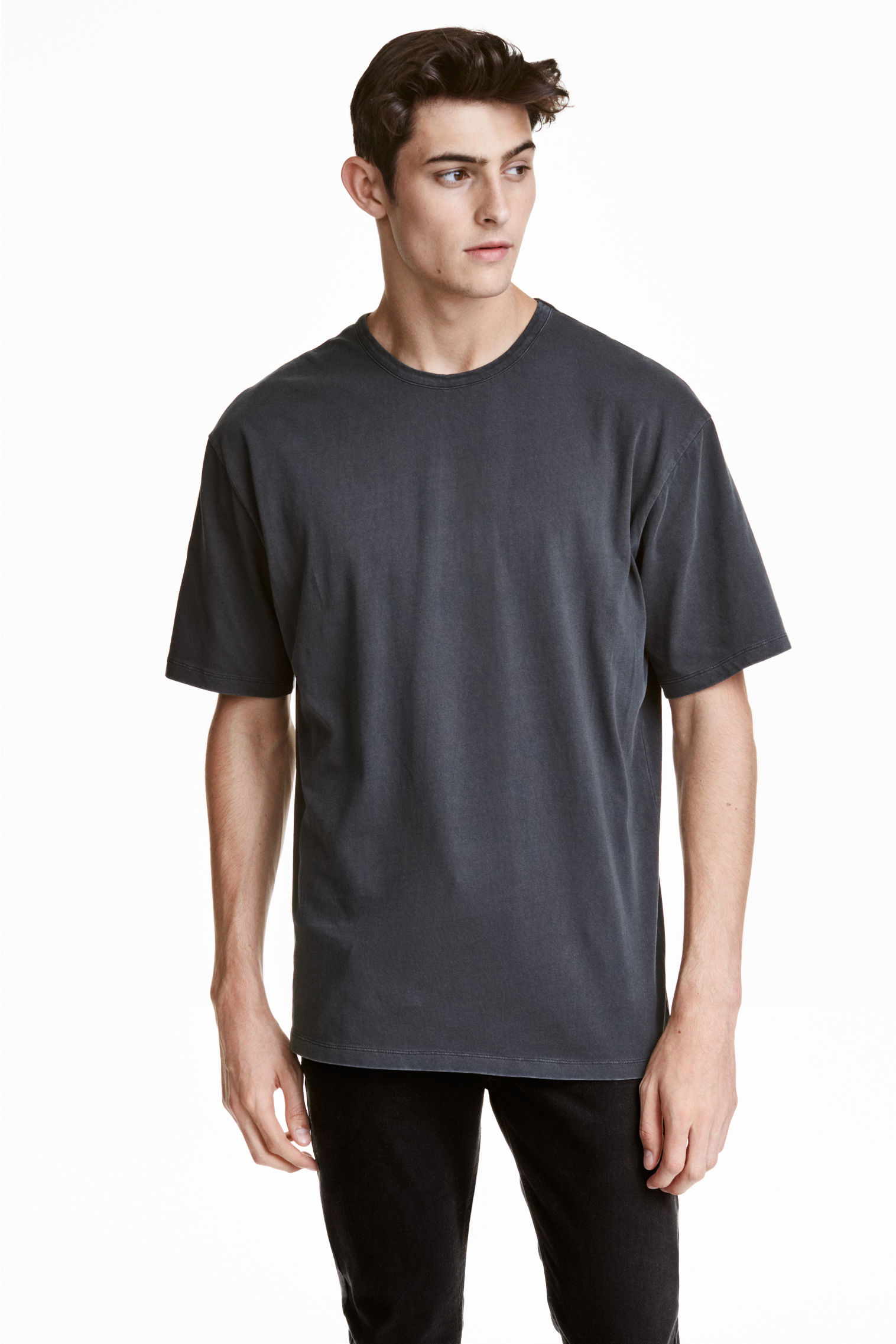
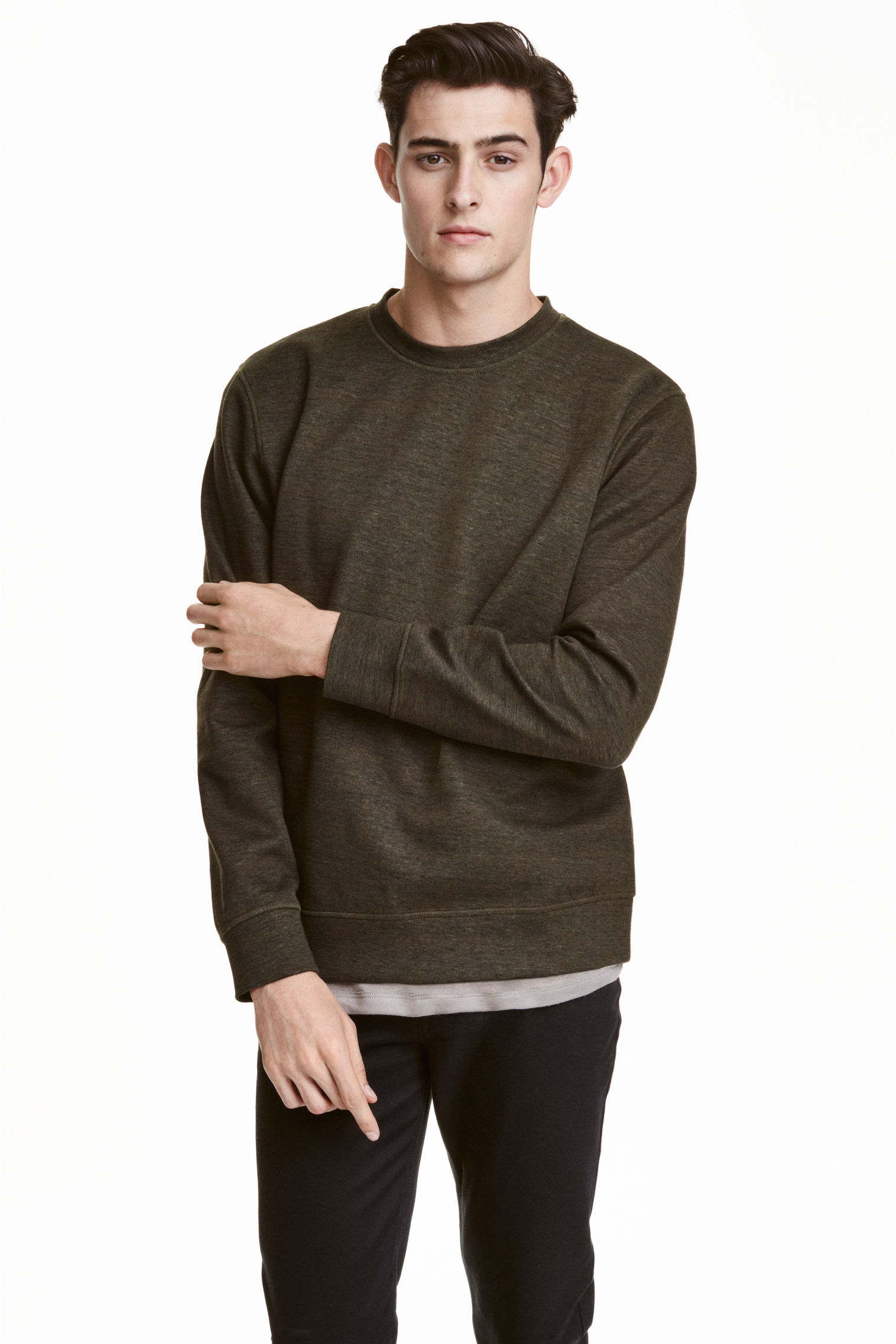
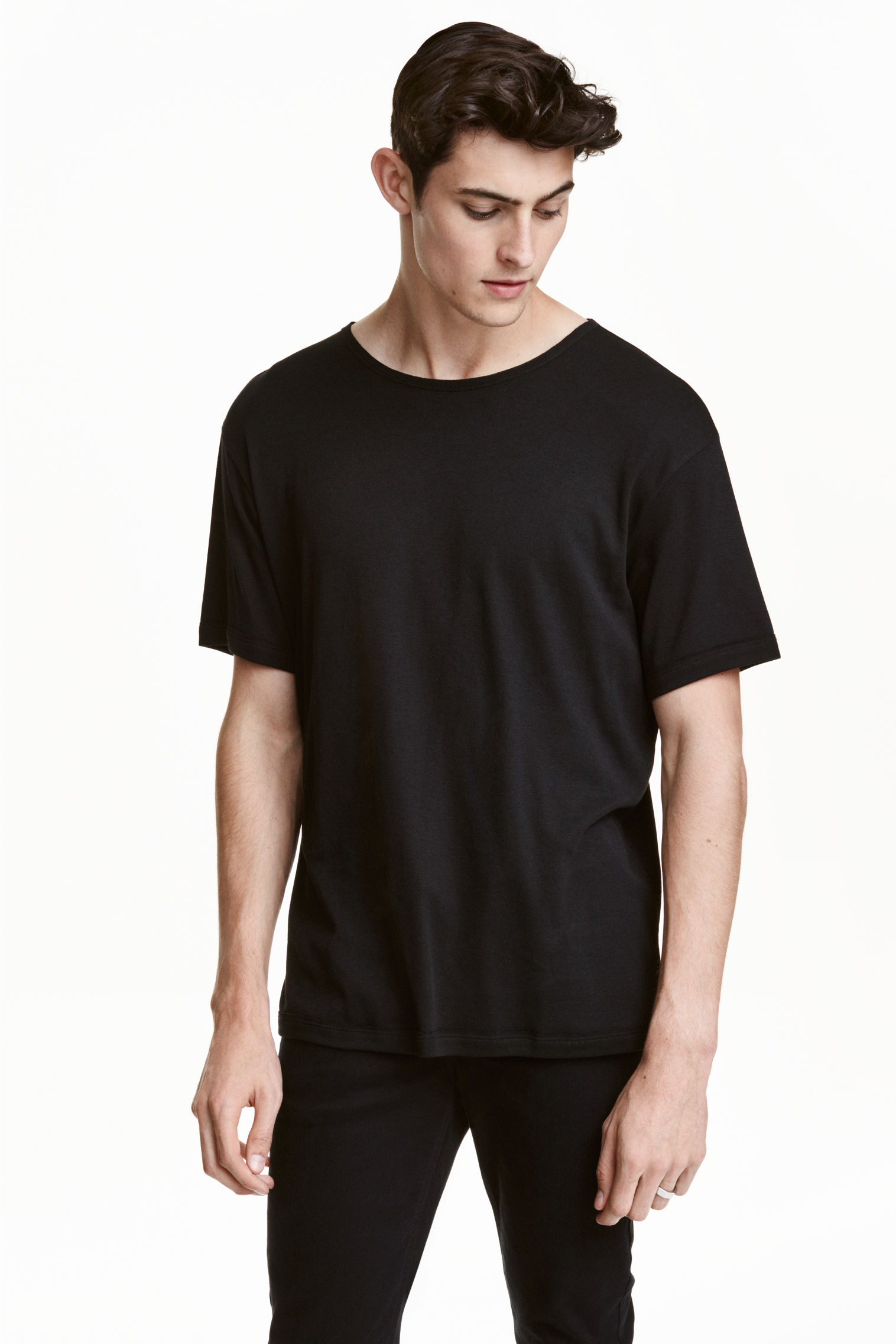
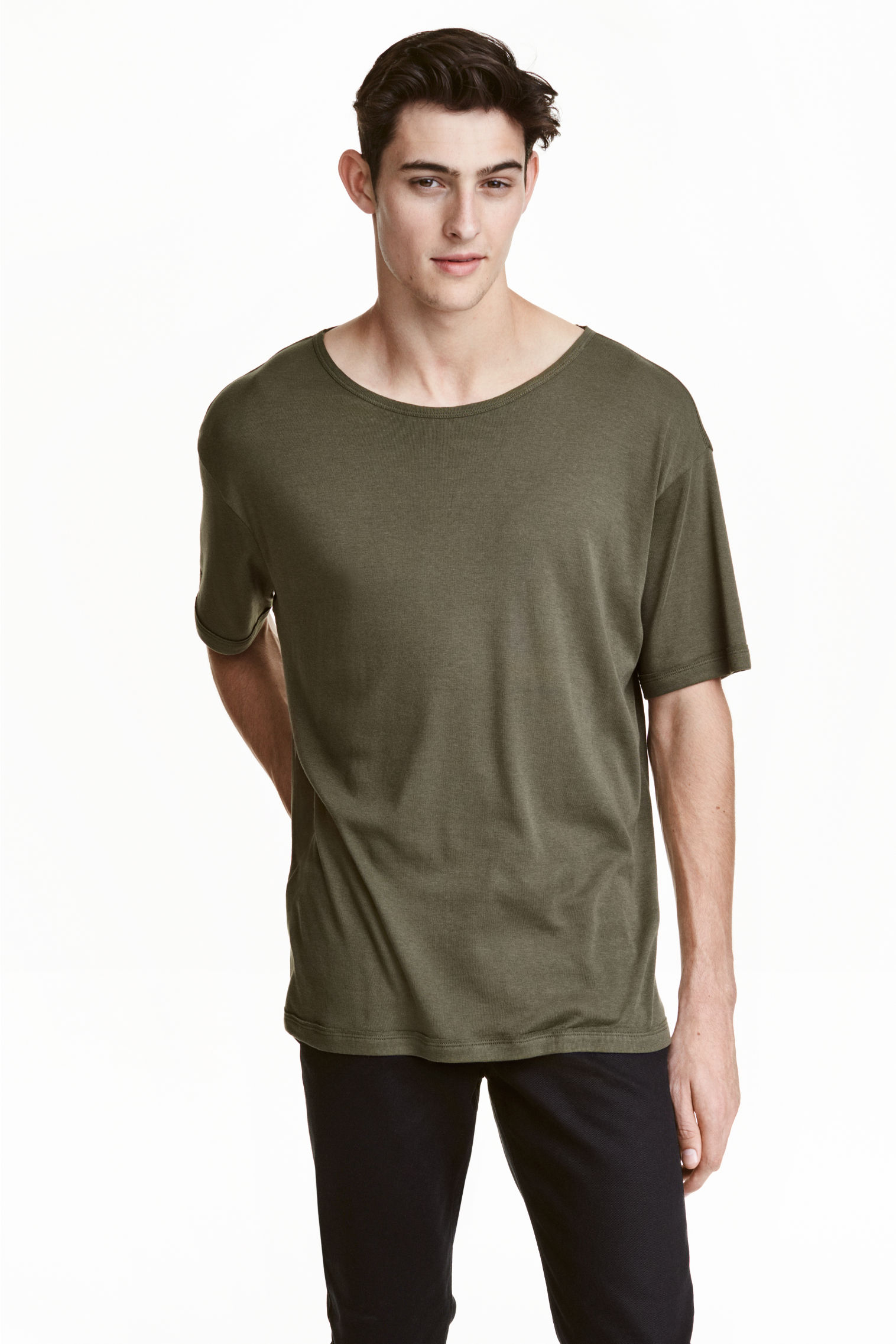
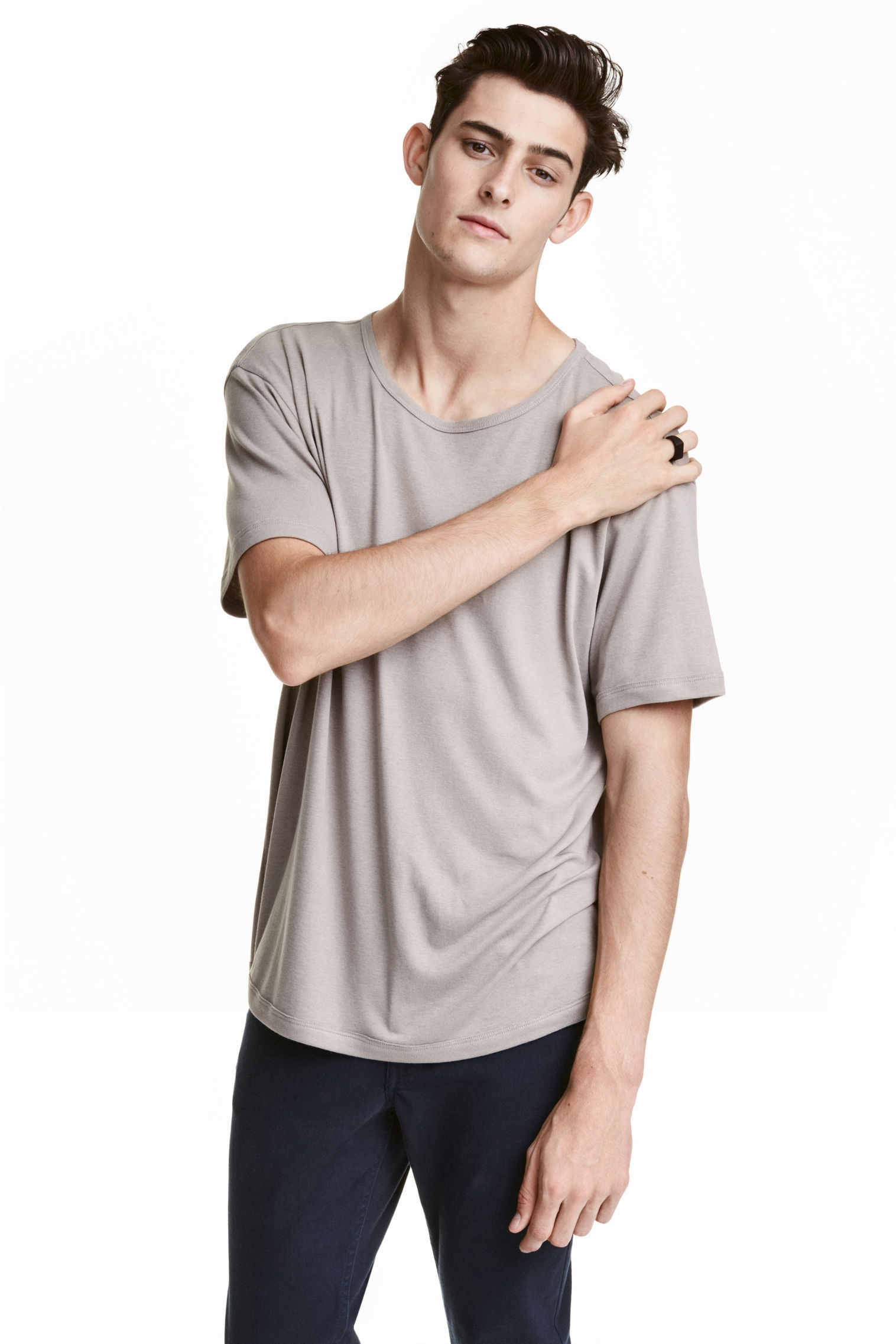
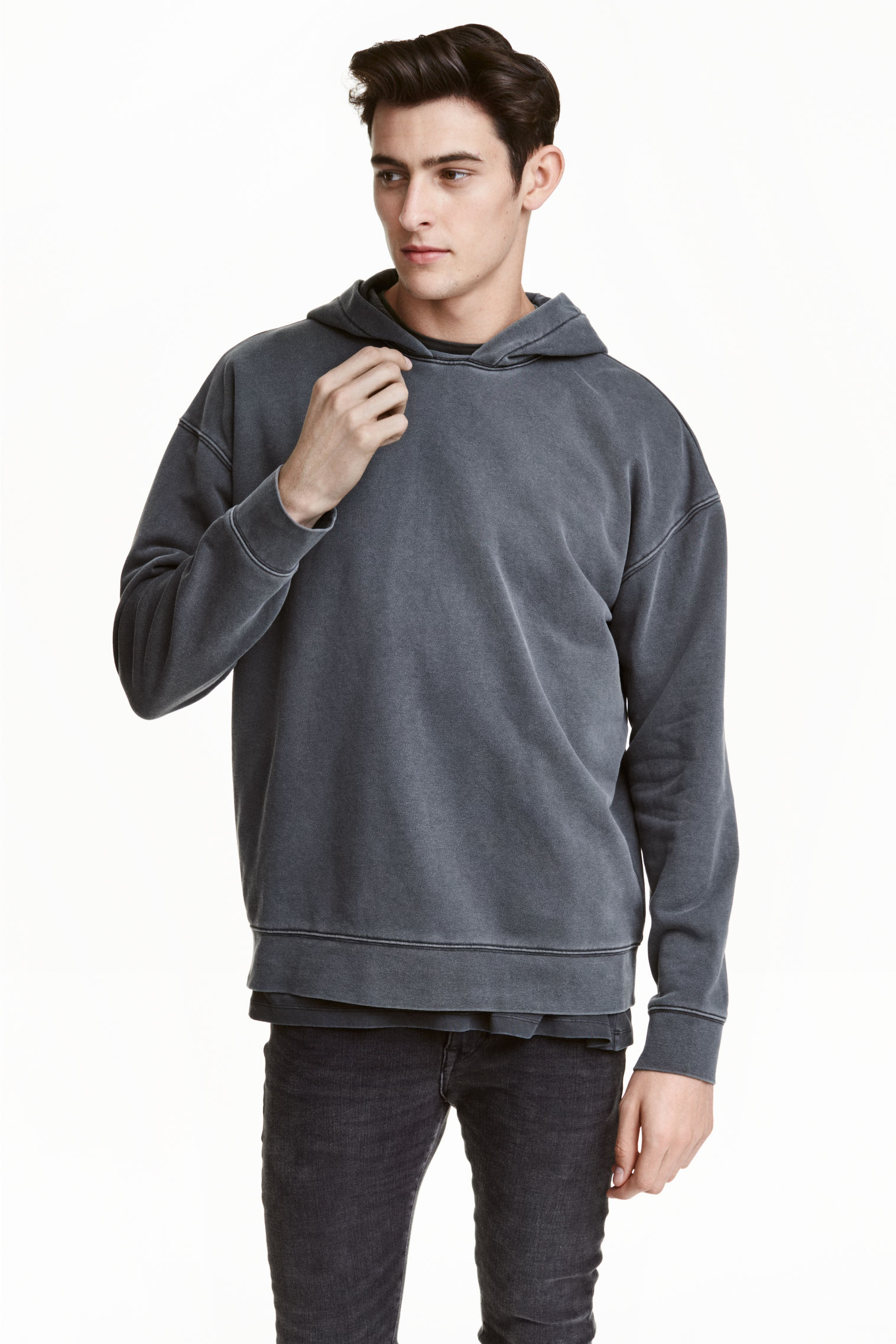
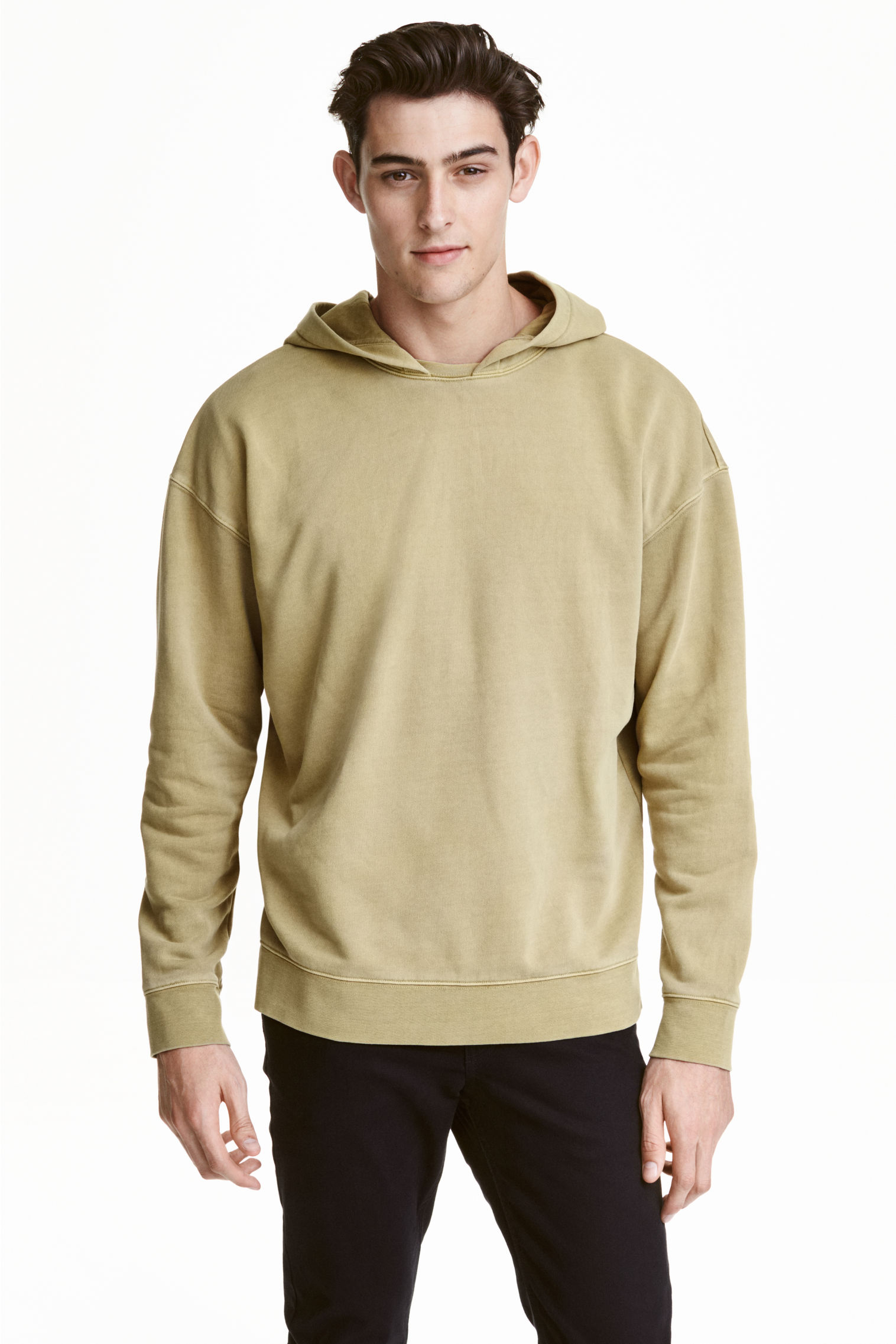
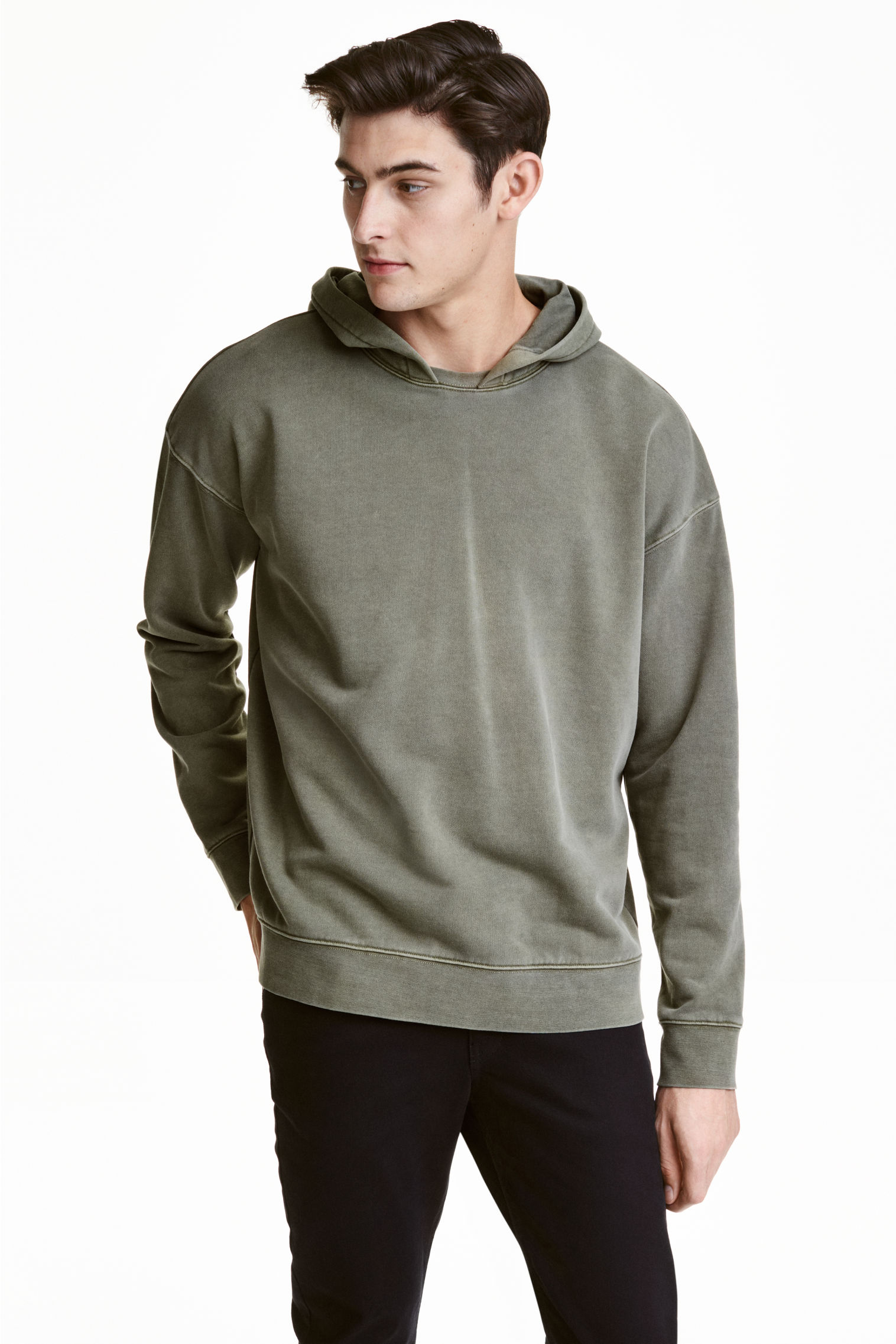
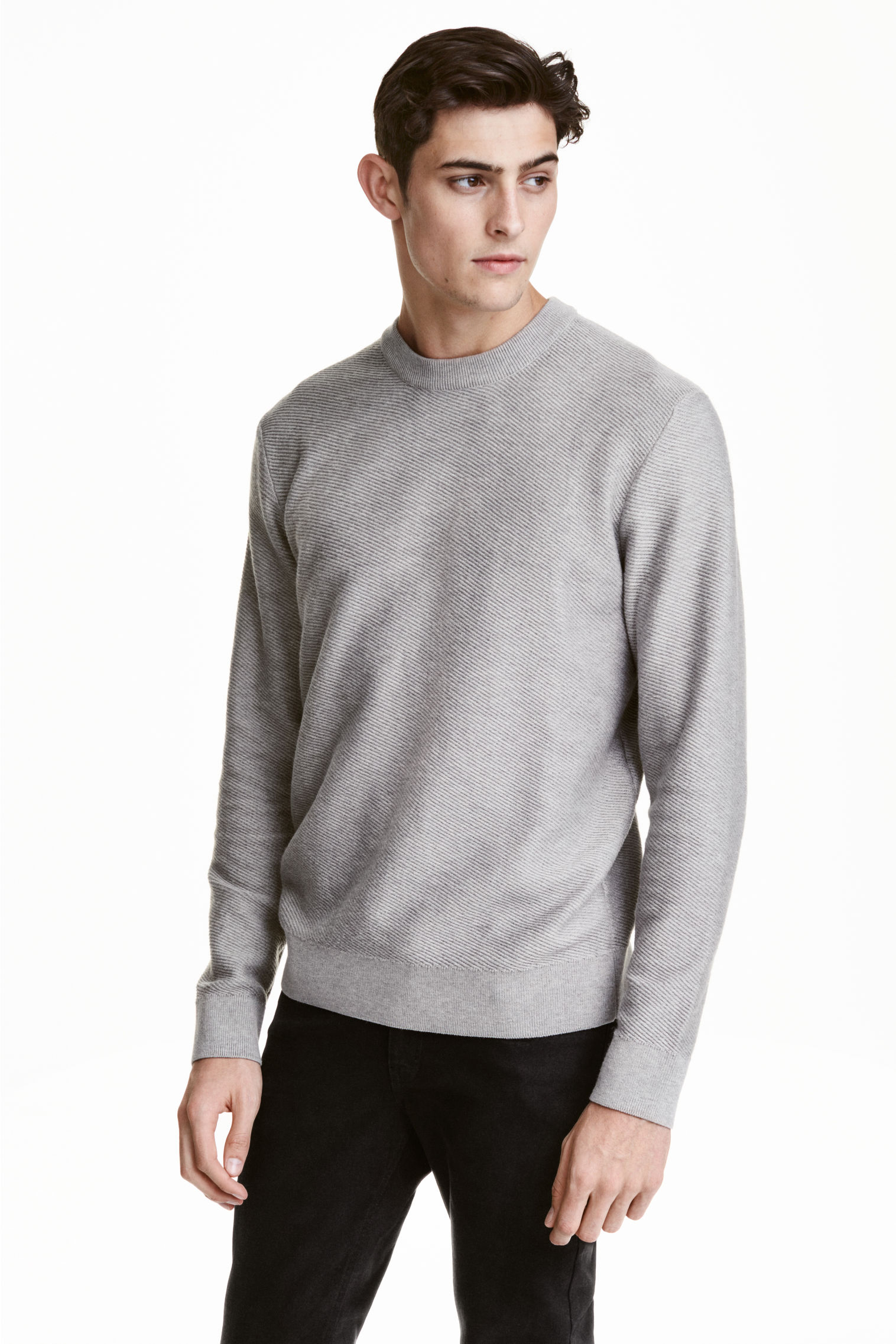
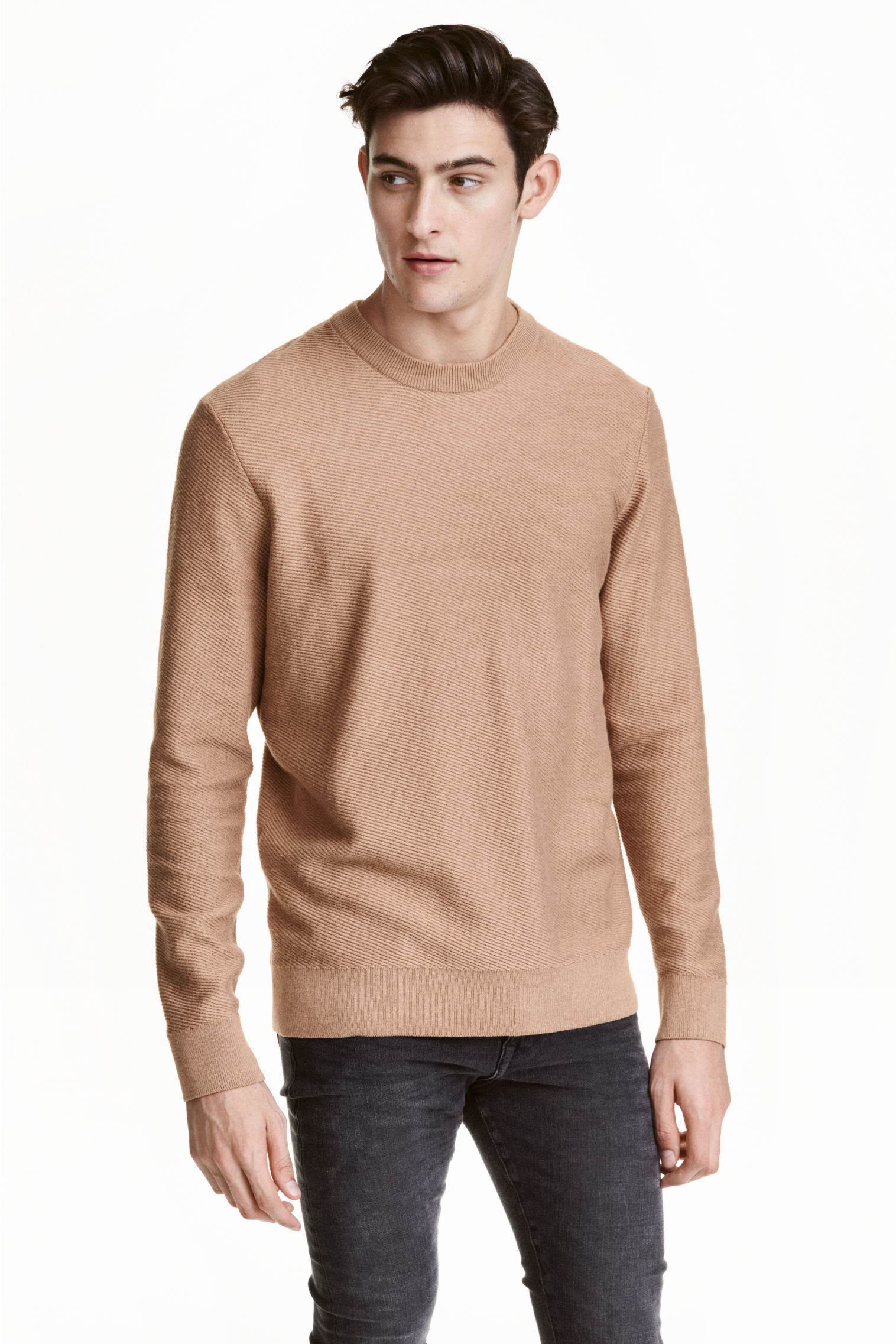
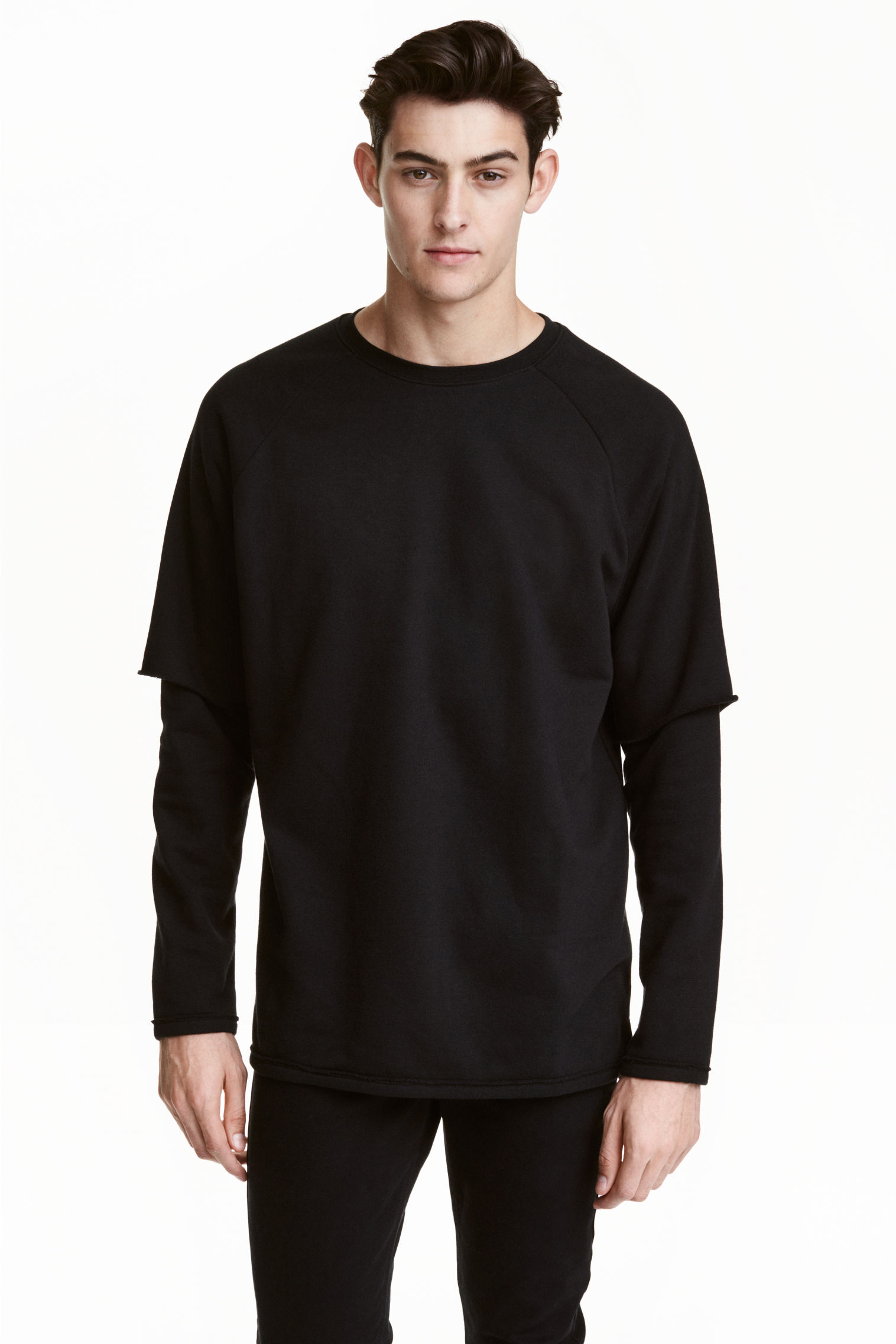
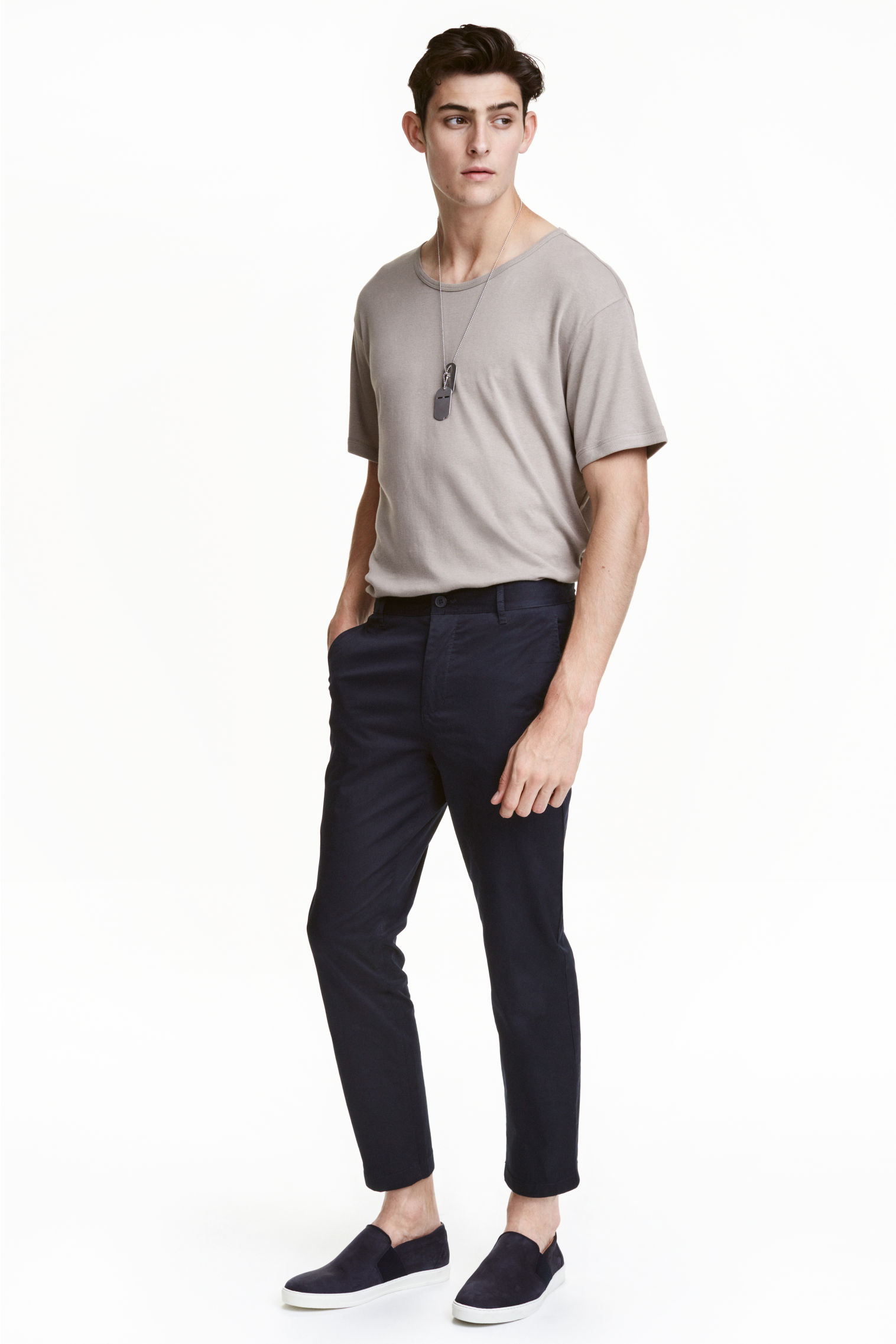
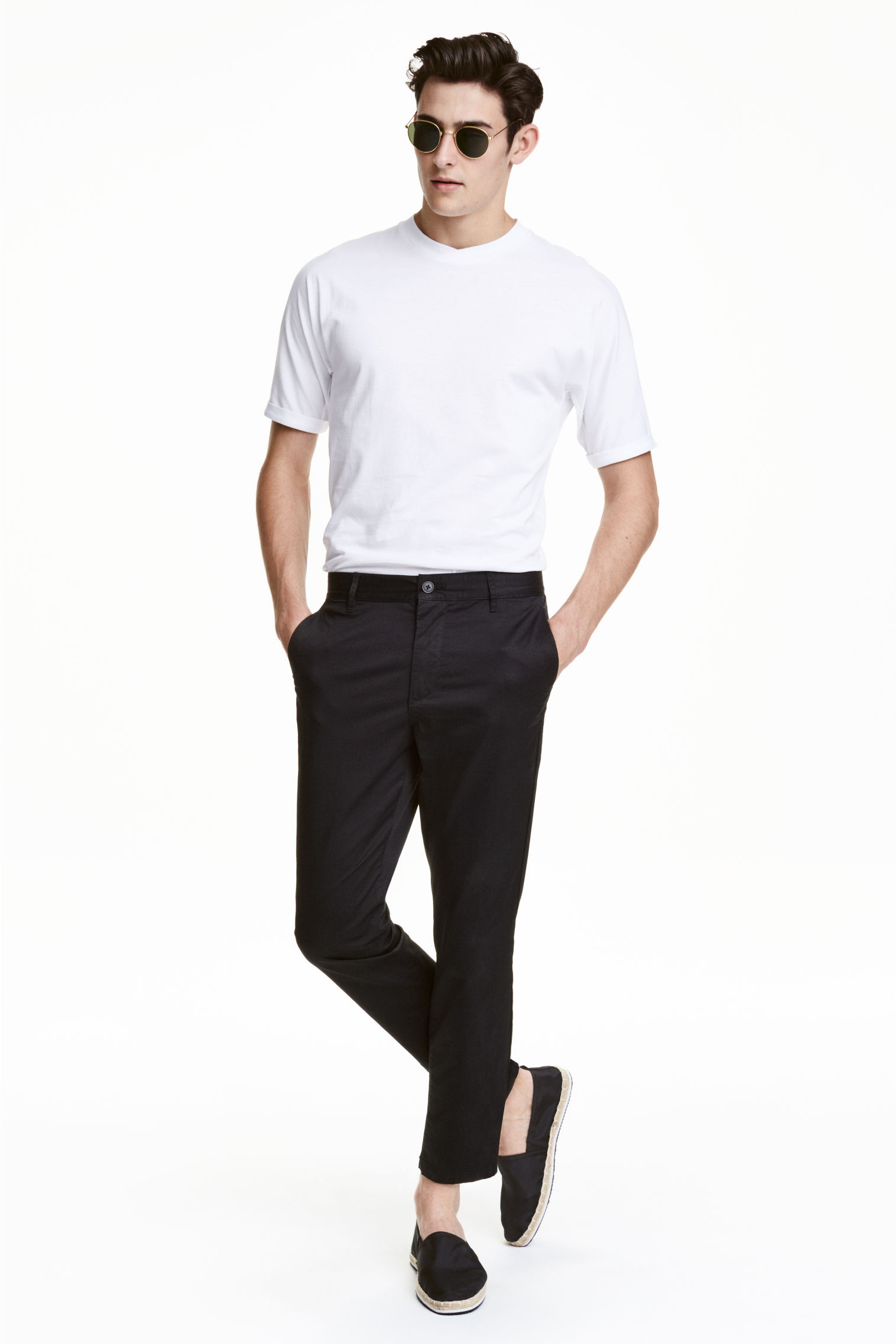
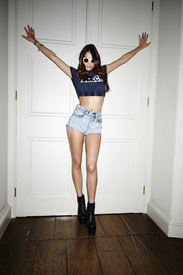 H&M 2016 H&M GB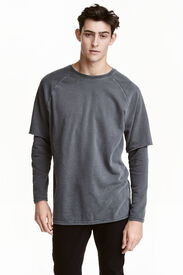
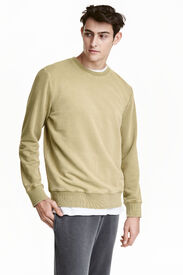
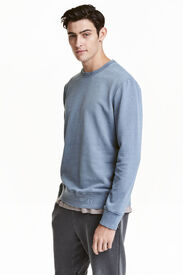
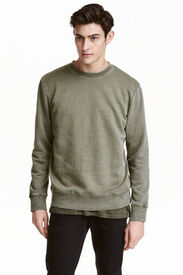
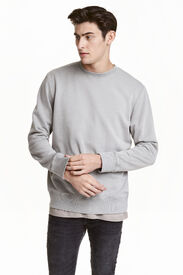
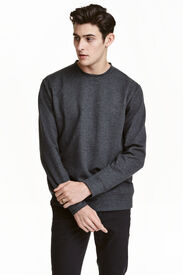
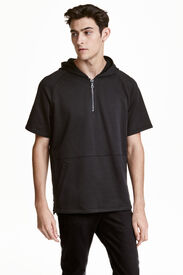
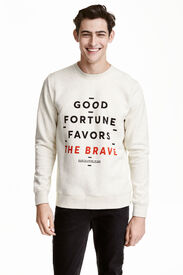
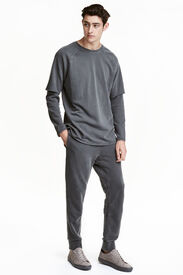
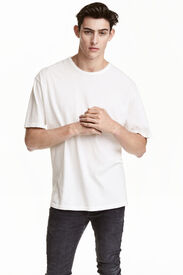
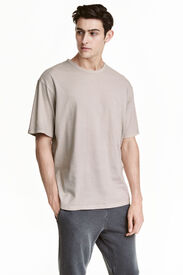
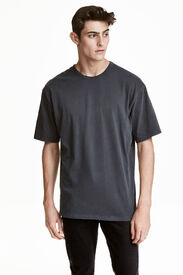
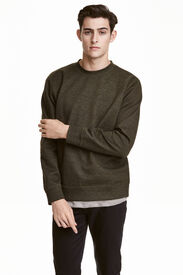
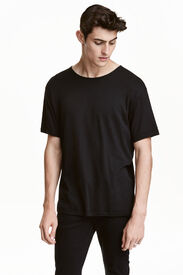
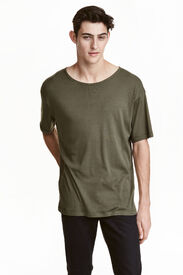
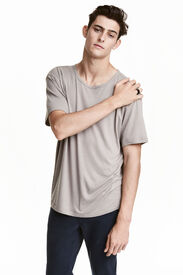
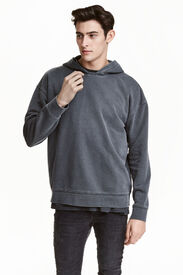
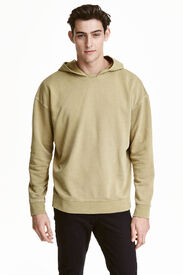
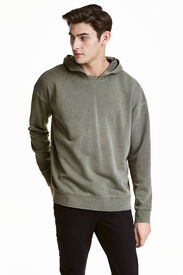
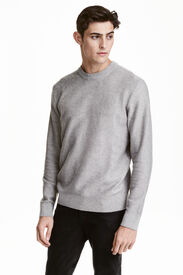
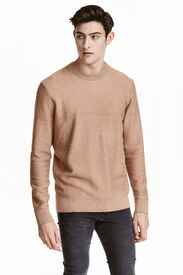

Account
Navigation
Search
Configure browser push notifications
Chrome (Android)
- Tap the lock icon next to the address bar.
- Tap Permissions → Notifications.
- Adjust your preference.
Chrome (Desktop)
- Click the padlock icon in the address bar.
- Select Site settings.
- Find Notifications and adjust your preference.
Safari (iOS 16.4+)
- Ensure the site is installed via Add to Home Screen.
- Open Settings App → Notifications.
- Find your app name and adjust your preference.
Safari (macOS)
- Go to Safari → Preferences.
- Click the Websites tab.
- Select Notifications in the sidebar.
- Find this website and adjust your preference.
Edge (Android)
- Tap the lock icon next to the address bar.
- Tap Permissions.
- Find Notifications and adjust your preference.
Edge (Desktop)
- Click the padlock icon in the address bar.
- Click Permissions for this site.
- Find Notifications and adjust your preference.
Firefox (Android)
- Go to Settings → Site permissions.
- Tap Notifications.
- Find this site in the list and adjust your preference.
Firefox (Desktop)
- Open Firefox Settings.
- Search for Notifications.
- Find this site in the list and adjust your preference.